InternetCeleb
Members
-
Joined
-
Last visited
Everything posted by InternetCeleb
-
 From her and Kylie's "Drop Two" clothing line.
 -
Cannes Film Festival - May 21, 2017
-
Topless in the 2017 TV series GLOW NUDITY:

-
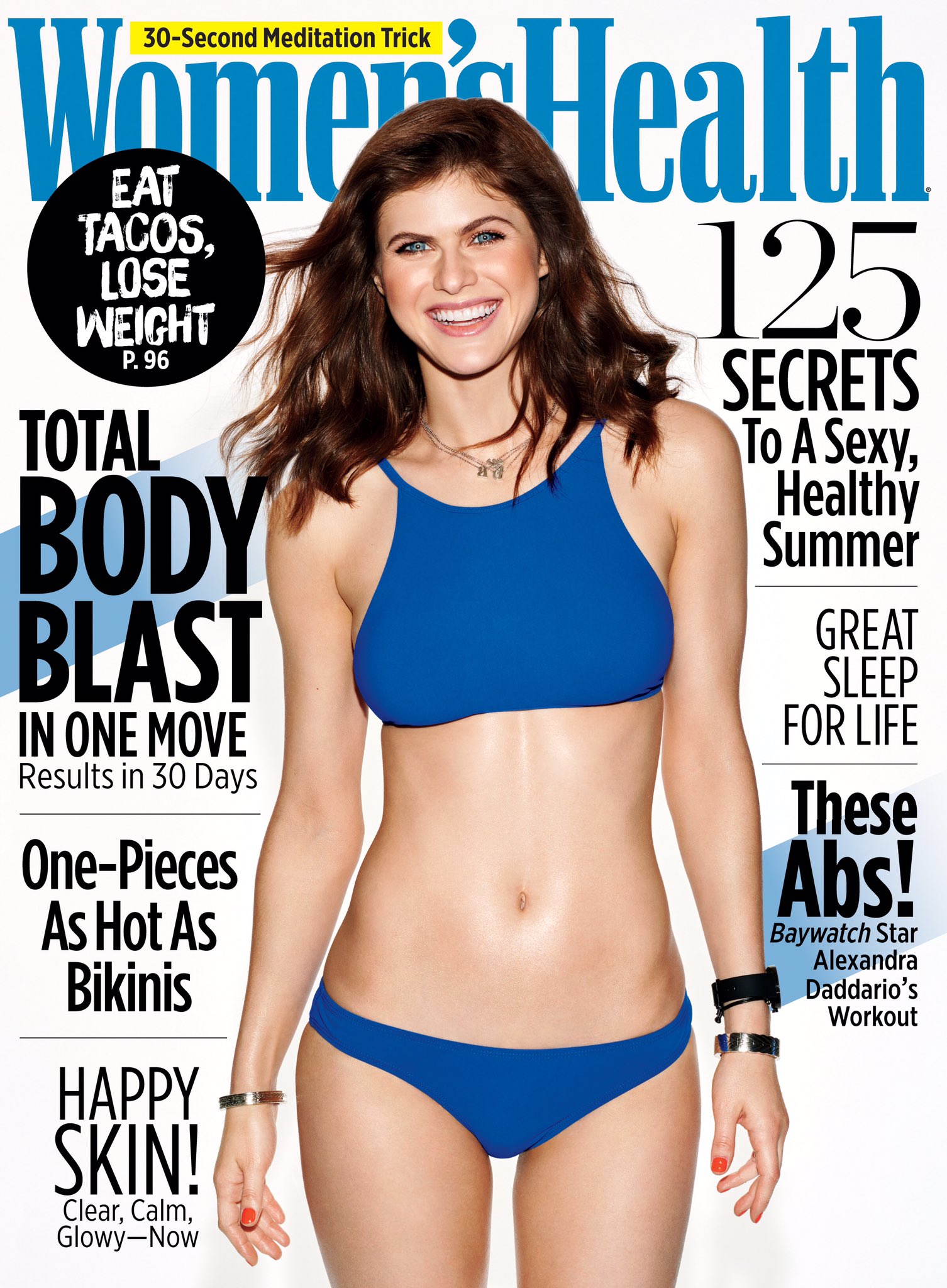
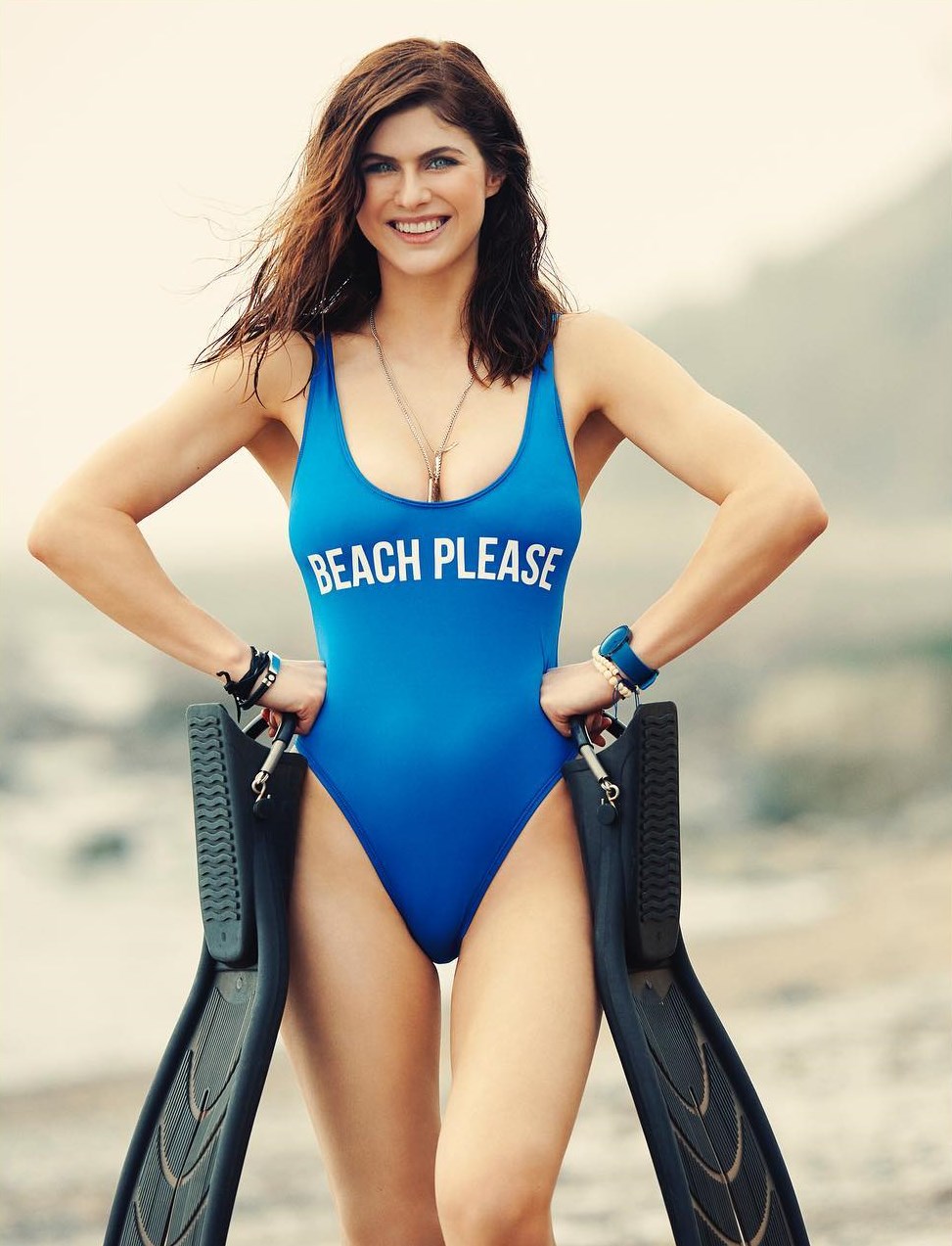
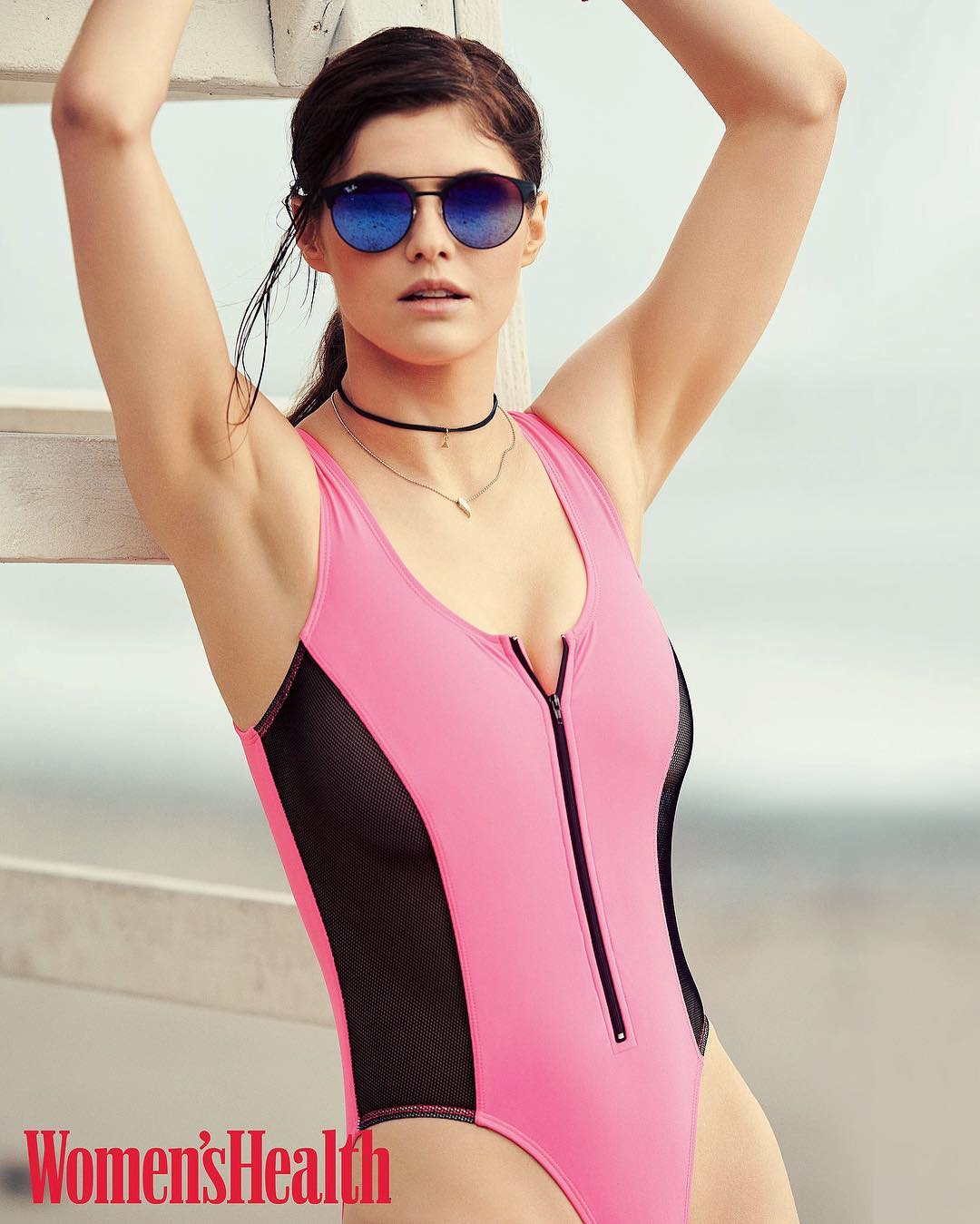
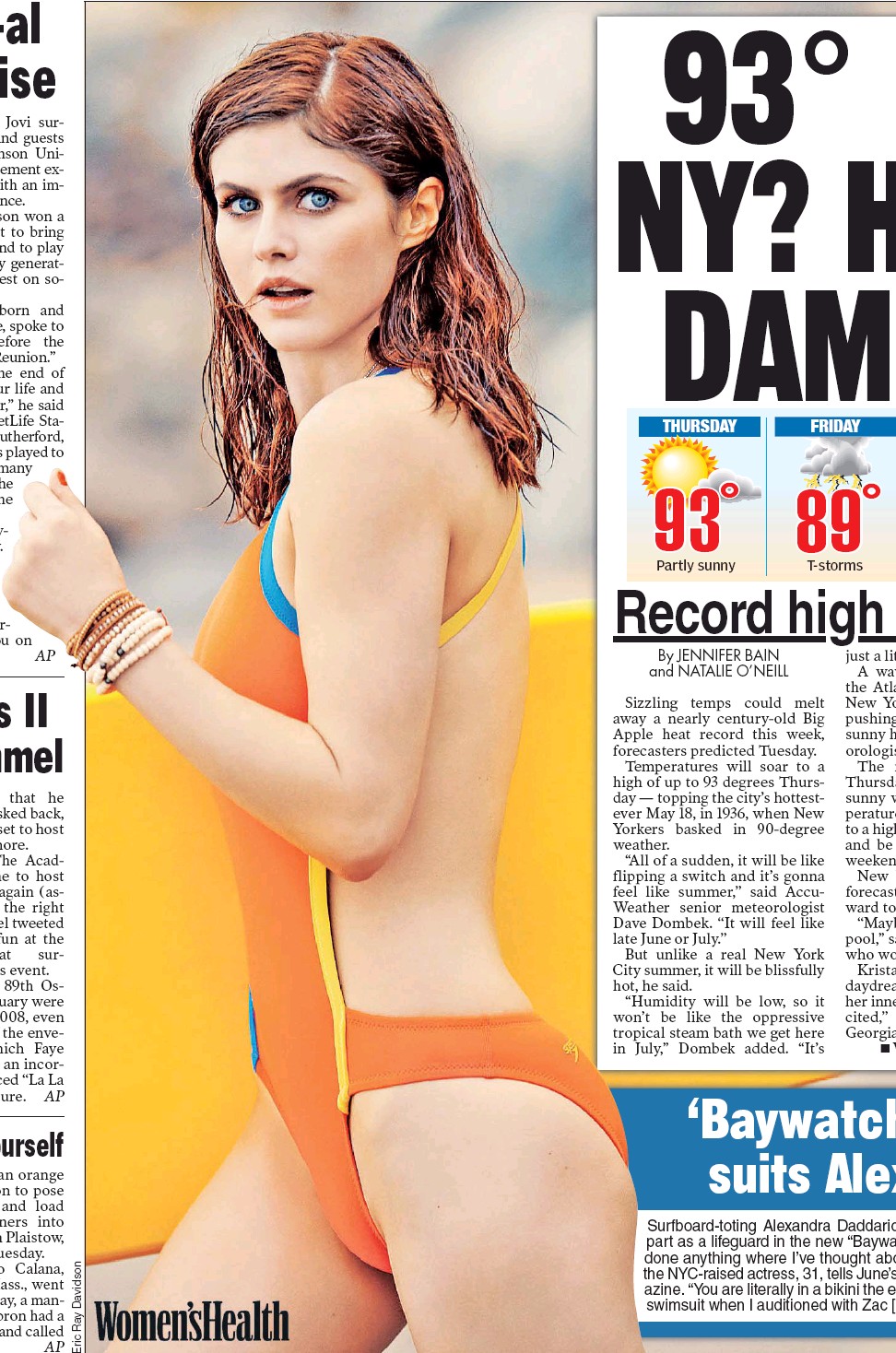
Women's Health magazine - June 2017(Mixed Quality)
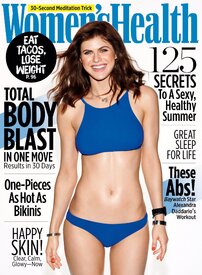
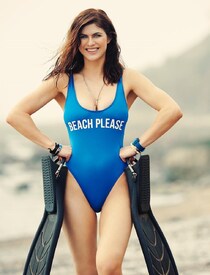
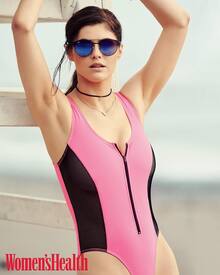
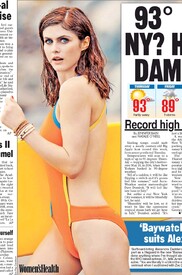 Mother's Day:
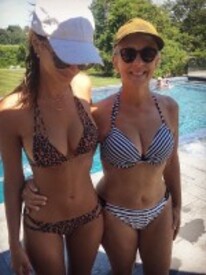 V Fully animated .gif V
Miami - May 12, 2017
Getting ready for Jimmy Kimmel Live - May 10, 2017 Arrival for taping:
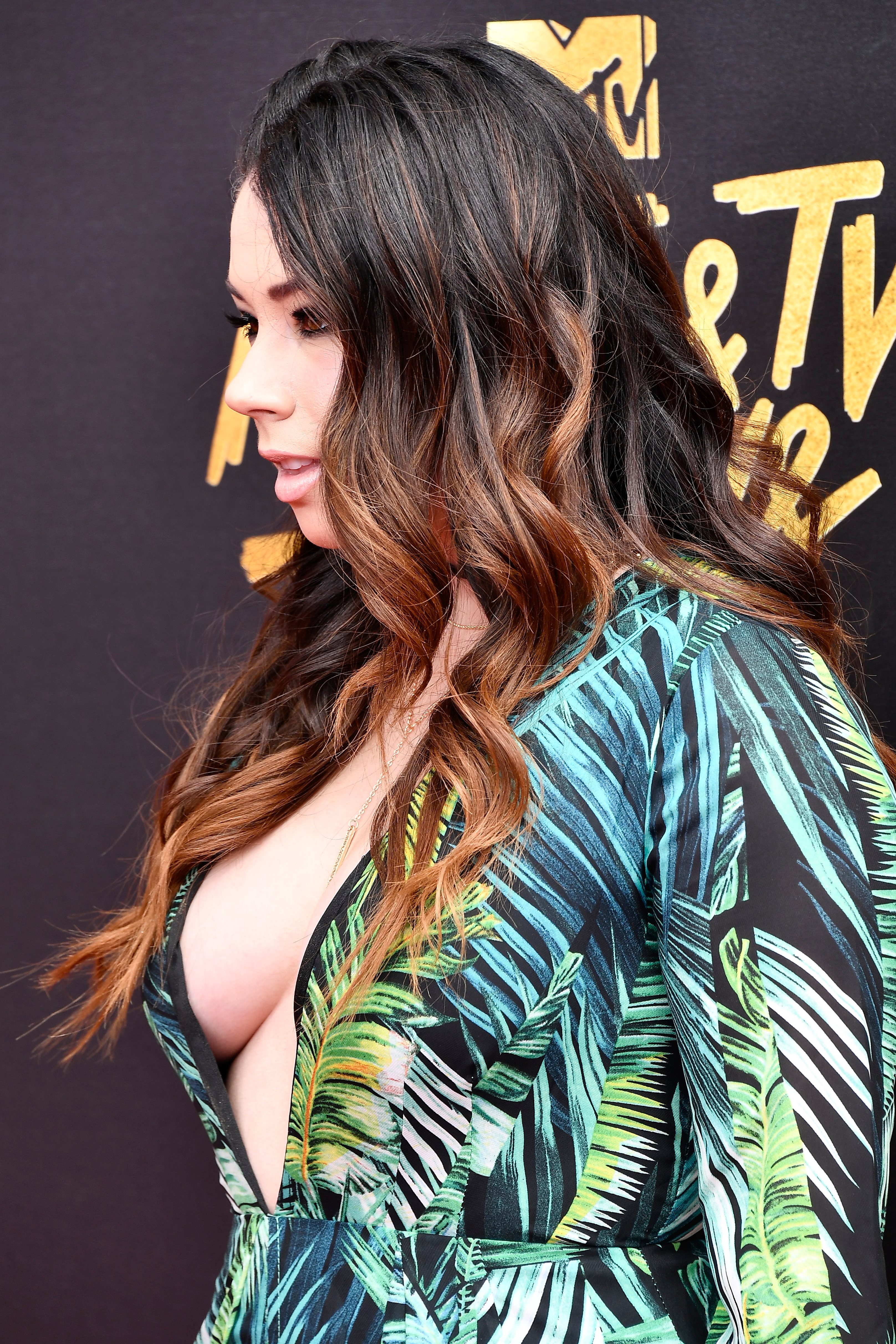
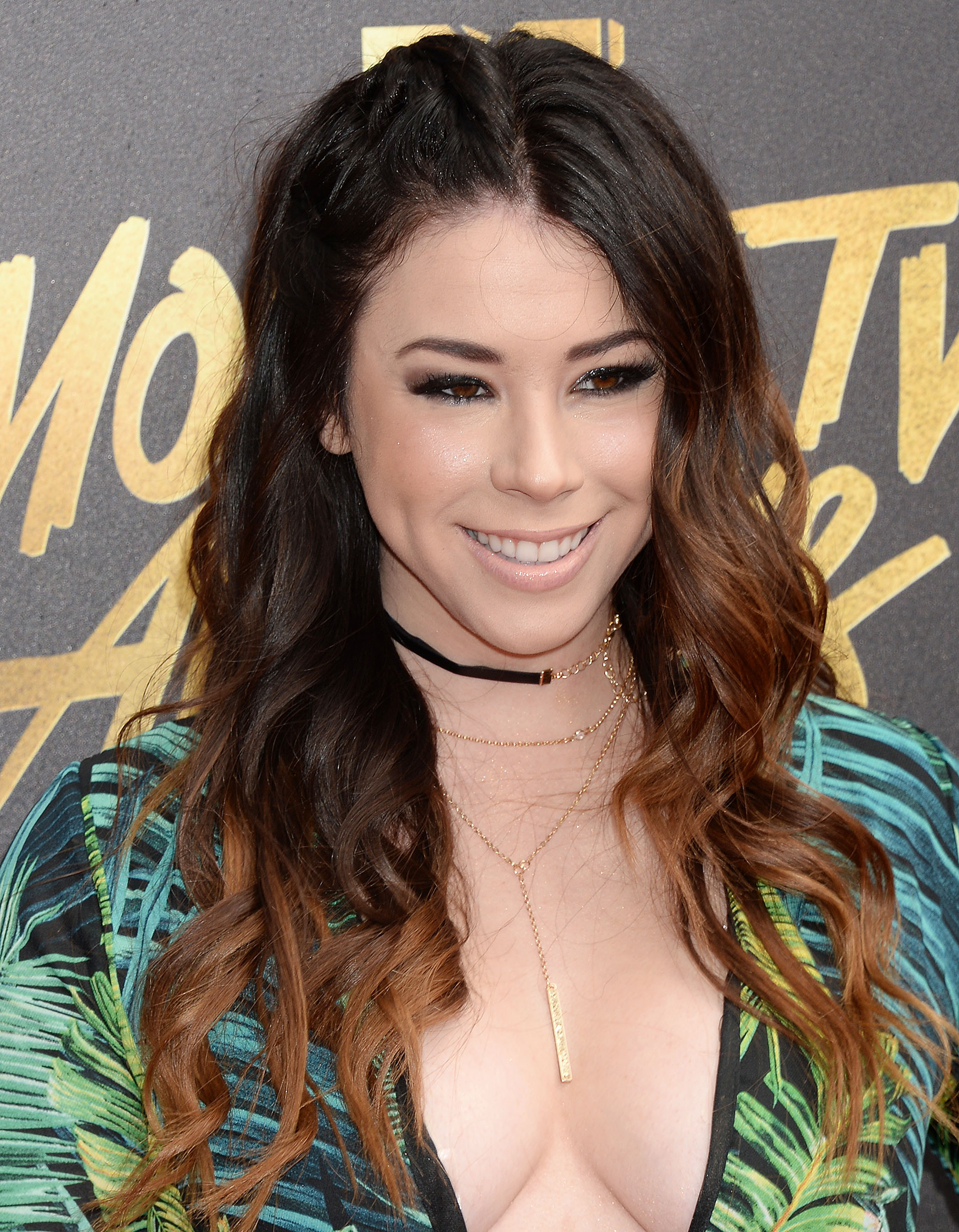
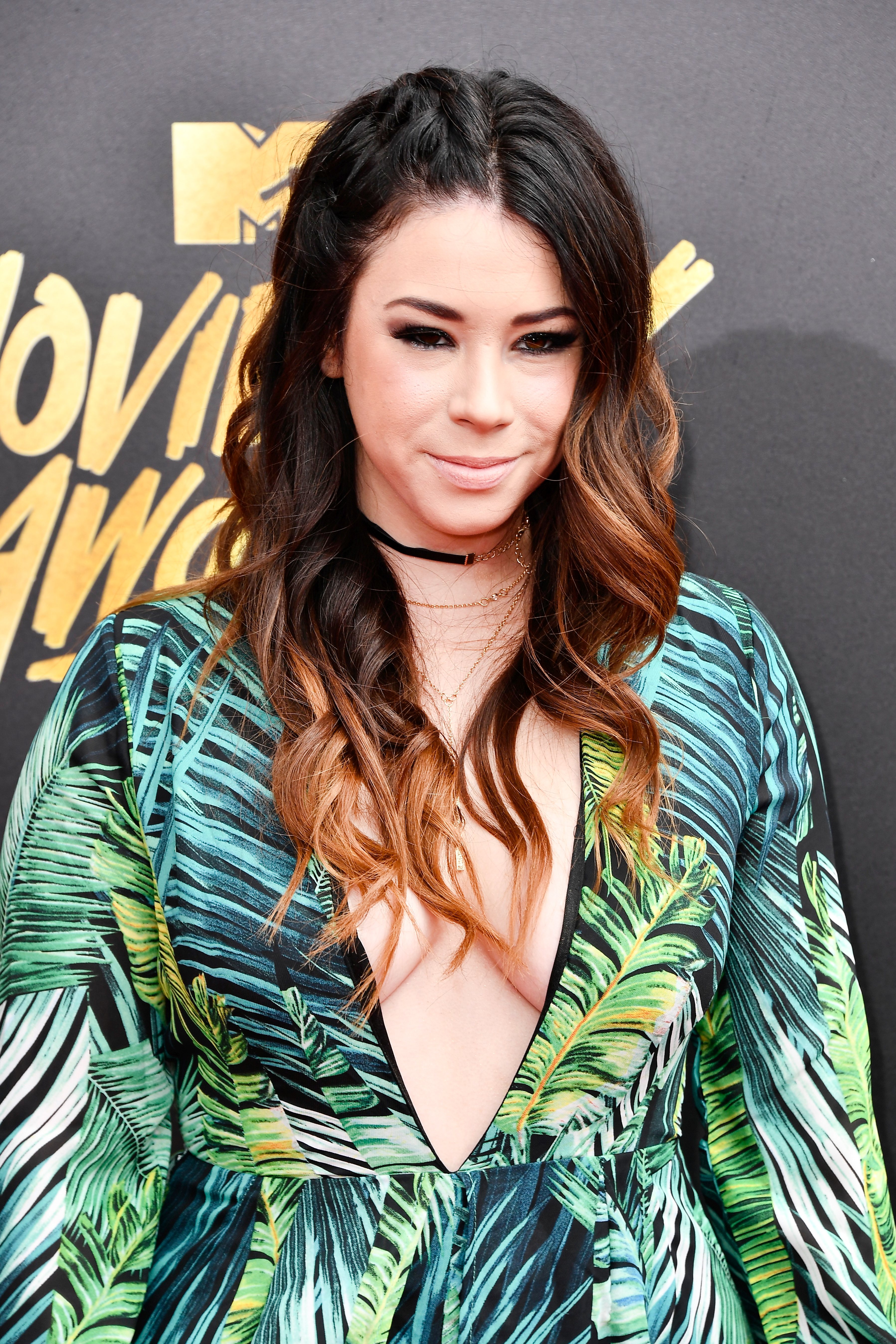
2017 MTV Movie & TV Awards
V Fully animated .gif V
Miami - May 12, 2017
Getting ready for Jimmy Kimmel Live - May 10, 2017 Arrival for taping:
2017 MTV Movie & TV Awards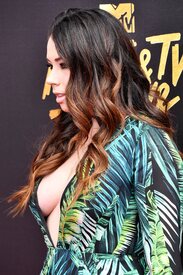
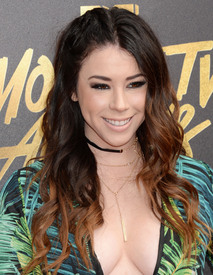
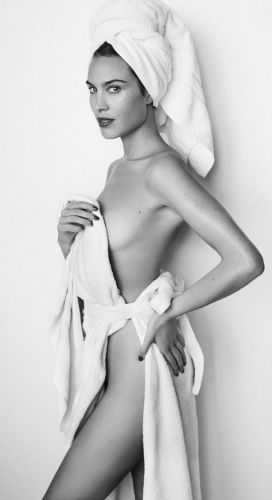
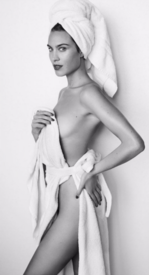
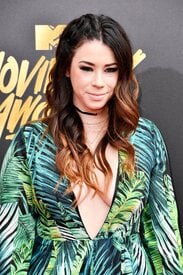 Mario Testino's towel series
 Miami - May 1, 2017
V Magazine - May 2017 NUDITY:
Miami - May 1, 2017
V Magazine - May 2017 NUDITY:
Account
Navigation
Search
Configure browser push notifications
Chrome (Android)
- Tap the lock icon next to the address bar.
- Tap Permissions → Notifications.
- Adjust your preference.
Chrome (Desktop)
- Click the padlock icon in the address bar.
- Select Site settings.
- Find Notifications and adjust your preference.
Safari (iOS 16.4+)
- Ensure the site is installed via Add to Home Screen.
- Open Settings App → Notifications.
- Find your app name and adjust your preference.
Safari (macOS)
- Go to Safari → Preferences.
- Click the Websites tab.
- Select Notifications in the sidebar.
- Find this website and adjust your preference.
Edge (Android)
- Tap the lock icon next to the address bar.
- Tap Permissions.
- Find Notifications and adjust your preference.
Edge (Desktop)
- Click the padlock icon in the address bar.
- Click Permissions for this site.
- Find Notifications and adjust your preference.
Firefox (Android)
- Go to Settings → Site permissions.
- Tap Notifications.
- Find this site in the list and adjust your preference.
Firefox (Desktop)
- Open Firefox Settings.
- Search for Notifications.
- Find this site in the list and adjust your preference.