InternetCeleb
Members
-
Joined
-
Last visited
Everything posted by InternetCeleb
-

-
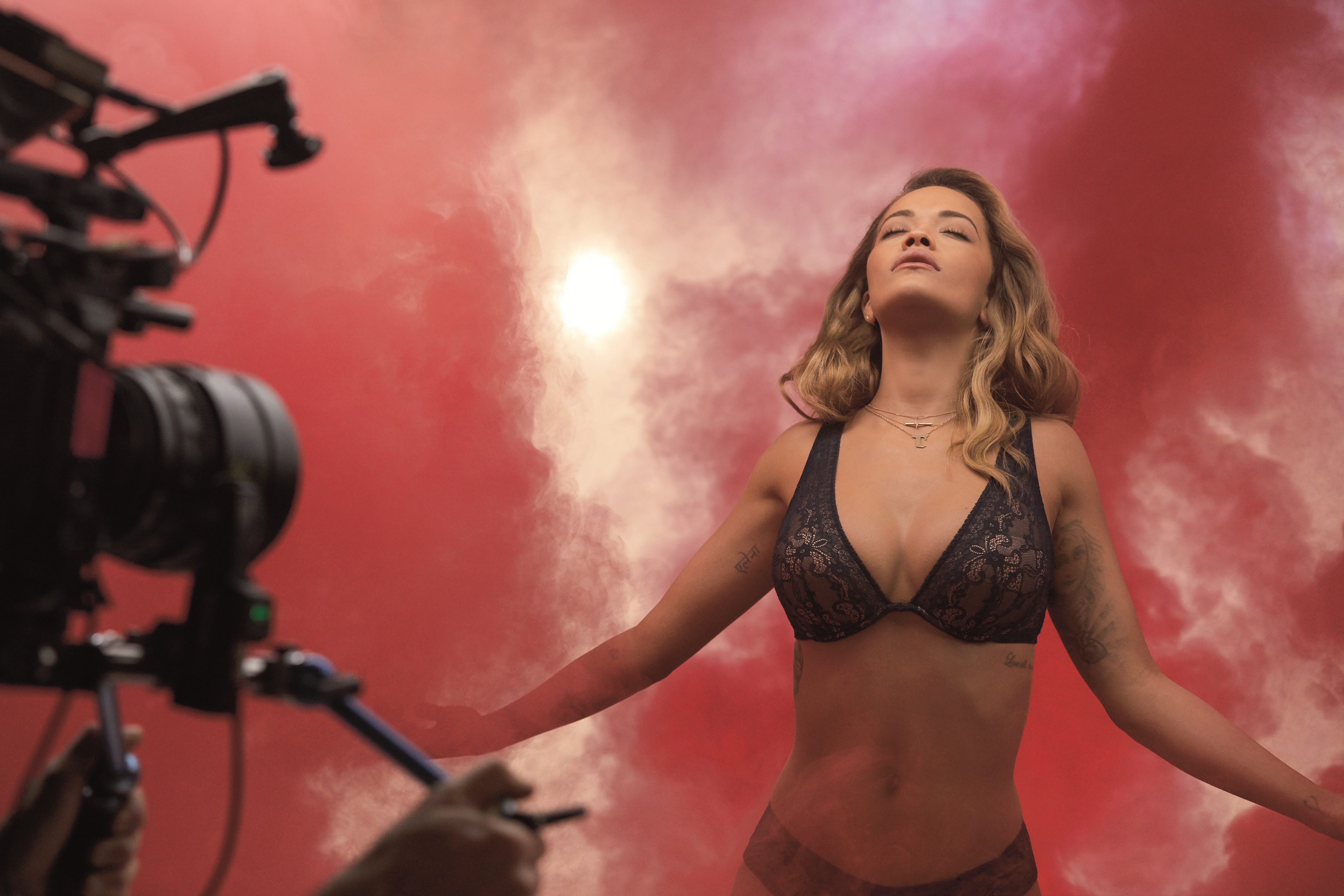
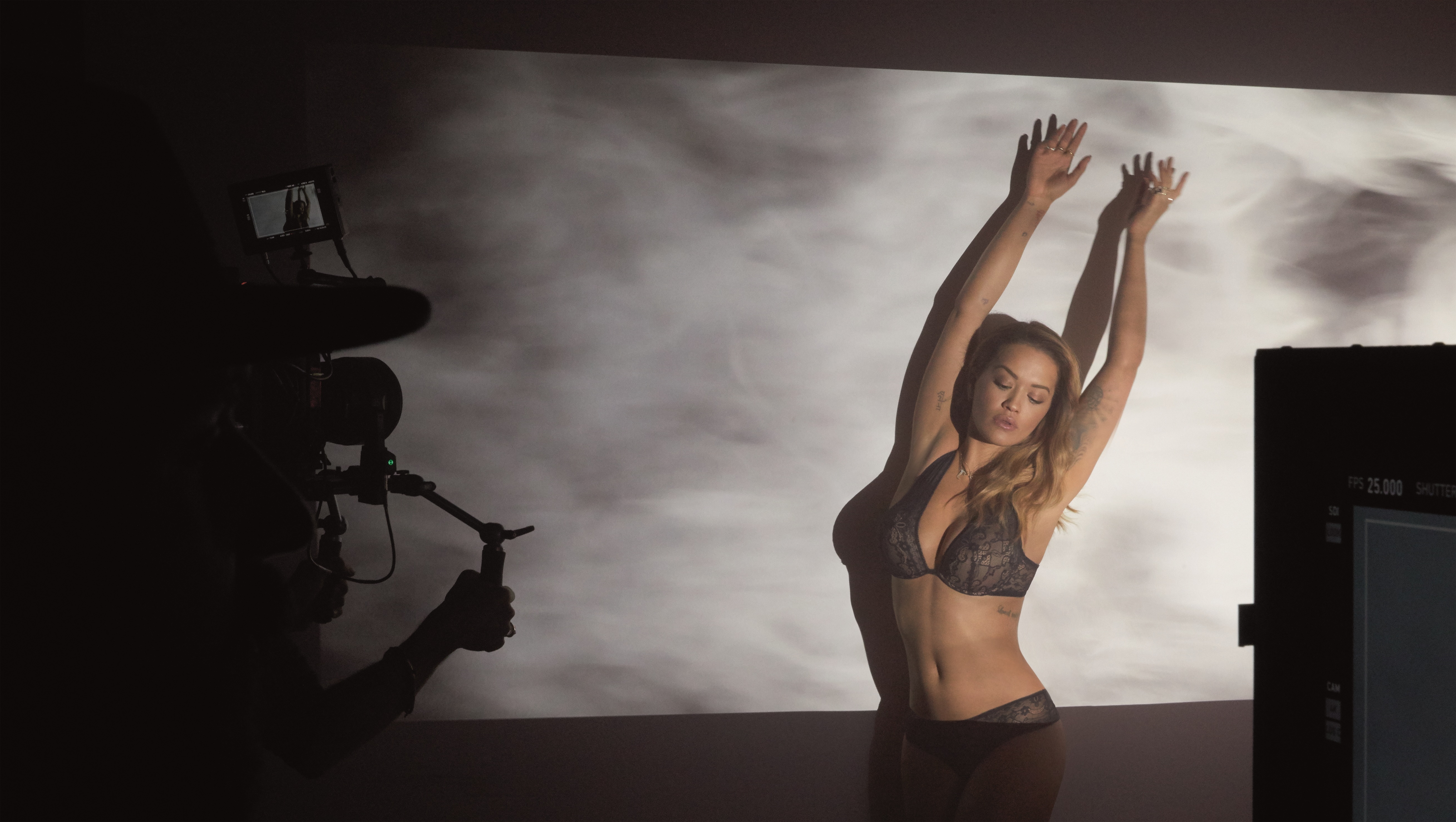
On set of 138 Water photoshoot - March 1, 2017
-
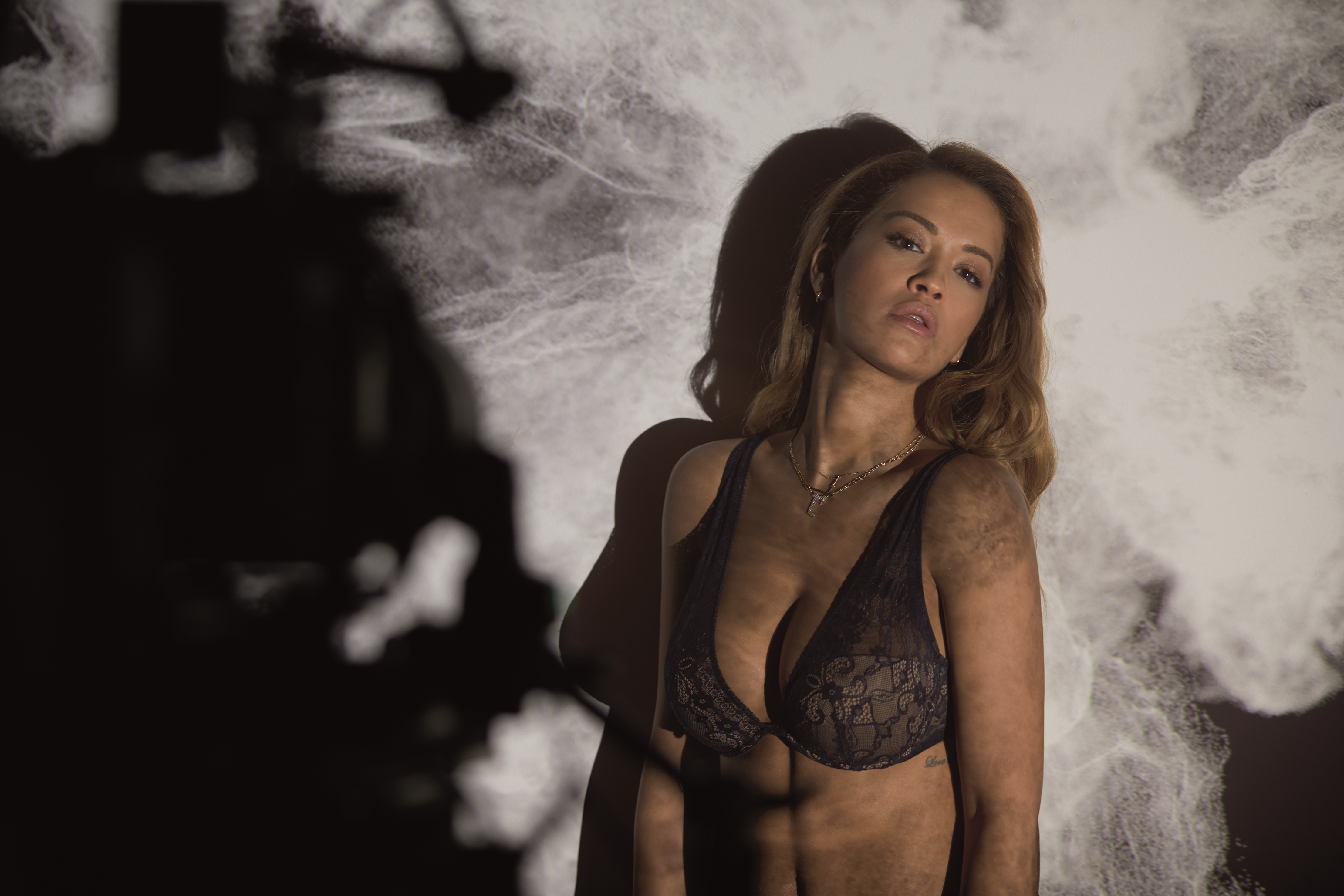
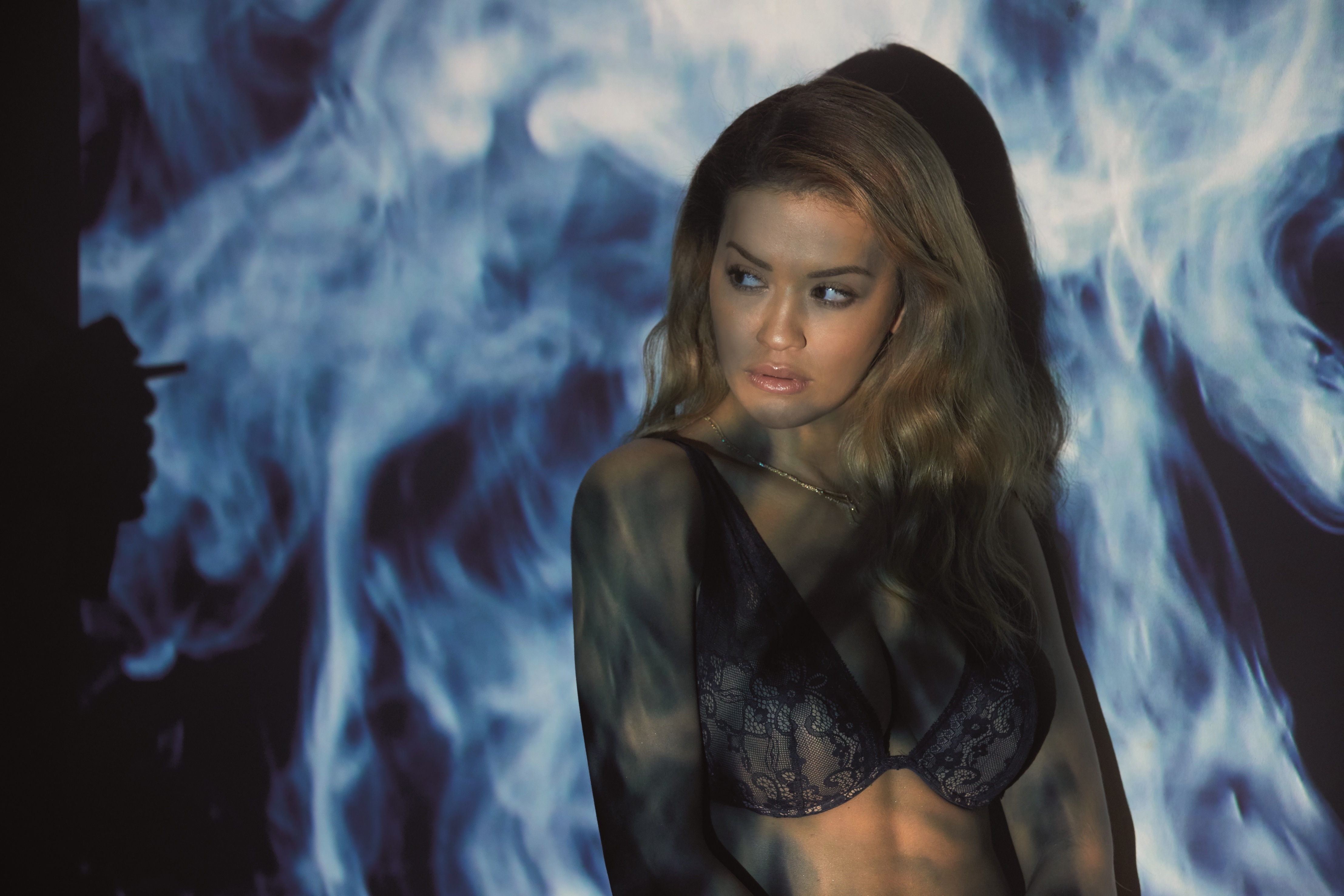
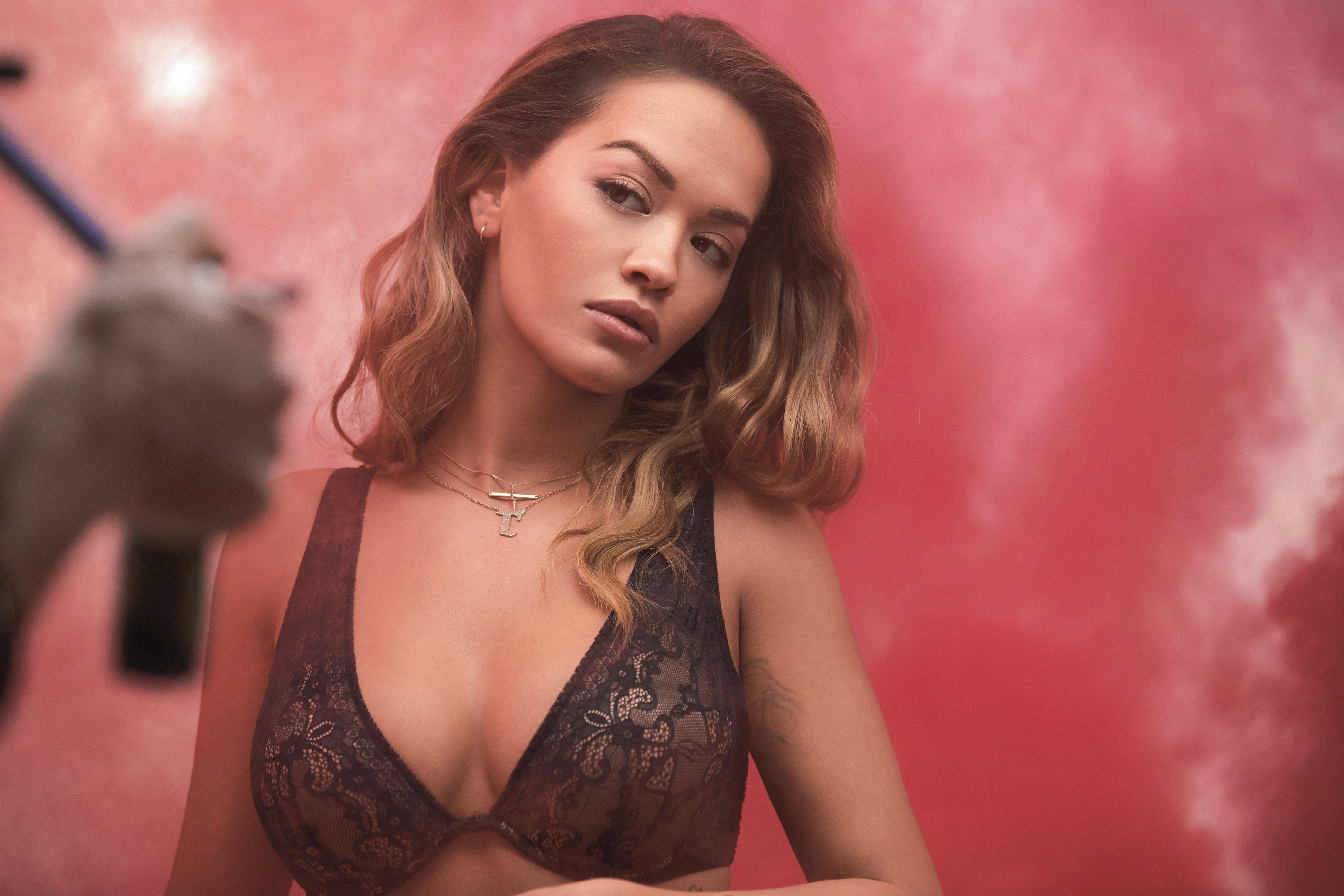
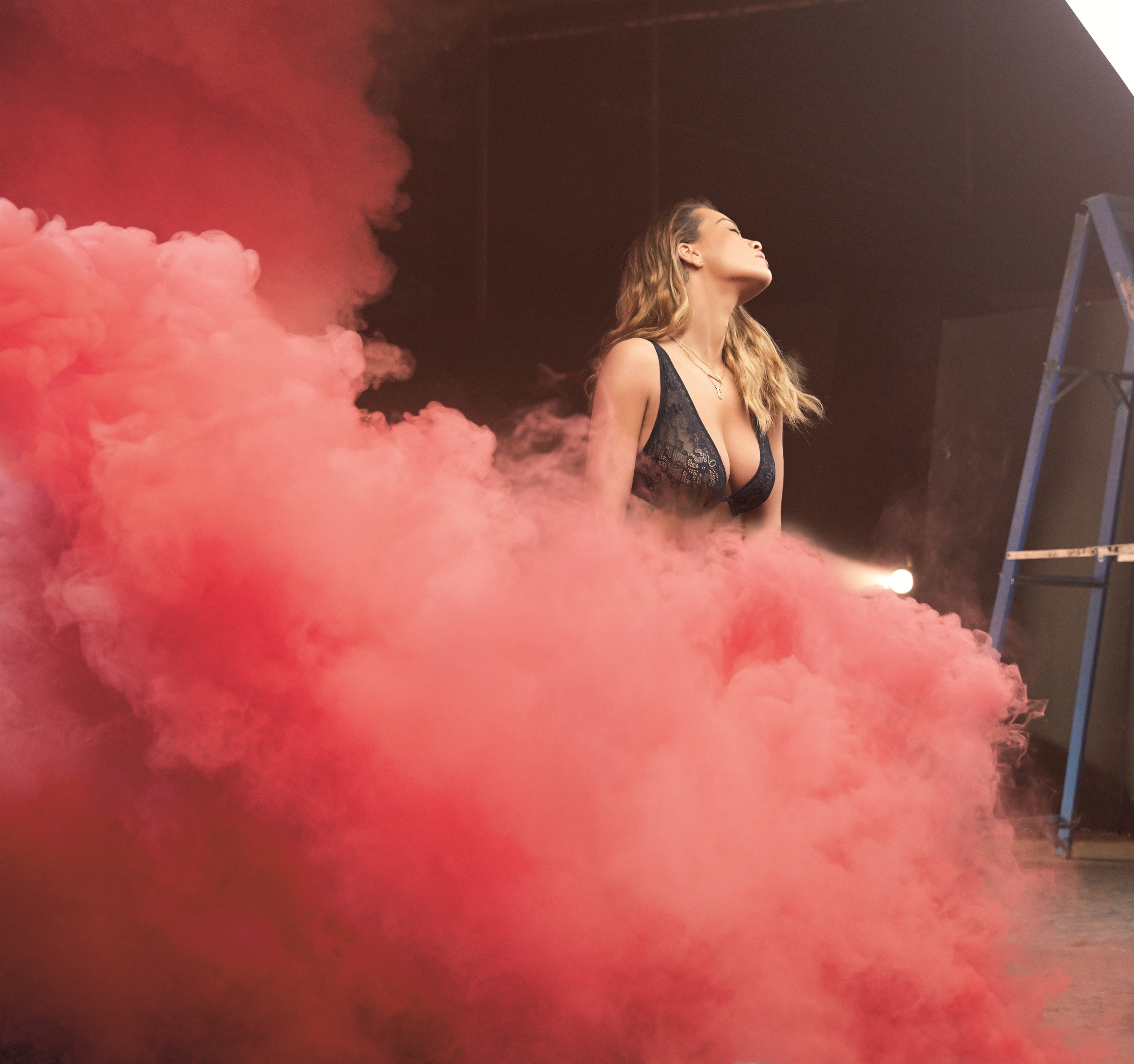
Behind the scenes Baywatch themed photoshoot (LQ)
-
V Magazine - Spring 2017
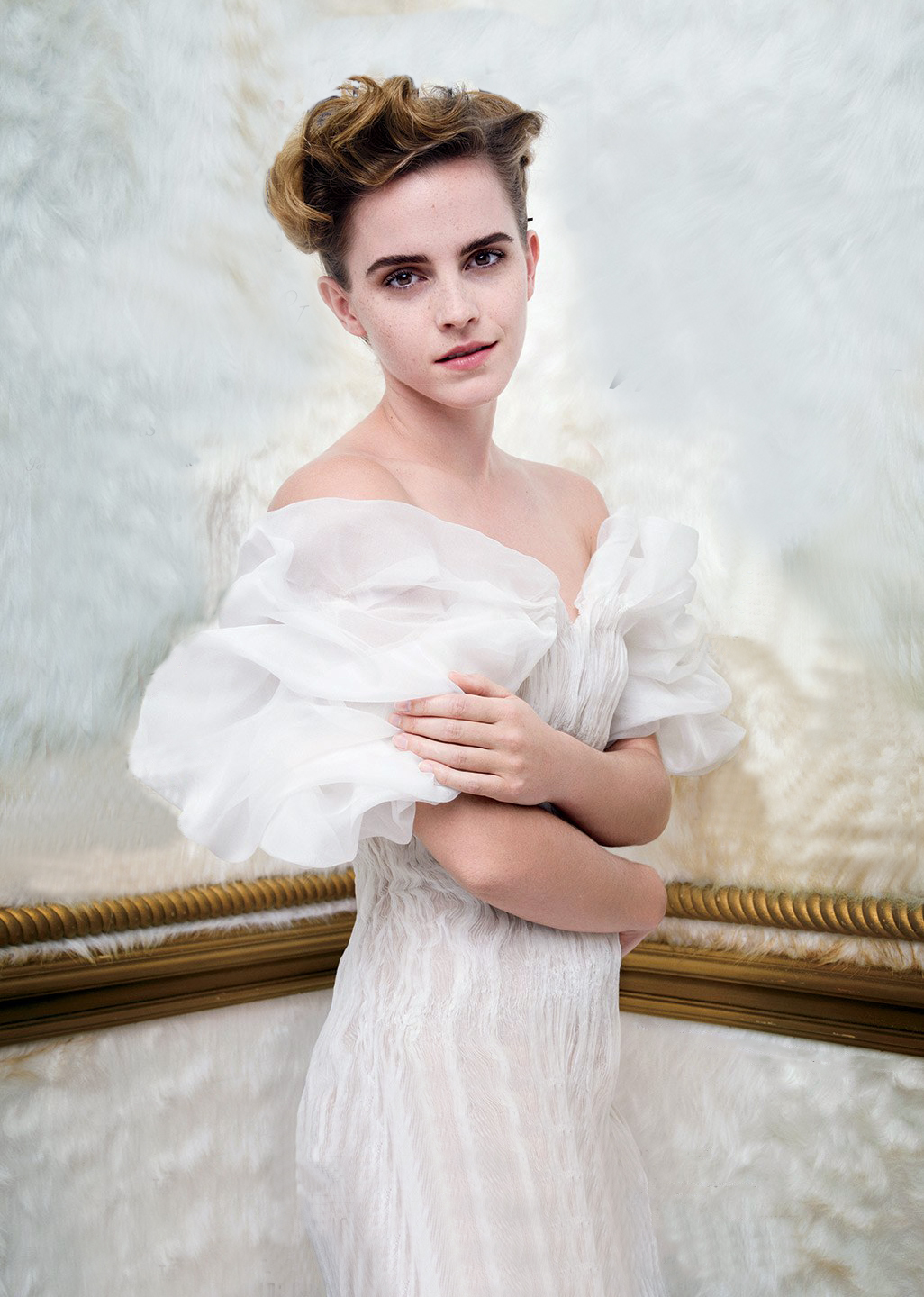
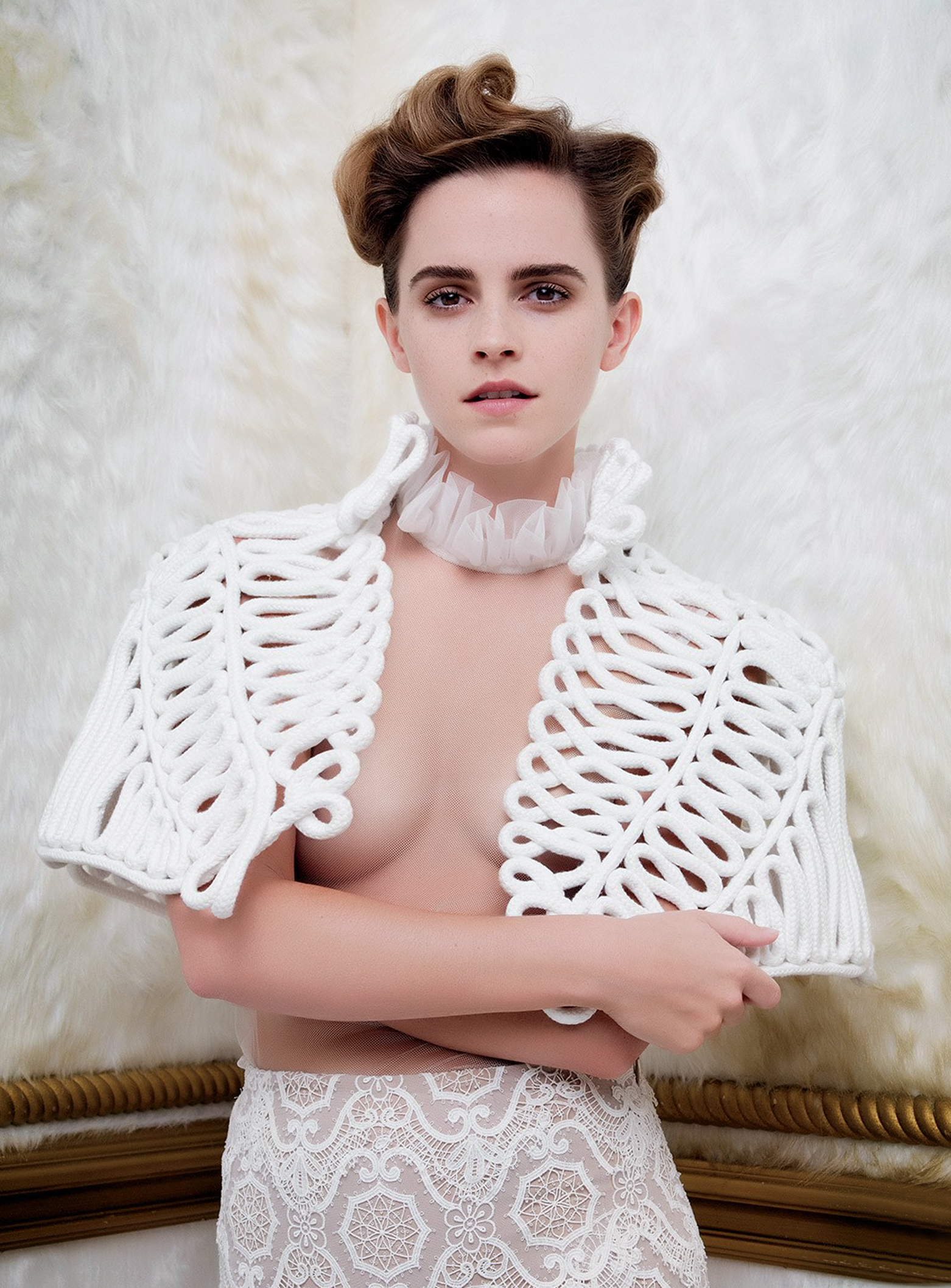
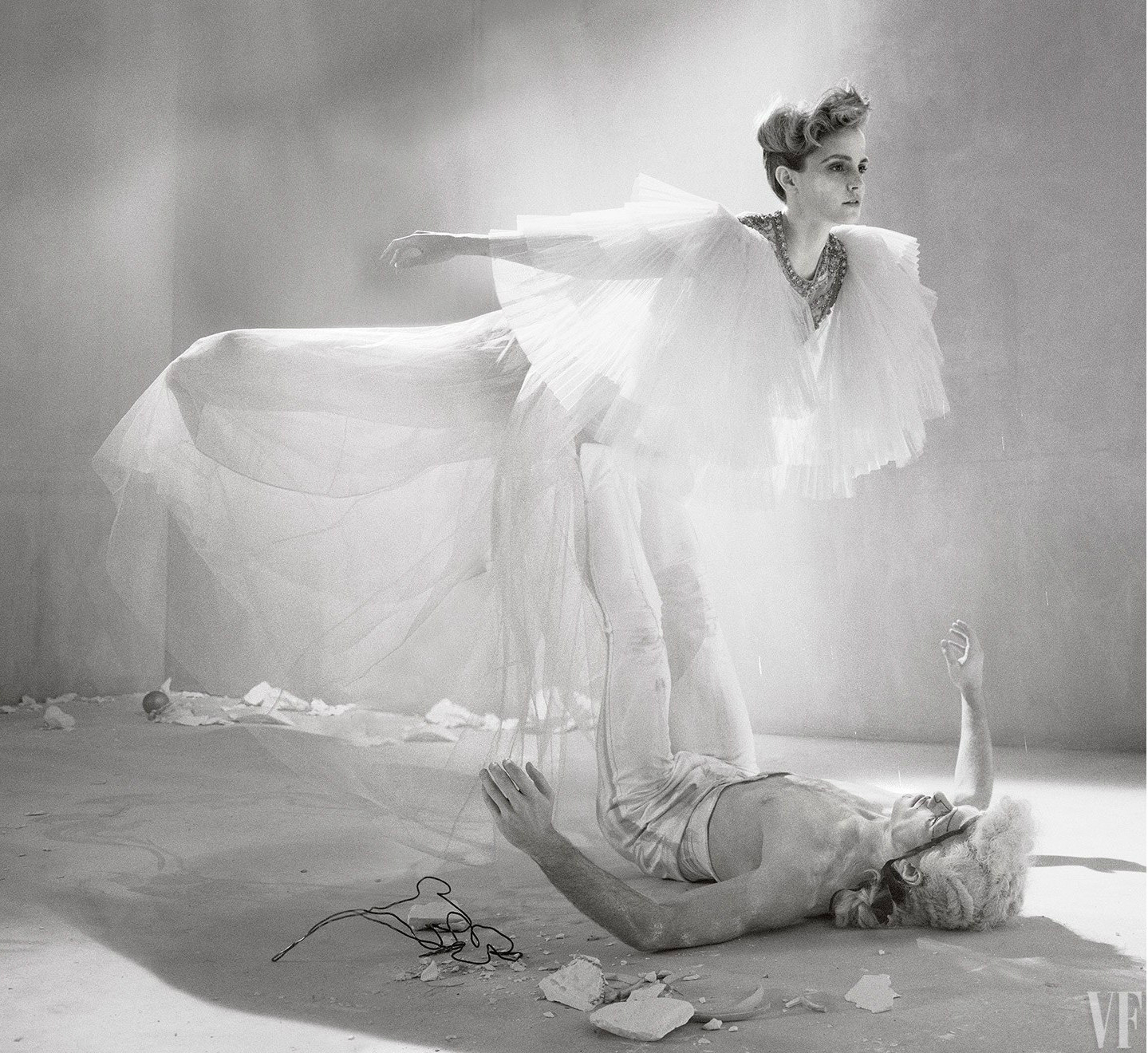
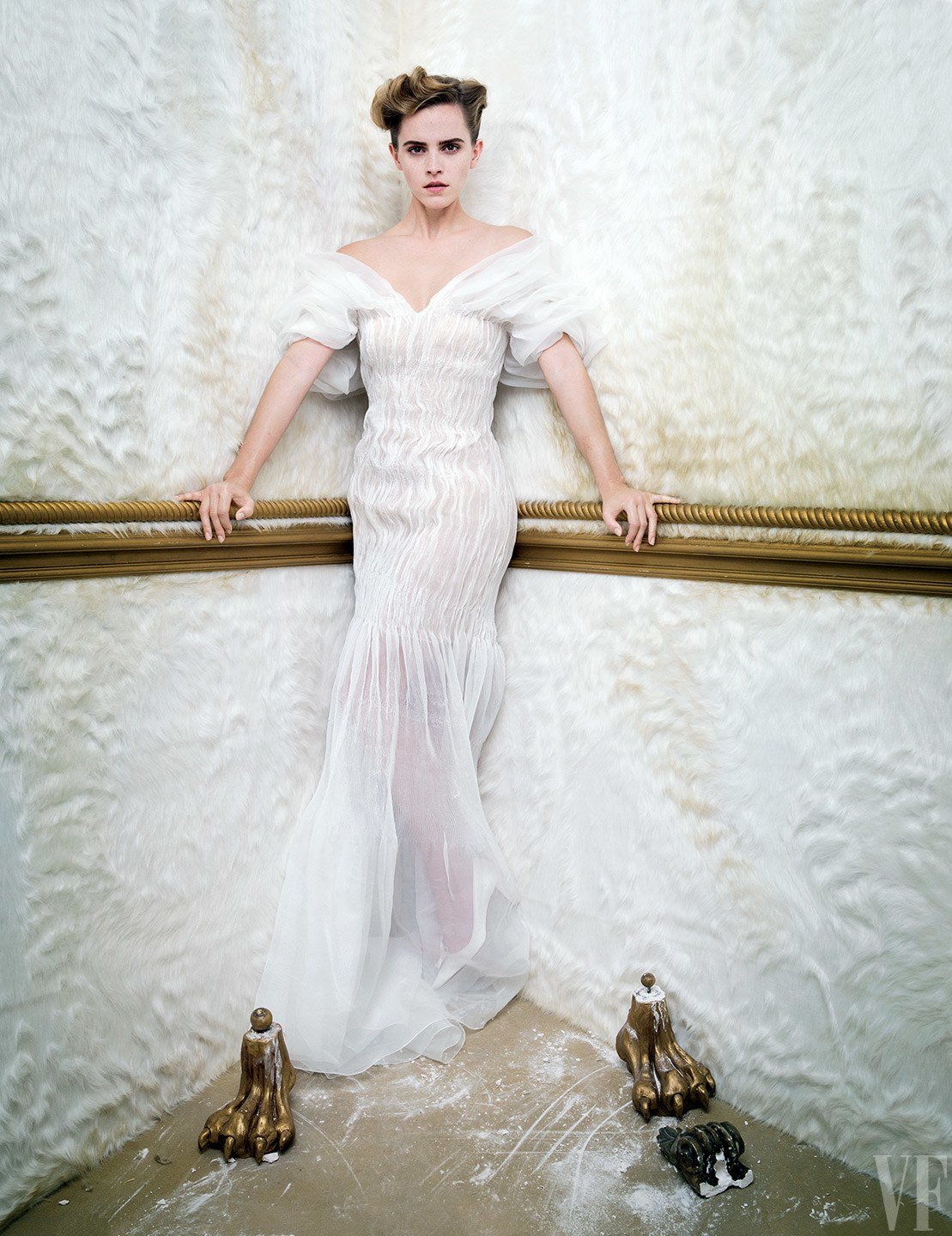
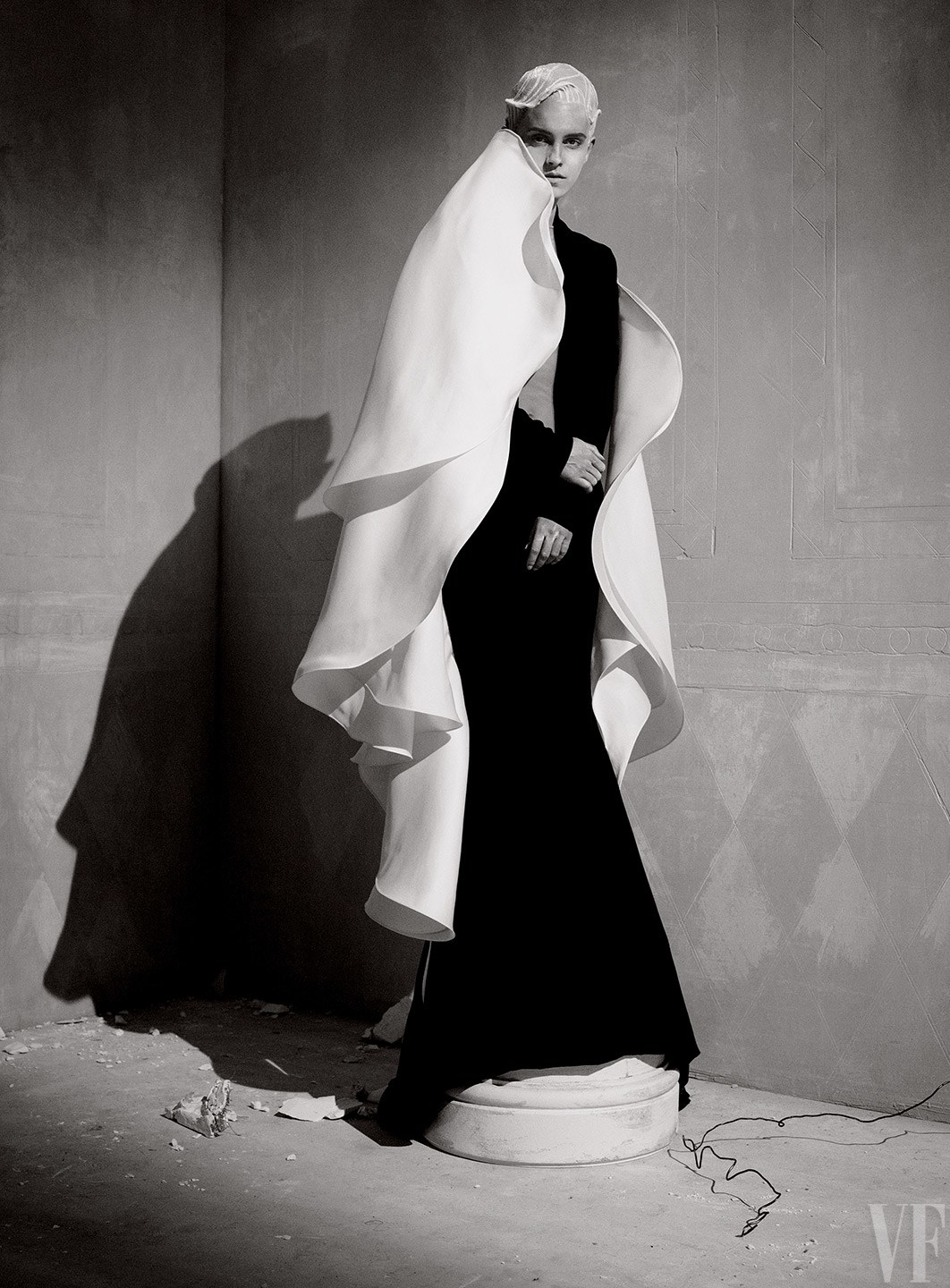
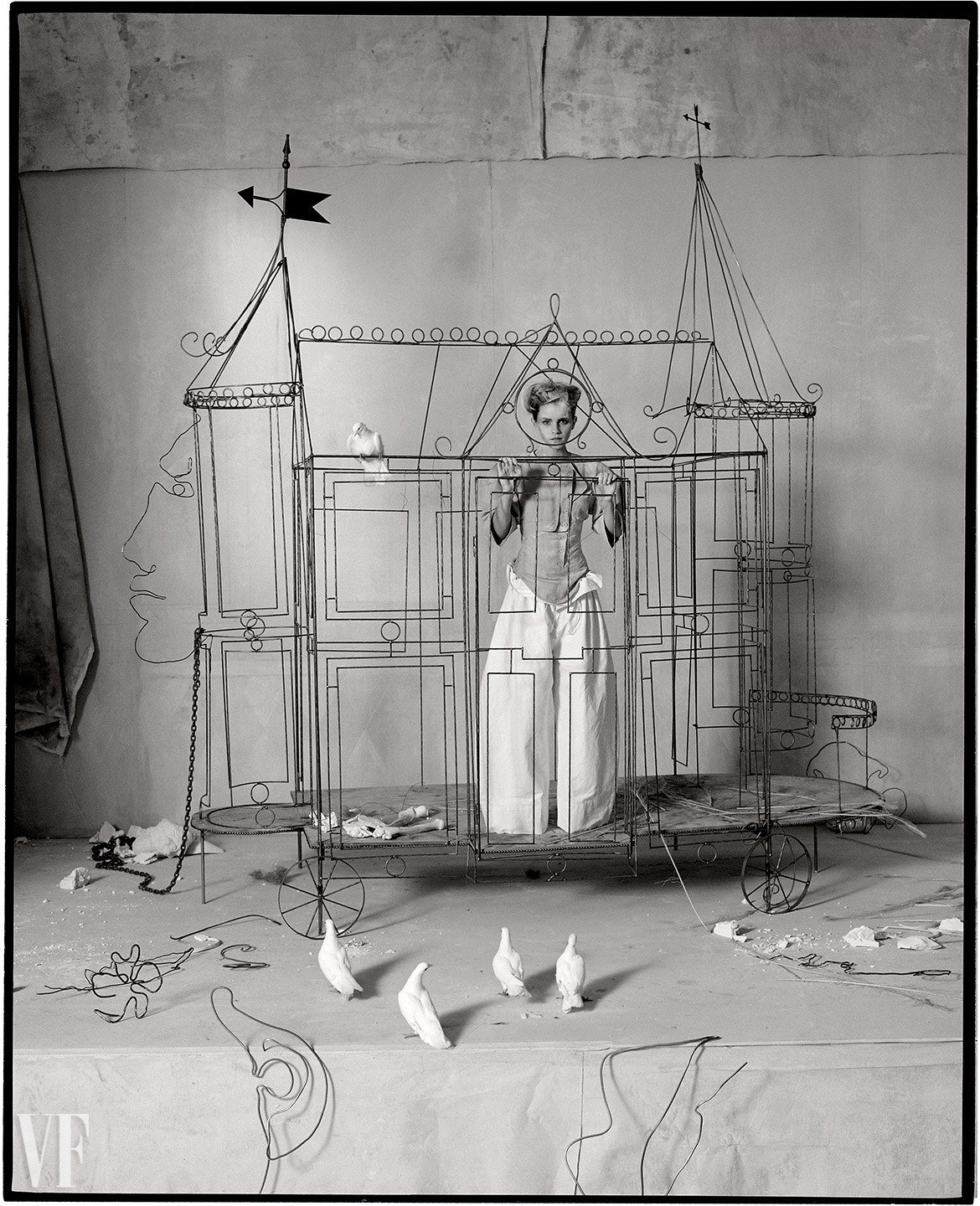
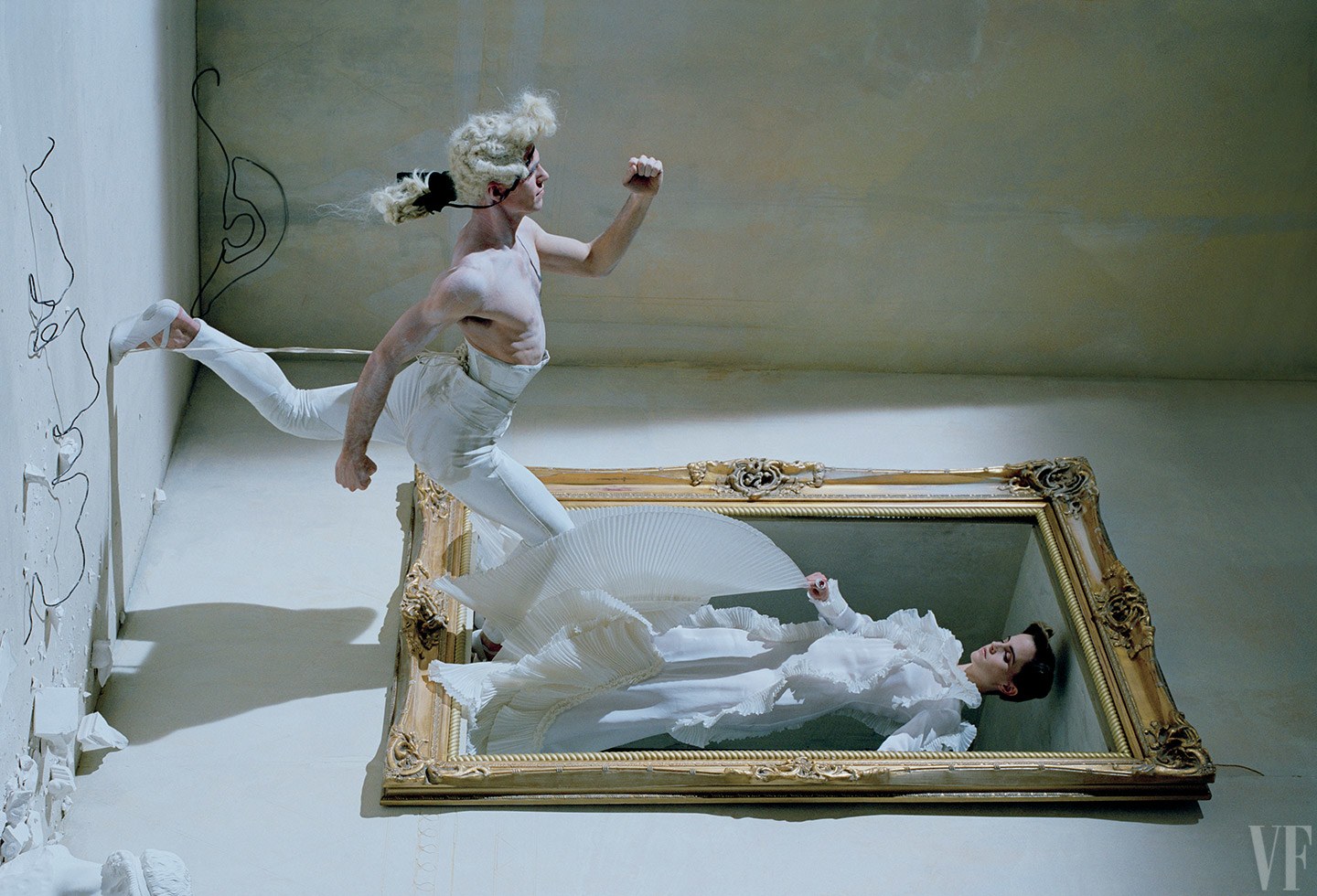
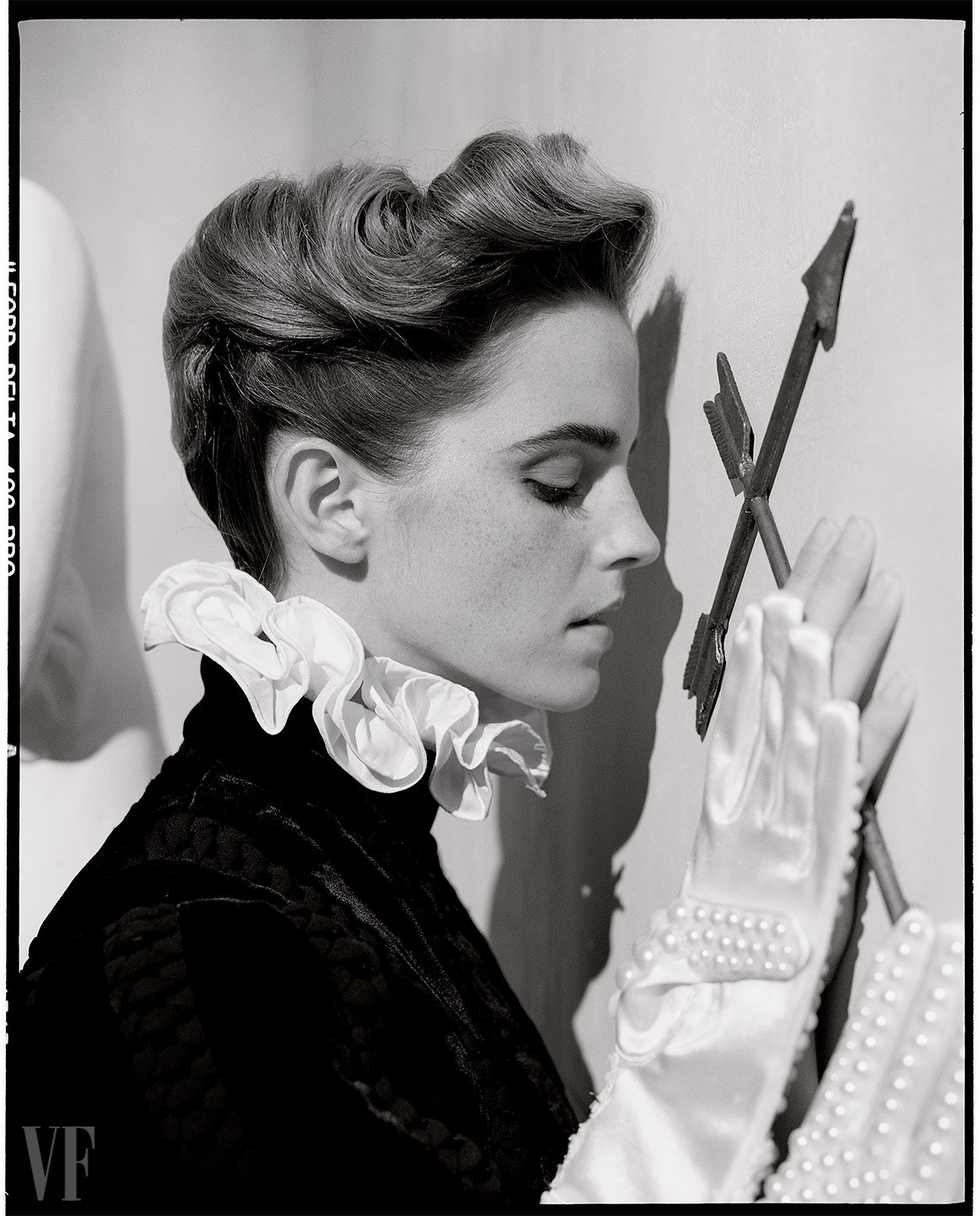
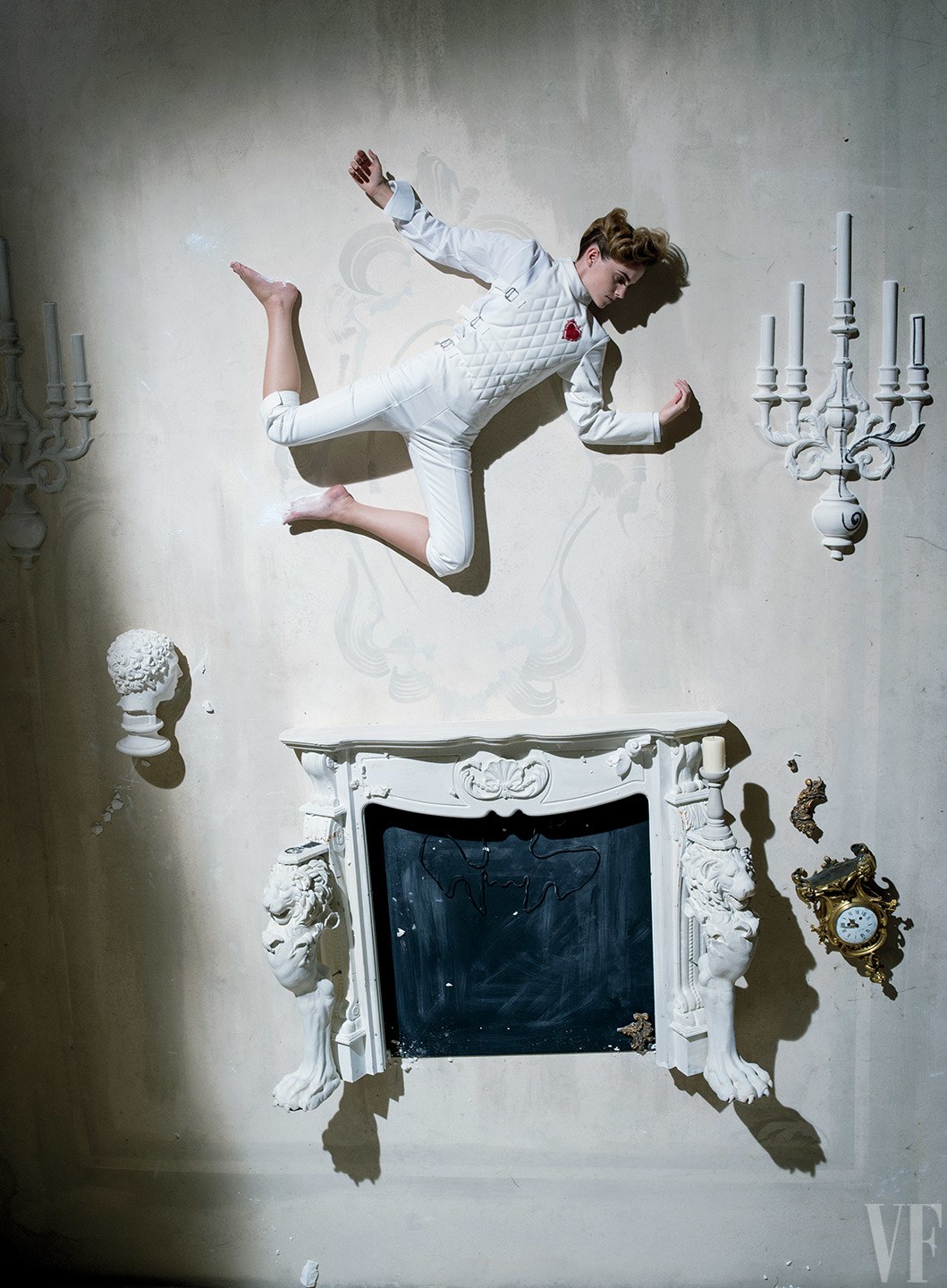
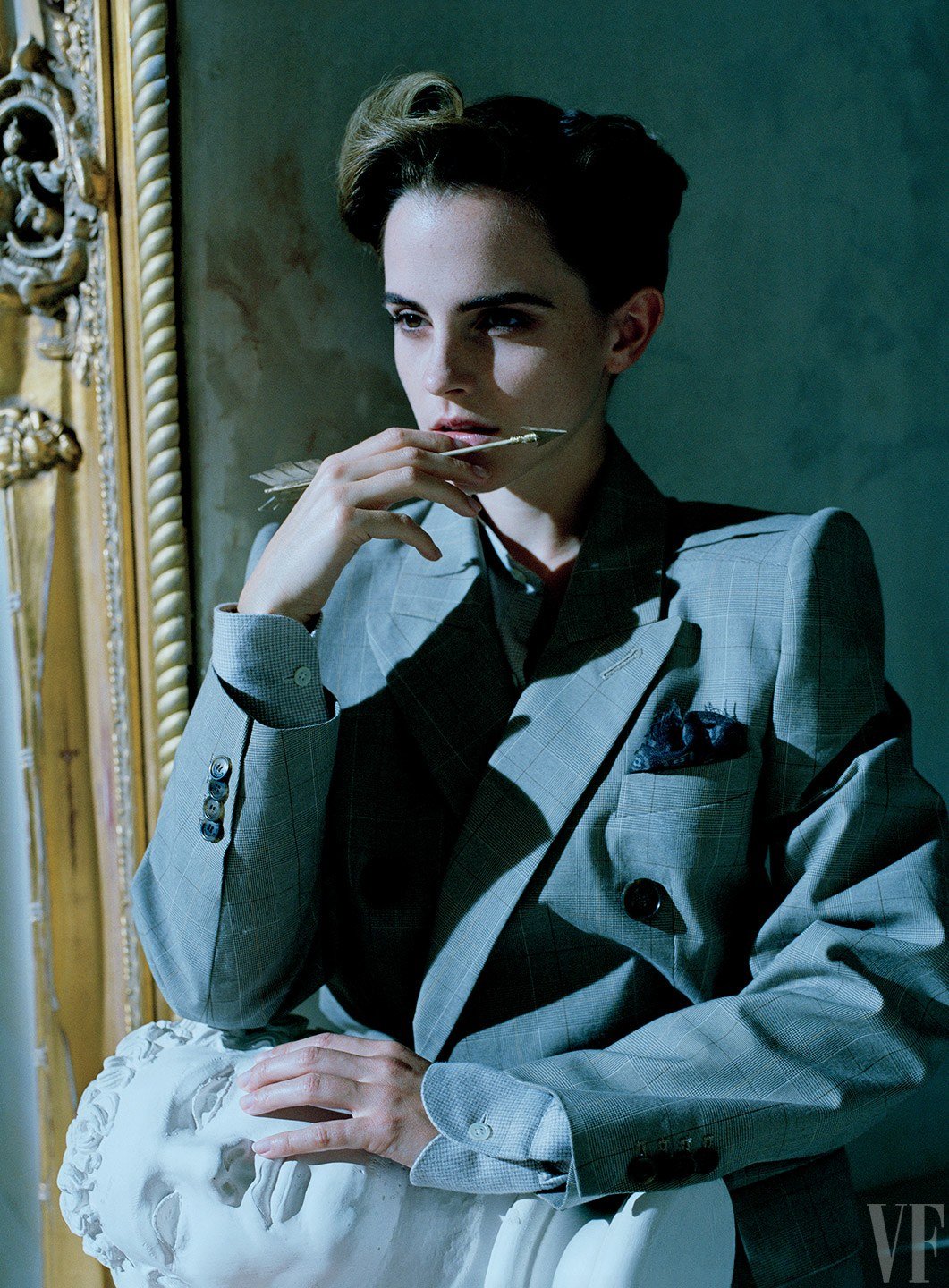
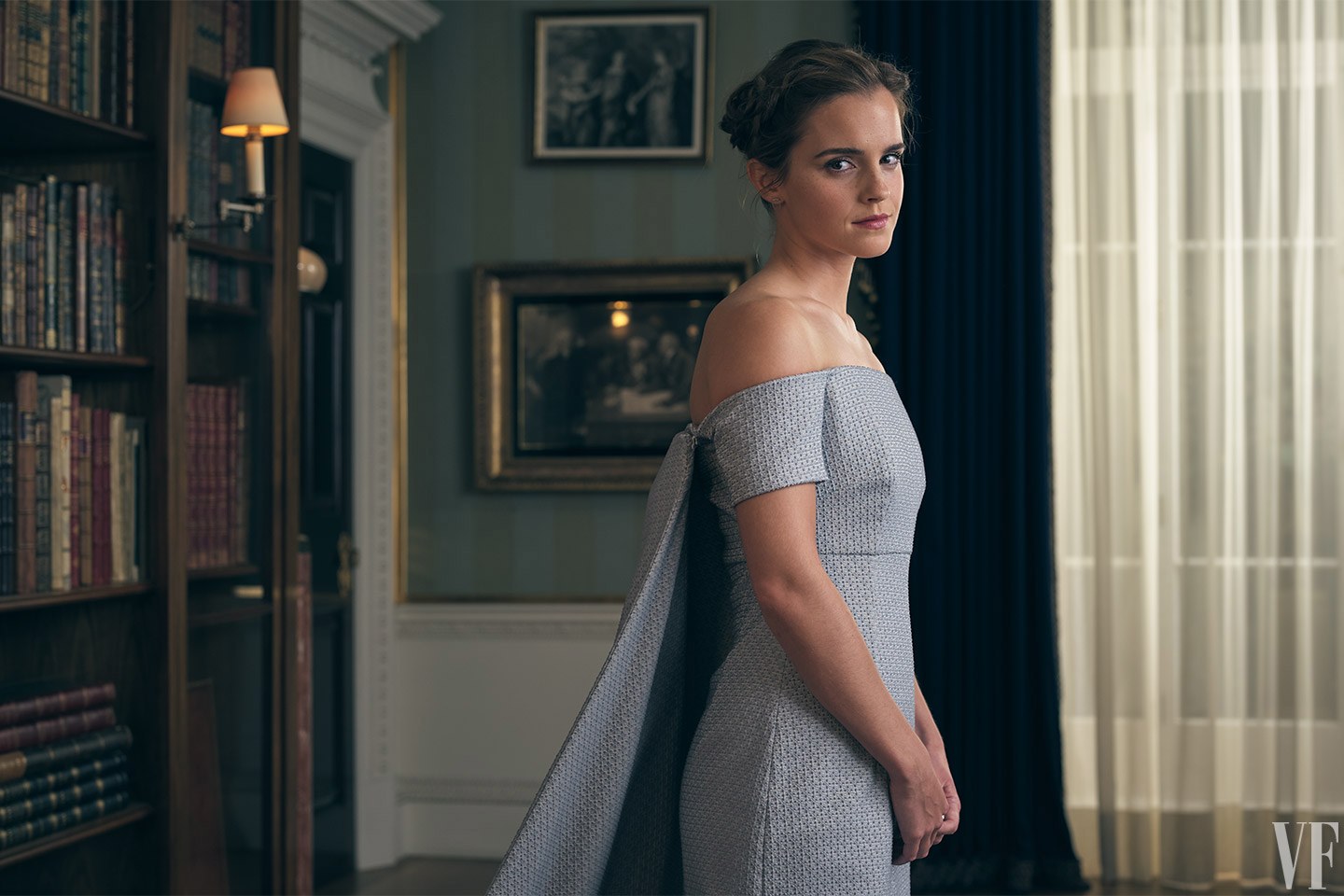
Vanity Fair - March 2017

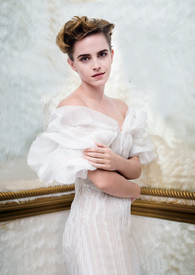
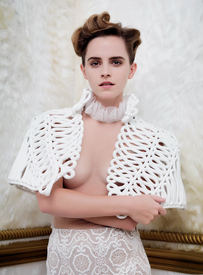
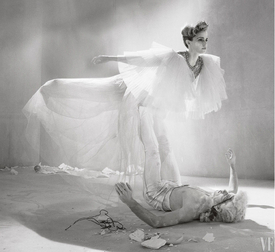
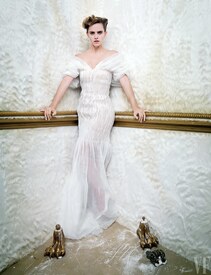


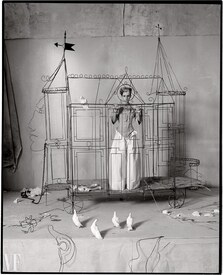

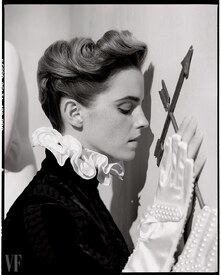


 Behind the scenes of video shoot with Future
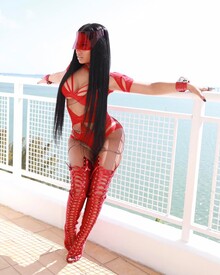
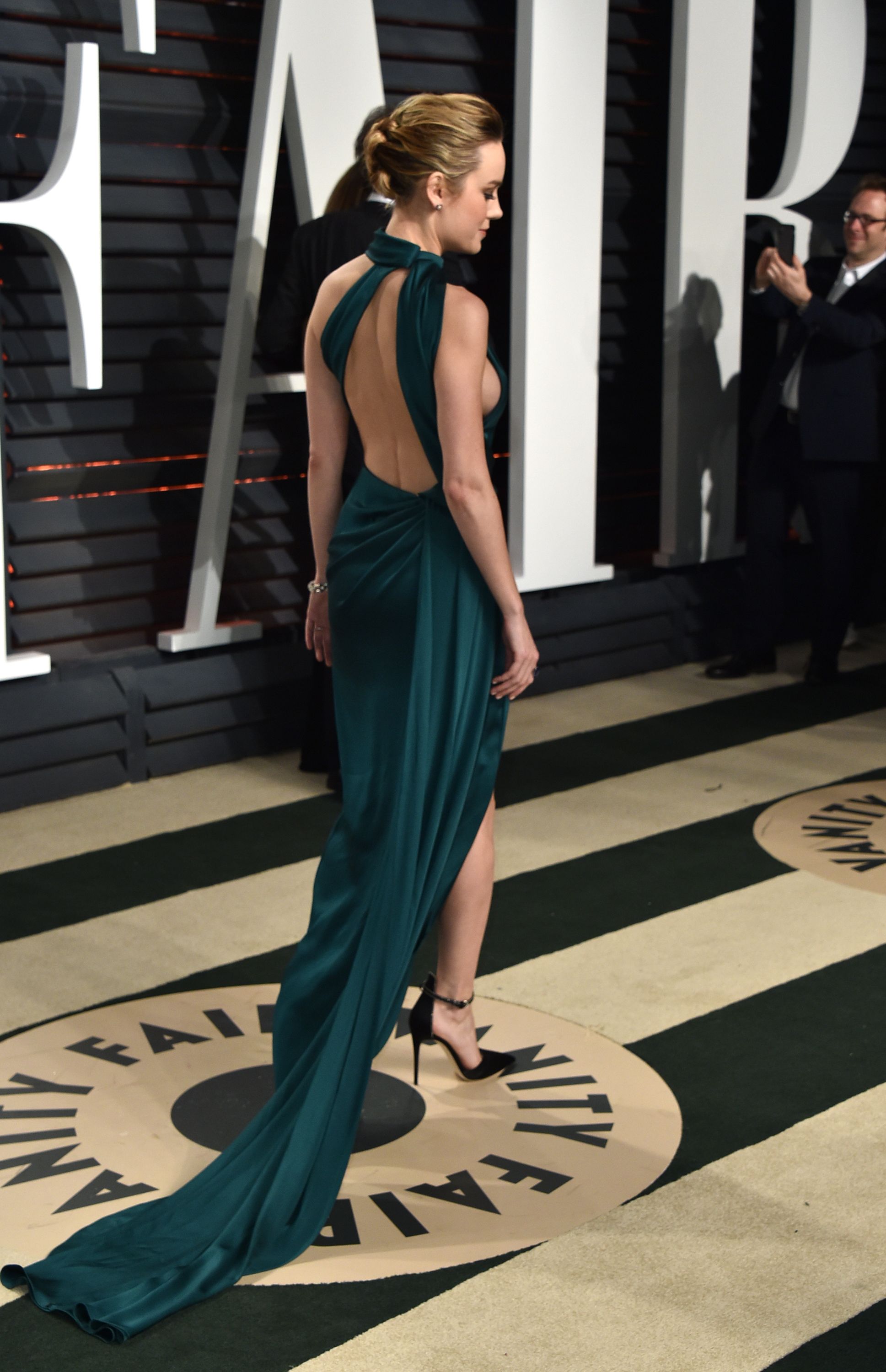
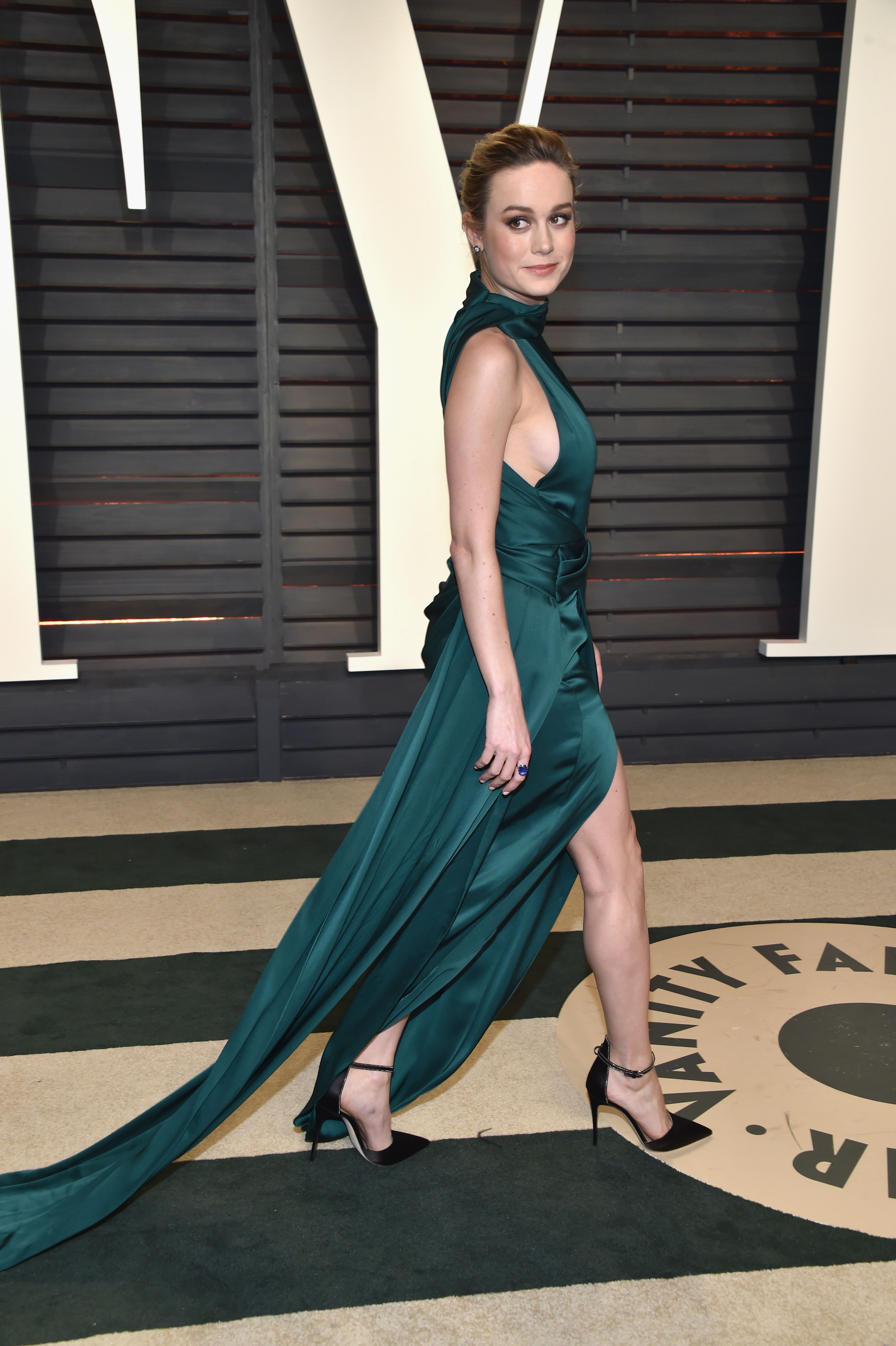
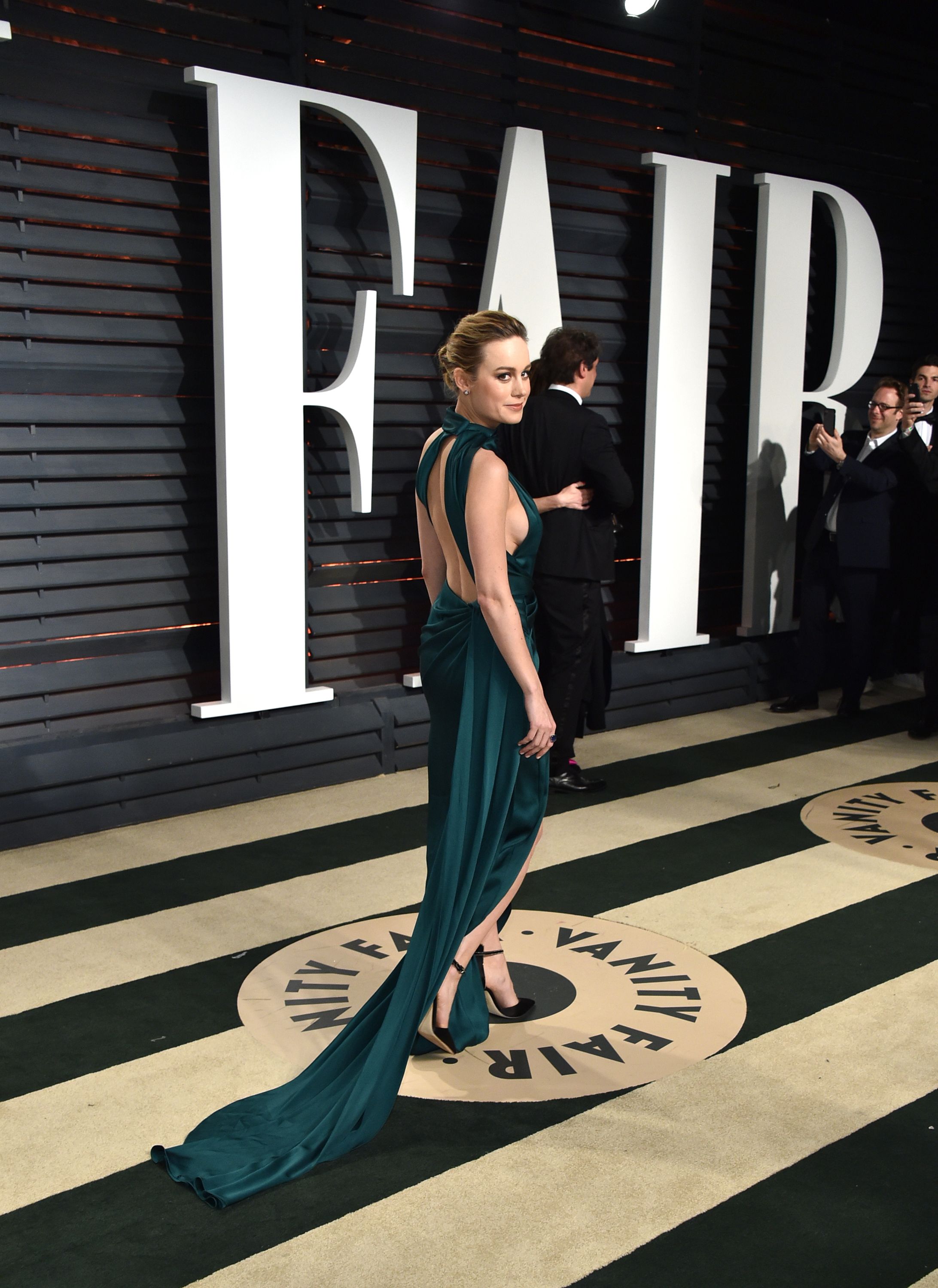
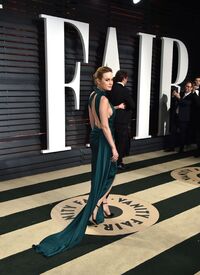
 2017 Vanity Fair Oscar party

 Add to @Shepherd
Adds to @Shepherd /monthly_02_2017/post-101528-0-1593842385-64316_thumb.jpg" class="ipsImage ipsImage_thumbnailed" alt="YNi0C.jpg">
Add to @Shepherd
Adds to @Shepherd /monthly_02_2017/post-101528-0-1593842385-64316_thumb.jpg" class="ipsImage ipsImage_thumbnailed" alt="YNi0C.jpg">
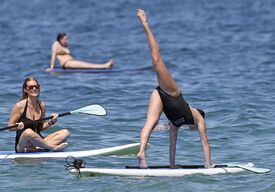
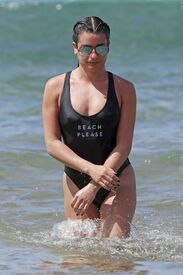
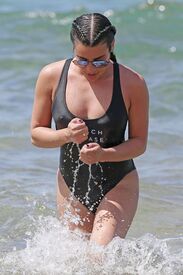
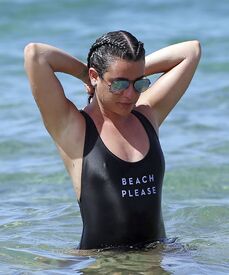
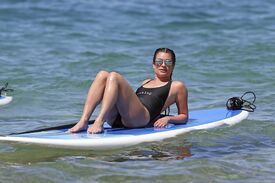
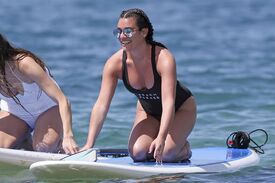
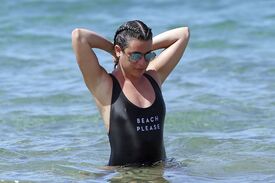
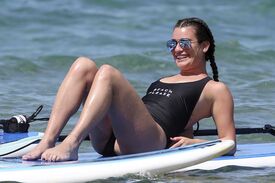
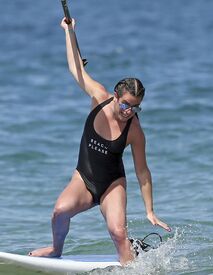
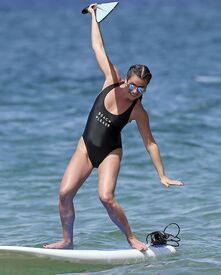
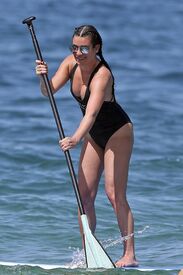
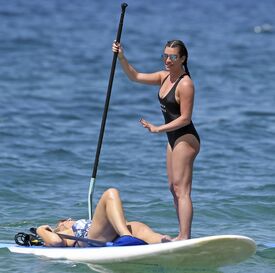
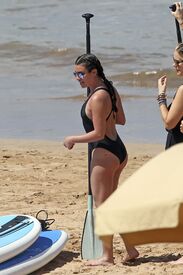
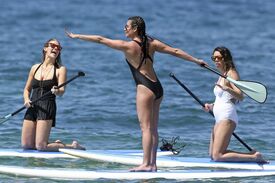
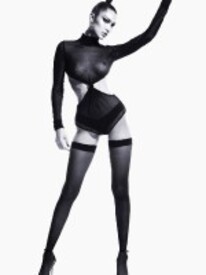
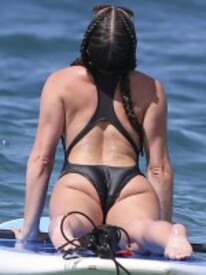 CR Fashion Book See Through Nudity
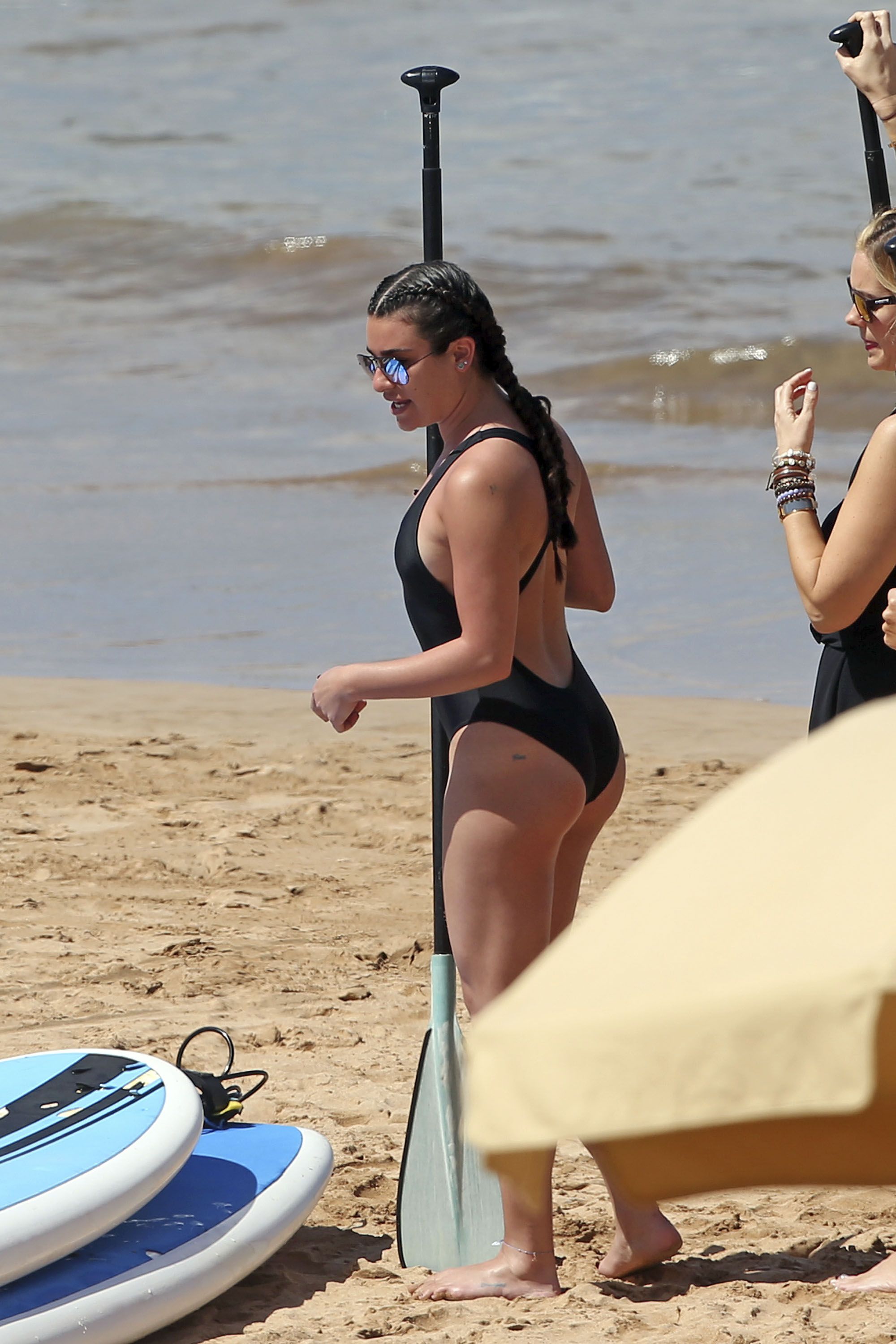
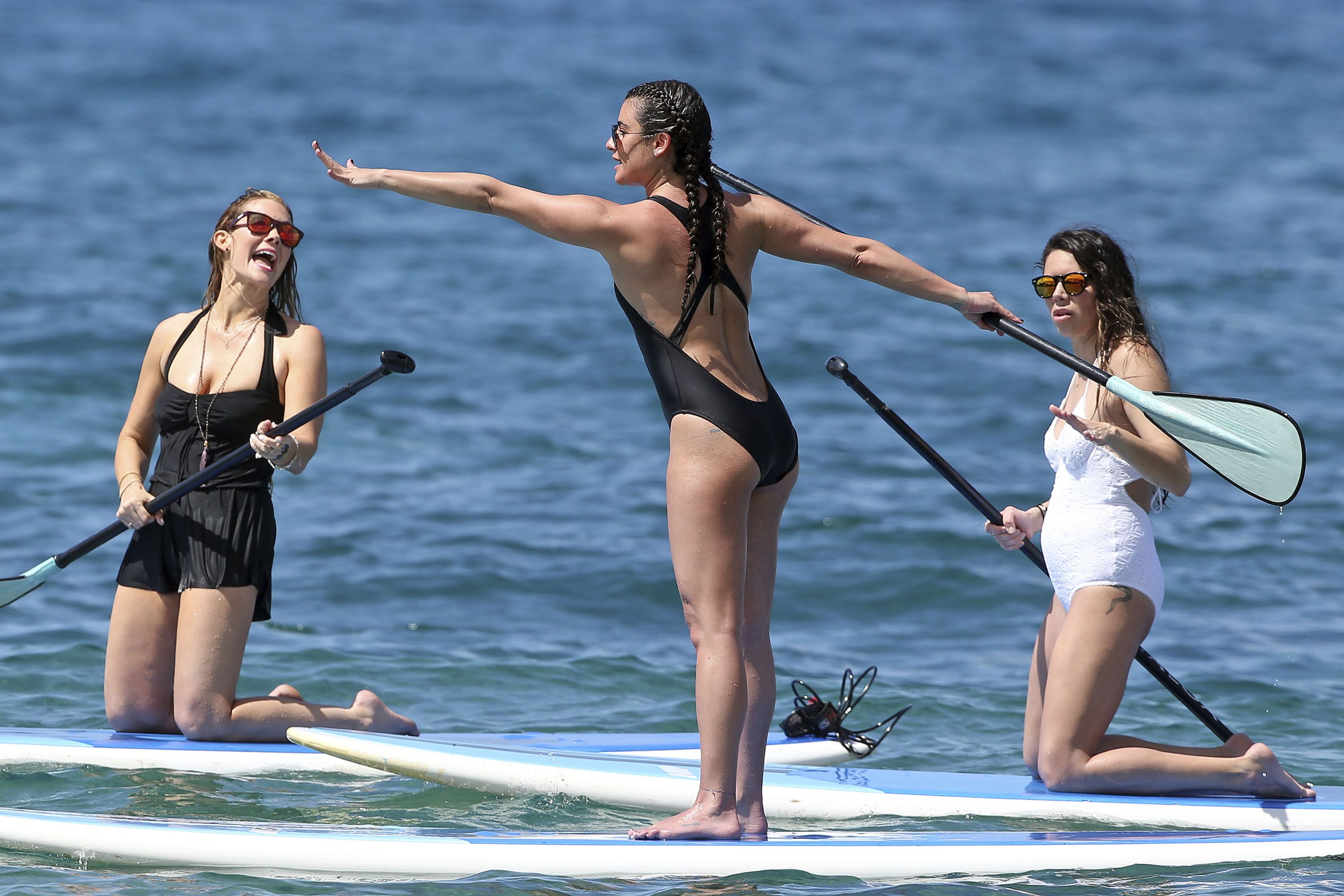
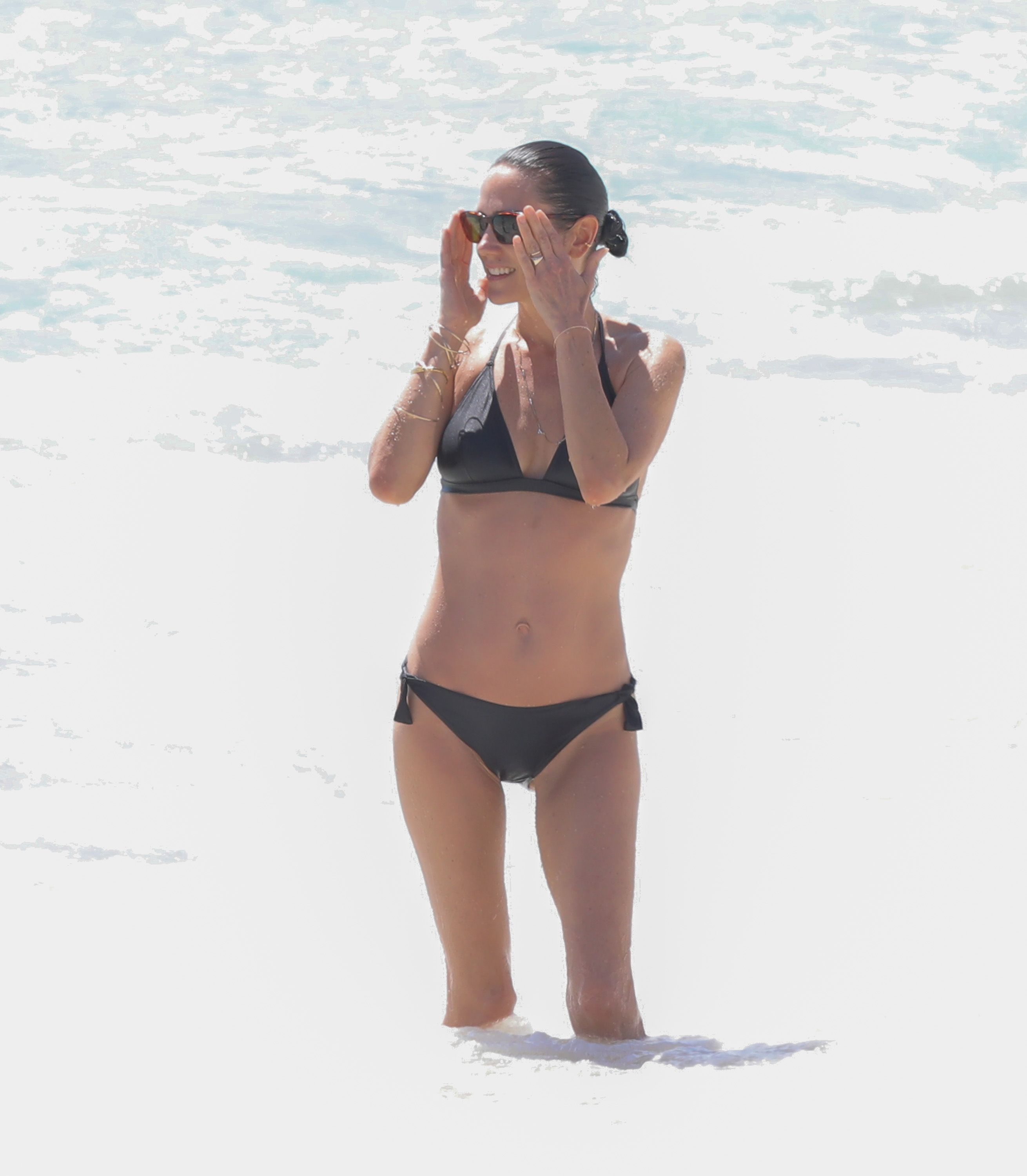
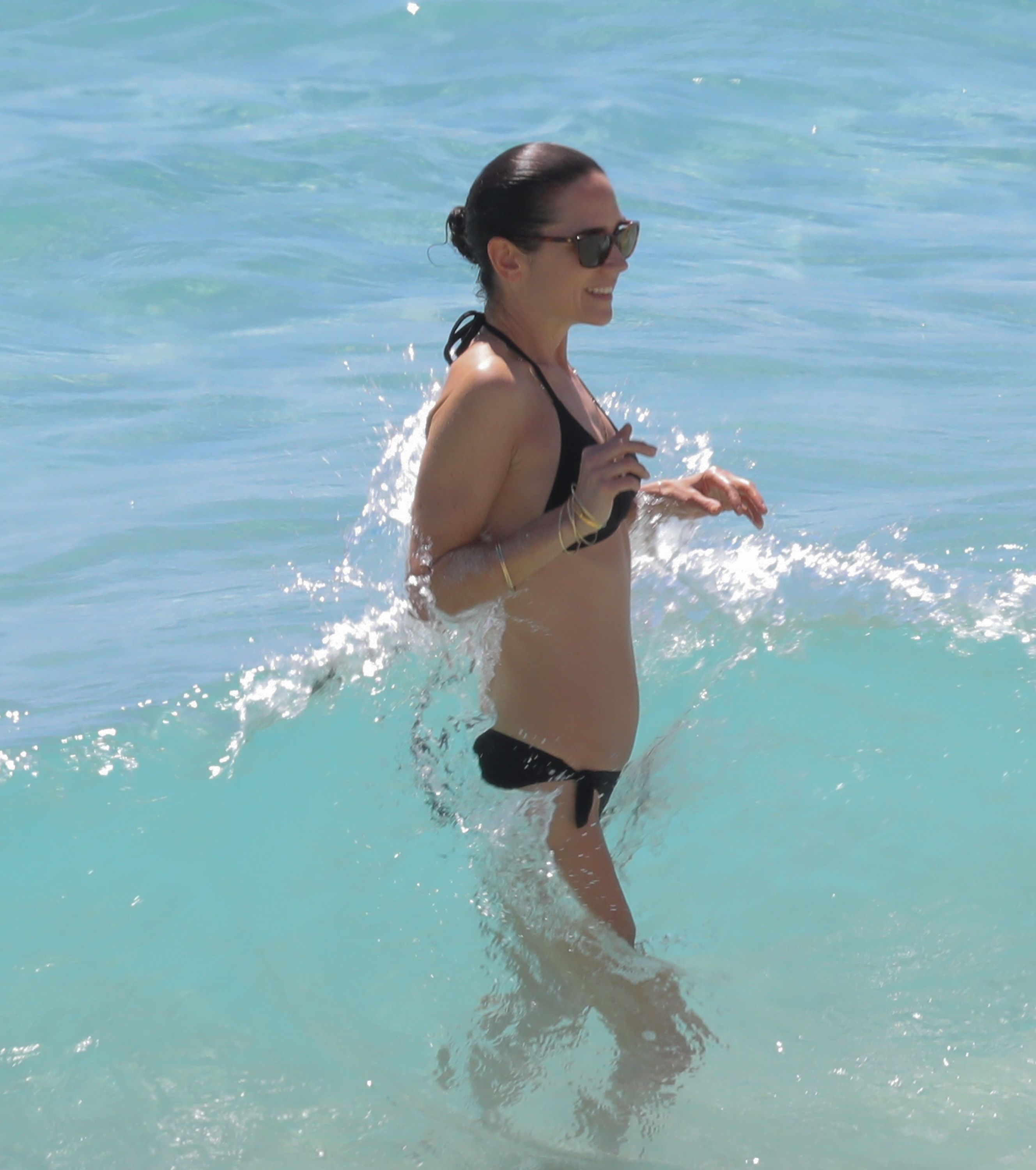
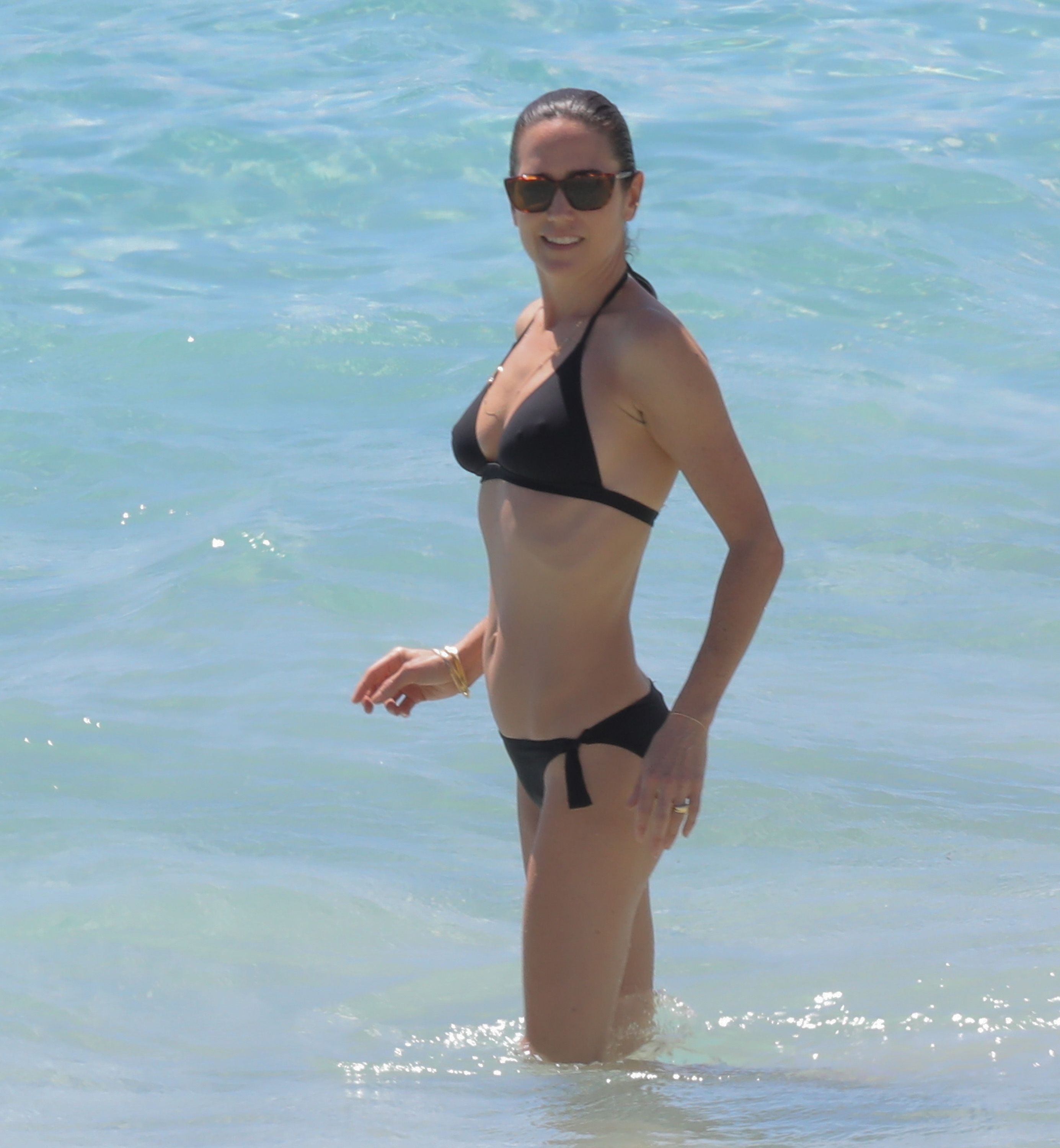
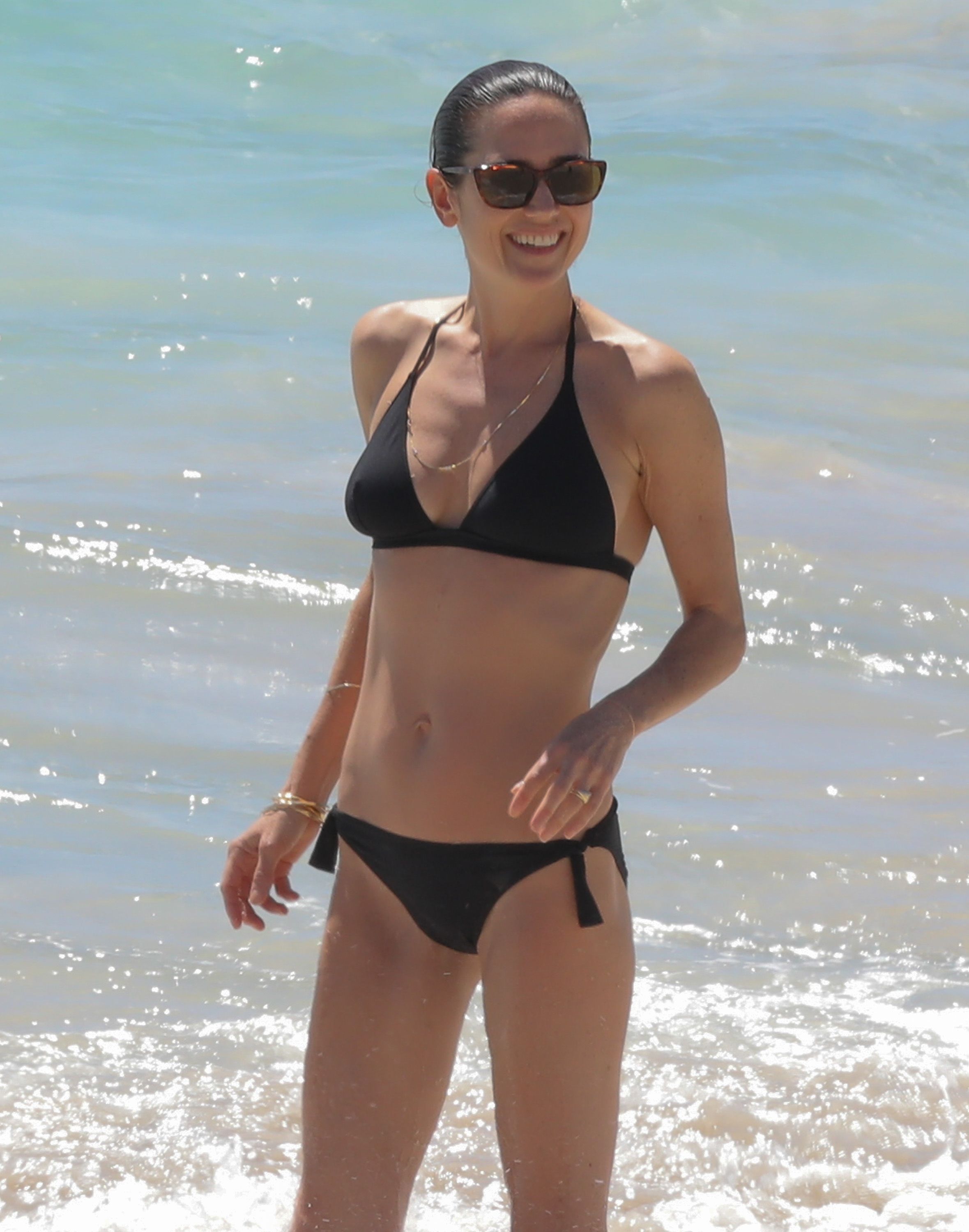
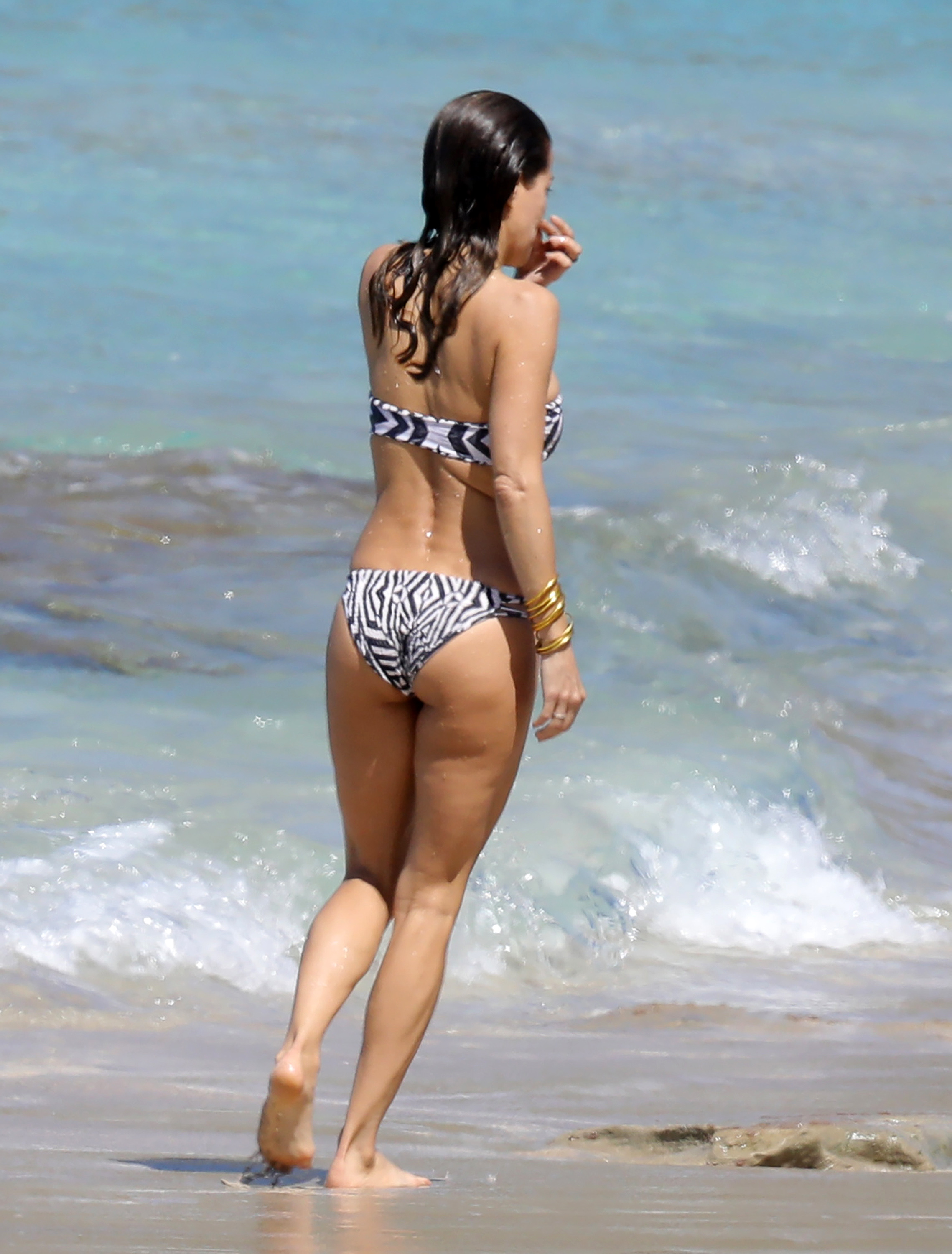
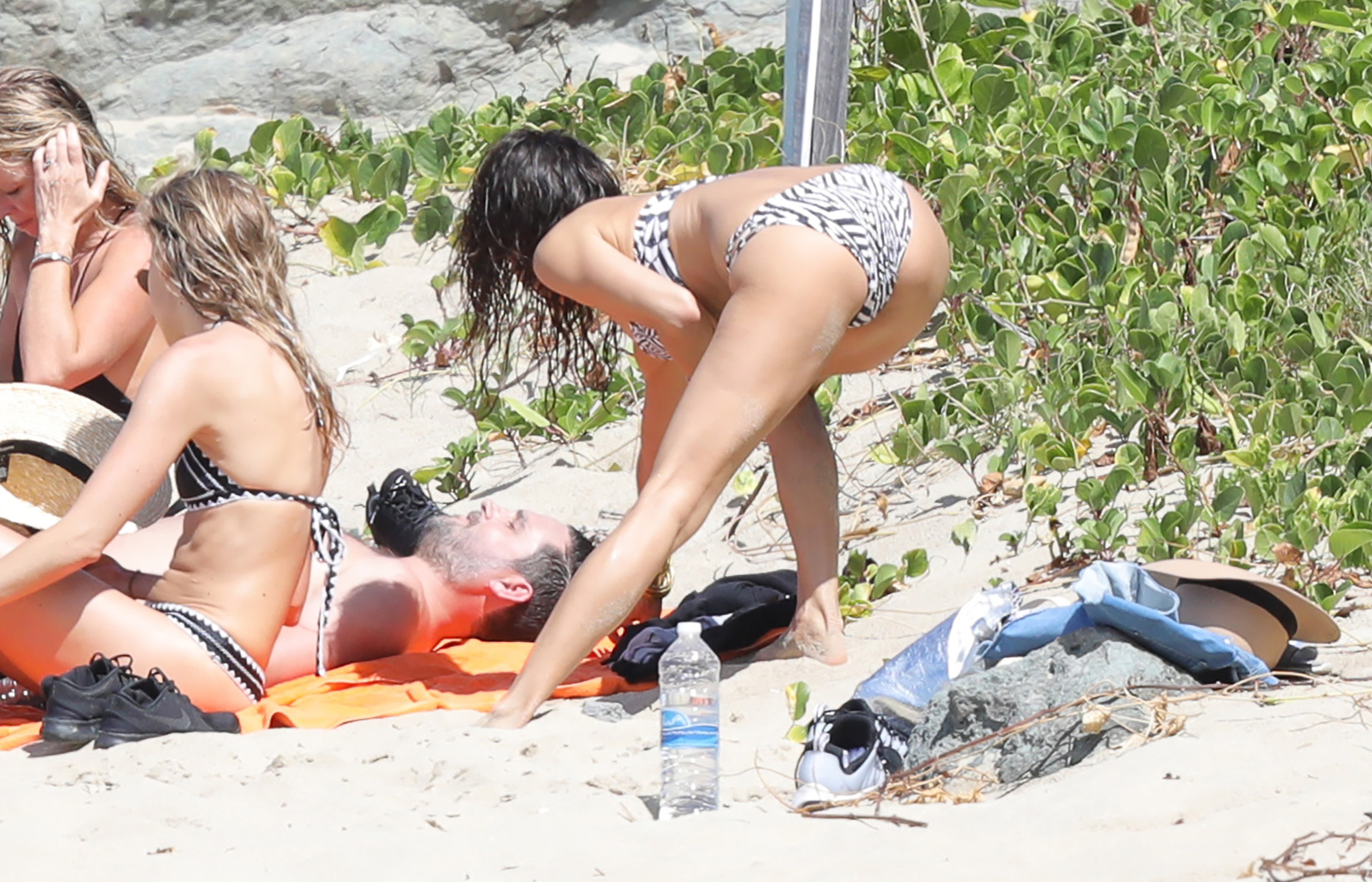
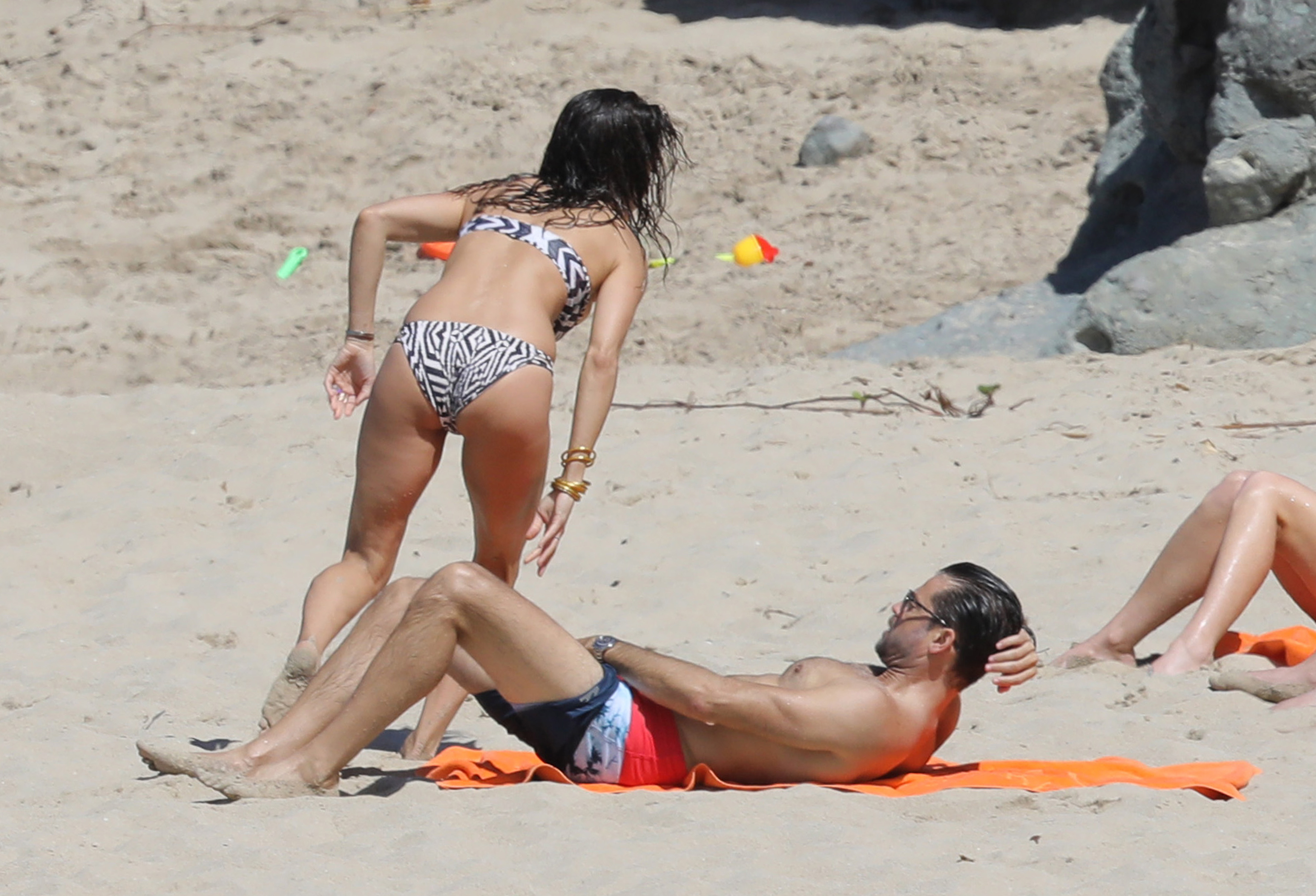
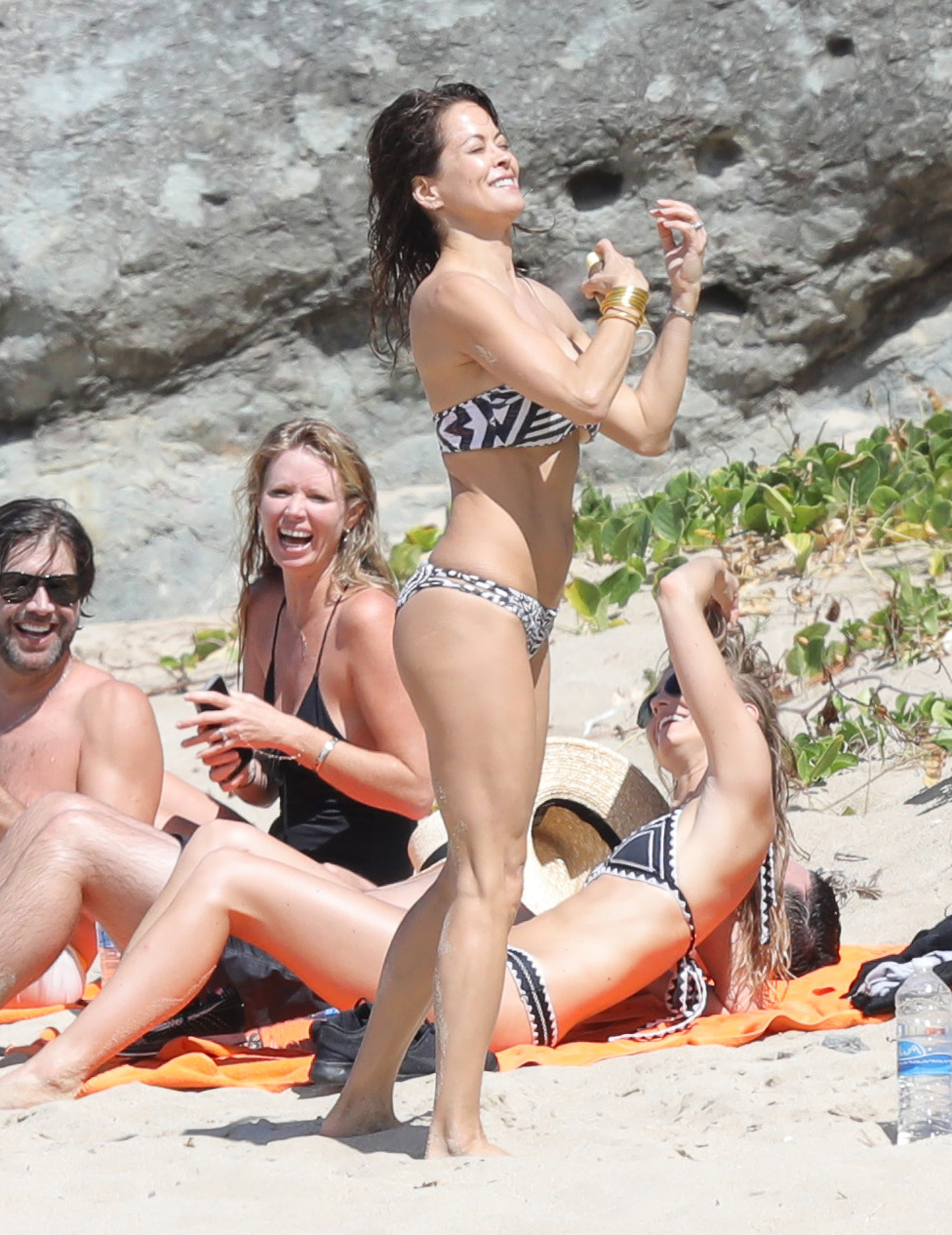
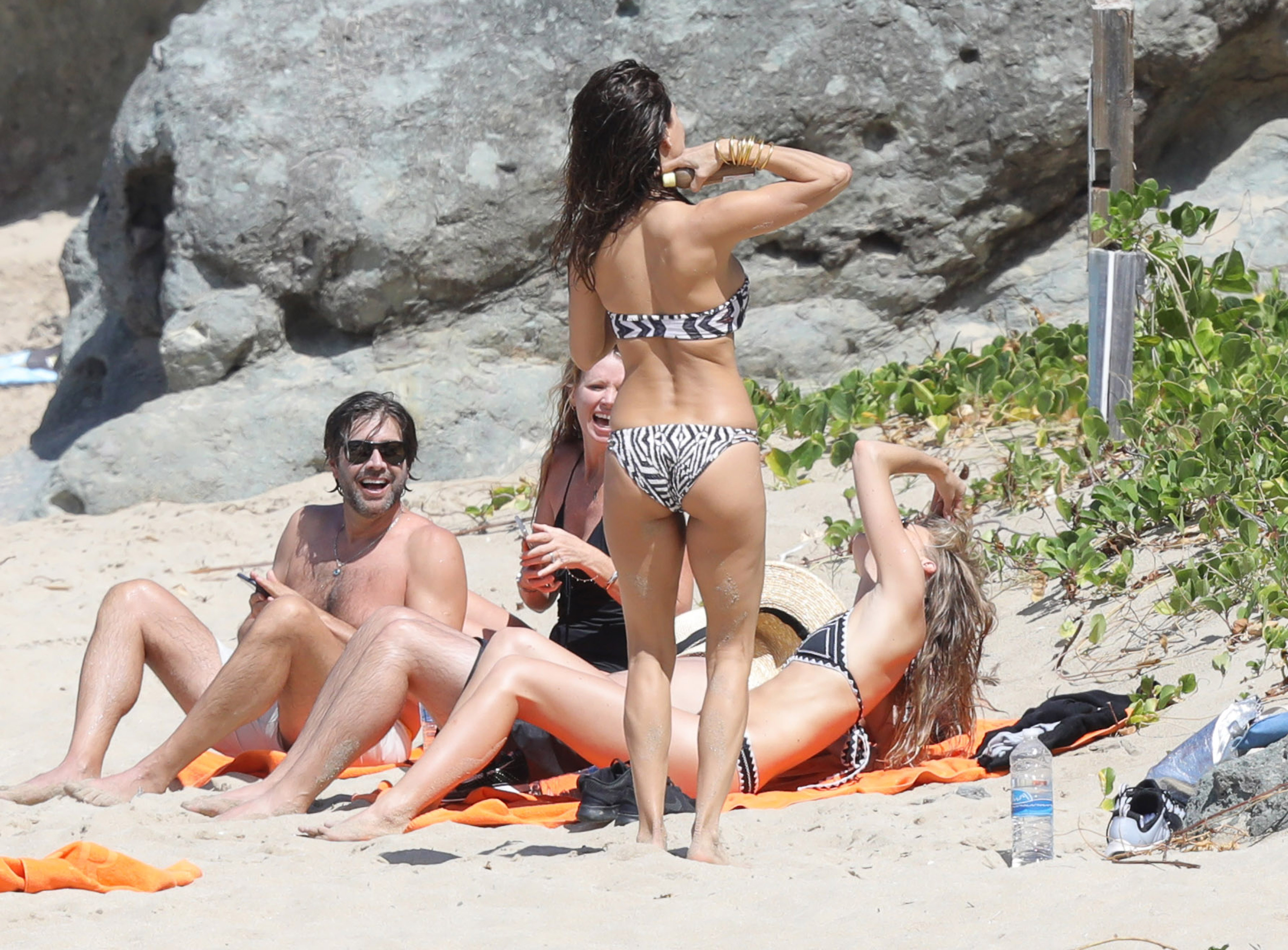
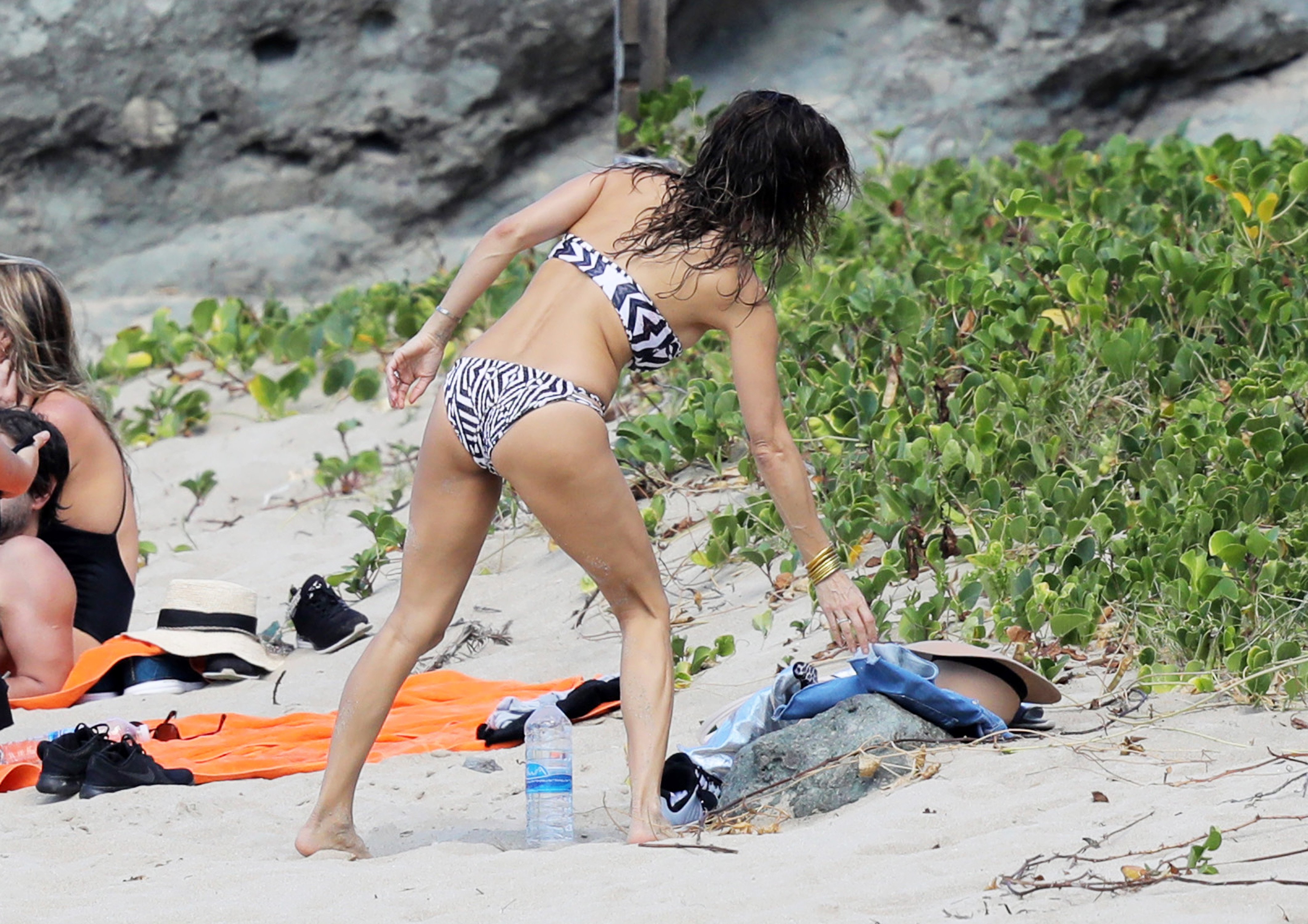
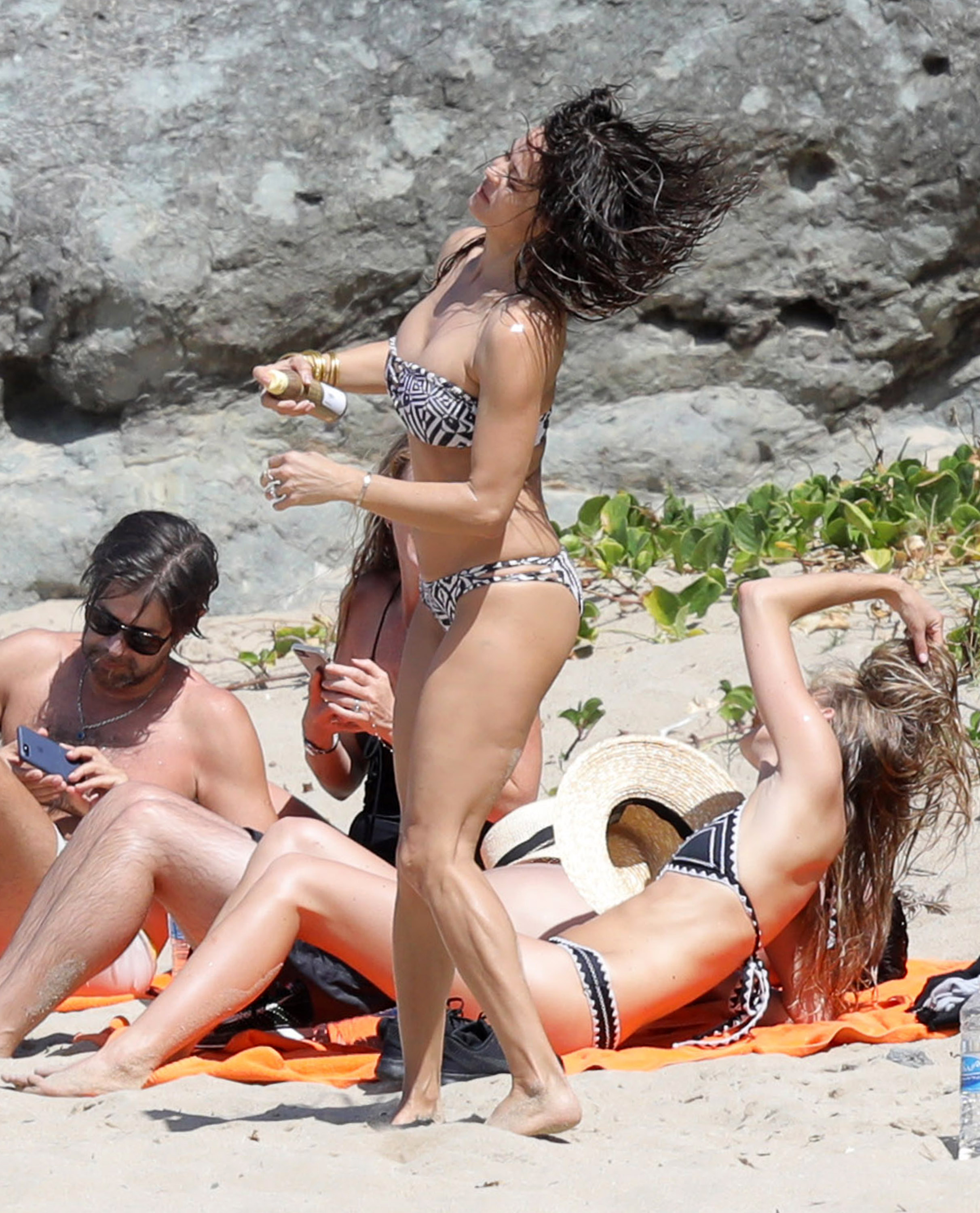
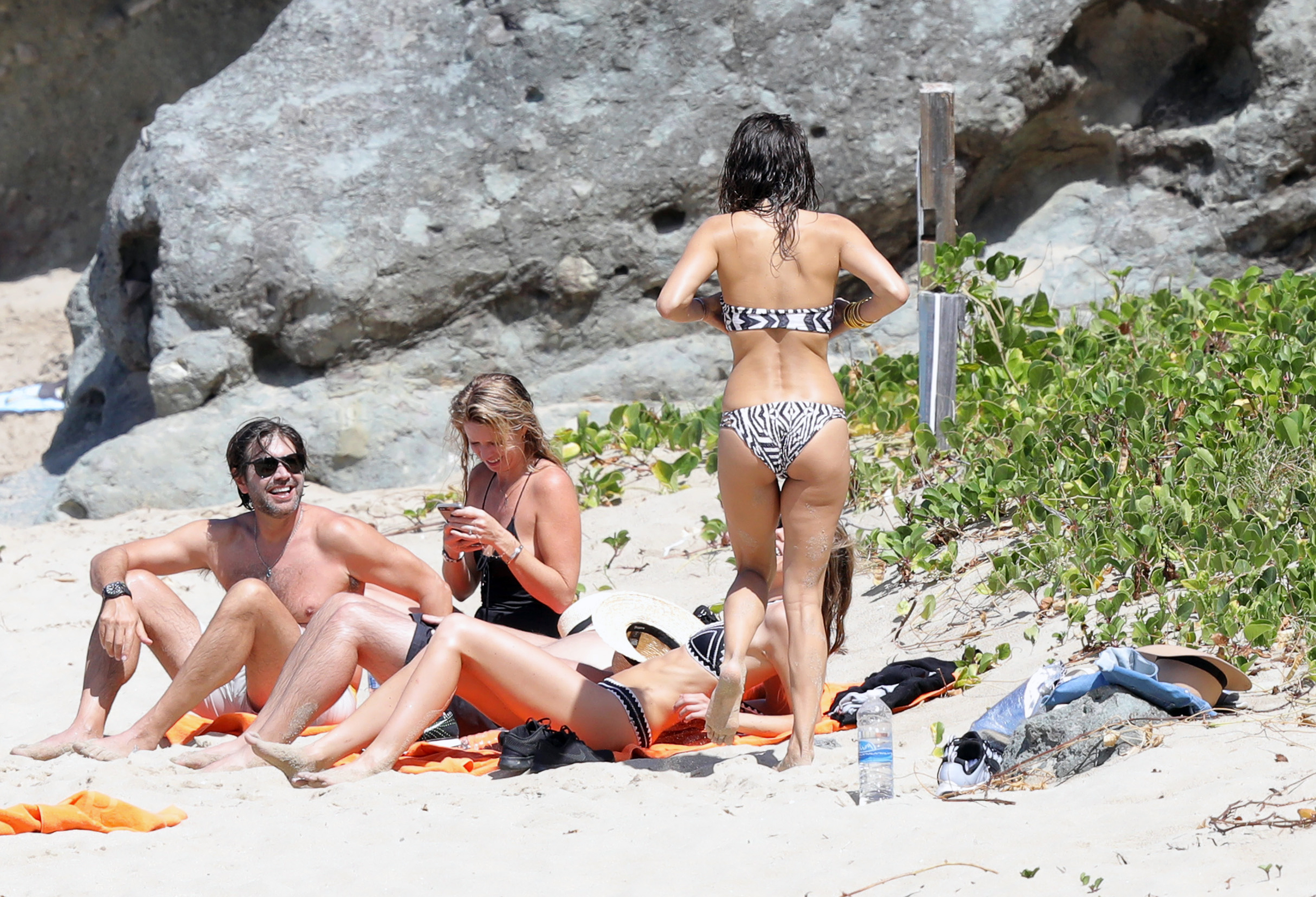
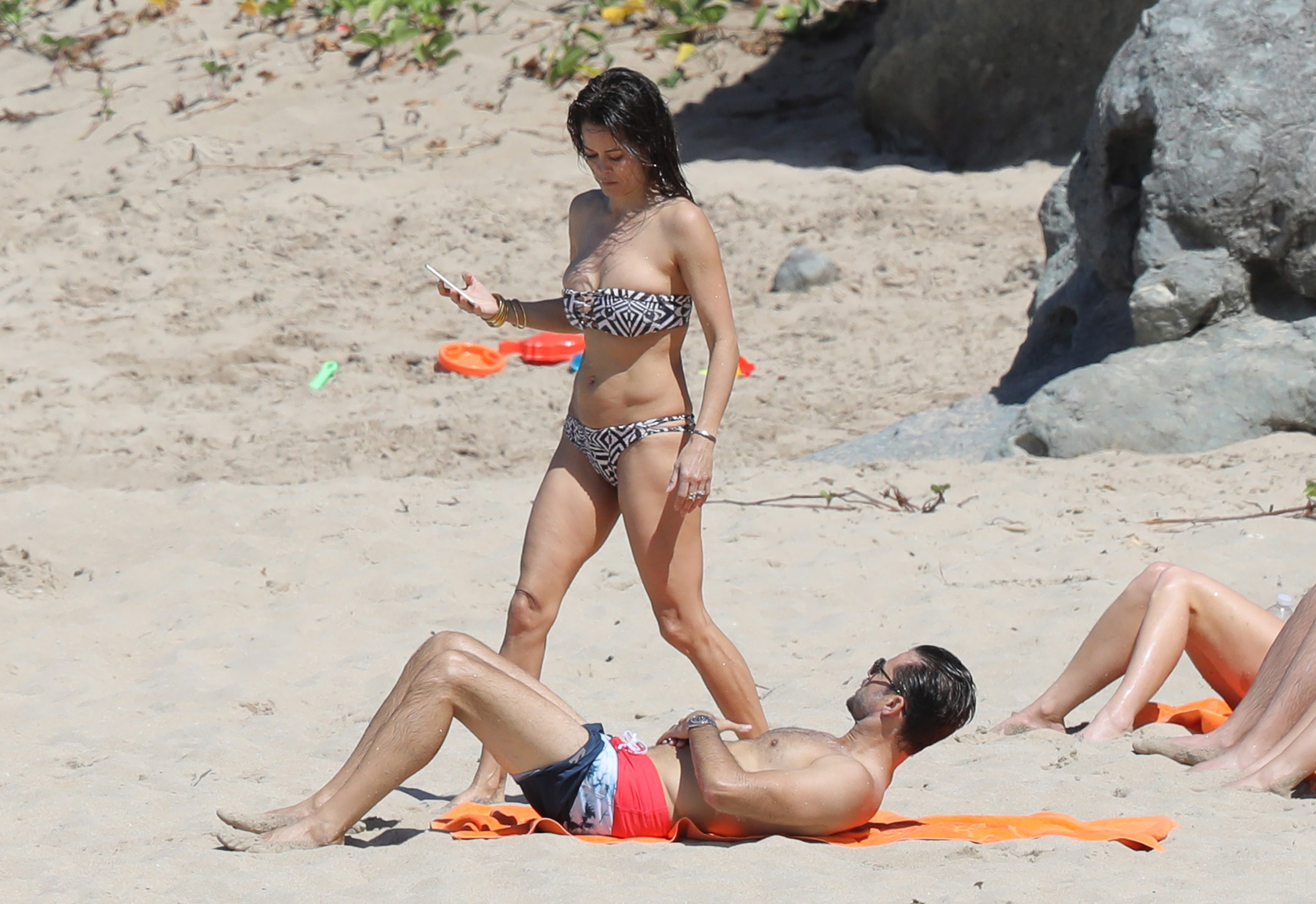
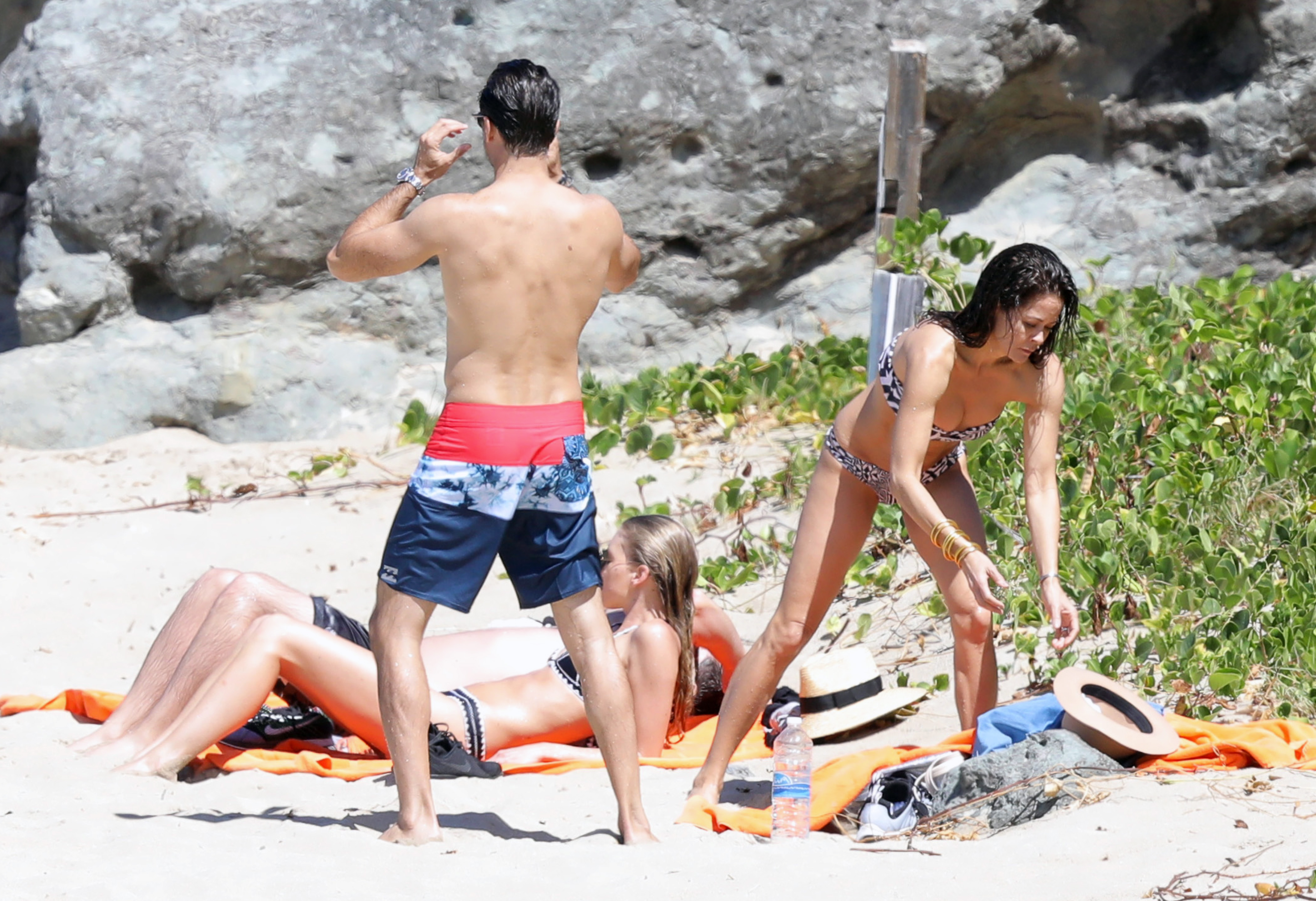
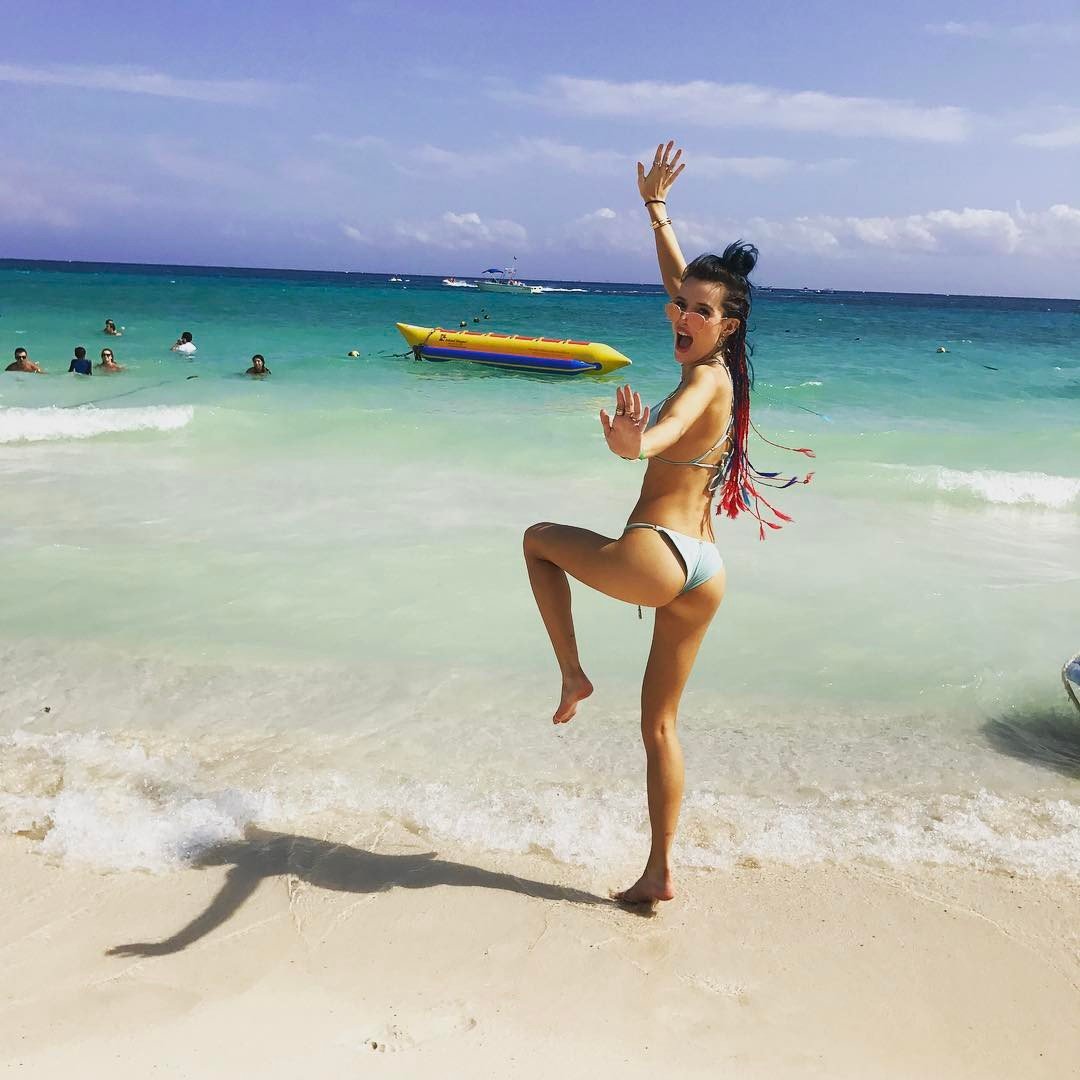
 St. Barts - February 19, 2017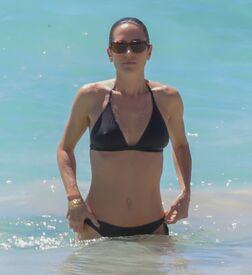
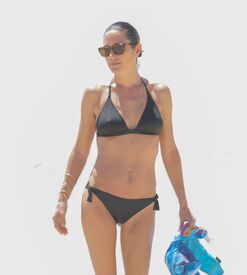
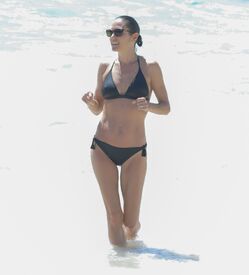
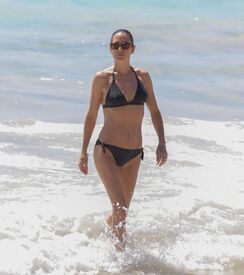
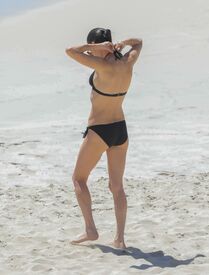
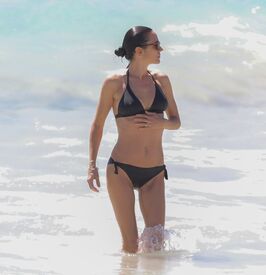
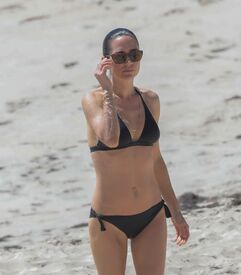
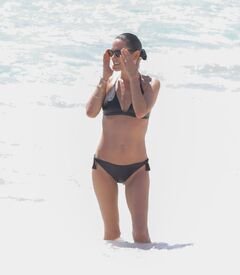
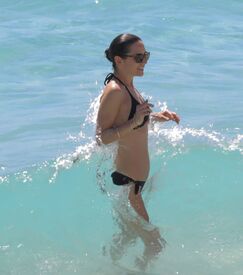
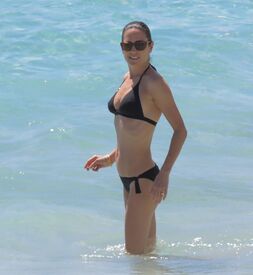
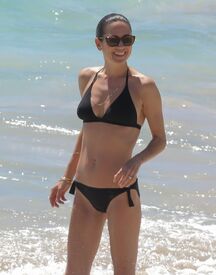
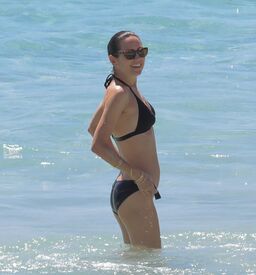
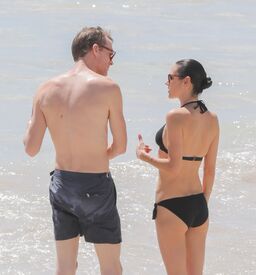
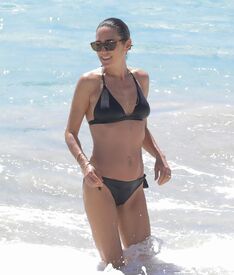
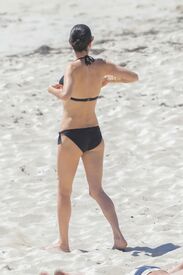 St. Barts - February 15, 2017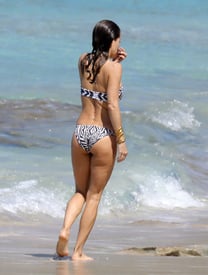
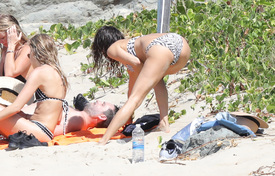
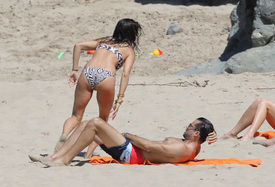
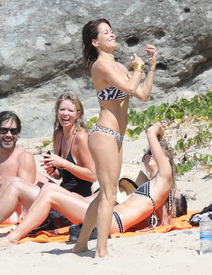
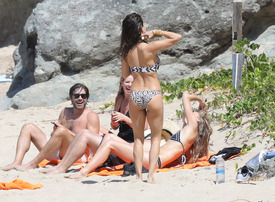
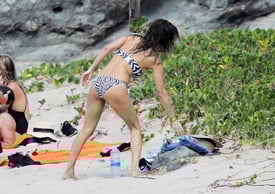
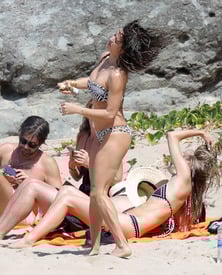

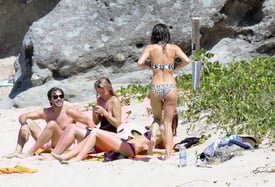
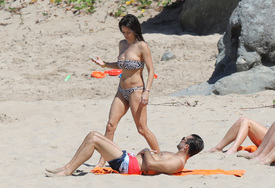
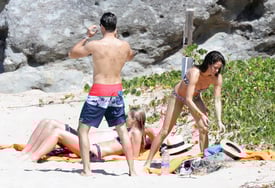
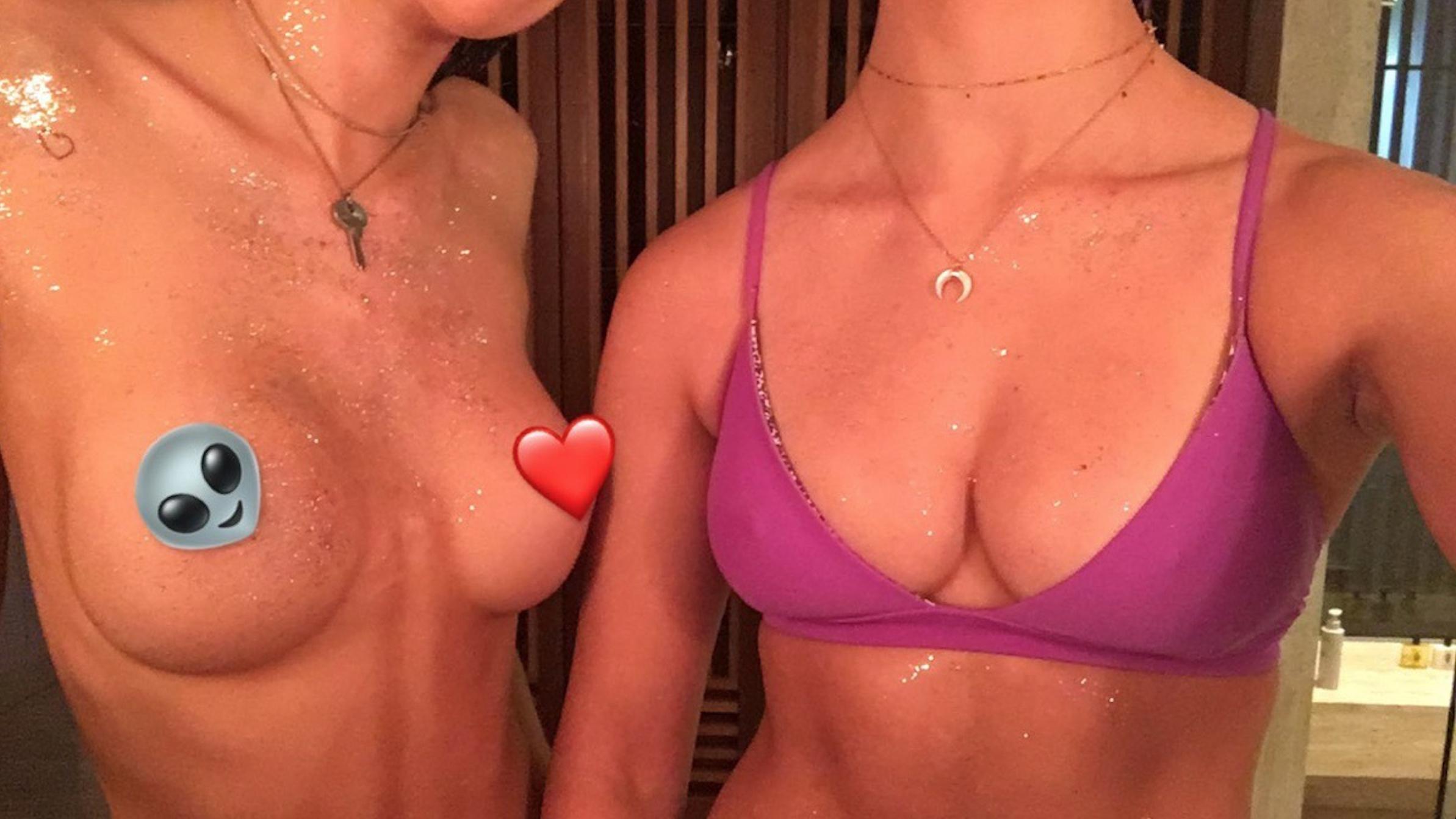
 Bella is topless on the left. Screen caps from earlier: IG: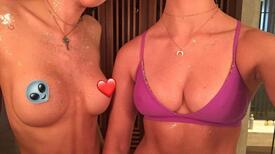
Account
Navigation
Search
Configure browser push notifications
Chrome (Android)
- Tap the lock icon next to the address bar.
- Tap Permissions → Notifications.
- Adjust your preference.
Chrome (Desktop)
- Click the padlock icon in the address bar.
- Select Site settings.
- Find Notifications and adjust your preference.
Safari (iOS 16.4+)
- Ensure the site is installed via Add to Home Screen.
- Open Settings App → Notifications.
- Find your app name and adjust your preference.
Safari (macOS)
- Go to Safari → Preferences.
- Click the Websites tab.
- Select Notifications in the sidebar.
- Find this website and adjust your preference.
Edge (Android)
- Tap the lock icon next to the address bar.
- Tap Permissions.
- Find Notifications and adjust your preference.
Edge (Desktop)
- Click the padlock icon in the address bar.
- Click Permissions for this site.
- Find Notifications and adjust your preference.
Firefox (Android)
- Go to Settings → Site permissions.
- Tap Notifications.
- Find this site in the list and adjust your preference.
Firefox (Desktop)
- Open Firefox Settings.
- Search for Notifications.
- Find this site in the list and adjust your preference.