All Activity
- Past hour
-

-
 🎄
🎄
-
 vsbuilders joined the community
 -
-

-
-
-
-
Merry Christmas🎄🤍 I hope you have an amazing holiday!





-
stories video [2025.12.25] helenowen_3795655471005926609.mp4



- Today
-
-


 teanleaf joined the community
 Carla Bruni & Monica Bellucci for Blumarine, 1993, by Helmut Newton my scan
 Carla Bruni & Monica Bellucci for Blumarine, 1993, by Helmut Newton my scan
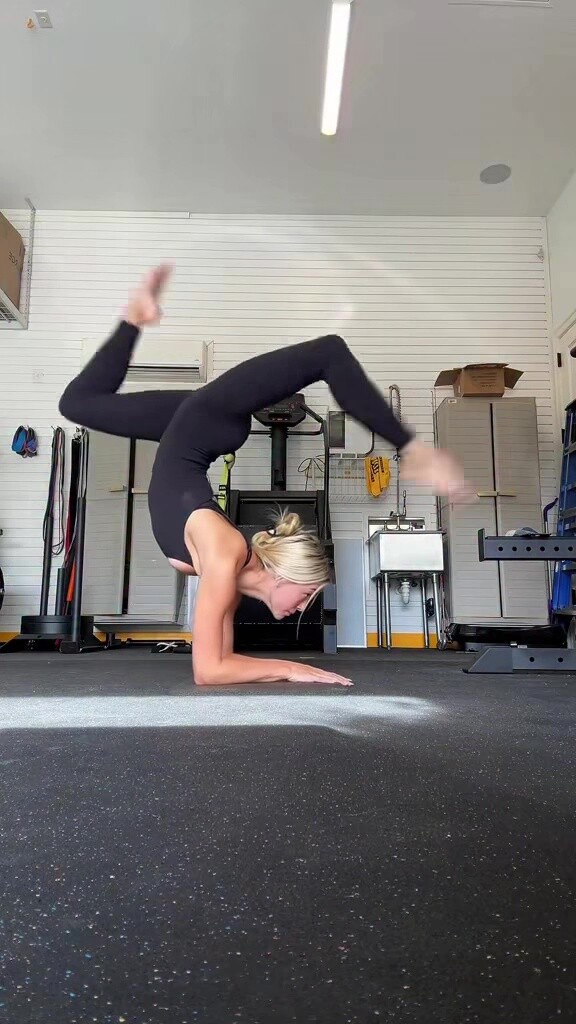
 Isabella Lanaro: Such a fun sweaty morning with elysetaylor 😂💕💕




 stories video [2025.12.25] kimberleygarner_3795602944713419538.mp4
 Meet me under the mistletoe!!! Happy holidaaaaze yall ding dong ho ho ho peace joy love


 If I may ask, which year's edition of the magazine?
Argentina video Liza Kovalenko - Facebook [2025.12.11] Argentina.mp4
If I may ask, which year's edition of the magazine?
Argentina video Liza Kovalenko - Facebook [2025.12.11] Argentina.mp4













































































































































Account
Search
Configure browser push notifications
Chrome (Android)
- Tap the lock icon next to the address bar.
- Tap Permissions → Notifications.
- Adjust your preference.
Chrome (Desktop)
- Click the padlock icon in the address bar.
- Select Site settings.
- Find Notifications and adjust your preference.
Safari (iOS 16.4+)
- Ensure the site is installed via Add to Home Screen.
- Open Settings App → Notifications.
- Find your app name and adjust your preference.
Safari (macOS)
- Go to Safari → Preferences.
- Click the Websites tab.
- Select Notifications in the sidebar.
- Find this website and adjust your preference.
Edge (Android)
- Tap the lock icon next to the address bar.
- Tap Permissions.
- Find Notifications and adjust your preference.
Edge (Desktop)
- Click the padlock icon in the address bar.
- Click Permissions for this site.
- Find Notifications and adjust your preference.
Firefox (Android)
- Go to Settings → Site permissions.
- Tap Notifications.
- Find this site in the list and adjust your preference.
Firefox (Desktop)
- Open Firefox Settings.
- Search for Notifications.
- Find this site in the list and adjust your preference.