Jump to content
View in the app

A better way to browse. Learn more.

Bellazon

A full-screen app on your home screen with push notifications, badges and more.

To install this app on iOS and iPadOS
  1. Tap the Share icon in Safari
  2. Scroll the menu and tap Add to Home Screen.
  3. Tap Add in the top-right corner.
To install this app on Android
  1. Tap the 3-dot menu (⋮) in the top-right corner of the browser.
  2. Tap Add to Home screen or Install app.
  3. Confirm by tapping Install.

All Activity

This stream auto-updates

  1. Past hour
  2. RedBaron86 started following MK Rankey
  3. OneOne Swim: stories
  4. TheDude2k replied to aldago's topic in Actresses
    Late Night with Conan O'Brien (09/25/07)
  5. jonboy started following Genesis Rodriguez
  6. Wild Set Free 4K: Ms. Swimsuit USA International (2026) Part I
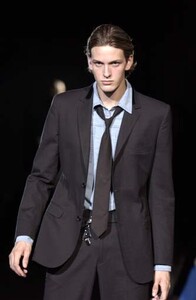
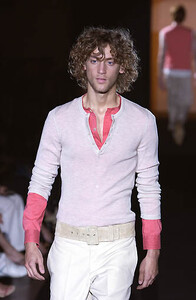
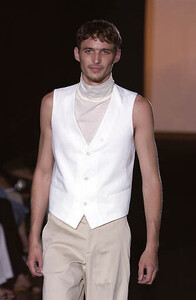
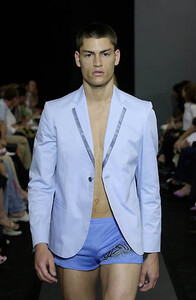
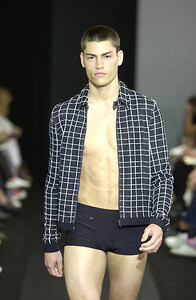
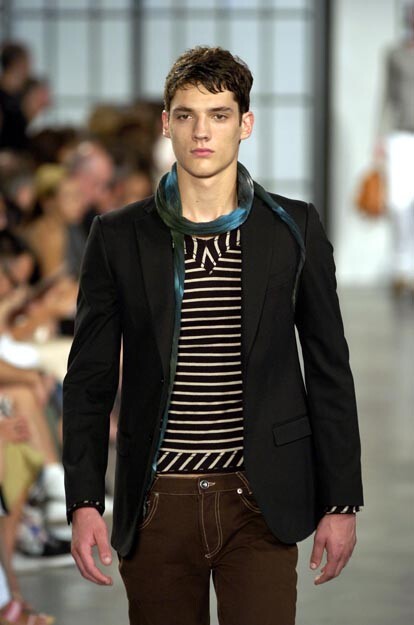
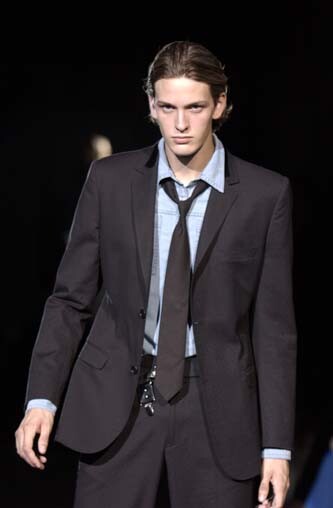
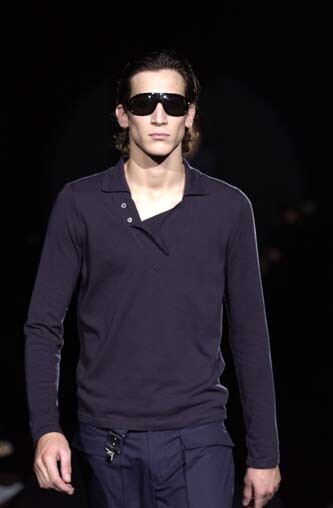
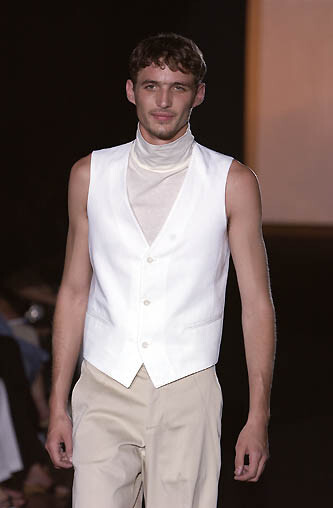
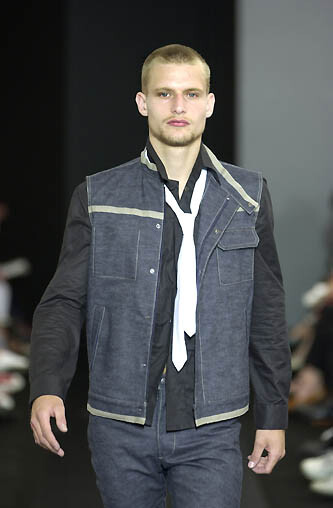
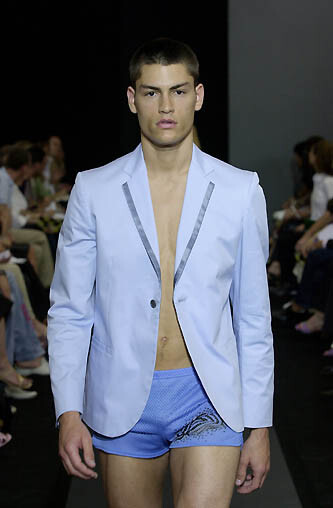
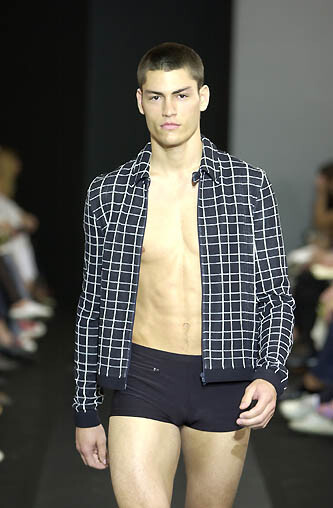
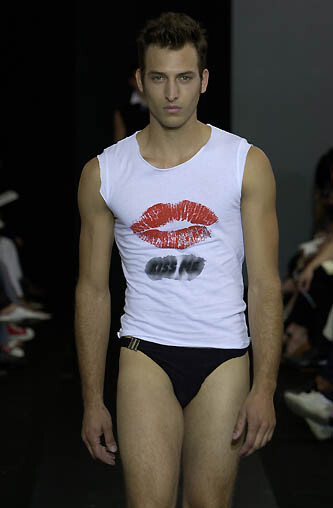
  7. alessandro dell' acqua menswear ss05
  8. alessandro dell' acqua menswear ss 2005
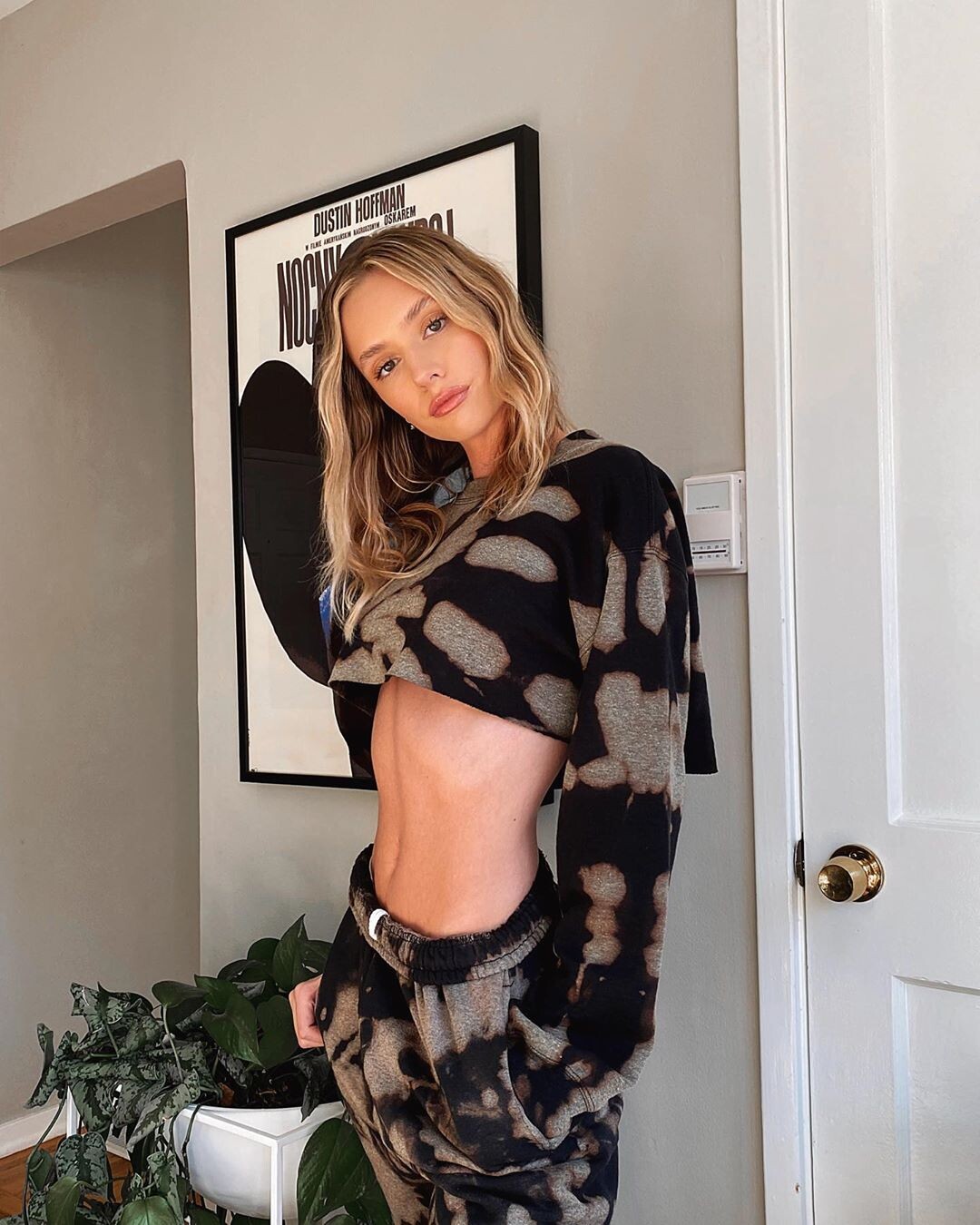
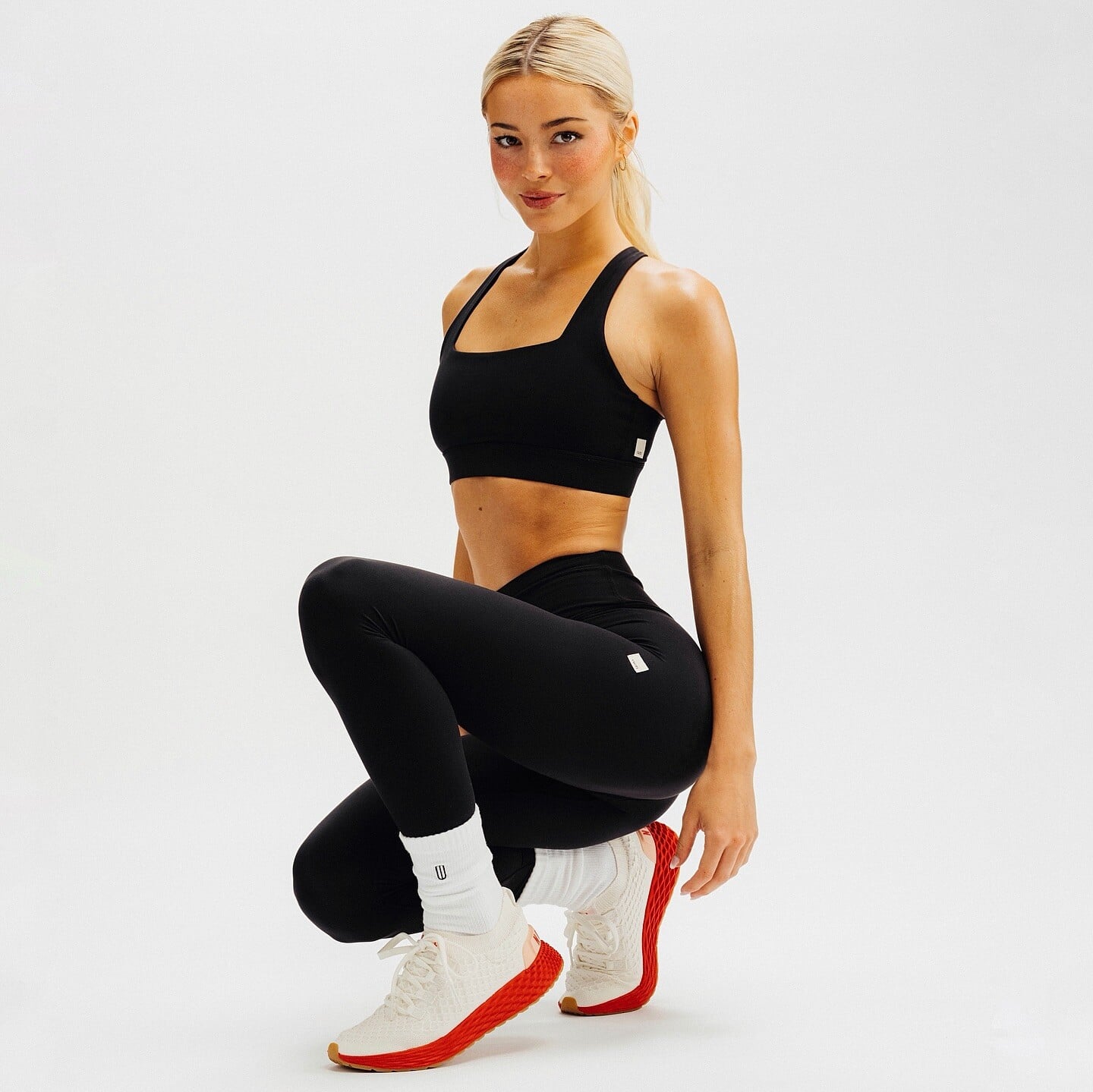
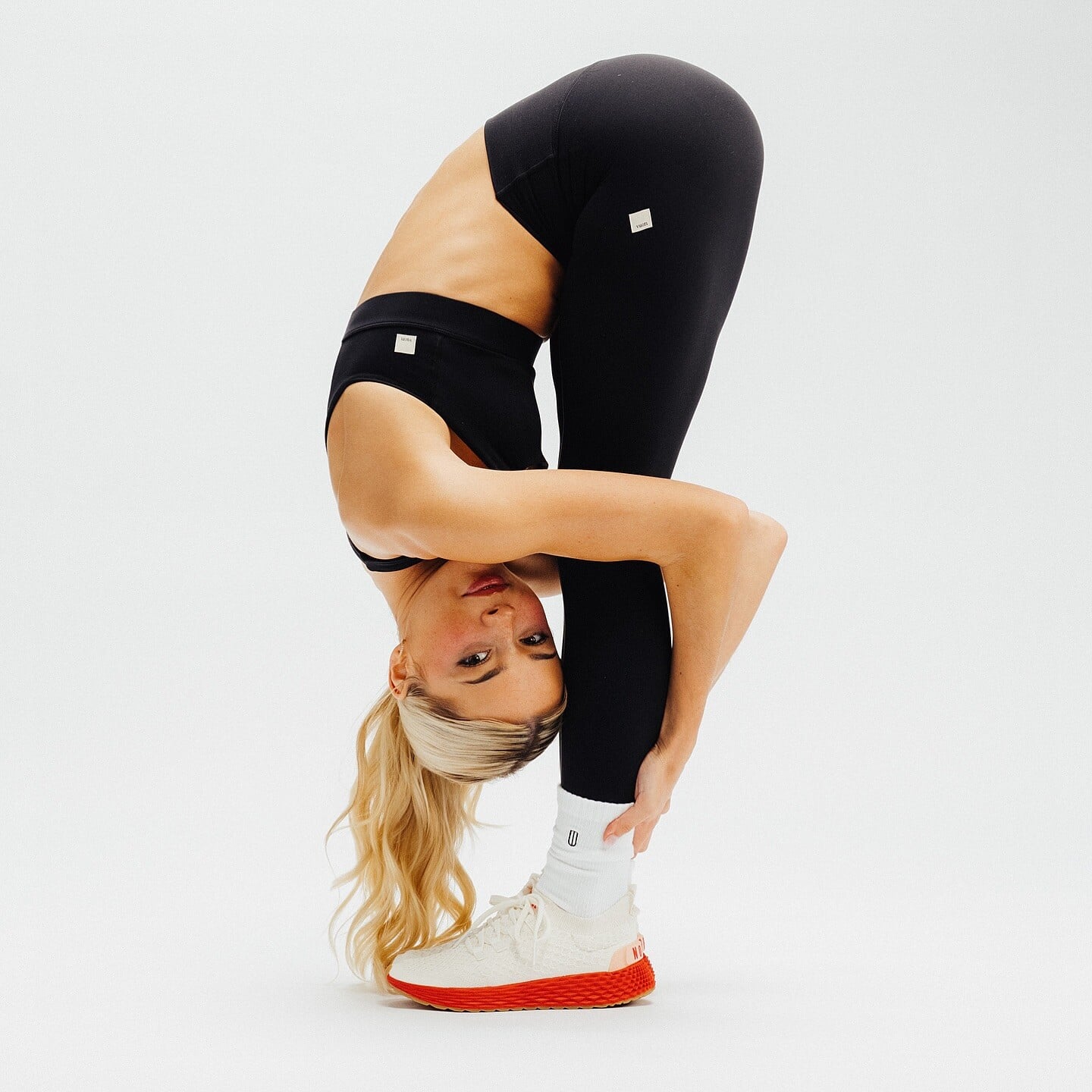
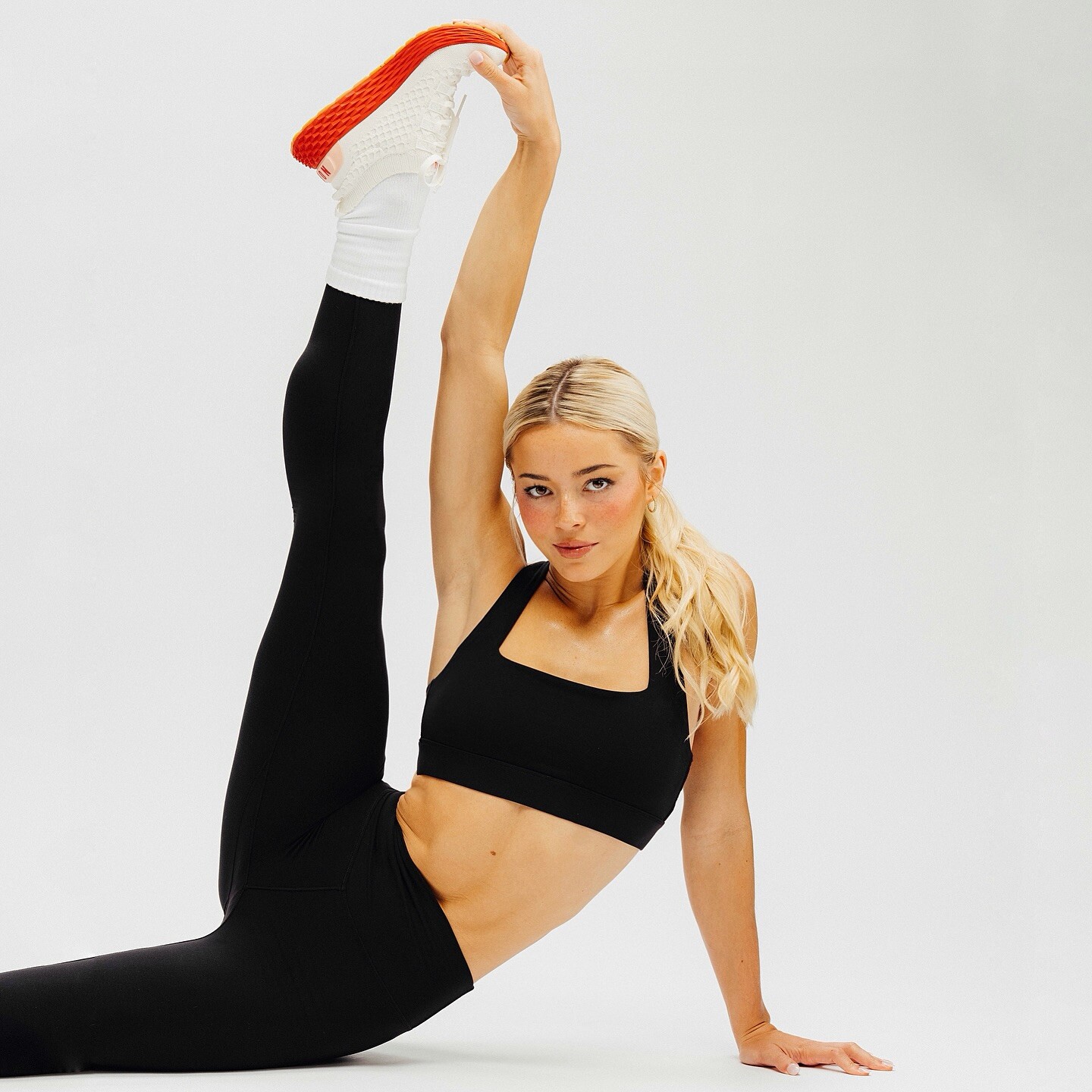
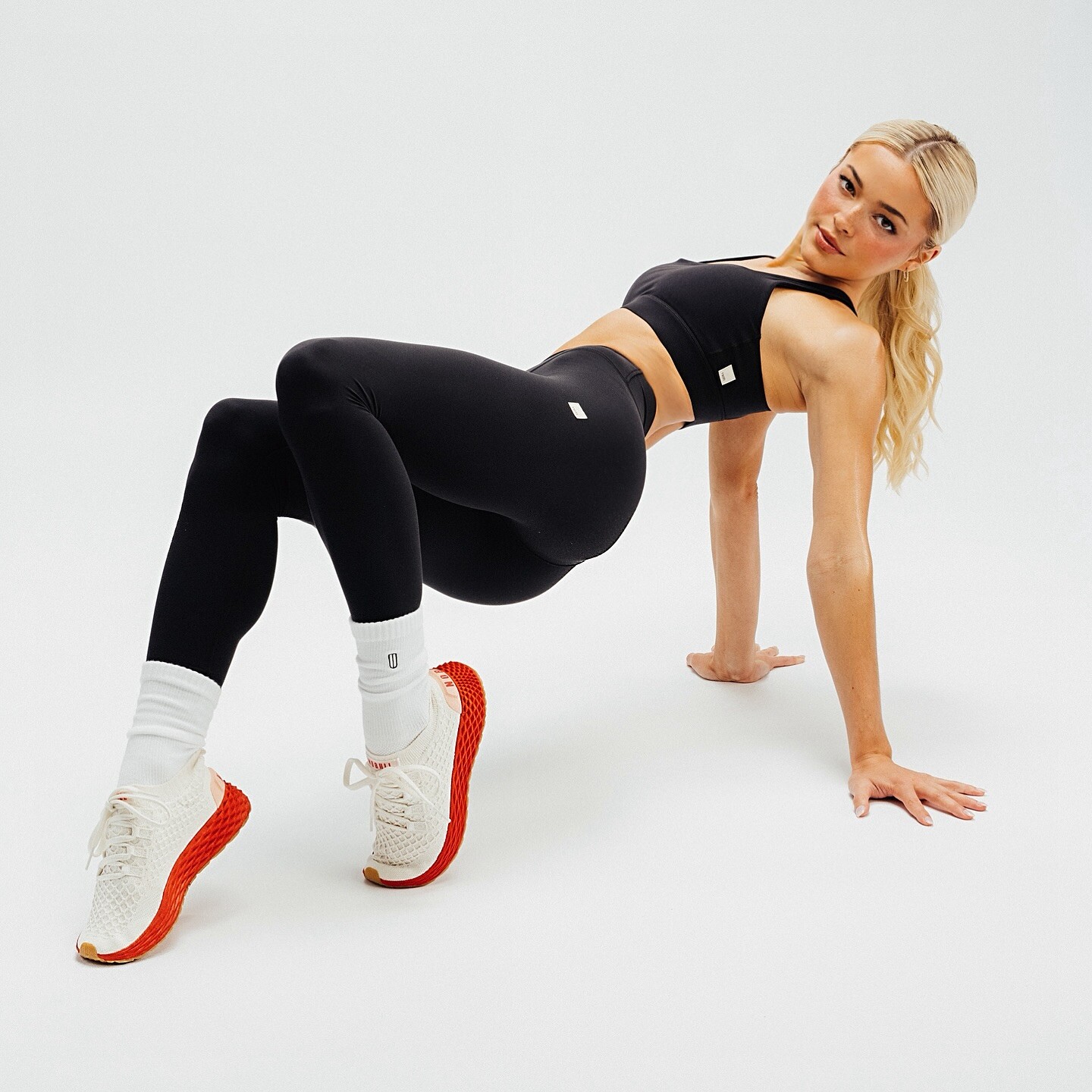
  9. howdy partner nobull 🤝🖤 sooo excited to join the nobull team alongside tombrady as an athlete, investor, and partner… LFG!
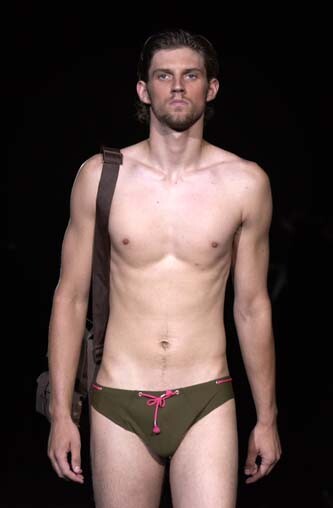
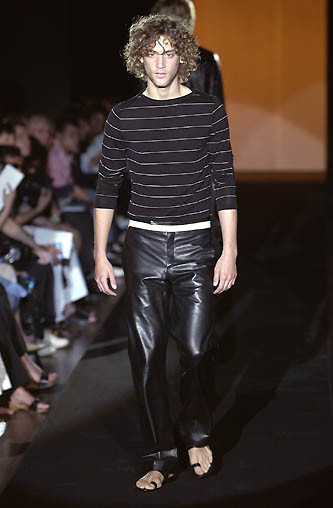
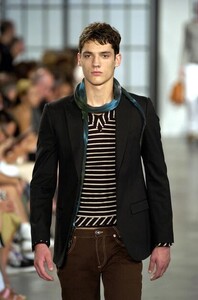
  10. alessandro dell' acqua ss 2003
  11. alessandro dell' acqua menswear ss2003
  12. Today
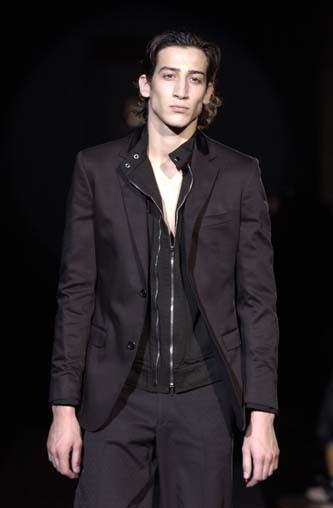
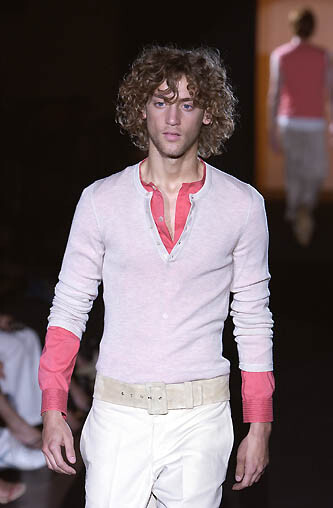
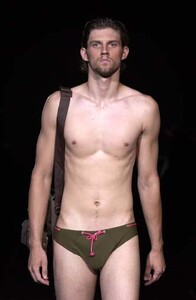
  13. alessandro dell' acqua menswear ss03
  14. ALESSANDRO DELL' ACQUA MENSWEAR SS2002?
  15. ALESSANDRO DELL' ACQUA MENSWEAR SS2002
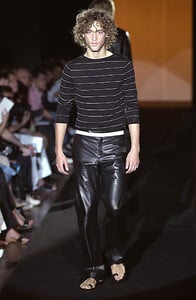
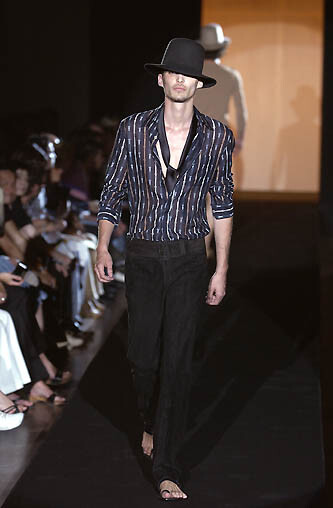
  16. alessandro dell' acqua menswear s/s 2002
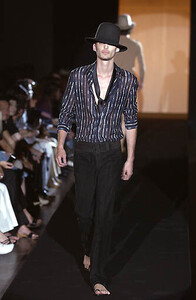
  17. alessandro dell' acqua mens ss2001
  18. ekn replied to Neo52285's topic in Adriana Lima
    Helena Rubinstein
  19. Sophie Duvnjak: flow state lindsaydemyan video

  20. Advertisement ginatricot | GINA JEANS has arrived, the glow up collection live now 🌶️🍒⭐ ️ video

  21. Ann Kornieva joined the community
  22. Anastasiia was reportedly associated with Jeffrey Epstein and is said to have visited his island, according to publicly available information.
  23. stories video
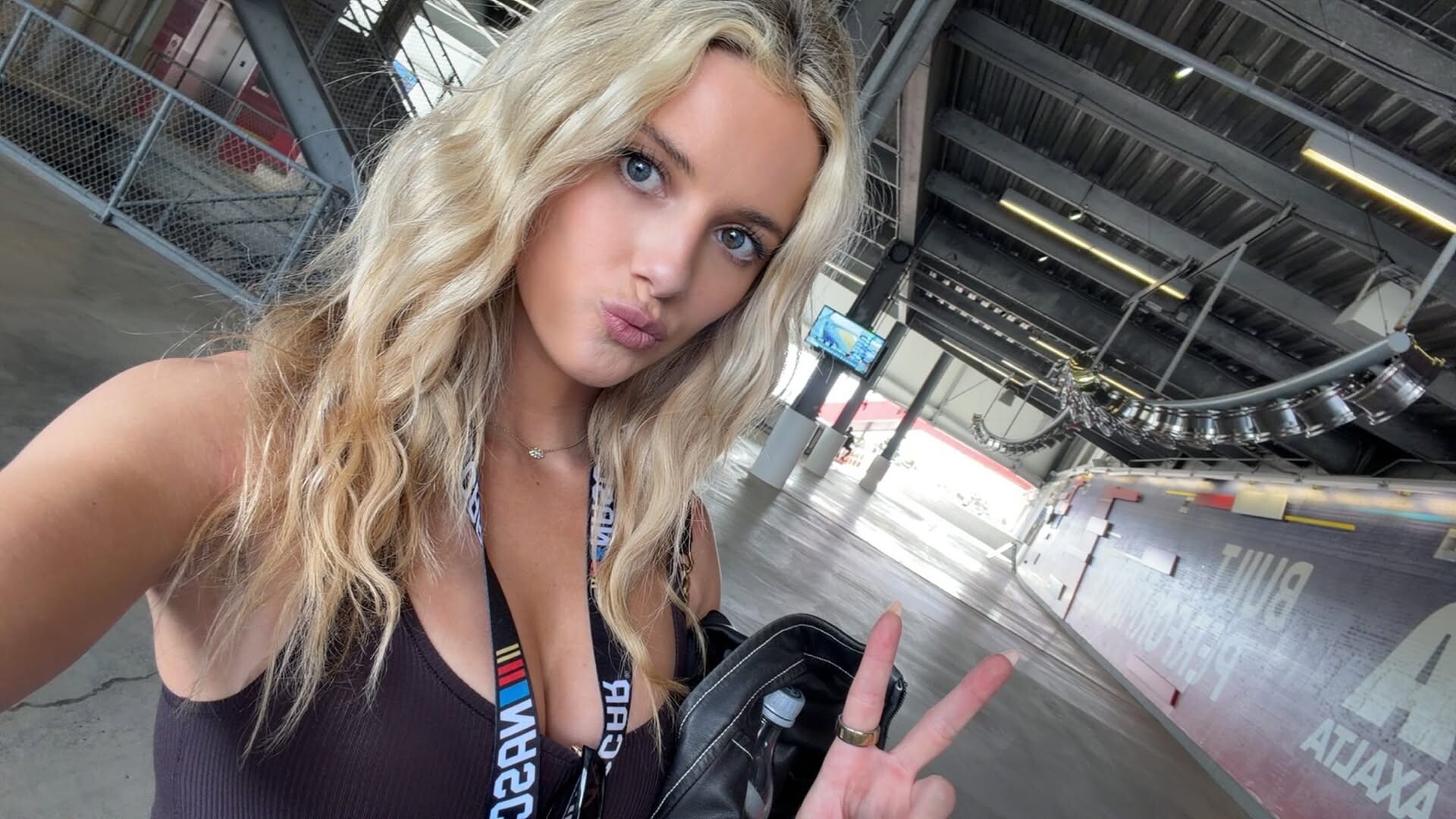
  24. GRWM for the Daytona 500🏁💕 4K video
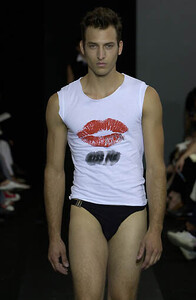
  25. ALESSANDRO DELL' ACQUA MENSWEAR SS2001
Account

Navigation

Search

Configure browser push notifications

Chrome (Android)
  1. Tap the lock icon next to the address bar.
  2. Tap Permissions → Notifications.
  3. Adjust your preference.
Chrome (Desktop)
  1. Click the padlock icon in the address bar.
  2. Select Site settings.
  3. Find Notifications and adjust your preference.