All Activity
- Past hour
-
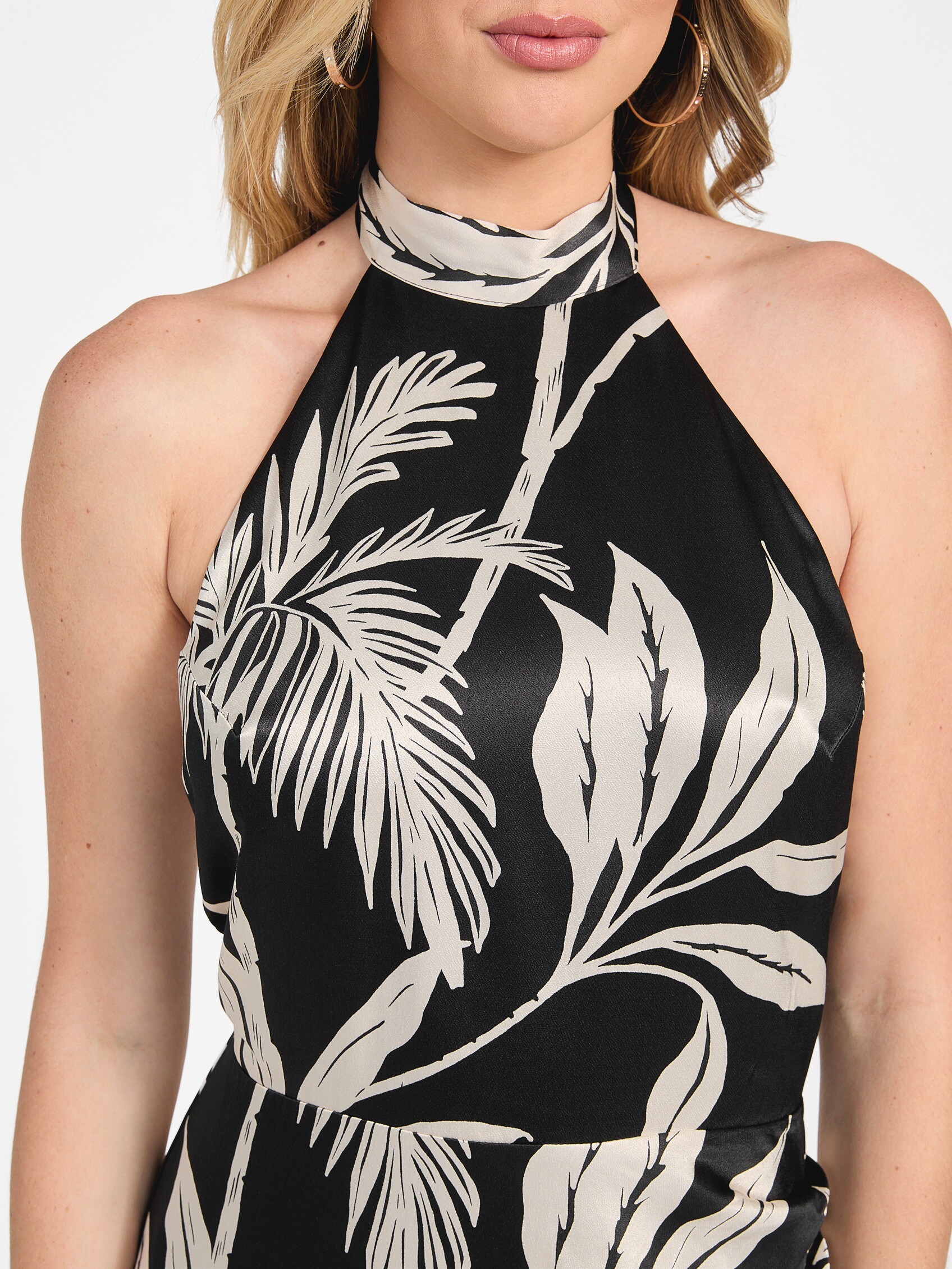
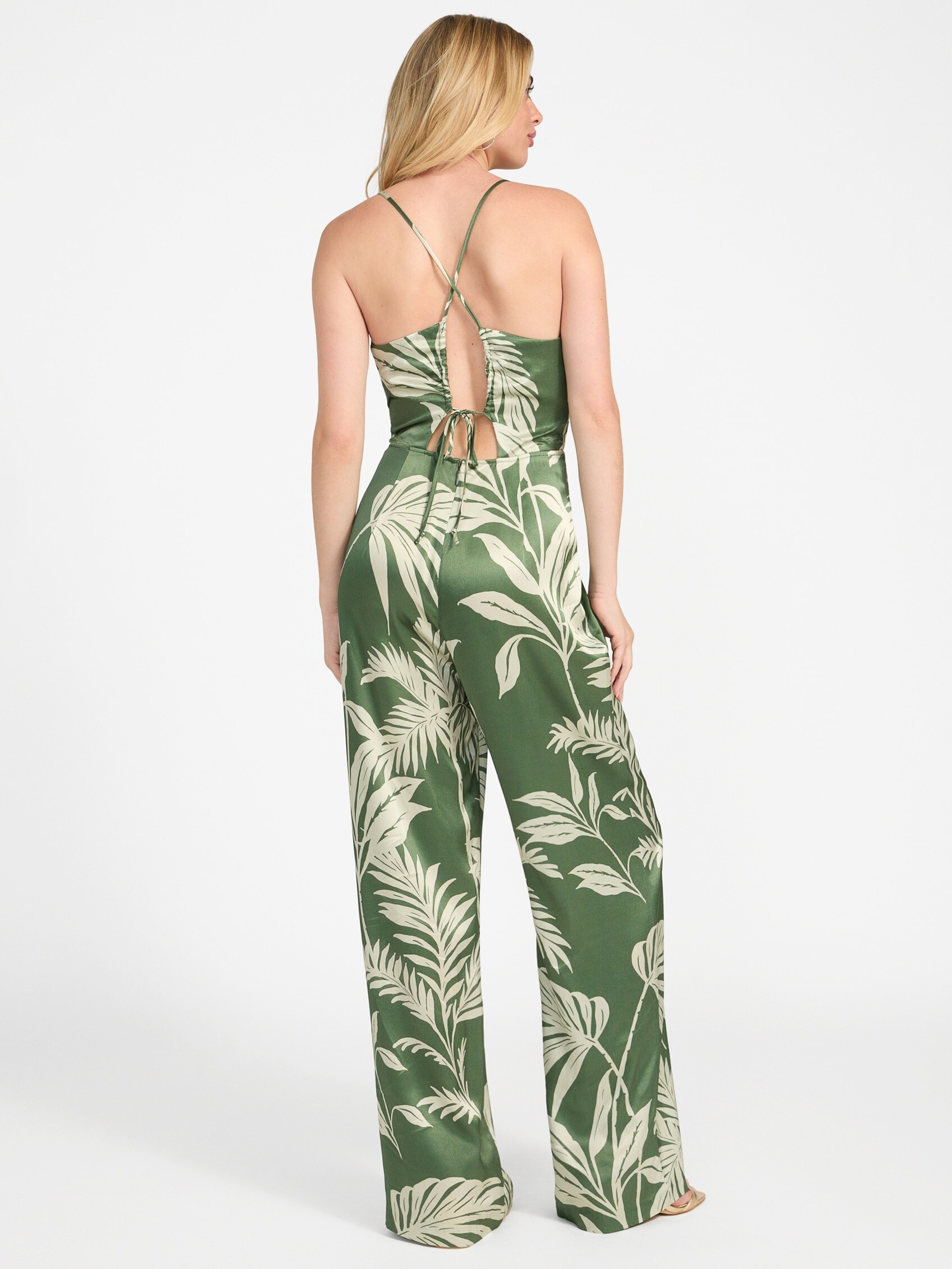
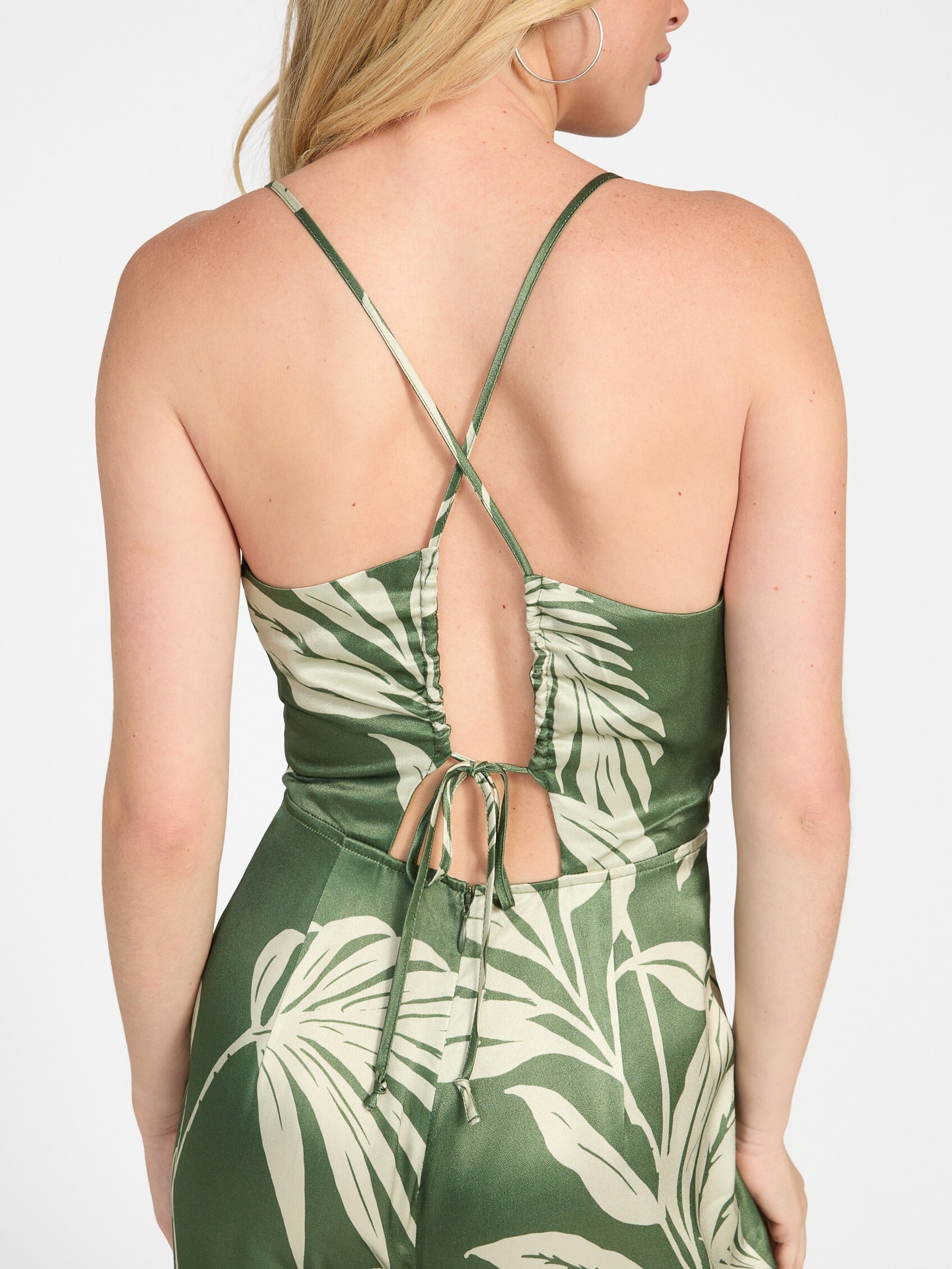
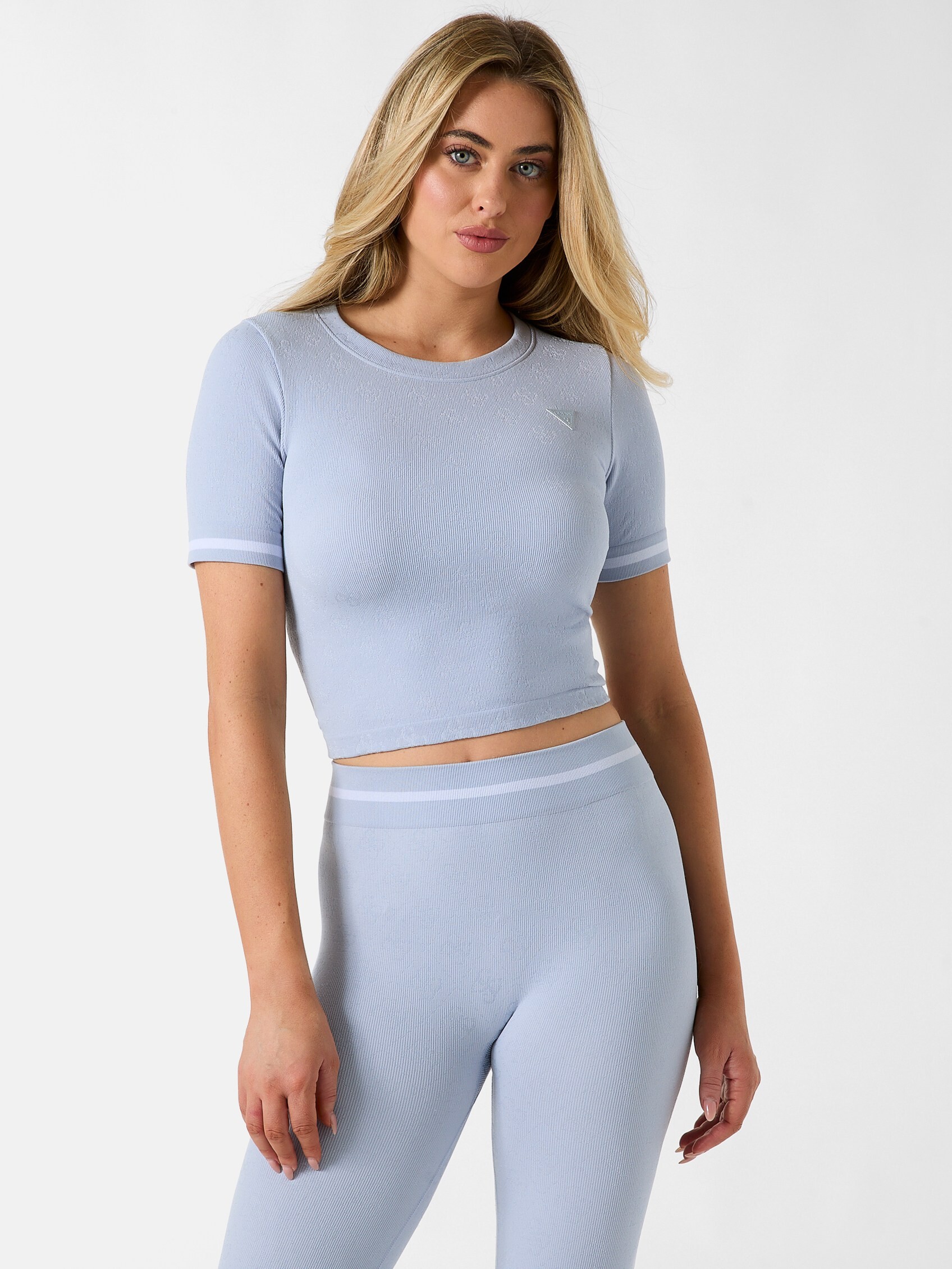
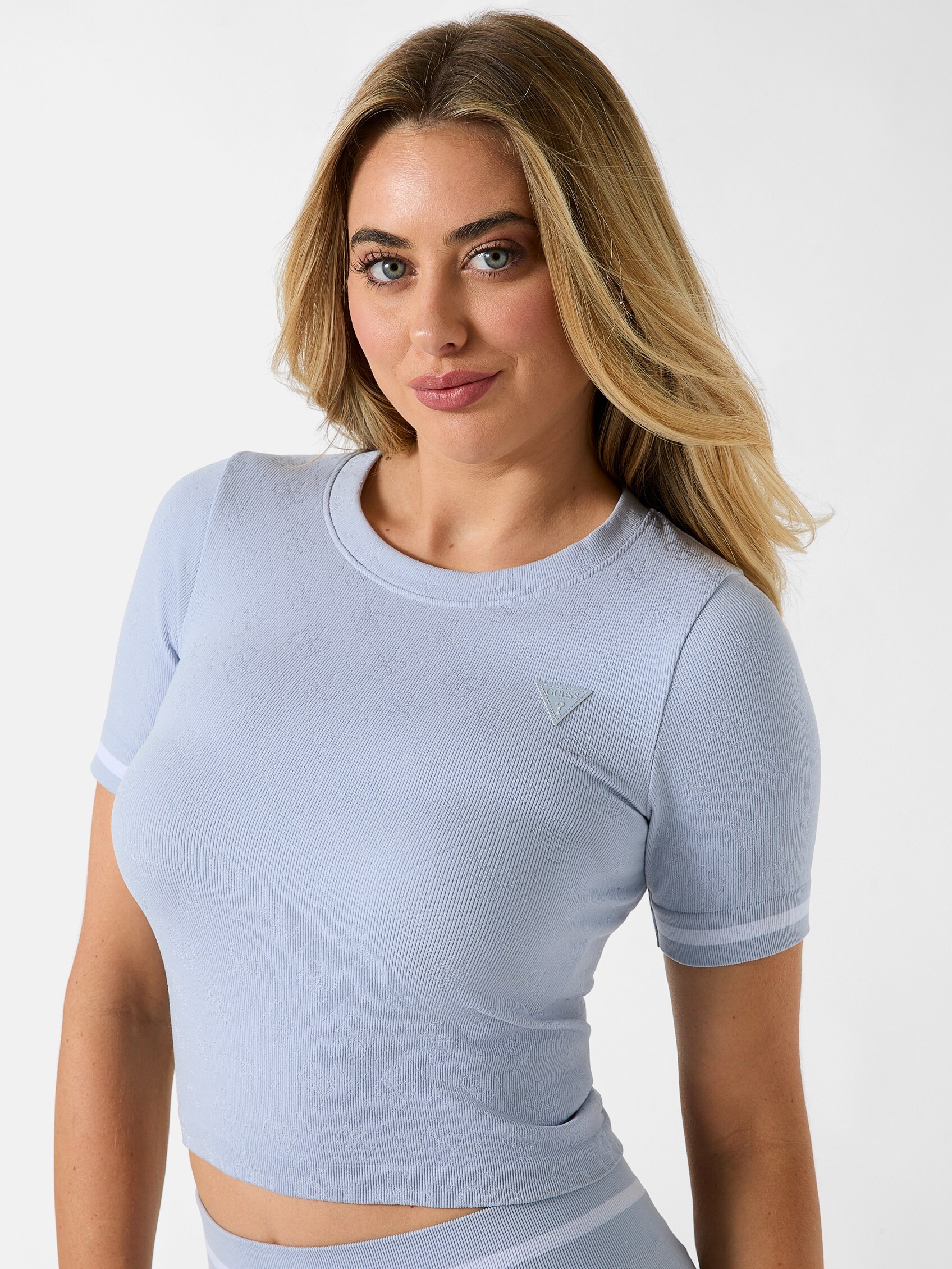
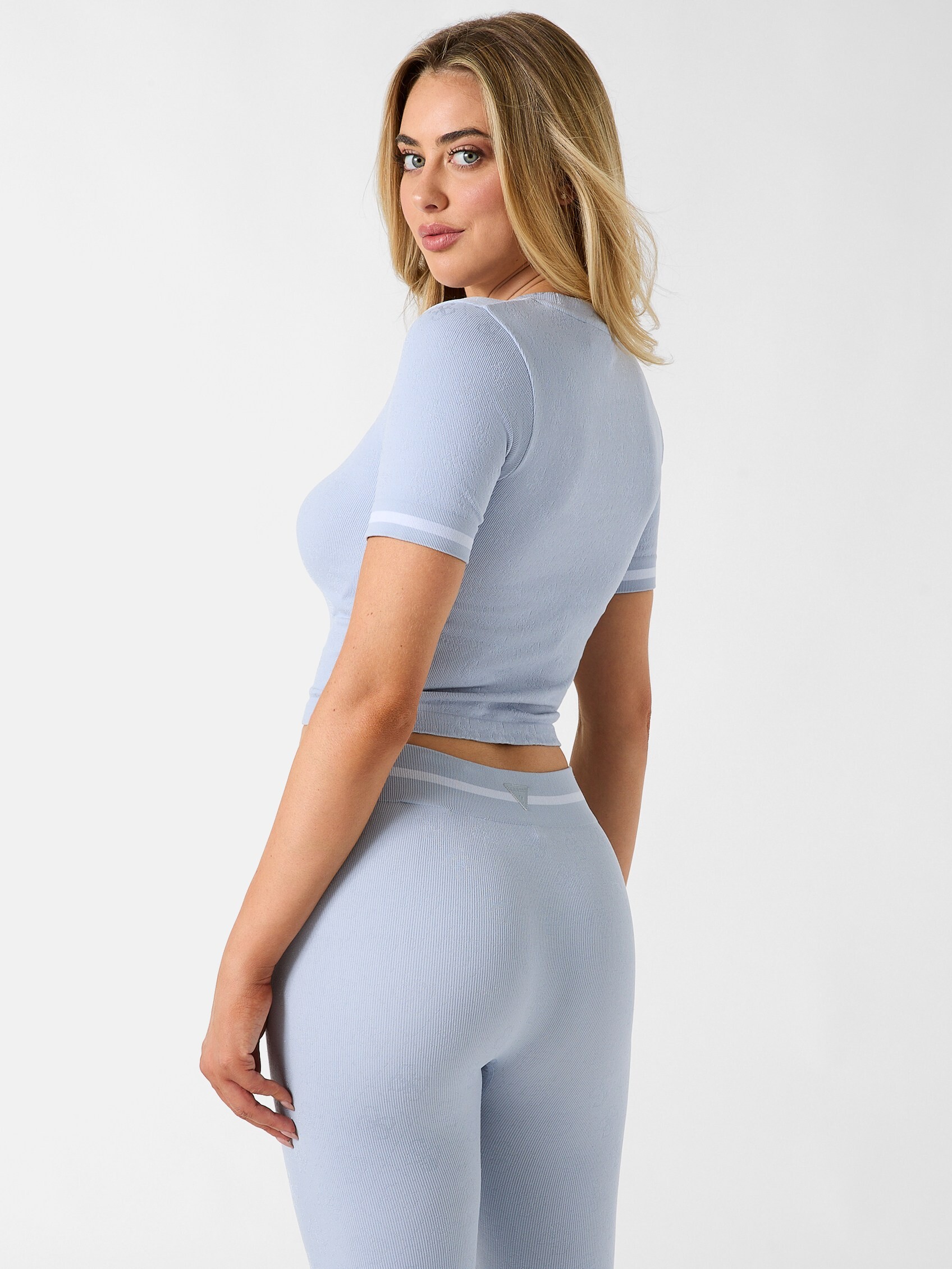
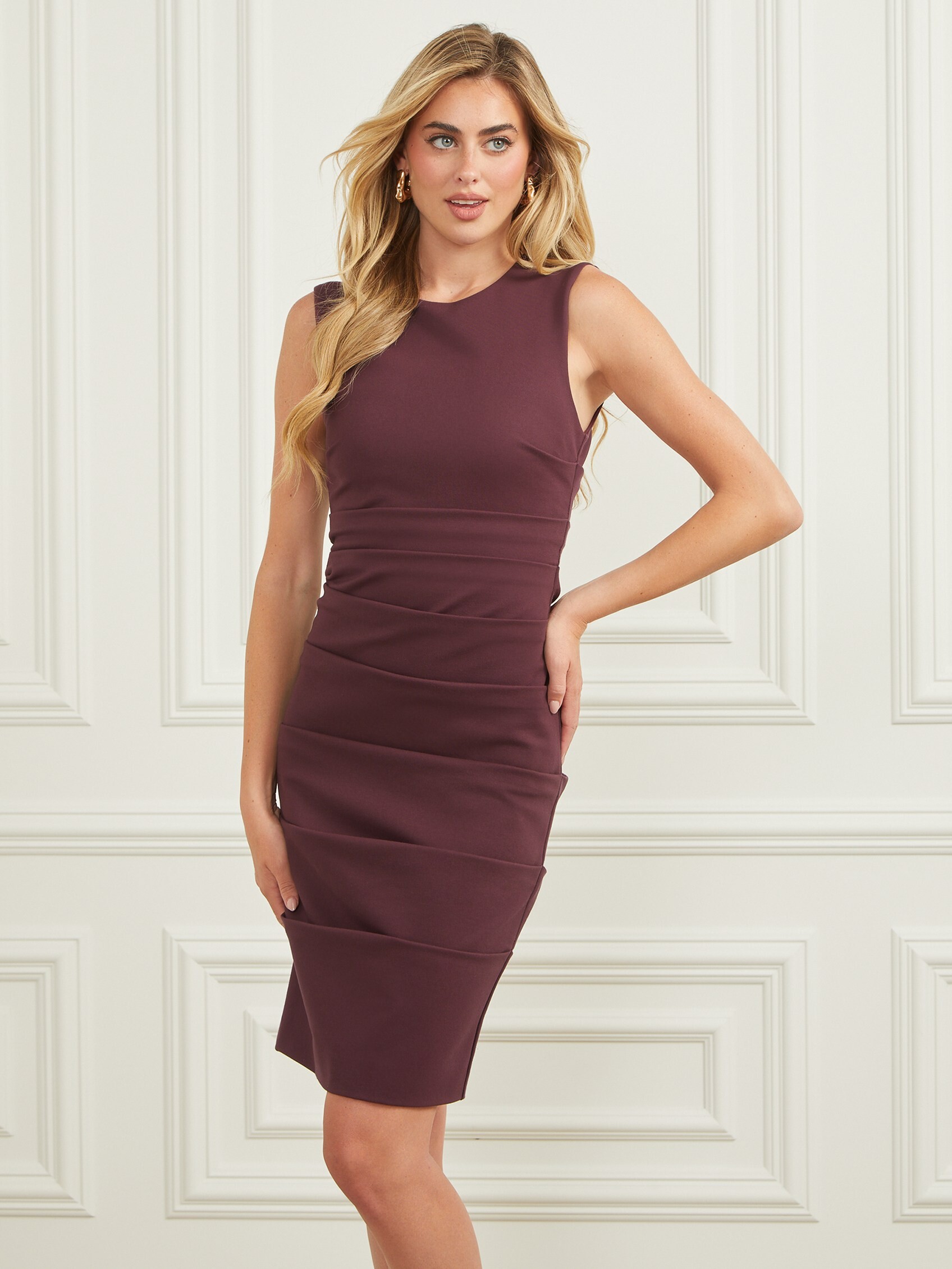
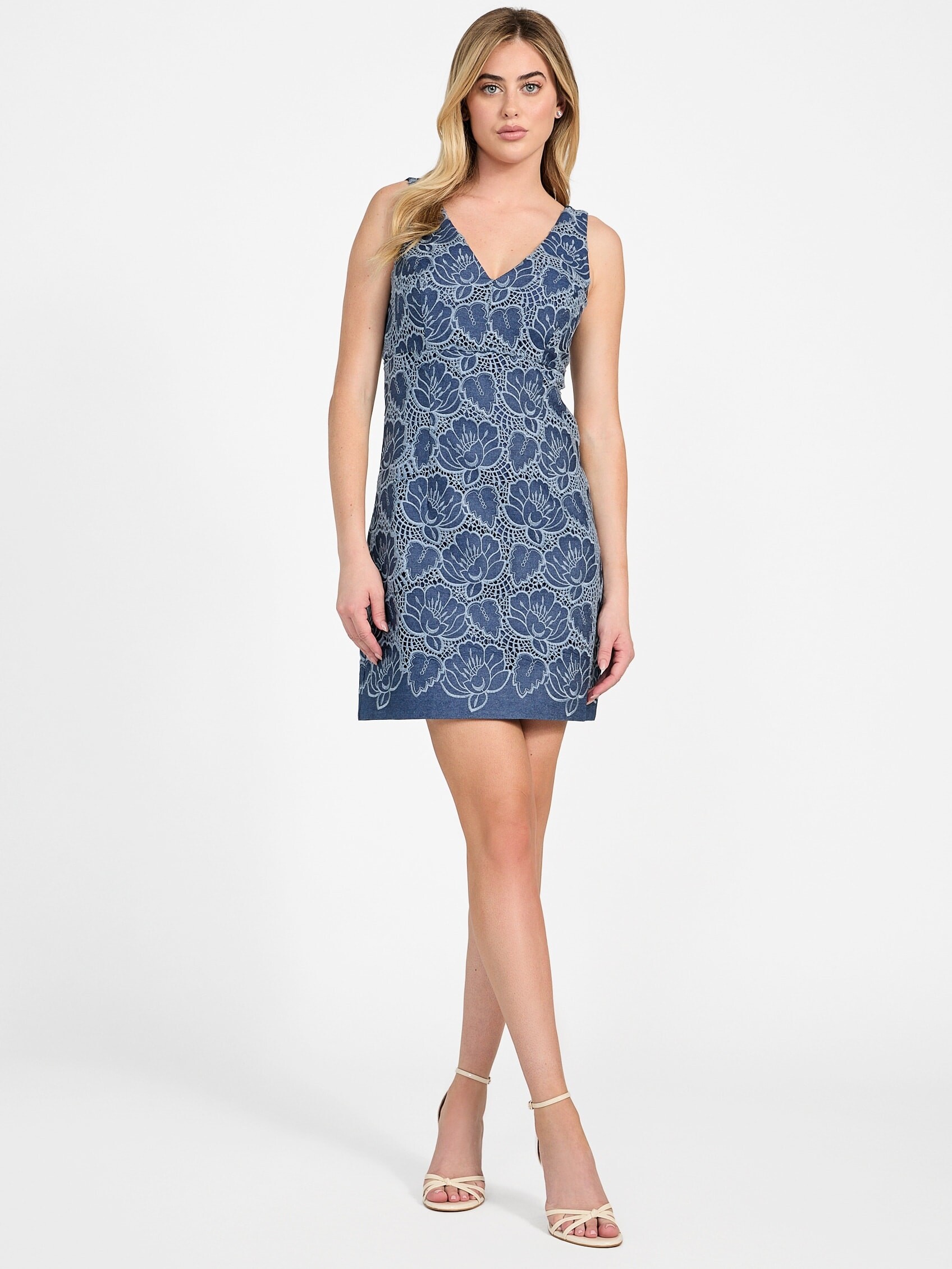
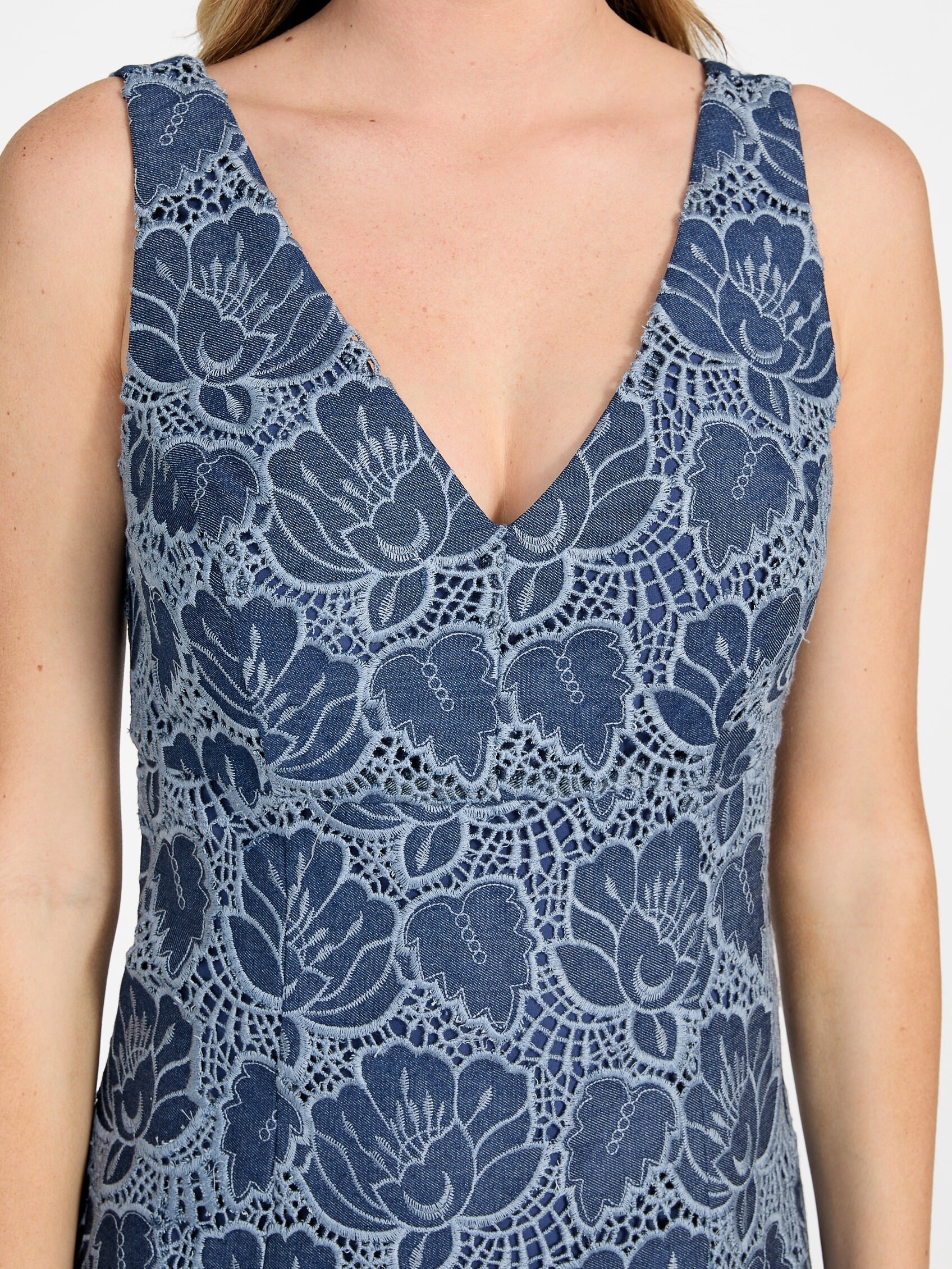
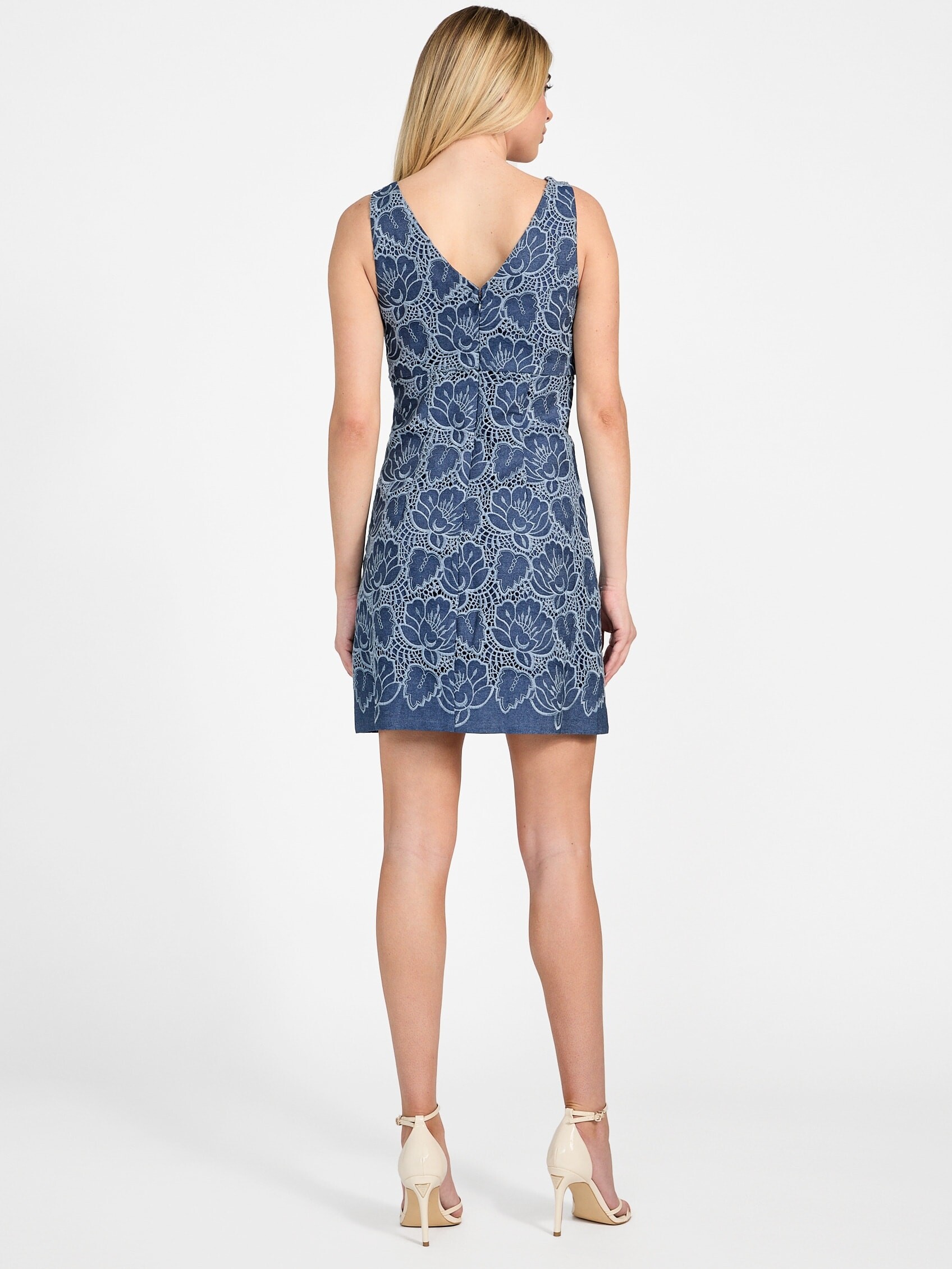
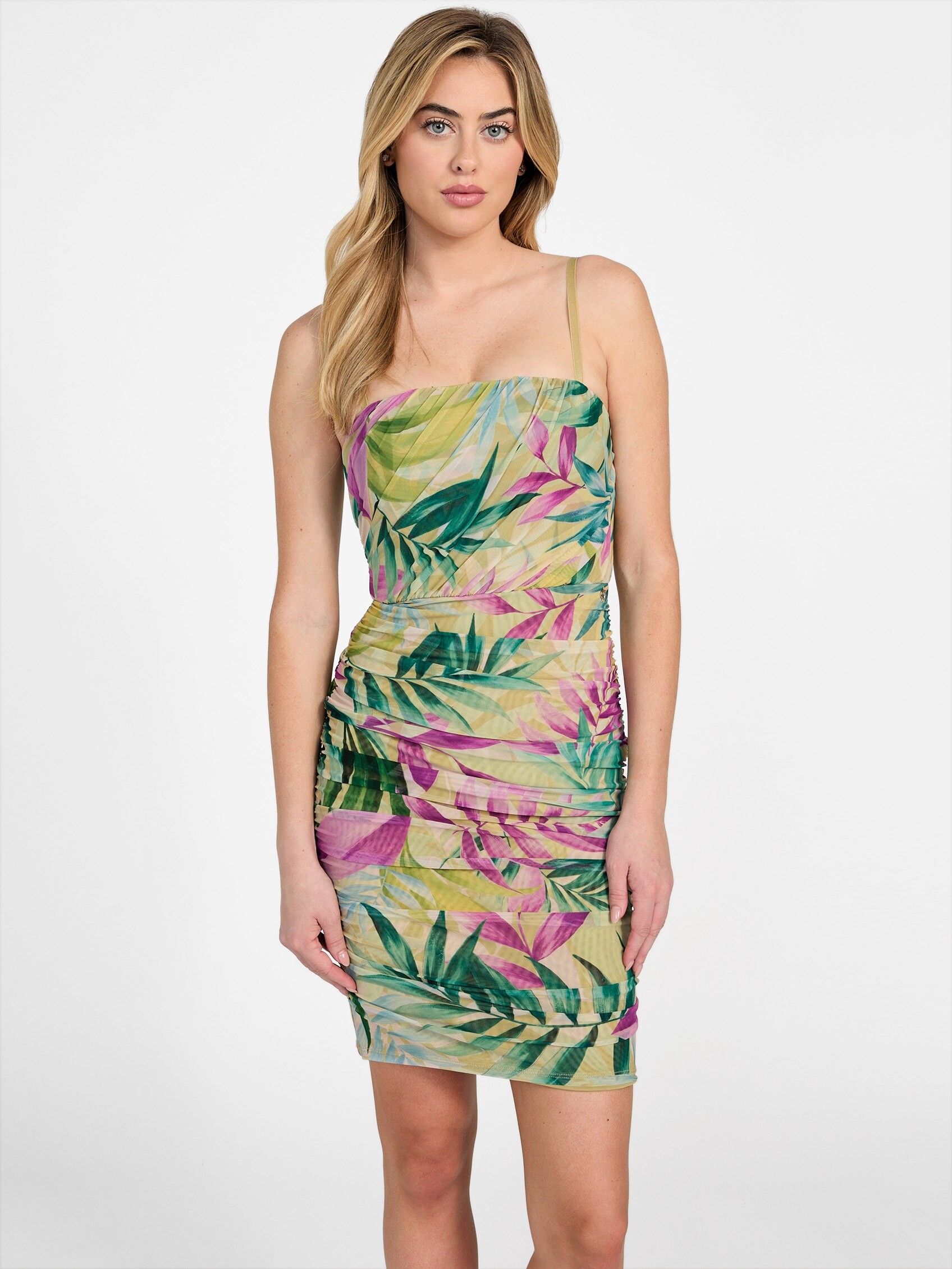
 Guess, part 3:


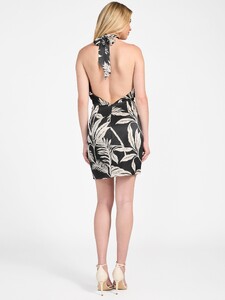
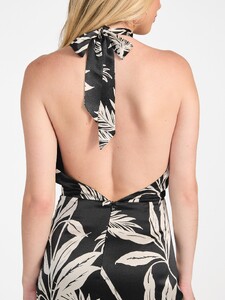
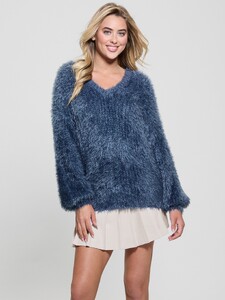
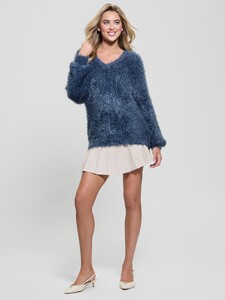


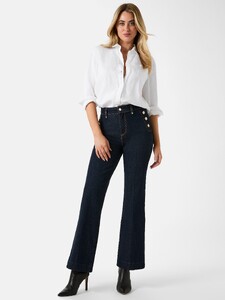


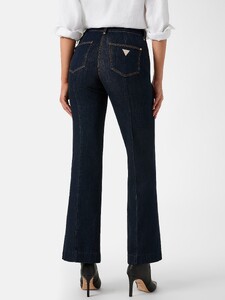
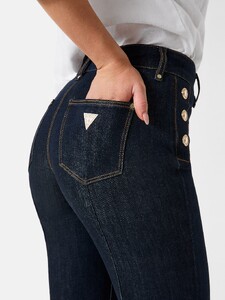


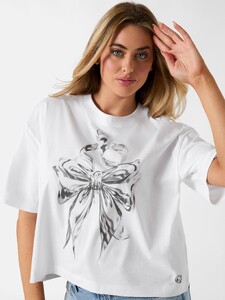


.thumb.jpg.240c14e2f35593e45e384f6c7628fdb2.jpg)
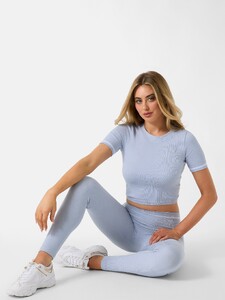
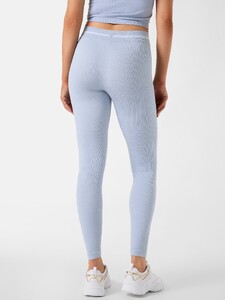
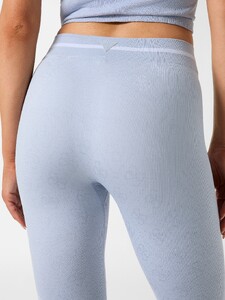
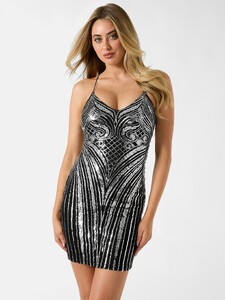
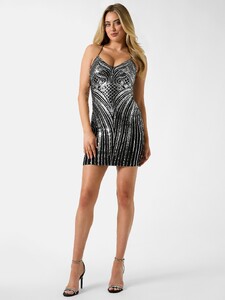


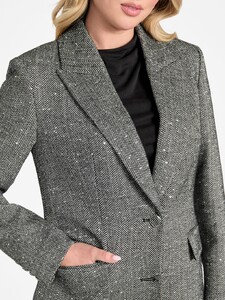

.thumb.jpg.4db565f0f30e02dcfb8a9aa57d0ff70a.jpg)
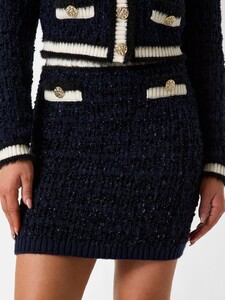
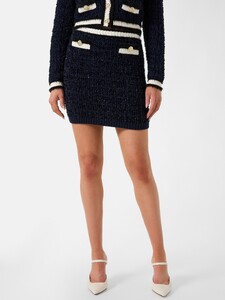


.thumb.jpg.5354df58e4683731148fdde639264661.jpg)
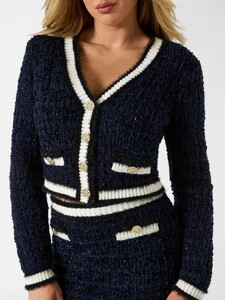


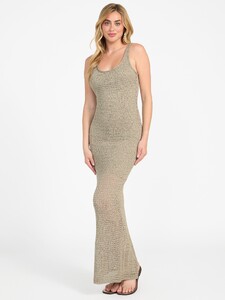
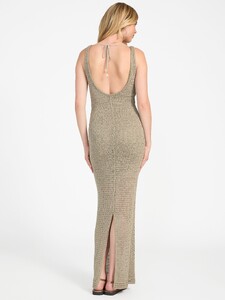
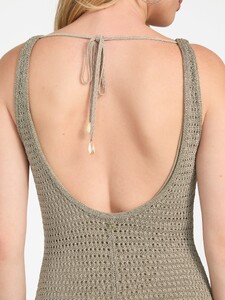
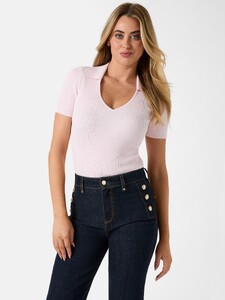


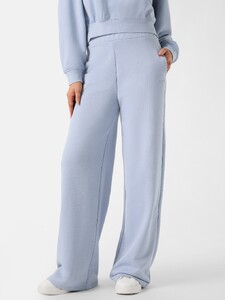
.thumb.jpg.684fd5b690e194df3b3c114bc2d59087.jpg)
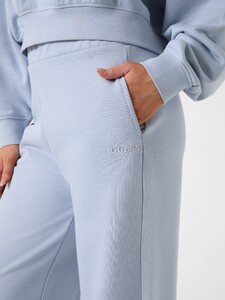
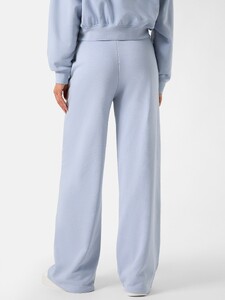


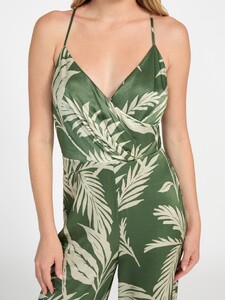
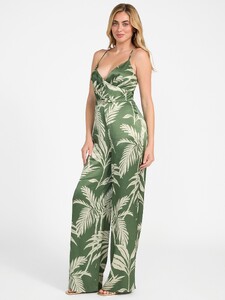
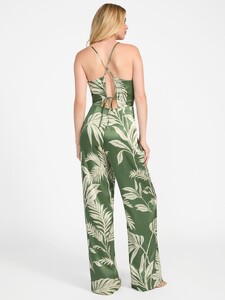

-

-
-
 AQPV2q9pdZyM8gwUw9GObaG79rqcCvl2piRmVhaCtIAqc3RxNz51Dg-kAuVZWBnbQeXqOLqJM0lKXcGPUrrGGW-pqxkSV93B.mp4
Guess, part 2:
AQPV2q9pdZyM8gwUw9GObaG79rqcCvl2piRmVhaCtIAqc3RxNz51Dg-kAuVZWBnbQeXqOLqJM0lKXcGPUrrGGW-pqxkSV93B.mp4
Guess, part 2:

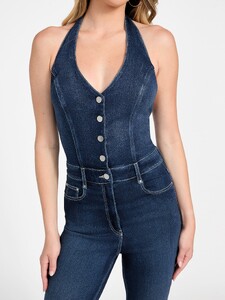


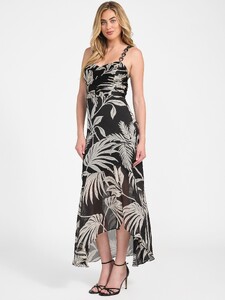

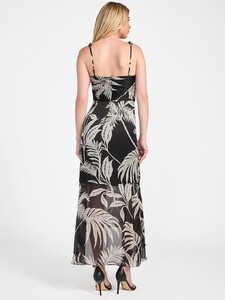


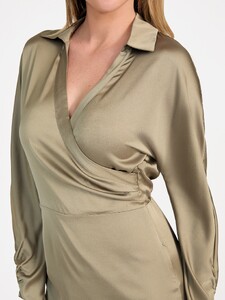
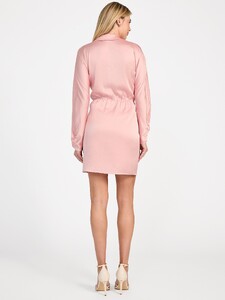

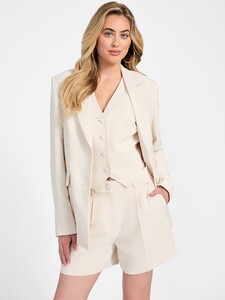
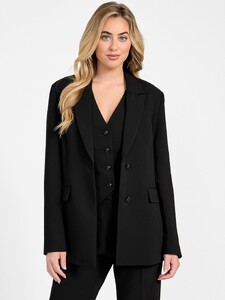
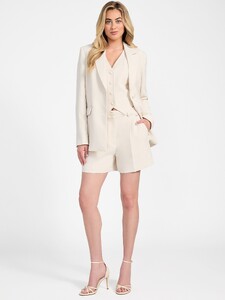
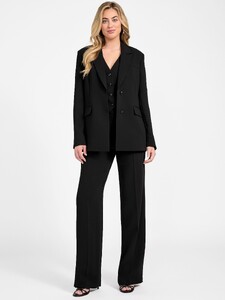
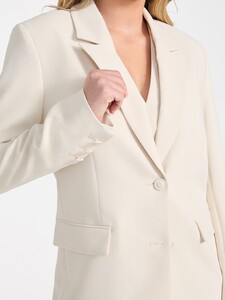
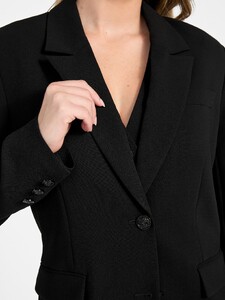
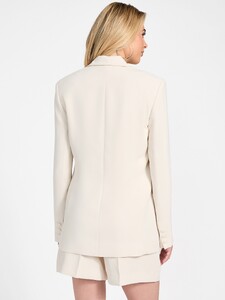
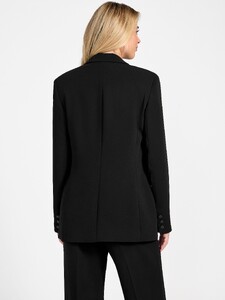
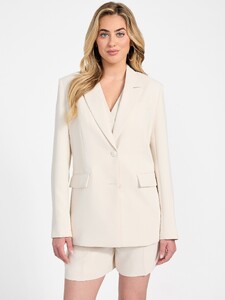
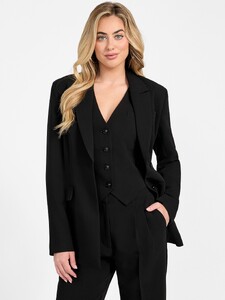
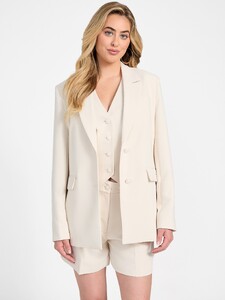
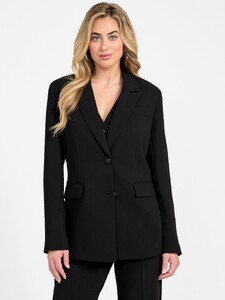
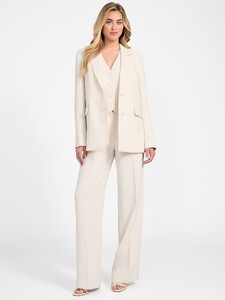
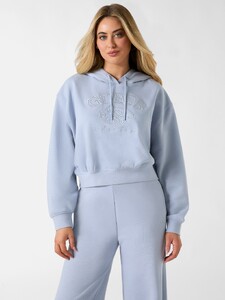
.thumb.jpg.5d61db4e0a45a6afd32e4951871380c7.jpg)

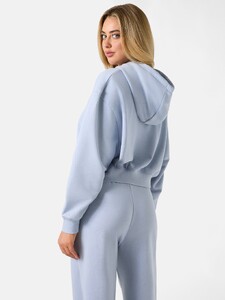

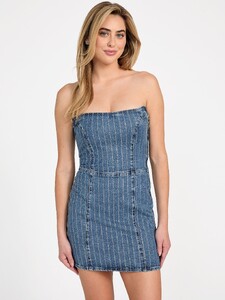
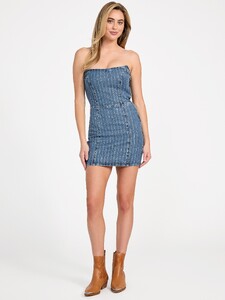


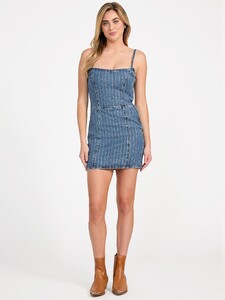
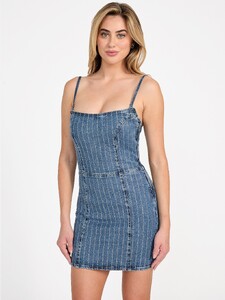
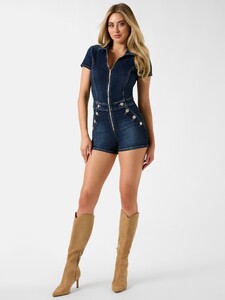
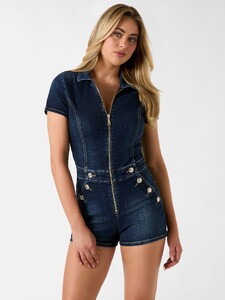
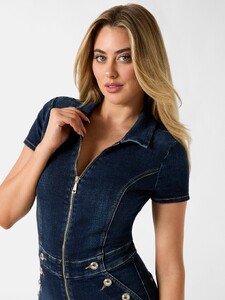
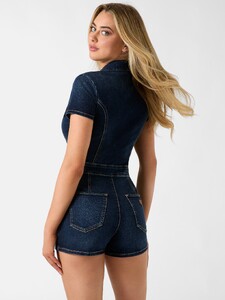
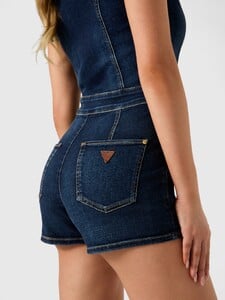
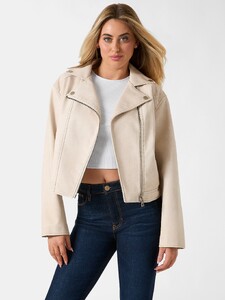
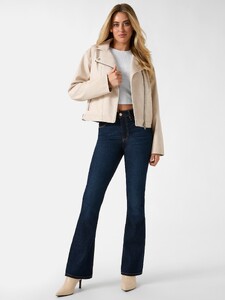
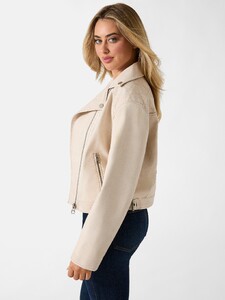
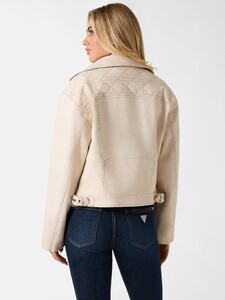
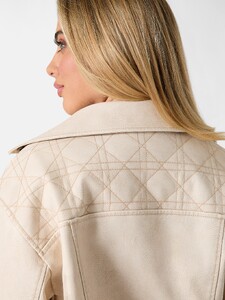
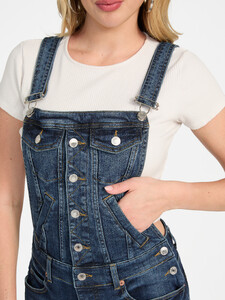
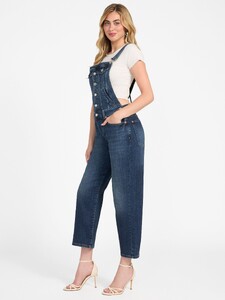
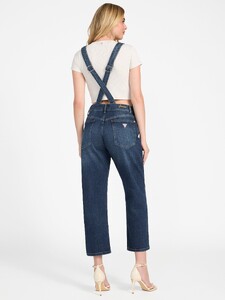
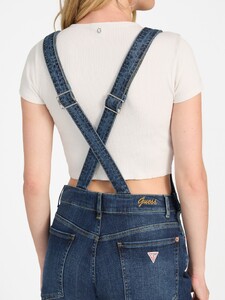


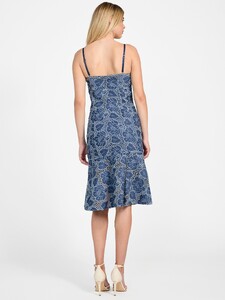


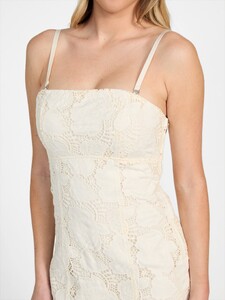
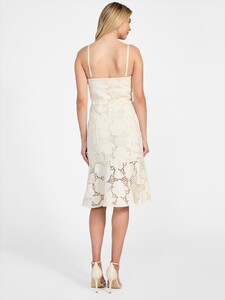


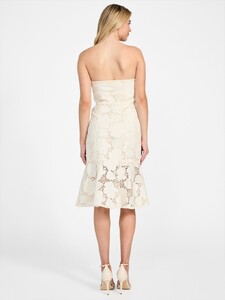
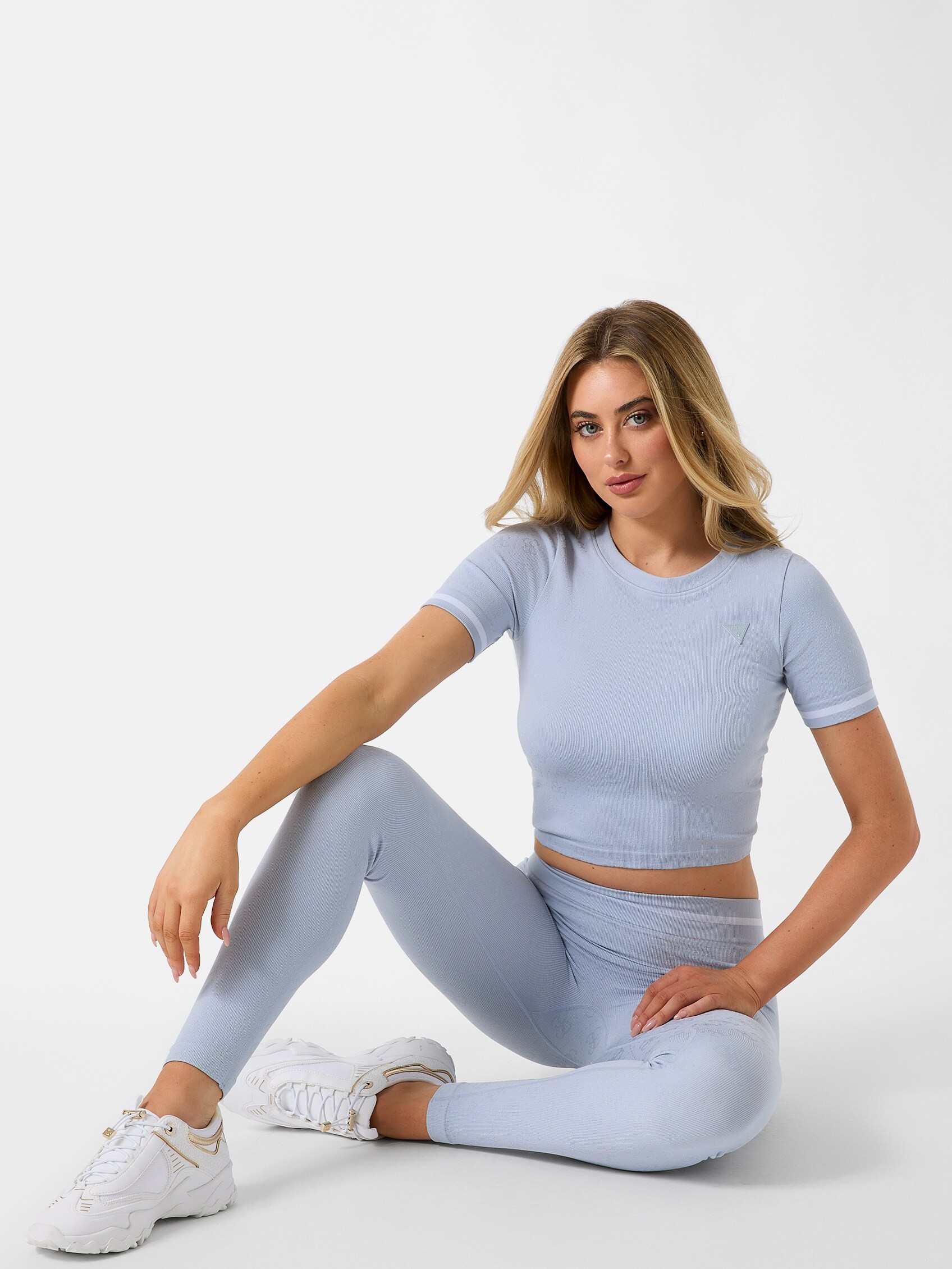
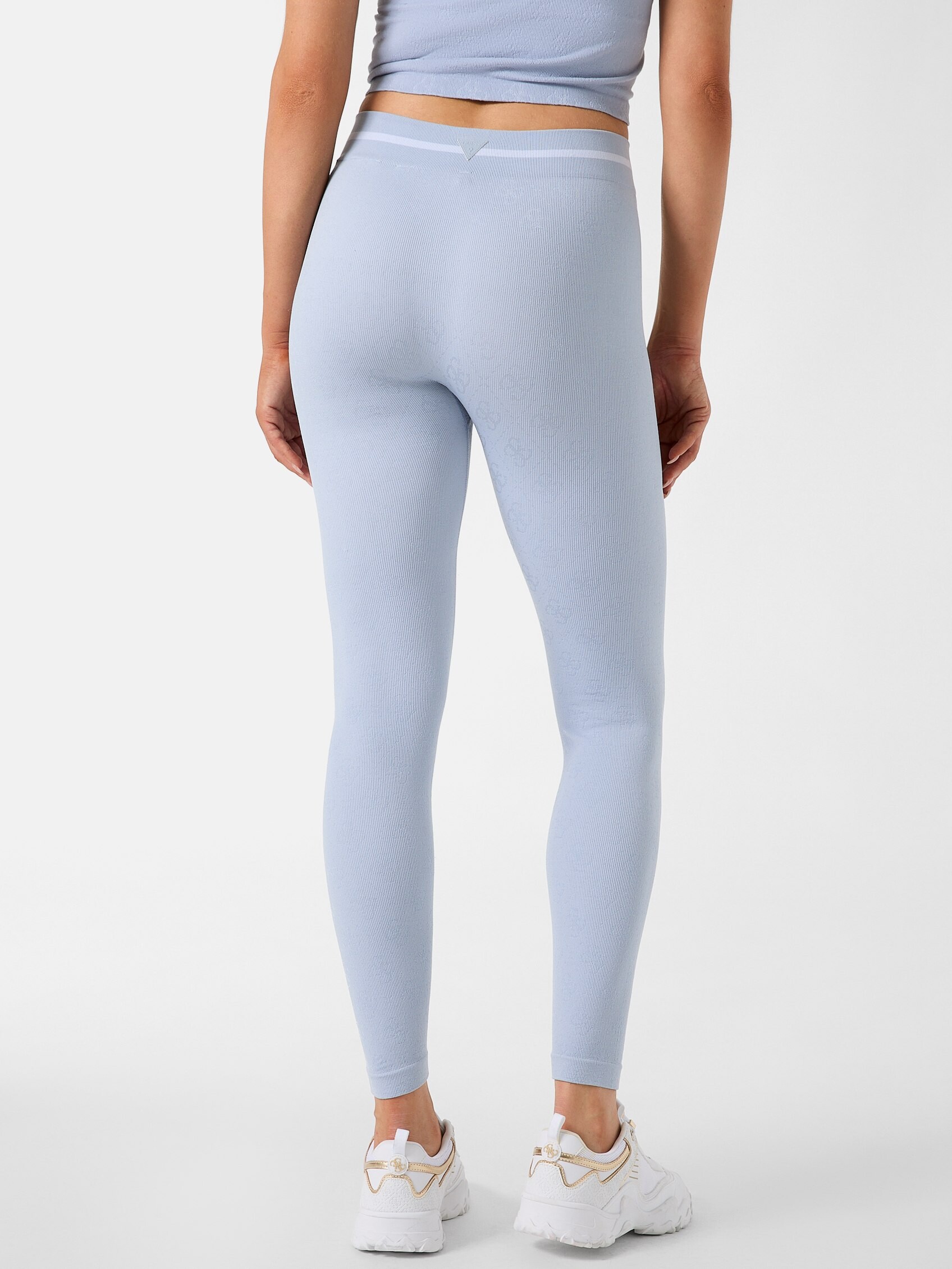
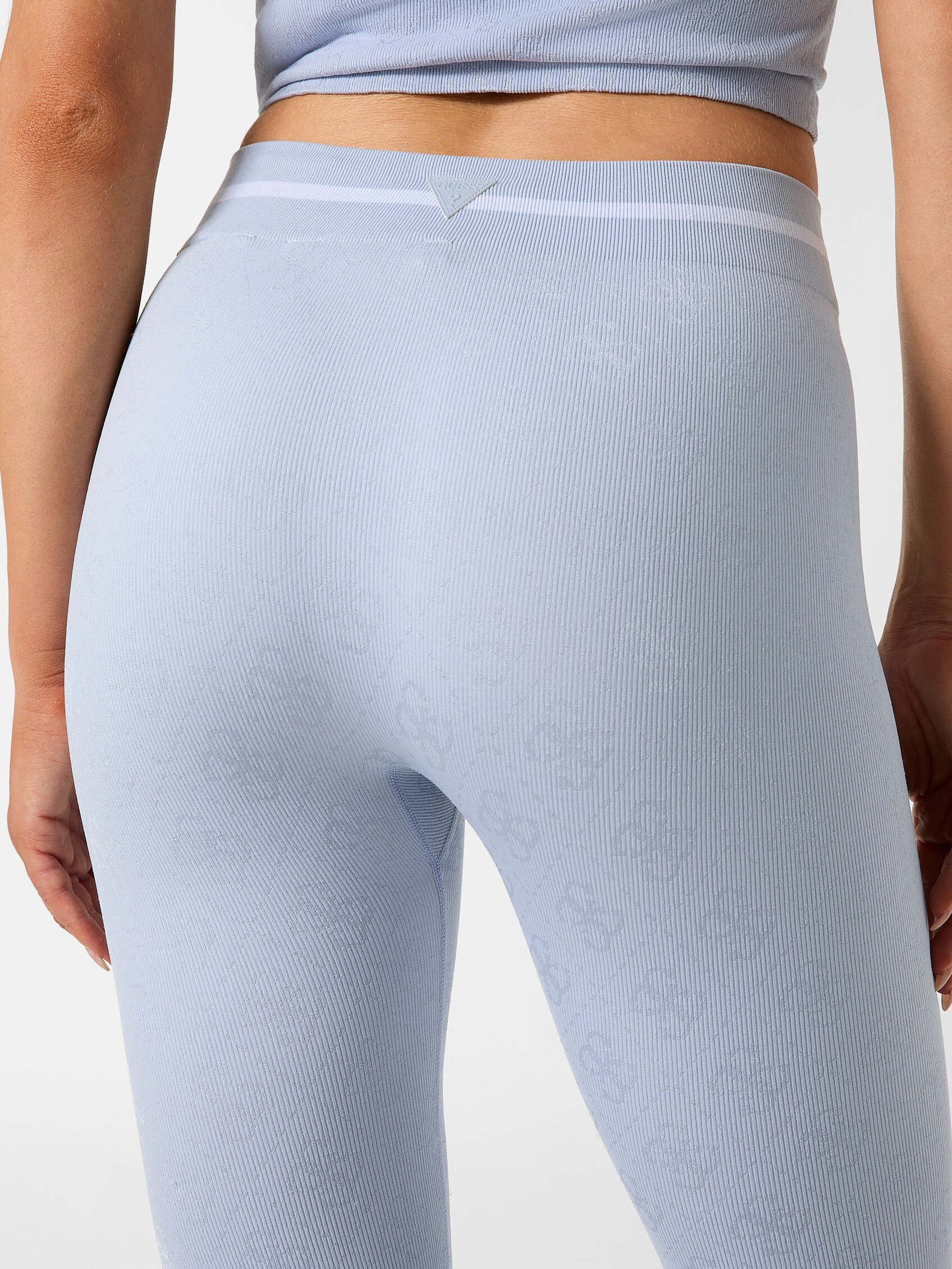
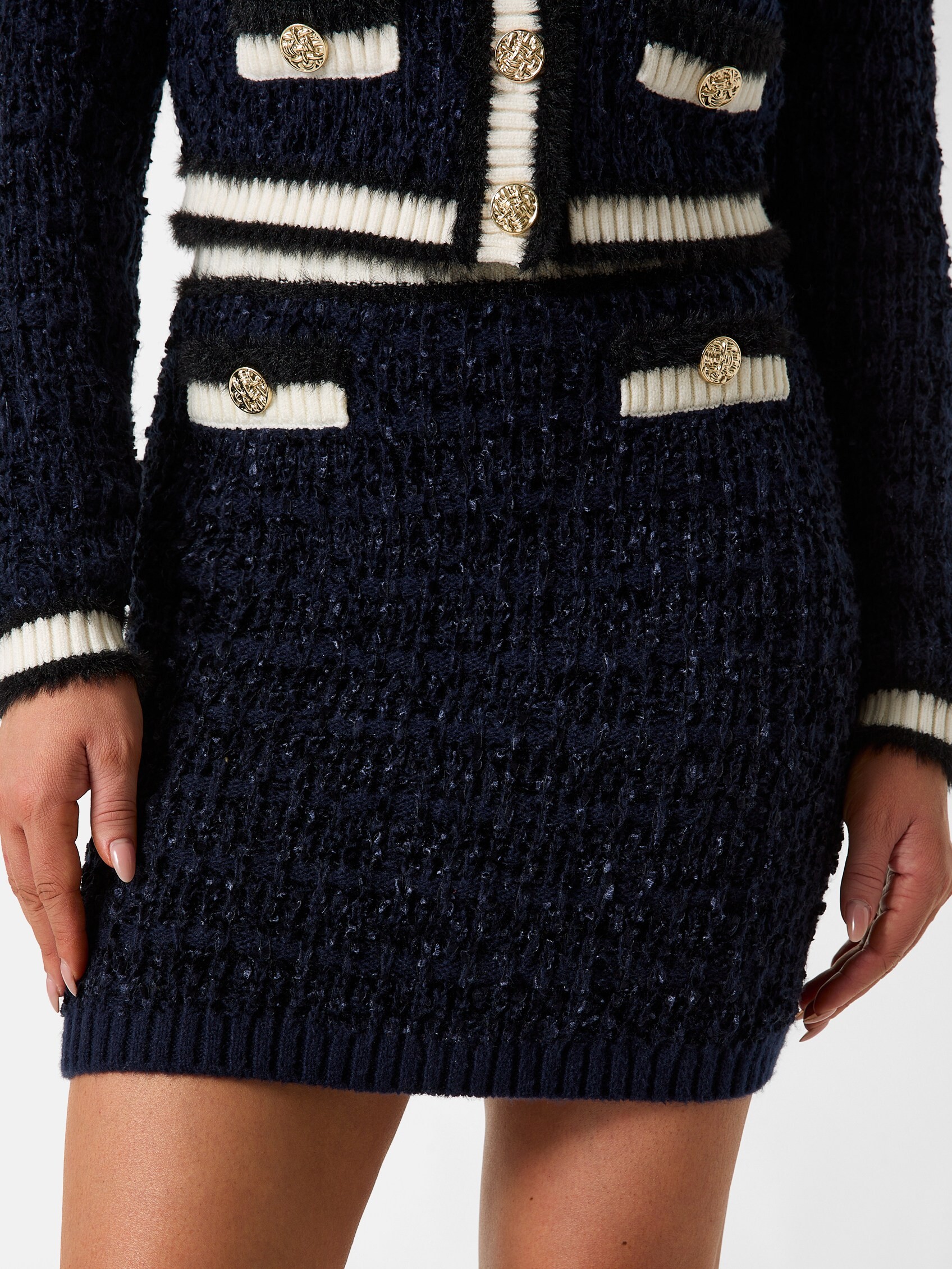
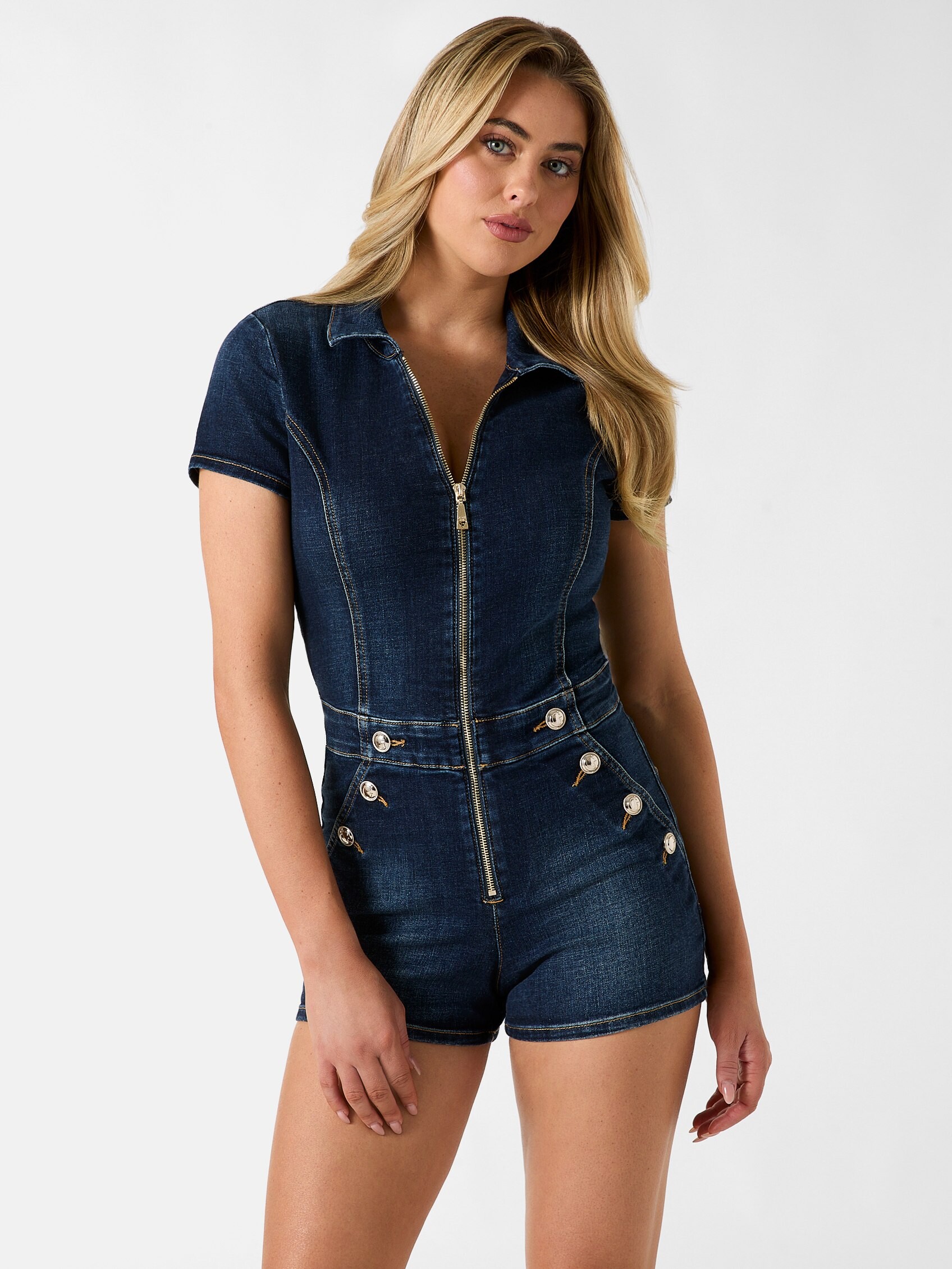
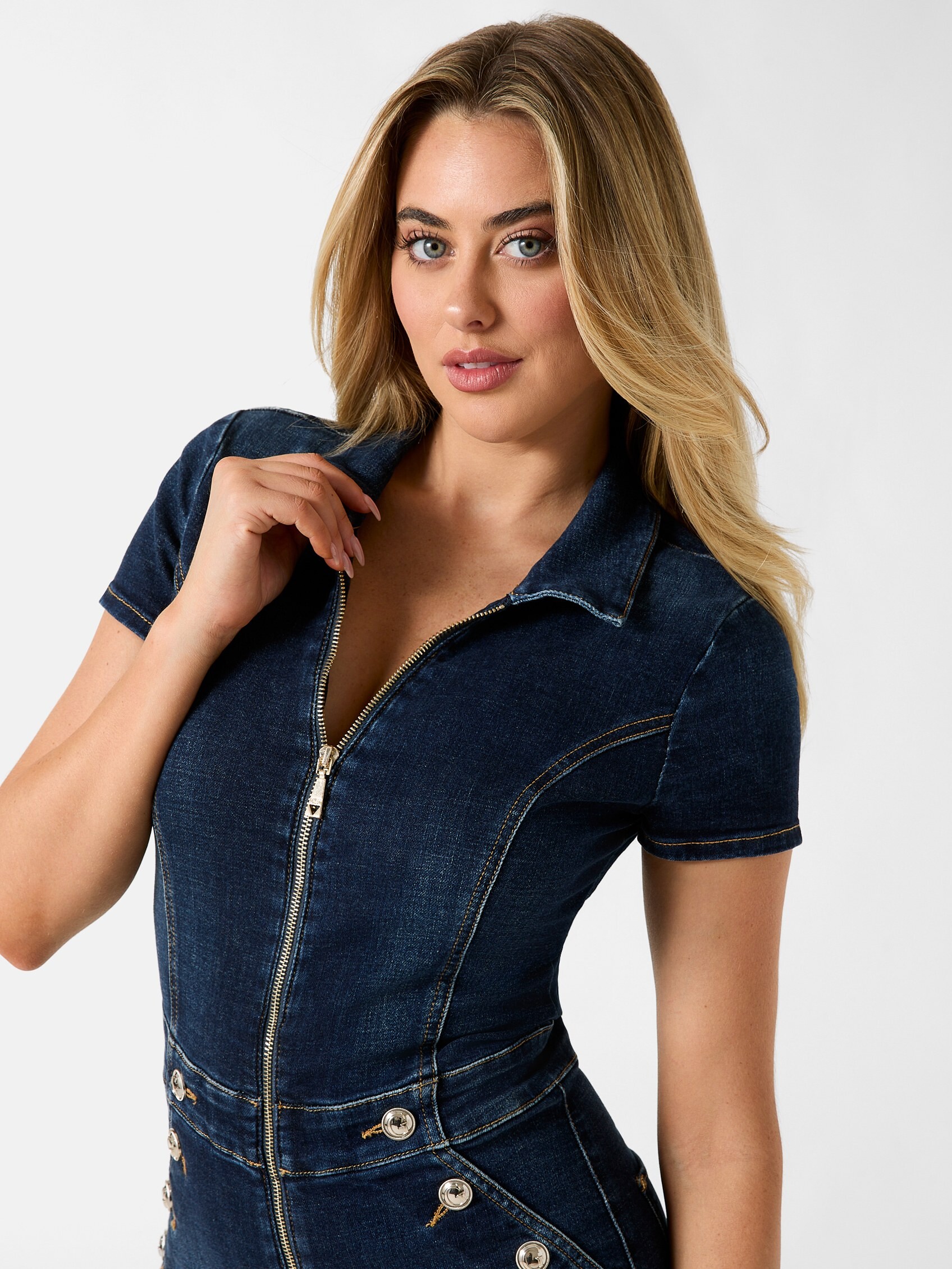
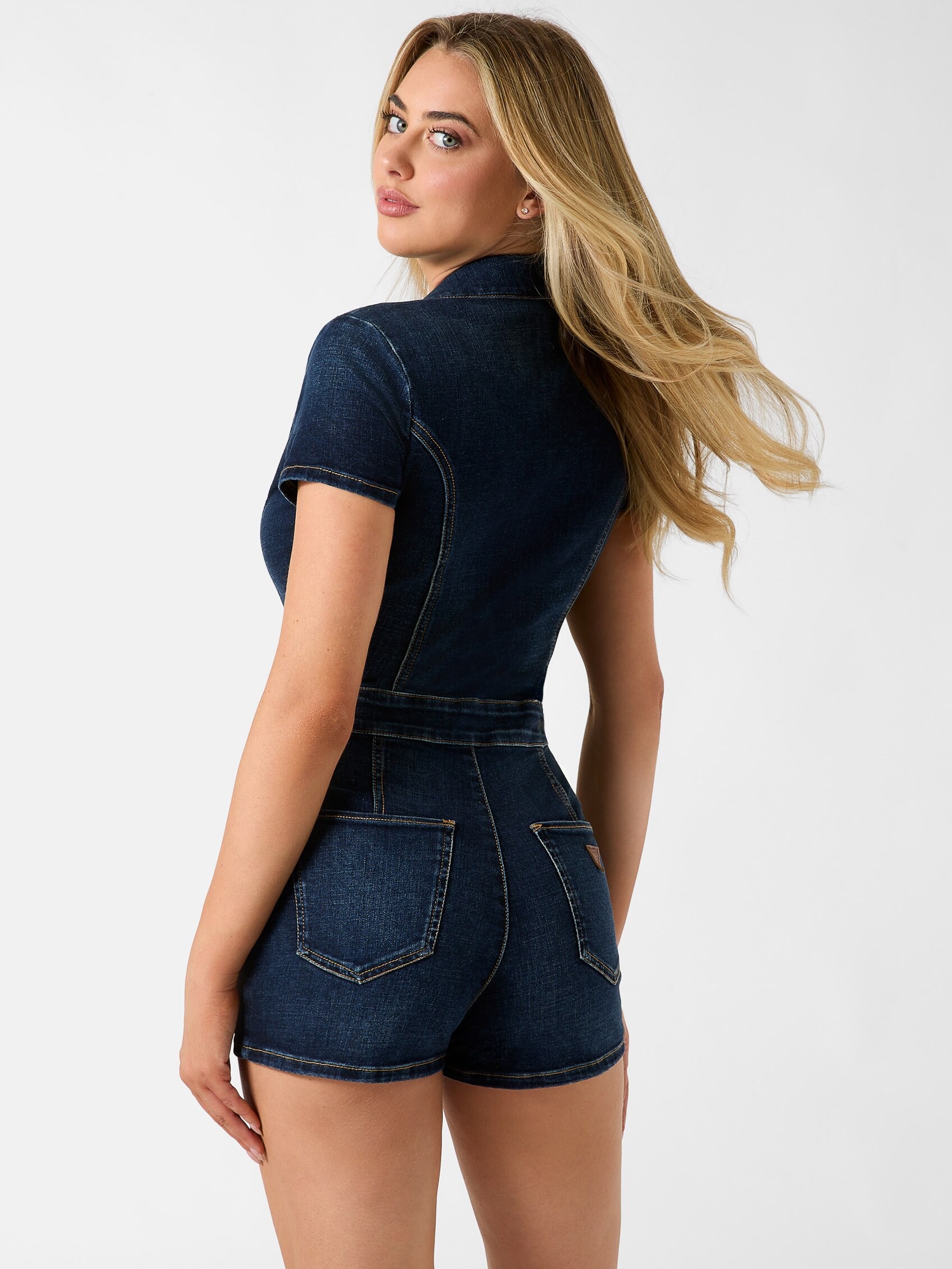
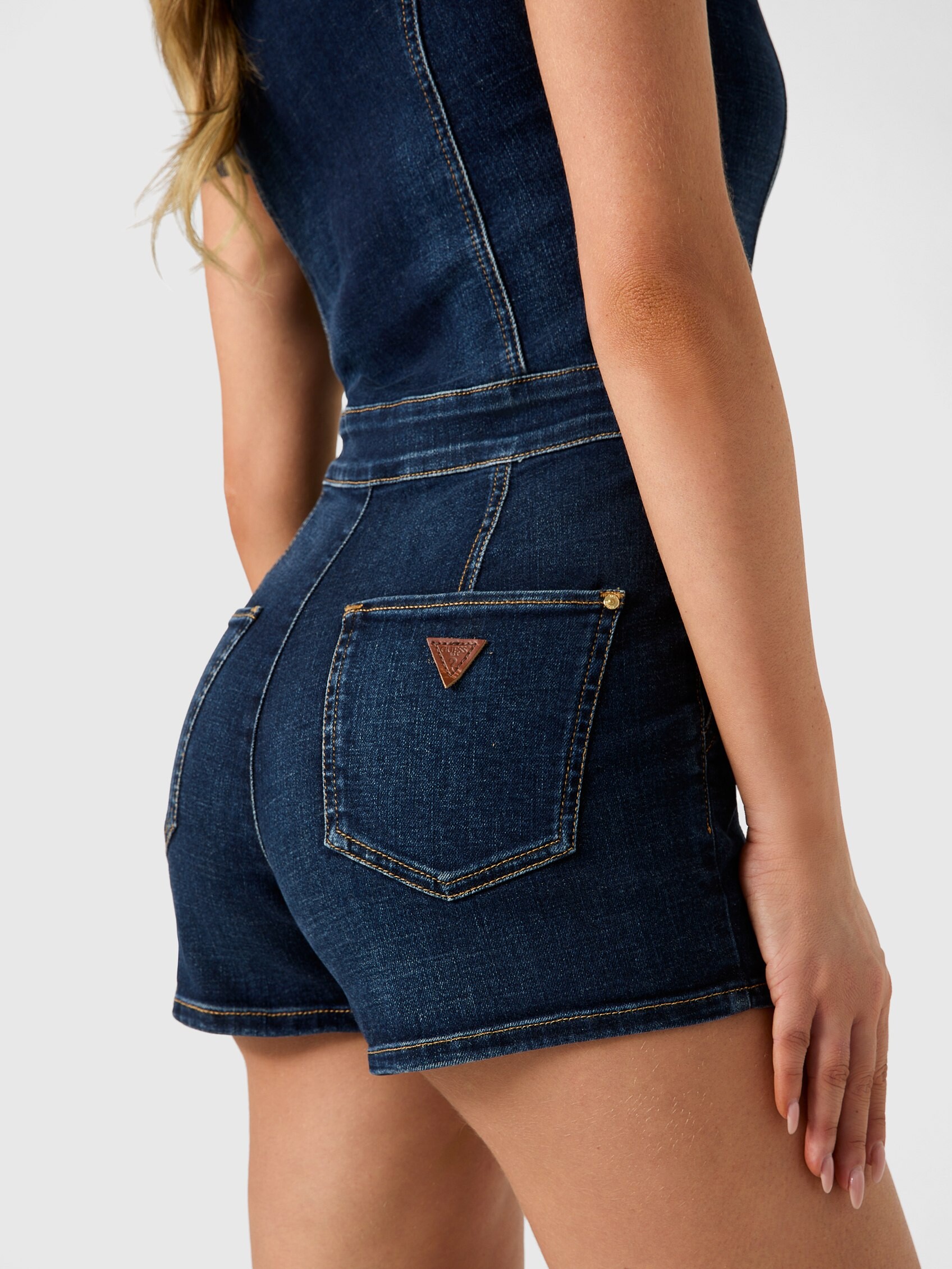
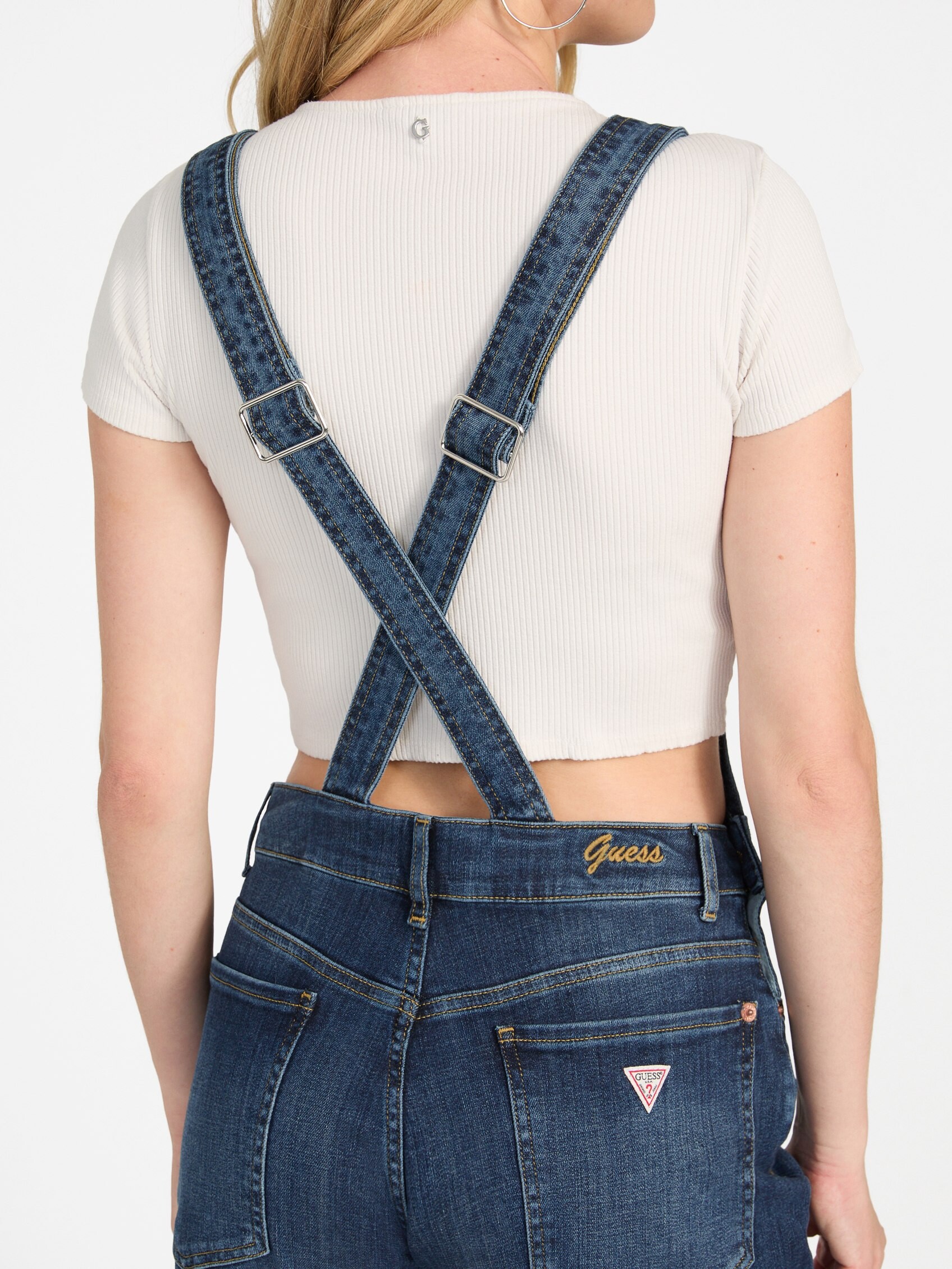
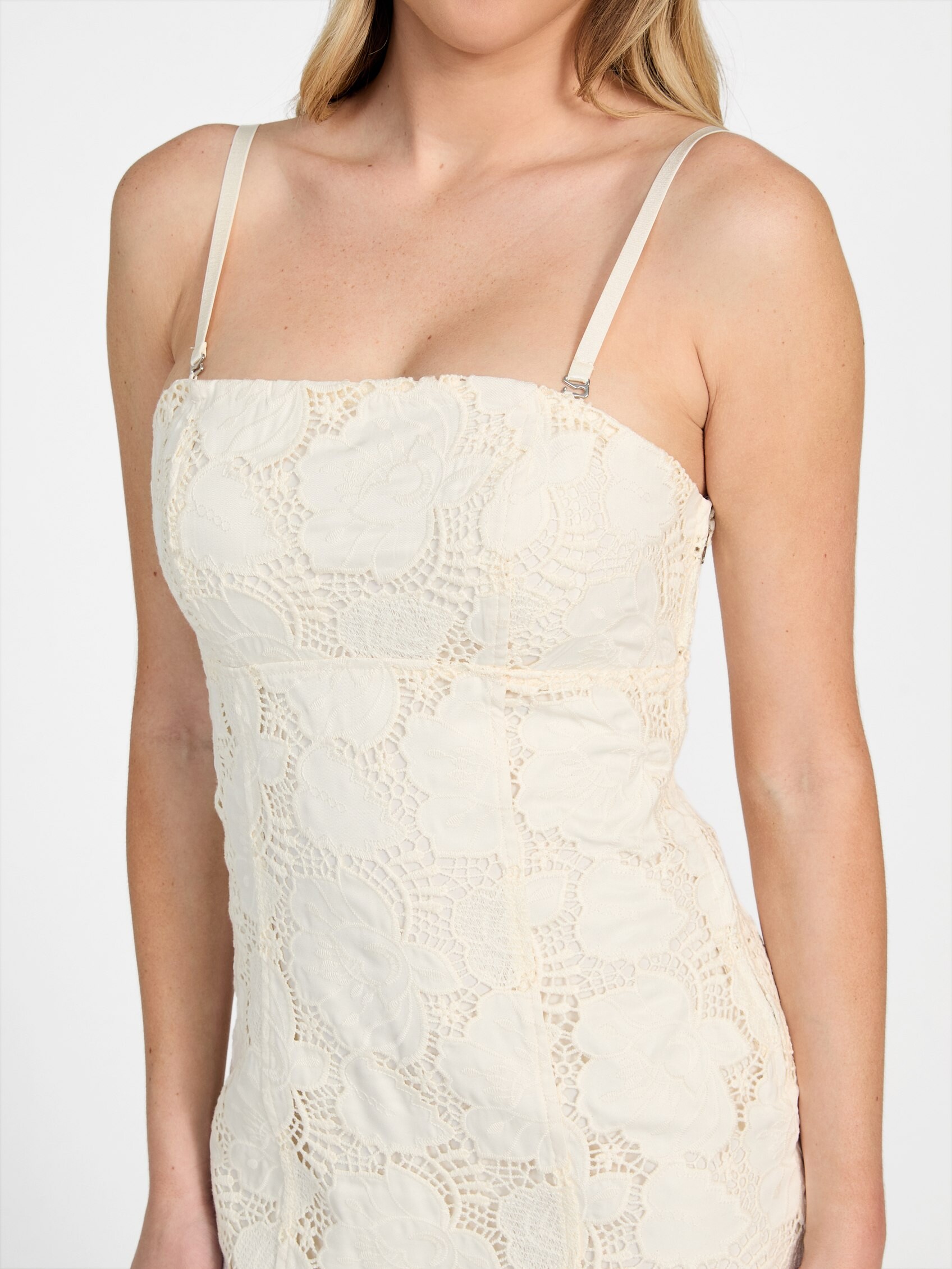
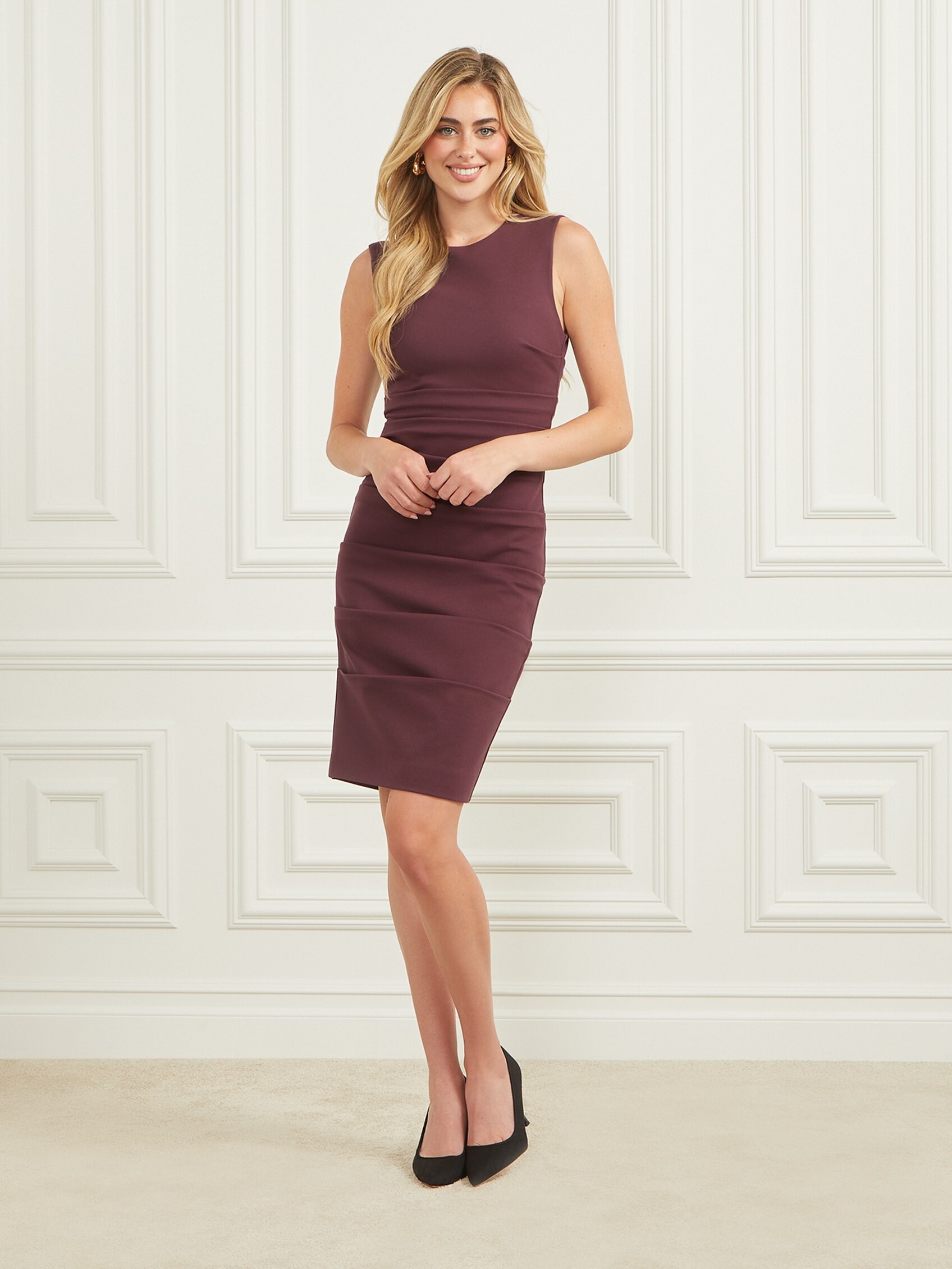
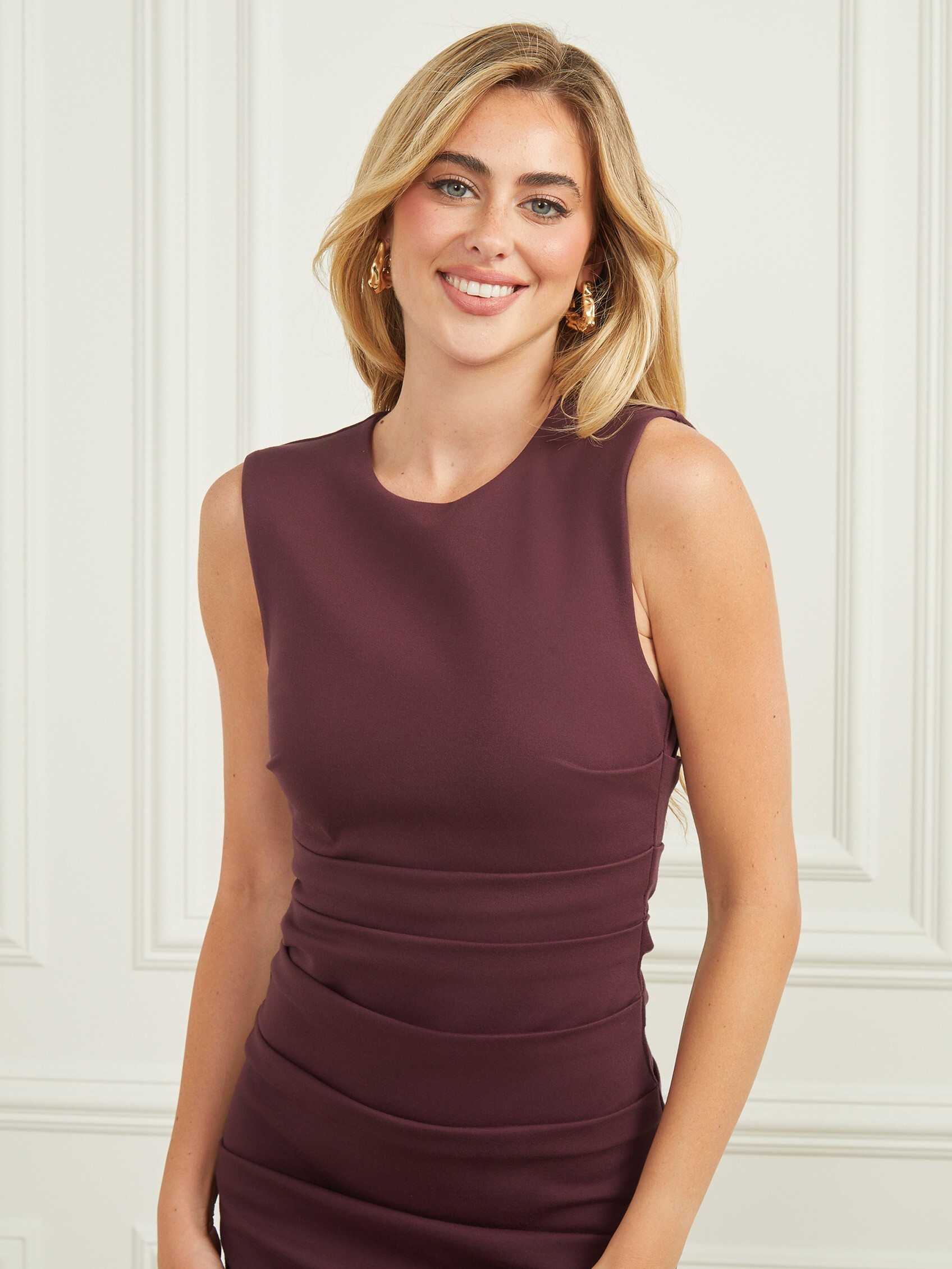
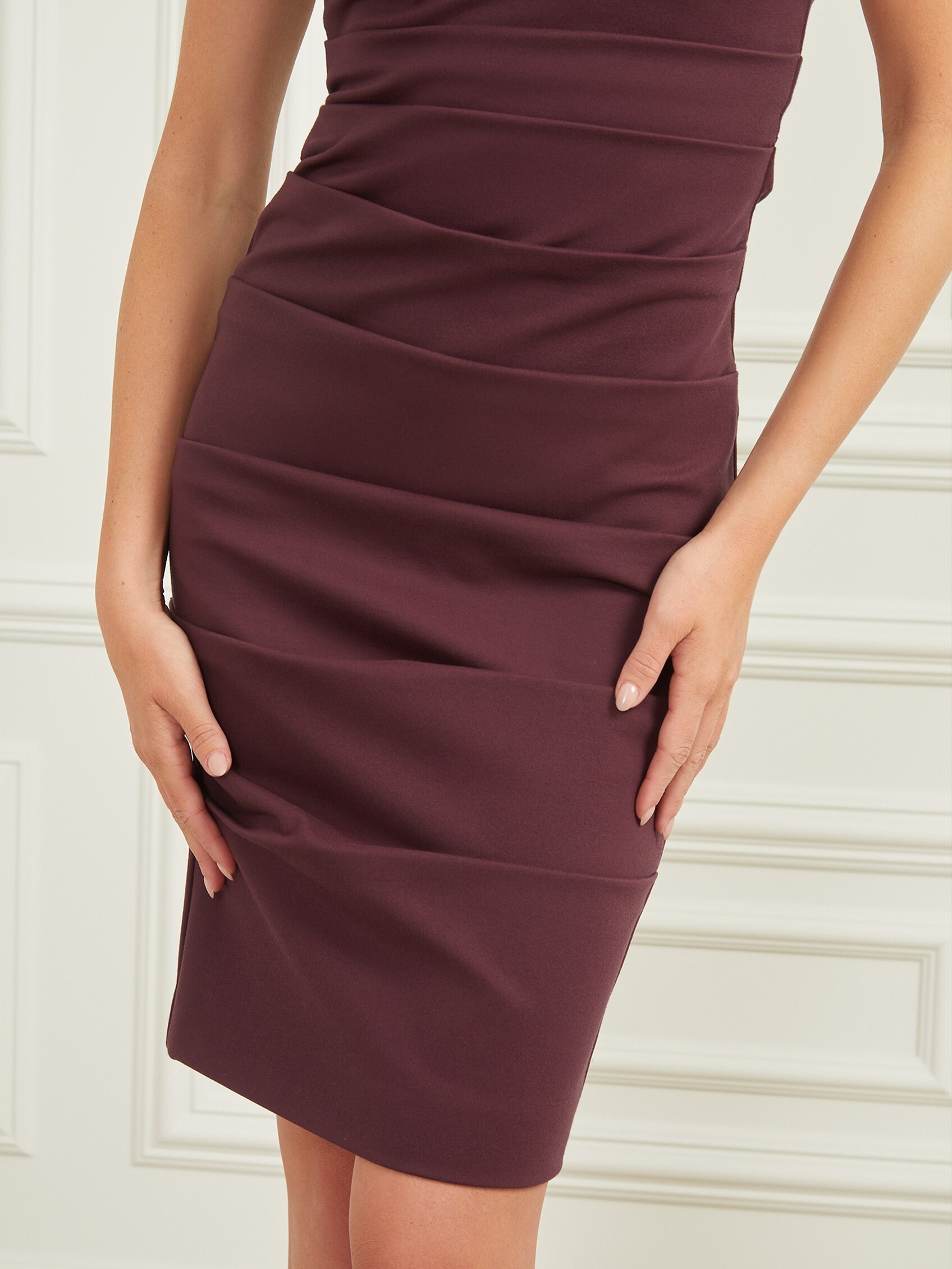
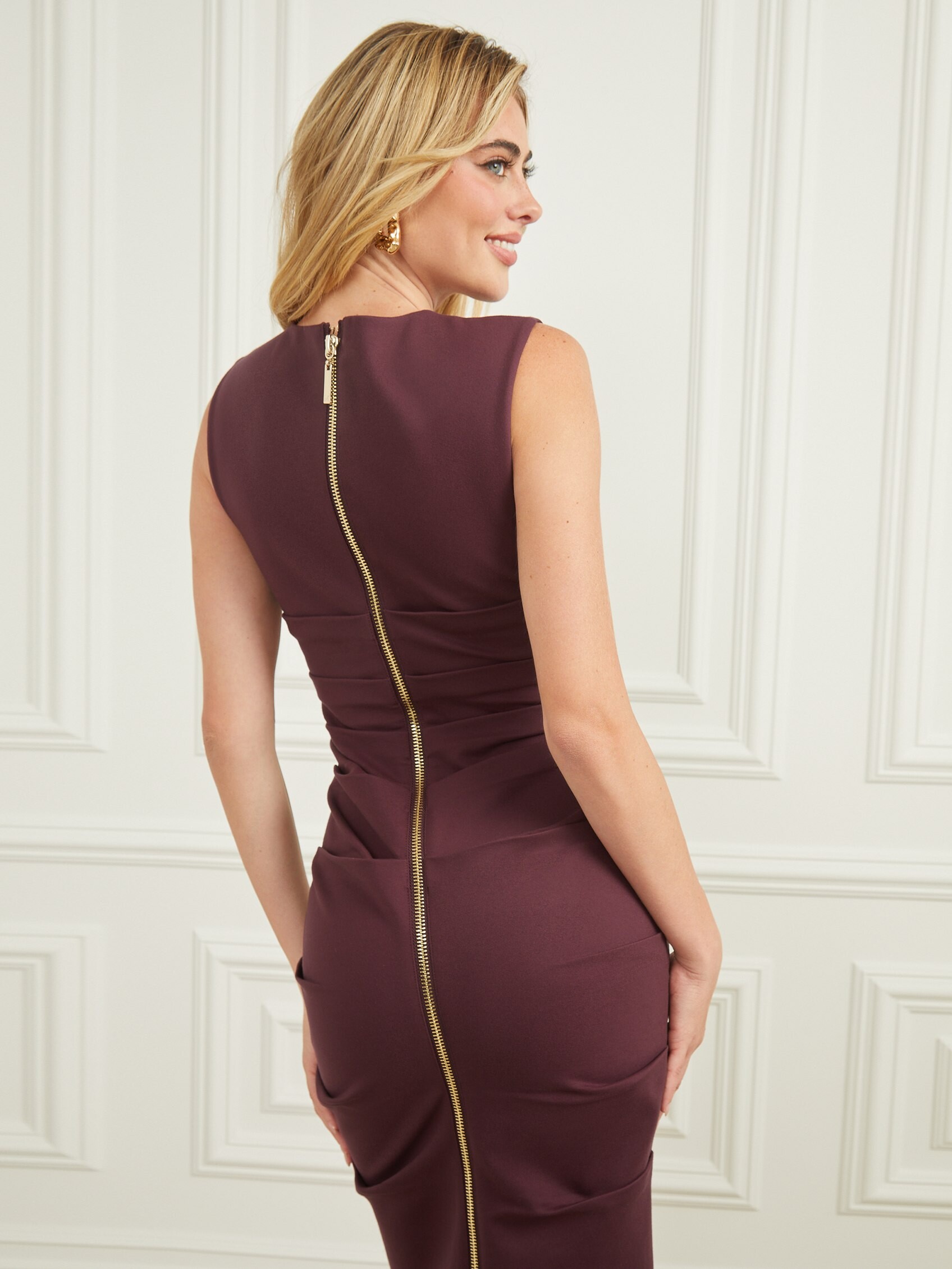
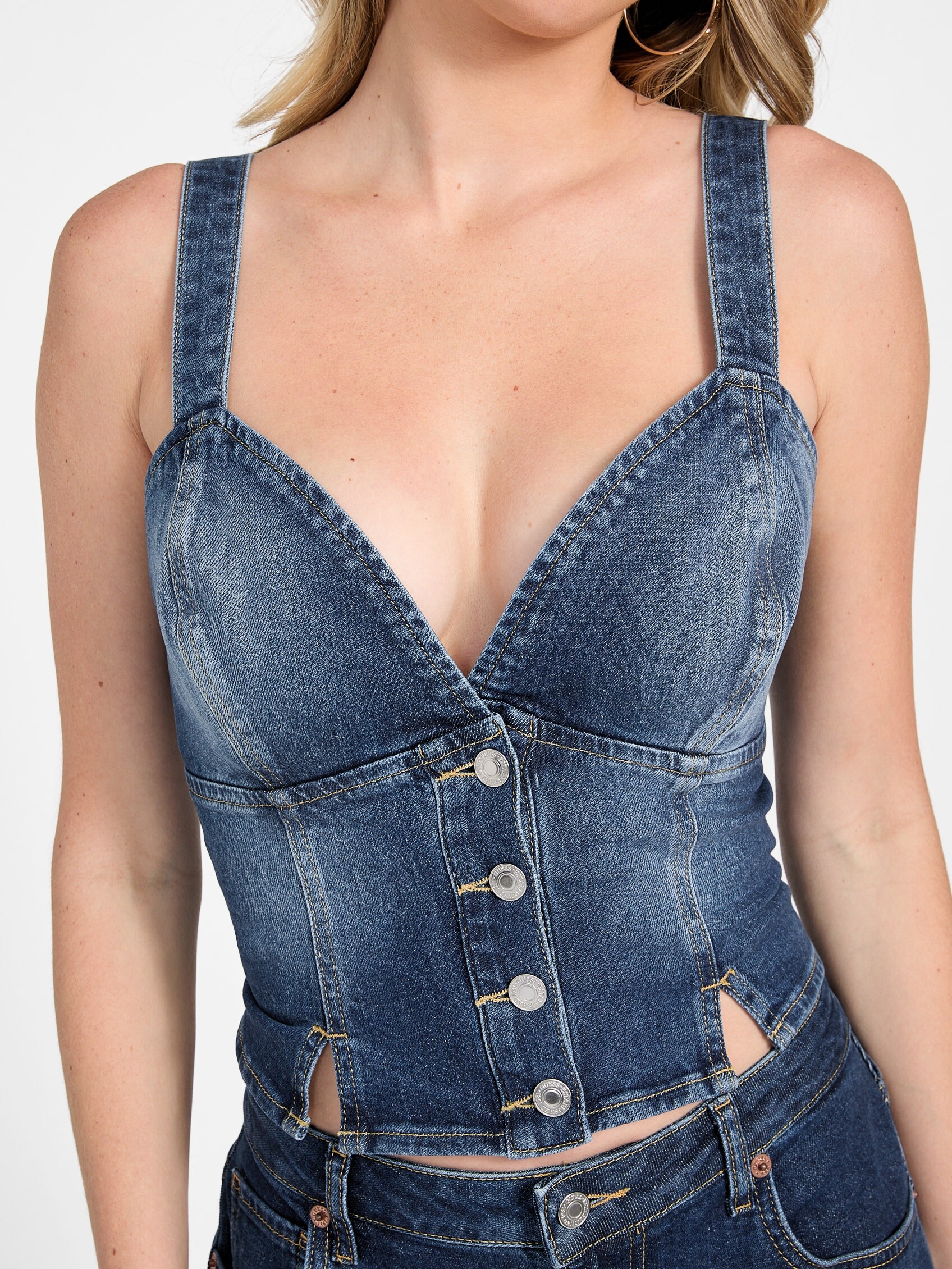
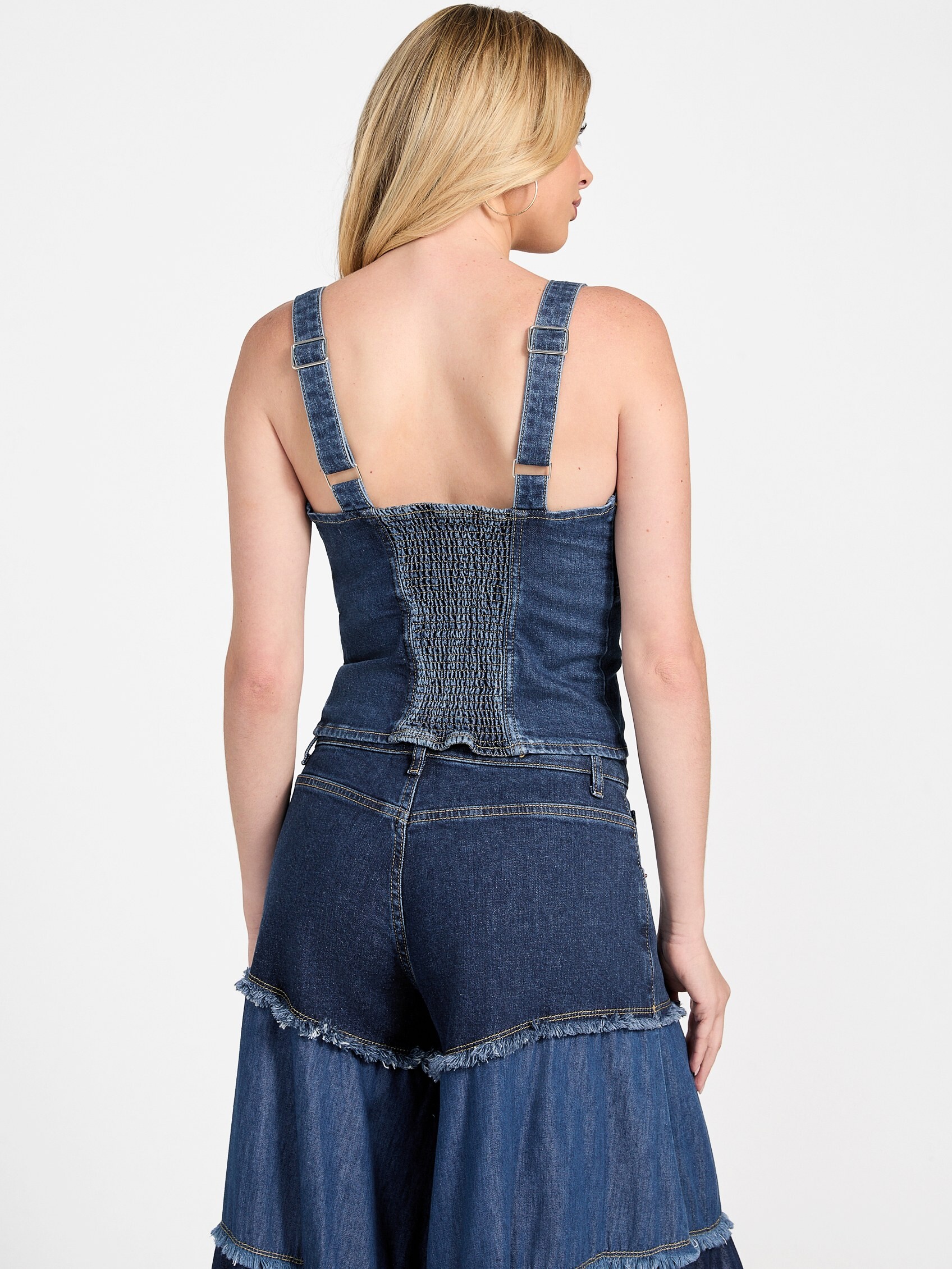
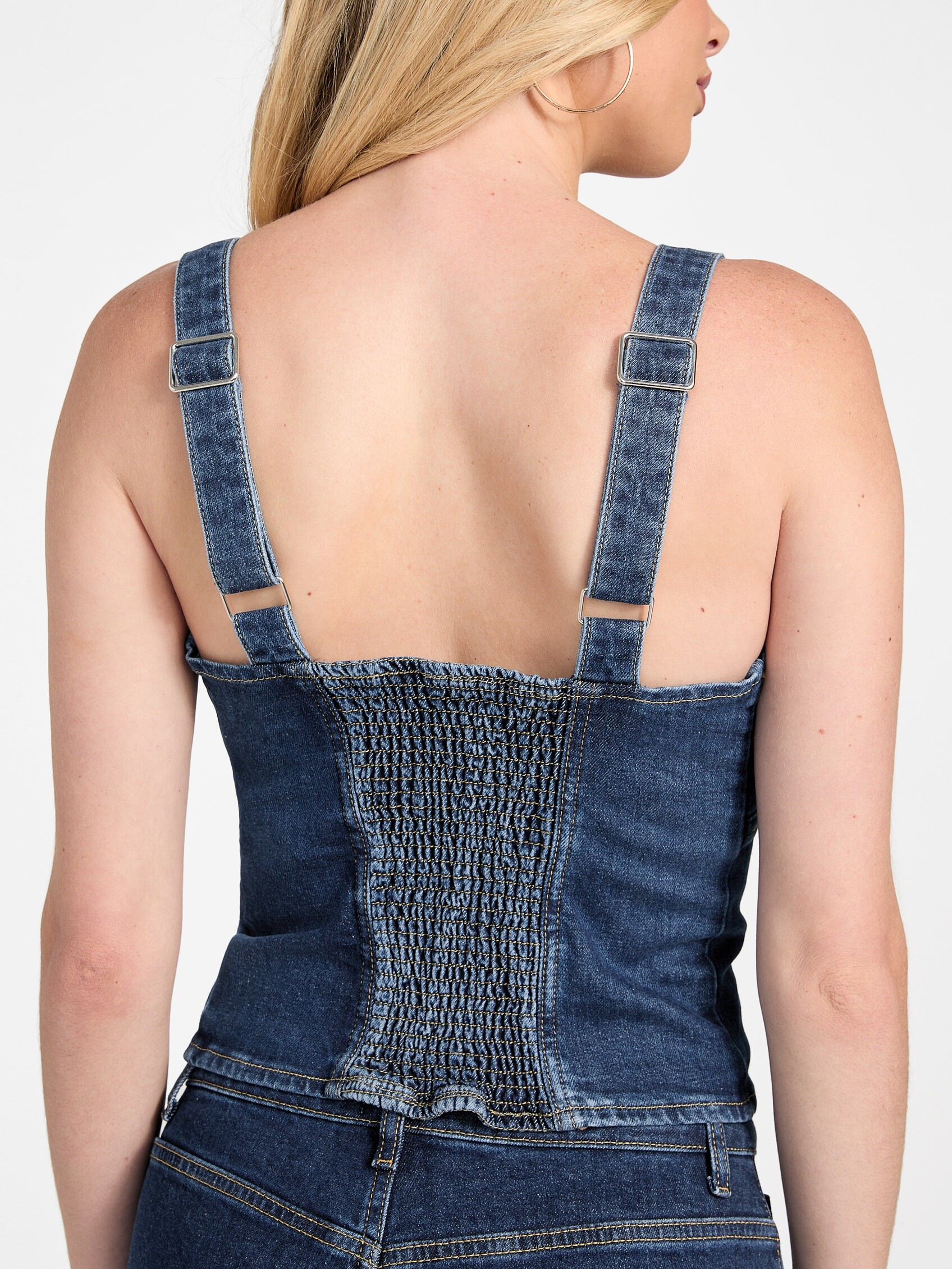
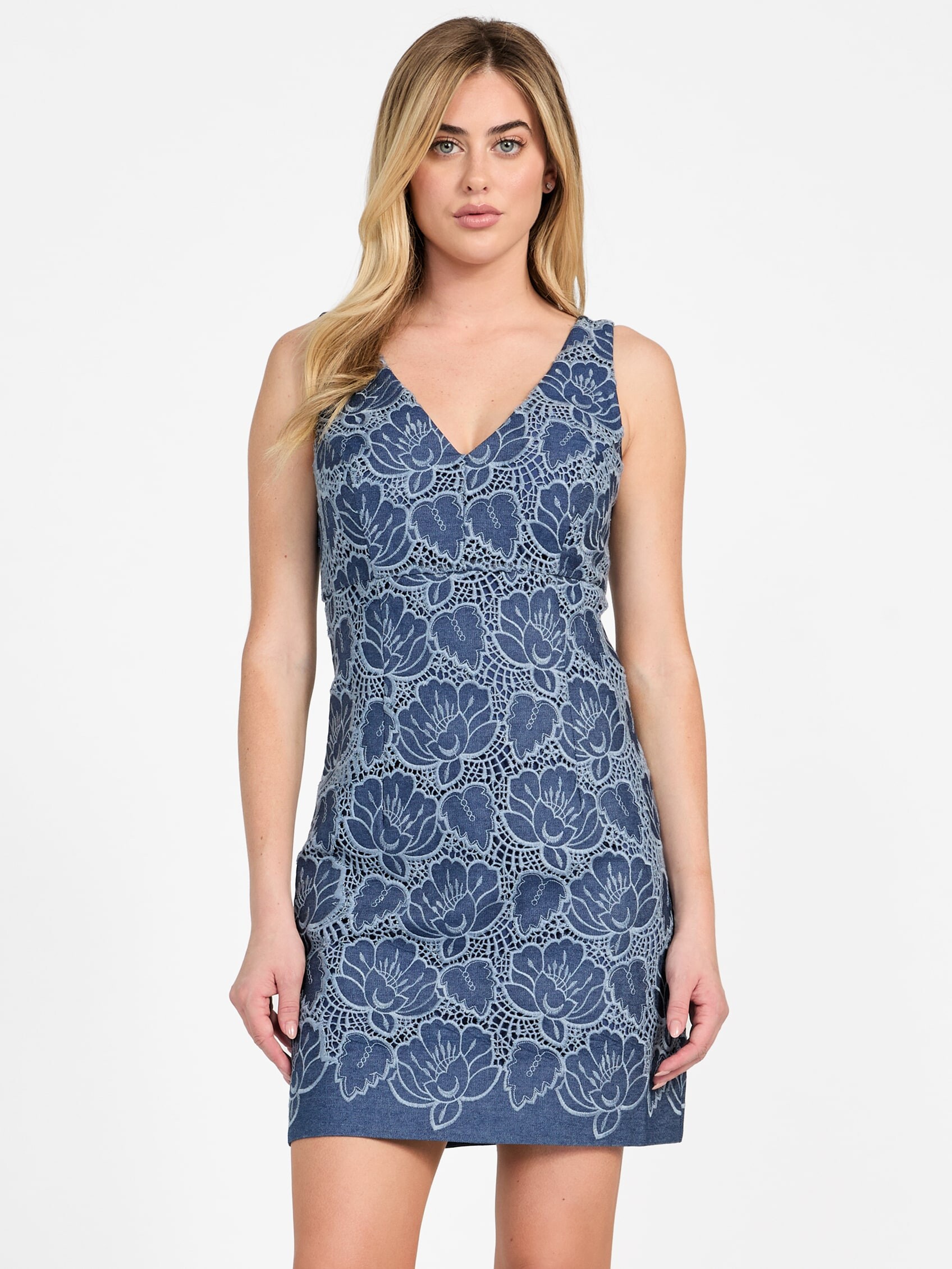
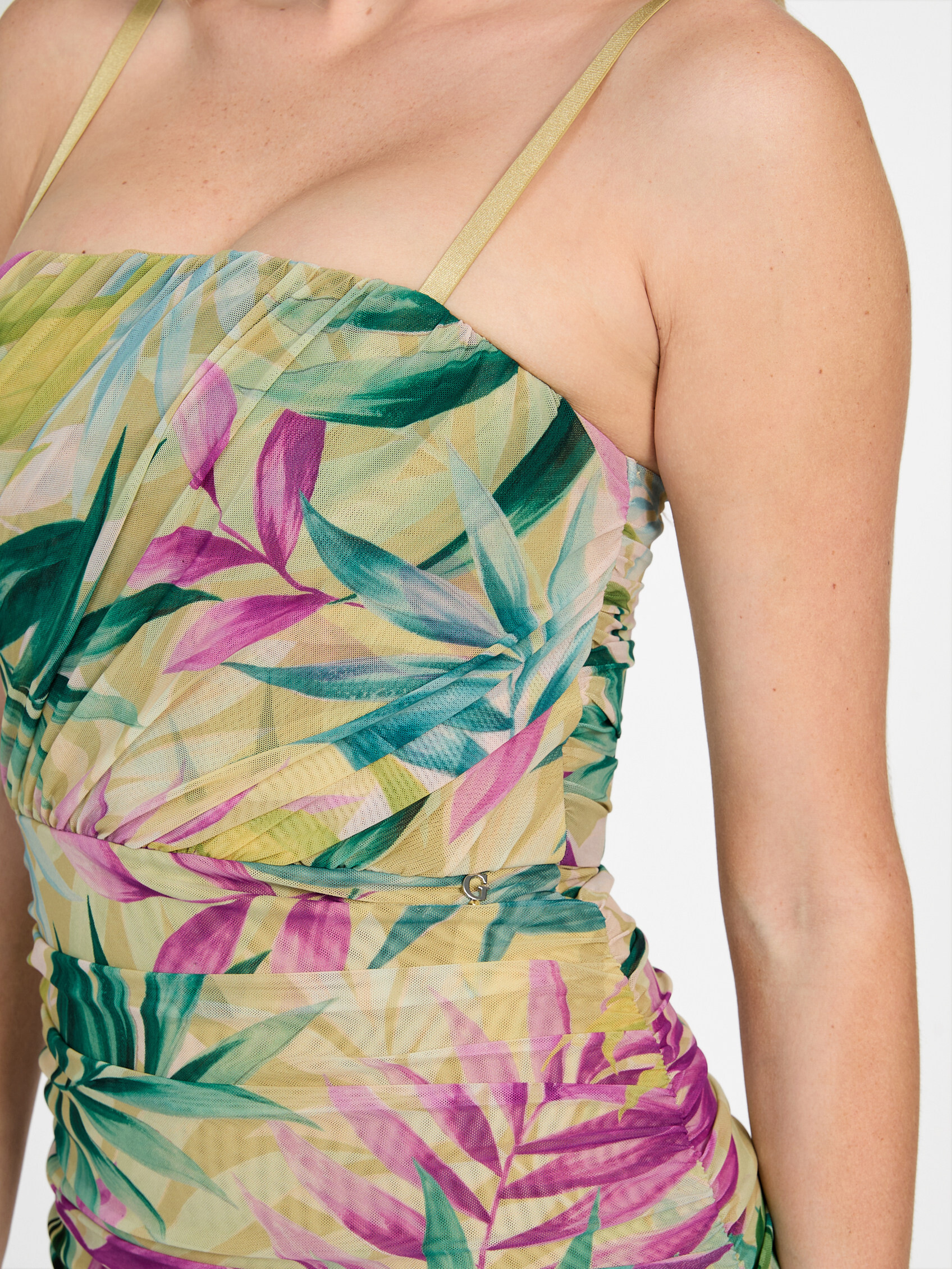
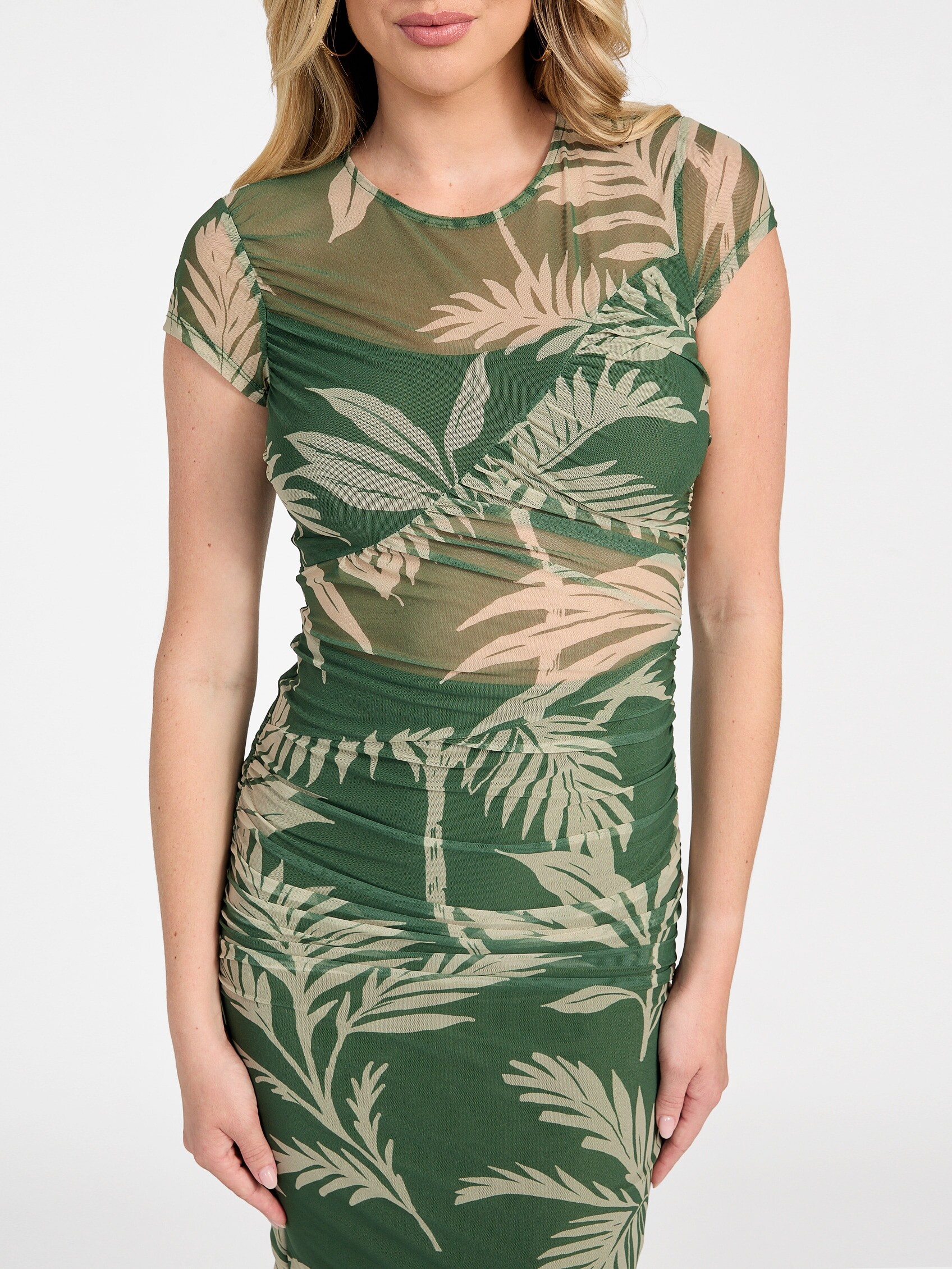
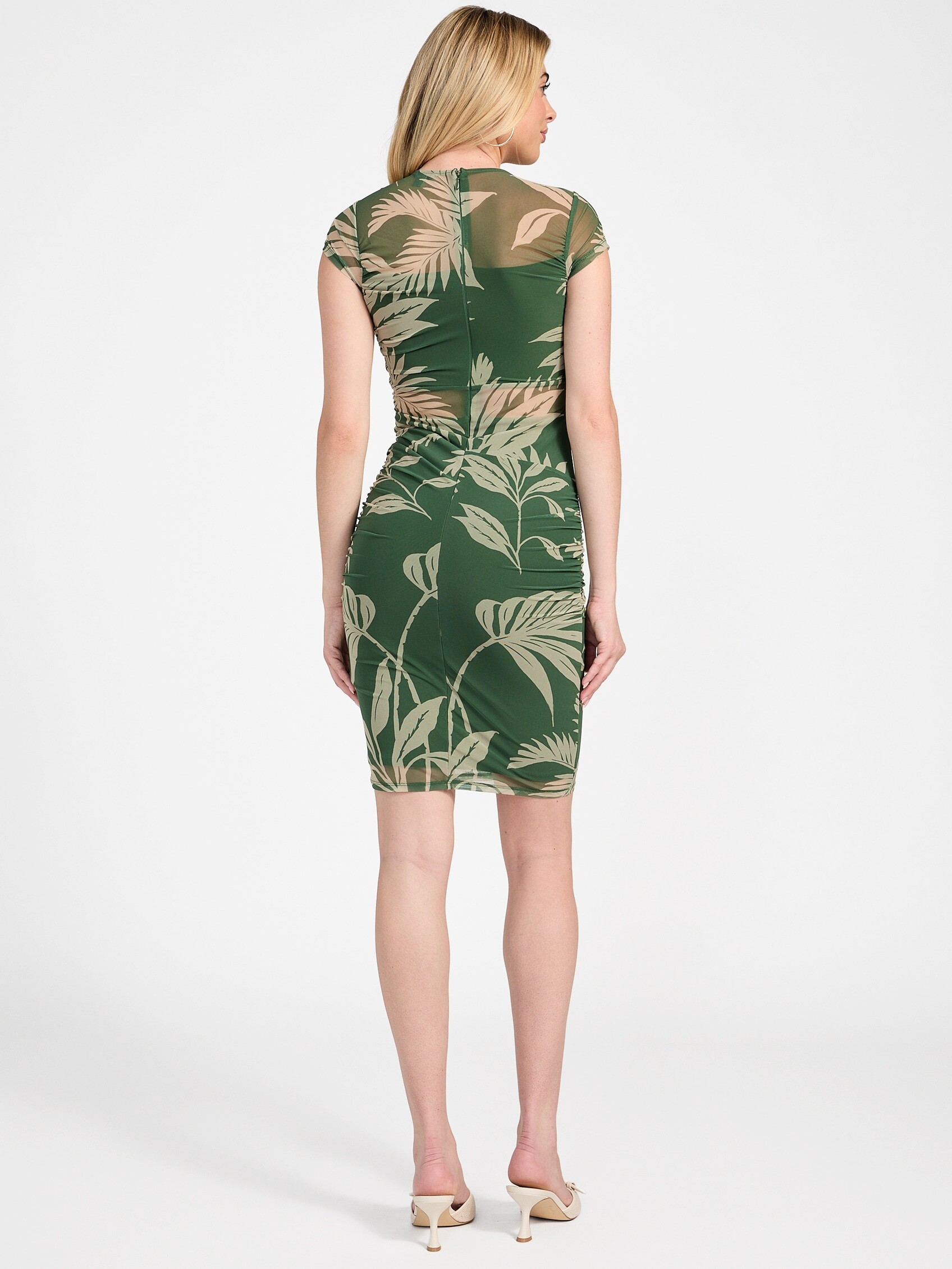
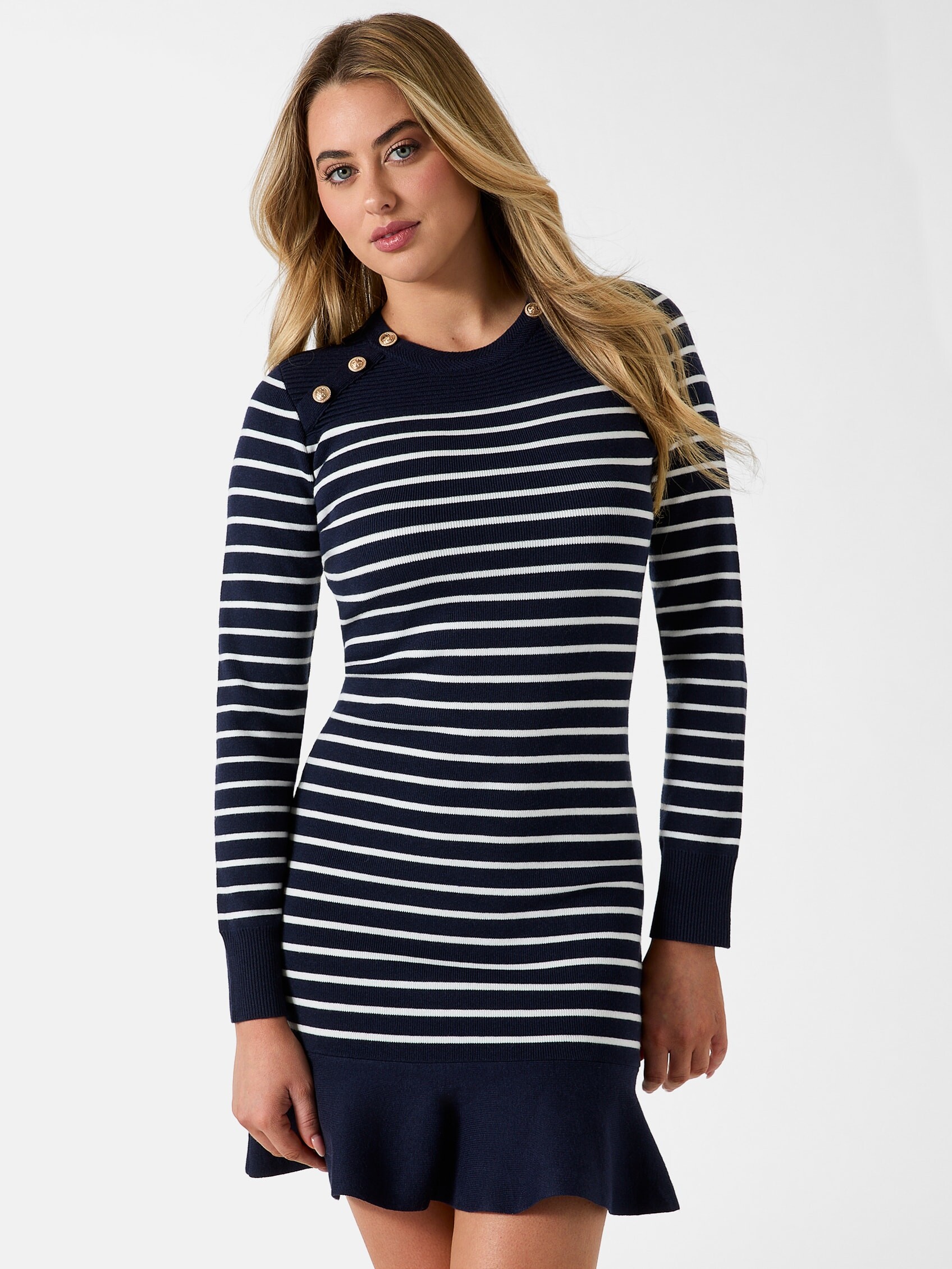
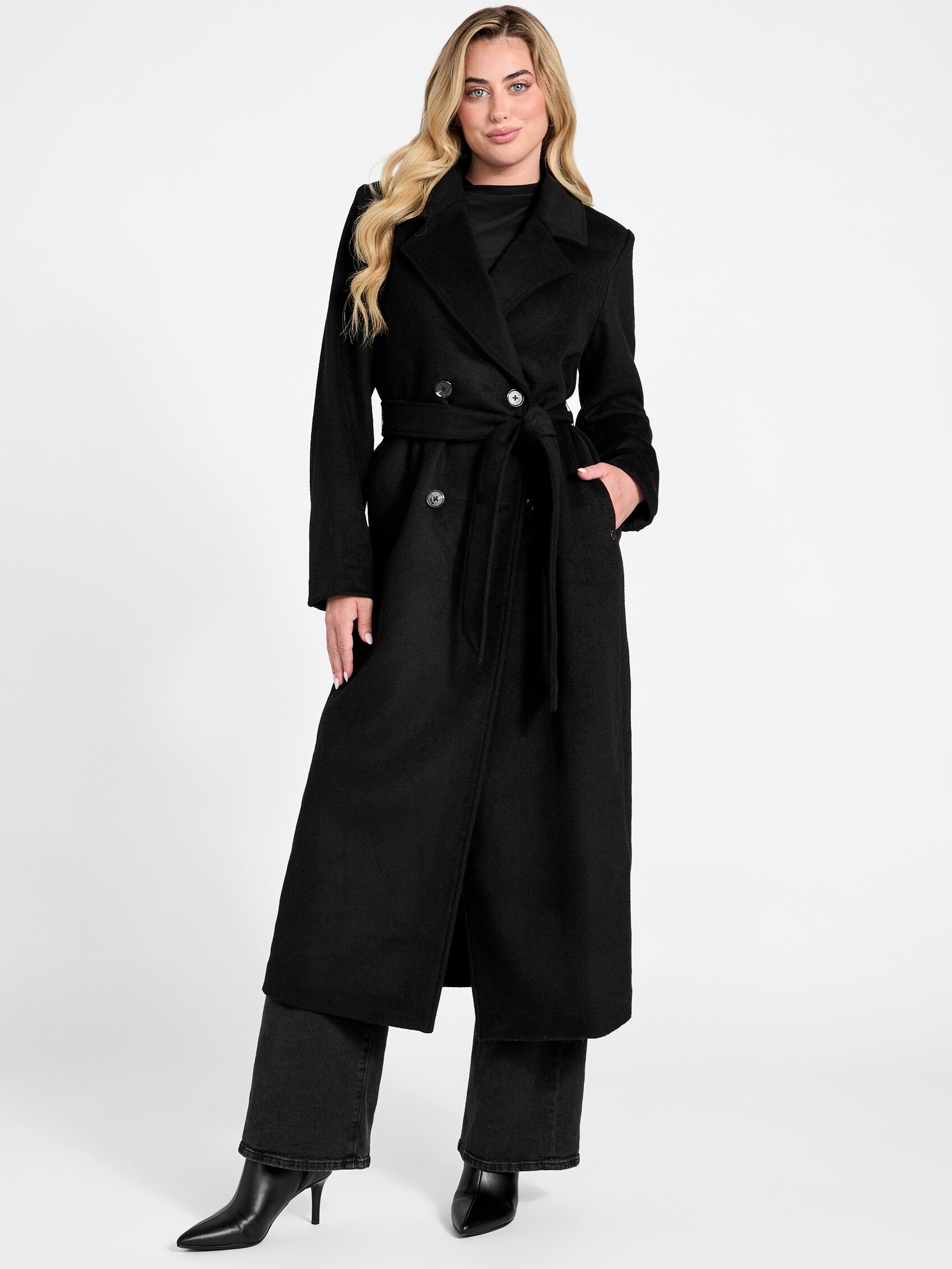
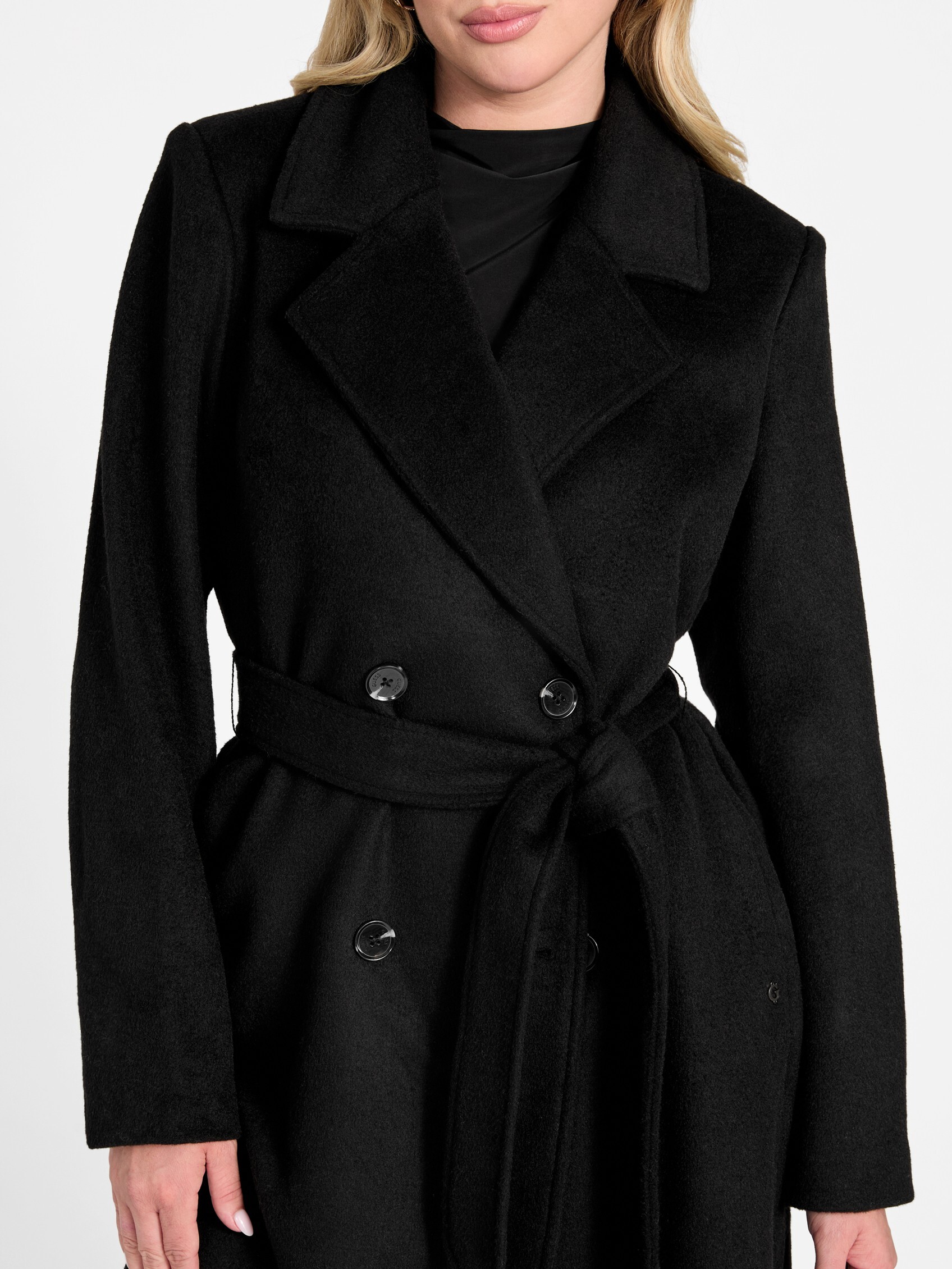
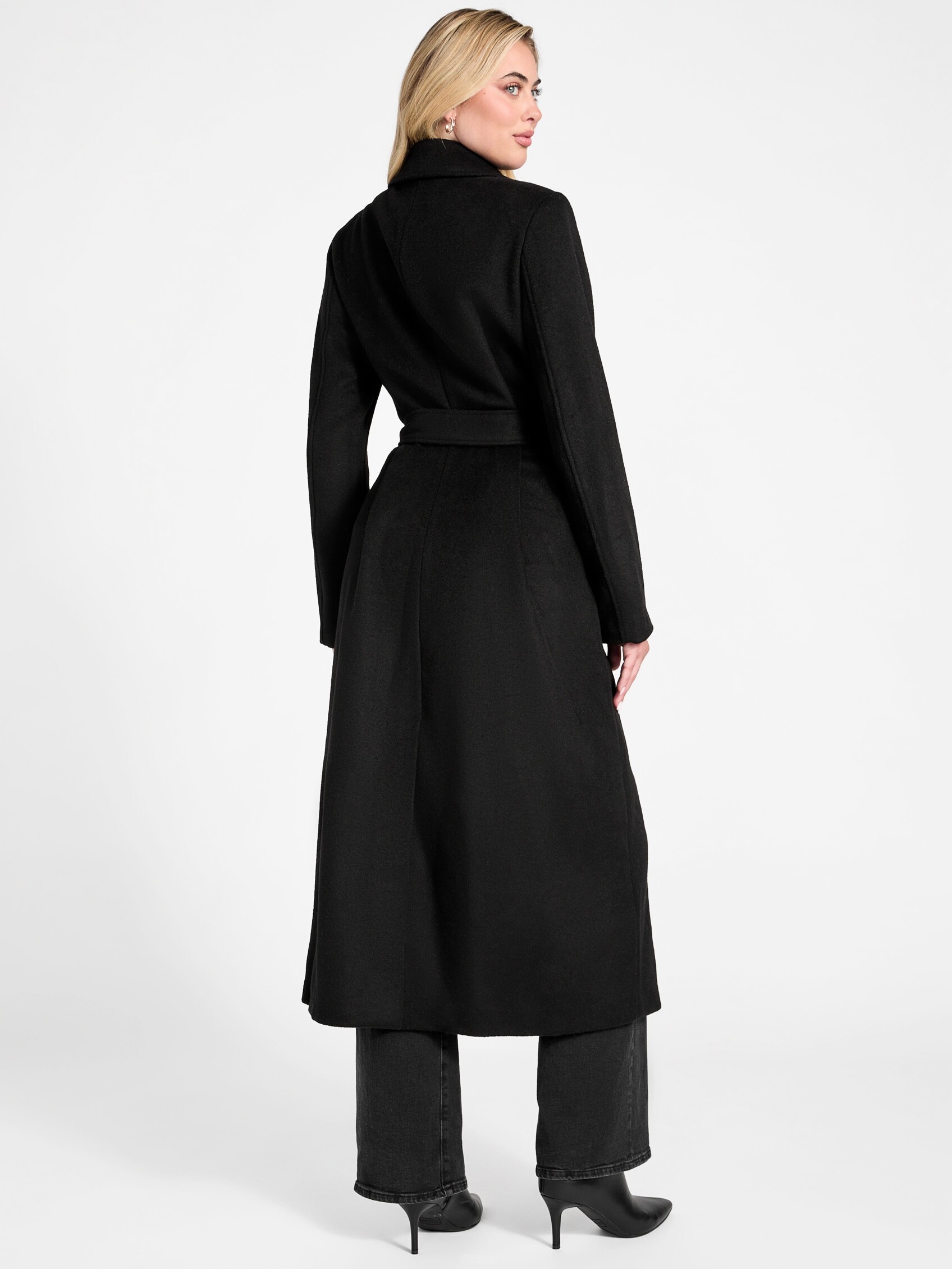
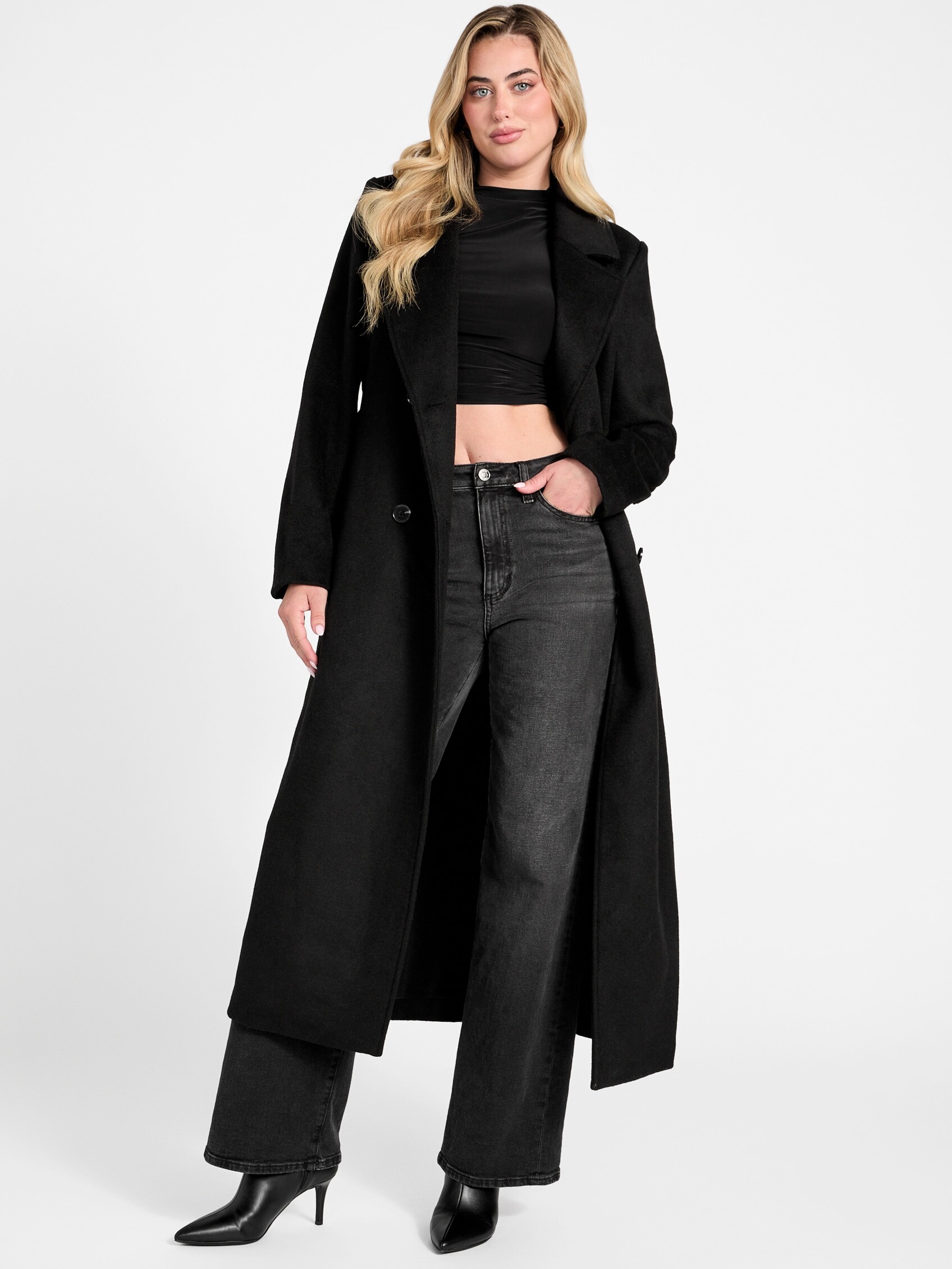
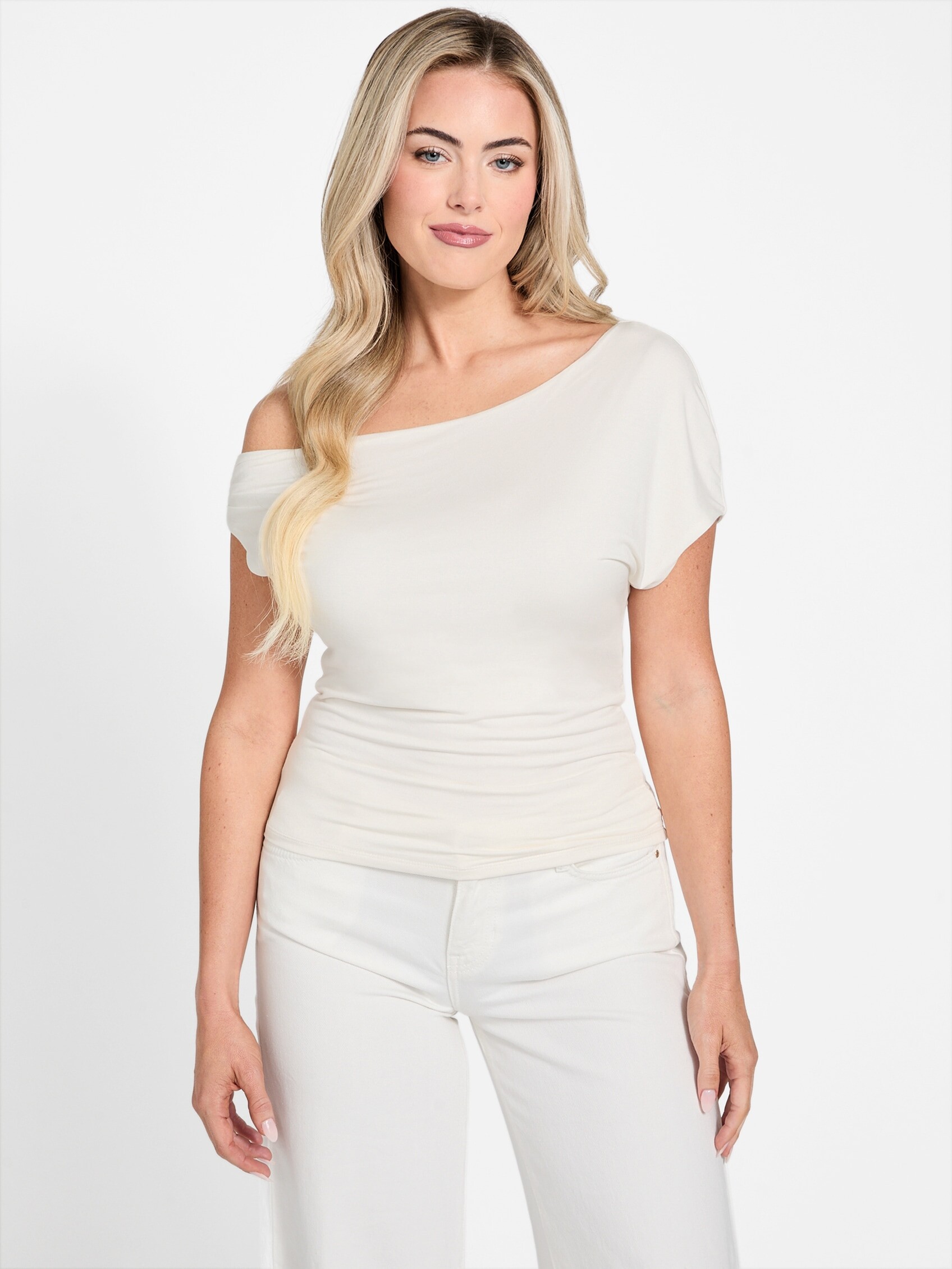
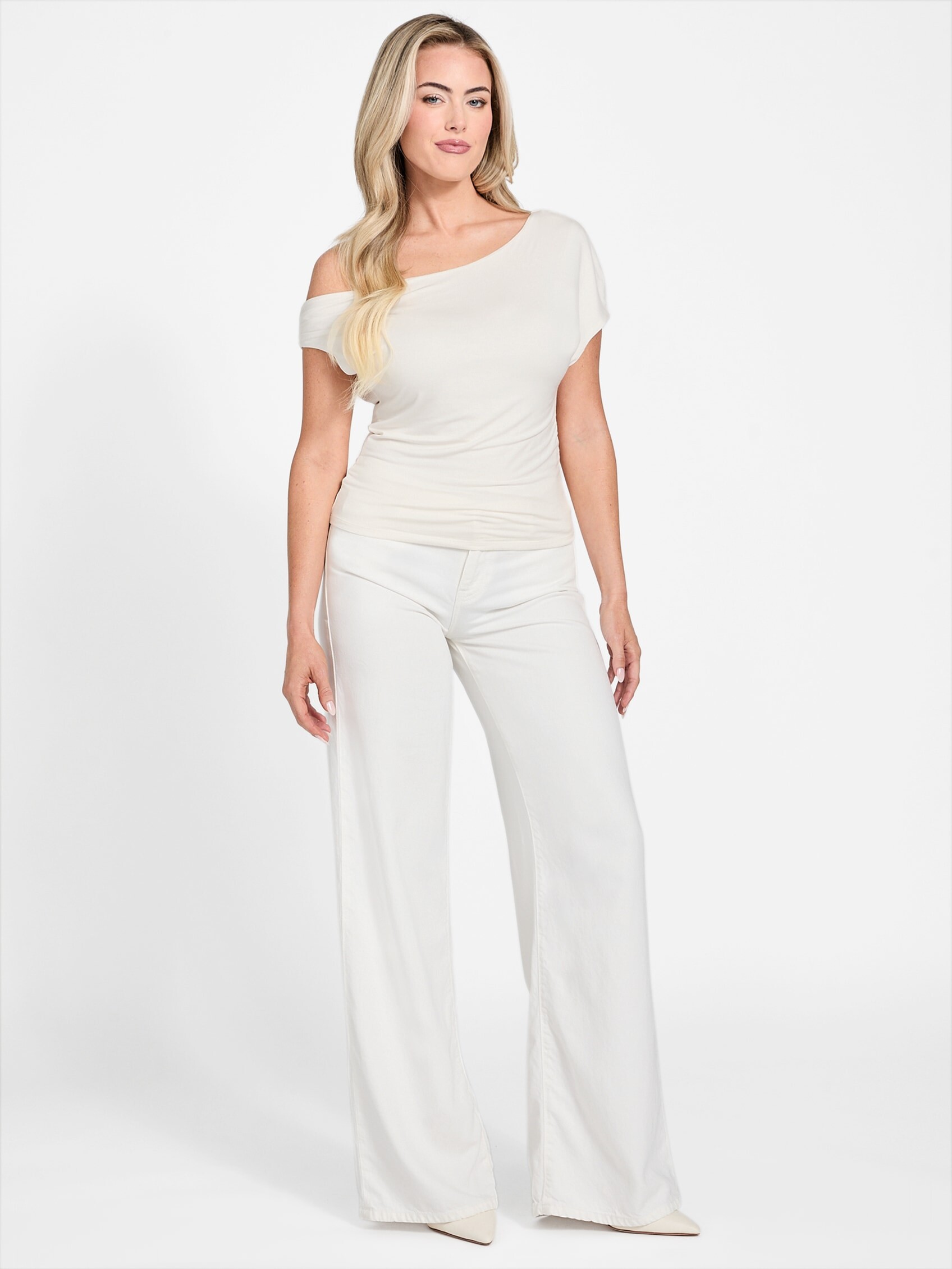
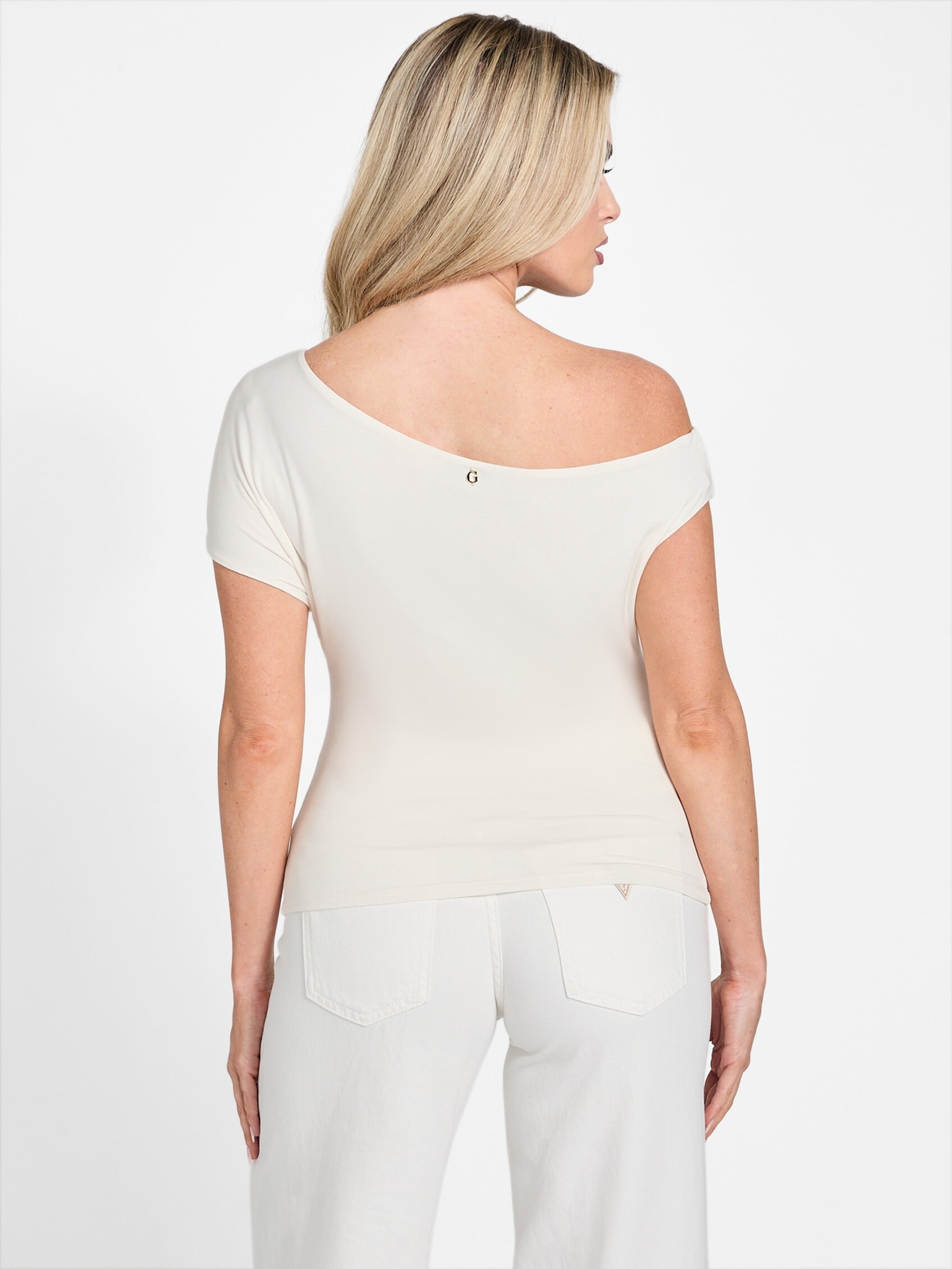
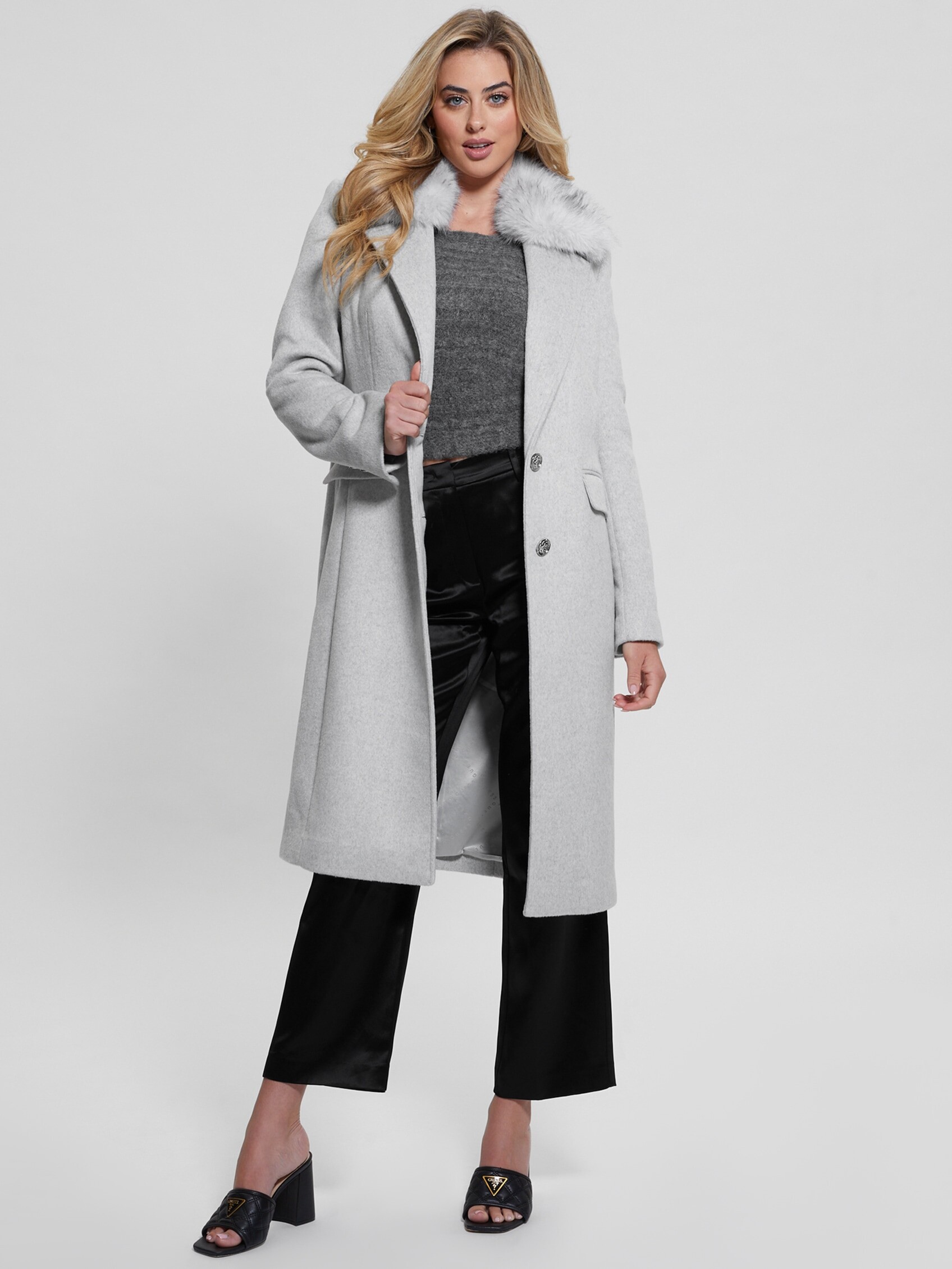
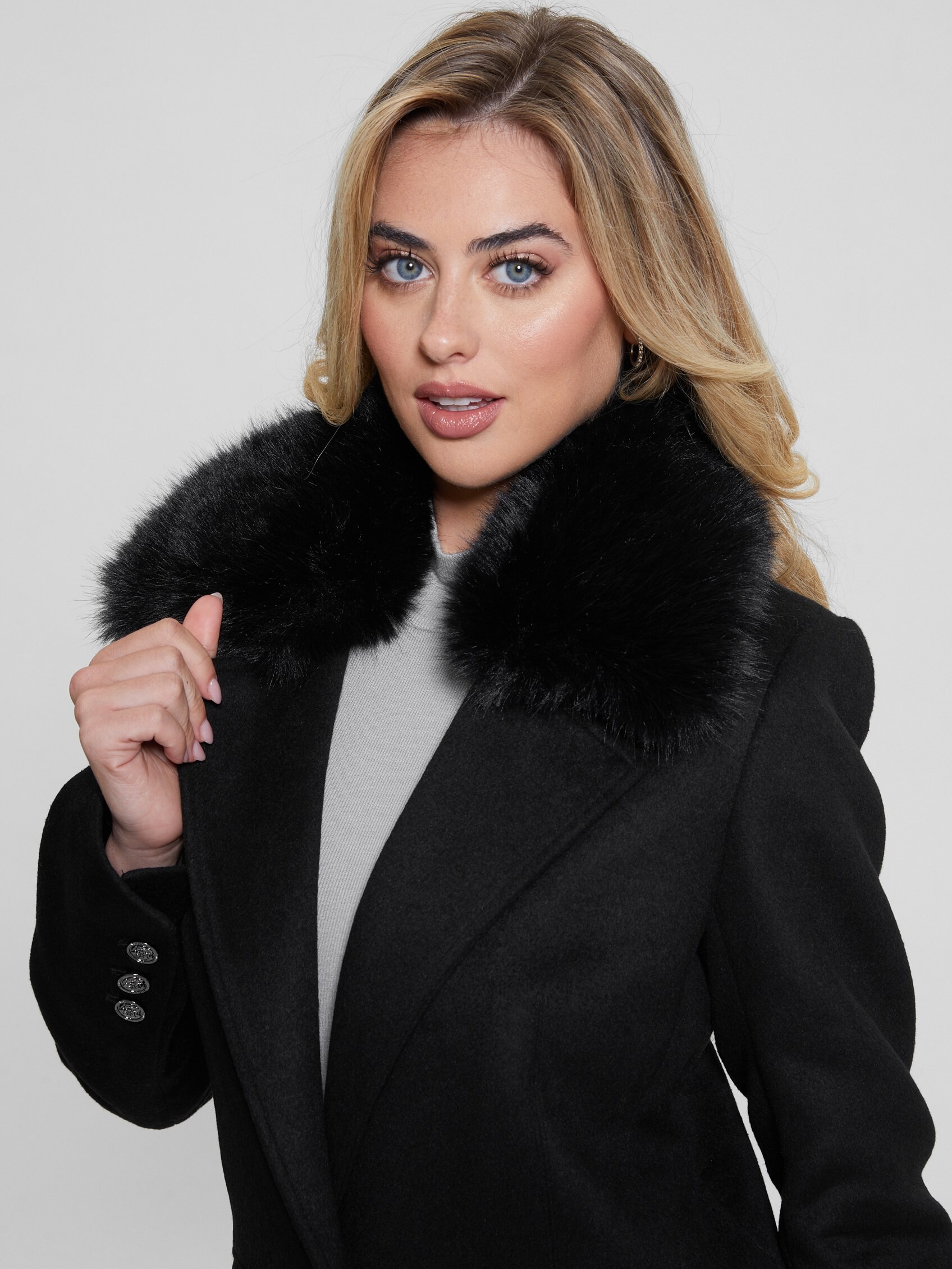
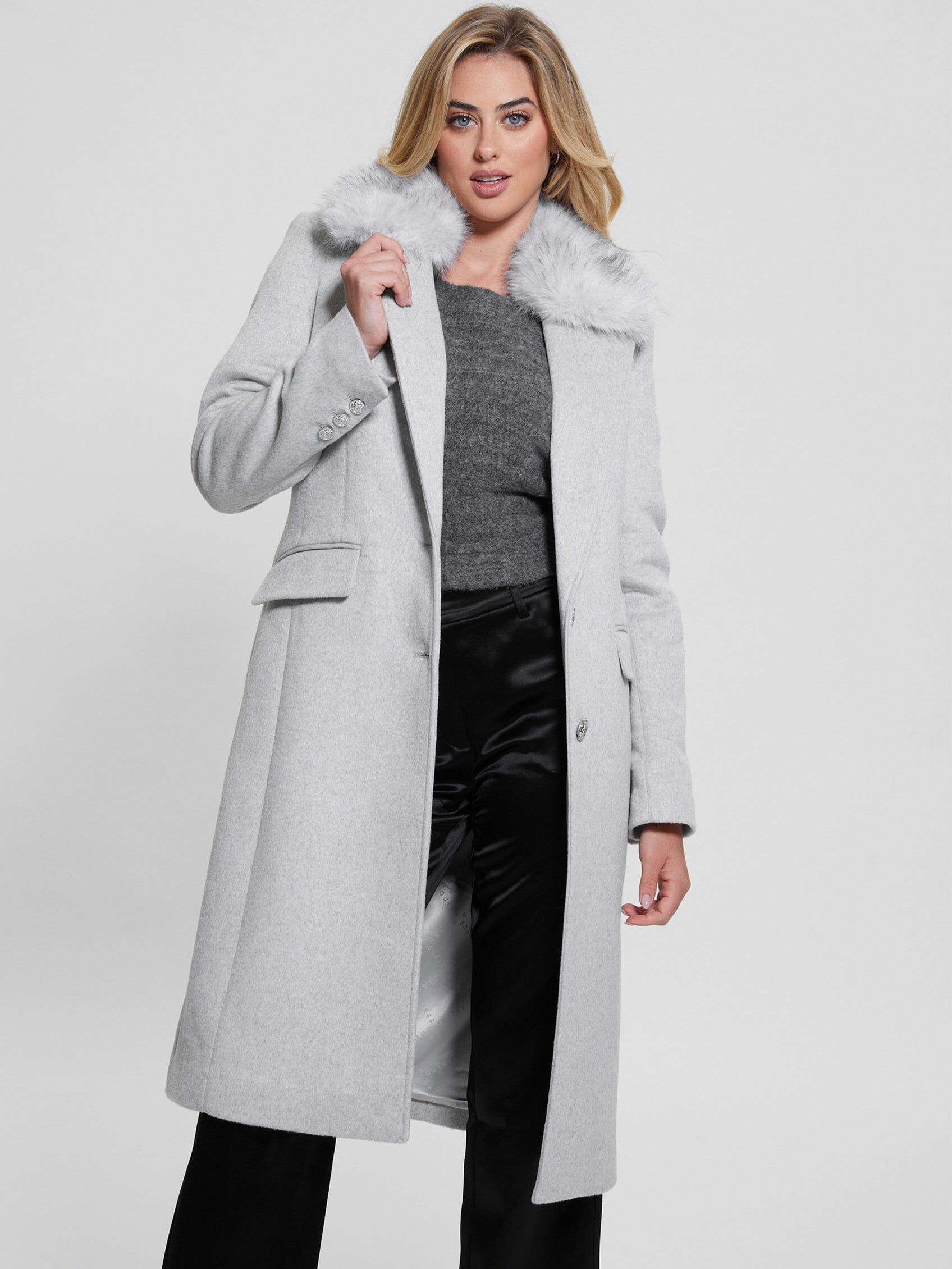
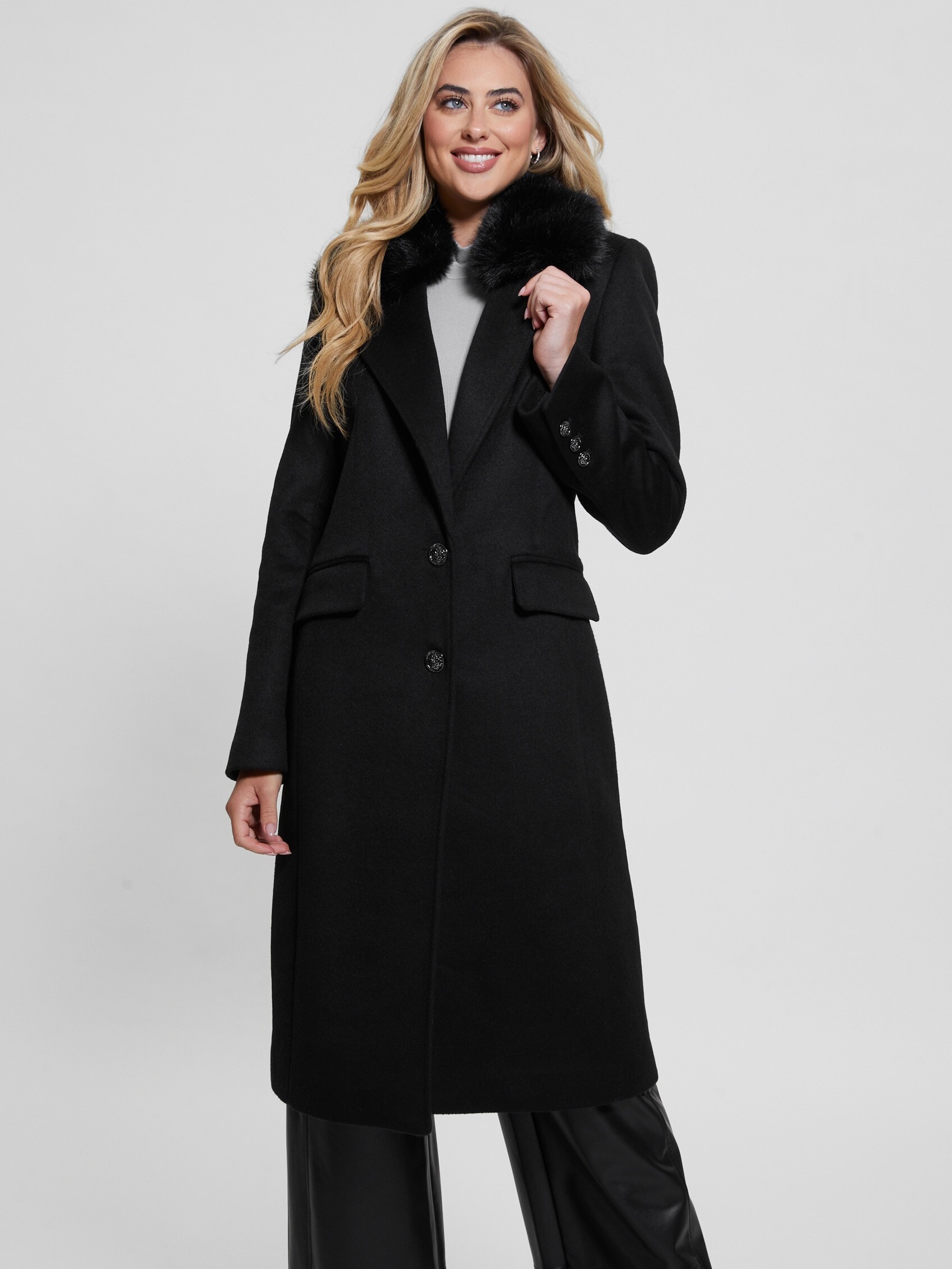
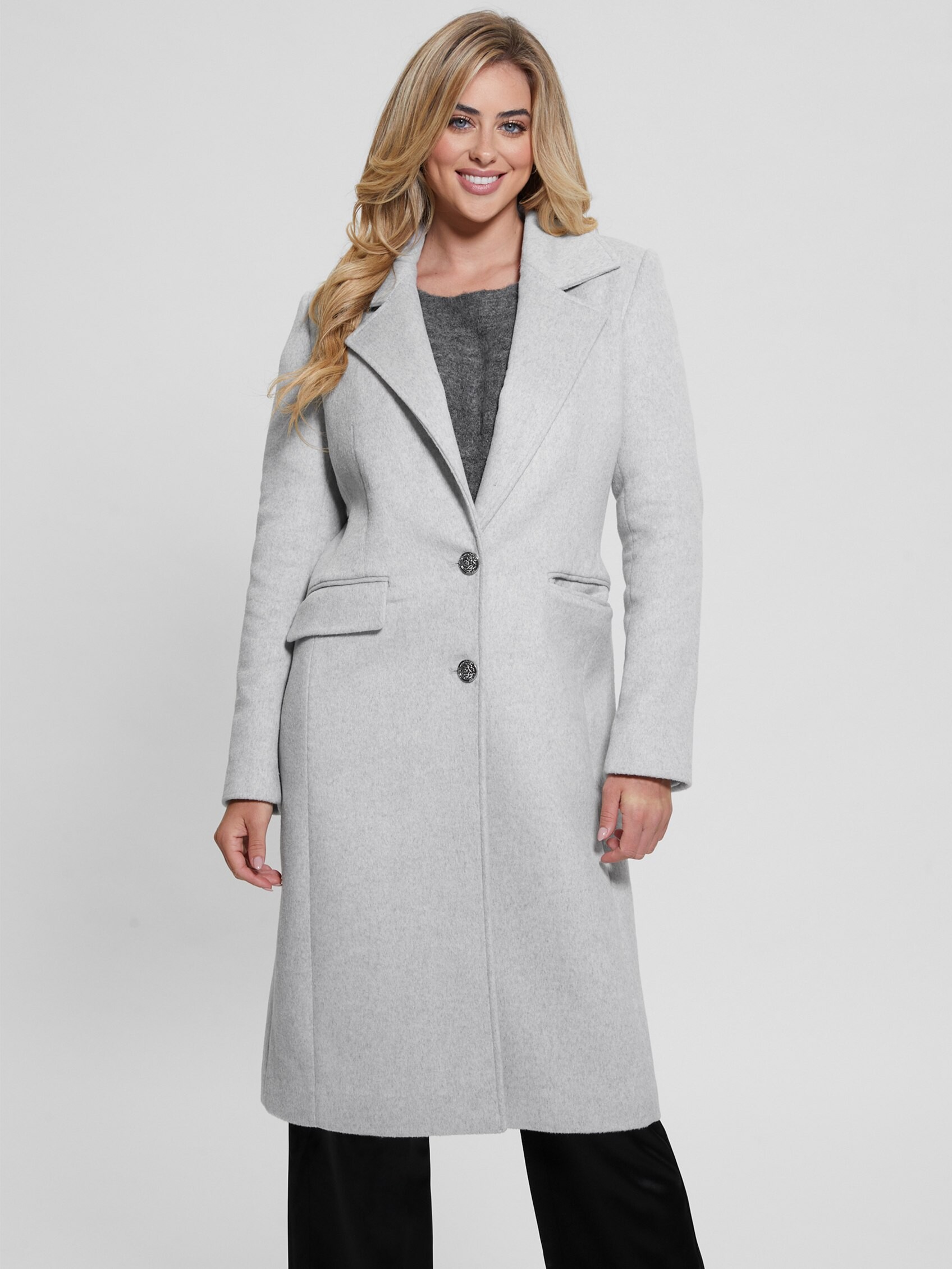
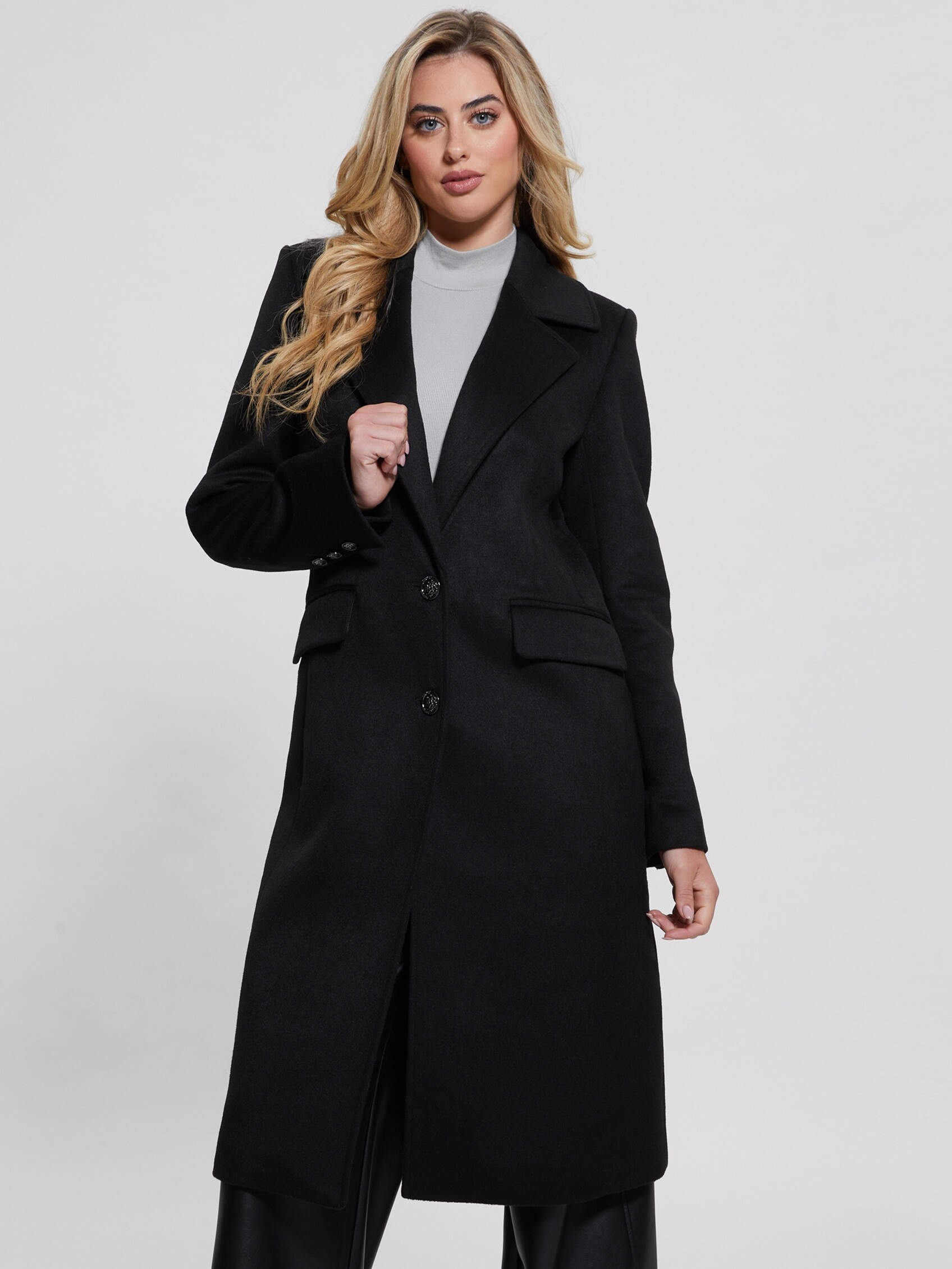
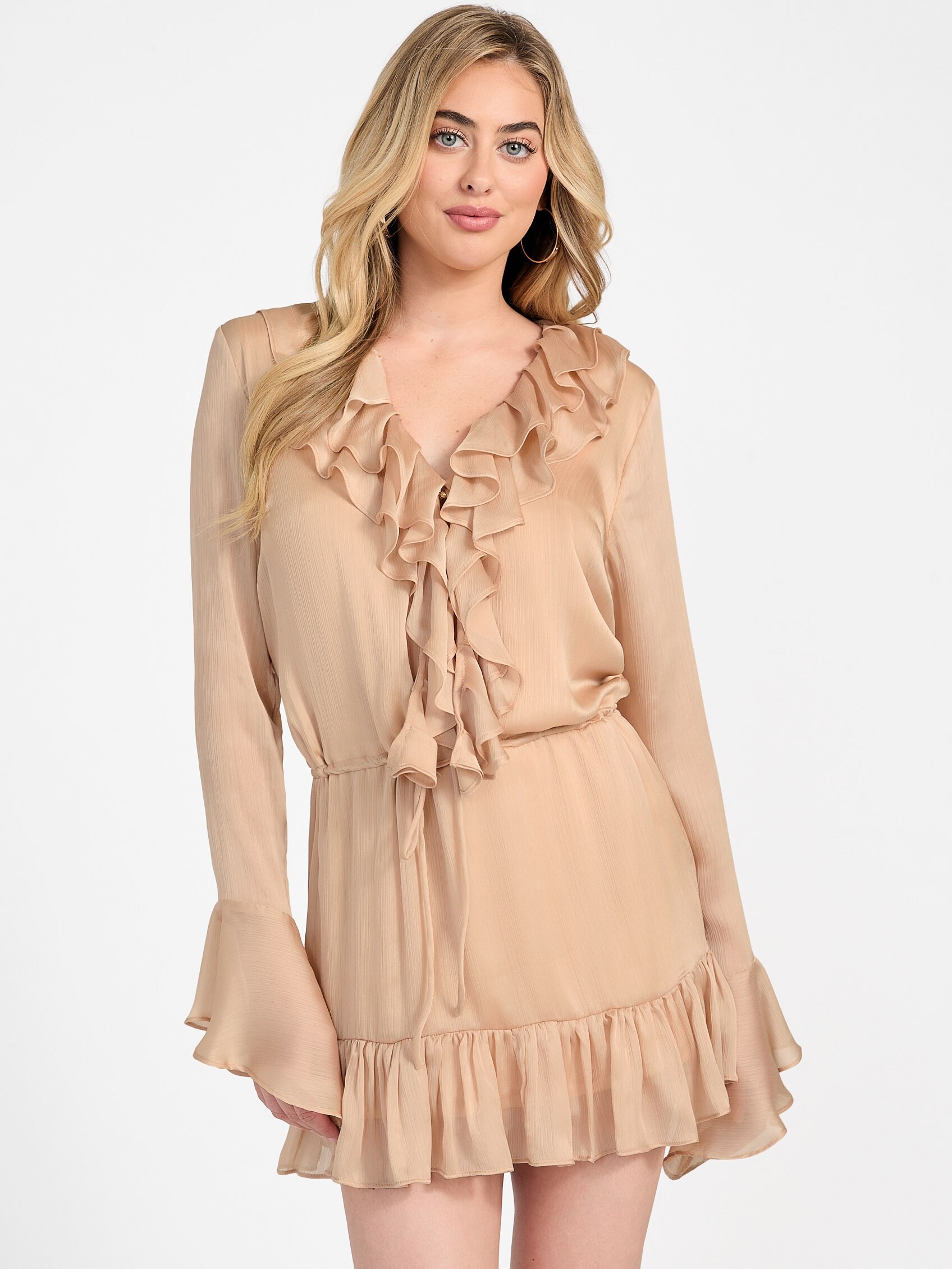
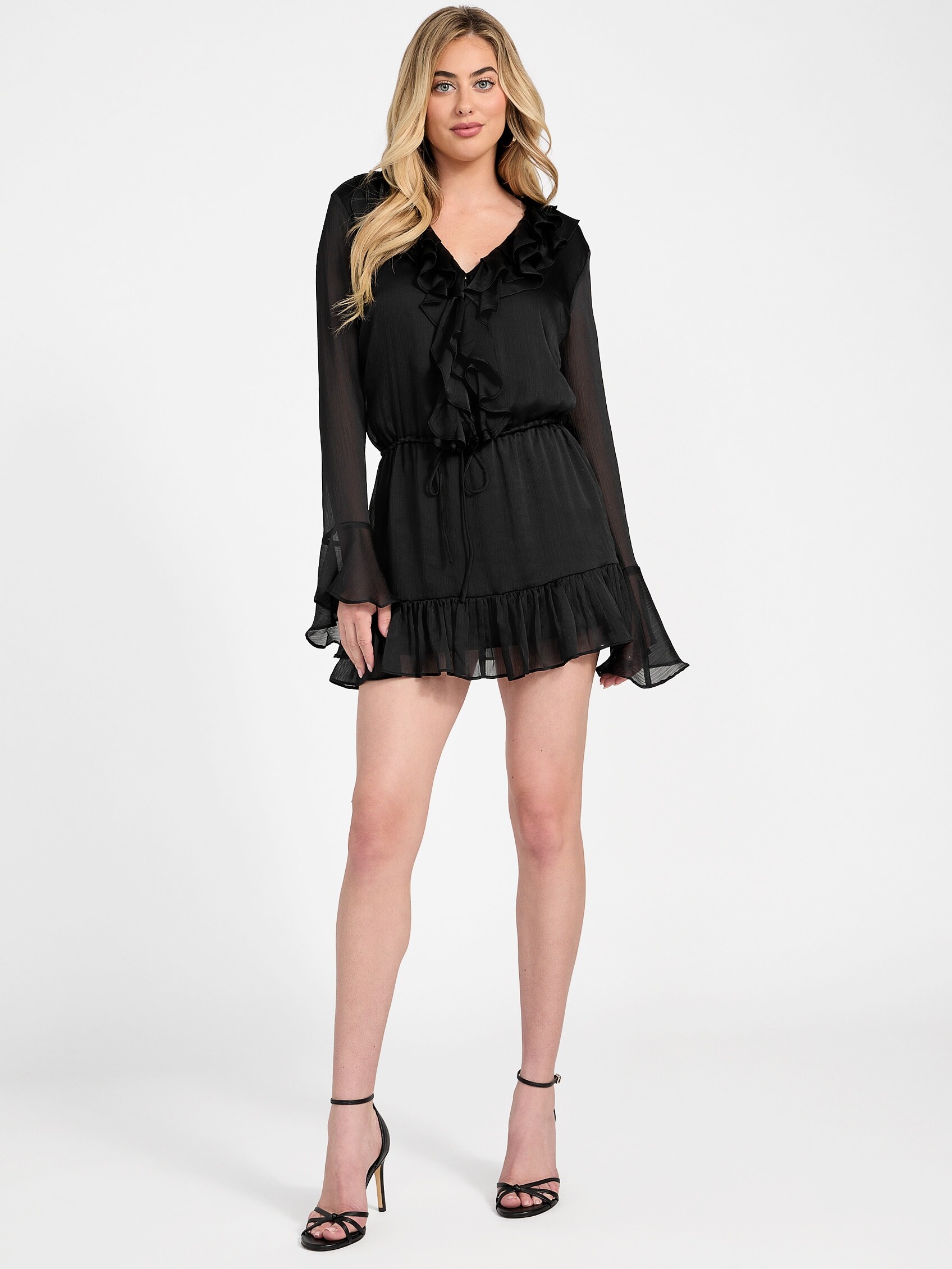
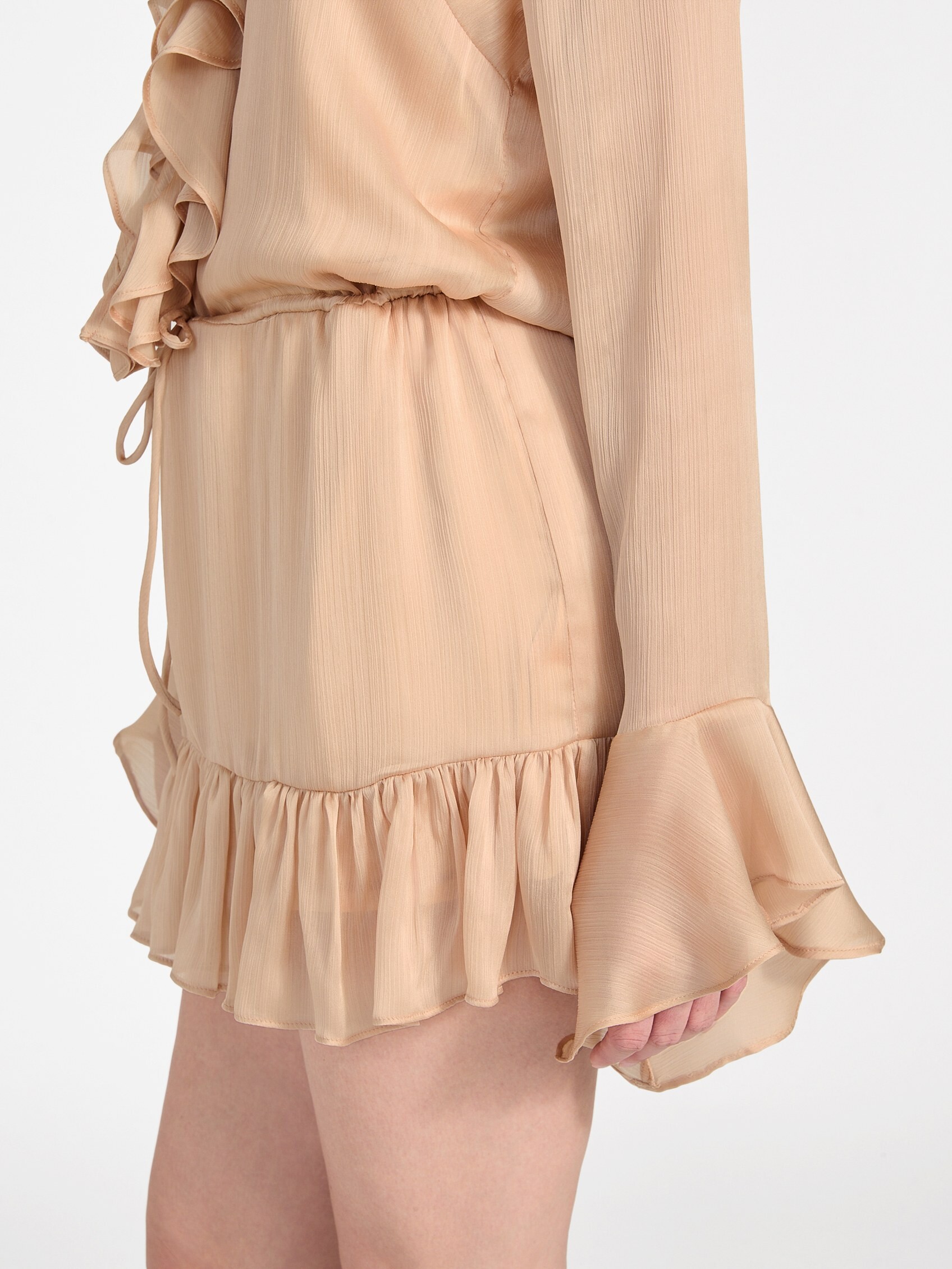
 Guess studio photos, part 1: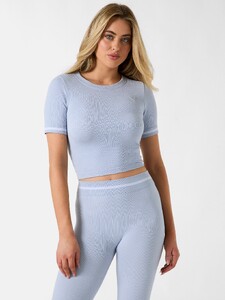
.thumb.jpg.8ec1fe256099163f102032ebb3a6fd36.jpg)
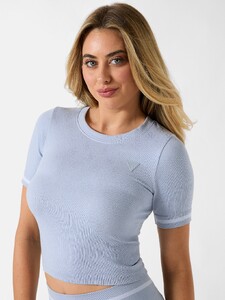


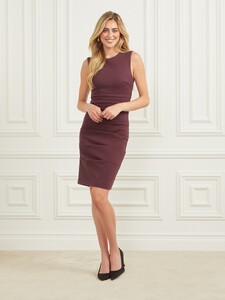

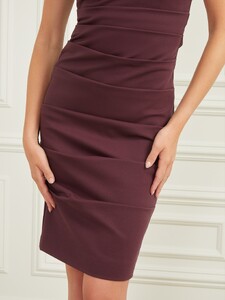



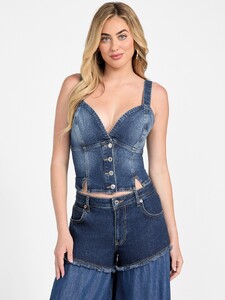
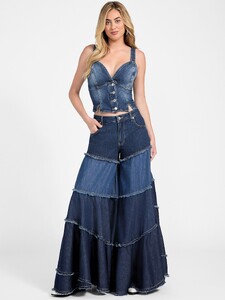
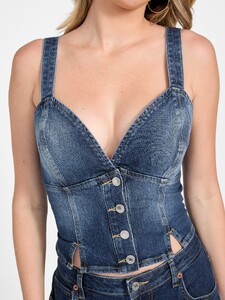
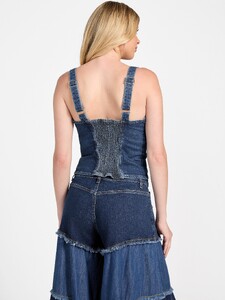
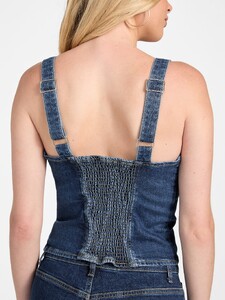
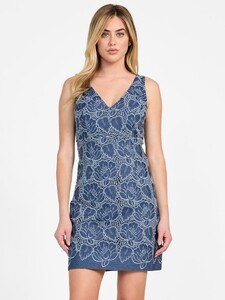
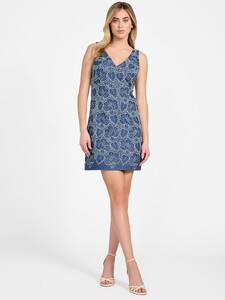
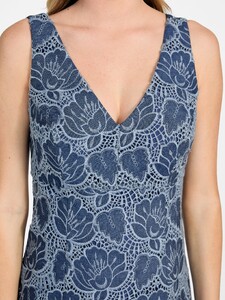
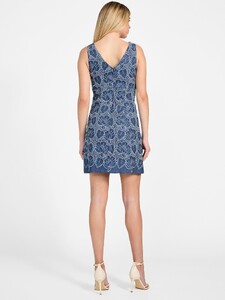


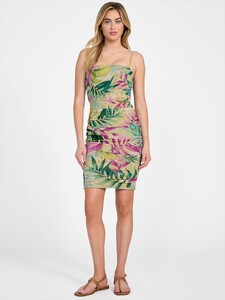


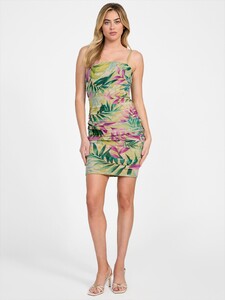


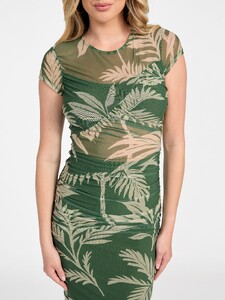
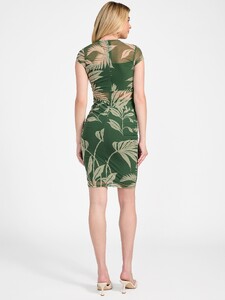


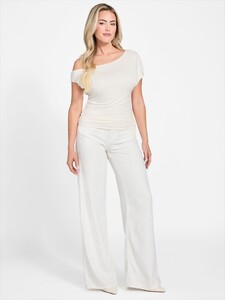
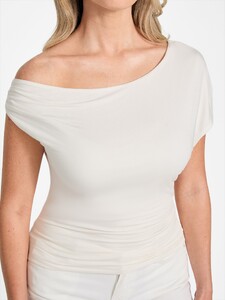

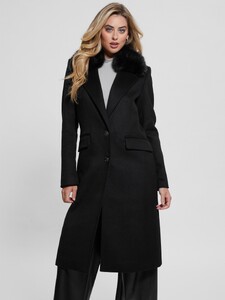
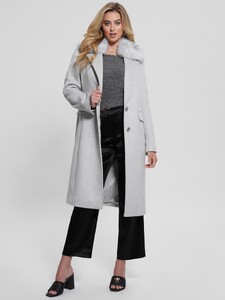
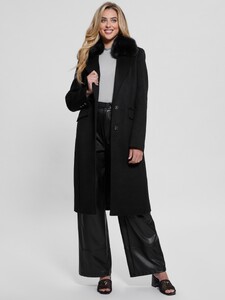
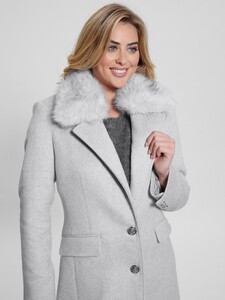

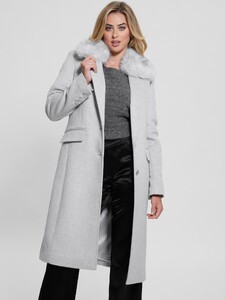

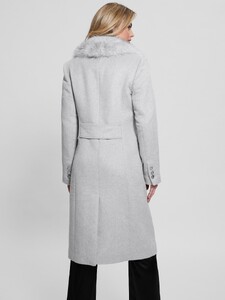


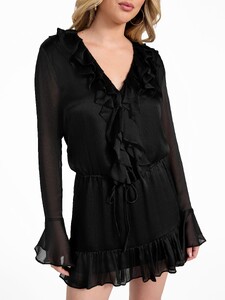
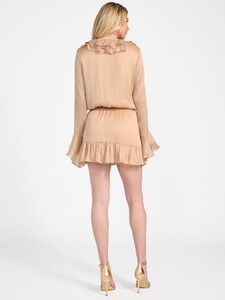
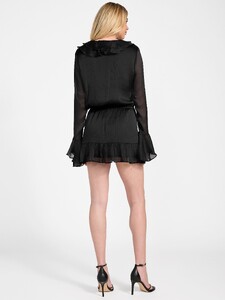
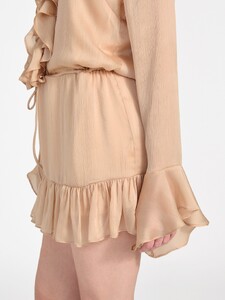

 What difference does it make?! Wherever he was born or came from, he was an ignorant person, religious and evil. Thank god she was born in Canada...i see no connection between Pakistani/Indian and Afghan.
- Today
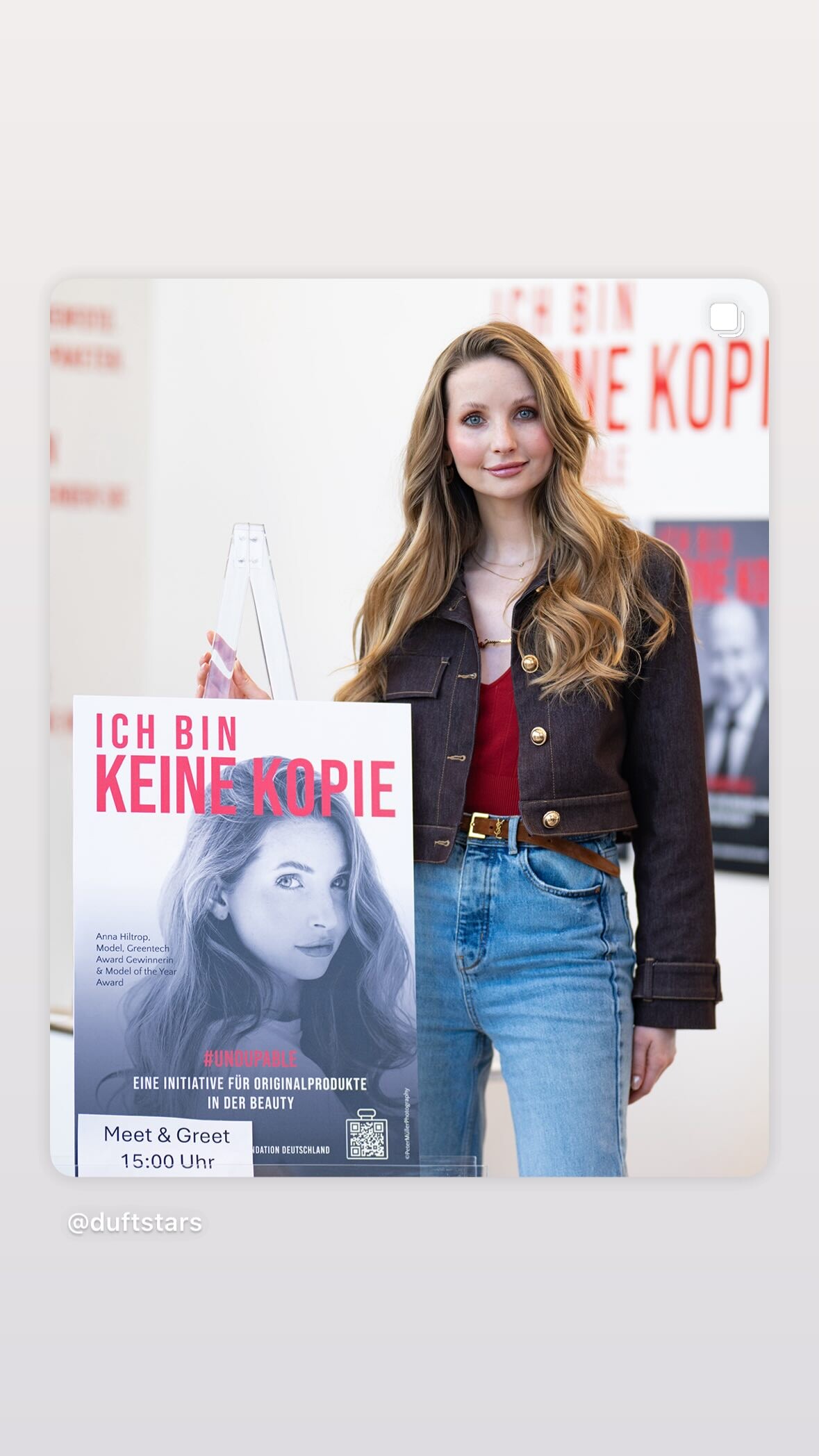
 insta story
 Also in some sites it says that he is indian raised in pakistani and that her paternal family has afghan ancestry?
She said in one interview that her father was indian in other that he was pakistani
I don't think so. The ads would have been famous if she did. No Guess campaign can stay hidden.
Father from Pakistan, mother is German. Weird combination resulting in pure perfection.
Also in some sites it says that he is indian raised in pakistani and that her paternal family has afghan ancestry?
She said in one interview that her father was indian in other that he was pakistani
I don't think so. The ads would have been famous if she did. No Guess campaign can stay hidden.
Father from Pakistan, mother is German. Weird combination resulting in pure perfection.
 Penti
Penti


 Modelwerk Polaroids


 her father is indian/pakistani or indian raised in pakistan?. they have afghan ethnicity too ...?
stories videos
her father is indian/pakistani or indian raised in pakistan?. they have afghan ethnicity too ...?
stories videos


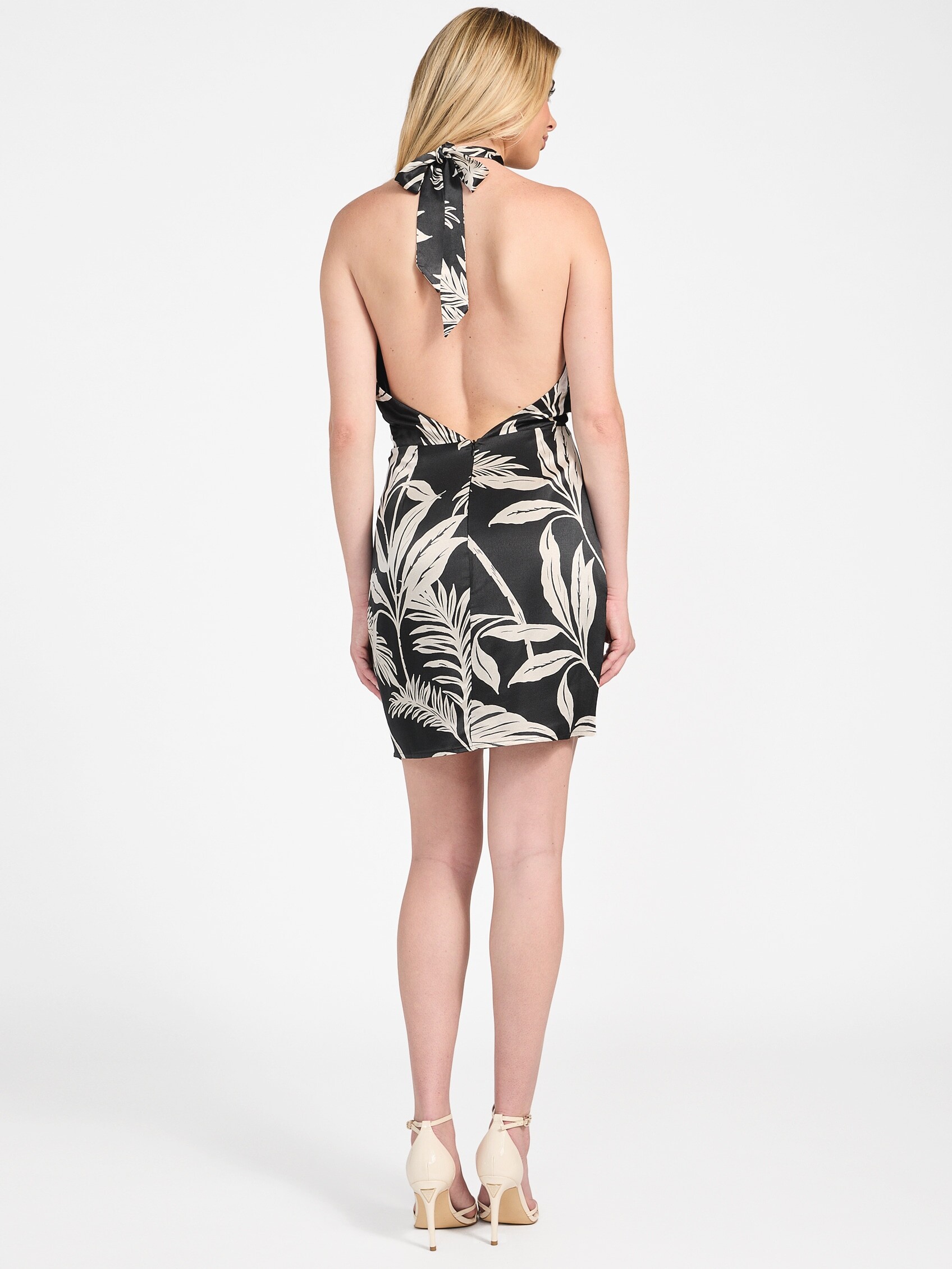


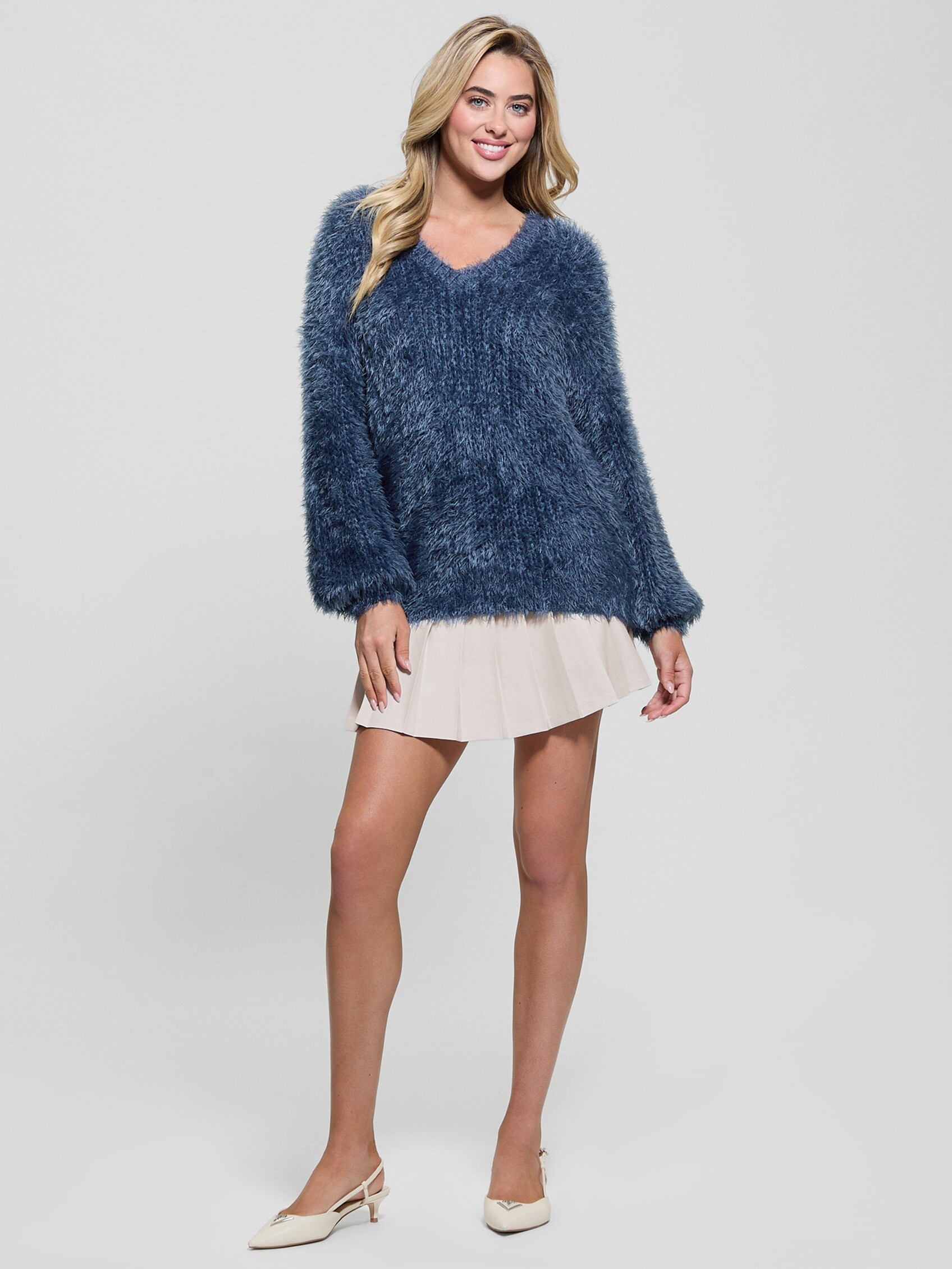

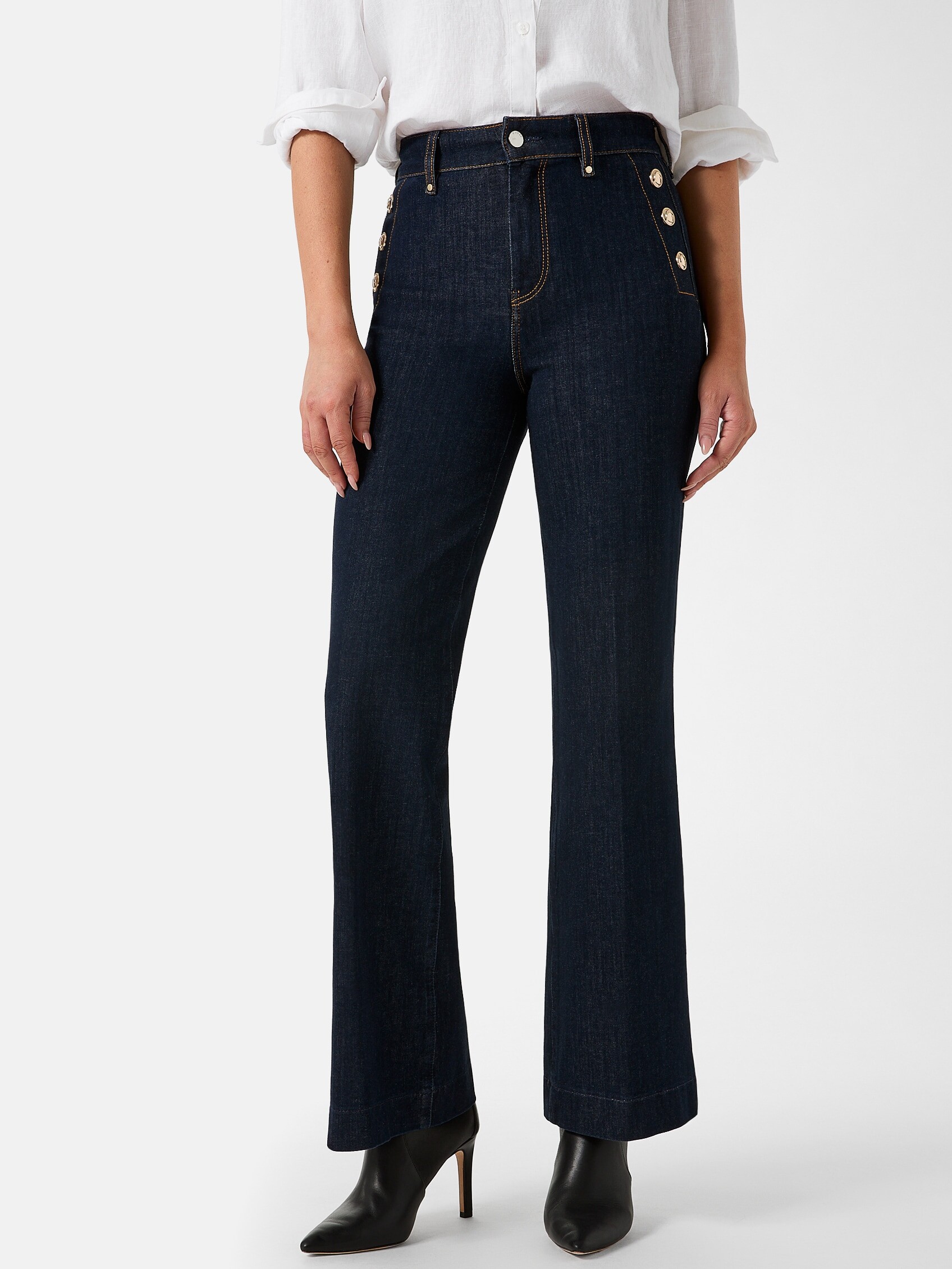
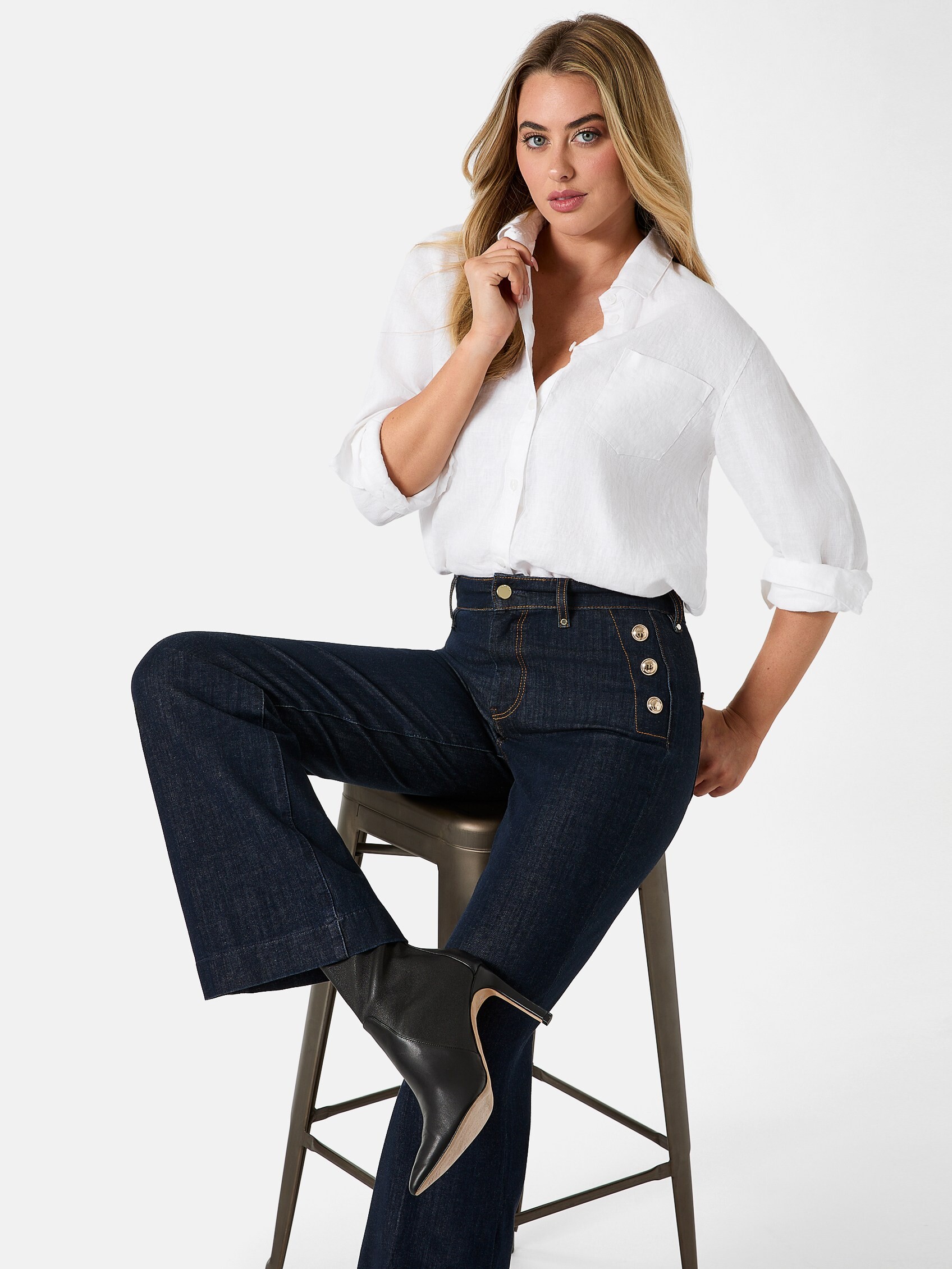
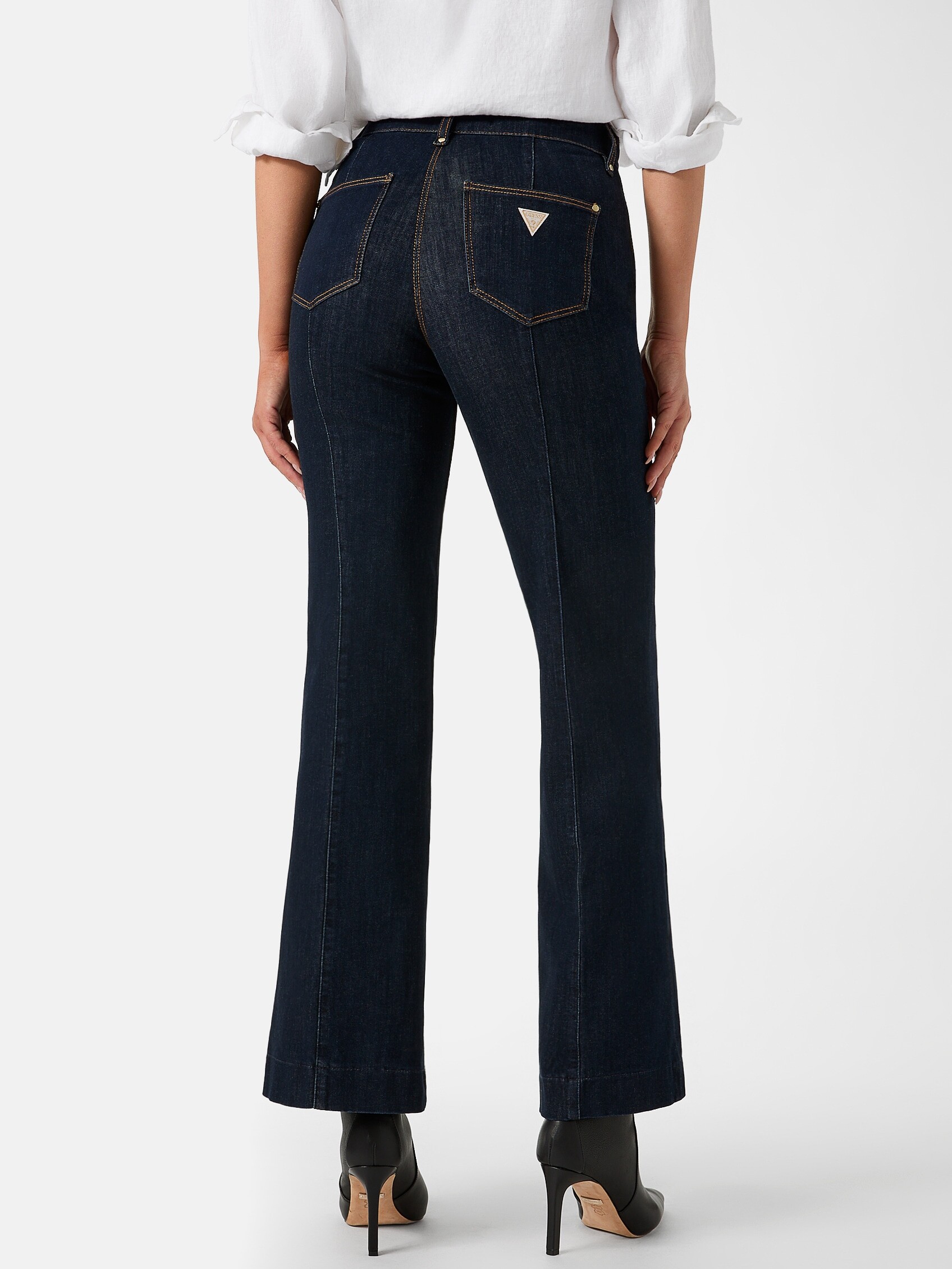
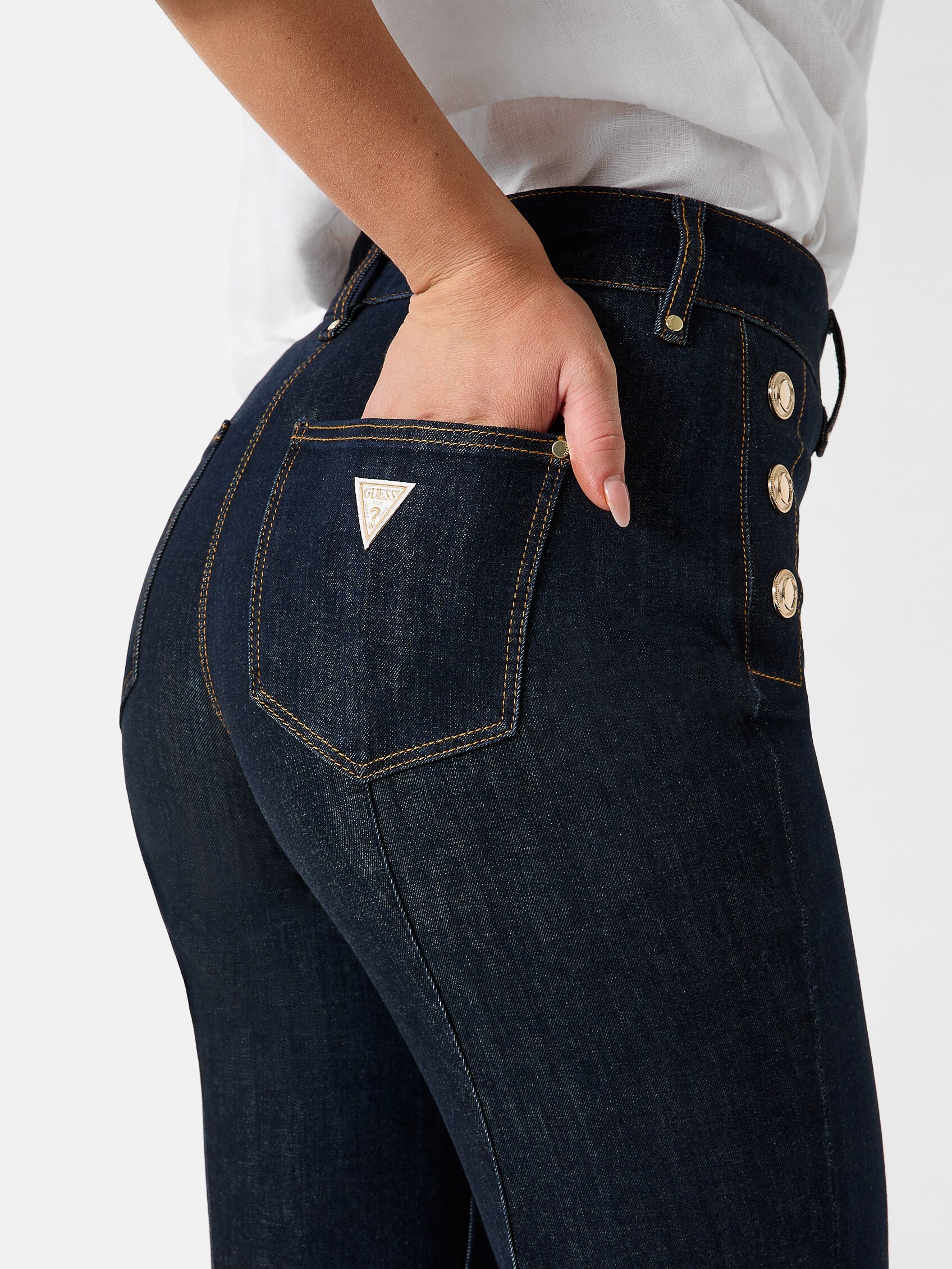
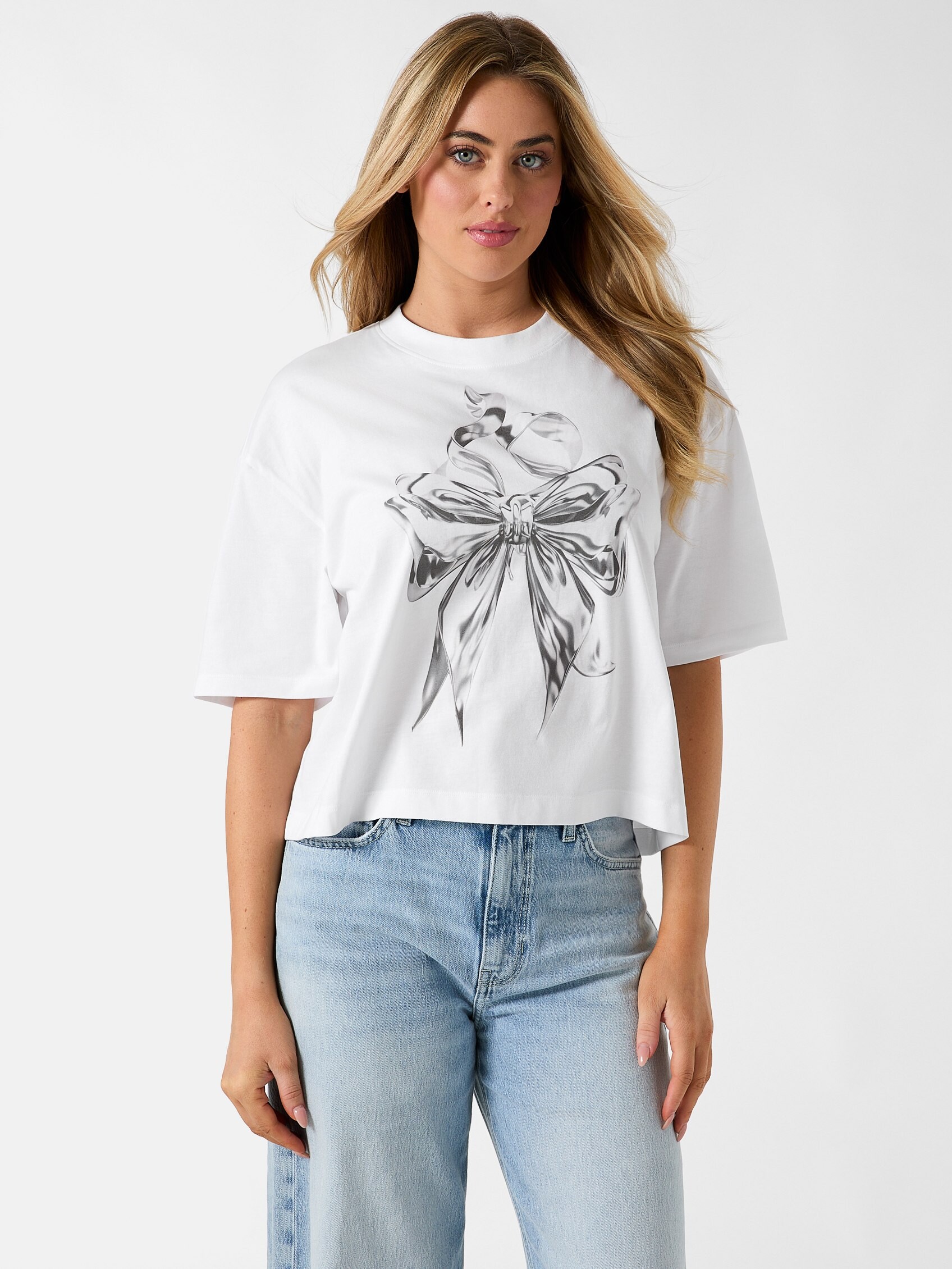

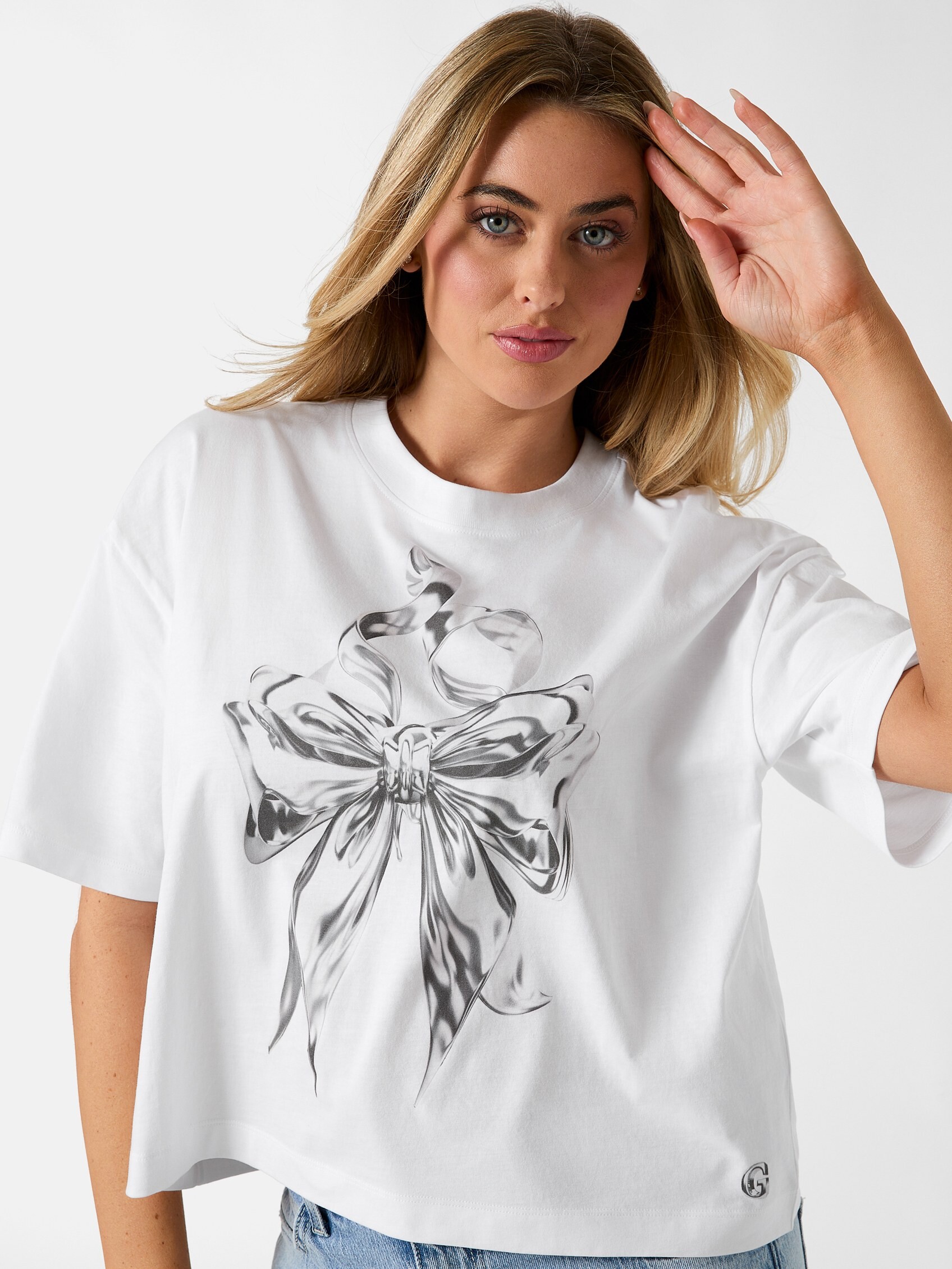


.jpg.0c69da67b93e2dfa0b35aae7cd32b05f.jpg)


.jpg.1de7e3944da5e0417f19aaa1cdc6b826.jpg)
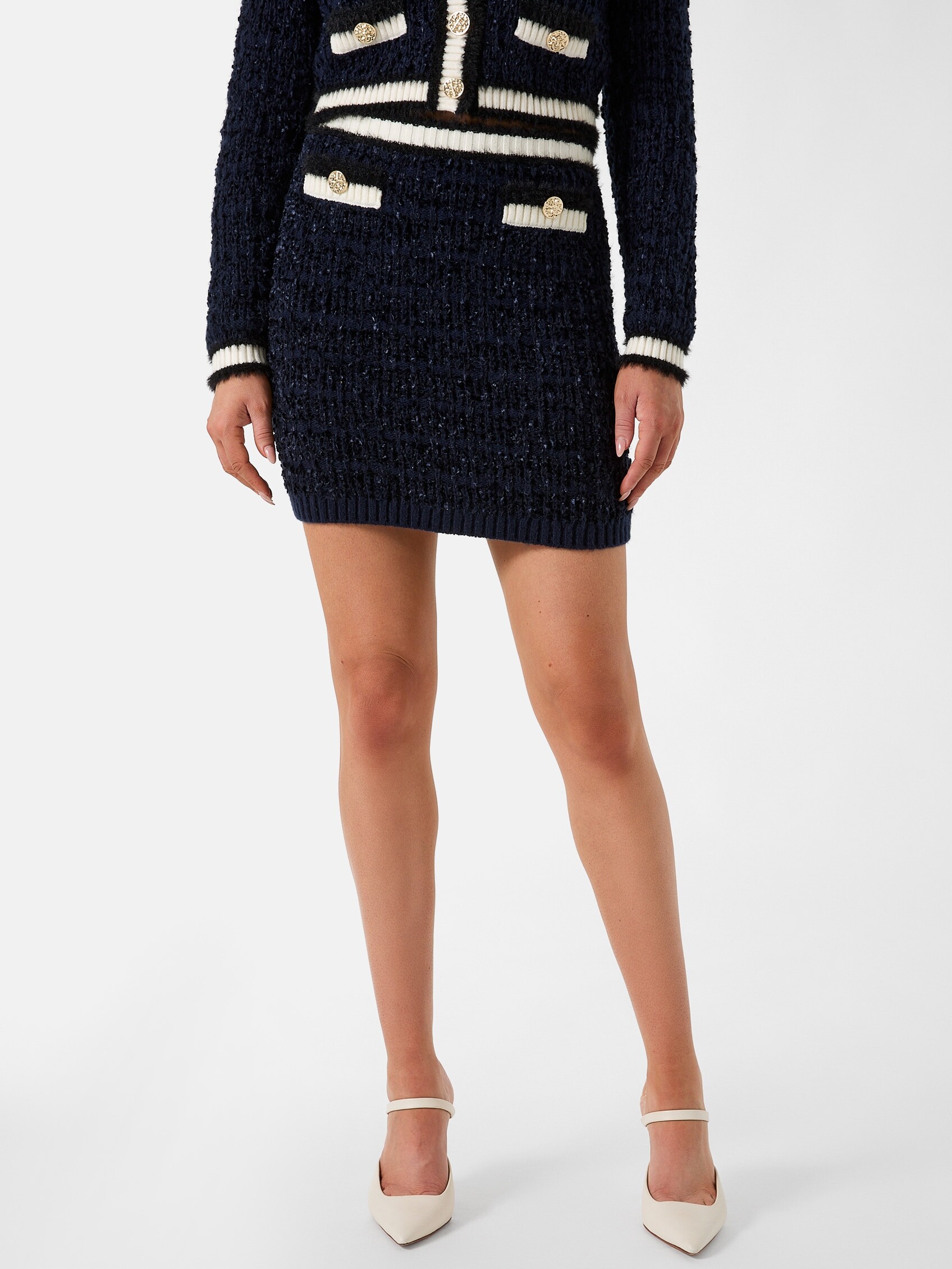

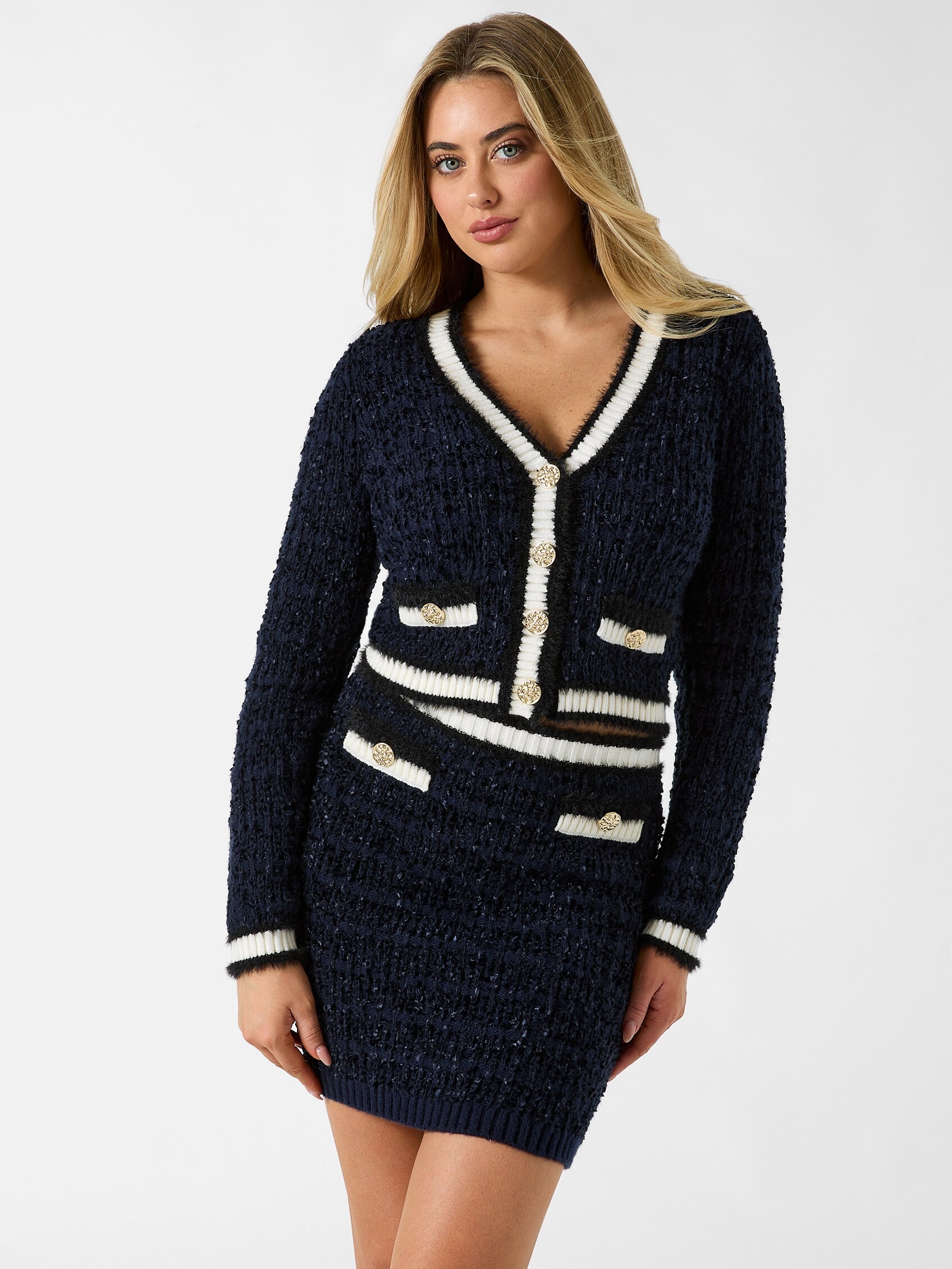
.jpg.1fa97fb1c4994be11ff8857799f8e7e5.jpg)
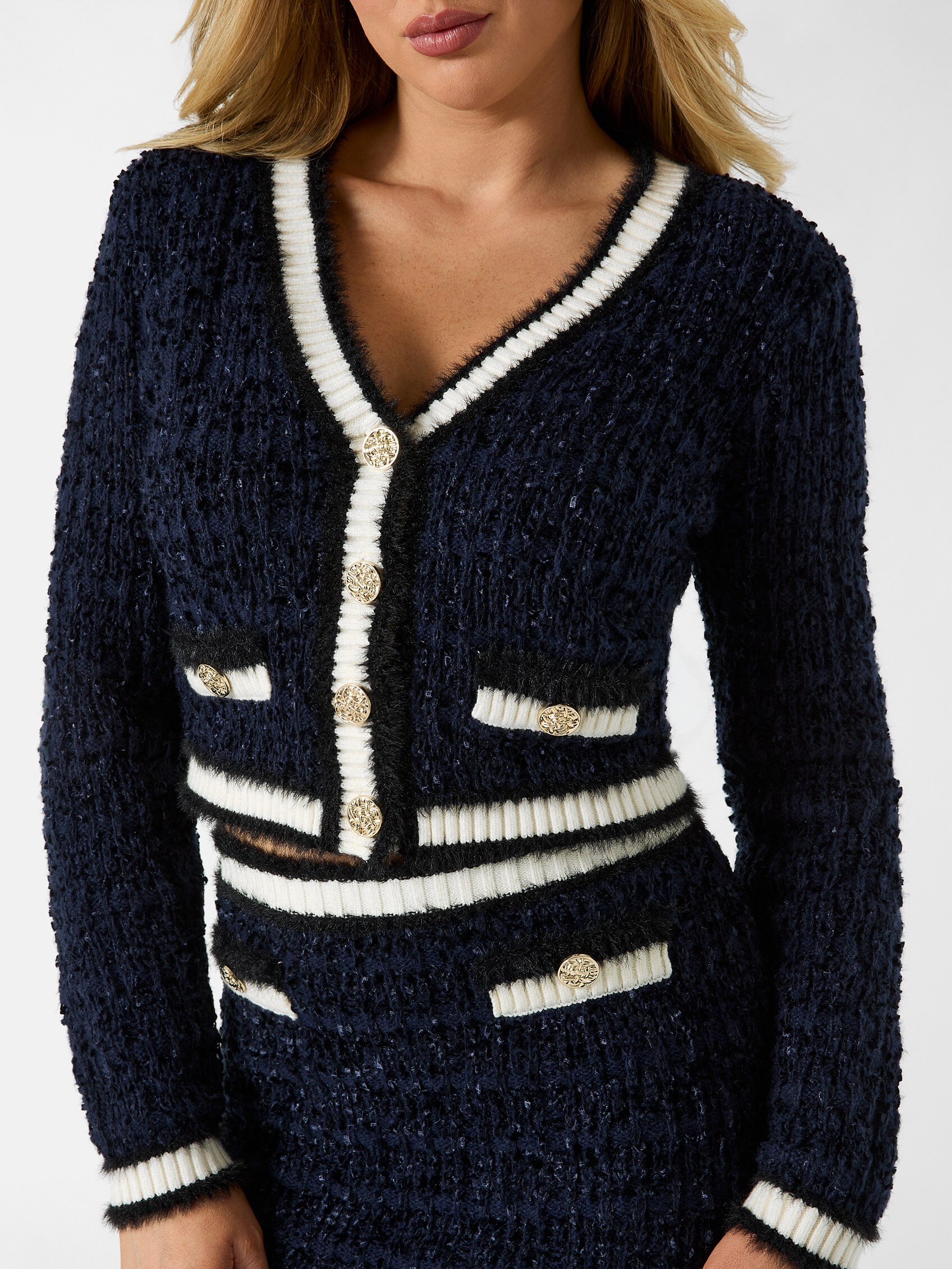
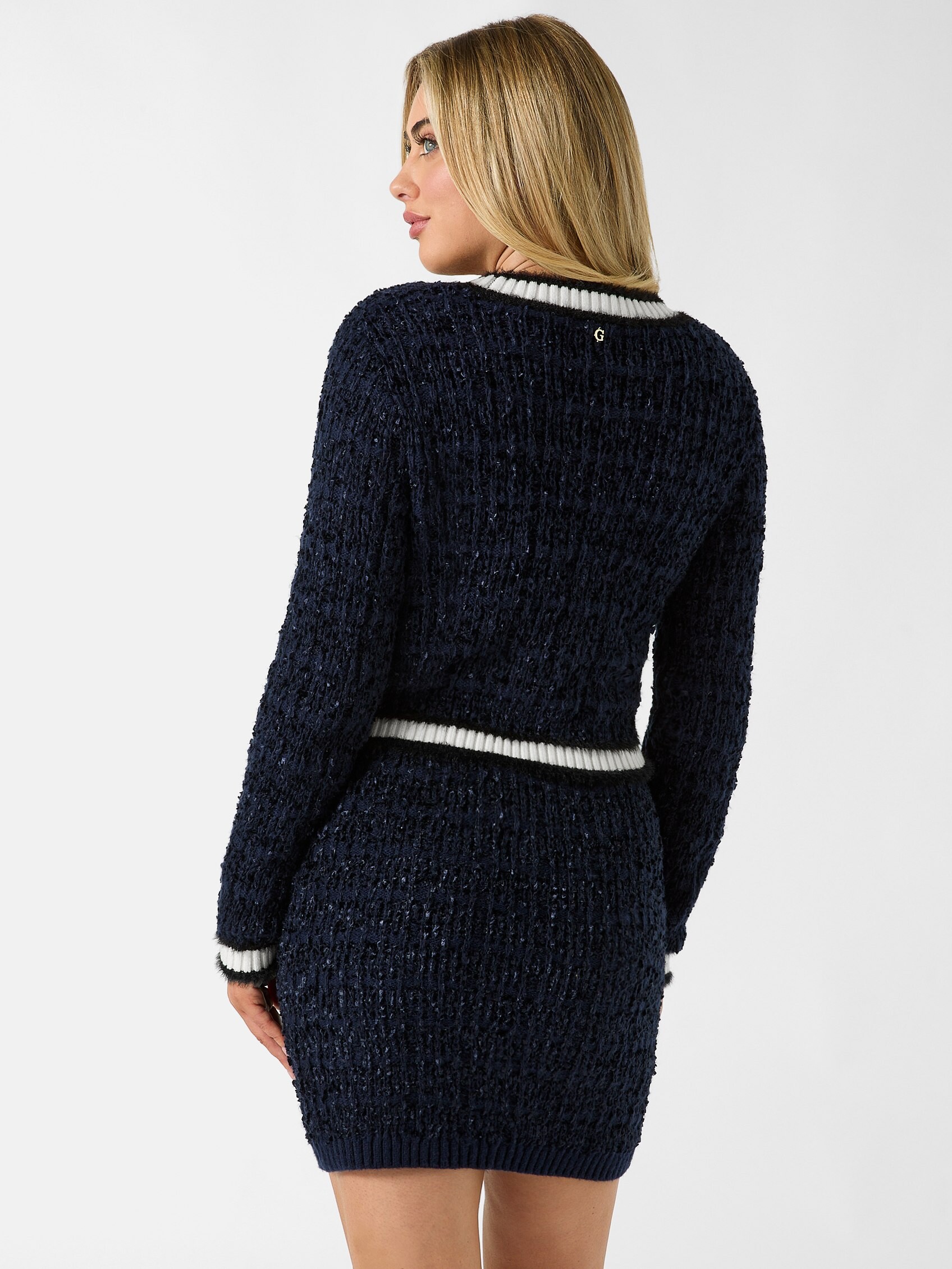


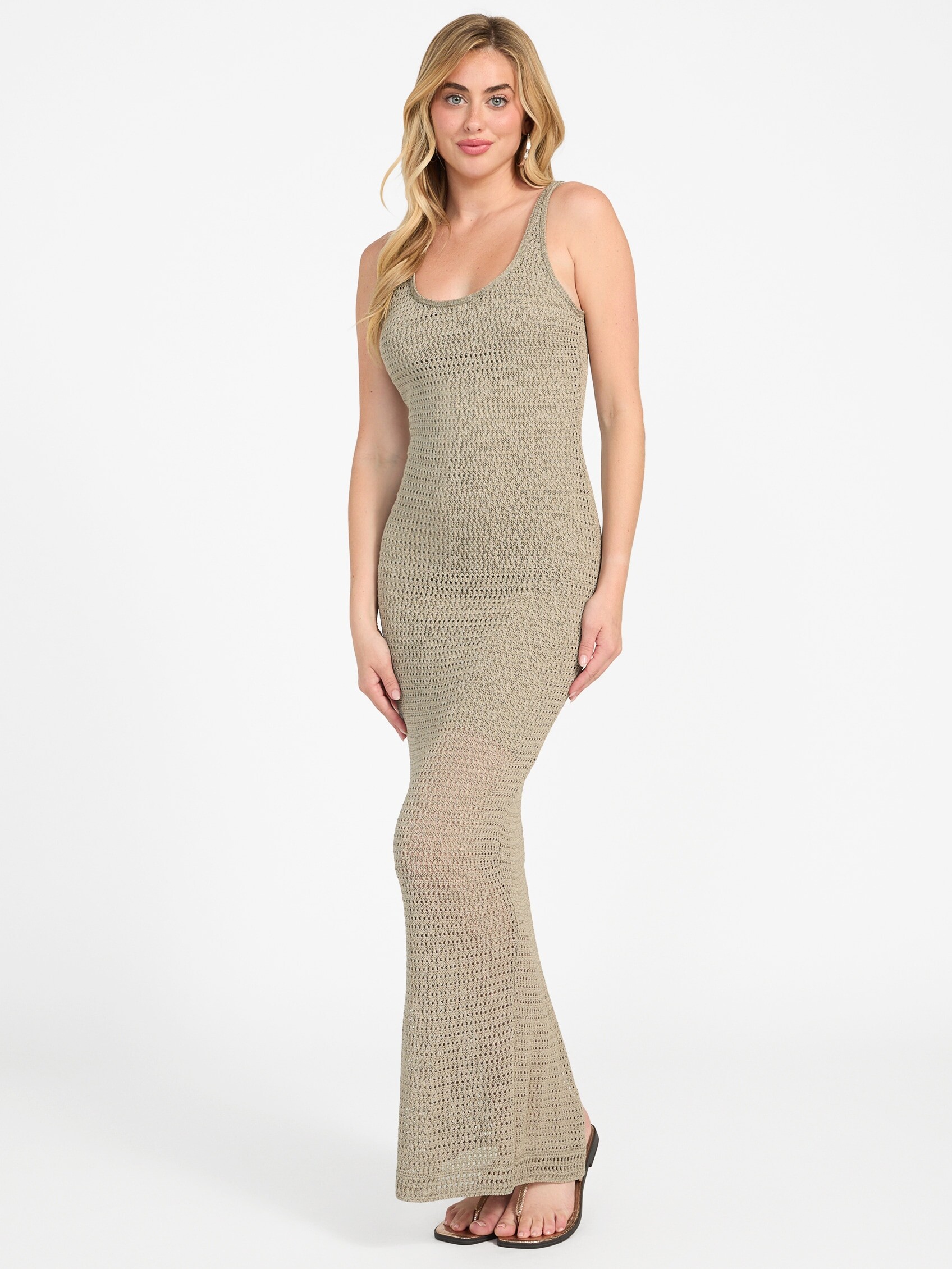
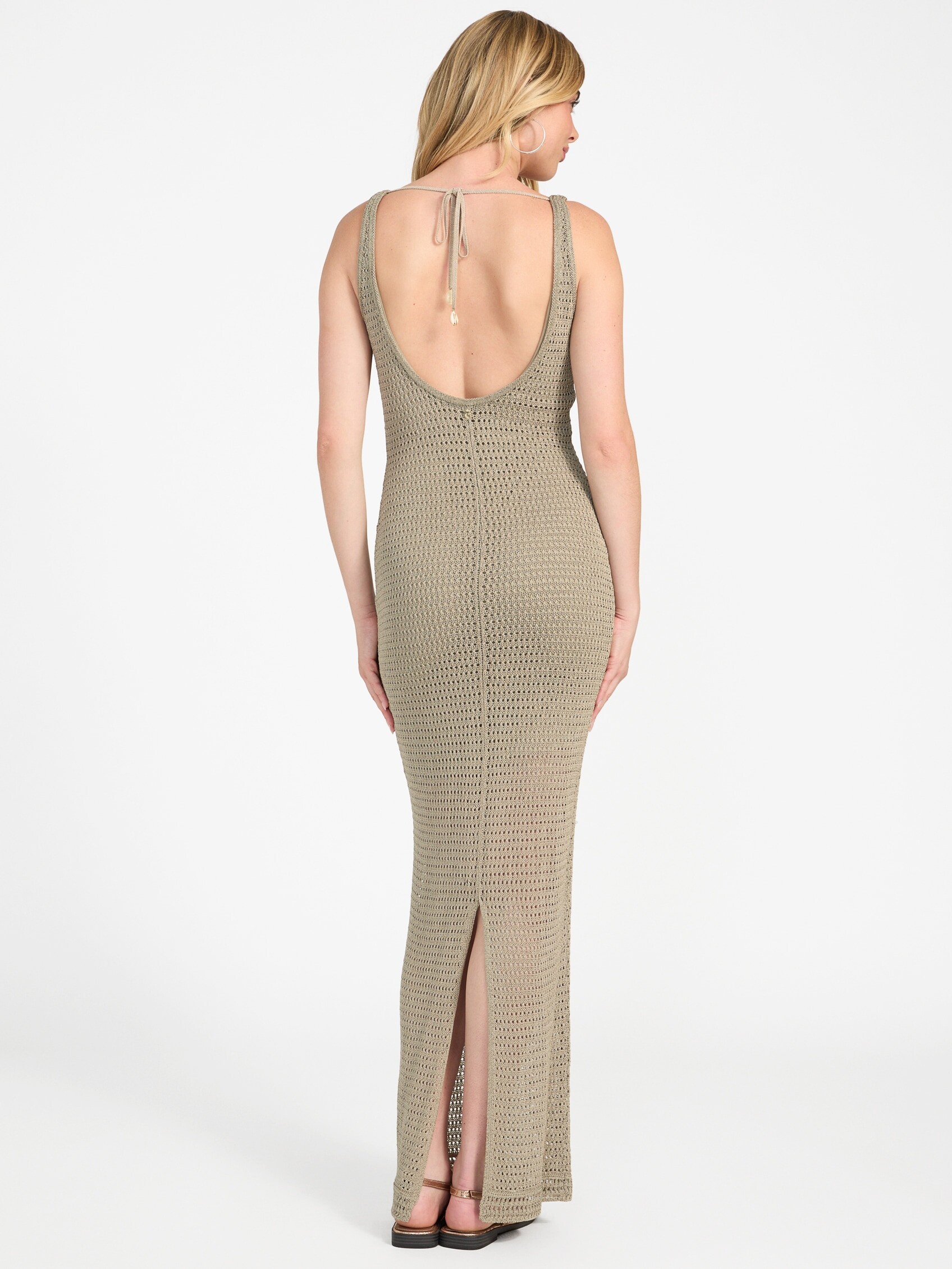
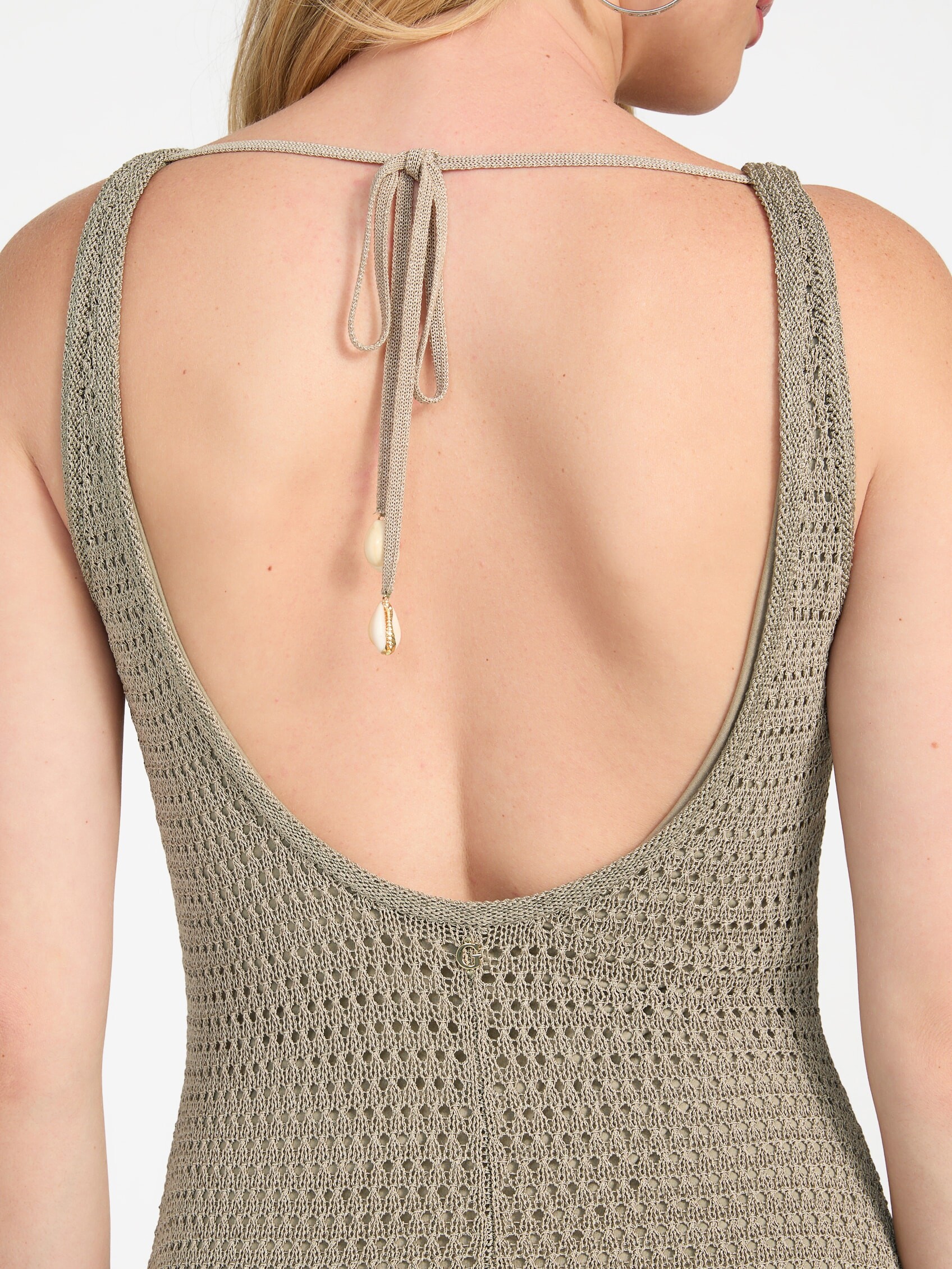

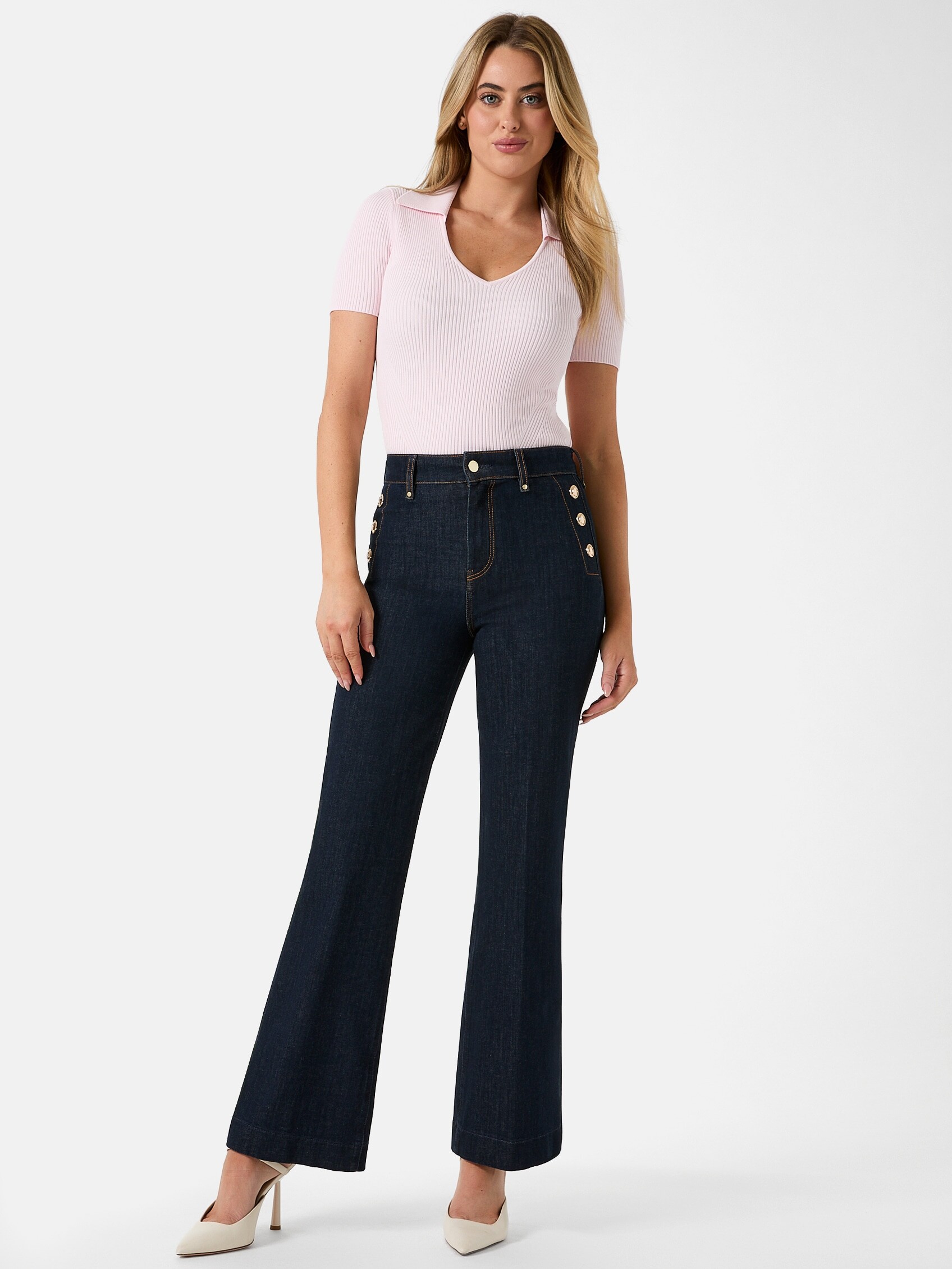
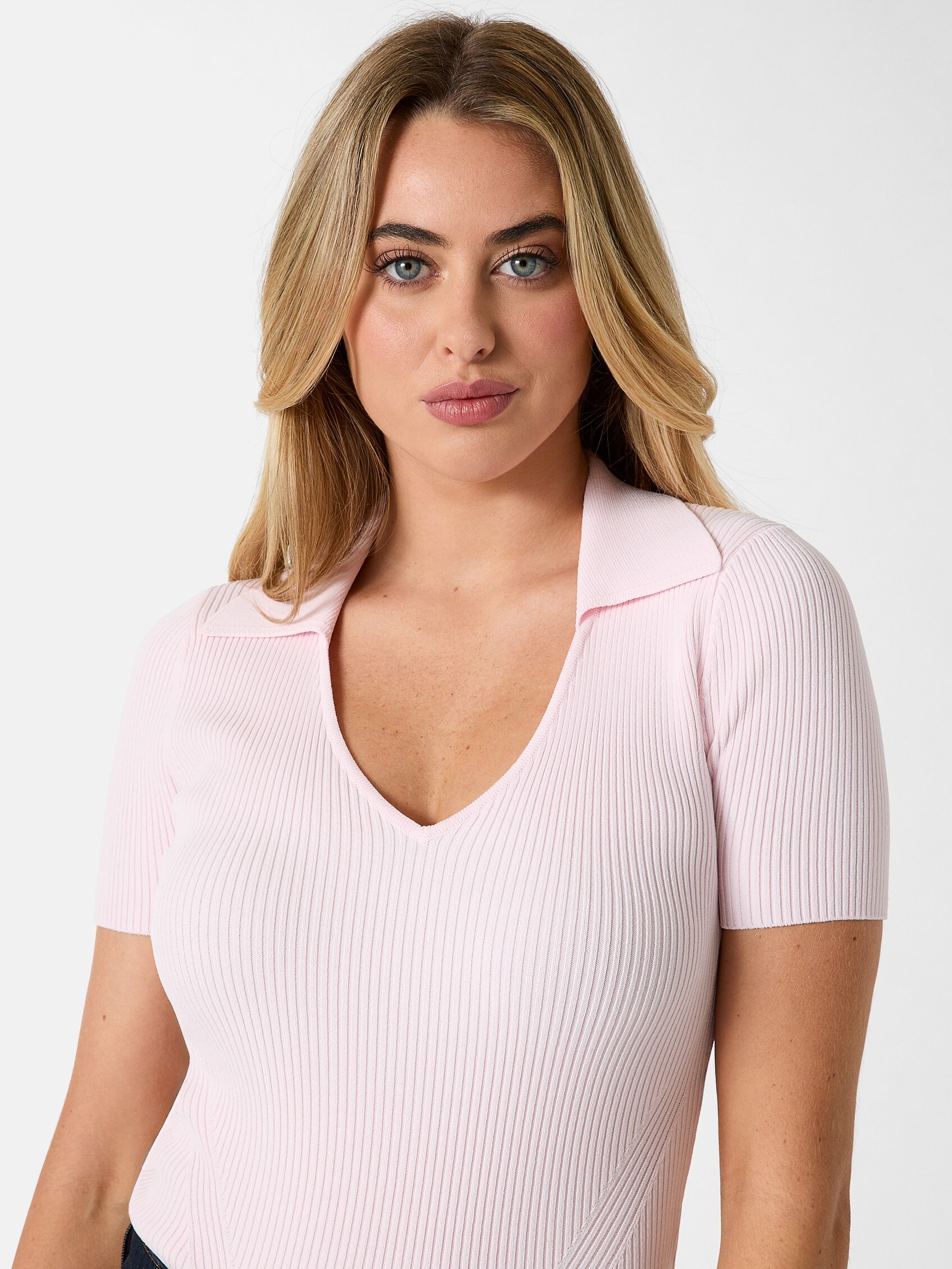

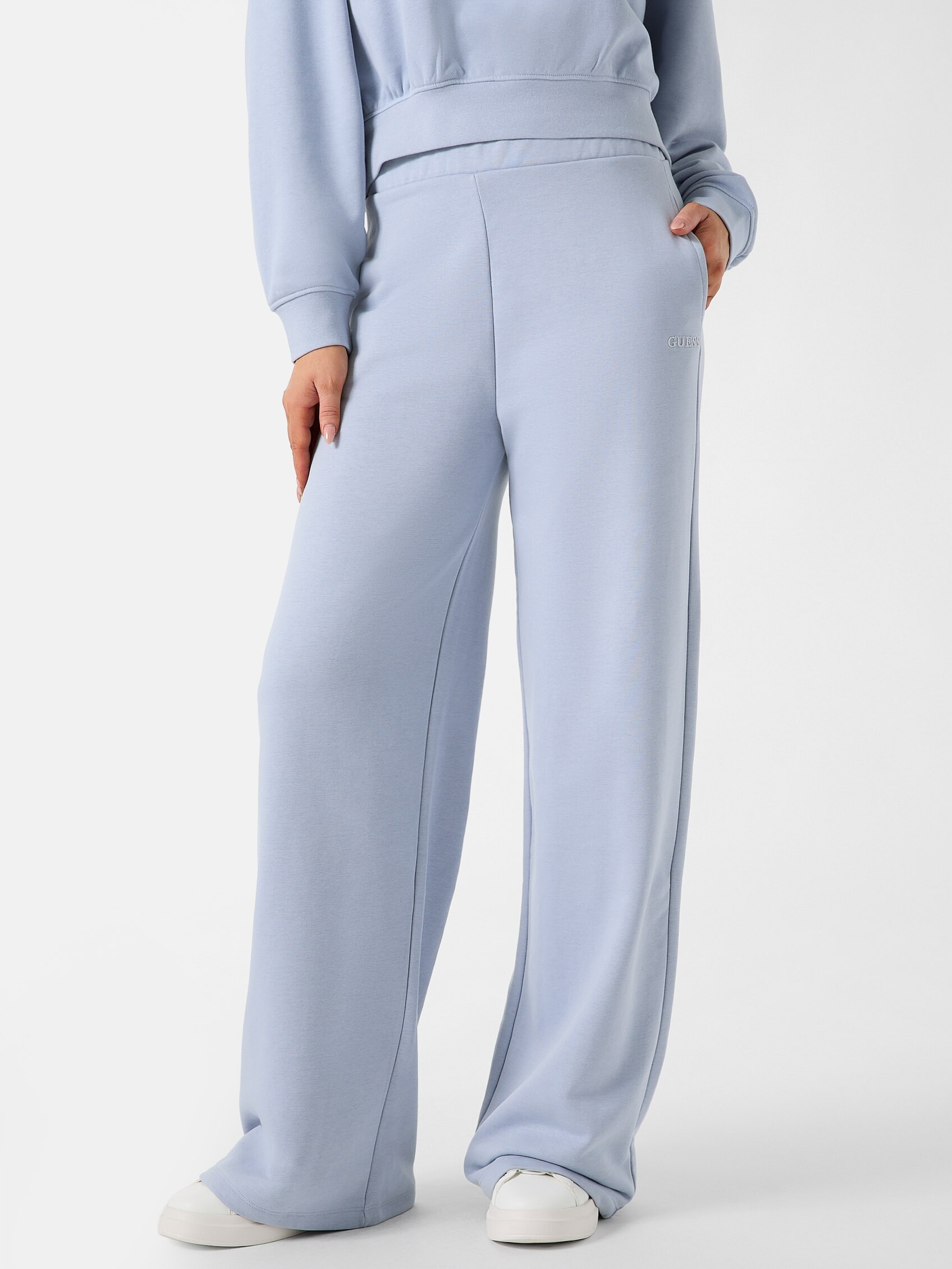
.jpg.90cf2baa9bc768a98599d8fb11acb583.jpg)
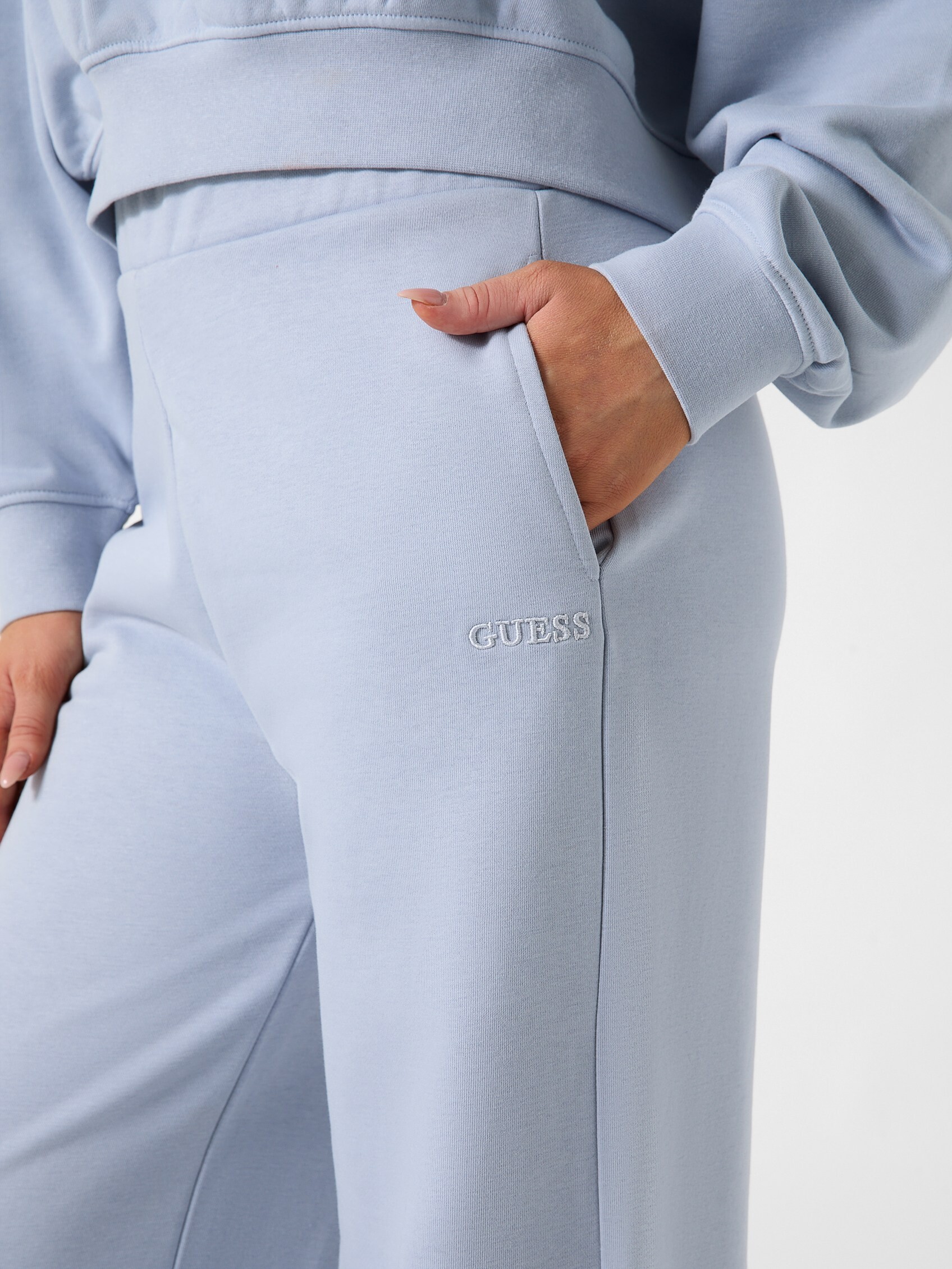
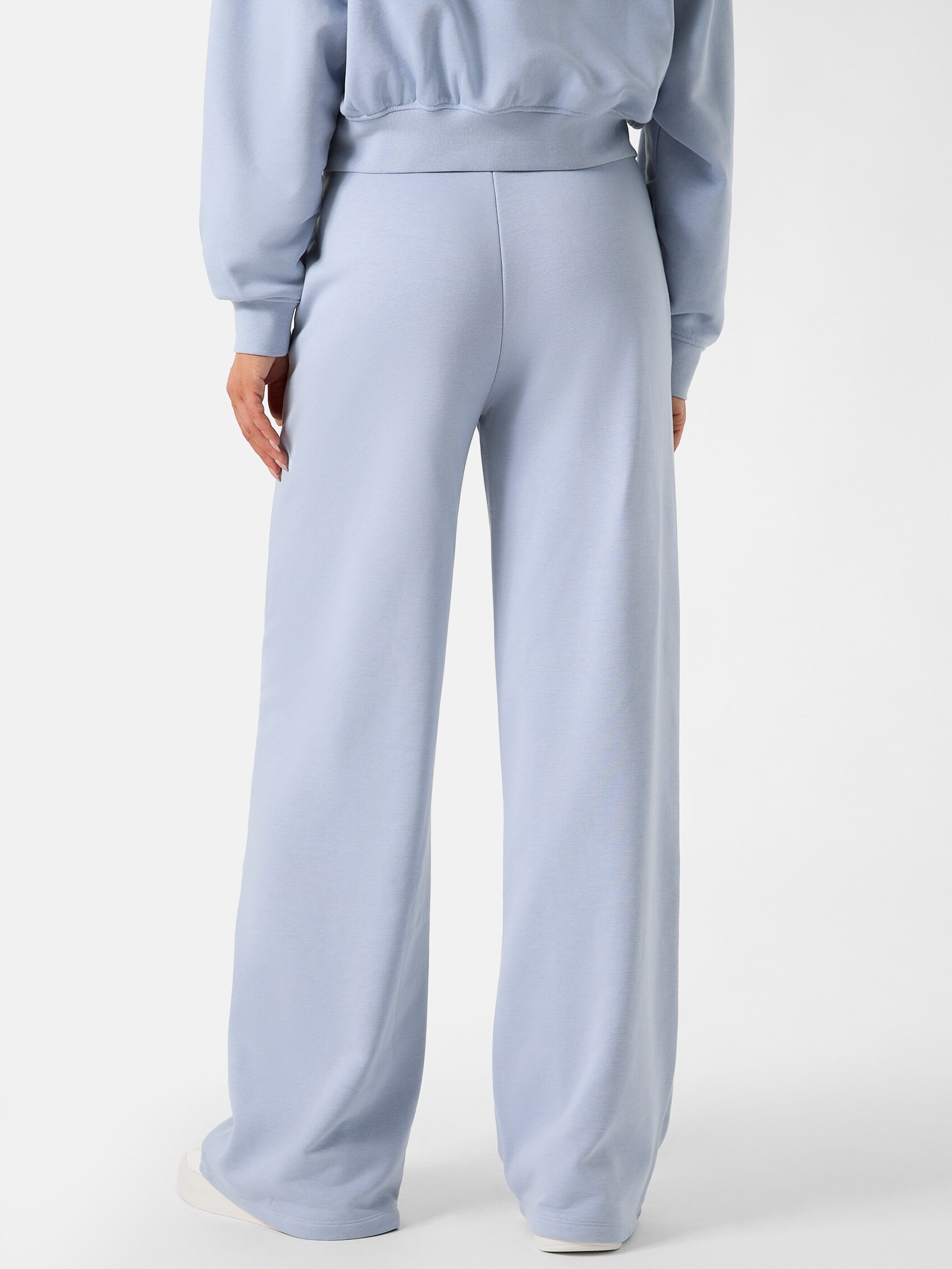

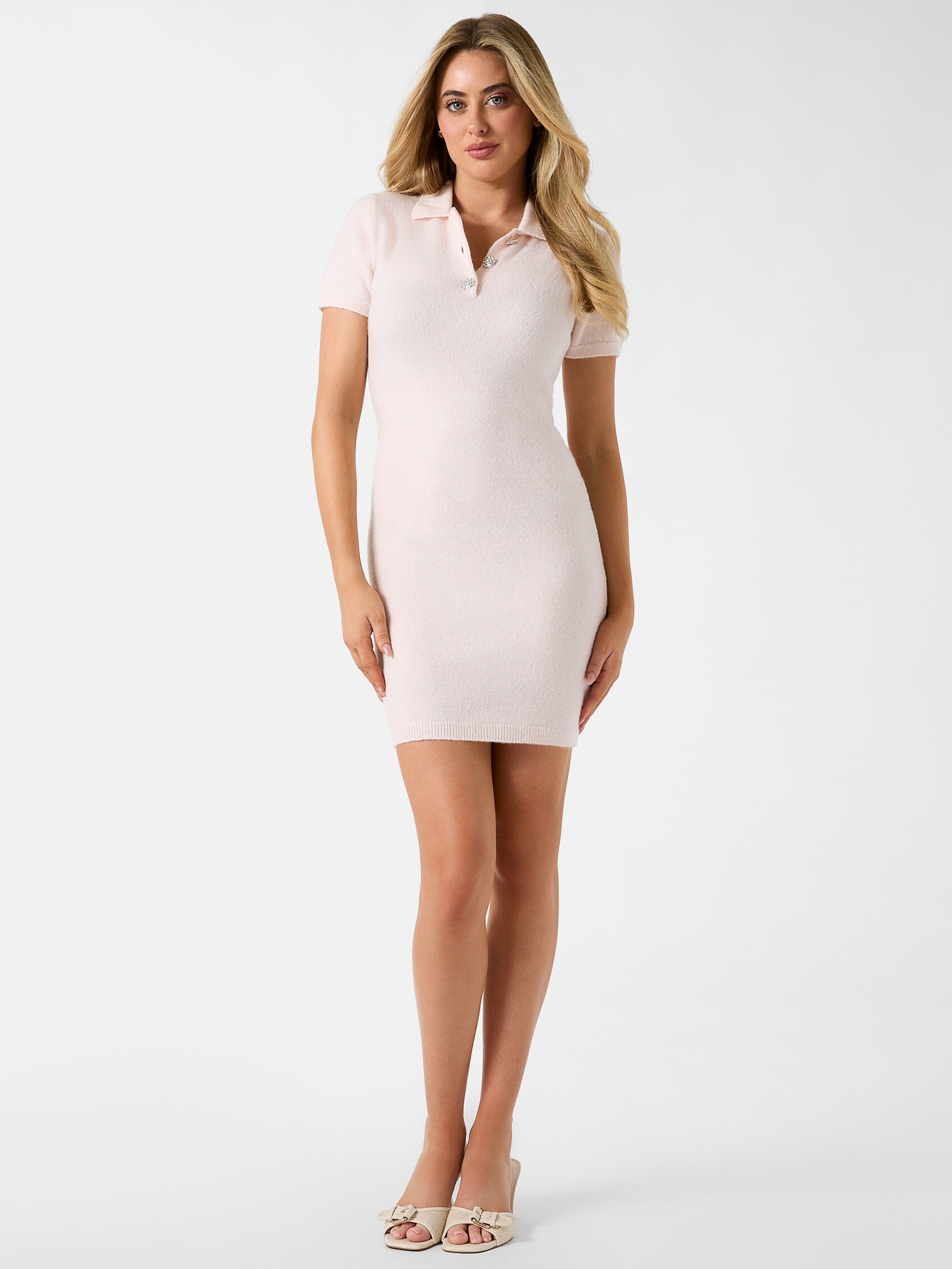


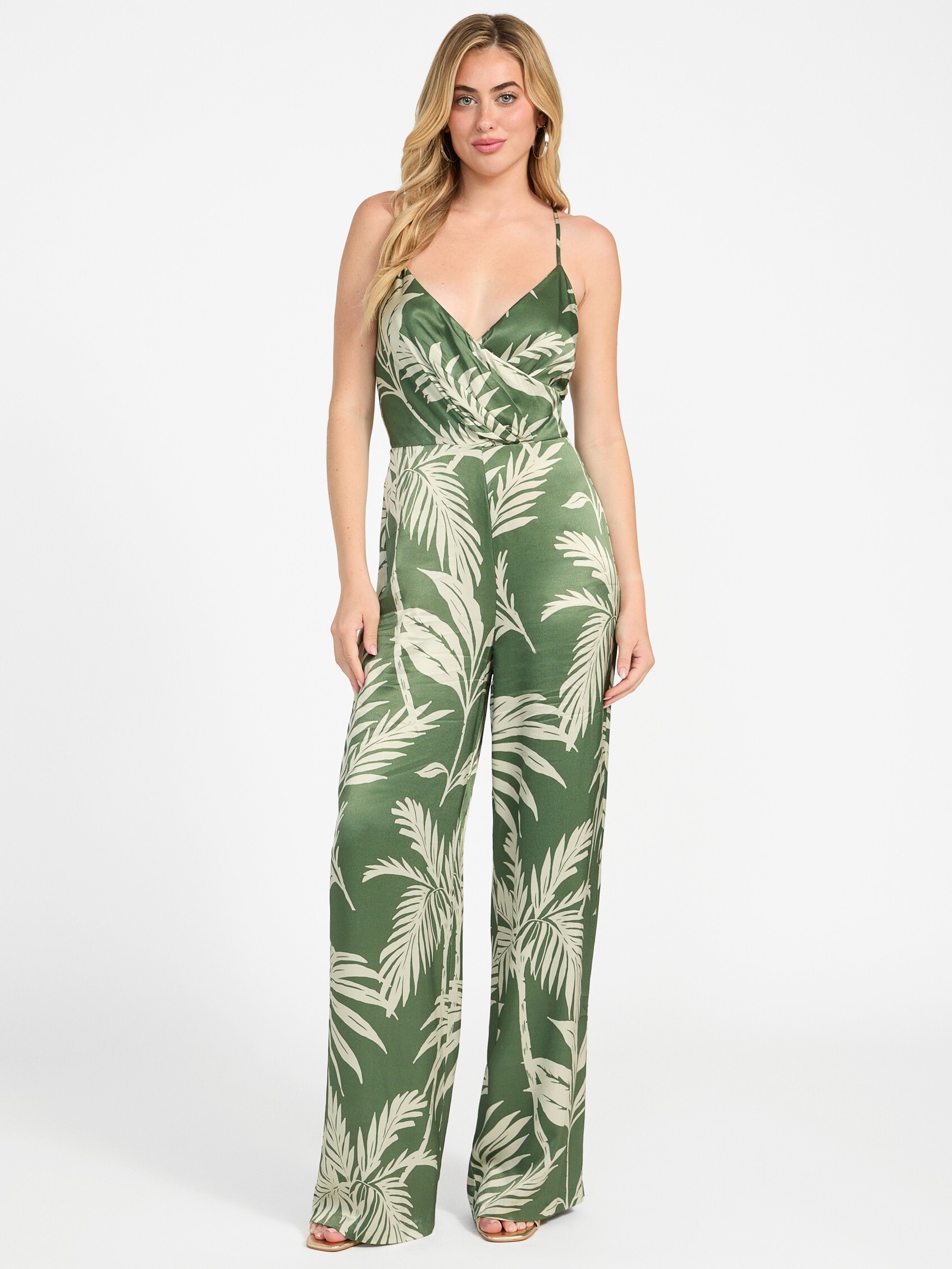
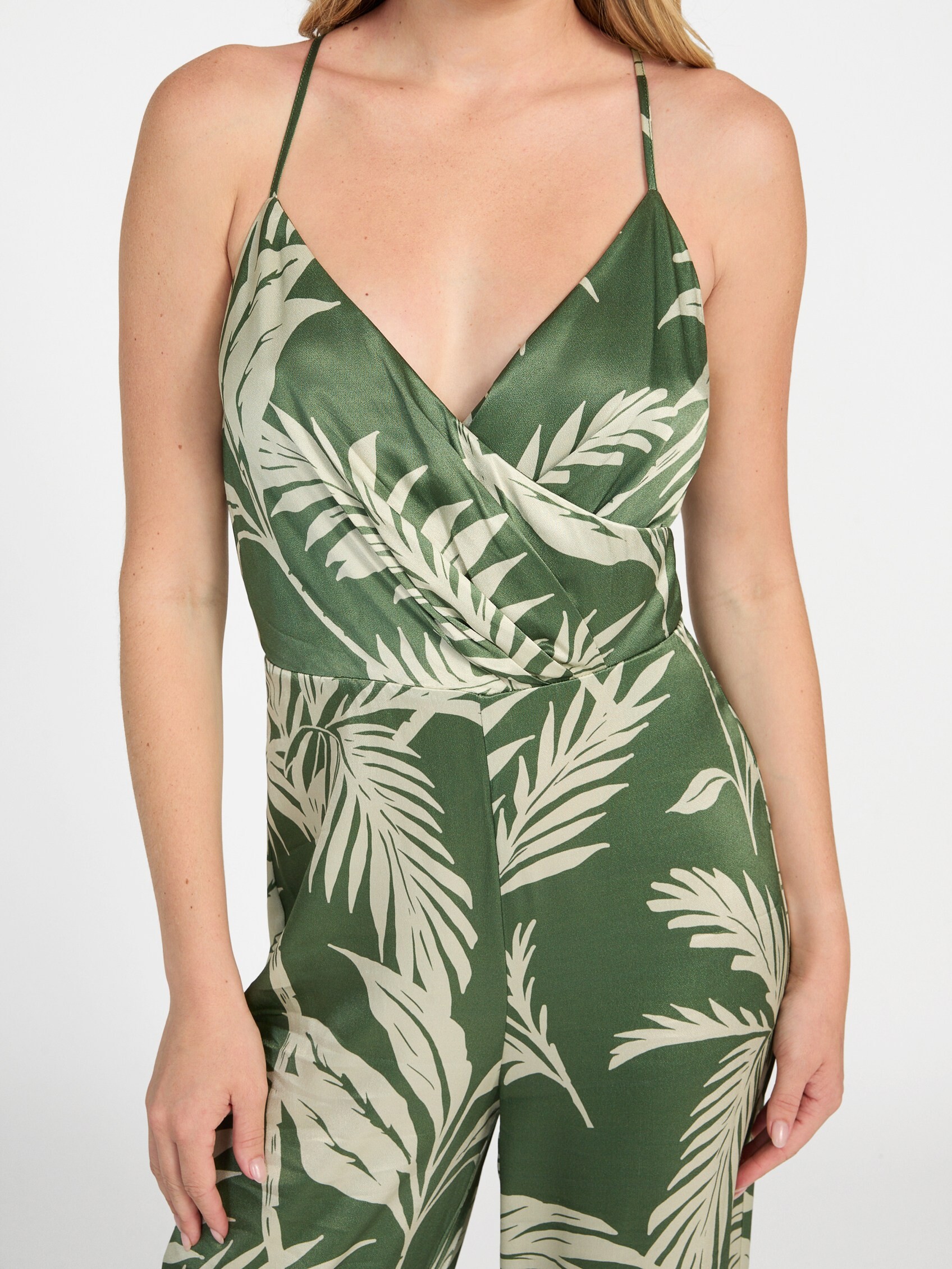
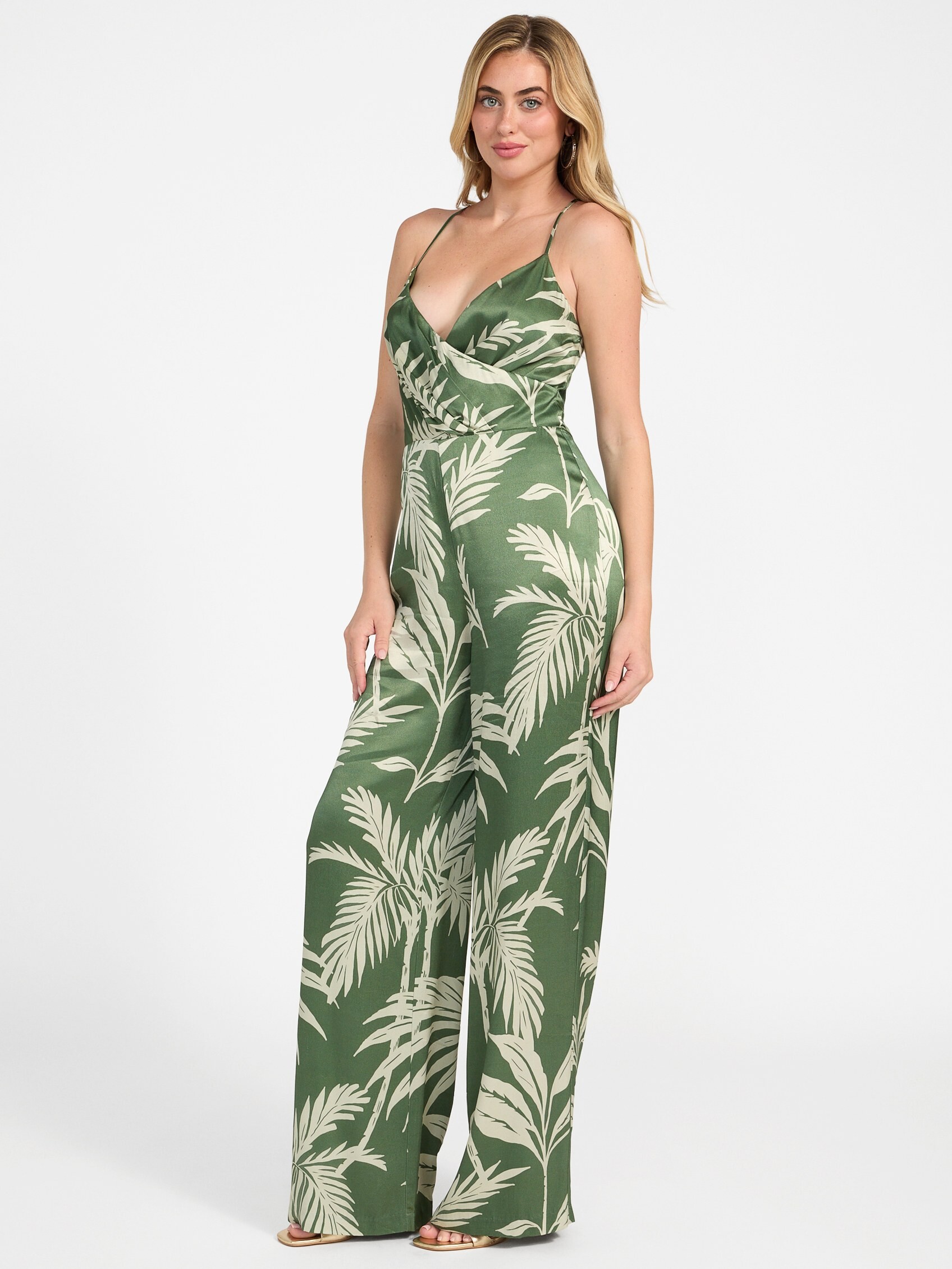

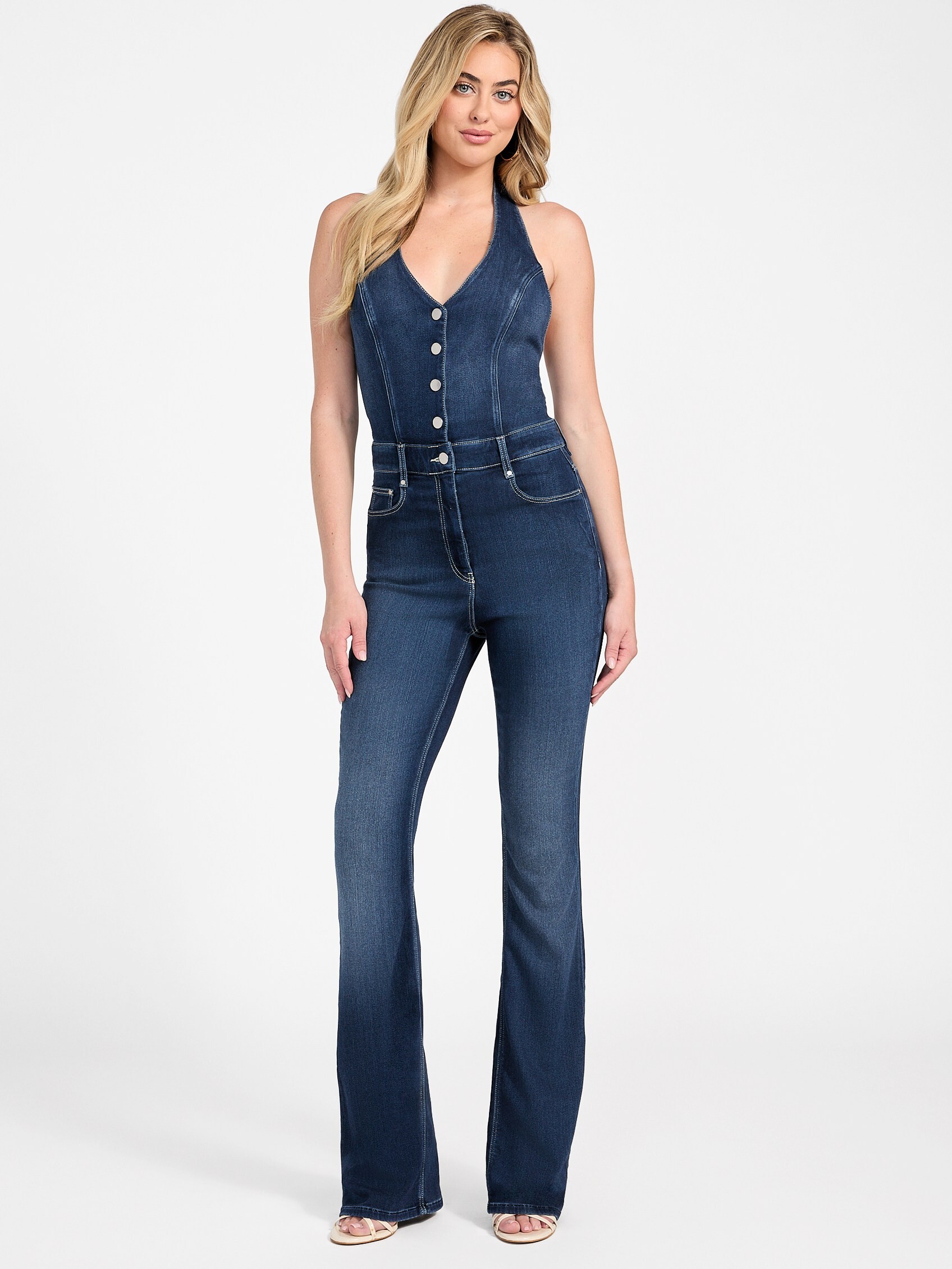


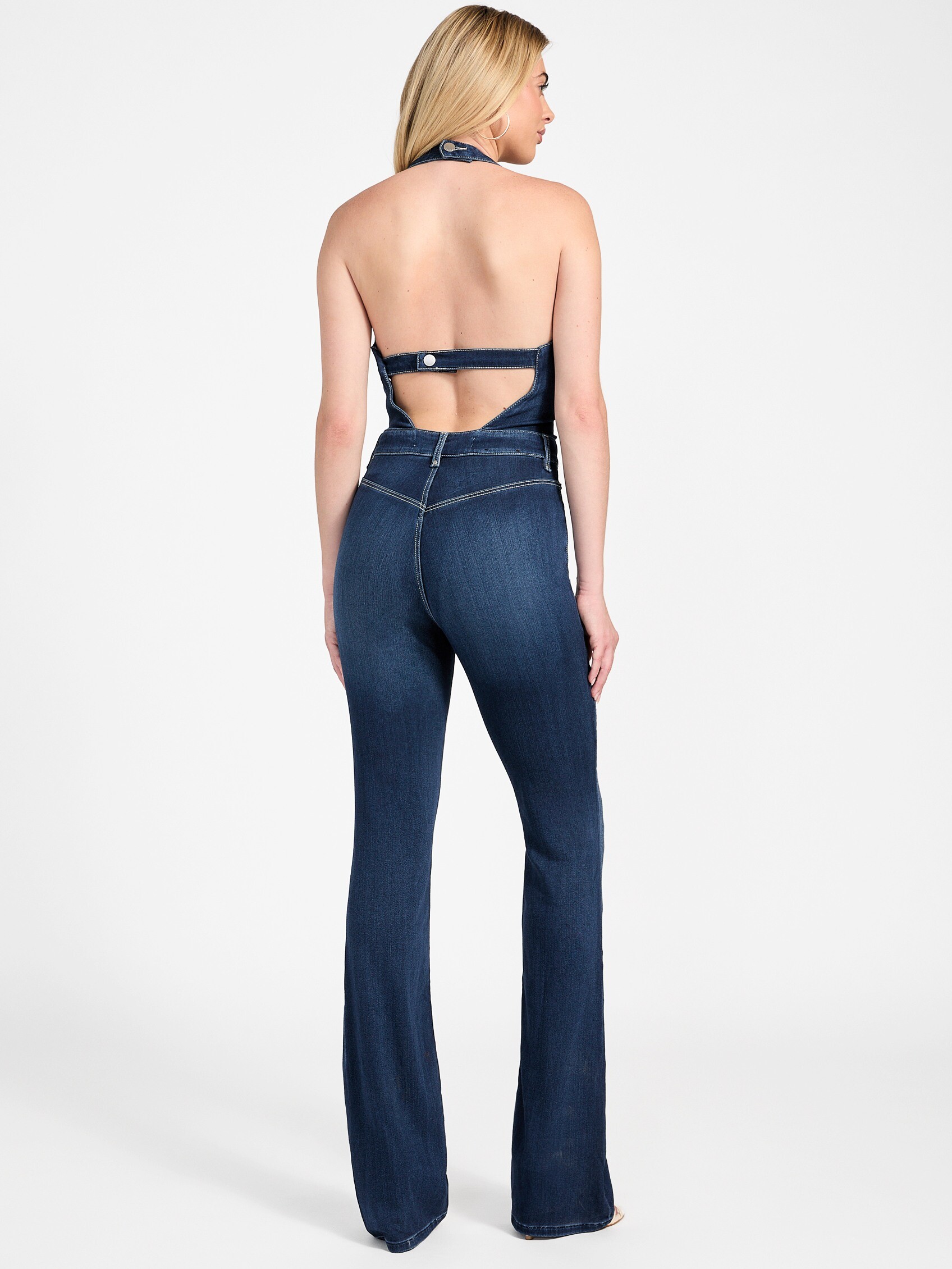


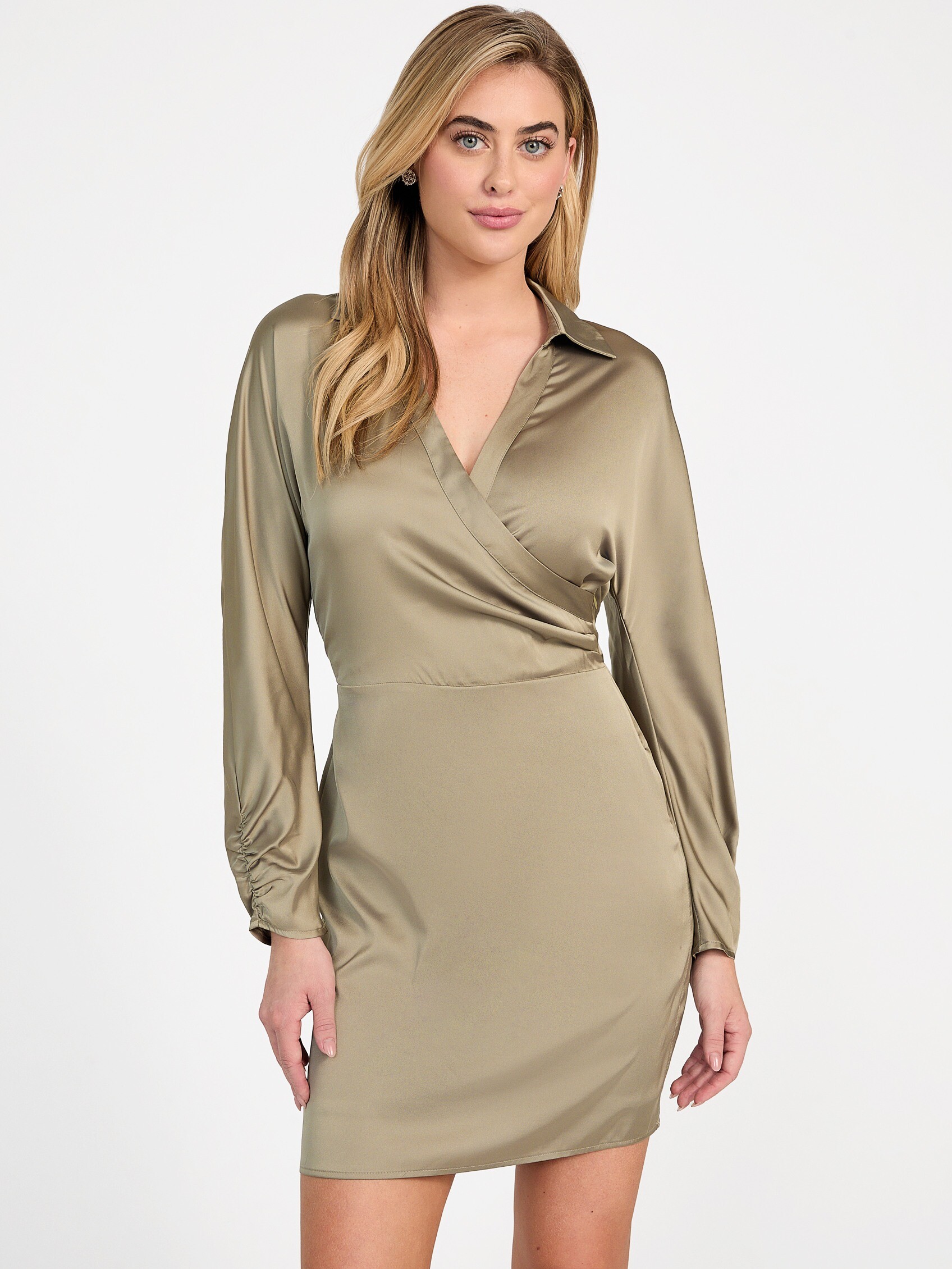


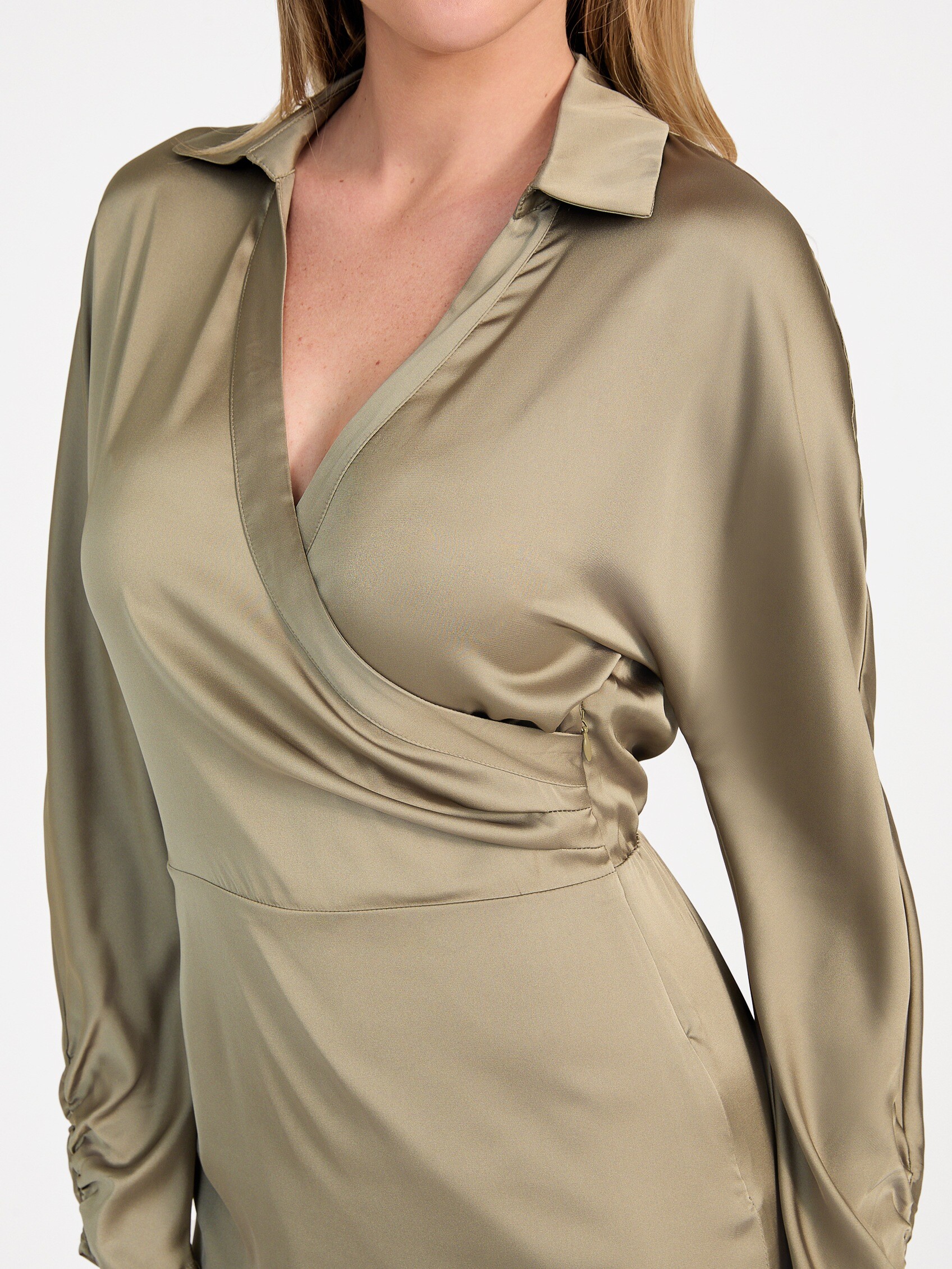


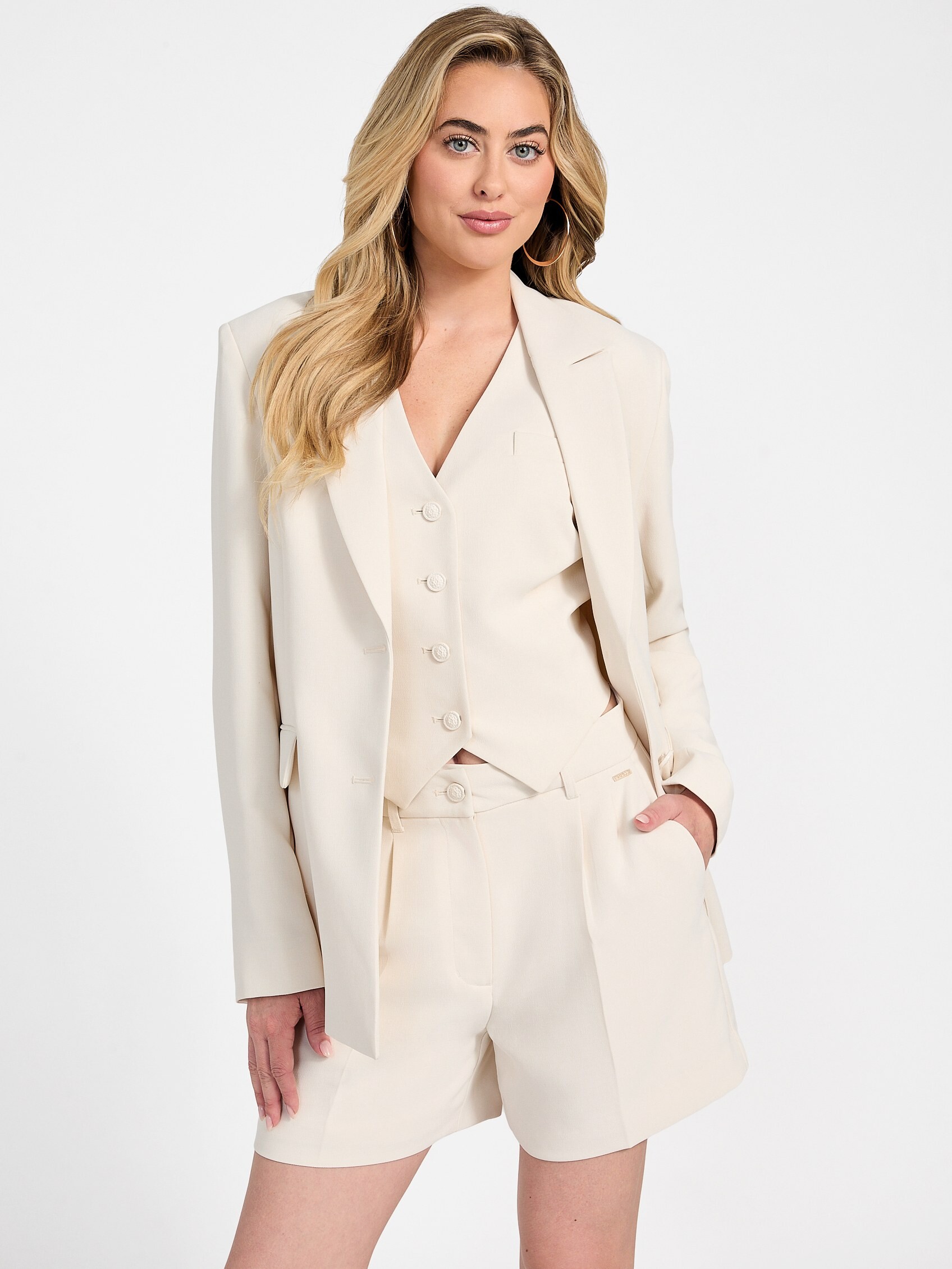
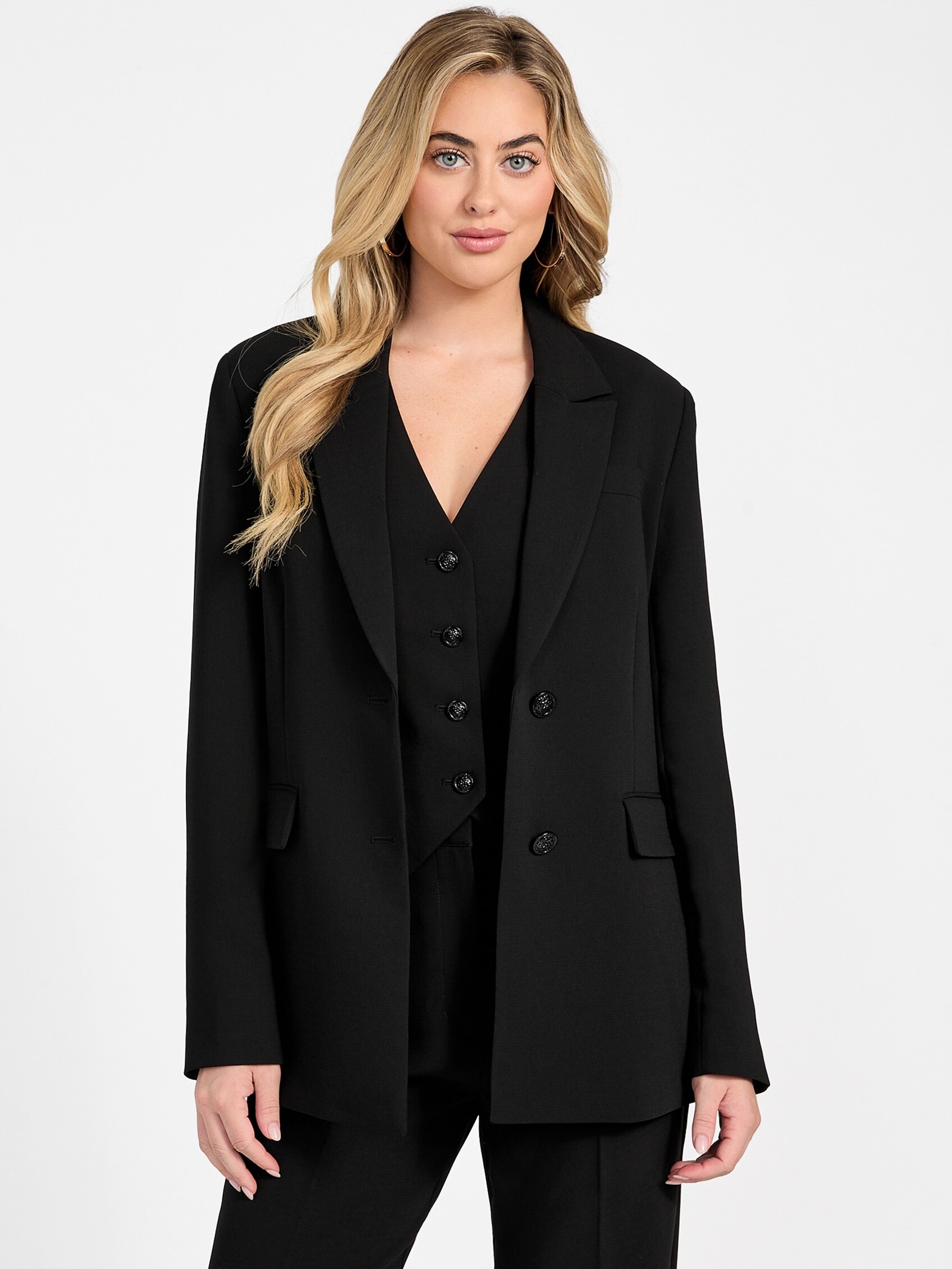
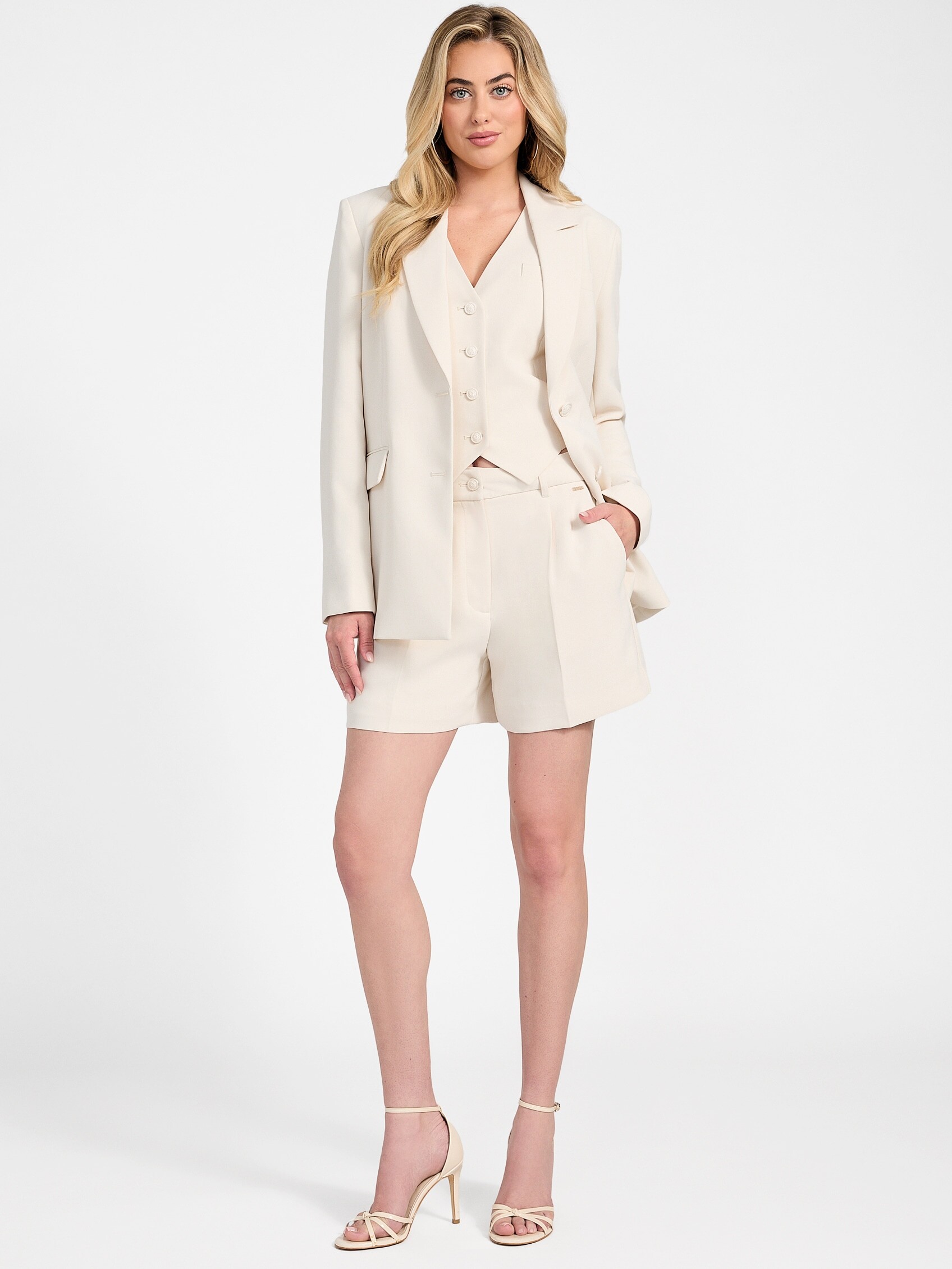
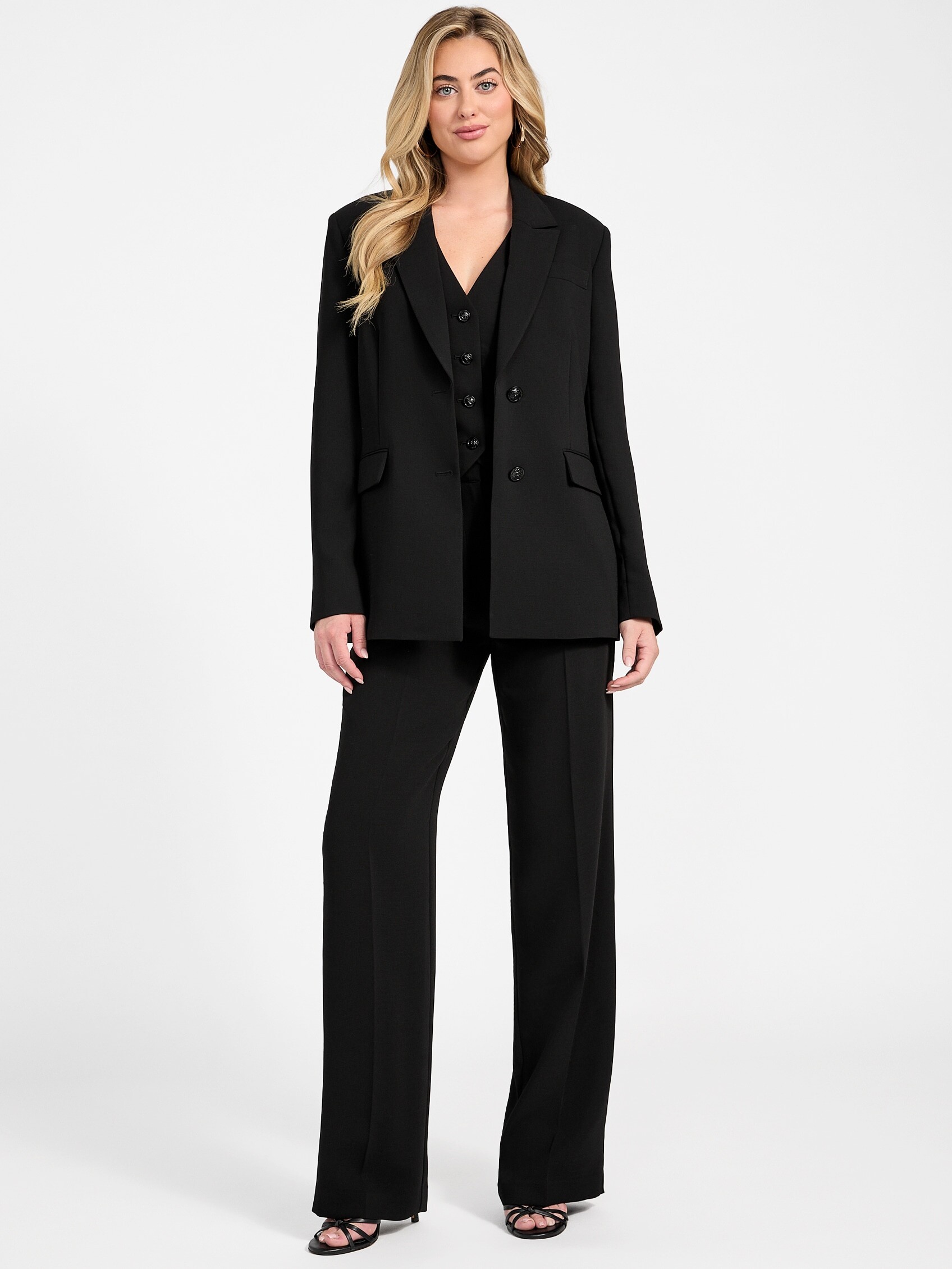
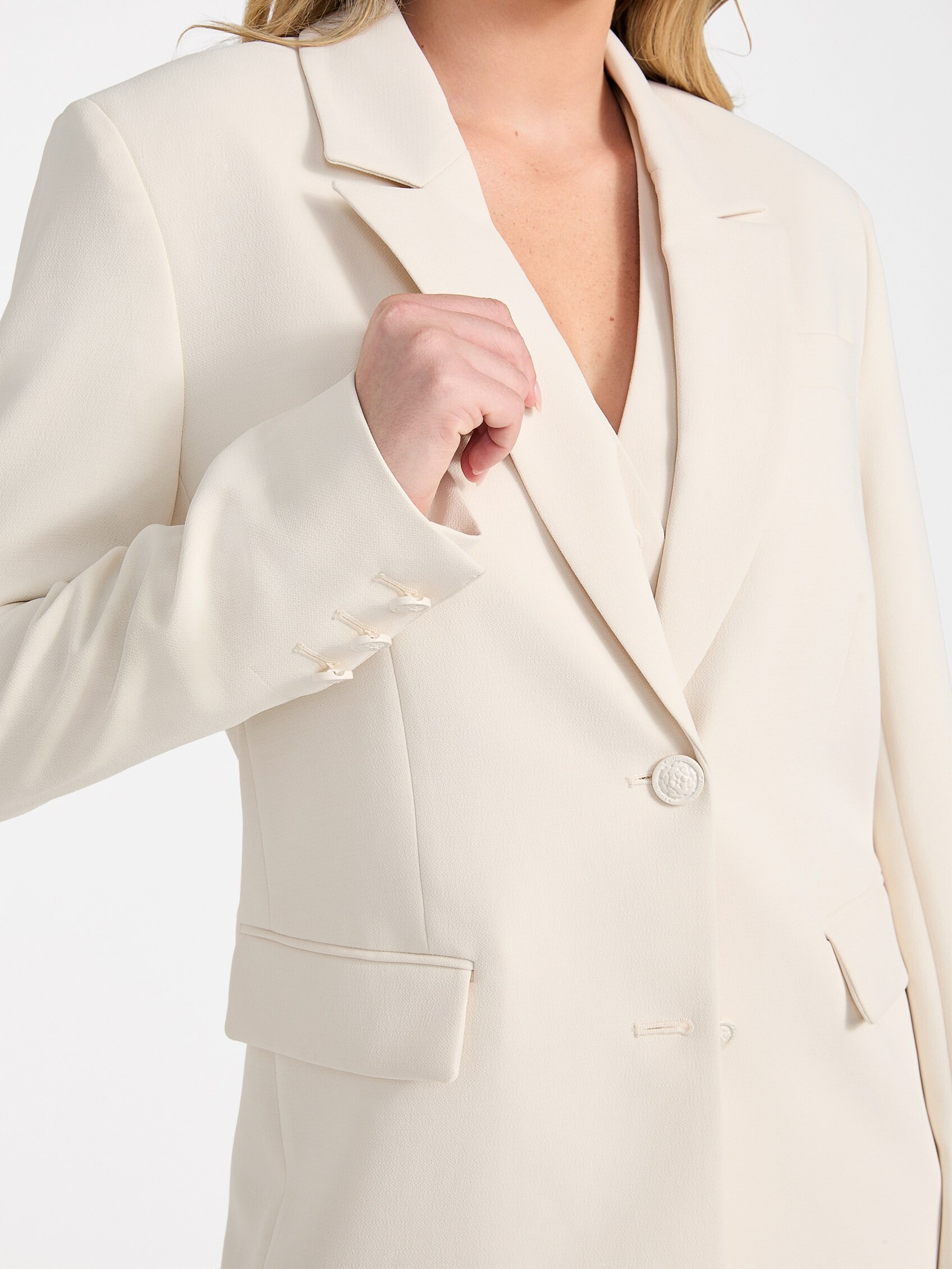
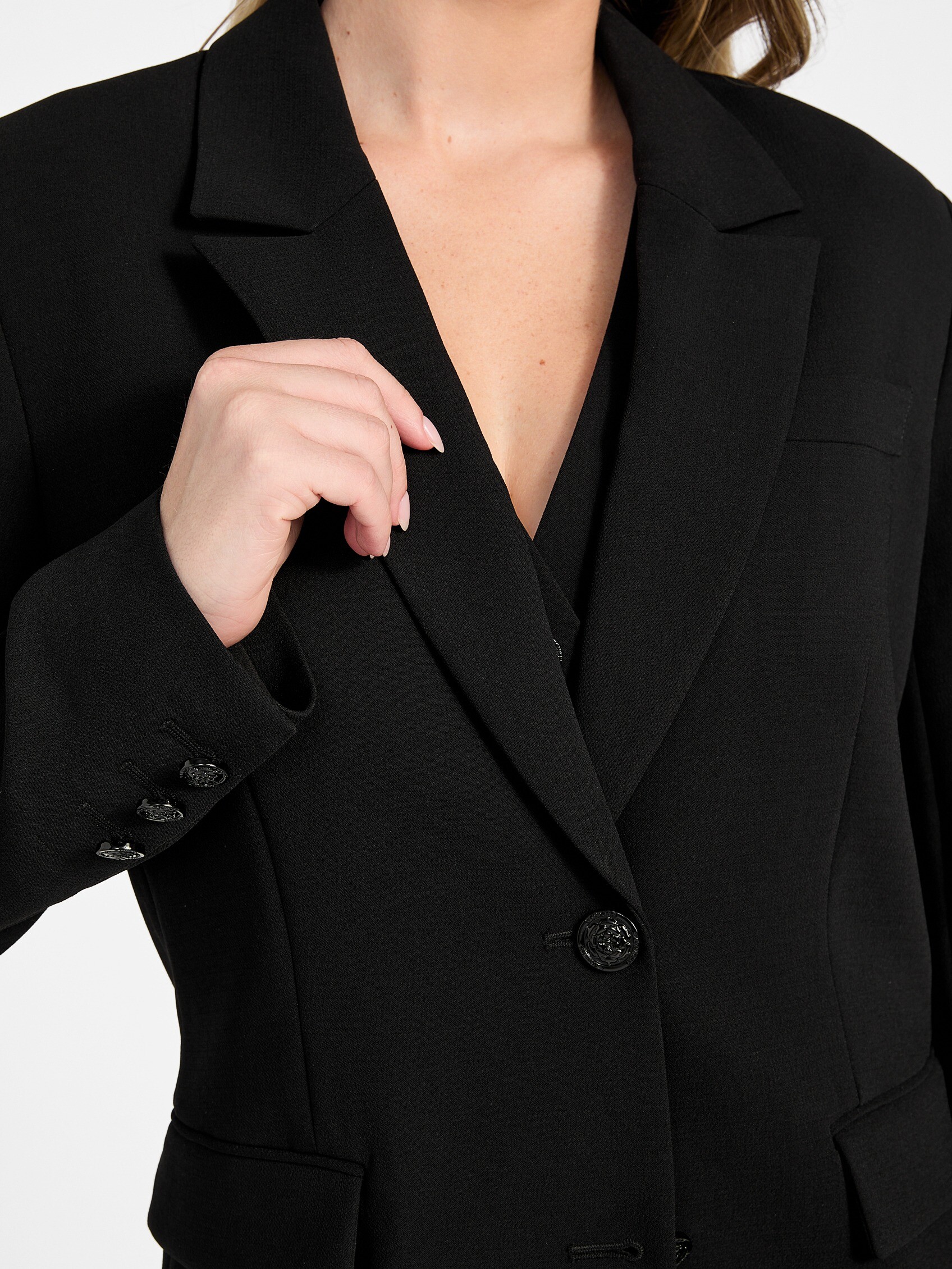
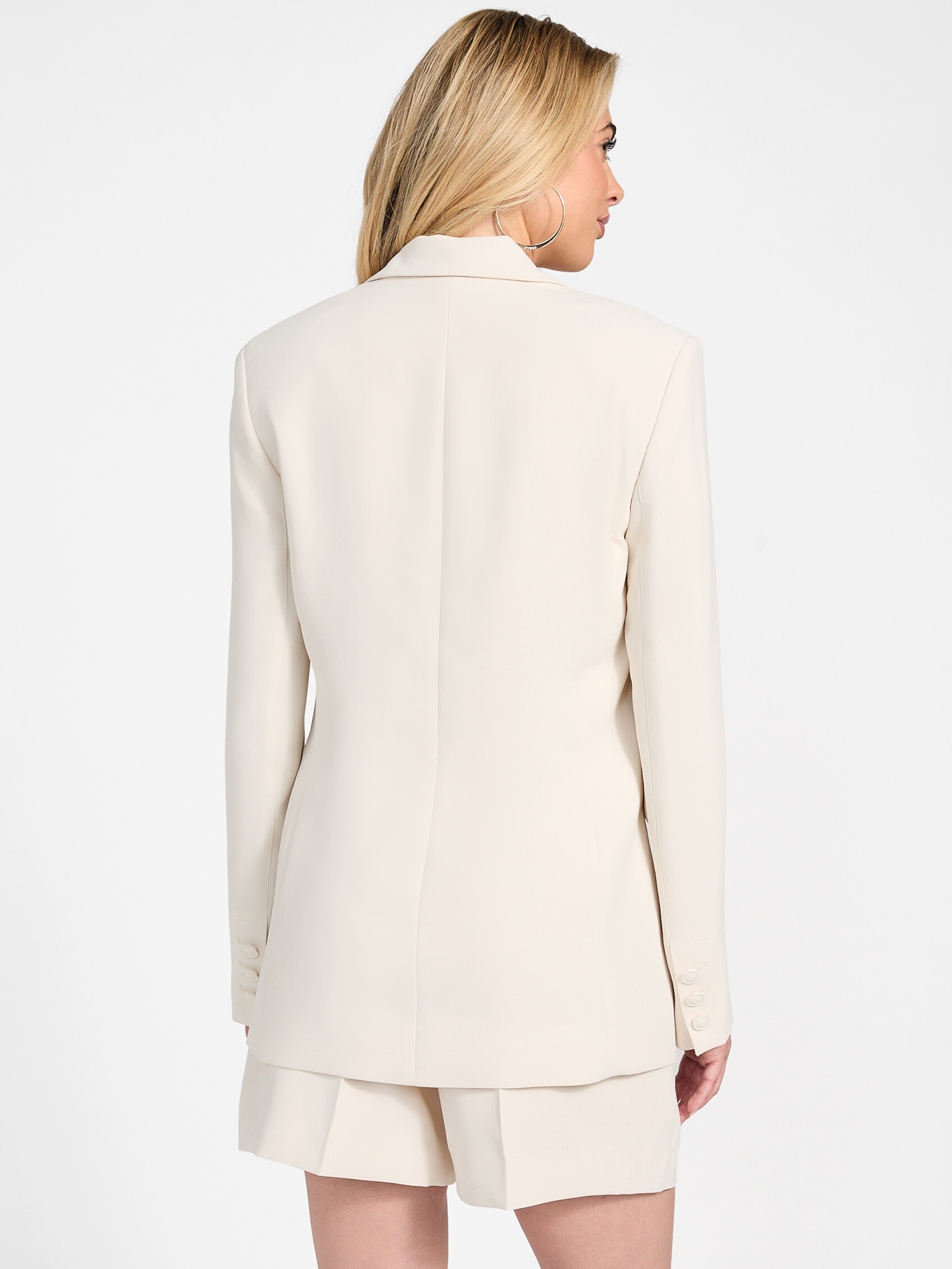
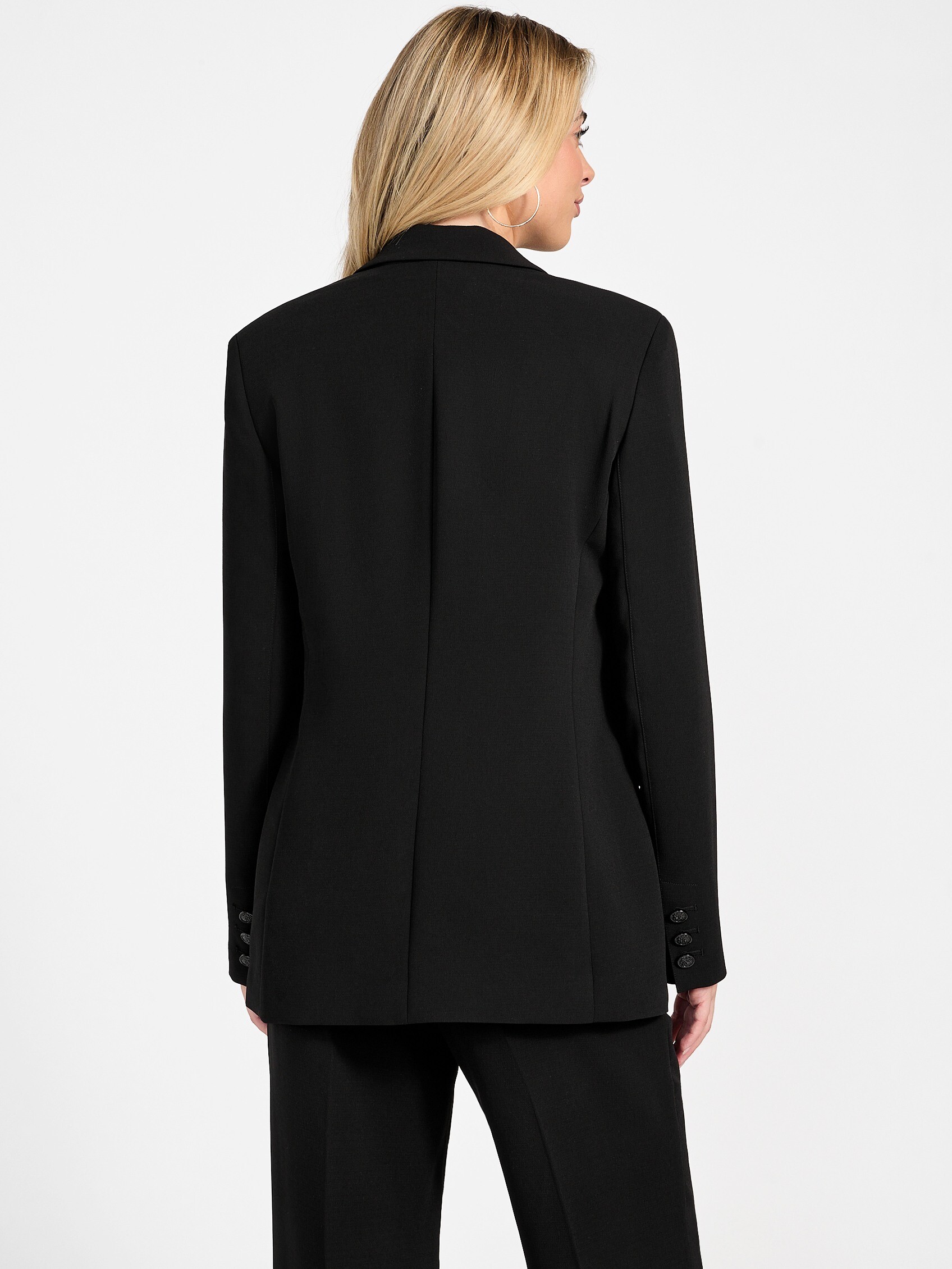
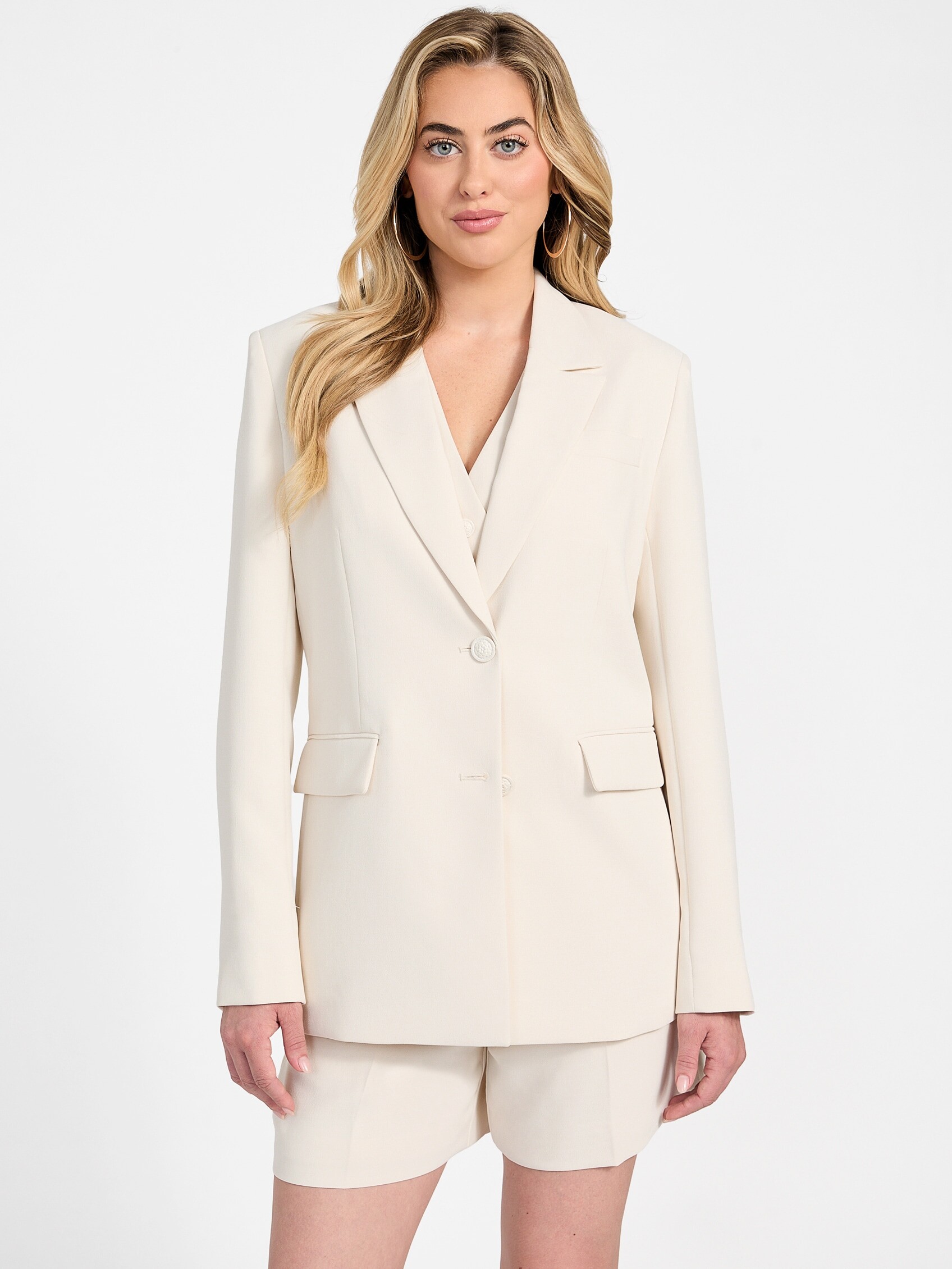
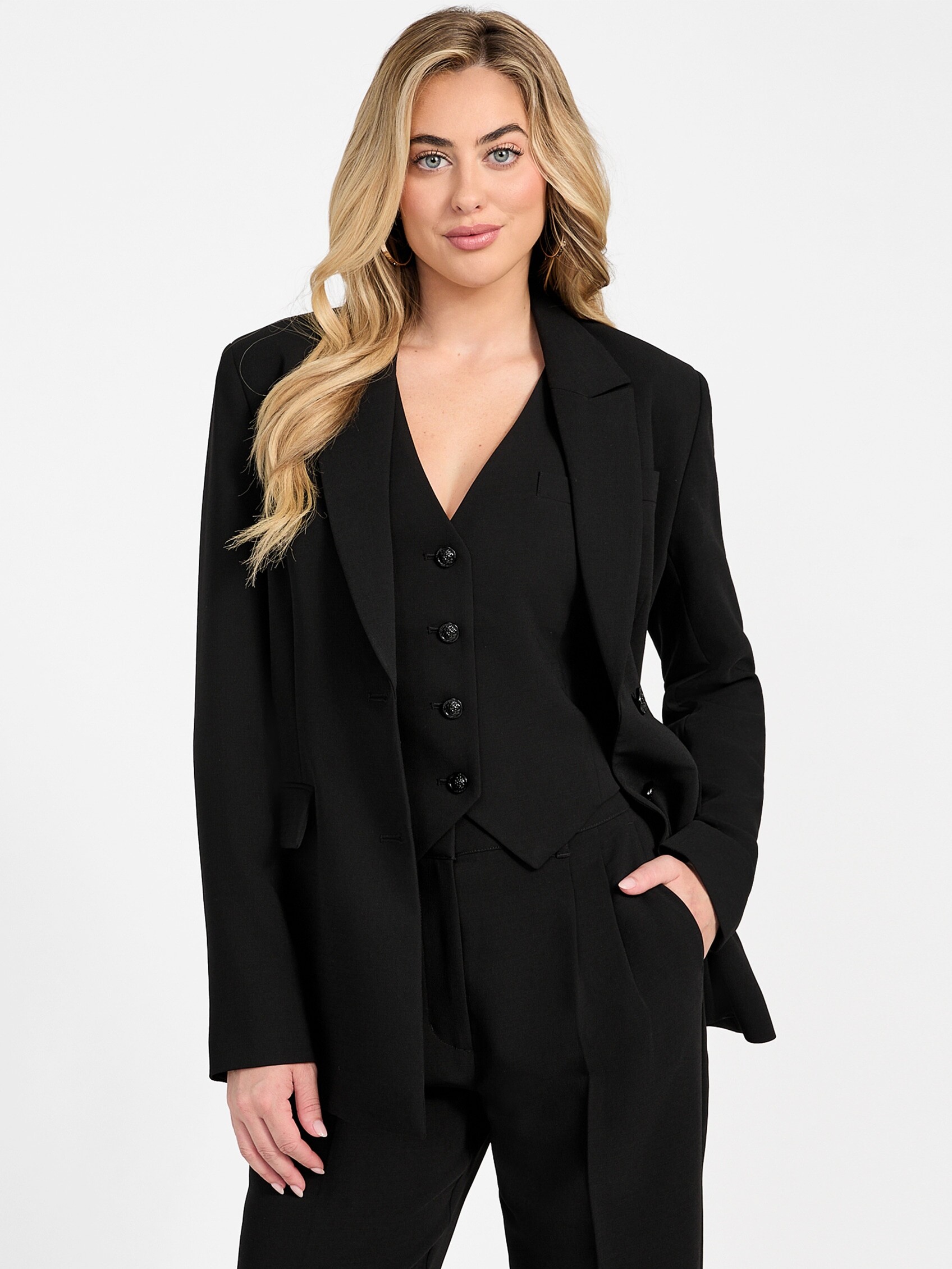
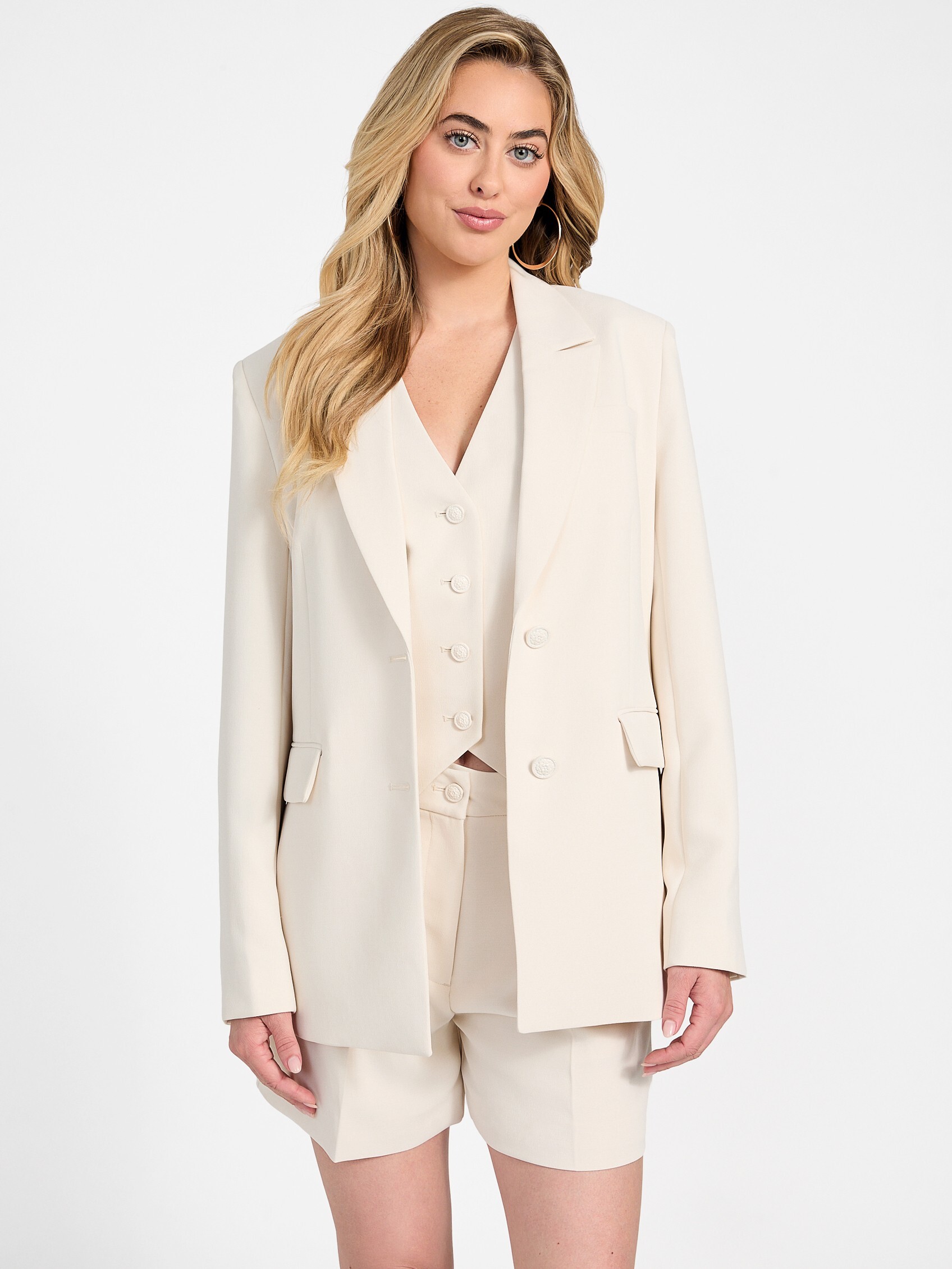
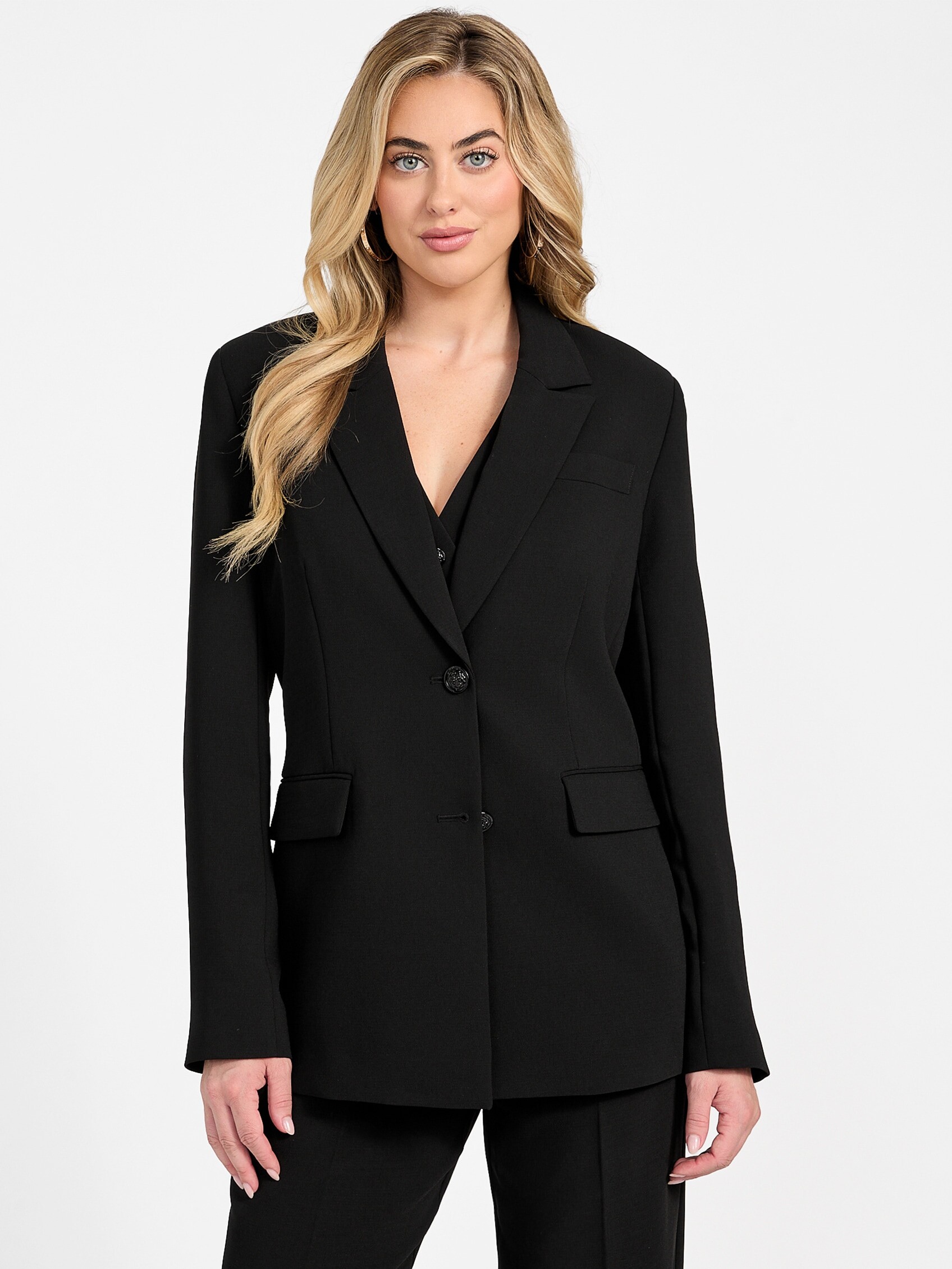
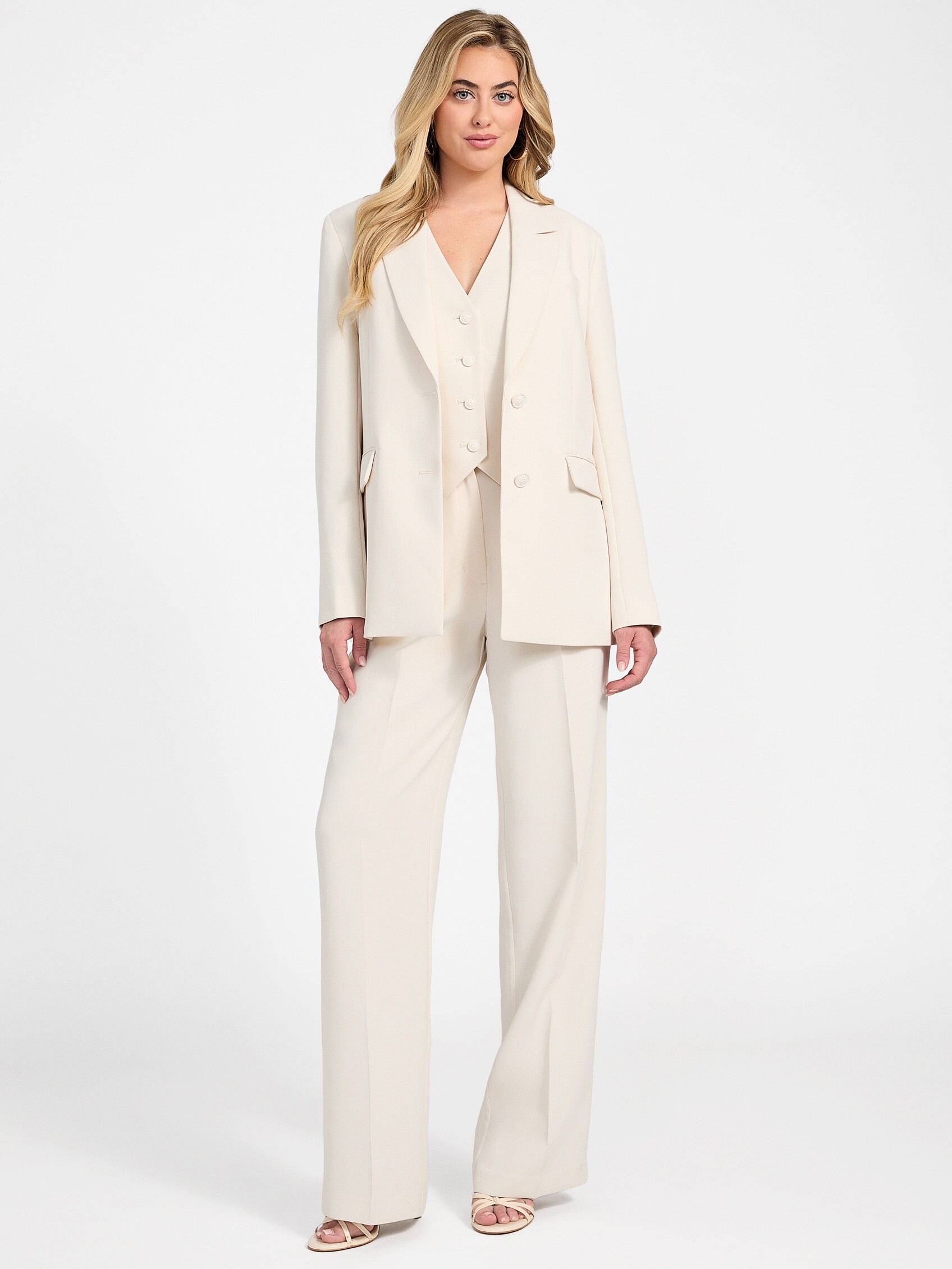

.jpg.3b12cd11ff3f9f01c23819c32649ac3d.jpg)
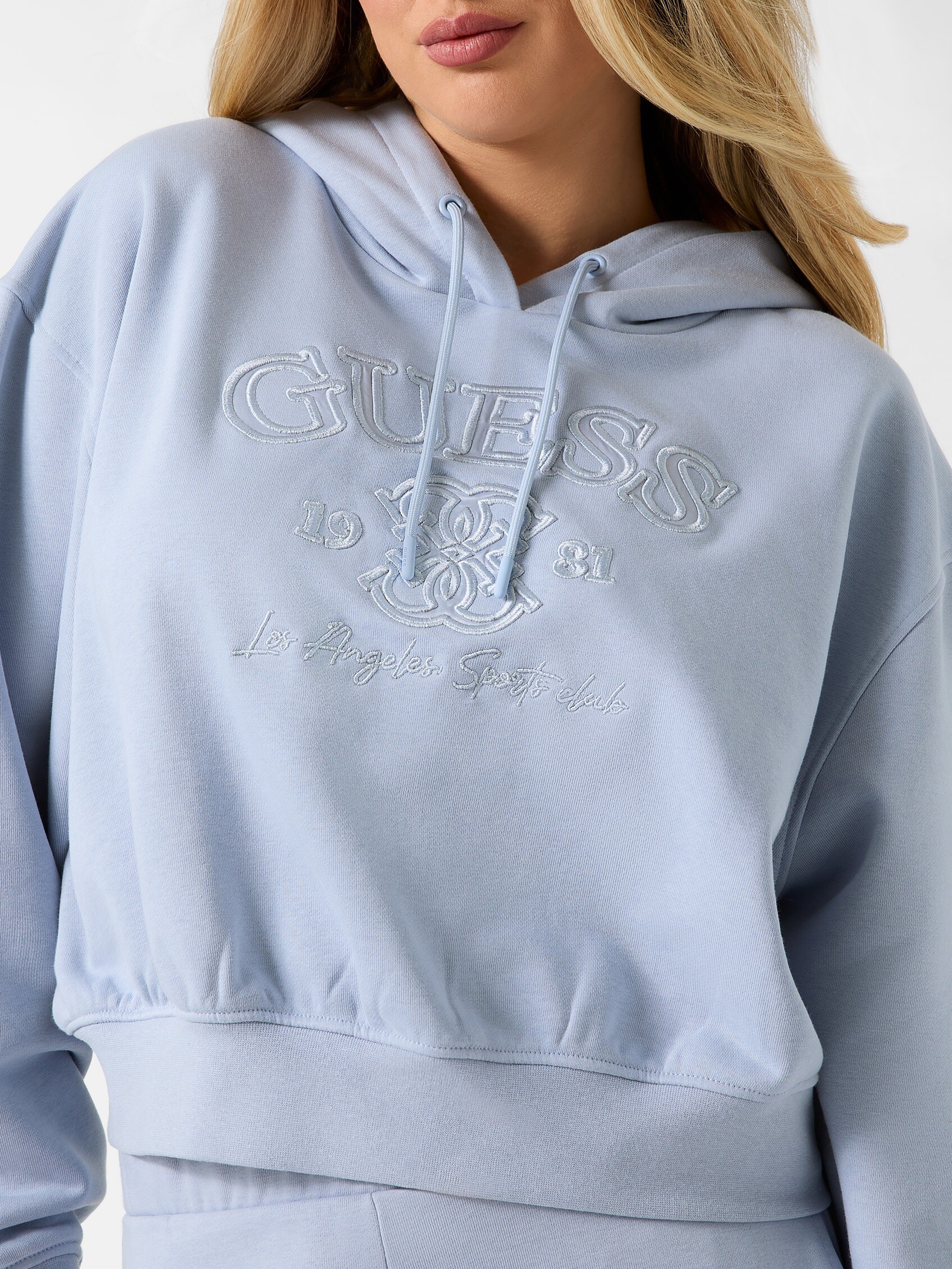


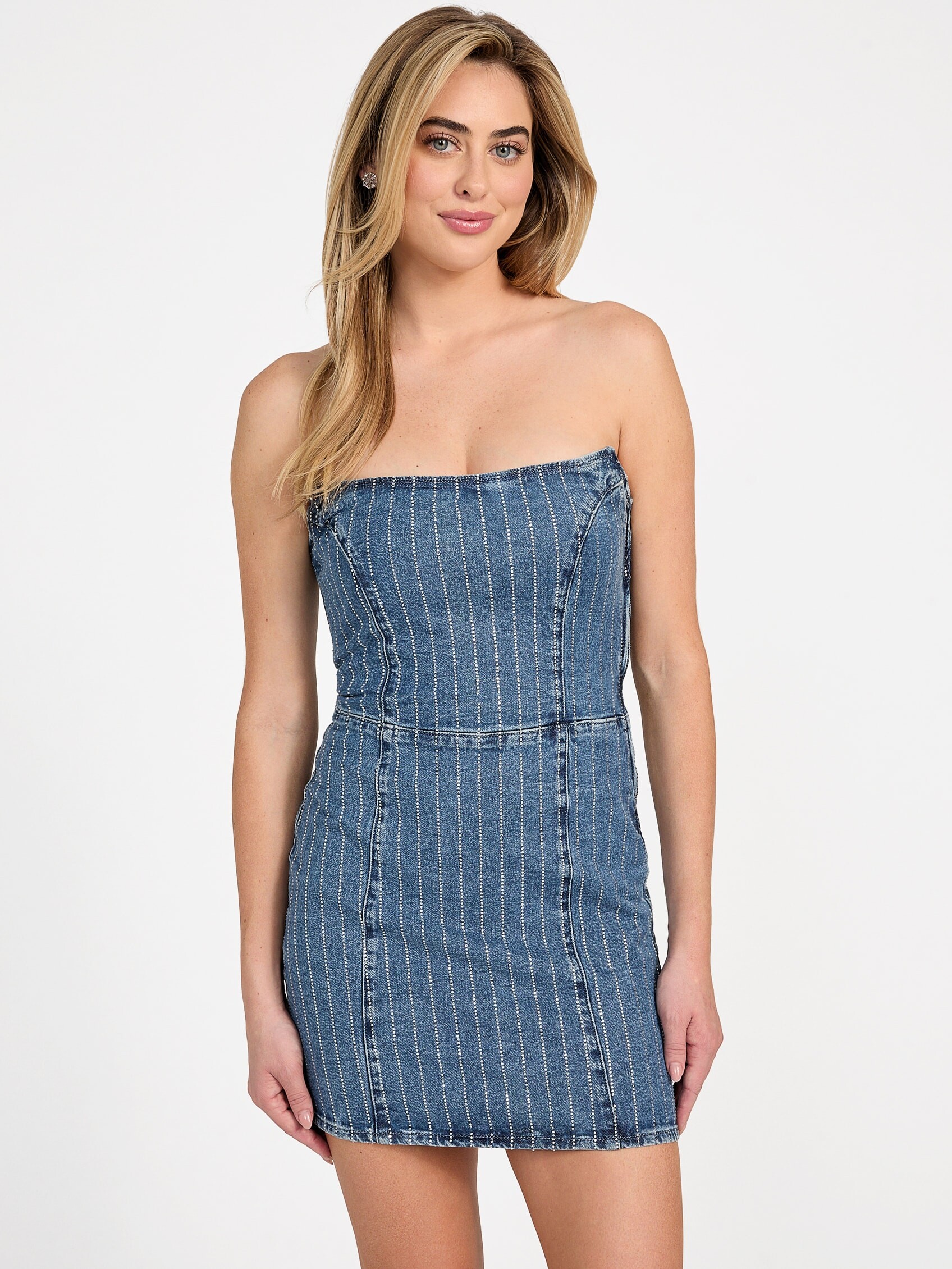
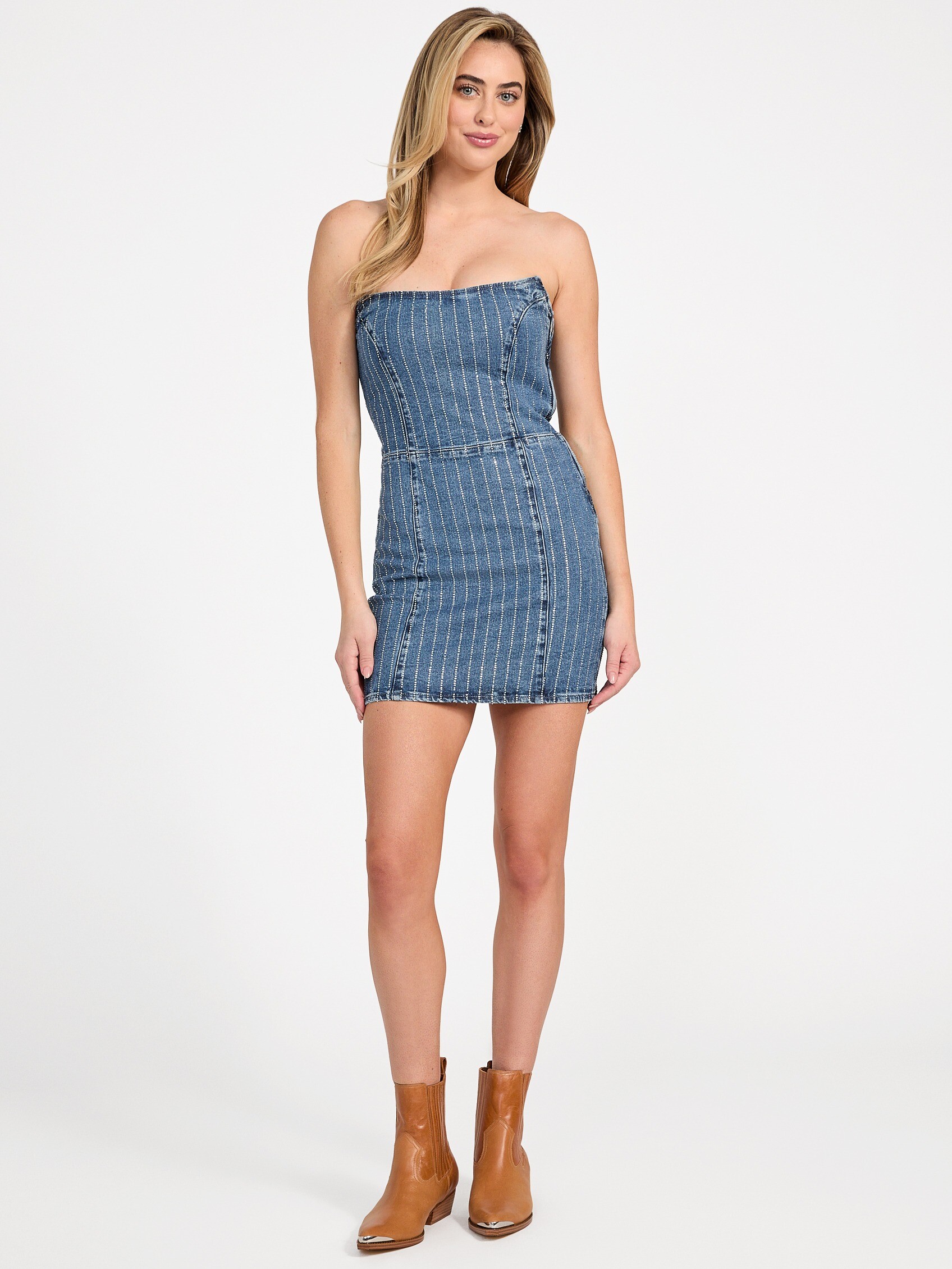

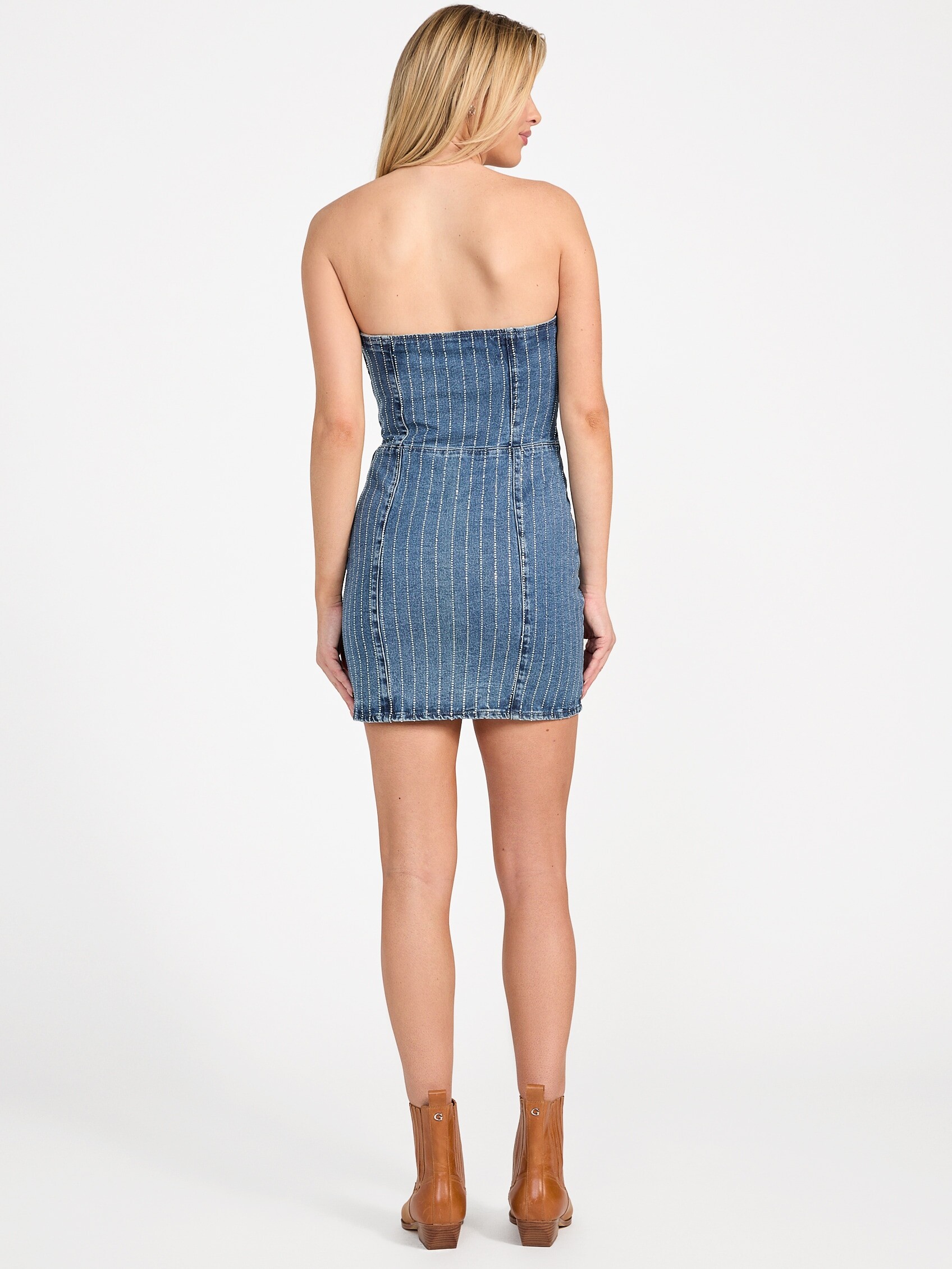
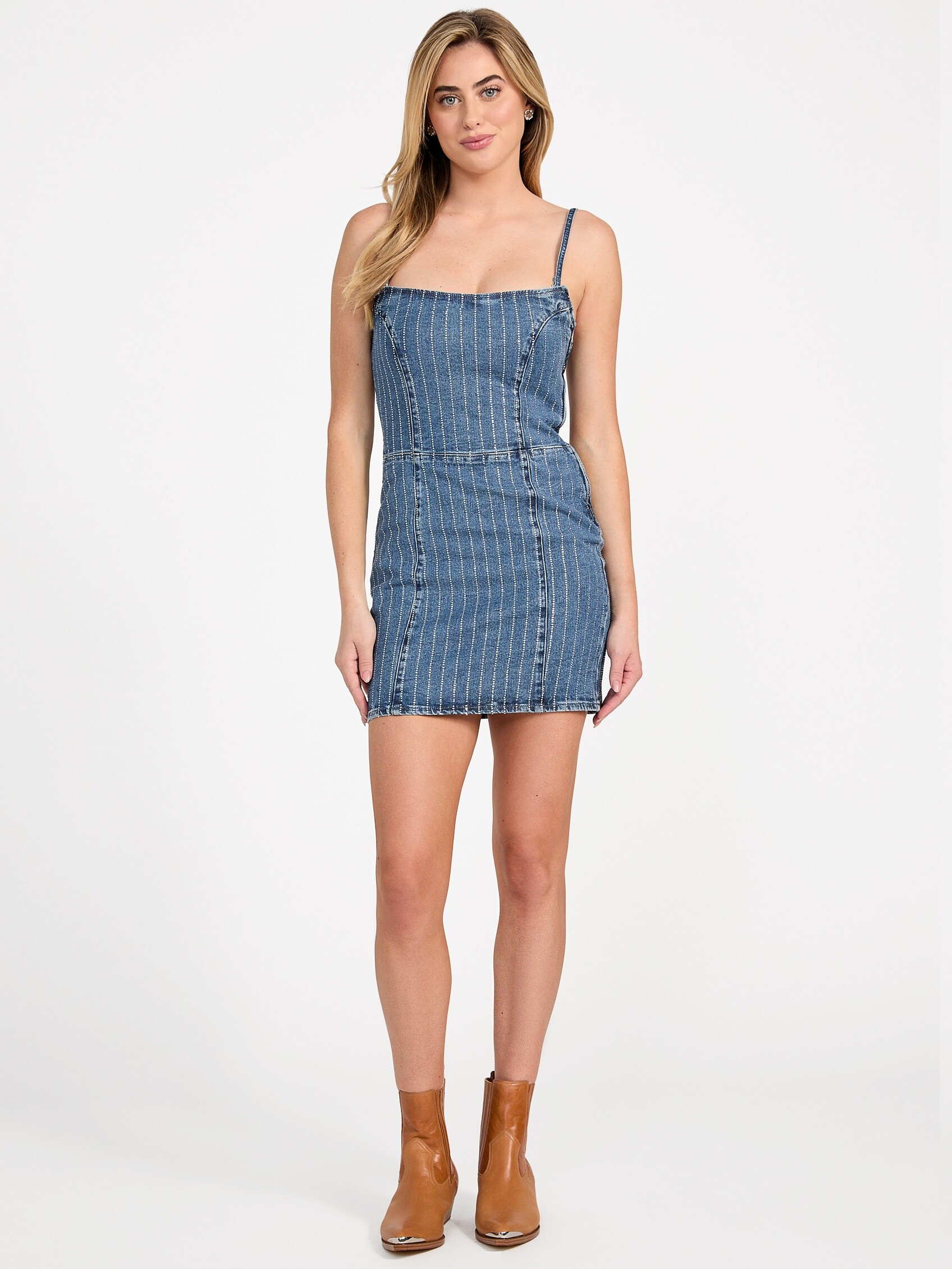
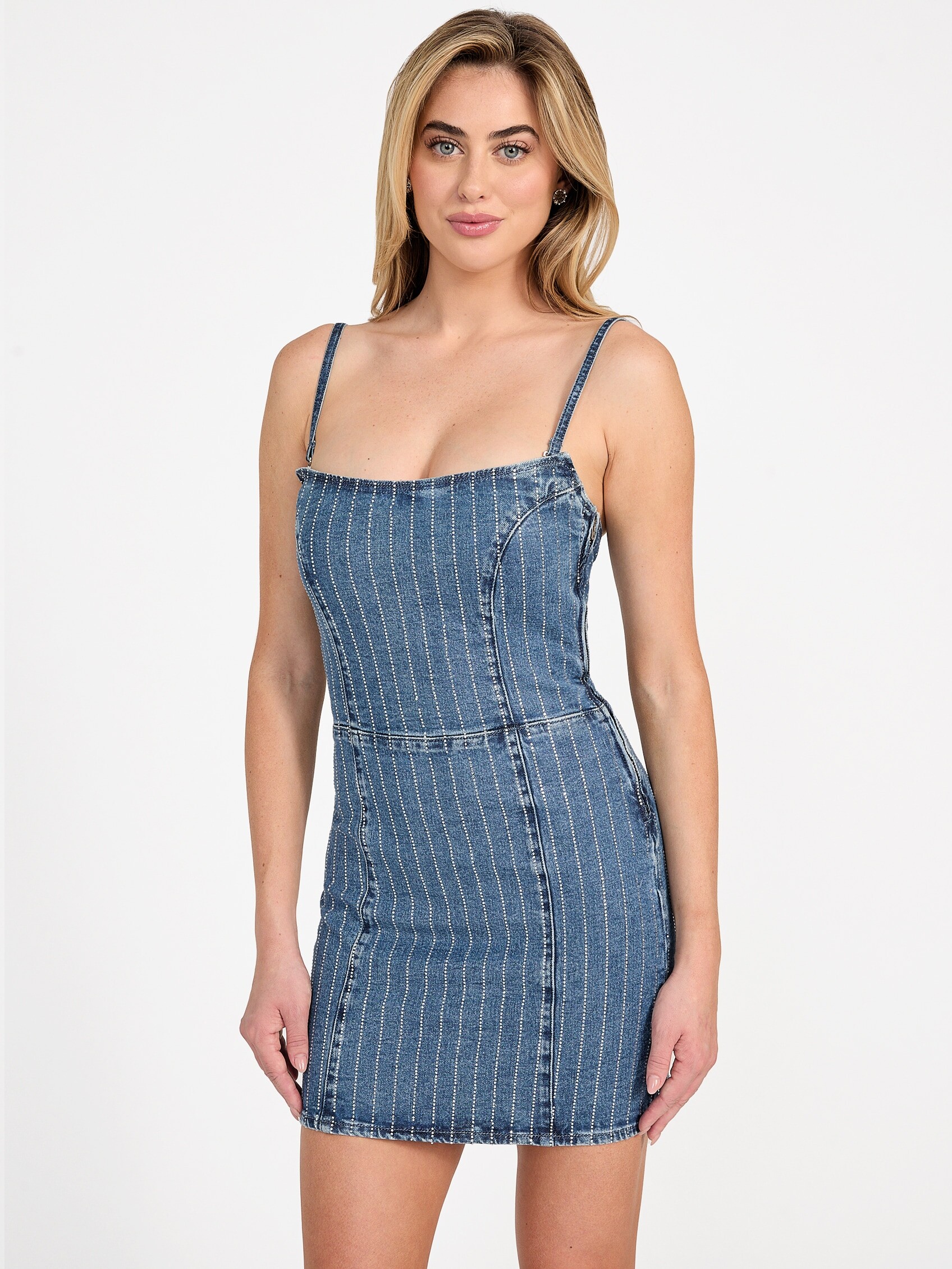
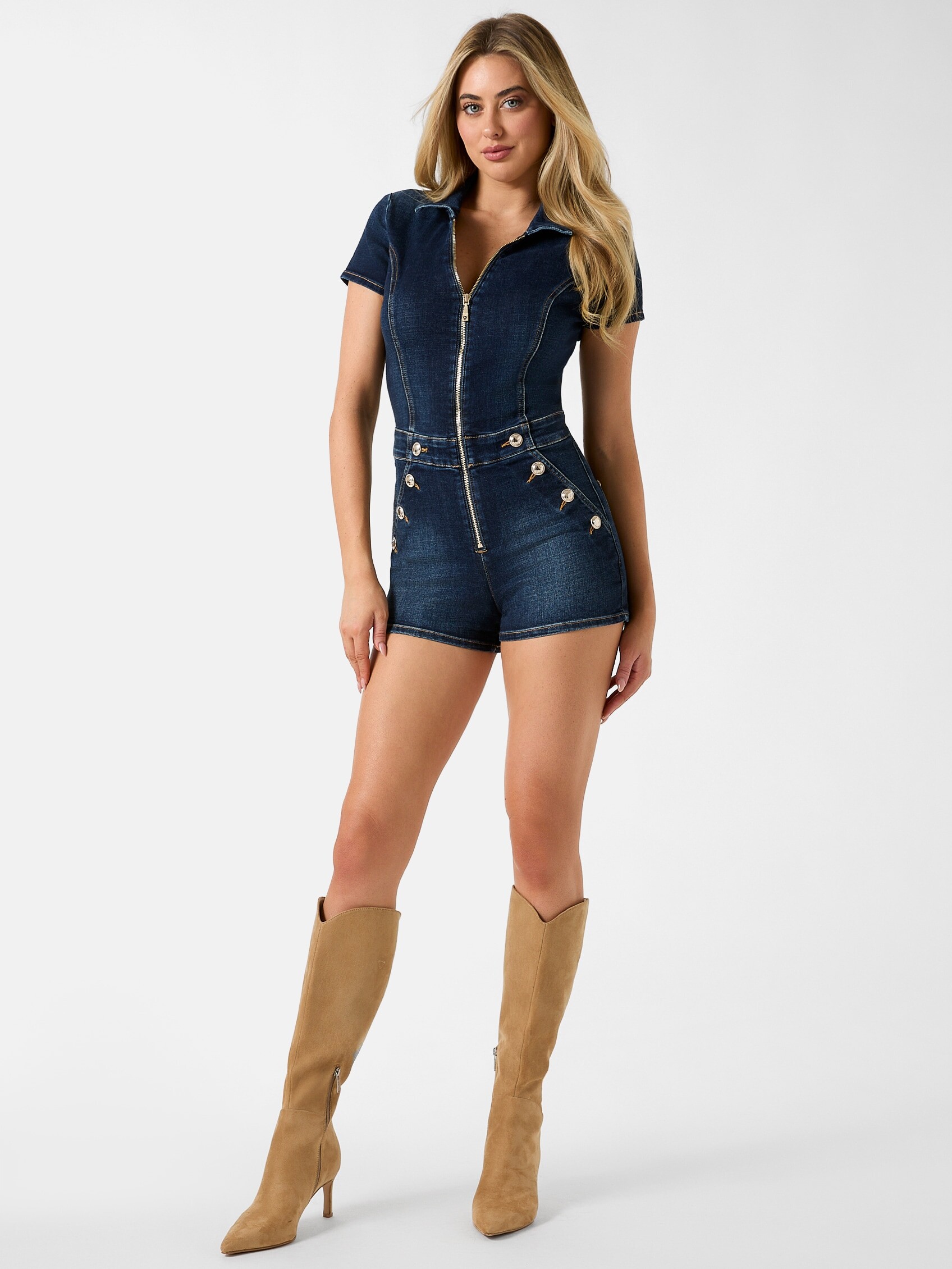
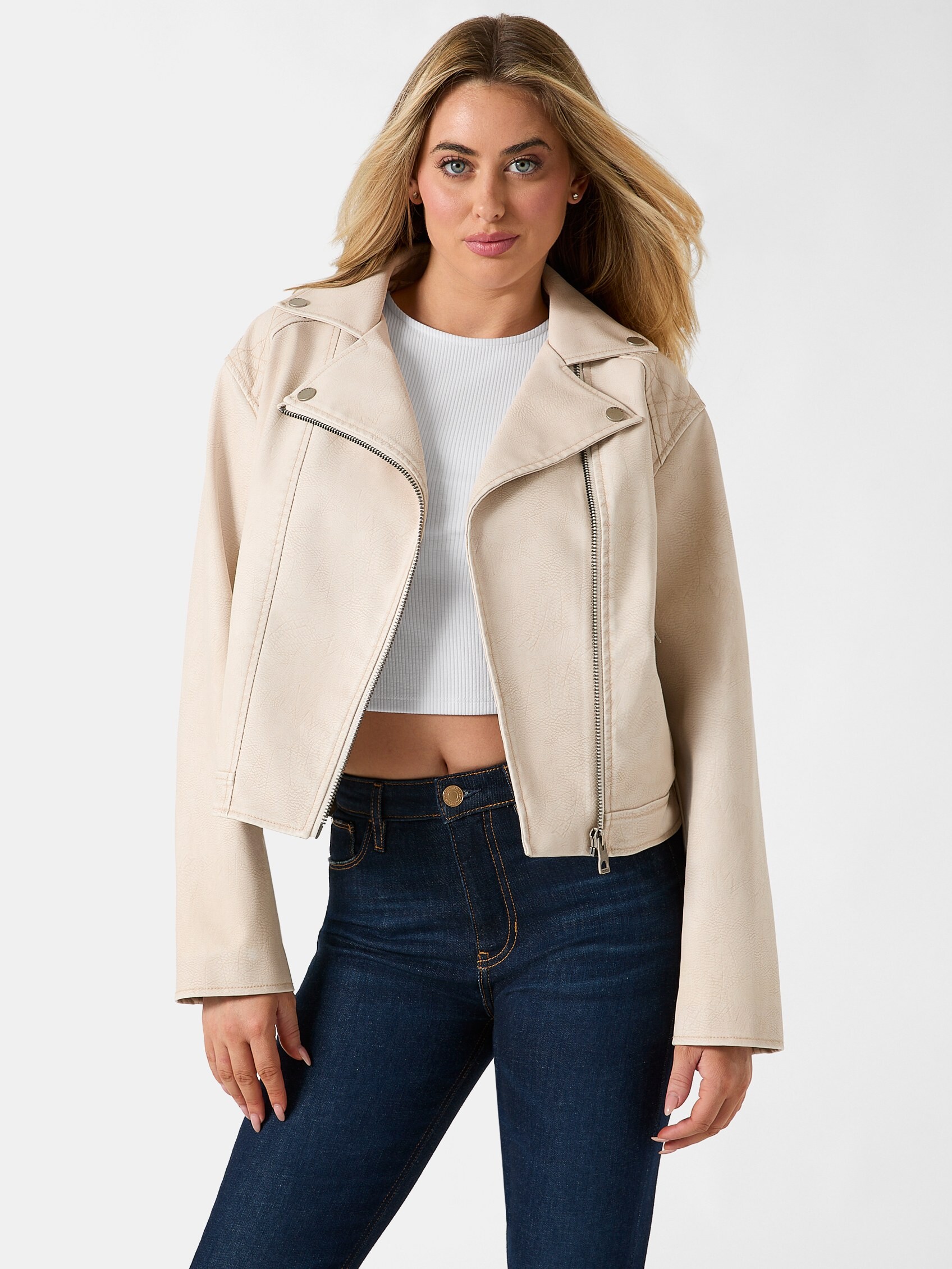
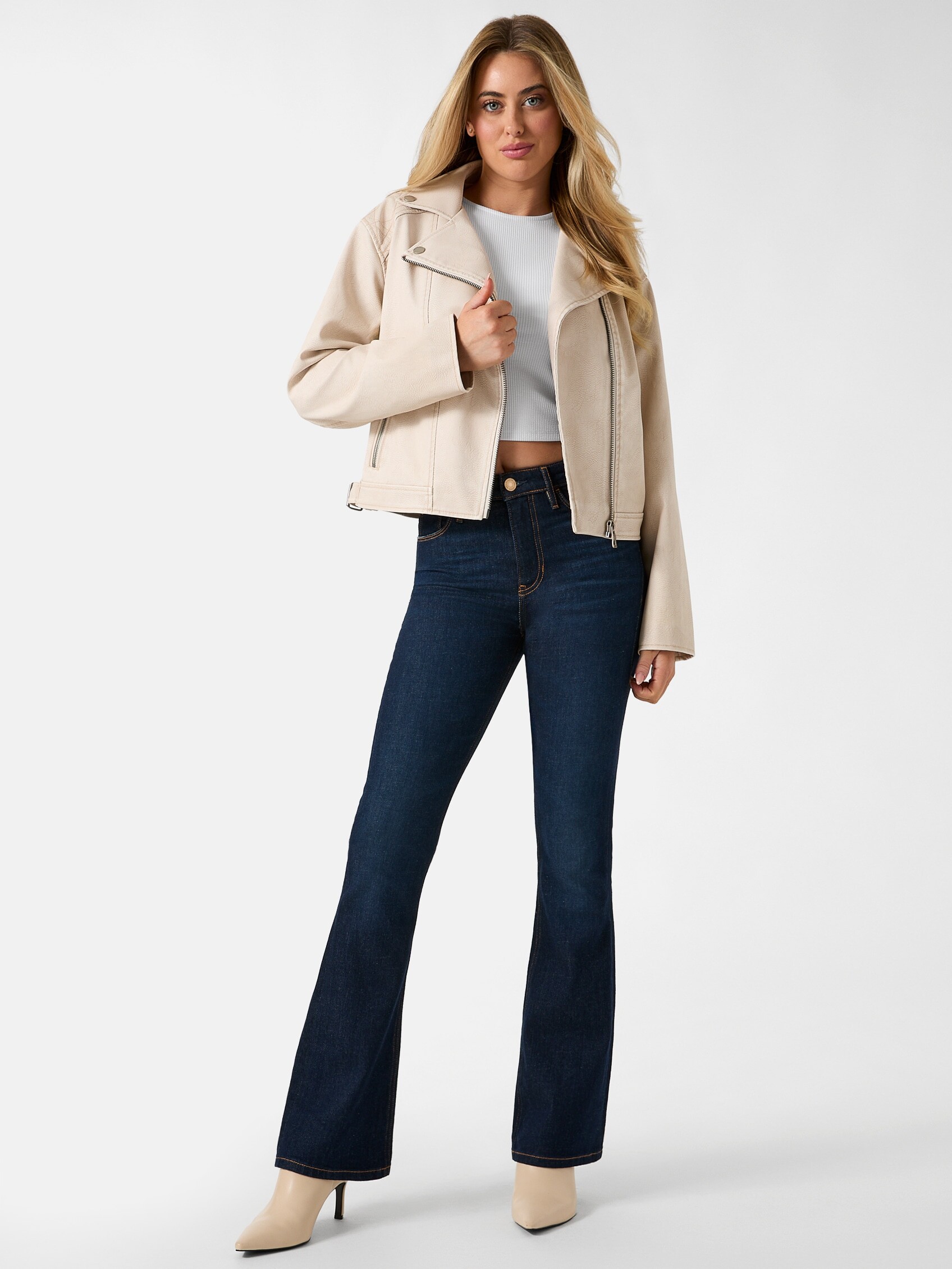
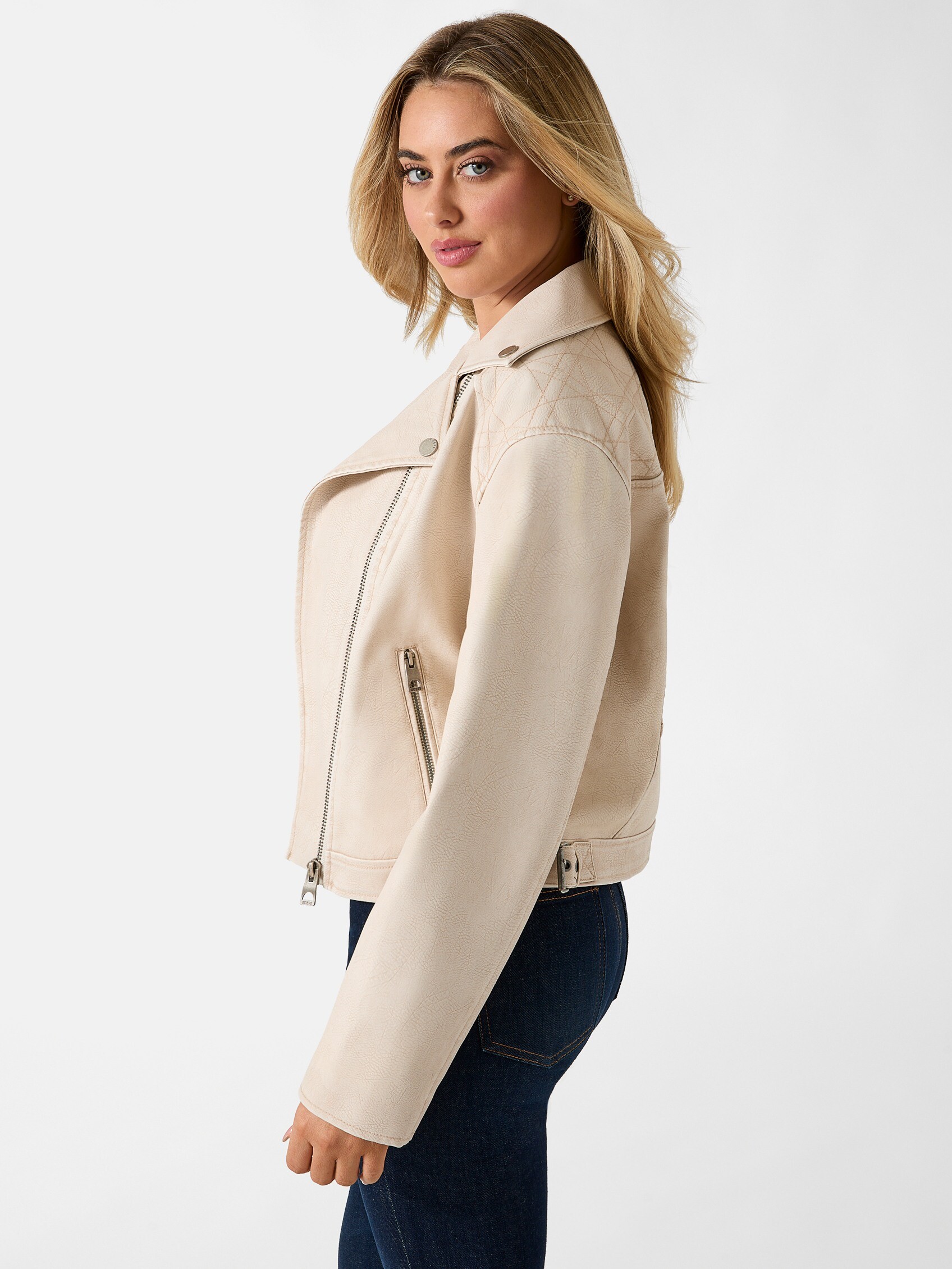
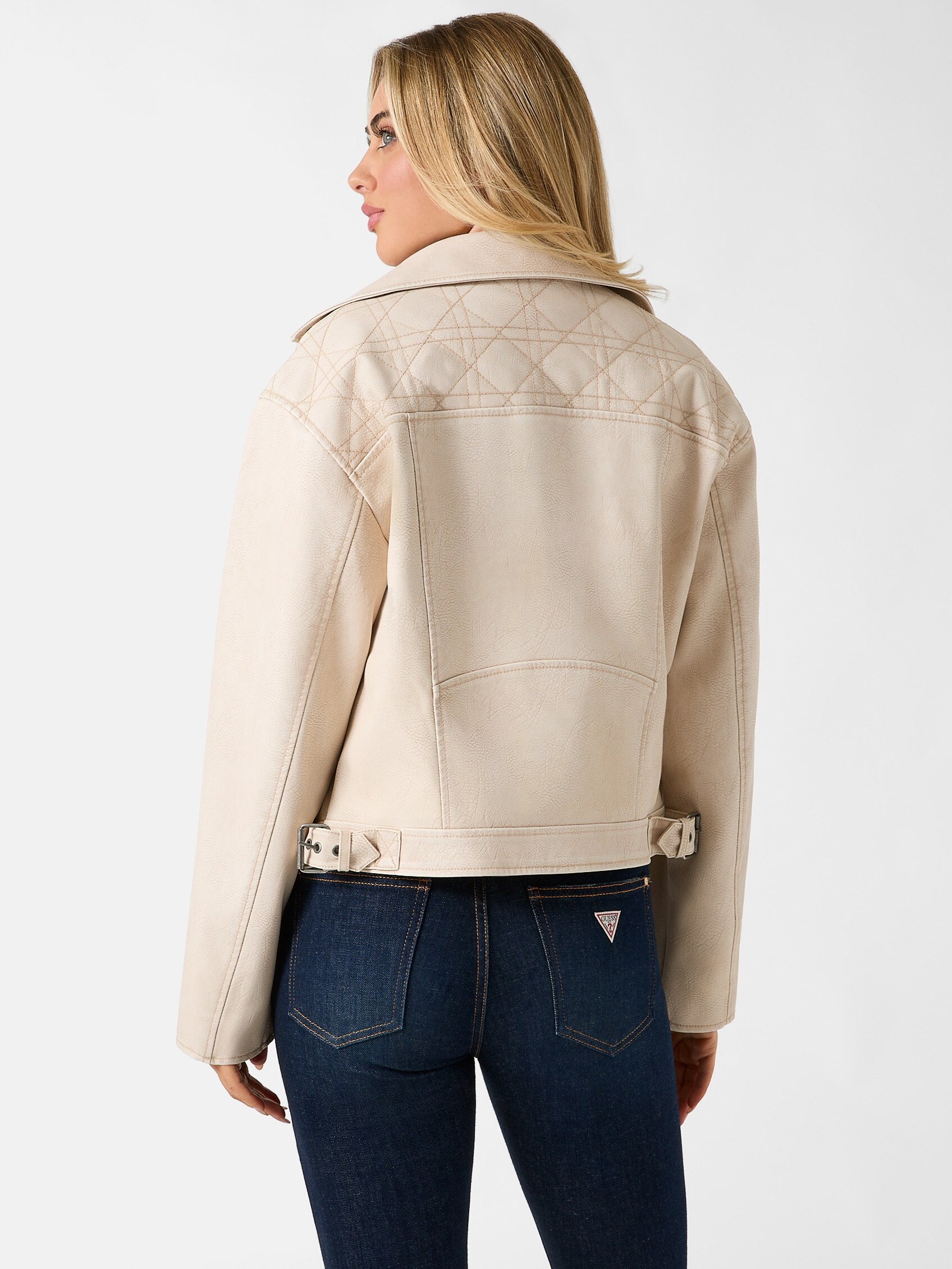
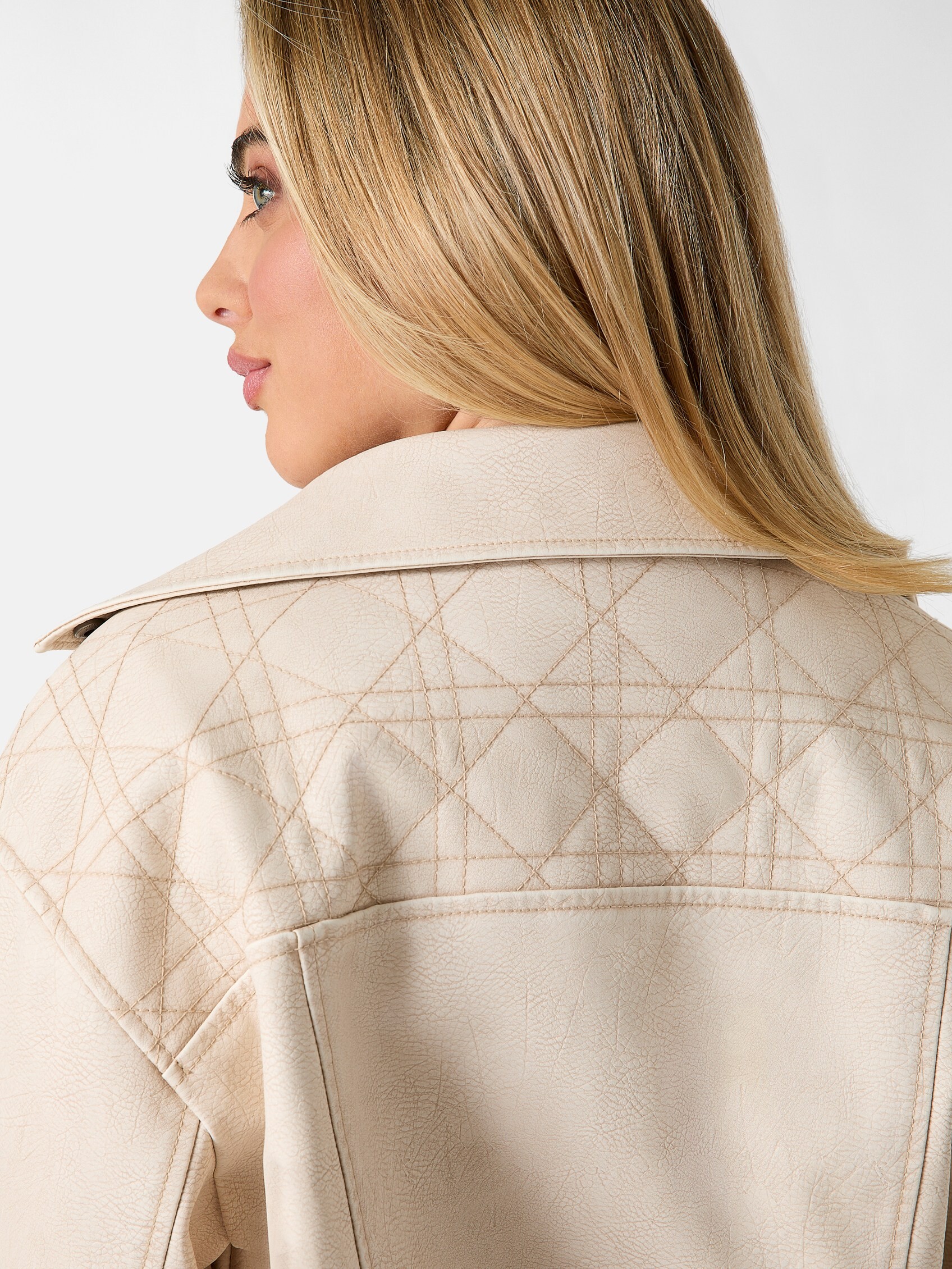
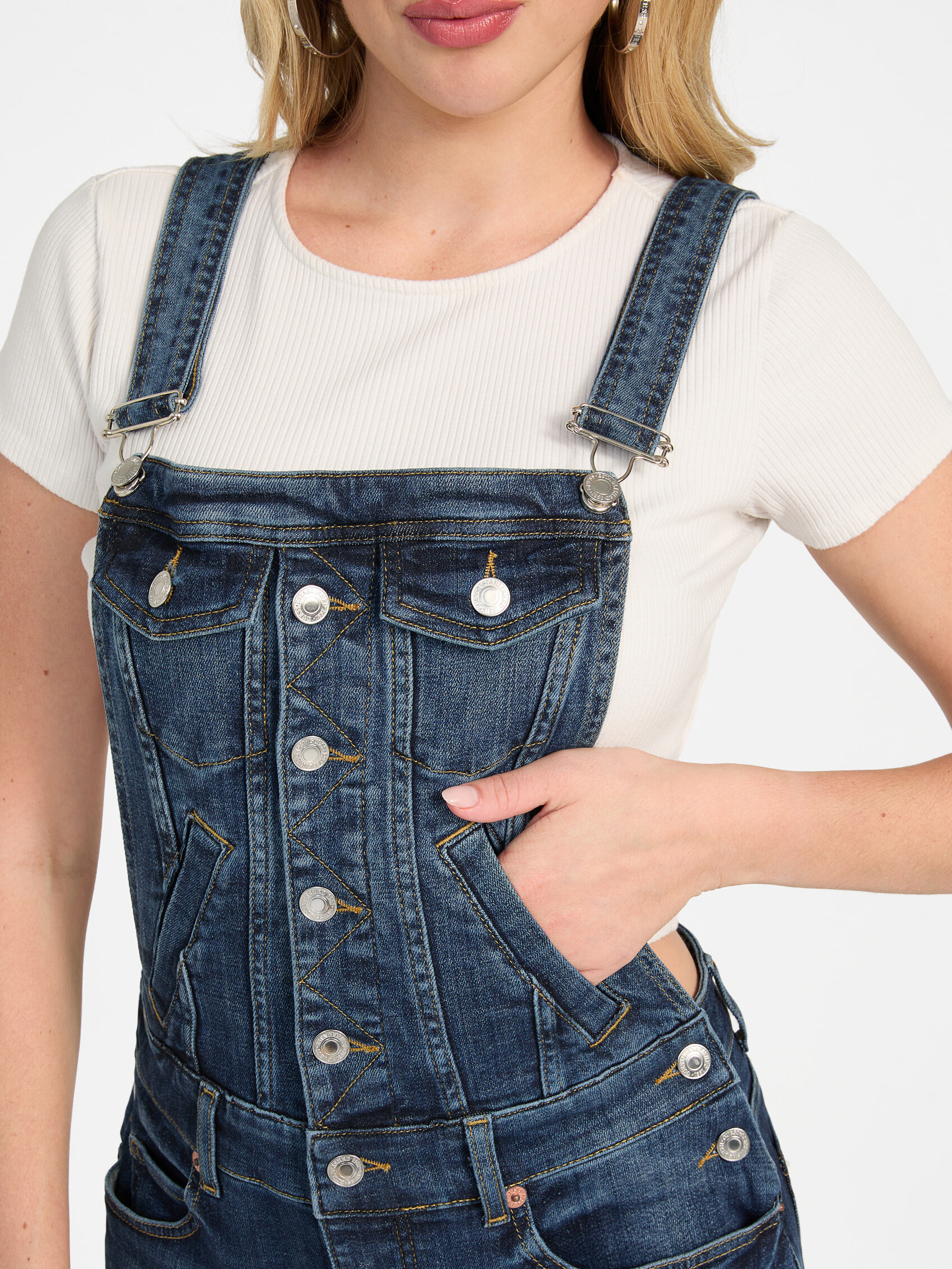
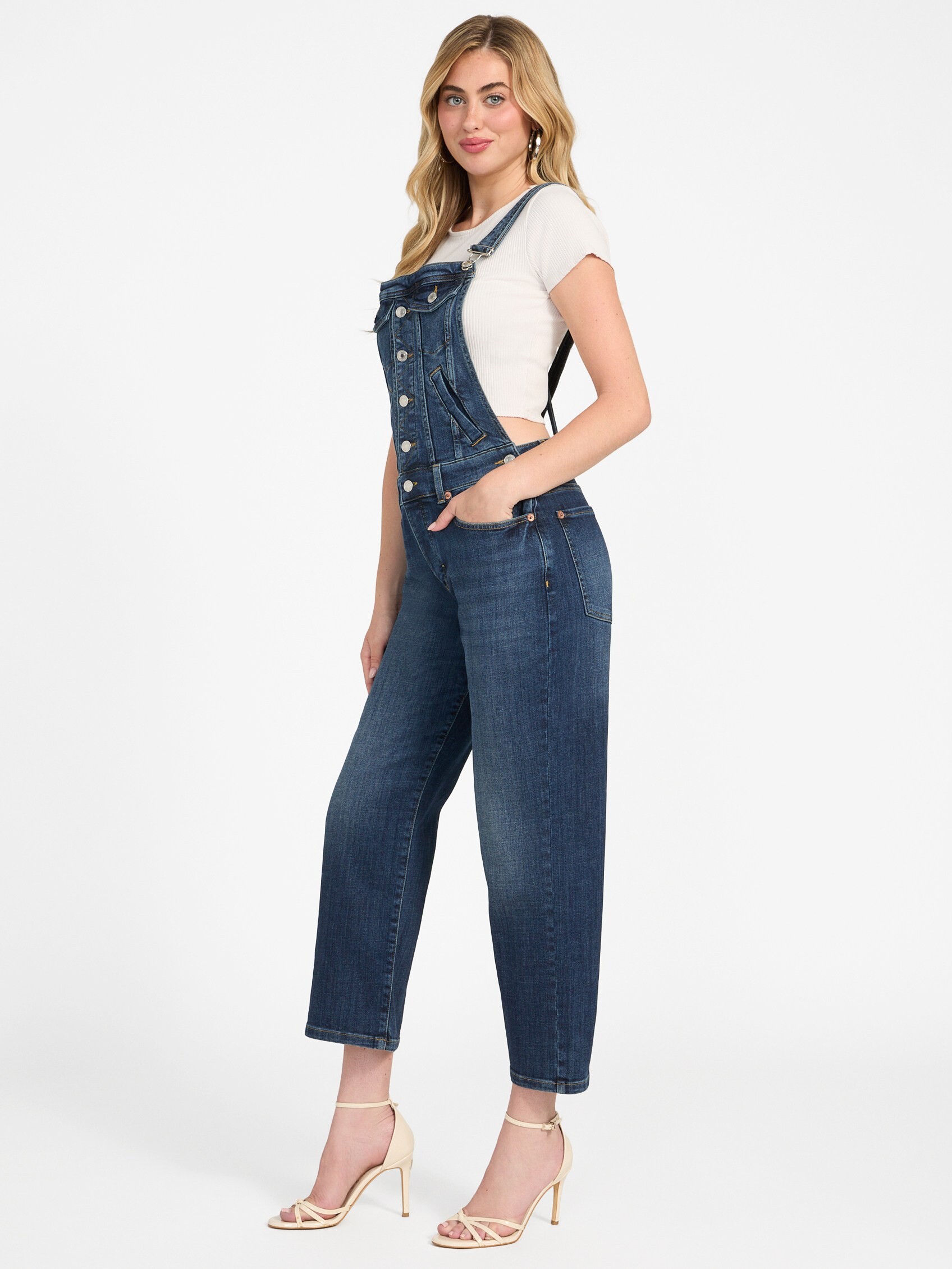
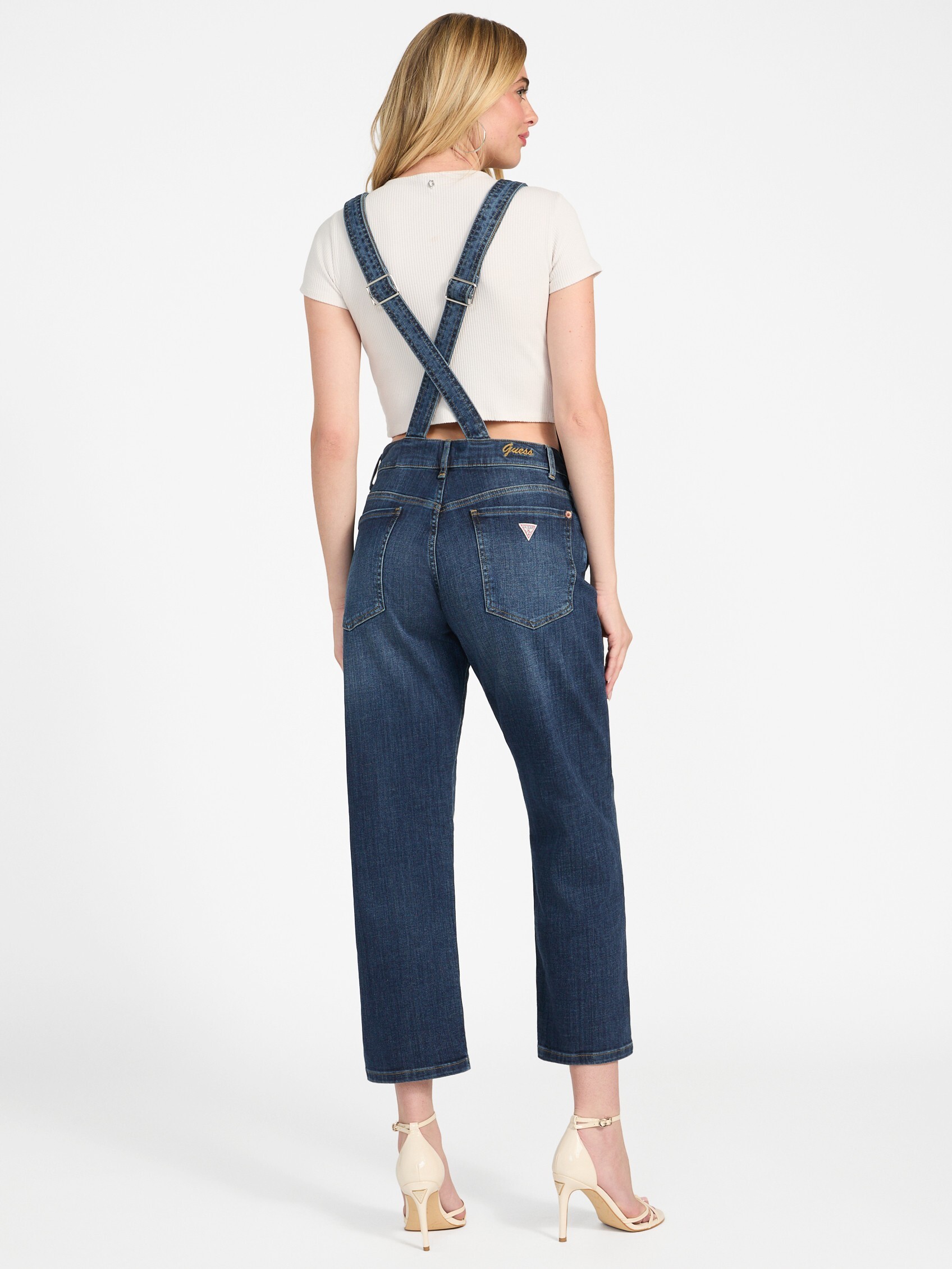




.jpg.edd17af844394309b60601261af4f565.jpg)
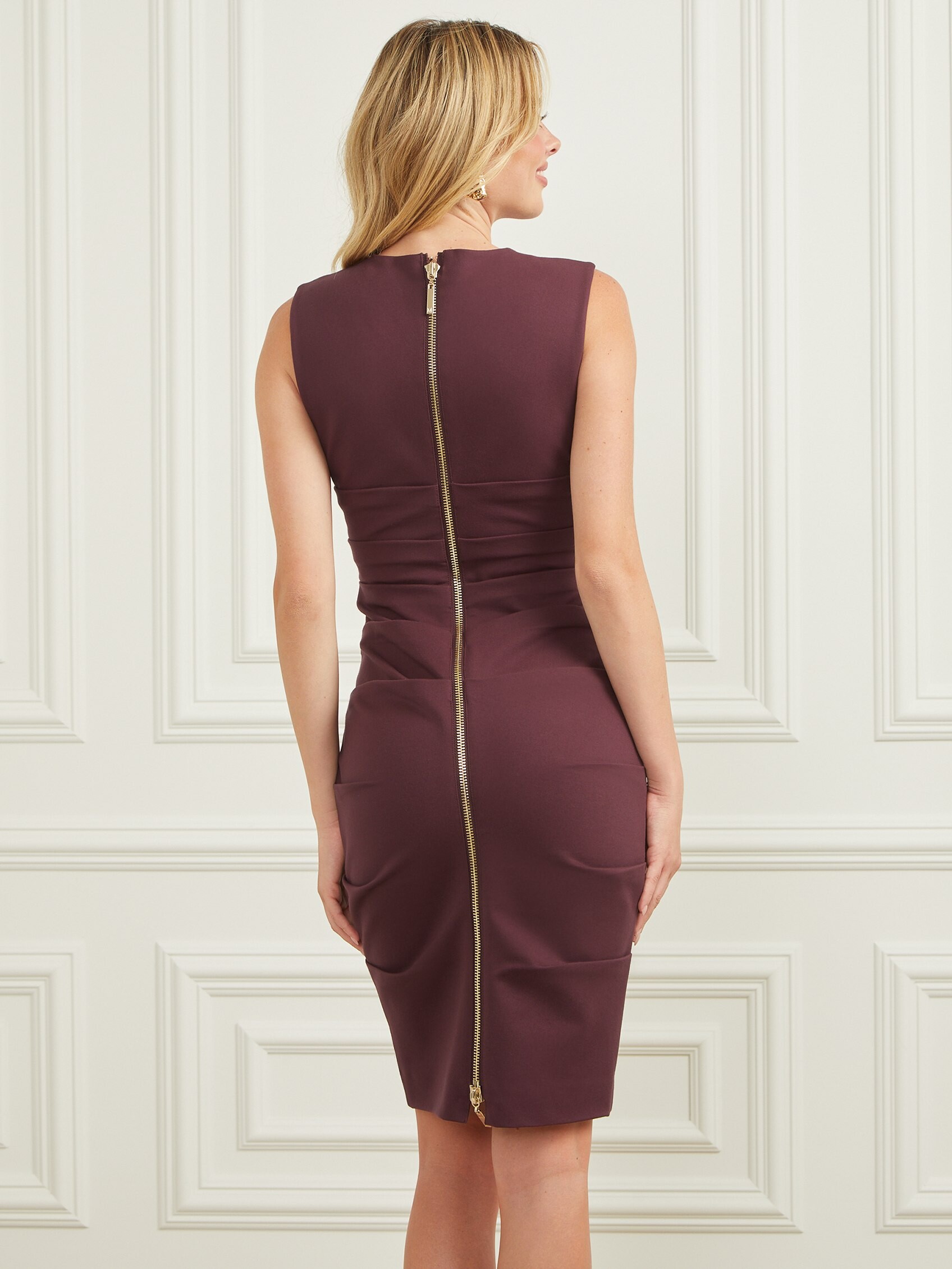
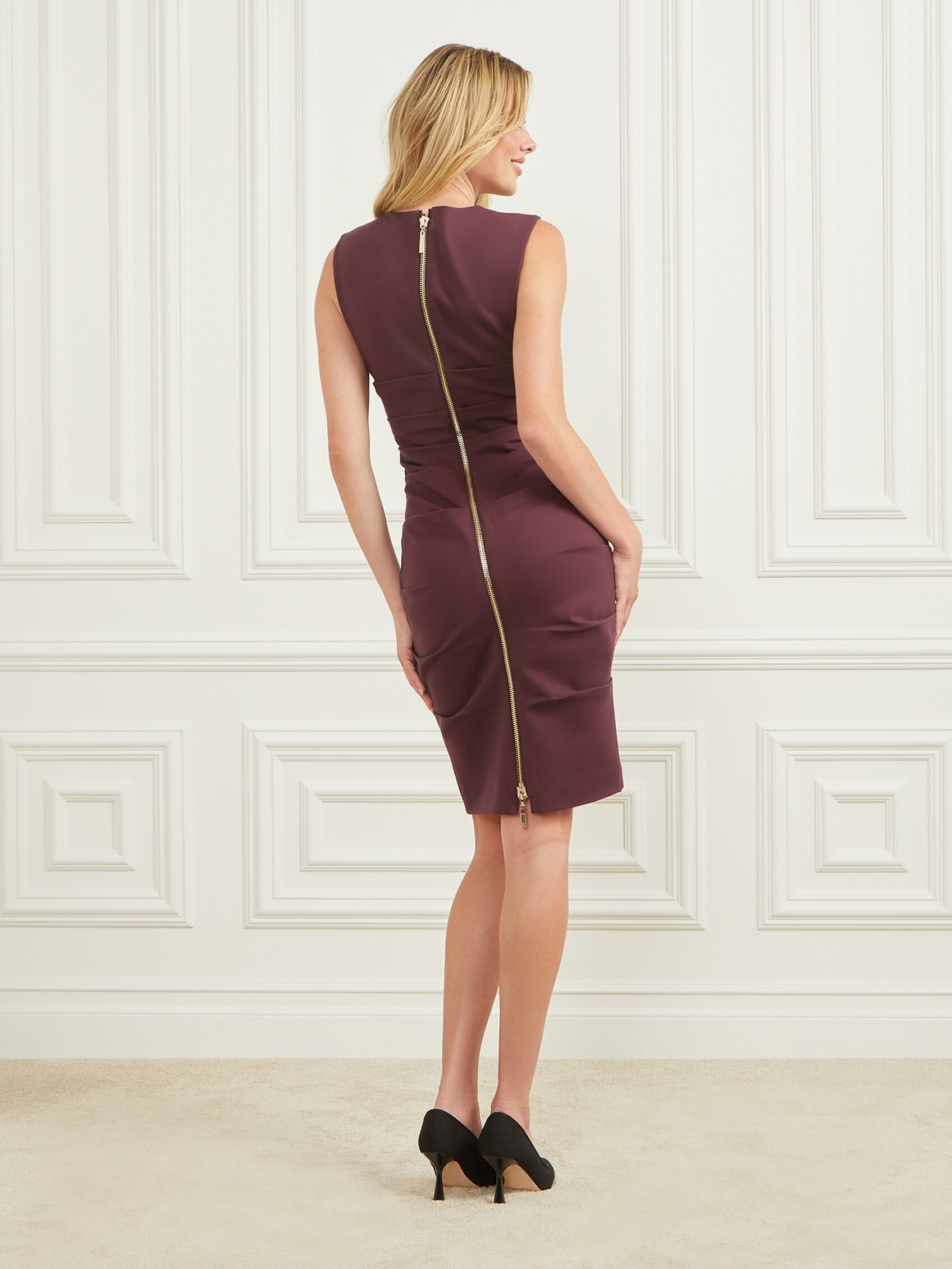
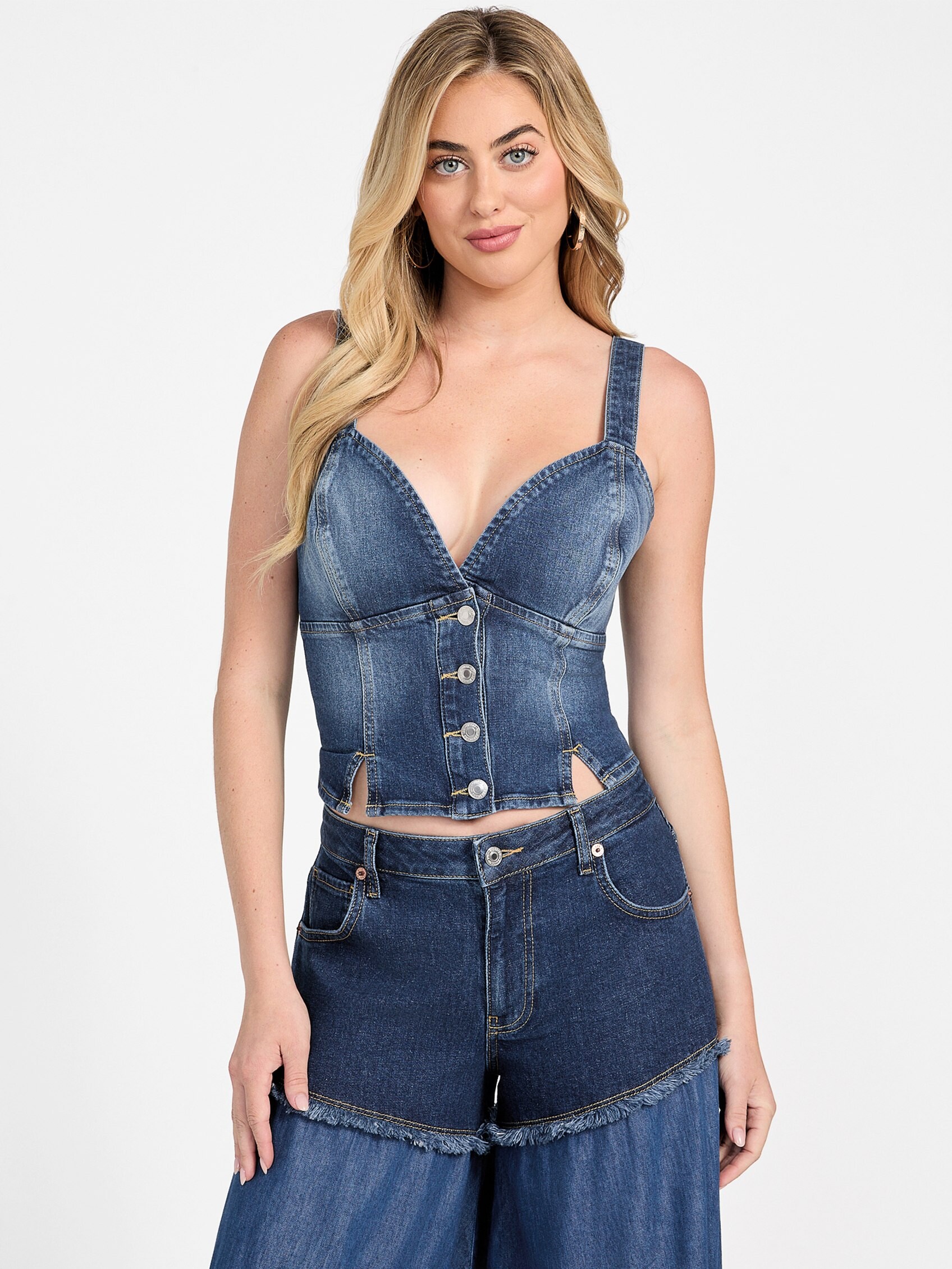
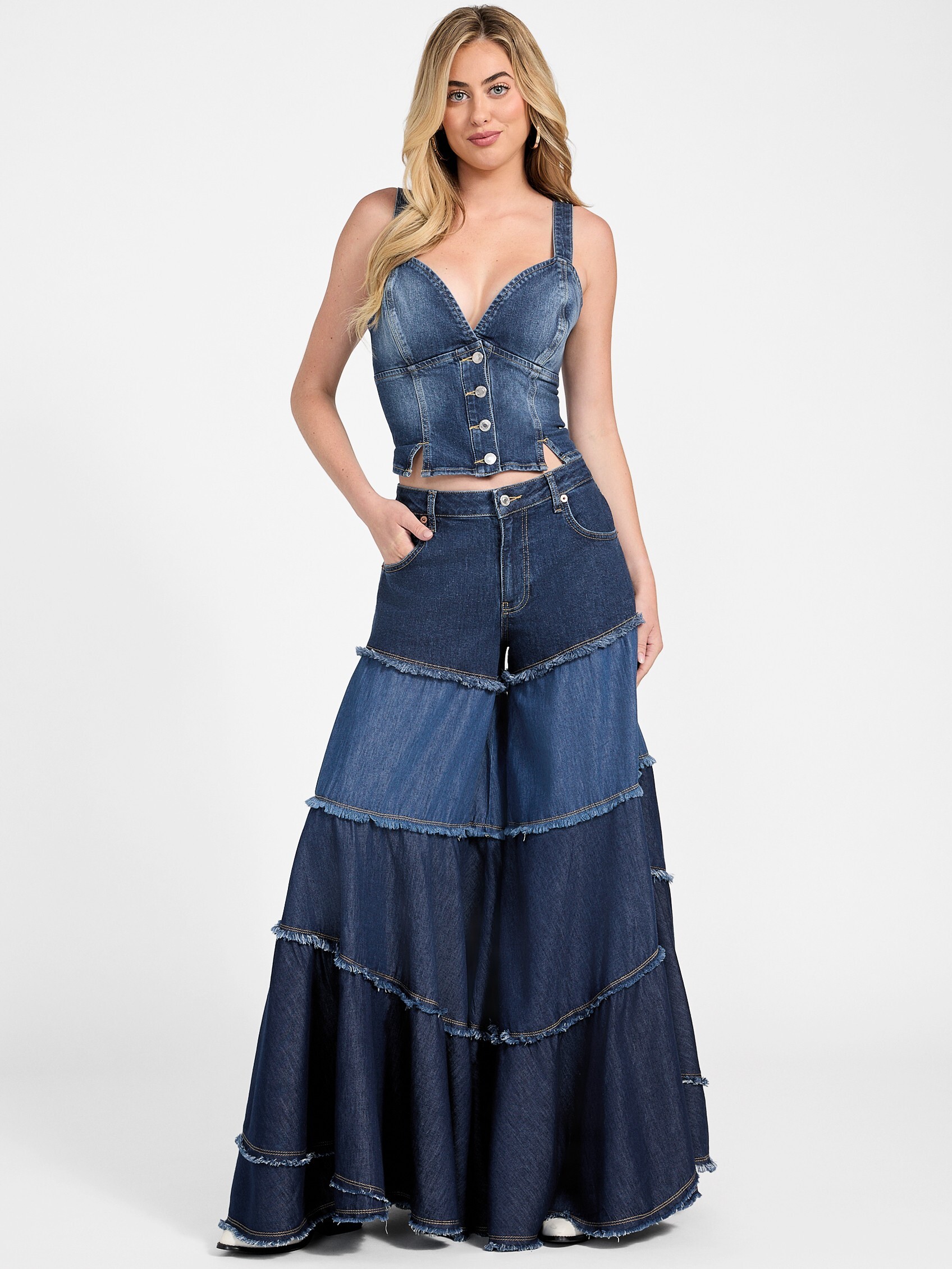






















Account
Navigation
Search
Configure browser push notifications
Chrome (Android)
- Tap the lock icon next to the address bar.
- Tap Permissions → Notifications.
- Adjust your preference.
Chrome (Desktop)
- Click the padlock icon in the address bar.
- Select Site settings.
- Find Notifications and adjust your preference.
Safari (iOS 16.4+)
- Ensure the site is installed via Add to Home Screen.
- Open Settings App → Notifications.
- Find your app name and adjust your preference.
Safari (macOS)
- Go to Safari → Preferences.
- Click the Websites tab.
- Select Notifications in the sidebar.
- Find this website and adjust your preference.
Edge (Android)
- Tap the lock icon next to the address bar.
- Tap Permissions.
- Find Notifications and adjust your preference.
Edge (Desktop)
- Click the padlock icon in the address bar.
- Click Permissions for this site.
- Find Notifications and adjust your preference.
Firefox (Android)
- Go to Settings → Site permissions.
- Tap Notifications.
- Find this site in the list and adjust your preference.
Firefox (Desktop)
- Open Firefox Settings.
- Search for Notifications.
- Find this site in the list and adjust your preference.