All Activity
- Past hour
-
 I hope, at least, she did some major photoshoot on 20 november, set was in summer concept but i still think there is a little chance for Valentines day photoshoot. I want to see her in Major ones.
 -
-
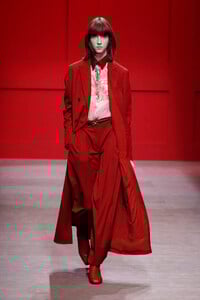
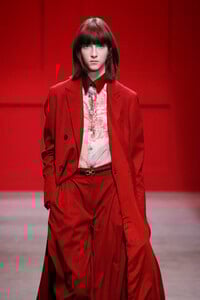
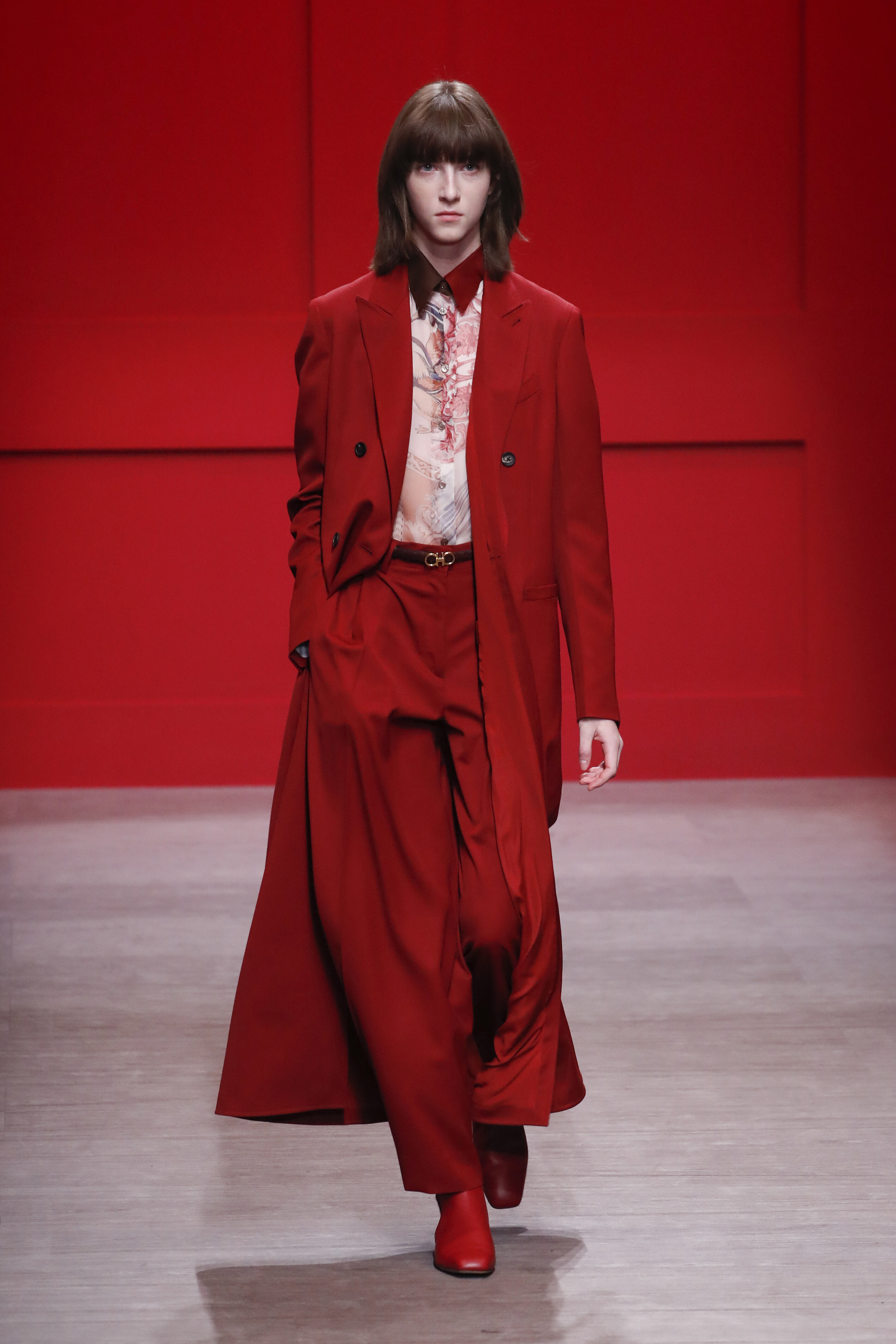
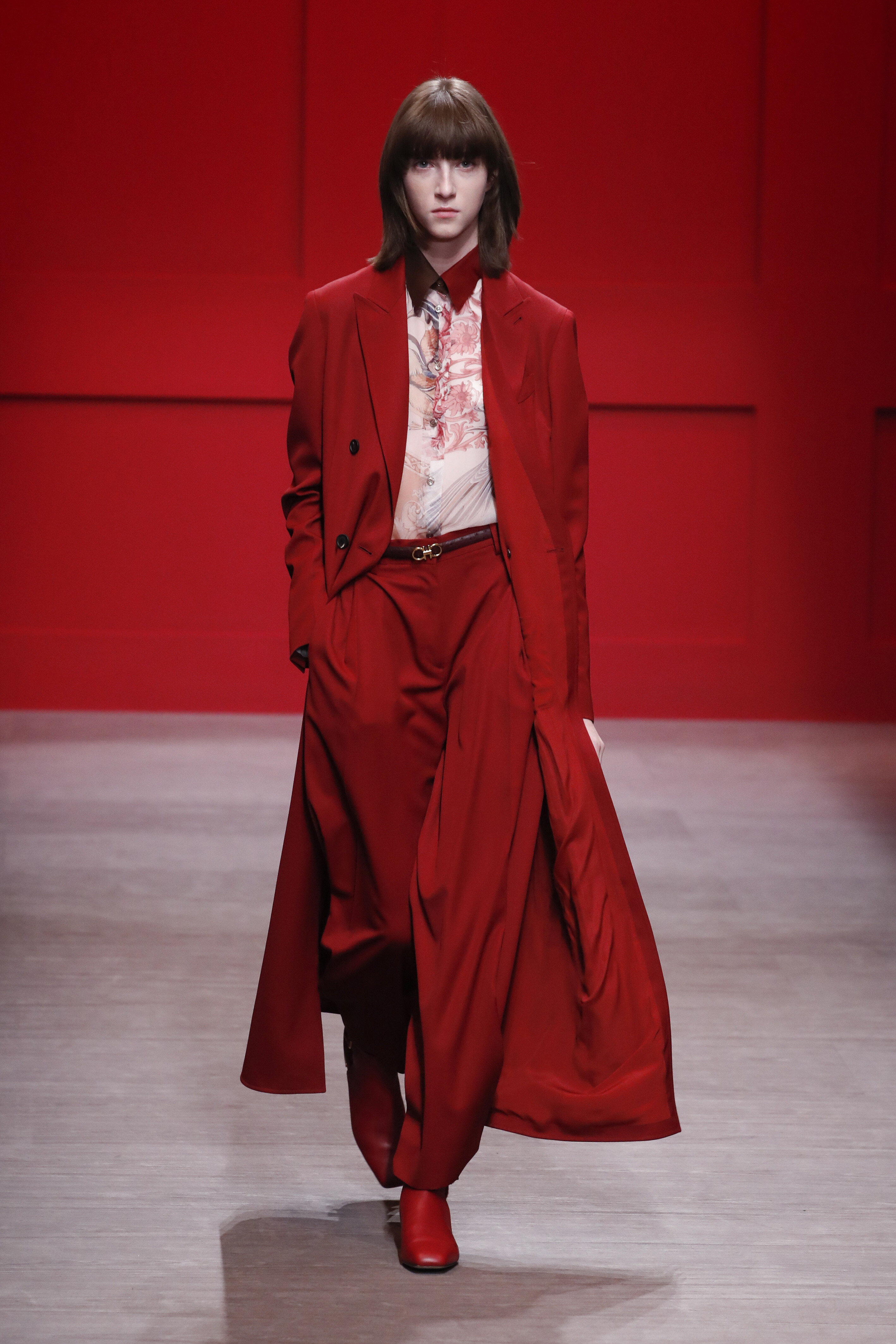
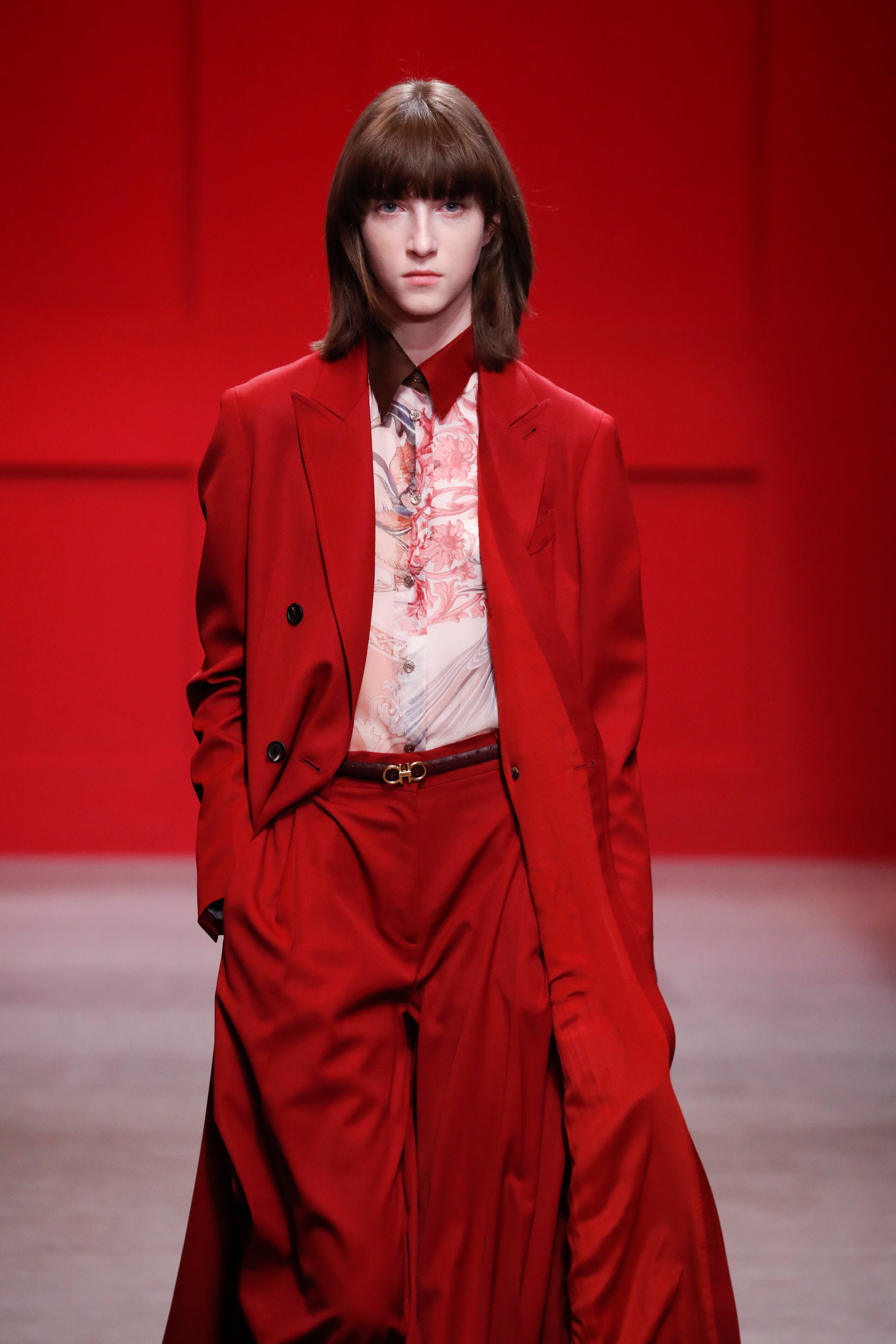
 Salvatore Ferragamo 2018/2019 fall RTW vogue.it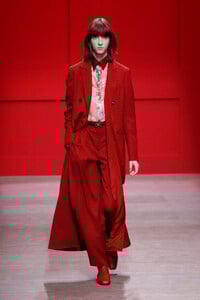
-

-
-
 Clint the Label: The stunning kellygale in the trinity Top royal blue ❄️ 4K video Kelly Gale - Clint the Label [2025.12.23].mp4
-
Clint the Label: kellygale in the leopard mini size small video Kelly Gale - Clint the Label [2025.11.19].mp4

-
Clint the Label: kellygale in the trinty set Royal blue video Kelly Gale - Clint the Label [2025.11.12].mp4
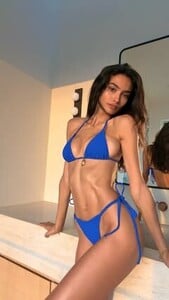
-

-
-
-
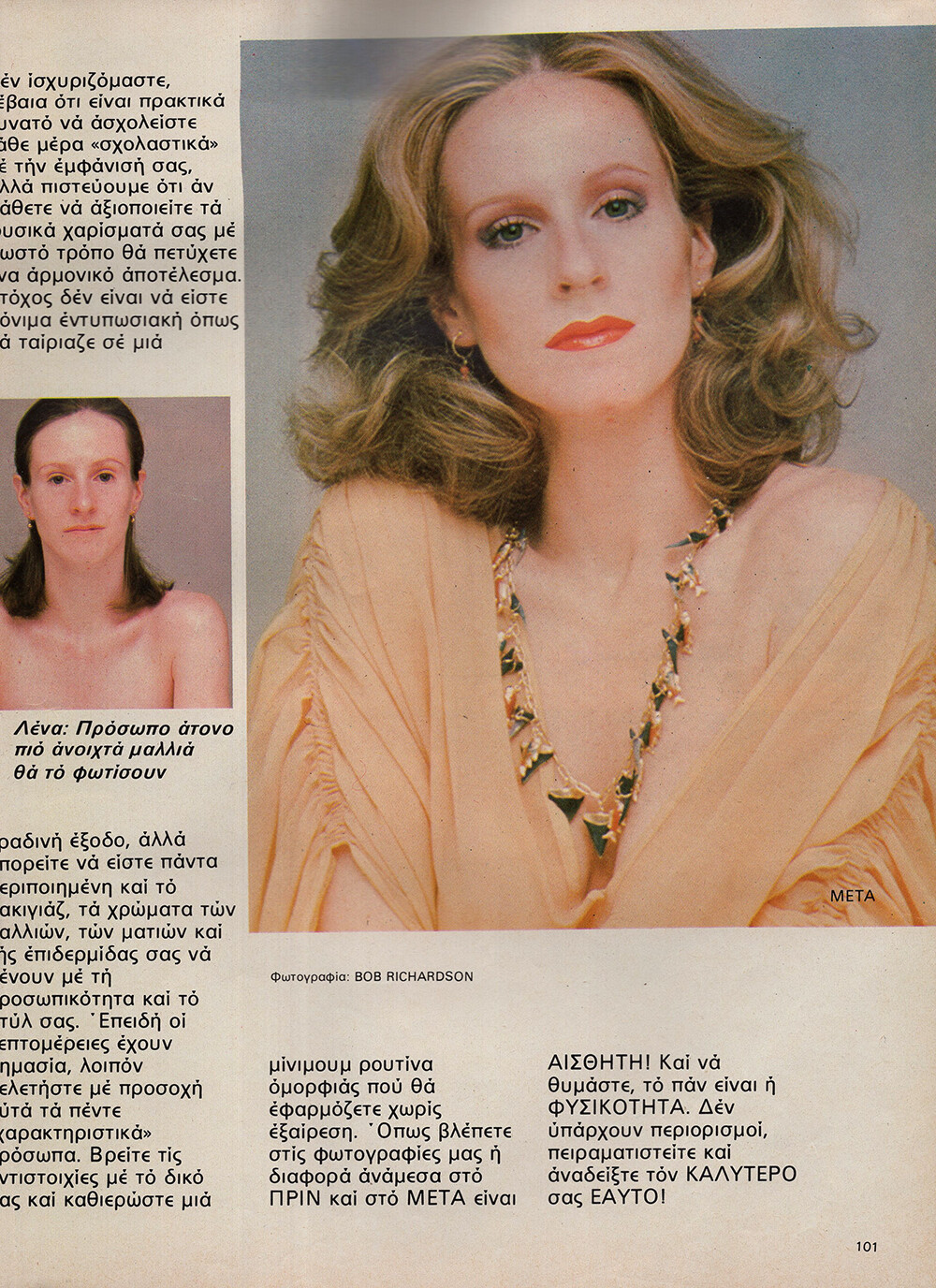
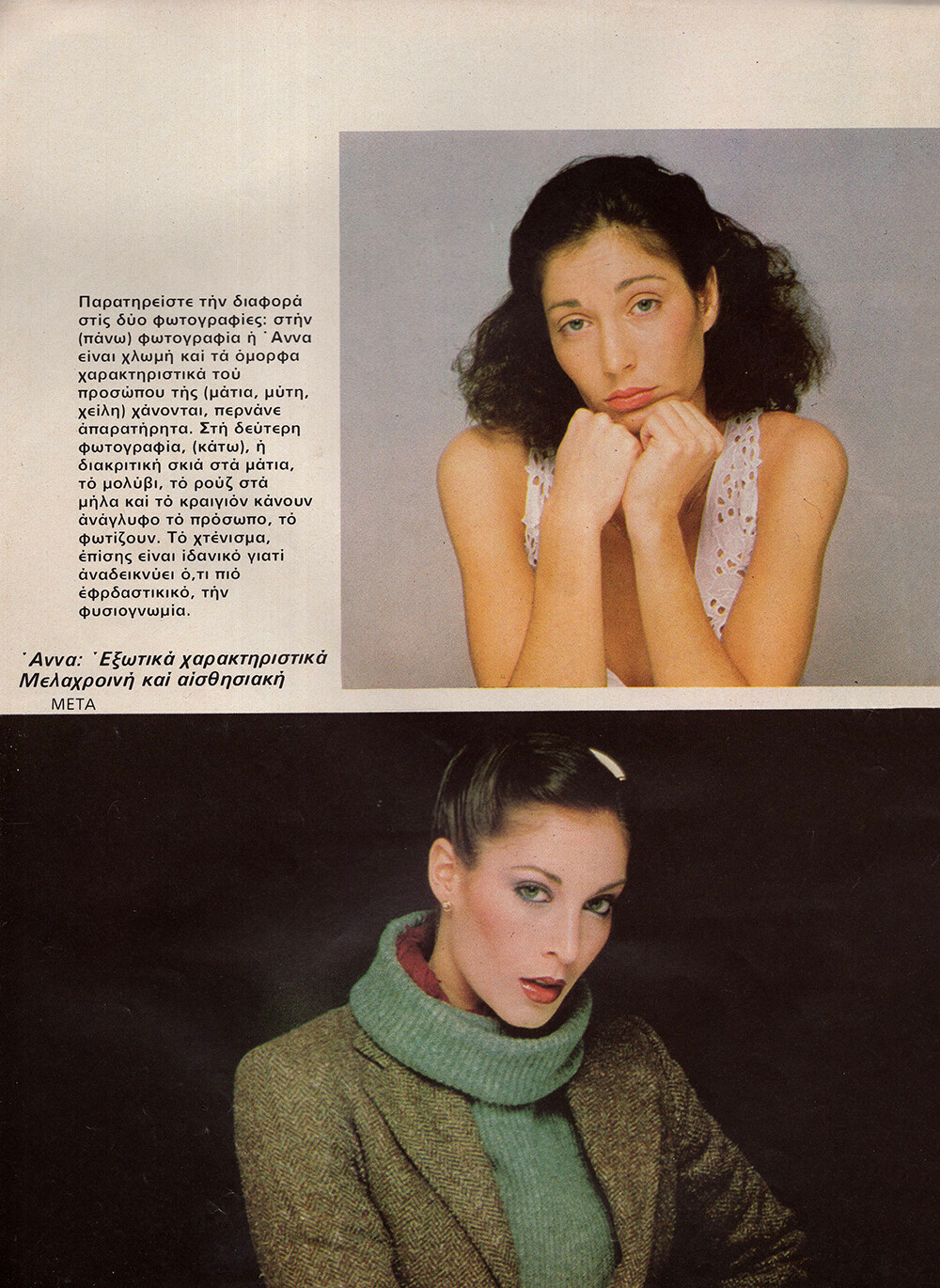
 COSMOPOLITAN GR, Jan 1983 - PH. UNK - MY SCANS I can ID Kim Luret (model in black in the second pic) and Arja Toyryla (5th pic).
ArjaToyryla-ph_Unk.thumb.jpg.cb6a40c936be109e9bf2e07bec9ee75c.jpg)
ArjaToyryla-ph_Unk.thumb.jpg.7e8e86614b58d20464ff8b4fc1c2e5e7.jpg)
ArjaToyryla-ph_Unk.thumb.jpg.b4b178bd3e116c602399e2fa245937f9.jpg)
ArjaToyryla-ph_Unk.thumb.jpg.22e21b936e083fc1c597aaa8e99da74e.jpg)
ArjaToyryla-ph_Unk.thumb.jpg.d70d3f3b1796c8730845aba90950654d.jpg)
ArjaToyryla-ph_Unk.thumb.jpg.4325cd6c3db846c9a40e5ad45c6b78e1.jpg)
ArjaToyryla-ph_Unk.thumb.jpg.c5ea16f59664e7461388dc3965968df9.jpg)
ArjaToyryla-ph_Unk.thumb.jpg.5385cf3cf6249e192d36b003ccb5e707.jpg)
-
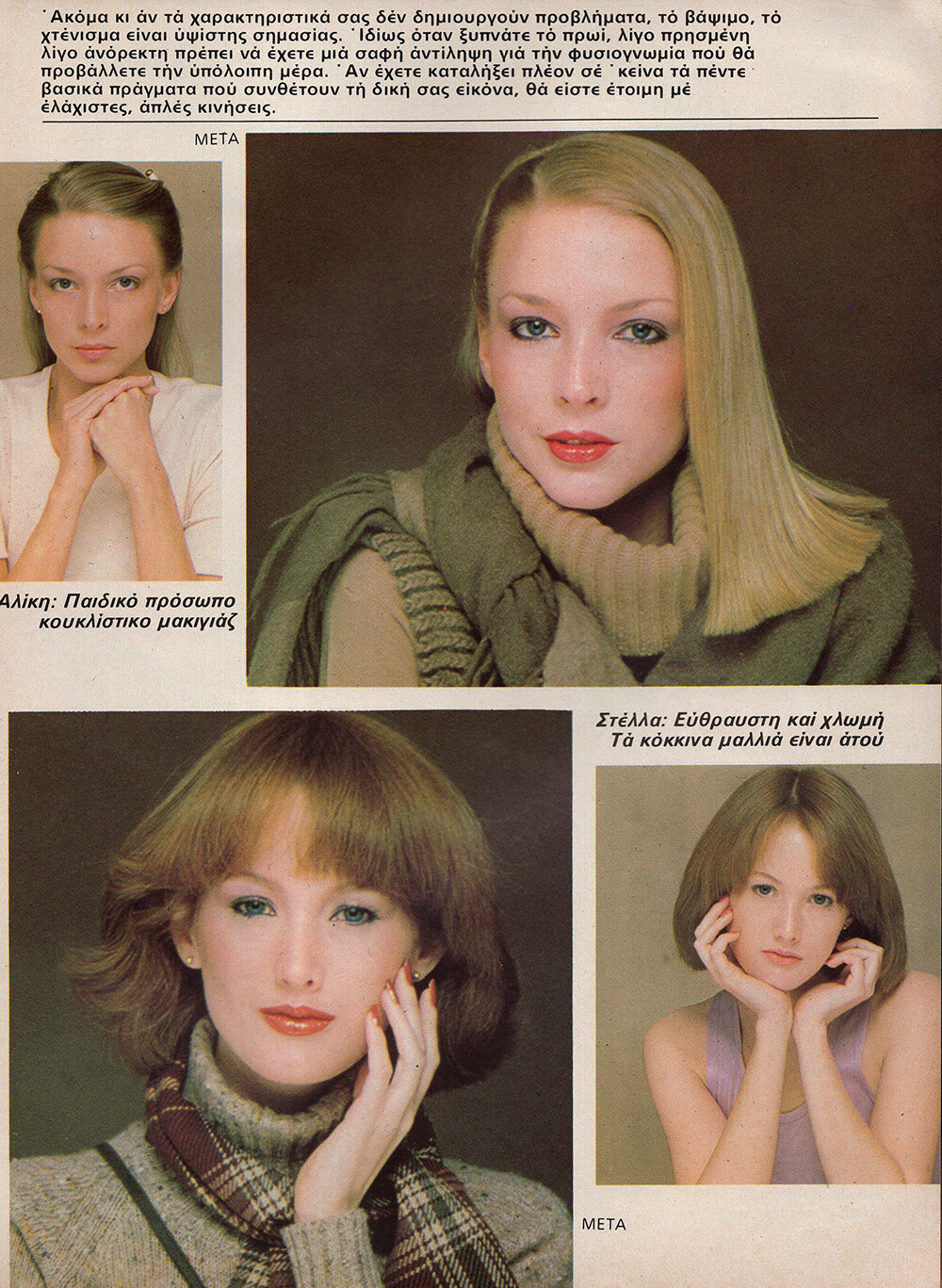
COSMOPOLITAN GR, Jan 1983 - PH. BOB RICHARDSON - MY SCANS I can ID Karen Bjornson and Susan Smith (both in the last pic).



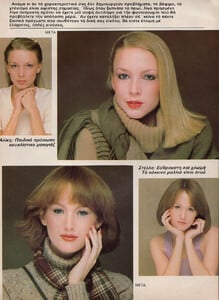
-
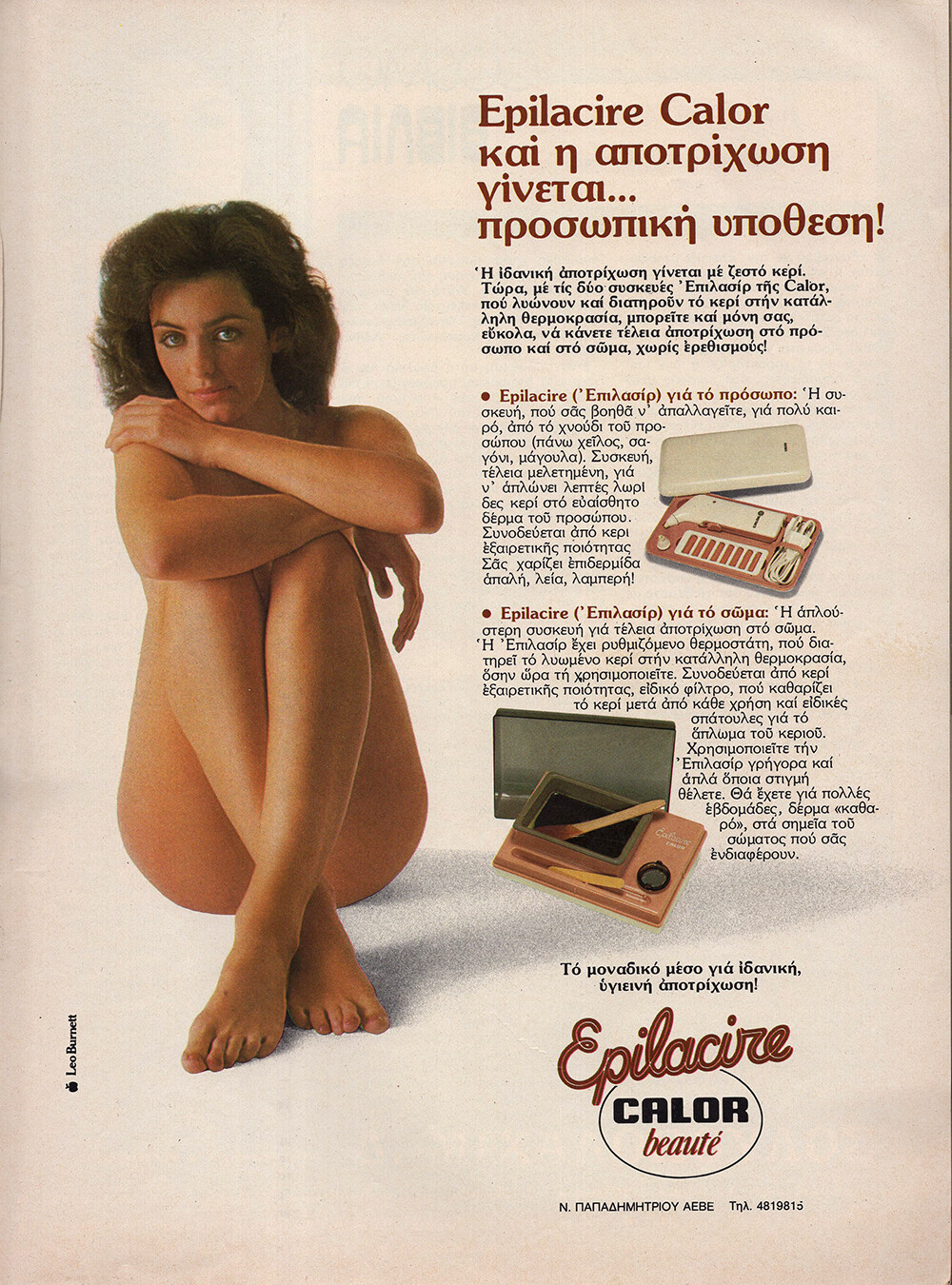
EPILACIRE CALOR AD - COSMOPOLITAN GR, Jan 1983 - PH. UNK - MY SCAN
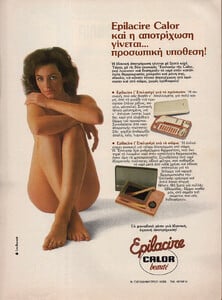
-
 Woah, that was fast!!!! Thank you so much. I knew I could count on the model sleuths here. 💐
 -
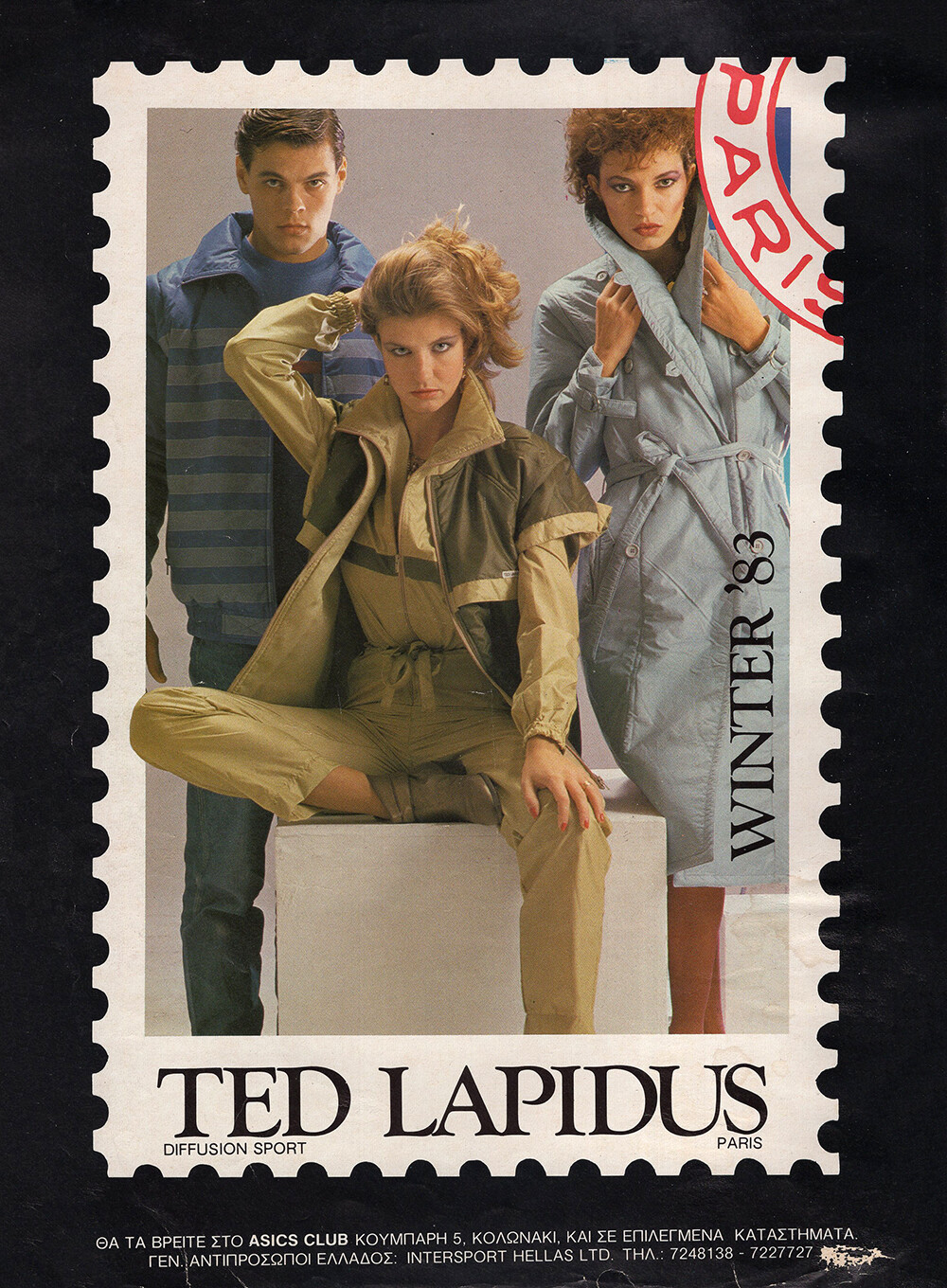
TED LAPIDUS AD - COSMOPOLITAN GR, Jan 1983 - PH. UNK - MY SCAN

-
Clint the Label: ellaayalon in size small video Ella Ayalon - Clint the Label [2022.08.27].mp4
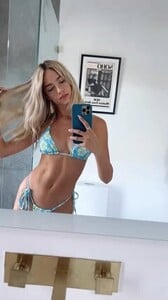
-
I'm pretty sure it's Jeanette Hallen.
- Today
Thank you, @ALPAT , for all these additions!
Please, scan it when you can!
COSMOPOLITAN GR, Jan 1983 - PH. UNK - MY SCANS + KIM LURET, UNKNOWN MODELSArjaToyryla-ph_Unk.thumb.jpg.6a9ea318ec0348b7c22c24800e742709.jpg)
ArjaToyryla-ph_Unk.thumb.jpg.c98260aa901a211369f57c618c38785c.jpg)
ArjaToyryla-ph_Unk.thumb.jpg.96cd8058cbf0fe6661c52f788f32524f.jpg)
ArjaToyryla-ph_Unk.thumb.jpg.6576c375d5eb40142039393a99826442.jpg)
ArjaToyryla-ph_Unk.thumb.jpg.84f4887b8125d318cf32899c827adc92.jpg)
ArjaToyryla-ph_Unk.thumb.jpg.51086e5a18d9fb3c1b4aa04374fc75e2.jpg)
ArjaToyryla-ph_Unk.thumb.jpg.7b98393894b27625b80d74bf697ccd0c.jpg)
ArjaToyryla-ph_Unk.thumb.jpg.16e81fd535cdbe5daa408fa27e588ff4.jpg)
 she is Linda Ivancic😊




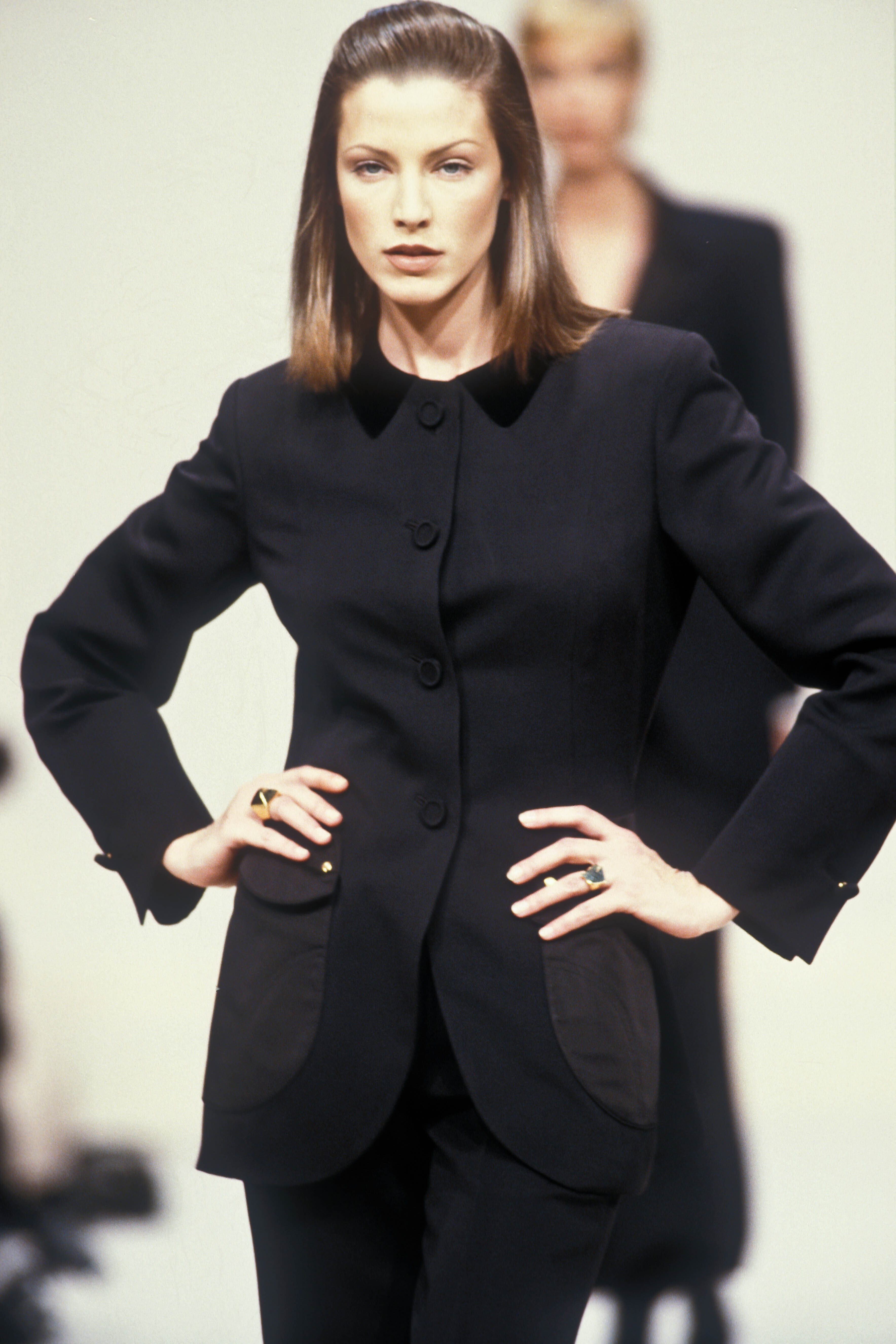
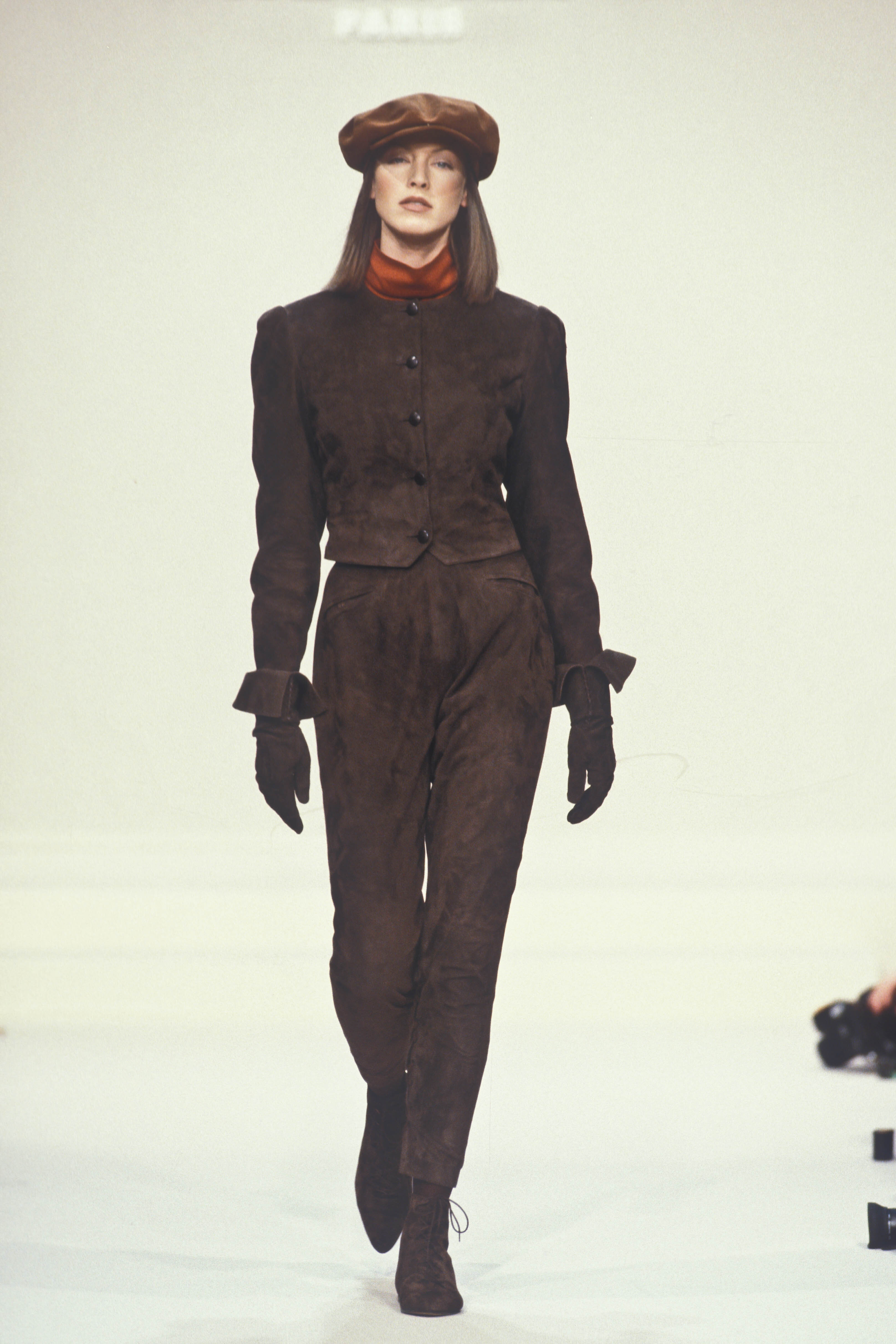
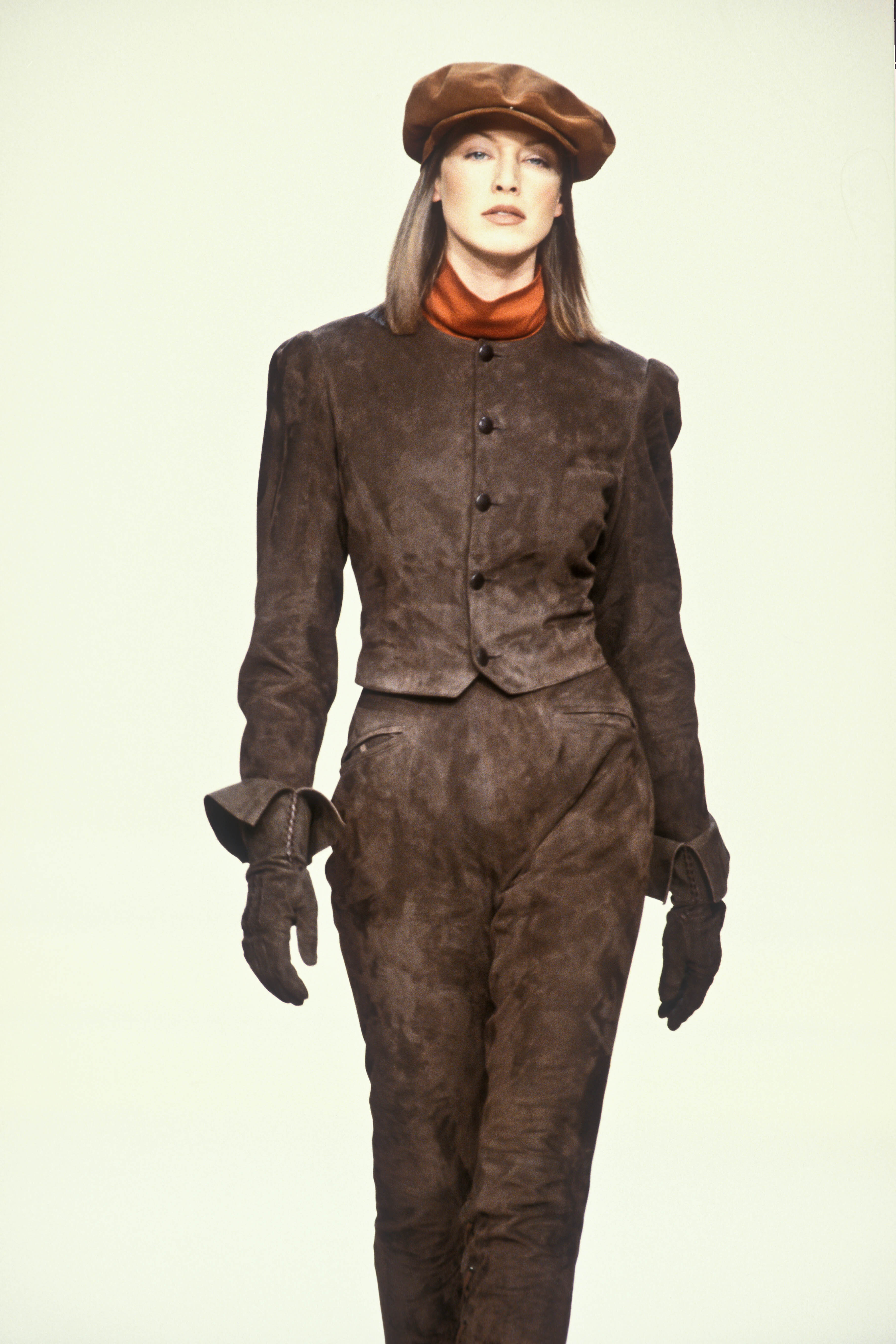

ArjaToyryla-ph_Unk.jpg.ed9cde44b268c57ff783e08da9b62e33.jpg)
ArjaToyryla-ph_Unk.jpg.63a62e709c1adae15fbbdacb41495701.jpg)
ArjaToyryla-ph_Unk.jpg.6a1926d06540b87c390036db57dd6051.jpg)
ArjaToyryla-ph_Unk.jpg.896cc60bb3e4e58f6eb92372434aa60f.jpg)
ArjaToyryla-ph_Unk.jpg.4c7b5ee57ed88c71aa5debe4a72ac705.jpg)
ArjaToyryla-ph_Unk.jpg.f5a868b759e4f19f6c3558d2880a7c5f.jpg)
ArjaToyryla-ph_Unk.jpg.4d55efafc509e6a6de202548abe76777.jpg)
ArjaToyryla-ph_Unk.jpg.6b4f72a789598649bc976d3b0dde4d1e.jpg)
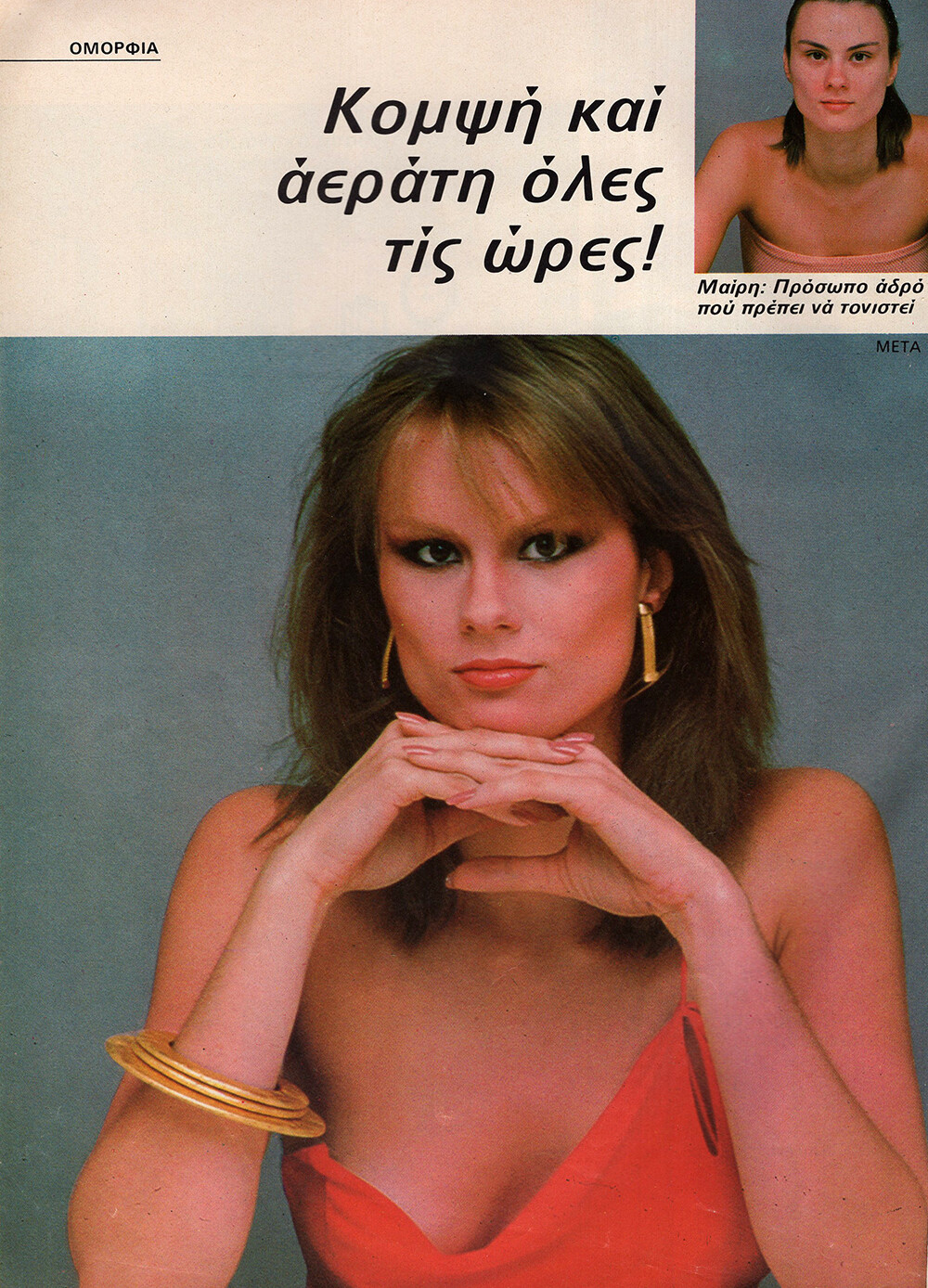

ArjaToyryla-ph_Unk.jpg.6783342d0934ebed4895edc1e546af7e.jpg)
ArjaToyryla-ph_Unk.jpg.10ebd8609c2be4949f210e490c99441f.jpg)
ArjaToyryla-ph_Unk.jpg.e3f350f0f522cf387fa7790c16e7d56f.jpg)
ArjaToyryla-ph_Unk.jpg.0483d36c030d3fb641e2feac43644695.jpg)
ArjaToyryla-ph_Unk.jpg.369c2b332a3157d6fd1fcff2e9bfa504.jpg)
ArjaToyryla-ph_Unk.jpg.687cdf3b86bd1b4543c6b69cd103578b.jpg)
ArjaToyryla-ph_Unk.jpg.9e8a3ca253dface1b4e4b2c6076a3b23.jpg)
ArjaToyryla-ph_Unk.jpg.7f27766b4e9c35e26142c9d2eacec768.jpg)




Account
Search
Configure browser push notifications
Chrome (Android)
- Tap the lock icon next to the address bar.
- Tap Permissions → Notifications.
- Adjust your preference.
Chrome (Desktop)
- Click the padlock icon in the address bar.
- Select Site settings.
- Find Notifications and adjust your preference.
Safari (iOS 16.4+)
- Ensure the site is installed via Add to Home Screen.
- Open Settings App → Notifications.
- Find your app name and adjust your preference.
Safari (macOS)
- Go to Safari → Preferences.
- Click the Websites tab.
- Select Notifications in the sidebar.
- Find this website and adjust your preference.
Edge (Android)
- Tap the lock icon next to the address bar.
- Tap Permissions.
- Find Notifications and adjust your preference.
Edge (Desktop)
- Click the padlock icon in the address bar.
- Click Permissions for this site.
- Find Notifications and adjust your preference.
Firefox (Android)
- Go to Settings → Site permissions.
- Tap Notifications.
- Find this site in the list and adjust your preference.
Firefox (Desktop)
- Open Firefox Settings.
- Search for Notifications.
- Find this site in the list and adjust your preference.