All Activity
- Past hour
-
Not Simone van Baal but Nadine Heinkel instead 😘 https://www.bellazon.com/main/topic/31357-nadine-heinkel/page/2/ABRAHAM PELHAM F/W 2000
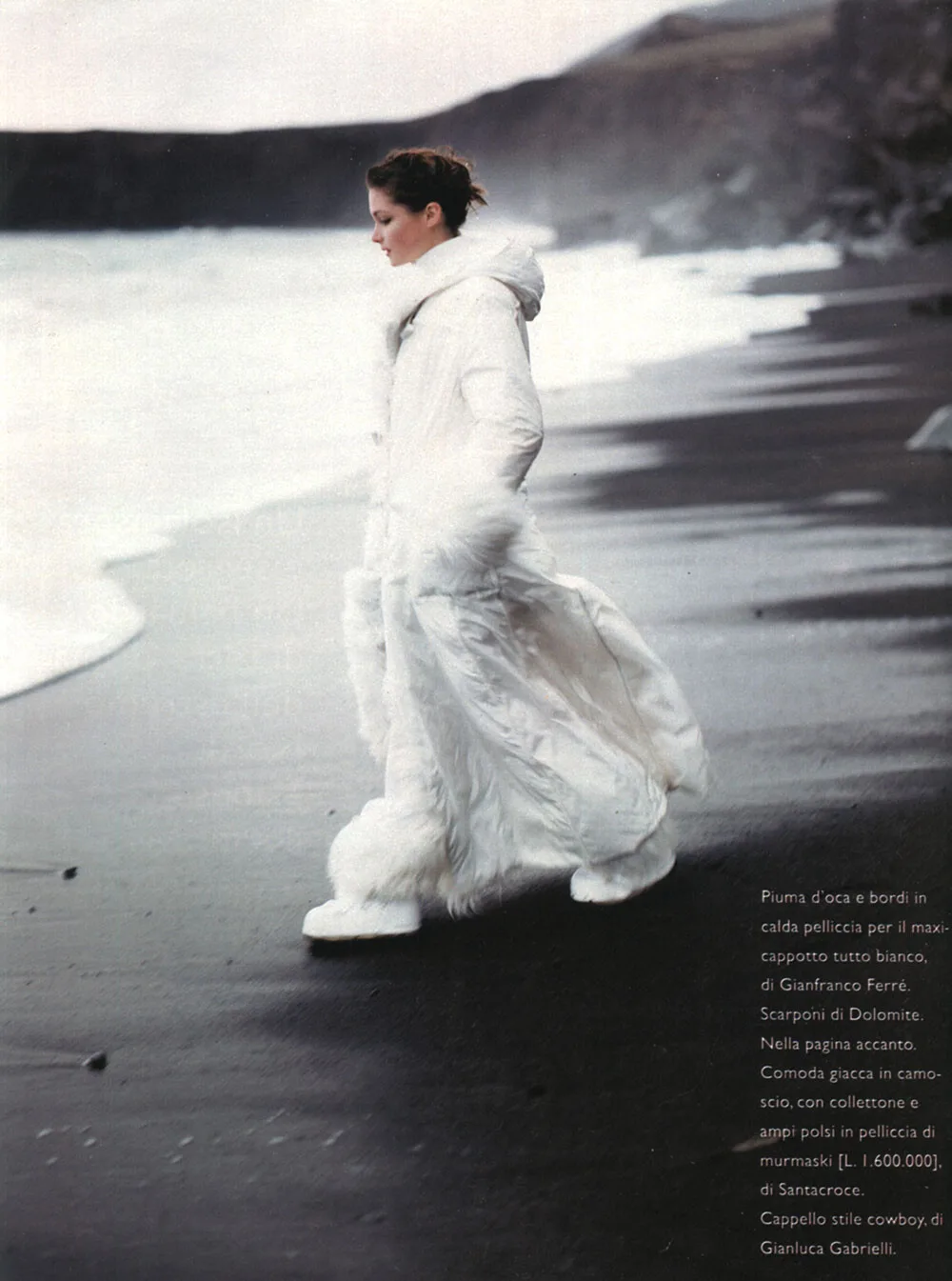
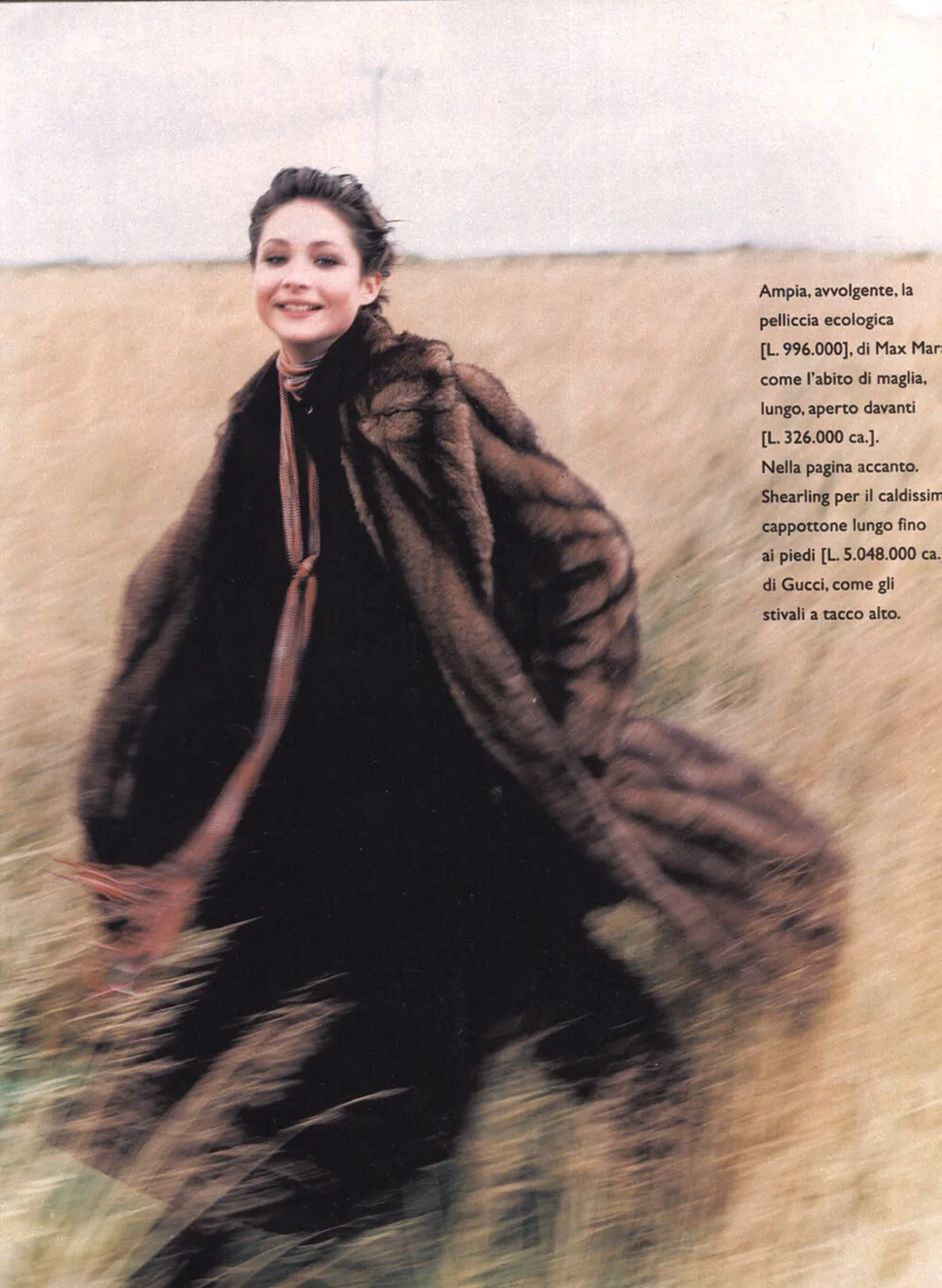
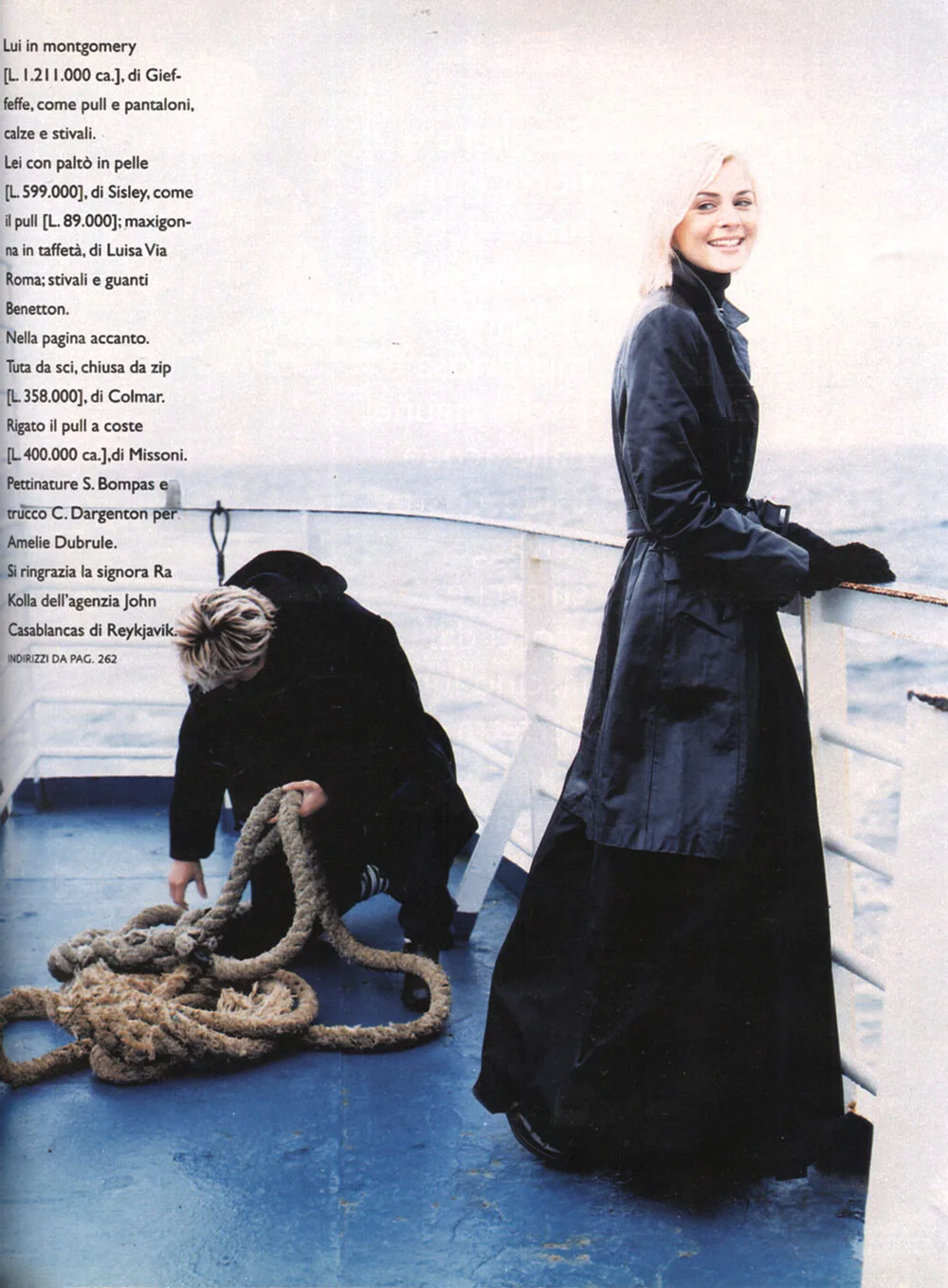
 maddog107 changed their profile photoANNA ITALIA, 18 NOVEMBER 1996 Photographer: Graham Shearer Models: Nadine Heinkel, unknown male and female model scanned by @RocketQueen

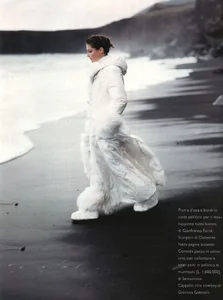








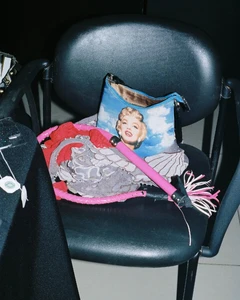
 Good thing I have a tesla :D Thats the gas around me :|kostas murkudis s/s 2001
 kostas murkudis s/s 2001
 ☠️yeesstest
 lol thanks ...AQPcZED3IeJNeqs8KItCjZ6Soa0JqeWj35tDMhrgZcSwUAo6mjK_OMx4Akb1oNdjZj9wvGX05TOmSf1LUyY_i9Ic..mp4media (k1).mp4media (4).mp4media (2).mp4media (5).mp4Angelique Wagner SELF -pym... sorry for quality...

 Josephine Skriver Elsa Hosk Neta Alchimister Victoria Frost Milana Vino Julia Cavanagh Veridiana Ferriera Daiane SodreJulie Skinner https://www.bellazon.com/main/topic/99640-julie-skinner/page/2/Instagram I love South America!! • Brasil, you better be a good crowd…. or else mommy is going to be very upset!!!!!!!!!


















































Account
Navigation
Search
Configure browser push notifications
Chrome (Android)
- Tap the lock icon next to the address bar.
- Tap Permissions → Notifications.
- Adjust your preference.
Chrome (Desktop)
- Click the padlock icon in the address bar.
- Select Site settings.
- Find Notifications and adjust your preference.
Safari (iOS 16.4+)
- Ensure the site is installed via Add to Home Screen.
- Open Settings App → Notifications.
- Find your app name and adjust your preference.
Safari (macOS)
- Go to Safari → Preferences.
- Click the Websites tab.
- Select Notifications in the sidebar.
- Find this website and adjust your preference.
Edge (Android)
- Tap the lock icon next to the address bar.
- Tap Permissions.
- Find Notifications and adjust your preference.
Edge (Desktop)
- Click the padlock icon in the address bar.
- Click Permissions for this site.
- Find Notifications and adjust your preference.
Firefox (Android)
- Go to Settings → Site permissions.
- Tap Notifications.
- Find this site in the list and adjust your preference.
Firefox (Desktop)
- Open Firefox Settings.
- Search for Notifications.
- Find this site in the list and adjust your preference.