All Activity
- Past hour
-

-
 Caroline Rausch for Posh Sauvage July 2013 photographer Oly Barnsleywwmodels.nl
-11__large.thumb.jpg.f2a0812bcbbd13e7b9a9d7c8512c715c.jpg)
-12__large.thumb.jpg.6d162bbef7f825a7f3137492b4a350eb.jpg)
-13__large.thumb.jpg.383a01bca317ad8770b42d31fc54570a.jpg)
-14__large.thumb.jpg.0a766bcf4236cd7fce0482efdec1fc2c.jpg)
 Jimmy Gawker joined the community
 Skirb joined the community
Oriflame Russia 11/2012 ''Divine sensual'' perfume
Skirb joined the community
Oriflame Russia 11/2012 ''Divine sensual'' perfume
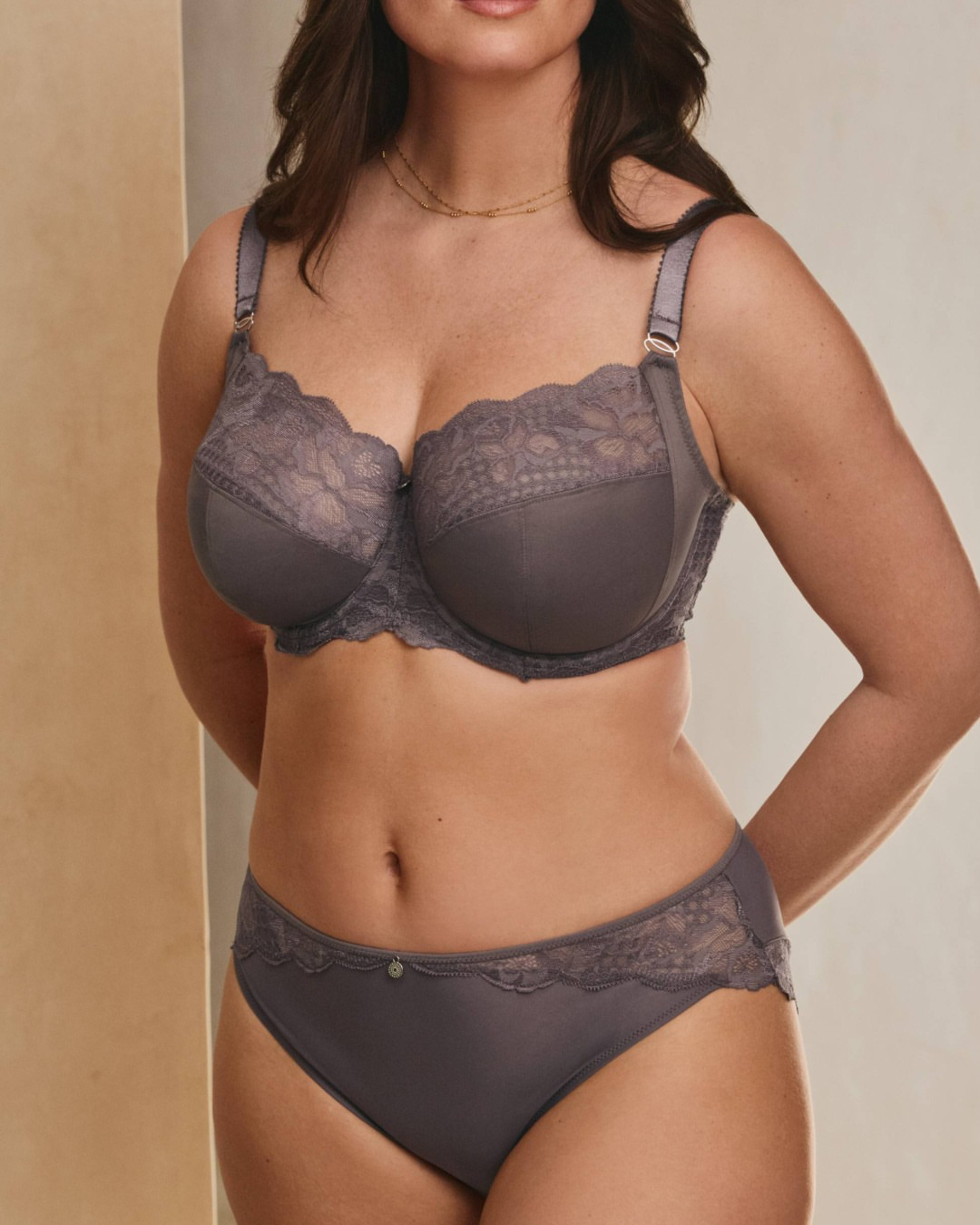
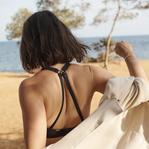 Agent Provocateur



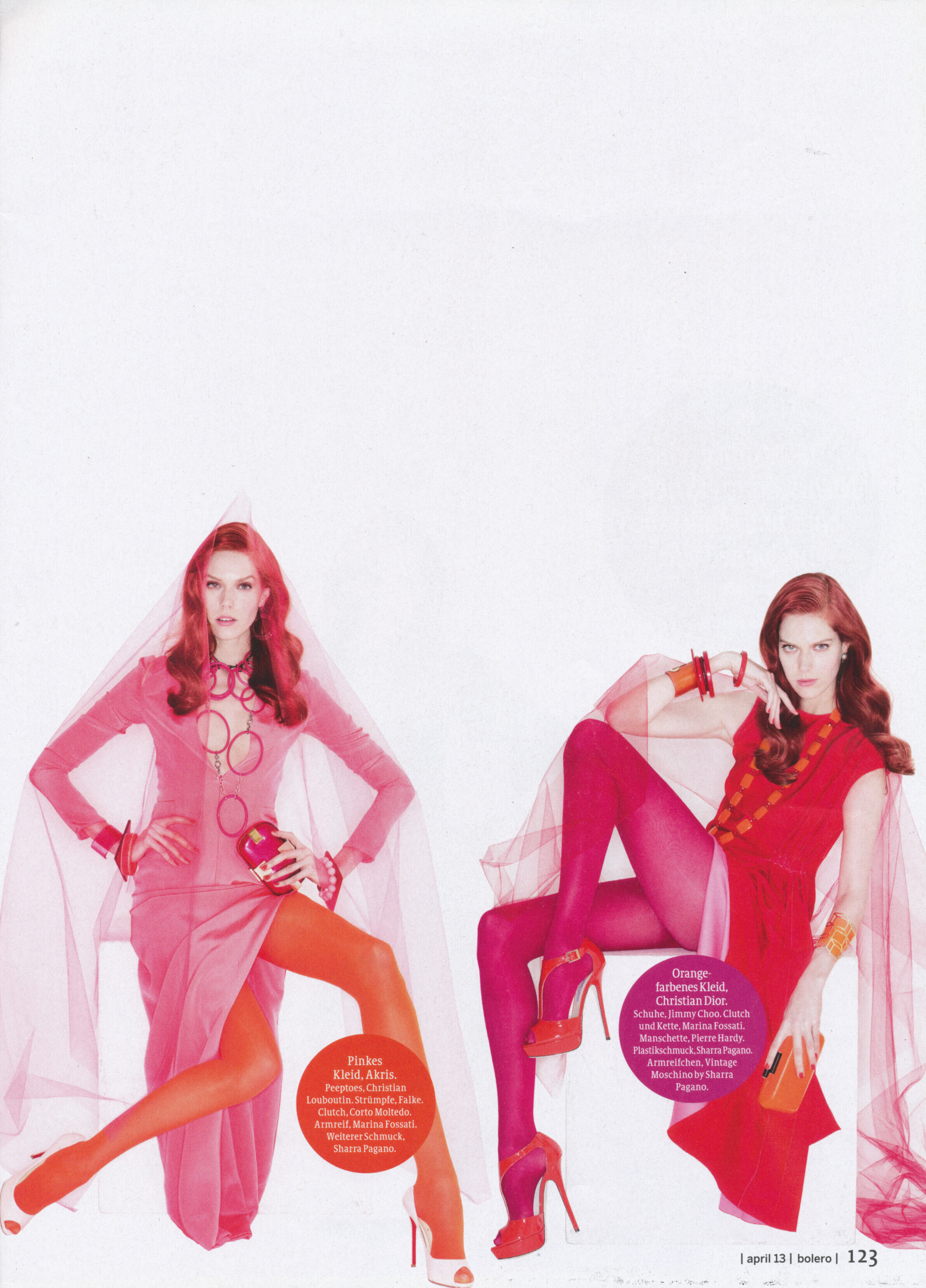
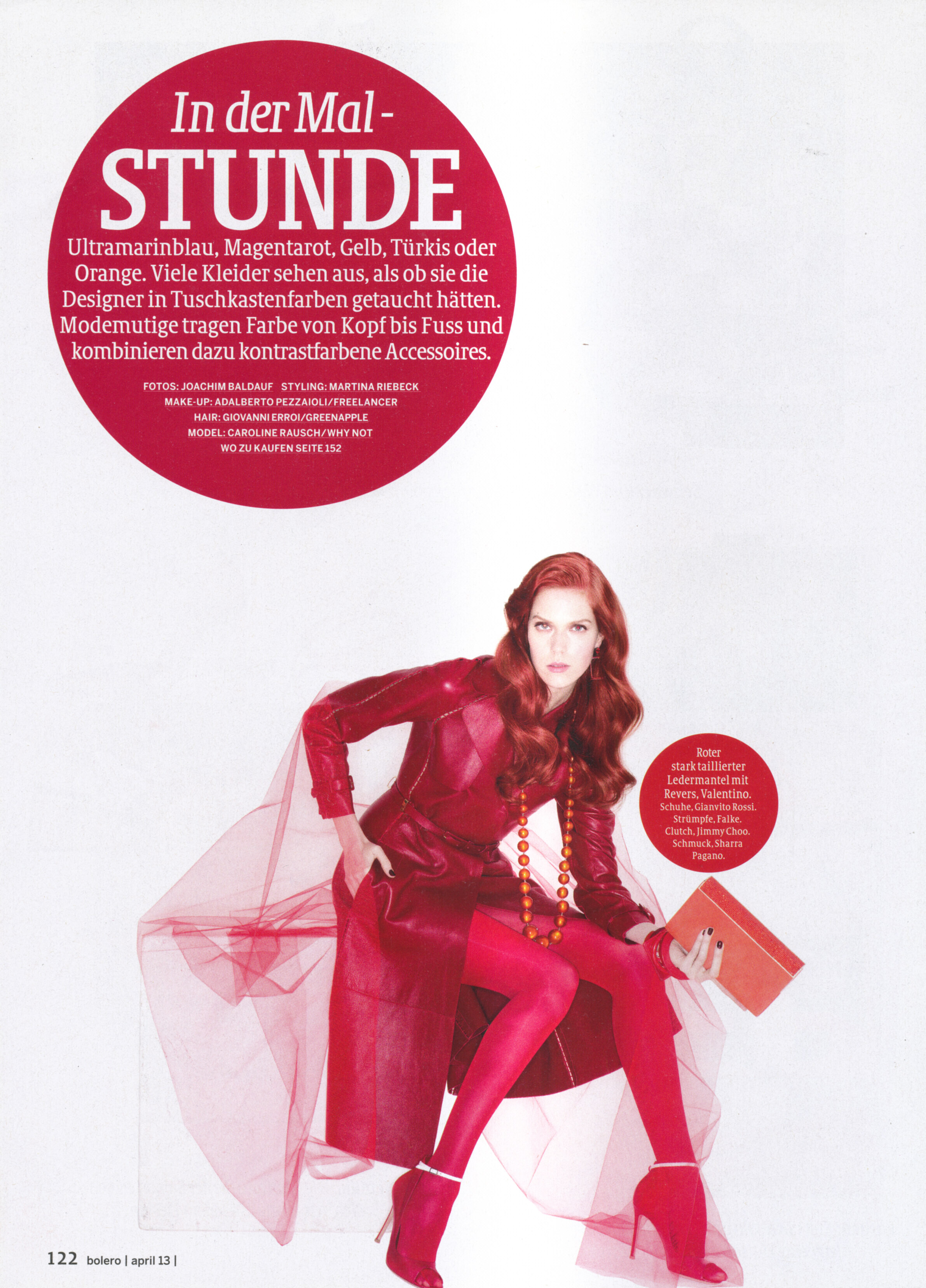
 BOLERO magazine Switzerland Apr.2013 - photo Joachim Baldauf my scans Thanks @Minerva13! 😘

 Thanks for the headsup. We're banning them as quickly as we find them, but there is always more waiting. :(
Oriflame Russia 6/2013 ''Divine sensual'' perfume
Thanks for the headsup. We're banning them as quickly as we find them, but there is always more waiting. :(
Oriflame Russia 6/2013 ''Divine sensual'' perfume
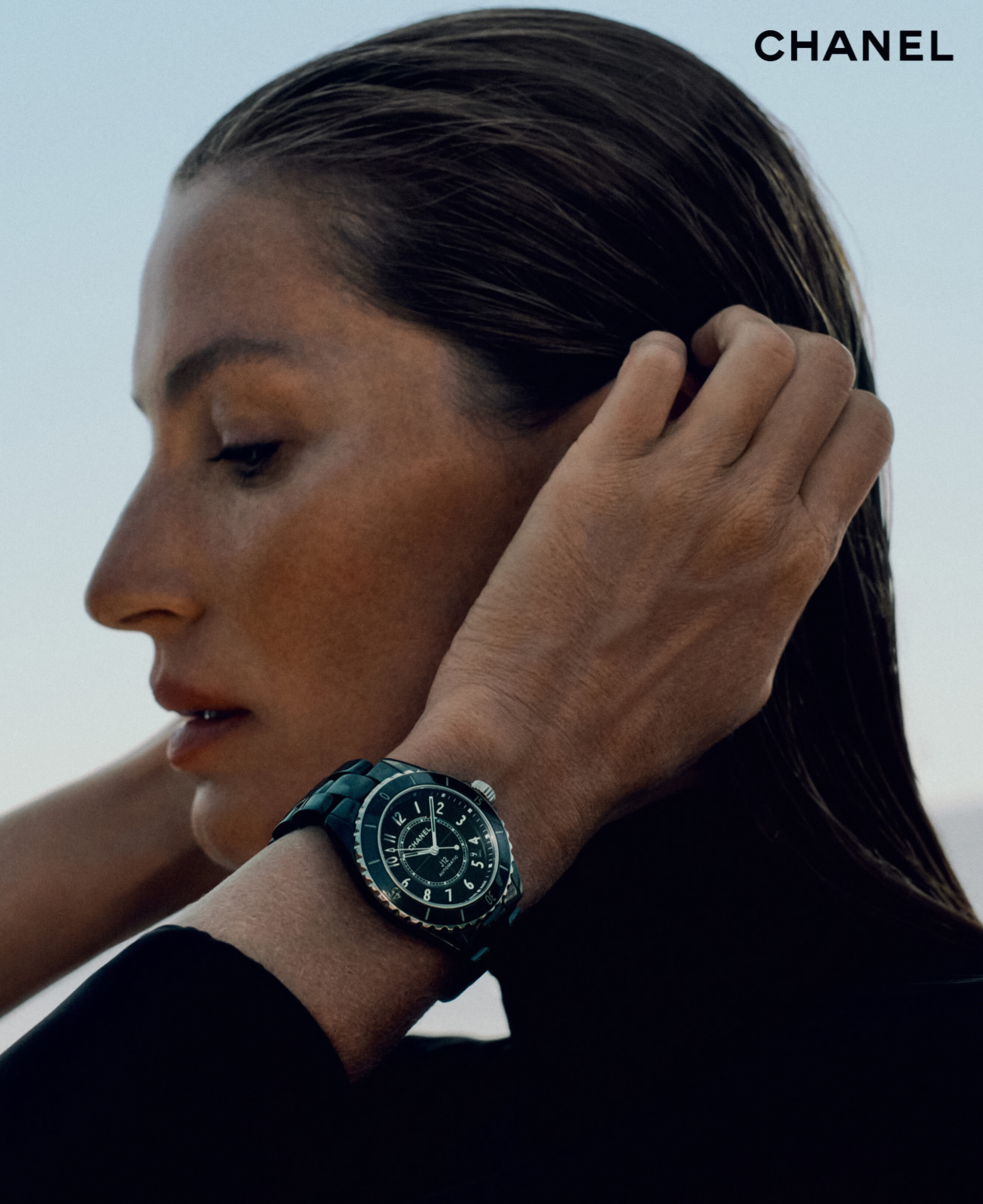
 Chanel 'J12' Watch S/S 2026:
 More spammers: https://www.bellazon.com/main/profile/330656-siduuseo45/ https://www.bellazon.com/main/profile/330621-junipeerr/ https://www.bellazon.com/main/profile/330378-anurama87/ https://www.bellazon.com/main/profile/330366-prabhuma876/ @PrettyDeadThings
Bulgarian photographer Vasil Germanov
More spammers: https://www.bellazon.com/main/profile/330656-siduuseo45/ https://www.bellazon.com/main/profile/330621-junipeerr/ https://www.bellazon.com/main/profile/330378-anurama87/ https://www.bellazon.com/main/profile/330366-prabhuma876/ @PrettyDeadThings
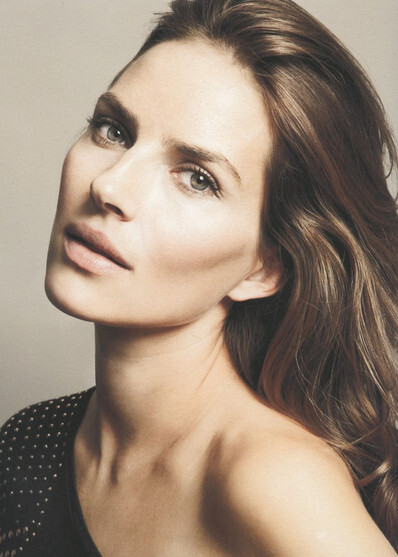
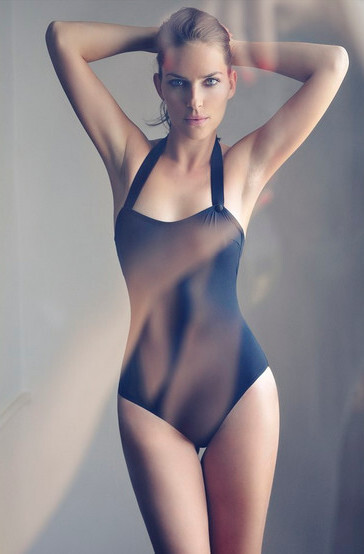
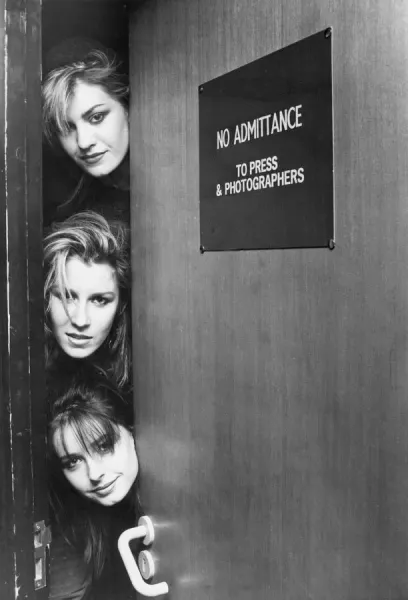
Bulgarian photographer Vasil Germanov ph. Irish Brosch-wonderful 90's/early 2000's photographer for fashion magazines



-11__large.jpg.8cd4ec3ca0d2bcebbe1e37df4d462a32.jpg)
-12__large.jpg.9aa78b90c8a624402cdf2368e6a55584.jpg)
-13__large.jpg.c03d269c797673ff8fd91a7e57e75414.jpg)
-14__large.jpg.0d814a1baef226e8c2de1a362c04fdf7.jpg)
















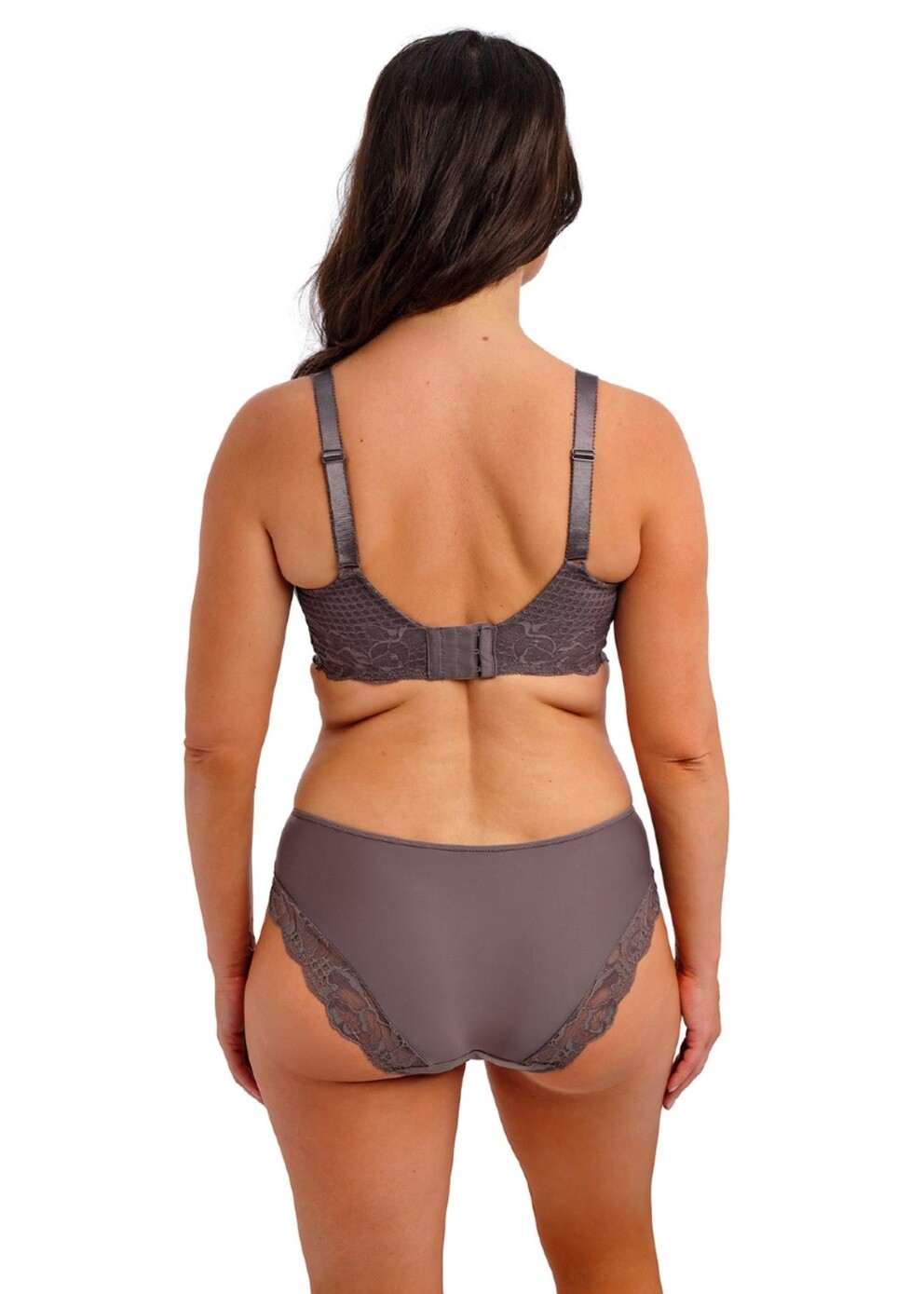
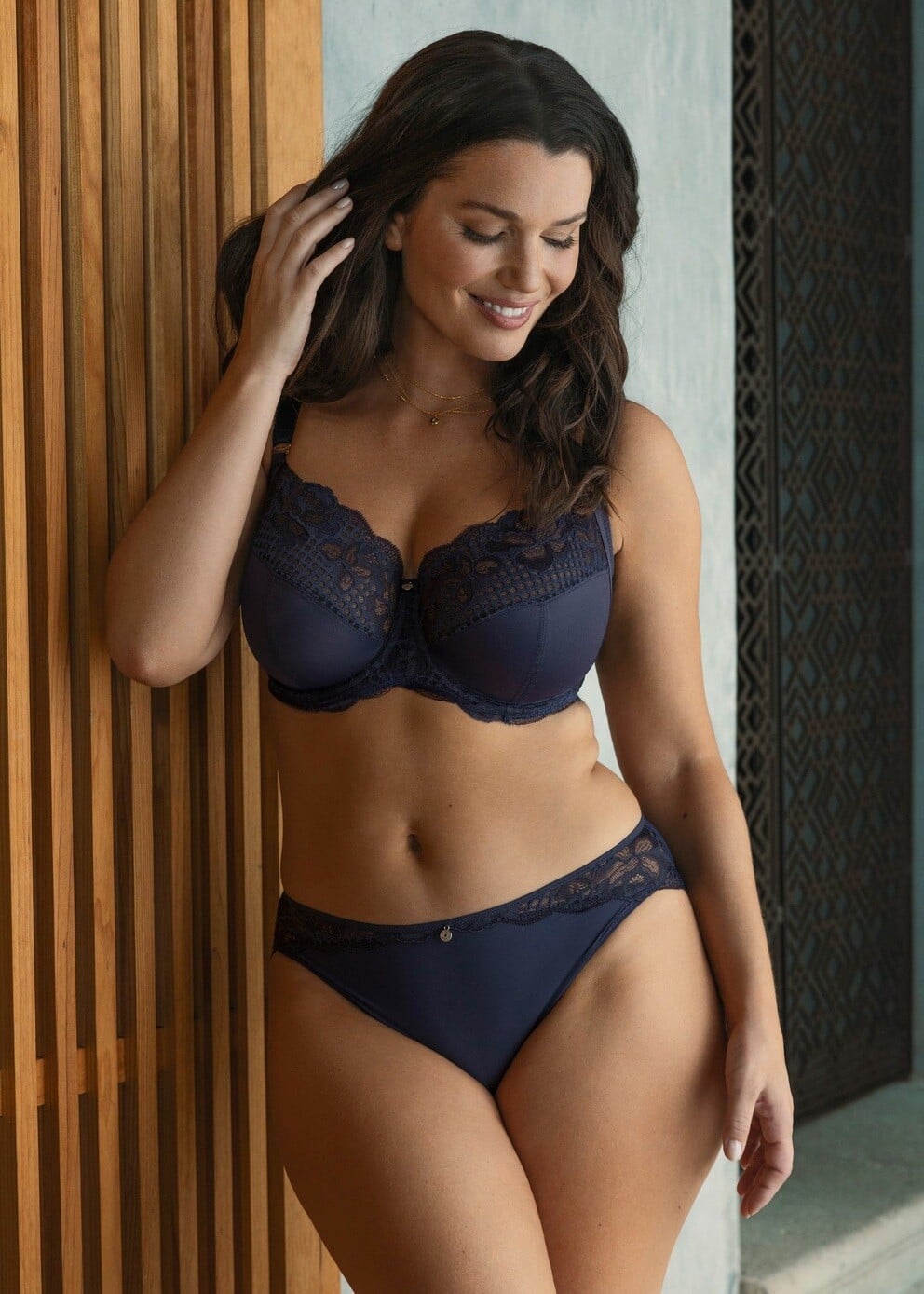
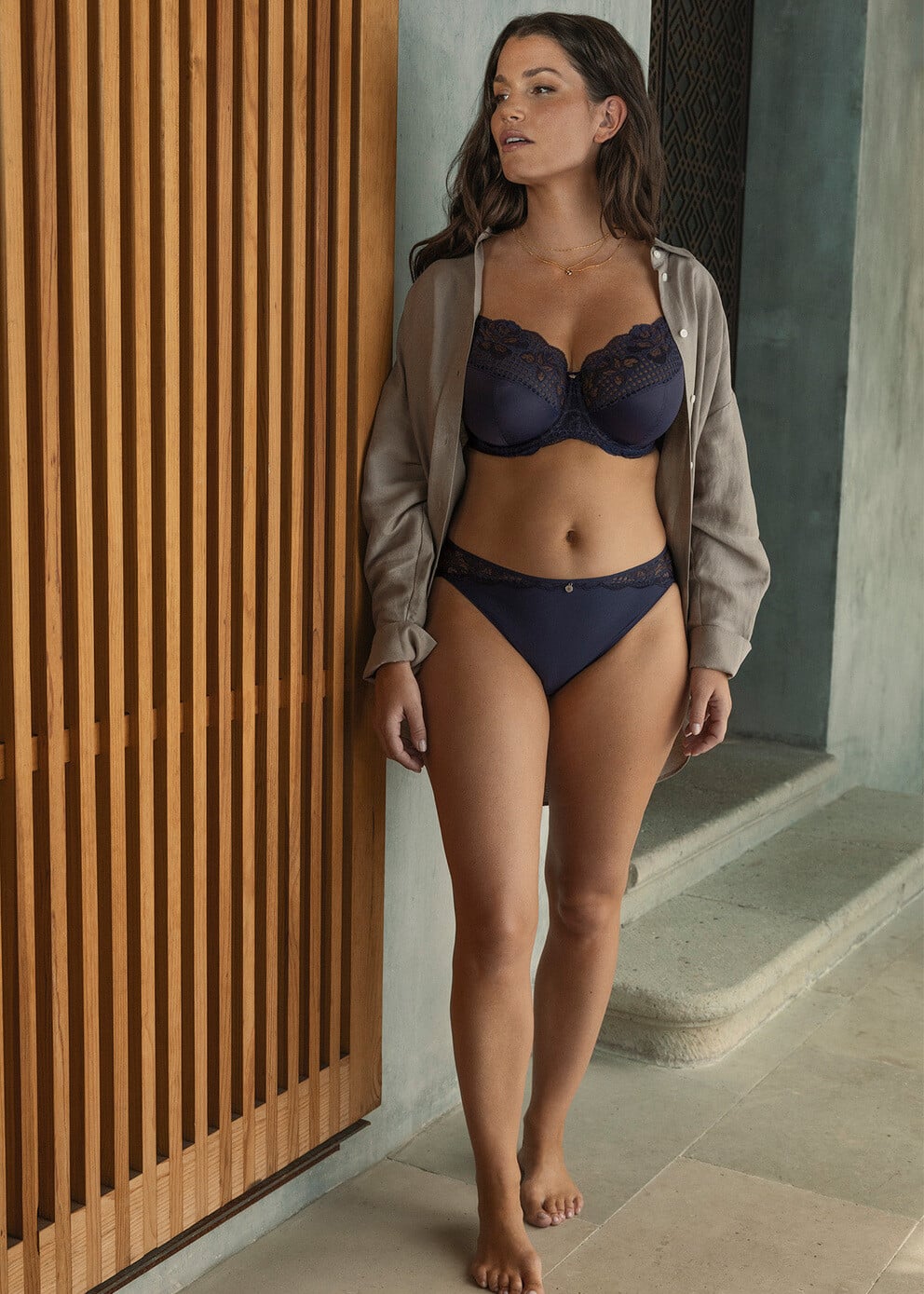


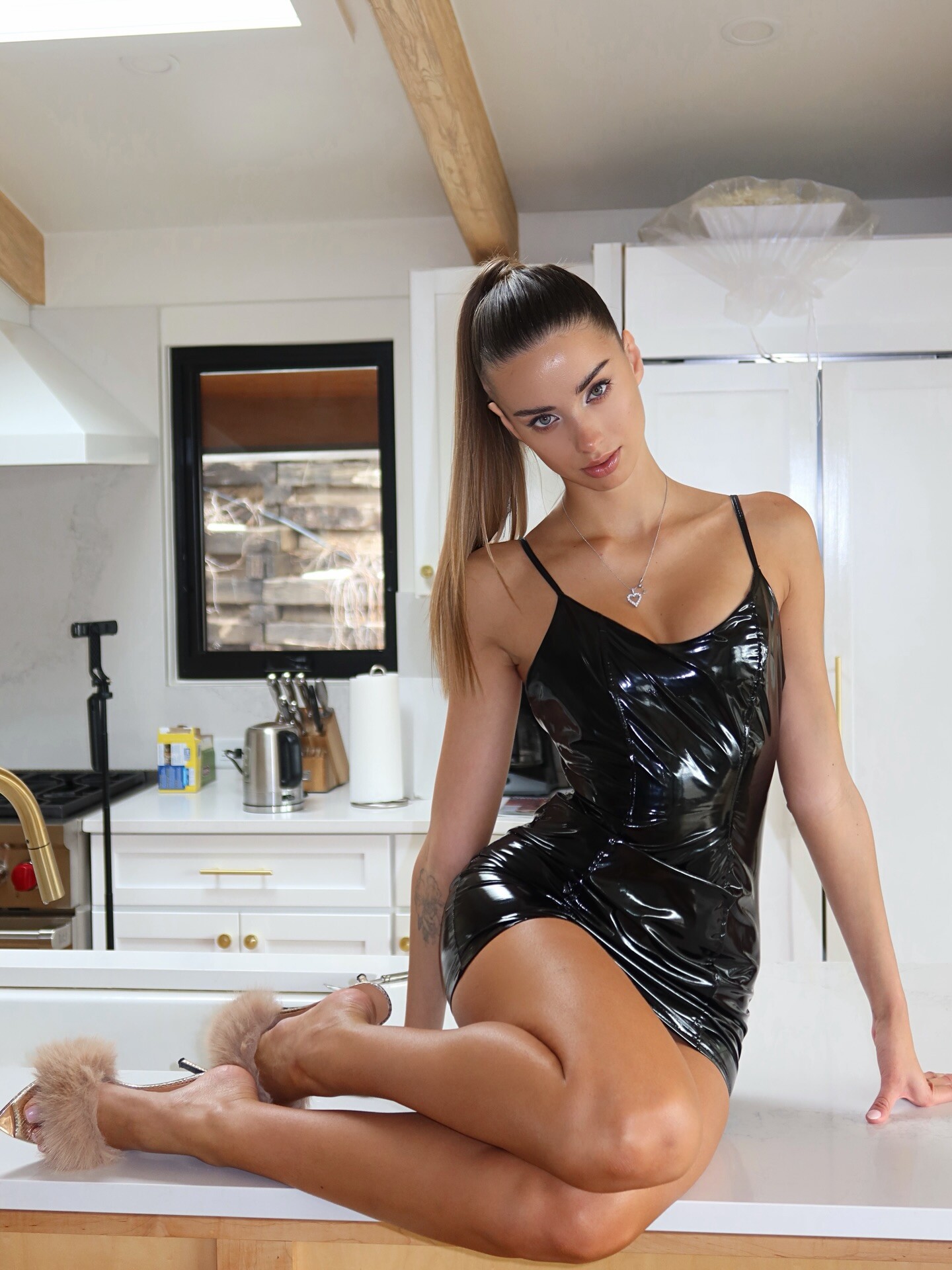
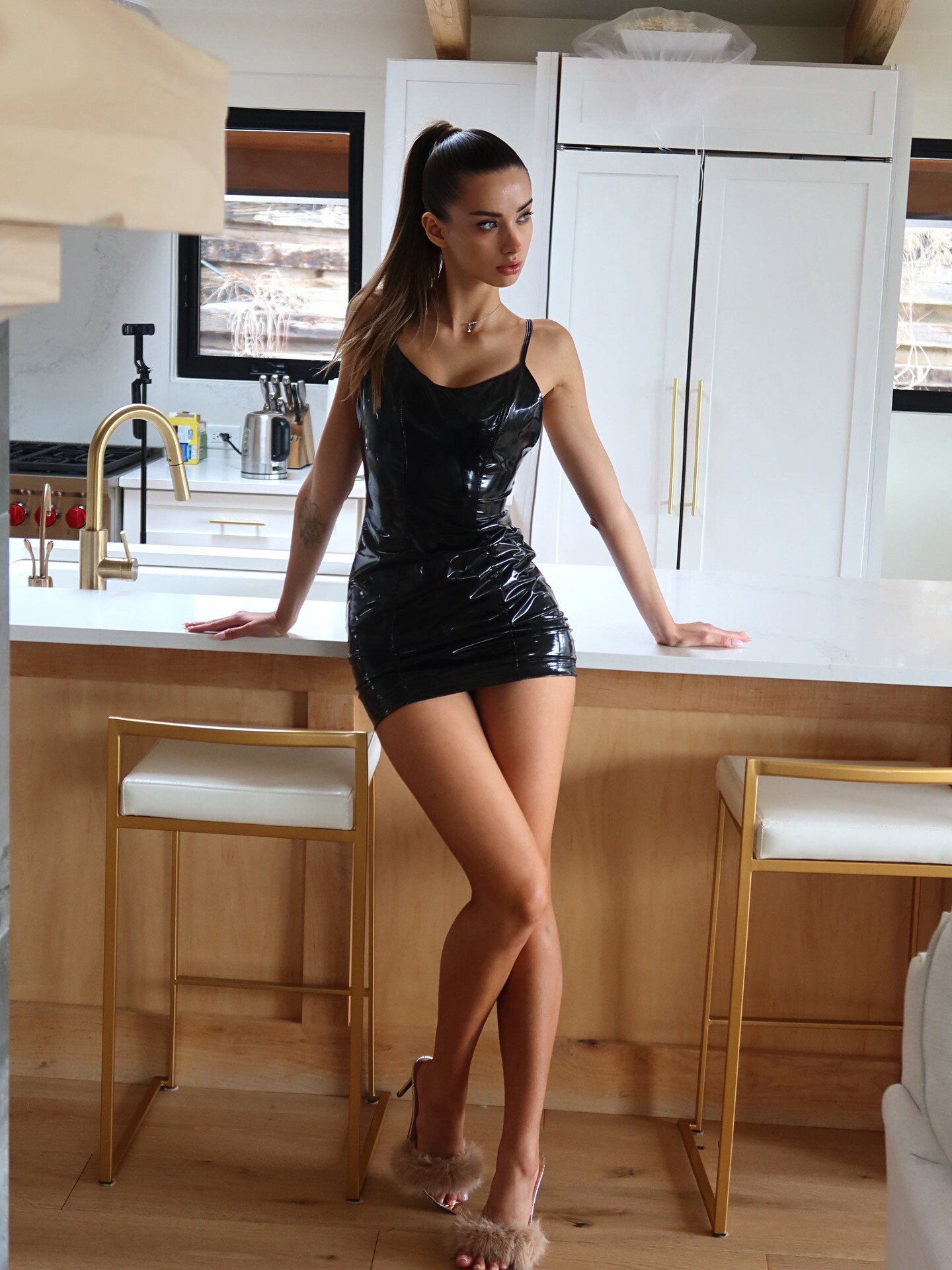
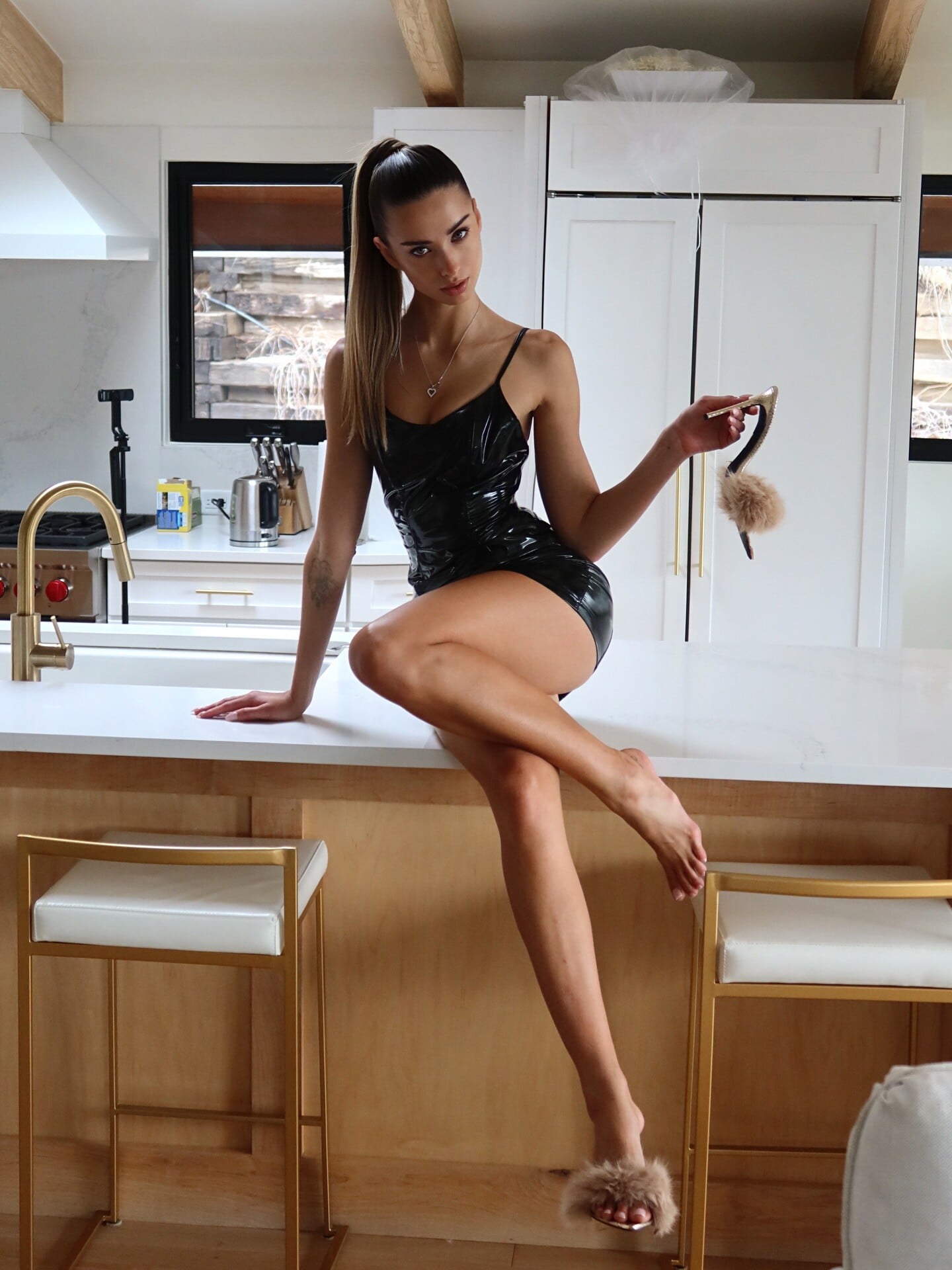
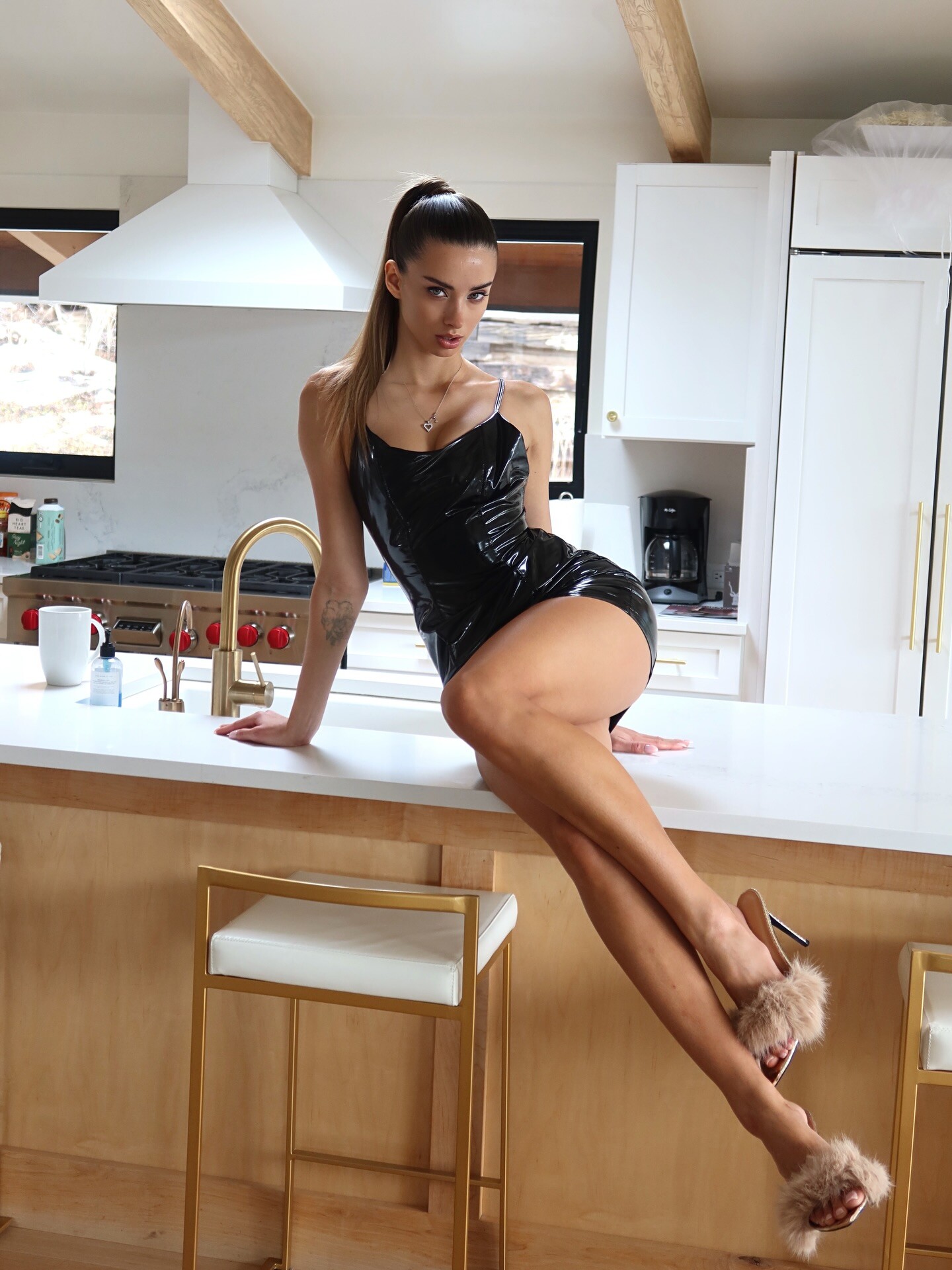
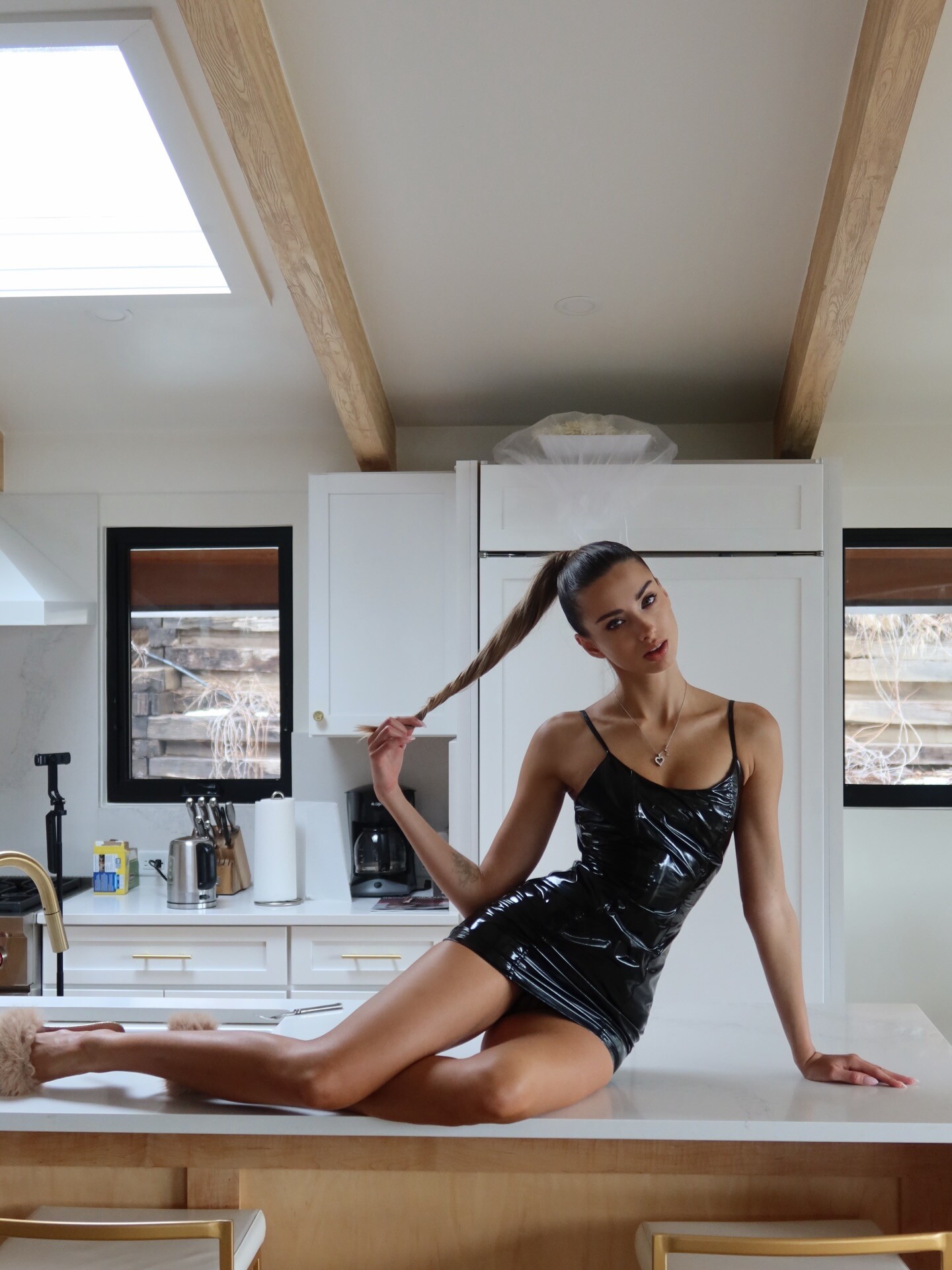
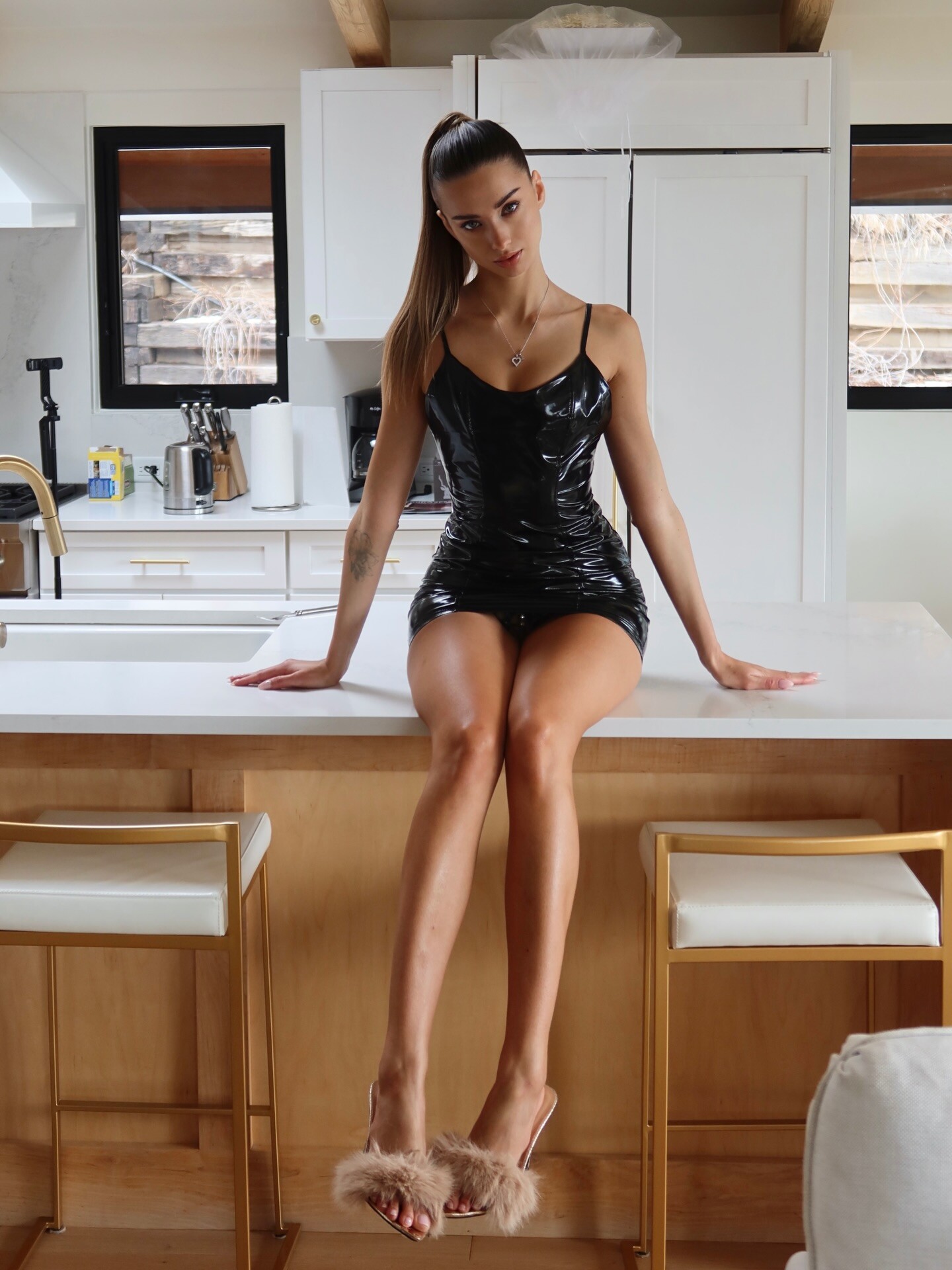
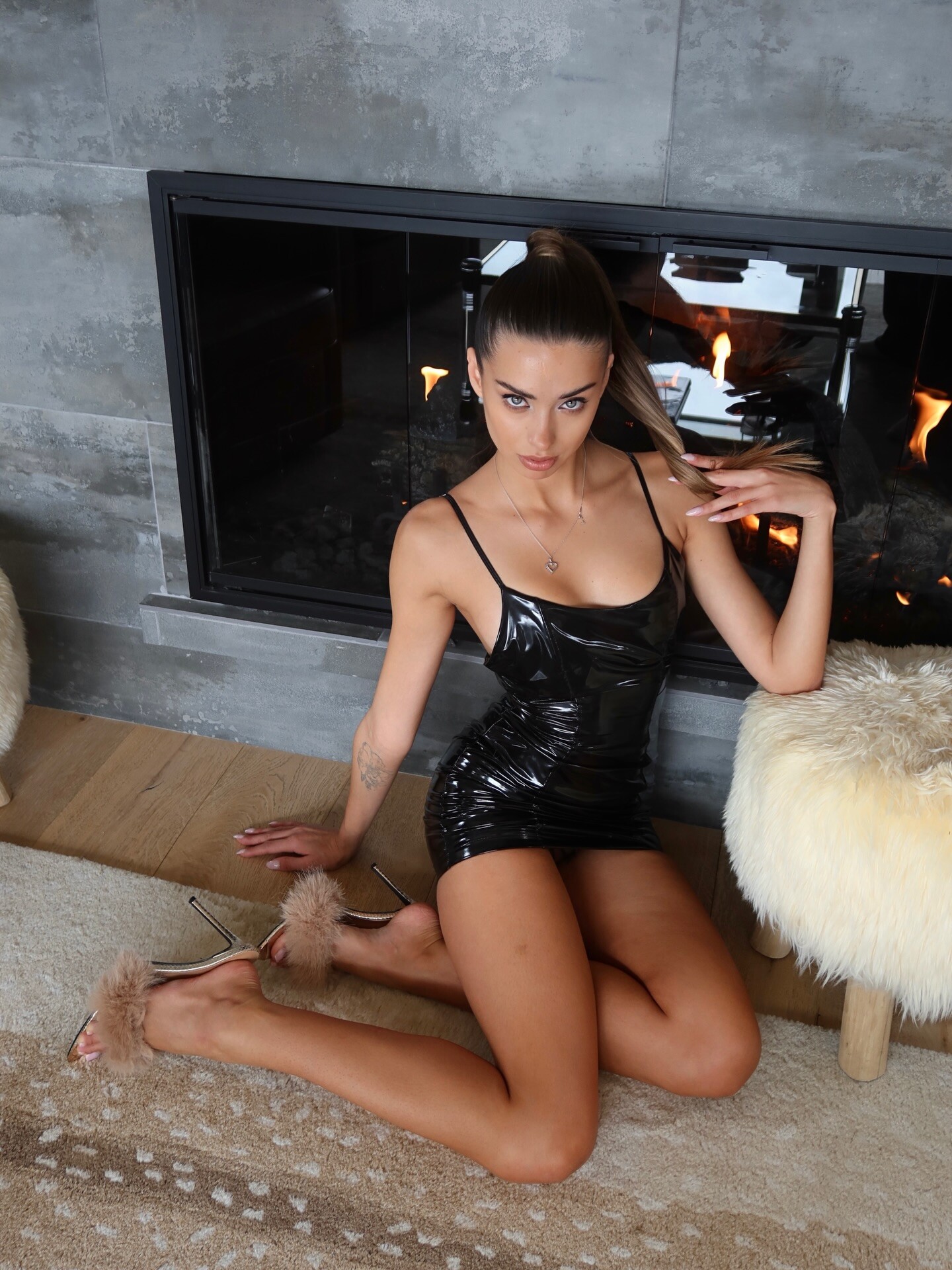
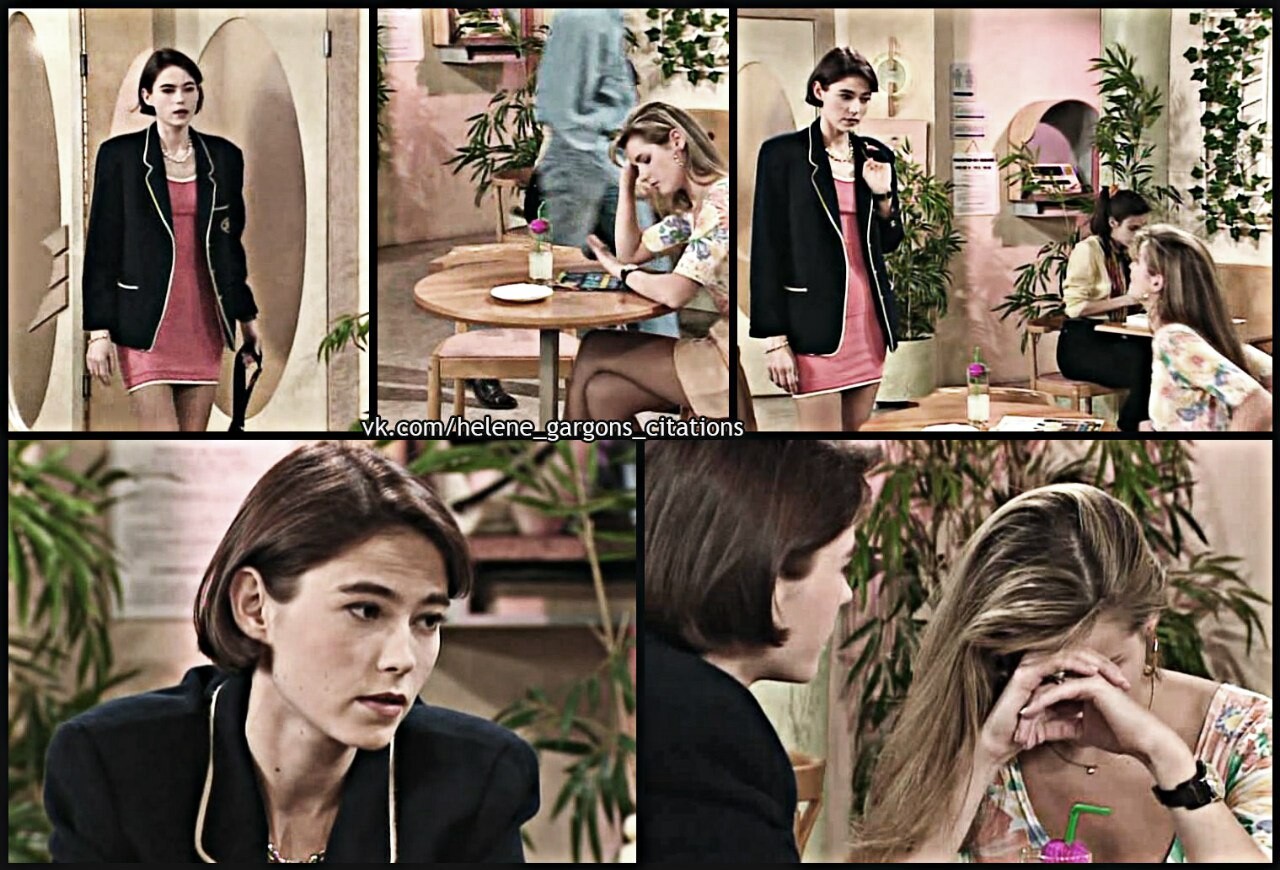


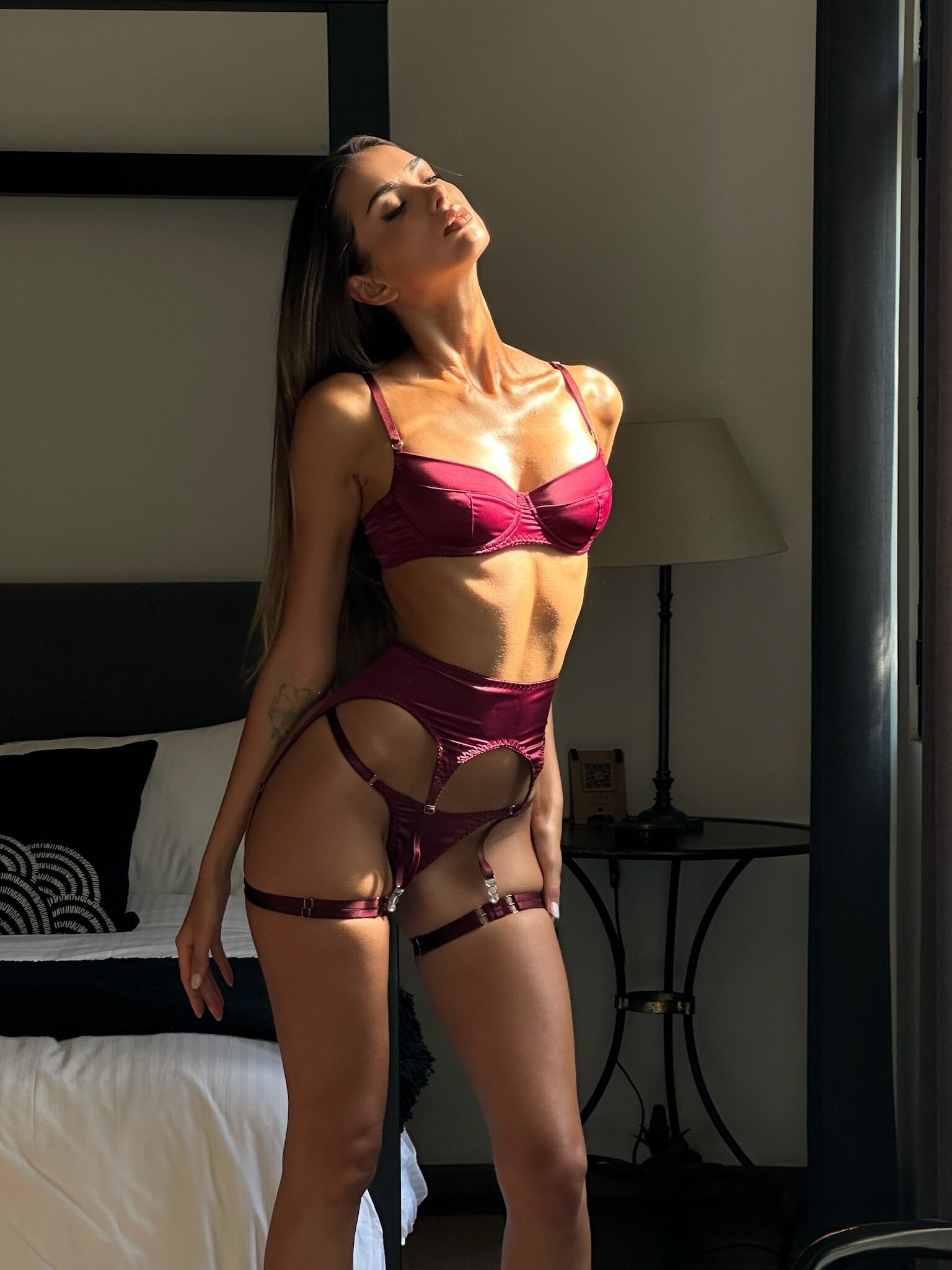









Account
Navigation
Search
Configure browser push notifications
Chrome (Android)
- Tap the lock icon next to the address bar.
- Tap Permissions → Notifications.
- Adjust your preference.
Chrome (Desktop)
- Click the padlock icon in the address bar.
- Select Site settings.
- Find Notifications and adjust your preference.
Safari (iOS 16.4+)
- Ensure the site is installed via Add to Home Screen.
- Open Settings App → Notifications.
- Find your app name and adjust your preference.
Safari (macOS)
- Go to Safari → Preferences.
- Click the Websites tab.
- Select Notifications in the sidebar.
- Find this website and adjust your preference.
Edge (Android)
- Tap the lock icon next to the address bar.
- Tap Permissions.
- Find Notifications and adjust your preference.
Edge (Desktop)
- Click the padlock icon in the address bar.
- Click Permissions for this site.
- Find Notifications and adjust your preference.
Firefox (Android)
- Go to Settings → Site permissions.
- Tap Notifications.
- Find this site in the list and adjust your preference.
Firefox (Desktop)
- Open Firefox Settings.
- Search for Notifications.
- Find this site in the list and adjust your preference.