All Activity
- Past hour
-

-
-
-
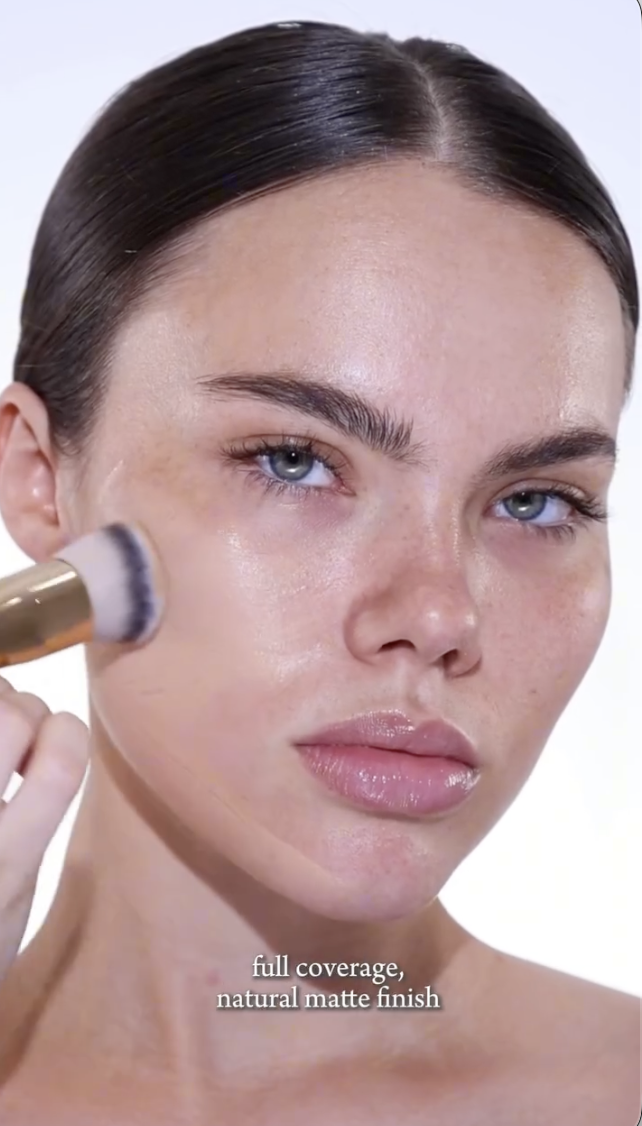
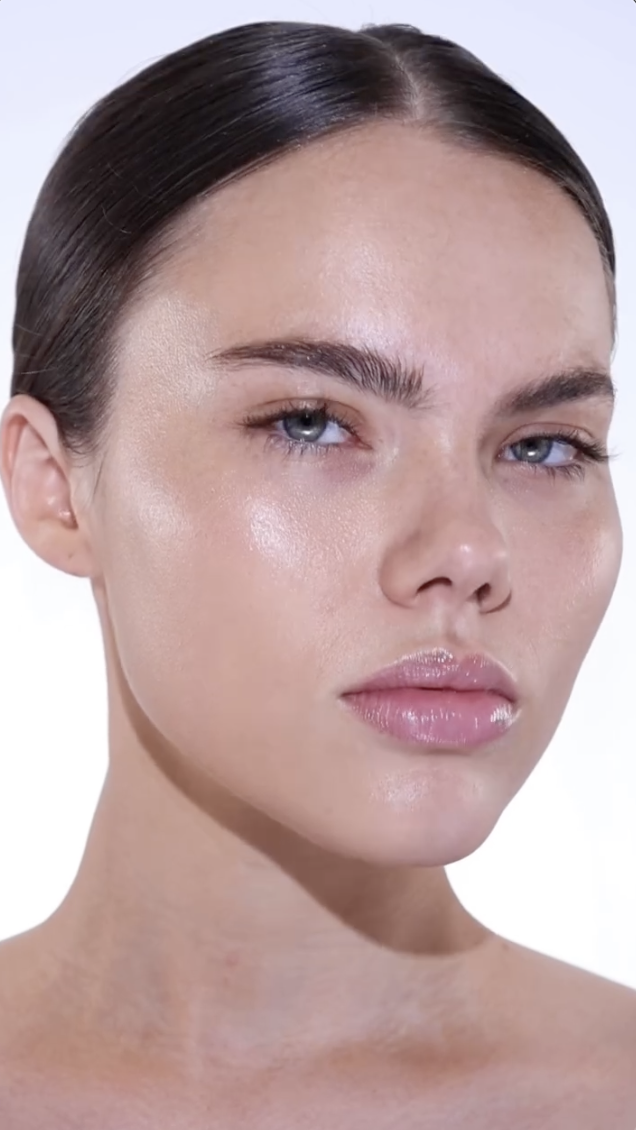
 IG SaveVid.Net_AQNpl7o6gcm1vSreZjqfmzNdpY0EAVKG3quhZISKu_t5kMnio6qTpVUjLwmUU5W40rpcDMrVg6hIdBi5Mdp3fITPb9IpuizJa3SXueA.mp4
 CLEAN DIESEL SPECIALISTS joined the community
kivenarmstrength changed their profile photo
CLEAN DIESEL SPECIALISTS joined the community
kivenarmstrength changed their profile photo
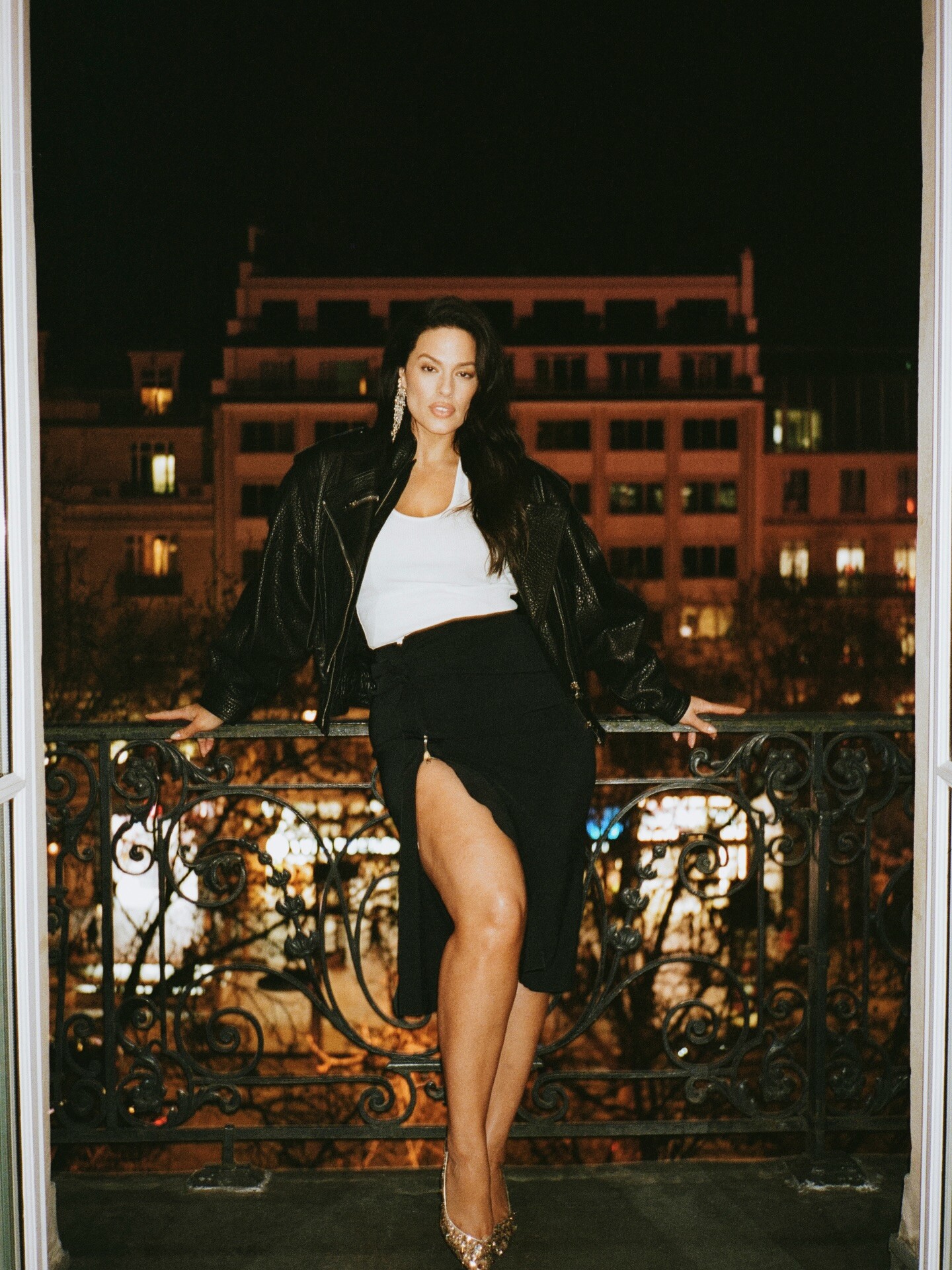
 Paris Fashion Week in Paris, France

 esxtxrxc joined the community
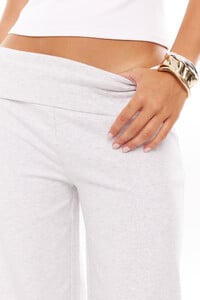
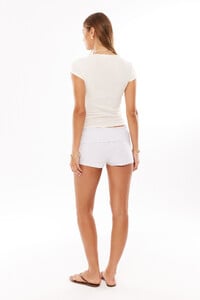
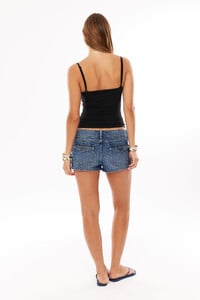
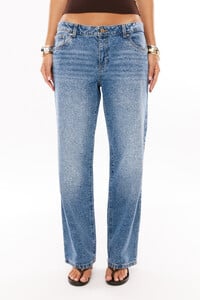
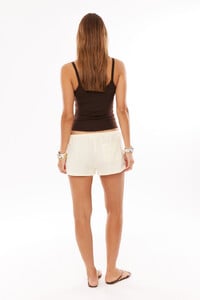
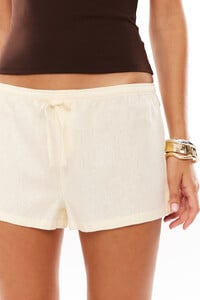
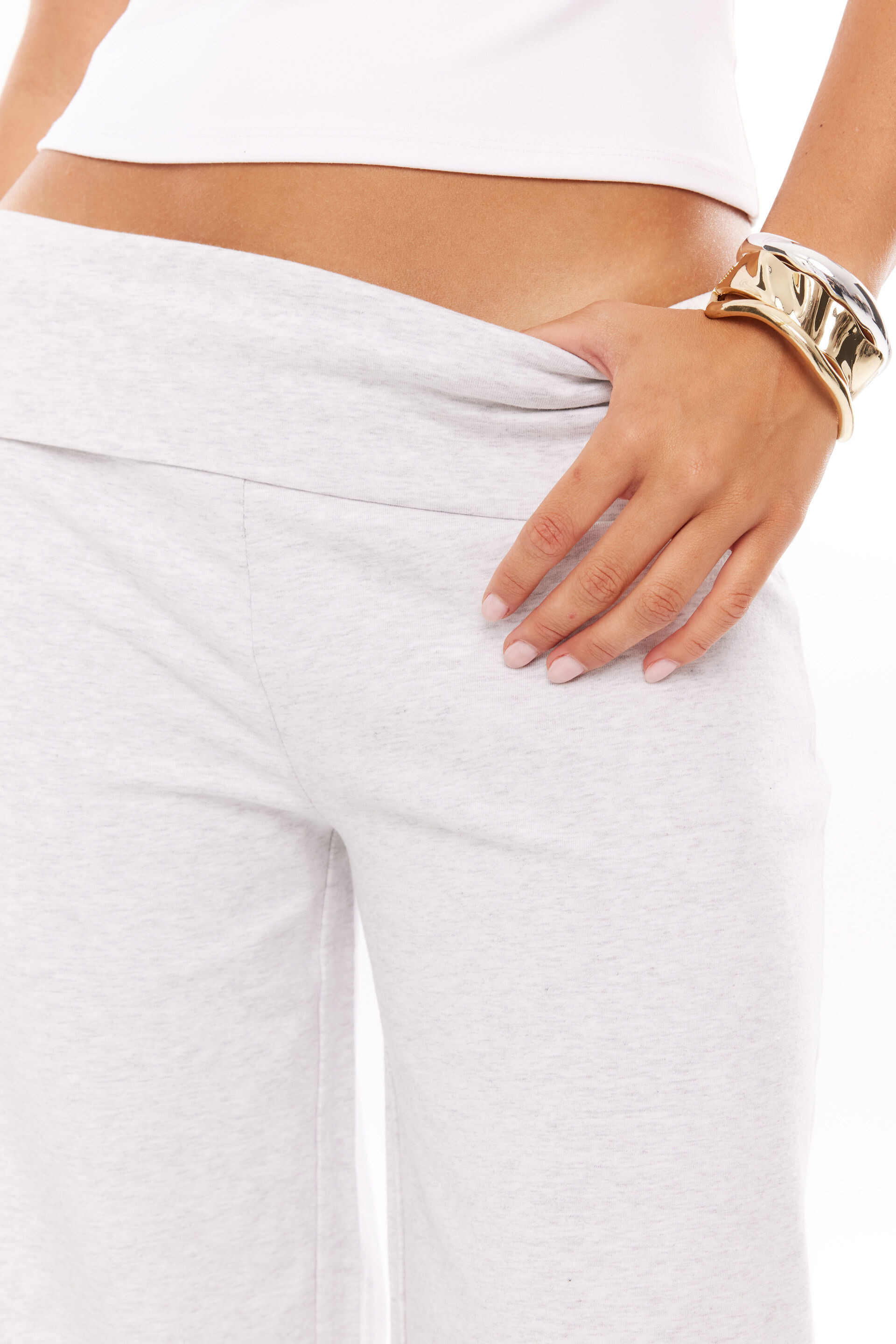
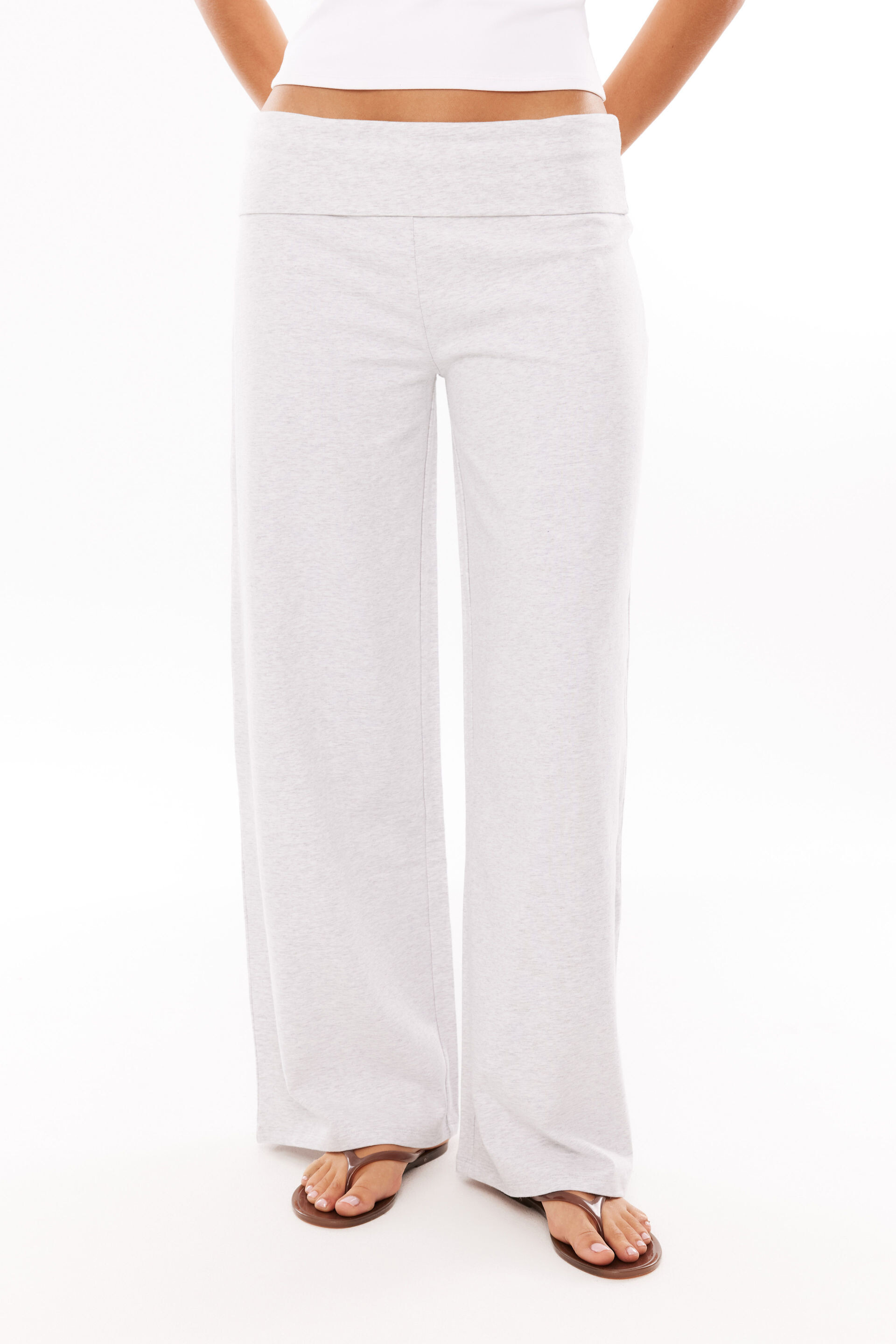
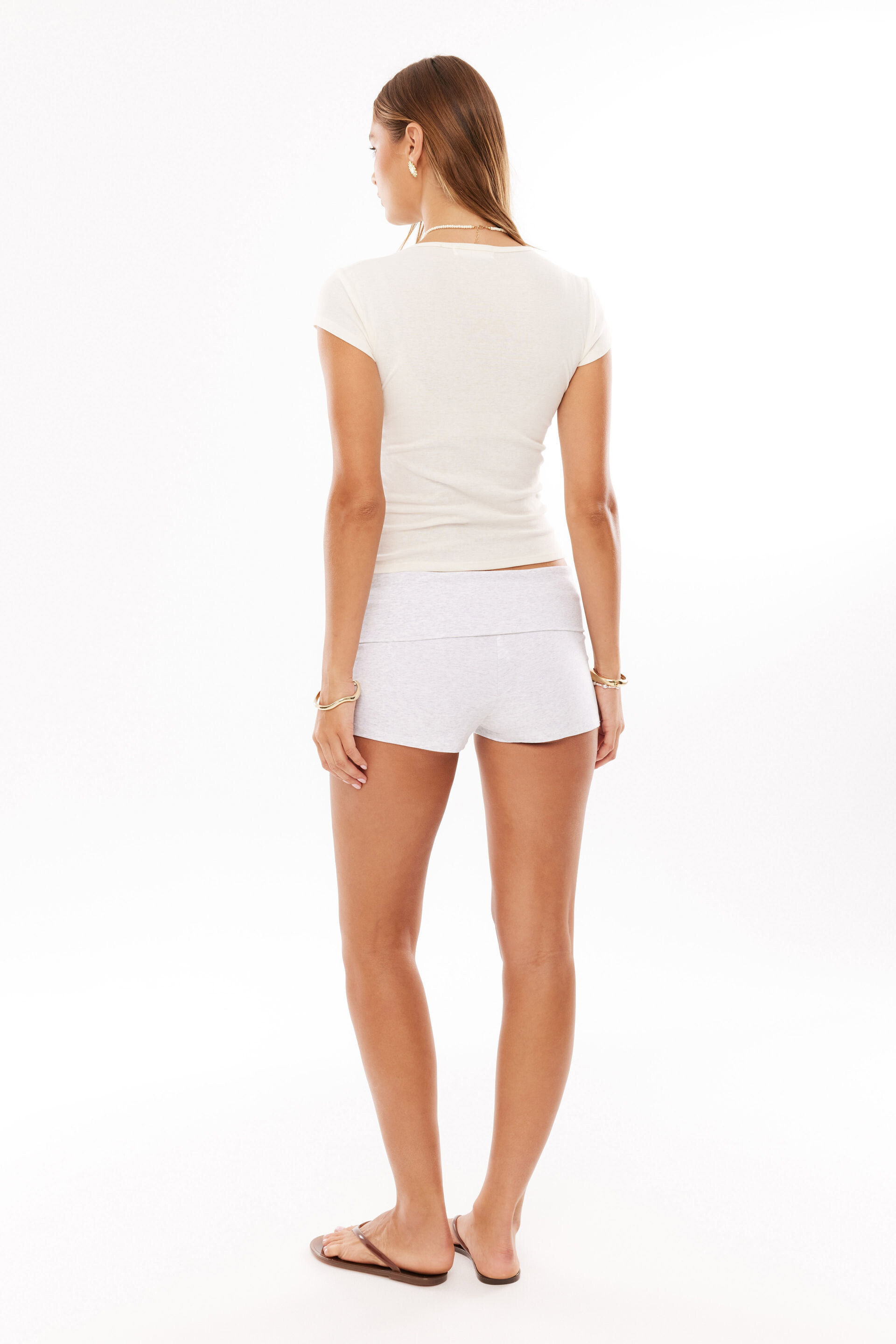
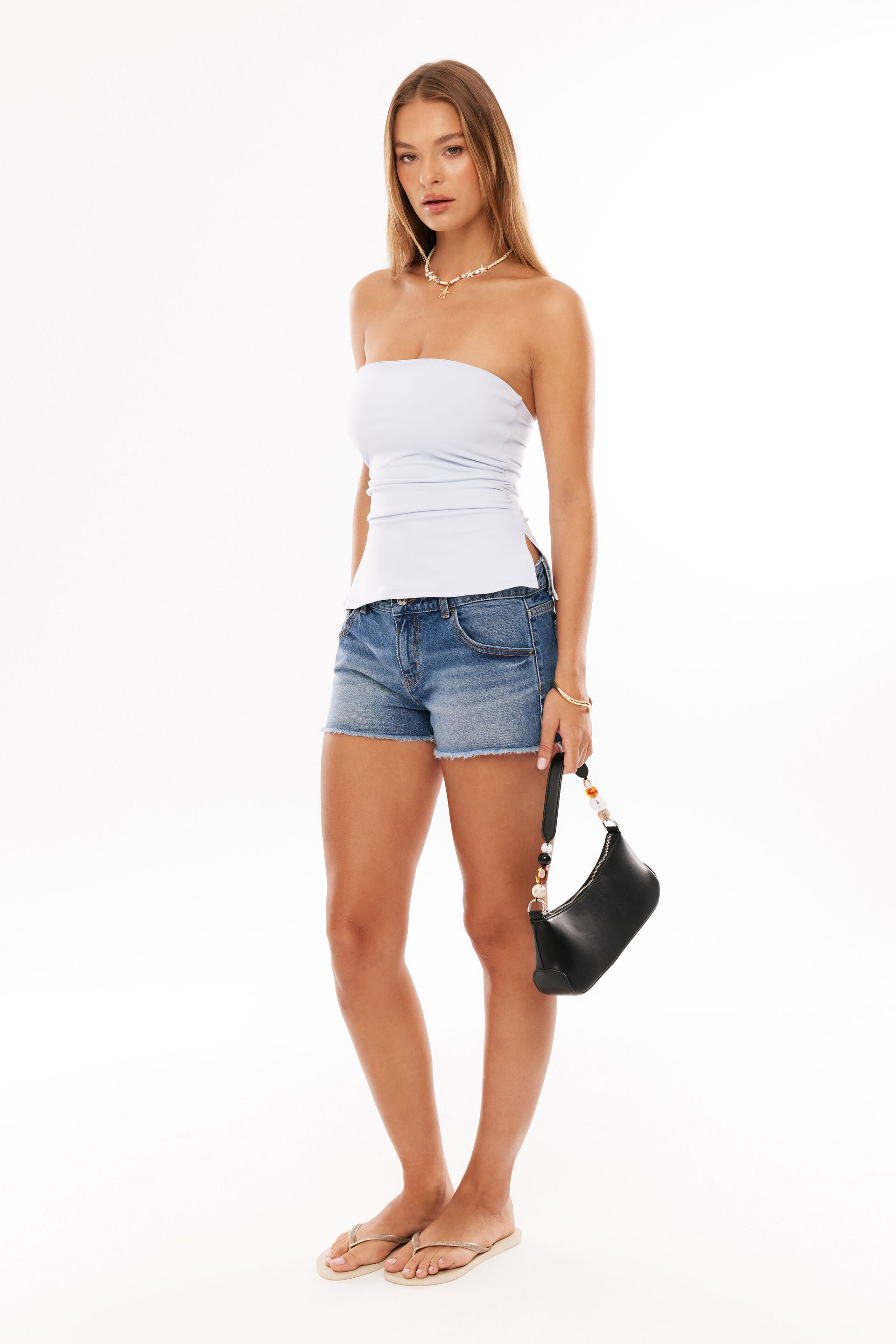
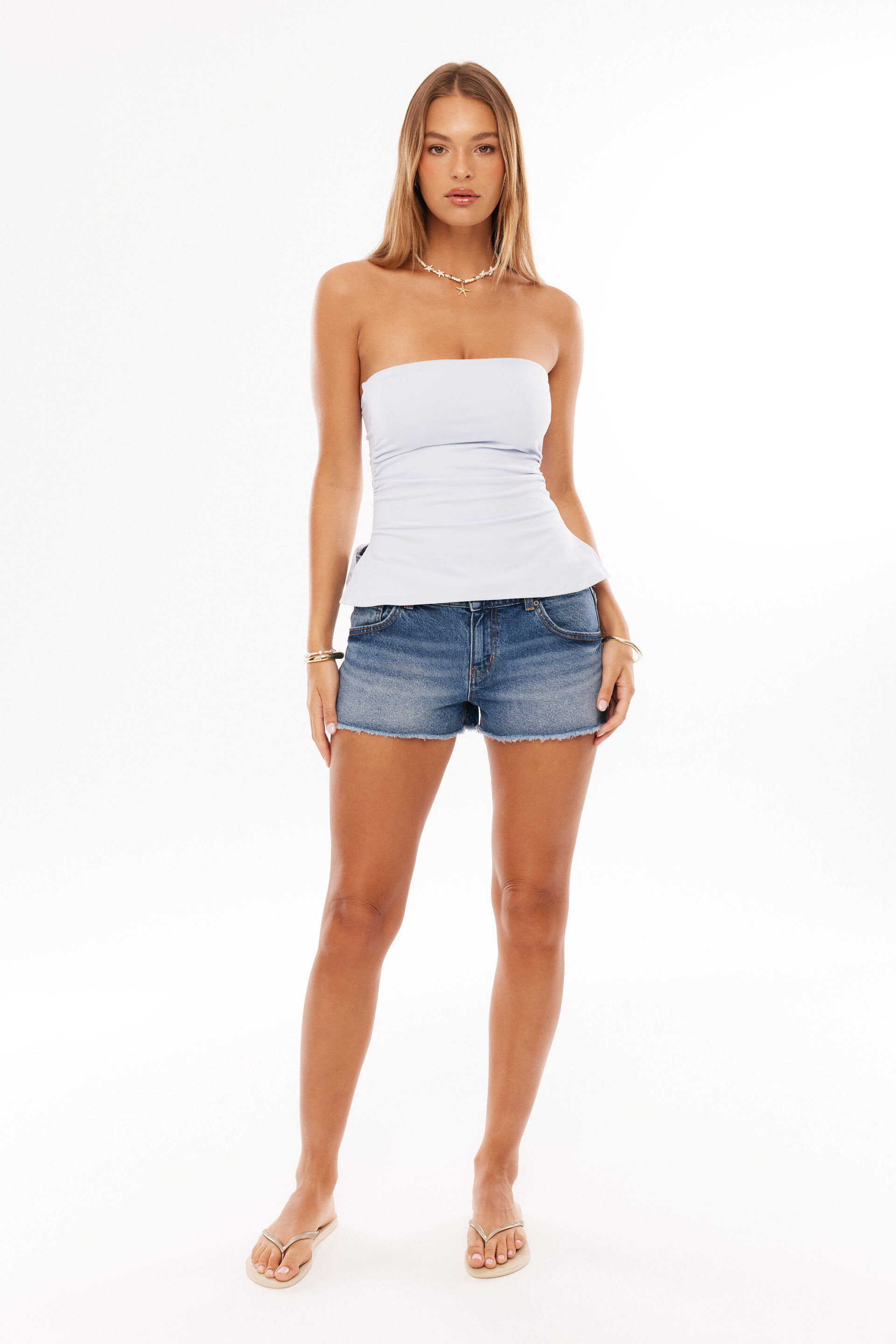
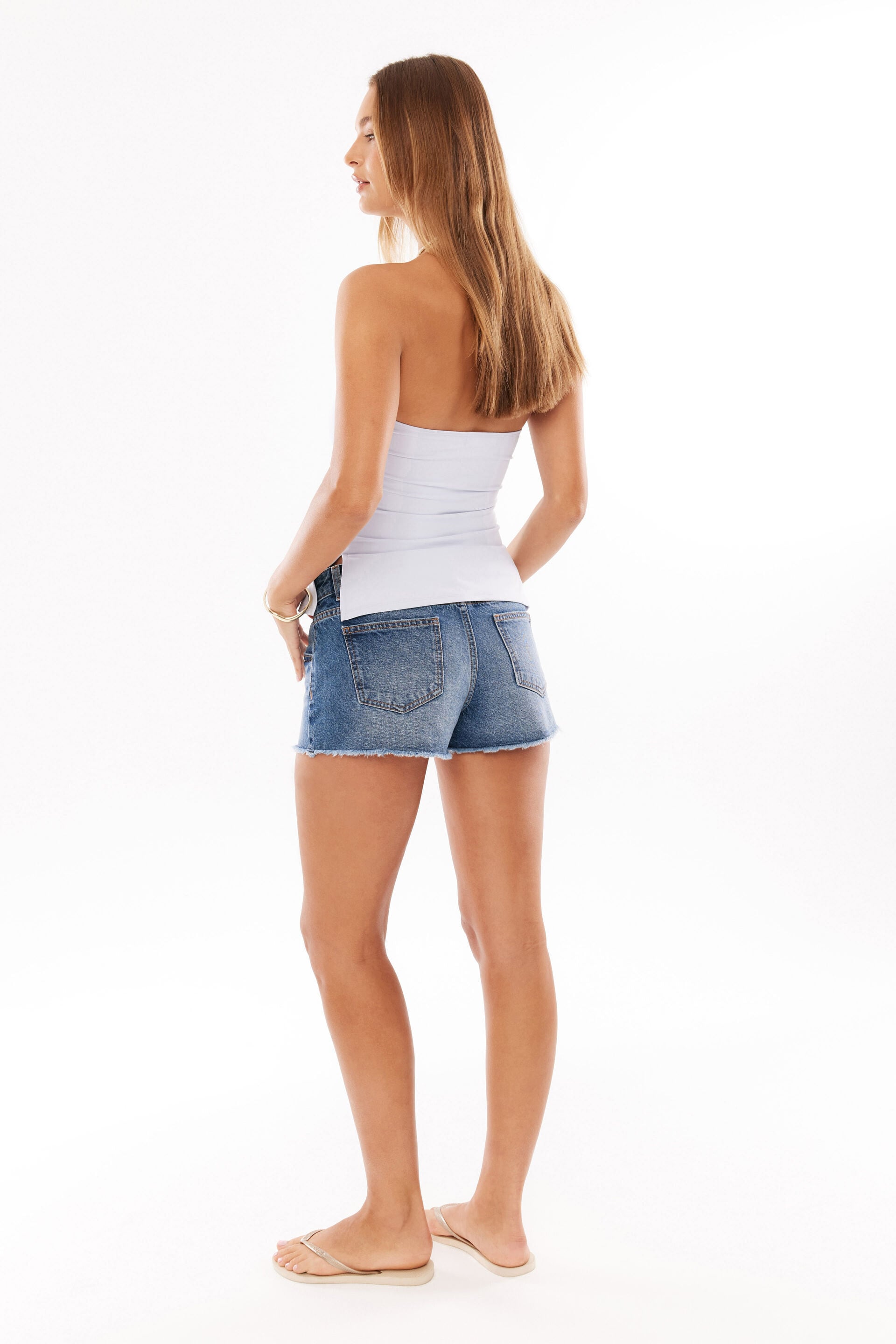
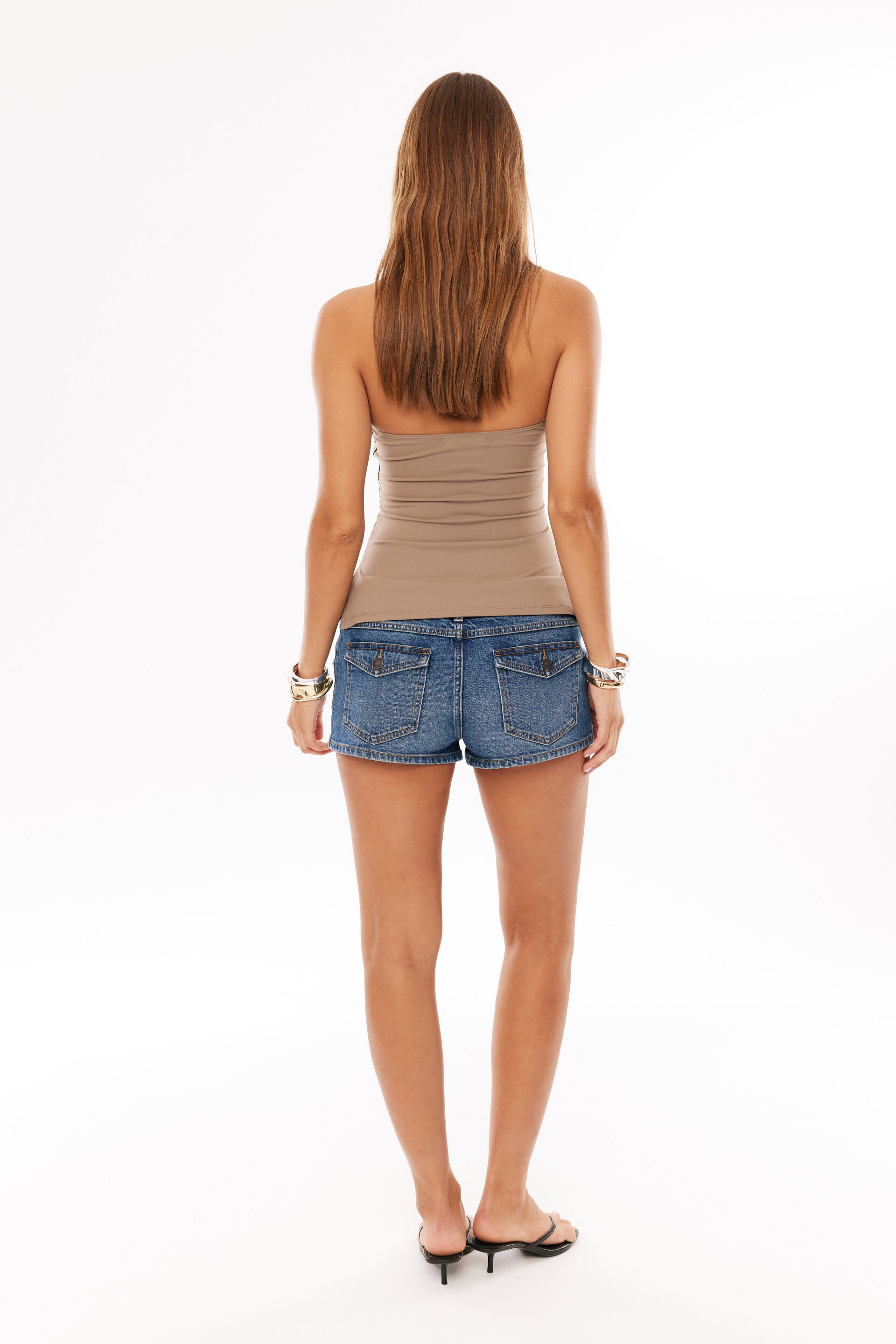
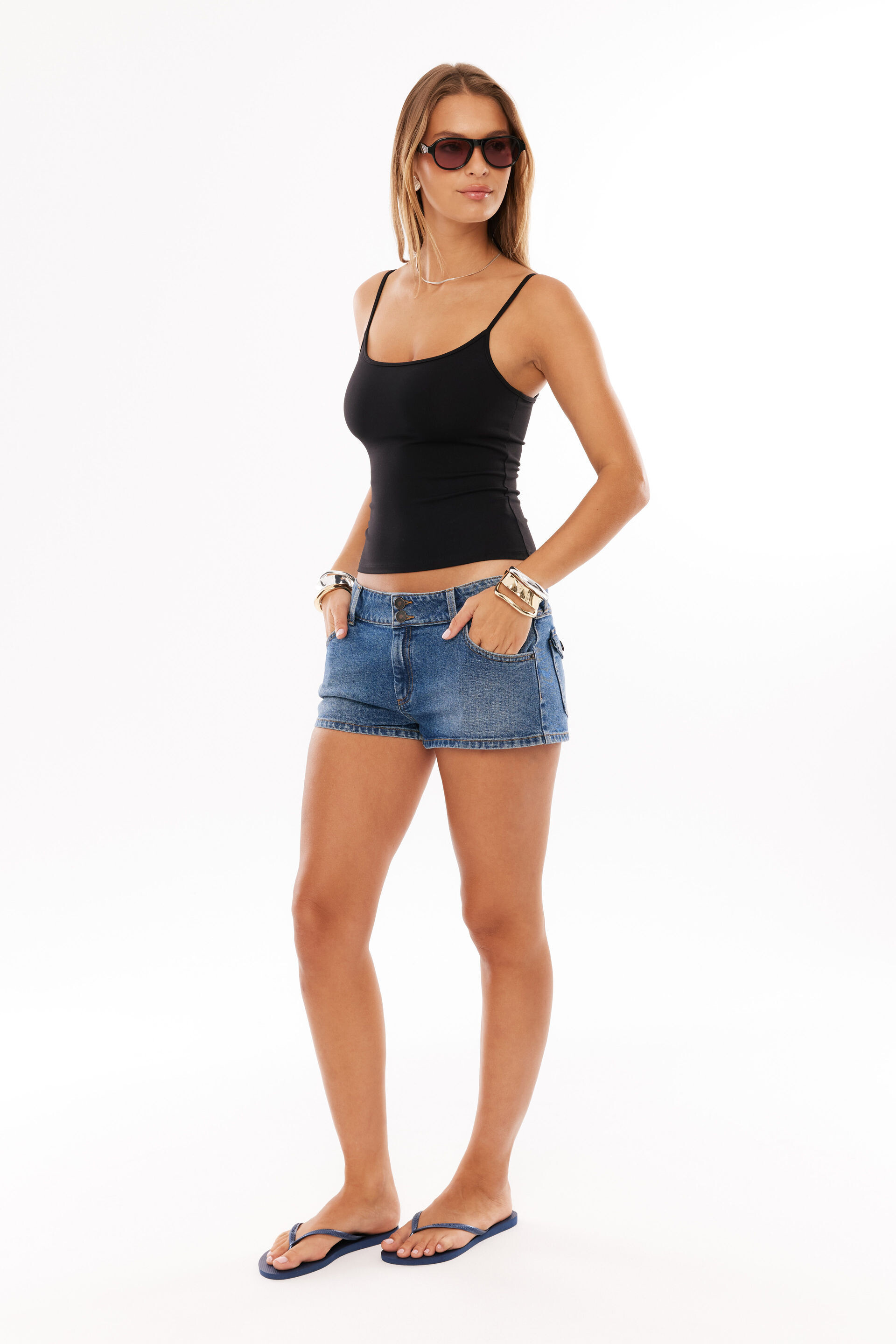
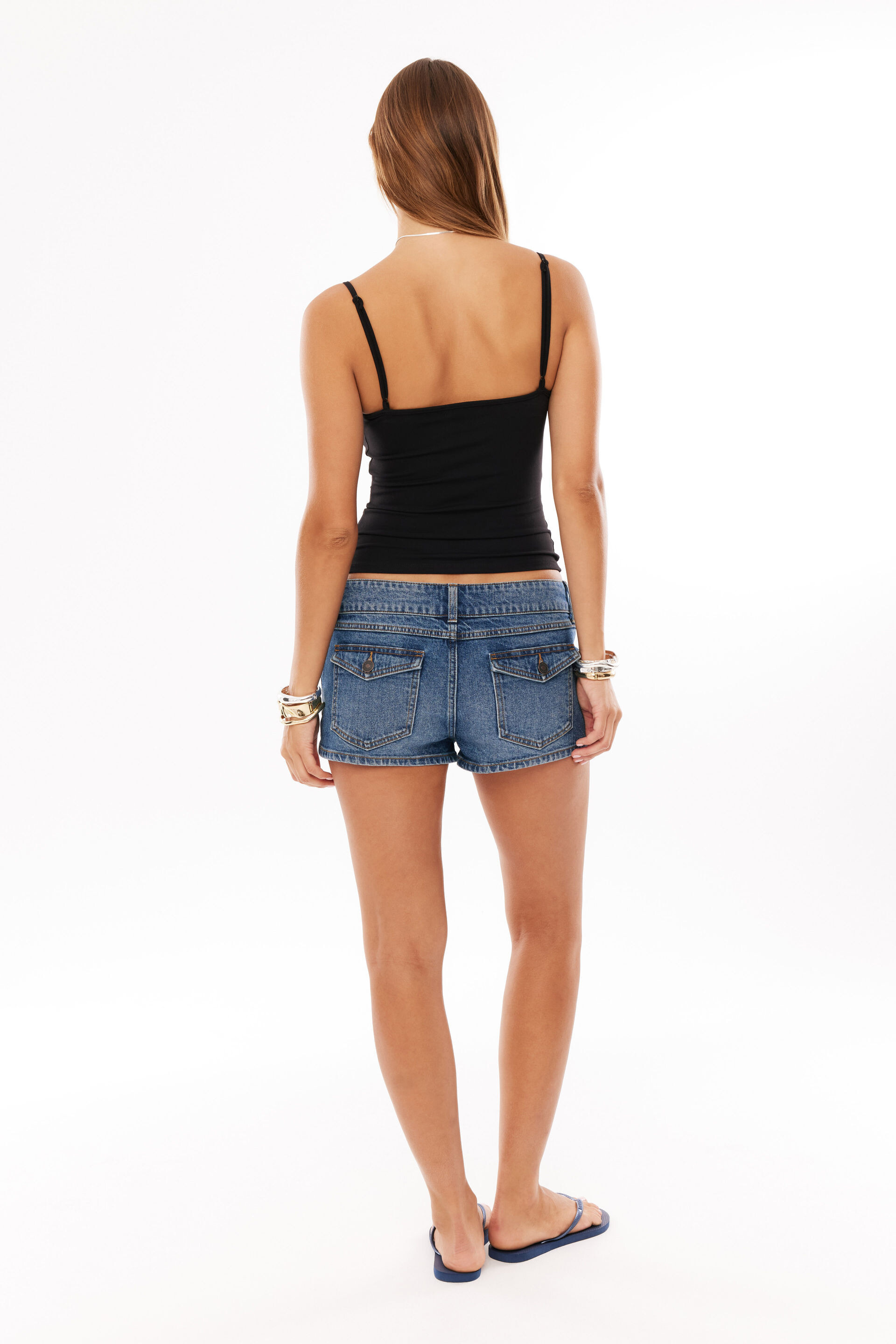
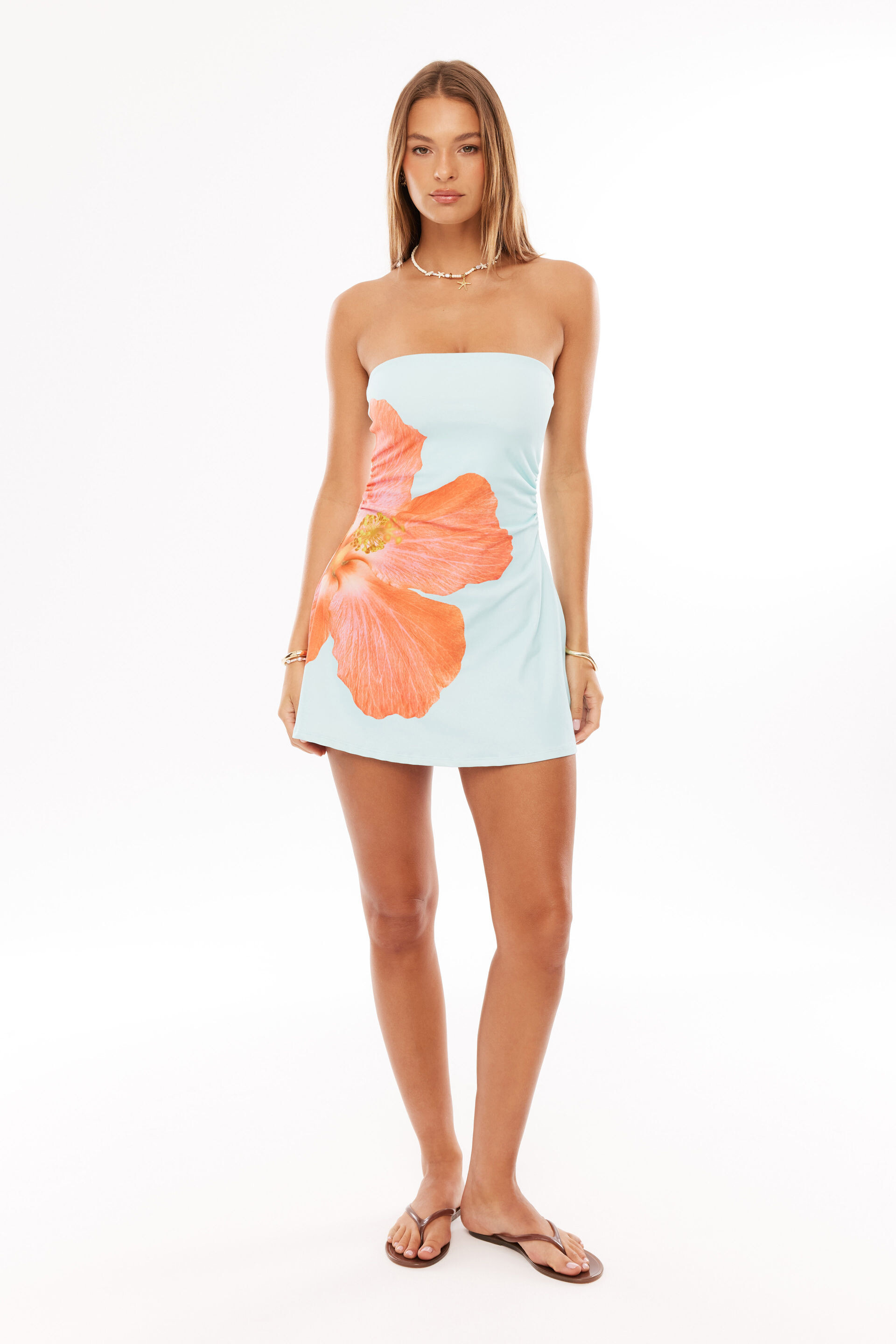
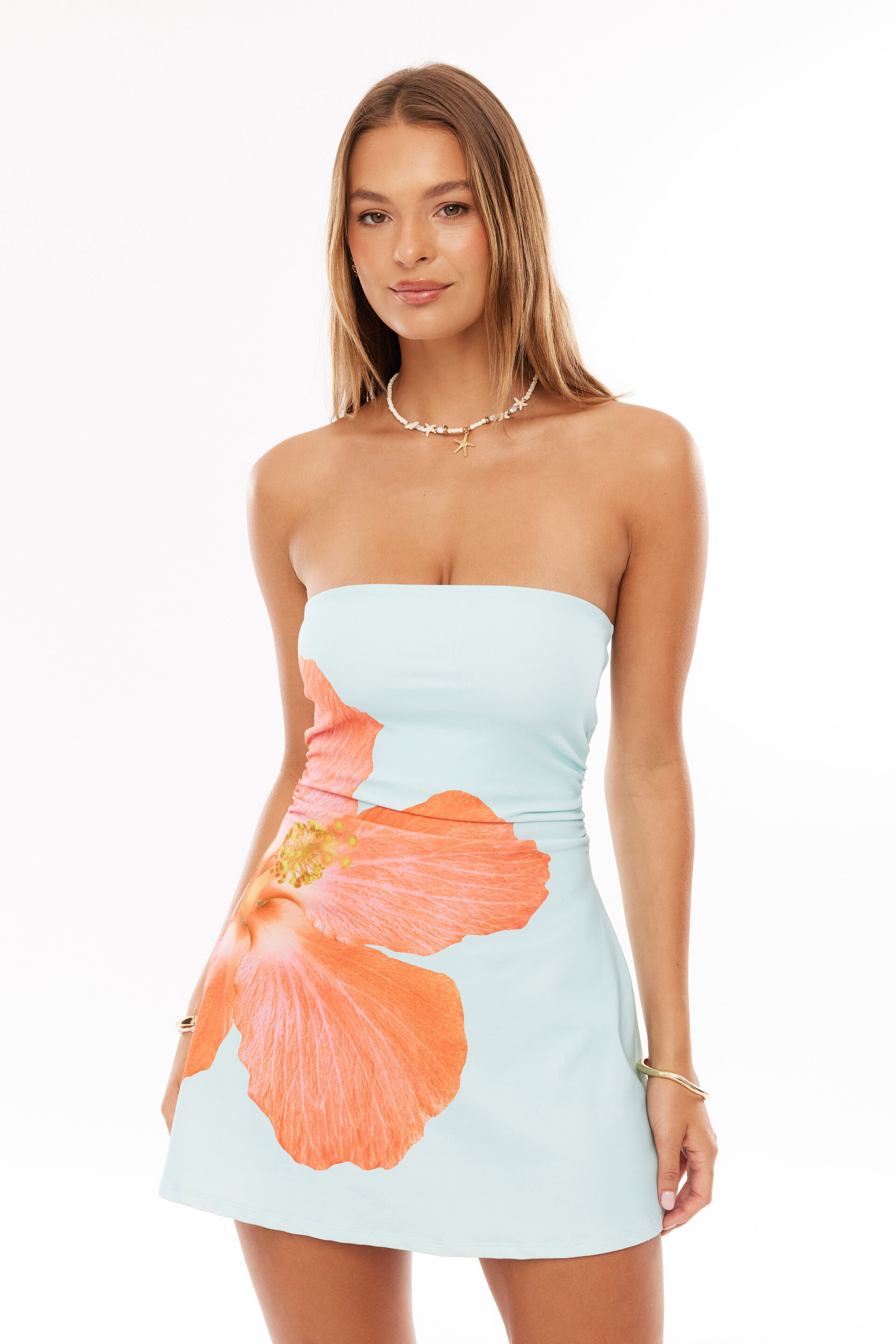
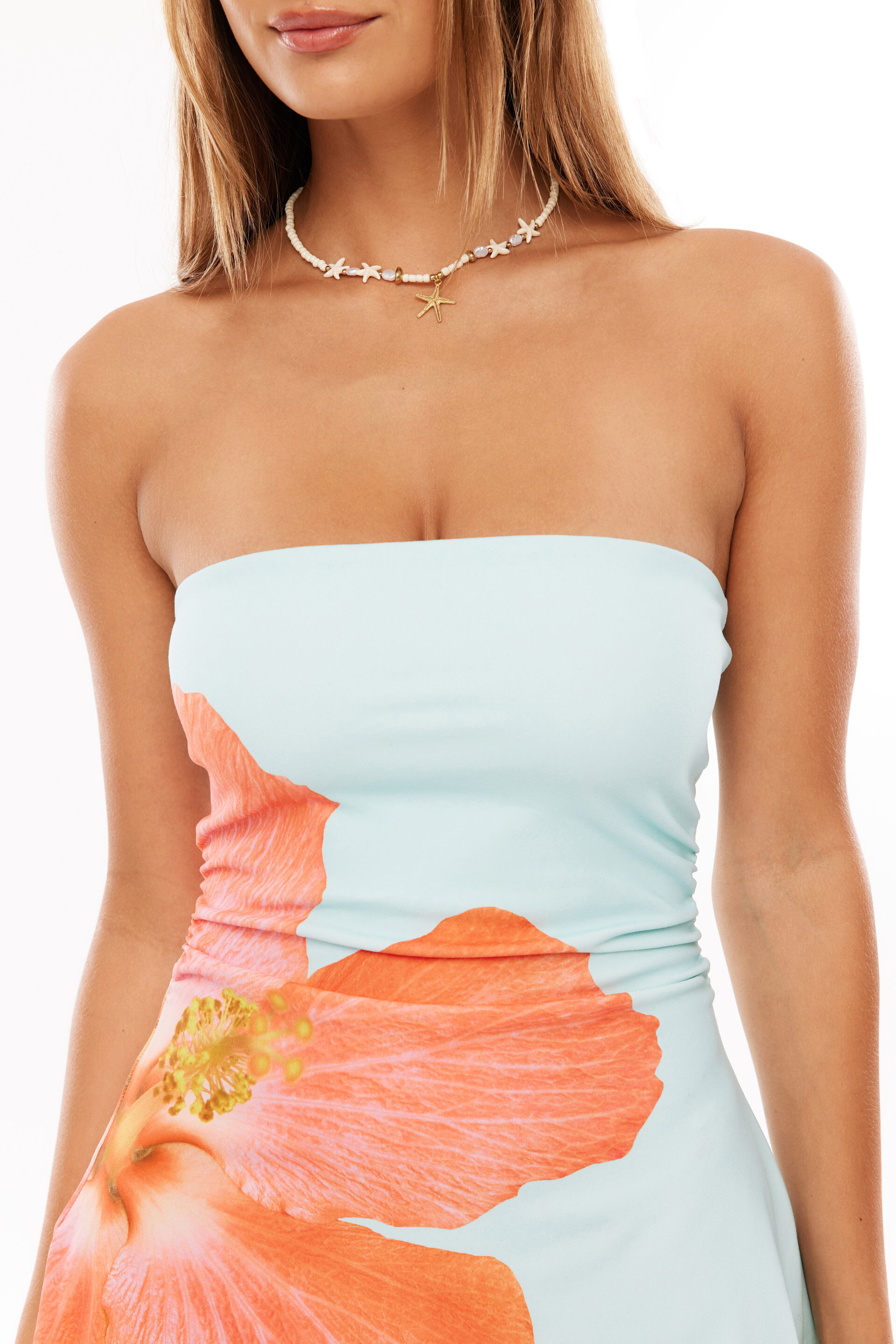
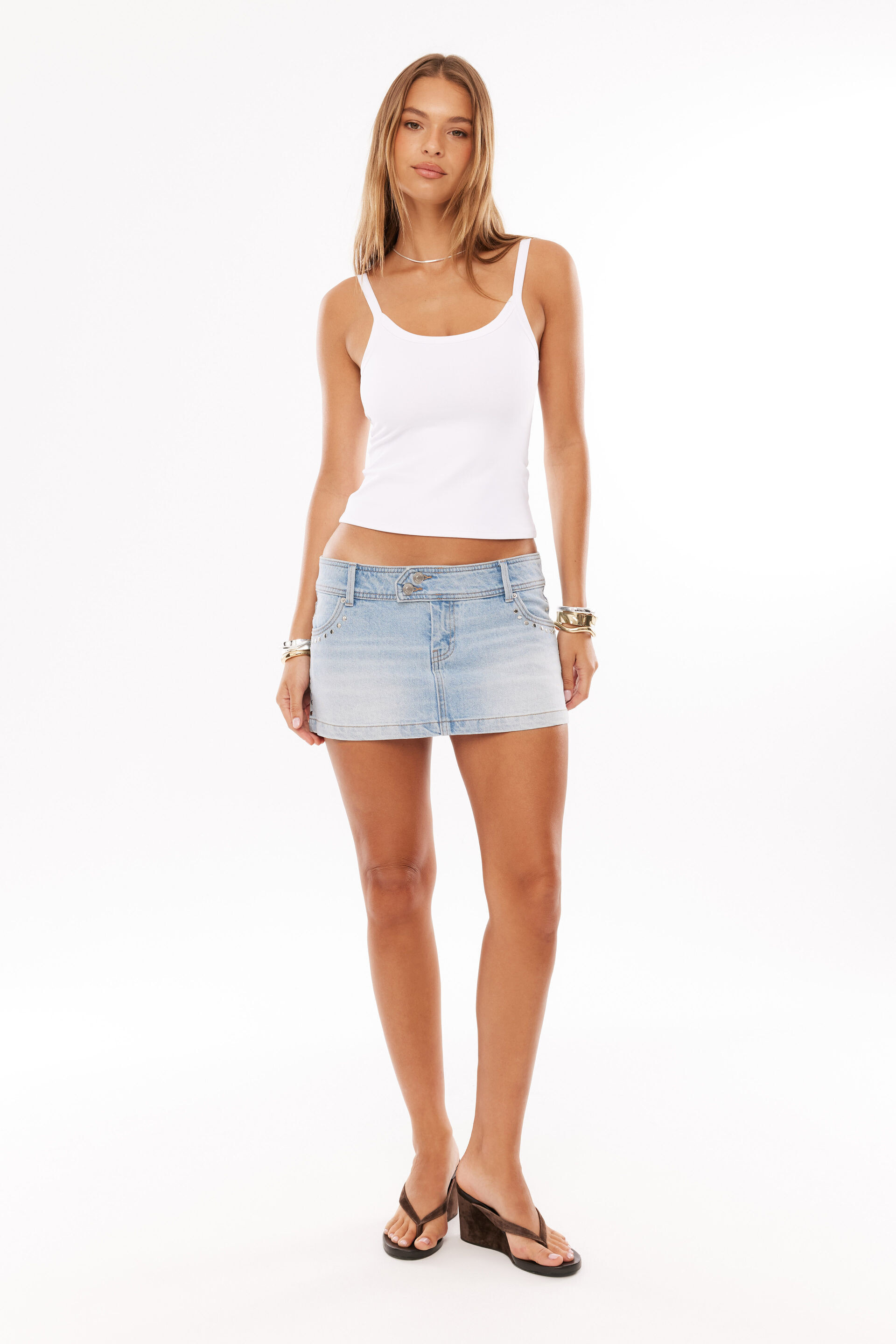
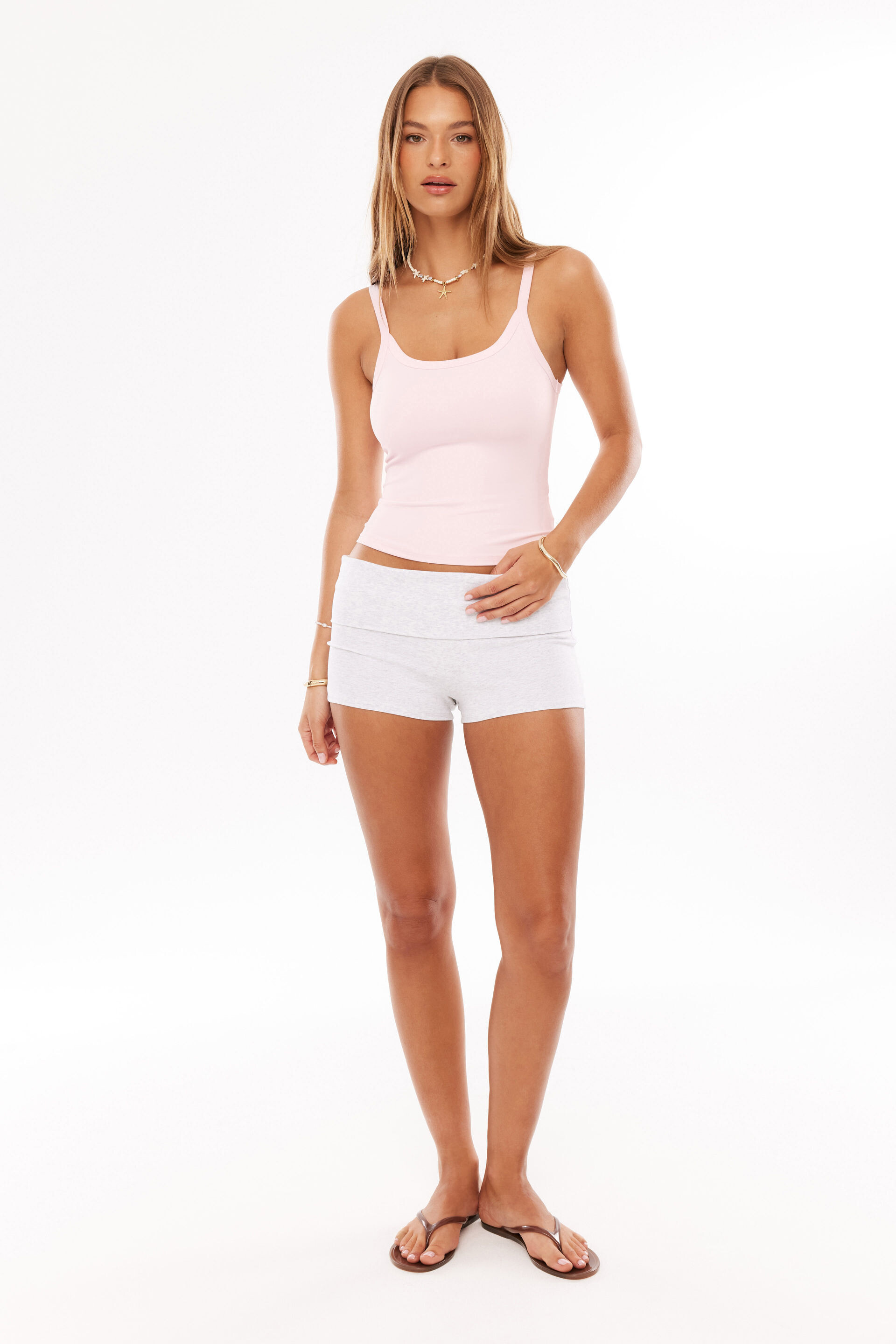
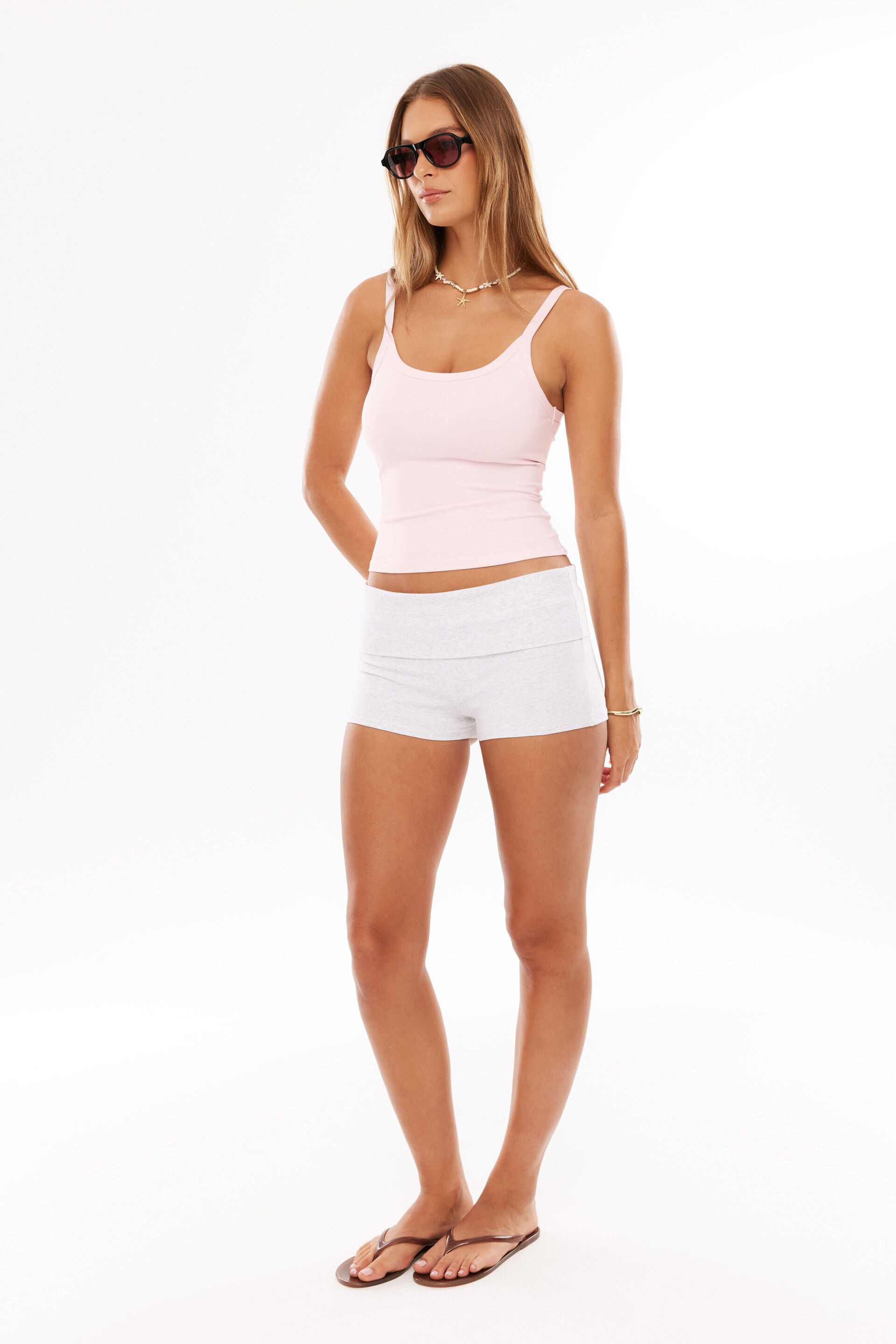
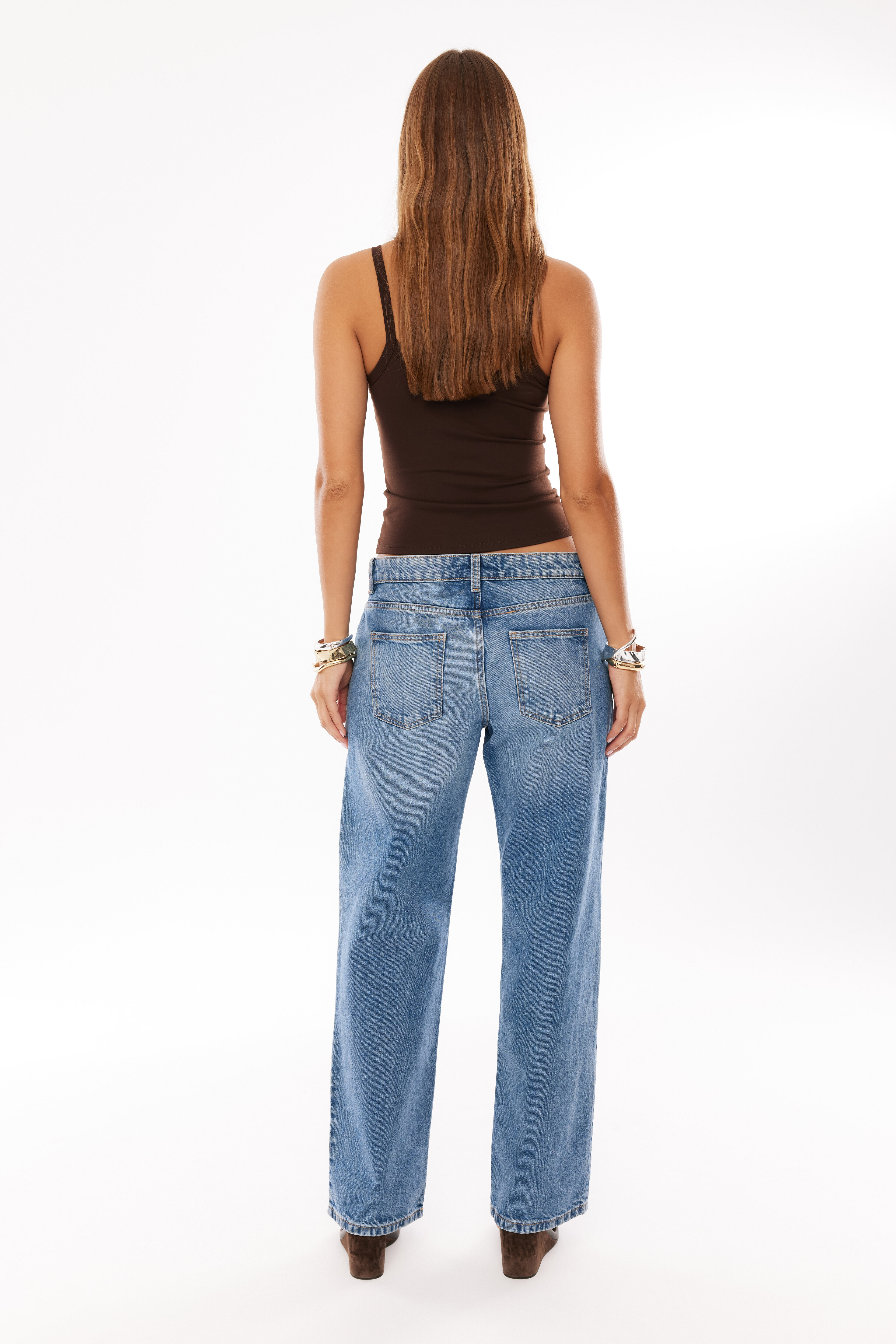
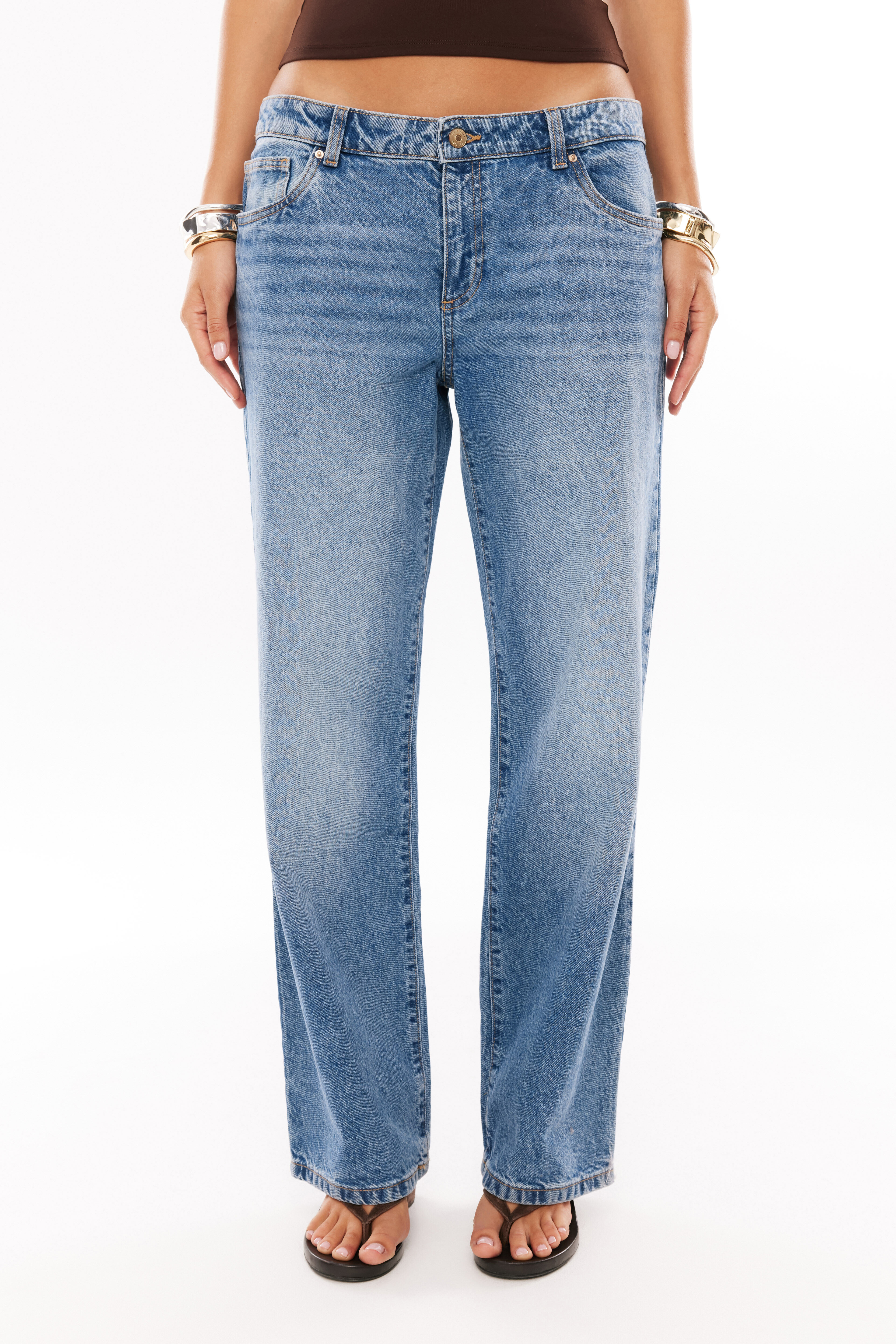
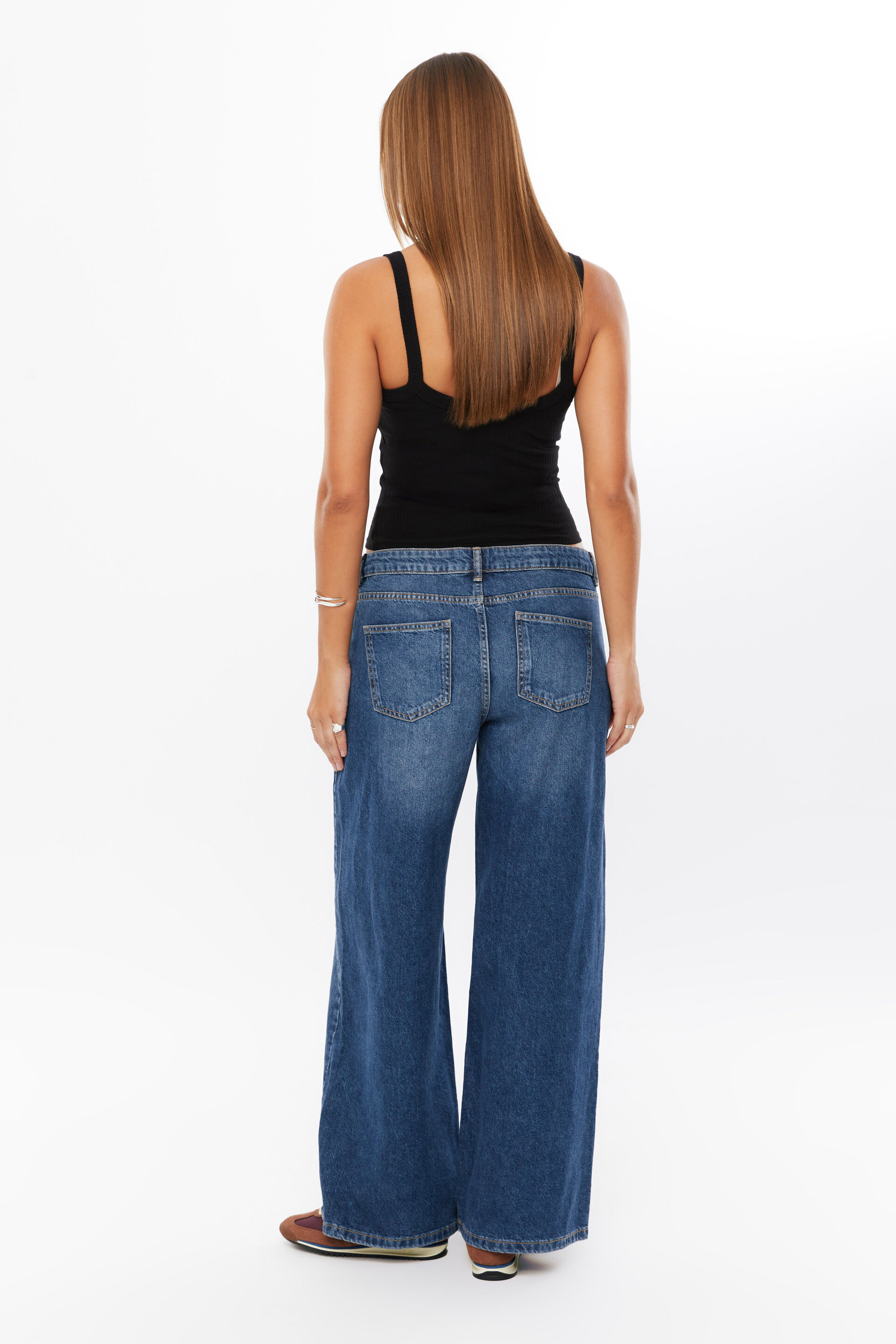
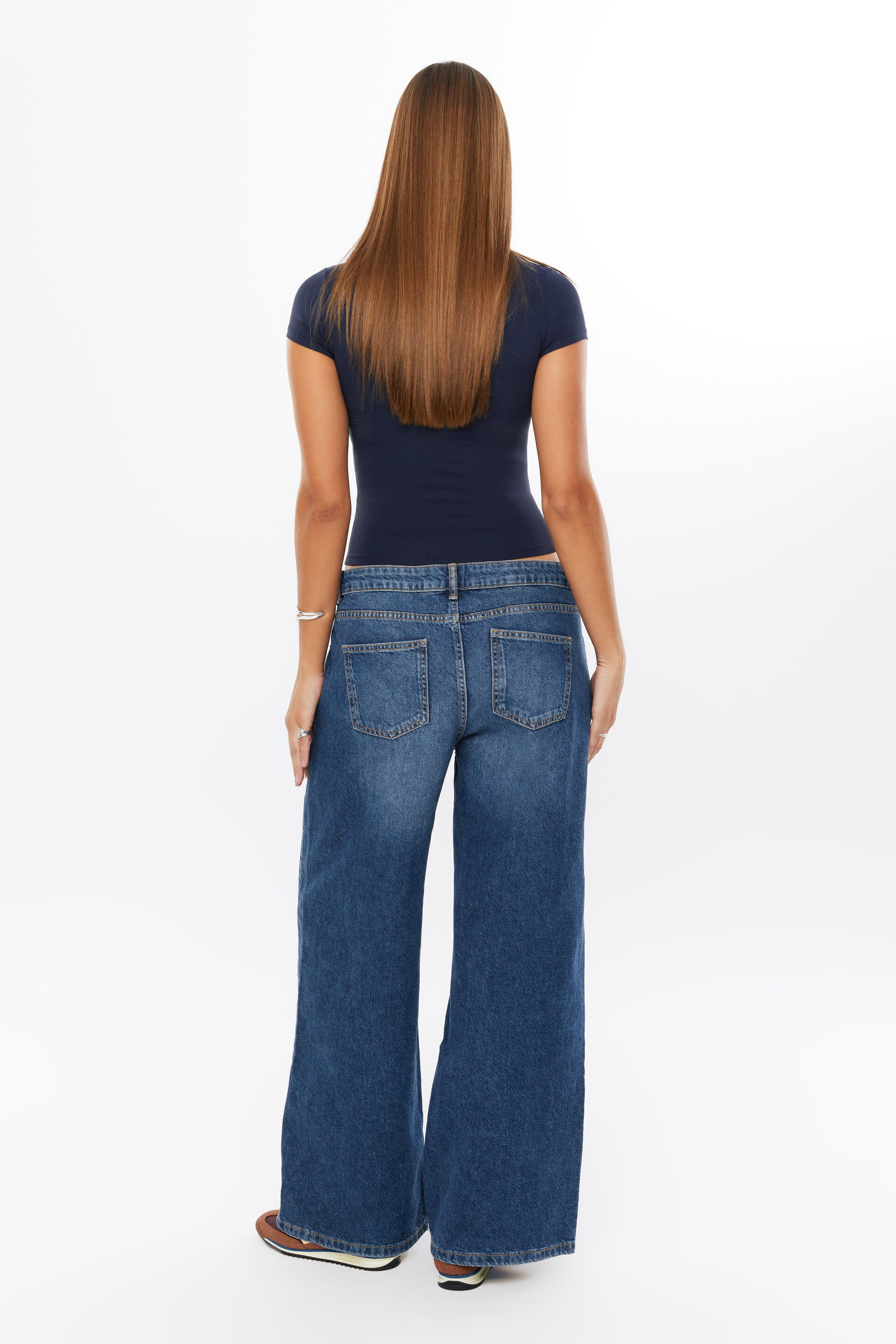
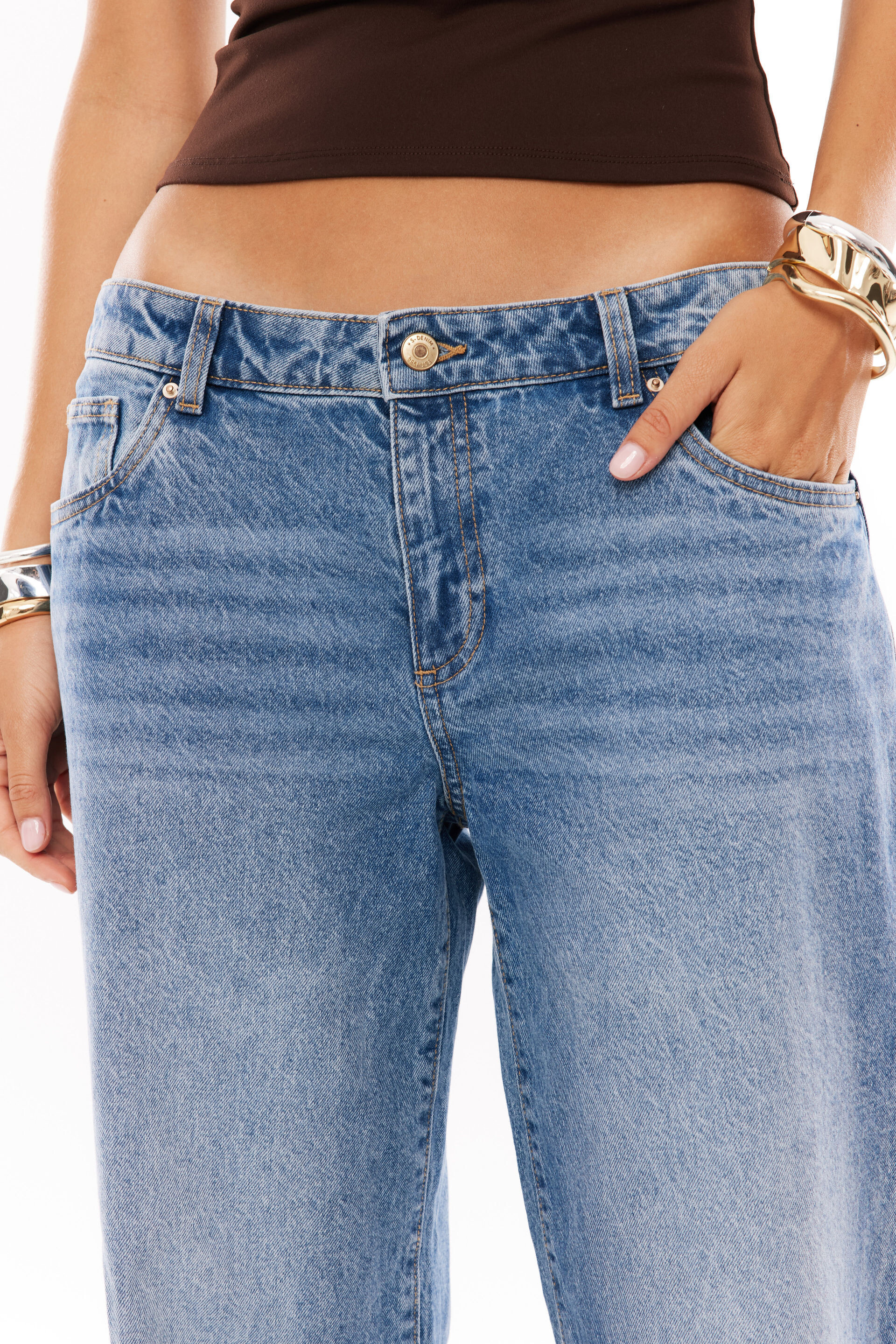
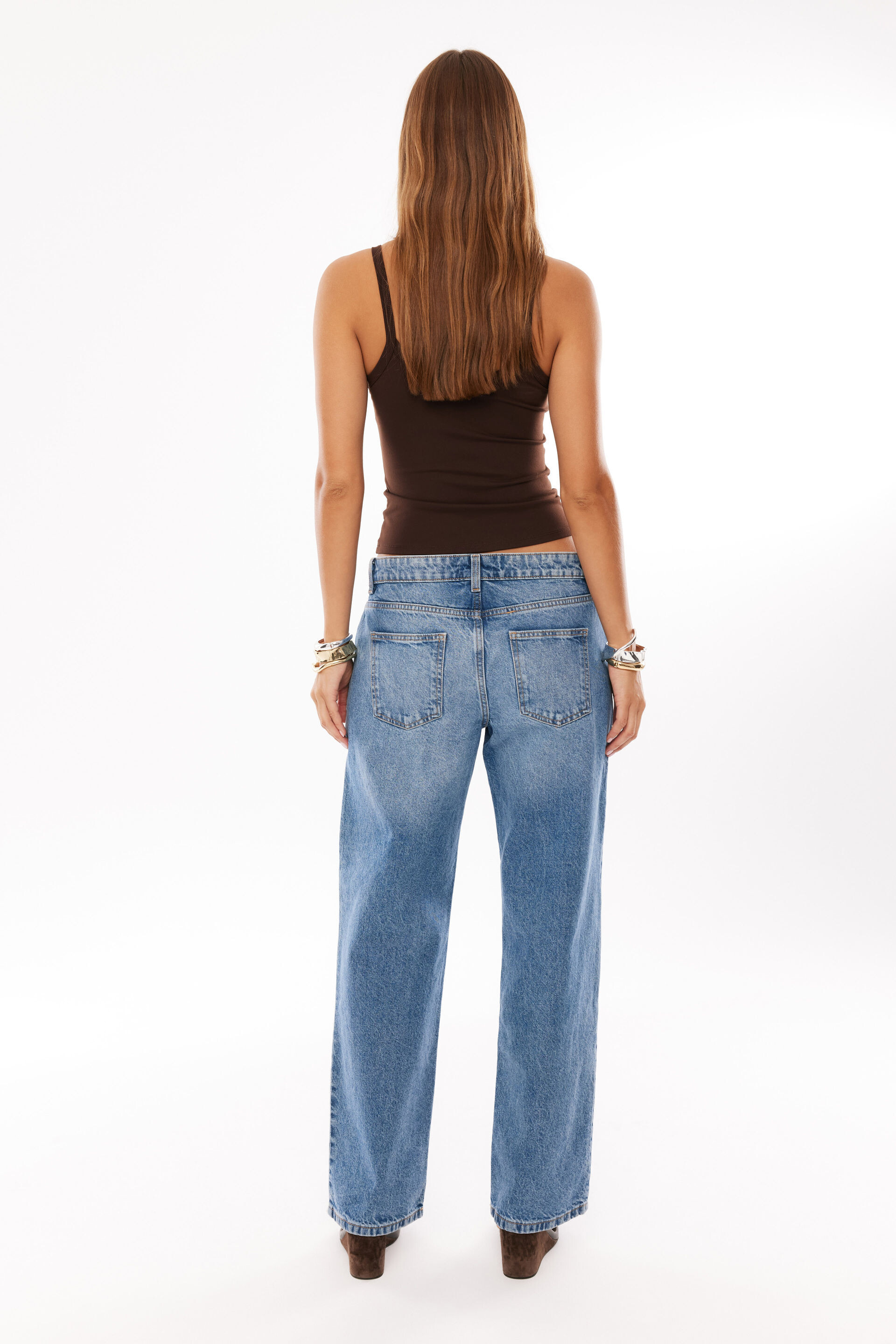
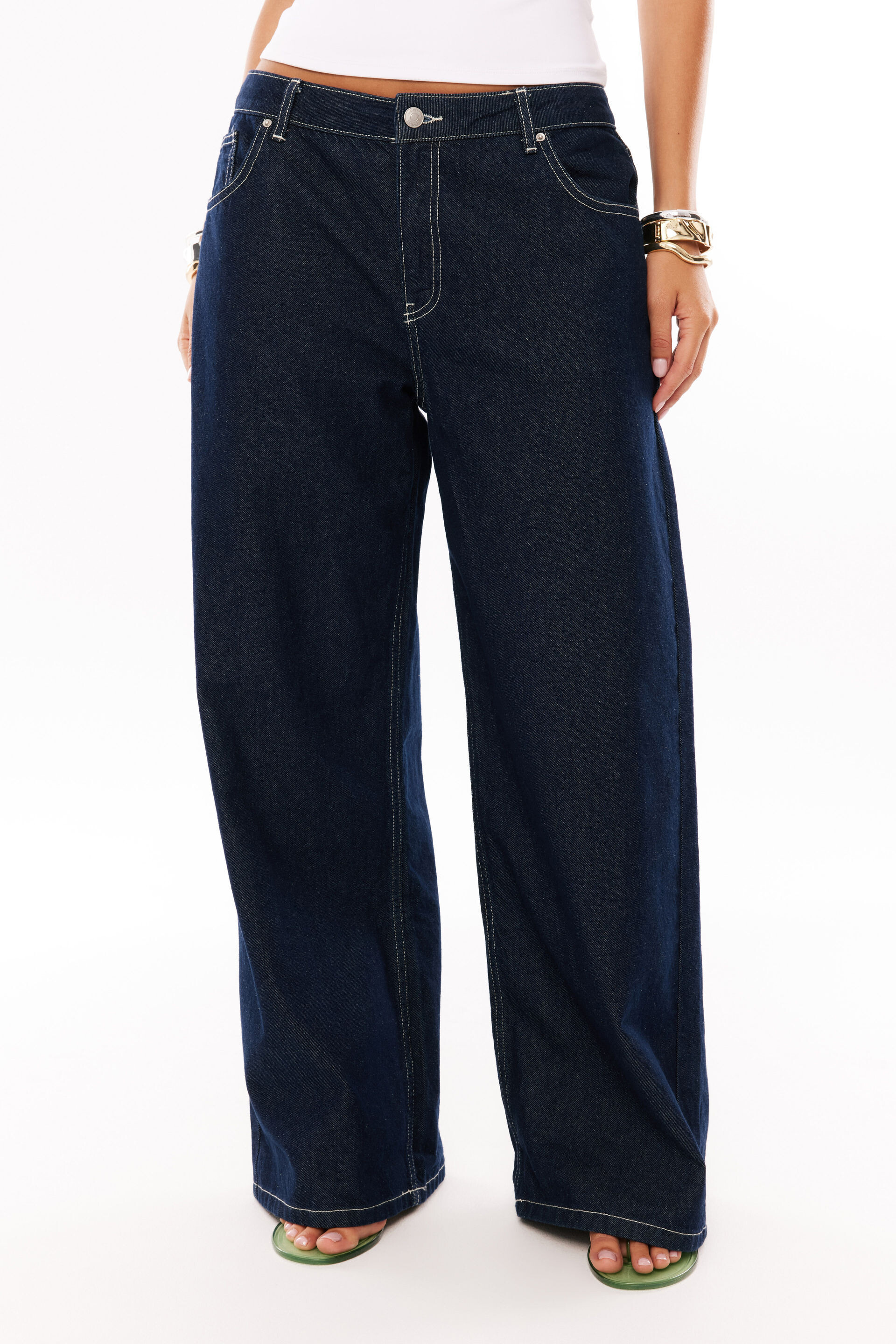
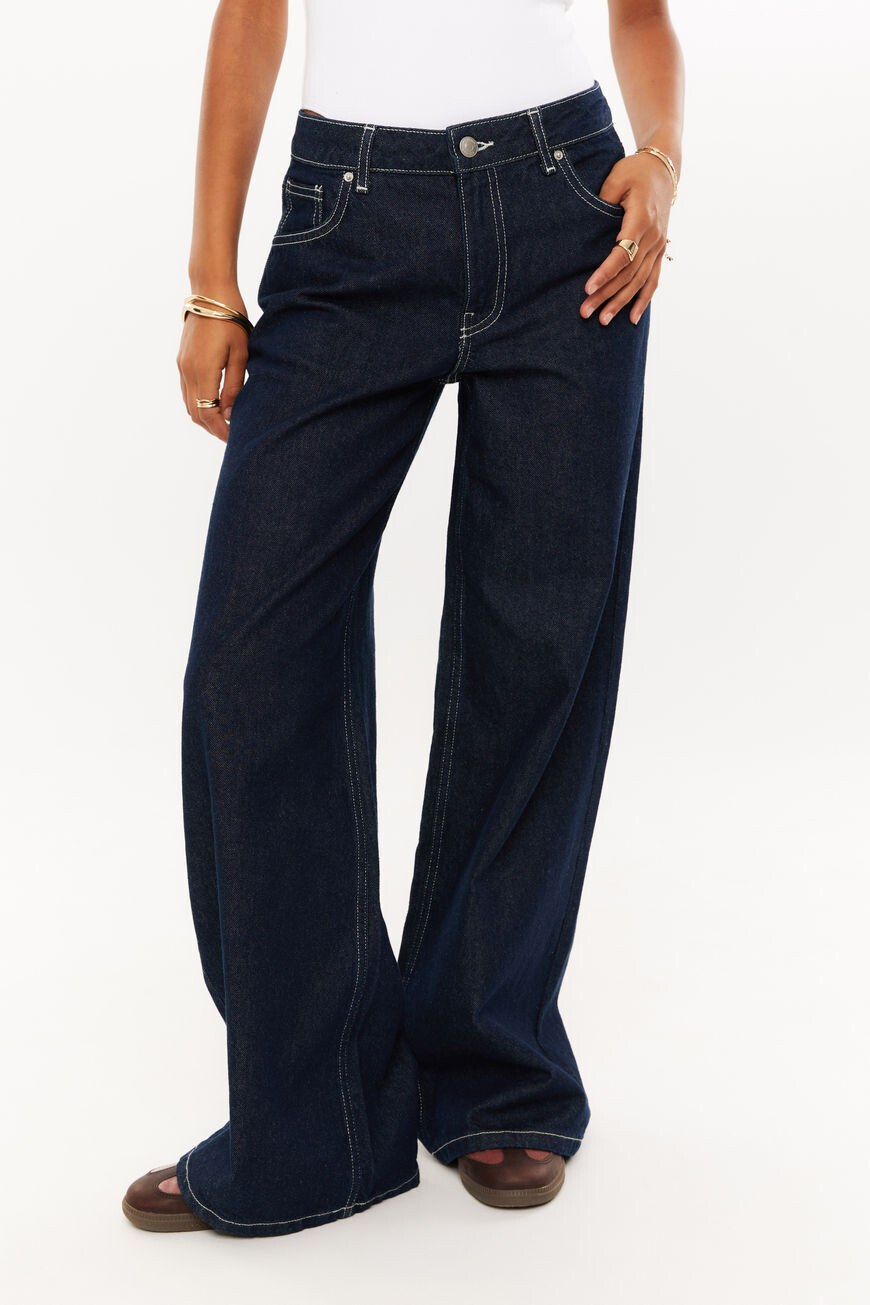
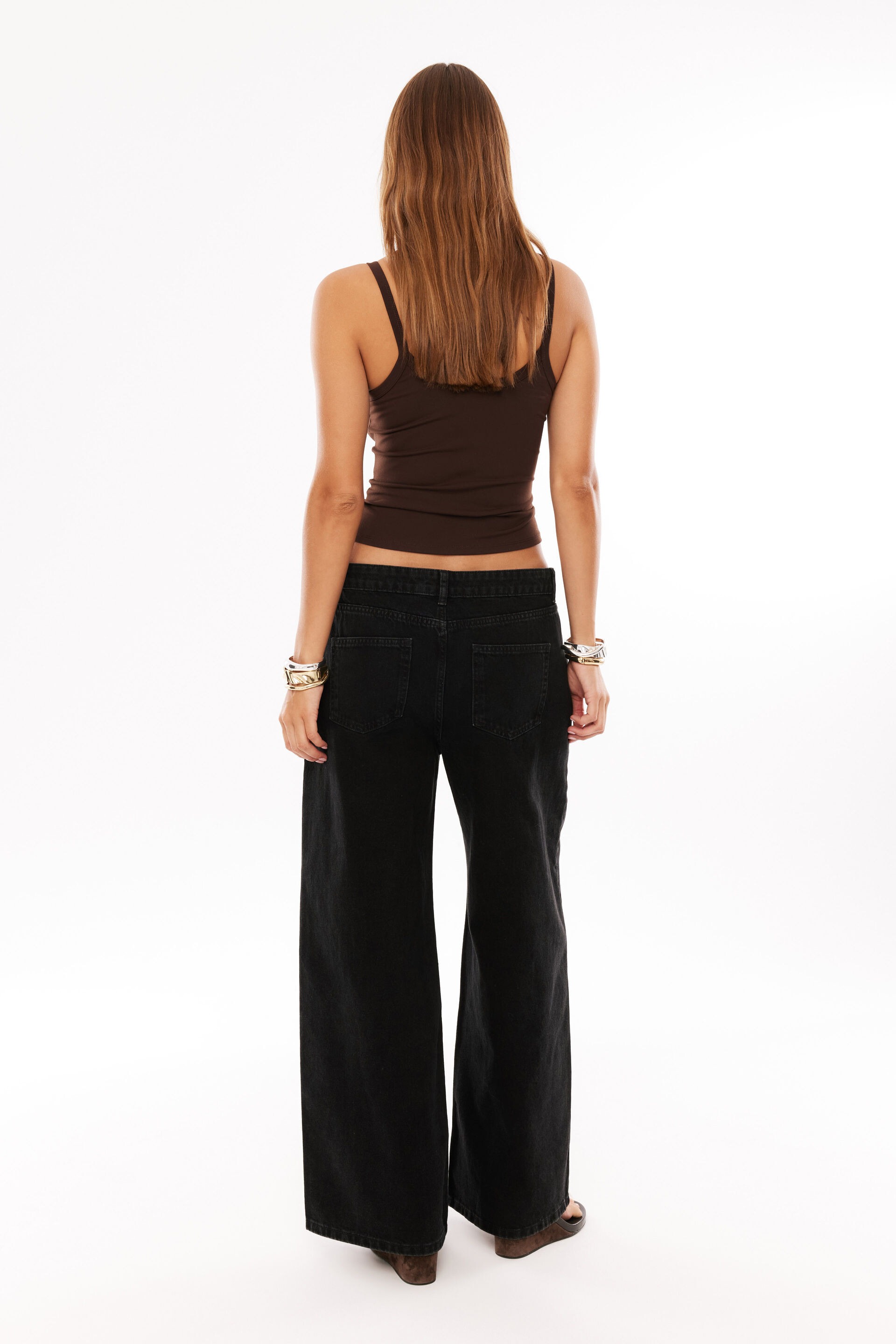
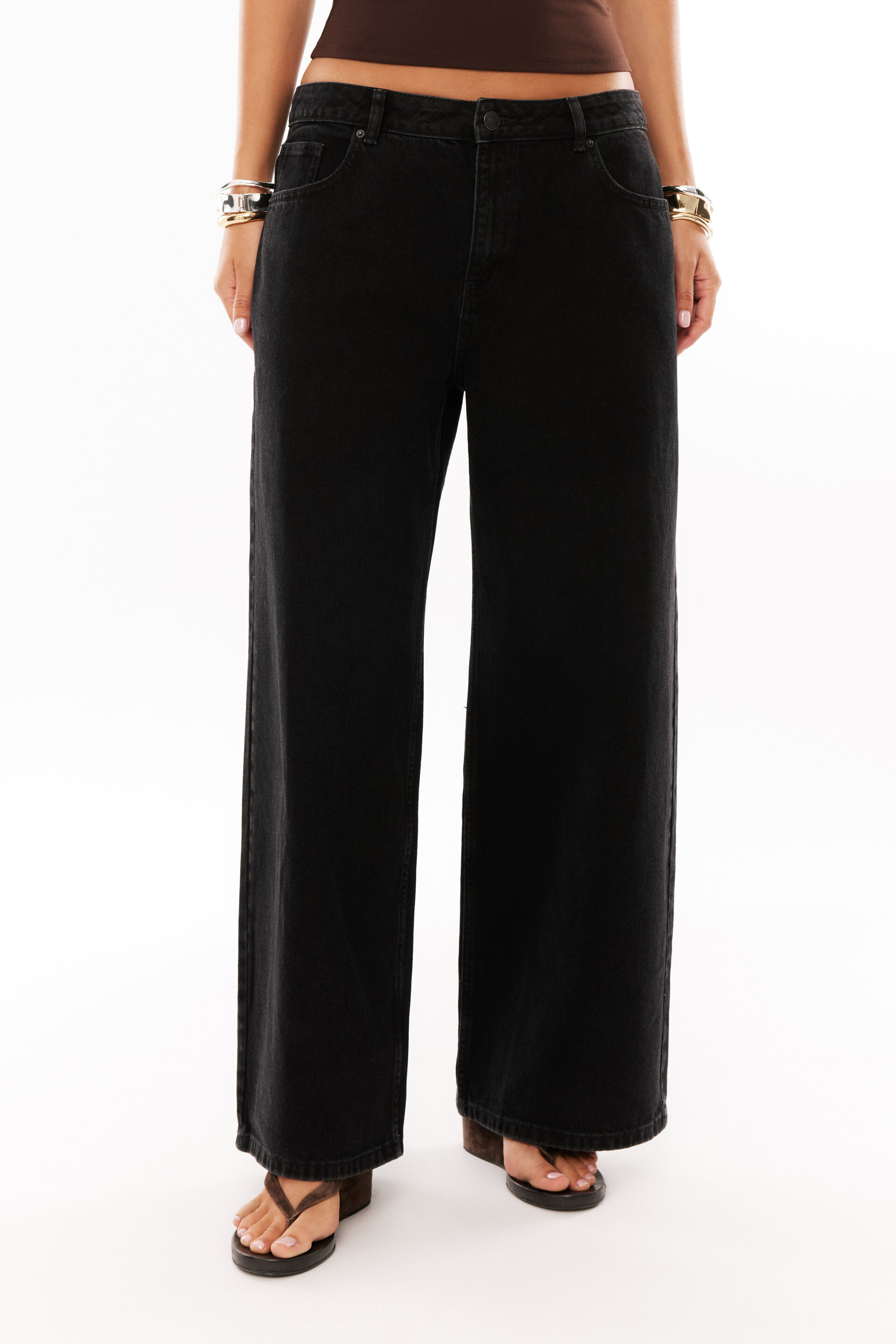
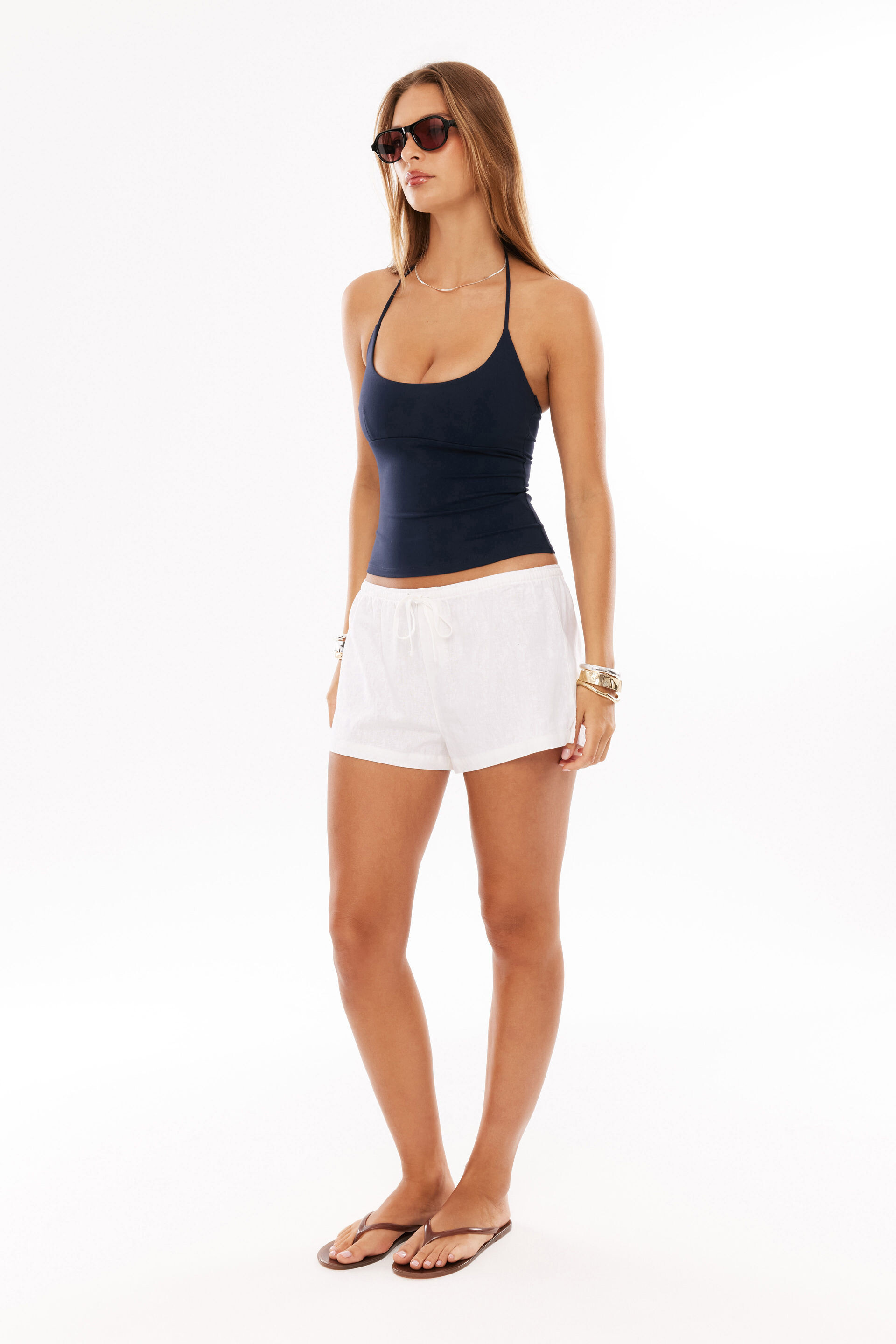
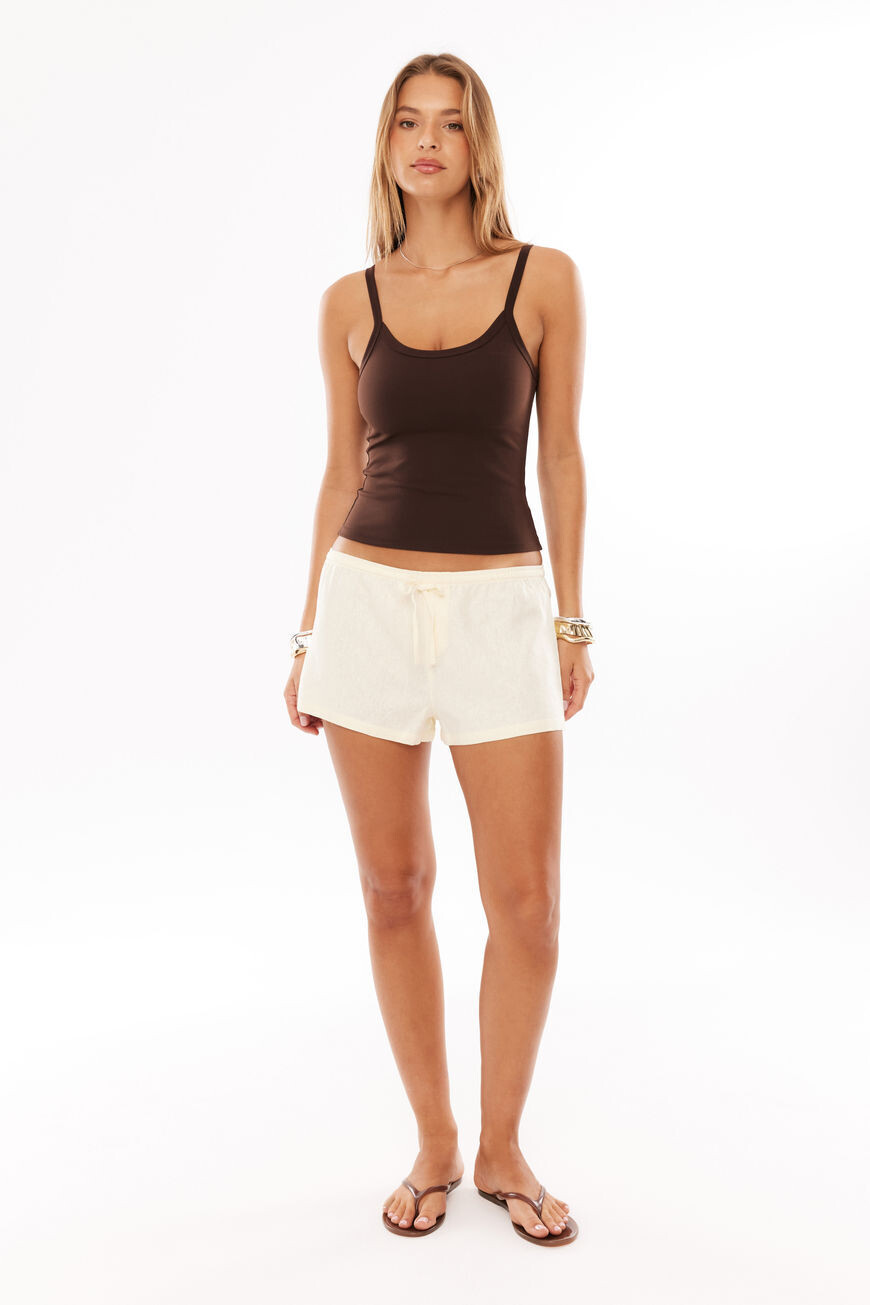
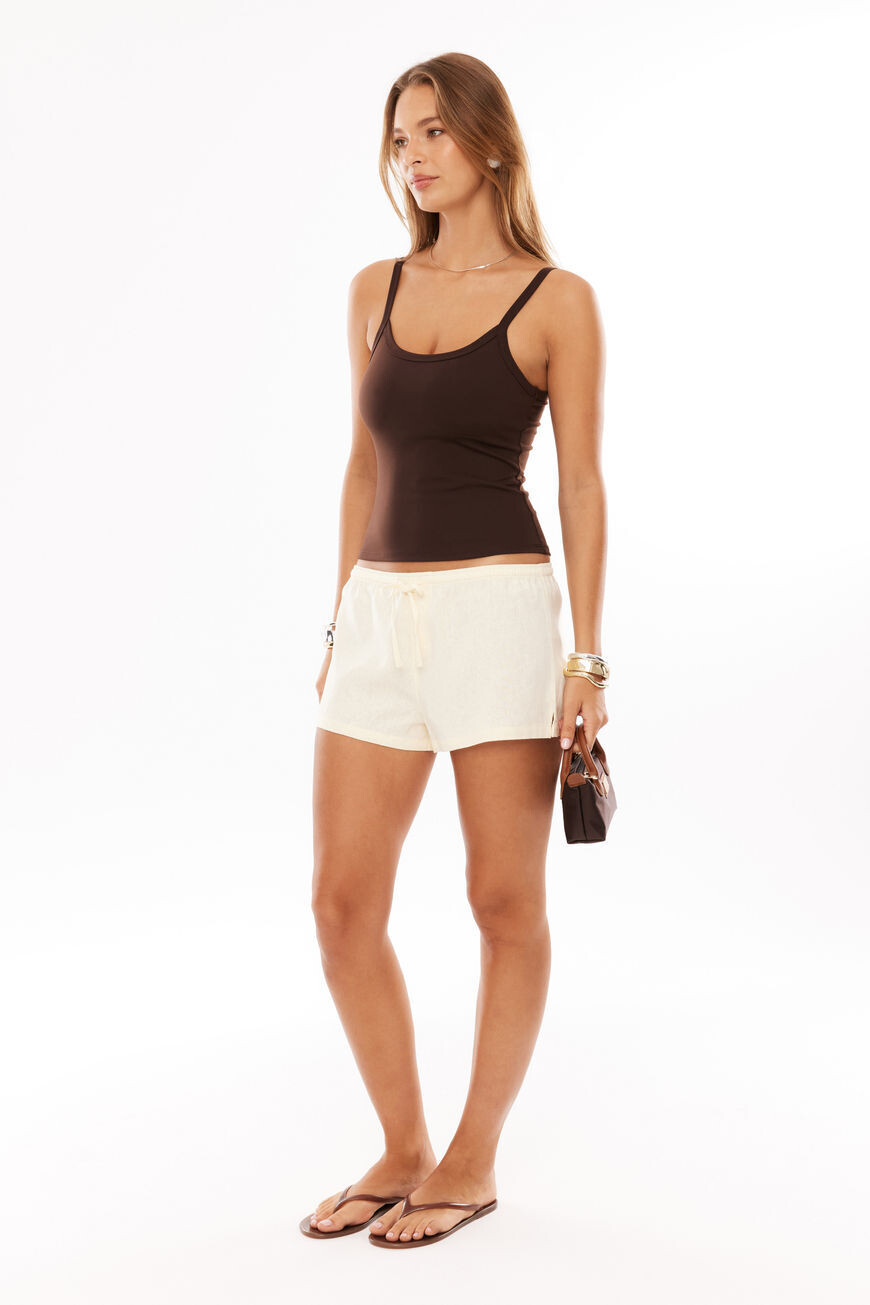
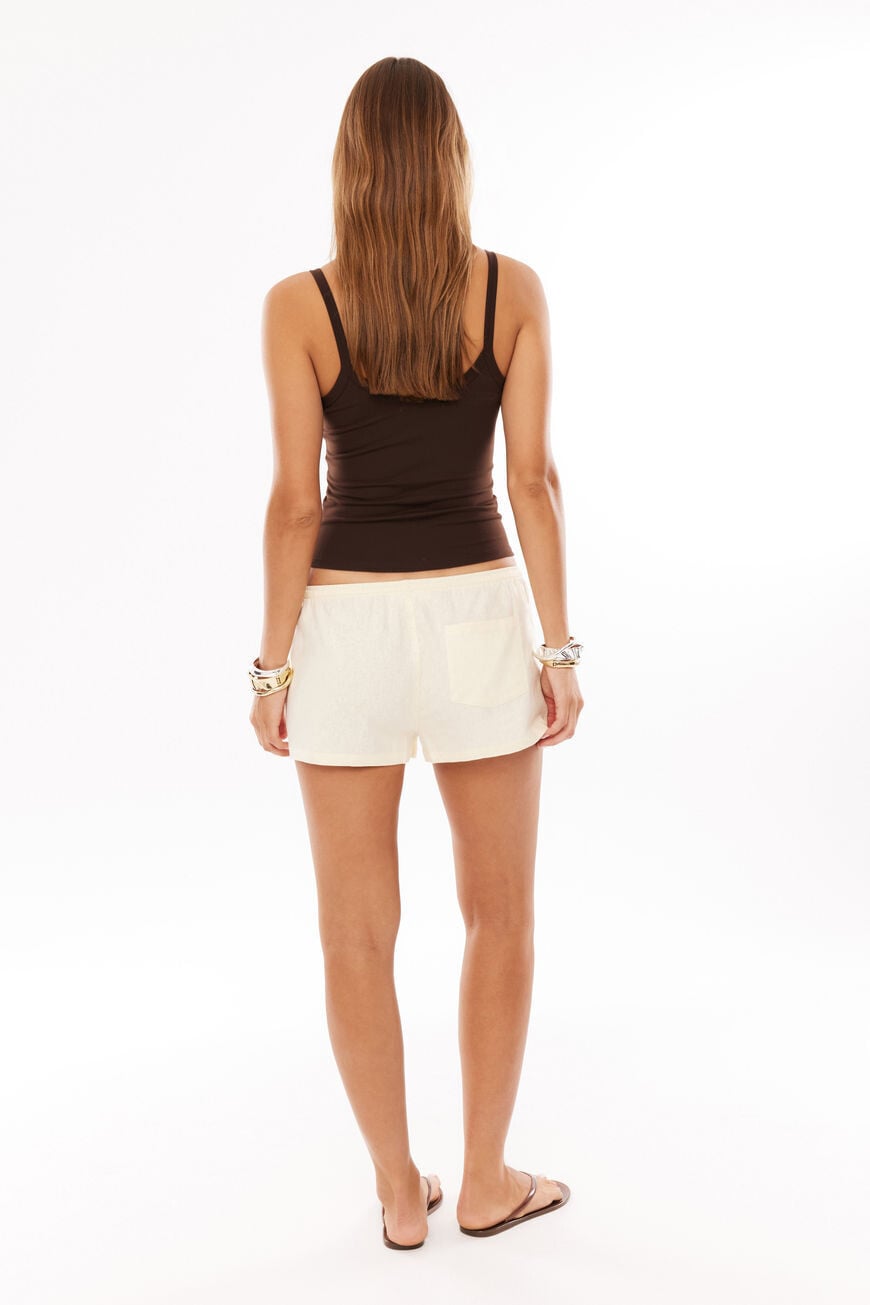
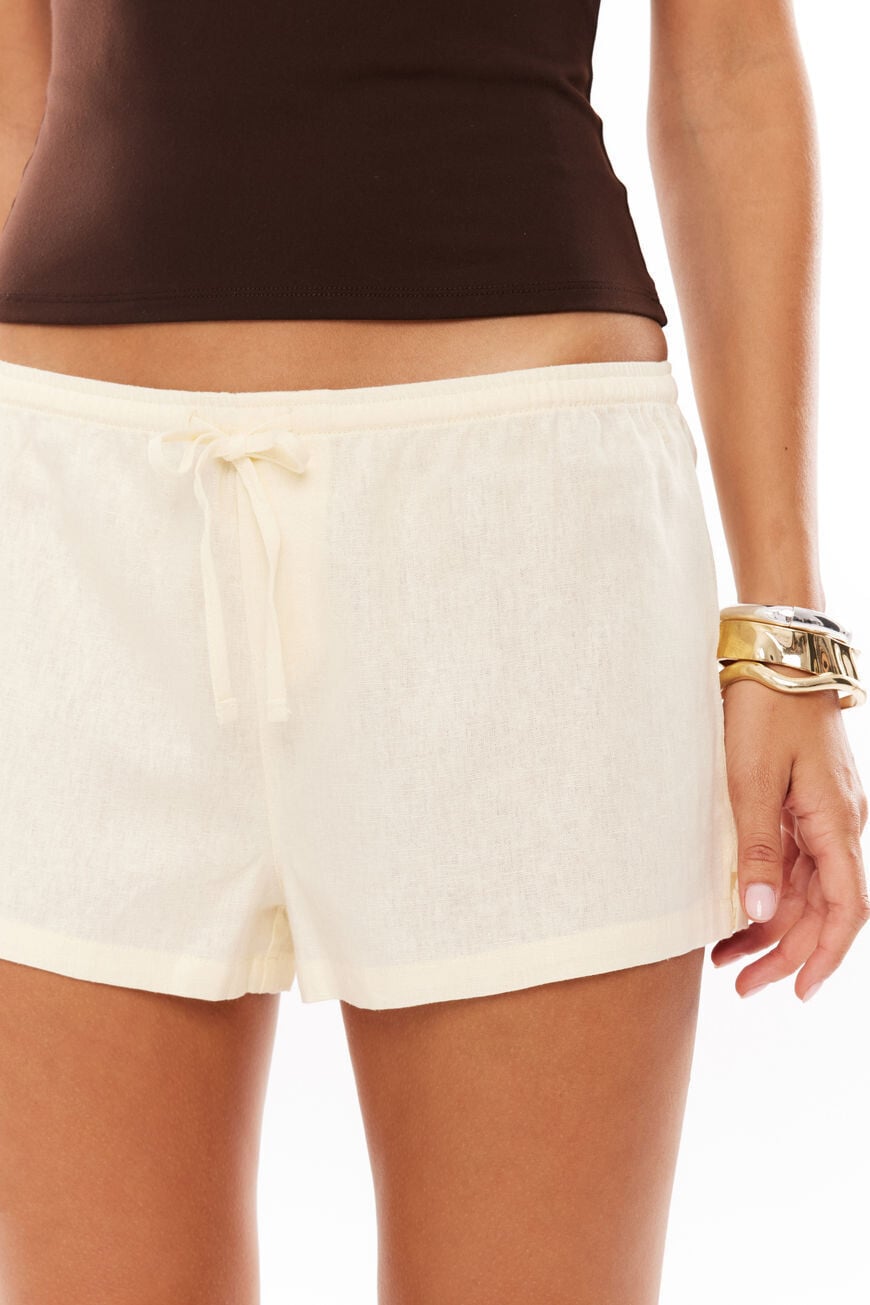
 Supre, part 2 (of 2):
















































- Today
Studio modelling for Supre, part 1: I was looking for images of Paris Gascoigne, but instead found Jayde and Jasmine Christian on Supre's site 😭





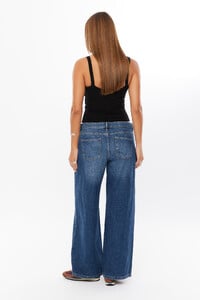















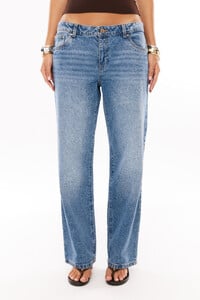


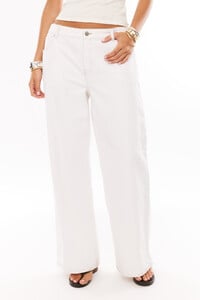


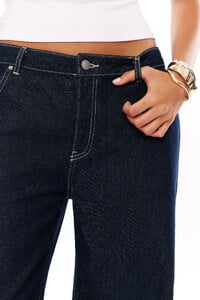


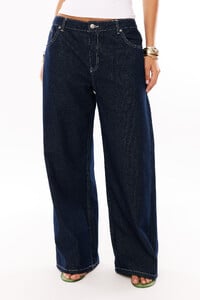

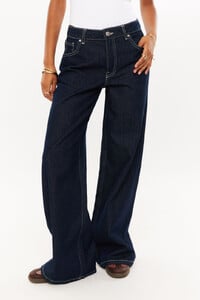



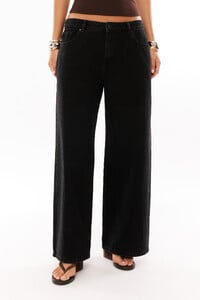
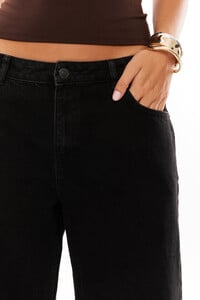



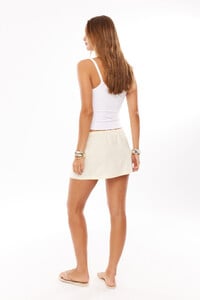



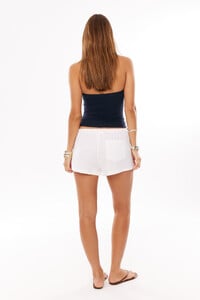
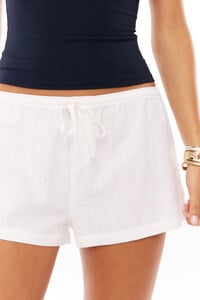

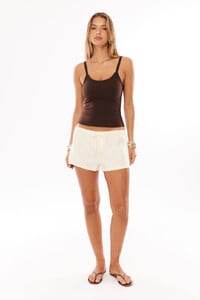


.thumb.jpg.bbd928f71a6cdc86b2d9a439cb84baf4.jpg)
.thumb.jpg.ff545465351f774c47981230ea8d38c4.jpg)
.thumb.jpg.1d5fe1fa44d813f14f0a5da30af96d90.jpg)
.thumb.jpg.ab15e04b9367faad1fb09817022ec97d.jpg)
 this is new?
 https://www.instagram.com/morg_avery/?hl=en
 Roguegorge


 She is primarily an instagram influencer I believe. I forget her name though.

 hgvhjwbvwgs joined the community
 ourfurniture joined the community
Crea Japan 95
ourfurniture joined the community
Crea Japan 95
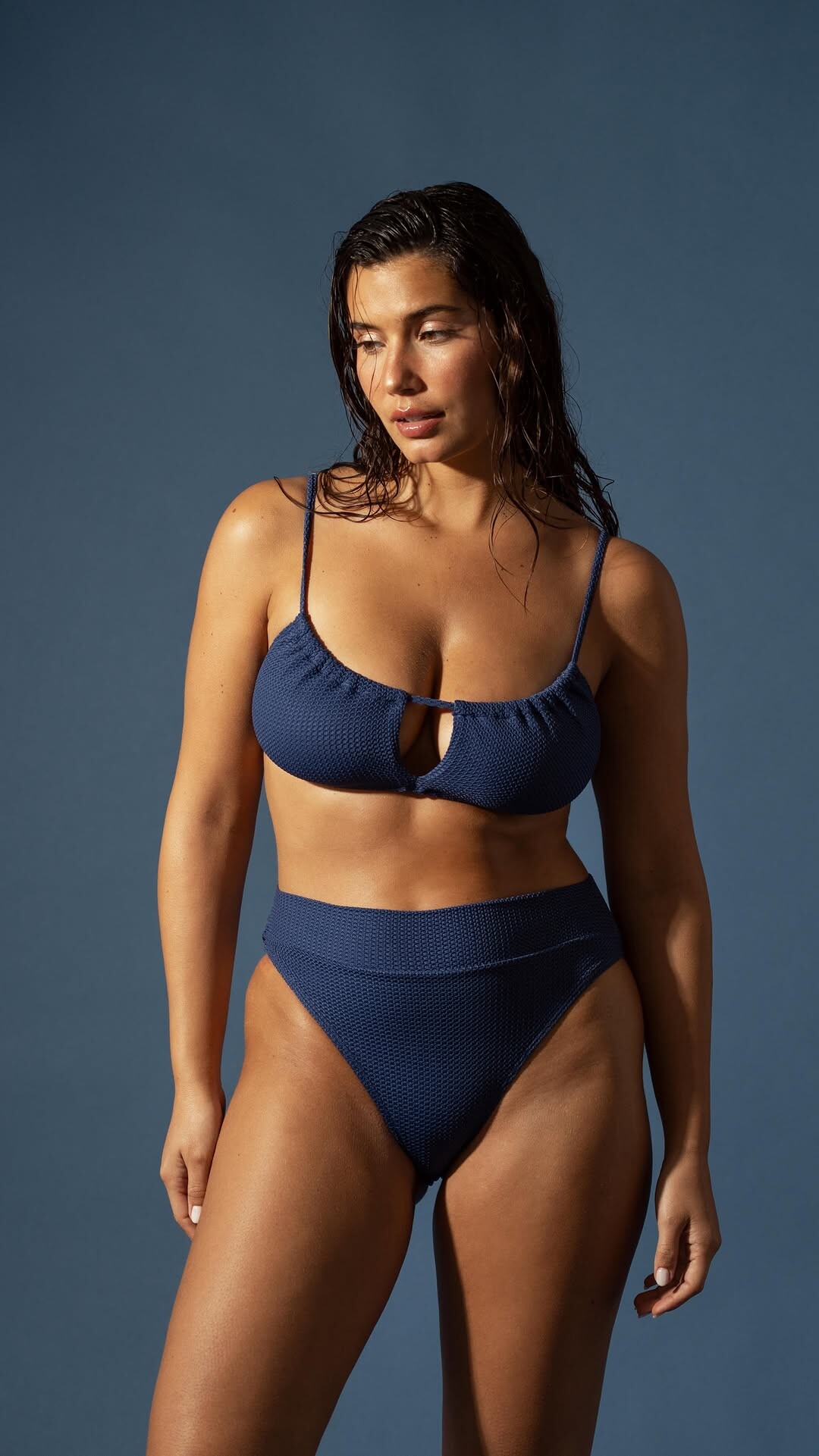
 Instagram Congratulations bekkerkim on a beautiful show 🖤 isabelmarant Video












































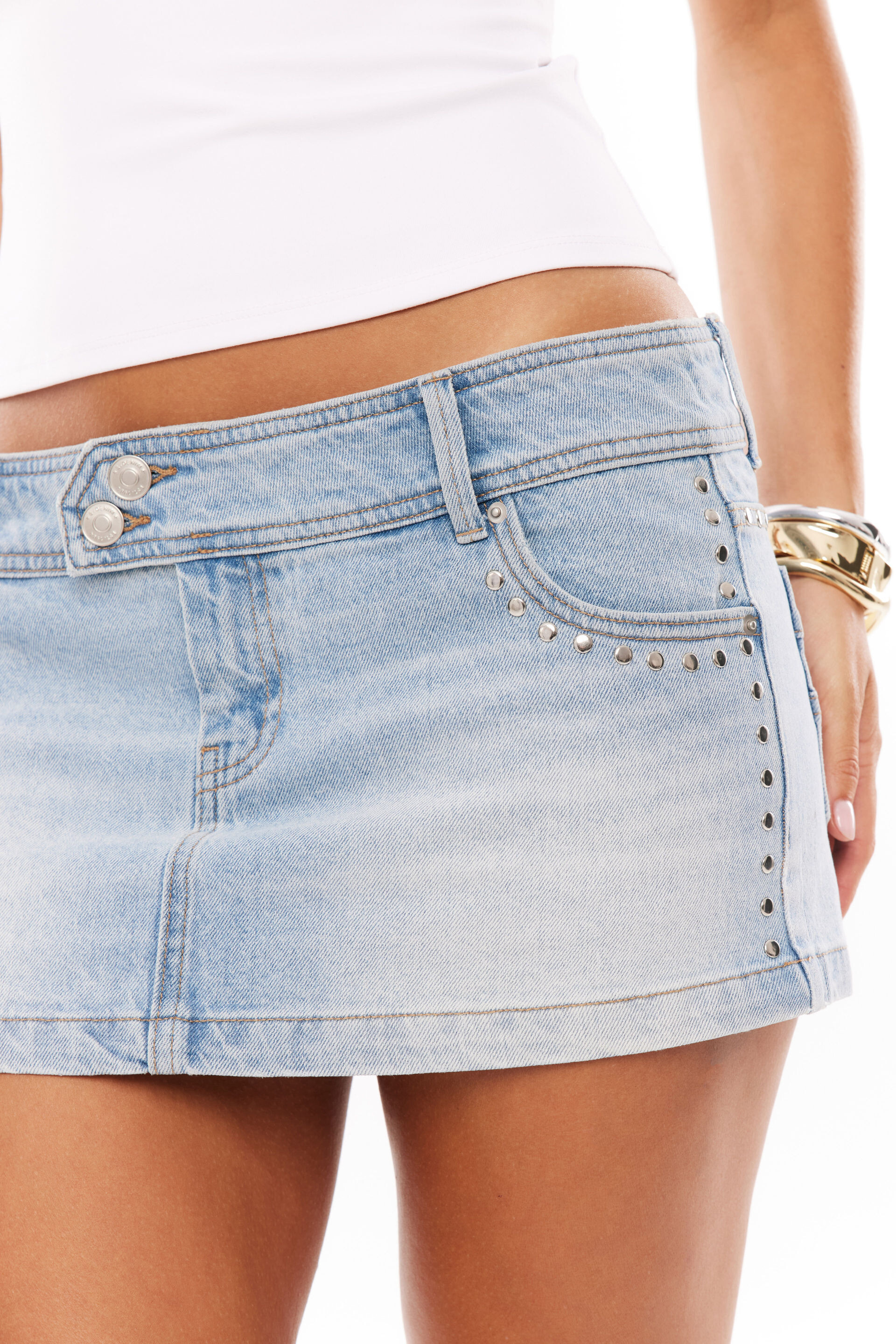


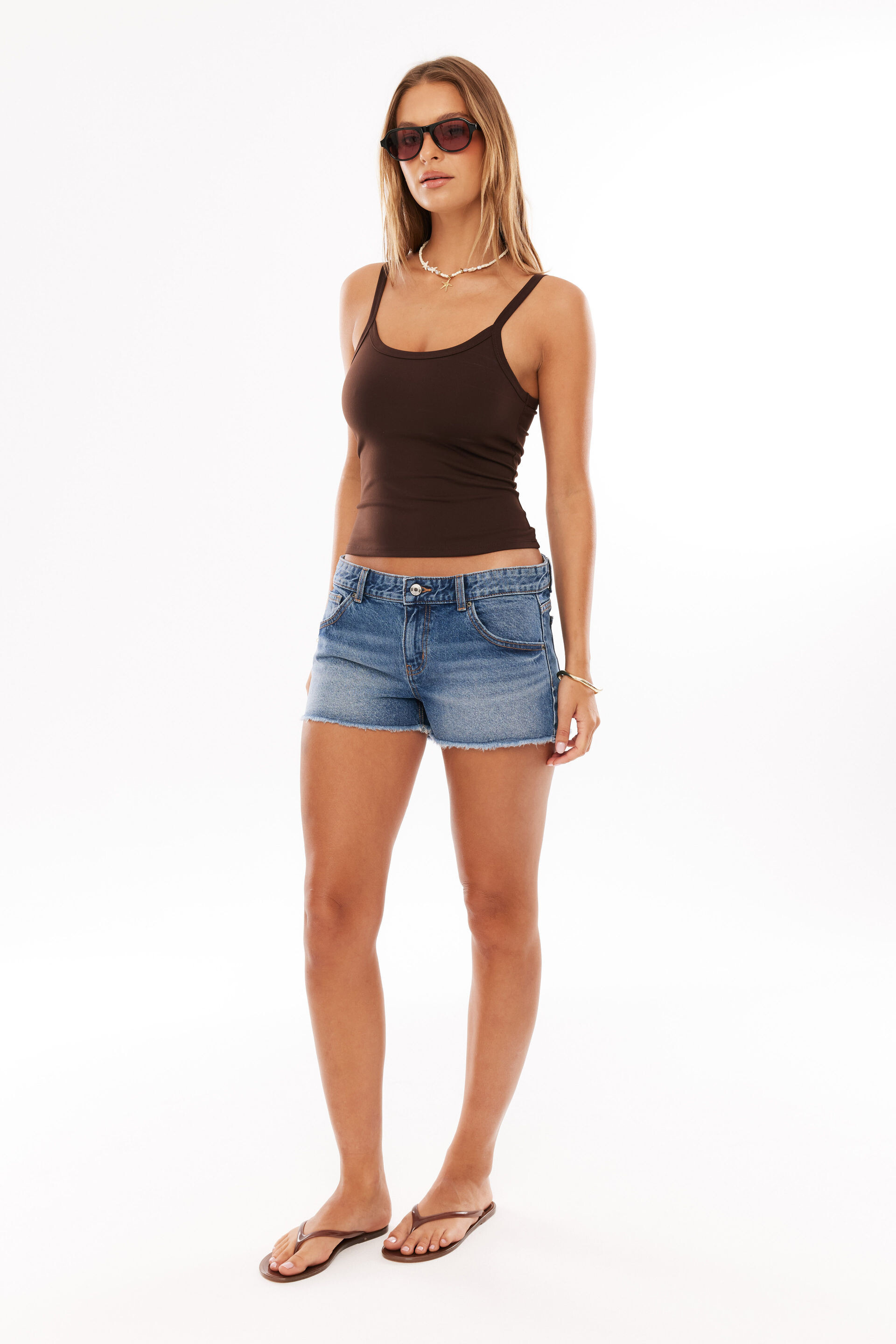
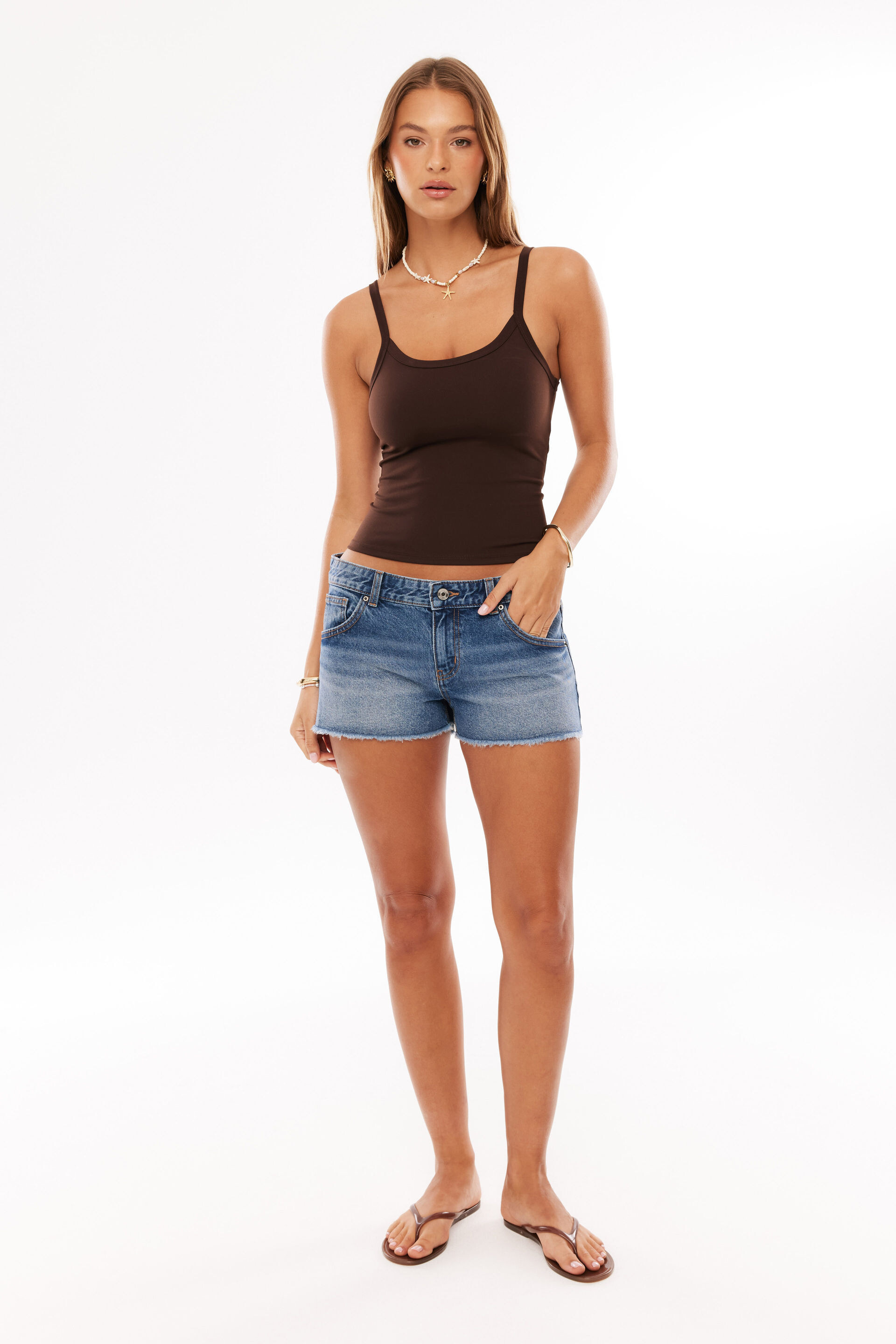
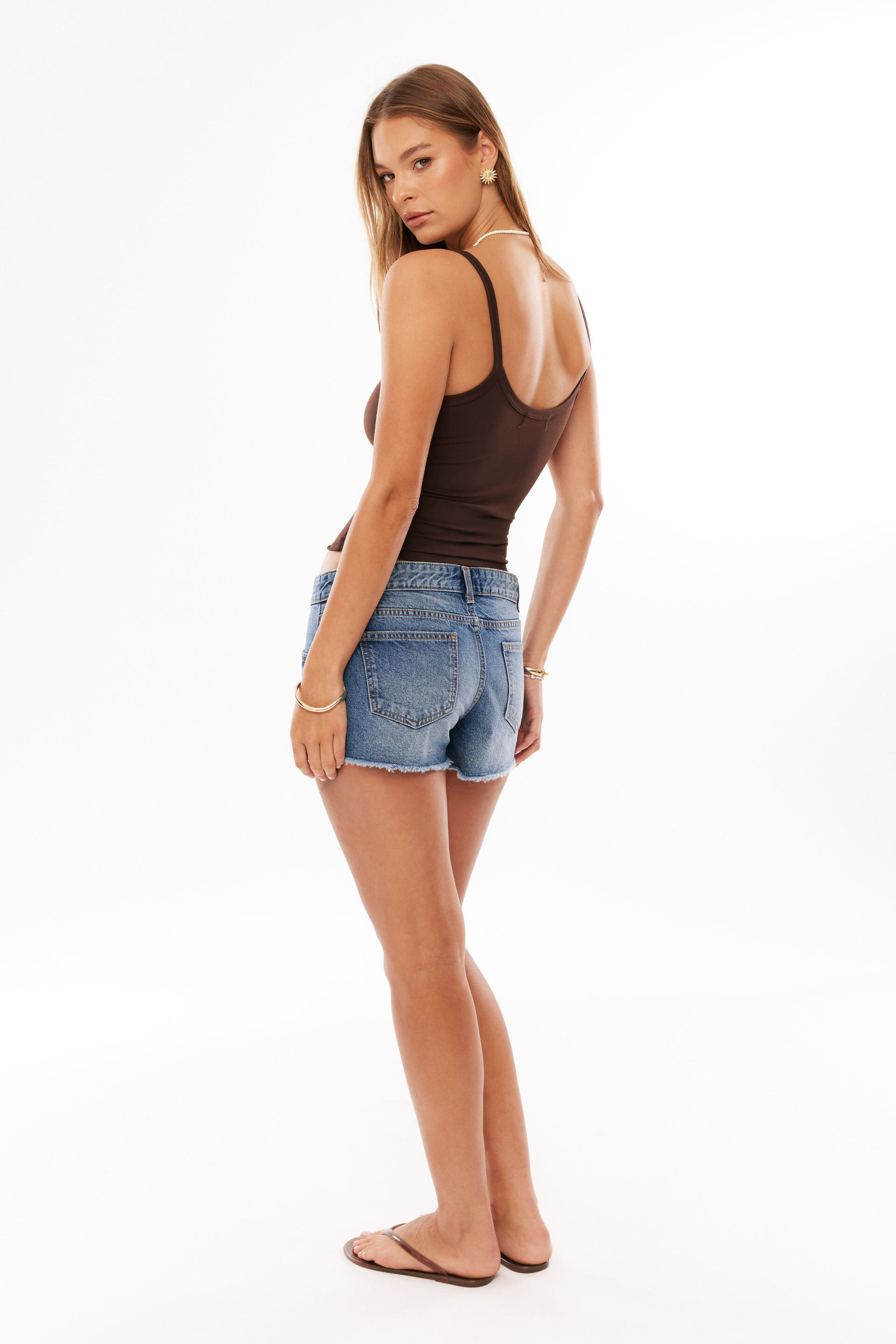


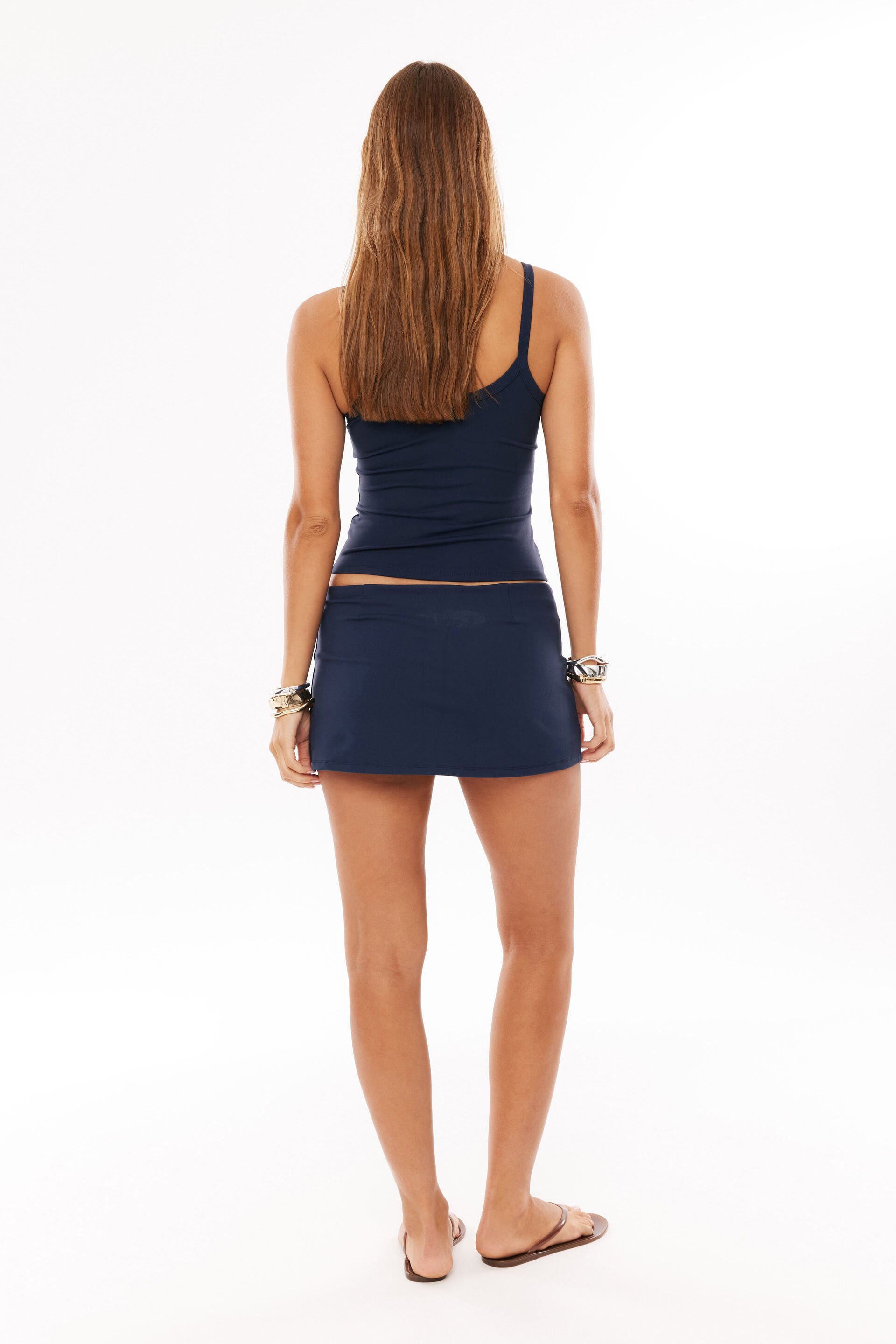
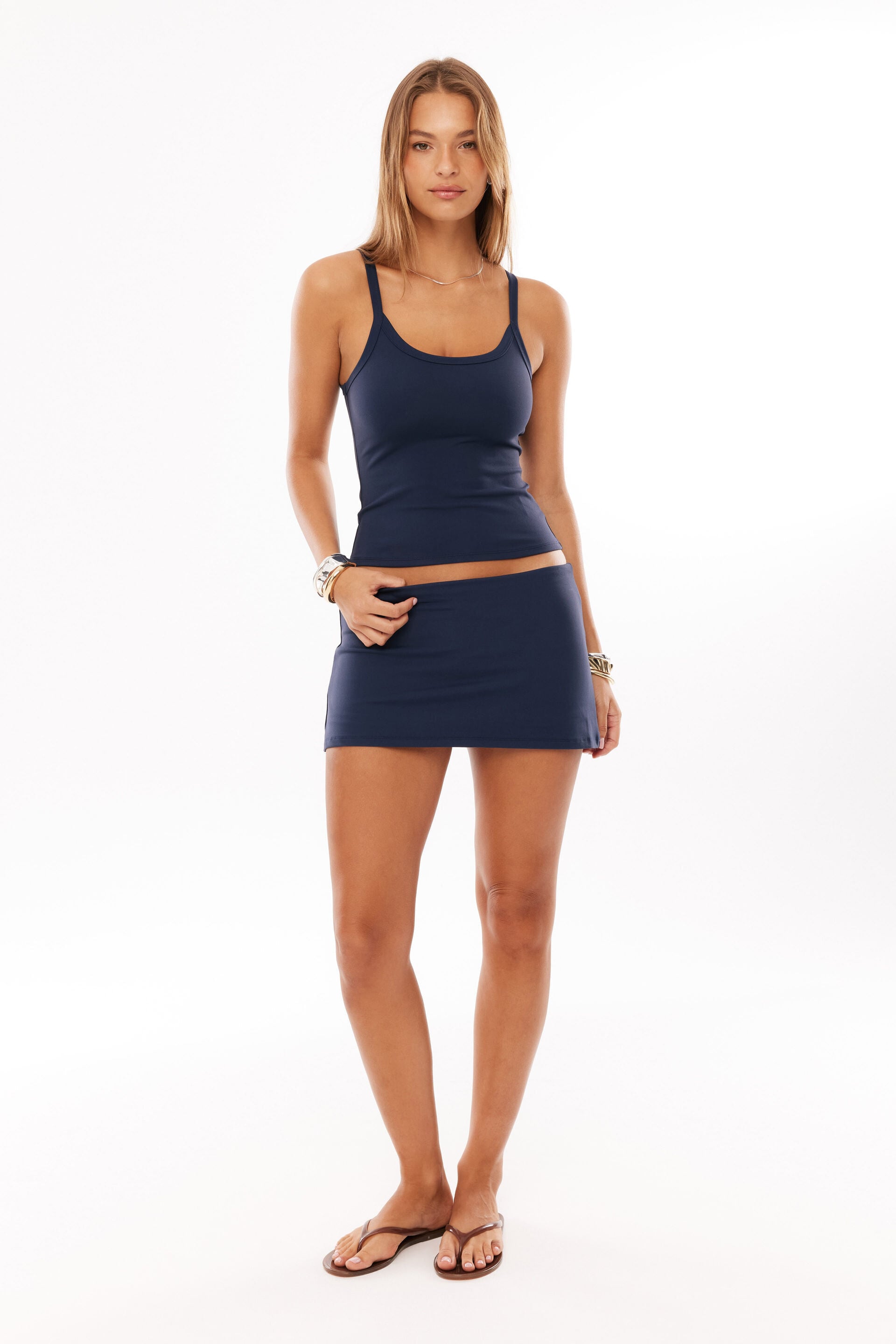
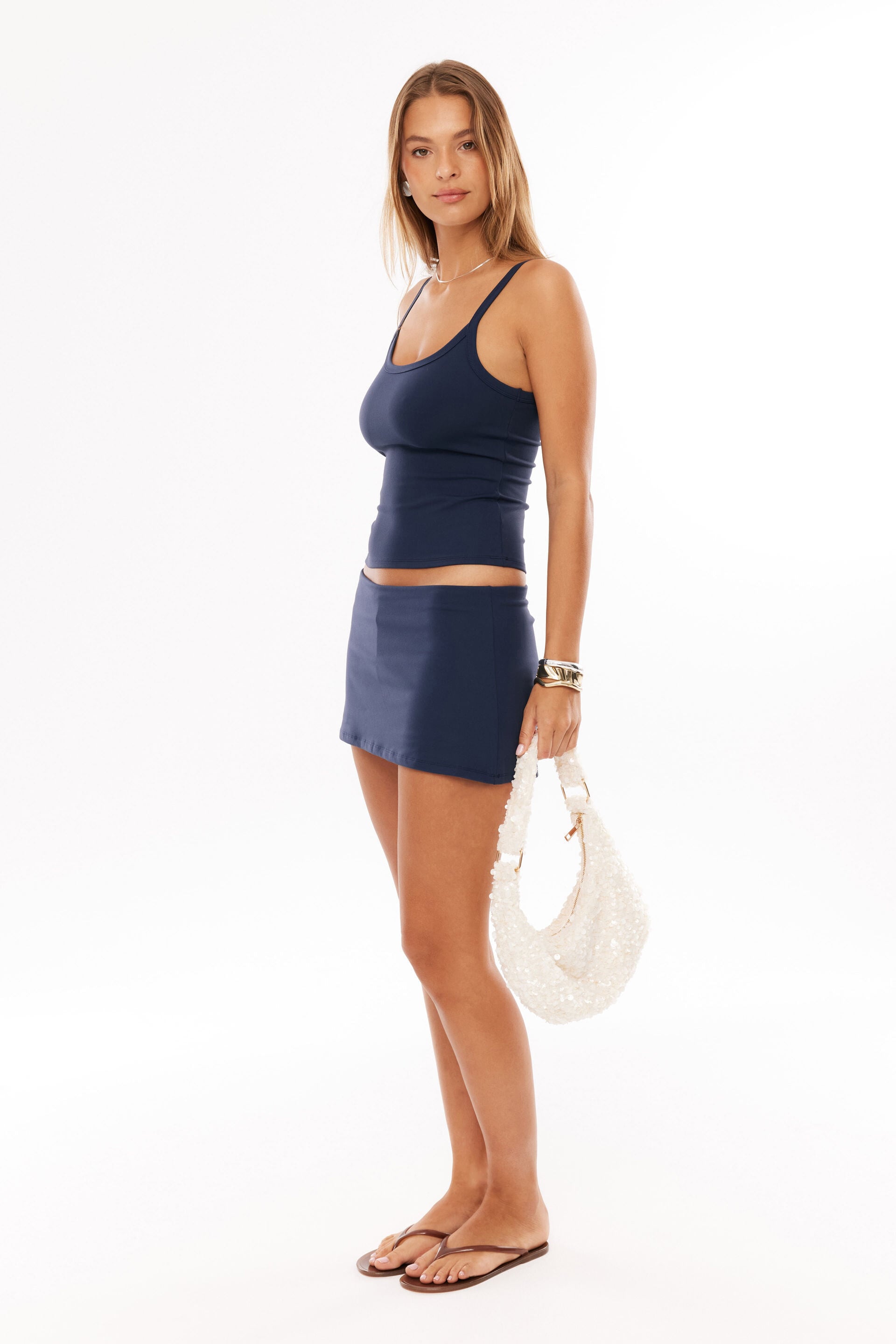


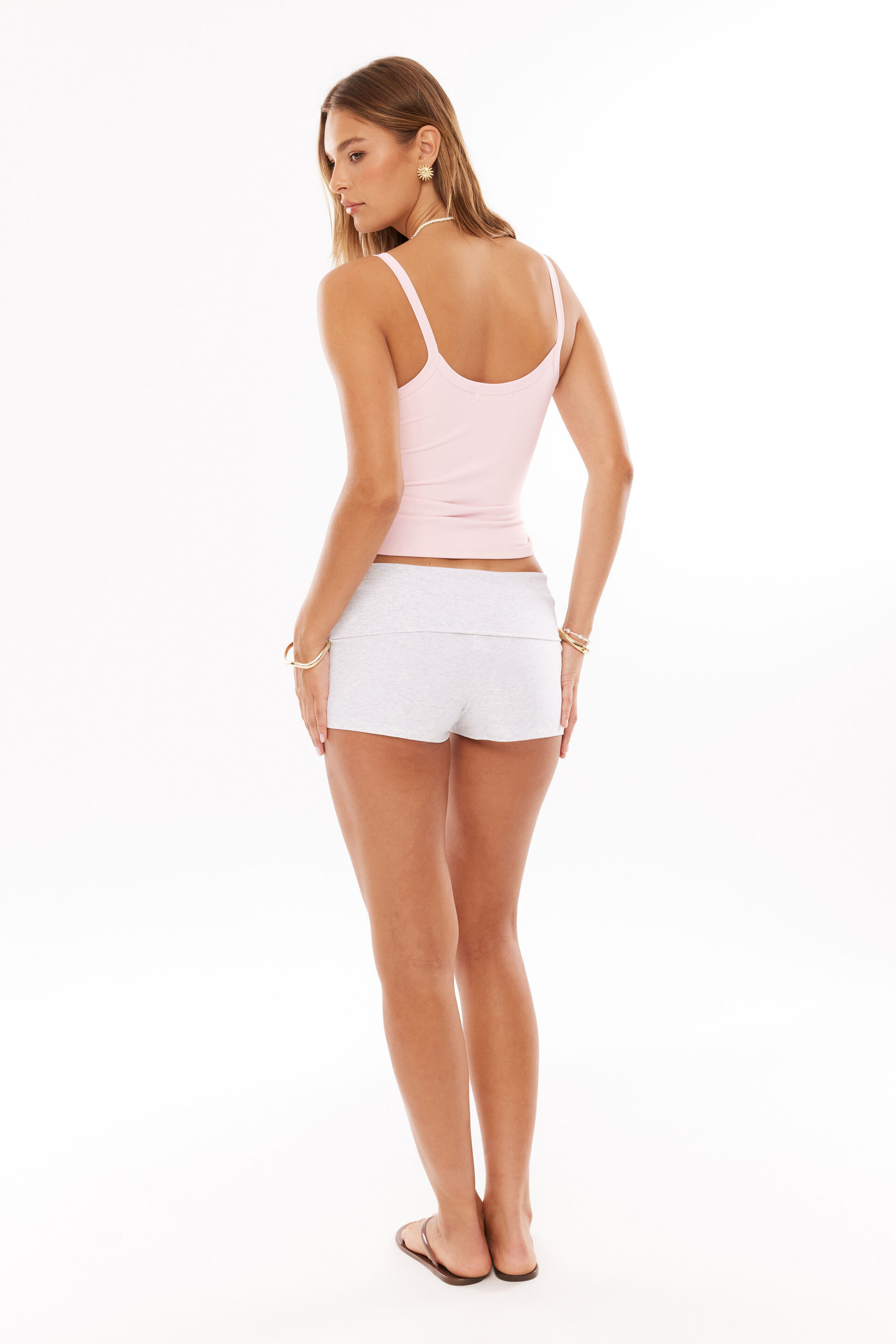




















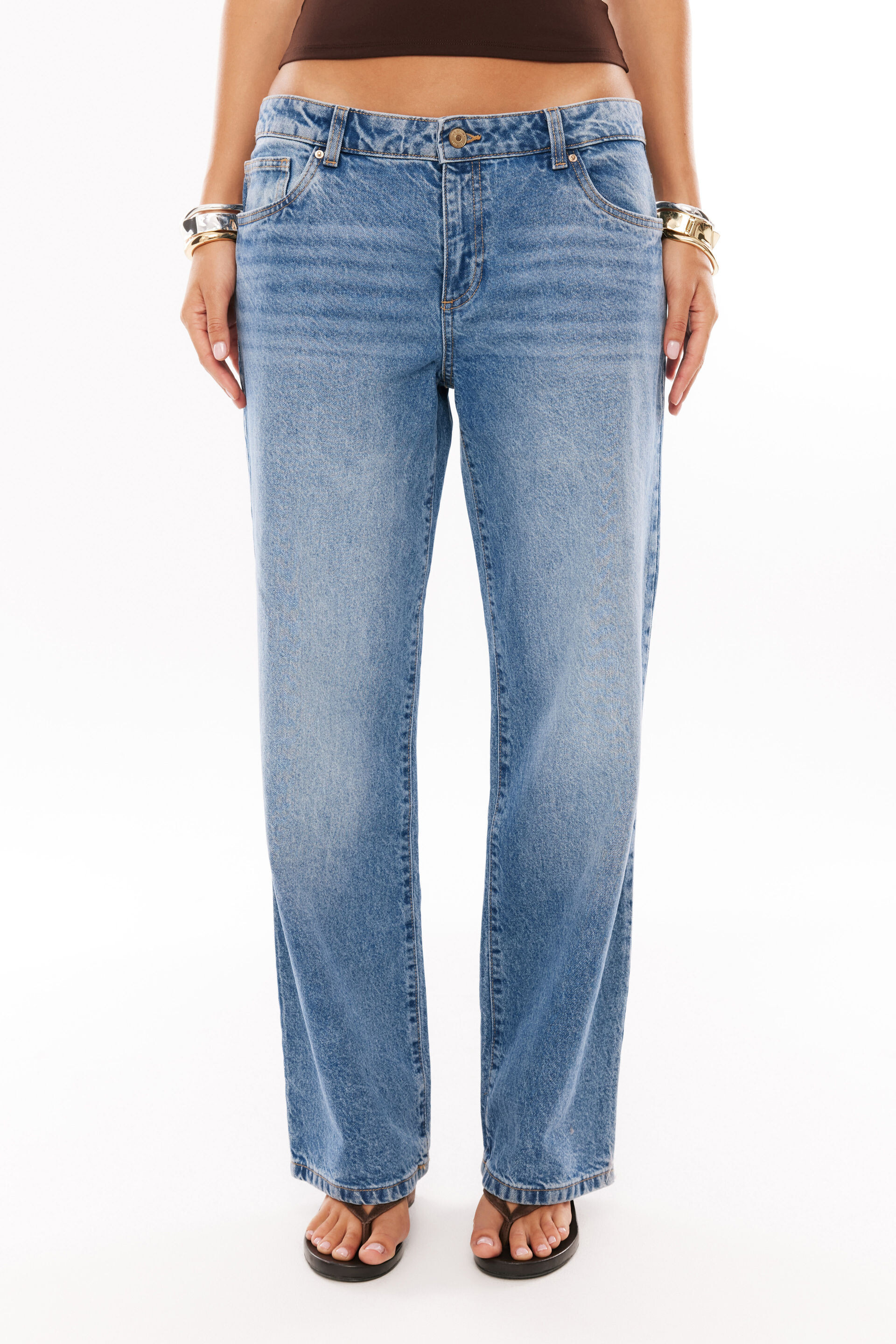
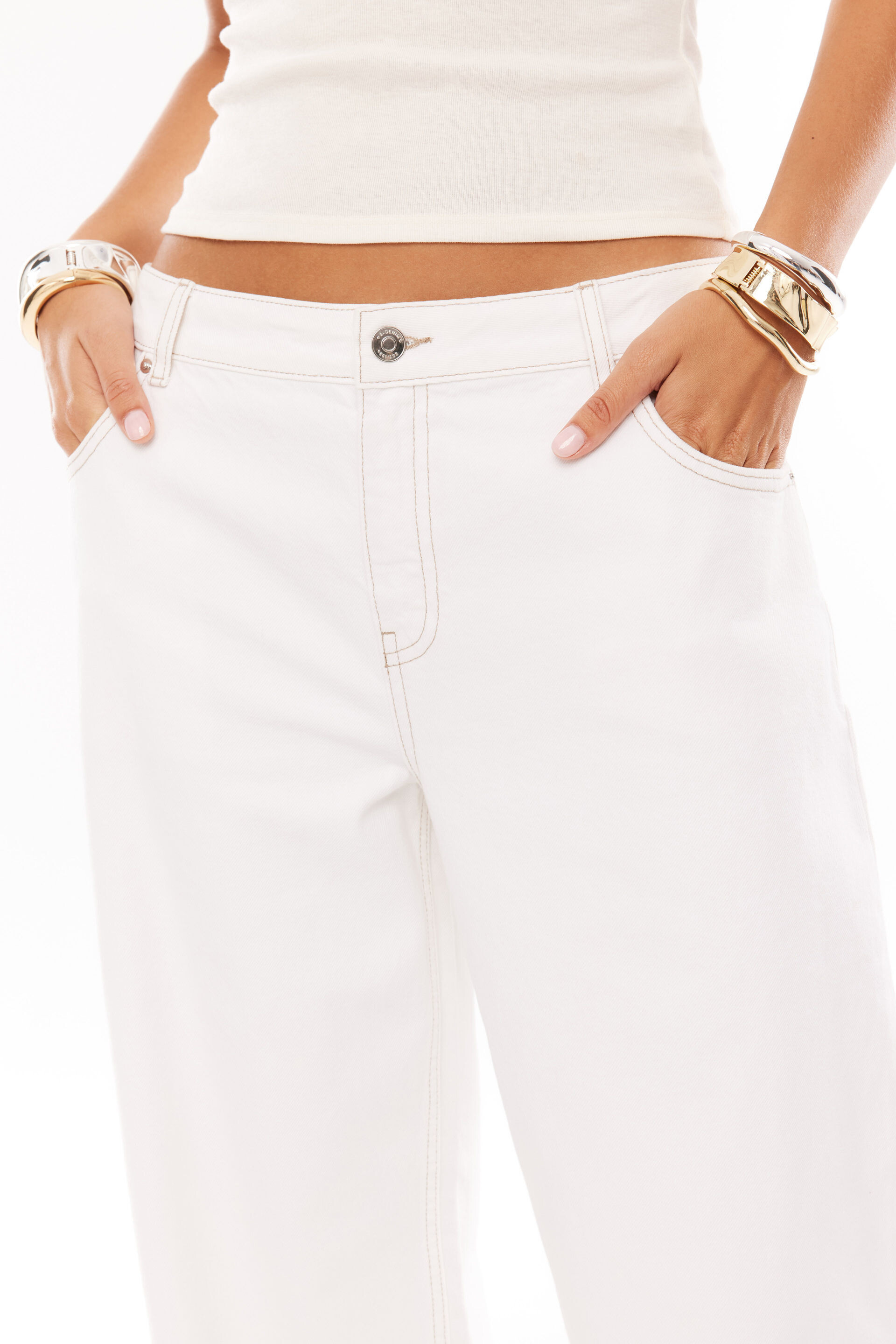

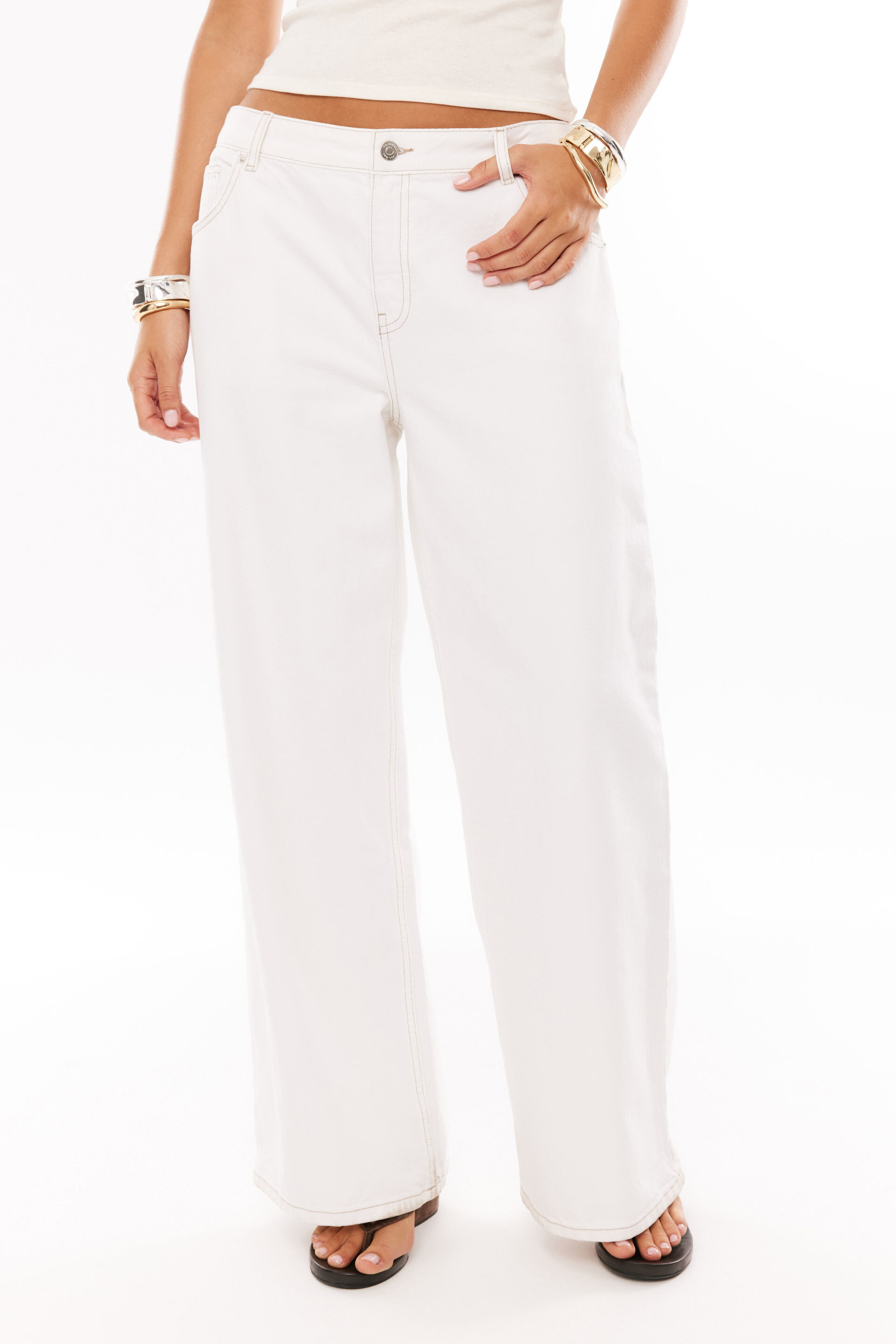


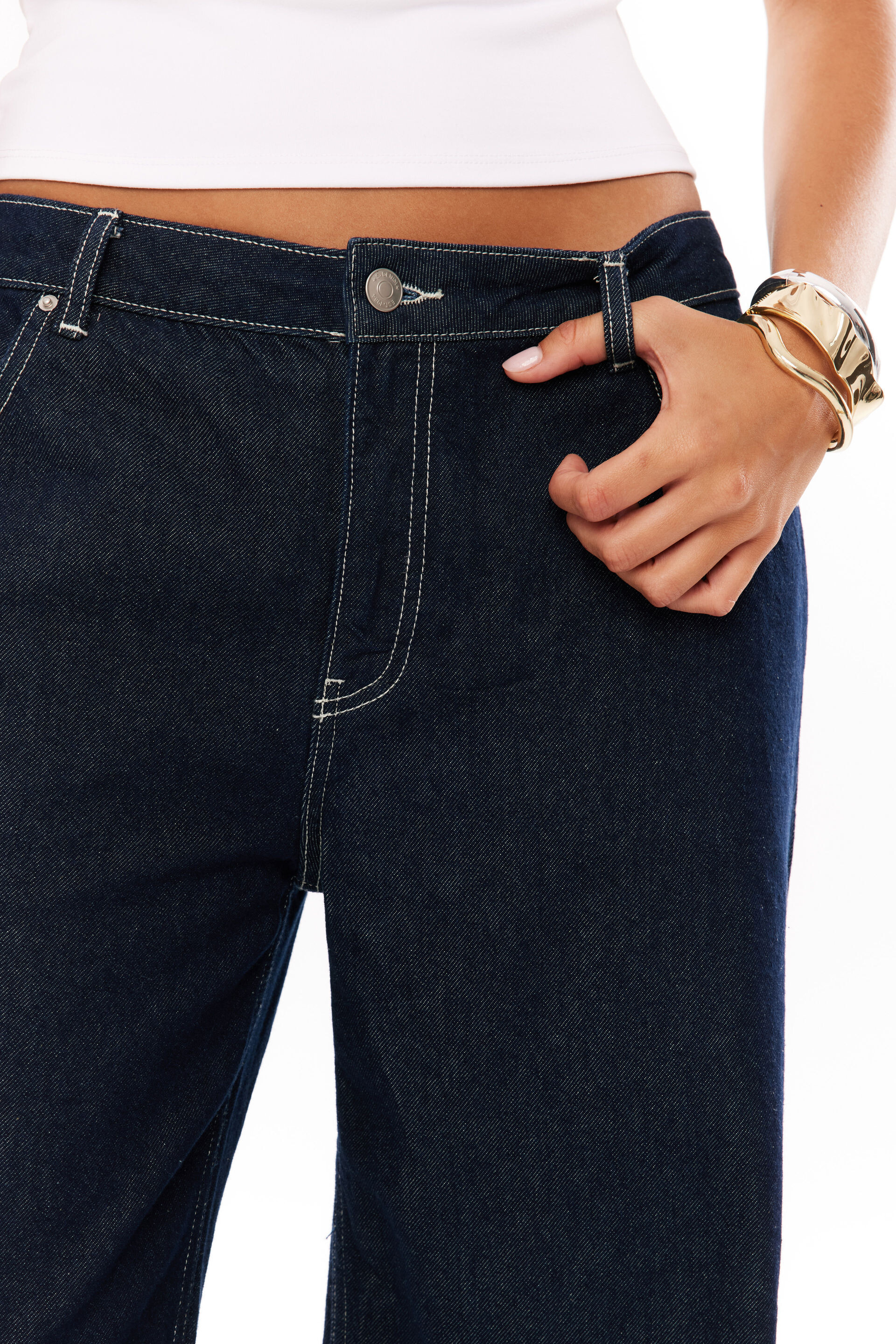





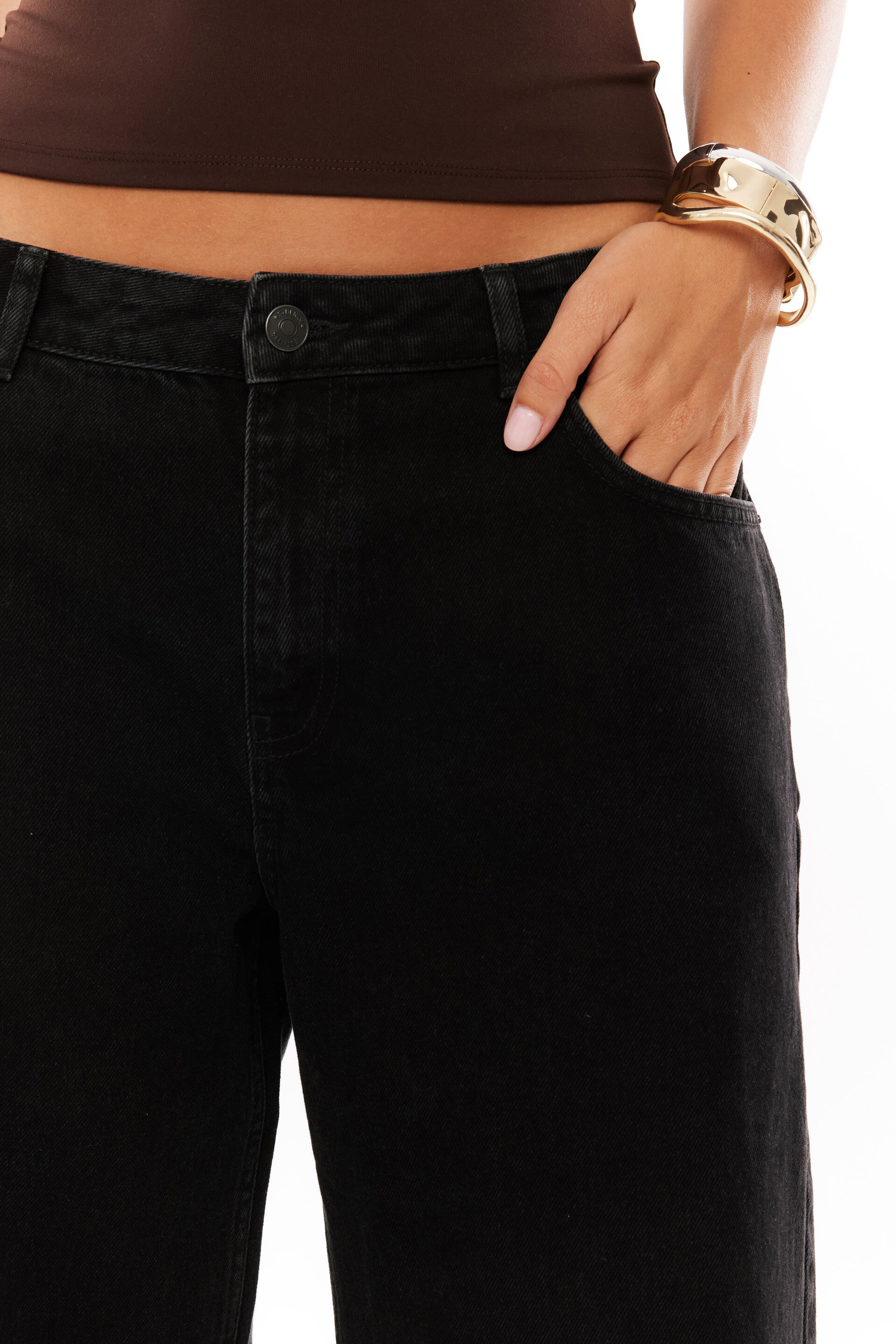

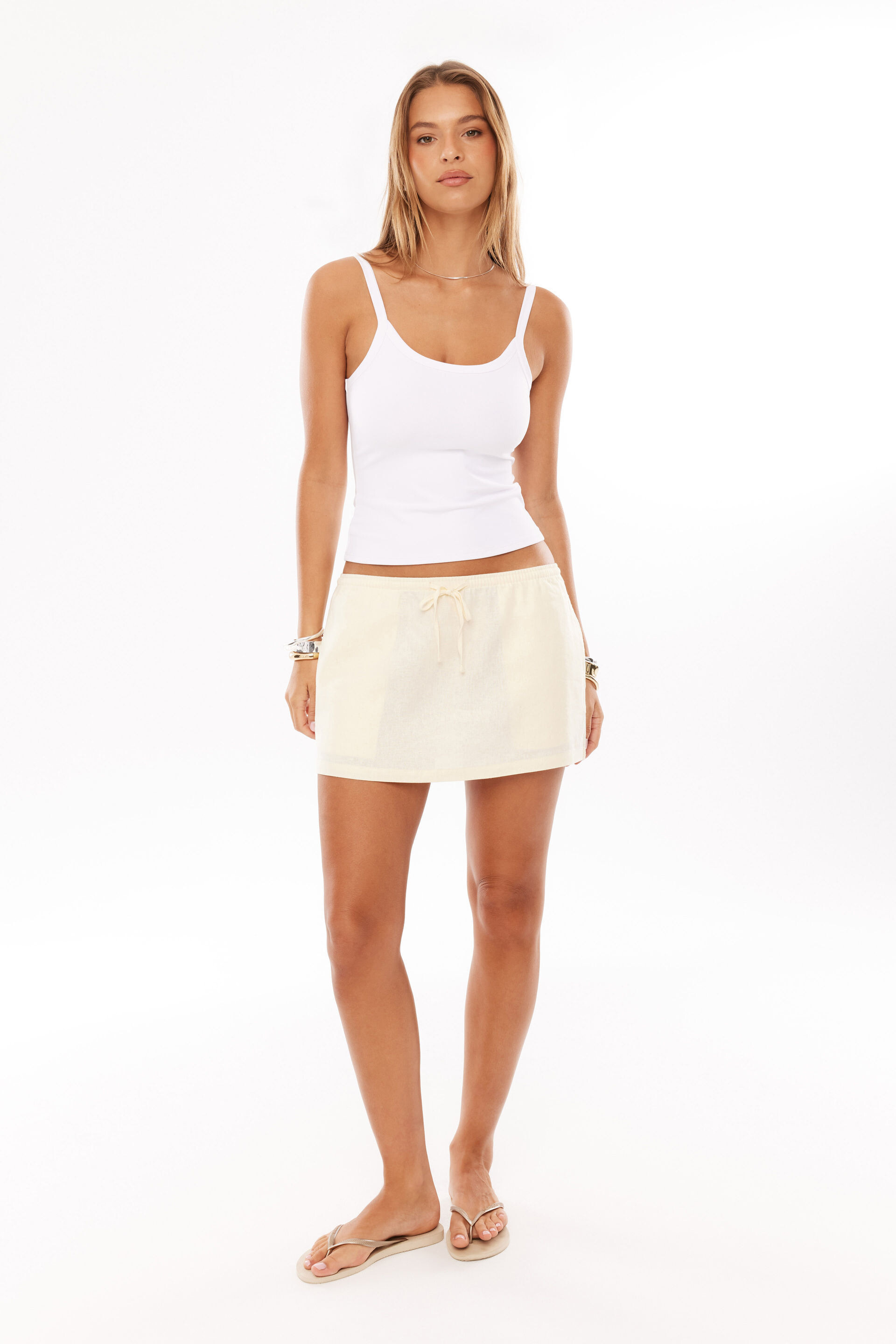
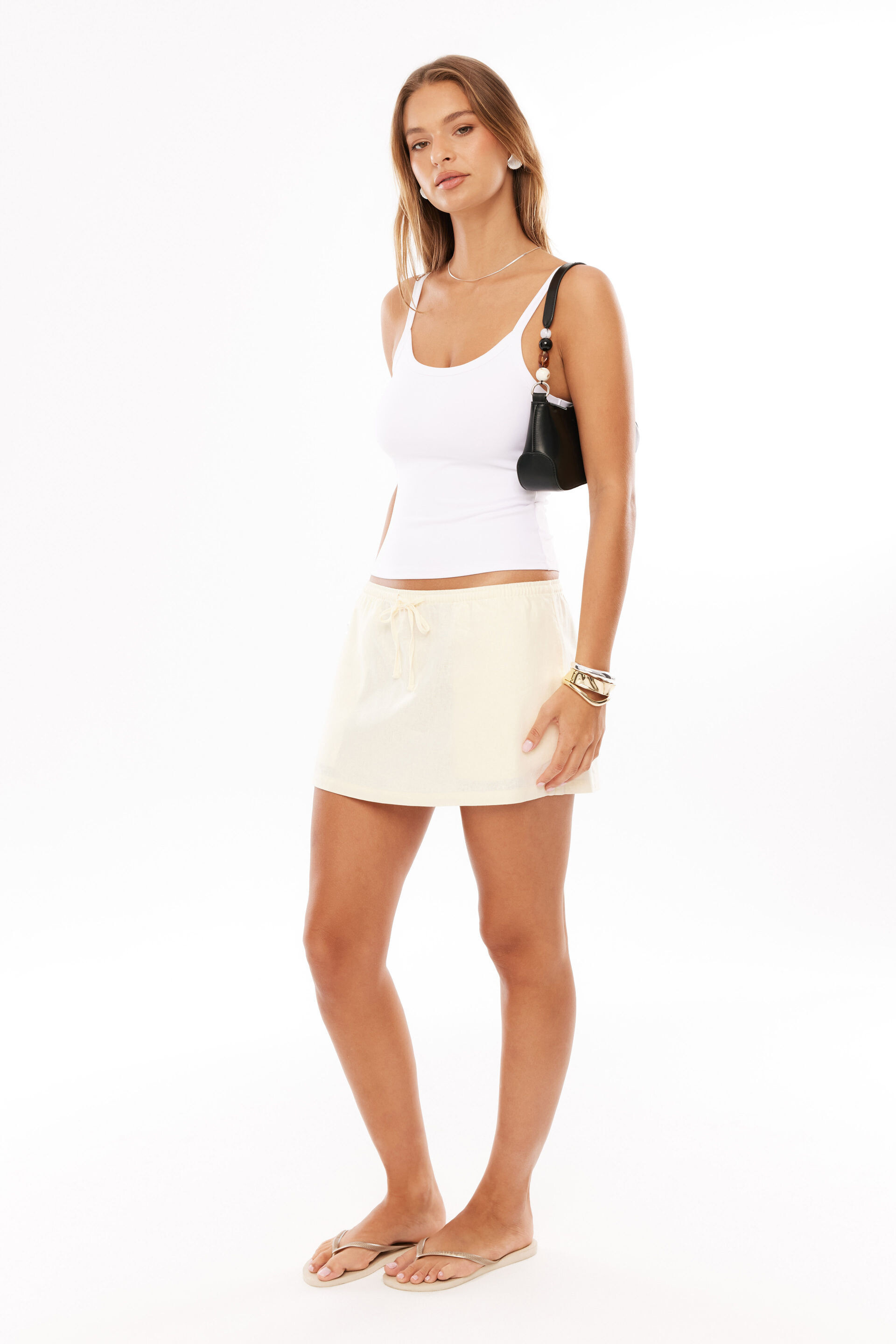
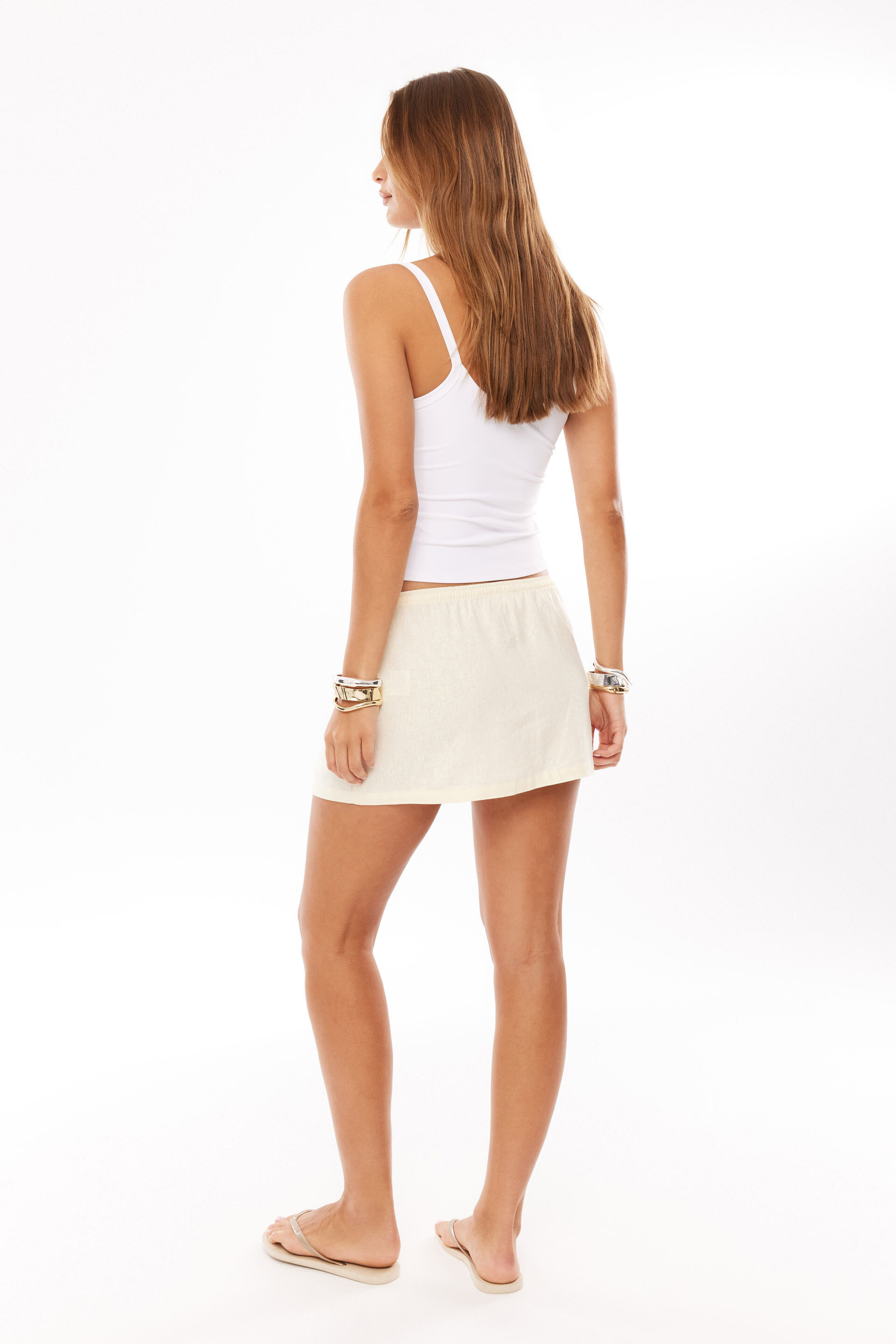
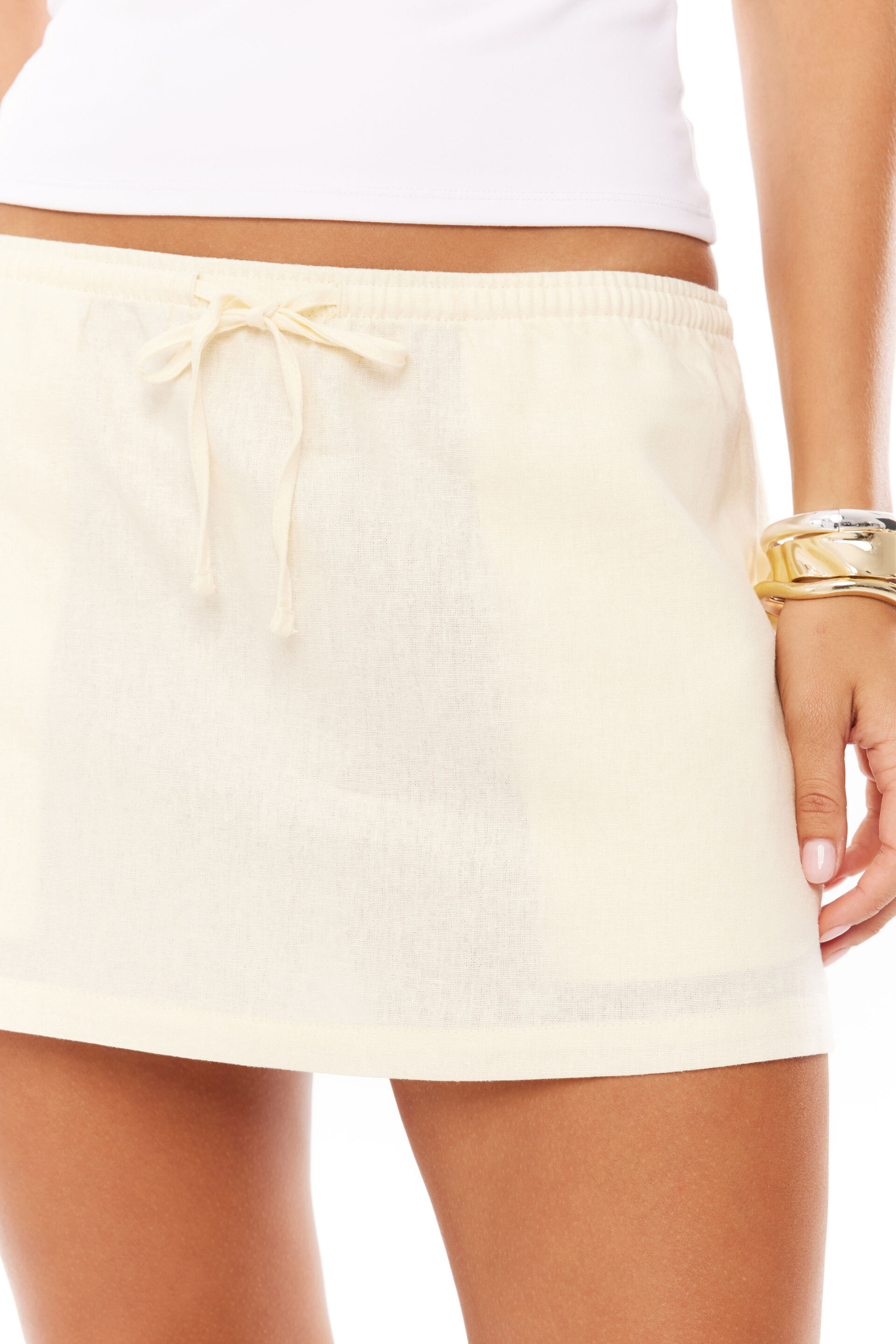

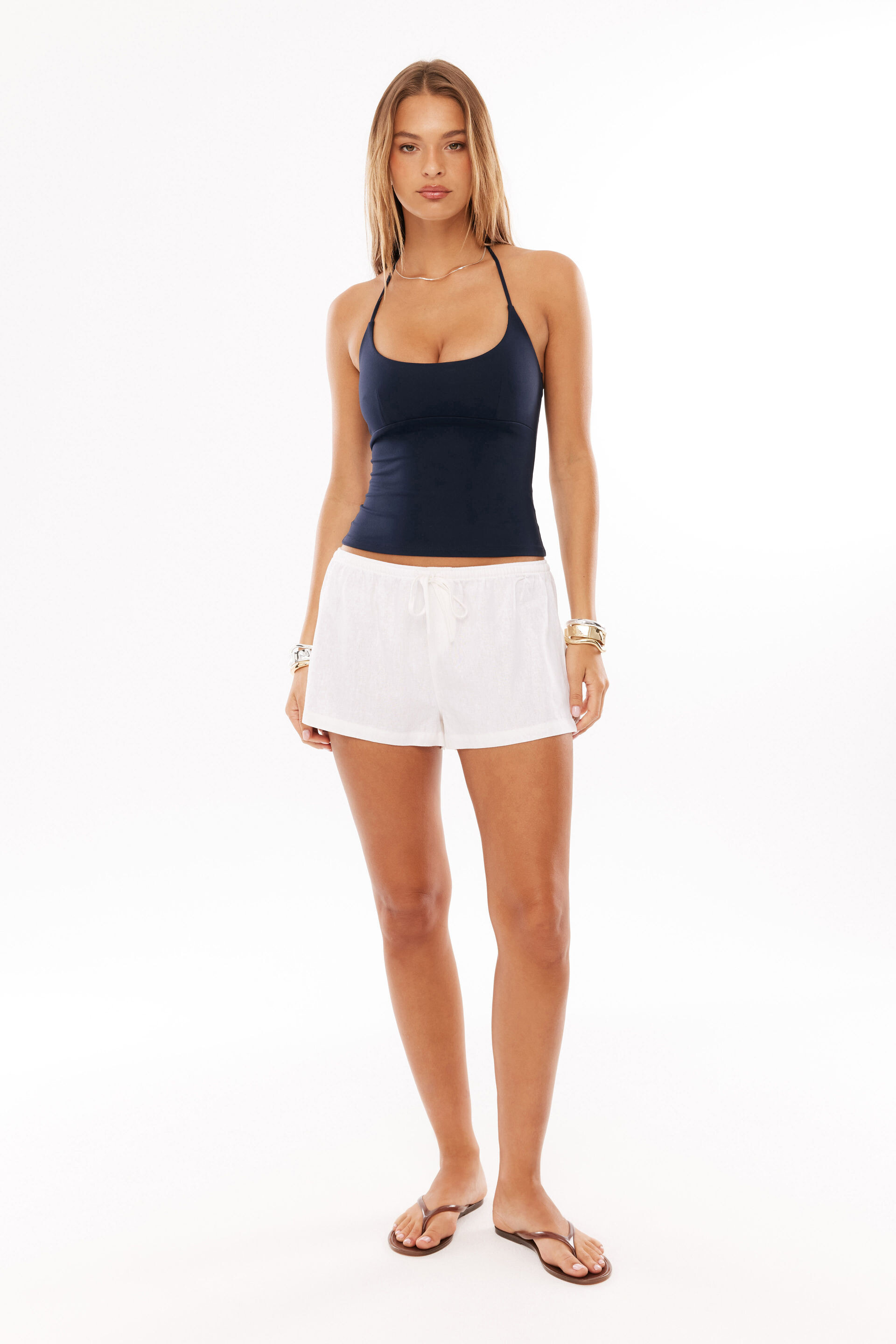
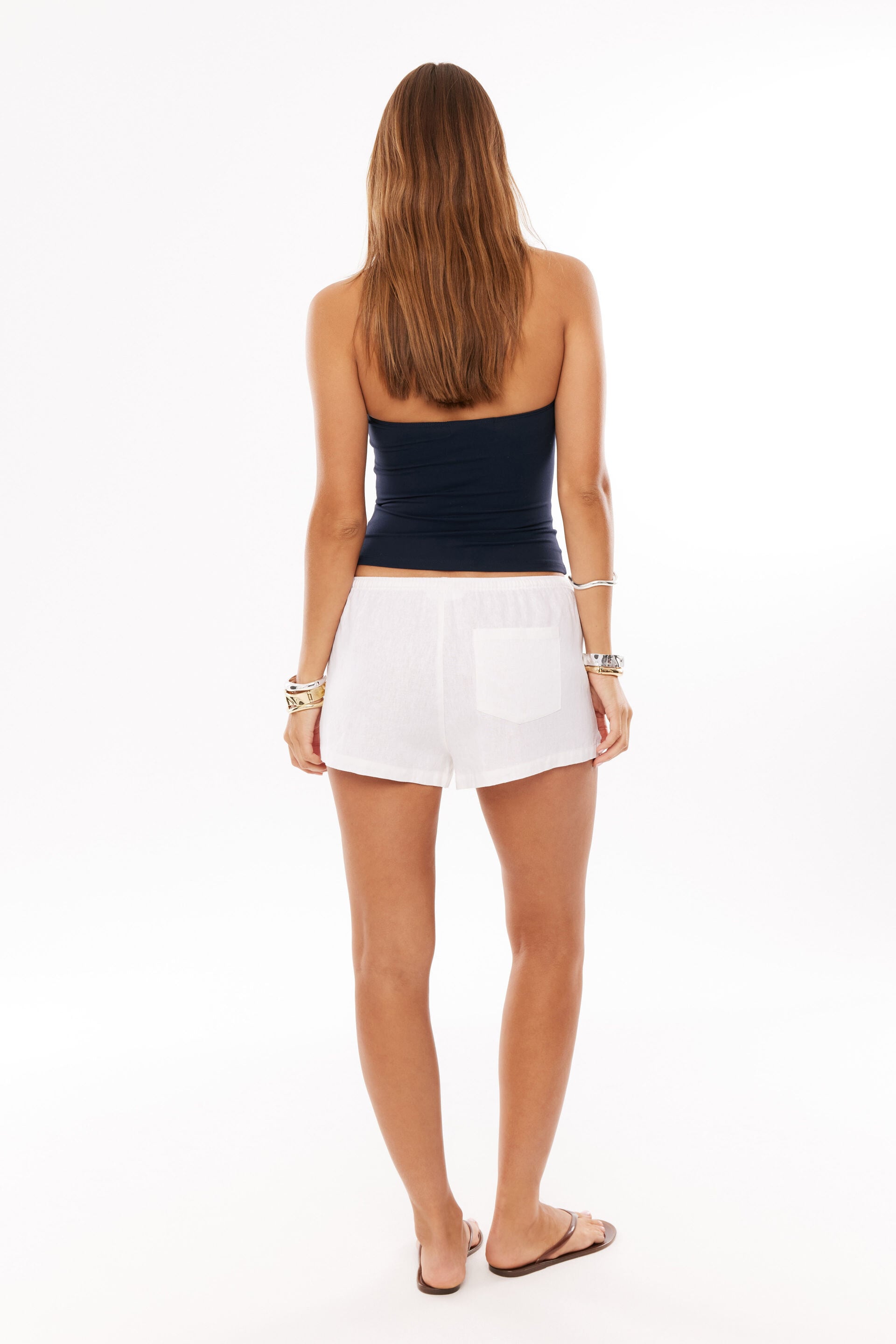
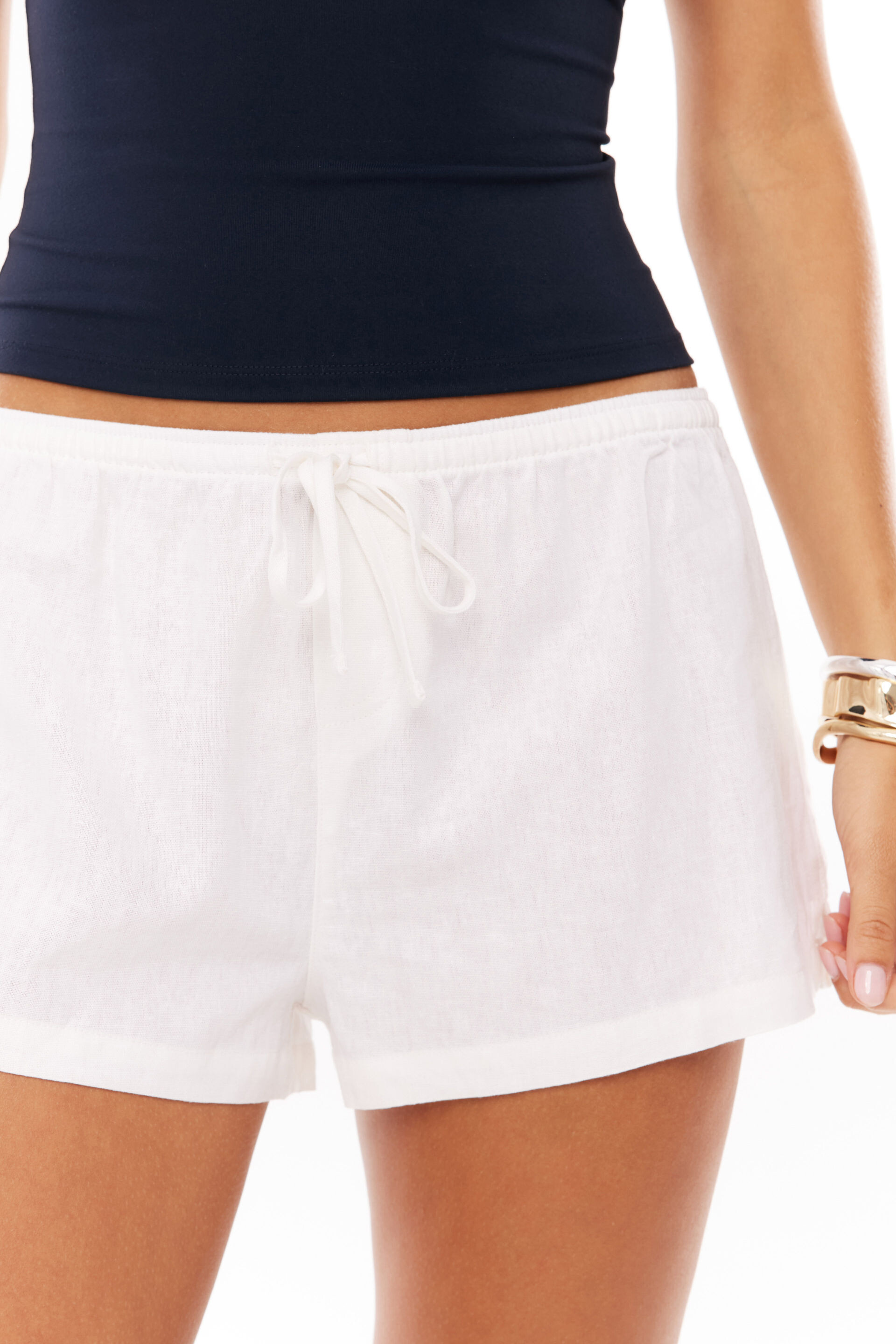

.jpg.7bf1cdb63fbc1748fe129cf5e6d09133.jpg)
.jpg.32b1439b26fb5b24f40402a0ee48b393.jpg)
.jpg.26408c0692c40a738b3b24c22bcce29c.jpg)
.jpg.a7996ee3d7c65a695276d0674bbda958.jpg)


.png.8b65a597a8889c98dd33d48b4c681f7f.png)
.png.38bab9ccec982b6809bfc20197aef509.png)














Account
Navigation
Search
Configure browser push notifications
Chrome (Android)
- Tap the lock icon next to the address bar.
- Tap Permissions → Notifications.
- Adjust your preference.
Chrome (Desktop)
- Click the padlock icon in the address bar.
- Select Site settings.
- Find Notifications and adjust your preference.
Safari (iOS 16.4+)
- Ensure the site is installed via Add to Home Screen.
- Open Settings App → Notifications.
- Find your app name and adjust your preference.
Safari (macOS)
- Go to Safari → Preferences.
- Click the Websites tab.
- Select Notifications in the sidebar.
- Find this website and adjust your preference.
Edge (Android)
- Tap the lock icon next to the address bar.
- Tap Permissions.
- Find Notifications and adjust your preference.
Edge (Desktop)
- Click the padlock icon in the address bar.
- Click Permissions for this site.
- Find Notifications and adjust your preference.
Firefox (Android)
- Go to Settings → Site permissions.
- Tap Notifications.
- Find this site in the list and adjust your preference.
Firefox (Desktop)
- Open Firefox Settings.
- Search for Notifications.
- Find this site in the list and adjust your preference.