All Activity
- Past hour
-

-
-
-
 That's the one. Was not expecting a reply at all let alone in less than a day!
 -
 qclaw changed their profile photo
 -

-
qclaw joined the community
-

 Never seen that thread…..LOL! Thanks for the info. Very helpful! I have already discovered several thread titles in which the model names are misspelled.
 Jazmín de Gracia








 ❤️❤️❤️
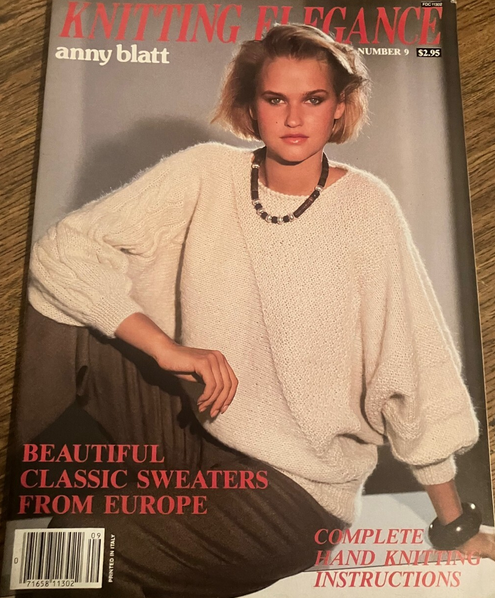
cover KNITTING ELEGANCE U.K. March 1984 #9 source: ebay
❤️❤️❤️
cover KNITTING ELEGANCE U.K. March 1984 #9 source: ebay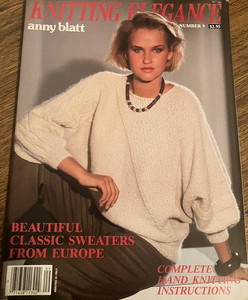
 fekalera joined the community

- Today
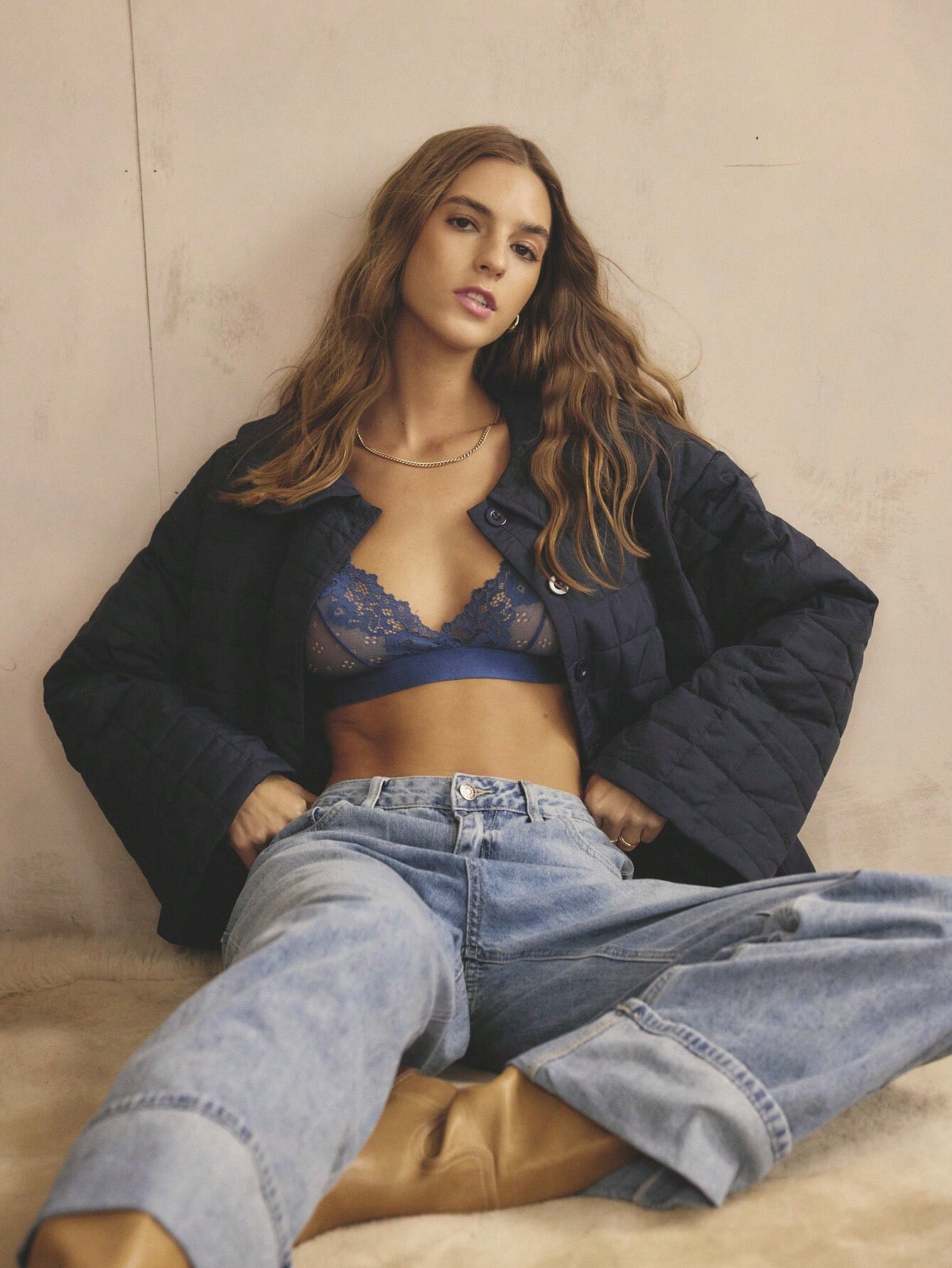
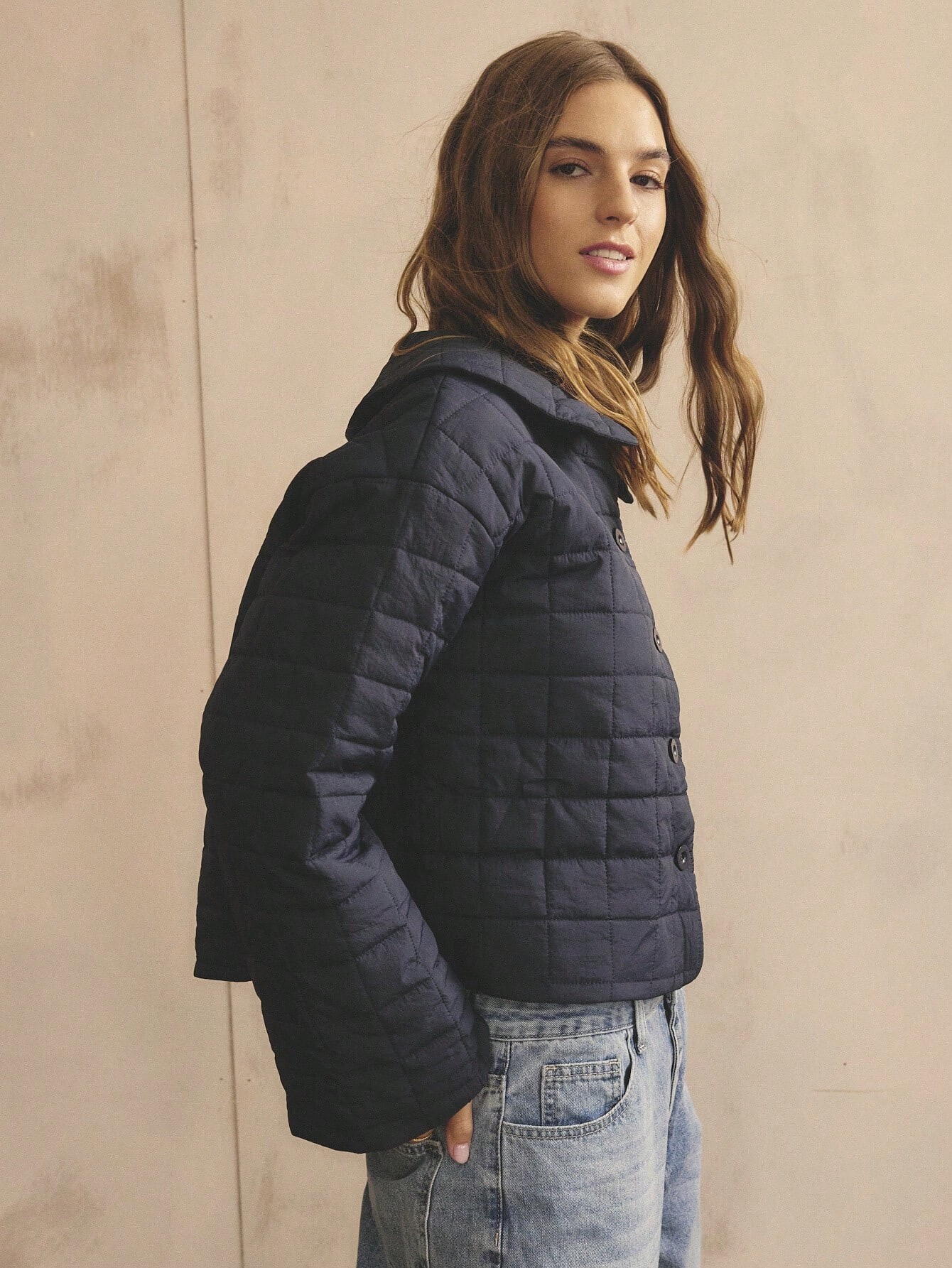
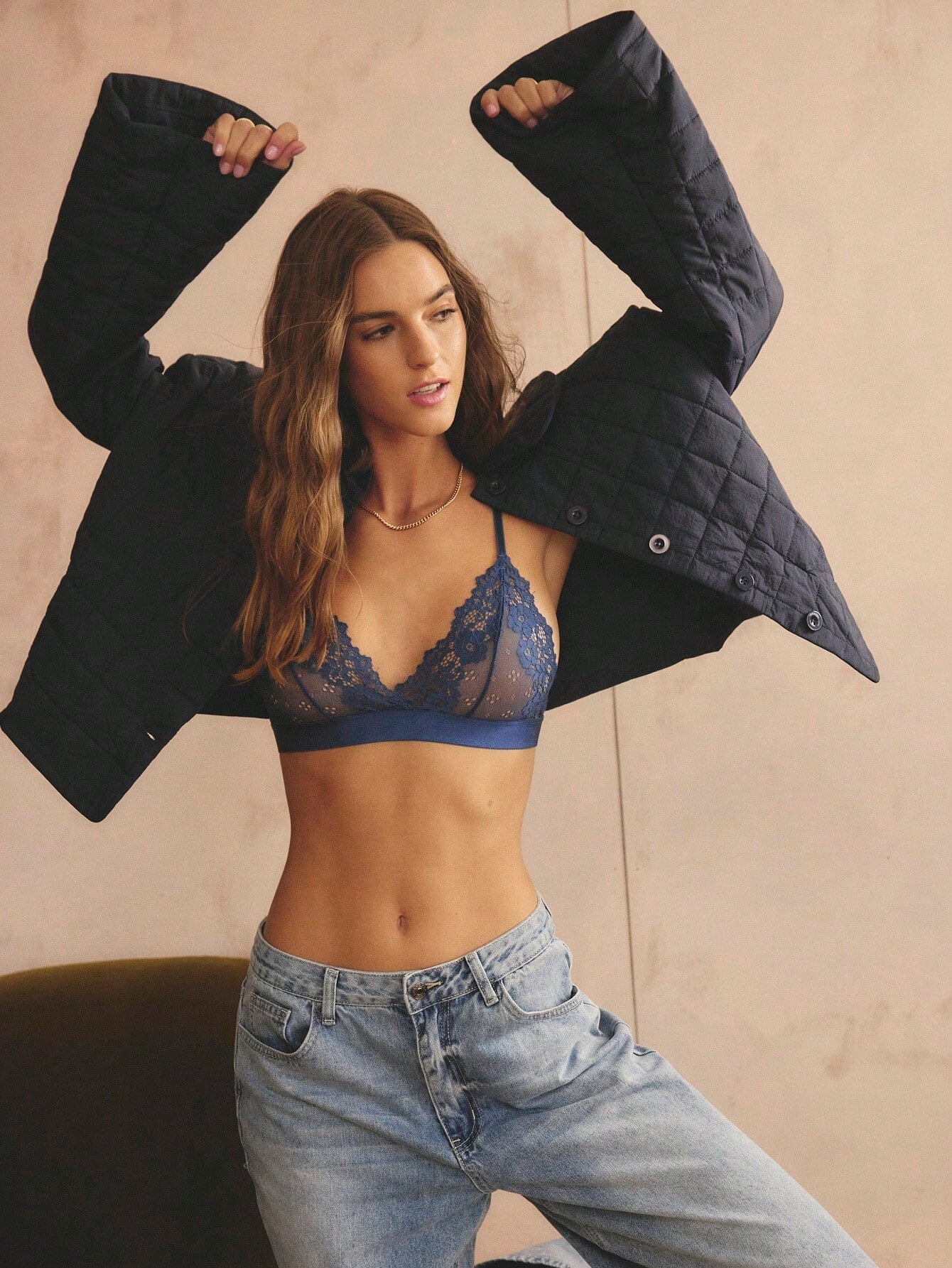
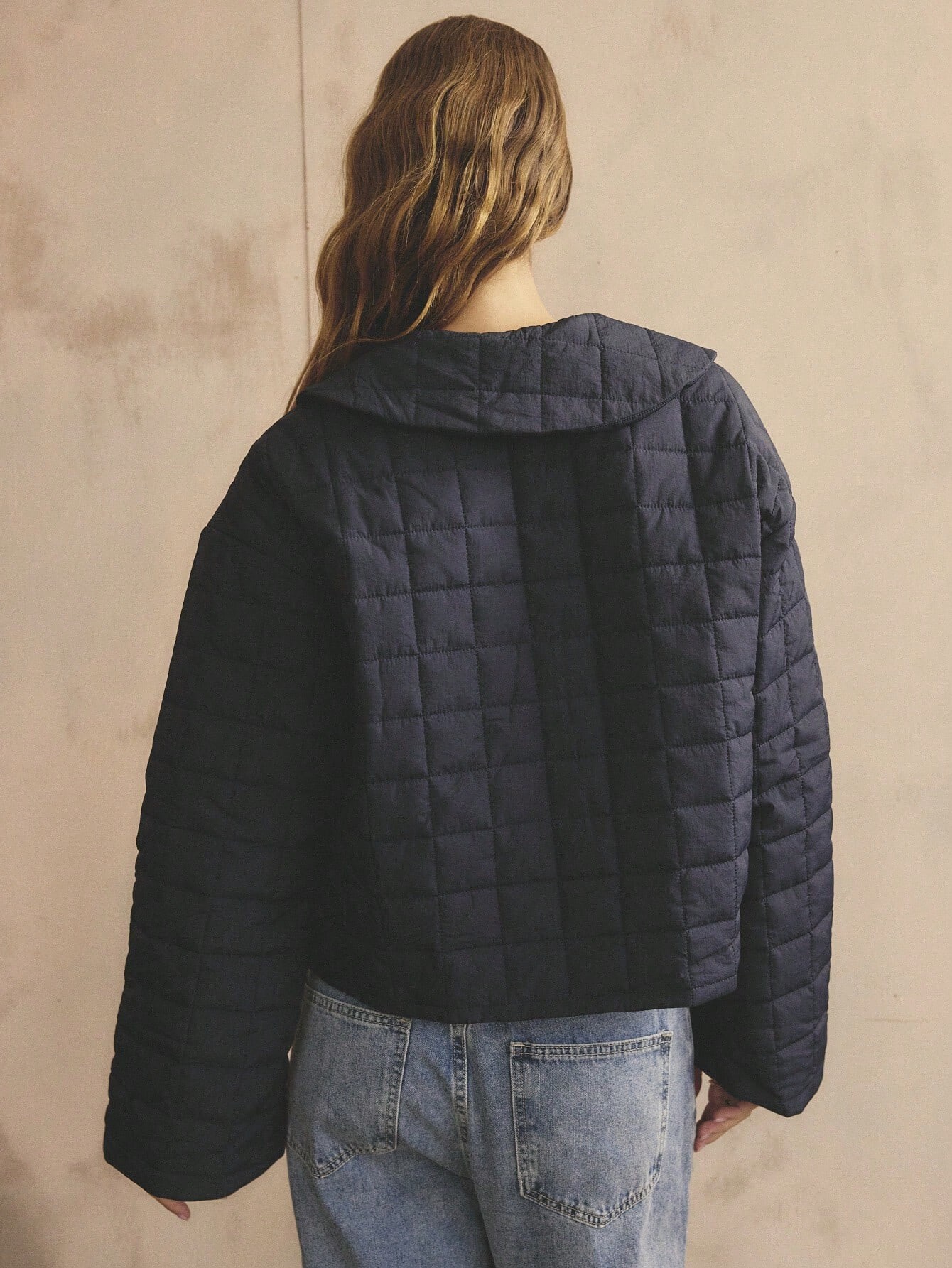
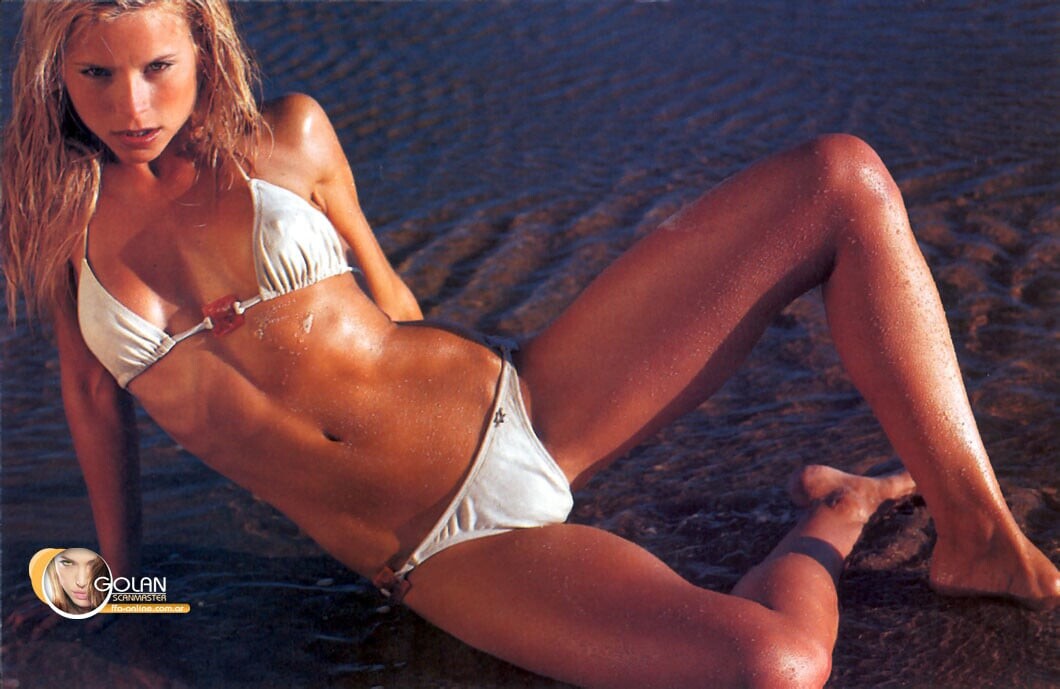
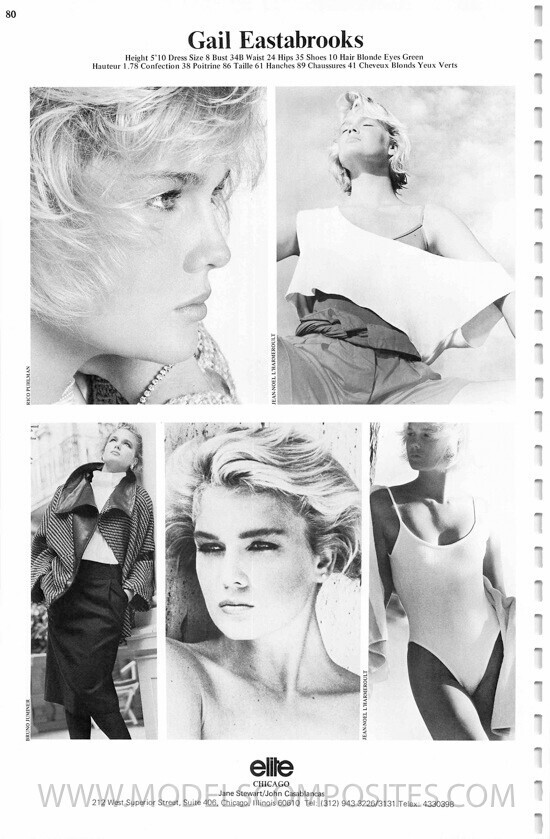
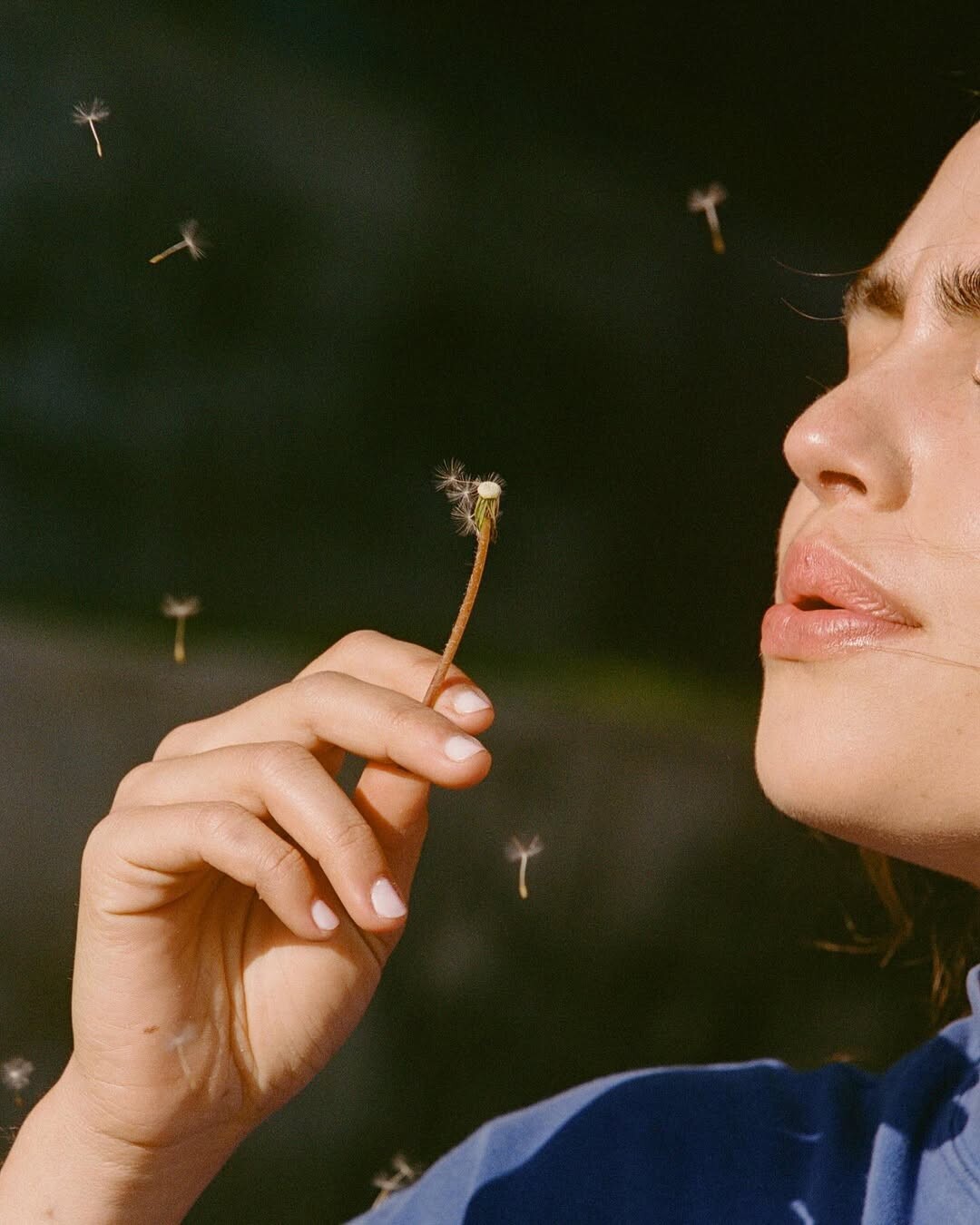
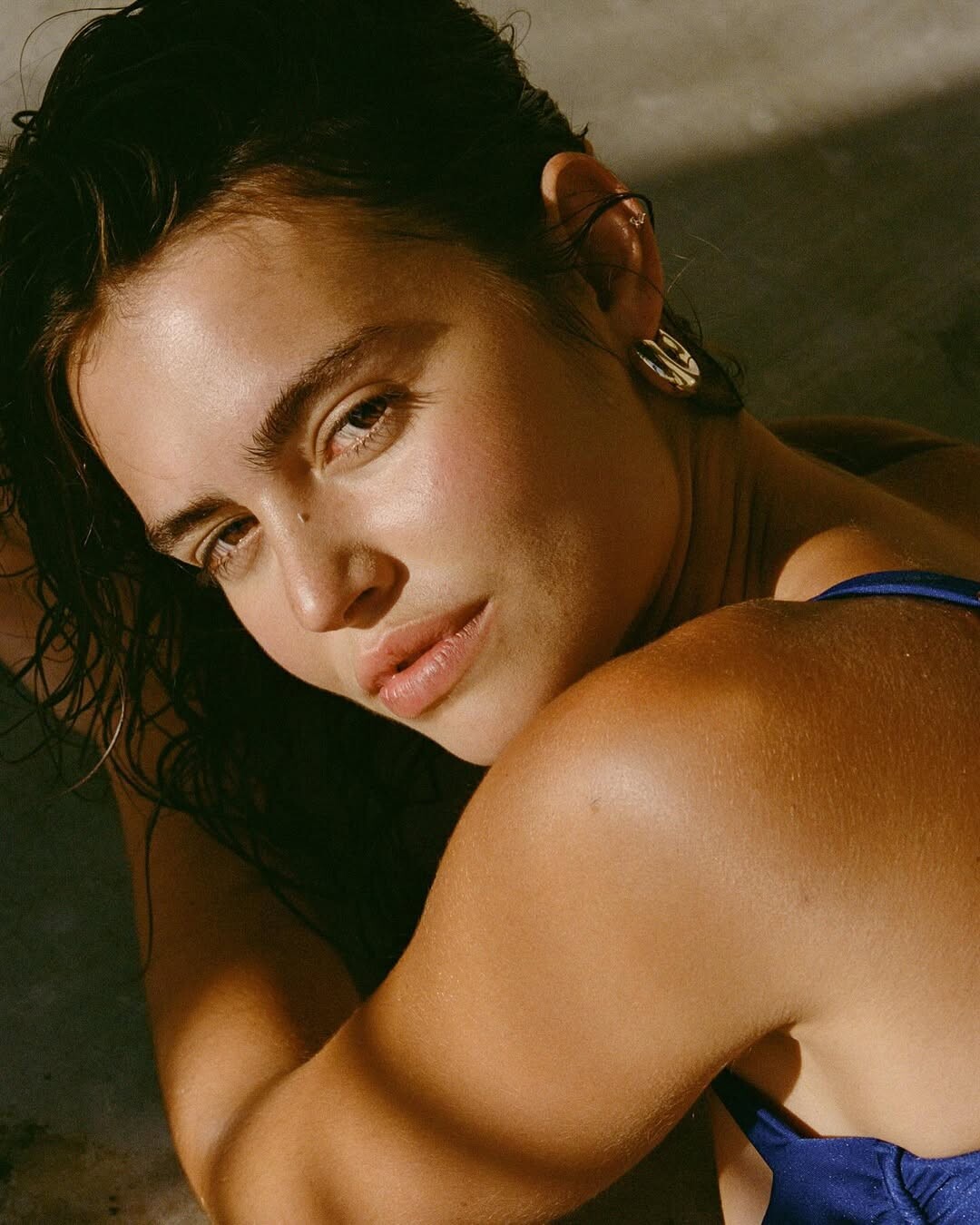
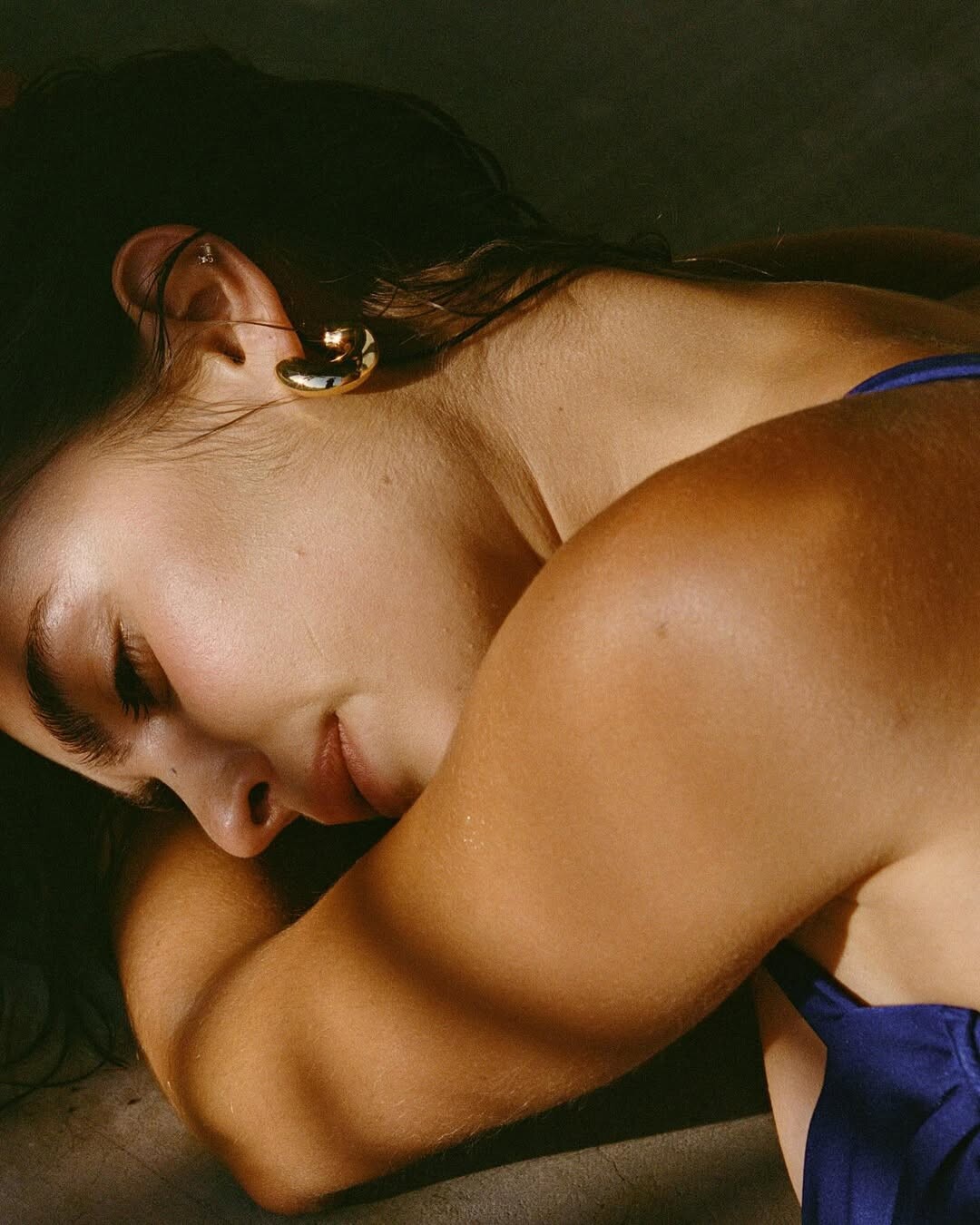
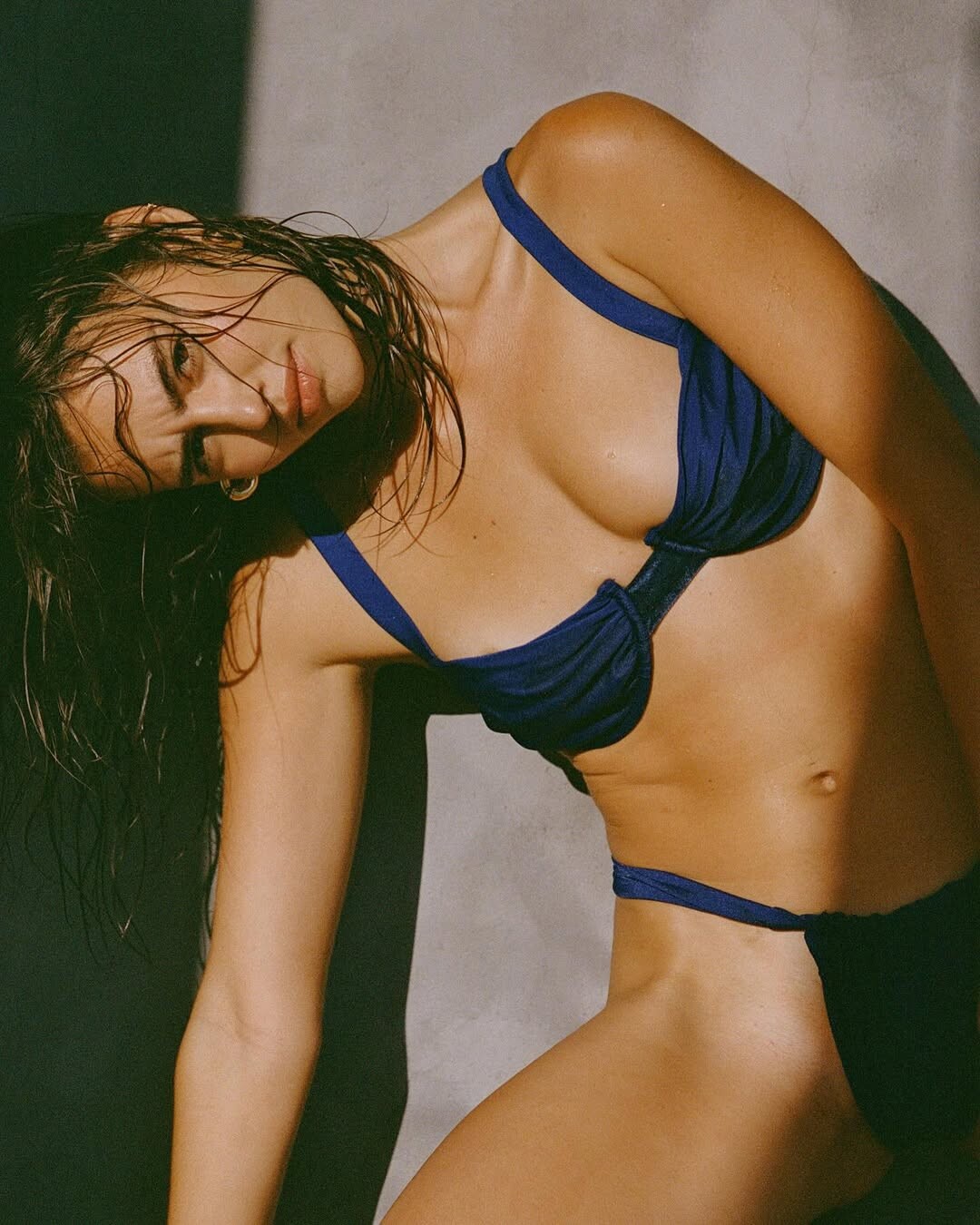
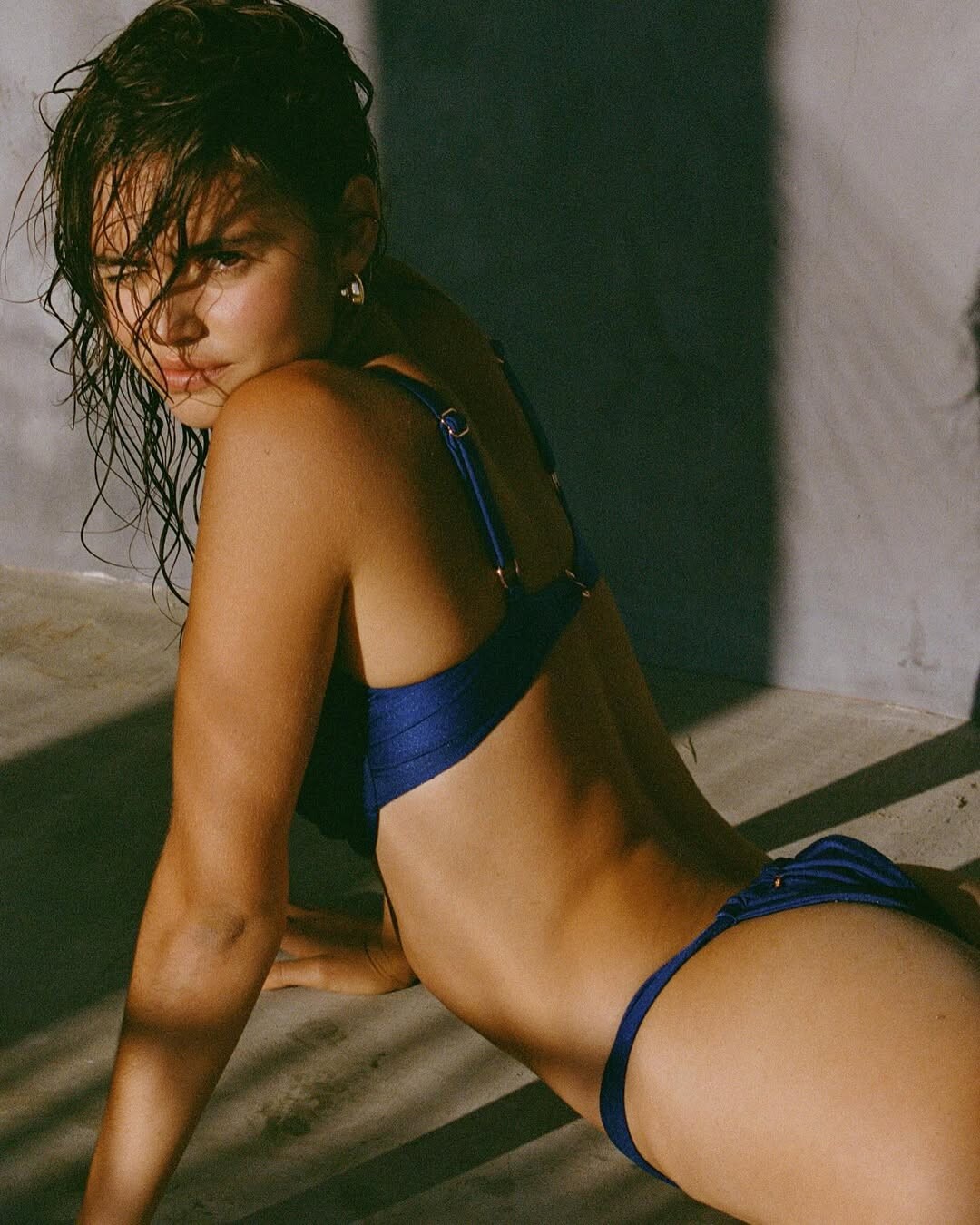
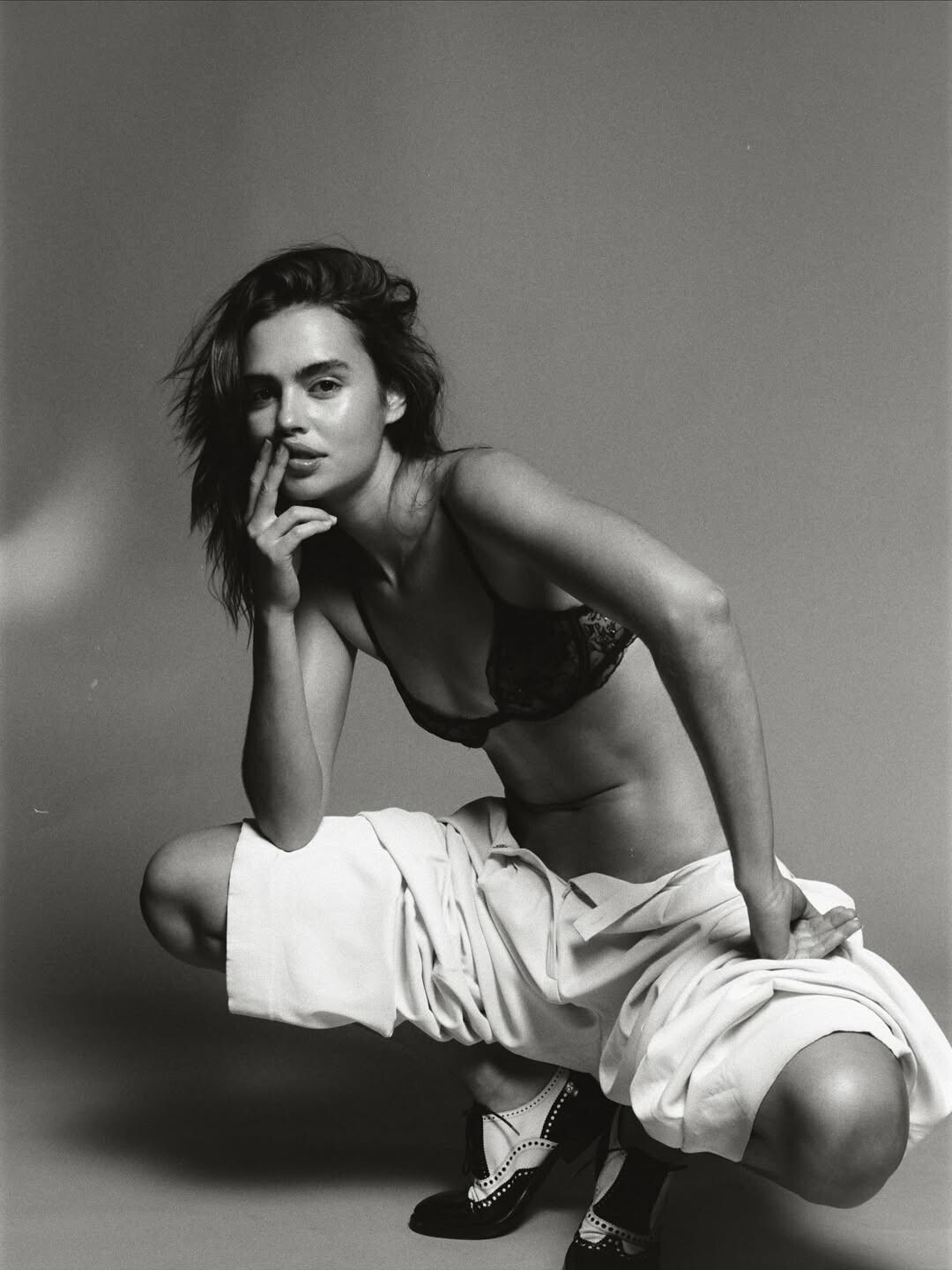
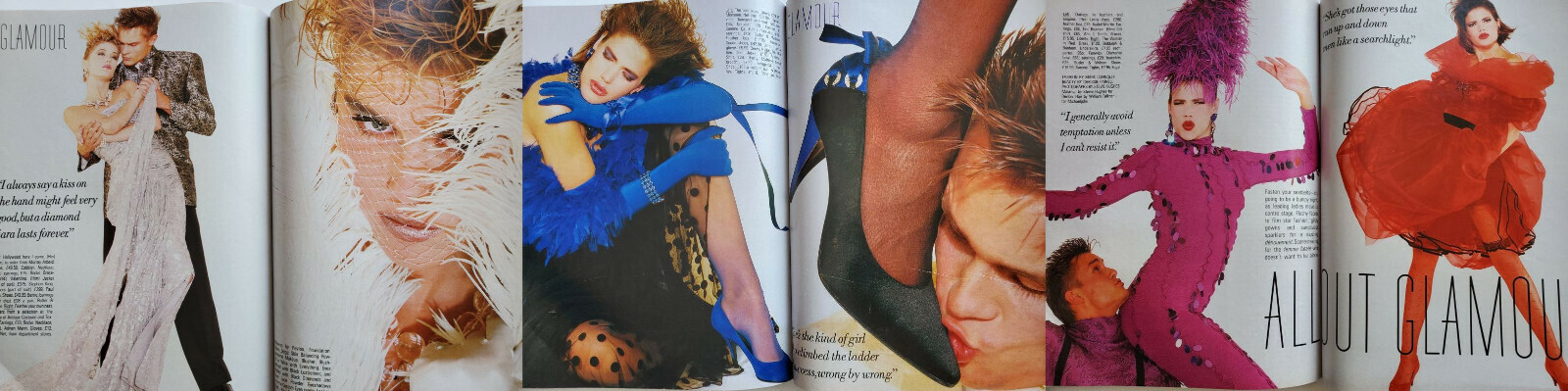
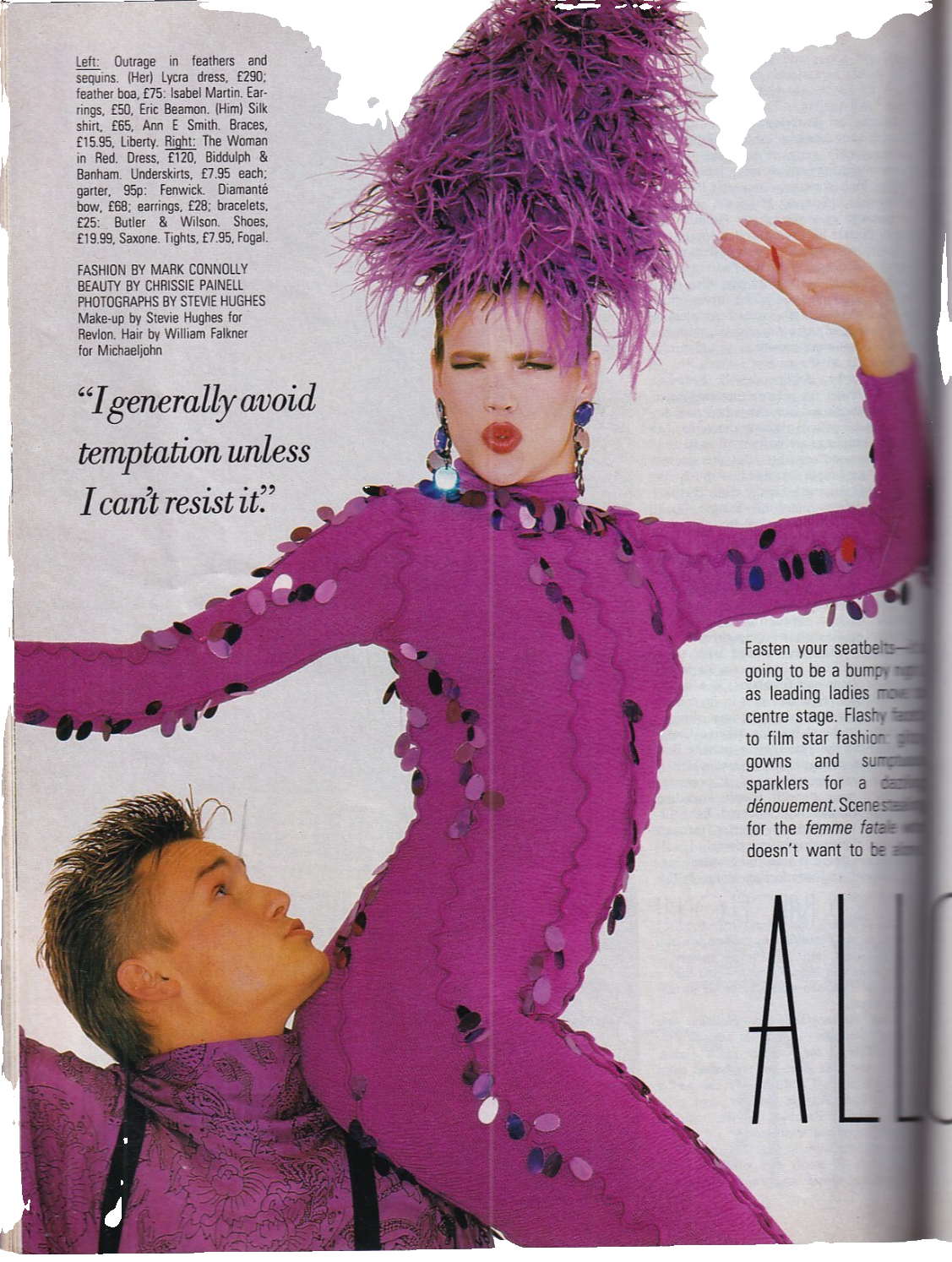
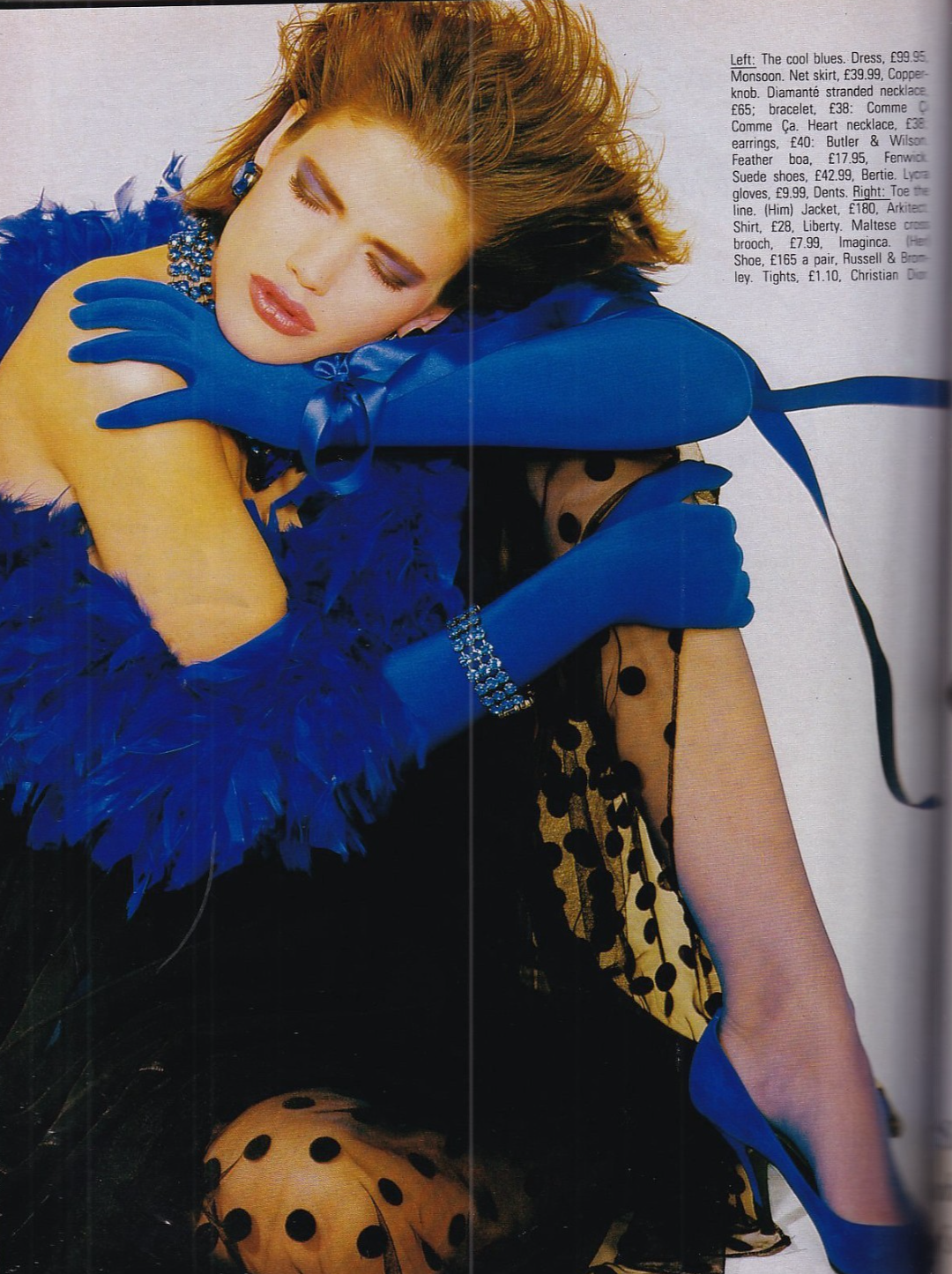
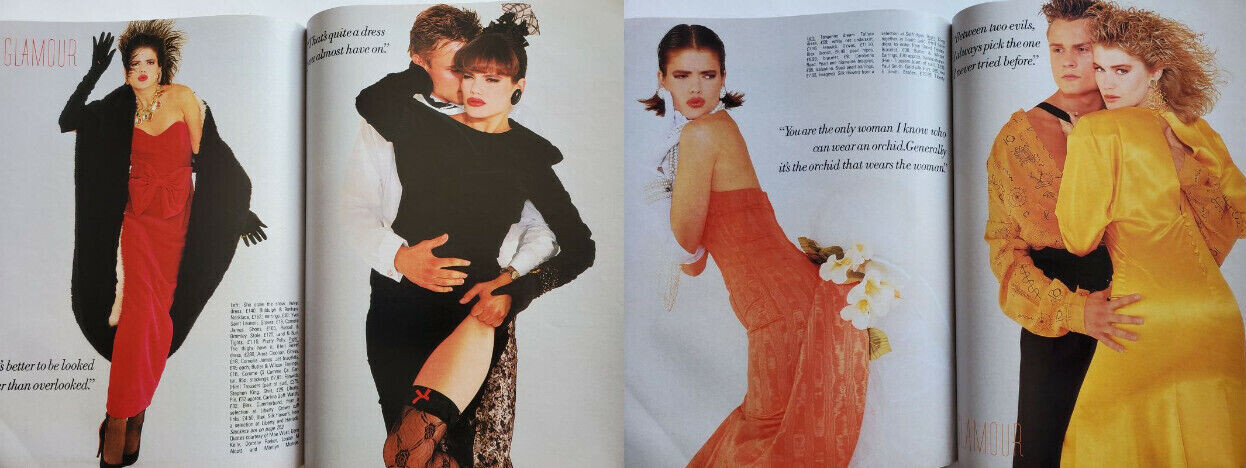
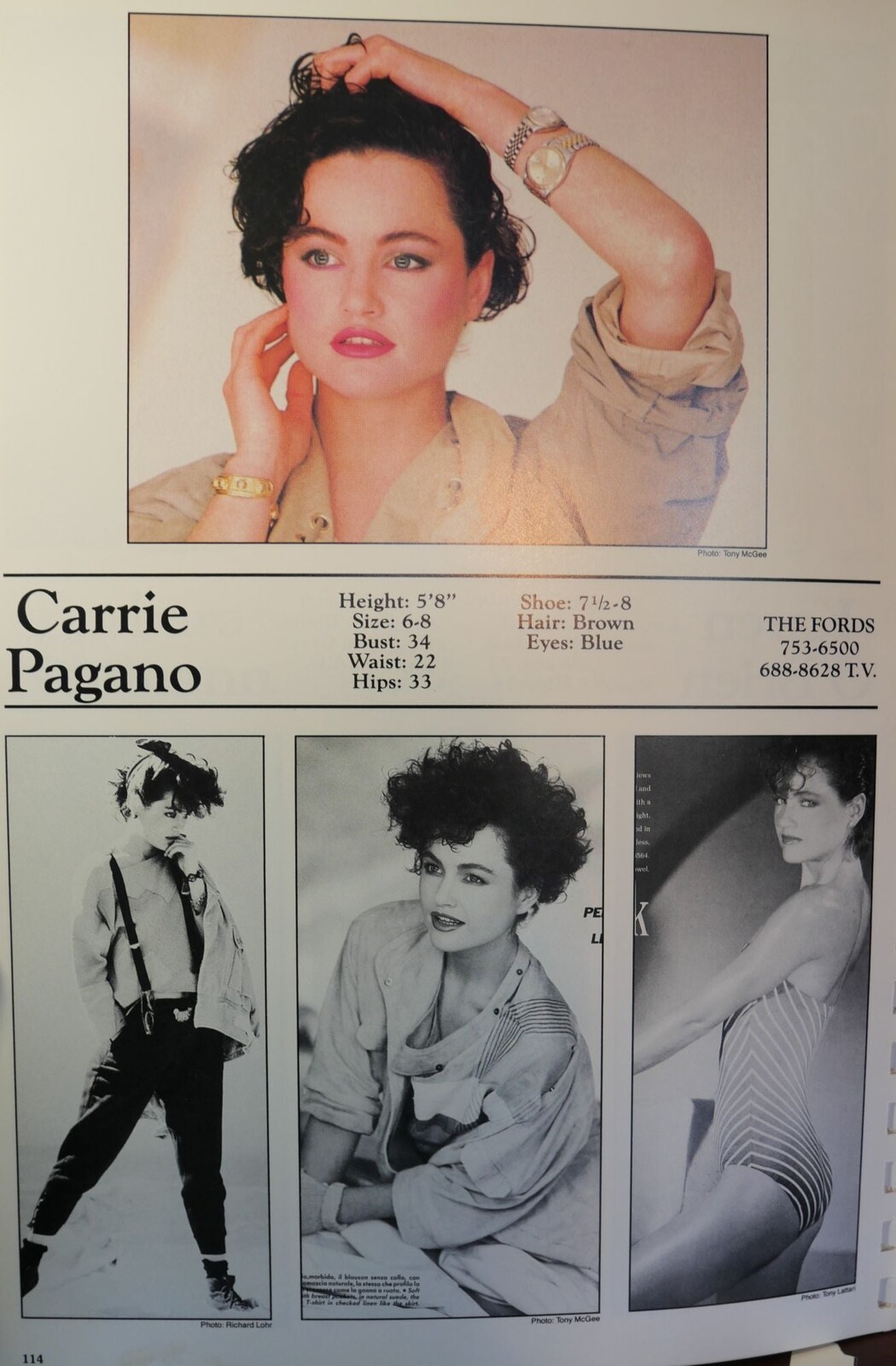
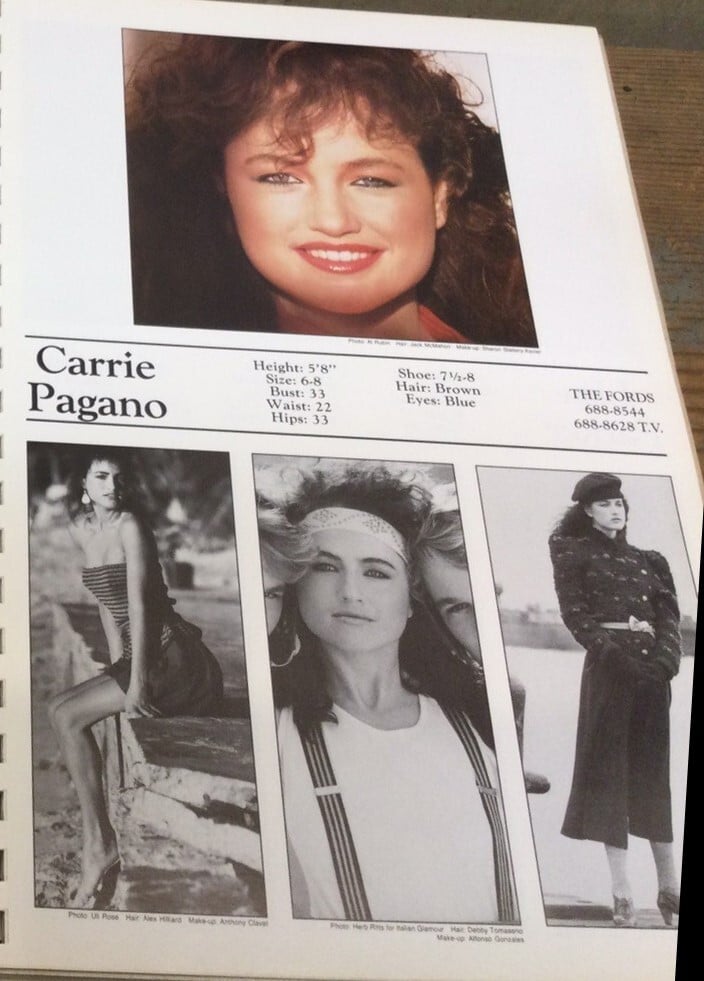
Very interesting covers! Thanks 😀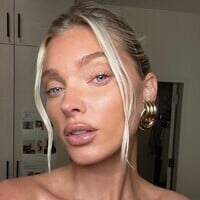 More bts anonimostory.com_Instagram__3793293304314904318.mp4 anonimostory.com_Instagram__3793314708234281249.mp4
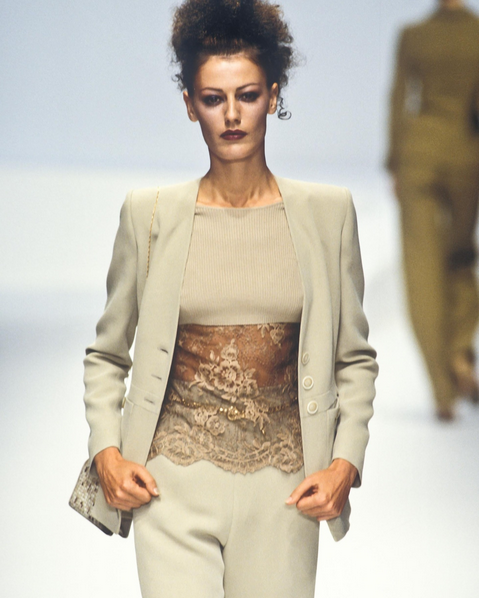
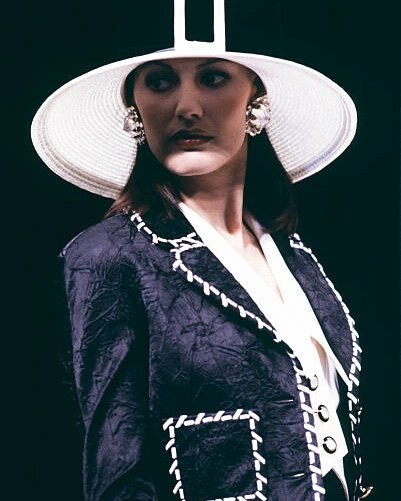














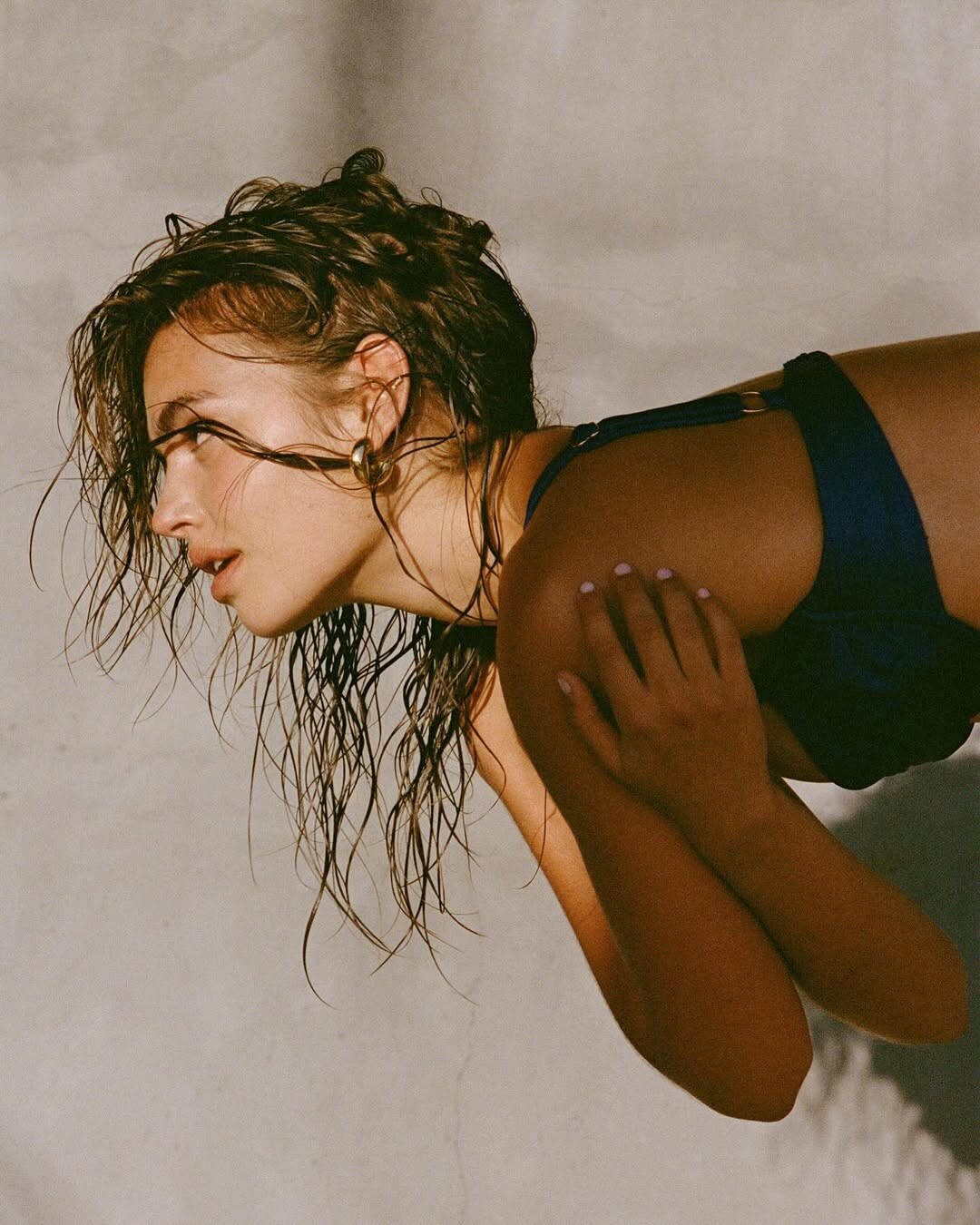
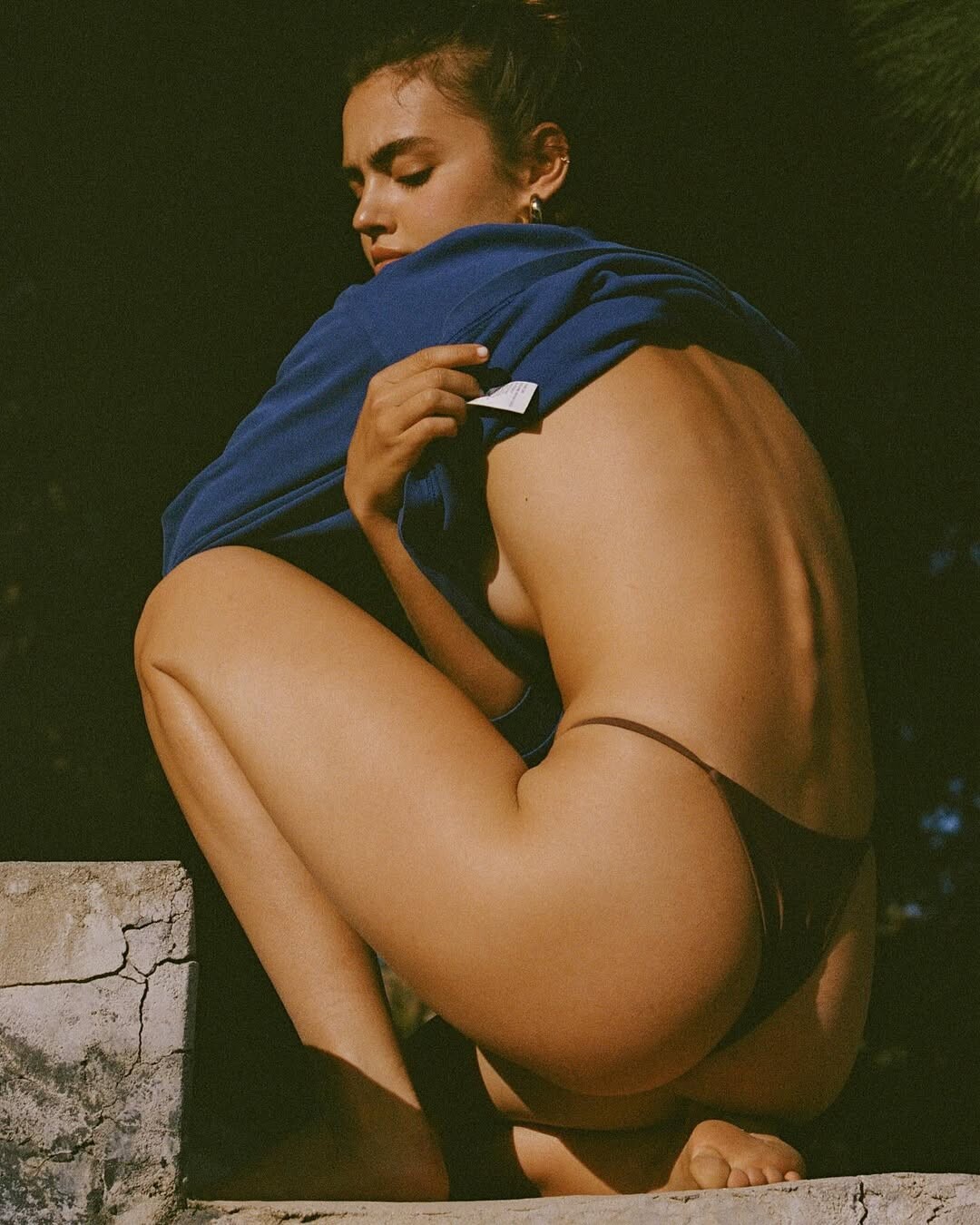
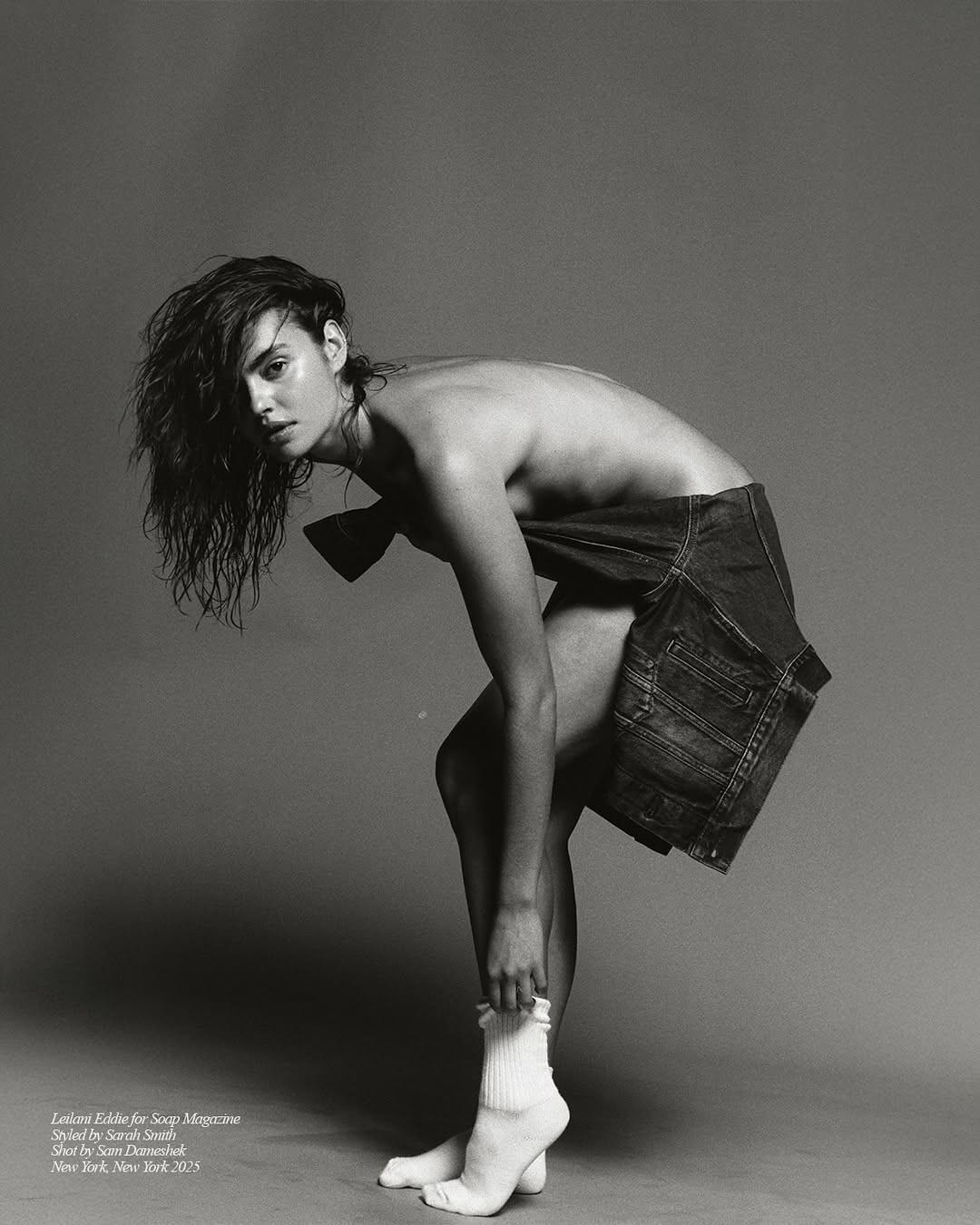
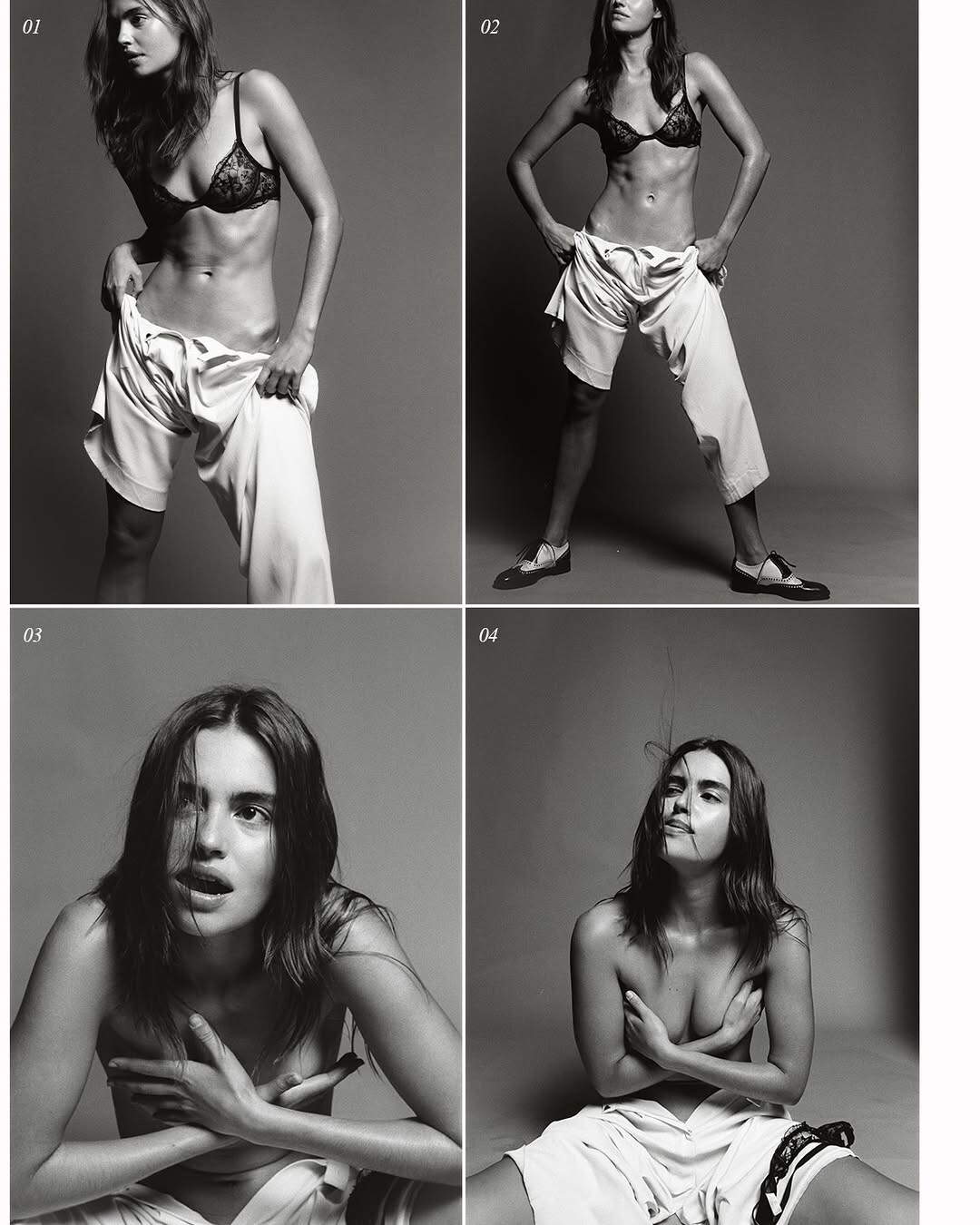
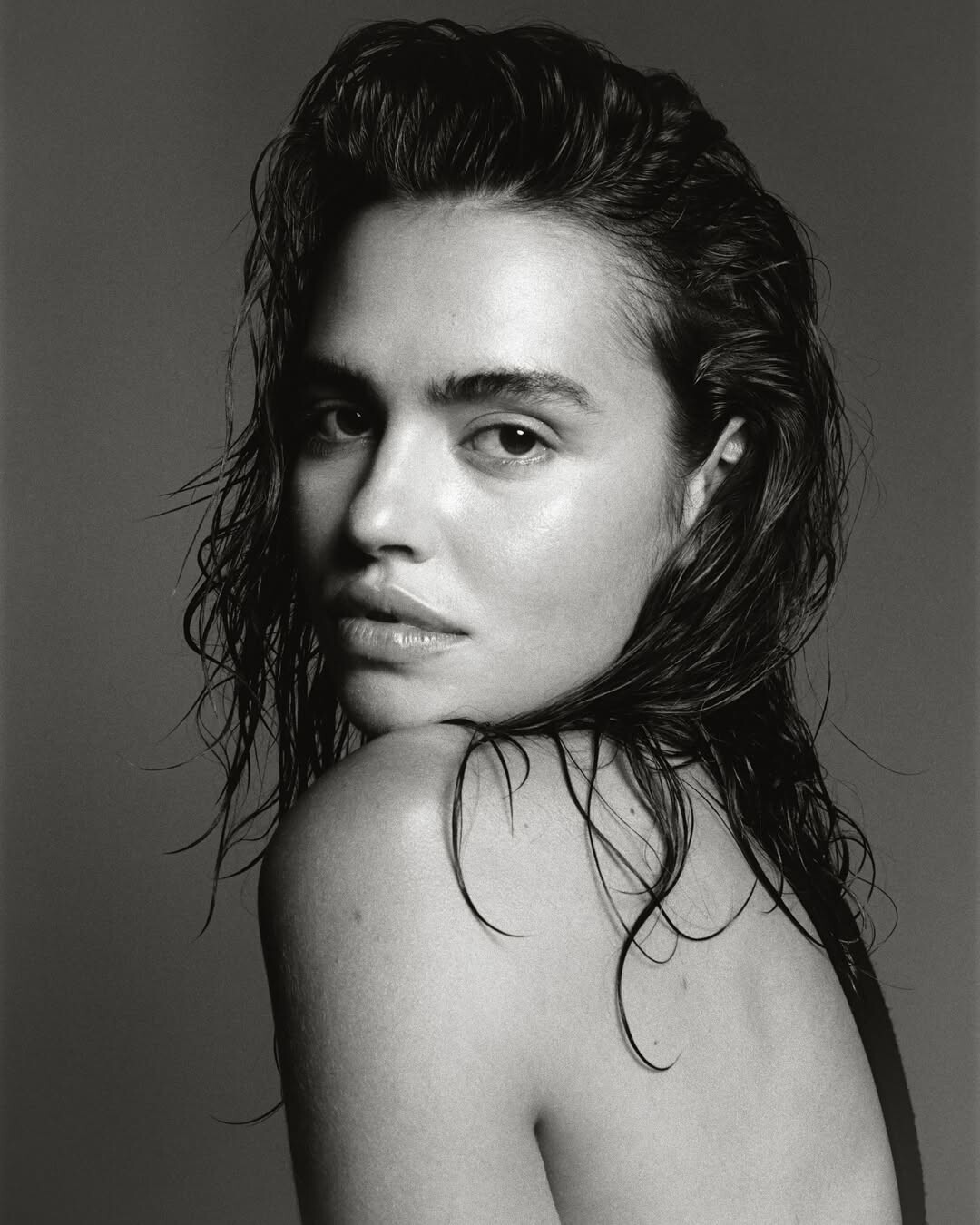
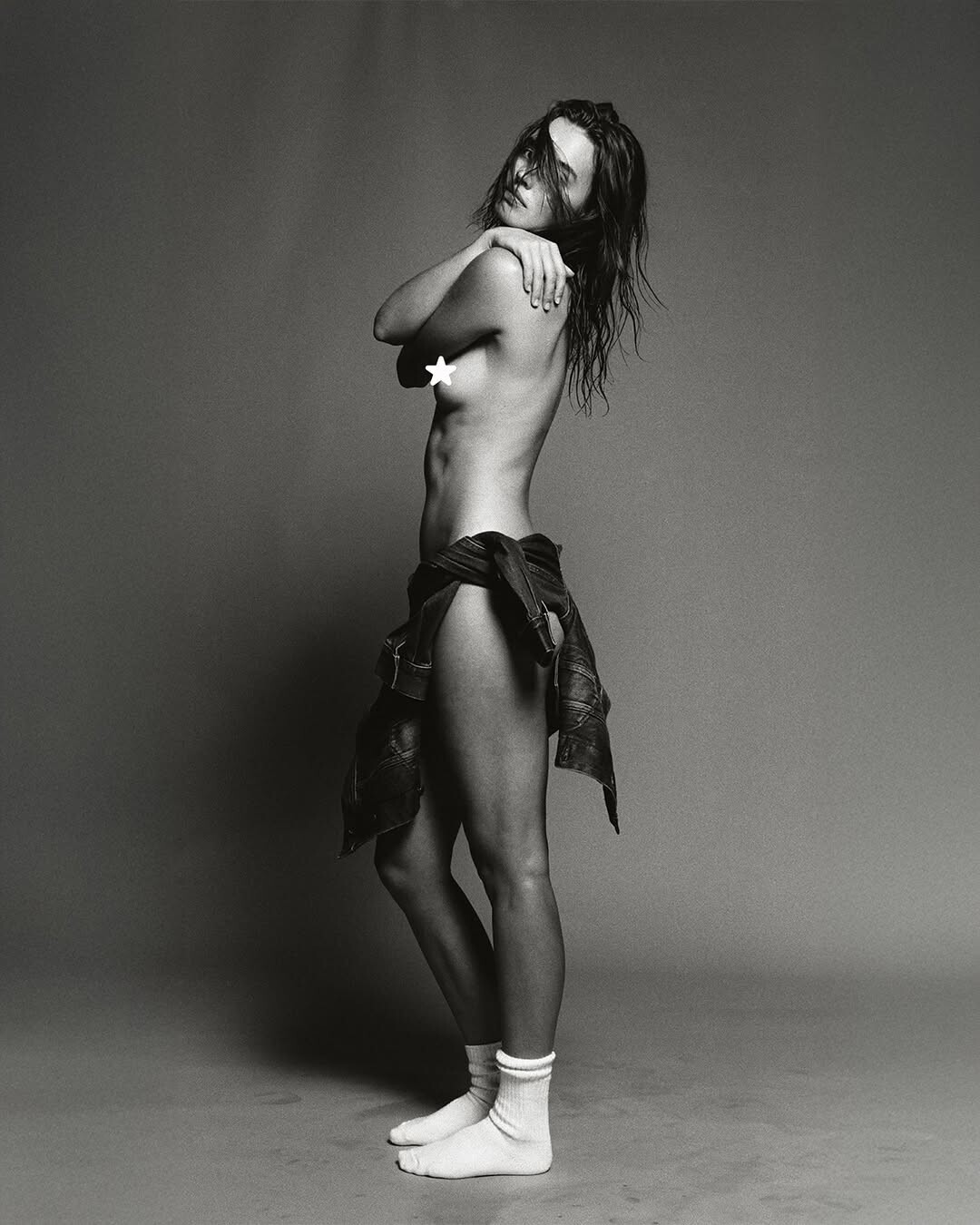
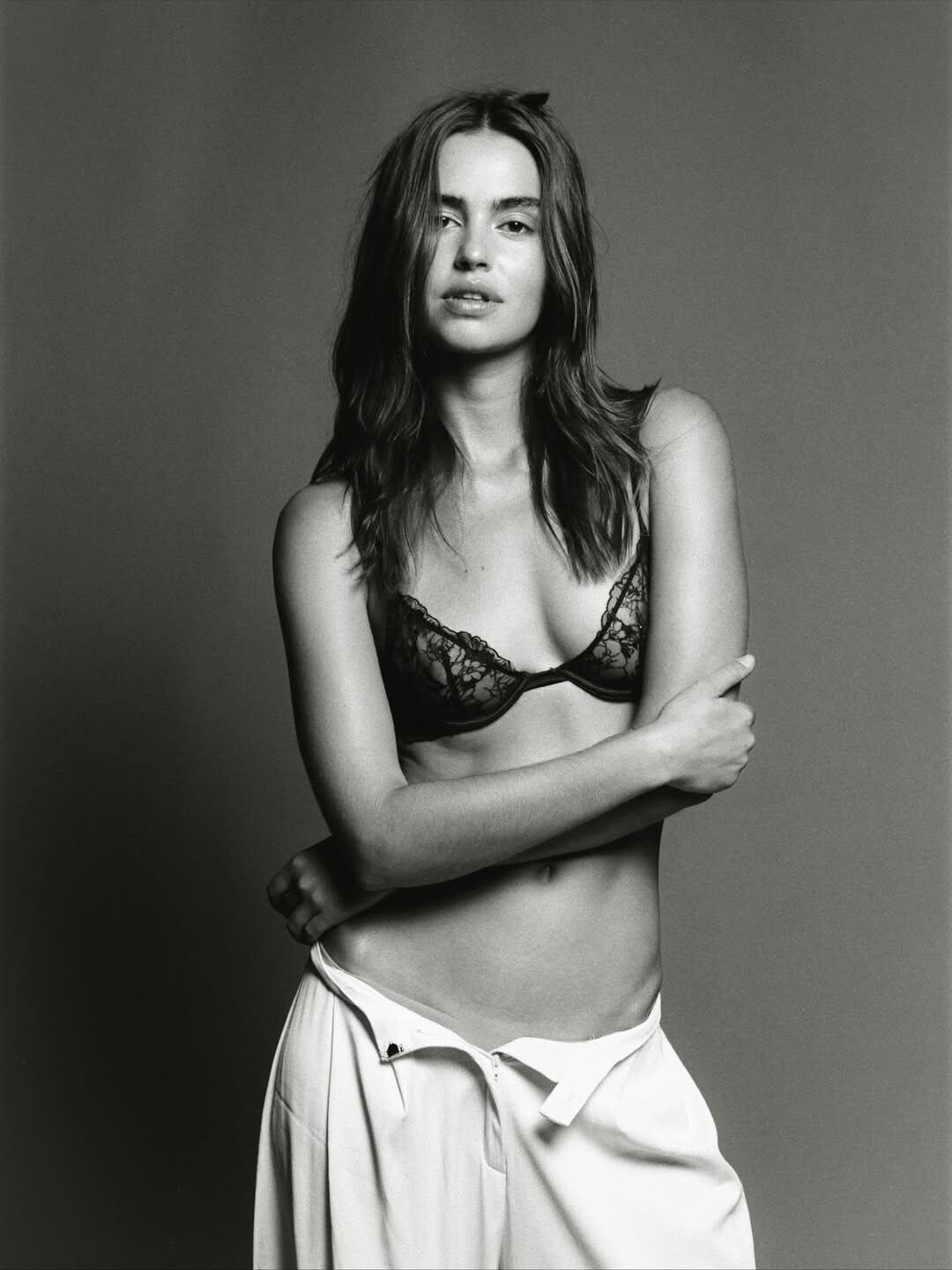
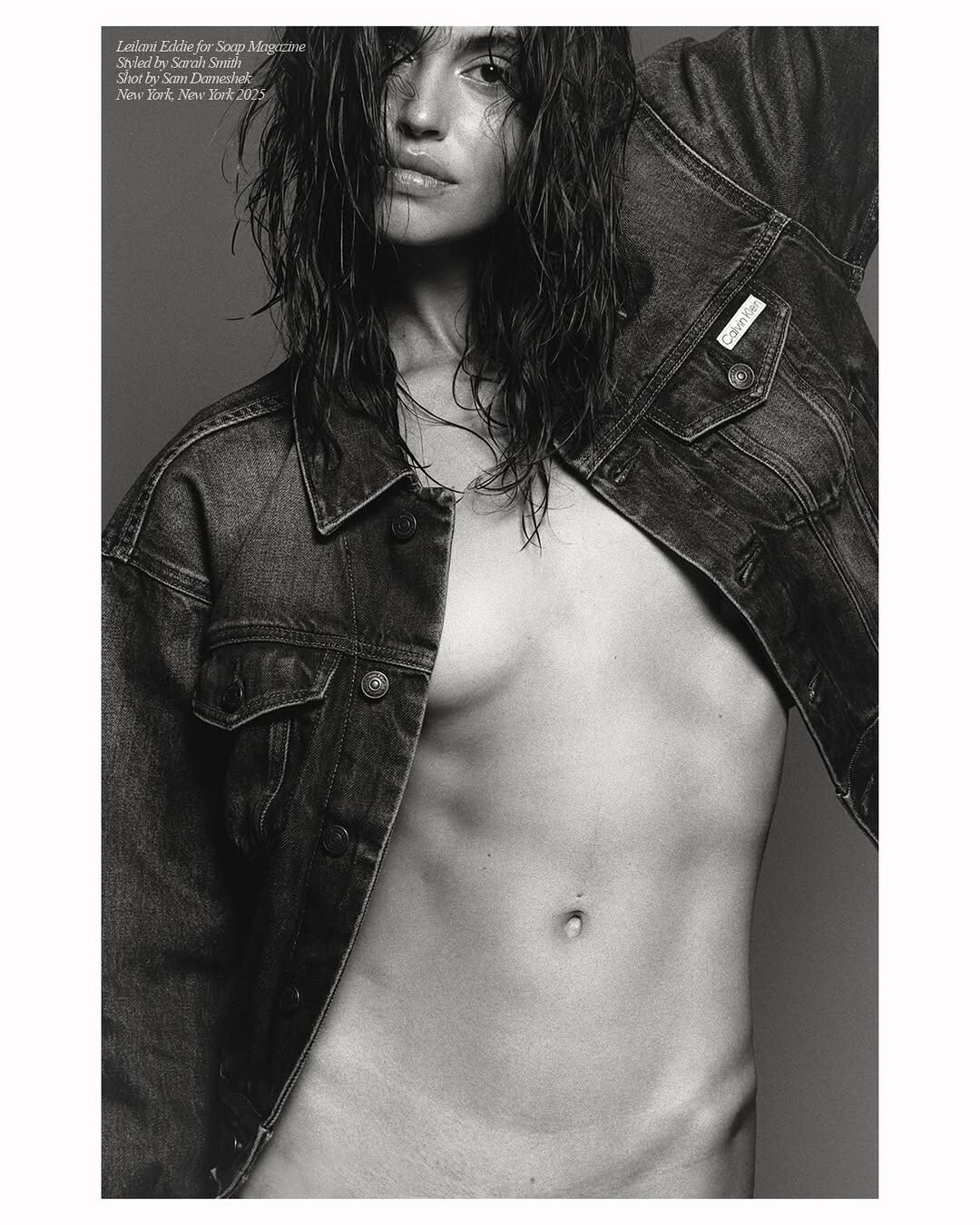
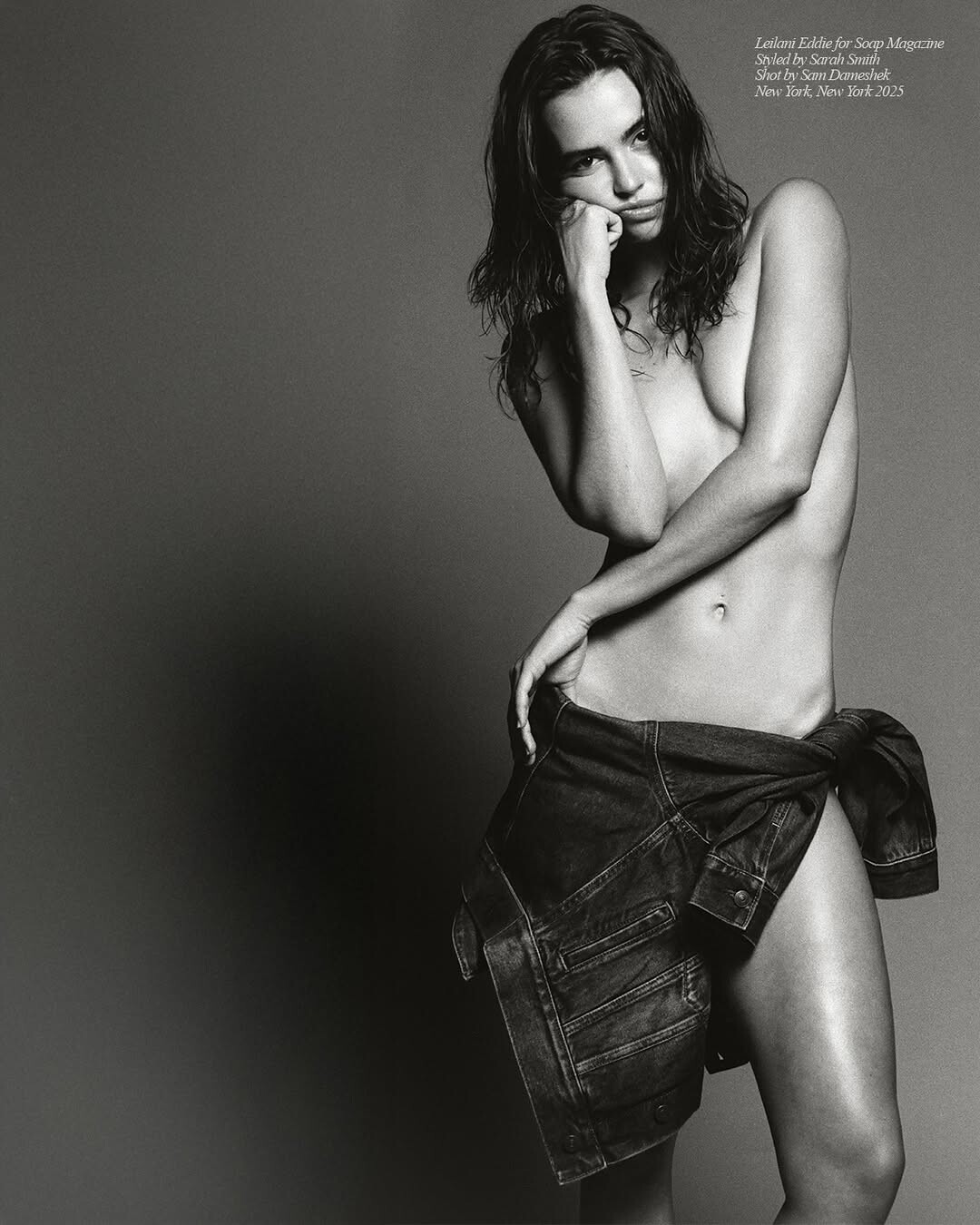
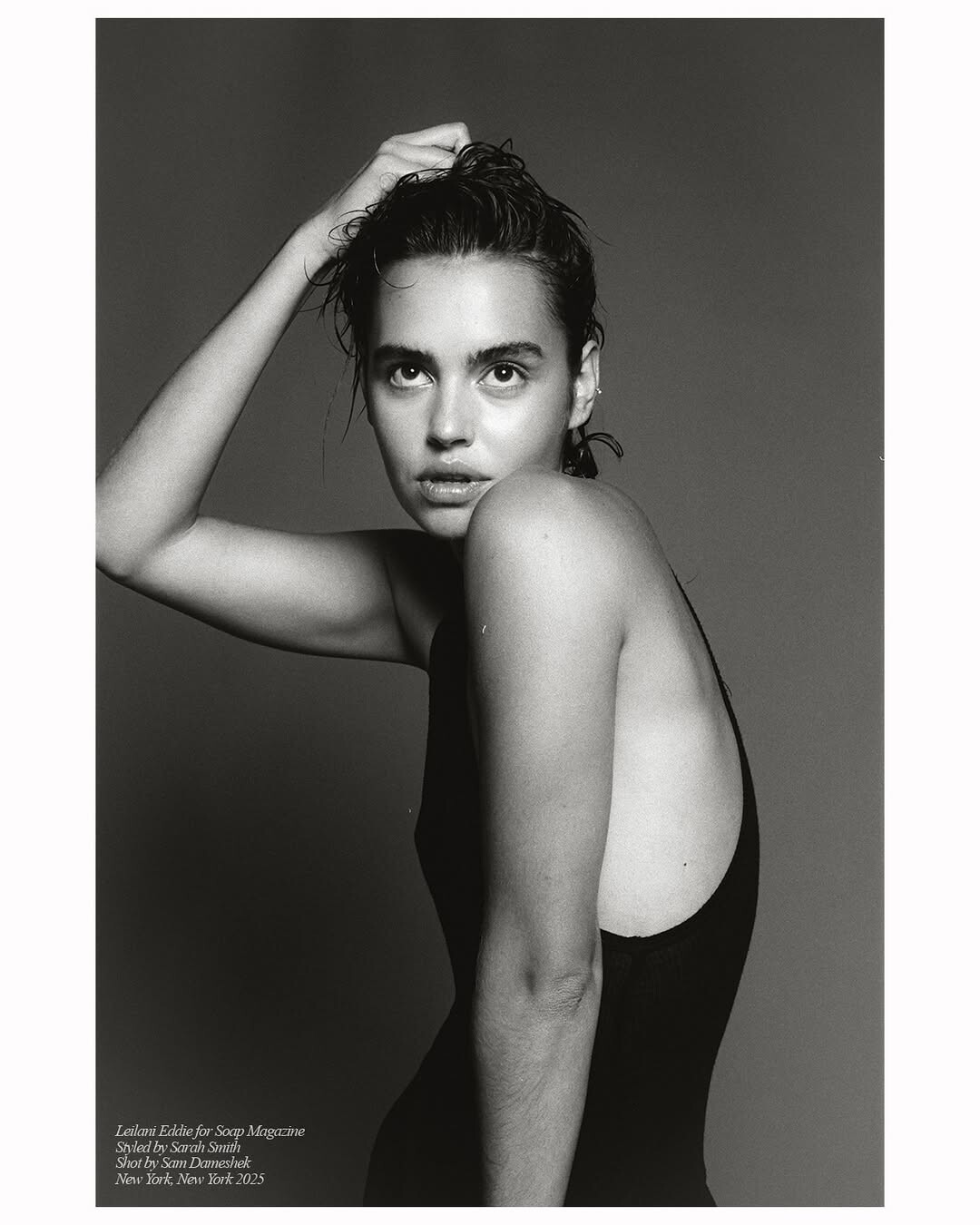
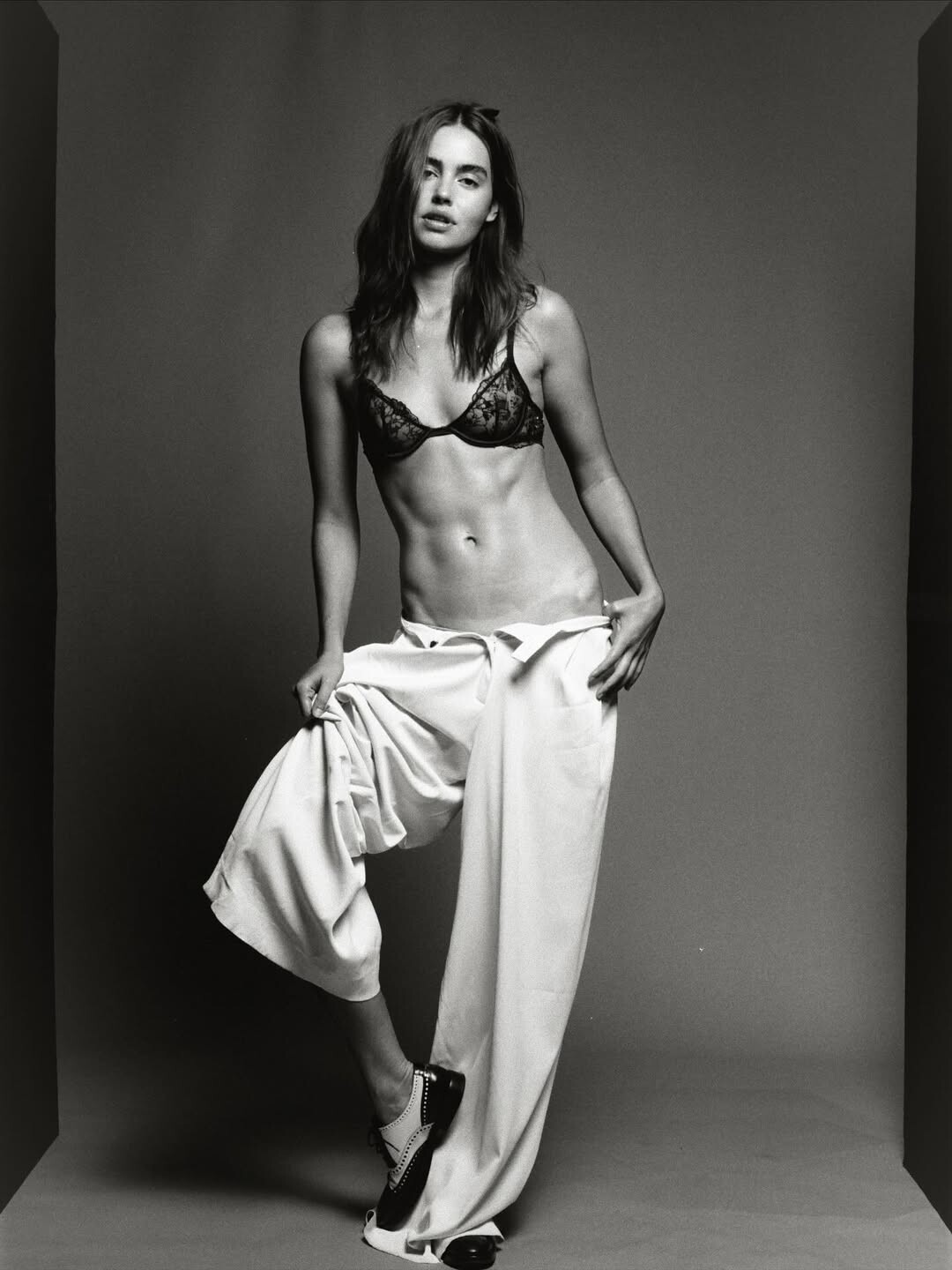
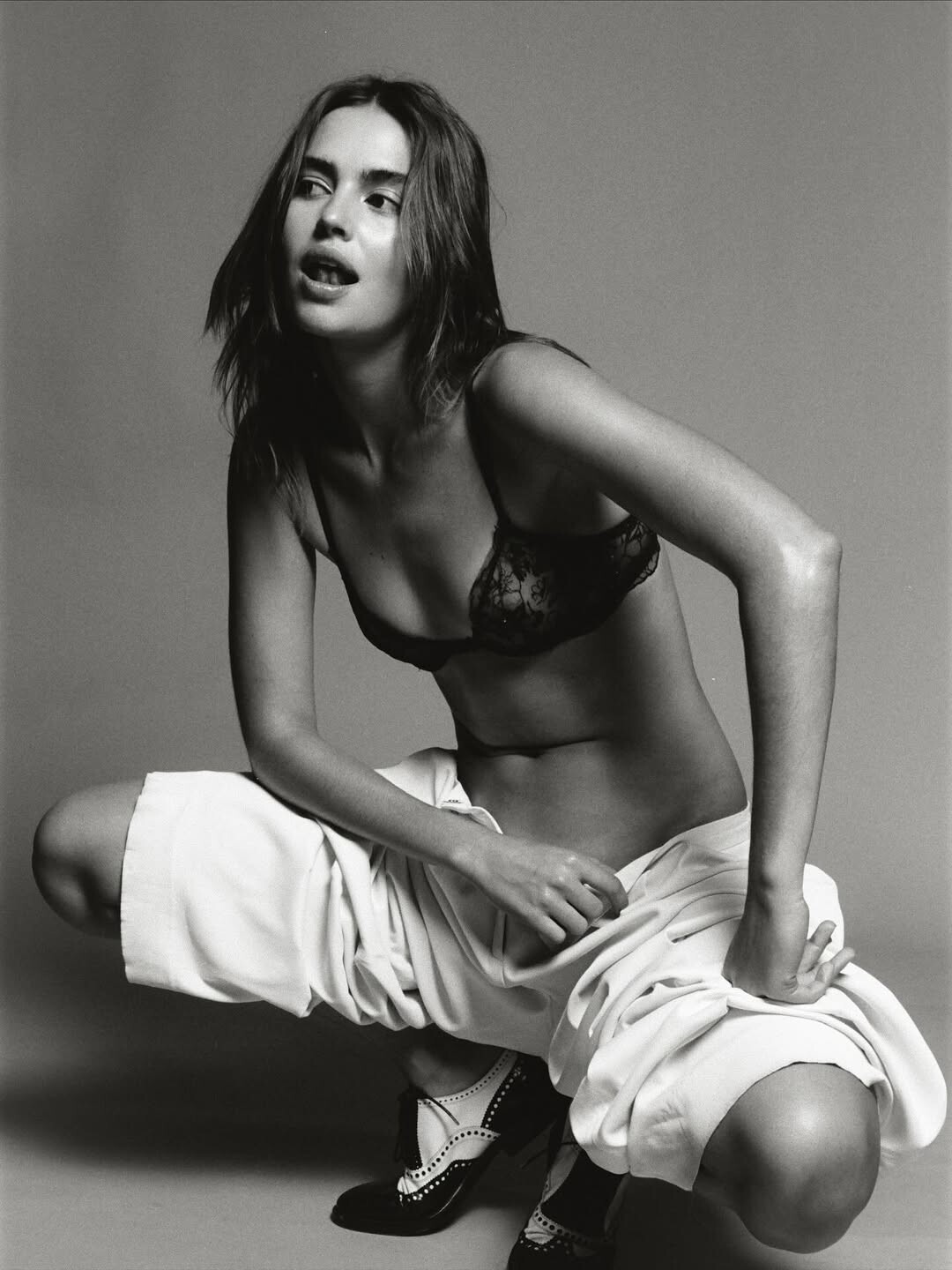
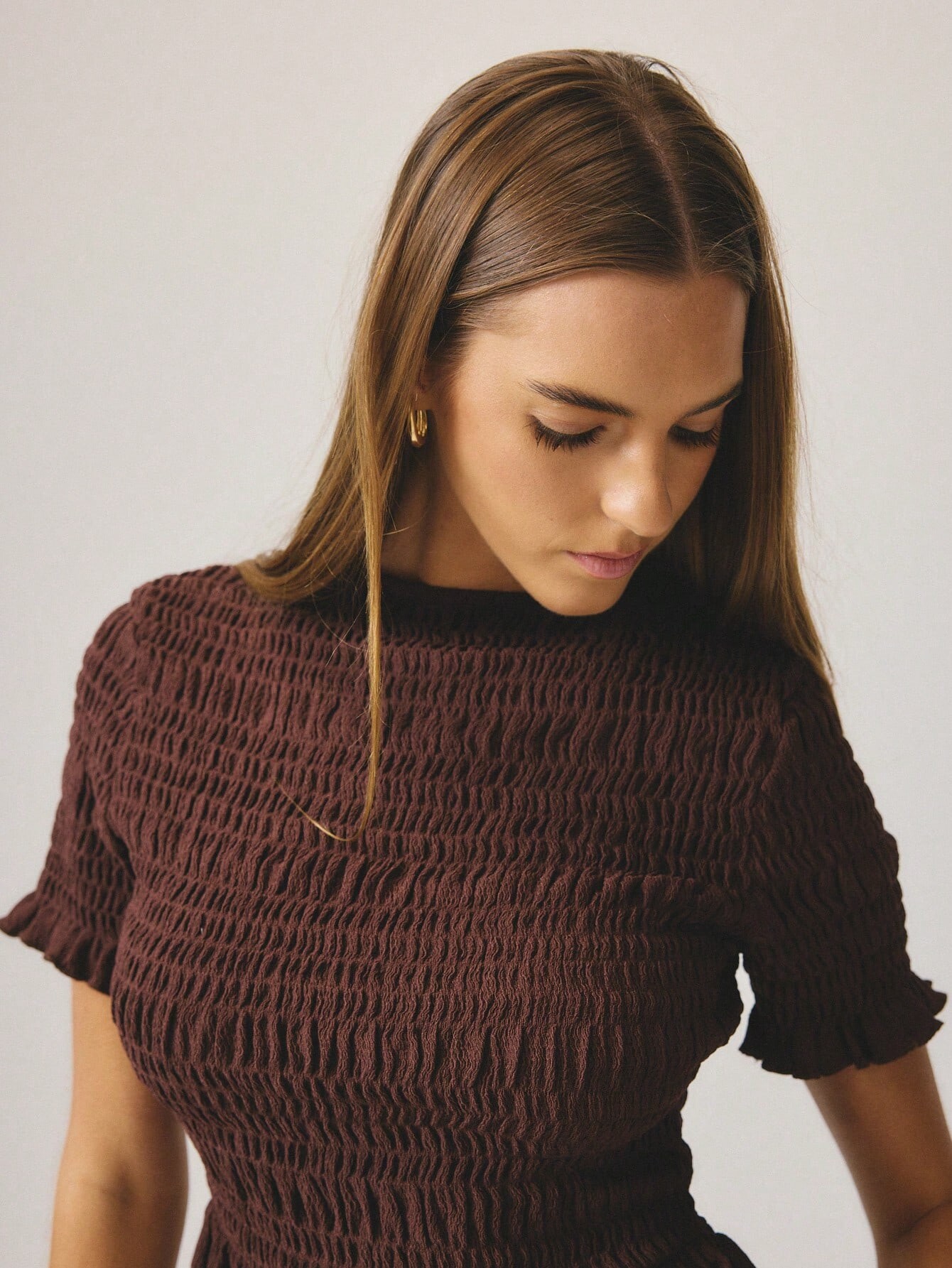
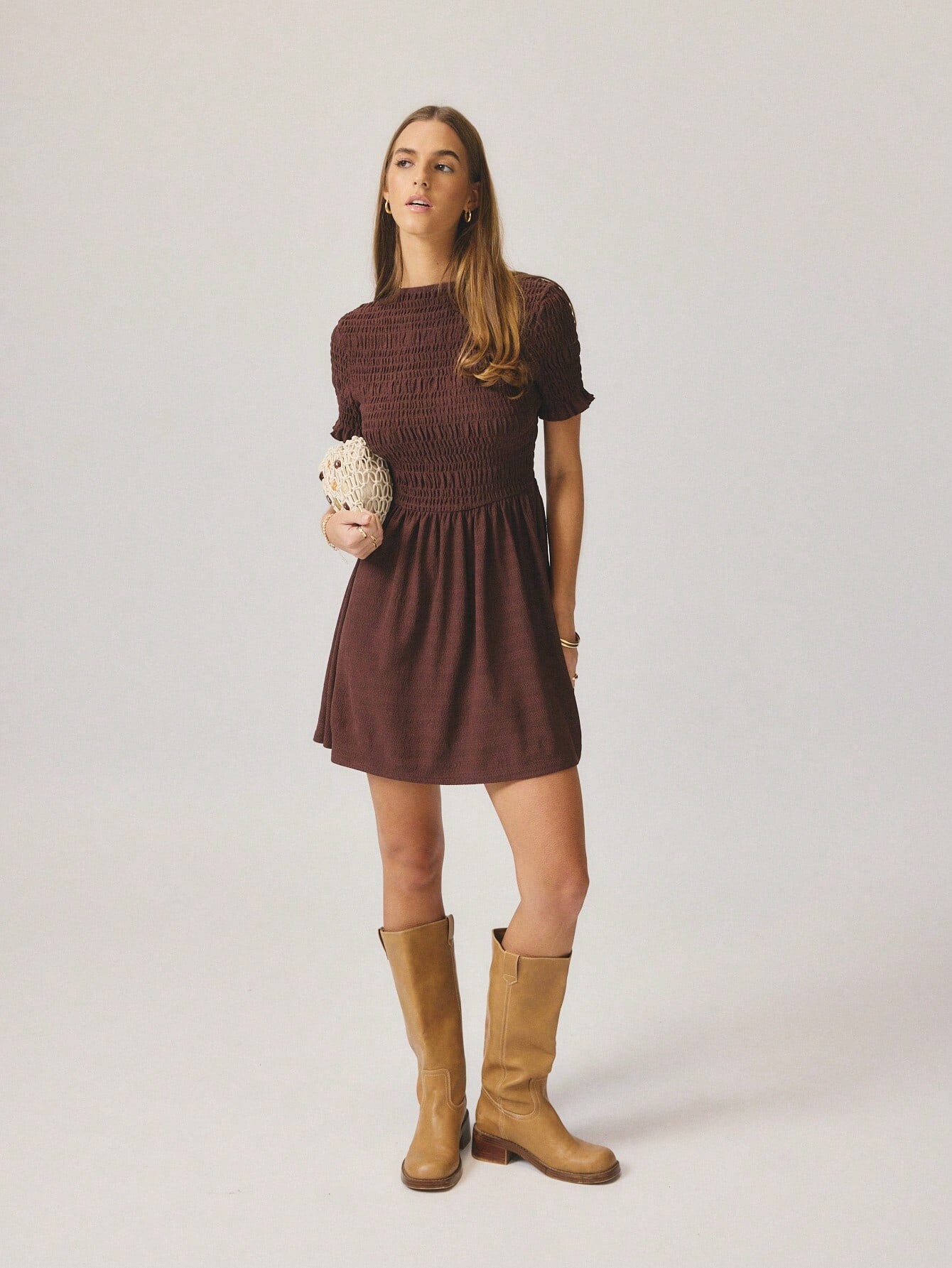
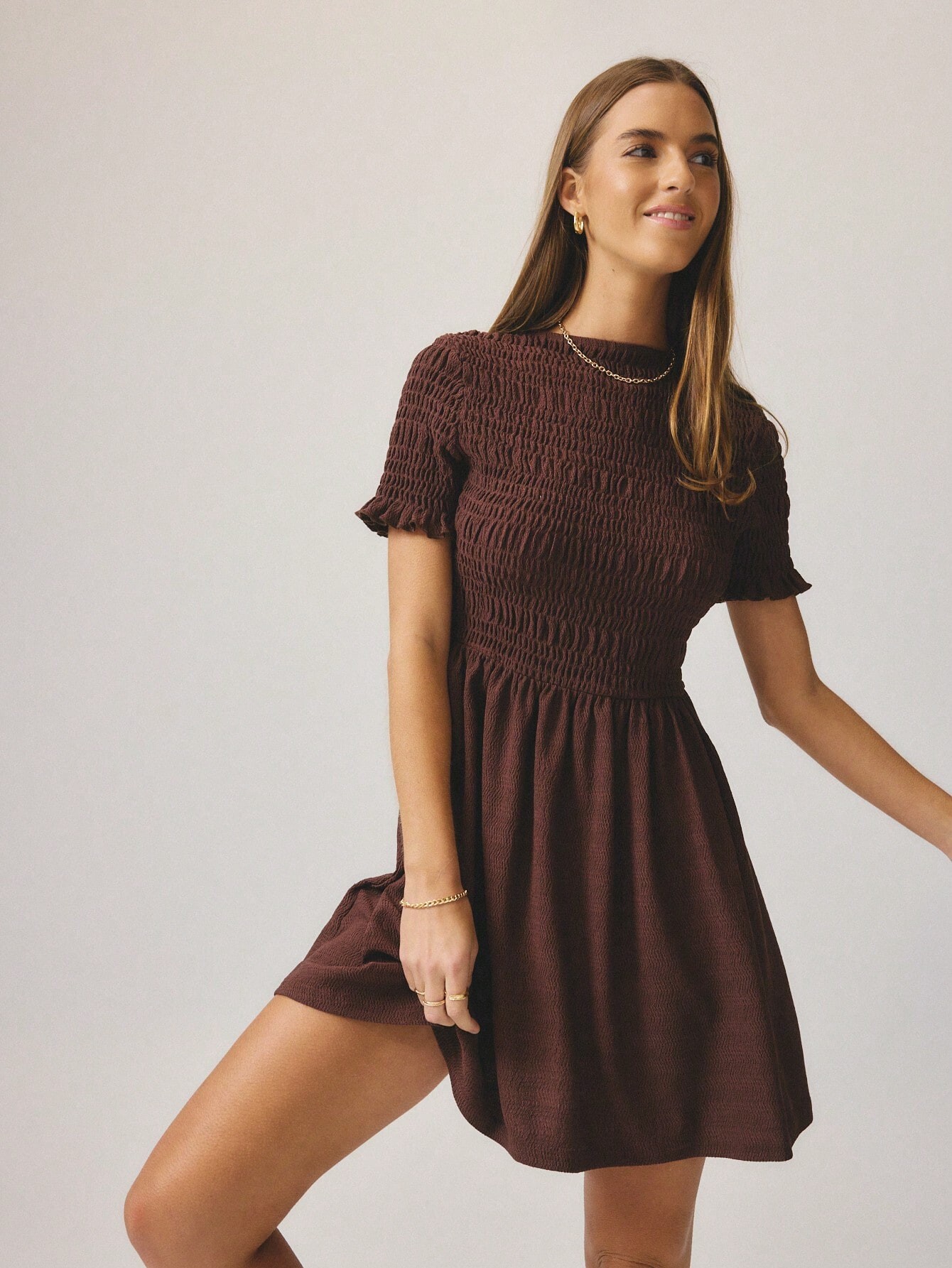
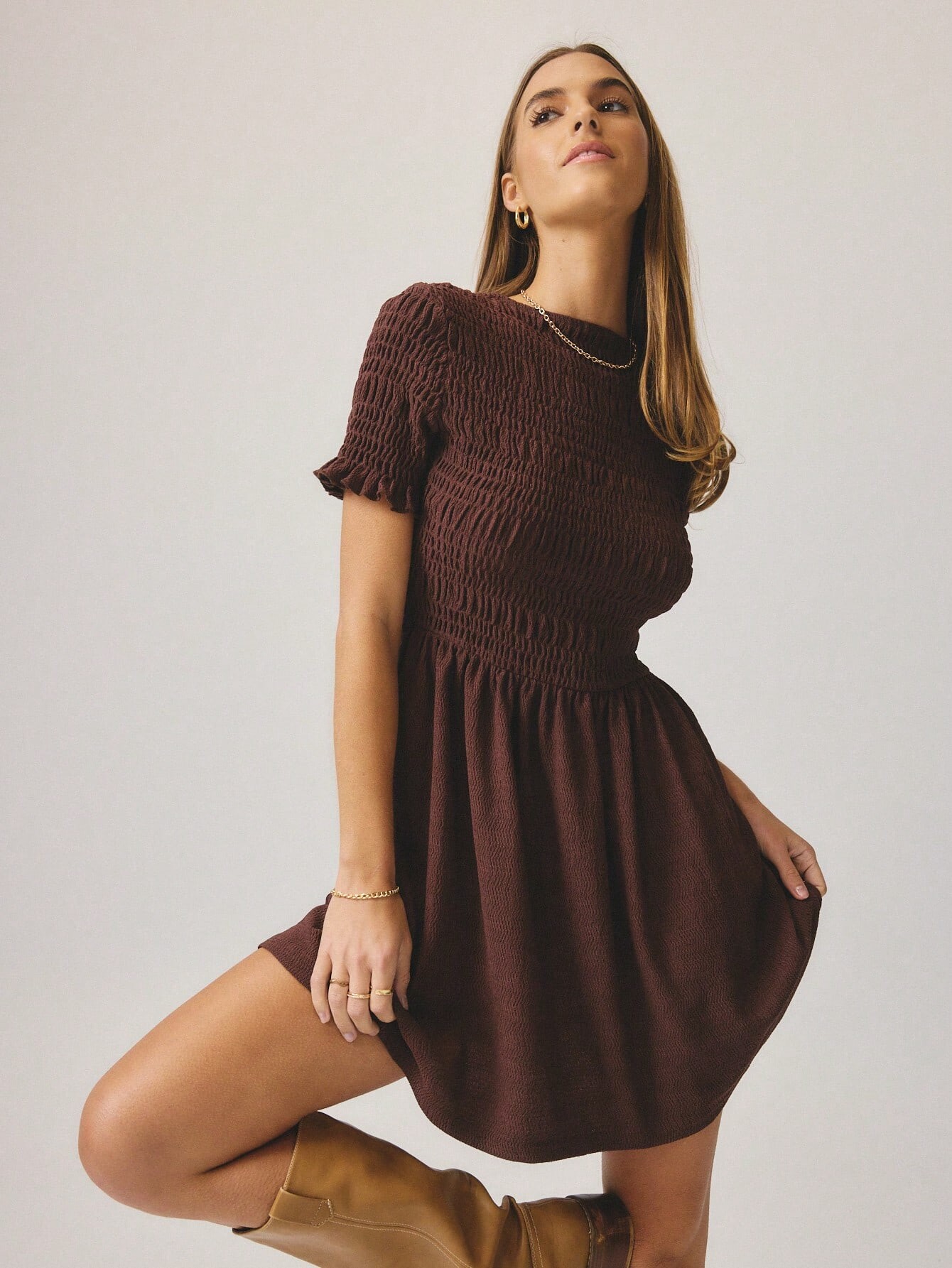
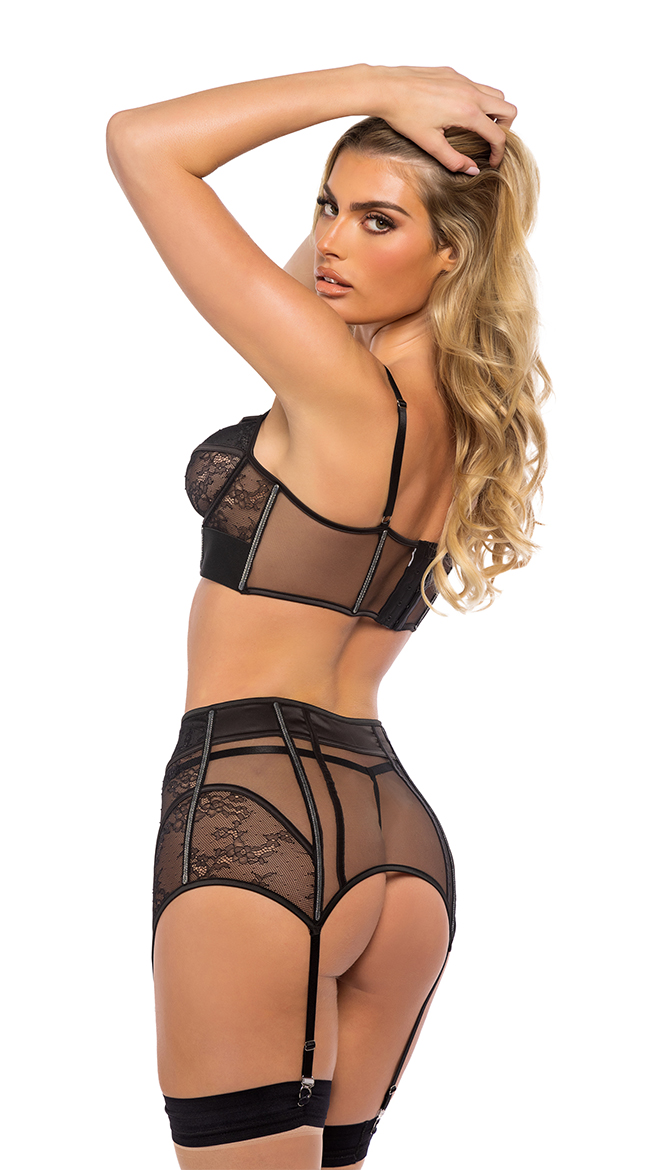
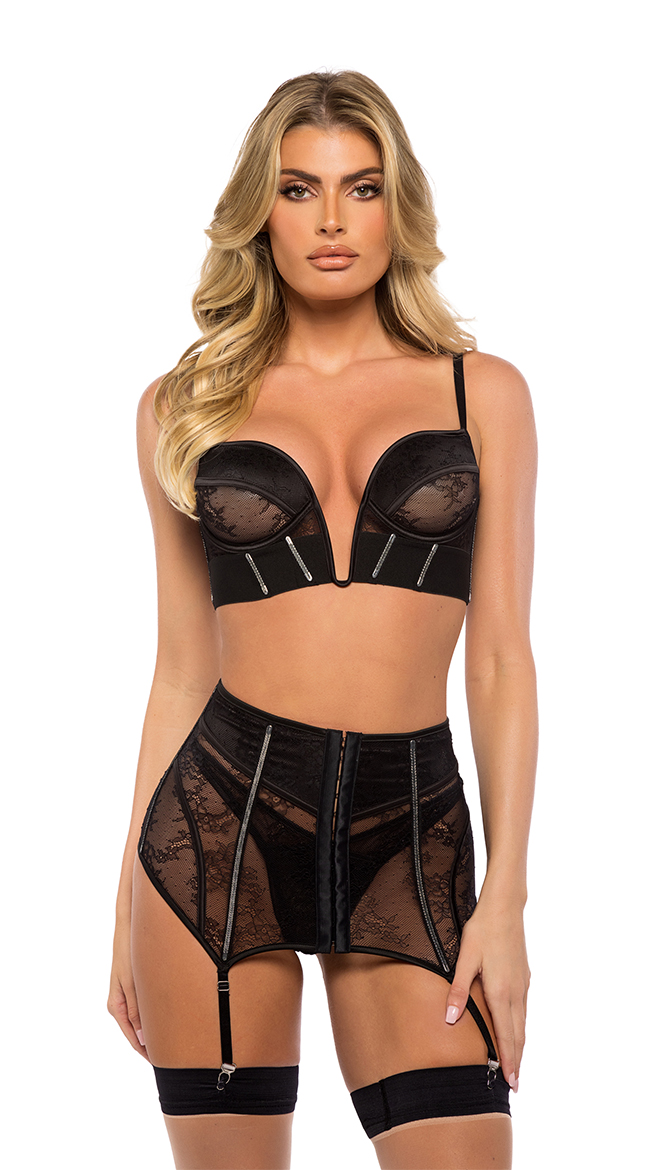
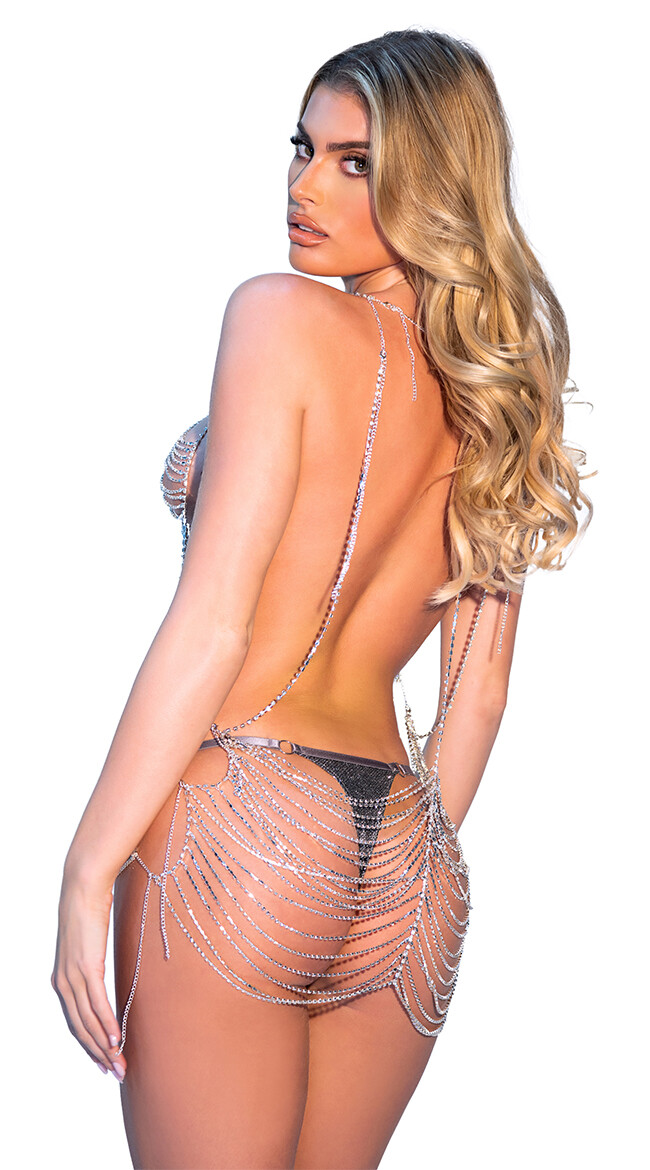
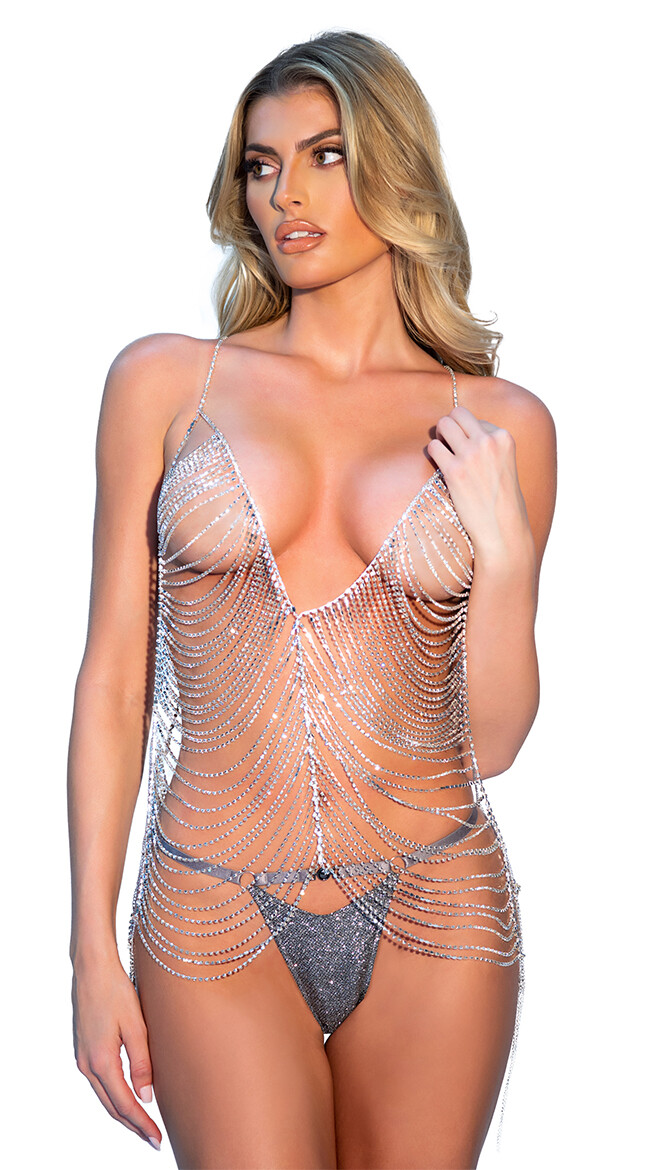

Account
Search
Configure browser push notifications
Chrome (Android)
- Tap the lock icon next to the address bar.
- Tap Permissions → Notifications.
- Adjust your preference.
Chrome (Desktop)
- Click the padlock icon in the address bar.
- Select Site settings.
- Find Notifications and adjust your preference.
Safari (iOS 16.4+)
- Ensure the site is installed via Add to Home Screen.
- Open Settings App → Notifications.
- Find your app name and adjust your preference.
Safari (macOS)
- Go to Safari → Preferences.
- Click the Websites tab.
- Select Notifications in the sidebar.
- Find this website and adjust your preference.
Edge (Android)
- Tap the lock icon next to the address bar.
- Tap Permissions.
- Find Notifications and adjust your preference.
Edge (Desktop)
- Click the padlock icon in the address bar.
- Click Permissions for this site.
- Find Notifications and adjust your preference.
Firefox (Android)
- Go to Settings → Site permissions.
- Tap Notifications.
- Find this site in the list and adjust your preference.
Firefox (Desktop)
- Open Firefox Settings.
- Search for Notifications.
- Find this site in the list and adjust your preference.