All Activity
- Past hour
-

-
Mia Spain (№327) 14-20 December 1992 thank you for the ID model by Martial

-

-
-
-
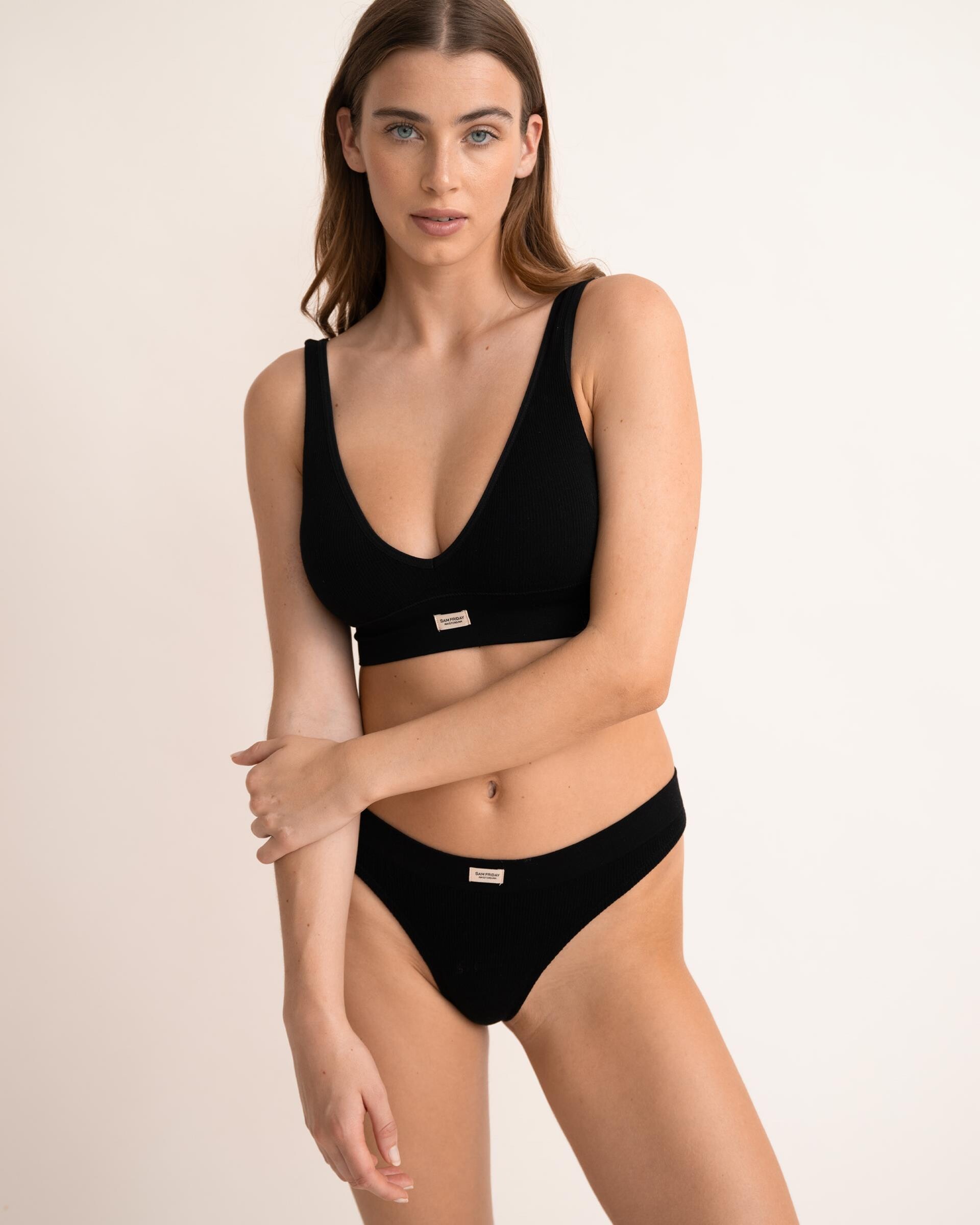
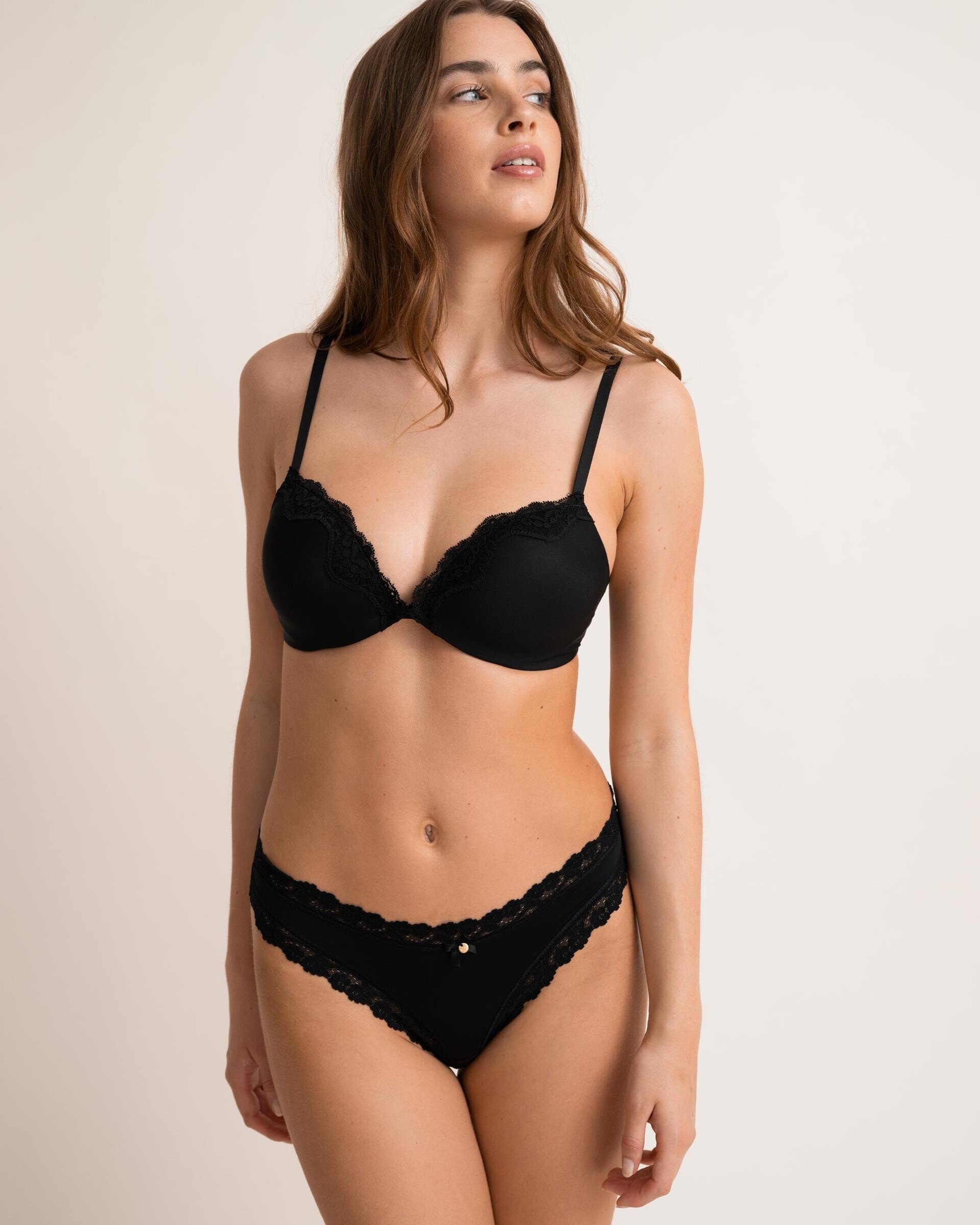
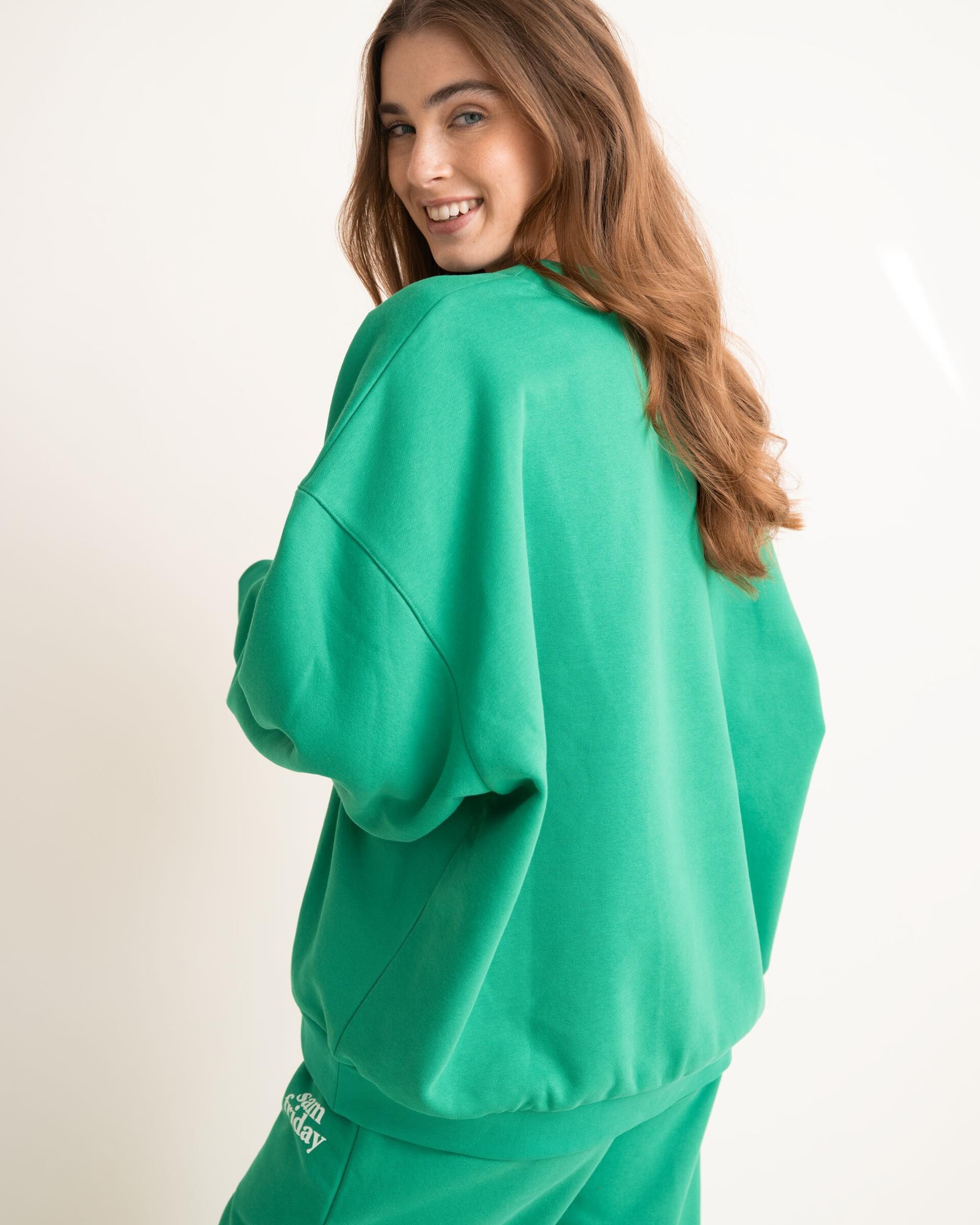
 Sam Friday 8052c01f.mp4 ee641056.mp4 fb887ae6.mp4
 -
 bram0494 joined the community
 -
-
-
-
-

-
Minerva13 changed their profile photo
-

 Neither, but well... • Sandra Kubicka • Nina Agdal Same... • Kushi Leggo • Christina Podolyan • Patience Silva • Oriola Marashi • Caroline Corinth • Yasmin Deplidge • Tyler Moolman • Dehandre Van Tonder • Franceska Rustemi • Kristen Shania • Leilani Eddie
 very slight resemblance to Marina Schlosberg (1996)

 Brooklyn Management - digitals






 Brooklyn Management - portfolio























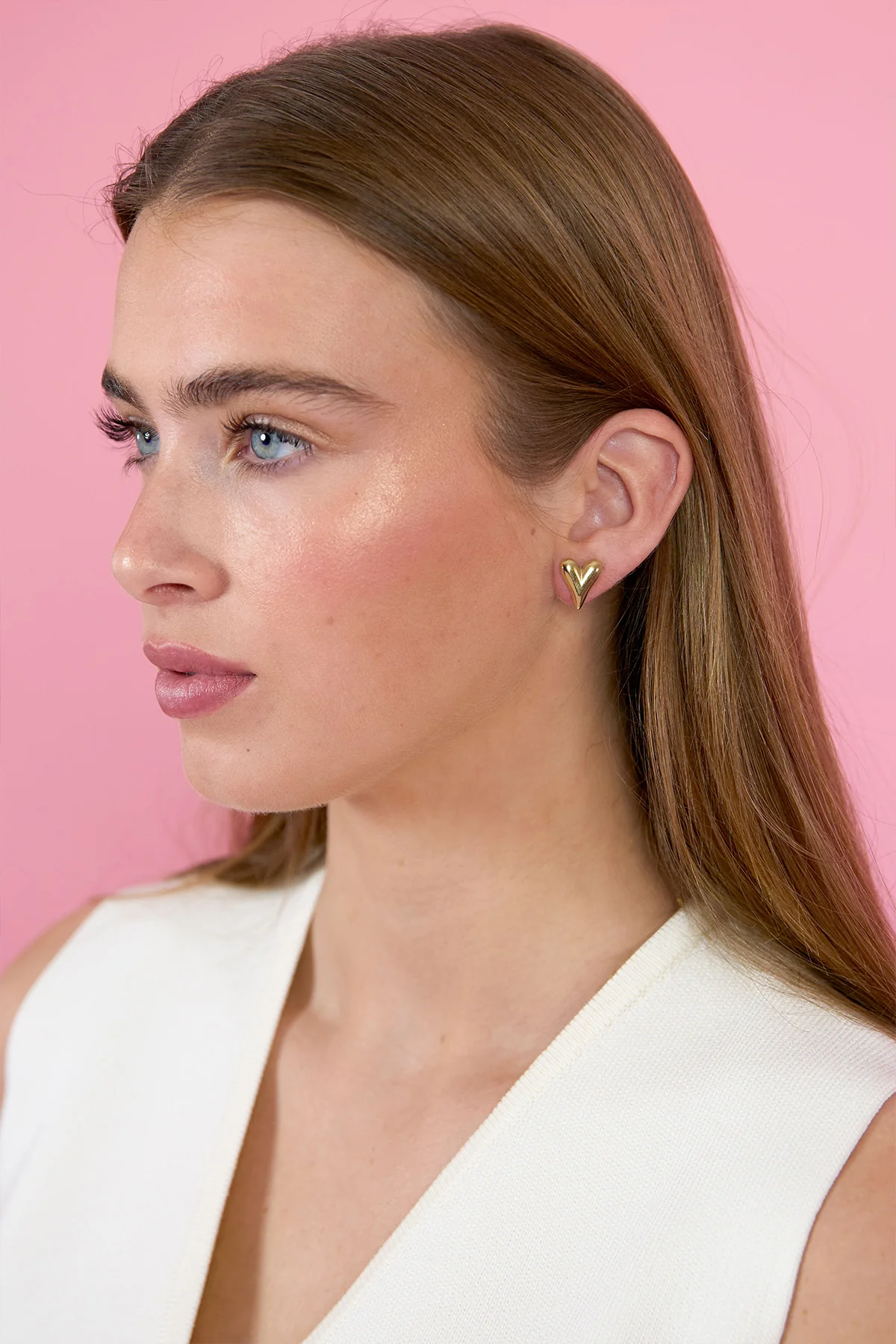
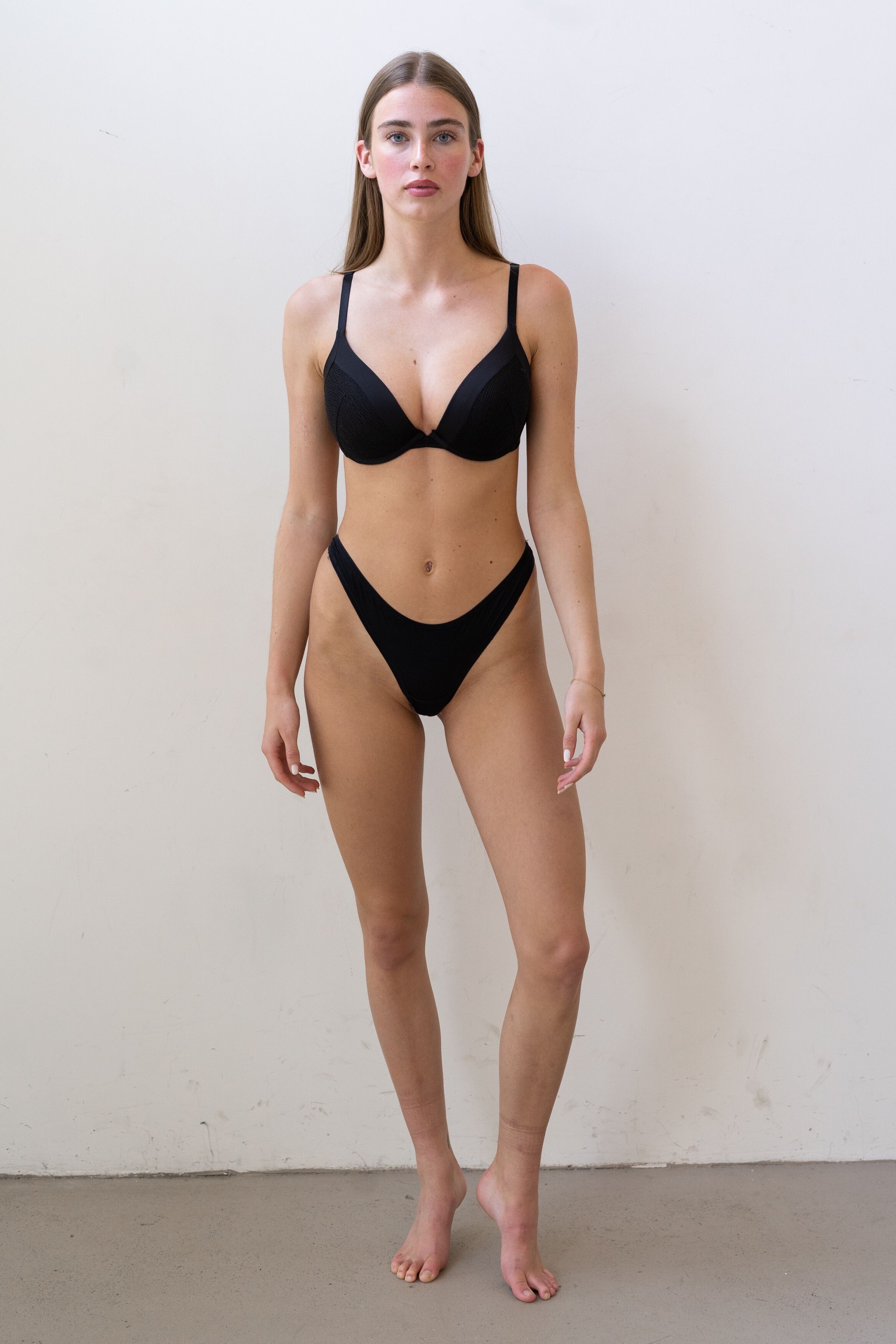
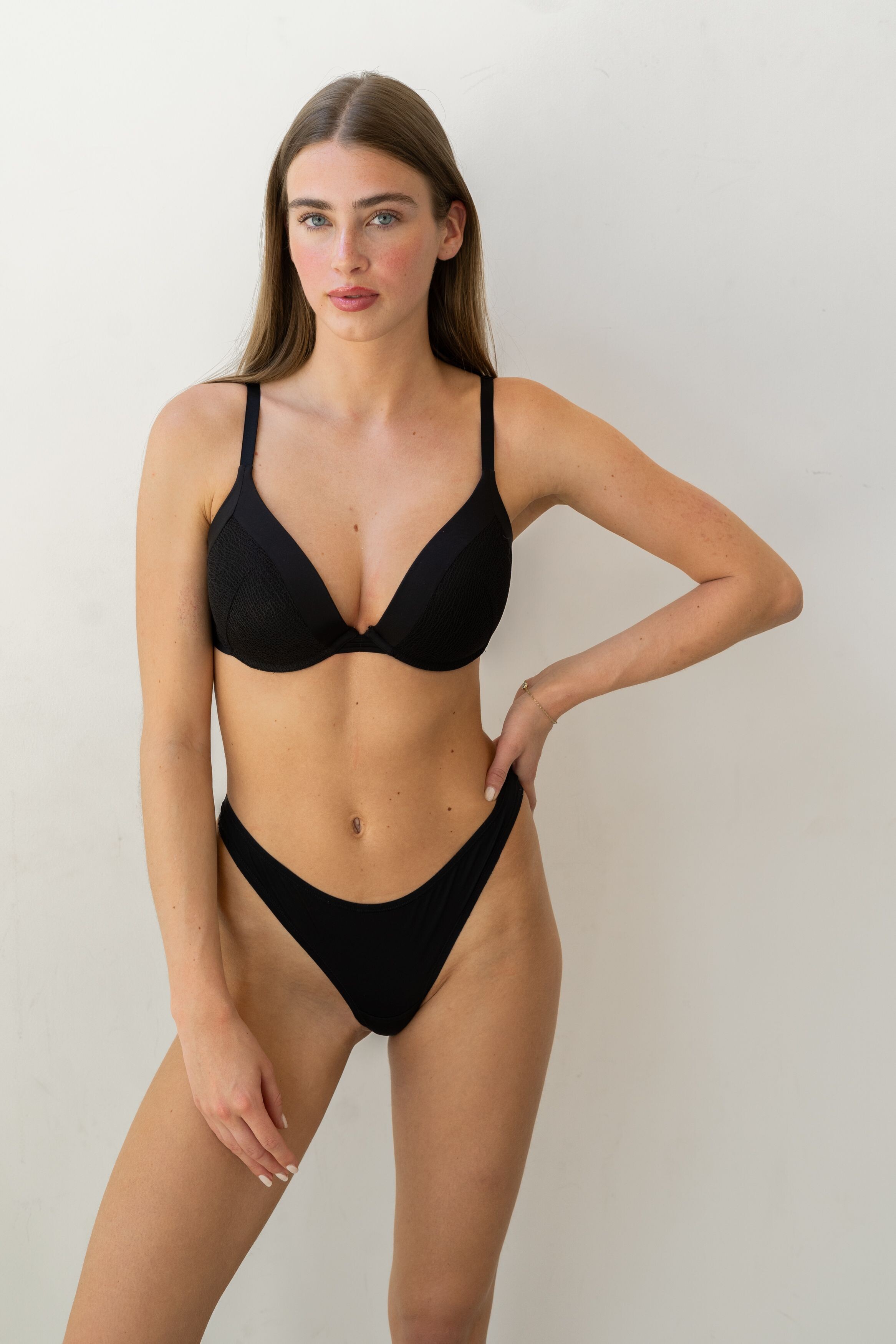
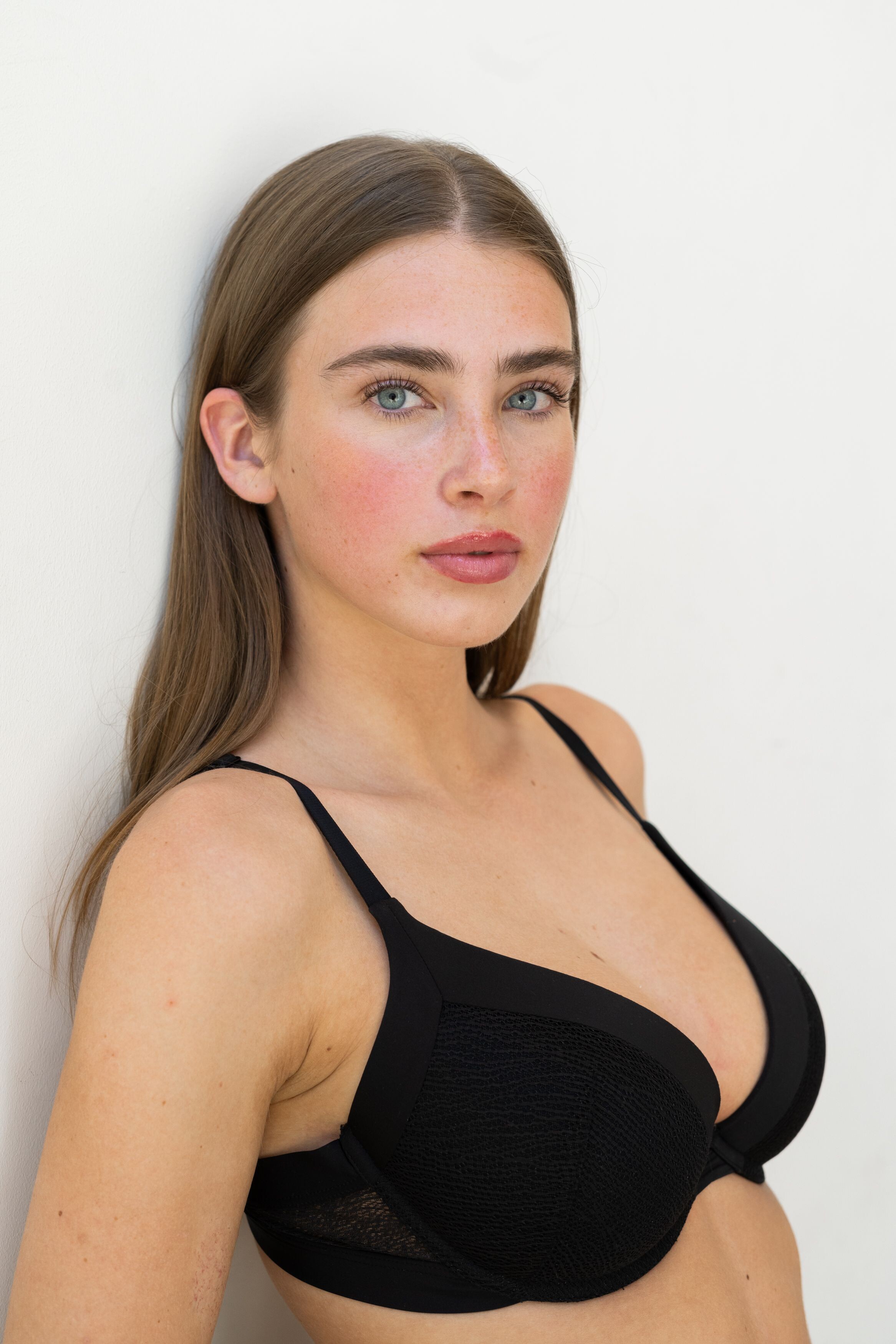
 Fiep Bonnier (Fiep Pauline Elisabeth Bonnier) Height : 5’-7″ - 1,70m Eyes : Blue Hair : Brown https://www.instagram.com/fiepbonnier_/ Brooklyn Model Management, Models Office
- Today


 fratata46 joined the community
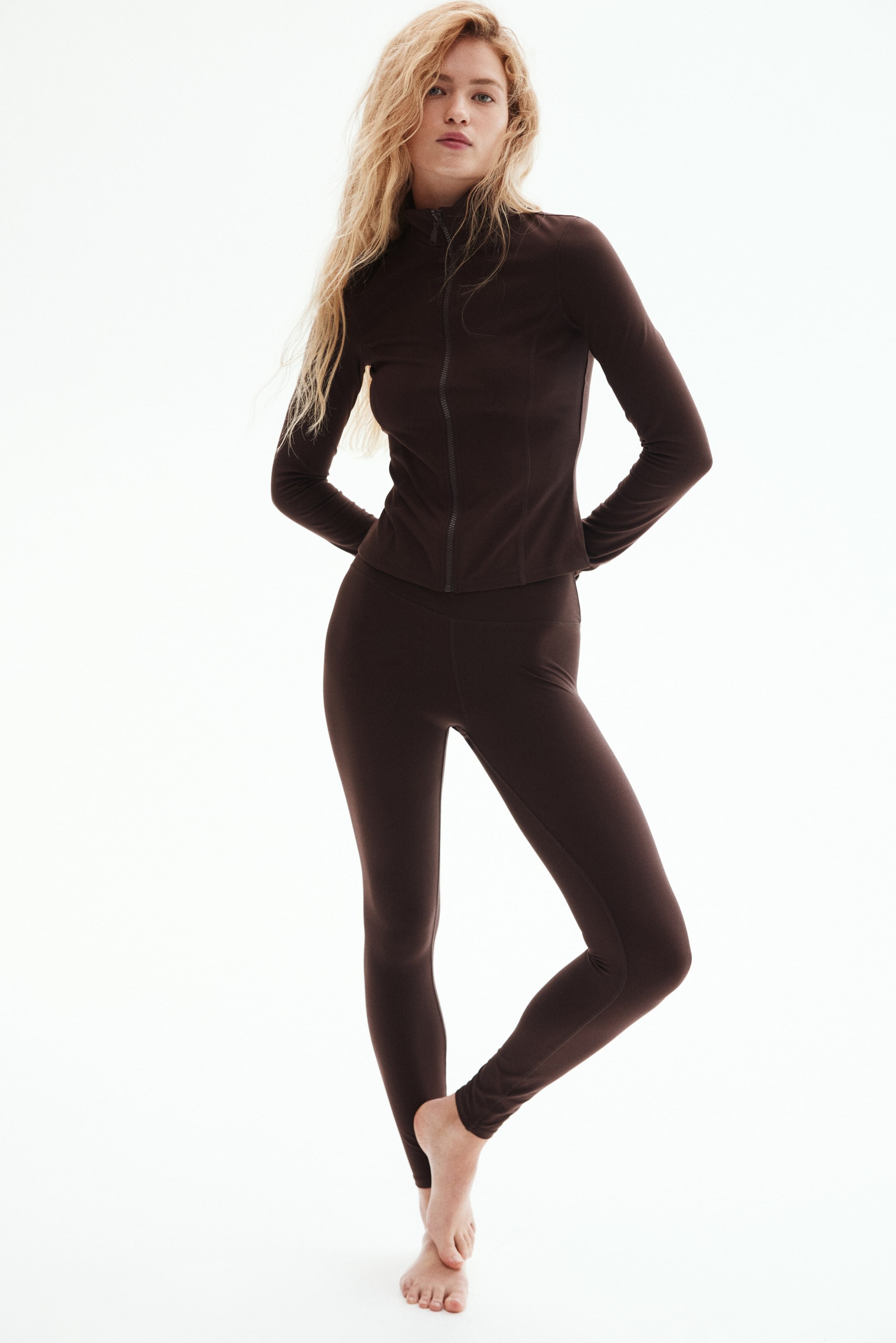
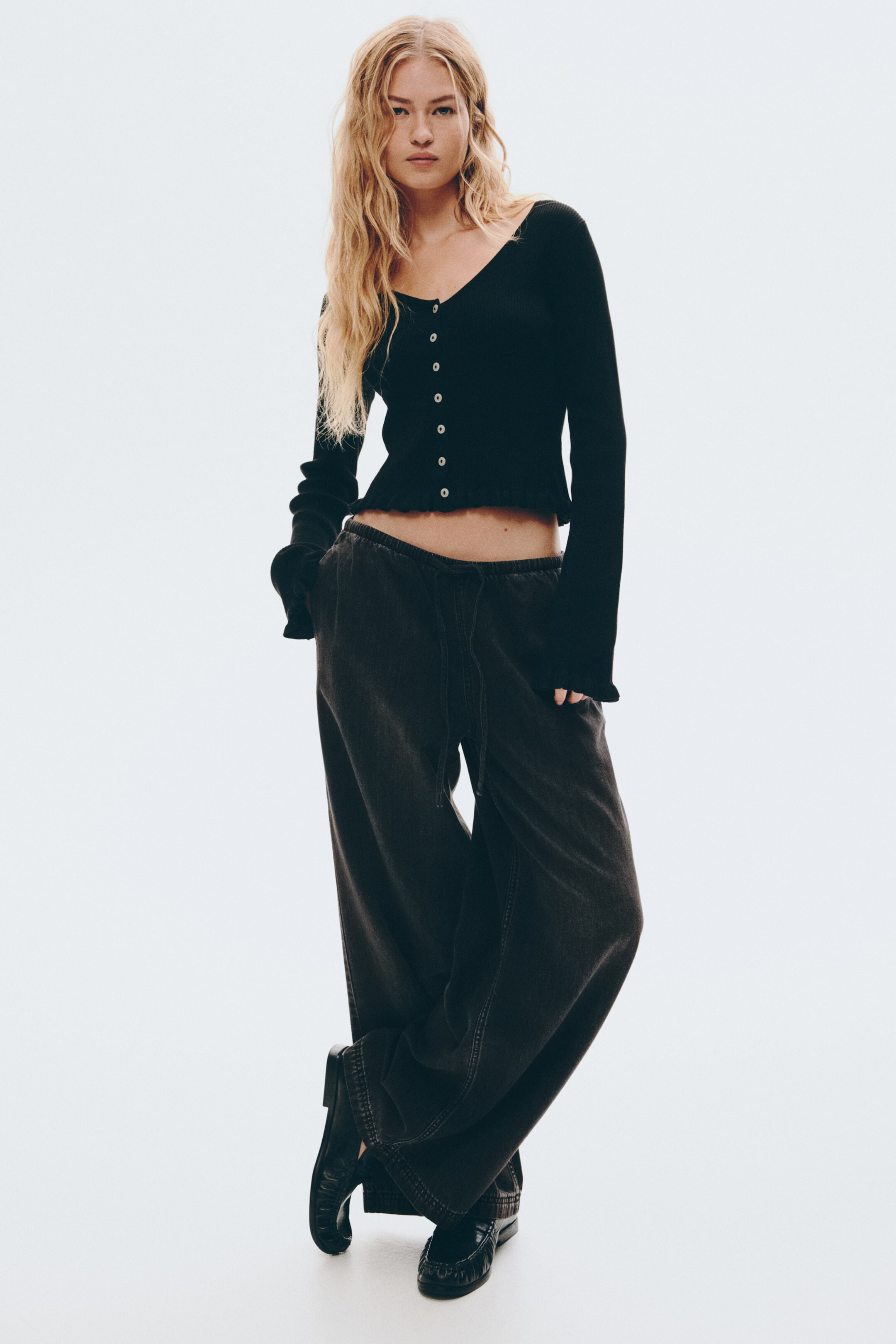
 left is Maggie Rawlins
 Happy New Year everyone





































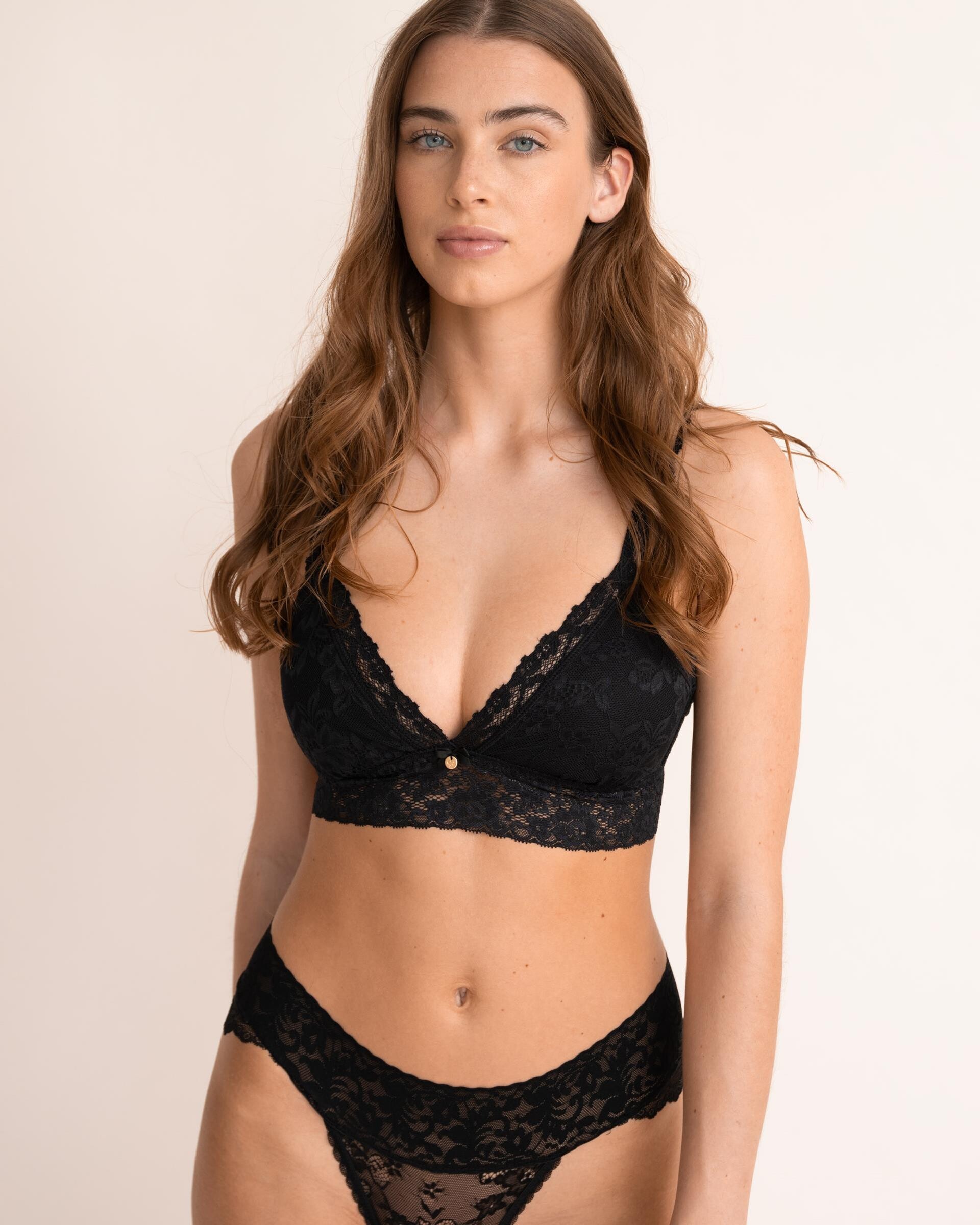
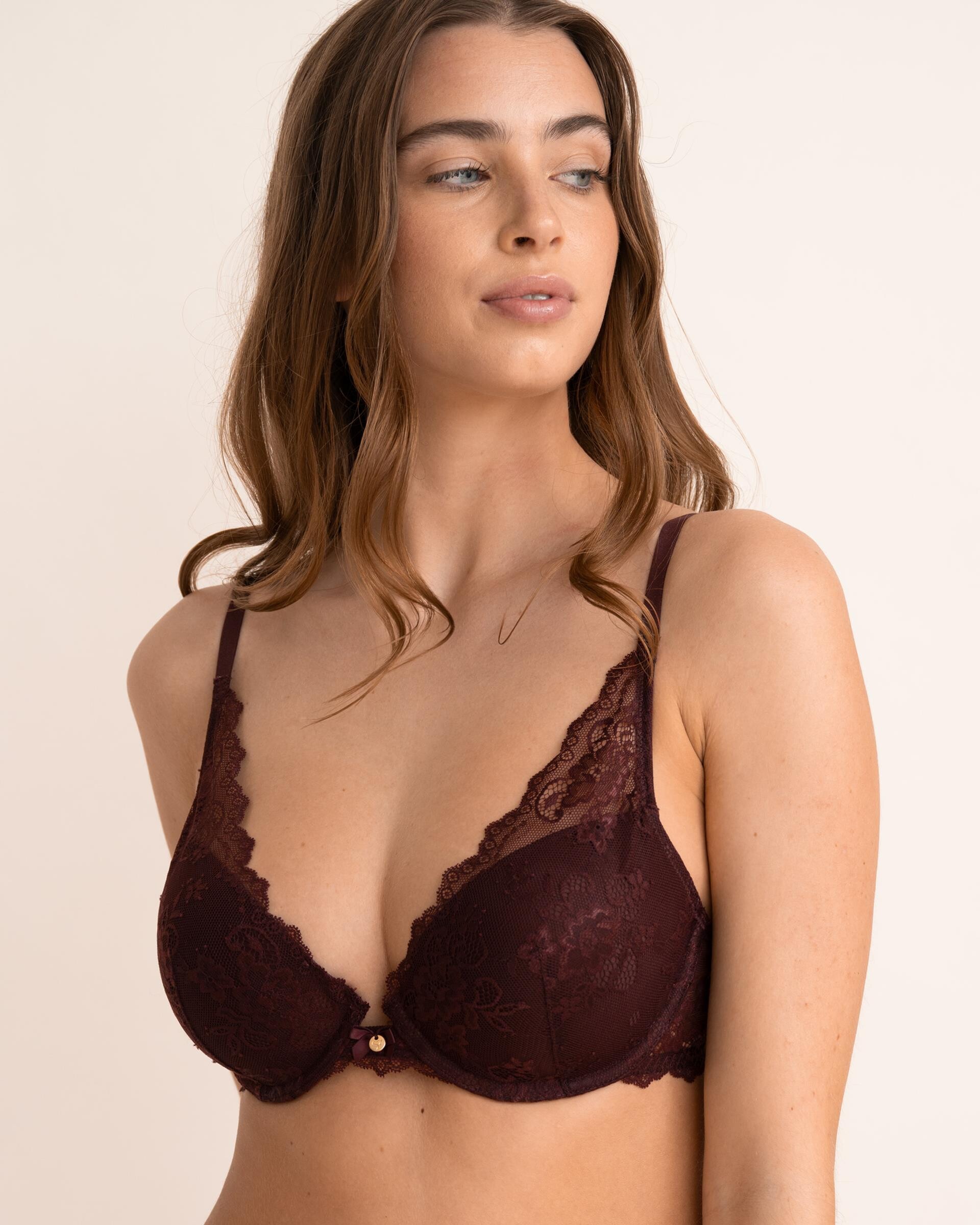




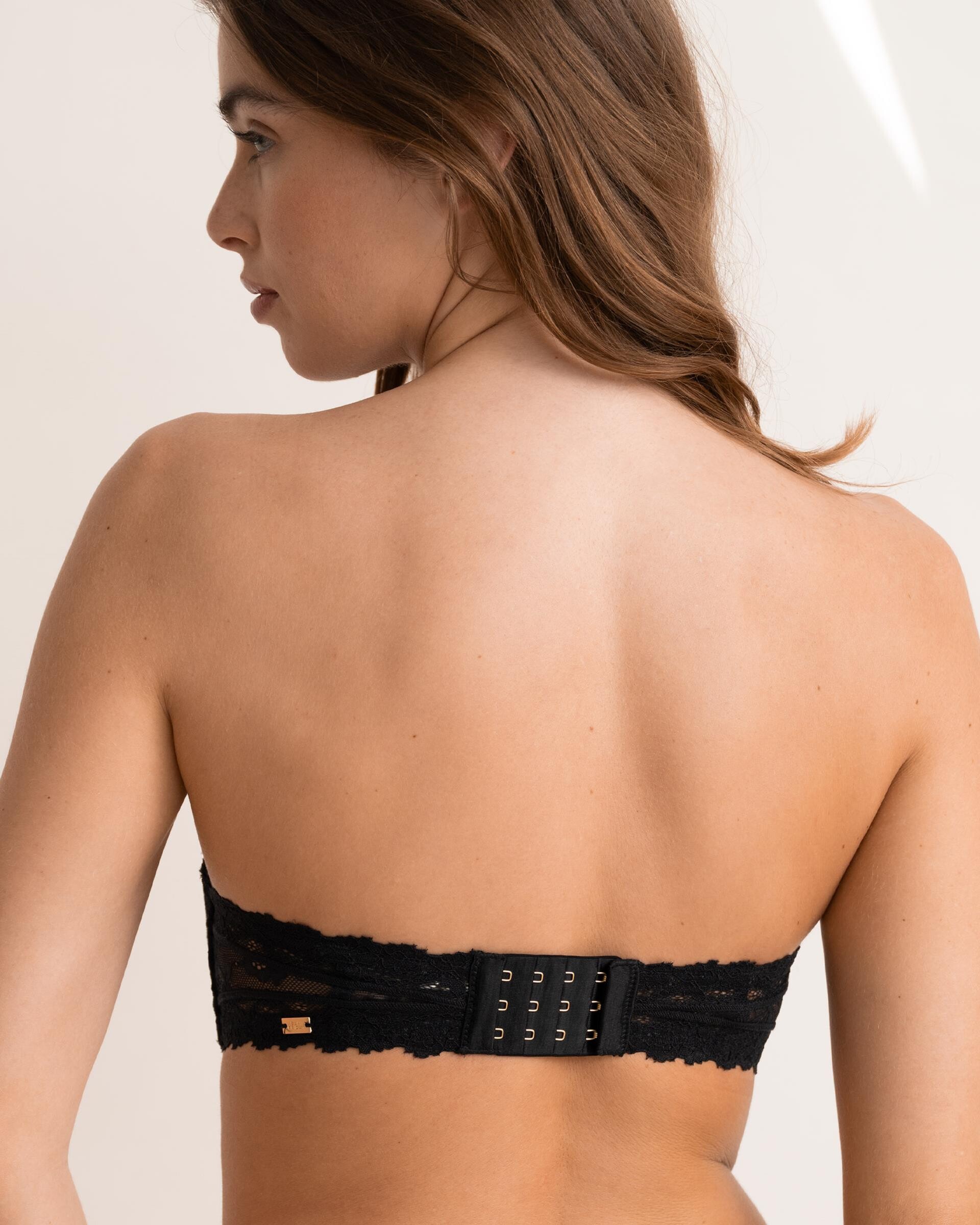
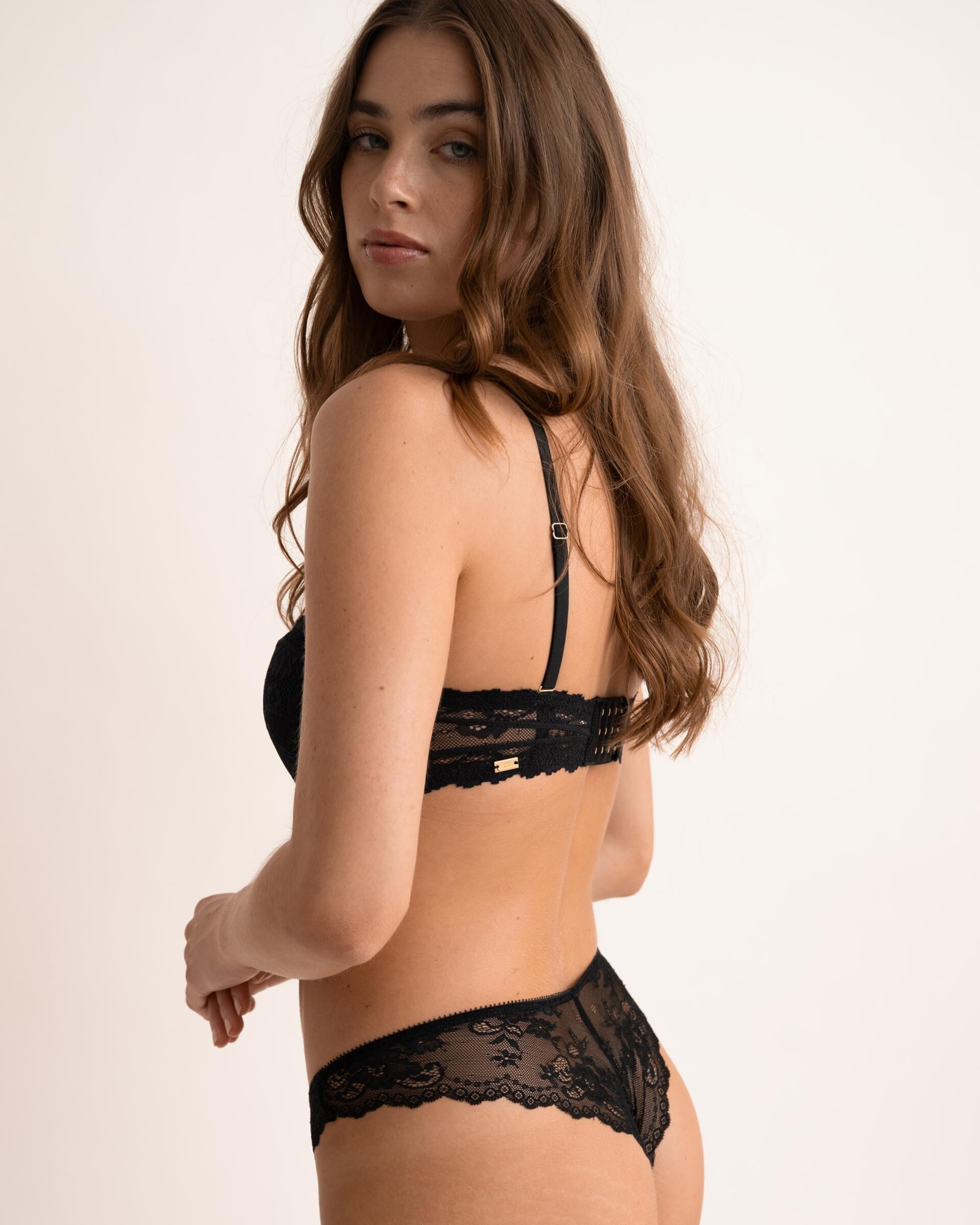































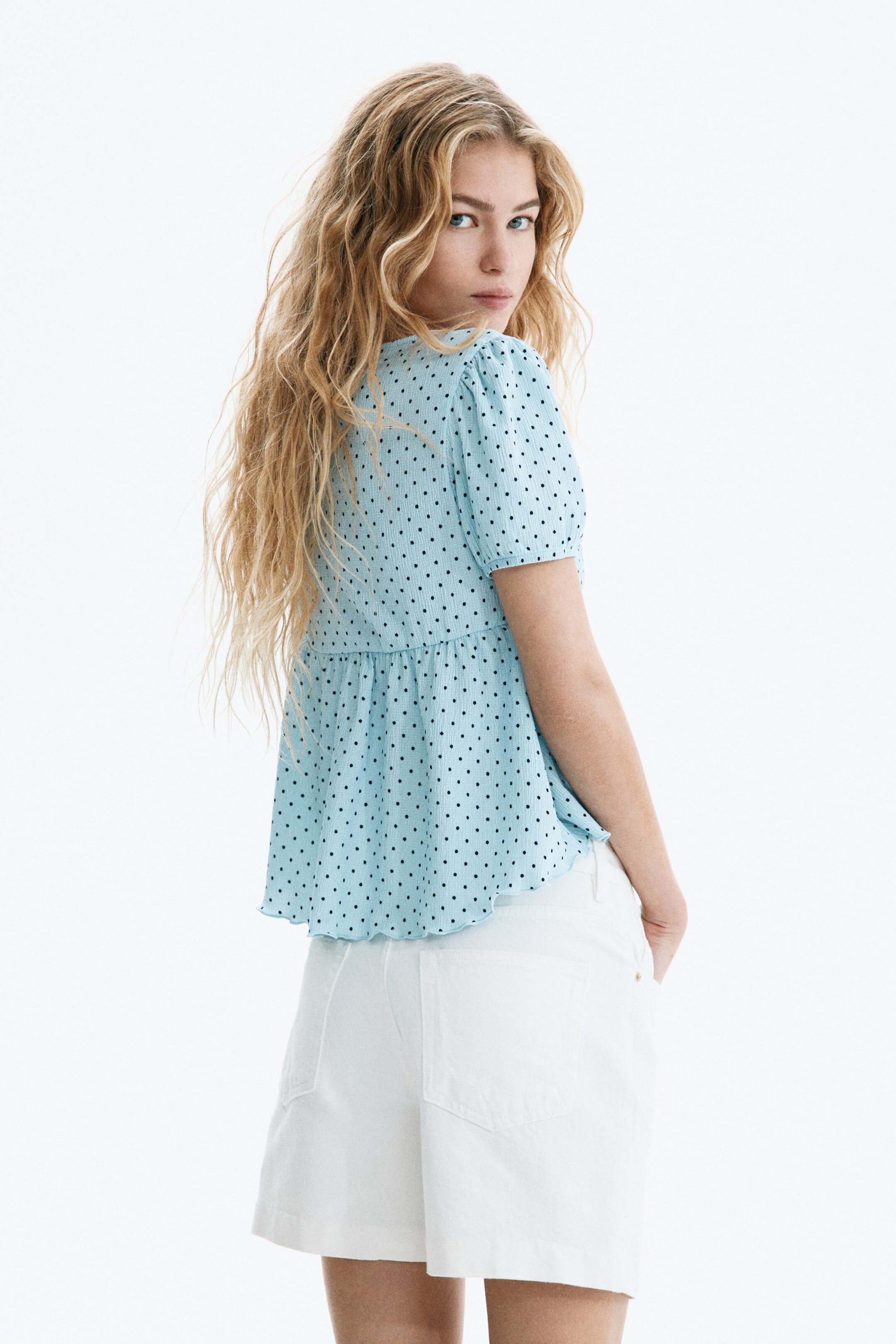
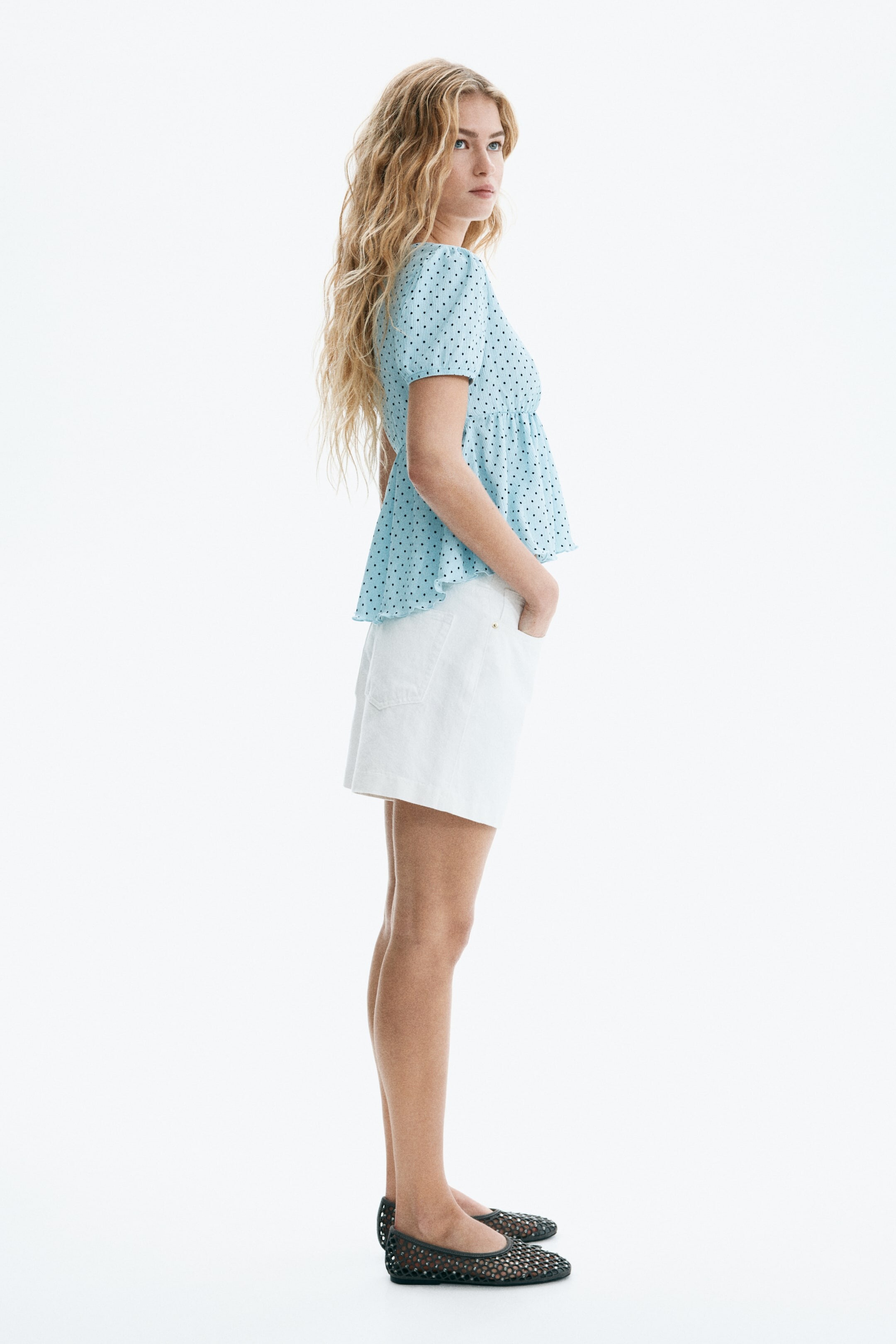

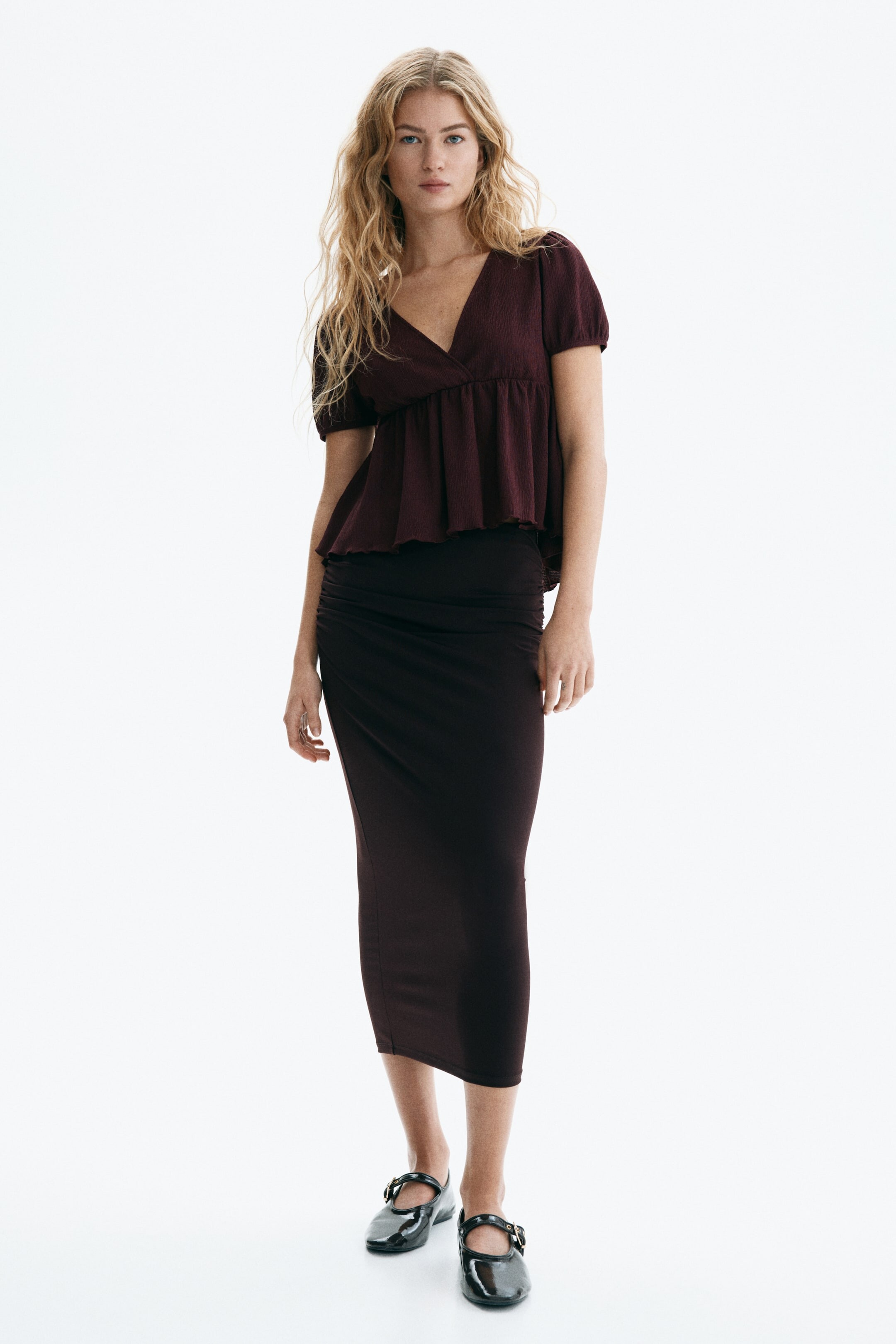

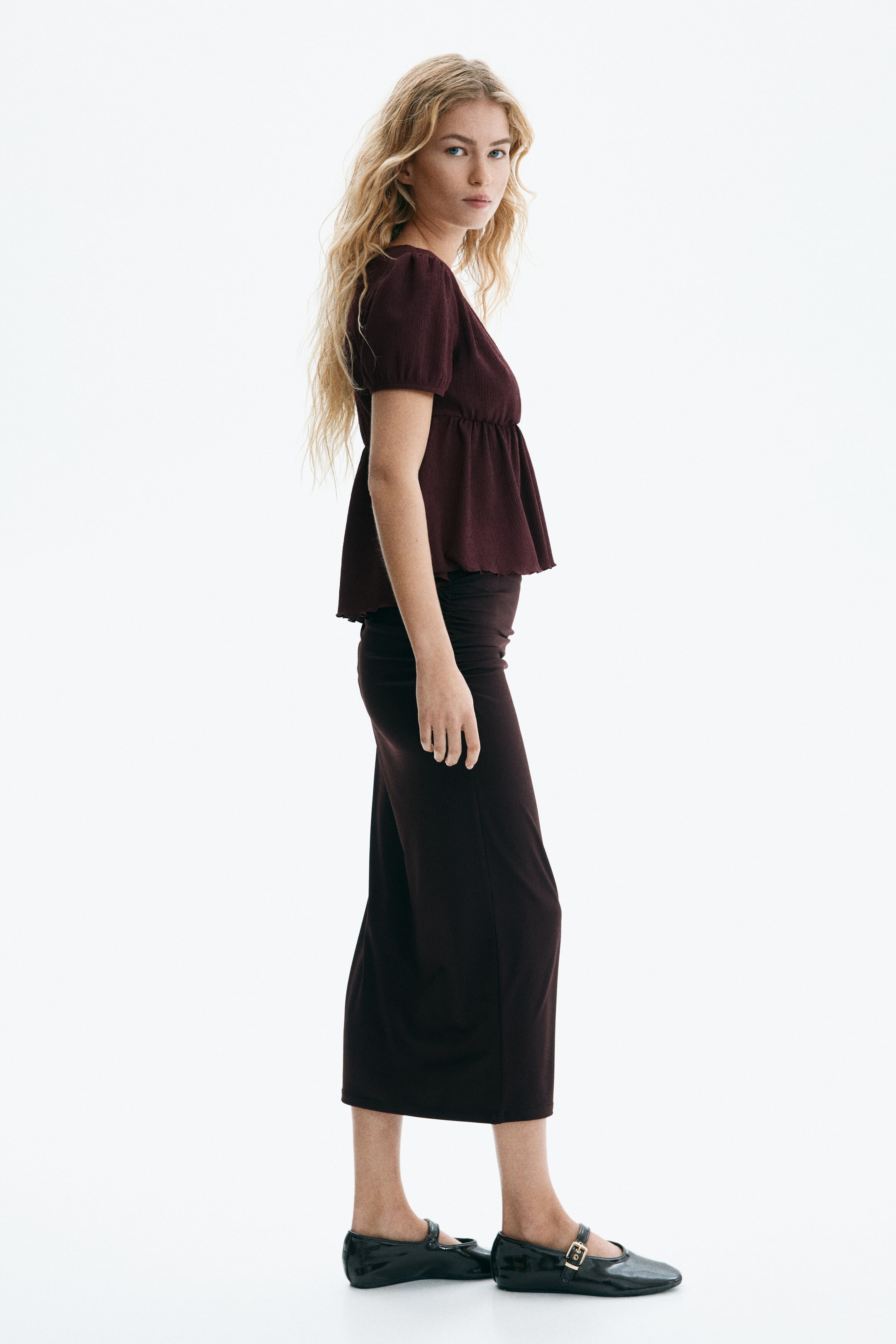


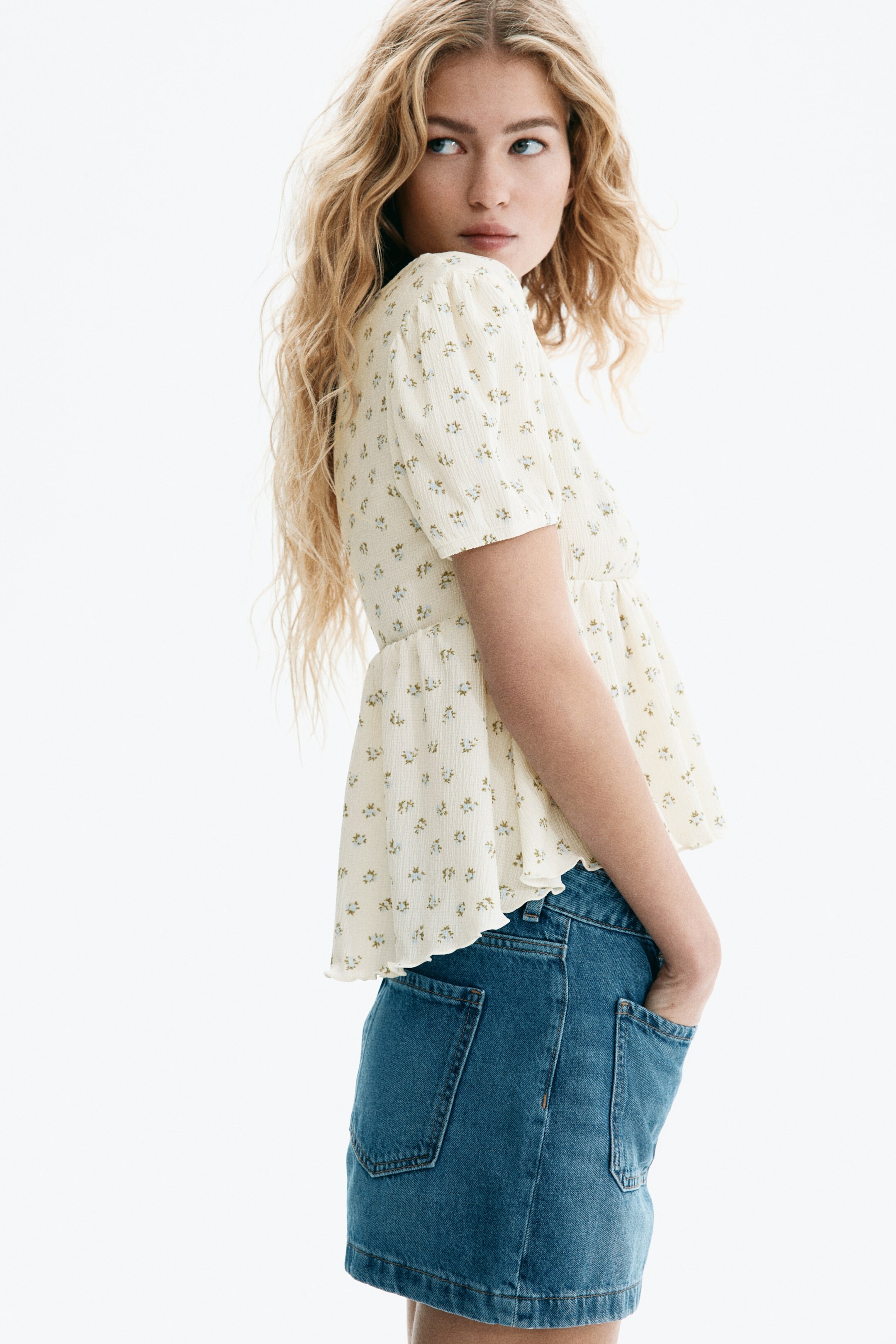

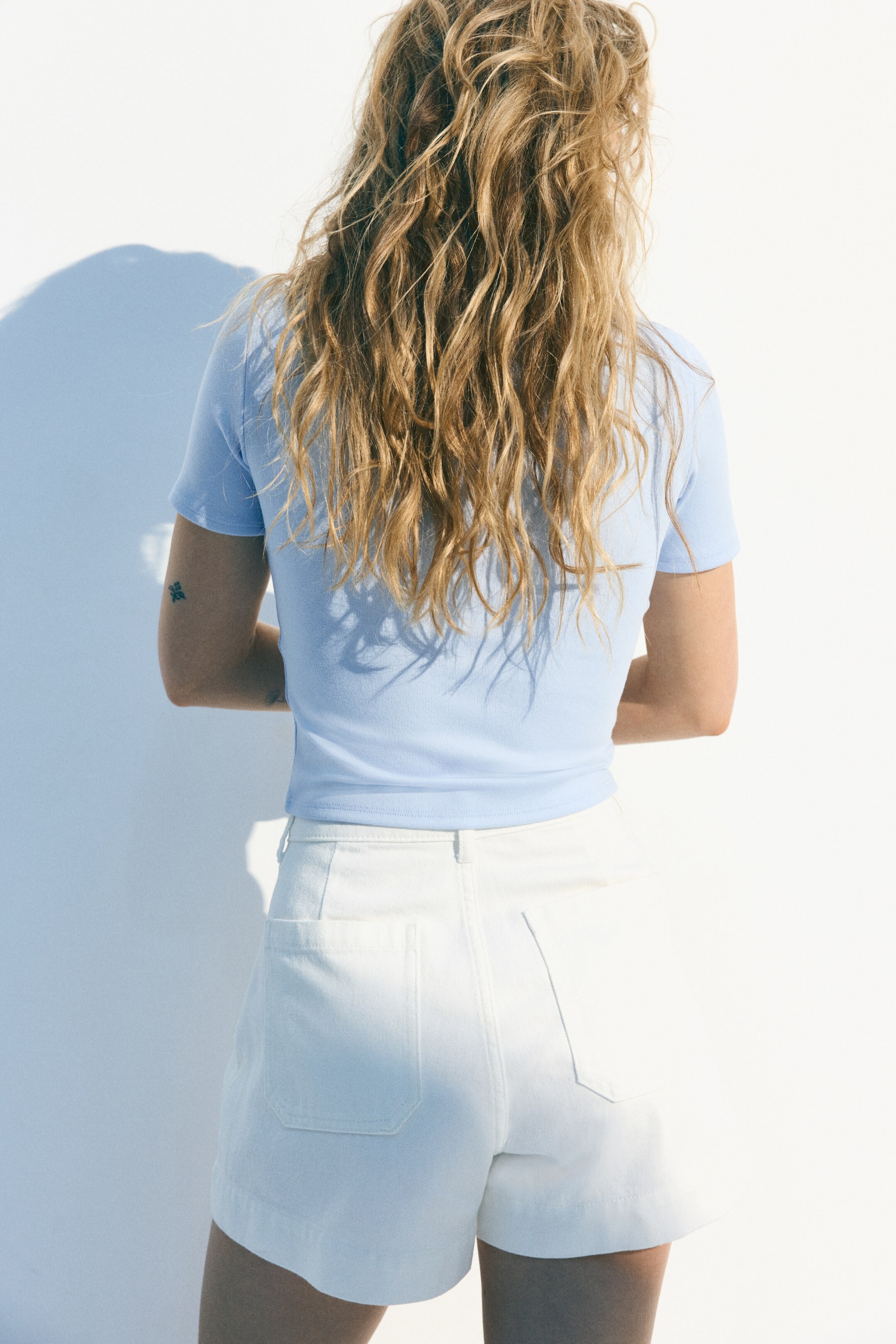

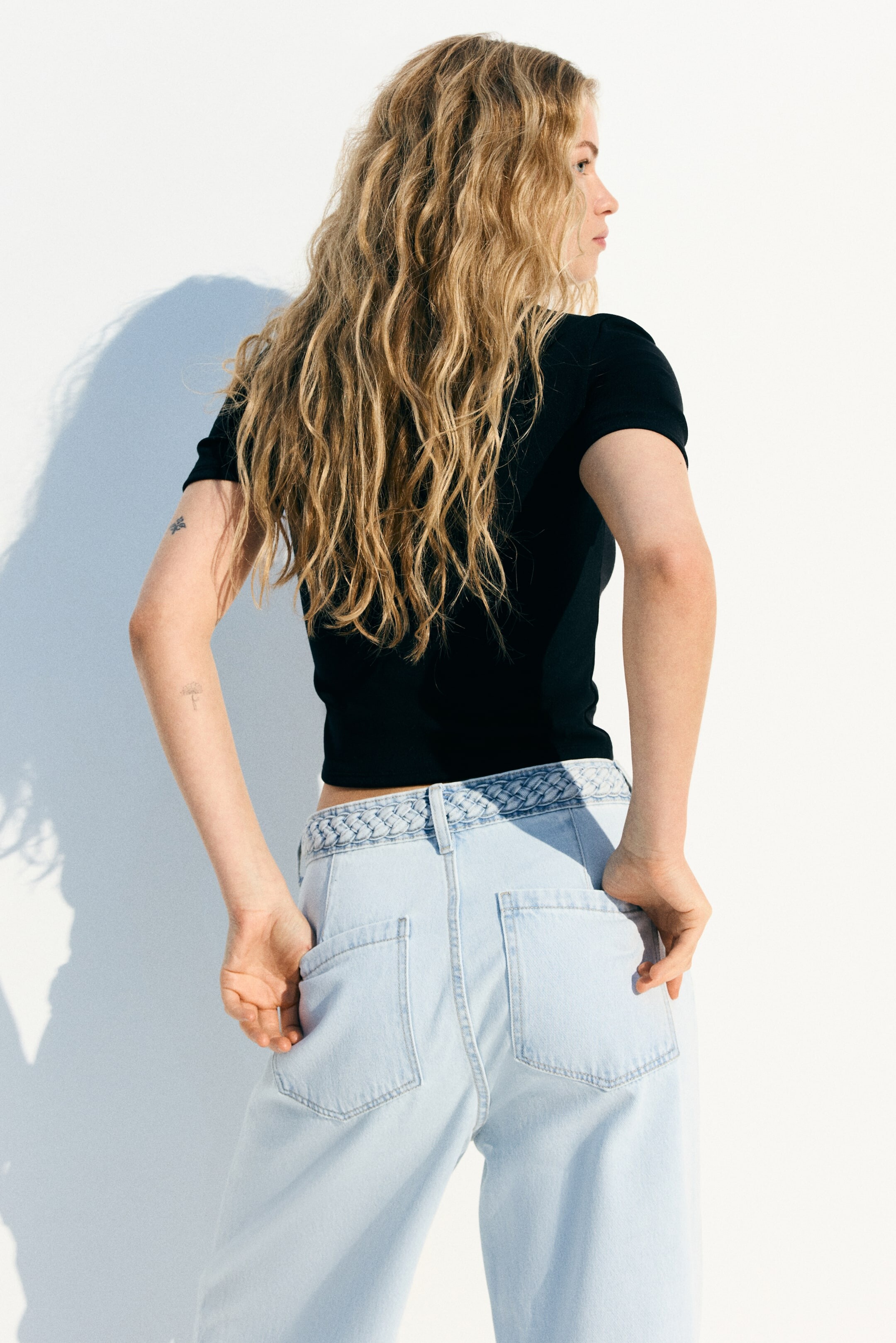



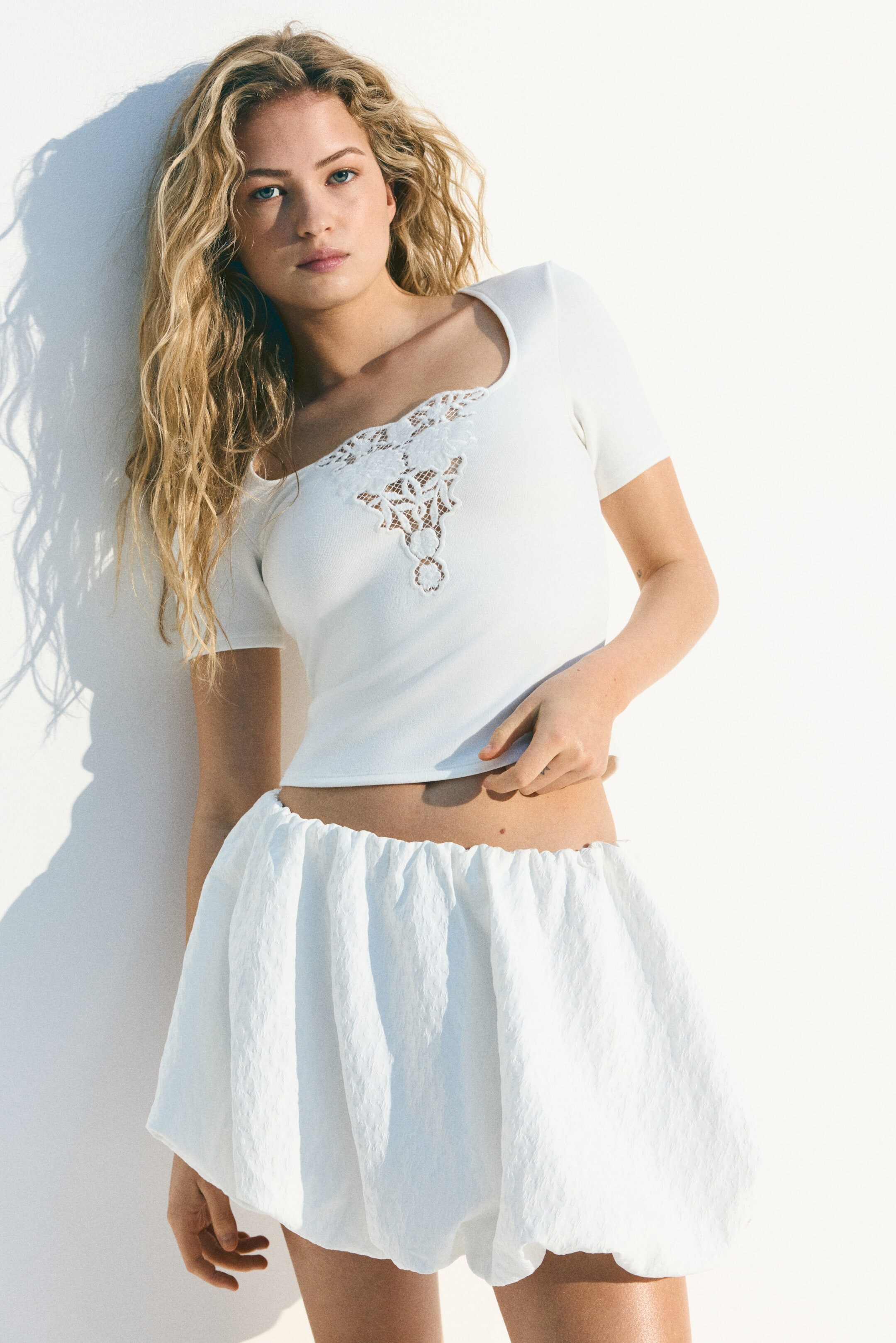


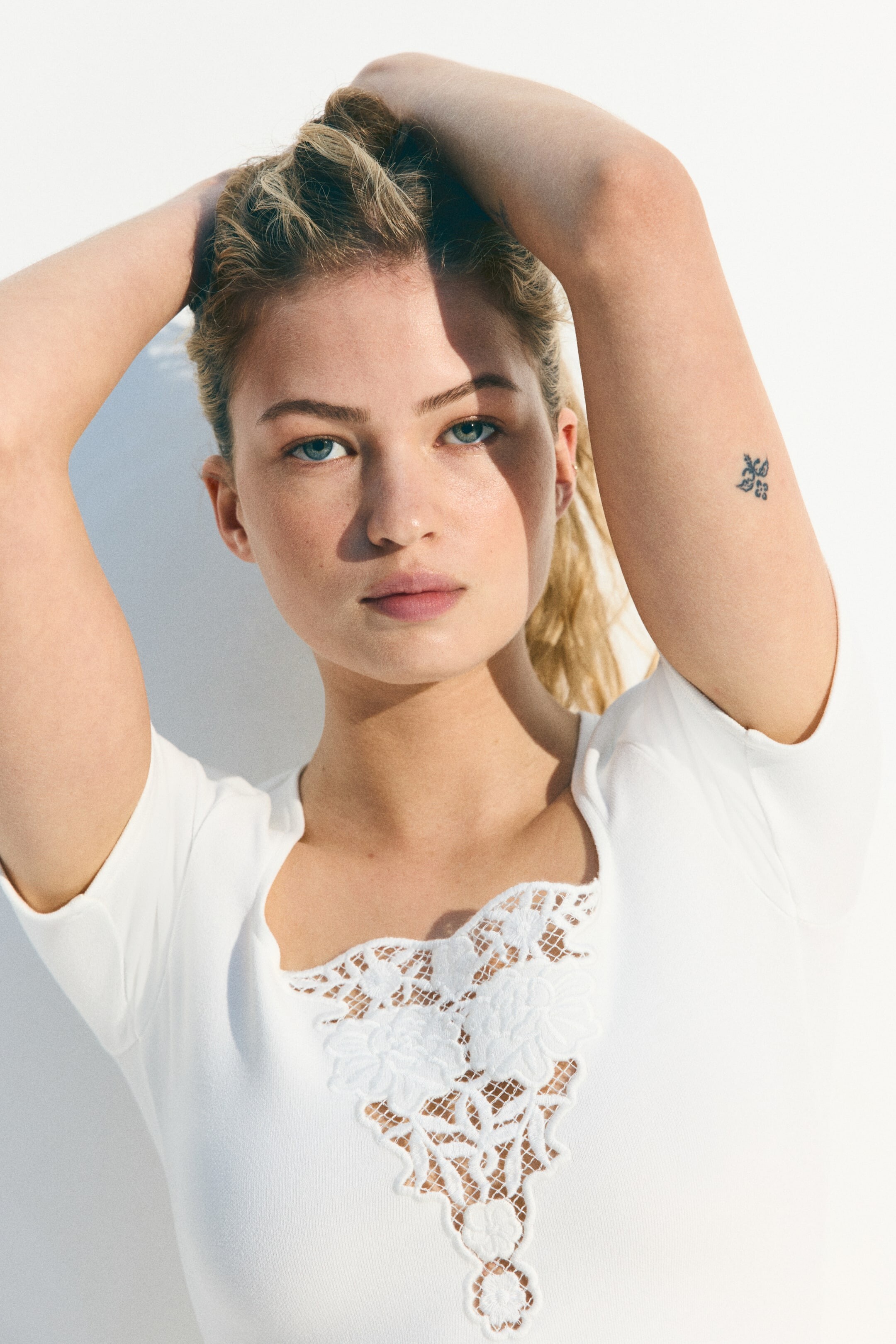


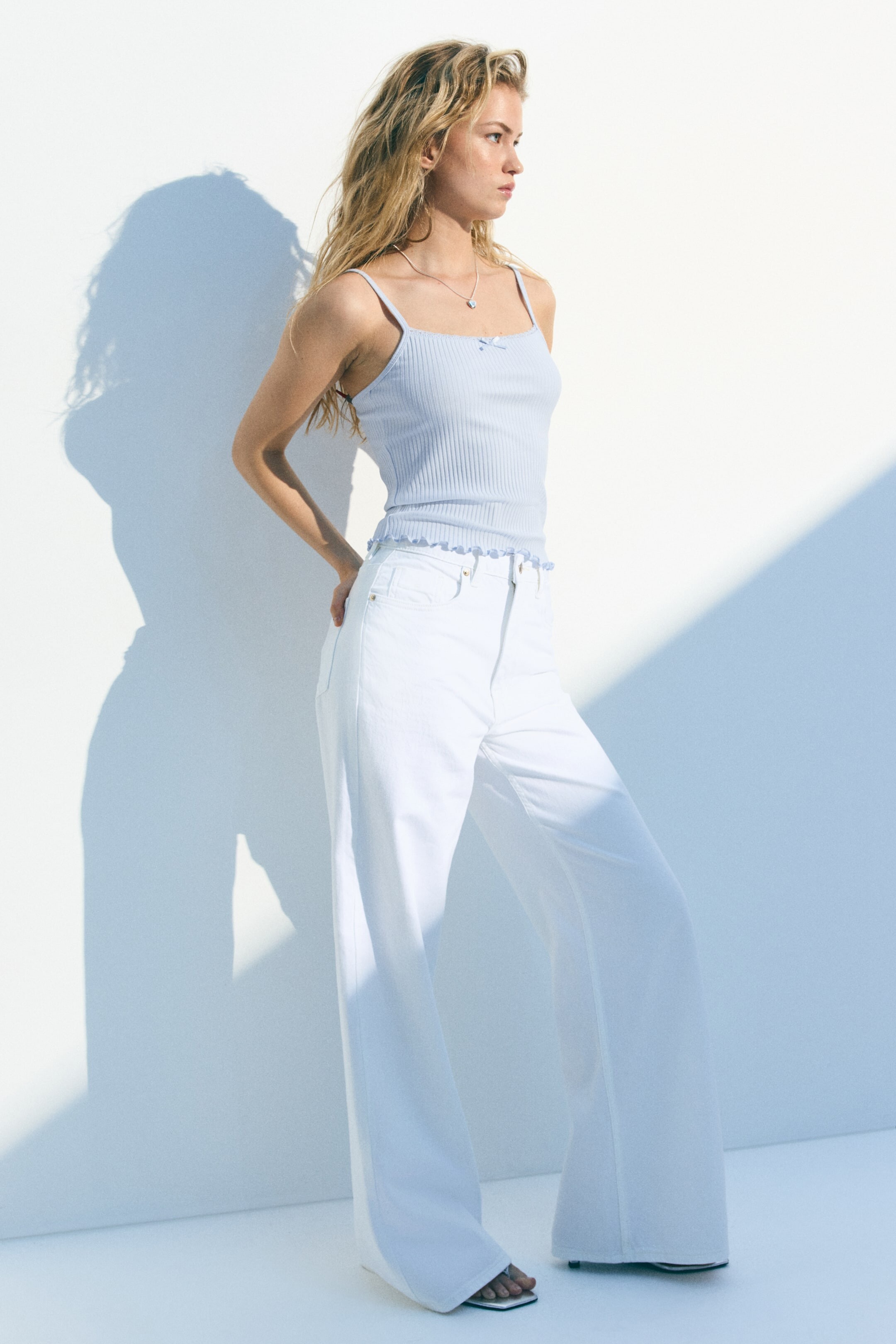
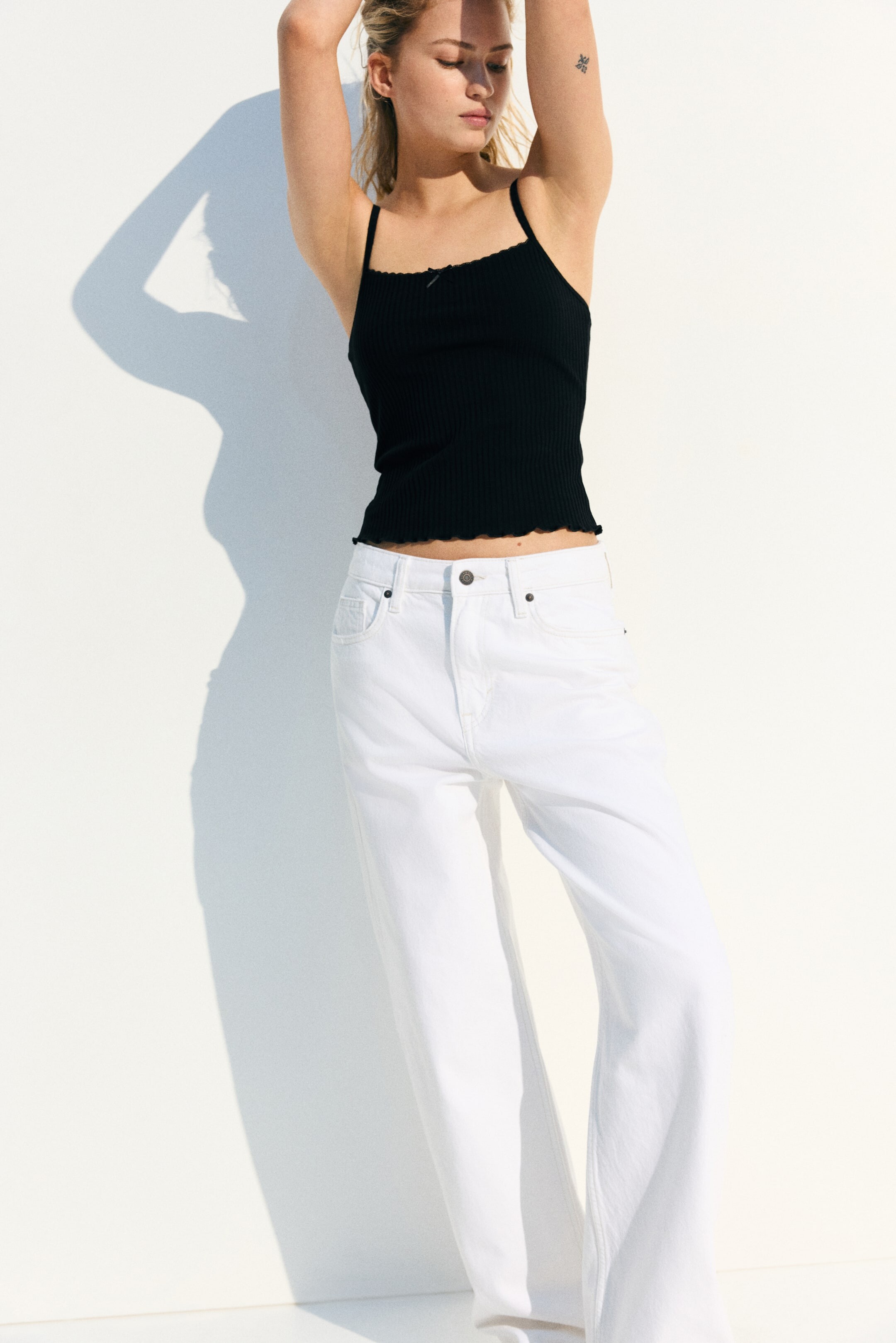
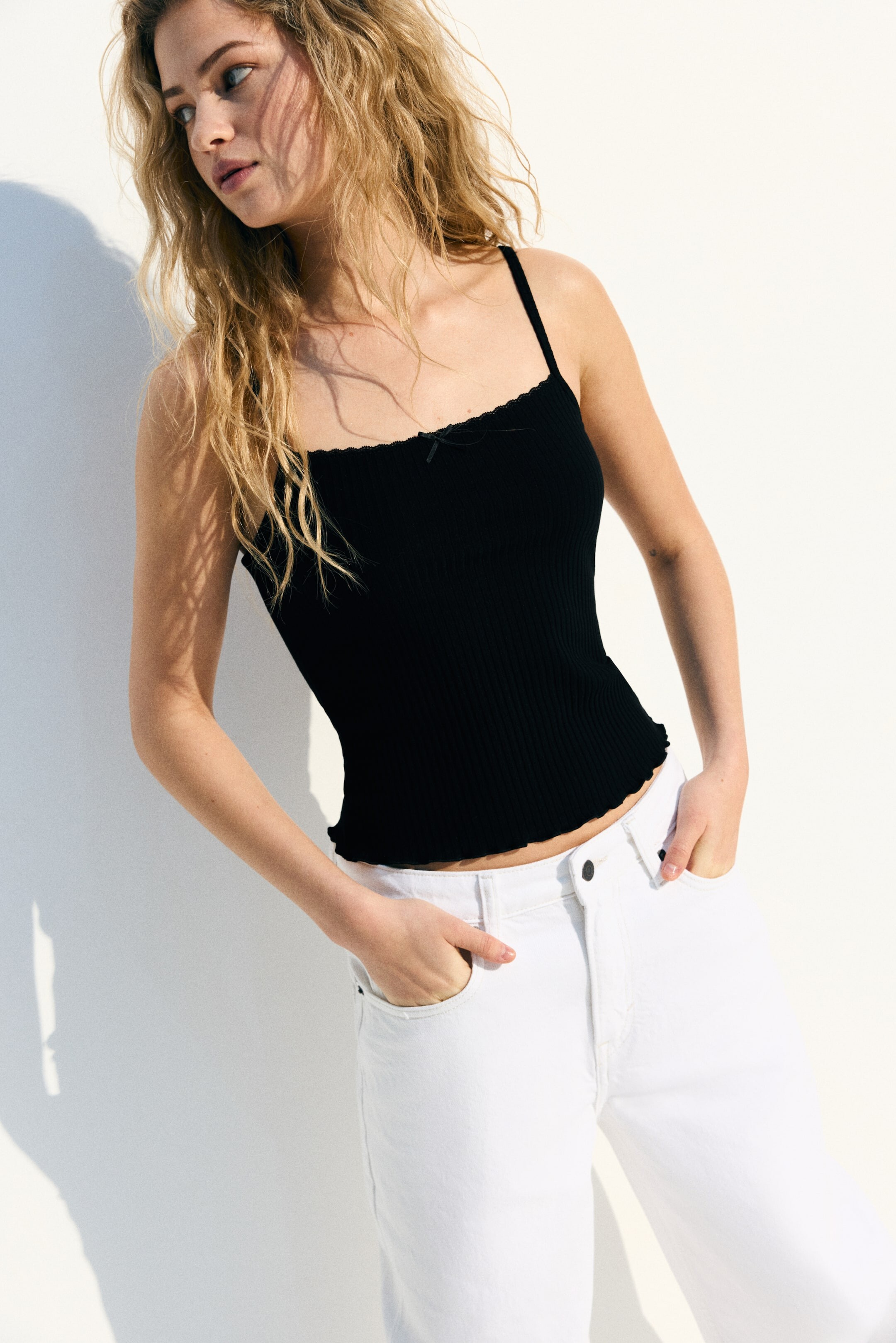





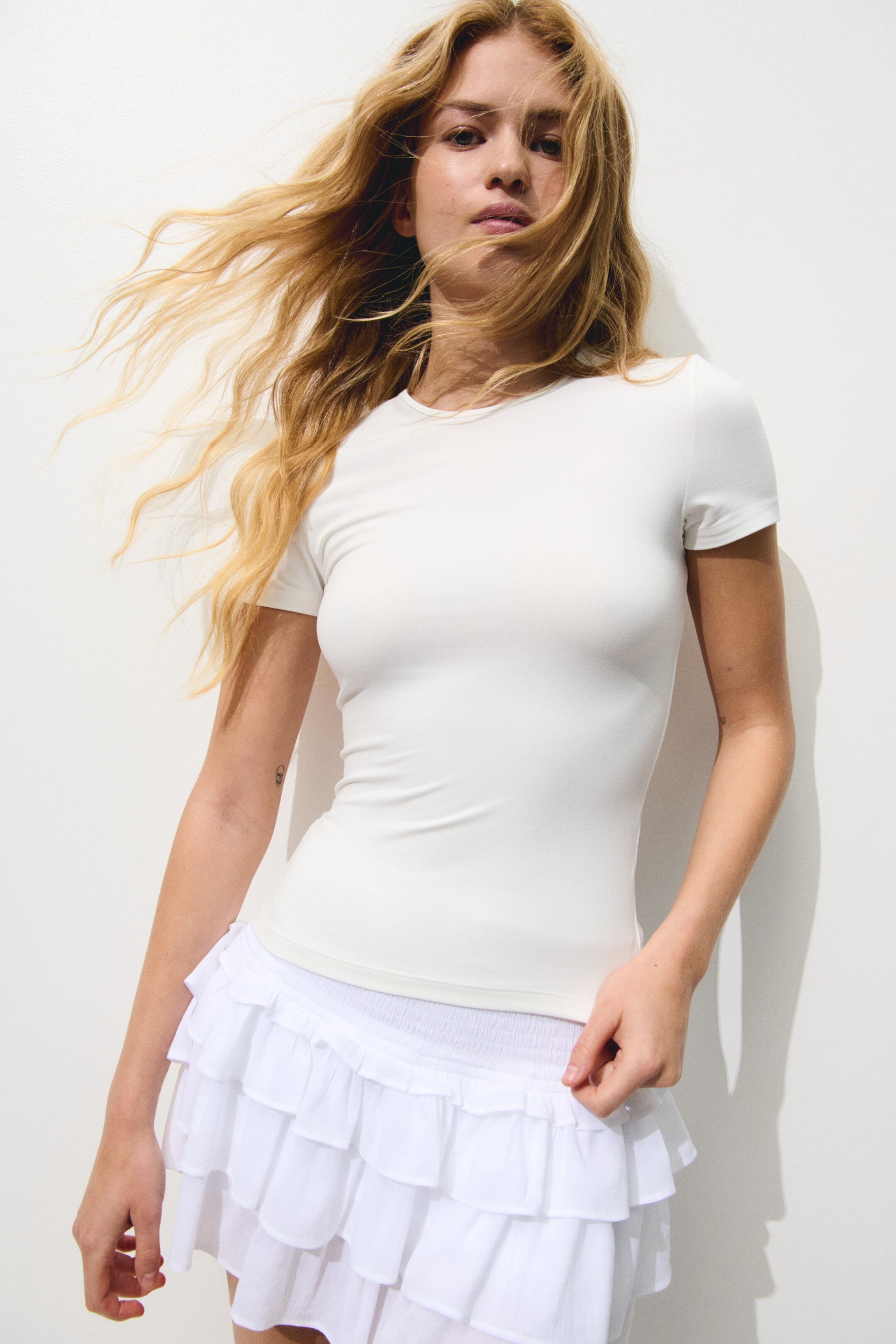
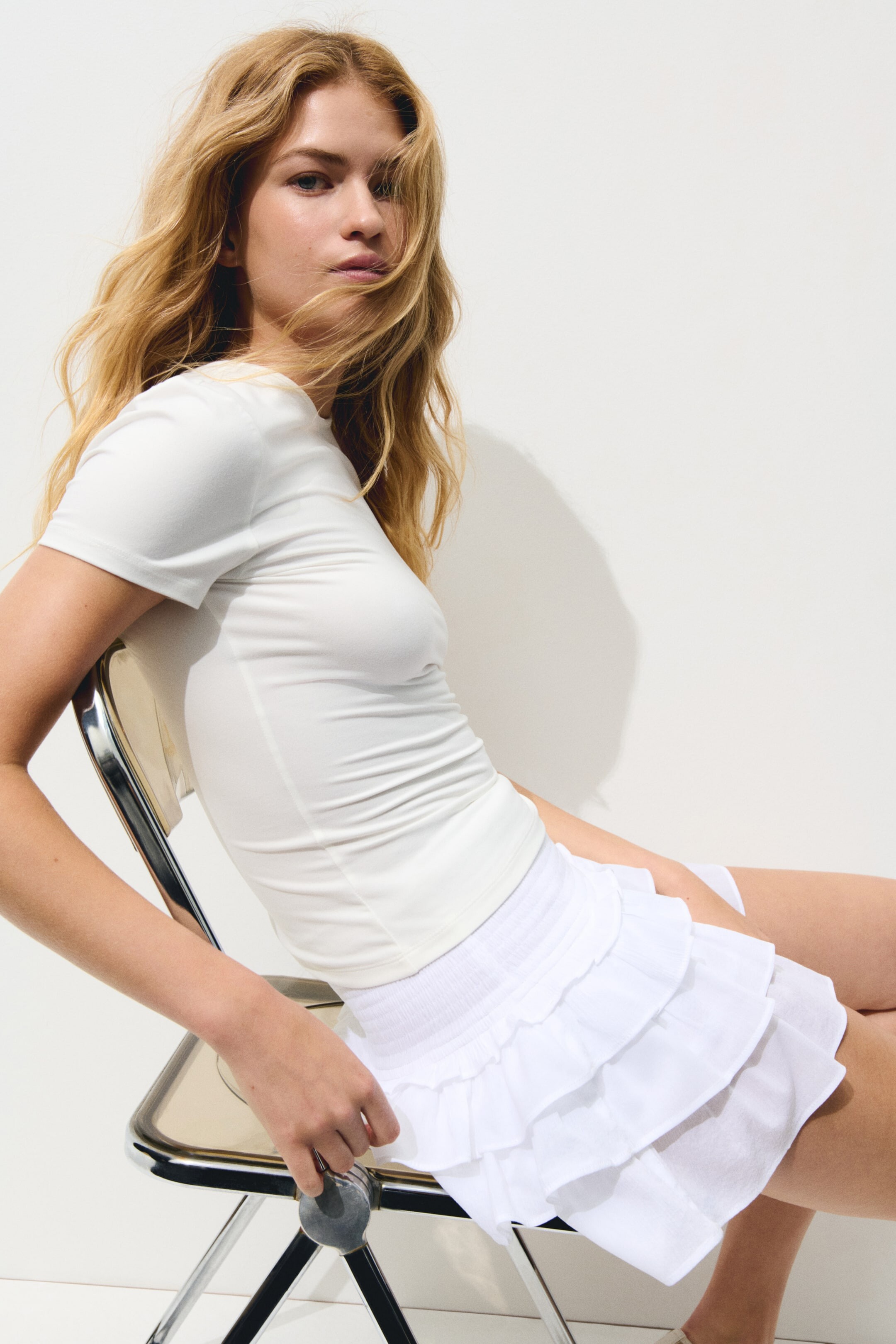

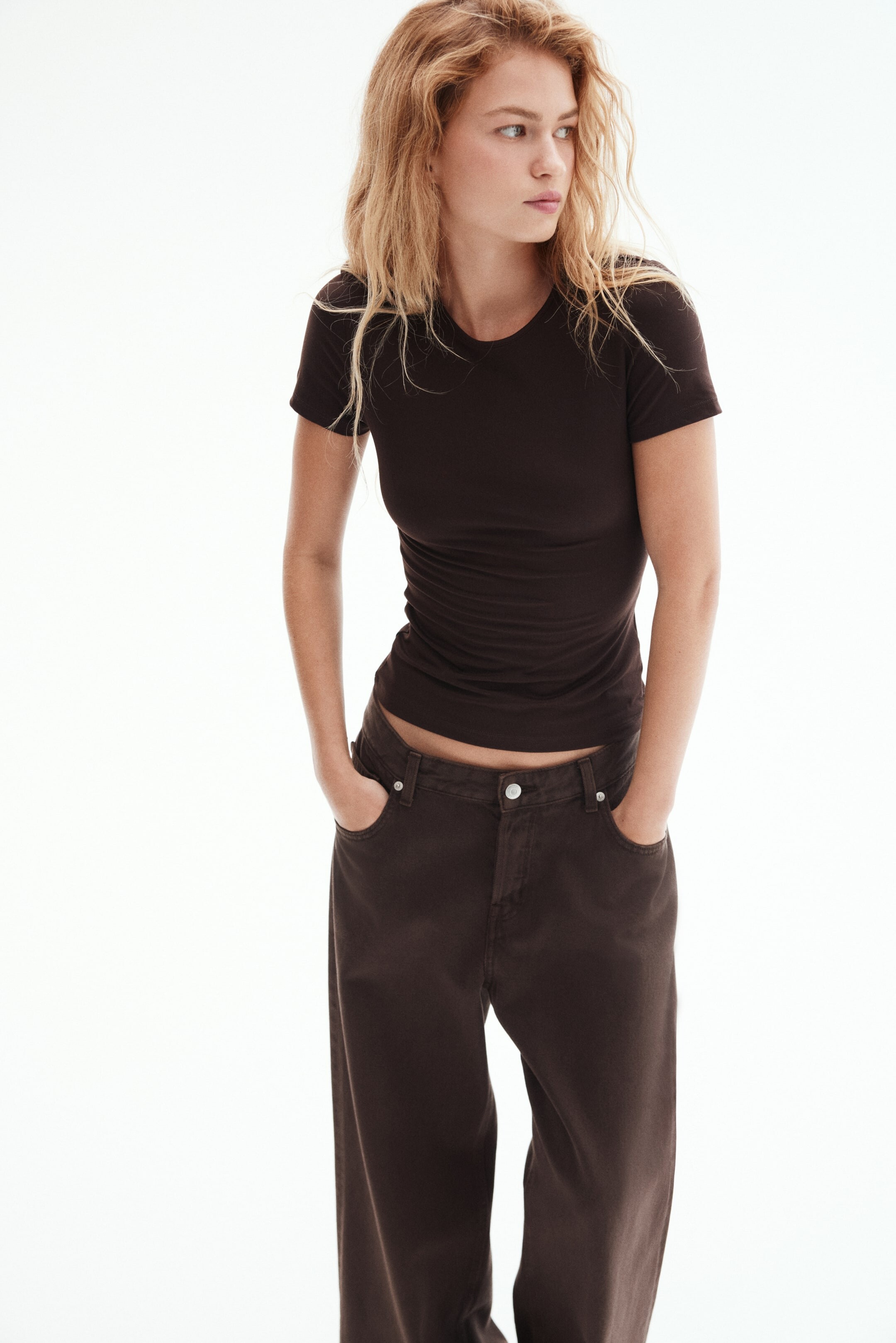
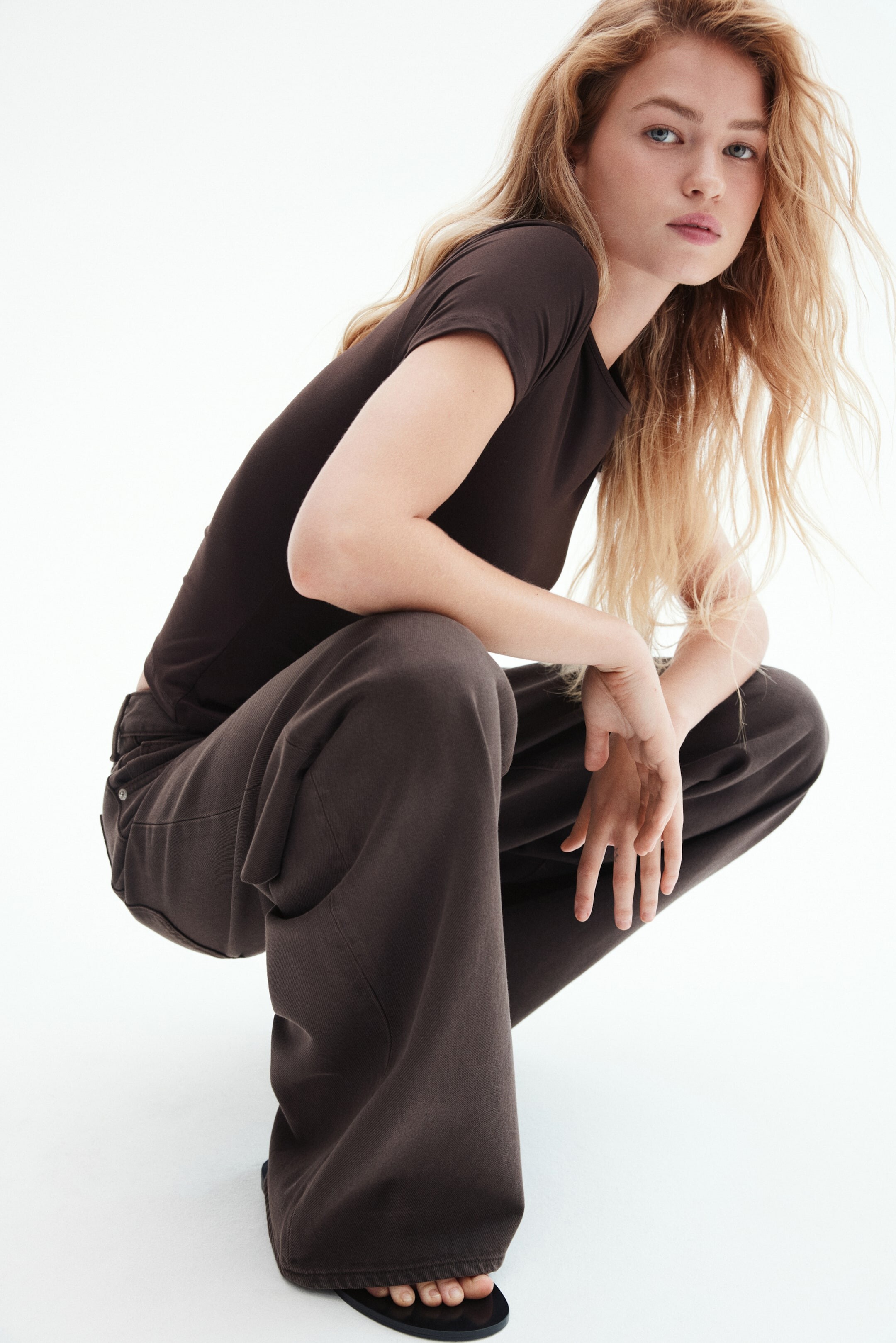
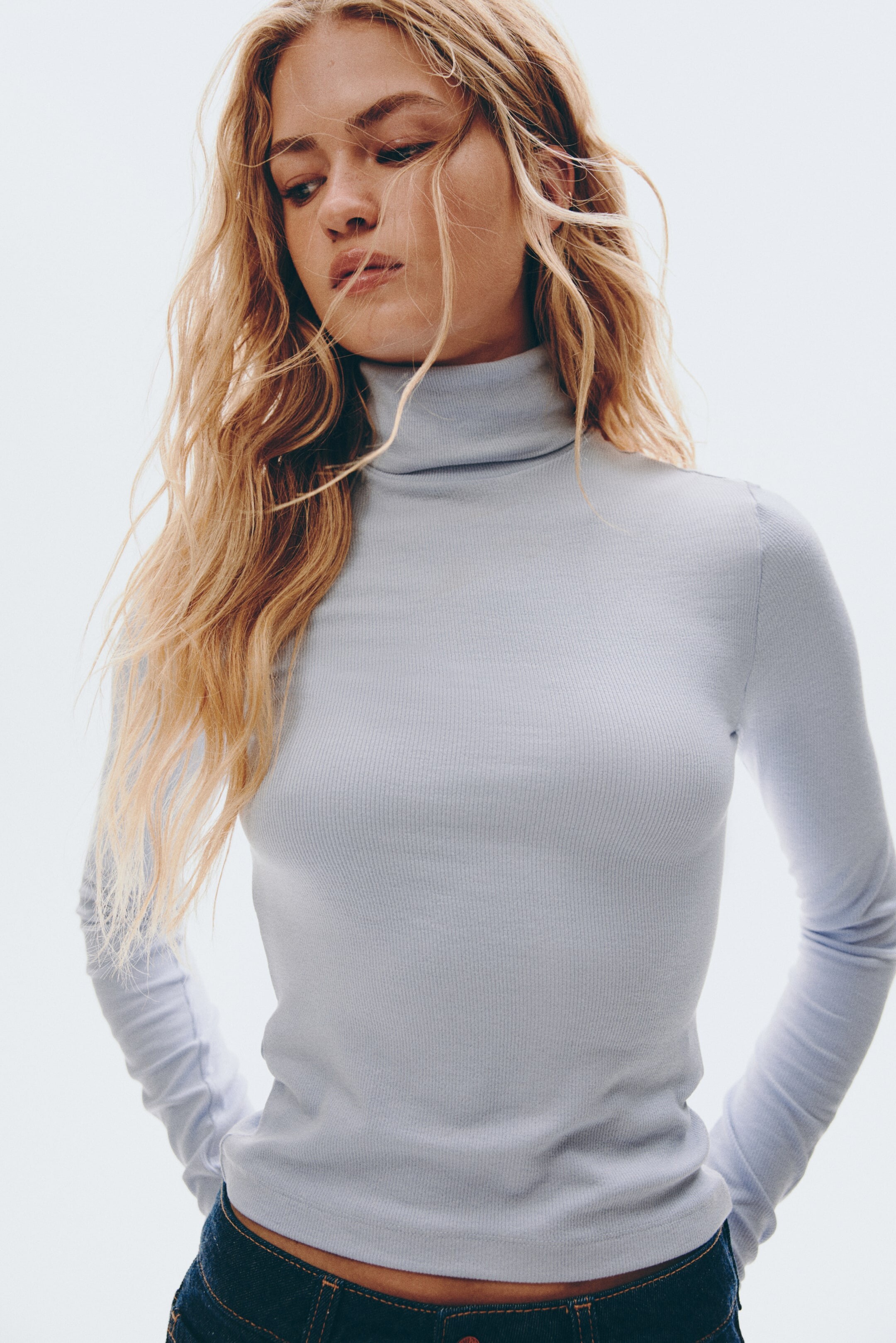
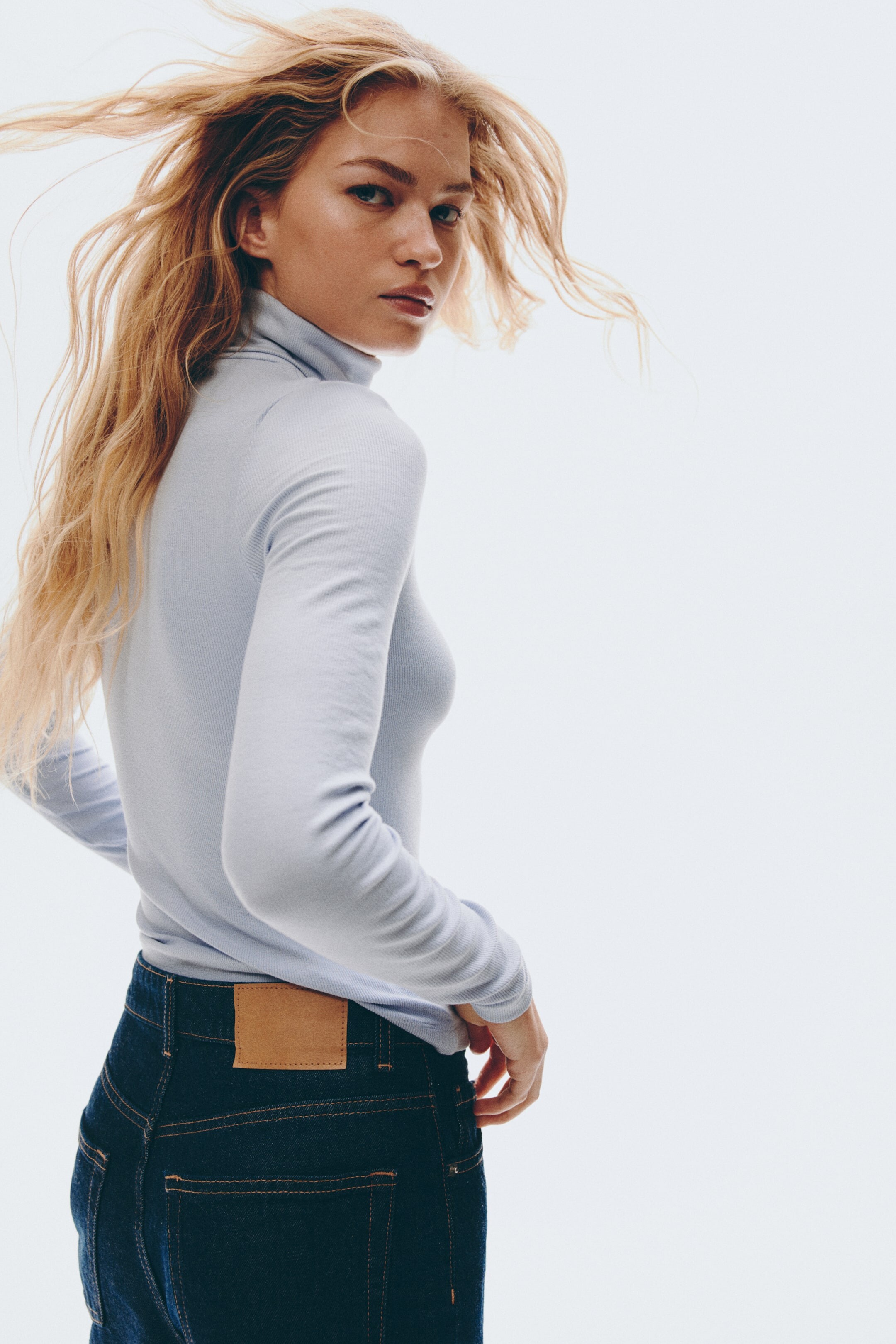
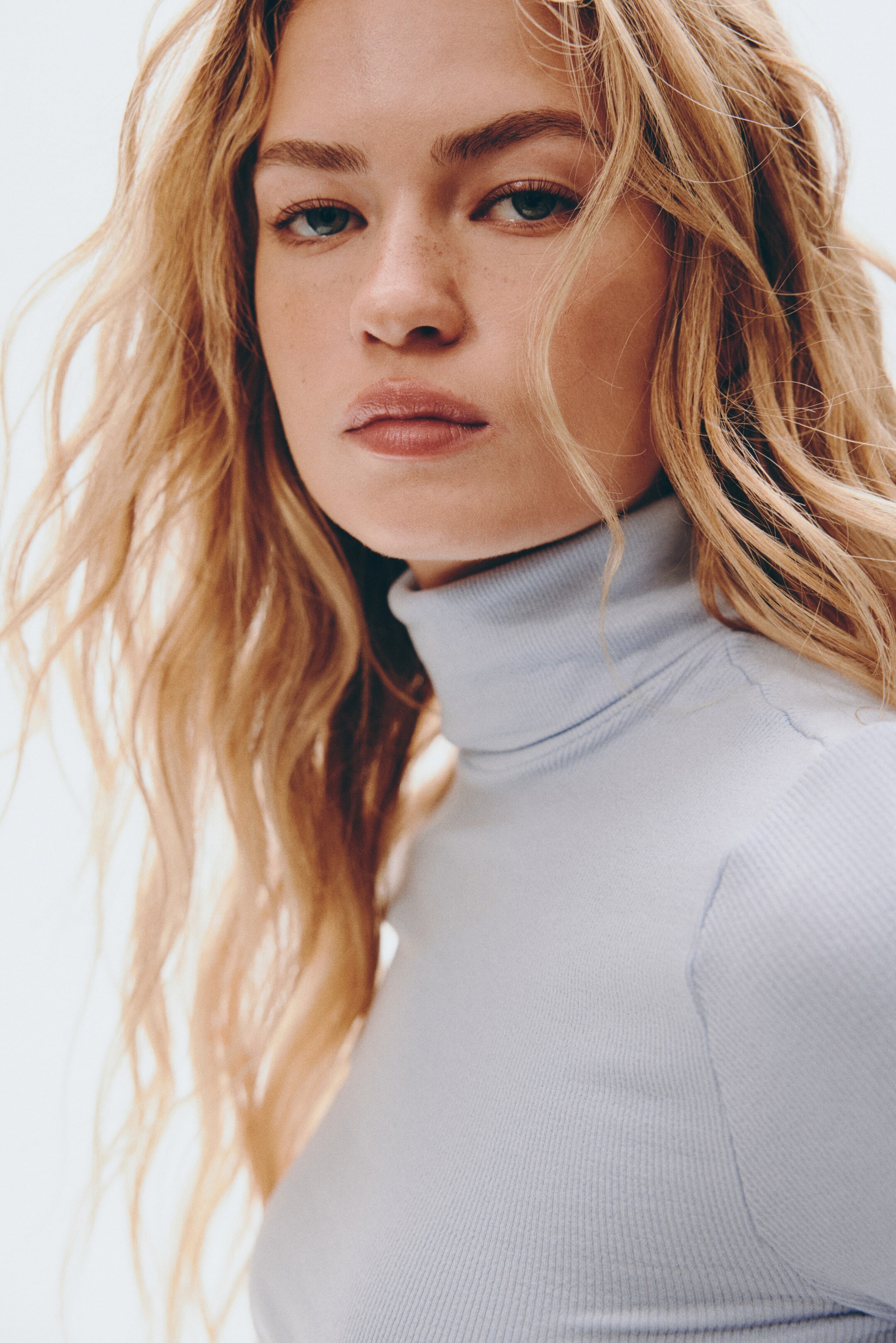

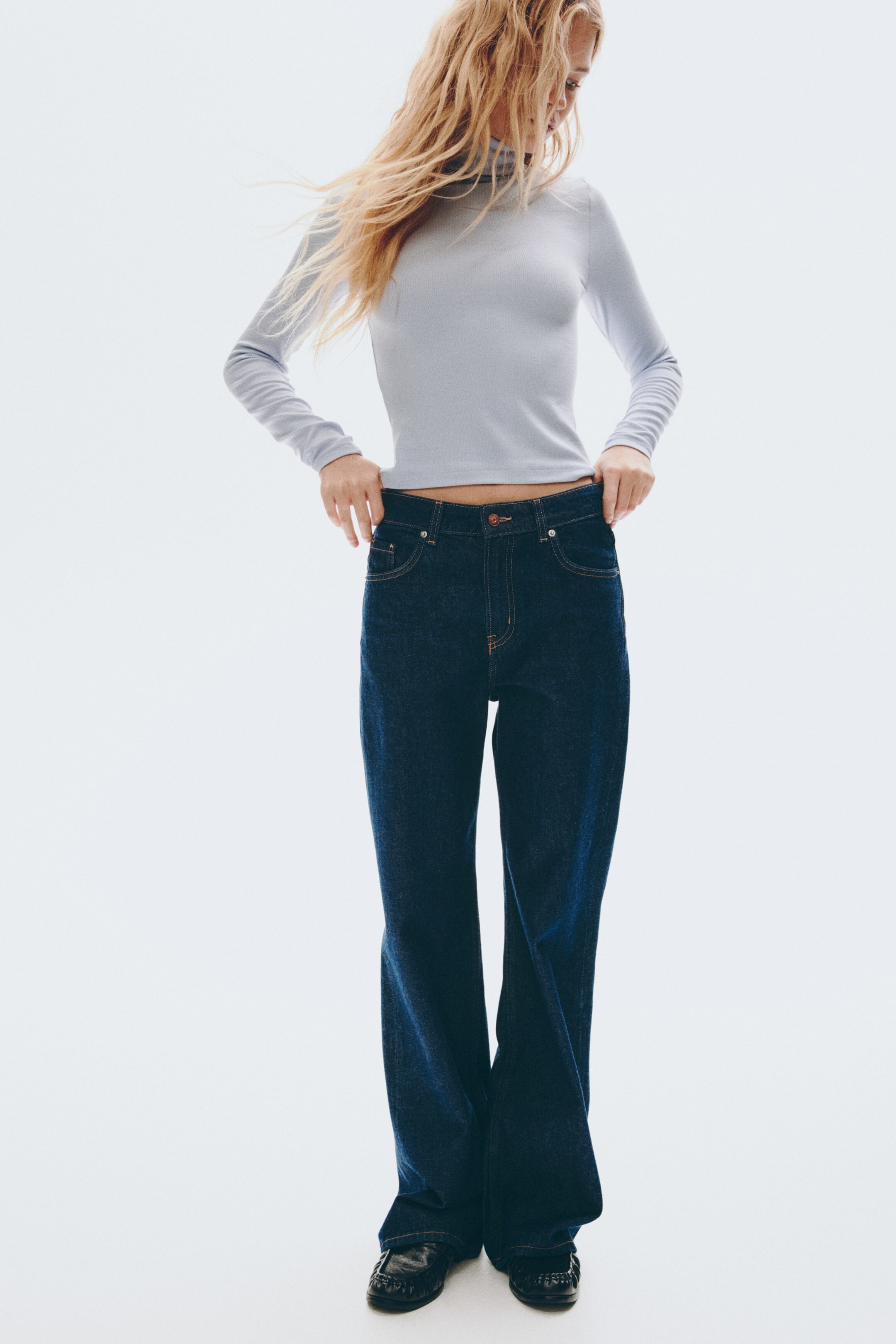










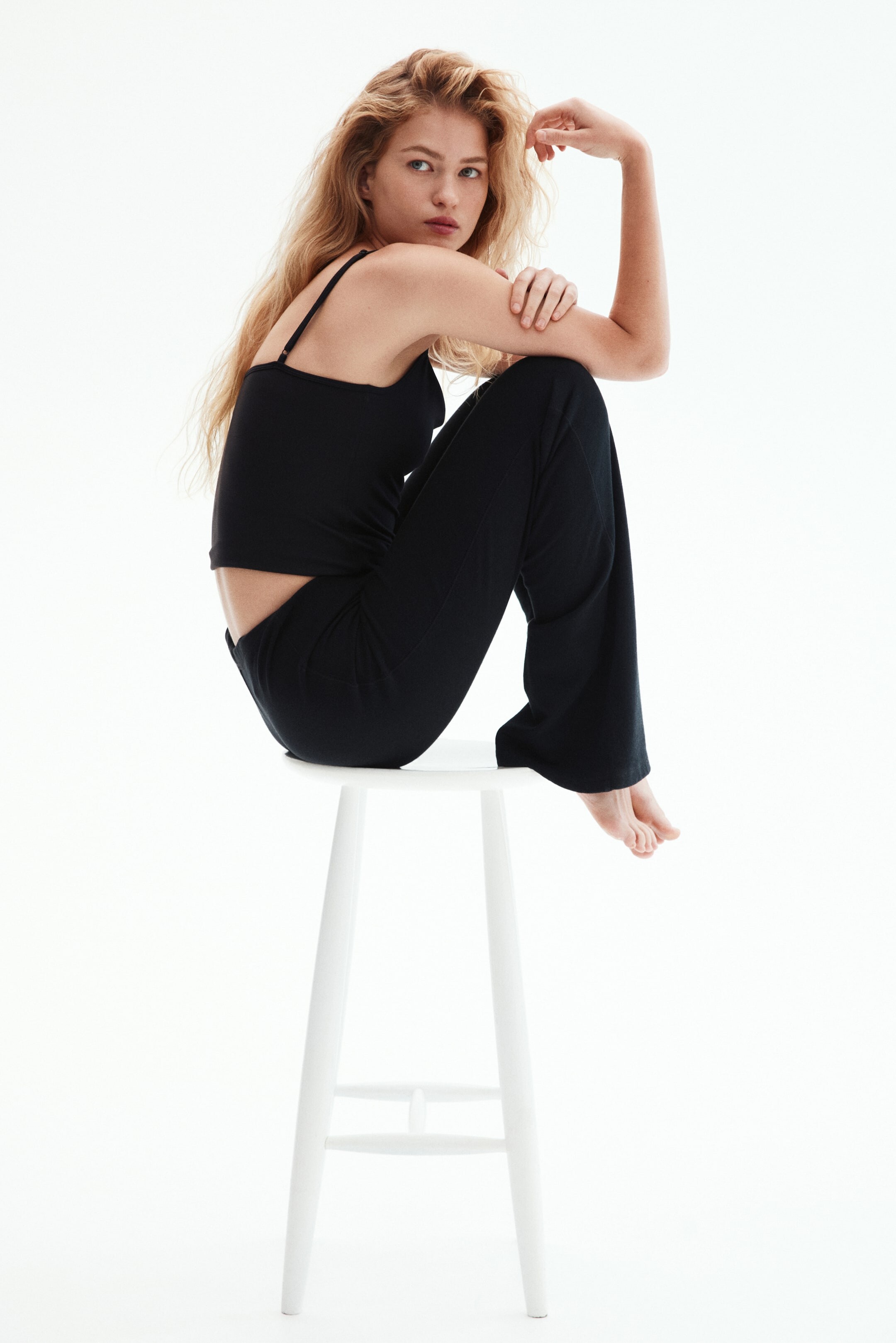
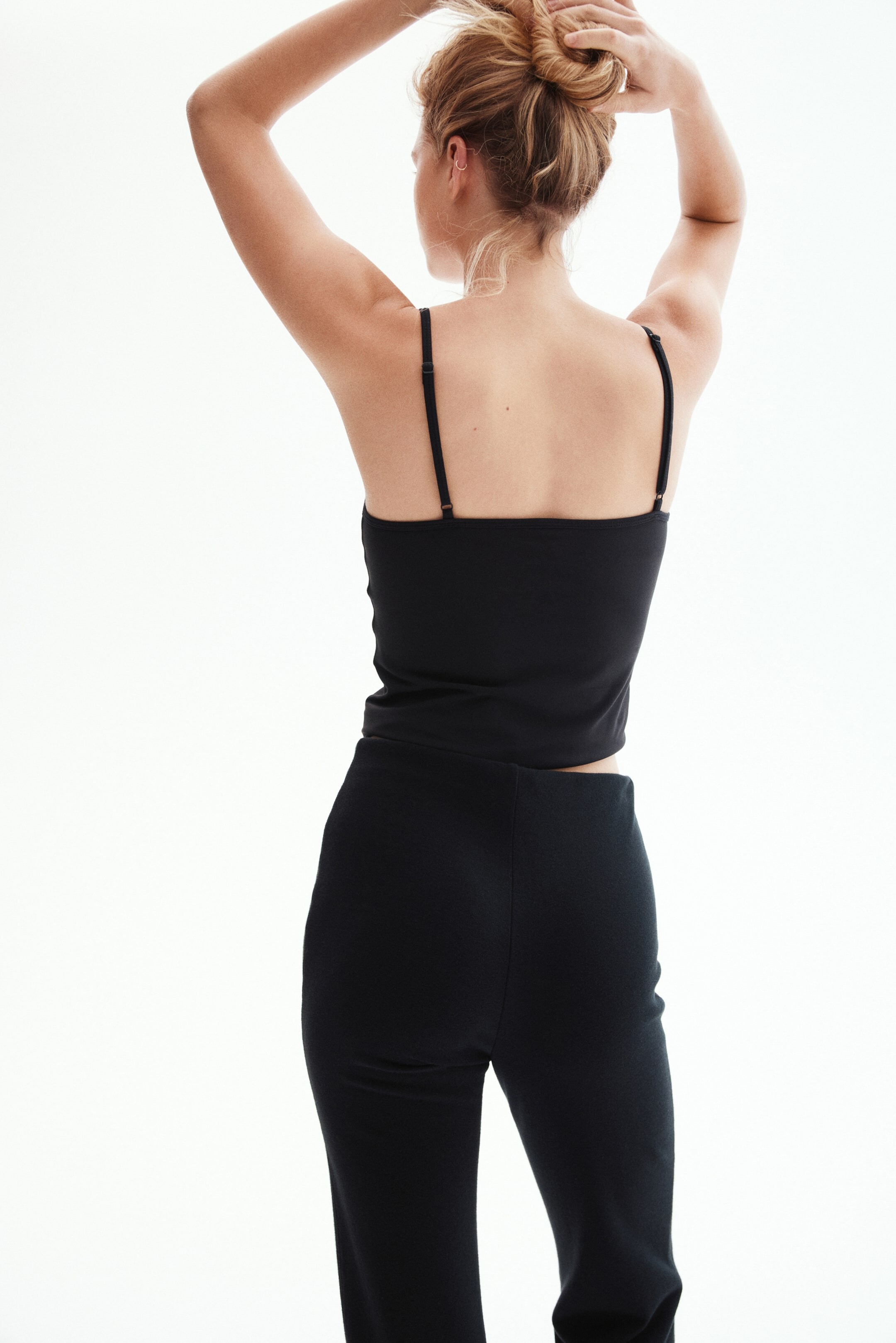
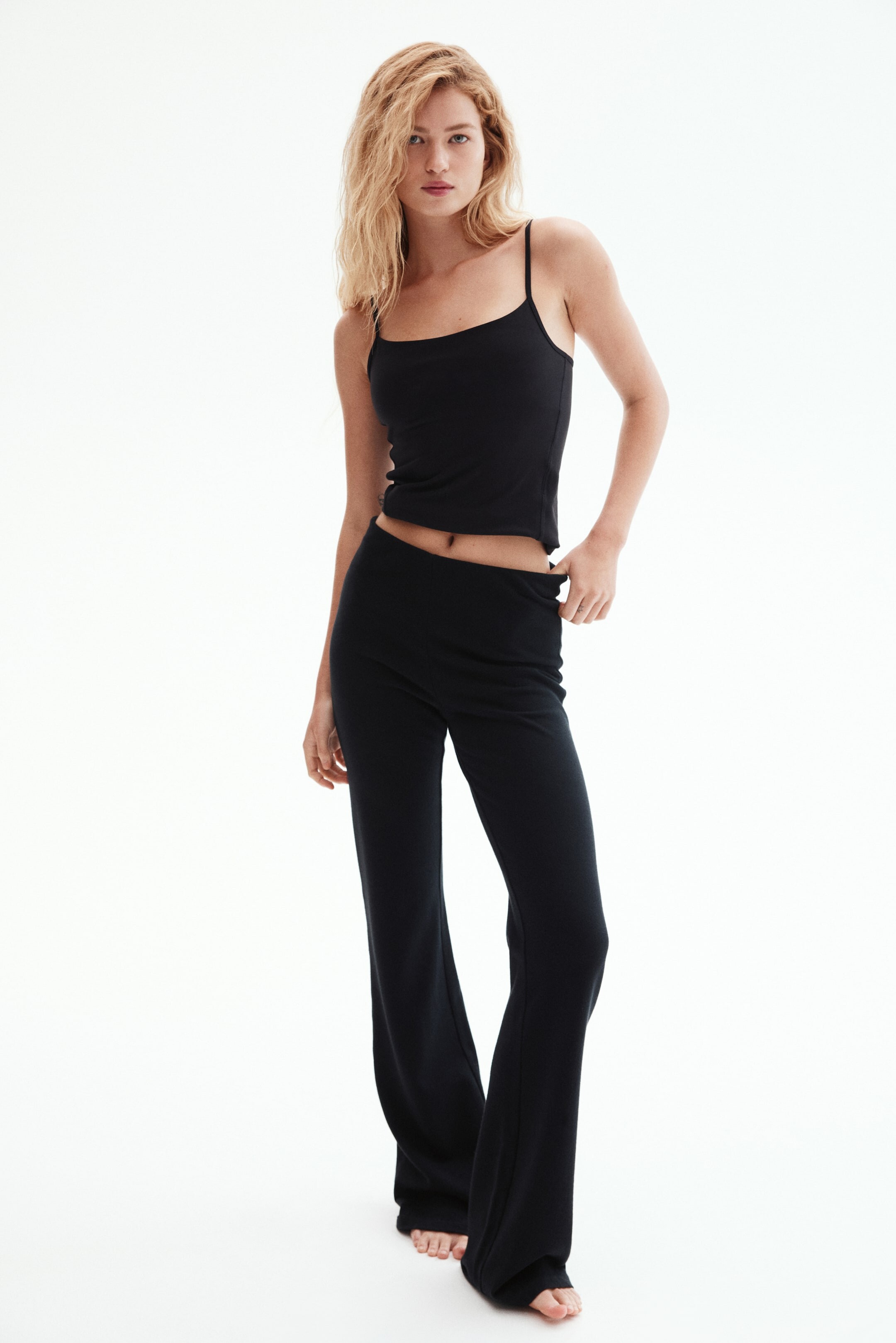
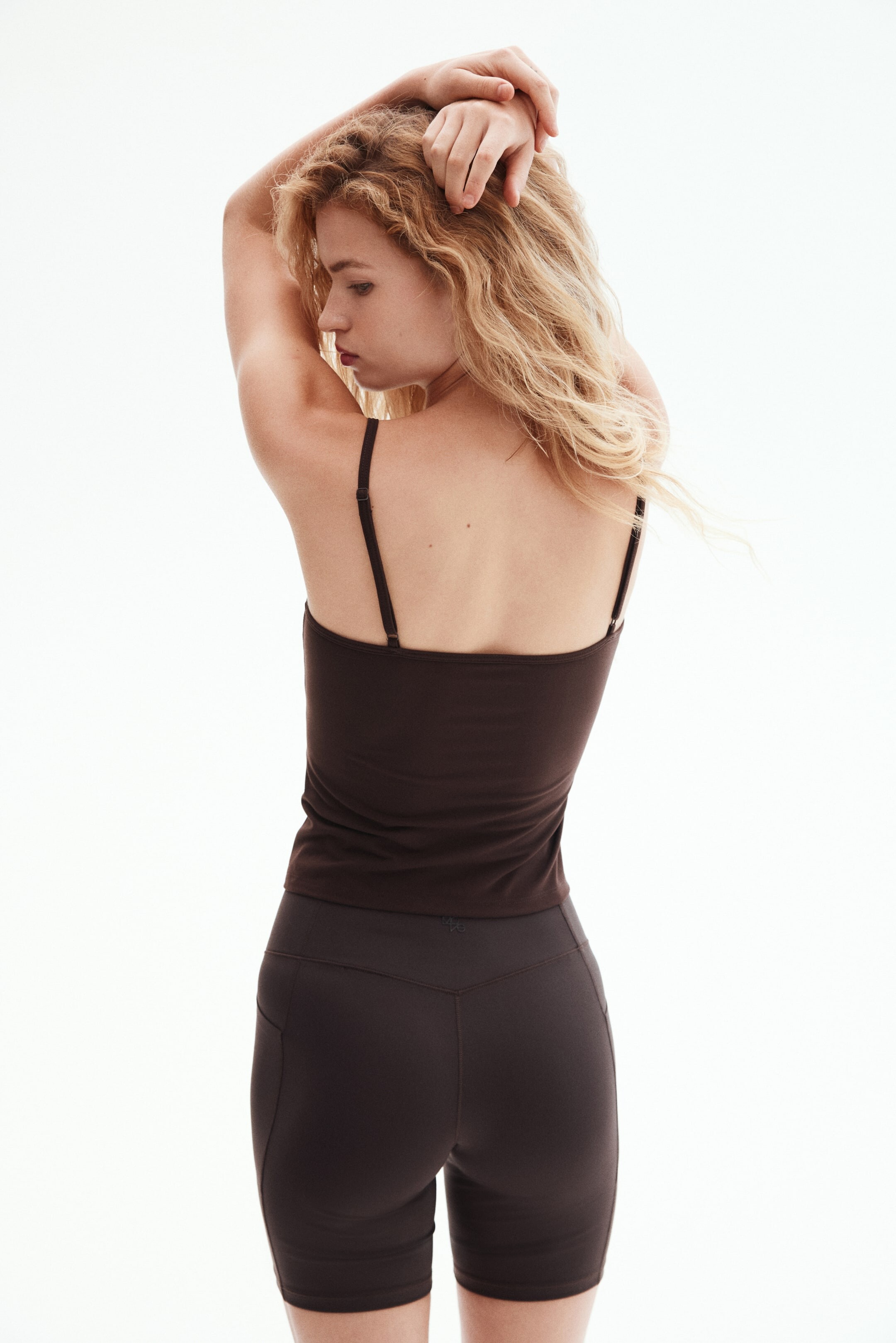

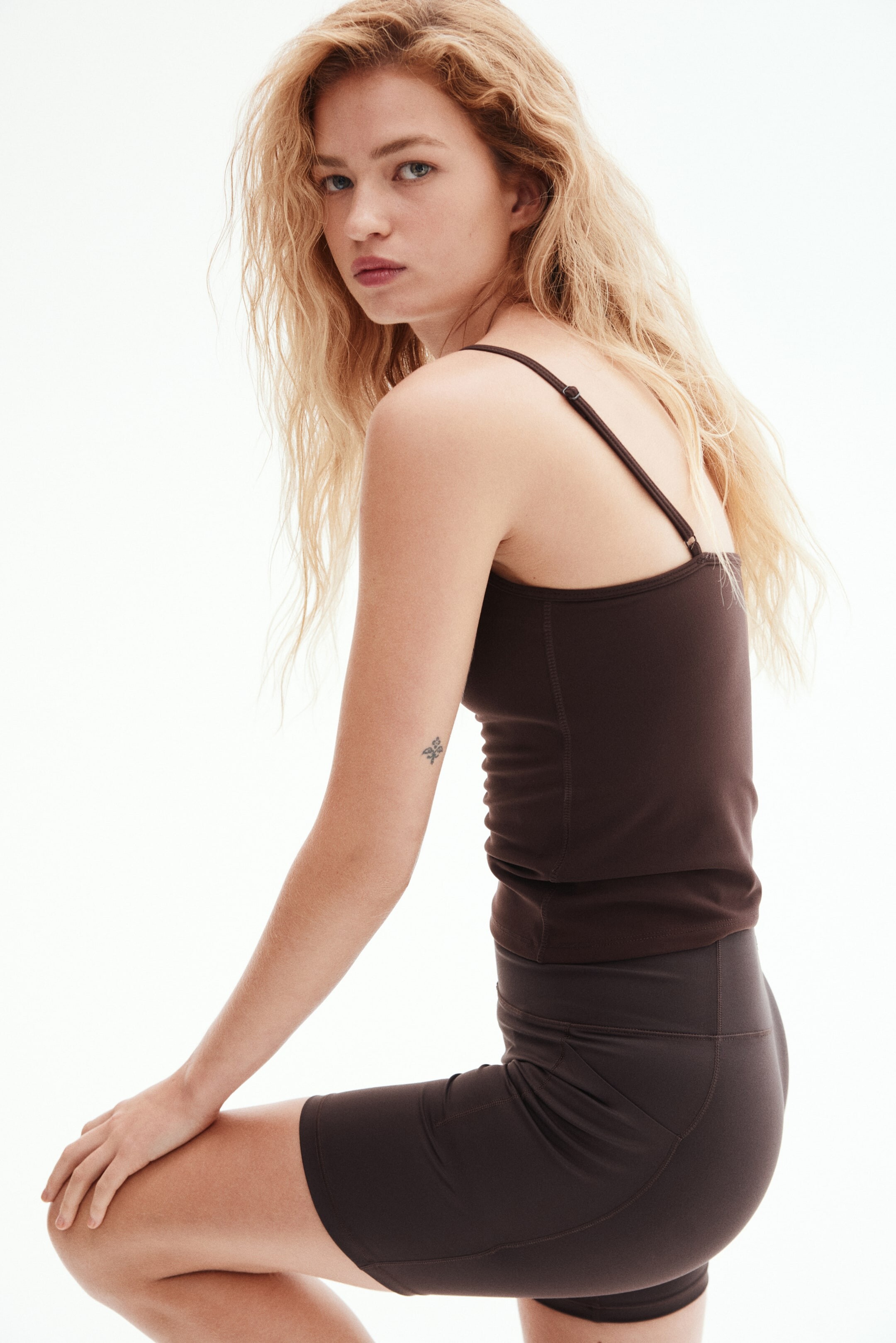
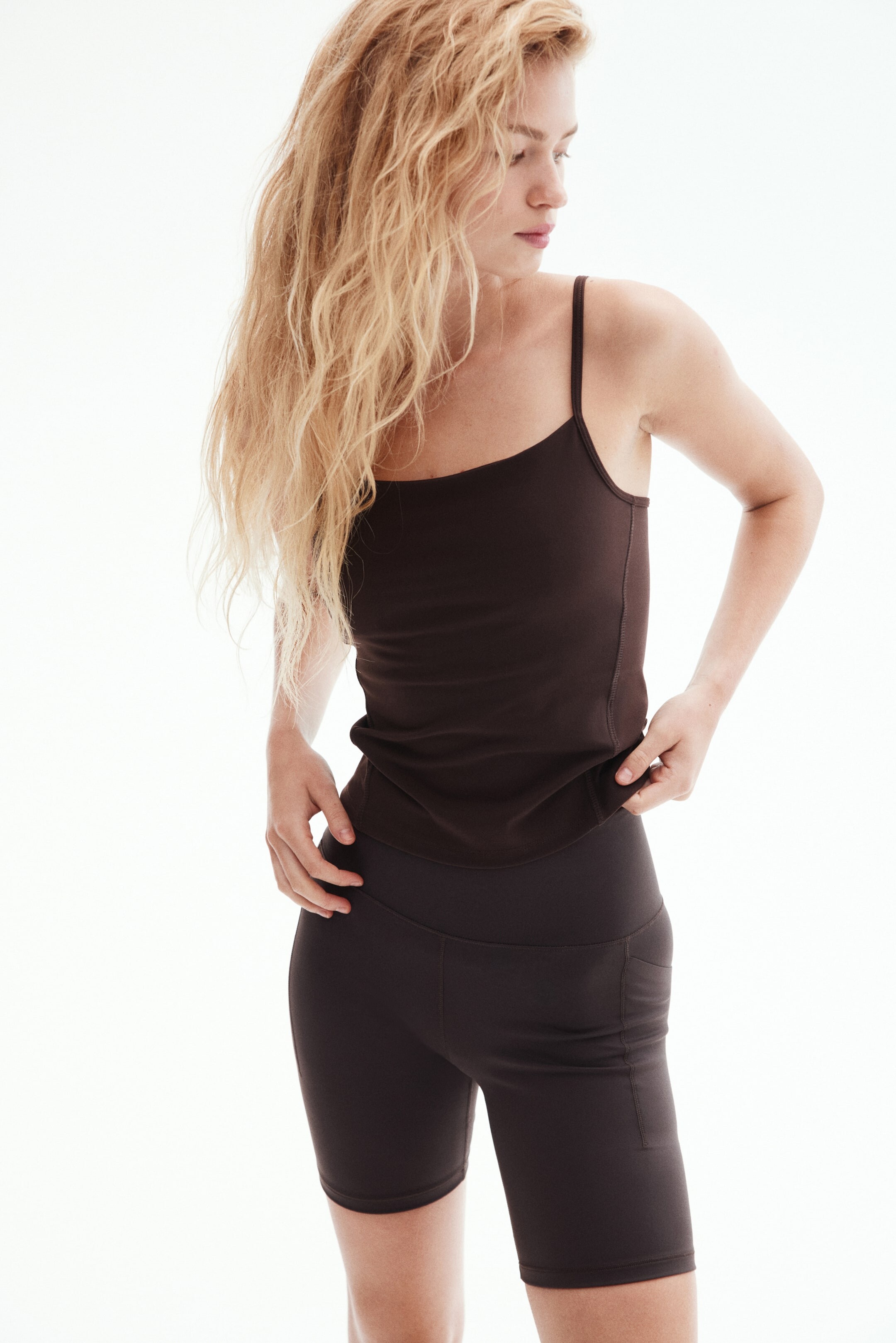




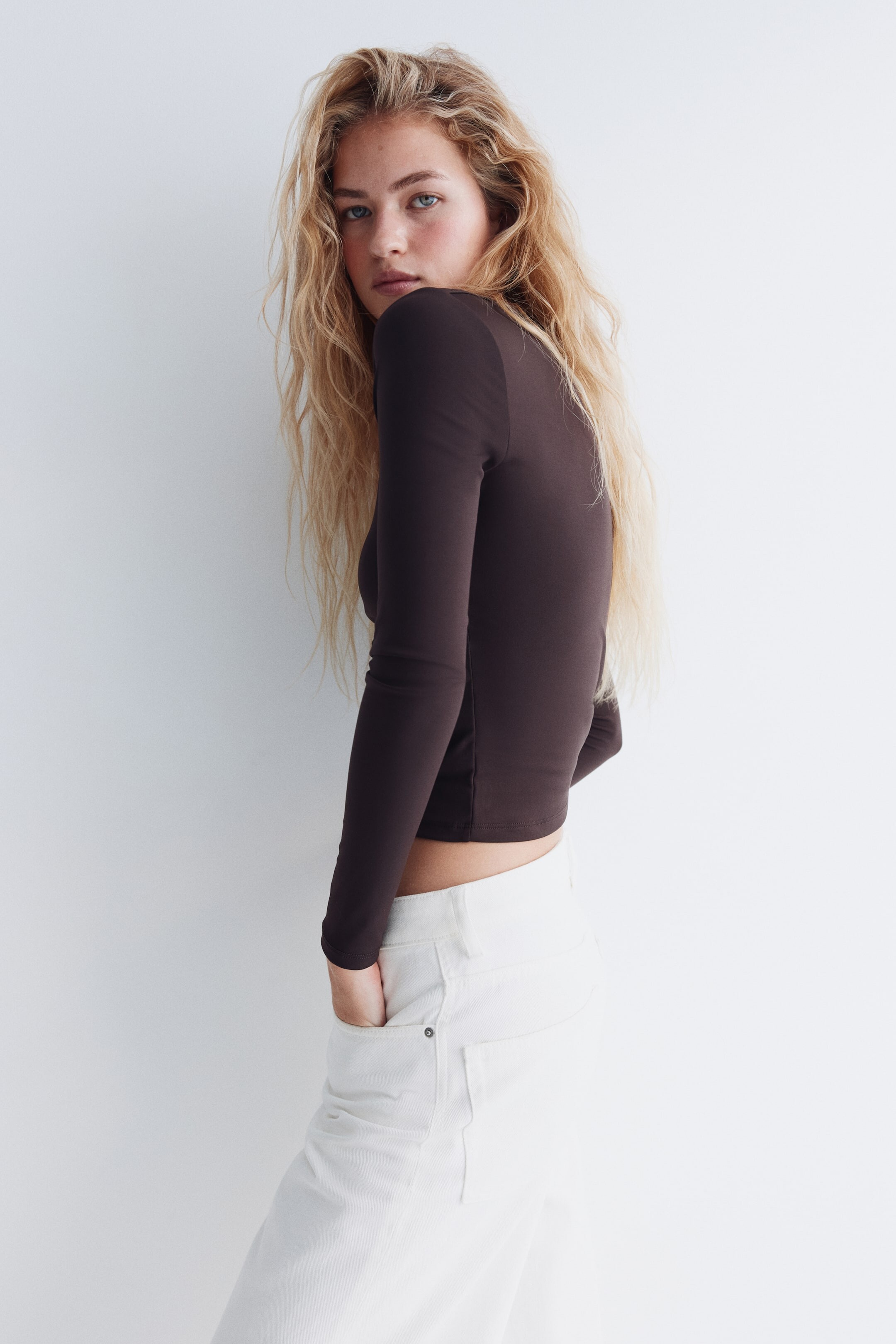

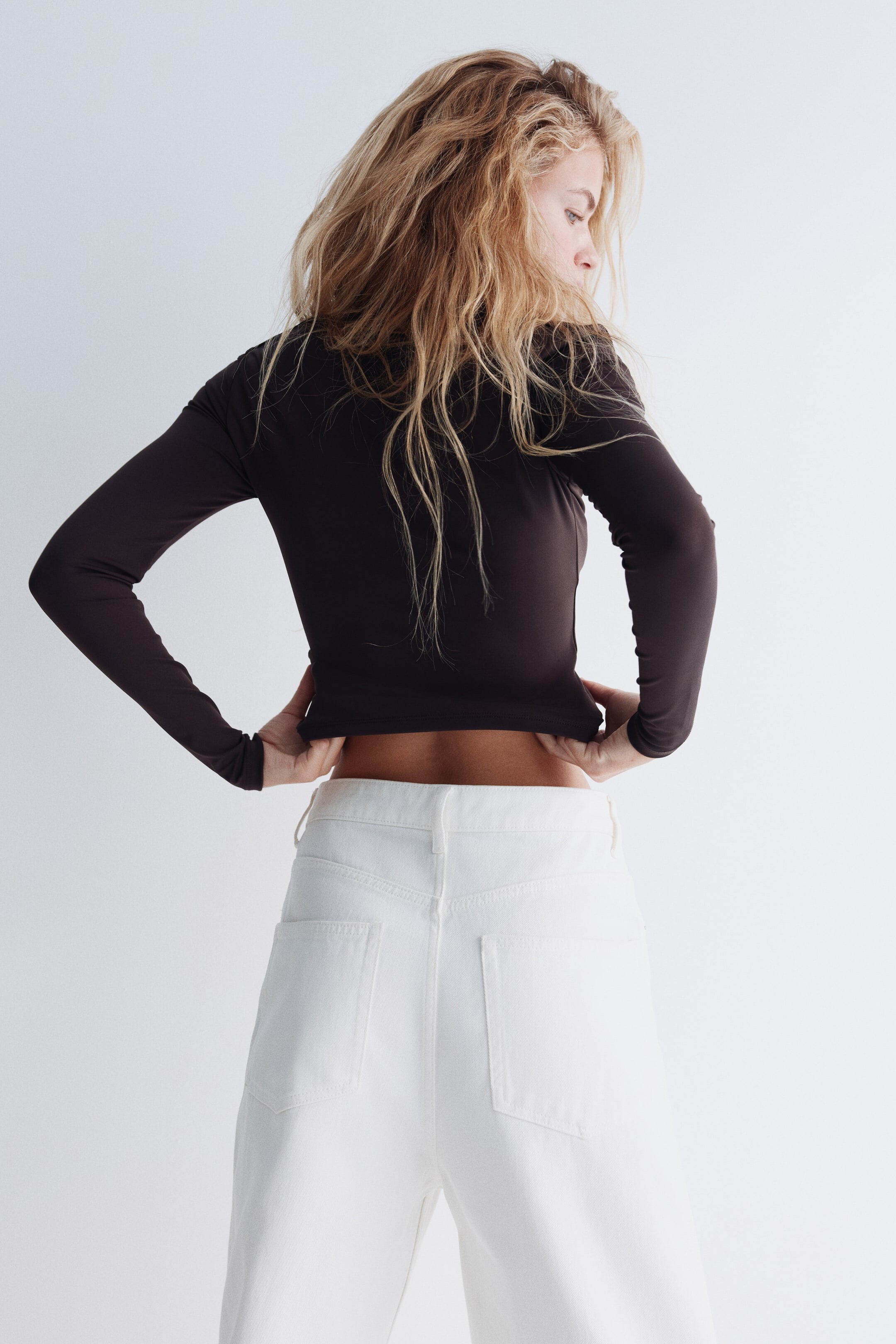












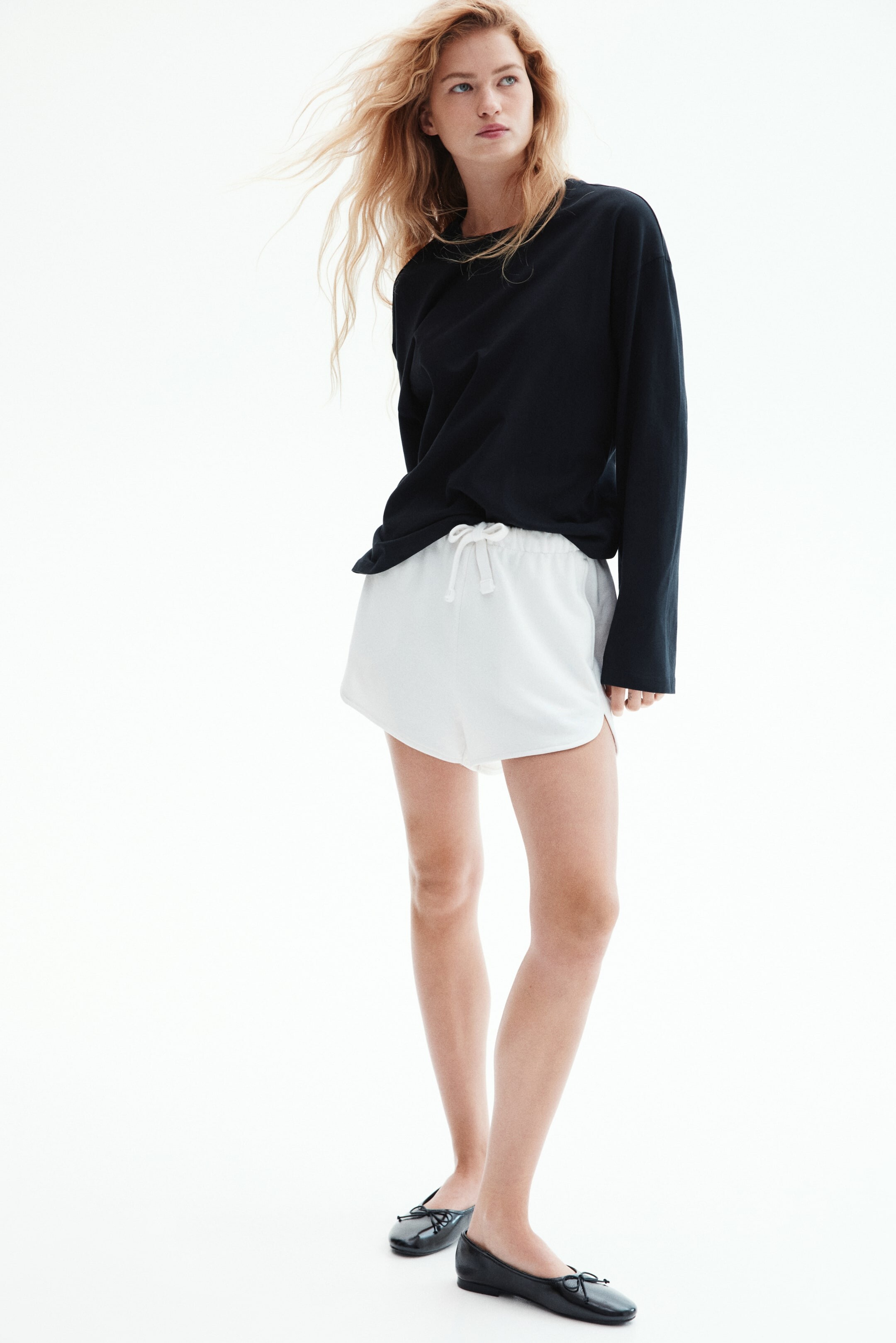
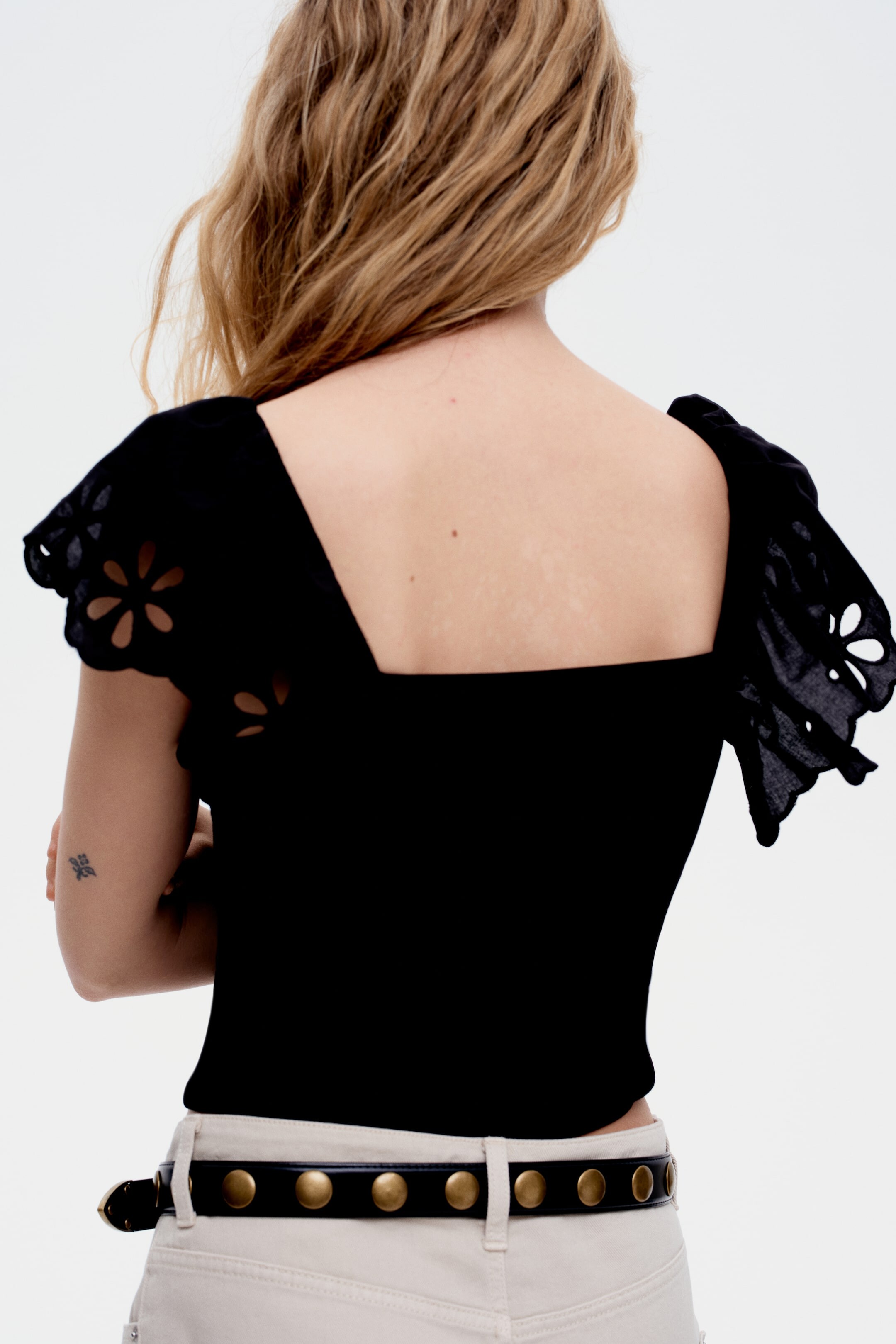














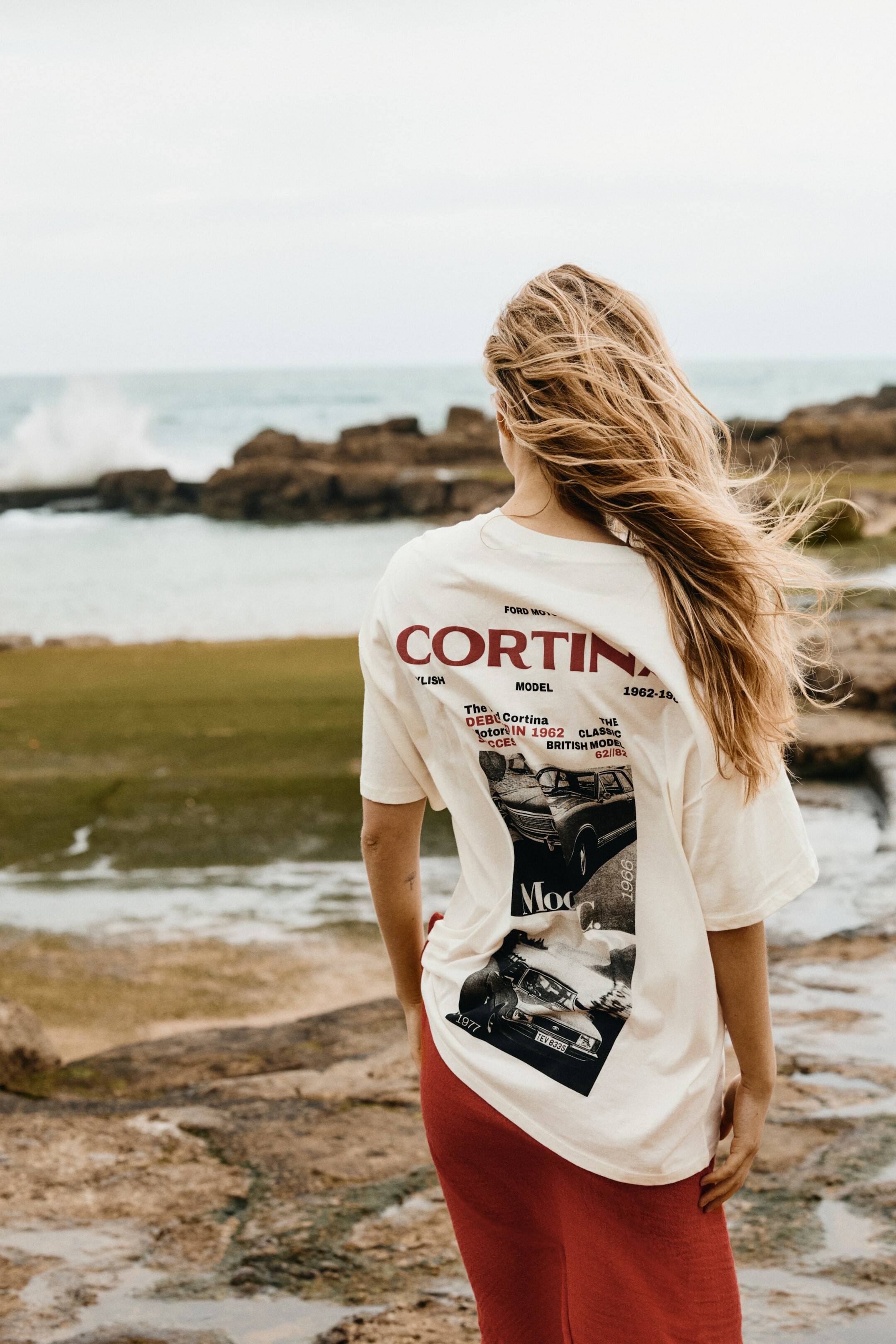
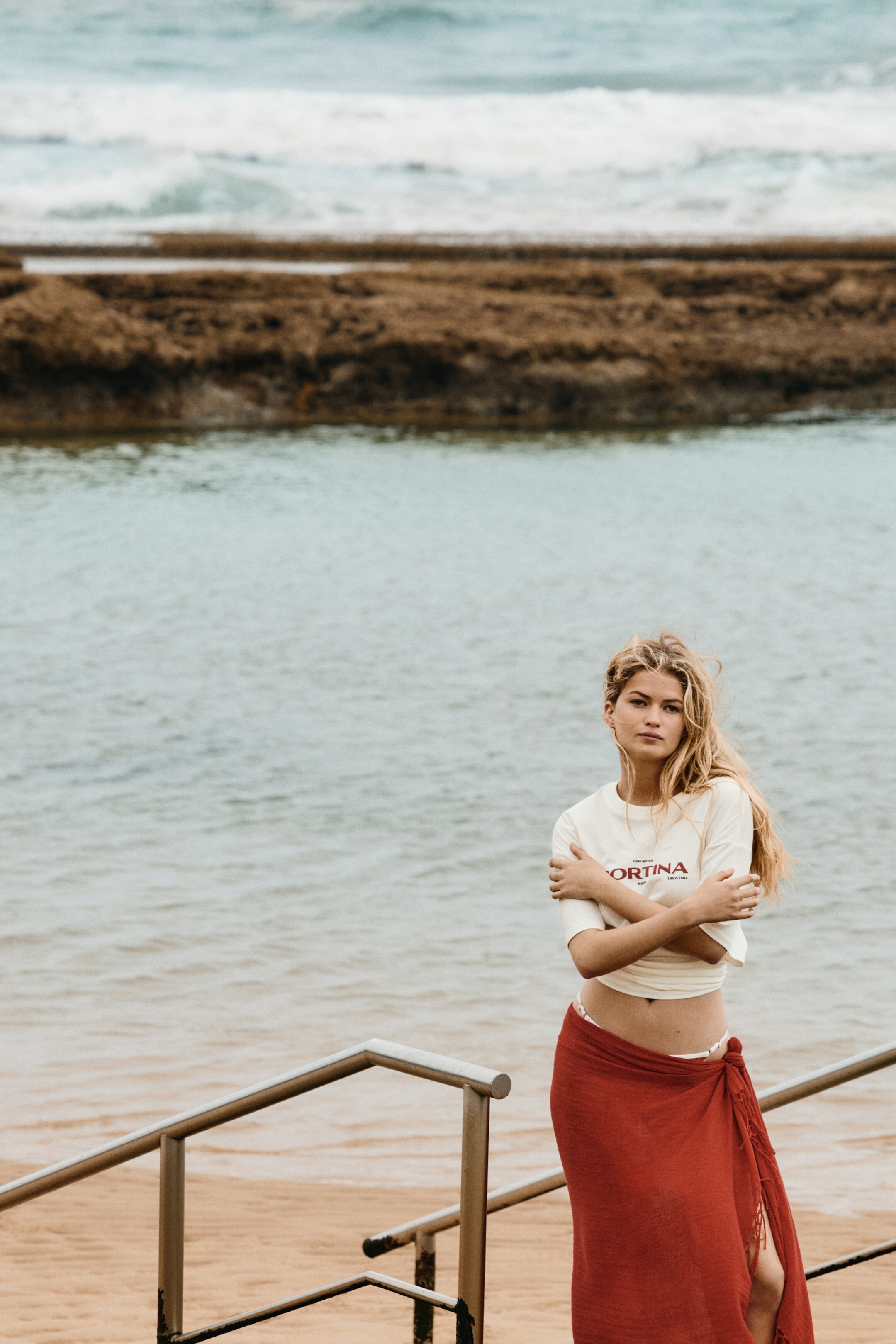
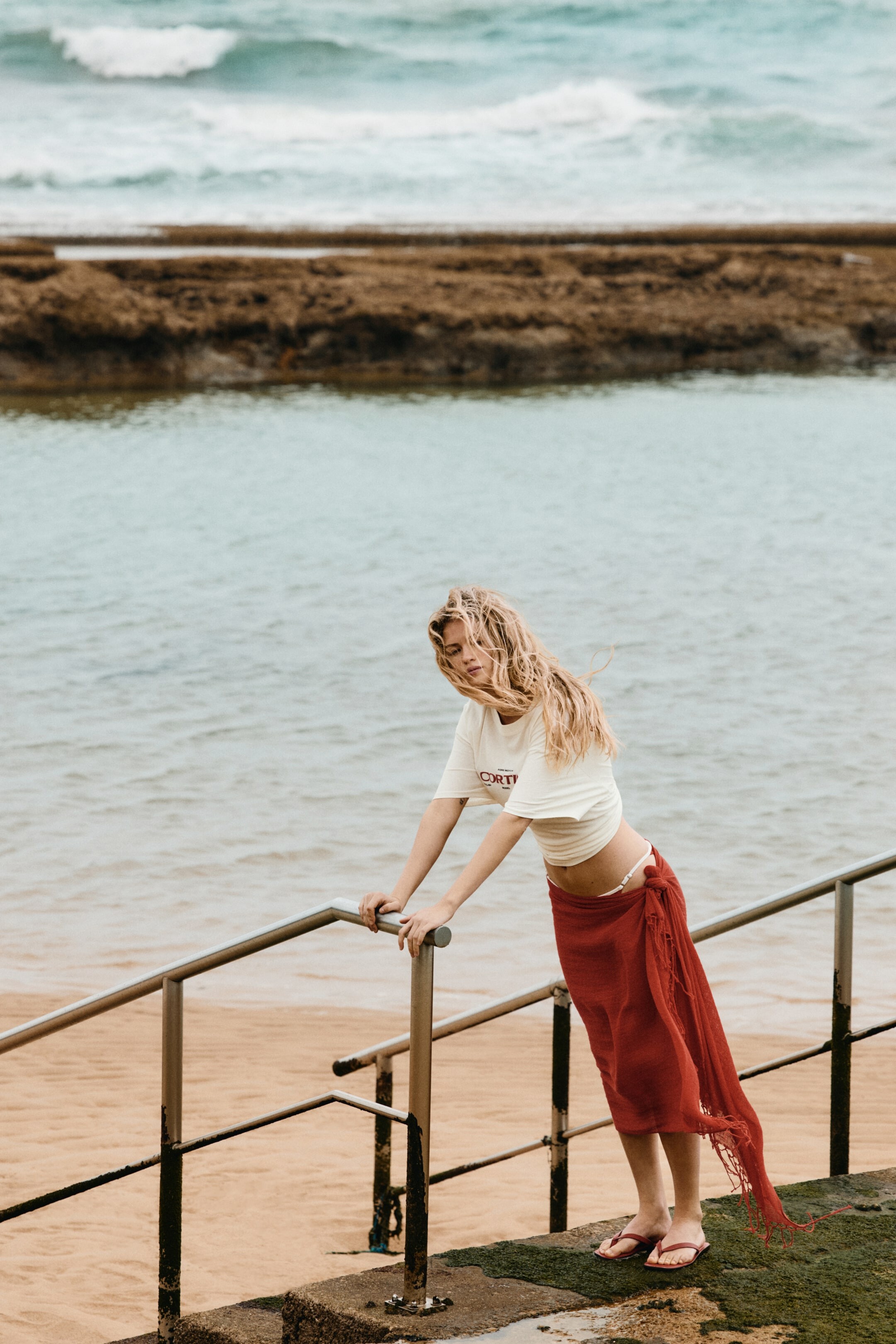
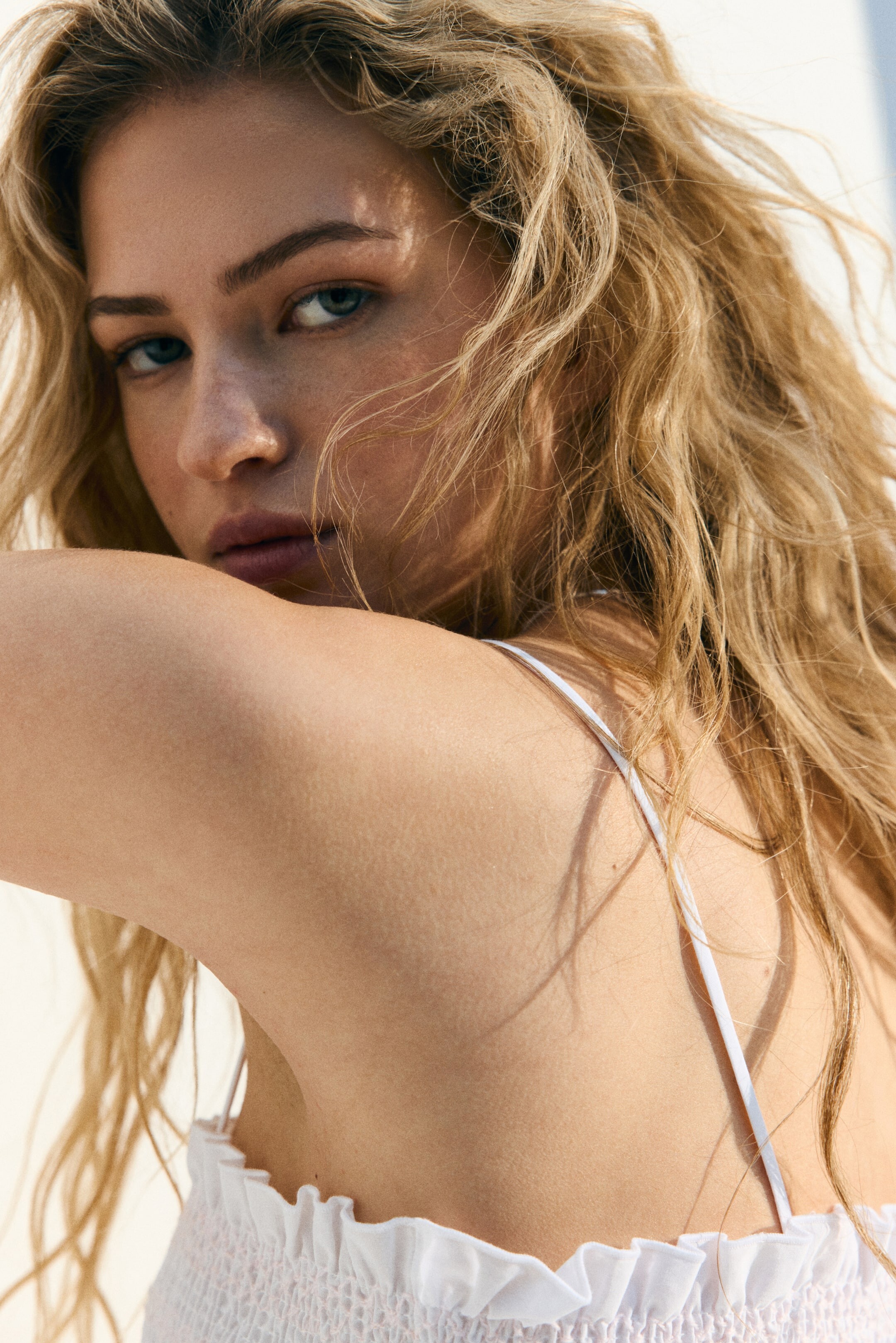


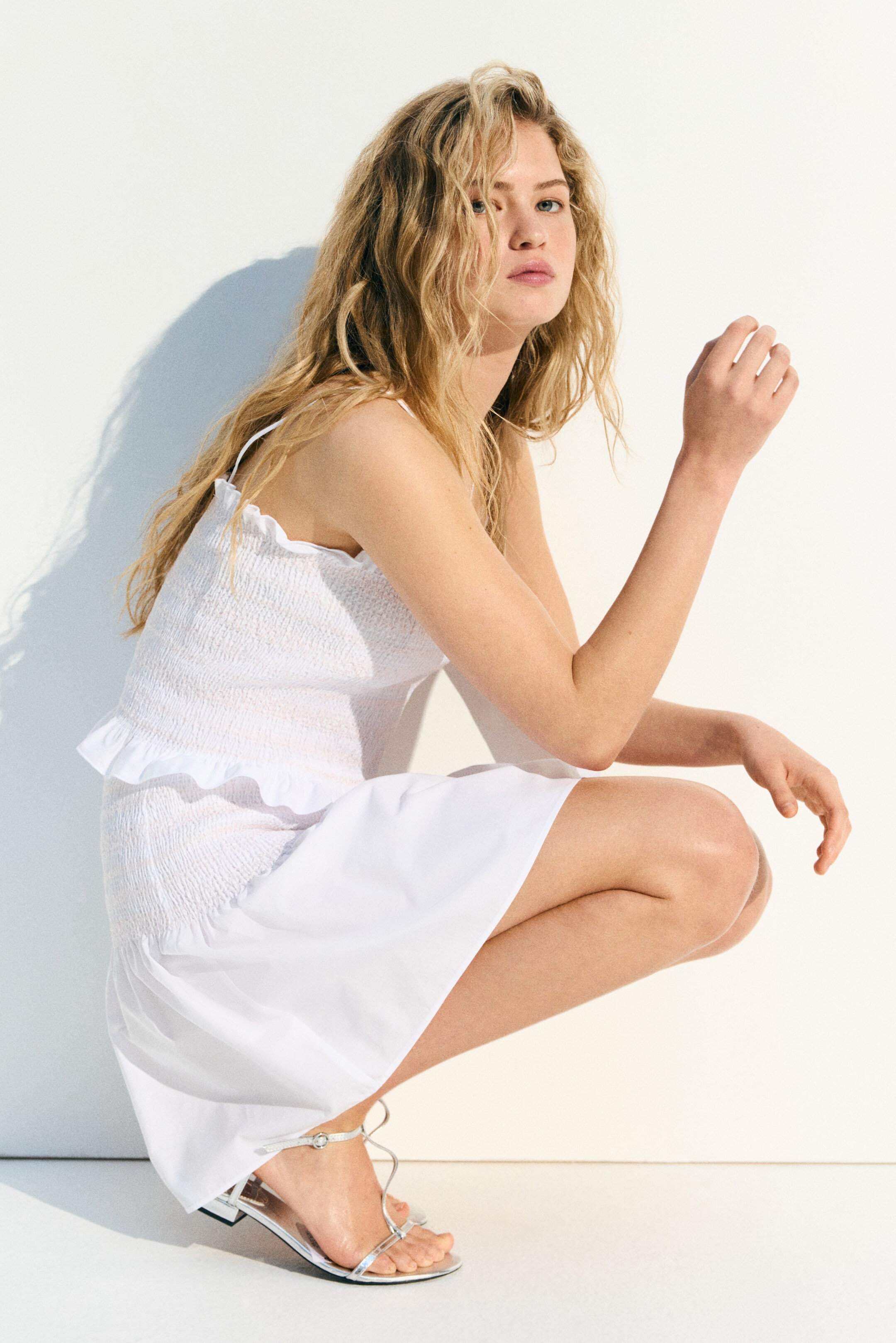
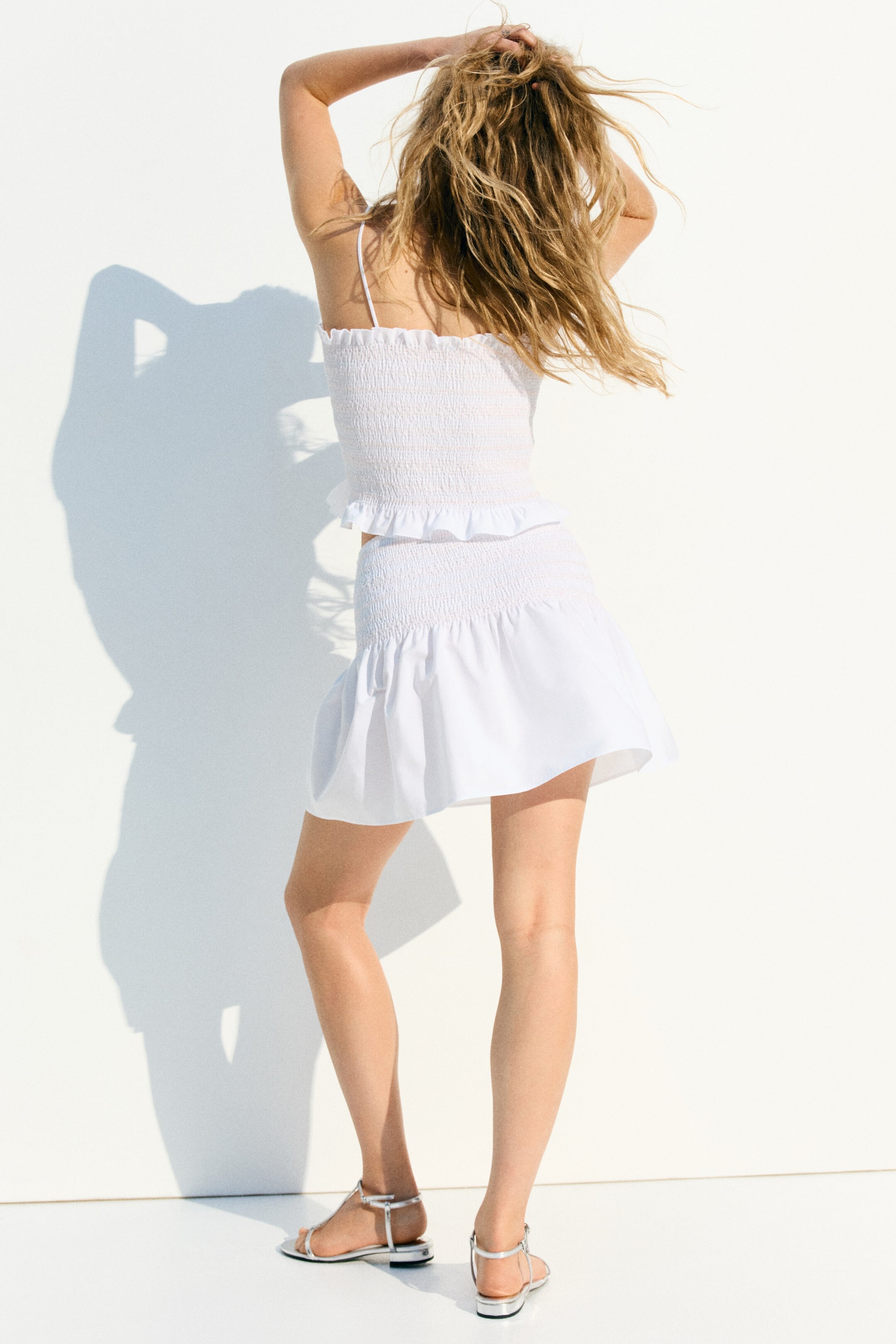
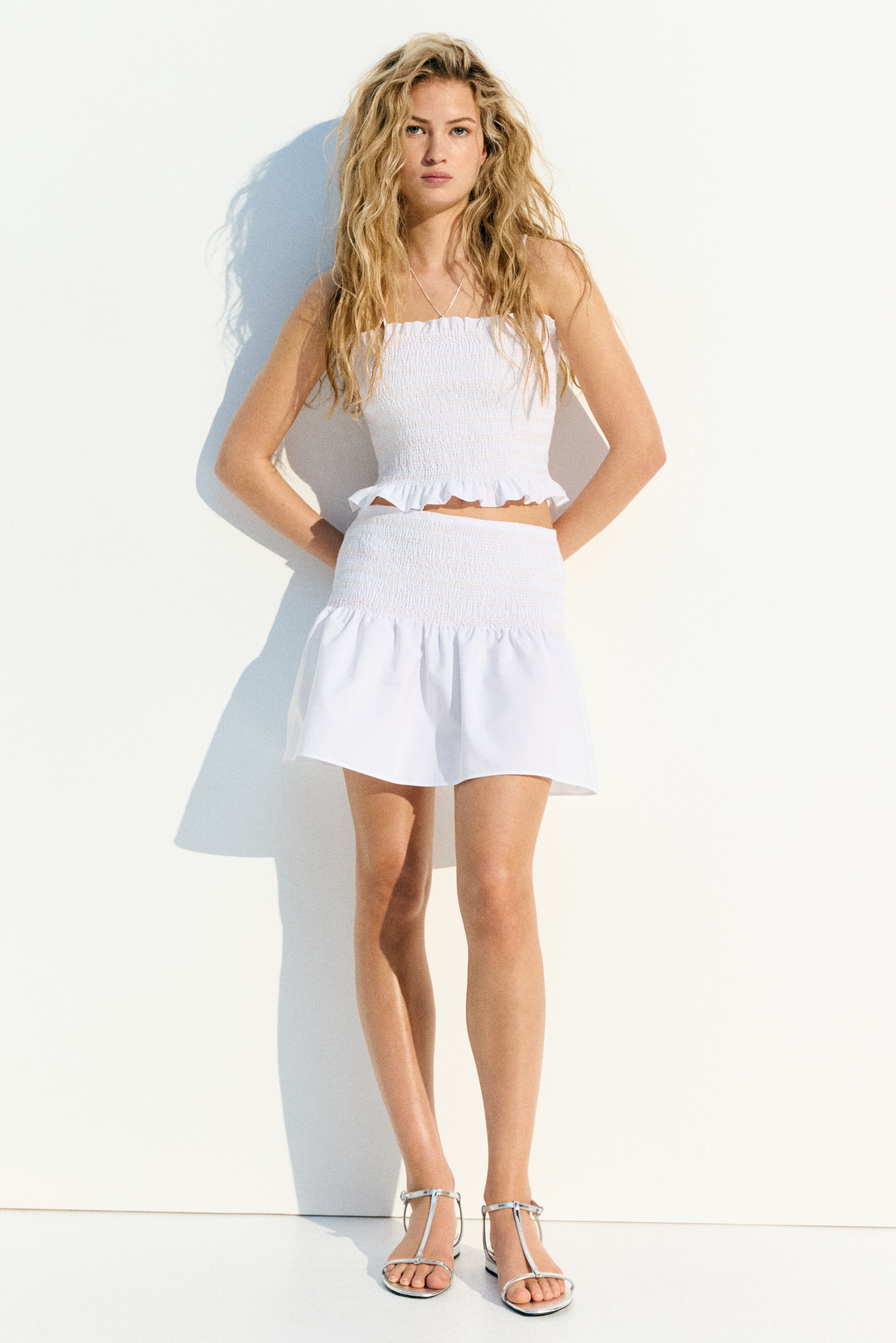
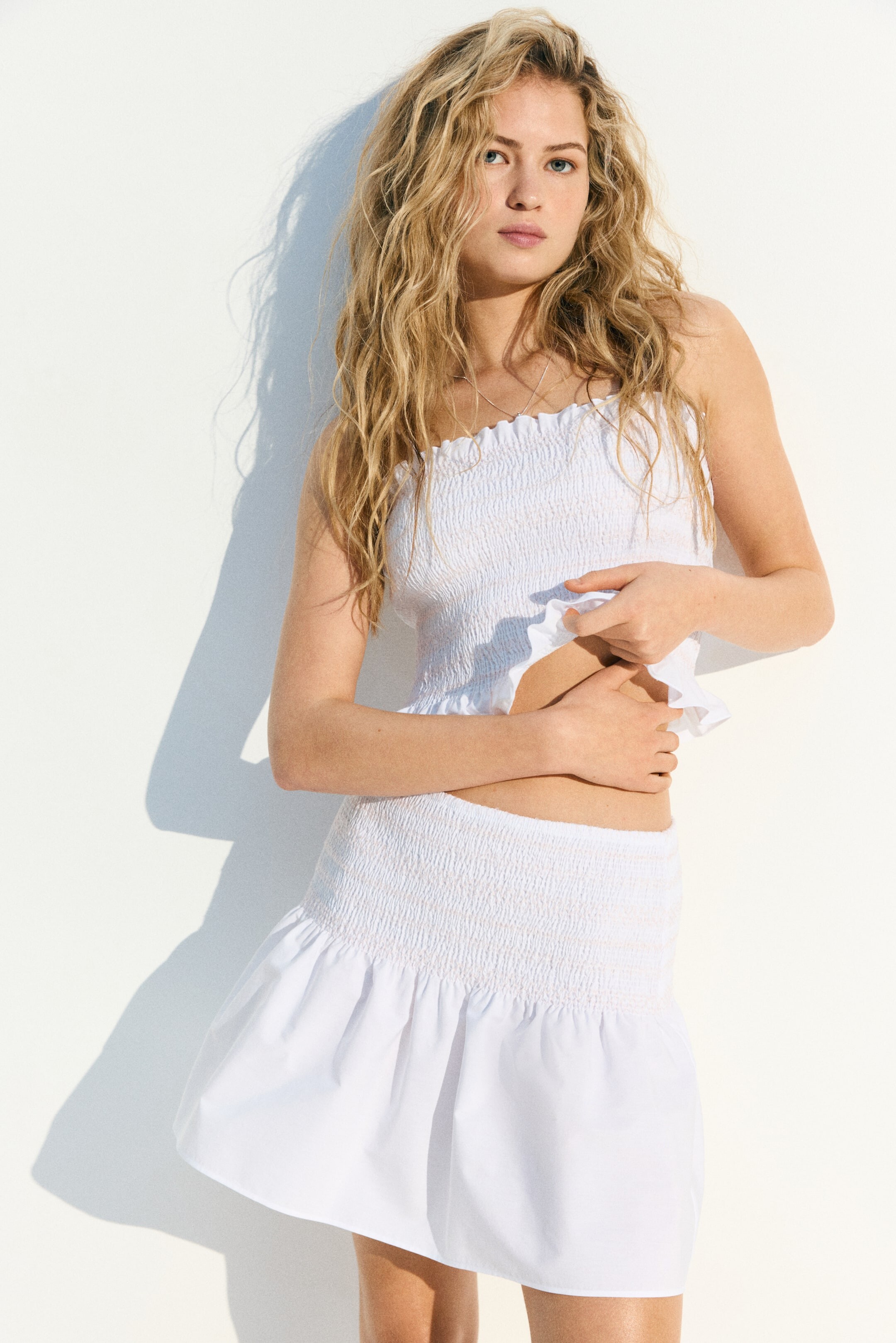
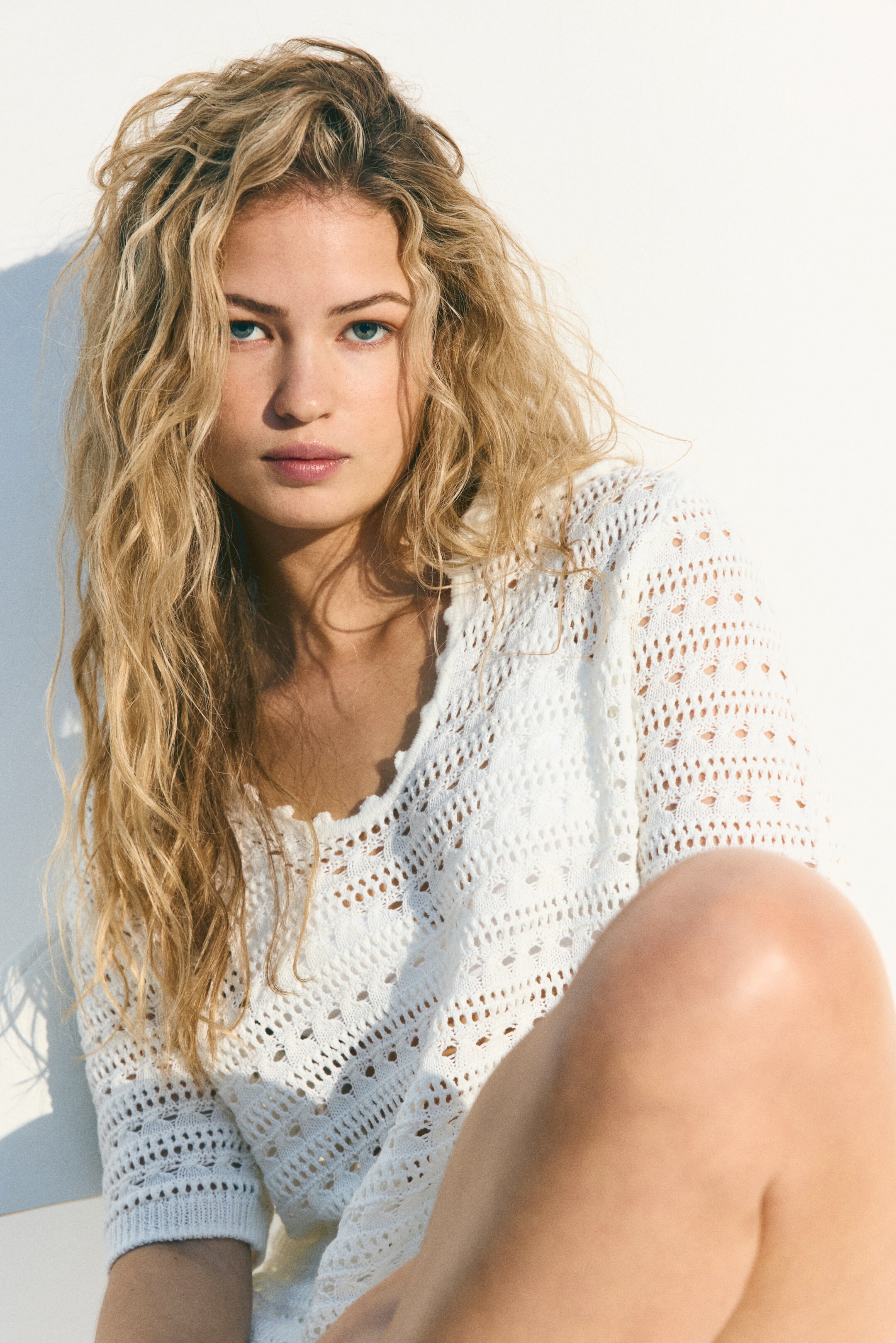





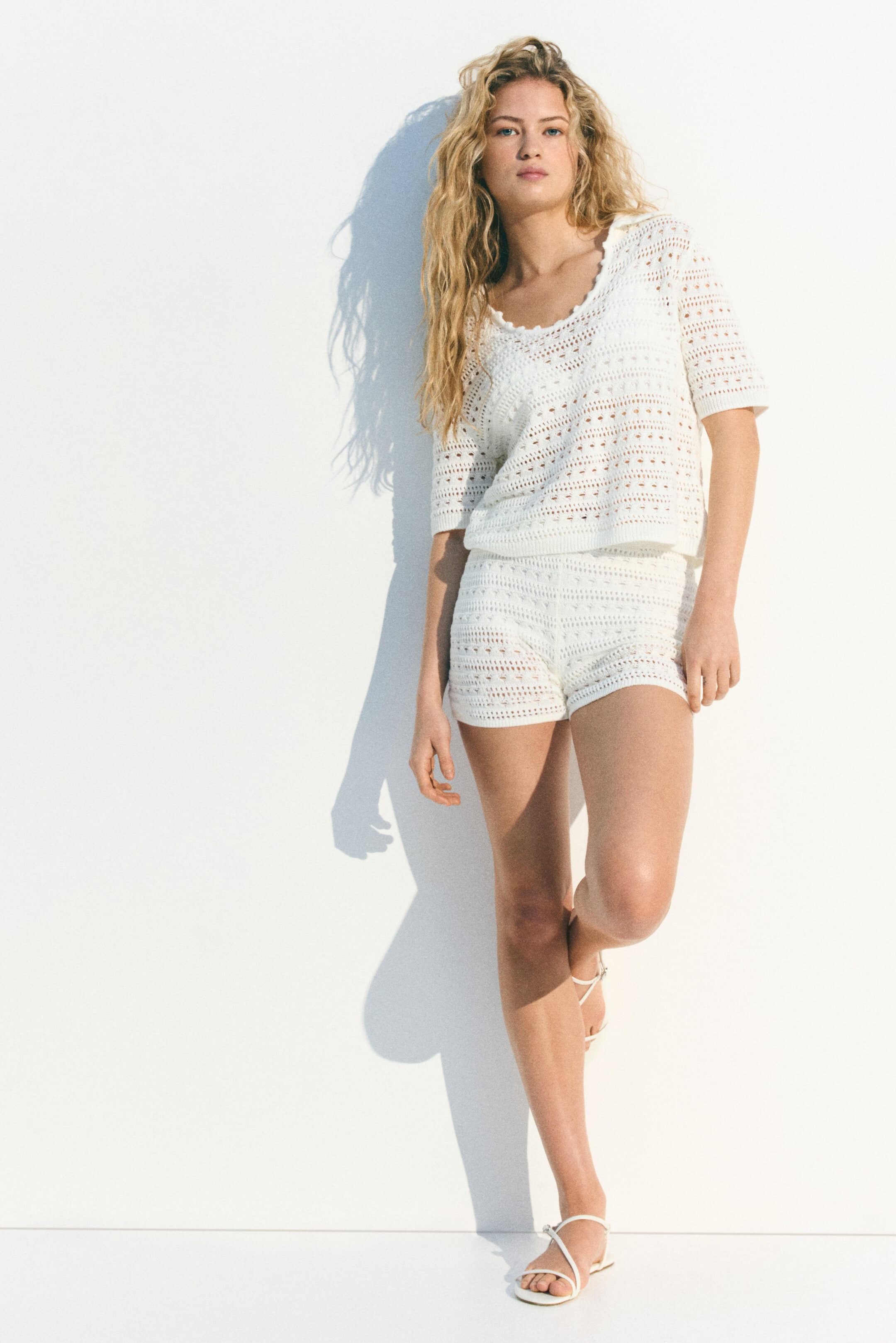







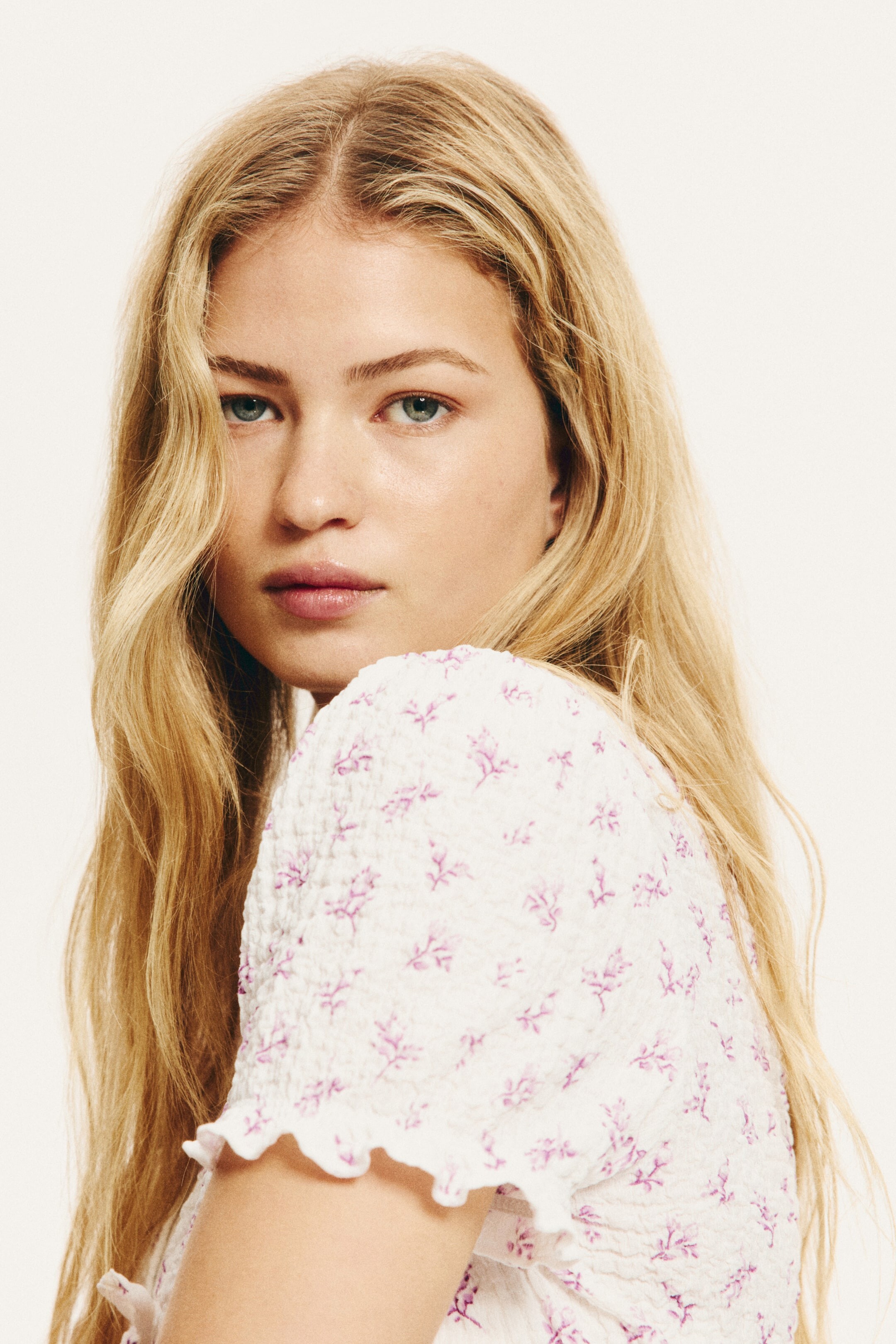
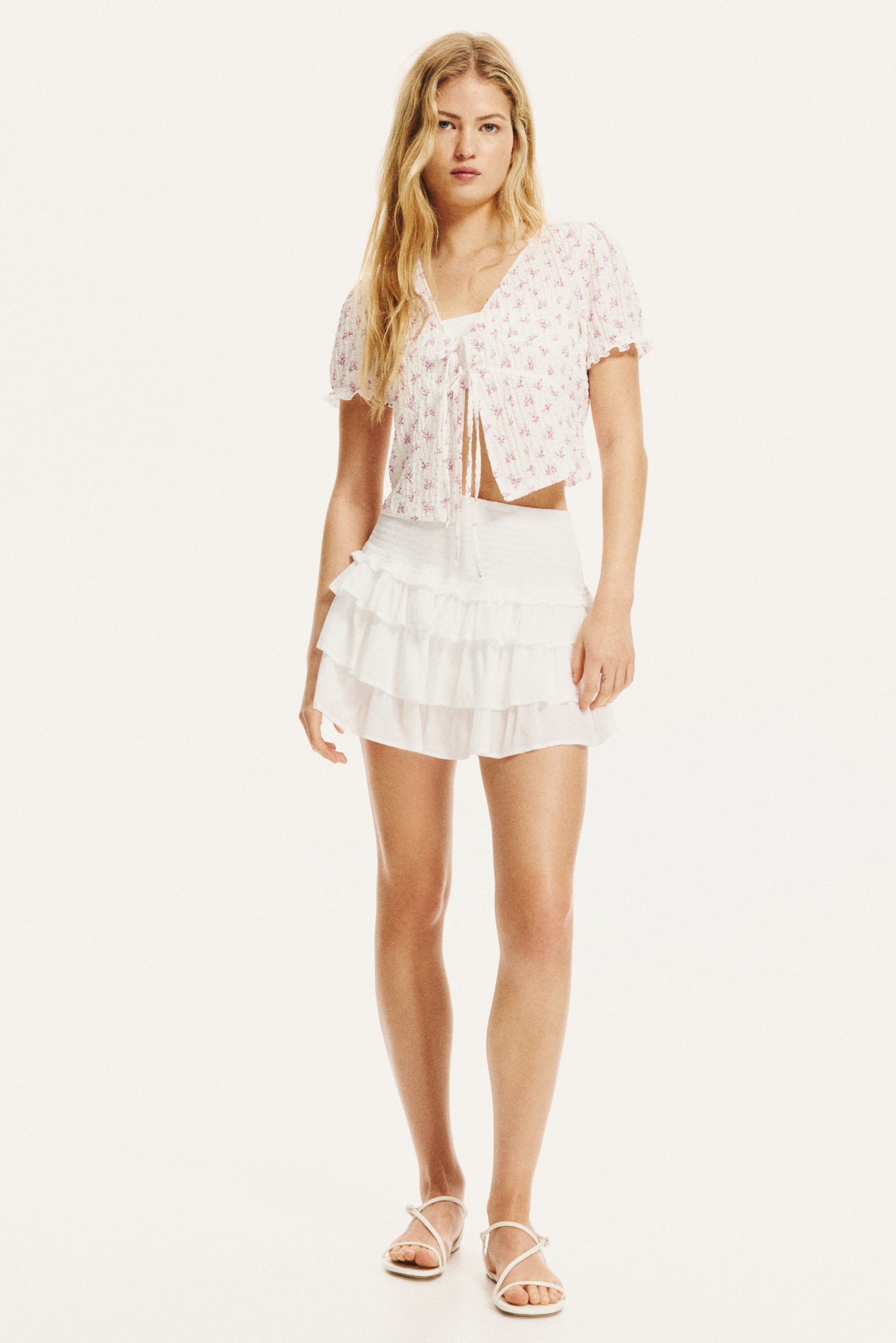




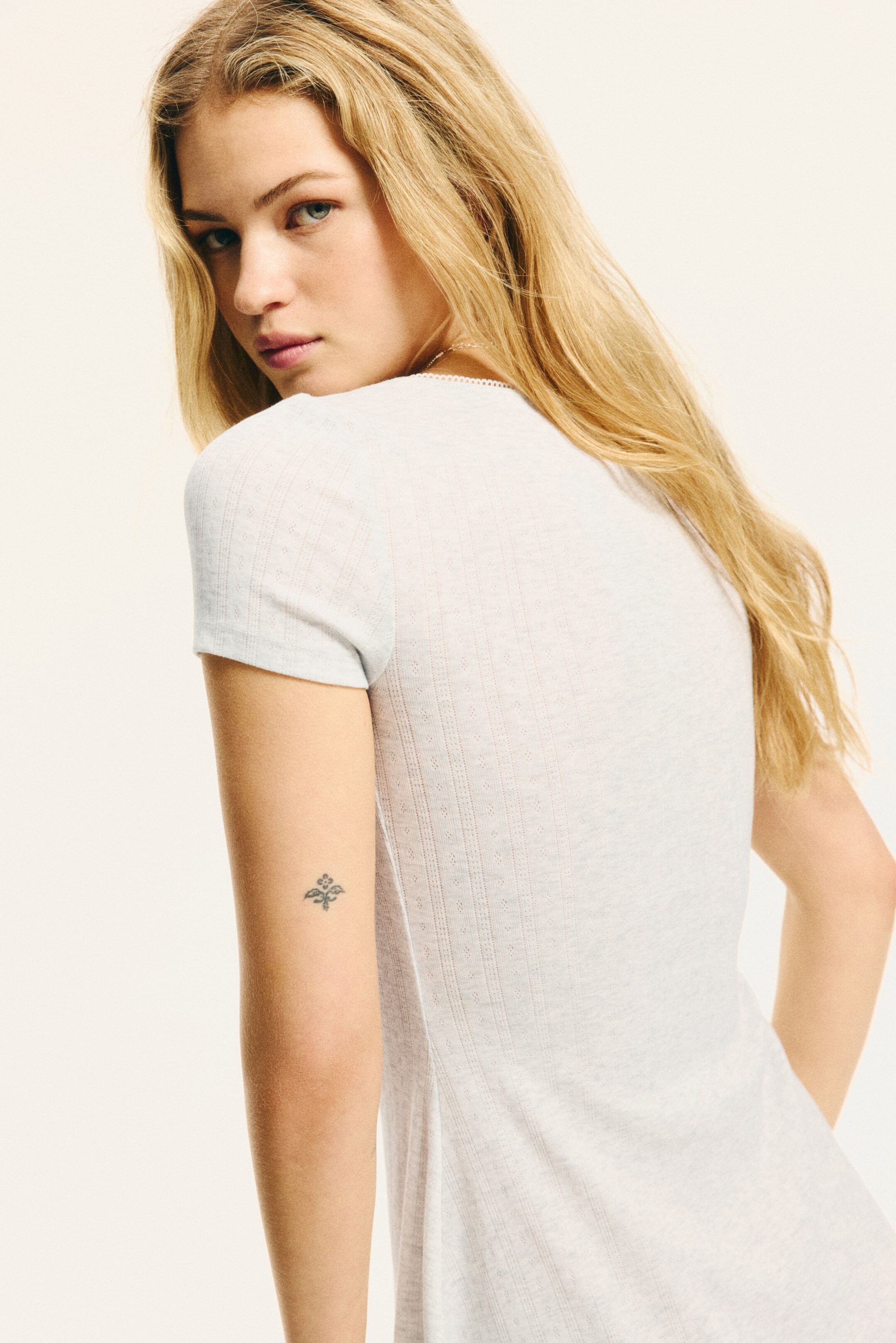
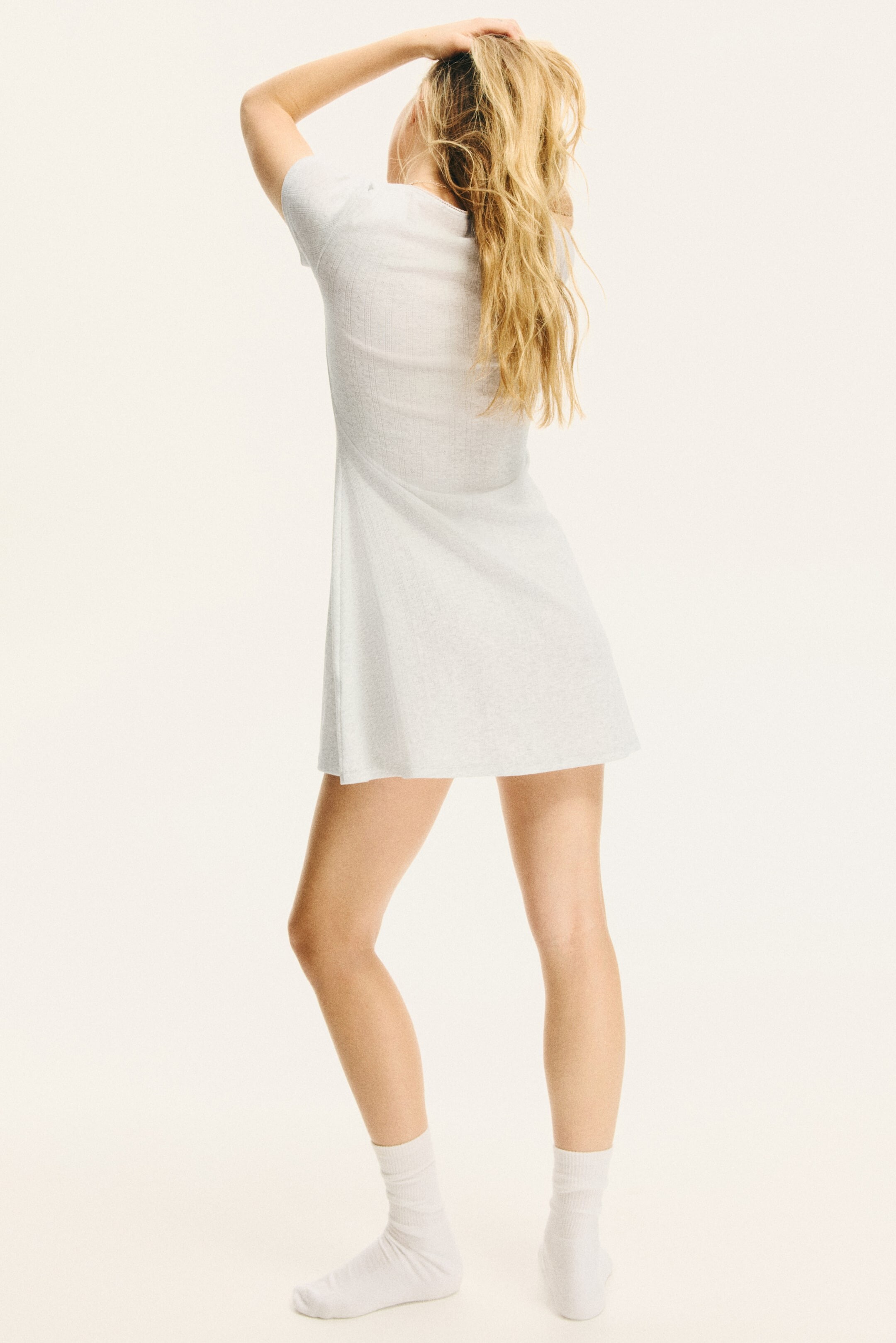

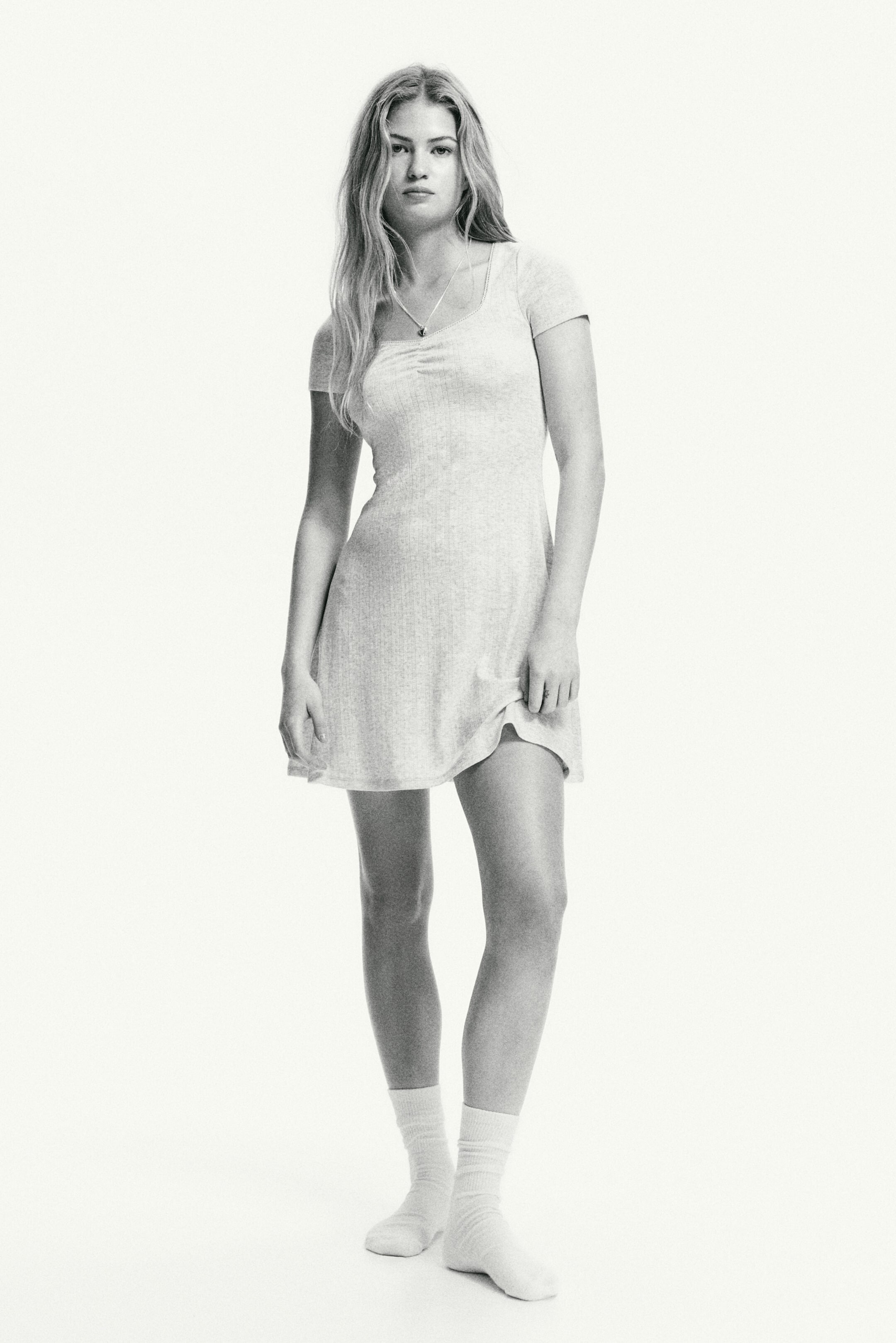





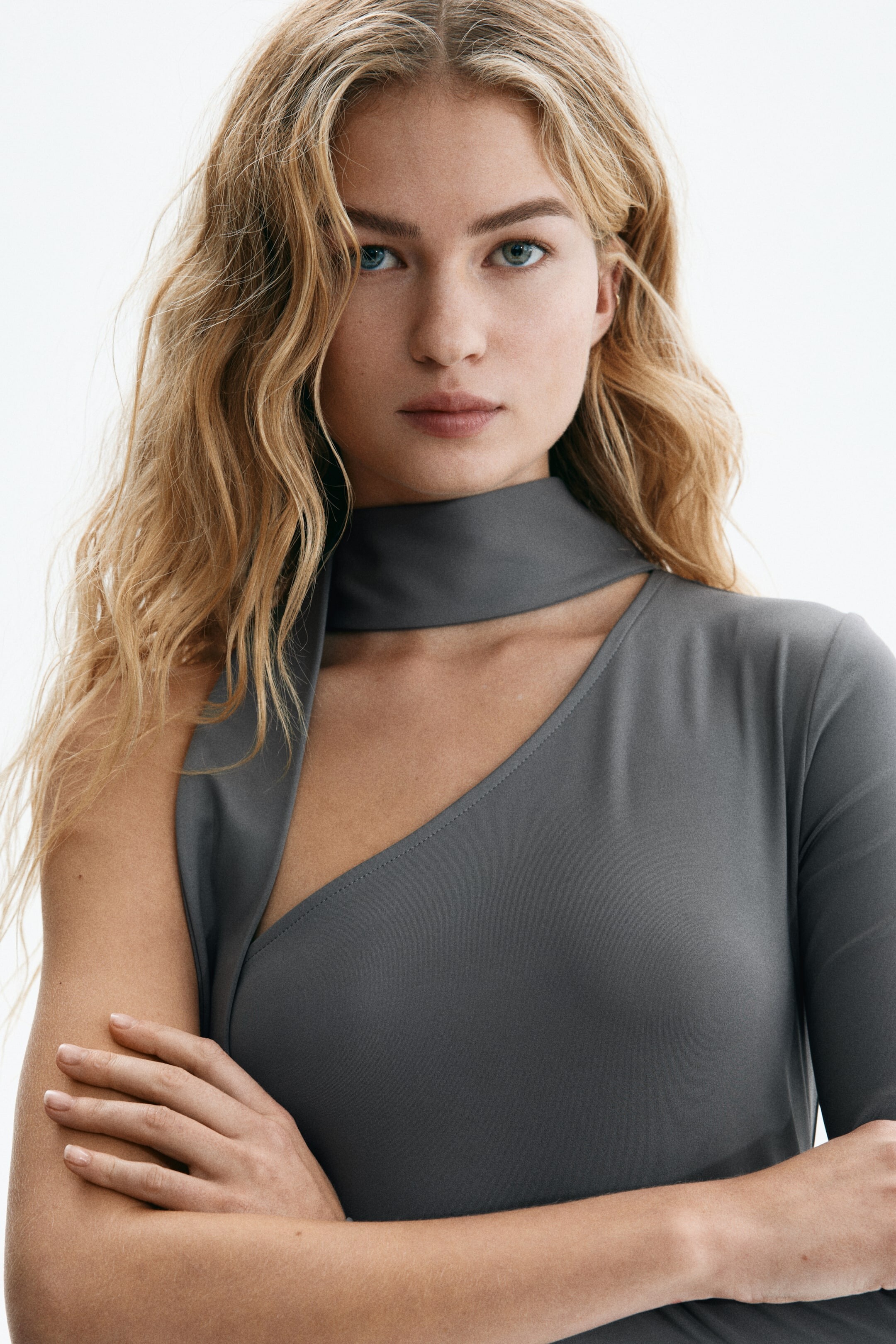
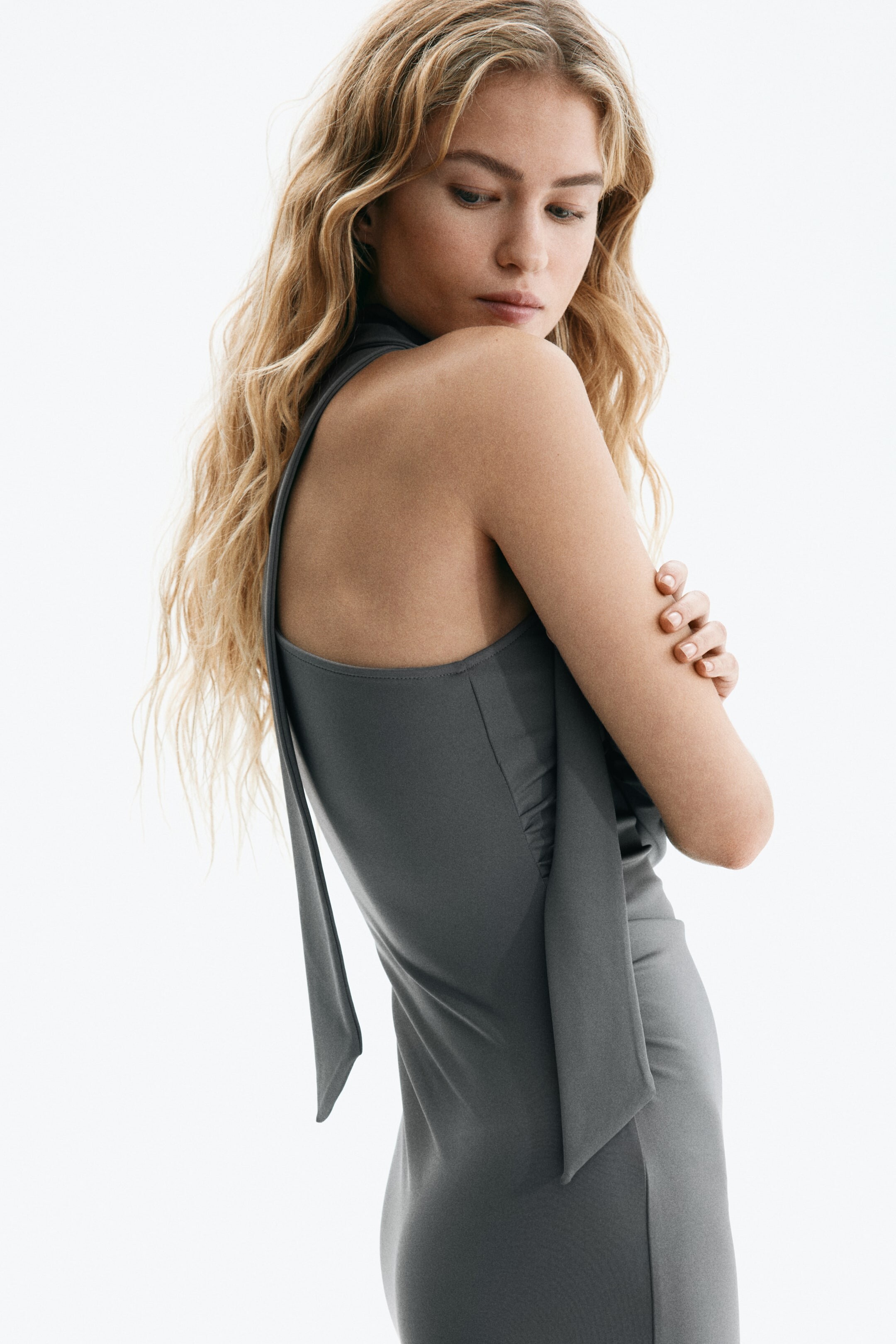
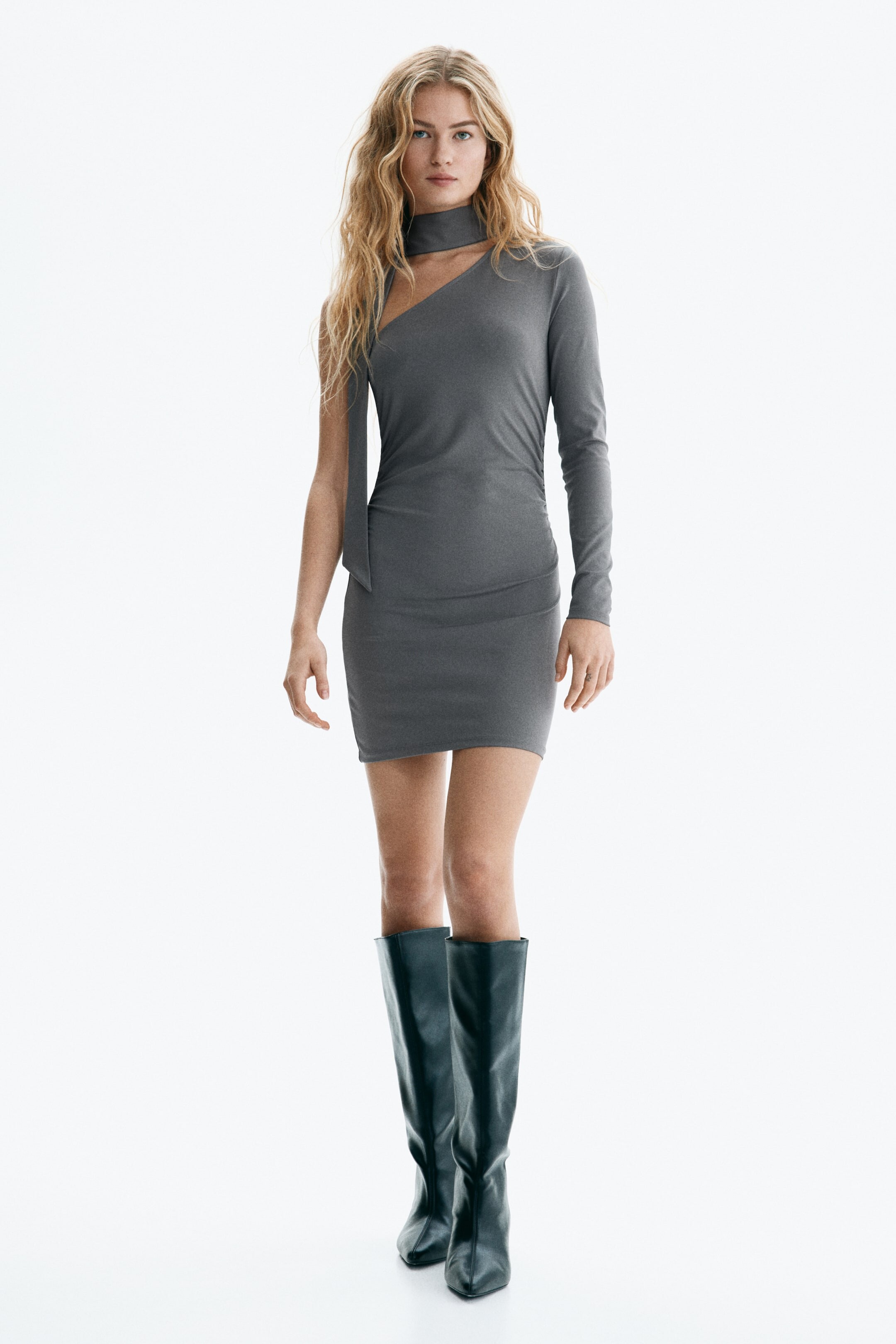
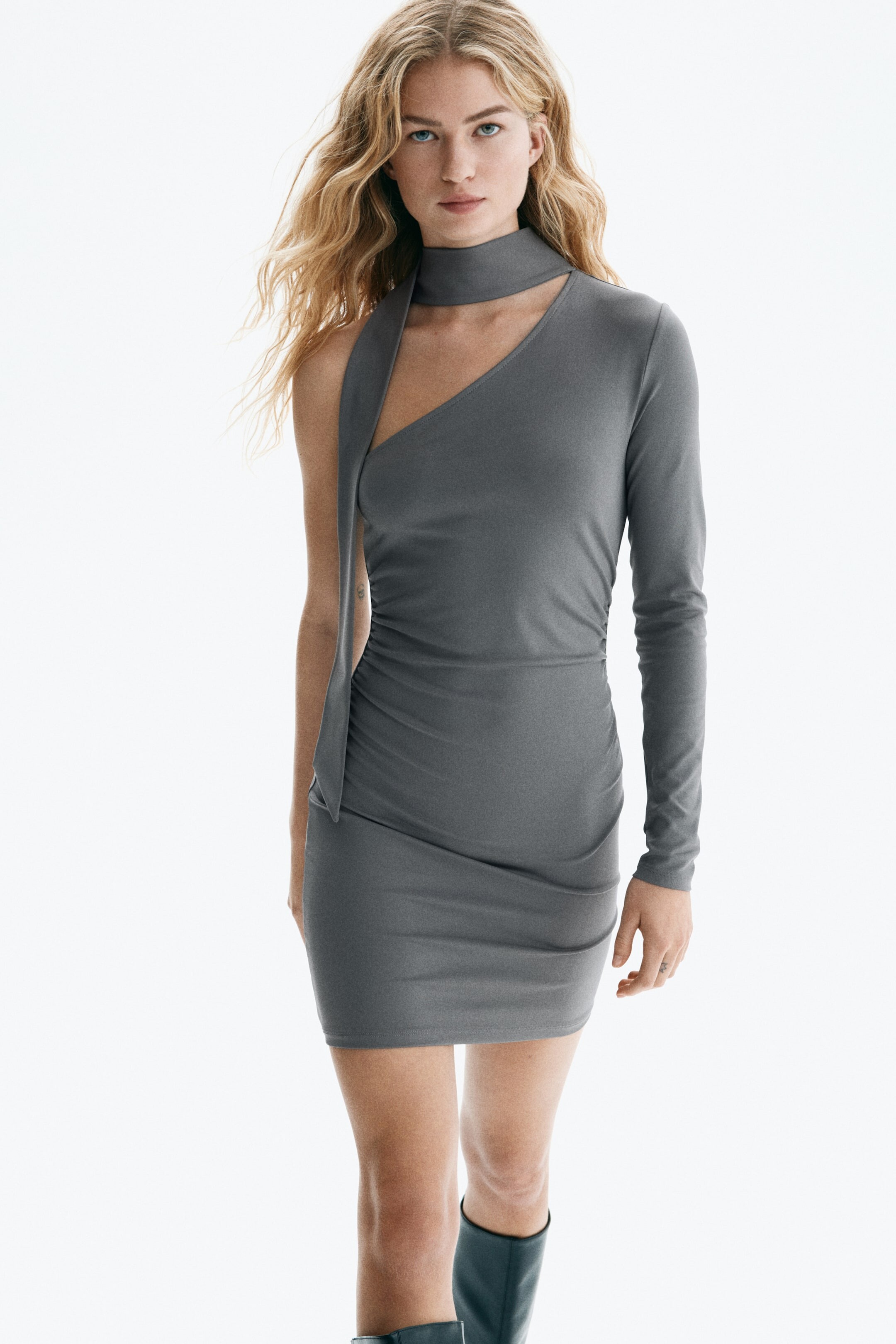
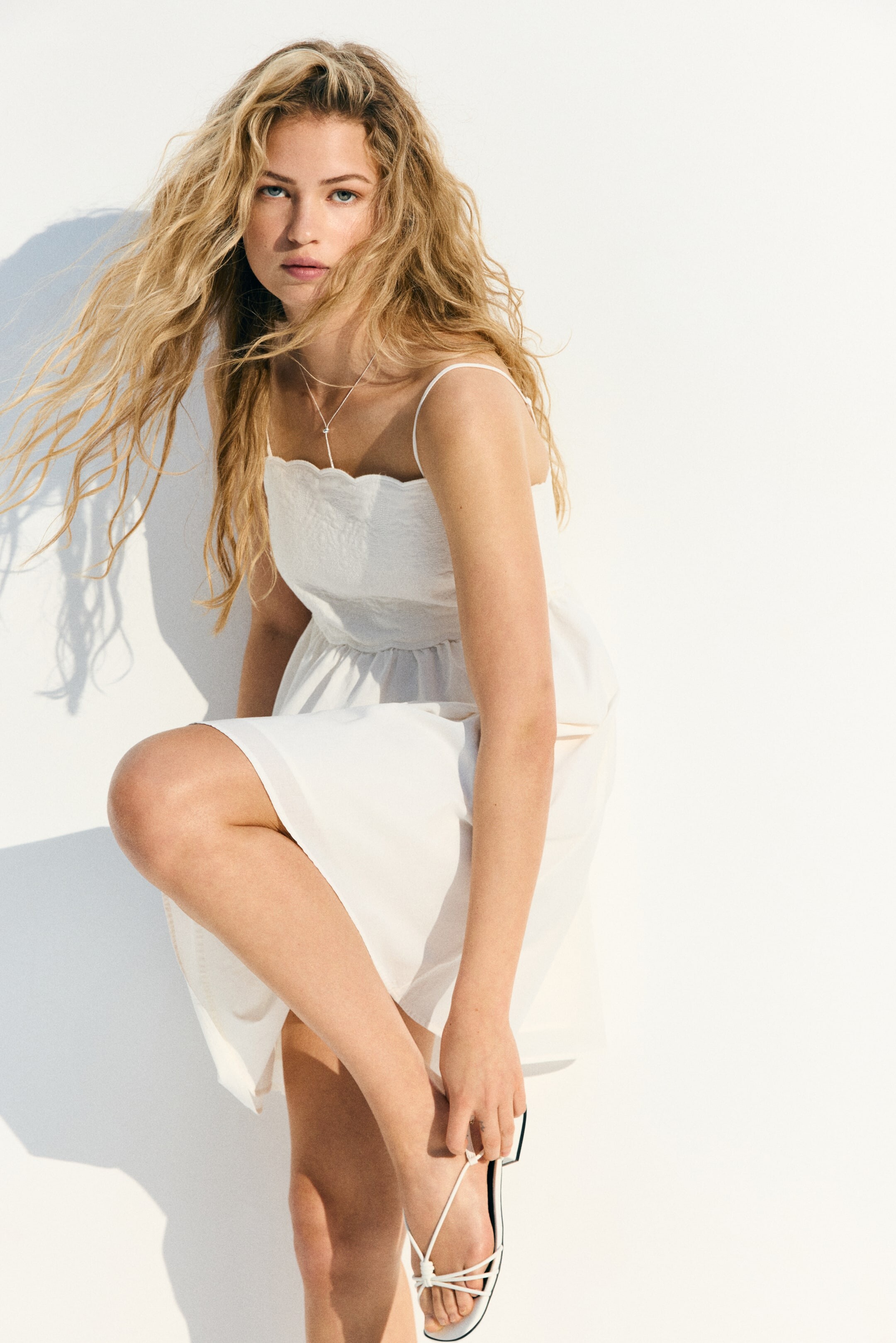
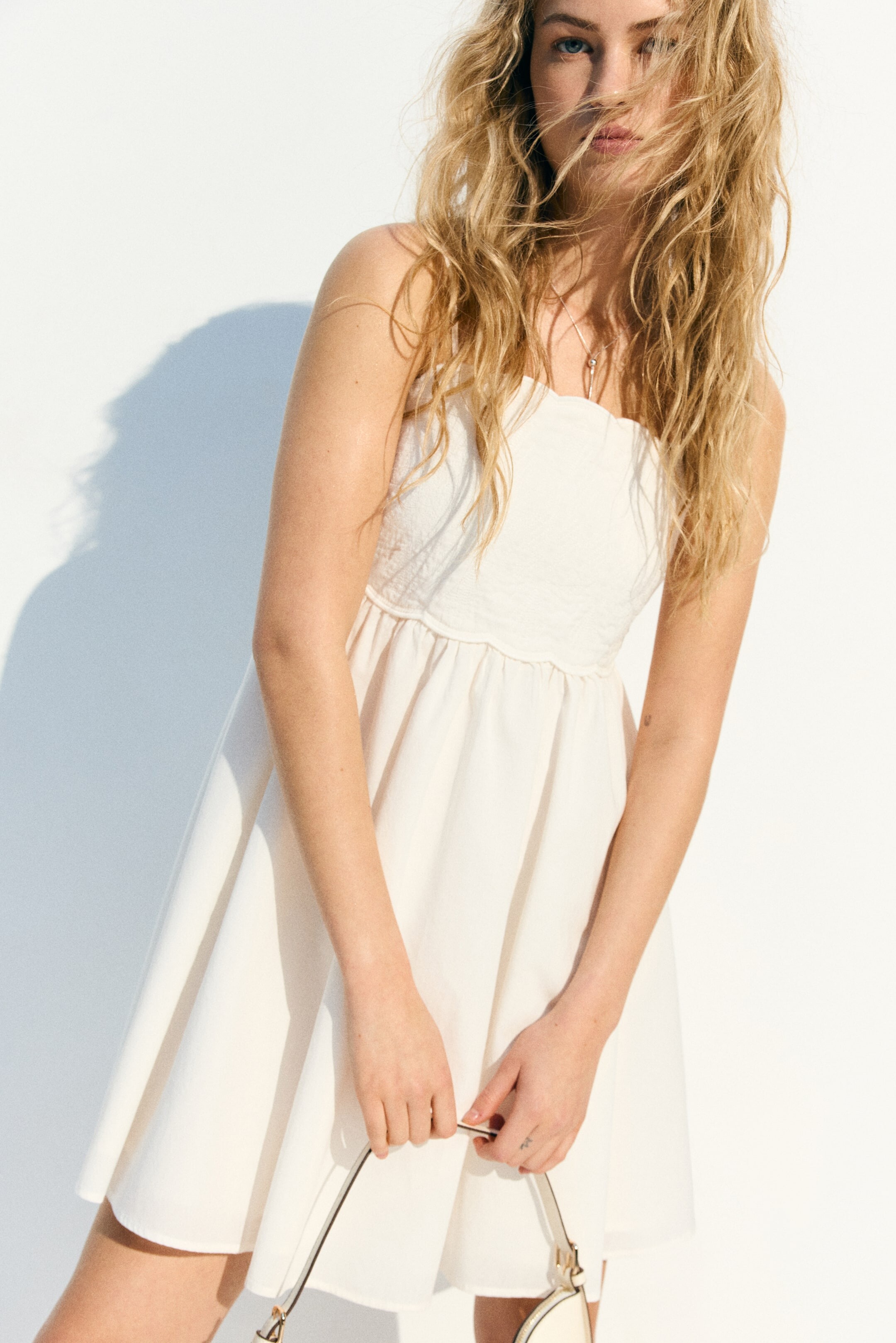


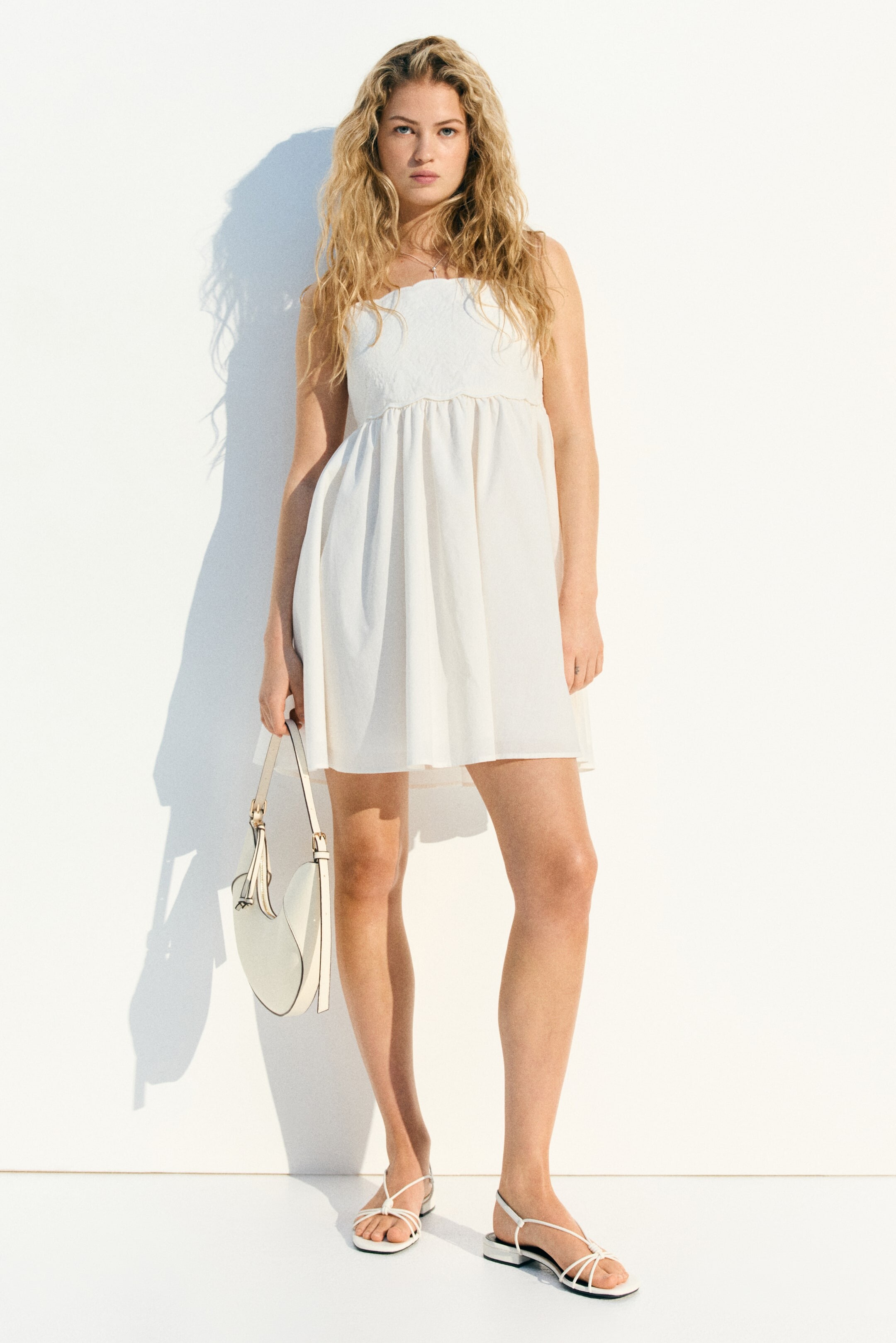
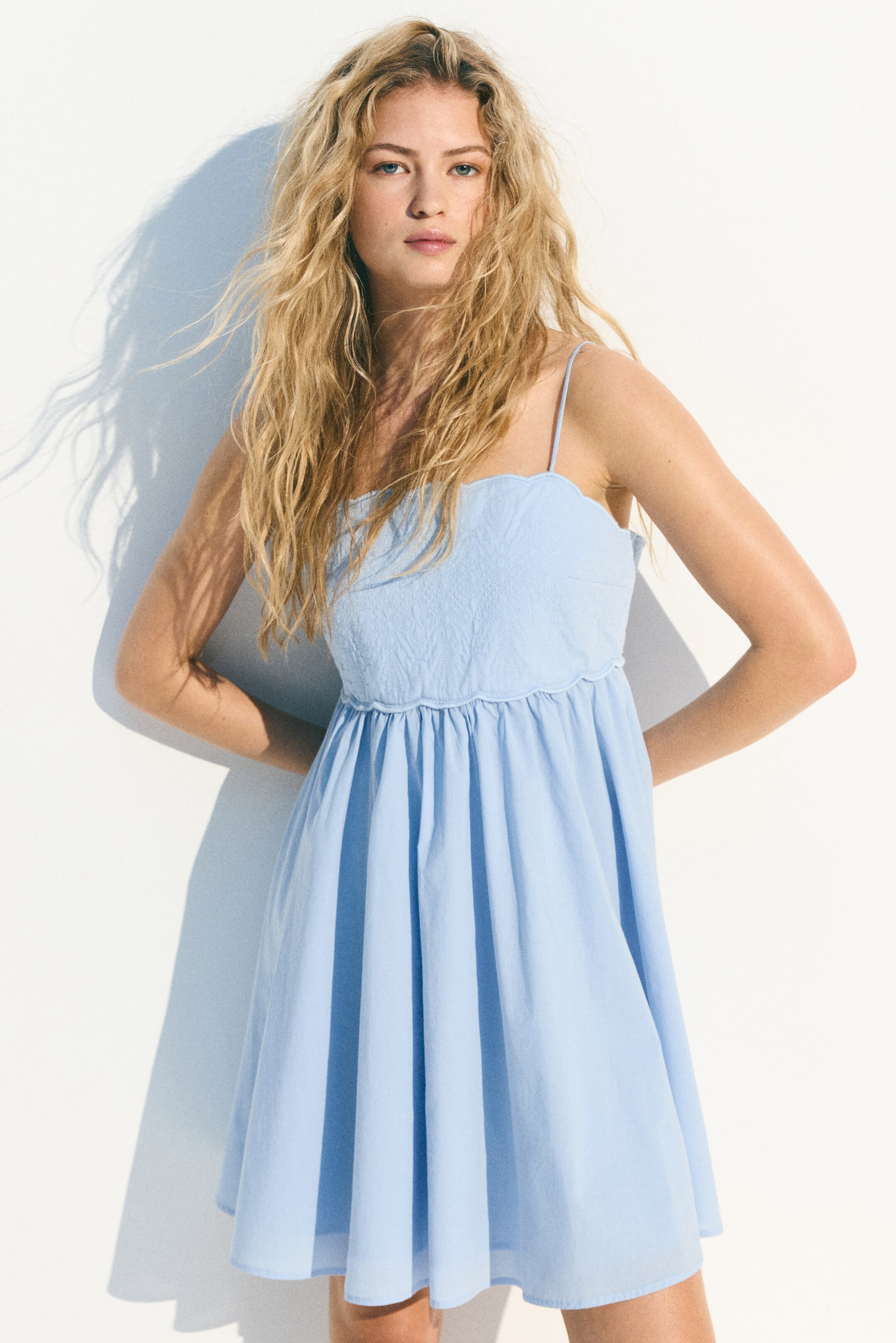

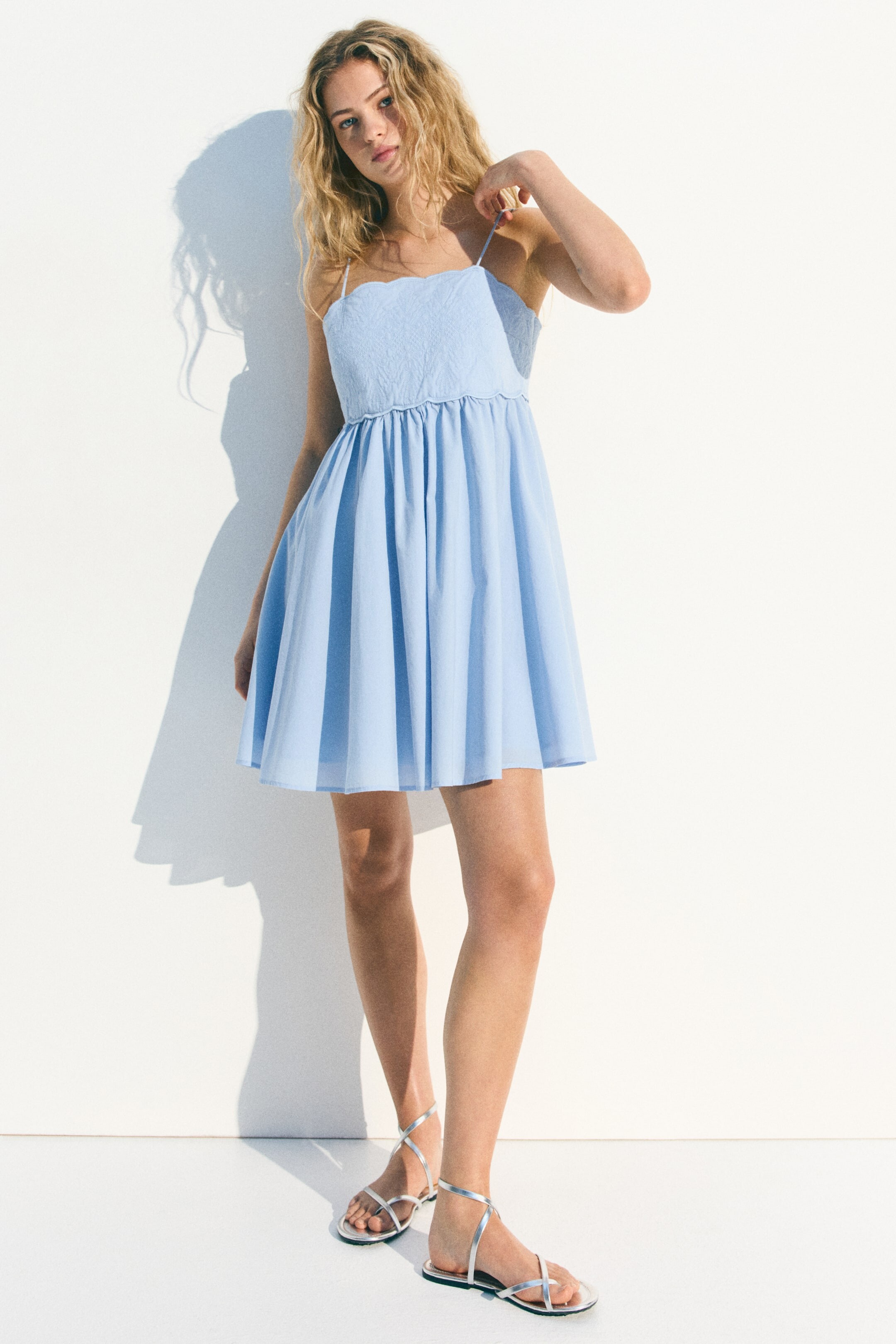

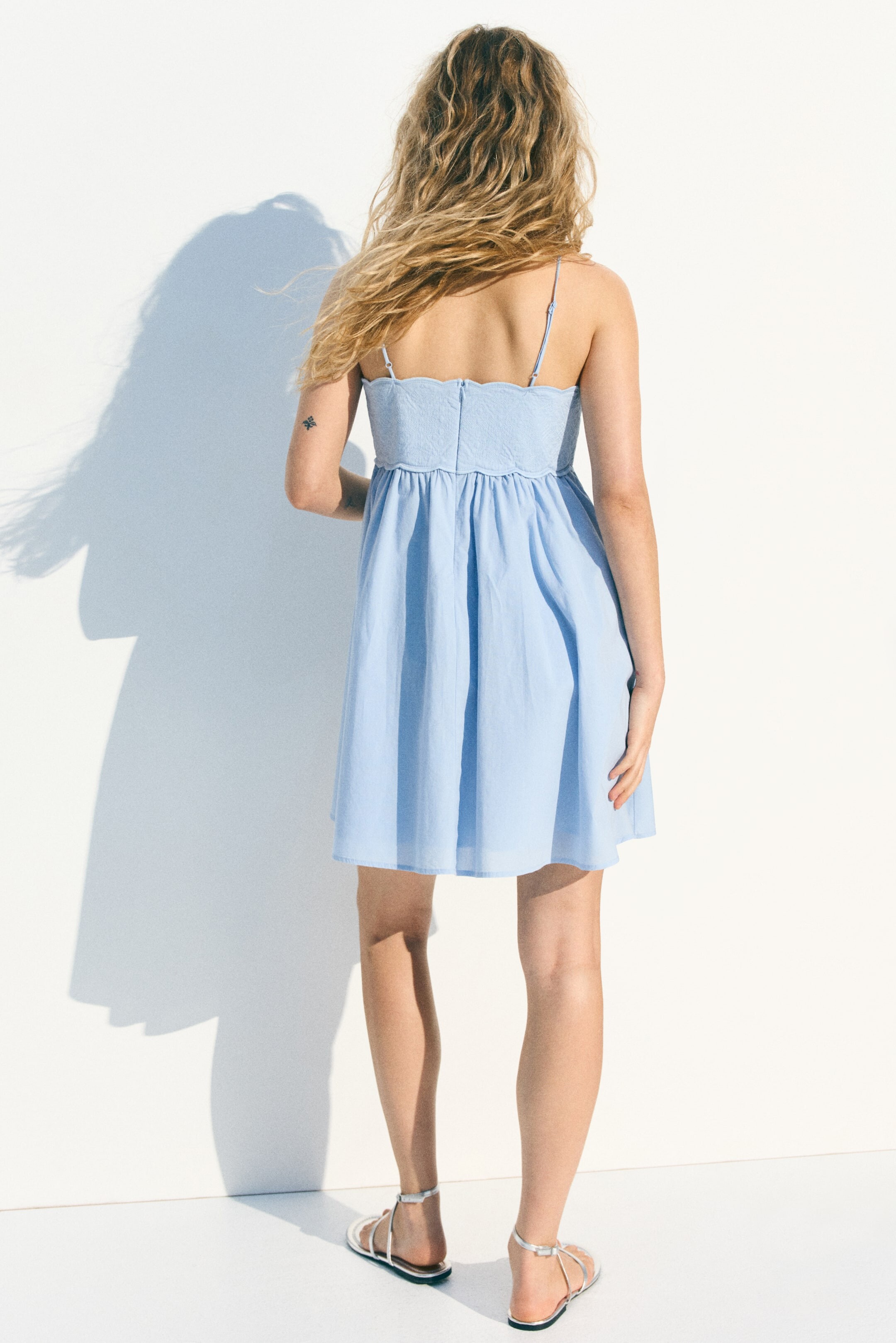
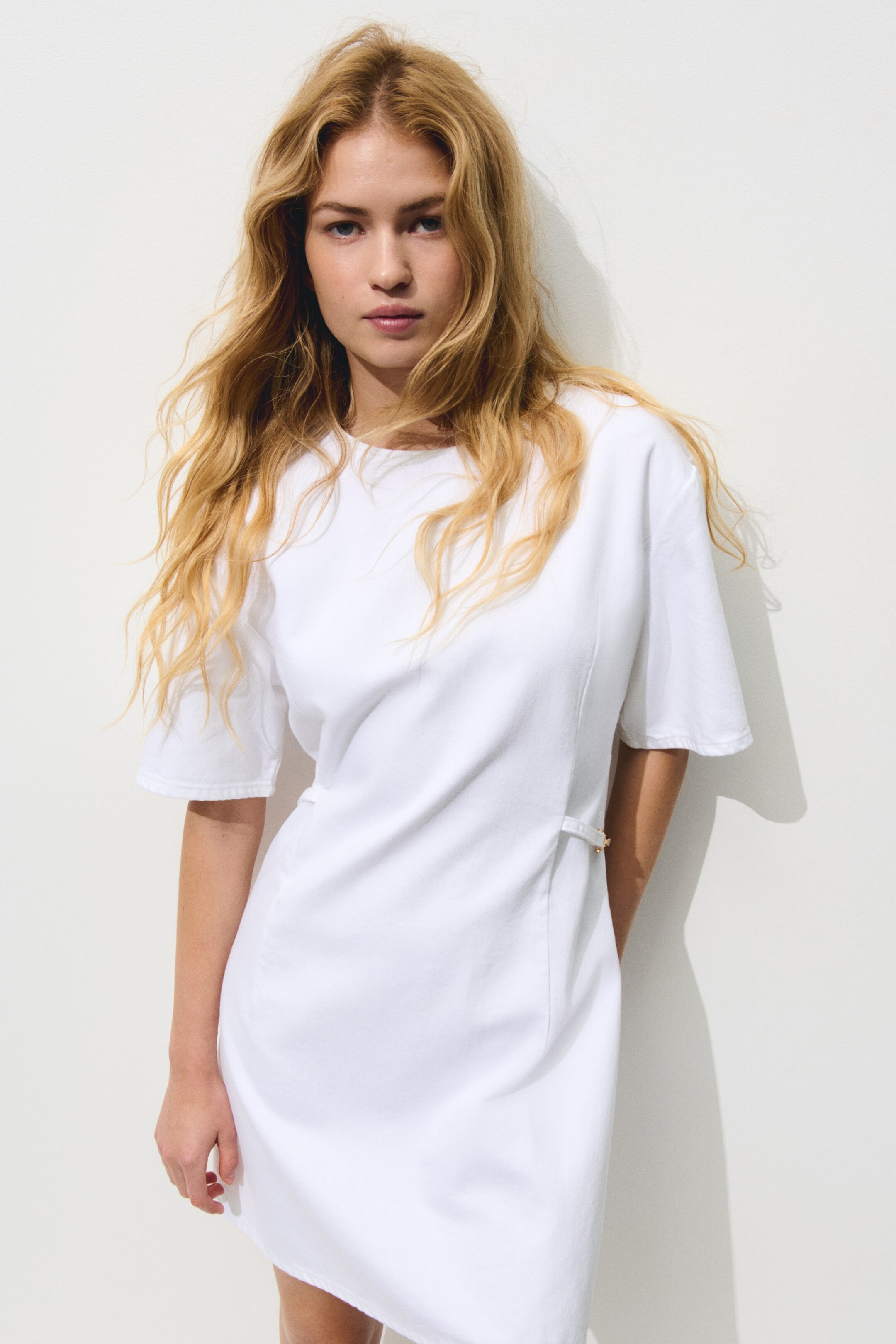

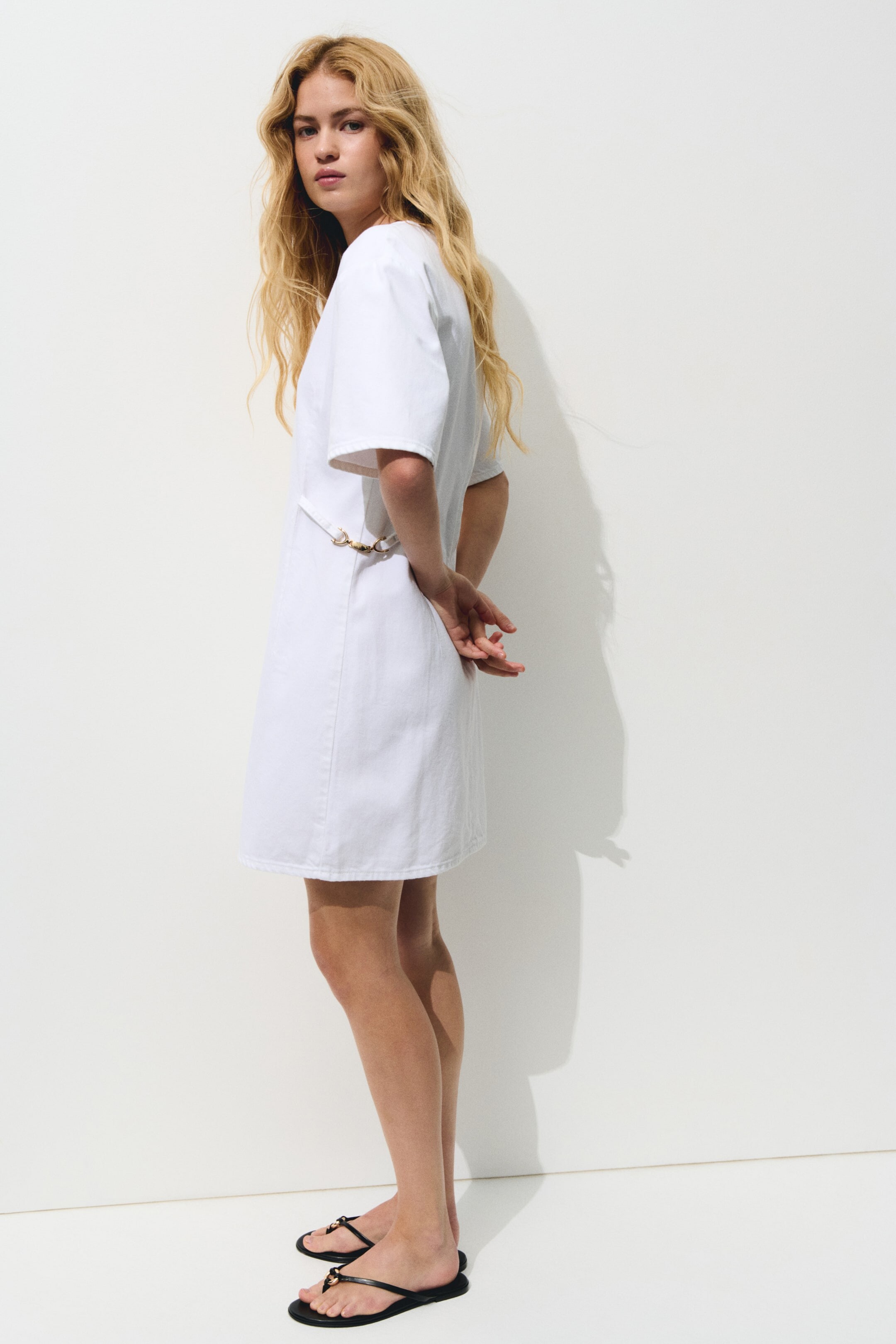
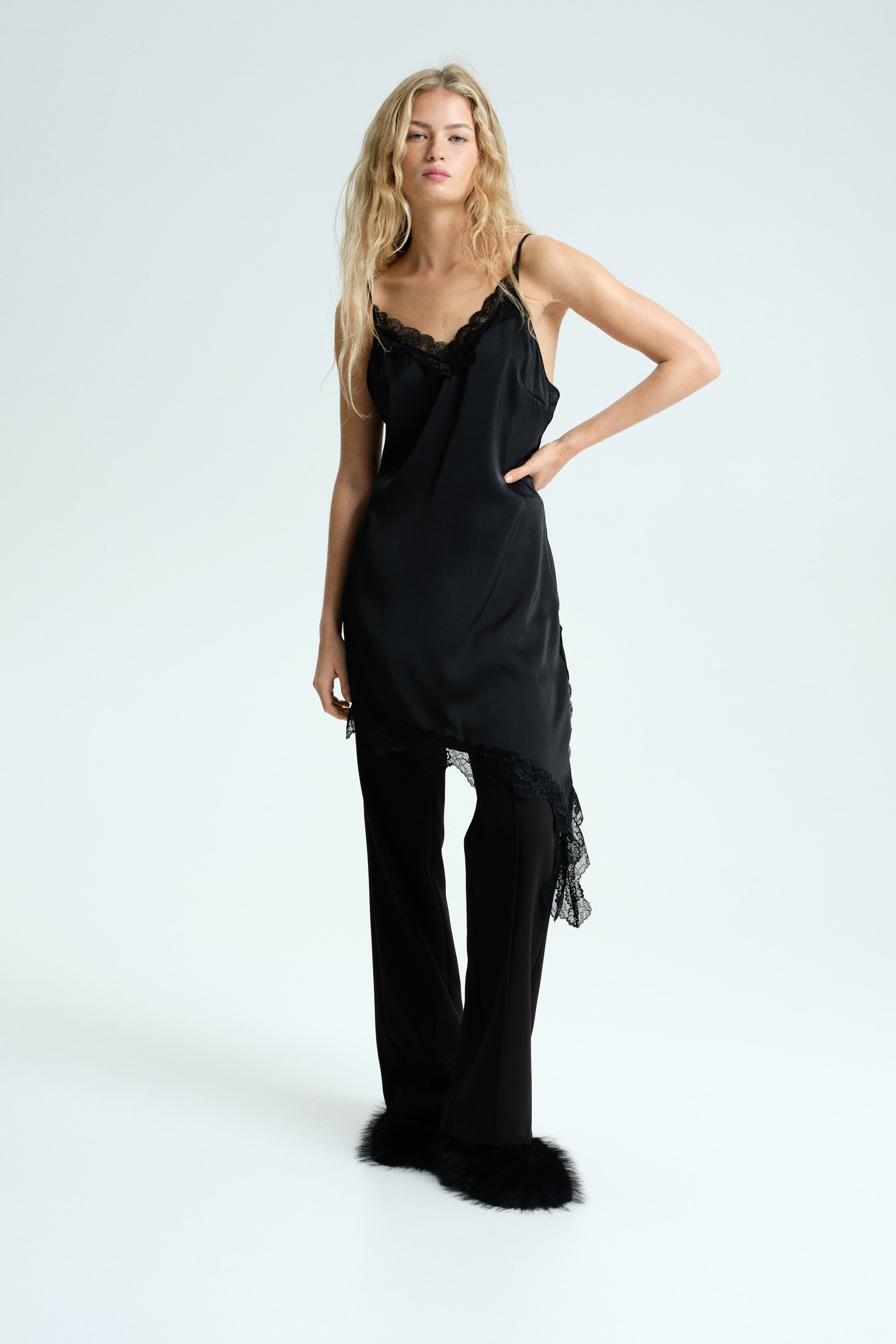
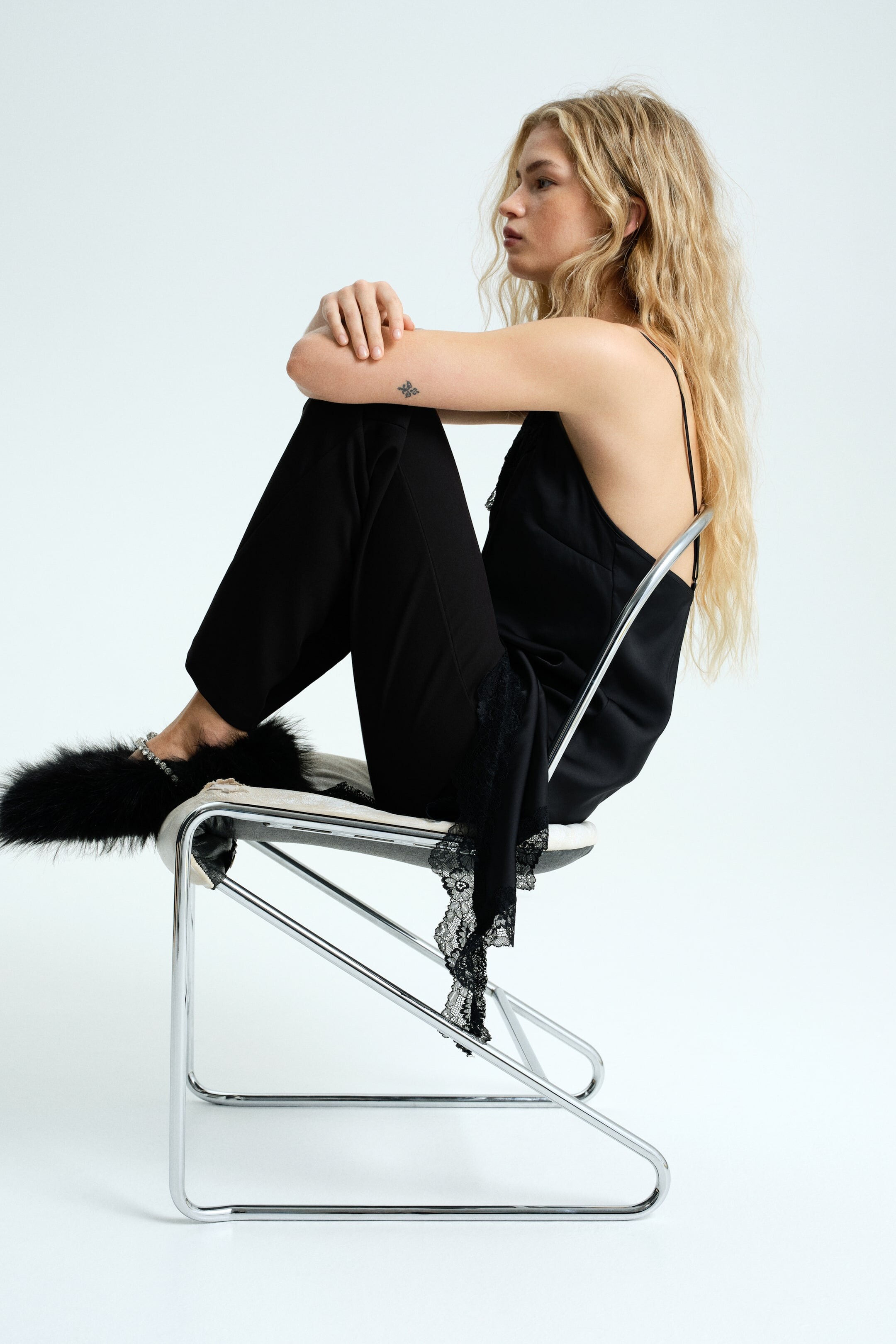
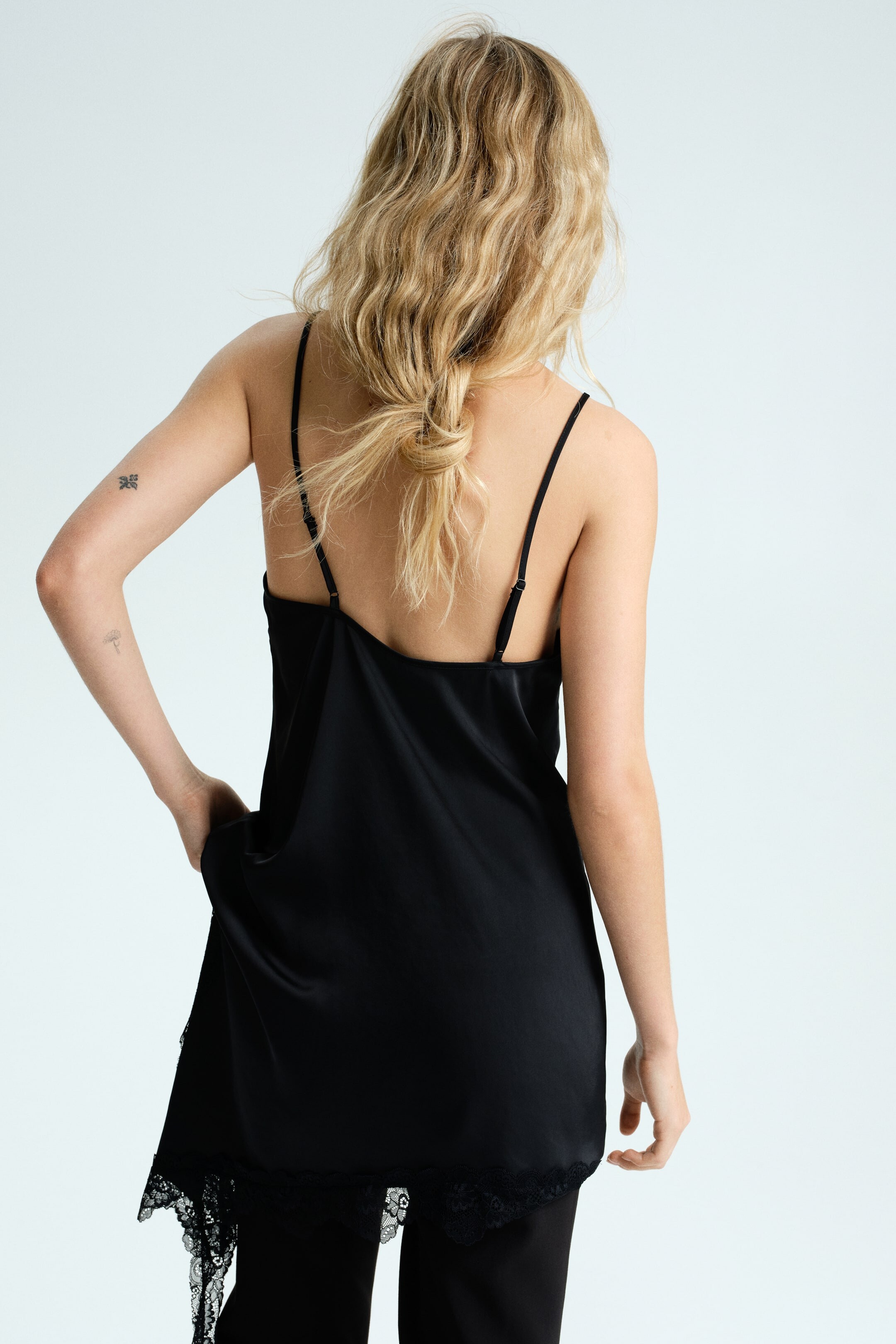

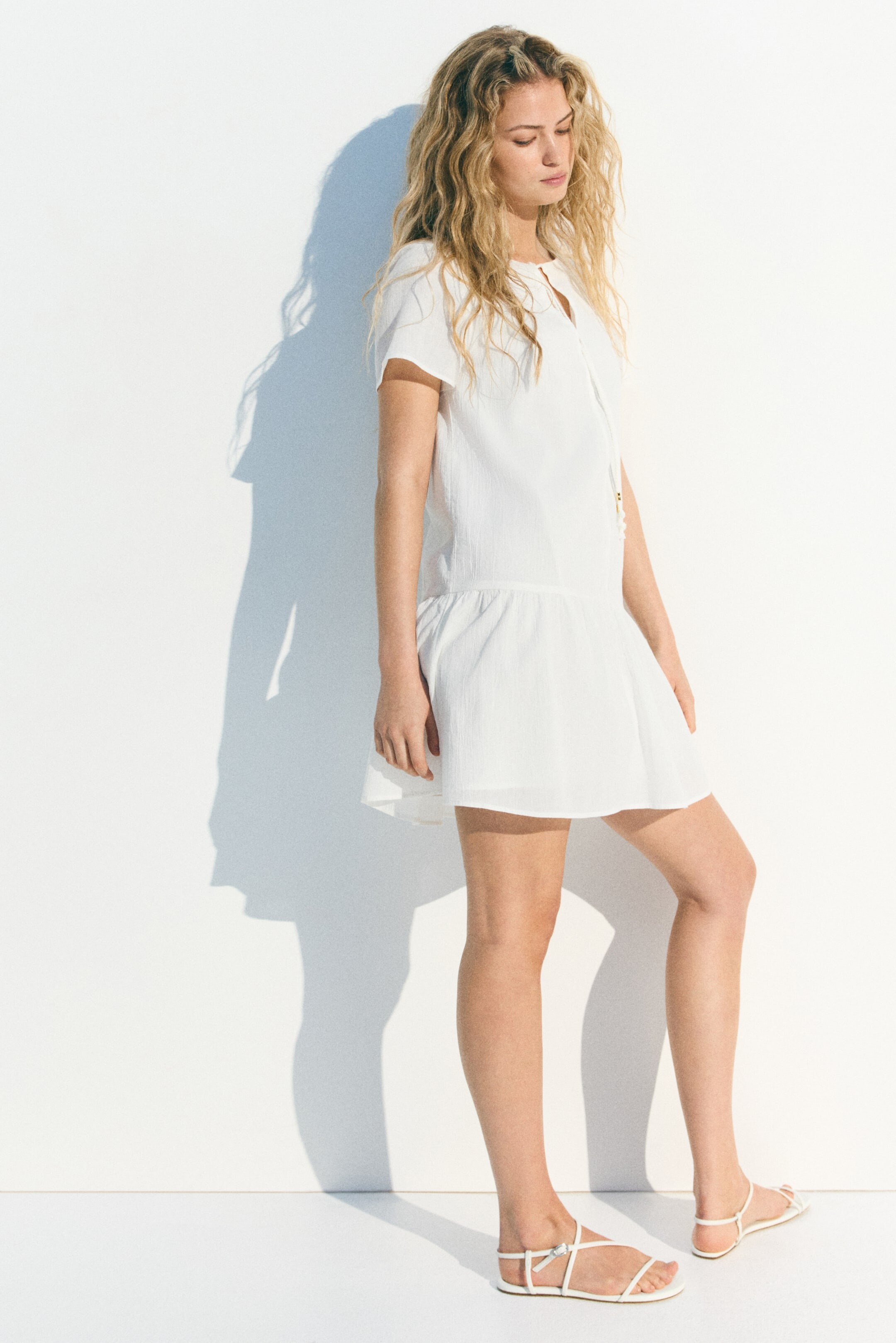
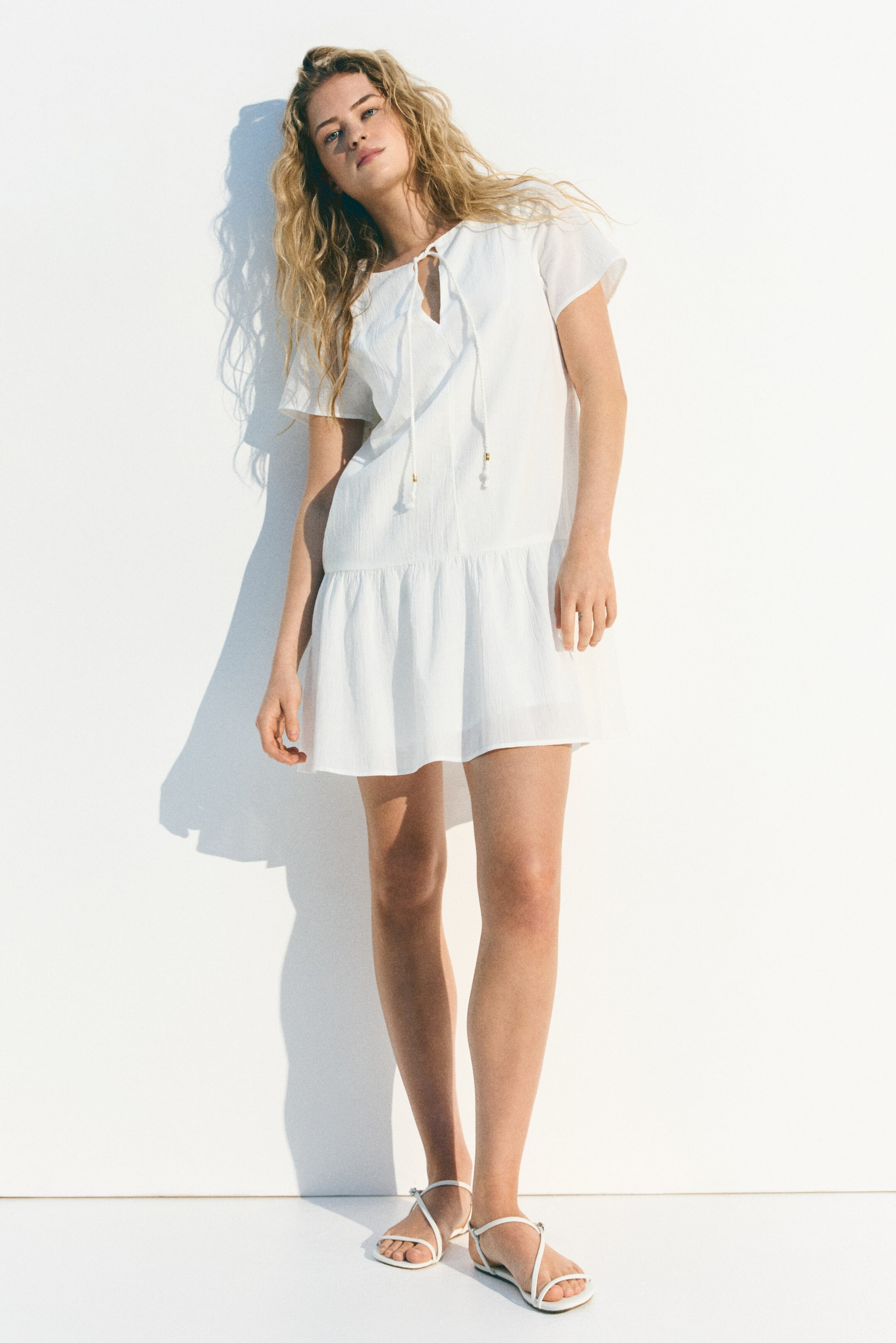
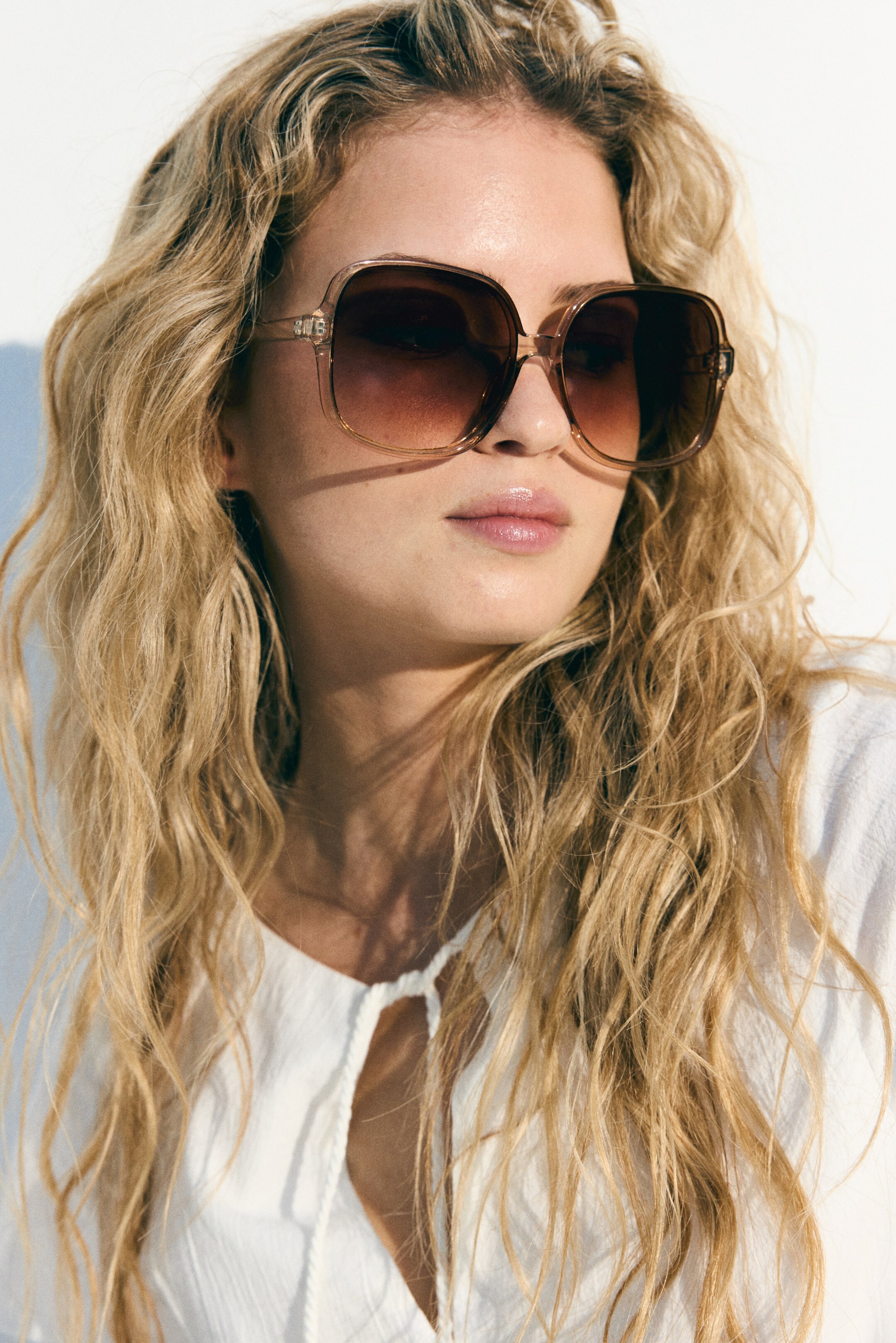


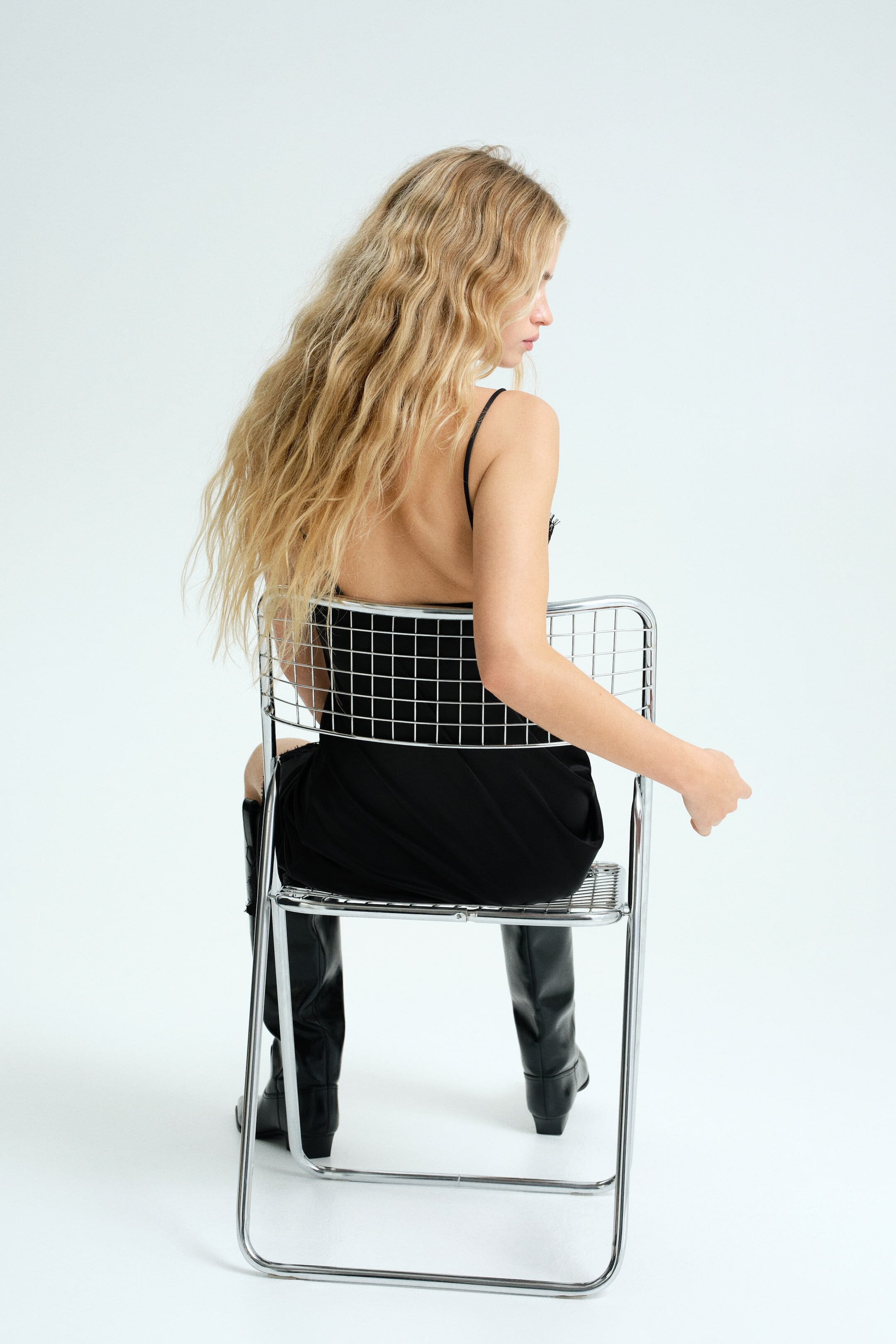


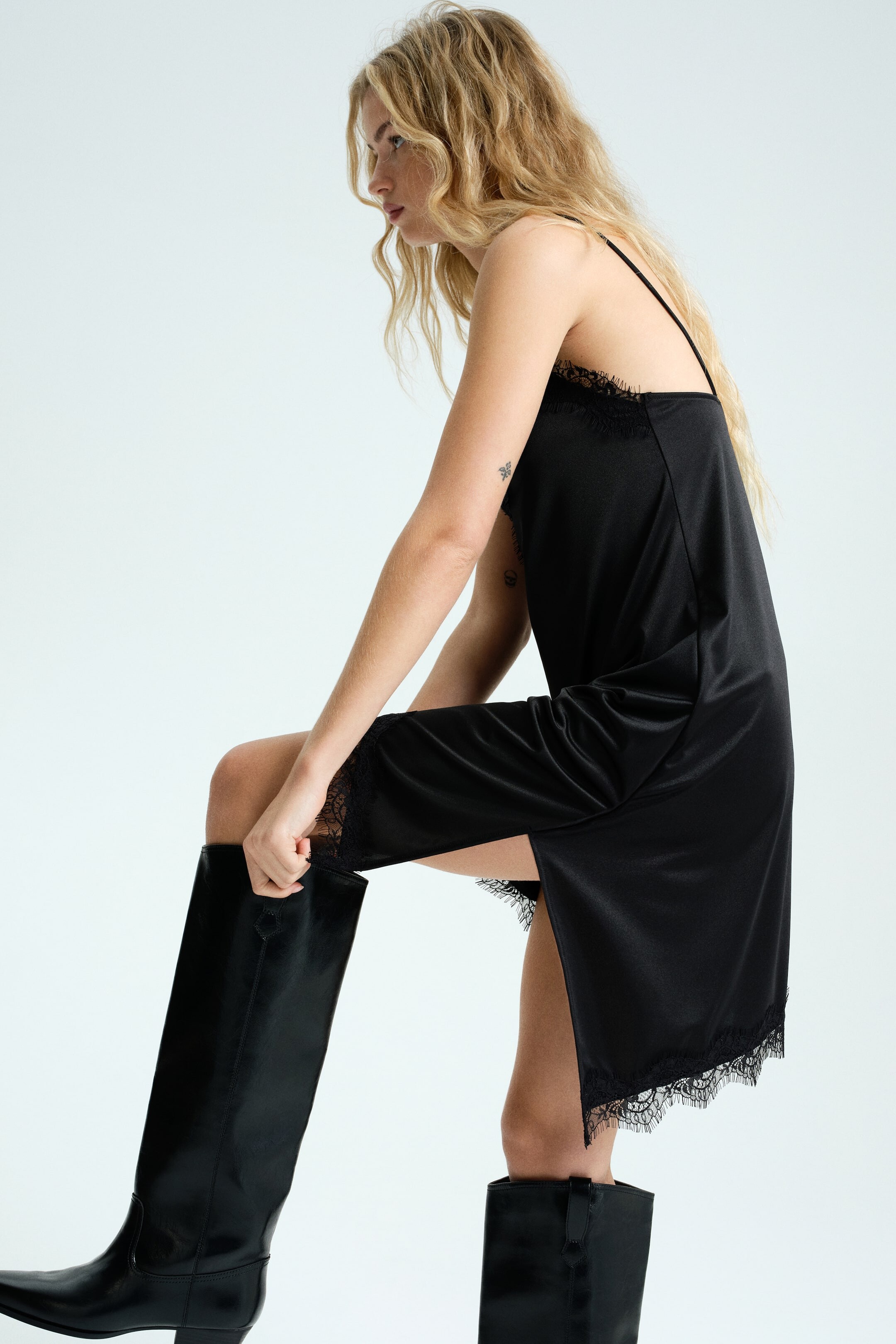
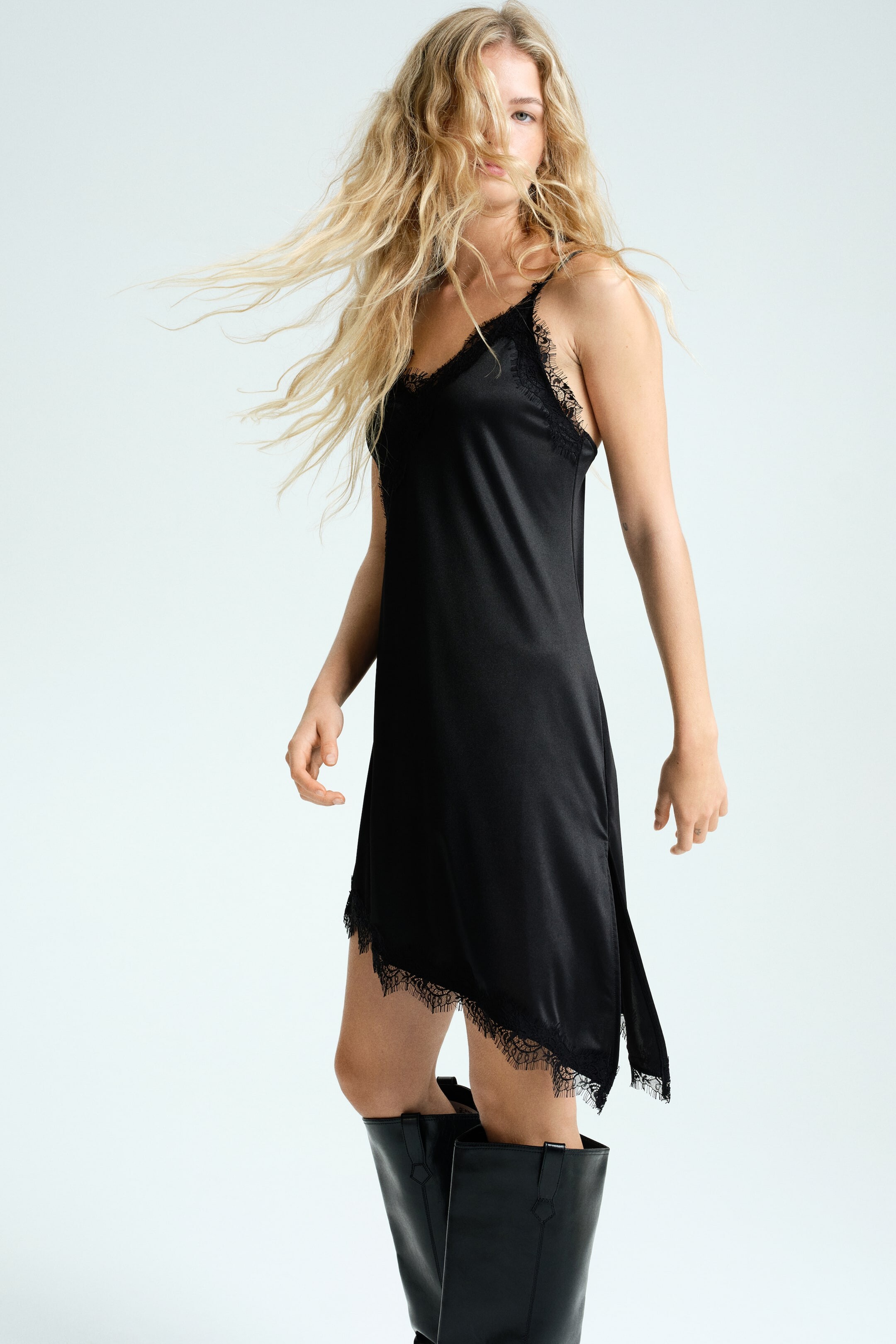
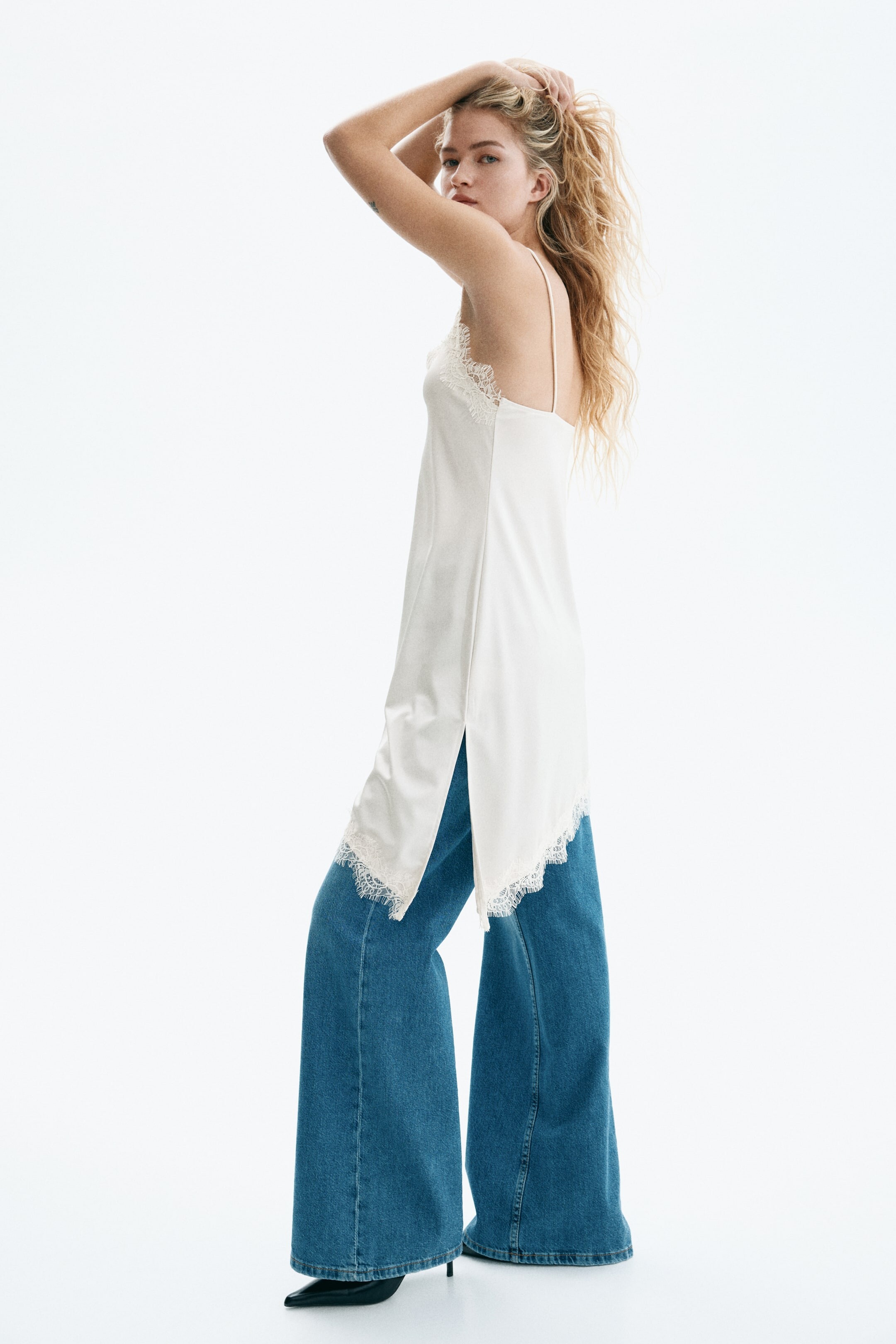




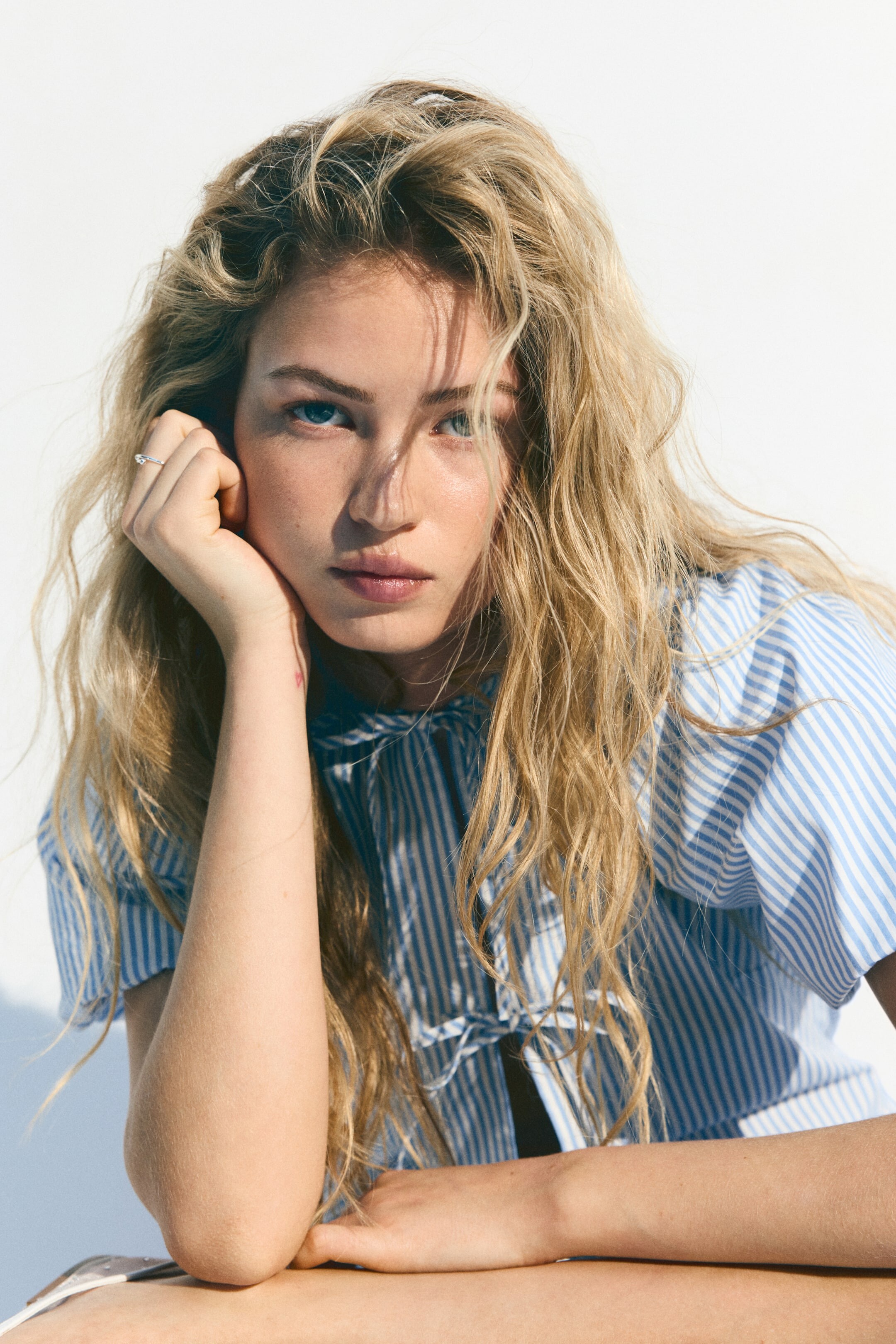



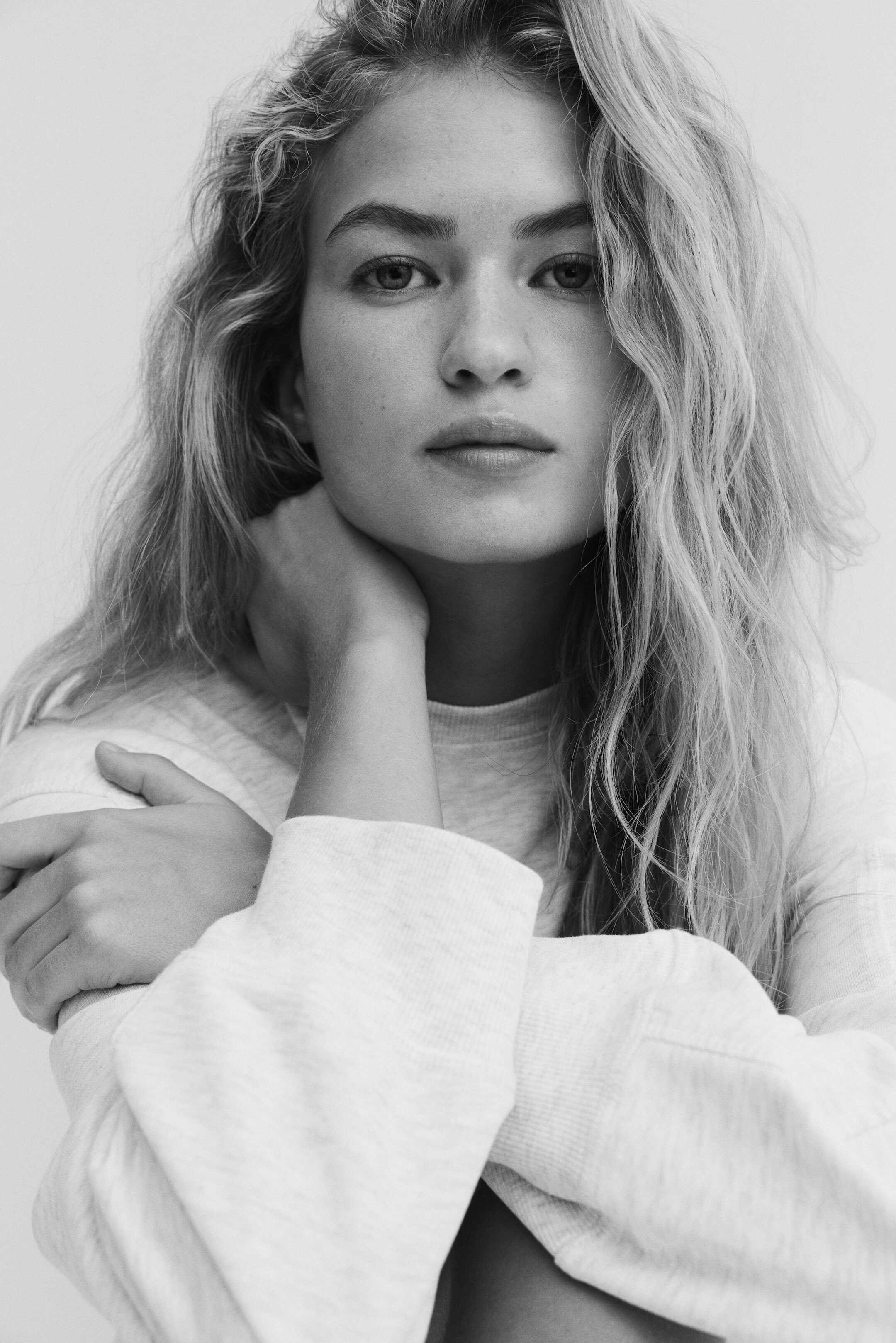
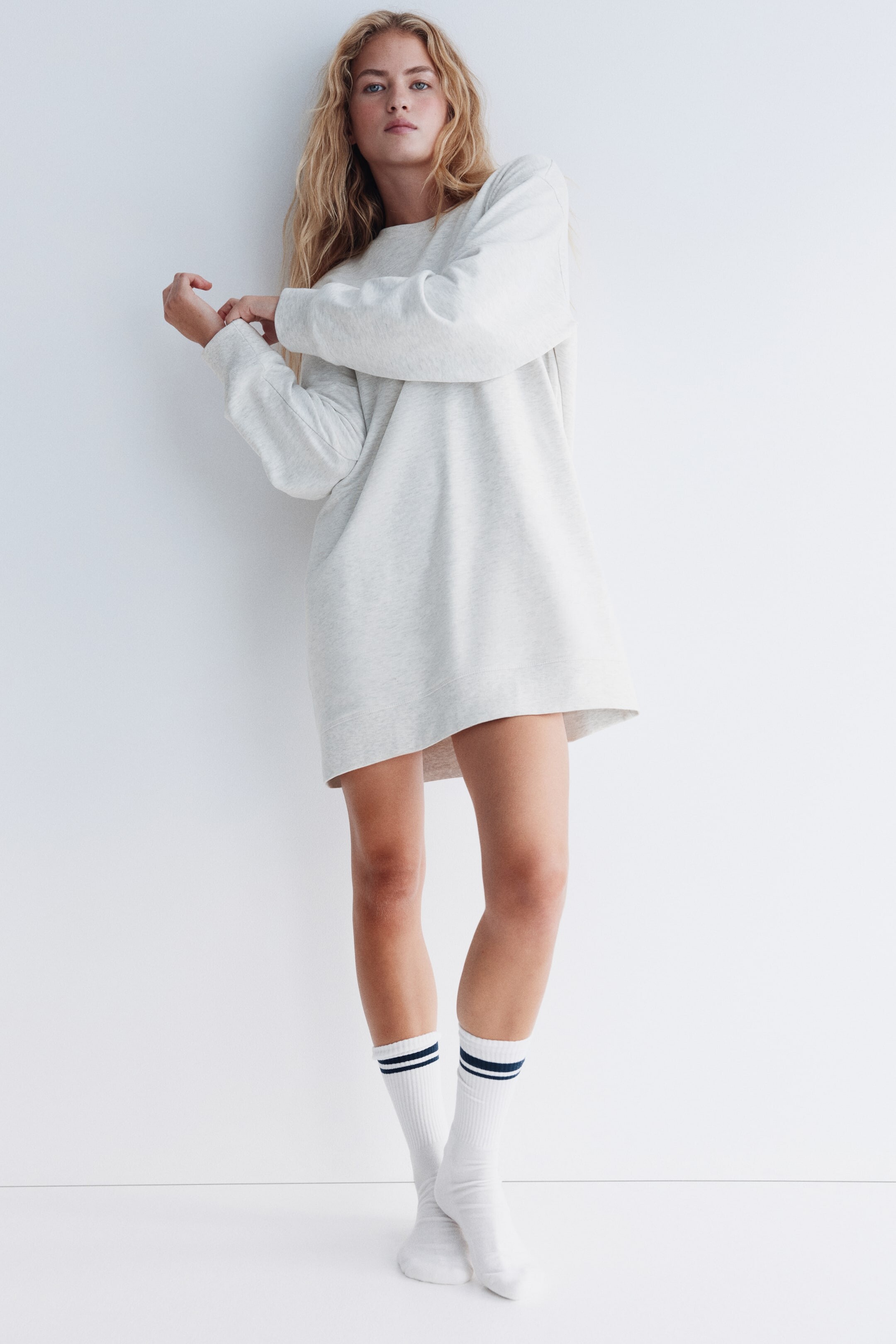


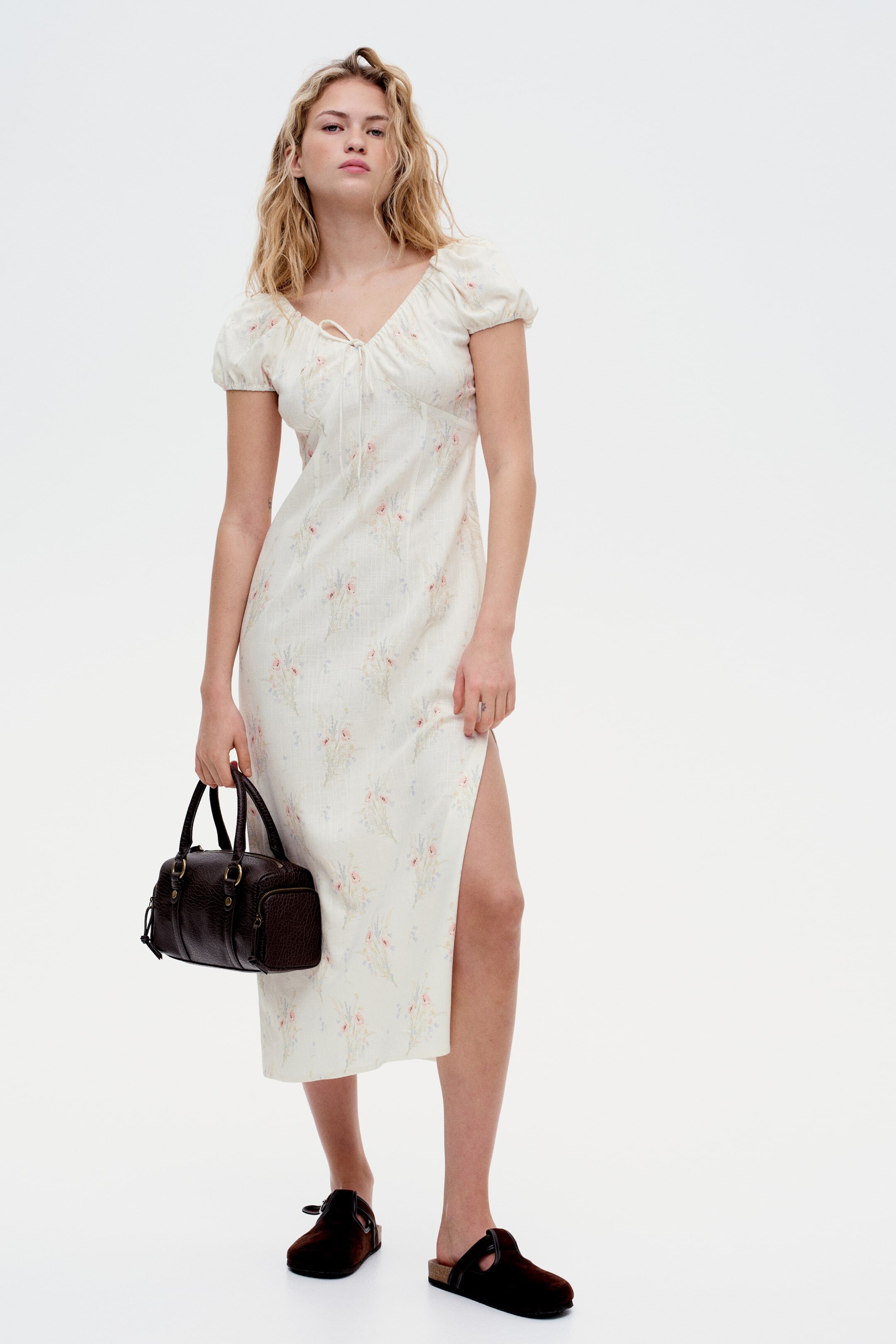


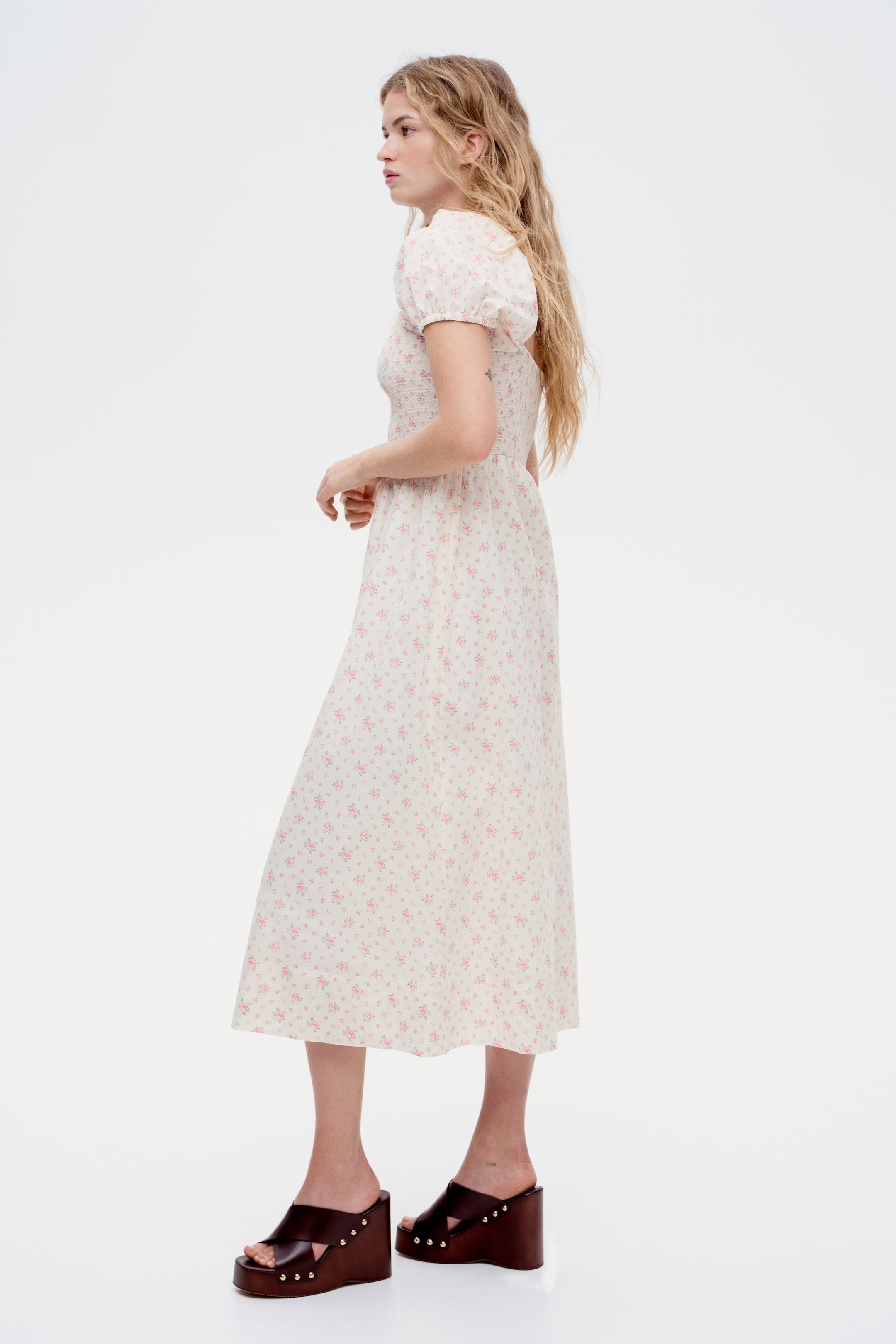

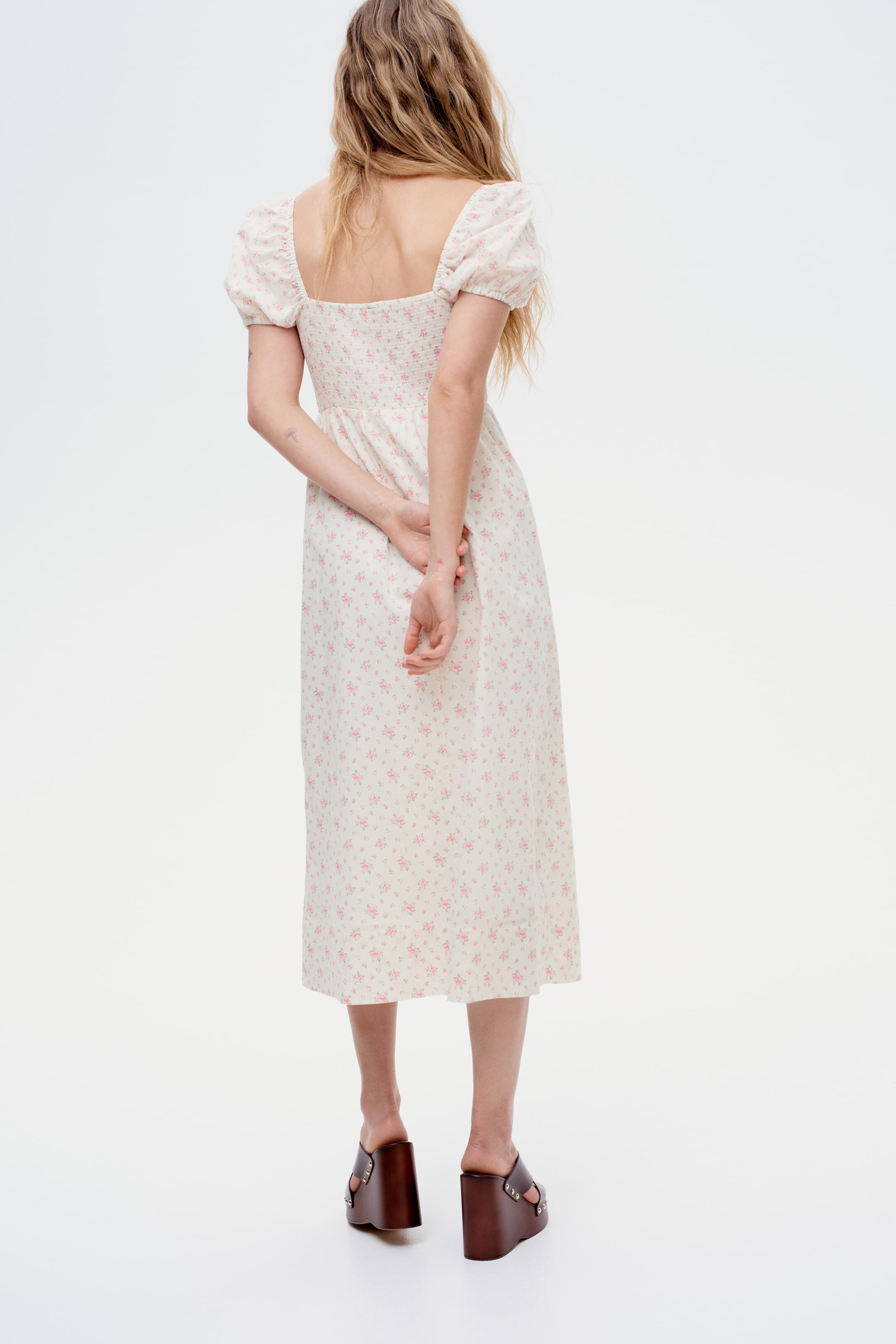


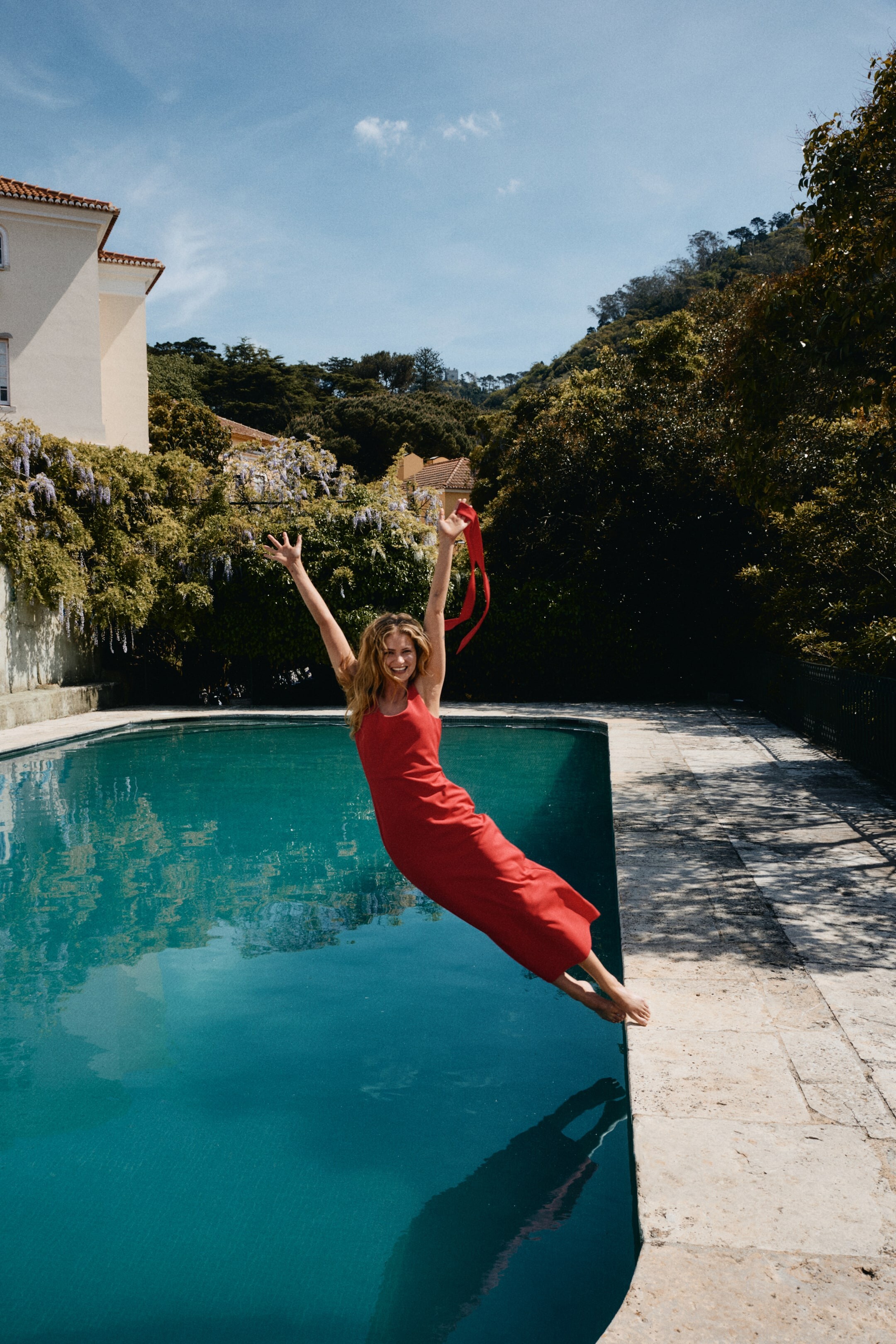

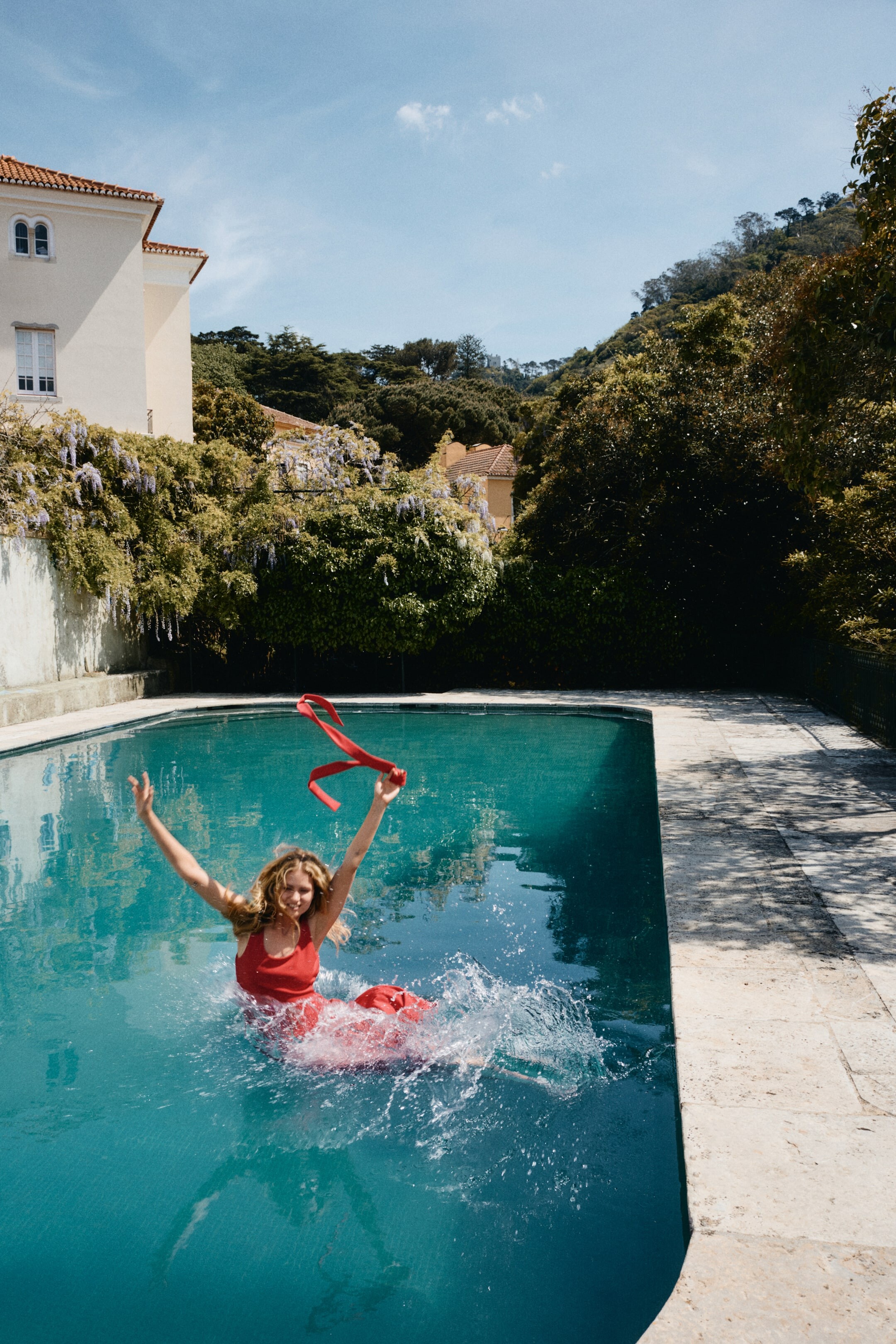

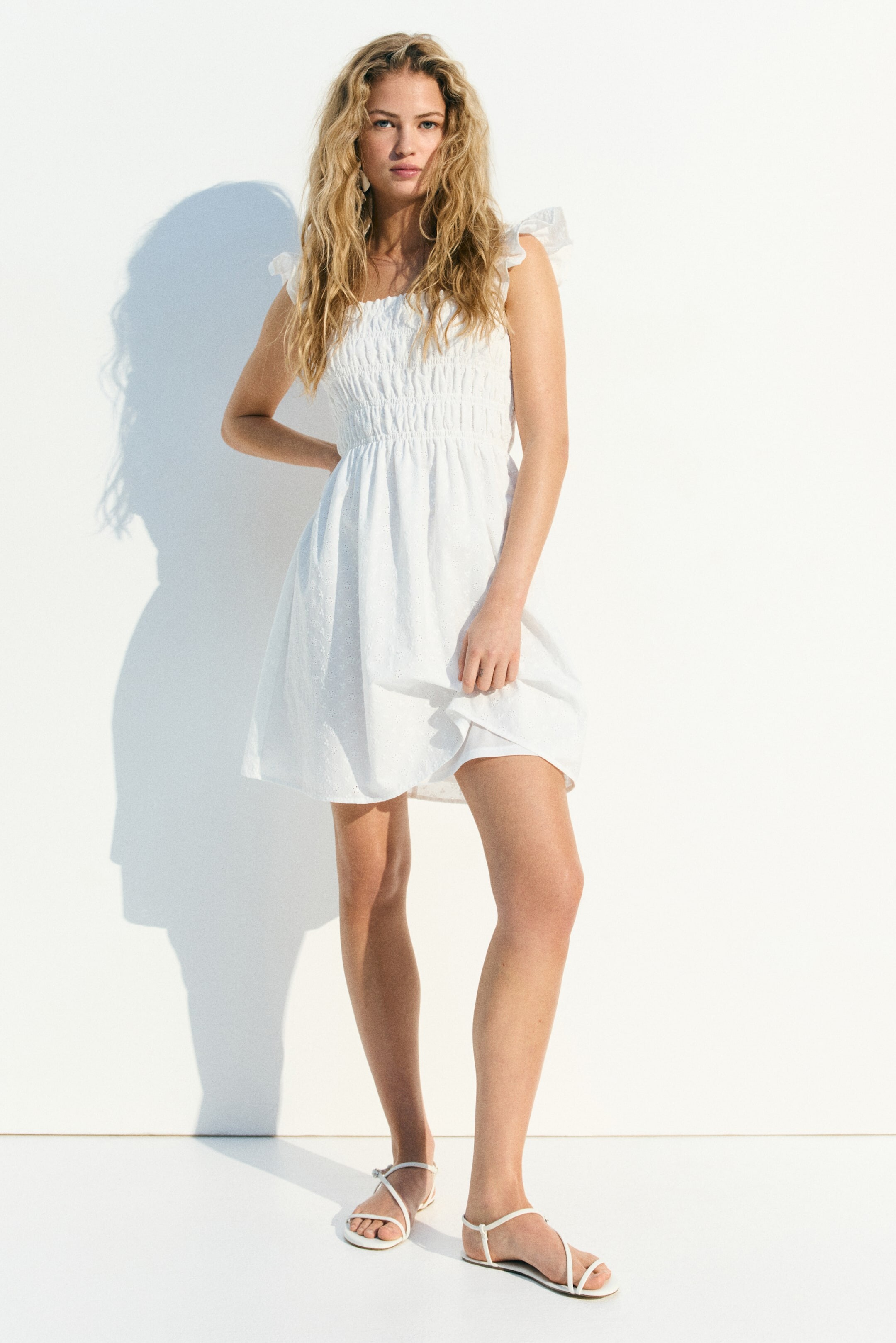
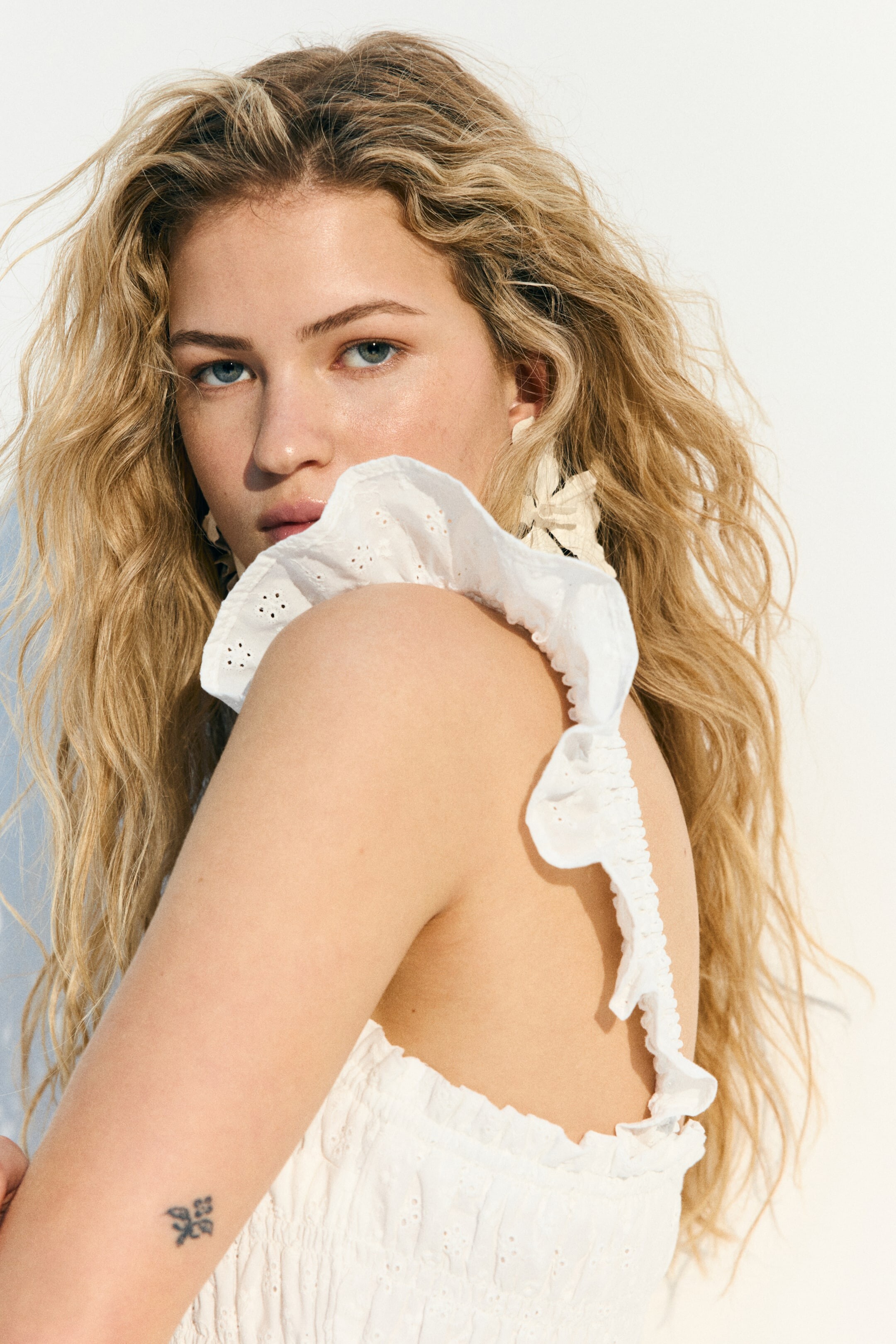
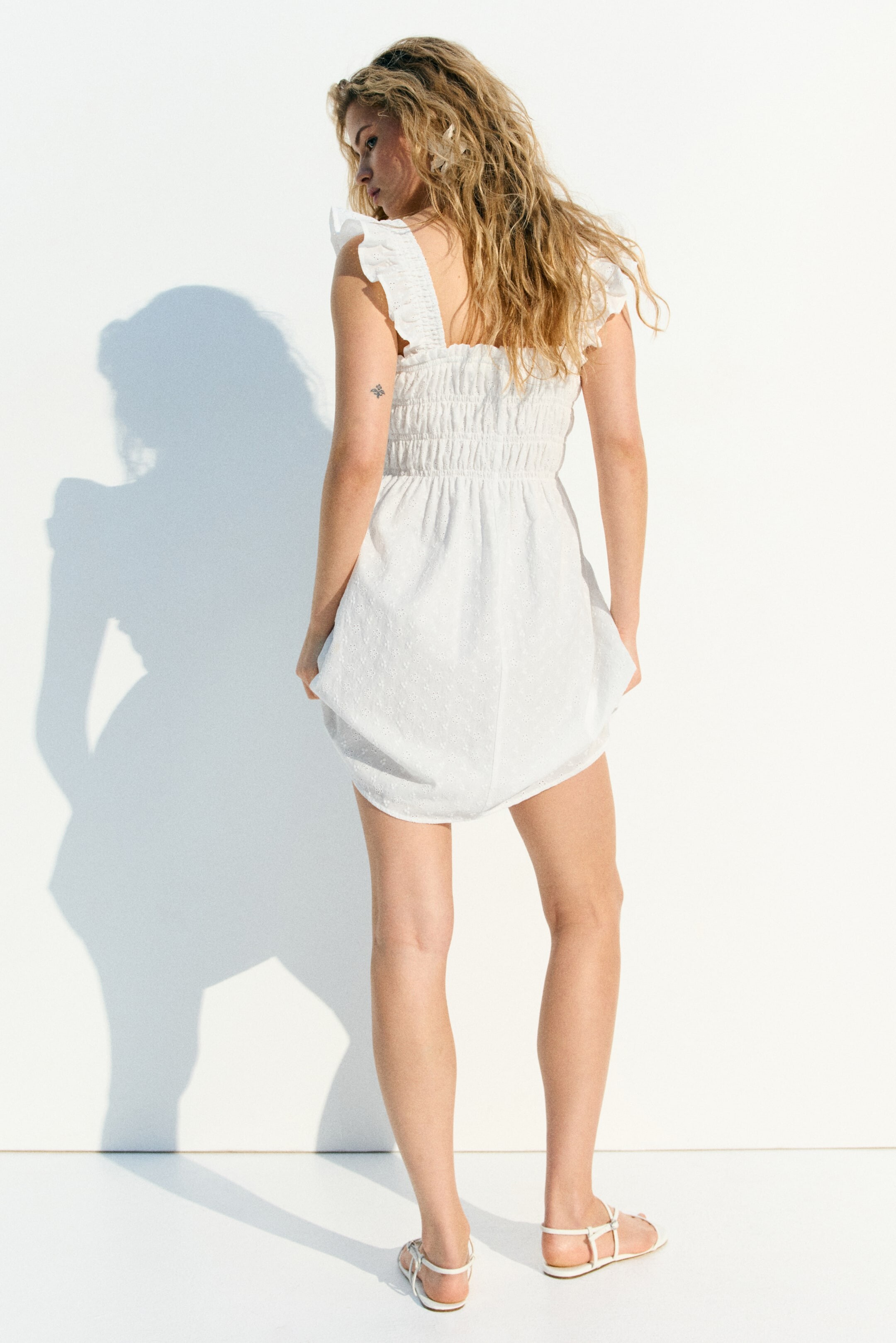

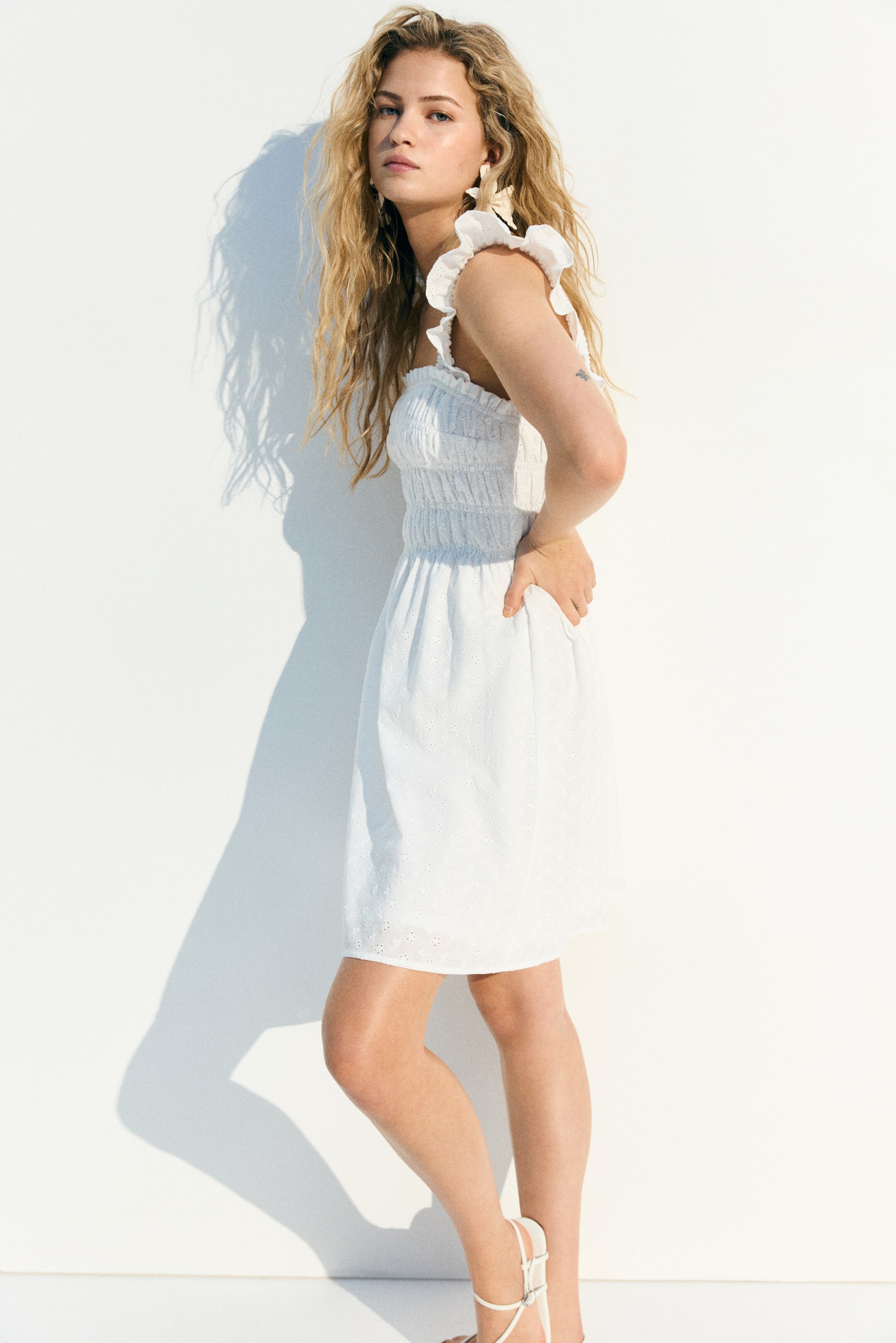

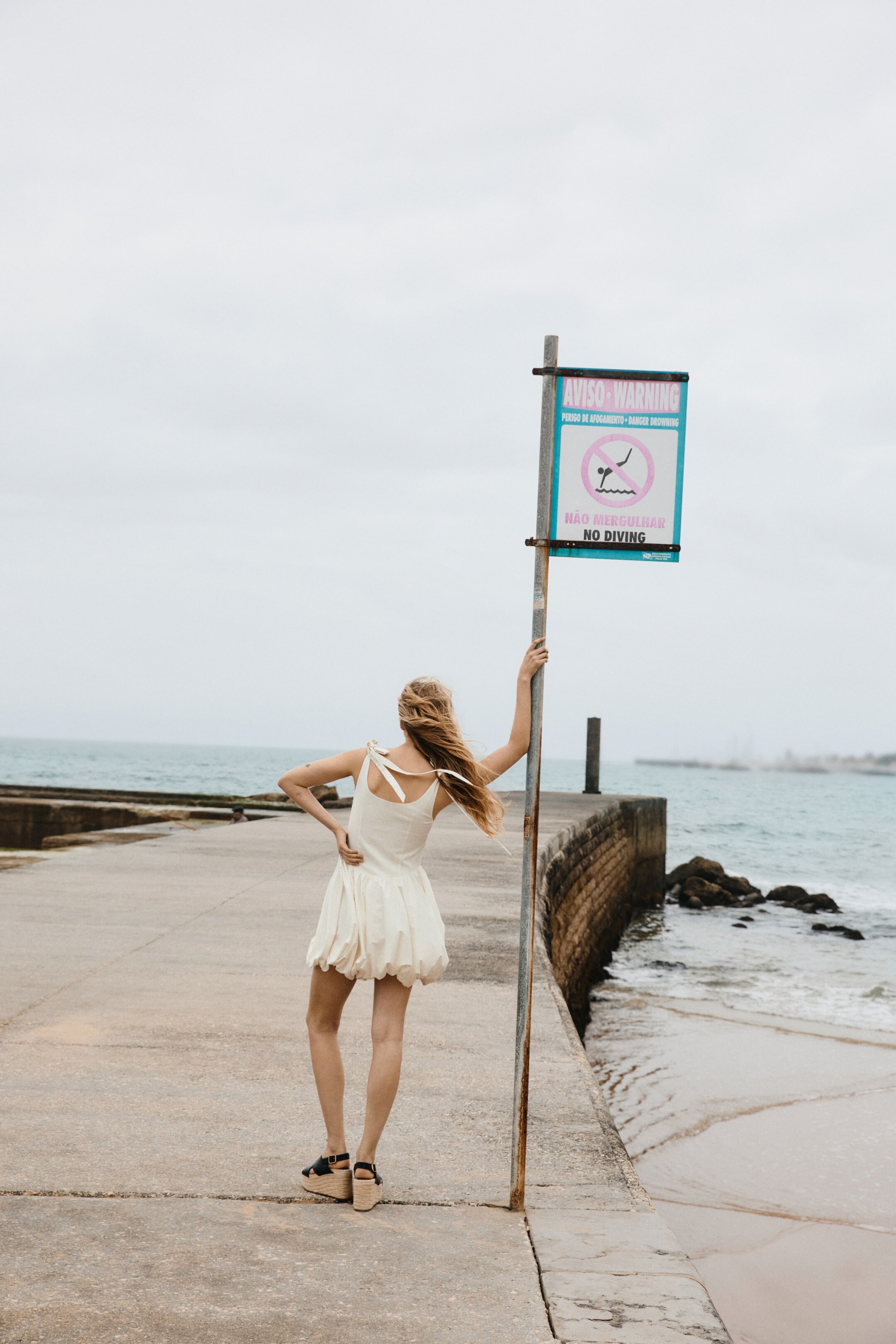
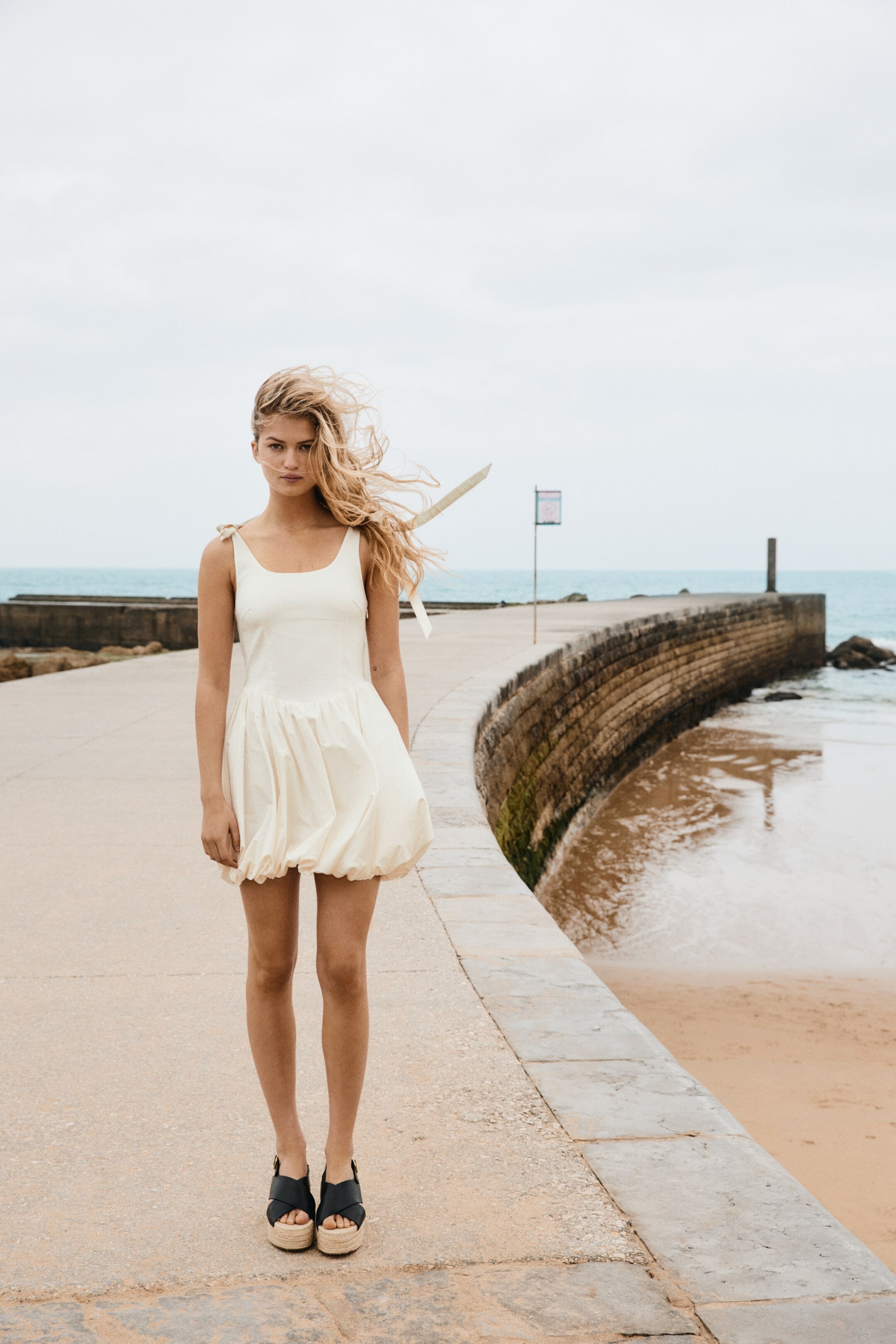
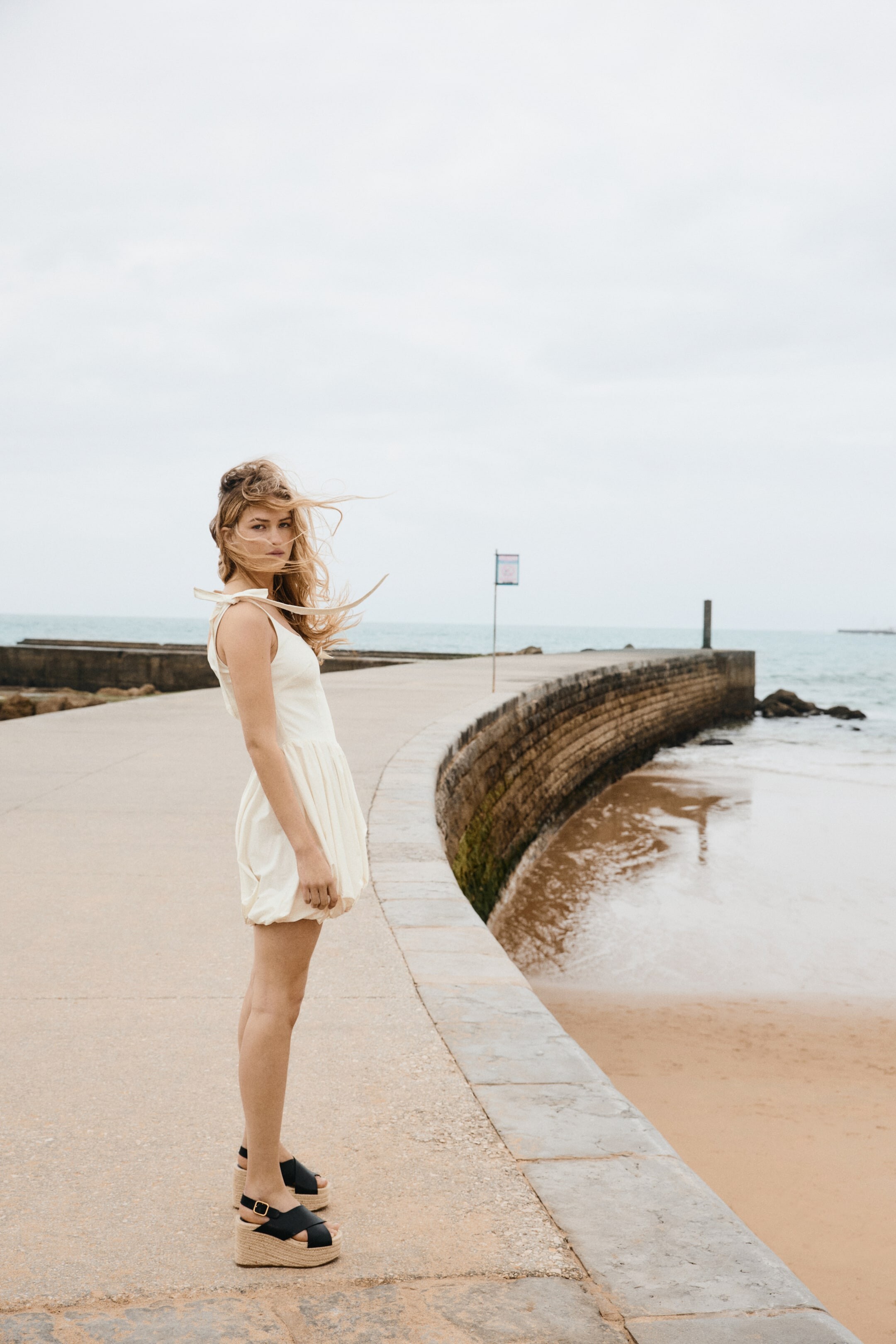



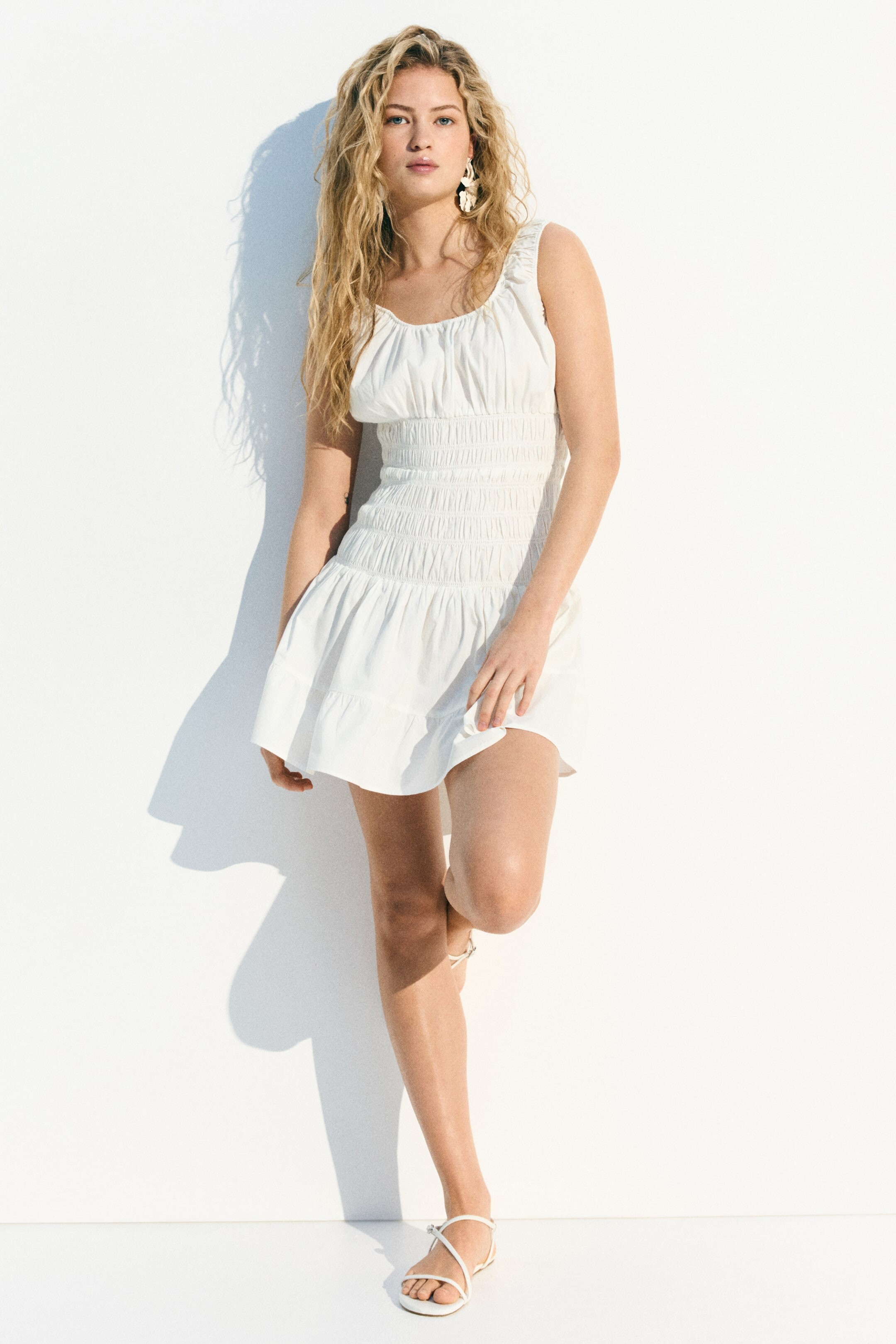
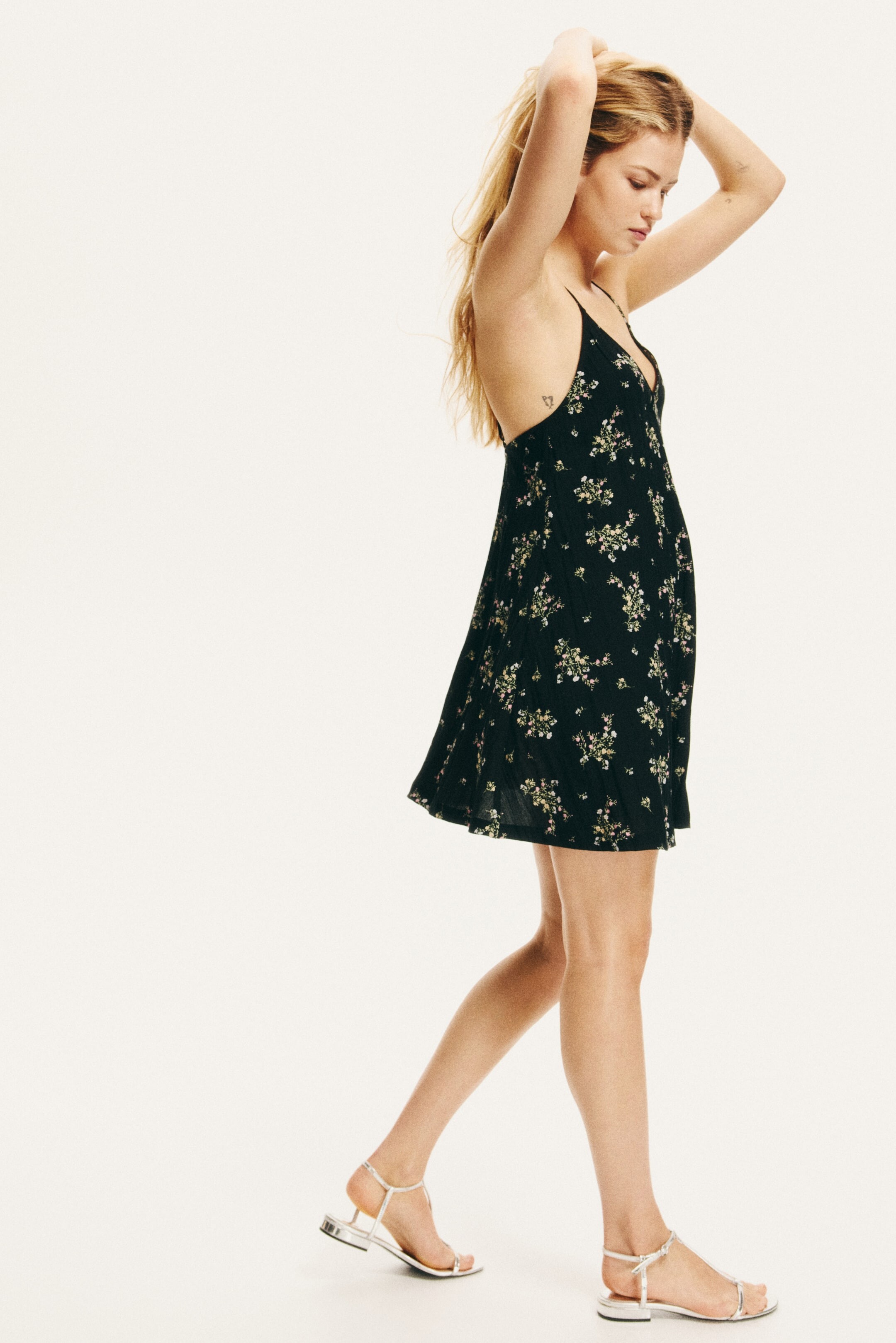


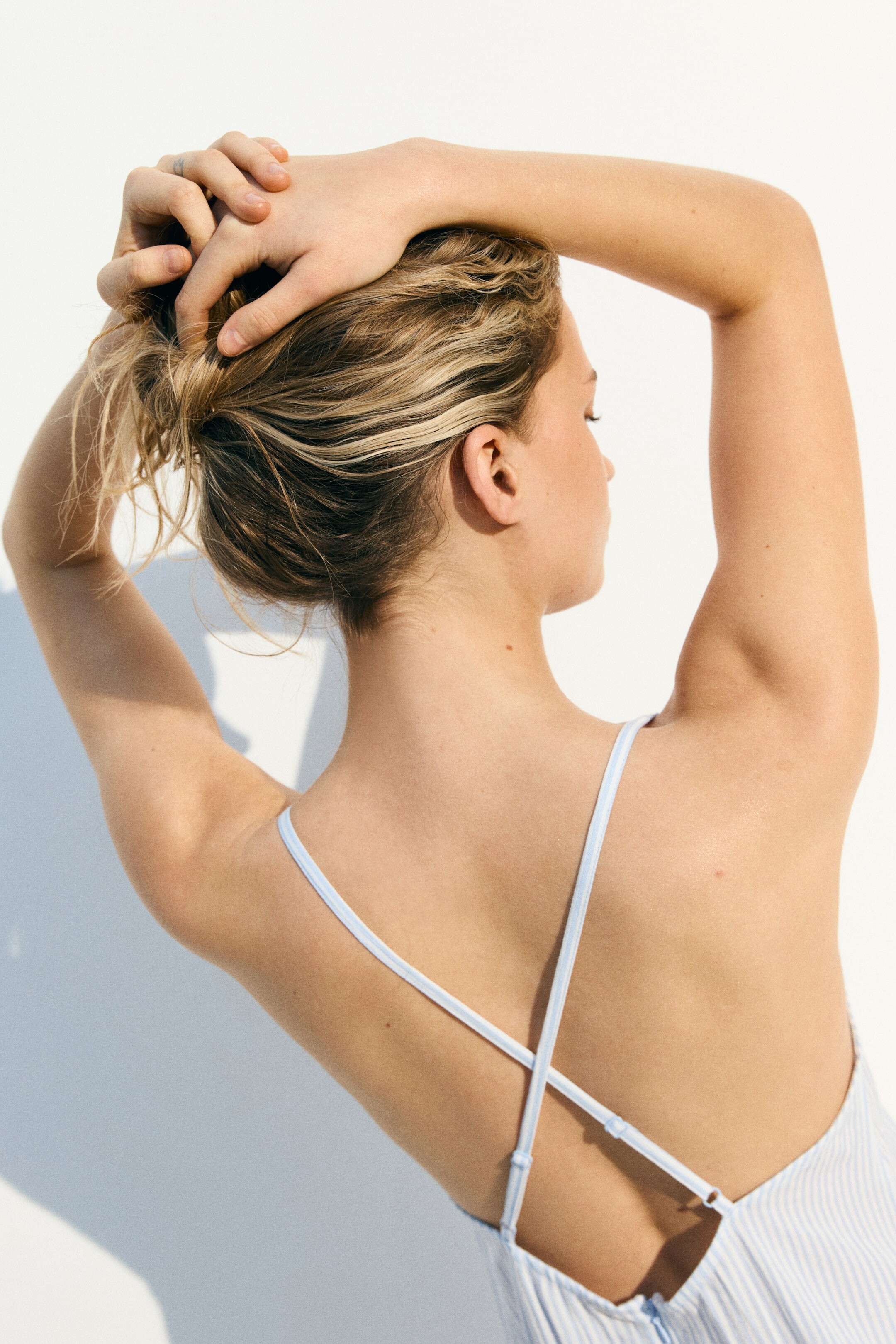



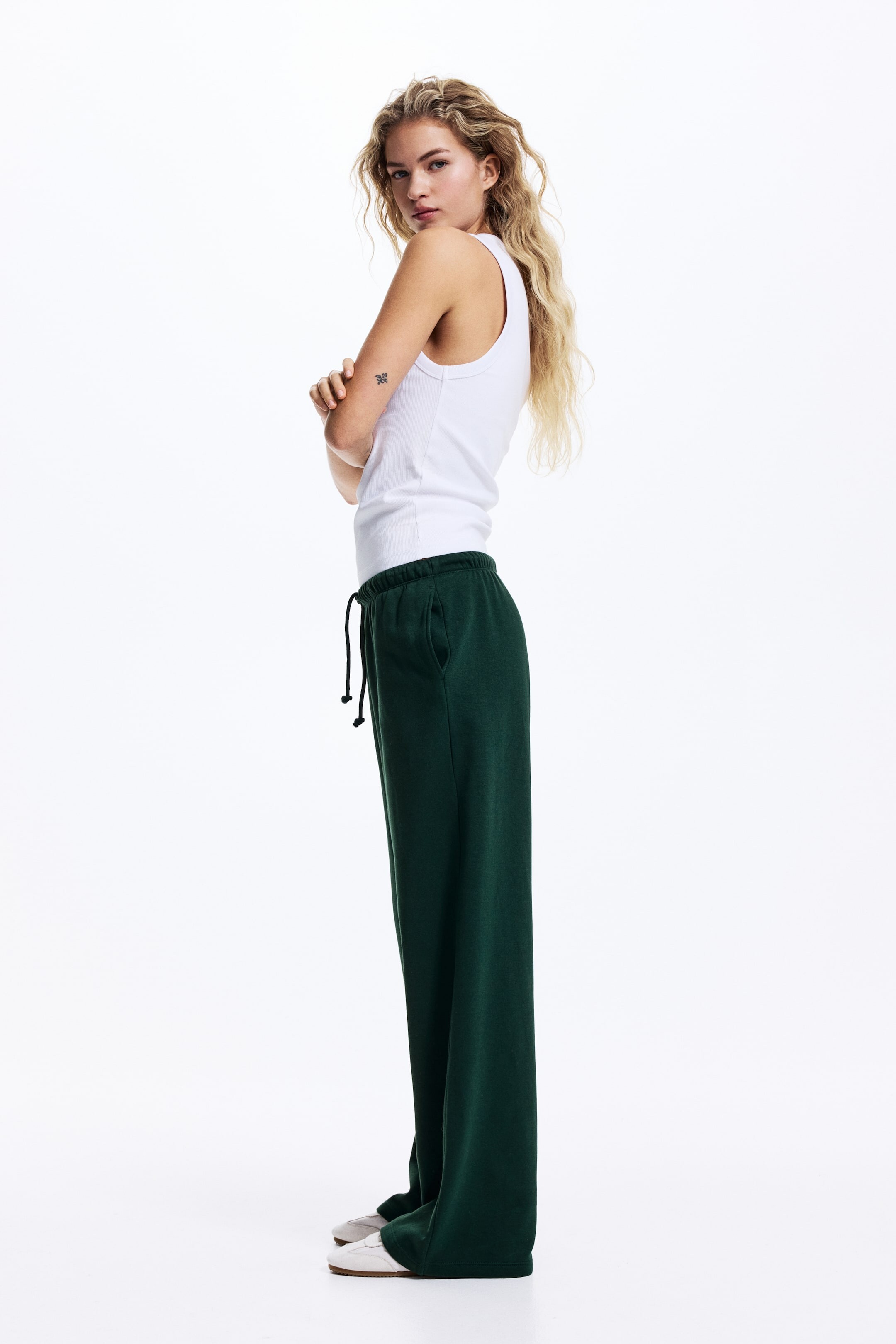
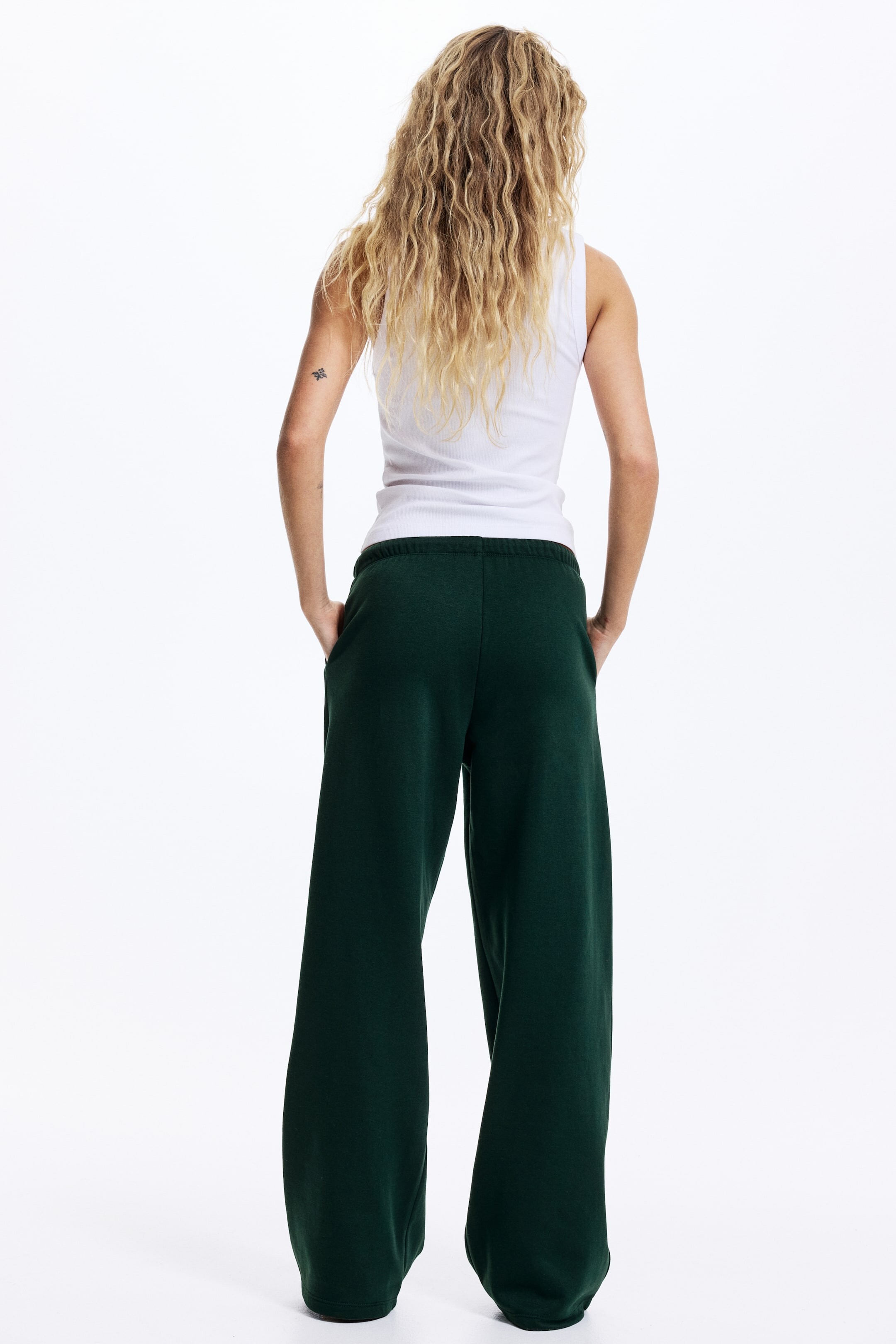
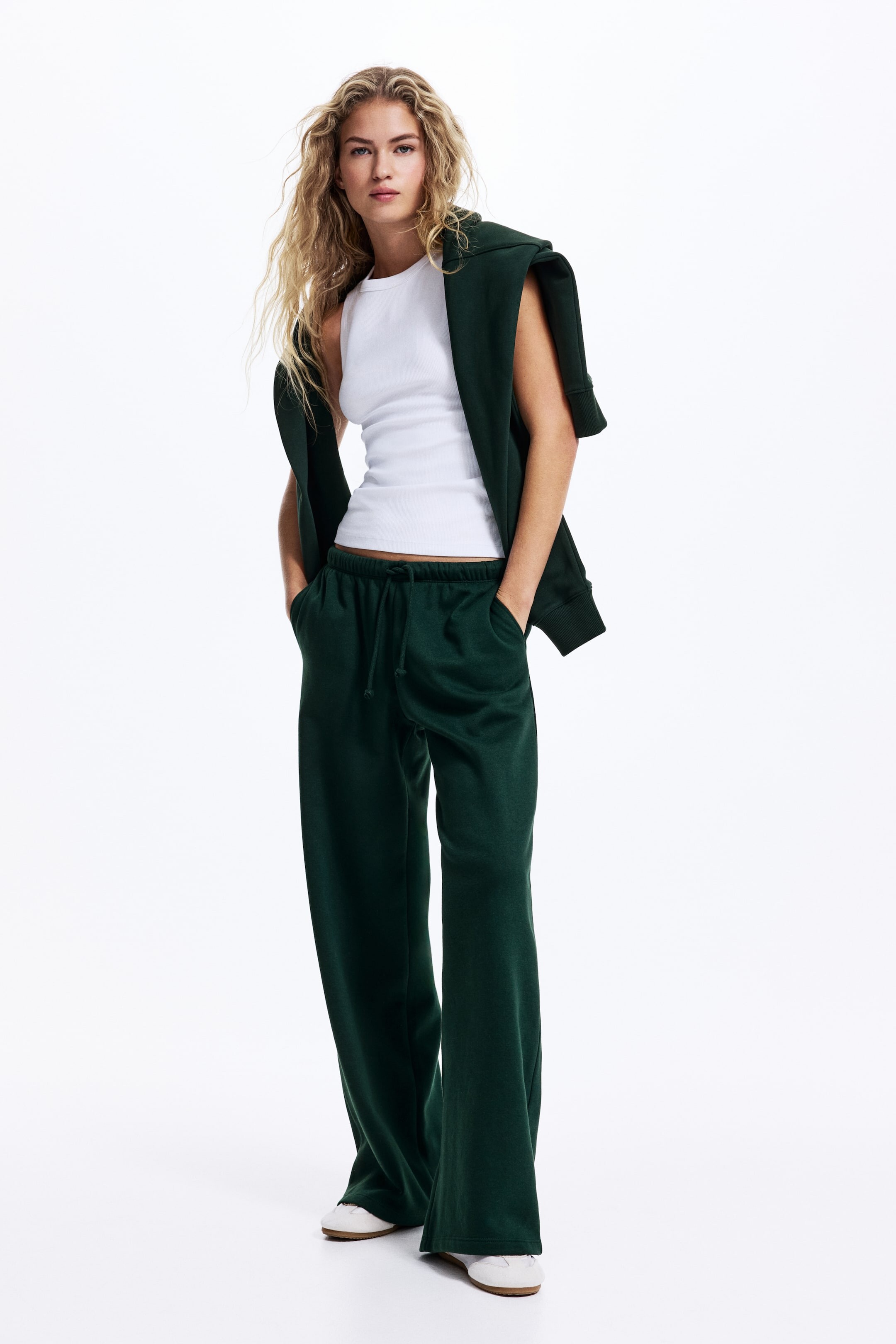




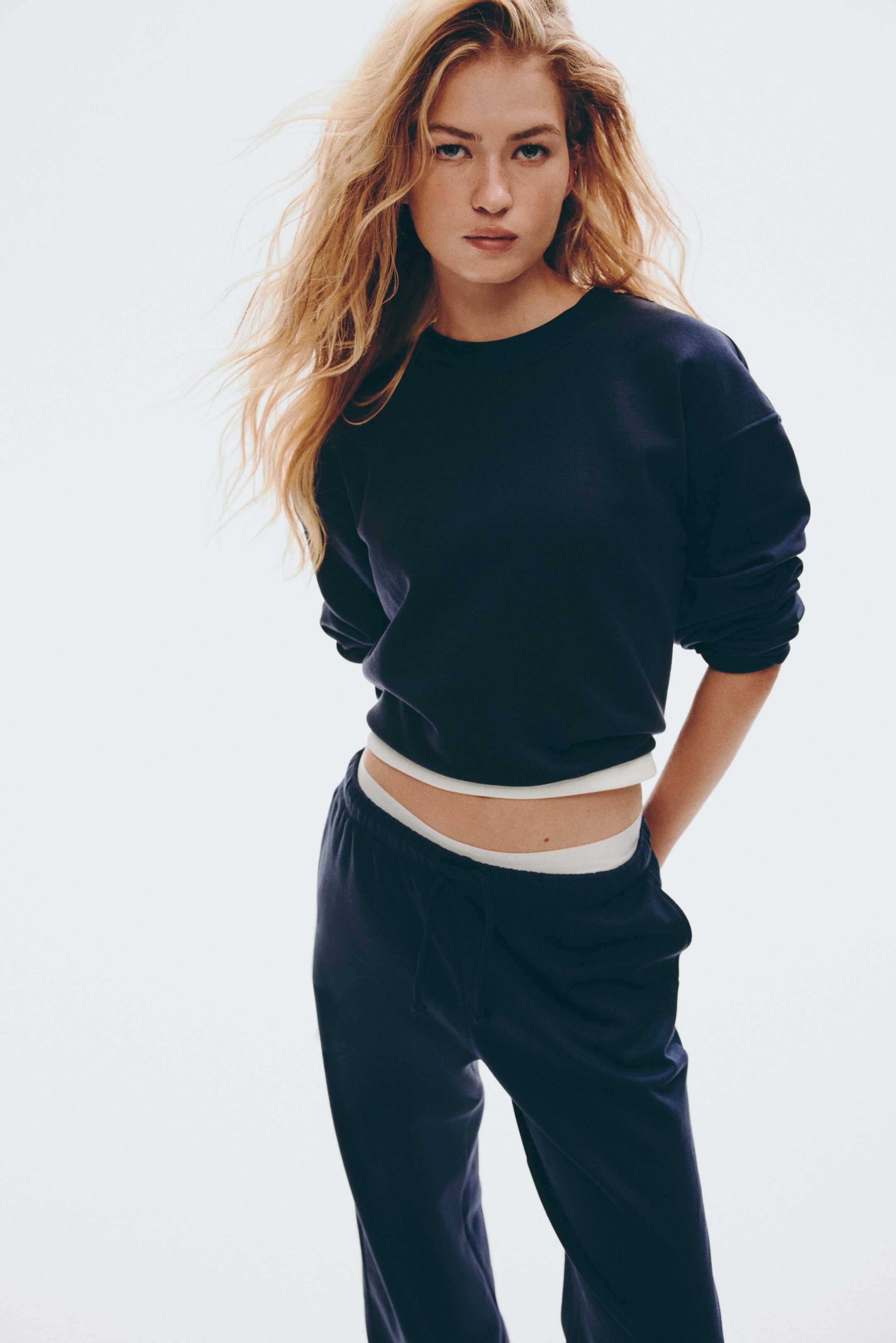
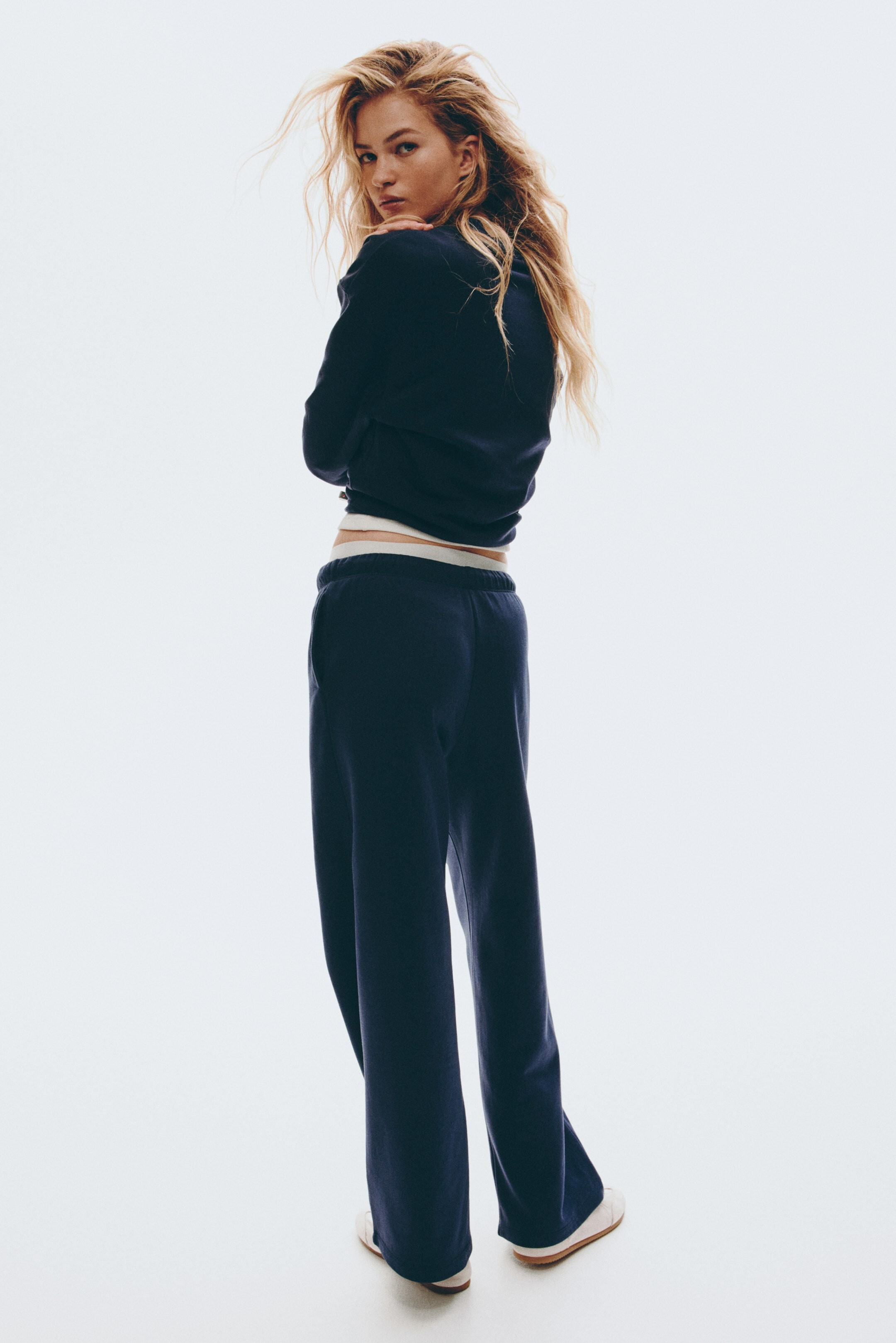
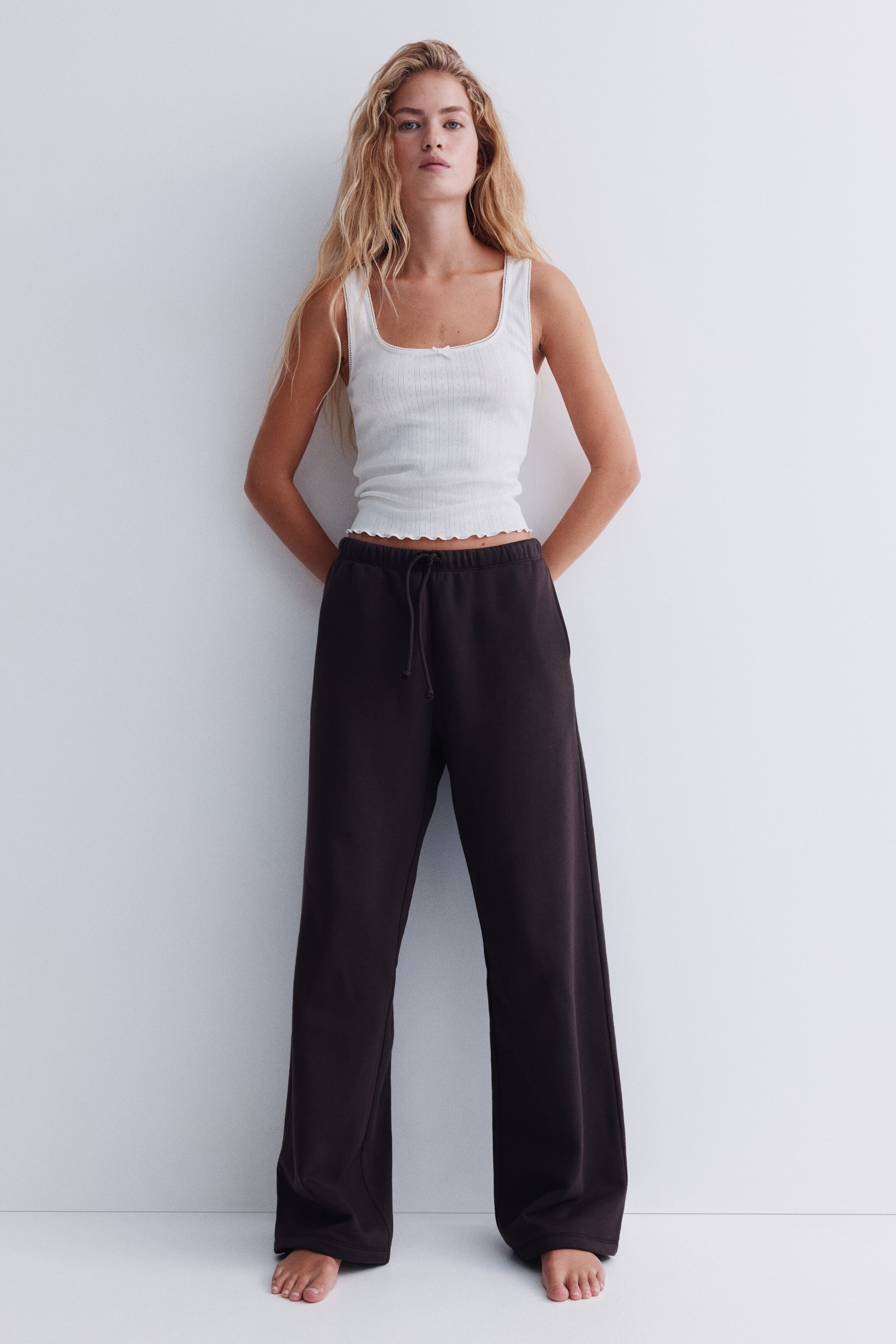
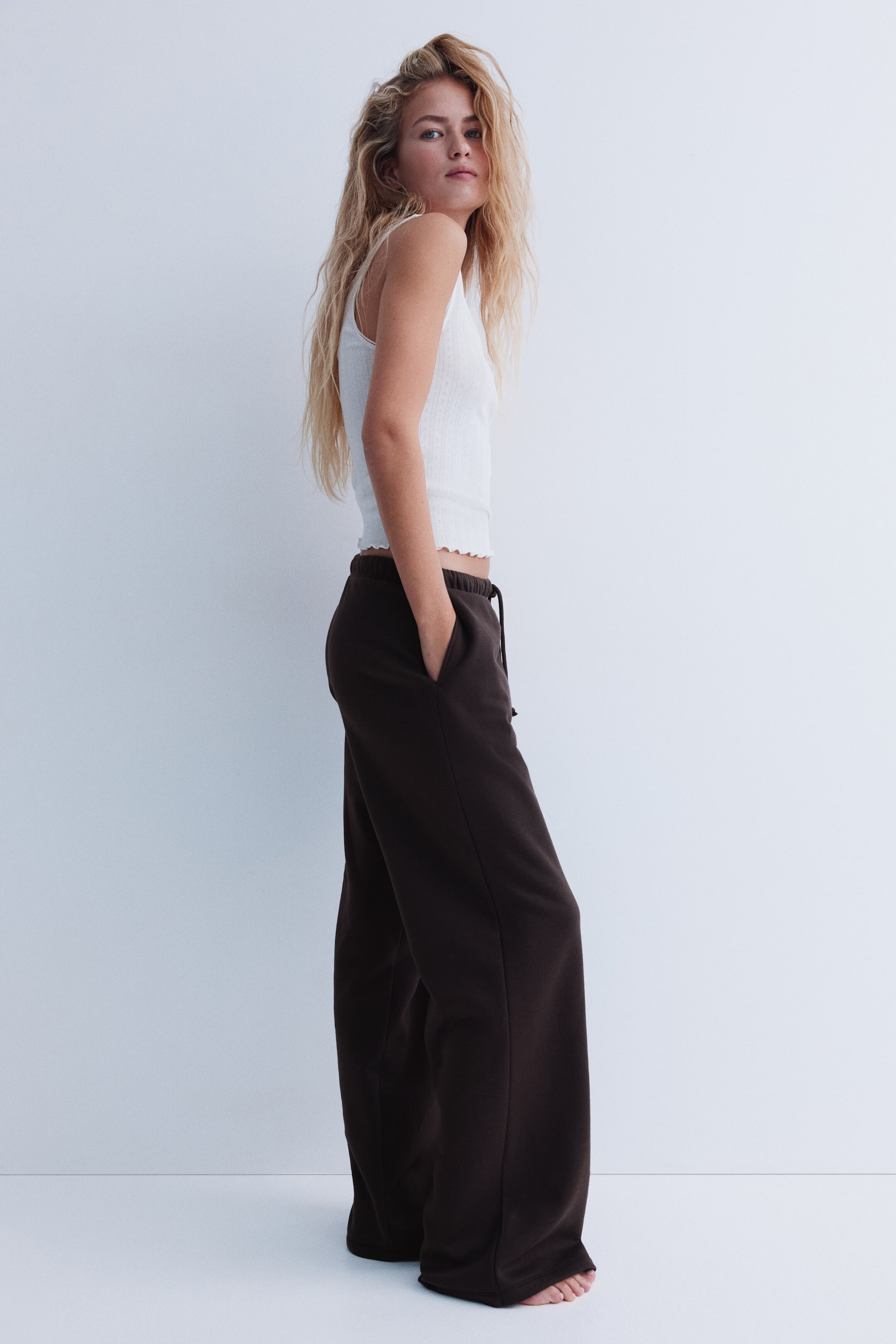
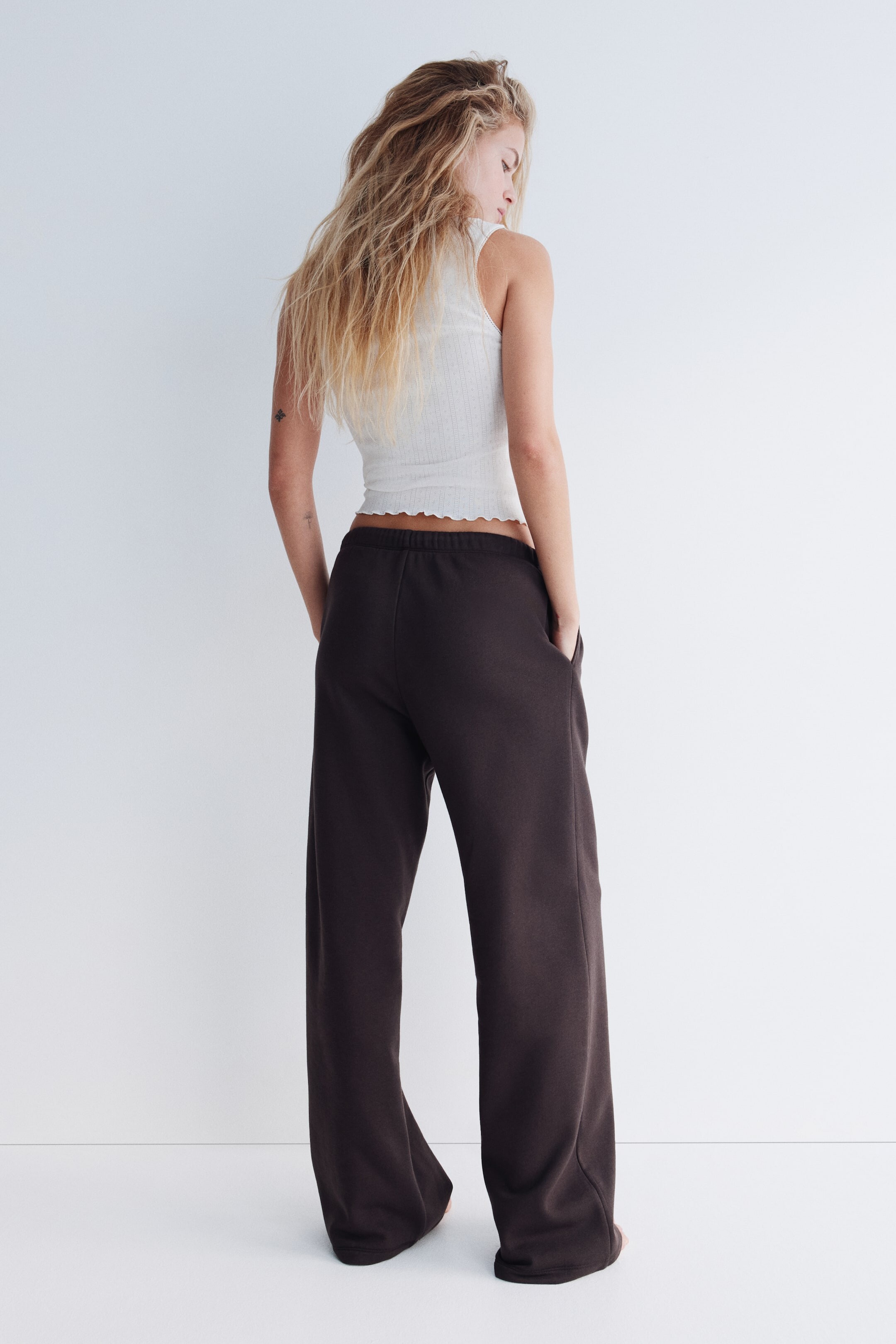

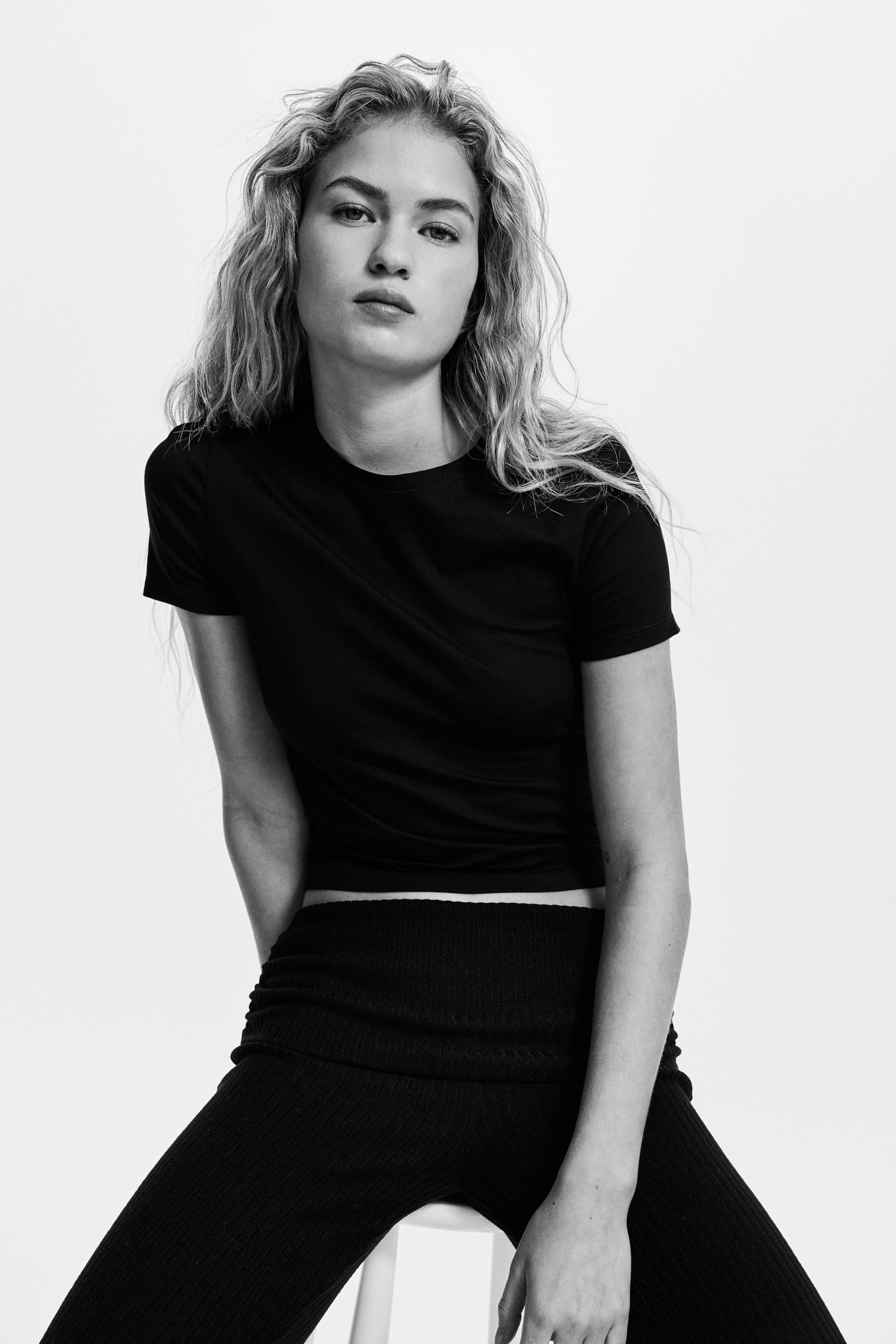
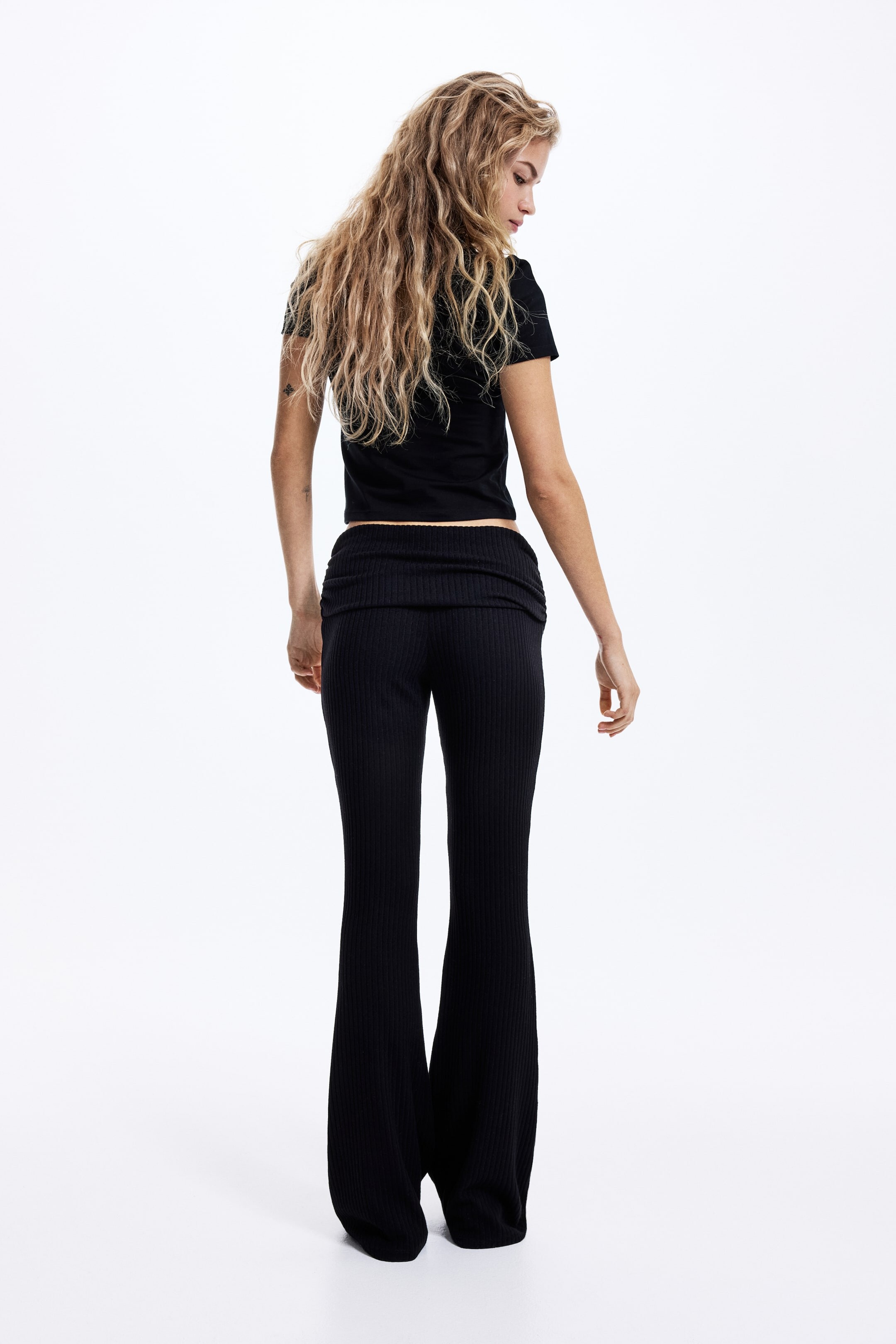
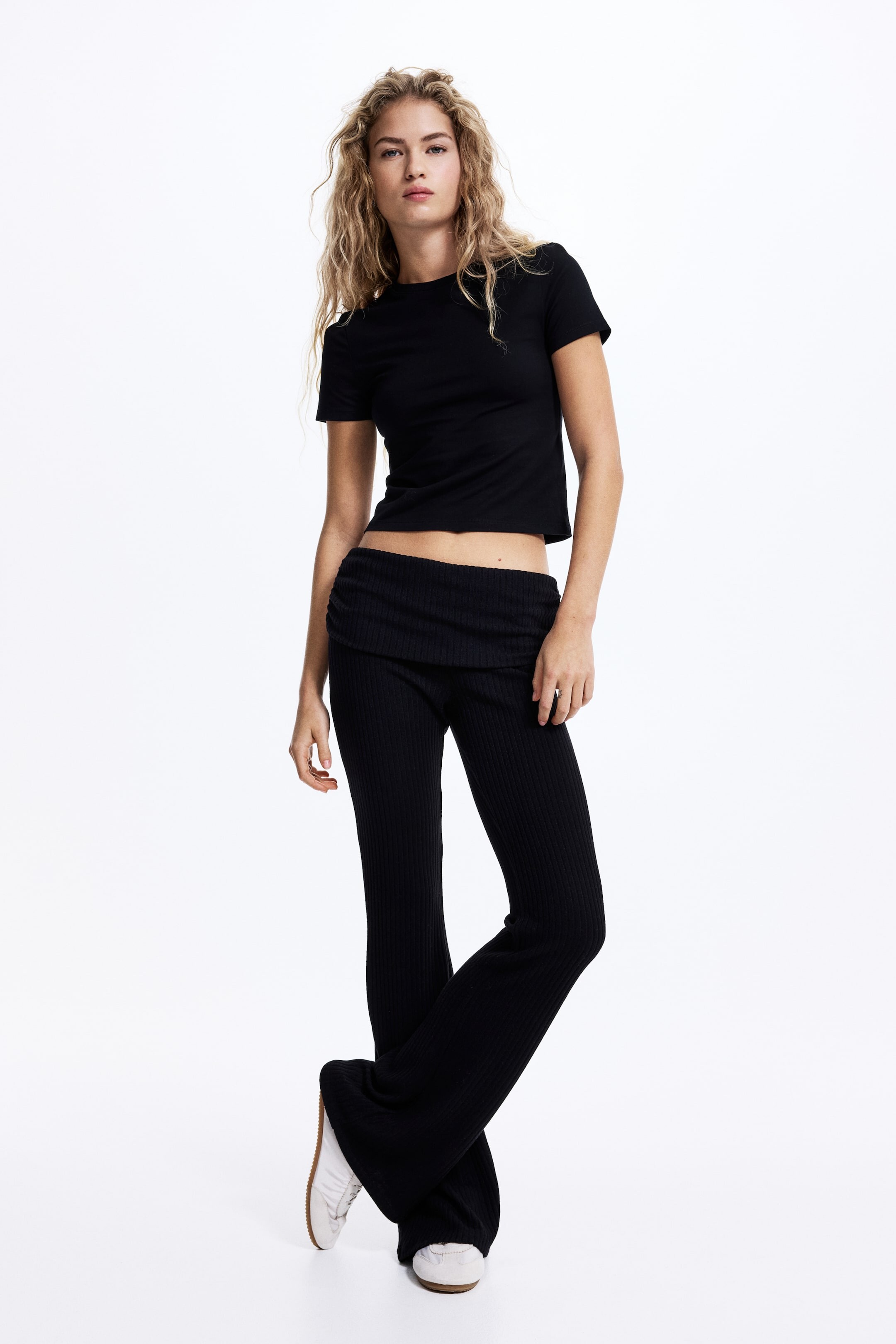
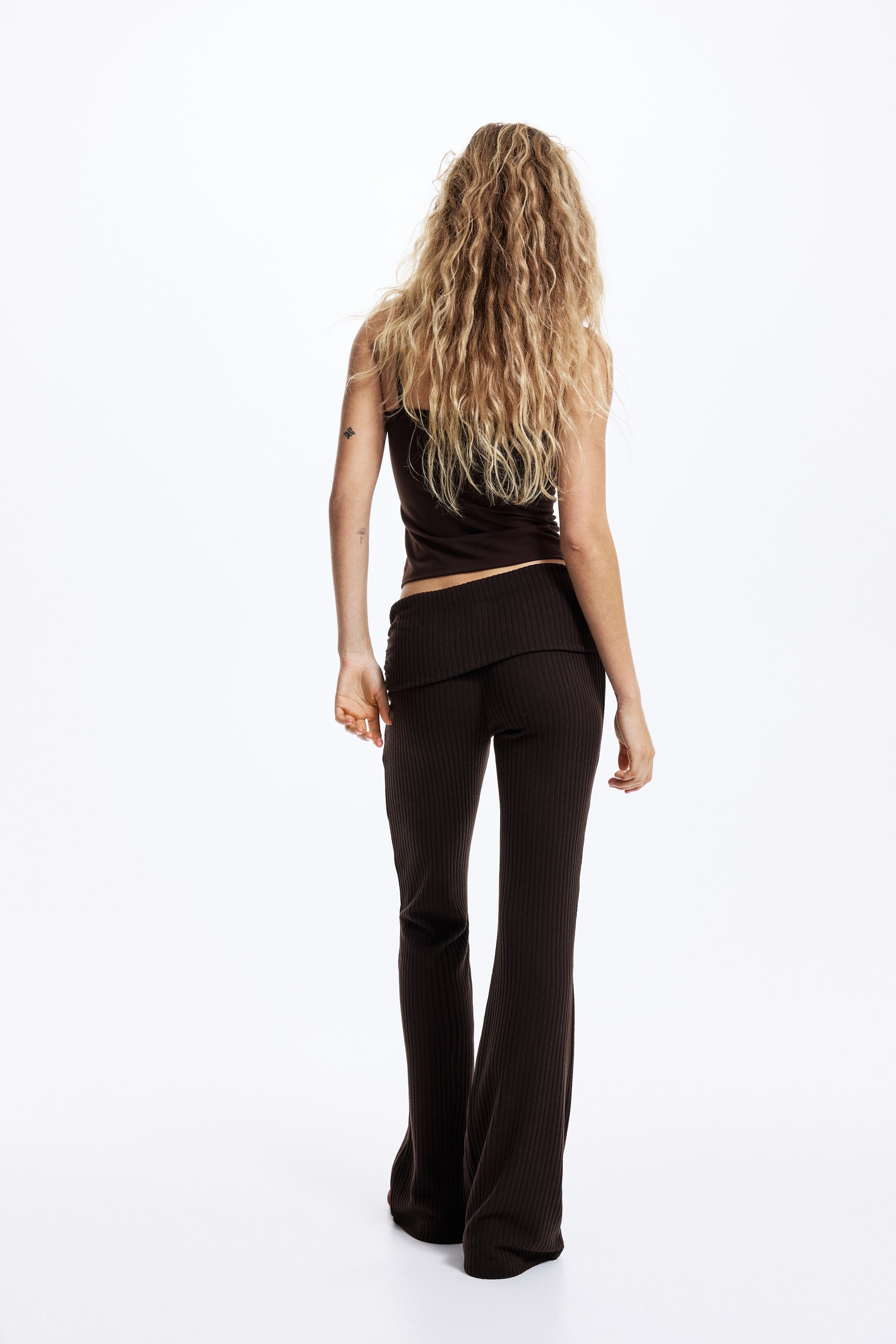

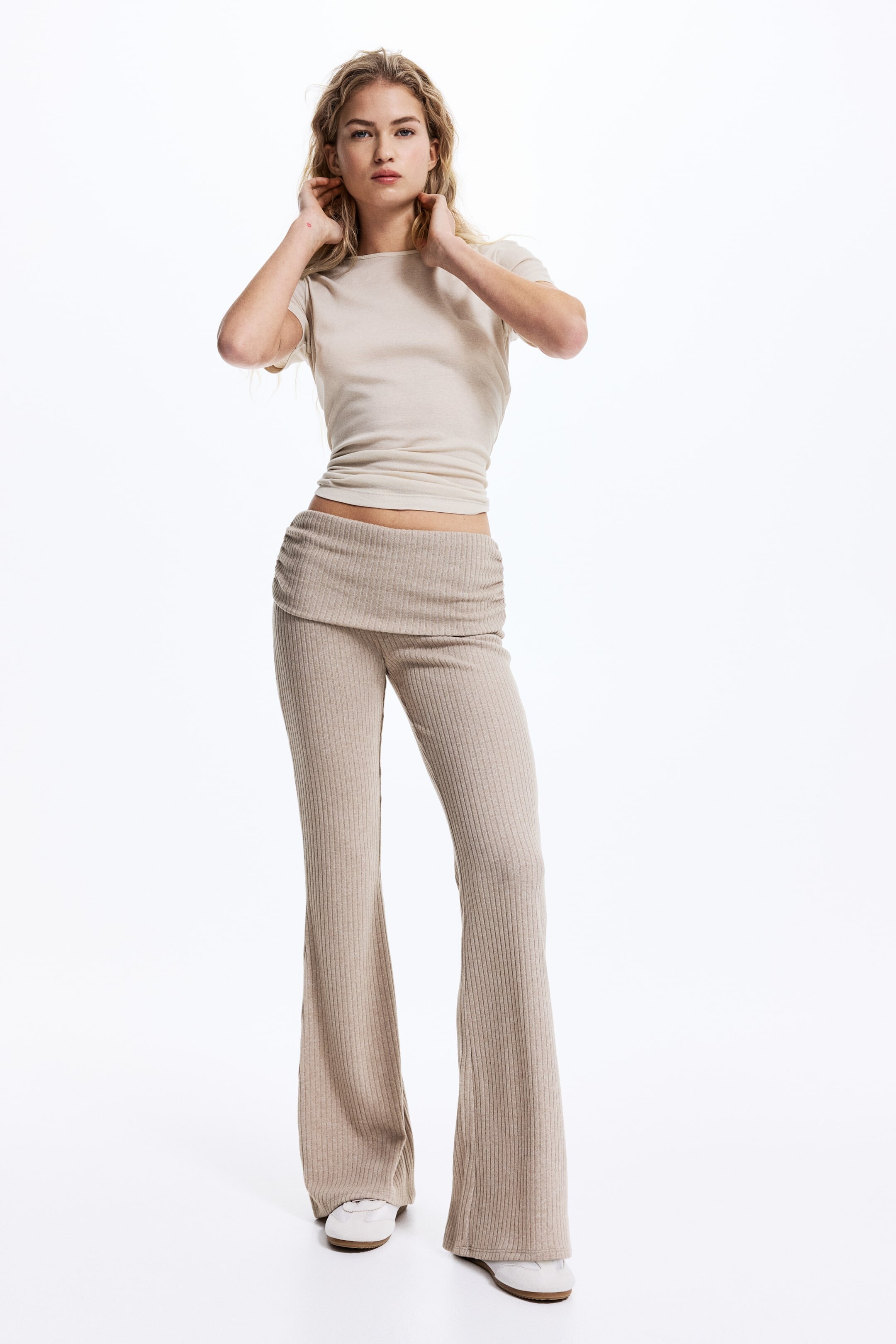
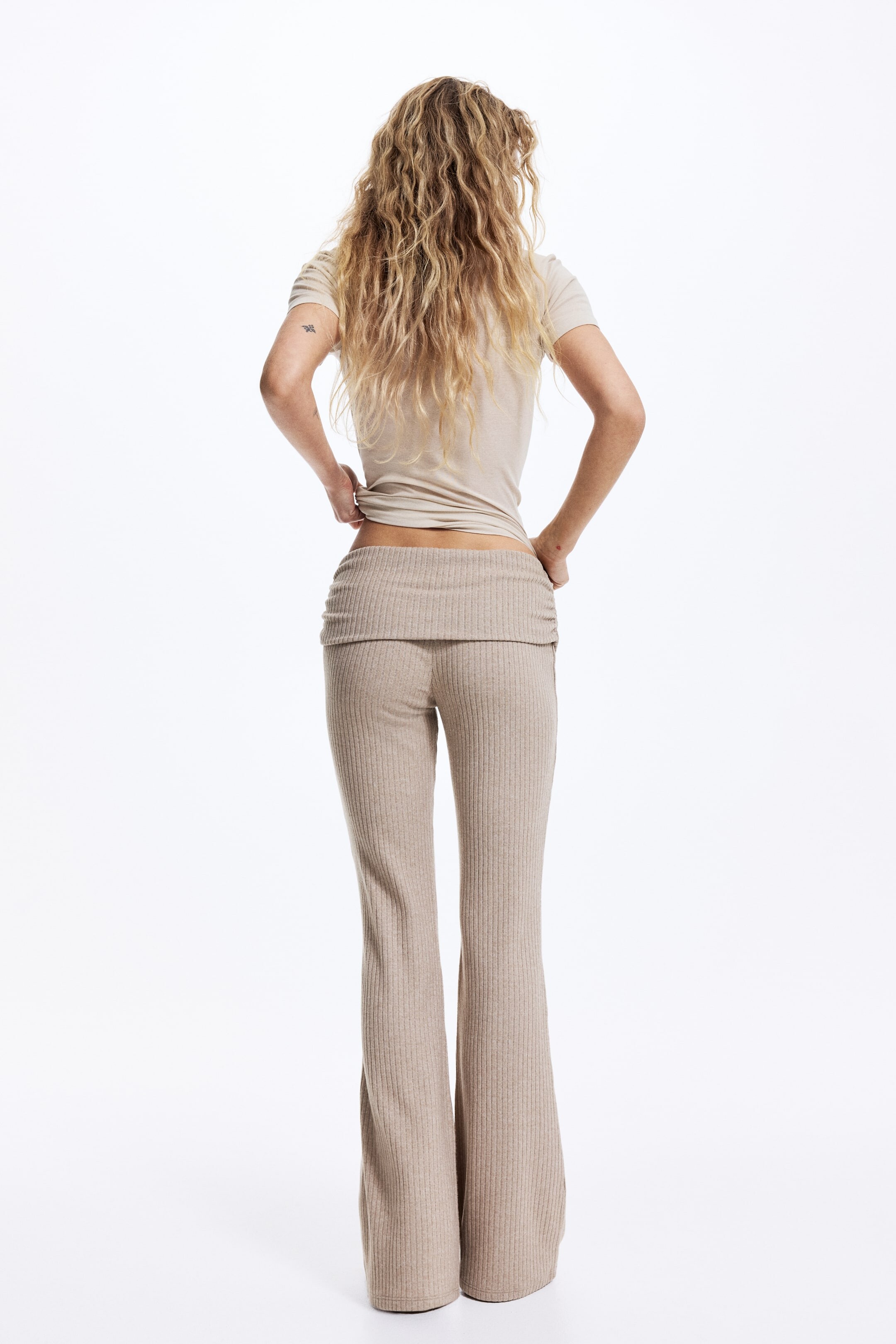
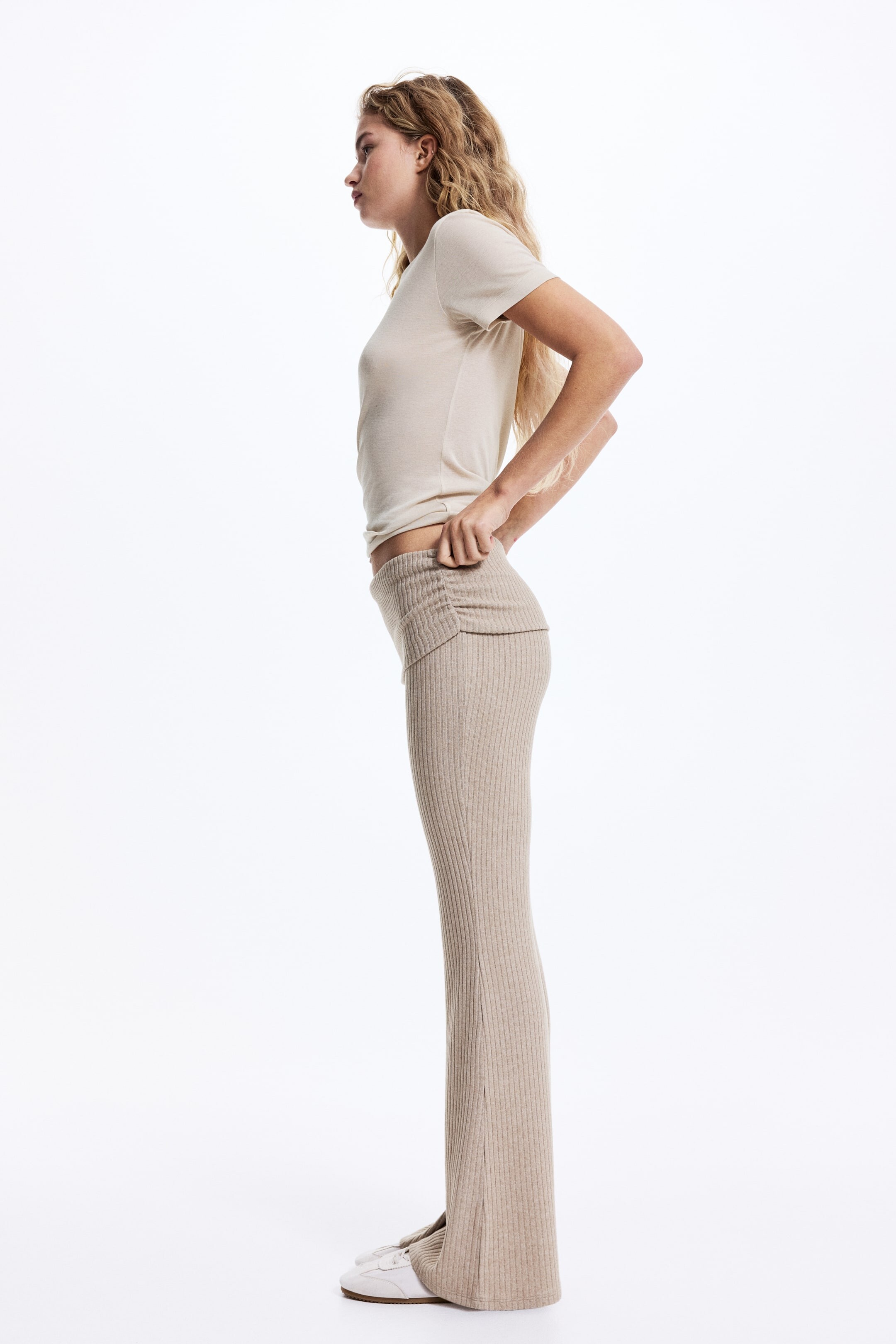
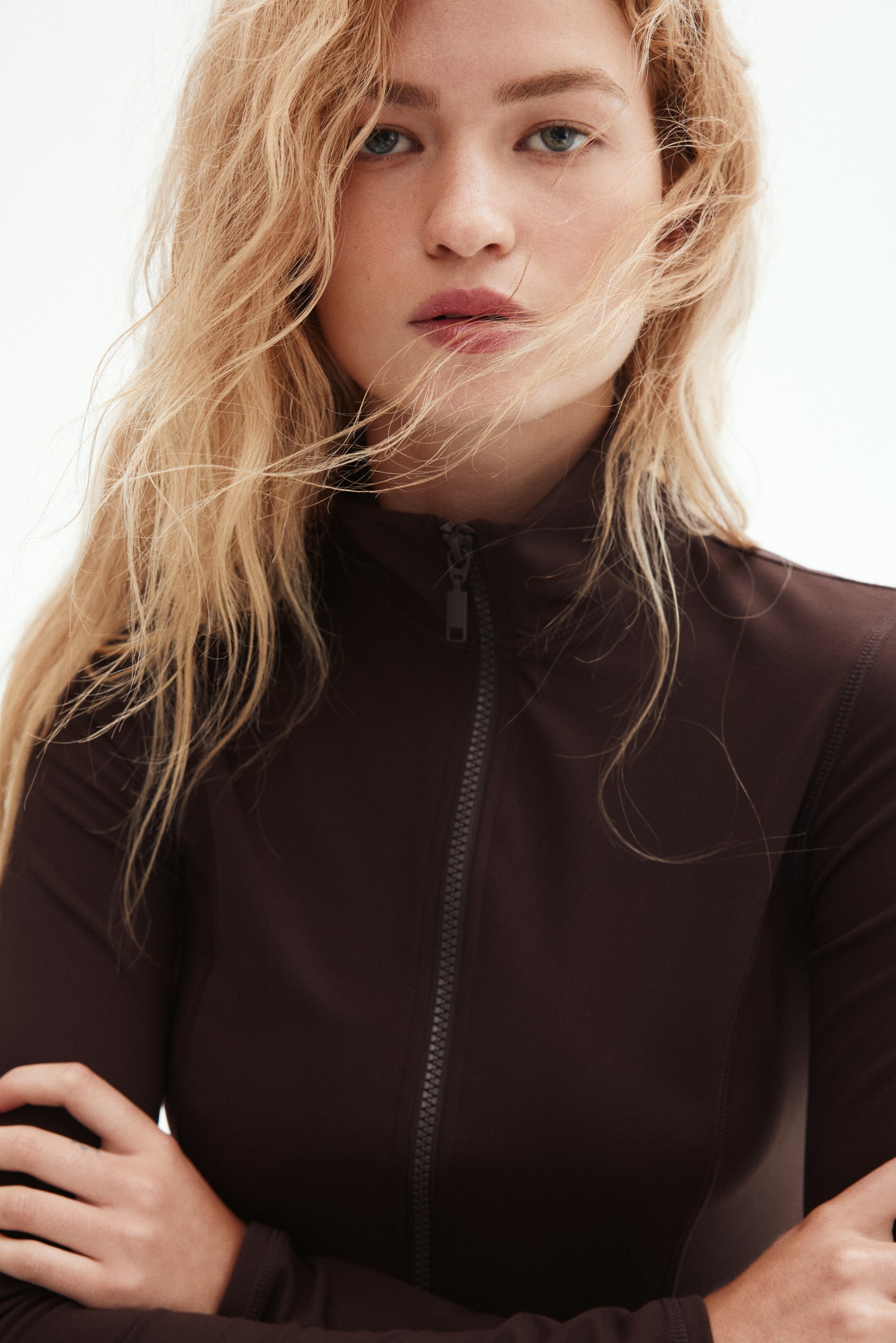
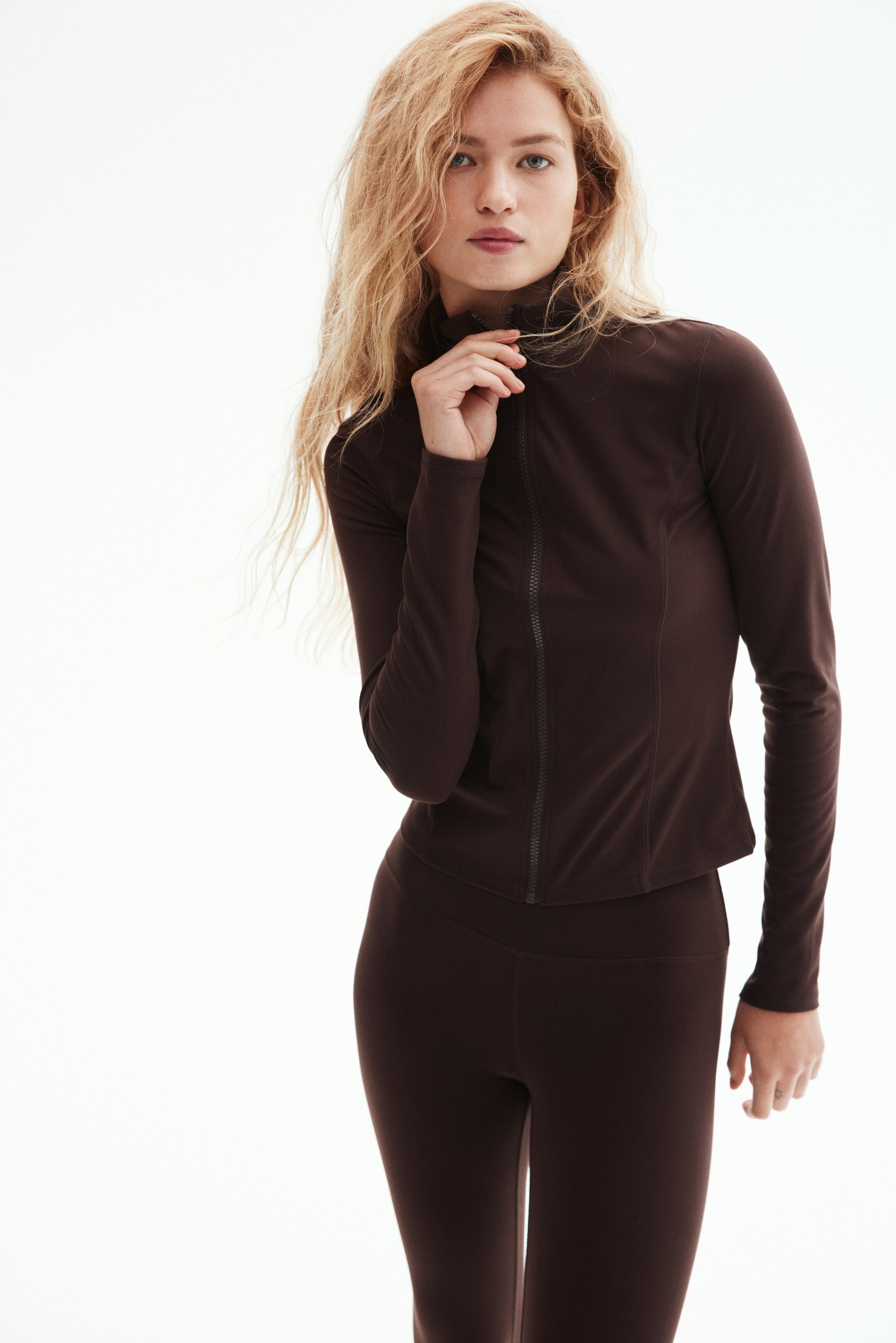
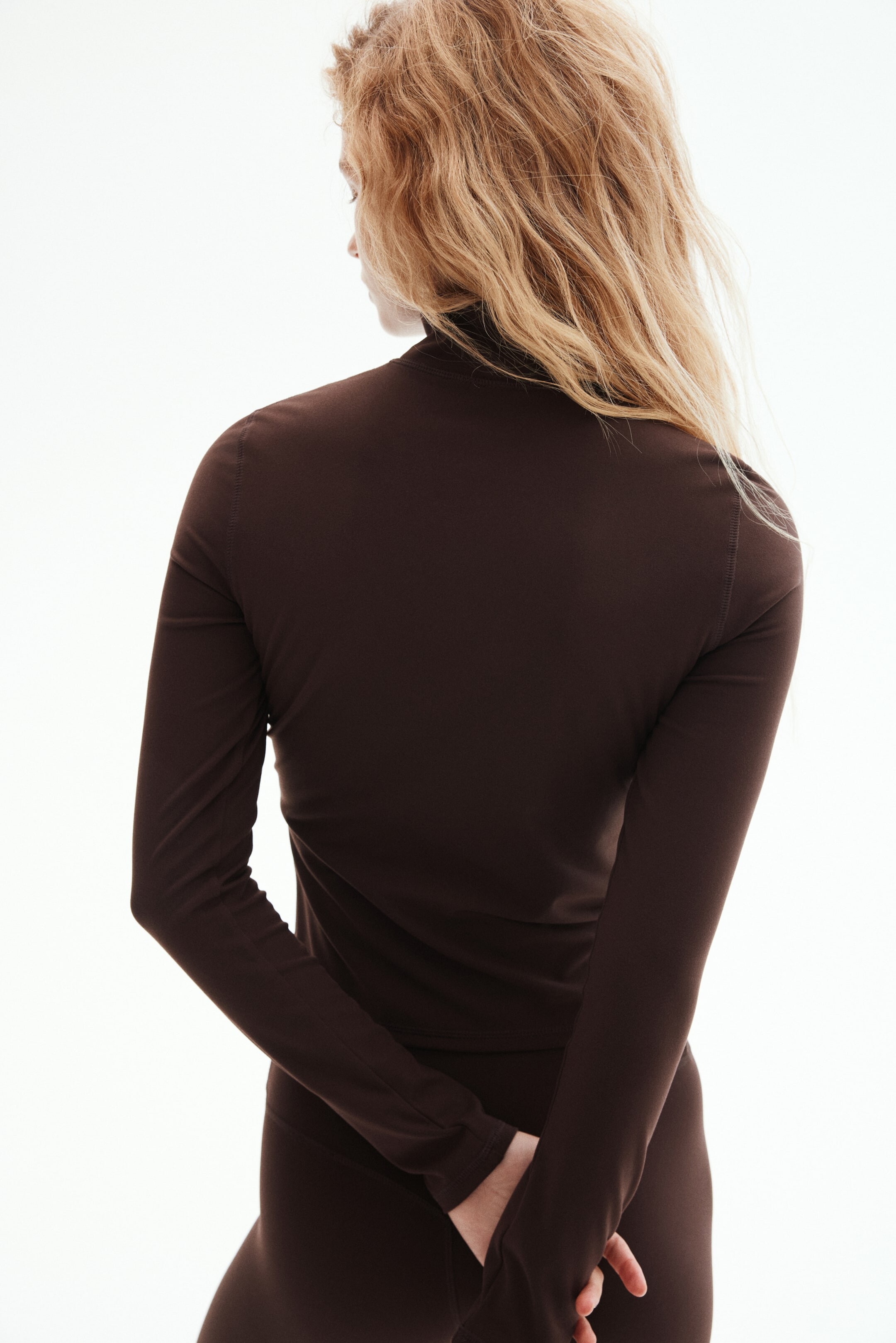
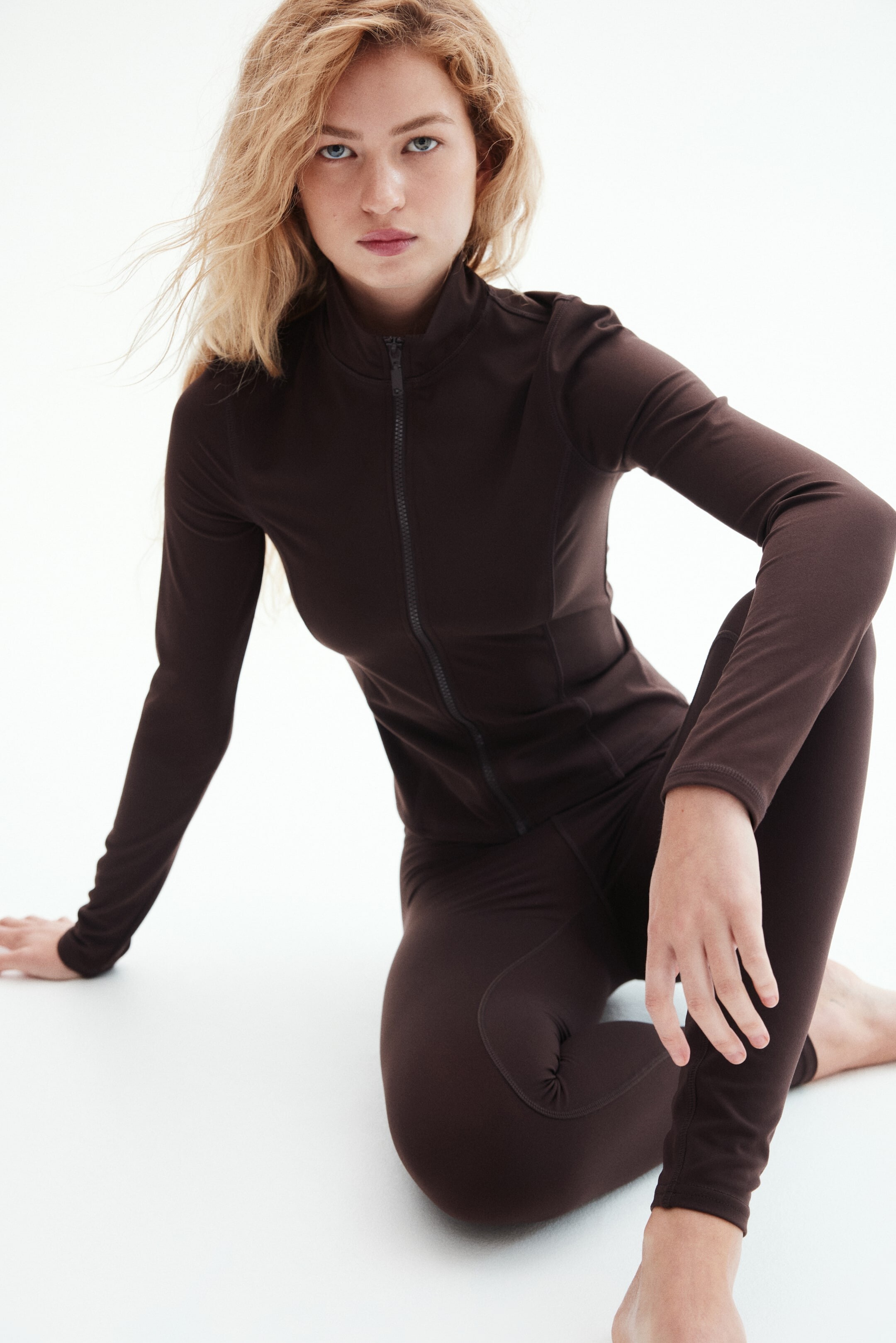





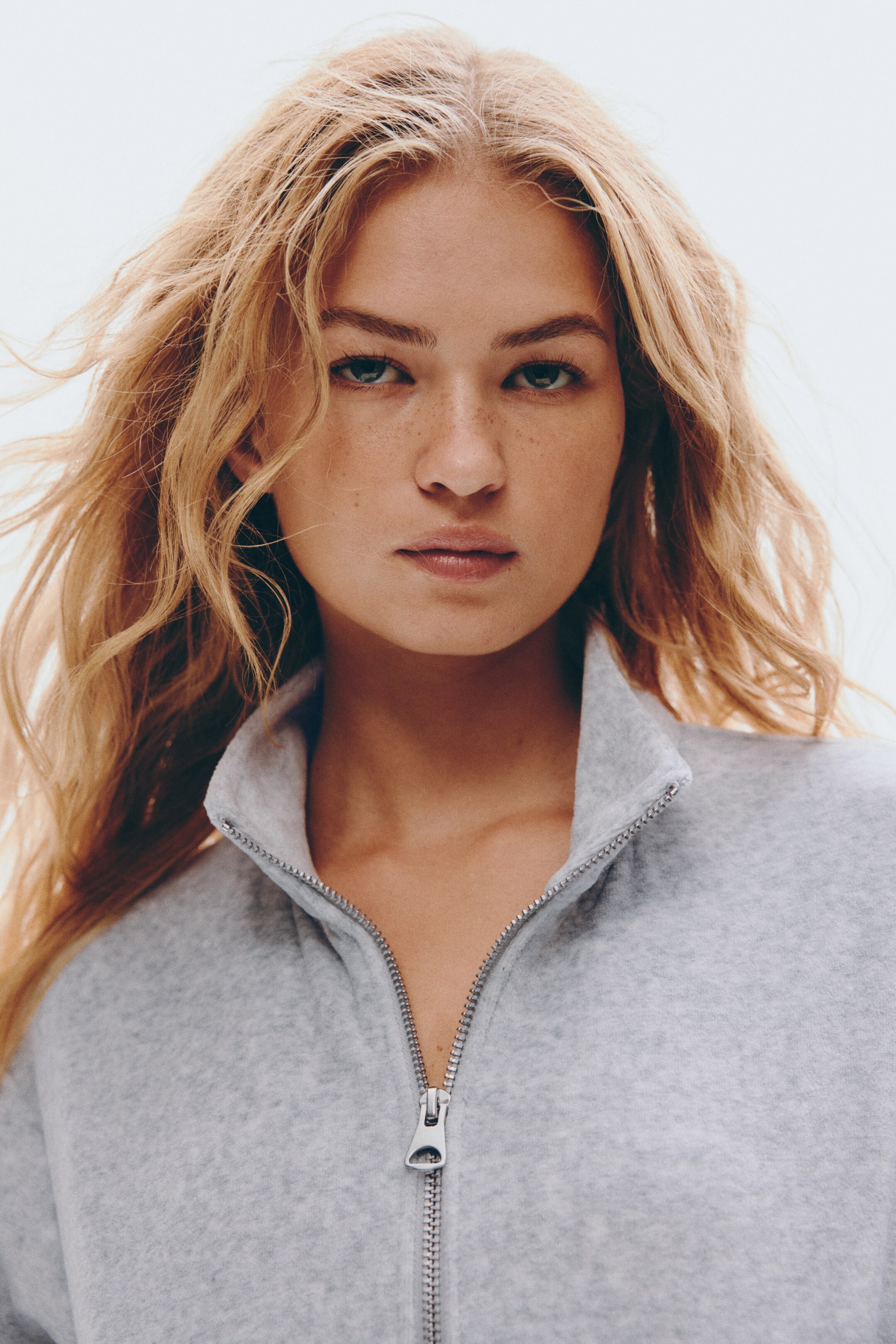

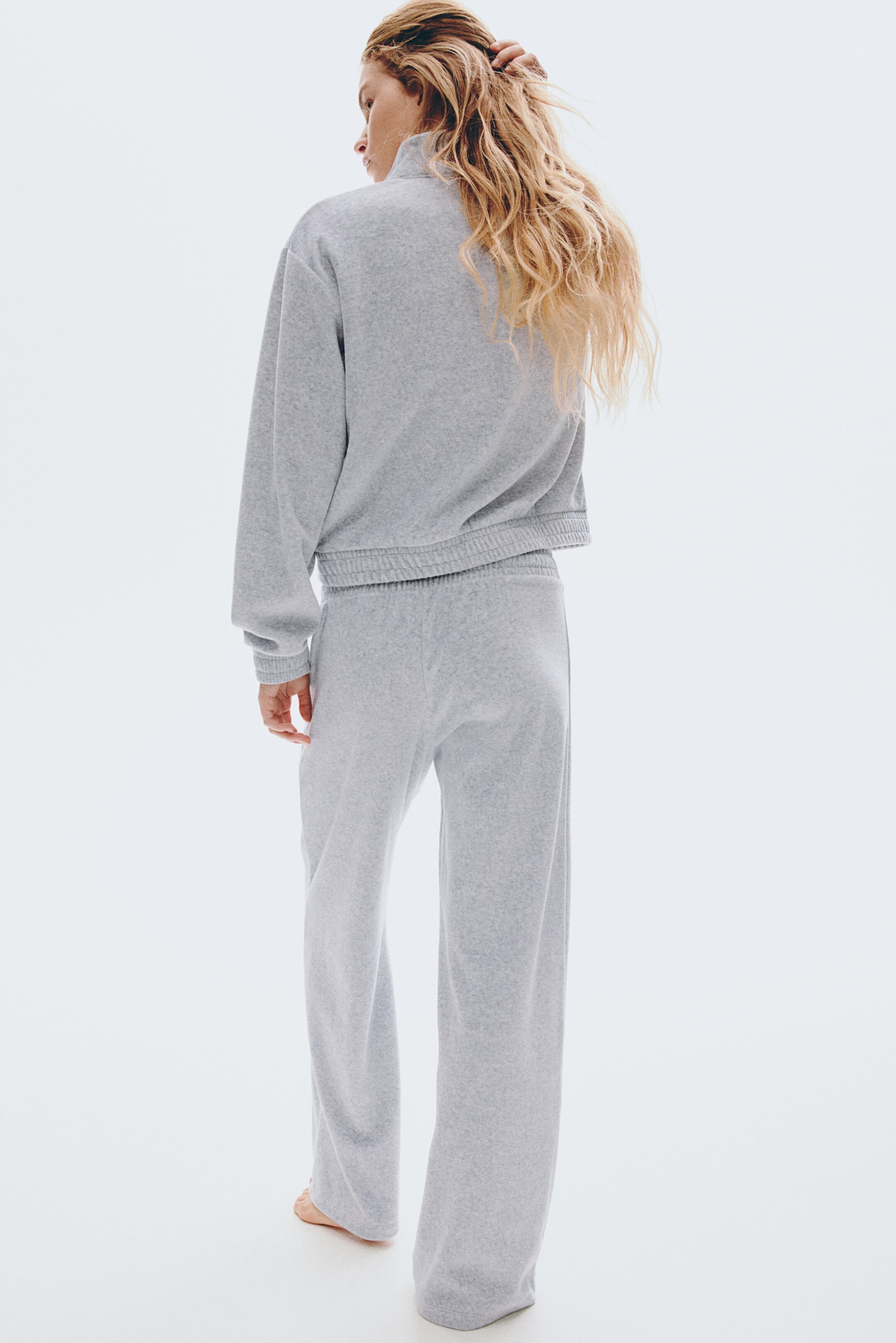


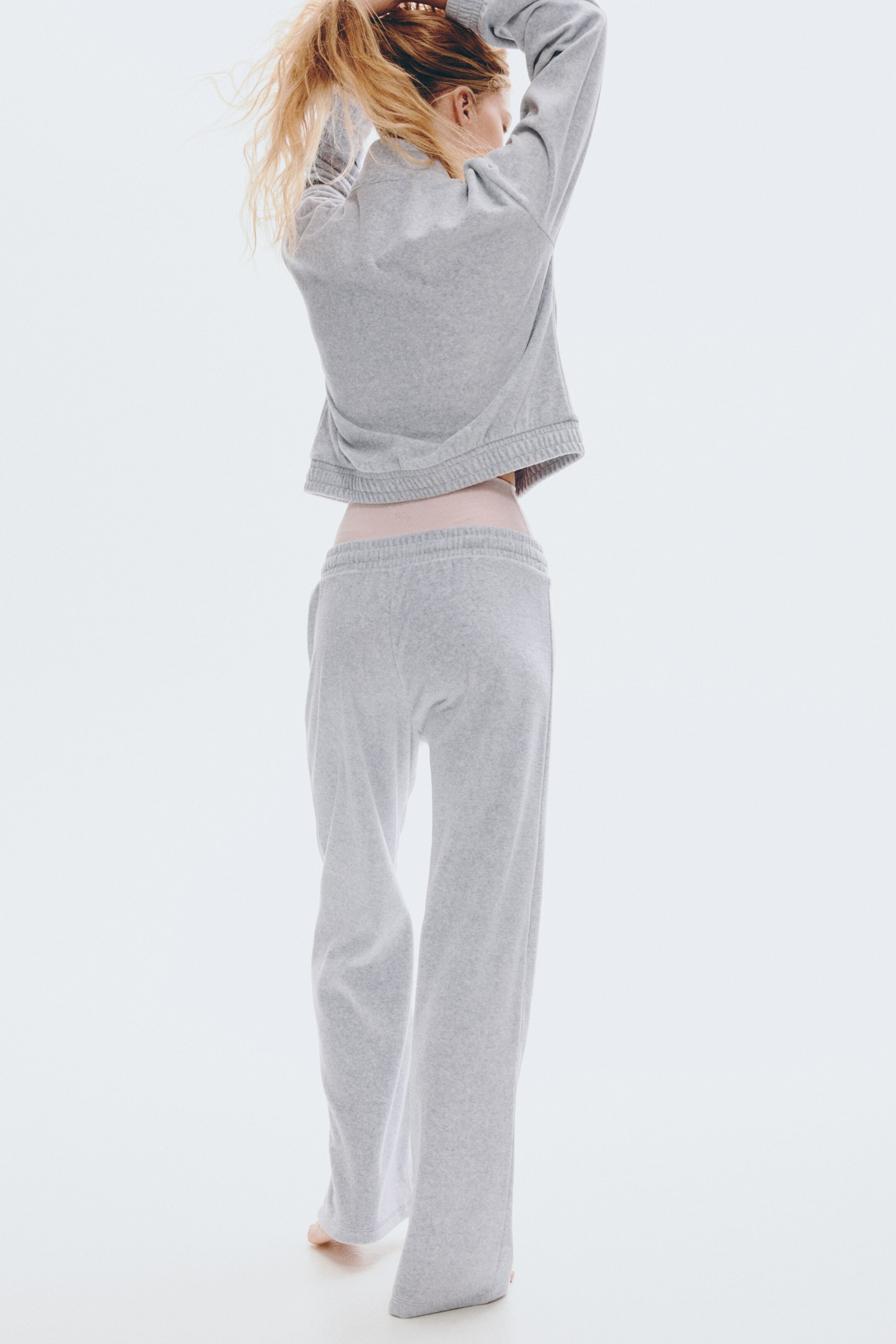
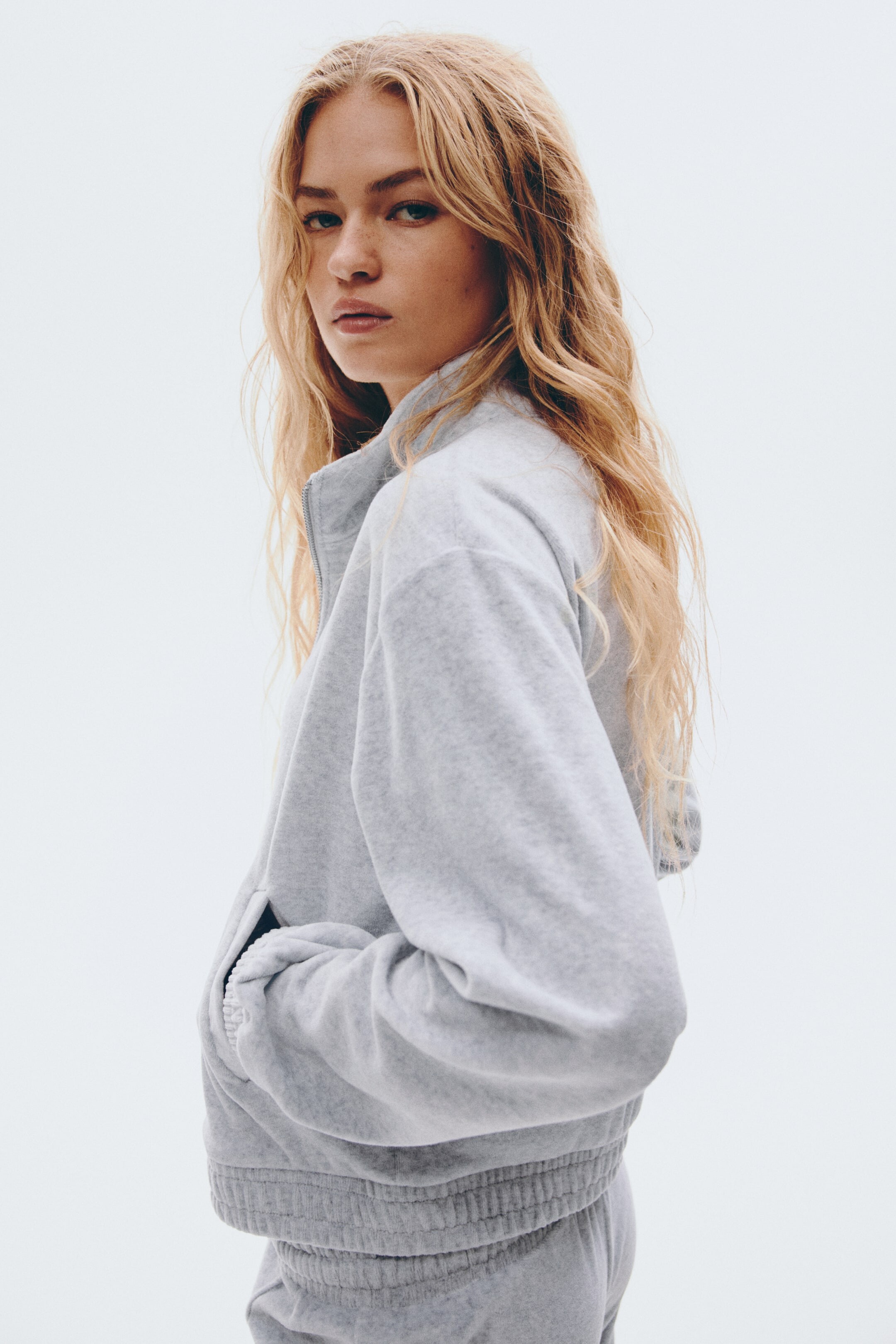


















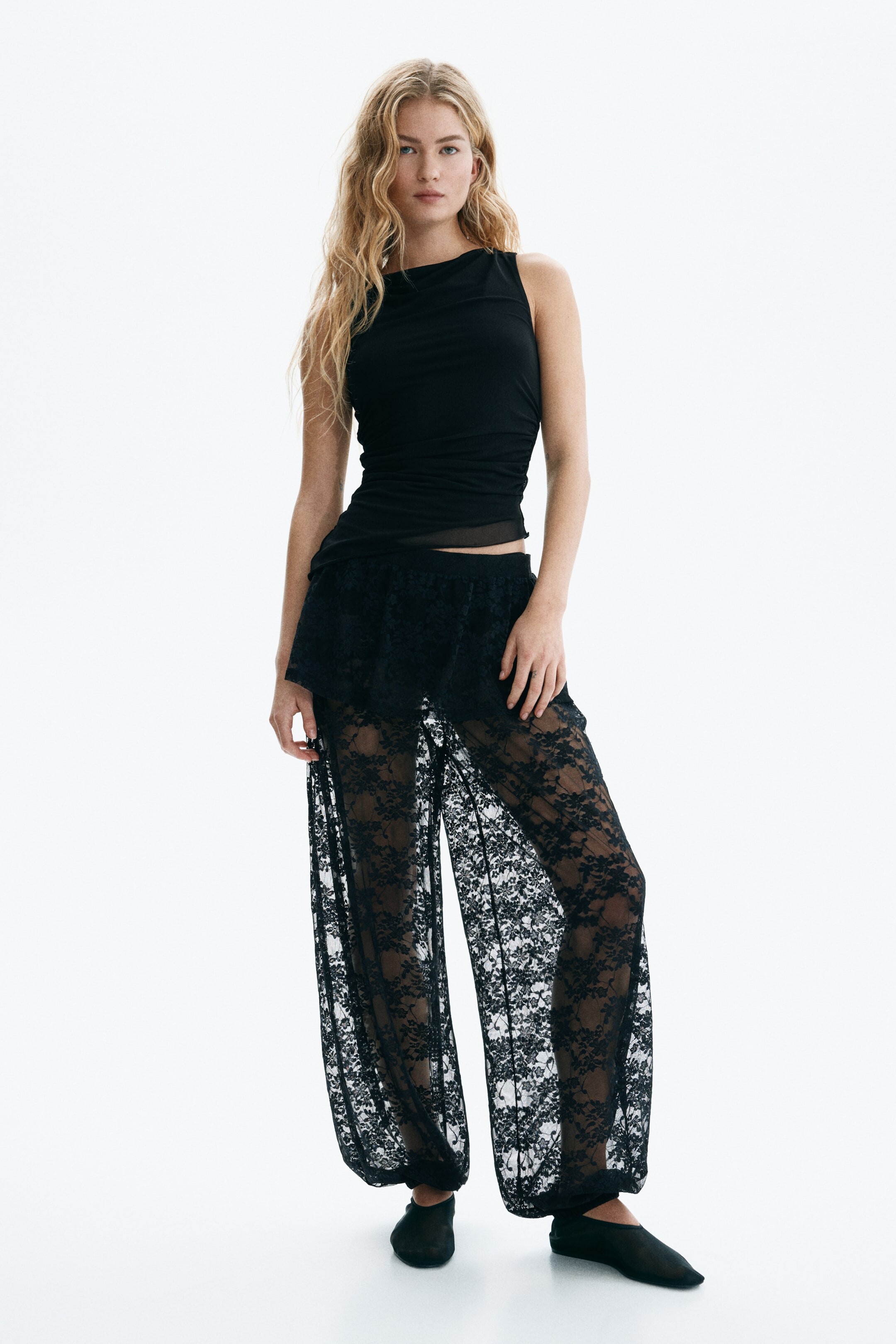
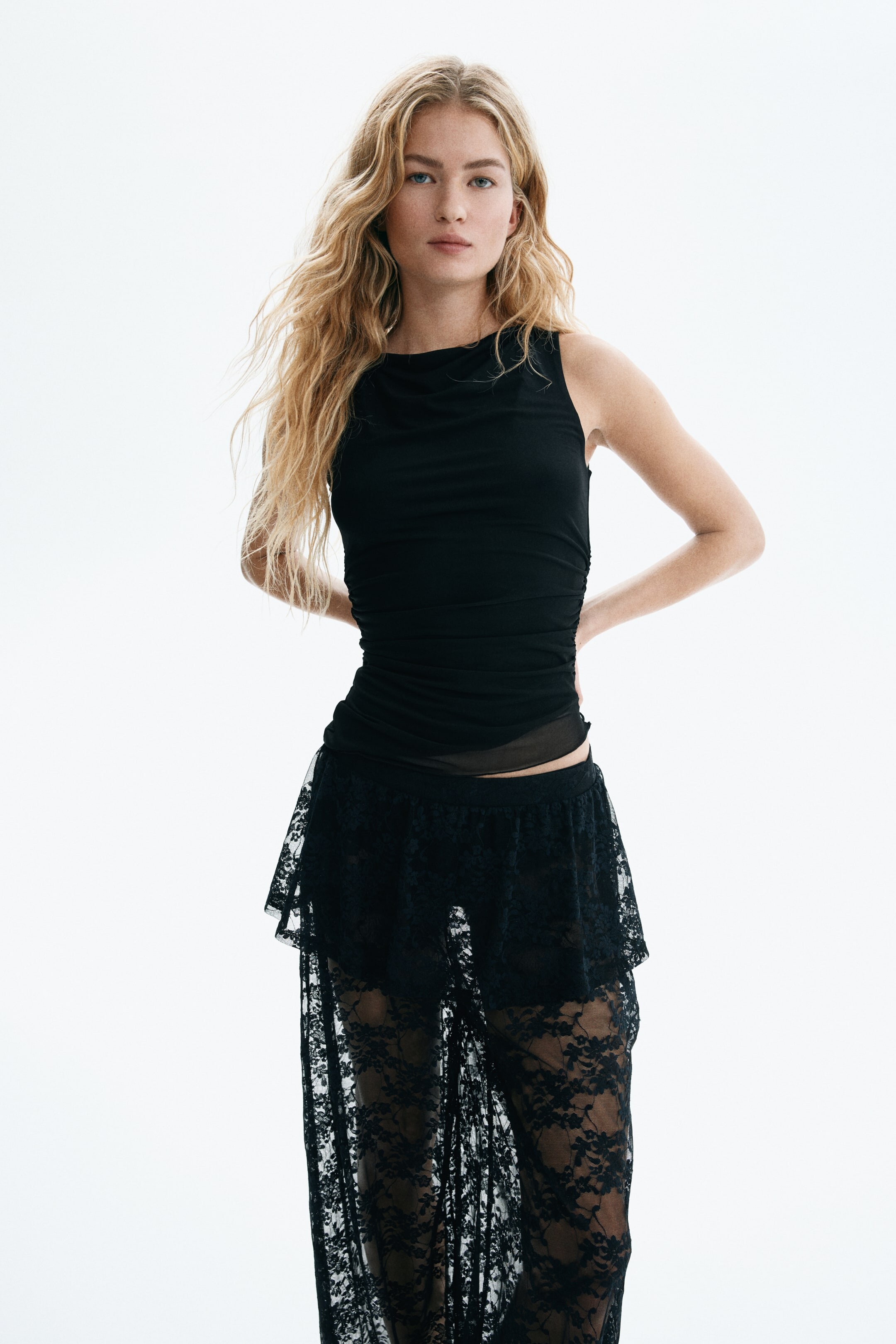
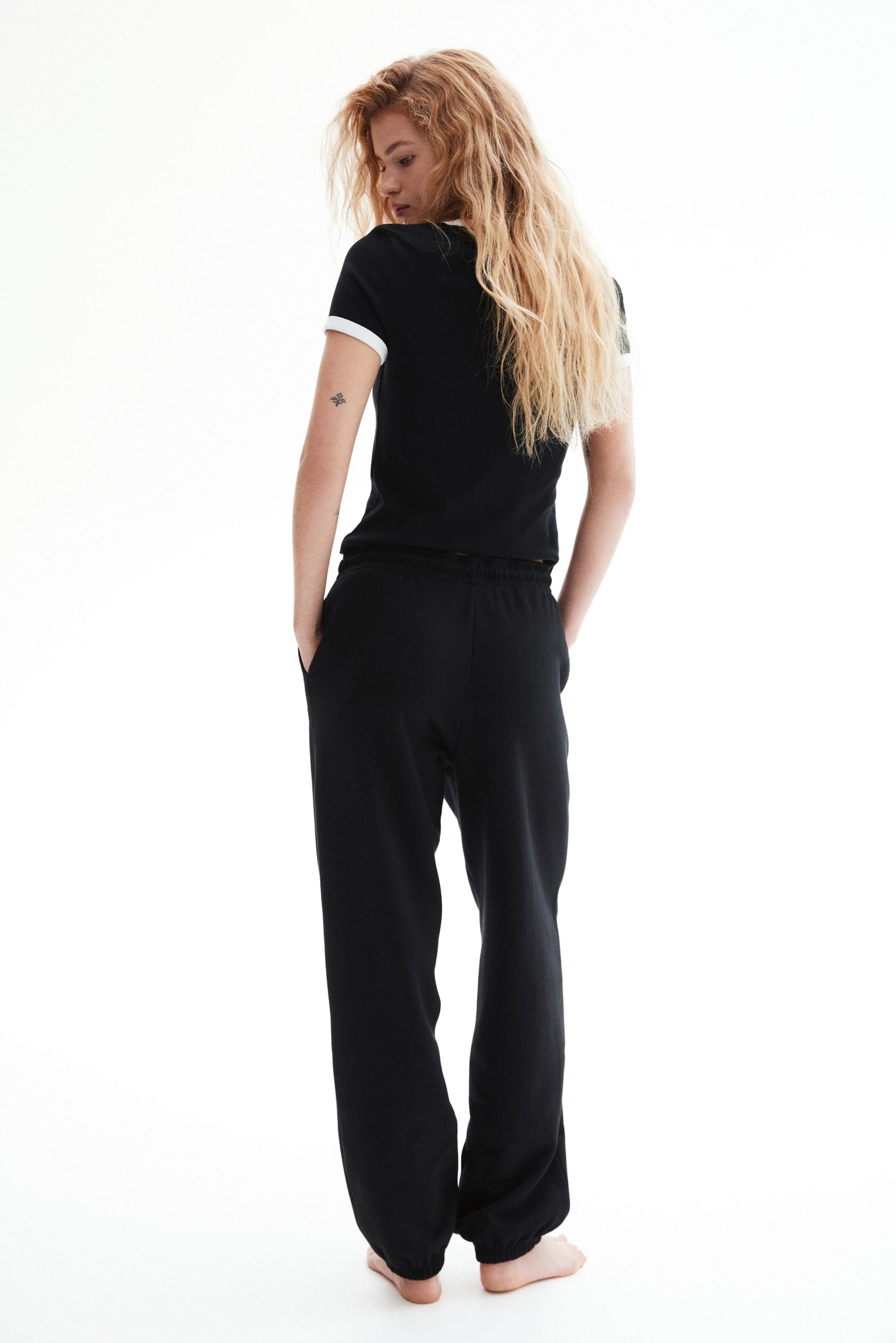
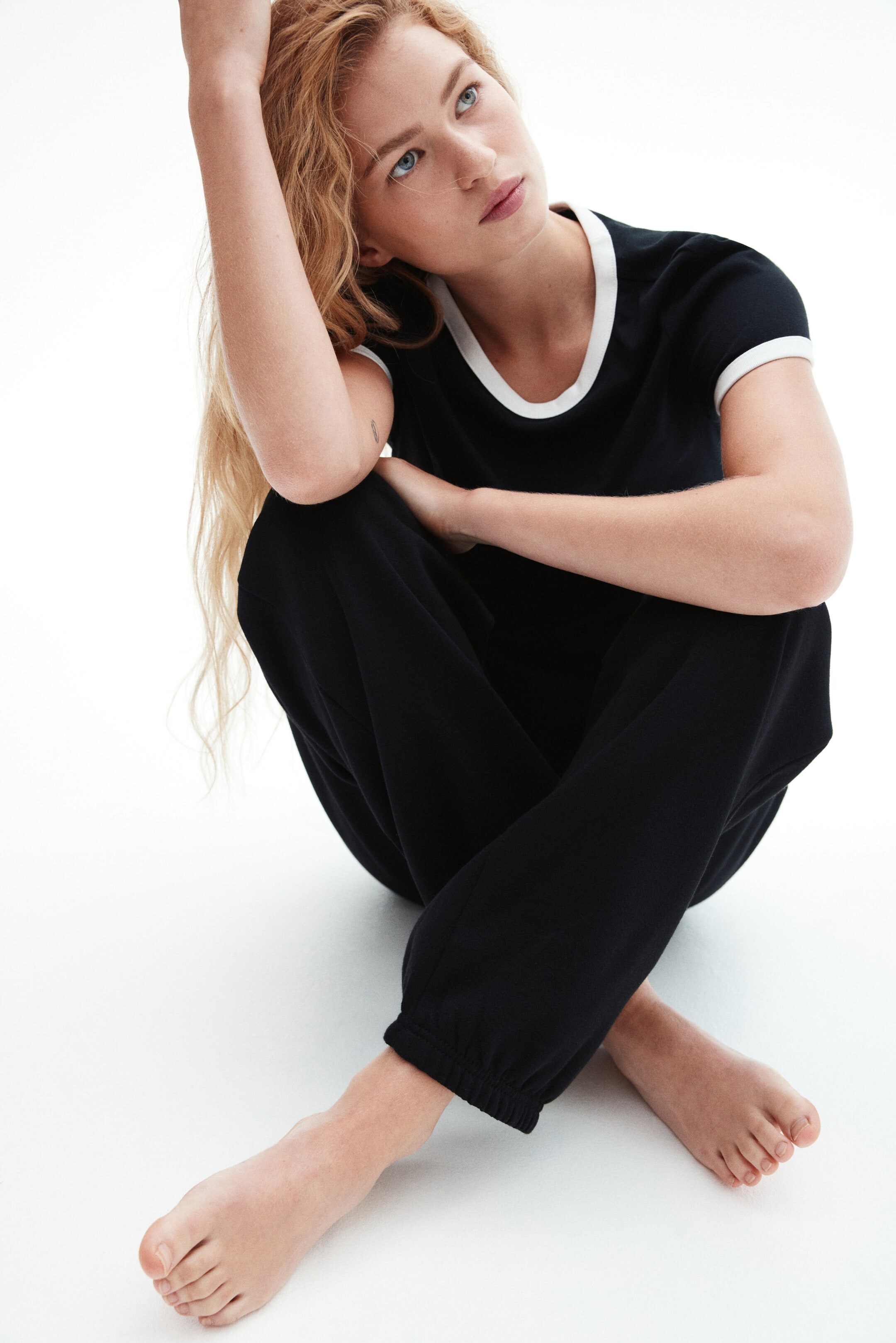




















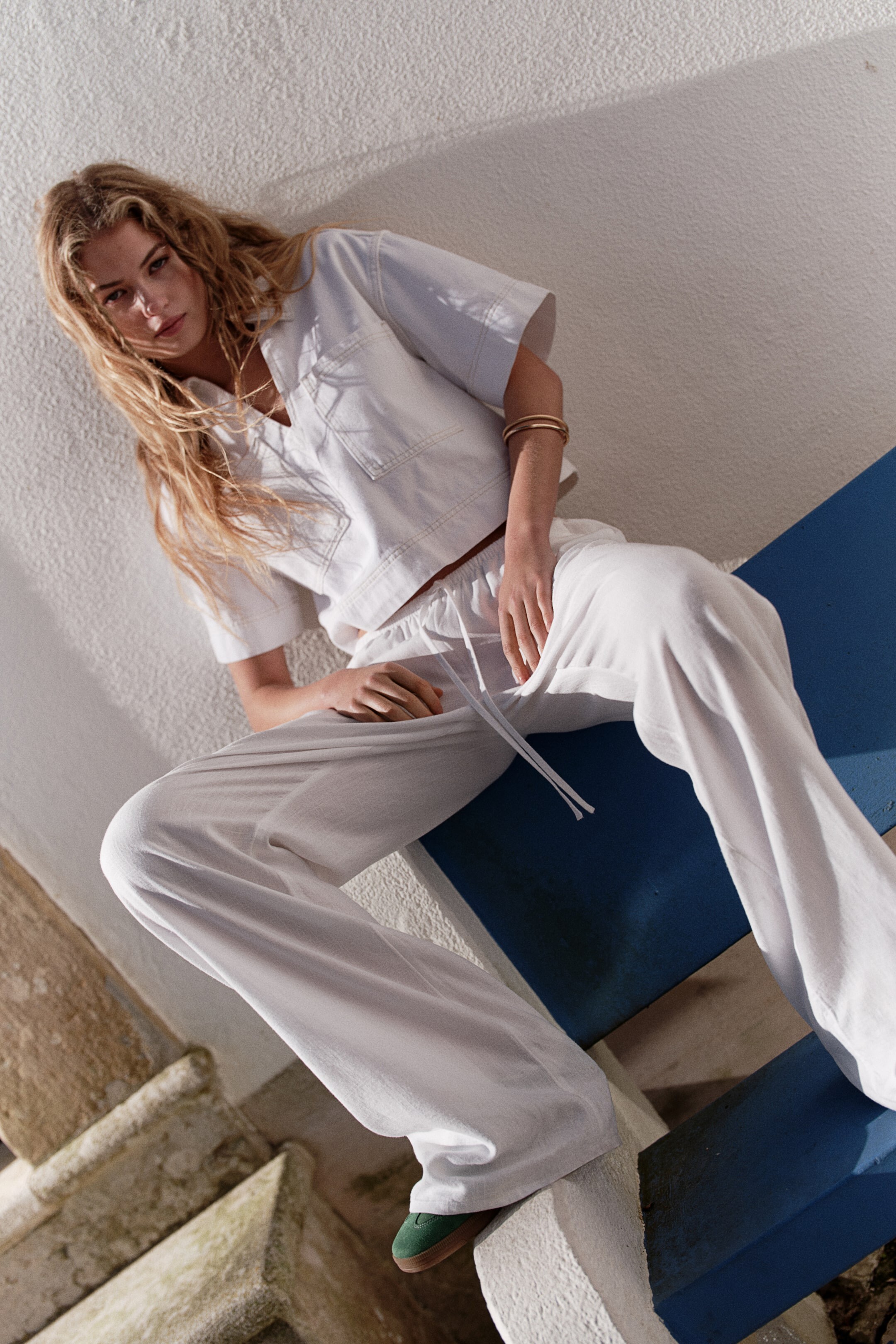






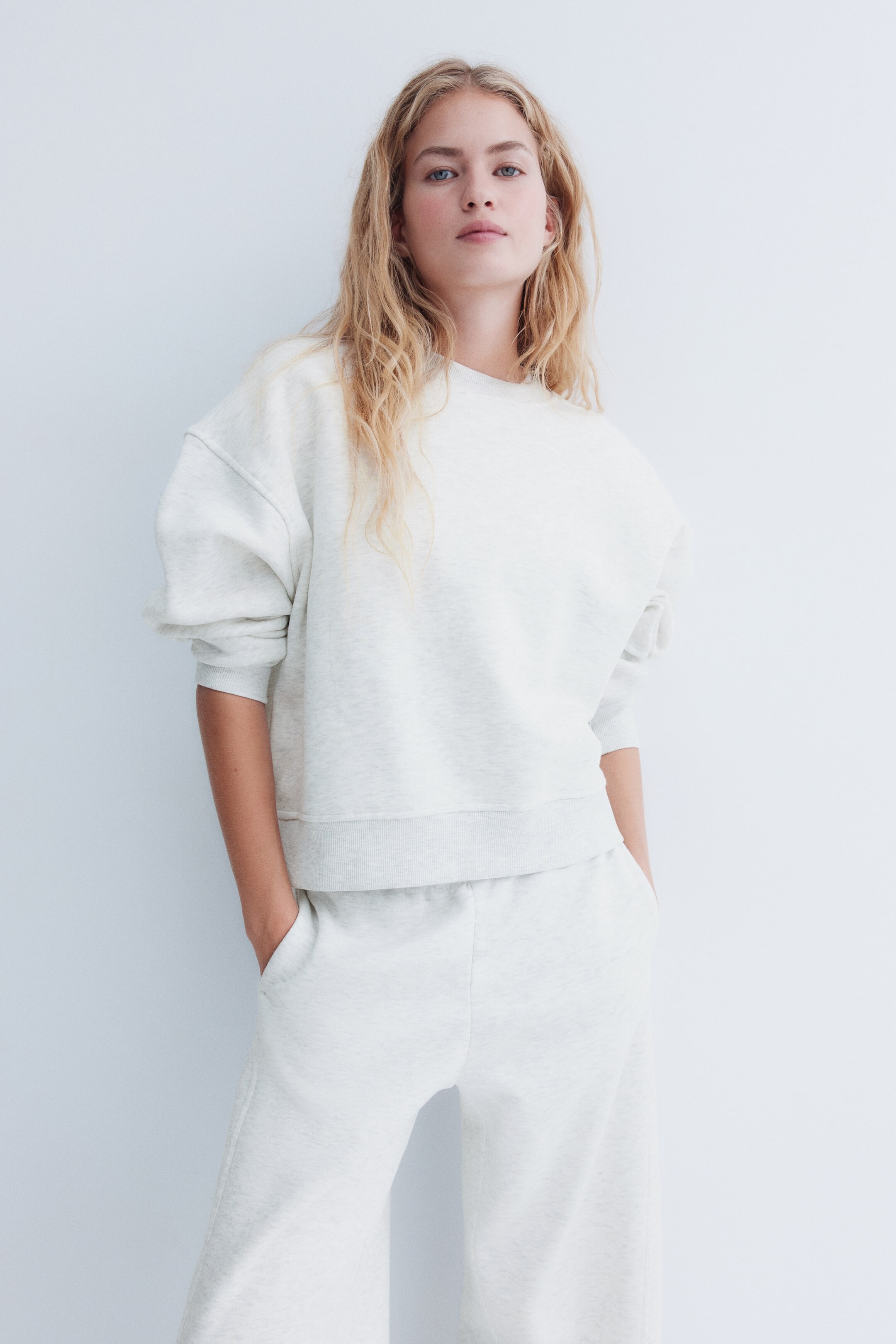
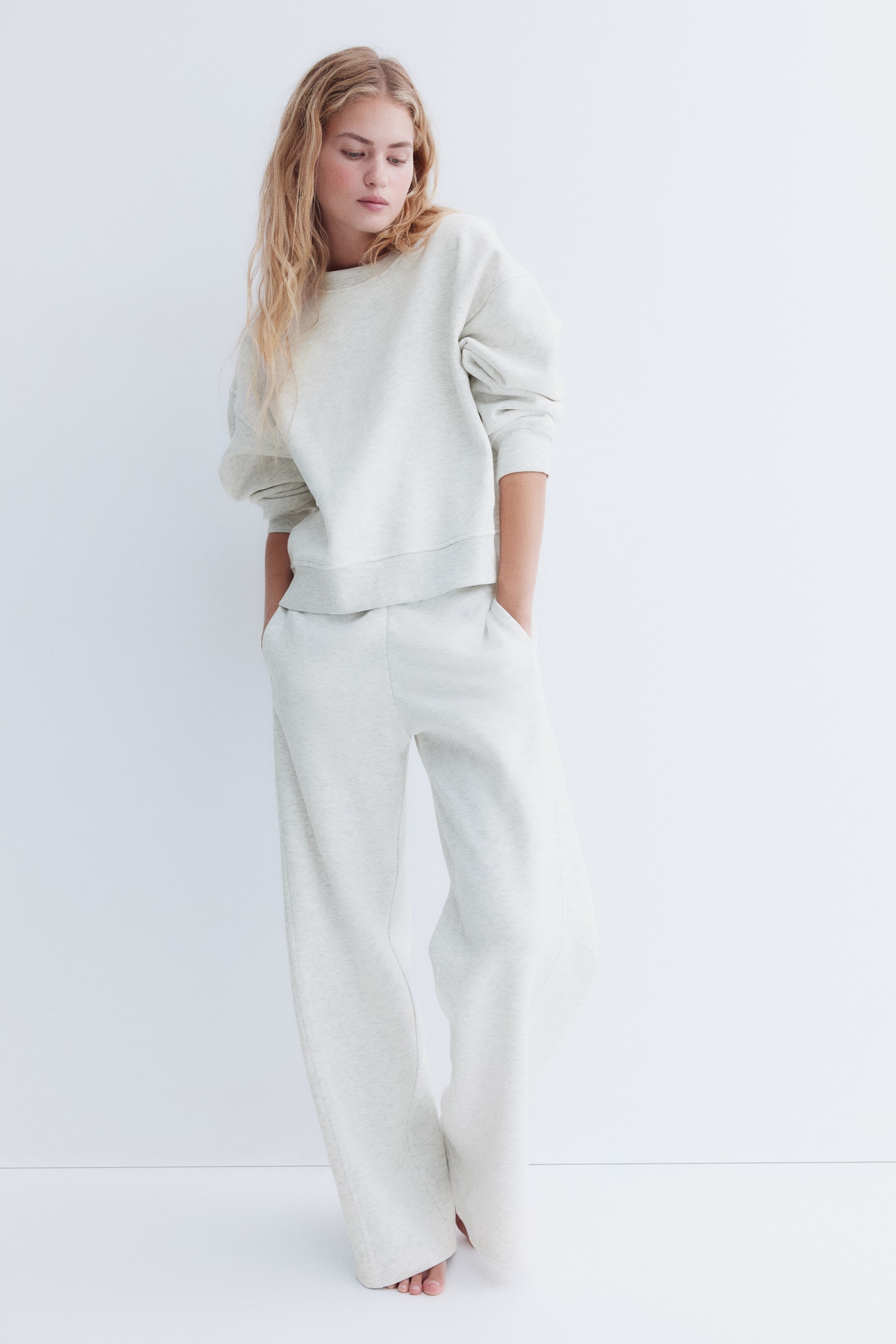
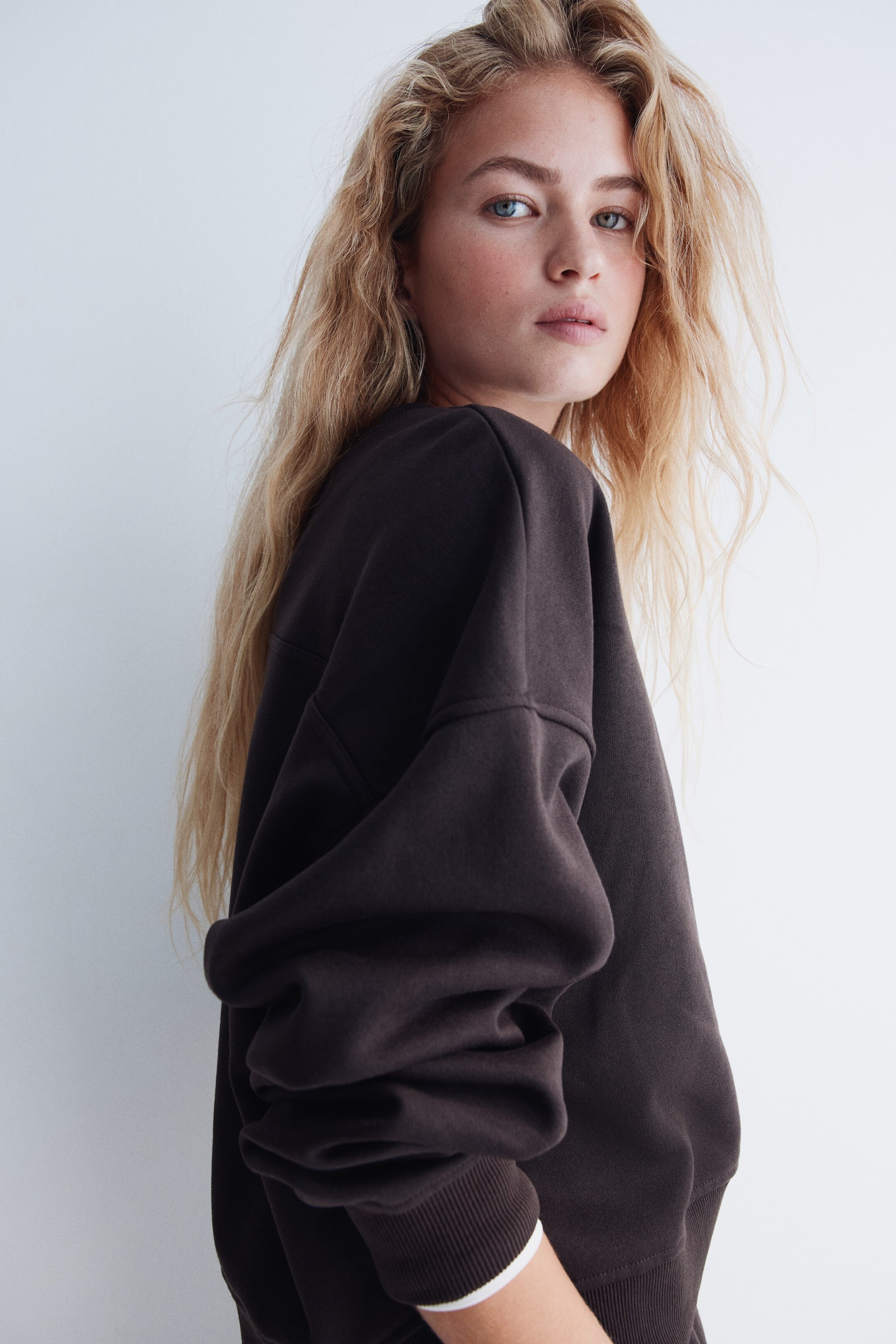

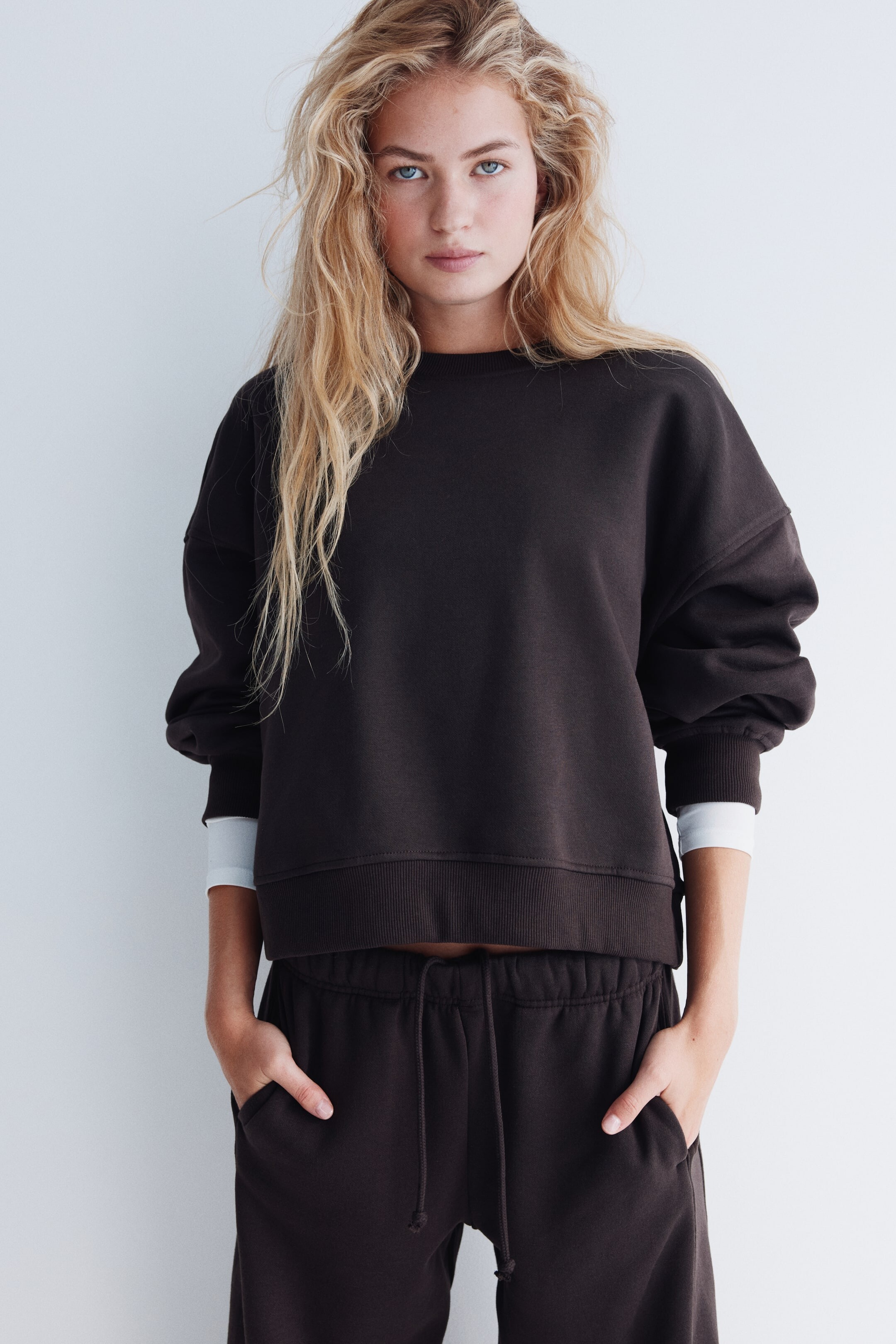

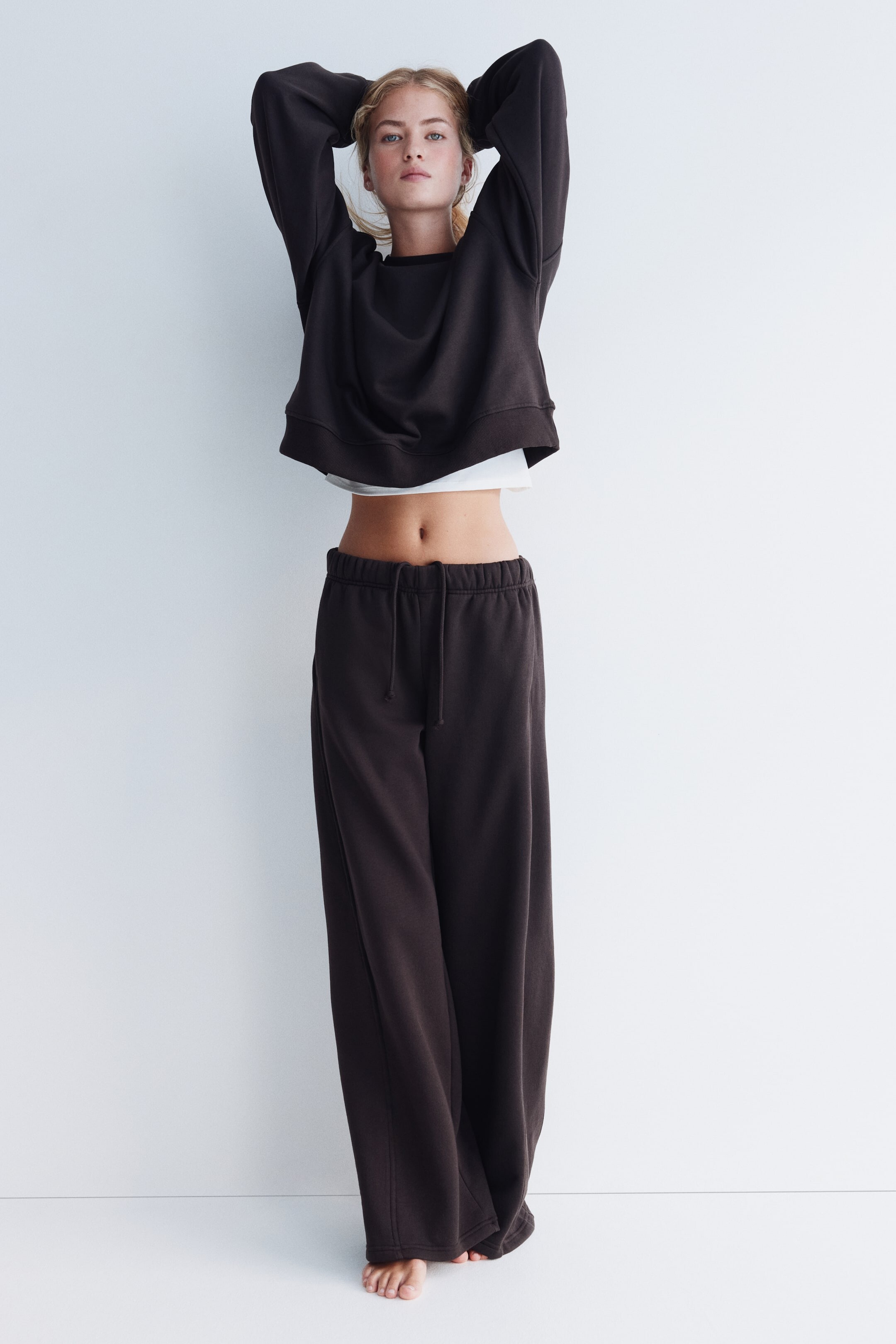






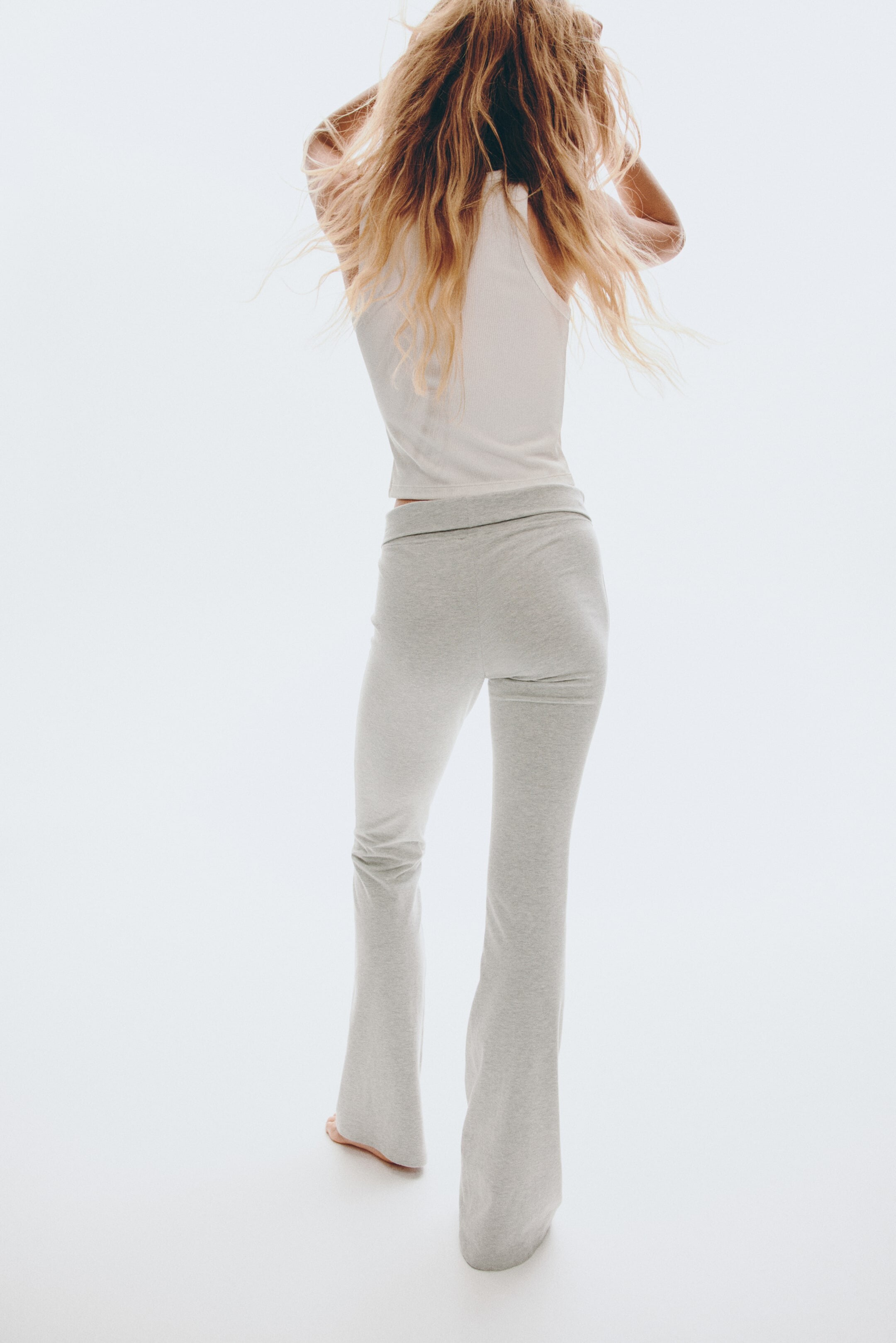









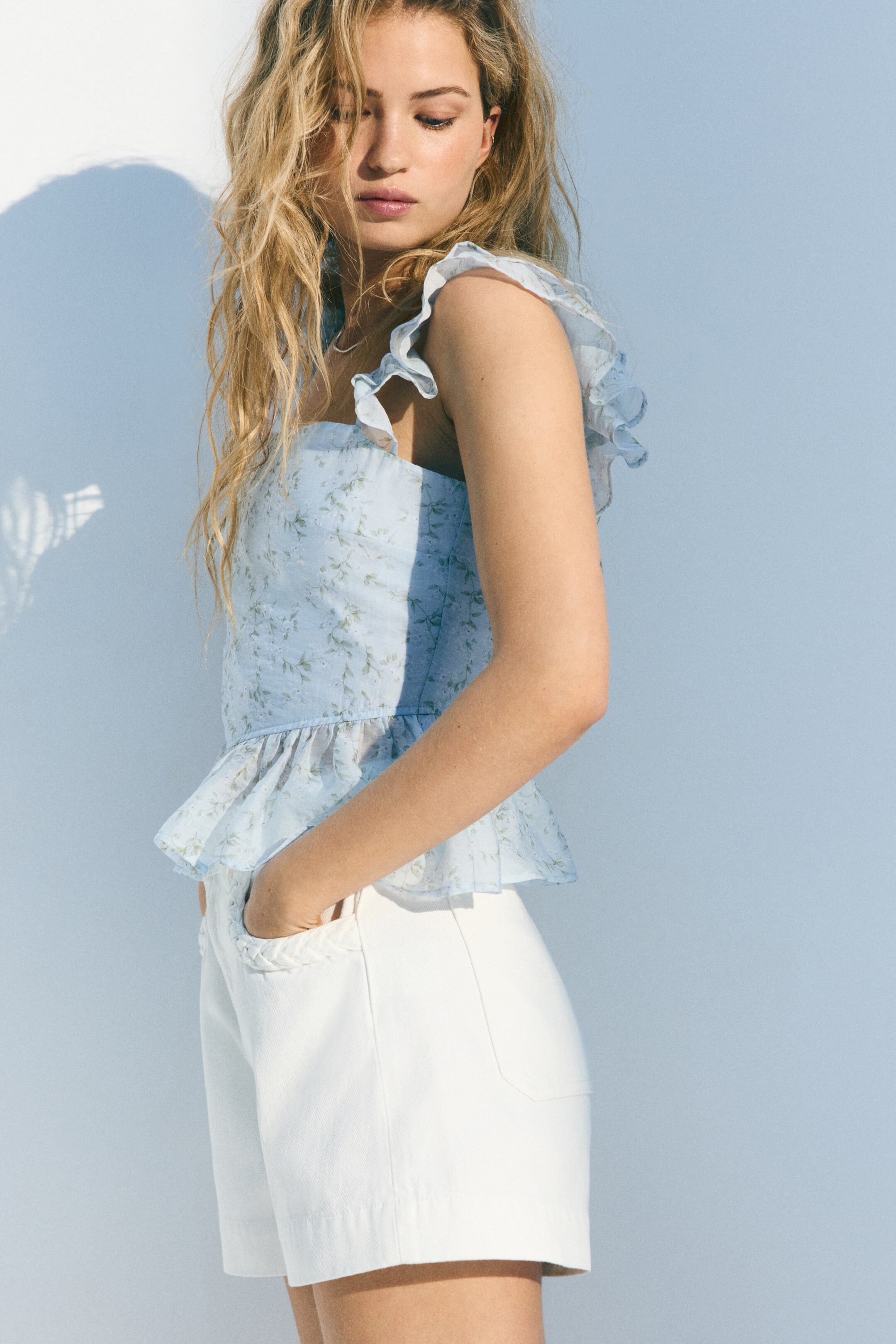




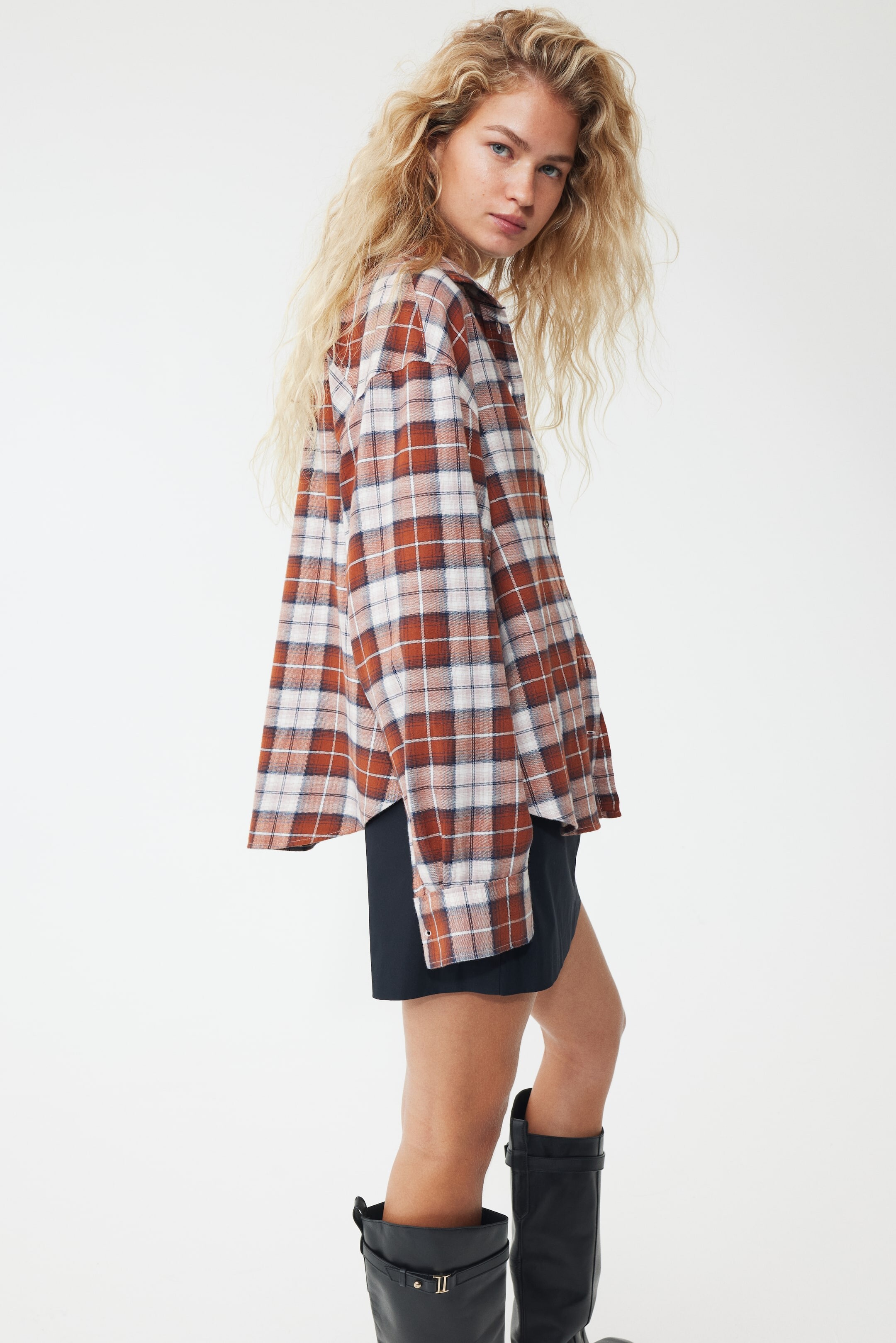
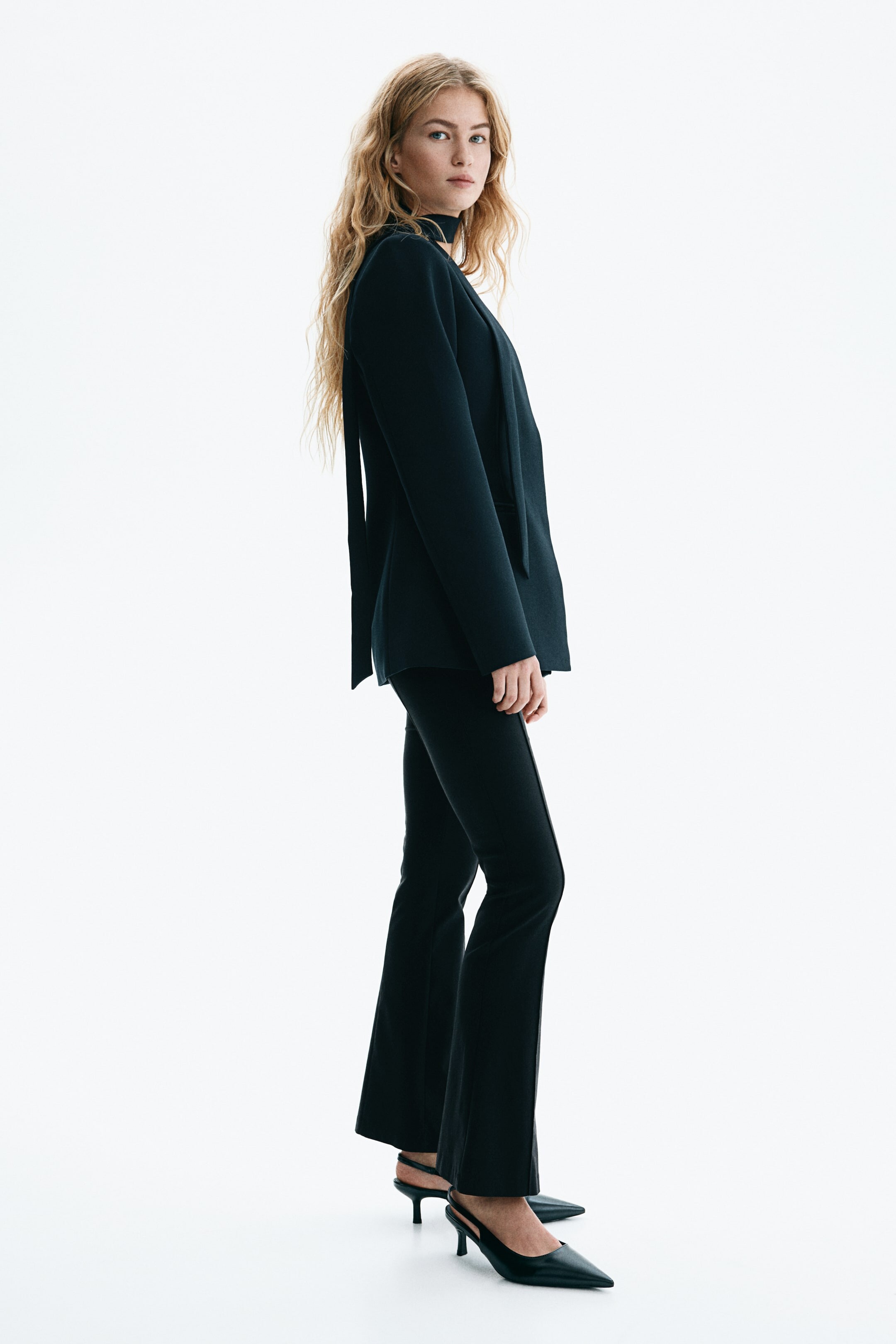
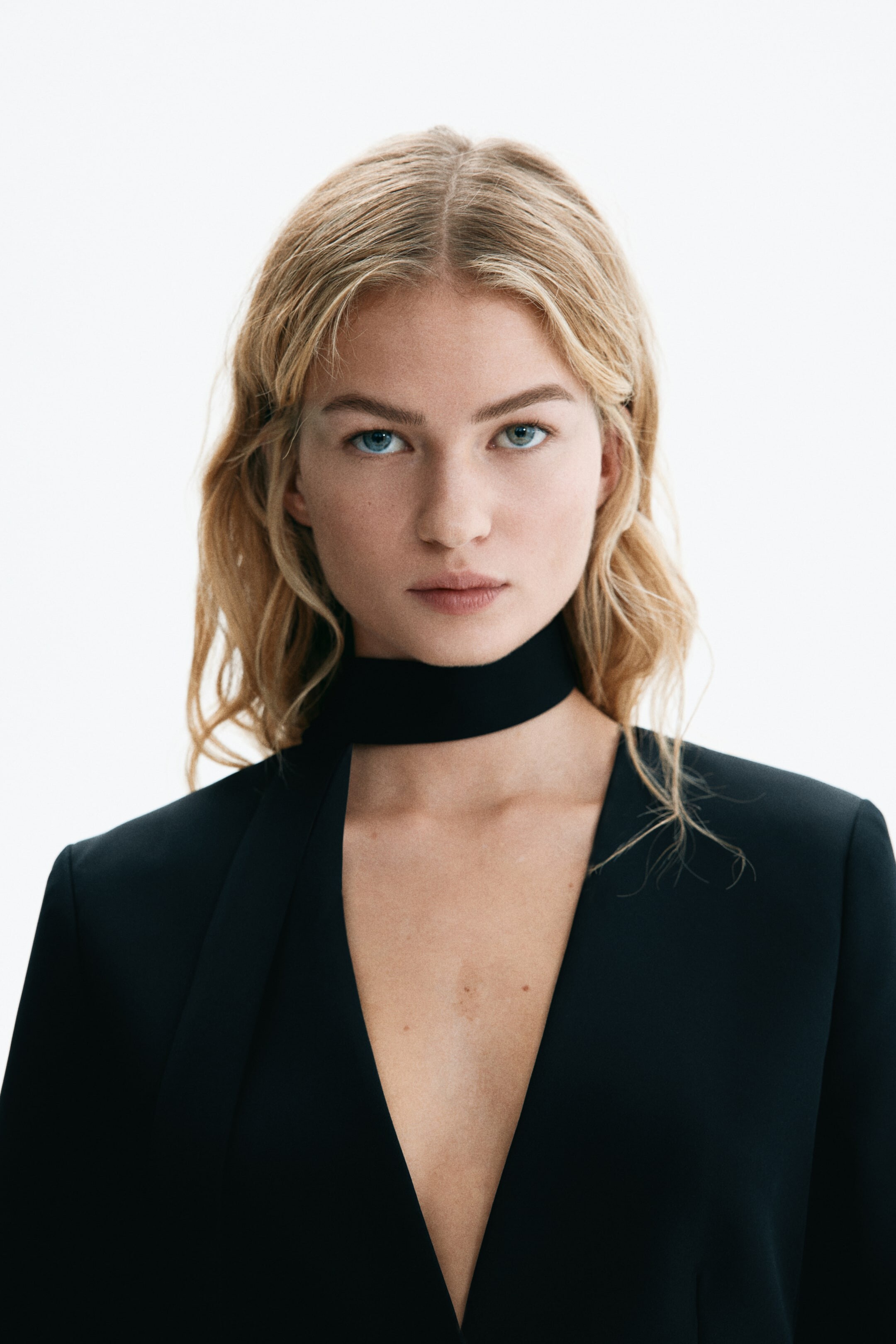
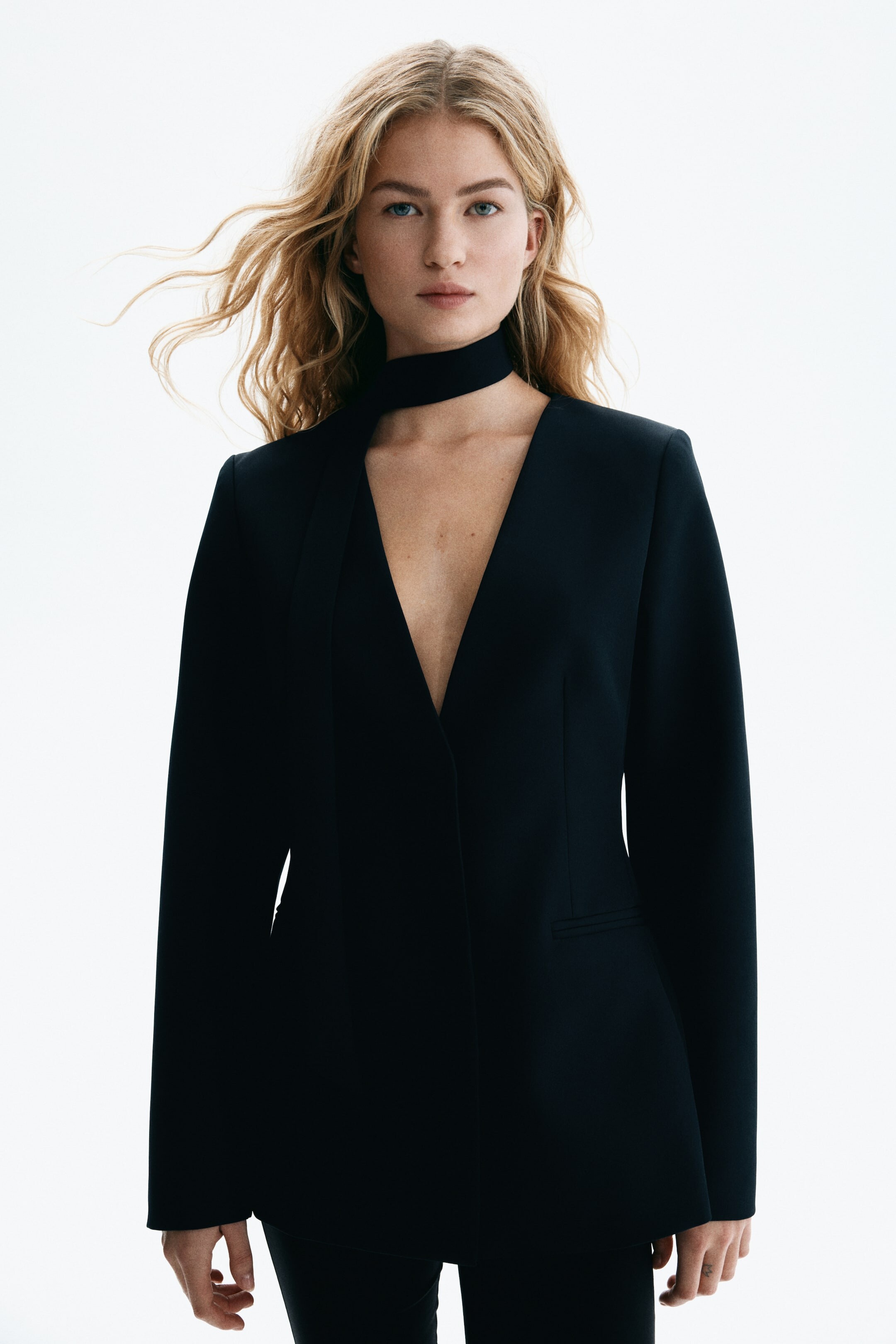




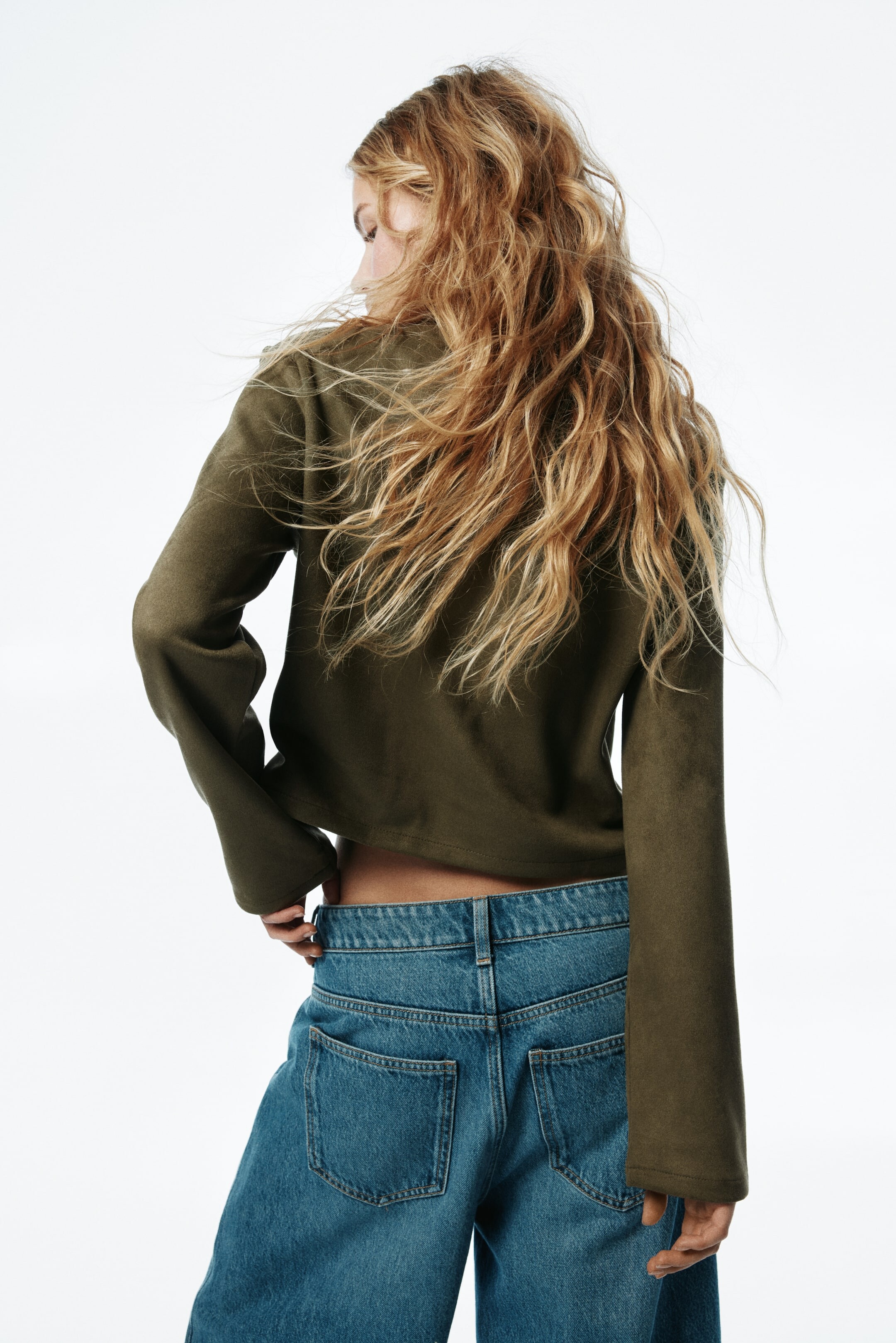
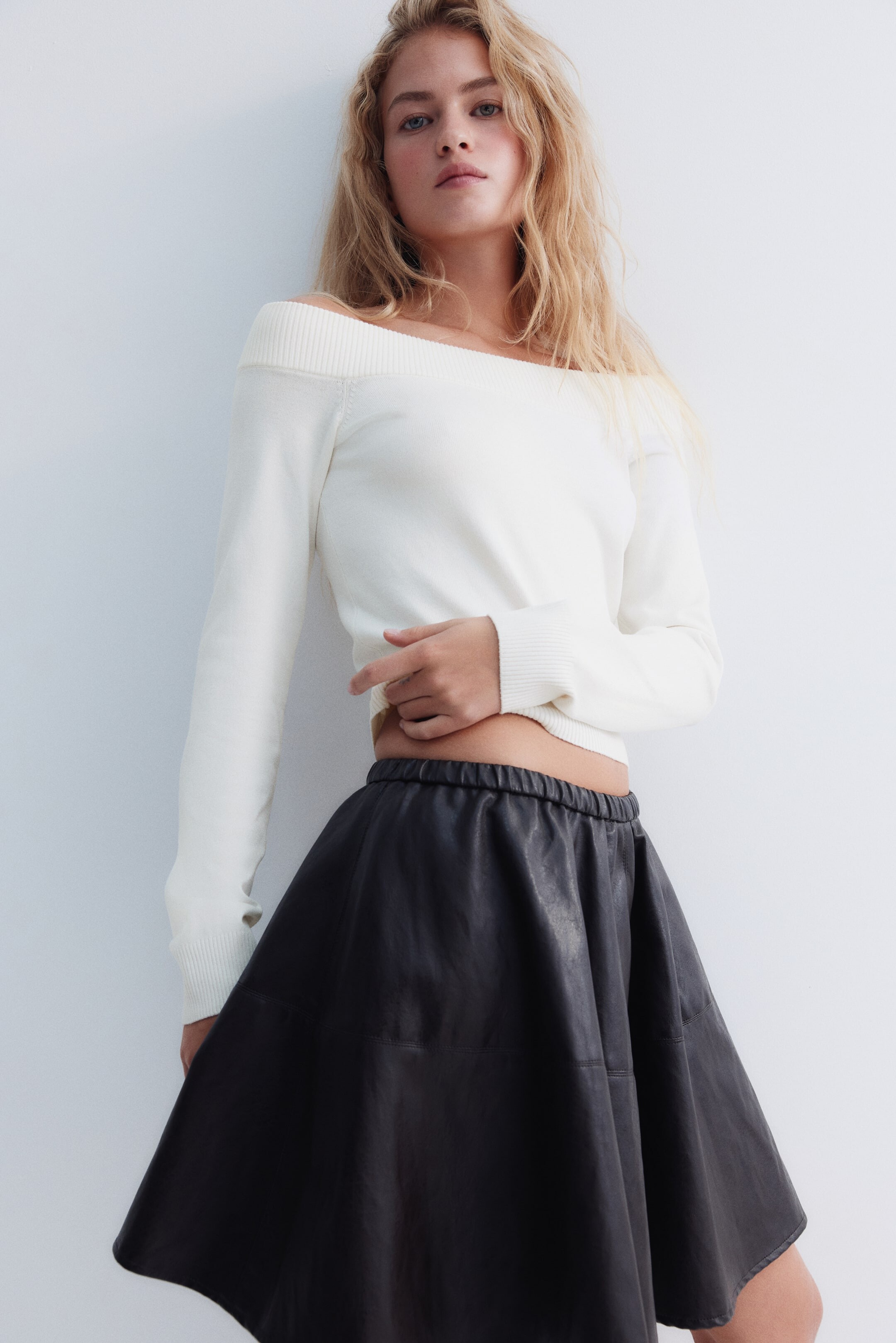

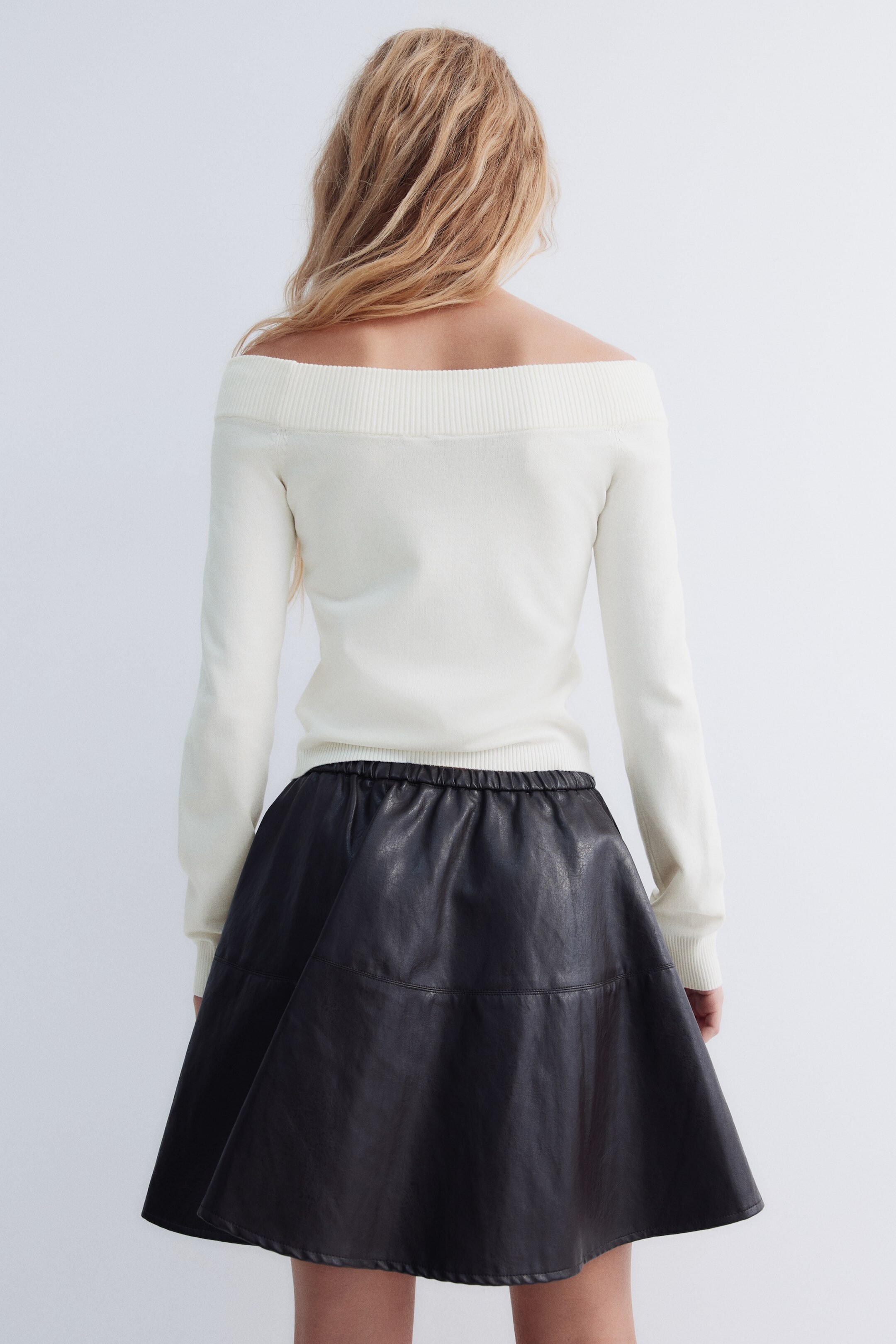
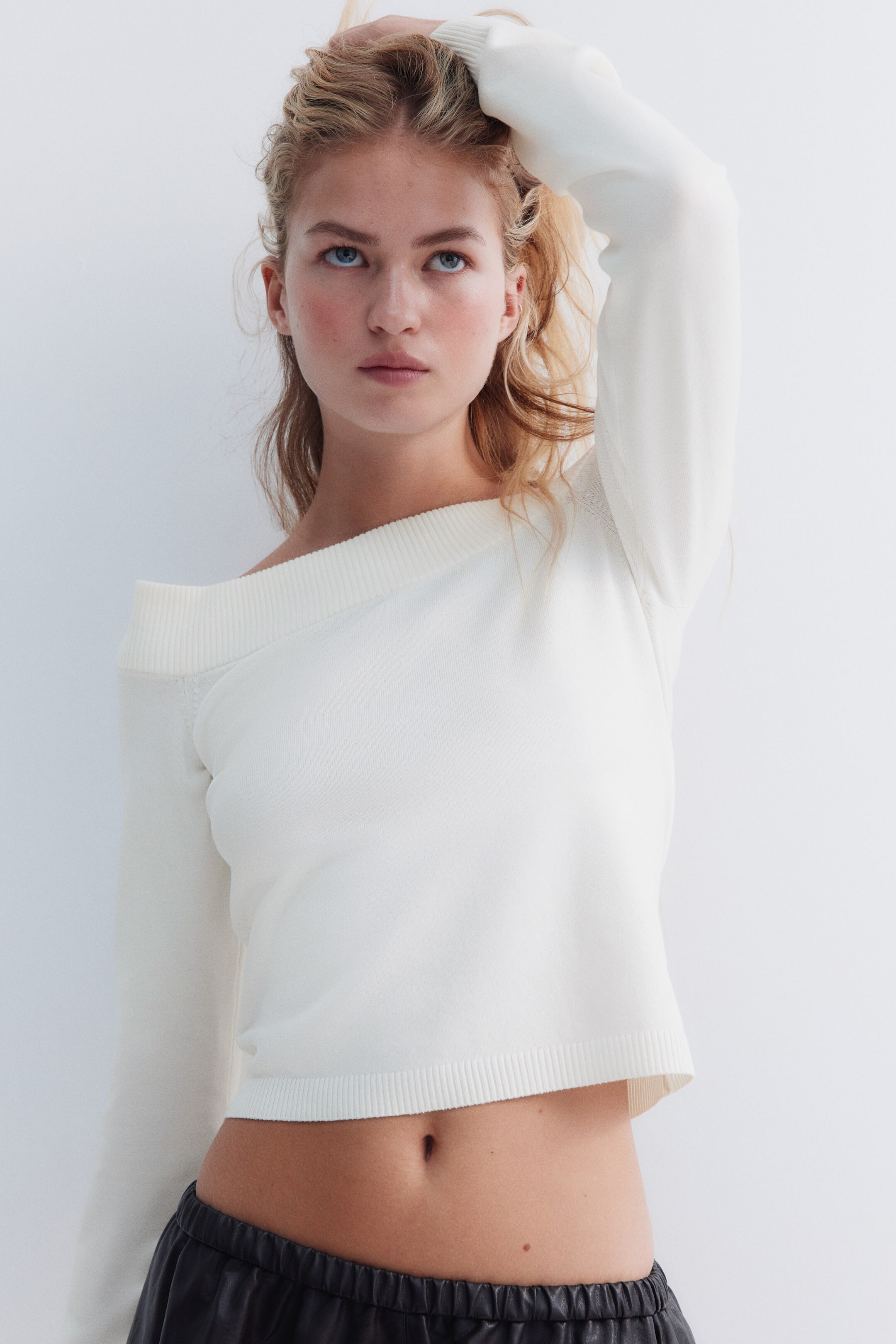
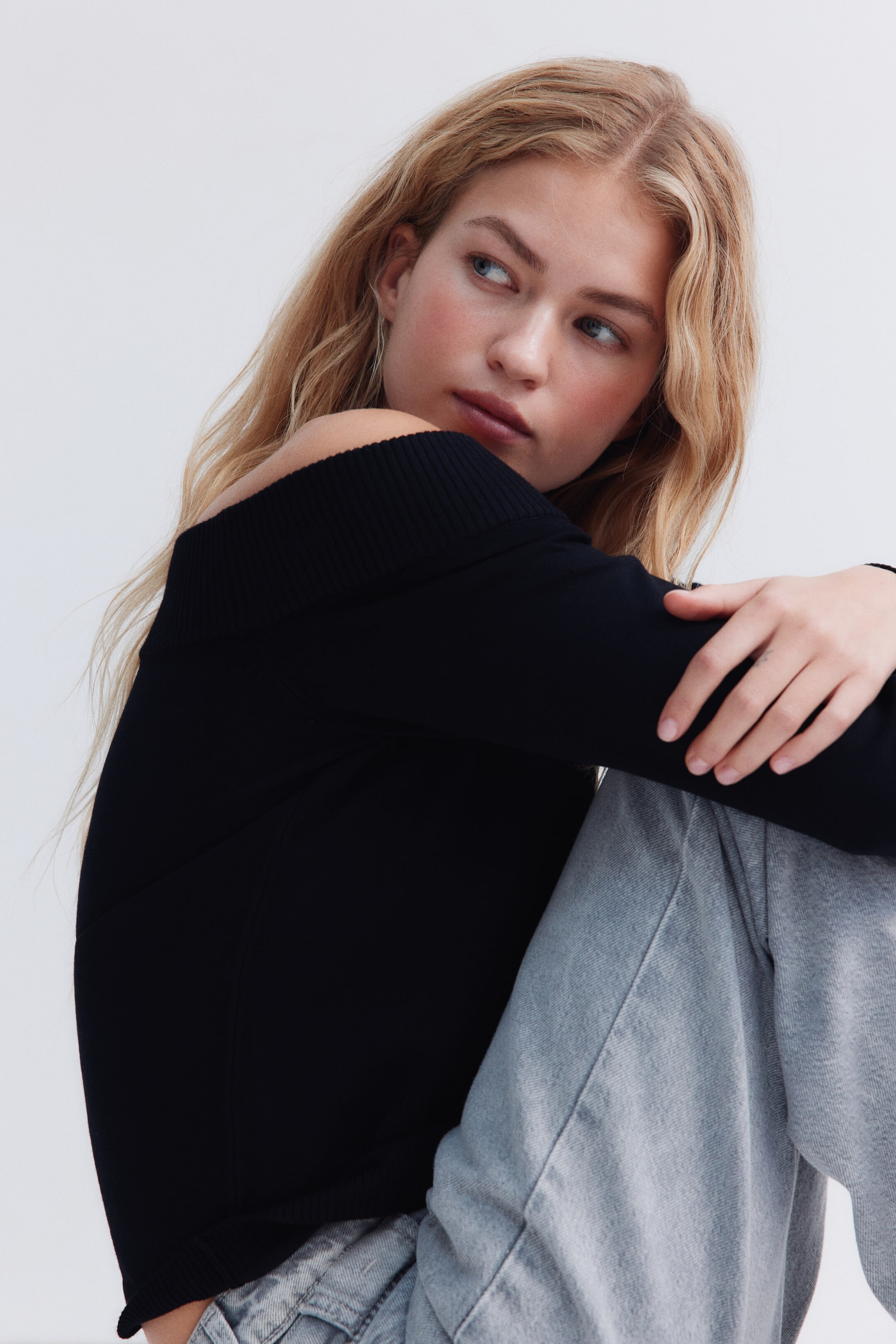

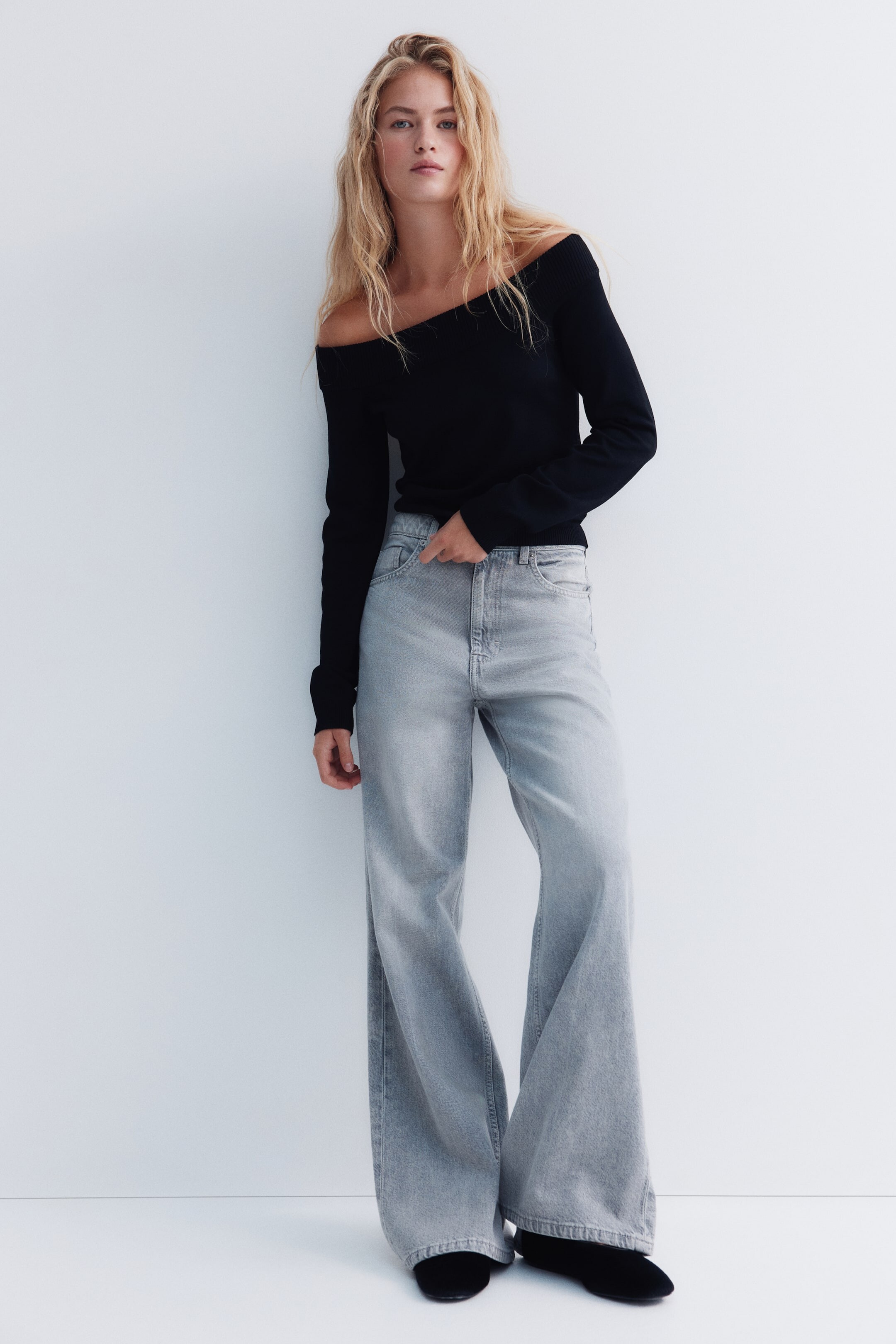




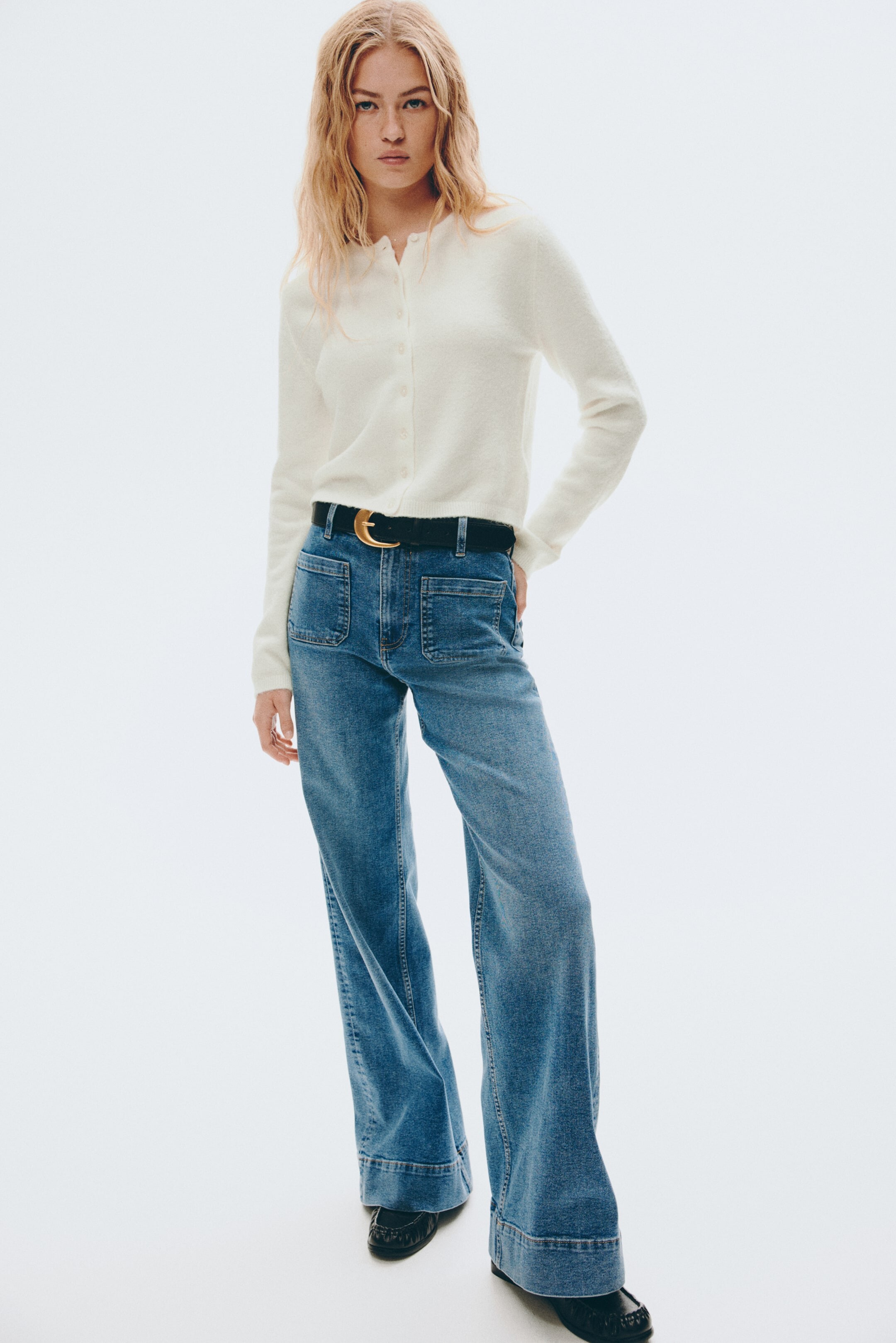






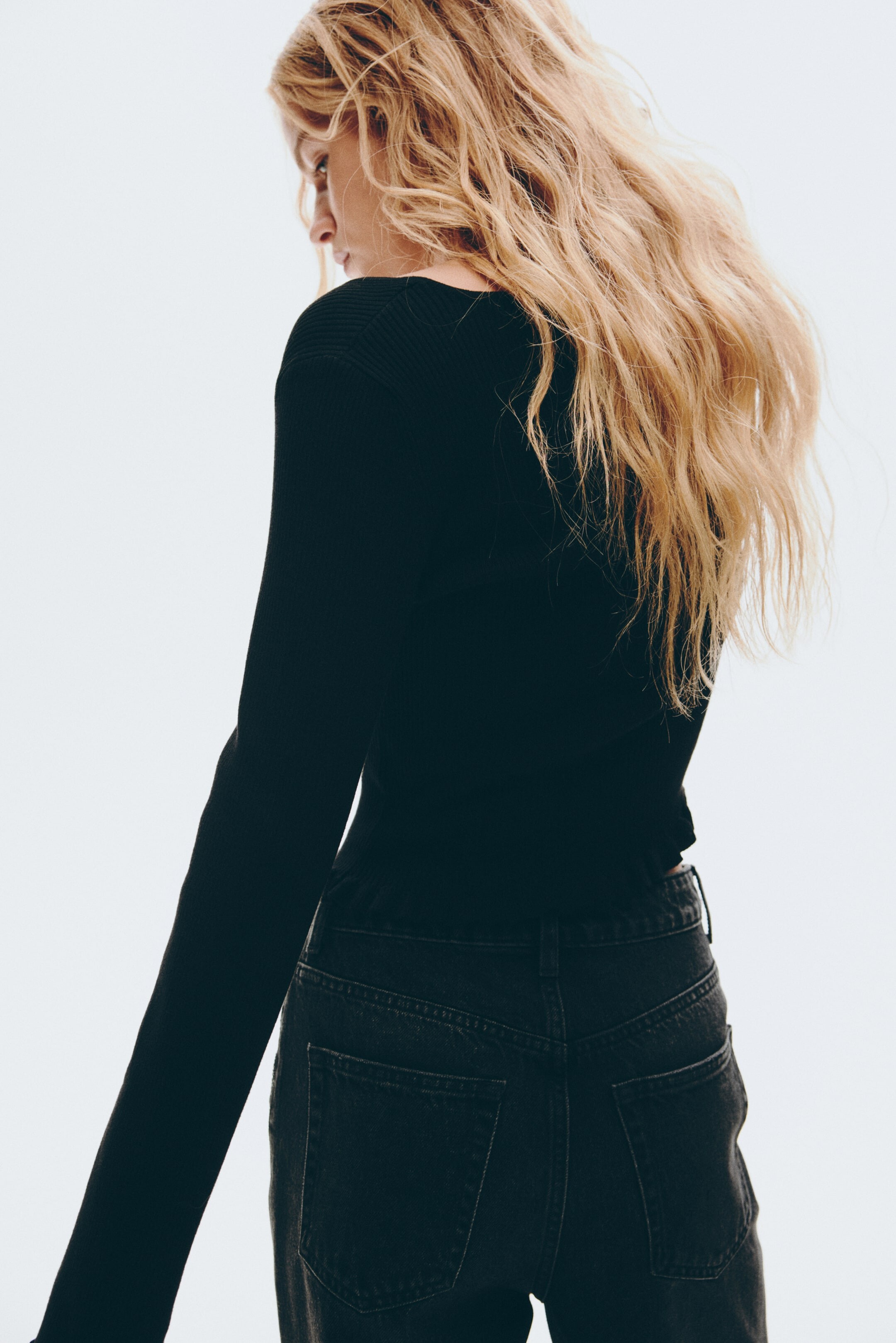




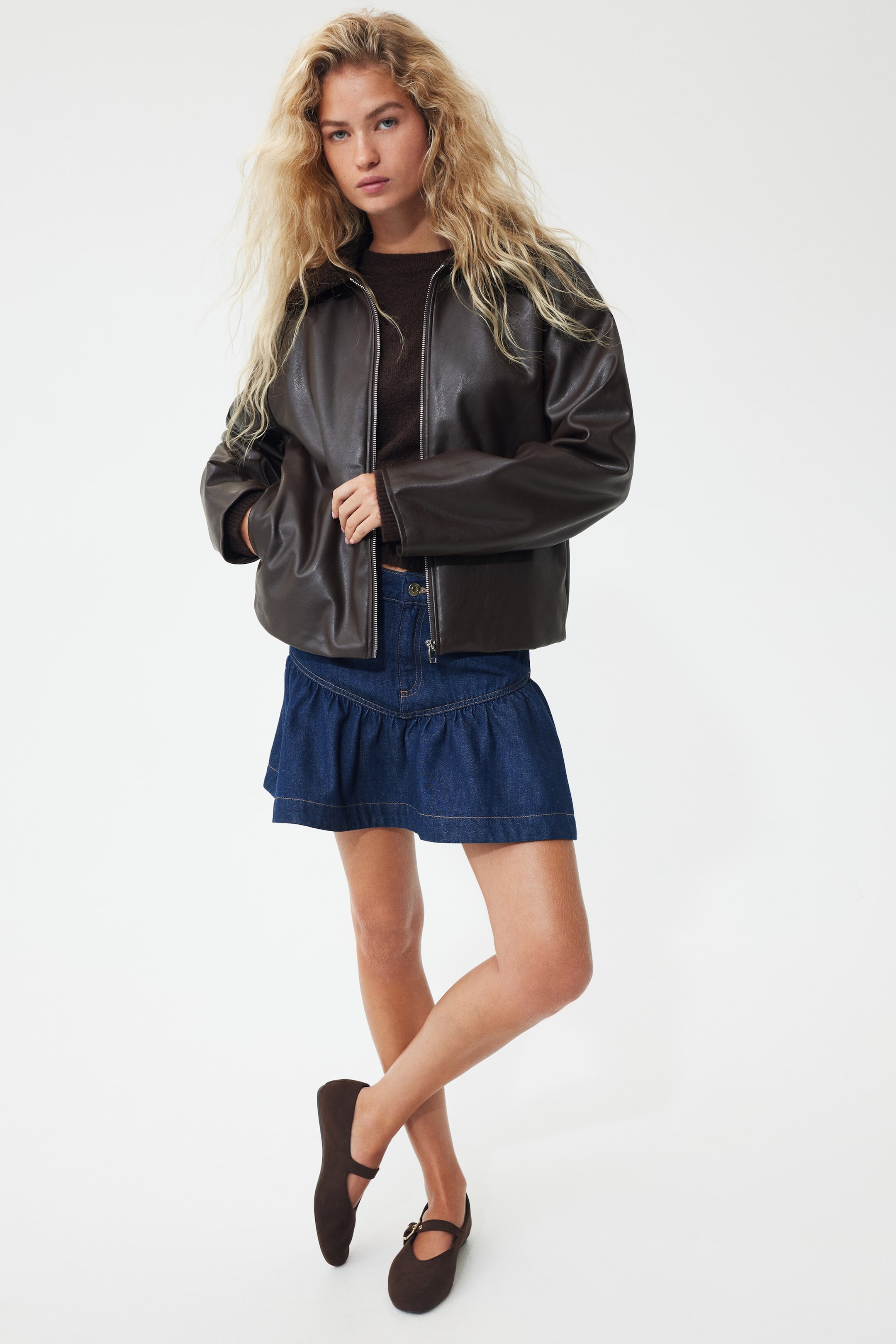
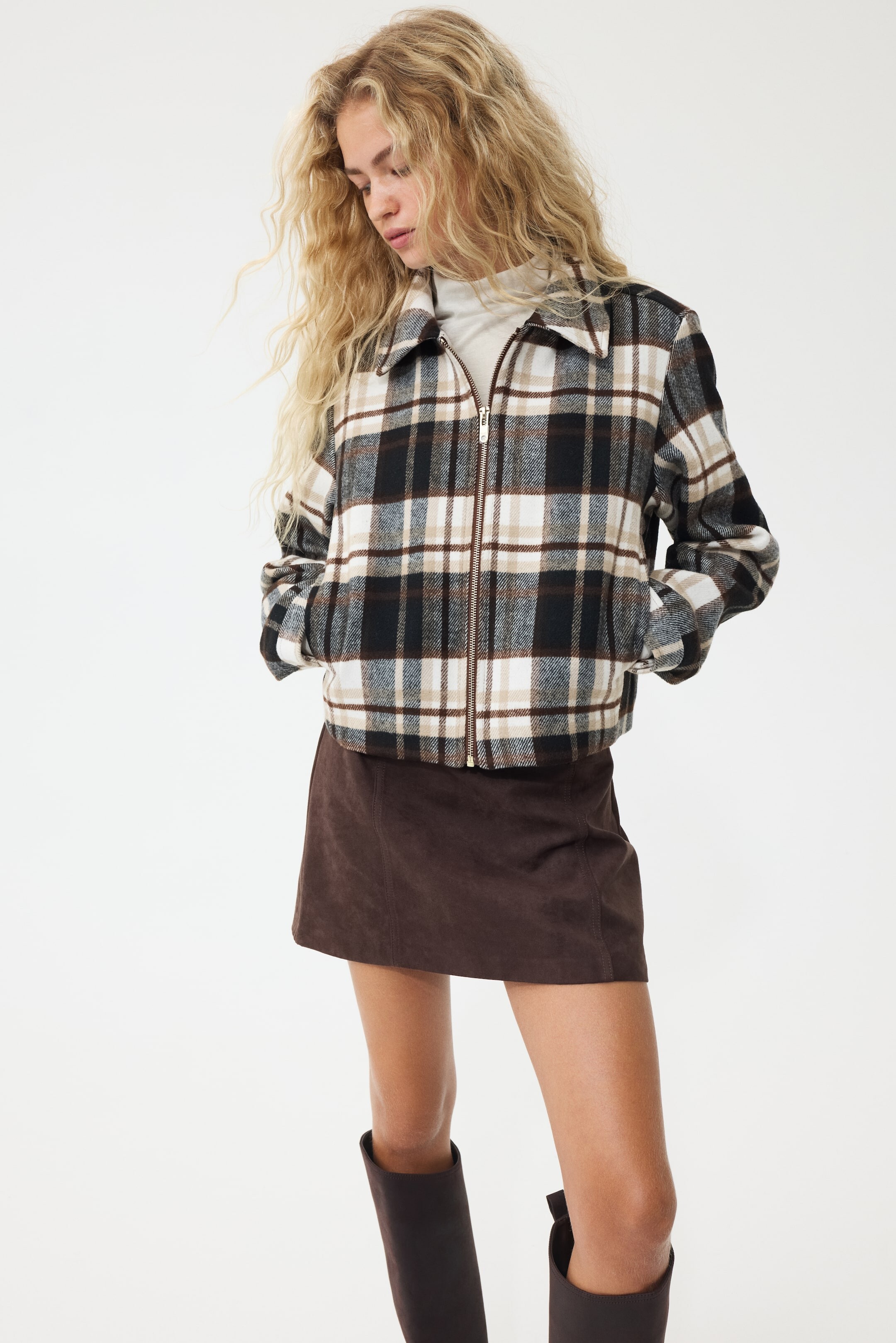
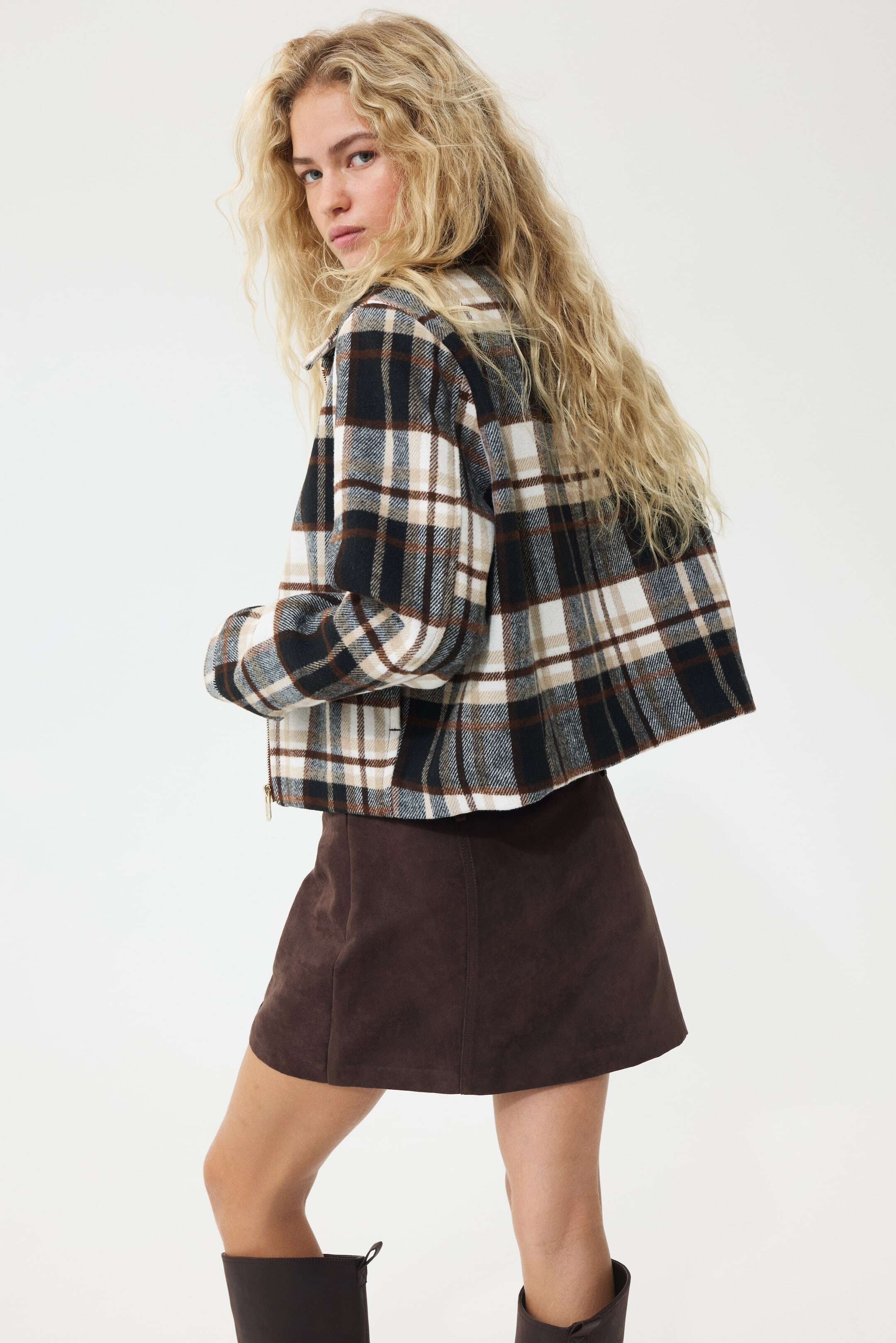

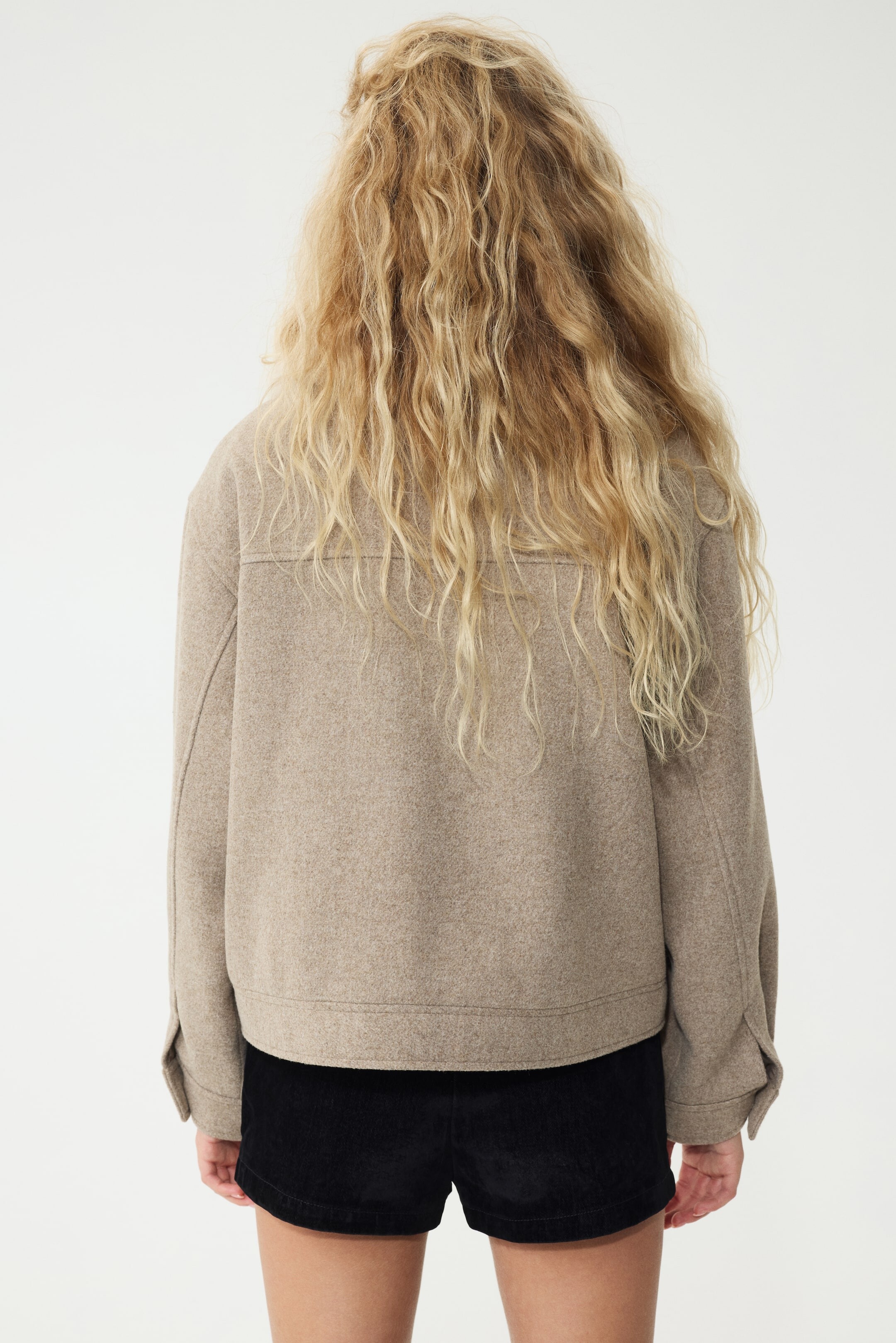








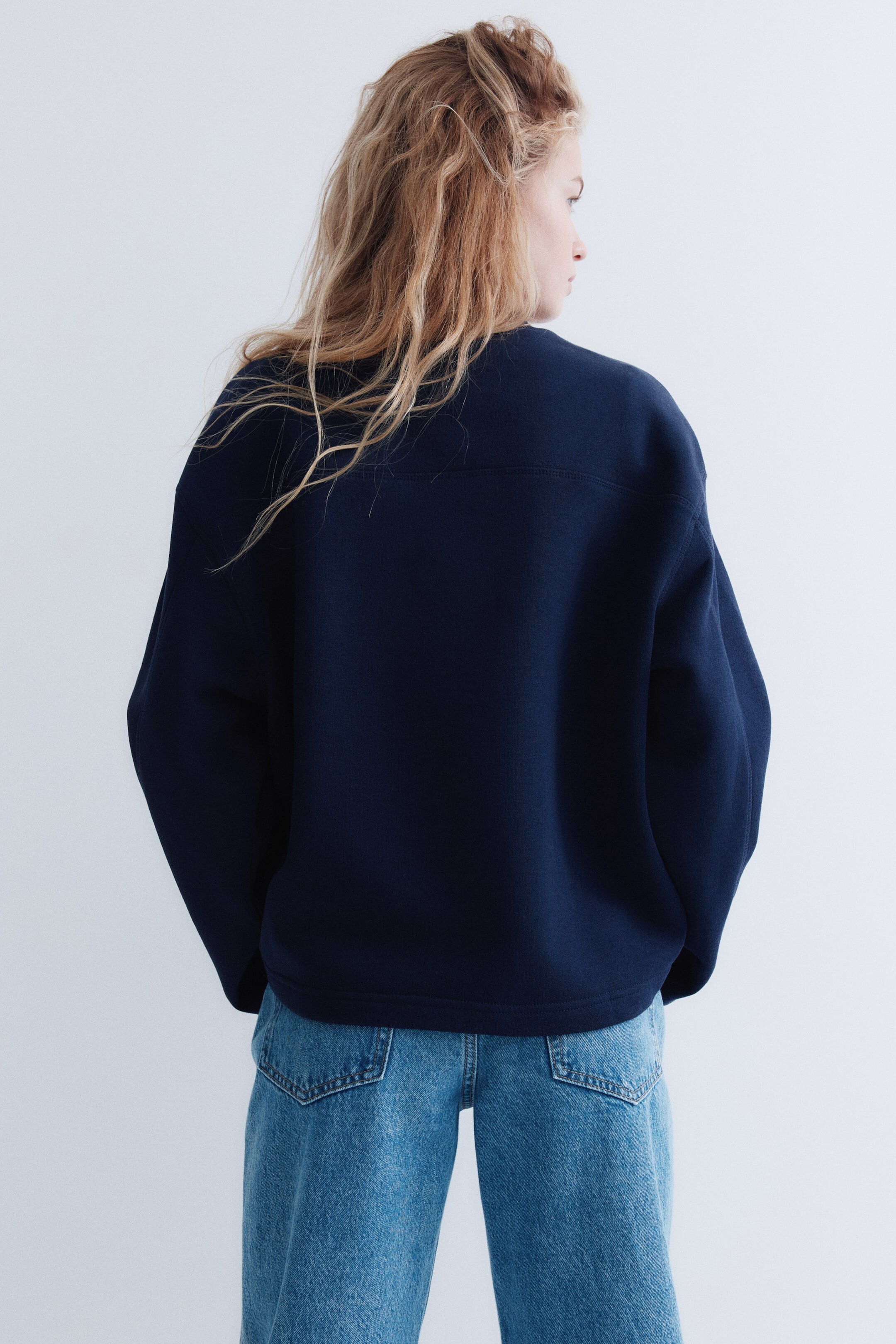

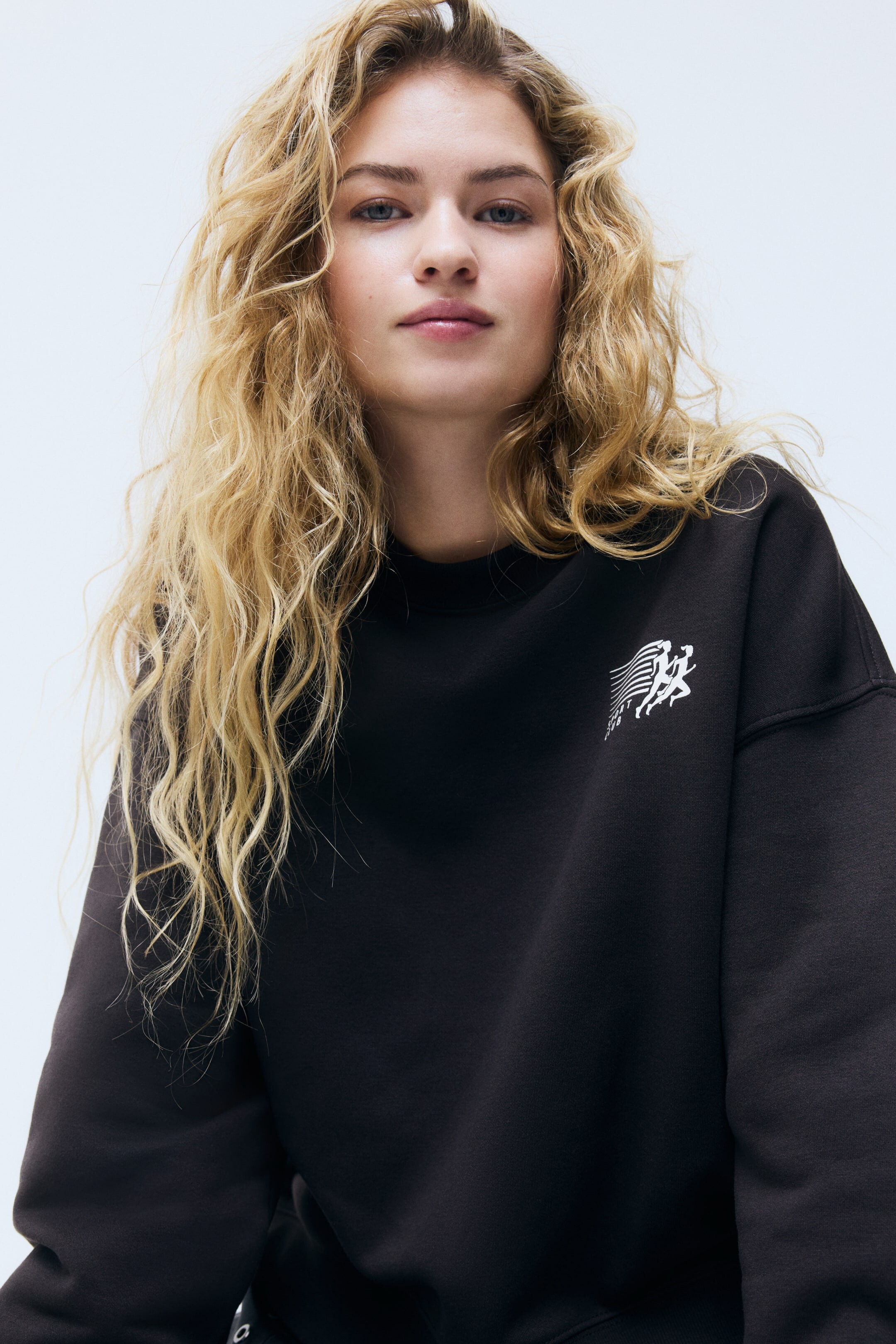
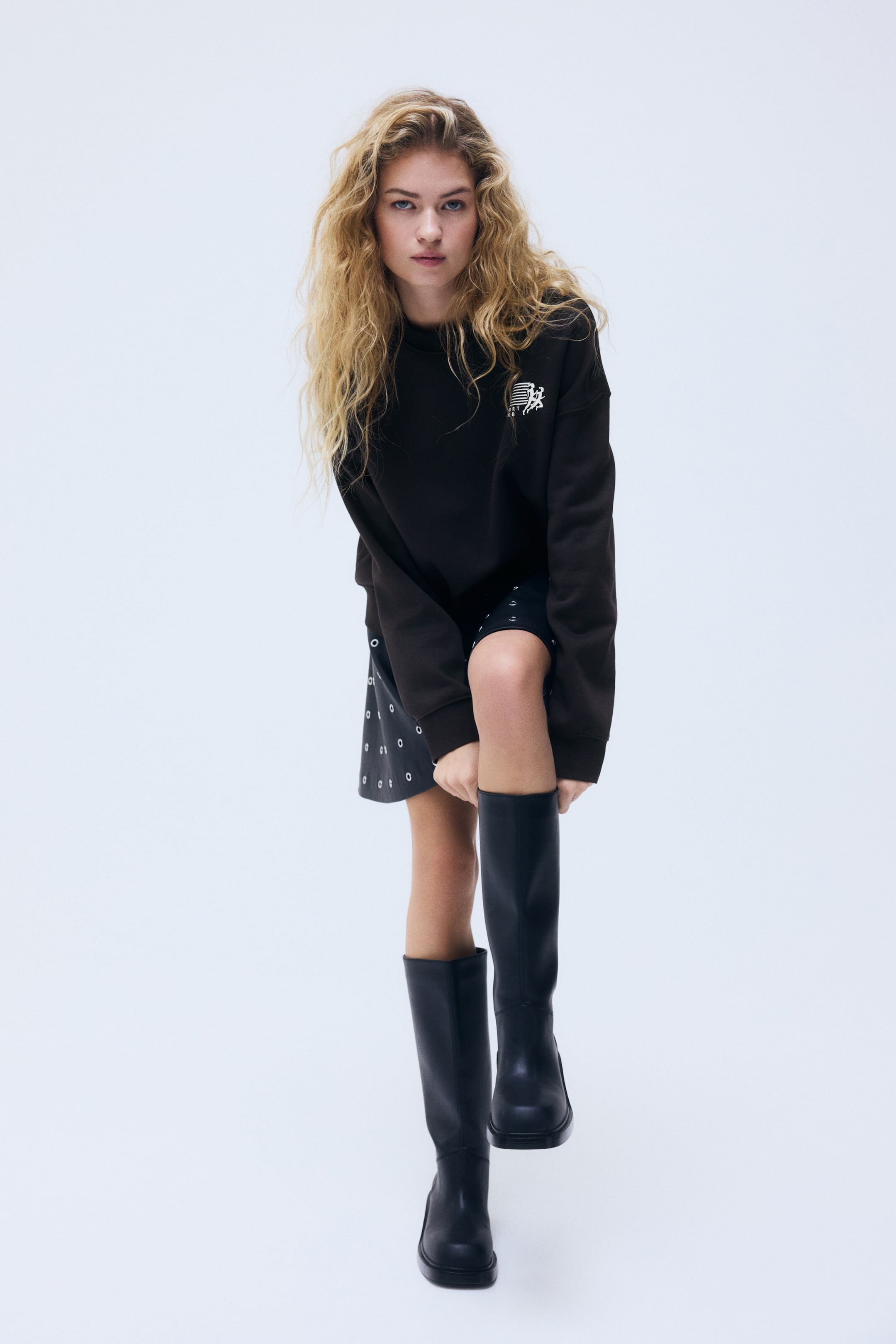
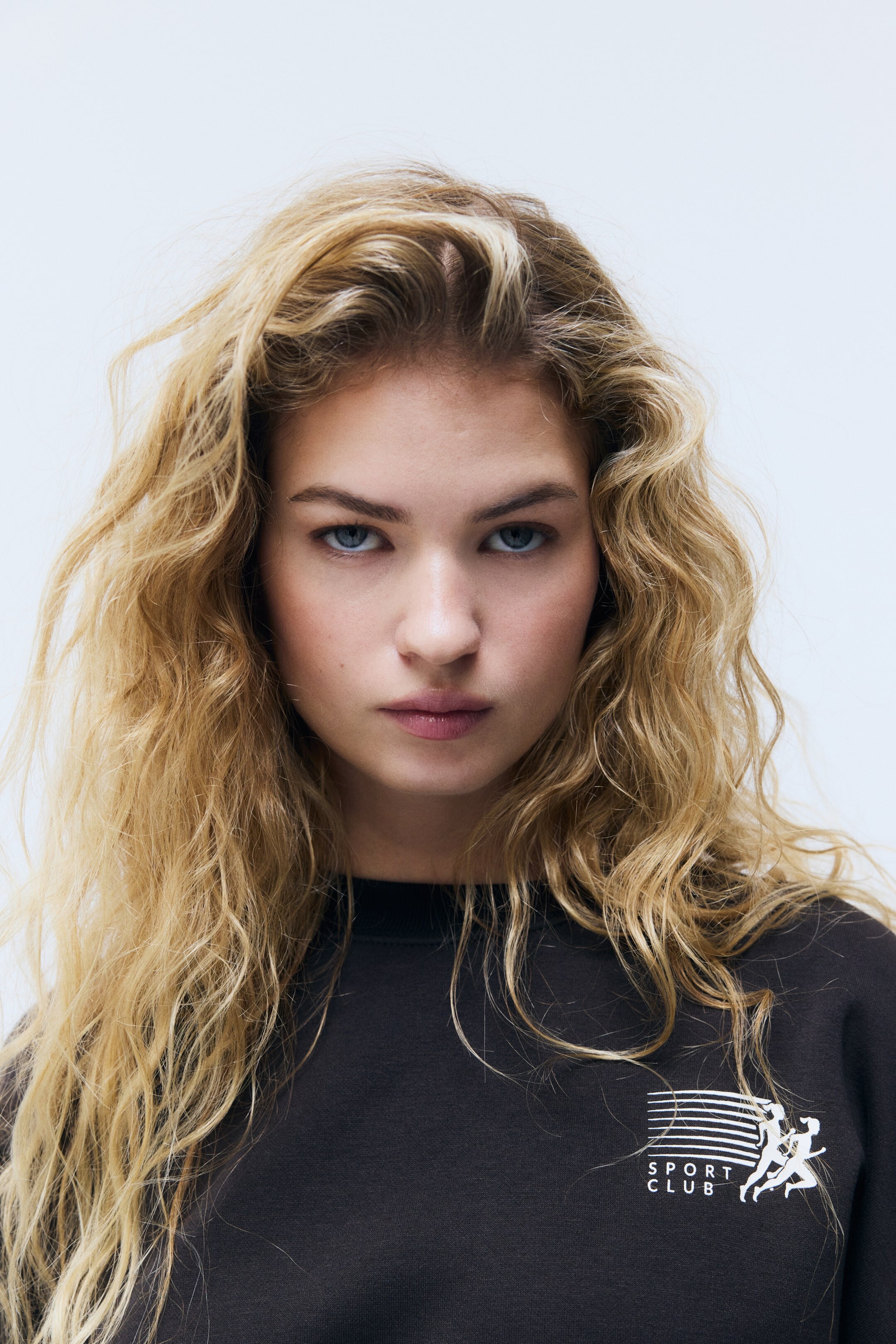

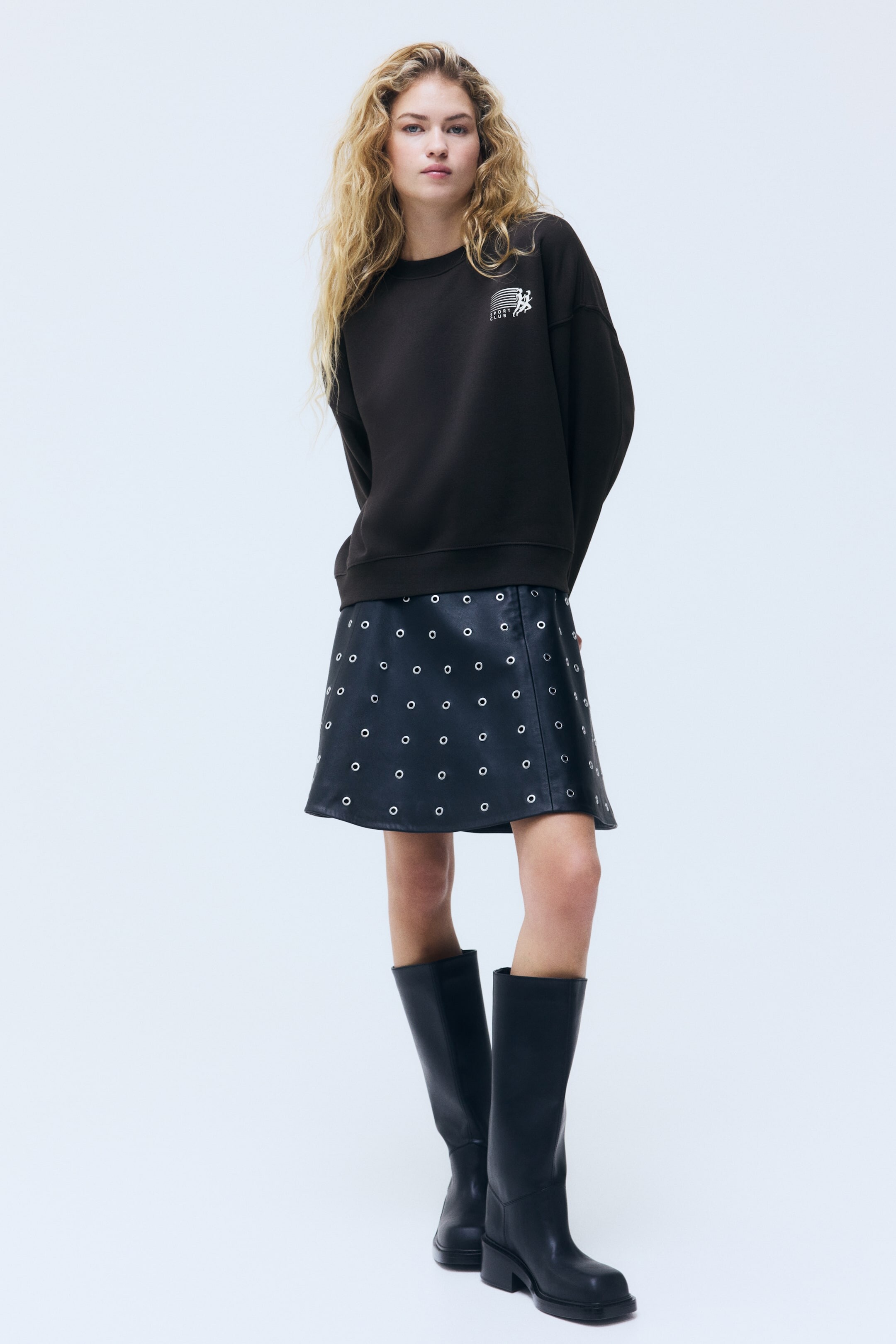

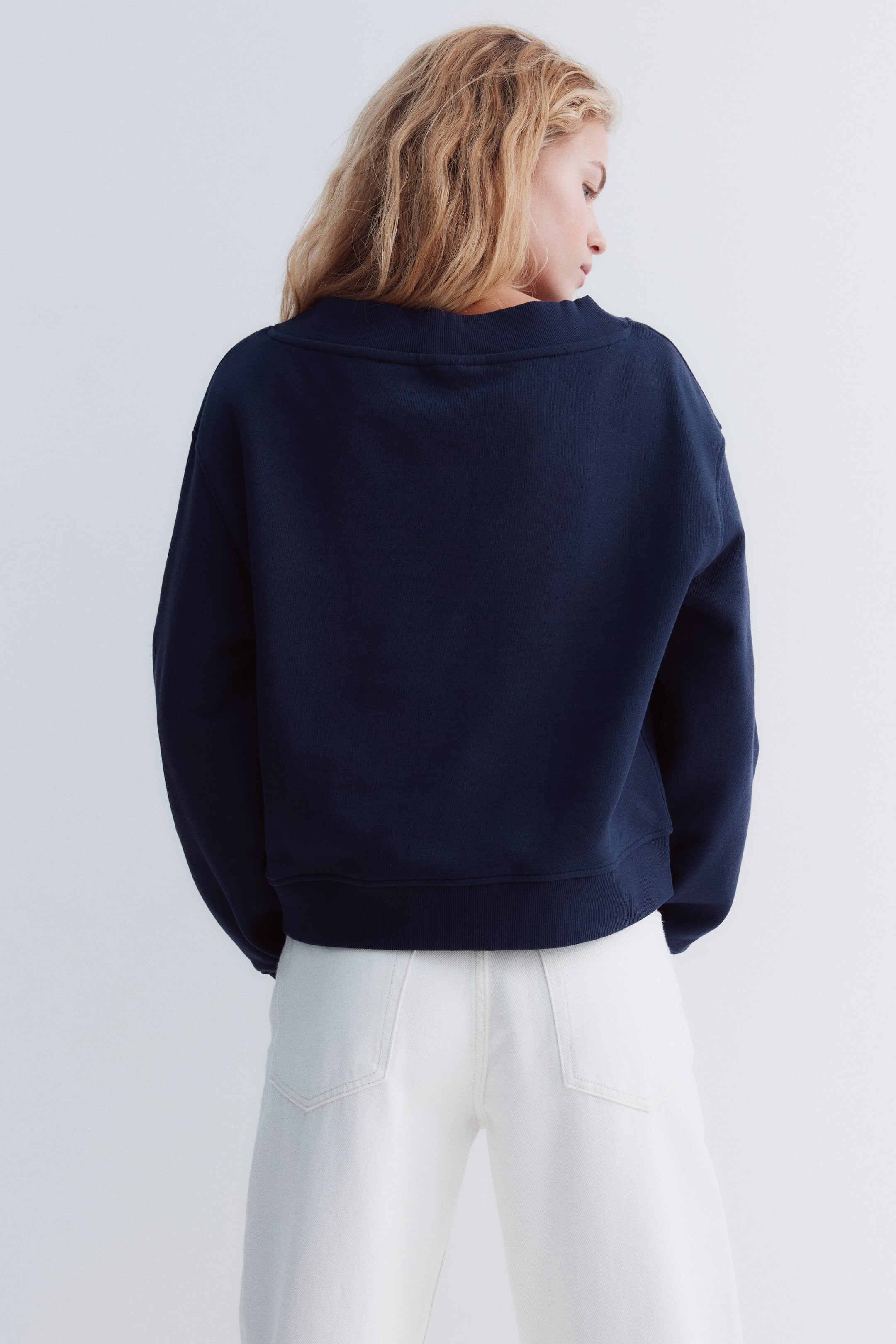
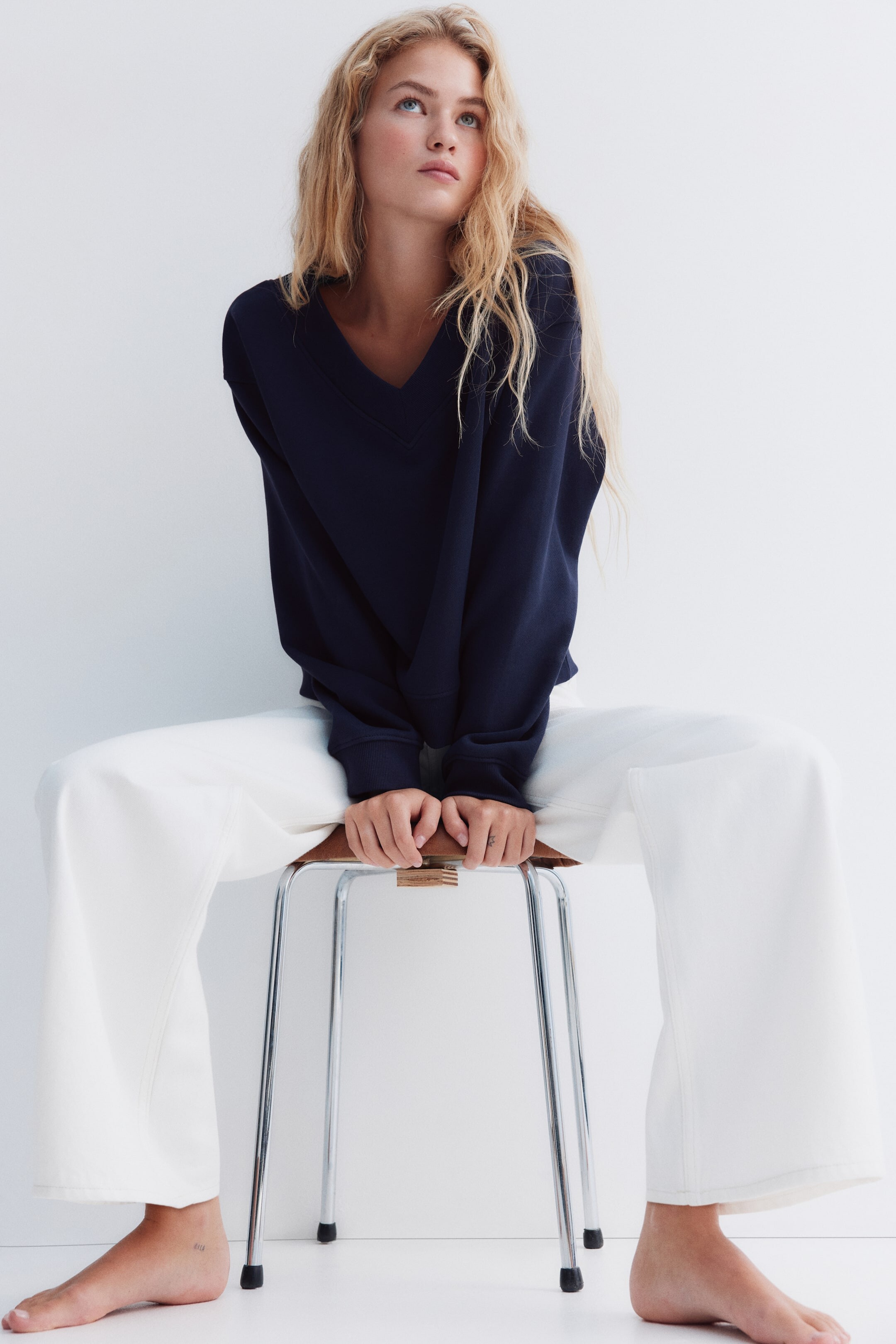




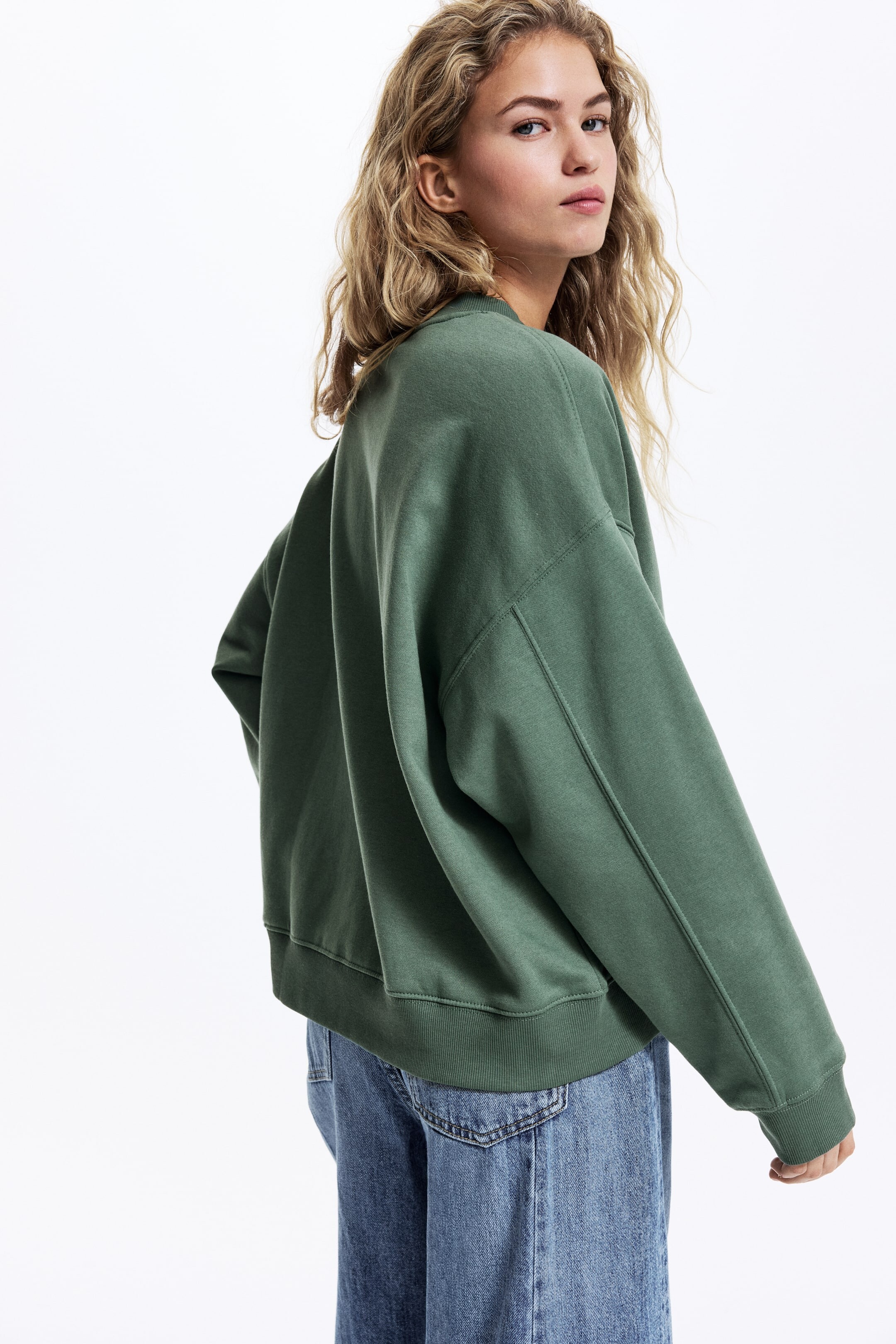
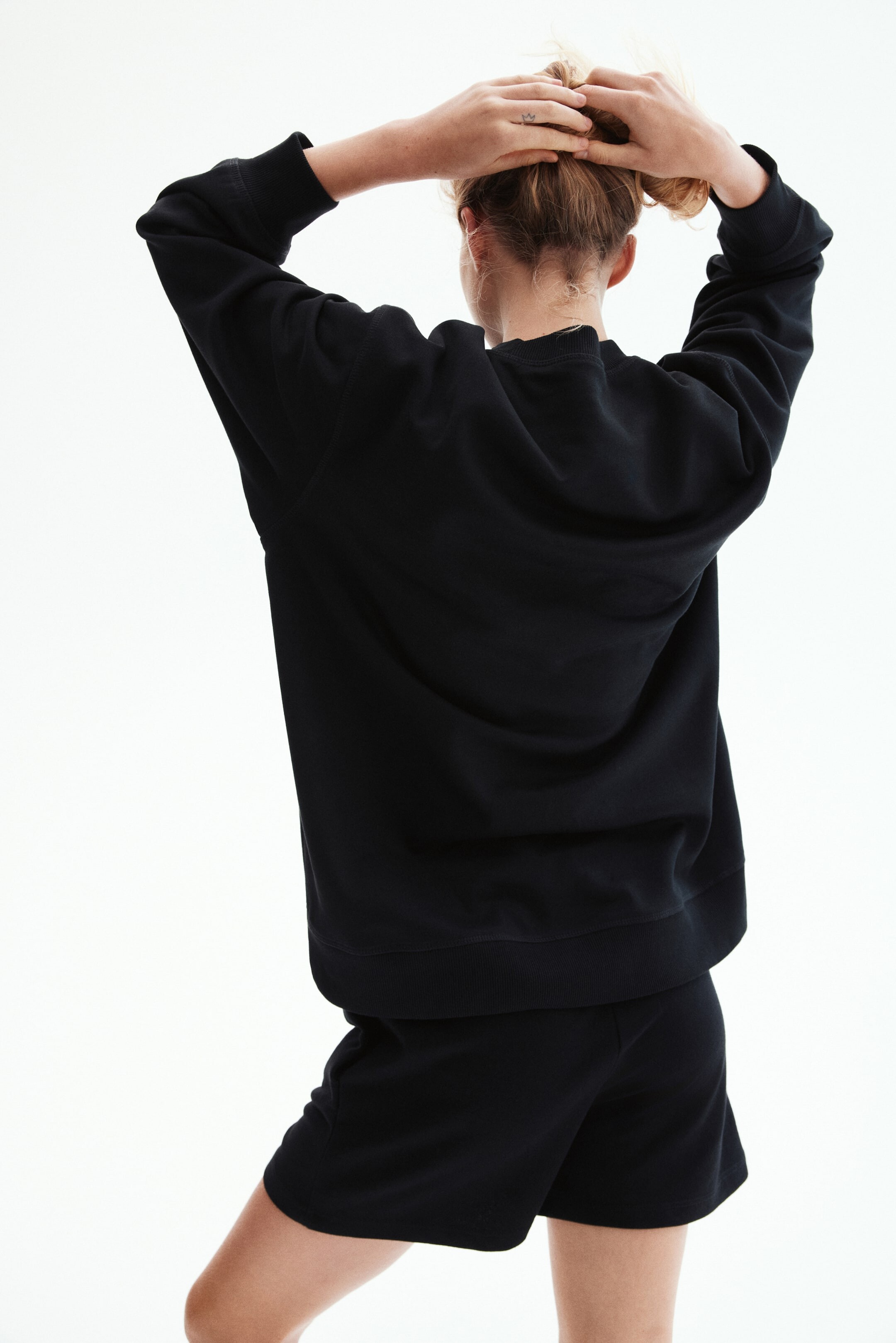

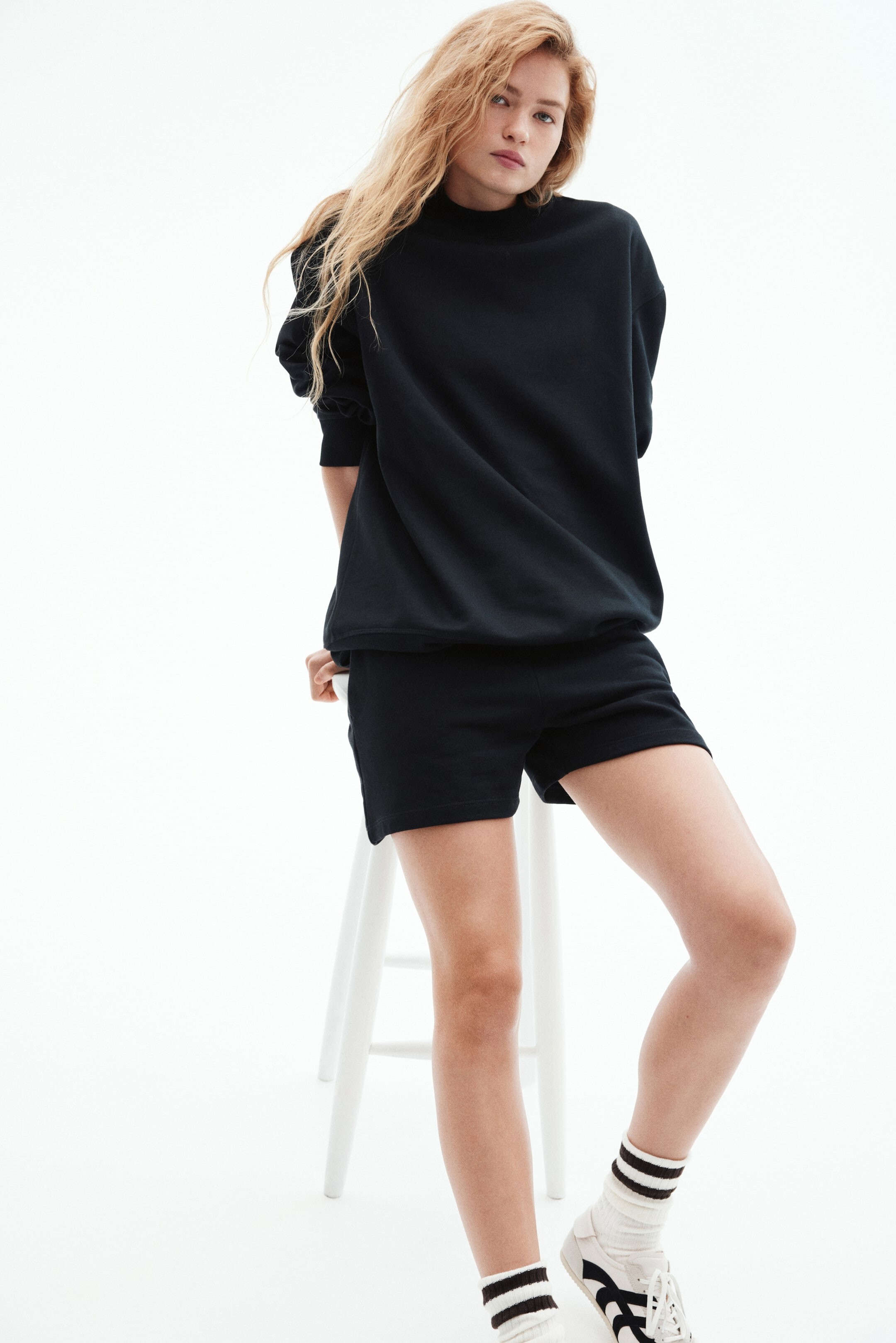
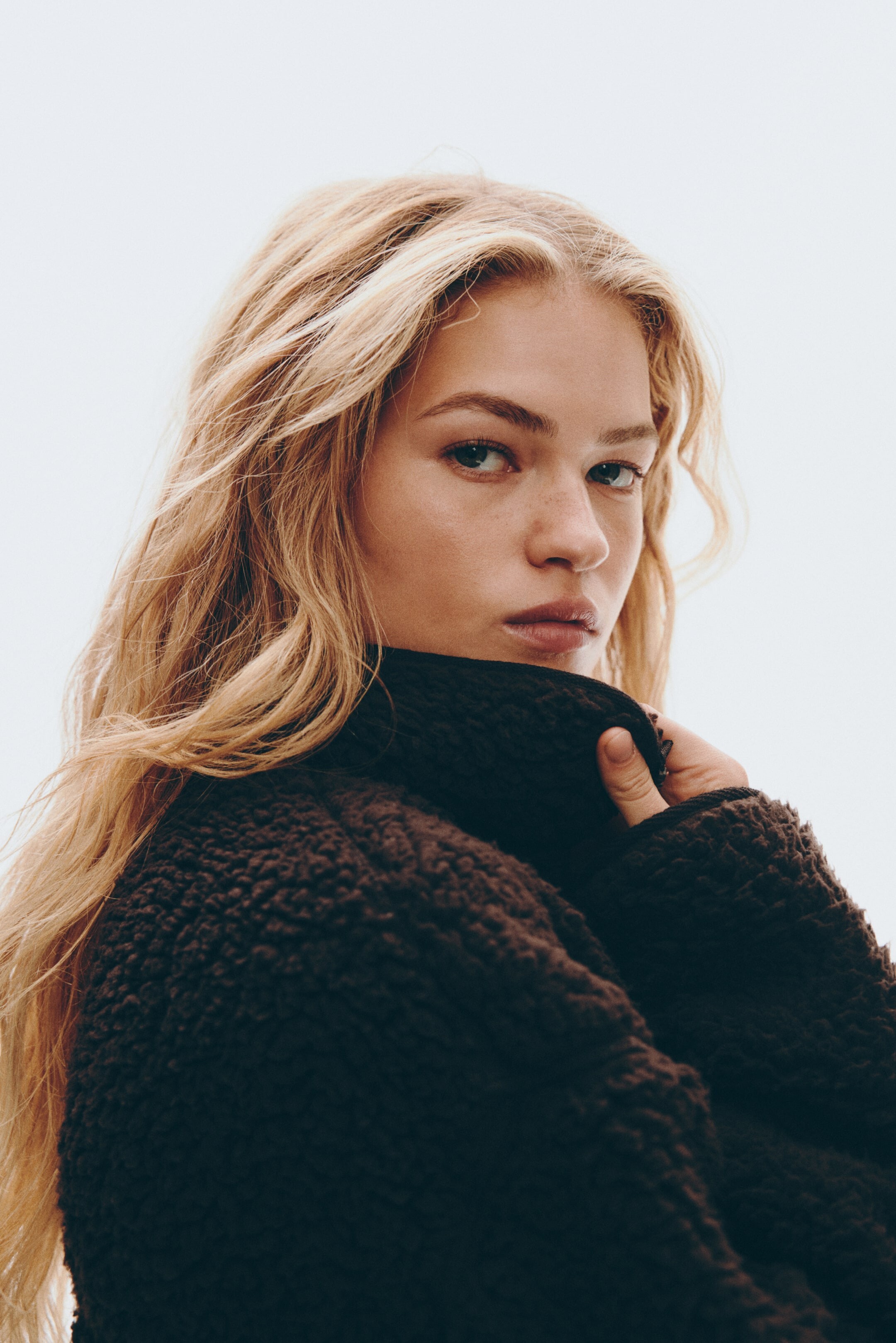
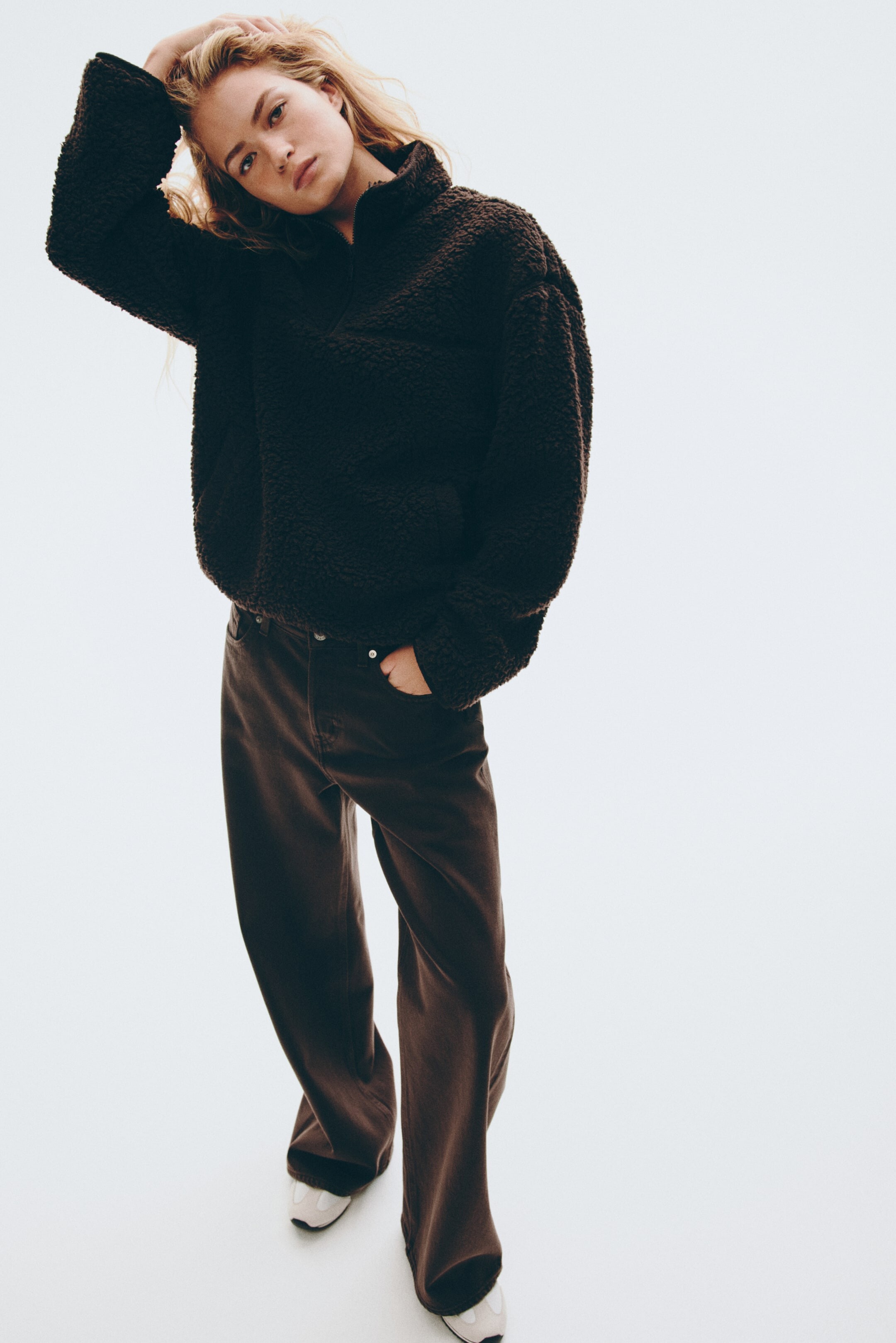








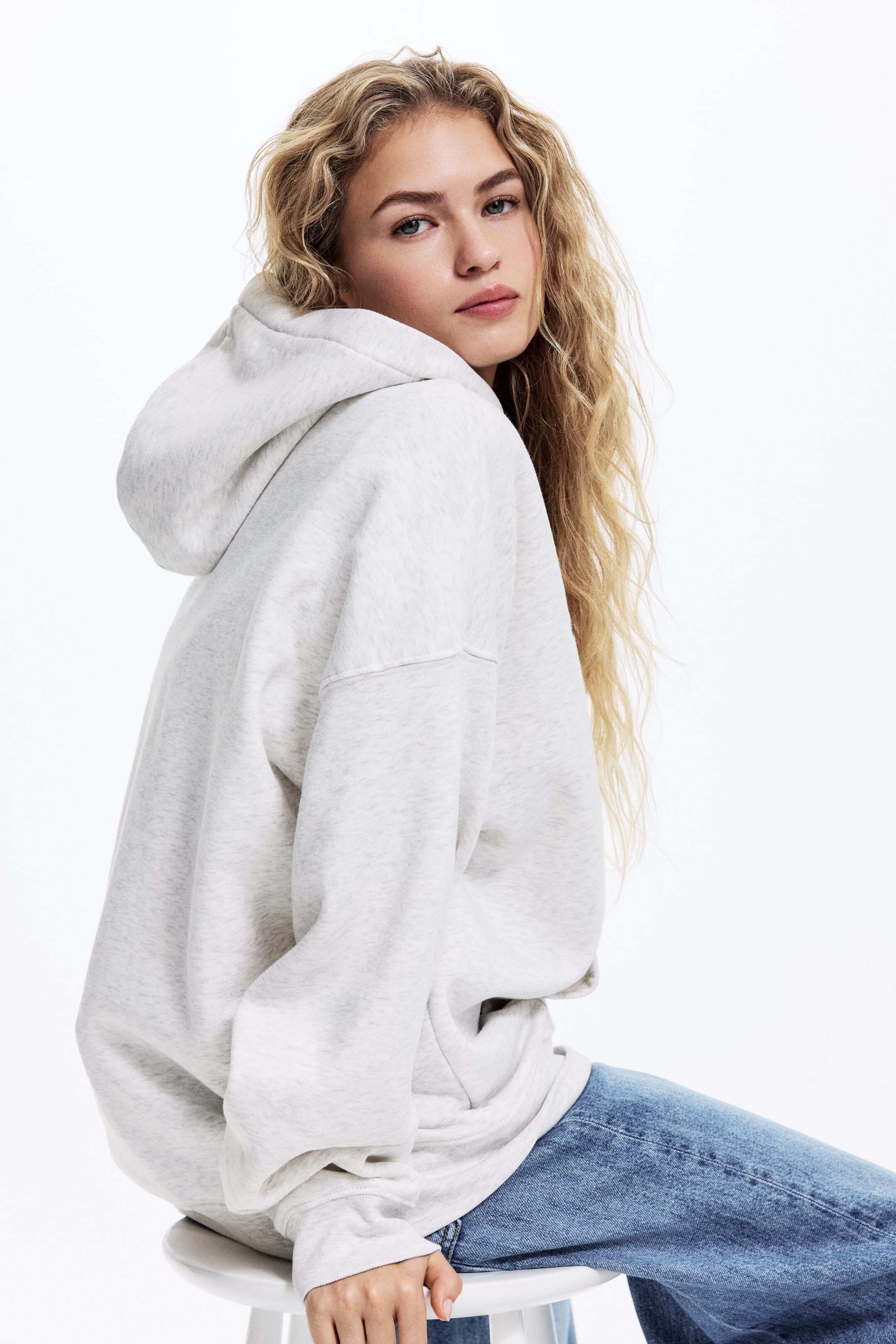
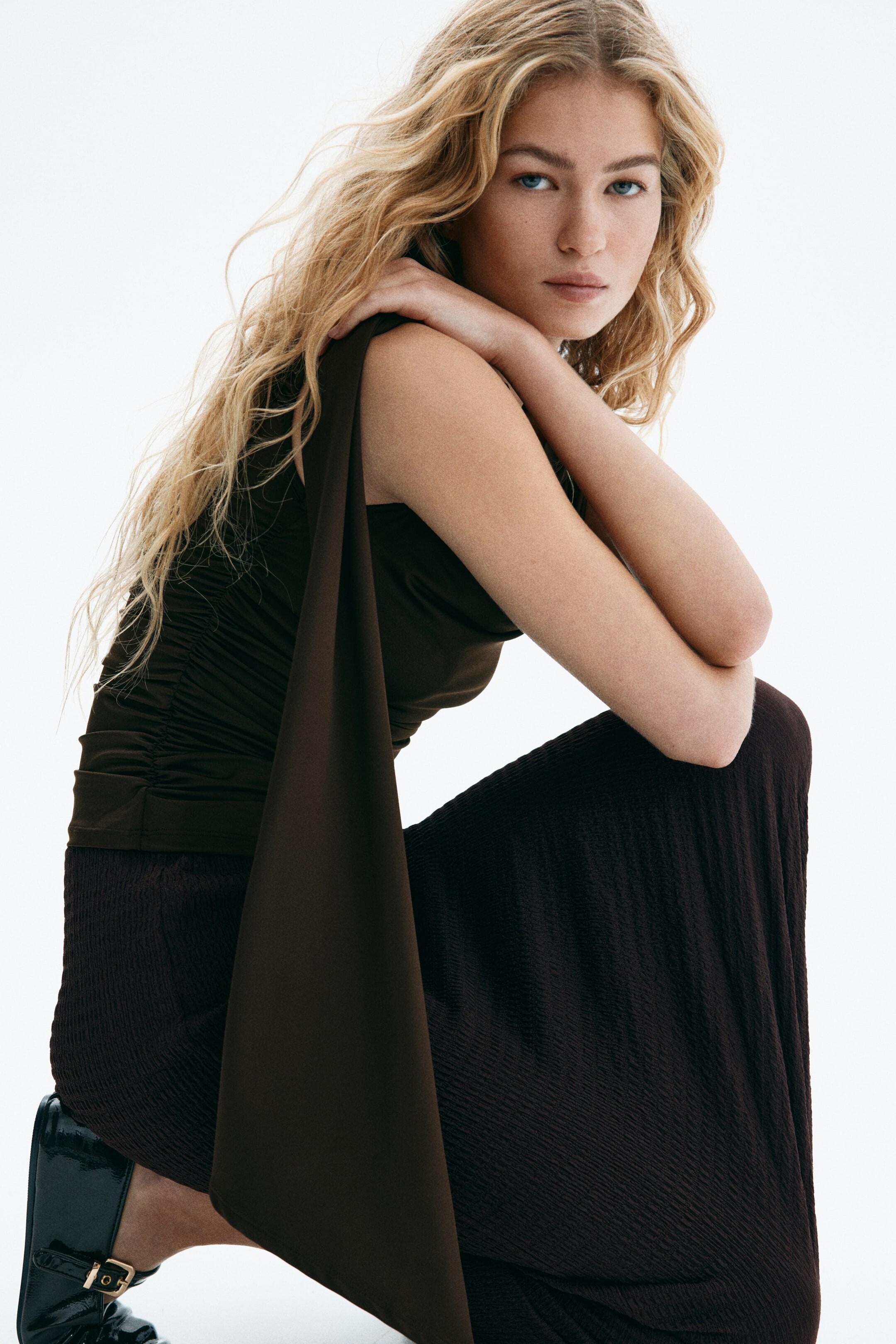
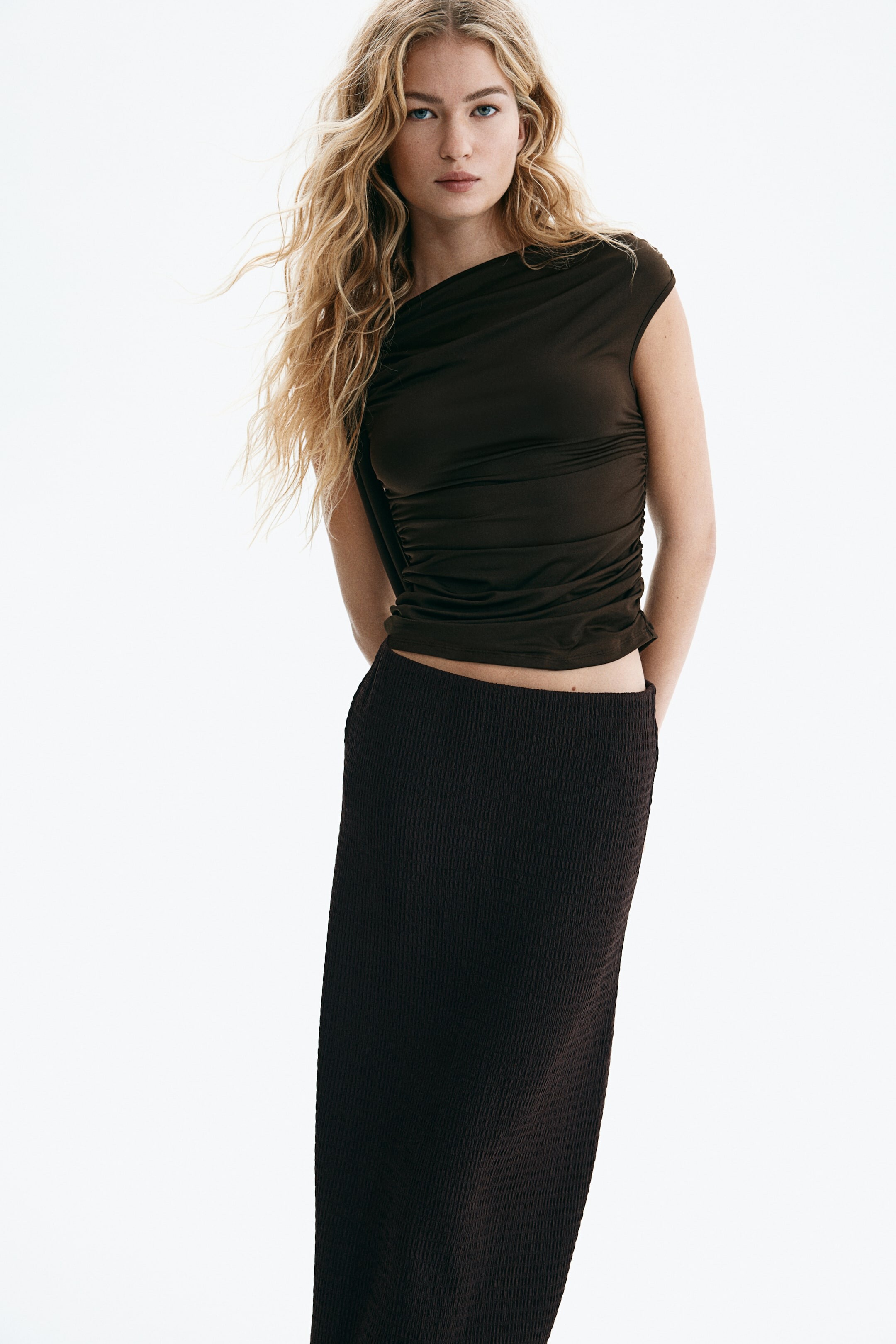
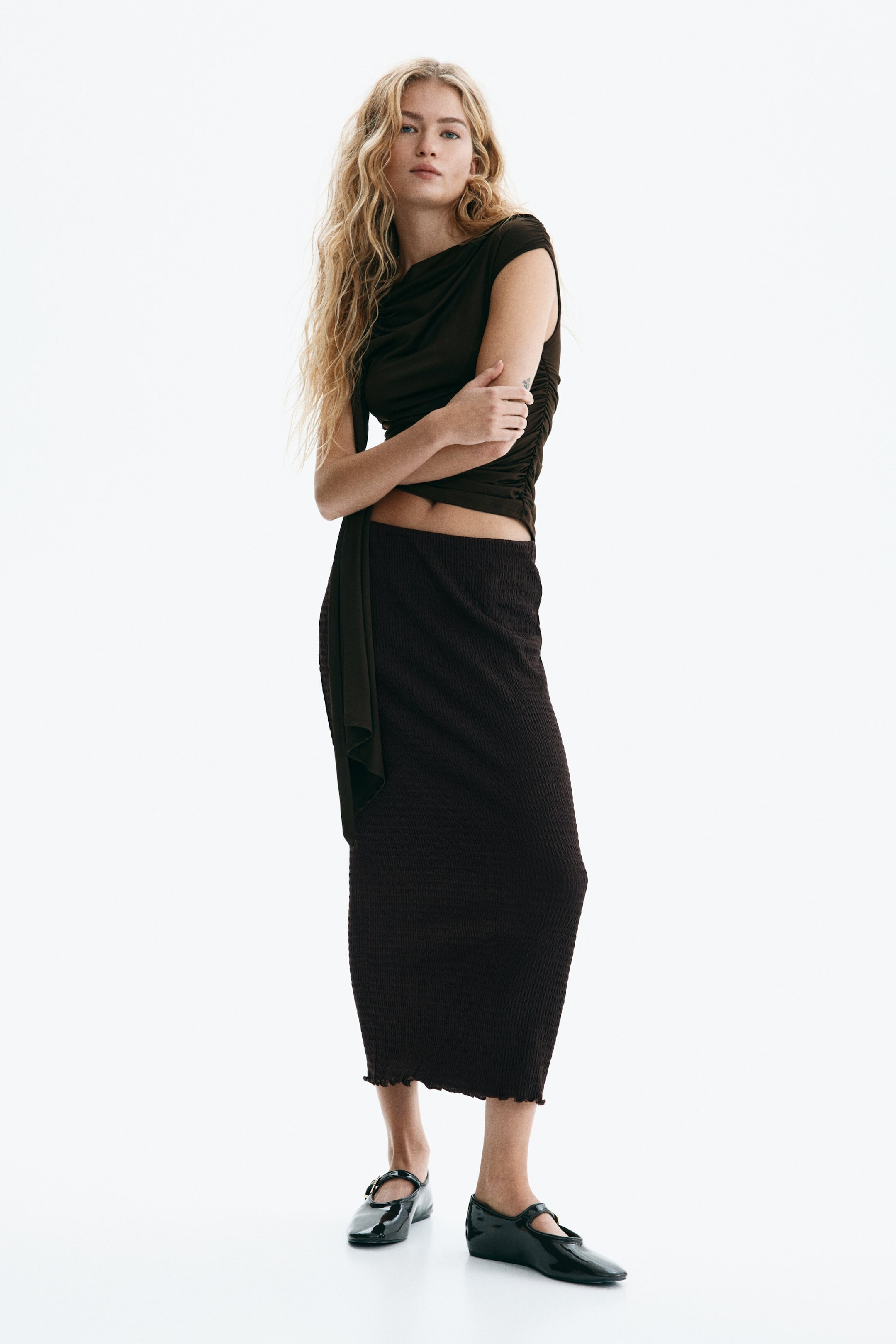











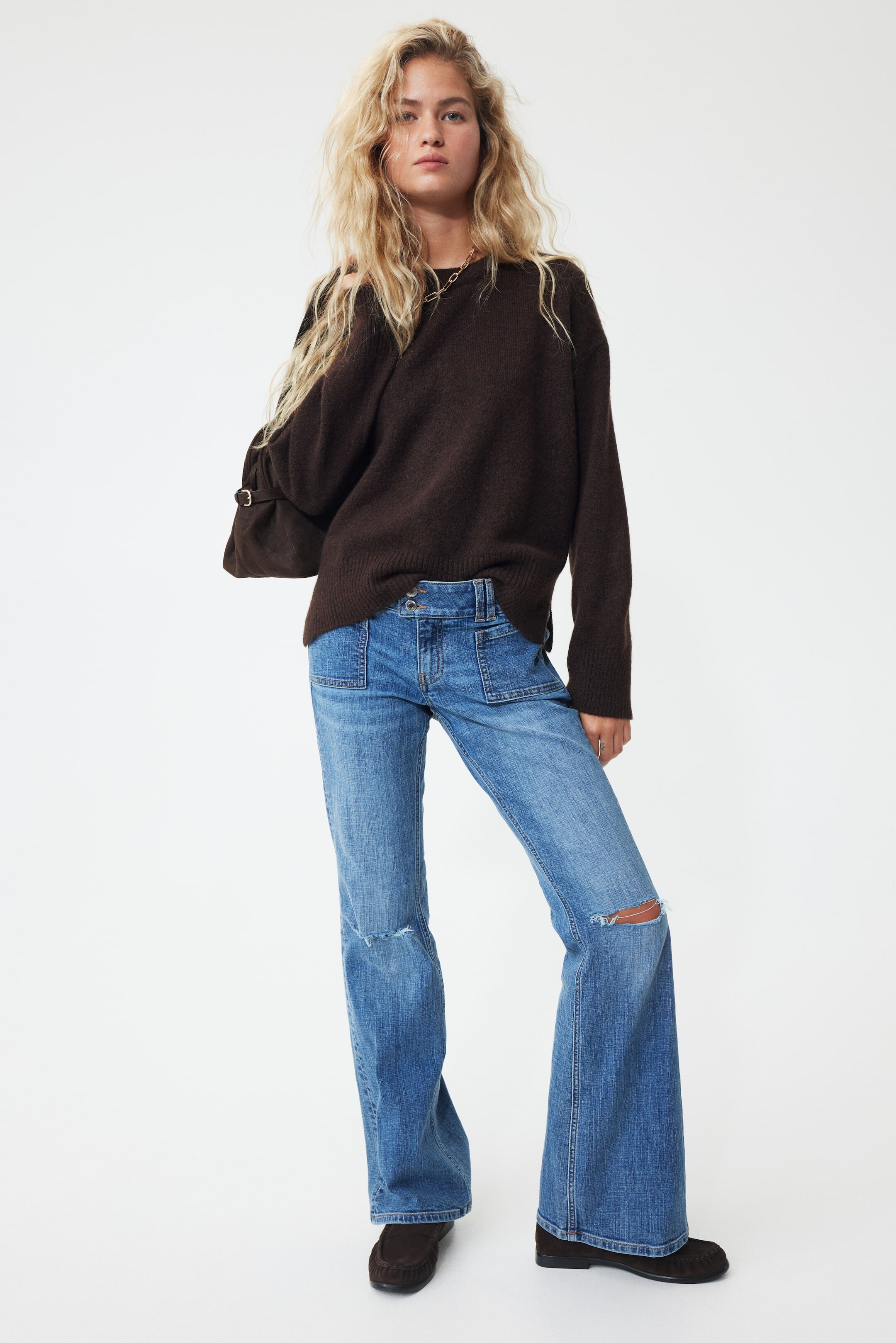
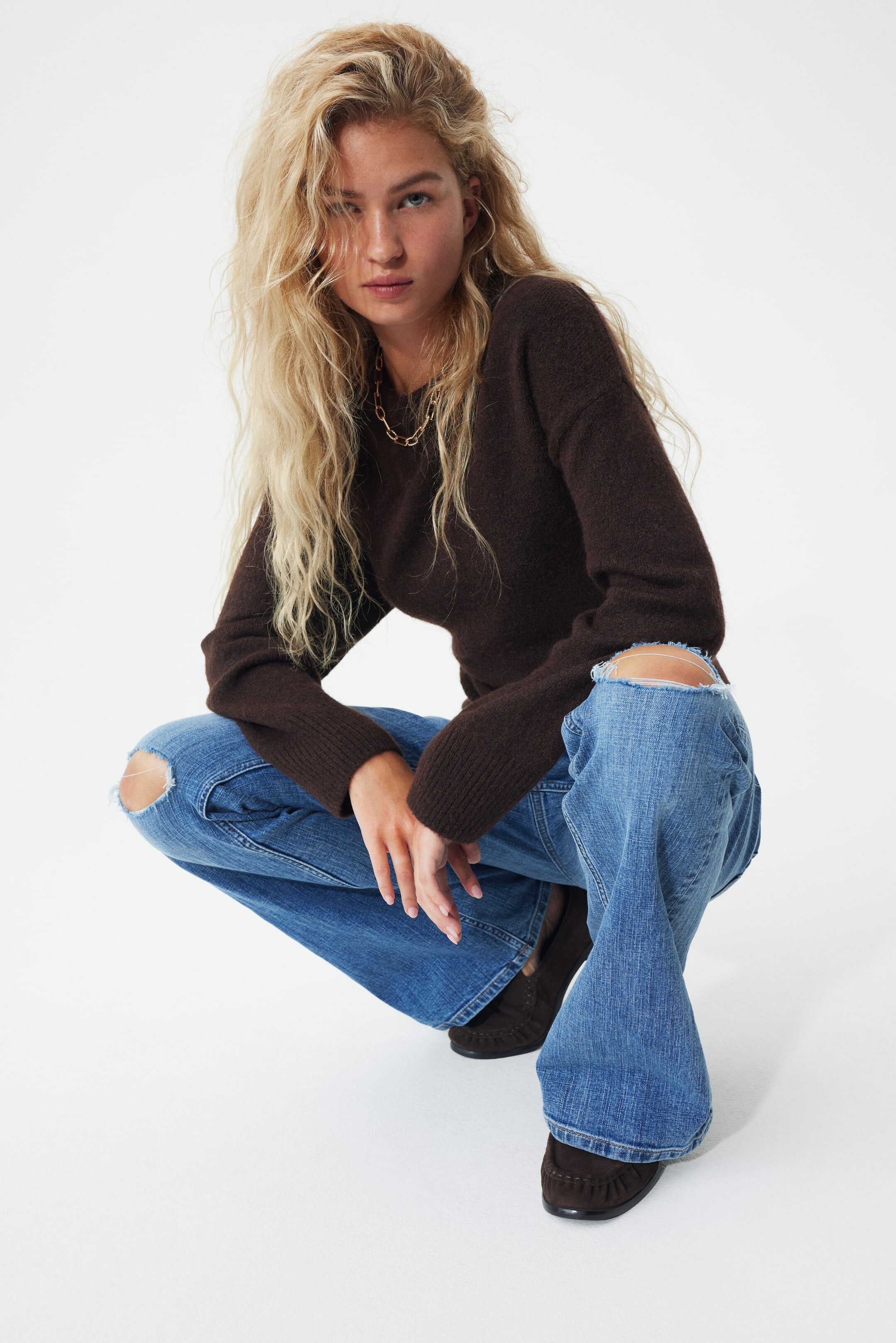
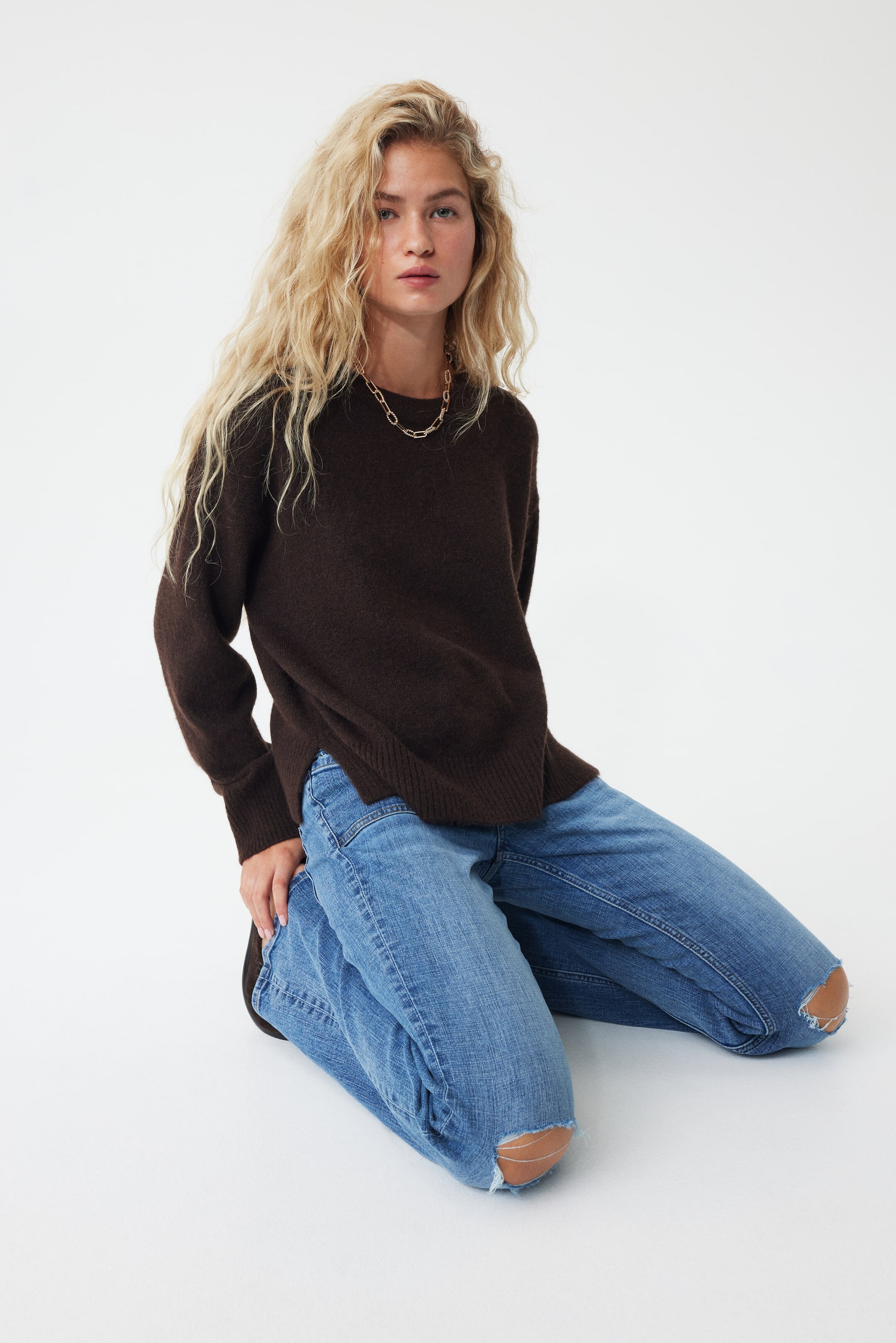

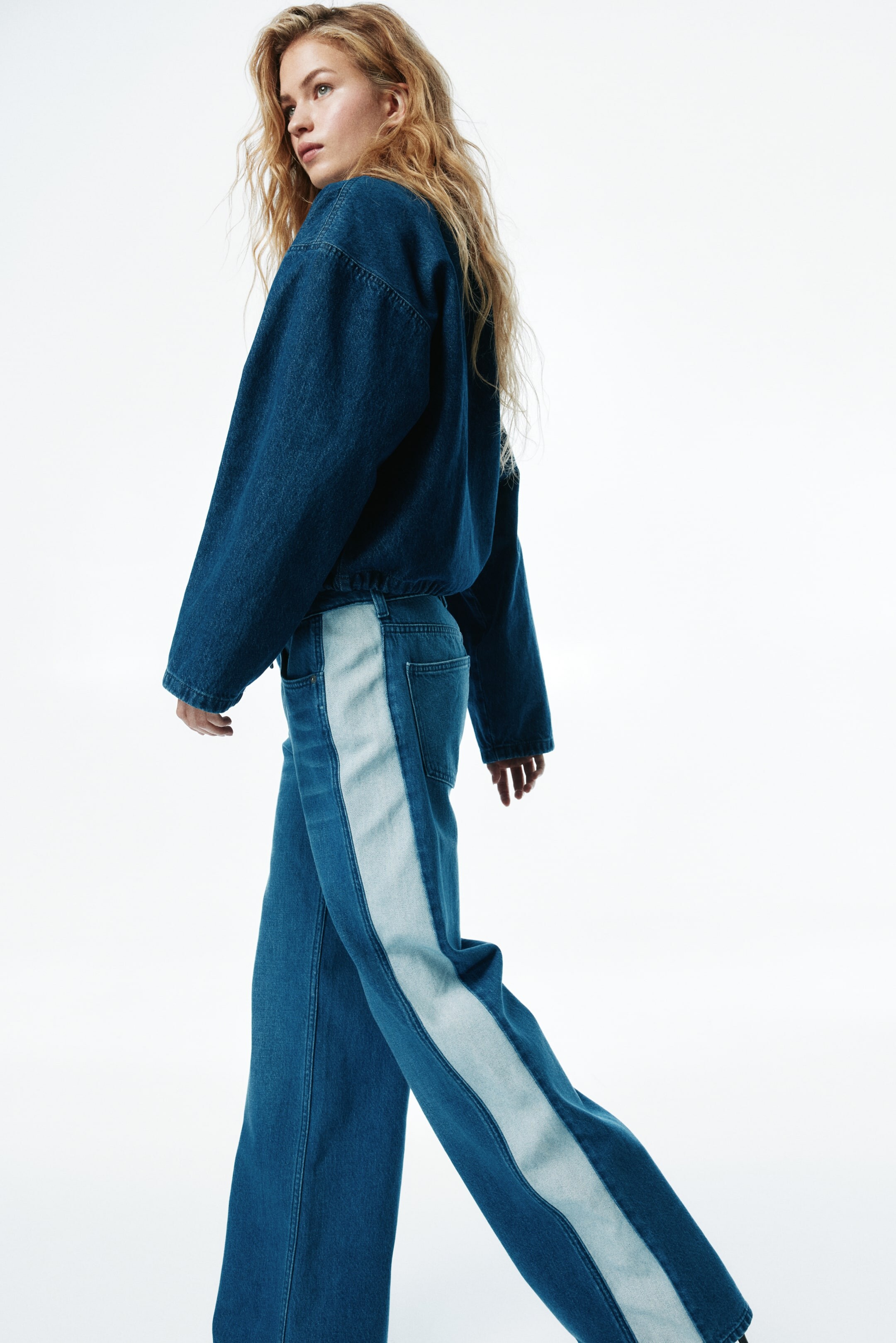
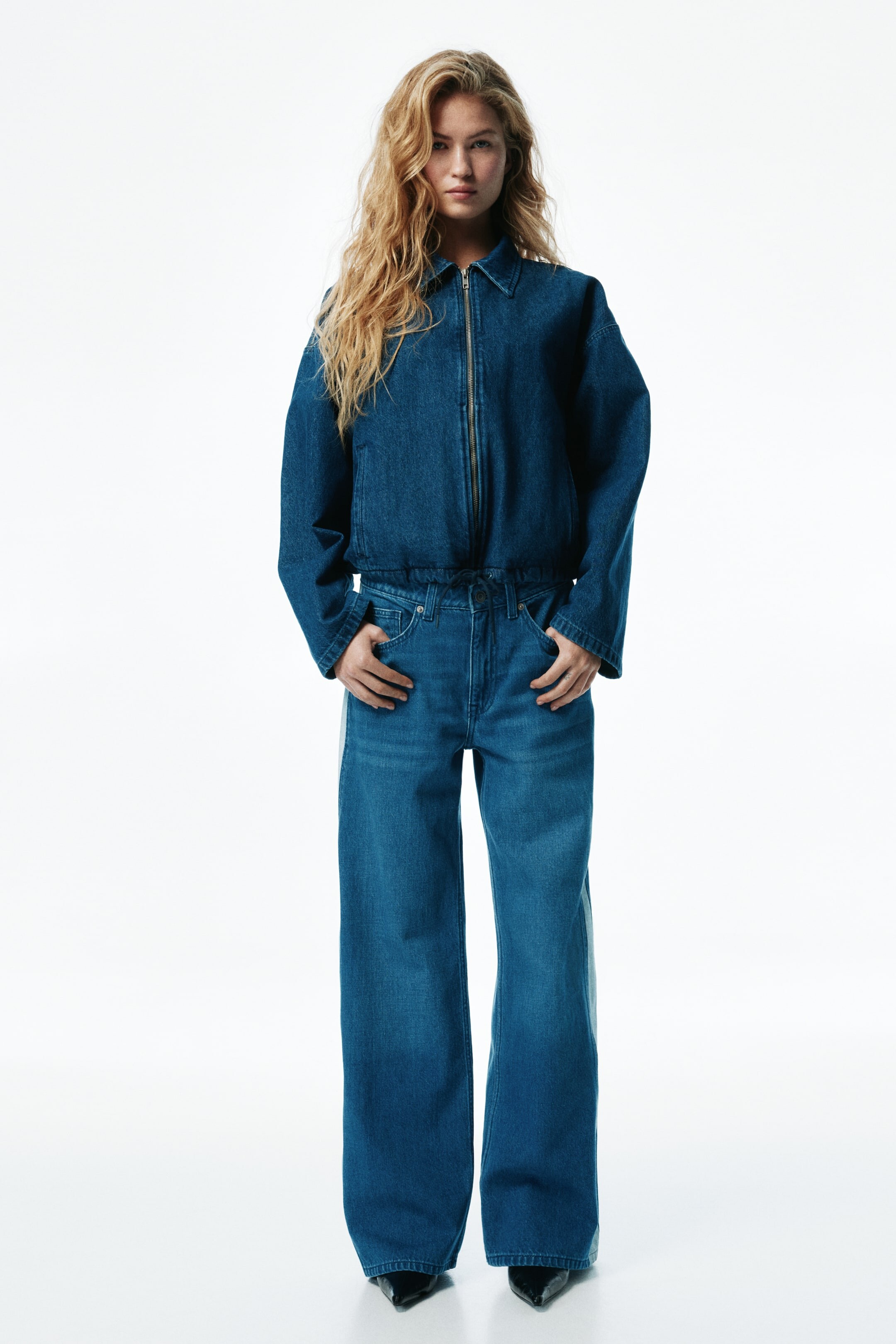
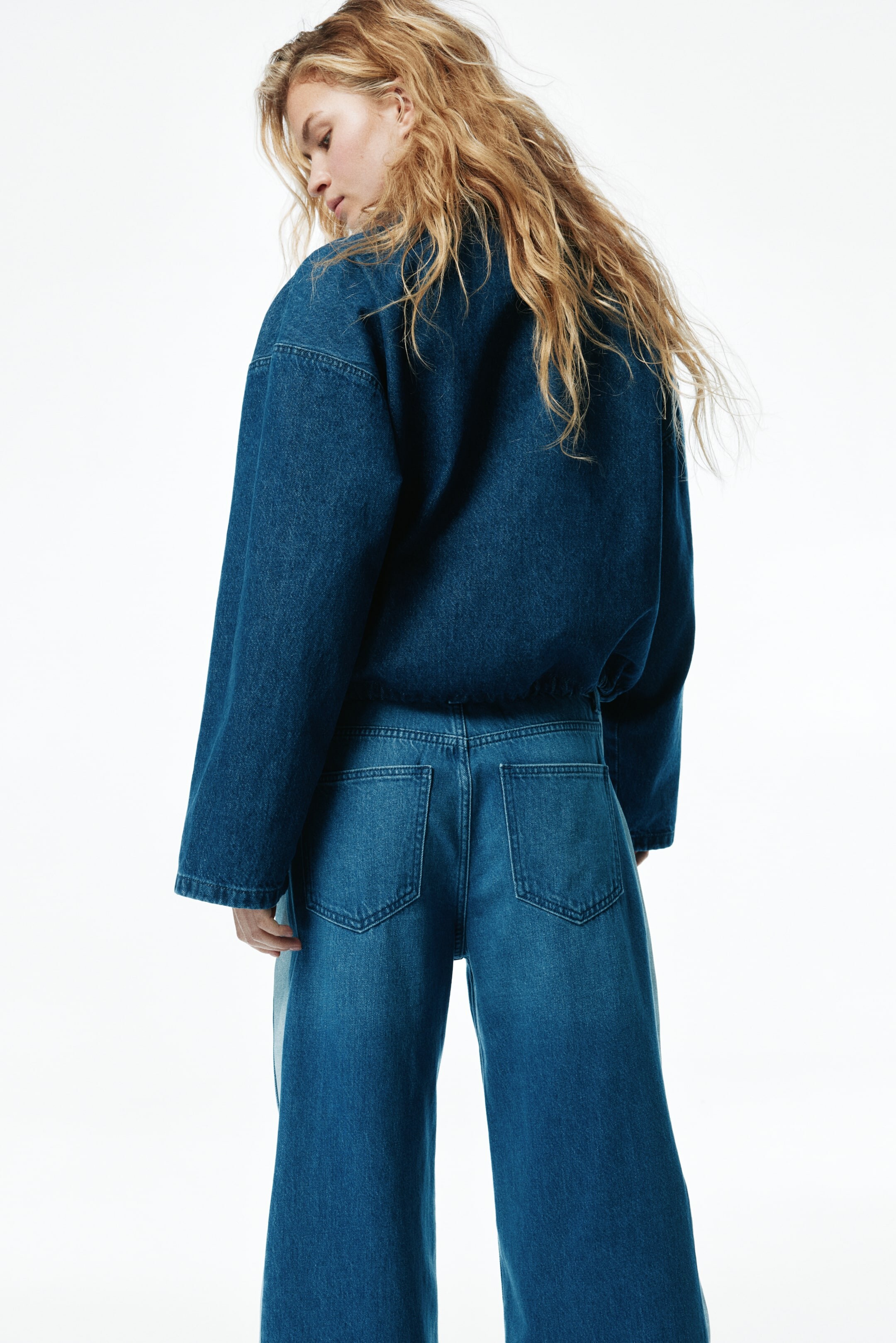
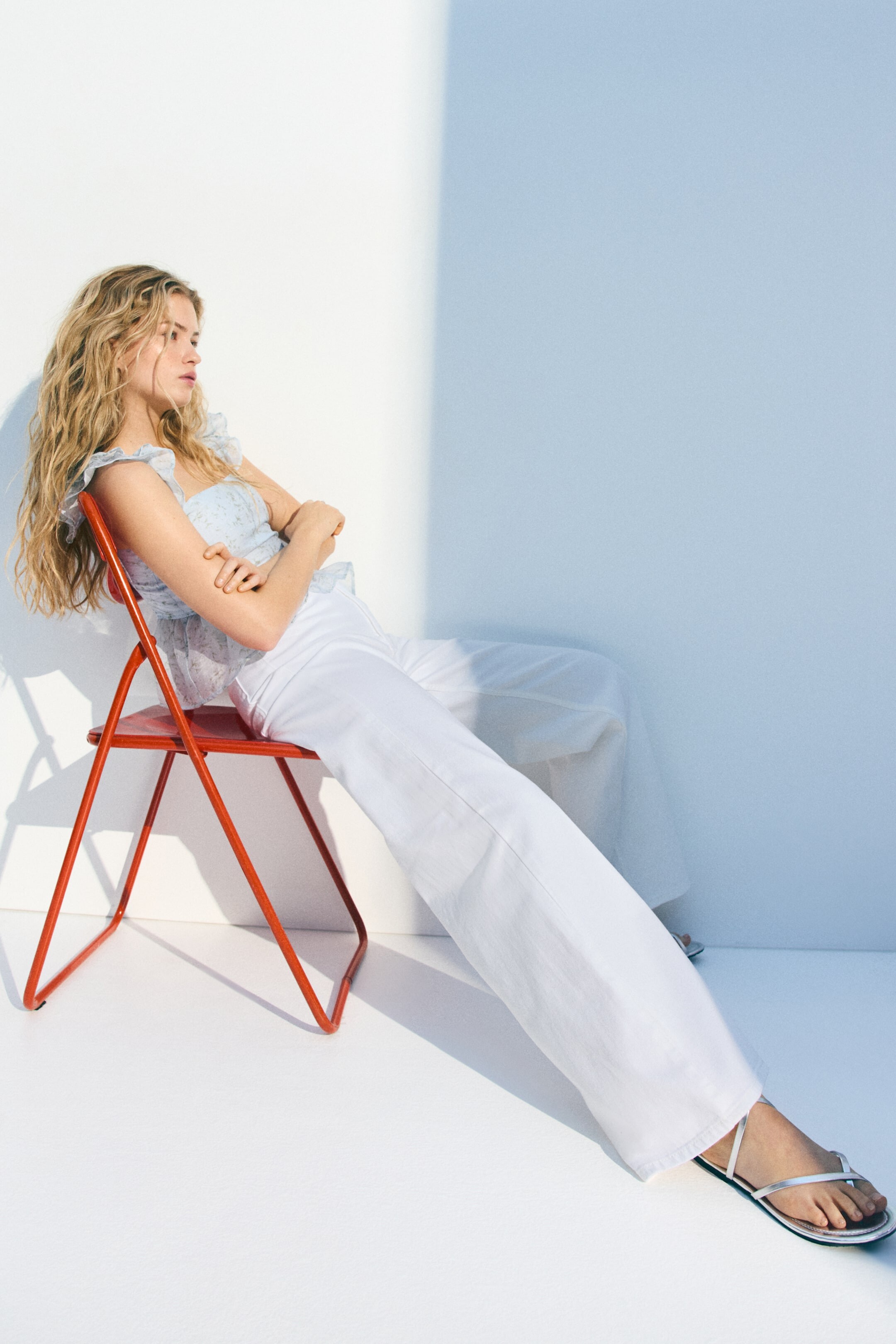
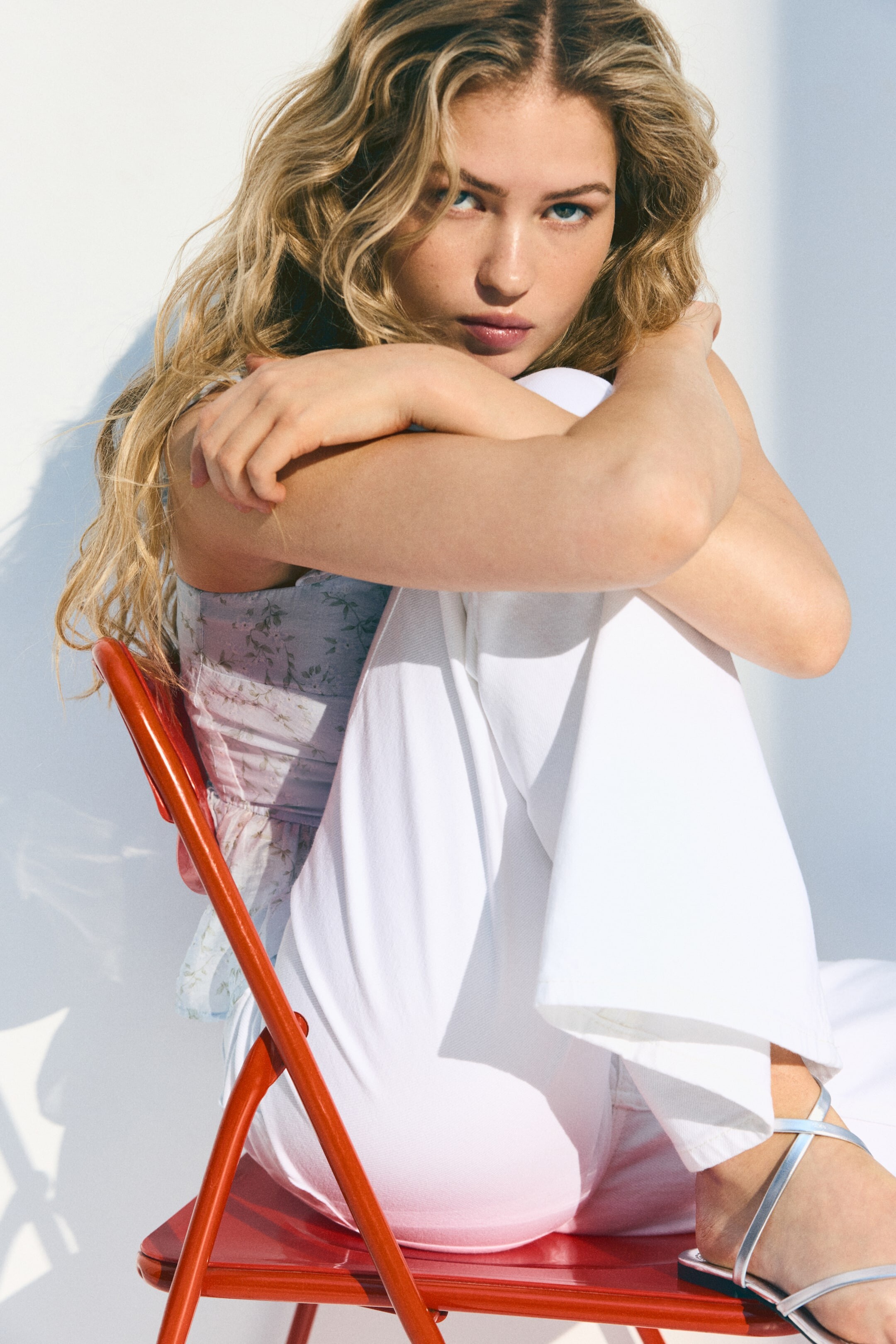




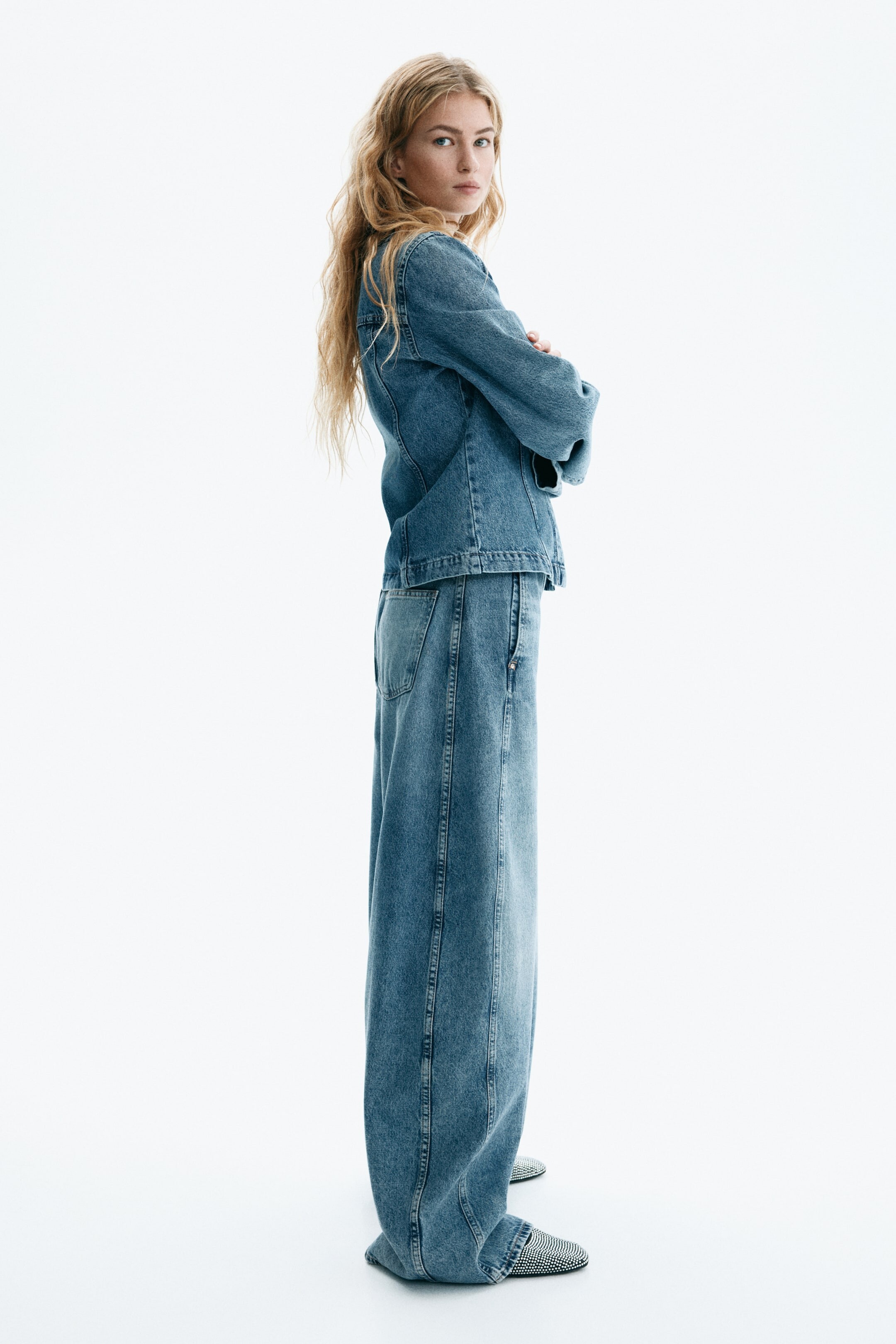






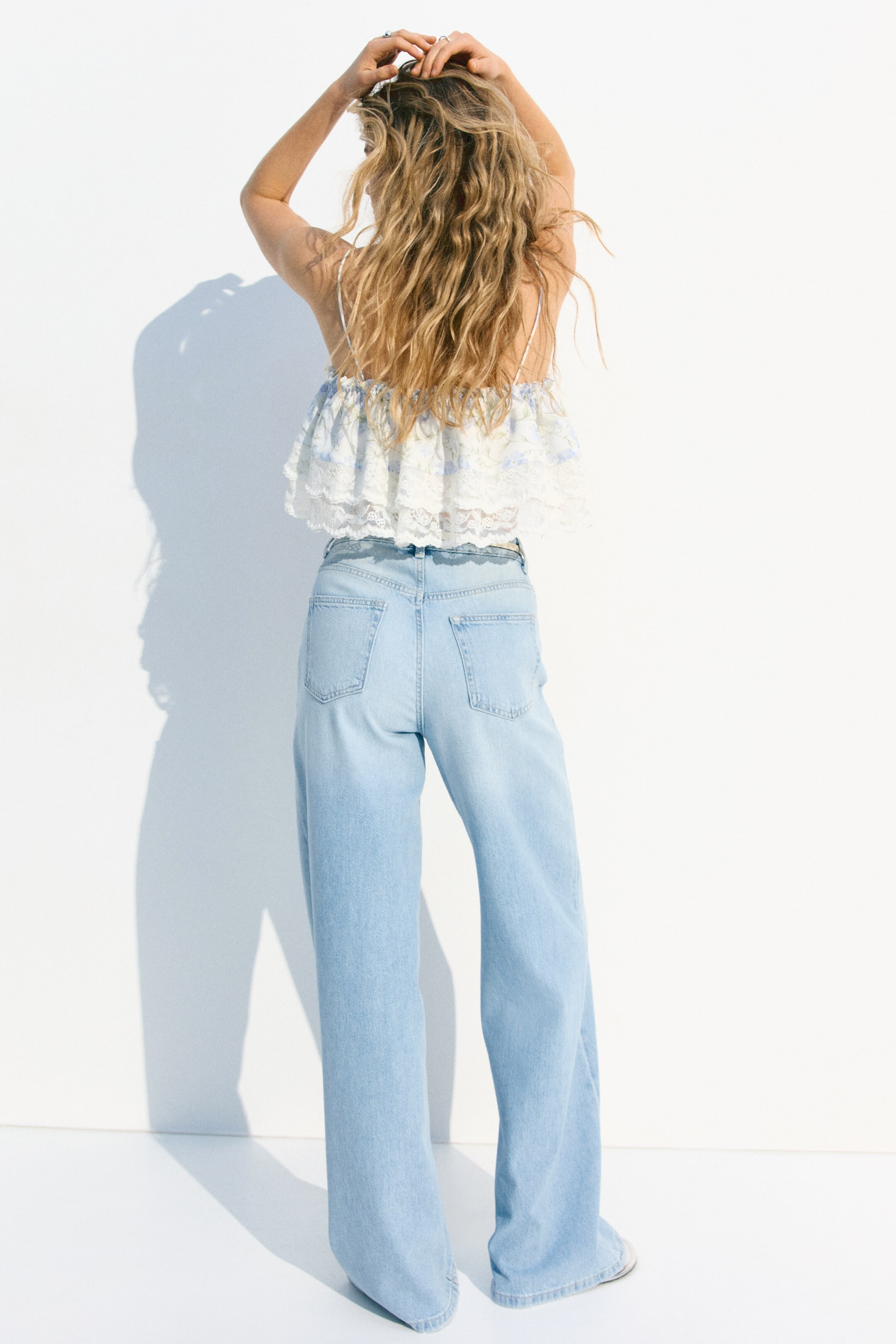







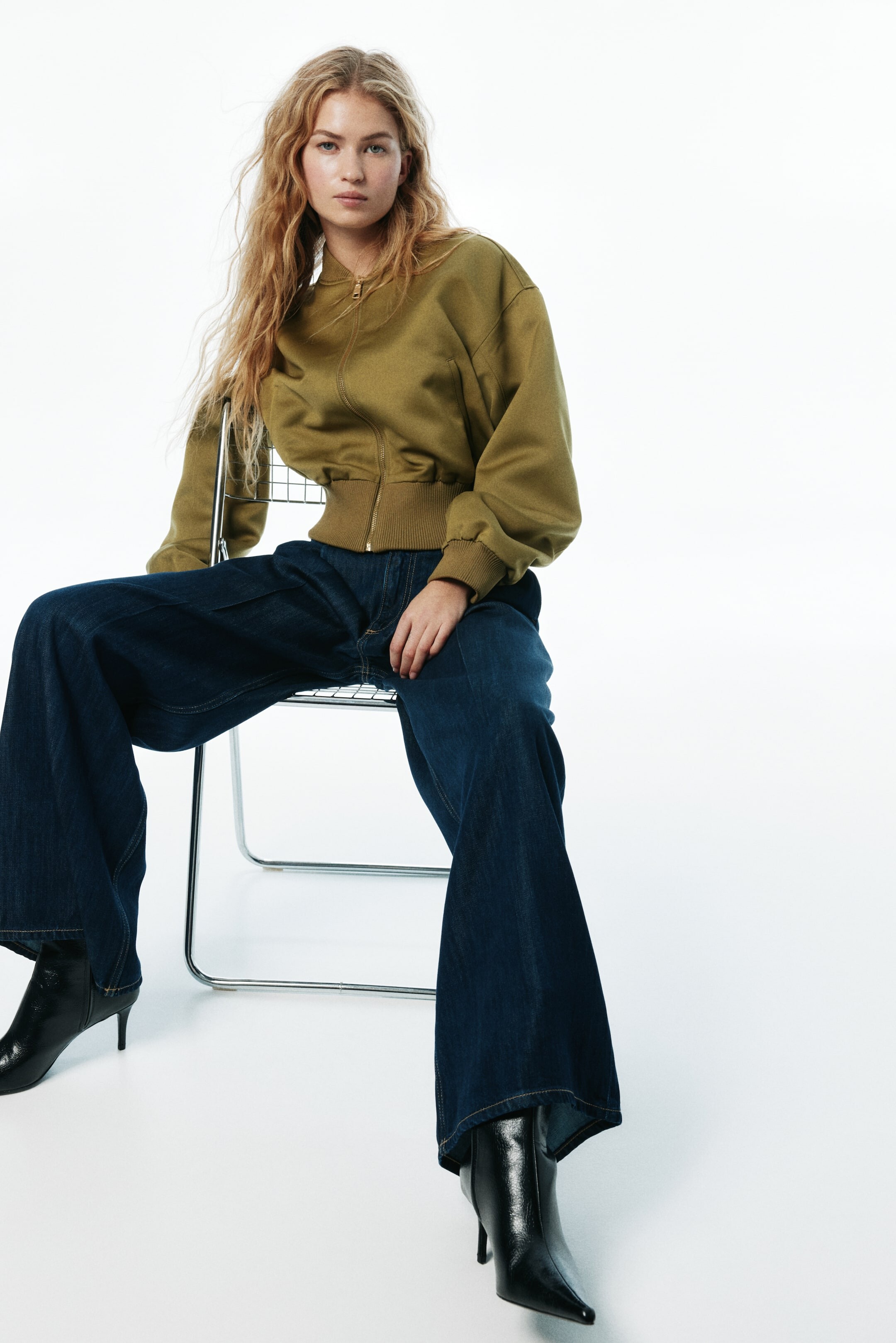






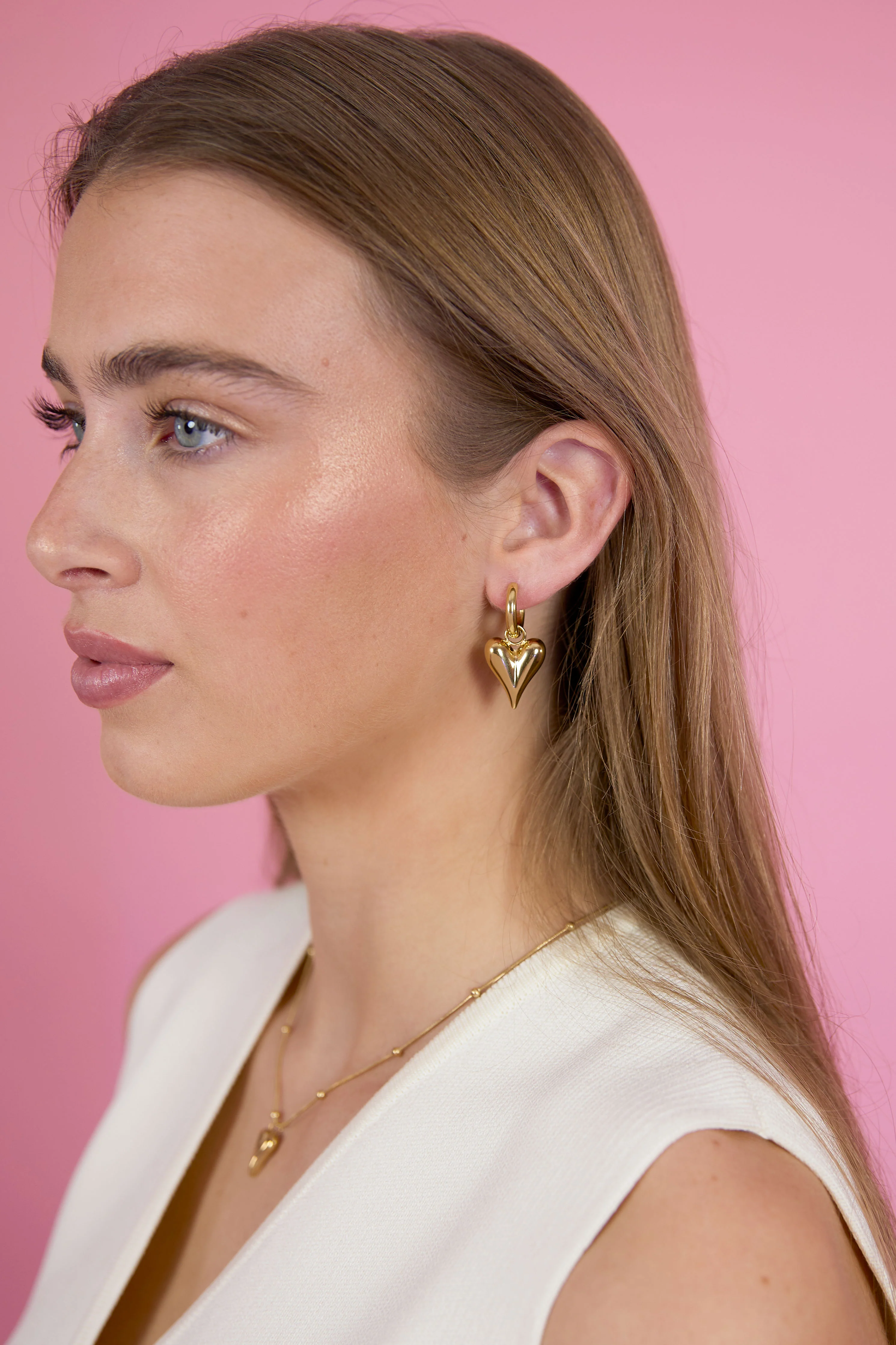




































Account
Search
Configure browser push notifications
Chrome (Android)
- Tap the lock icon next to the address bar.
- Tap Permissions → Notifications.
- Adjust your preference.
Chrome (Desktop)
- Click the padlock icon in the address bar.
- Select Site settings.
- Find Notifications and adjust your preference.
Safari (iOS 16.4+)
- Ensure the site is installed via Add to Home Screen.
- Open Settings App → Notifications.
- Find your app name and adjust your preference.
Safari (macOS)
- Go to Safari → Preferences.
- Click the Websites tab.
- Select Notifications in the sidebar.
- Find this website and adjust your preference.
Edge (Android)
- Tap the lock icon next to the address bar.
- Tap Permissions.
- Find Notifications and adjust your preference.
Edge (Desktop)
- Click the padlock icon in the address bar.
- Click Permissions for this site.
- Find Notifications and adjust your preference.
Firefox (Android)
- Go to Settings → Site permissions.
- Tap Notifications.
- Find this site in the list and adjust your preference.
Firefox (Desktop)
- Open Firefox Settings.
- Search for Notifications.
- Find this site in the list and adjust your preference.