All Activity
- Past hour
-
 https://www.instagram.com/p/DVT14xWiBMs Only these 3 are unseen if i'm not mistaken.
.thumb.jpg.5ef59abe0673e265b24a684ac5b47e41.jpg)
.thumb.jpg.e44a0e690cceaa78d3ae700abc33a878.jpg)
.thumb.jpg.60961646aae64f63a0f1f0d38452a002.jpg)
-
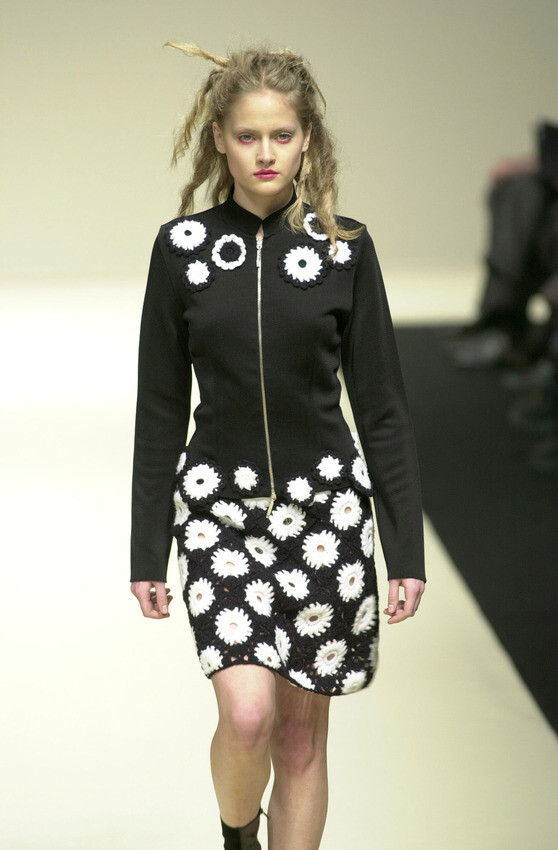
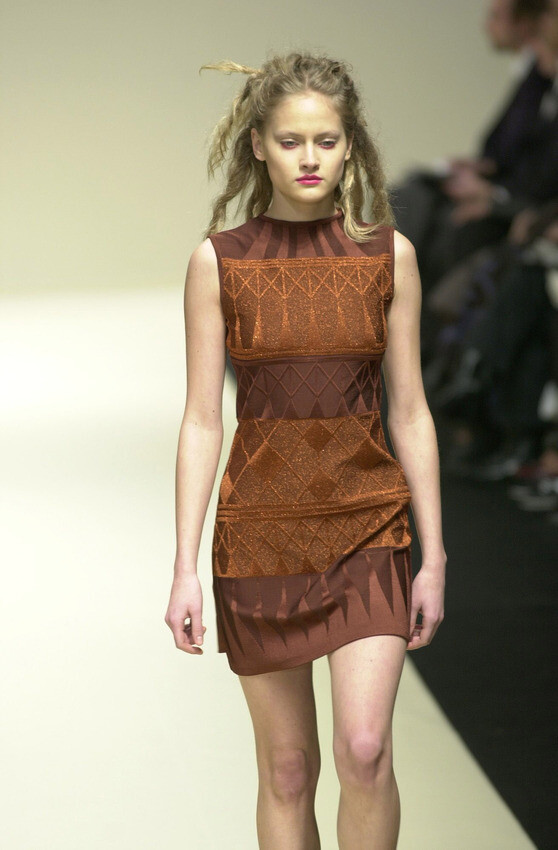
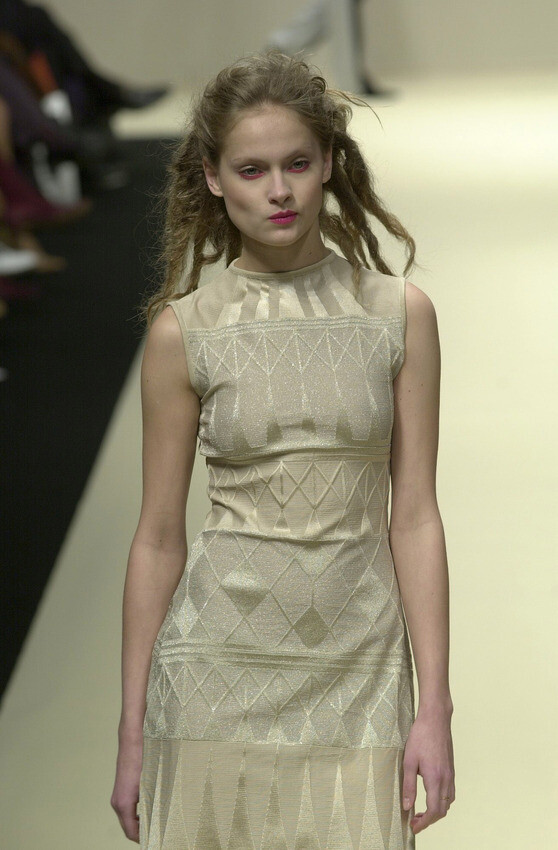
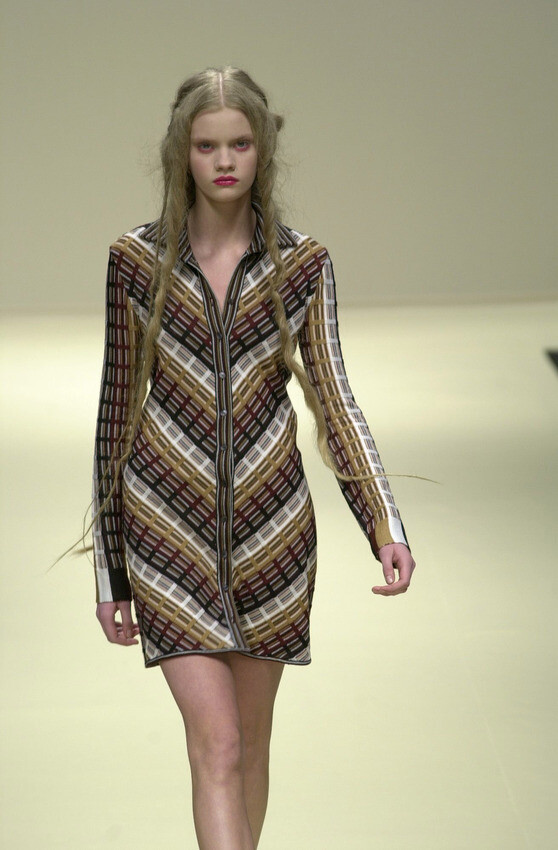
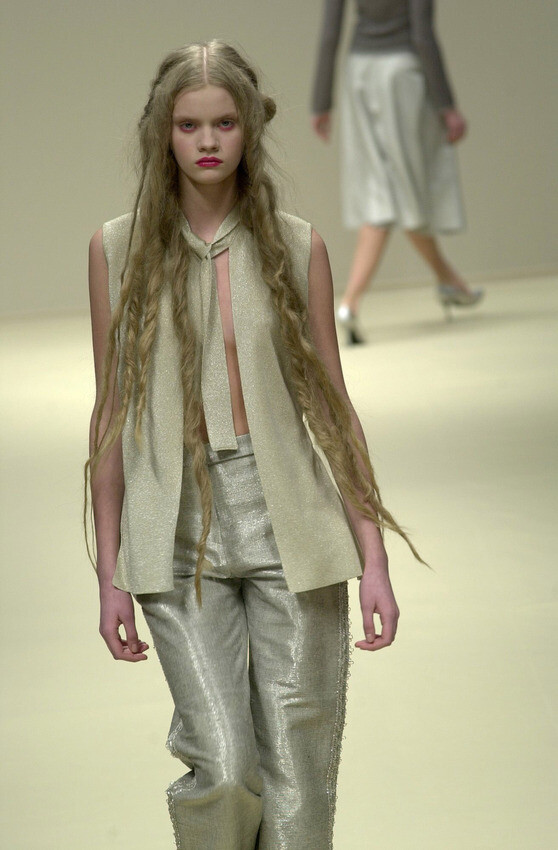
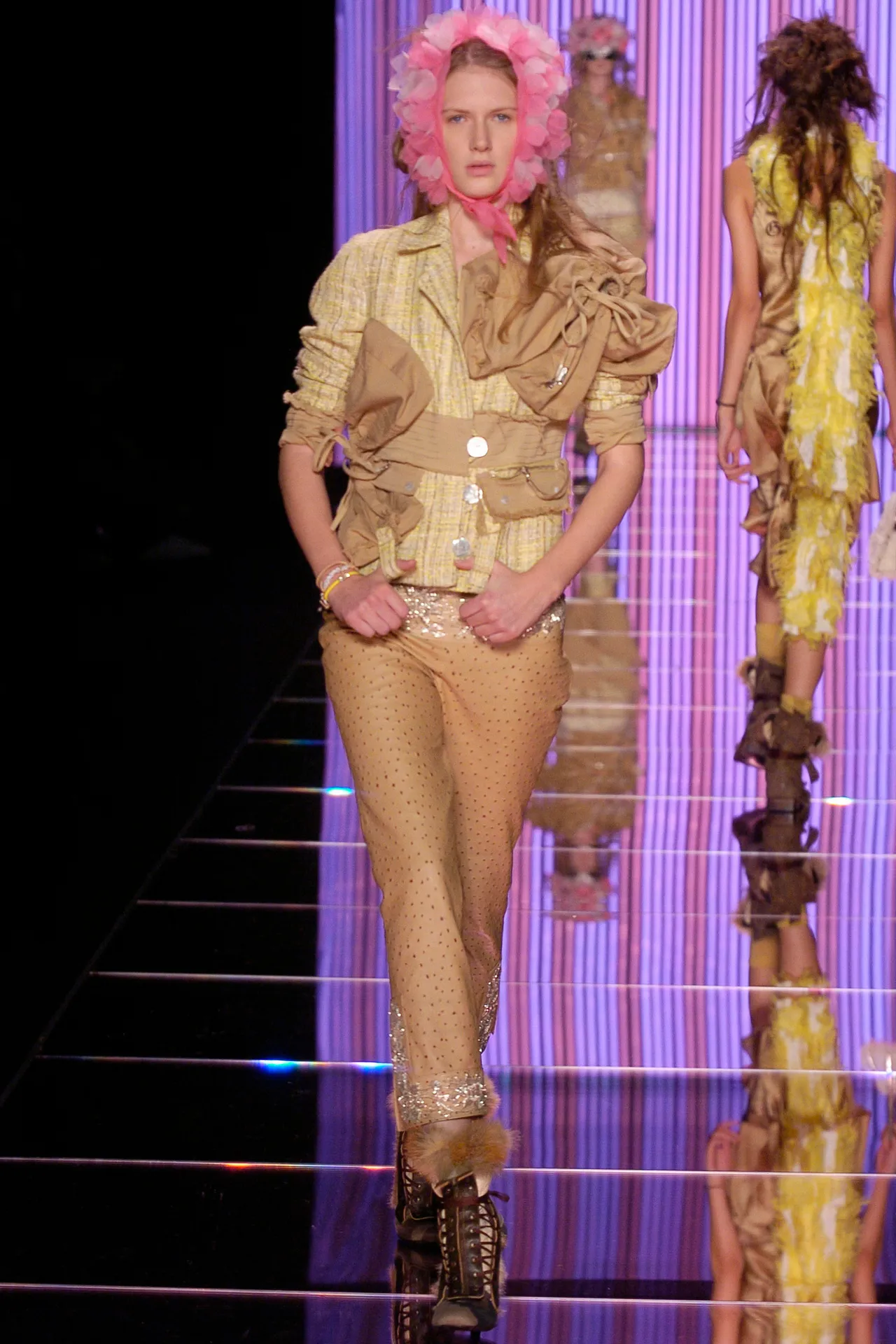
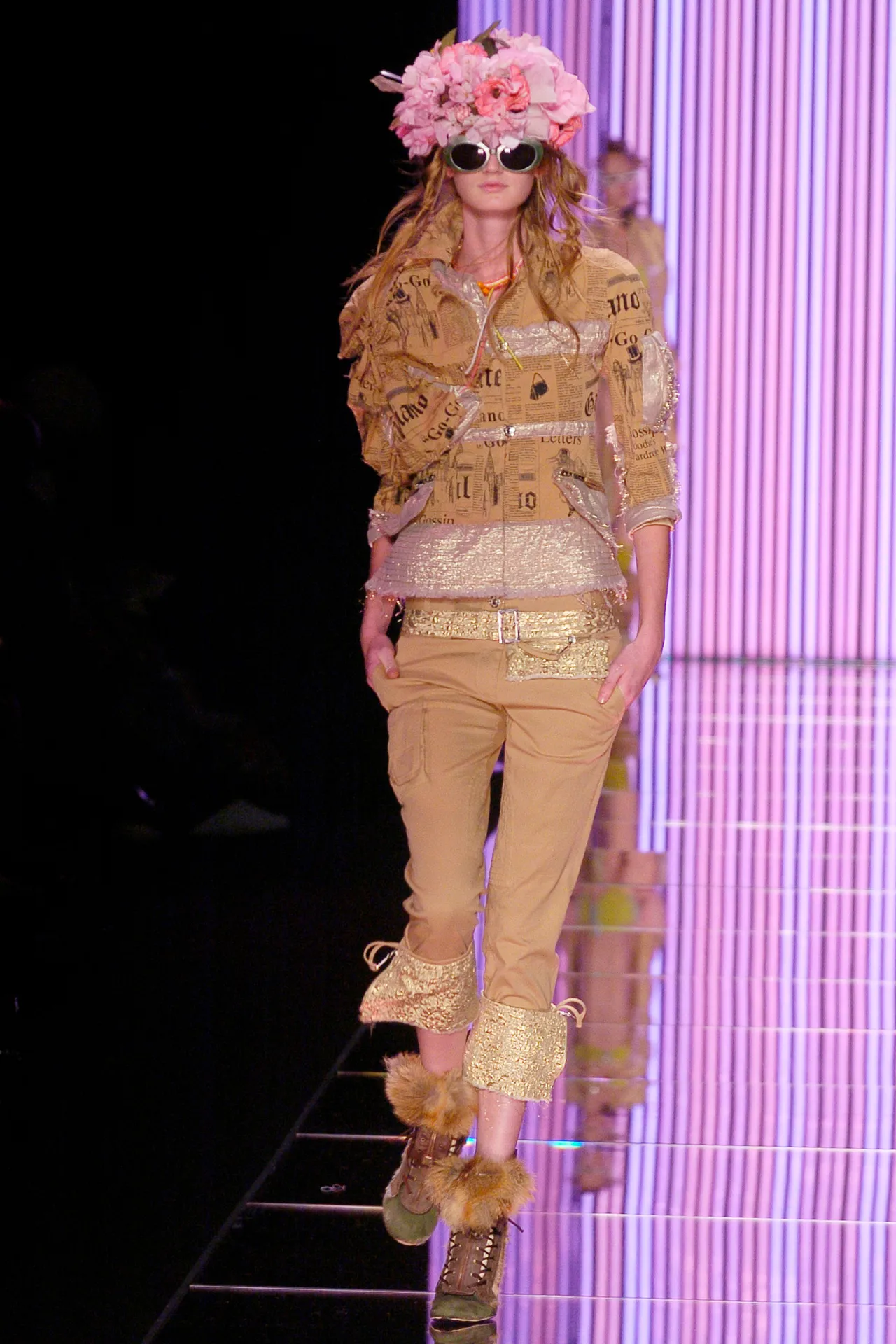
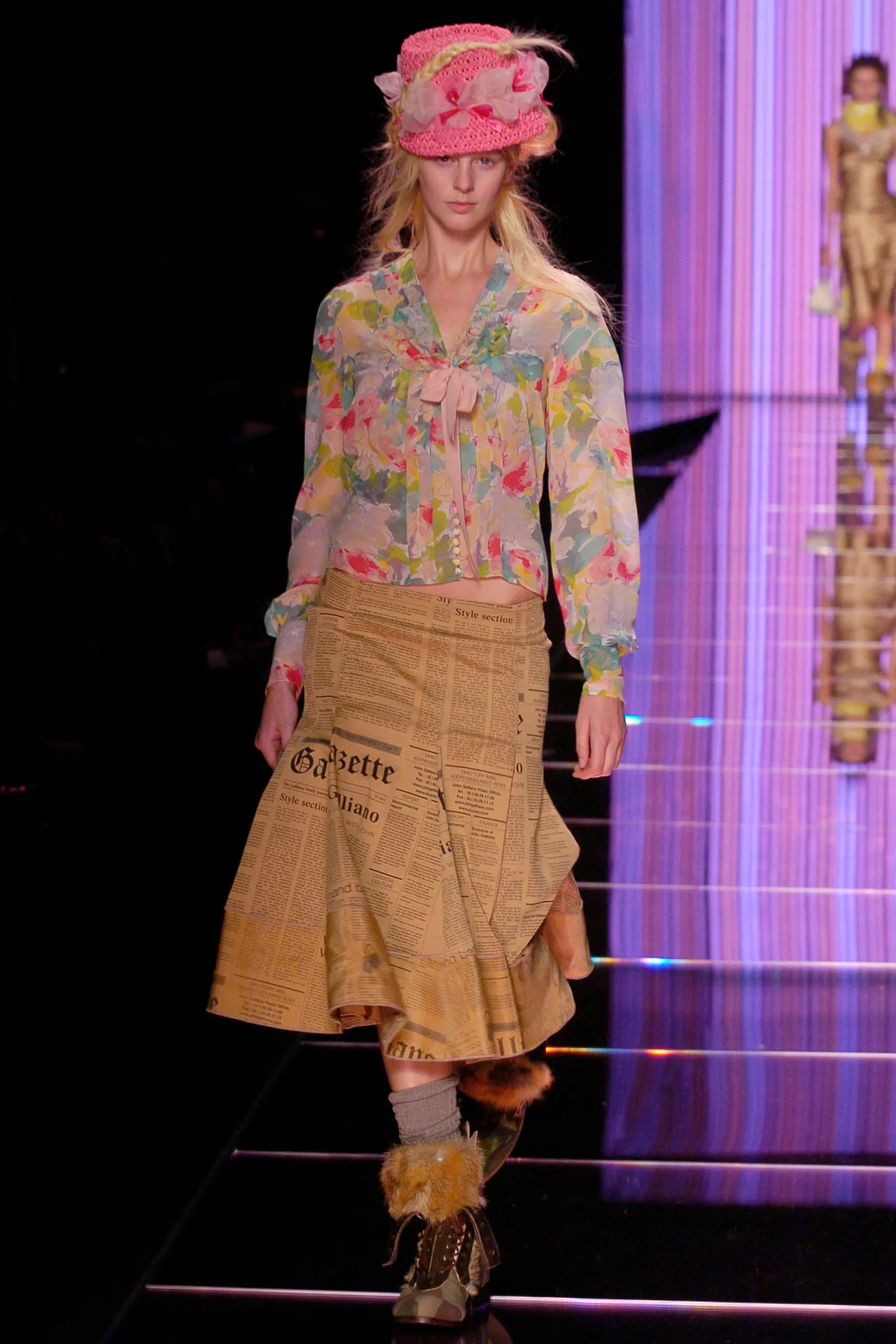
 john galliano s/s 2005
-
JOHN GALLIANO SS2005
-
JOHN GALLIANO S/S2005

-

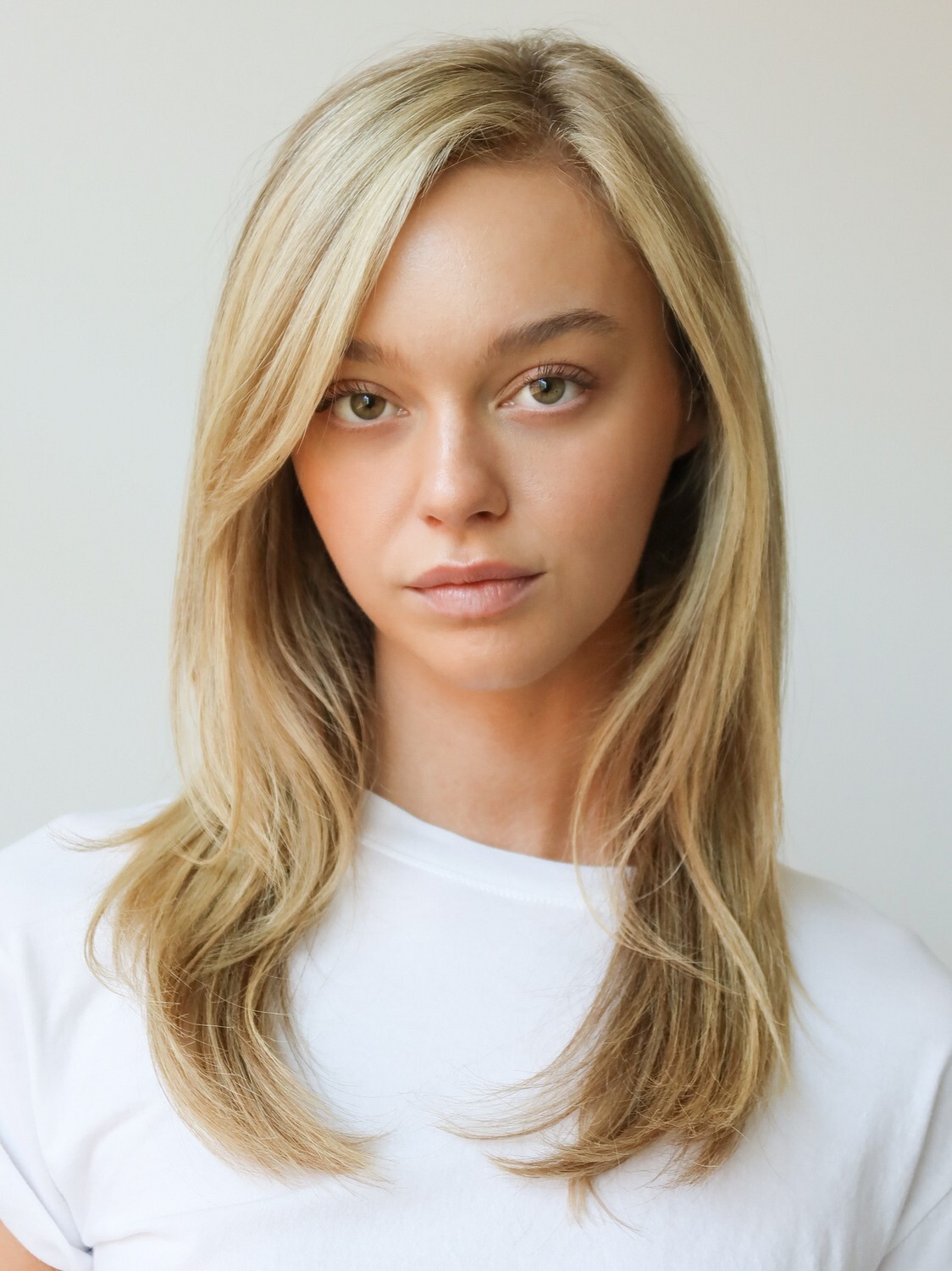
 Need help finding this model. I’ve reverse image searched on yandex, google, and tin eye with zero luck
 Denarie Bautista Taylor (born Belinda Marie Macadengdeng Batumbakal, February 9, 1997), known professionally as Bella Poarch (/pɔːrtʃ/ PORCH), is an American social media personality and singer. She rose to fame after creating the most liked video on TikTok in August 2020. Poarch was born Belinda Marie Macadengdeng Batumbakal on February 9, 1997, in the Philippines. She was raised by her grandmother in slums until the age of three and was then adopted.[15] Her adoptive father is an American who had served in the United States military, and her adoptive mother is Filipina. Both parents met in Saudi Arabia where her adoptive father was stationed, before settling in the Philippines. In an interview, Poarch recounted that she and her adopted brother were heavily physically and emotionally abused throughout her entire childhood, up until her enlistment in the military. She lived on a farm with her adoptive parents and three (adopted) siblings, which include two older sisters and a brother. She had many responsibilities on the farm from as young as seven years old. Poarch has stated that her adoptive sisters did not receive the same treatment as her and her brother. Her father was verbally and physically abusive, while her mother did not get involved, but remained complicit.
 Thank you.
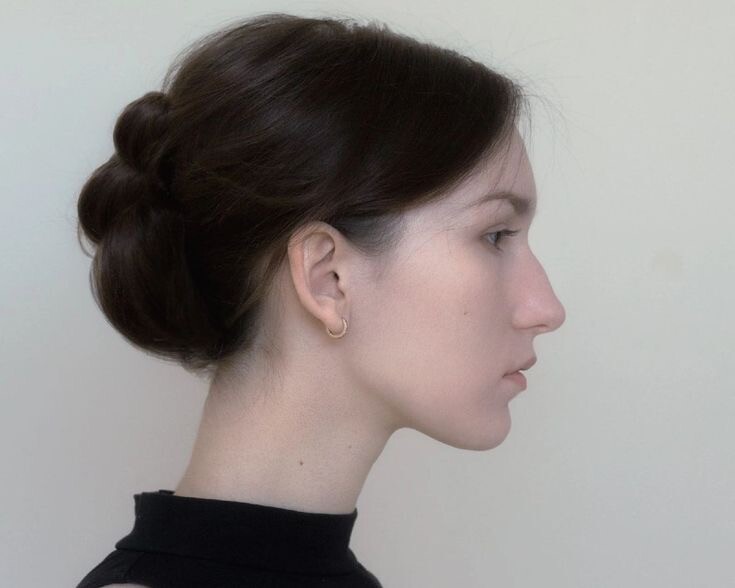
 A QPMag 2024 editorial photographed by Kevin Martin, "Love is the Drug":
__1.thumb.jpg.a3f3b9f9dd1c8ea50732bf23a8df62c4.jpg)
__2.thumb.jpg.e6807ba4454e7c9c9ebaf7c8b9a1b8a5.jpg)
__3.thumb.jpg.3b56af754f0234ce4b75dbee5cdd2c62.jpg)
__4.thumb.jpg.e10dbe94d102ea900db6d20ad4108641.jpg)
__5.thumb.jpg.a1b39ac10f72320365e165acb360b9fa.jpg)
__6.thumb.jpg.17fd84a8666d774fc6e9e74ed05b7396.jpg)
 Damn. He better not mess up this time. ☹️


Account
Navigation
Search
Configure browser push notifications
Chrome (Android)
- Tap the lock icon next to the address bar.
- Tap Permissions → Notifications.
- Adjust your preference.
Chrome (Desktop)
- Click the padlock icon in the address bar.
- Select Site settings.
- Find Notifications and adjust your preference.
Safari (iOS 16.4+)
- Ensure the site is installed via Add to Home Screen.
- Open Settings App → Notifications.
- Find your app name and adjust your preference.
Safari (macOS)
- Go to Safari → Preferences.
- Click the Websites tab.
- Select Notifications in the sidebar.
- Find this website and adjust your preference.
Edge (Android)
- Tap the lock icon next to the address bar.
- Tap Permissions.
- Find Notifications and adjust your preference.
Edge (Desktop)
- Click the padlock icon in the address bar.
- Click Permissions for this site.
- Find Notifications and adjust your preference.
Firefox (Android)
- Go to Settings → Site permissions.
- Tap Notifications.
- Find this site in the list and adjust your preference.
Firefox (Desktop)
- Open Firefox Settings.
- Search for Notifications.
- Find this site in the list and adjust your preference.
.jpg.452576a722294771d1cacc236205cf68.jpg)
.jpg.8dd21471e6b9718049e853b944adedab.jpg)
.jpg.c82af0d867777ba535ee02033d6f69cd.jpg)







__1.jpg.2870731cfb4ceb5ded4fd97dd5ec0768.jpg)
__2.jpg.ca6c09c9186df1c3fb890baf49f34f52.jpg)
__3.jpg.ed8612bb61a574427a382a644b4340cd.jpg)
__4.jpg.2c4284ff96be2466d167d1ac2ccbb6cc.jpg)
__5.jpg.30b0702f3358d21b61778b21b329db06.jpg)
__6.jpg.b26fb812d5997452d5deee77adb91205.jpg)