All Activity
- Past hour
-
 Nicola Hailey Meeya Aimee Whitney Kiana Capri Scarlett
 -
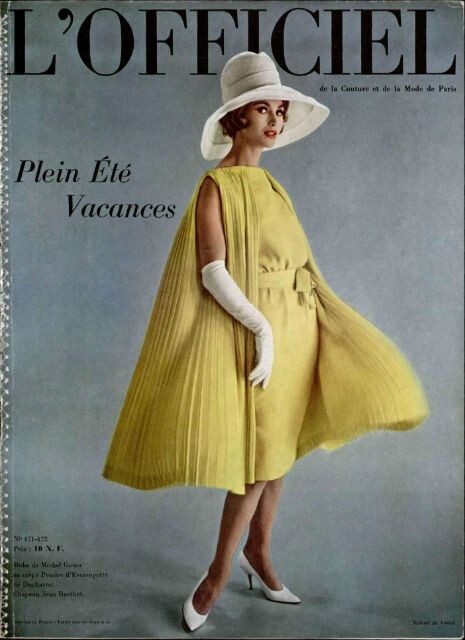
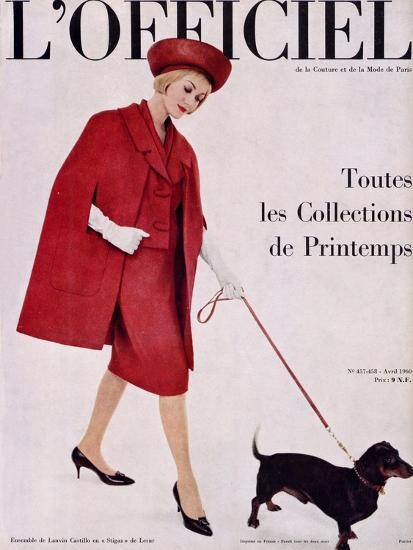
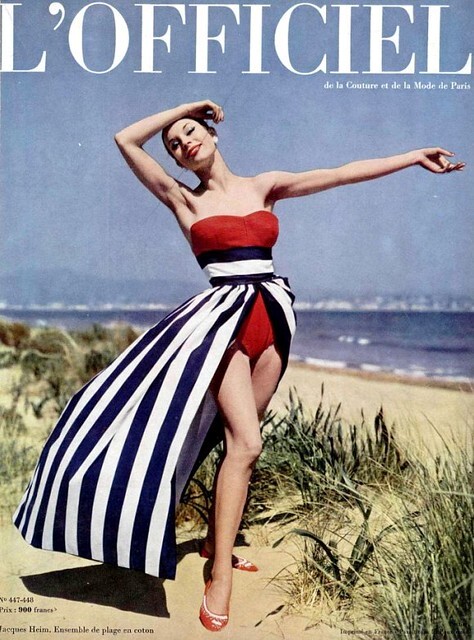
 L'Officiel 1959 to 1964















-

 Karen Mulder for Bill Blass, ready-to-wear, spring/summer 1992 my scan
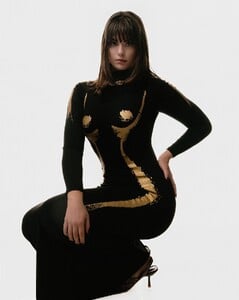
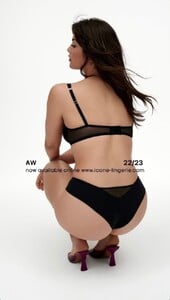
 The Milk Collective






























 The Hollywood Reporter pool21 at picturepub
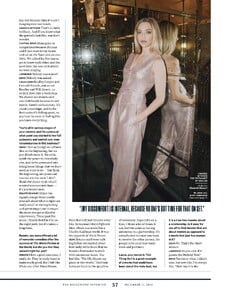
 The Hollywood Reporter pool21 at picturepub

 Karen Alexander for Michael Kors, ready-to-wear, spring/summer 1992 my scan
 Netflix joe d at picturepub
 Karen Alexander for Calvin Klein, ready-to-wear, spring/summer 1992 my scan
 VS
VS Yasmeen Ghauri for Ralph Lauren, ready-to-wear, spring/summer 1992 my scan
 Paris Fashion Week - Getty Images

 Screening of 'Die My Love' for PGA (15.12 2025) jenniferlawrence.com.br

 okay, good to know
bellajoha80 joined the community
okay, good to know
bellajoha80 joined the community kimdy joined the community
Phuong Nguyen joined the community
kimdy joined the community
Phuong Nguyen joined the community
- Today
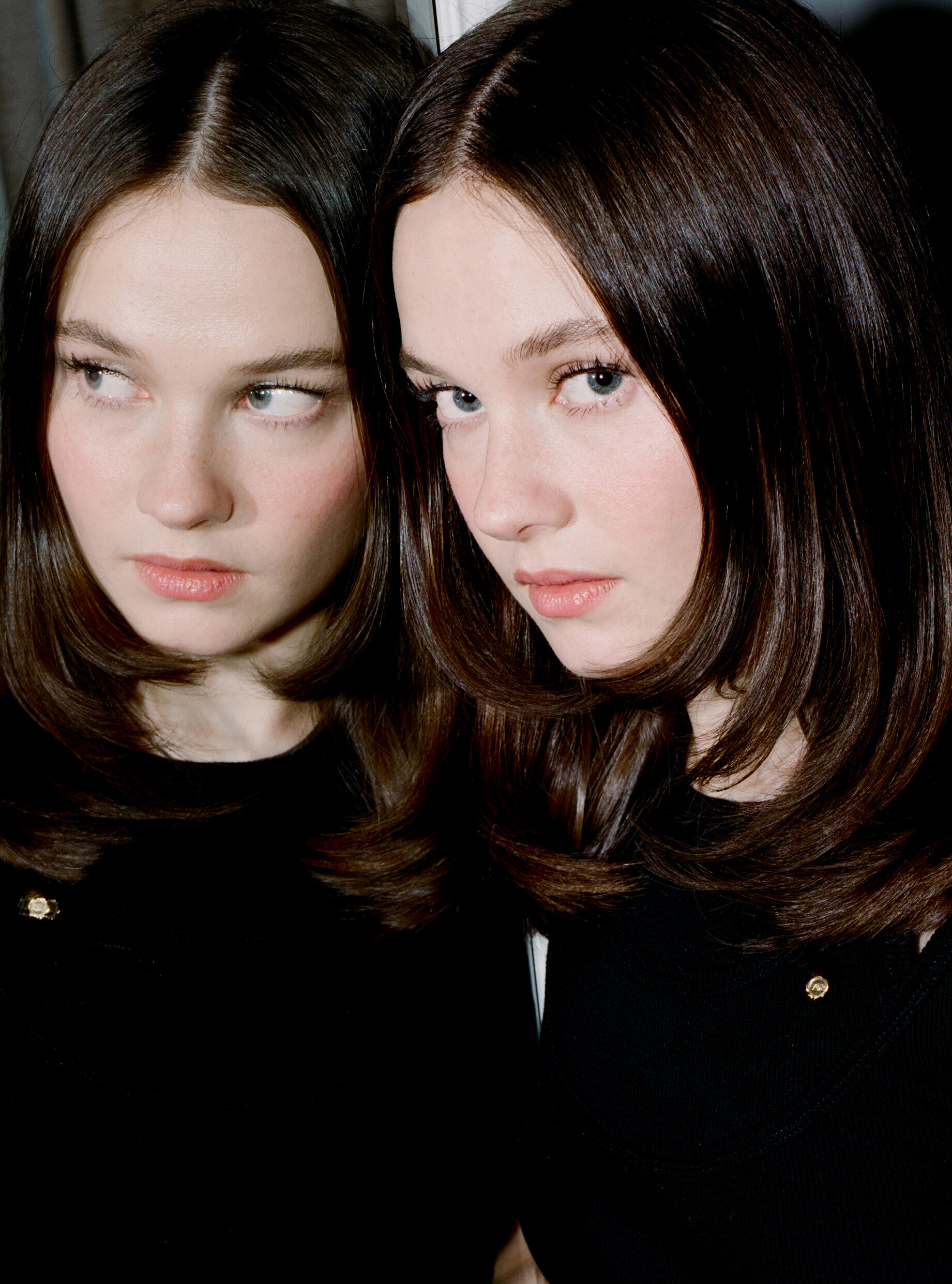
Interview Magazine pantyh at picturepub



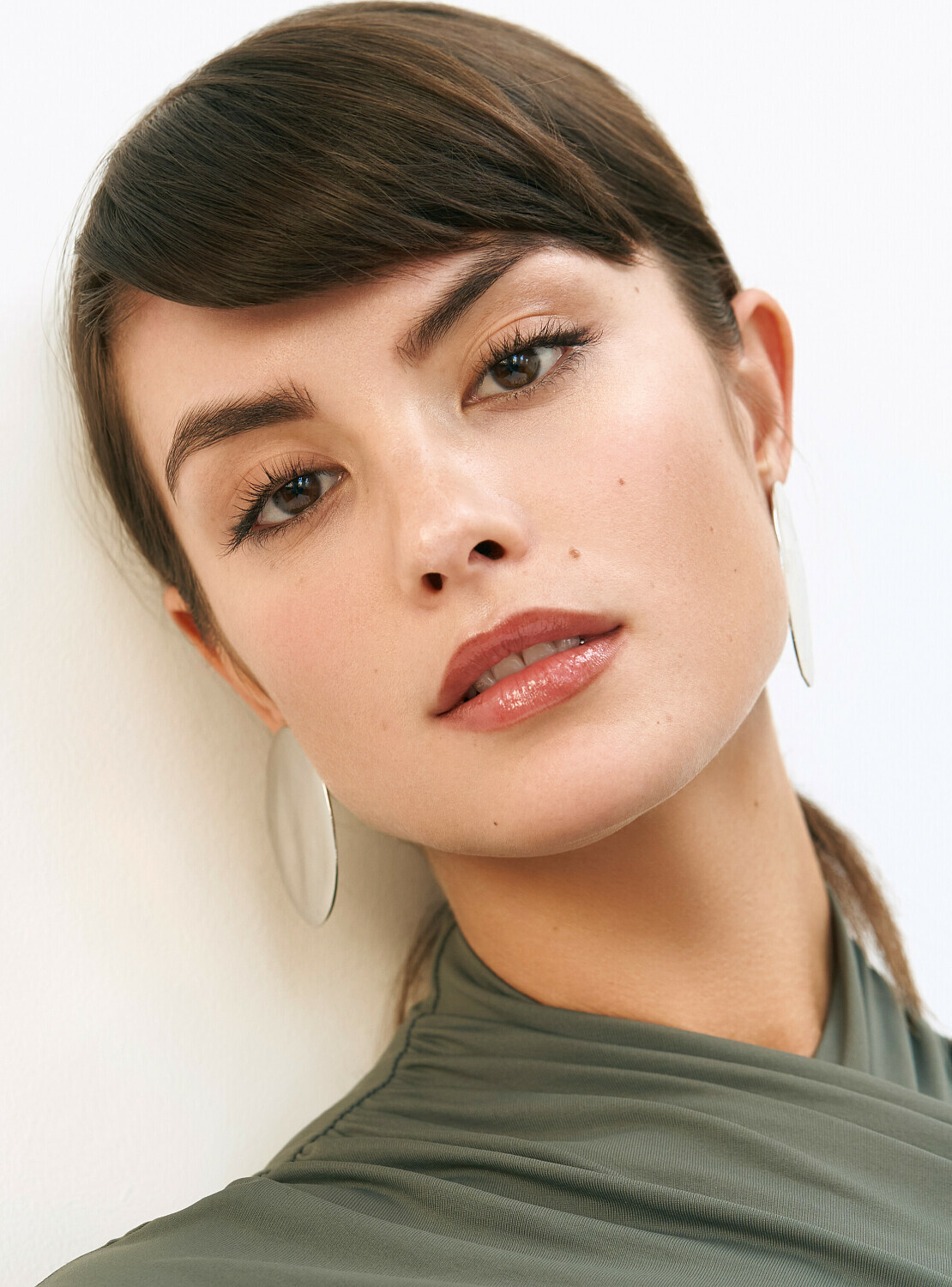
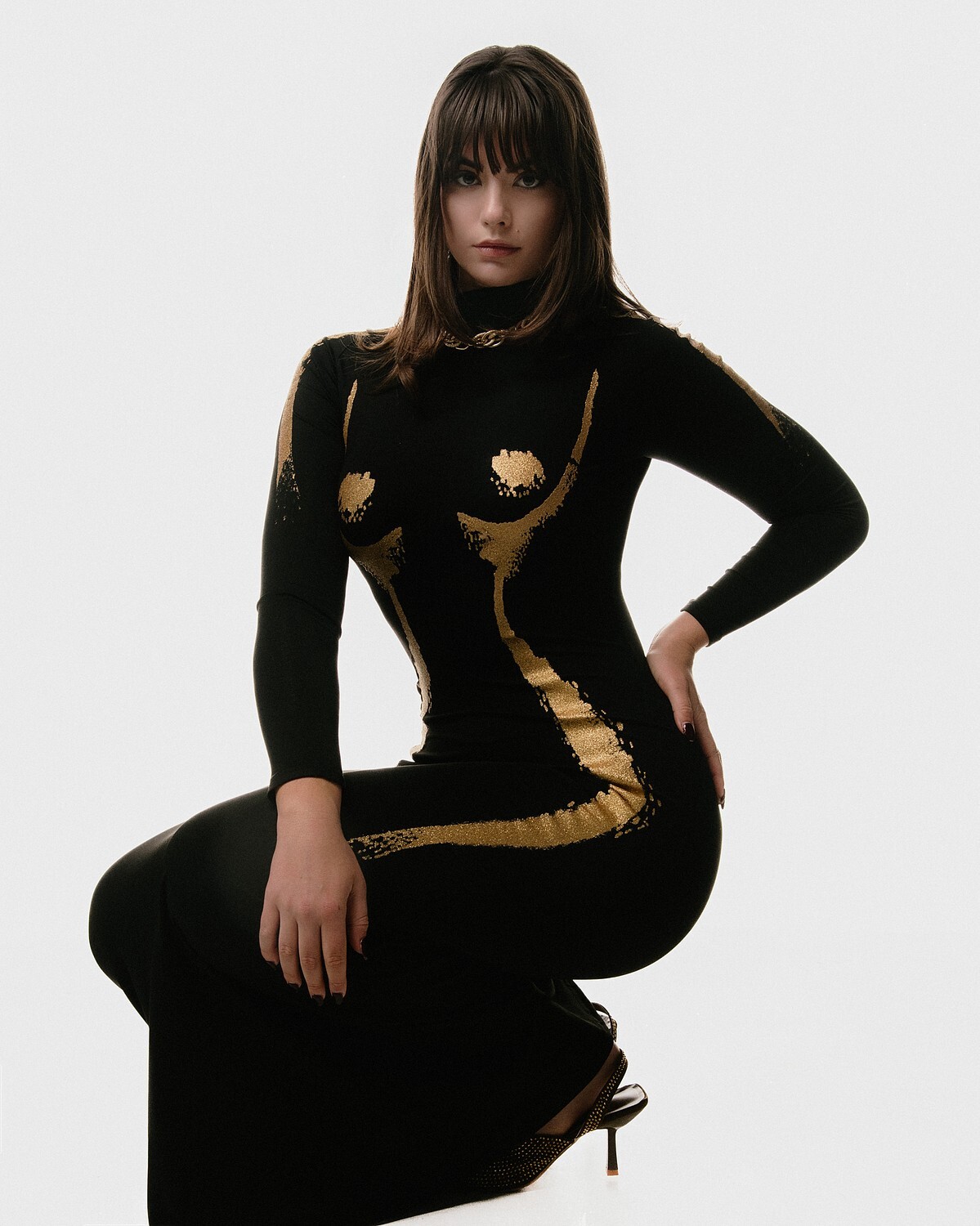
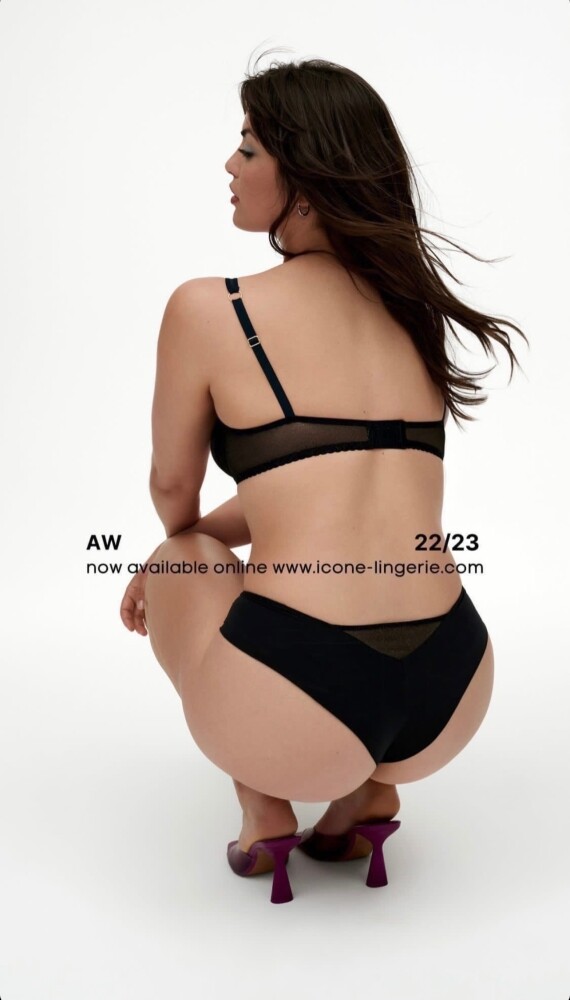
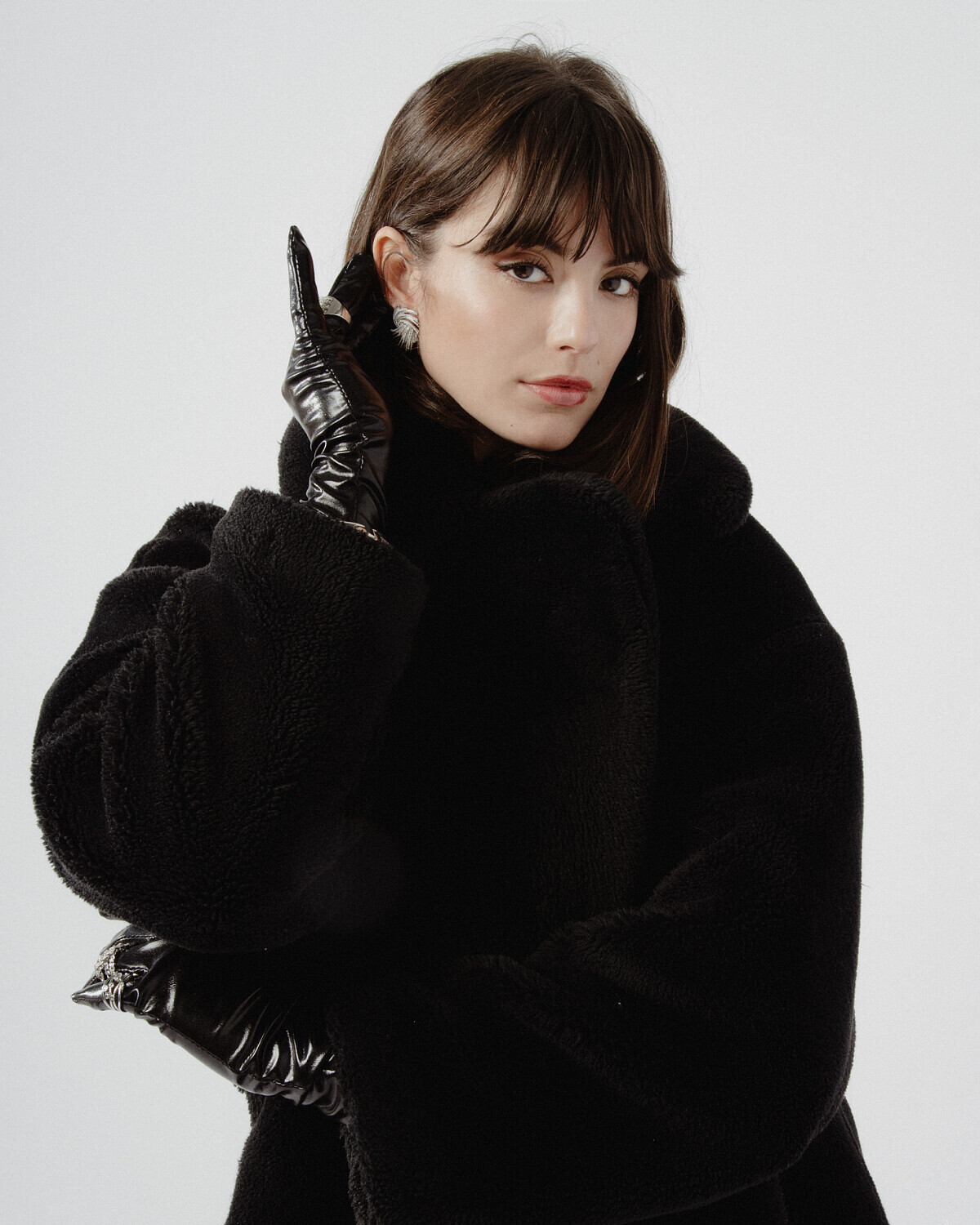
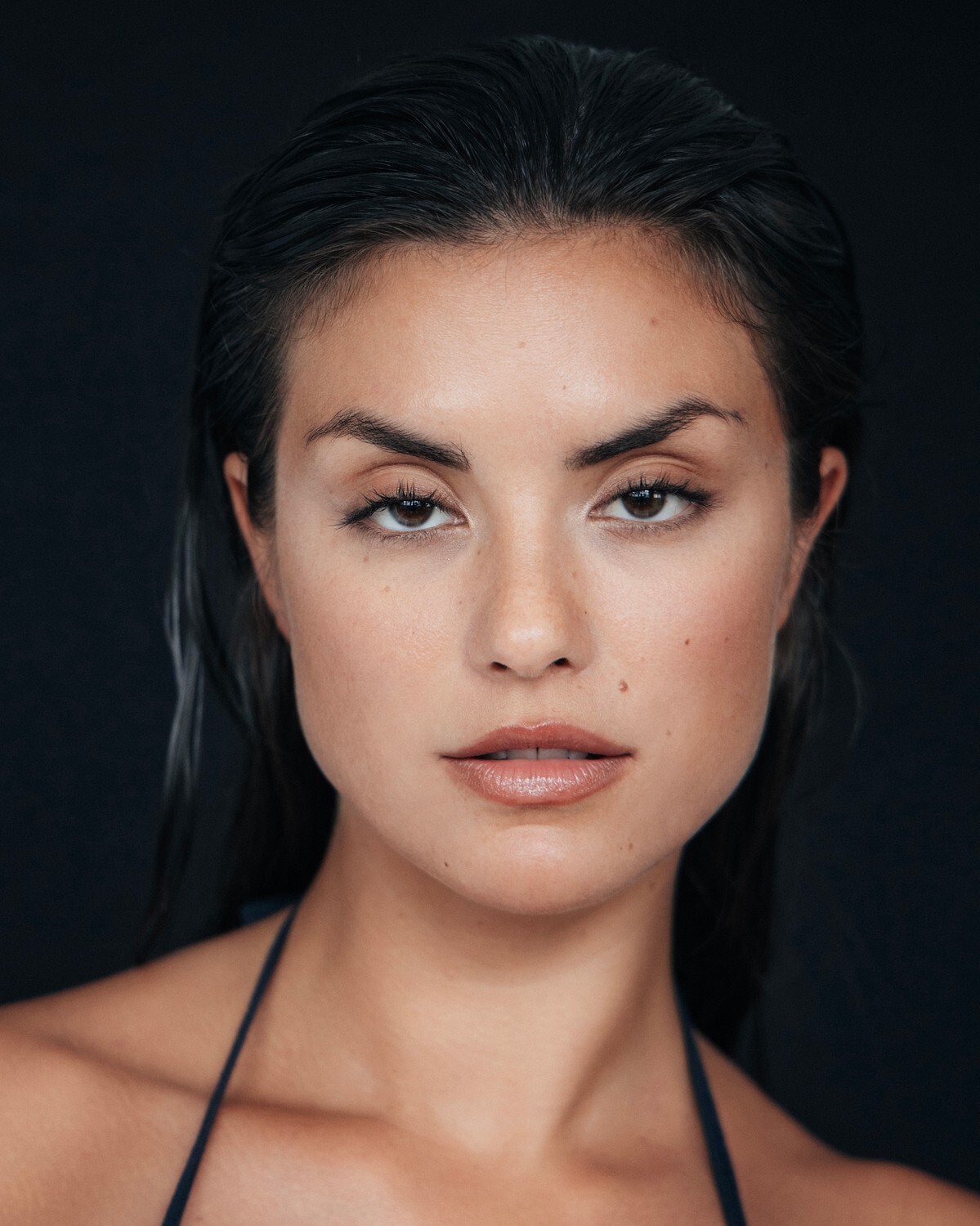
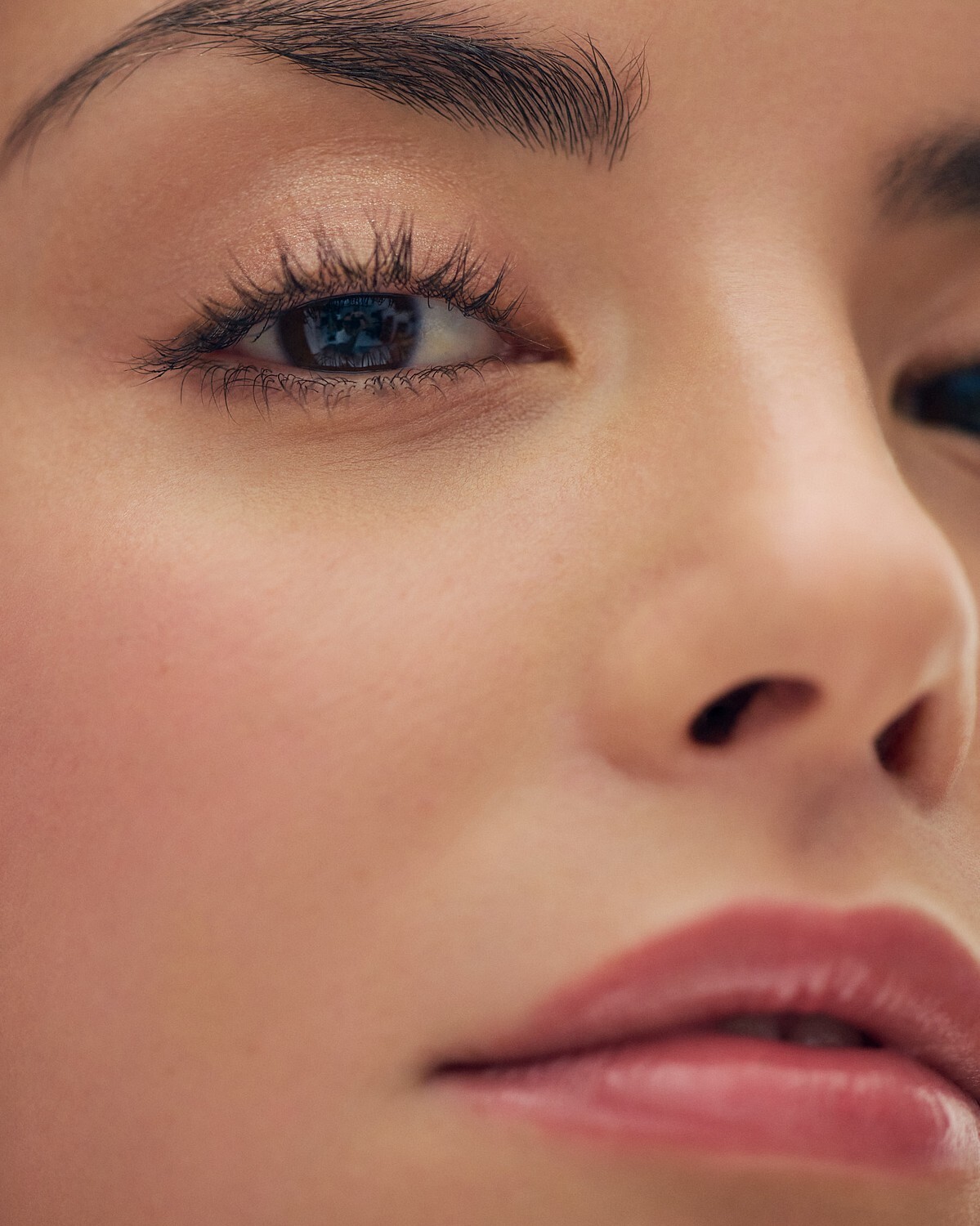
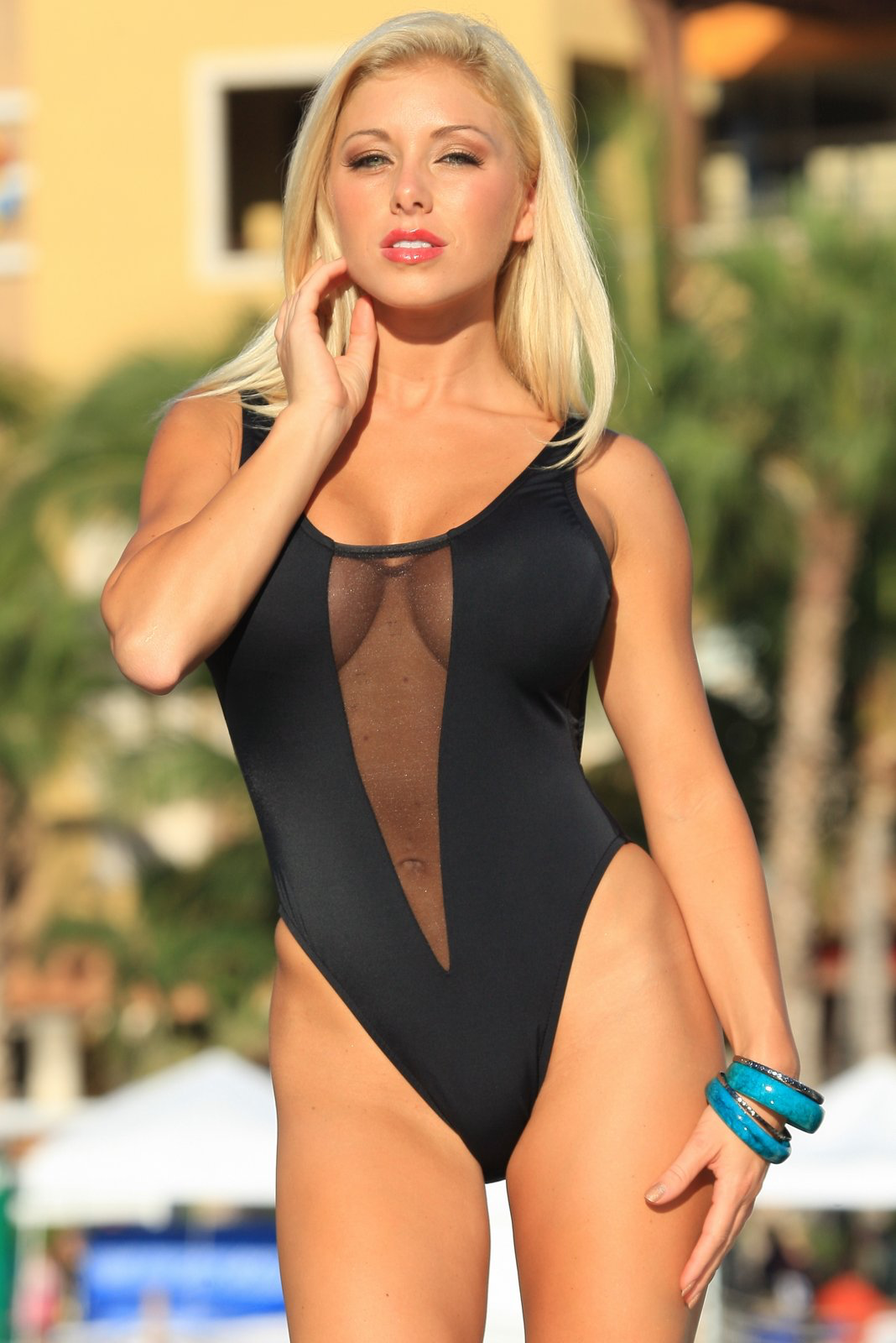
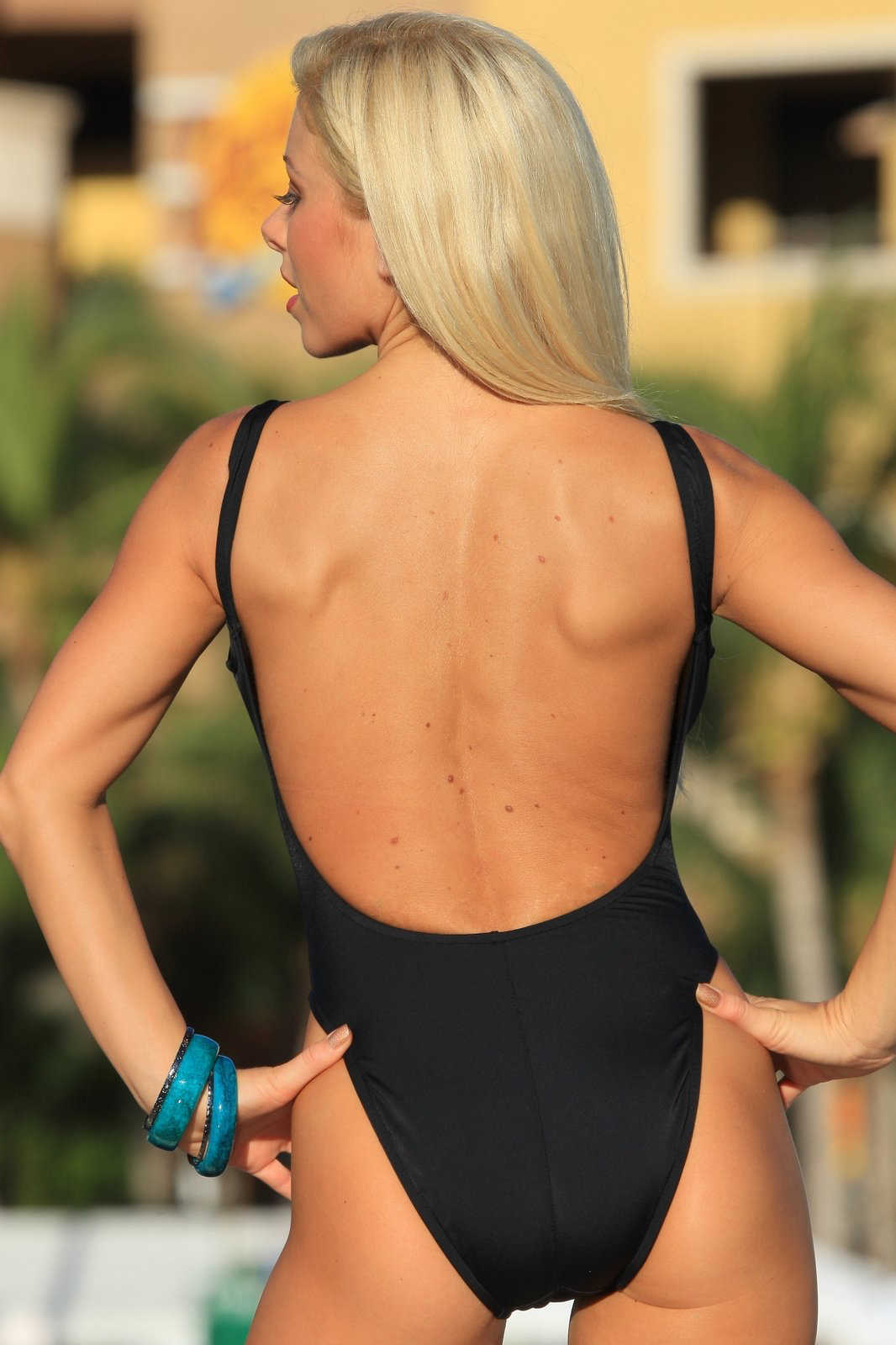
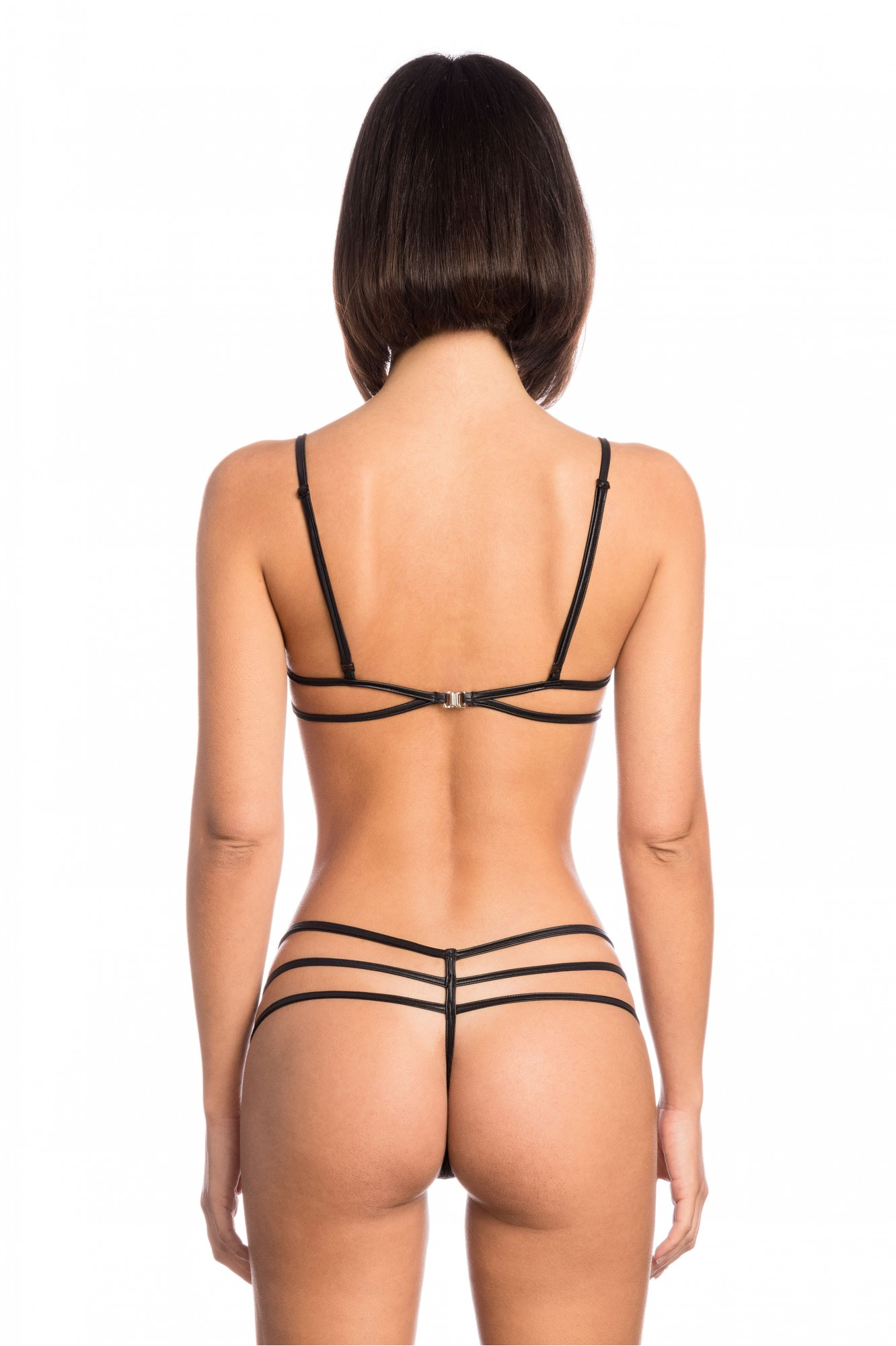
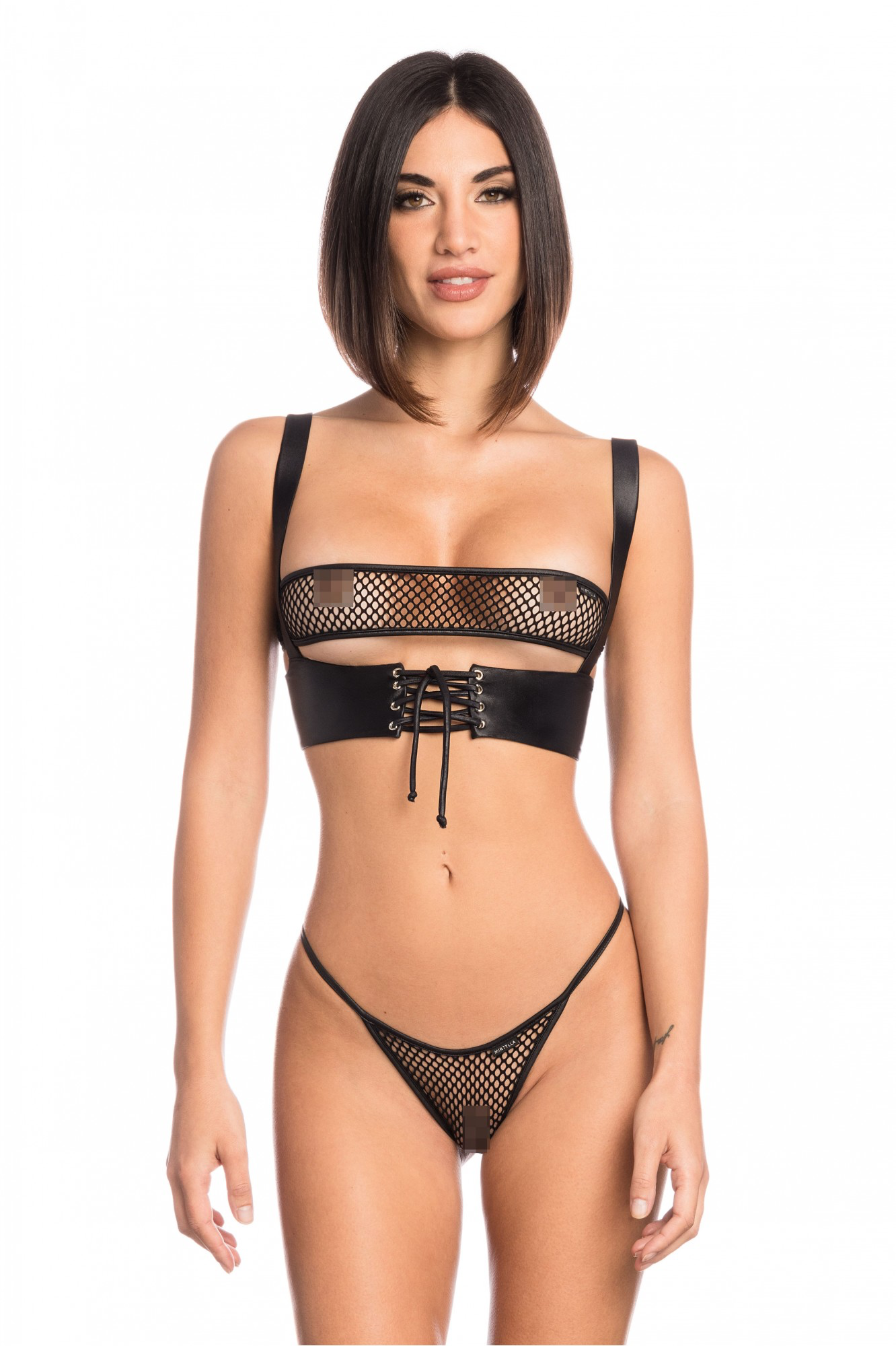
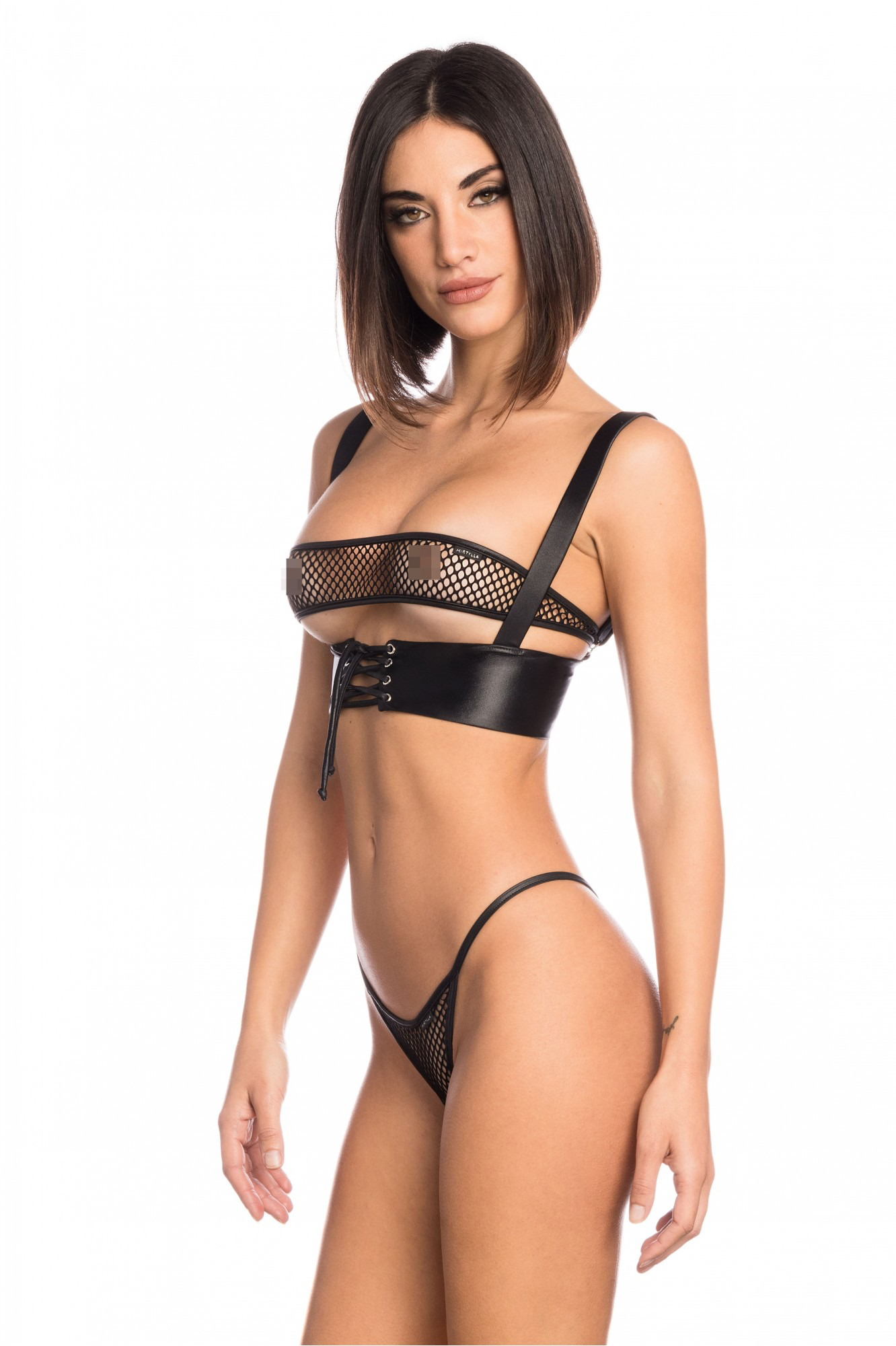
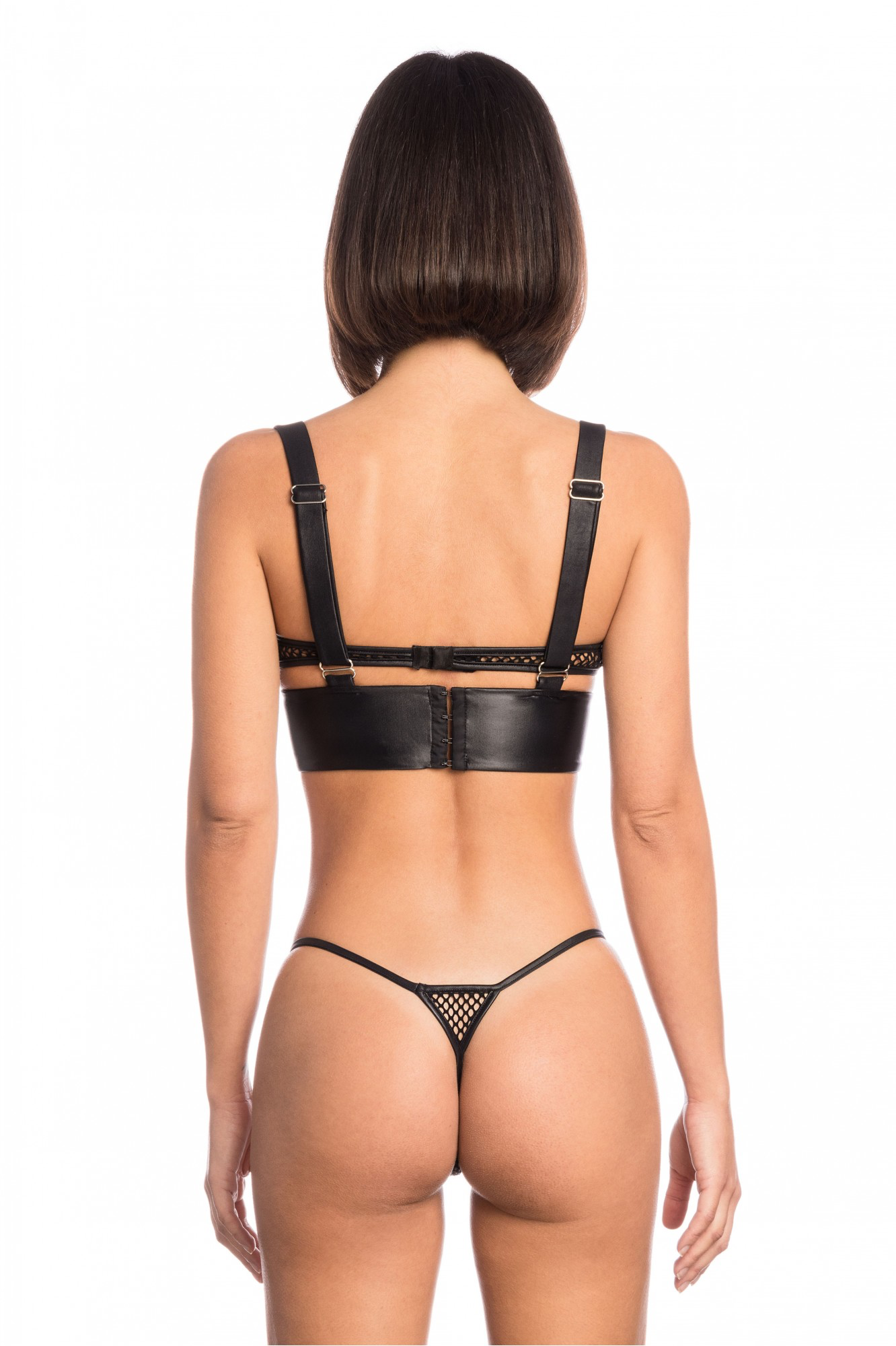
 I am hoping someone can confirm this model from a 2001 Andrew Marc campaign. I can only find one reference in my google searches and it is just a random ebay listing saying it is Lujan Fernandez. These pics are not in her model profile and I cannot be sure it is her....can anyone confirm please? Thank You!





























































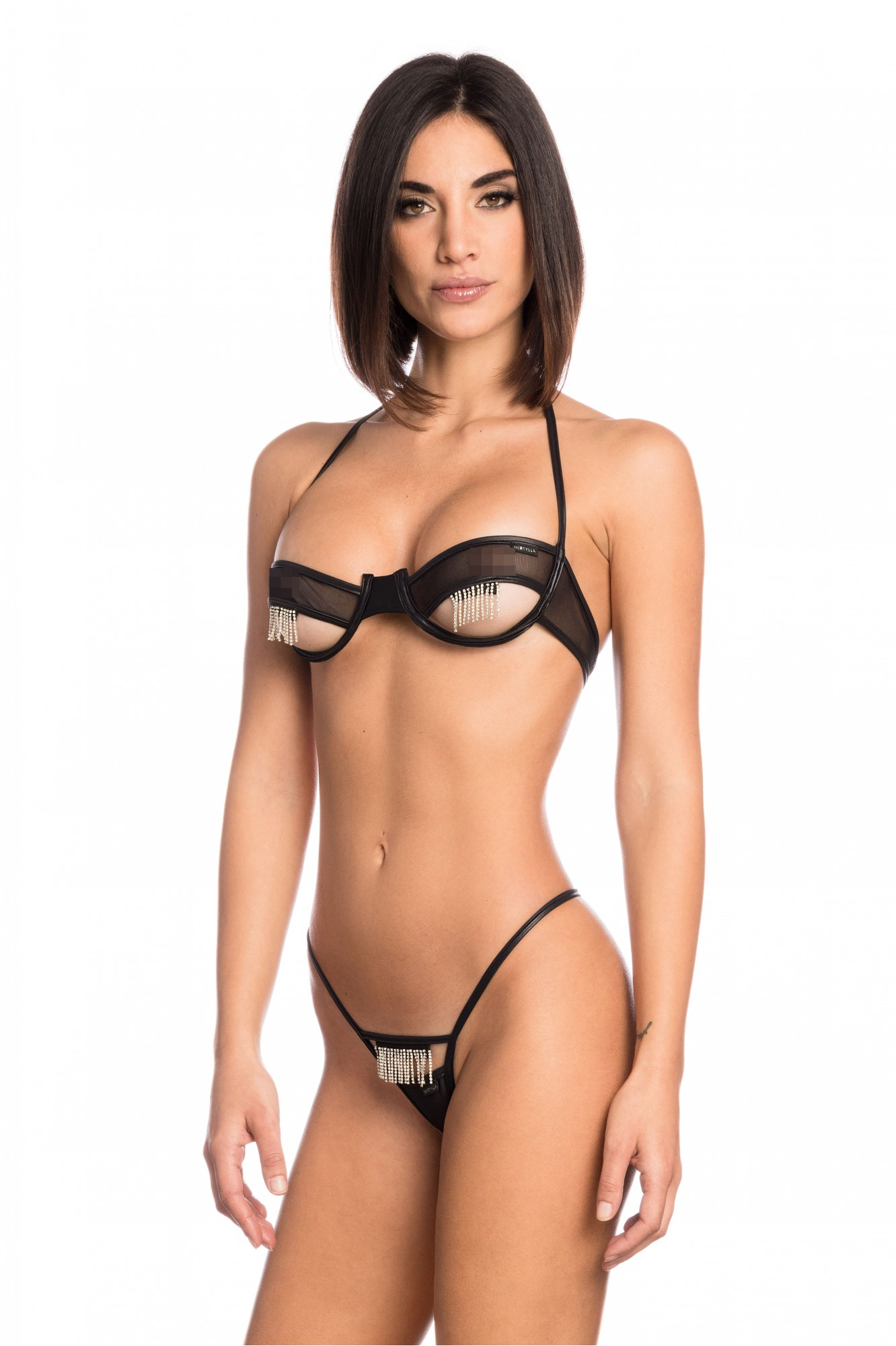
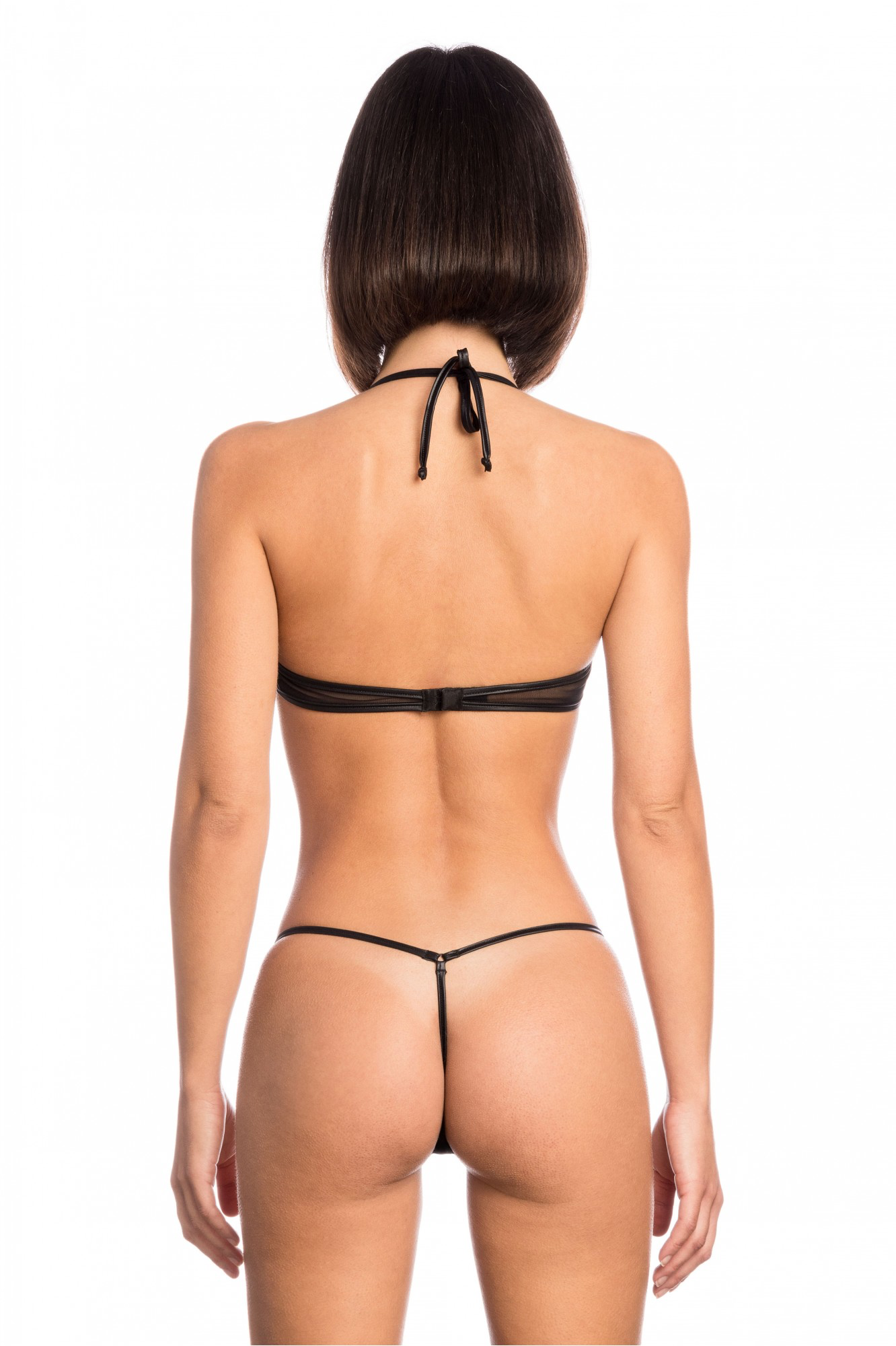
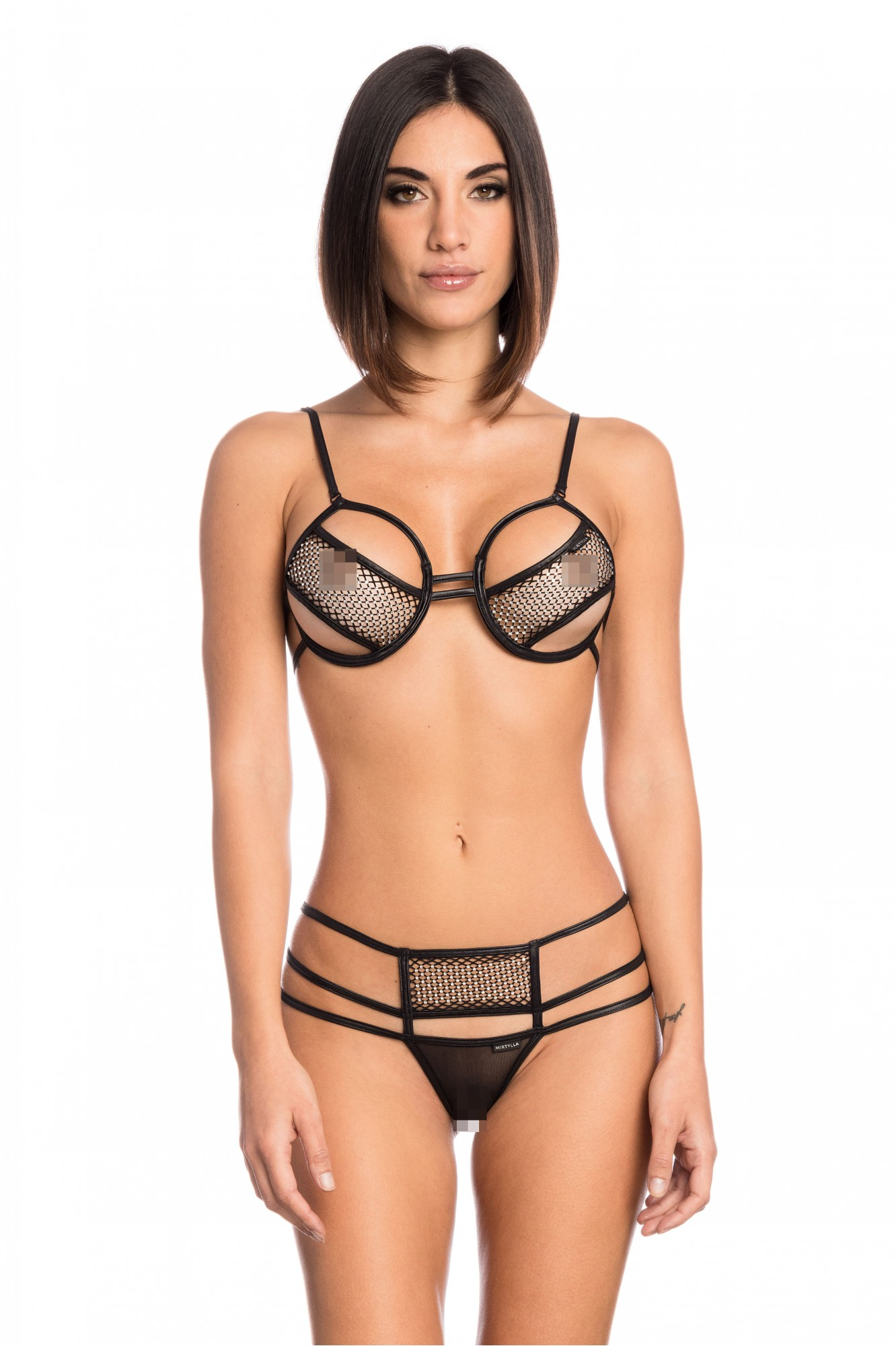
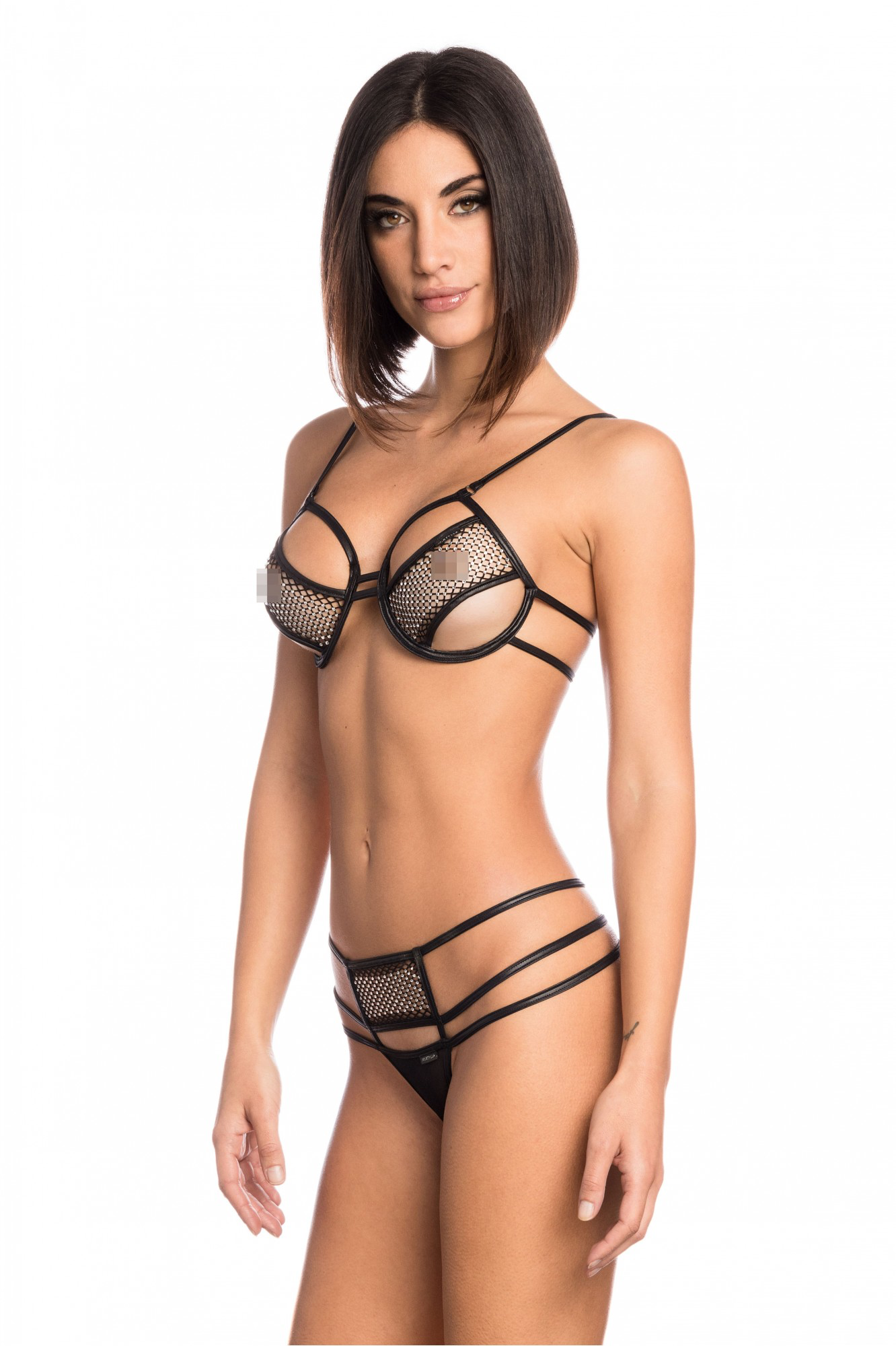






Account
Search
Configure browser push notifications
Chrome (Android)
- Tap the lock icon next to the address bar.
- Tap Permissions → Notifications.
- Adjust your preference.
Chrome (Desktop)
- Click the padlock icon in the address bar.
- Select Site settings.
- Find Notifications and adjust your preference.
Safari (iOS 16.4+)
- Ensure the site is installed via Add to Home Screen.
- Open Settings App → Notifications.
- Find your app name and adjust your preference.
Safari (macOS)
- Go to Safari → Preferences.
- Click the Websites tab.
- Select Notifications in the sidebar.
- Find this website and adjust your preference.
Edge (Android)
- Tap the lock icon next to the address bar.
- Tap Permissions.
- Find Notifications and adjust your preference.
Edge (Desktop)
- Click the padlock icon in the address bar.
- Click Permissions for this site.
- Find Notifications and adjust your preference.
Firefox (Android)
- Go to Settings → Site permissions.
- Tap Notifications.
- Find this site in the list and adjust your preference.
Firefox (Desktop)
- Open Firefox Settings.
- Search for Notifications.
- Find this site in the list and adjust your preference.