All Activity
- Past hour
-
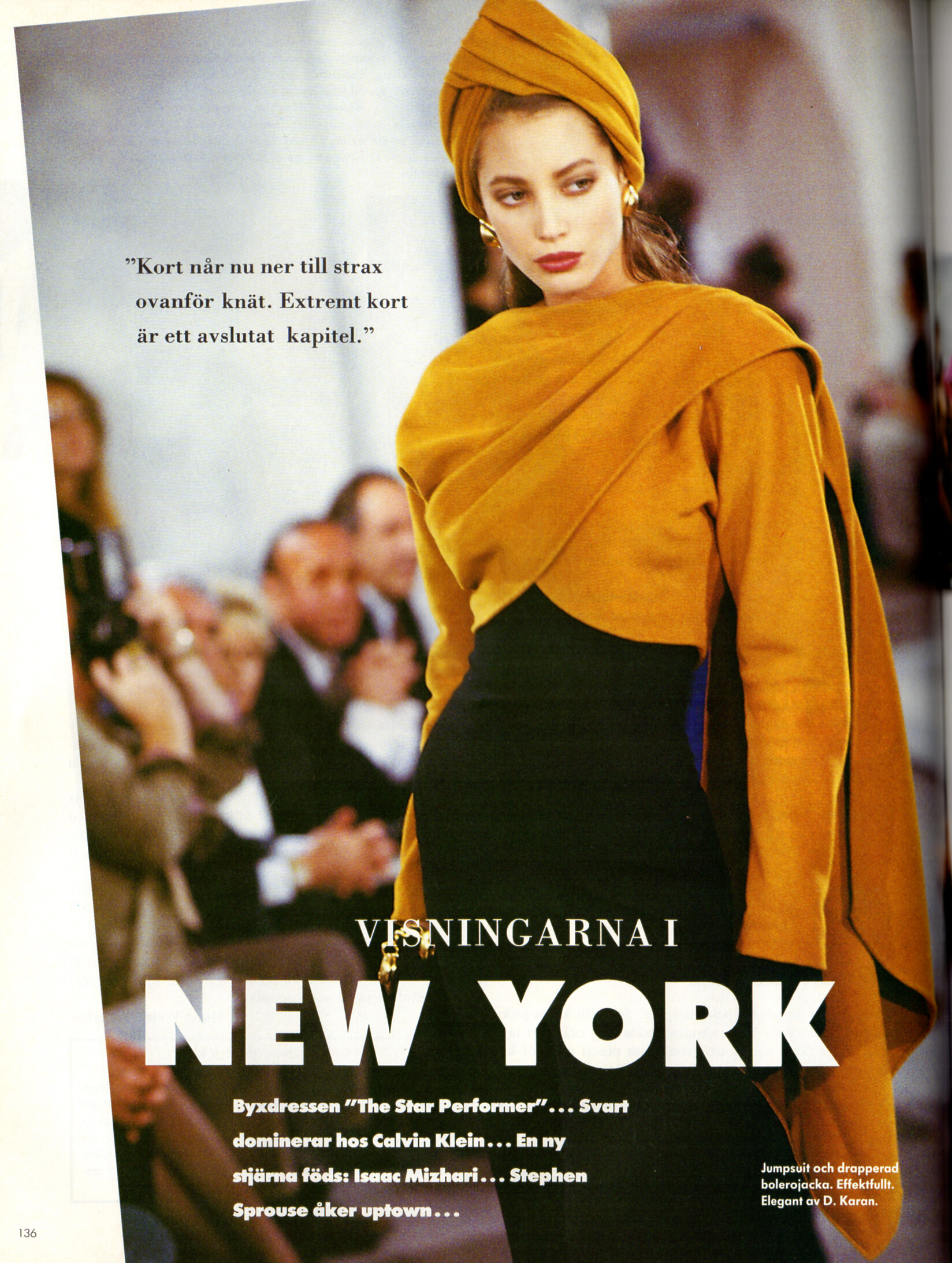
 "NEW YORK" for Donna Karan - CliC Sweden Autumn 1988 #4 by Sean Cunningham
-
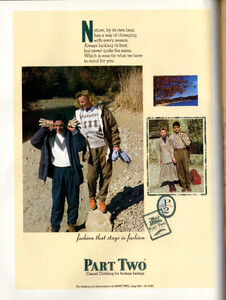
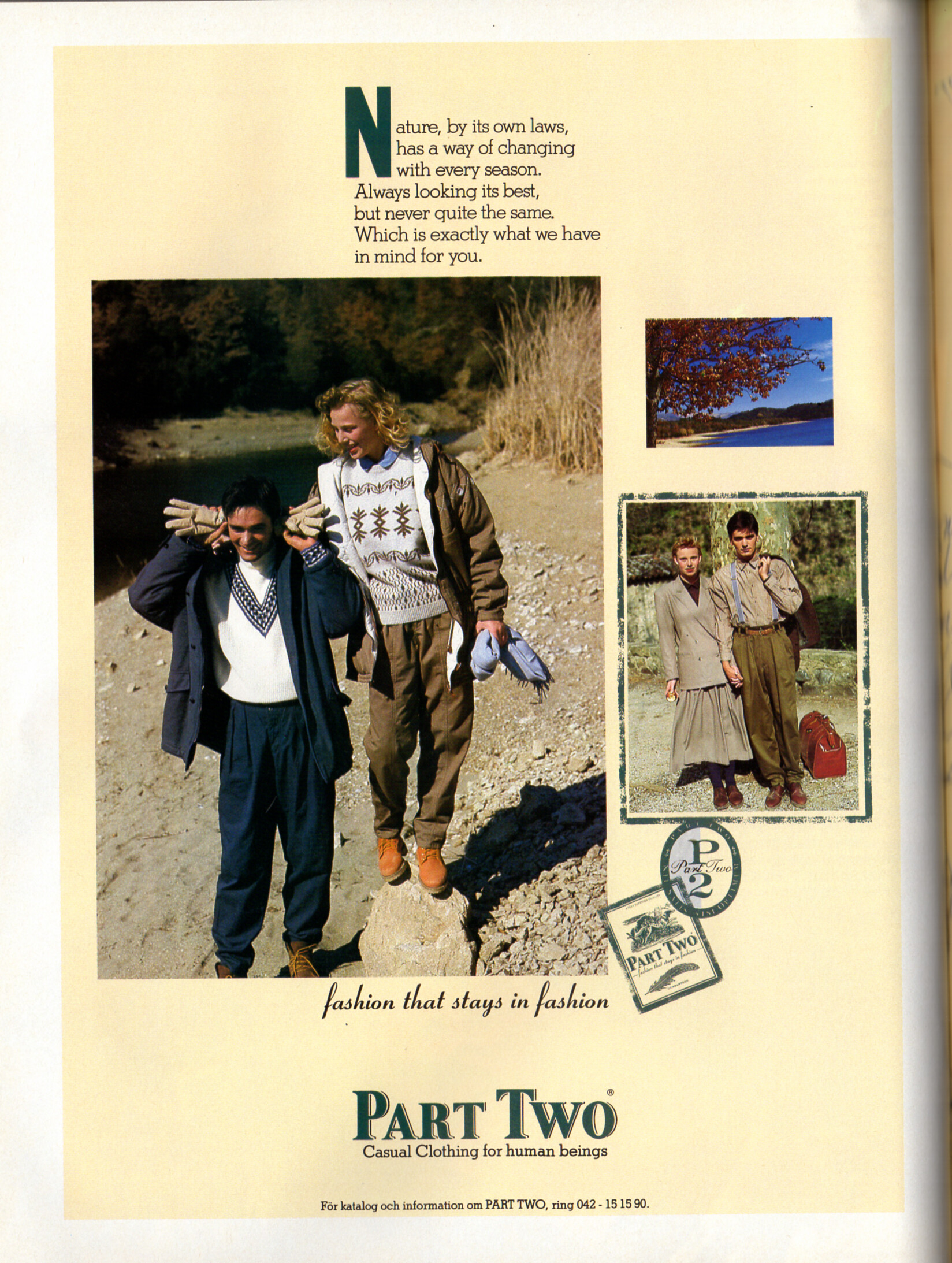
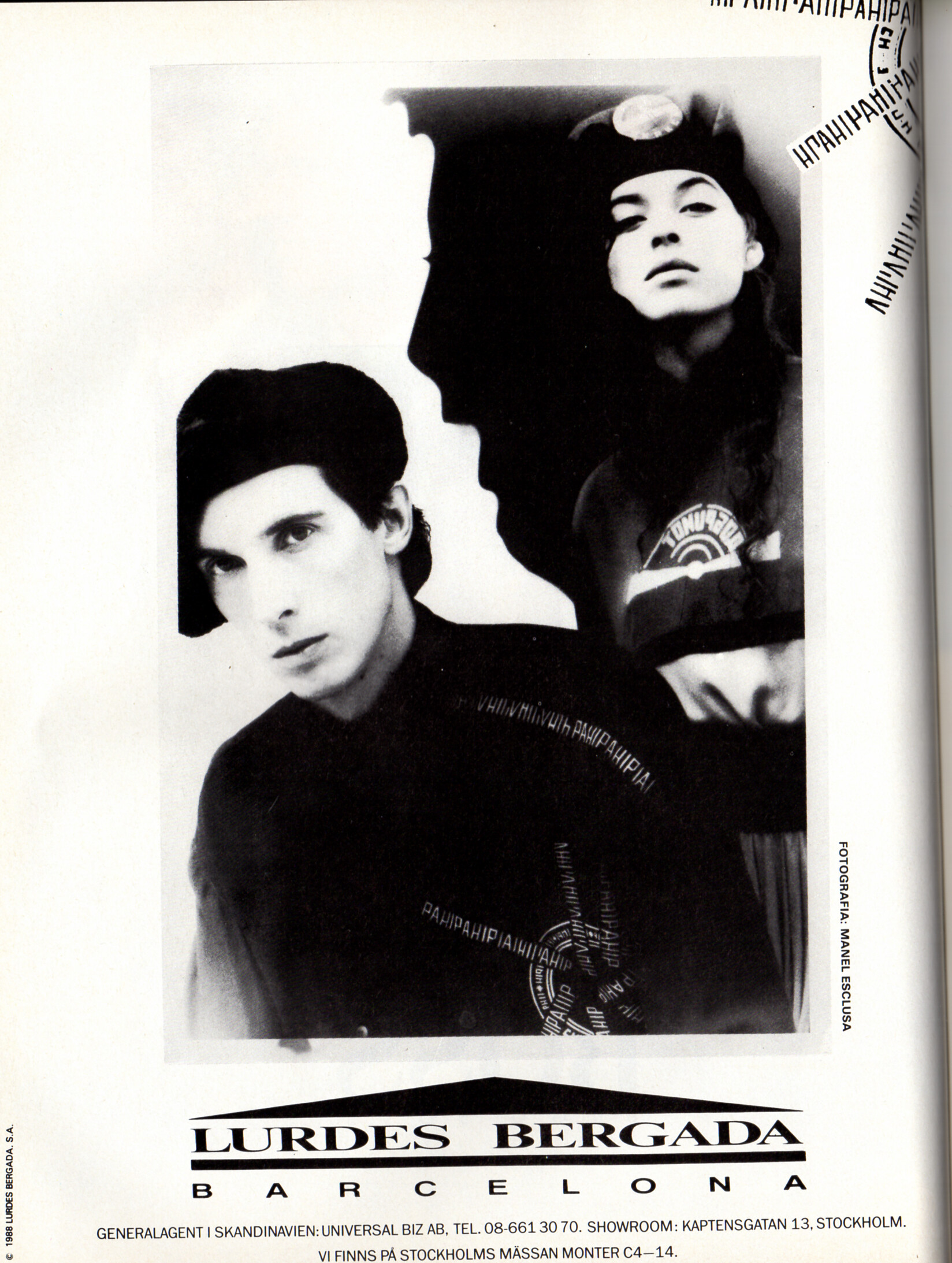
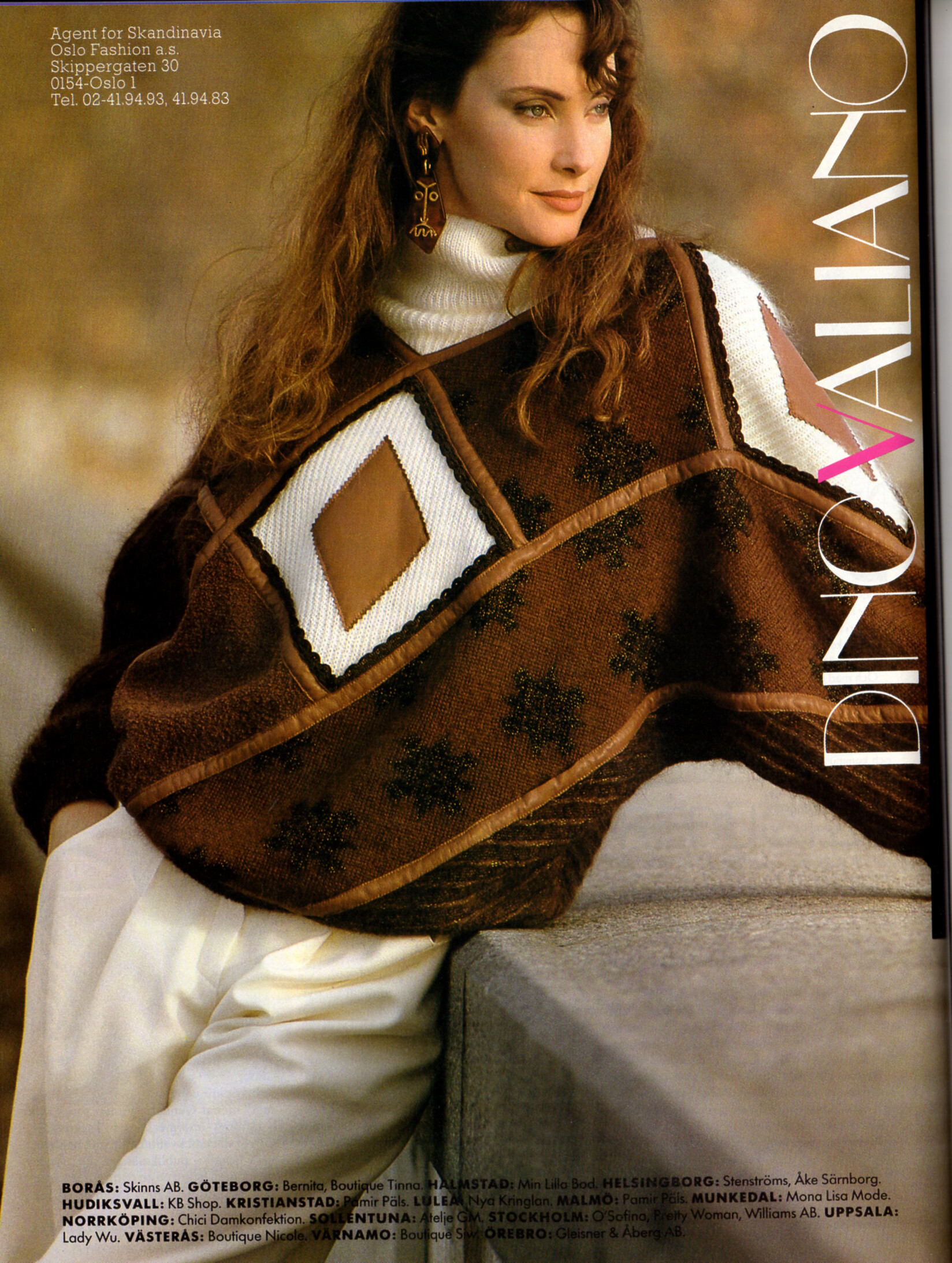
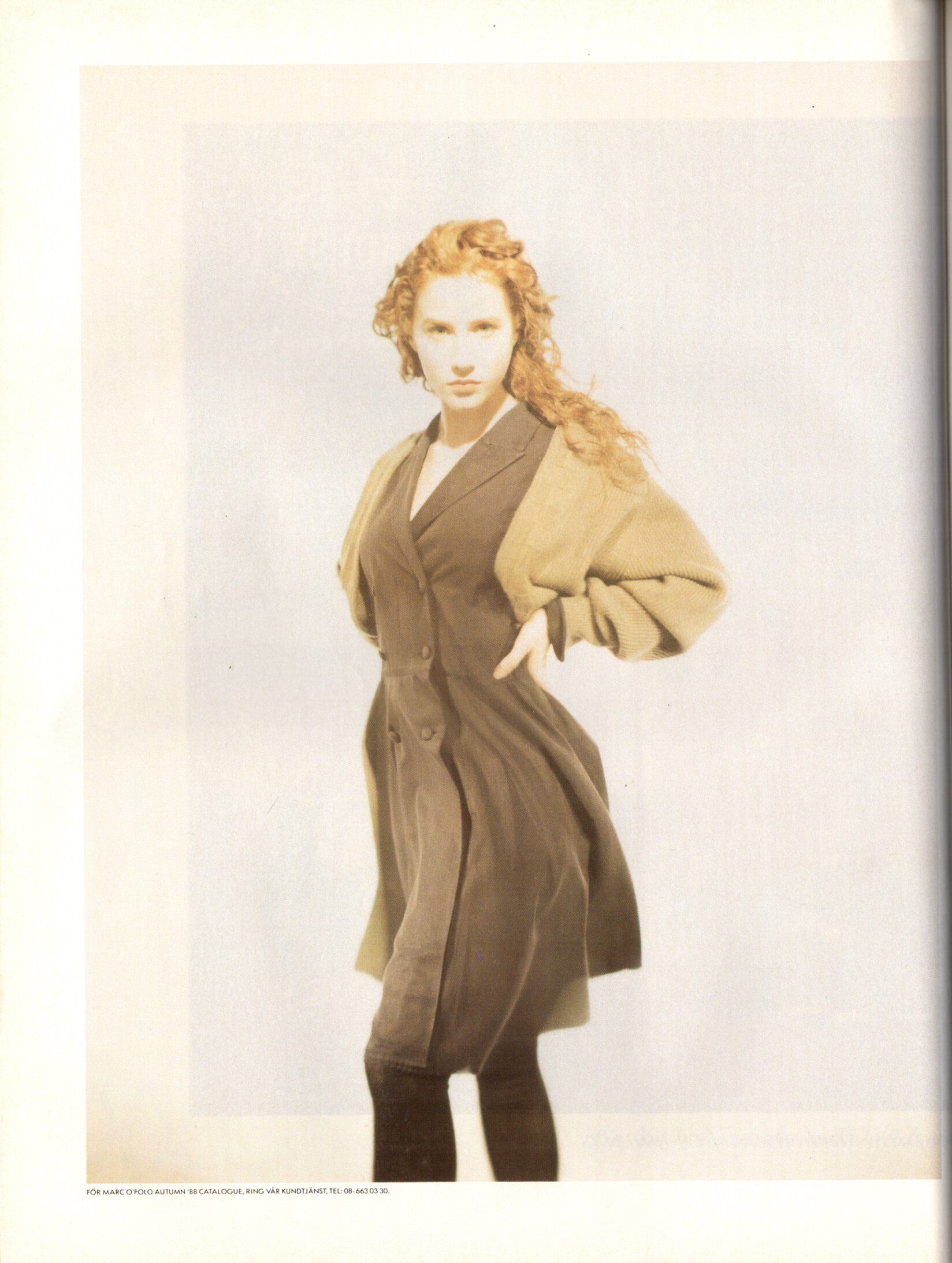
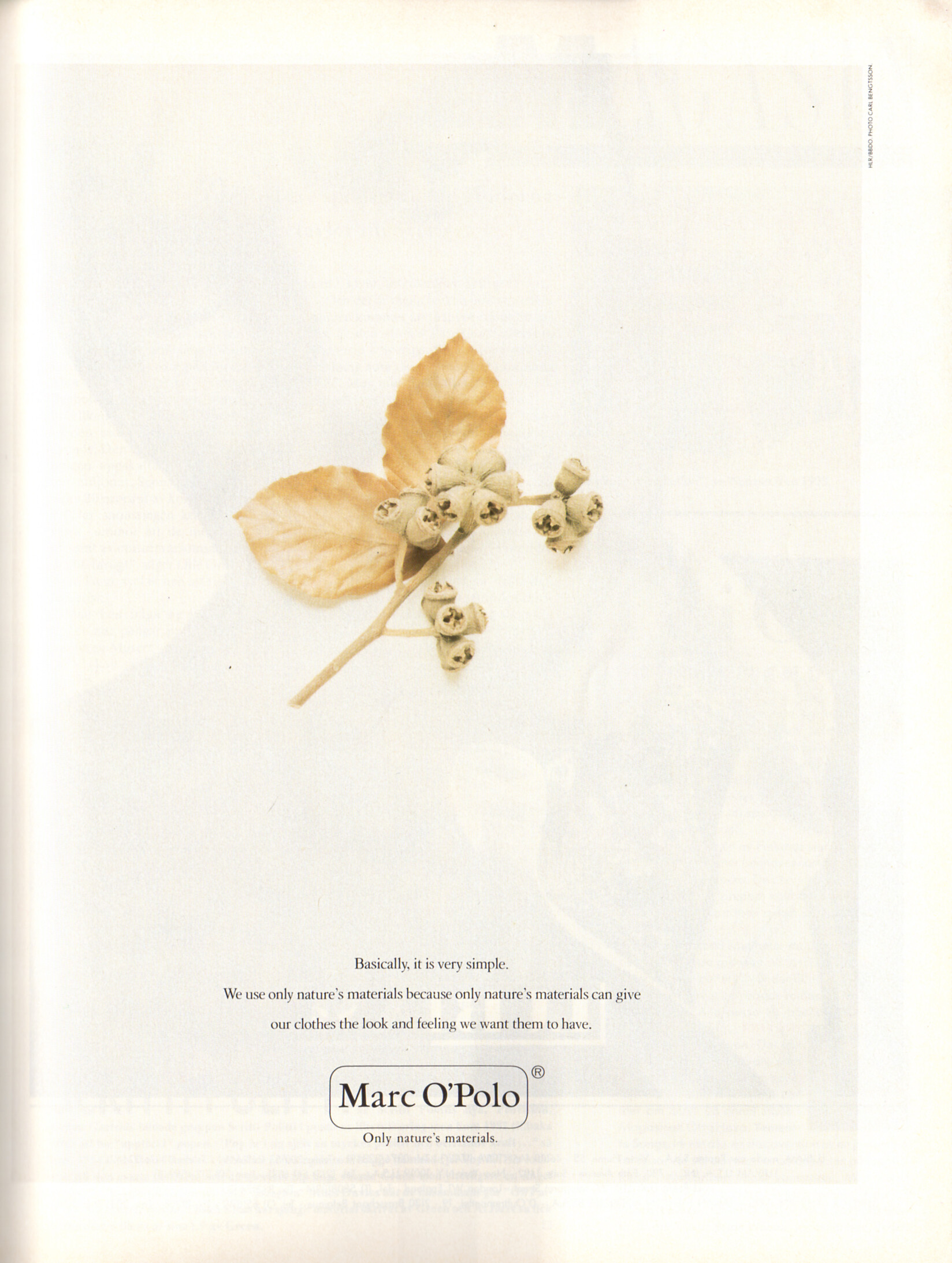
PART TWO advertisement - CliC Sweden Autumn 1988 #4
-
-
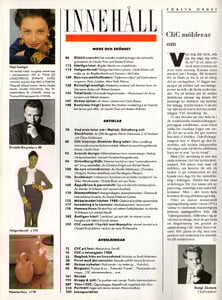
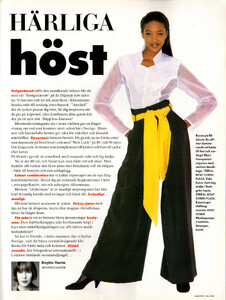
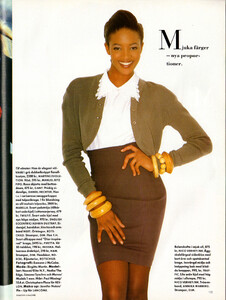
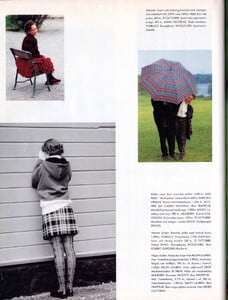
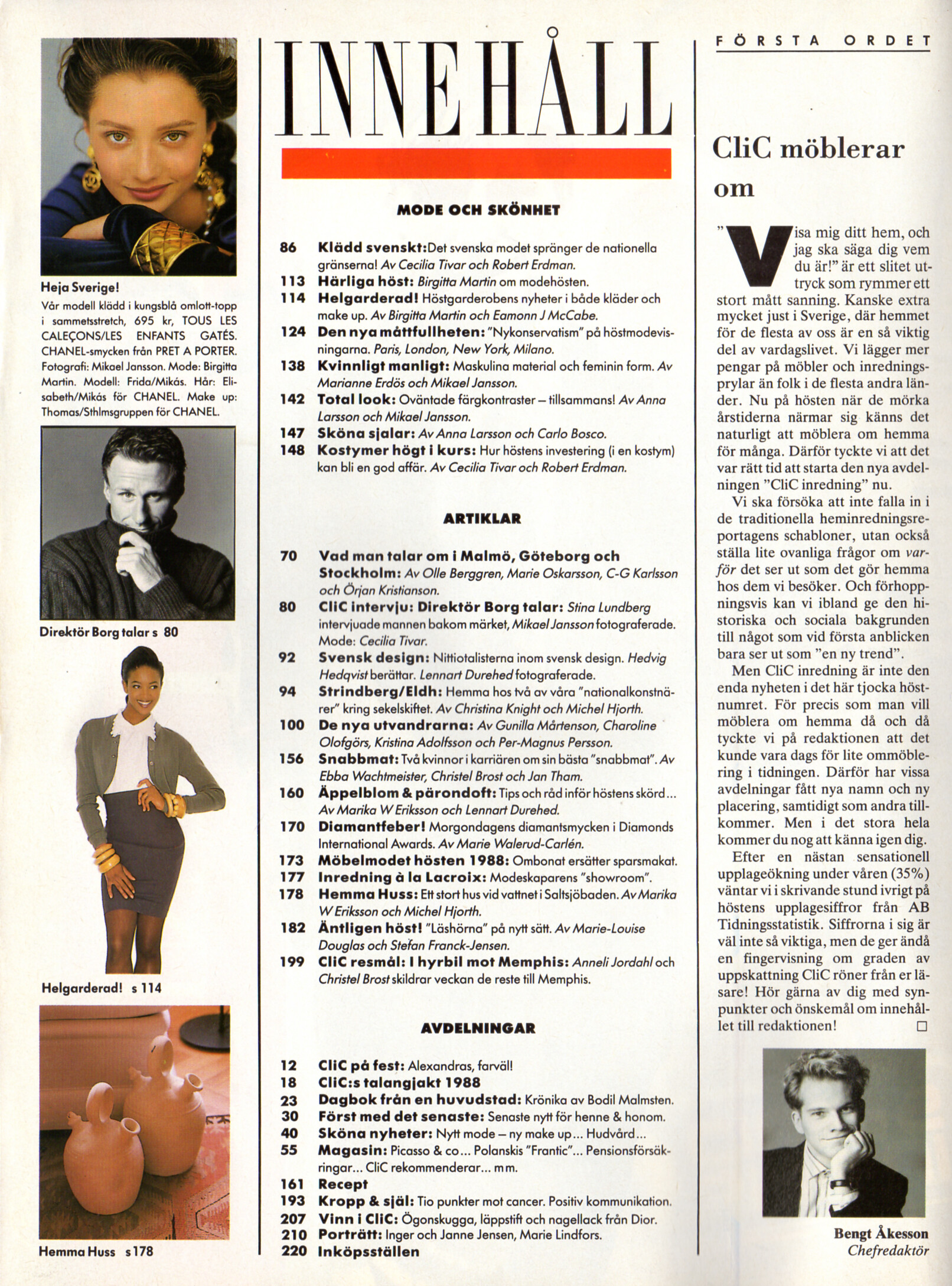
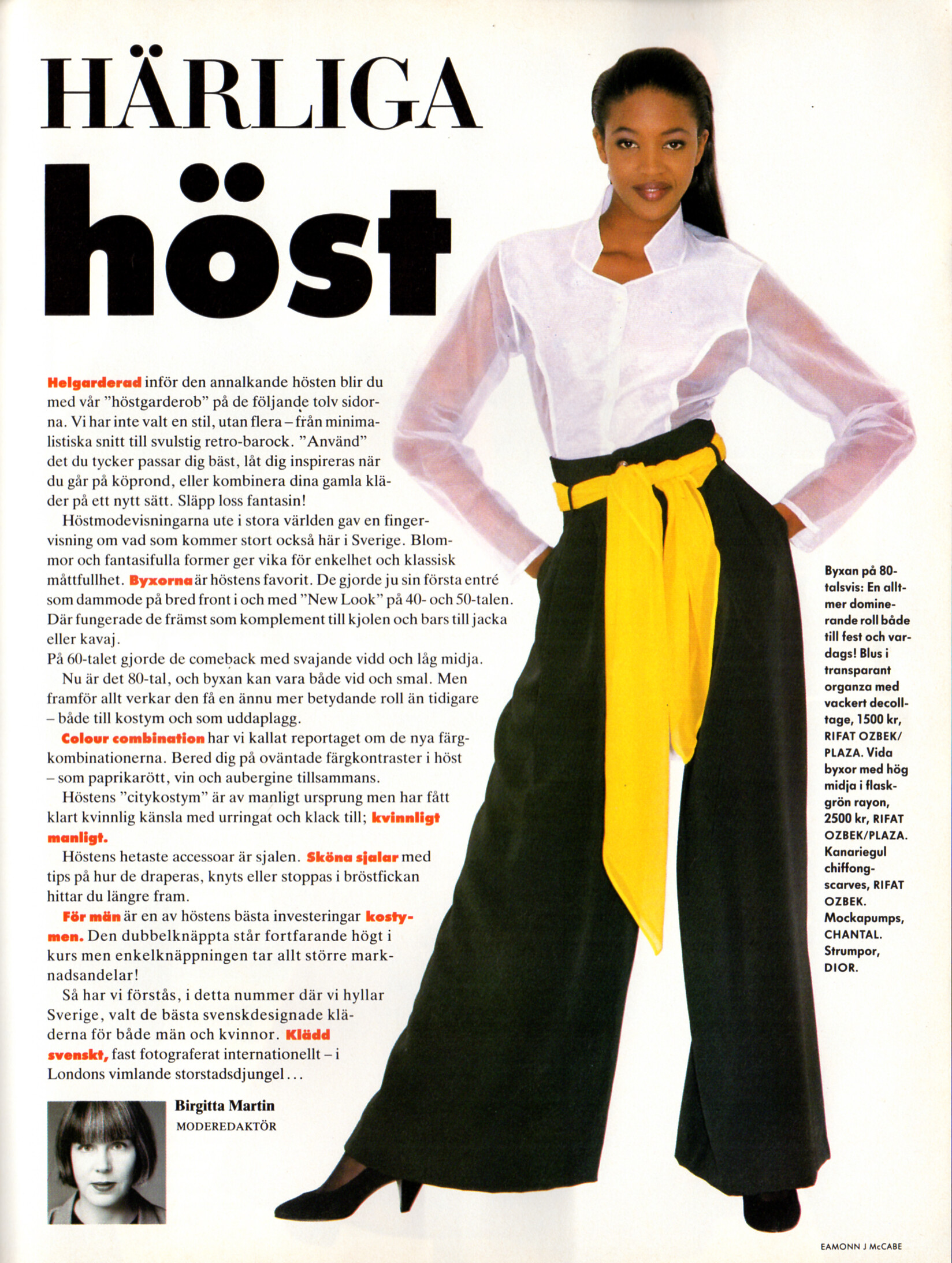
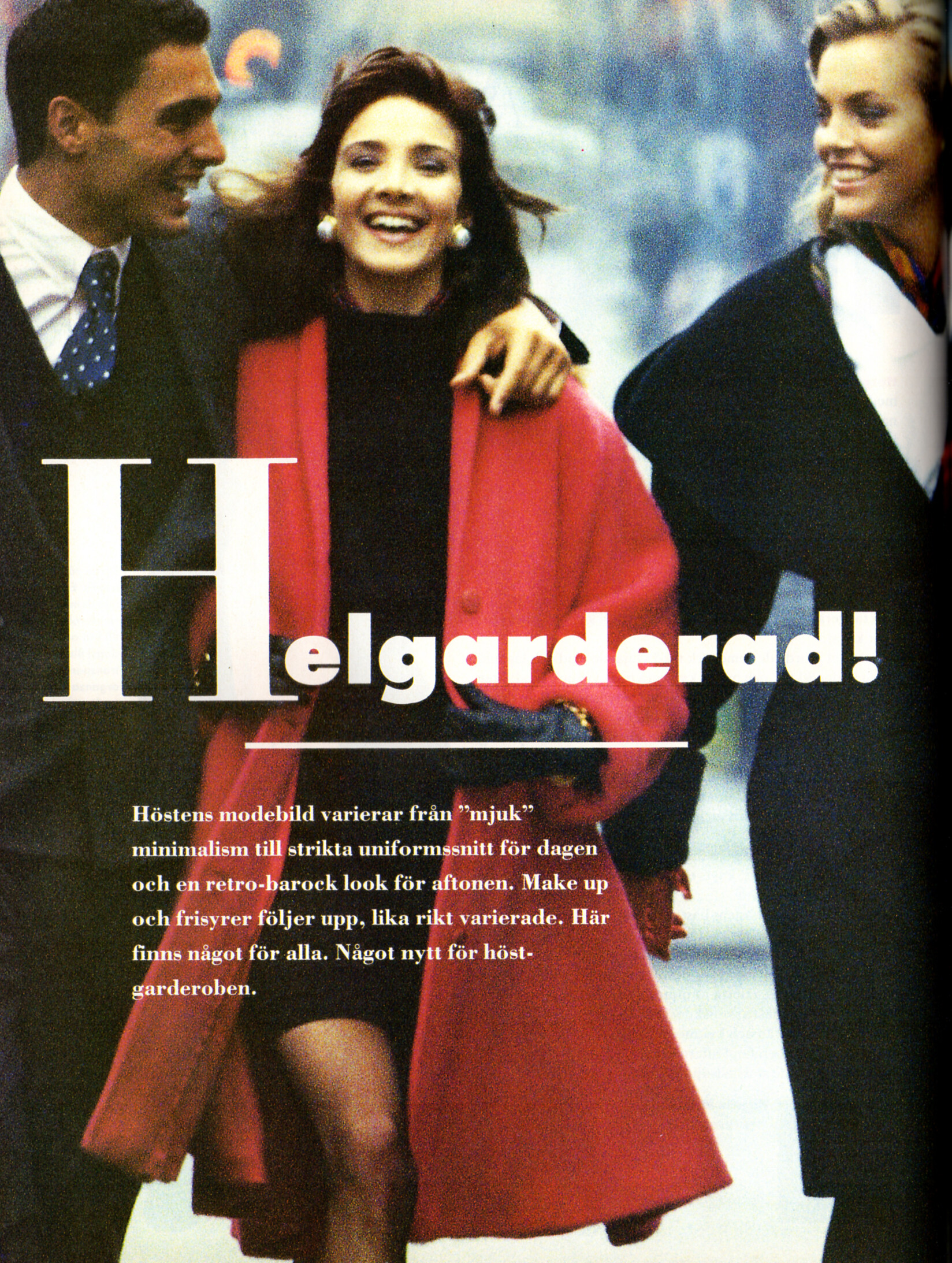
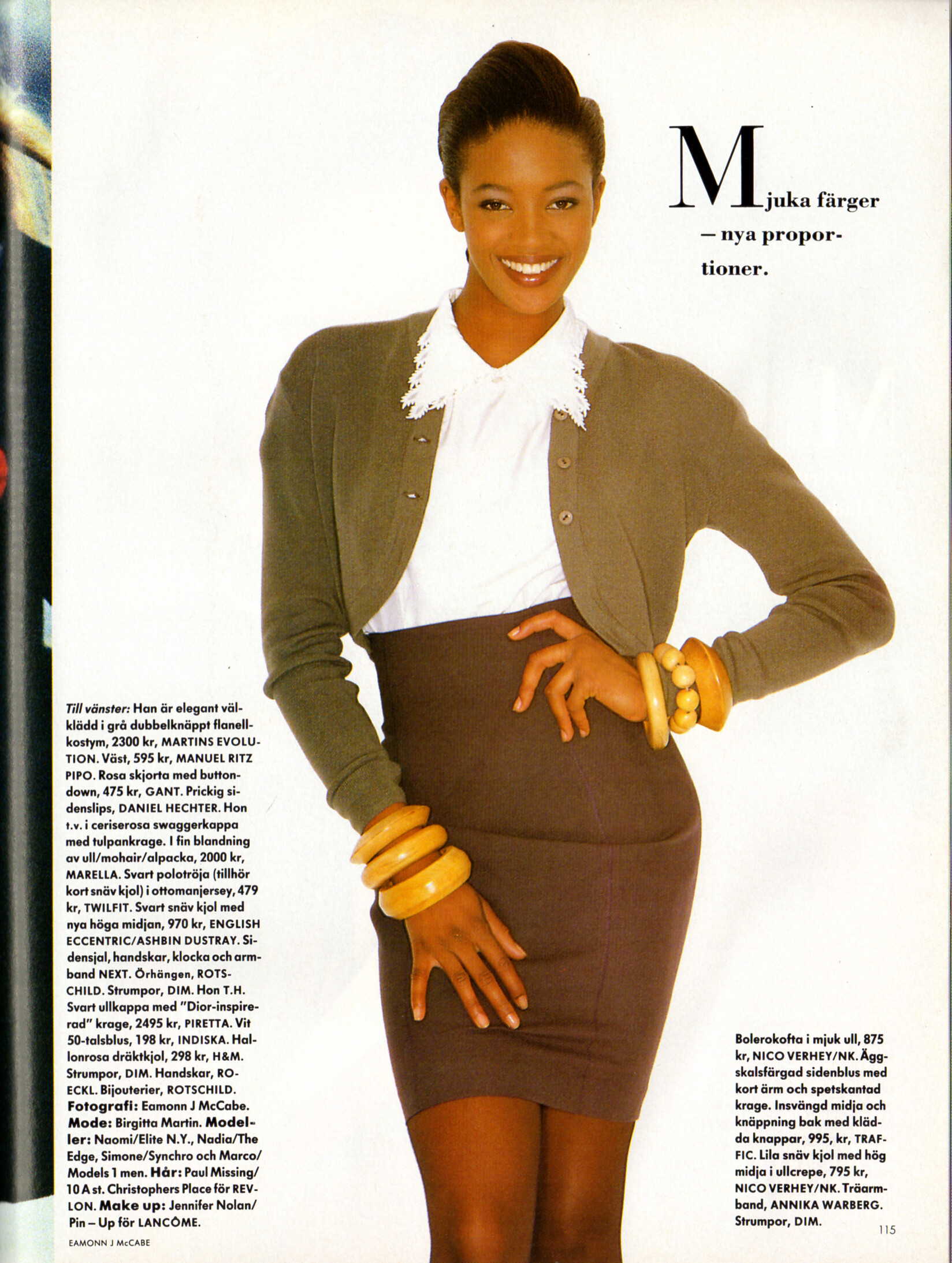
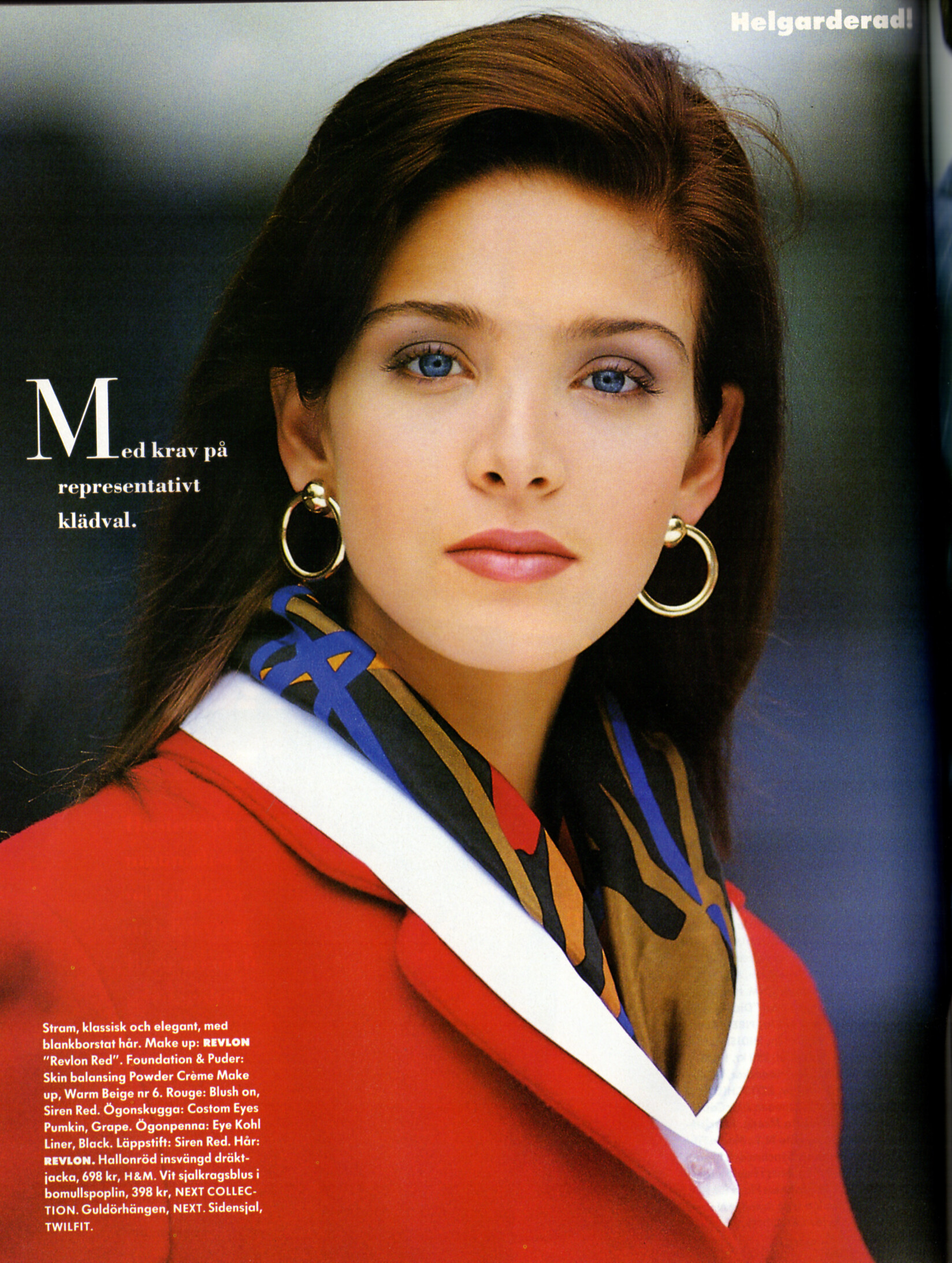
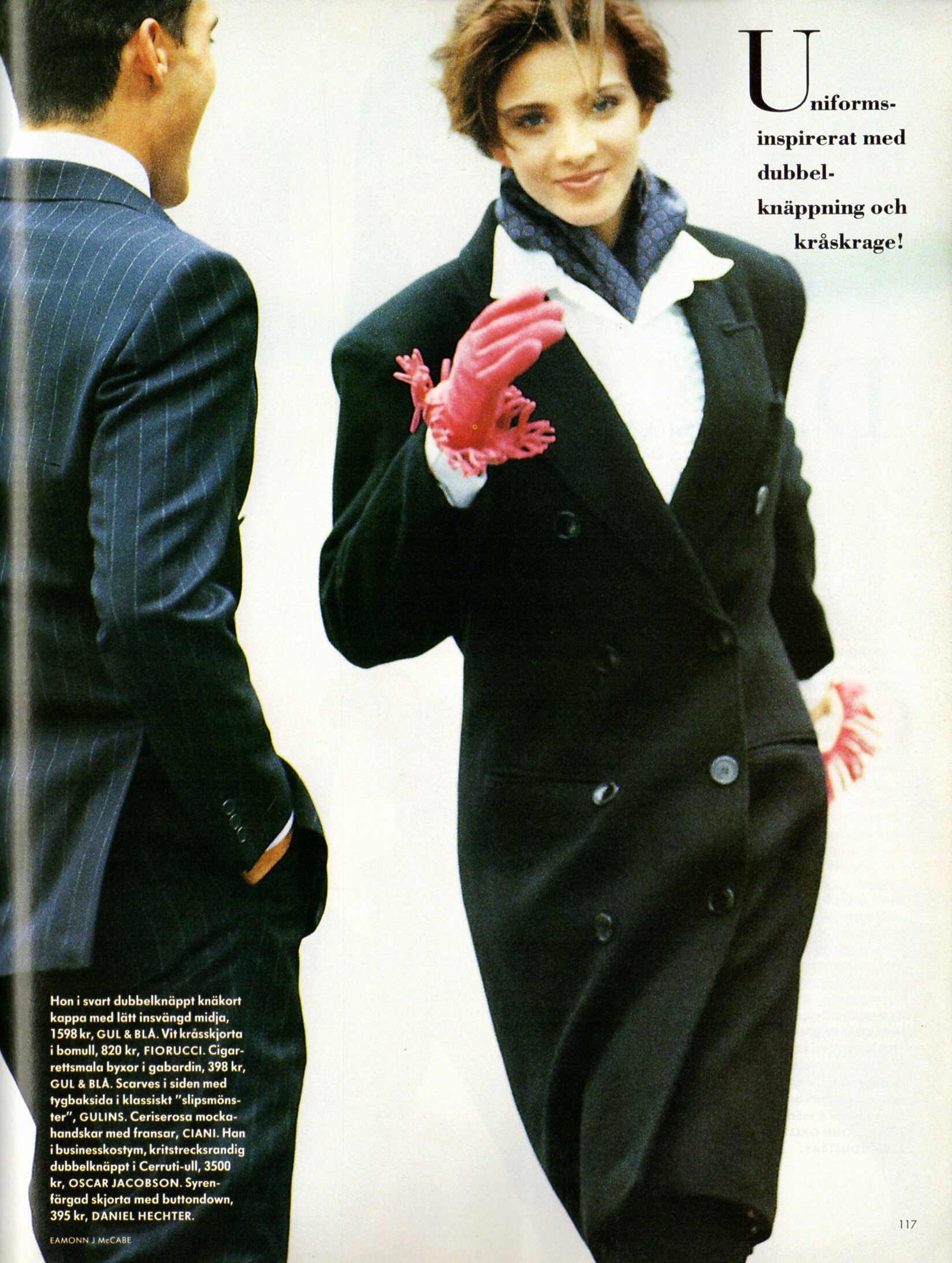
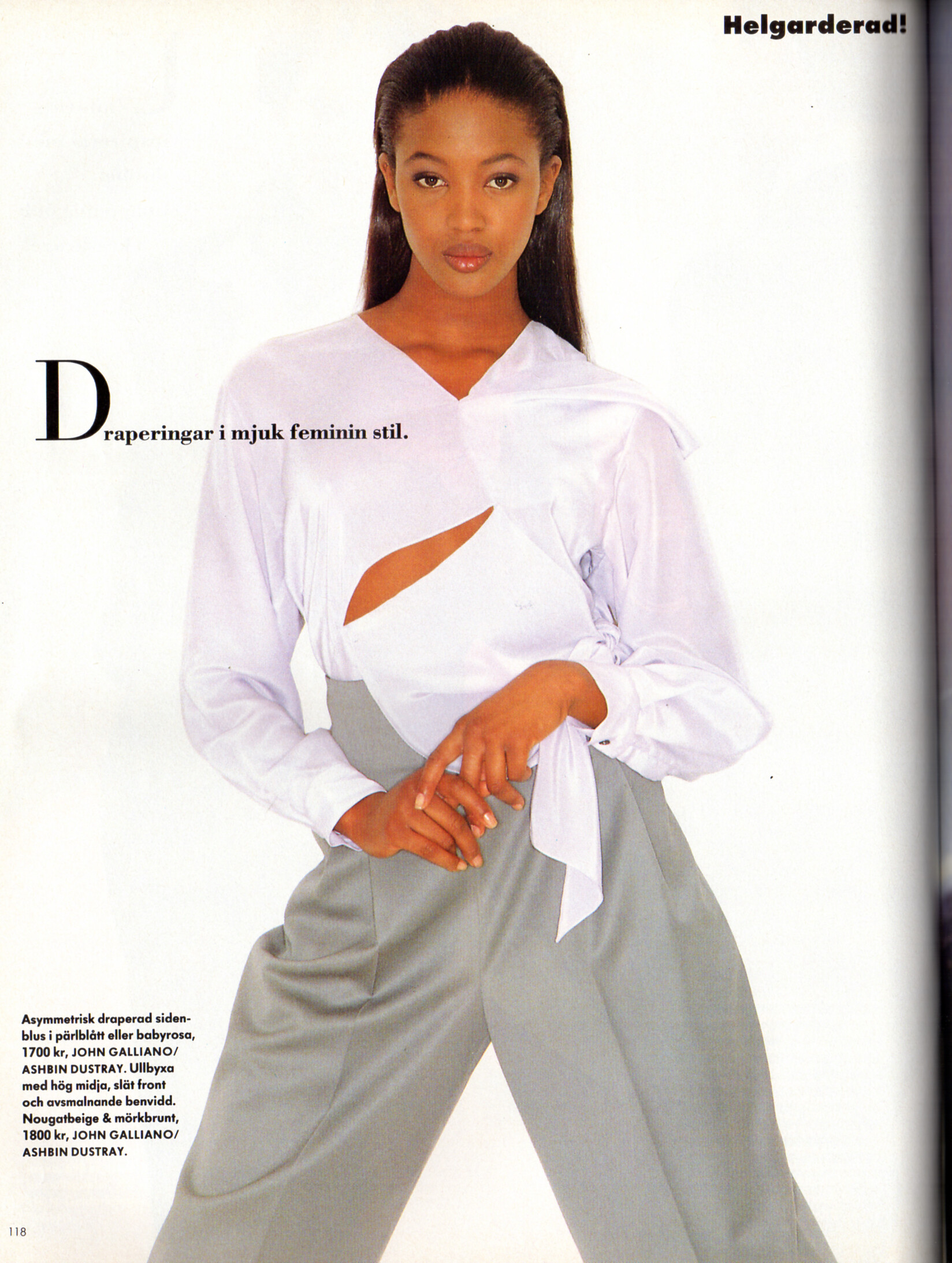
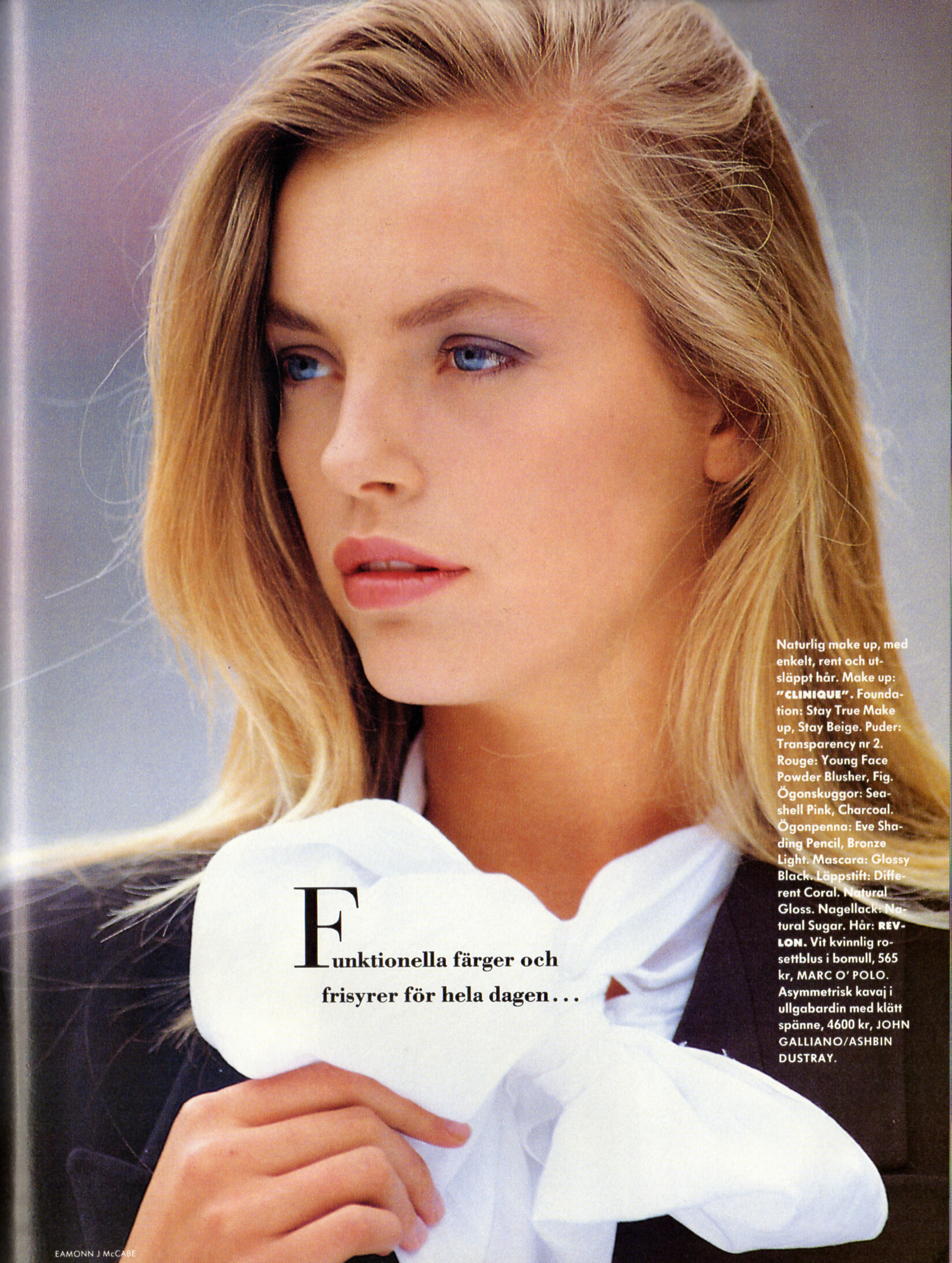
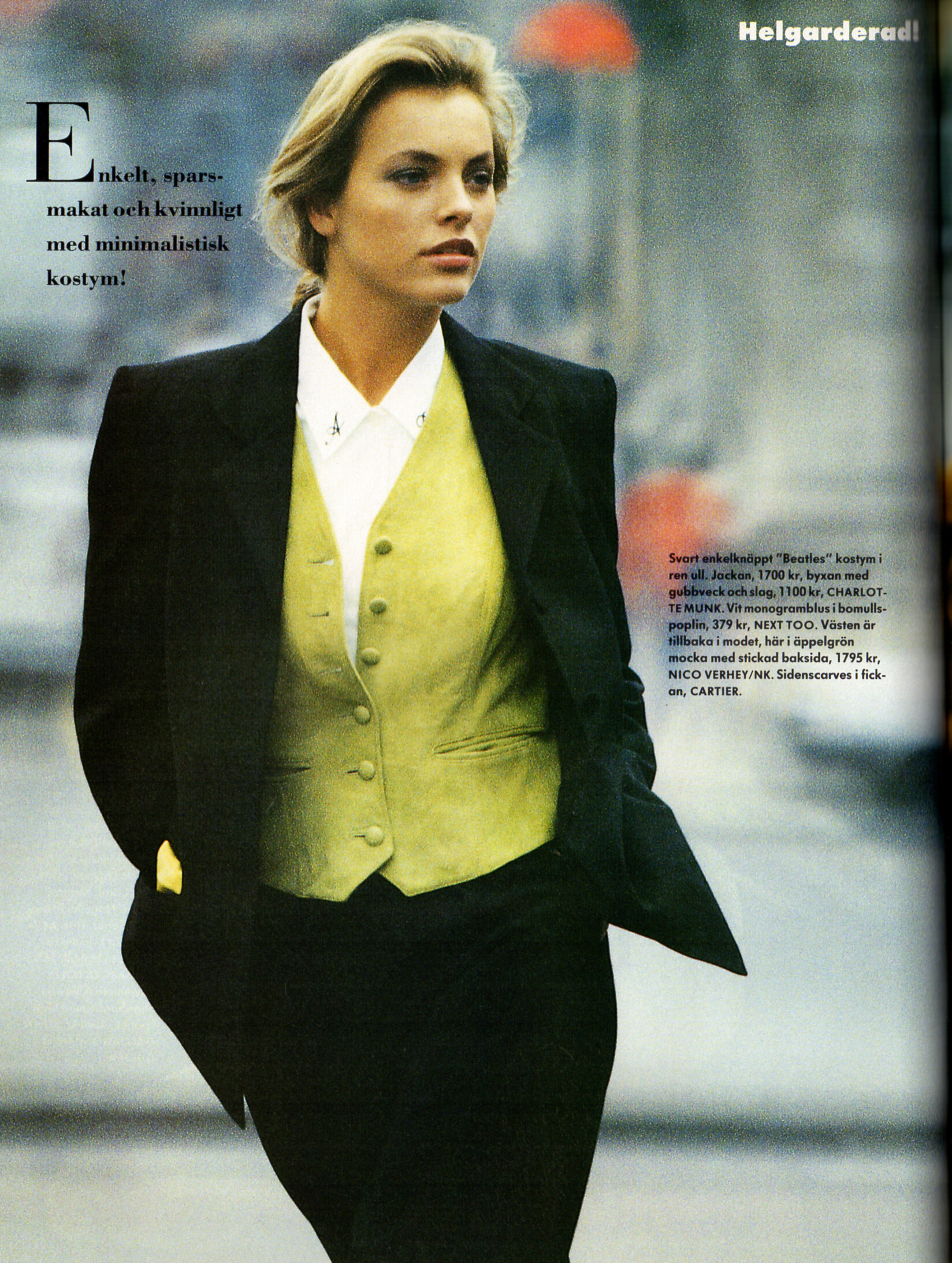
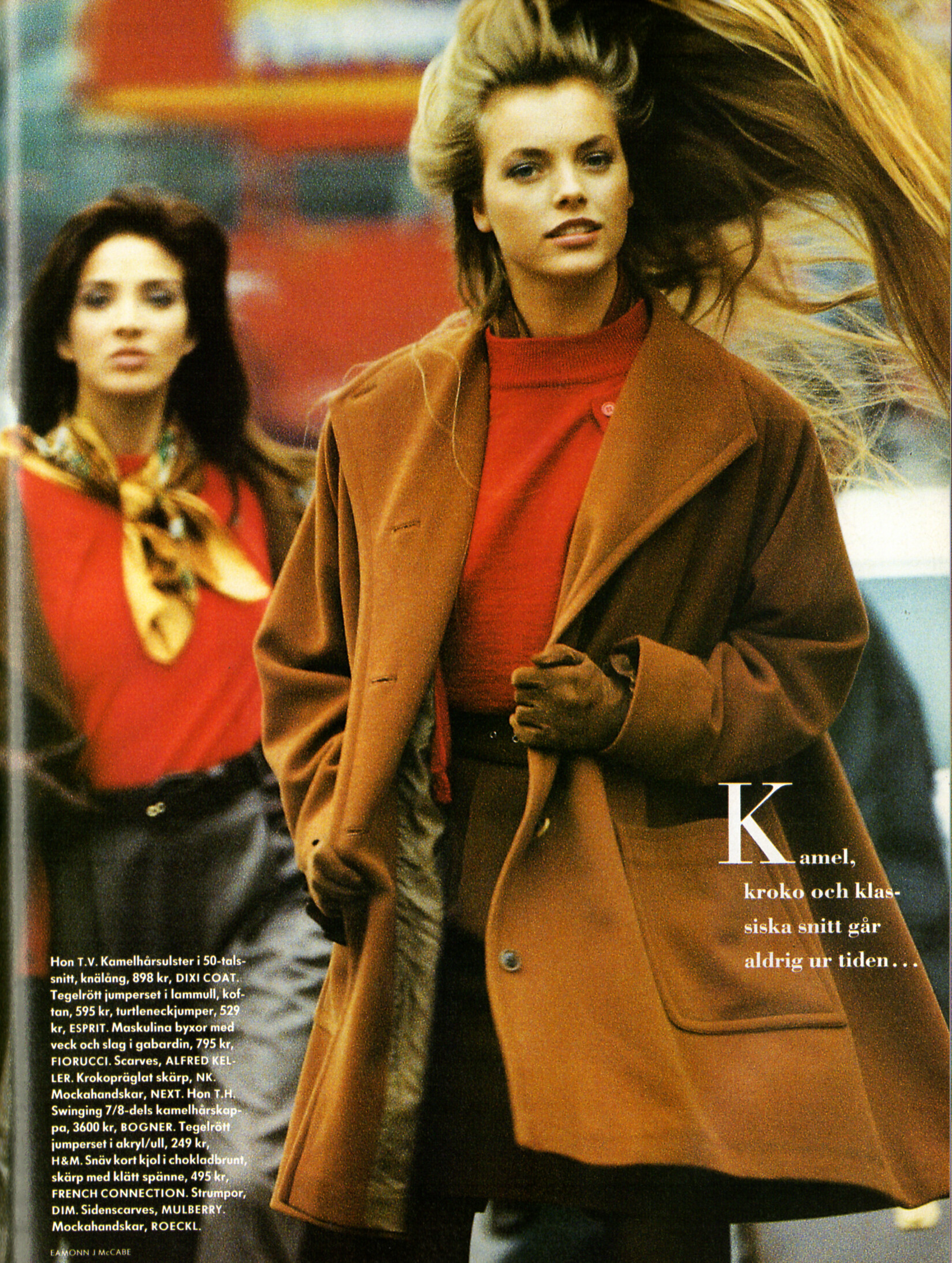
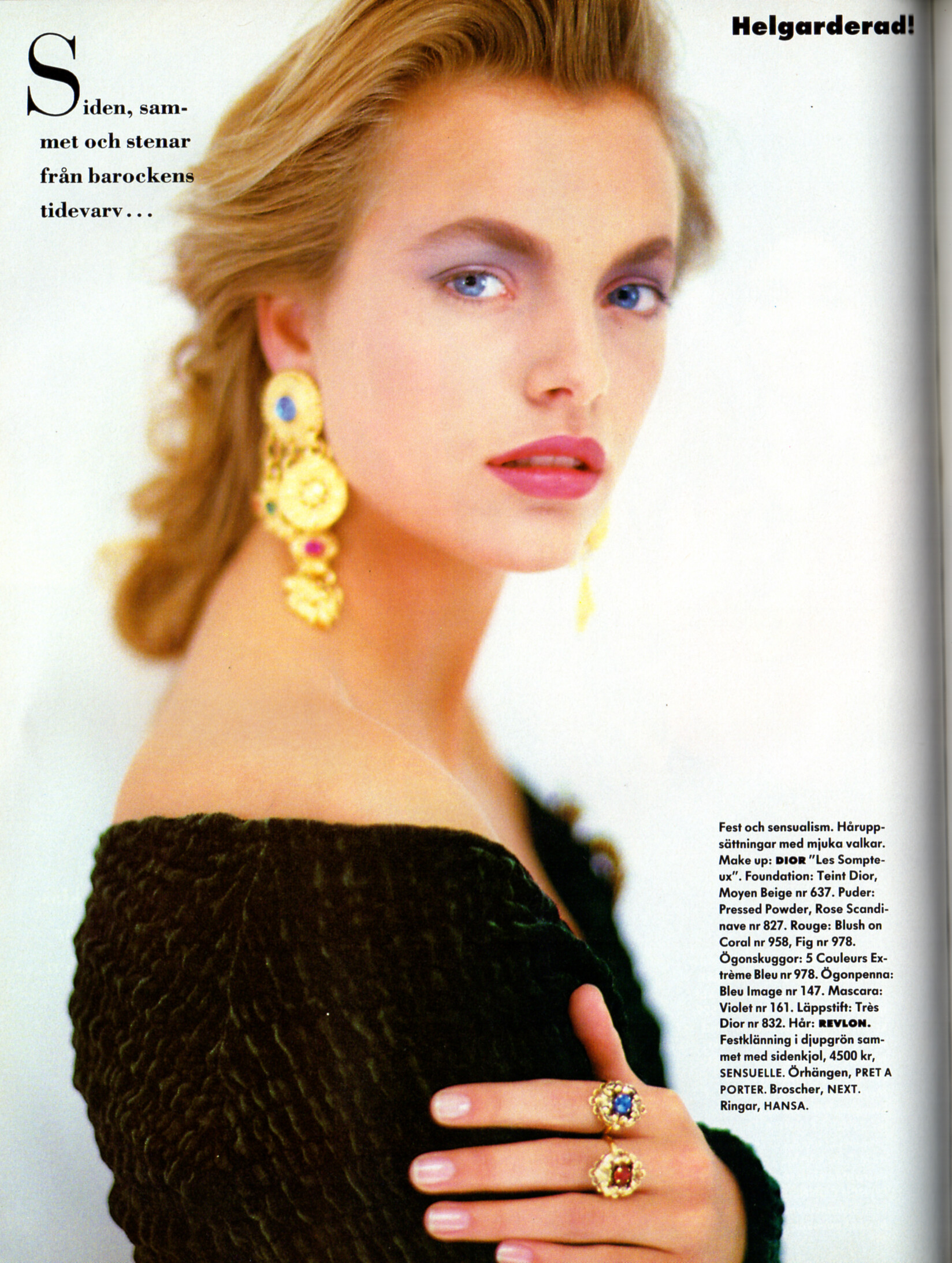
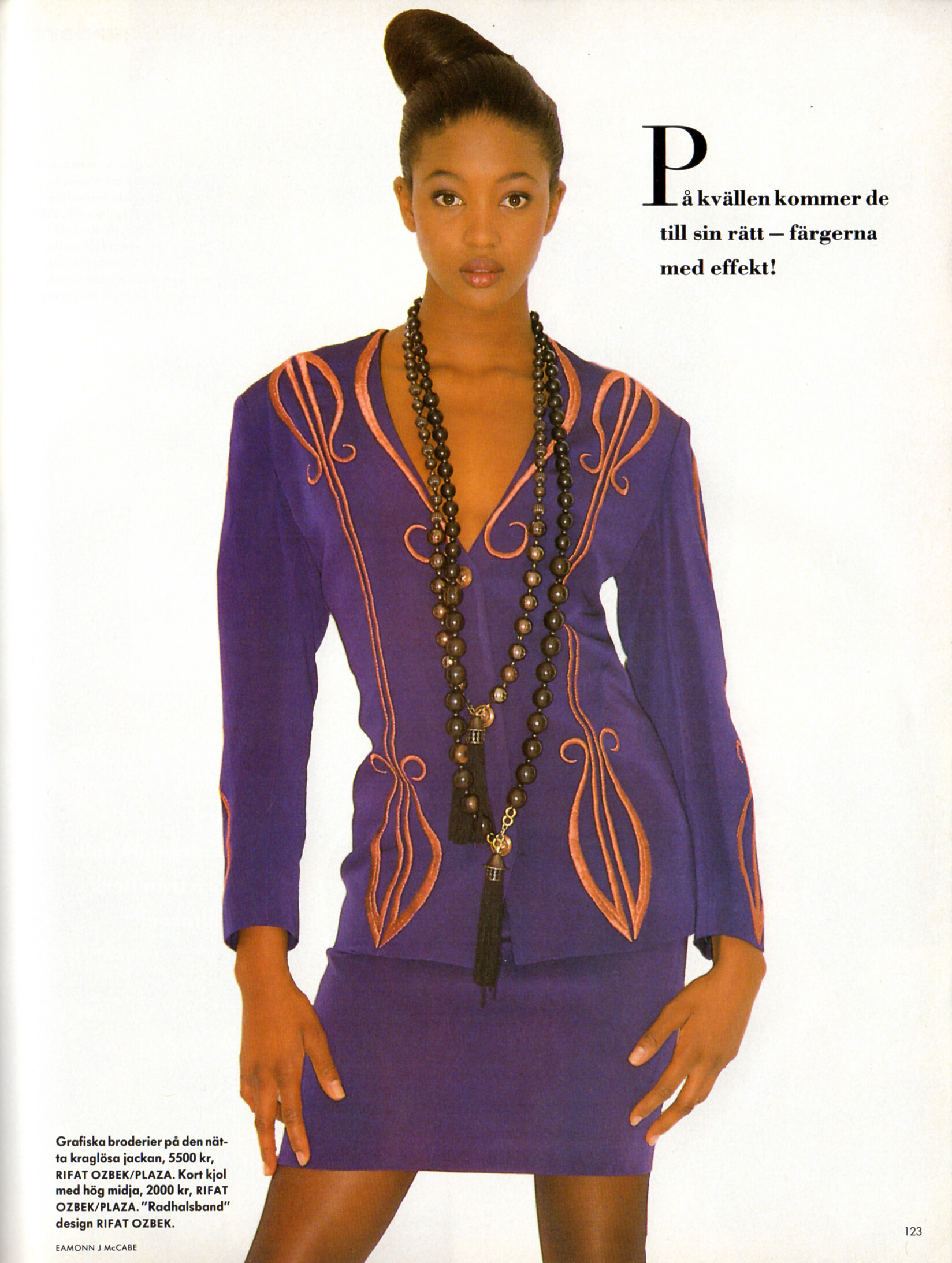
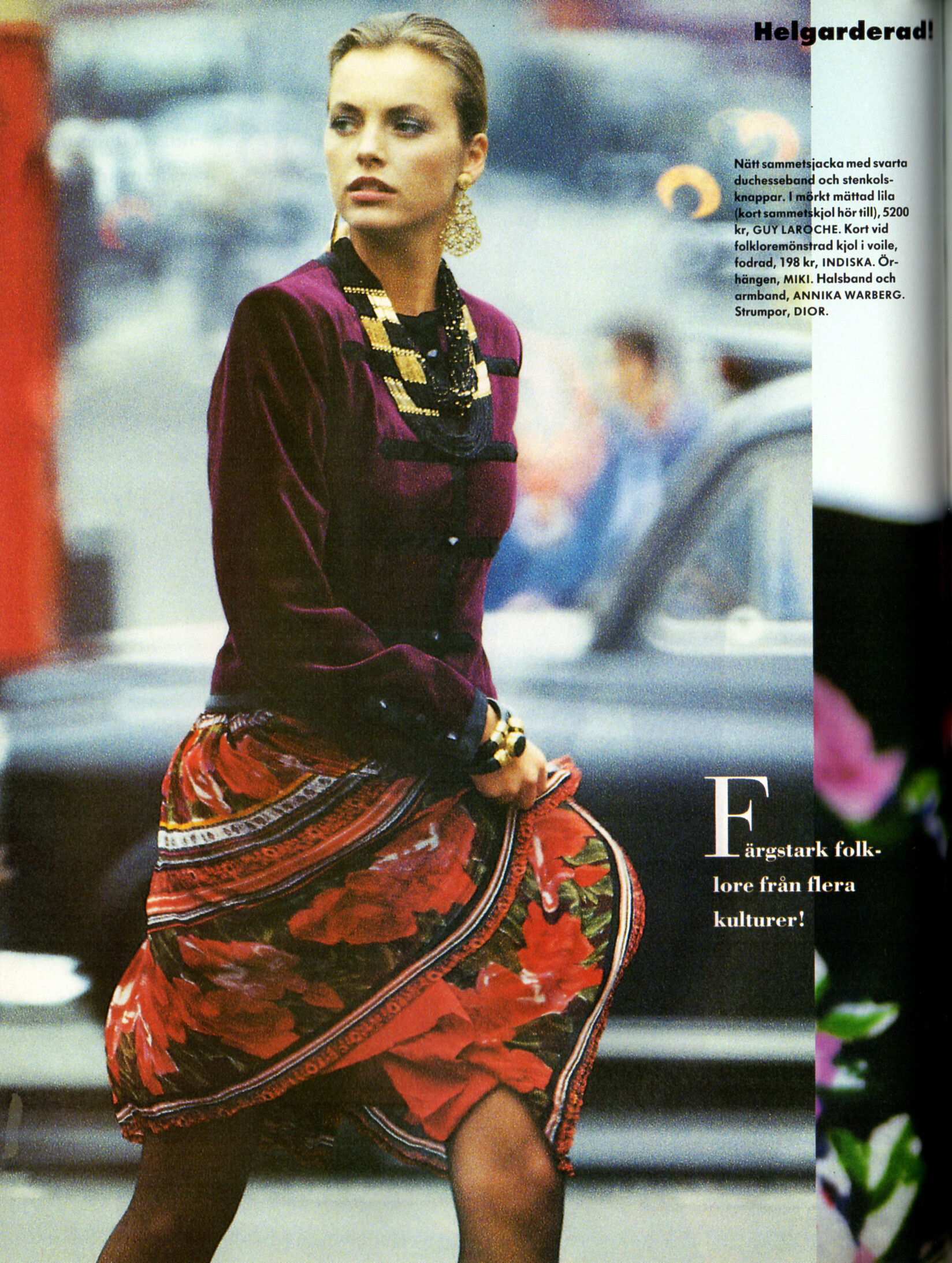
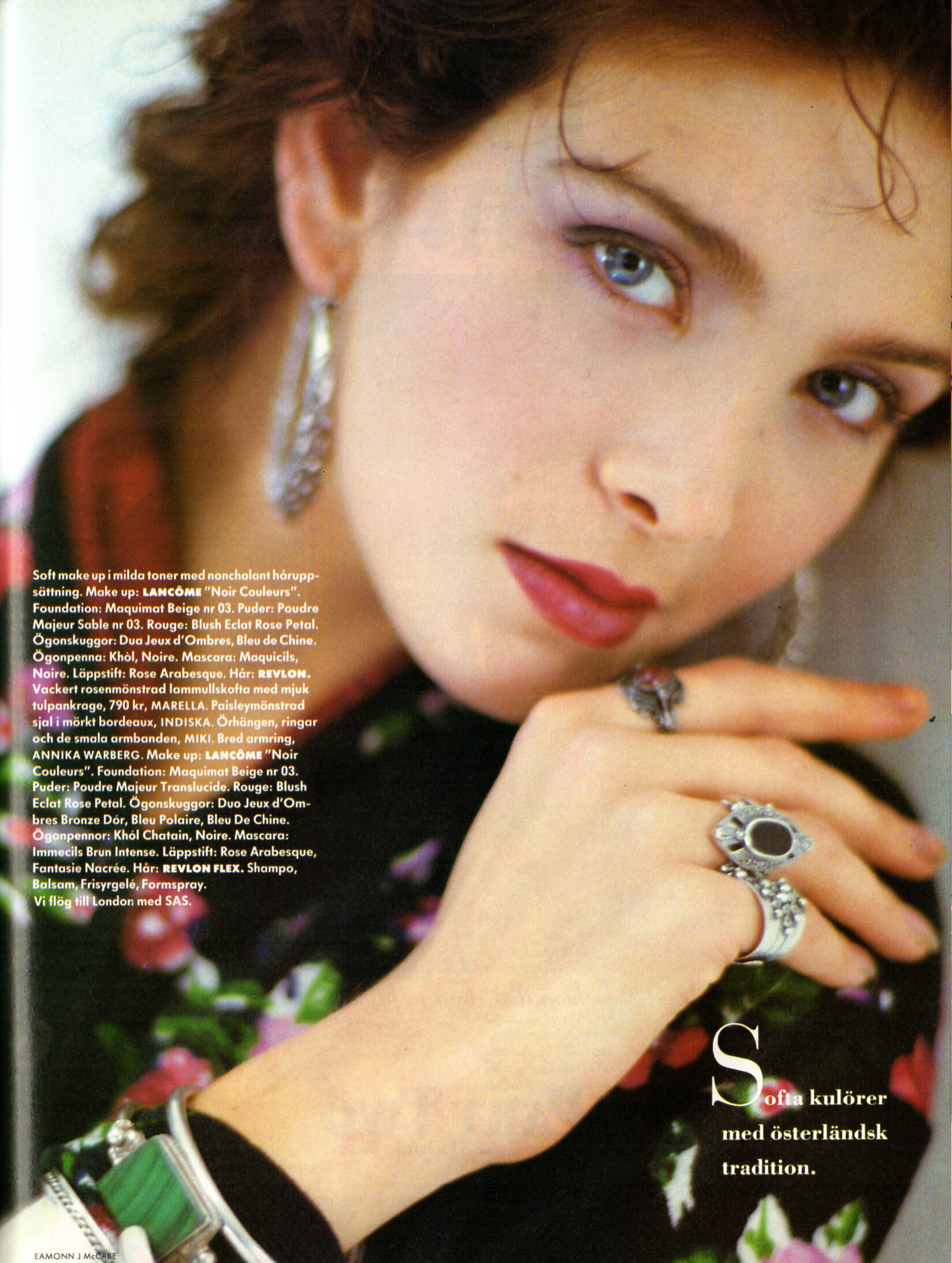
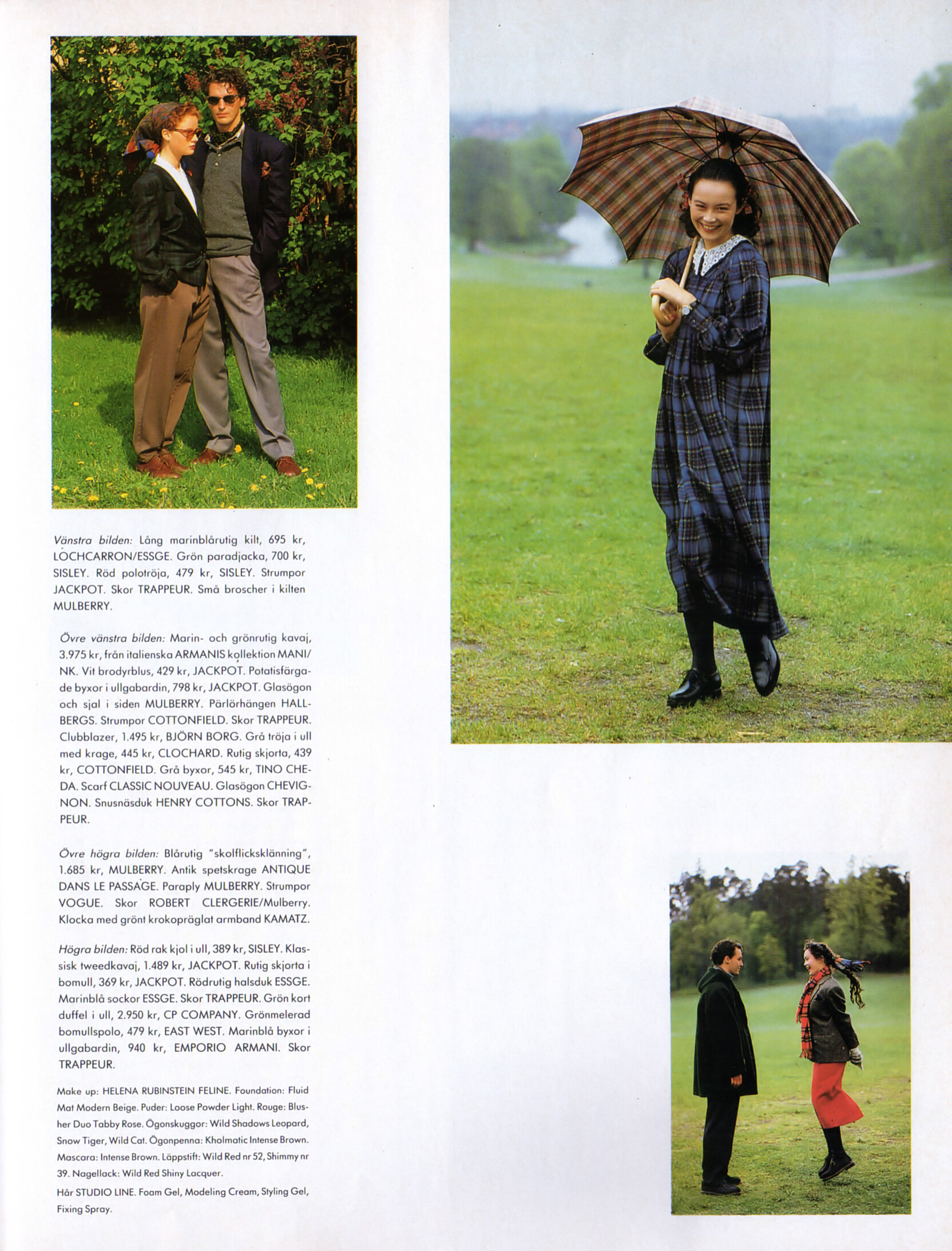
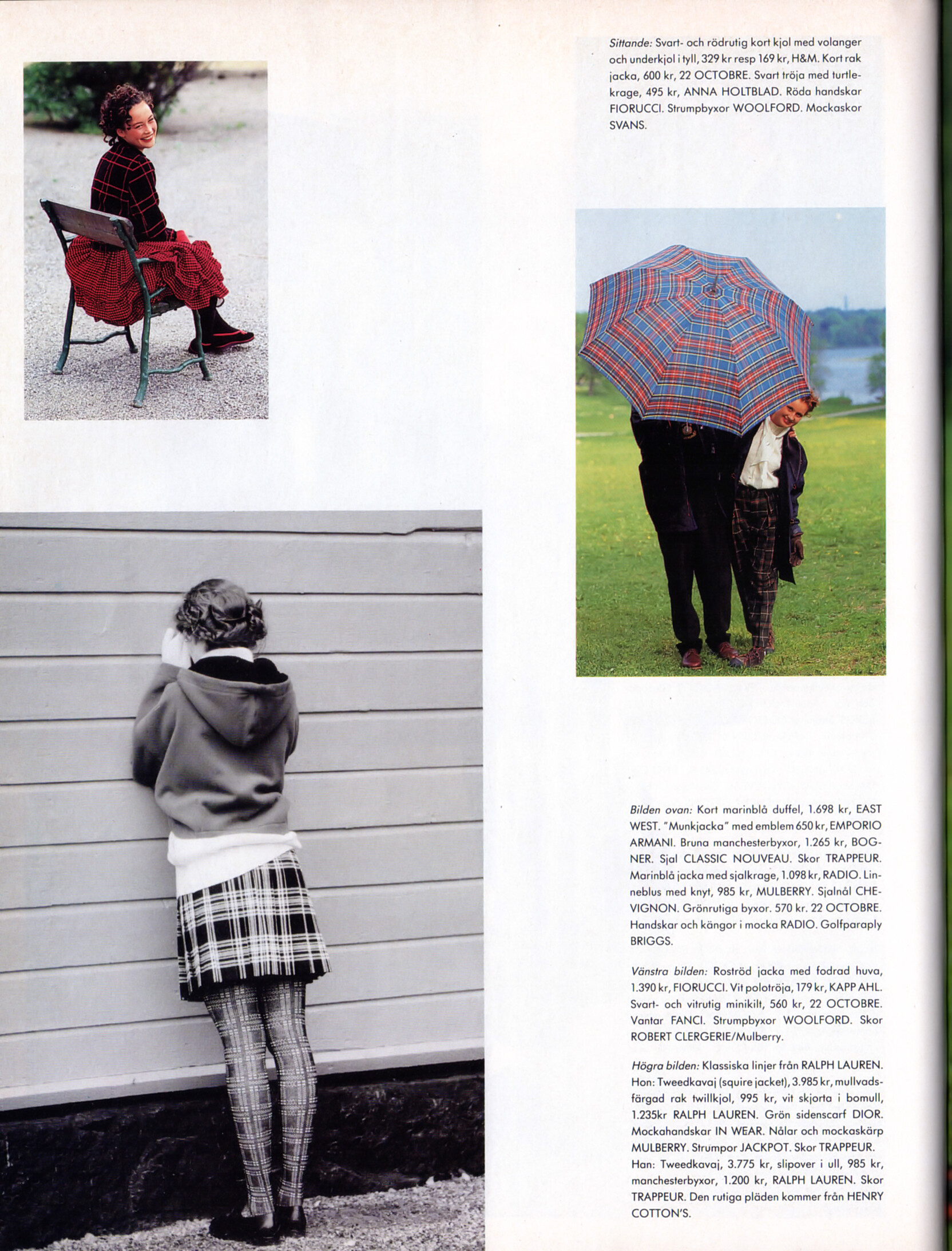
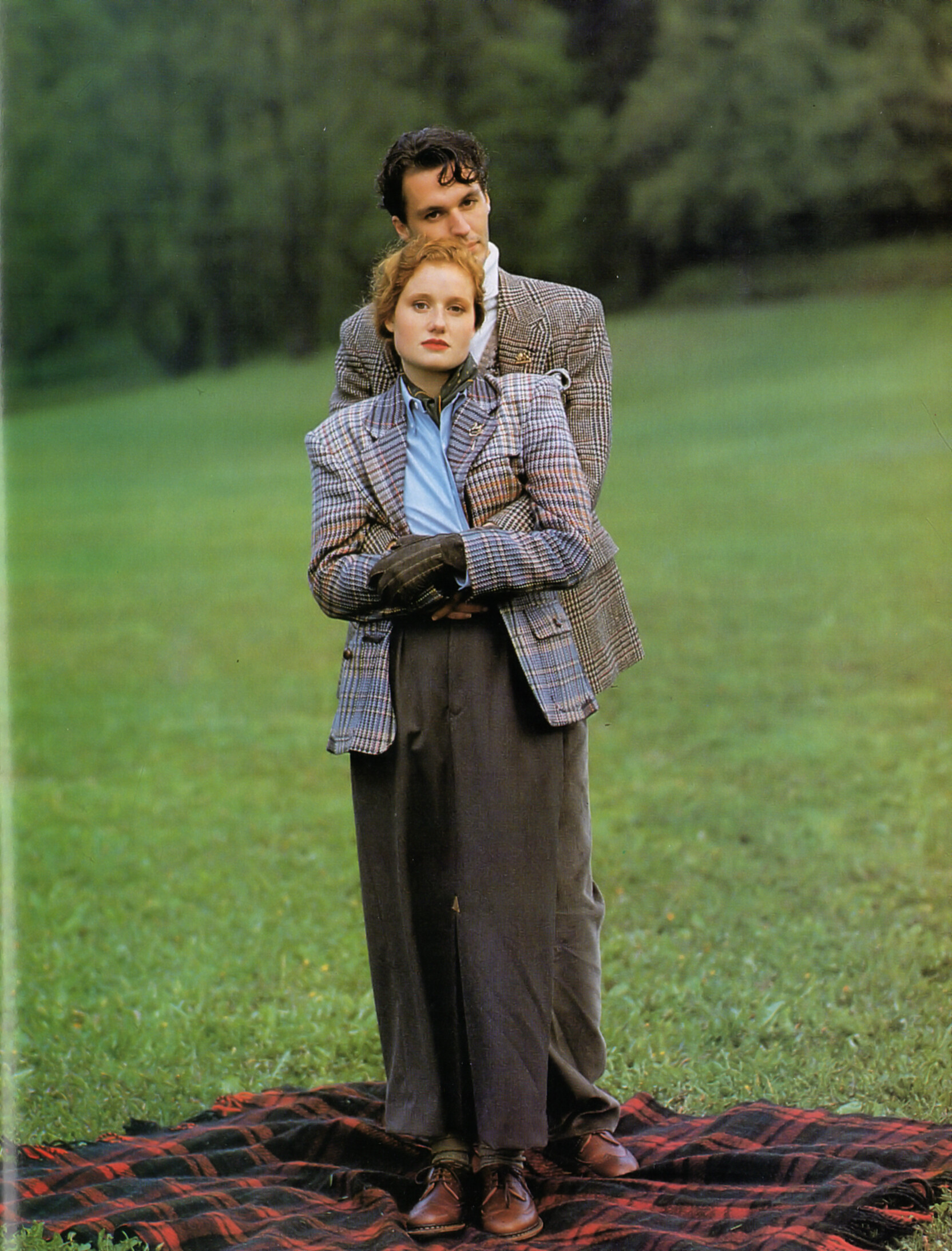
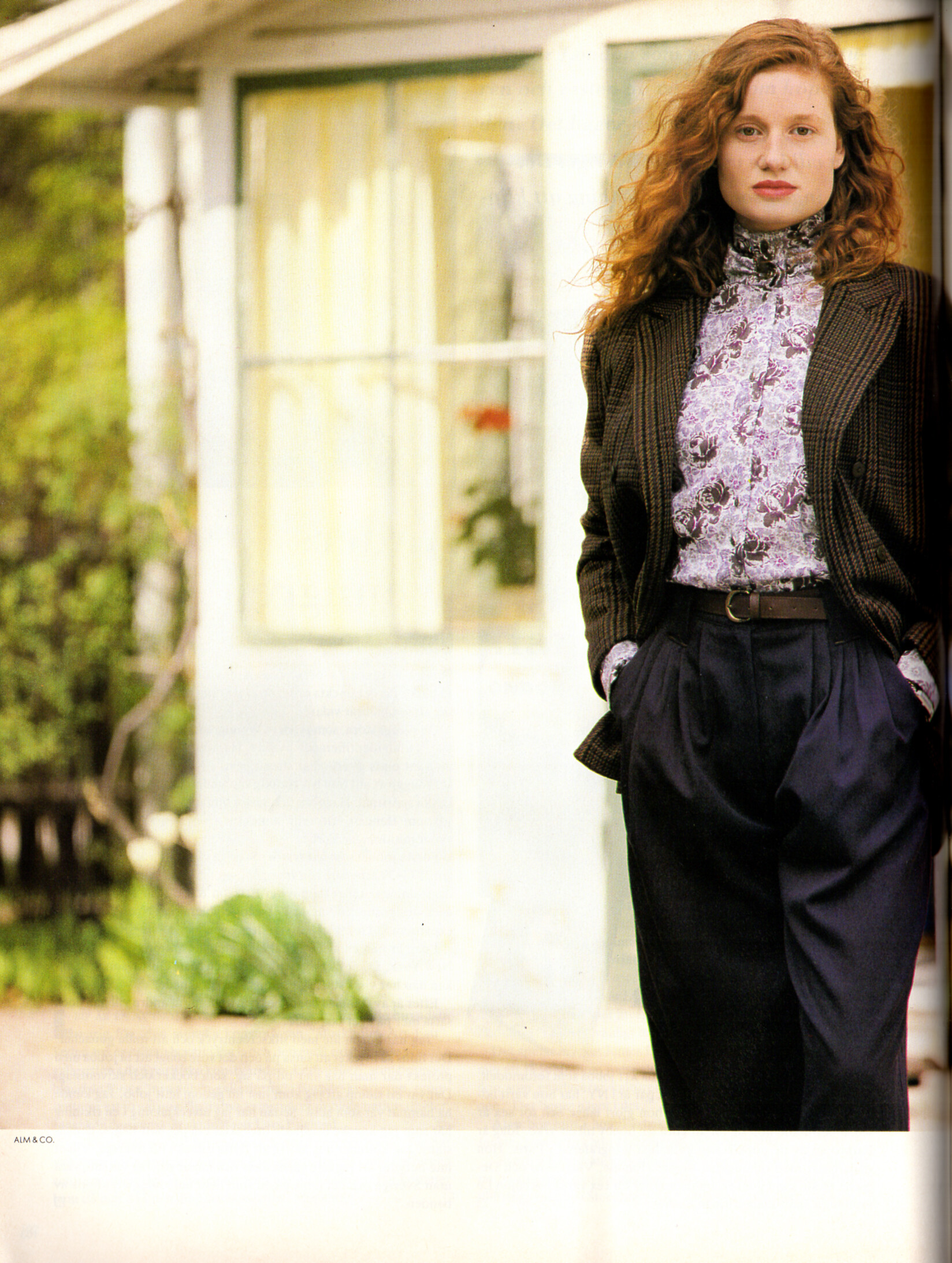
contents + "HÄRLIGA höst" + "Helgarderad!" - CliC Sweden Autumn 1988 #4 by Eamonn J McCabe - also showing Frida Lennholm, Naomi Campbell, Nadia Aldridge


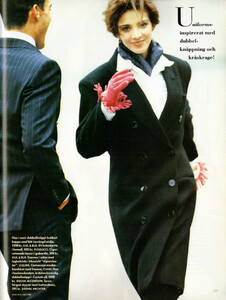




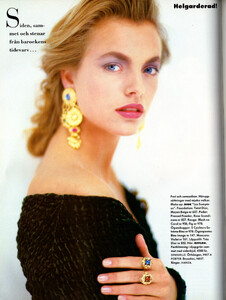
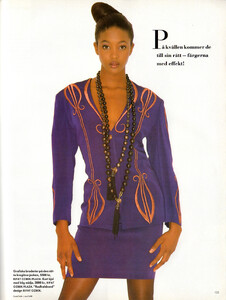

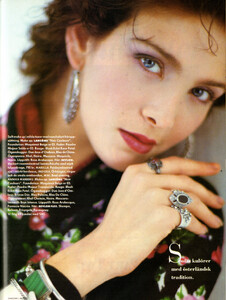
- 25 replies
-
- 80s
- 90s
- australian
- blonde
-
Tagged with:
-
contents + "HÄRLIGA höst" + "Helgarderad!" - CliC Sweden Autumn 1988 #4 by Eamonn J McCabe - also showing Frida Lennholm, Nadia Aldridge, Simone Silverman
-

-
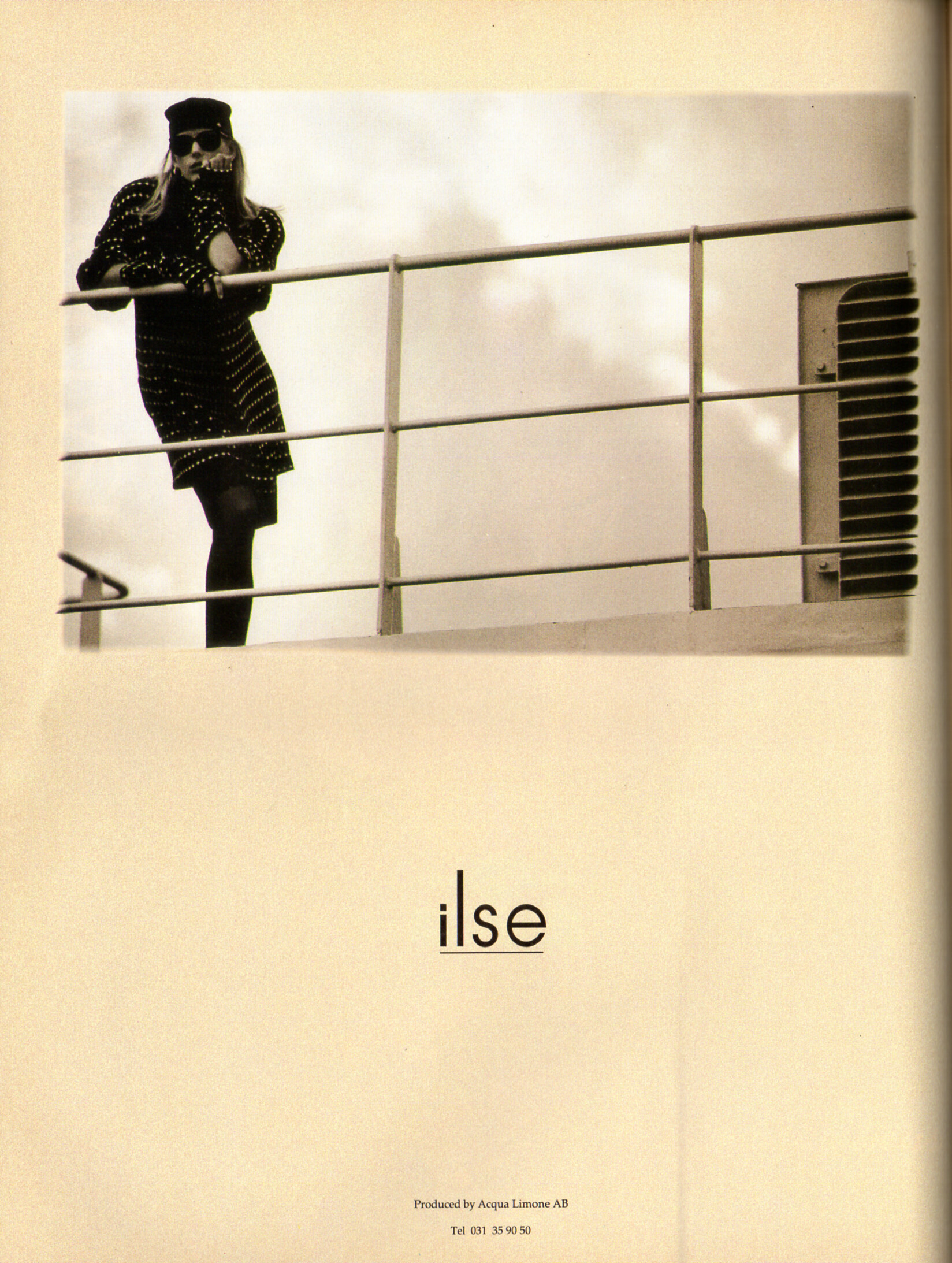
 ilse DIESEL Acqua Limone AB advertisement - CliC Sweden Autumn 1988 #4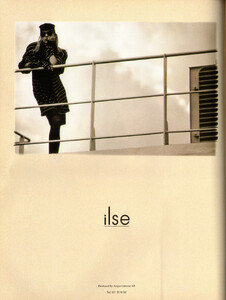
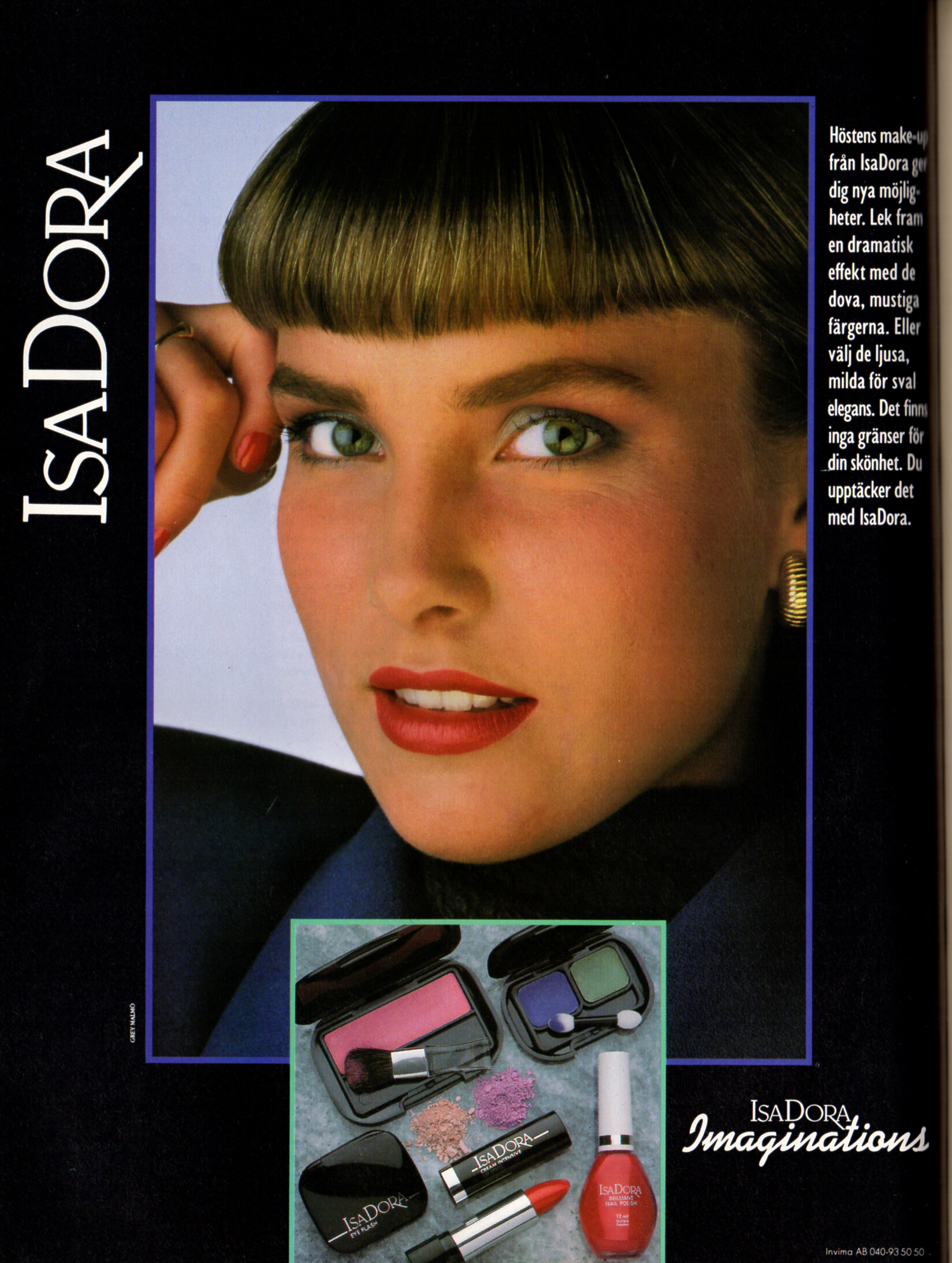
 ISADORA advertisement - CliC Sweden Autumn 1988 #4
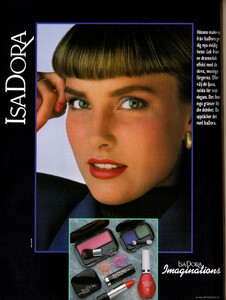 Camilla Forsell Pyk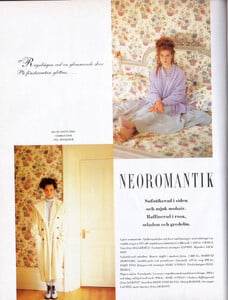
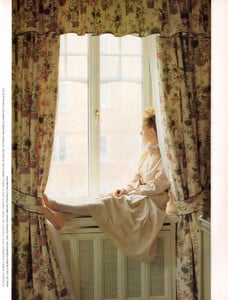
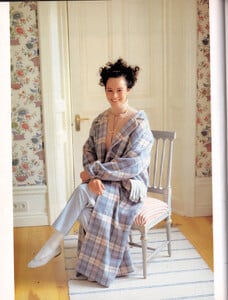
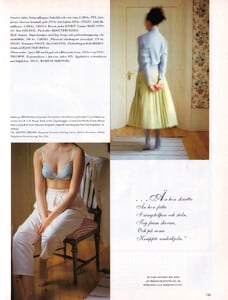 Peruvian model Deborah Berninzon Callirgos began her modeling career at 15, with a well-known cosmetics company in Lima. Later, she traveled to Mexico and then to Miami, where she worked for another 10 years. During that time, Deborah Berninzon graced the covers of magazines and catalogs worldwide. Deborah studied acting, as her dream of appearing in Peruvian dramas began in childhood with the telenovela "Carmín." Upon returning to Lima, the model enrolled in the Diez Talentos Cultural Association, directed by Bruno Odar, the popular "Luchito" from "Al Fondo Hay Sitio." Finally, she joined the cast of the América TV series in 2013 and appeared in seasons 6, 7, and 8, playing Morgana Centurión, the general manager of the Centurión company. She had several romances with the characters from "Al fondo hay sitio," one of them being Nicolás, with whom she tried to get involved in Trujillo. Over time, she moved away from acting and decided to pursue a technical career. Deborah Berninzon chose the Toulouse Lautrec Institute to begin her studies in Interior Design and, today, she works for a well-known company in our country. -- source: larepublica pe FMD
 Camilla Forsell Pyk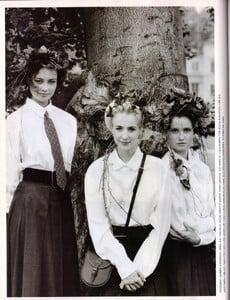
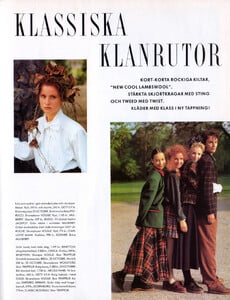
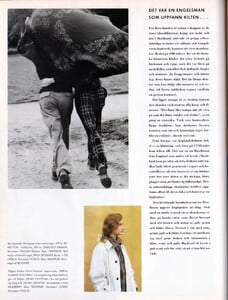
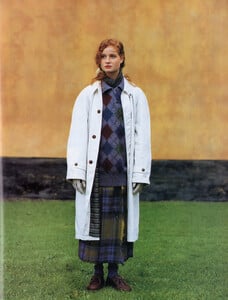
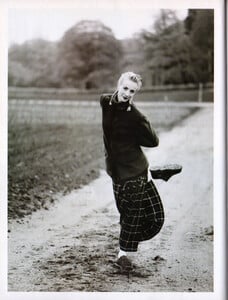
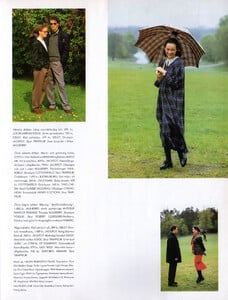
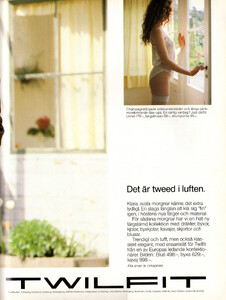
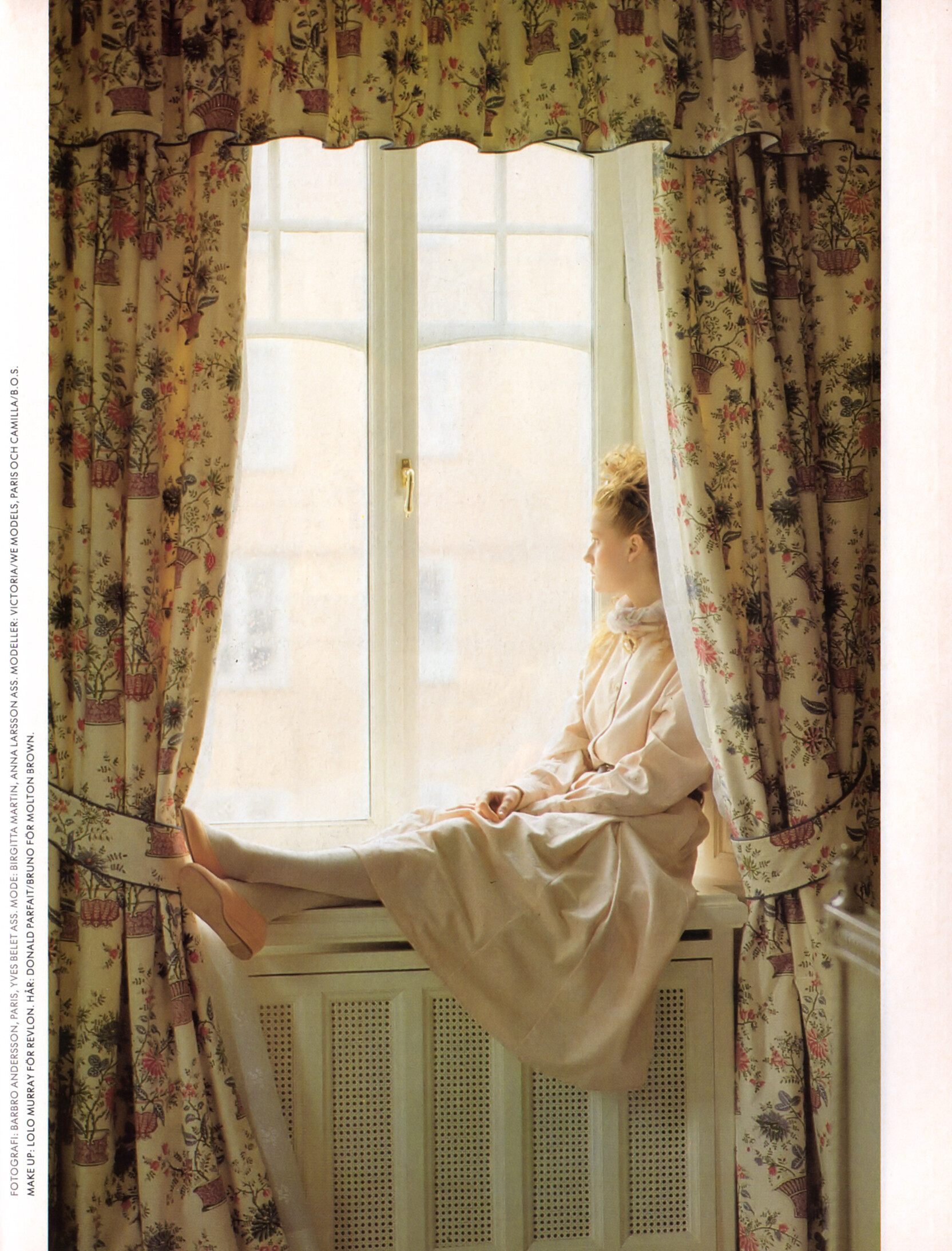
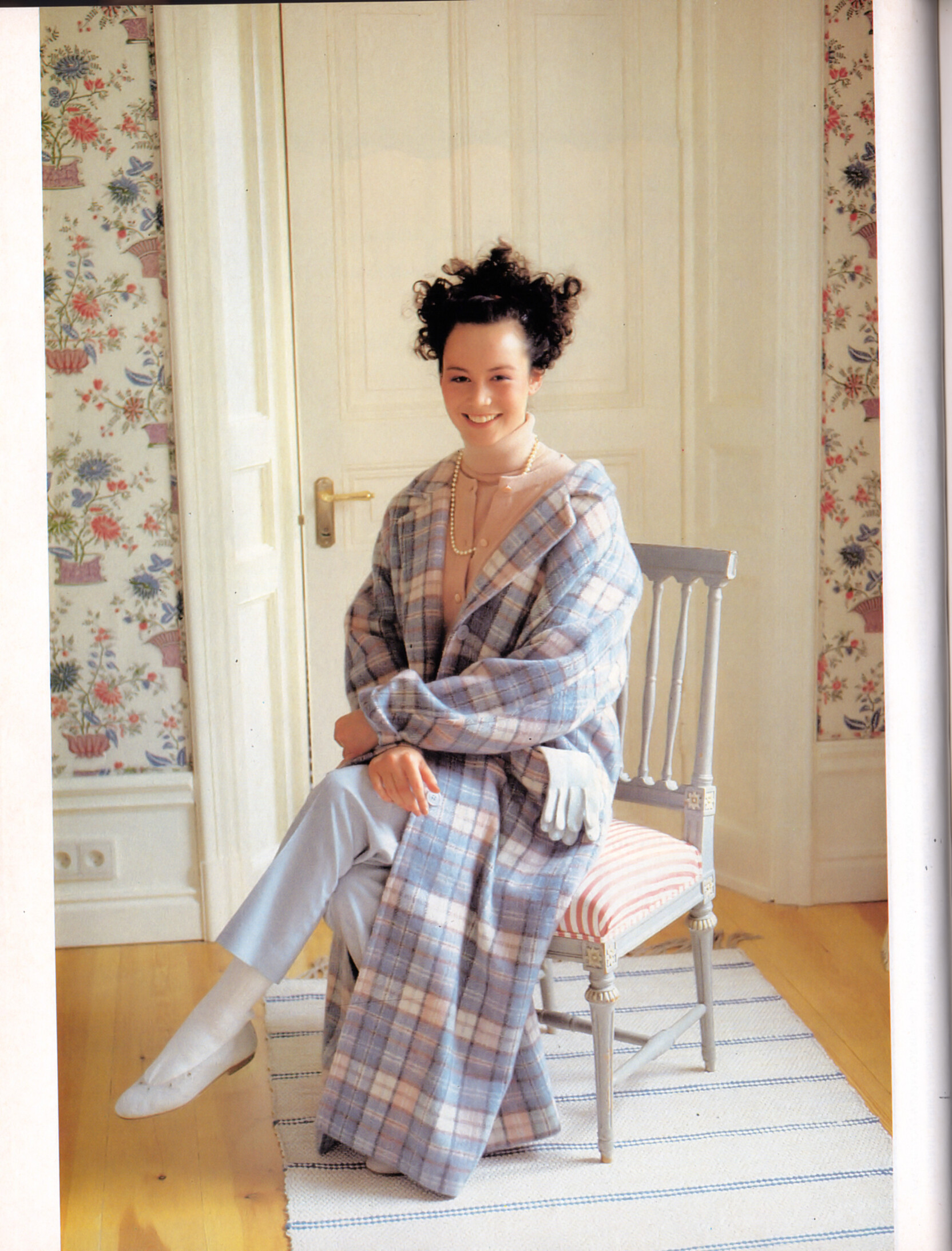
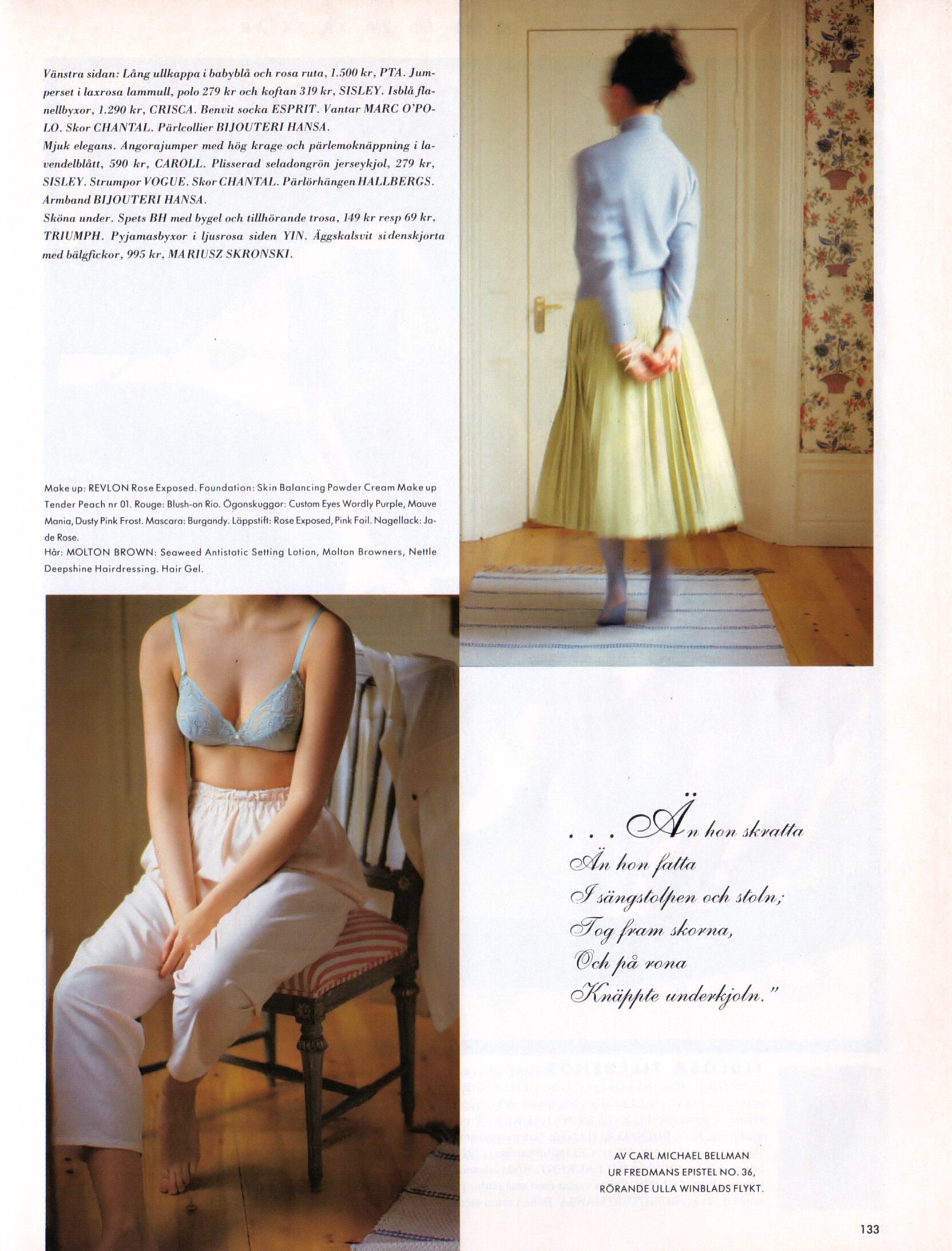
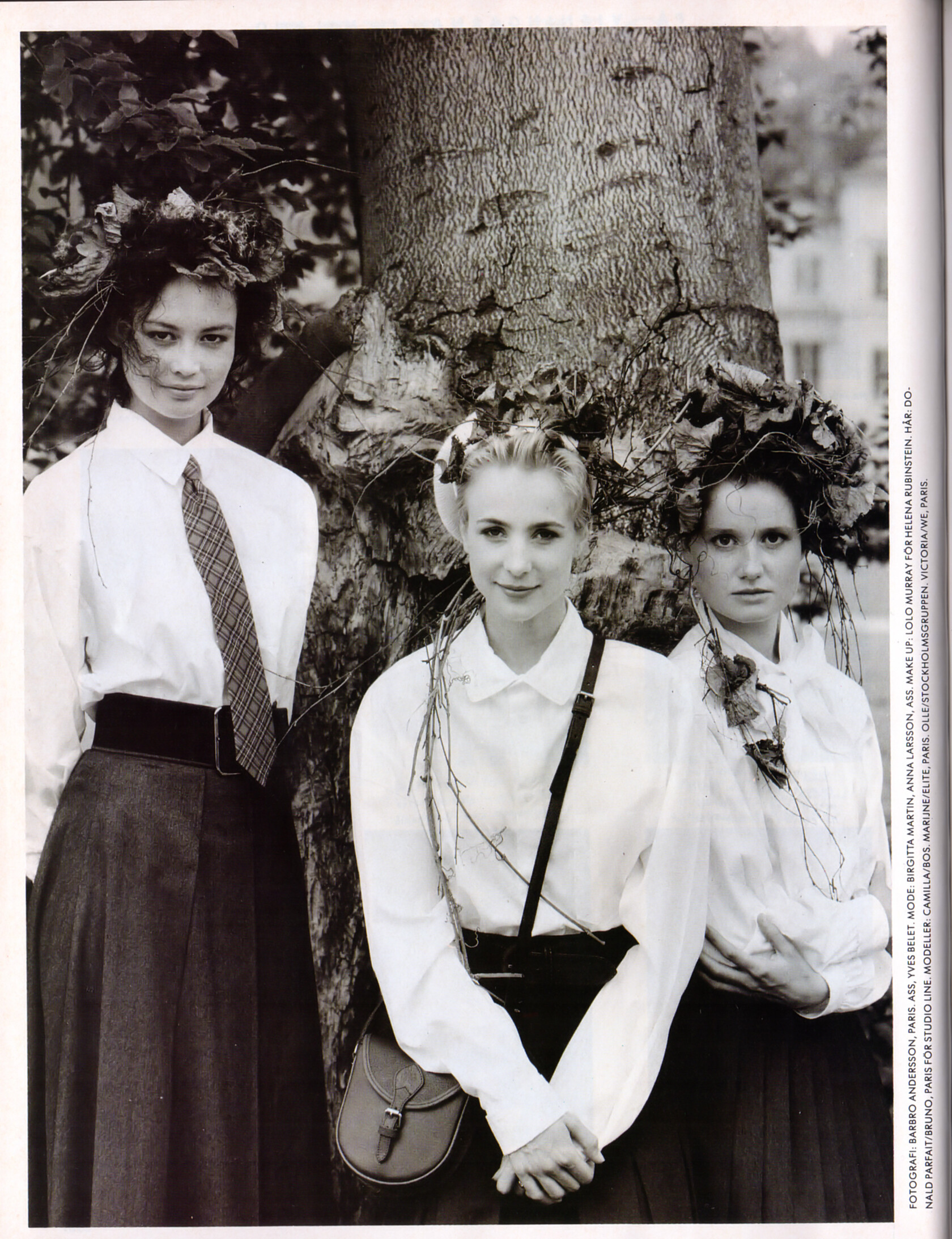
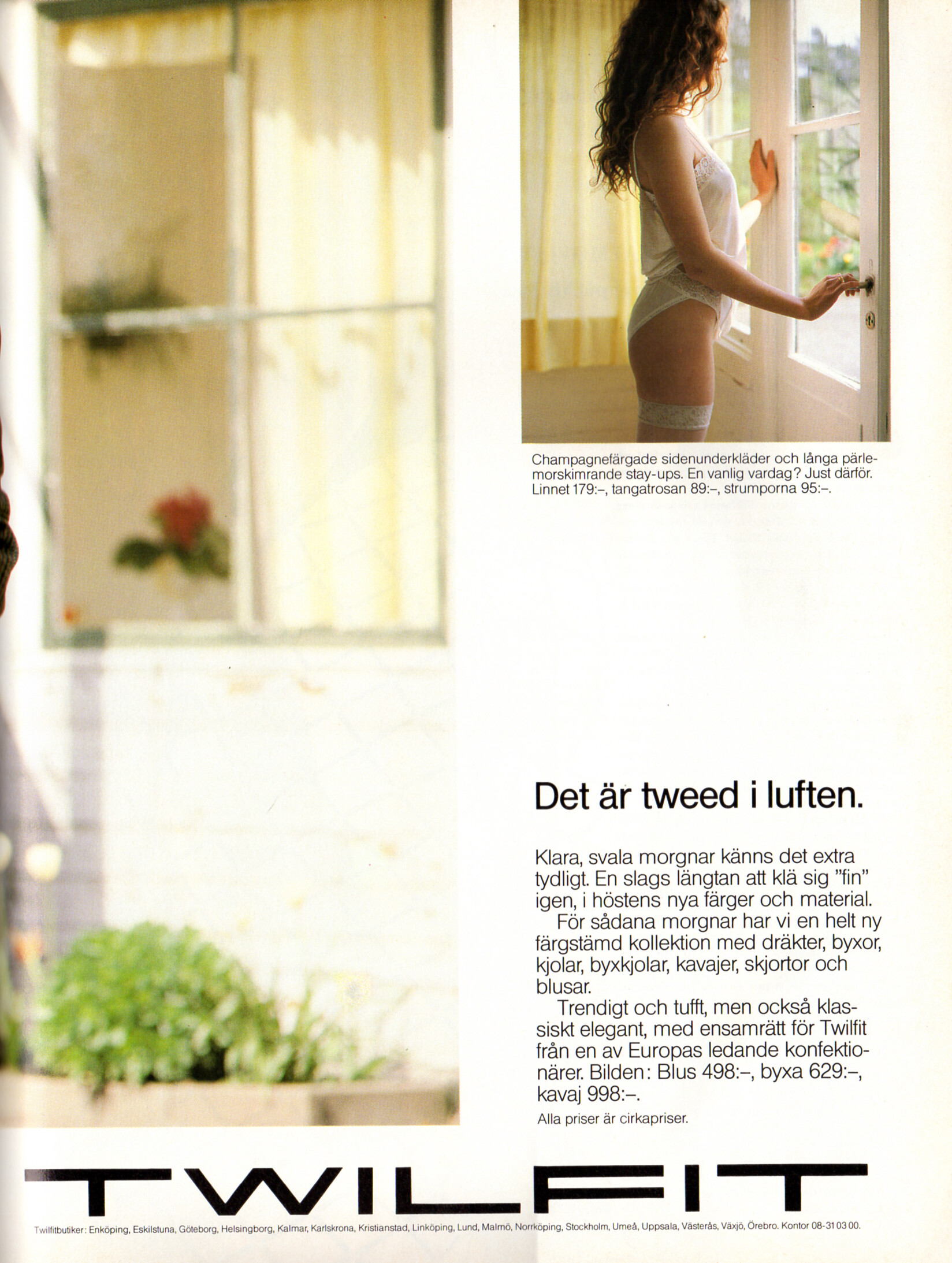
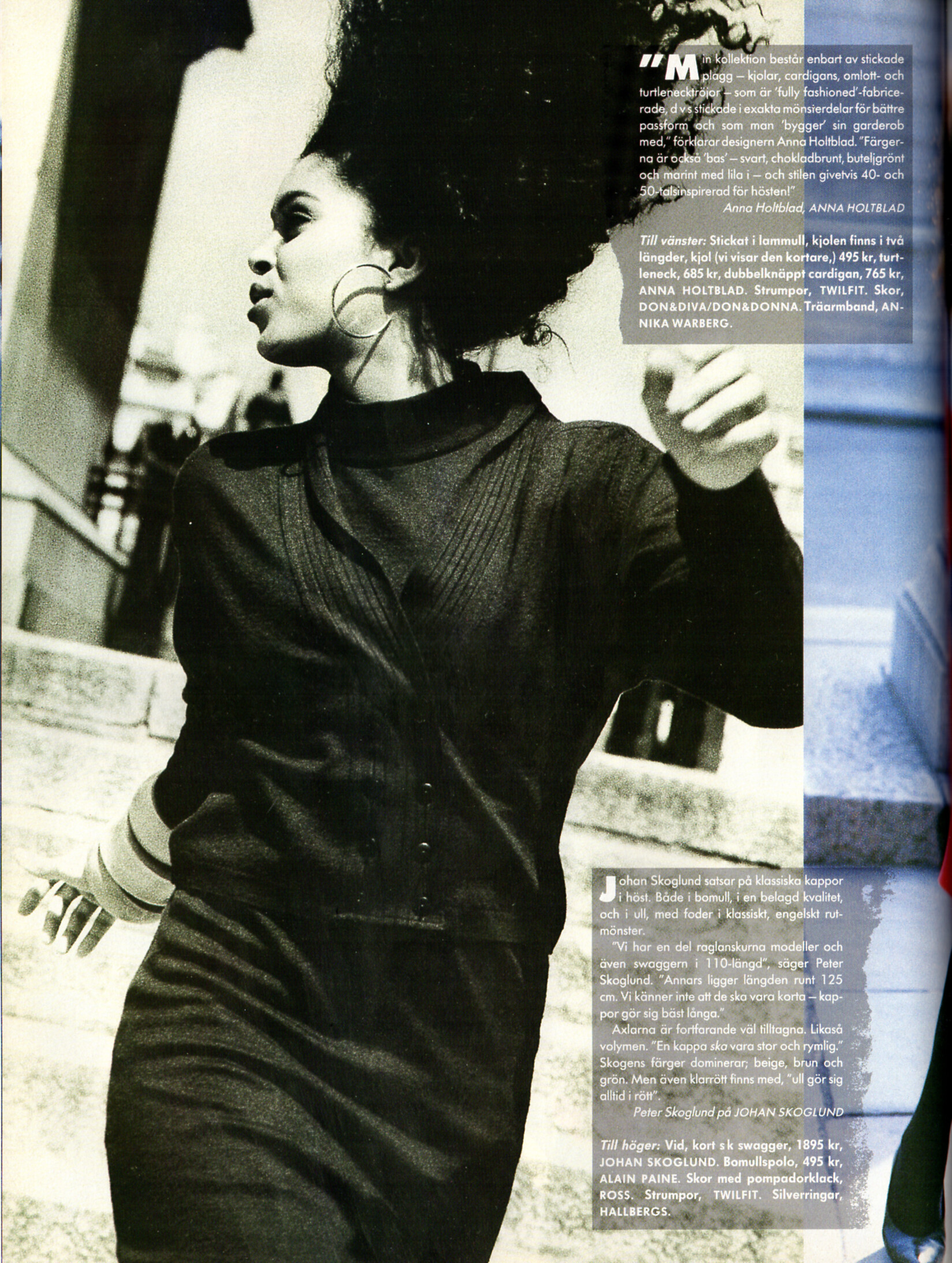
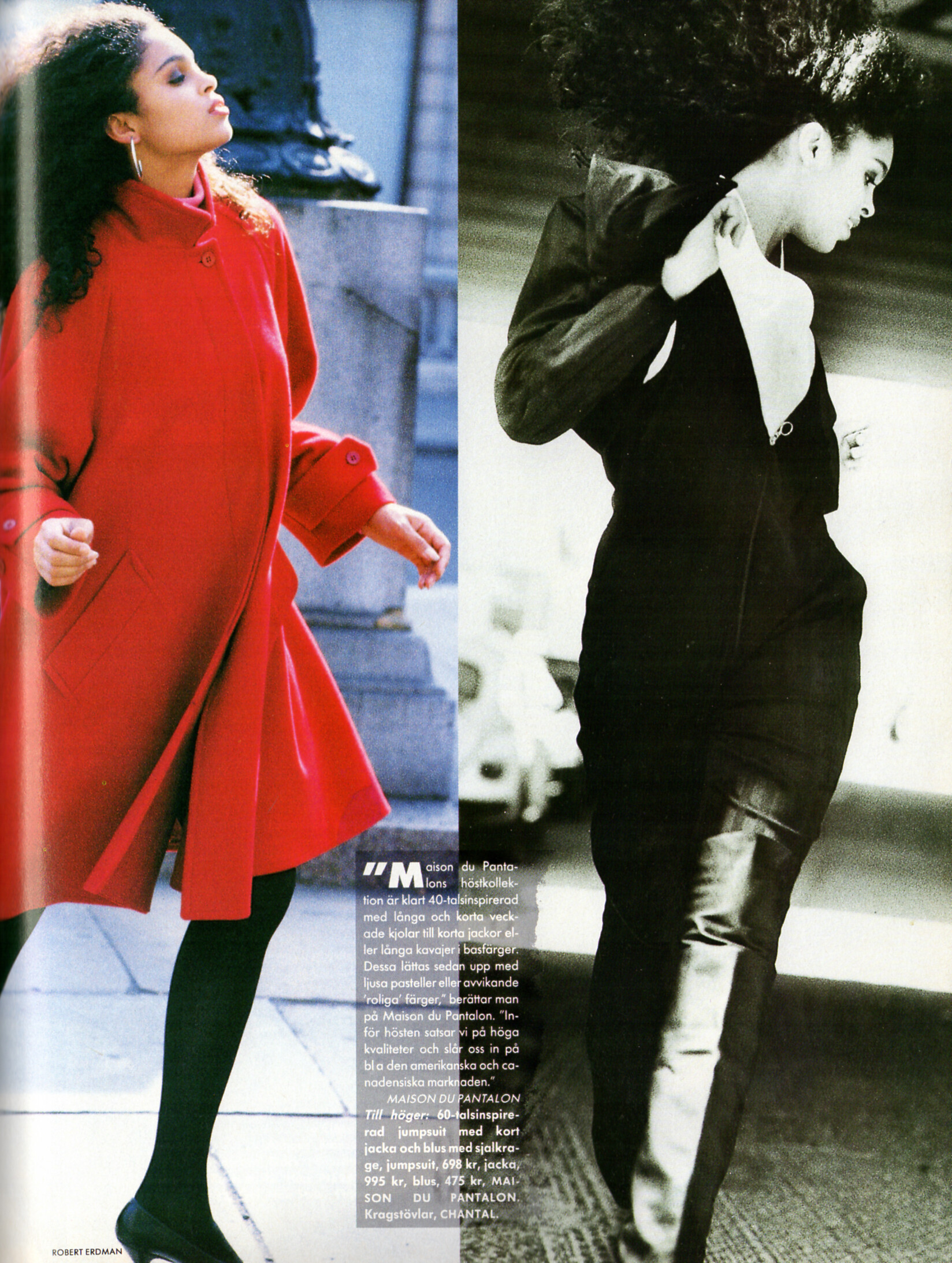
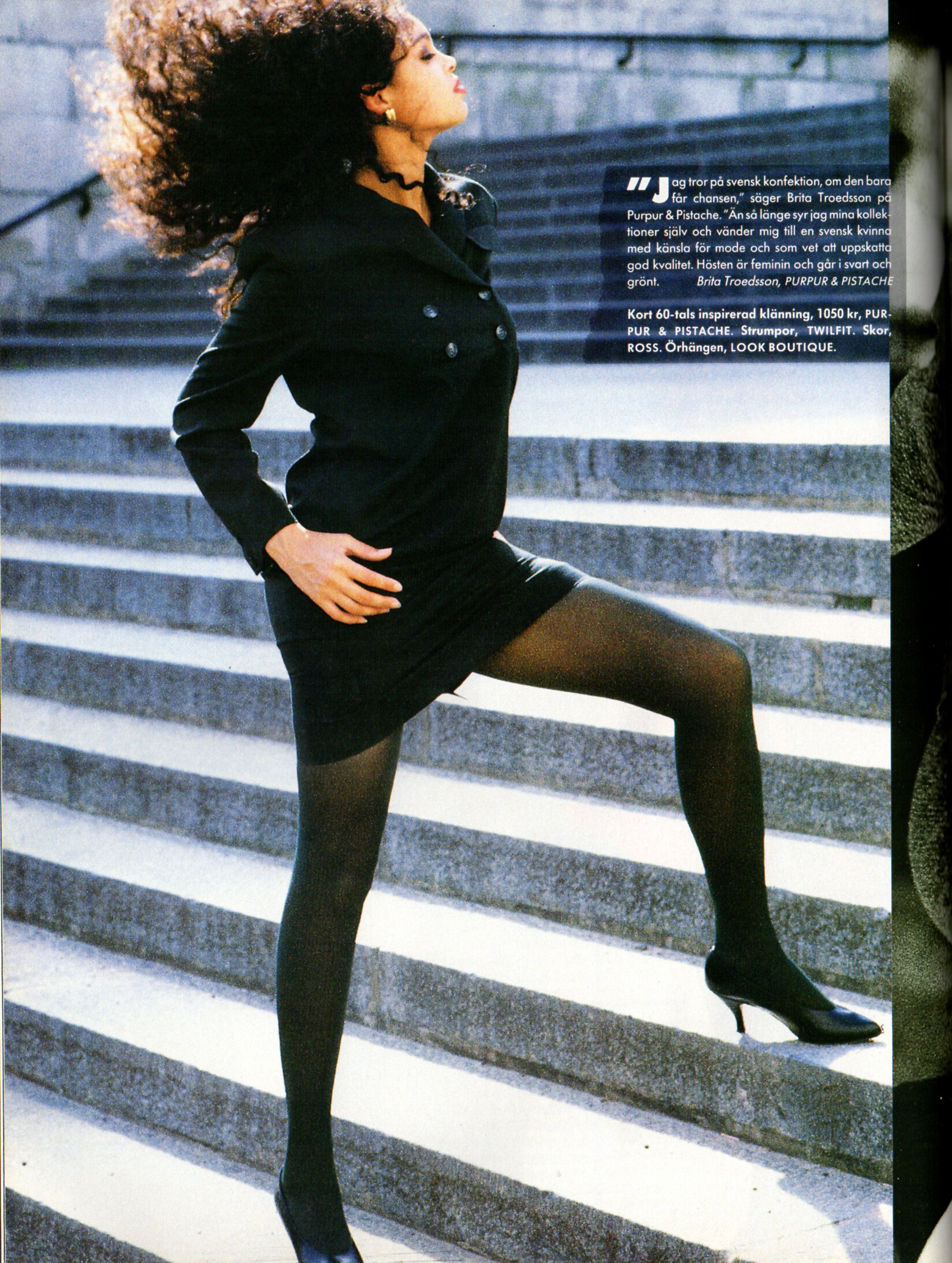
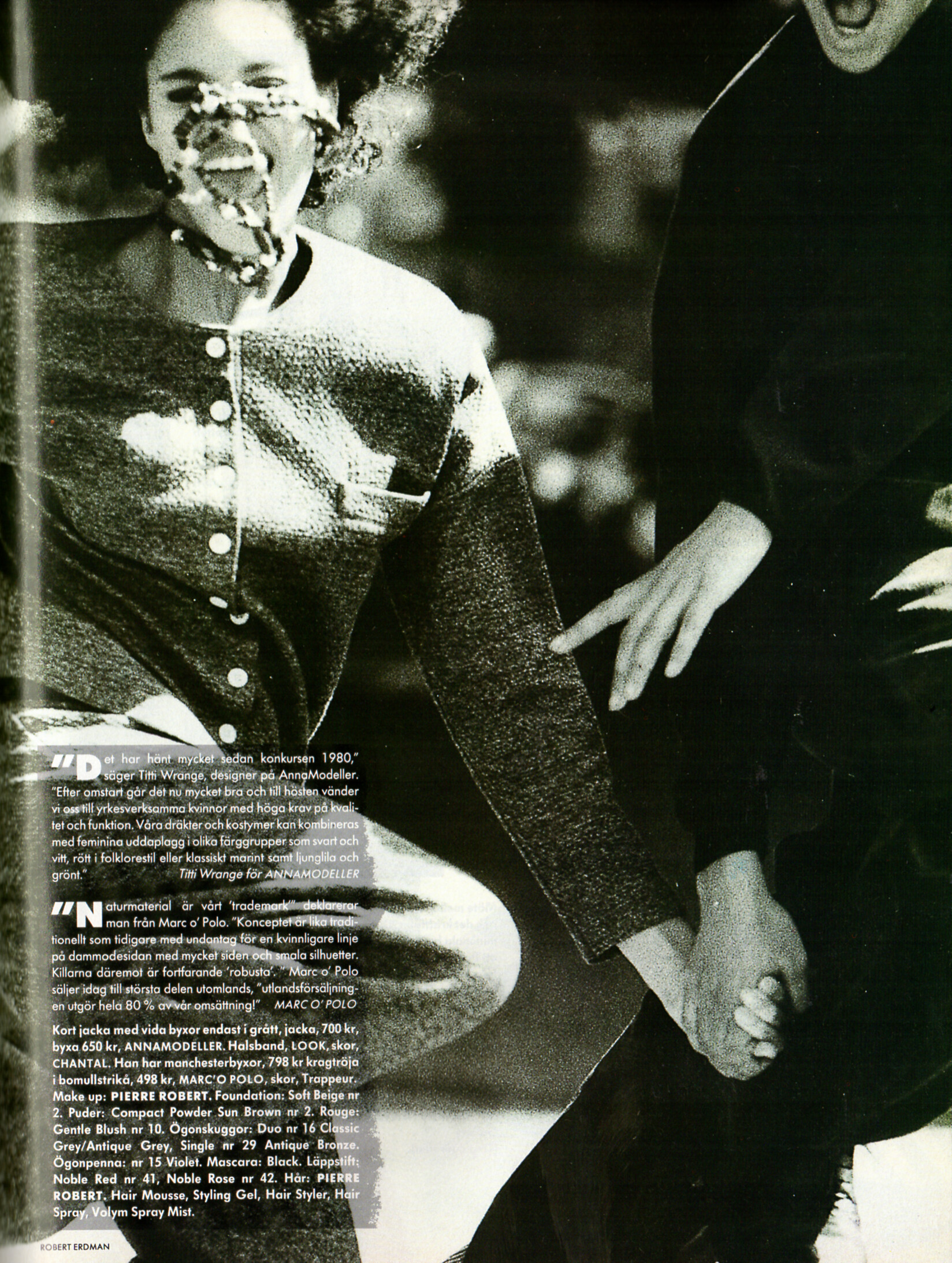
 TWILFIT advertisement - CliC Sweden Autumn 1988 #4 Camilla Forsell Pyk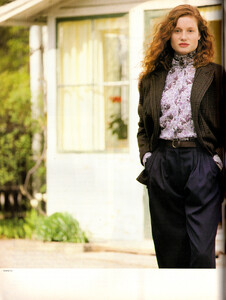



.png.bff0a03433f43a37d4a0652cfa72870d.png)















Account
Search
Configure browser push notifications
Chrome (Android)
- Tap the lock icon next to the address bar.
- Tap Permissions → Notifications.
- Adjust your preference.
Chrome (Desktop)
- Click the padlock icon in the address bar.
- Select Site settings.
- Find Notifications and adjust your preference.
Safari (iOS 16.4+)
- Ensure the site is installed via Add to Home Screen.
- Open Settings App → Notifications.
- Find your app name and adjust your preference.
Safari (macOS)
- Go to Safari → Preferences.
- Click the Websites tab.
- Select Notifications in the sidebar.
- Find this website and adjust your preference.
Edge (Android)
- Tap the lock icon next to the address bar.
- Tap Permissions.
- Find Notifications and adjust your preference.
Edge (Desktop)
- Click the padlock icon in the address bar.
- Click Permissions for this site.
- Find Notifications and adjust your preference.
Firefox (Android)
- Go to Settings → Site permissions.
- Tap Notifications.
- Find this site in the list and adjust your preference.
Firefox (Desktop)
- Open Firefox Settings.
- Search for Notifications.
- Find this site in the list and adjust your preference.