All Activity
- Past hour
-
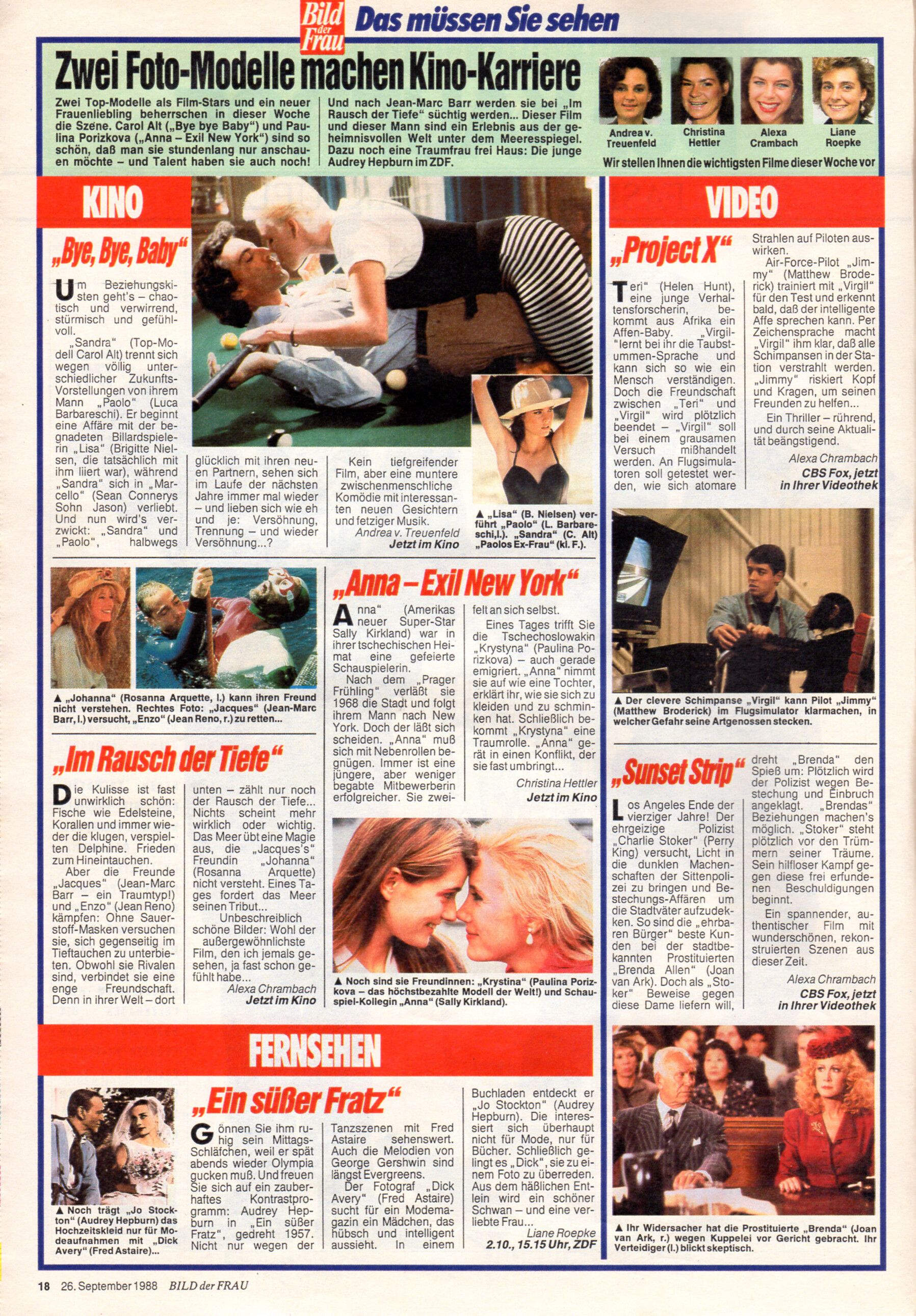
 "KINO Anna - Exil New York" - Bild der Frau Germany 26. September 1989 #39 - also showing Brigitte Nielsen, Carol Alt, Rosanna Arquette, Sally Kirkland, Matthew Broderick, Joan van Ark, Audrey Hepburn, Fred Astaire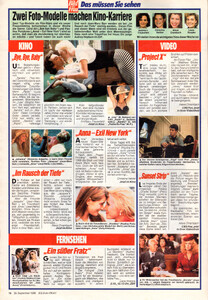
-
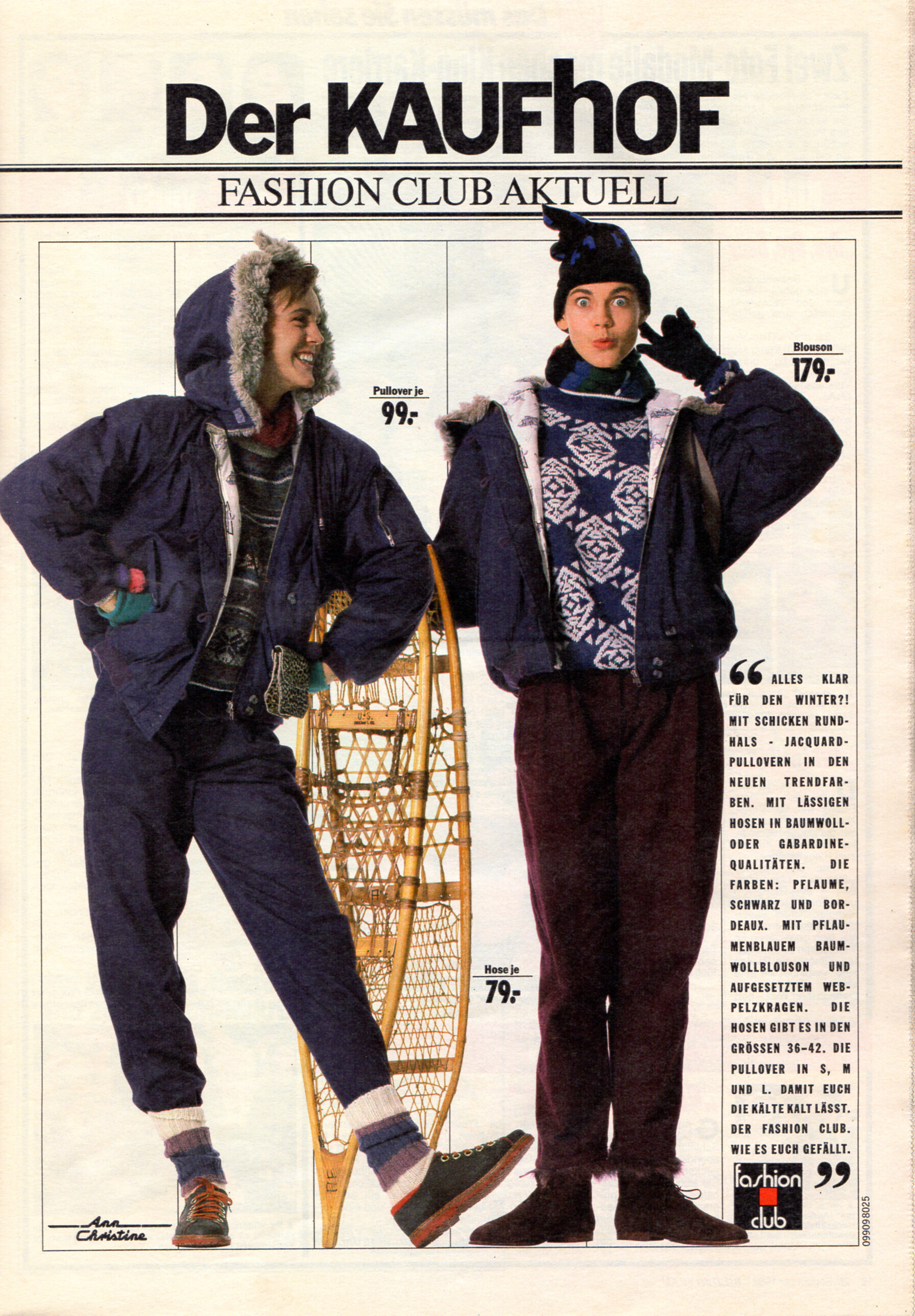
 KAUFHOF advertisement - Bild der Frau Germany 26. September 1989 #39
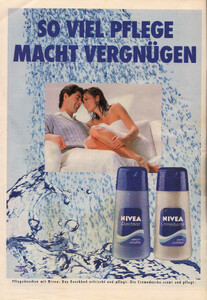
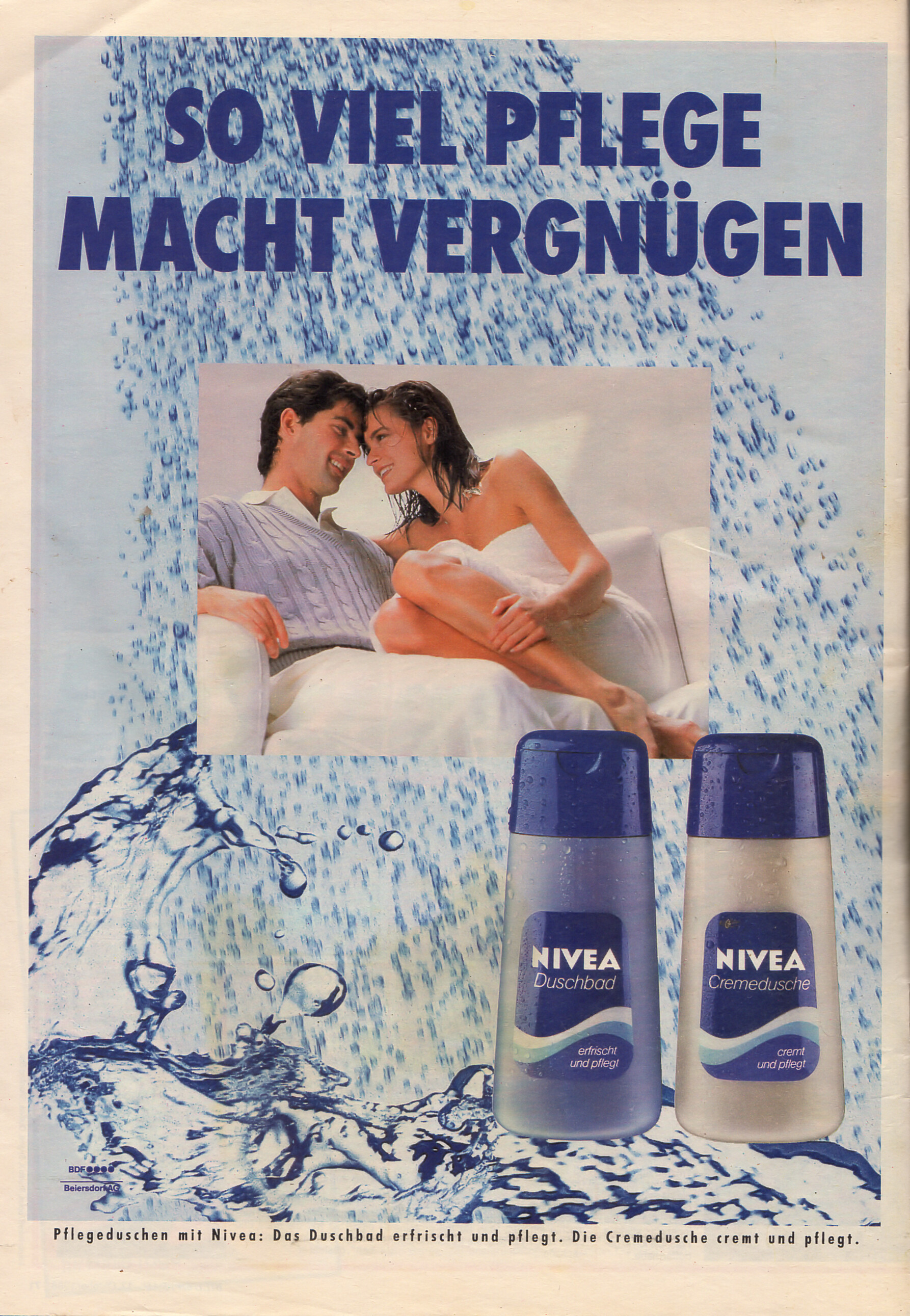
 NIVEA advertisement - Bild der Frau Germany 17. October 1988 #42
 Amira Zanganeh? She had been my first thought before I did my search for "Cutex" on BZ.
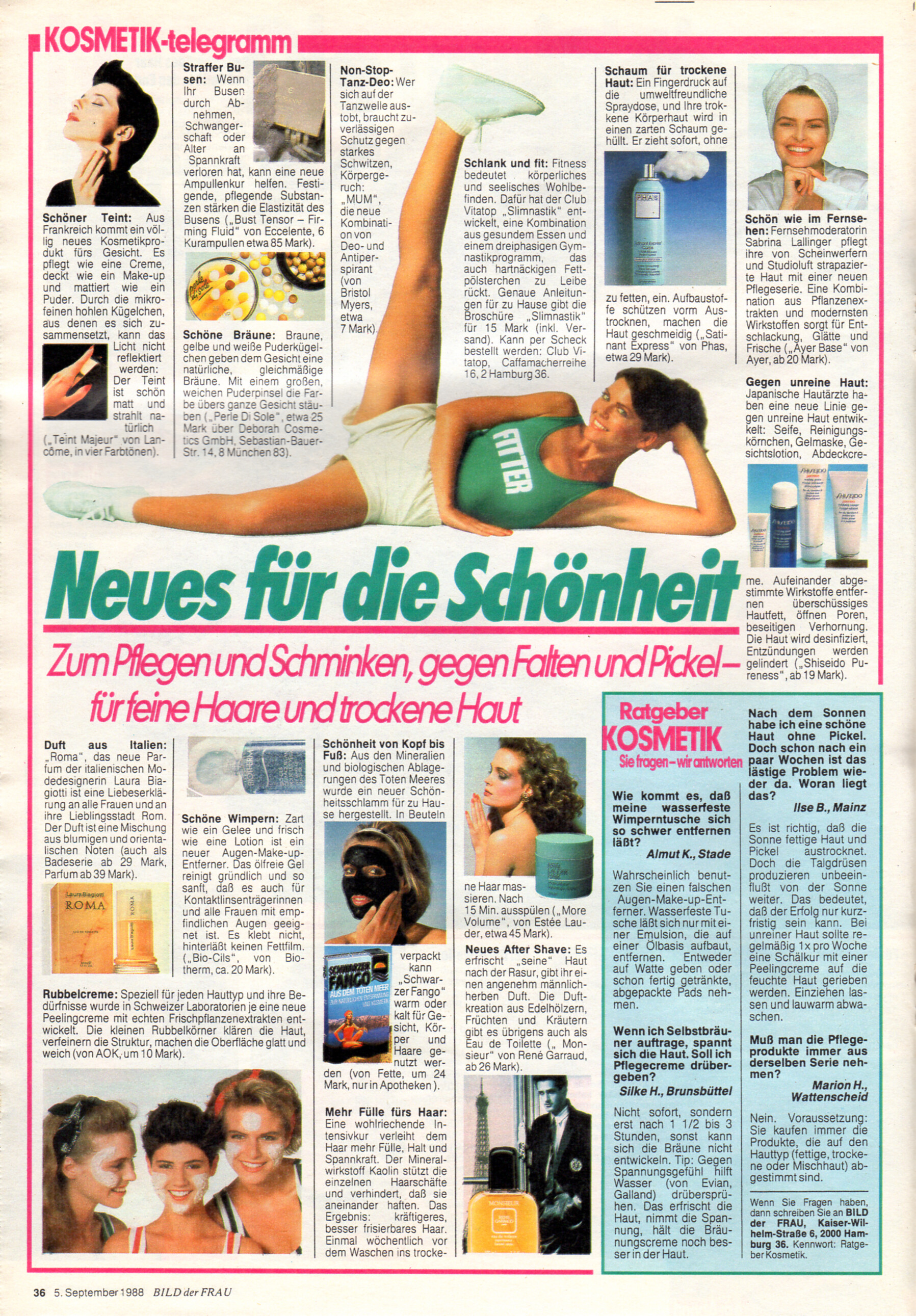
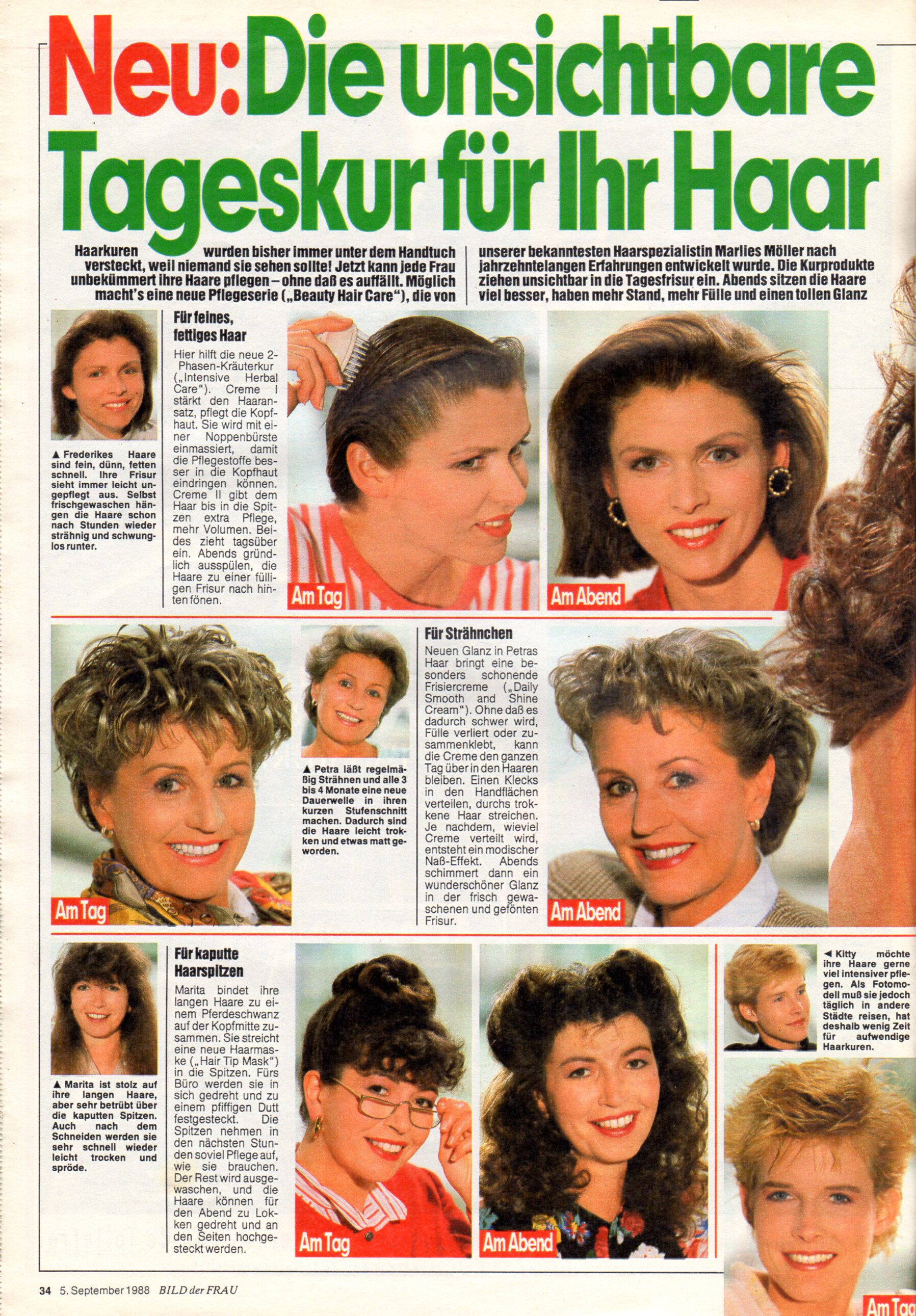
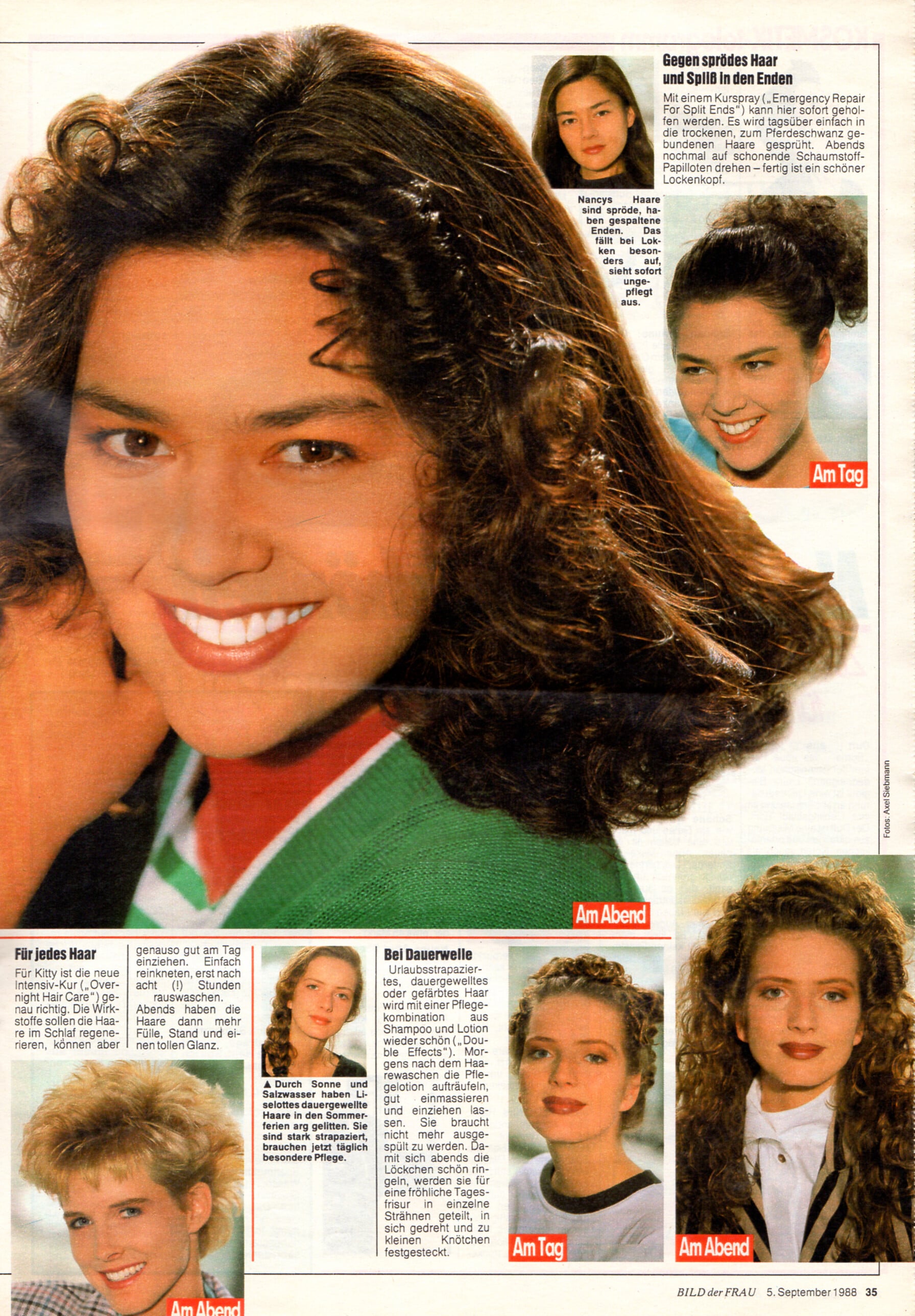
 "Neues für die Schönheit" - Bild der Frau Germany 5. September 1988 #36 - also showing Sabrina Lallinger, Susan S., unknown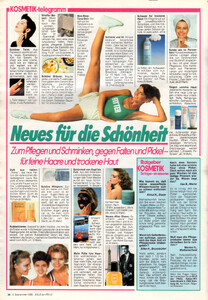
 What is the question here? lol! In case it’s about Petra Machalinski > no clue about her :( Funnily enough she is from my hometown of Hannover though :)
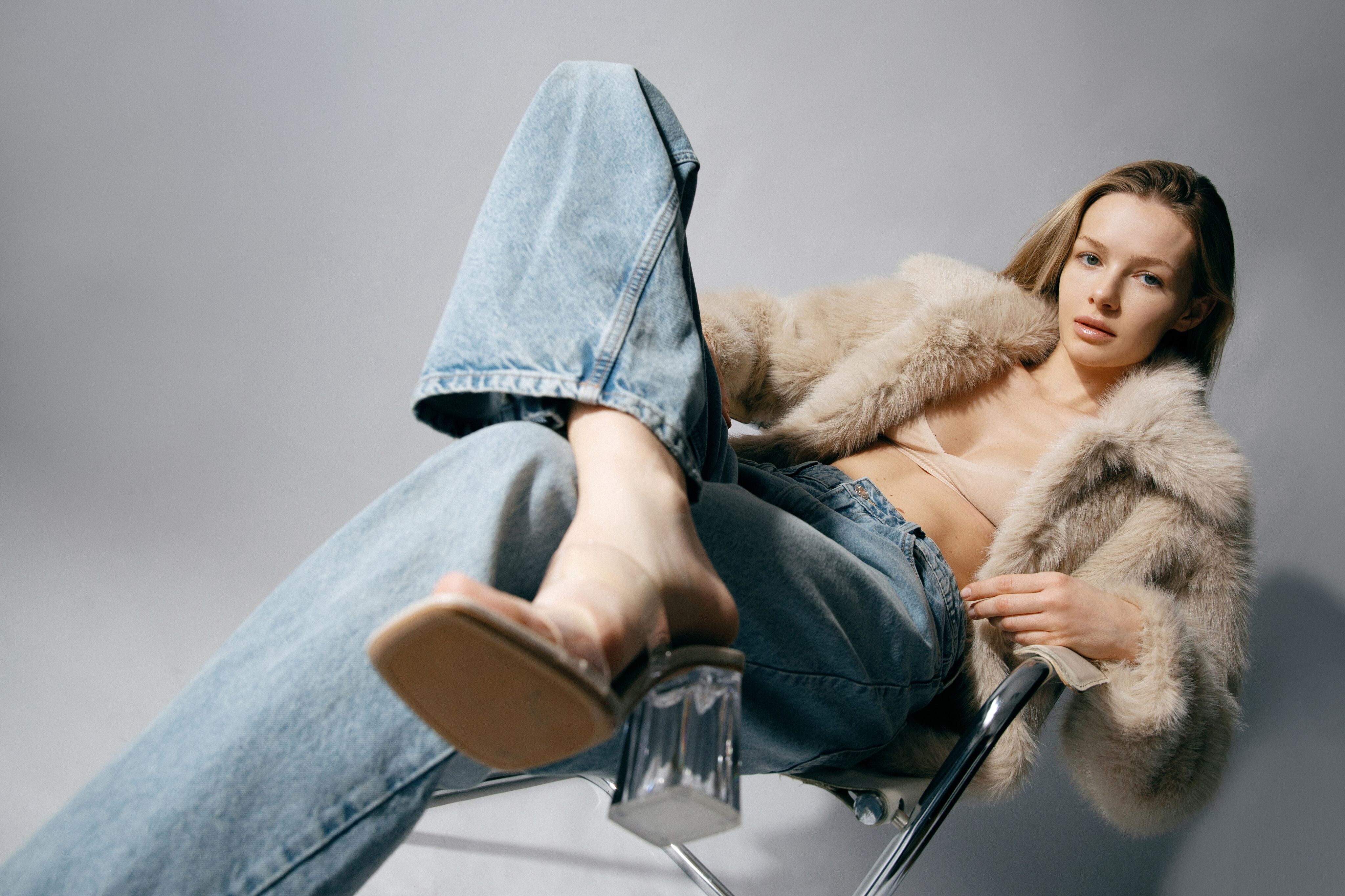
 Full Send or Nothing Photoshoot Video


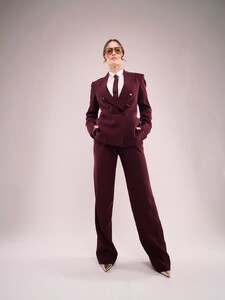

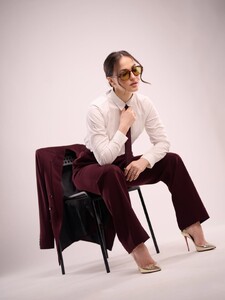


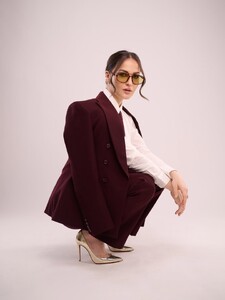

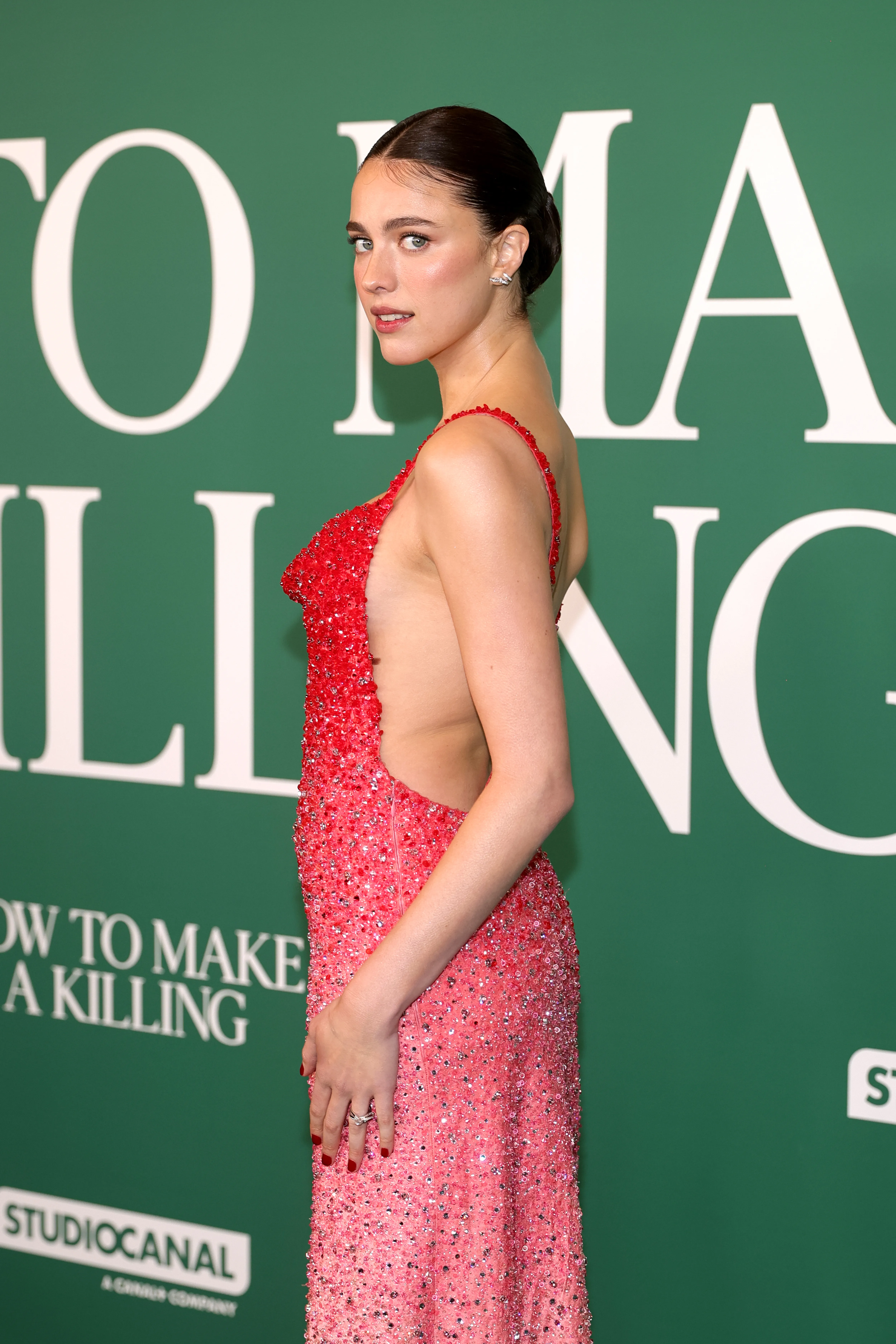
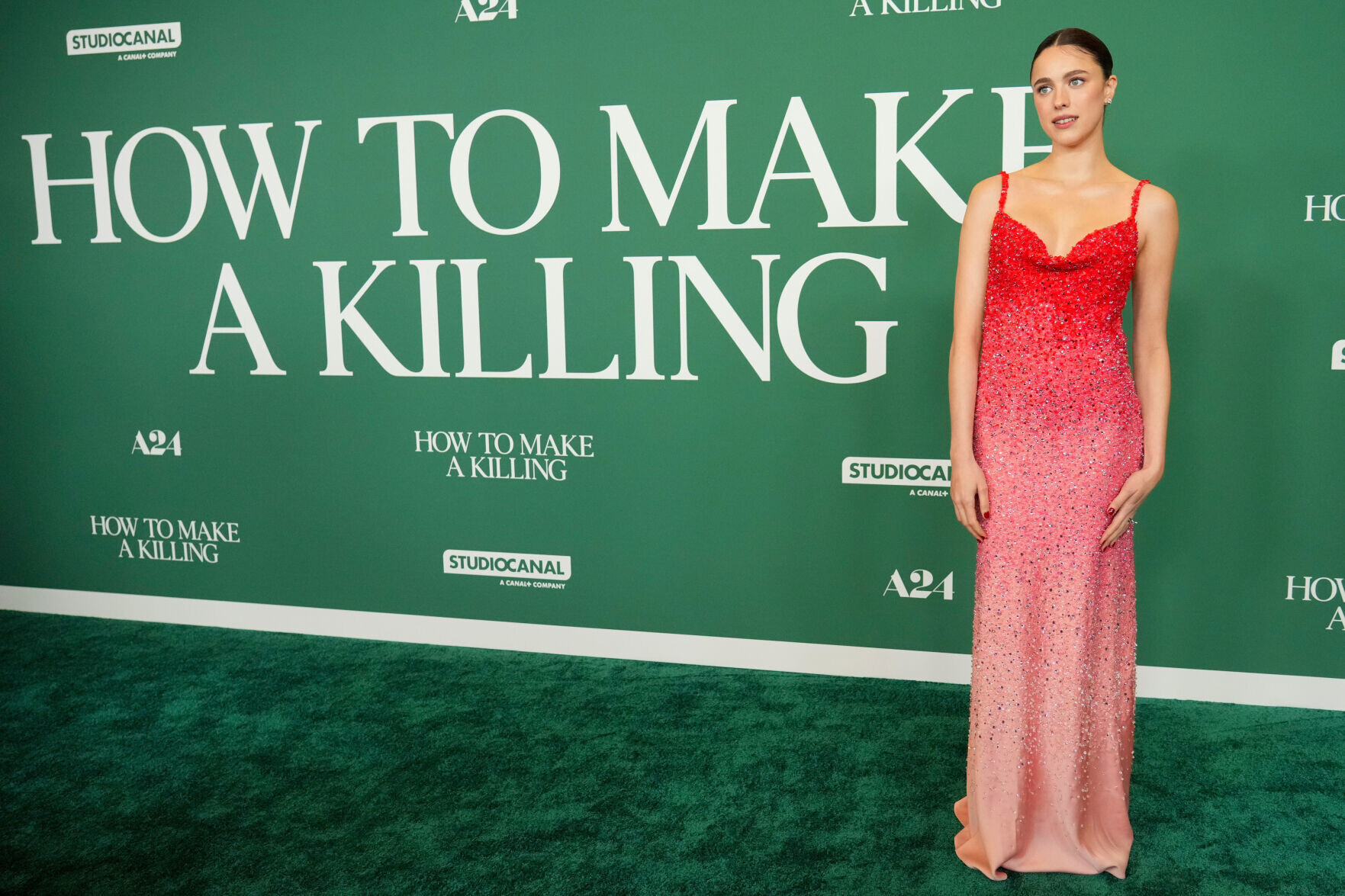
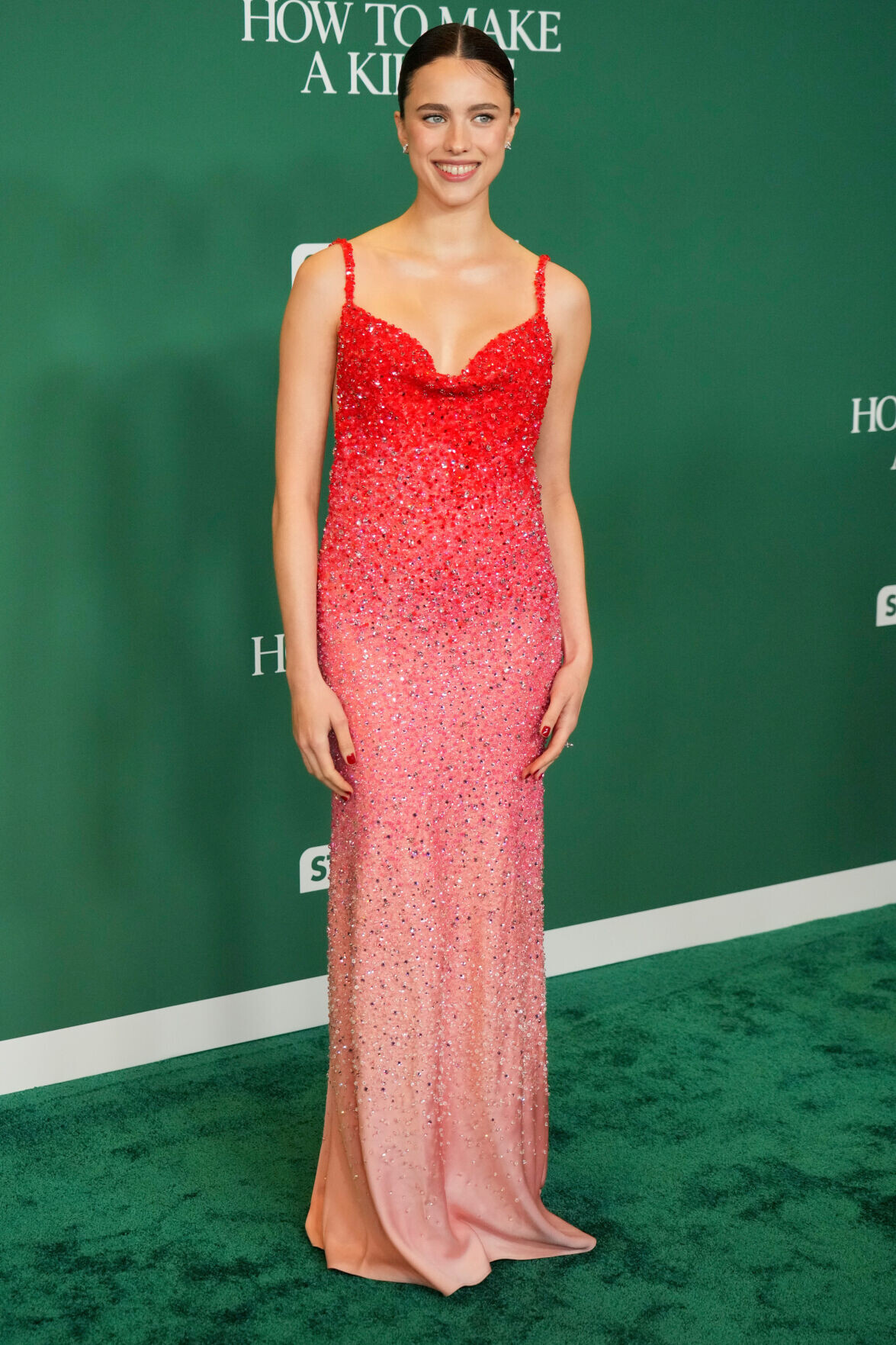
 Los Angeles Special Screening Of A24's "How To Make A Killing" @Sunshiine adds please, my source failed me.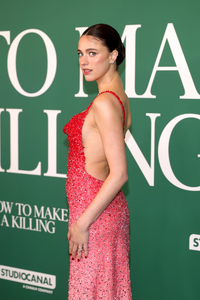
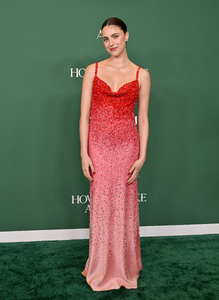




 Yes, I saw.
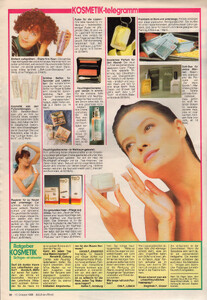
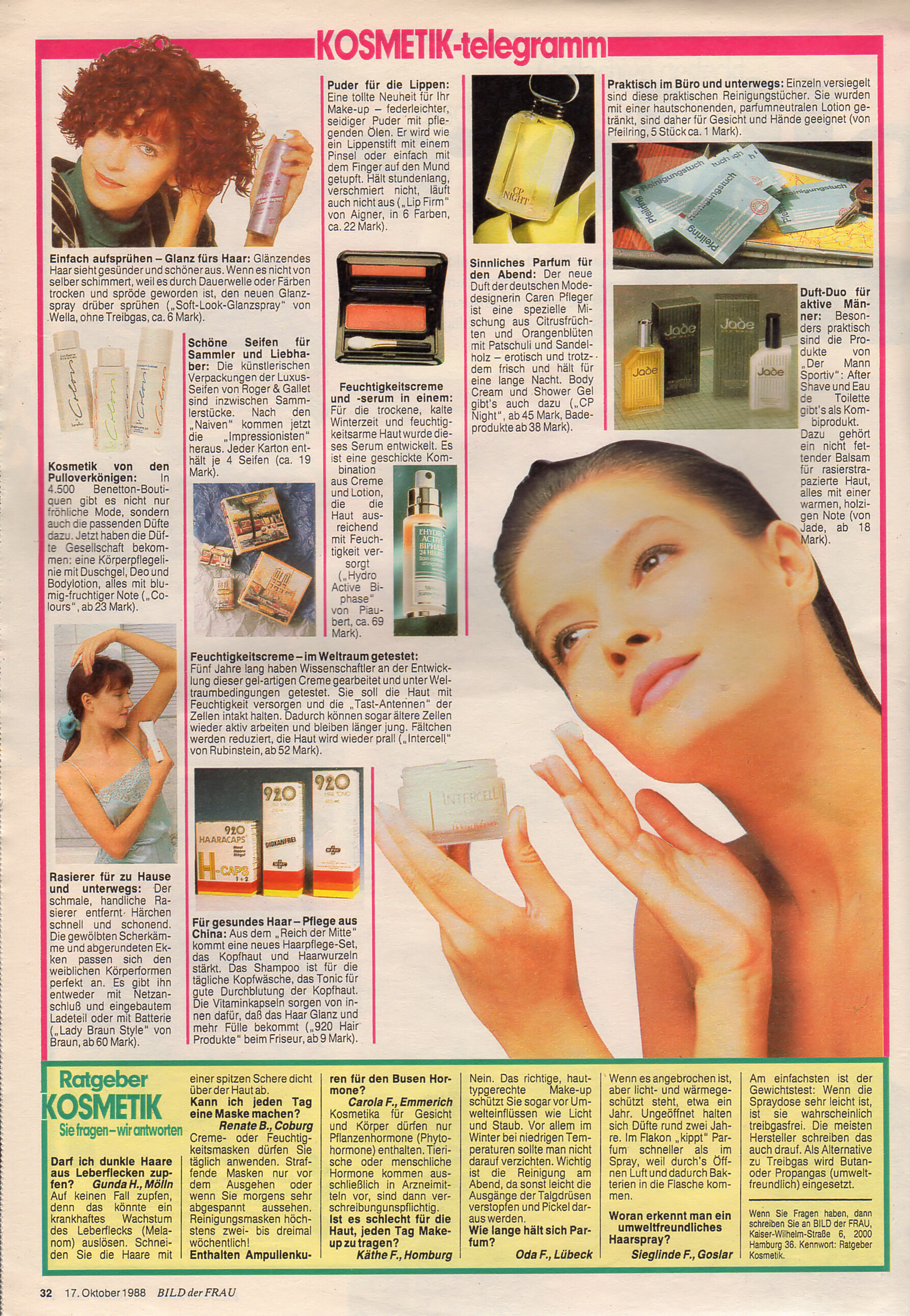
 "KOSMETIK-telegramm" - Bild der Frau Germany 17. October 1988 #42
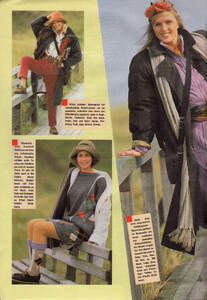
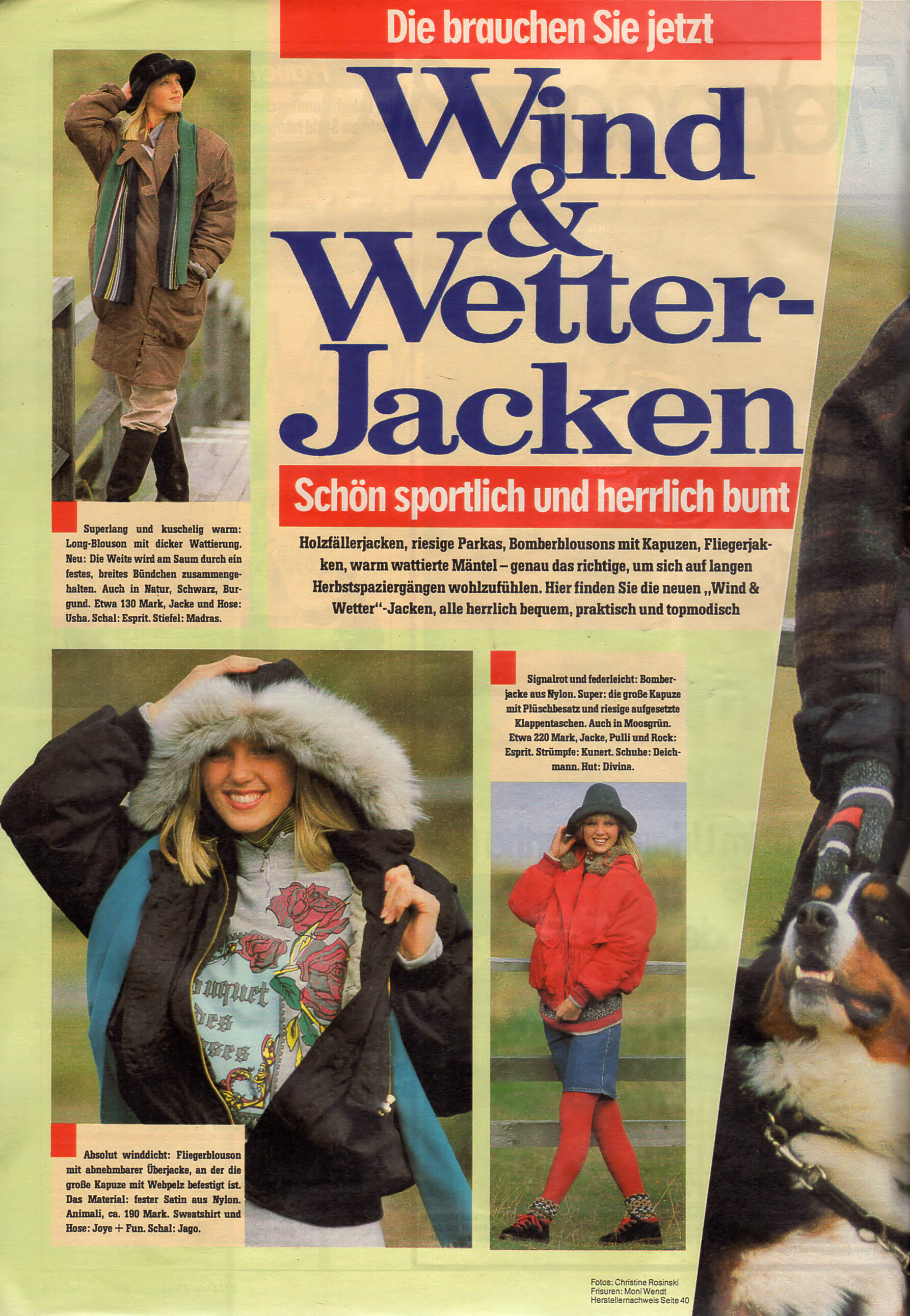
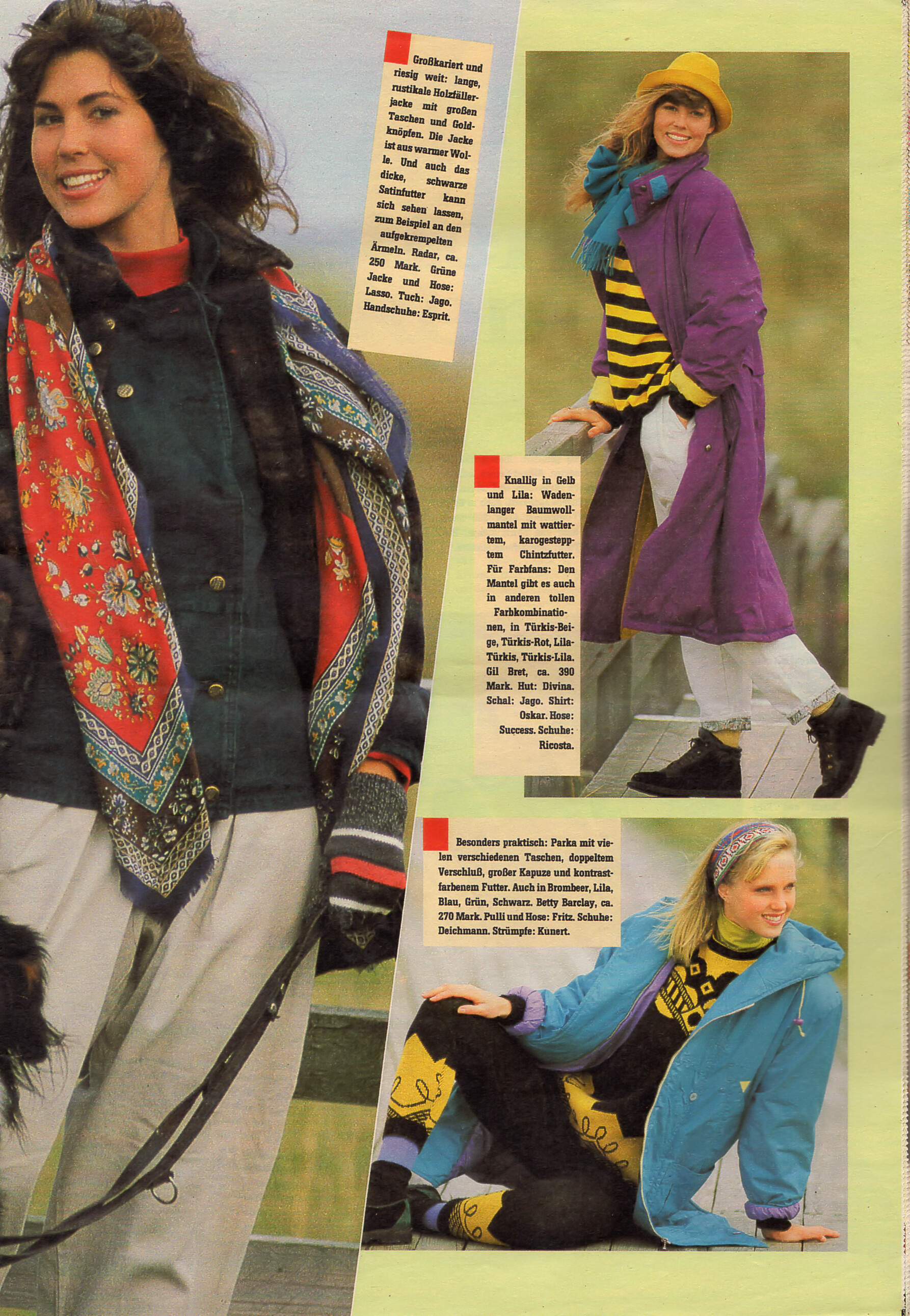
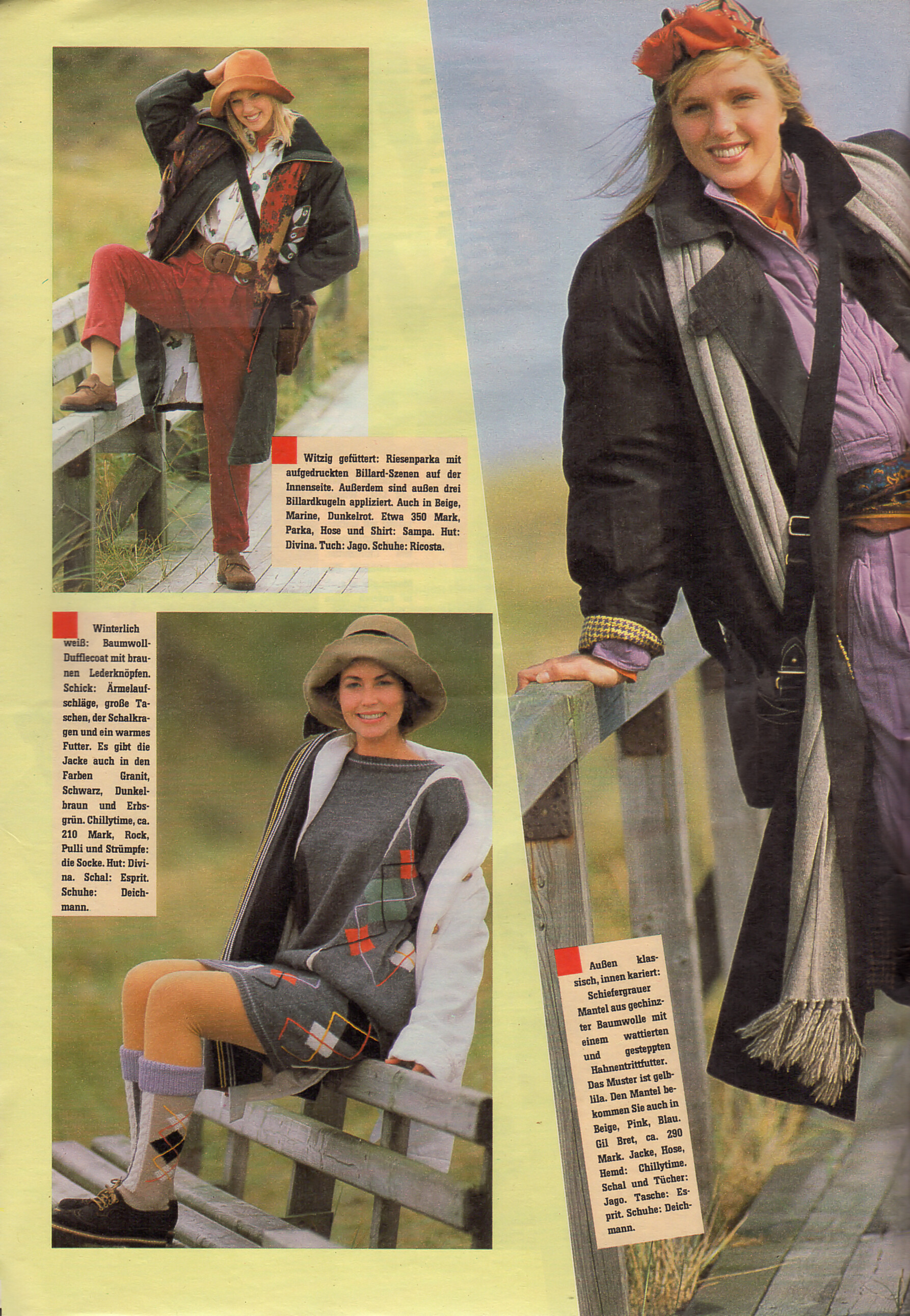
 "Wind & Wetter-Jacken" - Bild der Frau Germany 17. October 1988 #42

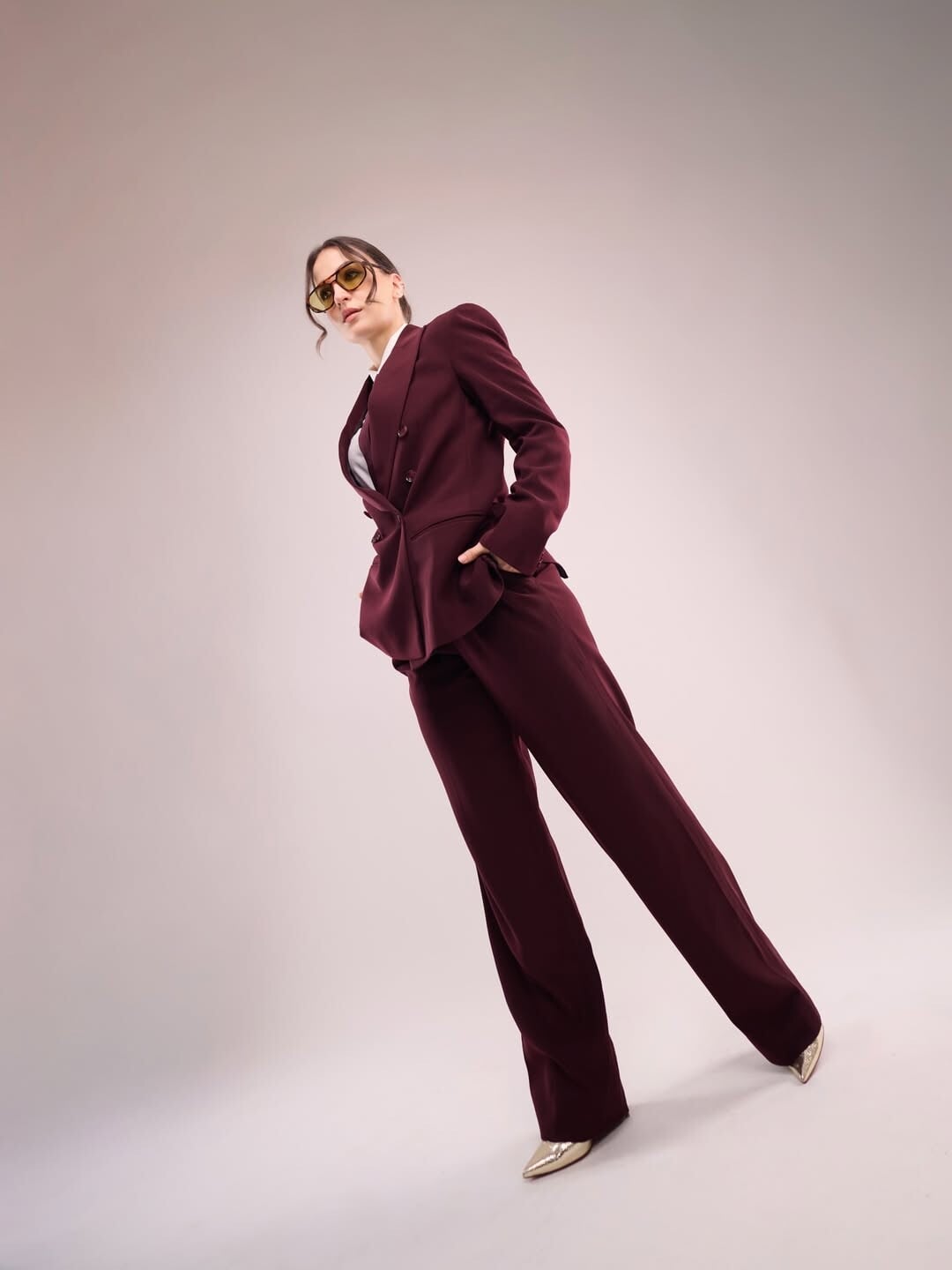
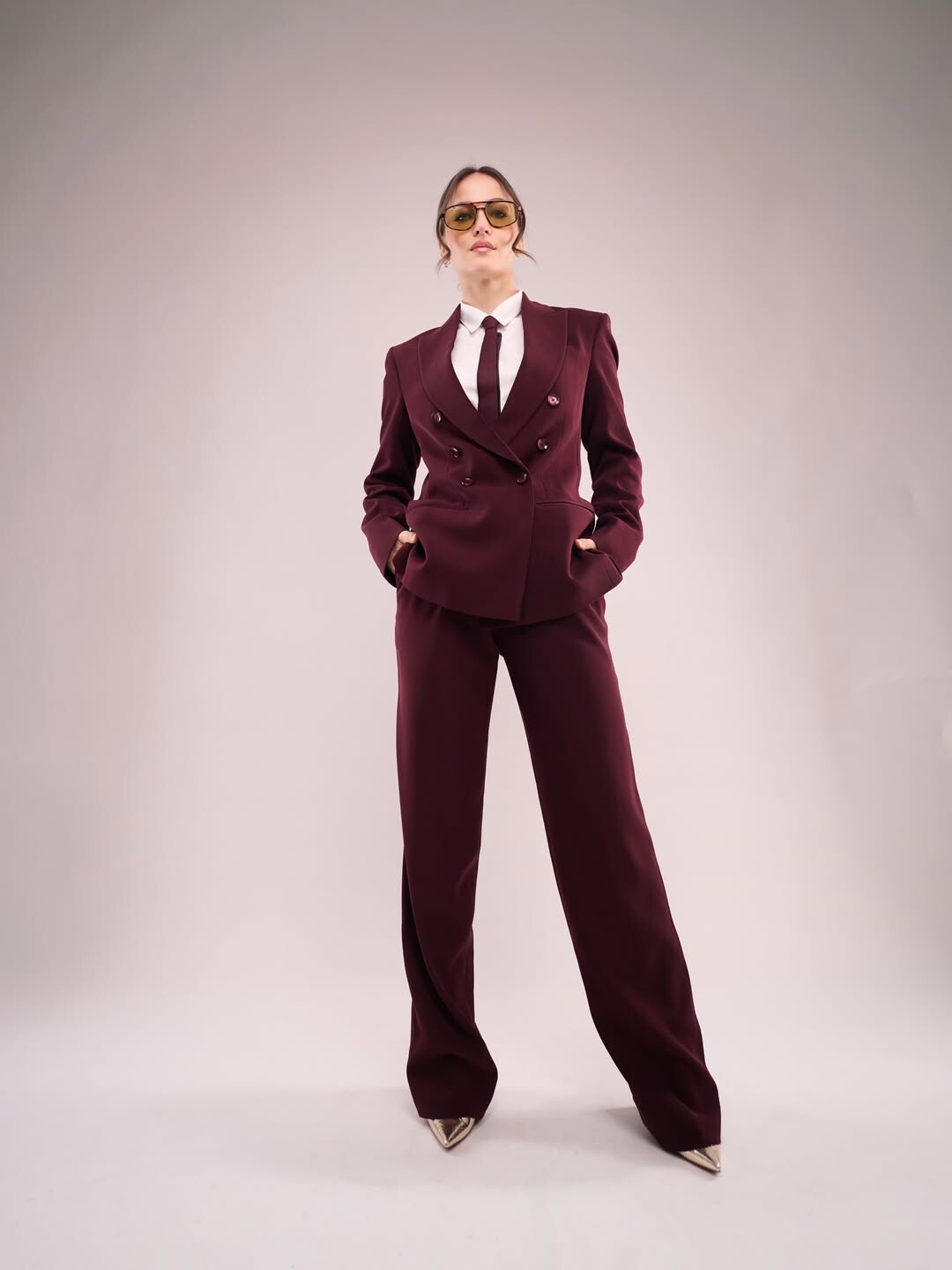
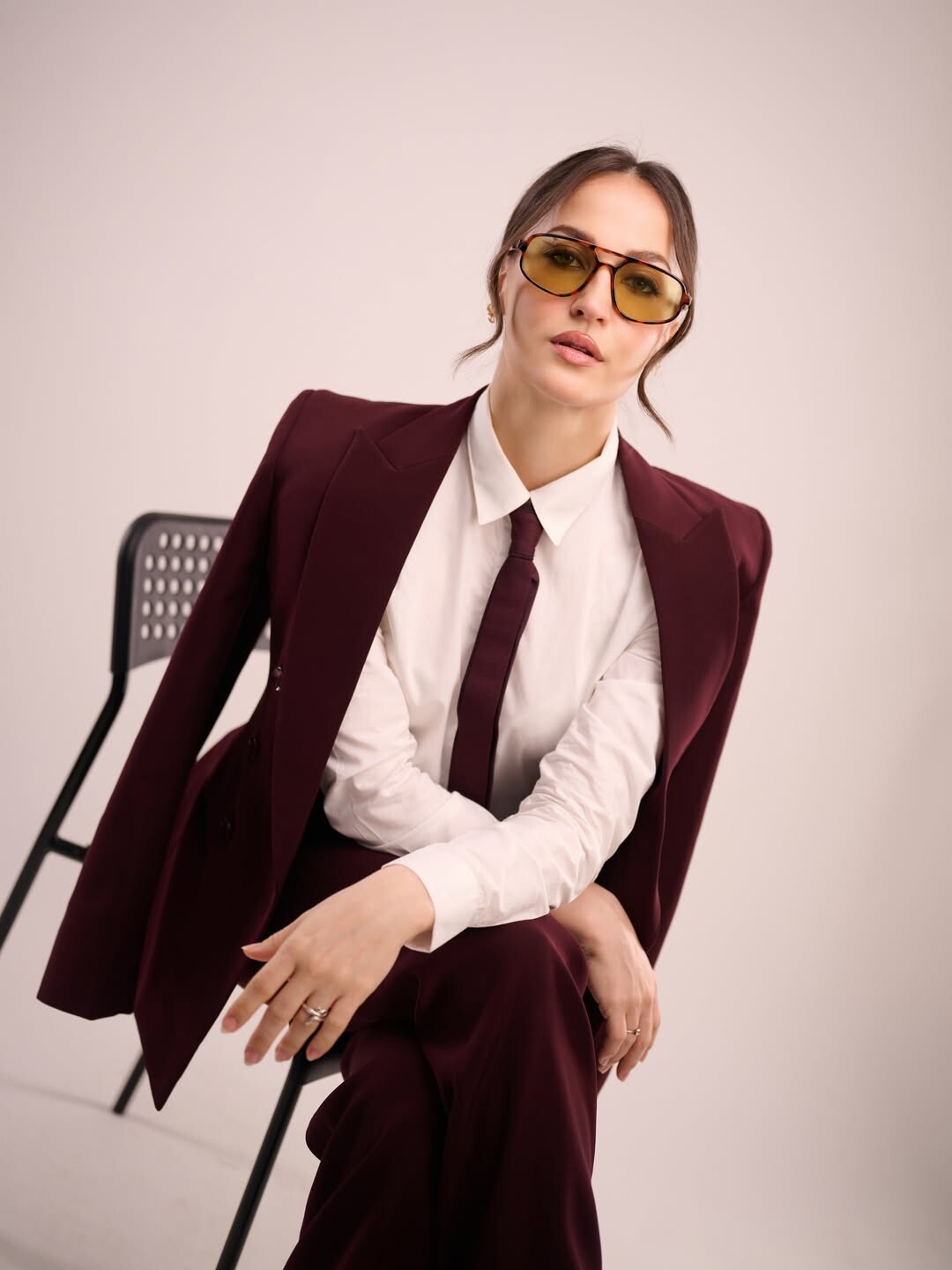
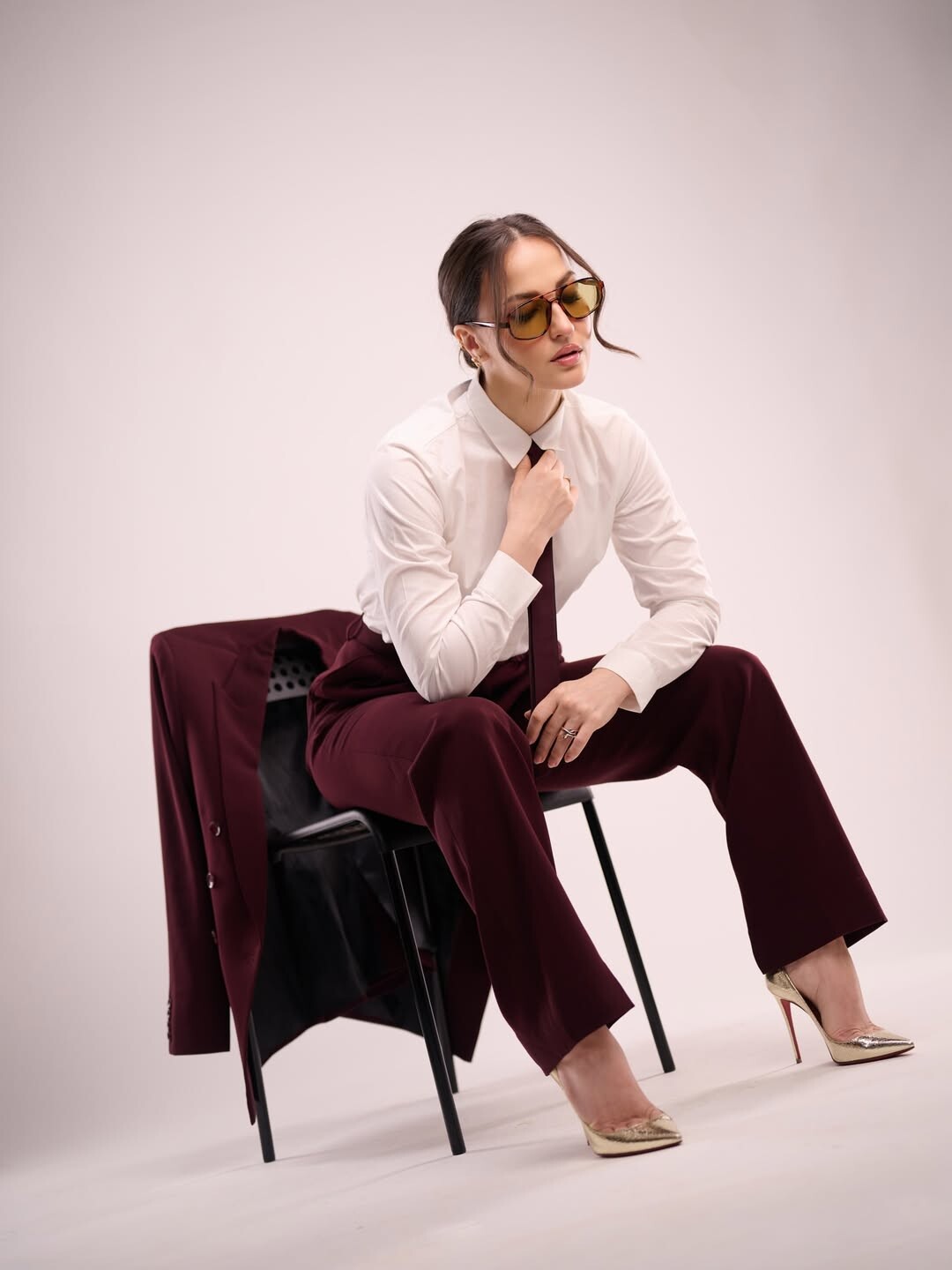
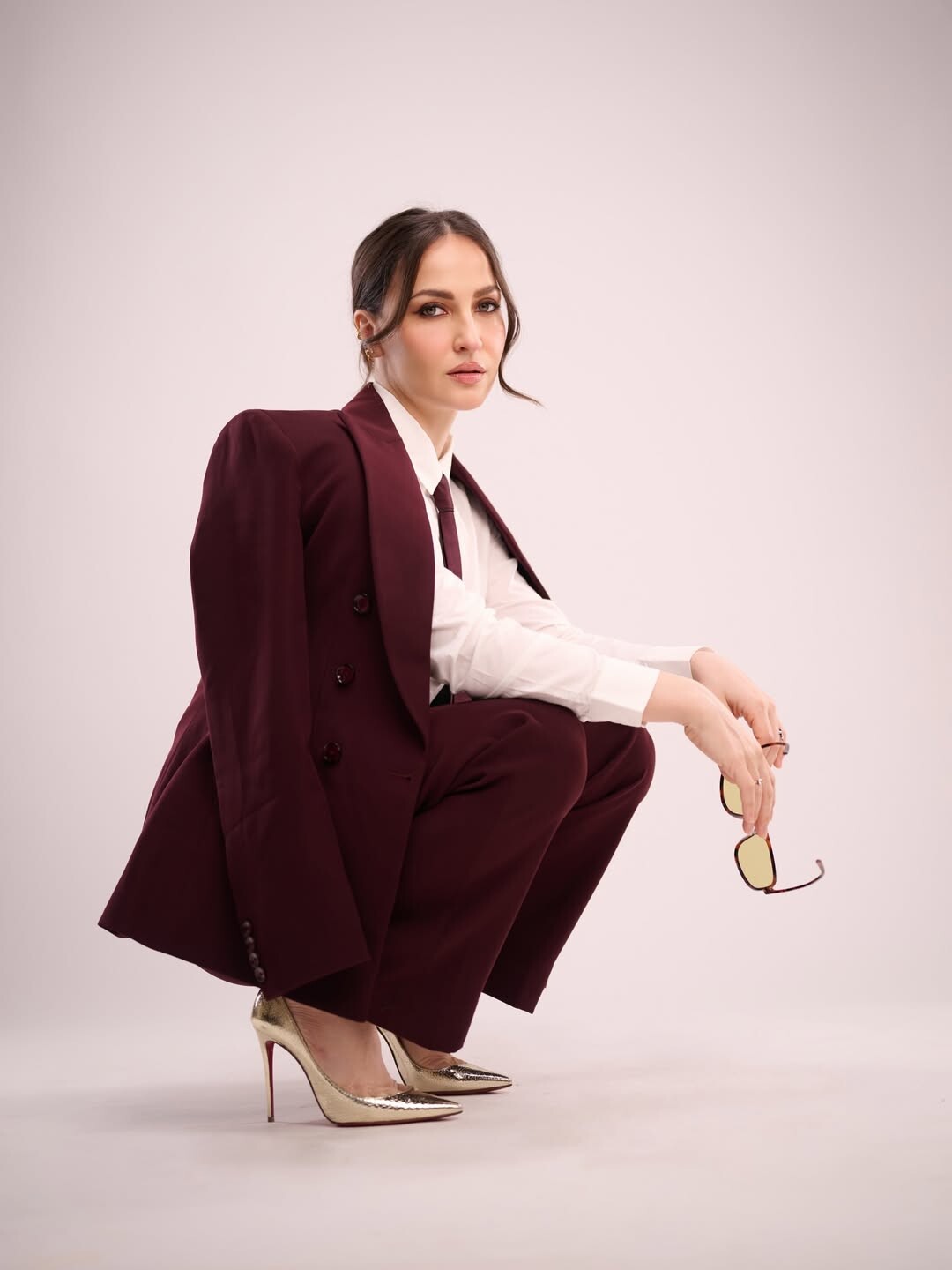
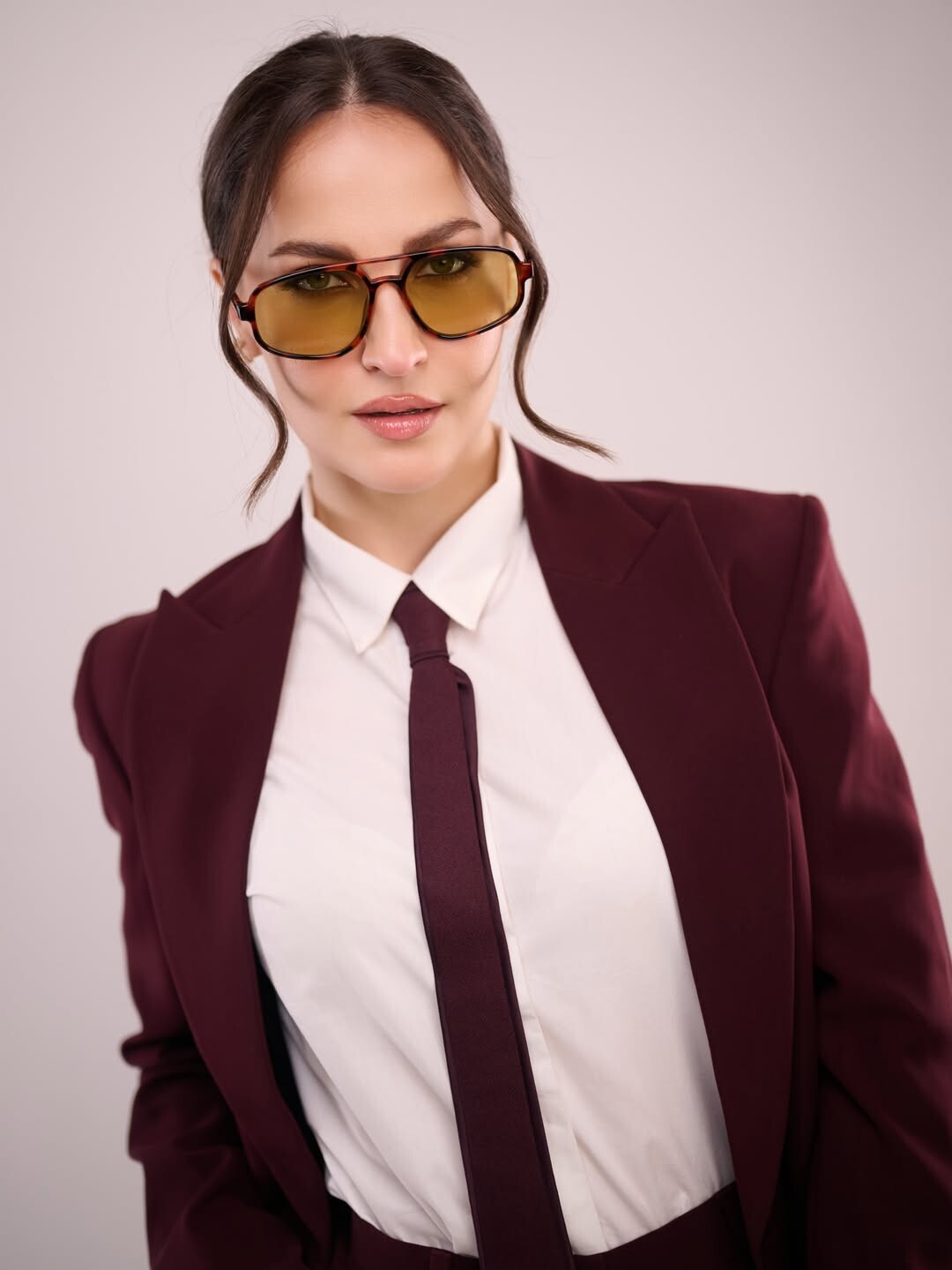
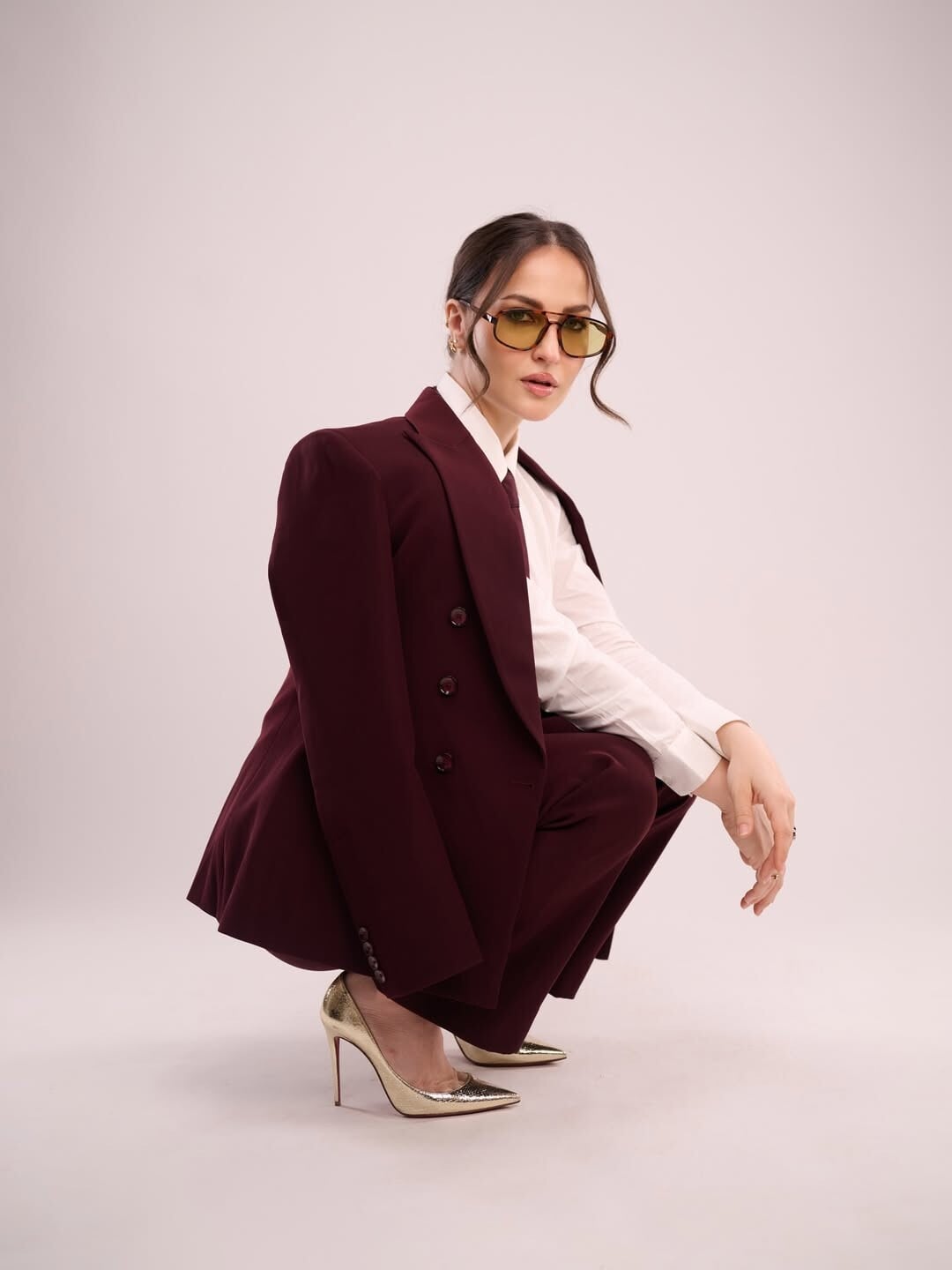
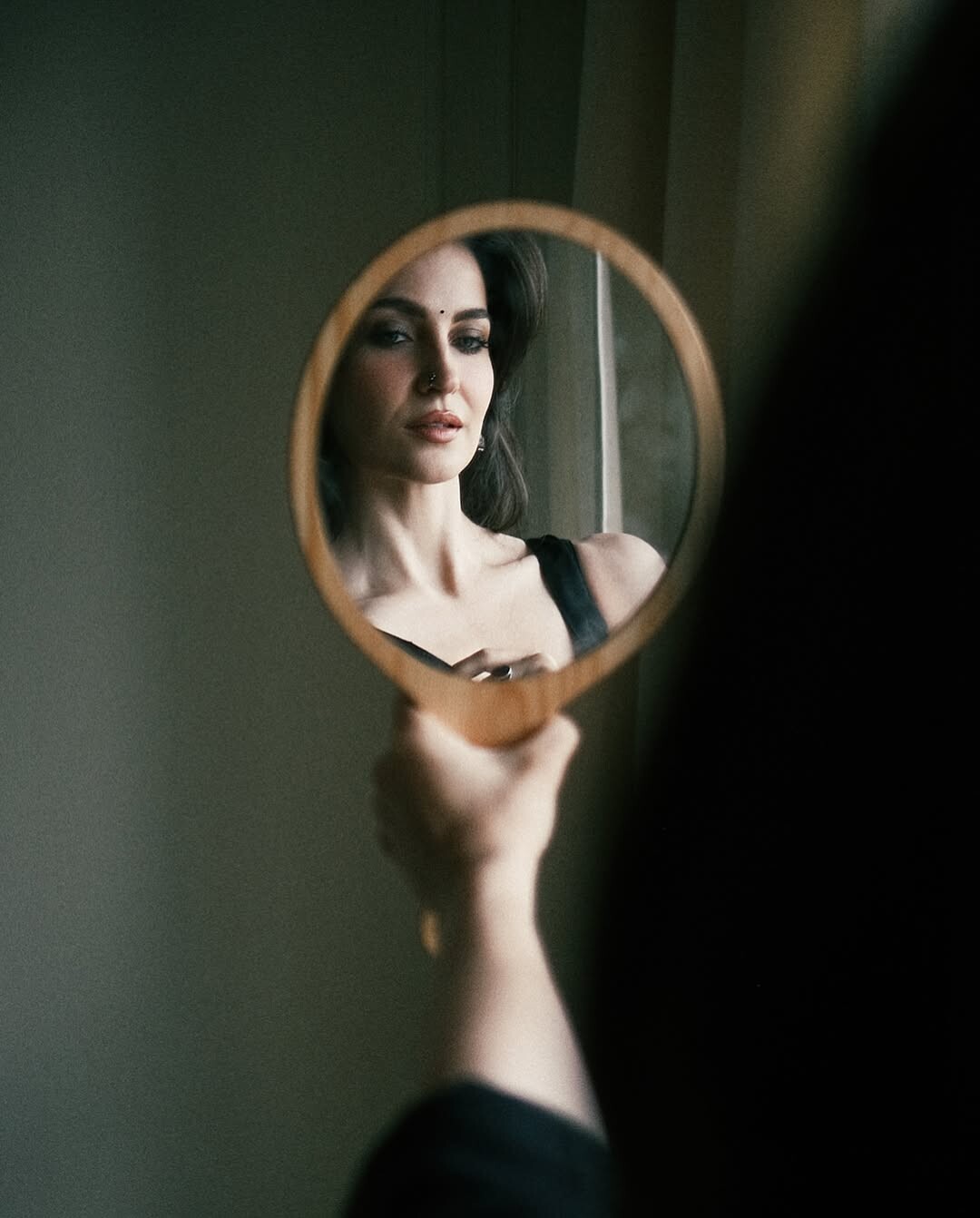
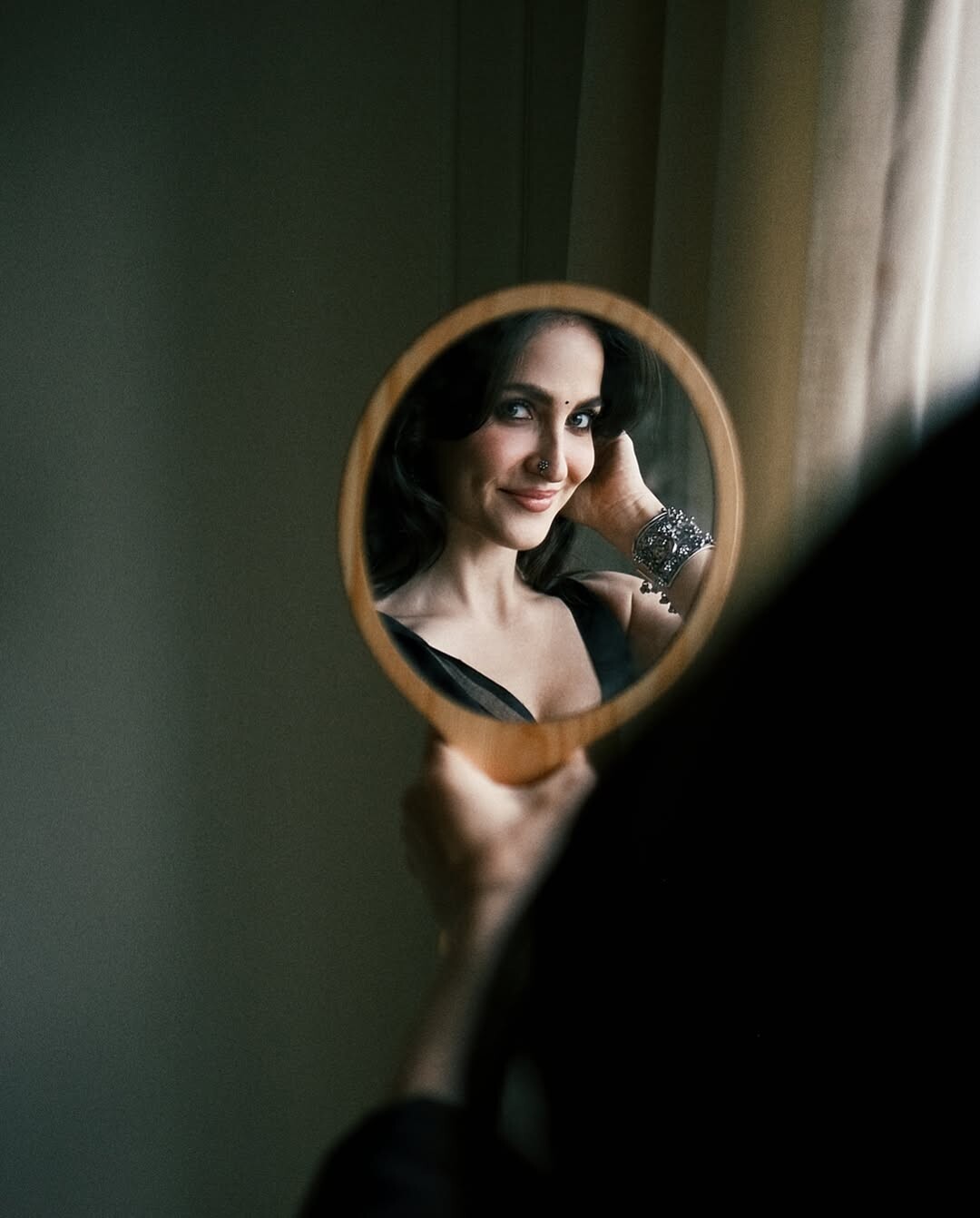
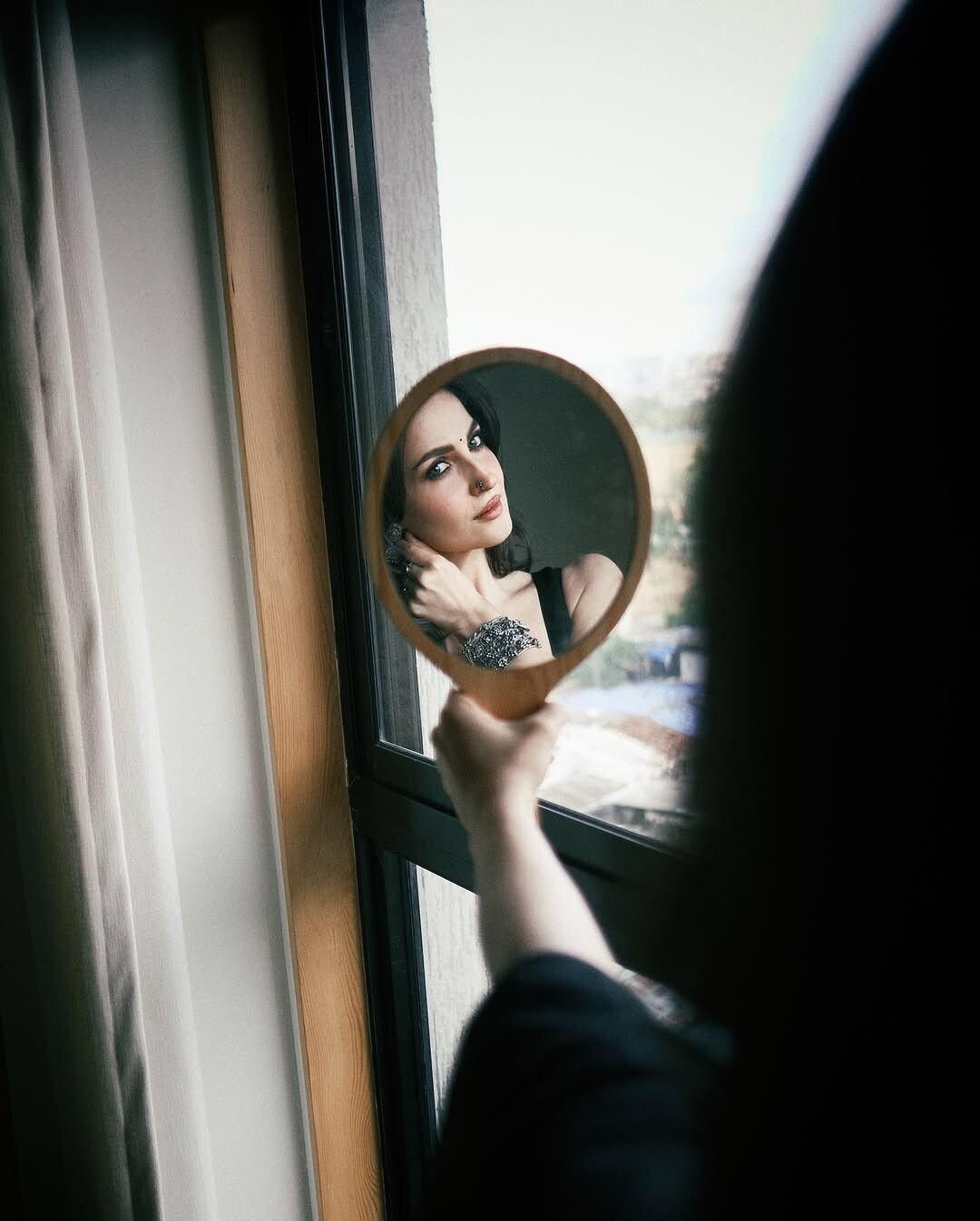
 Elisabet Avramidou Granlund, known professionally as Elli AvrRam, is a Swedish-Greek actress based in Mumbai, India. She is known for her Hindi film Kis Kisko Pyaar Karoon. AvrRam came to prominence after participating in the Indian reality TV show Bigg Boss in 2013. Elli, along with Aamir Khan, had a special appearance in the Koi Jaane Na film song "Har Funn Maula". From Wikipedia, the free encyclopedia











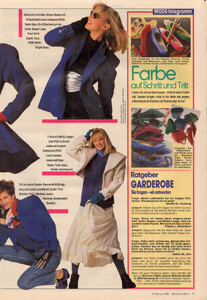
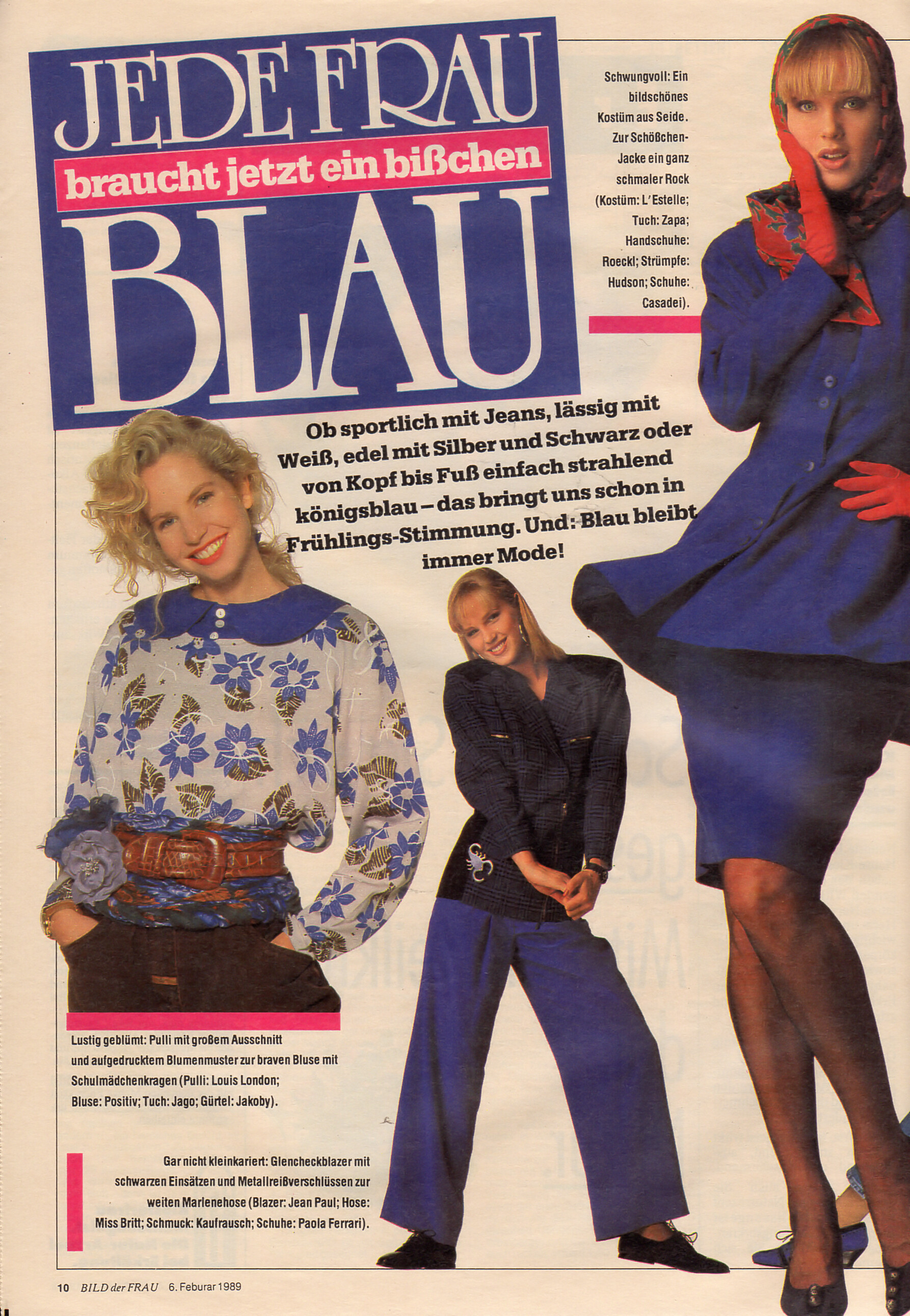
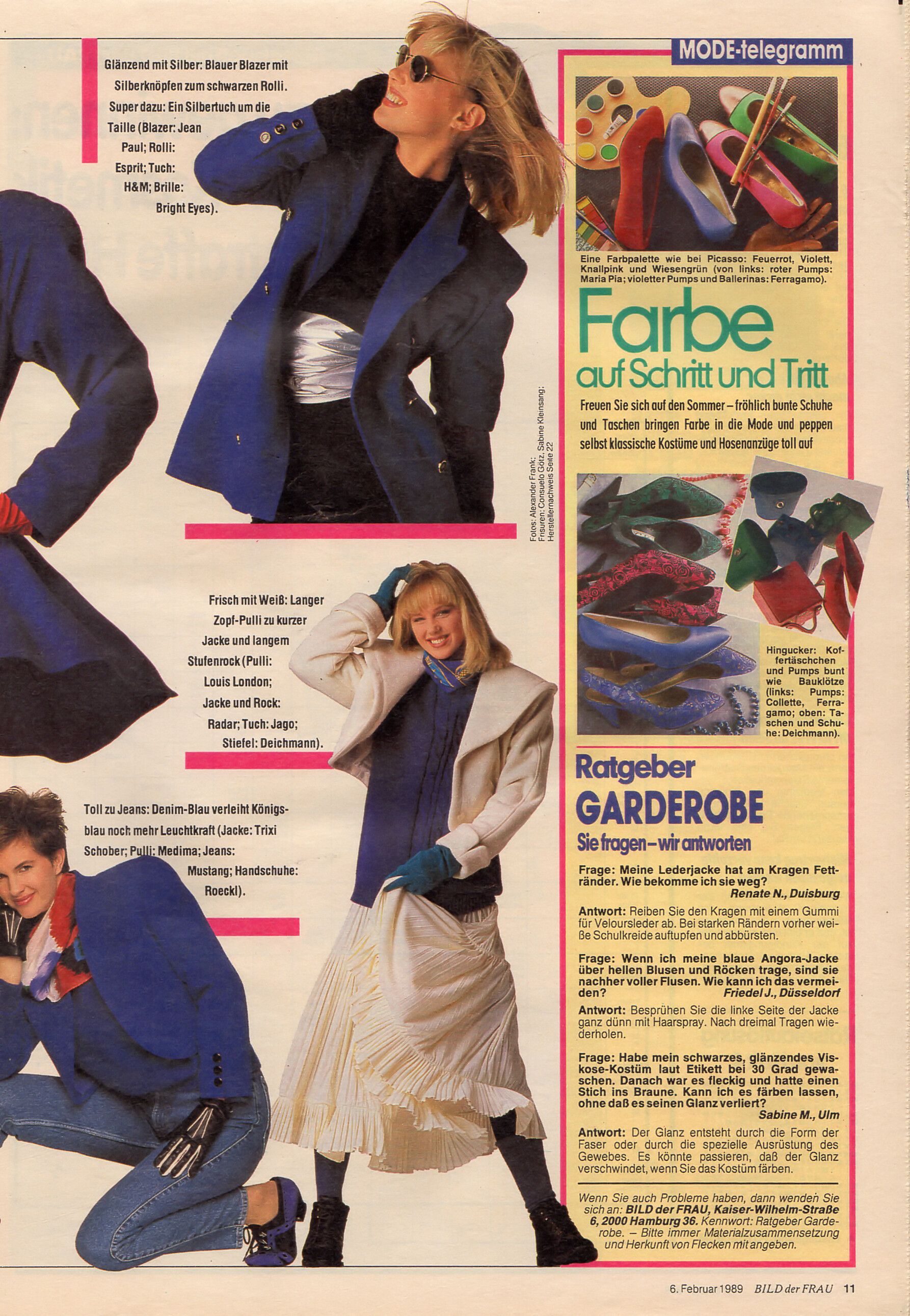
 "JEDE FRAU braucht ein bißchen BLAU" - Bild der Frau Germany 6. February 1989 #6

















































Account
Navigation
Search
Configure browser push notifications
Chrome (Android)
- Tap the lock icon next to the address bar.
- Tap Permissions → Notifications.
- Adjust your preference.
Chrome (Desktop)
- Click the padlock icon in the address bar.
- Select Site settings.
- Find Notifications and adjust your preference.
Safari (iOS 16.4+)
- Ensure the site is installed via Add to Home Screen.
- Open Settings App → Notifications.
- Find your app name and adjust your preference.
Safari (macOS)
- Go to Safari → Preferences.
- Click the Websites tab.
- Select Notifications in the sidebar.
- Find this website and adjust your preference.
Edge (Android)
- Tap the lock icon next to the address bar.
- Tap Permissions.
- Find Notifications and adjust your preference.
Edge (Desktop)
- Click the padlock icon in the address bar.
- Click Permissions for this site.
- Find Notifications and adjust your preference.
Firefox (Android)
- Go to Settings → Site permissions.
- Tap Notifications.
- Find this site in the list and adjust your preference.
Firefox (Desktop)
- Open Firefox Settings.
- Search for Notifications.
- Find this site in the list and adjust your preference.