All Activity
- Past hour
-
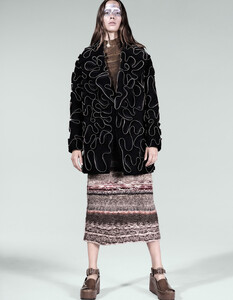
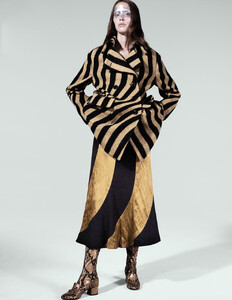
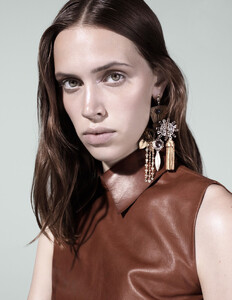
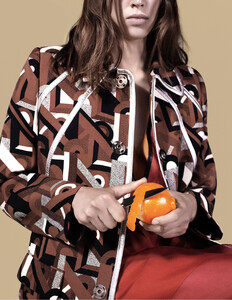
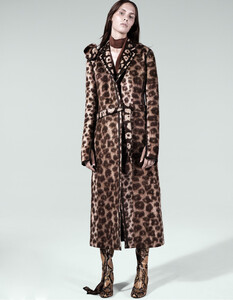
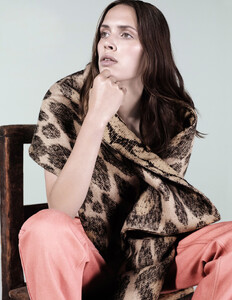
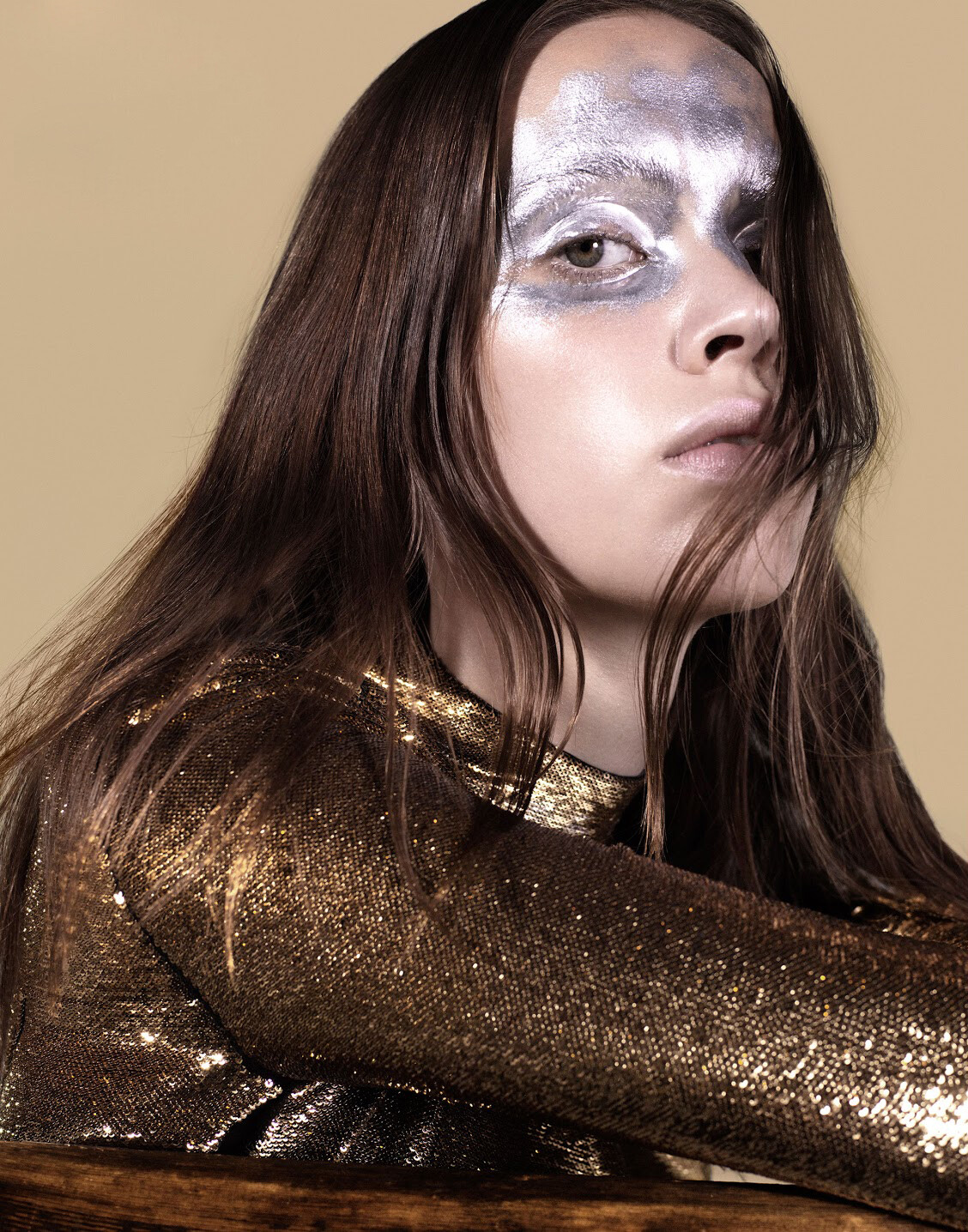
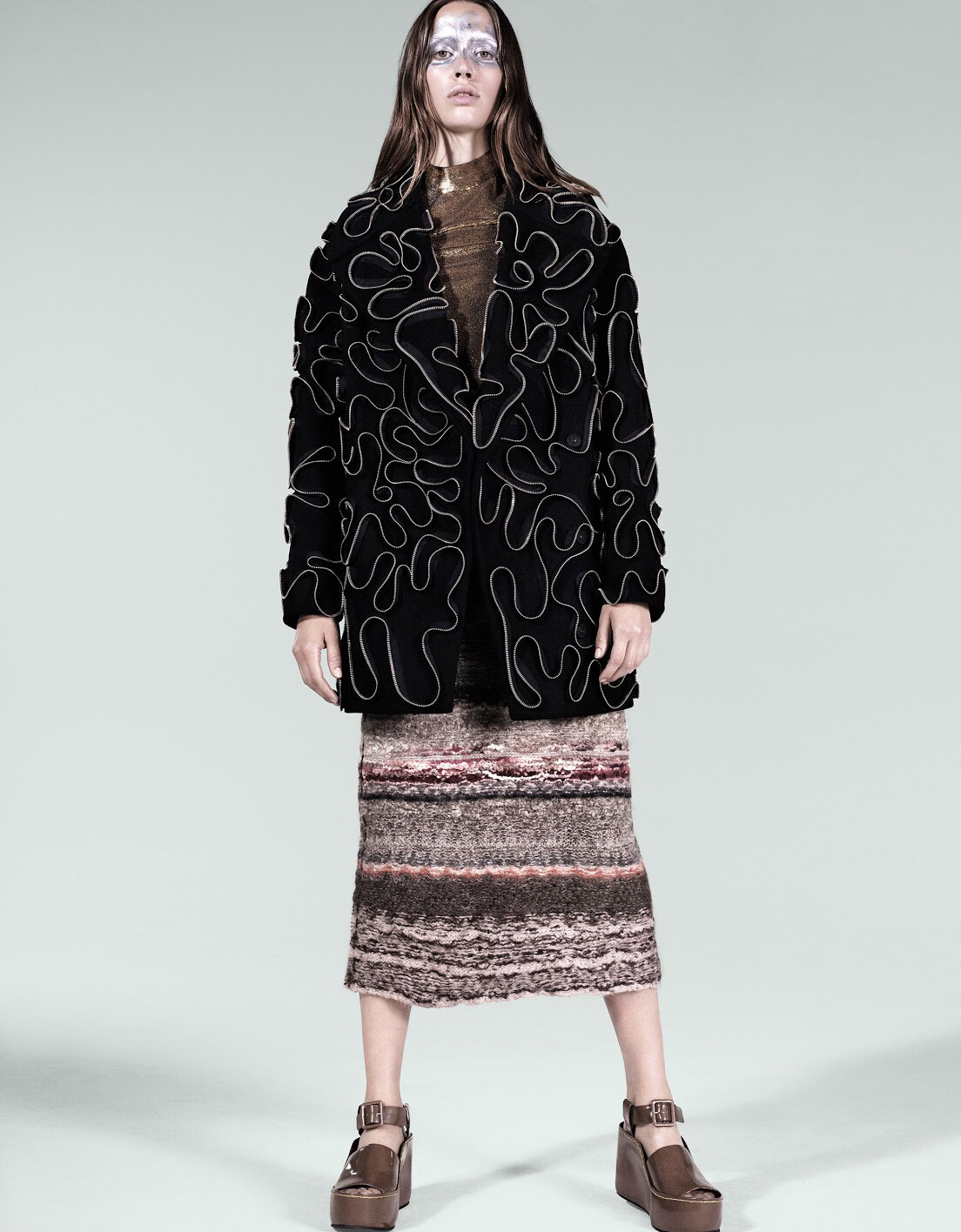
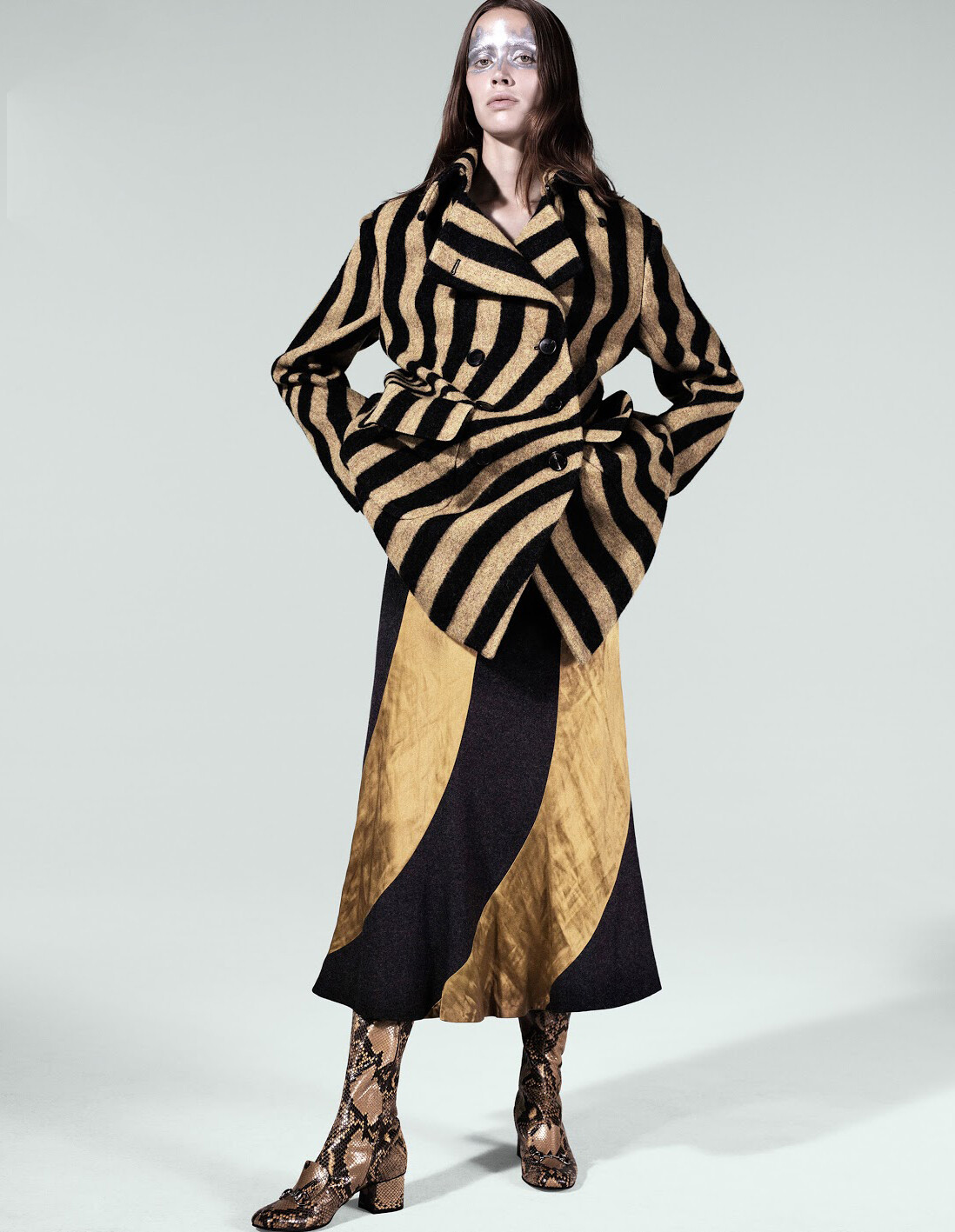
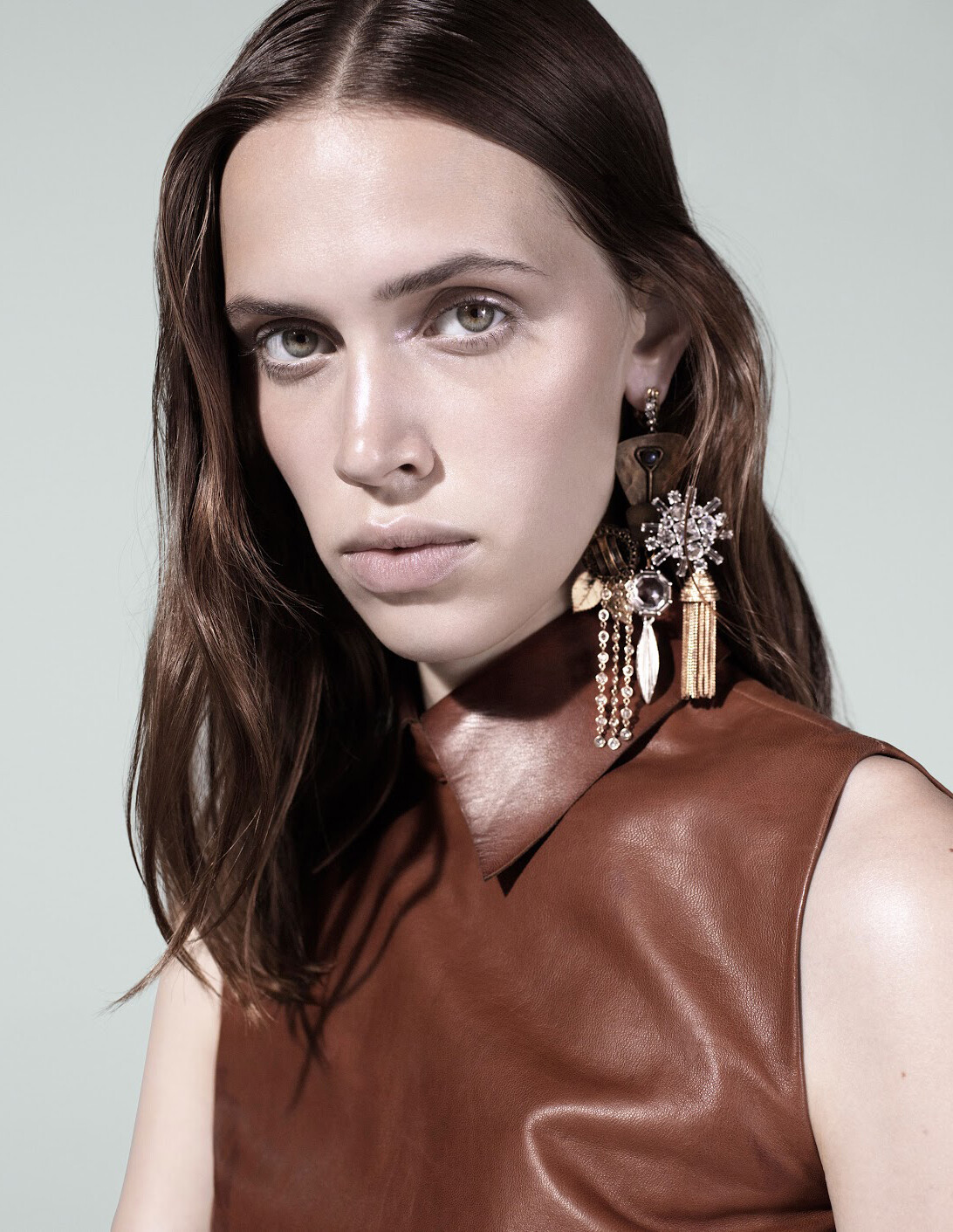
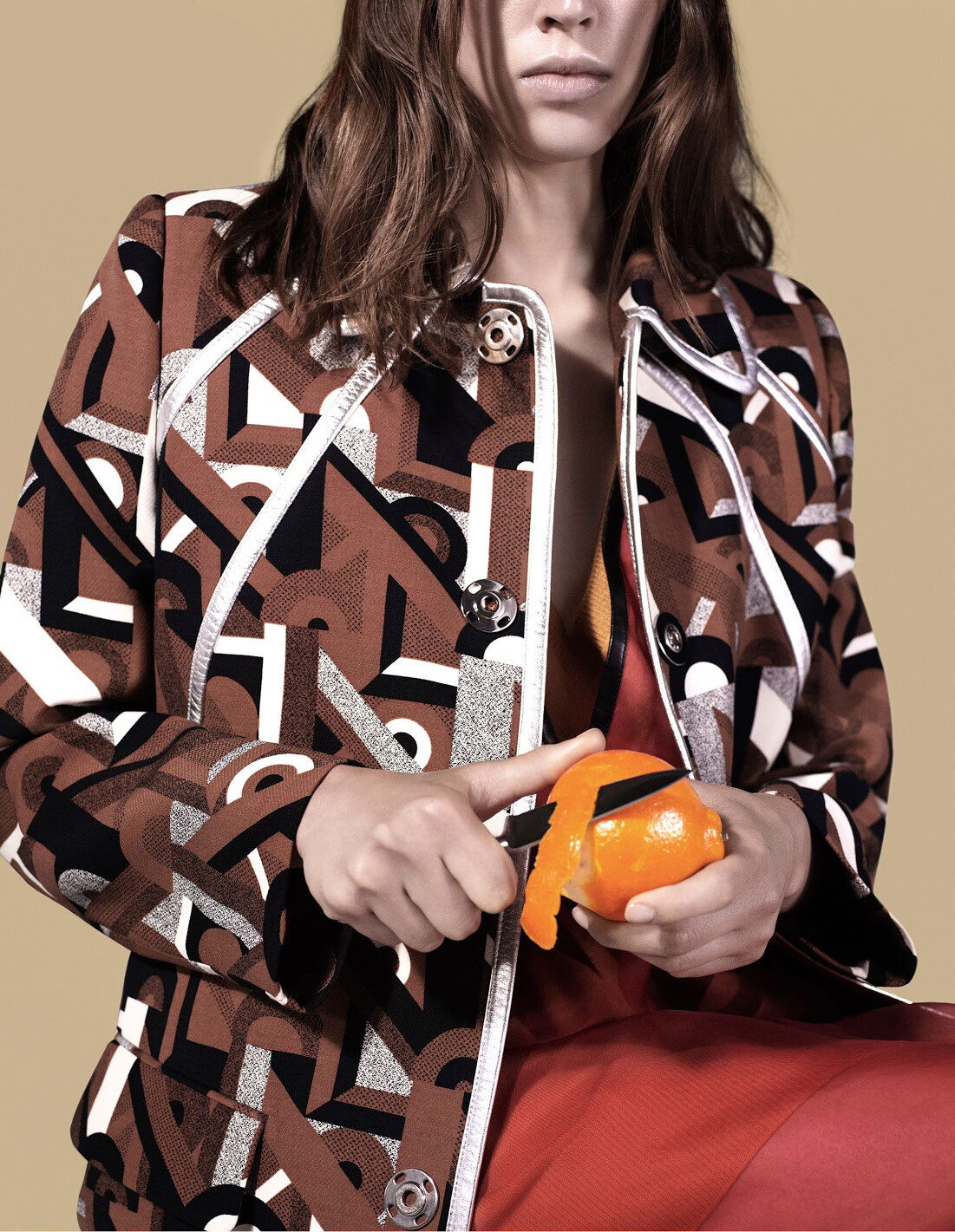
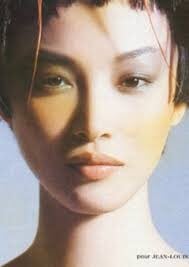
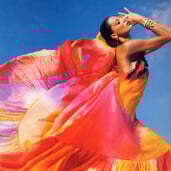 Numéro Tokyo #81 November 2014 "That 60's Show" Model: Georgia Hilmer Photographer: Catherine Servel Stylist: Catherine Newell-Hanson Hair: Peter Gray Makeup: Tyron Machhausen visualoptimism.blogspot.com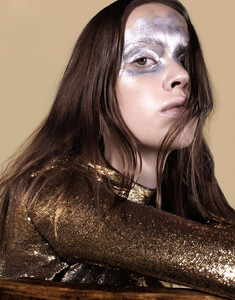
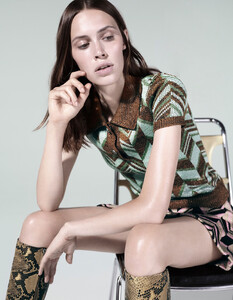
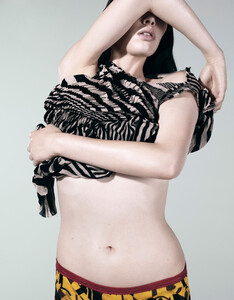
-
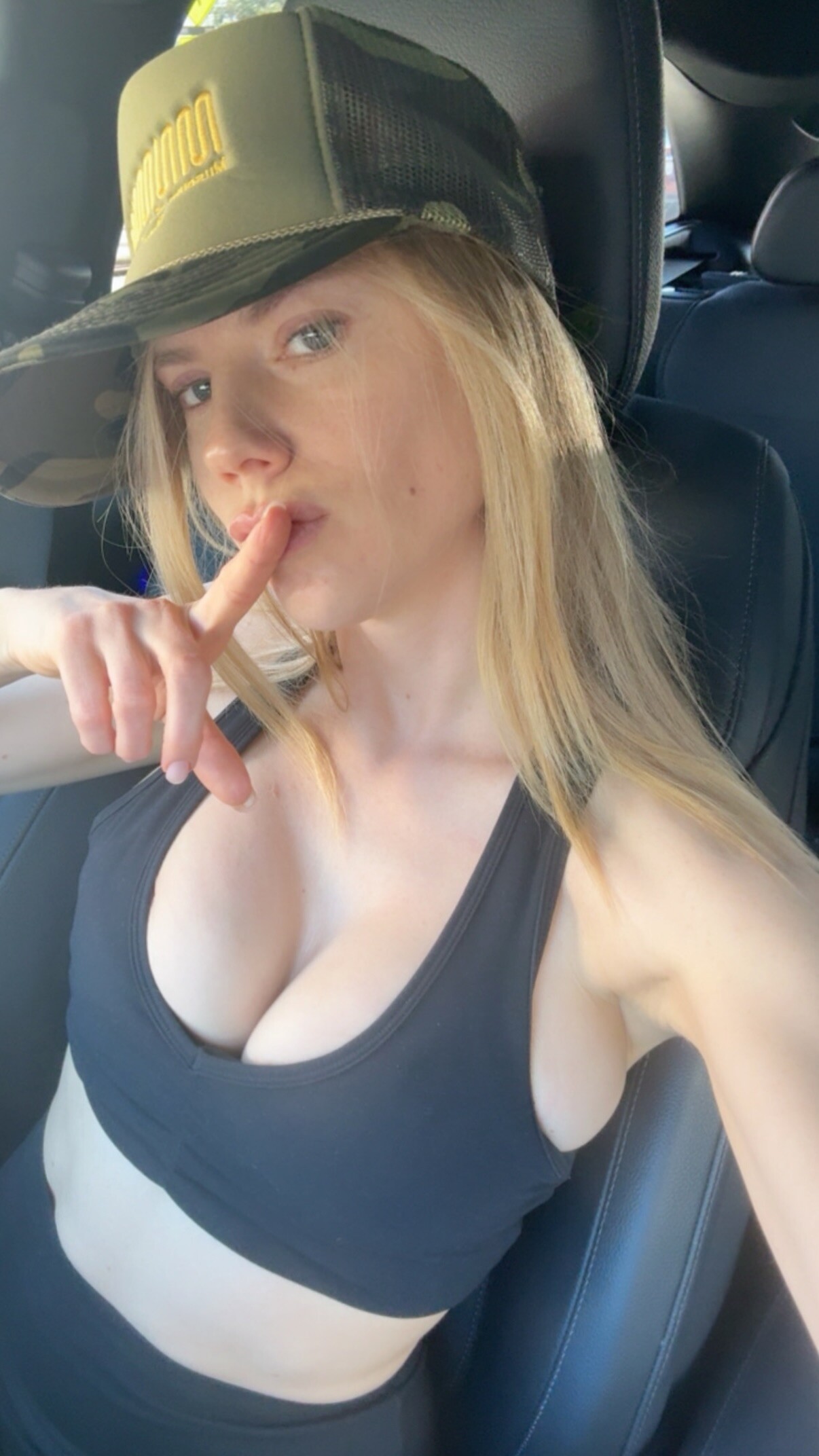
 Instagram Story
-
 kivenarmstrength changed their profile photo
 -
-

-
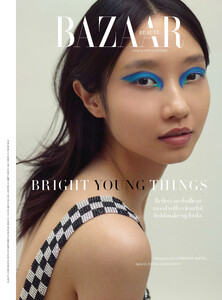
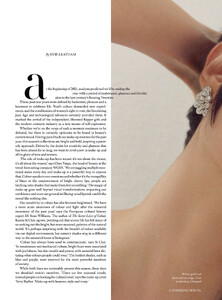
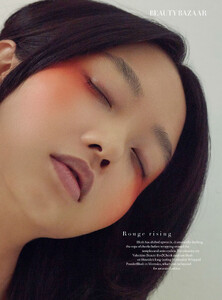
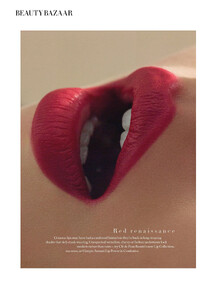
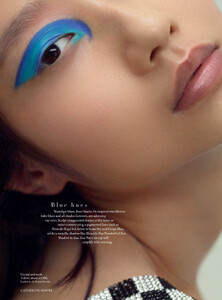
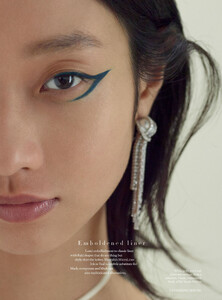
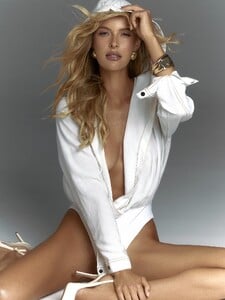
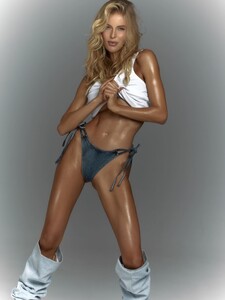
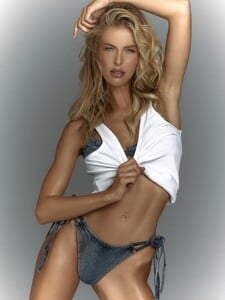
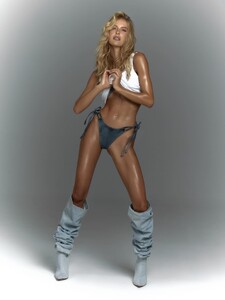
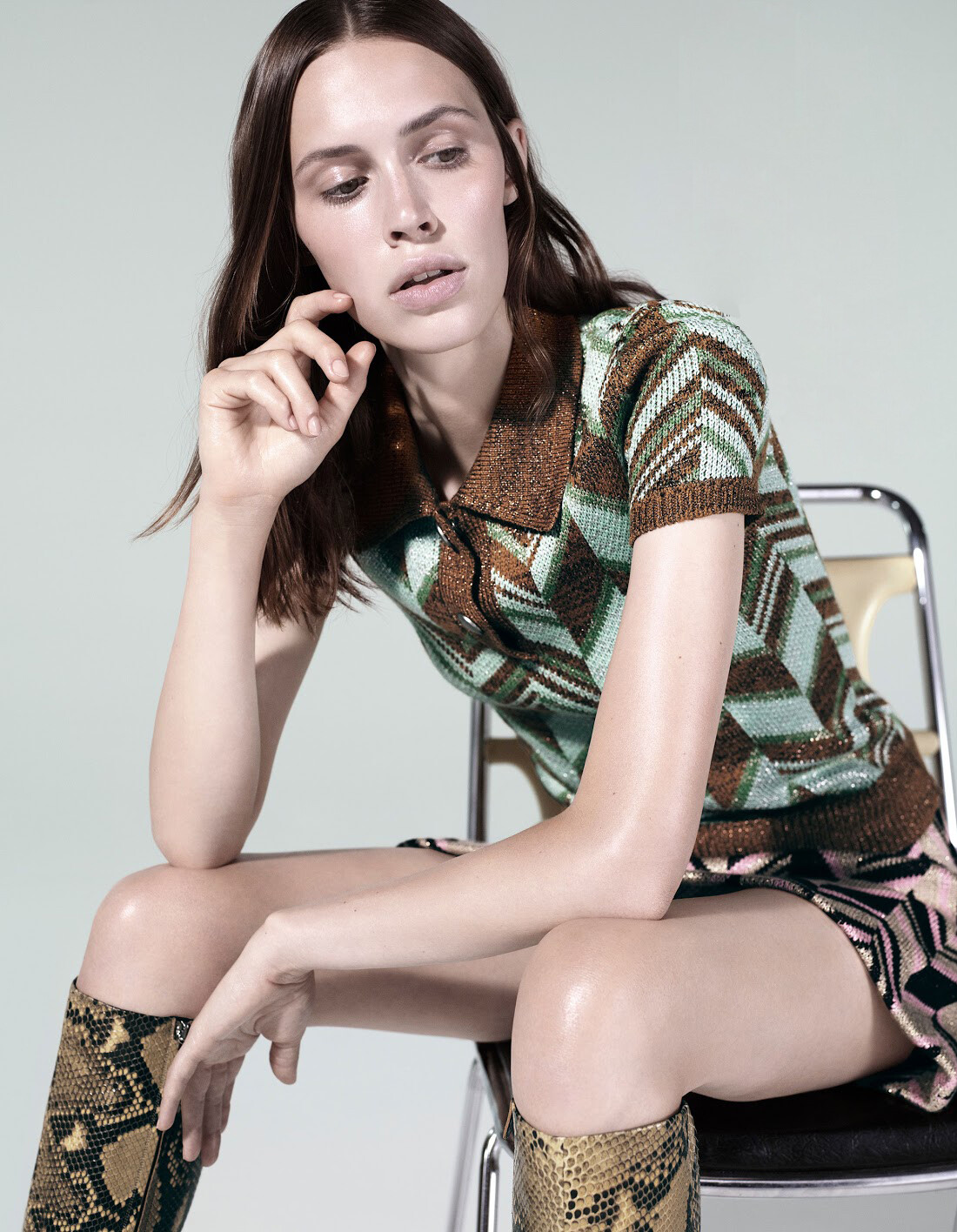
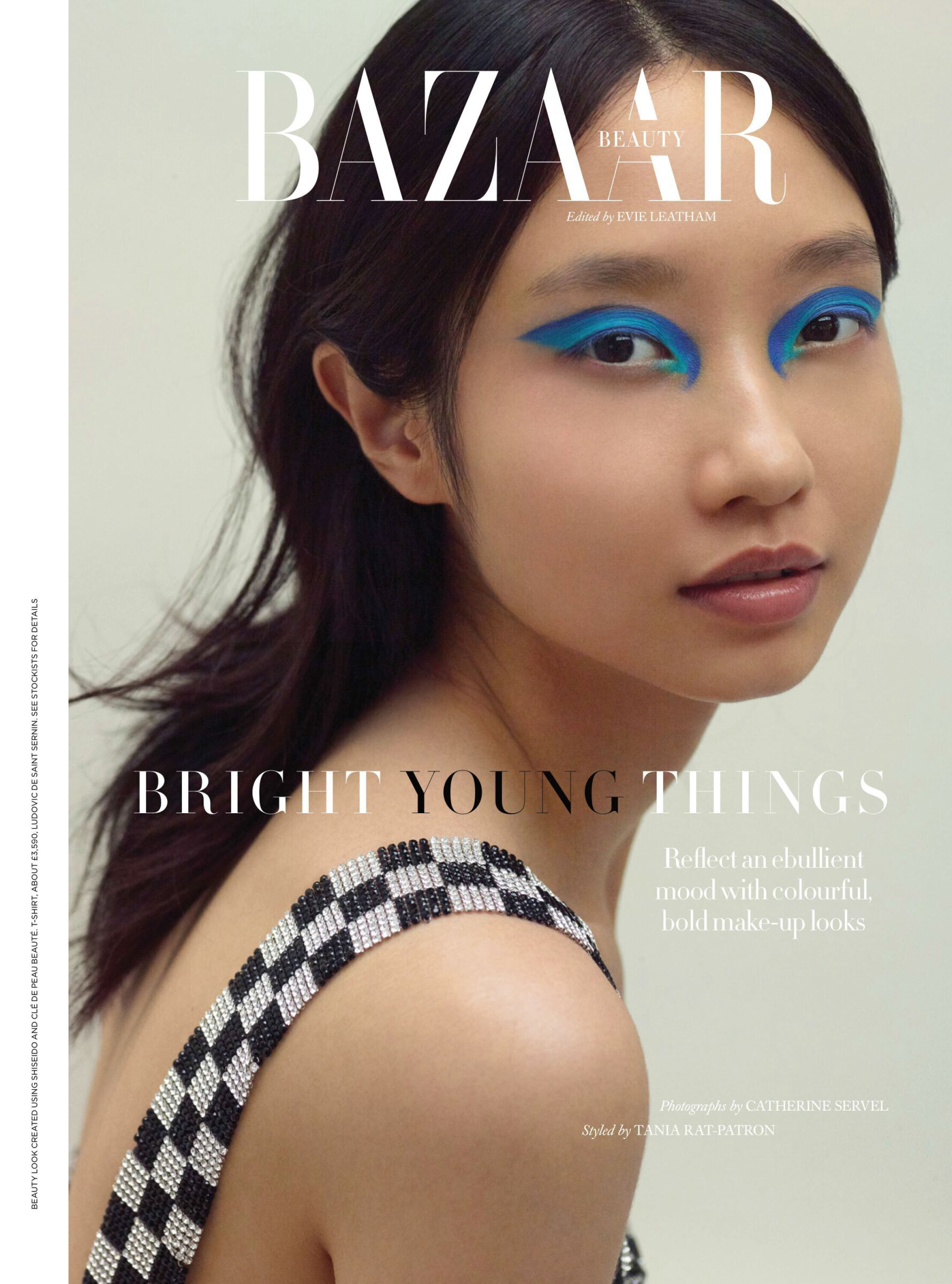
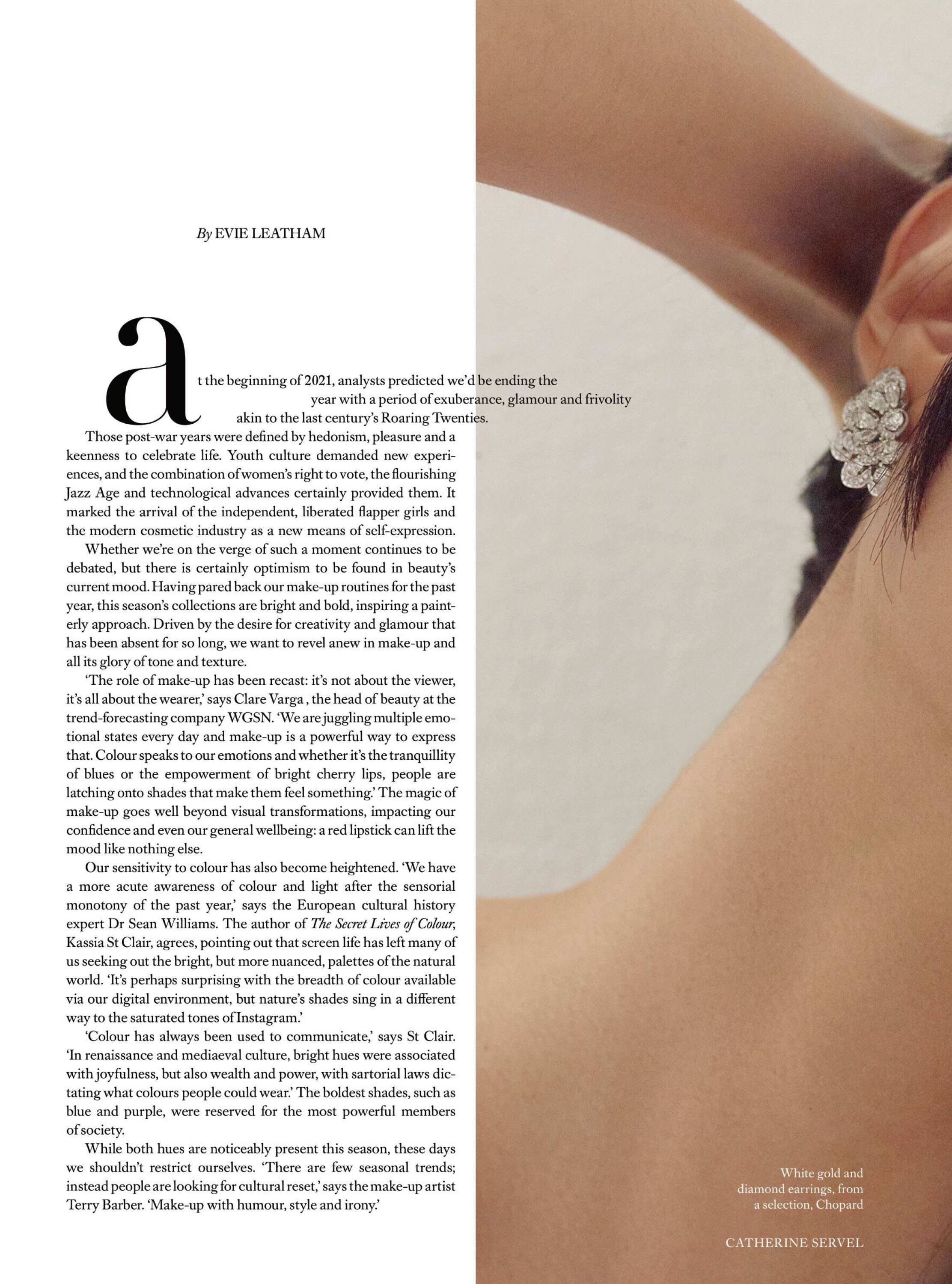
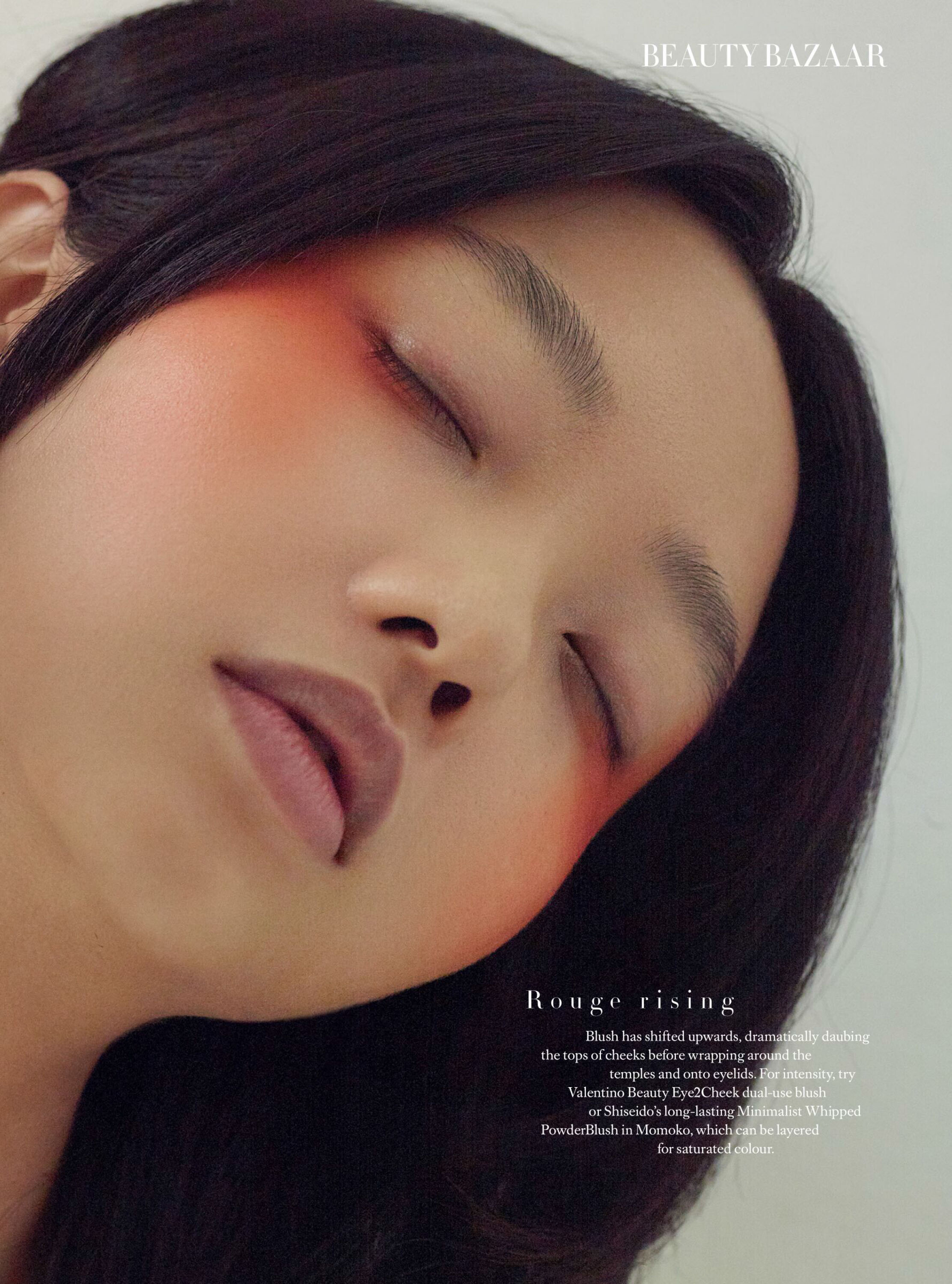
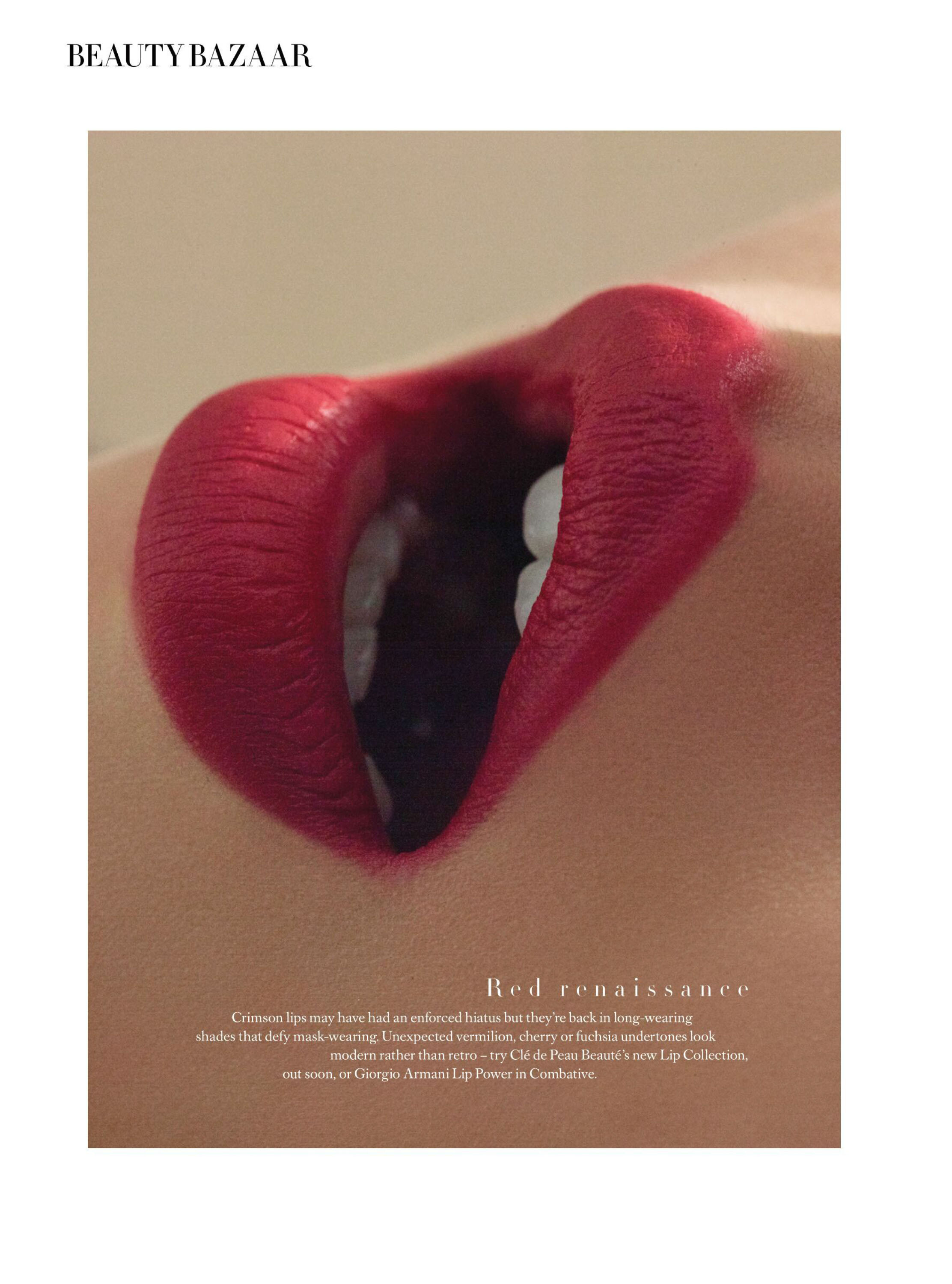
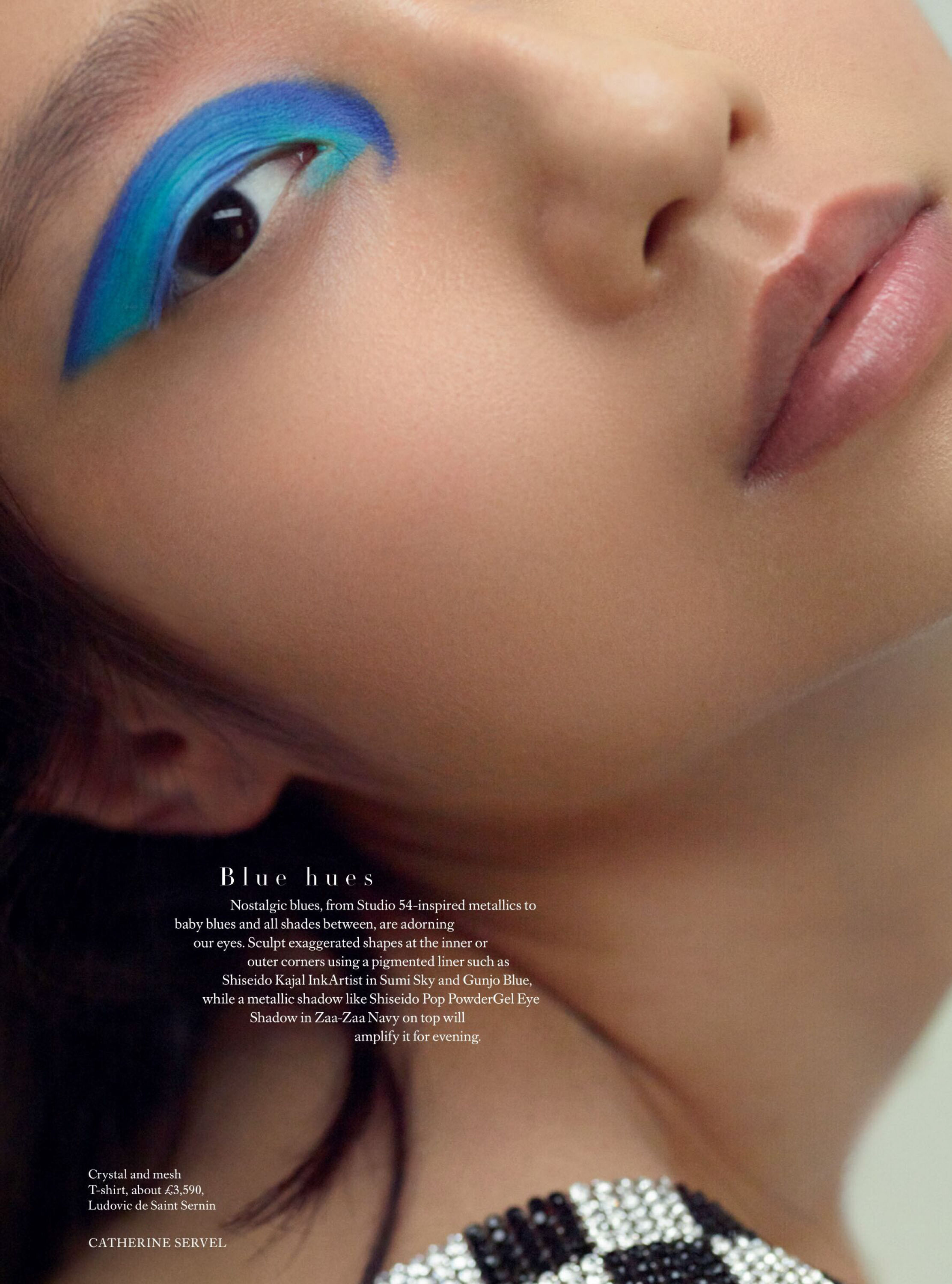
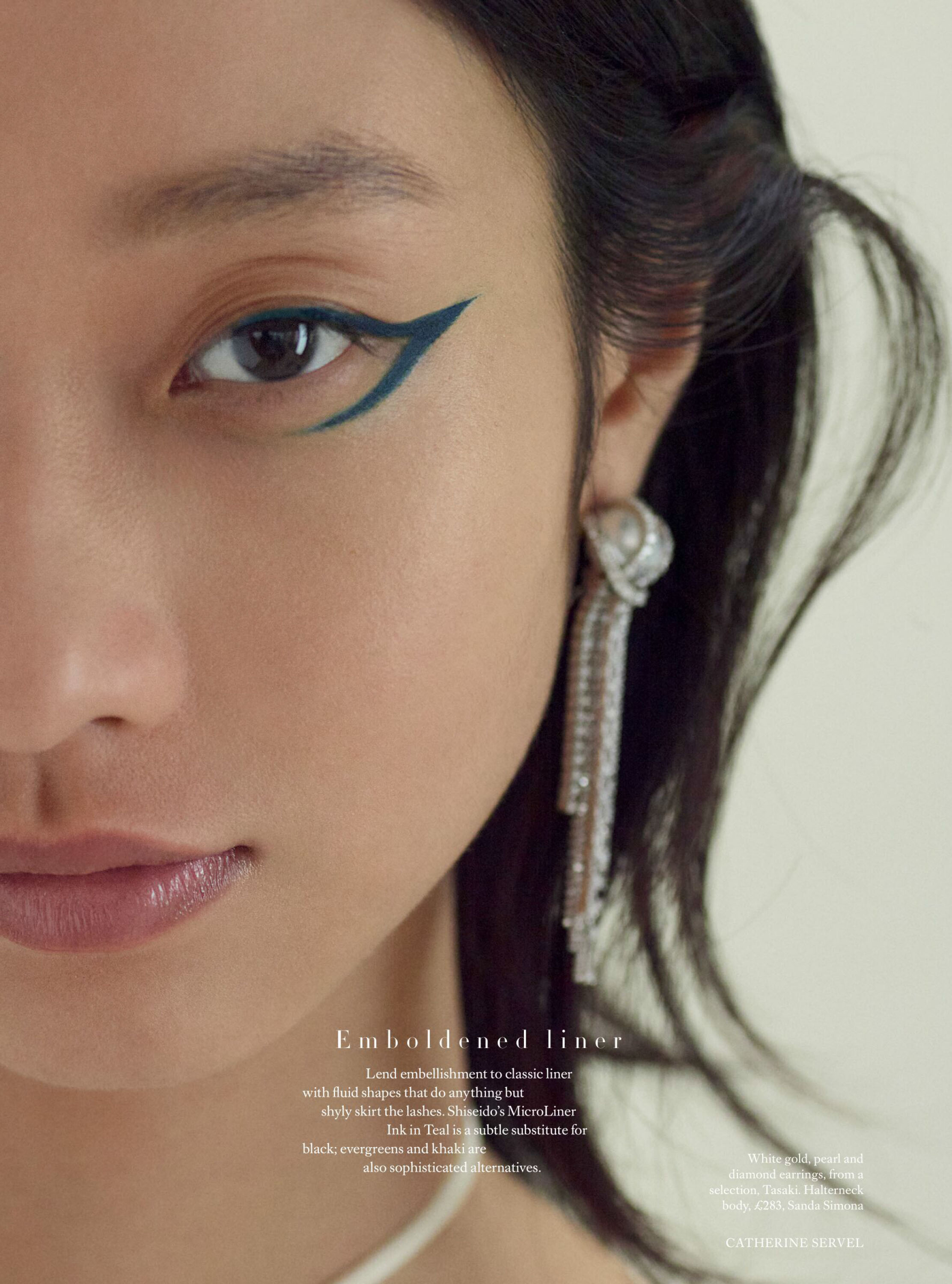
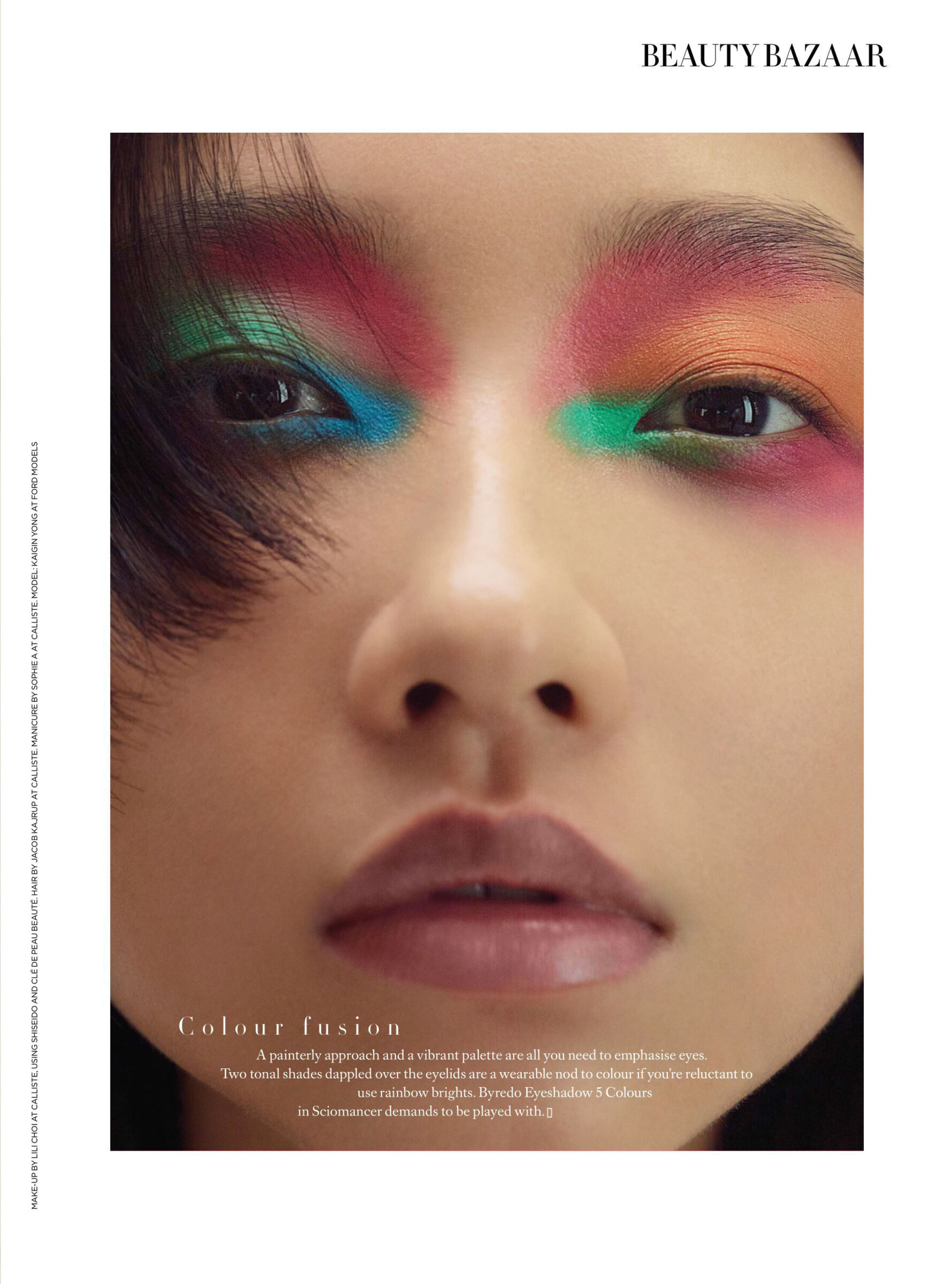
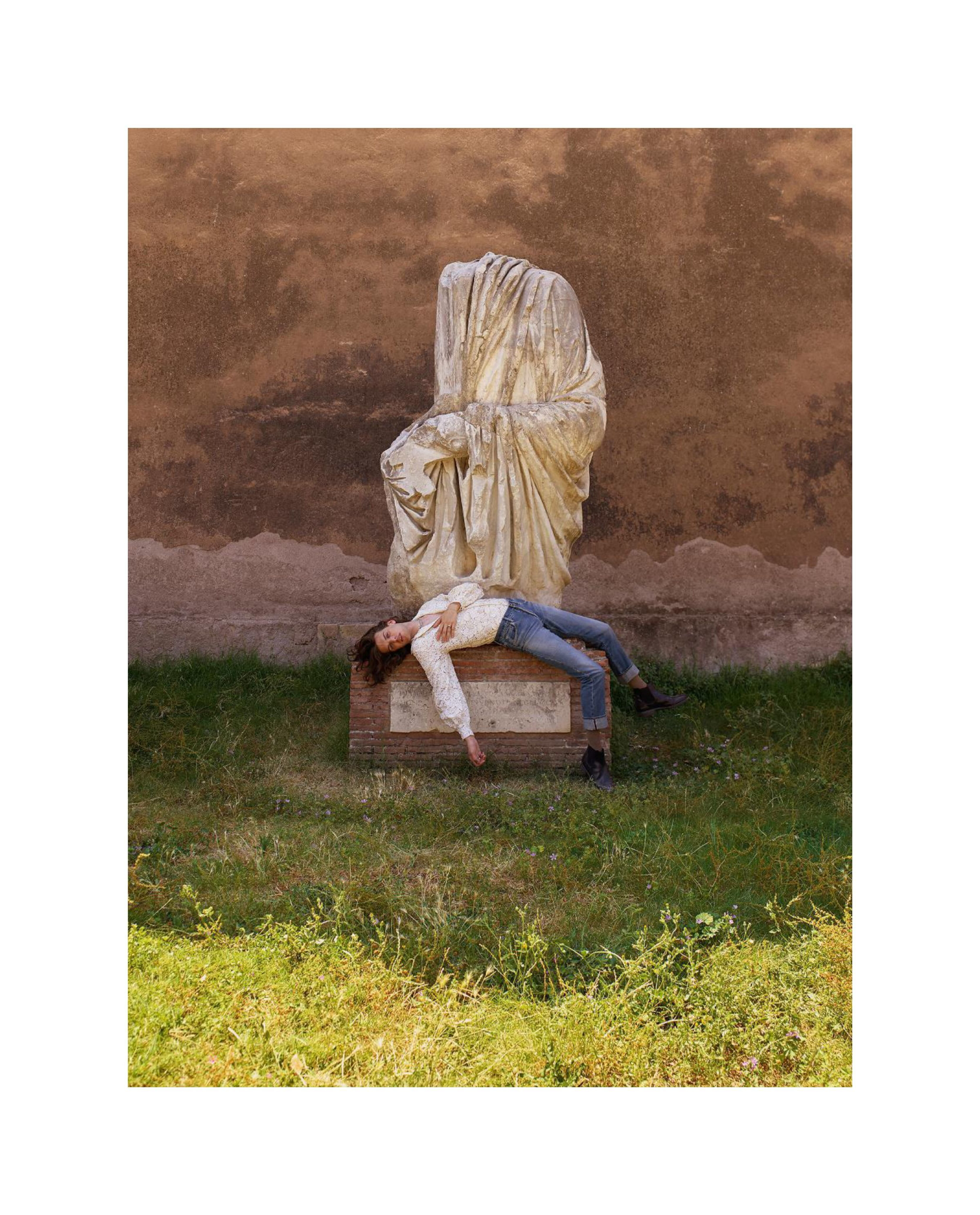
UK Harper's Bazaar September 2021 "Bright Young Things" Model: Kaigin Yong Photographer: Catherine Servel Stylist: Tania Rat-Patron Beauty Editor: Evie Leatham Hair: Jacob Kajrup Makeup: Lili Choi Manicure: Sophie UK Haprer's Bazaar Digital Edition via aracic at The Fashion Spot
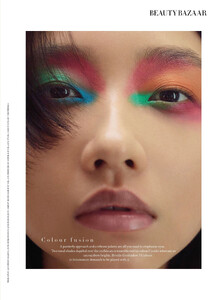
-
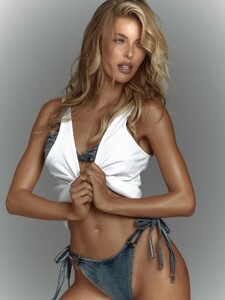
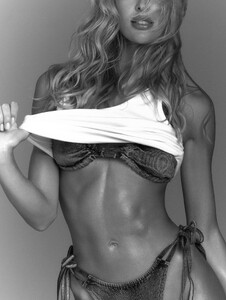
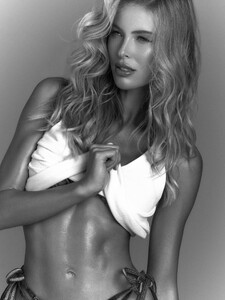
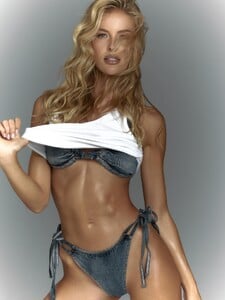
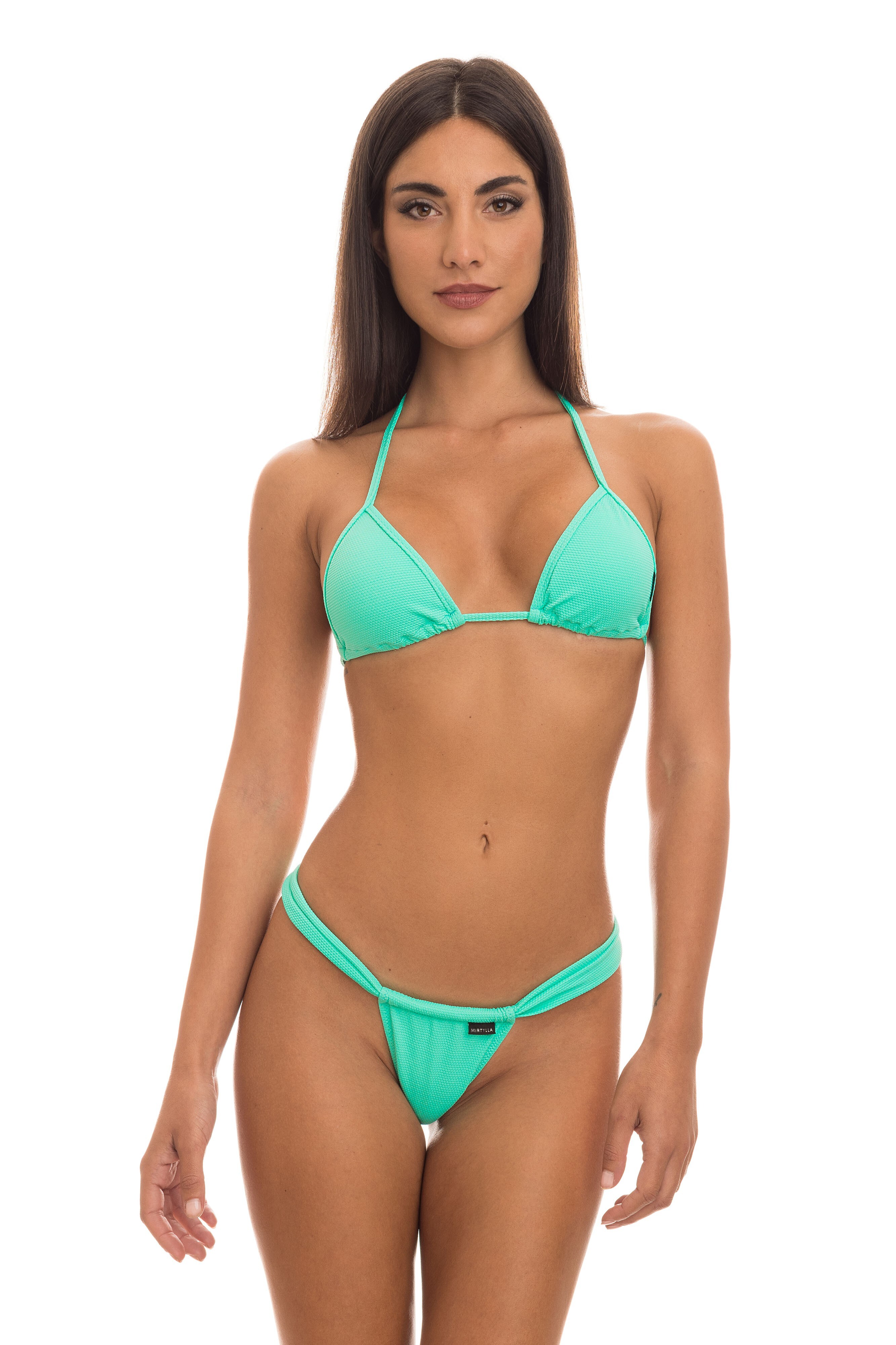
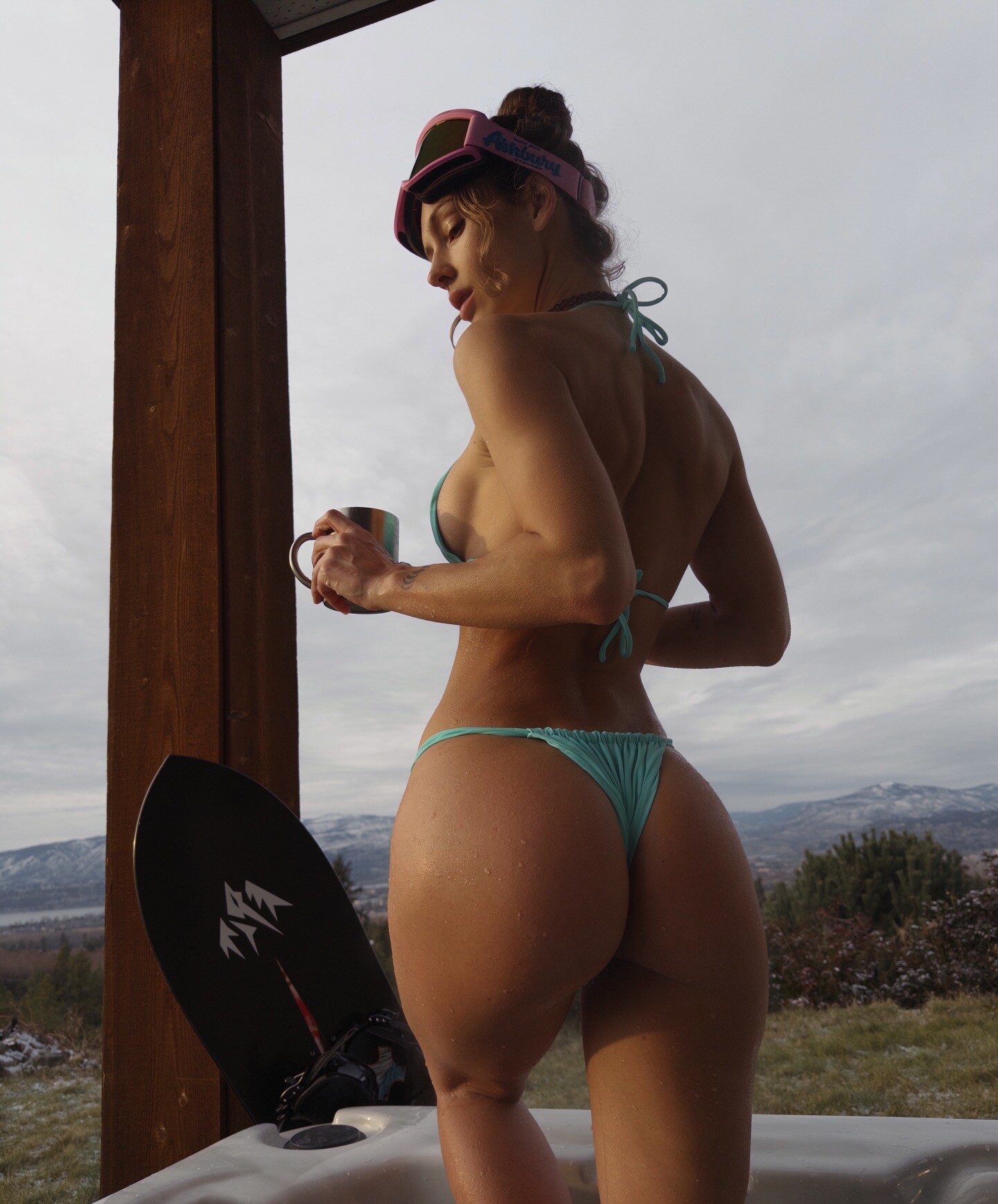
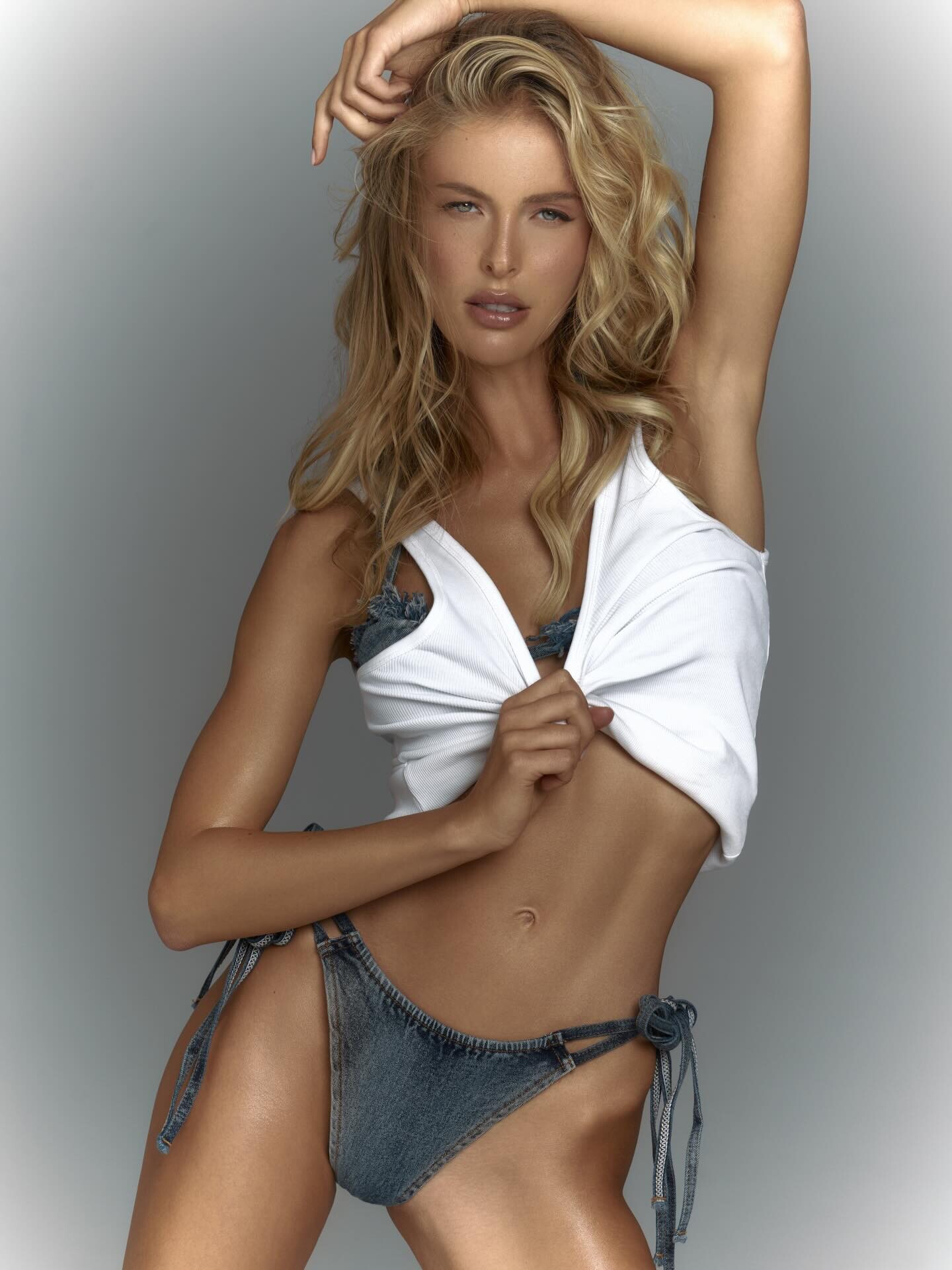
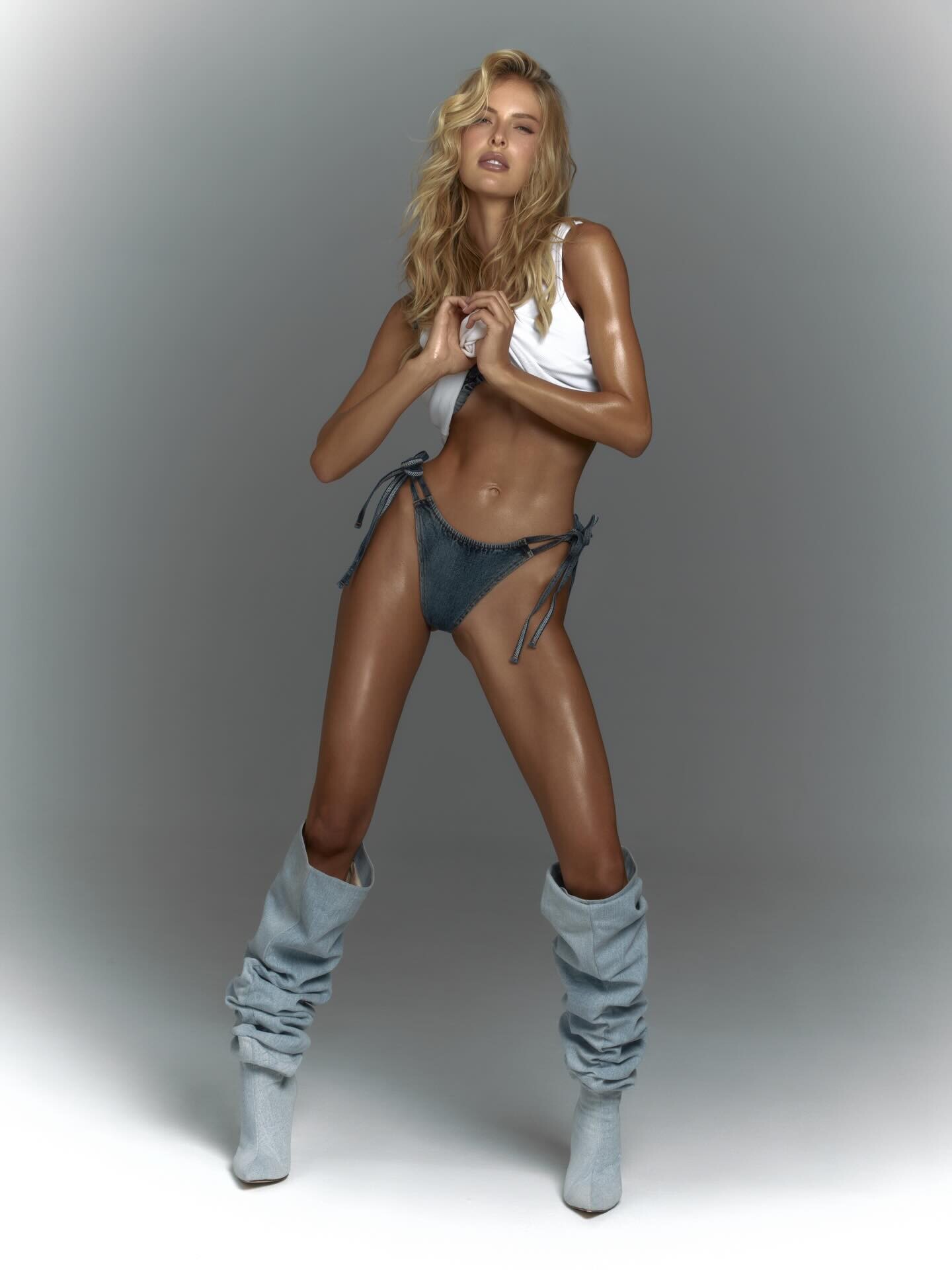
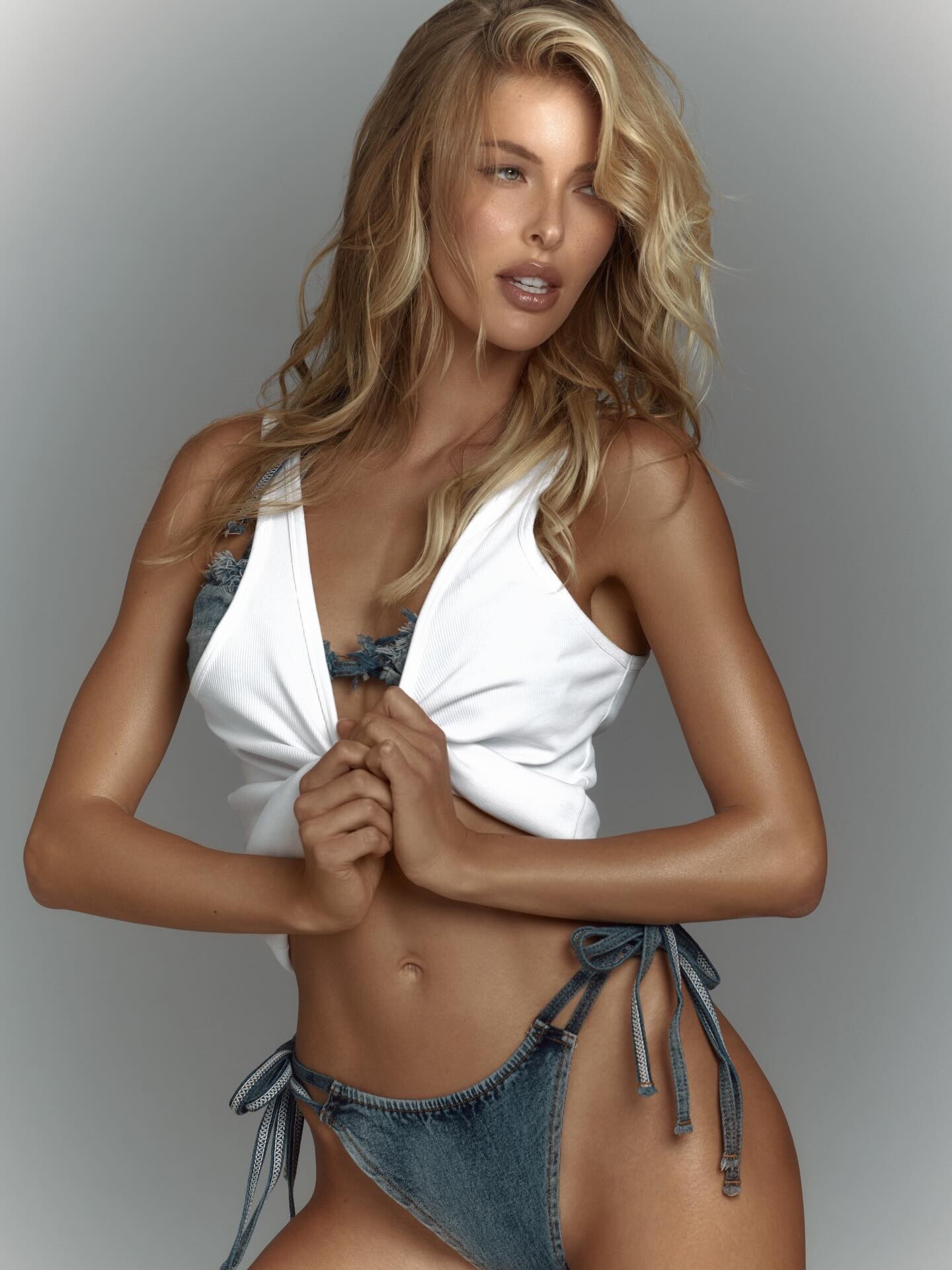
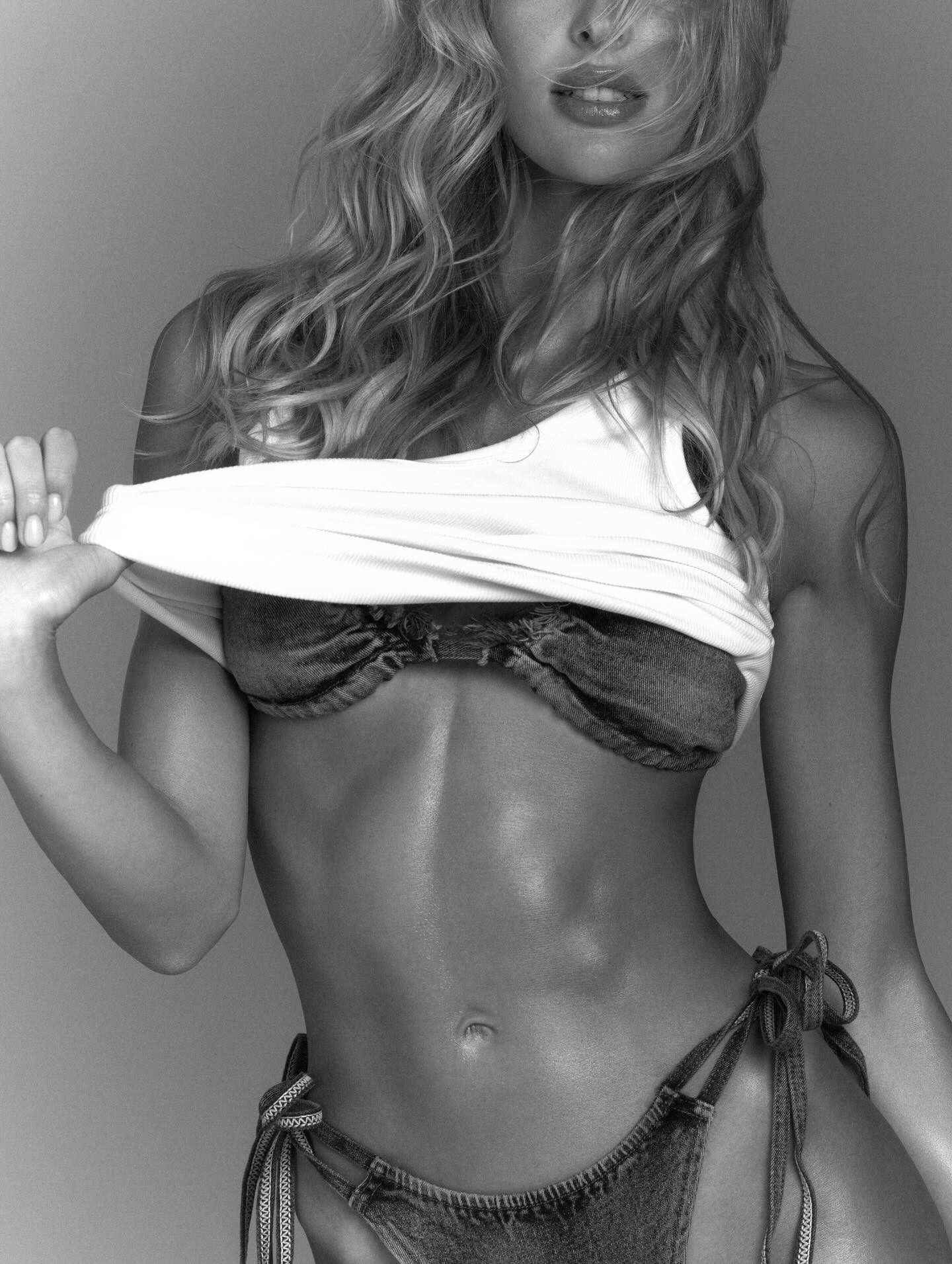
 Drope Beverly I1 Bikini (Blue Wave Pattern)
1771265091_da89e.thumb.jpg.36f025baf44e7e85b1fbdf70d57503bd.jpg)
1771265090_9536b.thumb.jpg.bdc3c281c9656080832a3fa49c2c6c27.jpg)
1771265091_9060e.thumb.jpg.108e2b9f5a1ea052e61efc4dfcd145de.jpg)
1771265091_93c61.thumb.jpg.552d1e2b81b1e23c722b3a4c95b8e66f.jpg)
-
-
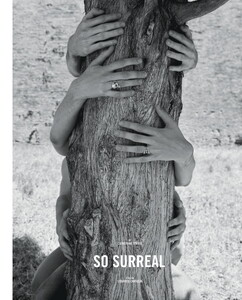
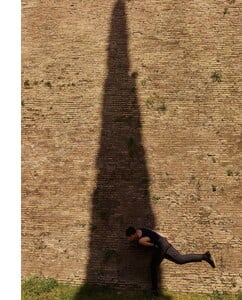
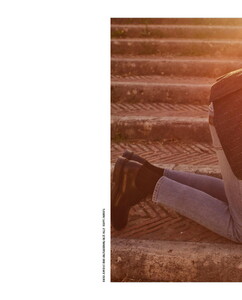
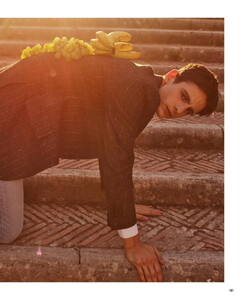
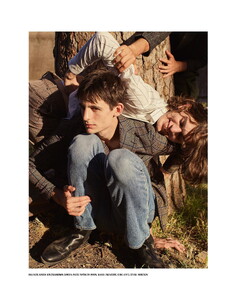
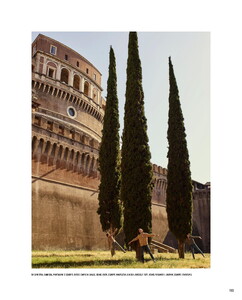
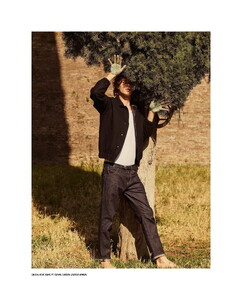
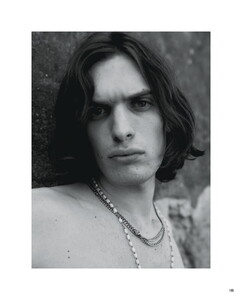
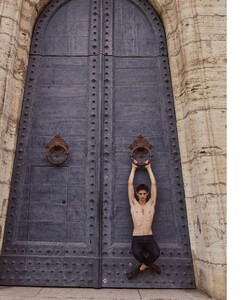
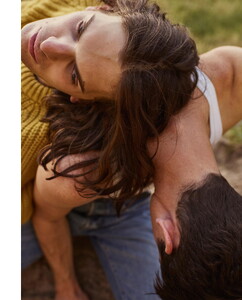
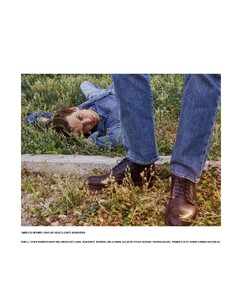
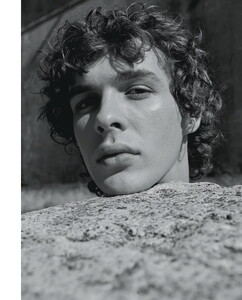
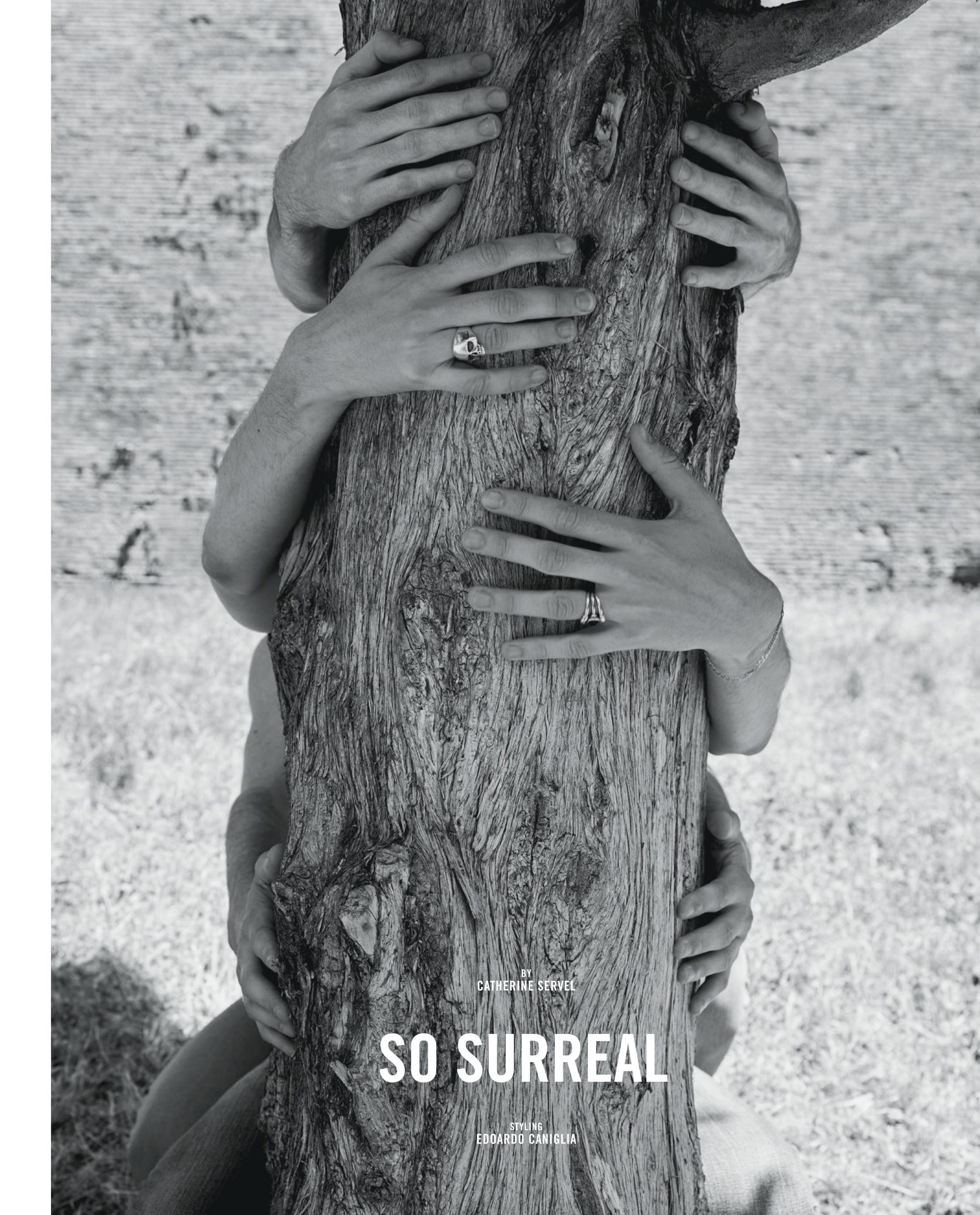
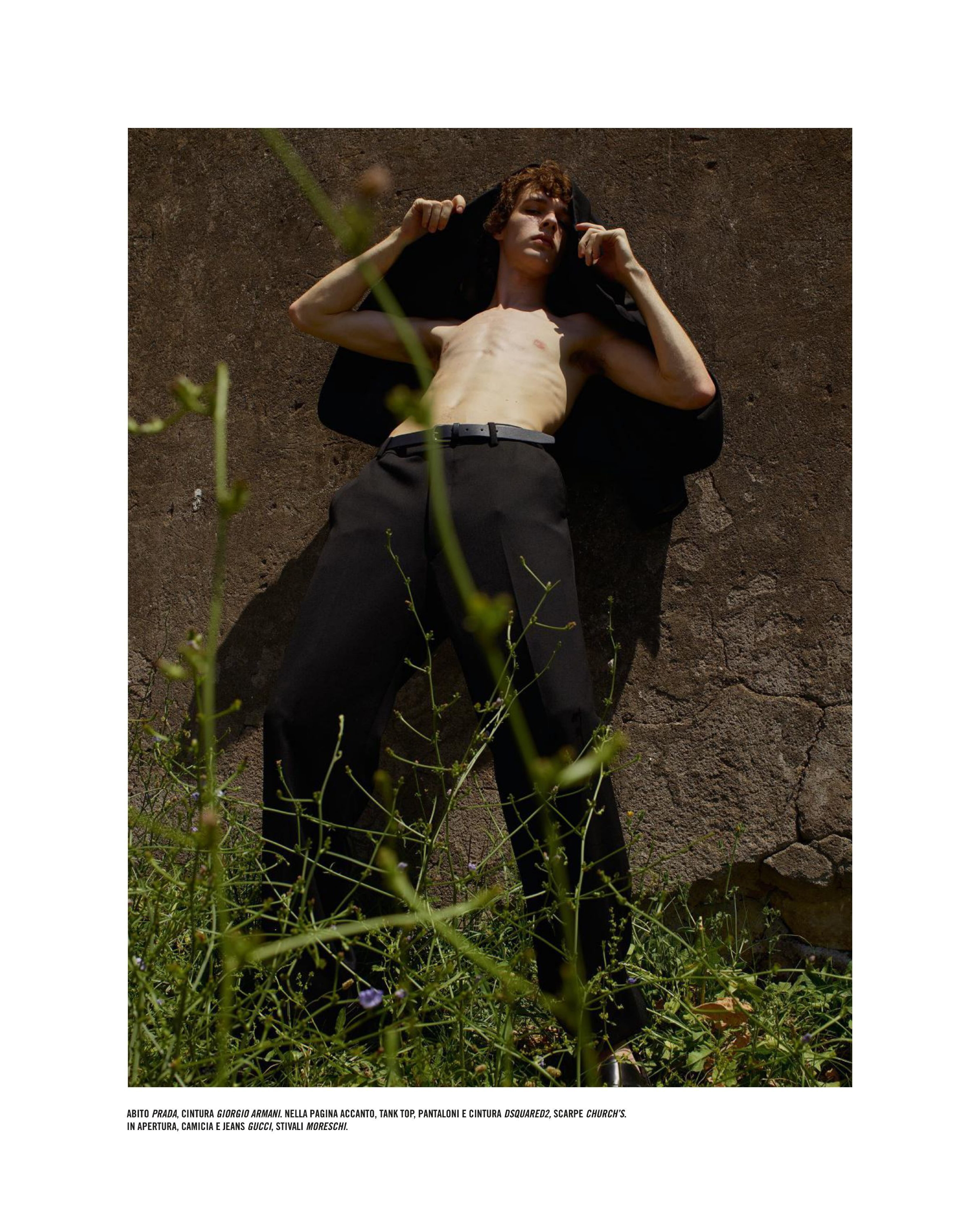

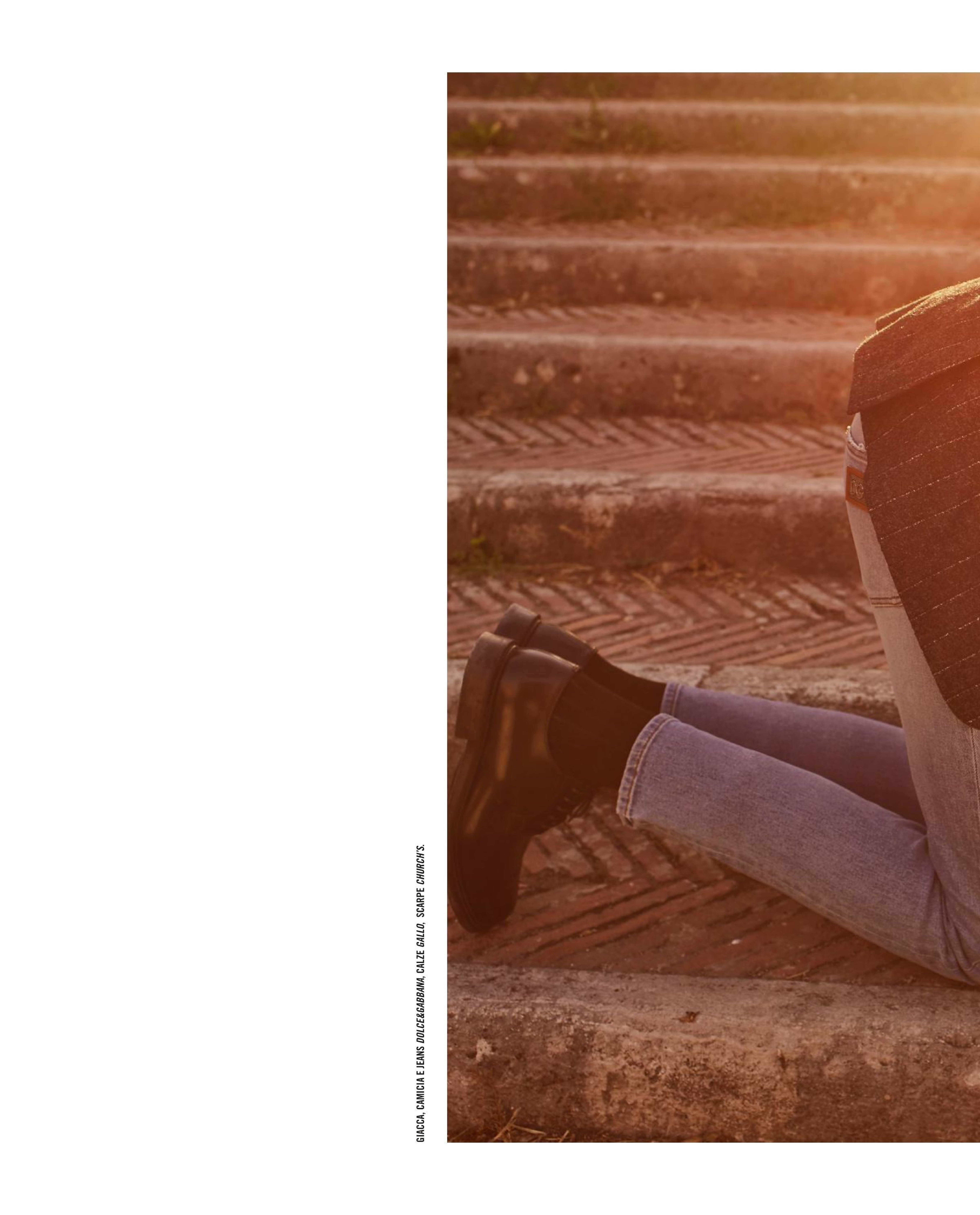
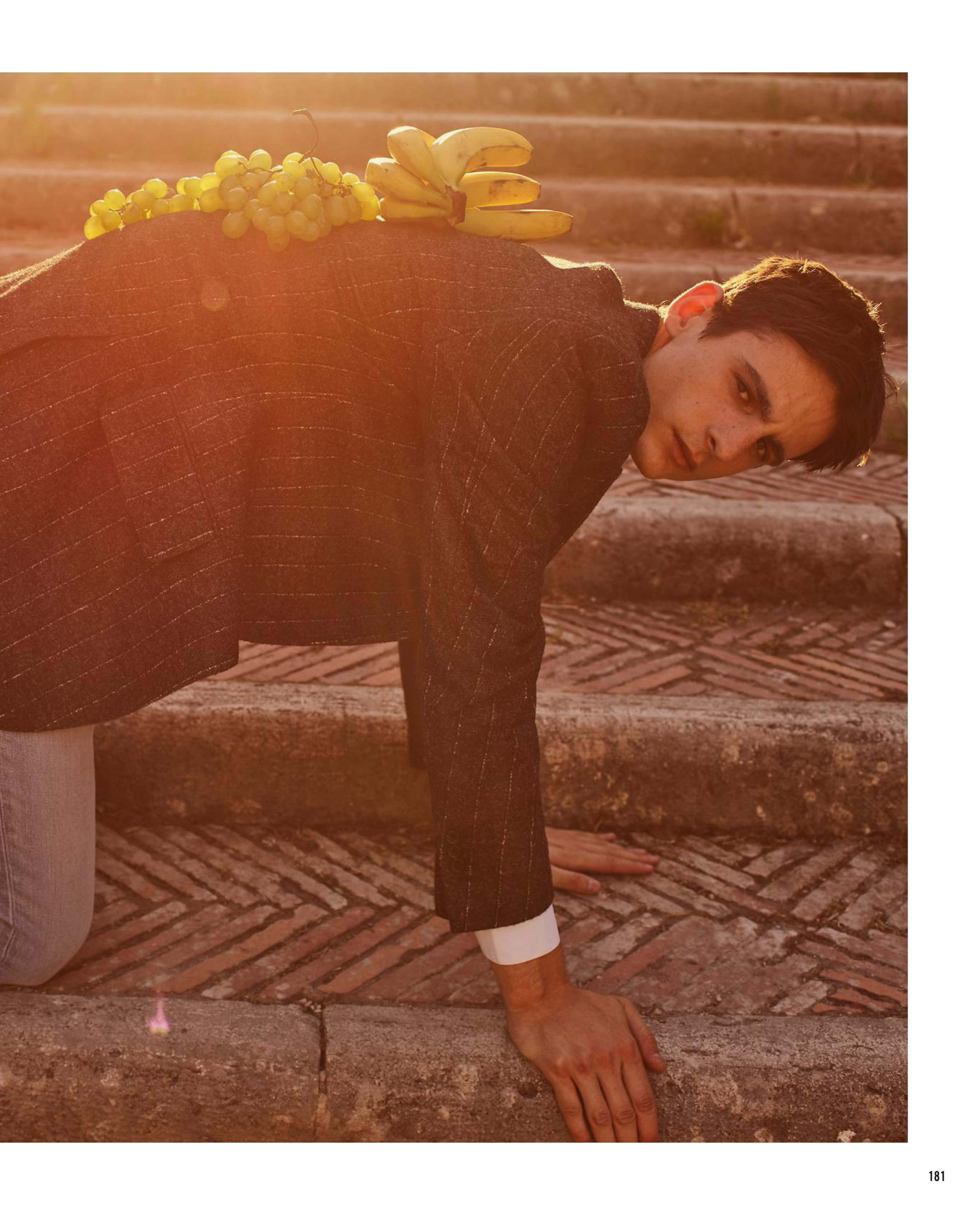

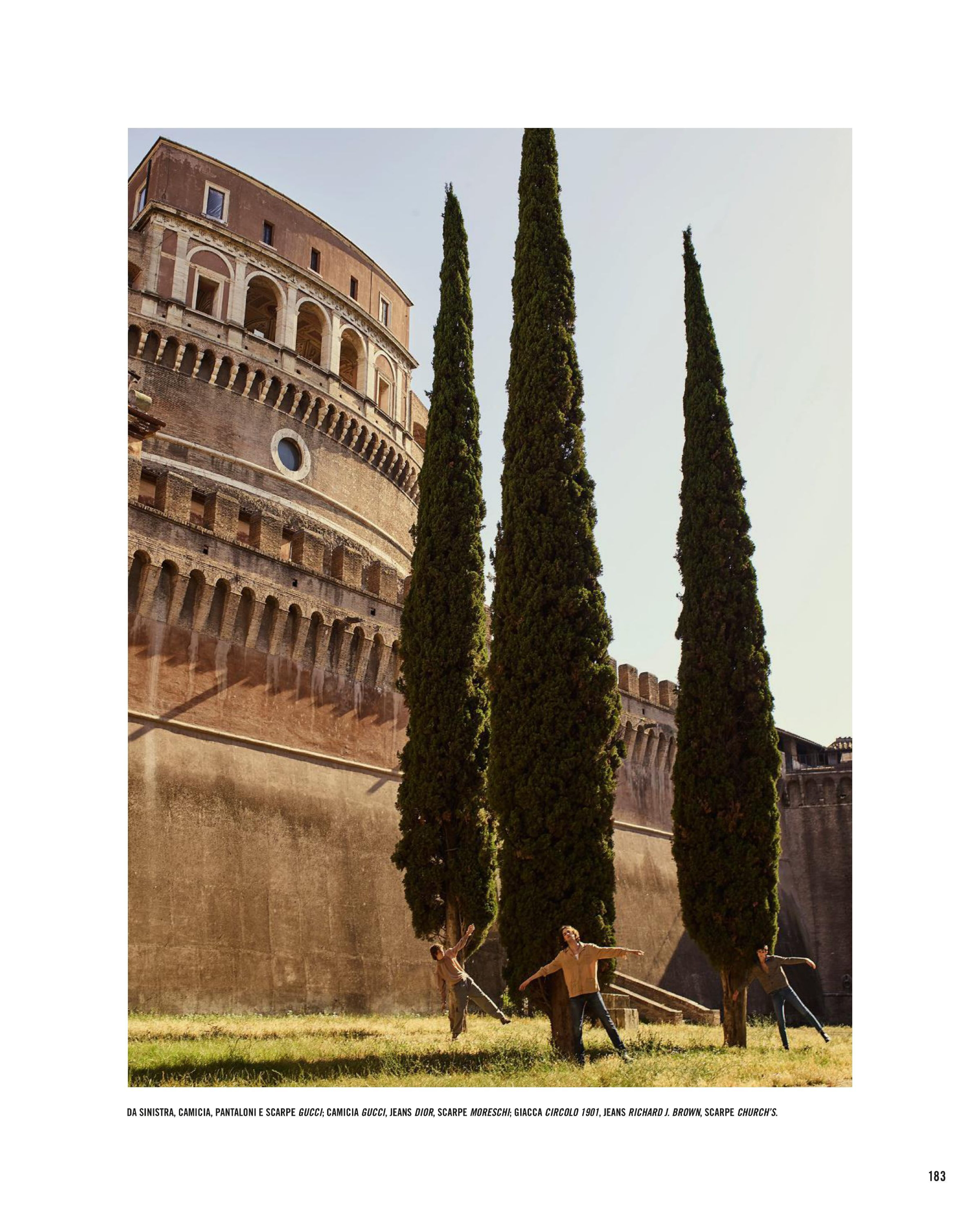
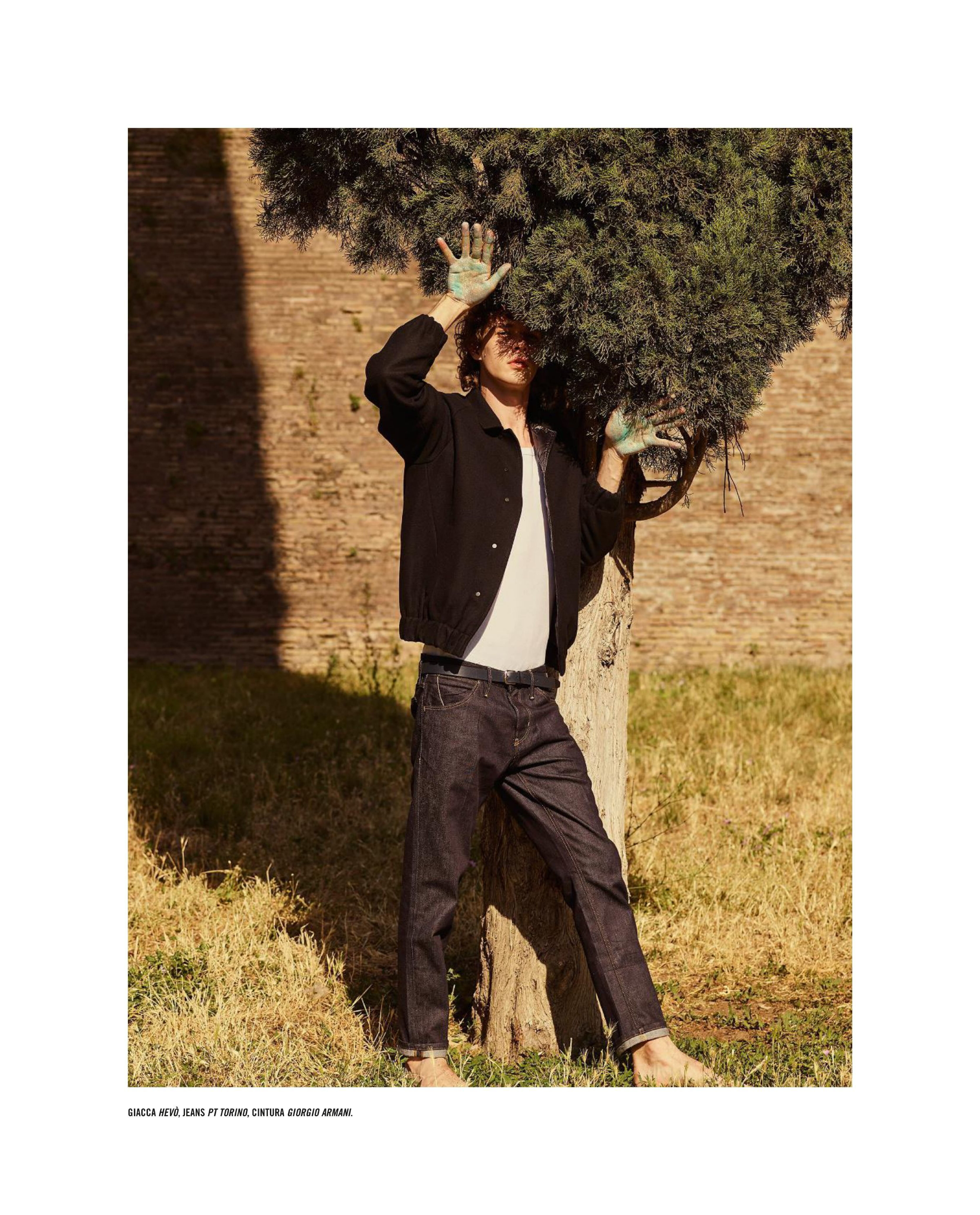
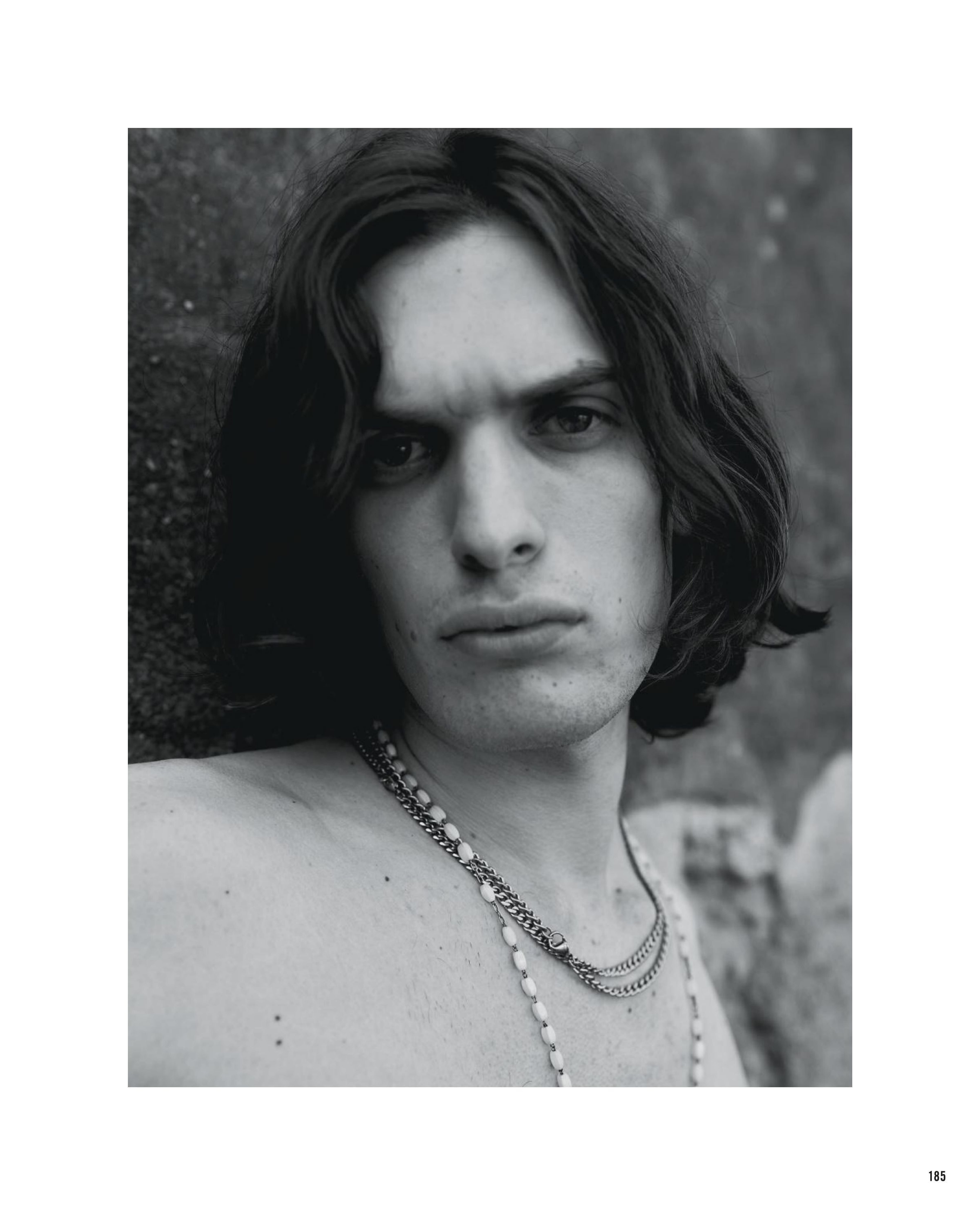
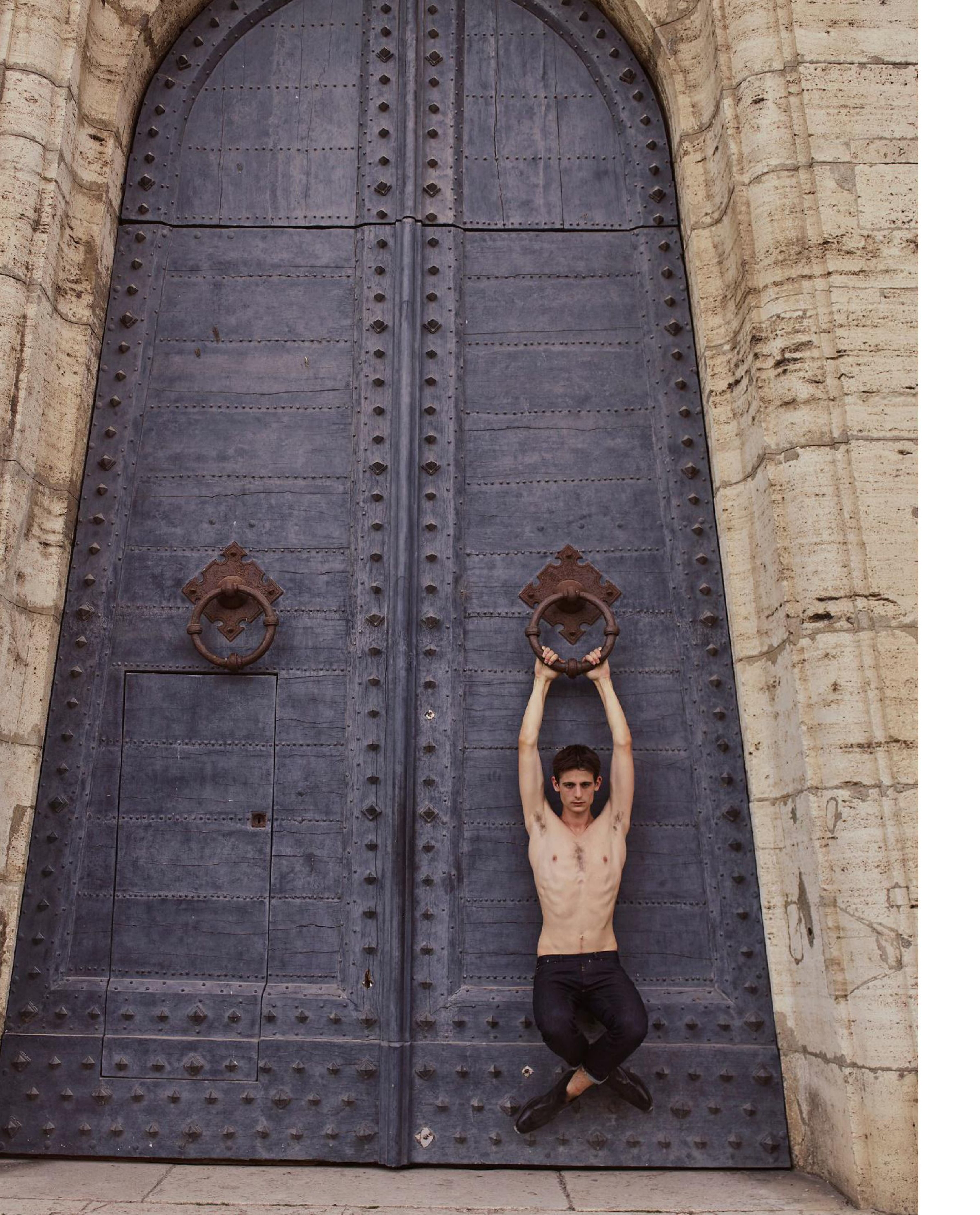
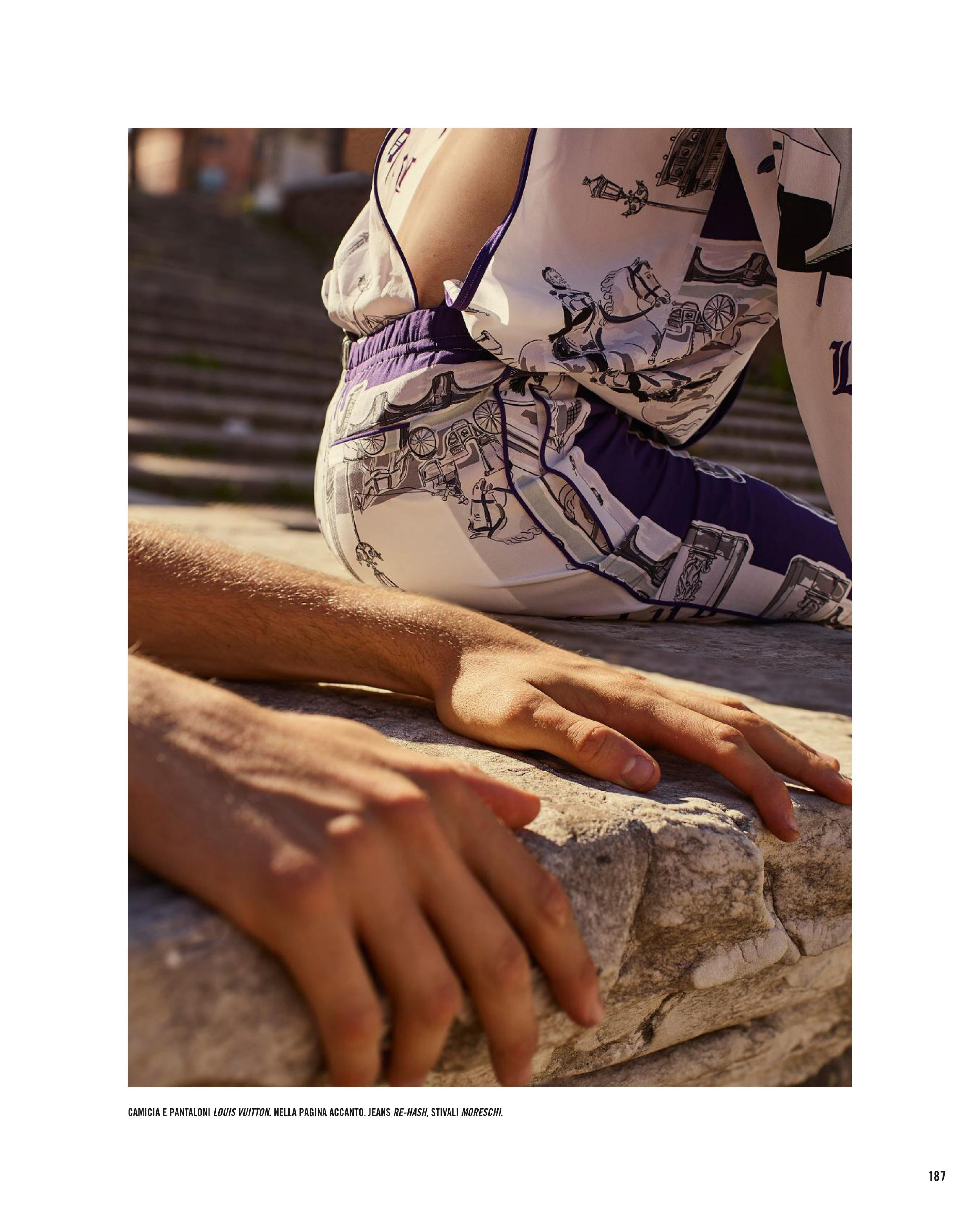
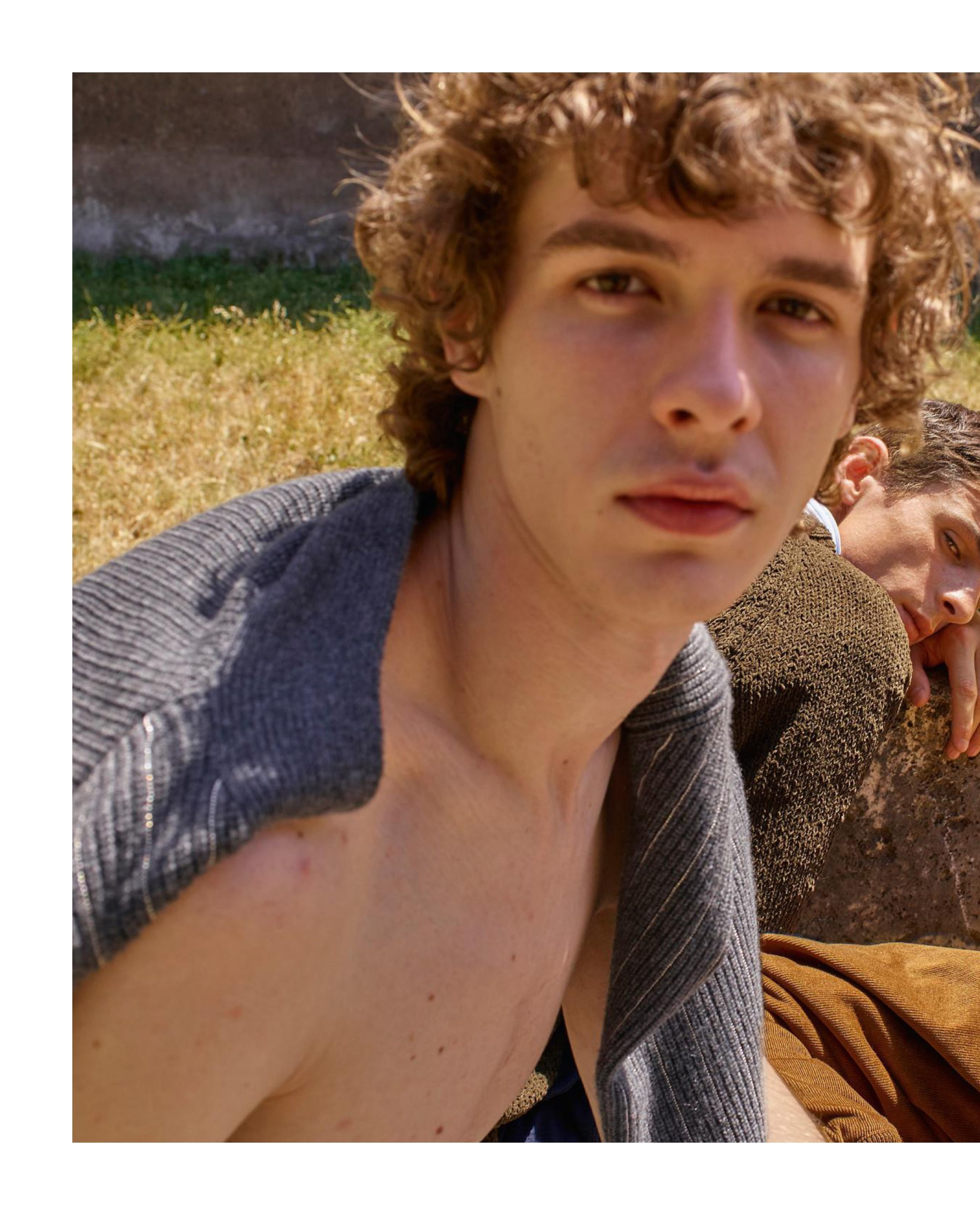
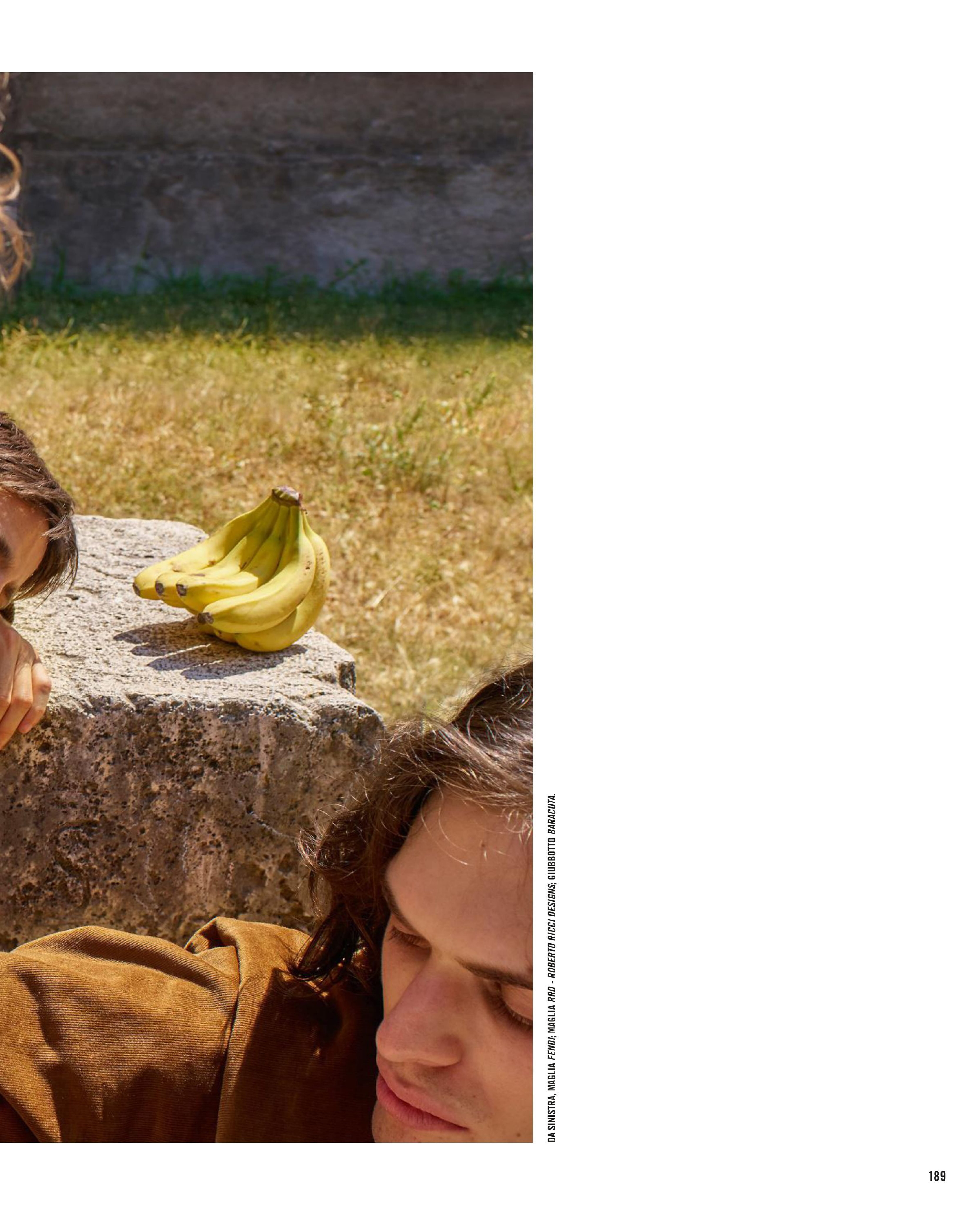
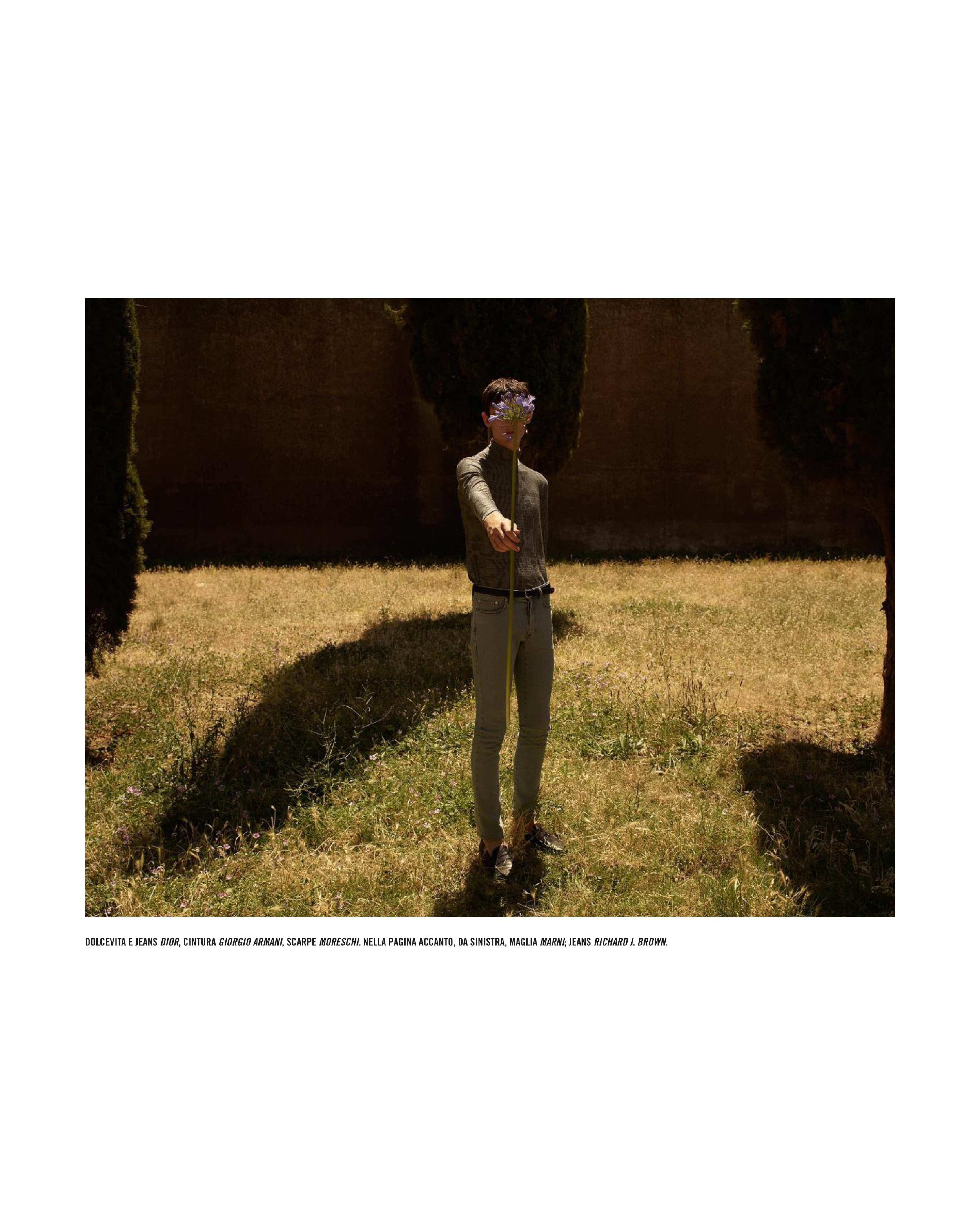
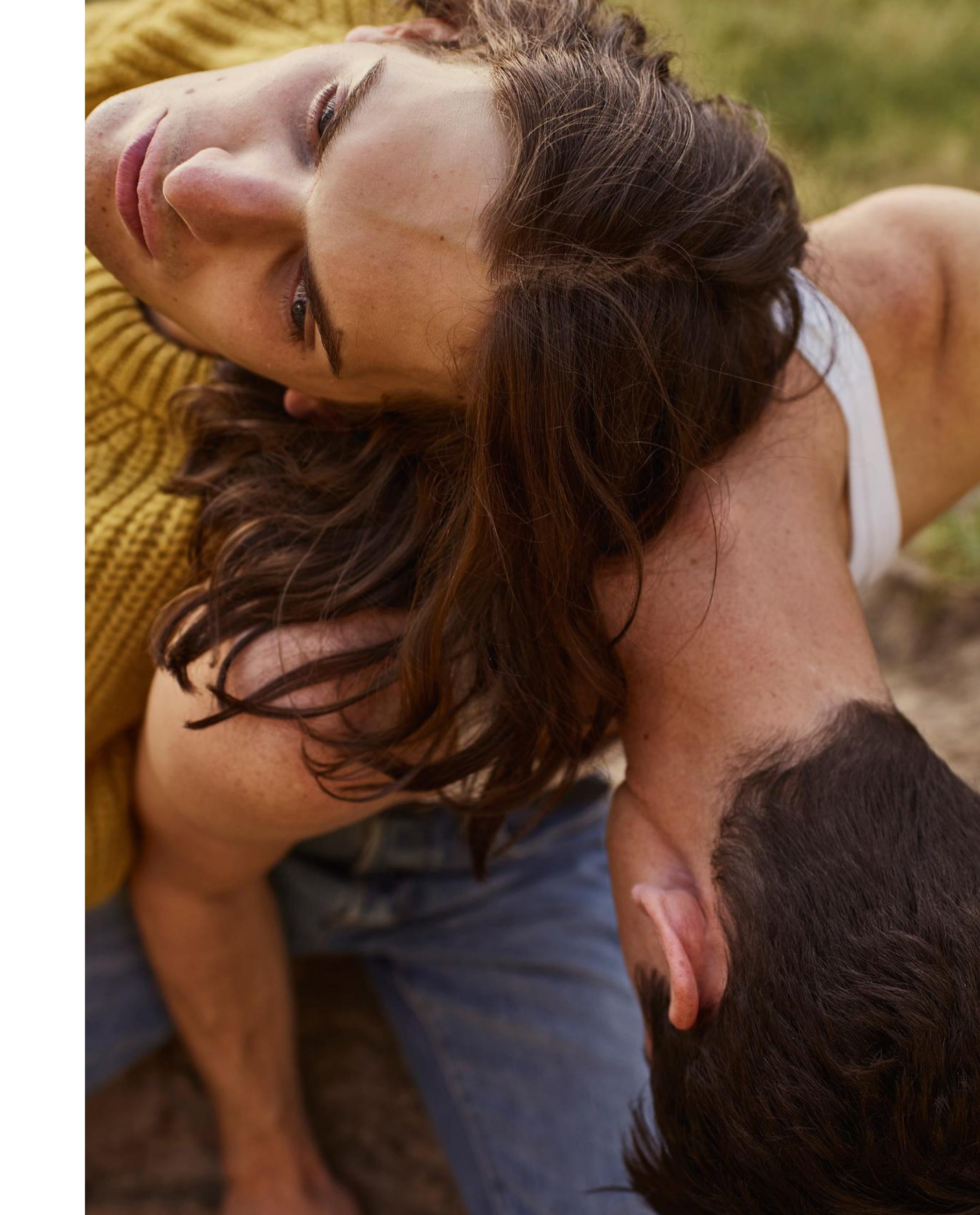
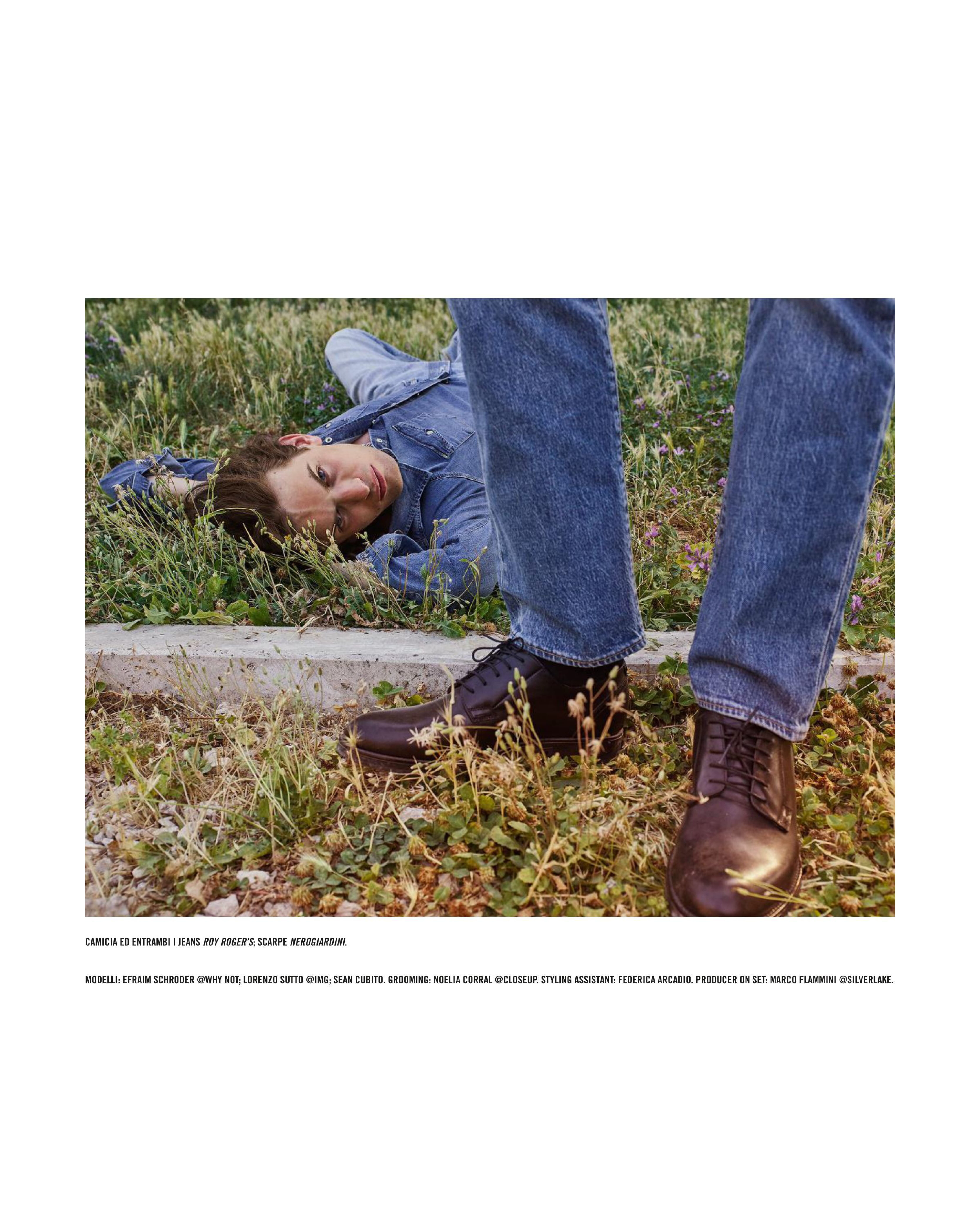
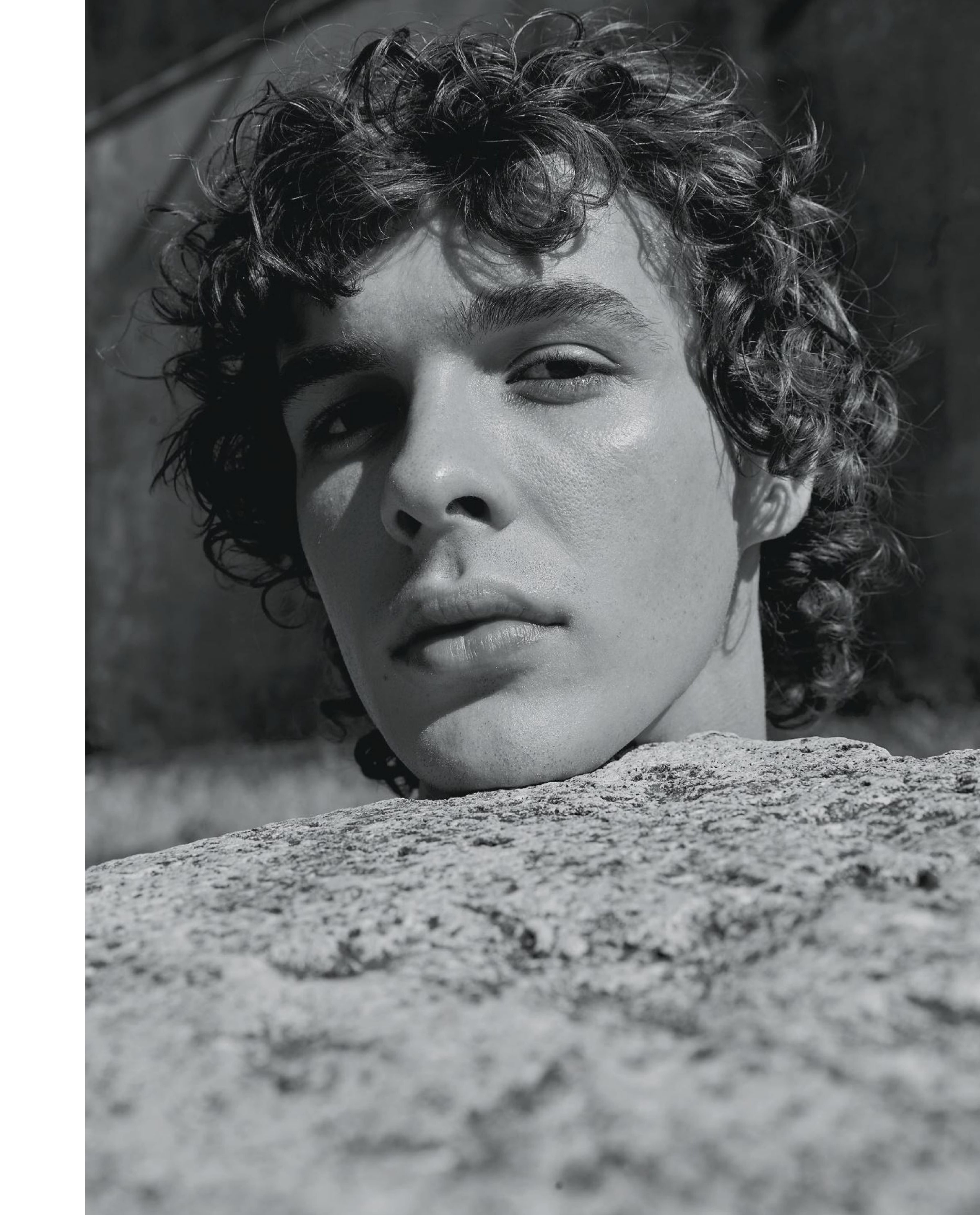
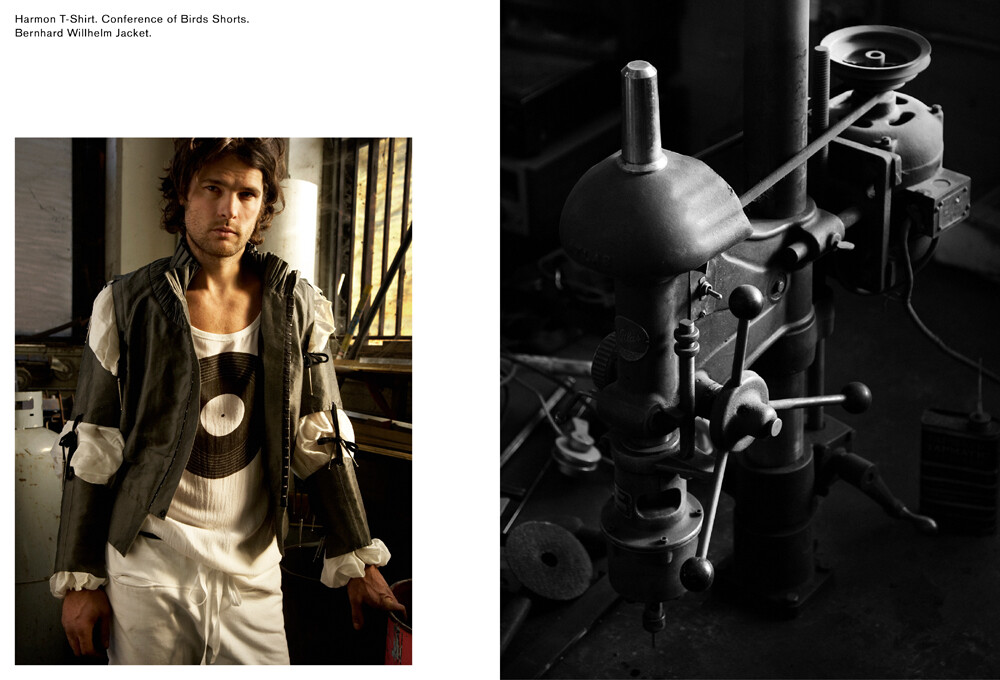
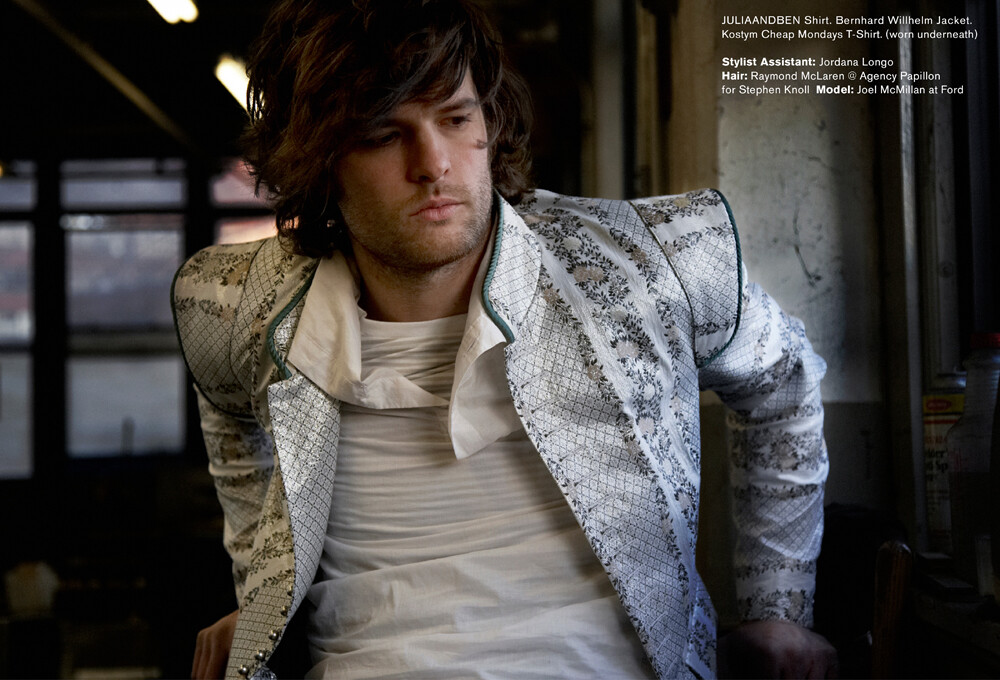
 Icon Italia October 2019 "So Surreal" Models: Efraim Schroder, Lorenzo Sutto & Sean Cubito Photographer: Catherine Servel Stylist: Edoardo Caniglia Grooming: Noel Corral Icon Italia Digital Edition via Benn98 at The Fashion Spot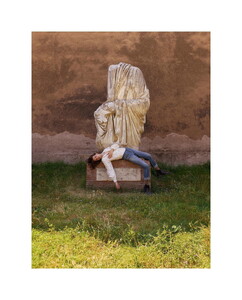
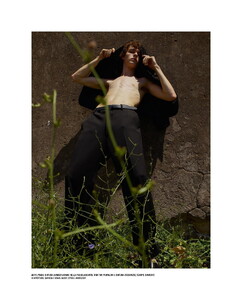
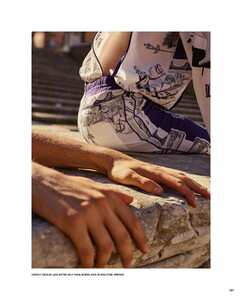
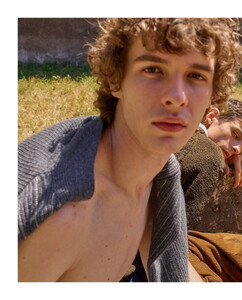
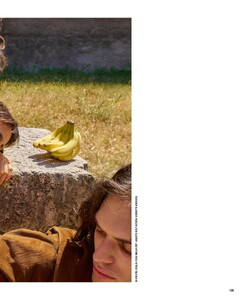
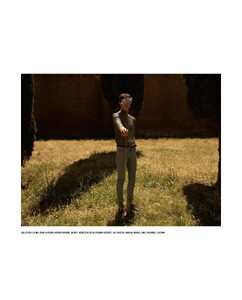
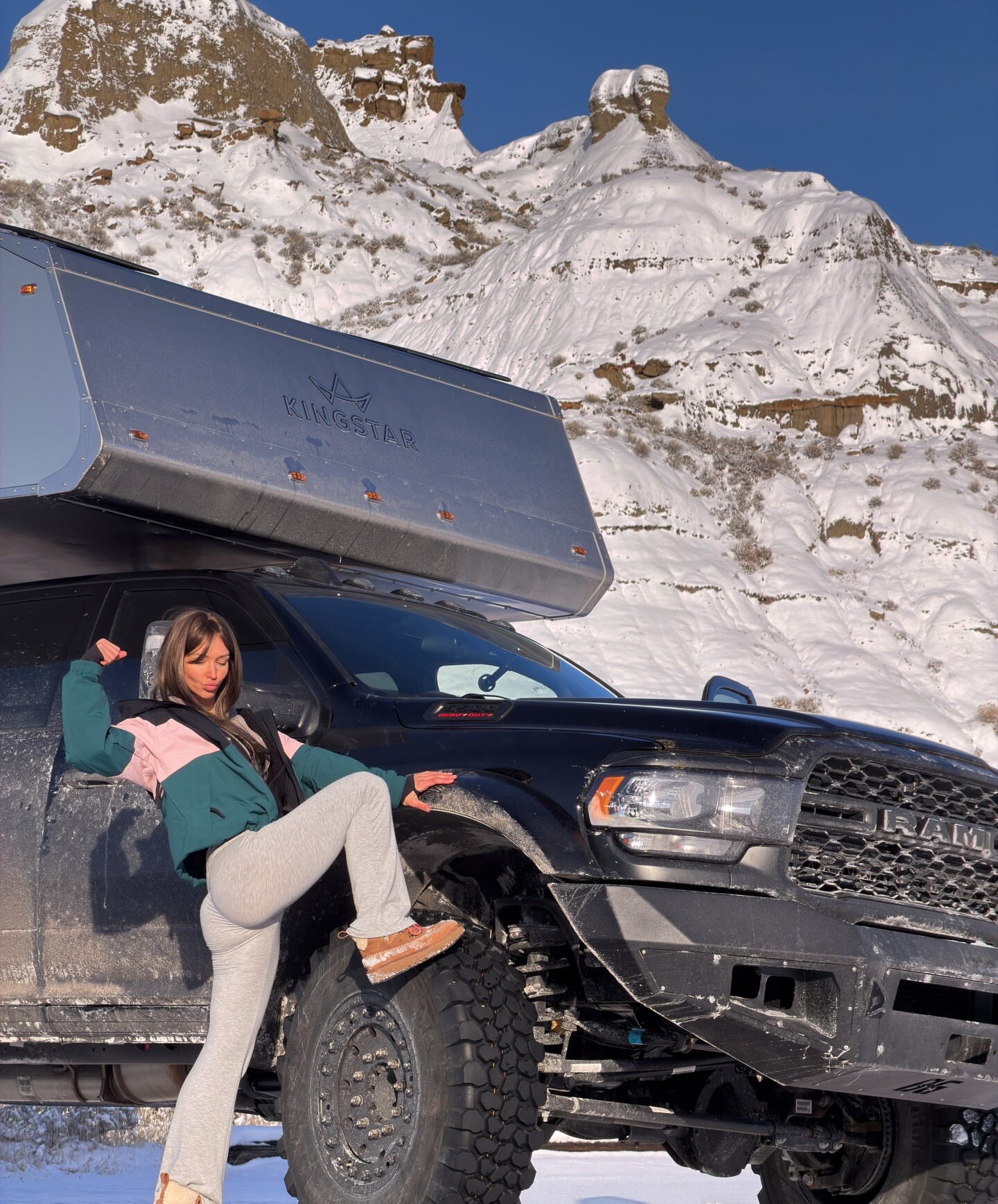
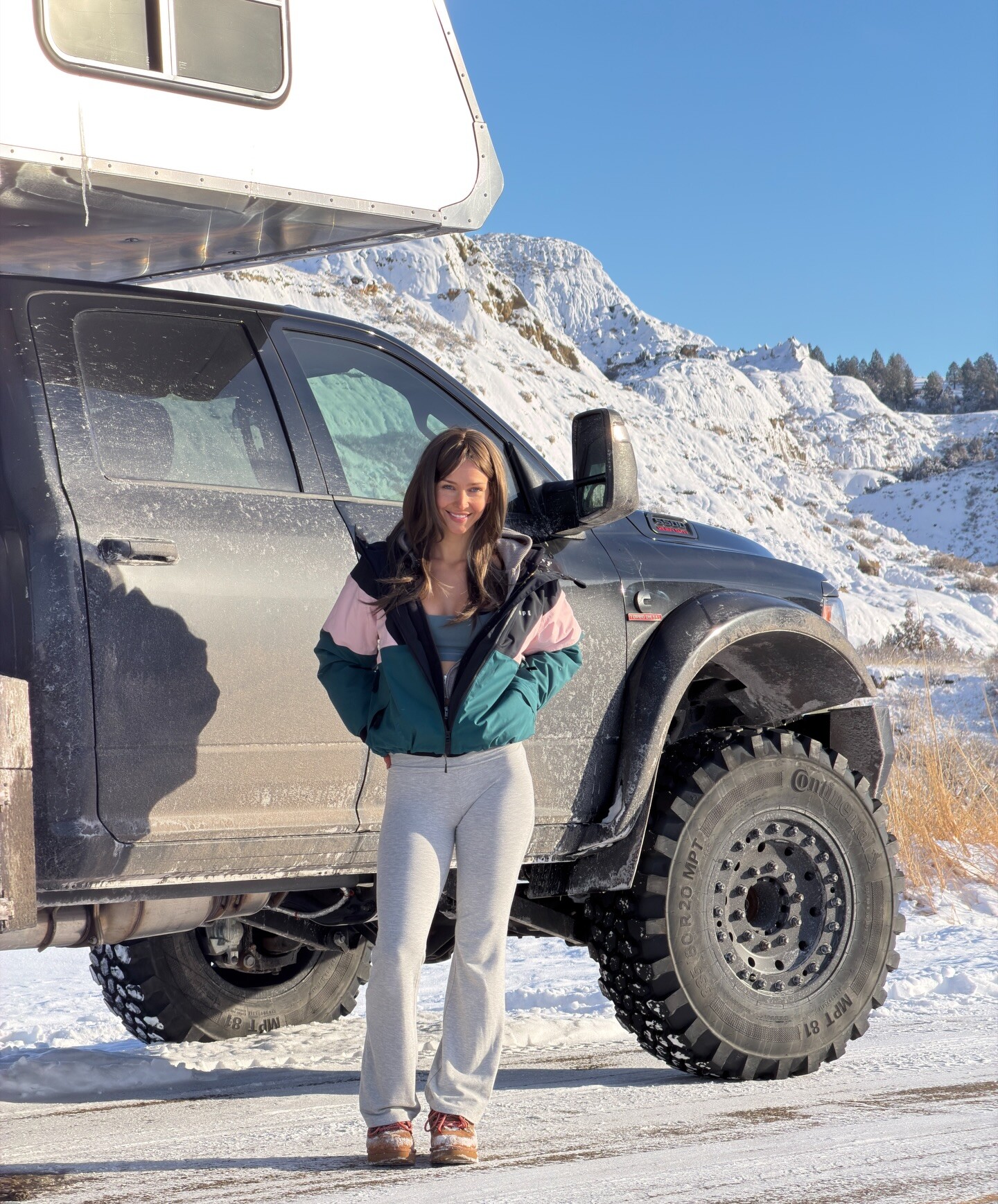
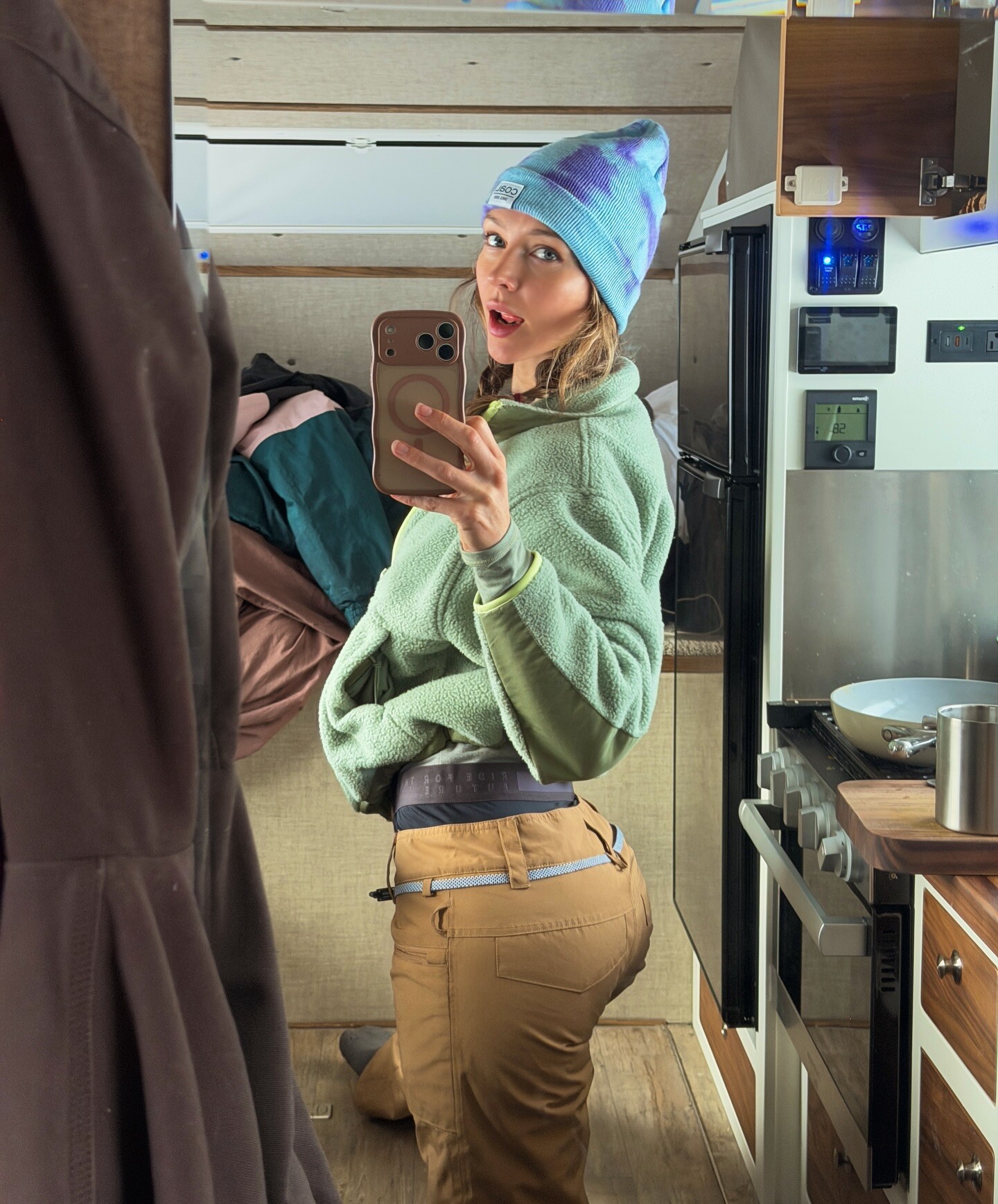
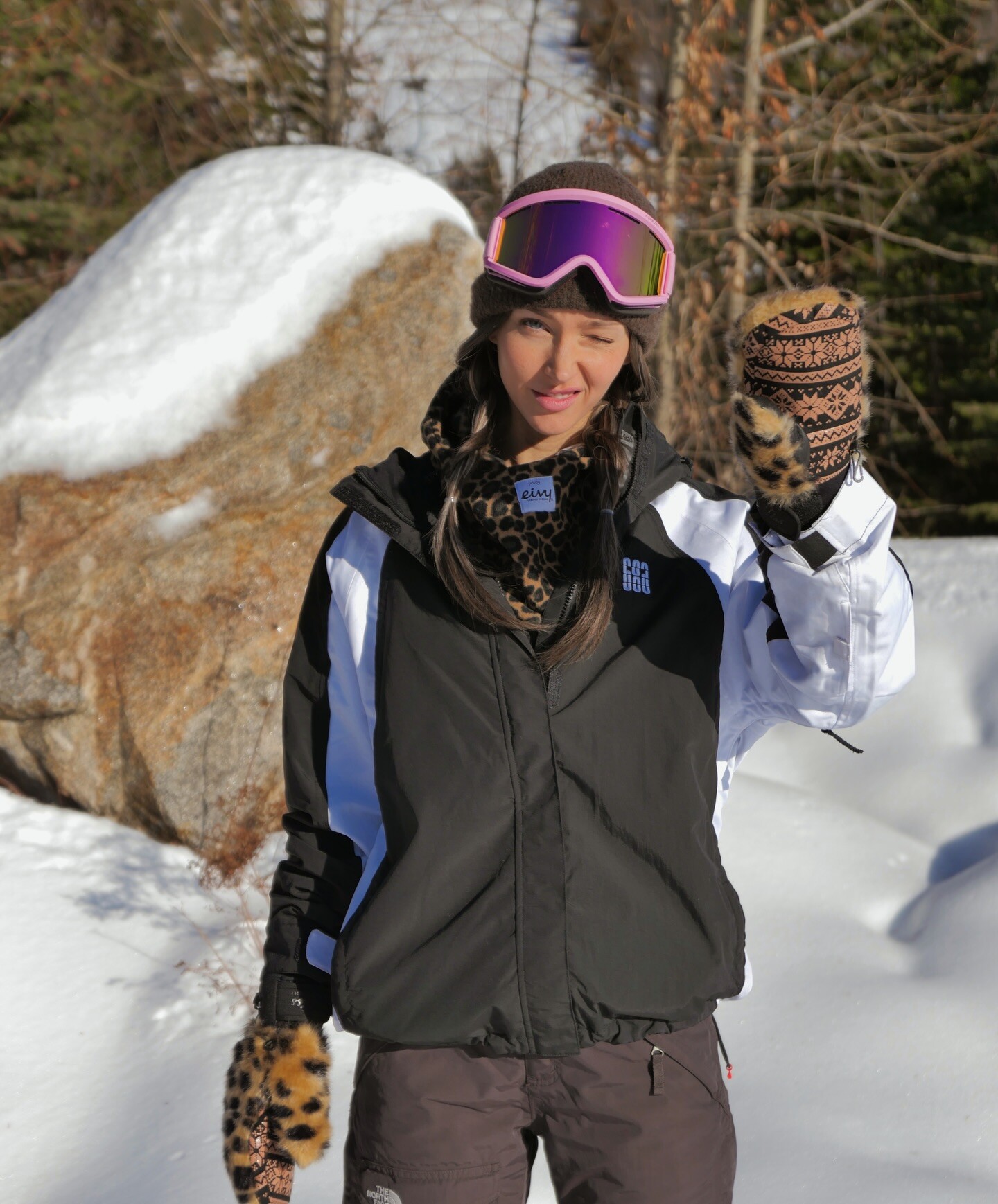
 Picking up my camper vlog is out on YT now 😋 video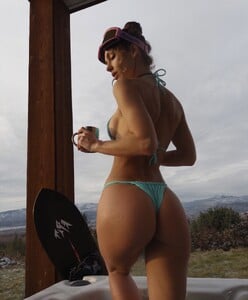


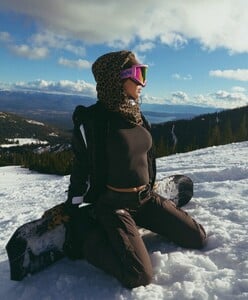


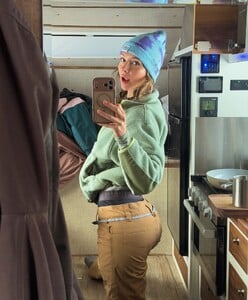
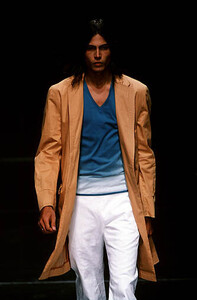
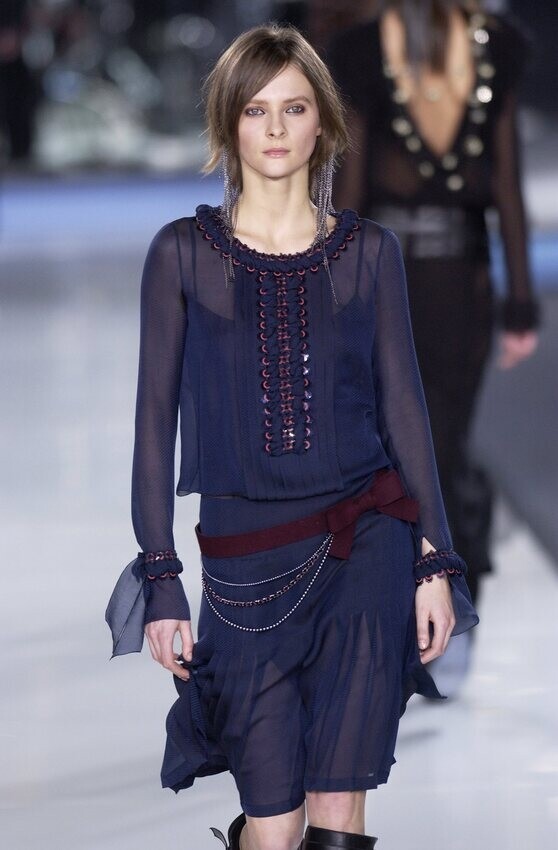
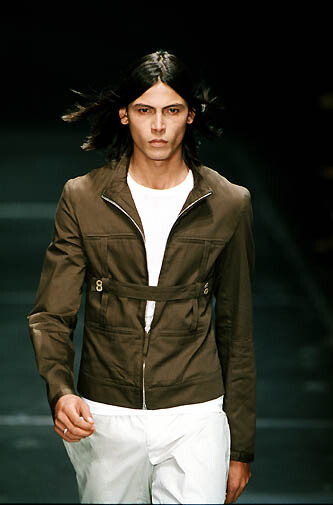
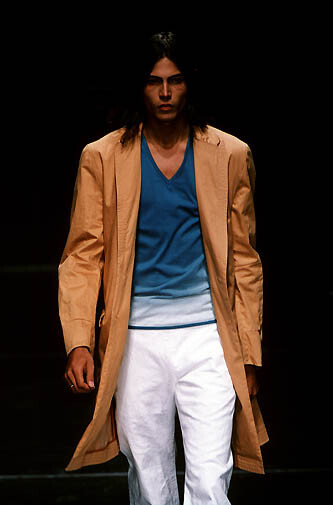
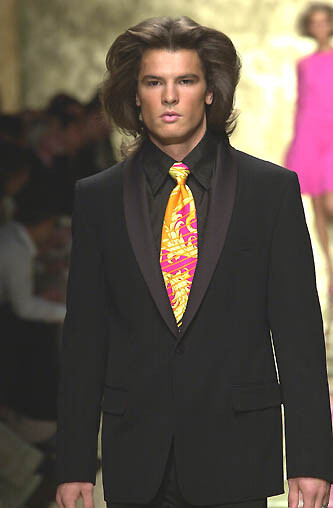
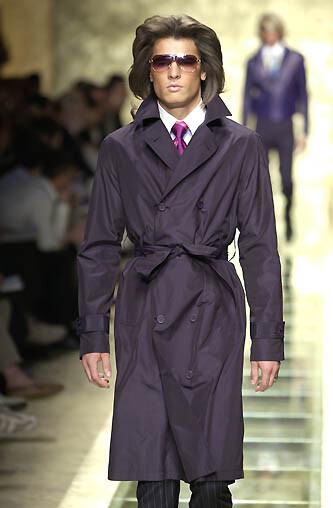
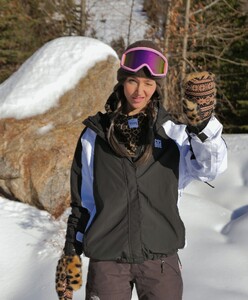 versus menswear s/s 2000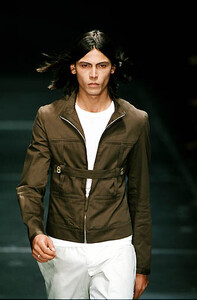
 Jose Andres Gil📷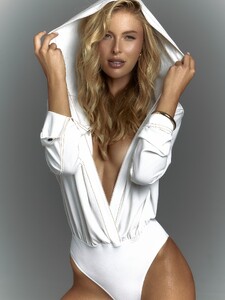
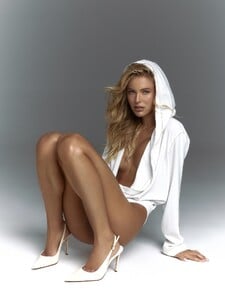
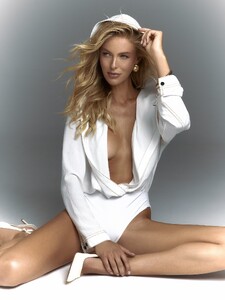
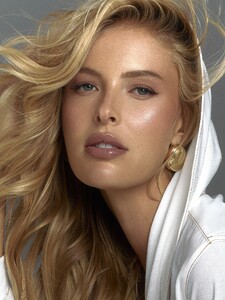
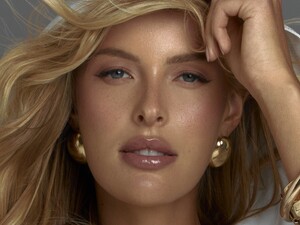
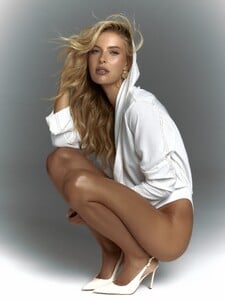
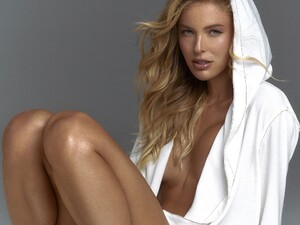
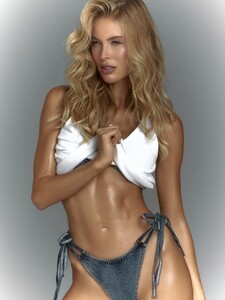
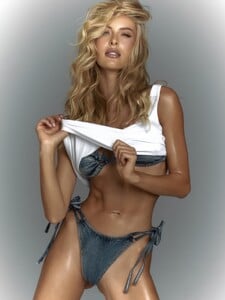
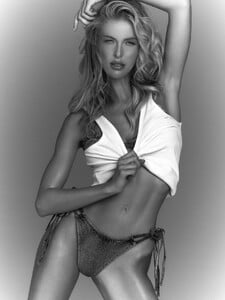 Mari Vareca📷 VIDS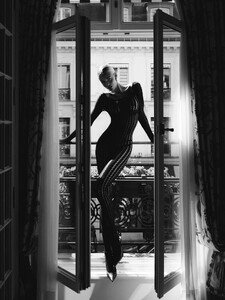
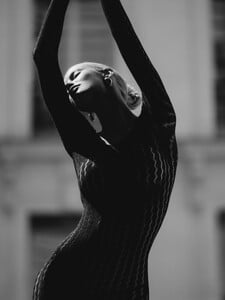
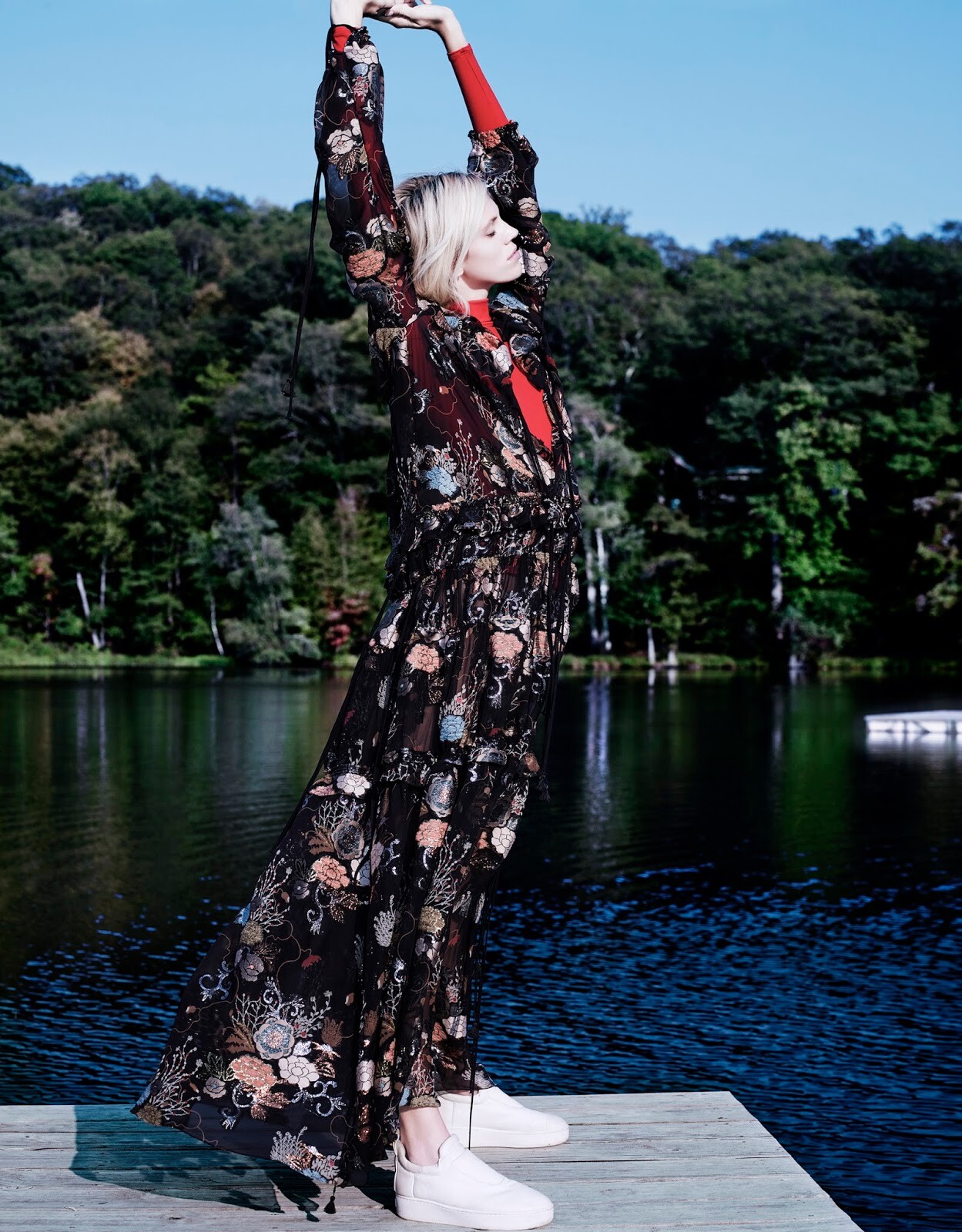
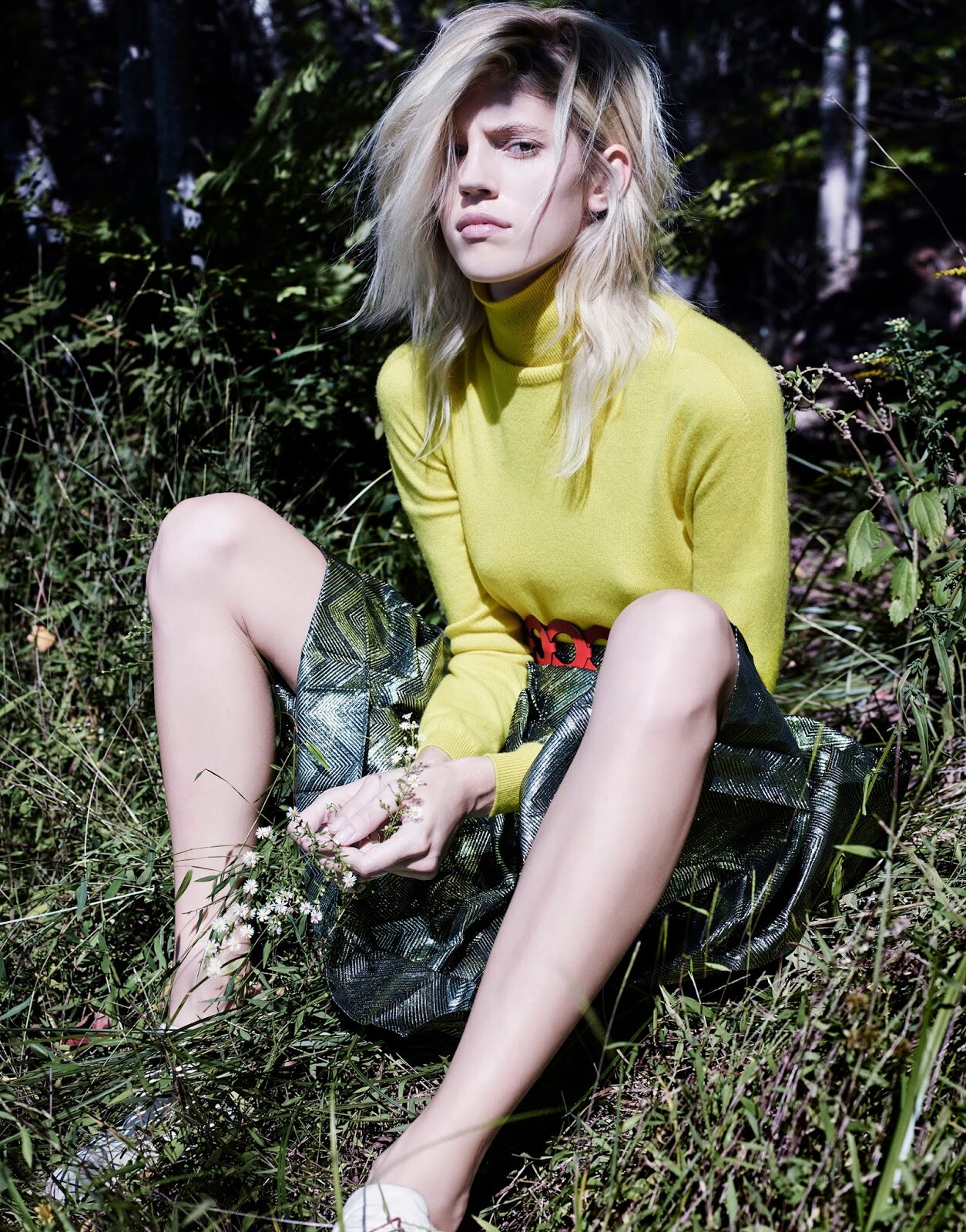
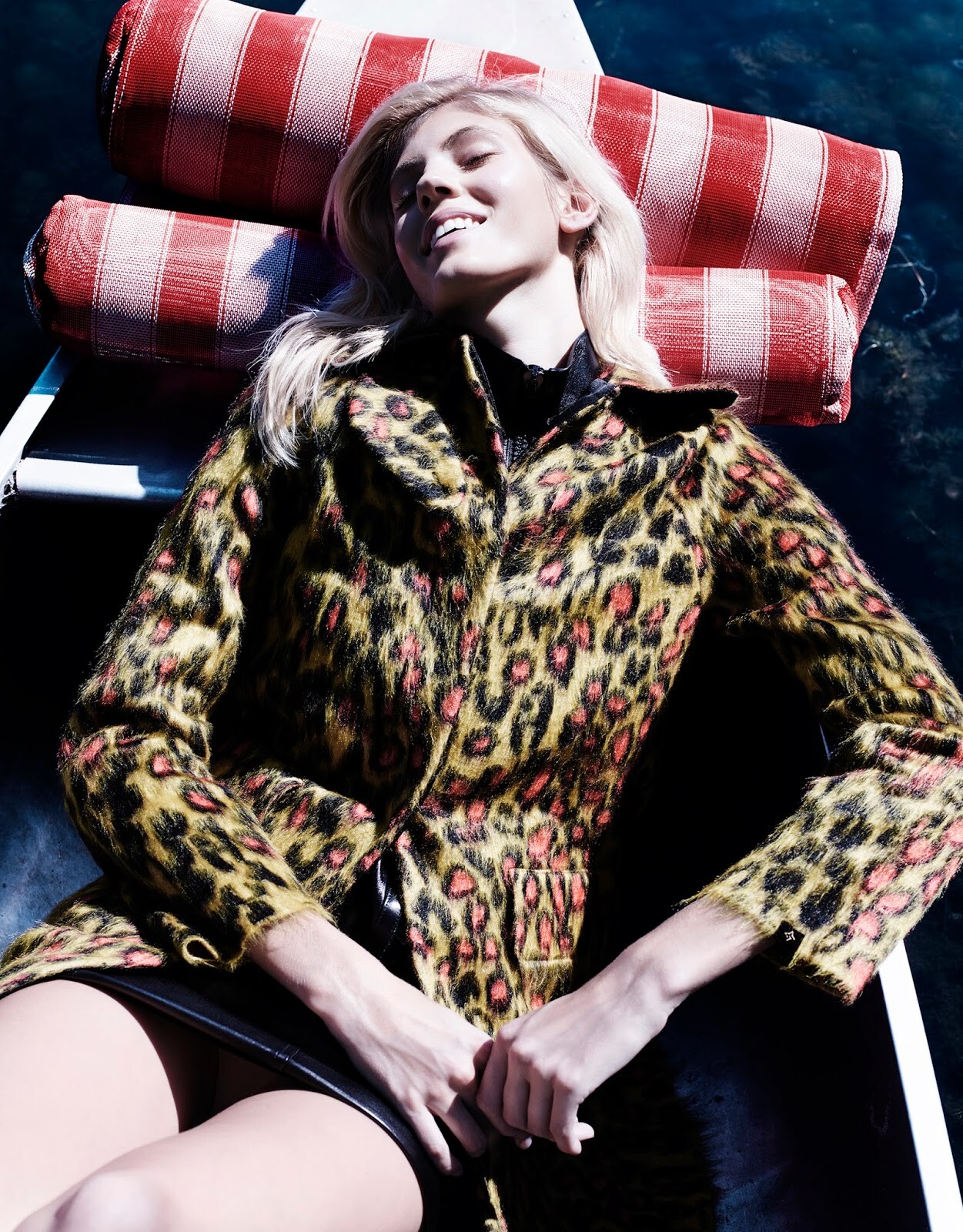
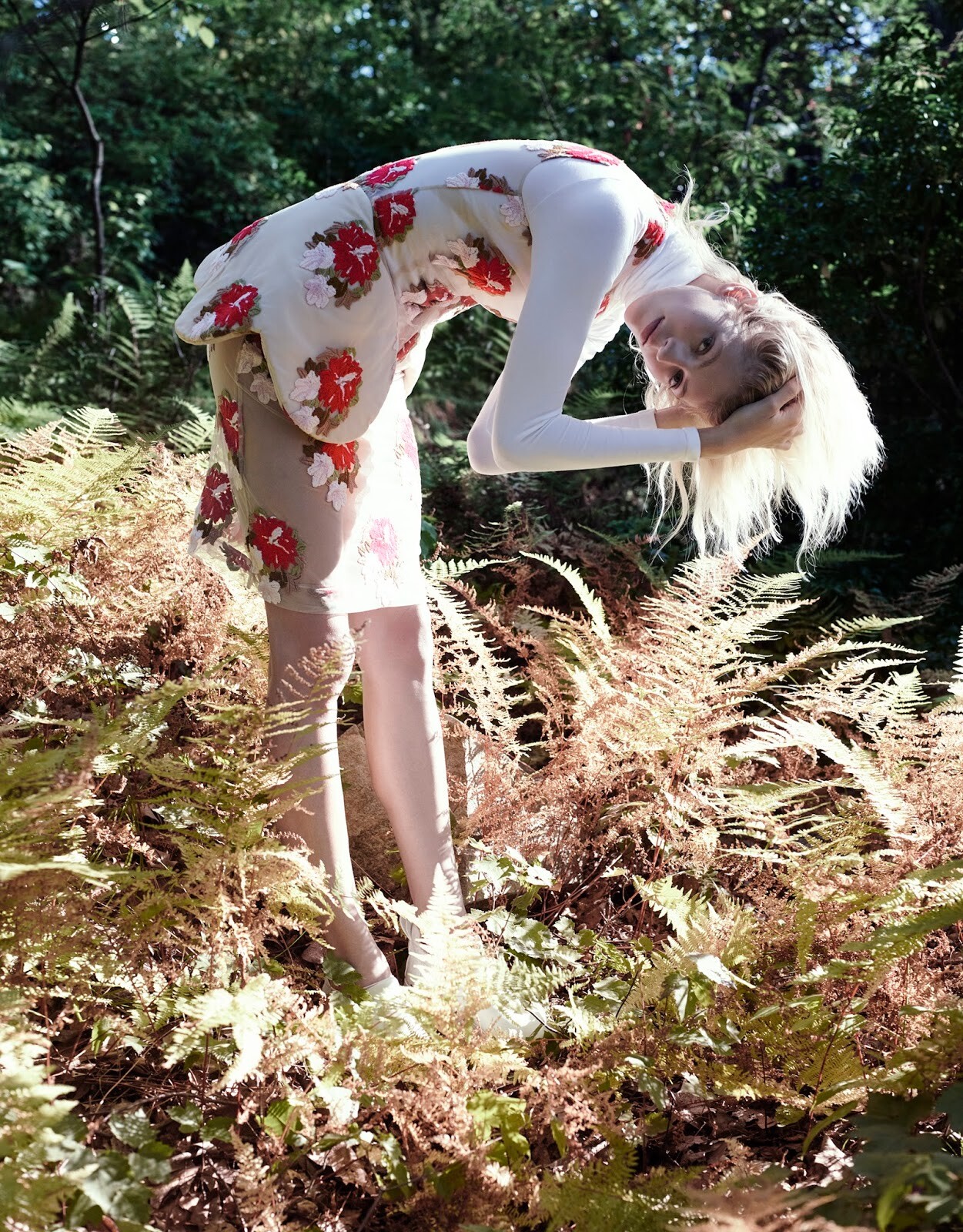
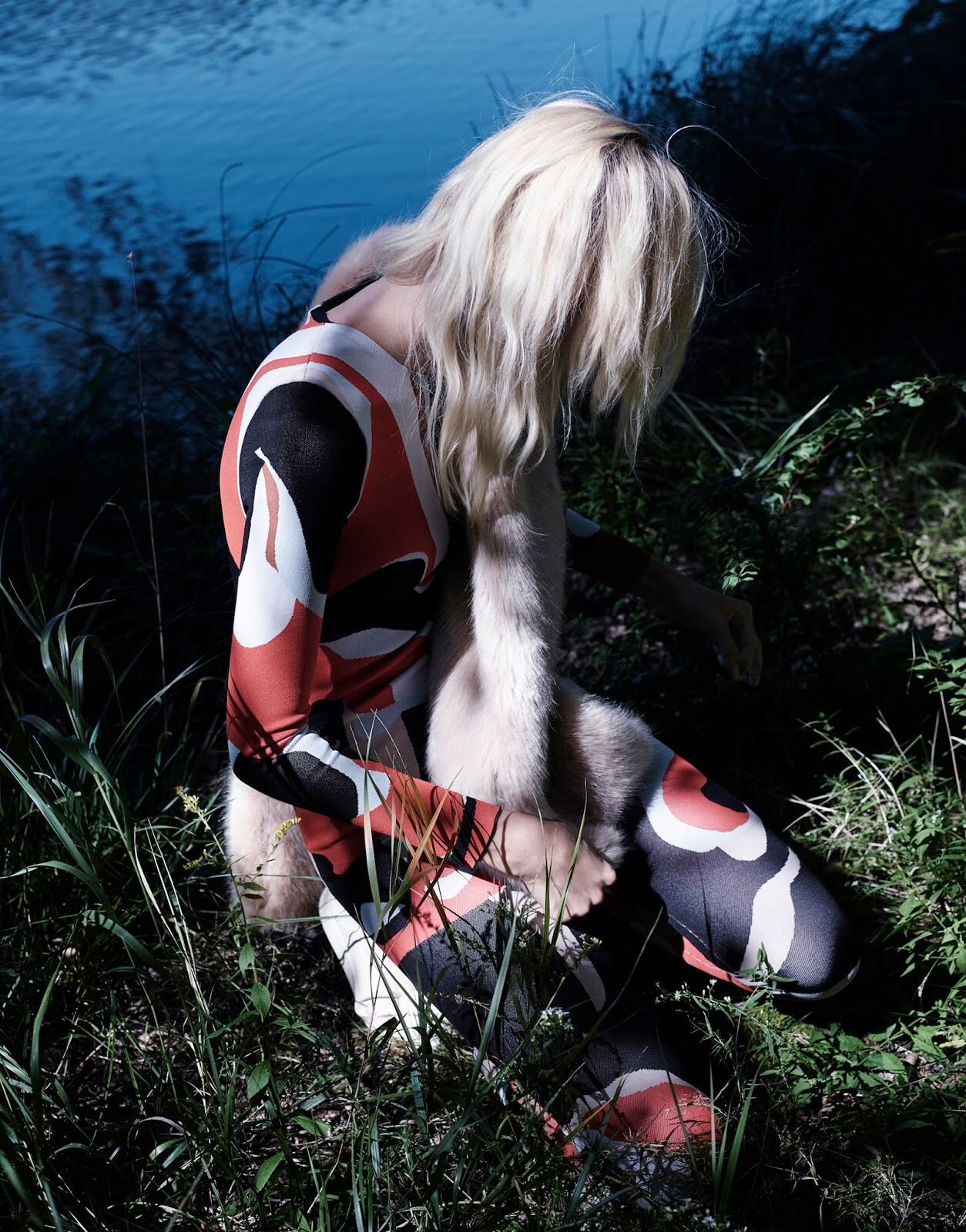
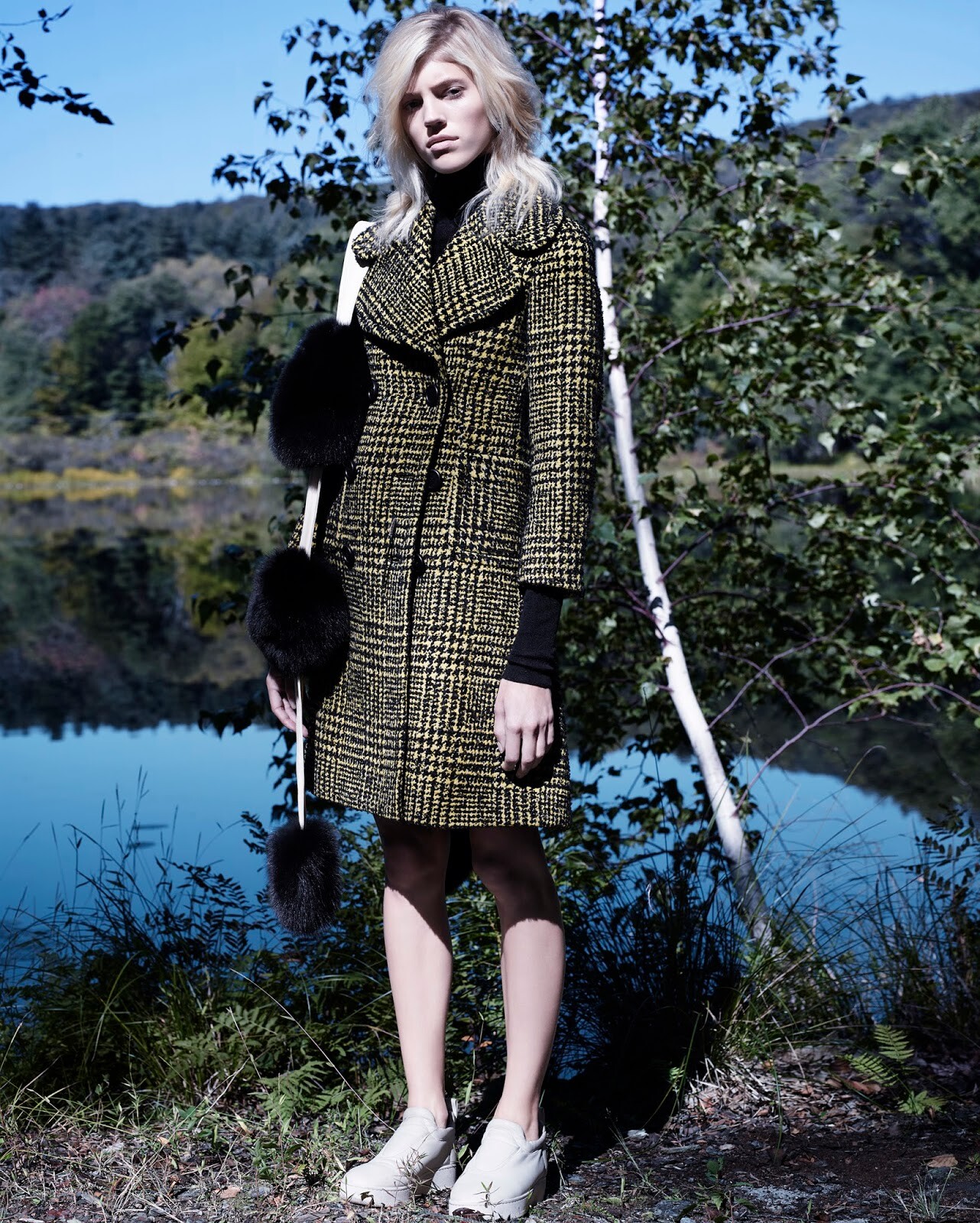
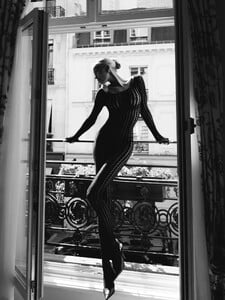 Numéro Tokyo #93 December 2015 "My Secret Place" Model: Devon Windsor Photographer: Catherine Servel Stylist: Catherine Newell-Hanson Hair: Ward Stegerhoek Makeup: Ayami Nishimura awake-smile.blogspot.com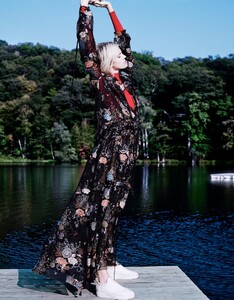
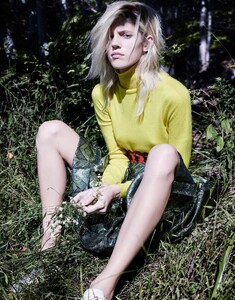
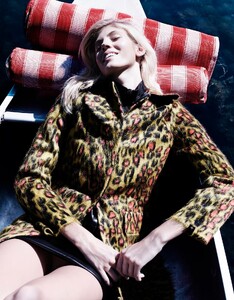
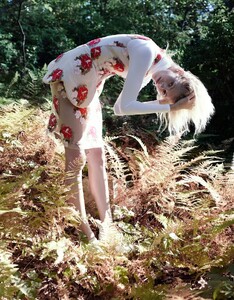
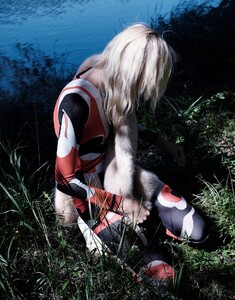
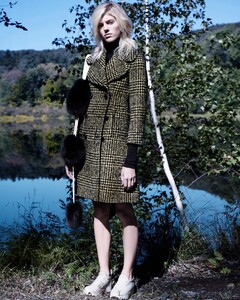

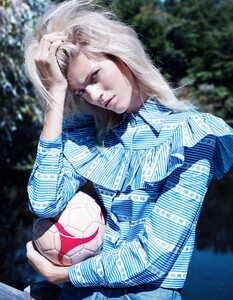
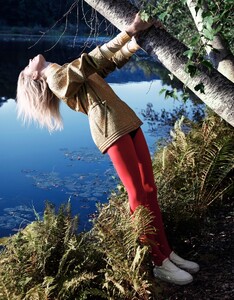
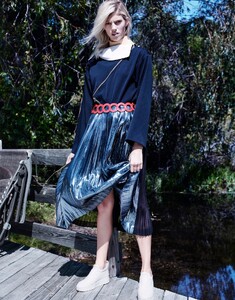
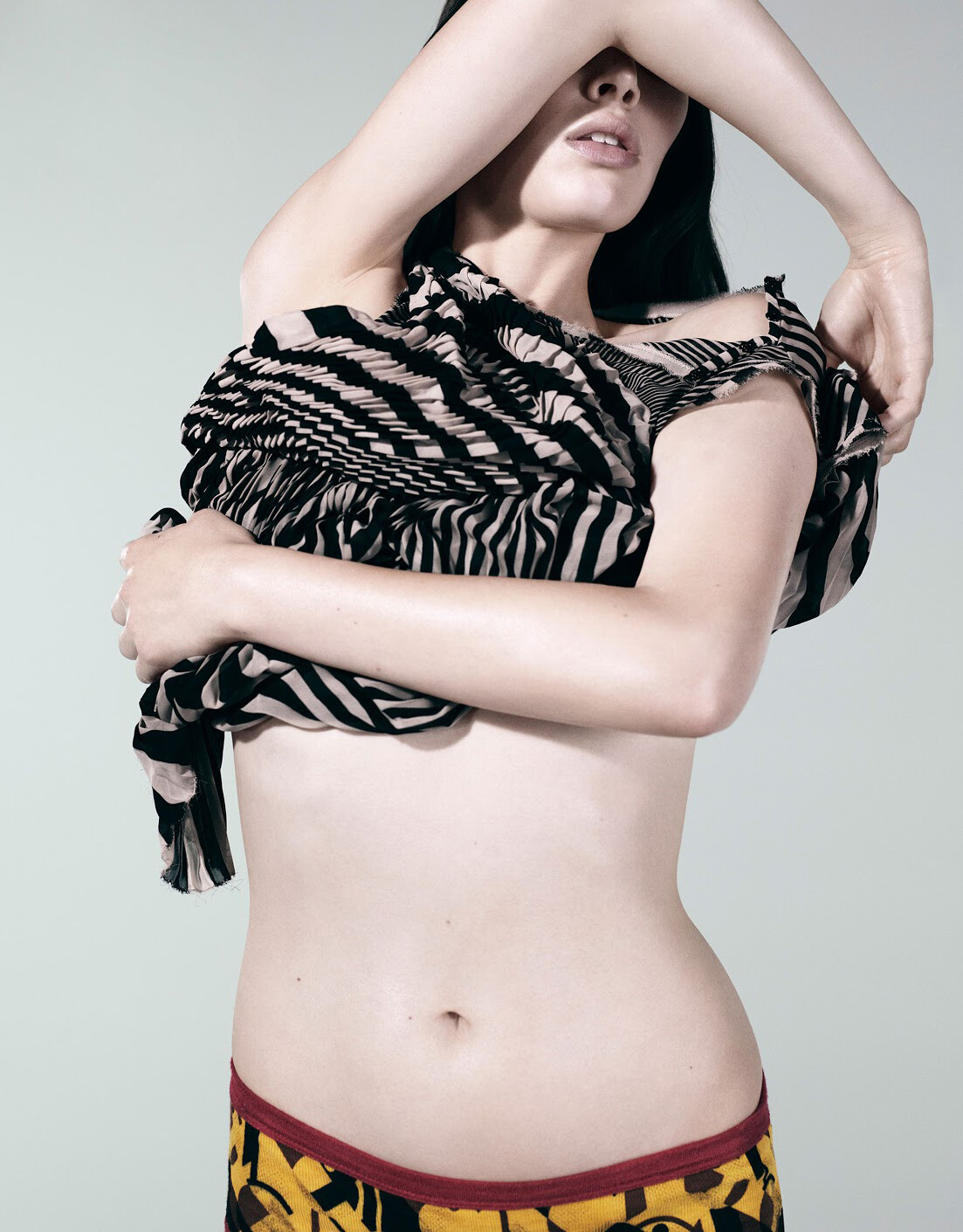
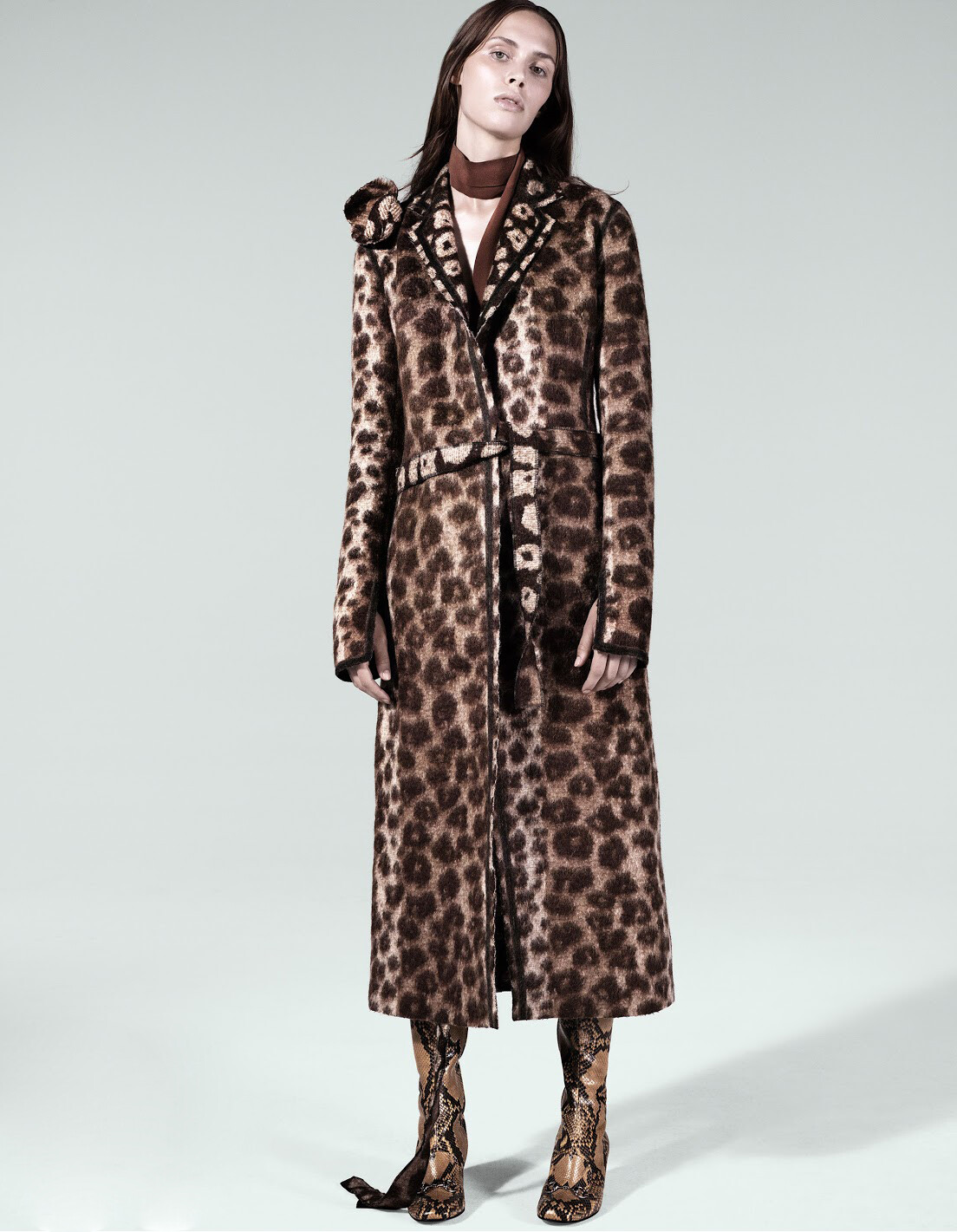
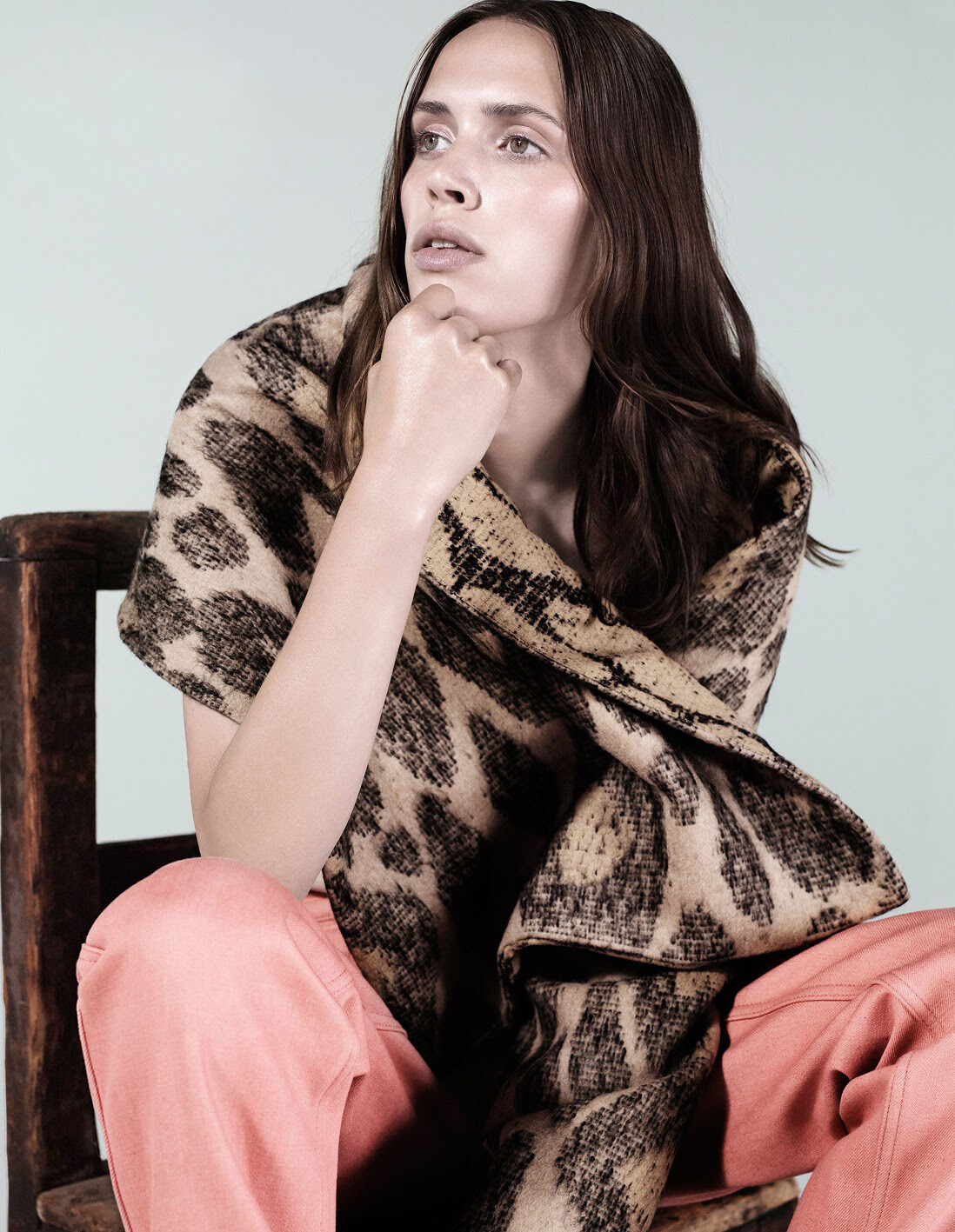
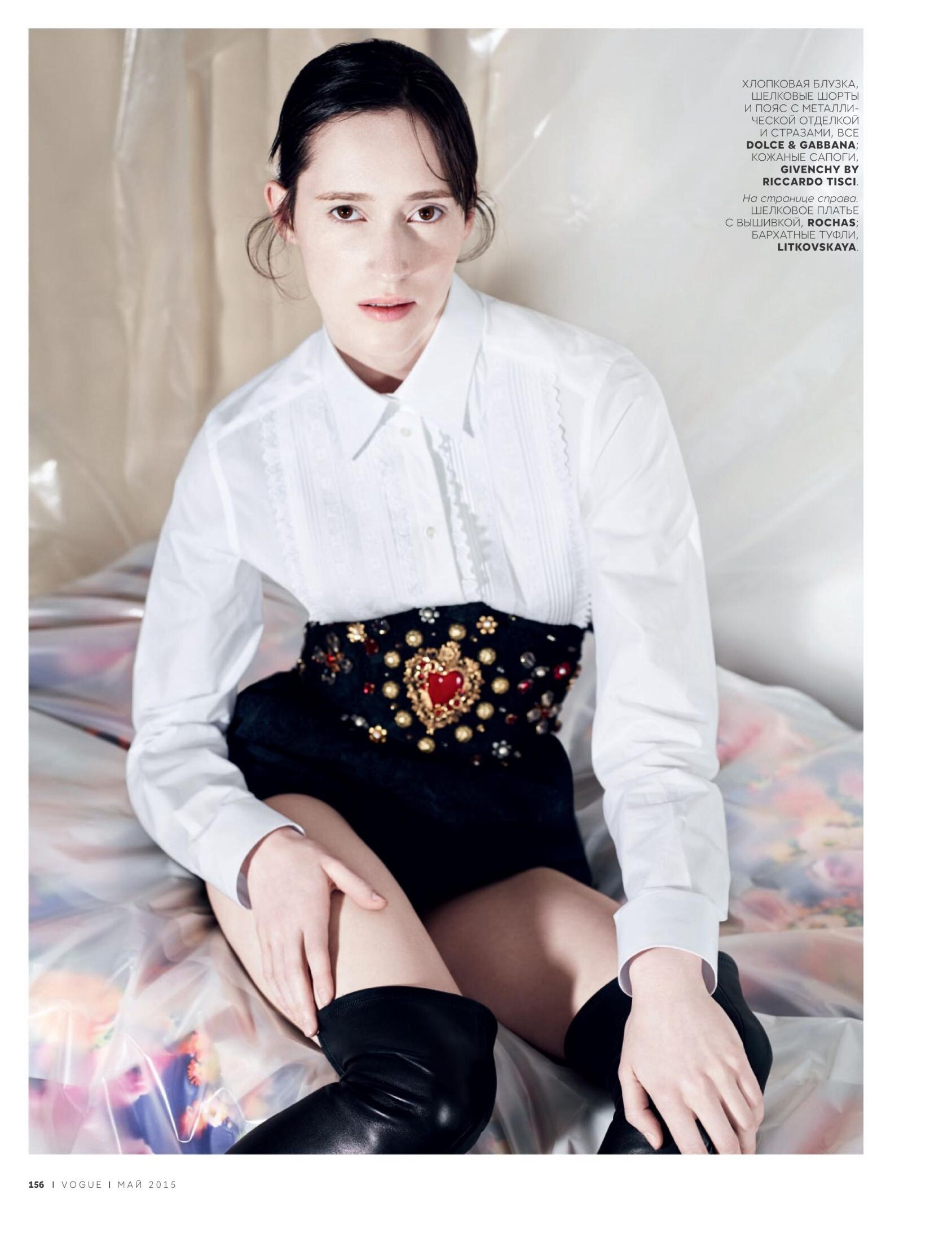
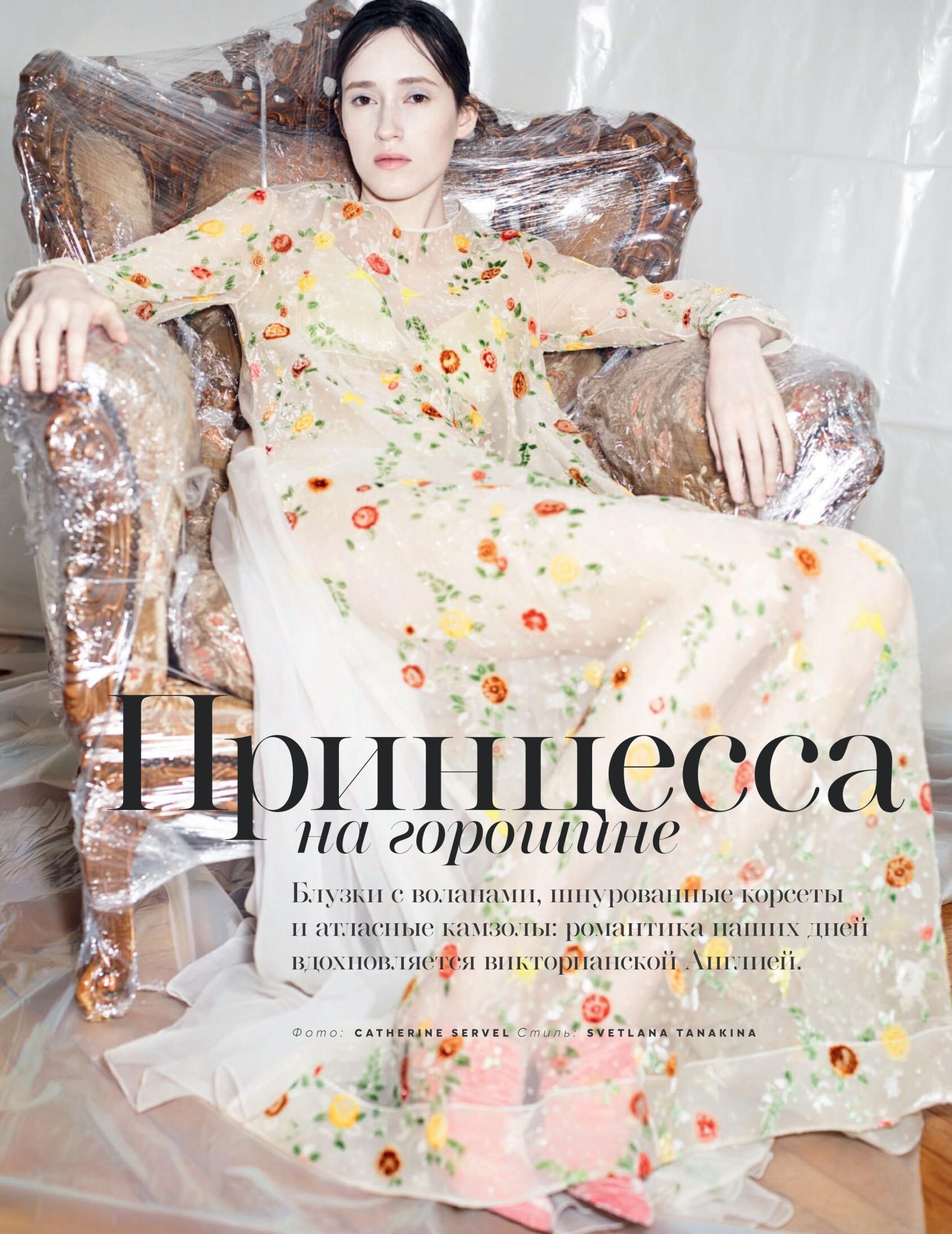
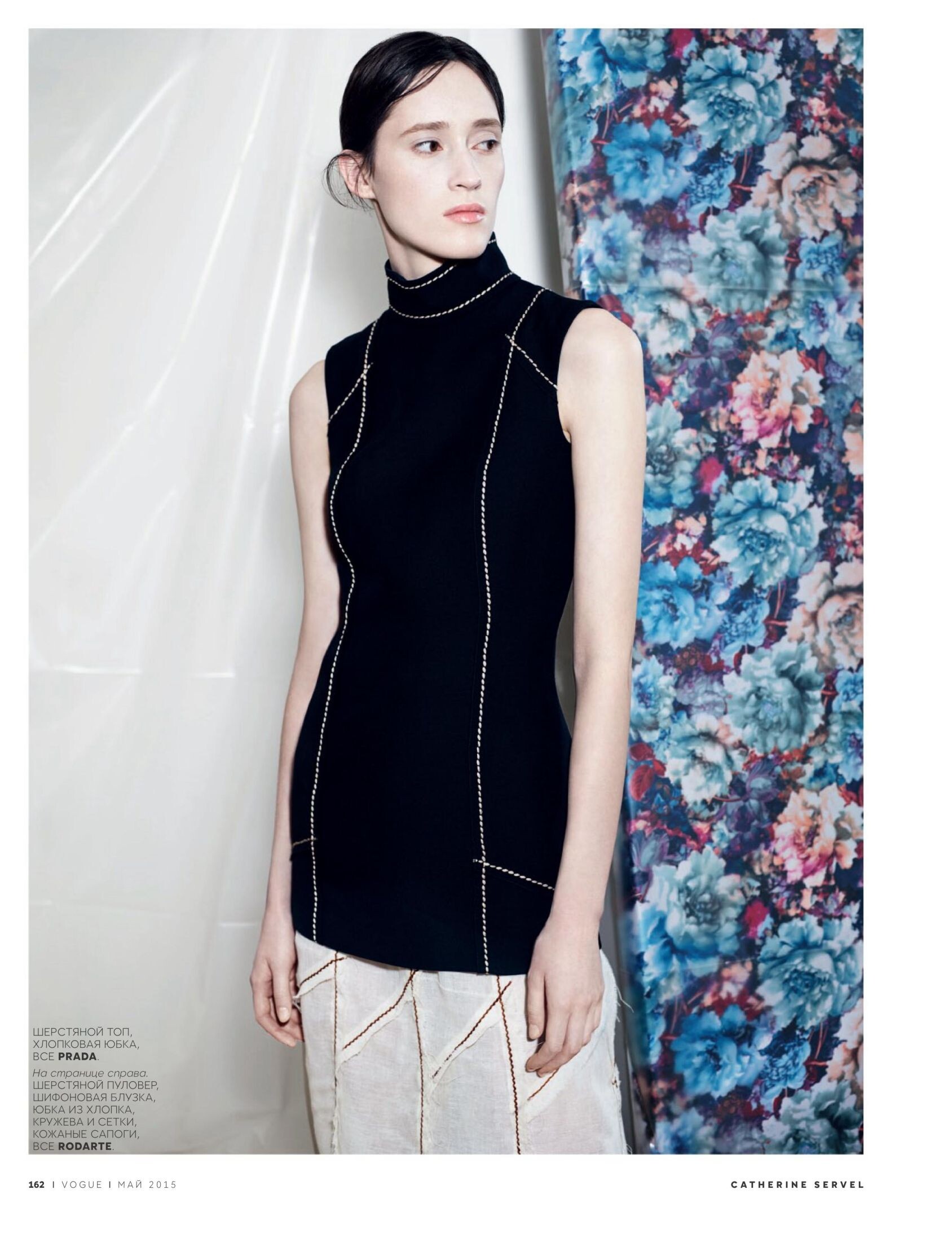
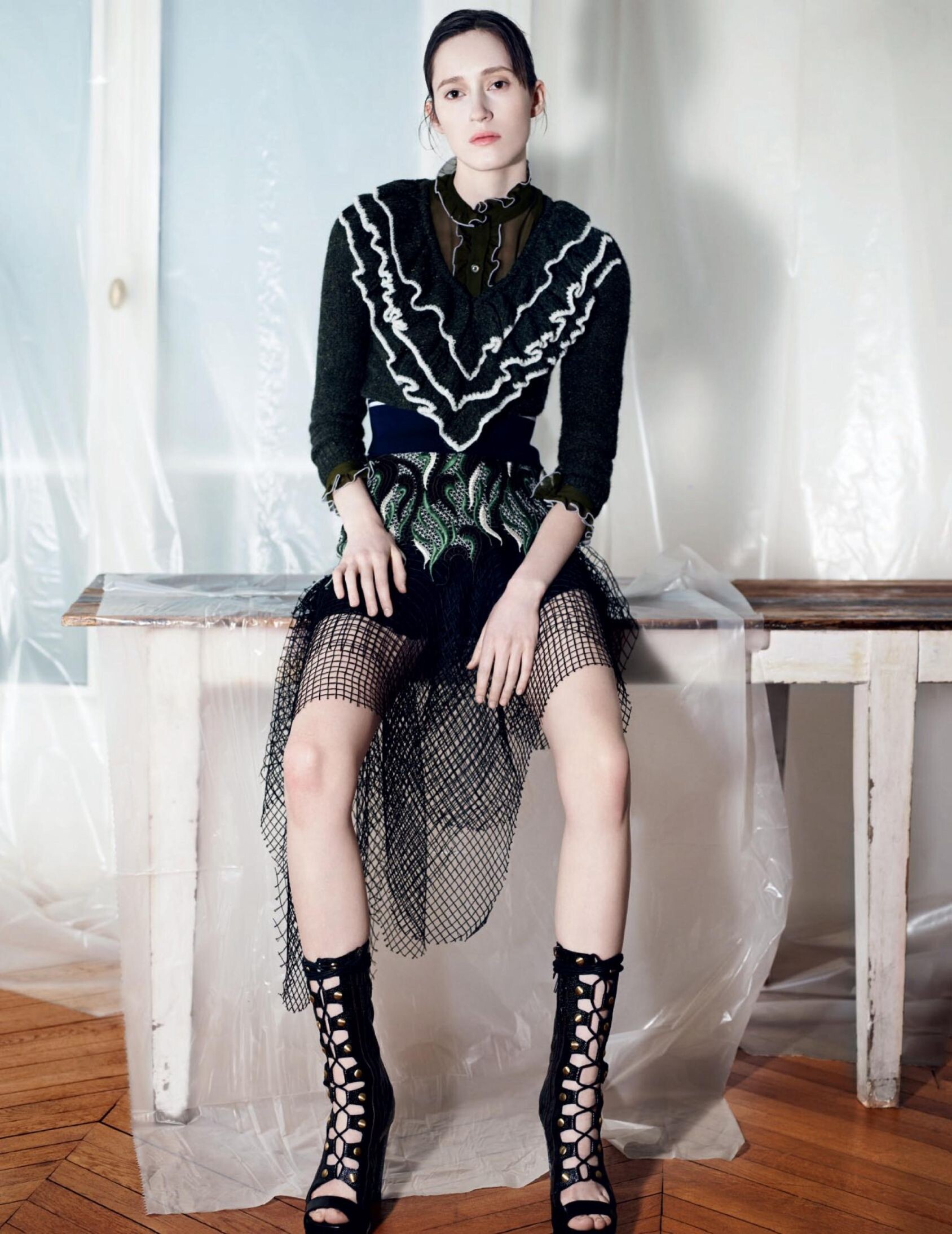
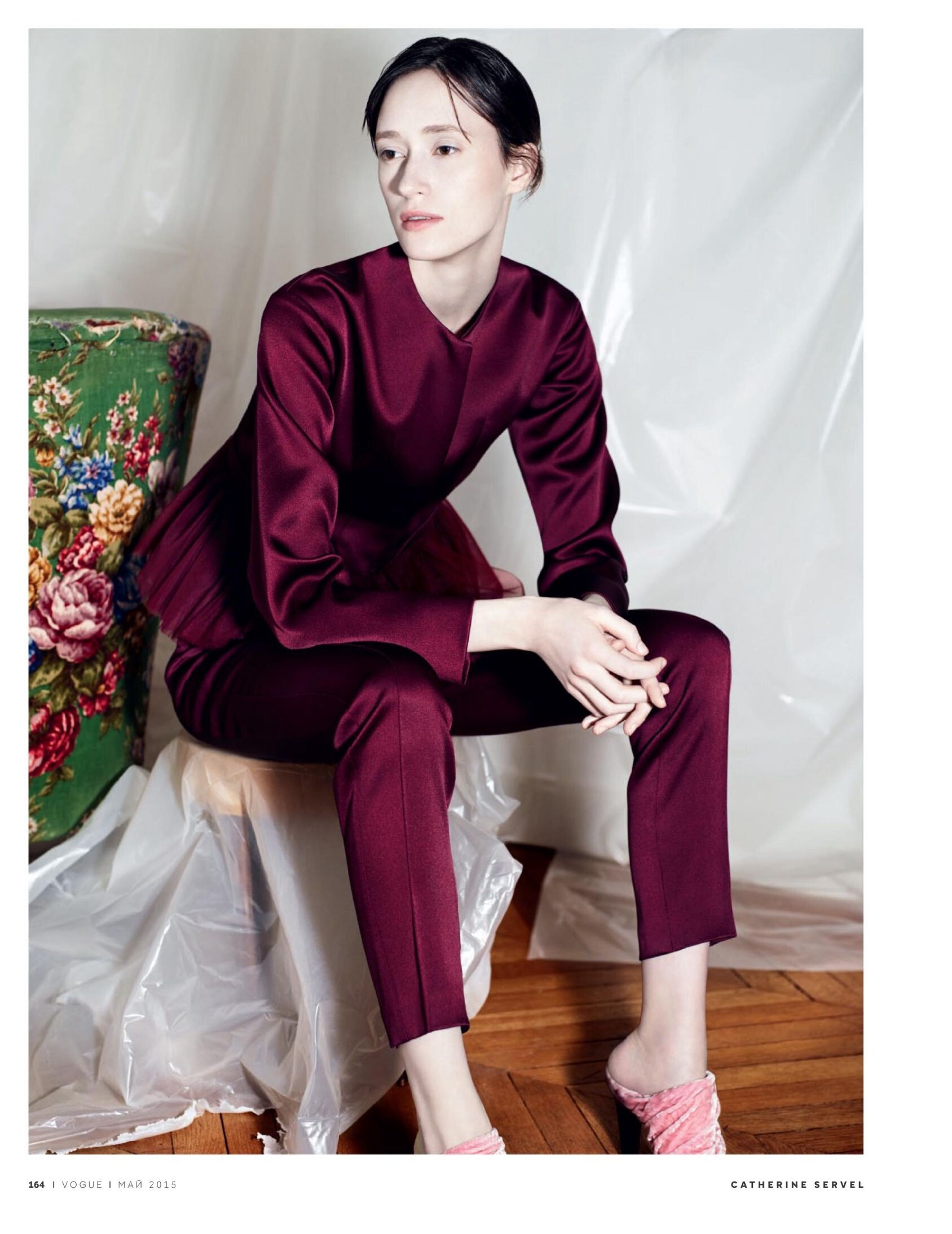
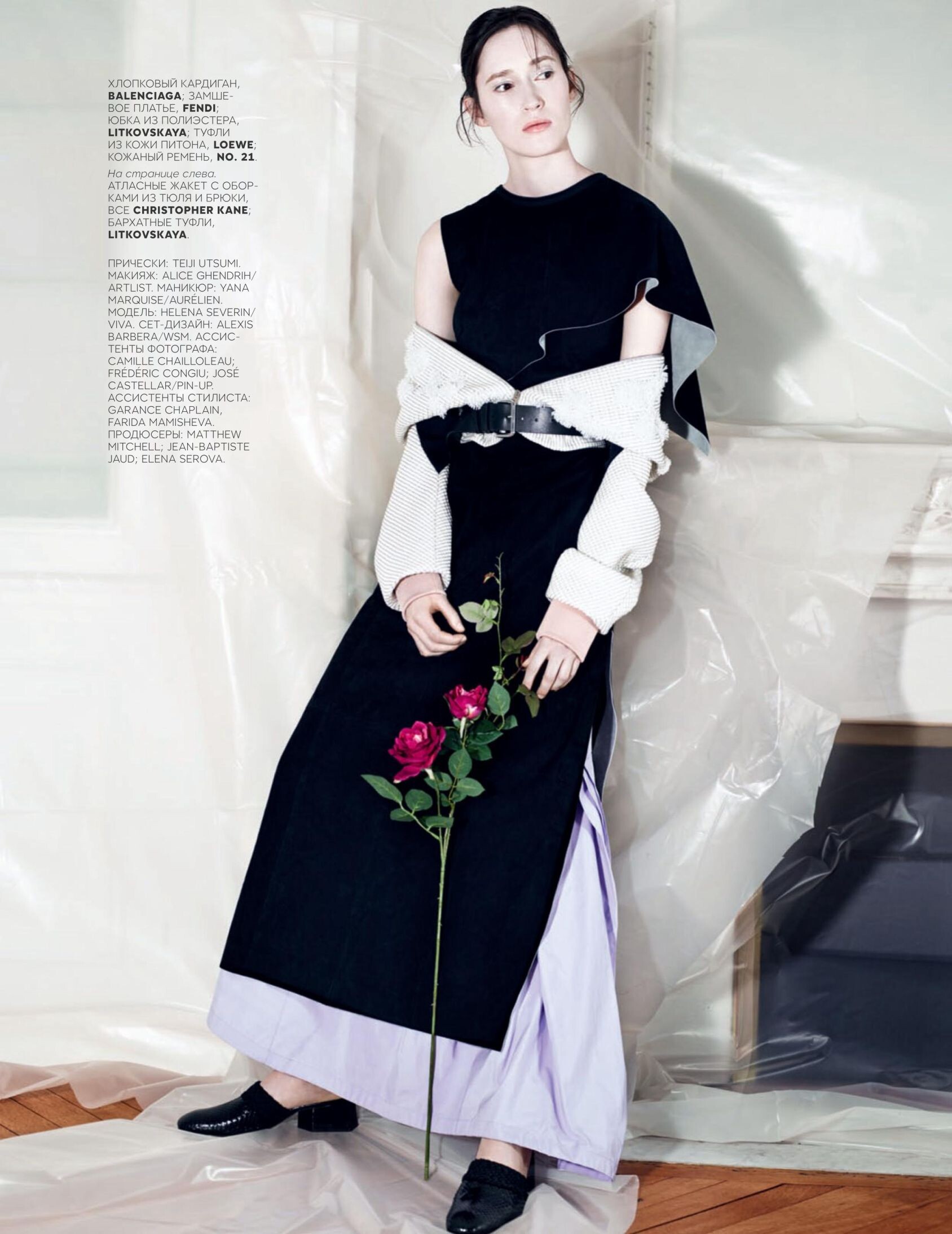
 Vogue Russia May 2015 "Princess and The Pea" Model: Helena Severin Photographer: Catherine Servel Stylist: Svetlana Tanakina Hair: Teiji Utsumi Makeup: Alice Ghendrih Manicure: Yana Marquise Set Designer: Alexis Barbera imcmagazine.com via meidude at The Fashion Spot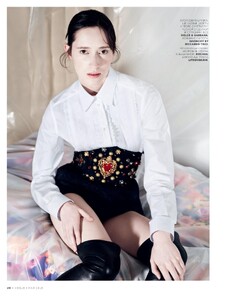

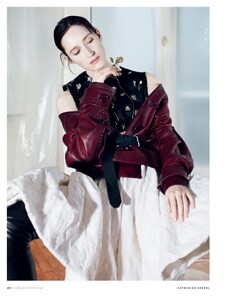
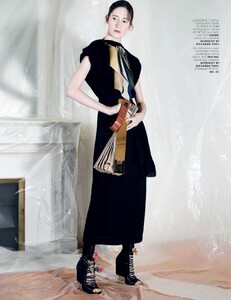
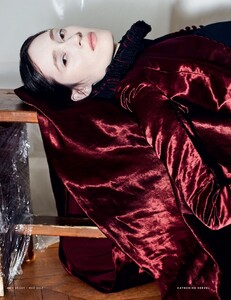
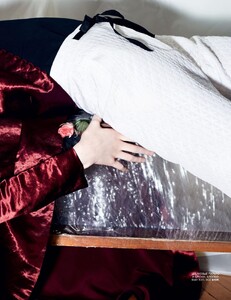
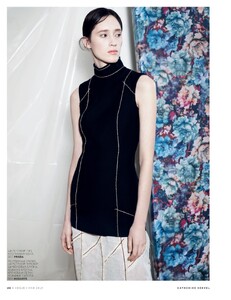
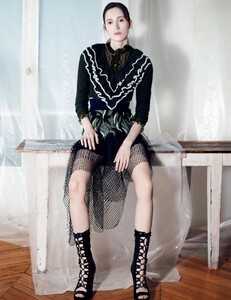
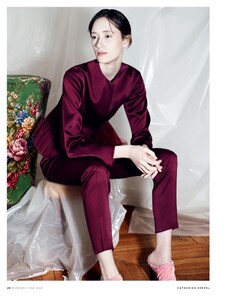
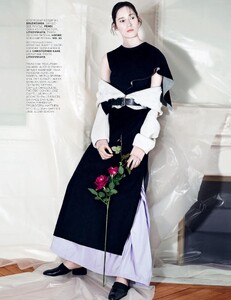 debbiew.u: NYFW🎞️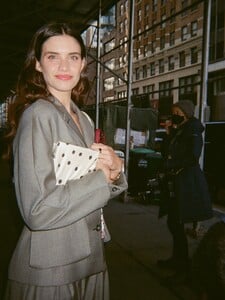

1771265091_da89e.jpg.832e2a5f42e2426e8d1a4bb093202fb2.jpg)
1771265090_9536b.jpg.01bd8ed783dc9d978b01be91bb62f8a0.jpg)
1771265091_9060e.jpg.ccf14bd9f88271e9439ce39e4dea3ca0.jpg)
1771265091_93c61.jpg.196f3092755af2ed14143fd257b0e144.jpg)
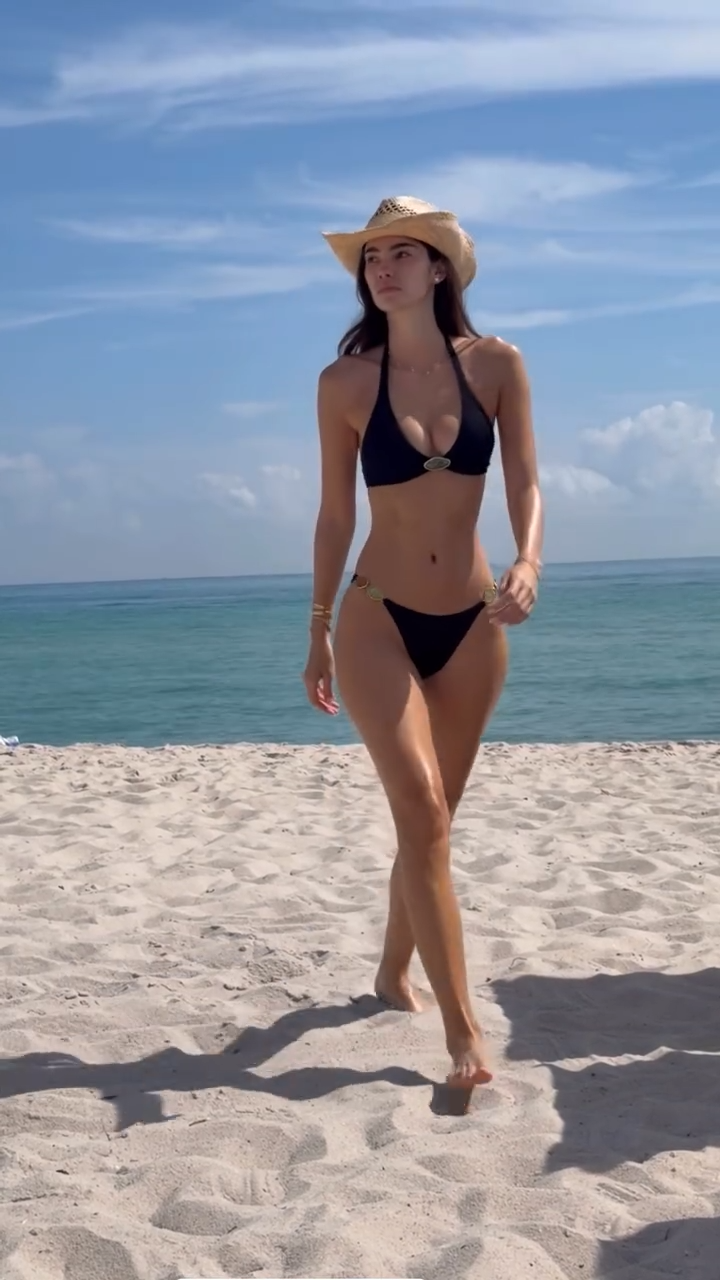
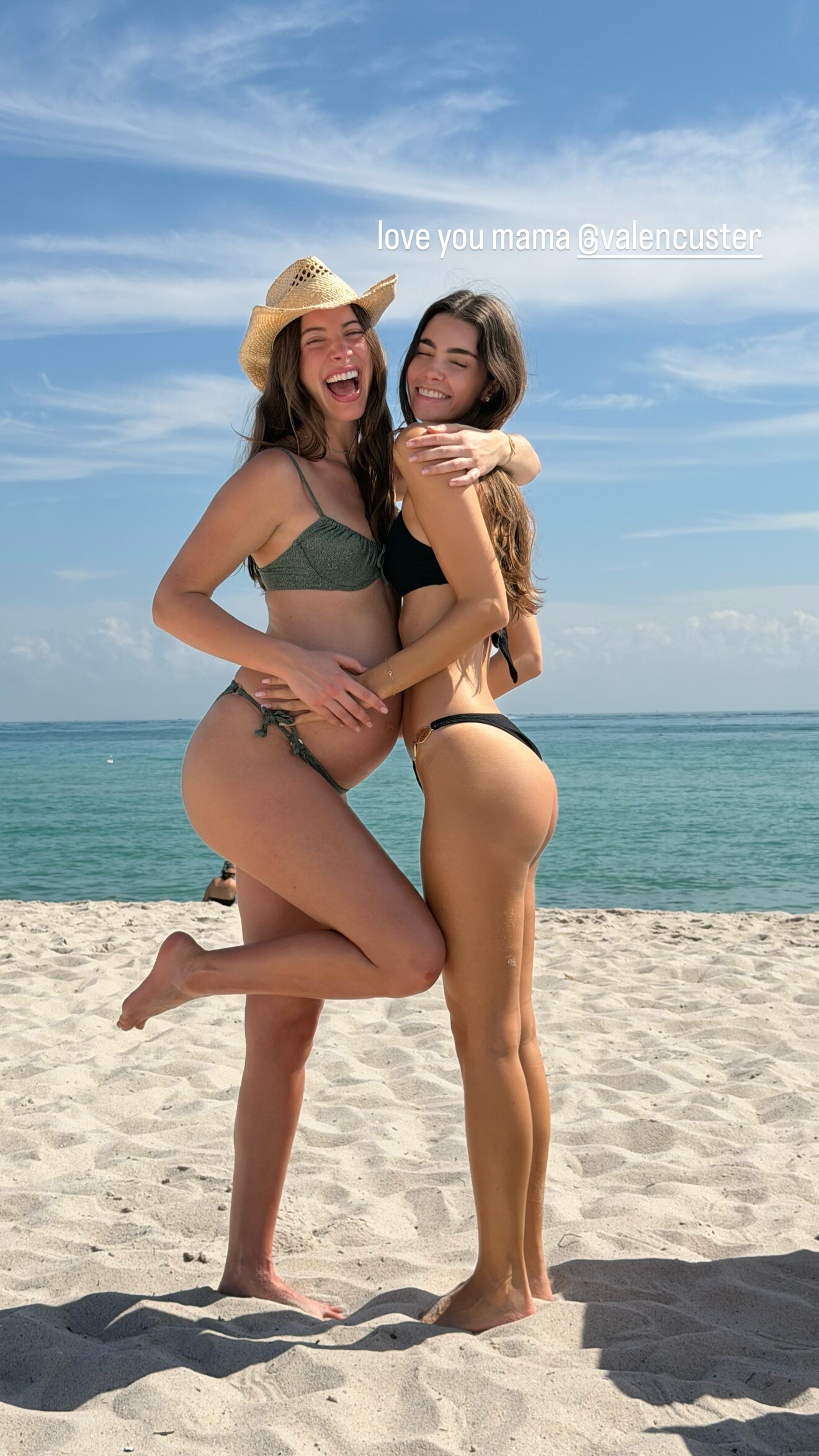
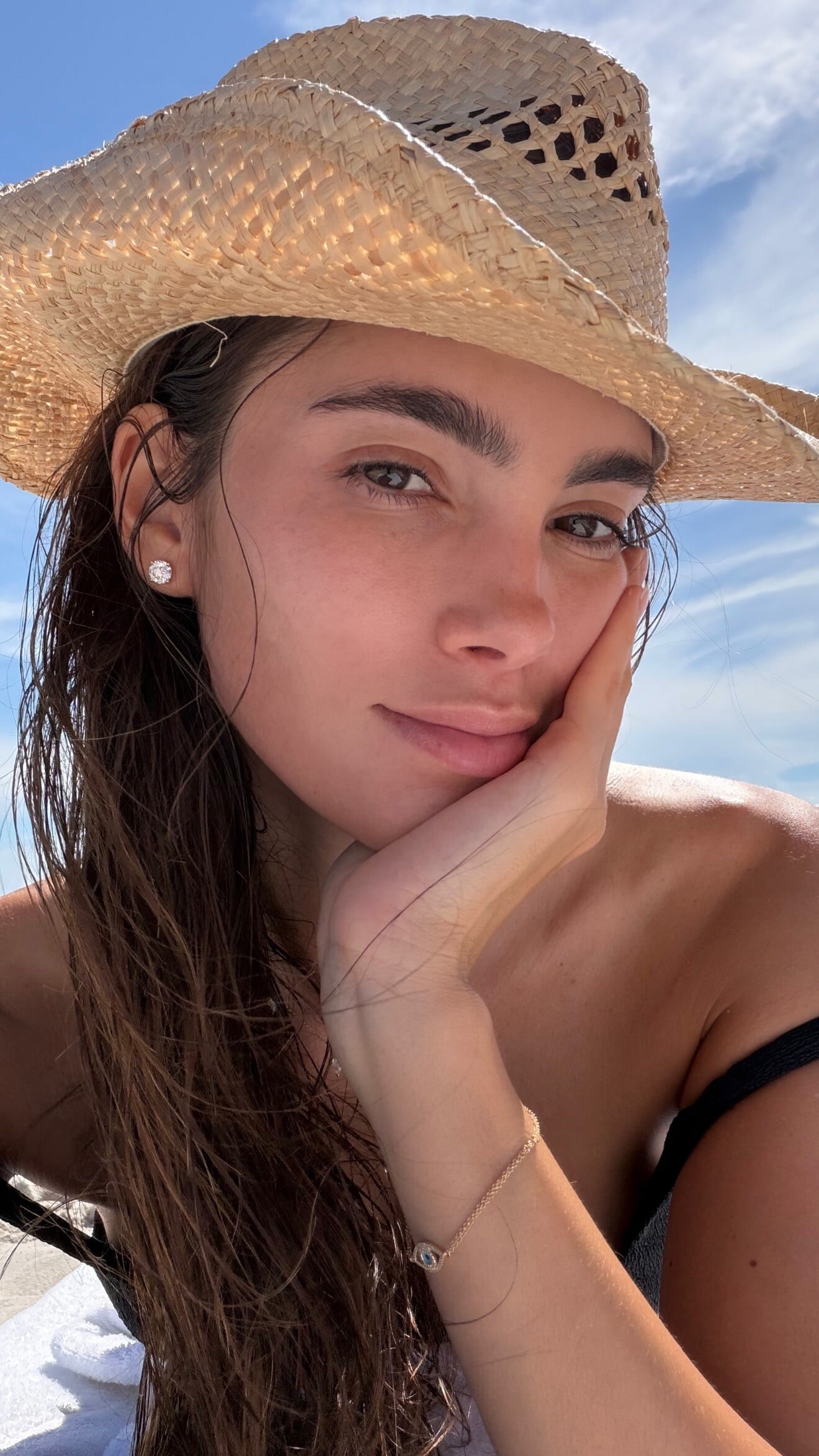
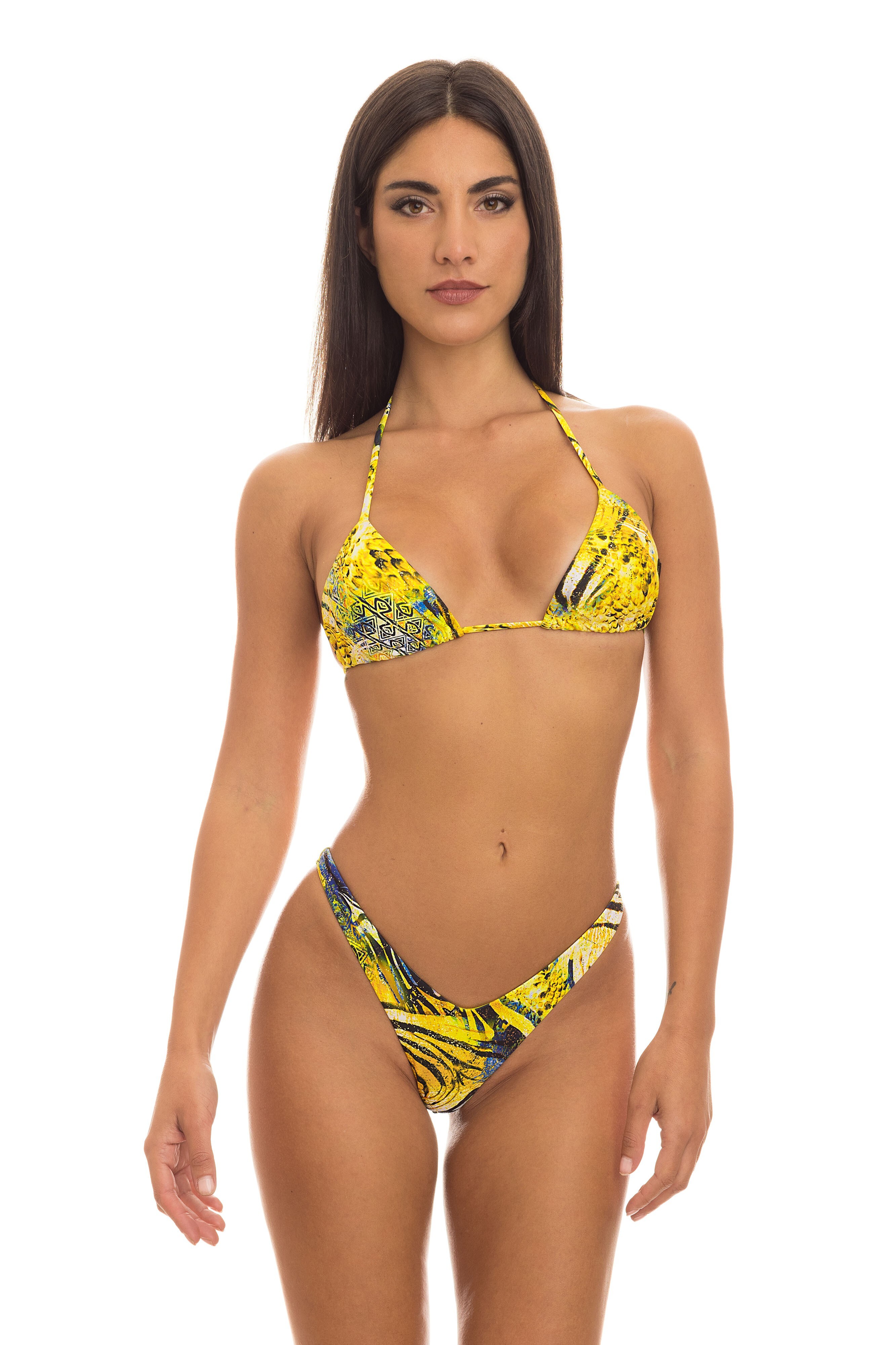
.jpg.846076ba97733b7579aa6d400e2d900e.jpg)
.jpg.240013b0ece84e30a8700b793250a31c.jpg)

.jpg.8ec3196a5585b1ccfab901435843c5ab.jpg)
.jpg.36a12969fb55b0609358d4bfd6ff1030.jpg)
.jpg.a57947ef92493993784d7a3d4ea4f776.jpg)
.jpg.6ebcaaca440f5c564a9306b1d02cc98b.jpg)



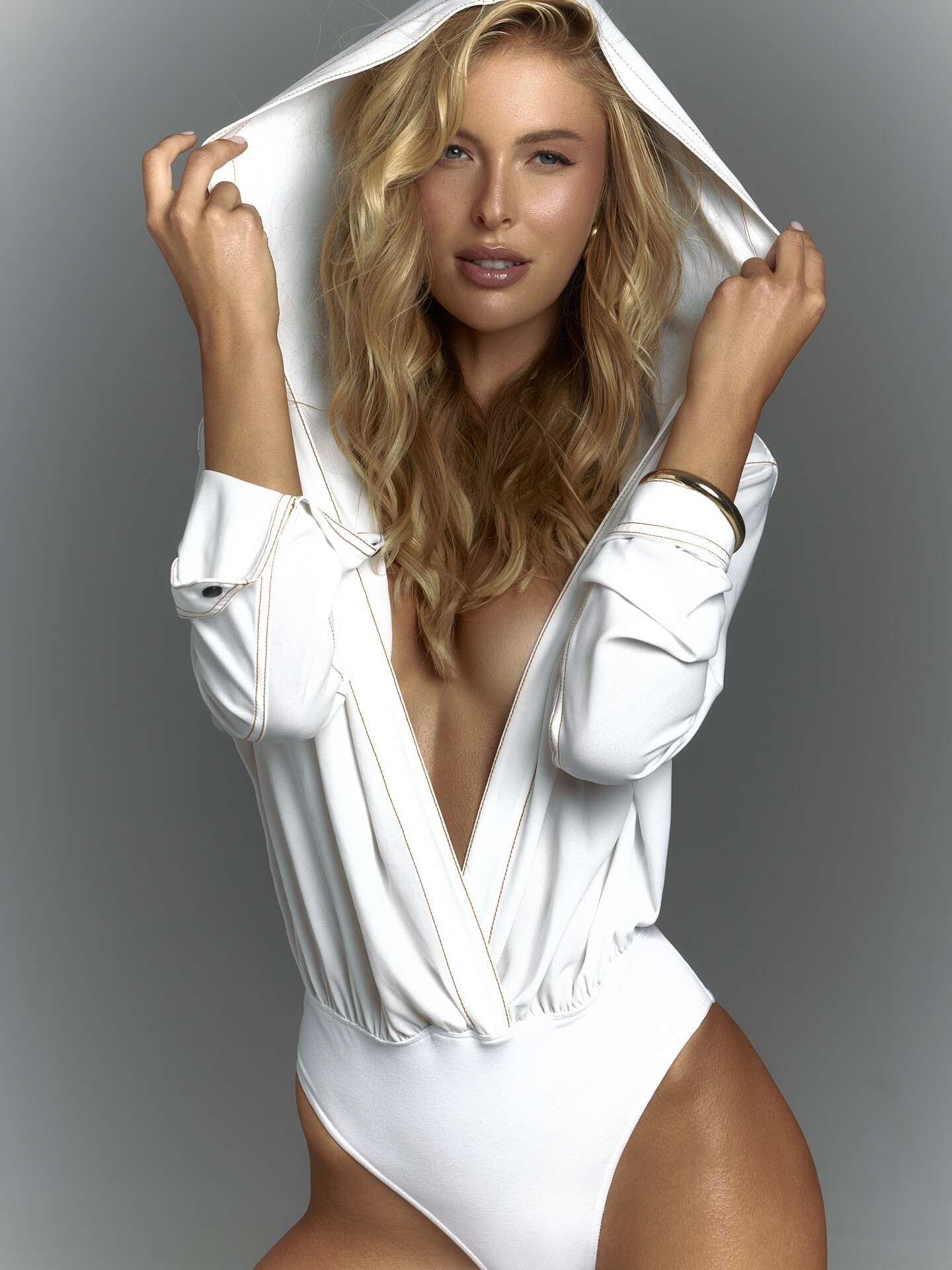
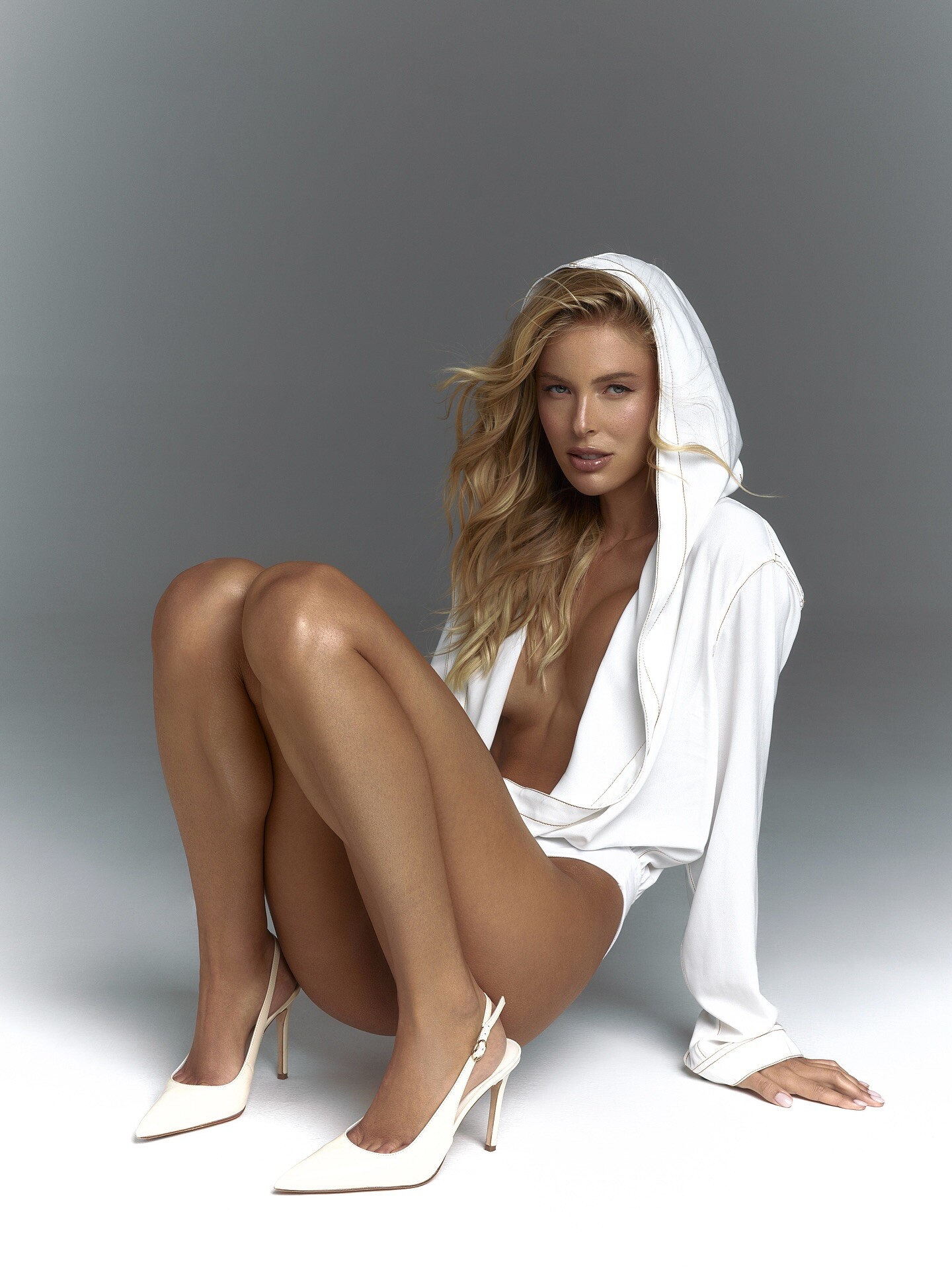
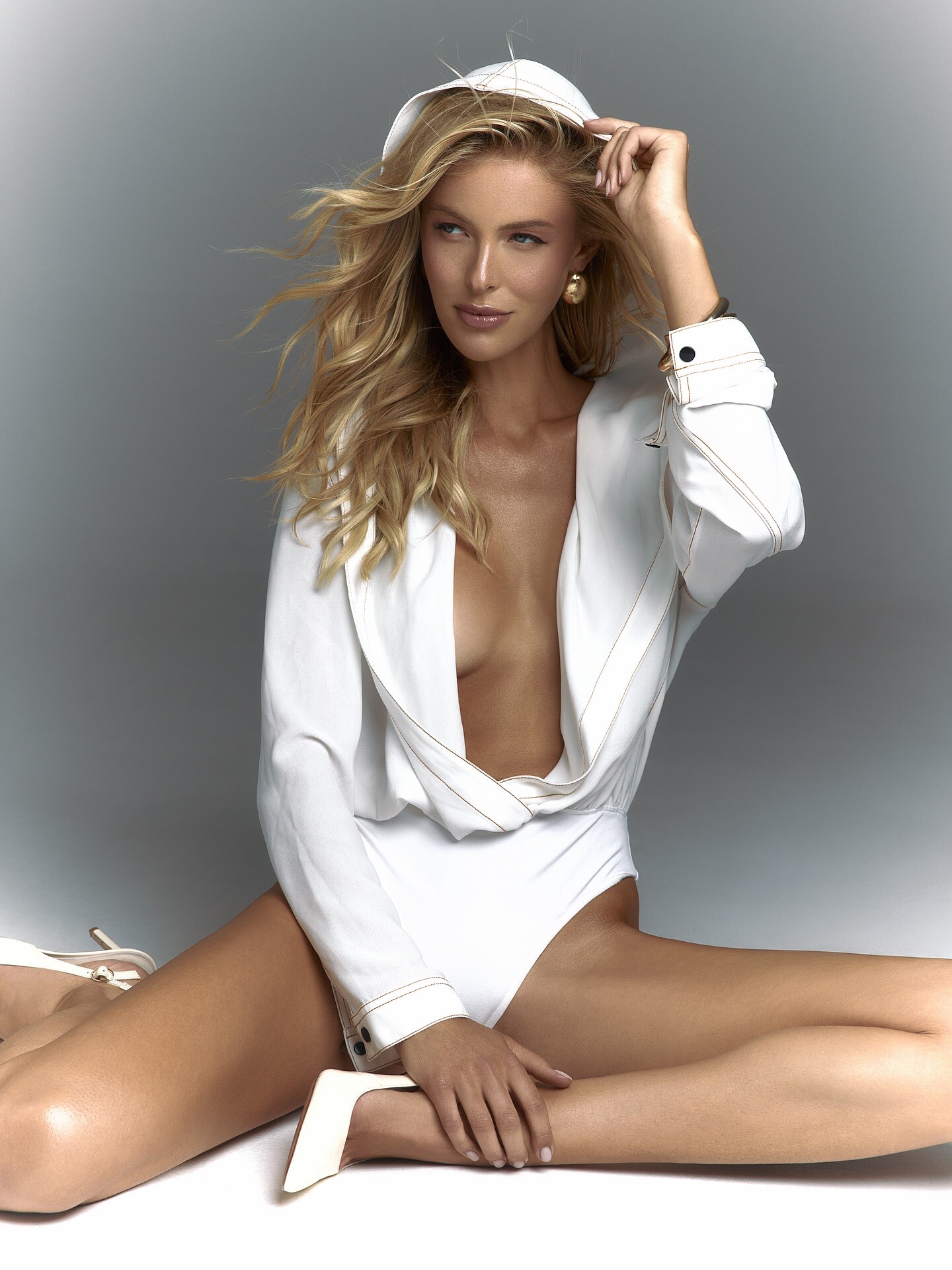
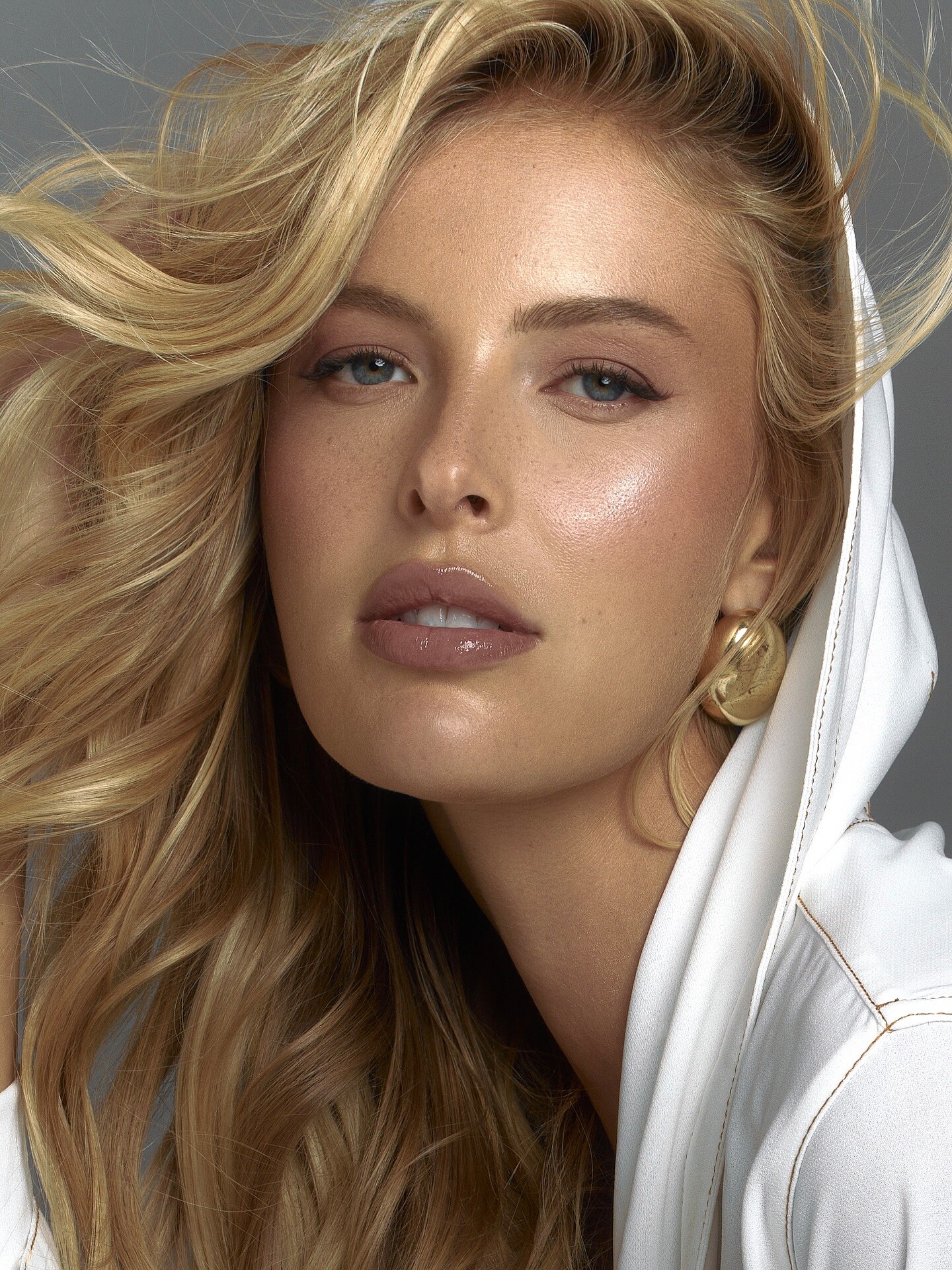

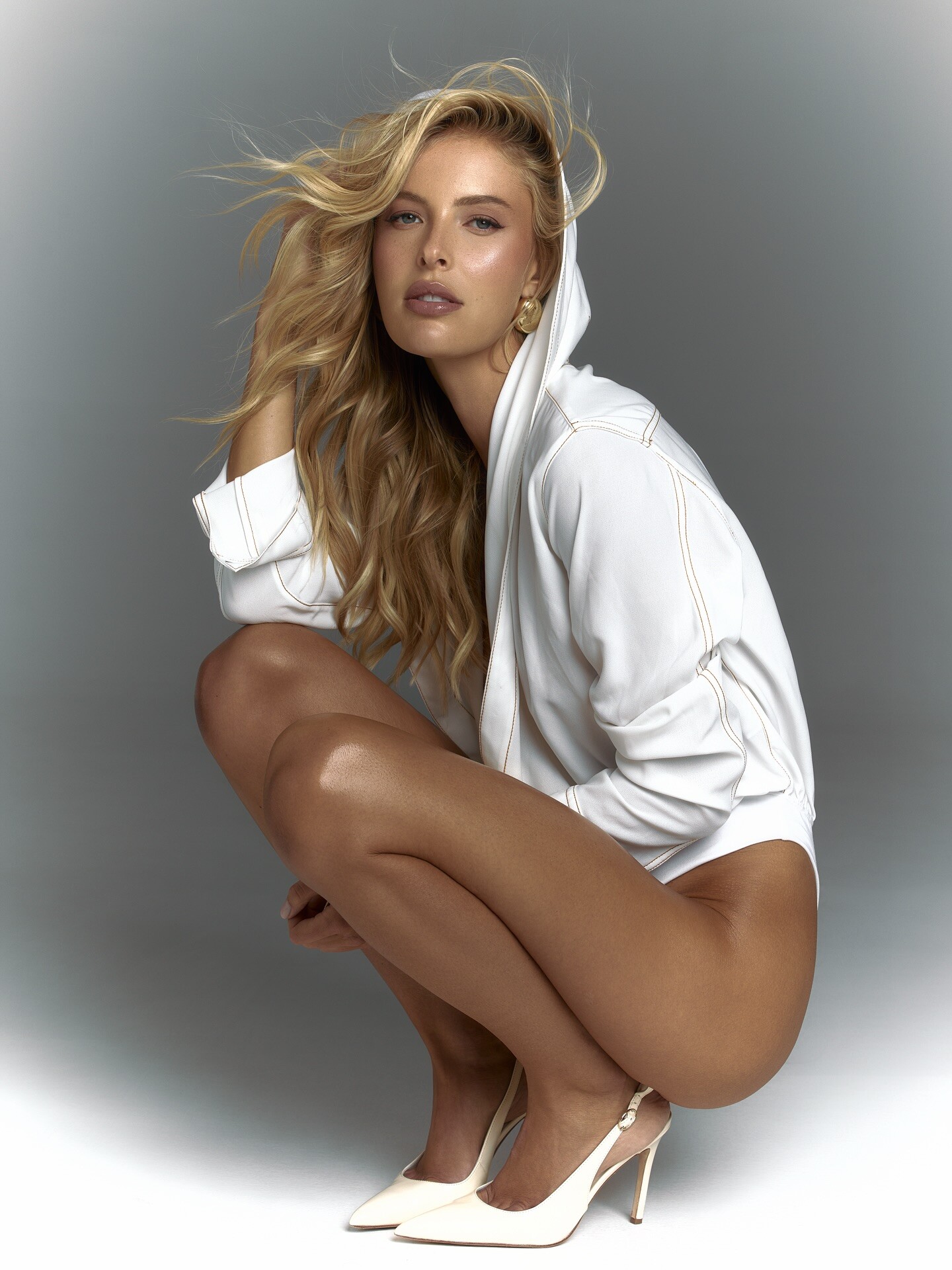
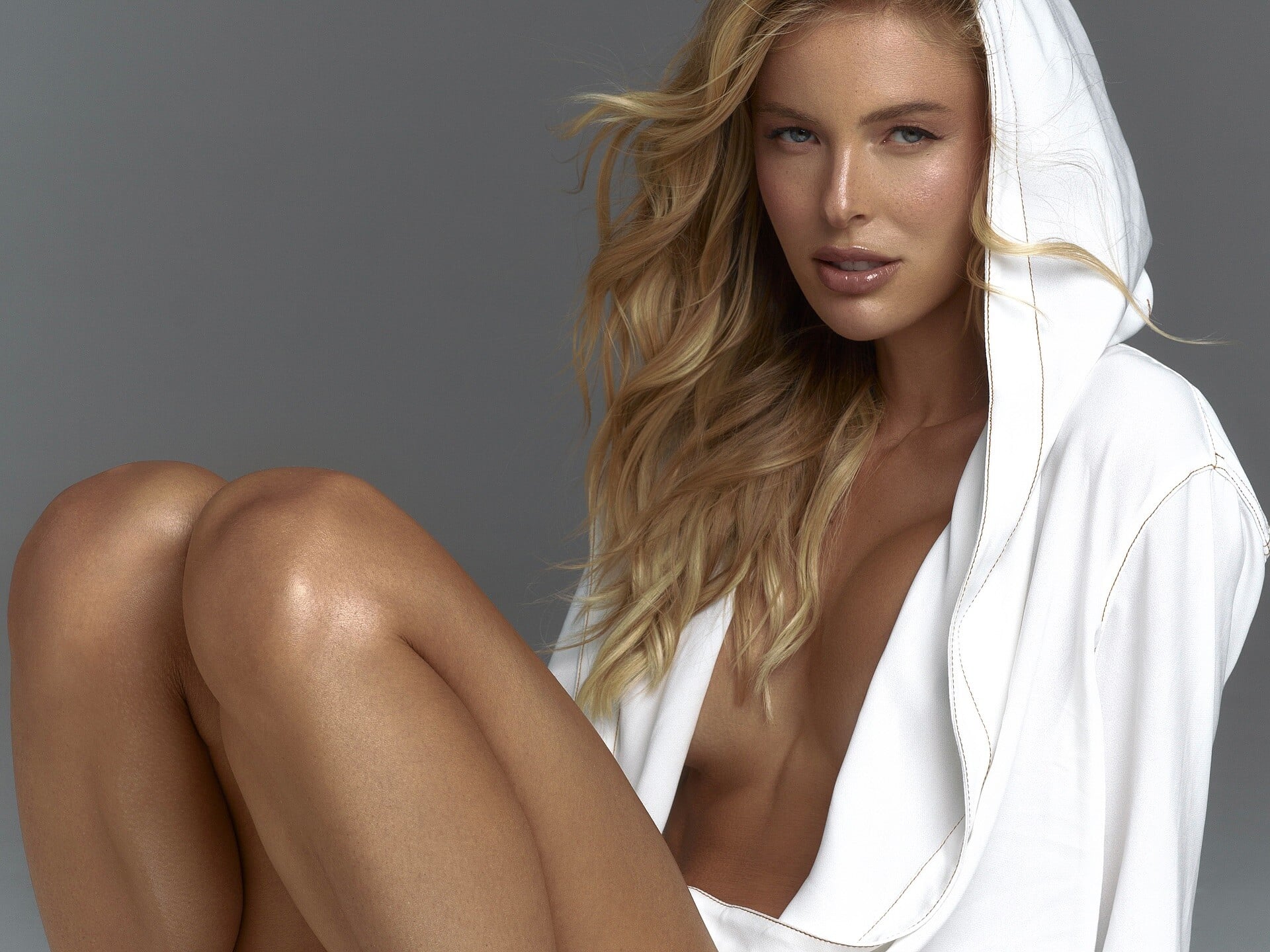
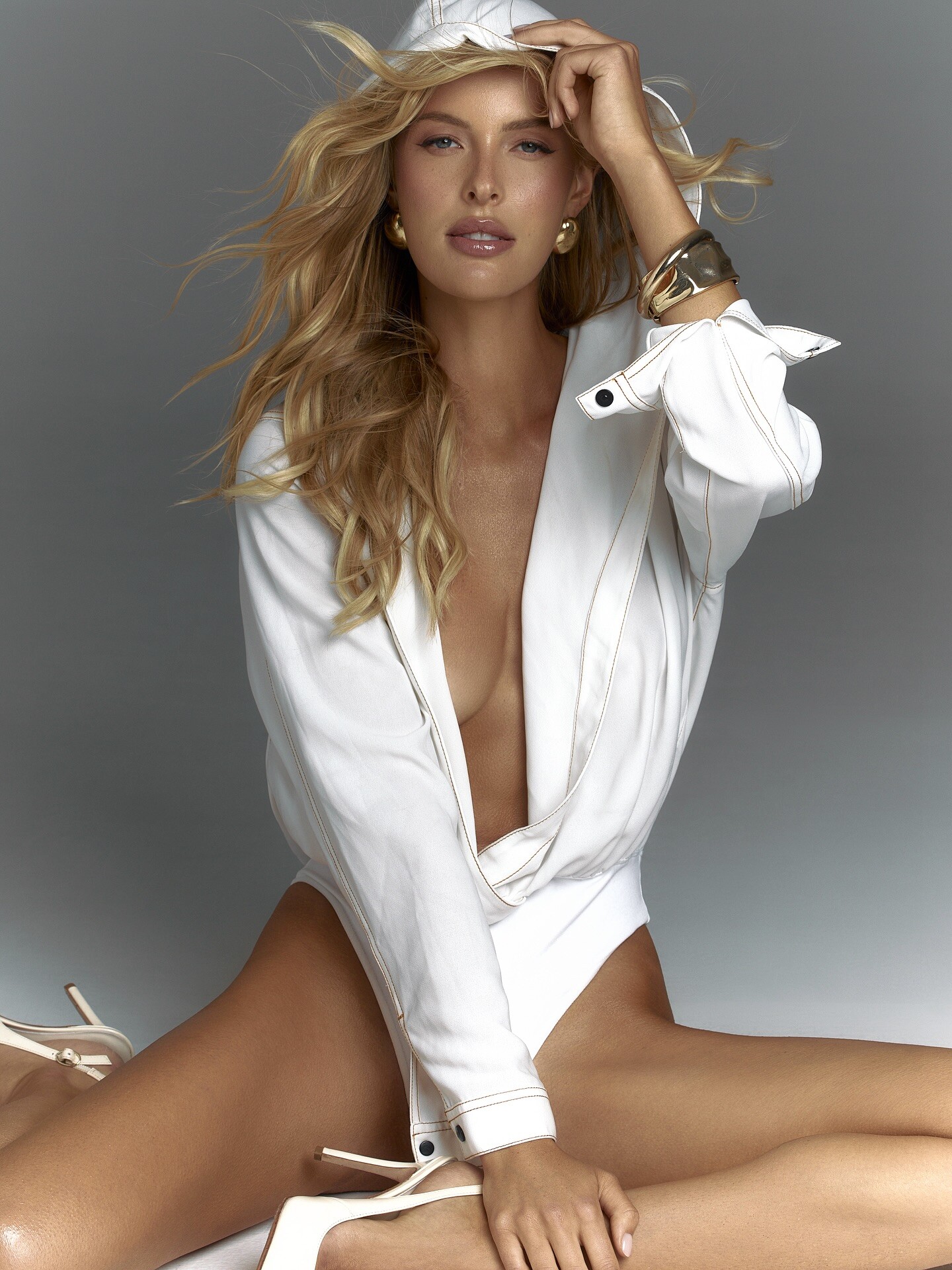
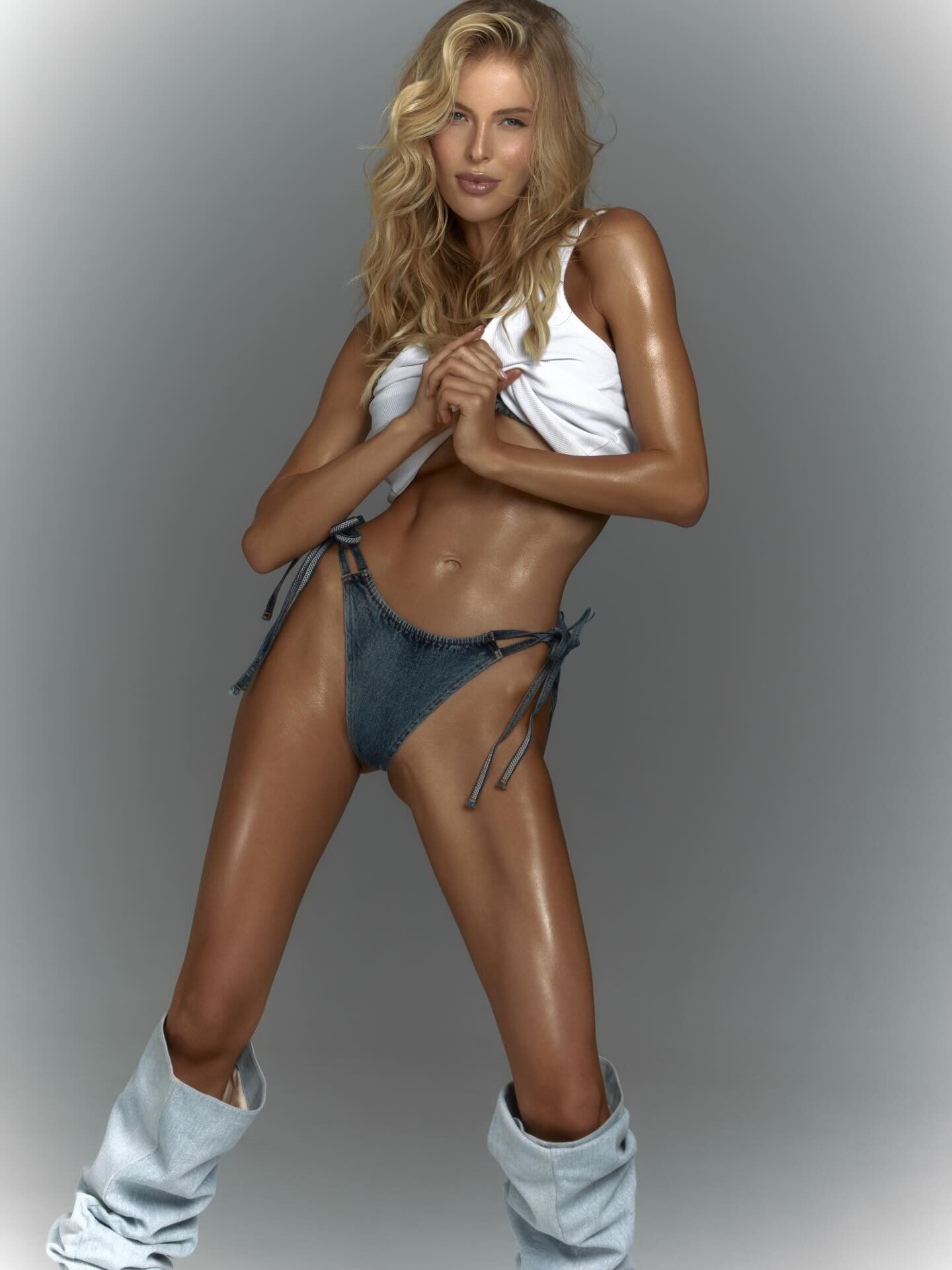
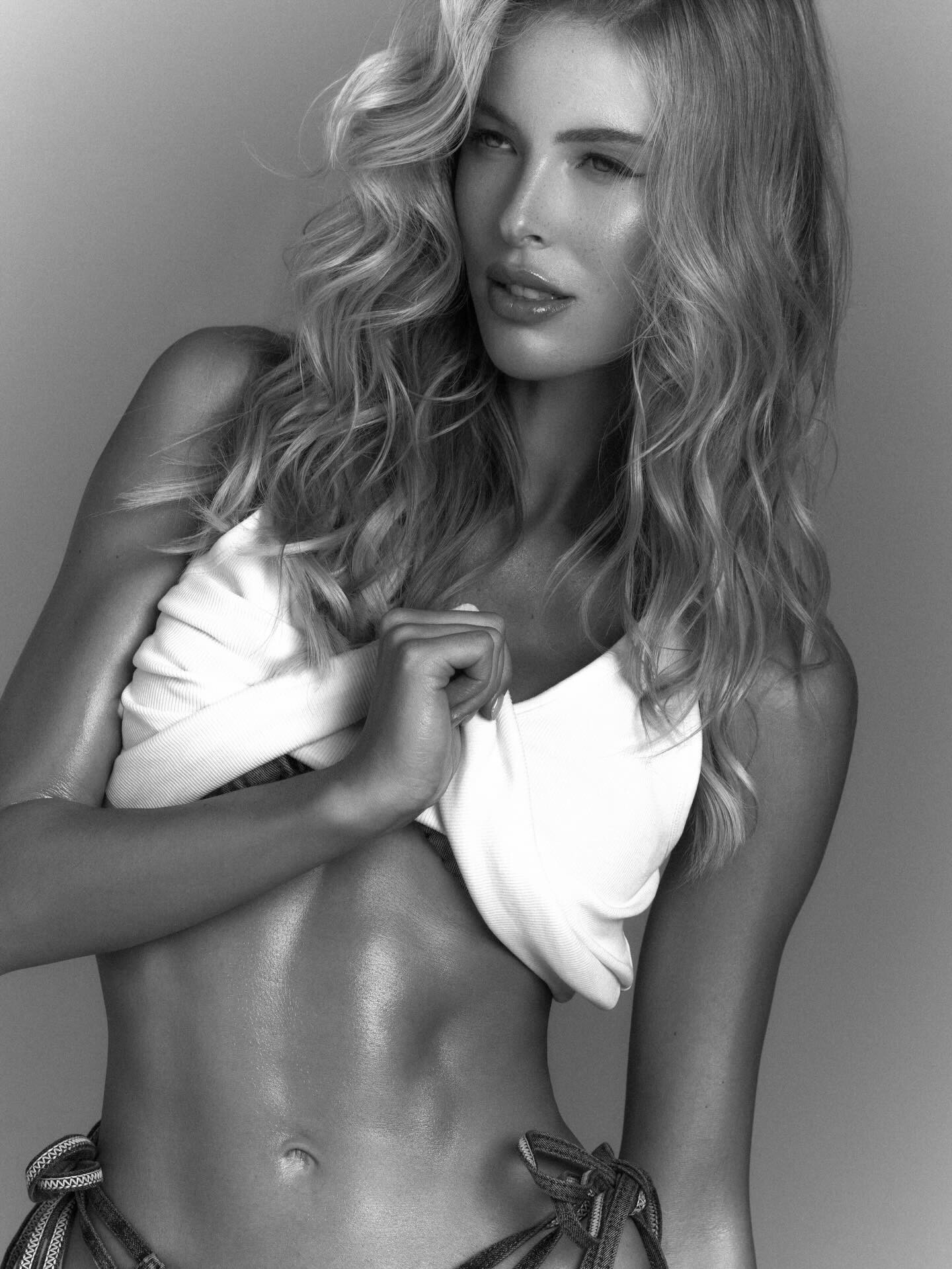
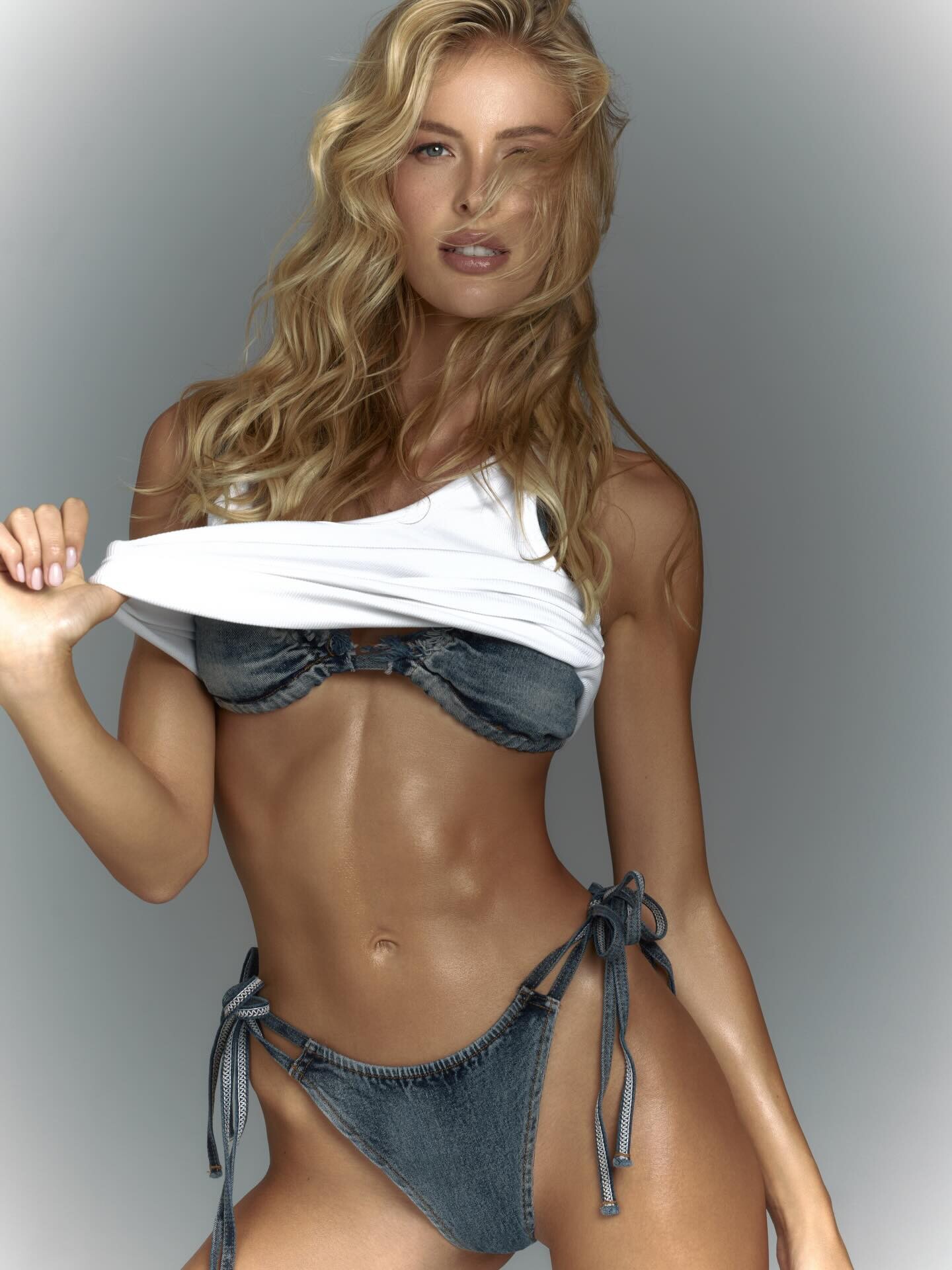
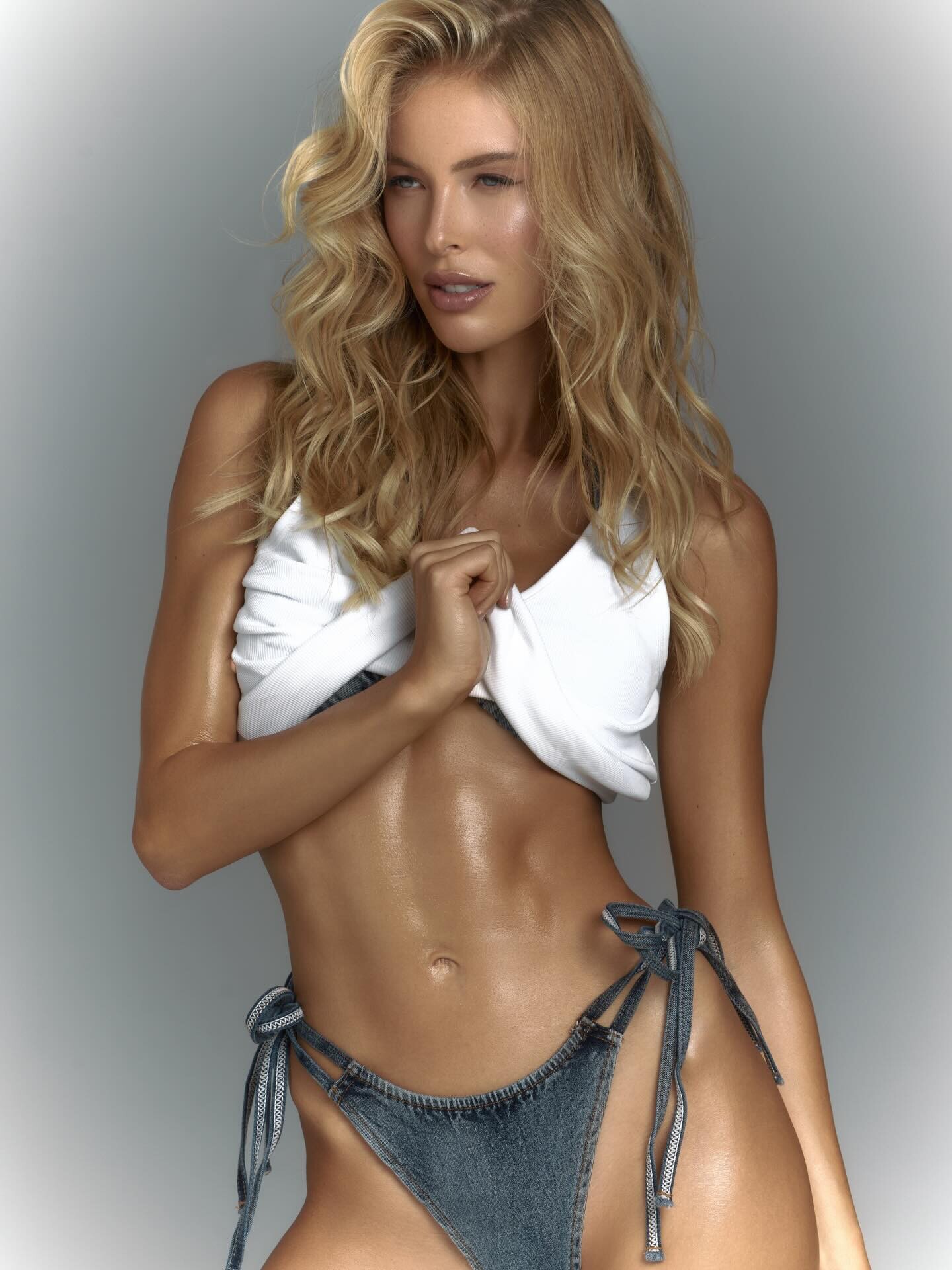

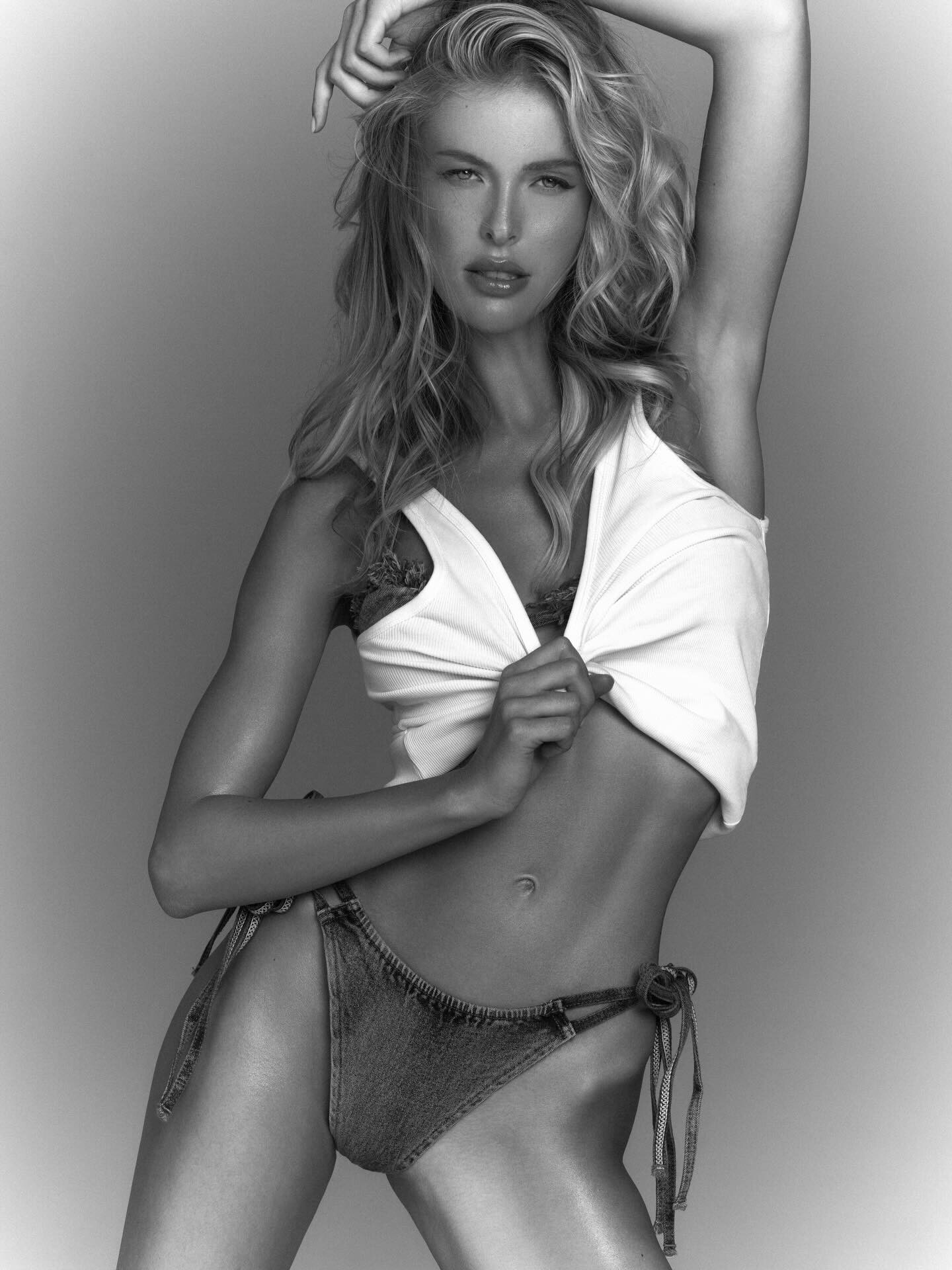
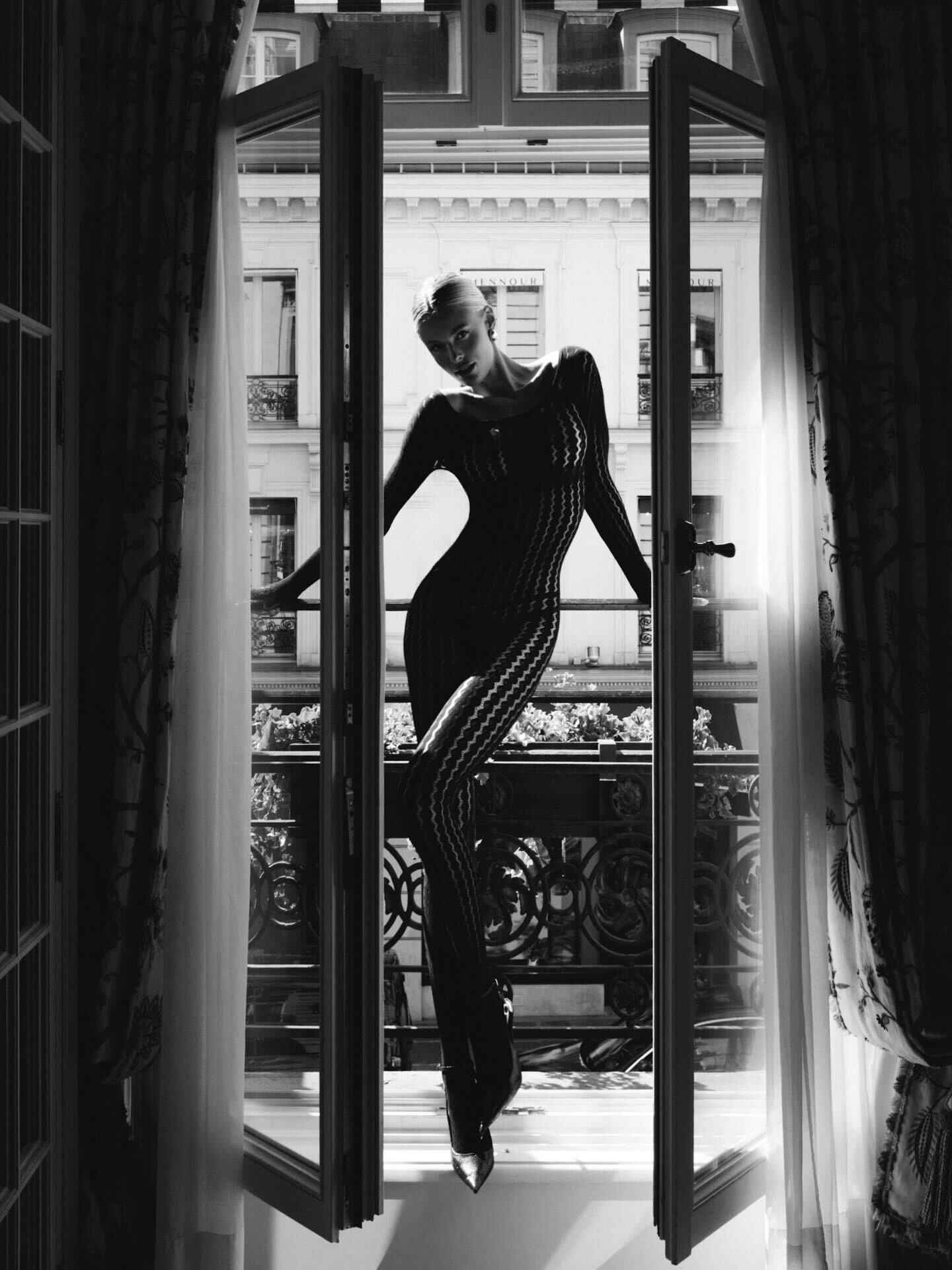
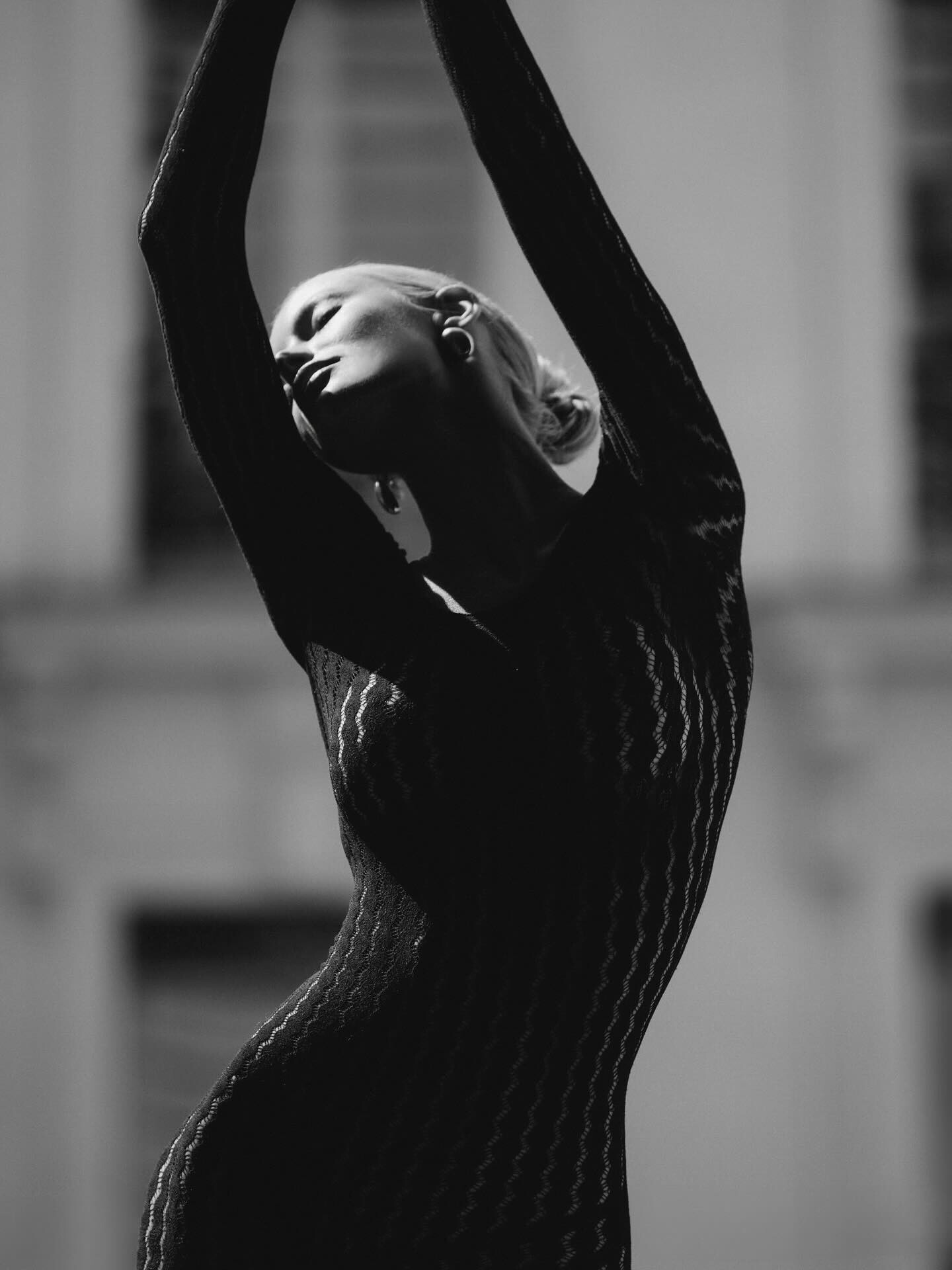
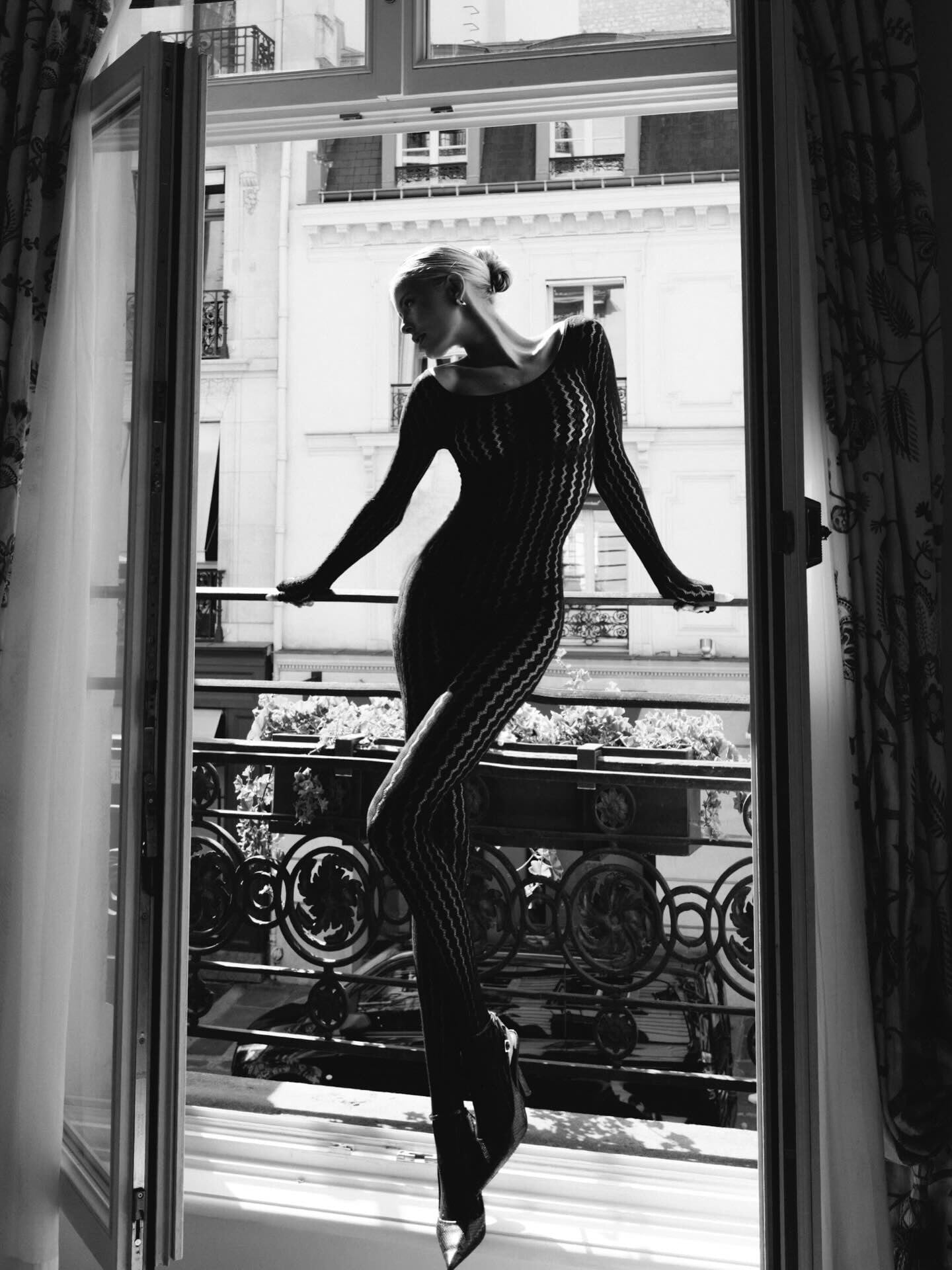
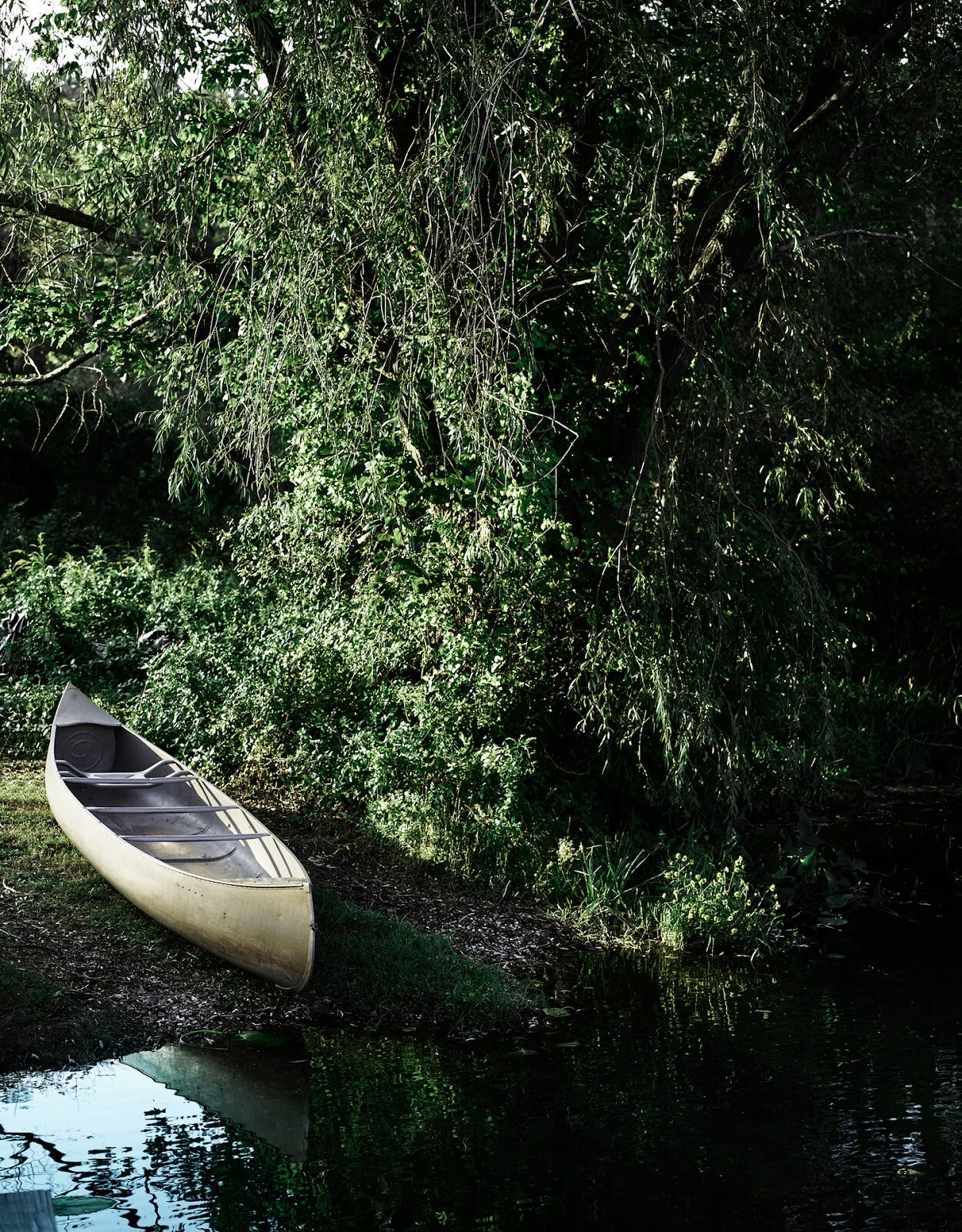
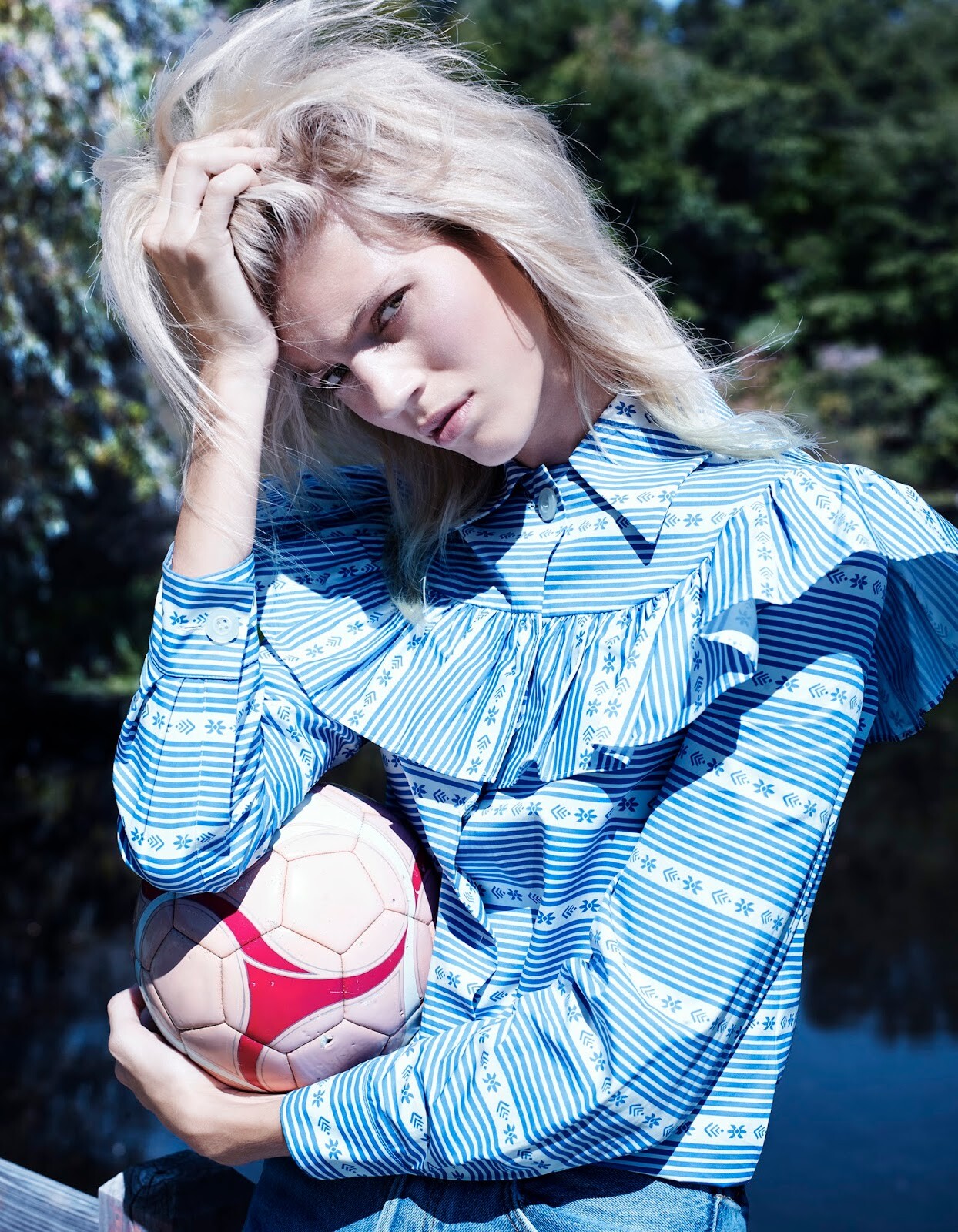
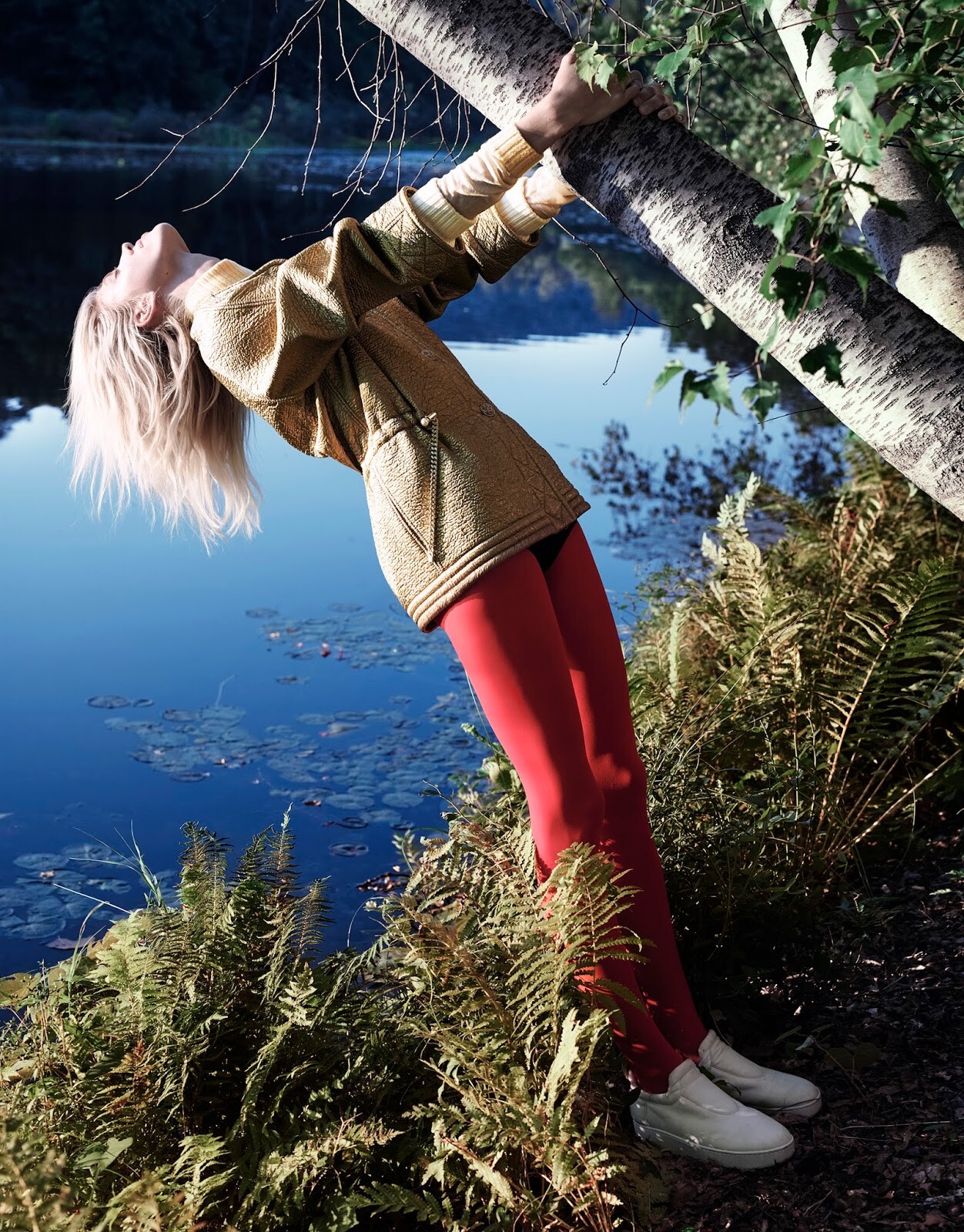
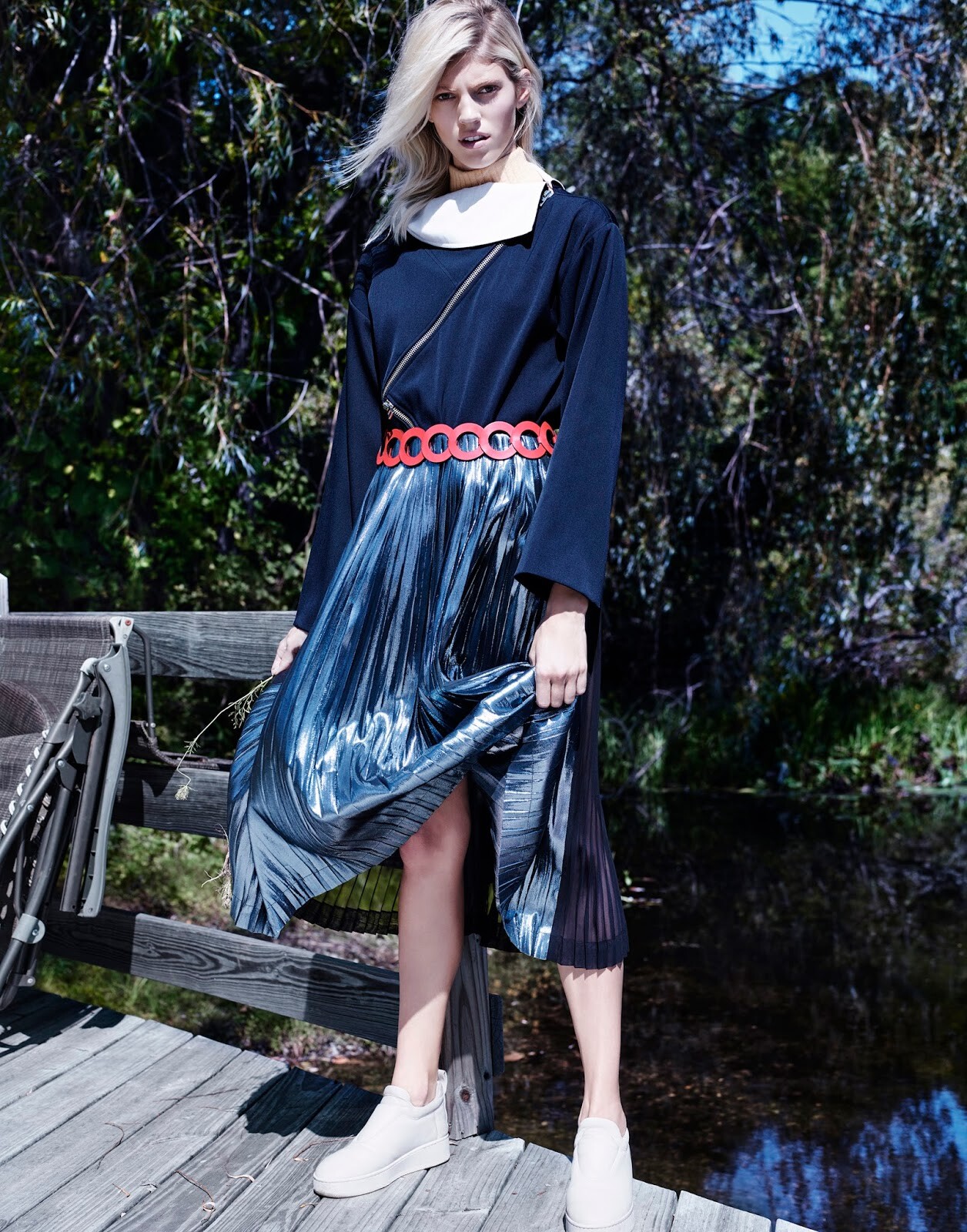
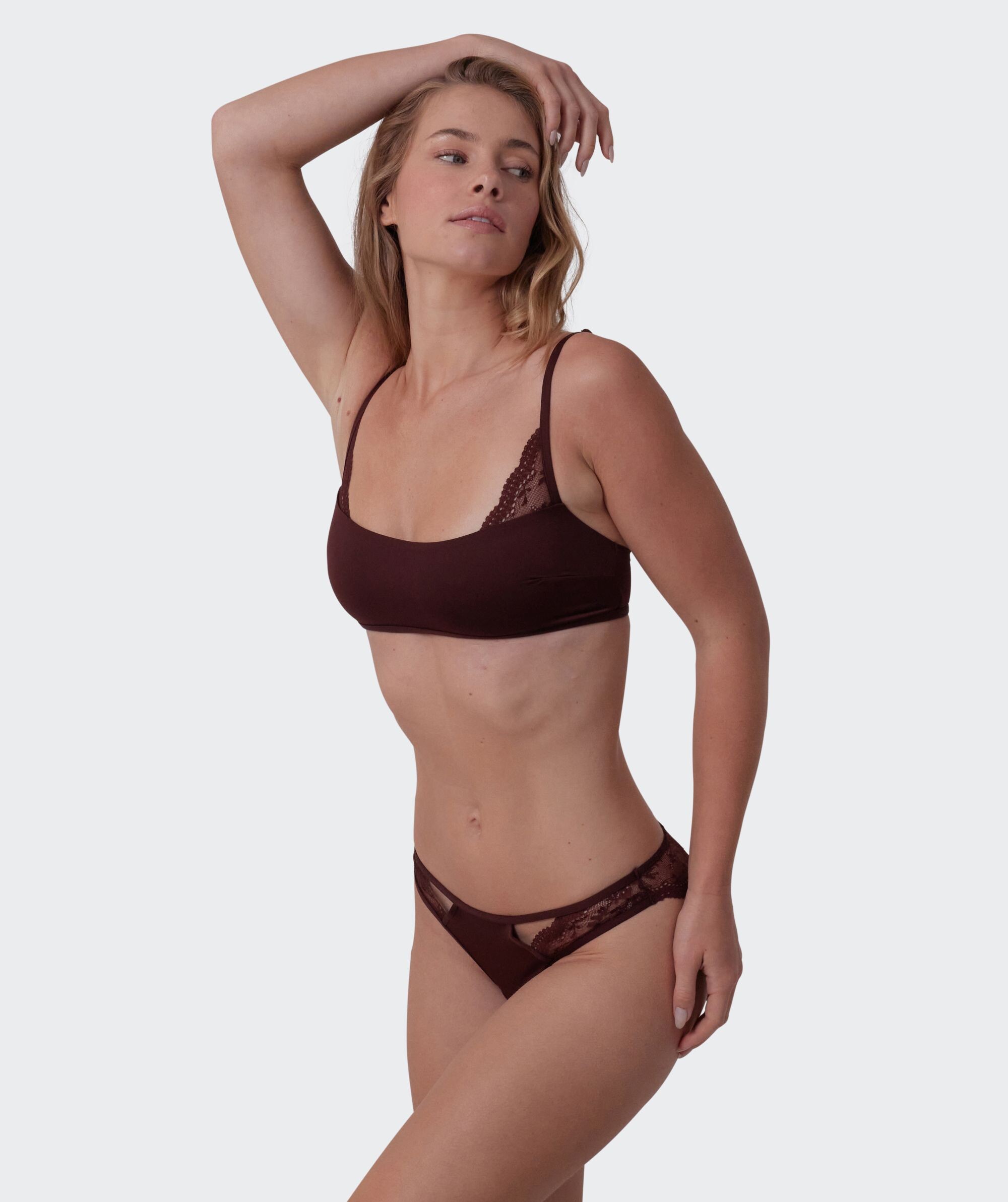
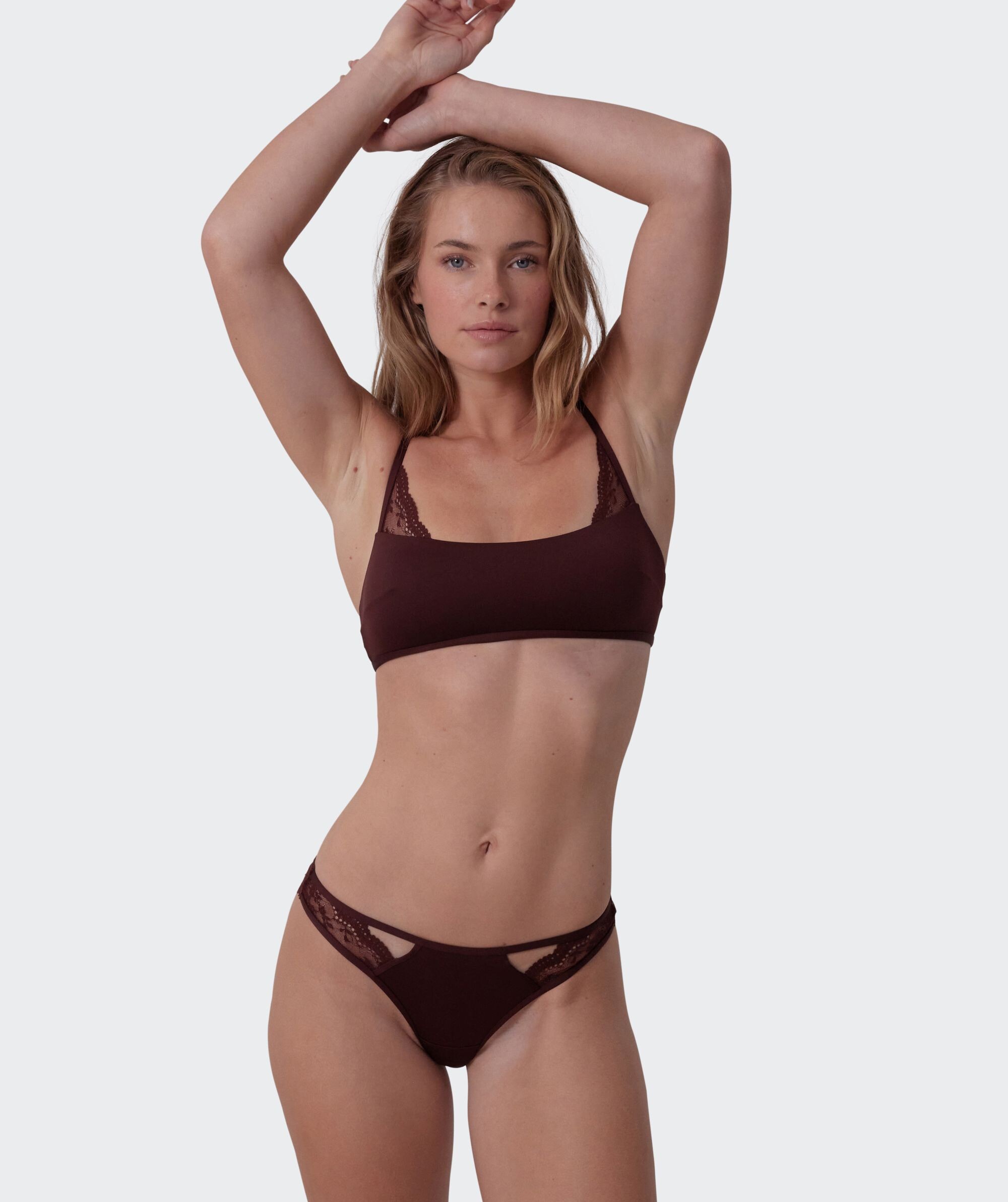
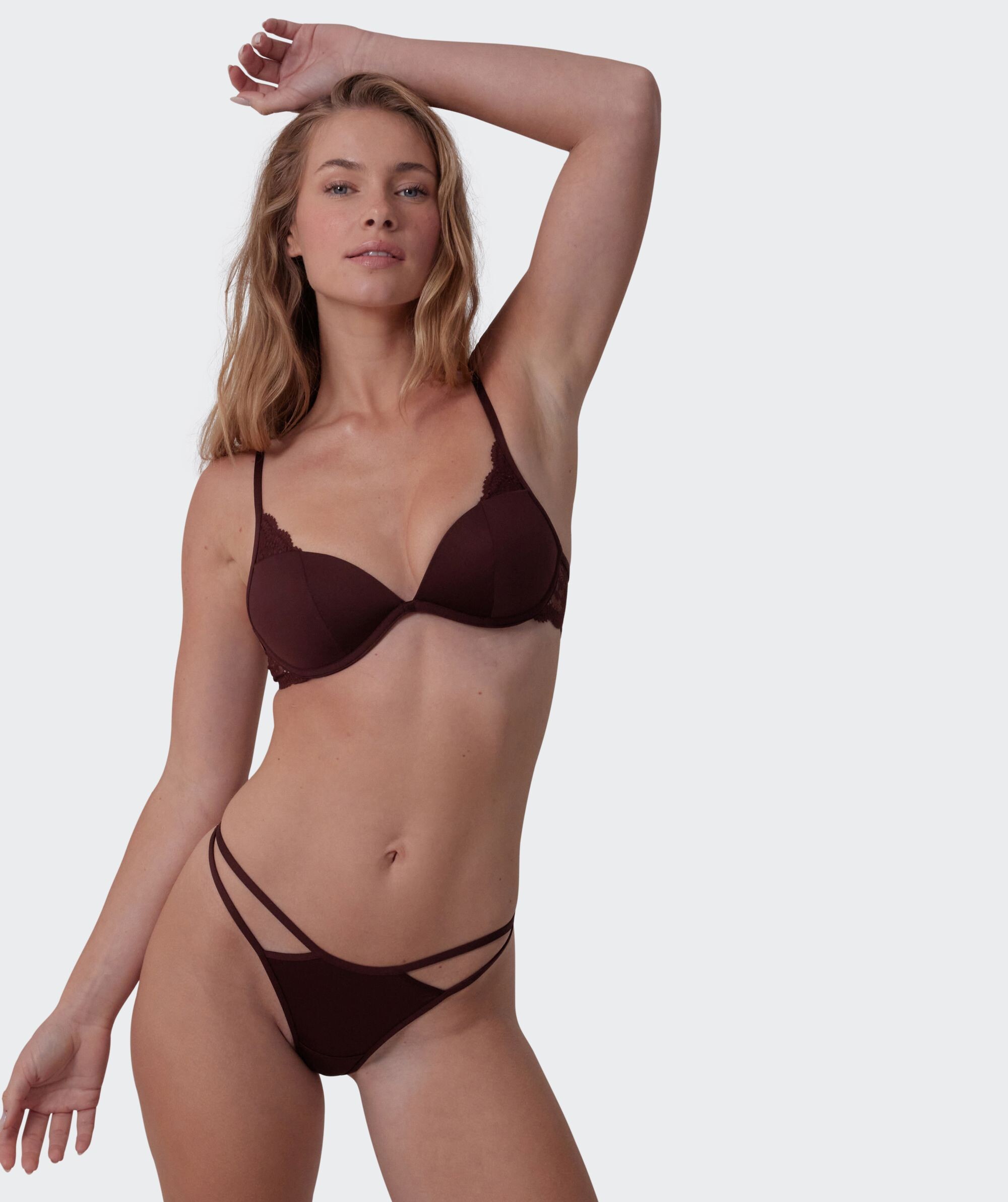
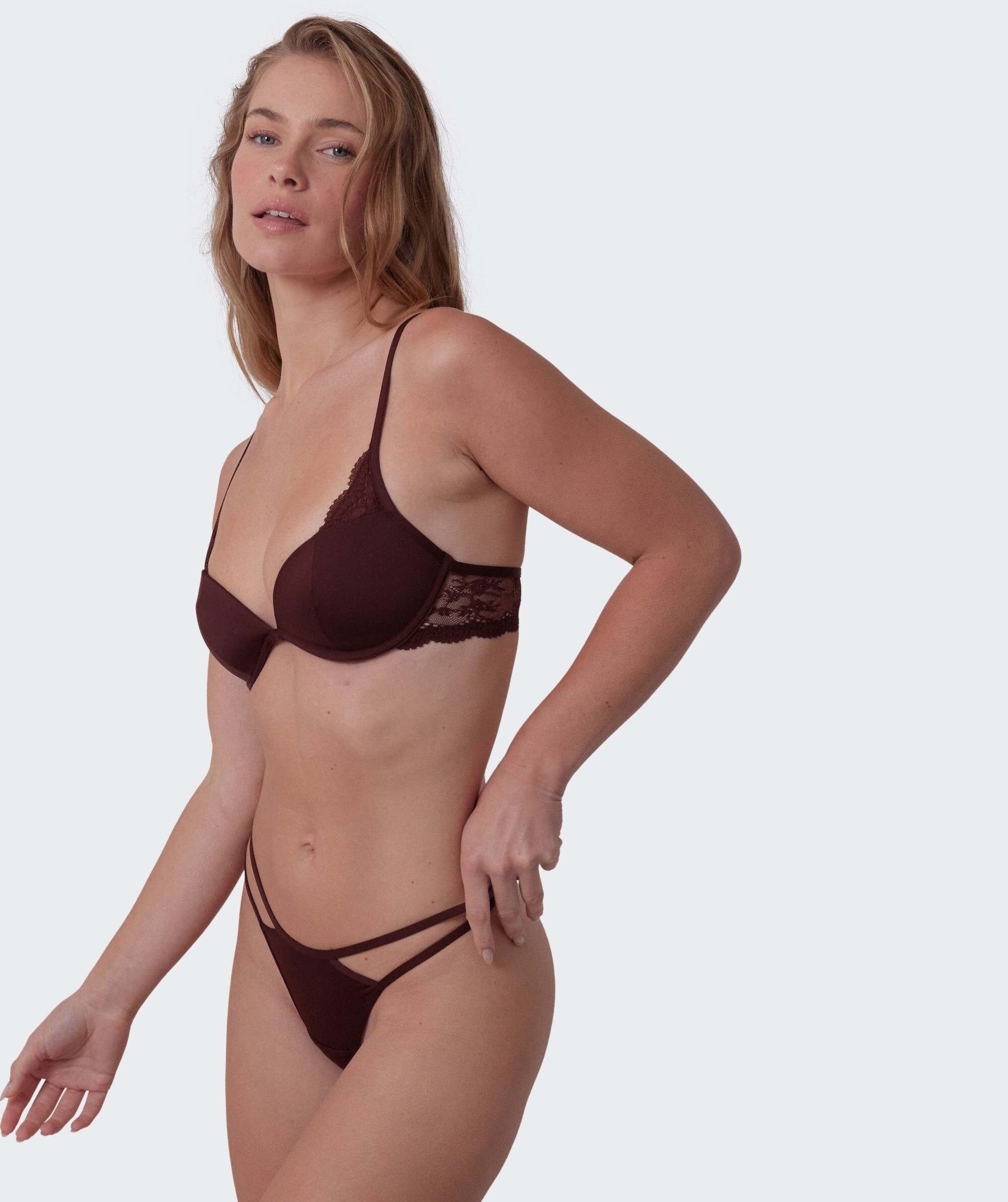
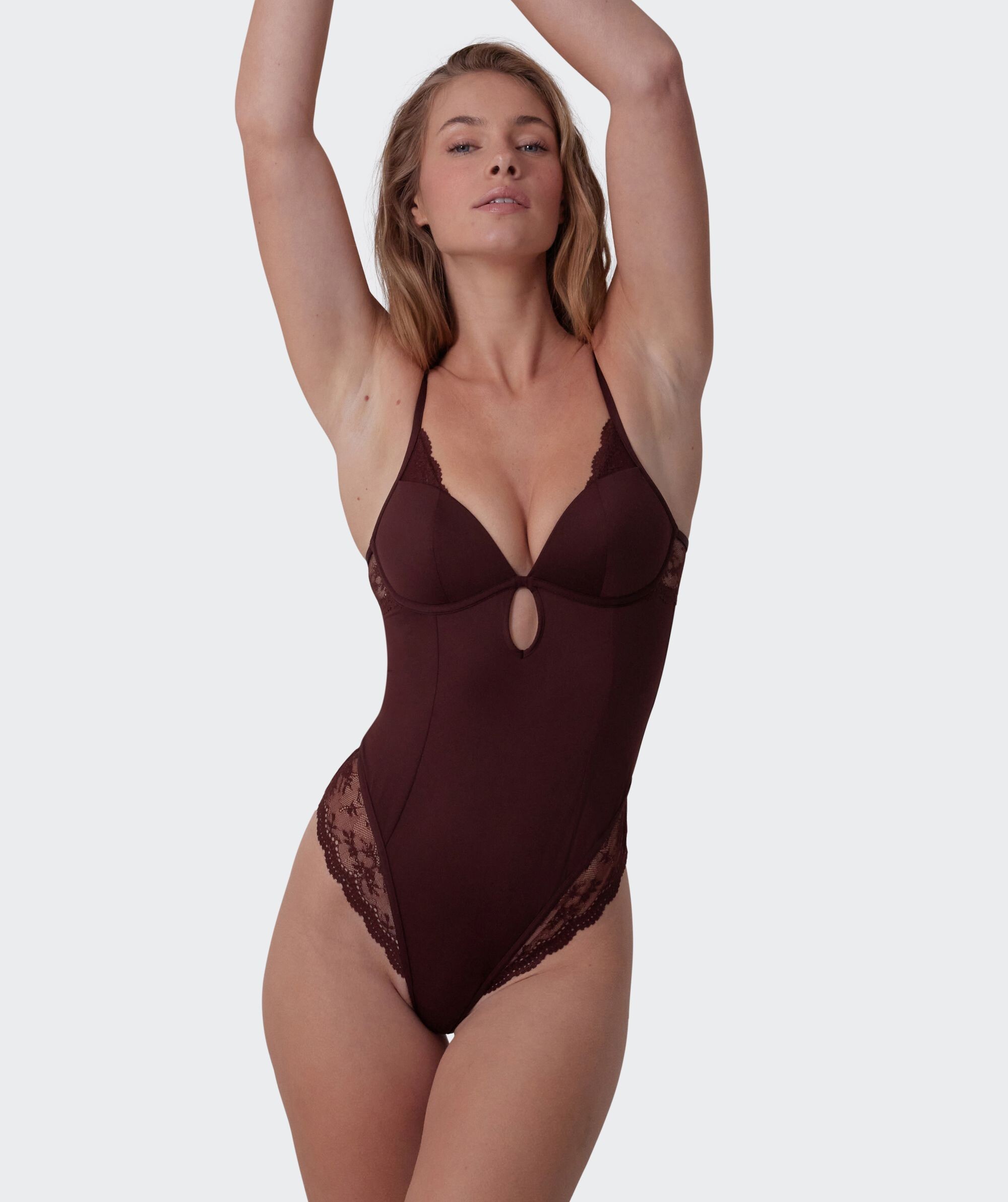
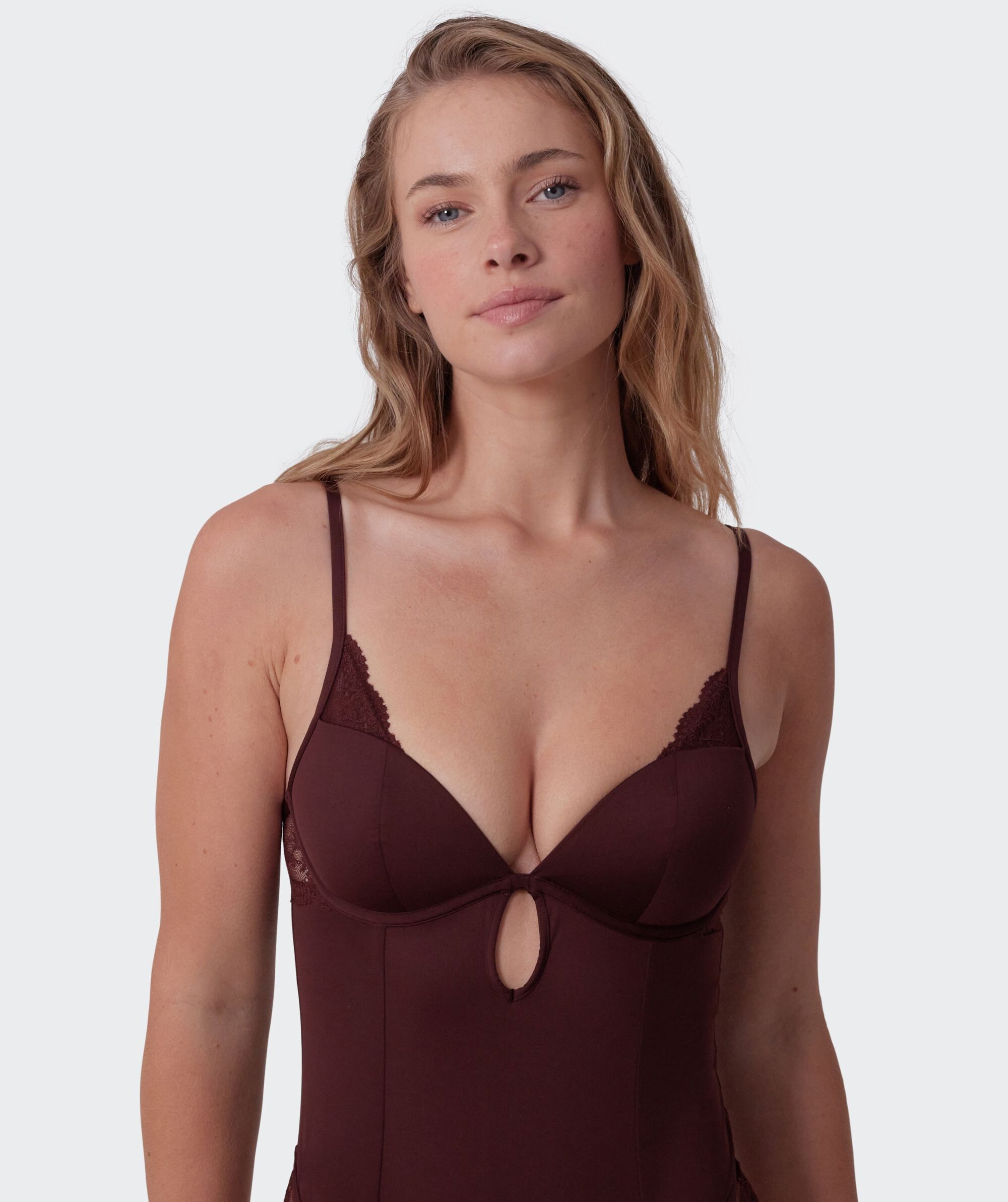
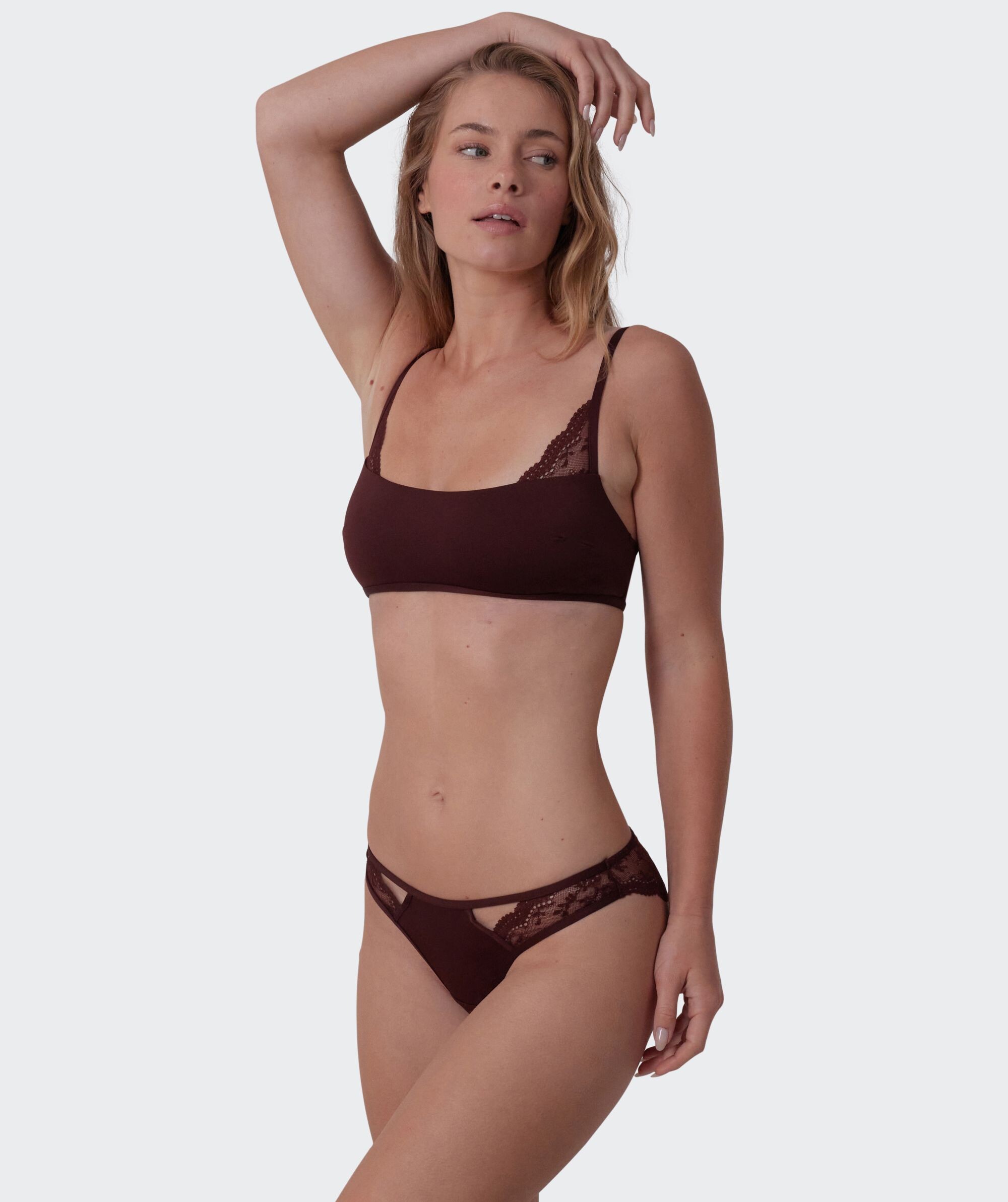
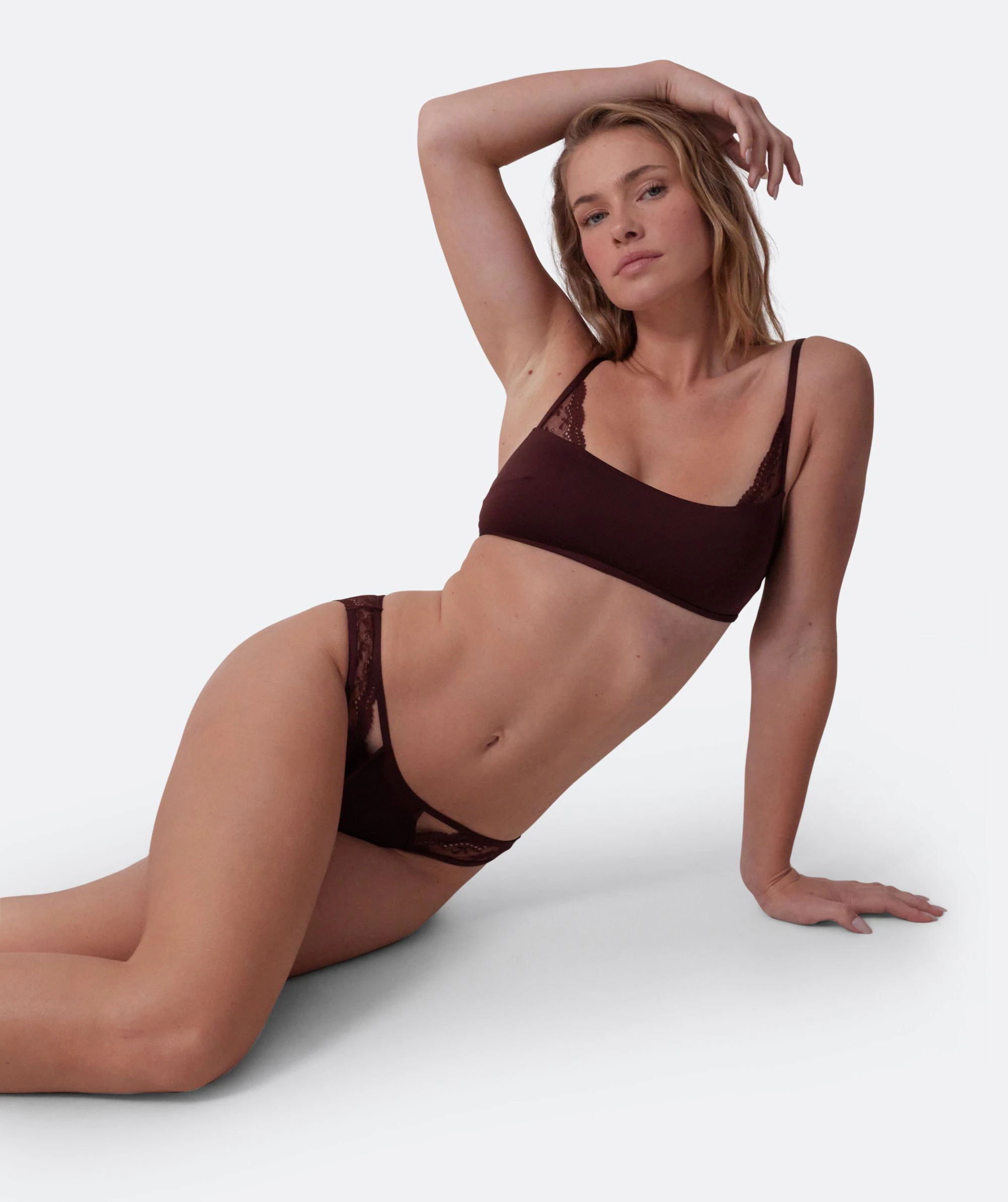
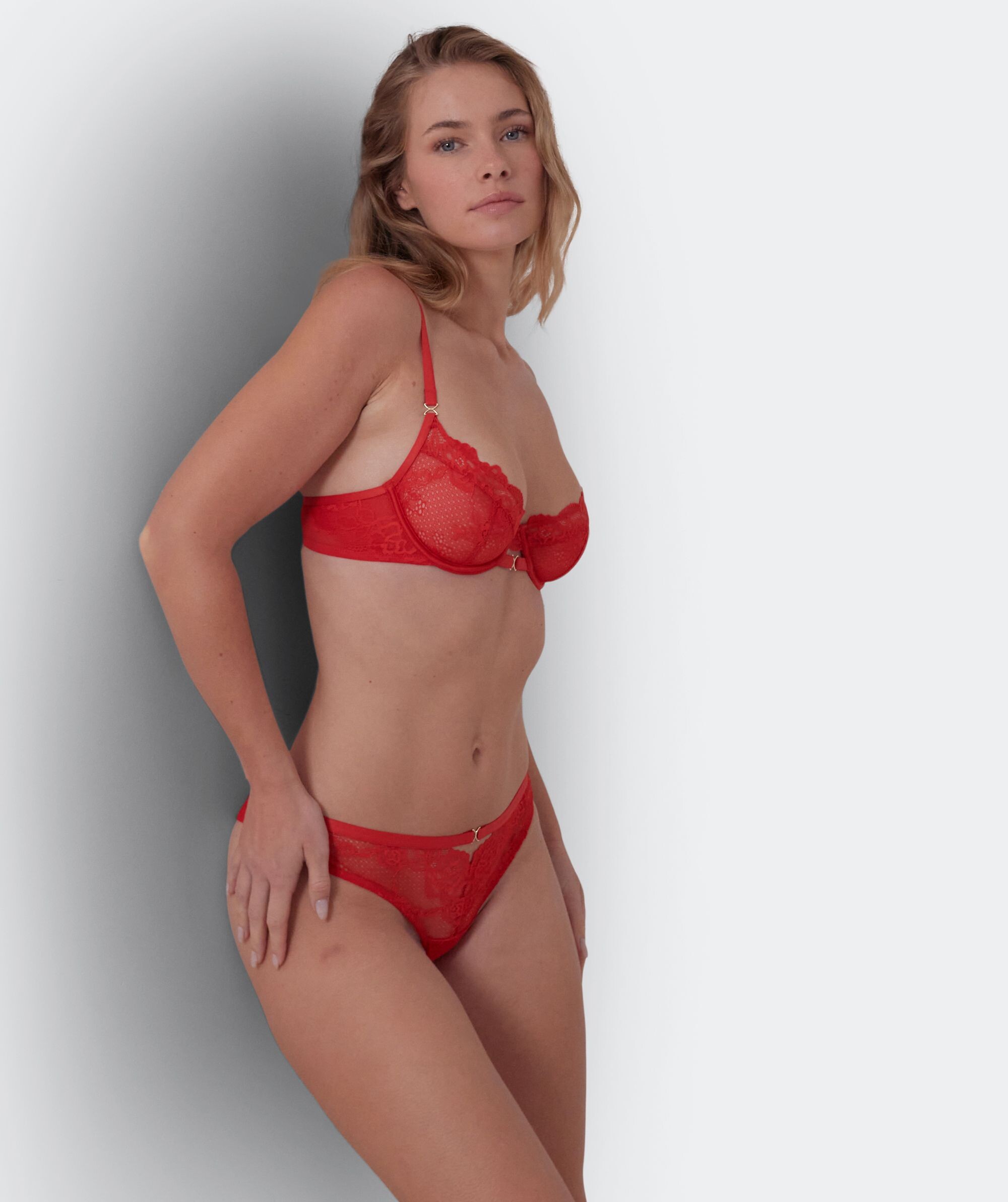
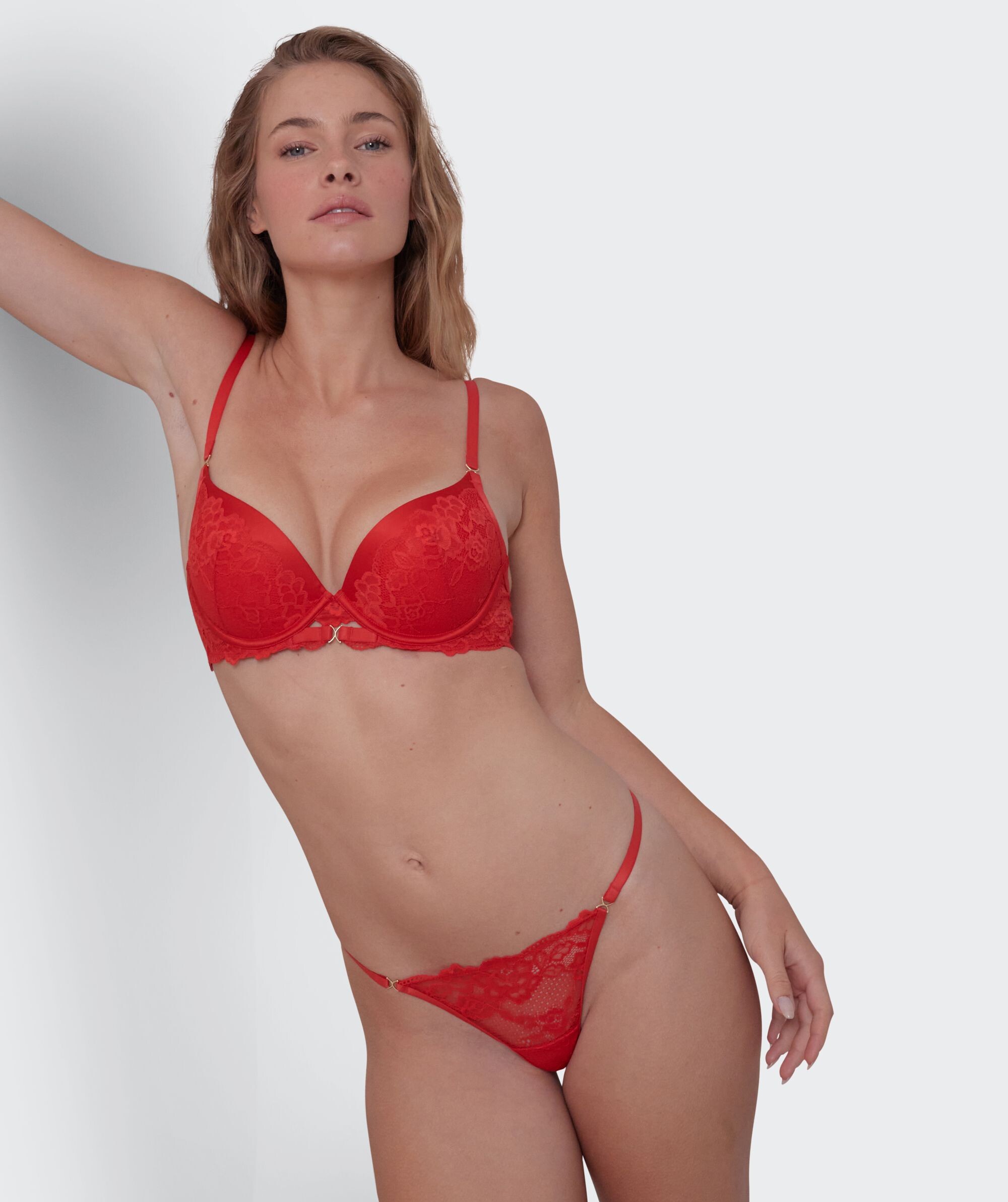
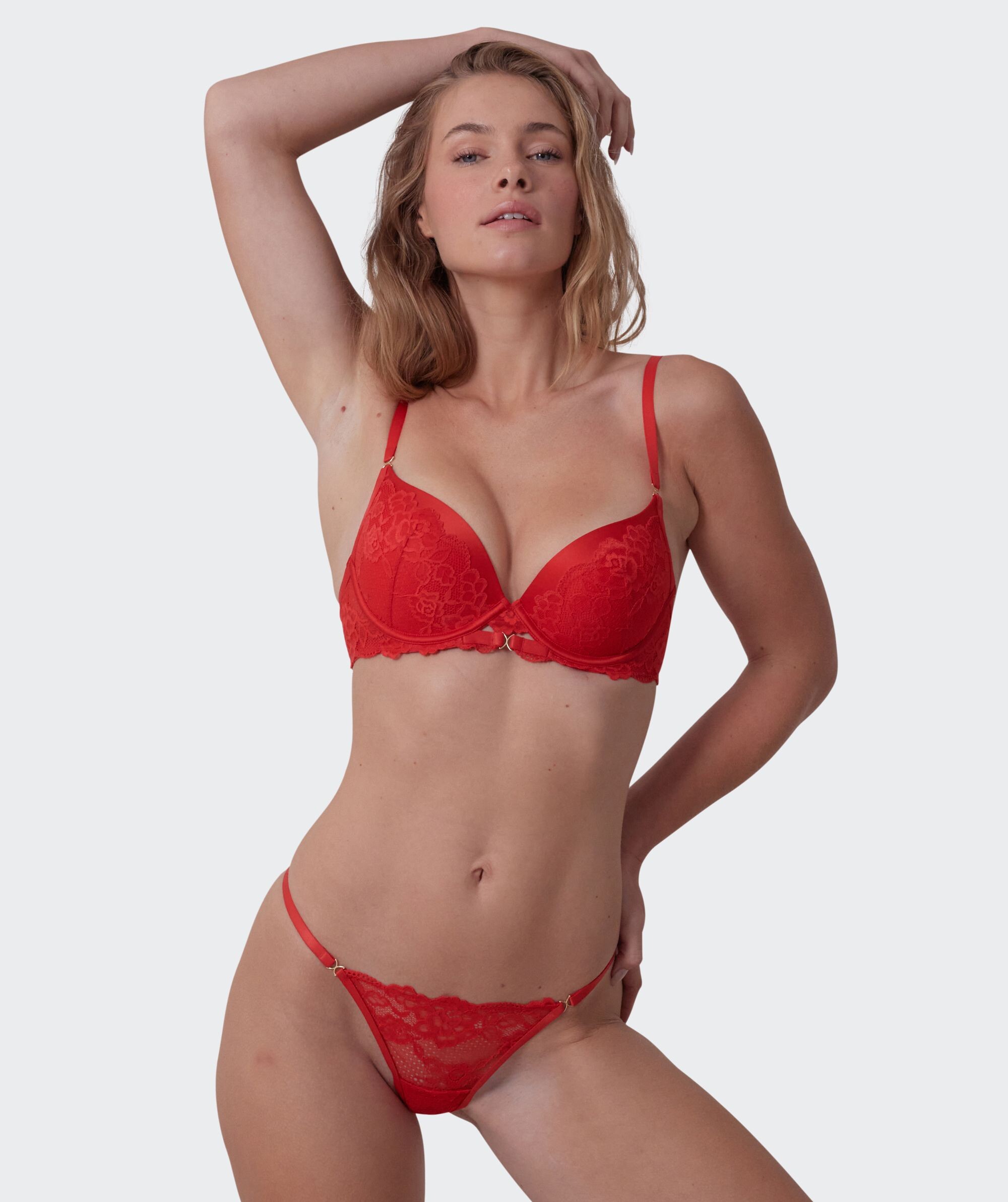
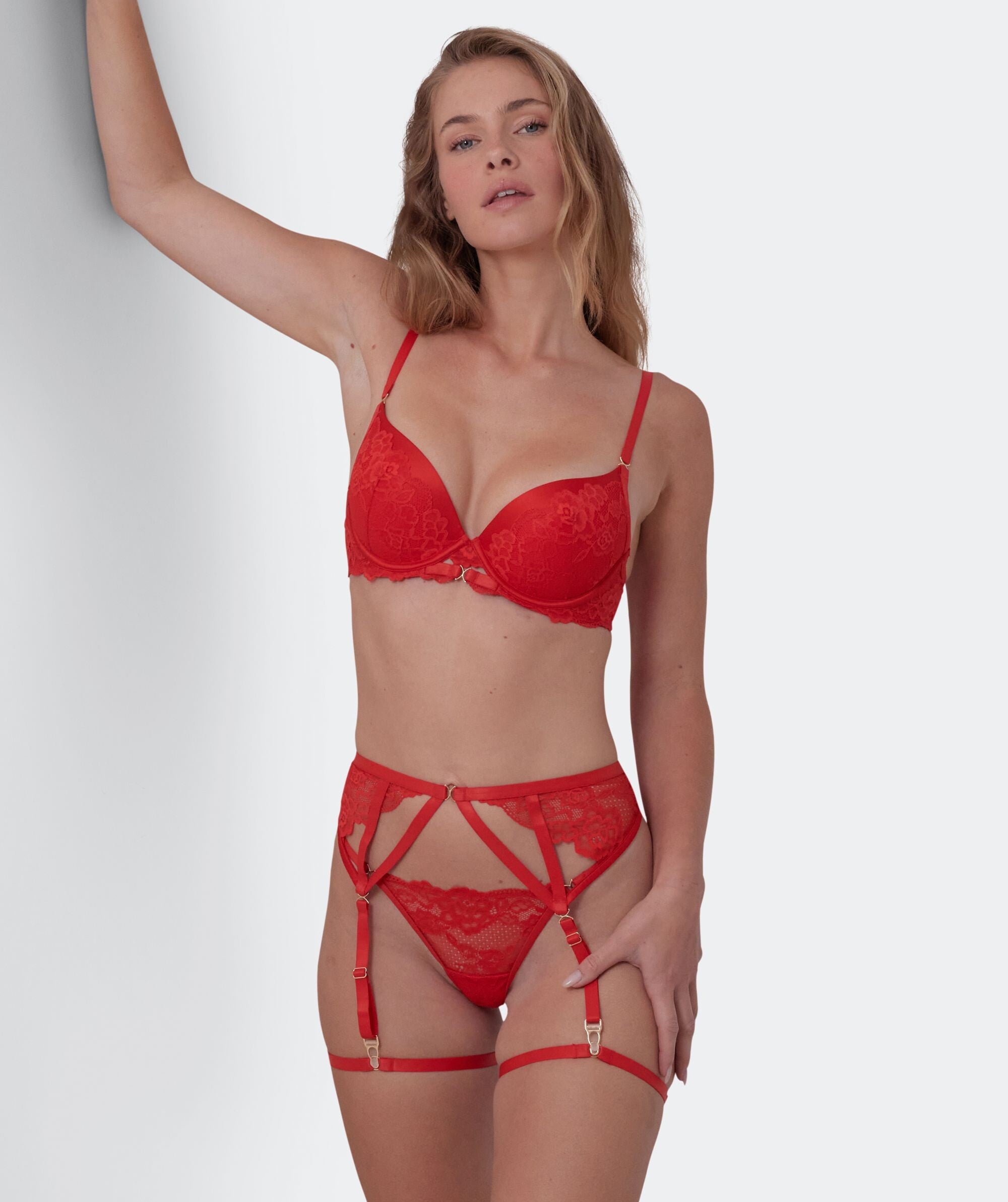
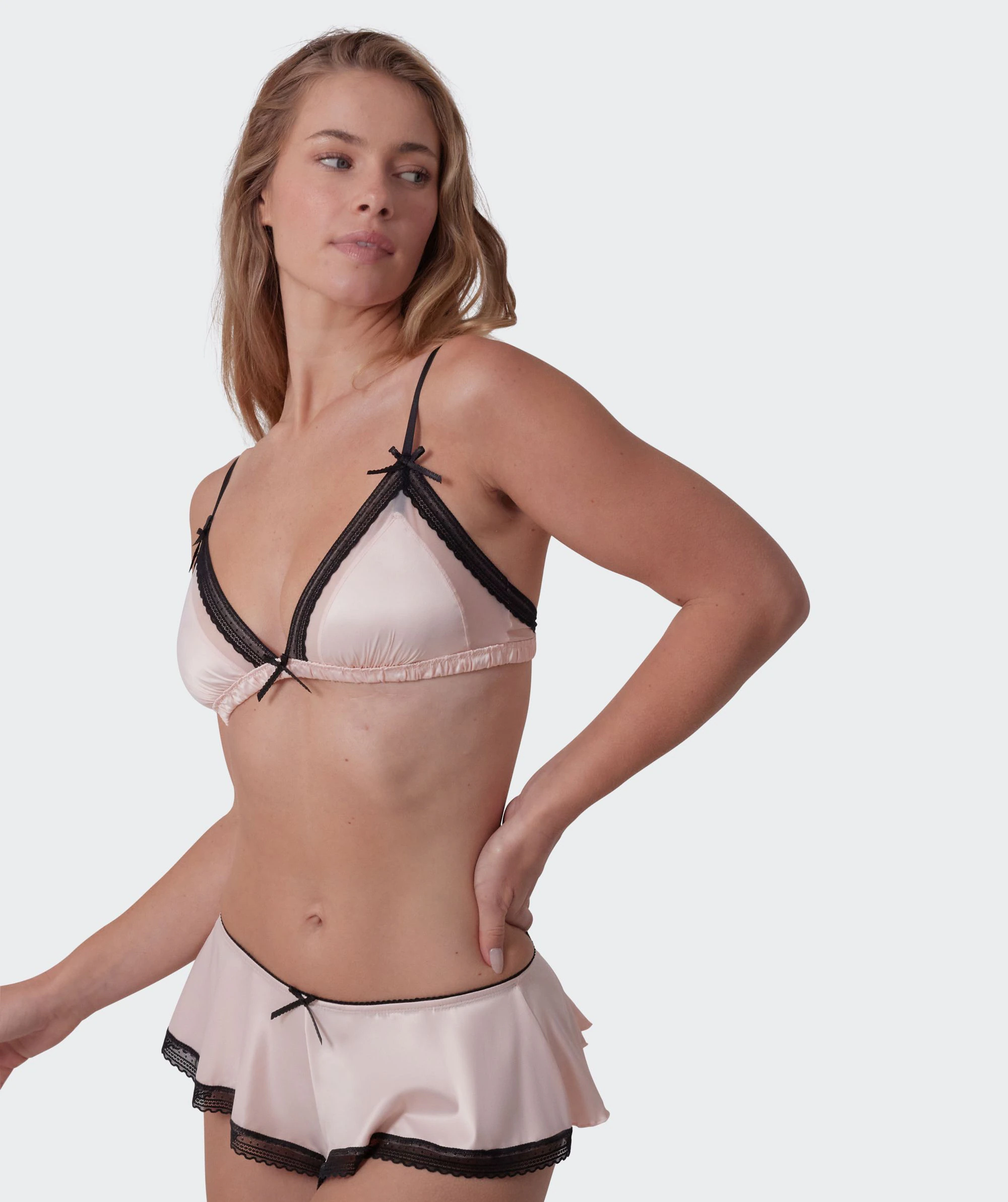
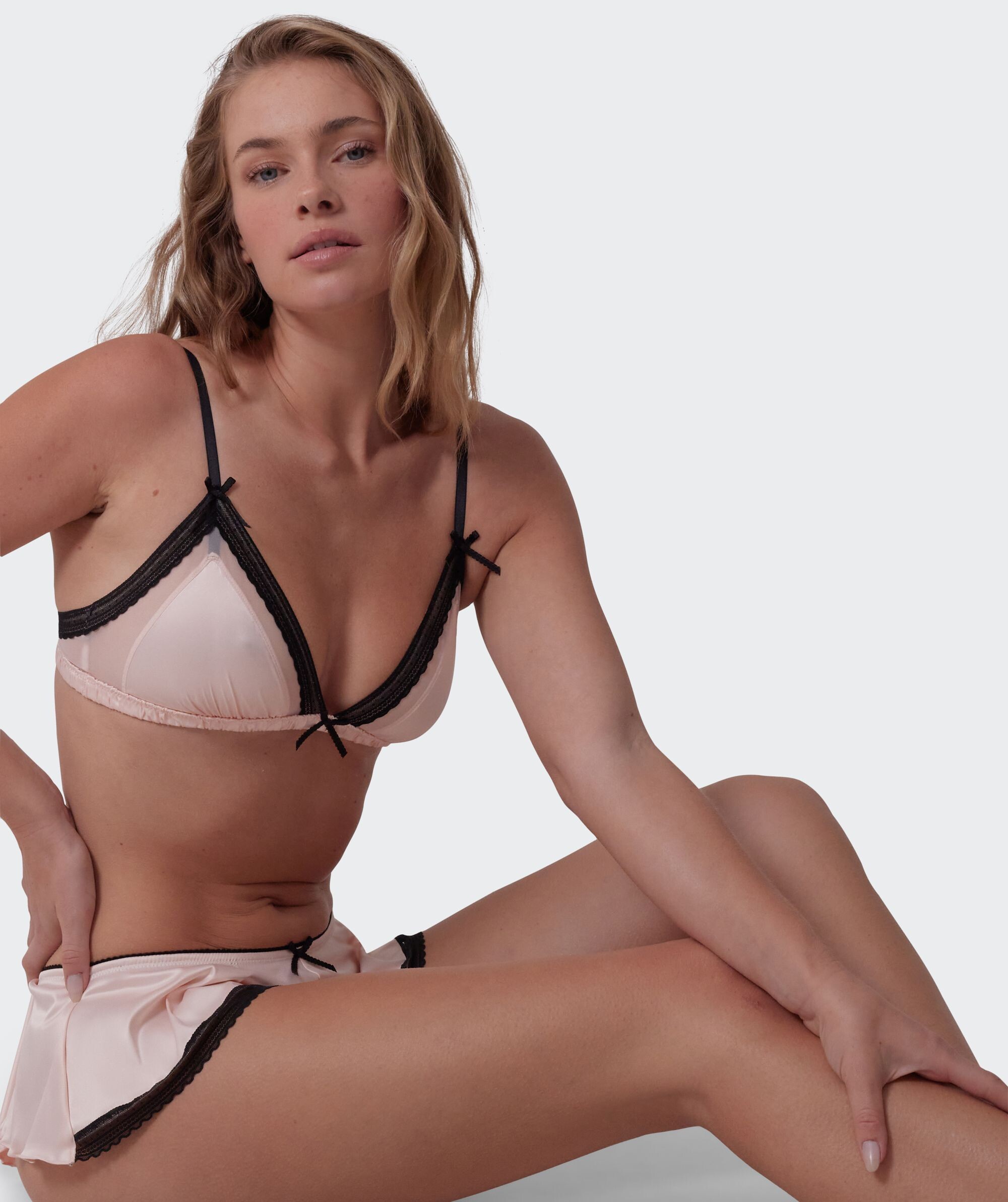
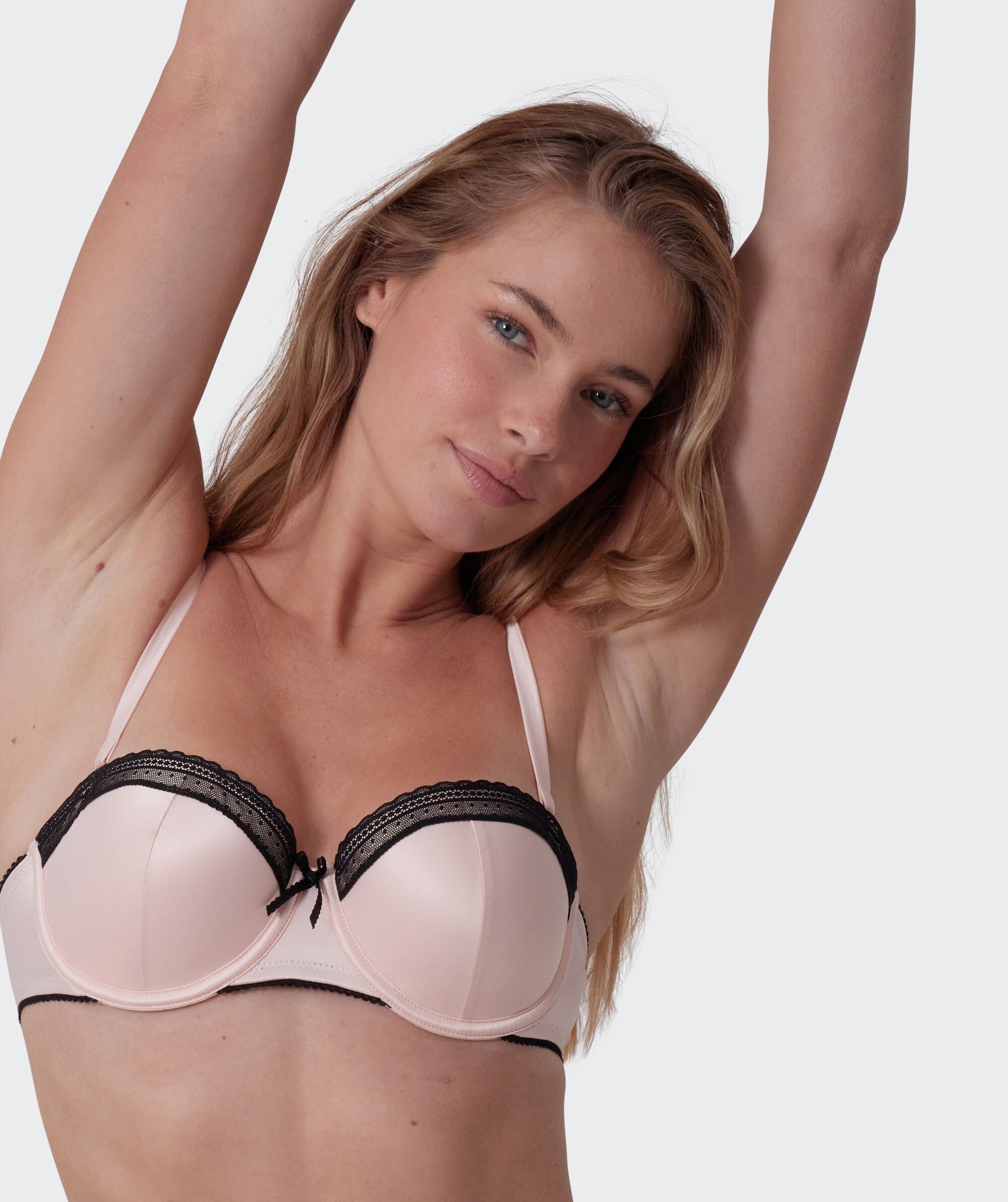
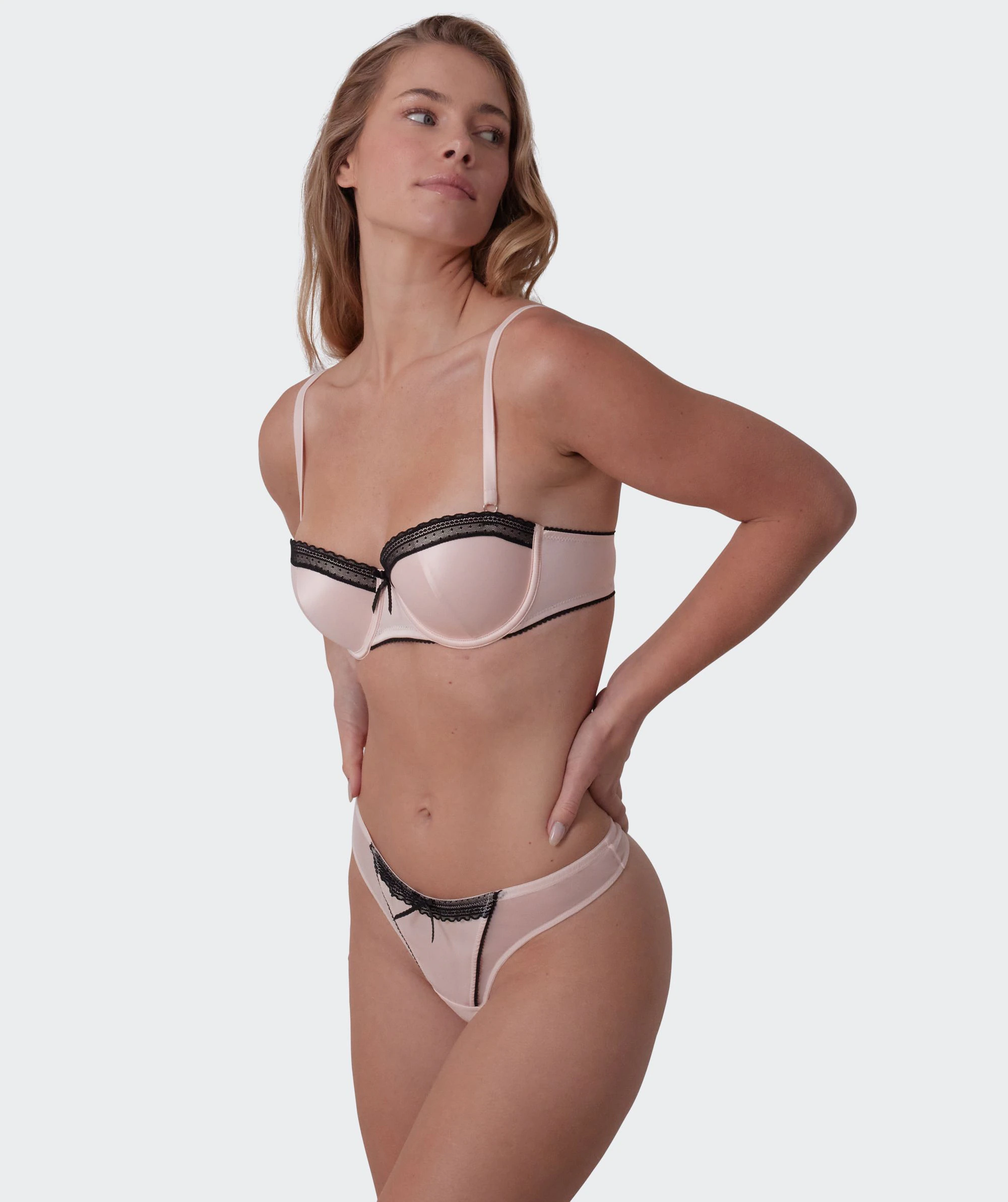

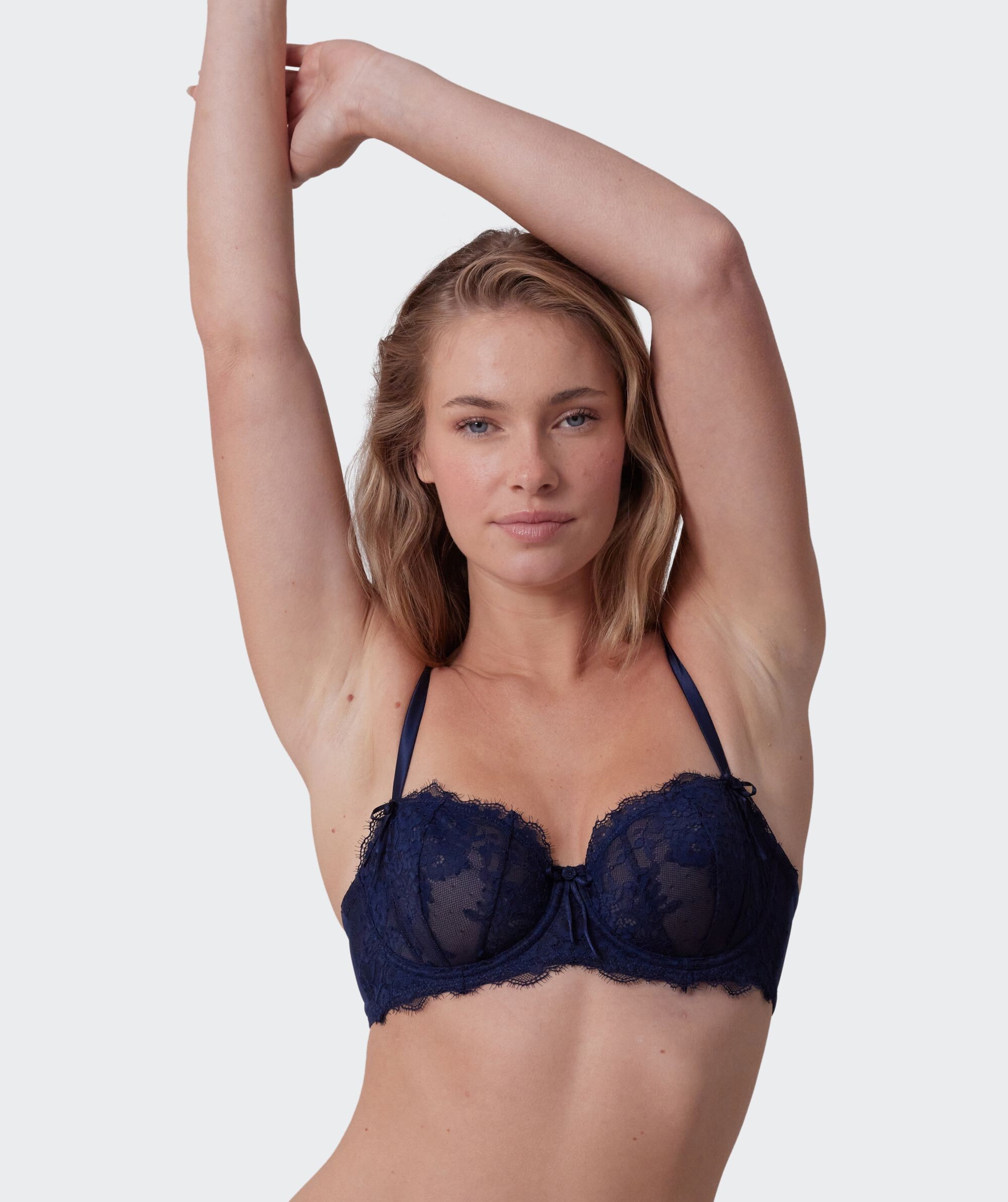
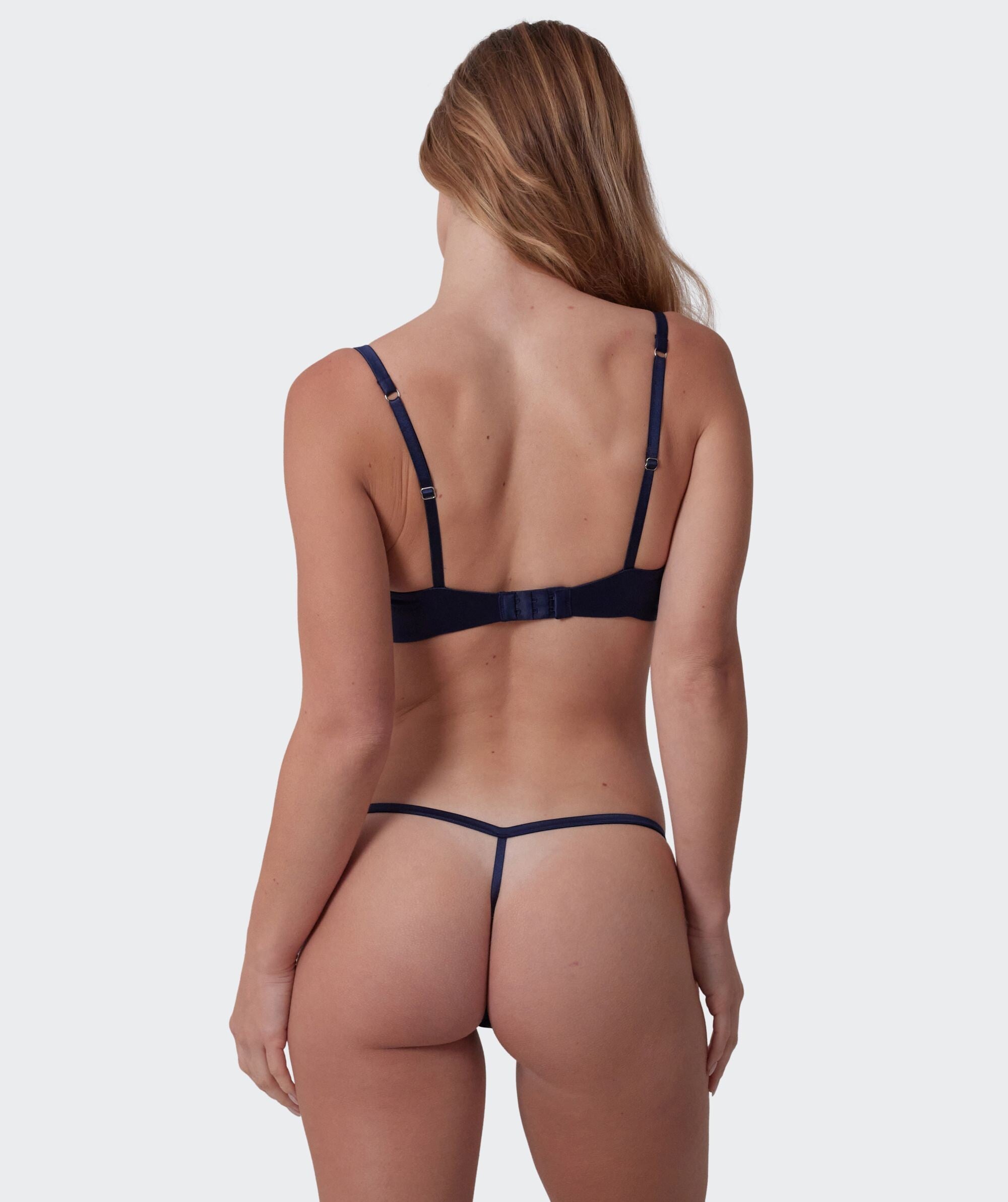
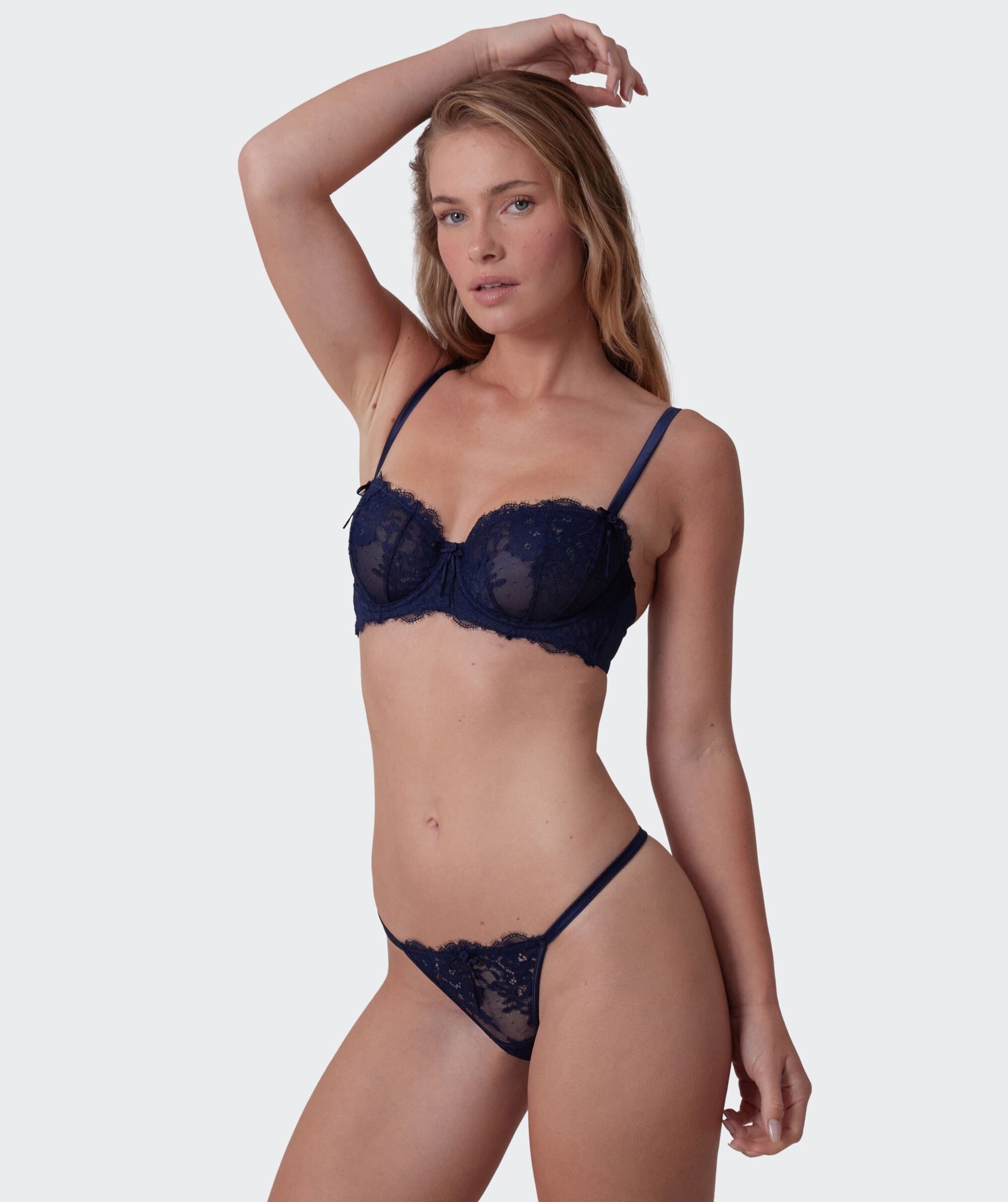
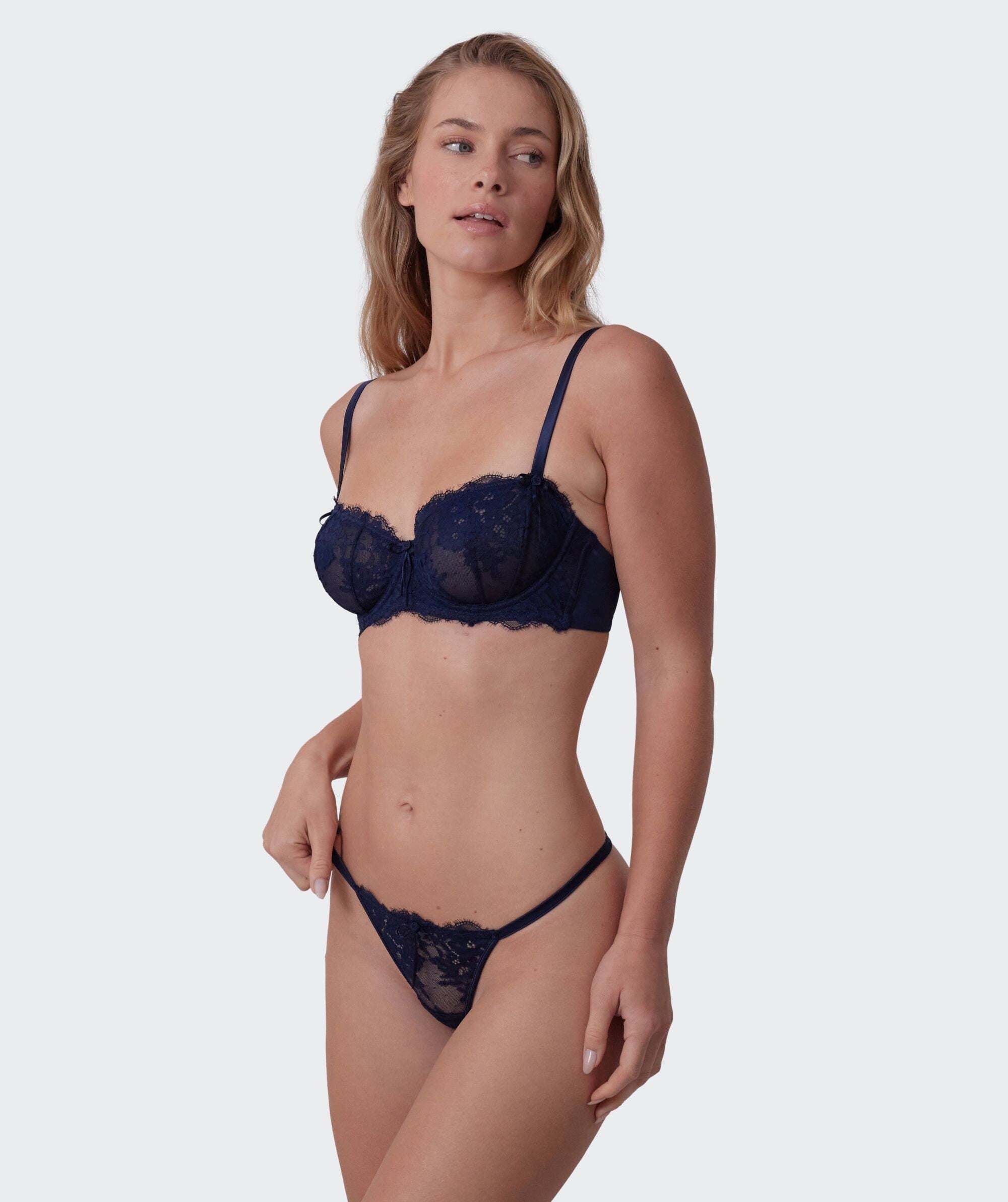
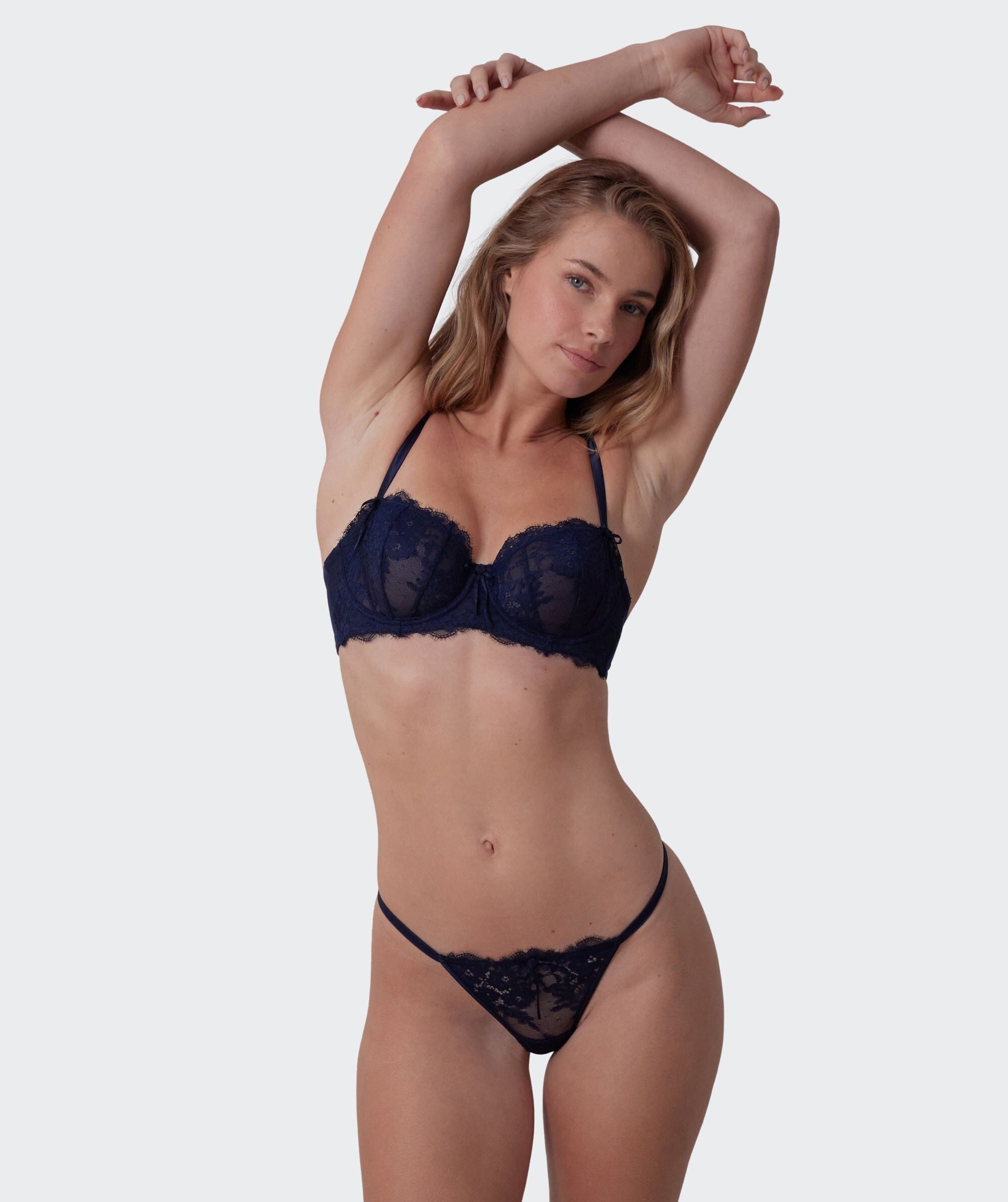
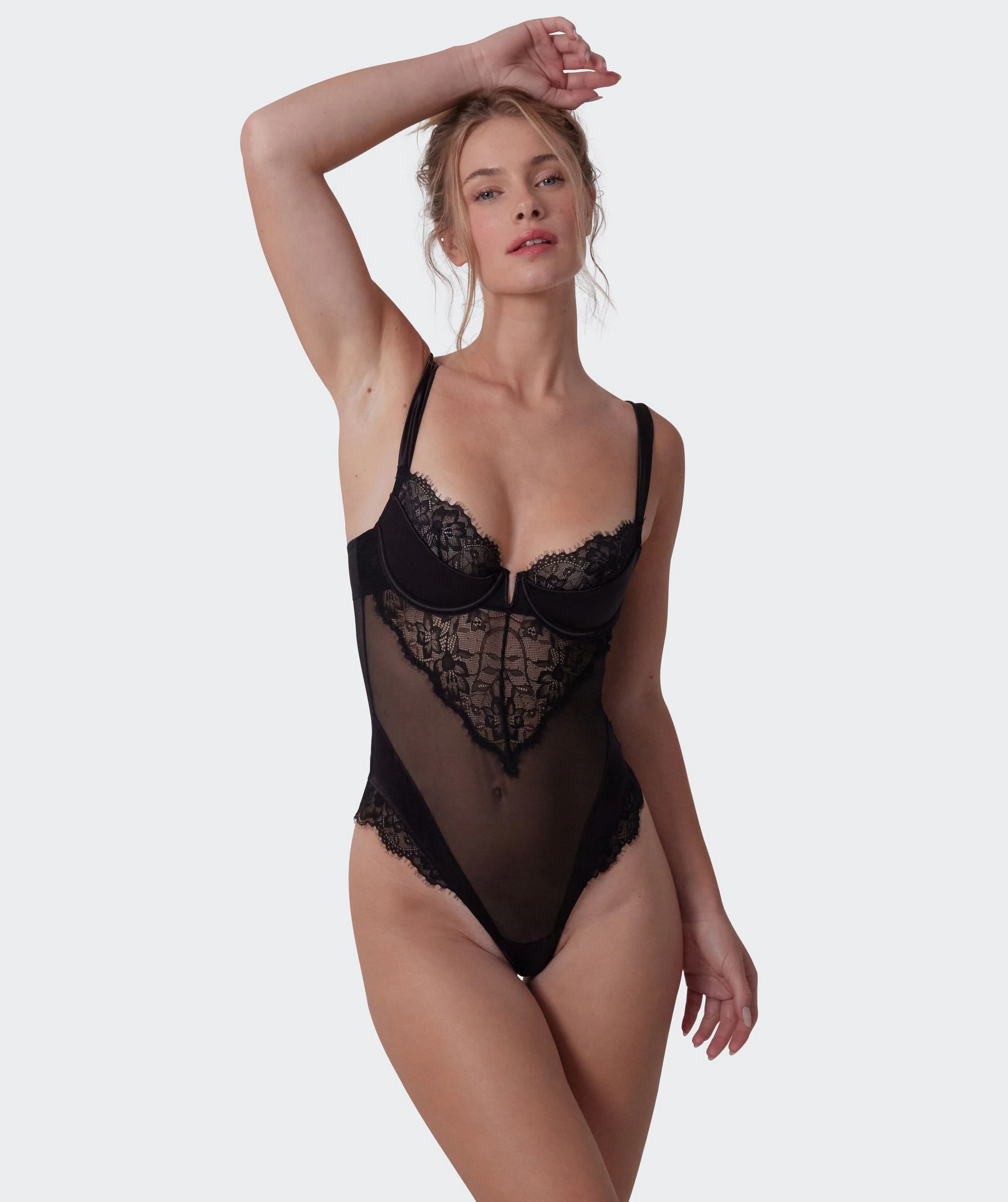
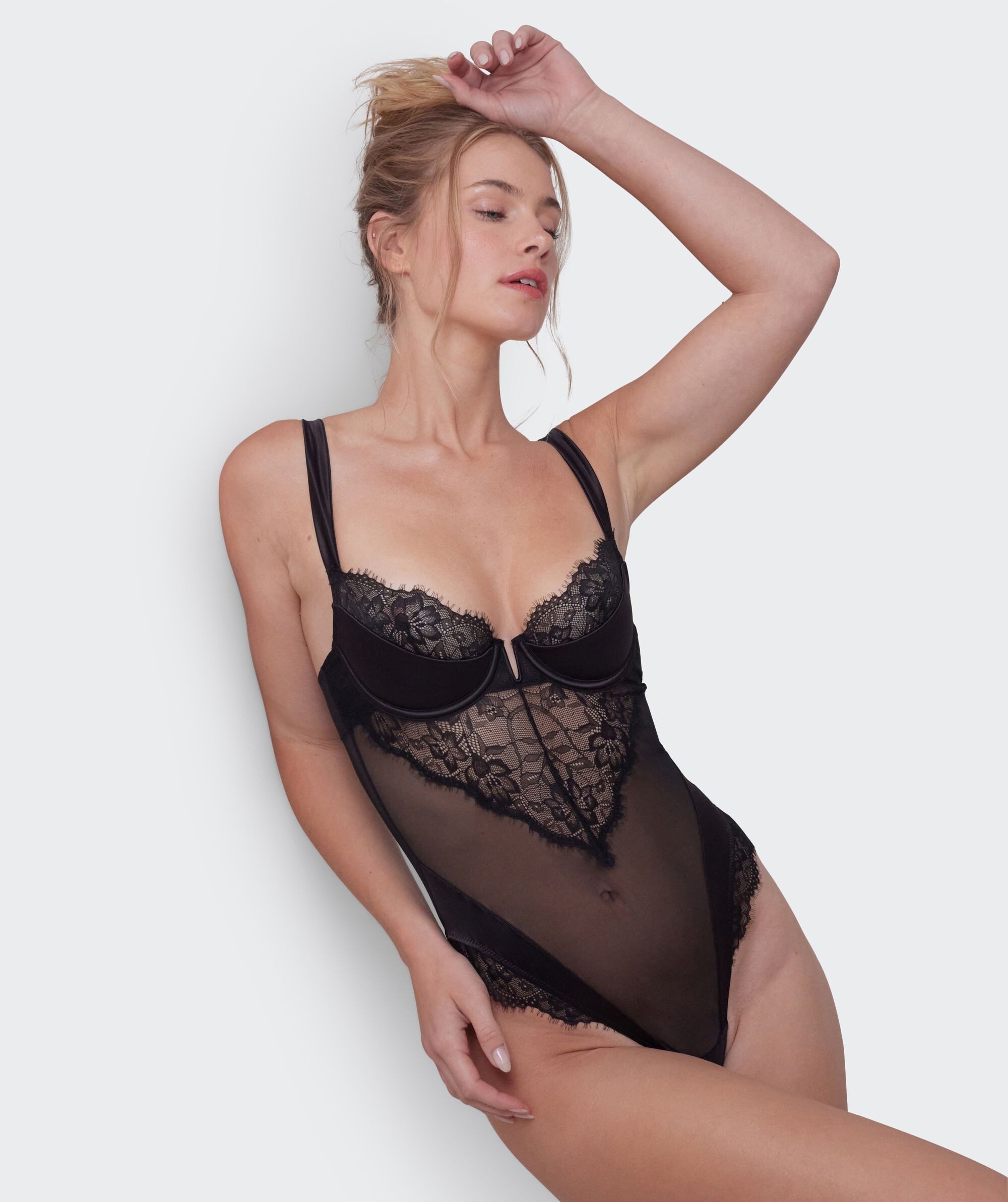
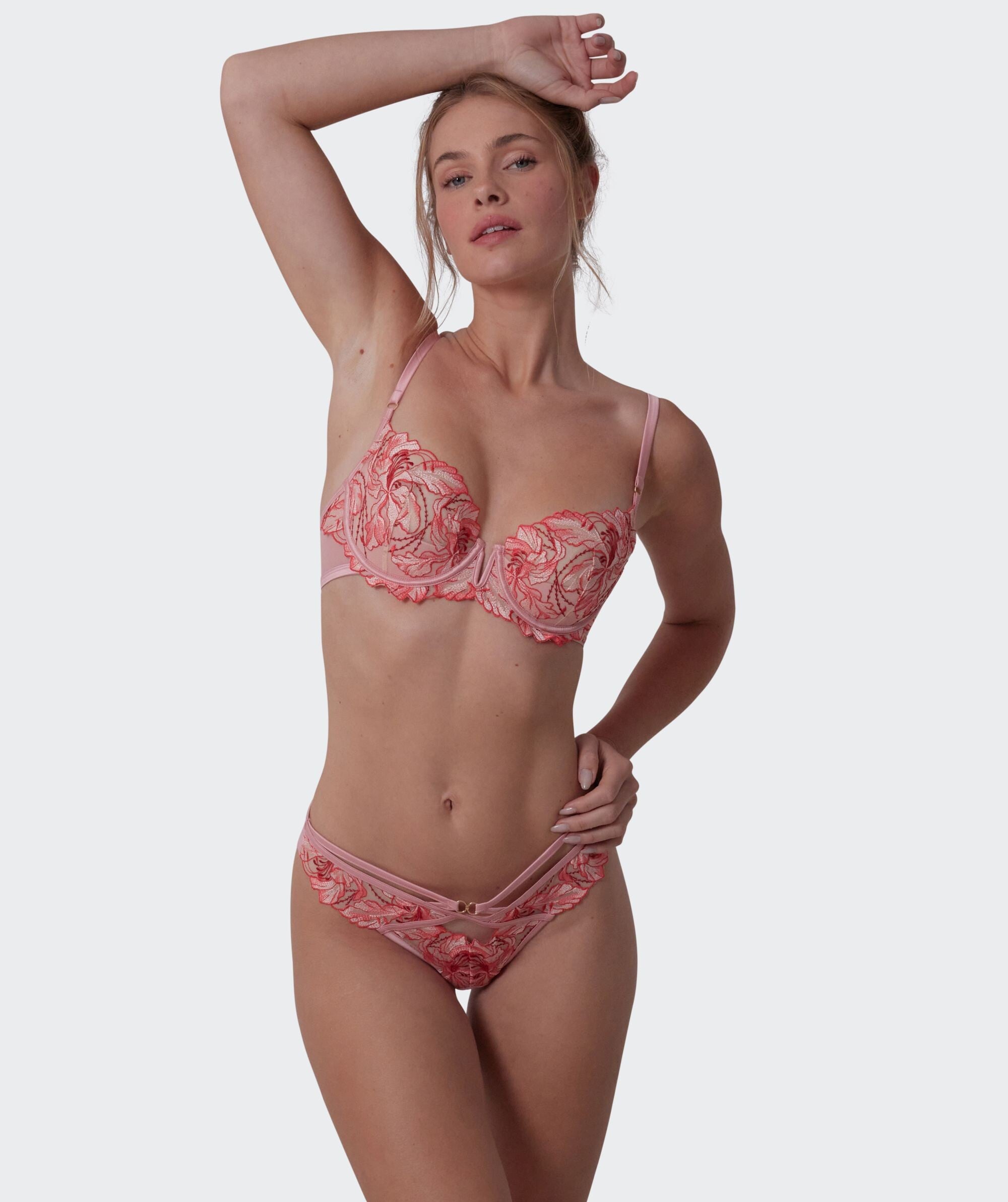
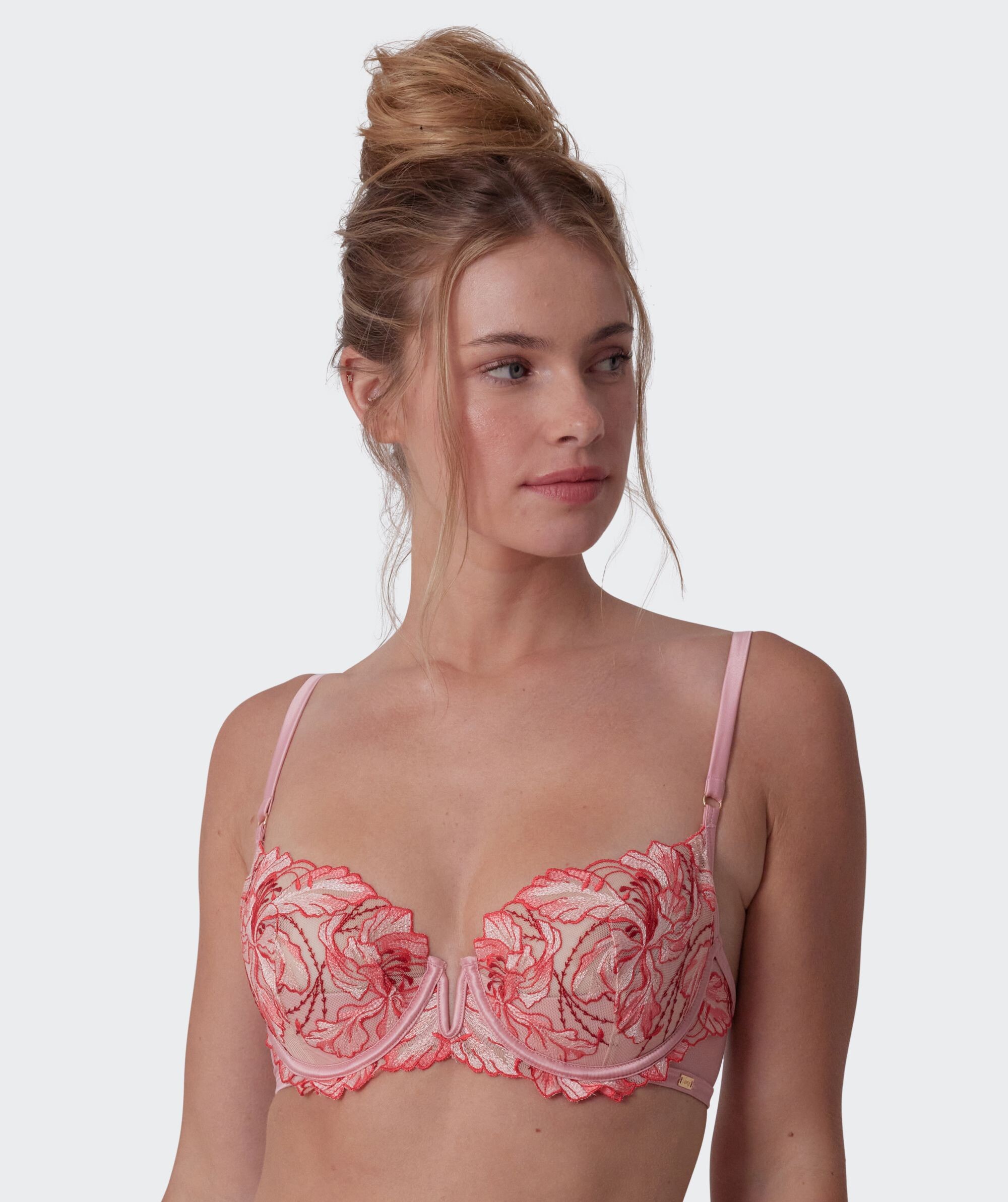
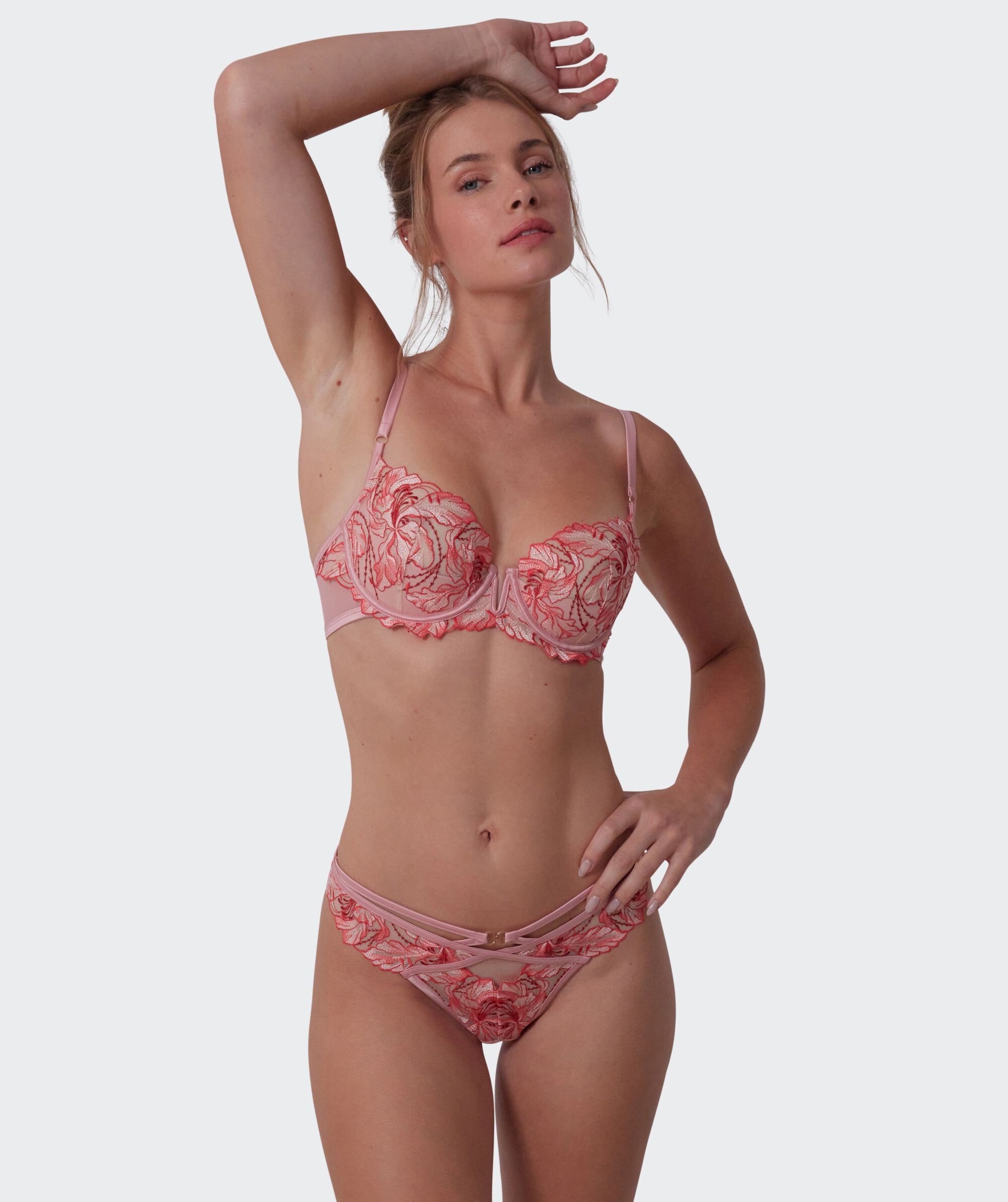
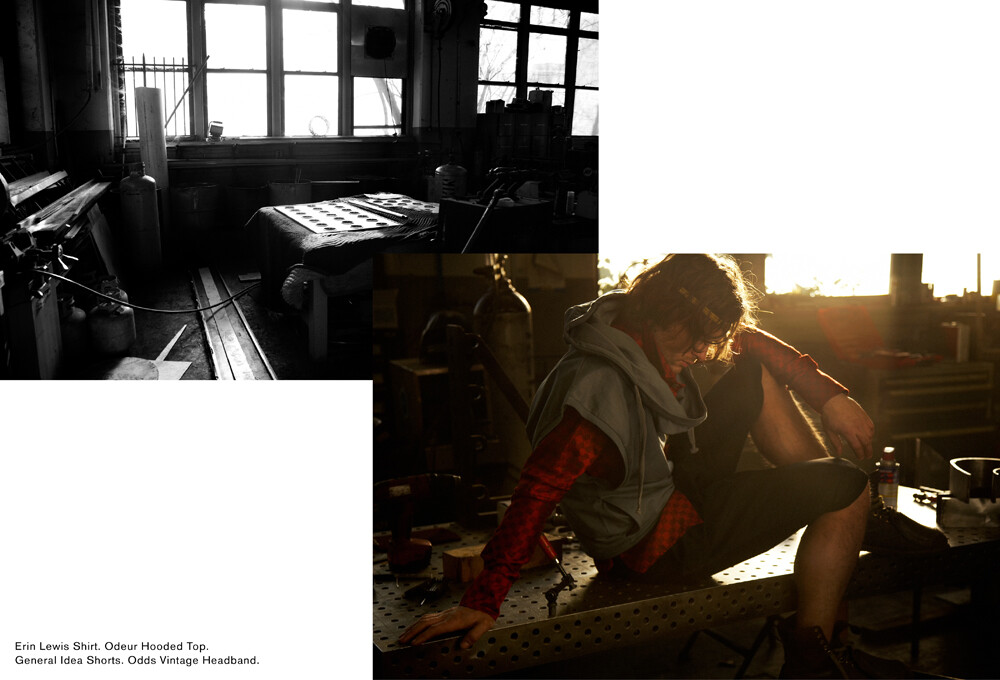
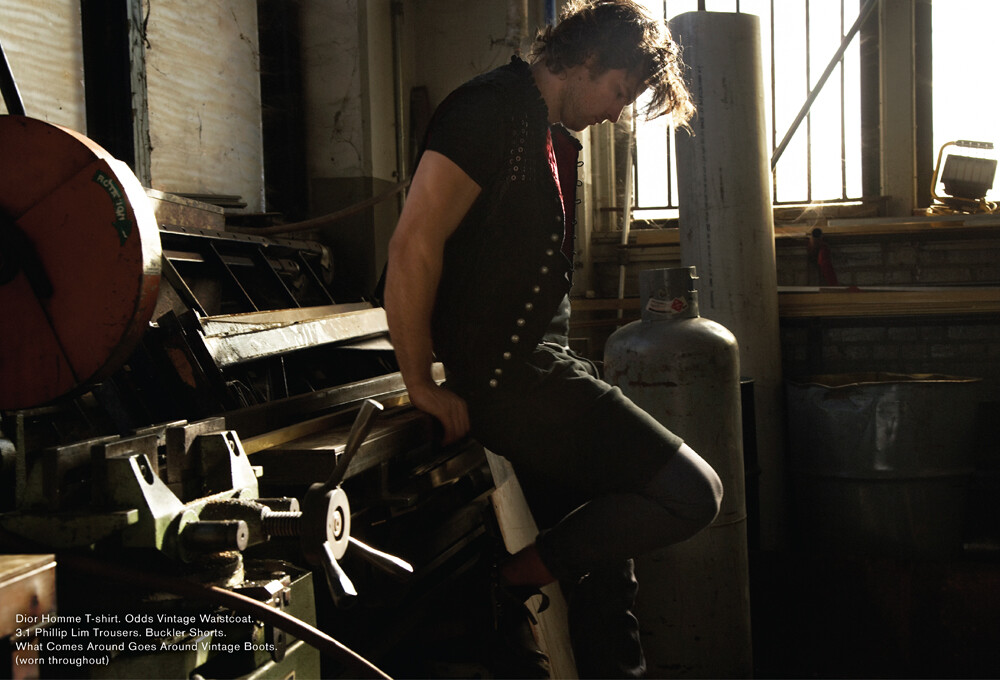
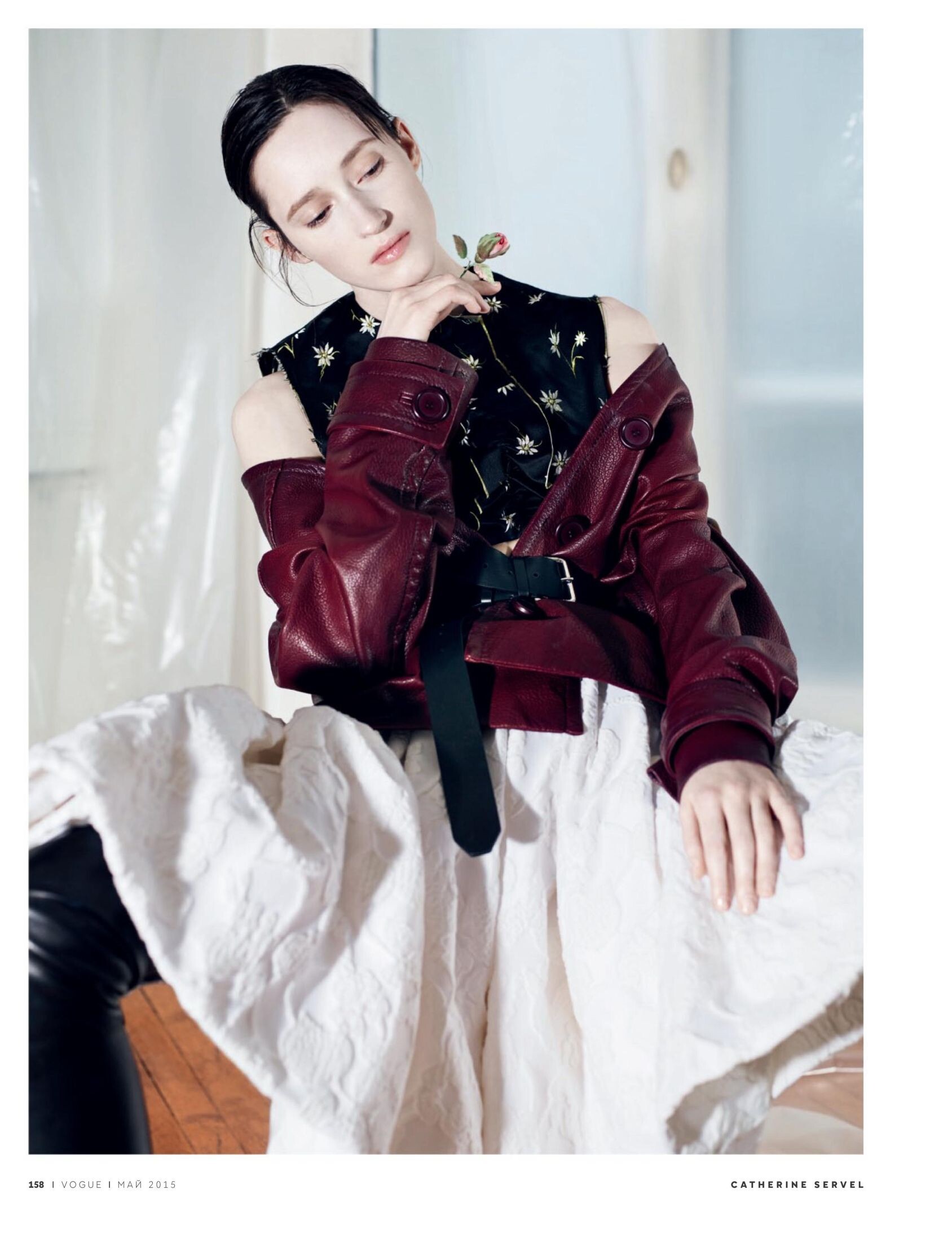
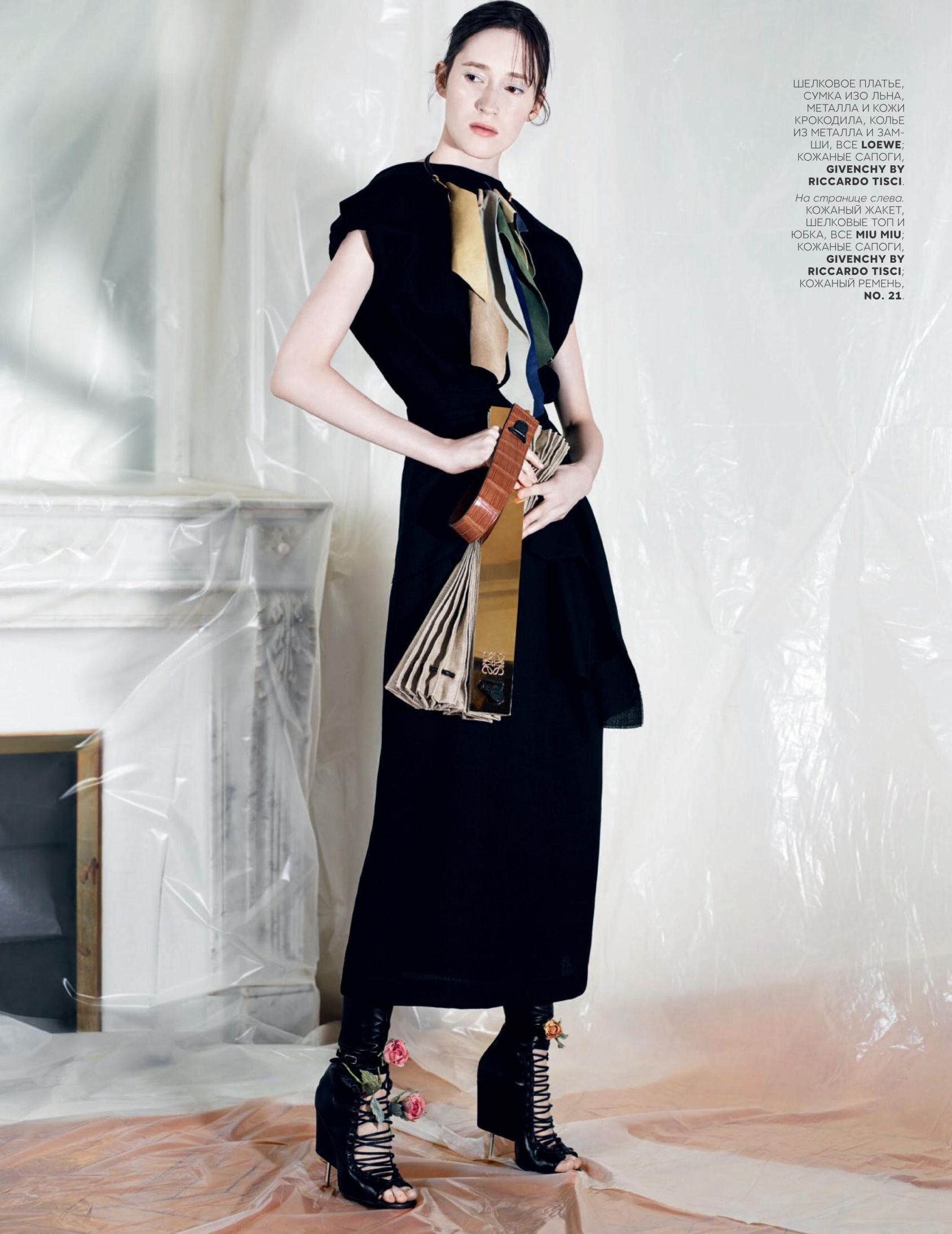
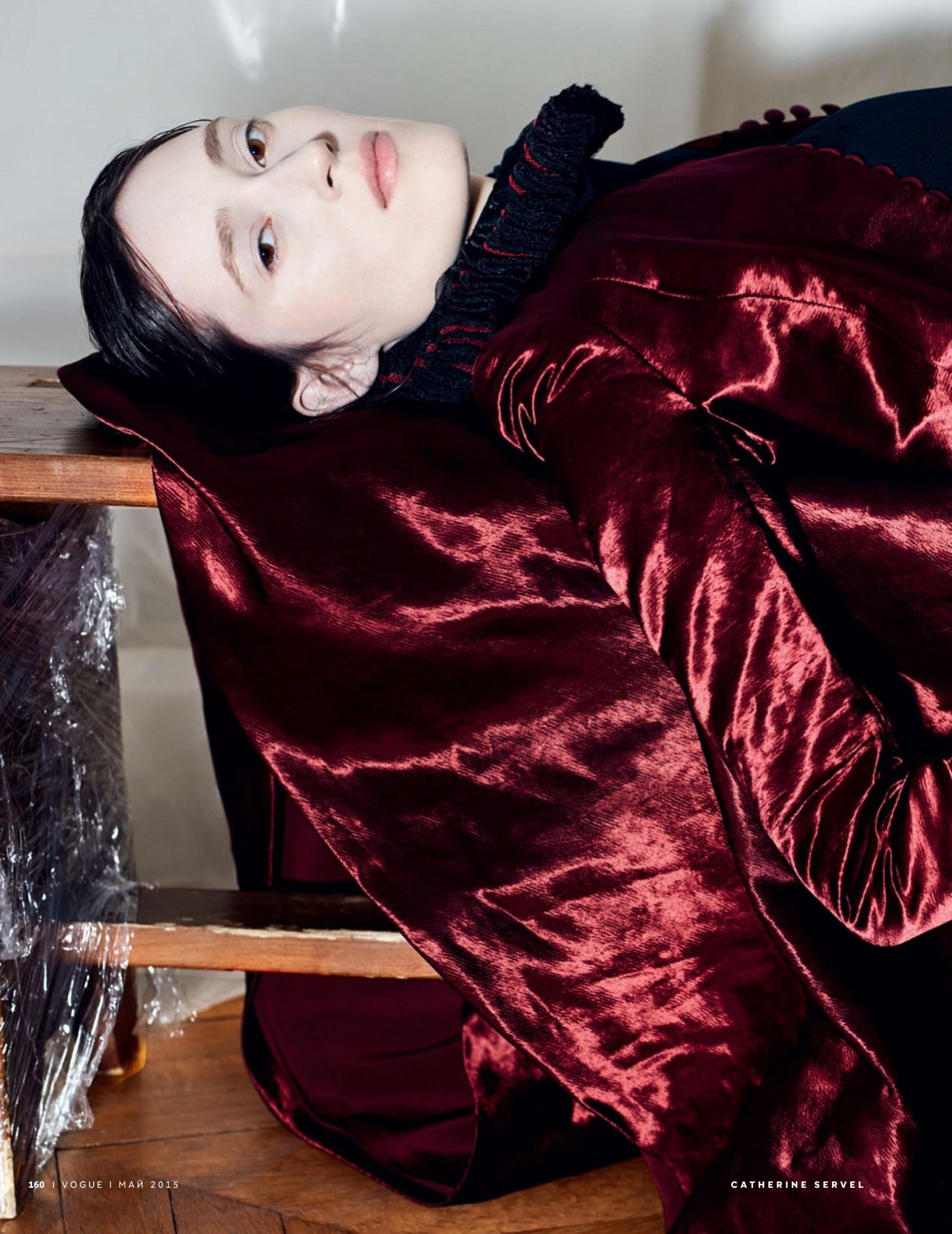
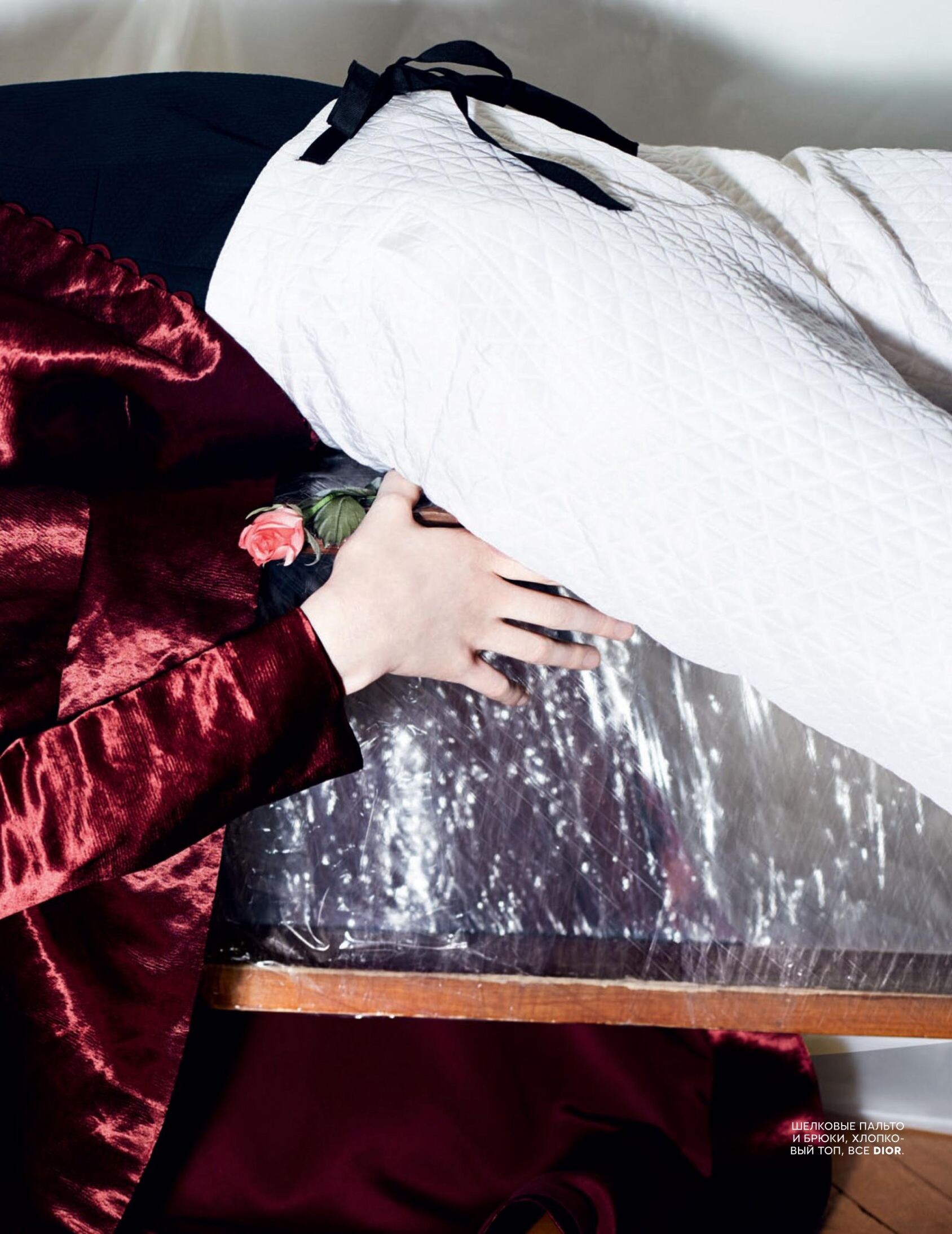
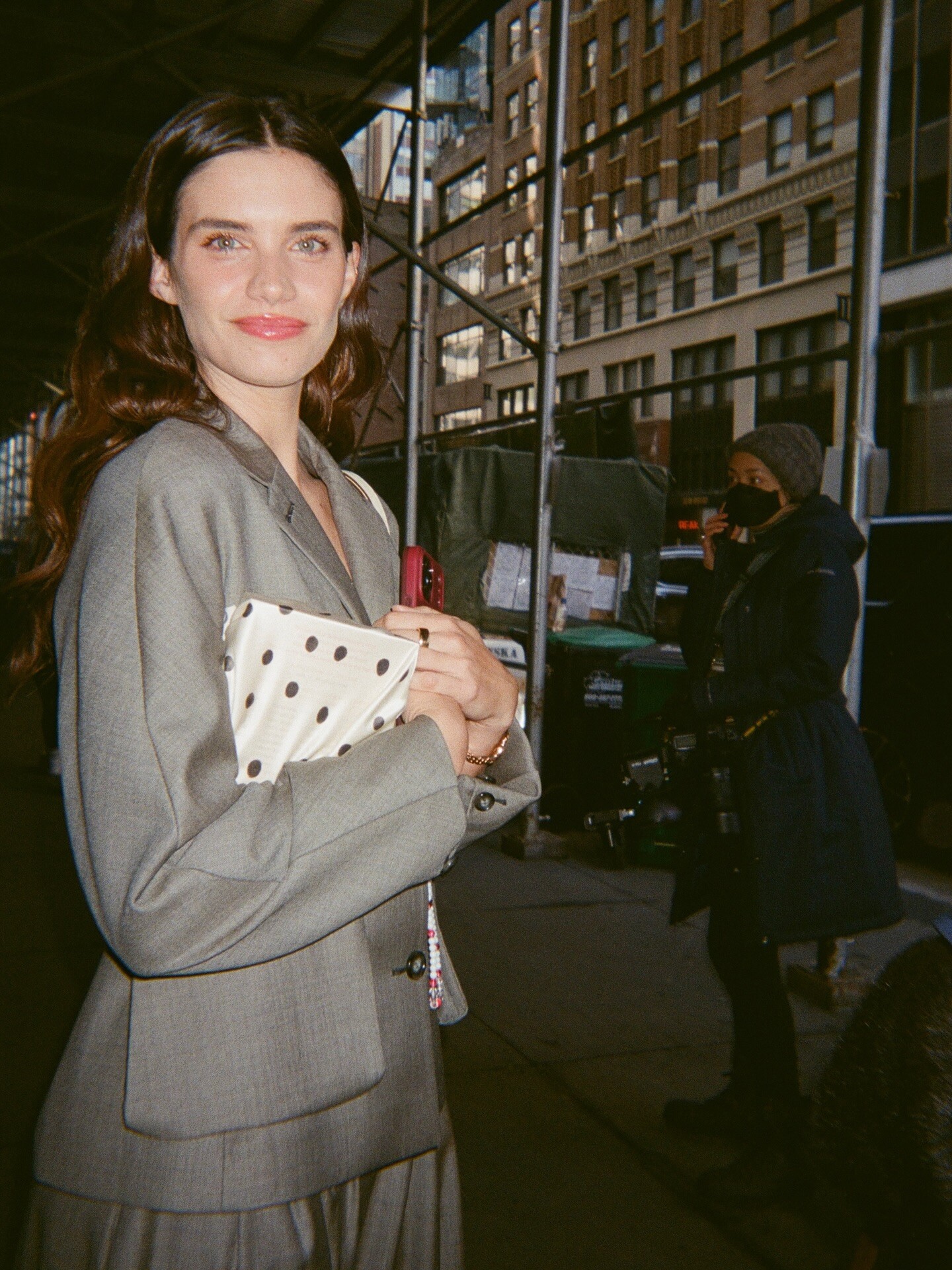
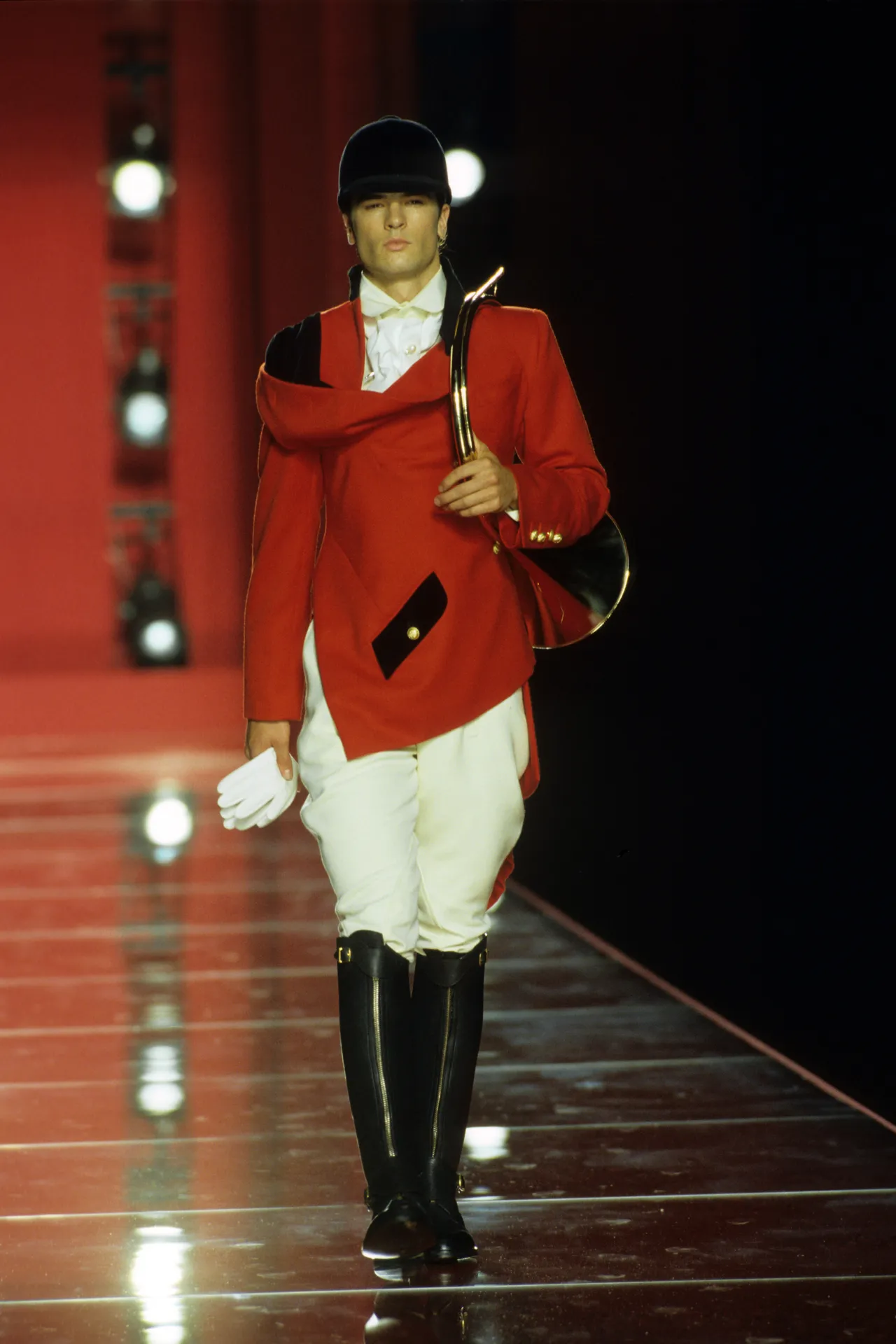
Account
Navigation
Search
Configure browser push notifications
Chrome (Android)
- Tap the lock icon next to the address bar.
- Tap Permissions → Notifications.
- Adjust your preference.
Chrome (Desktop)
- Click the padlock icon in the address bar.
- Select Site settings.
- Find Notifications and adjust your preference.
Safari (iOS 16.4+)
- Ensure the site is installed via Add to Home Screen.
- Open Settings App → Notifications.
- Find your app name and adjust your preference.
Safari (macOS)
- Go to Safari → Preferences.
- Click the Websites tab.
- Select Notifications in the sidebar.
- Find this website and adjust your preference.
Edge (Android)
- Tap the lock icon next to the address bar.
- Tap Permissions.
- Find Notifications and adjust your preference.
Edge (Desktop)
- Click the padlock icon in the address bar.
- Click Permissions for this site.
- Find Notifications and adjust your preference.
Firefox (Android)
- Go to Settings → Site permissions.
- Tap Notifications.
- Find this site in the list and adjust your preference.
Firefox (Desktop)
- Open Firefox Settings.
- Search for Notifications.
- Find this site in the list and adjust your preference.