All Activity
- Past hour
-
 Scream 7 Still Spskywalker at picturepub
-
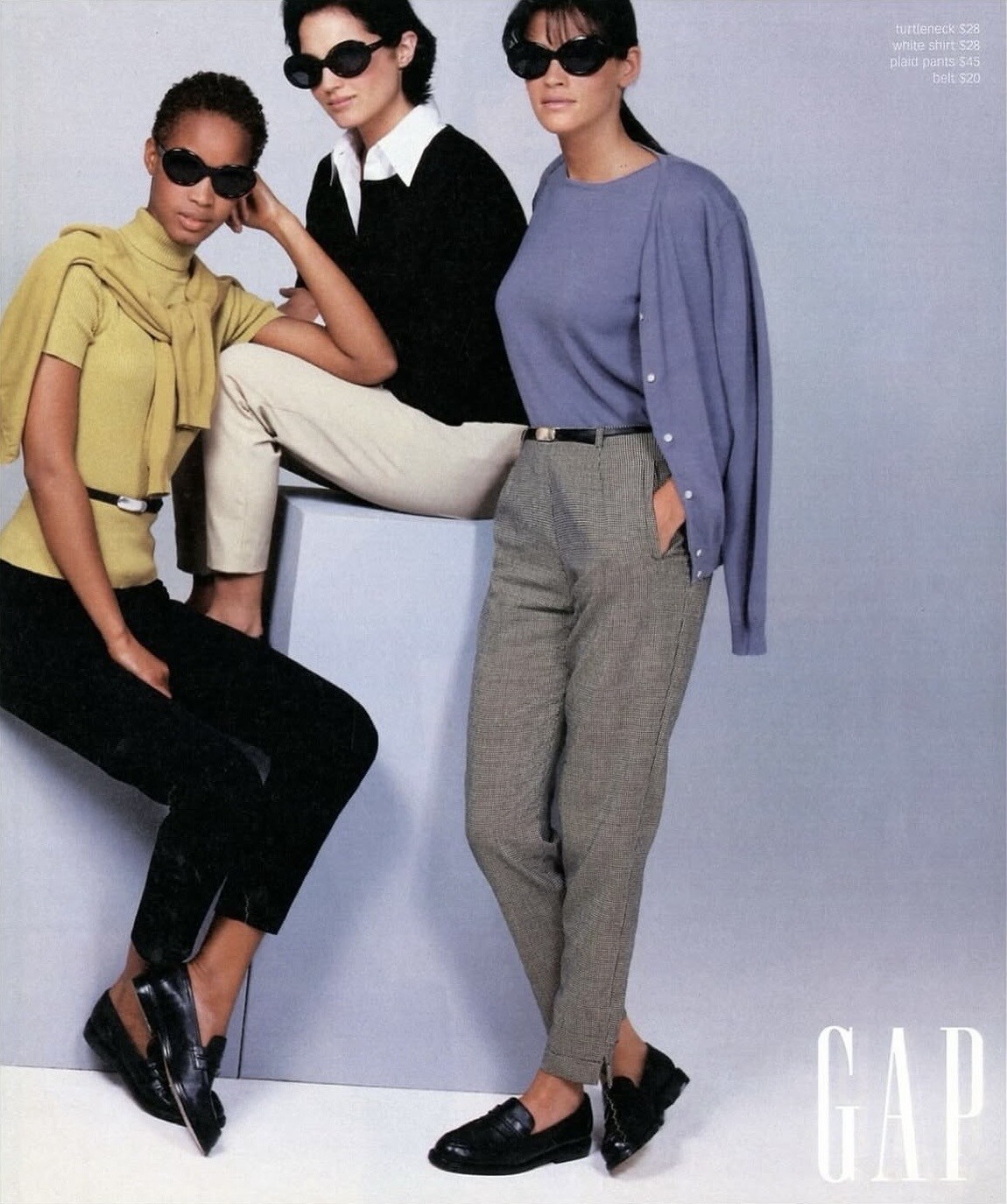
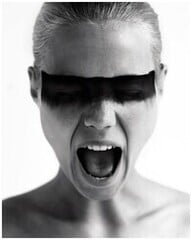 Gap Fall/Winter 1995 (Advertisement) Photographer: Patrick Demarchelier
-
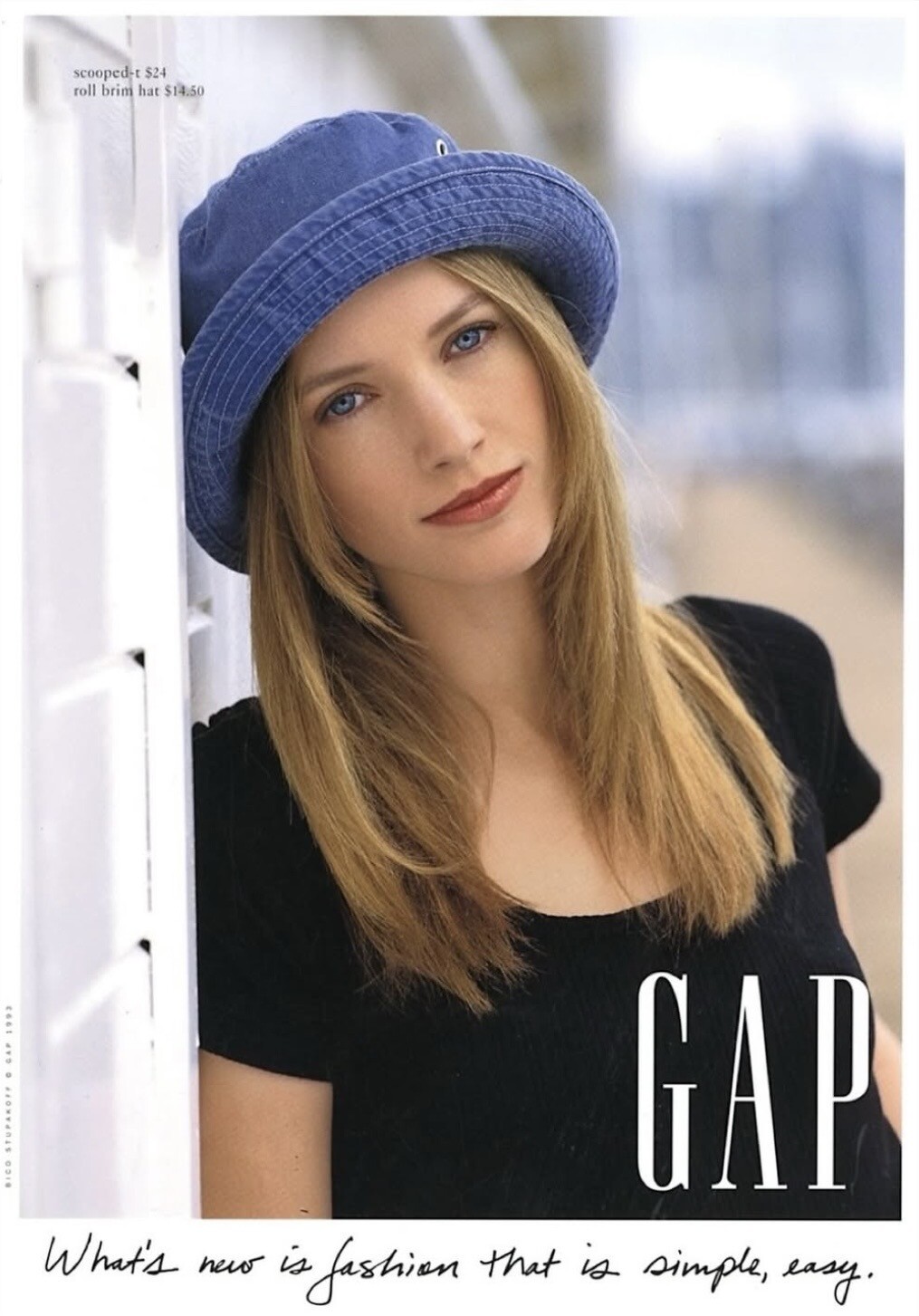
Gap Spring/Summer 1993 (Advertisement) Photographer: Bico Stupakoff

-
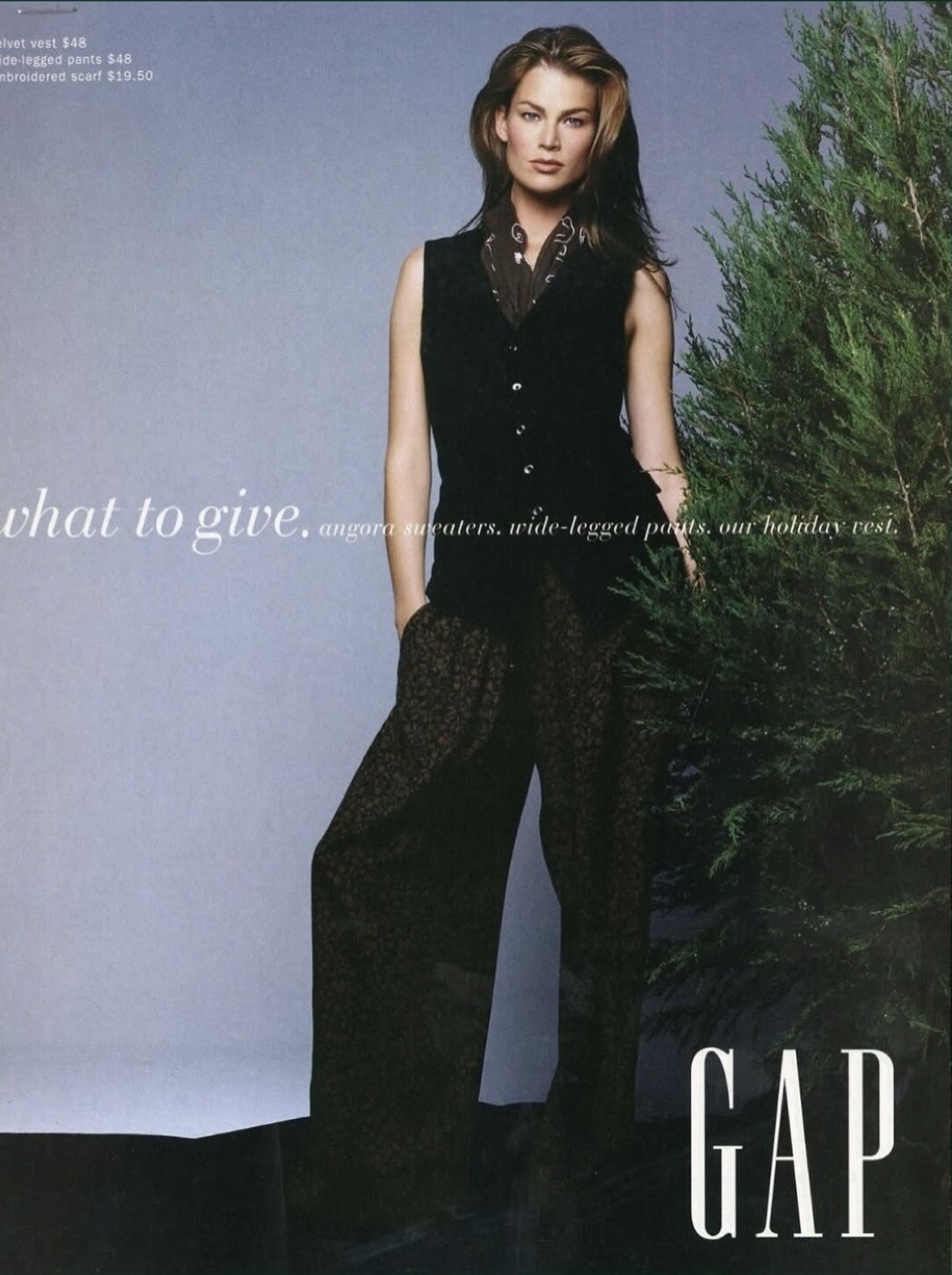
Gap Holiday Fall/Winter 1993 (Advertisement) Photographer: Patrick Demarchelier

-
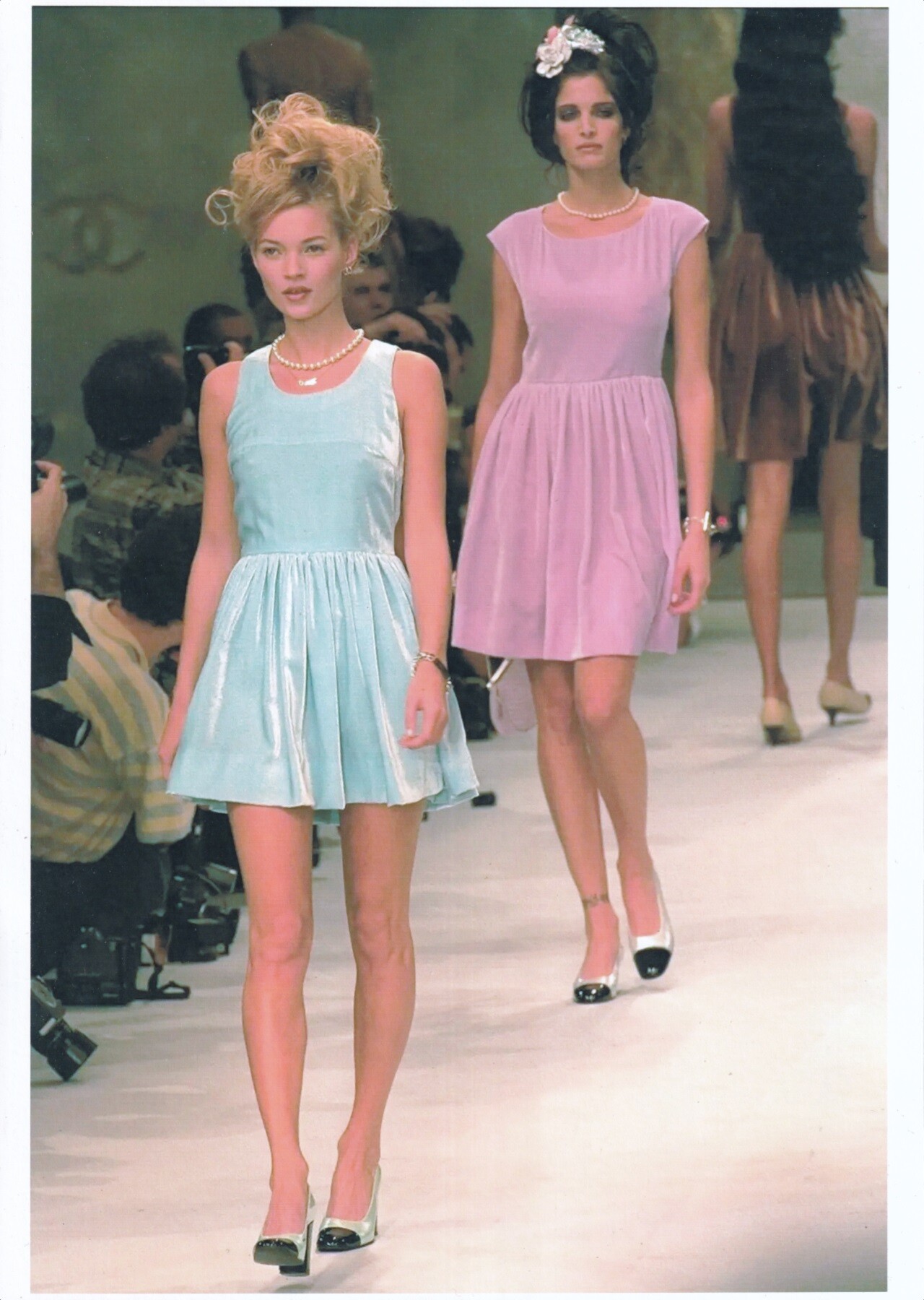
 Kate Moss & Stephanie Seymour for Chanel, ready-to-wear, spring/summer 1996 my scan
-
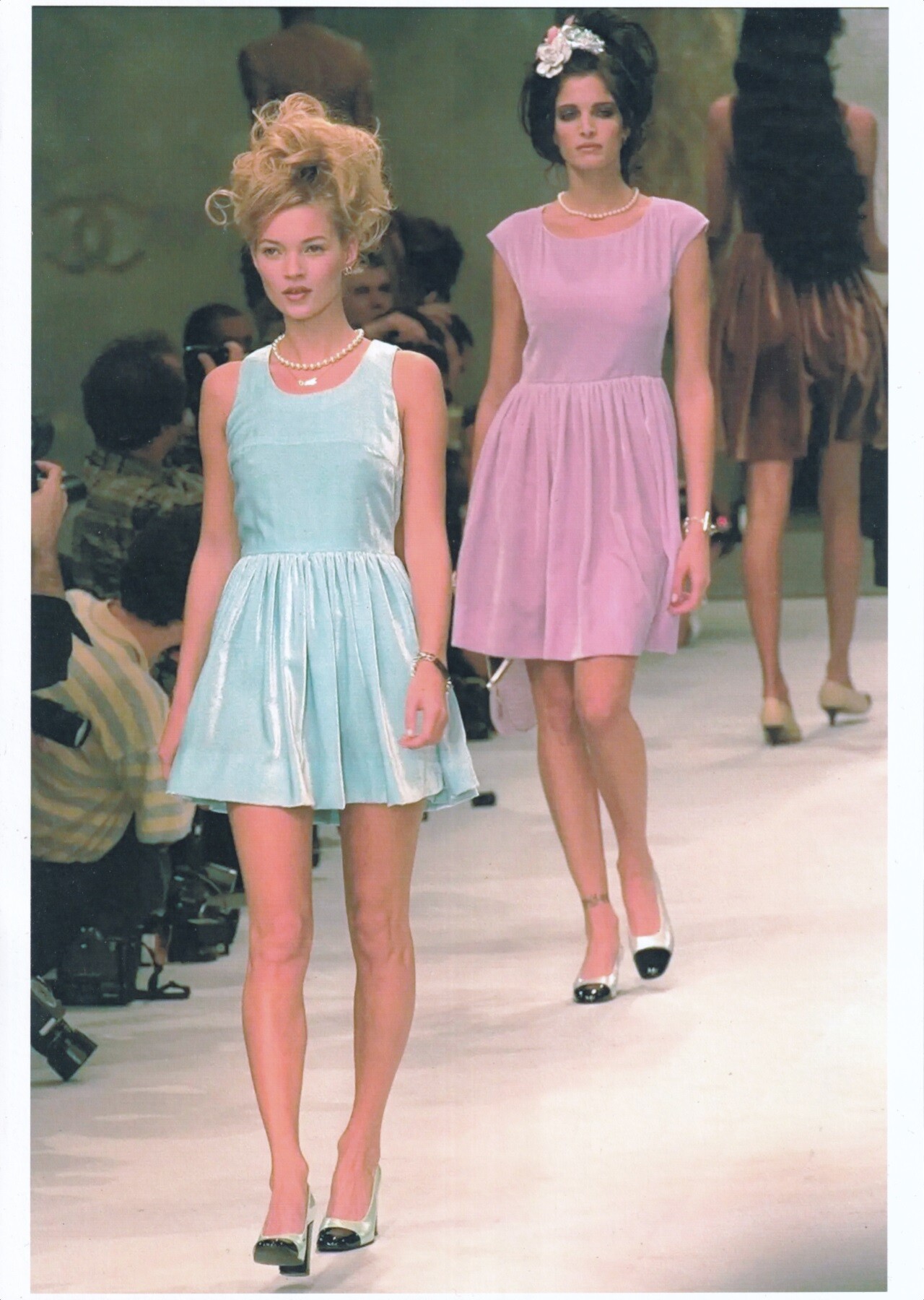
Kate Moss & Stephanie Seymour for Chanel, ready-to-wear, spring/summer 1996 my scan

-
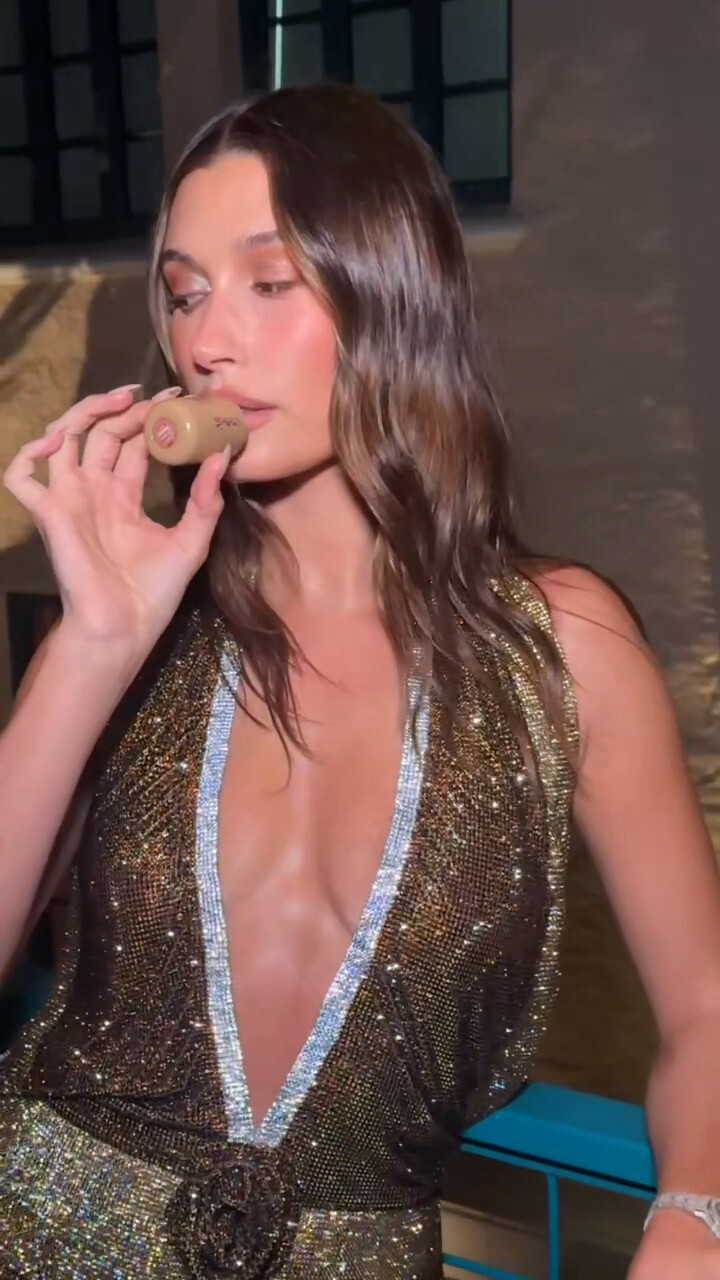
 Instagram Photos - New Headshots - 01/15/2026








- Today
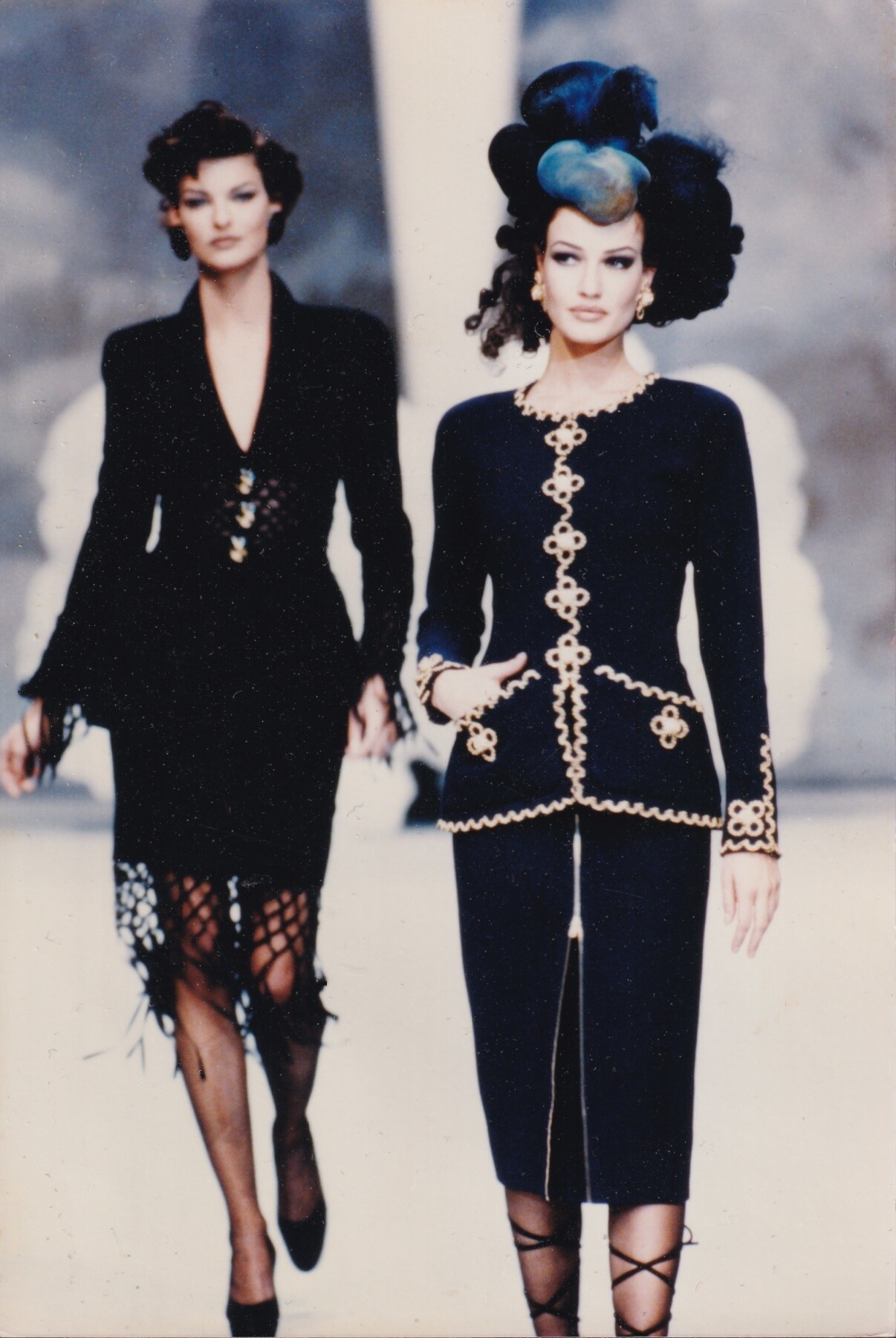
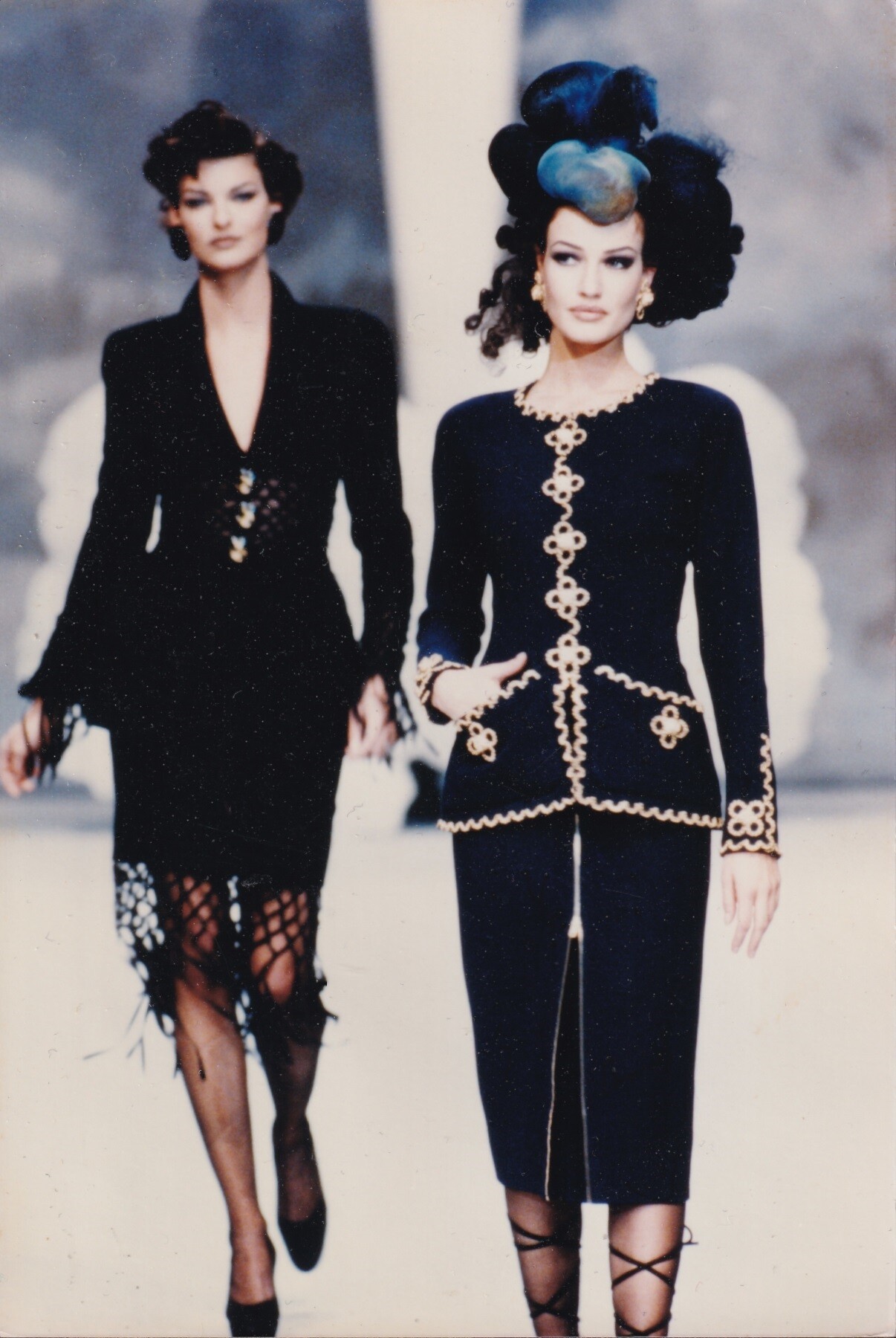
Stephanie Seymour for Victoria's Secret, 1994 photographer unknown my scan Karen Mulder & Linda Evangelista for Chanel, haute-couture, spring/summer 1992 my scan
 Karen Mulder & Linda Evangelista for Chanel, haute-couture, spring/summer 1992 my scan
 TikTok 2025-12-03 2.mp41.mp4
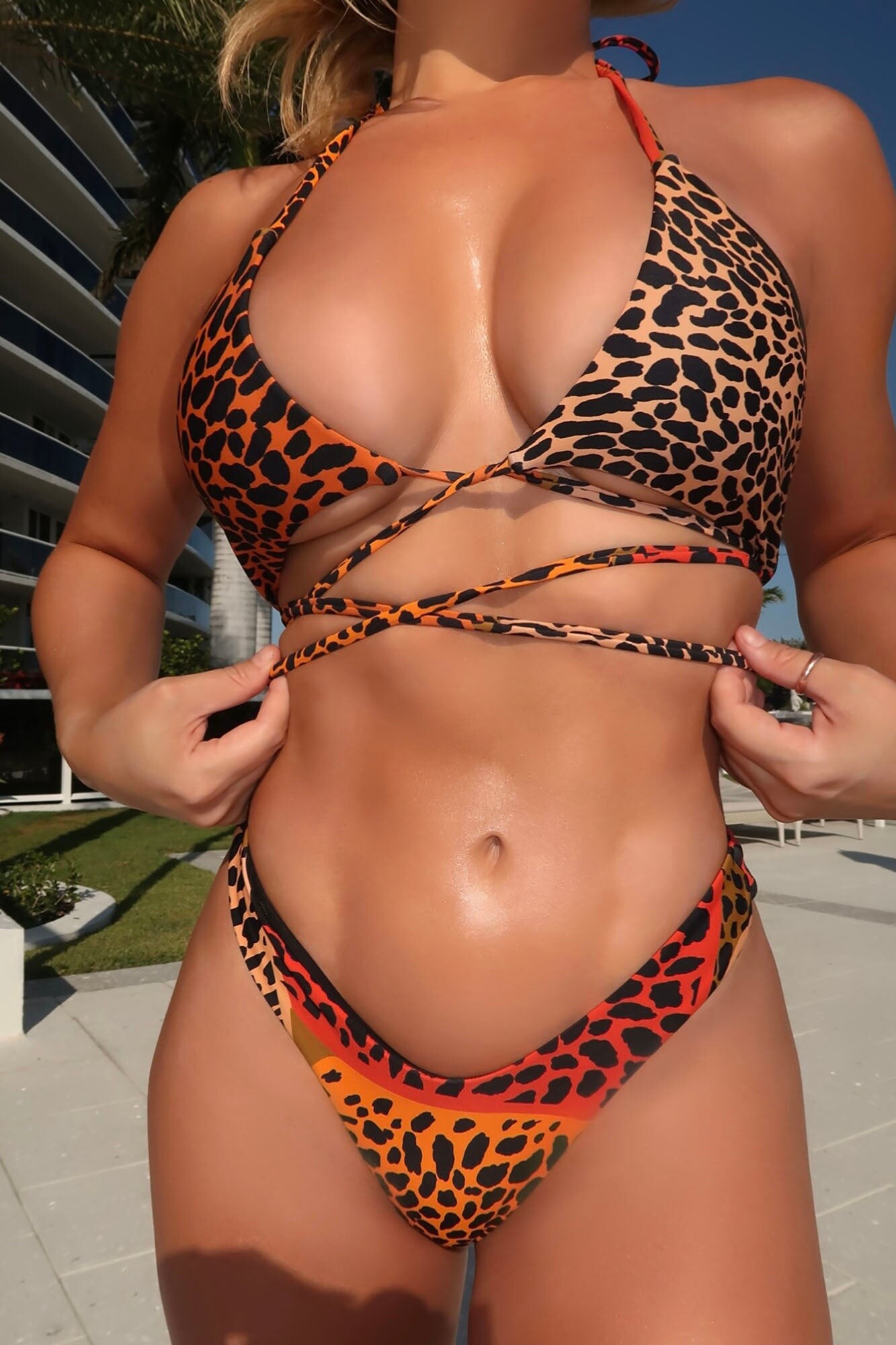
 Fashion Nova, final set:

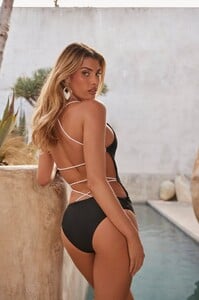







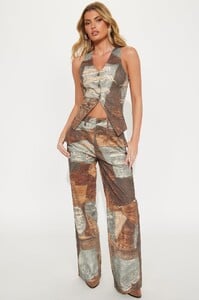
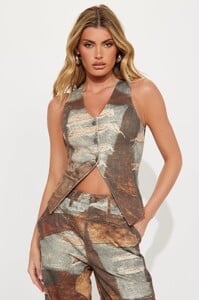
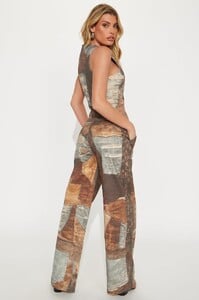

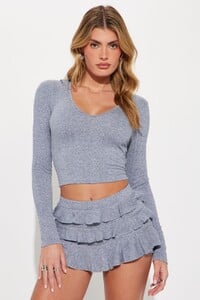













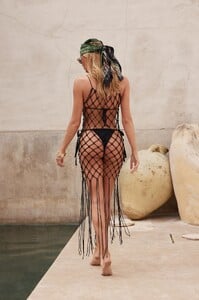
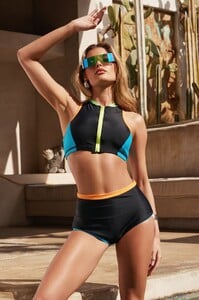
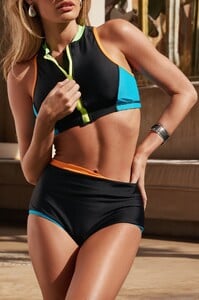


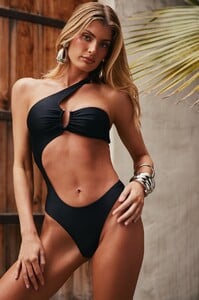
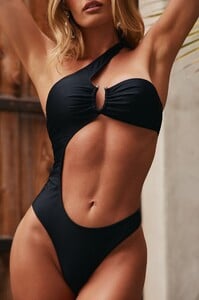





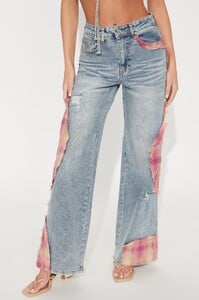
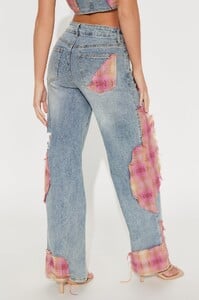

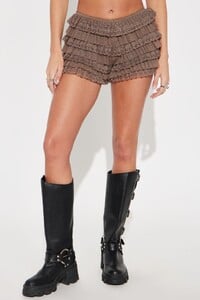
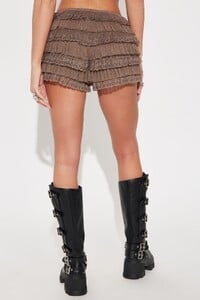

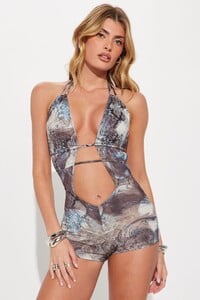
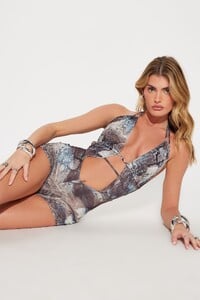
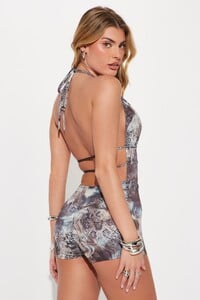







 Fashion Nova e-commerce images that I downloaded ~ 6 months ago (thanks to bigfeetbird for IDing her). Part 1:




























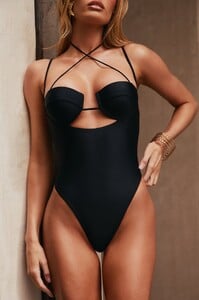







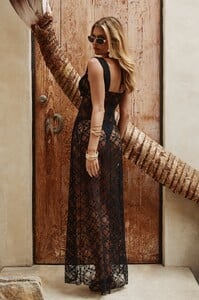








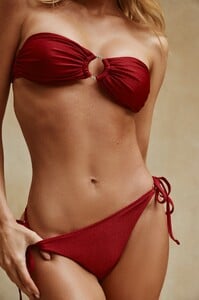






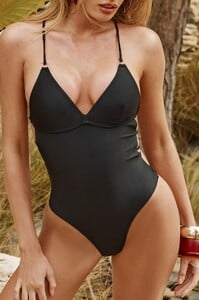





 Thank you for the names, bigfeetbird & mnwxguy39. Ray-anne from Brazil is really popular, 98 pages in her thread; she has even been in at least 1 Miami show. Missed it: Madison's thread
- Yesterday
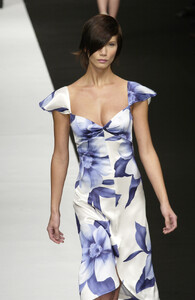
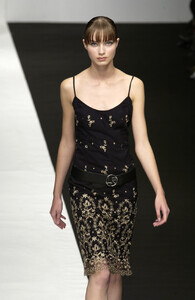
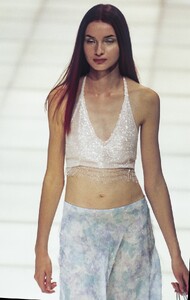
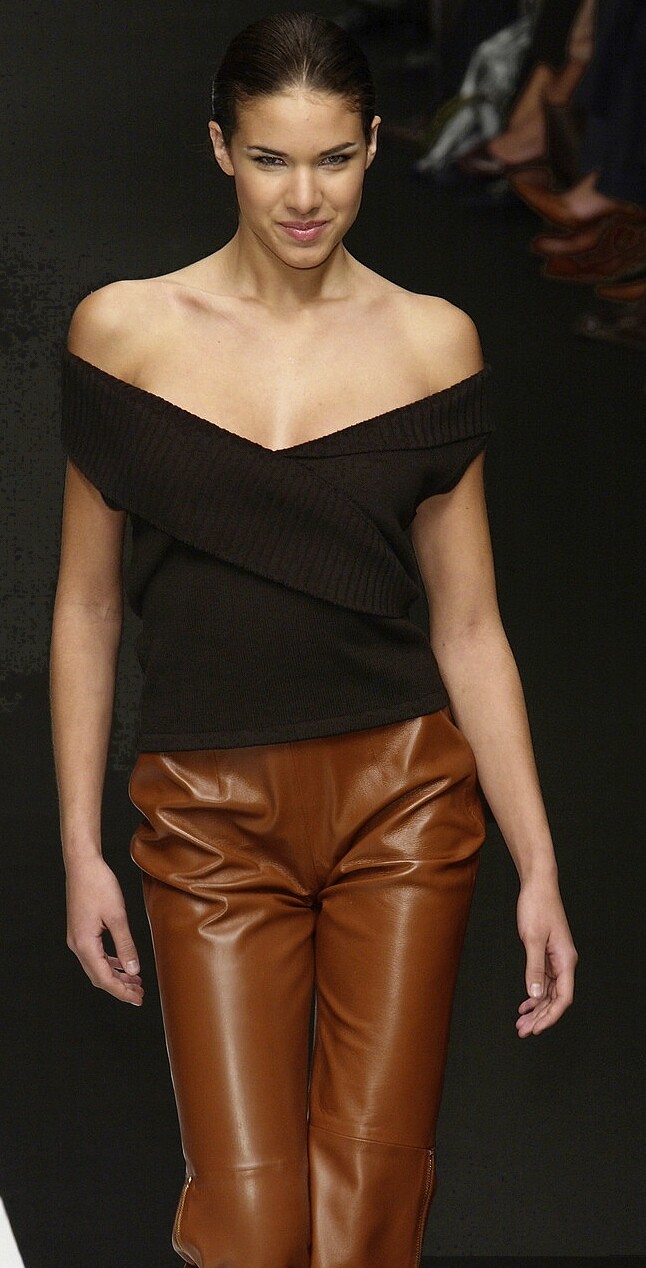
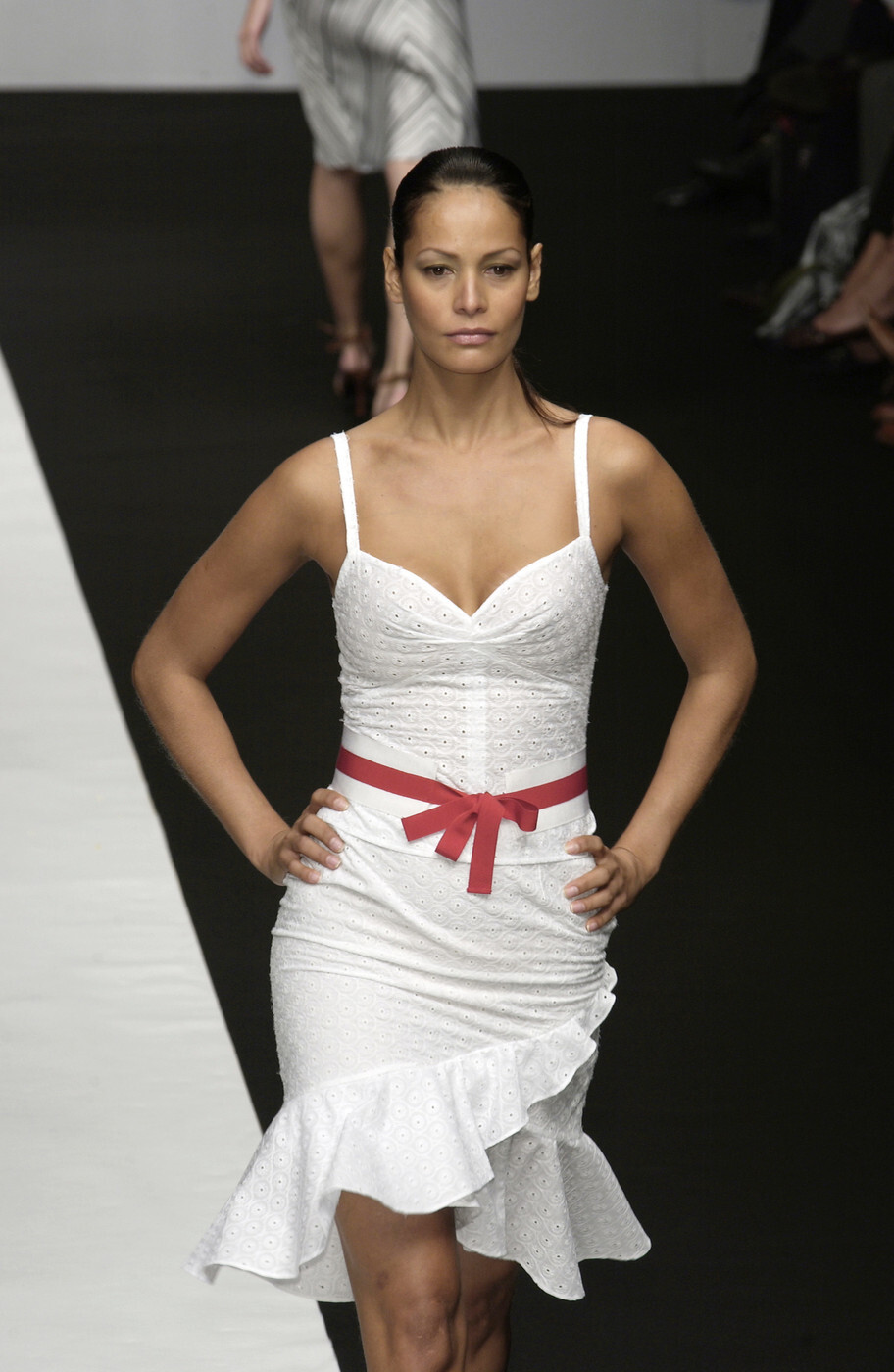
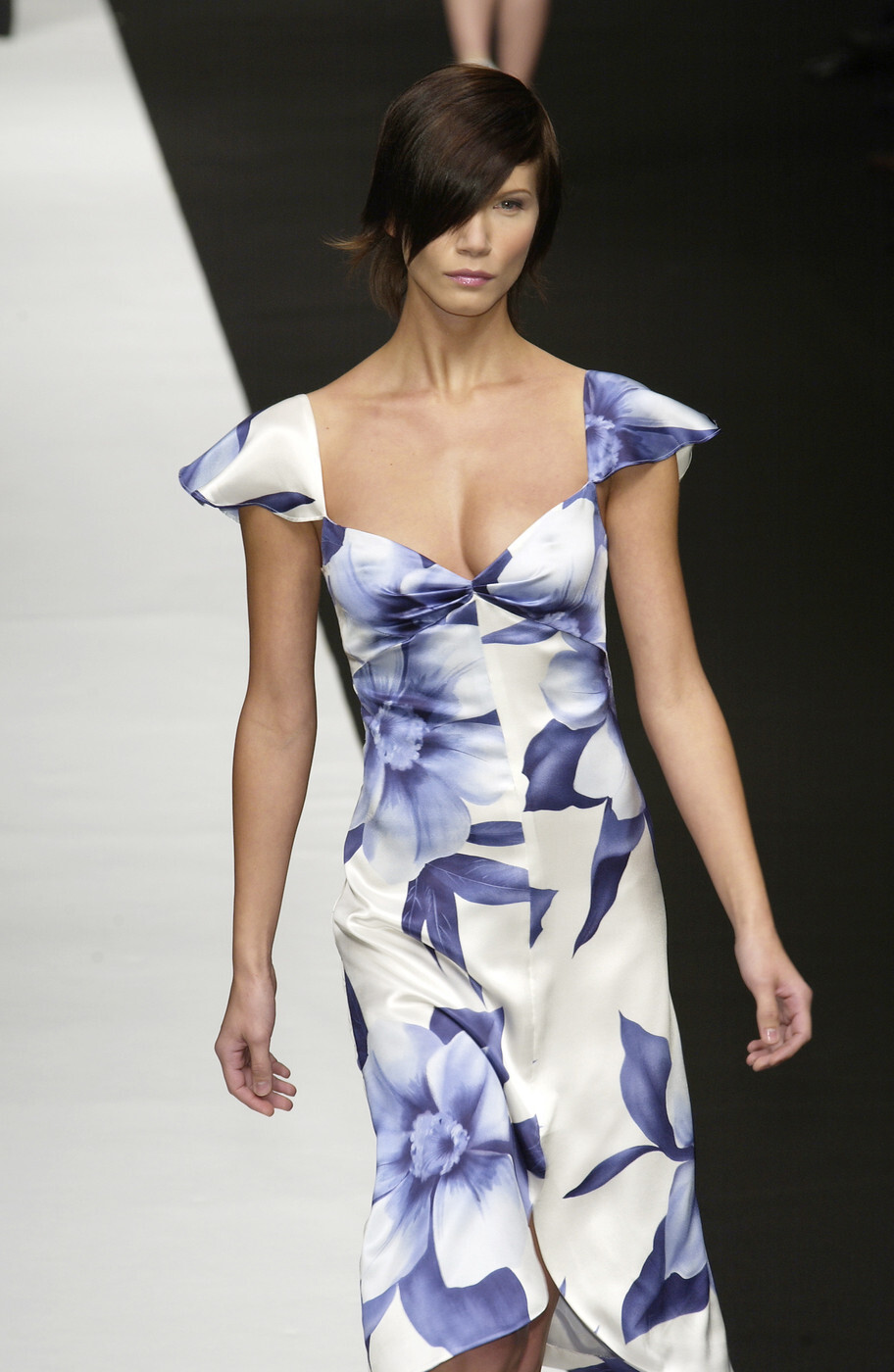
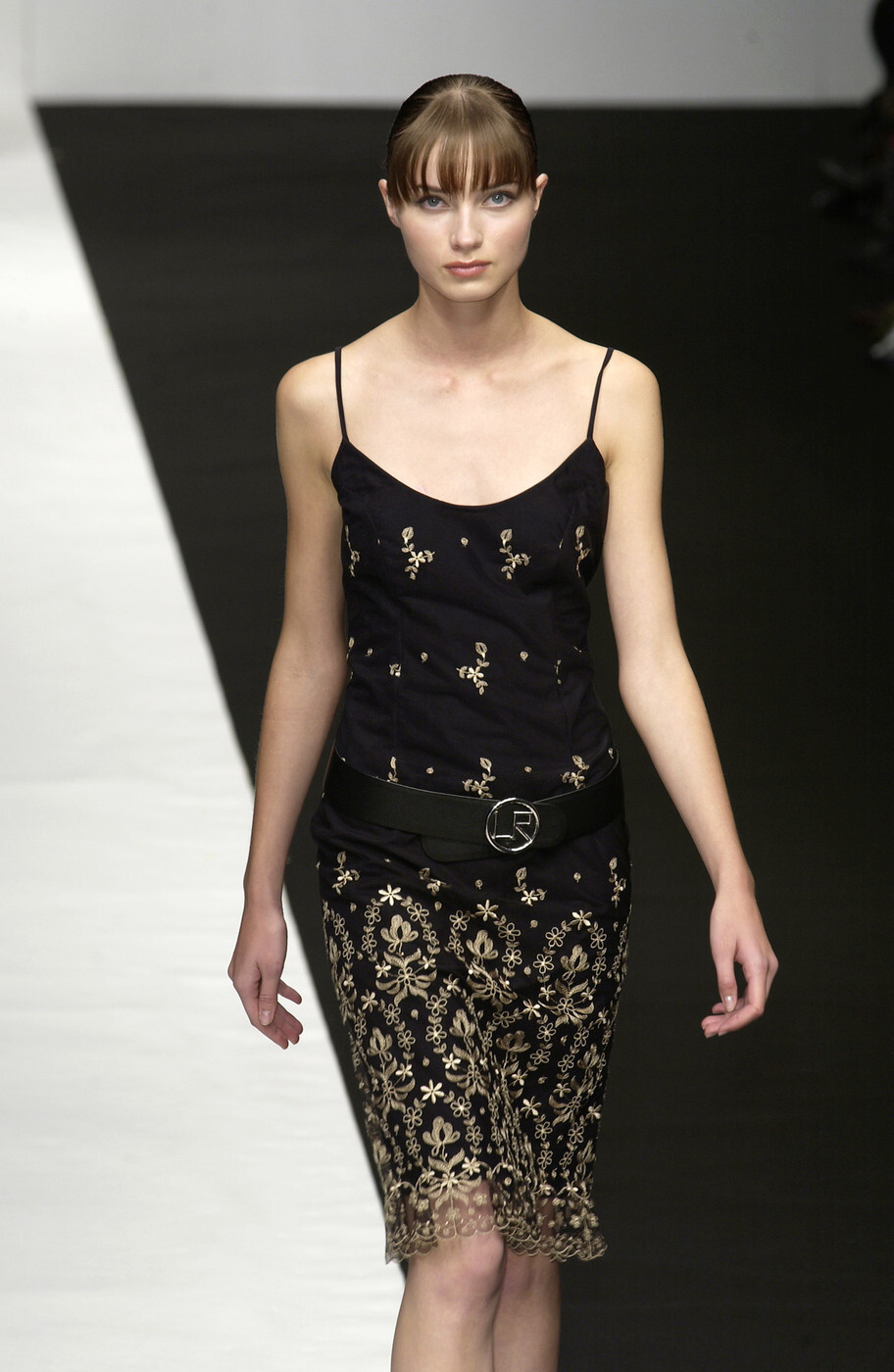
 Lorenzo Riva (Milan) spring 2003 250, 251 252, 253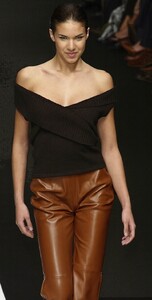






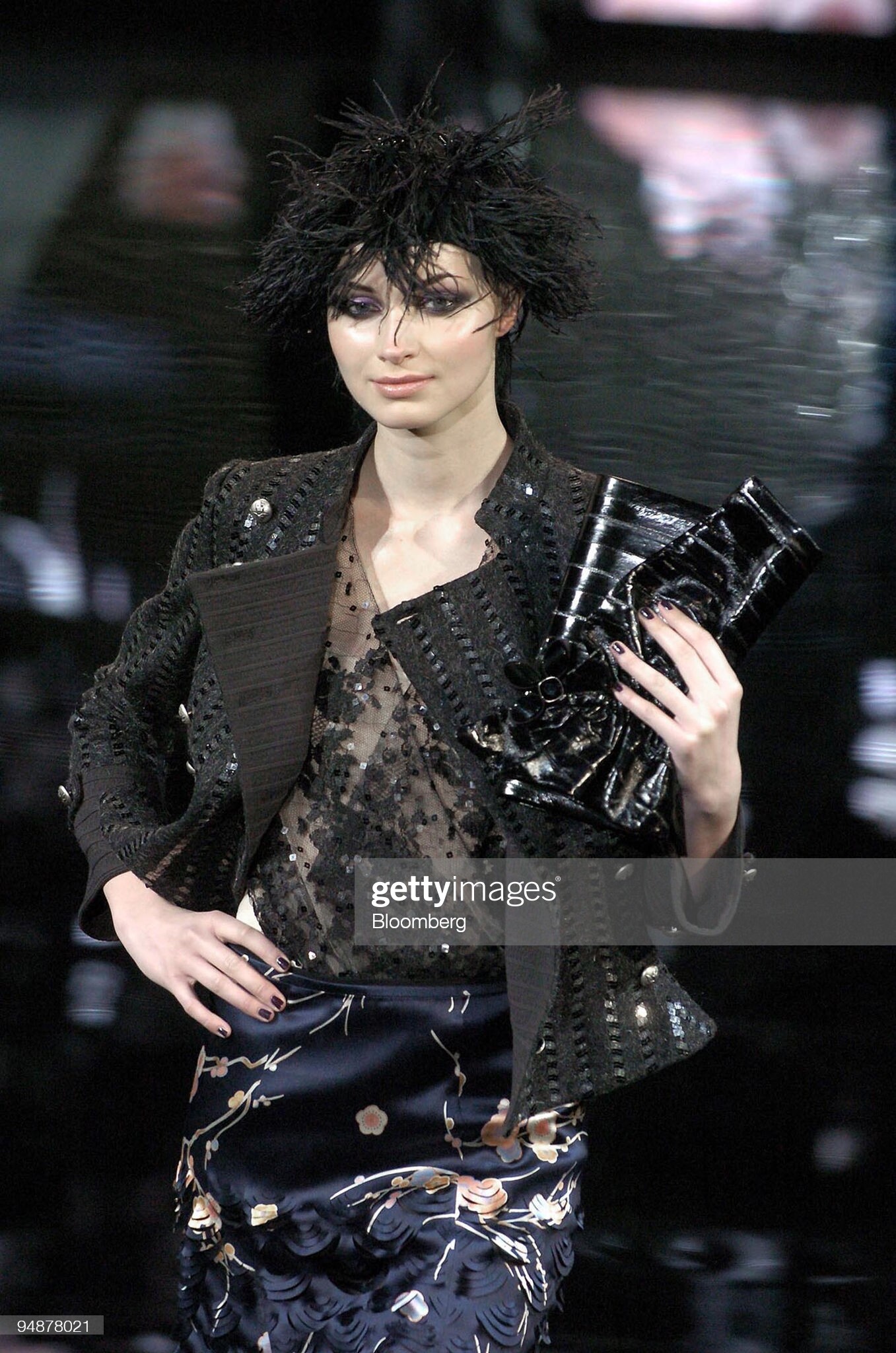
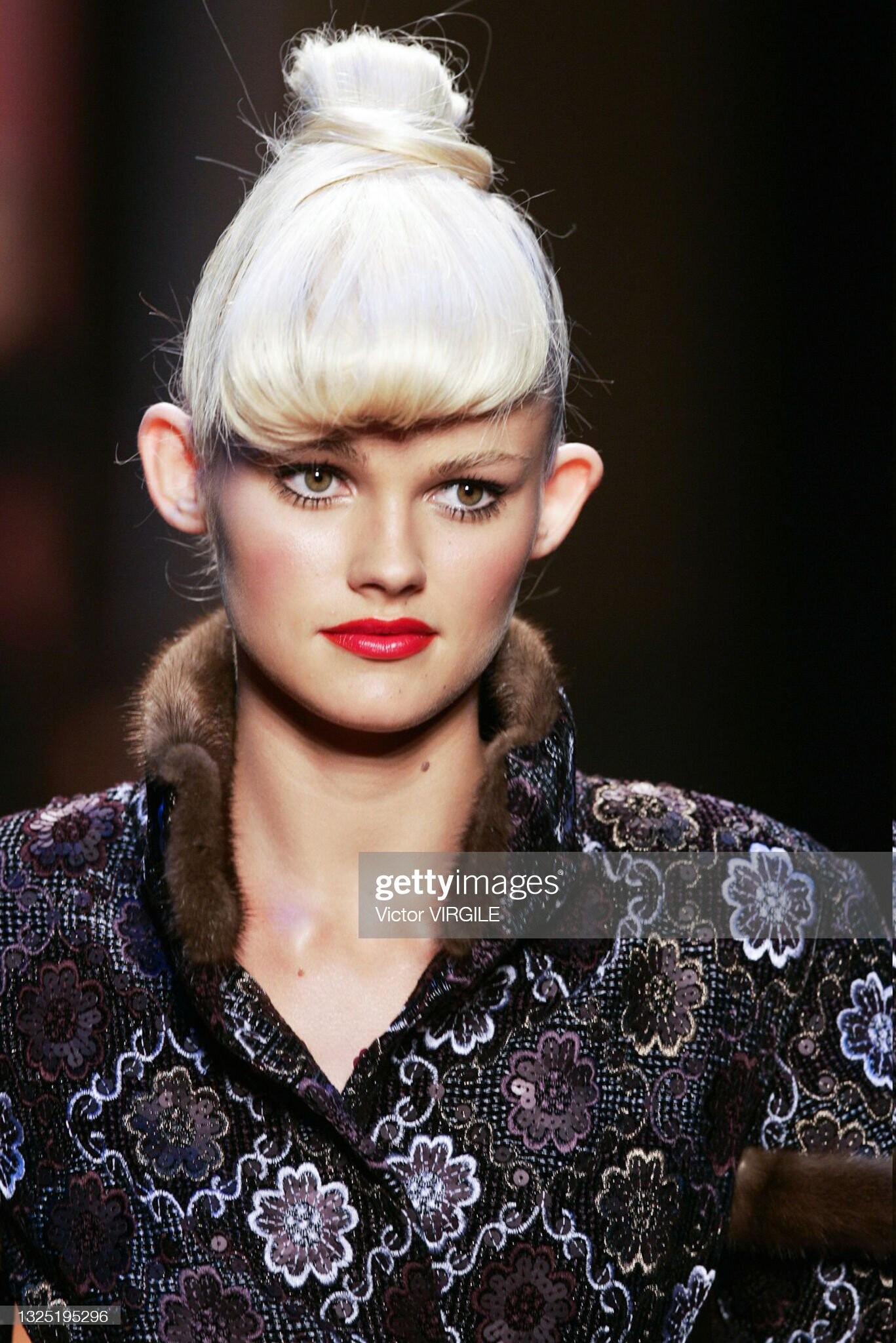
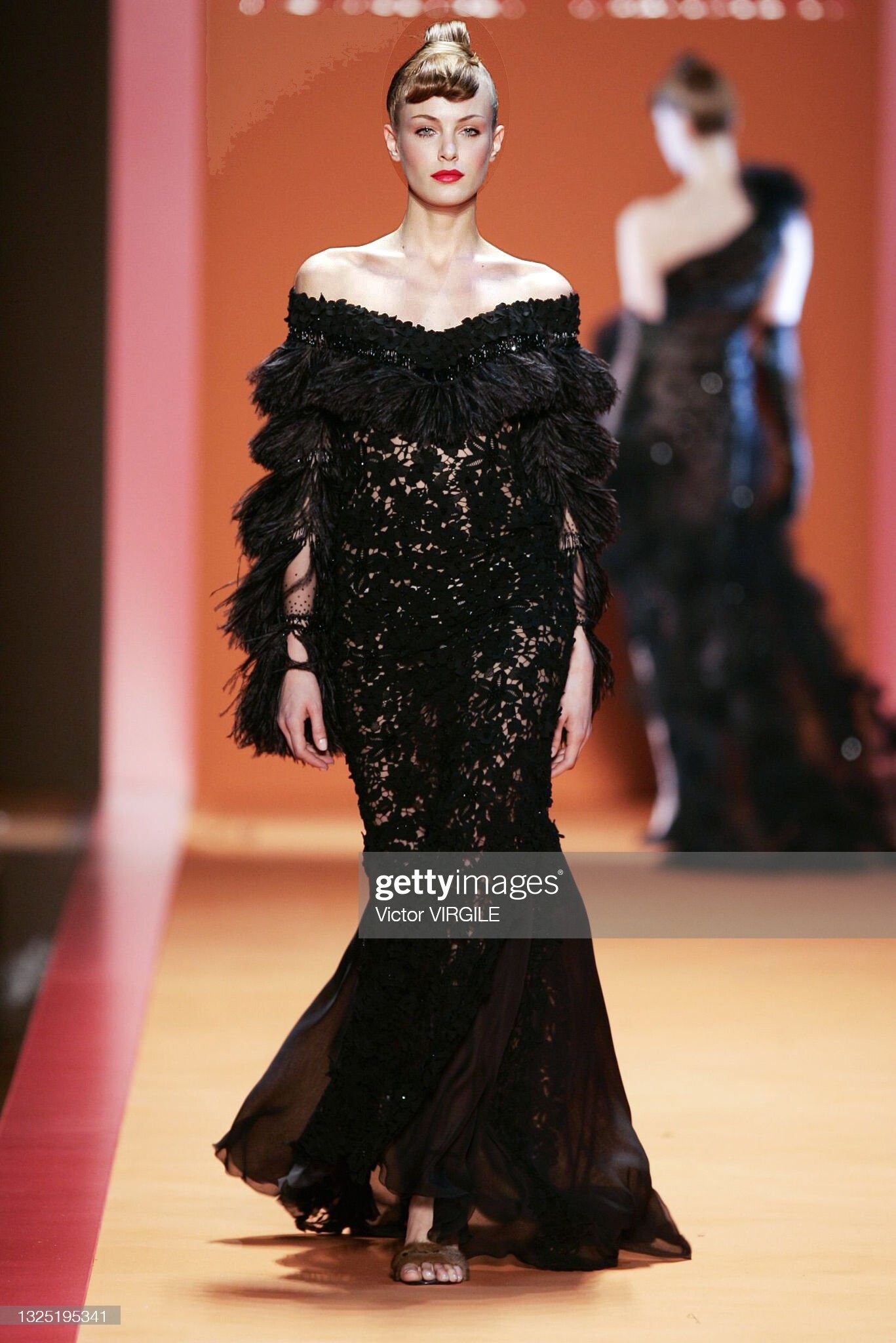
 Paris couture 2004 (fall; G. Chakra) 241 ?? & Sydonie Herrera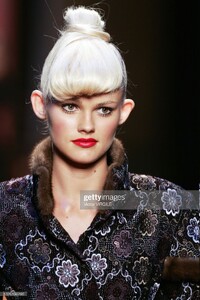
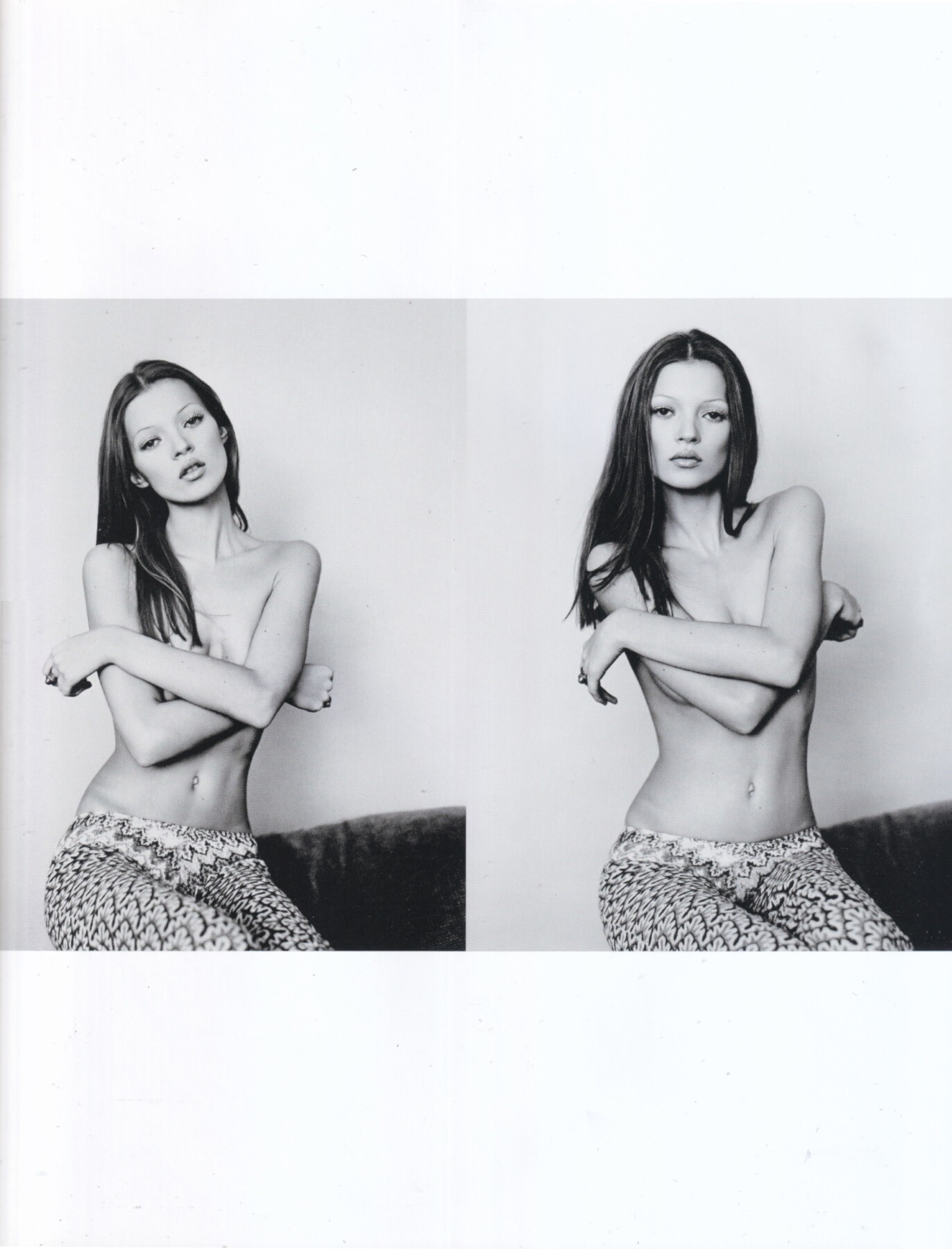
 Kate Moss by Michel Haddi, 1991 my scan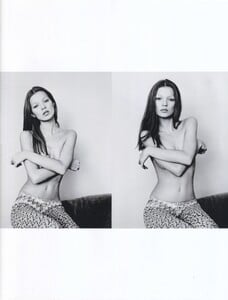

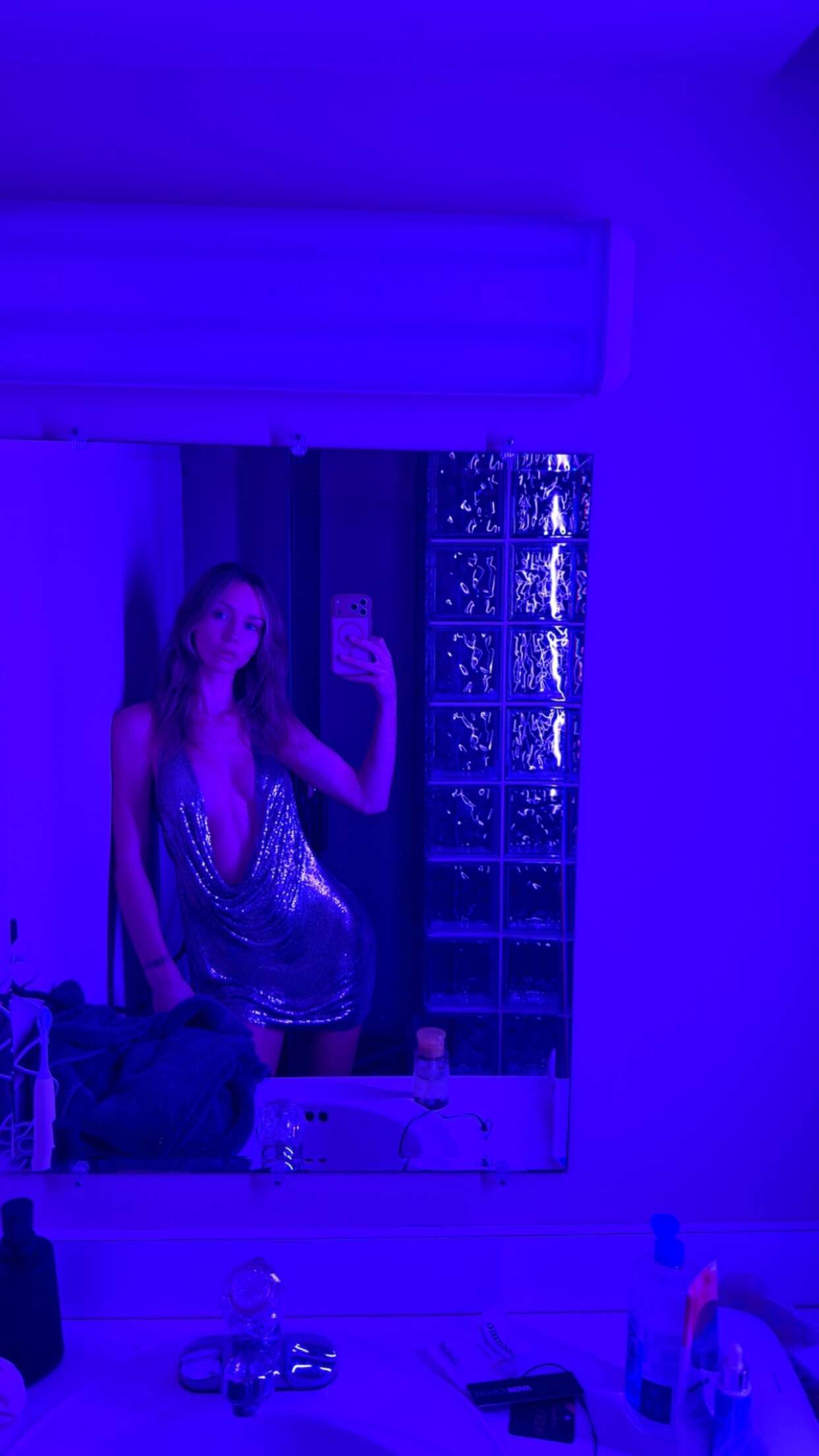
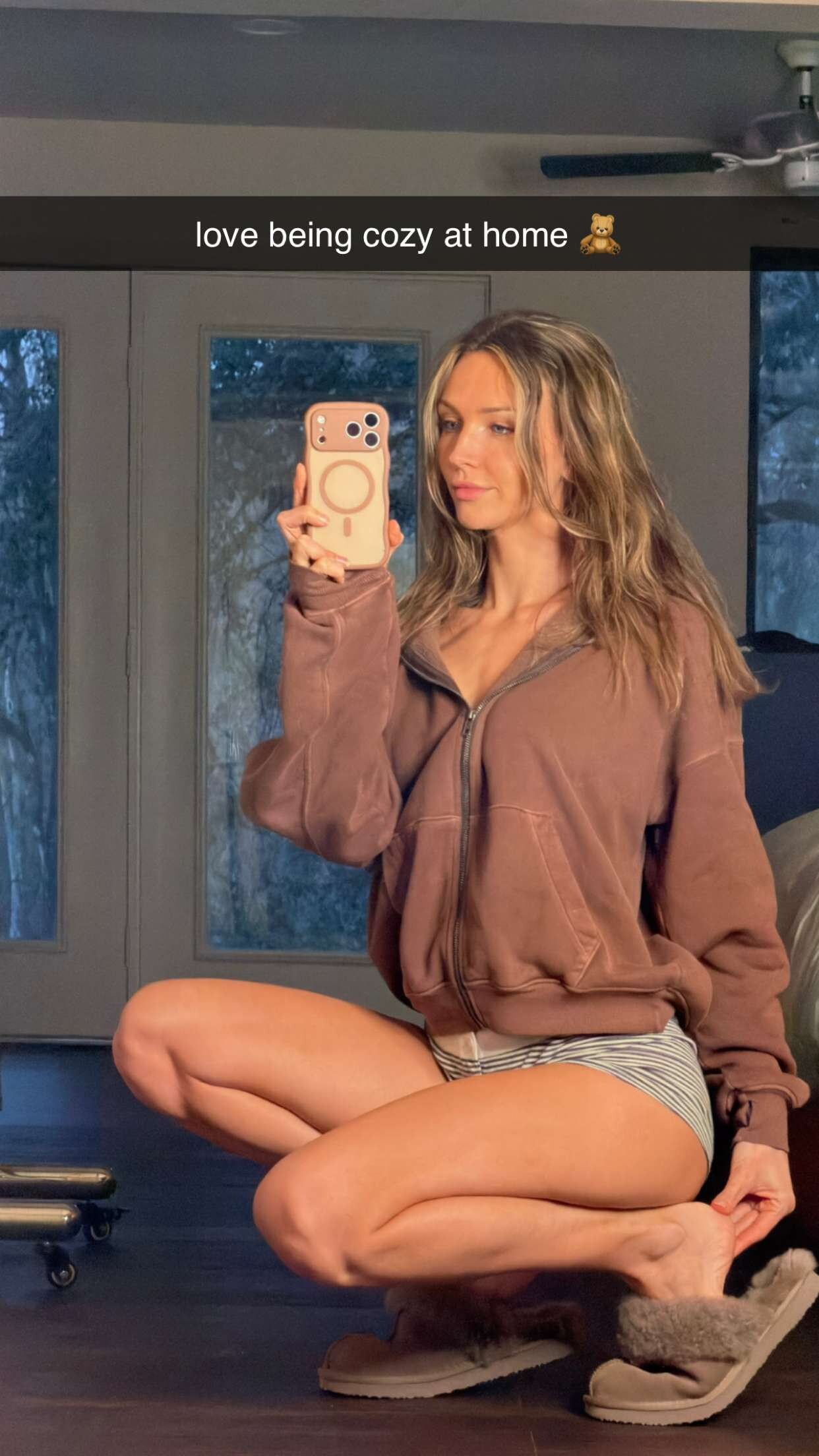
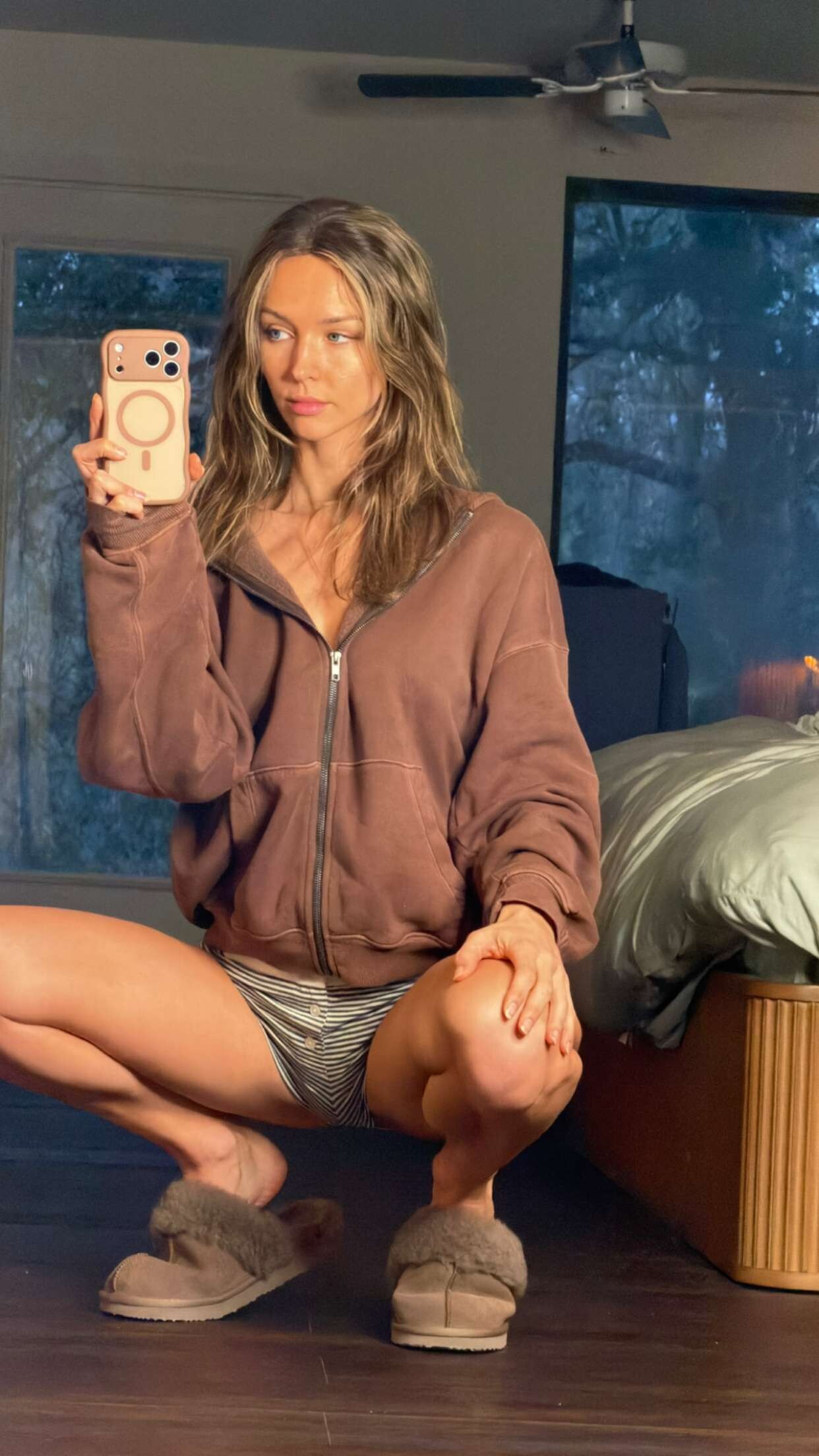
 Rachel Via Snapchat Spoiler rachelcook14-2026-01-15T16-39-48.mp4rachelcook14-2026-01-15T16-39-23.mp4rachelcook14-2026-01-15T16-39-02.mp4rachelcook14-2026-01-15T16-38-57.mp4rachelcook14-2026-01-15T16-37-25.mp4












.thumb.jpg.99a085a88b4f5bab9e93ae21a038c436.jpg)

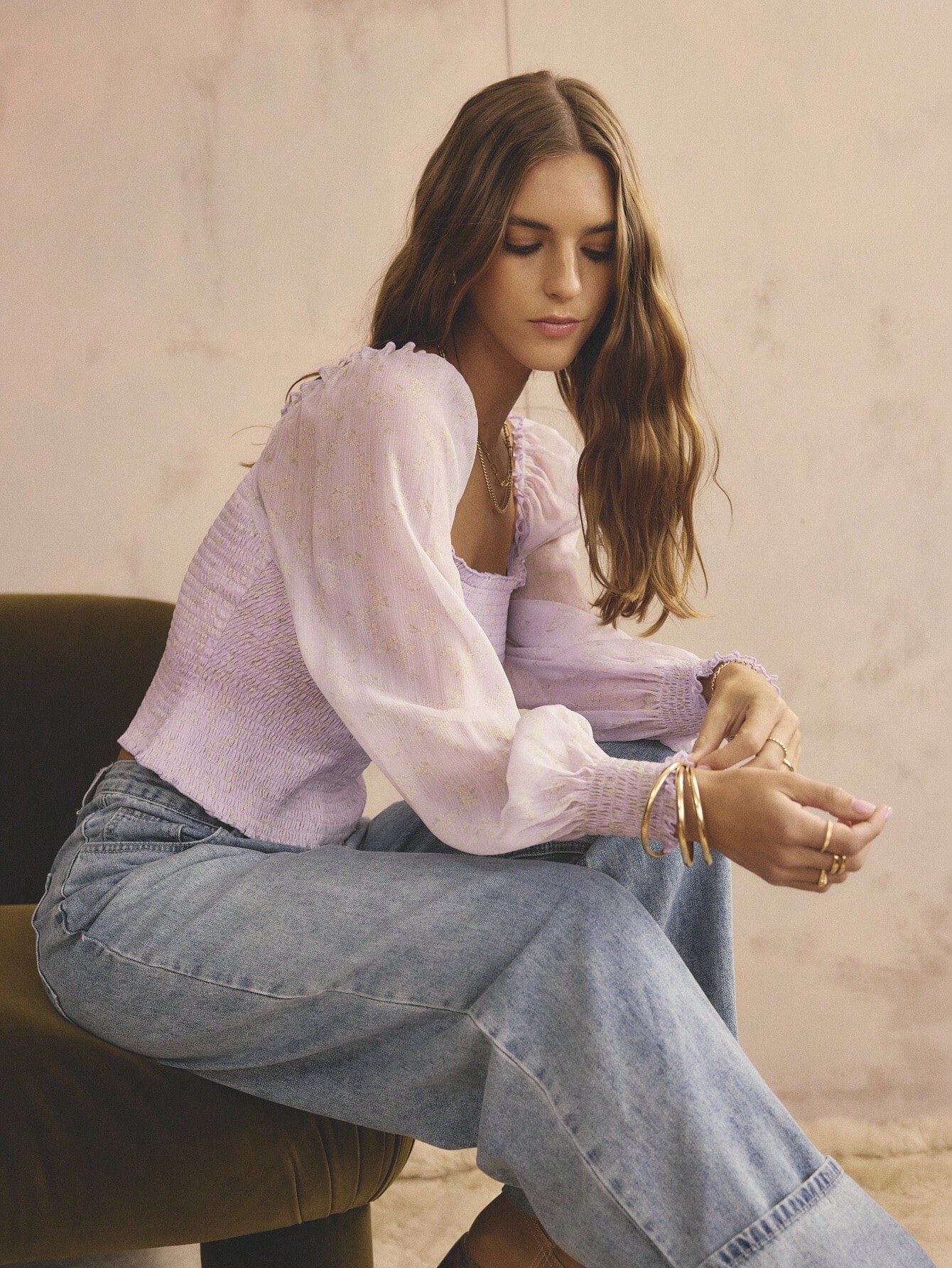
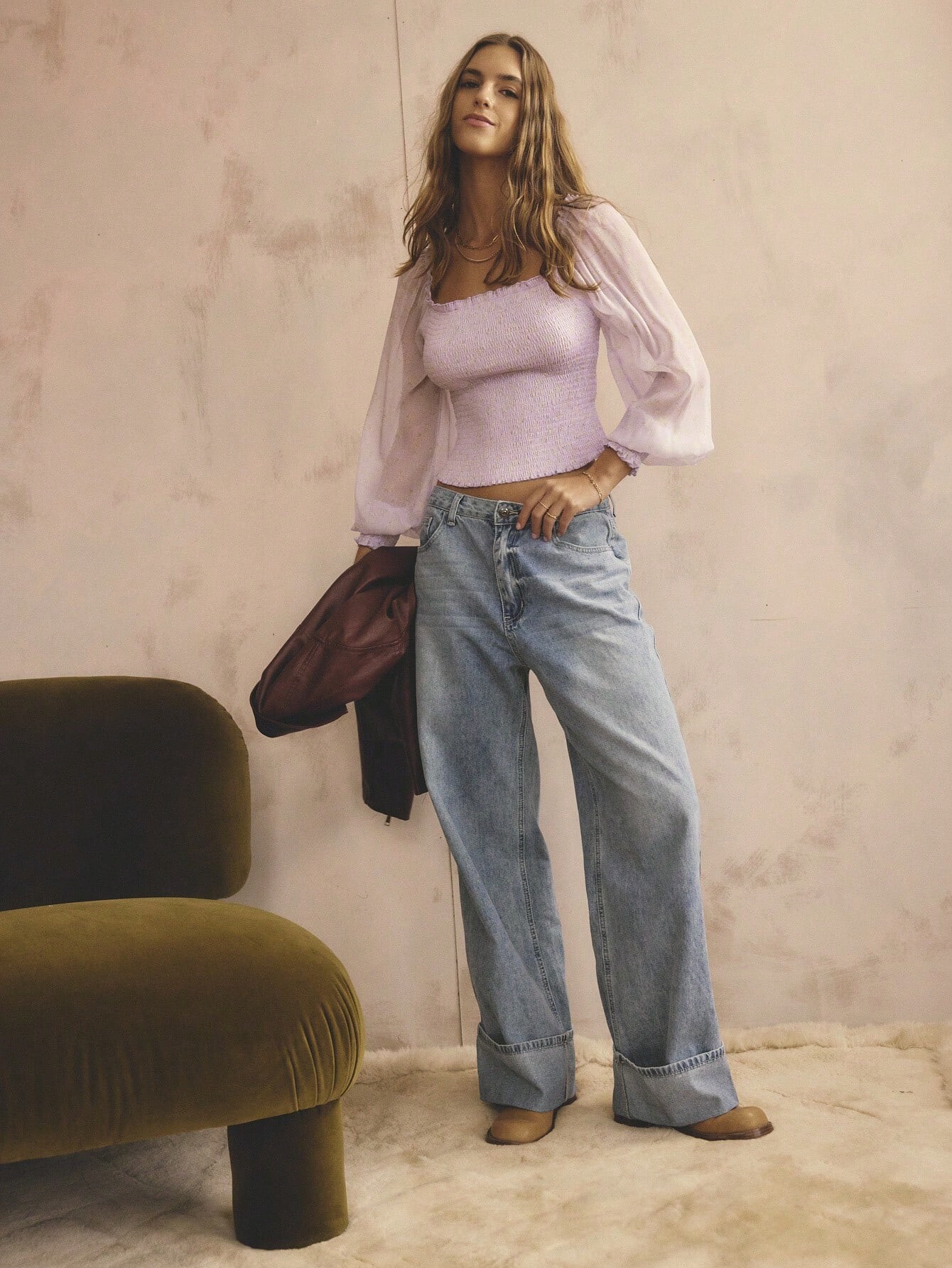
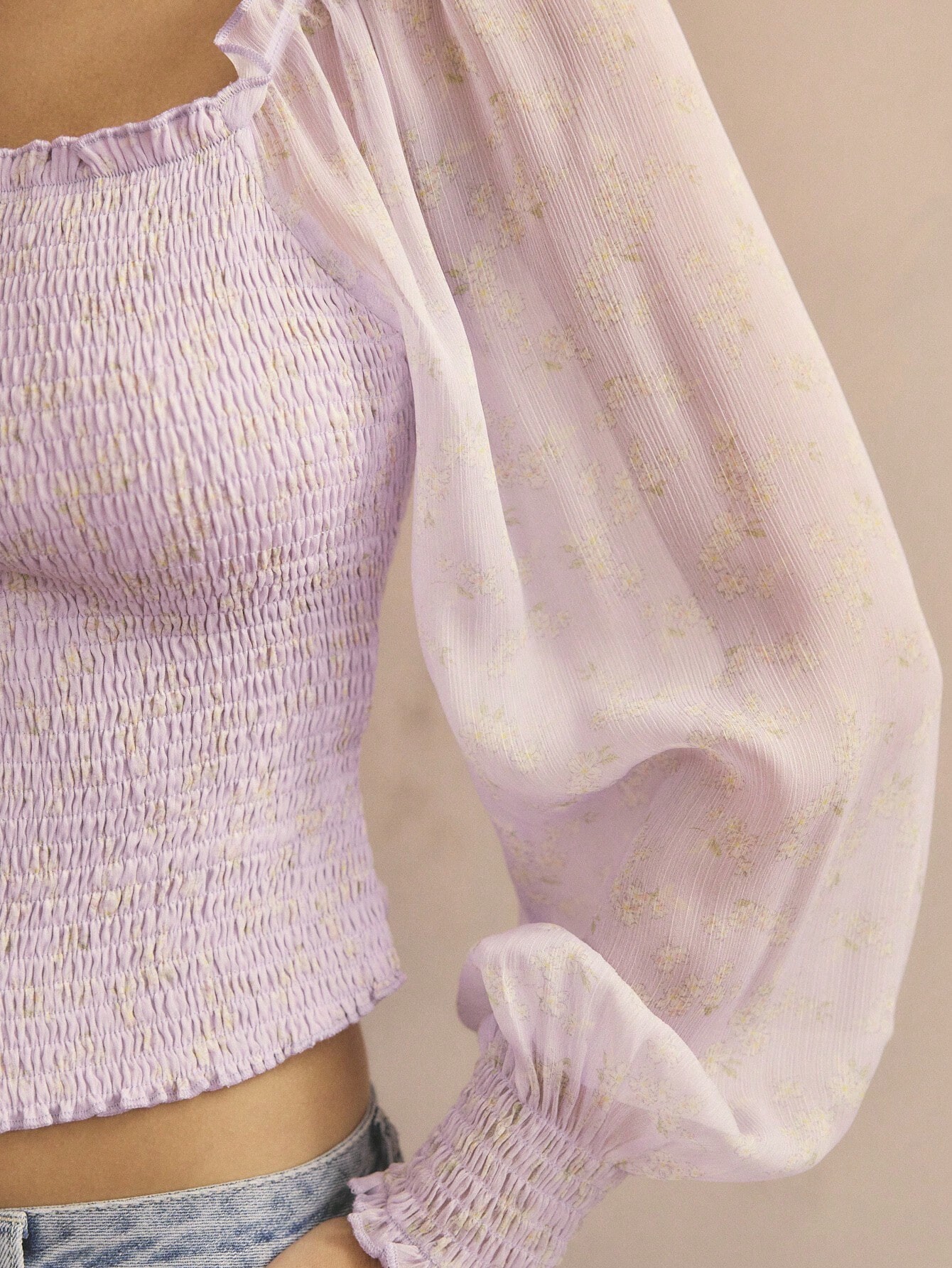
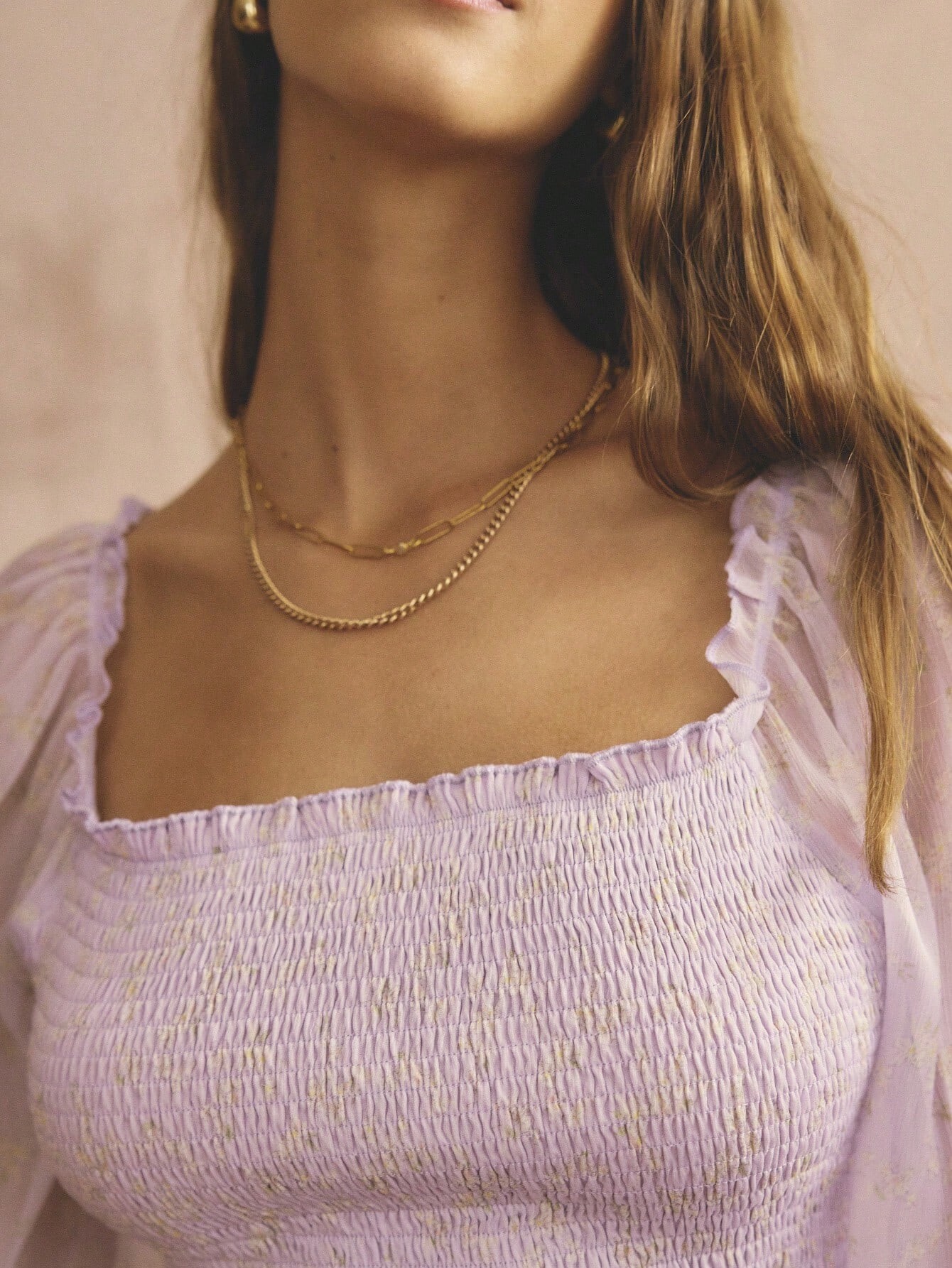
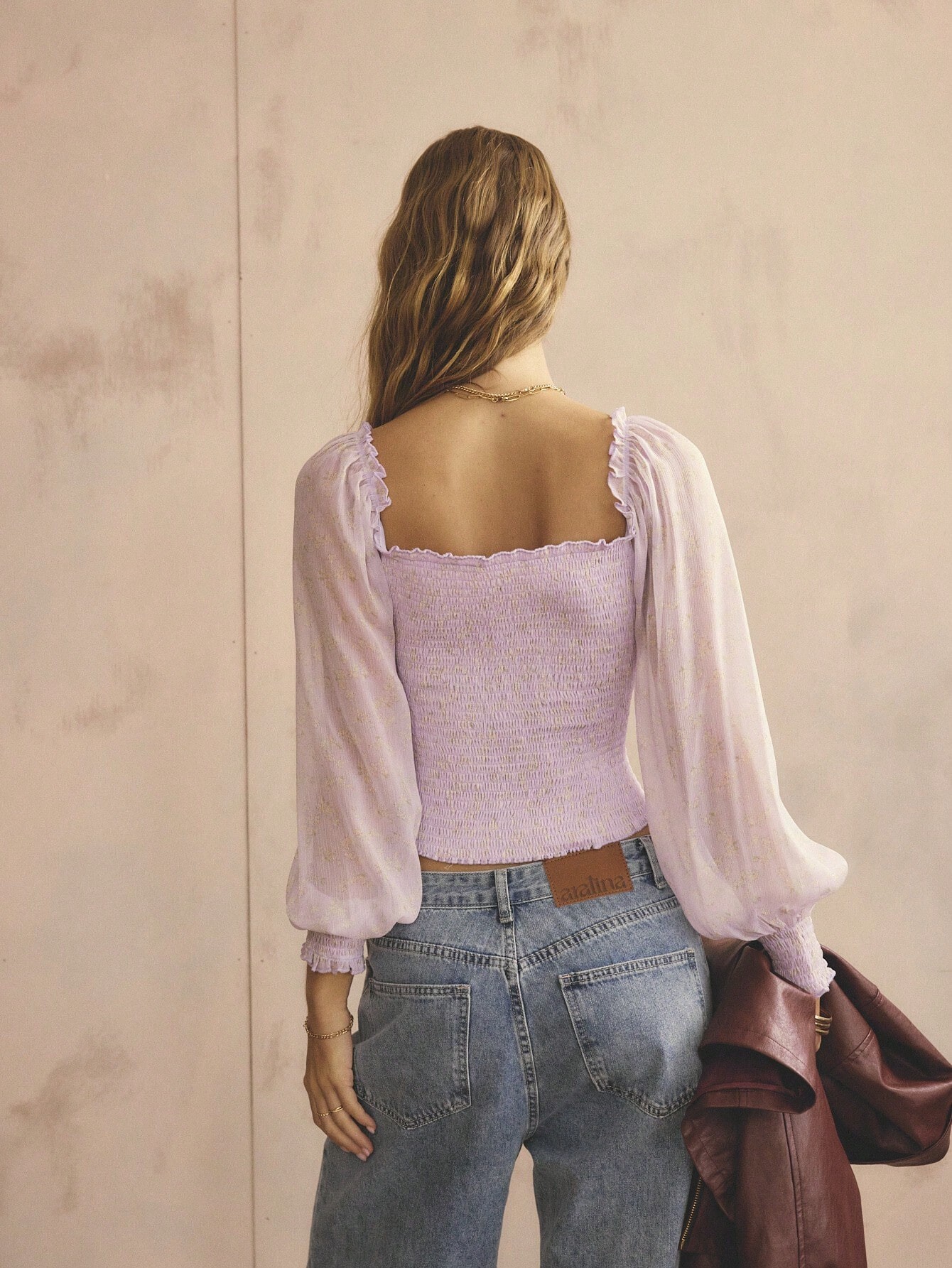
 Aralina Women's Casual Boho Sheer Puff Long Sleeve Shirred Square Neck Fall/Winter Vacation And Going Out Tops


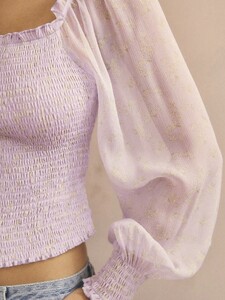
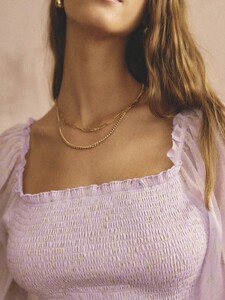





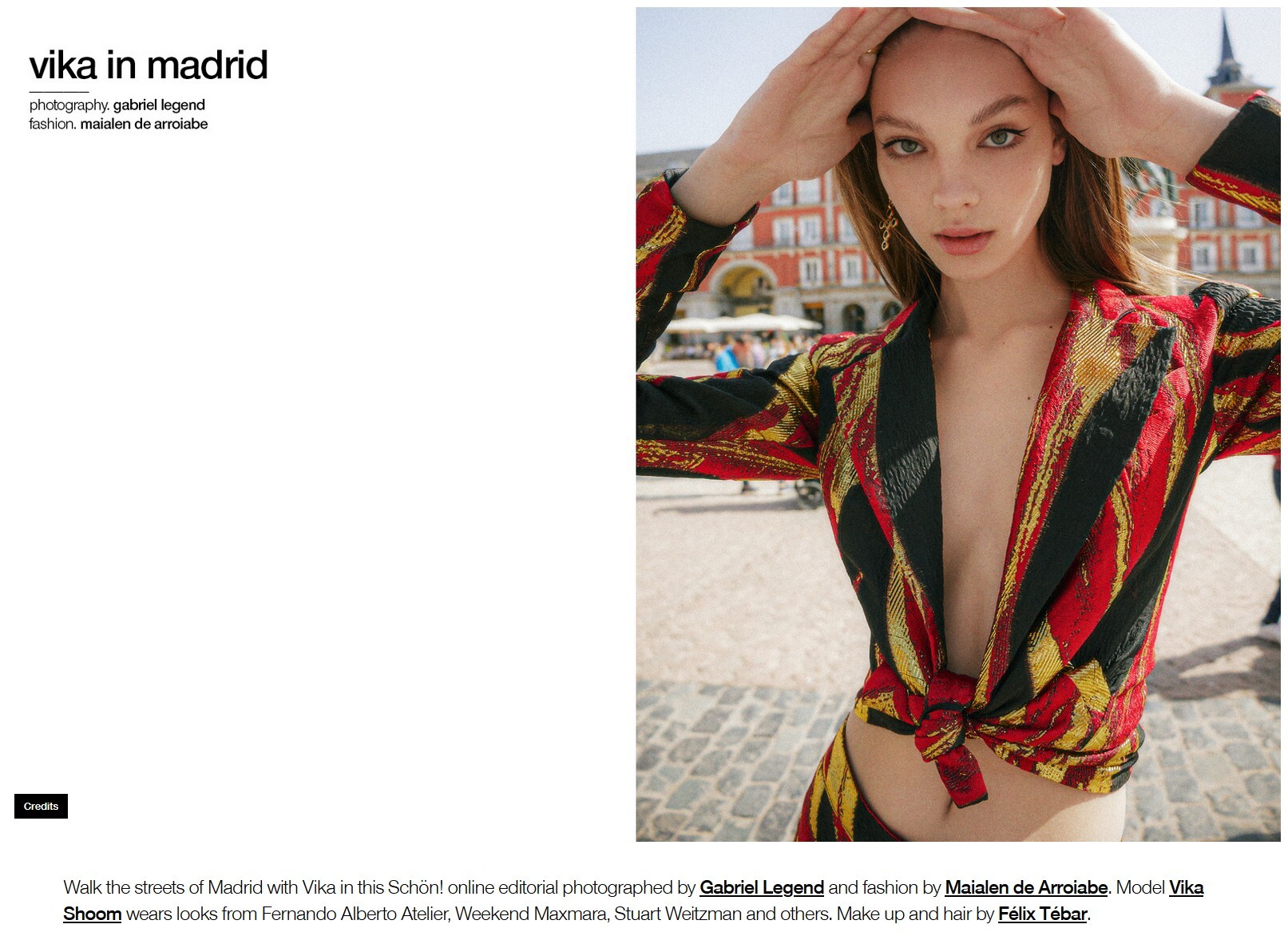
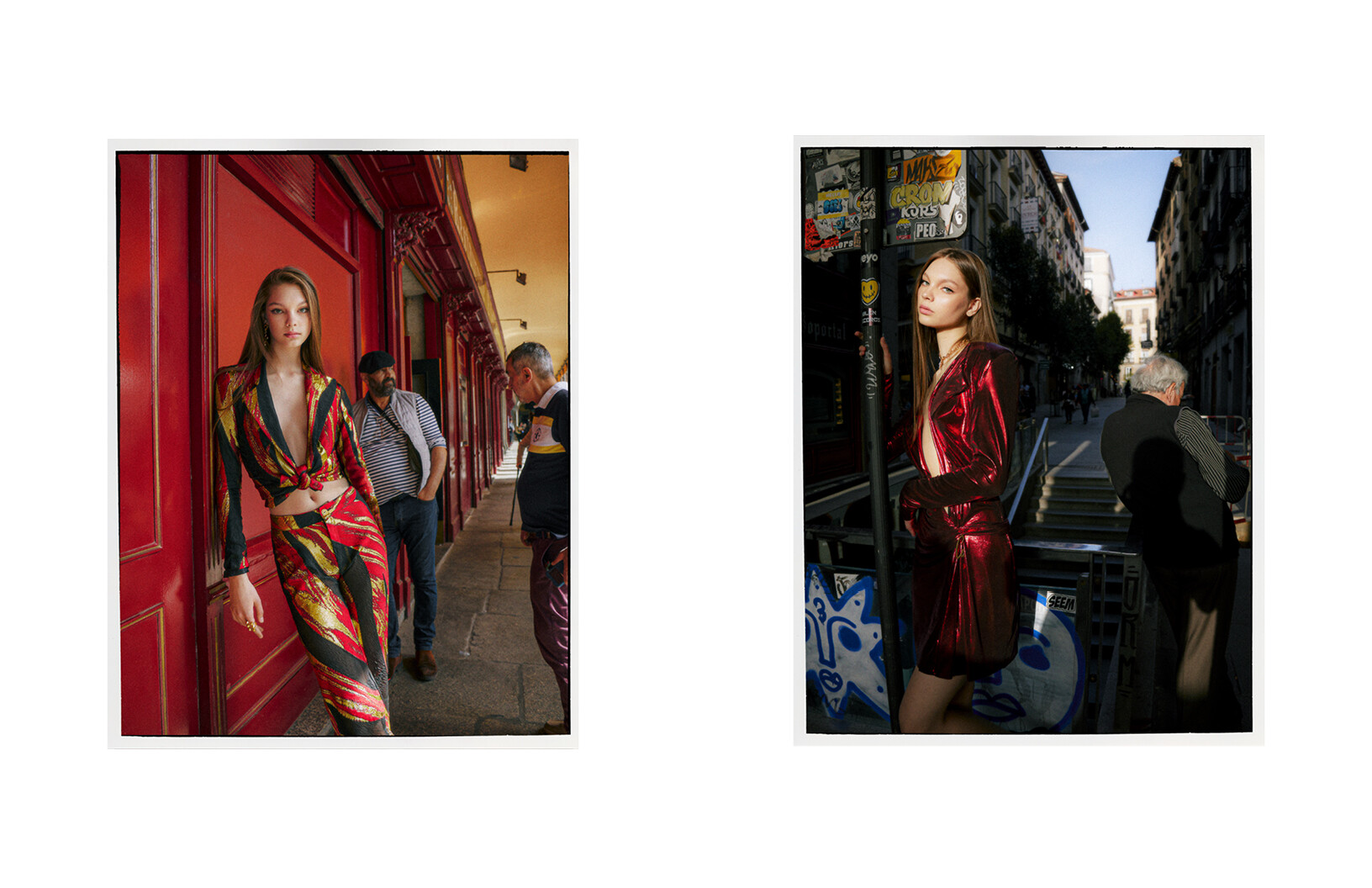
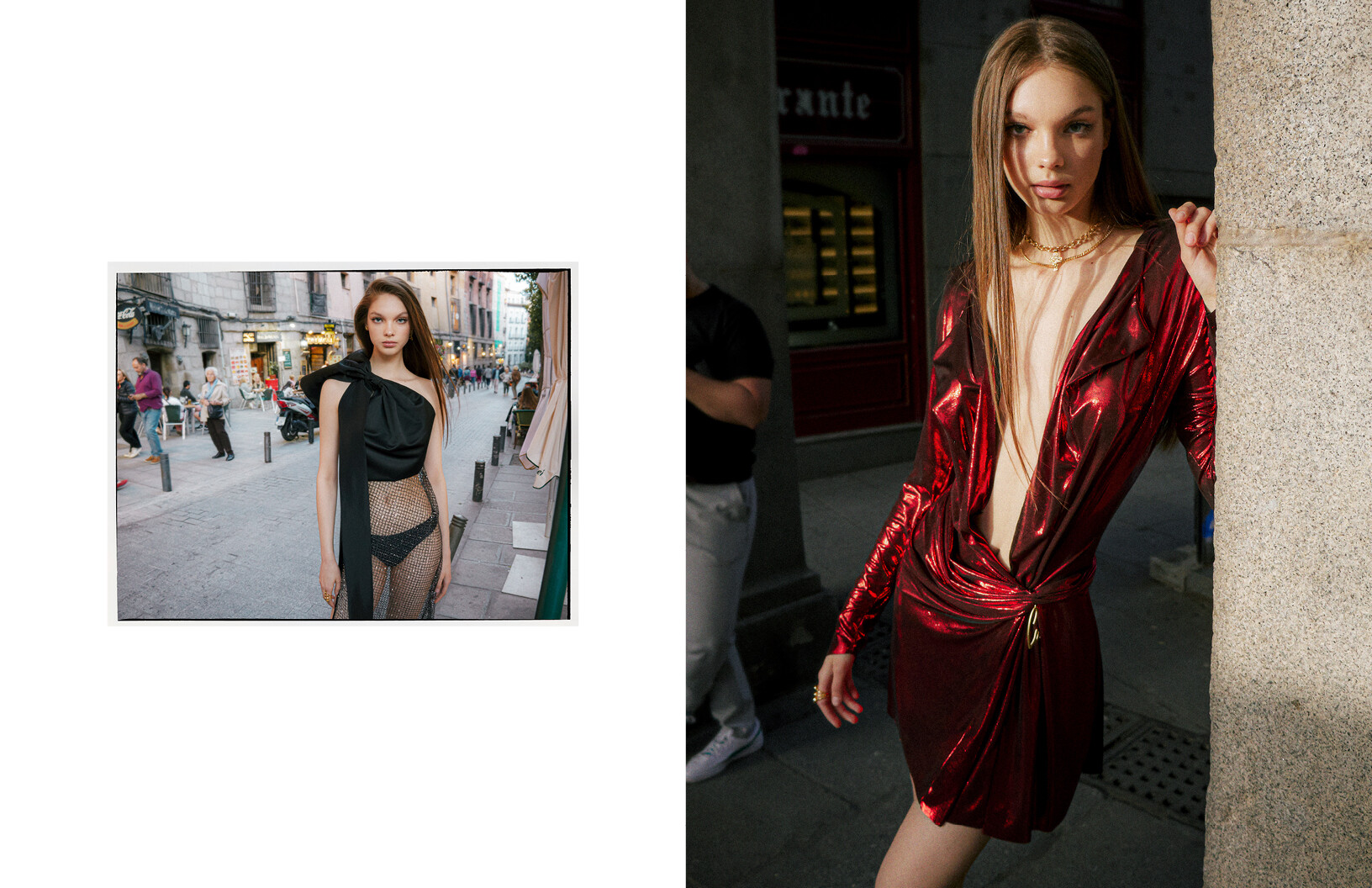
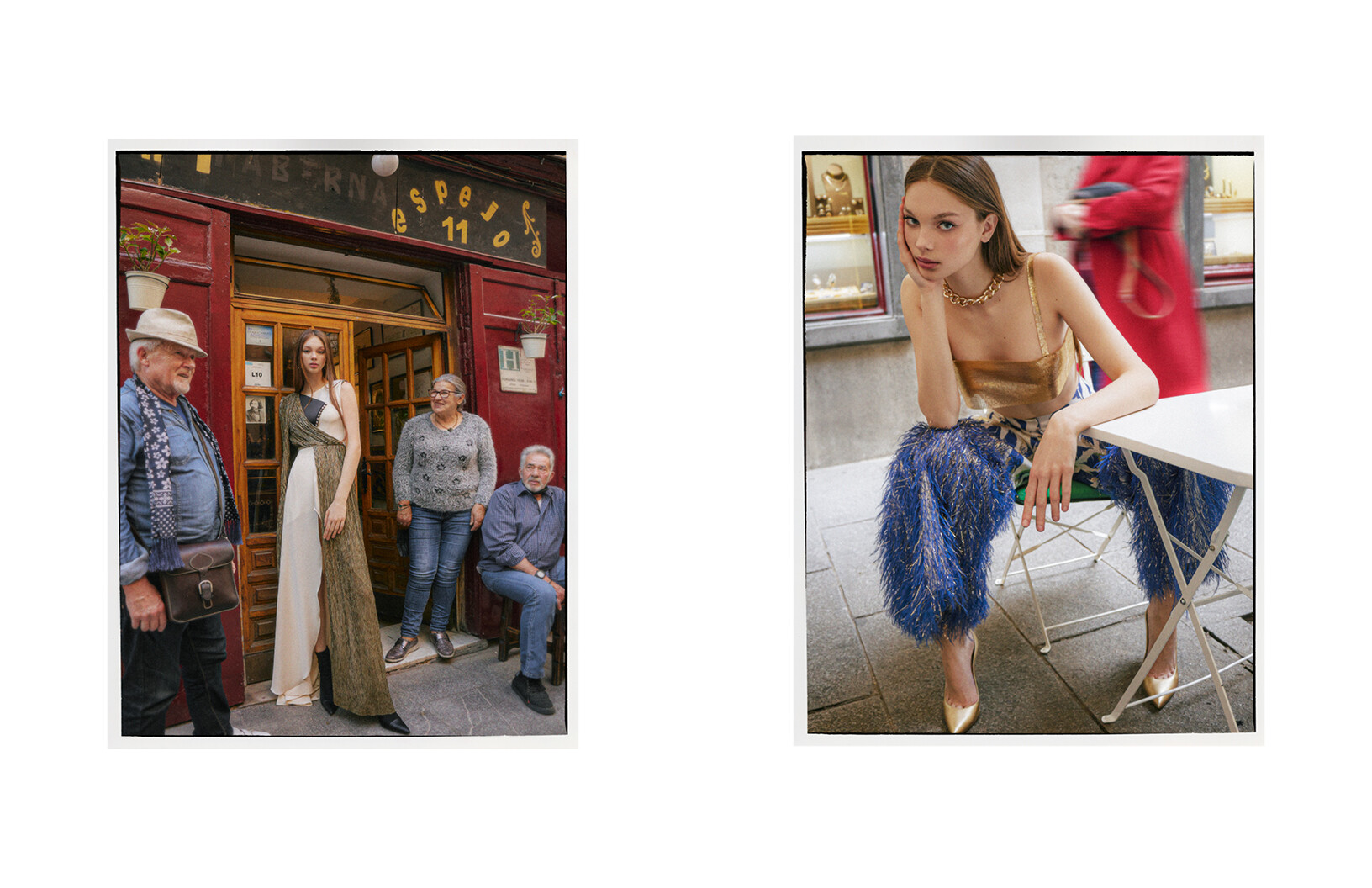
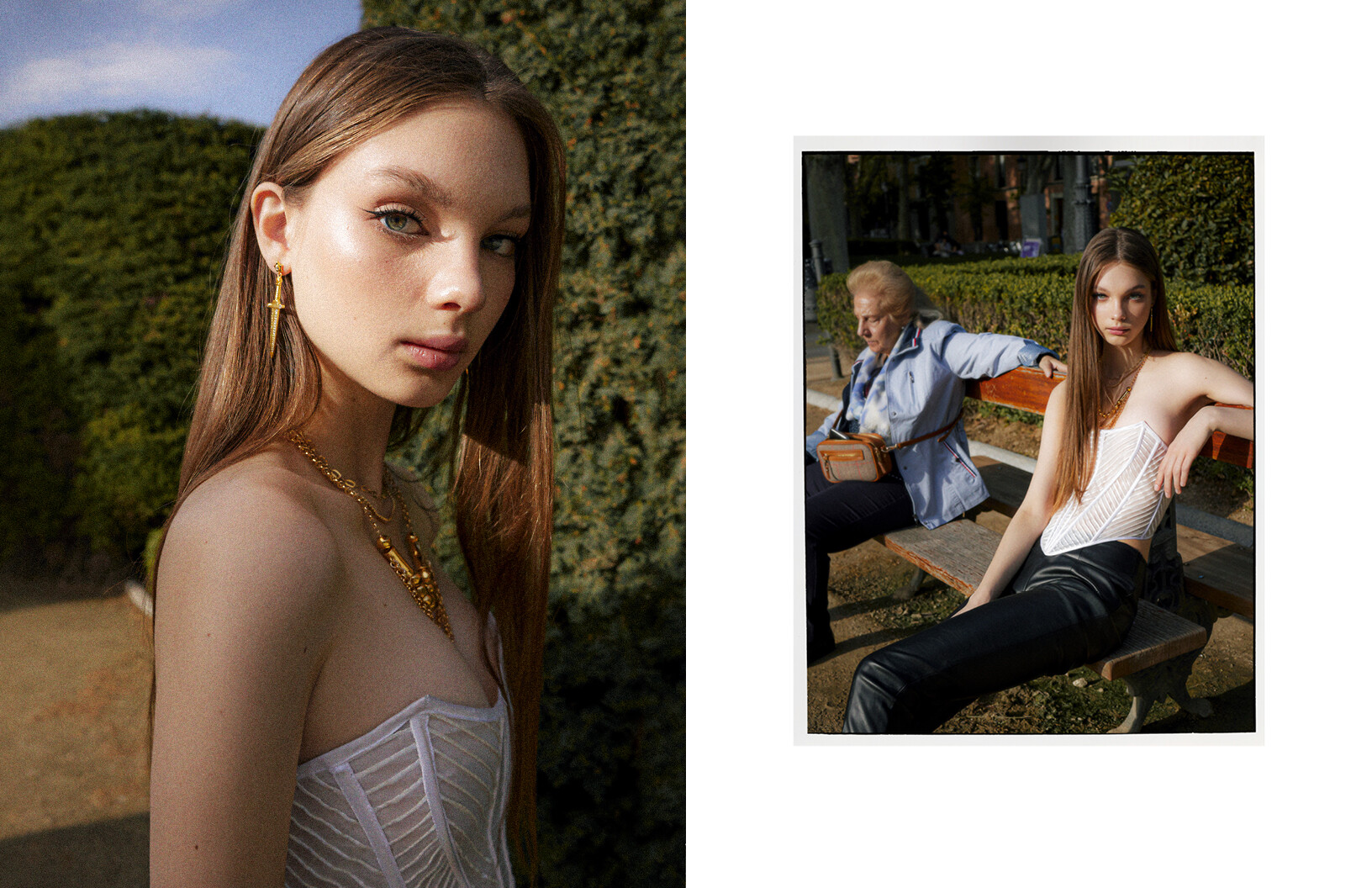
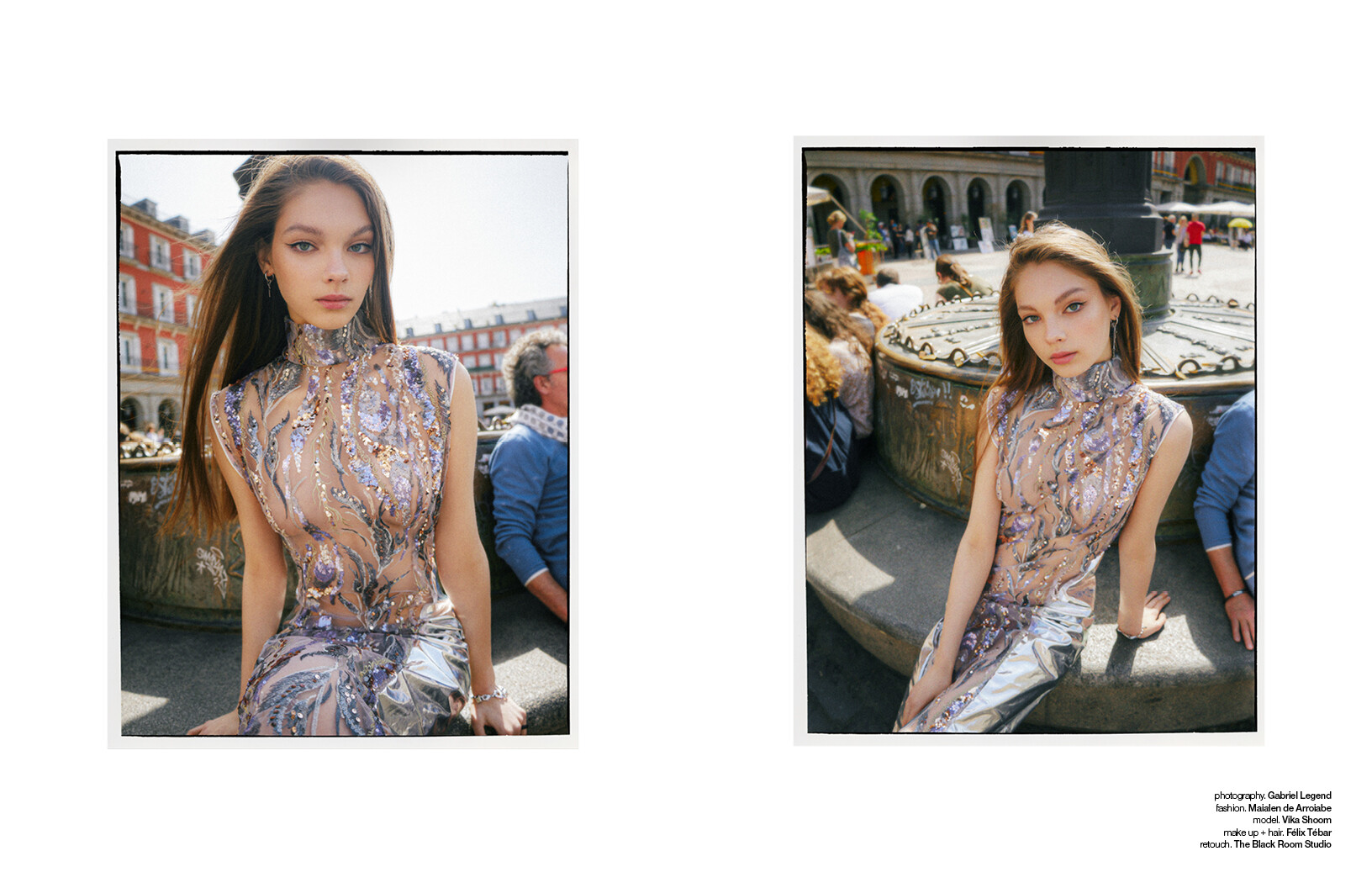






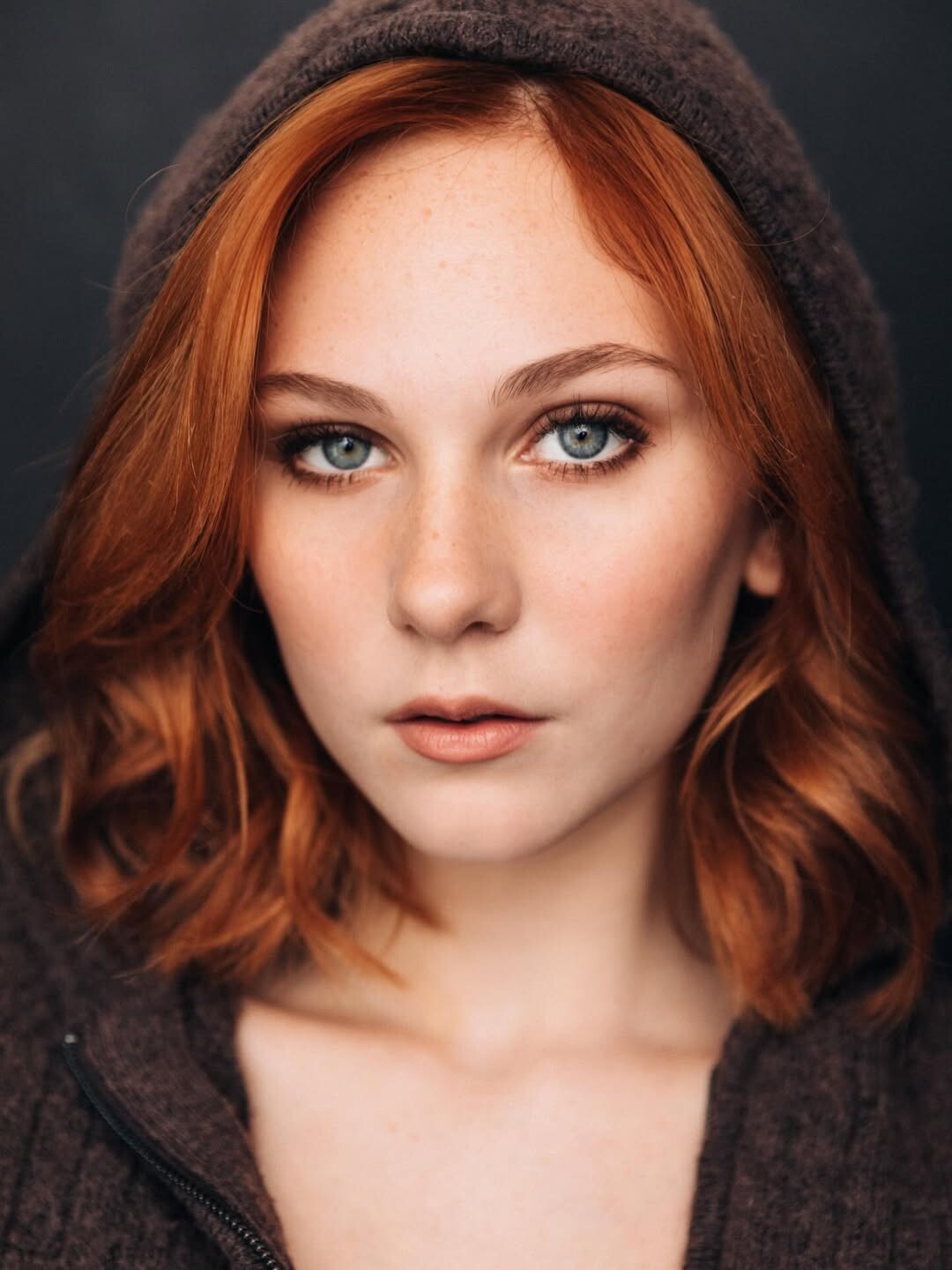
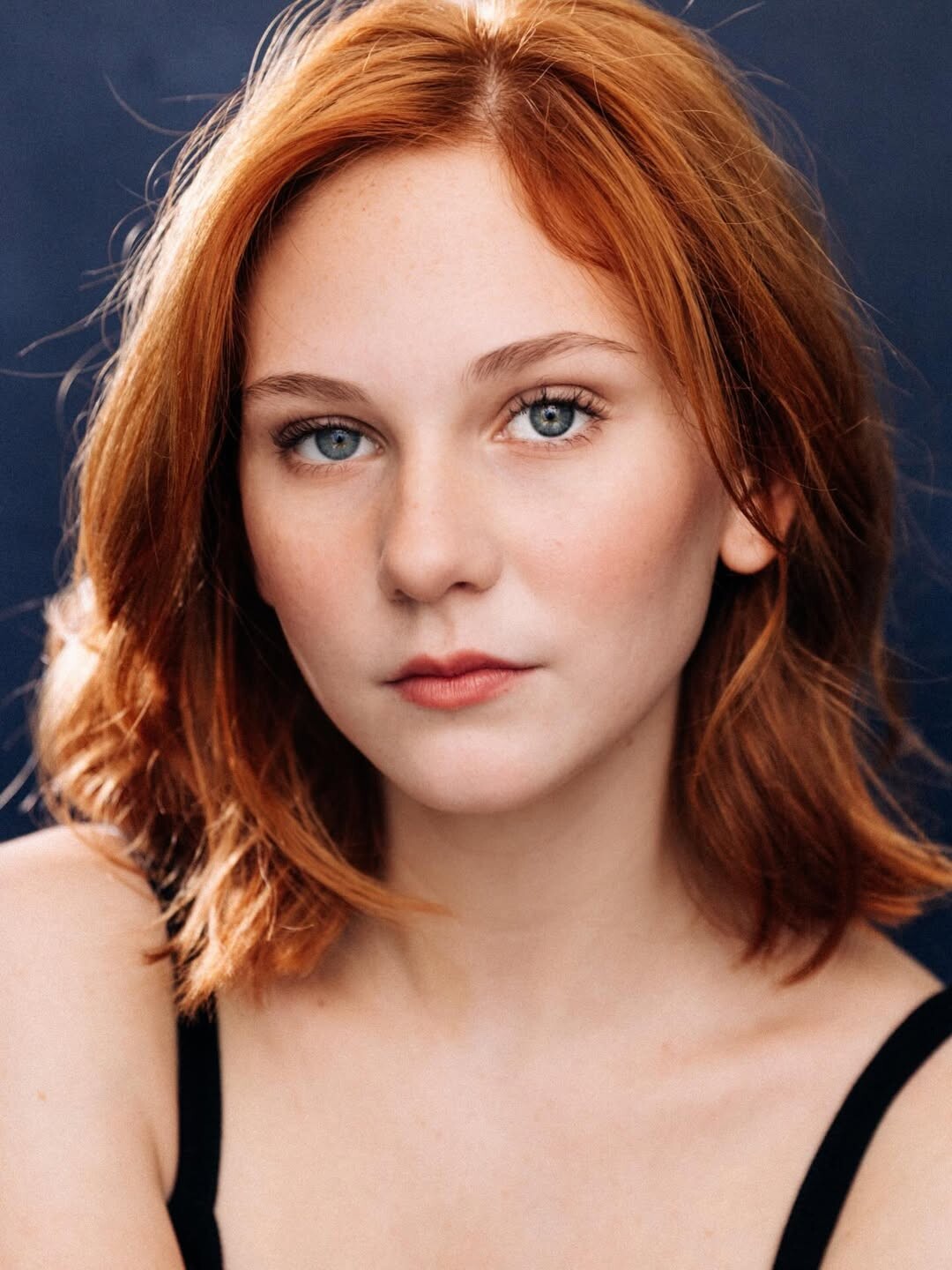





















.jpg.dc774414cf465d45f588d40602f4a7be.jpg)






Account
Search
Configure browser push notifications
Chrome (Android)
- Tap the lock icon next to the address bar.
- Tap Permissions → Notifications.
- Adjust your preference.
Chrome (Desktop)
- Click the padlock icon in the address bar.
- Select Site settings.
- Find Notifications and adjust your preference.
Safari (iOS 16.4+)
- Ensure the site is installed via Add to Home Screen.
- Open Settings App → Notifications.
- Find your app name and adjust your preference.
Safari (macOS)
- Go to Safari → Preferences.
- Click the Websites tab.
- Select Notifications in the sidebar.
- Find this website and adjust your preference.
Edge (Android)
- Tap the lock icon next to the address bar.
- Tap Permissions.
- Find Notifications and adjust your preference.
Edge (Desktop)
- Click the padlock icon in the address bar.
- Click Permissions for this site.
- Find Notifications and adjust your preference.
Firefox (Android)
- Go to Settings → Site permissions.
- Tap Notifications.
- Find this site in the list and adjust your preference.
Firefox (Desktop)
- Open Firefox Settings.
- Search for Notifications.
- Find this site in the list and adjust your preference.