All Activity
- Past hour
-
 Sydney Sweeney & Amanda Seyfried Go Full ASMR Tackling Stubborn Stains | Good Housekeeping
 -
W Magazine amandaseyfriedphotos.com


-
 No they are not.
 -
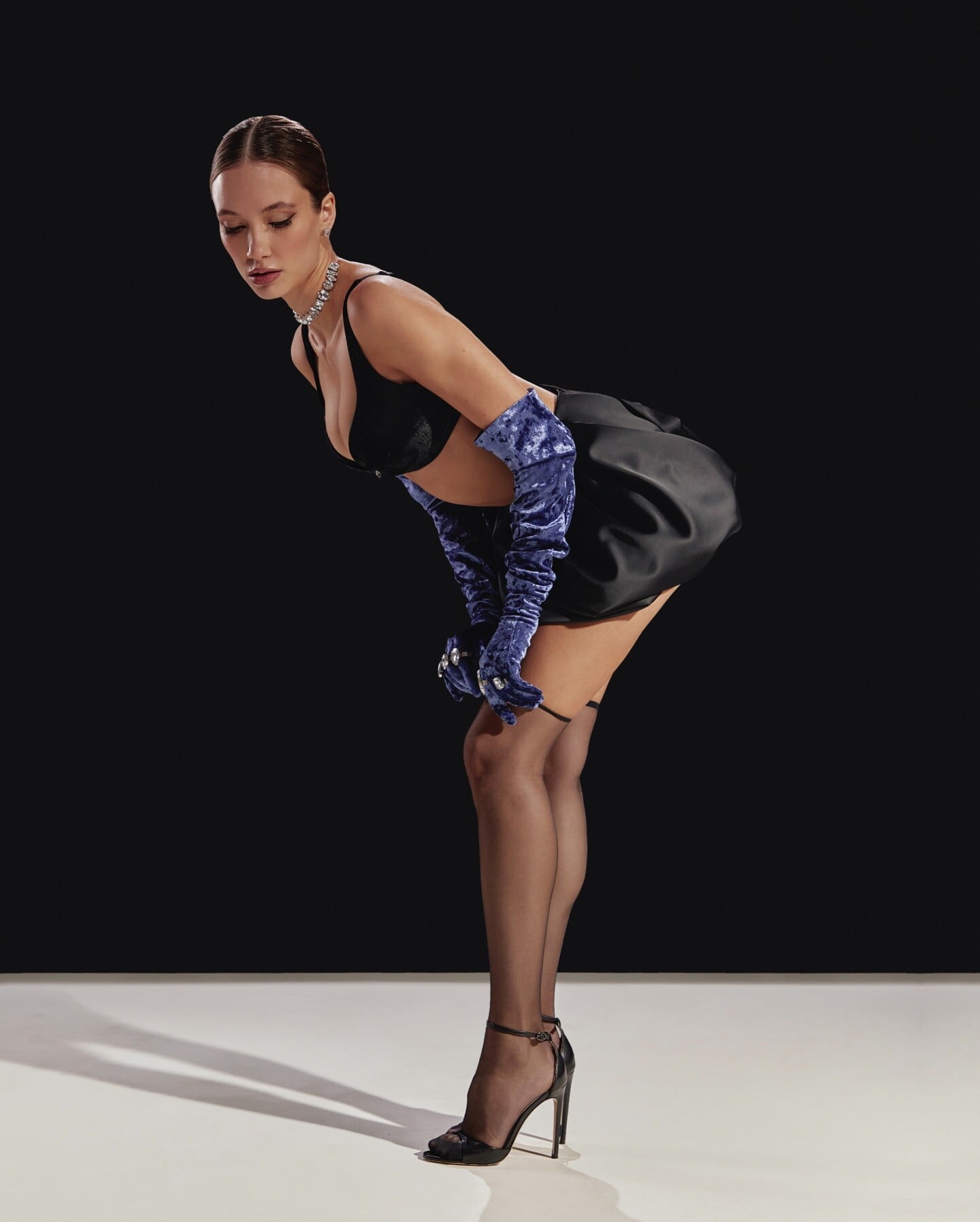
 Alina Evteeva PERSIK📷\kovalchak






-
Attends 31st Annual Critics Choice Awards at Barker Hangar in Santa Monica, California. January 04, 2026 adds amandaseyfriedphotos.com























































-
 These images are of the Escada?
 -
POLINA HRYHORCHUK📷\Masterclass moment Spoiler AQMu1BQOj2ADF1abXh-B0eHak6EhtdwlTeGoJwr7jrK5TboTrNI2e1vd7XqCCX0WWhPUTp1W86QsRPJgZSSpIdb2qzQpwCkyZDVsb1g.mp4
















-
 Prime Healers changed their profile photo
 -
 BarbieErin changed their profile photo
 -
The Housemaid Stills sn3akyb3ar at picturepub


-
 VOGUE HOMMES INTERNATIONAL Fall/Winter 1994/1995 - photo Paolo Roversi eBay

-
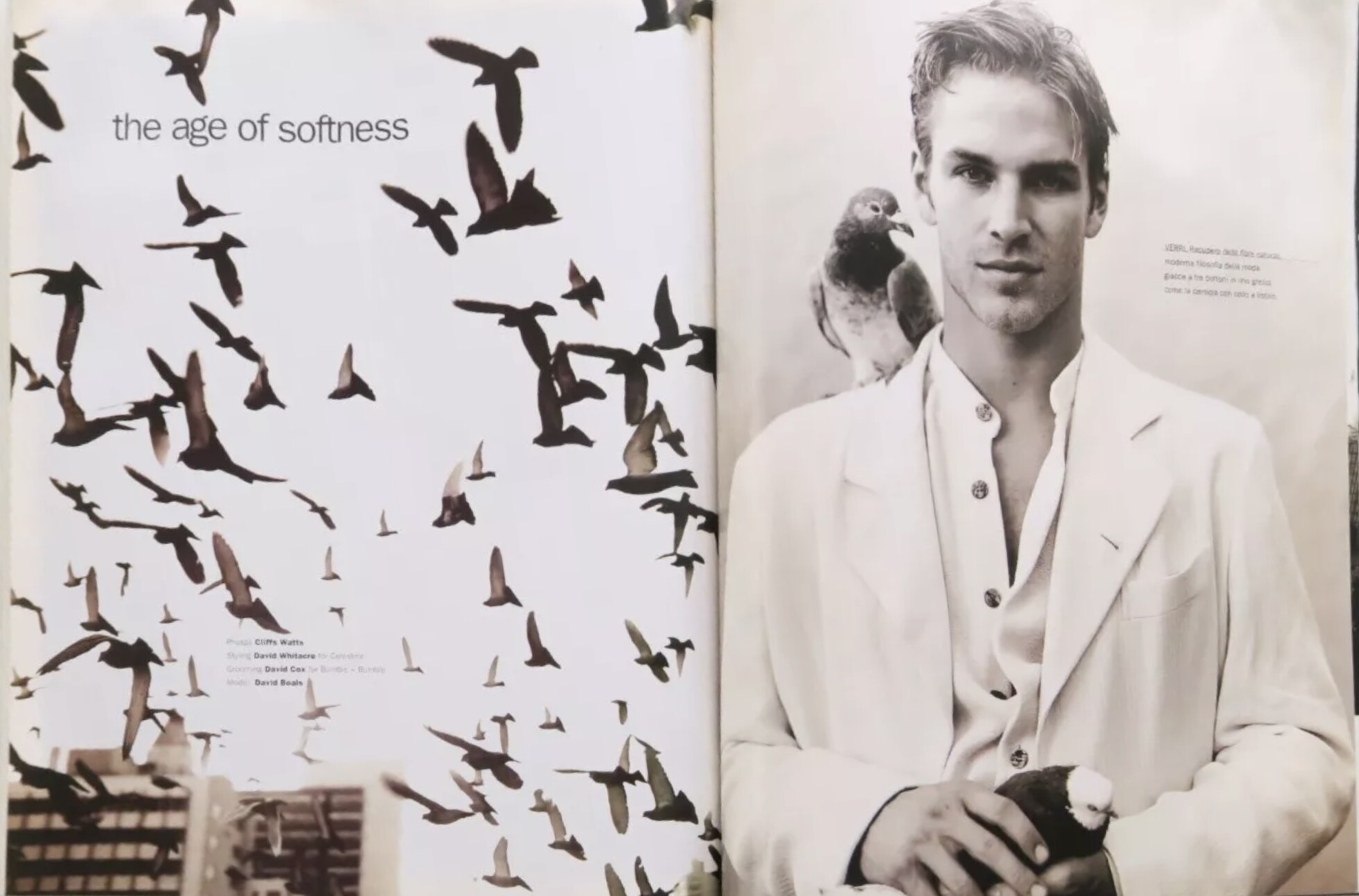
MONDO UOMO No.85 May/Jun.1995 - Cliff Watts eBay

-

- Today
-
 • Annie Morrissey • Leidy Amelia Labrador • Chandler Bailey • Christen Harper • Maddie Teeuws • Gillian Nation • Isabella Naomi Kroon • Shana Koehler • Celine Farach • Mandy Simon • Mishka Silva
 -
MONDO UOMO Sep./Oct.1994 - photo Michelangelo di Battista eBay


-
Emma Stone and Jesse Plemons Learn How To Cook Spaghetti and Meatballs | NYT Cooking
-
 Verena Russia 4/1998 models utm part II pinterest














-
Verena Russia 4/1998 models utm part I pinterest










-
 Prime Healers joined the community


 AngryDutchman changed their profile photo
 Verena Russia 3/1998 models utm part IV pinterest





















































































































































































Account
Search
Configure browser push notifications
Chrome (Android)
- Tap the lock icon next to the address bar.
- Tap Permissions → Notifications.
- Adjust your preference.
Chrome (Desktop)
- Click the padlock icon in the address bar.
- Select Site settings.
- Find Notifications and adjust your preference.
Safari (iOS 16.4+)
- Ensure the site is installed via Add to Home Screen.
- Open Settings App → Notifications.
- Find your app name and adjust your preference.
Safari (macOS)
- Go to Safari → Preferences.
- Click the Websites tab.
- Select Notifications in the sidebar.
- Find this website and adjust your preference.
Edge (Android)
- Tap the lock icon next to the address bar.
- Tap Permissions.
- Find Notifications and adjust your preference.
Edge (Desktop)
- Click the padlock icon in the address bar.
- Click Permissions for this site.
- Find Notifications and adjust your preference.
Firefox (Android)
- Go to Settings → Site permissions.
- Tap Notifications.
- Find this site in the list and adjust your preference.
Firefox (Desktop)
- Open Firefox Settings.
- Search for Notifications.
- Find this site in the list and adjust your preference.