All Activity
- Past hour
-

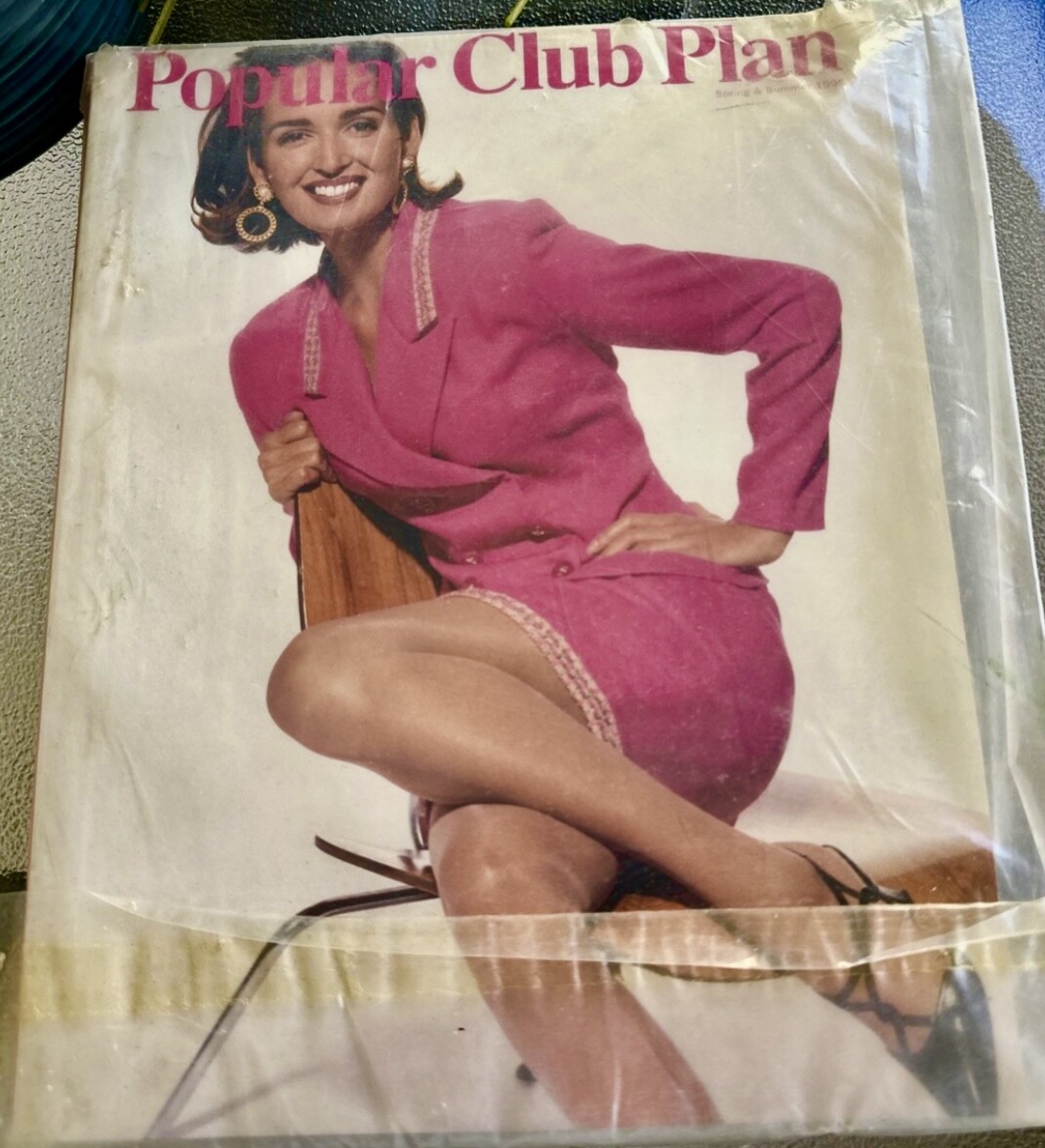
 Popular Club Plan (spring/summer 1995)
 Can you ID these Avon catalog models (1995)?
 Has anyone heard of this model? Her name is ‘Marlenne’; seen on the cover of LA-based magazine Ornament, wearing Marika Contompasis spring 1988 line. Photographer: Randee St Nicholas
 stories videos [2025.12.07] laurabarriales_3782422295319710287.mp4 [2025.12.07] laurabarriales_3782436793661284391.mp4 [2025.12.07] laurabarriales_3782438462121853075.mp4 [2025.12.07] laurabarriales_3782443098102828145.mp4











 You're welcome!
stories videos [2025.12.11] victoriajustice-themadgrace_3785753757276244742.mp4 [2025.12.11] victoriajustice-themadgrace_3785771968197668899.mp4
You're welcome!
stories videos [2025.12.11] victoriajustice-themadgrace_3785753757276244742.mp4 [2025.12.11] victoriajustice-themadgrace_3785771968197668899.mp4

 .
.

 She is getting so curvy and full, marvelous, so much flab
stories videos [2025.12.12] barrefaeli_3785911052081307288.mp4[2025.12.12] barrefaeli_3786056065025069650.mp4
She is getting so curvy and full, marvelous, so much flab
stories videos [2025.12.12] barrefaeli_3785911052081307288.mp4[2025.12.12] barrefaeli_3786056065025069650.mp4
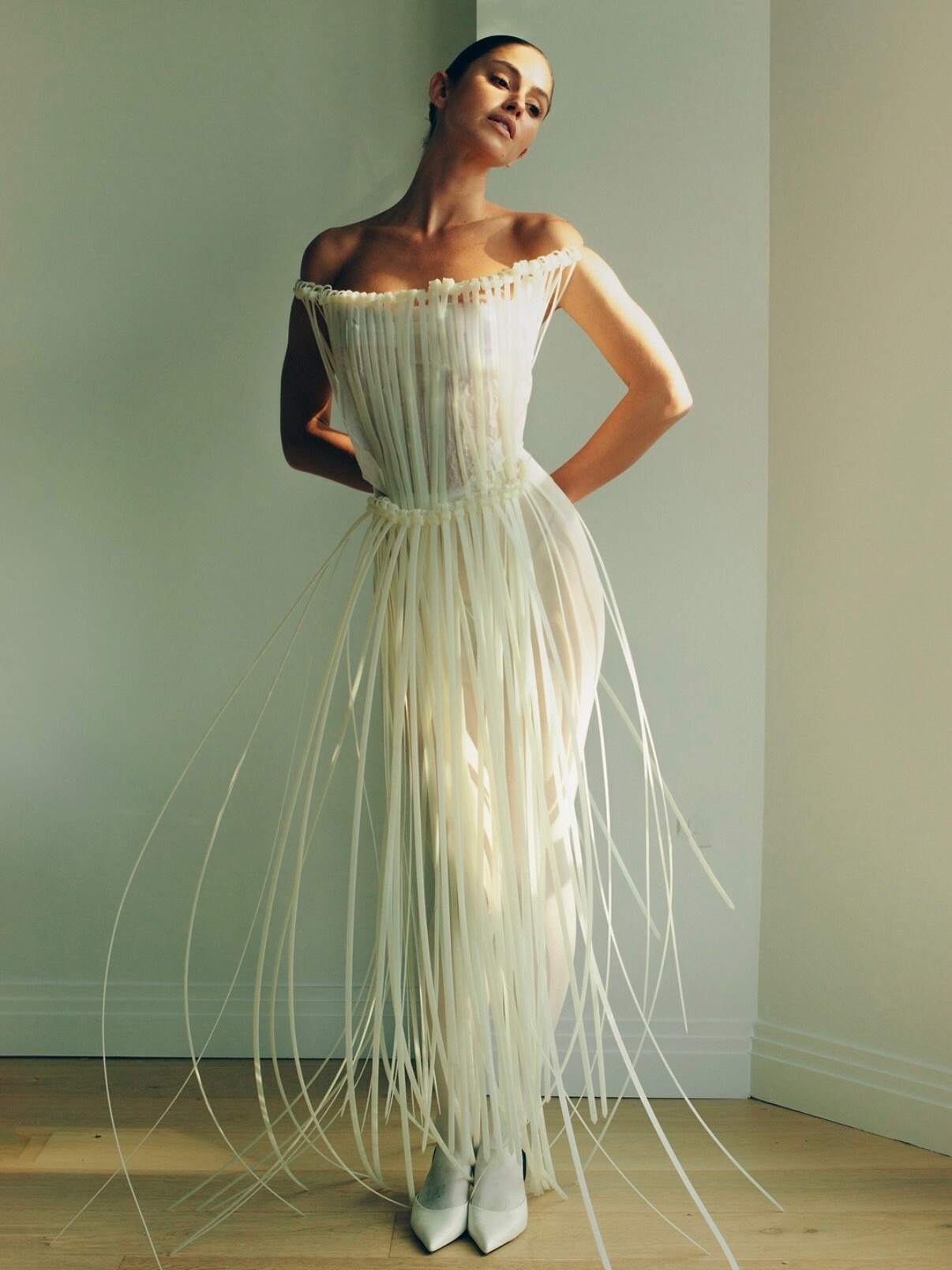
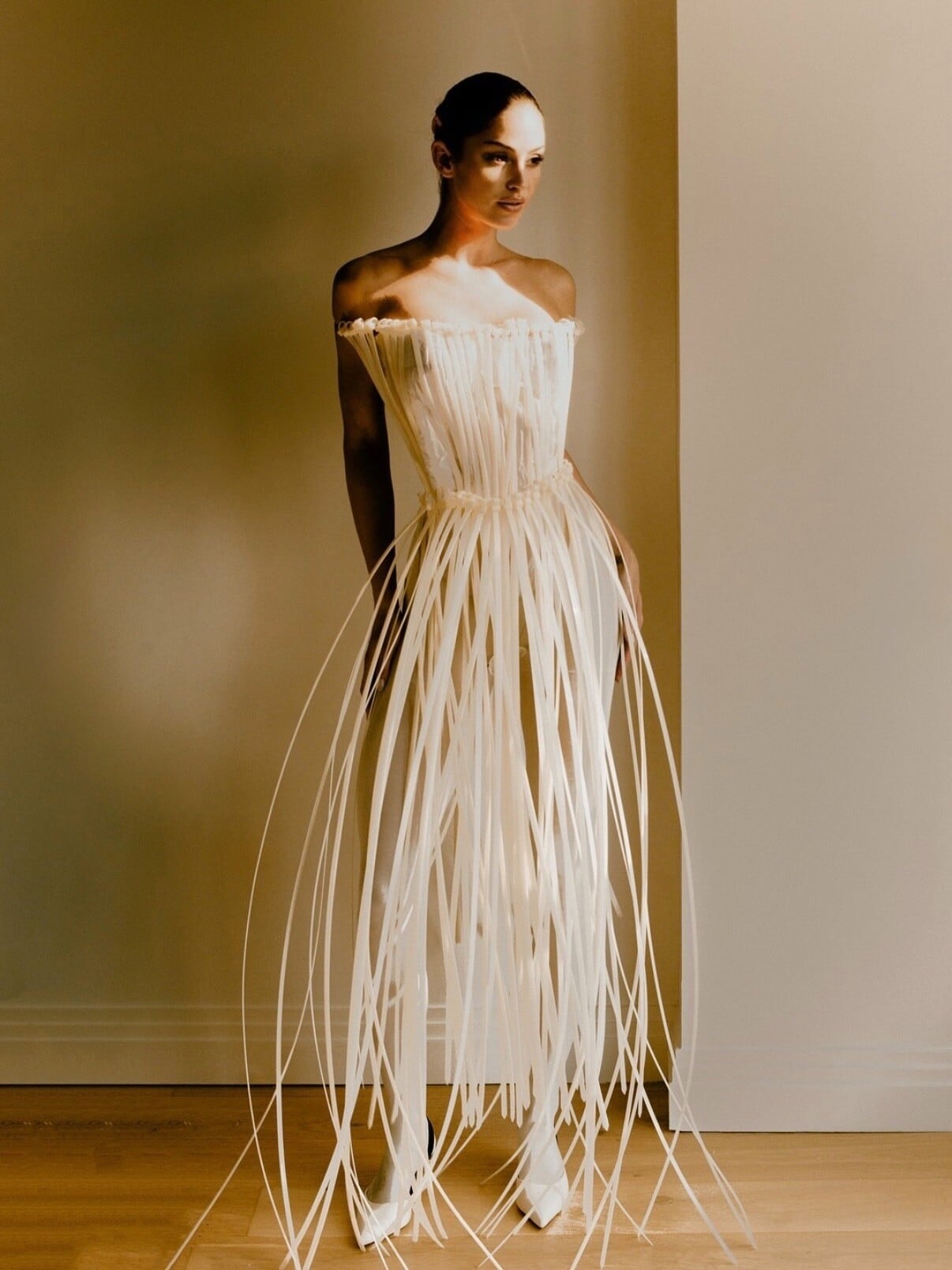
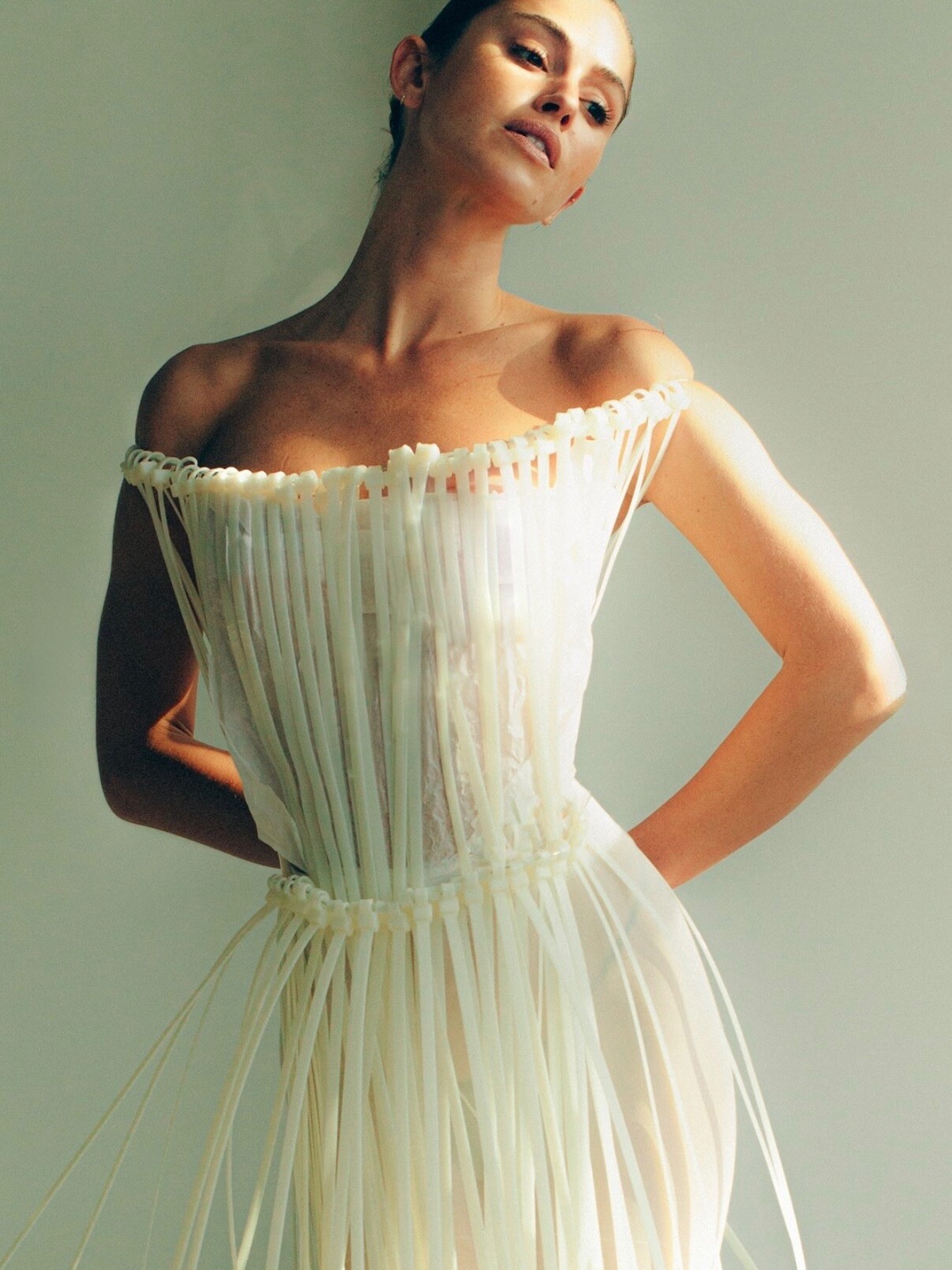
 just a couple of zip ties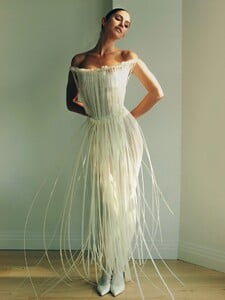

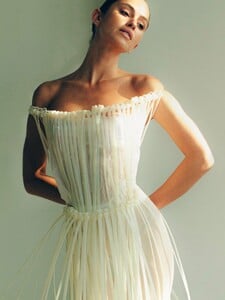
 stories video [2025.12.12] lindsaymariebrewer_3786186116828365137.mp4
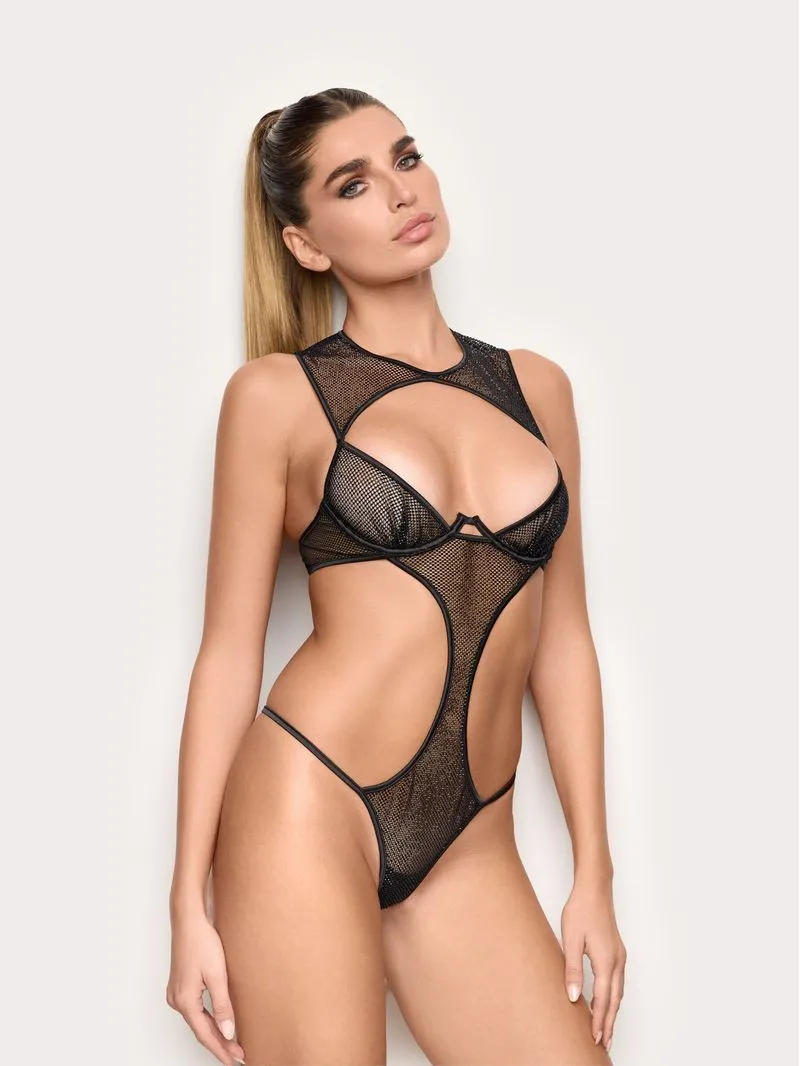
 Please, anyone? From Yamamay shopsite: https://www.yamamay.com/it_it/body-sfoderato-con-ferretto-in-rete-con-strass-prive-lexi-ibdd184002/ Many thanks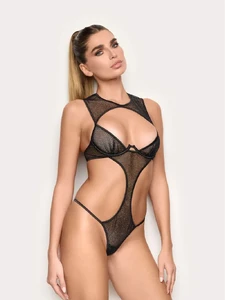


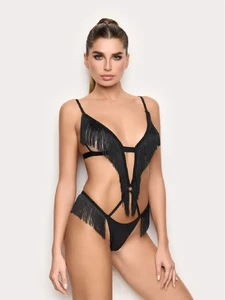
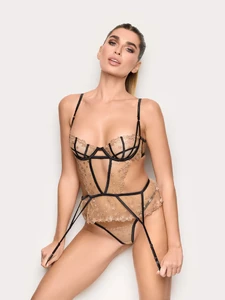

 Agua Doce spring 2005 (spfw)





- Today
.



 Thanks!
stories video [2025.12.12] sarasampaio_3786086786633123952.mp4
Thanks!
stories video [2025.12.12] sarasampaio_3786086786633123952.mp4

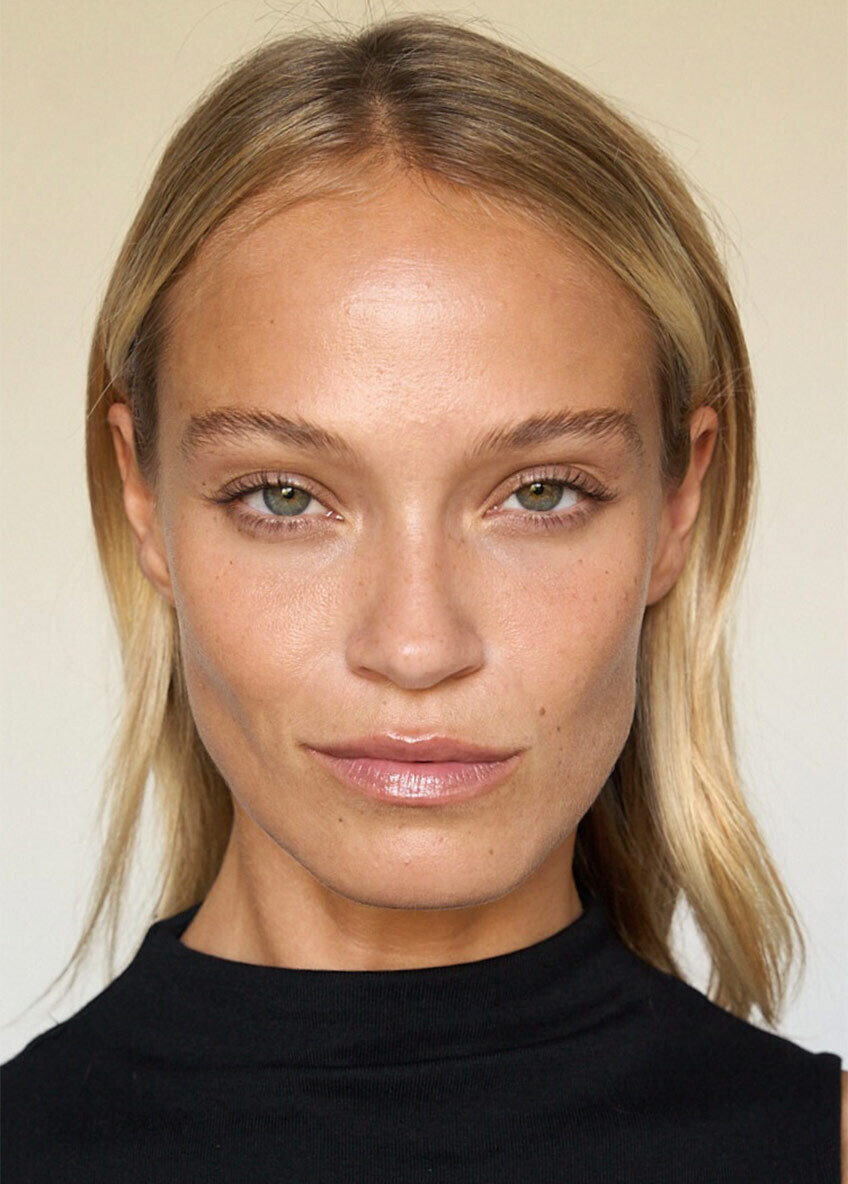
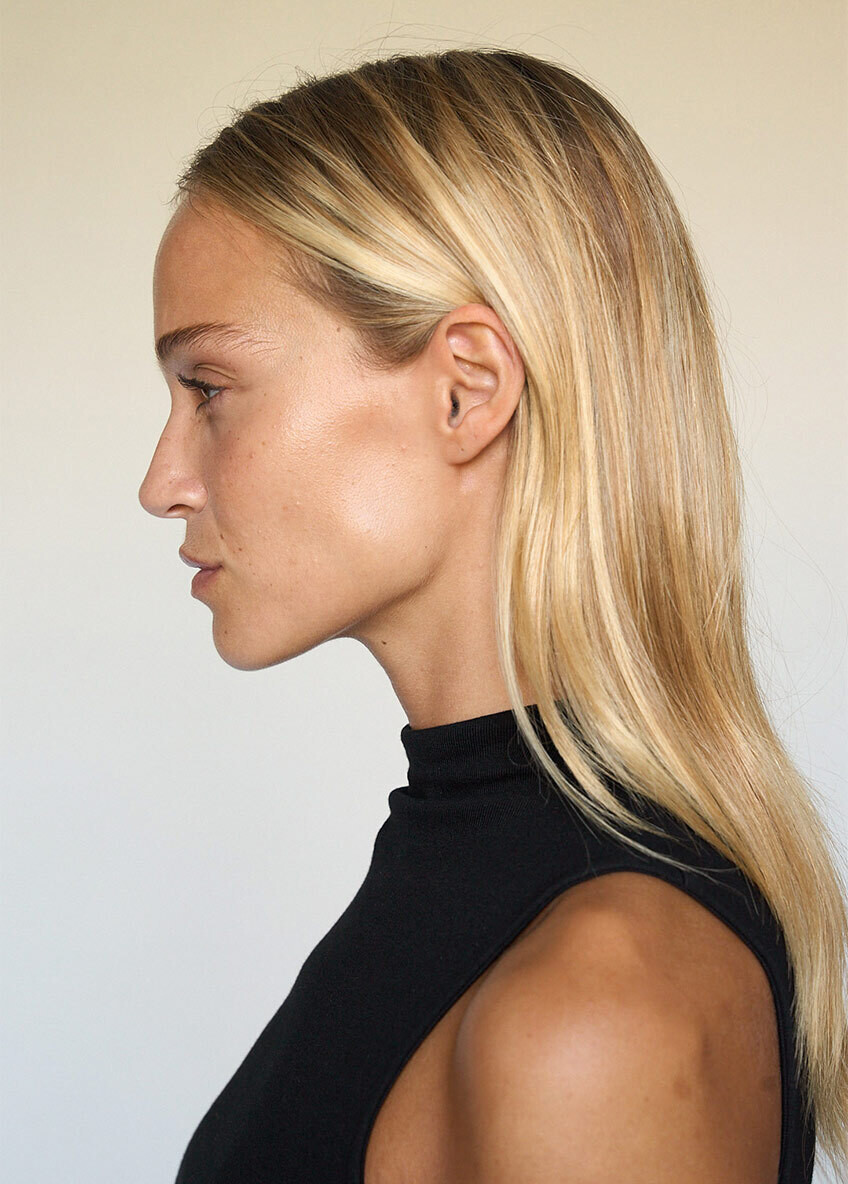
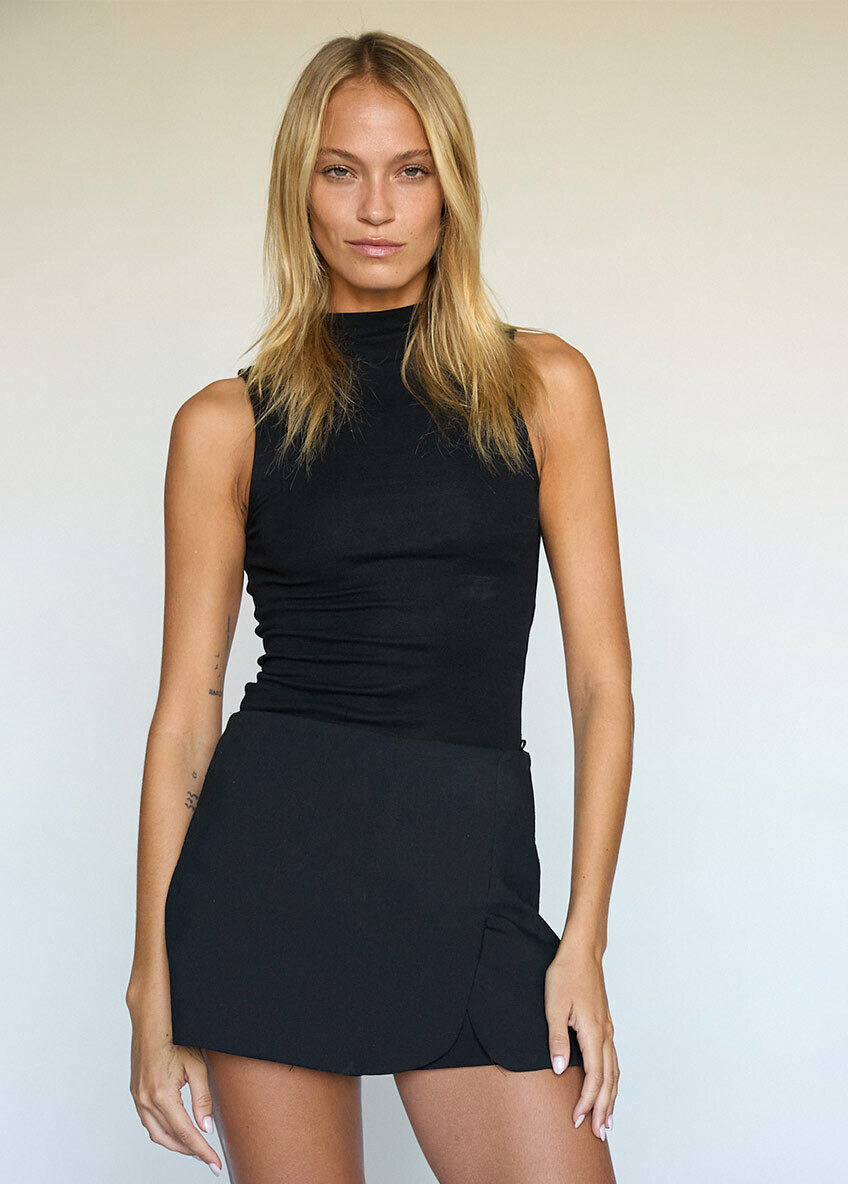
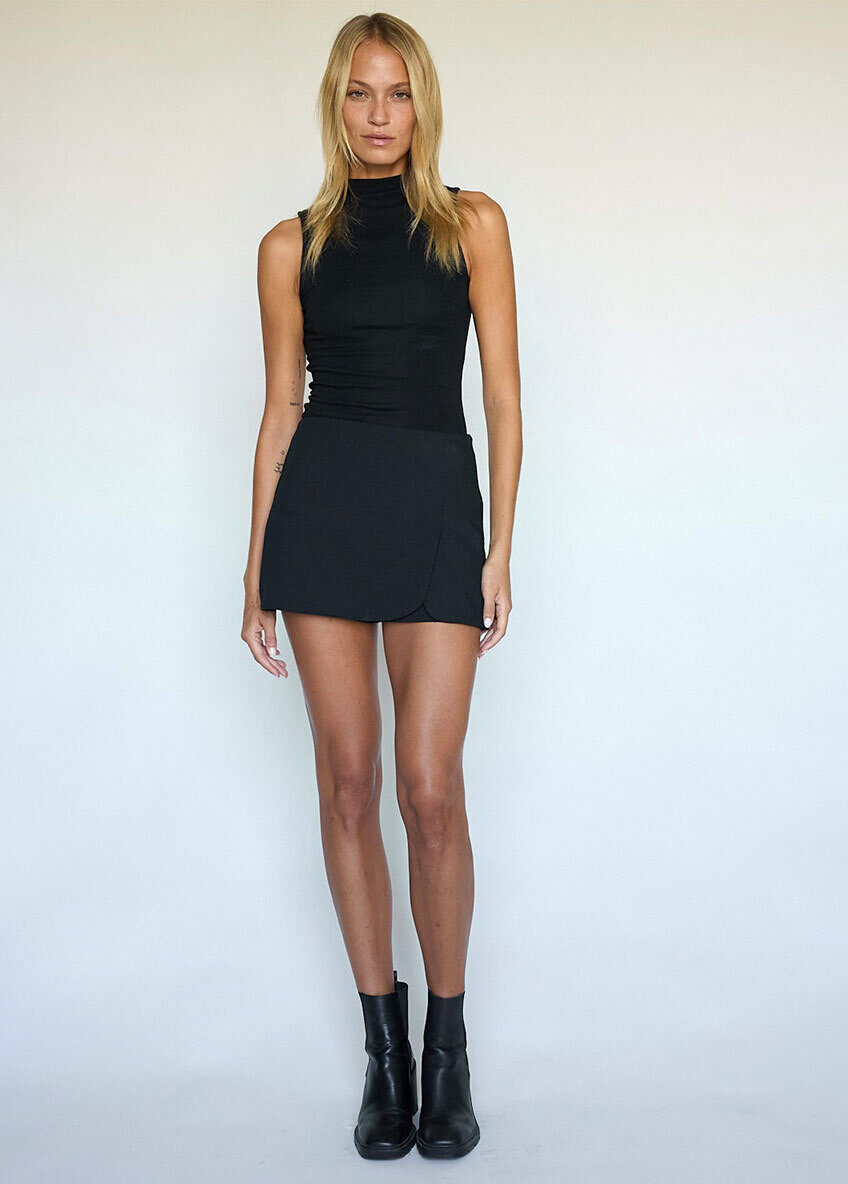
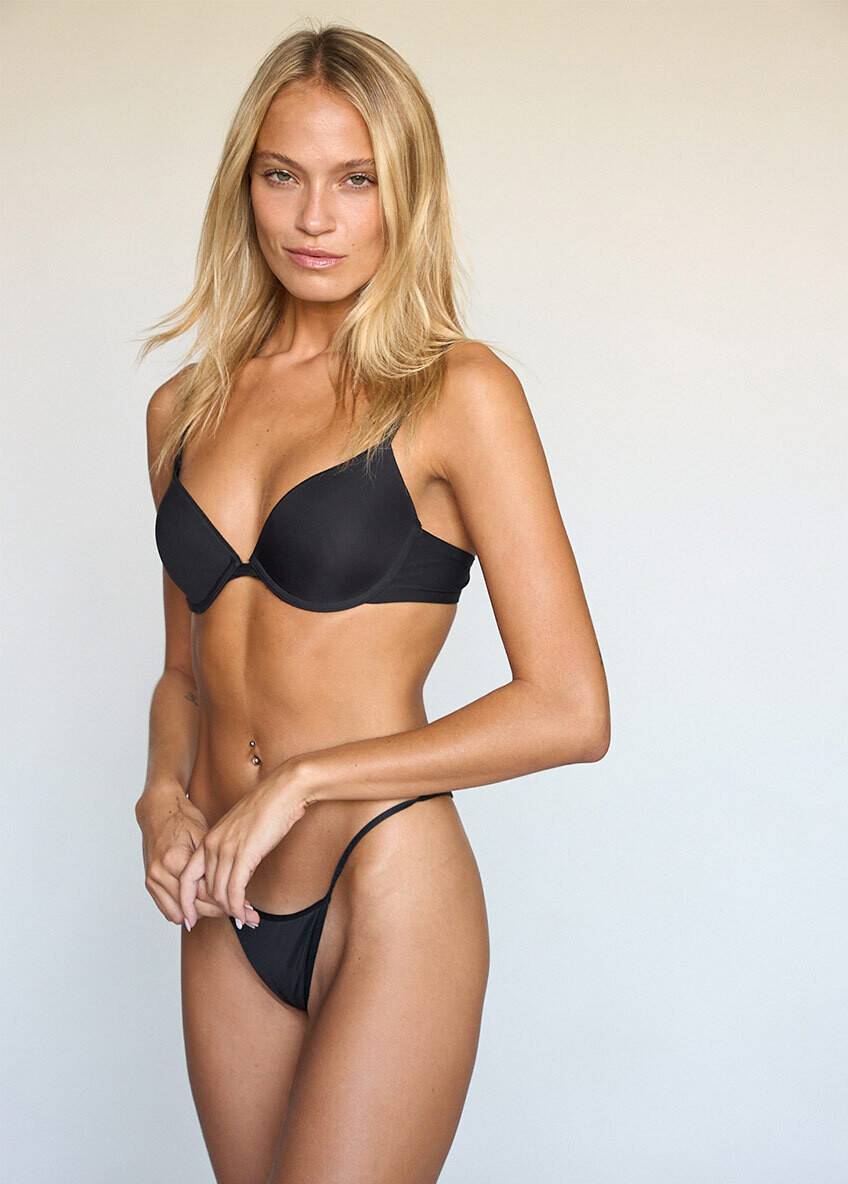
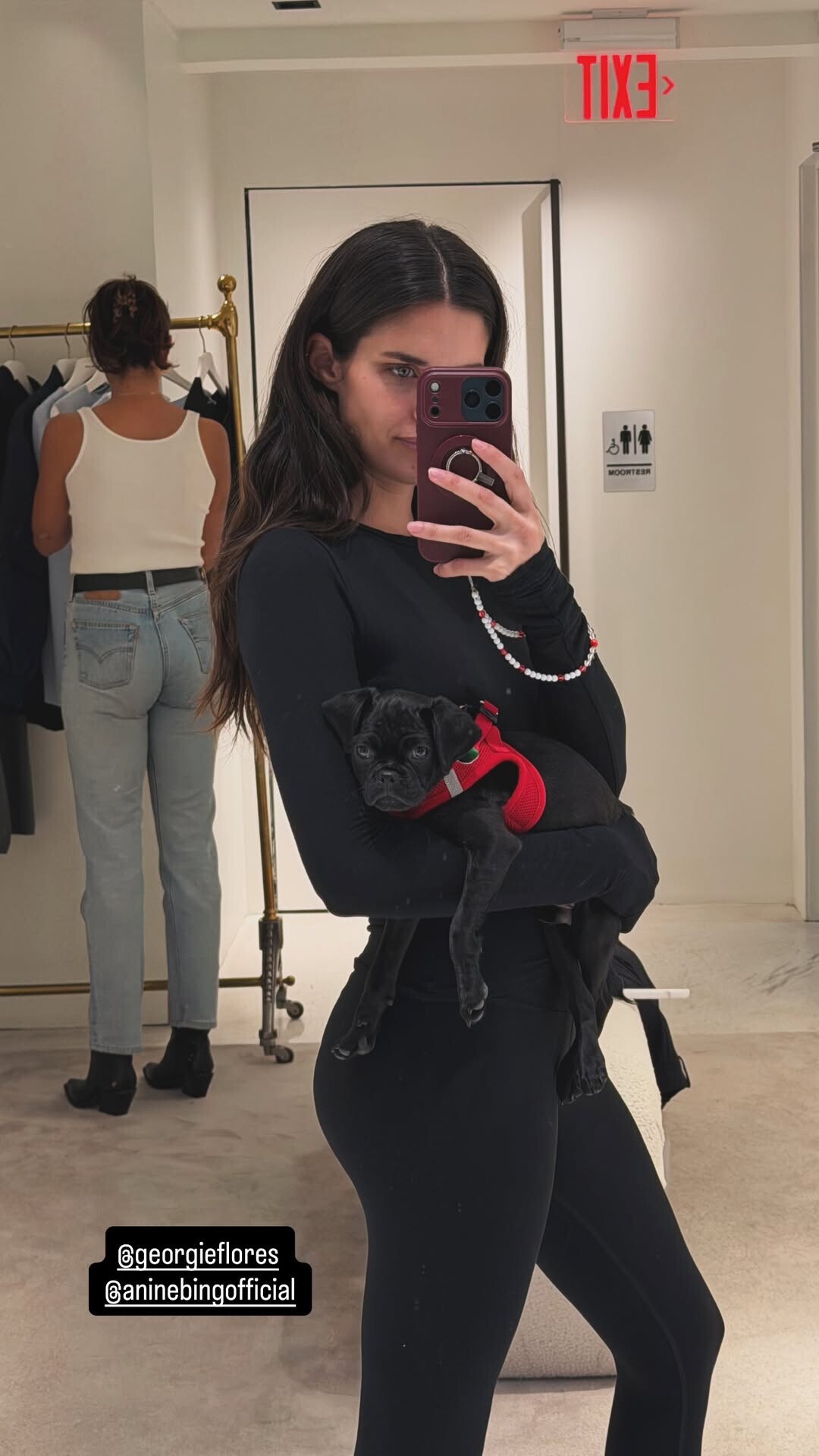
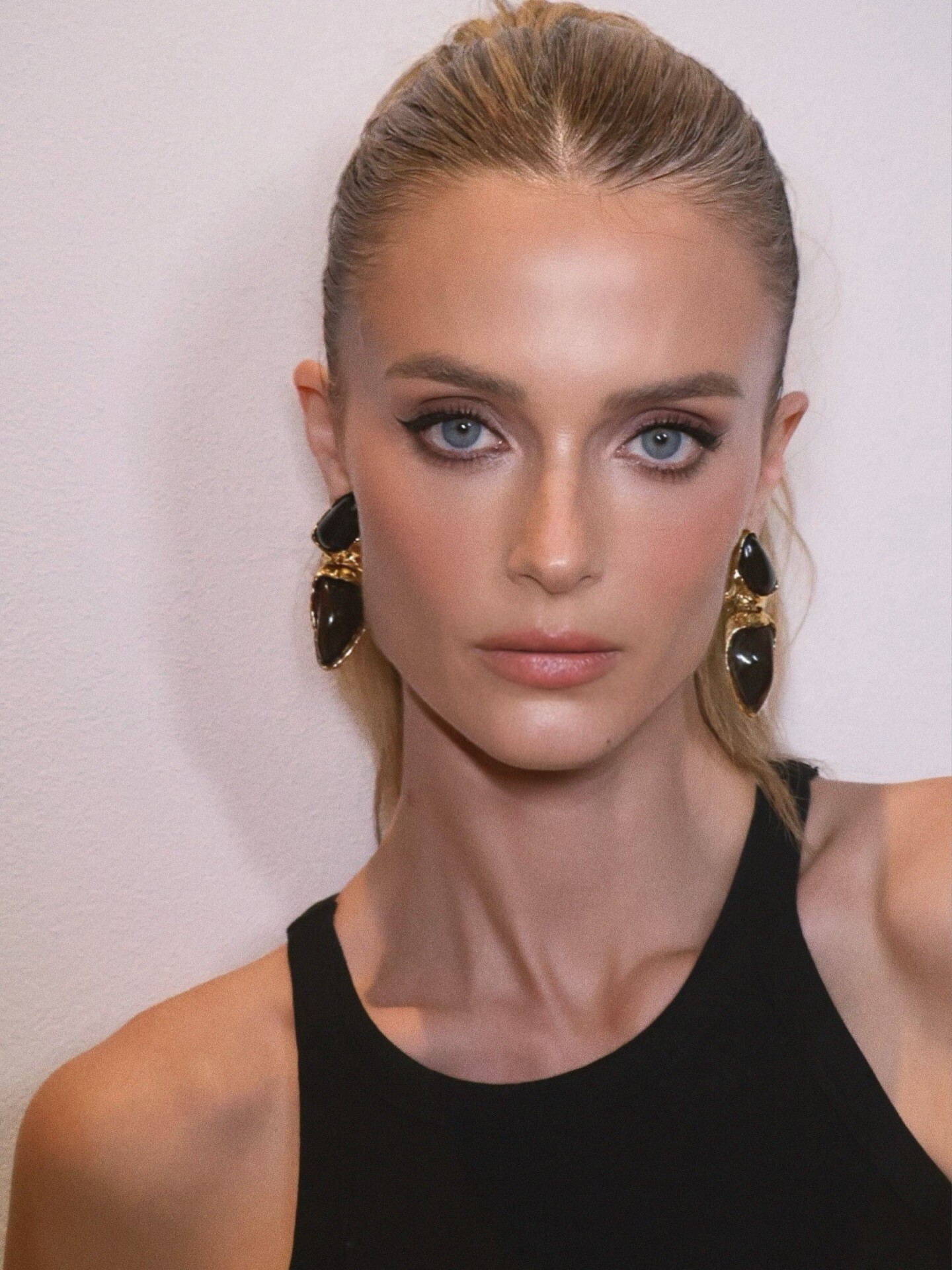
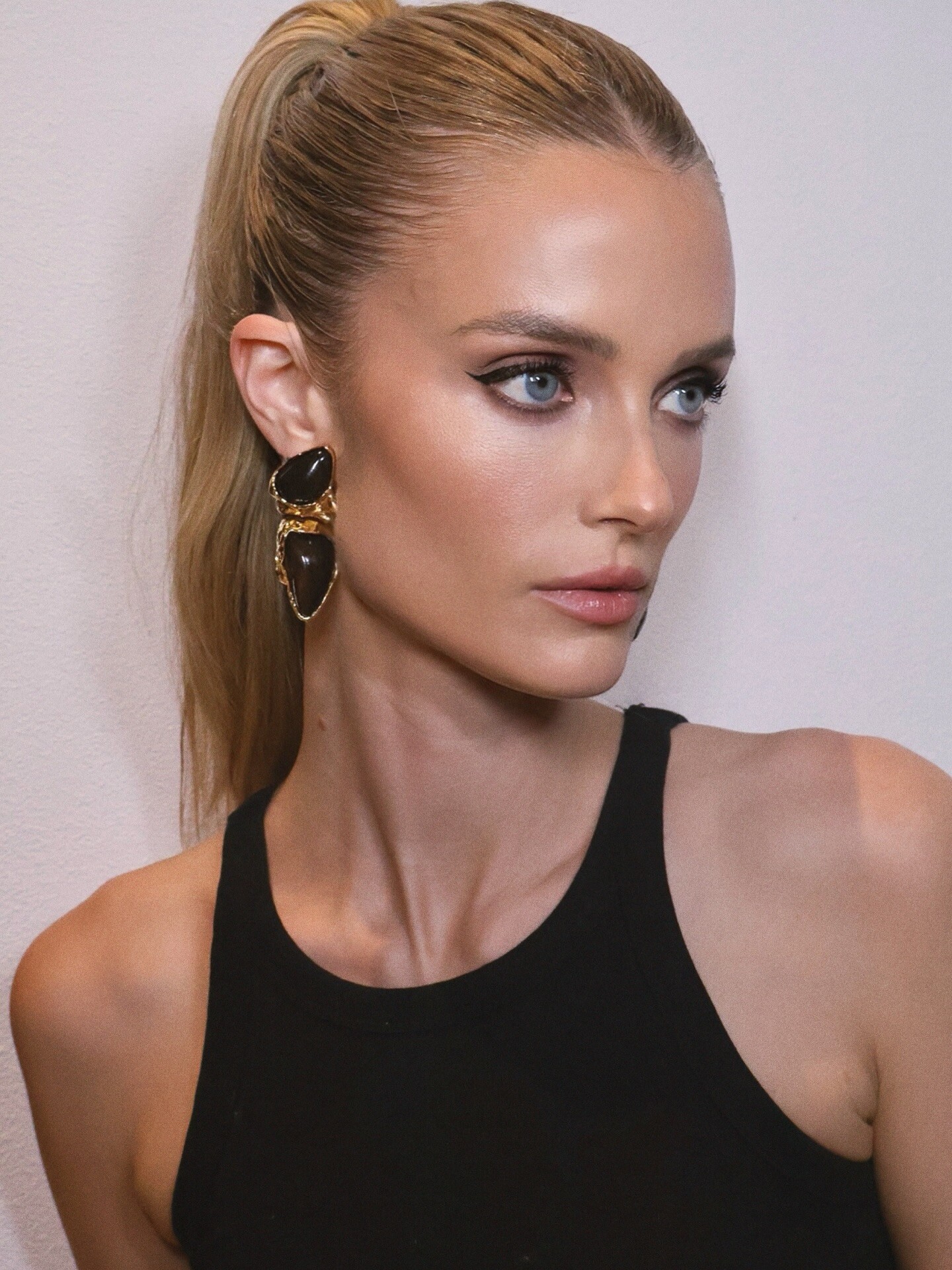
 Beauty by lglamartistry Lauren Hen: Kate 🖤 katelove





 COP11 changed their profile photo
.jpg.c8b7c334eb9a60f4f41016f42c5559d2.jpg)
.jpg.9dba2c7be74175a3dd5e7c17cb6d2c5f.jpg)
.jpg.537b947549856bcc13d7484a33886e05.jpg)

.jpg.8989f84231ca6571e5612cc888b2988d.jpg)
.jpg.6fe3e108ab9141fb2a59bf854b0fde1b.jpg)
.jpg.c5108af807d6ff81c7390bce396218f5.jpg)
.jpg.90edba732c6b6b926cbd9b6874248da2.jpg)

















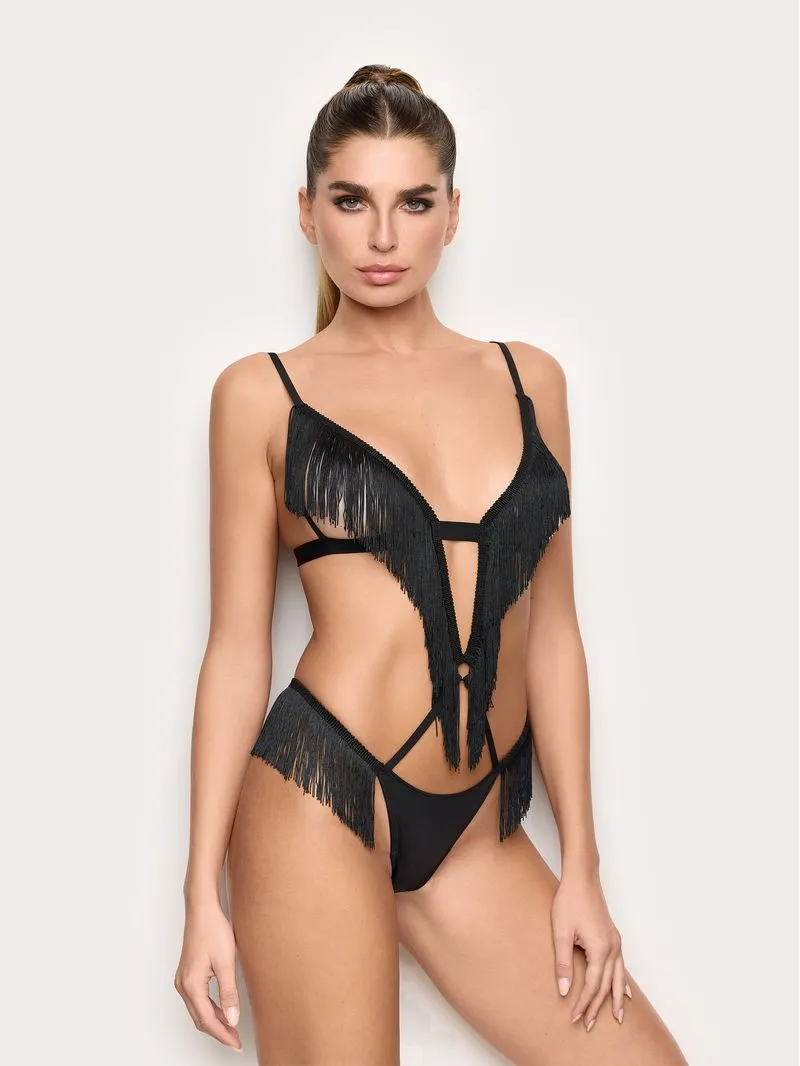
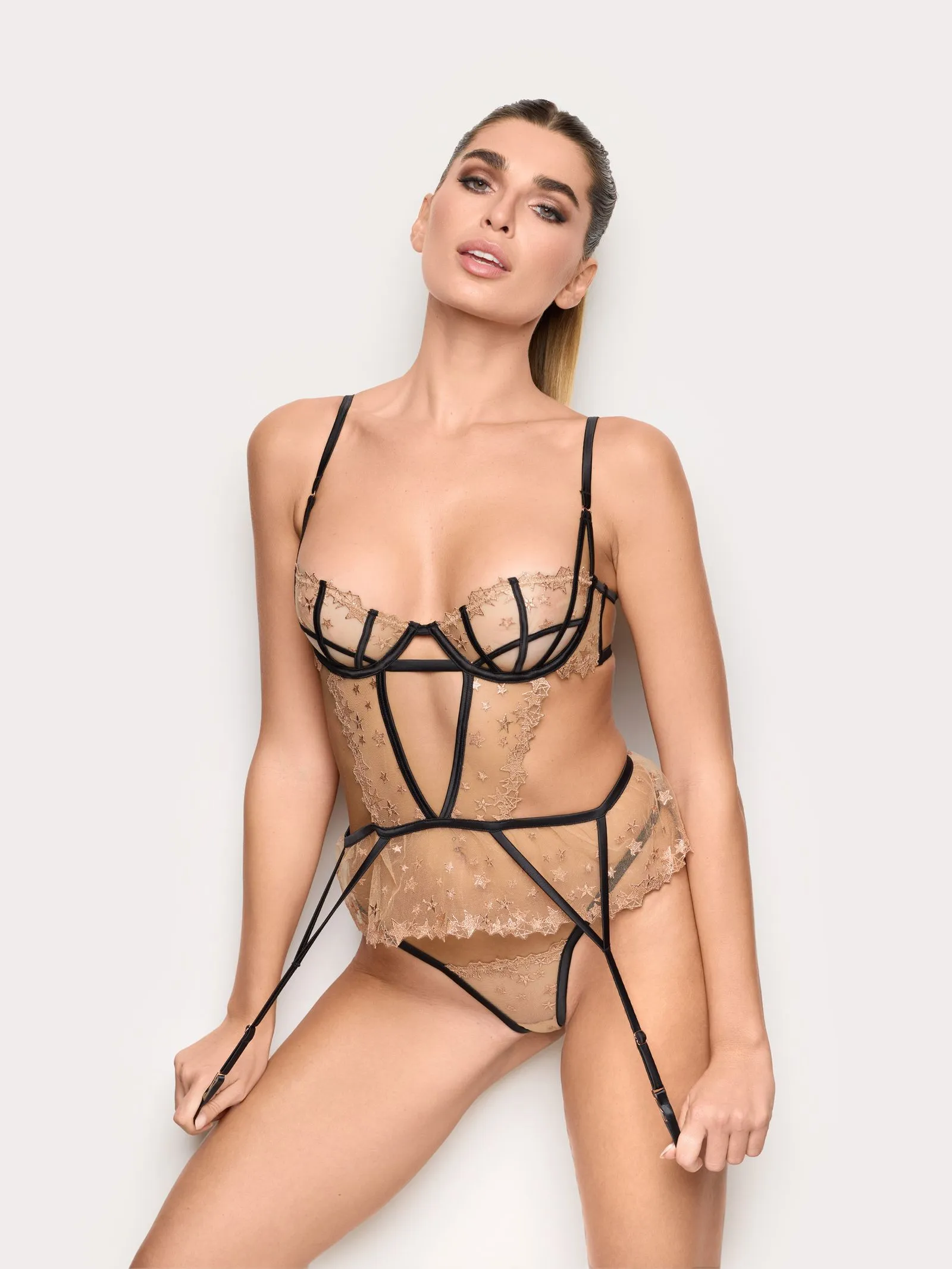
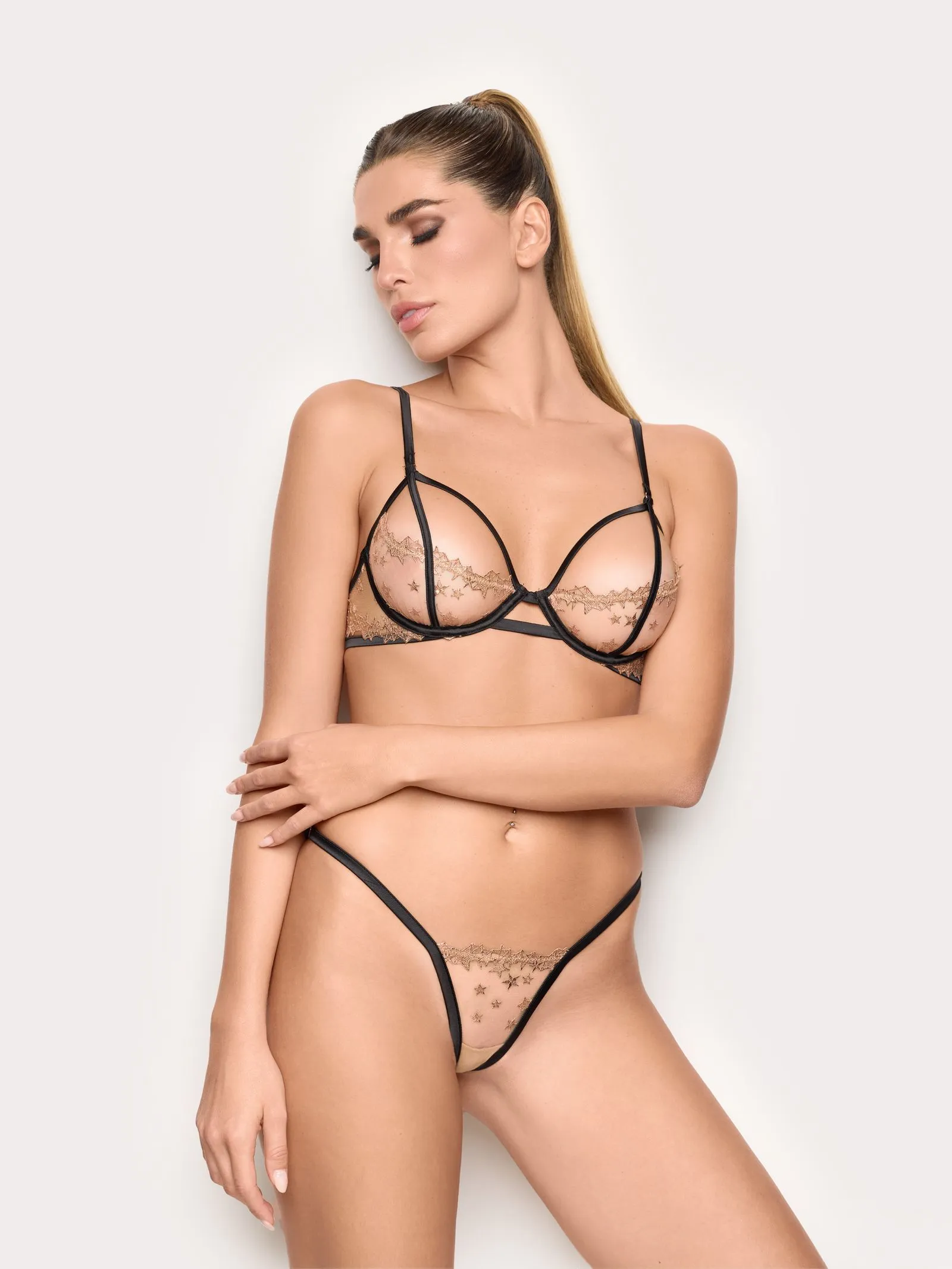






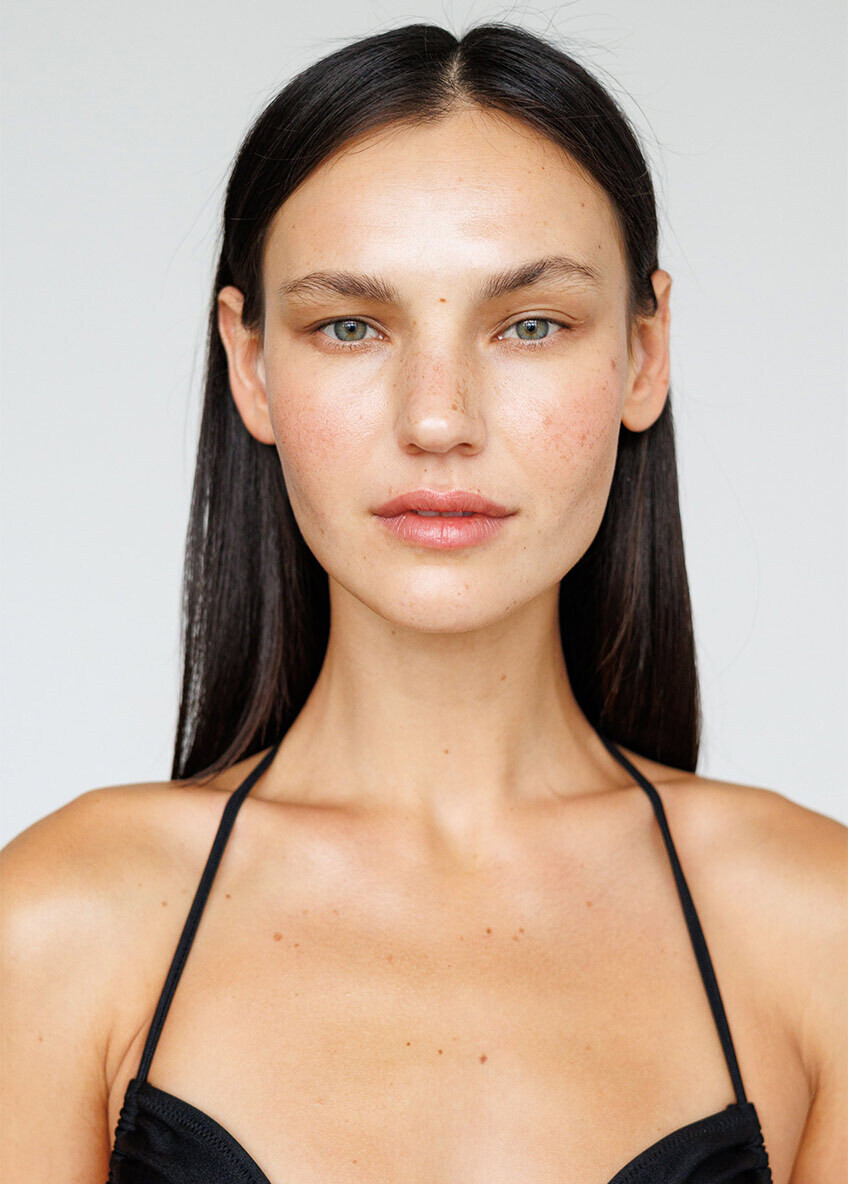
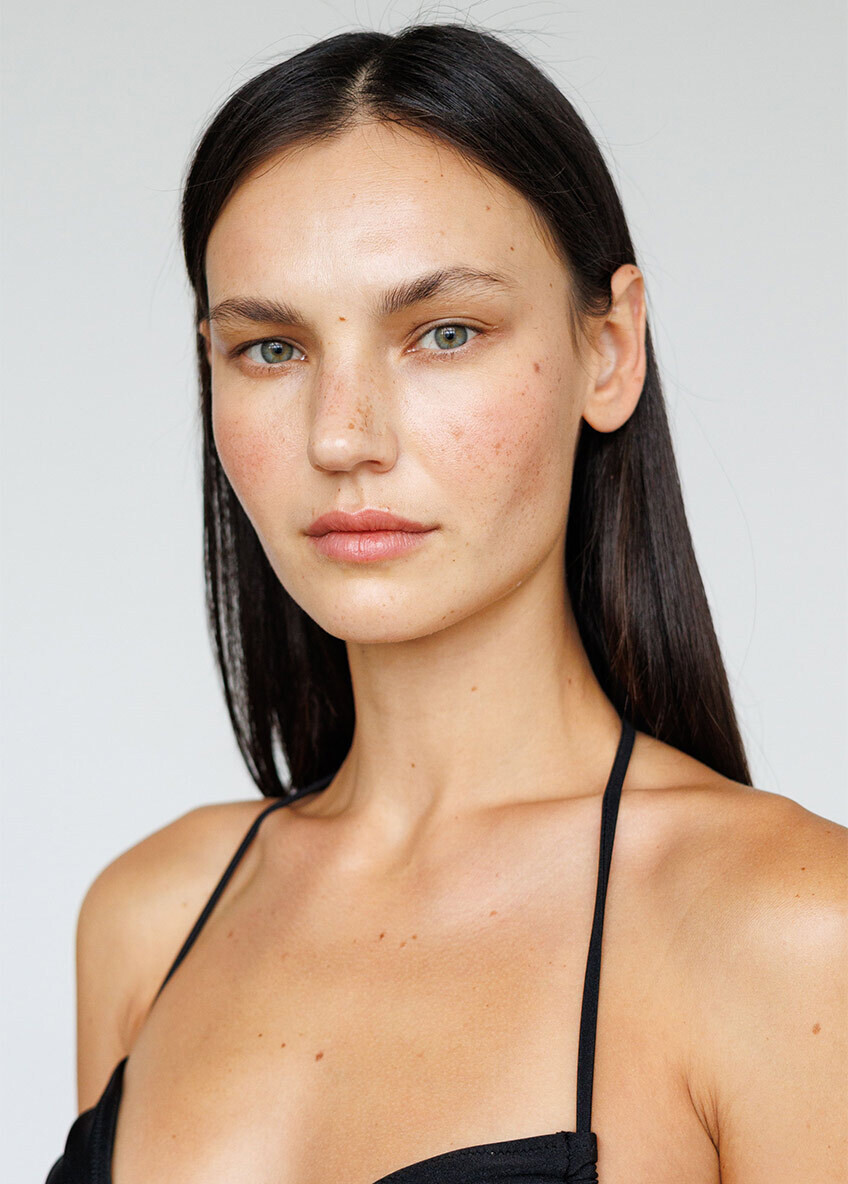
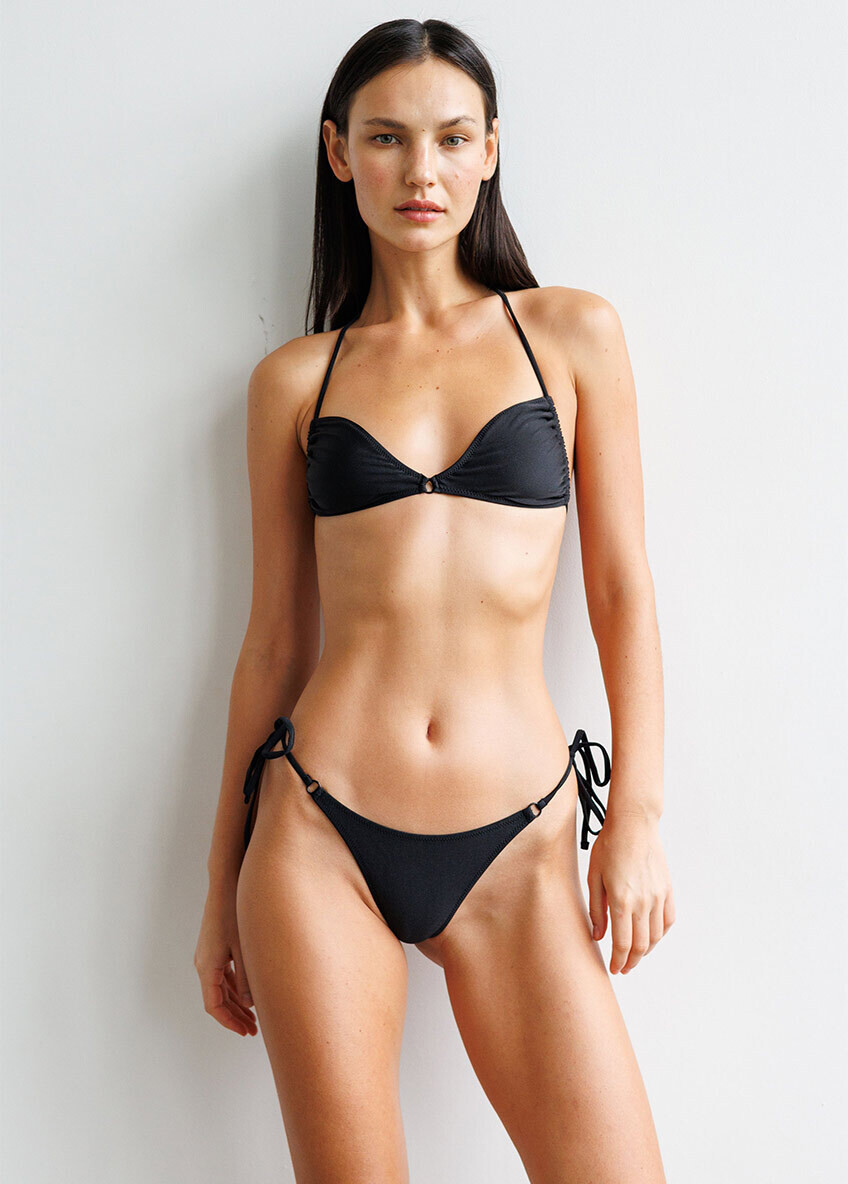
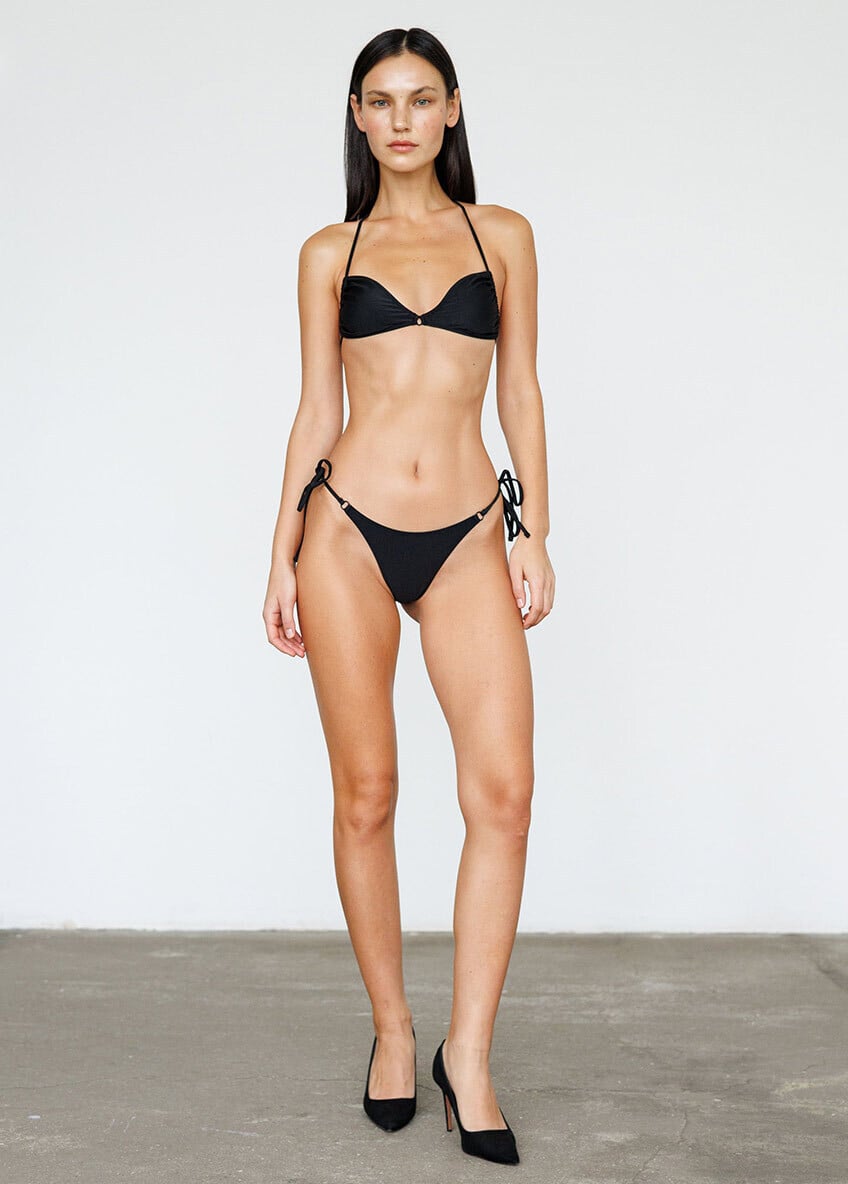




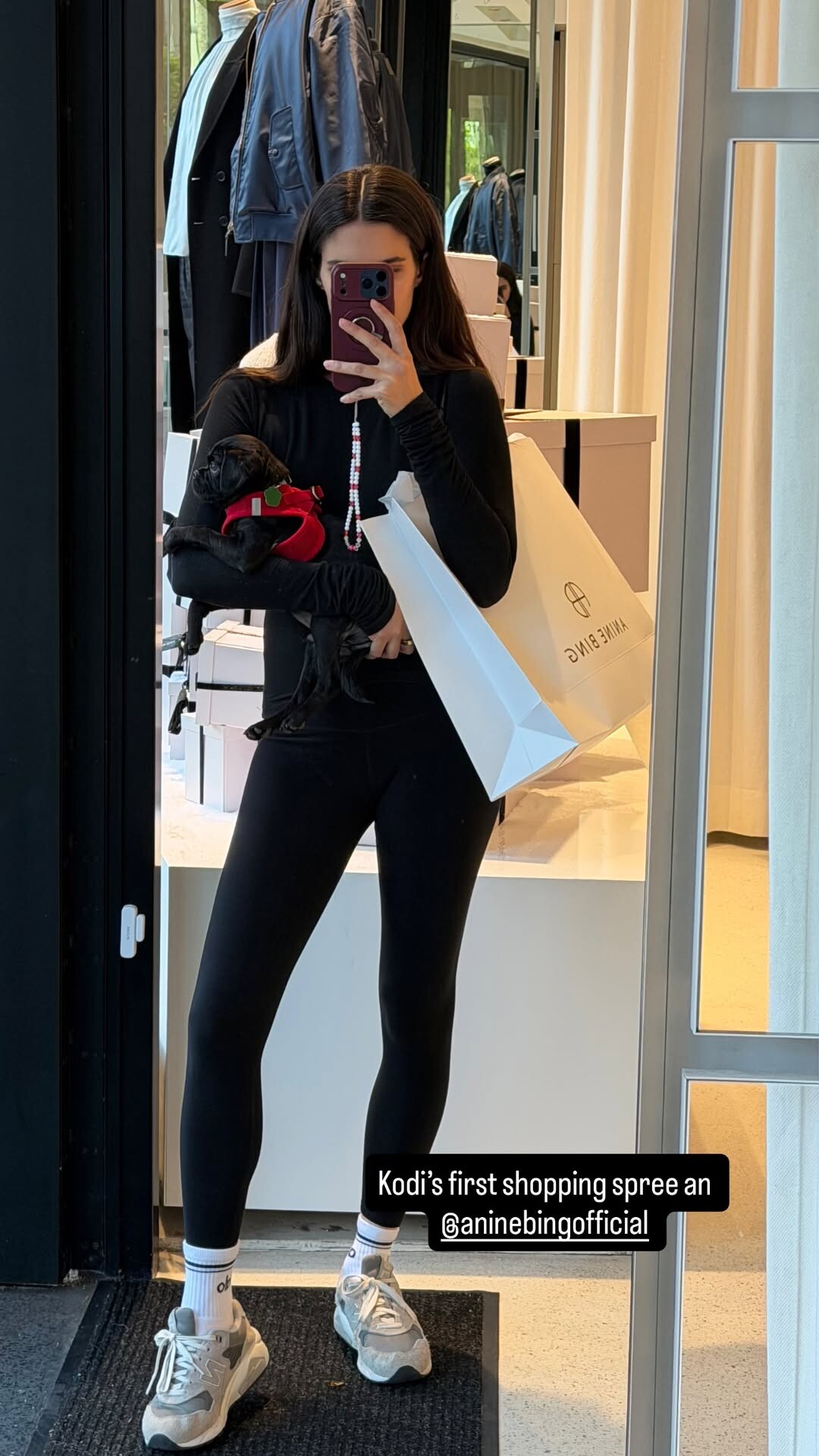




Account
Search
Configure browser push notifications
Chrome (Android)
- Tap the lock icon next to the address bar.
- Tap Permissions → Notifications.
- Adjust your preference.
Chrome (Desktop)
- Click the padlock icon in the address bar.
- Select Site settings.
- Find Notifications and adjust your preference.
Safari (iOS 16.4+)
- Ensure the site is installed via Add to Home Screen.
- Open Settings App → Notifications.
- Find your app name and adjust your preference.
Safari (macOS)
- Go to Safari → Preferences.
- Click the Websites tab.
- Select Notifications in the sidebar.
- Find this website and adjust your preference.
Edge (Android)
- Tap the lock icon next to the address bar.
- Tap Permissions.
- Find Notifications and adjust your preference.
Edge (Desktop)
- Click the padlock icon in the address bar.
- Click Permissions for this site.
- Find Notifications and adjust your preference.
Firefox (Android)
- Go to Settings → Site permissions.
- Tap Notifications.
- Find this site in the list and adjust your preference.
Firefox (Desktop)
- Open Firefox Settings.
- Search for Notifications.
- Find this site in the list and adjust your preference.