All Activity
- Past hour
-
 @bintempi great work! love all the pictures
 -
she walked more shows. i was just lazy to post all of them one by one
-
 This woman is still stunningly beautiful ❤️ 🤩 What's her secret to looking so great at 50?
 -
 n6cturna changed their profile photo
 -
 @Matt! There is footage of chainsaw/zombie AI. It's hilarious like GTA. The Zombies can pick up the spinning chainsaw off the ground and use it as a weapon. In this case the zombie picks it up but gets her hand cut off. Then she lunges at the player but accidently drives the chainsaw through a zombified patient. The patient dies from the impalement..
 -
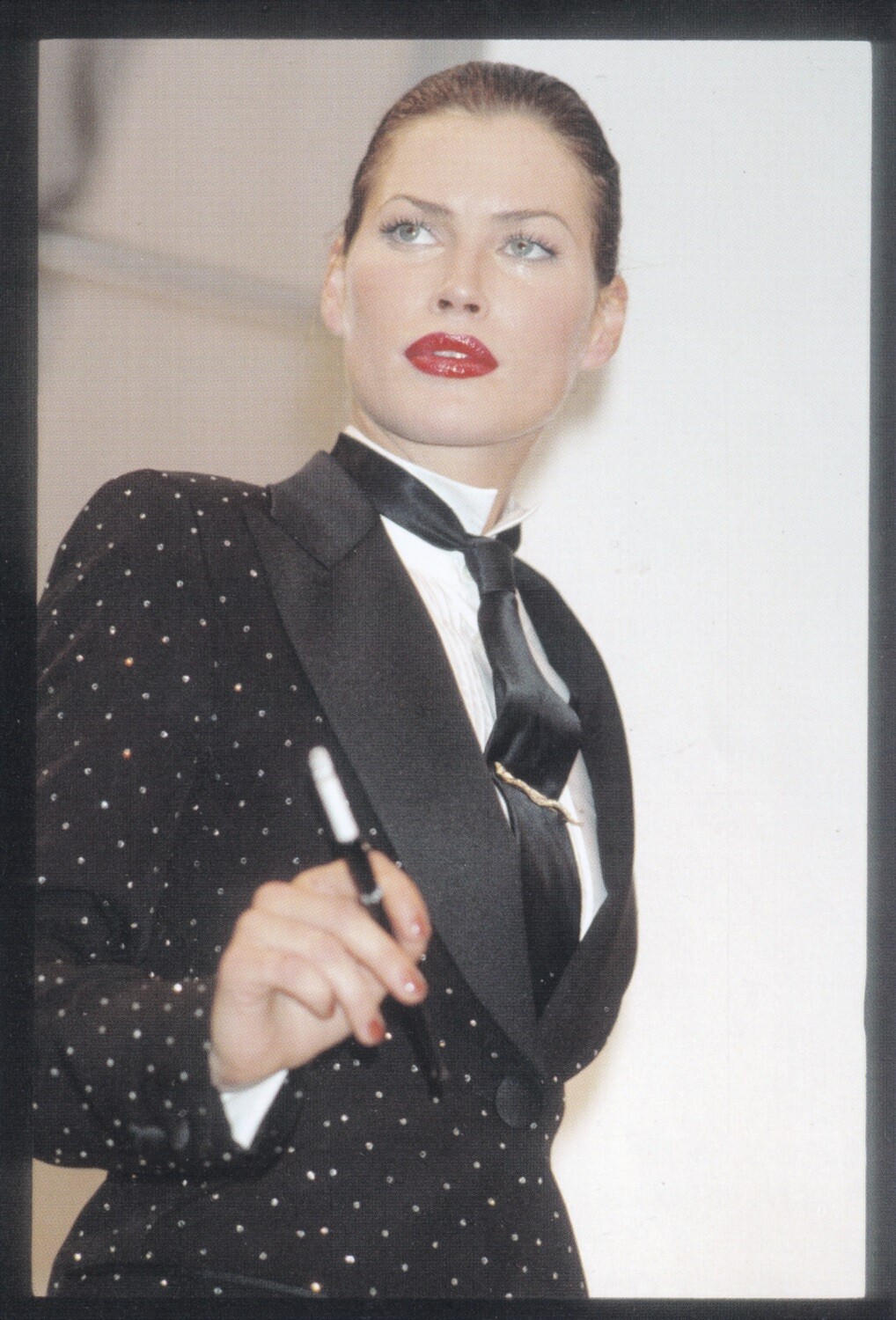
 backstage pic of Carla Bruni my scan
-
n6cturna joined the community
-
Cindy Crawford for Chanel, ready-to-wear, spring/summer 1996 my scan

-
 Smokvich777 joined the community
 -
Carre Otis for Dolce & Gabbana, ready-to-wear, spring/summer 1995 my scan

- Today
-
the specific show wasn't mentioned. @ArianaVSCouture , maybe you know 😉 my scan

-
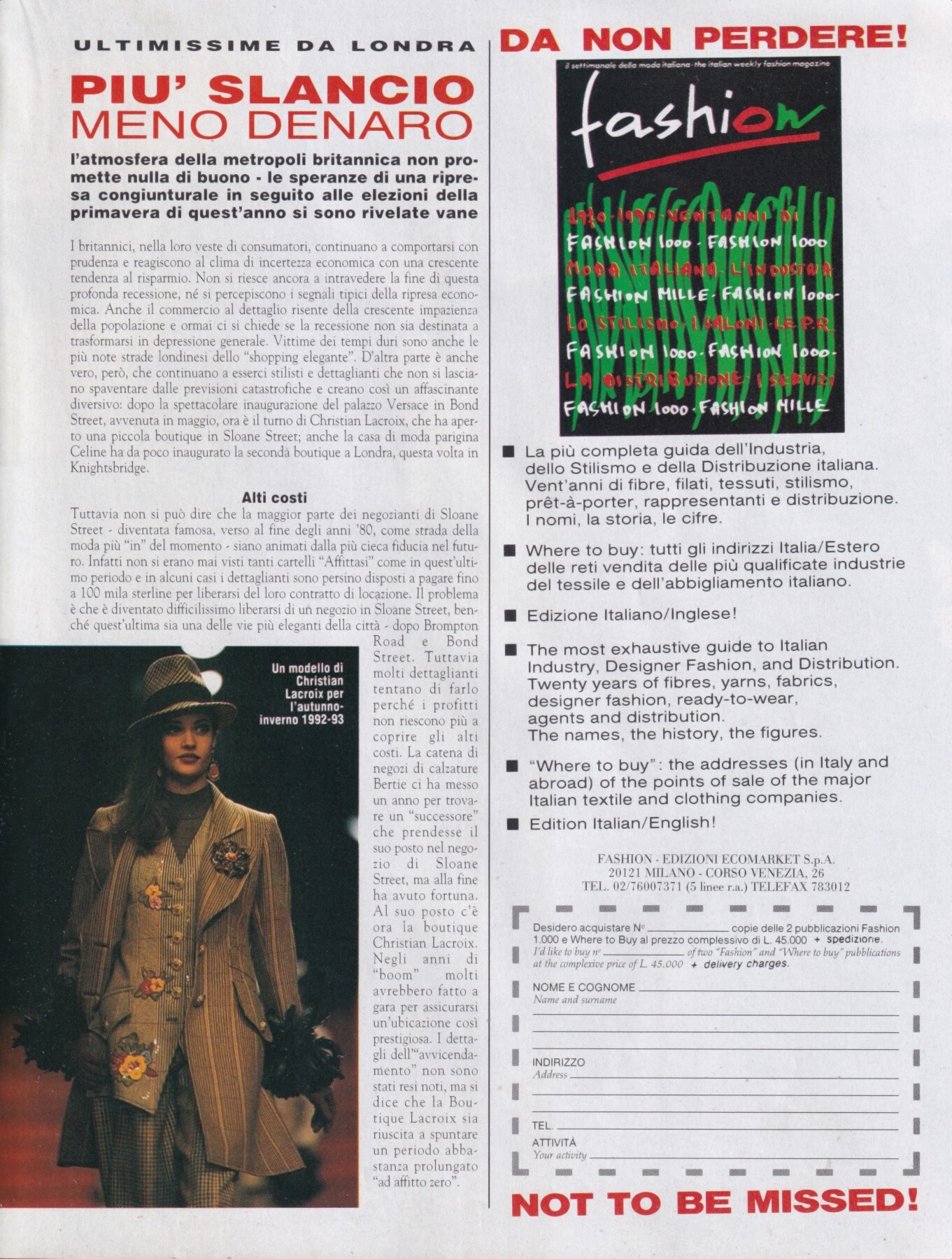
Claudia Mason for Christian Lacroix, ready-to-wear, fall/winter 1992 my scan

-
 ph Orion Bustamante bigger no text joe d at picturepub
















-
 Hugvitor2 joined the community
 -
 Linda Evangelista for Gianfranco Ferre', ready-to-wear, spring/summer 1992 my scan
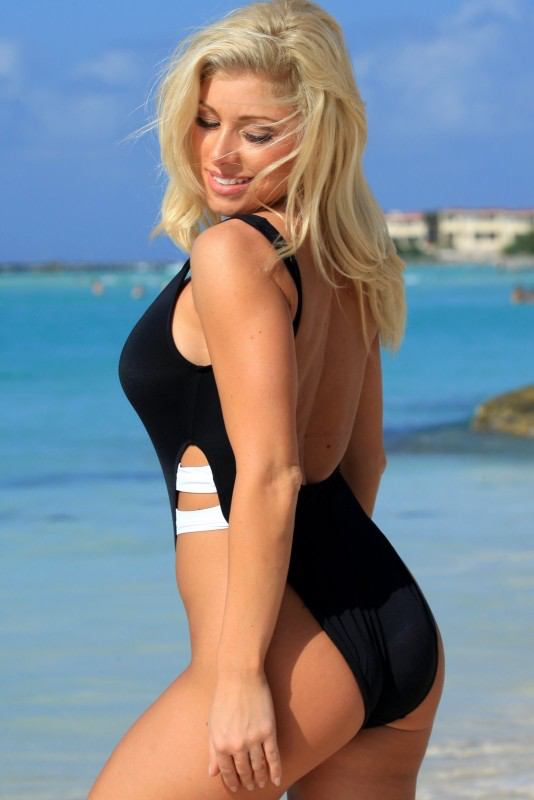
 Crystal in a black and white one piece swimsuit

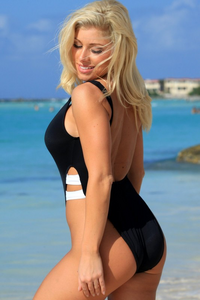
 Interview Magazine wtr1023 at picturepub


 Priah Nicole Ferguson (born October 1, 2006) is an American actress from Atlanta, Georgia. She is best known for her role as Erica Sinclair on the Netflix series Stranger Things. Ferguson began acting at a young age, and her career spans TV and film.







 ty
Elaine Irwin for Dolce & Gabbana, ready-to-wear, spring/summer 1992 my scan
ty
Elaine Irwin for Dolce & Gabbana, ready-to-wear, spring/summer 1992 my scan viera schottertova
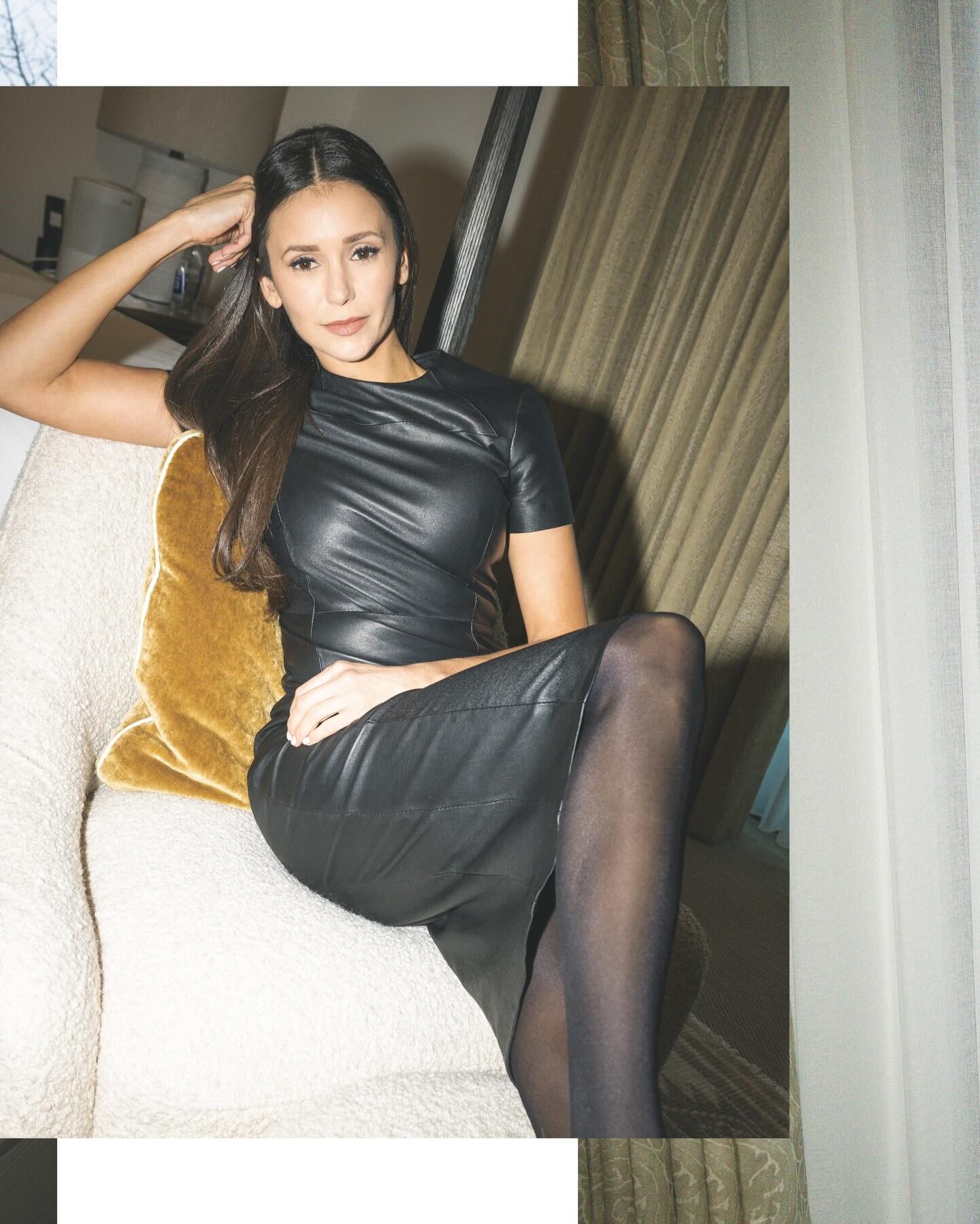
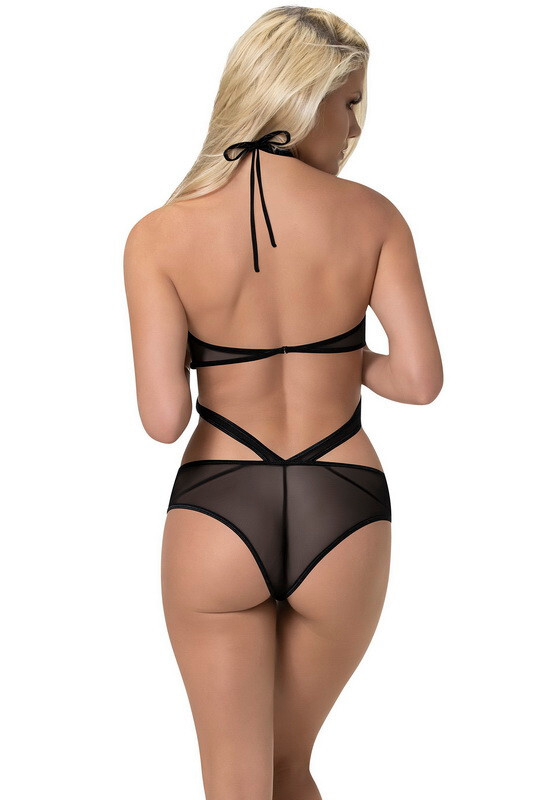
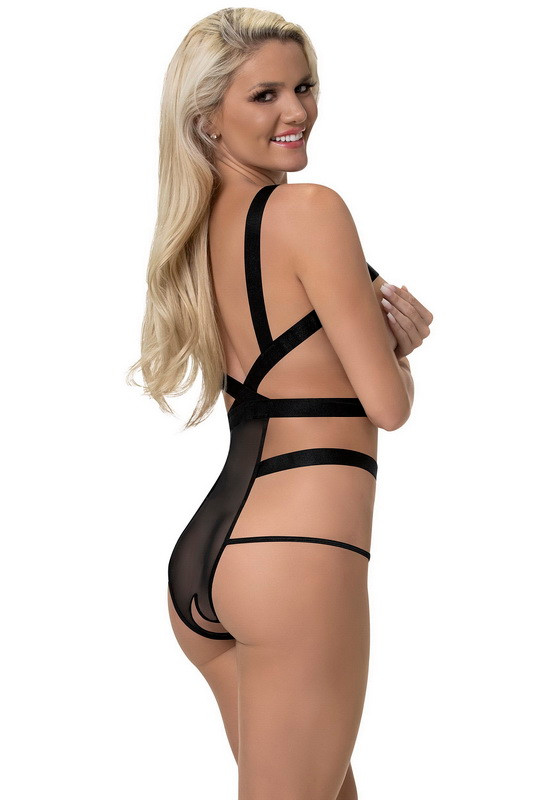
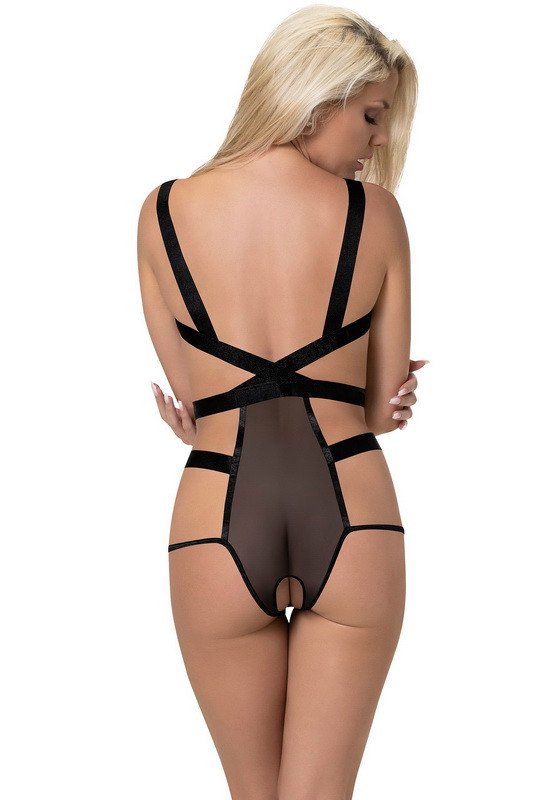
Shutterstock wtr1023 at picturepub
viera schottertova
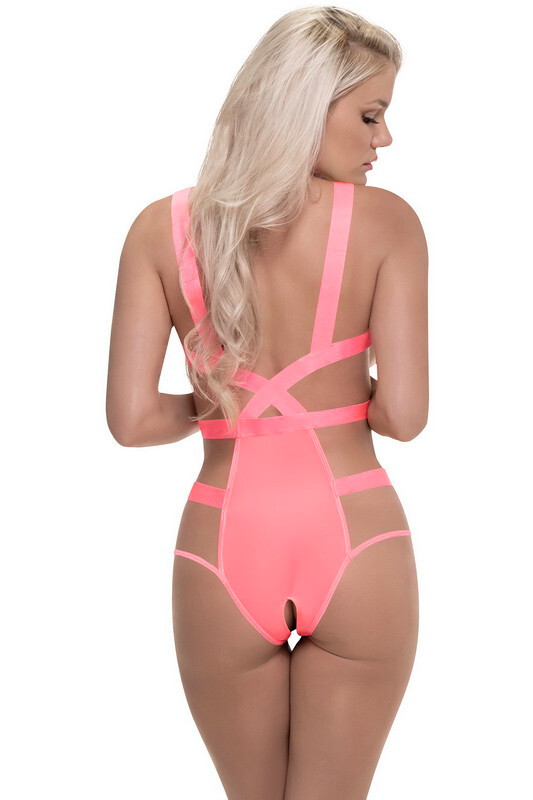
Shutterstock wtr1023 at picturepub














































































































Account
Search
Configure browser push notifications
Chrome (Android)
- Tap the lock icon next to the address bar.
- Tap Permissions → Notifications.
- Adjust your preference.
Chrome (Desktop)
- Click the padlock icon in the address bar.
- Select Site settings.
- Find Notifications and adjust your preference.
Safari (iOS 16.4+)
- Ensure the site is installed via Add to Home Screen.
- Open Settings App → Notifications.
- Find your app name and adjust your preference.
Safari (macOS)
- Go to Safari → Preferences.
- Click the Websites tab.
- Select Notifications in the sidebar.
- Find this website and adjust your preference.
Edge (Android)
- Tap the lock icon next to the address bar.
- Tap Permissions.
- Find Notifications and adjust your preference.
Edge (Desktop)
- Click the padlock icon in the address bar.
- Click Permissions for this site.
- Find Notifications and adjust your preference.
Firefox (Android)
- Go to Settings → Site permissions.
- Tap Notifications.
- Find this site in the list and adjust your preference.
Firefox (Desktop)
- Open Firefox Settings.
- Search for Notifications.
- Find this site in the list and adjust your preference.