# Musician
-
- 570 comments
- 264,360 views
-
- 1 comment
- 1,278 views
-
- 1 comment
- 1,887 views
-
- 1 comment
- 4,553 views
-
- 2 comments
- 2,851 views
-
- 1 comment
- 1,729 views
-
- 1 comment
- 1,731 views
-
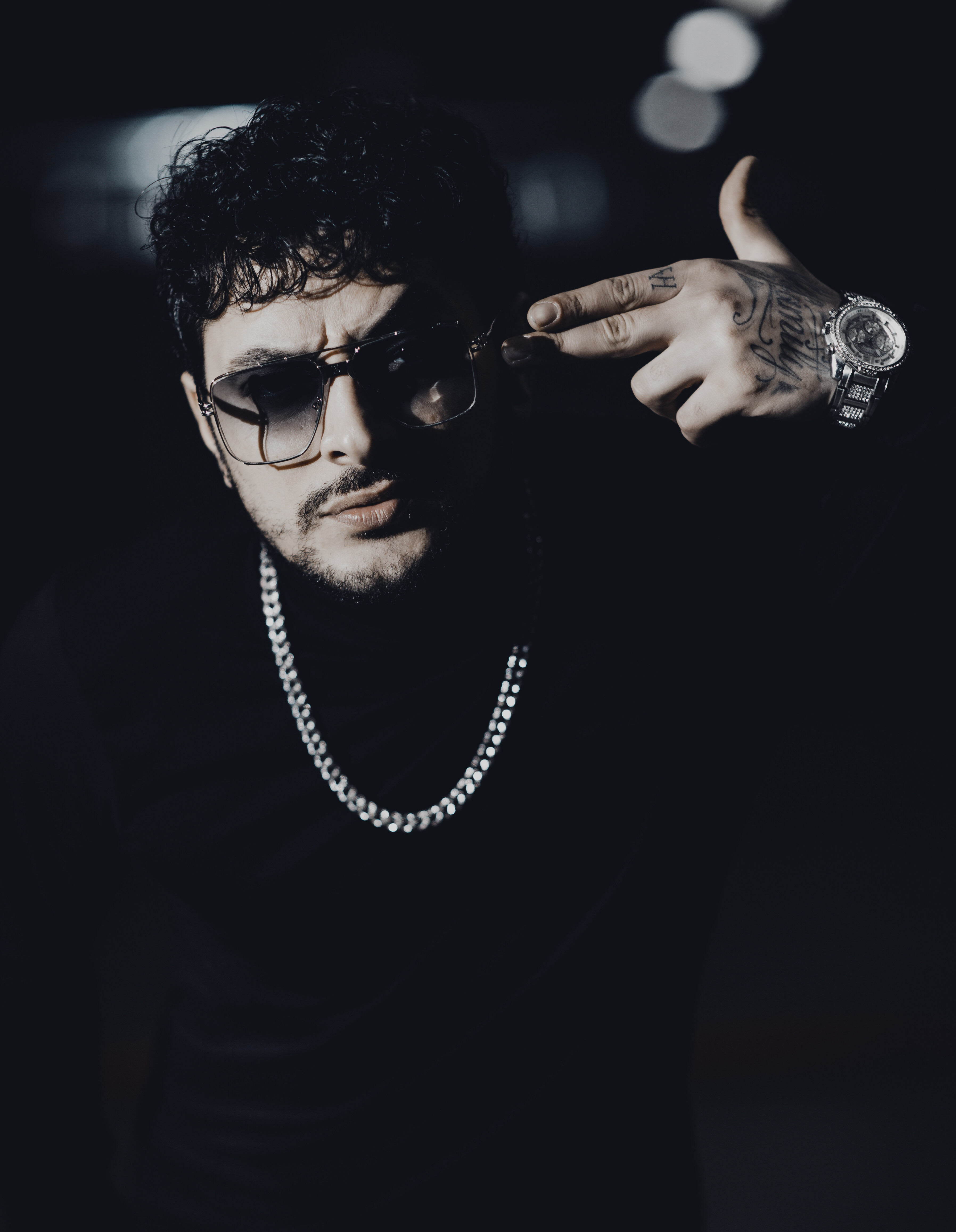
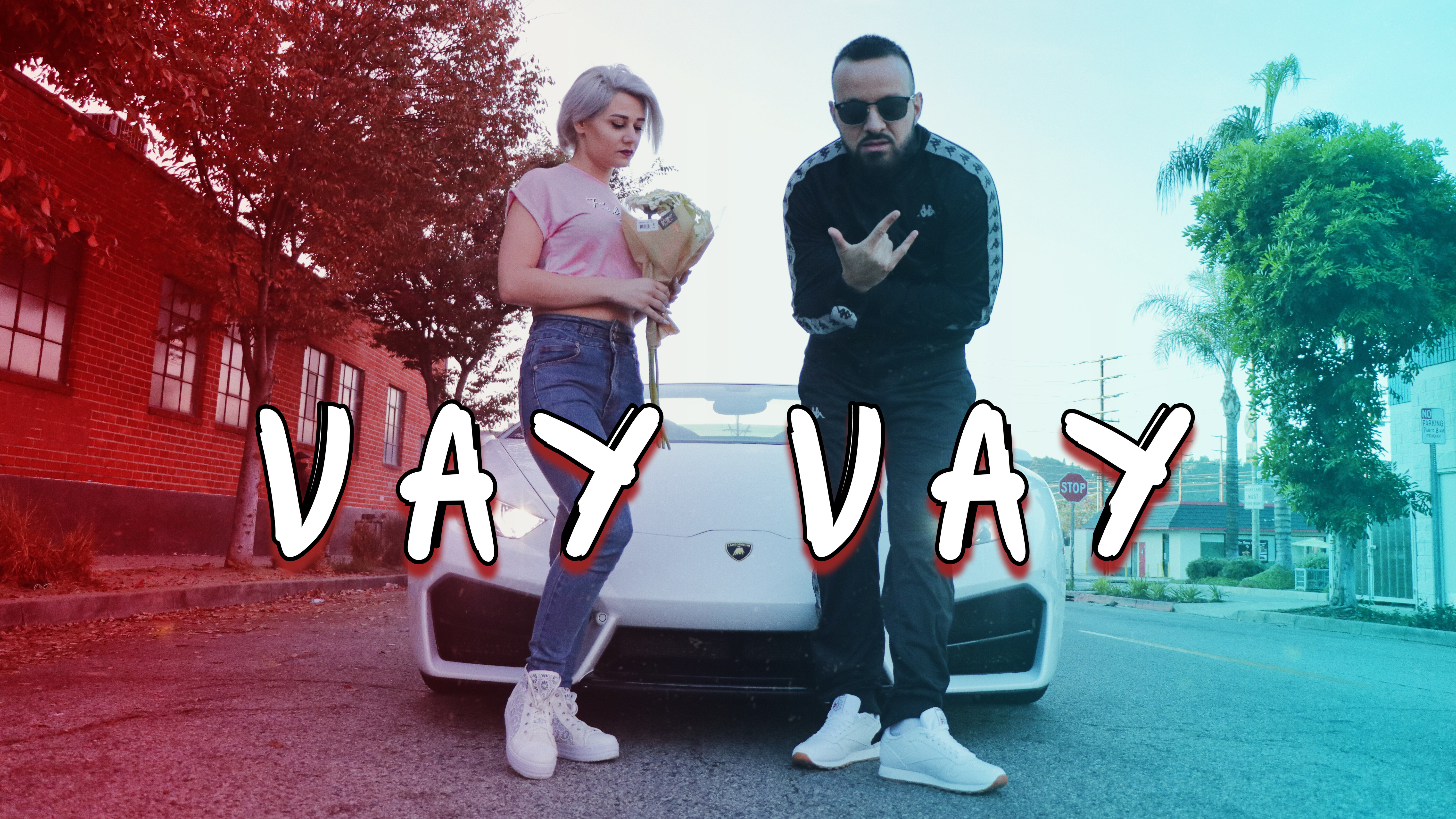
- miks
- miko
- erevanski
- miks erevanski
-
Tagged with:
- miks
- miko
- erevanski
- miks erevanski
- miks musical artist
- miks miko erevanski
- miks rapper
- miks recording artist
- erevanski miks
- armenian
- armenian rapper
- armenian r
- miksmusicalartist
- yerevanski
- miks vnasakar anhnar e
- anitsvats ser
- hip pop
- mikstape
- miko erevanski
- the eleven studios
- jason derulo
- chris brown
- eric bellinger
- juicu j
- don benjamin
- musician
- 1 comment
- 2,569 views
-
- 1 comment
- 1,910 views
-
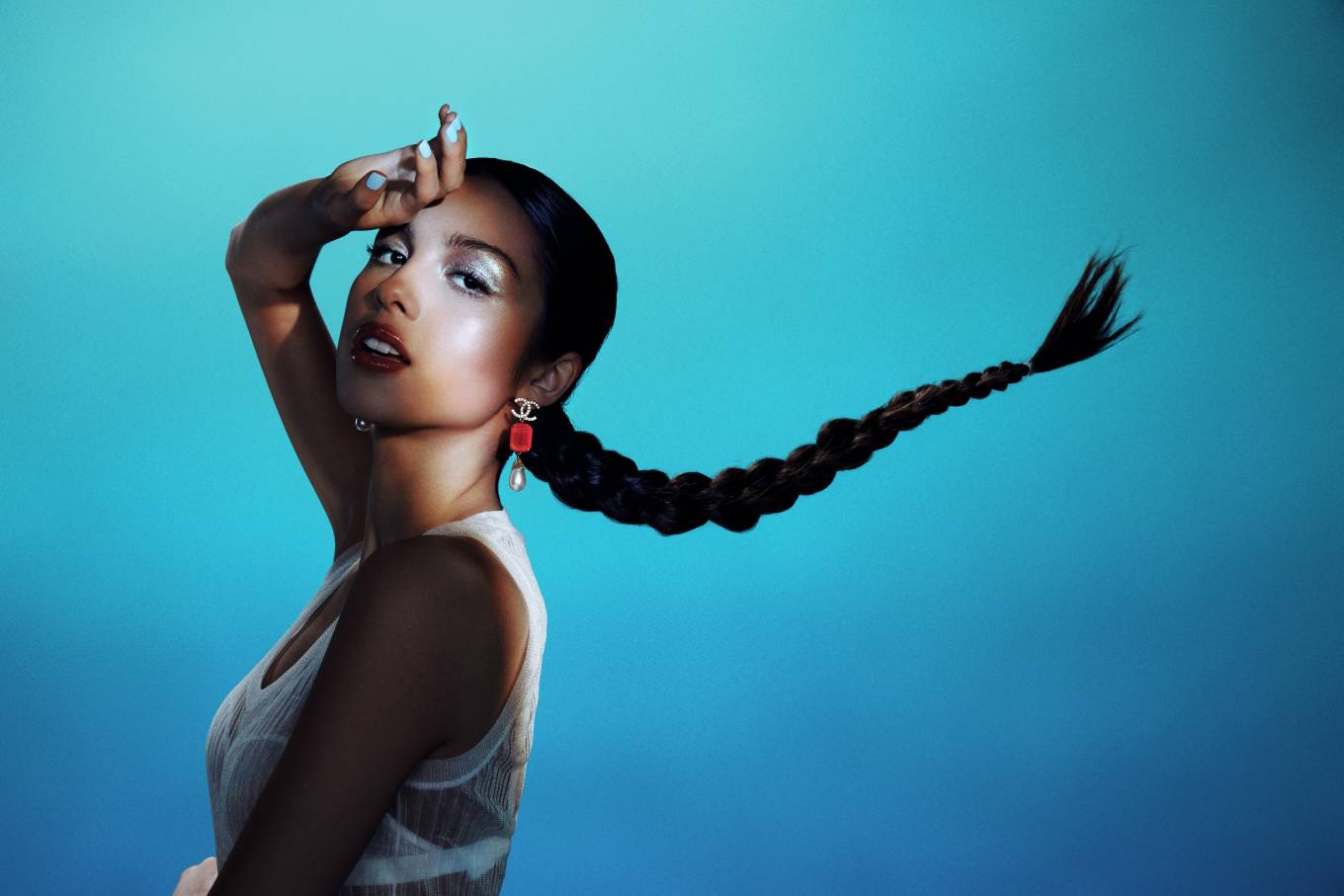
- musician
- female model
- mixed race
- singer
-
Tagged with:
- 3 comments
- 2,637 views
-
- 2 comments
- 2,893 views