All Activity
- Past hour
-

-
Priah Nicole Ferguson (born October 1, 2006) is an American actress from Atlanta, Georgia. She is best known for her role as Erica Sinclair on the Netflix series Stranger Things. Ferguson began acting at a young age, and her career spans TV and film.








-
 ty
ty -
 Elaine Irwin for Dolce & Gabbana, ready-to-wear, spring/summer 1991 my scan
-
 viera schottertova
 -

-
Shutterstock wtr1023 at picturepub



























-
 Margot Robbie & Ryan Gosling | Barbie Interview
 s
ph Bryce Scarlett multiple posters at picturepub
s
ph Bryce Scarlett multiple posters at picturepub























 DaLee The Label















 Behind the Blinds brian44 at picturepub
 BLUMARINE SS2001
 Interview Magazine pantyh at picturepub
 Svitlana Samoilenko📷\attie clothing





















 Interview Magazine pantyh at picturepub
- Today
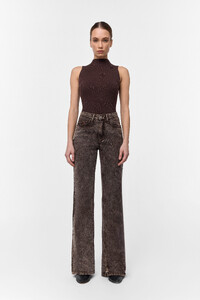
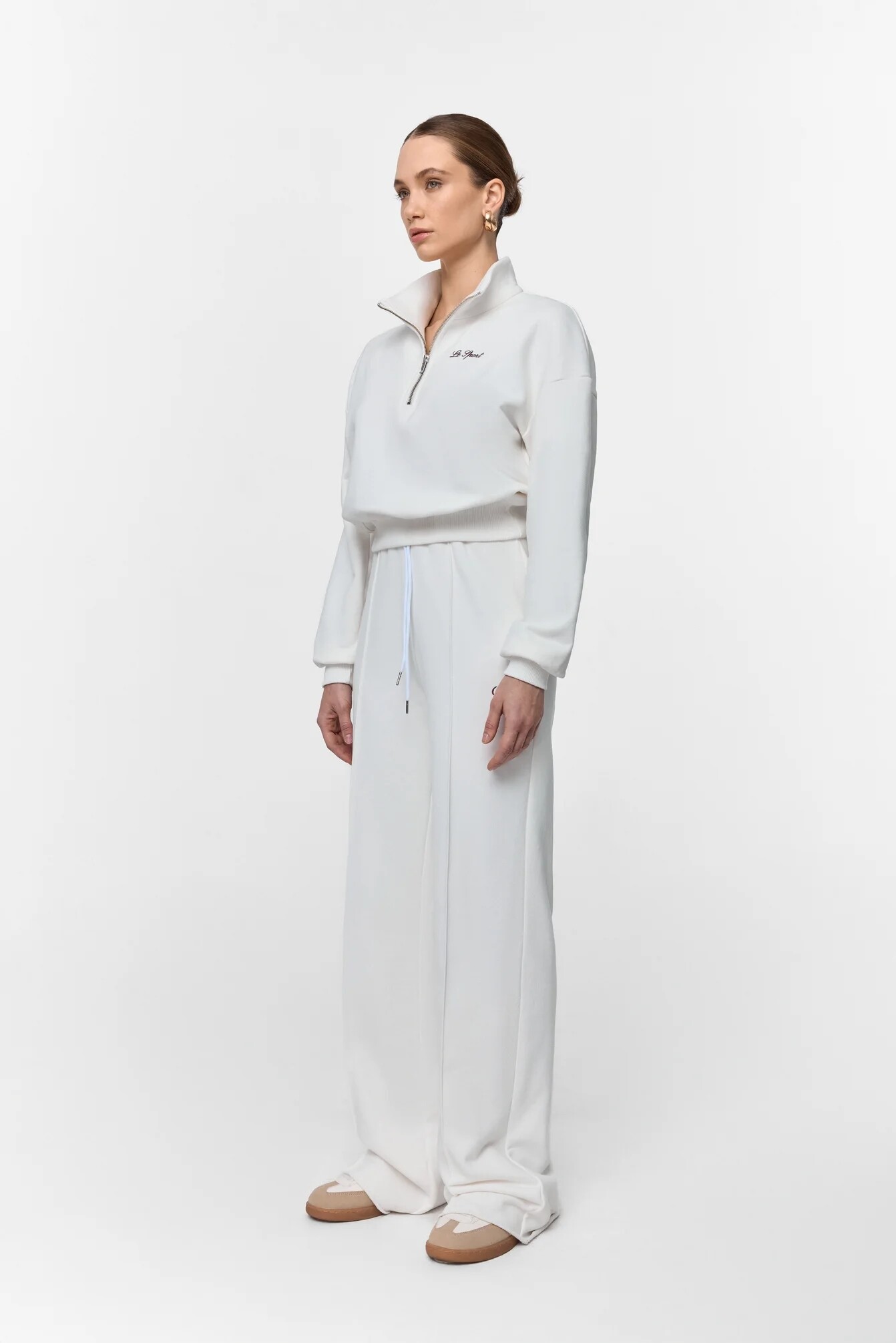
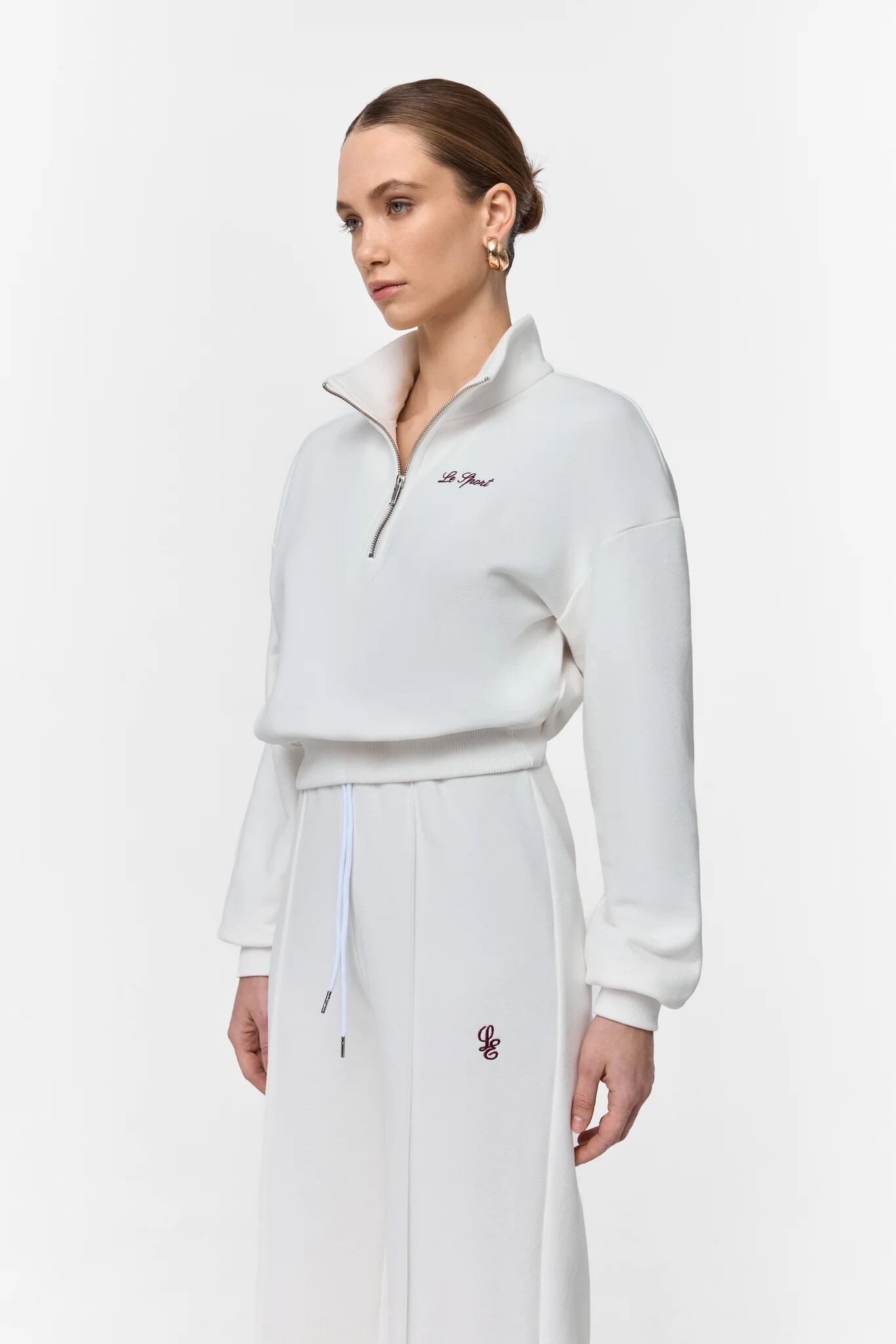
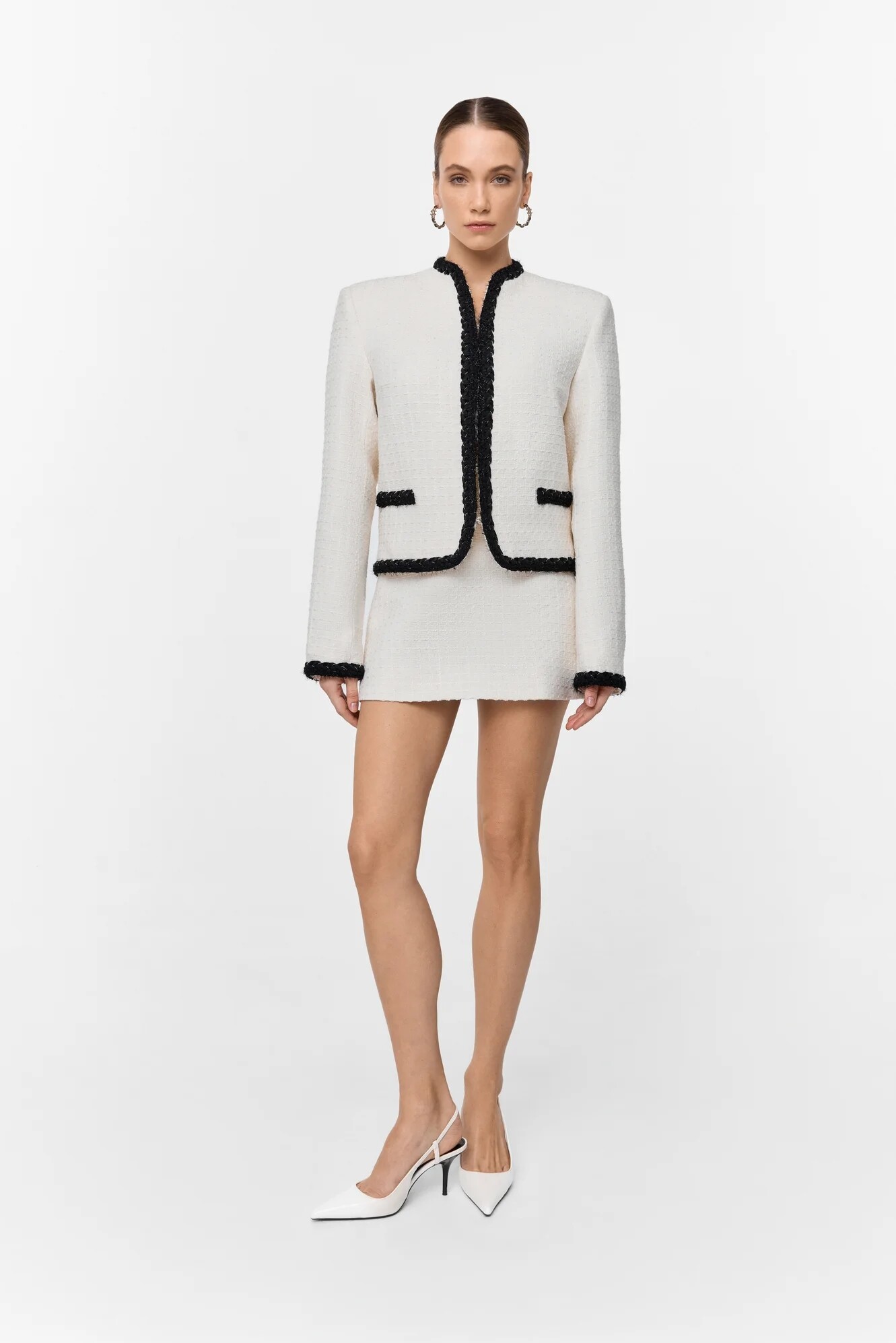
 LÉ CHARMIE







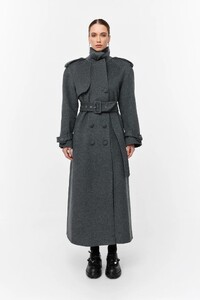
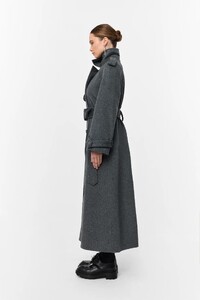









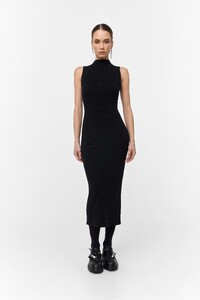




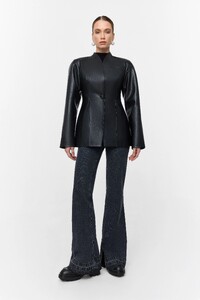














 The Game Awards 2025












 Interview Magazine pantyh at picturepub
 Chicle magazine #77 Photography; Emiliano Santapaola AQPmH9nIUGywDxzufBt6cRtbW6MqQyAW0VhzXMIA1NJAm3y1wL_-Sie-WdBrTuEyk7XH6N4iA-FCq3ClyU-ZfNpcgFcH9ZyTT5Qt0yA.mp4
 WEDNESDAY Season 2 Interviews! Jenna Ortega, Emma Myers, Catherine Zeta-Jones, Luis Guzman, Netflix































































































































































Account
Search
Configure browser push notifications
Chrome (Android)
- Tap the lock icon next to the address bar.
- Tap Permissions → Notifications.
- Adjust your preference.
Chrome (Desktop)
- Click the padlock icon in the address bar.
- Select Site settings.
- Find Notifications and adjust your preference.
Safari (iOS 16.4+)
- Ensure the site is installed via Add to Home Screen.
- Open Settings App → Notifications.
- Find your app name and adjust your preference.
Safari (macOS)
- Go to Safari → Preferences.
- Click the Websites tab.
- Select Notifications in the sidebar.
- Find this website and adjust your preference.
Edge (Android)
- Tap the lock icon next to the address bar.
- Tap Permissions.
- Find Notifications and adjust your preference.
Edge (Desktop)
- Click the padlock icon in the address bar.
- Click Permissions for this site.
- Find Notifications and adjust your preference.
Firefox (Android)
- Go to Settings → Site permissions.
- Tap Notifications.
- Find this site in the list and adjust your preference.
Firefox (Desktop)
- Open Firefox Settings.
- Search for Notifications.
- Find this site in the list and adjust your preference.