Skip to content
View in the app

A better way to browse. Learn more.

Bellazon

A full-screen app on your home screen with push notifications, badges and more.

To install this app on iOS and iPadOS
  1. Tap the Share icon in Safari
  2. Scroll the menu and tap Add to Home Screen.
  3. Tap Add in the top-right corner.
To install this app on Android
  1. Tap the 3-dot menu (⋮) in the top-right corner of the browser.
  2. Tap Add to Home screen or Install app.
  3. Confirm by tapping Install.

All Activity

This stream auto-updates

  1. Past hour
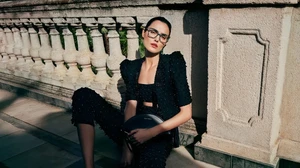
  2. Milana Vino Victoria Frost Josephine Skriver Daiane Sodre Julia Cavanagh Veridiana Ferreira Neta Alchimister Elsa Hosk
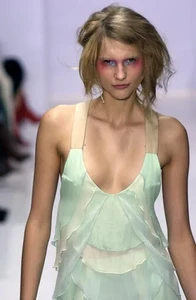
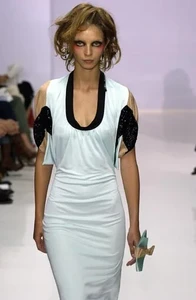
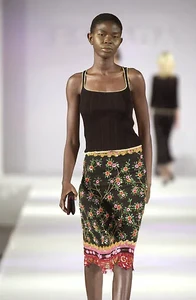
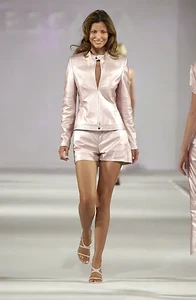
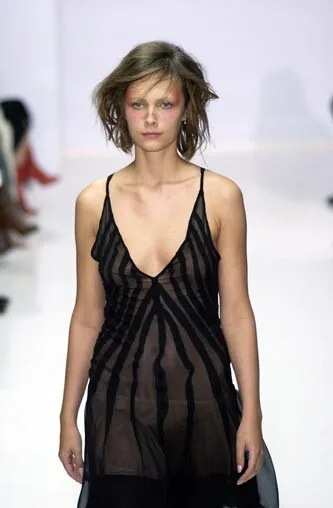
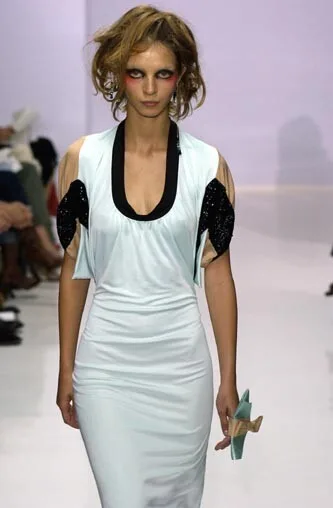
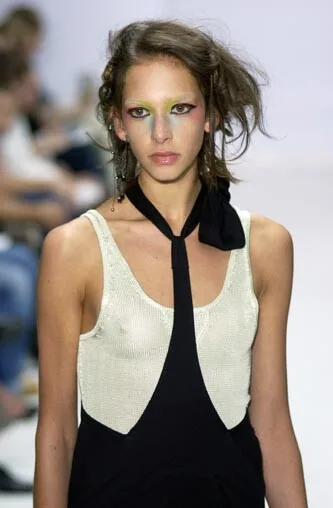
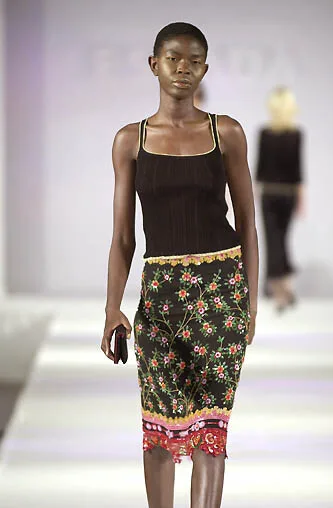
  3. Zaldy Spring Summer 2003
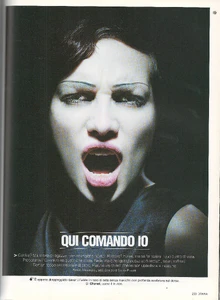
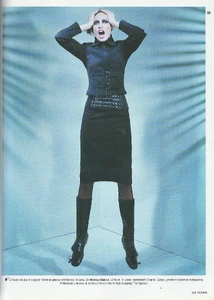
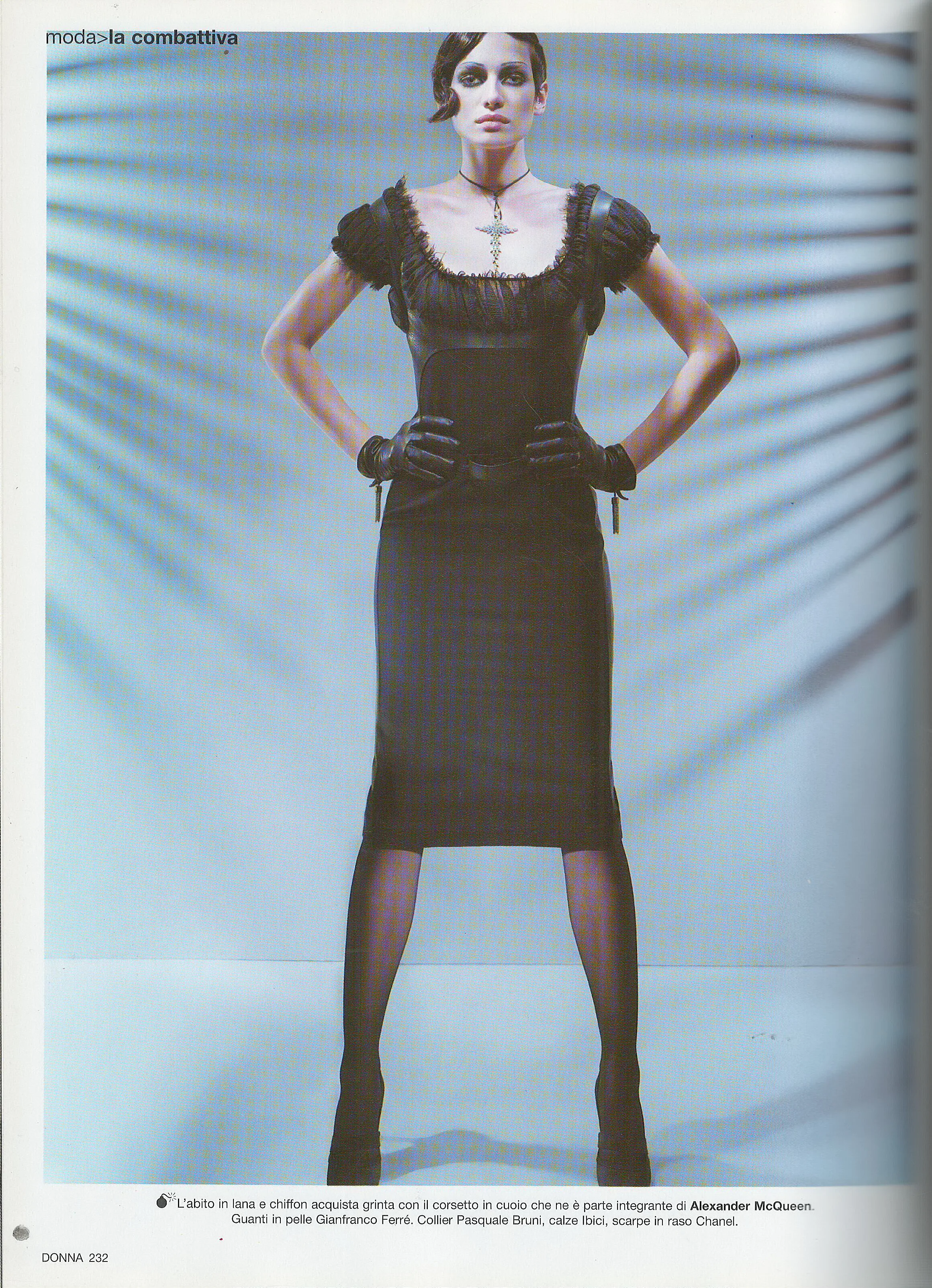
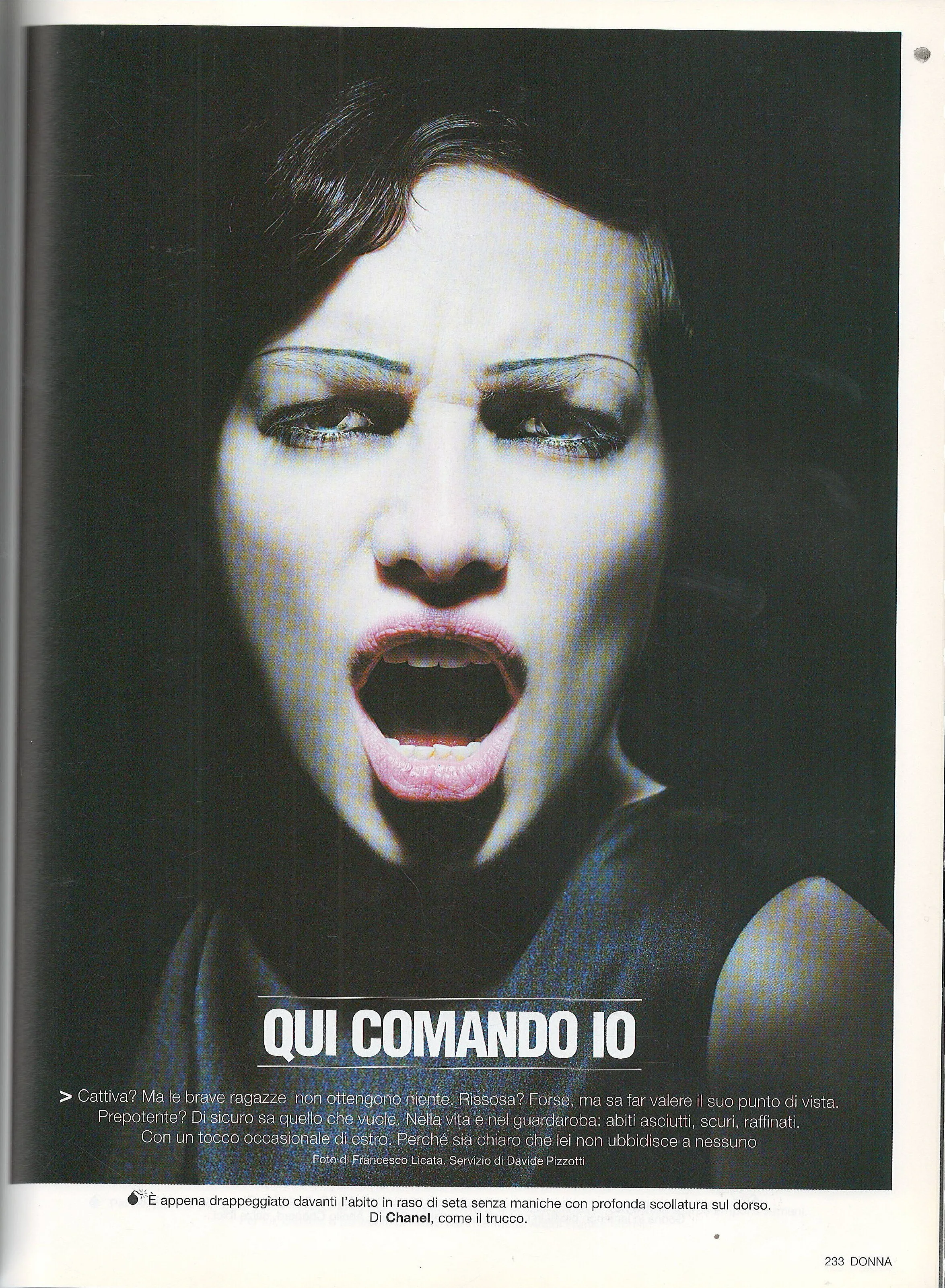
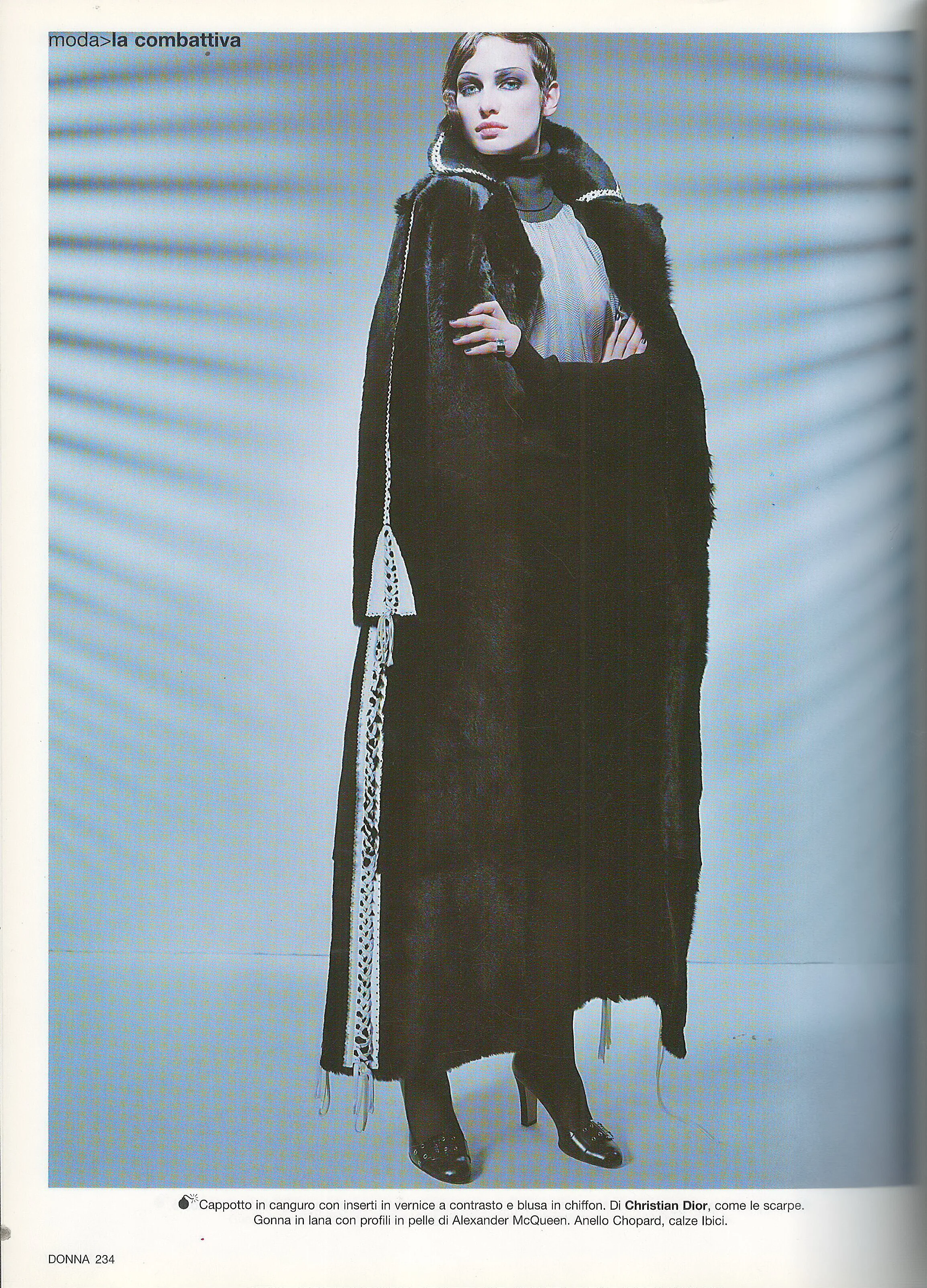
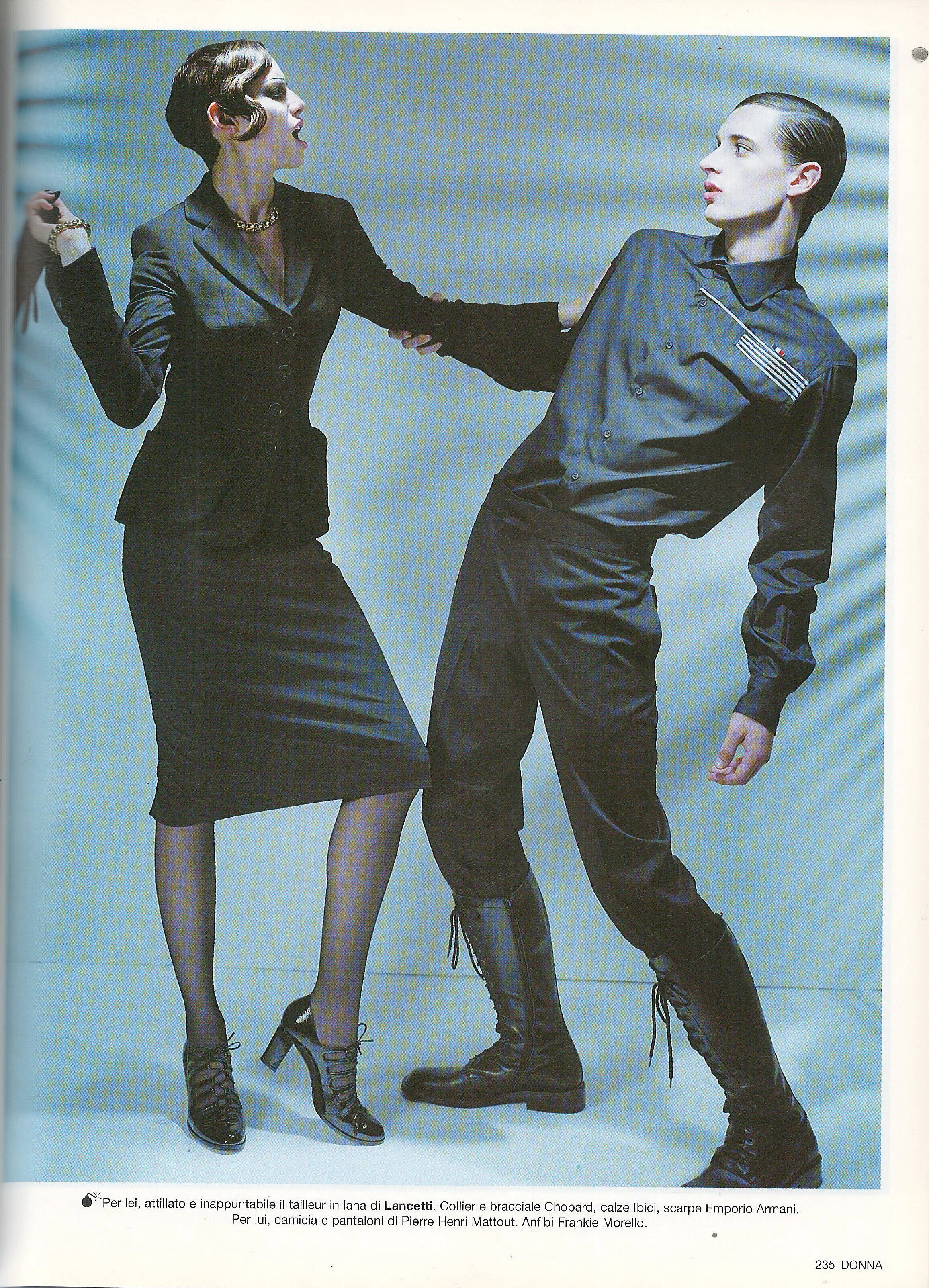
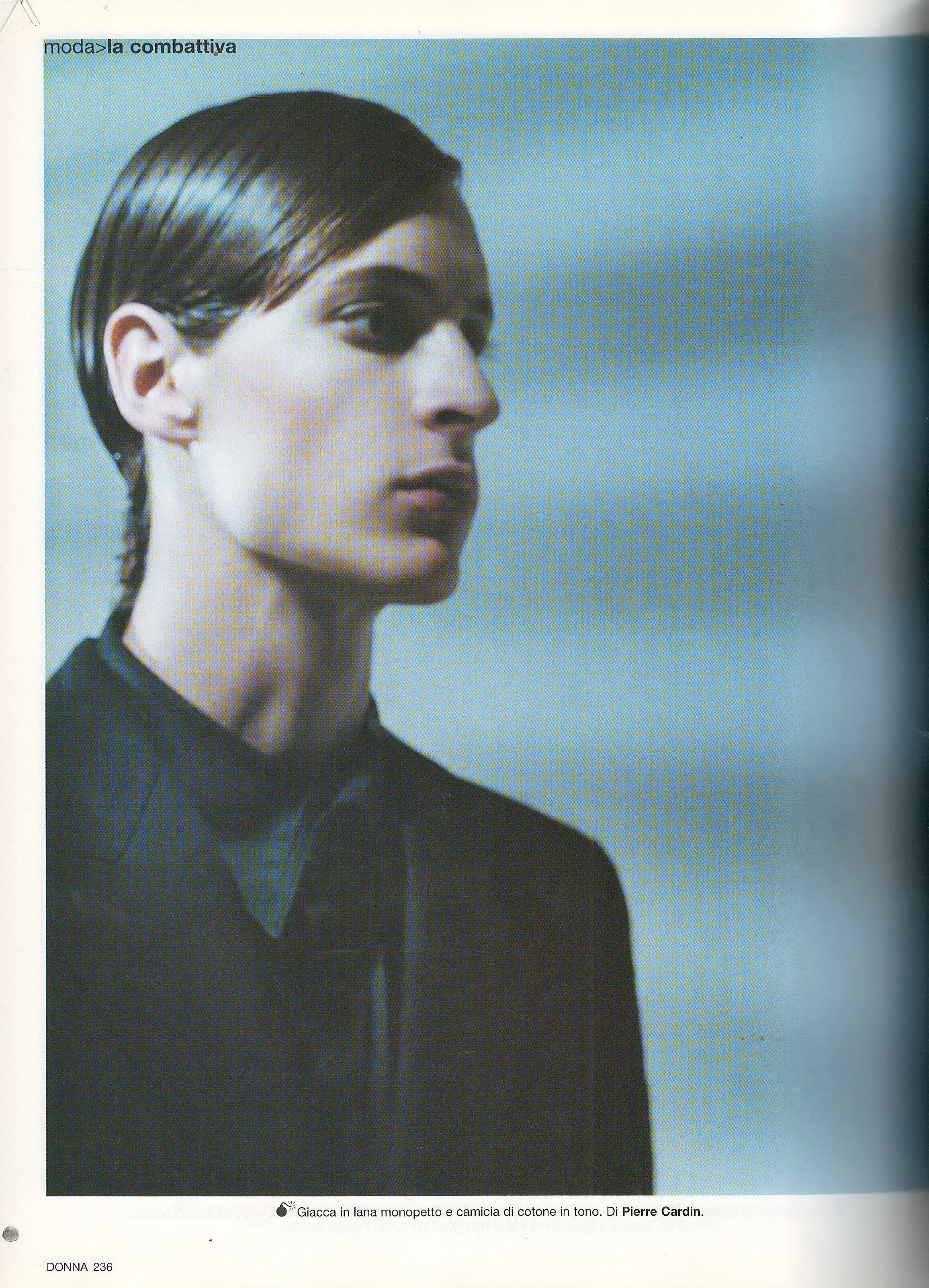
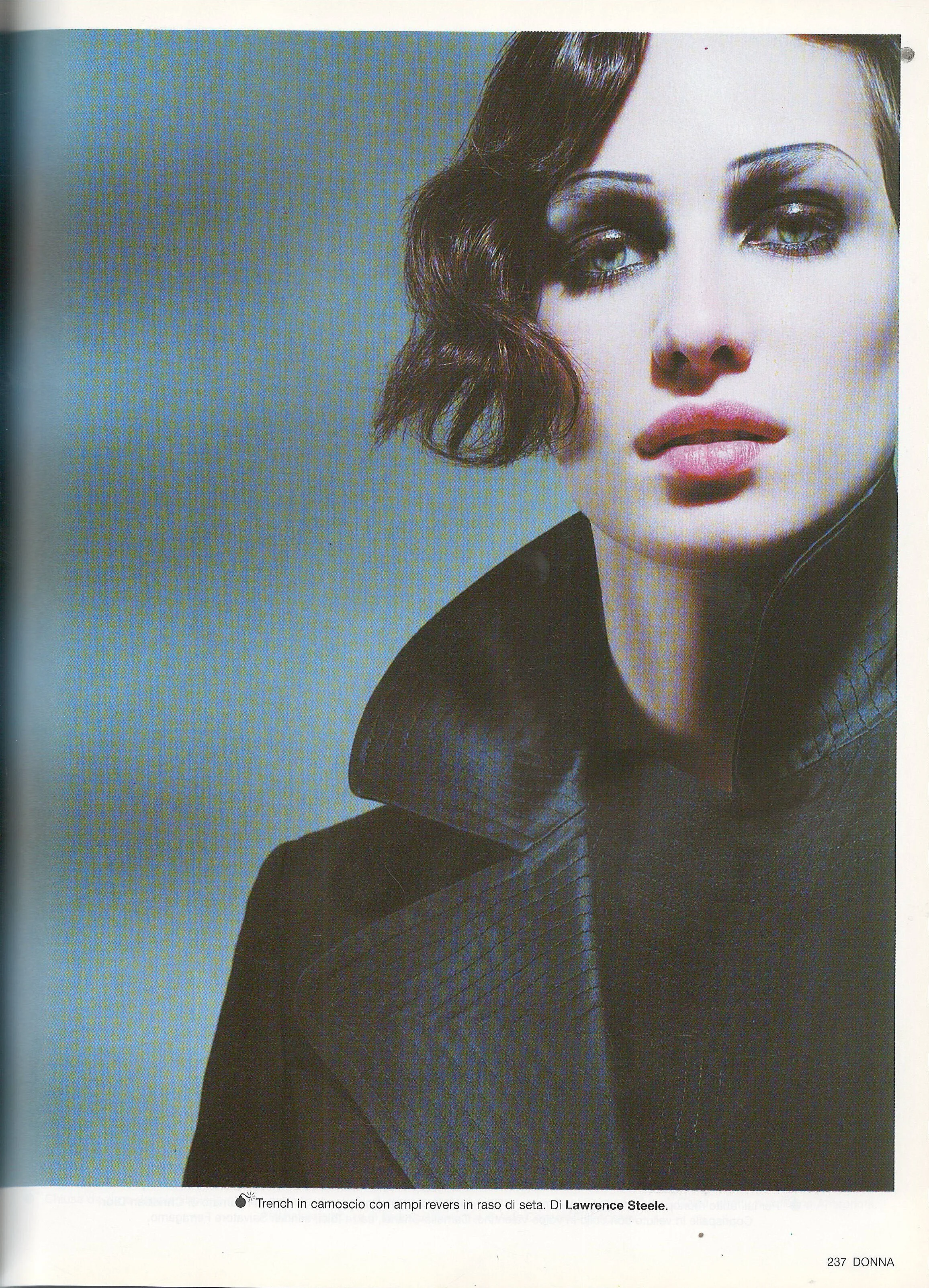
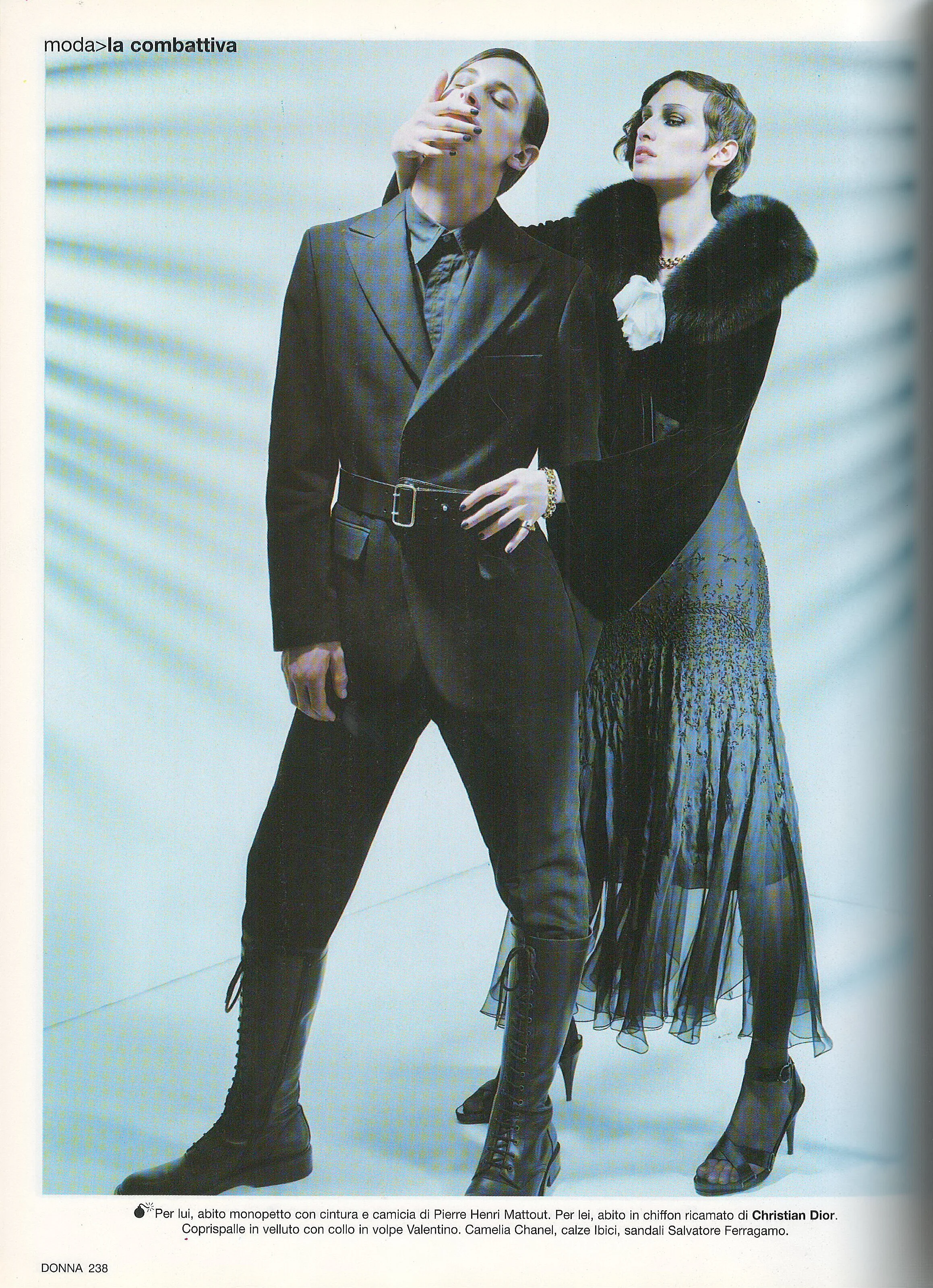
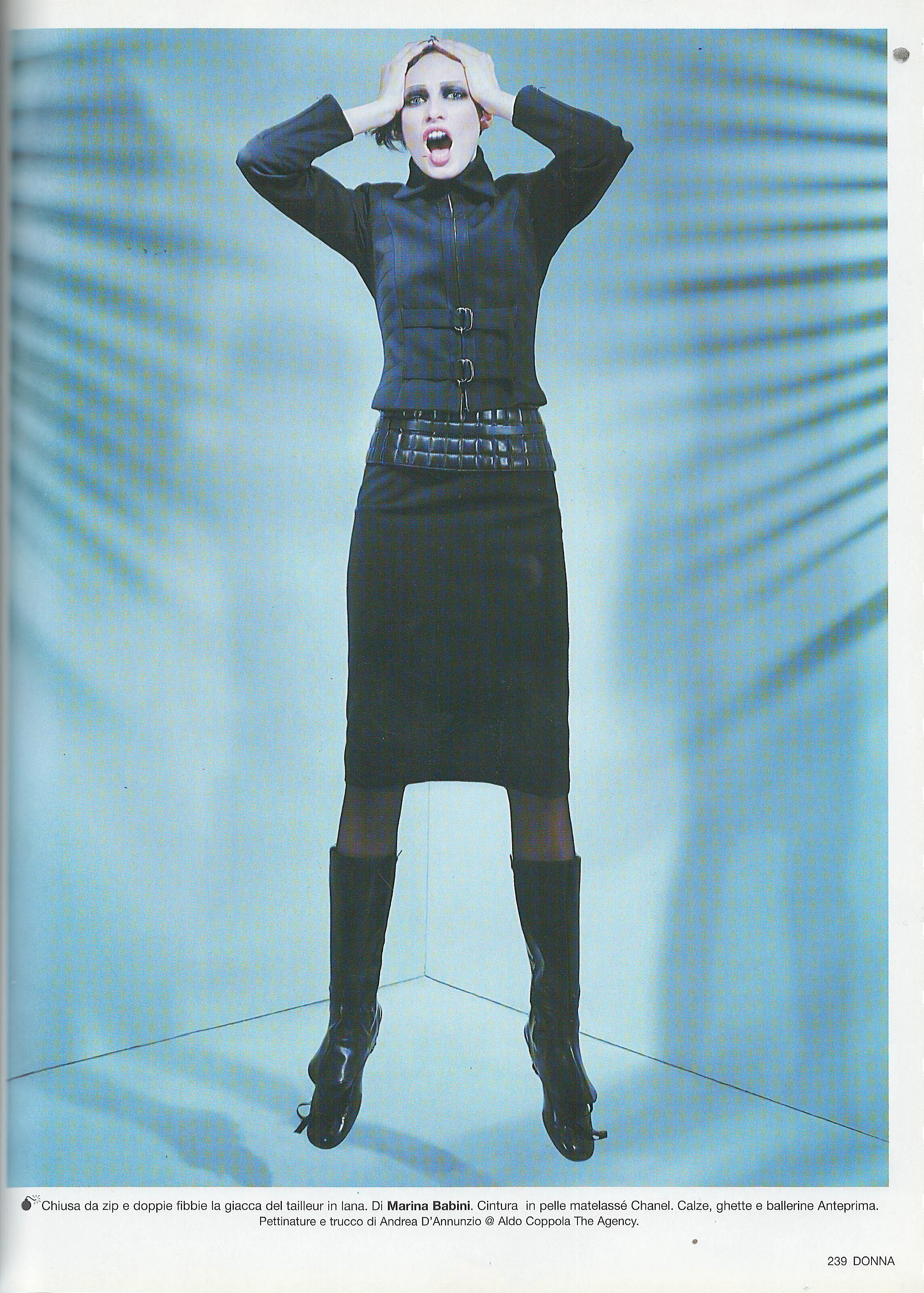
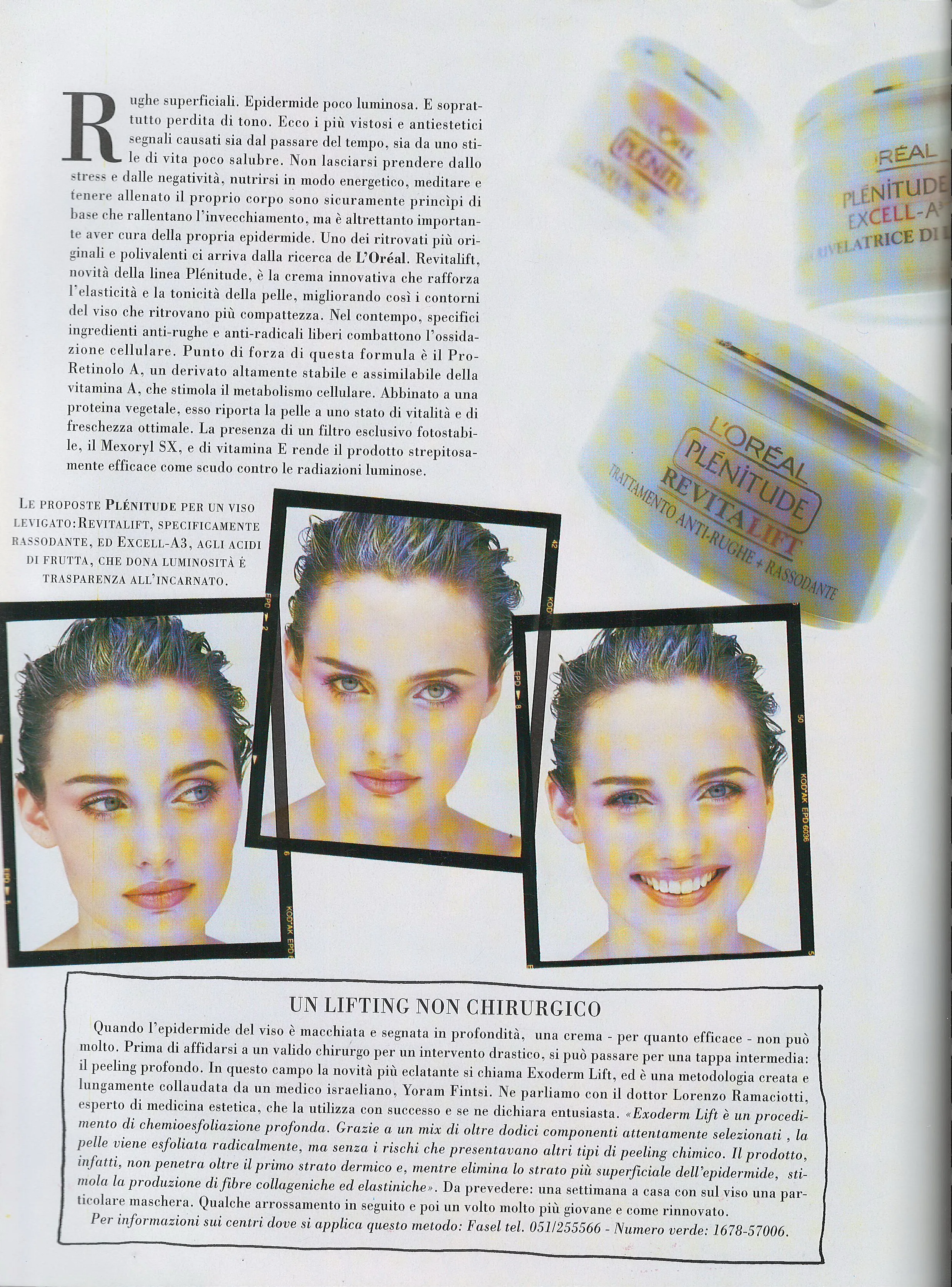
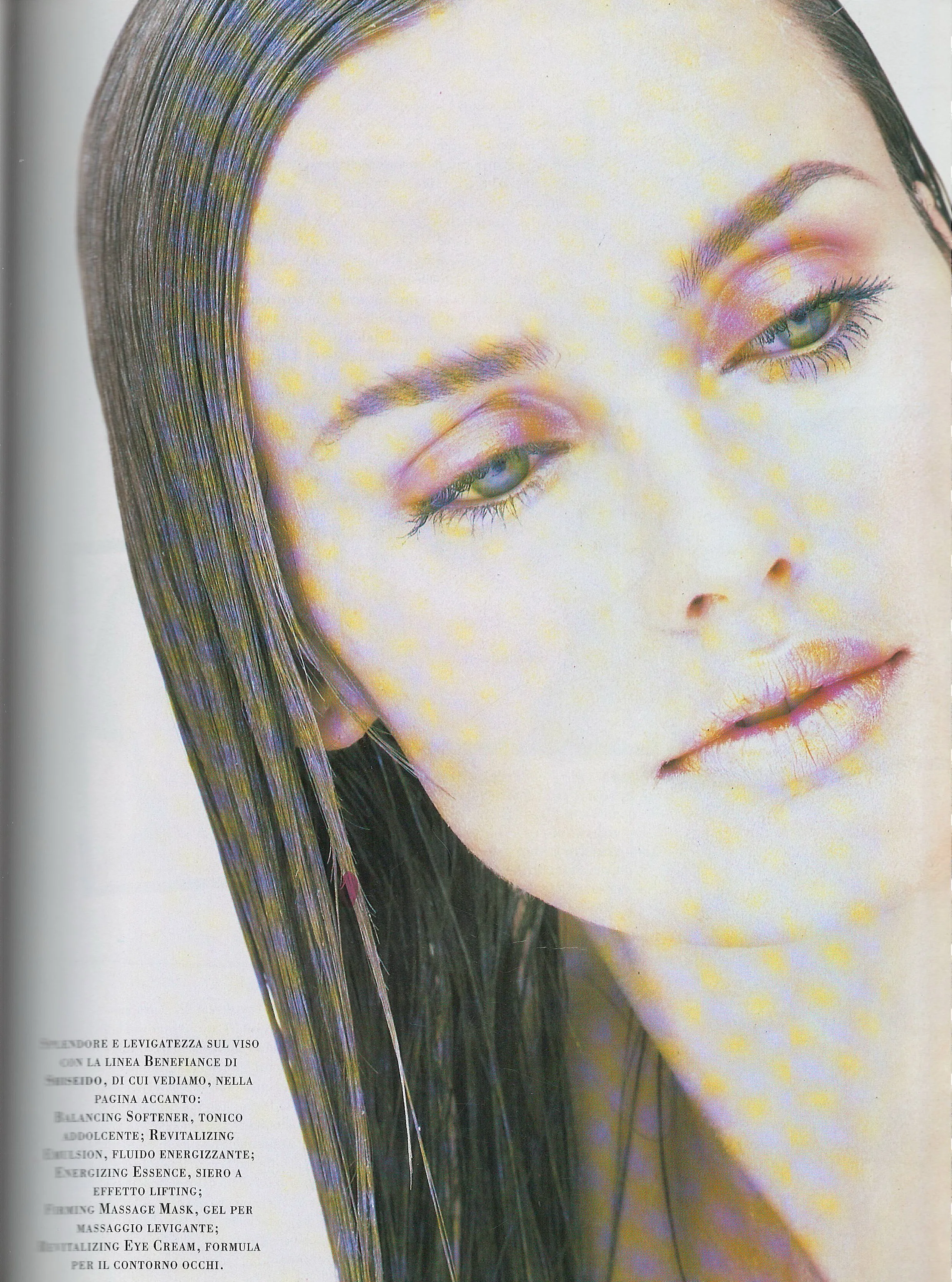
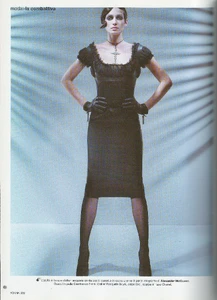
  4. Donna Italy October 2002 - photo Francesco Licata scanned by @sanja
  5. frederic started following Laura Azevedo
  6. also @sanja Not sure if this has already been clarified later on but this all Yael Raich and not Teresa Stewart. https://www.bellazon.com/main/topic/97525-yael-raich/#comment-5537560
  7. Sam Holdworth https://www.bellazon.com/main/topic/65329-sam-holdsworth/page/2/
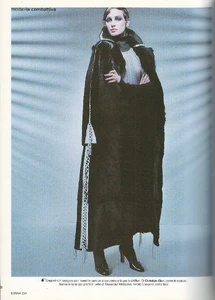
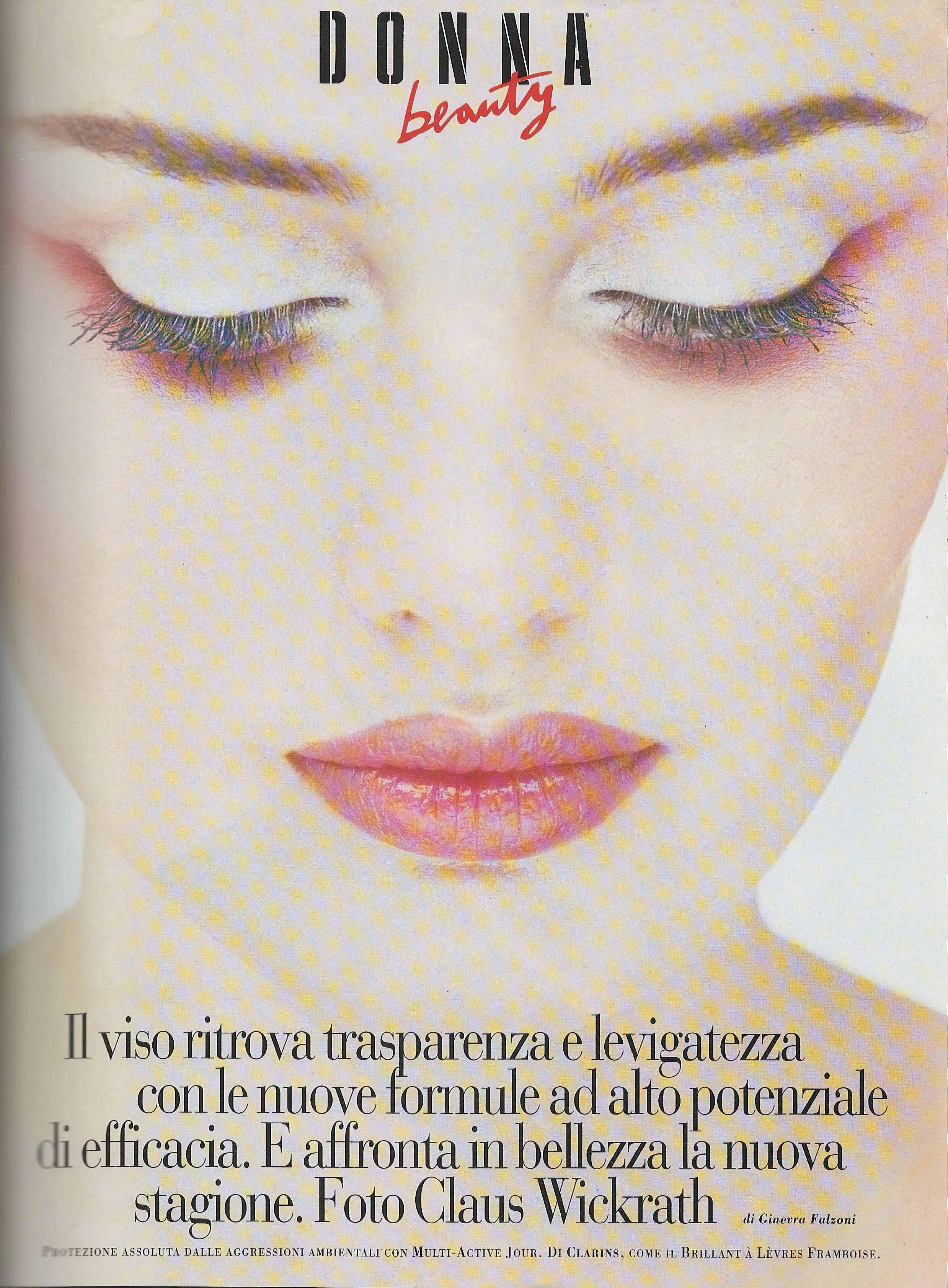
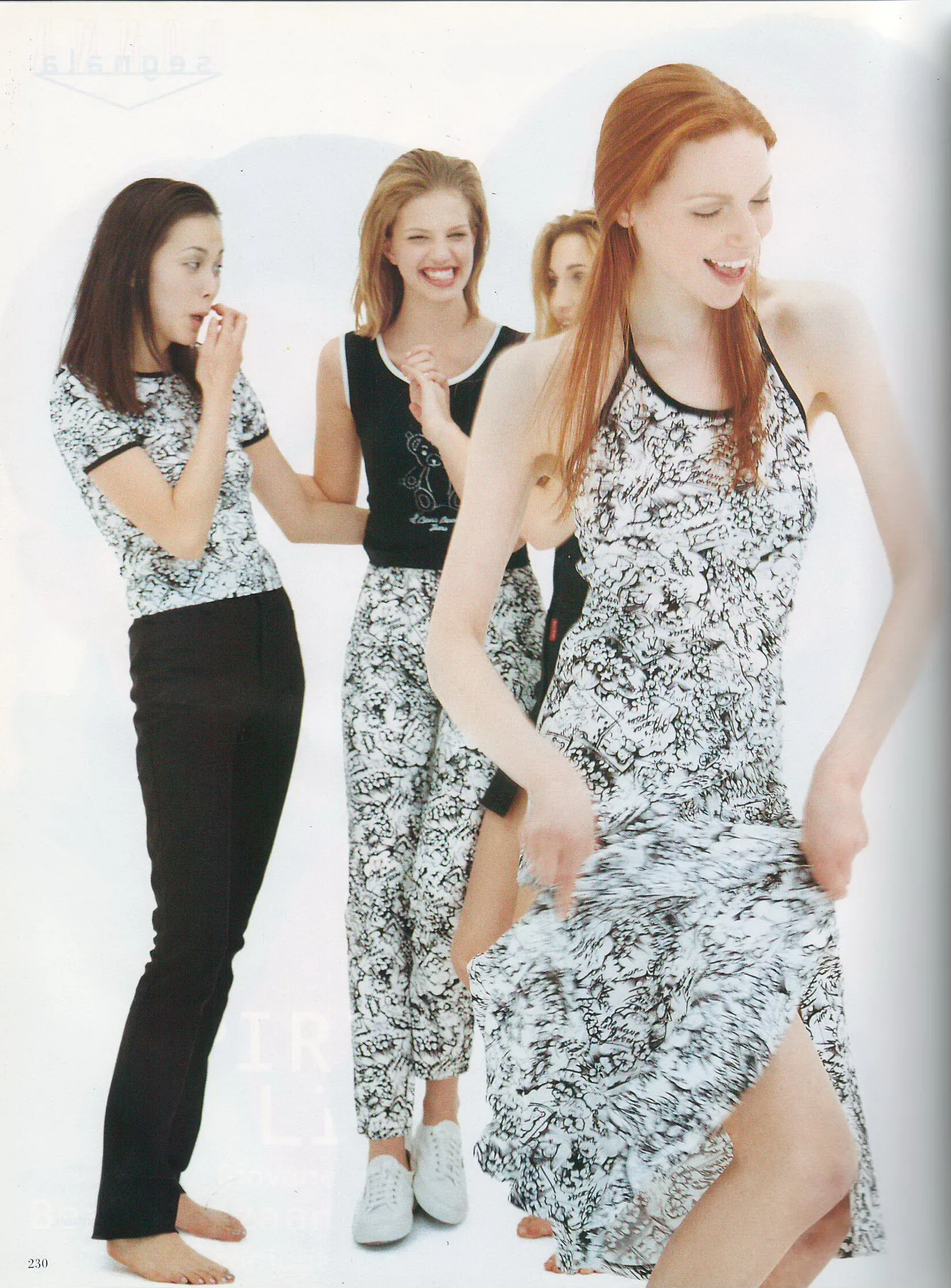
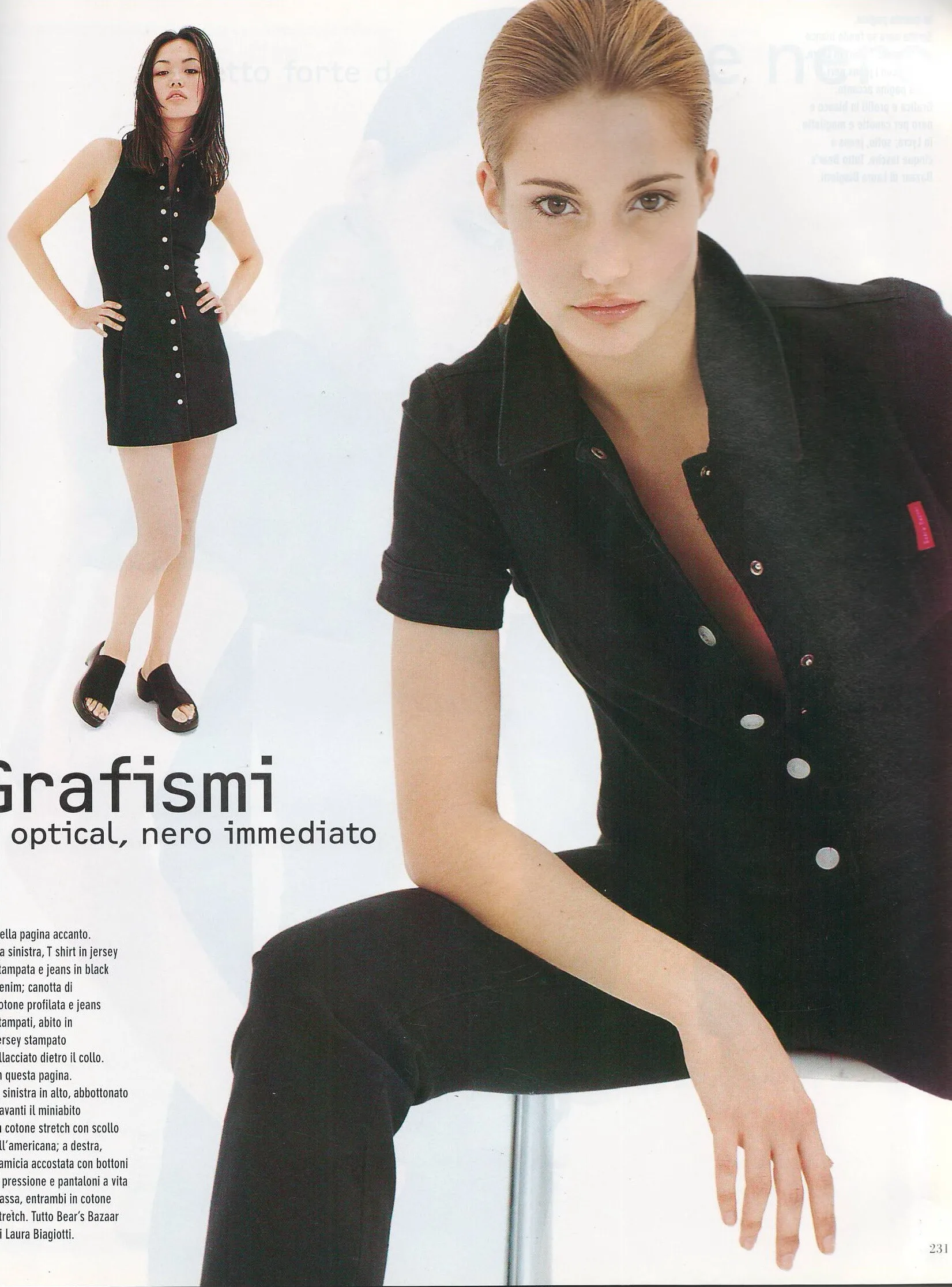
  8. Donna Italy January February 1996 - photo Claus Wickrath scanned by @sanja
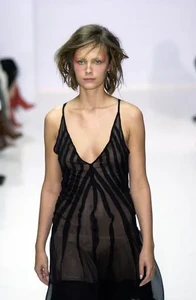
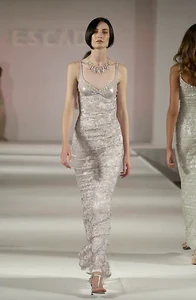
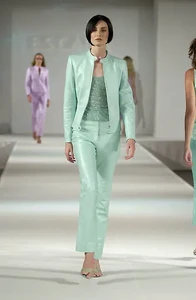
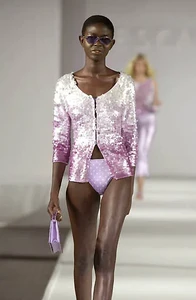
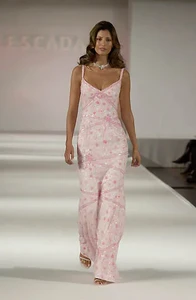
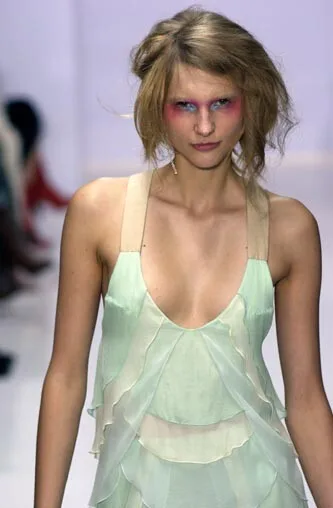
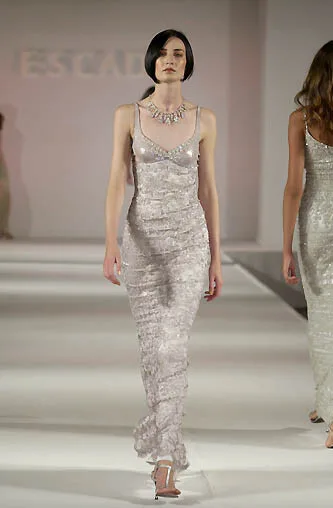
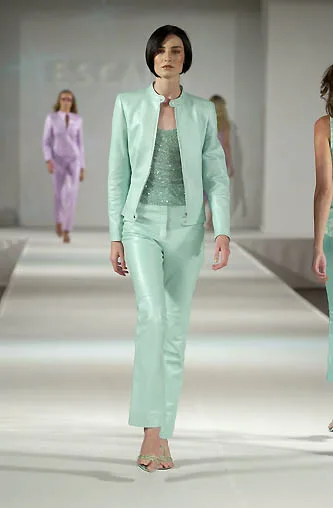
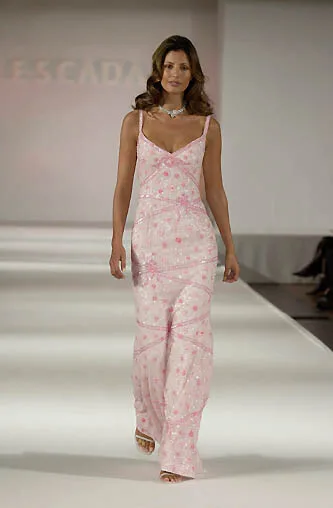
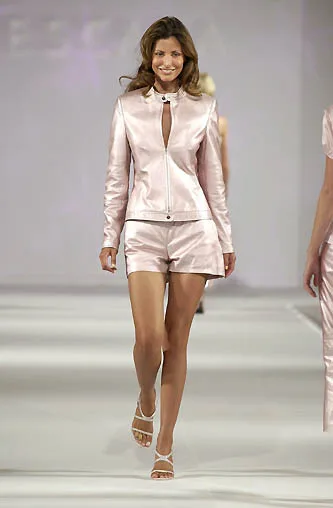
  9. escada s/s 2001
  10. manchujon joined the community
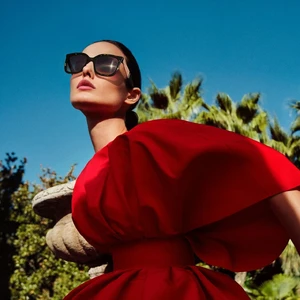
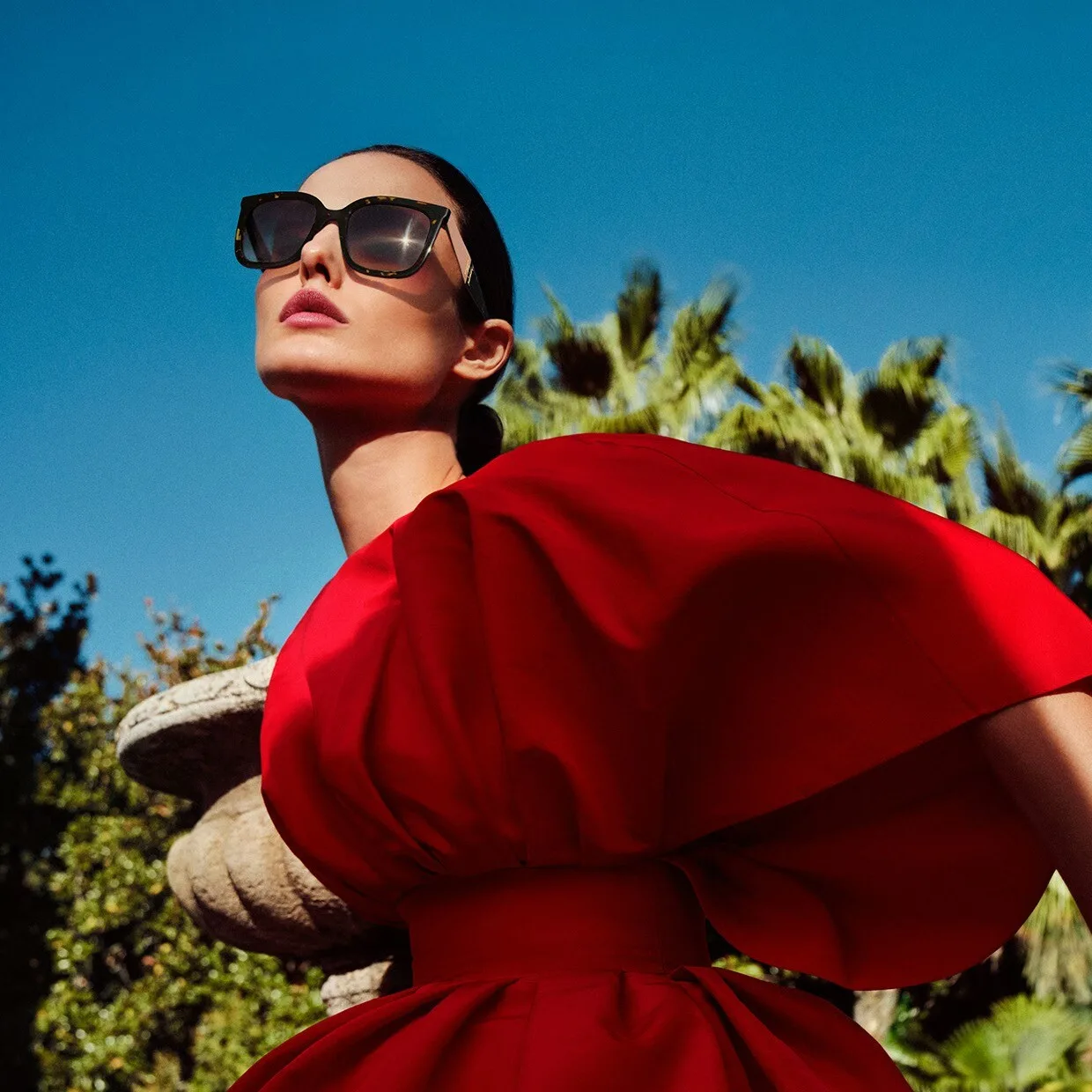
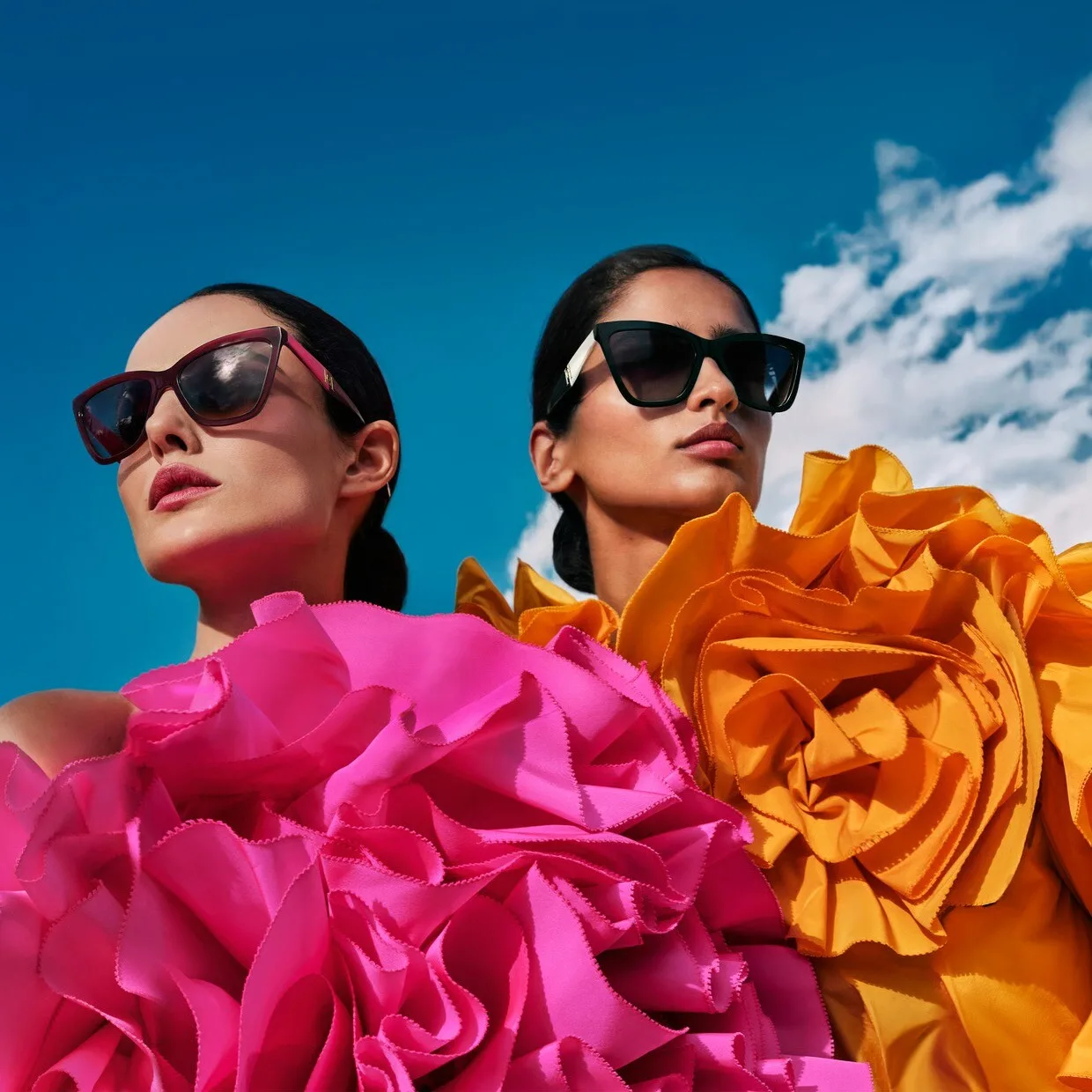
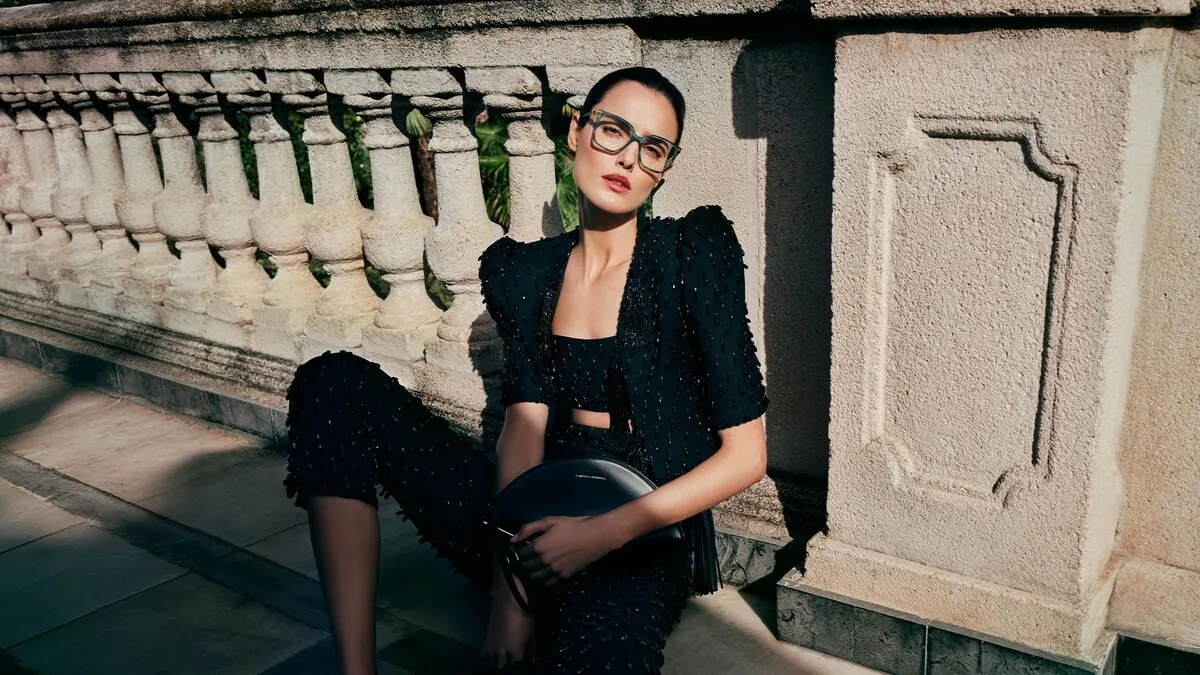
  11. Carolina Herrera Spring 26 Eyewear Collection designed by Wes Gordon Photo : Txema Yeste Styling : Anita Szymczak Film : Aran Martinez CH Eyewear 2026.mp4

  12. Sara Lowman https://www.bellazon.com/main/topic/128845-sara-lowman/

Account

Navigation

Search

Search

Configure browser push notifications
Chrome (Android)
  1. Tap the lock icon next to the address bar.
  2. Tap Permissions → Notifications.
  3. Adjust your preference.
Chrome (Desktop)
  1. Click the padlock icon in the address bar.
  2. Select Site settings.
  3. Find Notifications and adjust your preference.