All Activity
- Past hour
-
 That model she works with is hung like a horse.
 -
 • Tao Wickrath • Serena Morizio • Chanel Stewart • Maryam Zolghadr • Savanna Leigh James • Alexa Pollock • Josie Canseco • Leila Bauer • Mieke Visser • Bella Eftene • Kyla Dodds • Charly Jordan
 -
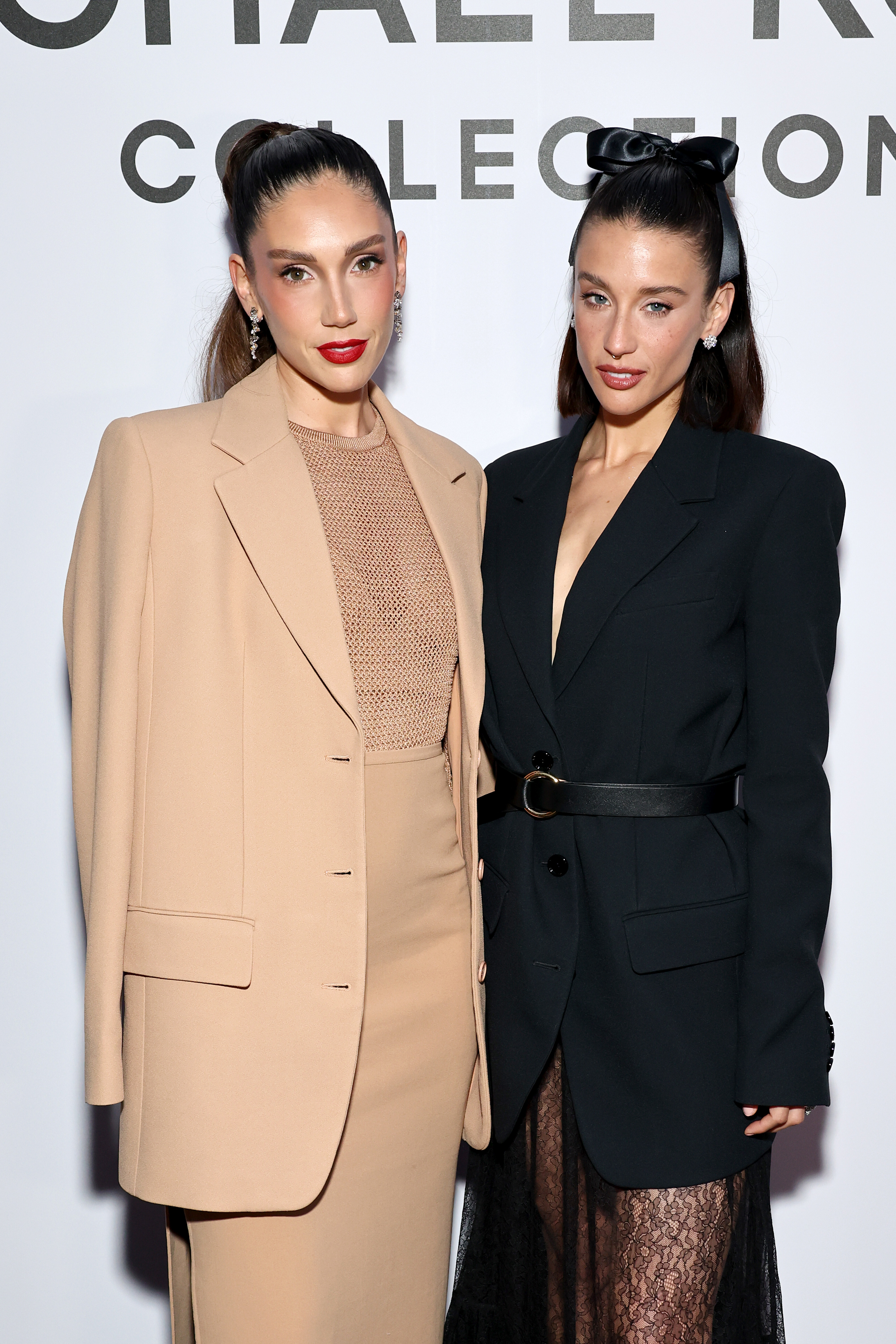
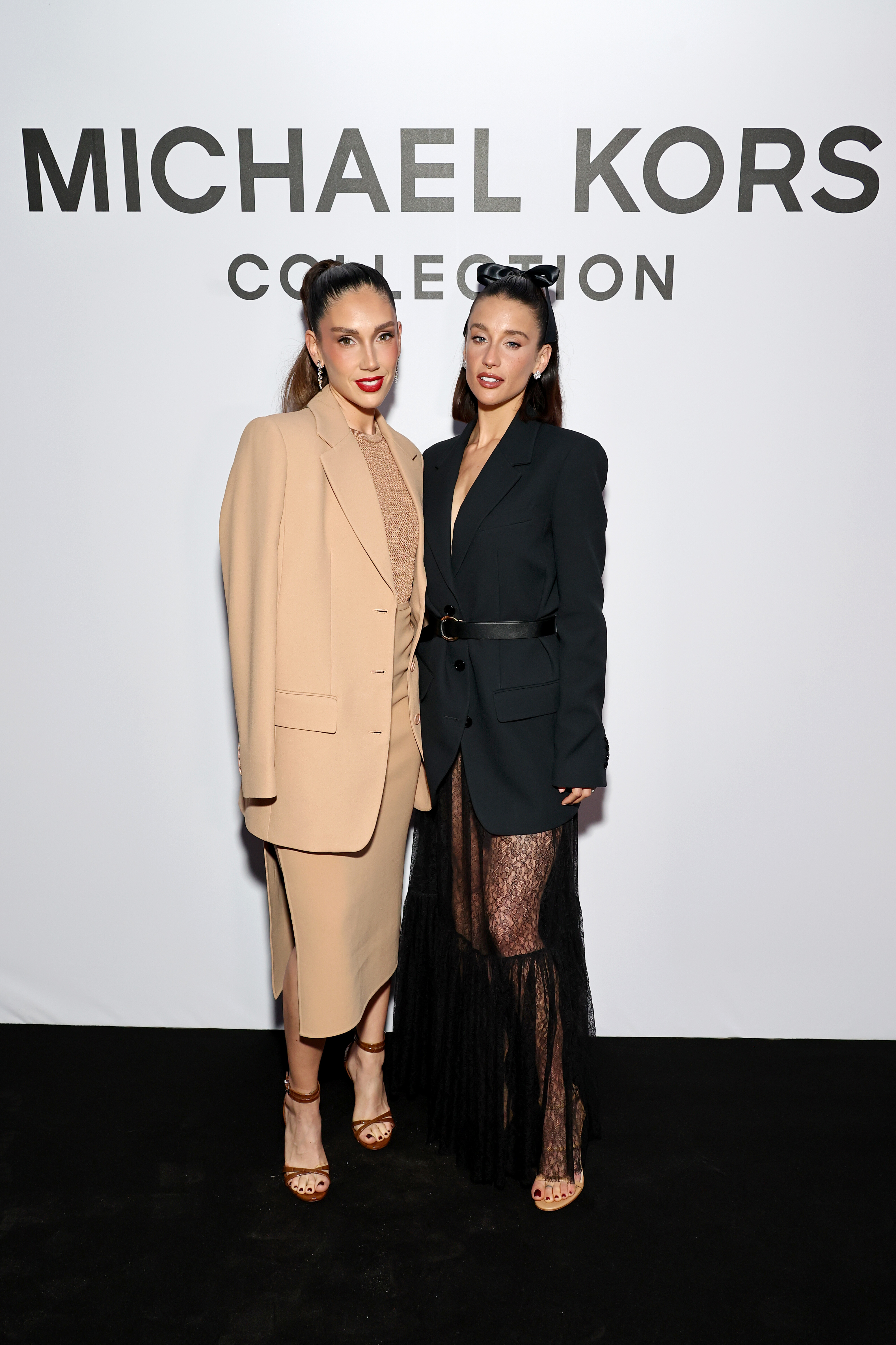
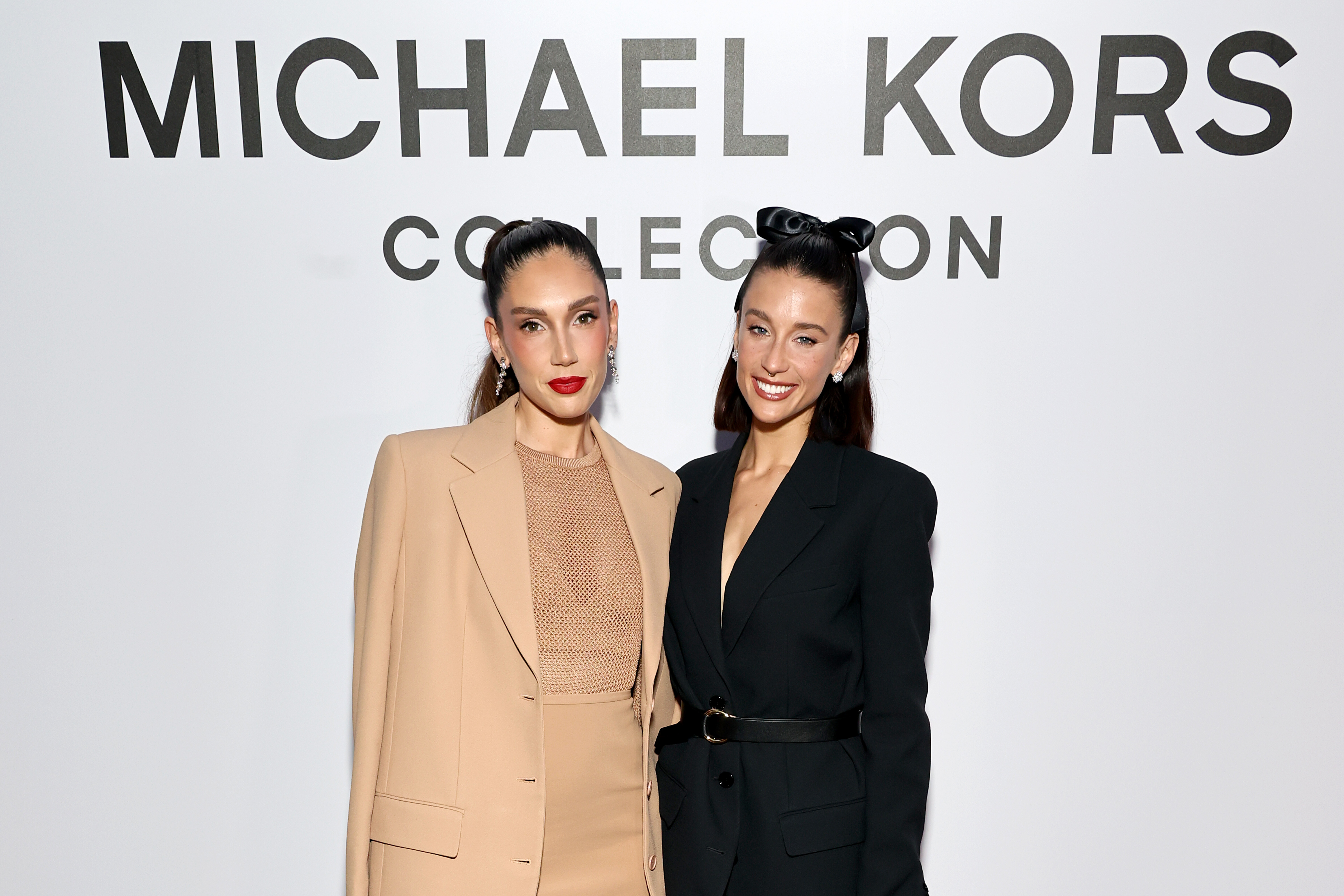
 May 20 2024| 77th Cannes Film Festival - Michael Kors Party maria-pedraza.org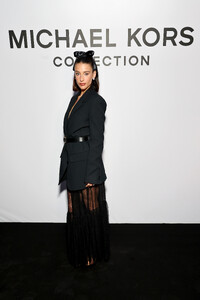




-
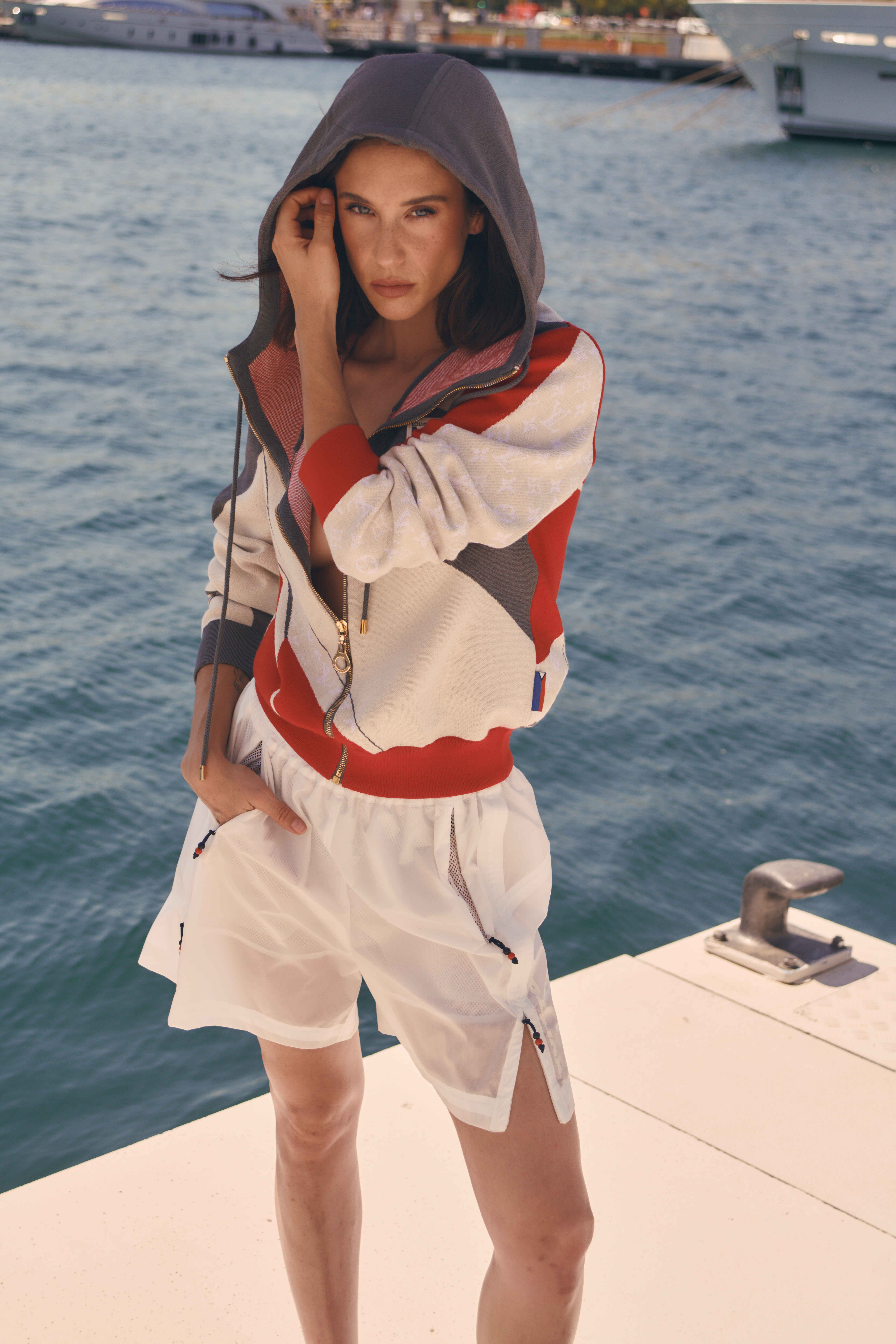
May 23 2024| Louis Vuitton Fashion Show maria-pedraza.org





-
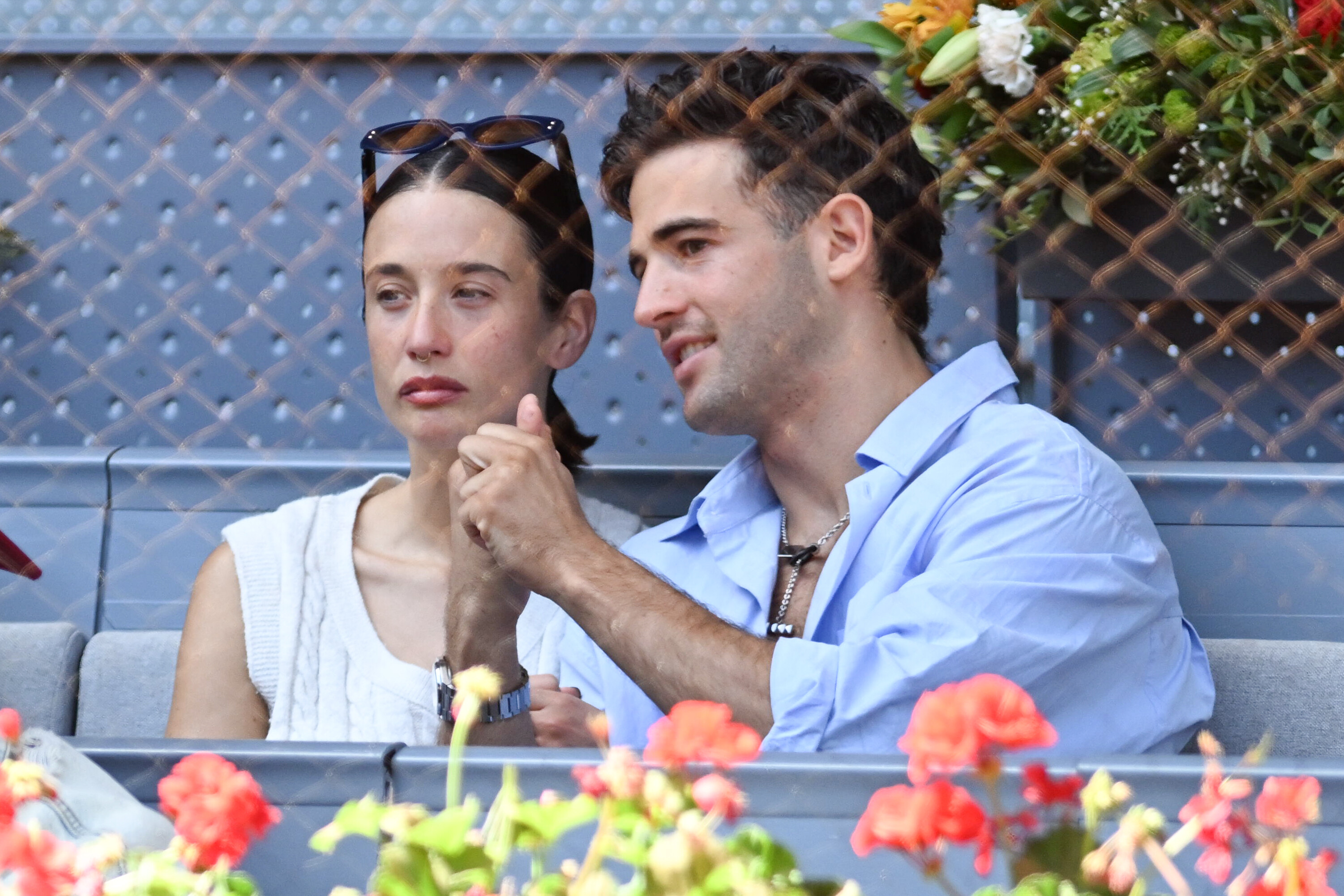
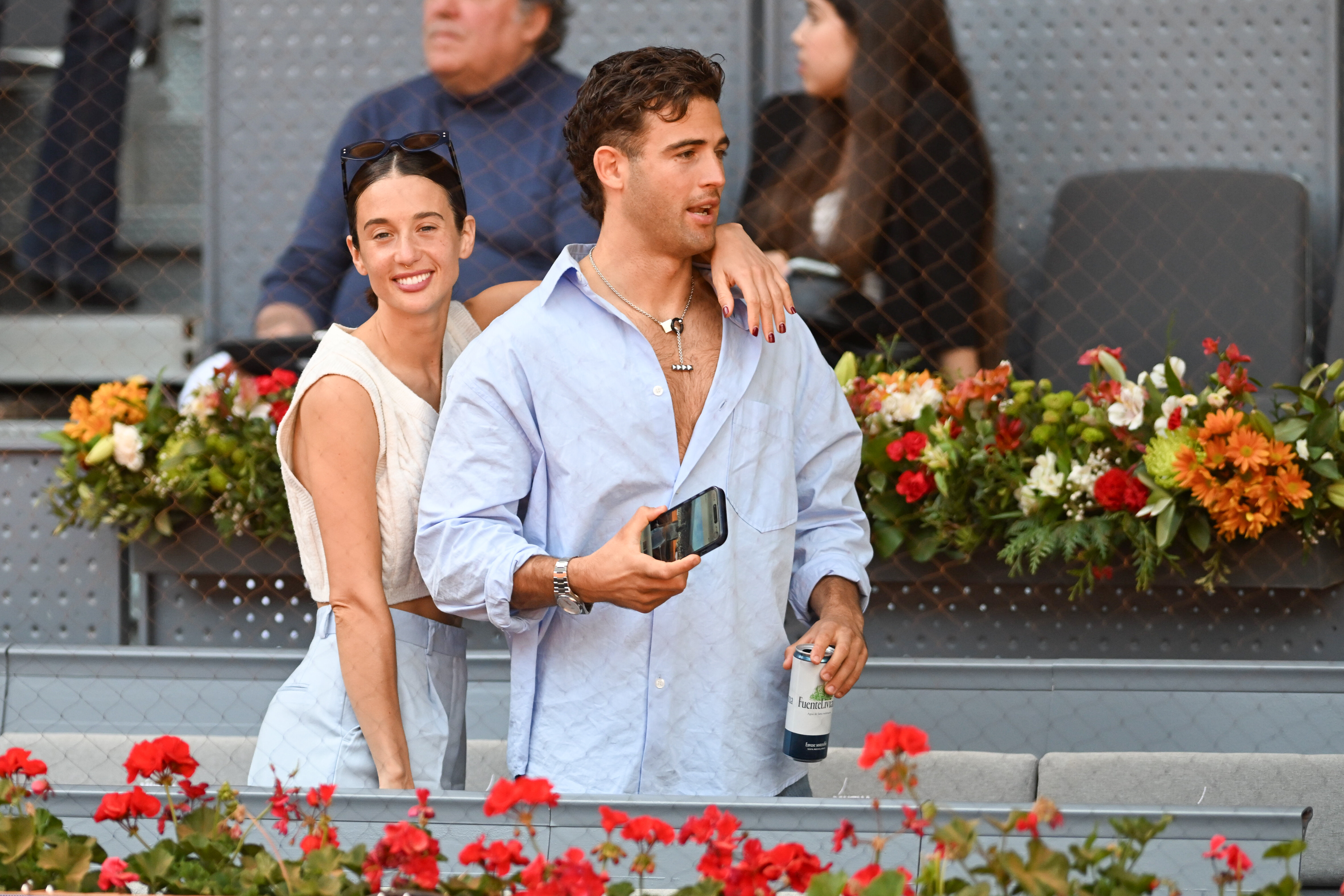
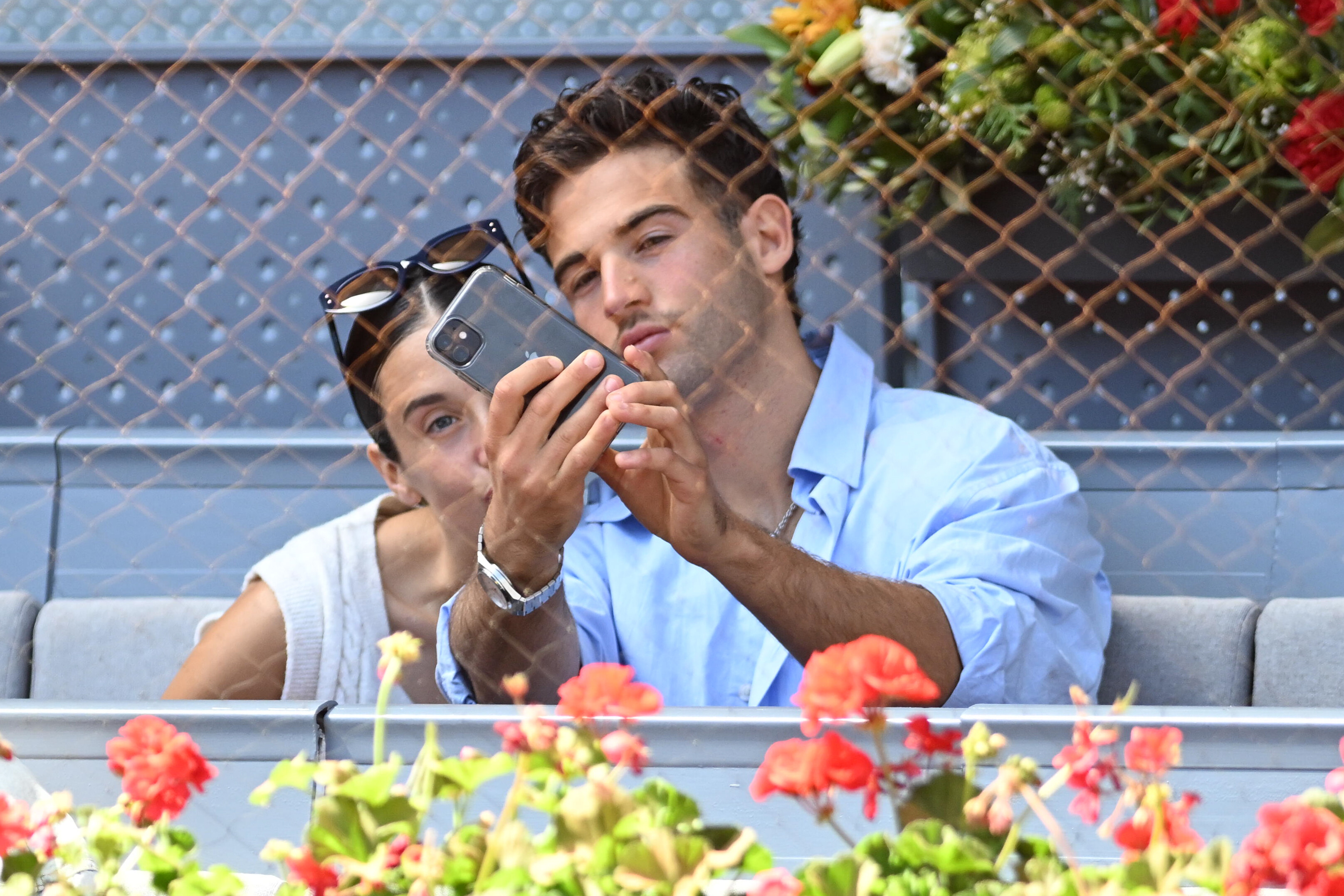
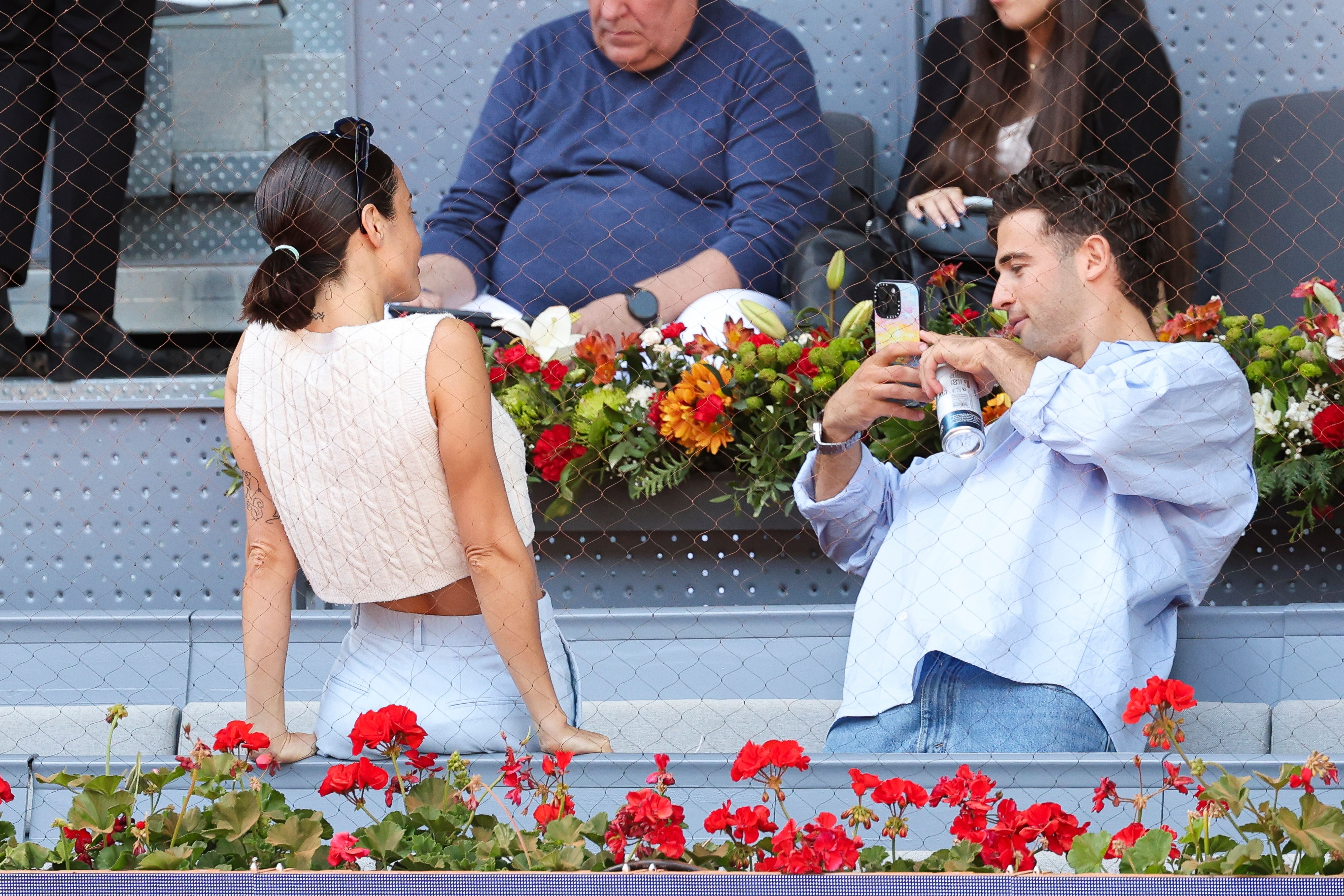
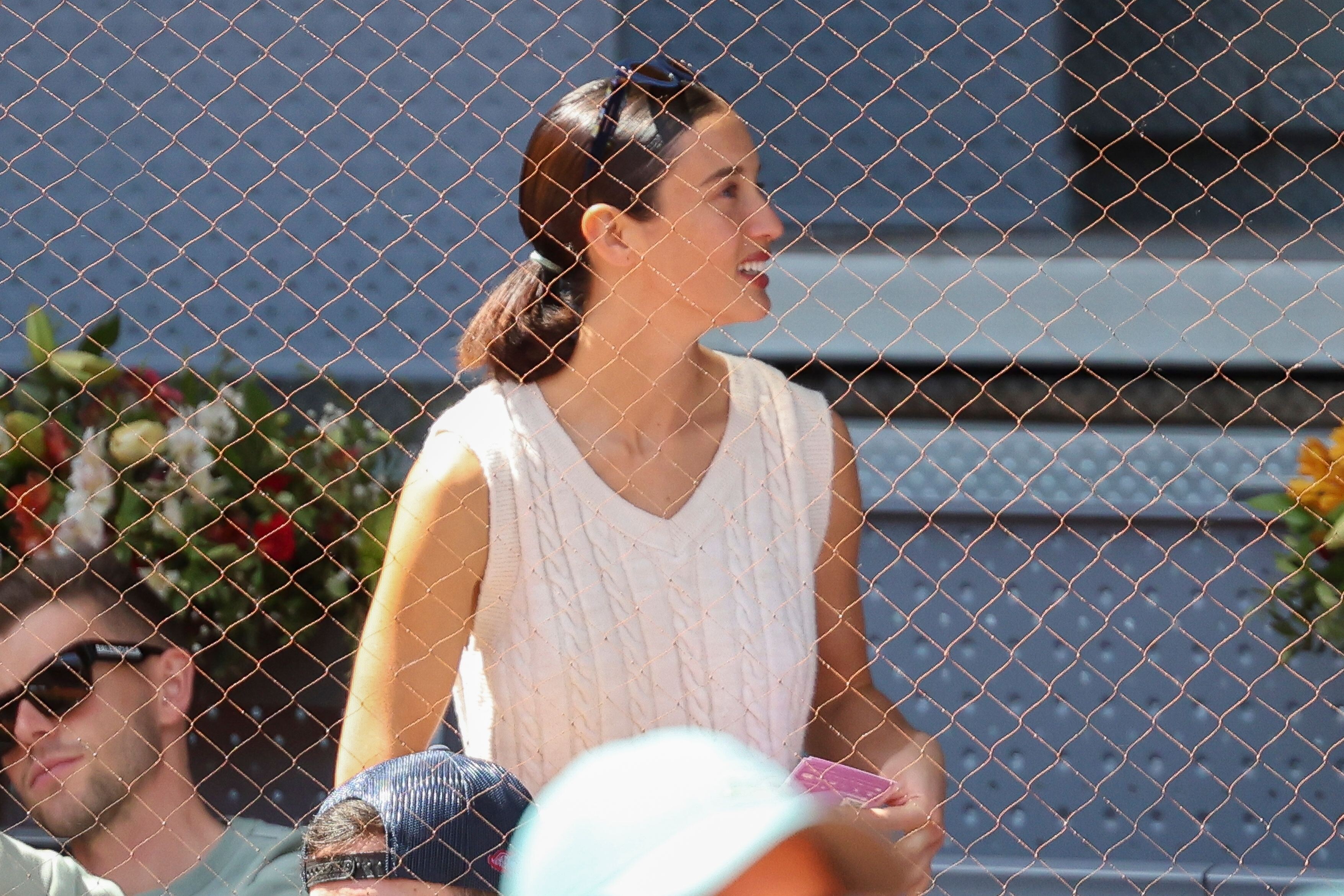
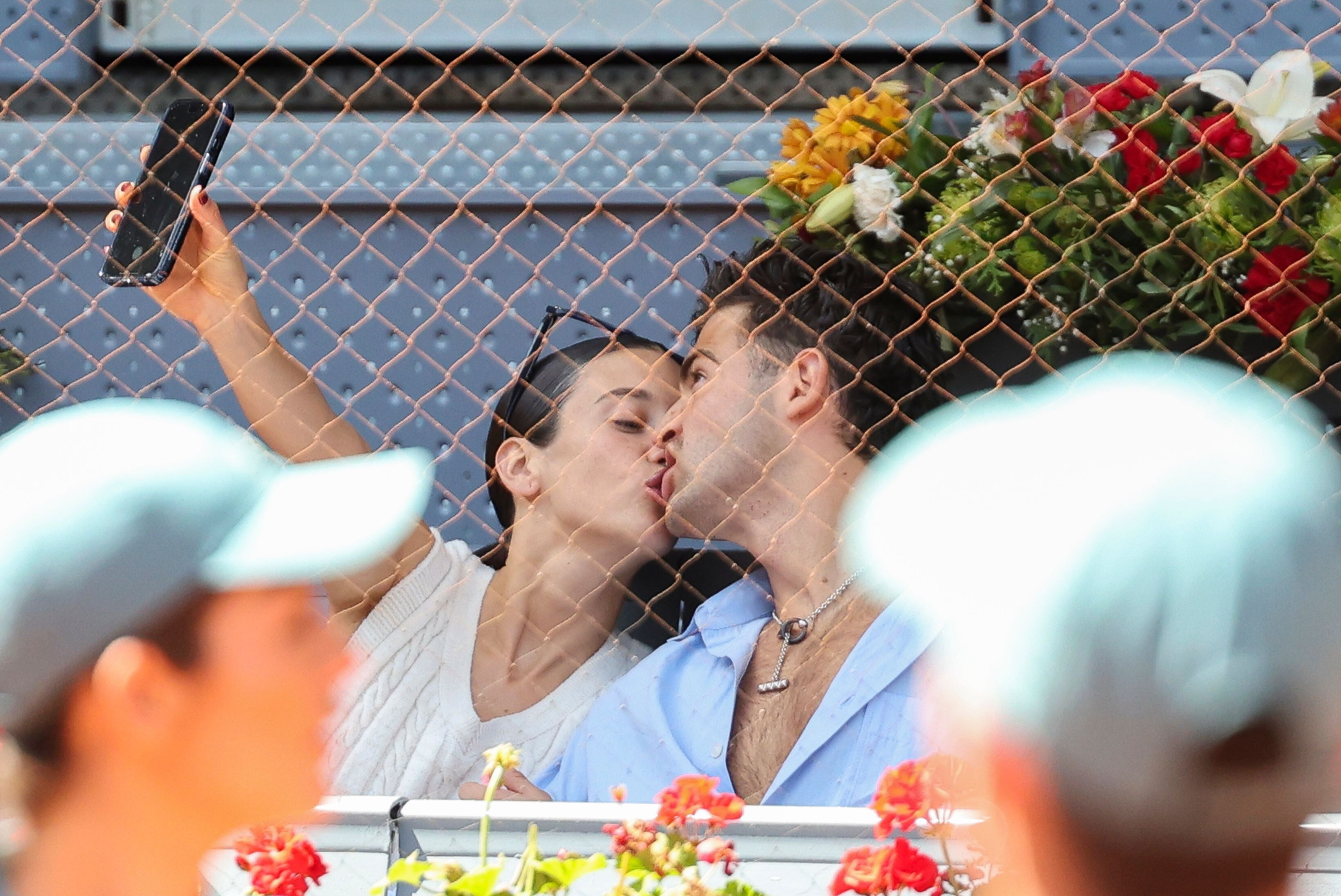
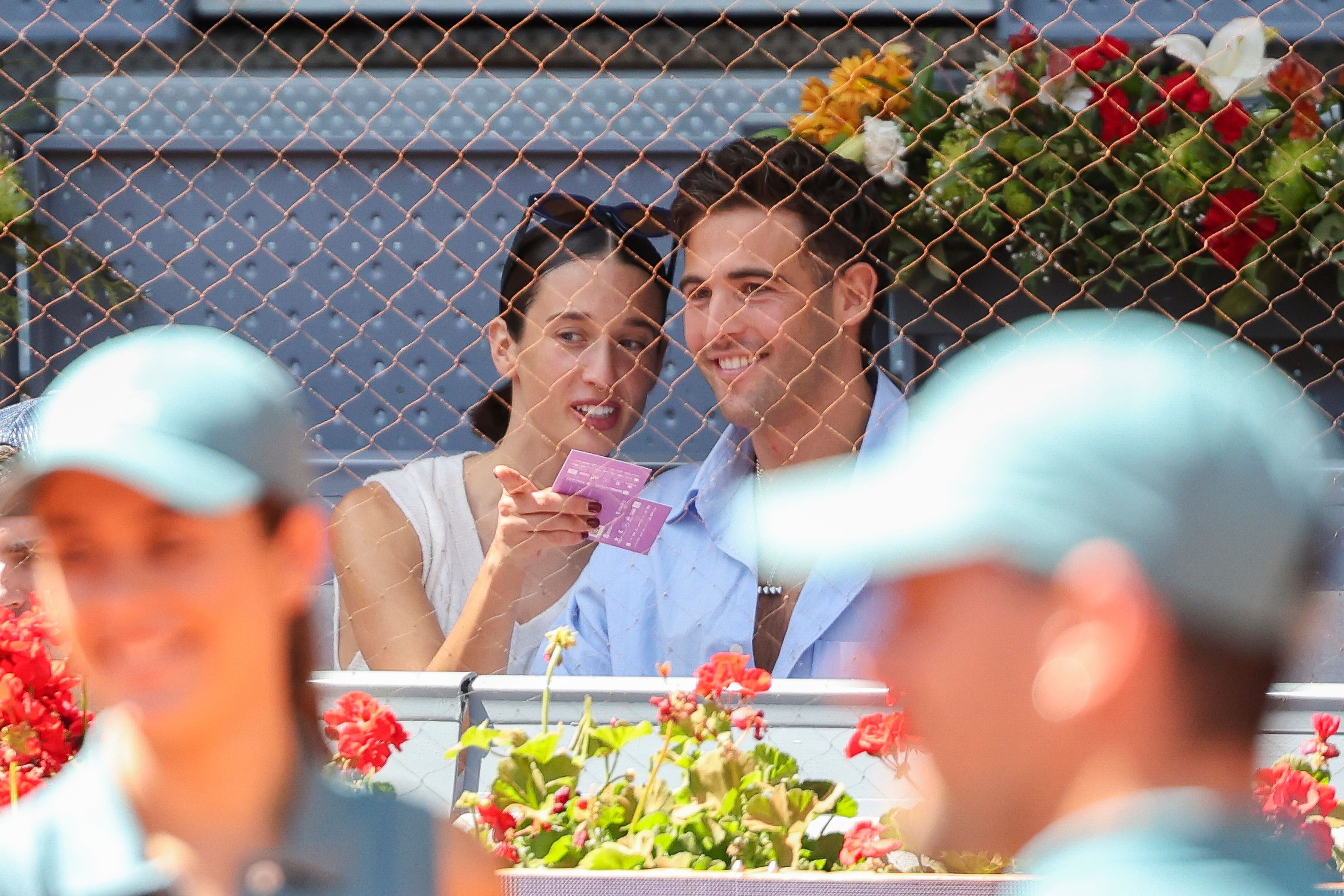
May 03 2024| Attending Mutua Madrid Open in Madrid maria-pedraza.org




























-

-
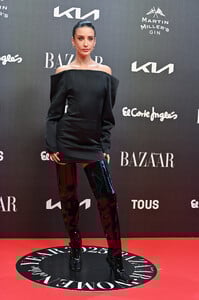
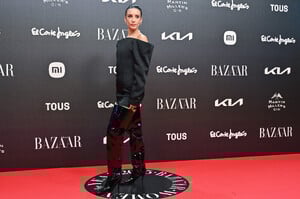
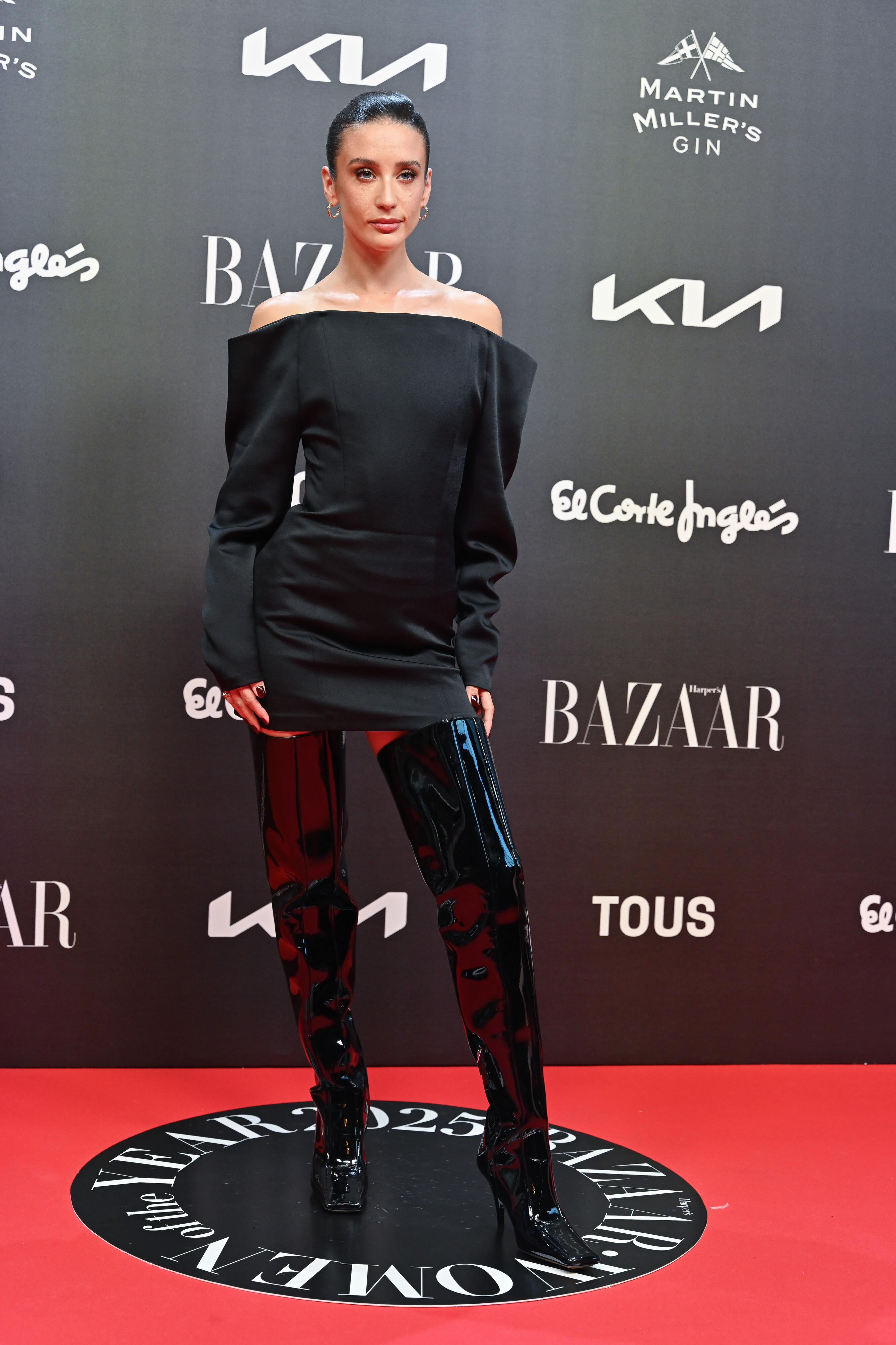
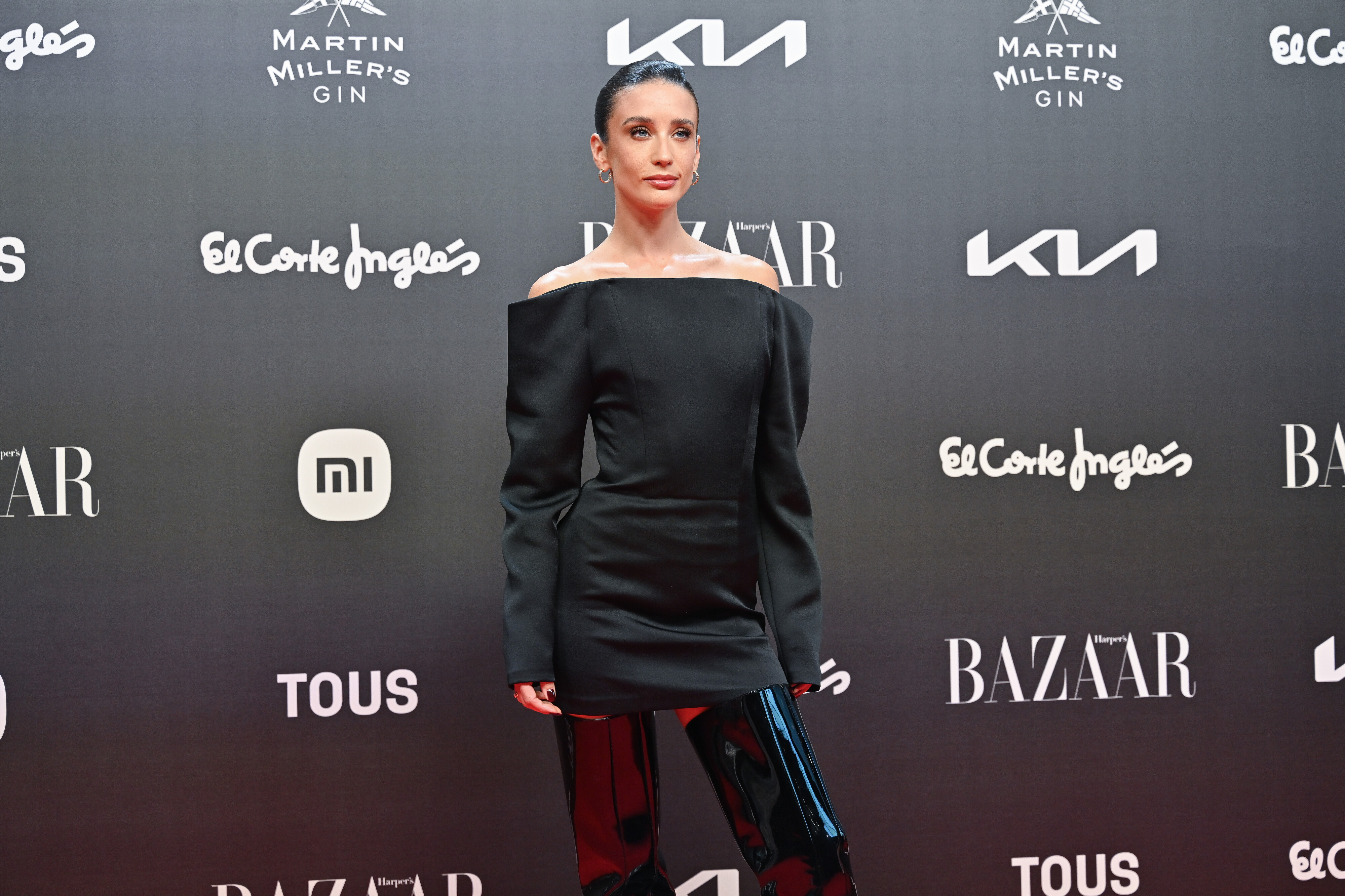
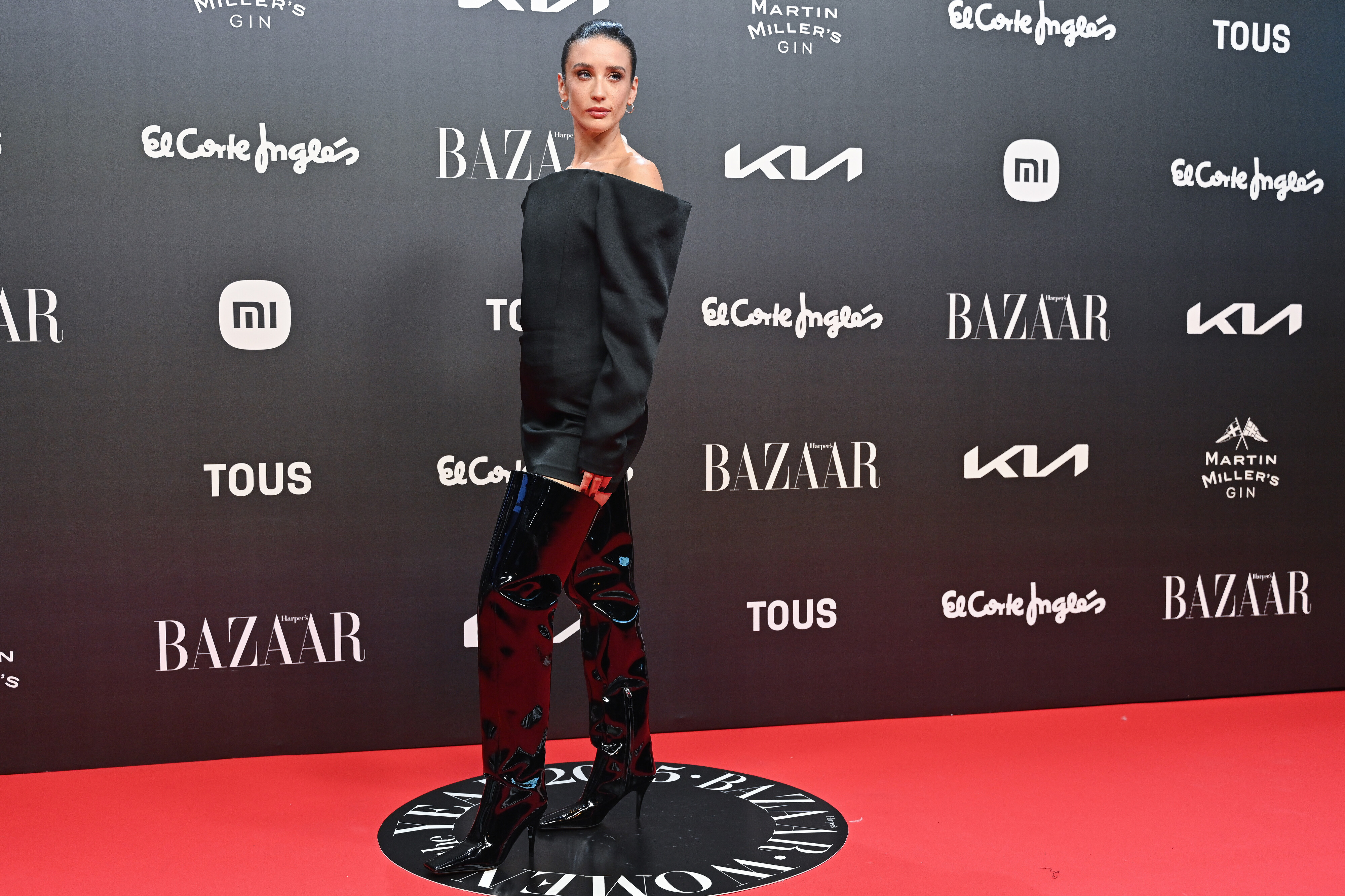
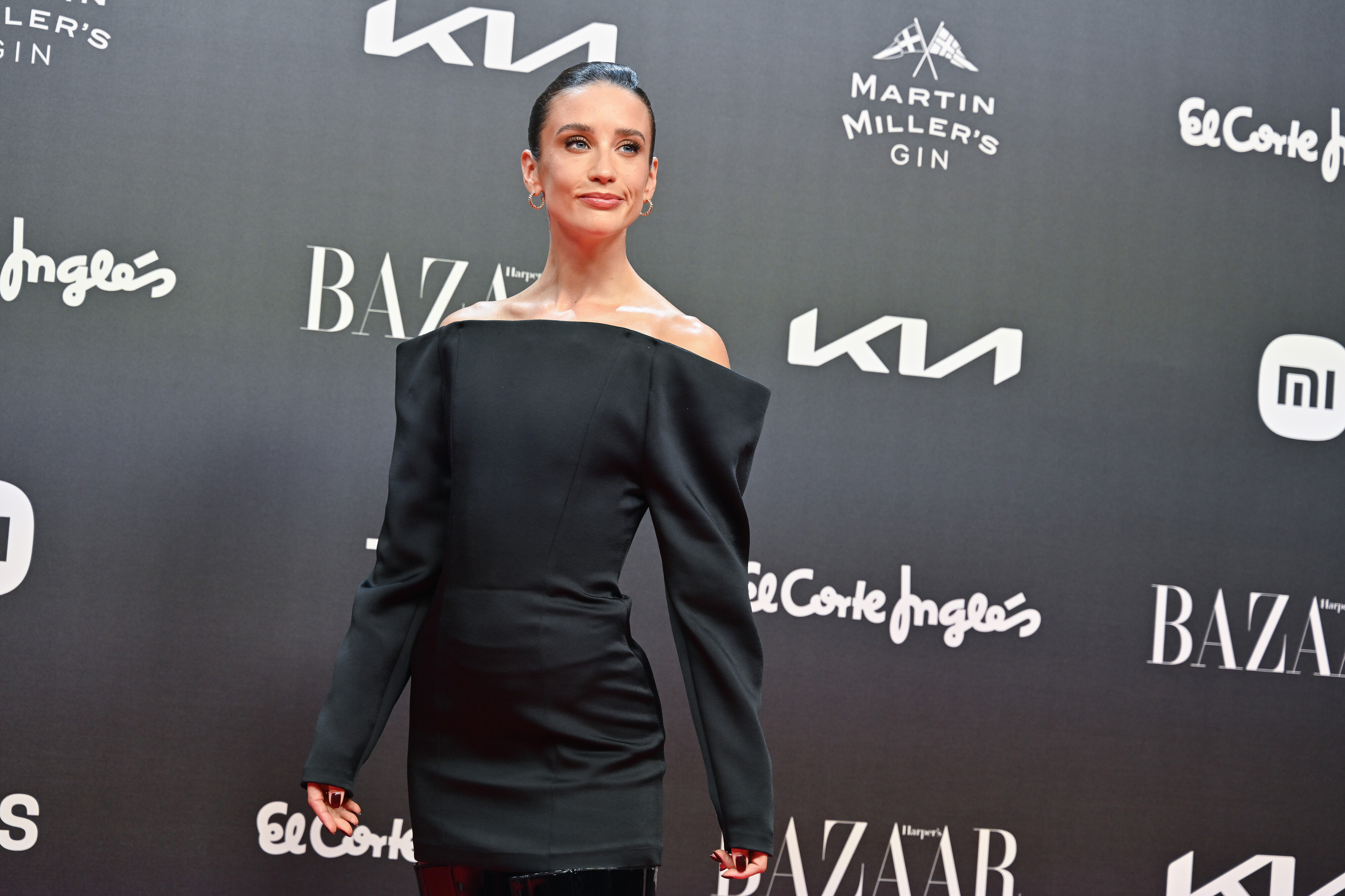
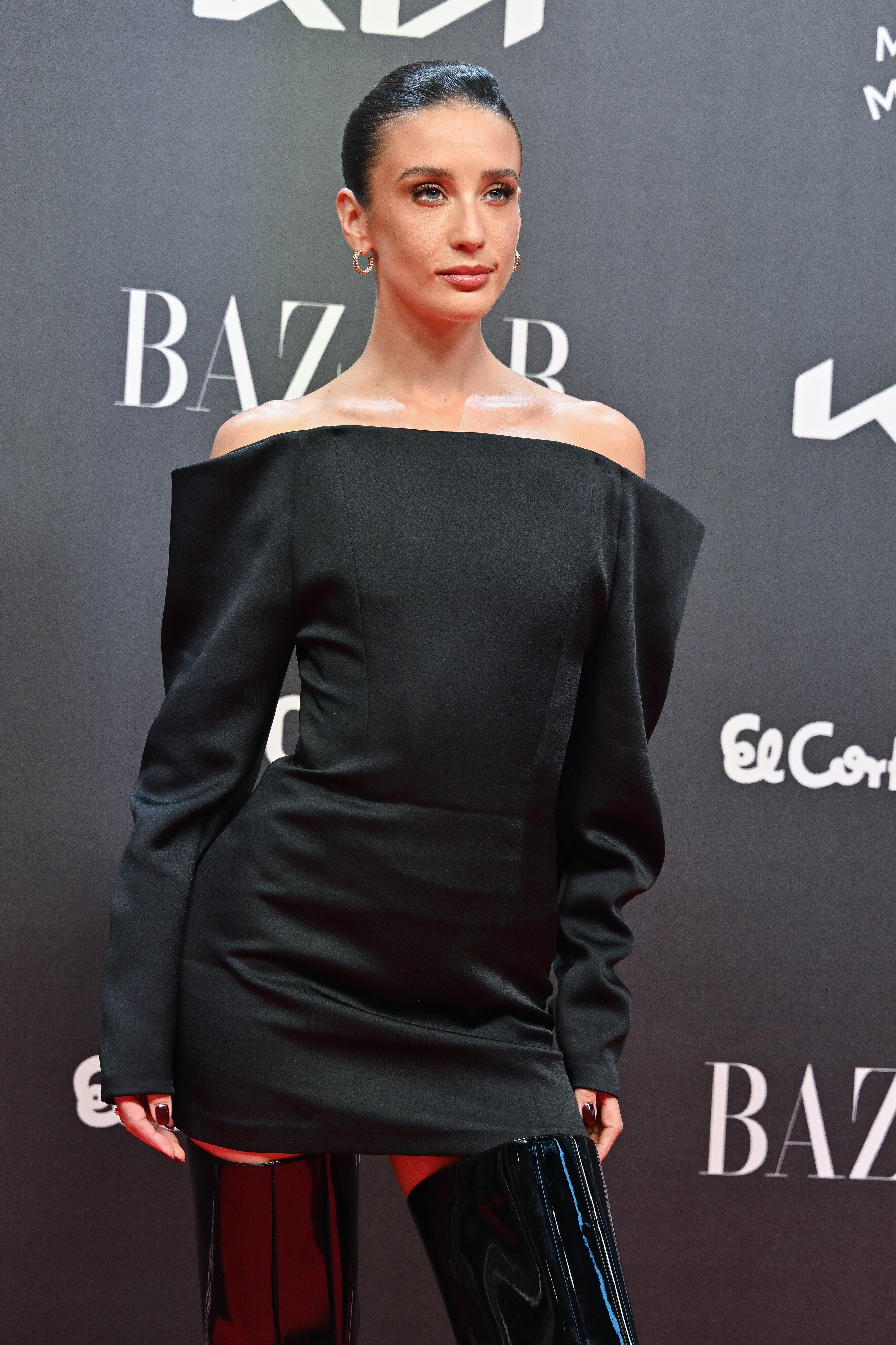
attends the Bazaar Women of the Year 2025 in Madrid on October 28, 2025 hqcelebcorner.net



-
ph Papo Waisman maria-pedraza.org





-
ph Pietro Schiavetti maria-pedraza.org




-
 Quinn Hughes got traded. Start the rebuild.
 -
La Vanguardia Magazine maria-pedraza.org









-
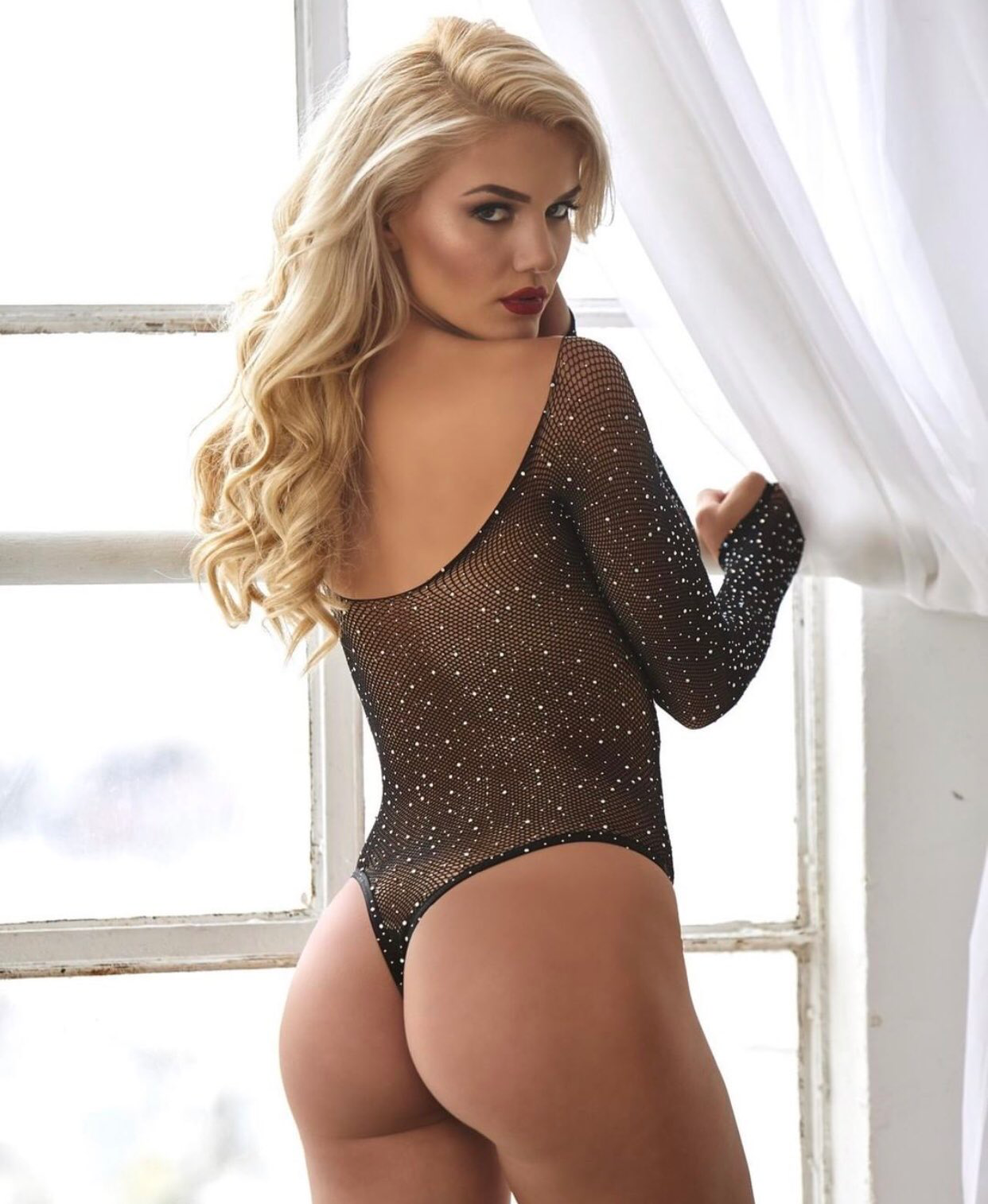
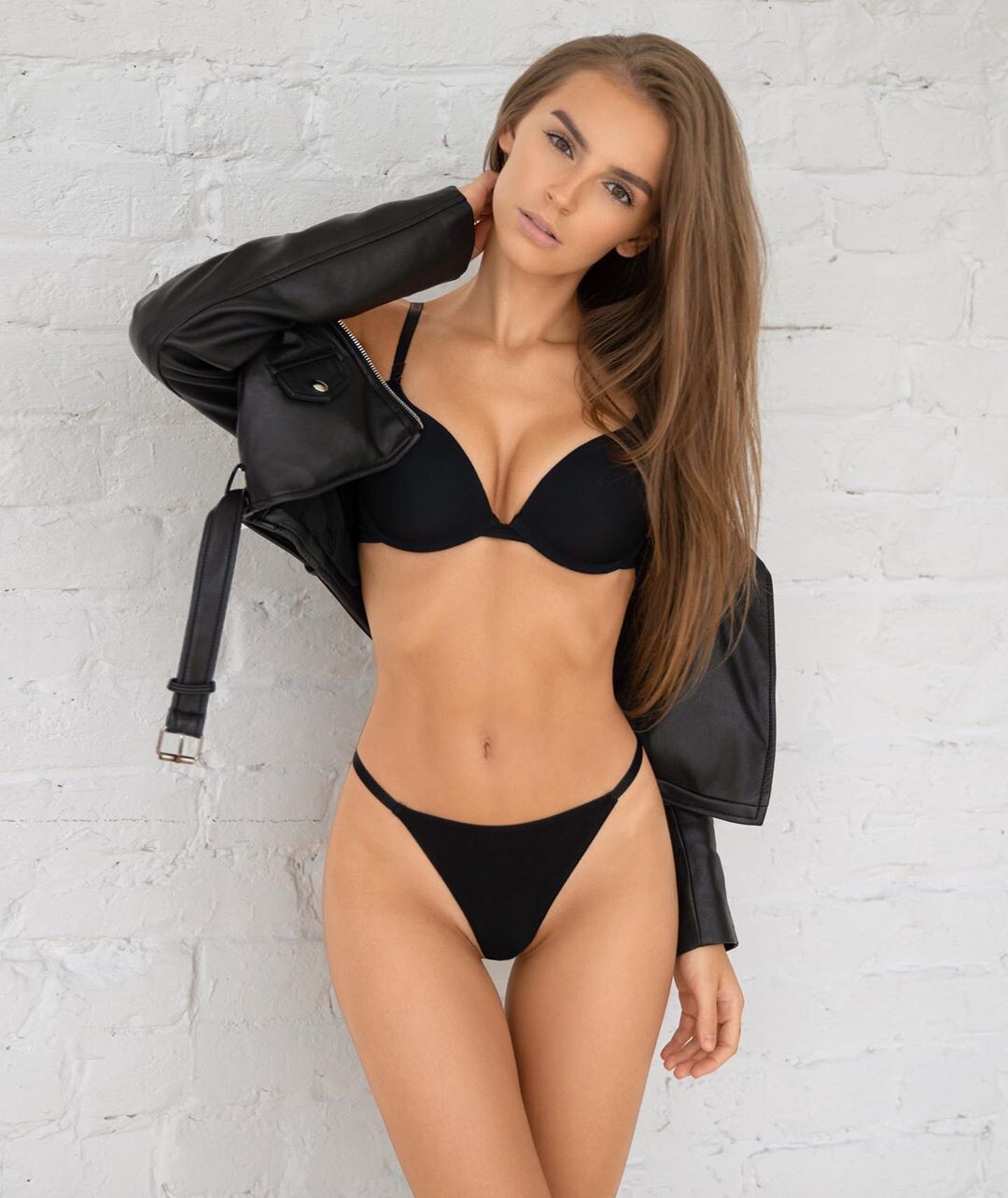
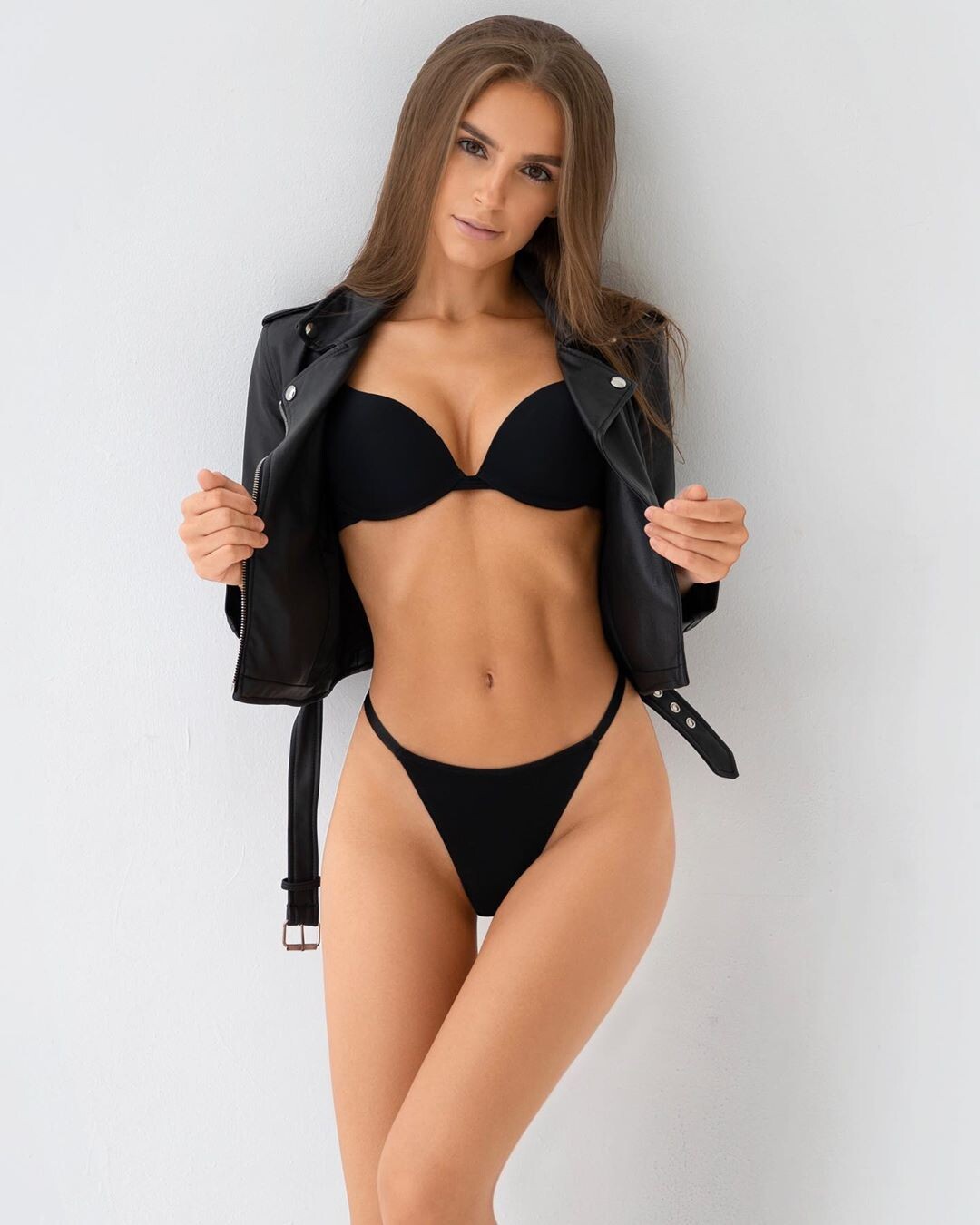
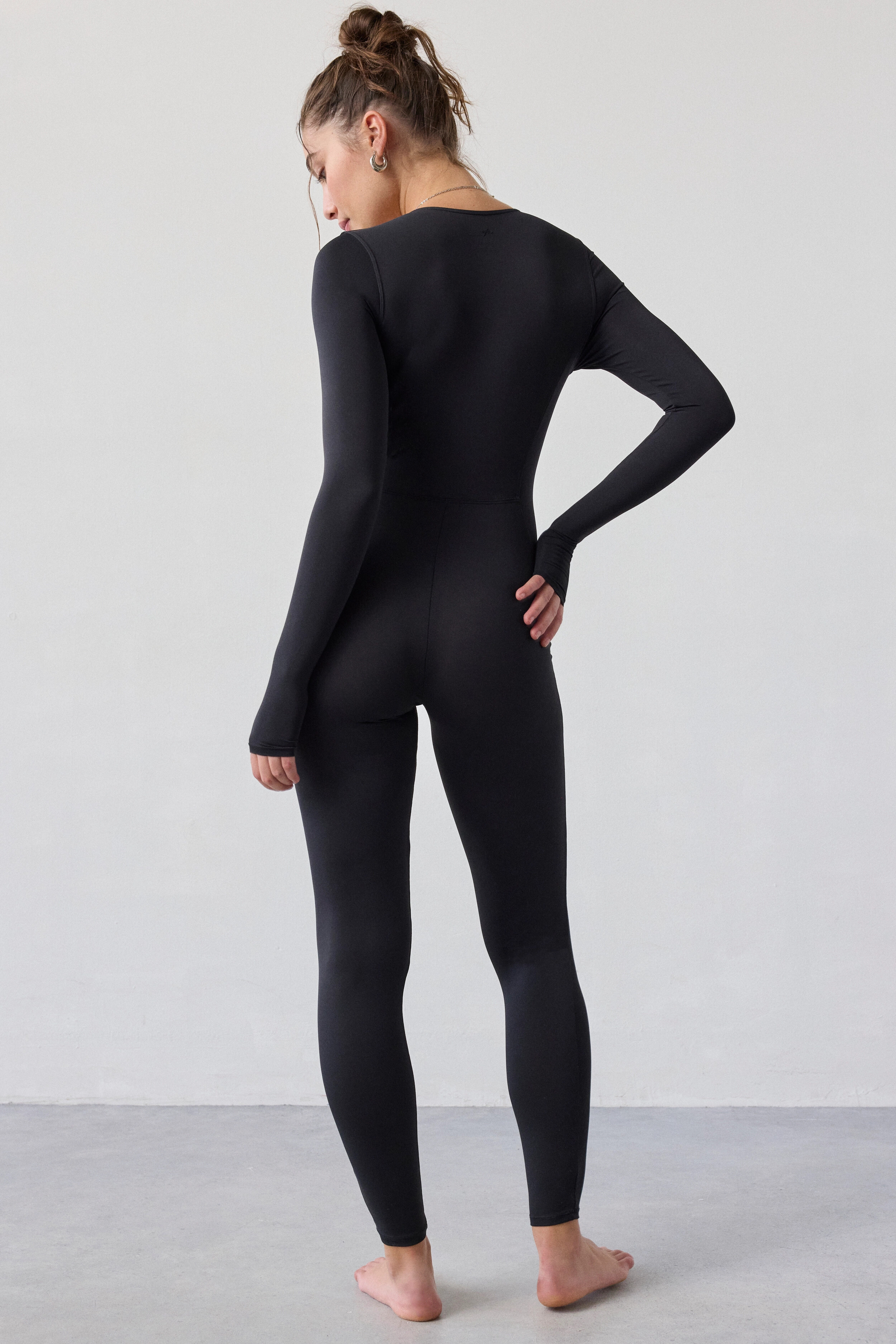
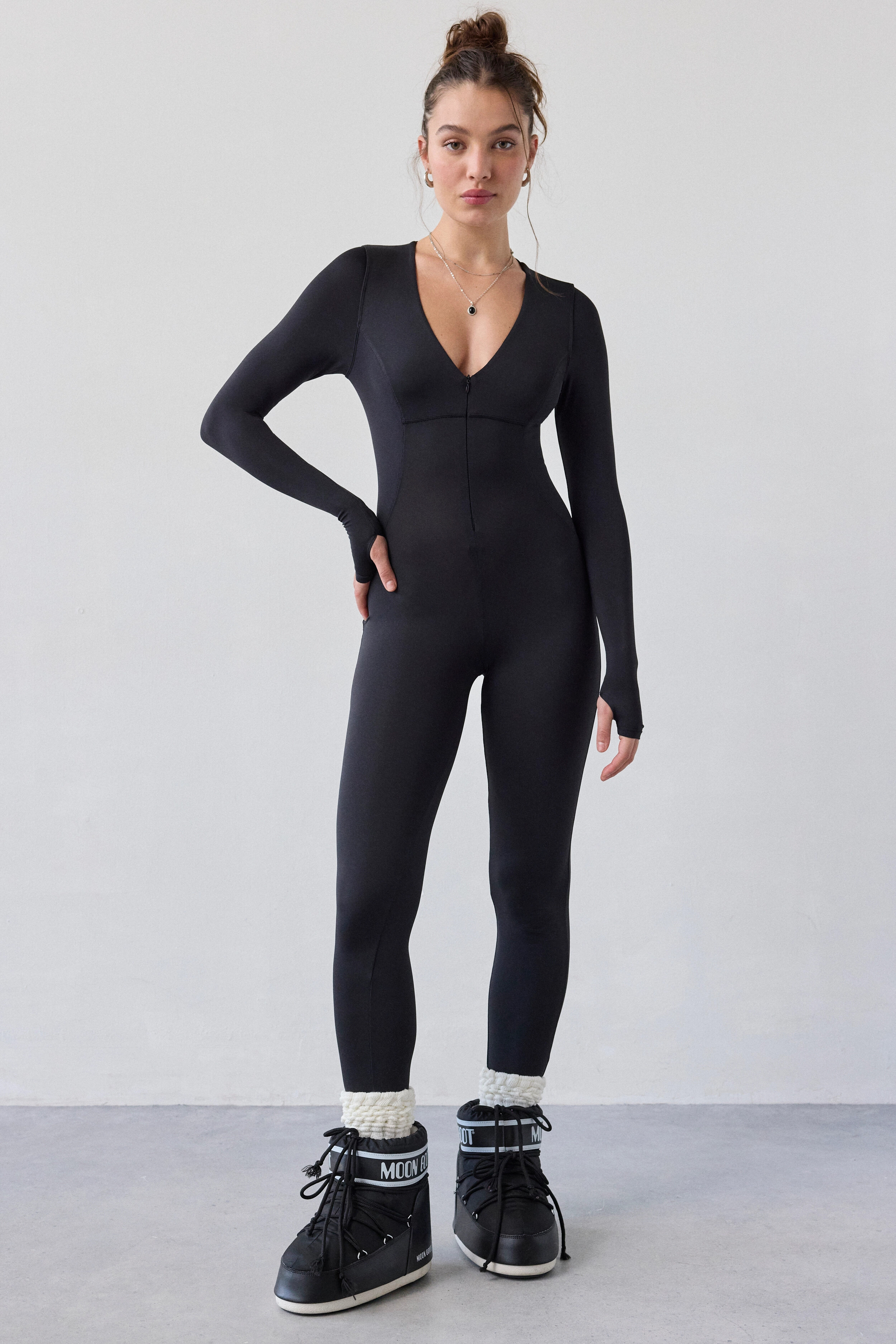
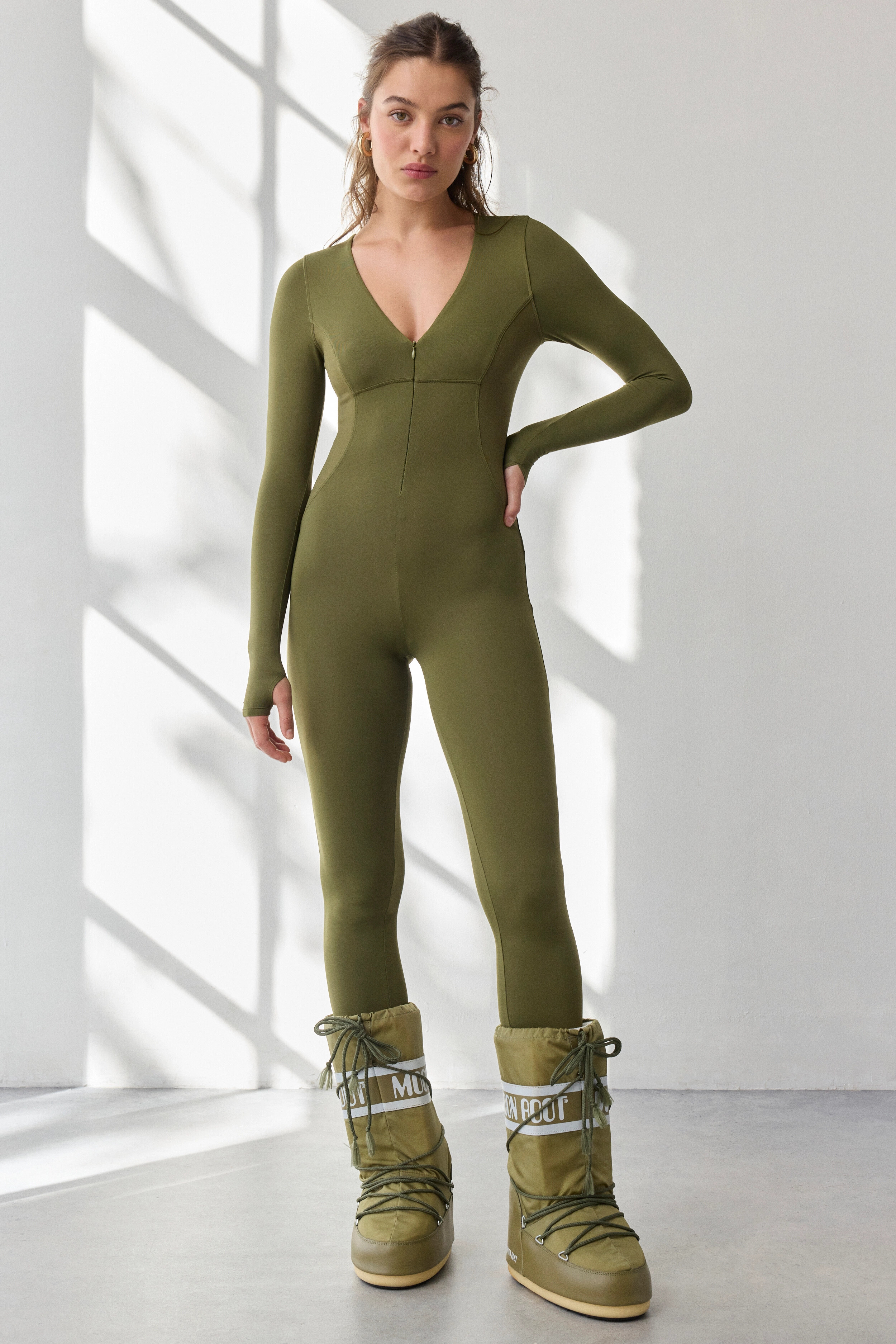
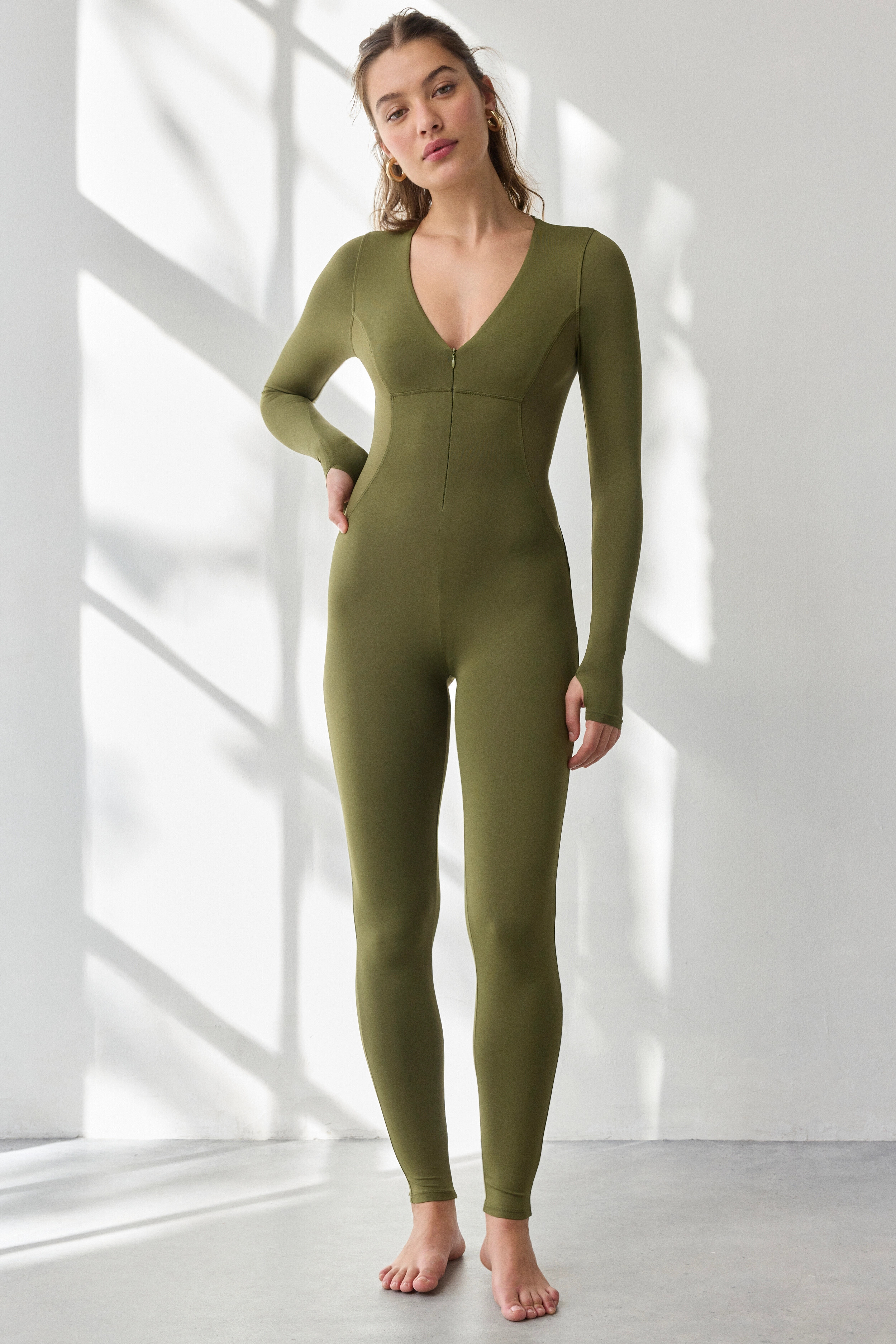
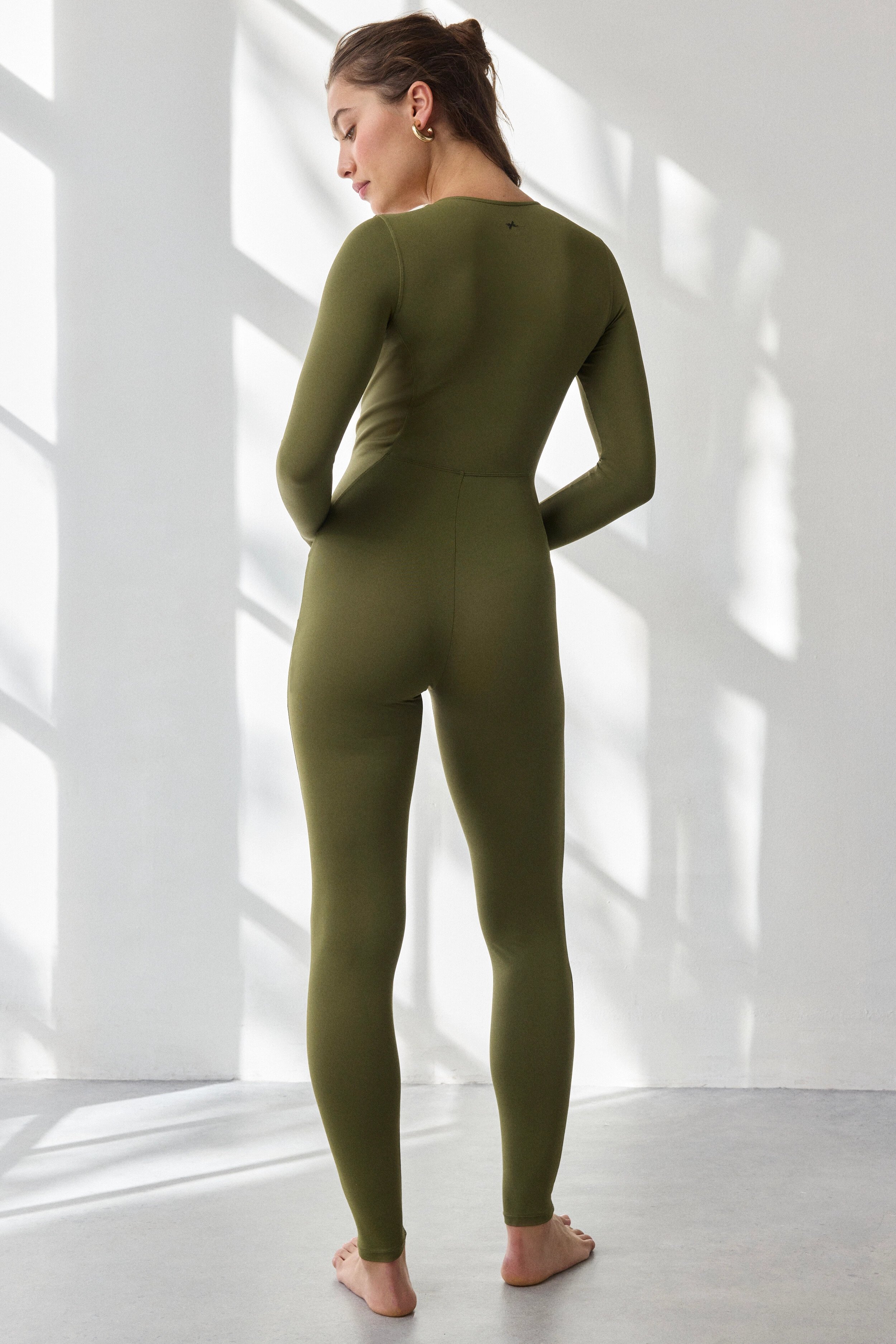
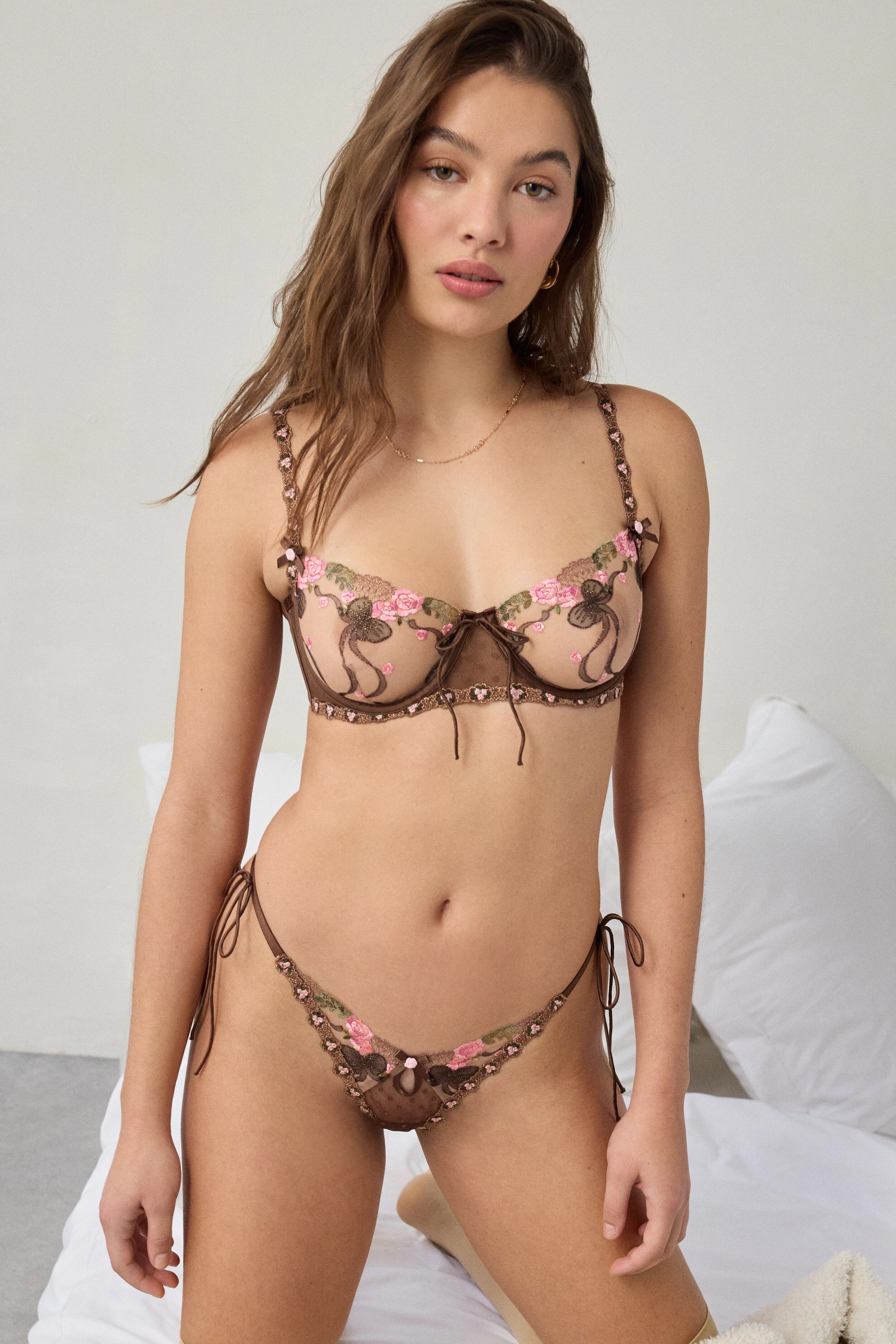
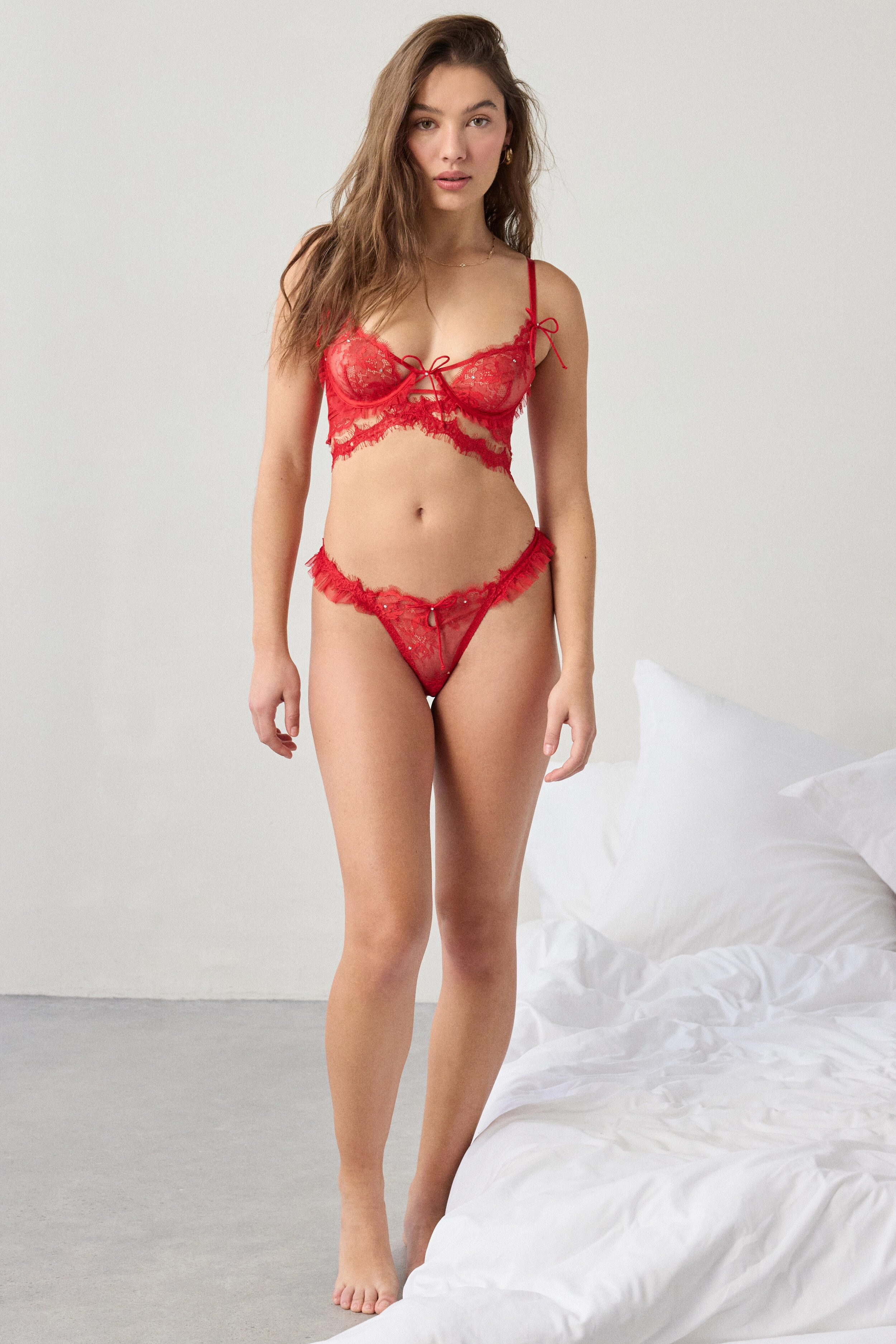
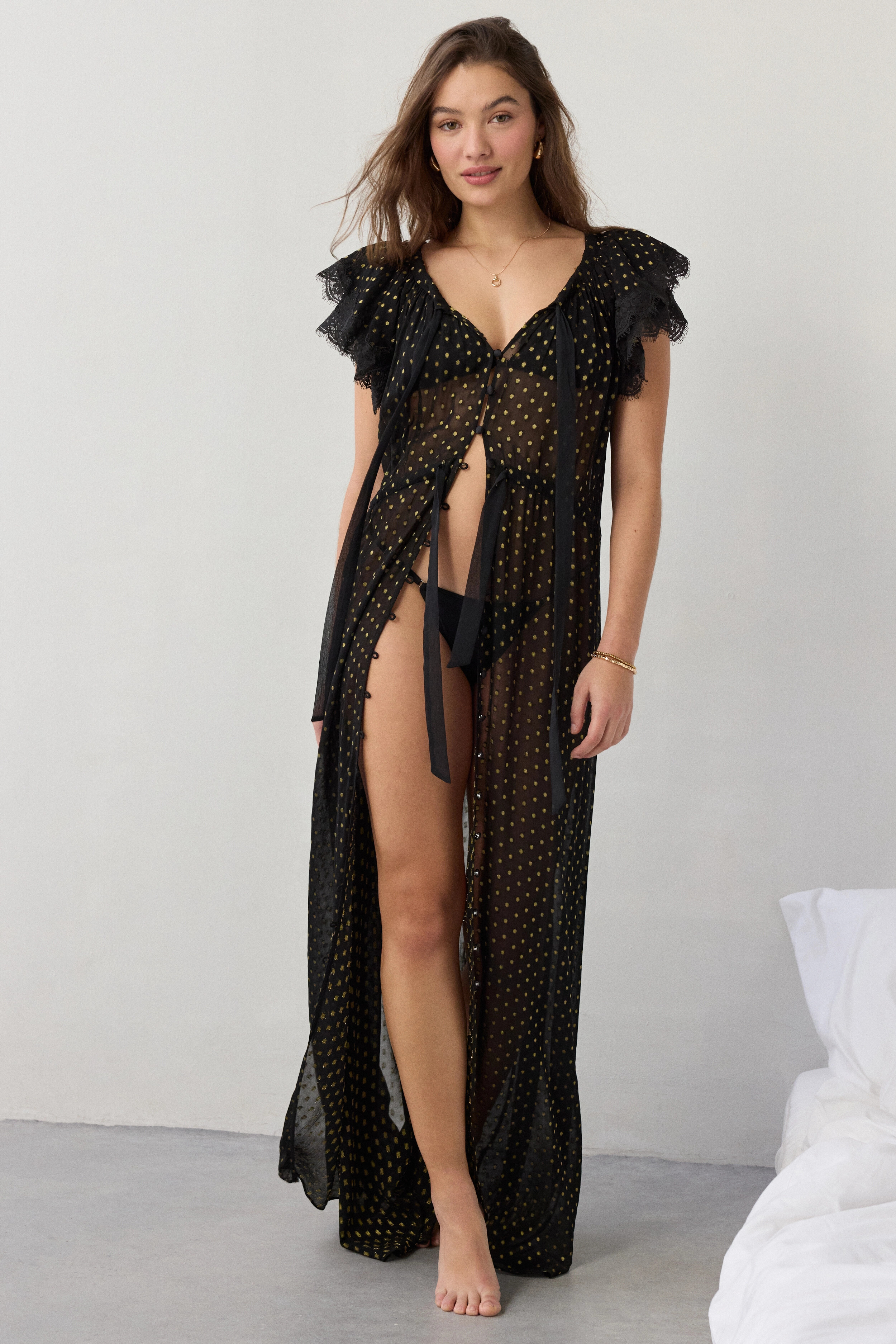
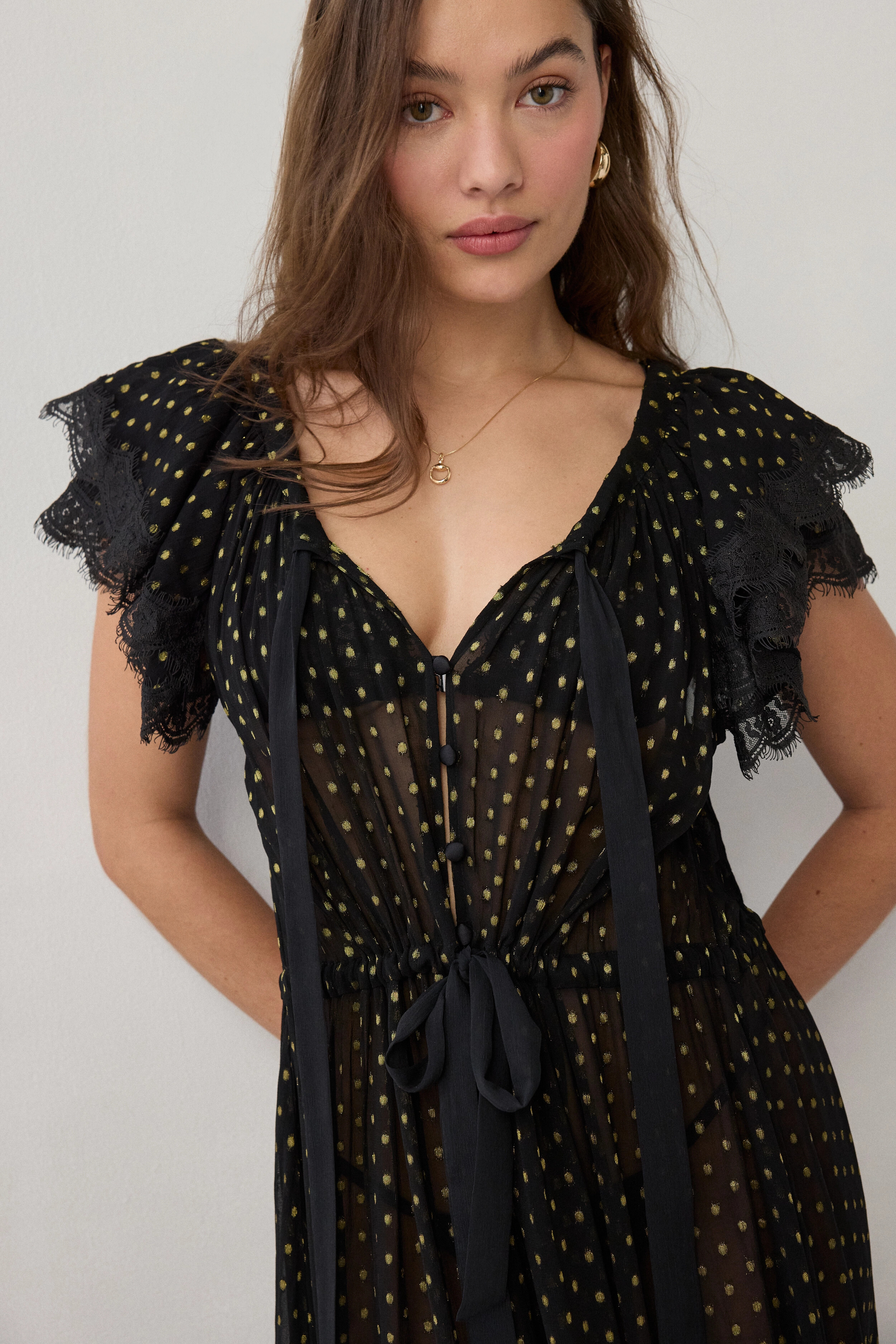
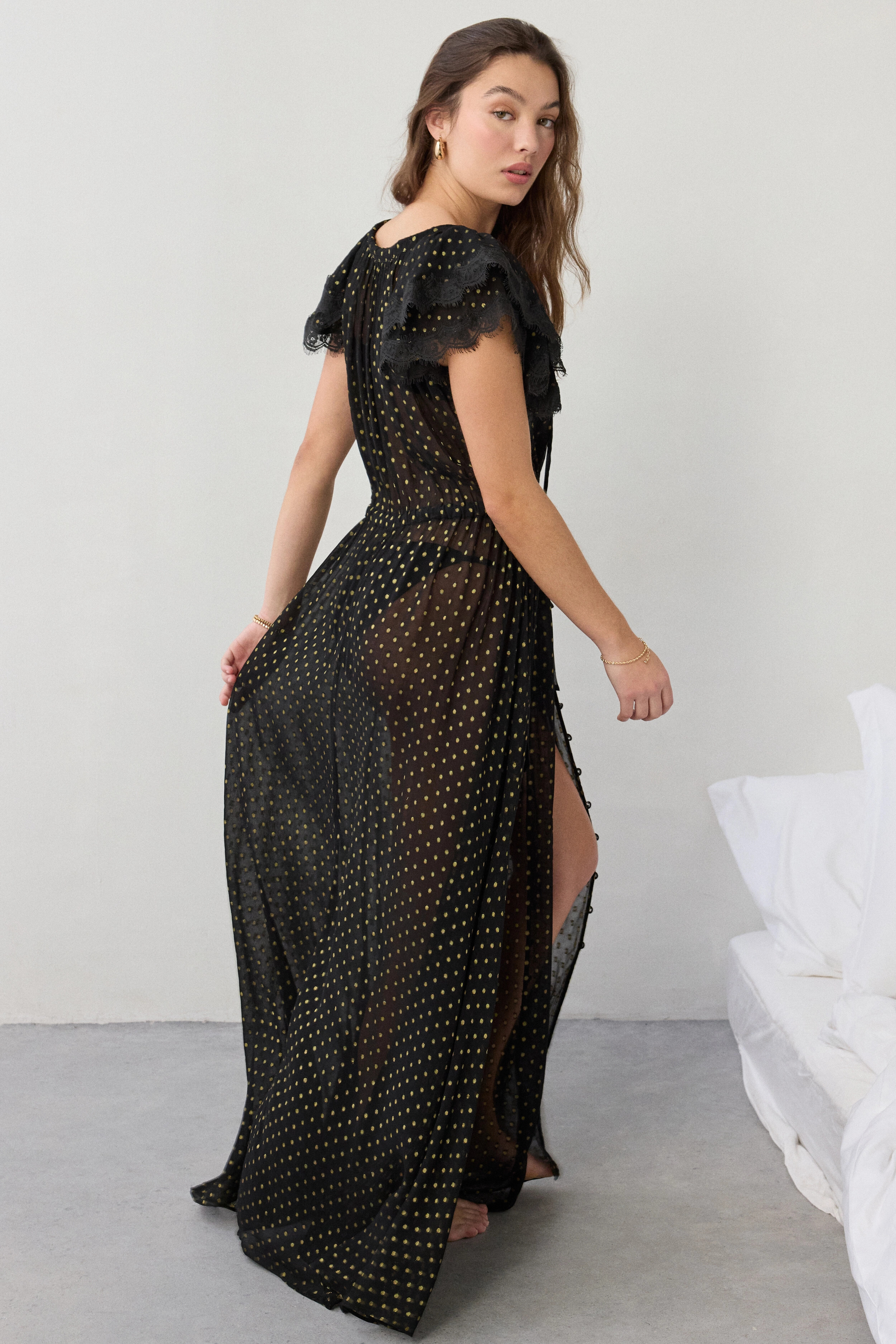
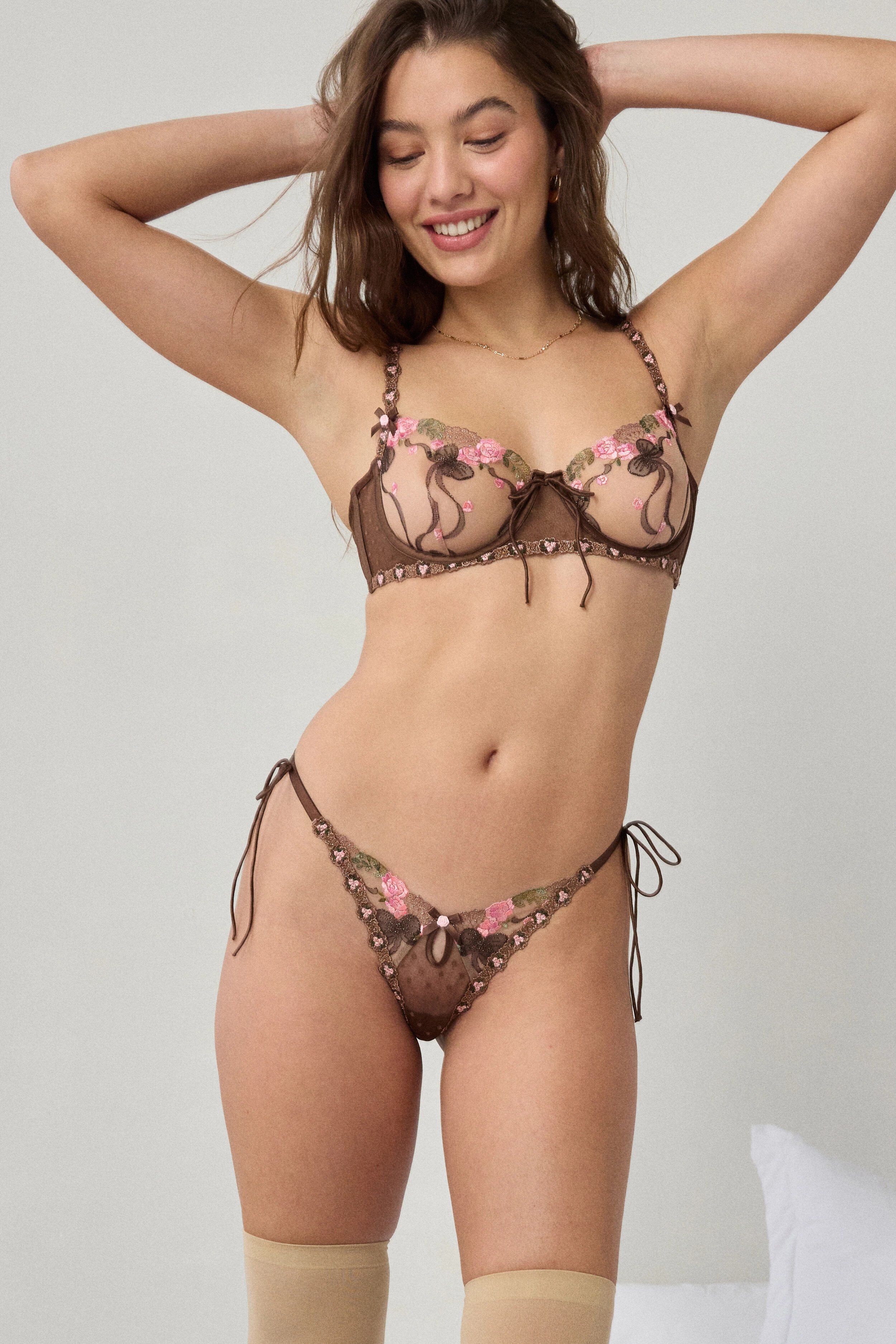
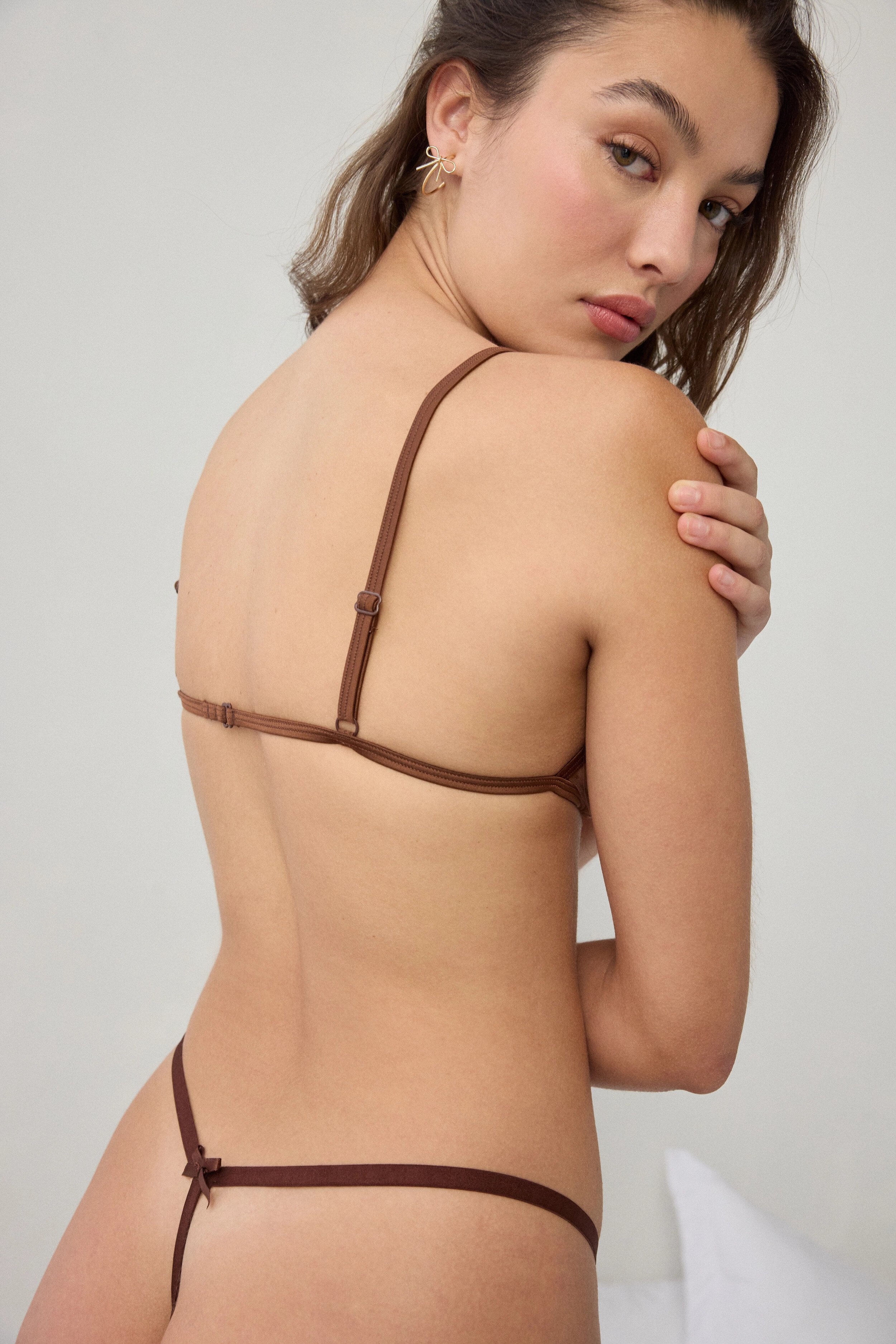
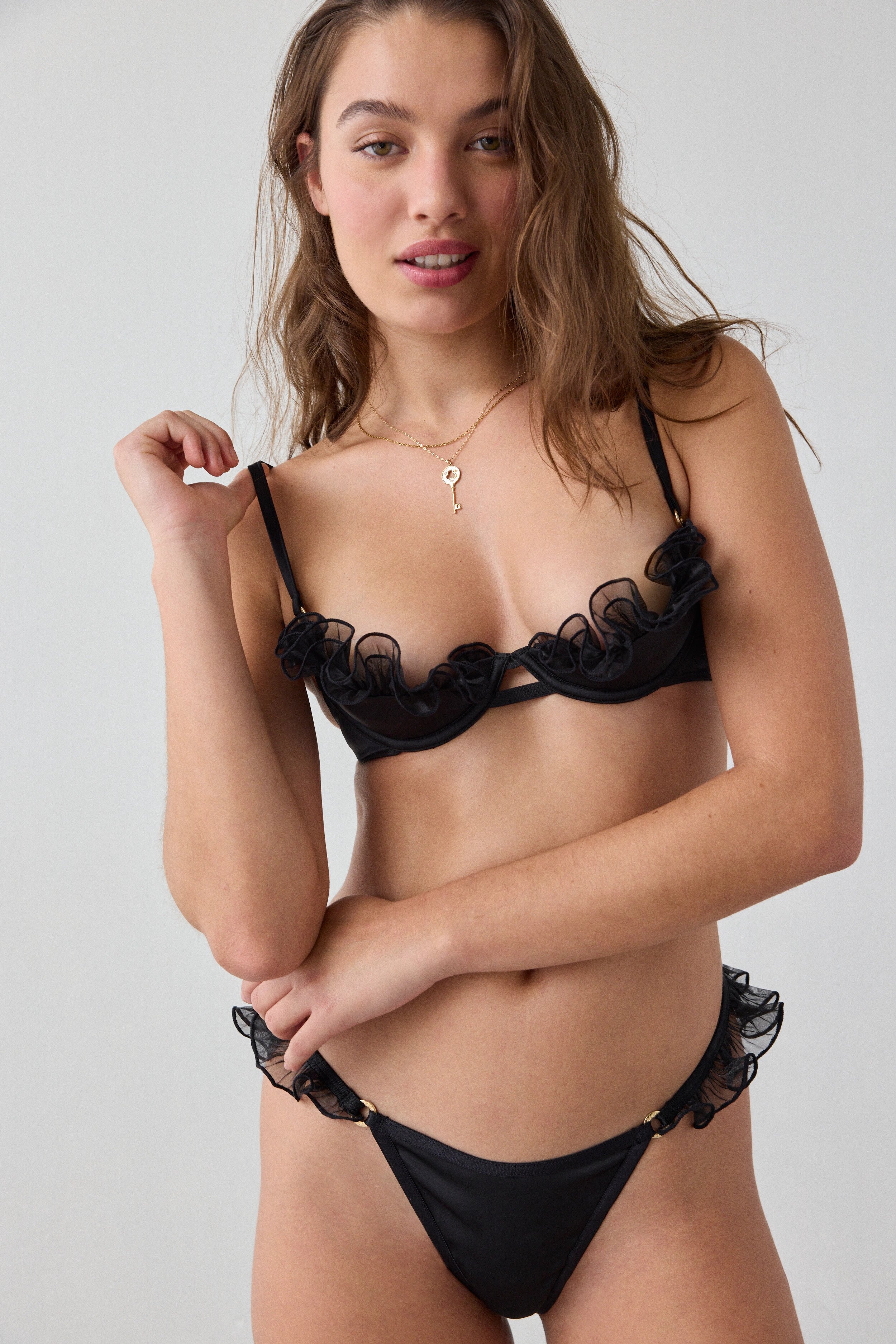
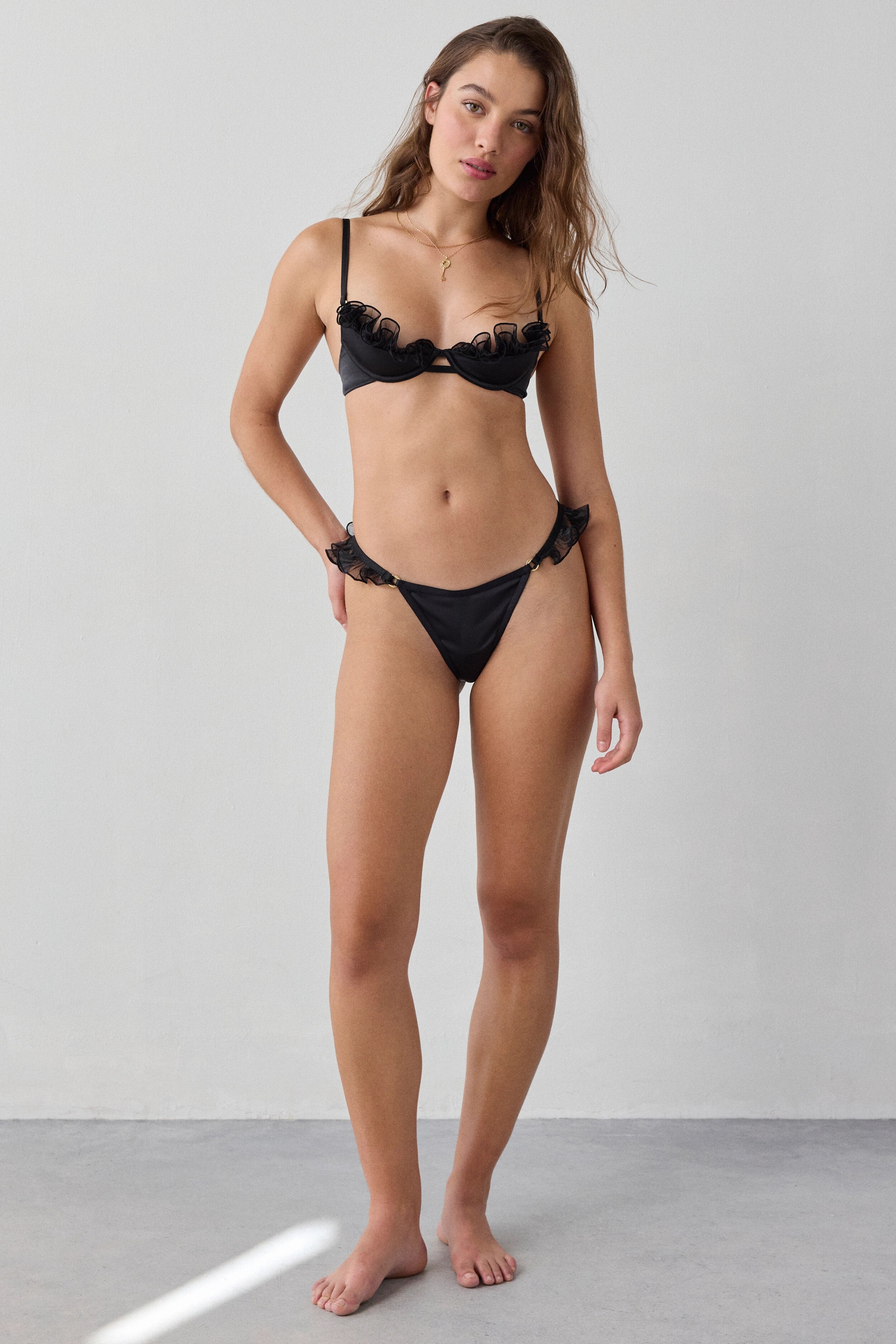
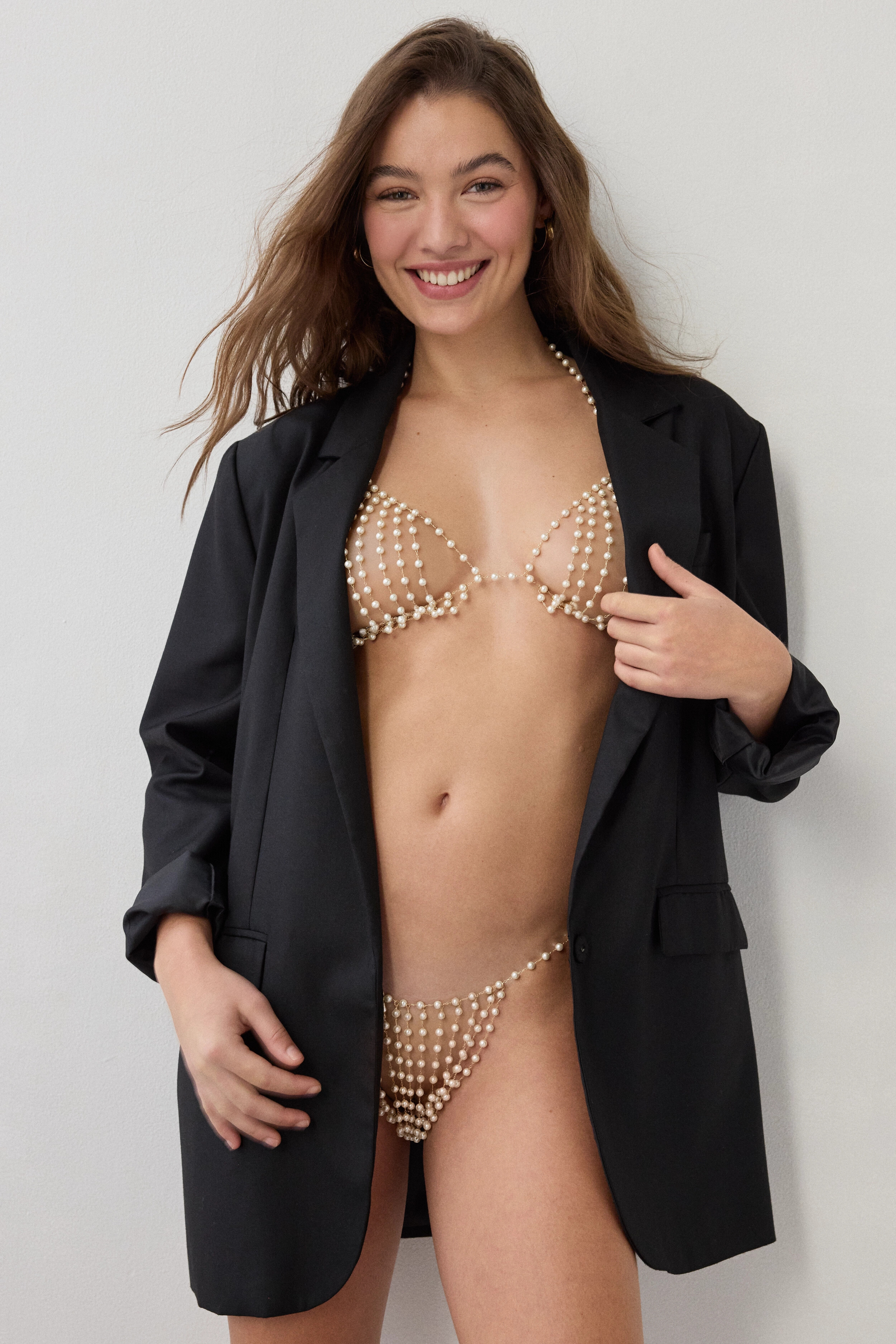
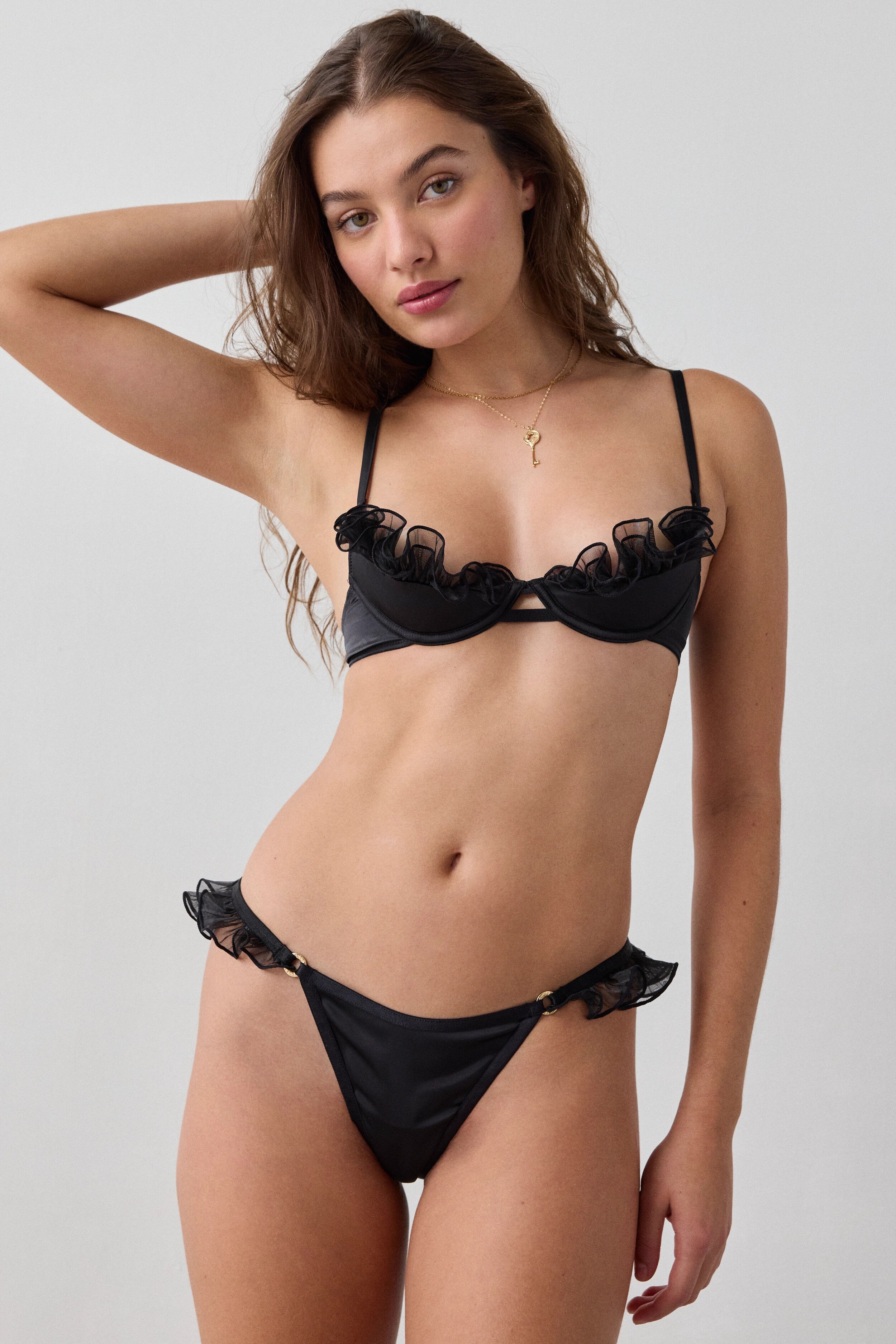
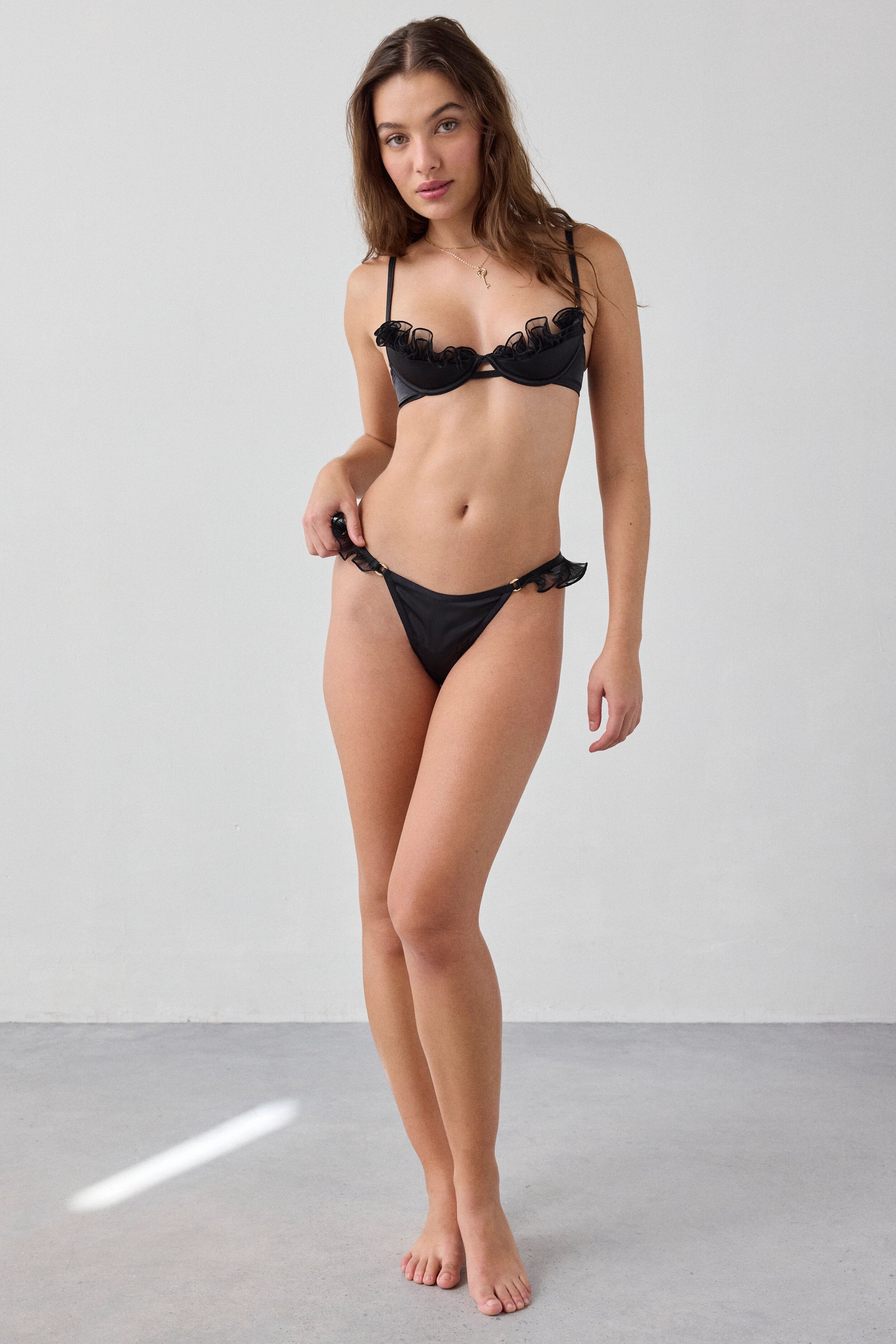
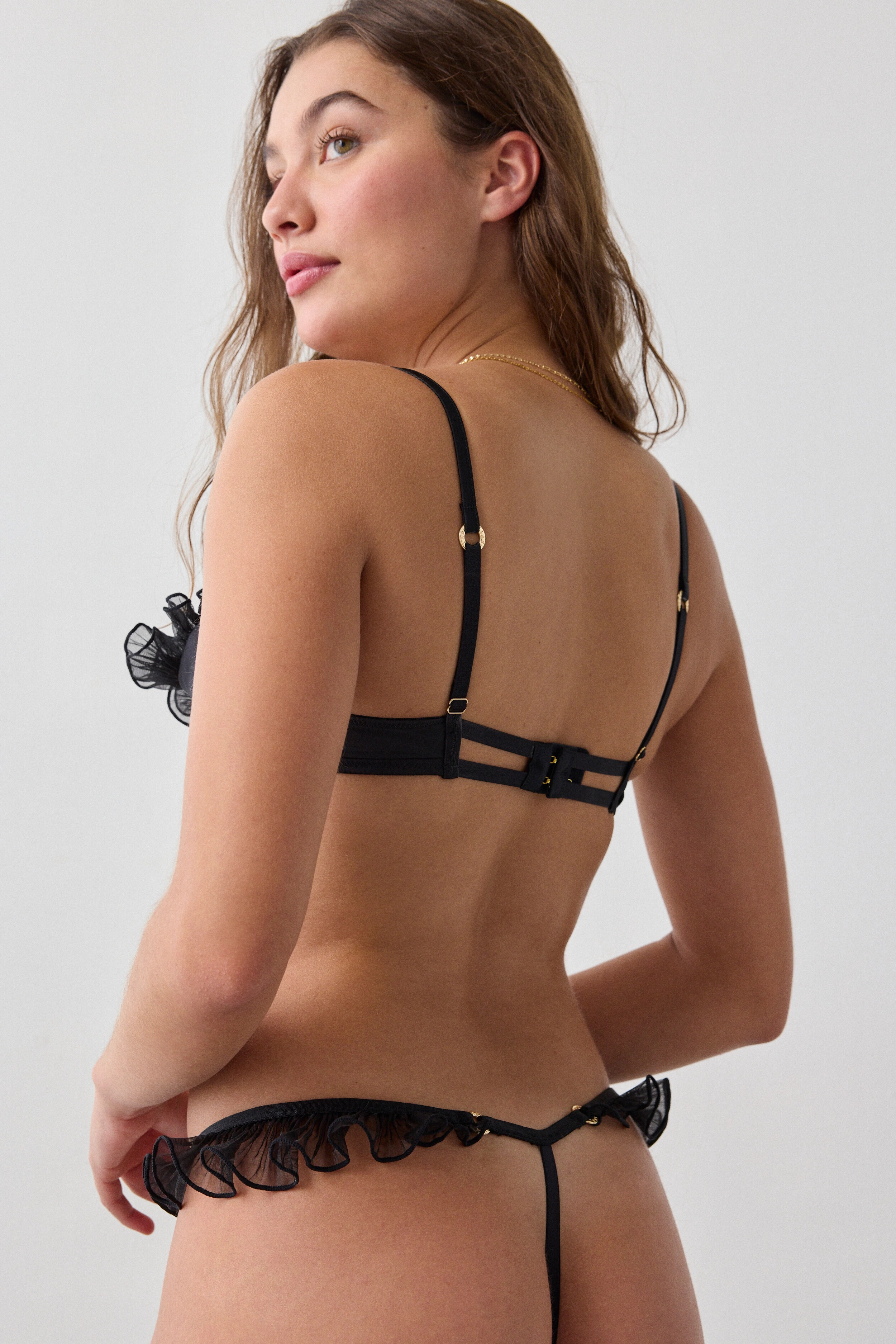
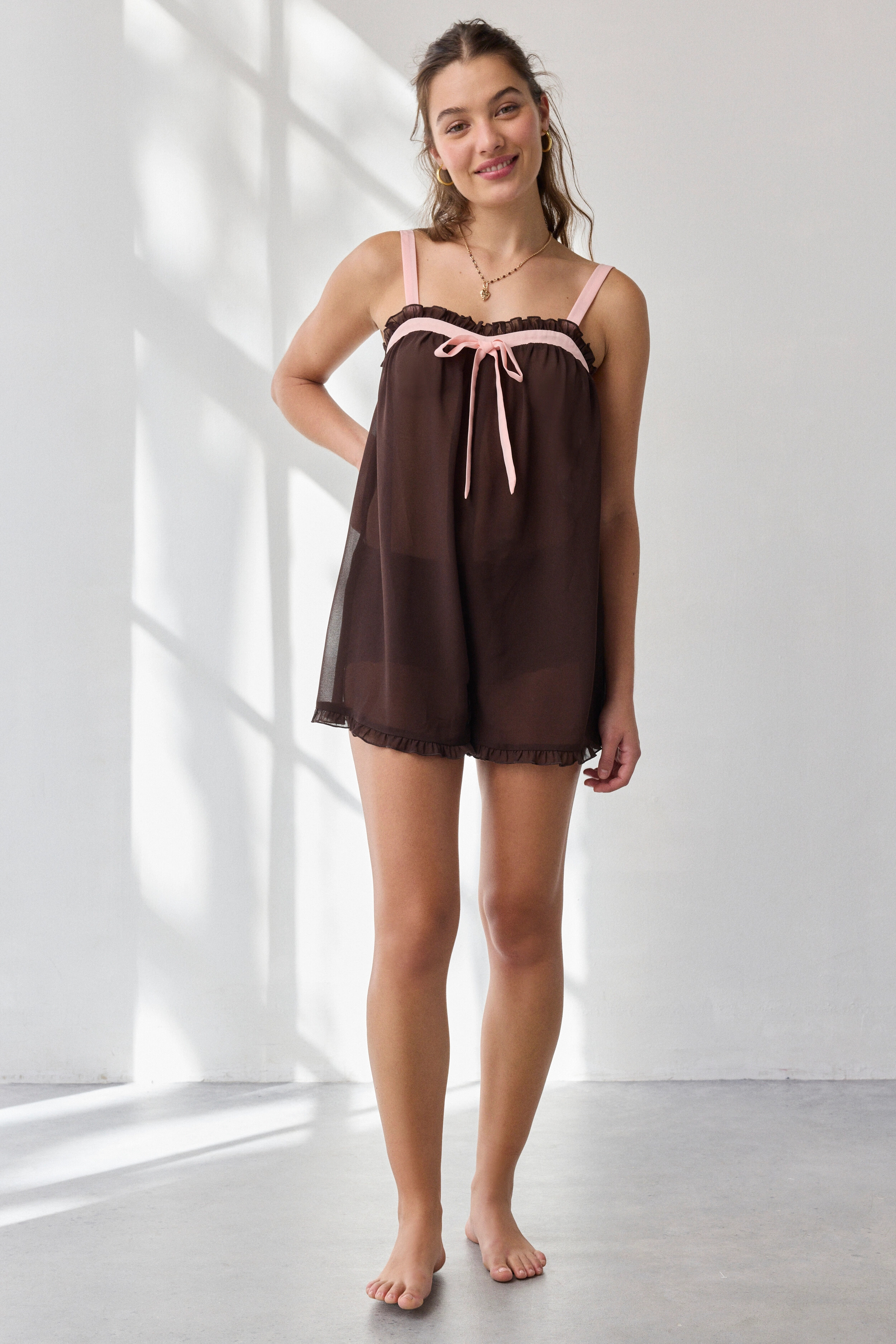
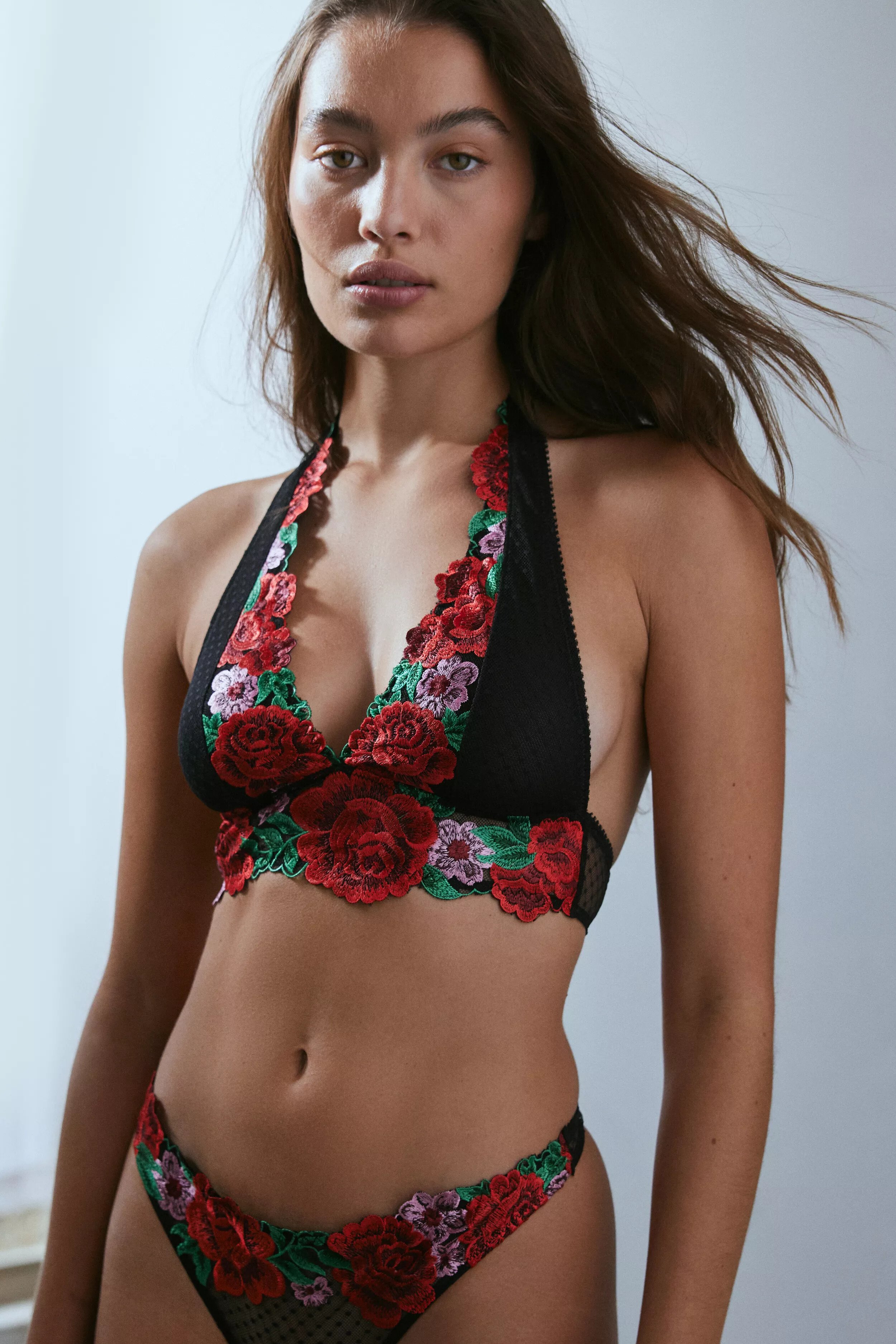
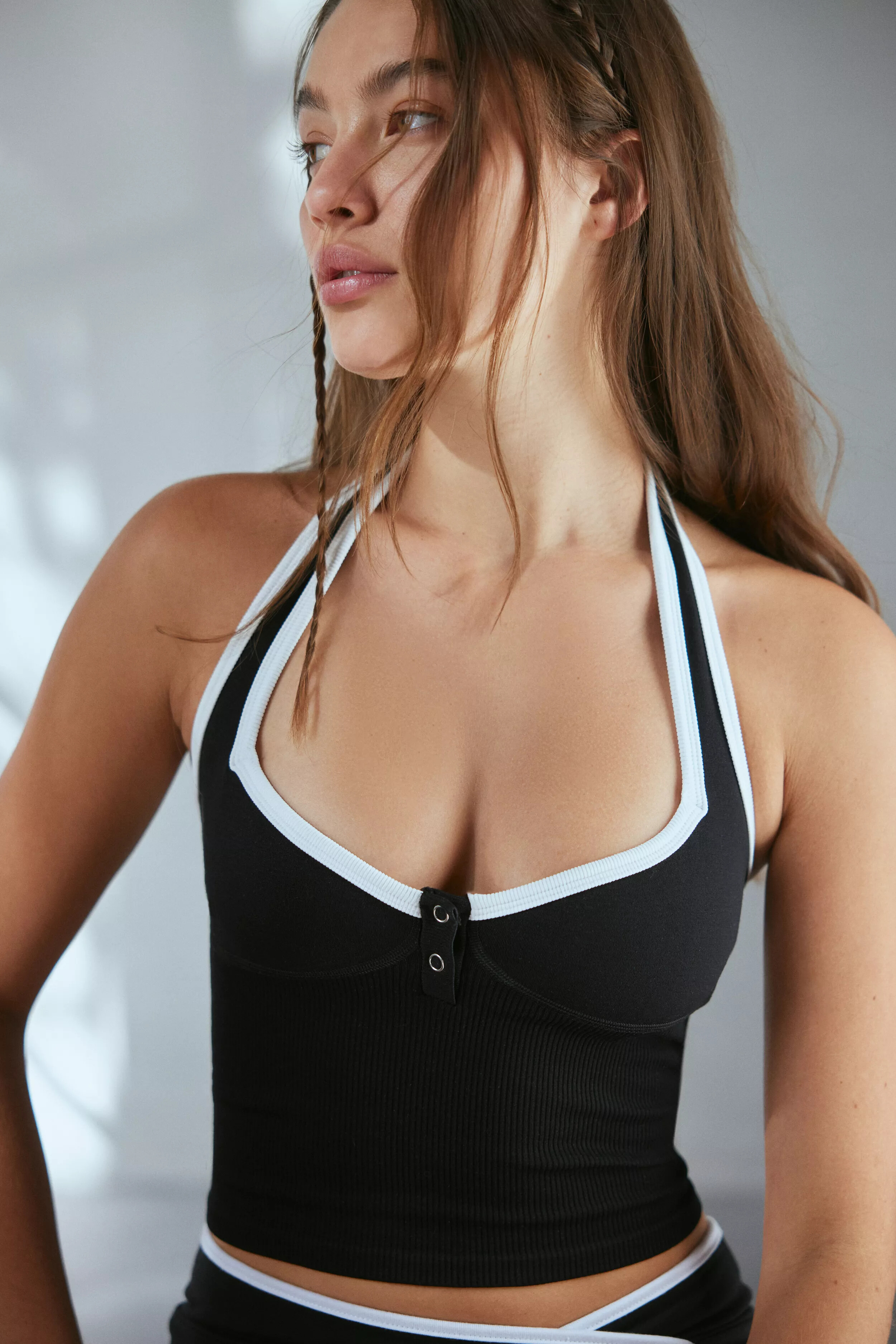
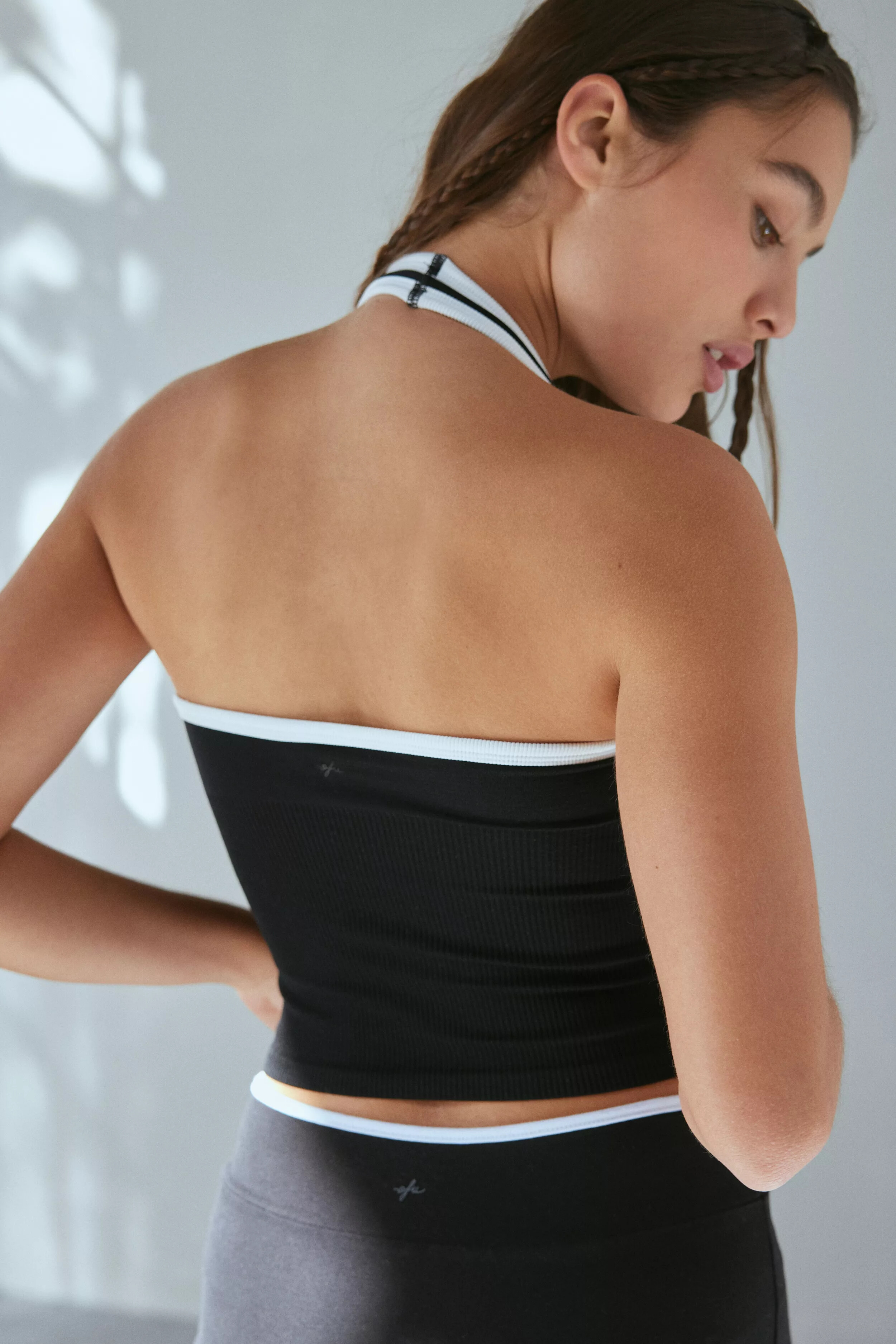
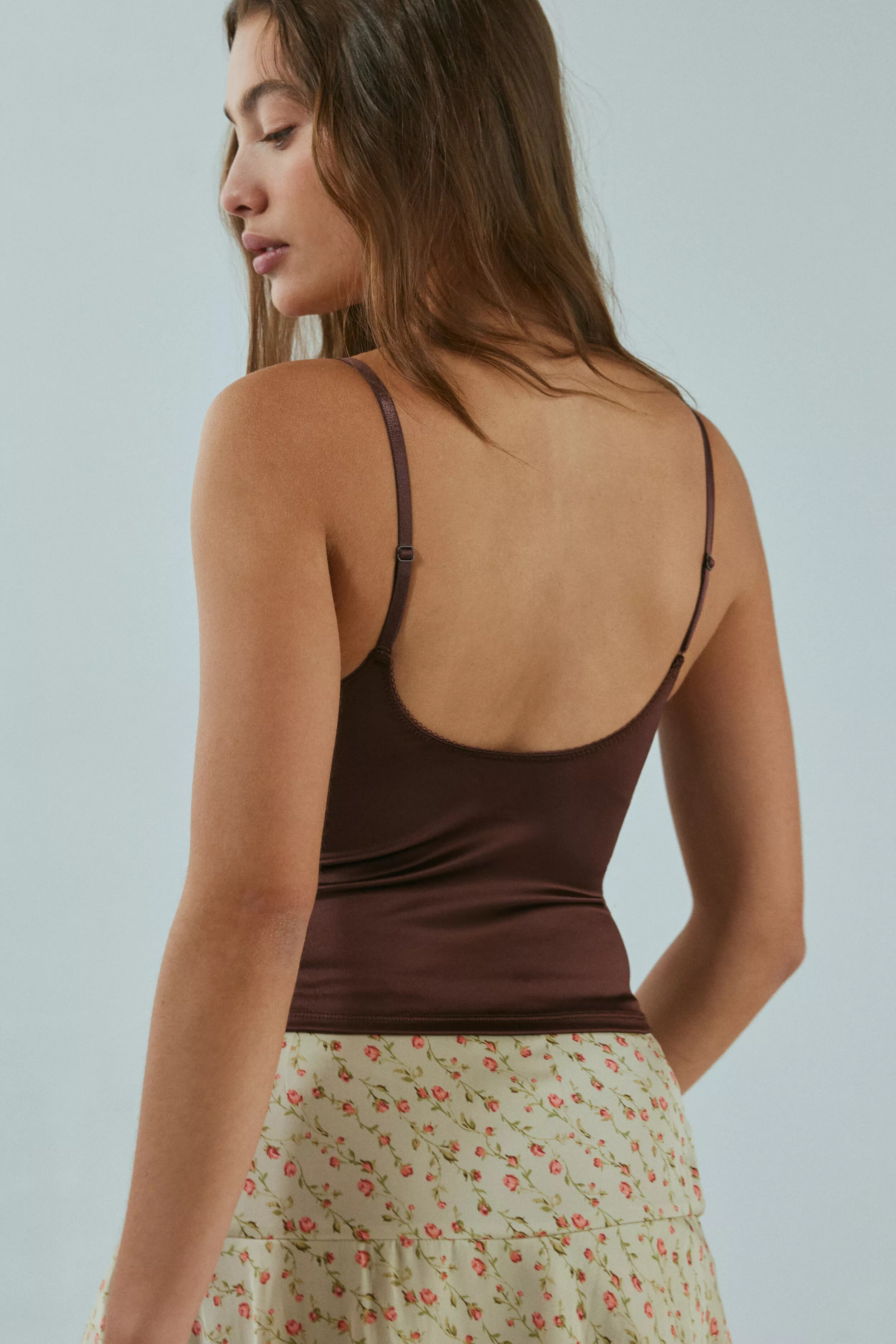
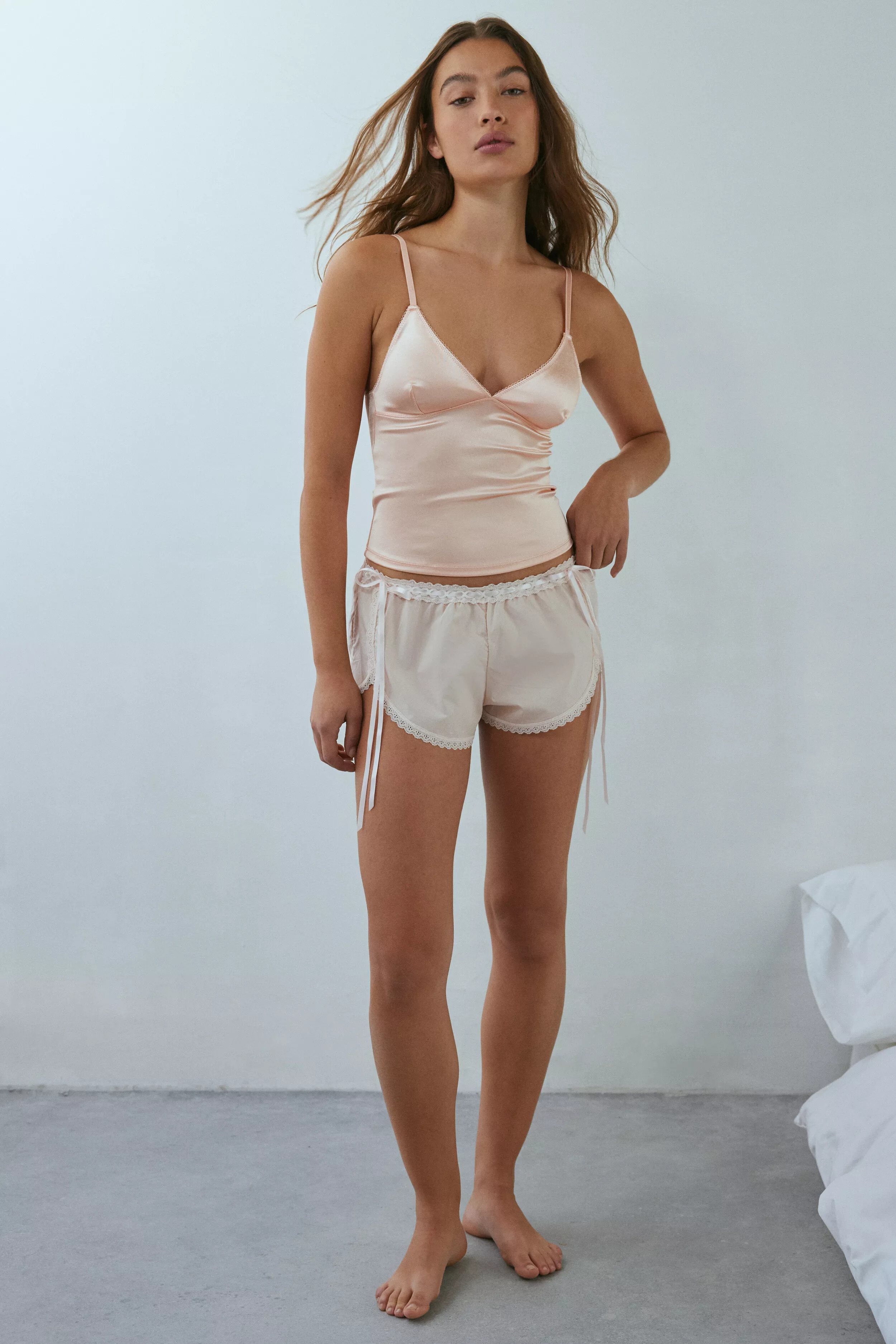
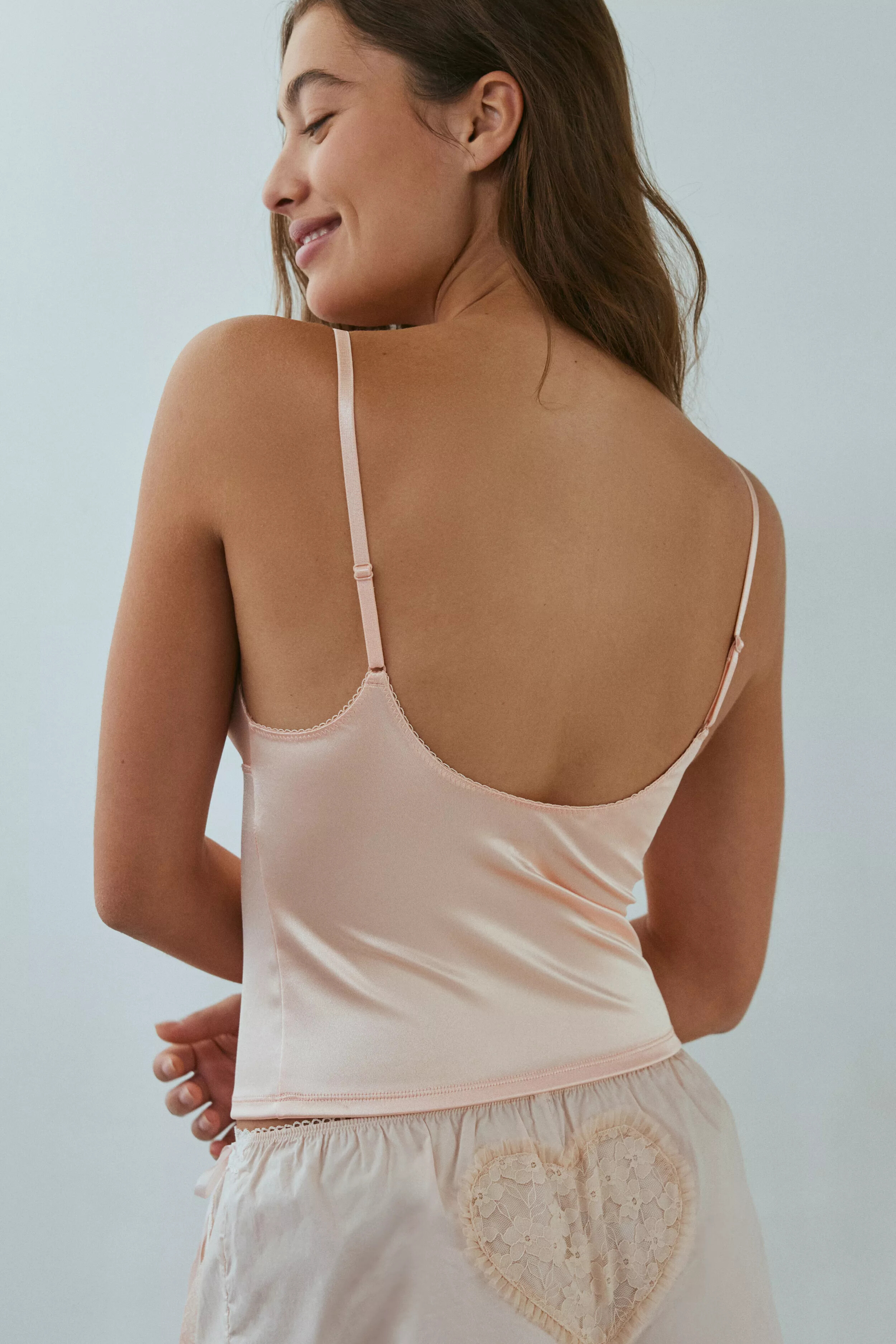
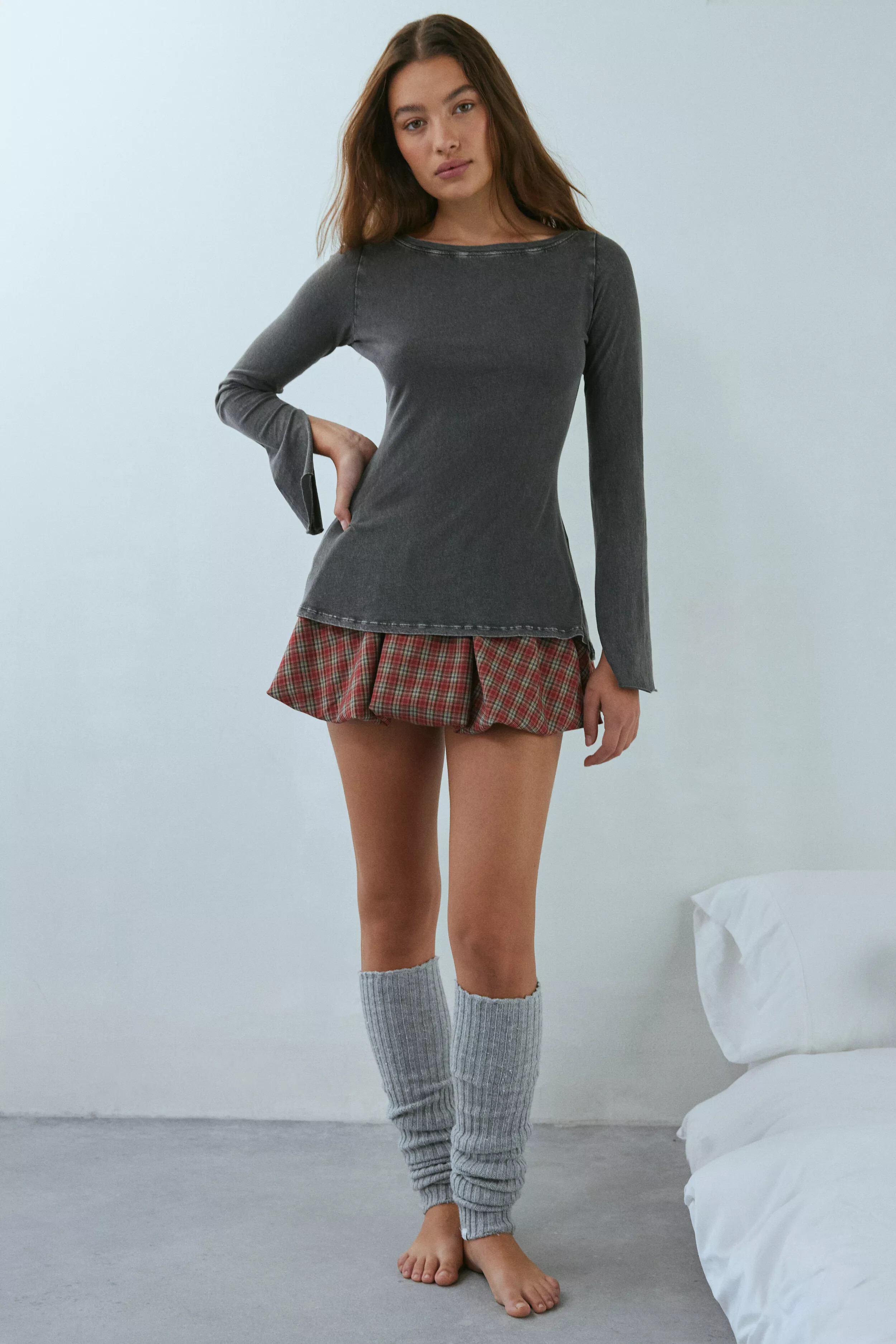
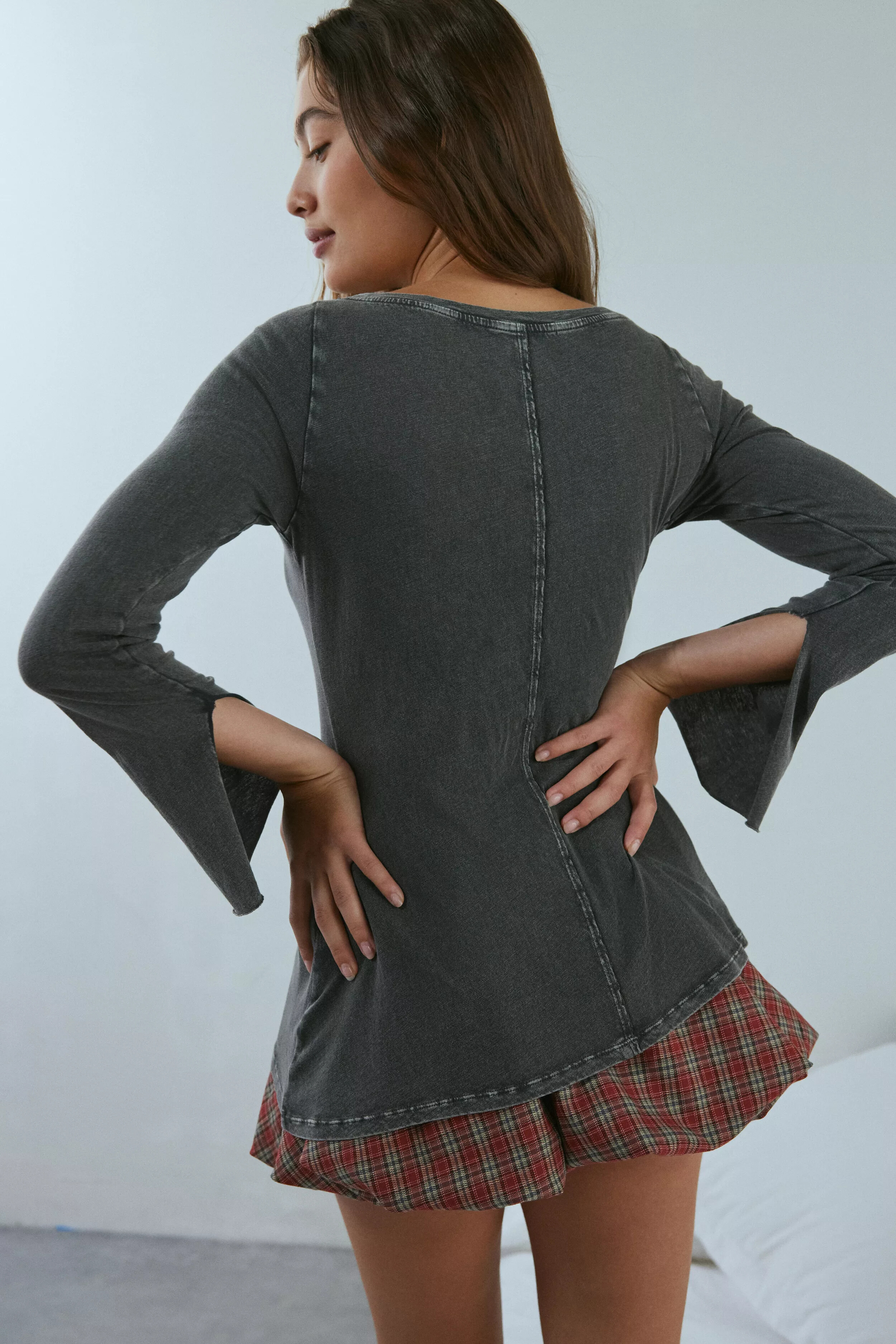
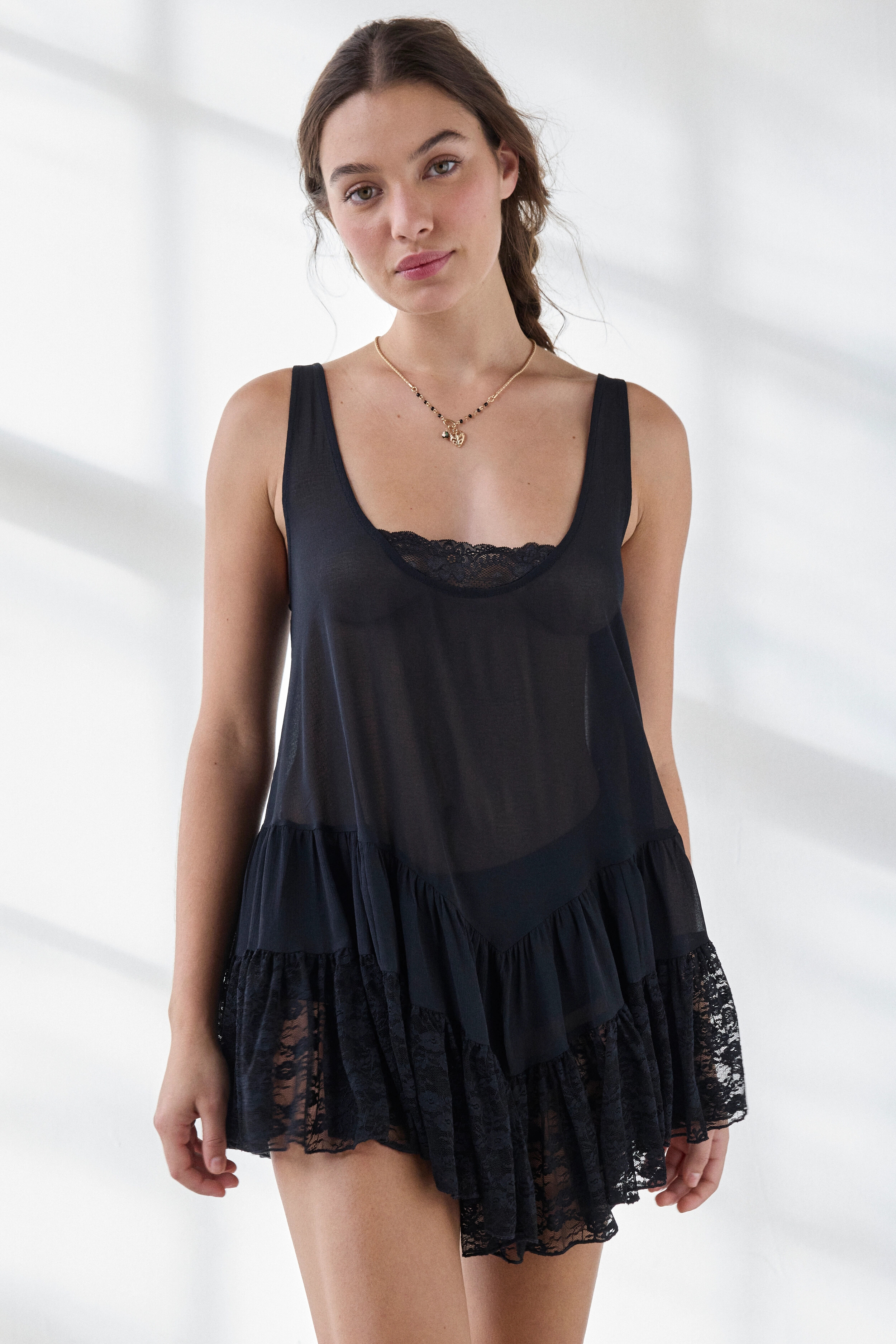
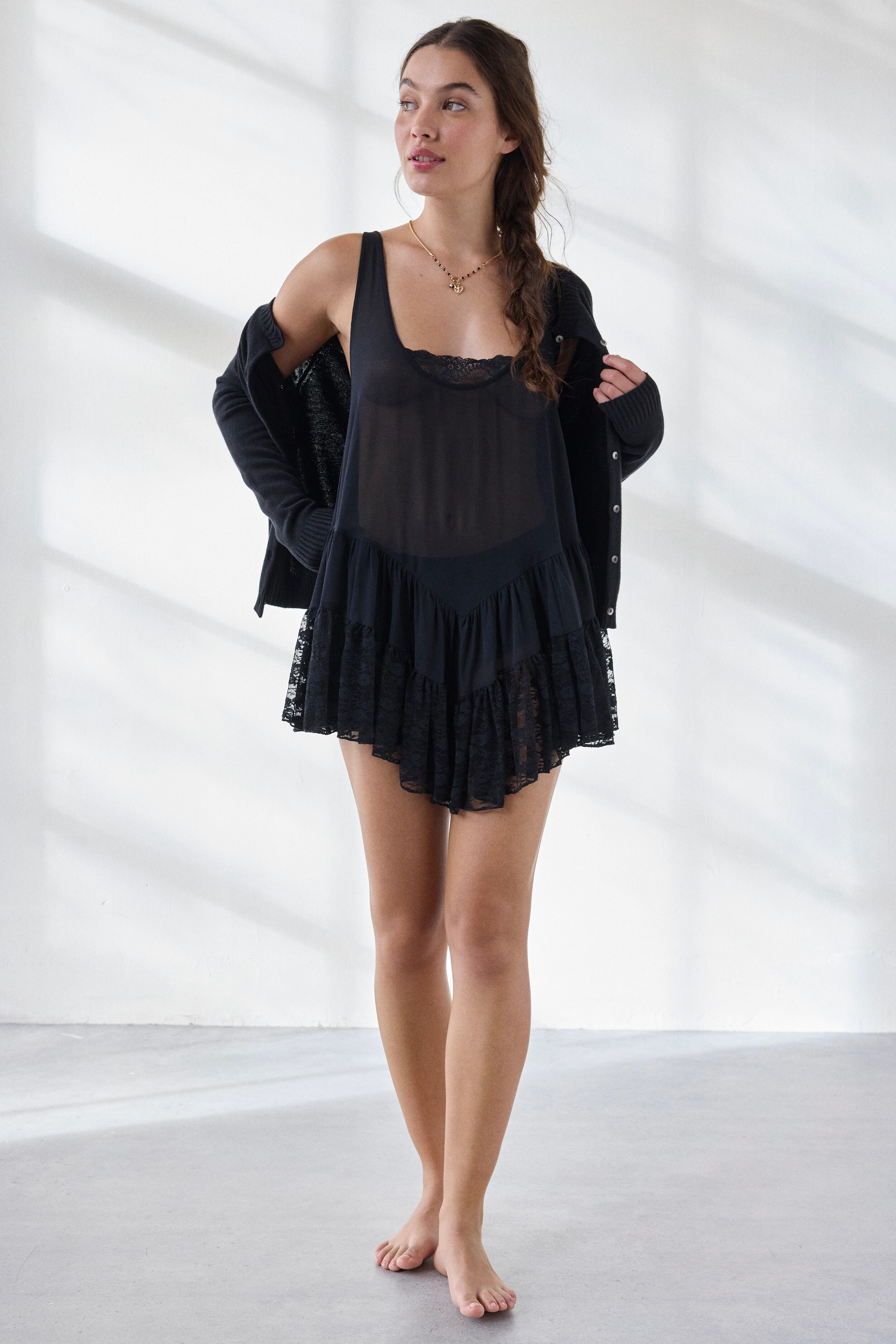
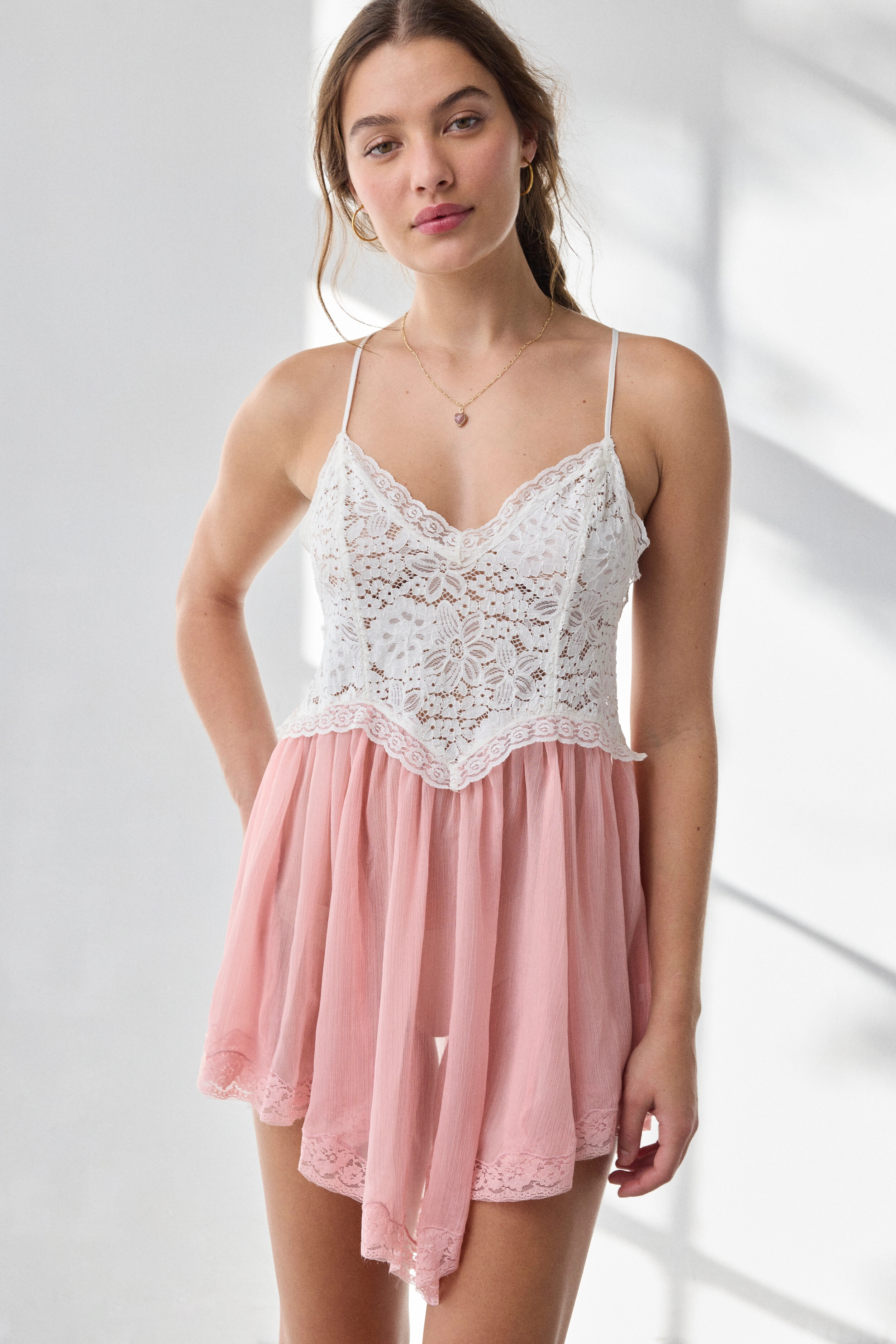
Her name is Estefania Bernal. She already has an open thread on this forum. She has been modeling for this brand for about 6 years.
-

- Today
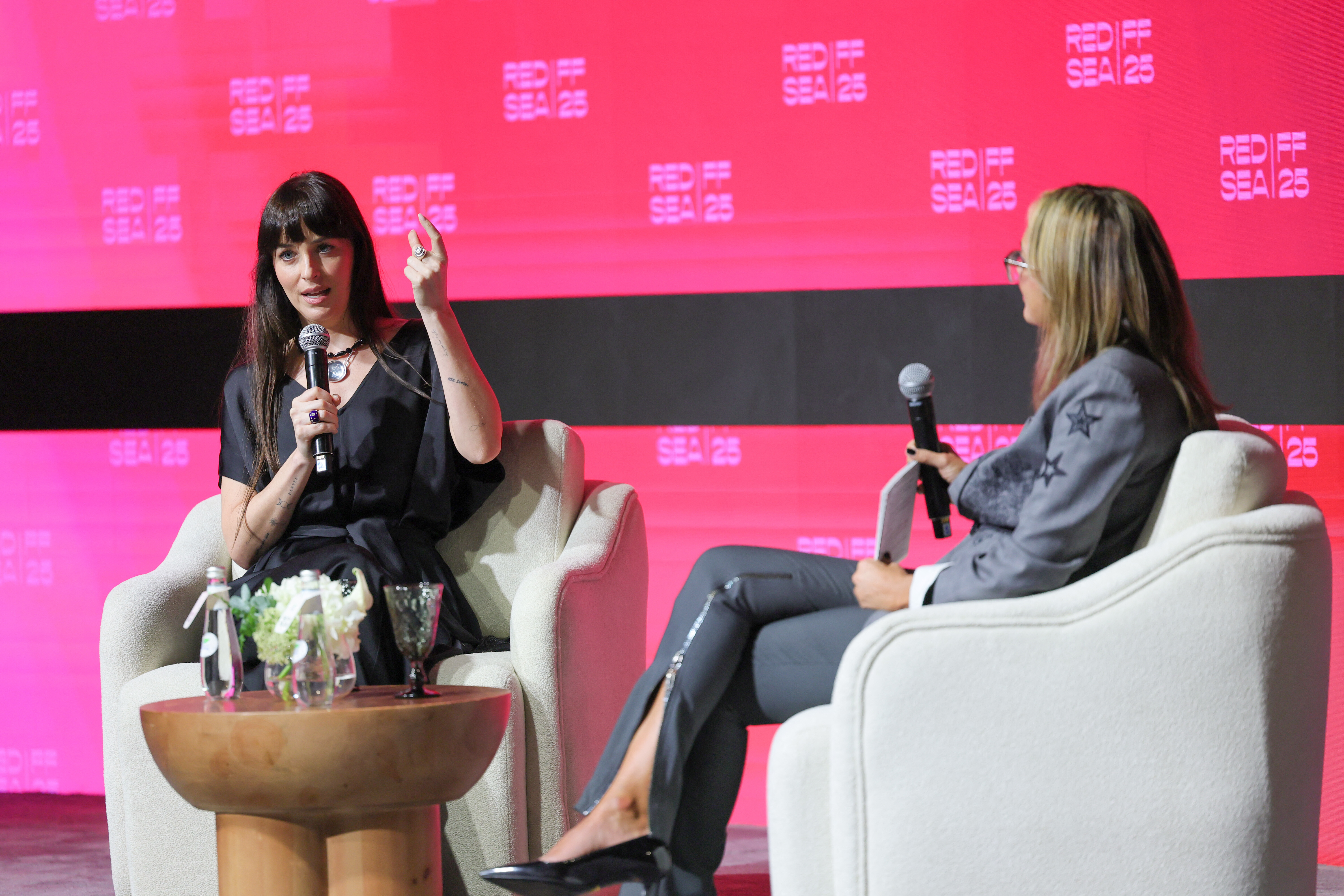
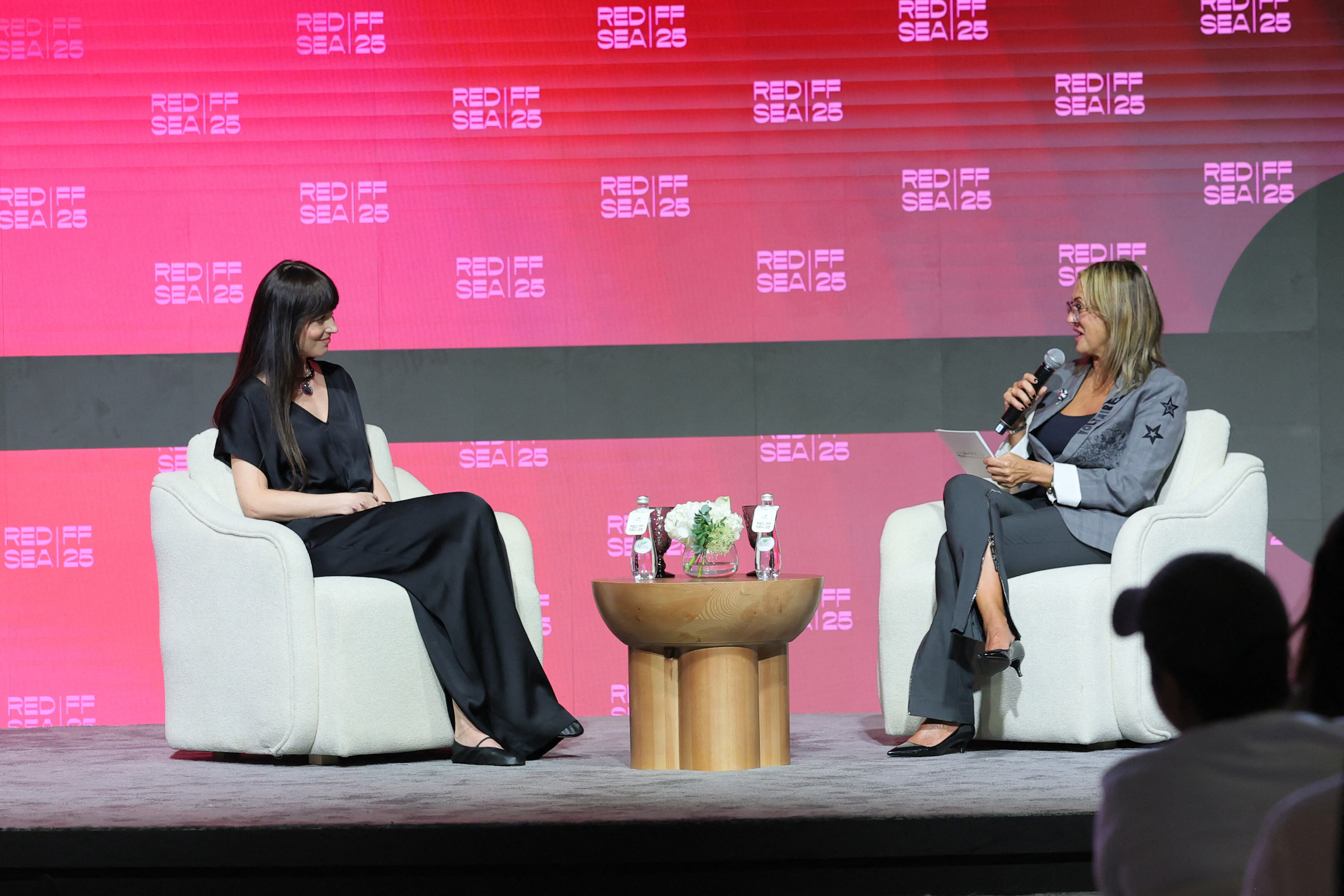
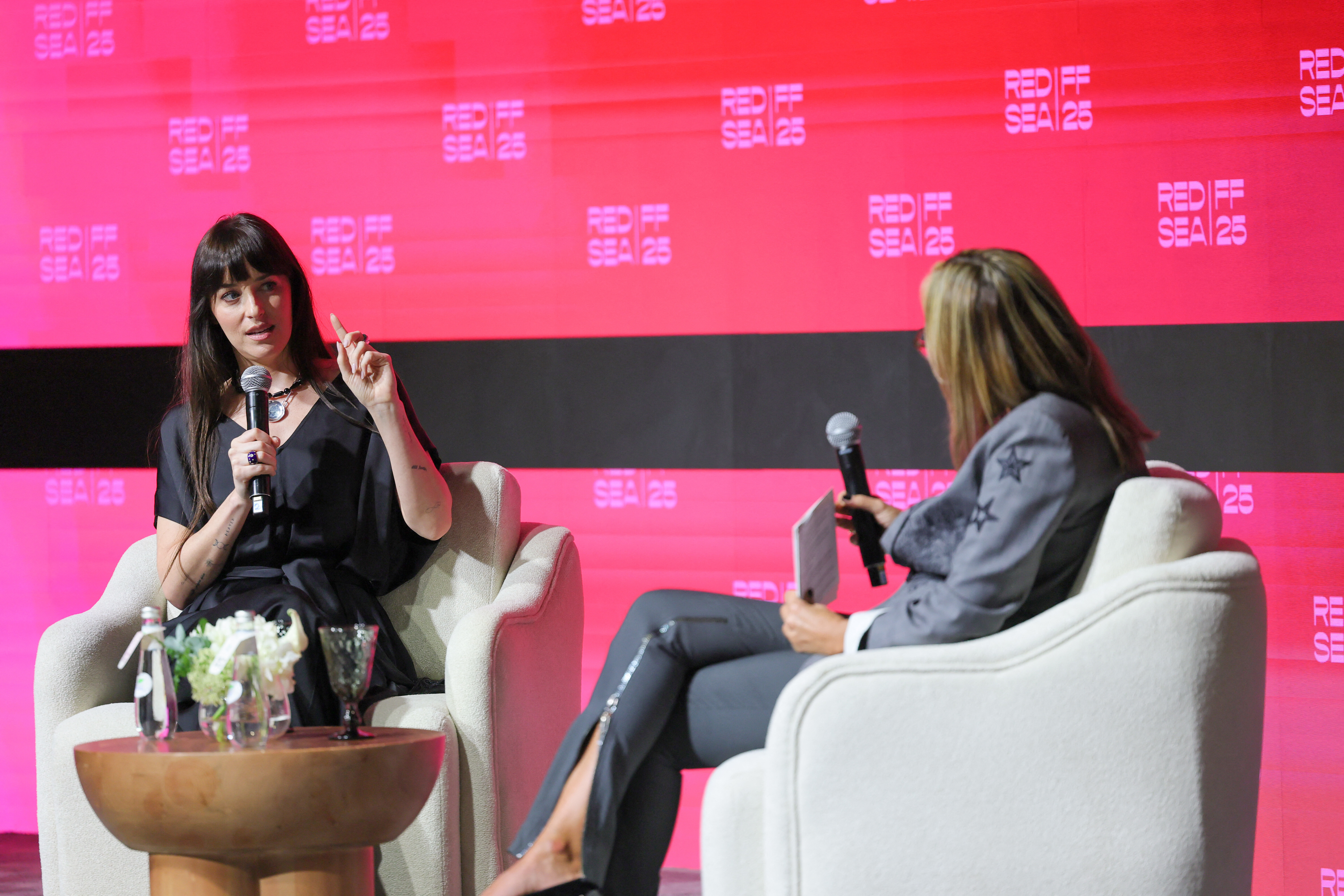
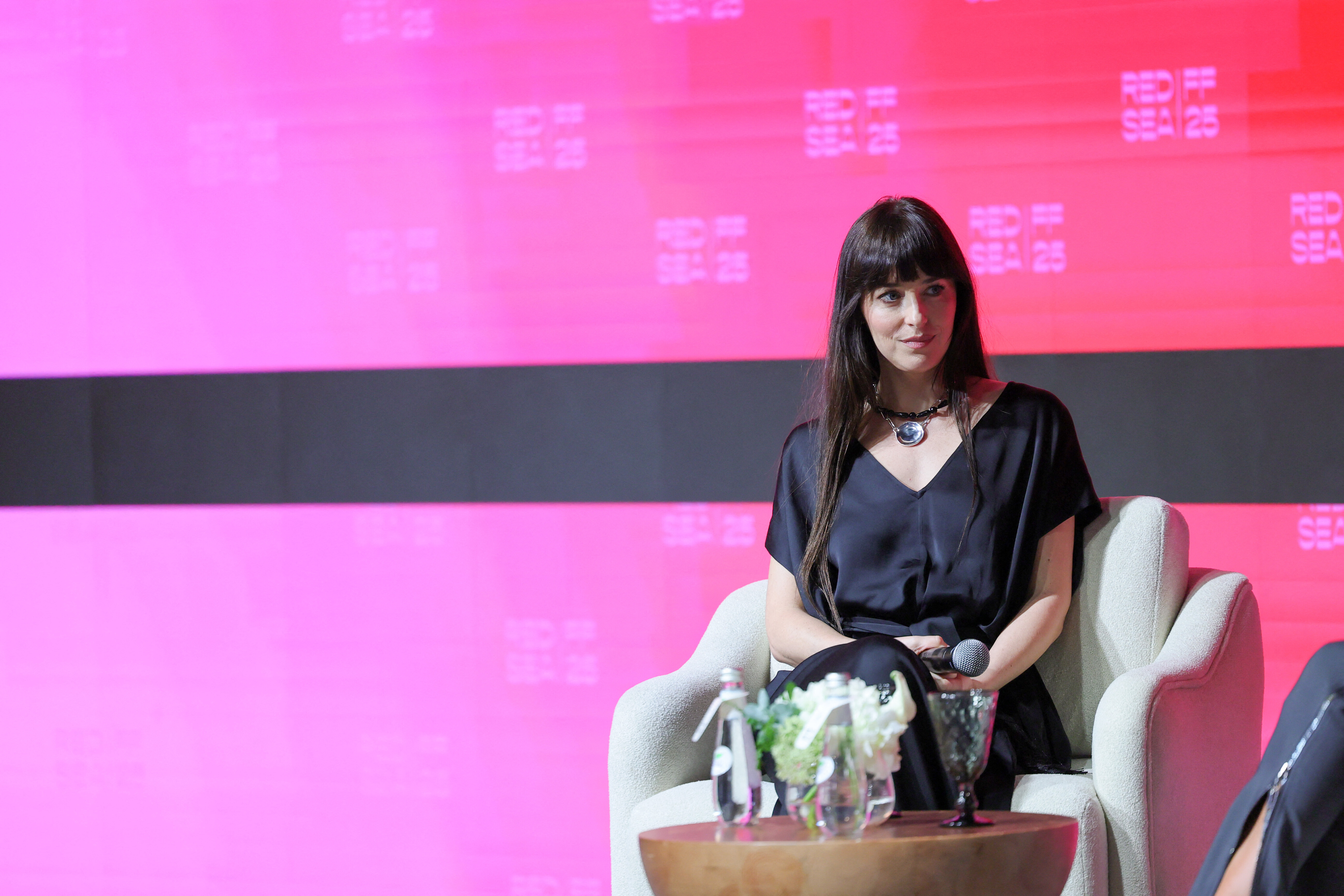
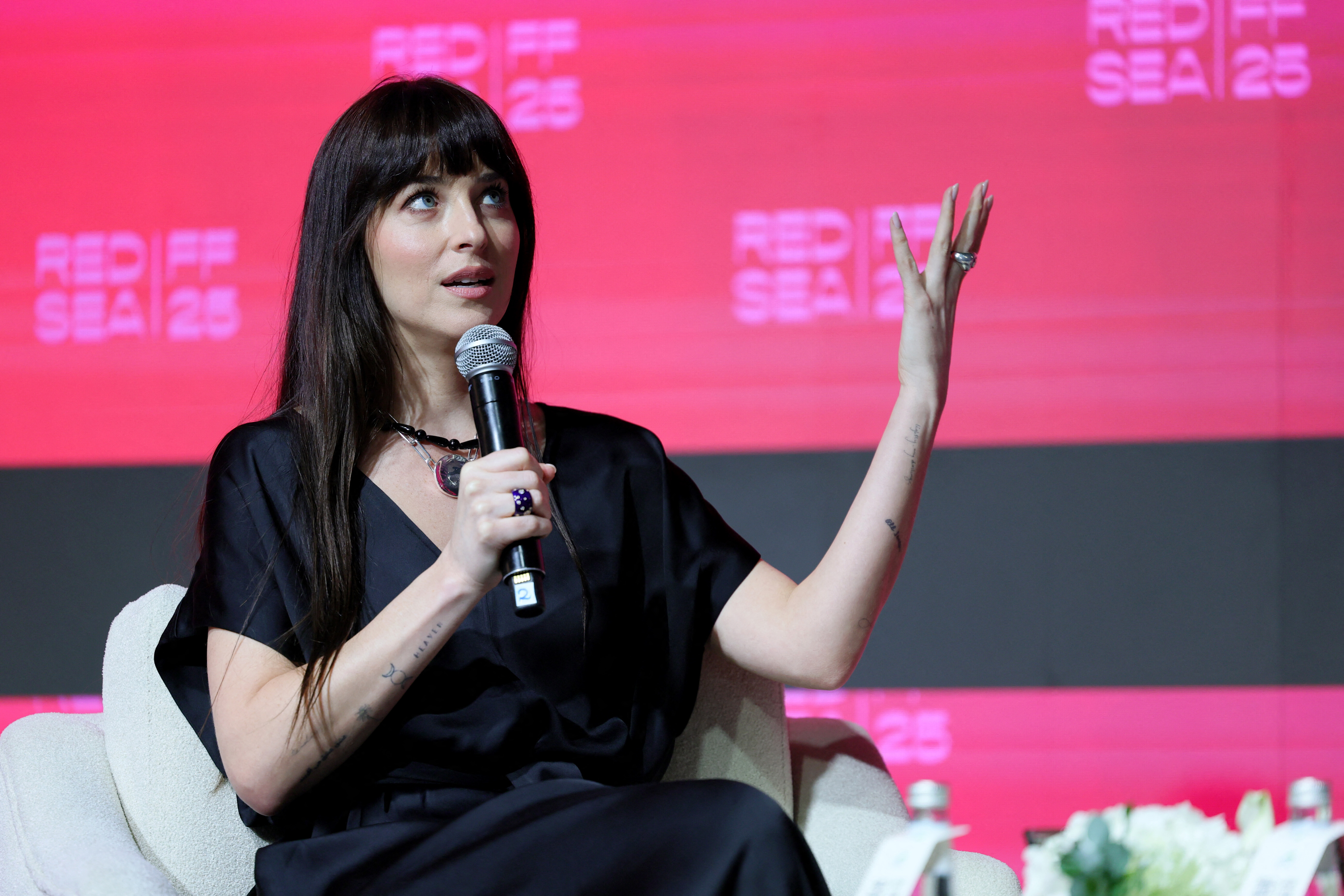
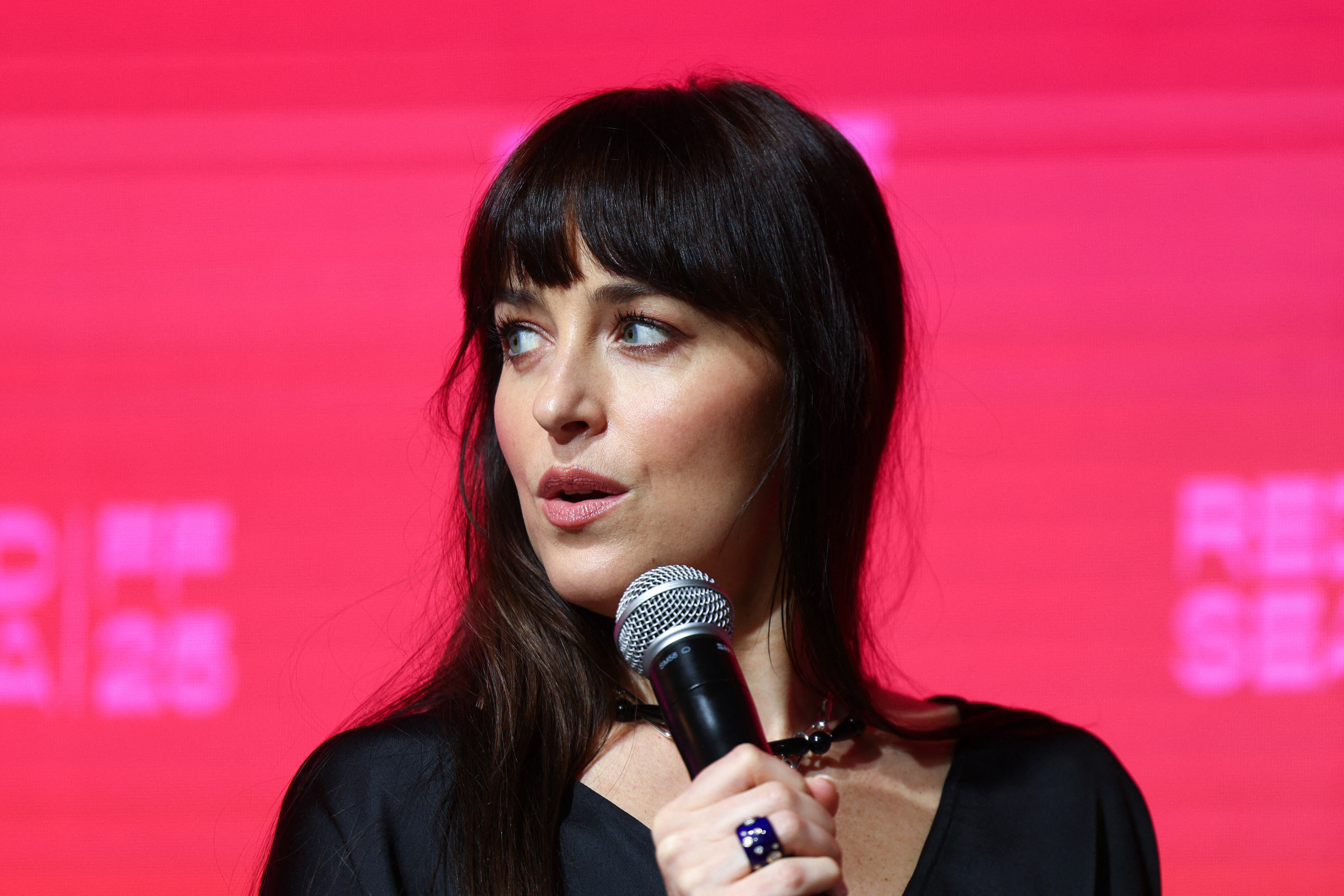
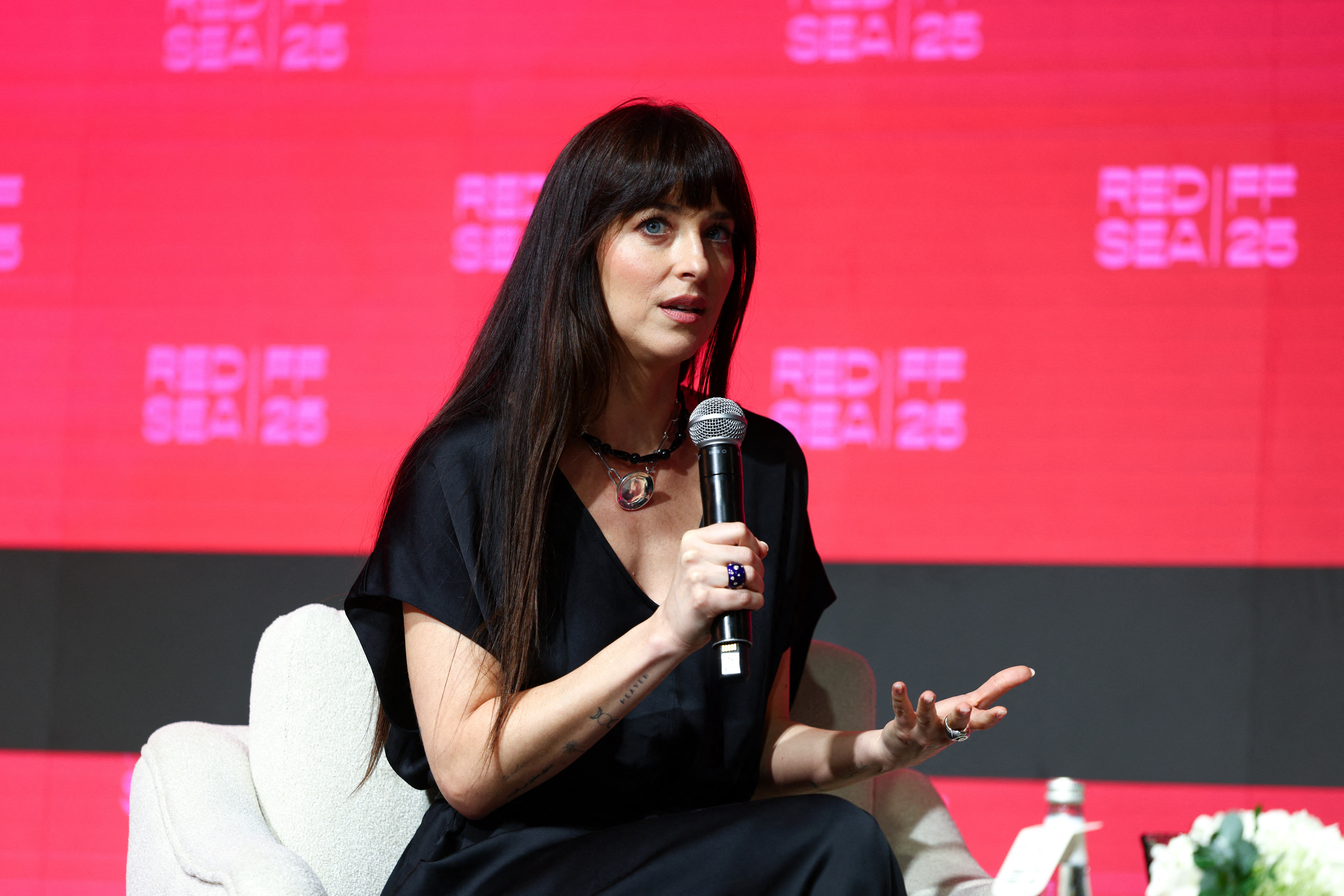
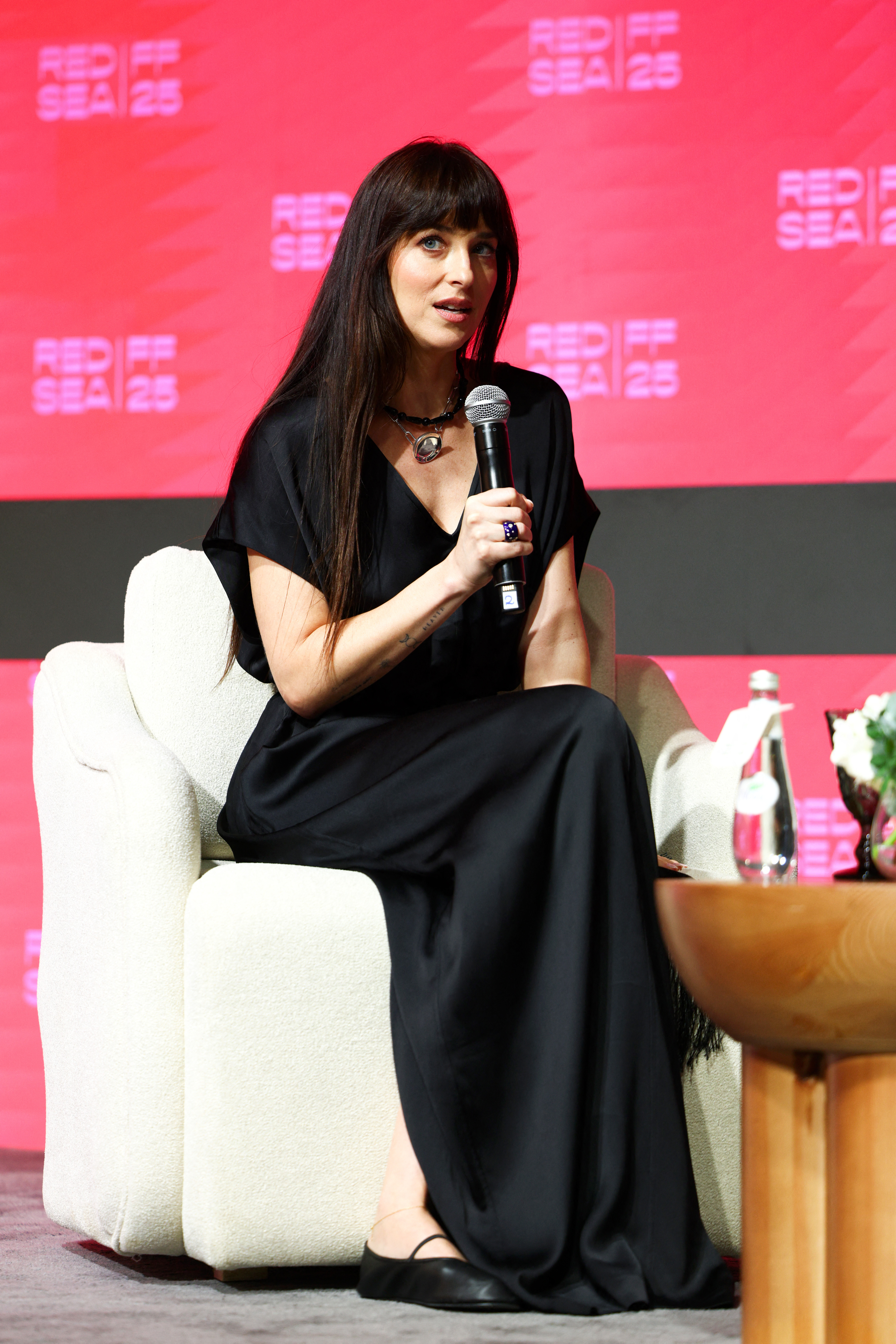
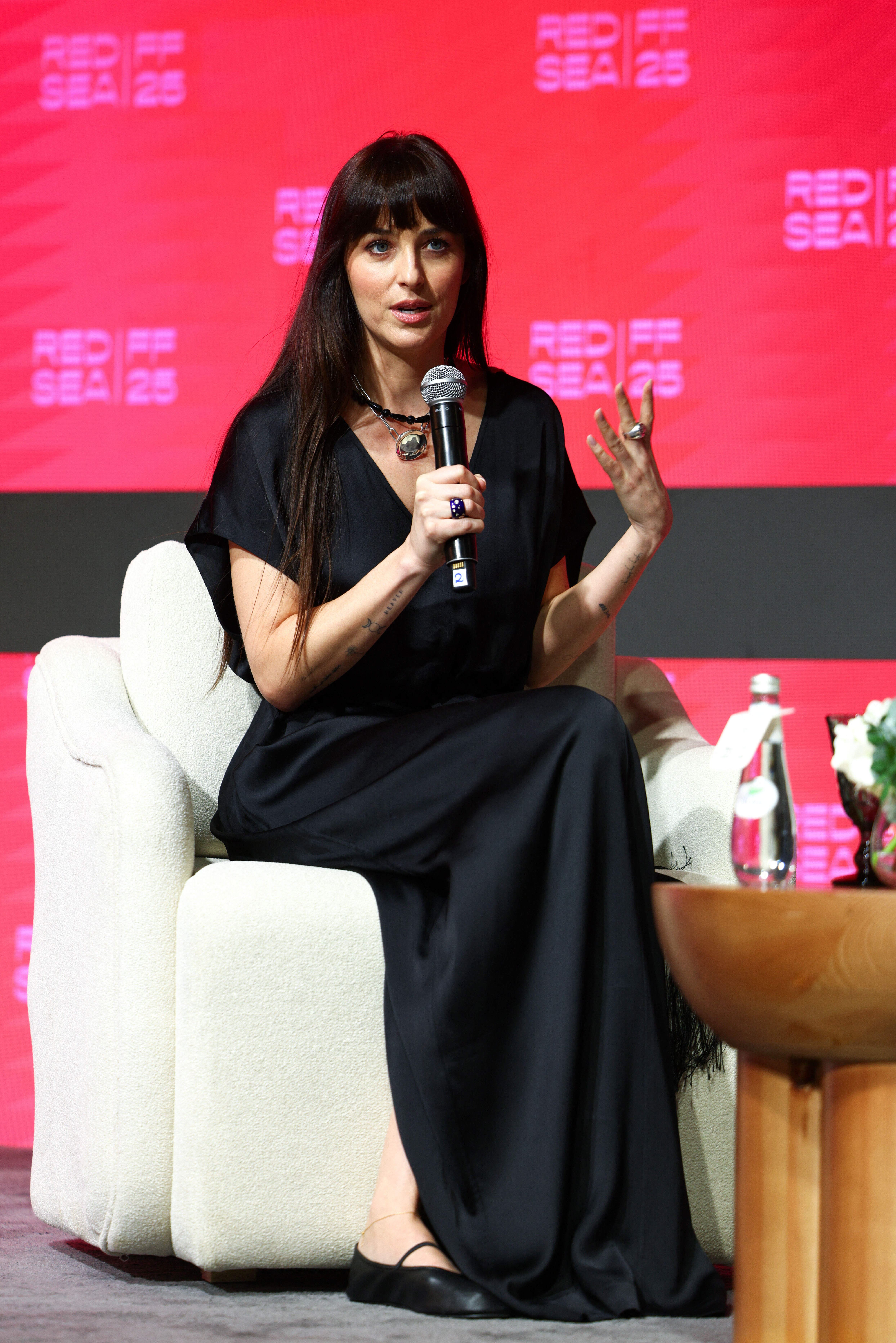
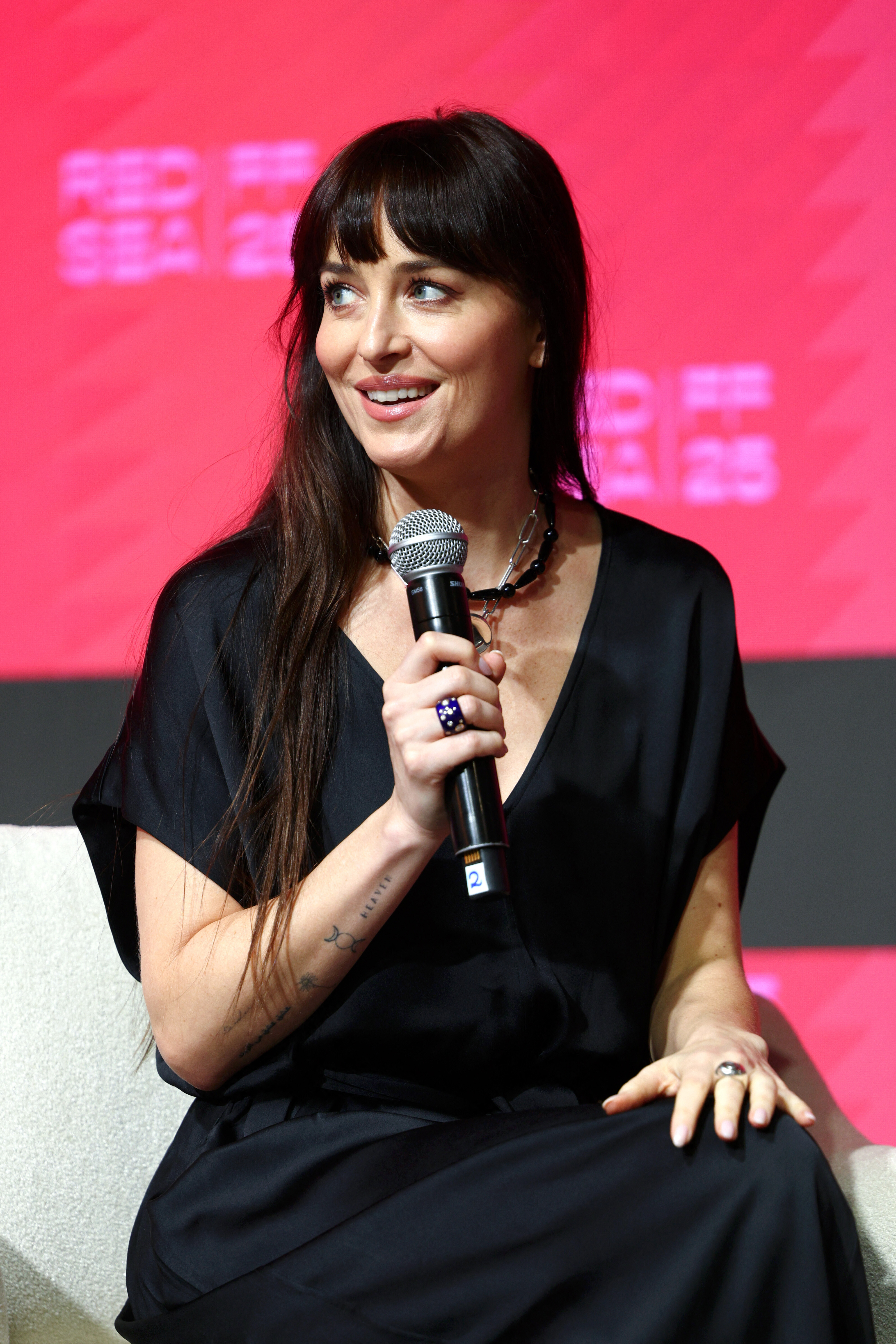
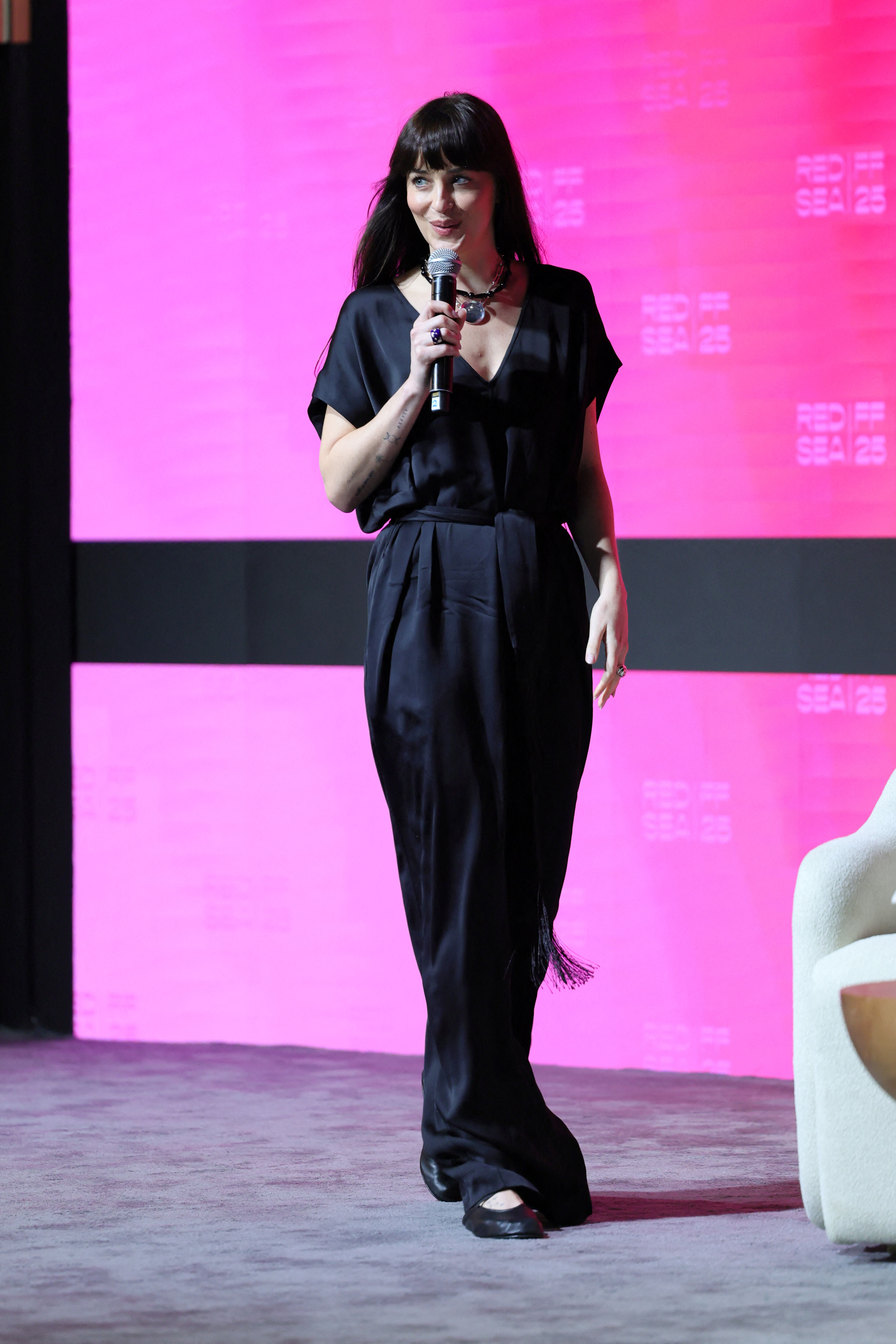
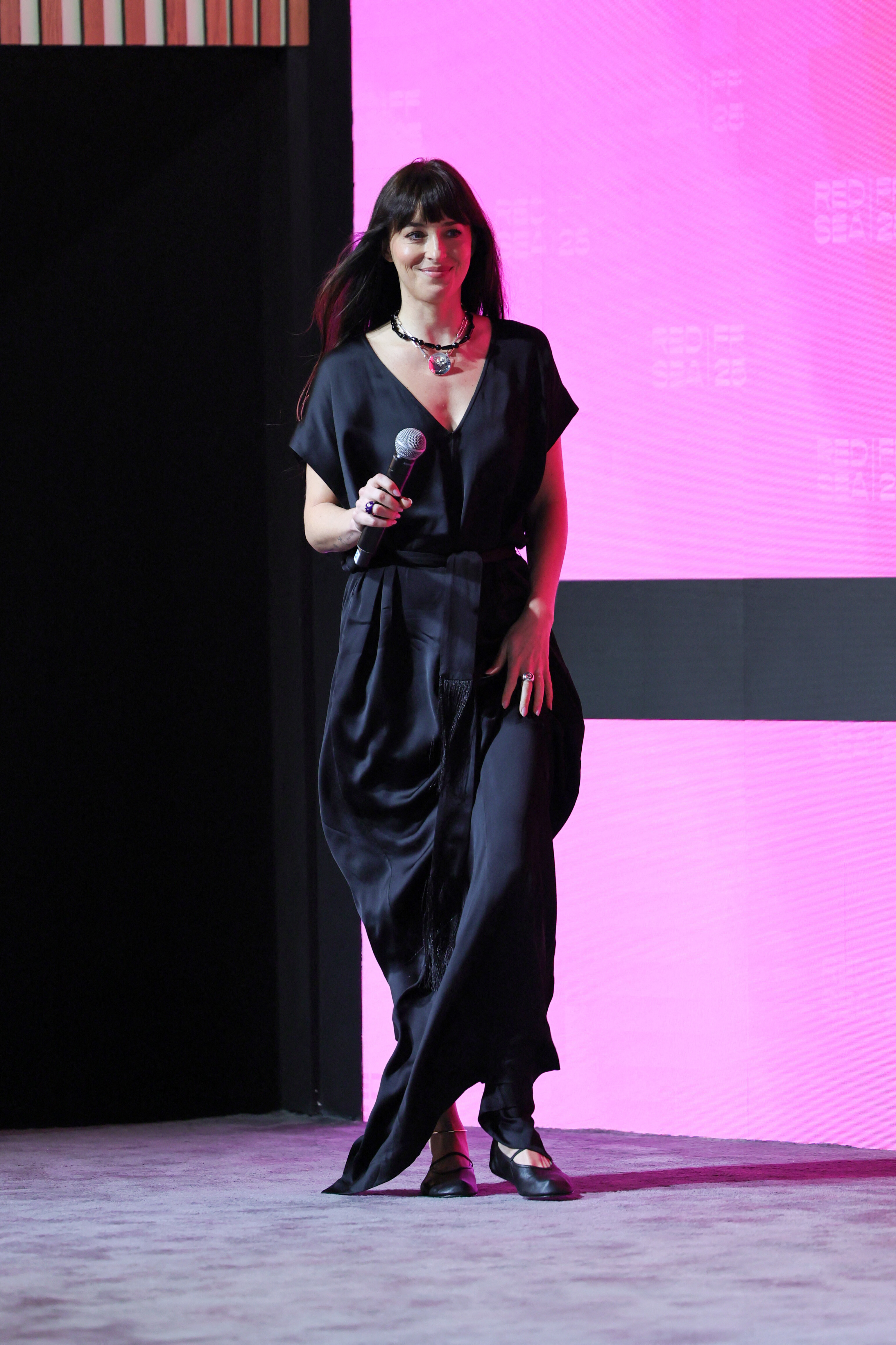
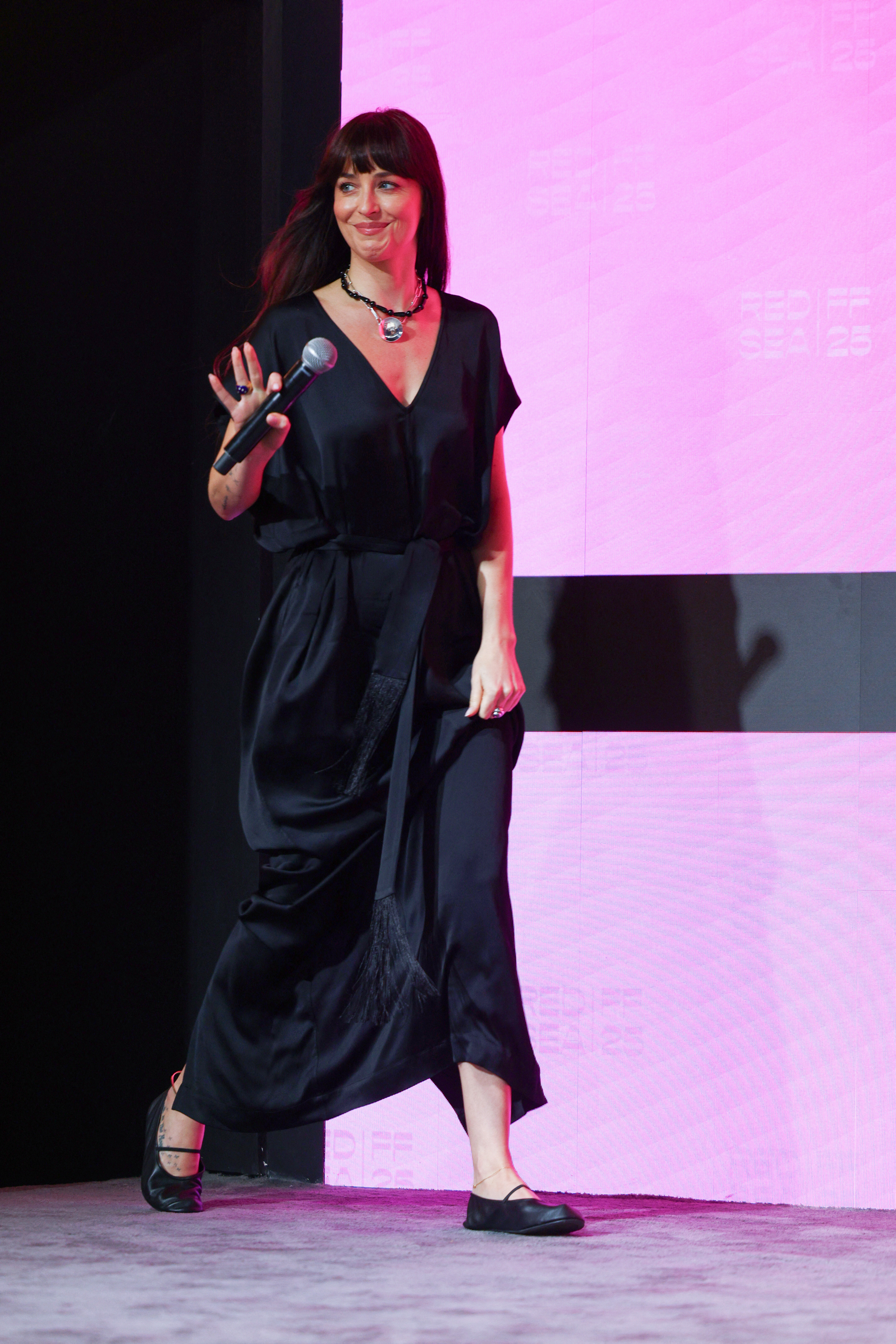
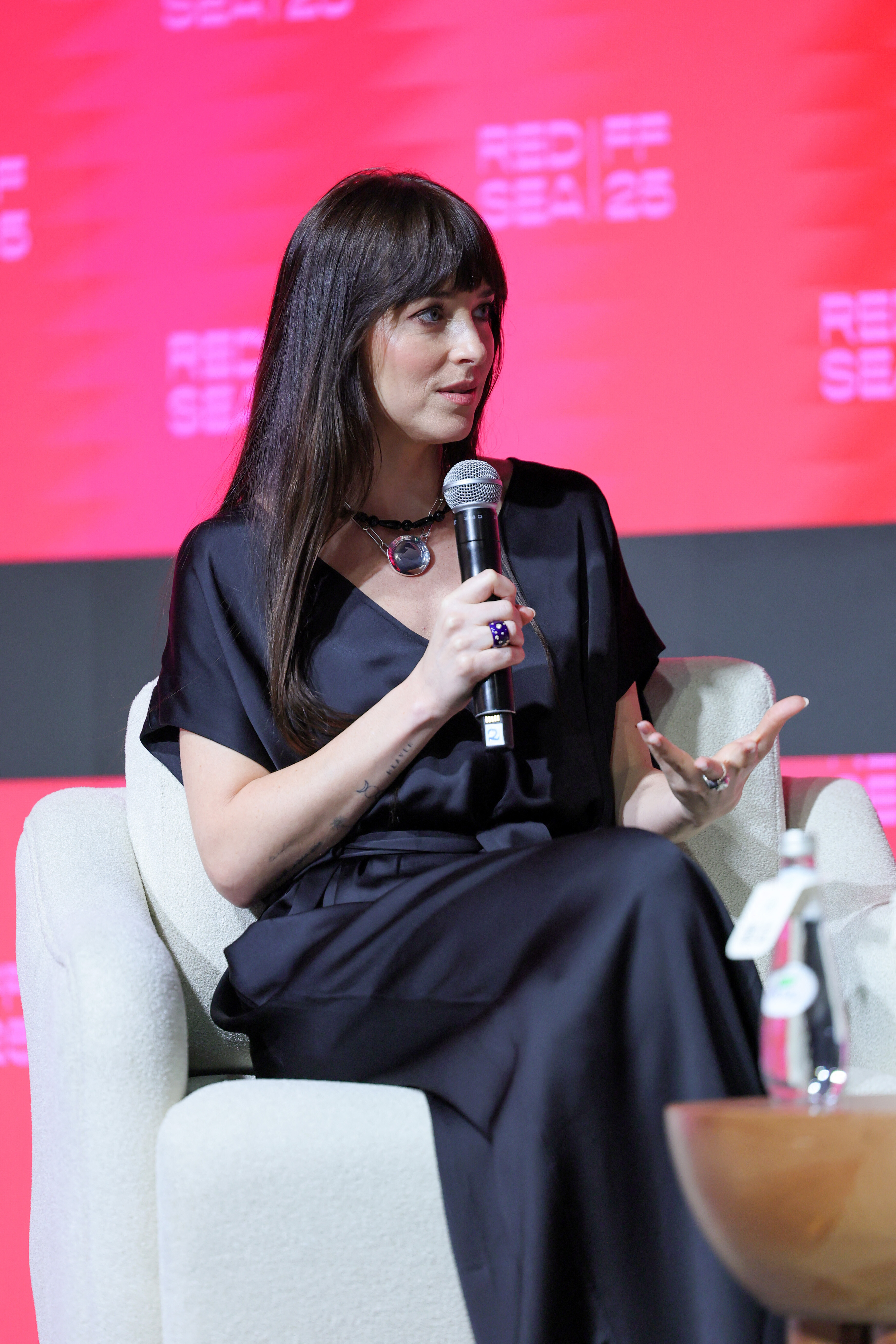
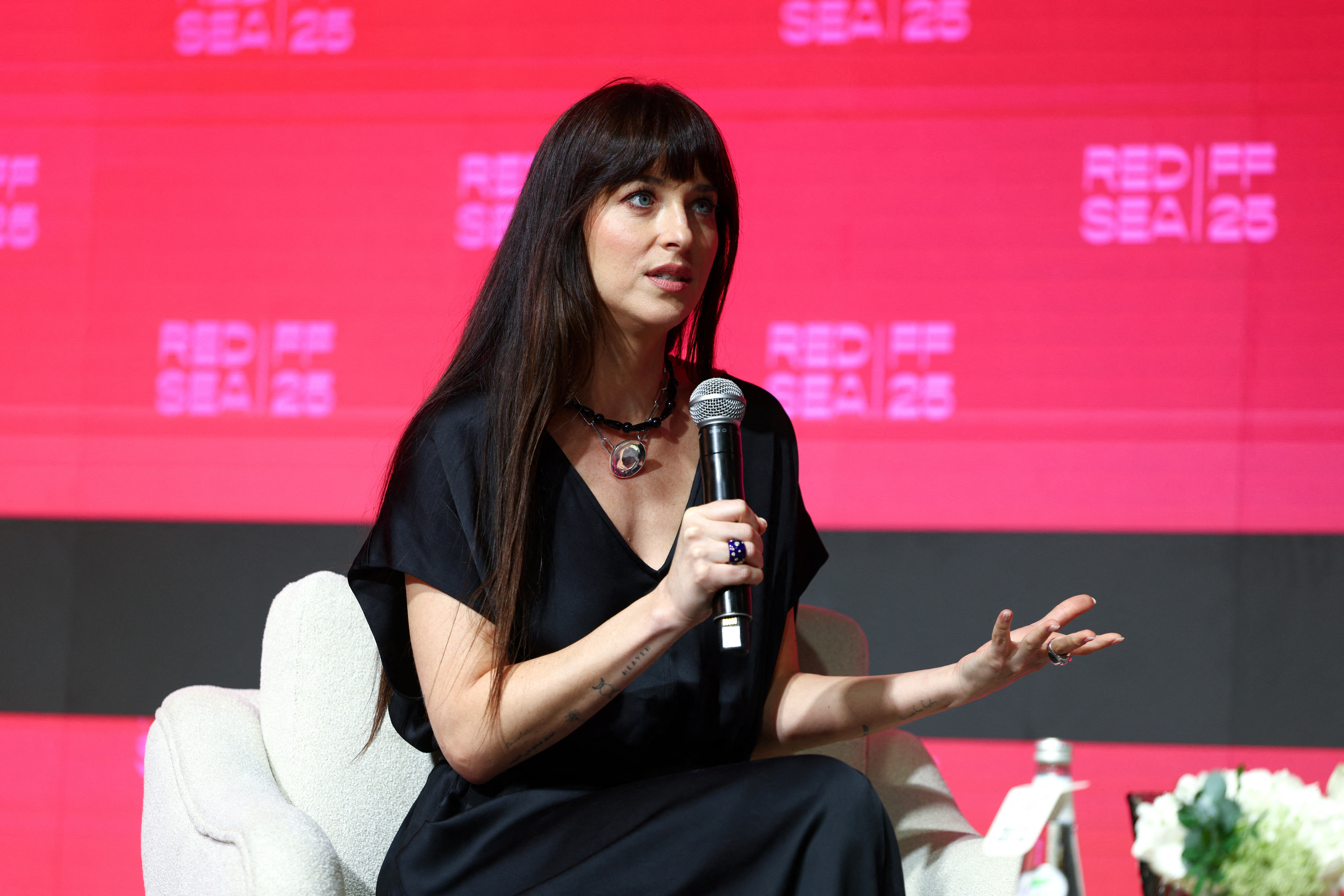
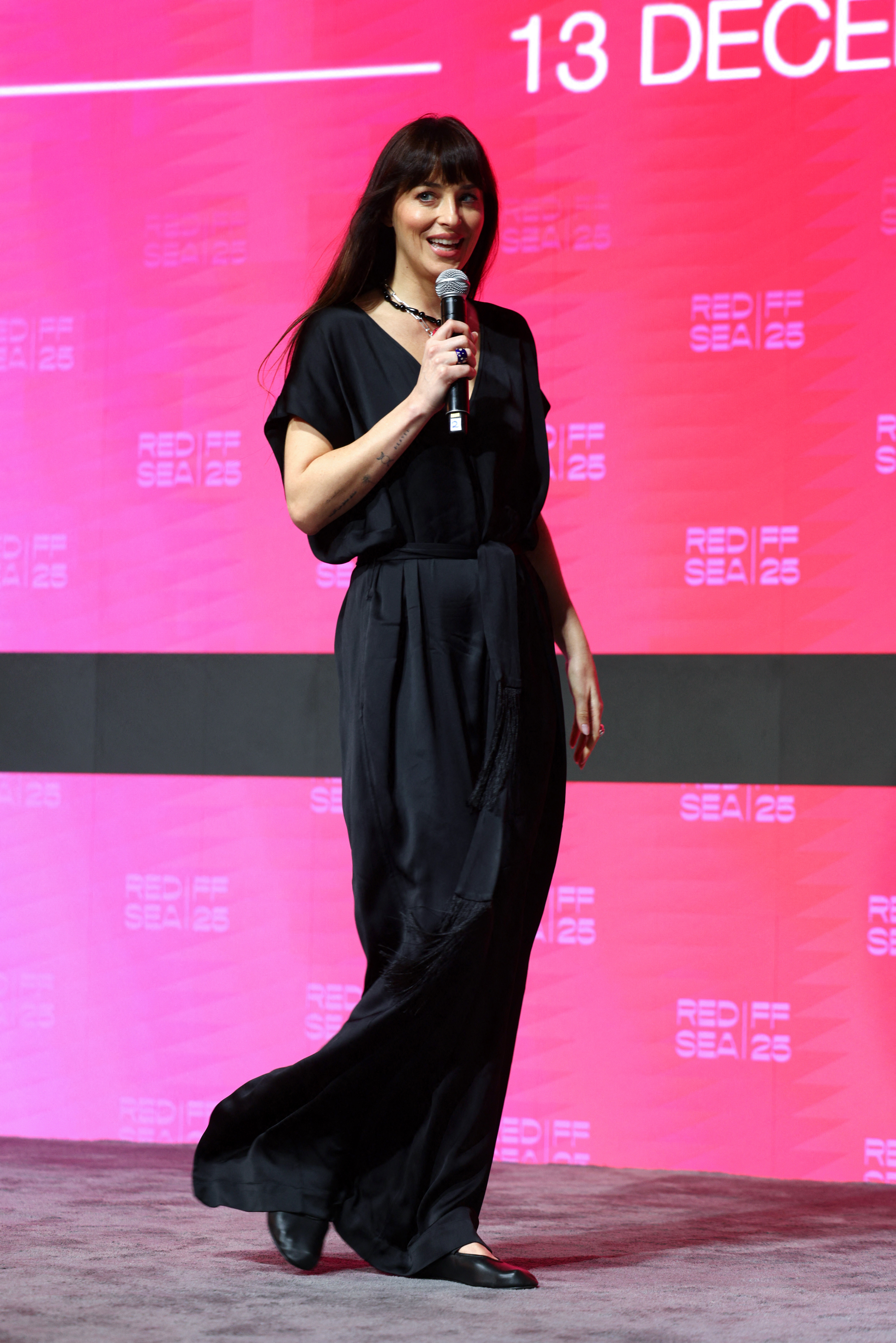
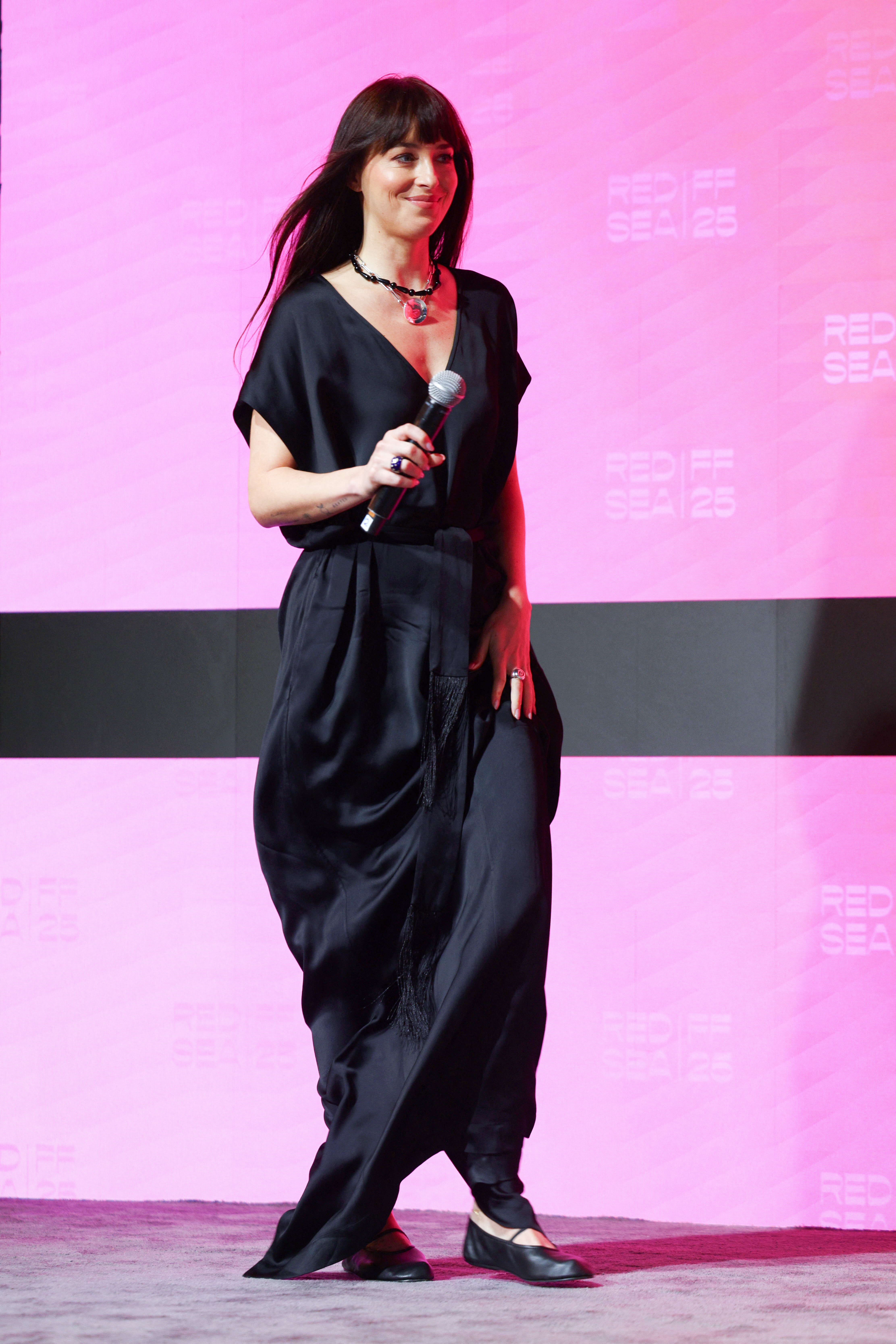
speaks onstage during the In Conversation with Dakota Johnson during the Red Sea International Film Festival 2025 - 05.12.2025 hqcelebcorner.net


































 Tao Serena Maryam Chanel Alexa Savanna Josie Leila Mieke Bella Kyla Charly
 Billie Eilish on new album 'Hit Me Hard and Soft' (Interview)
 Us Weekly: Hailee Steinfeld Is Pregnant, Expecting 1st Baby With Husband Josh Allen
 first look at her 3D Trailer for Billie Eilish – Hit Me Hard And Soft: The Tour (Live In 3D) at Paramount Pictures Studios on December 9, 2025, in Los Angeles California. hqcelebcorner.net
 Morph69 changed their profile photo


























































































Account
Search
Configure browser push notifications
Chrome (Android)
- Tap the lock icon next to the address bar.
- Tap Permissions → Notifications.
- Adjust your preference.
Chrome (Desktop)
- Click the padlock icon in the address bar.
- Select Site settings.
- Find Notifications and adjust your preference.
Safari (iOS 16.4+)
- Ensure the site is installed via Add to Home Screen.
- Open Settings App → Notifications.
- Find your app name and adjust your preference.
Safari (macOS)
- Go to Safari → Preferences.
- Click the Websites tab.
- Select Notifications in the sidebar.
- Find this website and adjust your preference.
Edge (Android)
- Tap the lock icon next to the address bar.
- Tap Permissions.
- Find Notifications and adjust your preference.
Edge (Desktop)
- Click the padlock icon in the address bar.
- Click Permissions for this site.
- Find Notifications and adjust your preference.
Firefox (Android)
- Go to Settings → Site permissions.
- Tap Notifications.
- Find this site in the list and adjust your preference.
Firefox (Desktop)
- Open Firefox Settings.
- Search for Notifications.
- Find this site in the list and adjust your preference.