All Activity
- Past hour
-
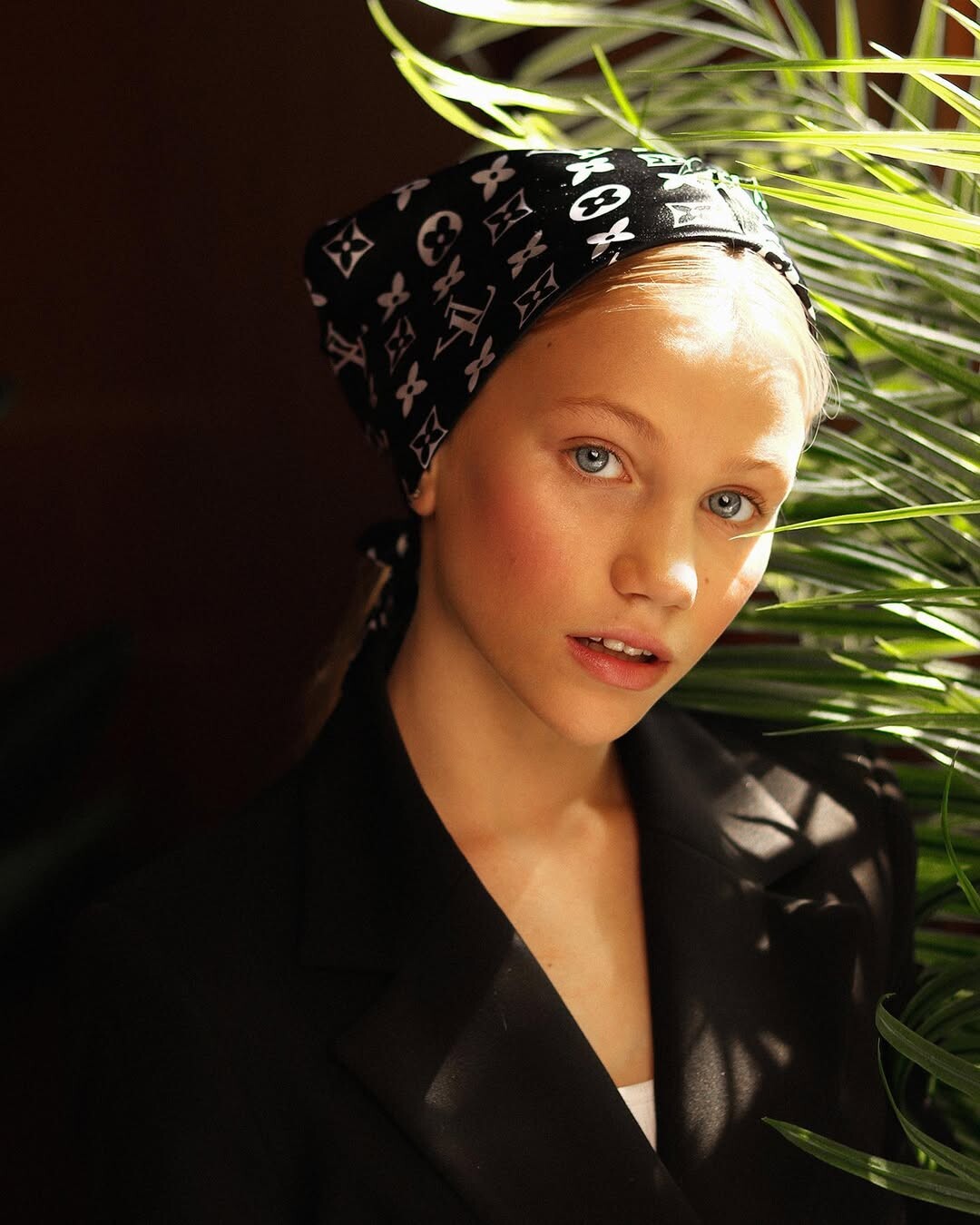
 That eye color! 😍 facebook
-
 RESULTS - FINAL DEKOTA THOMPSON 7 - 5 RACHELLE VAN WAARDHUIZEN RESULTS - THIRD POSITION LEIDY AMELIA 6 - 6 BRUNA LIRIO Leidy Amelia 6,13+5,83+8,18+4,61=24,75 WP V Bruna Lirio 5,38+5,83+8,18+3,84=23,23 WP Thanks to @ModelsSpainFan @Morph69 @Bettina Saw-Morgan @AngryDutchman @chazzychazz @veers69 @mnvikings @Matute @MergeIntoOmniThing @mnwxguy39 @Hollowmankc for your votes and support!
 -


 glad to help 😉
Sugarlips
glad to help 😉
Sugarlips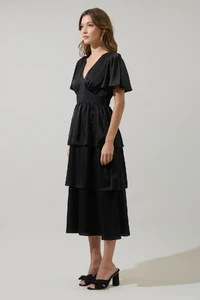








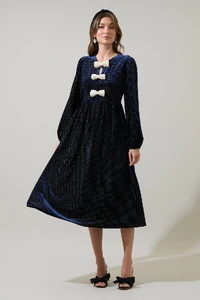
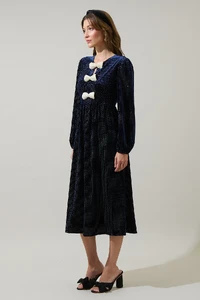
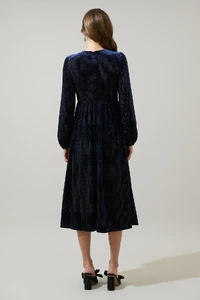

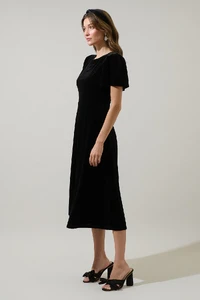
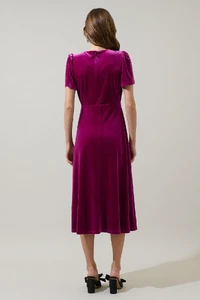
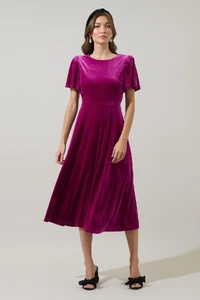

 more of Tiffany
 Tiffany from Seven till Midnight













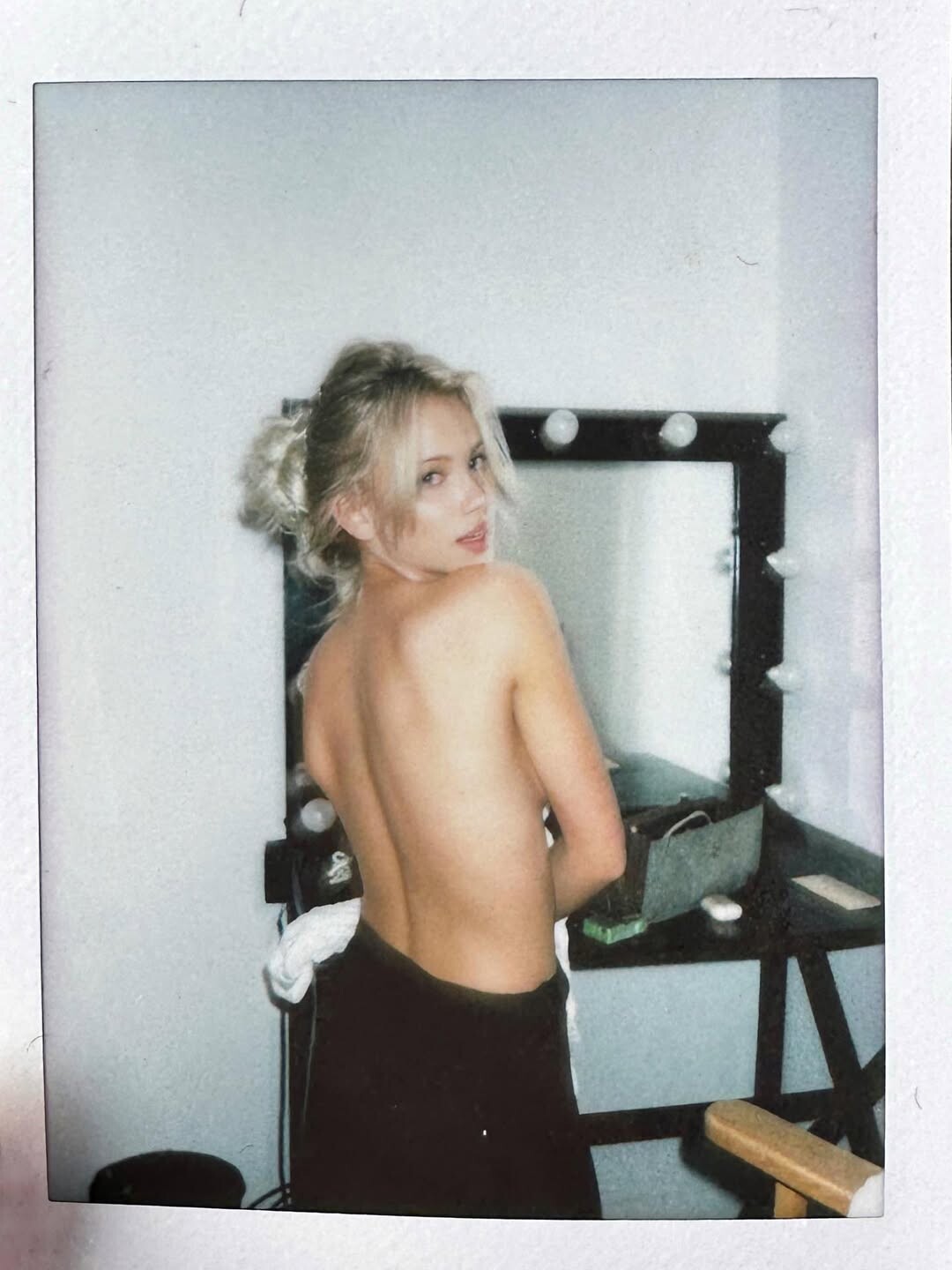
 New polas
 Darn it, she is Dutch lol Well it's hard to judge a persons nationality Thanks again Kim!
https://www.instagram.com/fabienneh/
Darn it, she is Dutch lol Well it's hard to judge a persons nationality Thanks again Kim!
https://www.instagram.com/fabienneh/
 as teen in 2020 Ph: EKATERINA ZHURAVLEVA




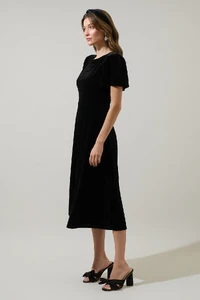
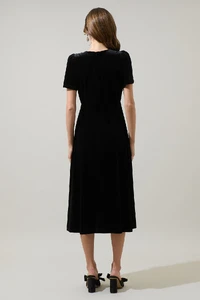
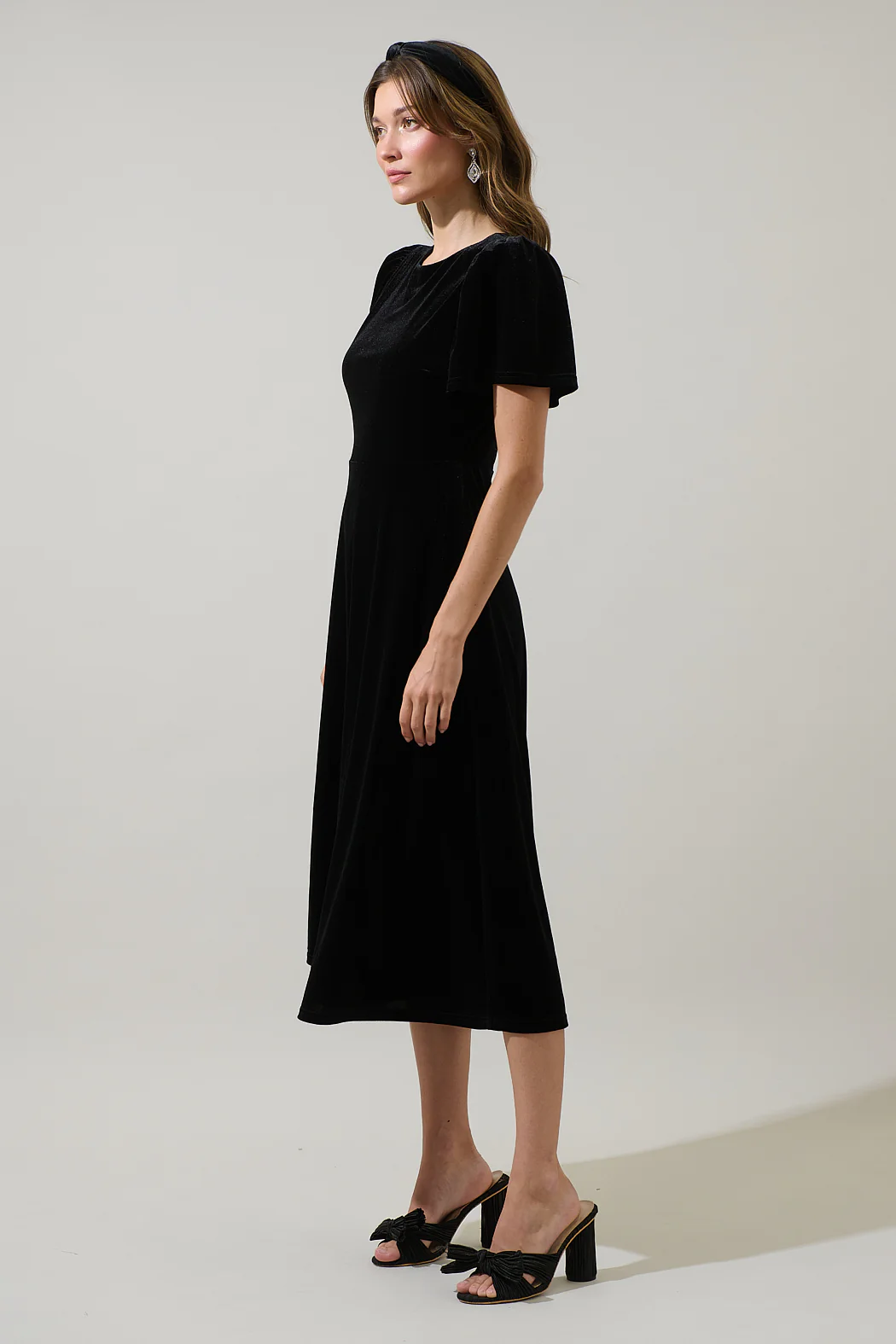
 Does anybody know who the black model is?
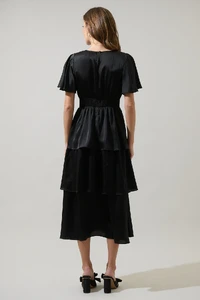
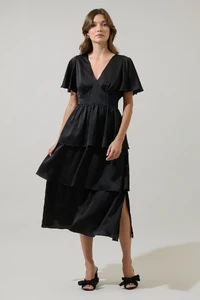
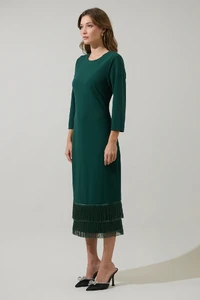
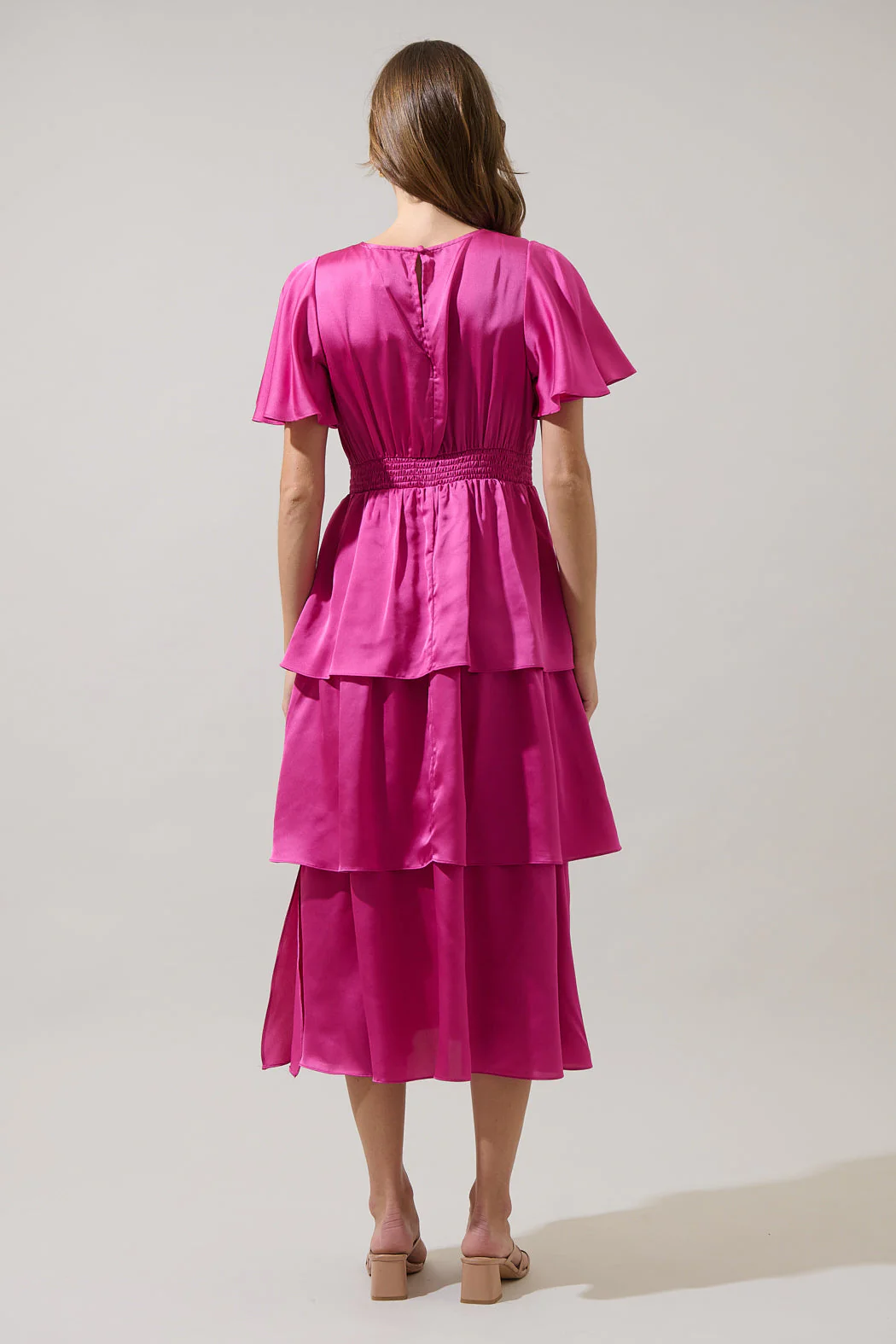
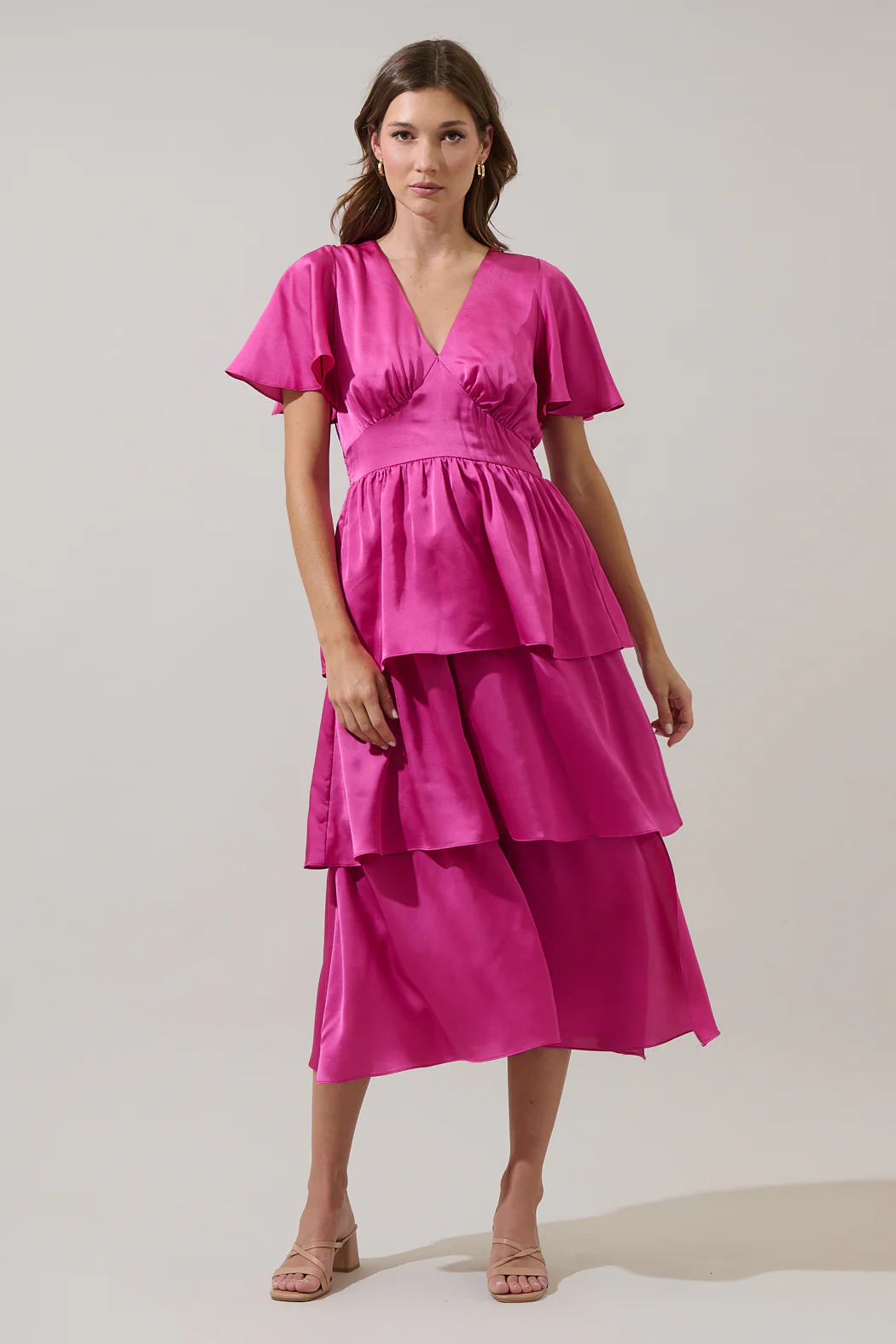
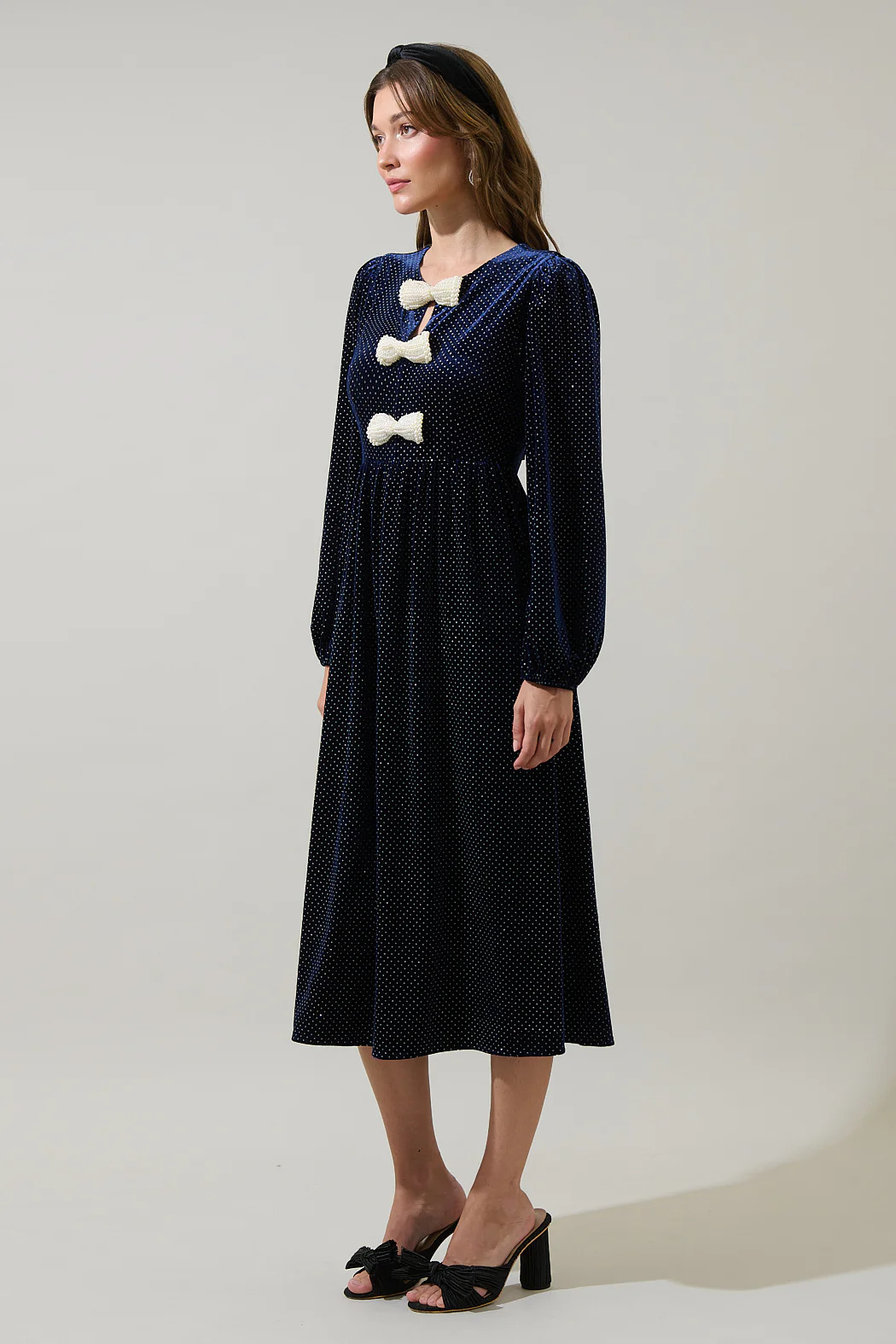
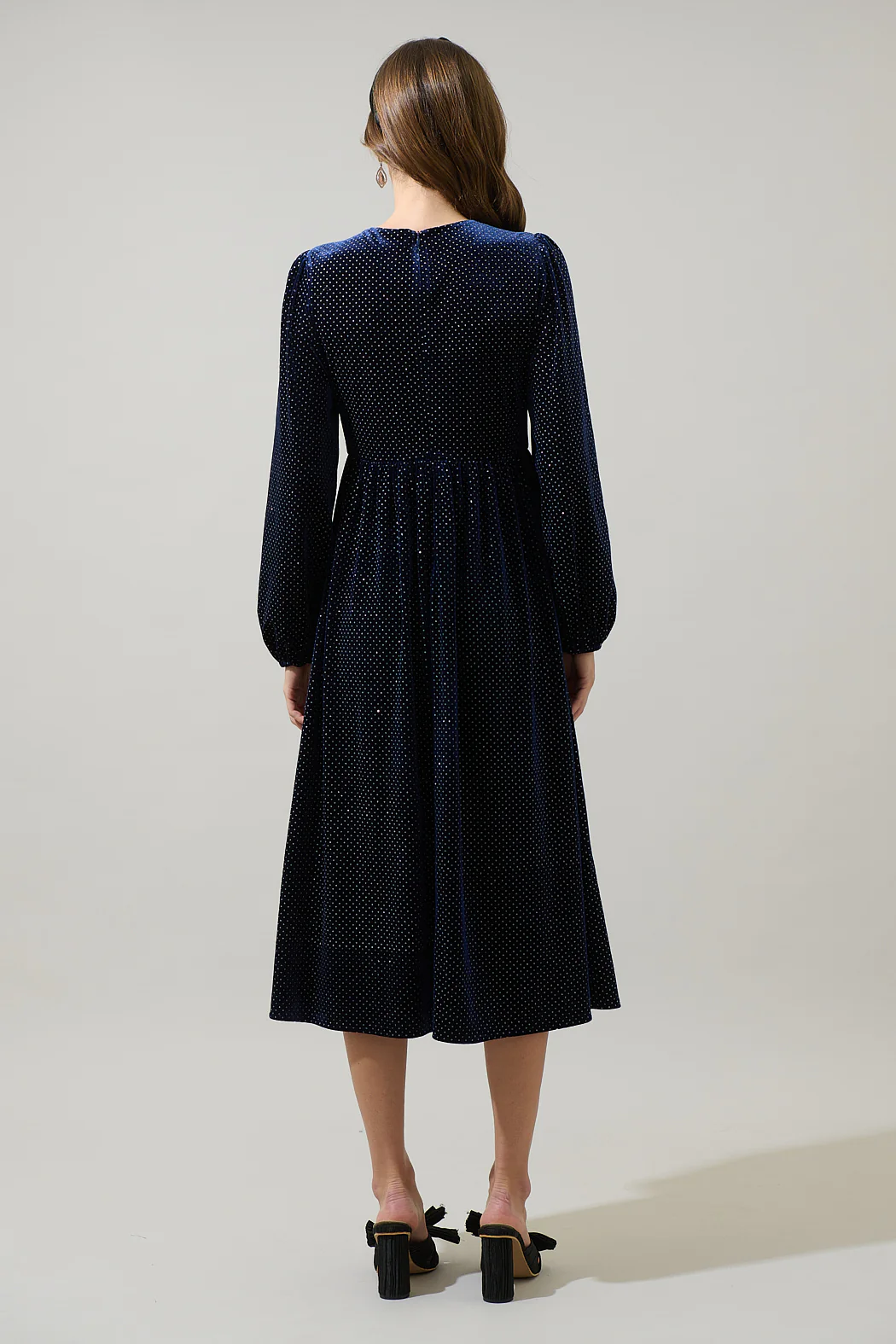
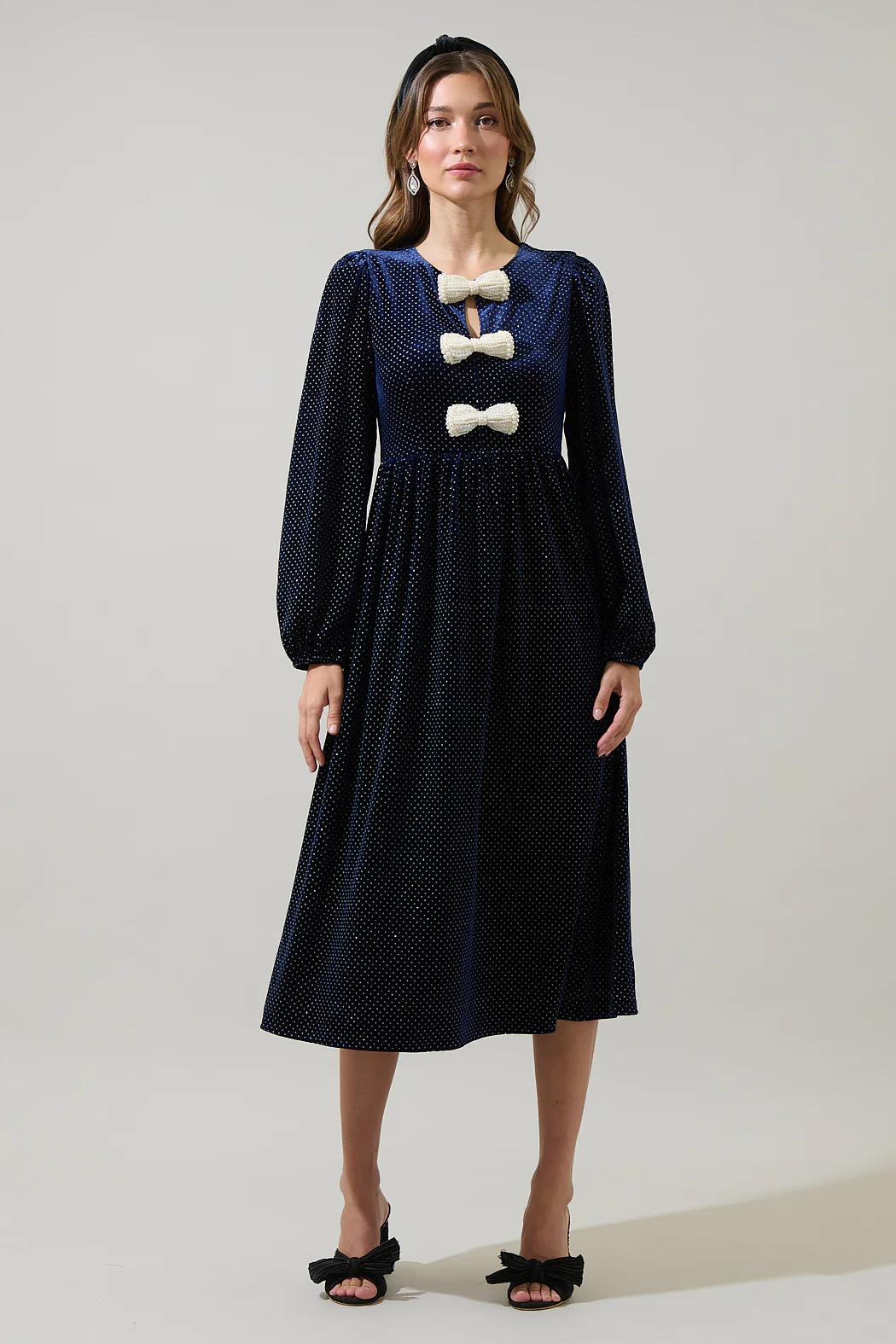
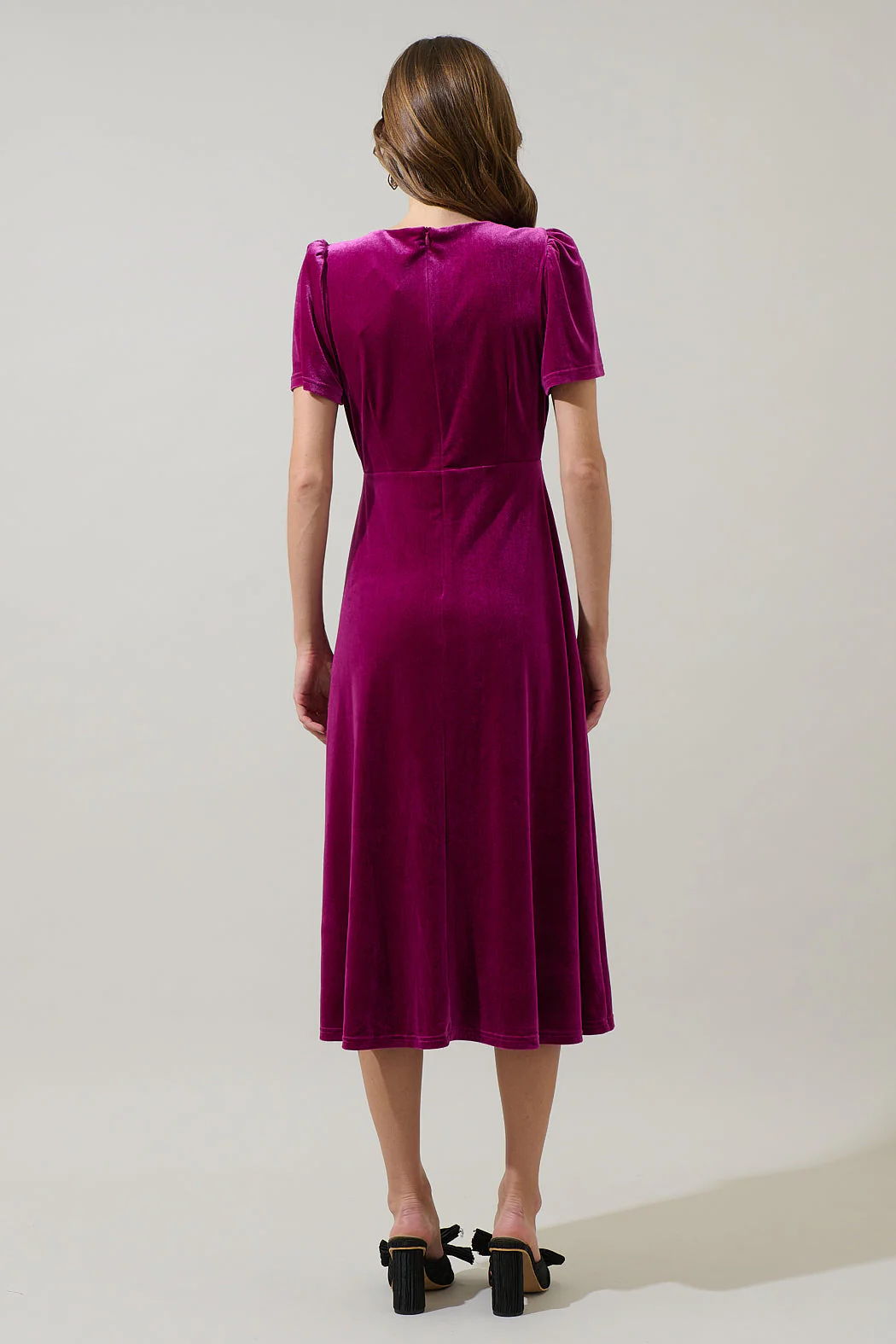
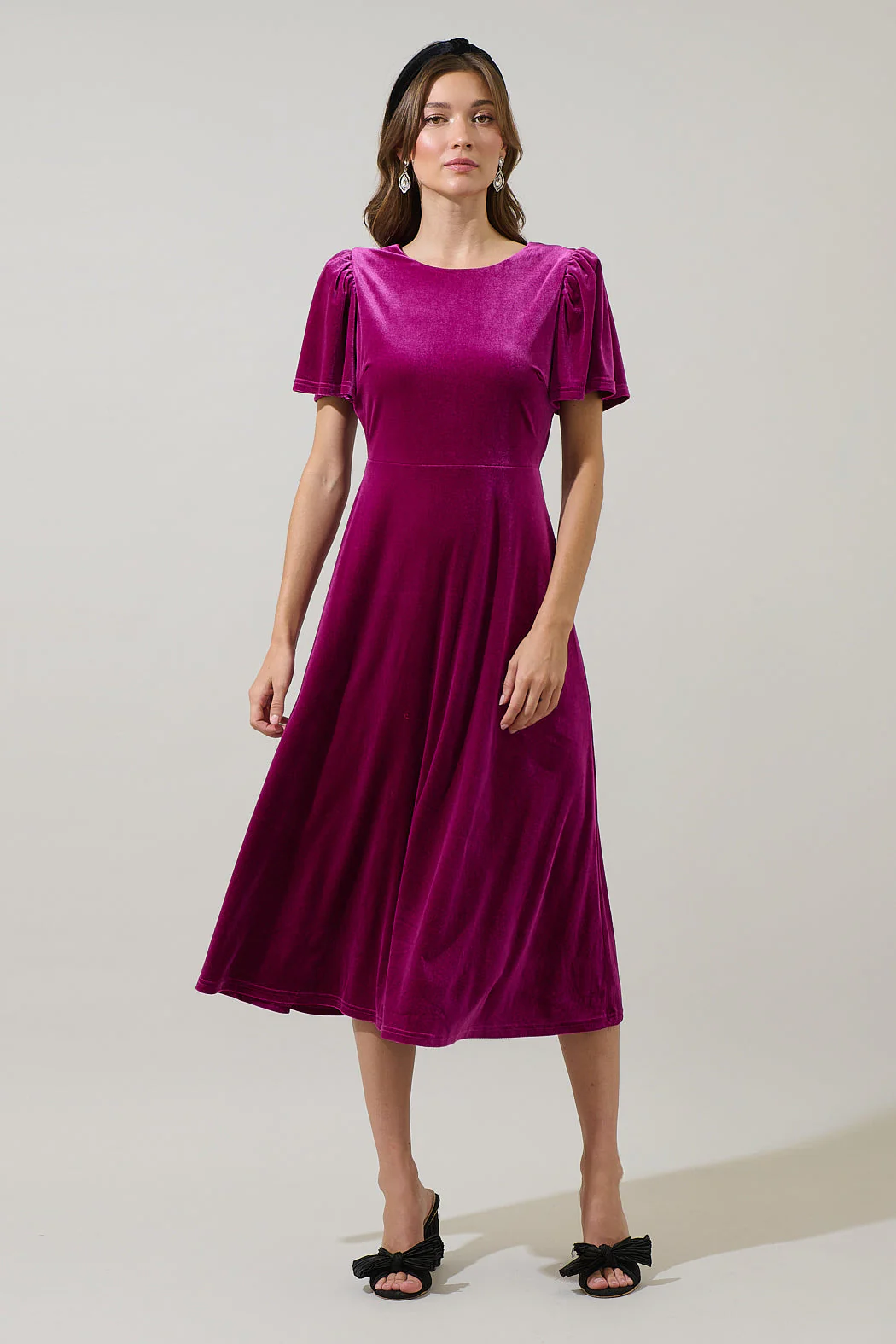
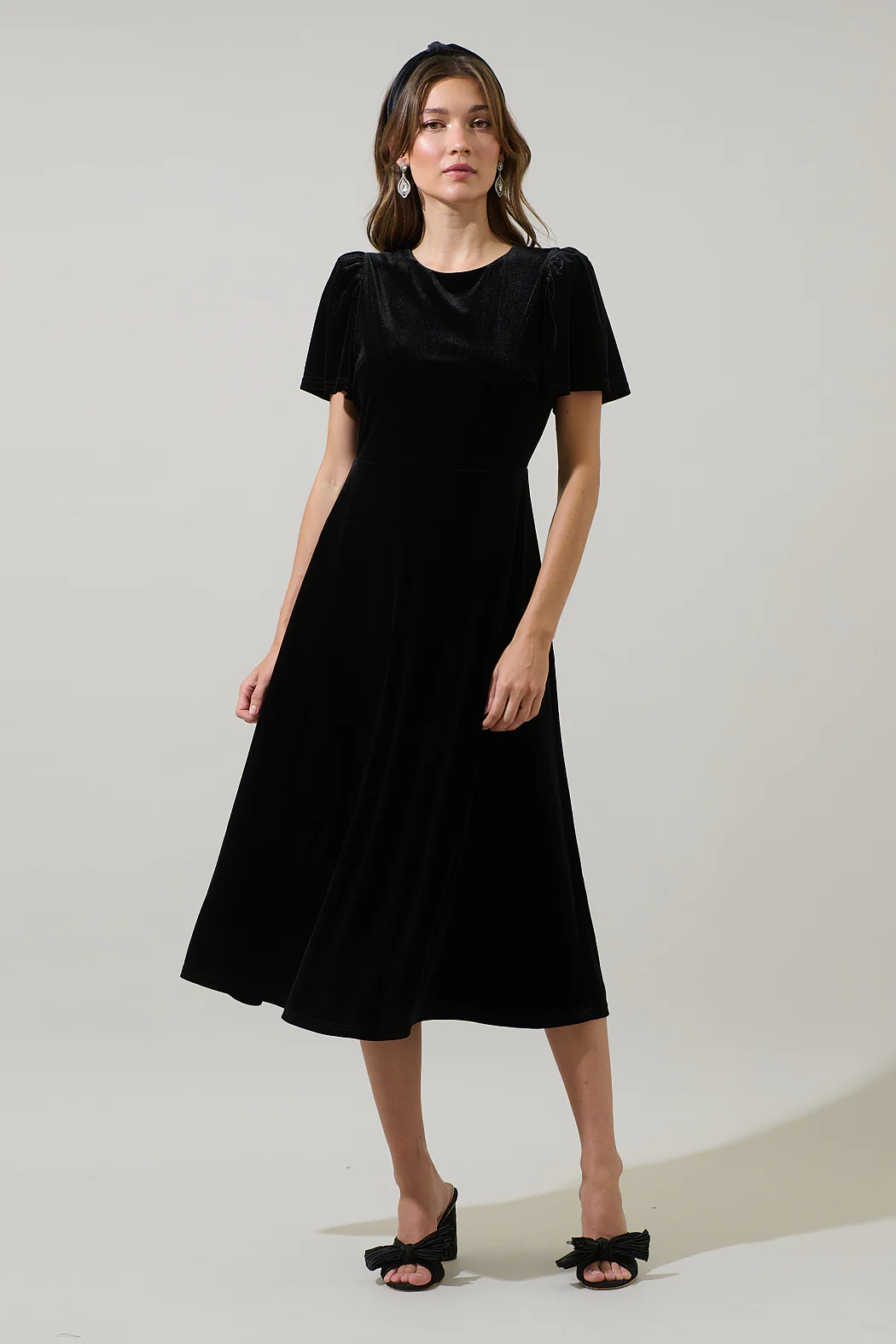
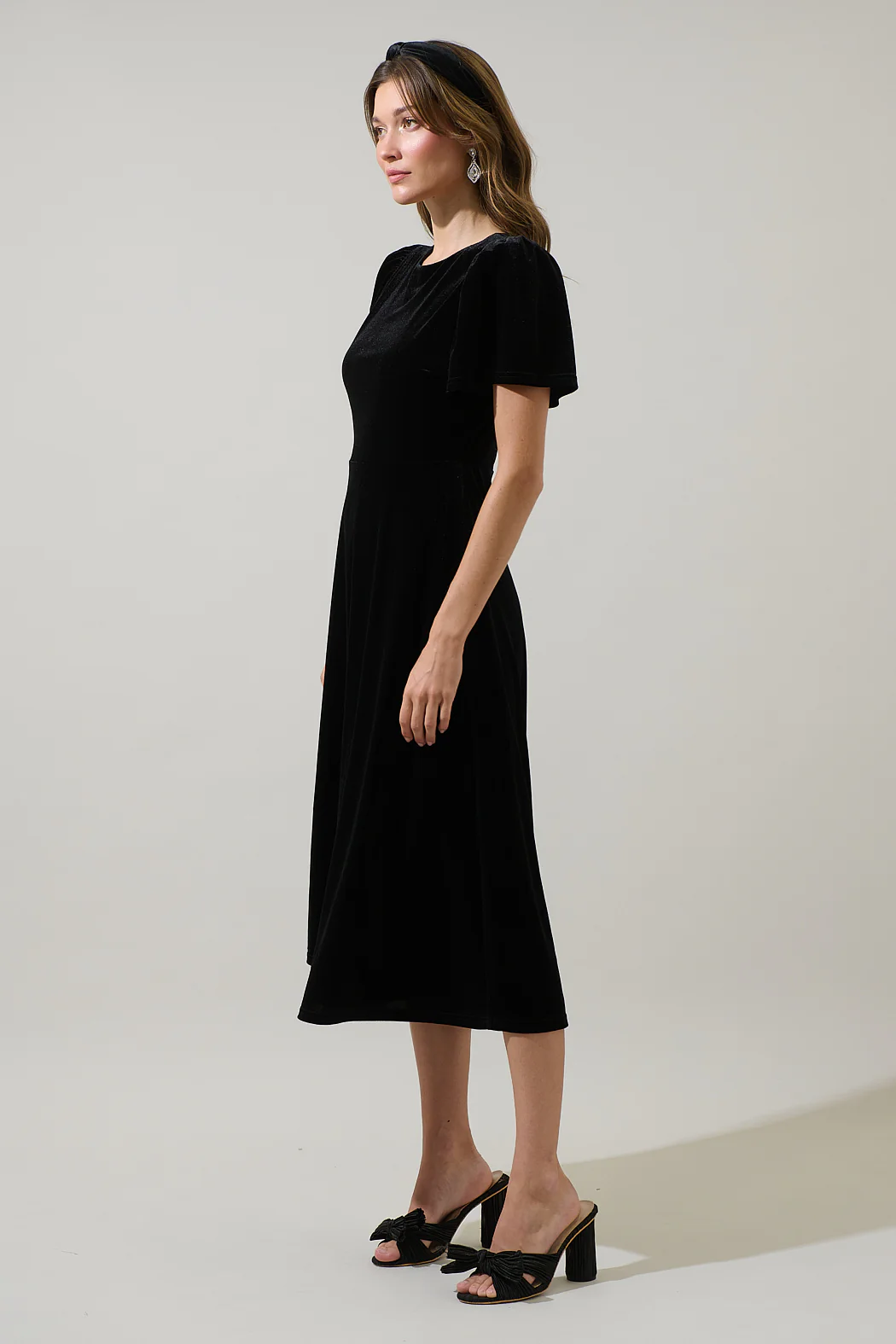
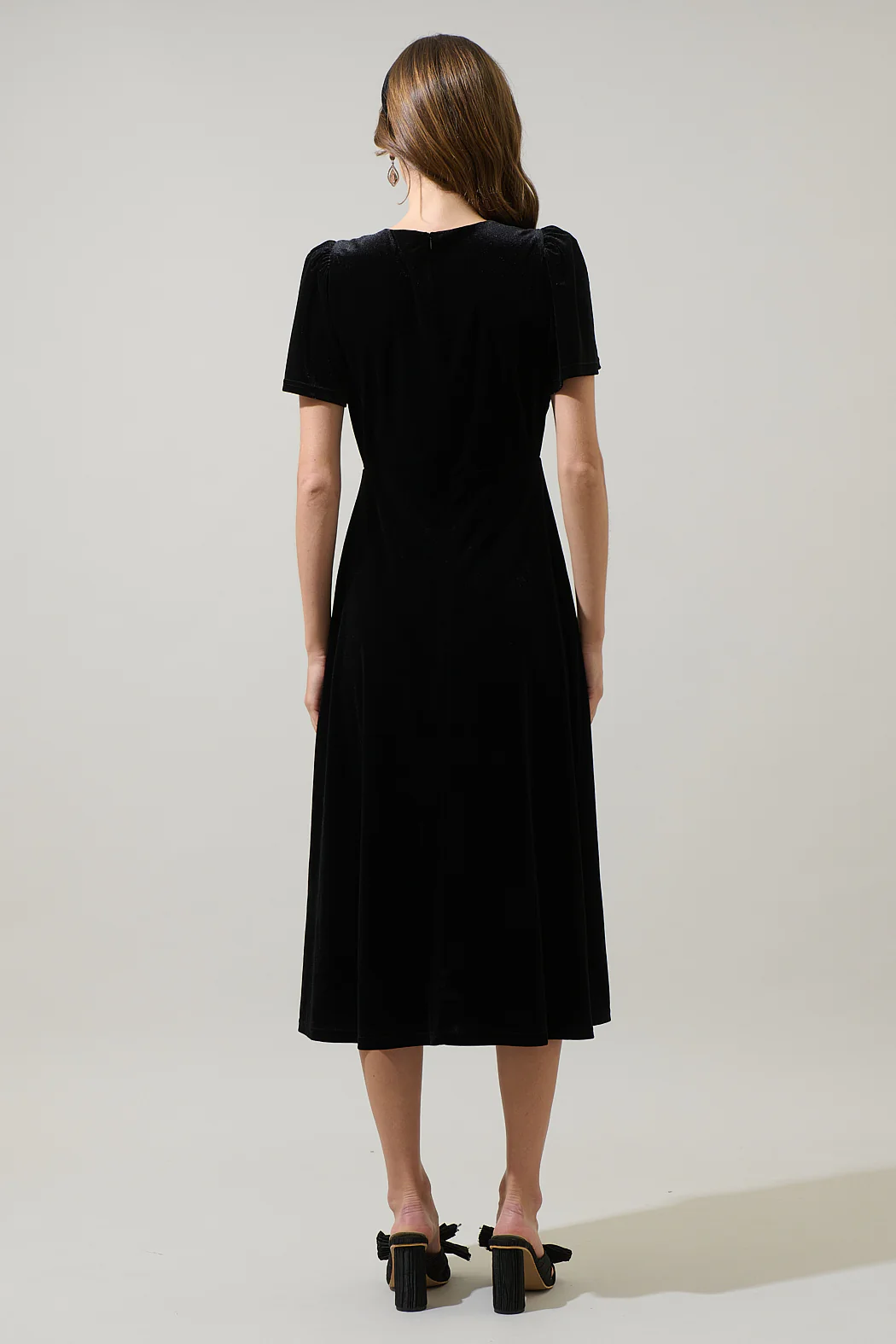
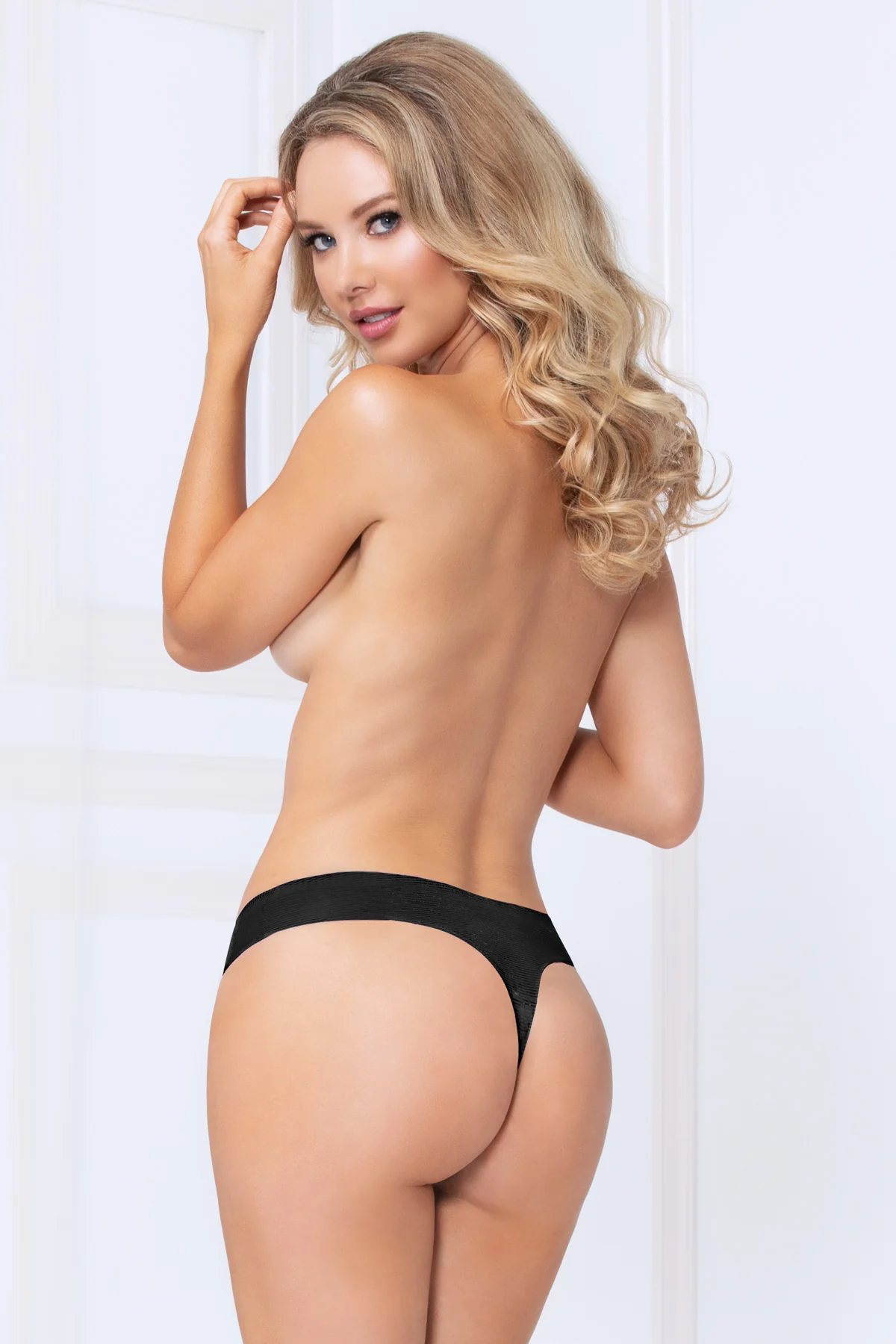
Front ads from Sugarlips
Does anybody know who the black model is?
Front ads from Sugarlips
 Possibly another Russian (Slavic) model?
 cozy castle joined the community
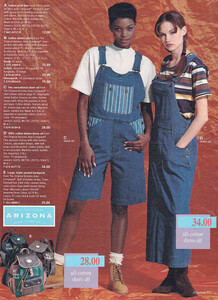
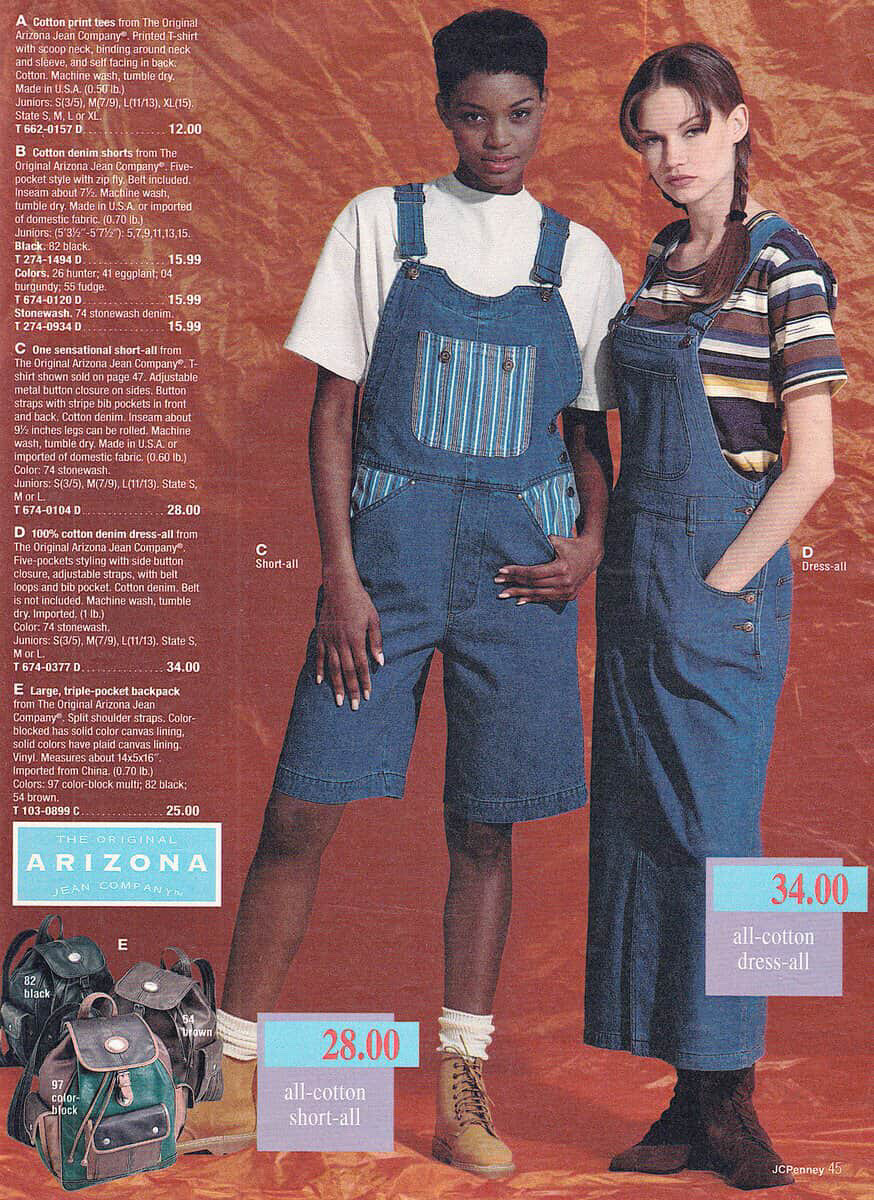
 J.Crew & JC Penney catalogs mid-90’s
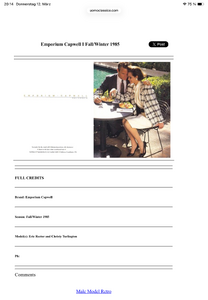
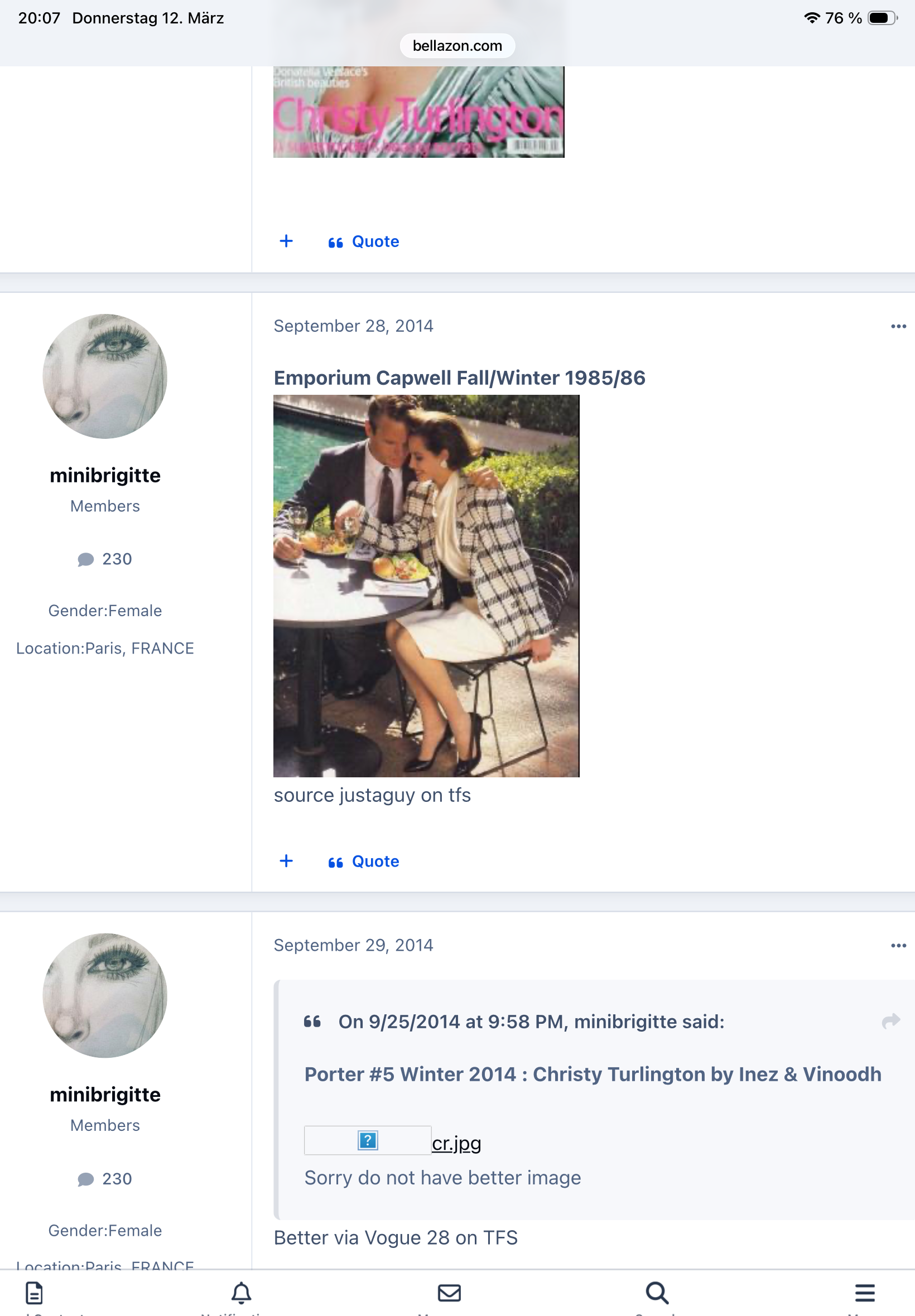
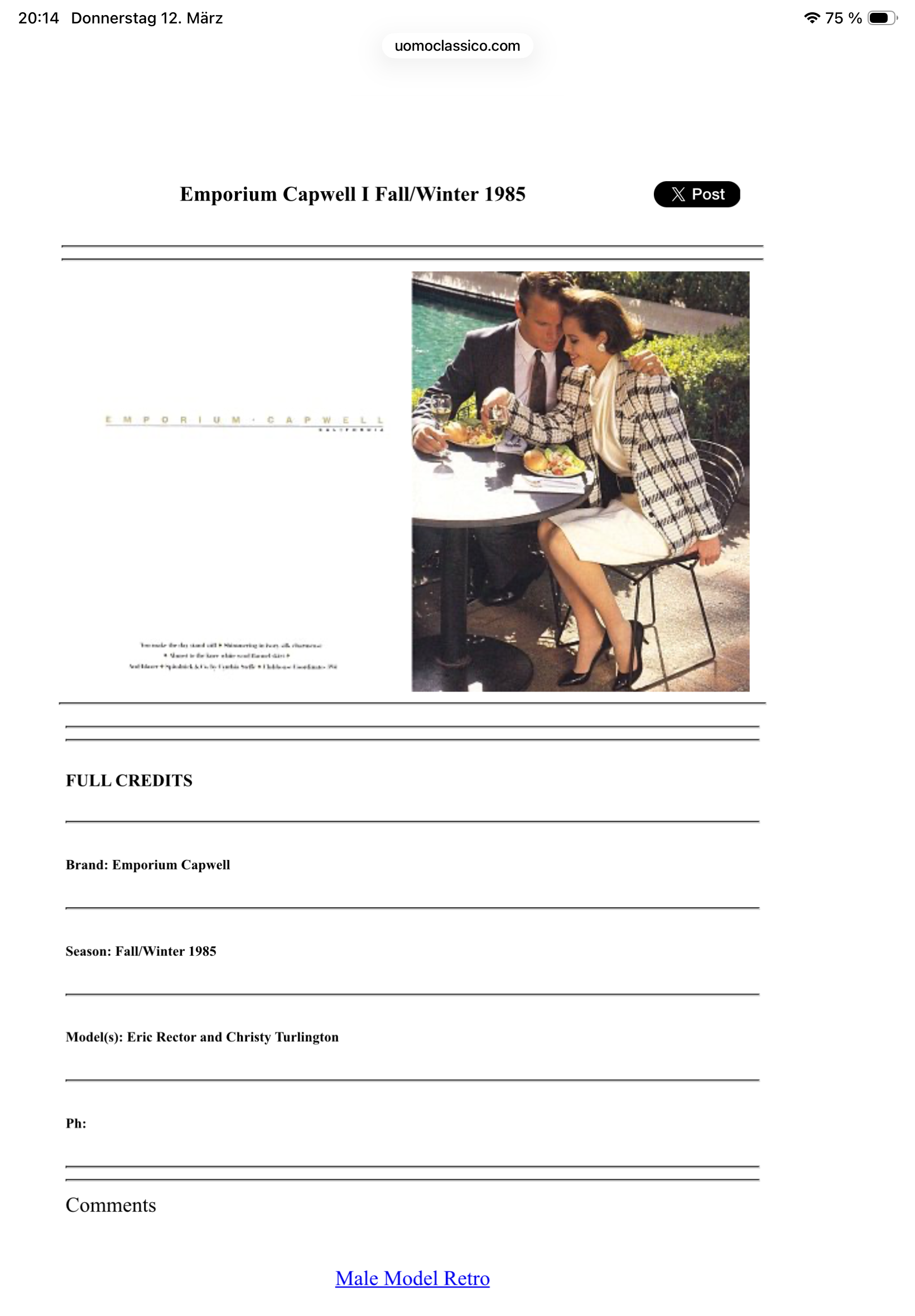
 Oh look at this in Christy‘s thread in better resolution > To tell you the truth - I doubt it’s her. She is close but imo it’s not her nose. And the source is justaguy on tfs who seems very specialized in vintage male models. His info is possibly taken from here > But same goes for uomoclassico - focus on guys and not really on girls. 🤪😘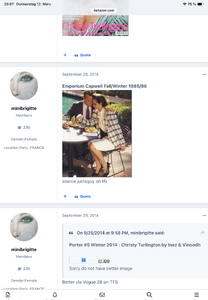

 Spiegel E Style catalog 1992
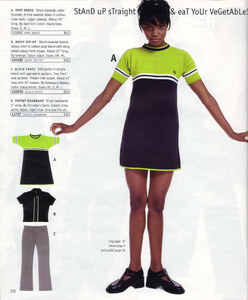
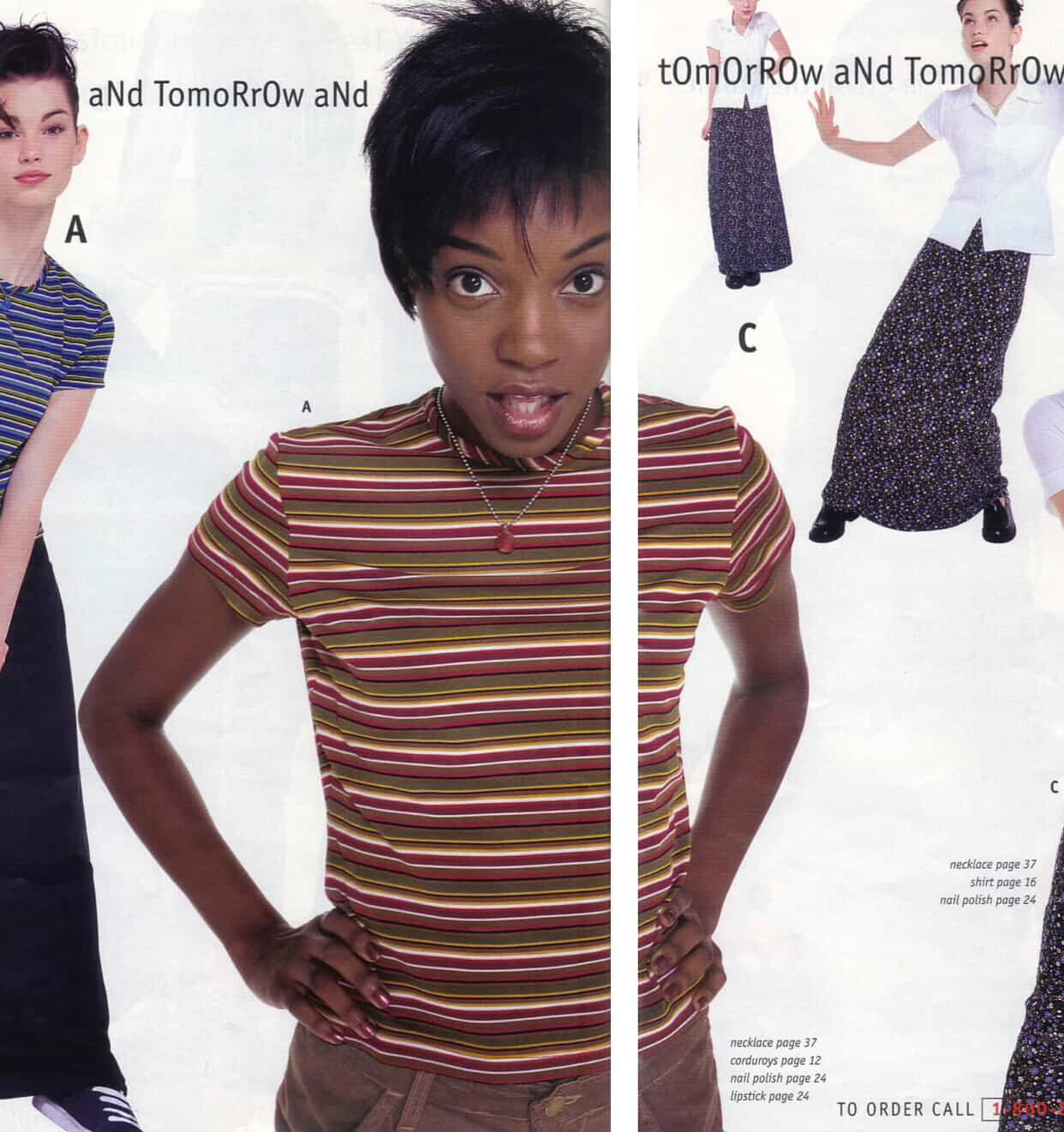
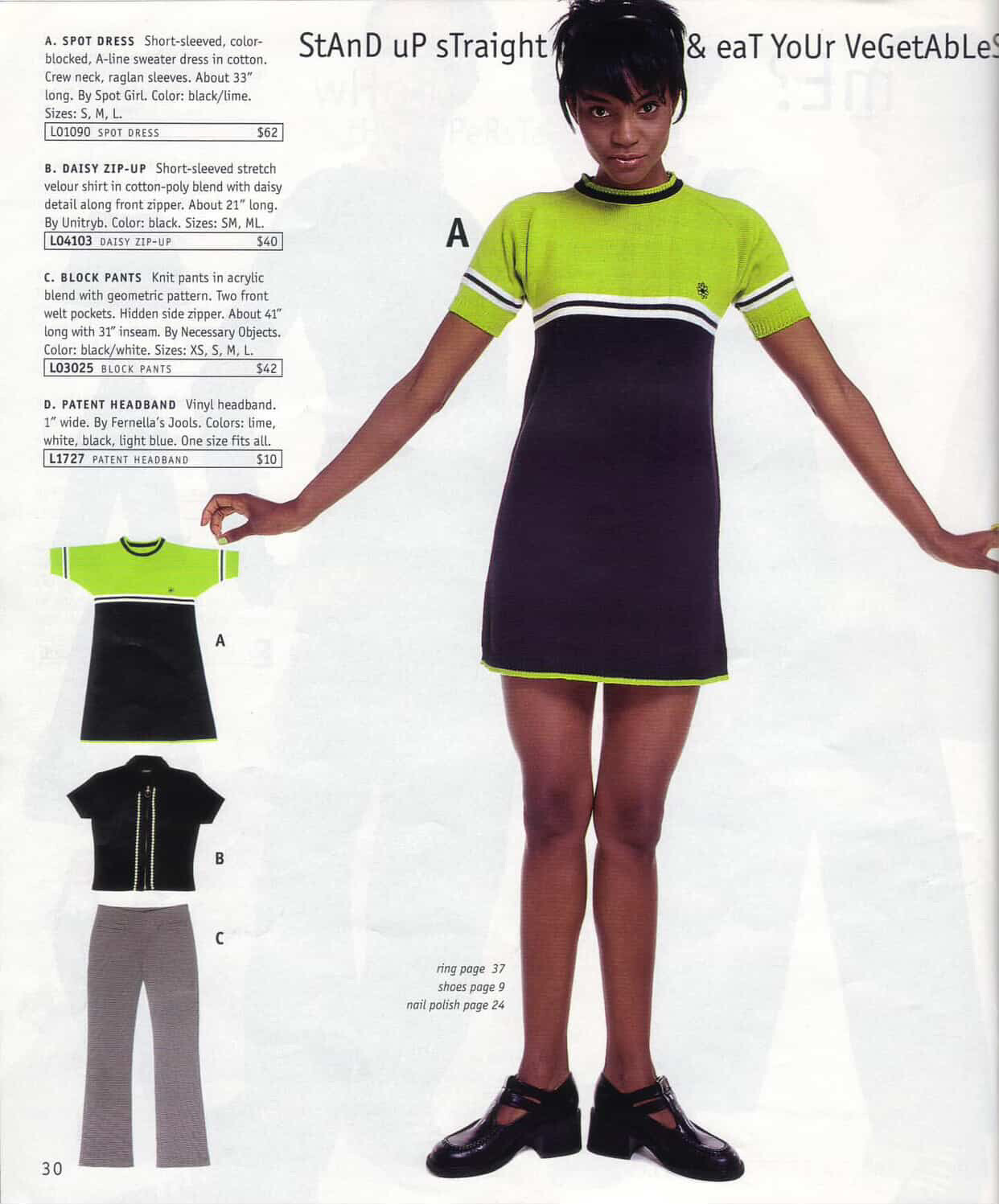
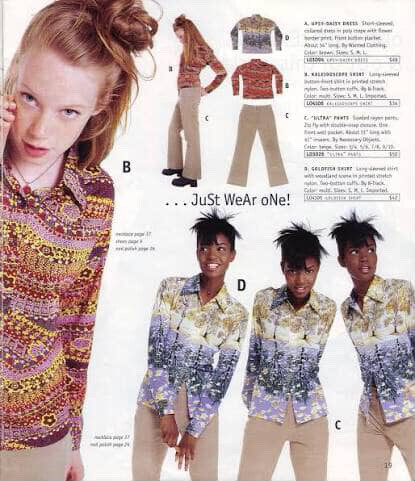
 Delia catalog fall 1997



















































Account
Navigation
Search
Configure browser push notifications
Chrome (Android)
- Tap the lock icon next to the address bar.
- Tap Permissions → Notifications.
- Adjust your preference.
Chrome (Desktop)
- Click the padlock icon in the address bar.
- Select Site settings.
- Find Notifications and adjust your preference.
Safari (iOS 16.4+)
- Ensure the site is installed via Add to Home Screen.
- Open Settings App → Notifications.
- Find your app name and adjust your preference.
Safari (macOS)
- Go to Safari → Preferences.
- Click the Websites tab.
- Select Notifications in the sidebar.
- Find this website and adjust your preference.
Edge (Android)
- Tap the lock icon next to the address bar.
- Tap Permissions.
- Find Notifications and adjust your preference.
Edge (Desktop)
- Click the padlock icon in the address bar.
- Click Permissions for this site.
- Find Notifications and adjust your preference.
Firefox (Android)
- Go to Settings → Site permissions.
- Tap Notifications.
- Find this site in the list and adjust your preference.
Firefox (Desktop)
- Open Firefox Settings.
- Search for Notifications.
- Find this site in the list and adjust your preference.