All Activity
- Past hour
-
 Argentina video Liza Kovalenko - Facebook [2025.12.11] Argentina.mp4
-


- Today
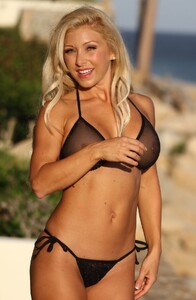
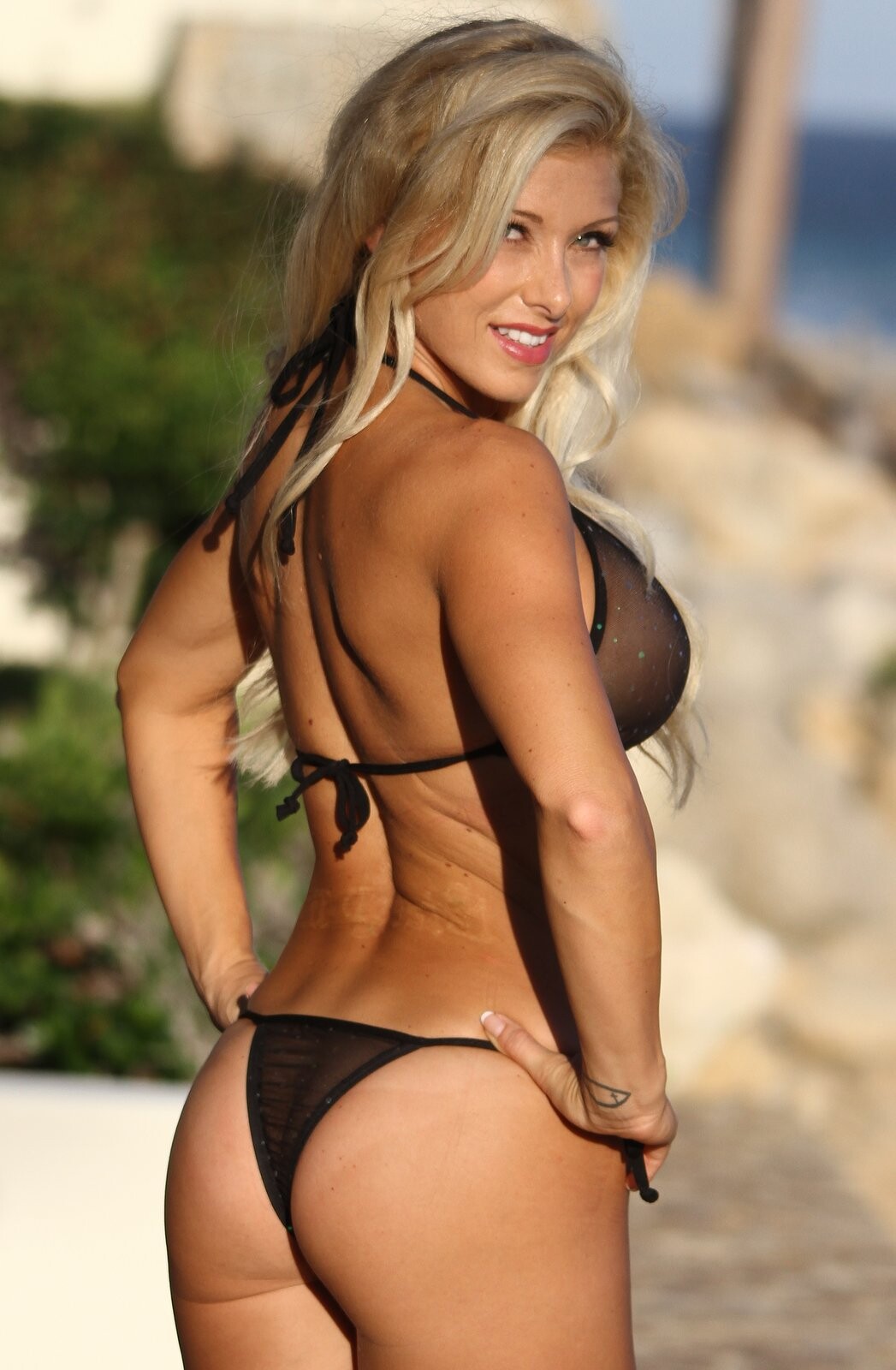
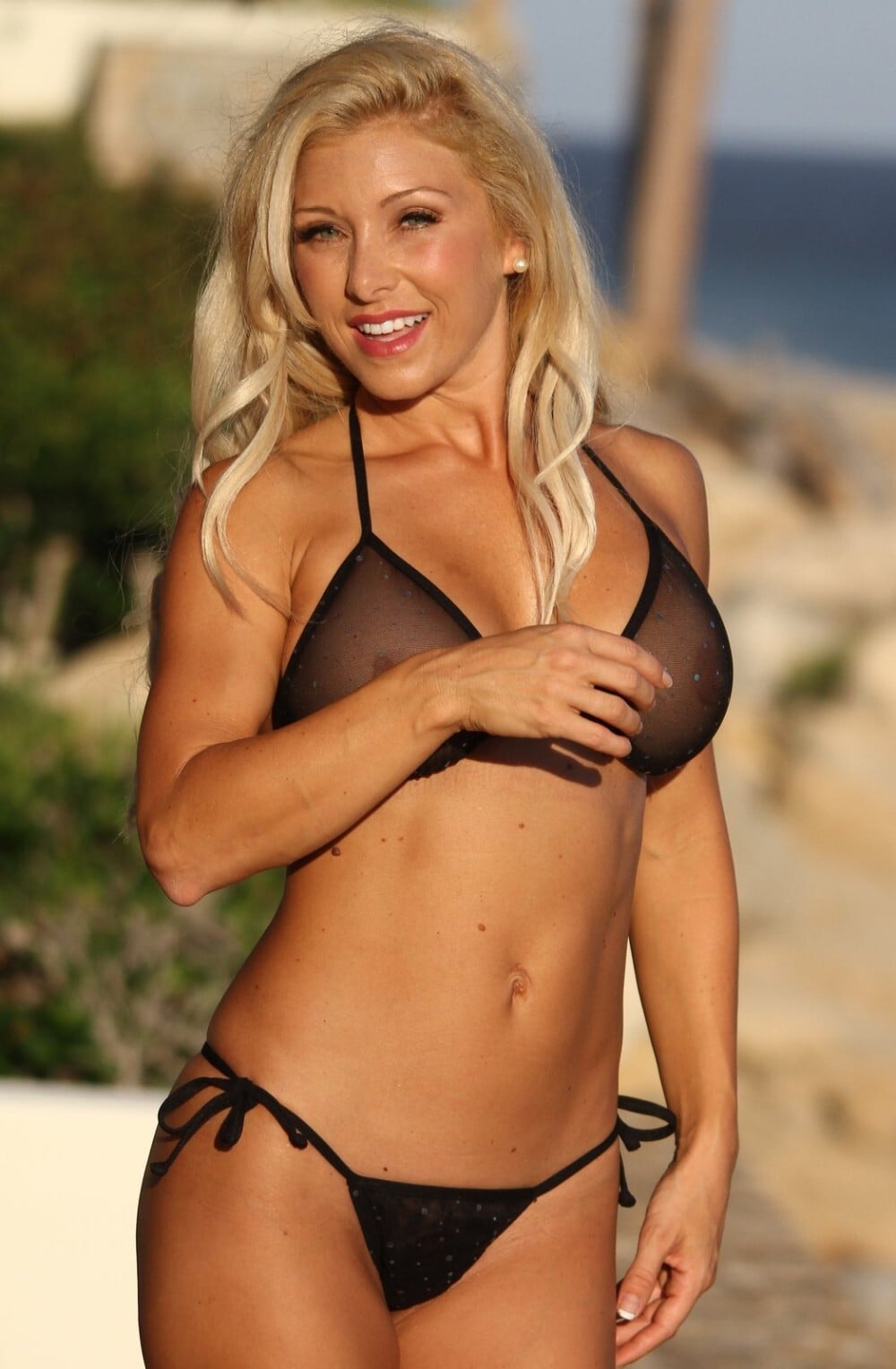
She’s beautiful! ❤️ Crystal Milana in a black sheer triangle bikini Thong

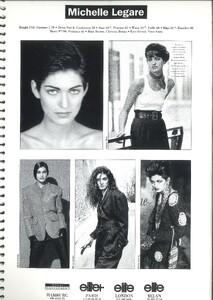
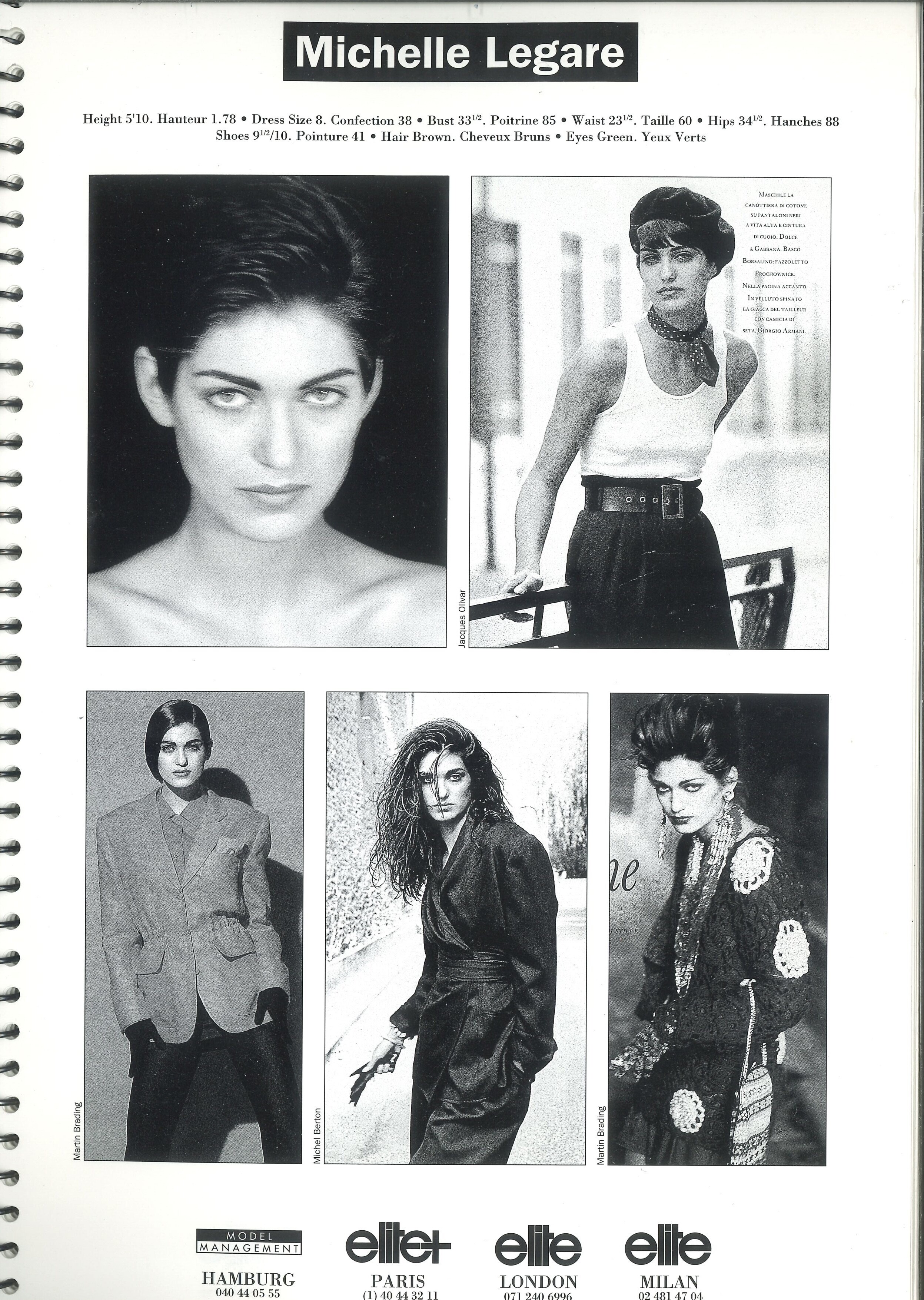
 ELITE EUROPE agency book 1991 my scan
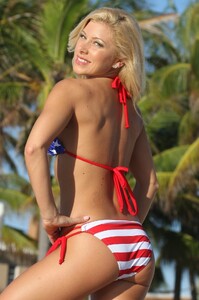
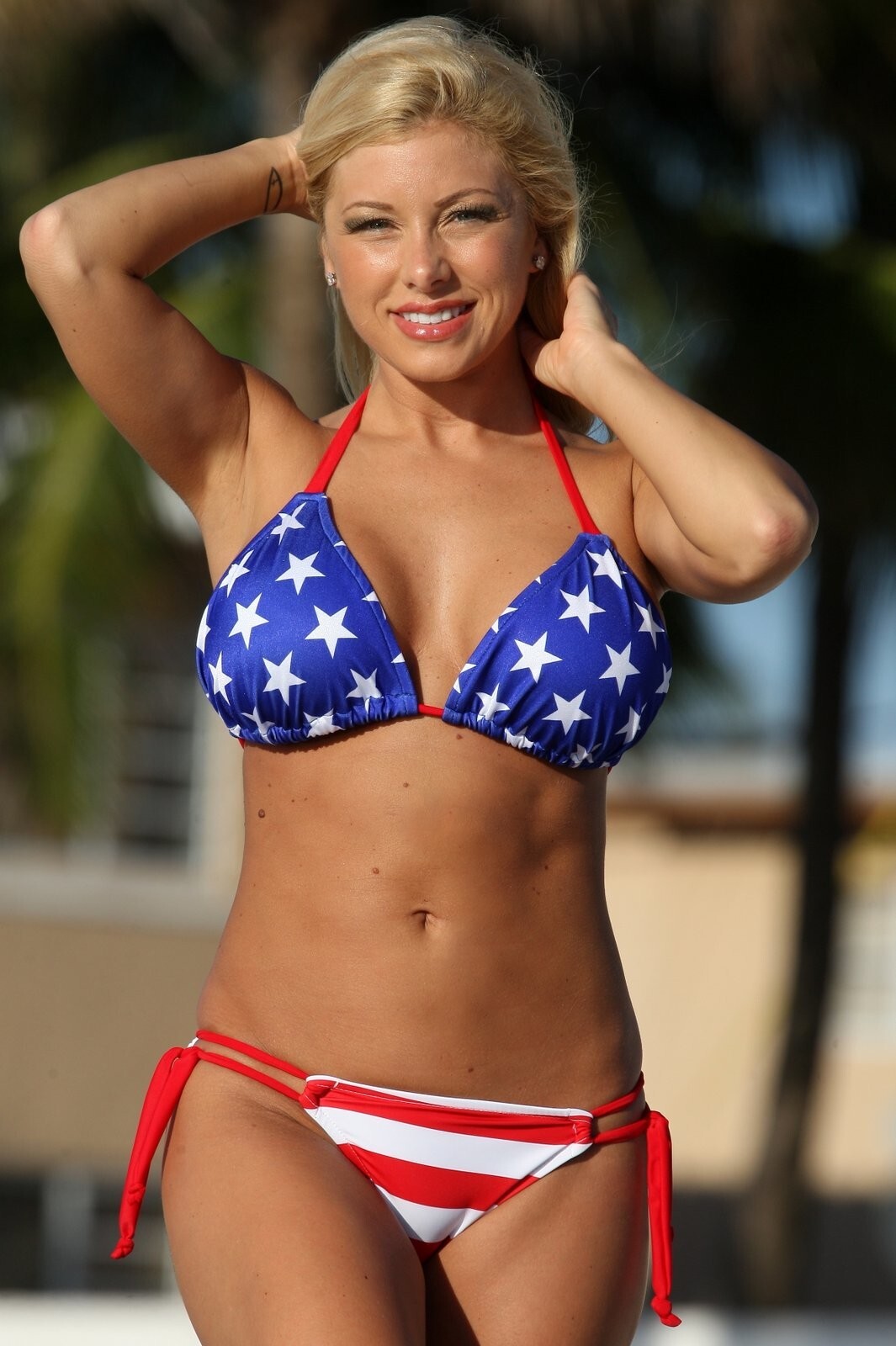
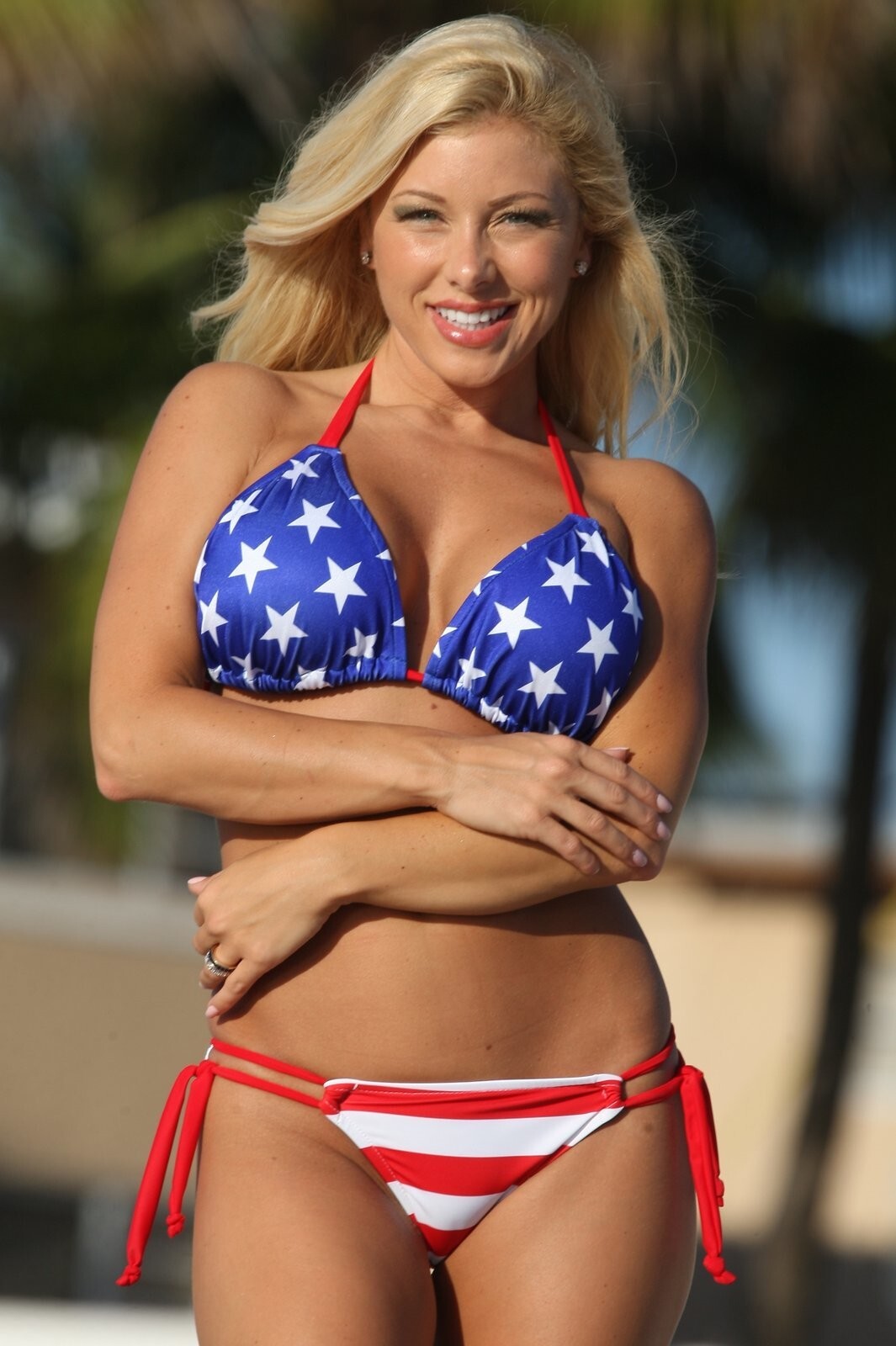
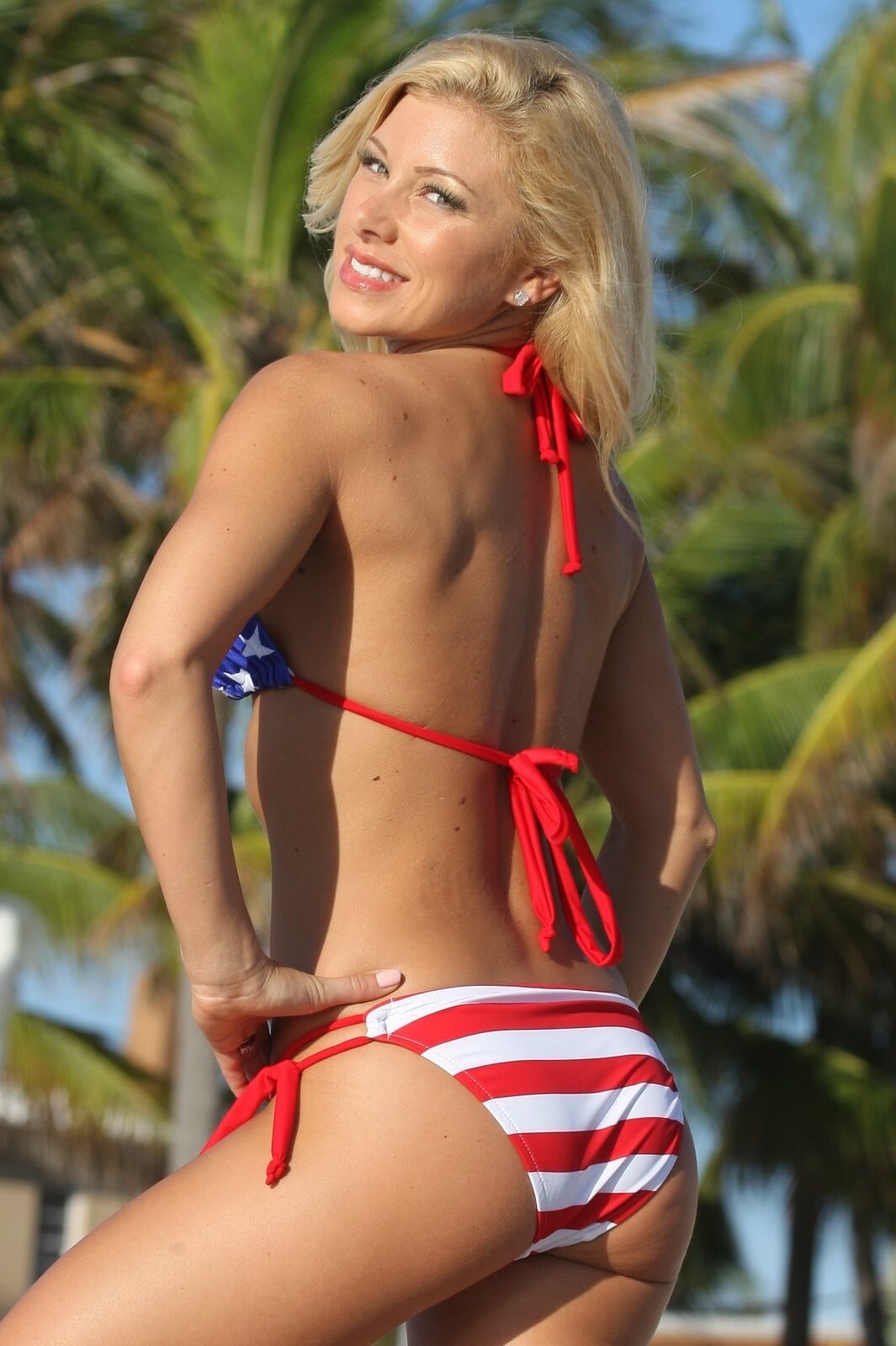
 Crystal is in another American flag bikini 👙



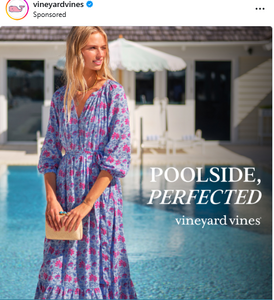
 Here is another model that I had to screenshot it.
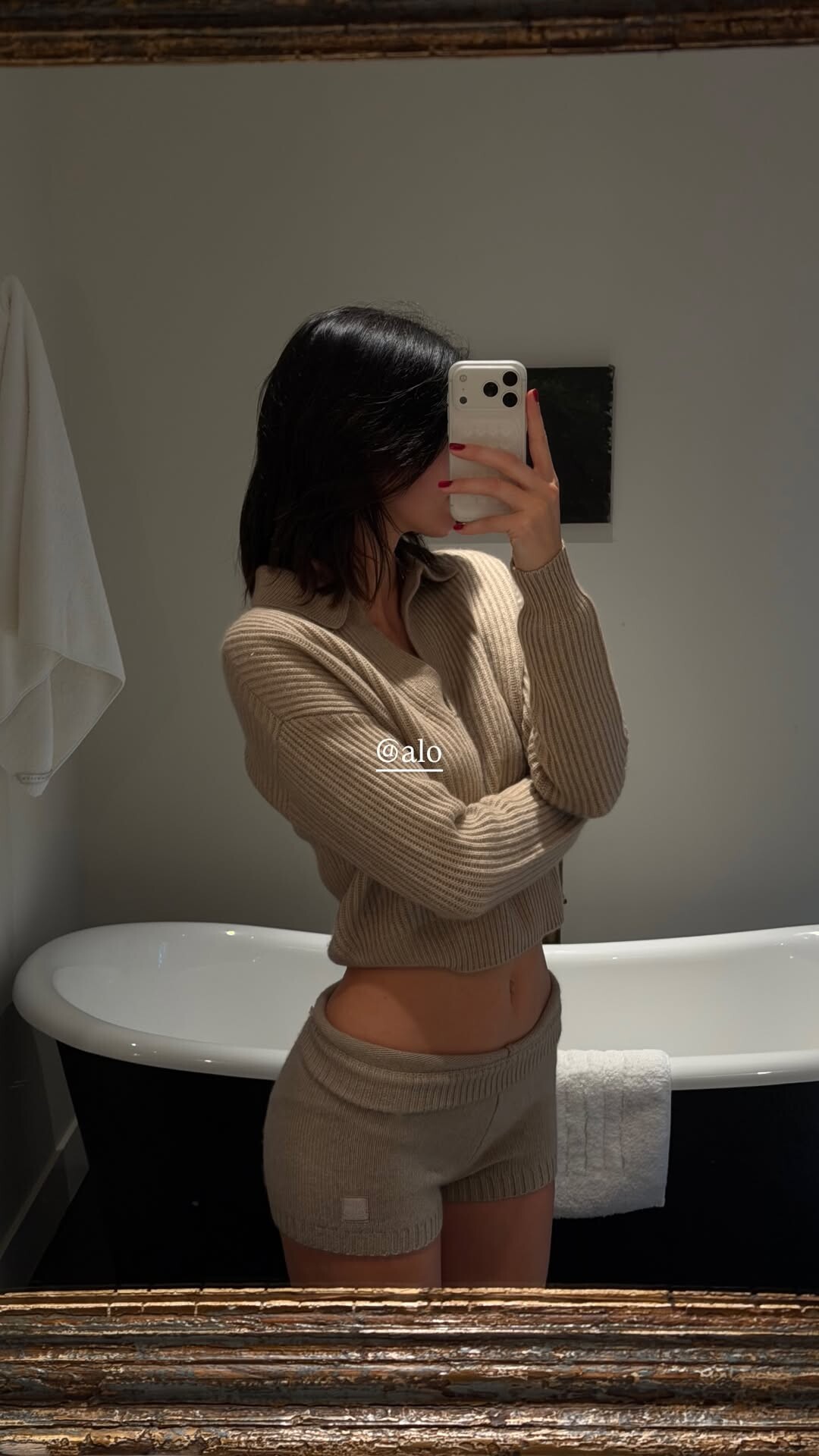
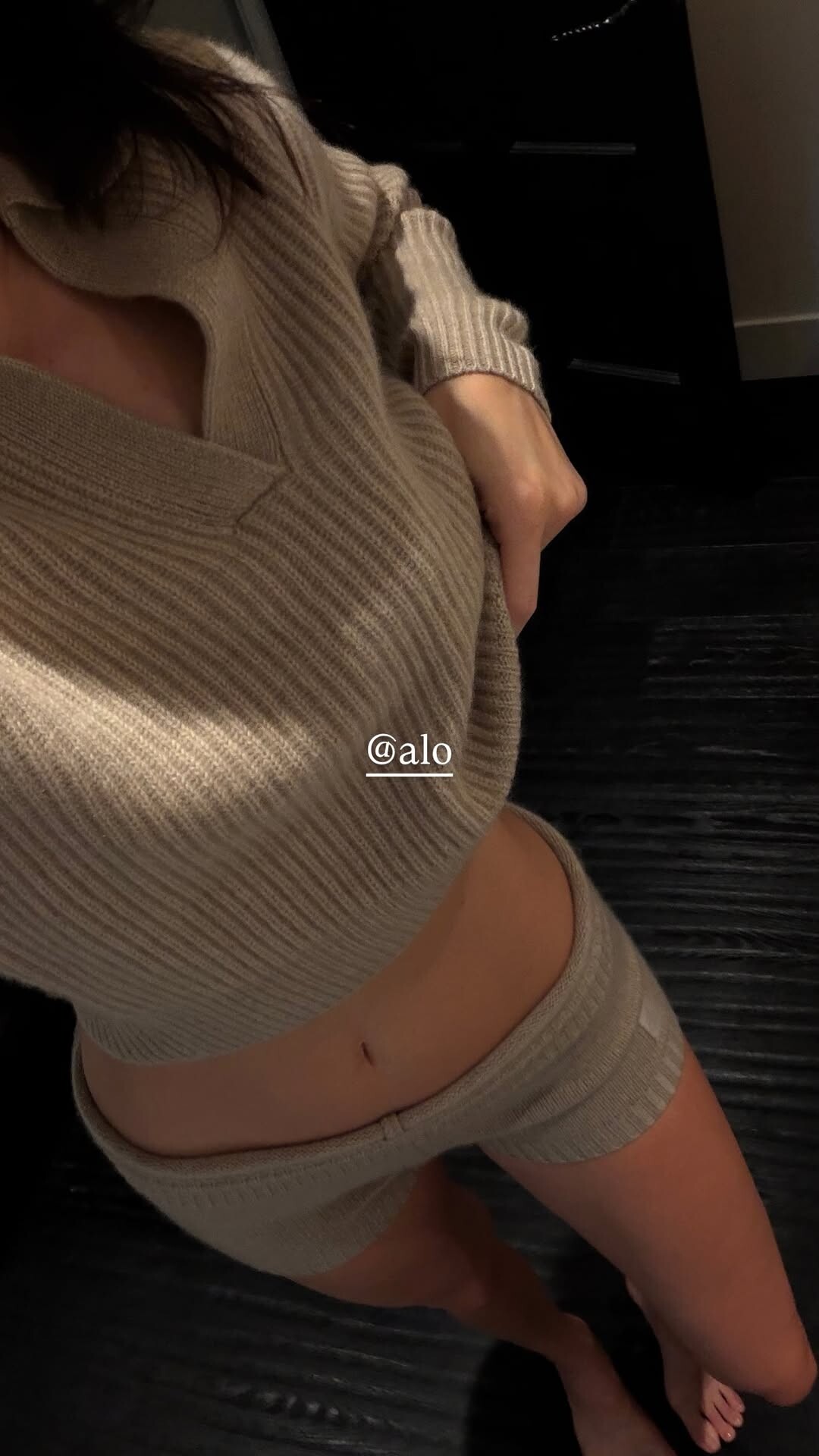
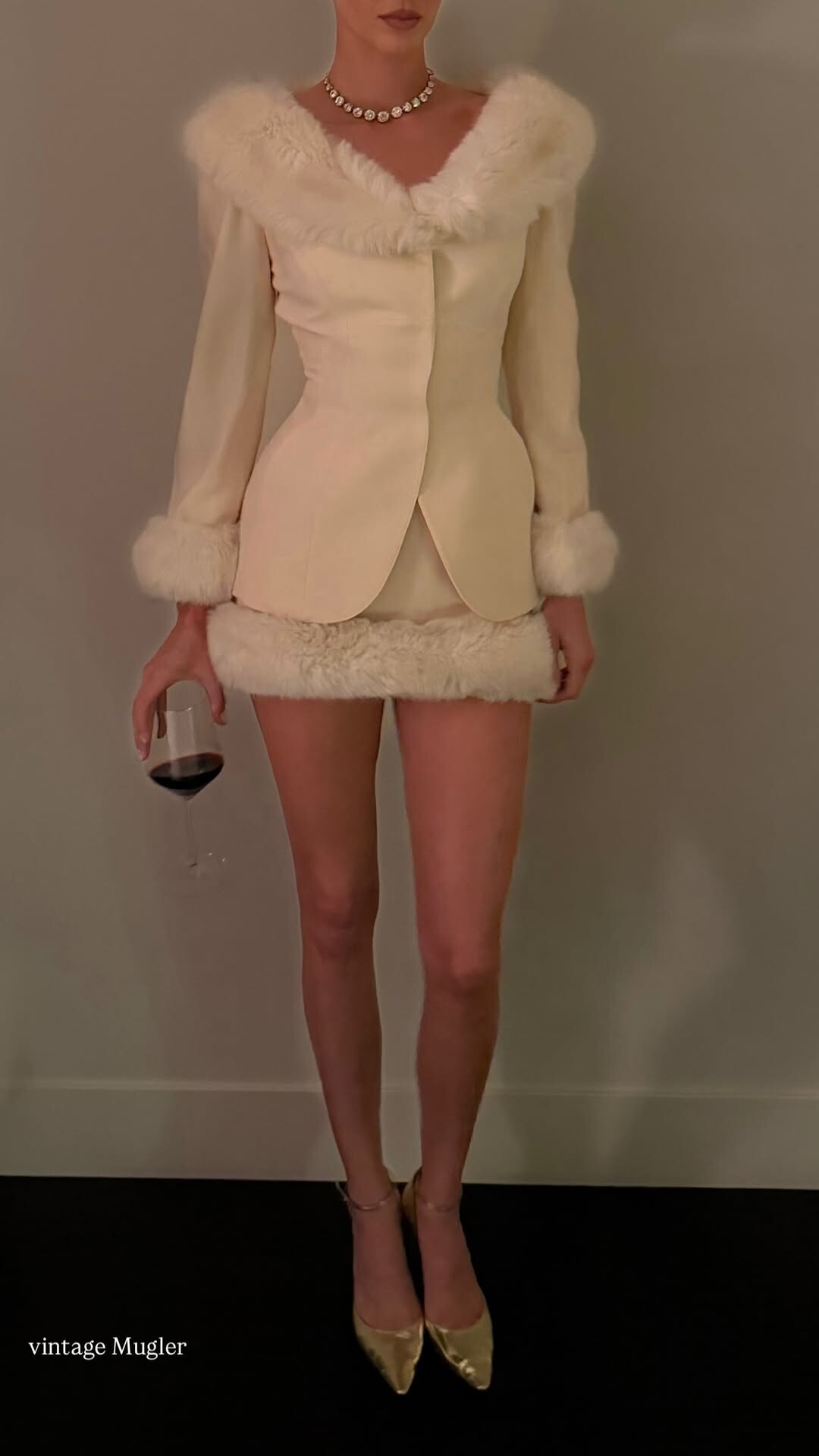
 Merry Christmas! 🎄⛄❄️ Of course I had to knit my Christmas outfit 🎄❤️ Cashmere and mohair mix 😌.mp4
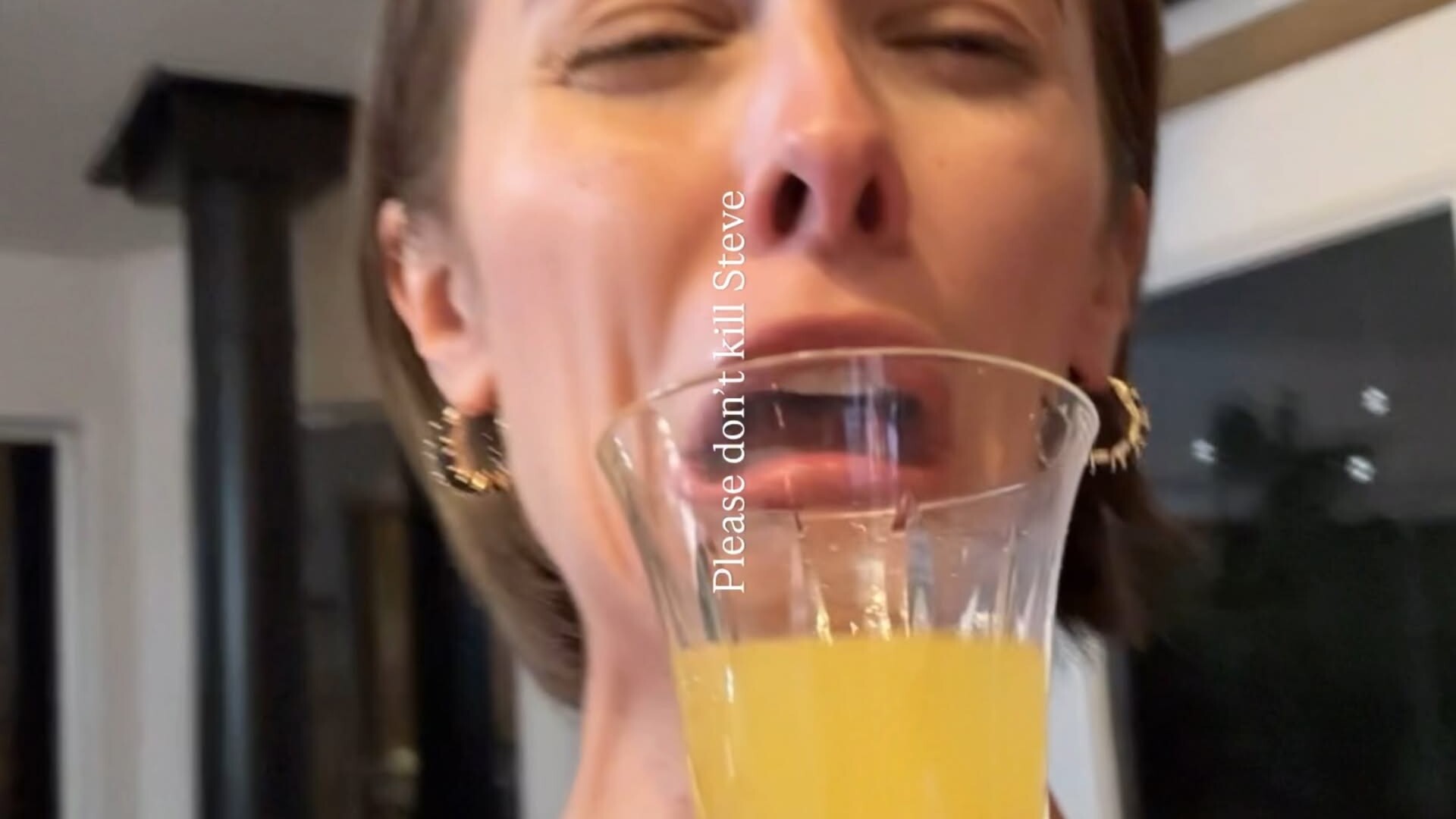
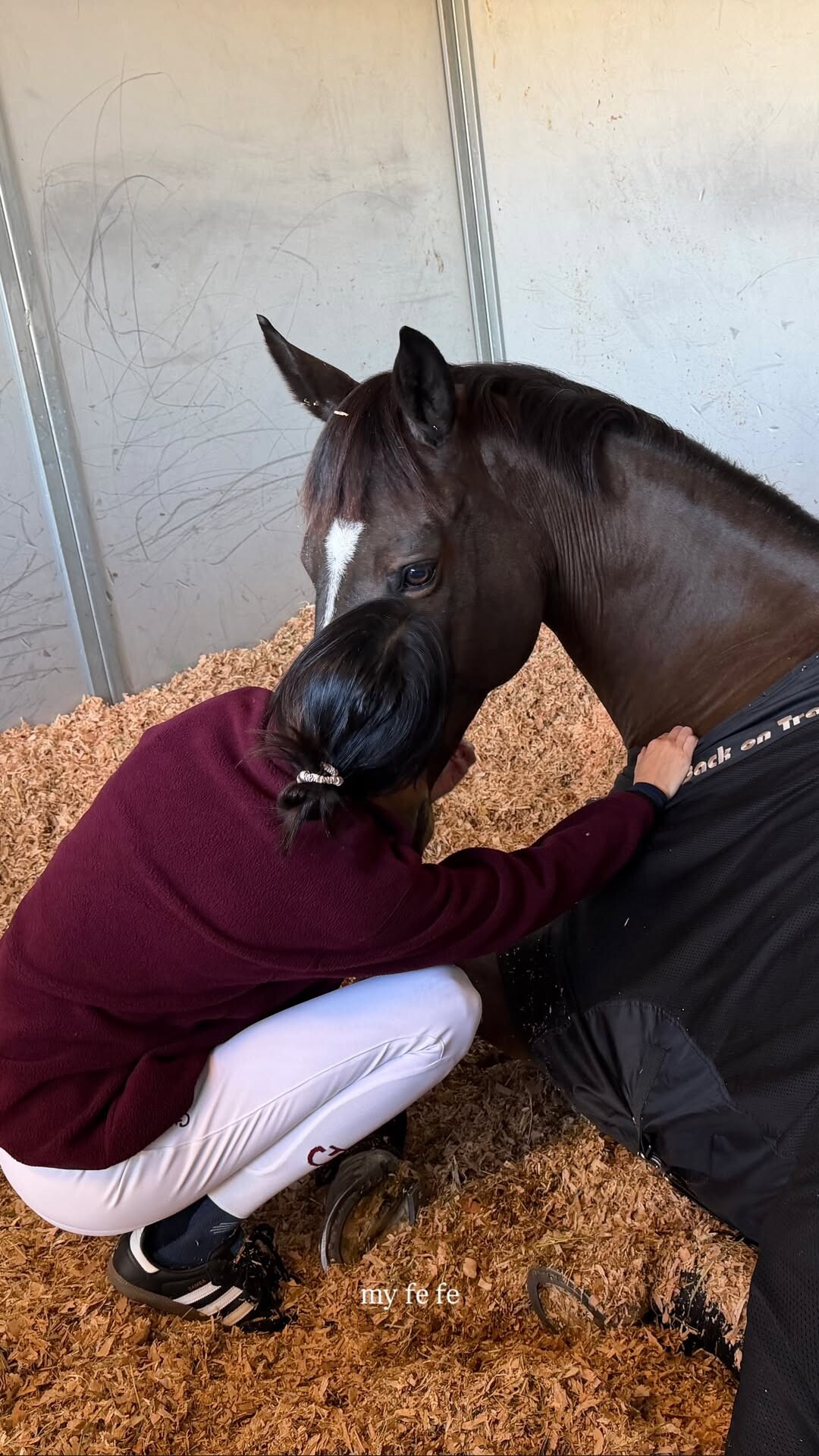
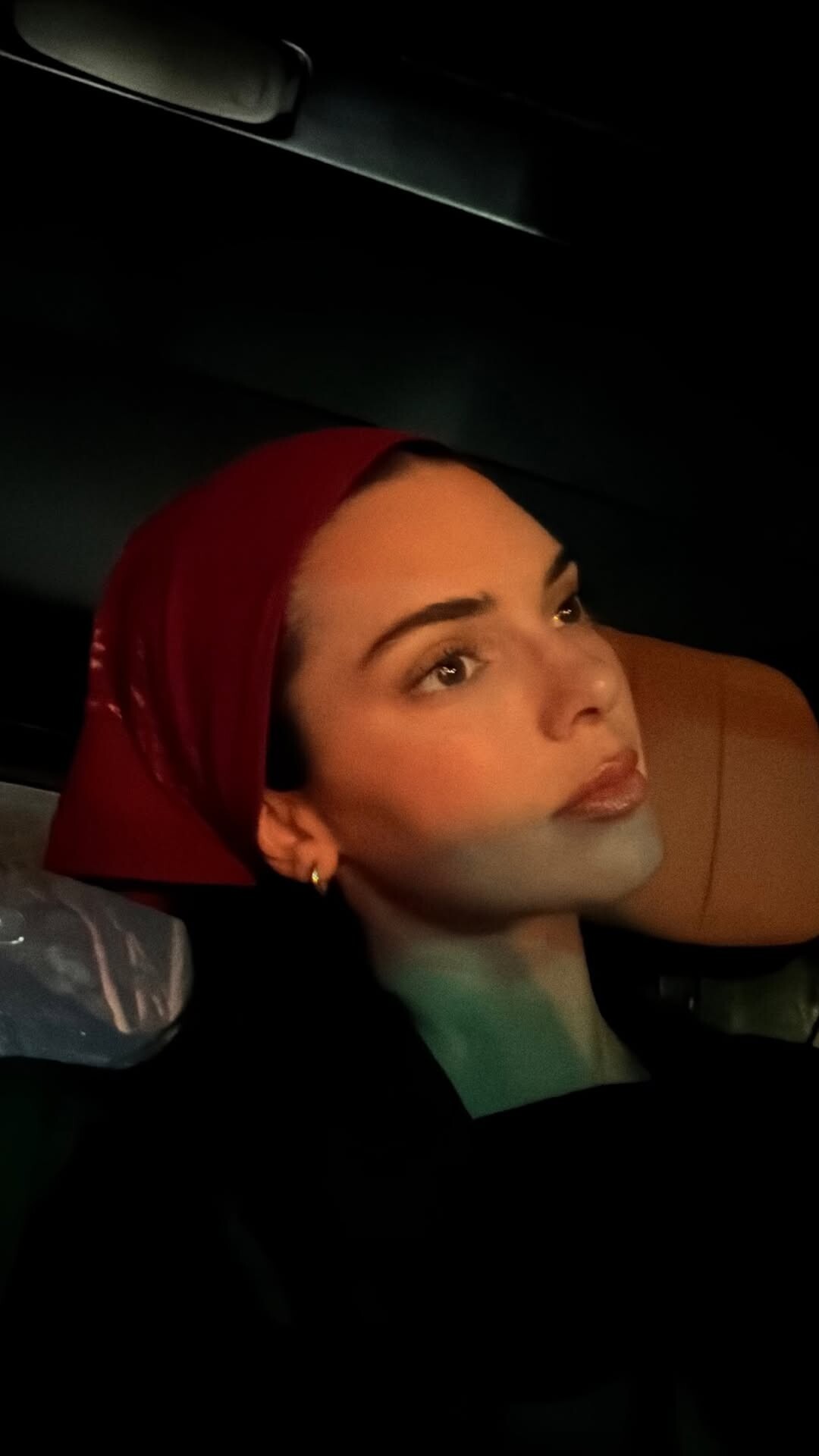
stories videos [2025.12.24] kendalljenner_3794945936217758228.mp4[2025.12.24] kendalljenner_3794946474380526301.mp4
Merry Christmas! 🎄⛄❄️ Of course I had to knit my Christmas outfit 🎄❤️ Cashmere and mohair mix 😌.mp4
stories videos [2025.12.24] kendalljenner_3794945936217758228.mp4[2025.12.24] kendalljenner_3794946474380526301.mp4
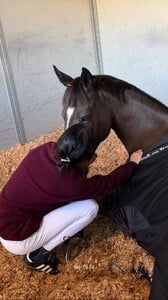

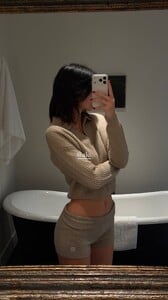



 .
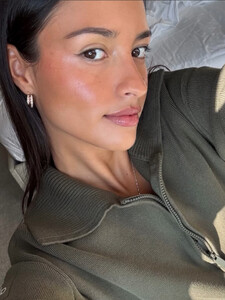
.
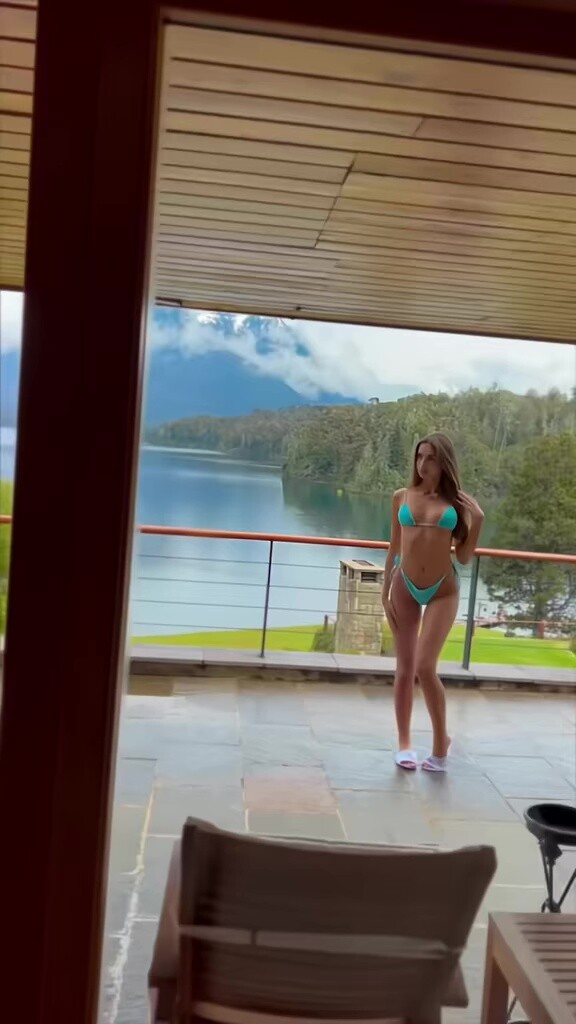











Account
Search
Configure browser push notifications
Chrome (Android)
- Tap the lock icon next to the address bar.
- Tap Permissions → Notifications.
- Adjust your preference.
Chrome (Desktop)
- Click the padlock icon in the address bar.
- Select Site settings.
- Find Notifications and adjust your preference.
Safari (iOS 16.4+)
- Ensure the site is installed via Add to Home Screen.
- Open Settings App → Notifications.
- Find your app name and adjust your preference.
Safari (macOS)
- Go to Safari → Preferences.
- Click the Websites tab.
- Select Notifications in the sidebar.
- Find this website and adjust your preference.
Edge (Android)
- Tap the lock icon next to the address bar.
- Tap Permissions.
- Find Notifications and adjust your preference.
Edge (Desktop)
- Click the padlock icon in the address bar.
- Click Permissions for this site.
- Find Notifications and adjust your preference.
Firefox (Android)
- Go to Settings → Site permissions.
- Tap Notifications.
- Find this site in the list and adjust your preference.
Firefox (Desktop)
- Open Firefox Settings.
- Search for Notifications.
- Find this site in the list and adjust your preference.