All Activity
- Past hour
-
 Claudia Schiffer & Cindy Crawford backstage @ Chanel, spring/summer 1993 my scan
-
 Claudia Schiffer & Cindy Crawford backstage @ Chanel, spring/summer 1993 my scan
 sylvester changed their profile photo
 And killing it!



 crypto customer service joined the community
Gisele Zelauy for Yohji Yamamoto, ready-to-wear, fall/winter 1991 my scan
crypto customer service joined the community
Gisele Zelauy for Yohji Yamamoto, ready-to-wear, fall/winter 1991 my scan
 have we every worked out her age or birthdate?
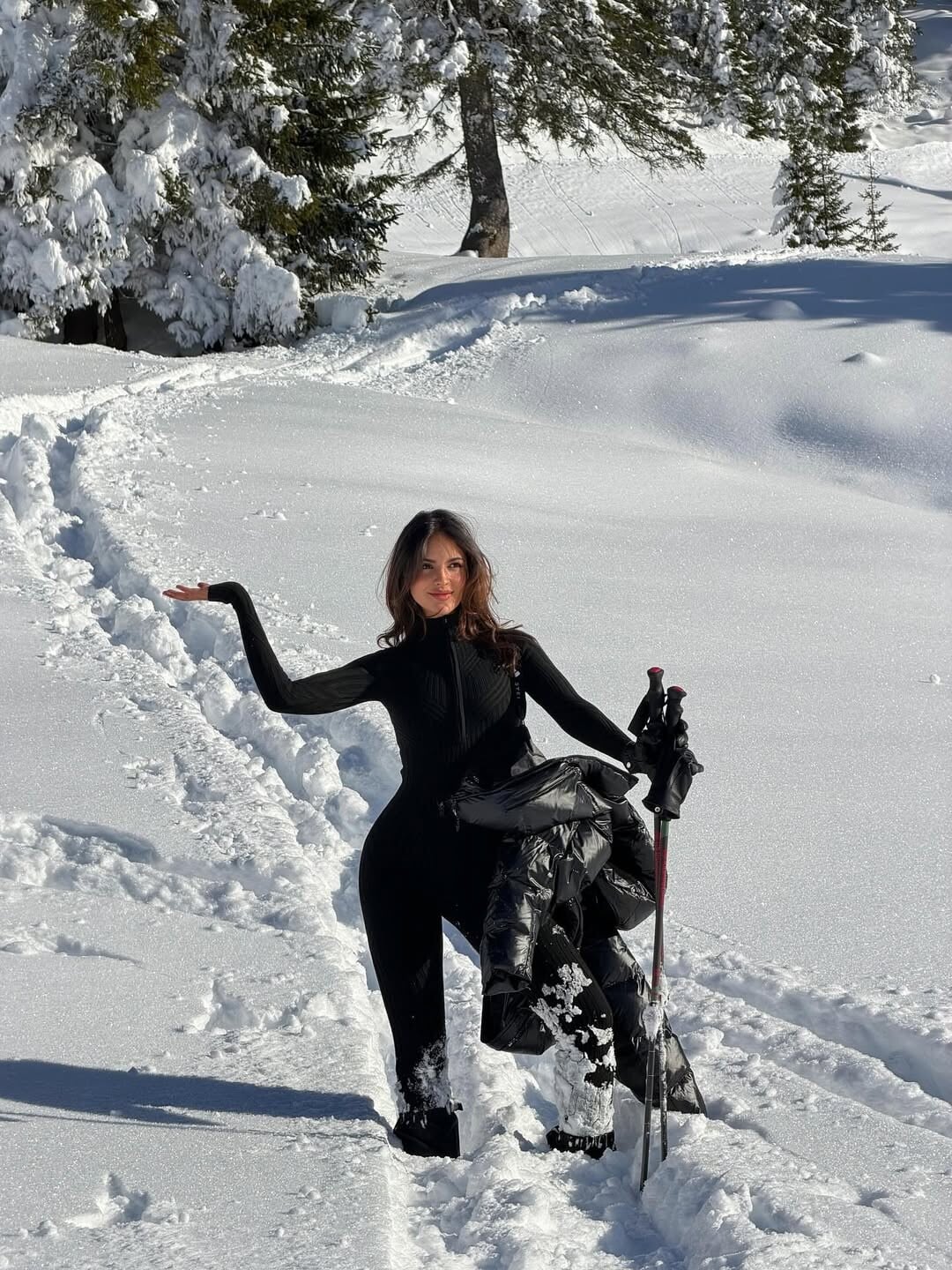
 Ph: @nivjwk 2023 SnapInsta.to_AQNvzZG0u95fzwDHqGf63ddTtKQJ71oTLxBJcJlM75qDudYqB_yiK4R9APm8rjg435NpzIkrc-l_pnV2LYyS9VTkg4Ji5va1XYS8idY.mp4
Kirsten Owen for Helmut Lang, ready-to-wear, spring/summer 1999 my scan
Ph: @nivjwk 2023 SnapInsta.to_AQNvzZG0u95fzwDHqGf63ddTtKQJ71oTLxBJcJlM75qDudYqB_yiK4R9APm8rjg435NpzIkrc-l_pnV2LYyS9VTkg4Ji5va1XYS8idY.mp4
Kirsten Owen for Helmut Lang, ready-to-wear, spring/summer 1999 my scan
 Kirsten Owen for Helmut Lang, ready-to-wear, fall/winter 1997 my scan
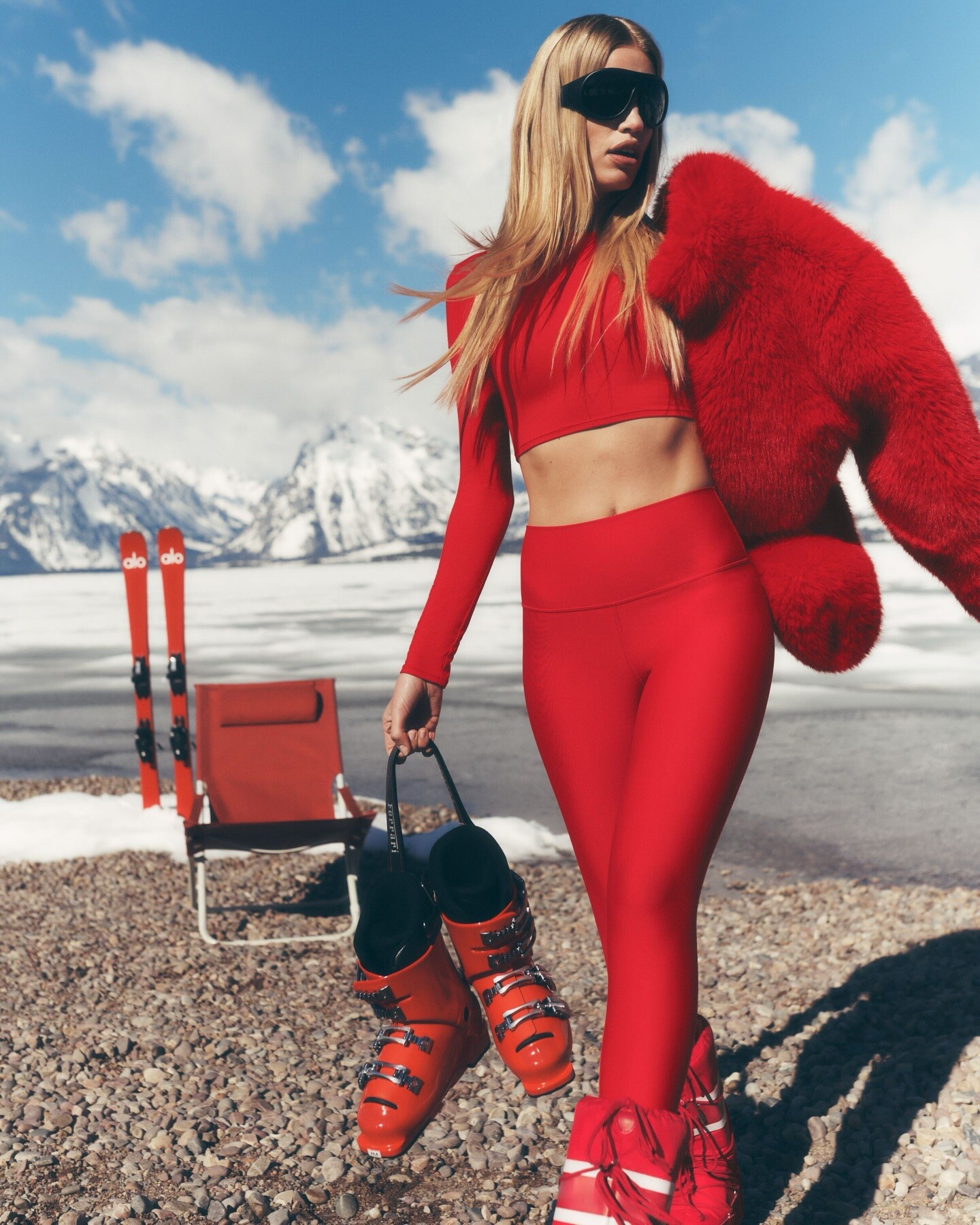
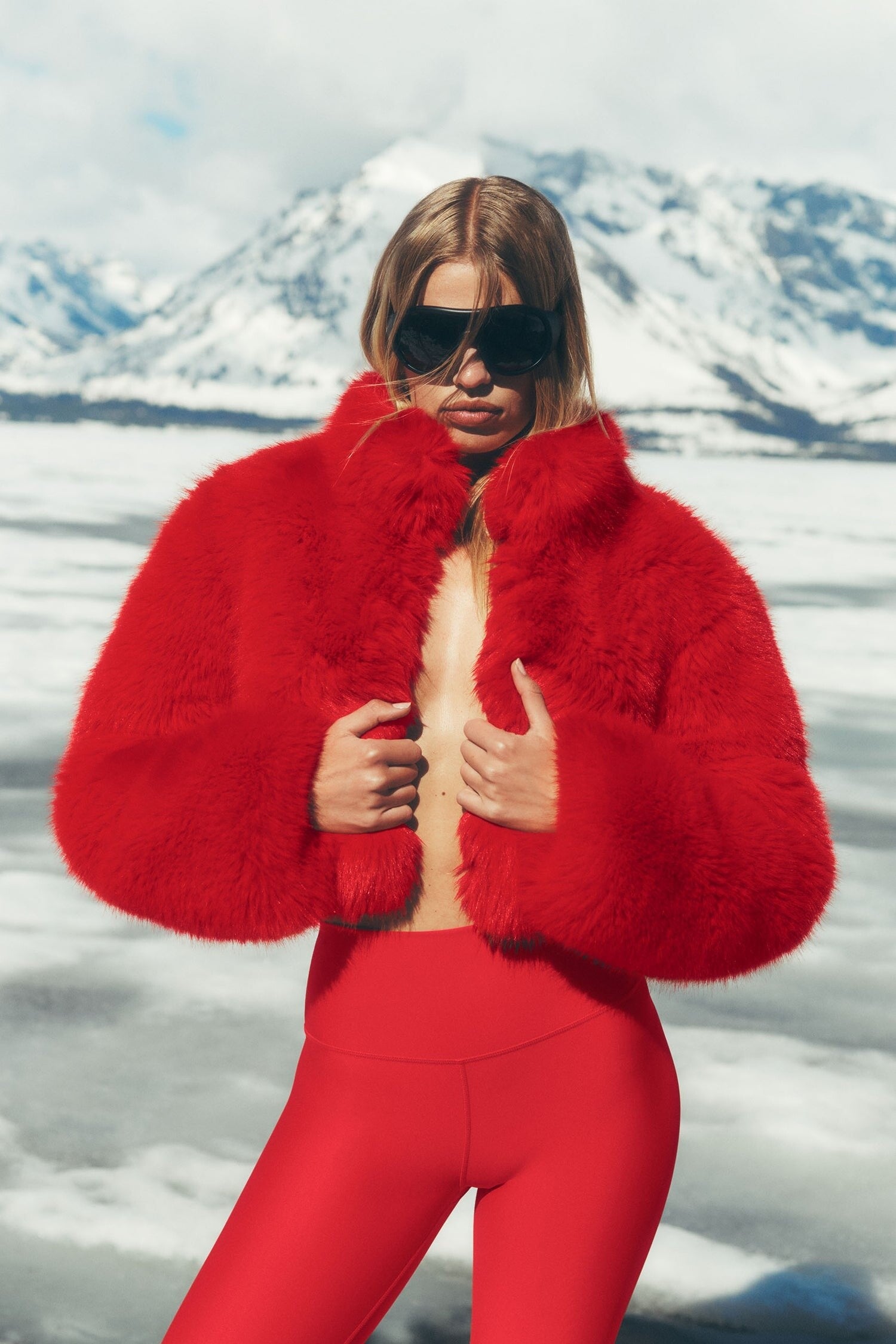
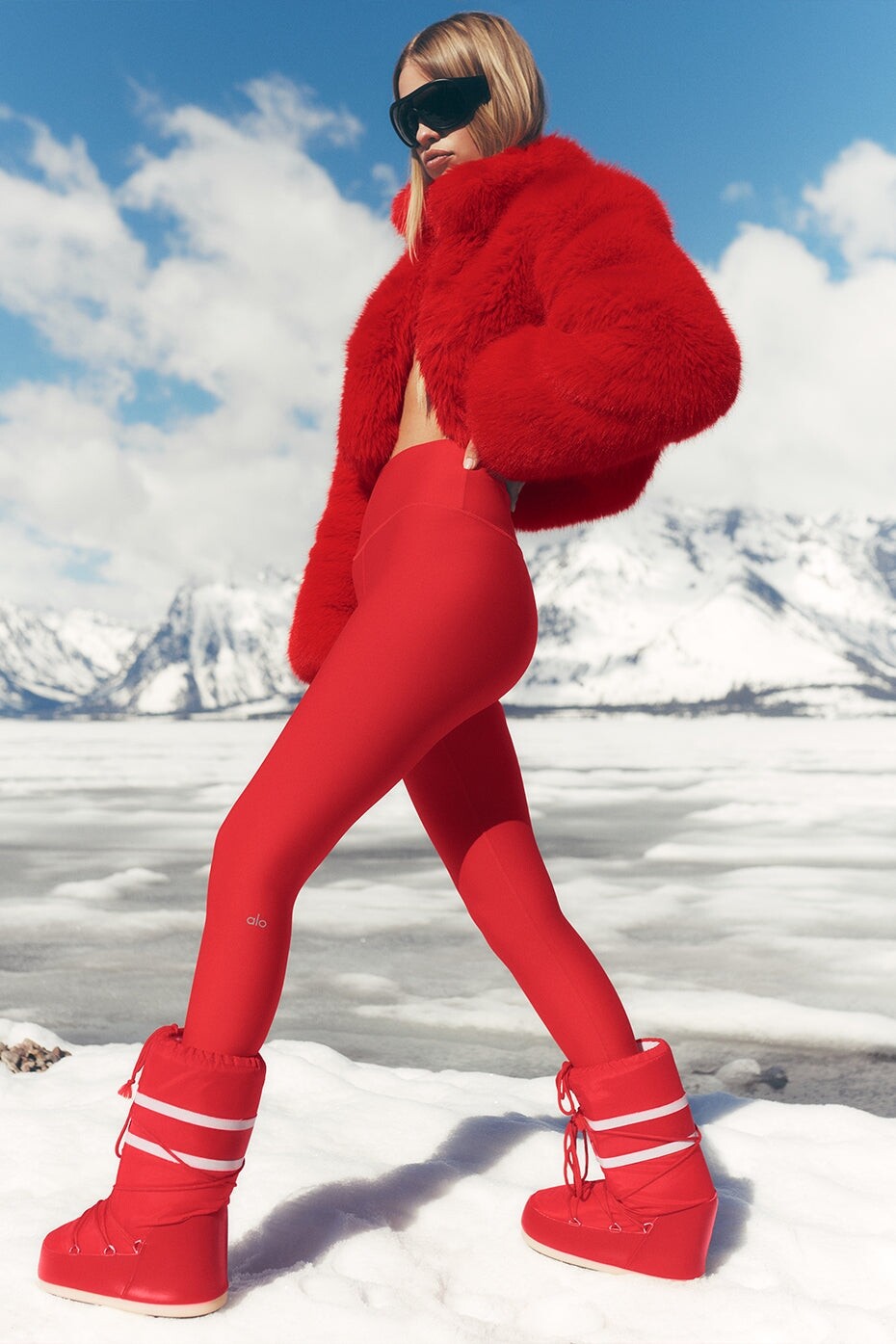
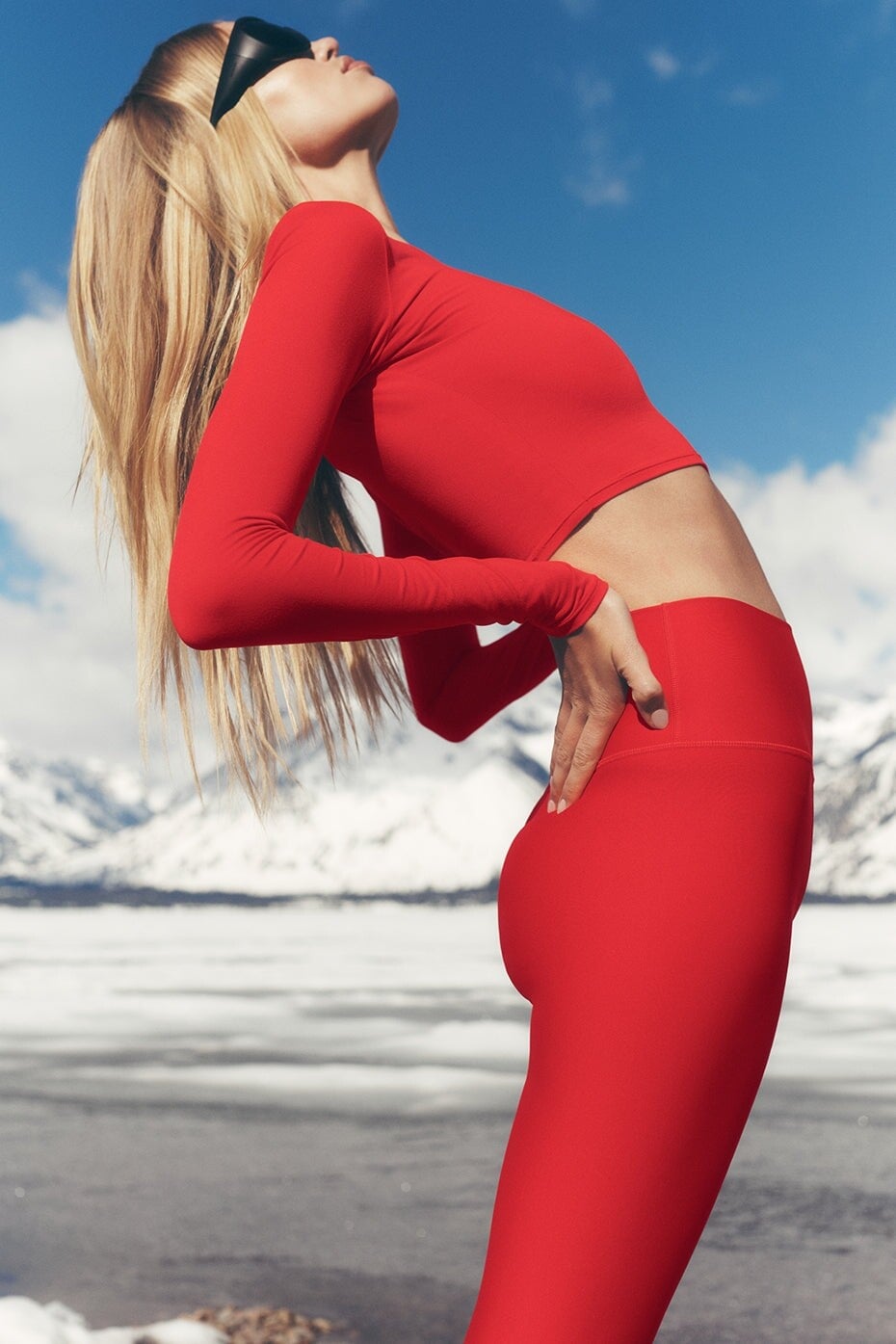
 ALO
ALO



 ALO dcae740038864e51867a886b48db5361.mp4

- Today
Designer Bag Exchange Ph: Cherie Tao 2022 brief appearance Spoiler Download.mp4 SnapInsta.to_AQO-yBCyBVObJCJaa-VCzXGMdUou8XhxAgvQvg-m0BQ5a8yW7F005Dv59f3rRyCLz2ISAh-F65sfd3_ZkALe_OwAN1l9LSX07tilkDI.mp4









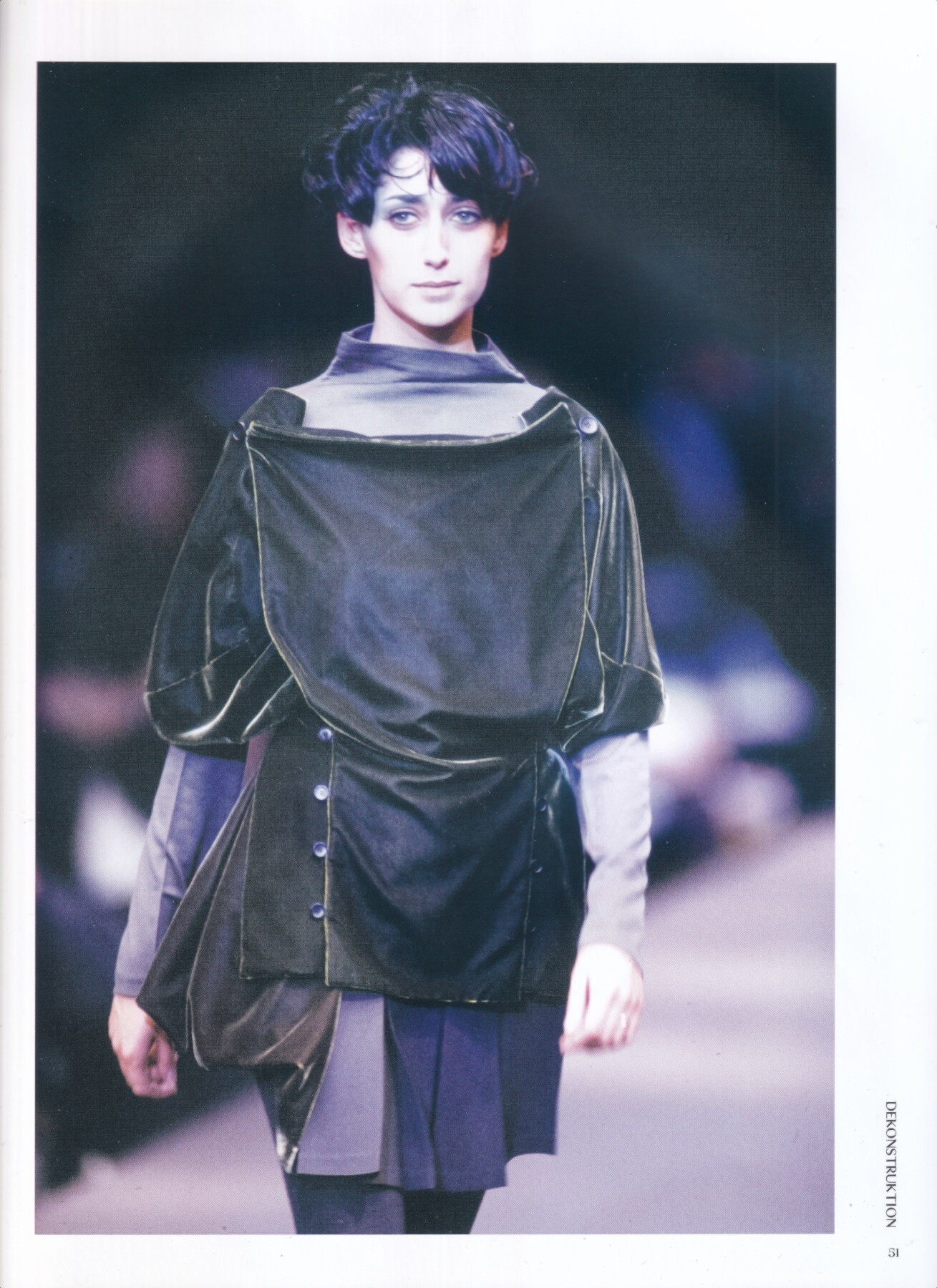
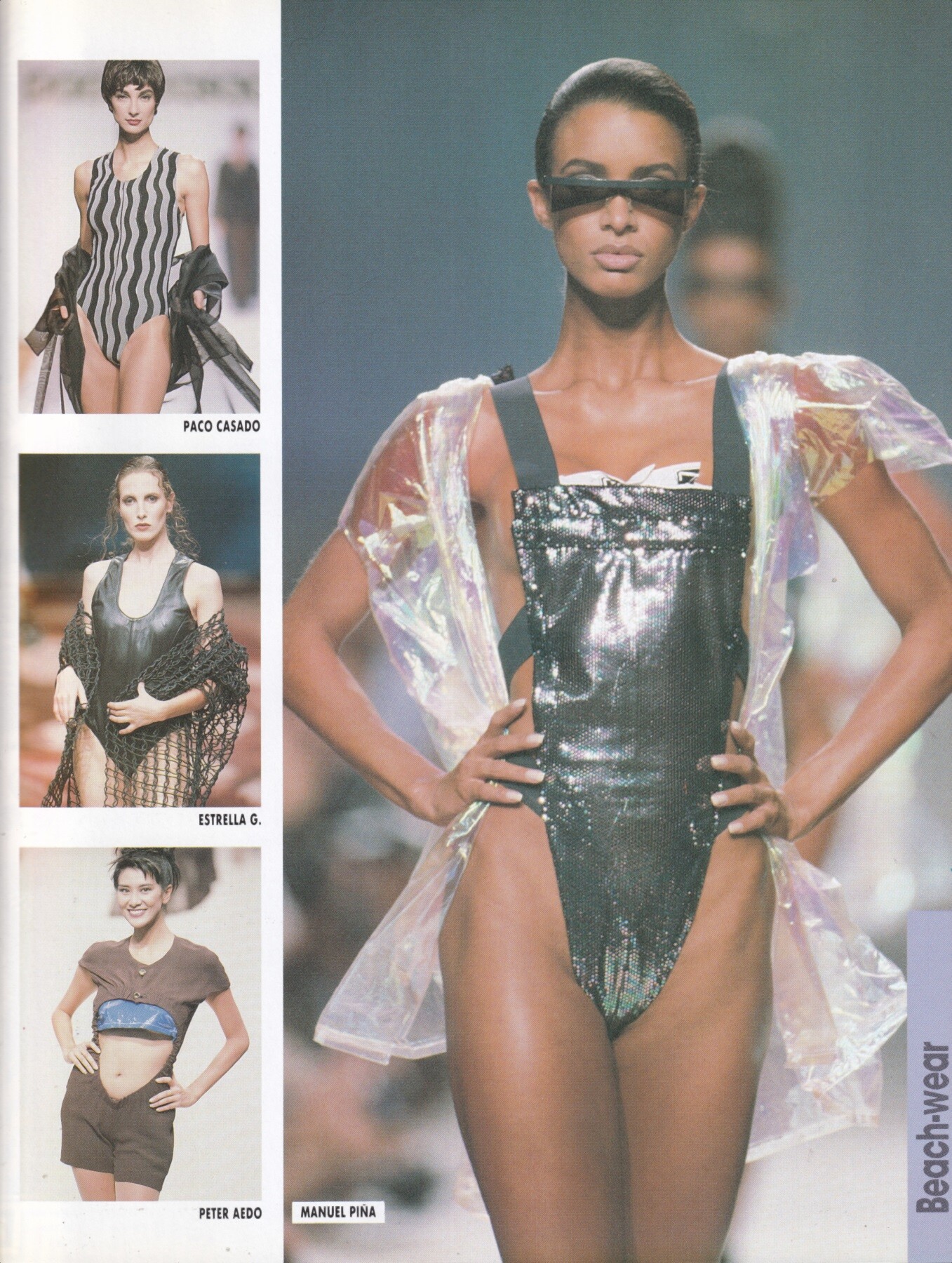
 Maureen Gallagher for Manuel Pina, ready-to-wear, spring/summer 1991 my scan
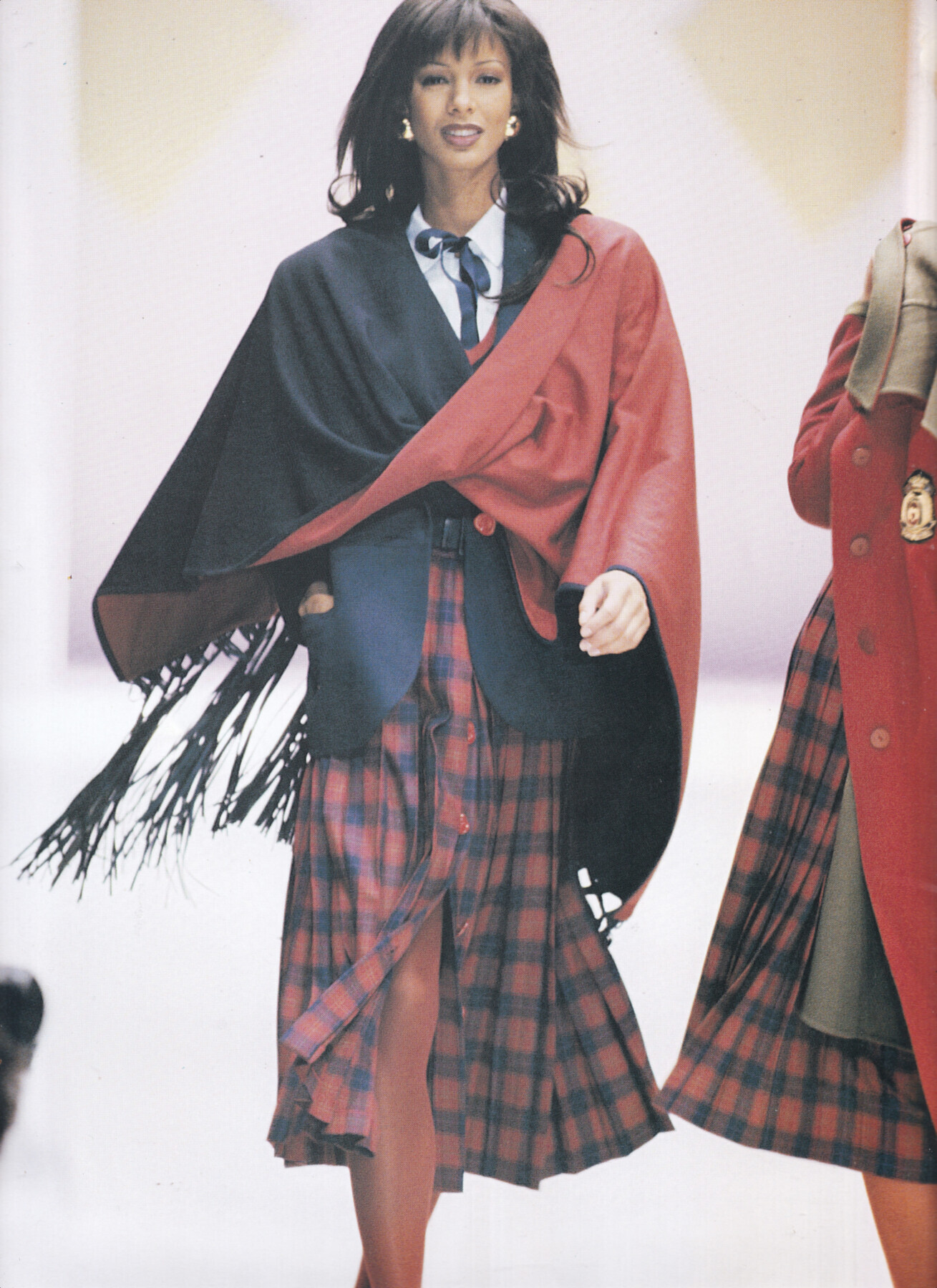
 Maureen Gallagher for Mila Schon, ready-to-wear, fall/winter 1993 my scan

 All these years later i can't understand why on earth did she wear this?At a public event!!!!!!Fine for a fashion show
 Spoiler Annistar
































Account
Search
Configure browser push notifications
Chrome (Android)
- Tap the lock icon next to the address bar.
- Tap Permissions → Notifications.
- Adjust your preference.
Chrome (Desktop)
- Click the padlock icon in the address bar.
- Select Site settings.
- Find Notifications and adjust your preference.
Safari (iOS 16.4+)
- Ensure the site is installed via Add to Home Screen.
- Open Settings App → Notifications.
- Find your app name and adjust your preference.
Safari (macOS)
- Go to Safari → Preferences.
- Click the Websites tab.
- Select Notifications in the sidebar.
- Find this website and adjust your preference.
Edge (Android)
- Tap the lock icon next to the address bar.
- Tap Permissions.
- Find Notifications and adjust your preference.
Edge (Desktop)
- Click the padlock icon in the address bar.
- Click Permissions for this site.
- Find Notifications and adjust your preference.
Firefox (Android)
- Go to Settings → Site permissions.
- Tap Notifications.
- Find this site in the list and adjust your preference.
Firefox (Desktop)
- Open Firefox Settings.
- Search for Notifications.
- Find this site in the list and adjust your preference.