All Activity
- Past hour
-
 • Hannah Ferguson • Giorgia Malvicini • Anastasiya Saroka • Claire Guena • Katsia Domankova • Karin Alia • Eden Polani • Alexandra Baron • Kristen Shania • Romi Pavoncello • Nissia Benghazi • Josie Canseco
 -

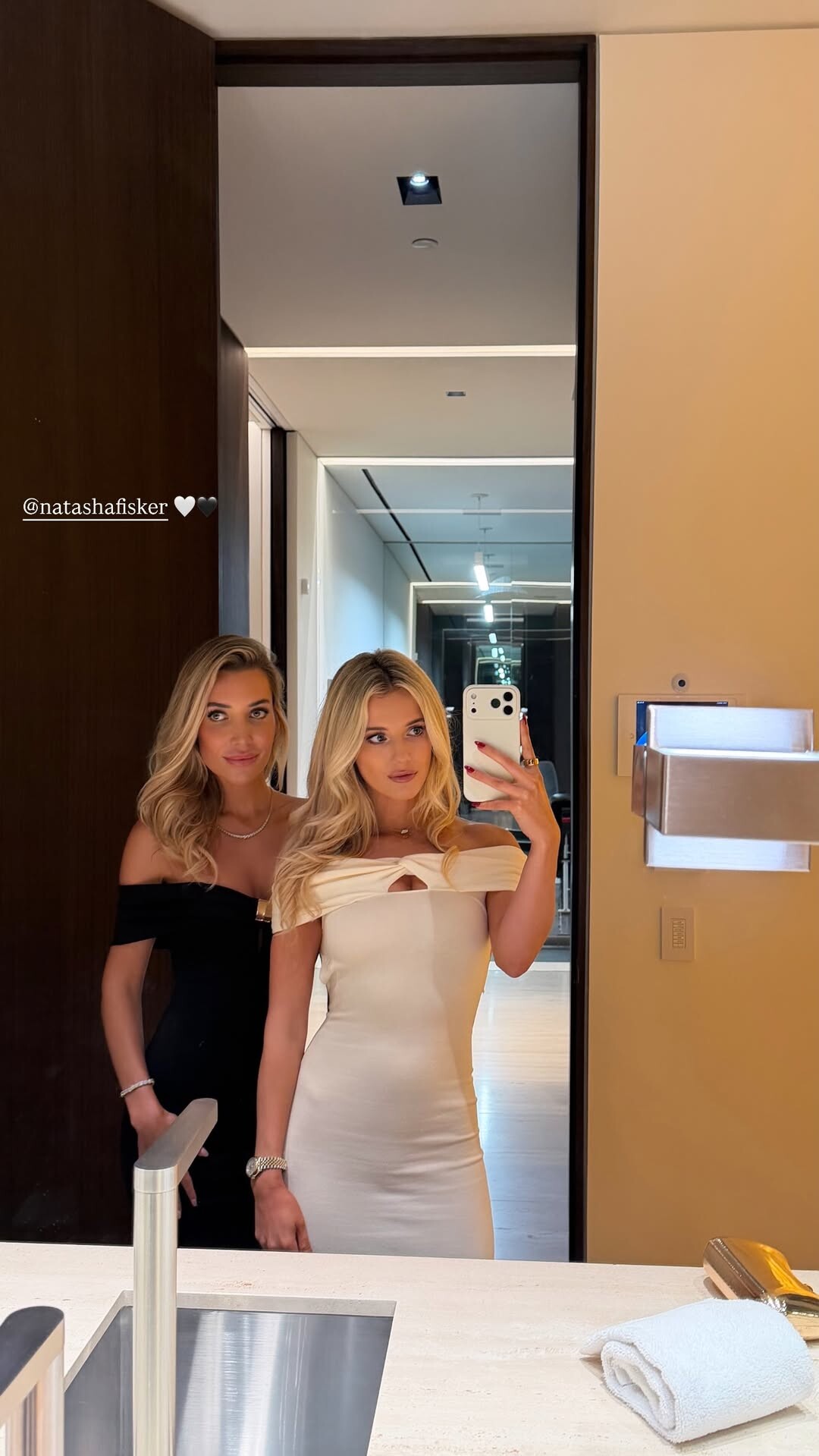
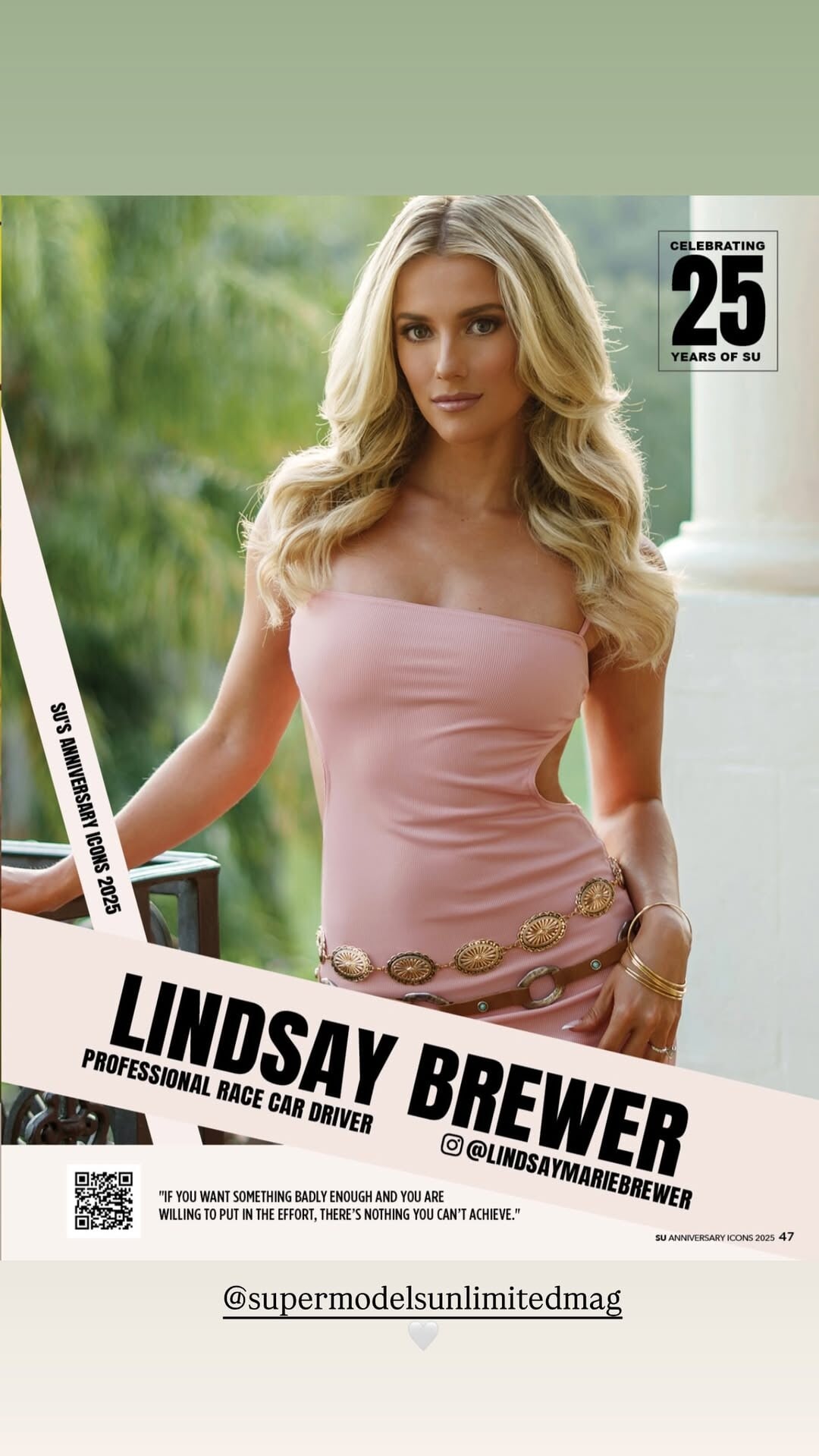
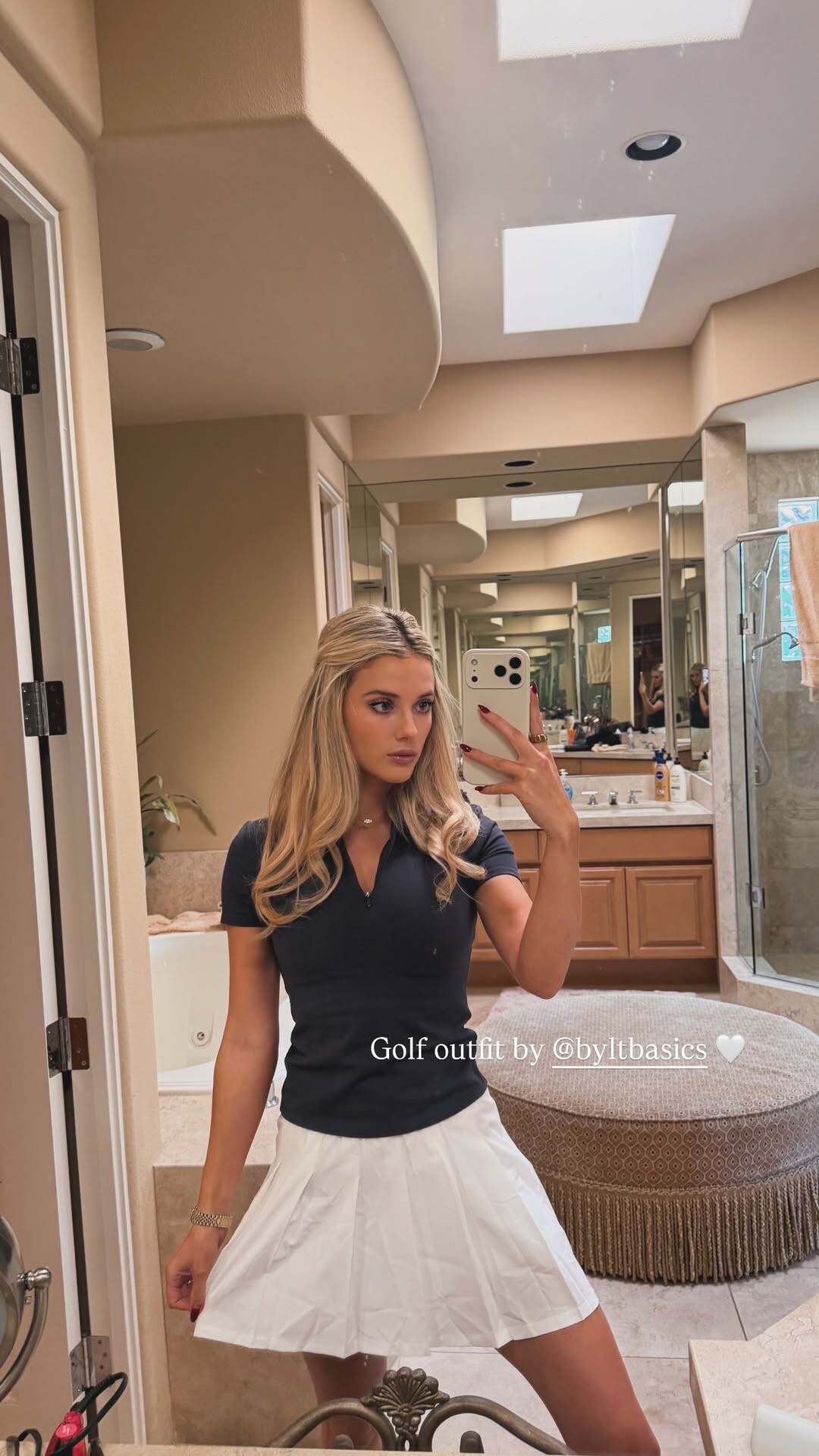
 stories video [2025.12.18] lindsaymariebrewer_3790534209355032279.mp4
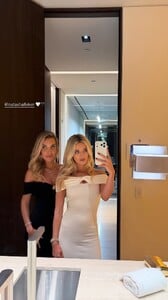

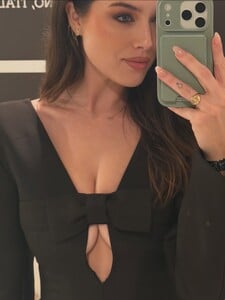
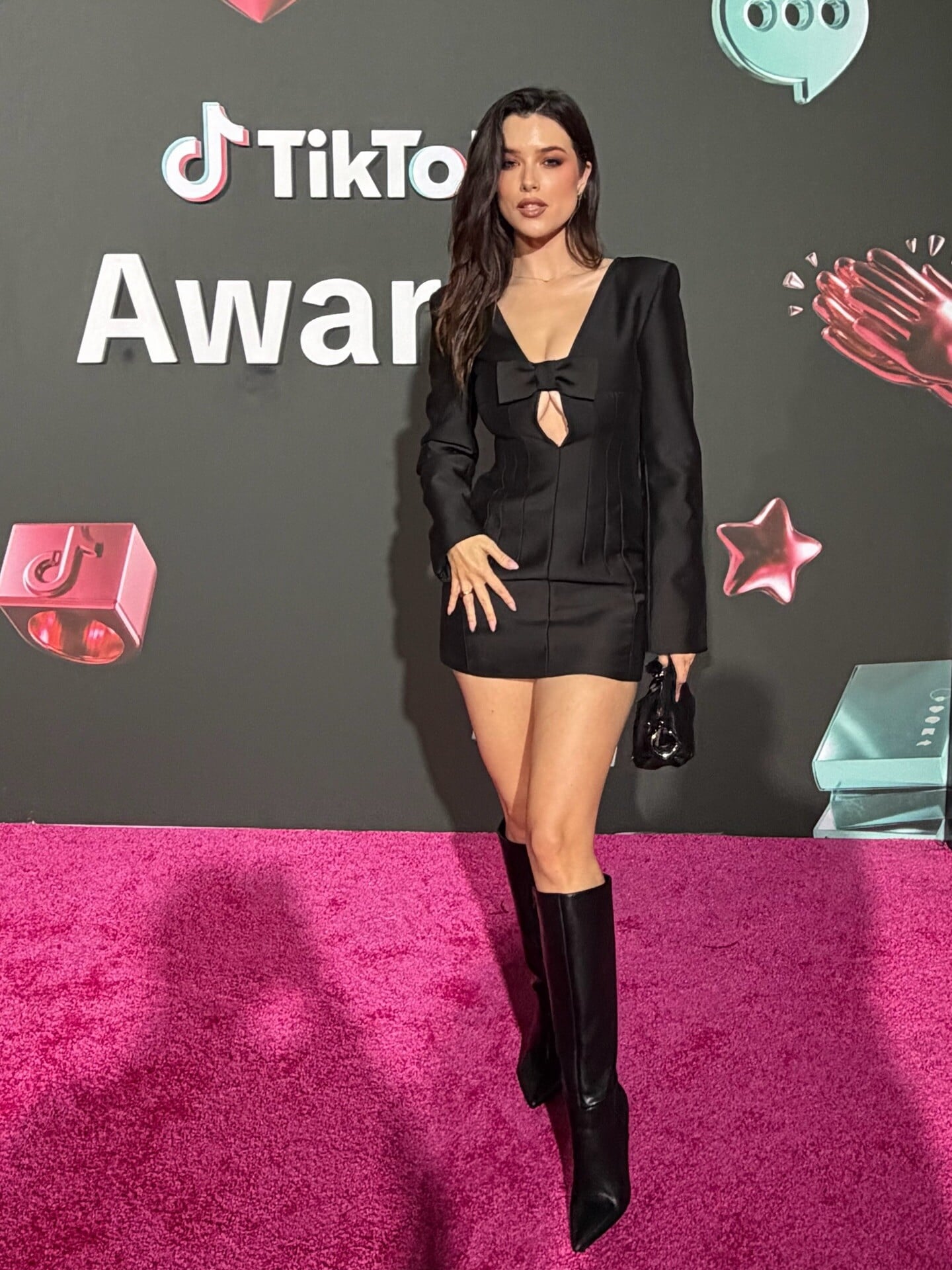
 Jazmin Whitley: My styling work for heylaurensummer at the tiktok awards!


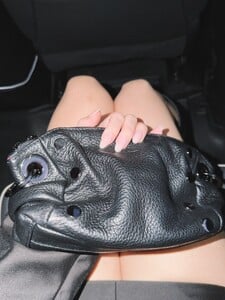

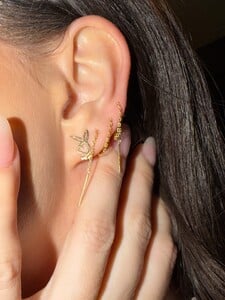

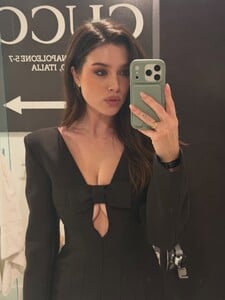

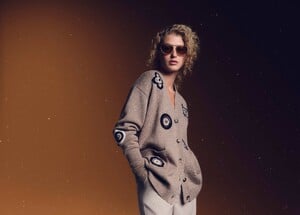
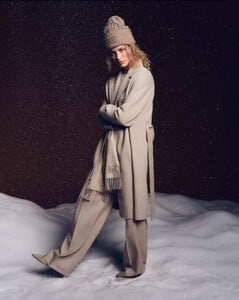
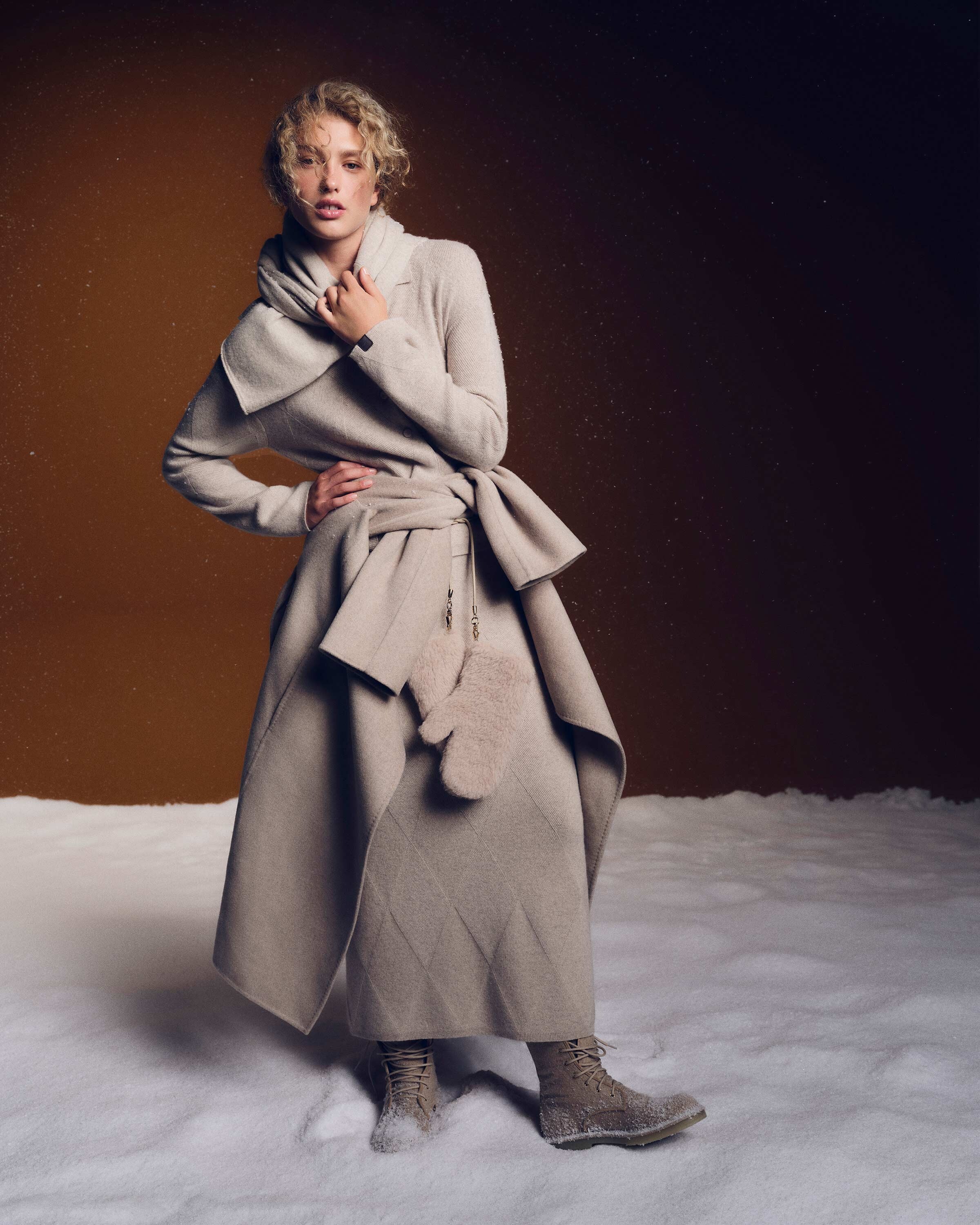
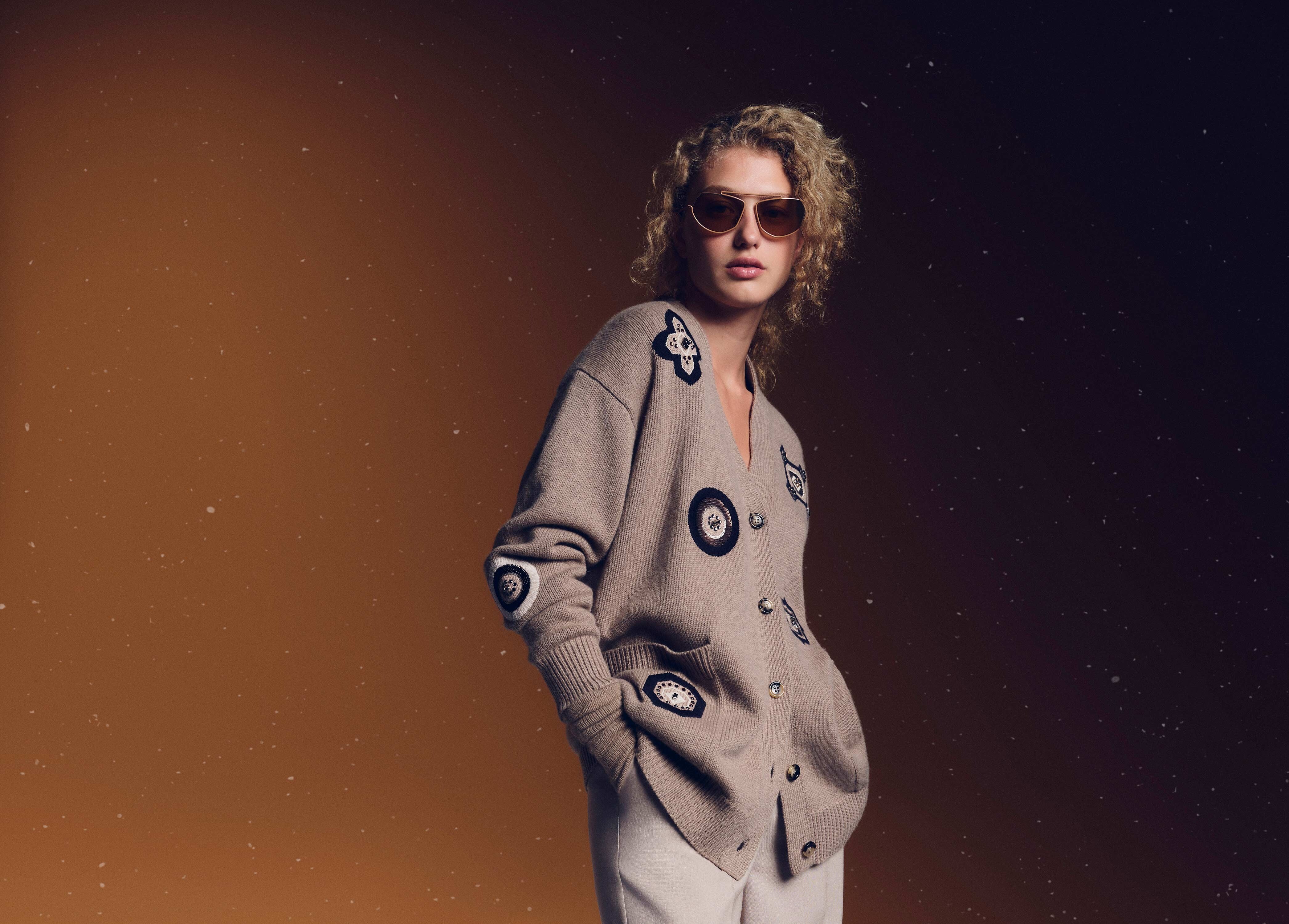
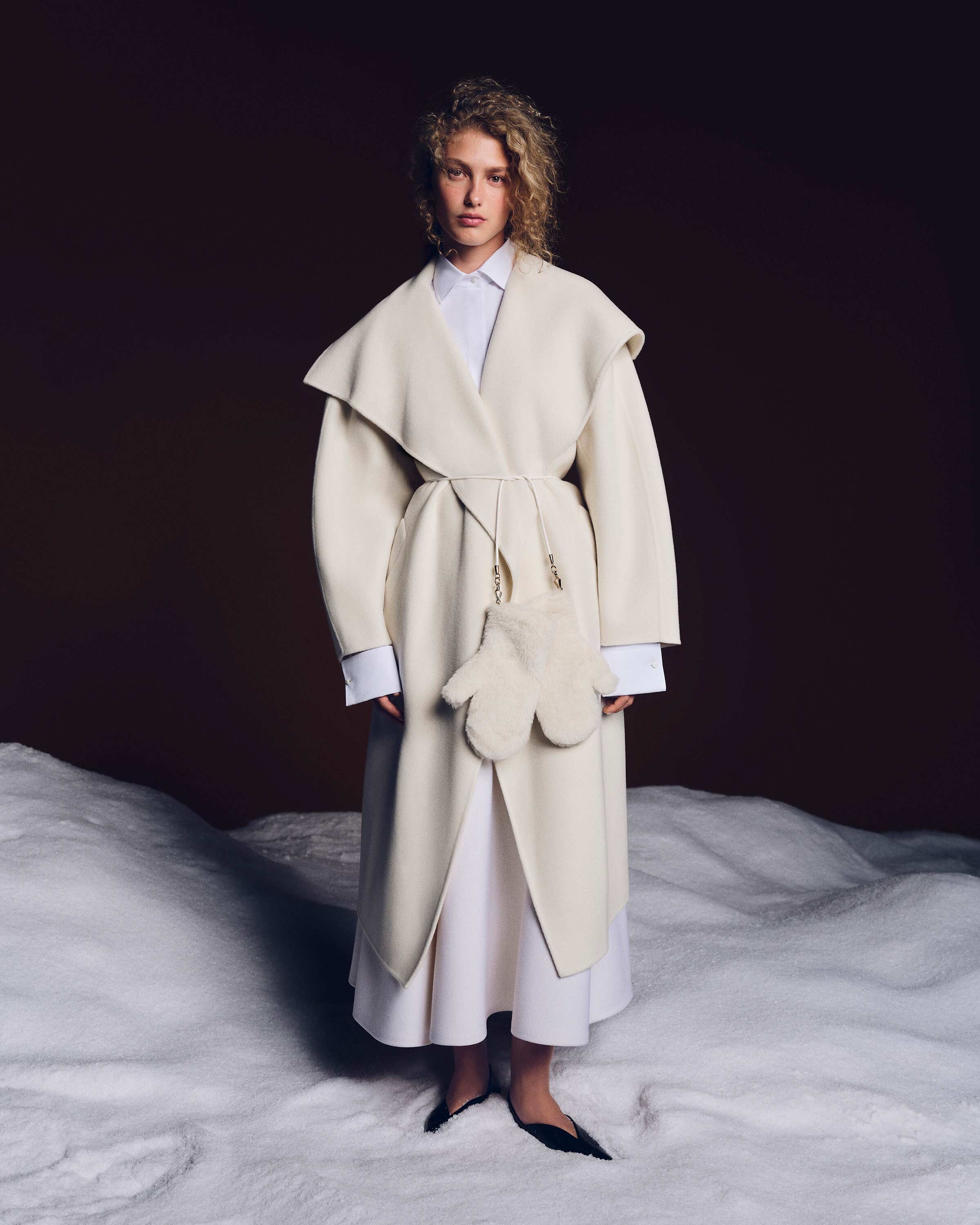
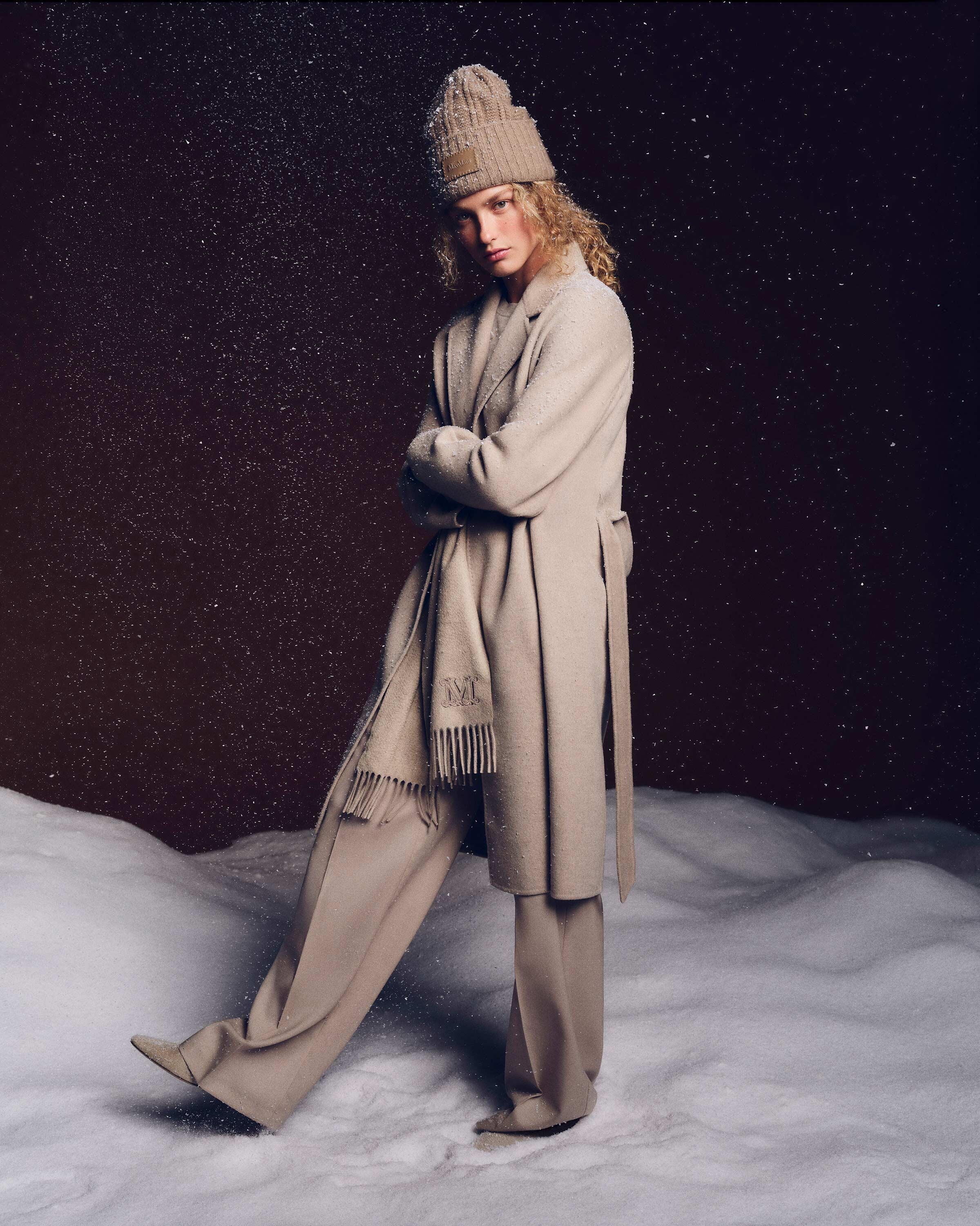
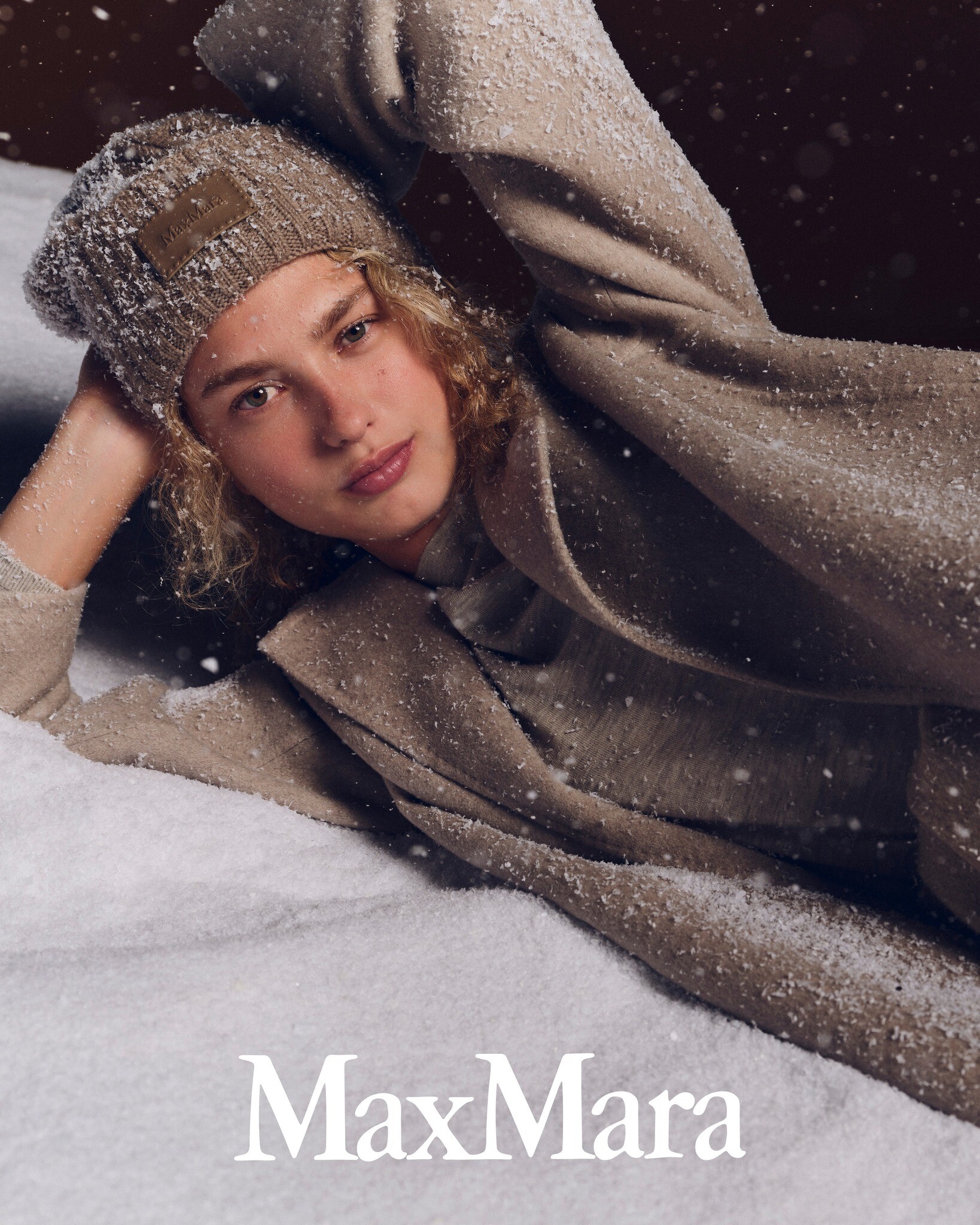
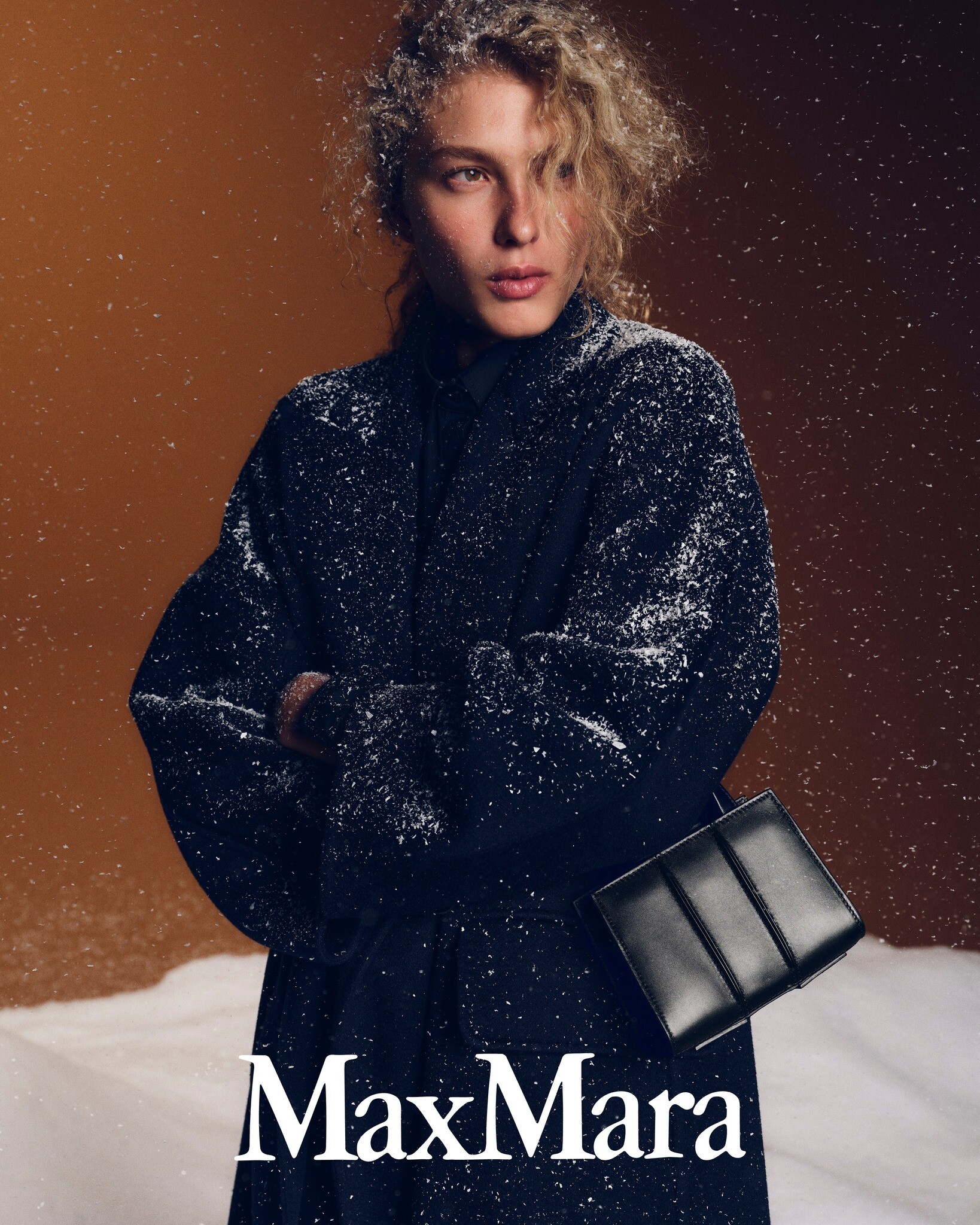
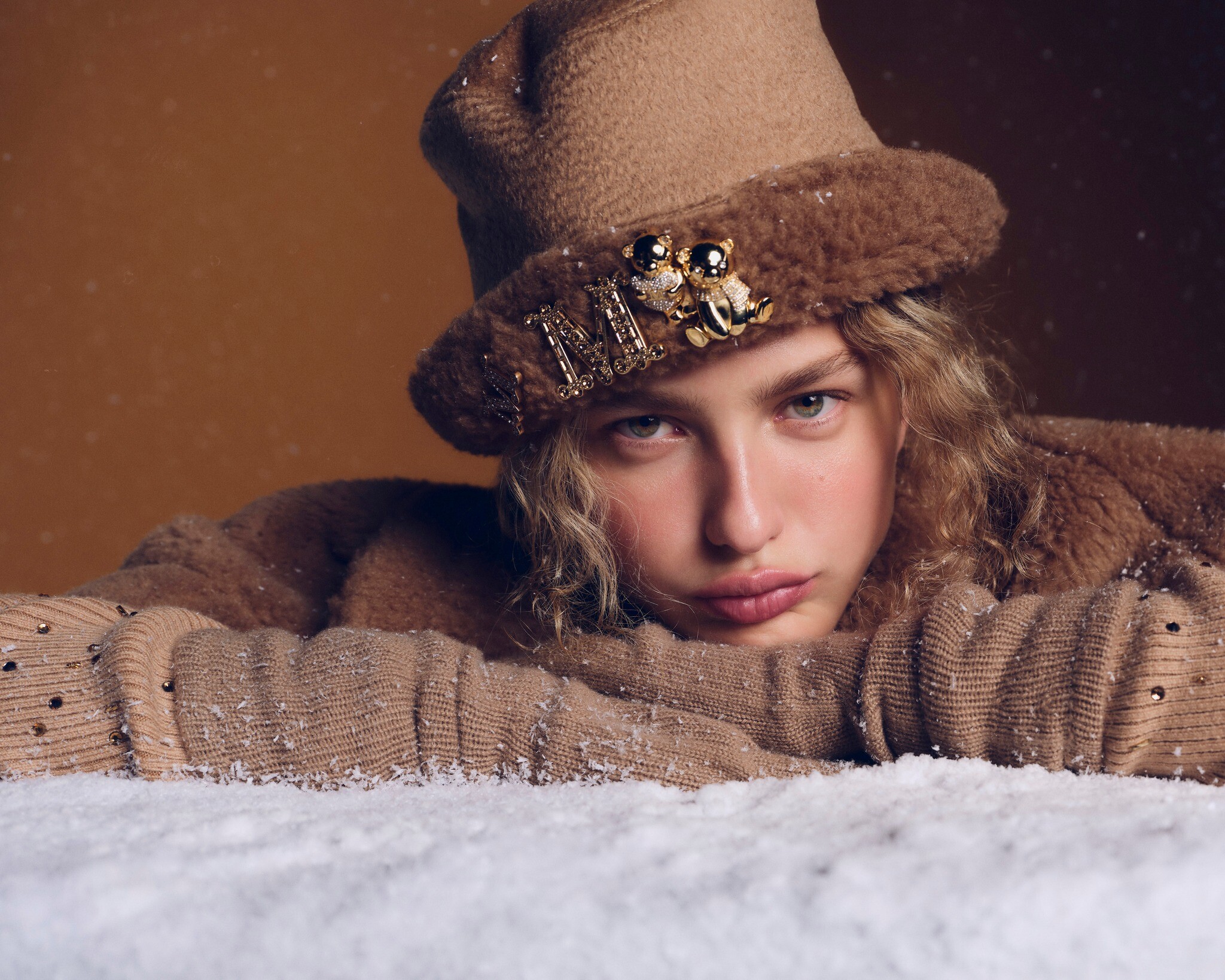
 Max Mara Holiday
















 Oh yes, that name is familiar! She is Greek-Aussie btw.
 Cozette ,1986 Ph. Peo Armellino
.thumb.jpeg.aeab2a596157b7fed48e72f11af5a656.jpeg)
.thumb.jpeg.9ace8cbc126c1e9ae78b2260a44c7ace.jpeg) modelscomposites
modelscomposites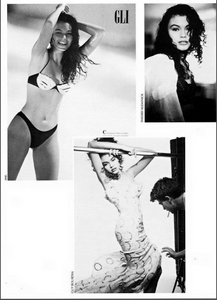 missyou123 joined the community
 The pretty other model is Talia Papantoniou. She is fantastic too. 😄
Very lovely! ❤️
The pretty other model is Talia Papantoniou. She is fantastic too. 😄
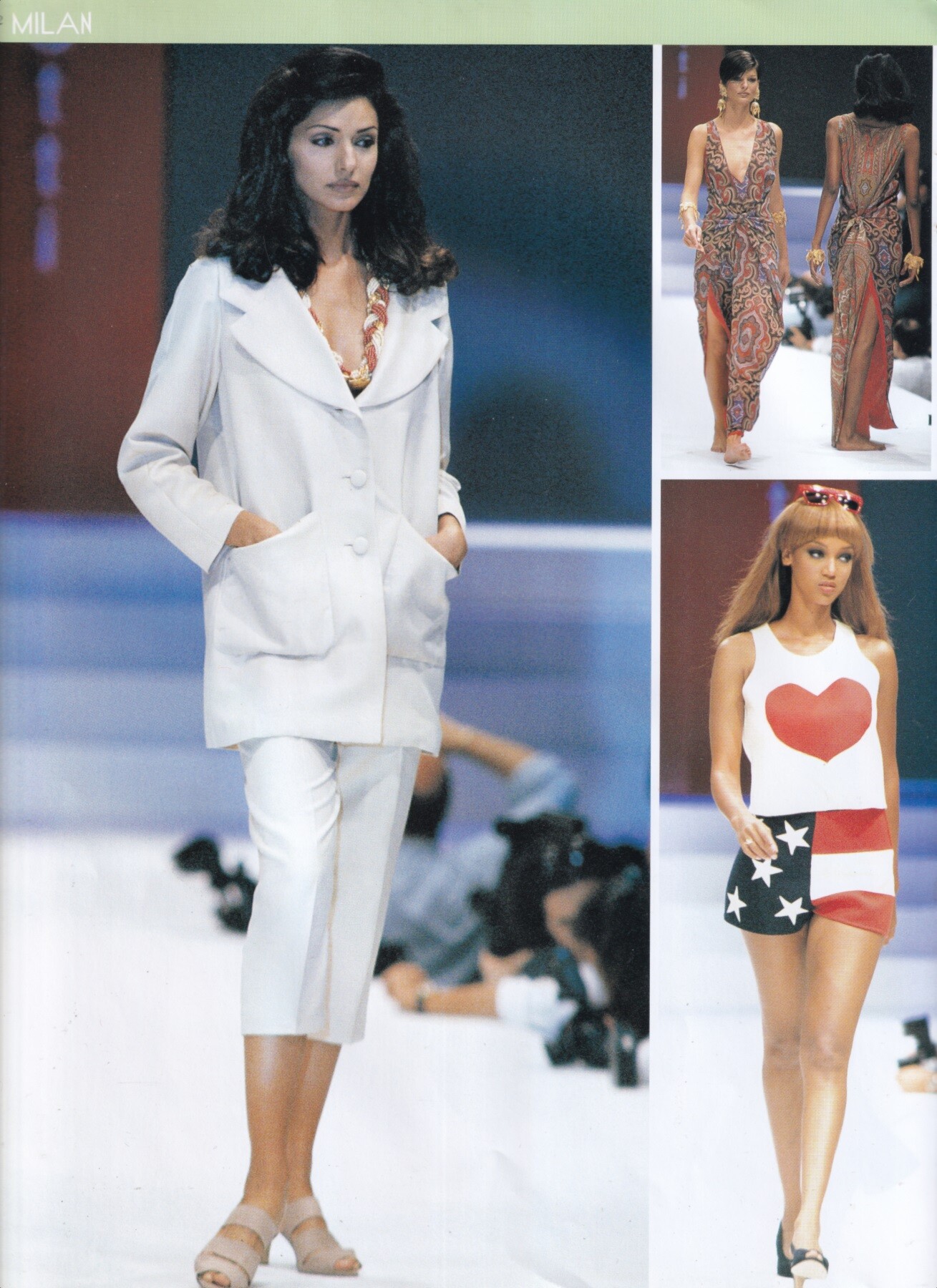
Very lovely! ❤️ Vicky Koulianou for Laura Biagiotti, ready-to-wear, spring/summer 1993 my scan
- Today
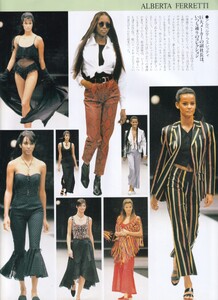
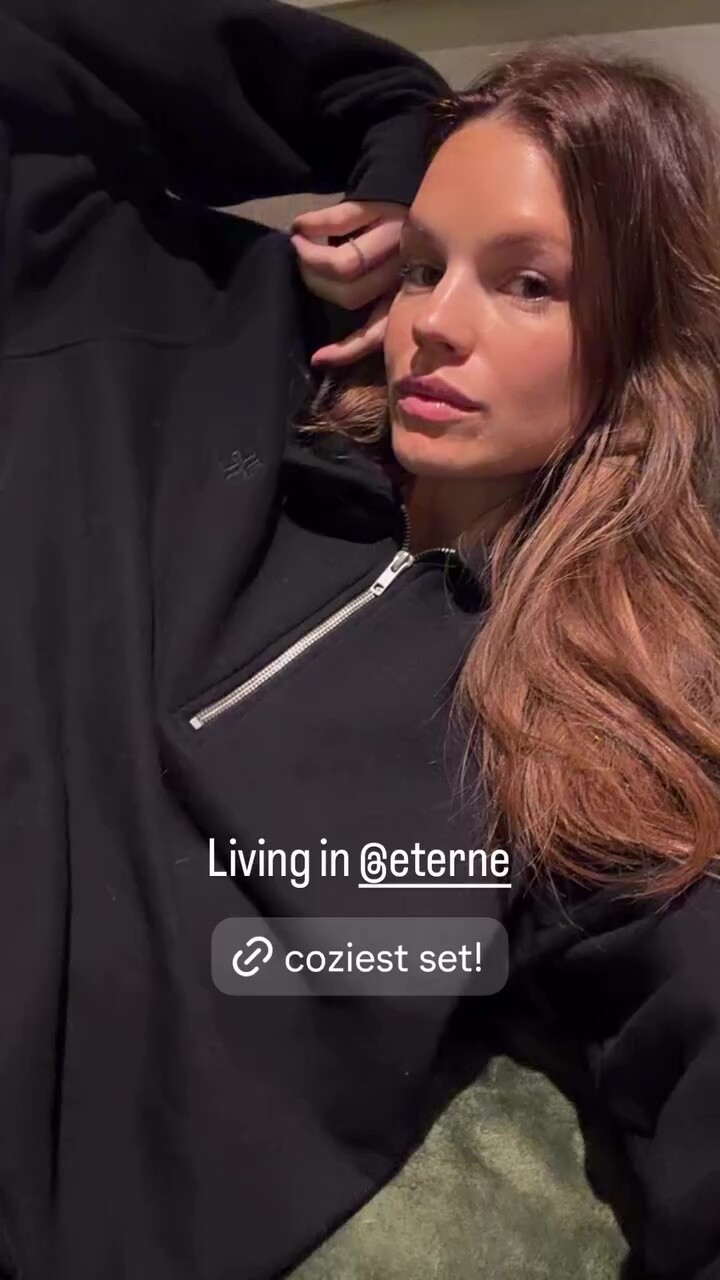
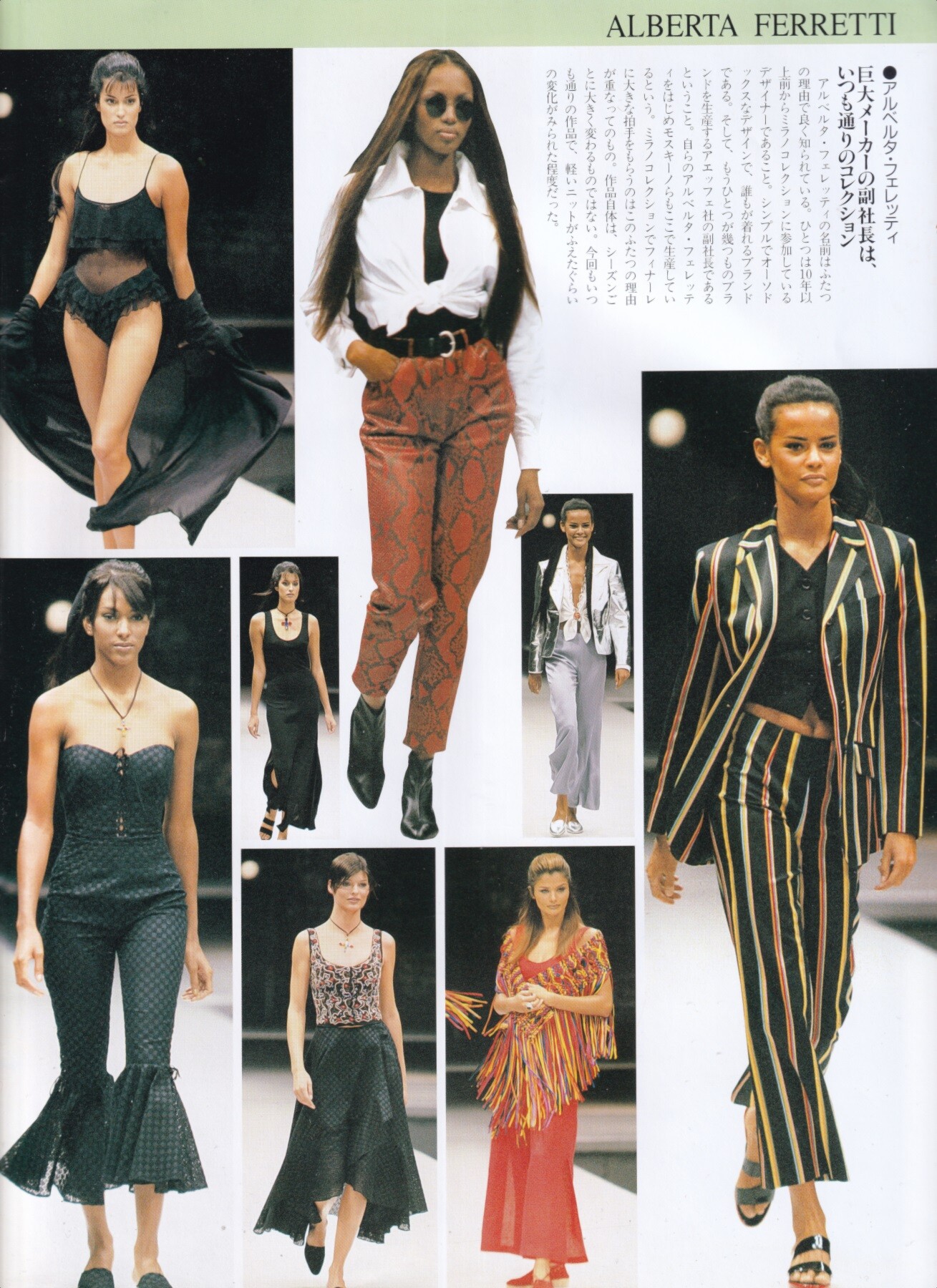
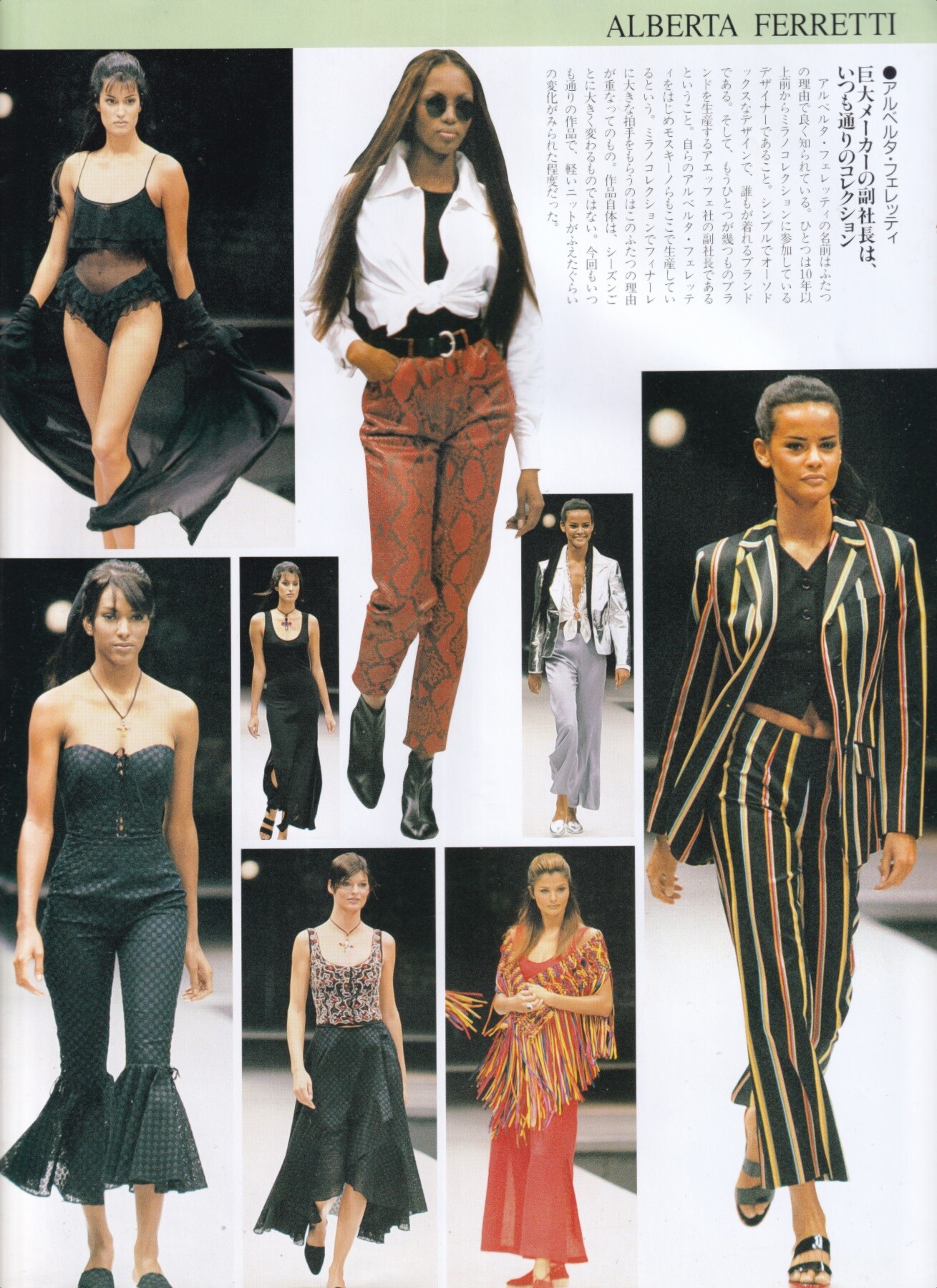
Éterne: stories video [2025.12.18] nadineleopold-eterne_3790619740491404934.mp4 Naomi Campbell for Alberta Ferretti, ready-to-wear, spring/summer 1993 my scan
 Nadege Du Bospertus for Alberta Ferretti, ready-to-wear, spring/summer 1993 my scan
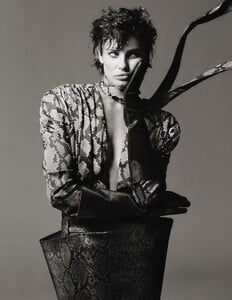
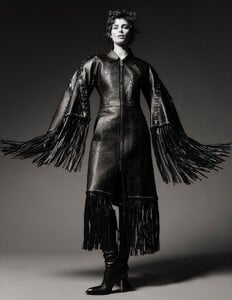
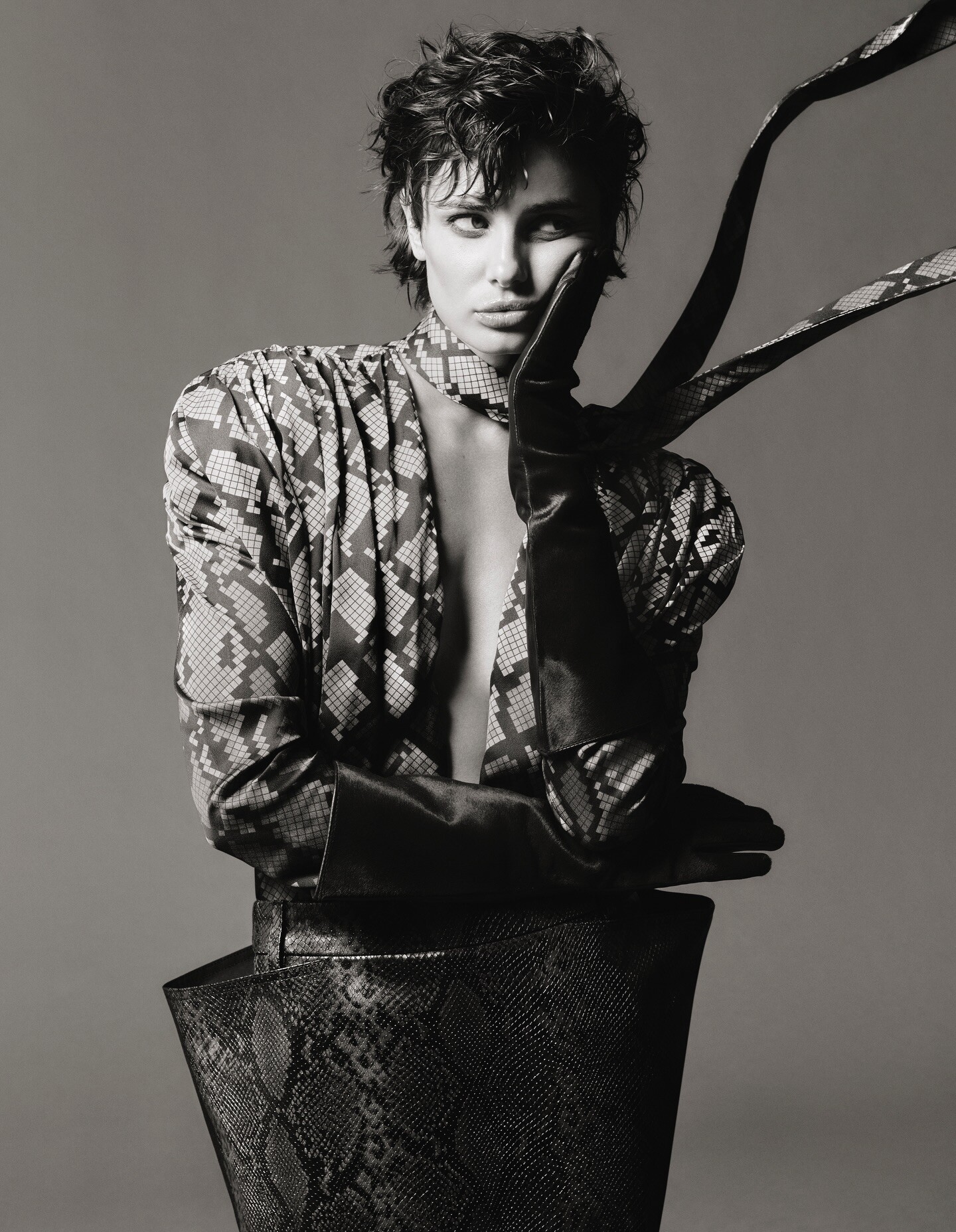
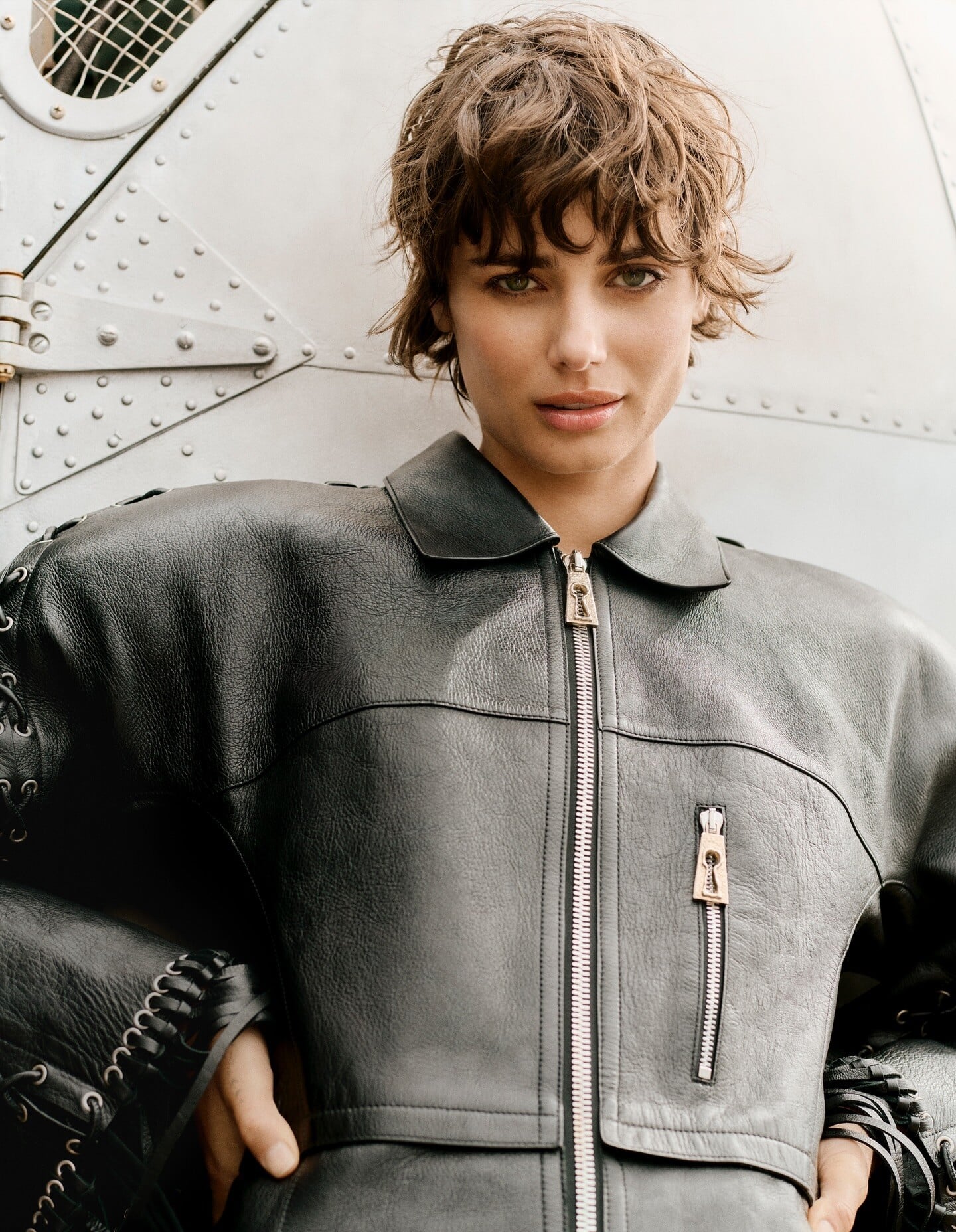
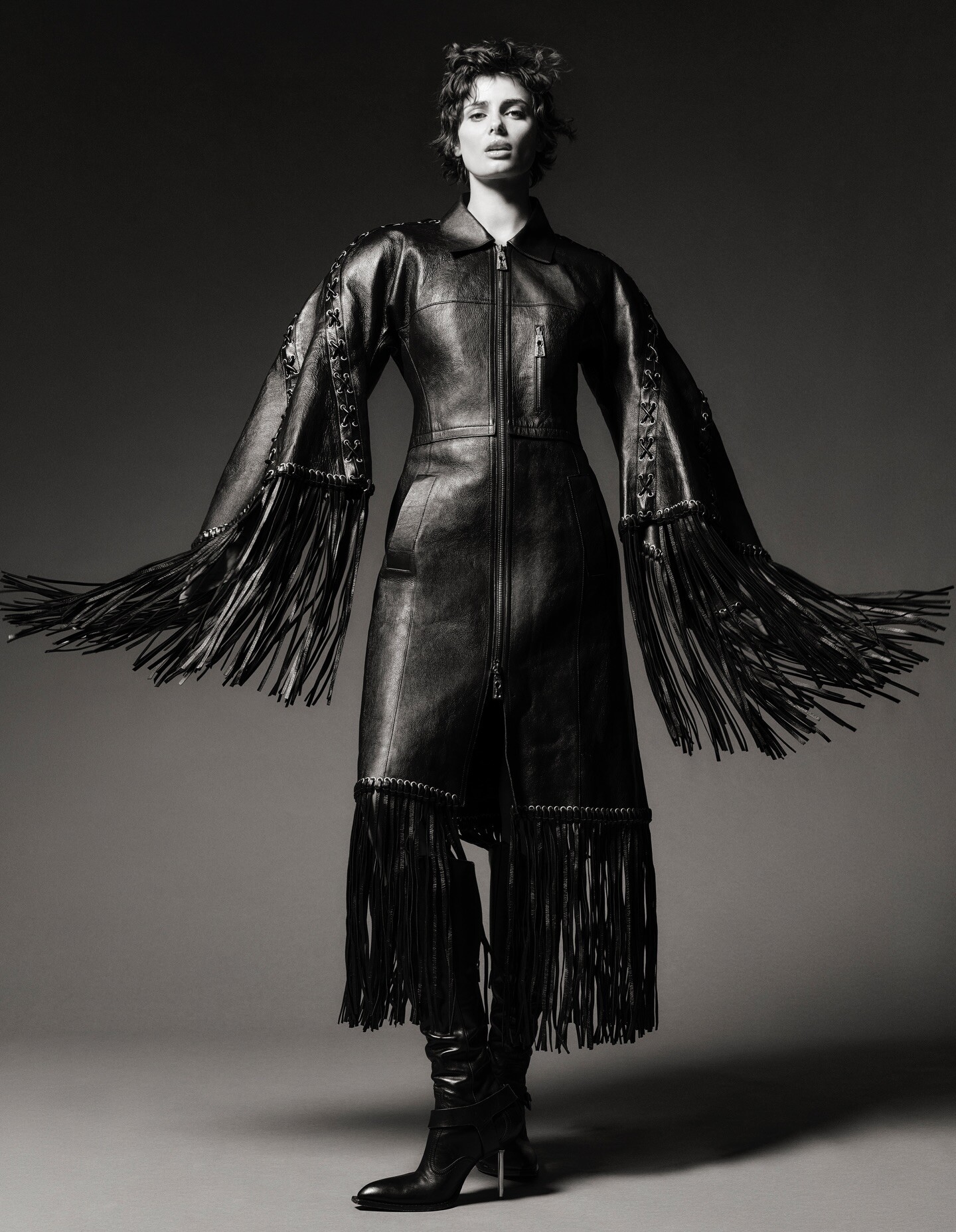
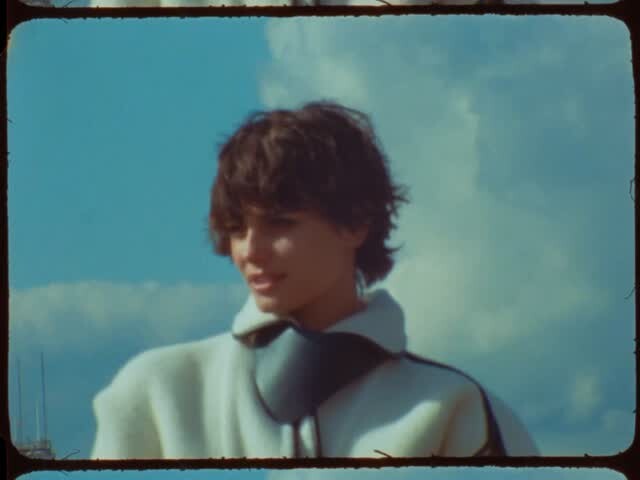
 Nick Riley Bentham: Vogue Portugal December 2025 Cover Story High Flight • Vogue Portugal Cover by nickrileybentham video [2025.12.04] eddyscudo_DR2iBskdPb.mp4




 Ig erezsabag-20251008_100858-2657664089.mp4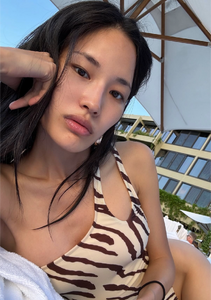
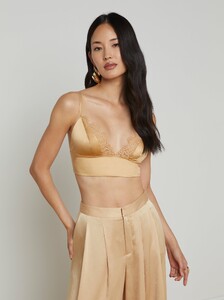
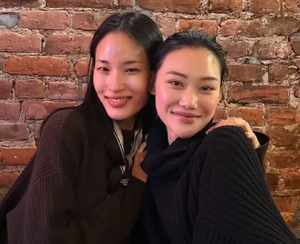
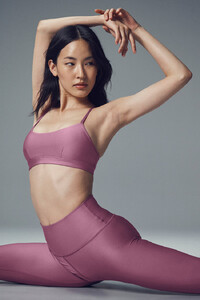
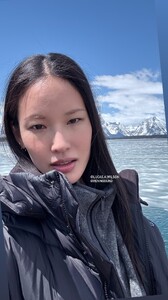
 • Hannah Ferguson (M) • Giorgia Malvicini (L) • Claire Guena (L) • Anastasiya Saroka (M) • Eden Polani • Katsia Domankova (M) • Karin Alia (L) • Alexandra Baron • Romi Pavoncello (L) • Kristen Shania (M) • Josie Canseco (M) • Nissia Benghazi (L)
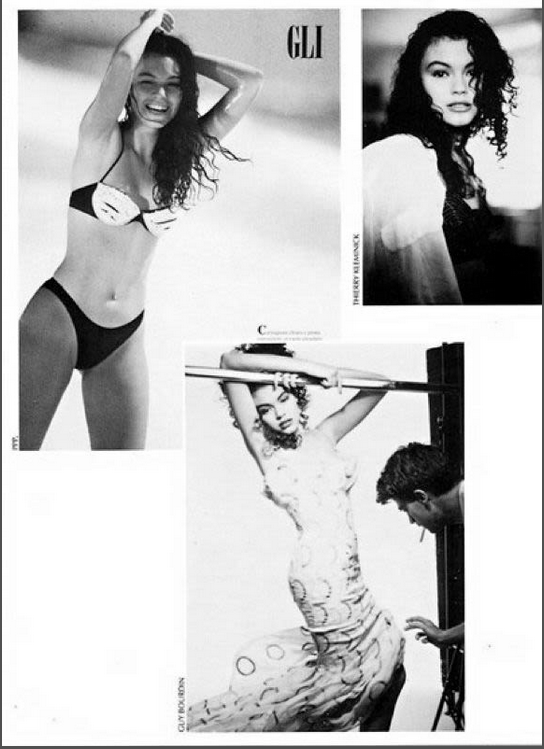
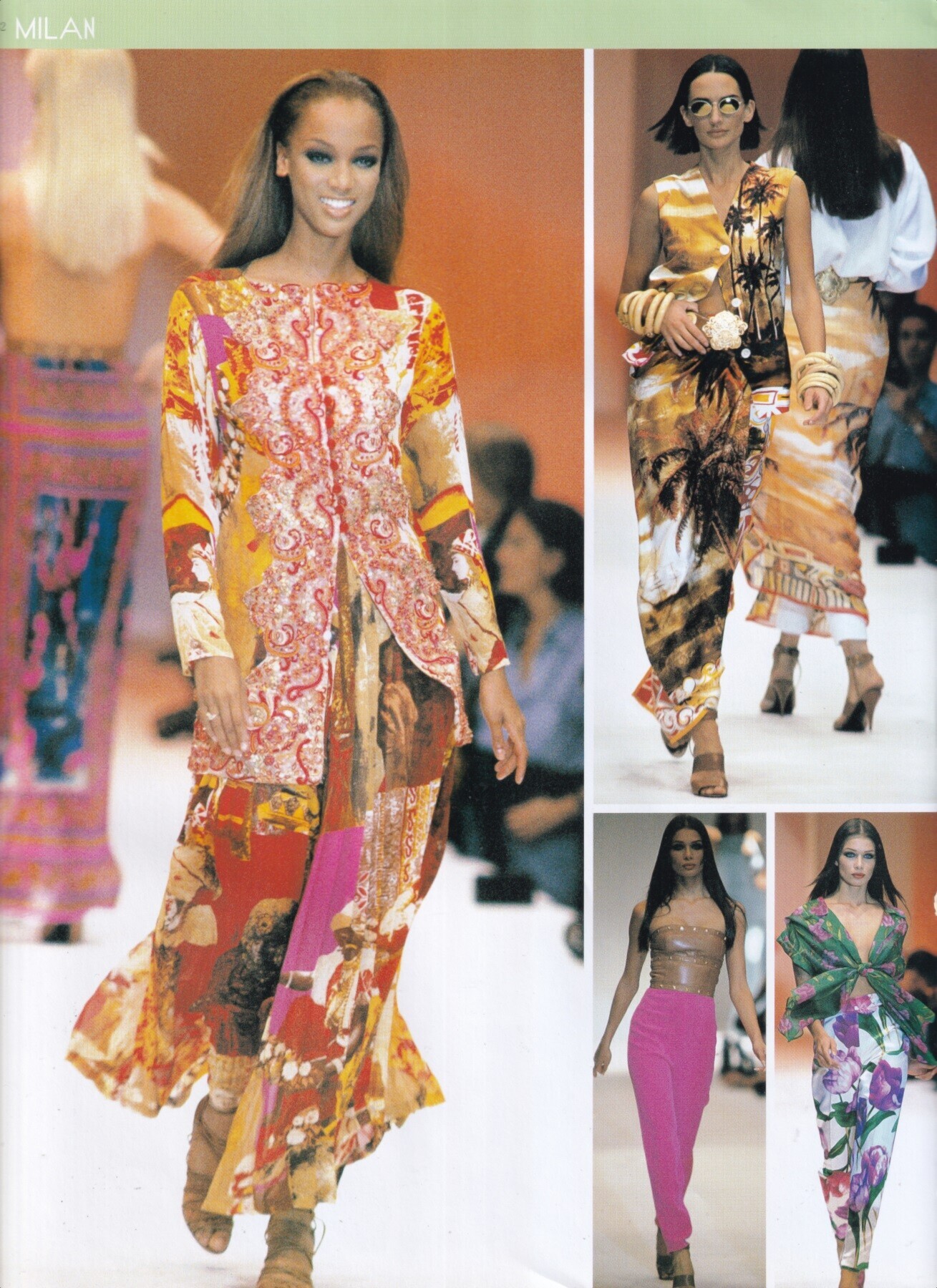
Tyra Banks for Genny, ready-to-wear, spring/summer 1993 my scan
• Hannah Ferguson (M) • Giorgia Malvicini (L) • Claire Guena (L) • Anastasiya Saroka (M) • Eden Polani • Katsia Domankova (M) • Karin Alia (L) • Alexandra Baron • Romi Pavoncello (L) • Kristen Shania (M) • Josie Canseco (M) • Nissia Benghazi (L)
Tyra Banks for Genny, ready-to-wear, spring/summer 1993 my scan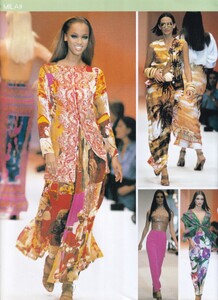





















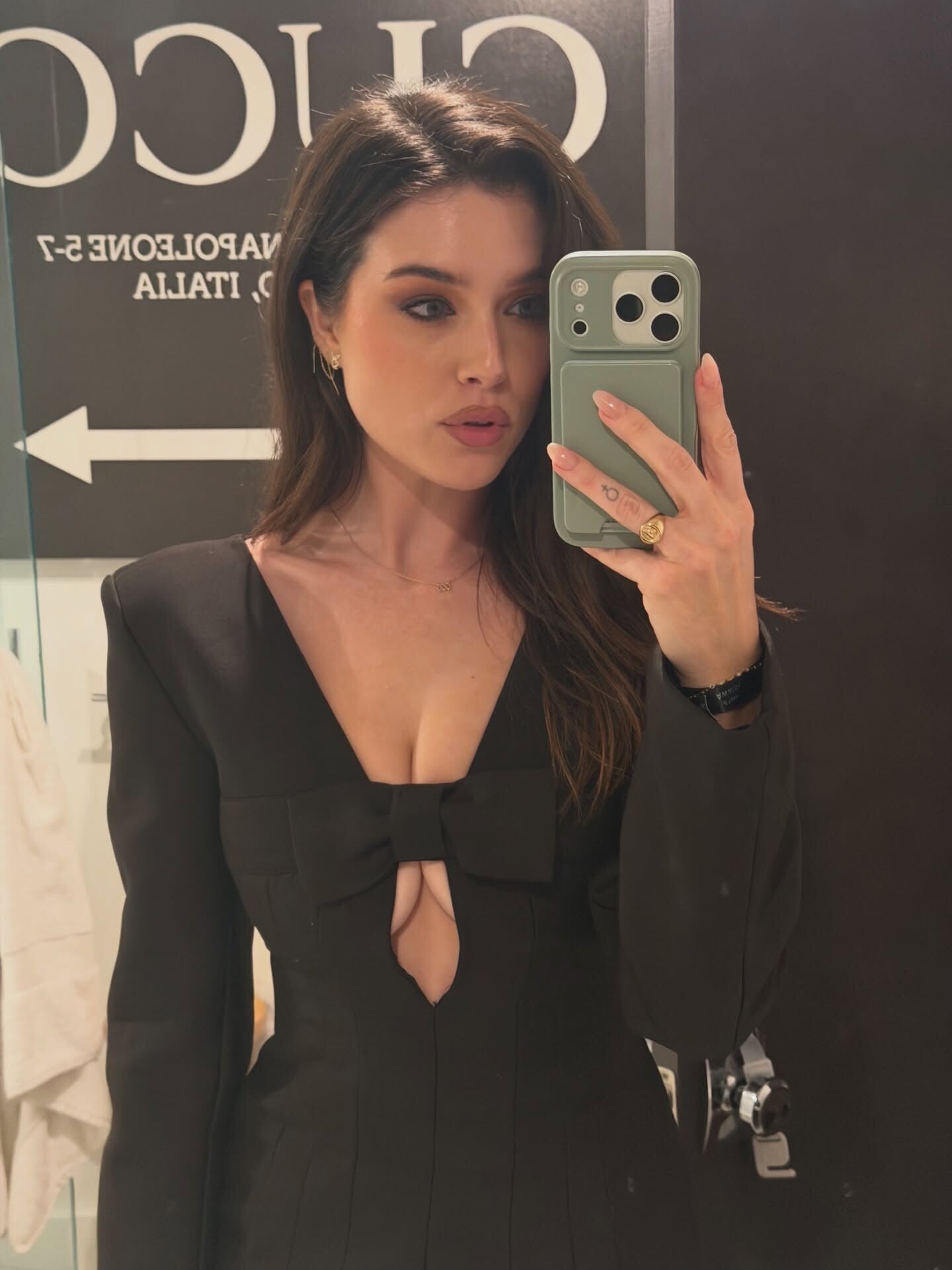
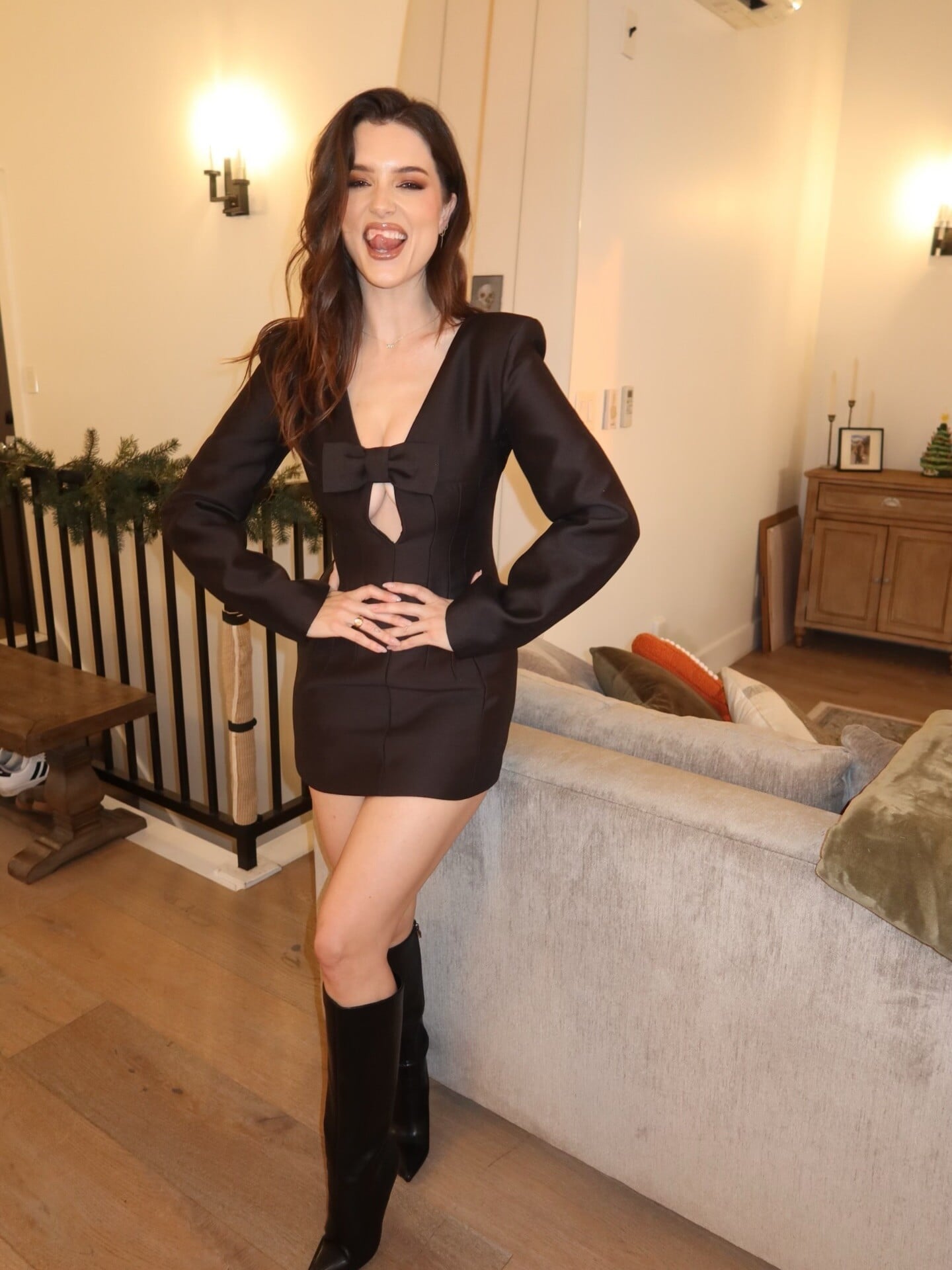
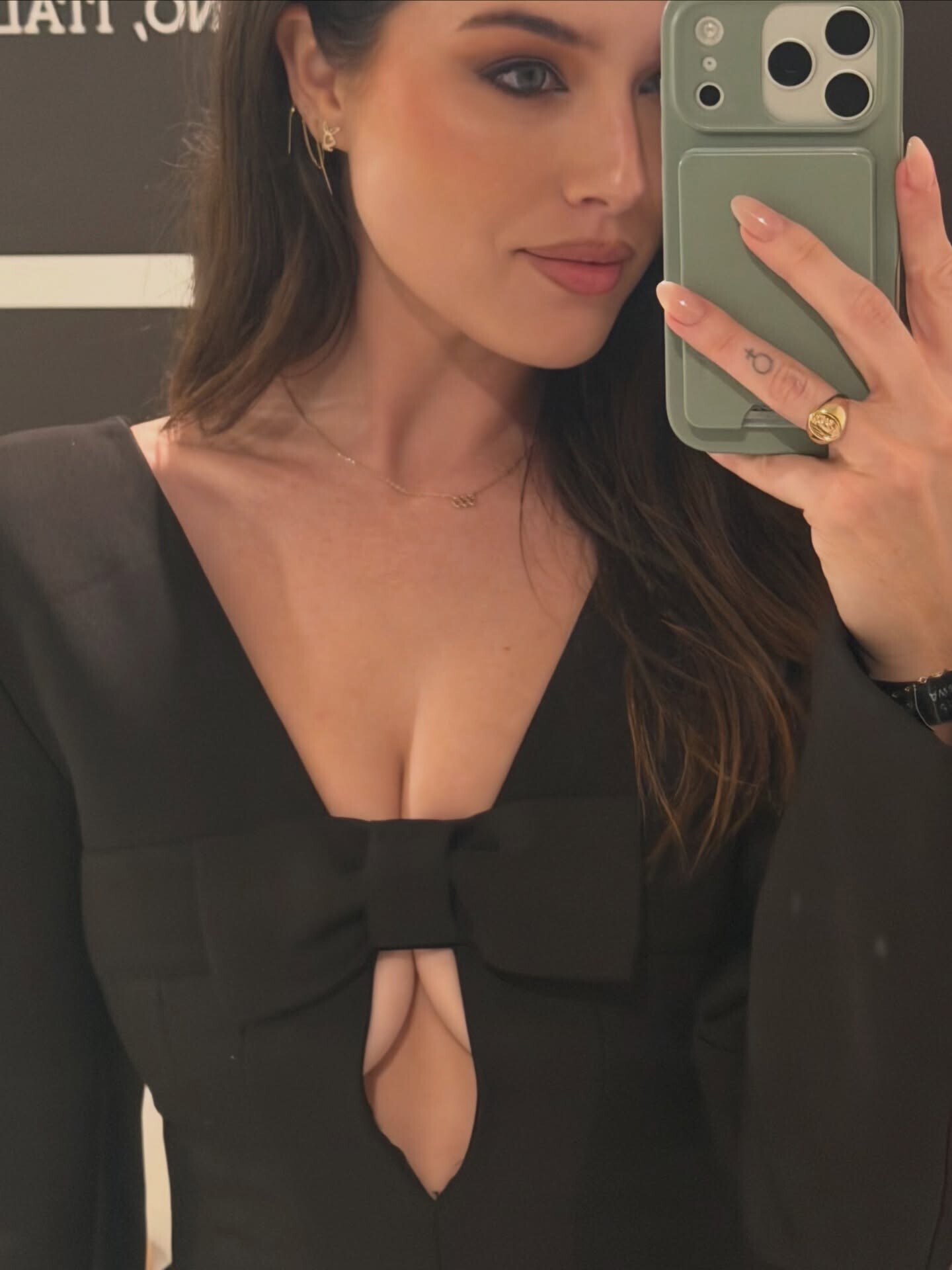

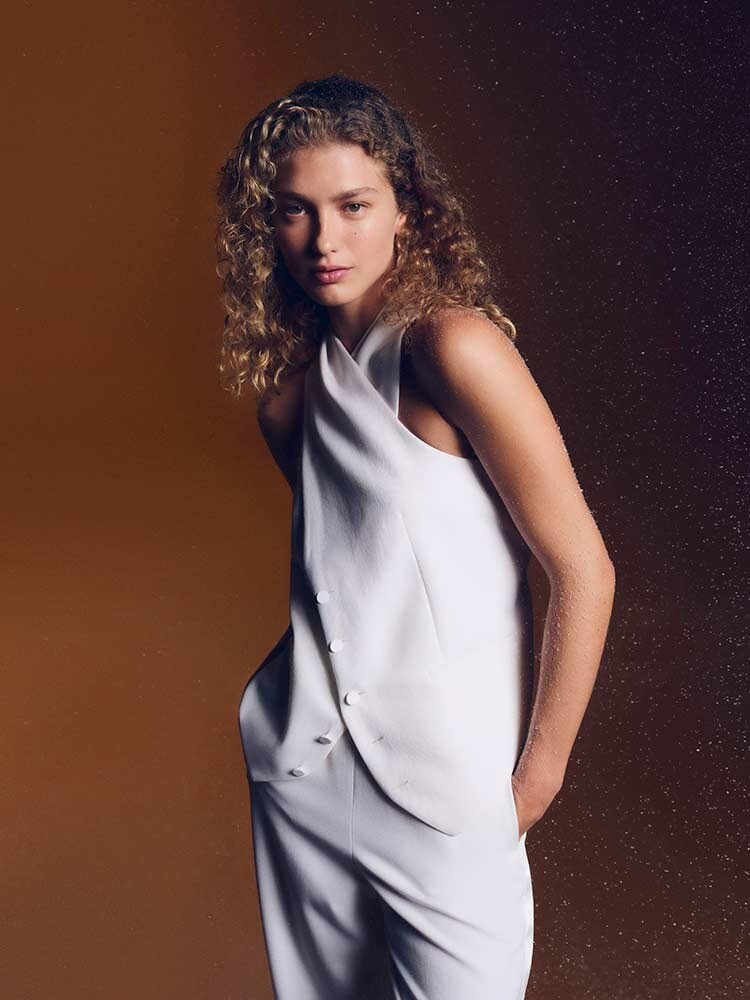

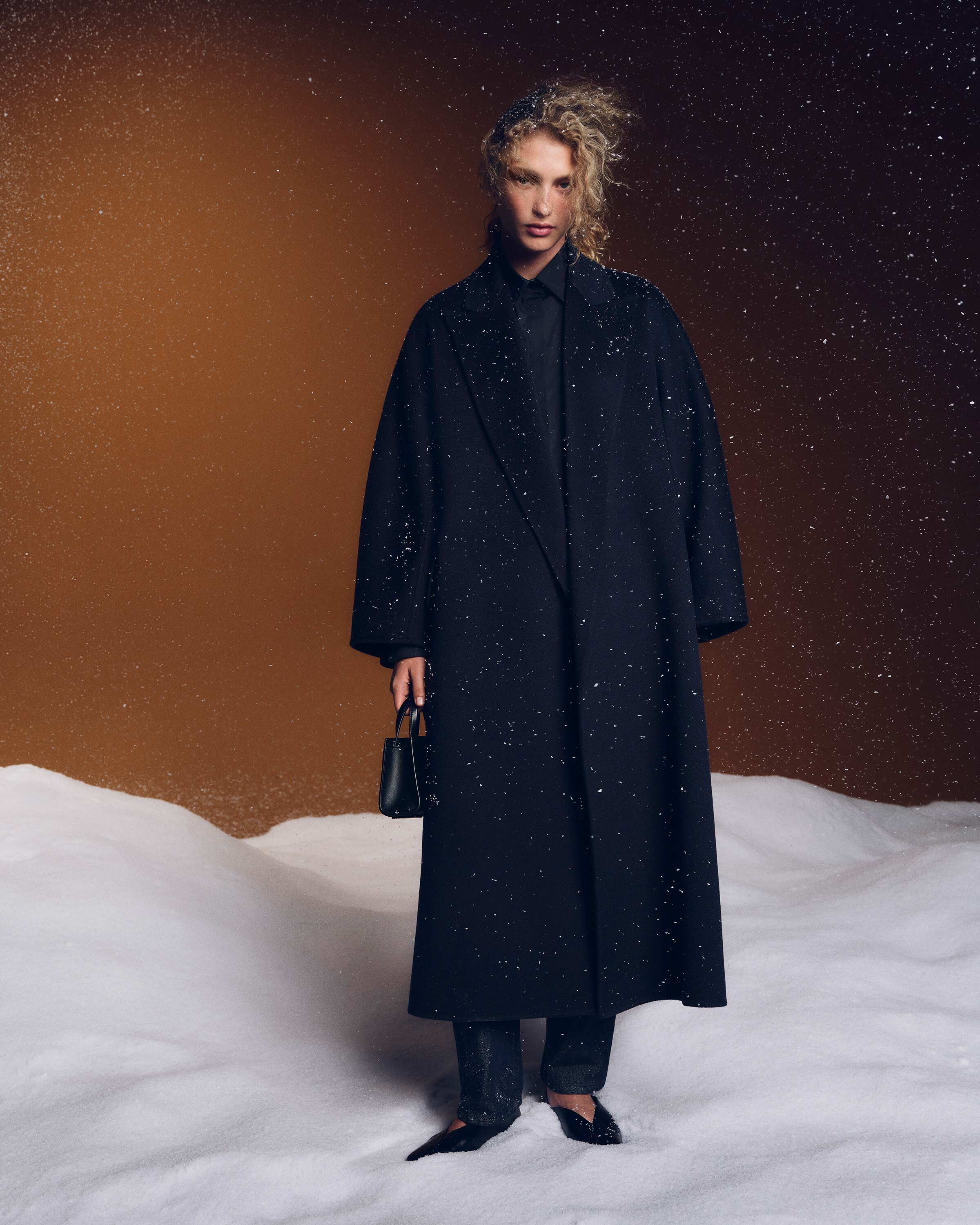
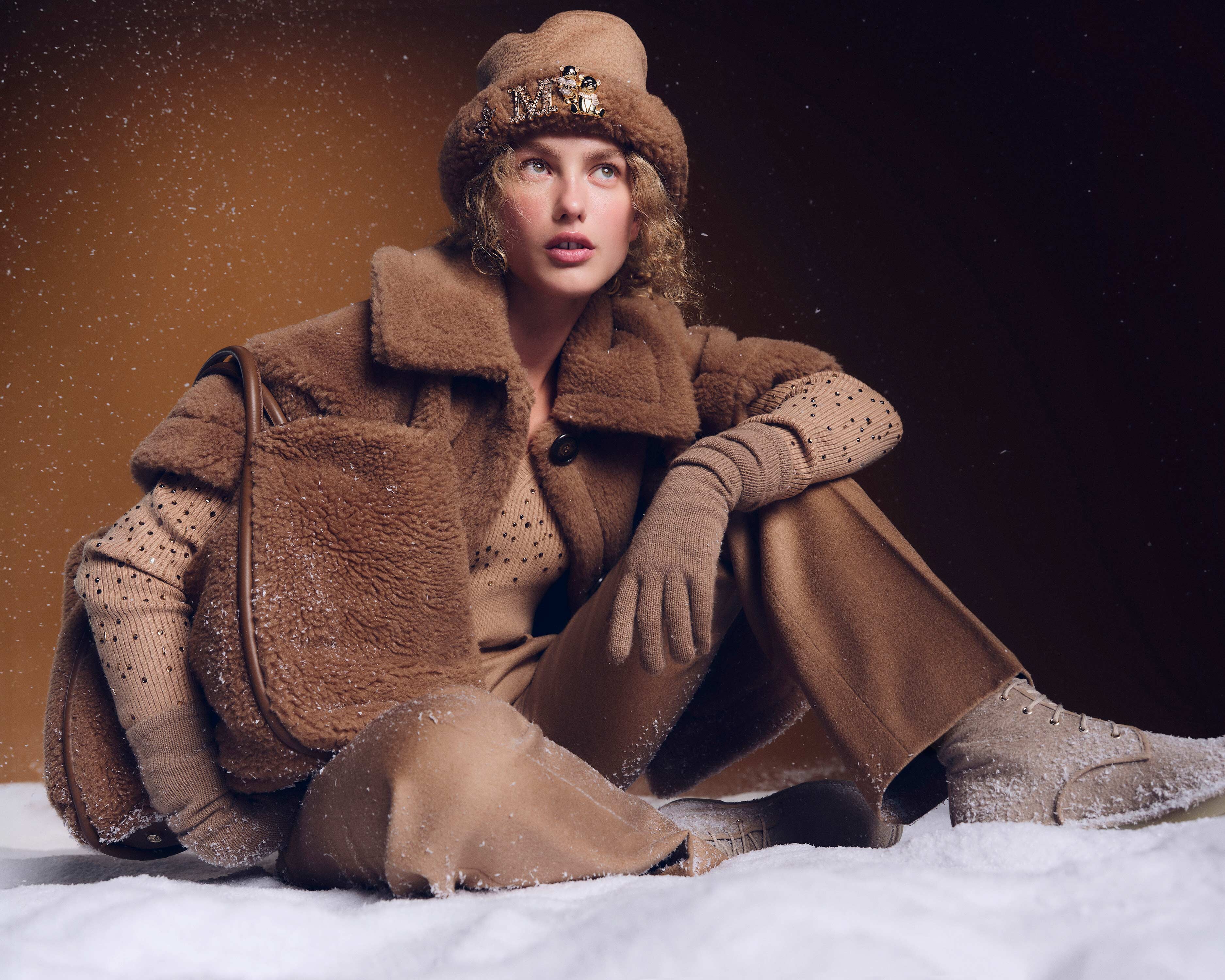
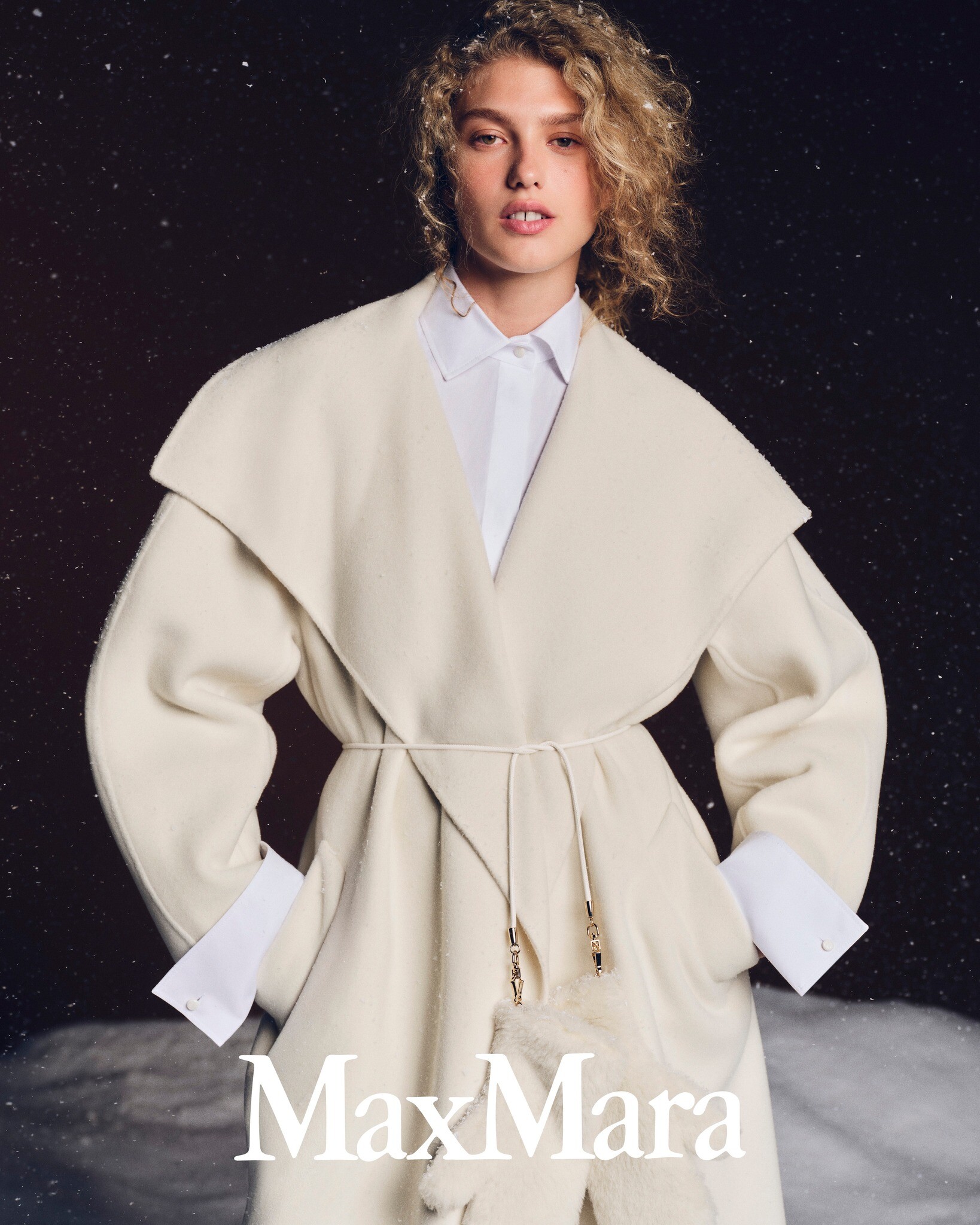
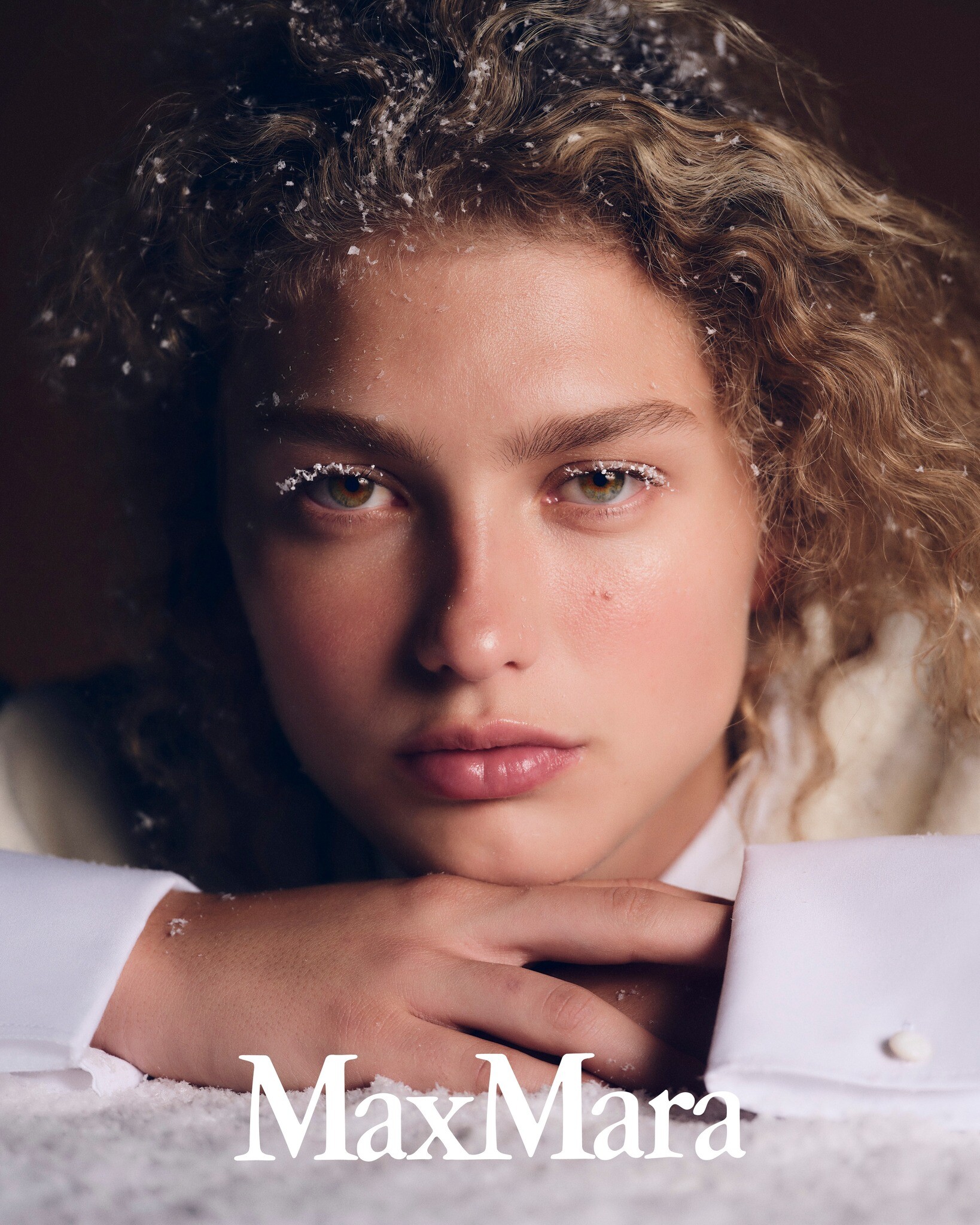





.jpeg.9b056f0ea9ff3d26b91bad68147d2cf0.jpeg)
.jpeg.6451e655303563efb4657bda7c71e040.jpeg)






Account
Search
Configure browser push notifications
Chrome (Android)
- Tap the lock icon next to the address bar.
- Tap Permissions → Notifications.
- Adjust your preference.
Chrome (Desktop)
- Click the padlock icon in the address bar.
- Select Site settings.
- Find Notifications and adjust your preference.
Safari (iOS 16.4+)
- Ensure the site is installed via Add to Home Screen.
- Open Settings App → Notifications.
- Find your app name and adjust your preference.
Safari (macOS)
- Go to Safari → Preferences.
- Click the Websites tab.
- Select Notifications in the sidebar.
- Find this website and adjust your preference.
Edge (Android)
- Tap the lock icon next to the address bar.
- Tap Permissions.
- Find Notifications and adjust your preference.
Edge (Desktop)
- Click the padlock icon in the address bar.
- Click Permissions for this site.
- Find Notifications and adjust your preference.
Firefox (Android)
- Go to Settings → Site permissions.
- Tap Notifications.
- Find this site in the list and adjust your preference.
Firefox (Desktop)
- Open Firefox Settings.
- Search for Notifications.
- Find this site in the list and adjust your preference.