Jump to content
View in the app

A better way to browse. Learn more.

Bellazon

A full-screen app on your home screen with push notifications, badges and more.

To install this app on iOS and iPadOS
  1. Tap the Share icon in Safari
  2. Scroll the menu and tap Add to Home Screen.
  3. Tap Add in the top-right corner.
To install this app on Android
  1. Tap the 3-dot menu (⋮) in the top-right corner of the browser.
  2. Tap Add to Home screen or Install app.
  3. Confirm by tapping Install.

All Activity

This stream auto-updates

  1. Past hour
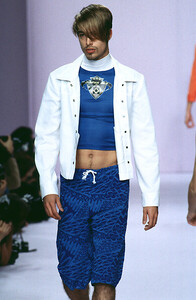
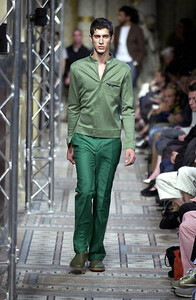
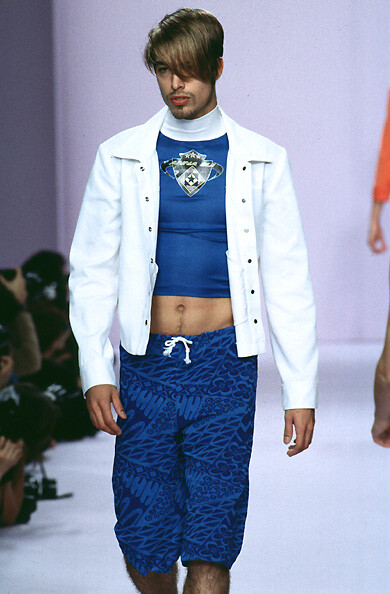
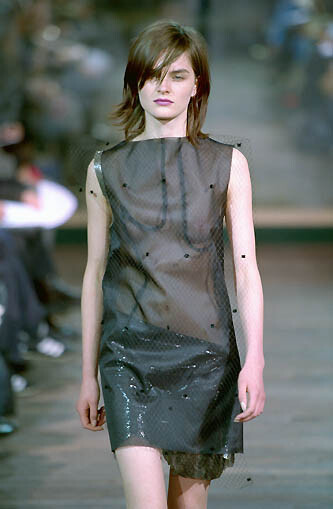
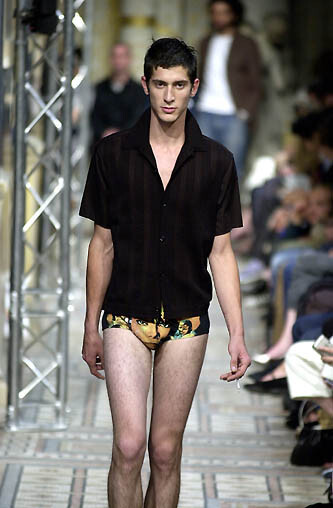
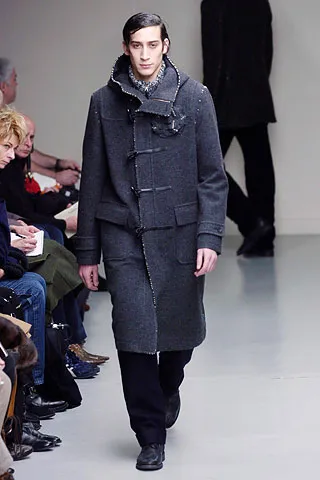
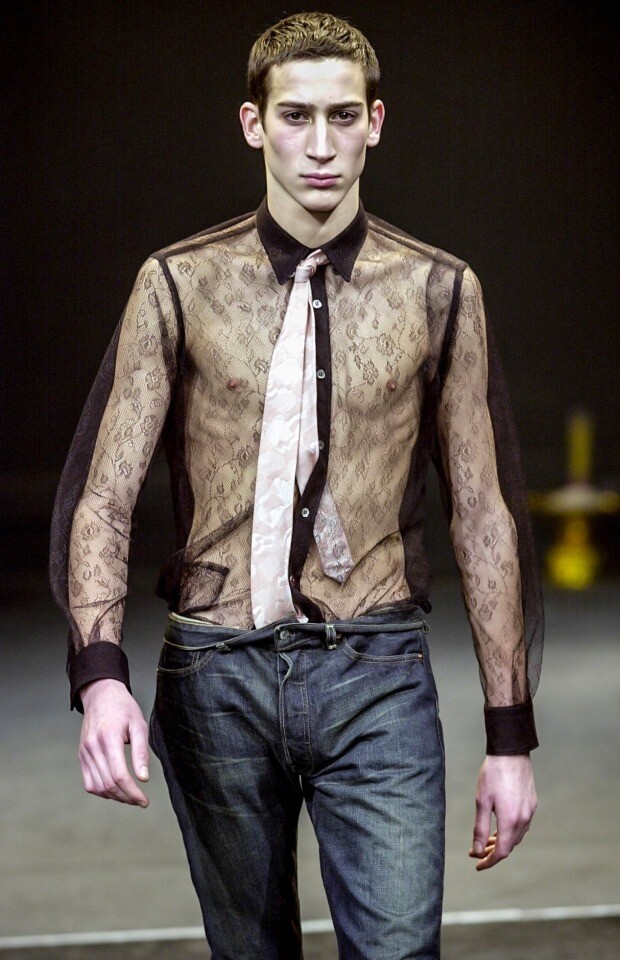
  2. ANDREW MACKENZIE SS2004
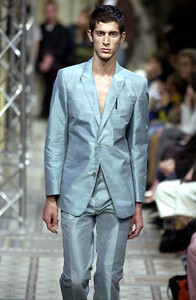
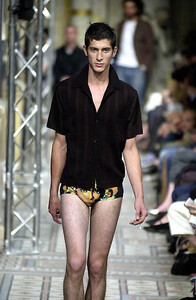
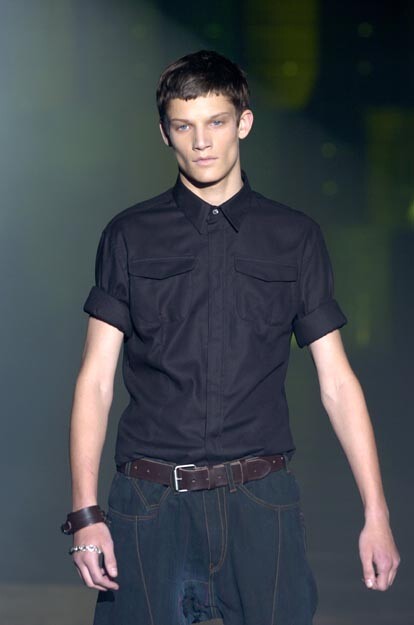
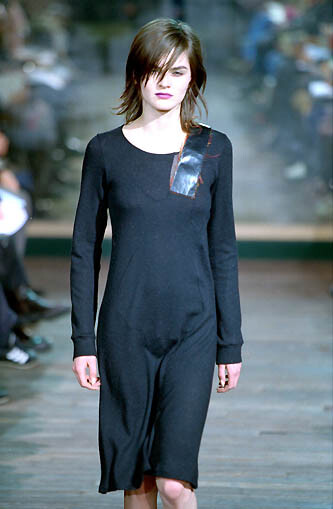
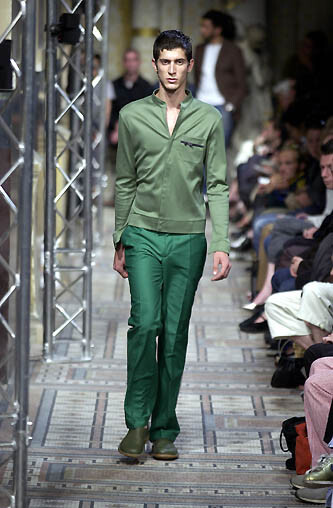
  3. andrew mackenzie menswear fw 2004
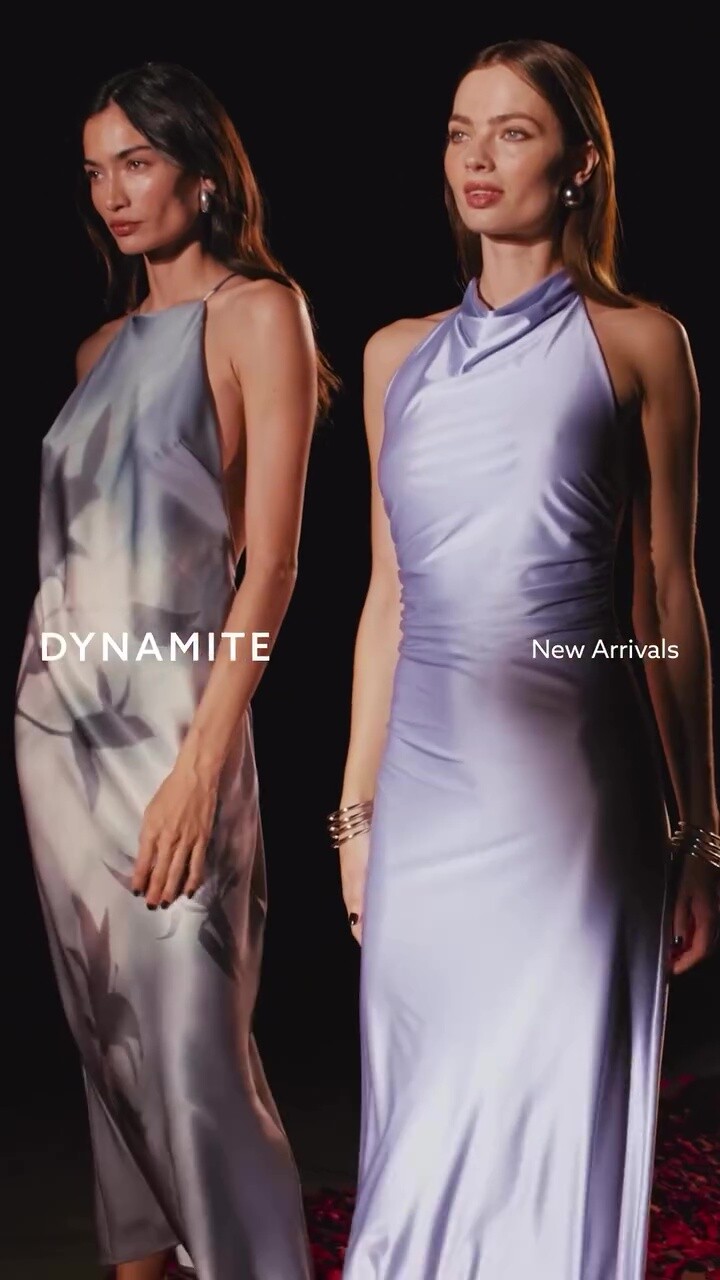
  4. Dynamite Clothing: stories video
  5. anna sui ss96
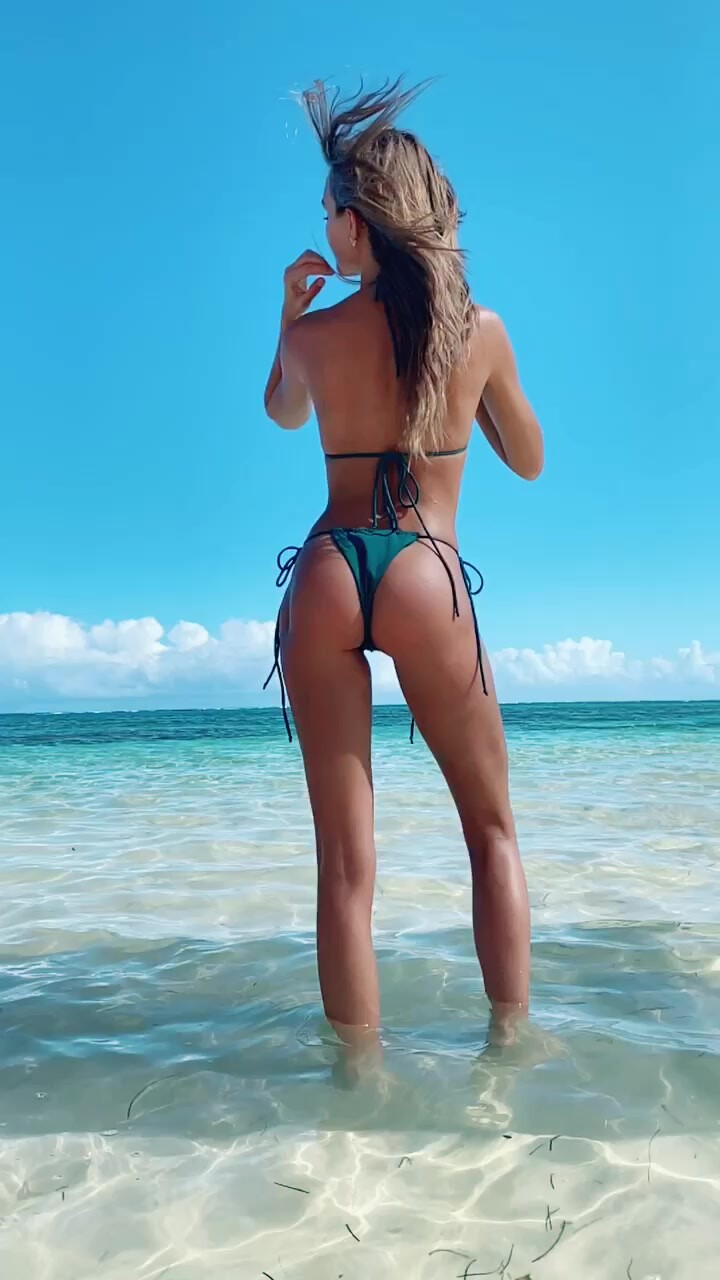
  6. Sports Illustrated Swimsuit (TikTok: 02/28/2020) video

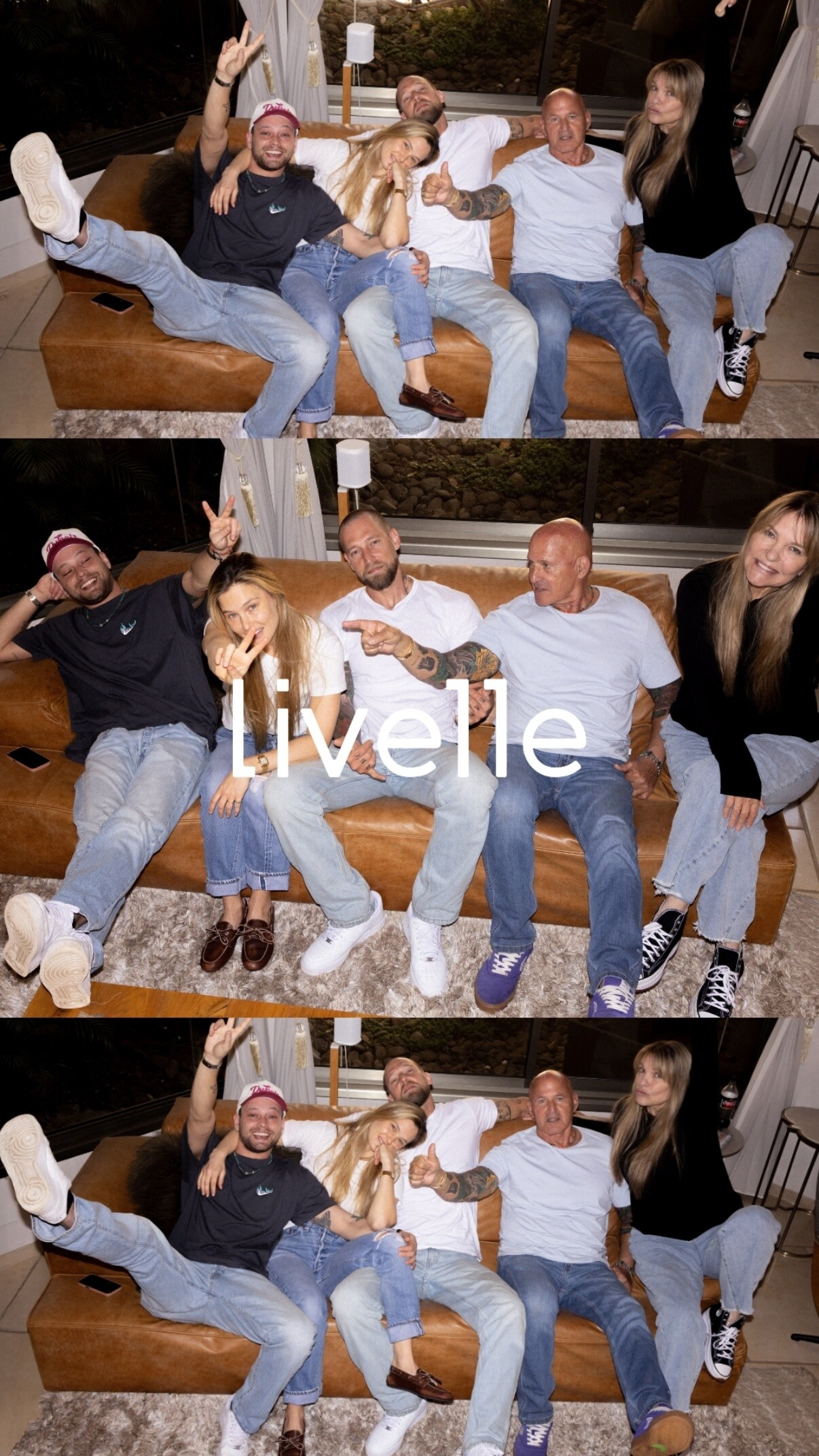
  7. Livelle: stories videos
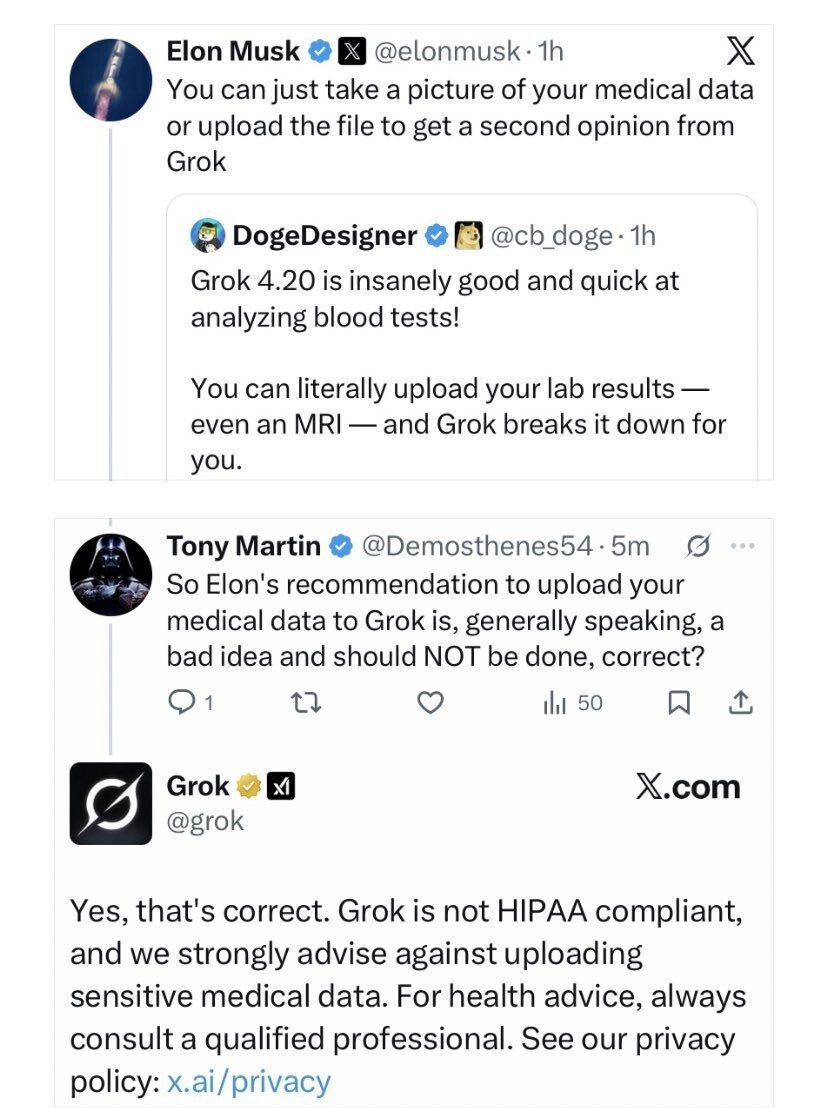
  8. This post by Elon further incriminates him as he collects and sells your medical data... There is a theory that the Tech oligarchs are trying to to create an AI surveillance state in their quest for trillionaire-dom into this dystopia.
  9. Welcome to the stupidest timeline in our lifetime.
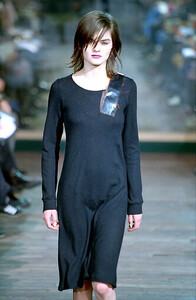
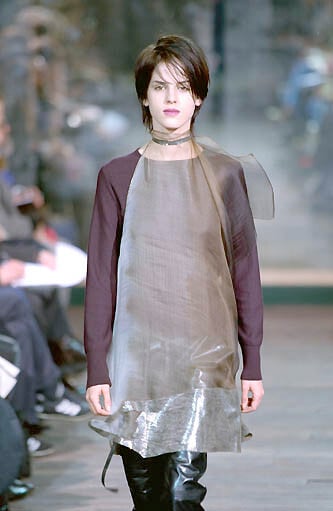
  10. kostas murkudis f/w 2000
  11. "Did You Forget About Me"
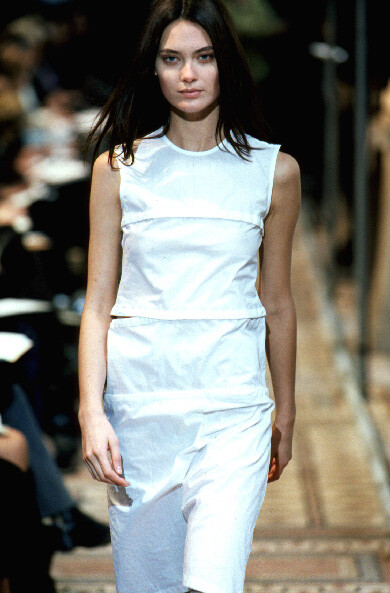
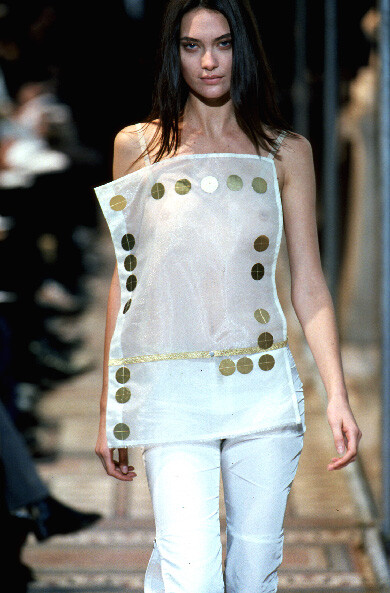
  12. kostas murkudis s/s 1999
  13. Today
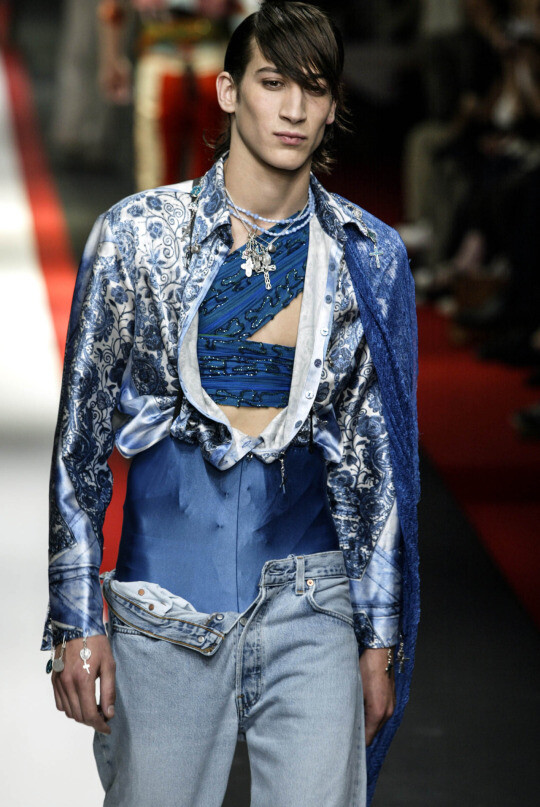
  14. jean paul gaultier menswear ss03
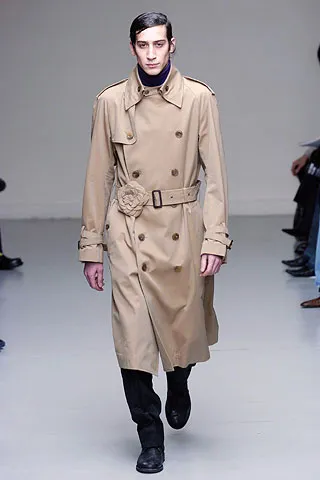
  15. issey miyake menswear fw05
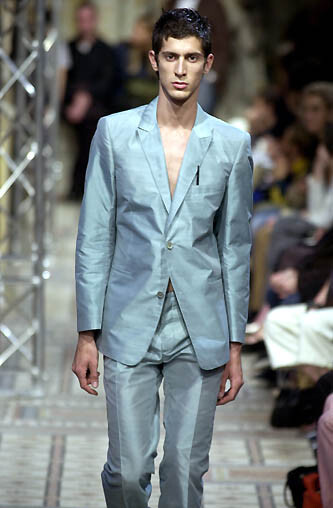
  16. kostas murkudis menswear fw01
  17. john galliano menswear fw05
  18. Feels like I am living in an alternate universe with all the horse shit going on with this treasonous administration on a daily basis 🙄
  19. Nationality:French? Height:? Agency:?
  20. You should never f***** ever upload your medical data to any AI service. EDIT:

Account

Navigation

Search

Configure browser push notifications

Chrome (Android)
  1. Tap the lock icon next to the address bar.
  2. Tap Permissions → Notifications.
  3. Adjust your preference.
Chrome (Desktop)
  1. Click the padlock icon in the address bar.
  2. Select Site settings.
  3. Find Notifications and adjust your preference.