All Activity
- Past hour
- Today
-
Davidi4646 joined the community
-
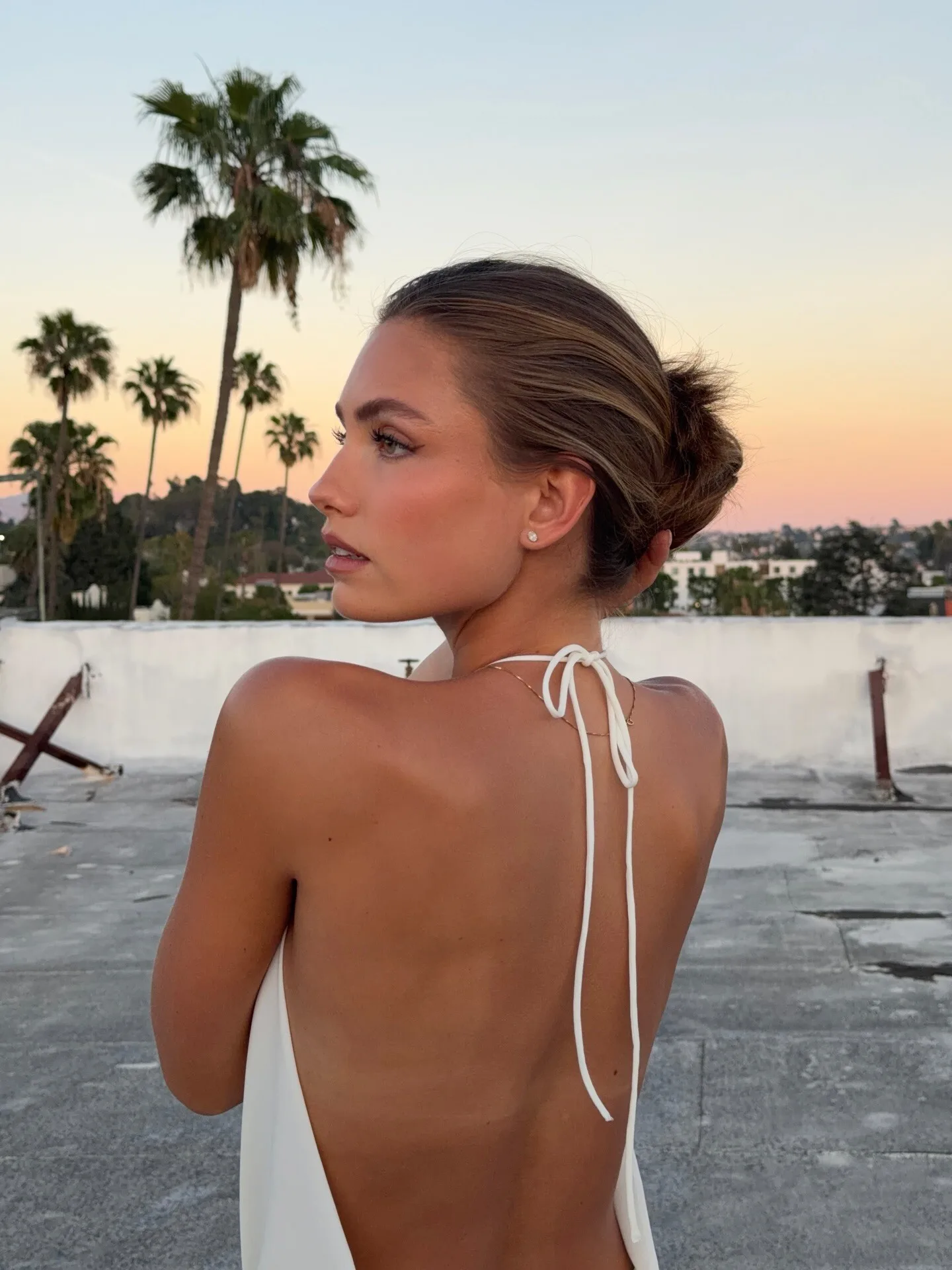

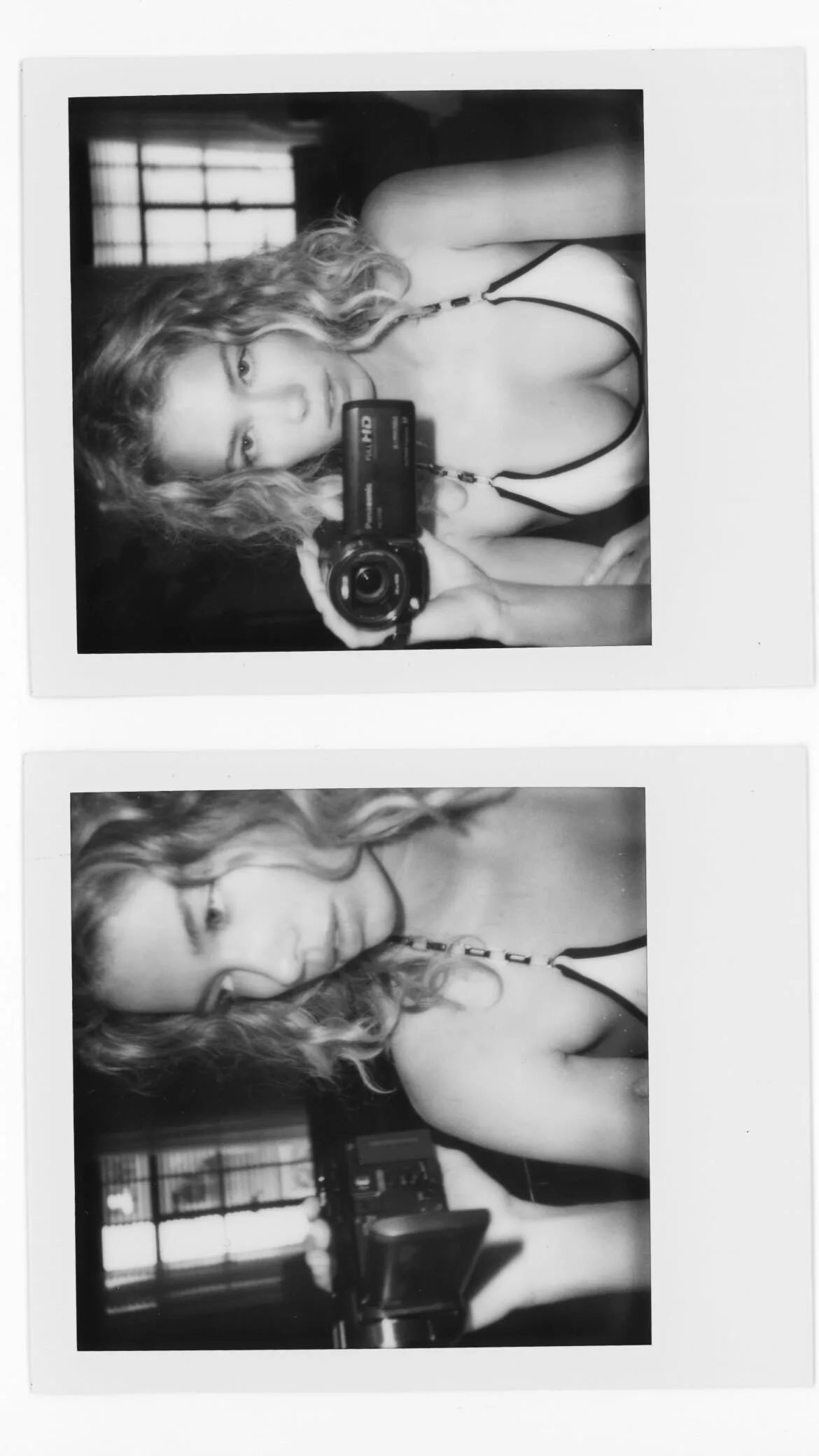
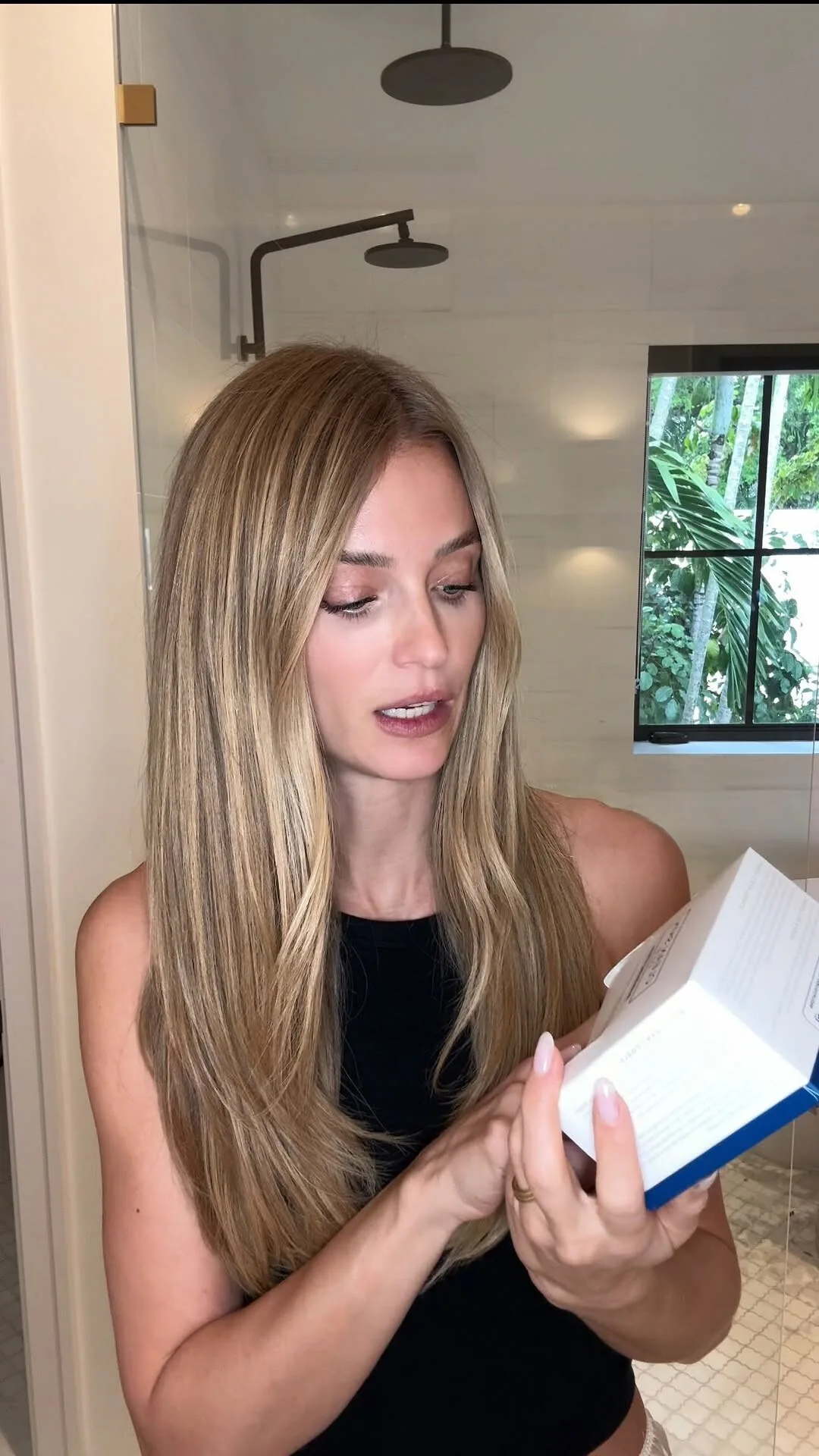
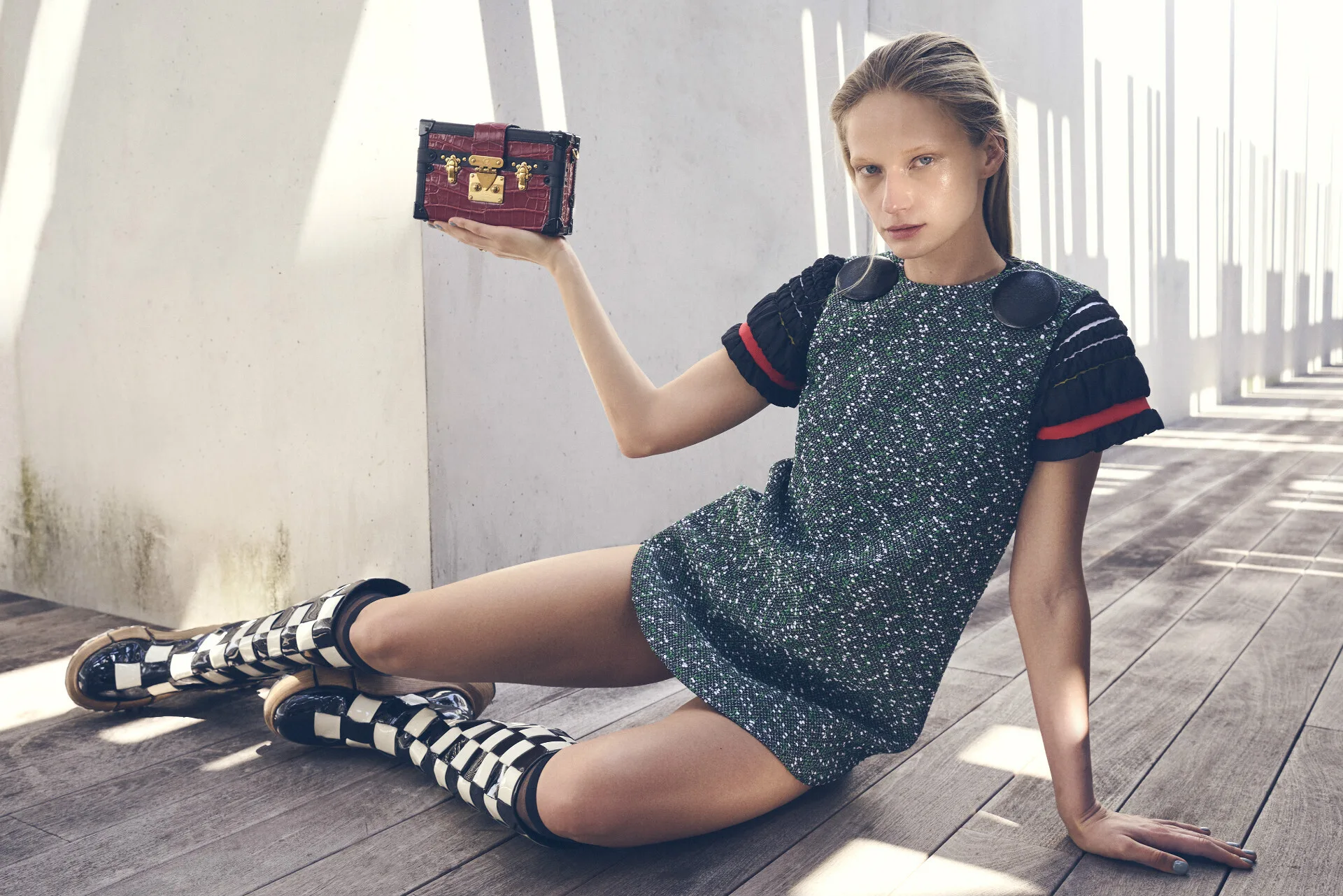
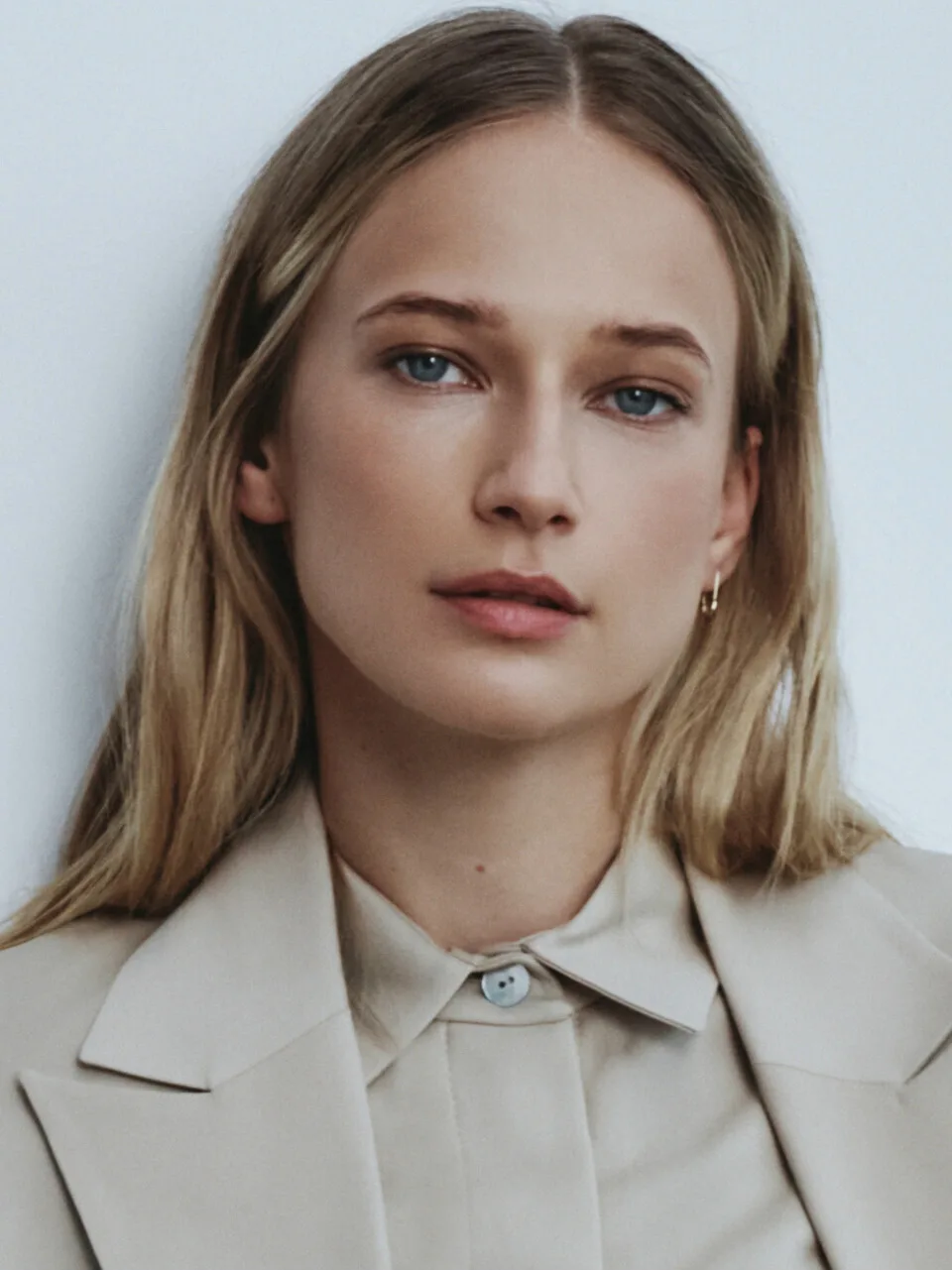
I need to know this beautiful shein model Her instagram account or any data for her .




-
ojfenterprises joined the community
-
Omar Hendy joined the community
-
on her "prime" ...


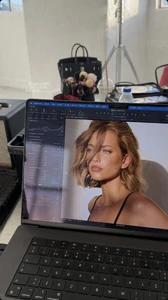
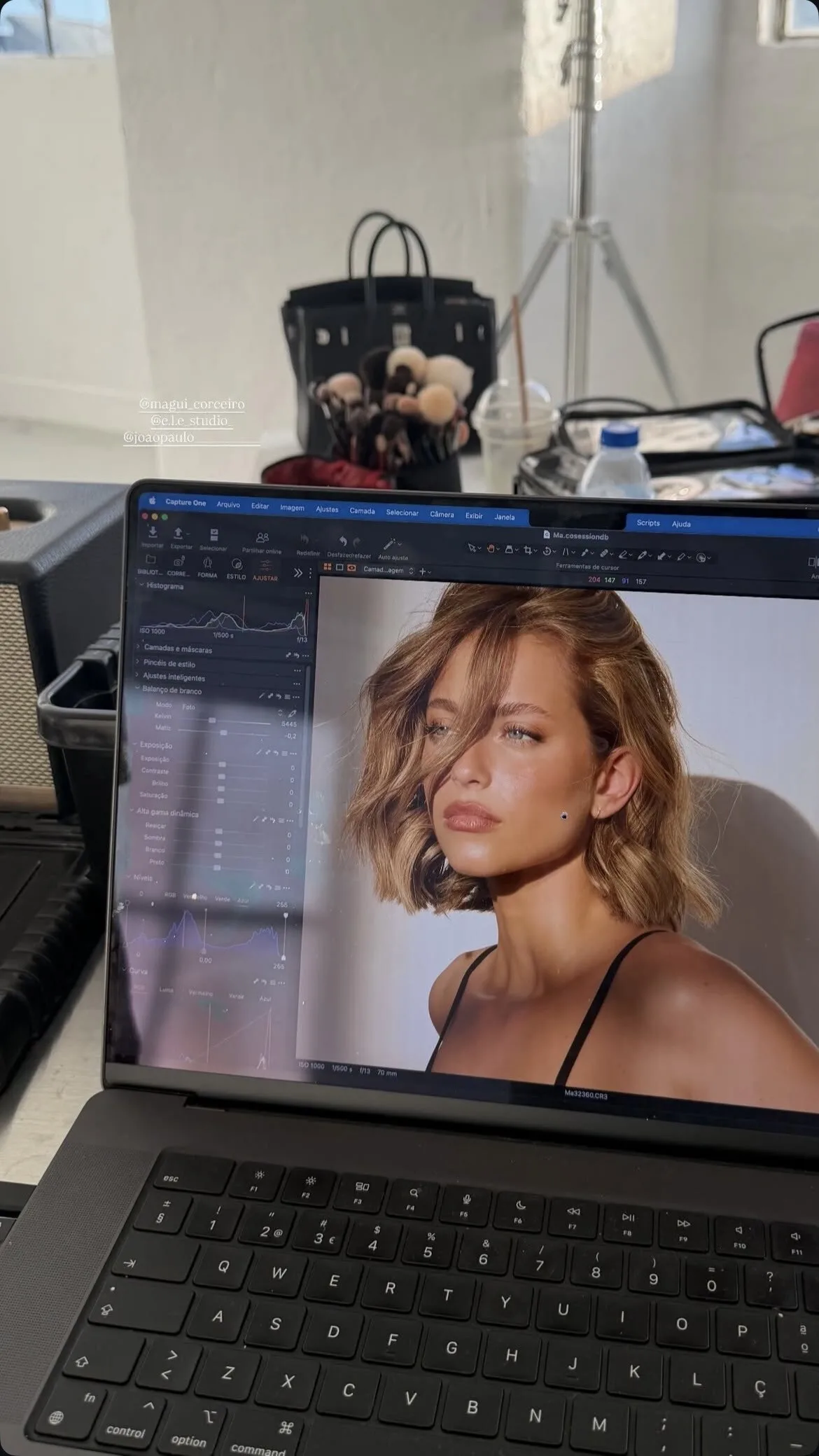
 Yes its Inge Geurts. StorySaver.net-magui_corceiro-Video-1774765004953.mp4 StorySaver.net-magui_corceiro-Video-1774764991484.mp4
 Leo and his girlfriend Vittoria at a theater in Prague.
 From Elselingerie. Waiting for someone to post the fullset

 oh okMore Tropic Of C videos anonyig.io_Instagram_gregswalesart_3863076391298982664.mp4 anonyig.io_Instagram_candiceswanepoel_3863041128870805107.mp4 anonyig.io_Instagram_candiceswanepoel_3863045926835783227.mp4Upgrading the hardware, but having some issues with the OS. So need to do some reboots / upgrades.Frozen waterfalls, pretty cool right? 😜








 BHLDN (09/20/2021) video
 SOS. 🆘 video
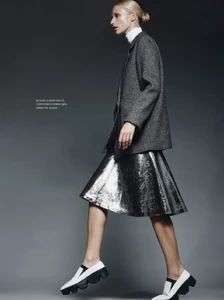
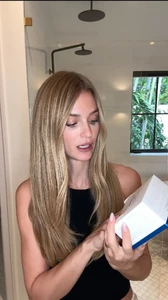 It was Ella Petrushko, the Ukrainian modellike 10 of the photos you posted here aren't even of Carrie Salmon, if you really were her you would know what looks you wore lolFord Models New York










































































Account
Navigation
Search
Configure browser push notifications
Chrome (Android)
- Tap the lock icon next to the address bar.
- Tap Permissions → Notifications.
- Adjust your preference.
Chrome (Desktop)
- Click the padlock icon in the address bar.
- Select Site settings.
- Find Notifications and adjust your preference.
Safari (iOS 16.4+)
- Ensure the site is installed via Add to Home Screen.
- Open Settings App → Notifications.
- Find your app name and adjust your preference.
Safari (macOS)
- Go to Safari → Preferences.
- Click the Websites tab.
- Select Notifications in the sidebar.
- Find this website and adjust your preference.
Edge (Android)
- Tap the lock icon next to the address bar.
- Tap Permissions.
- Find Notifications and adjust your preference.
Edge (Desktop)
- Click the padlock icon in the address bar.
- Click Permissions for this site.
- Find Notifications and adjust your preference.
Firefox (Android)
- Go to Settings → Site permissions.
- Tap Notifications.
- Find this site in the list and adjust your preference.
Firefox (Desktop)
- Open Firefox Settings.
- Search for Notifications.
- Find this site in the list and adjust your preference.