All Activity
- Past hour
-
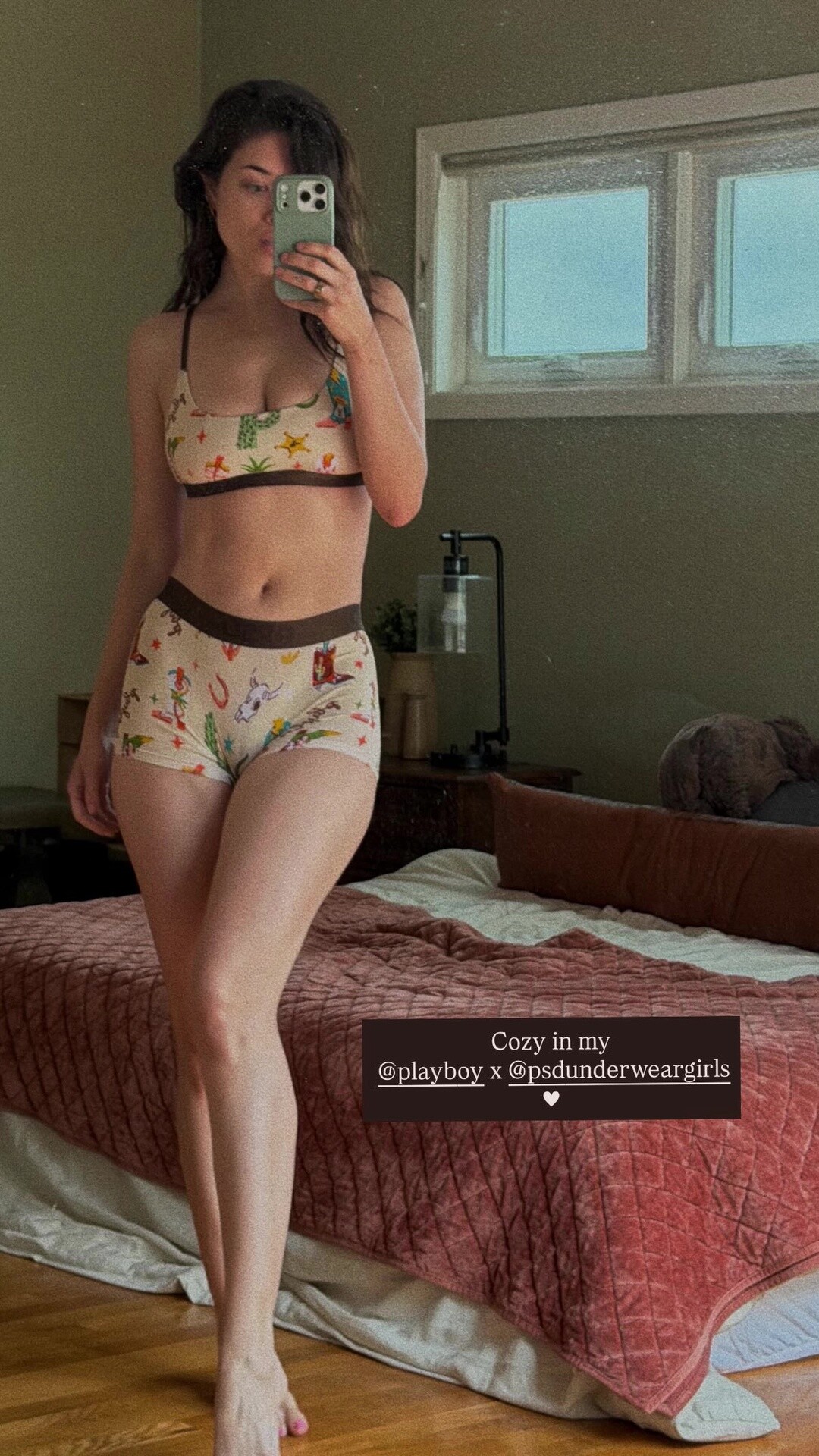
 insta story
-
 Also in some sites it says that he is indian raised in pakistani and that her paternal family has afghan ancestry?
 -
She said in one interview that her father was indian in other that he was pakistani
-
 I don't think so. The ads would have been famous if she did. No Guess campaign can stay hidden.
 -
Father from Pakistan, mother is German. Weird combination resulting in pure perfection.
-

-
-
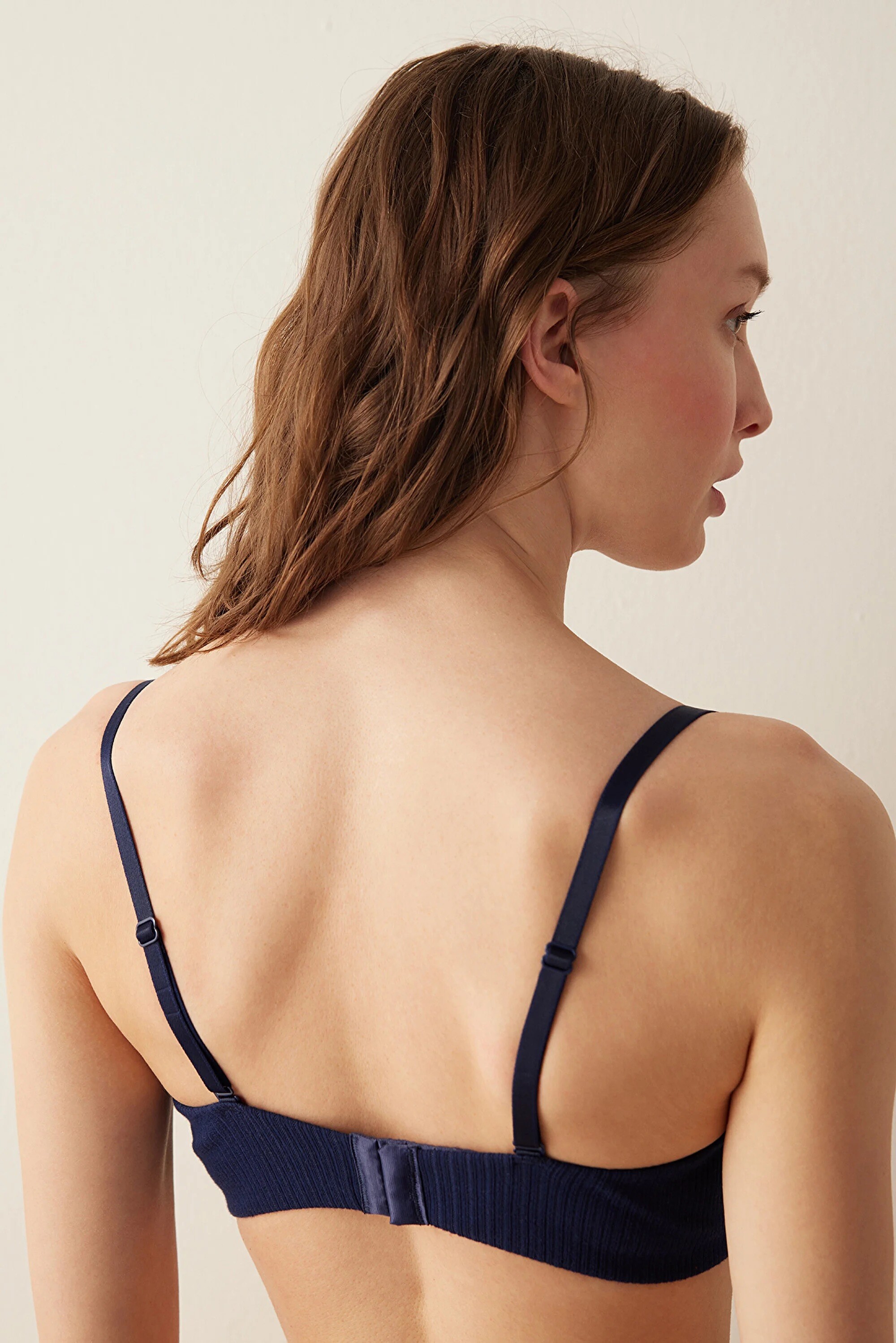
 Penti
Penti


-
 Modelwerk Polaroids


-
her father is indian/pakistani or indian raised in pakistan?. they have afghan ethnicity too ...?
-
stories videos


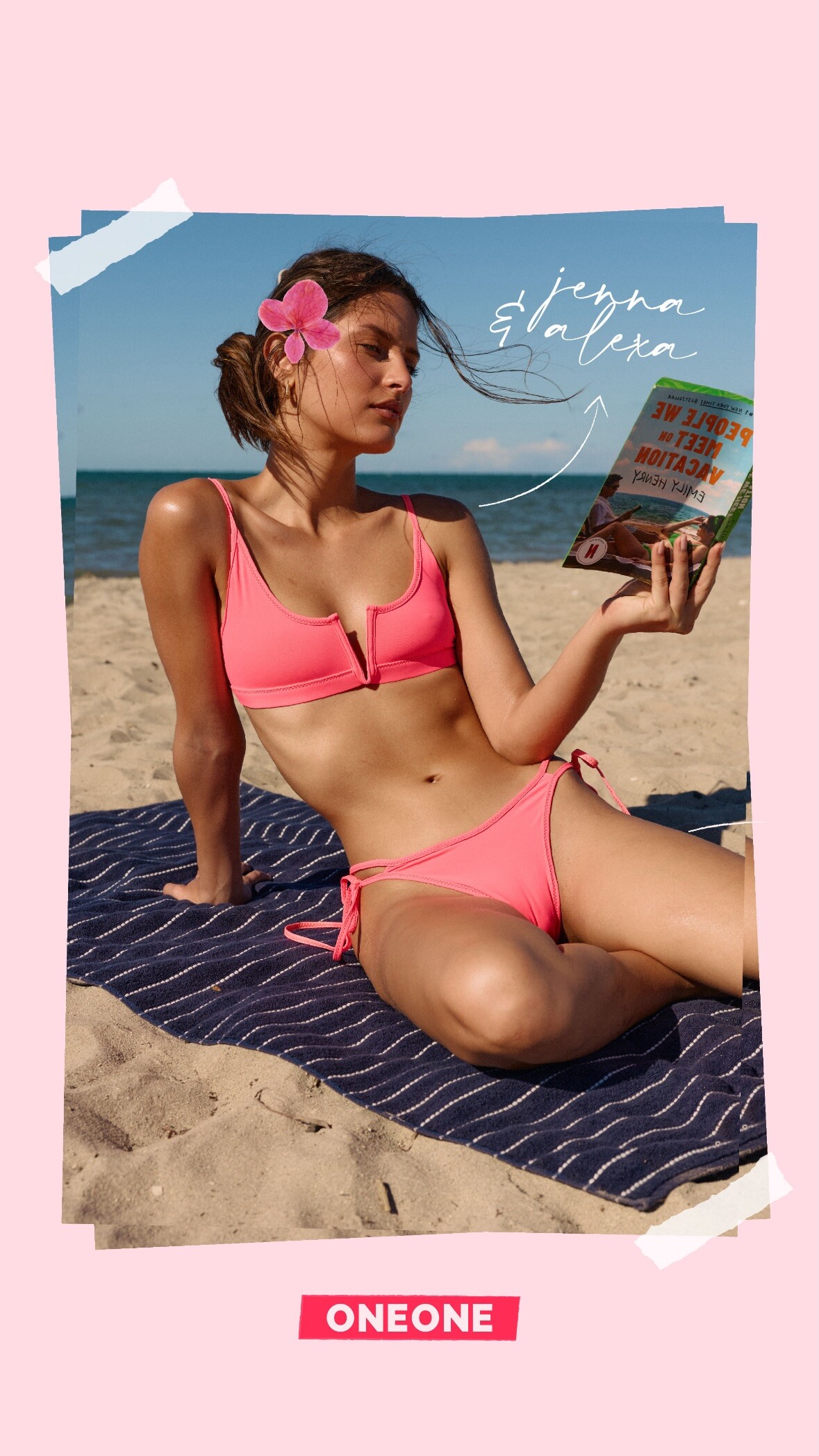
 Krystal Xamairy: OneOne Swim video
 Brunel: Celebrating our new Body Lotion launch! THAT’S ALL. angelswearbrunel jastookes sarasampaio mirandakerr video
 Brunel: Celebrating our new Body Lotion launch! THAT’S ALL. angelswearbrunel jastookes sarasampaio mirandakerr video
Brunel: Celebrating our new Body Lotion launch! THAT’S ALL. angelswearbrunel jastookes sarasampaio mirandakerr video
Brunel: Celebrating our new Body Lotion launch! THAT’S ALL. angelswearbrunel jastookes sarasampaio mirandakerr video
- Today
stories video


 Rachel Brockman ツ: my POV

 Ice1624 joined the community
 1 Bar Zoomer 2 Behati Prinsloo 3 Dakota Fink 4 Omer Nudelman 5 Sianie Aitken 6 Priscilla Balanta 7 Taylor Hill 8 Jasmine Tookes

























































Account
Navigation
Search
Configure browser push notifications
Chrome (Android)
- Tap the lock icon next to the address bar.
- Tap Permissions → Notifications.
- Adjust your preference.
Chrome (Desktop)
- Click the padlock icon in the address bar.
- Select Site settings.
- Find Notifications and adjust your preference.
Safari (iOS 16.4+)
- Ensure the site is installed via Add to Home Screen.
- Open Settings App → Notifications.
- Find your app name and adjust your preference.
Safari (macOS)
- Go to Safari → Preferences.
- Click the Websites tab.
- Select Notifications in the sidebar.
- Find this website and adjust your preference.
Edge (Android)
- Tap the lock icon next to the address bar.
- Tap Permissions.
- Find Notifications and adjust your preference.
Edge (Desktop)
- Click the padlock icon in the address bar.
- Click Permissions for this site.
- Find Notifications and adjust your preference.
Firefox (Android)
- Go to Settings → Site permissions.
- Tap Notifications.
- Find this site in the list and adjust your preference.
Firefox (Desktop)
- Open Firefox Settings.
- Search for Notifications.
- Find this site in the list and adjust your preference.