All Activity
- Past hour
-

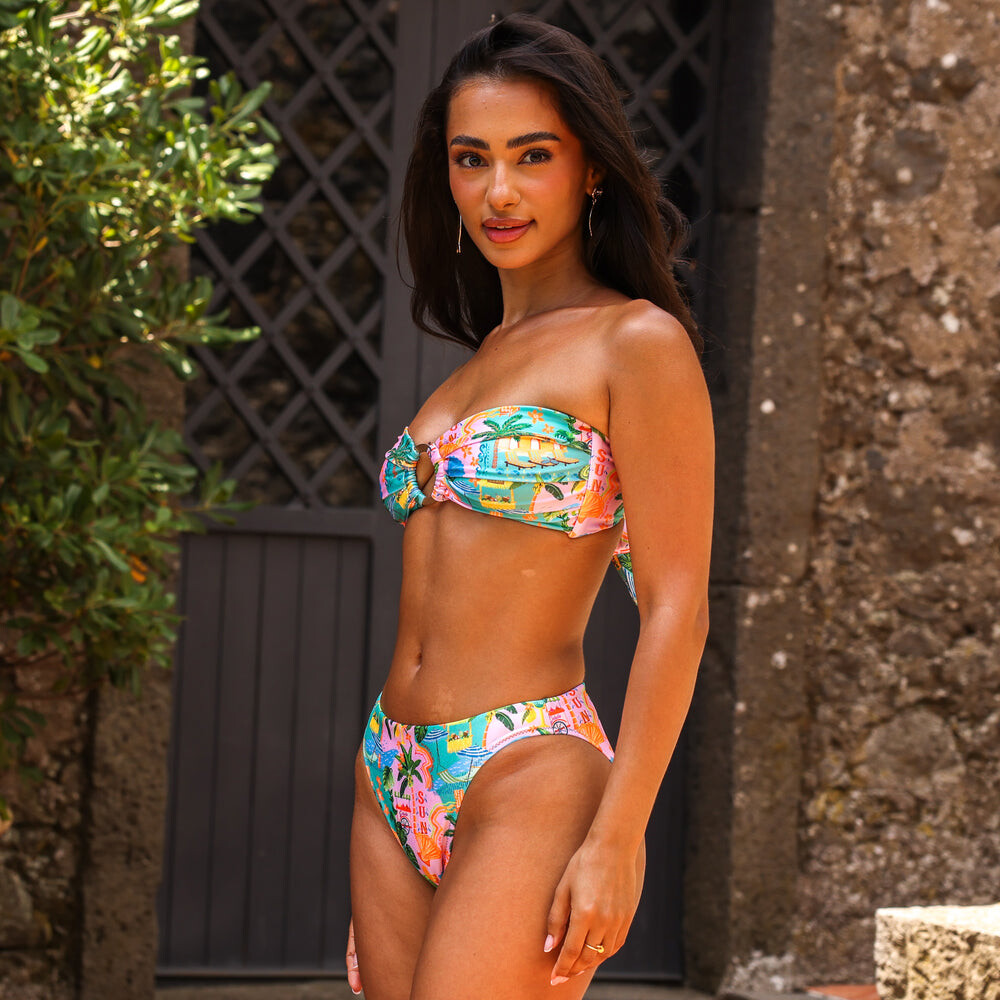
 Jacquie Aiche wtr1023 at picturepub













 Ph: Alec Walworth



 vbs14 joined the community
 Deadline pool21 at picturepub


 Deadline pool21 at picturepub
 Deadline pool21 at picturepub
 Sebastian Cardin for Zucca, ready-to-wear, fall/winter 1991 my scan
 Helena Christensen for Martine Sitbon, ready-to-wear, fall/winter 1991 my scan
 ph DJ Quintero pantyh at picturepub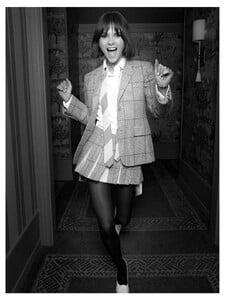




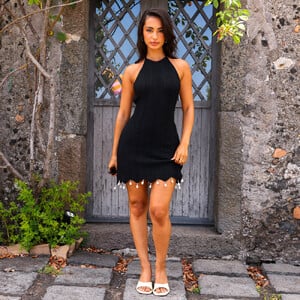
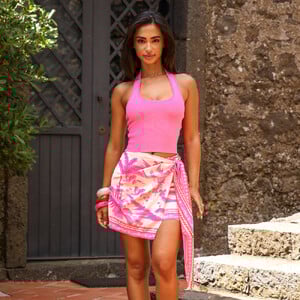
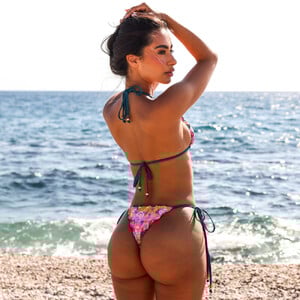
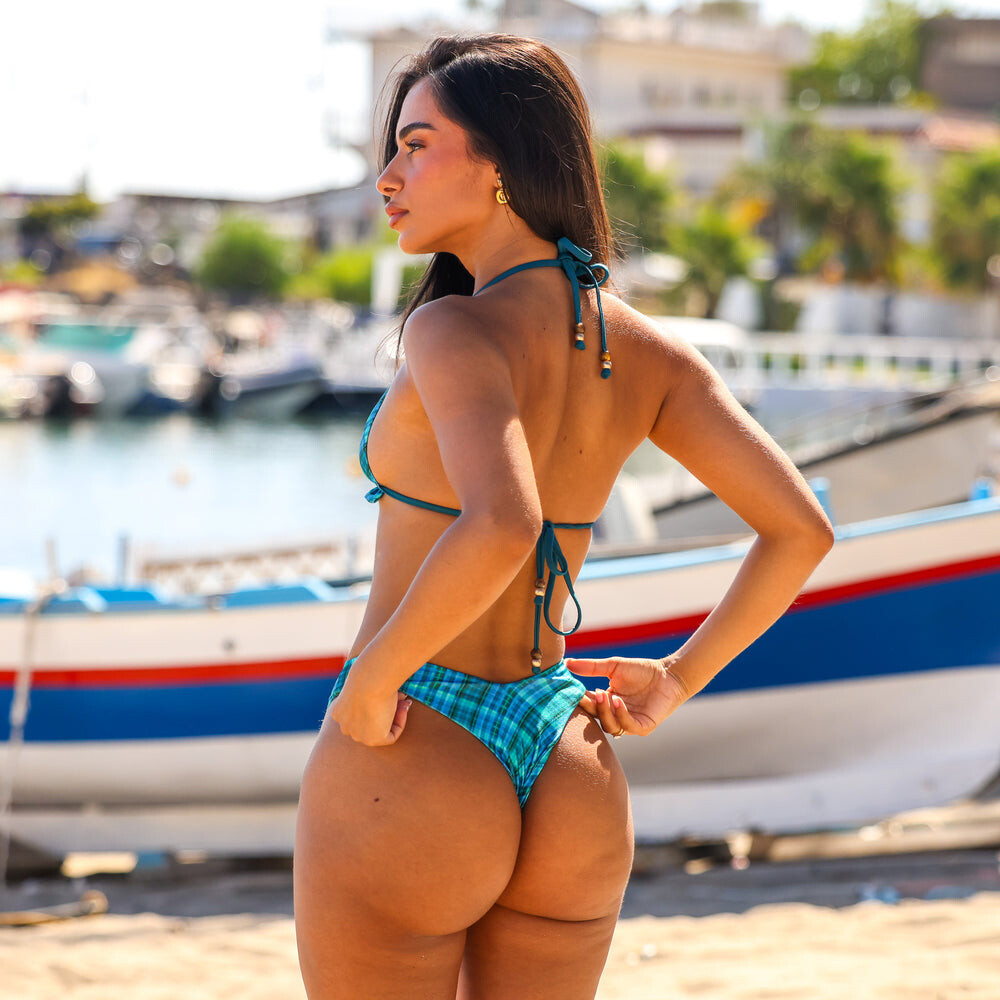
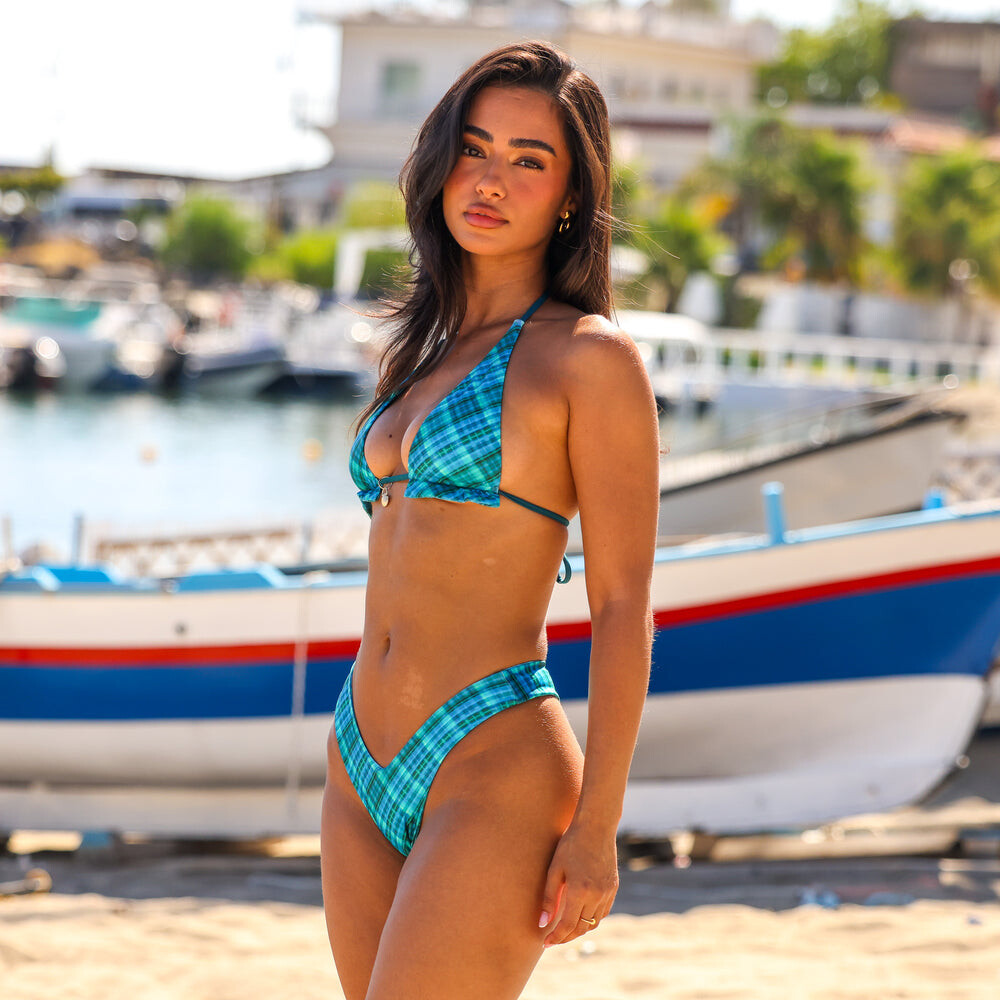
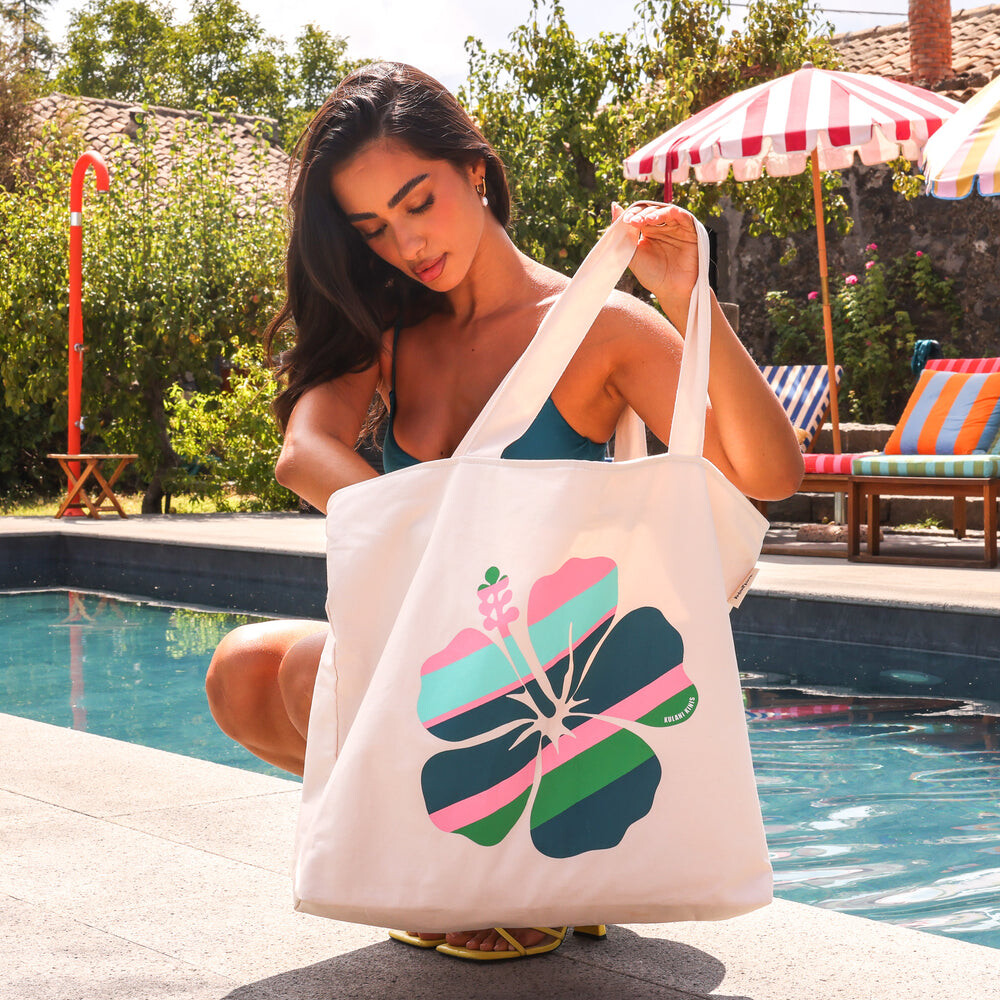
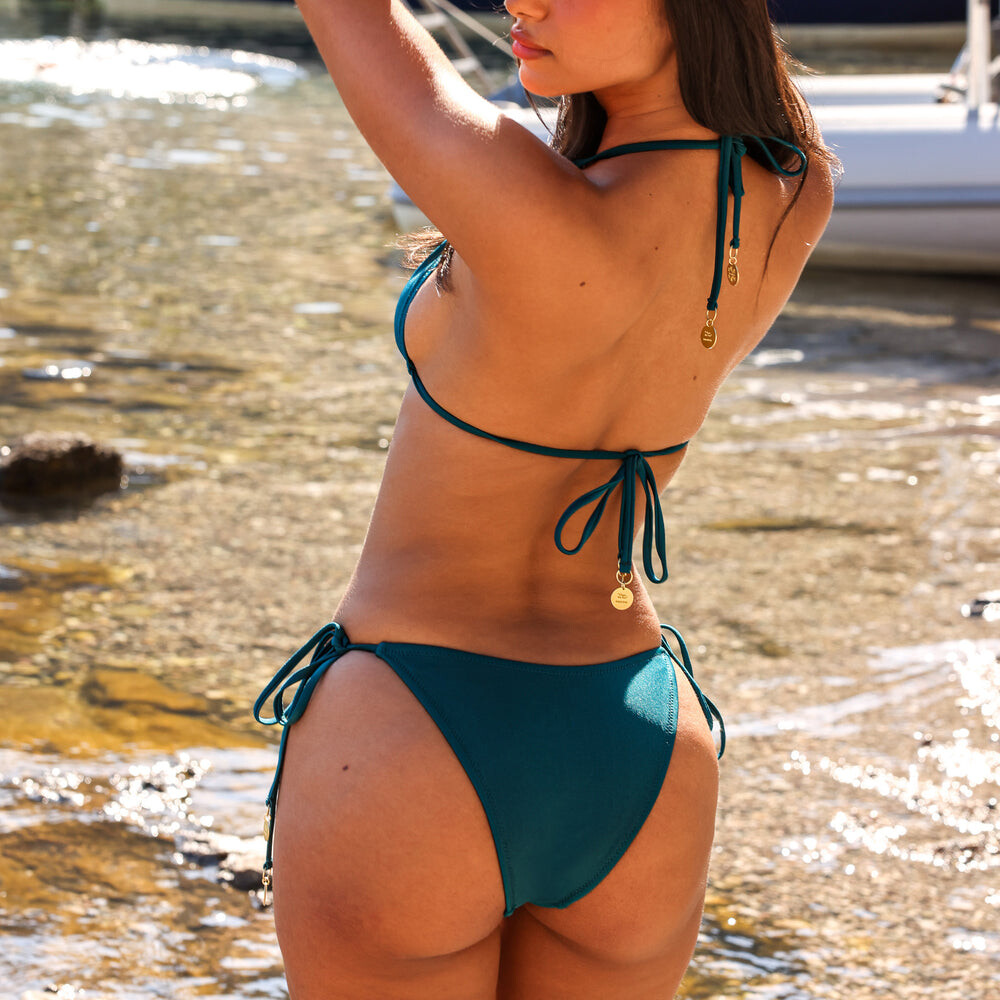
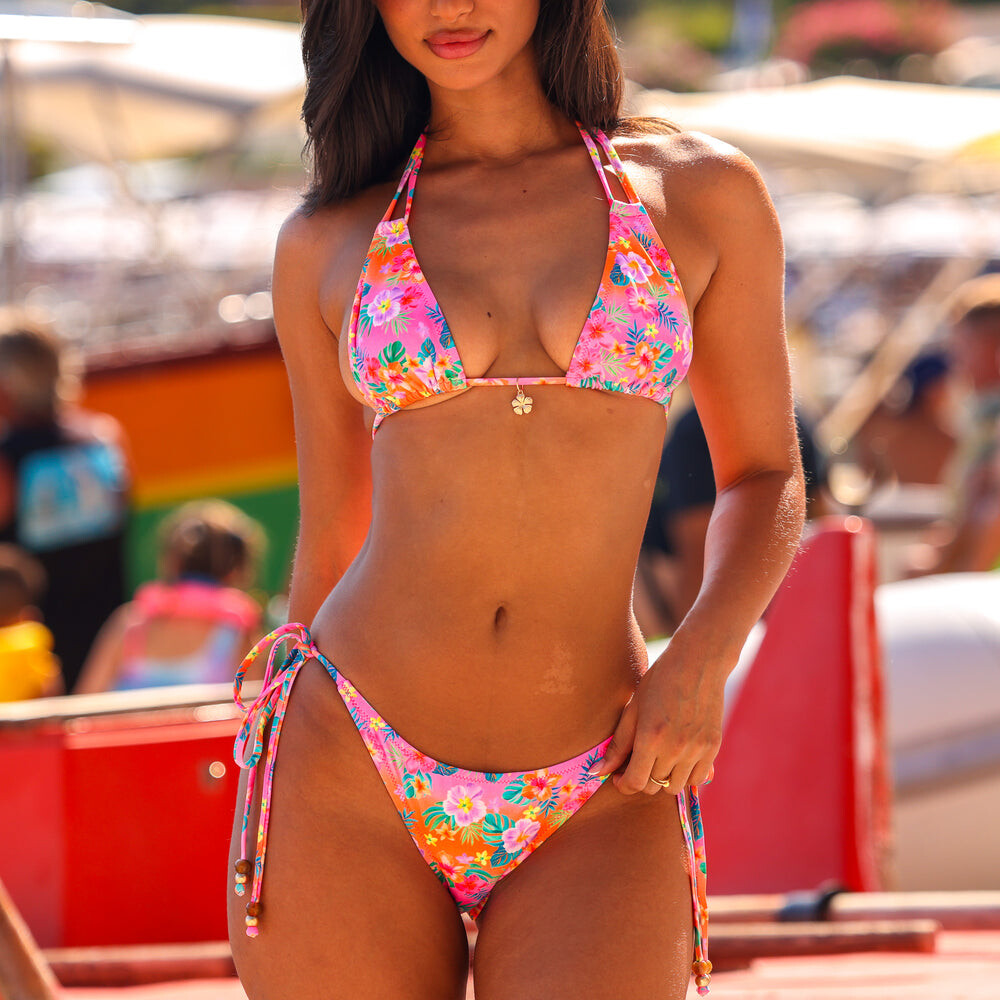
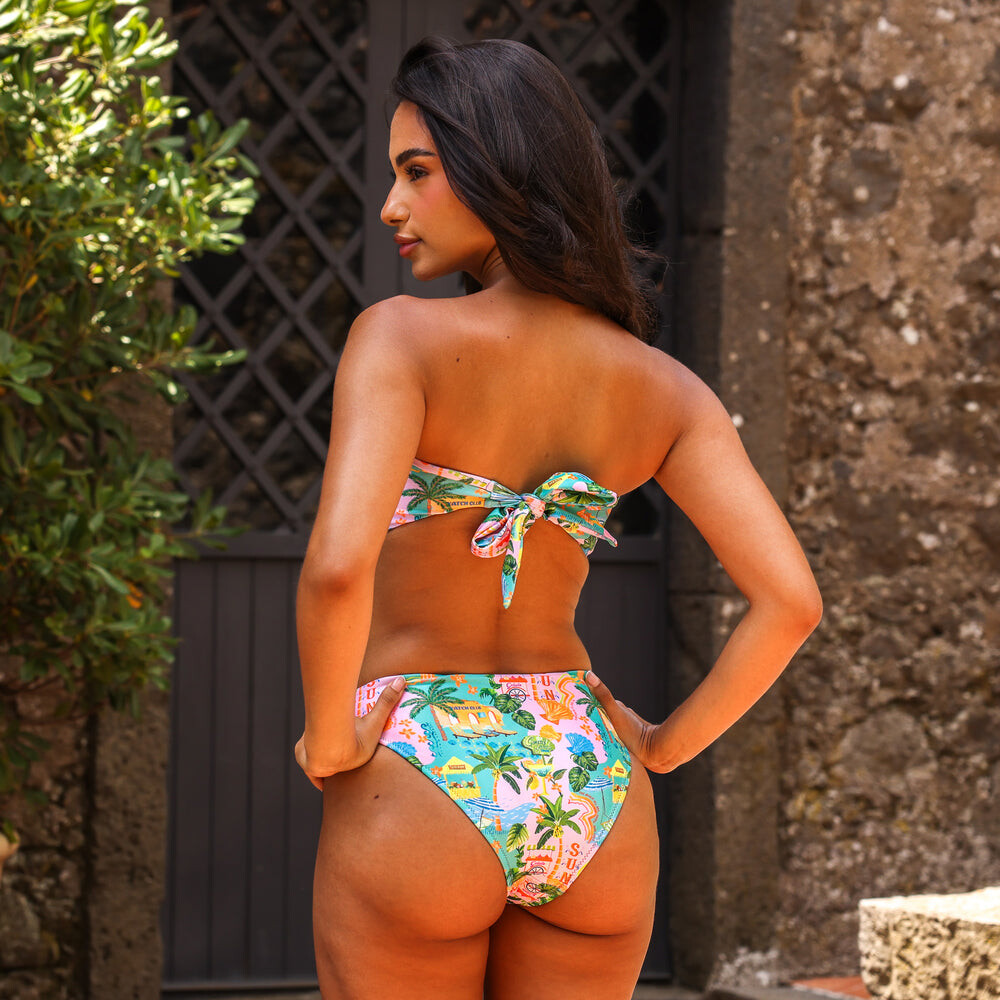
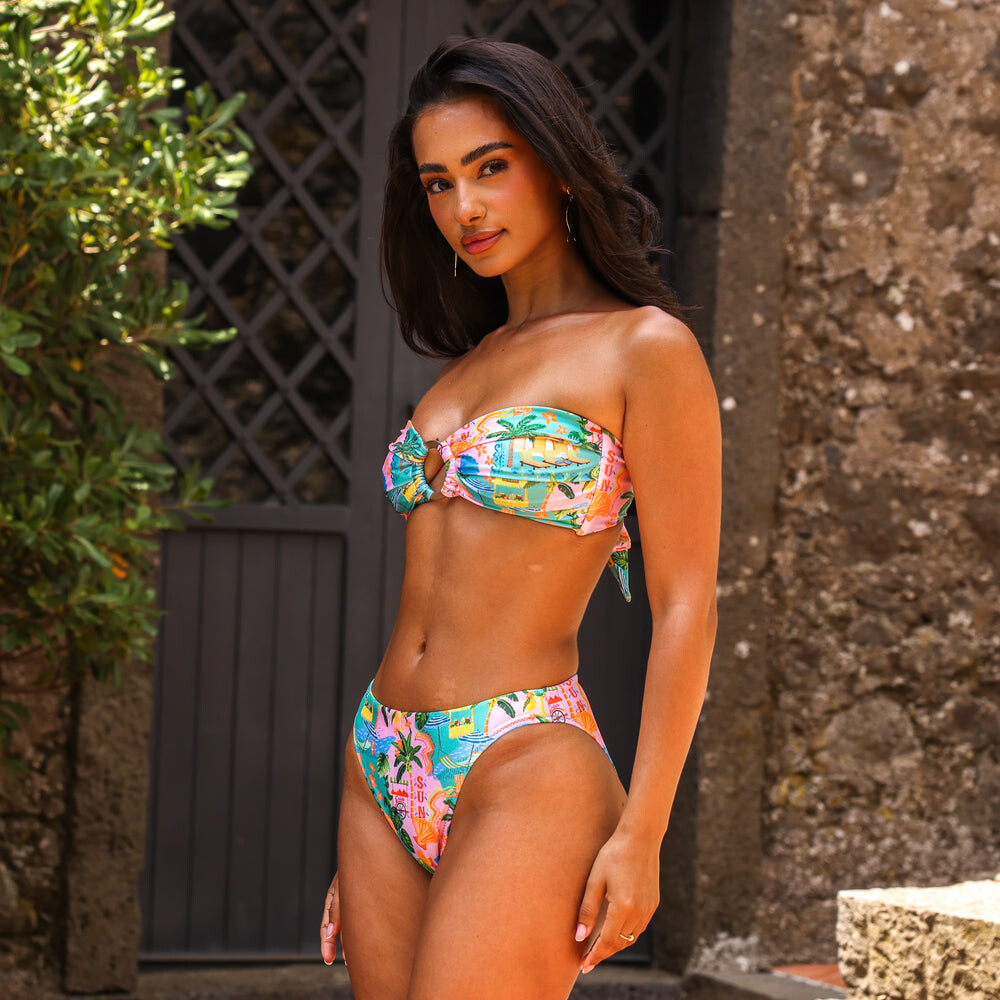
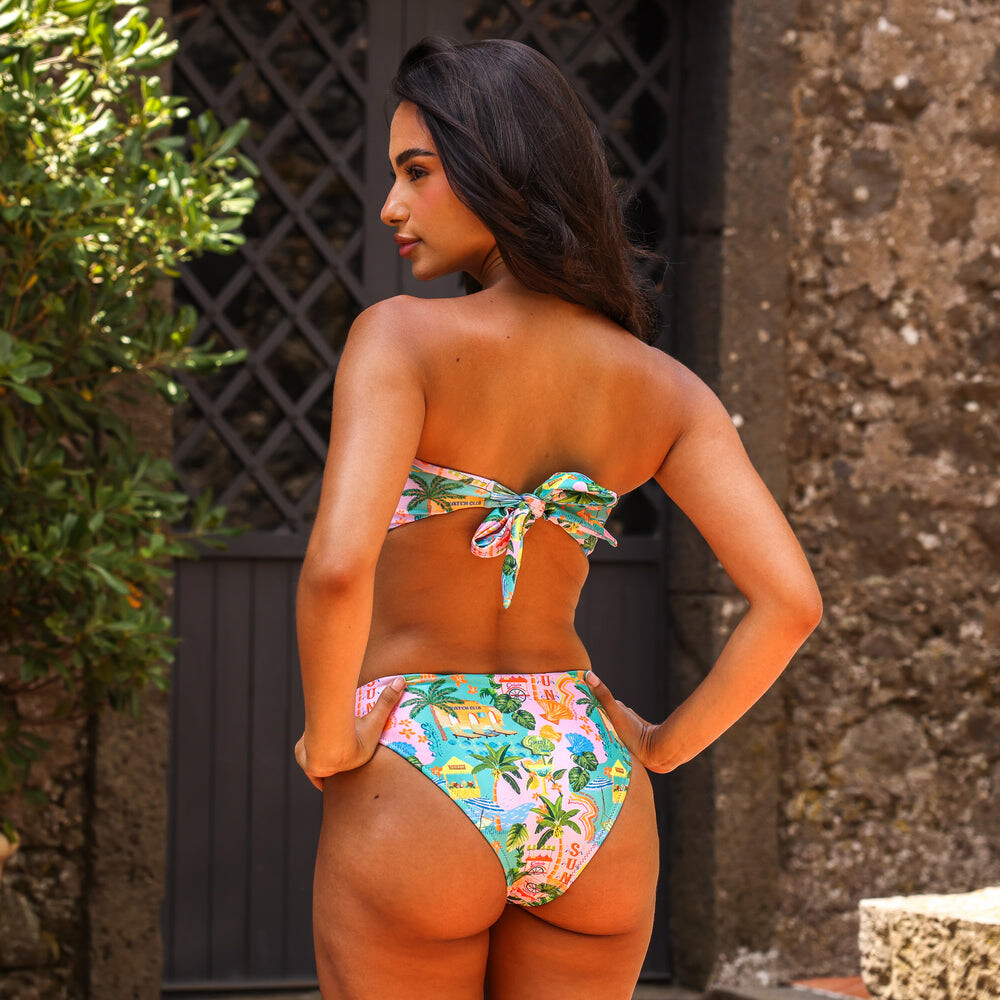
 For KULANI KINIS












































.thumb.jpg.7c28492d02adc0dffc40866da53d04f1.jpg)















.thumb.jpg.4eae7f41b68ab82ab70ddd0d3409c295.jpg)
.thumb.jpg.f1d4fc0480b9ccffed39534a0fb401a4.jpg)
.thumb.jpg.b5078dcc2a7f7061048583449f97b985.jpg)
.thumb.jpg.e14a27e4df8b91b496c1e6865bc28f94.jpg)


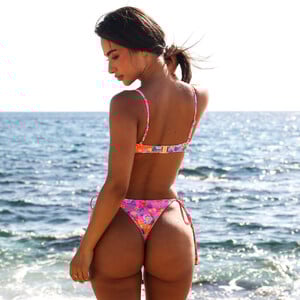


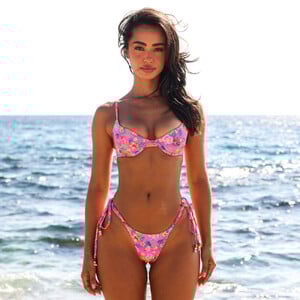




























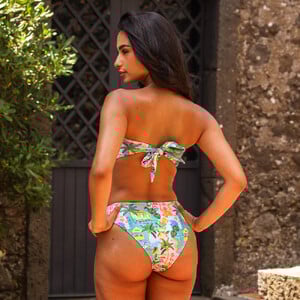








.thumb.jpg.16167f3c7b7f3dd68f644d1edbf74134.jpg)

 The Kelly Clarkson Show
Who What Wear pantyh at picturepub
The Kelly Clarkson Show
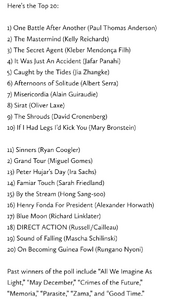
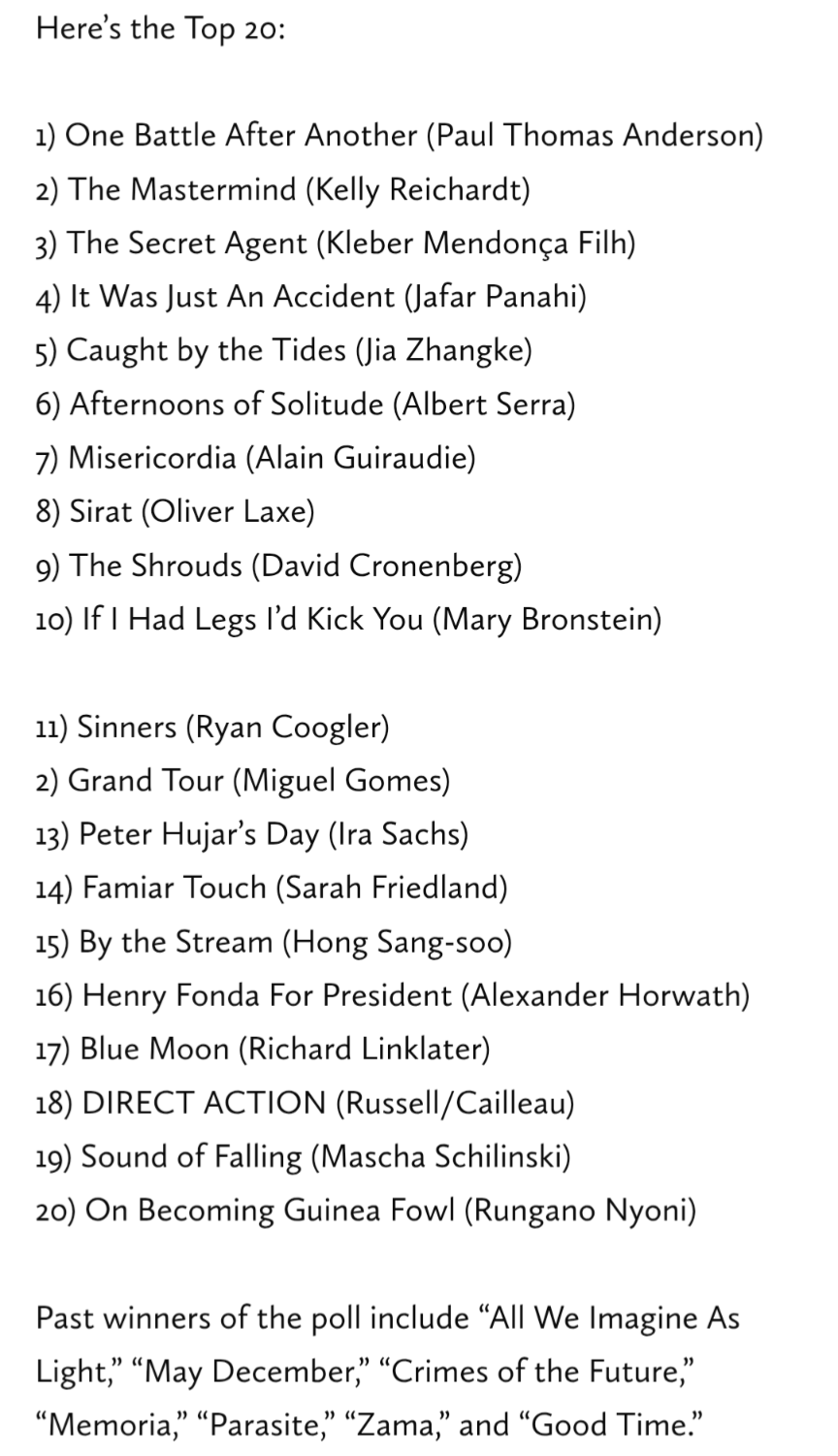
Who What Wear pantyh at picturepub Film comments 2025 critics poll: World of Reel‘One Battle After Another’ Tops Film Comment’s 2025 Criti...As various critics continue to reveal their top films of the year, I’m trying to post only about the ones worth mentioning — and this latest poll certainly fits that category.
 Kristen Stewart & Nicole Kidman | Actors on Actors - Full Conversation Variety





















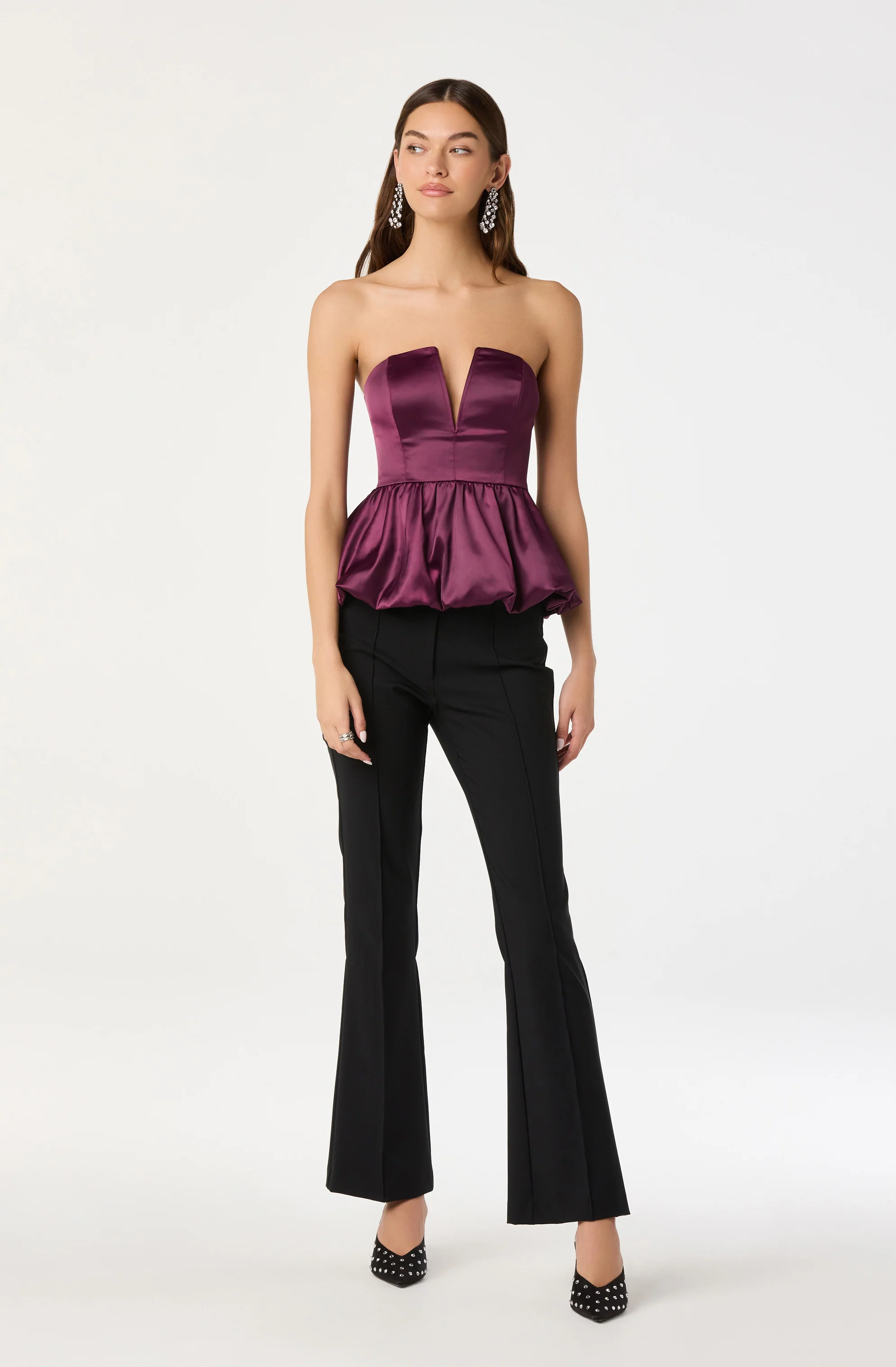
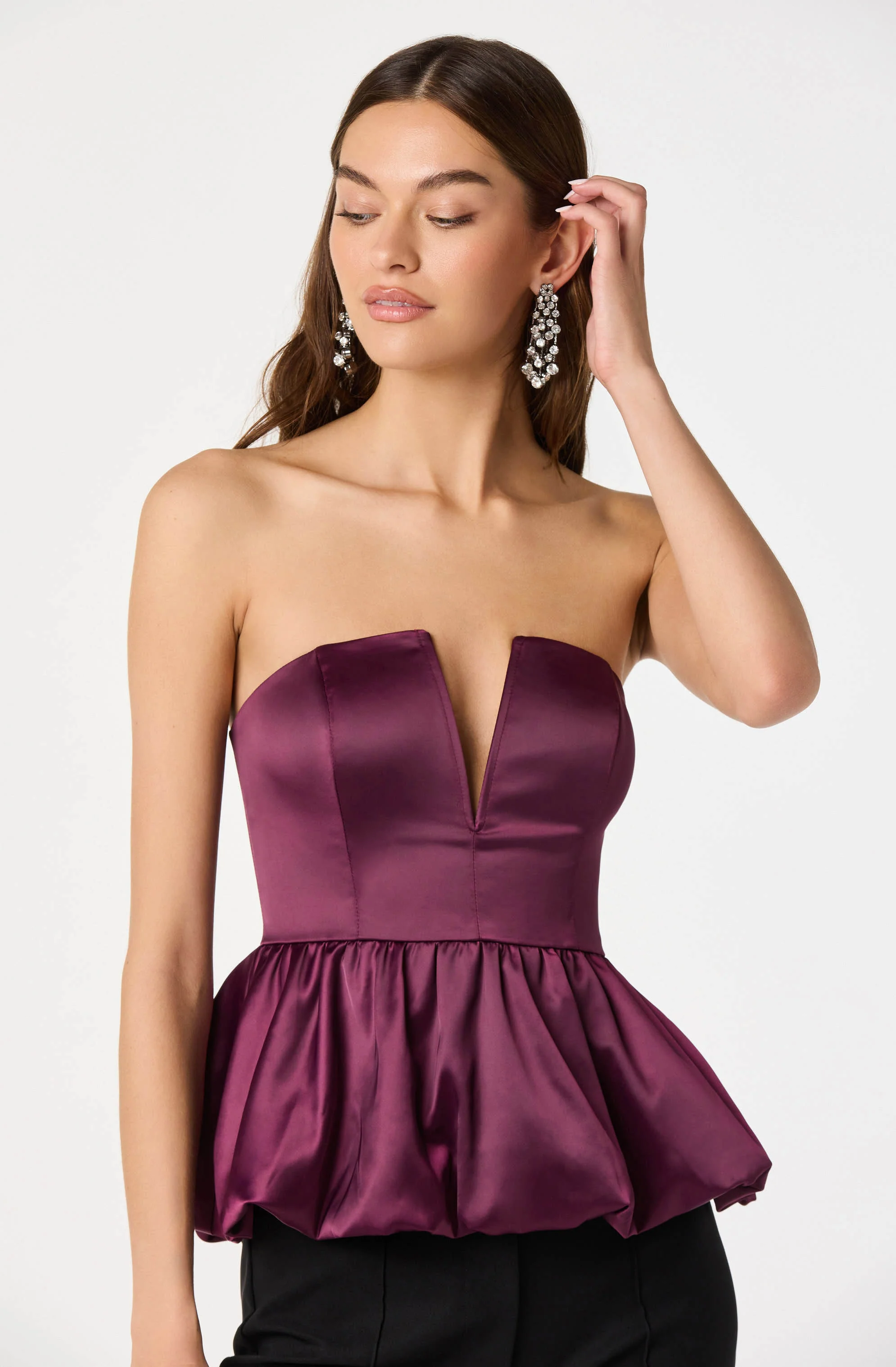
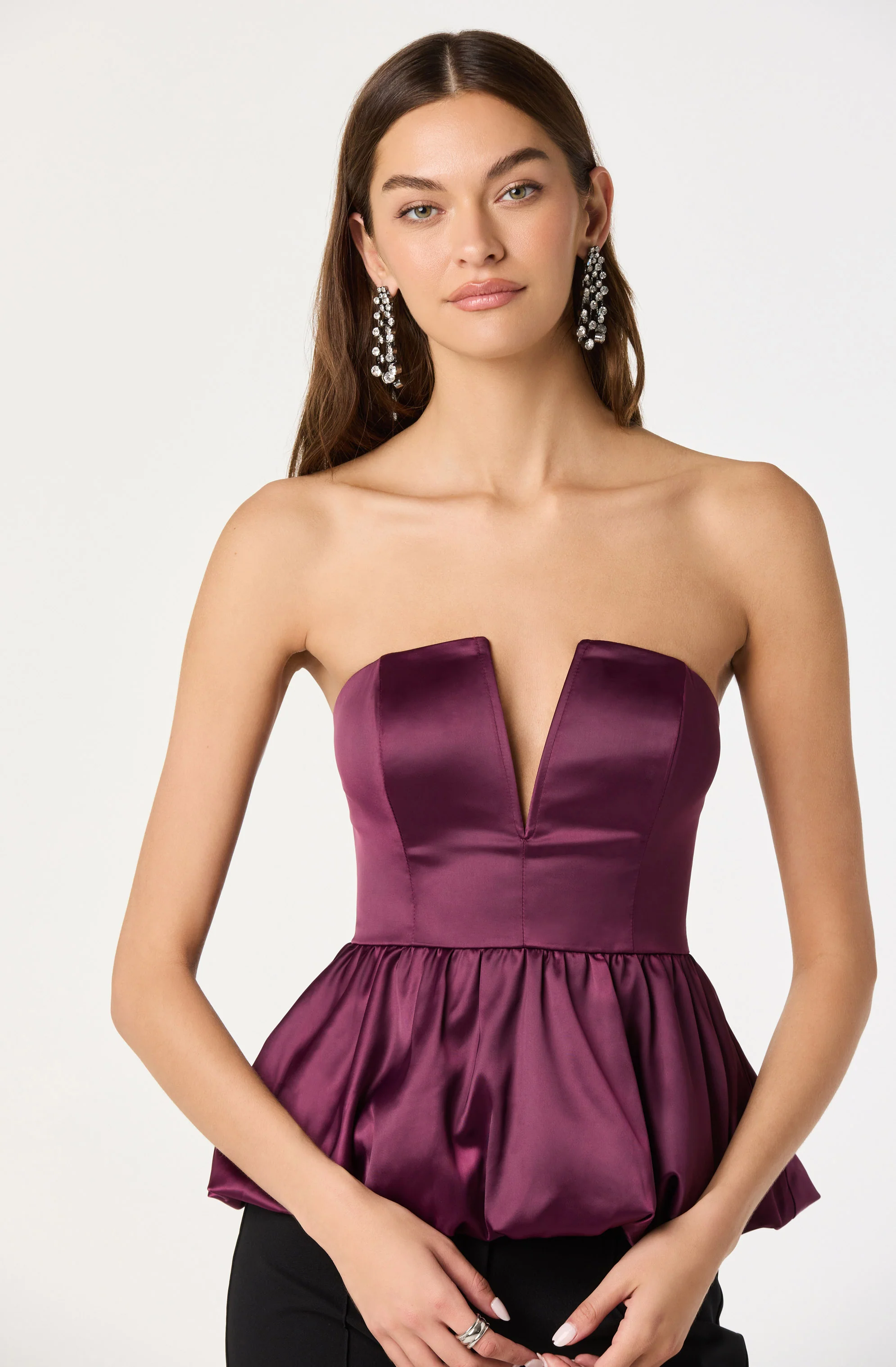
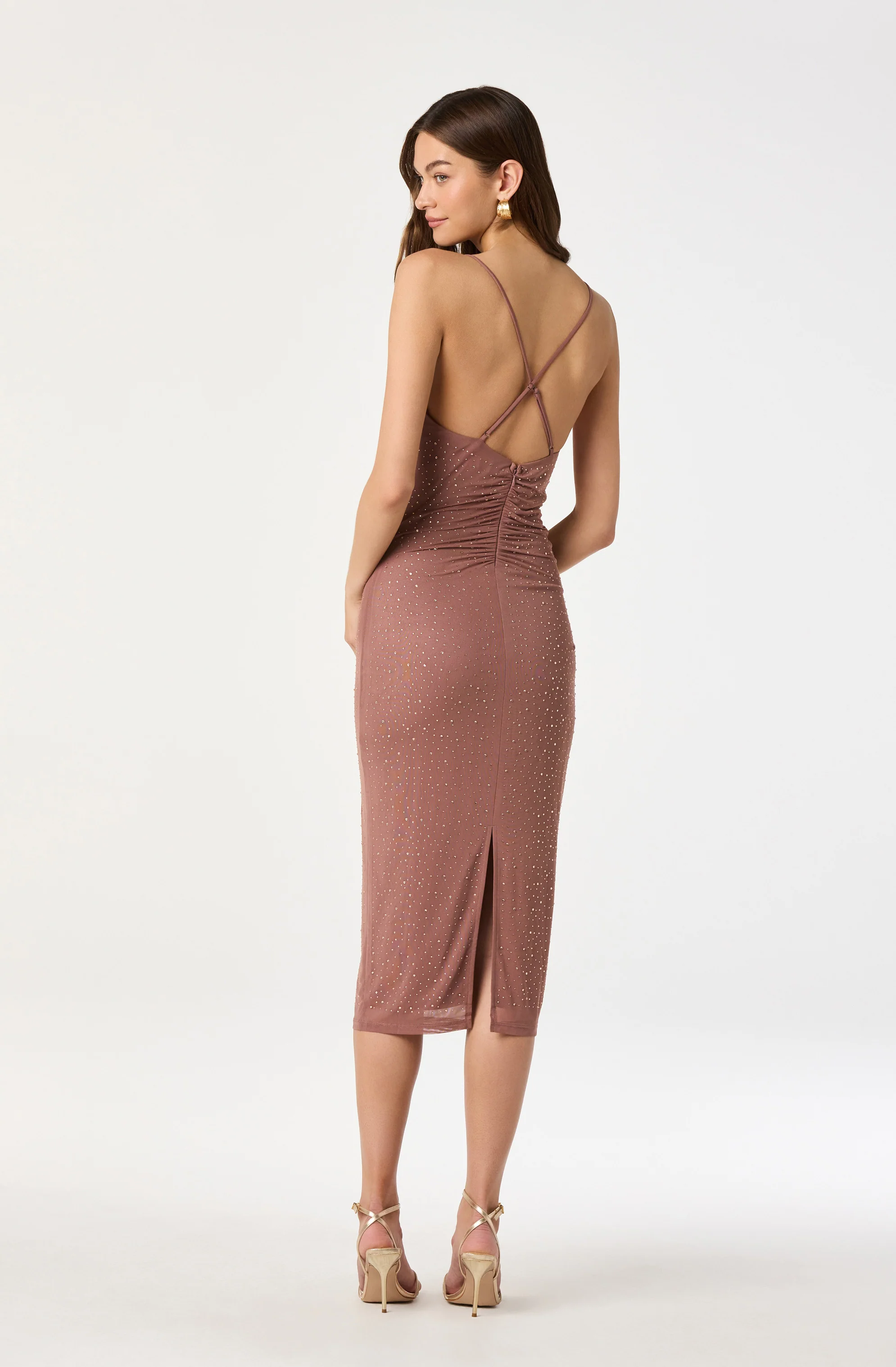

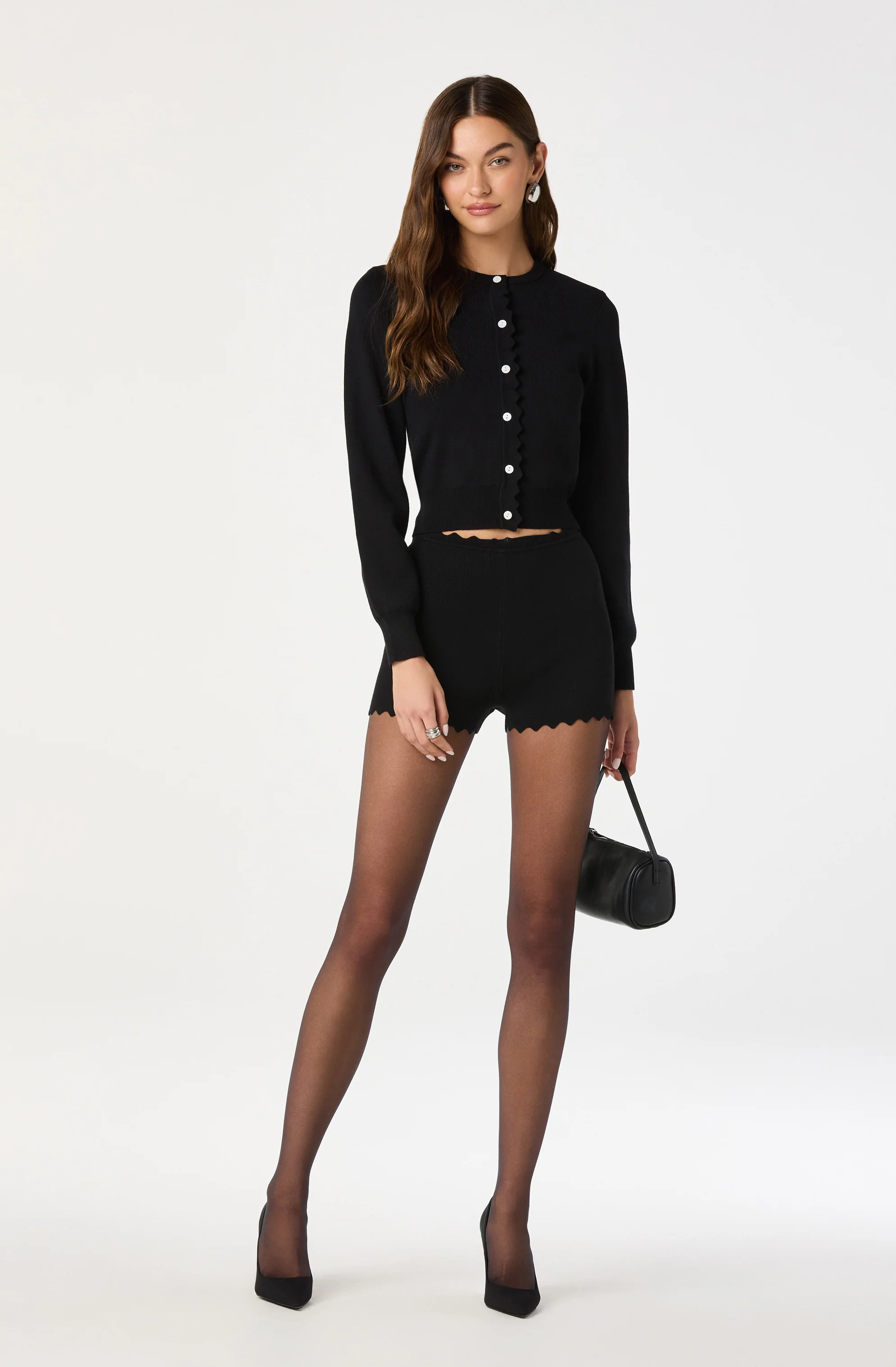
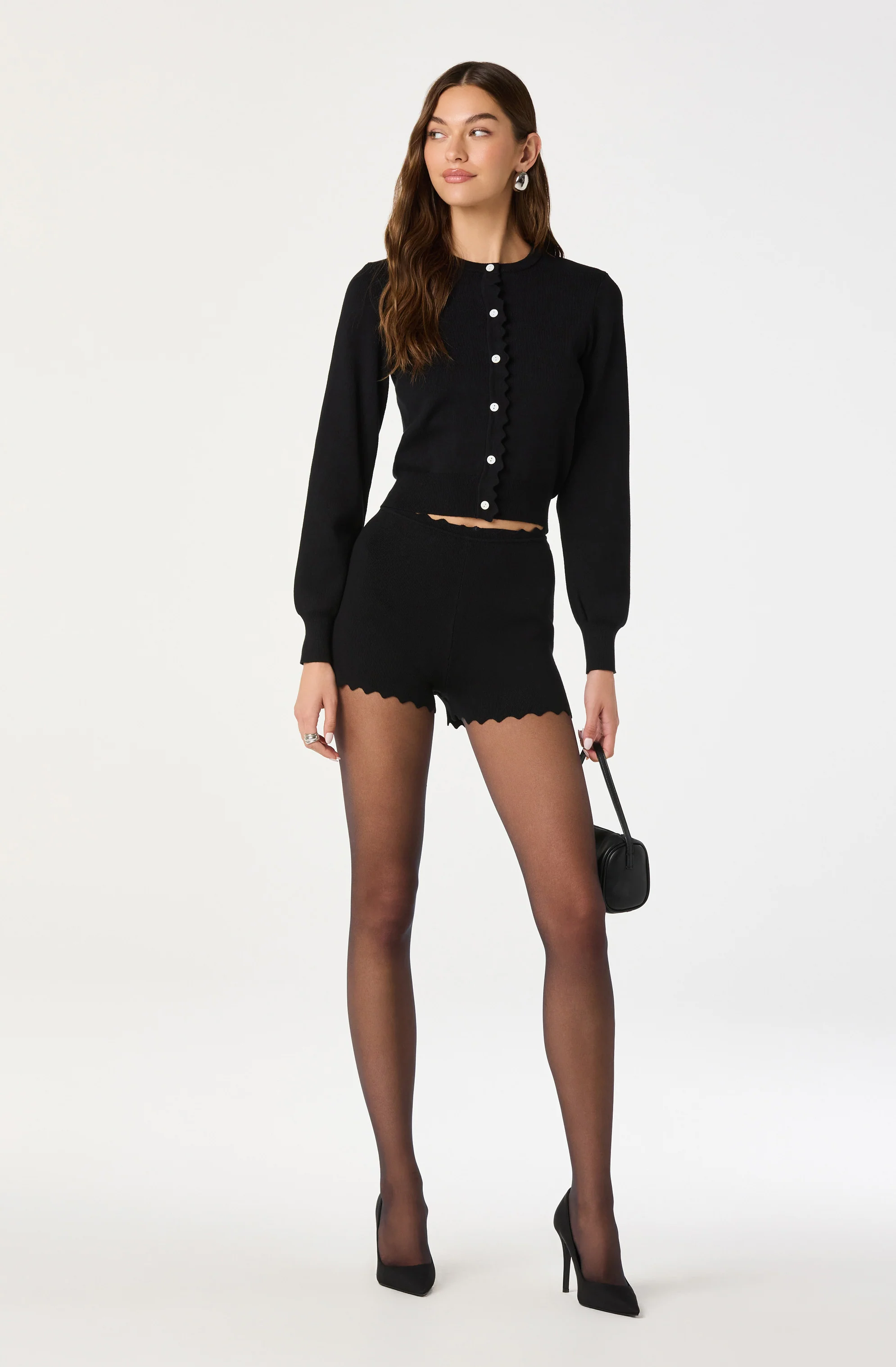
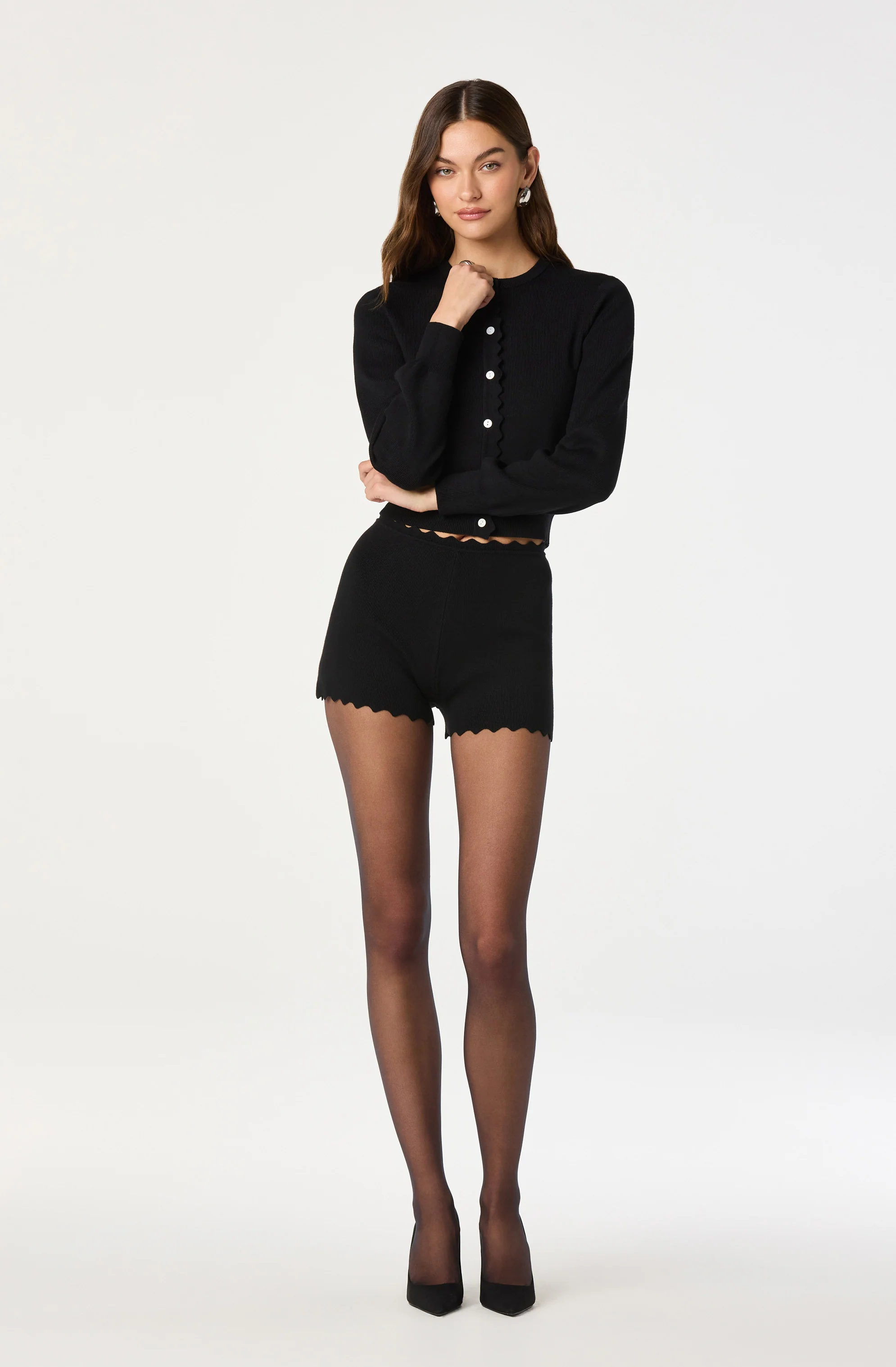
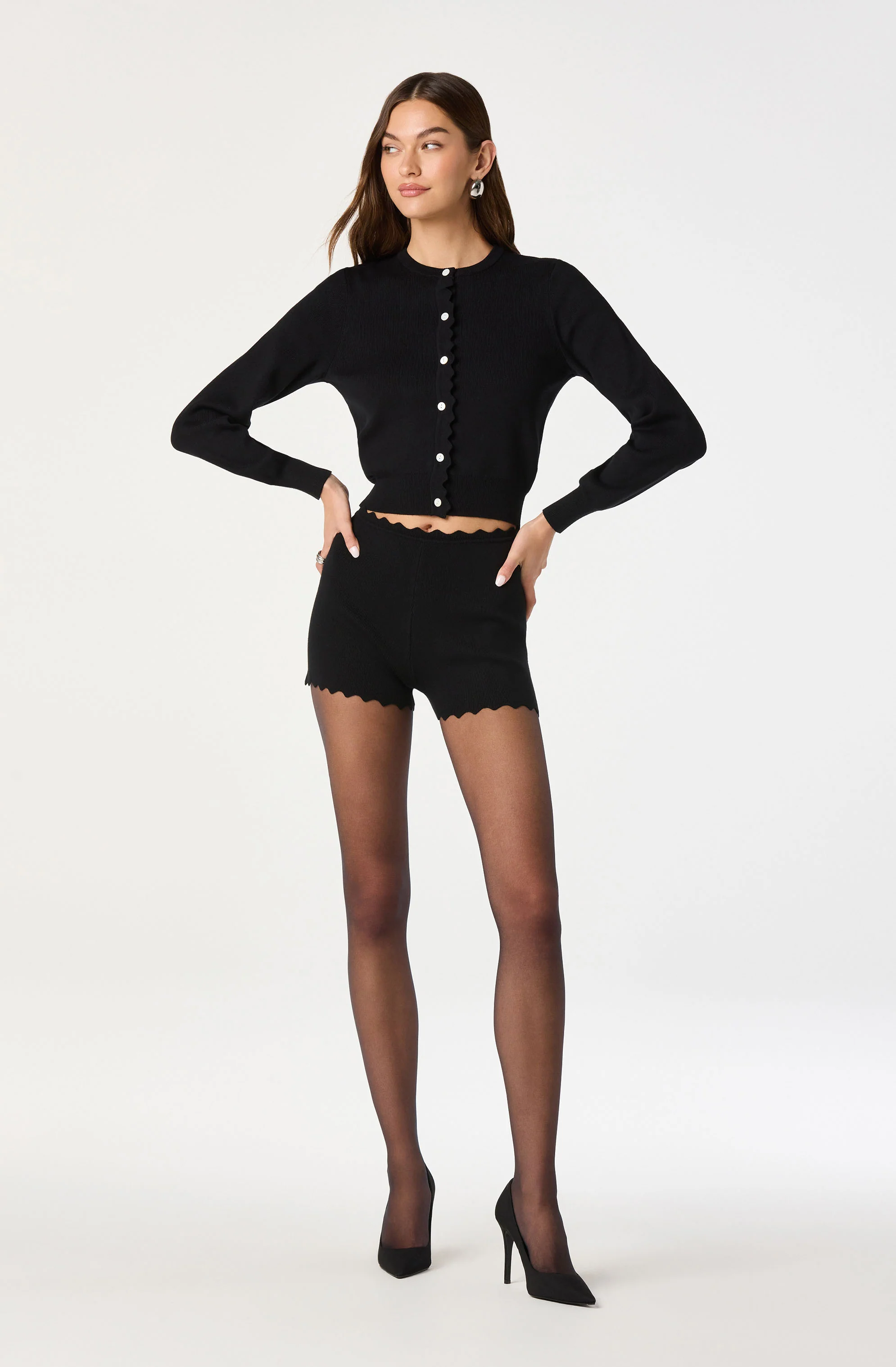
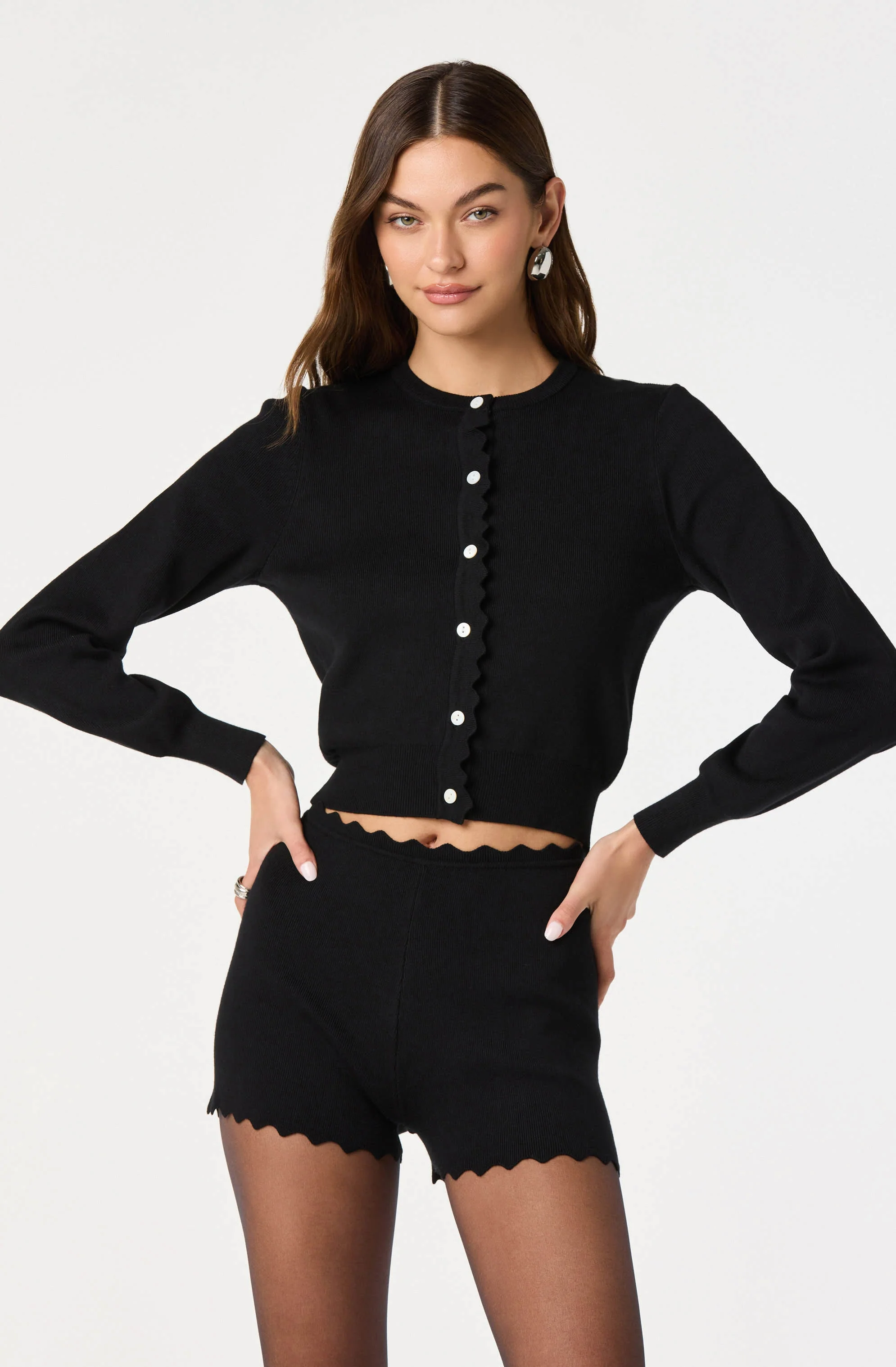
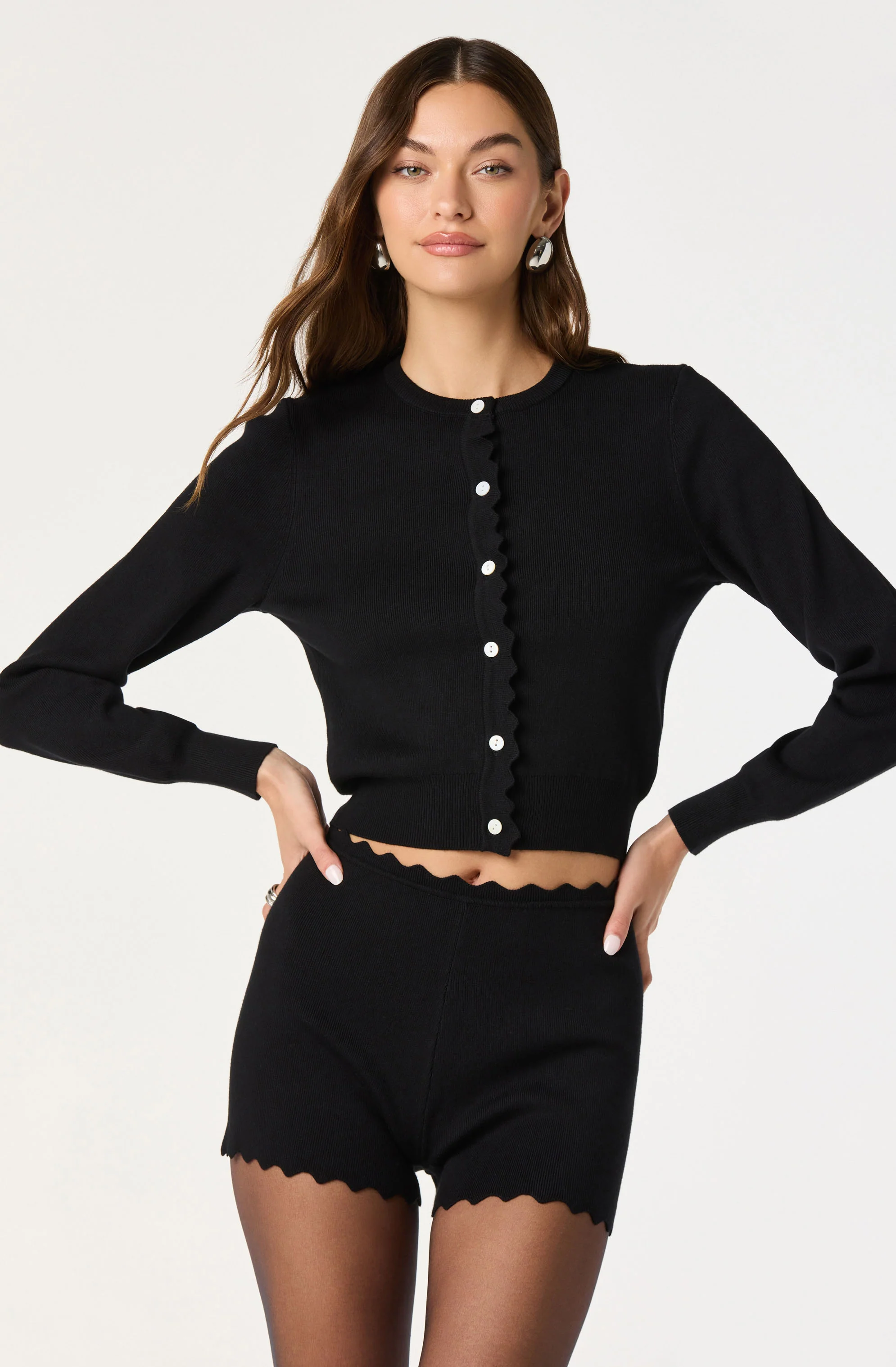
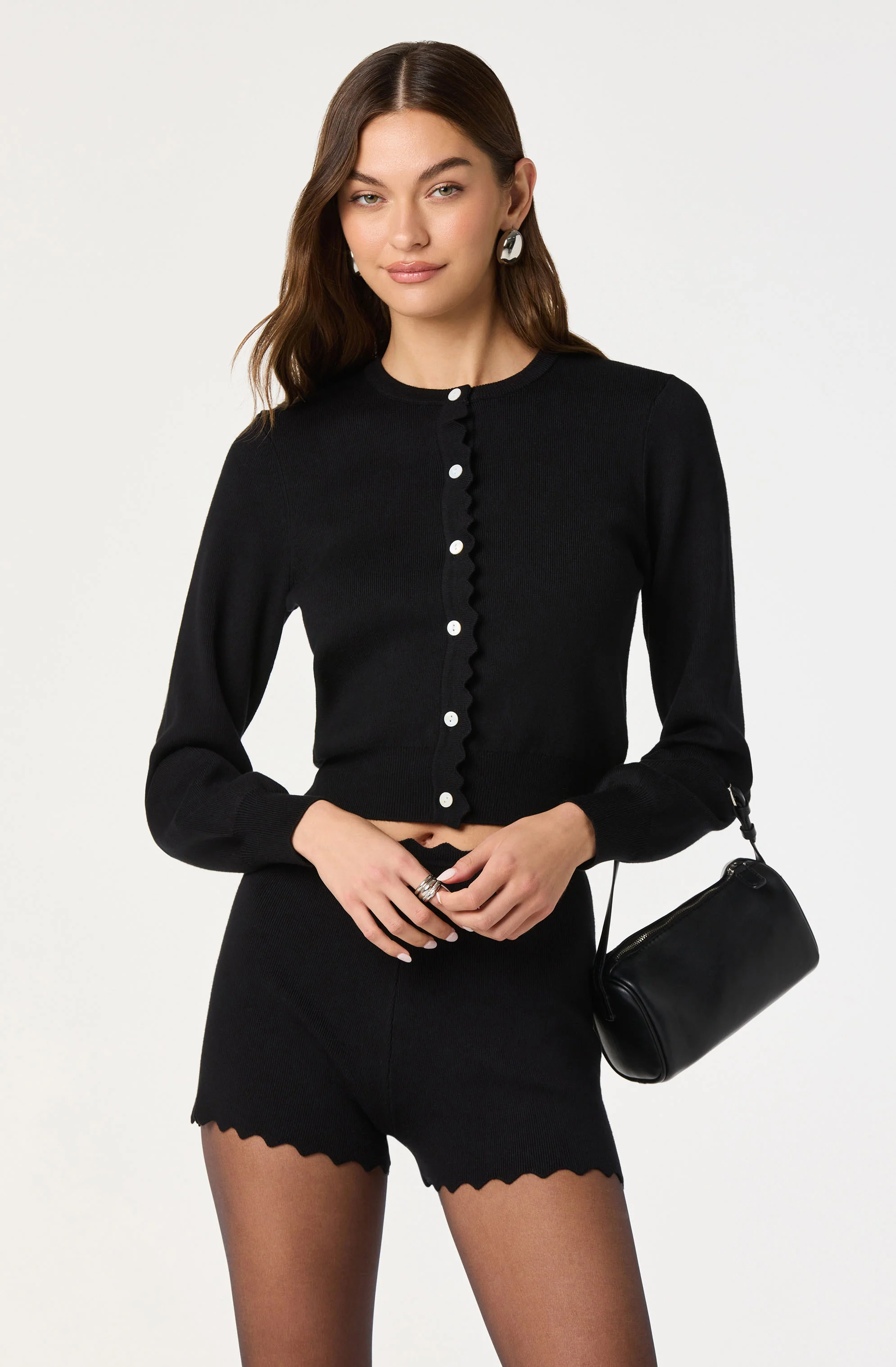
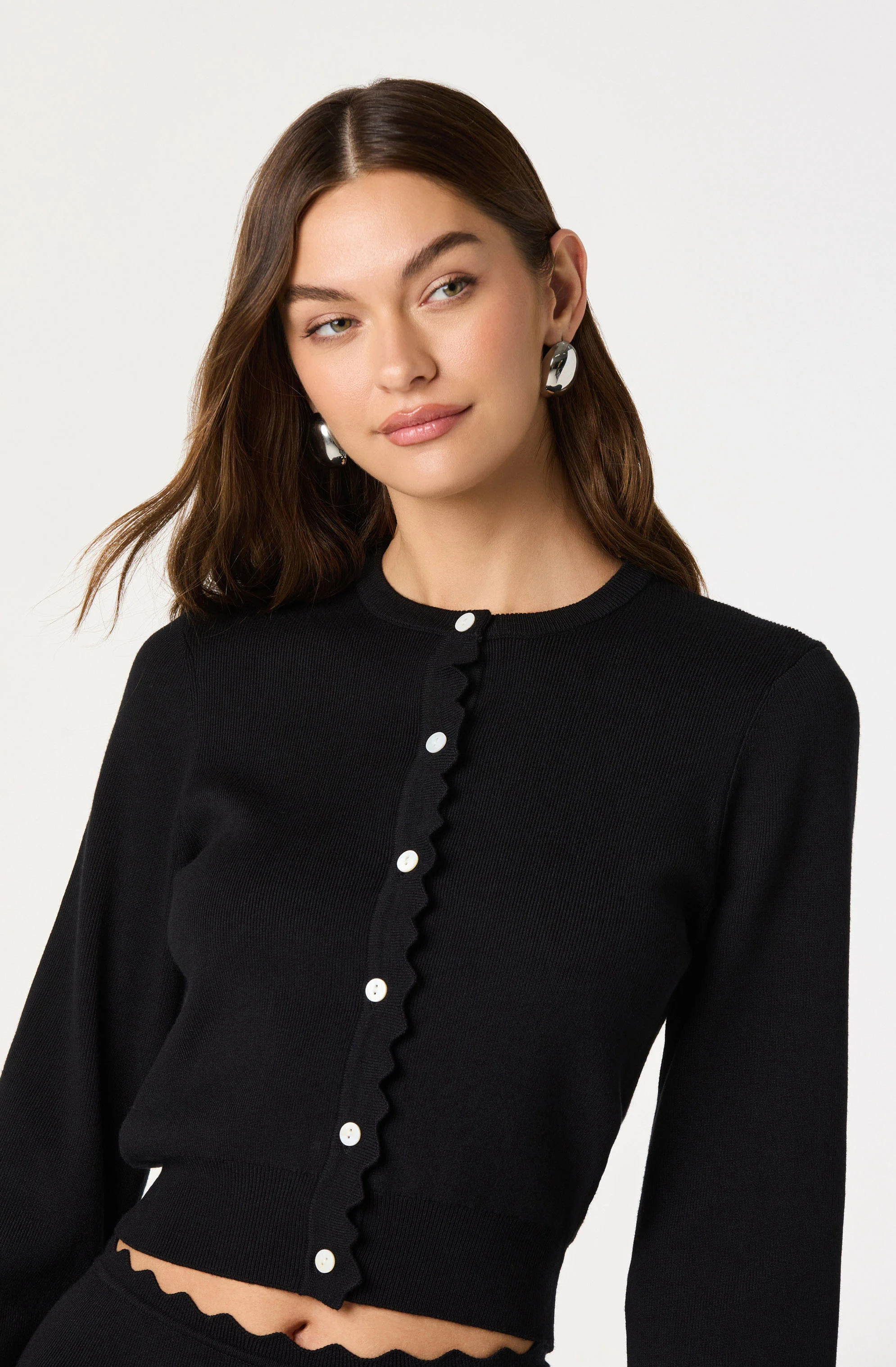
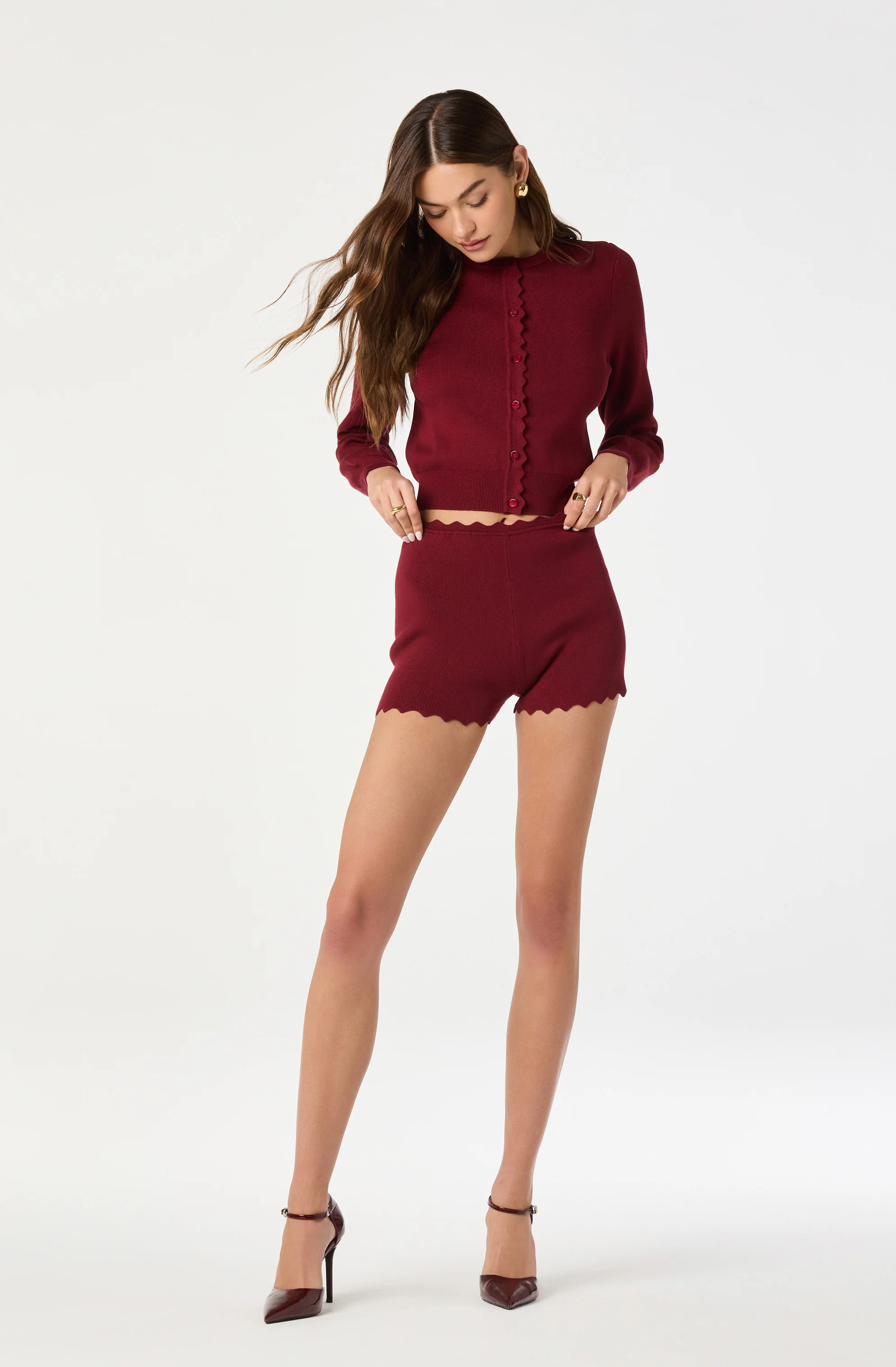
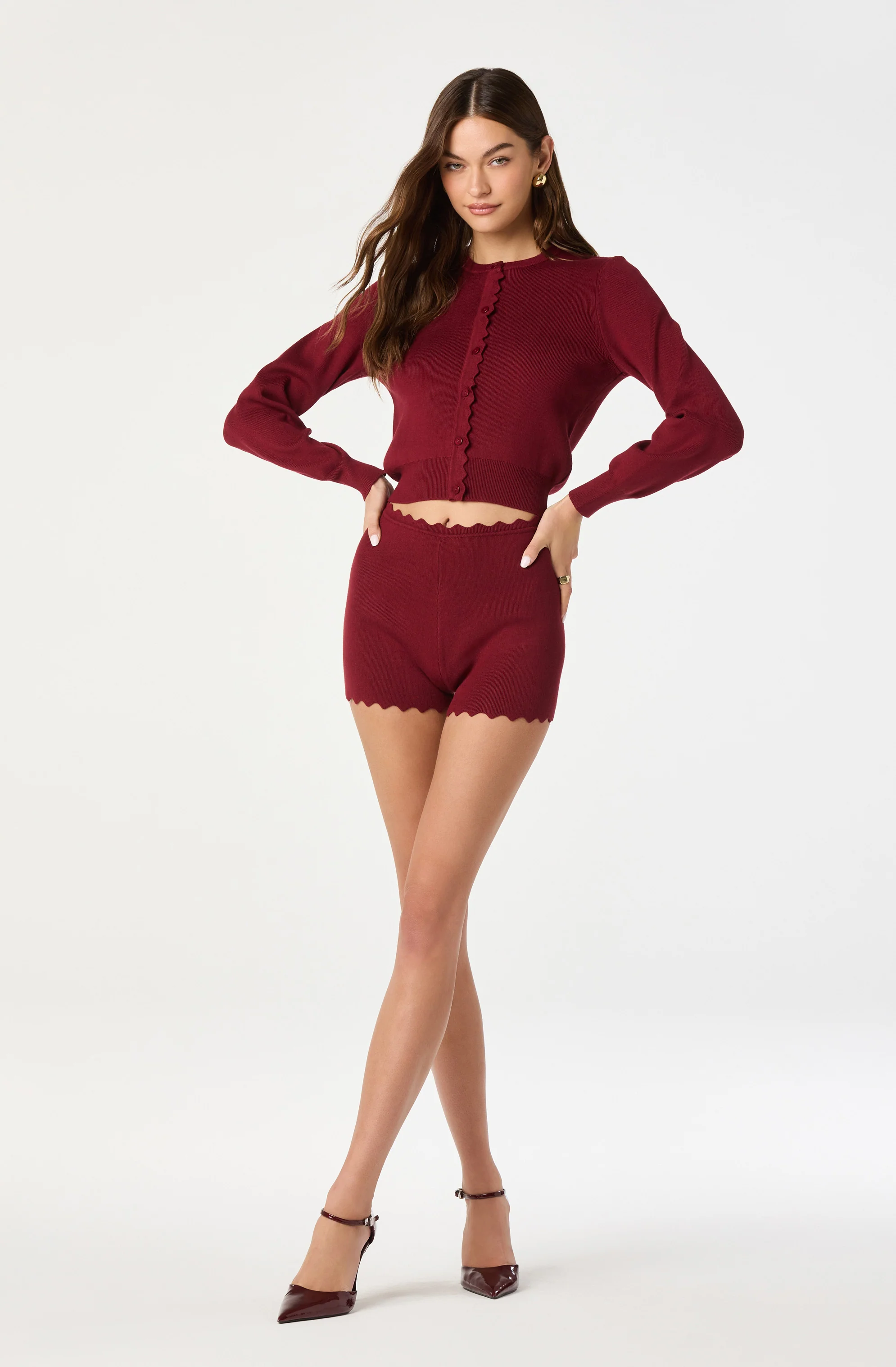
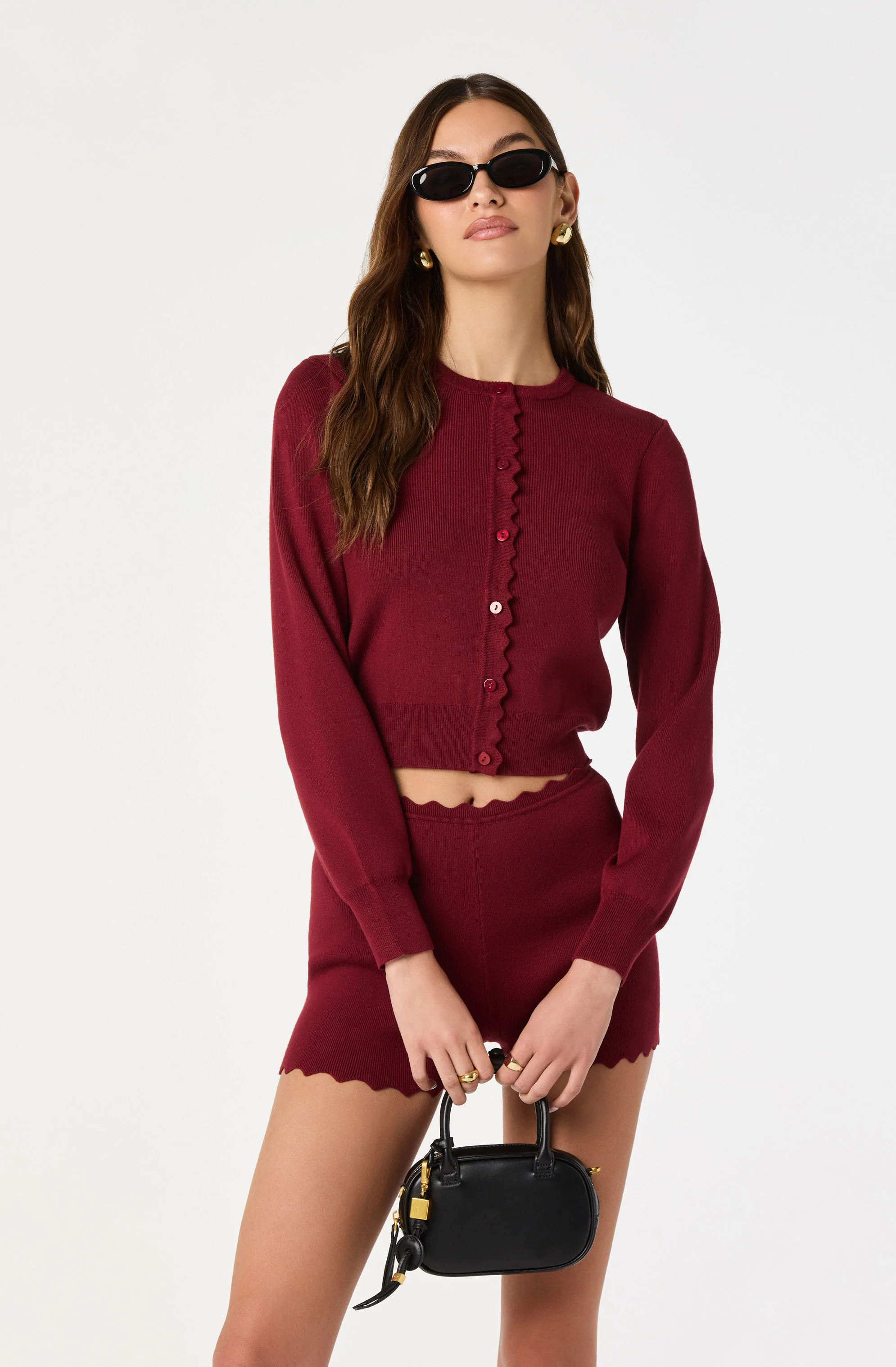
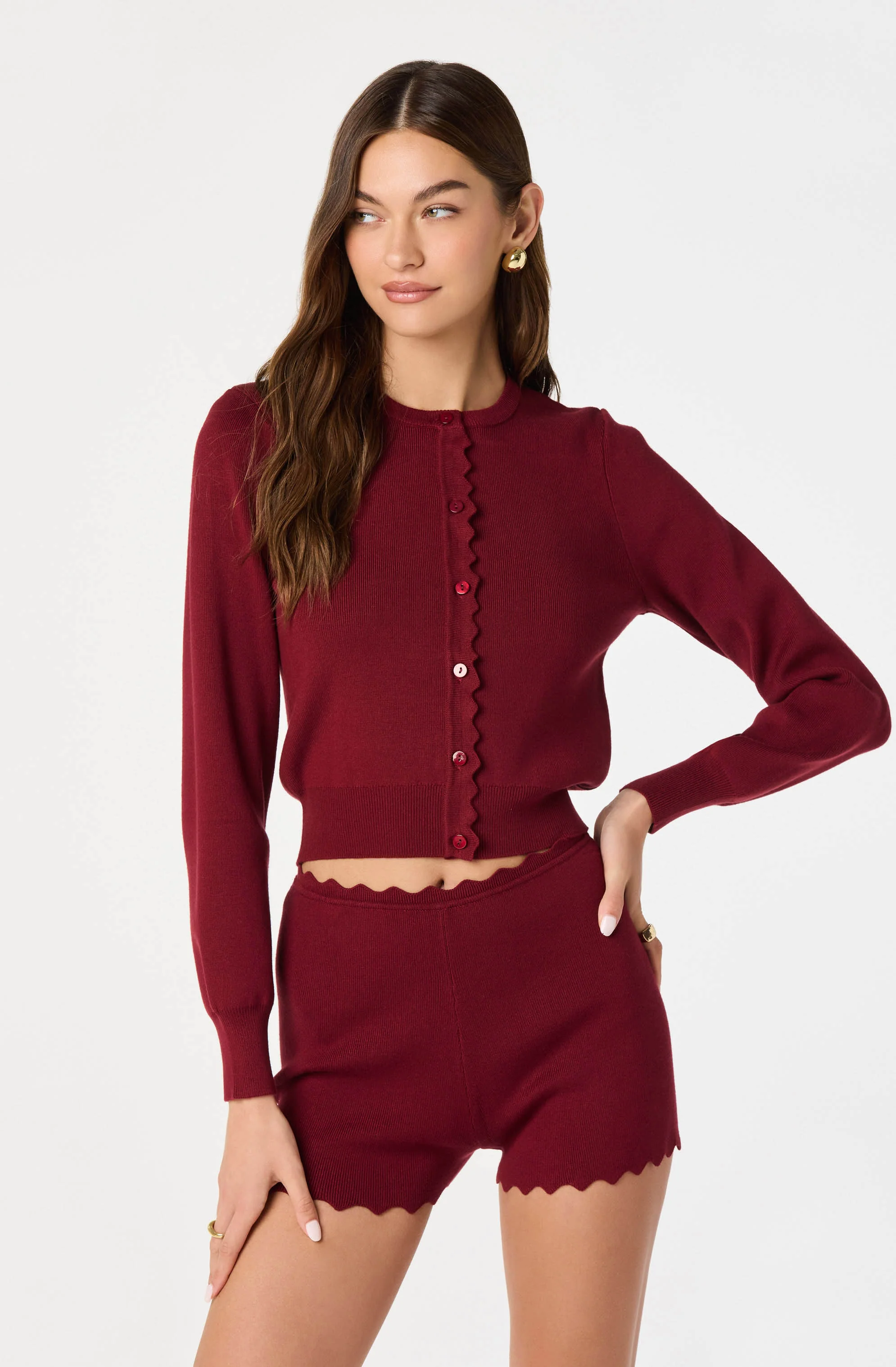
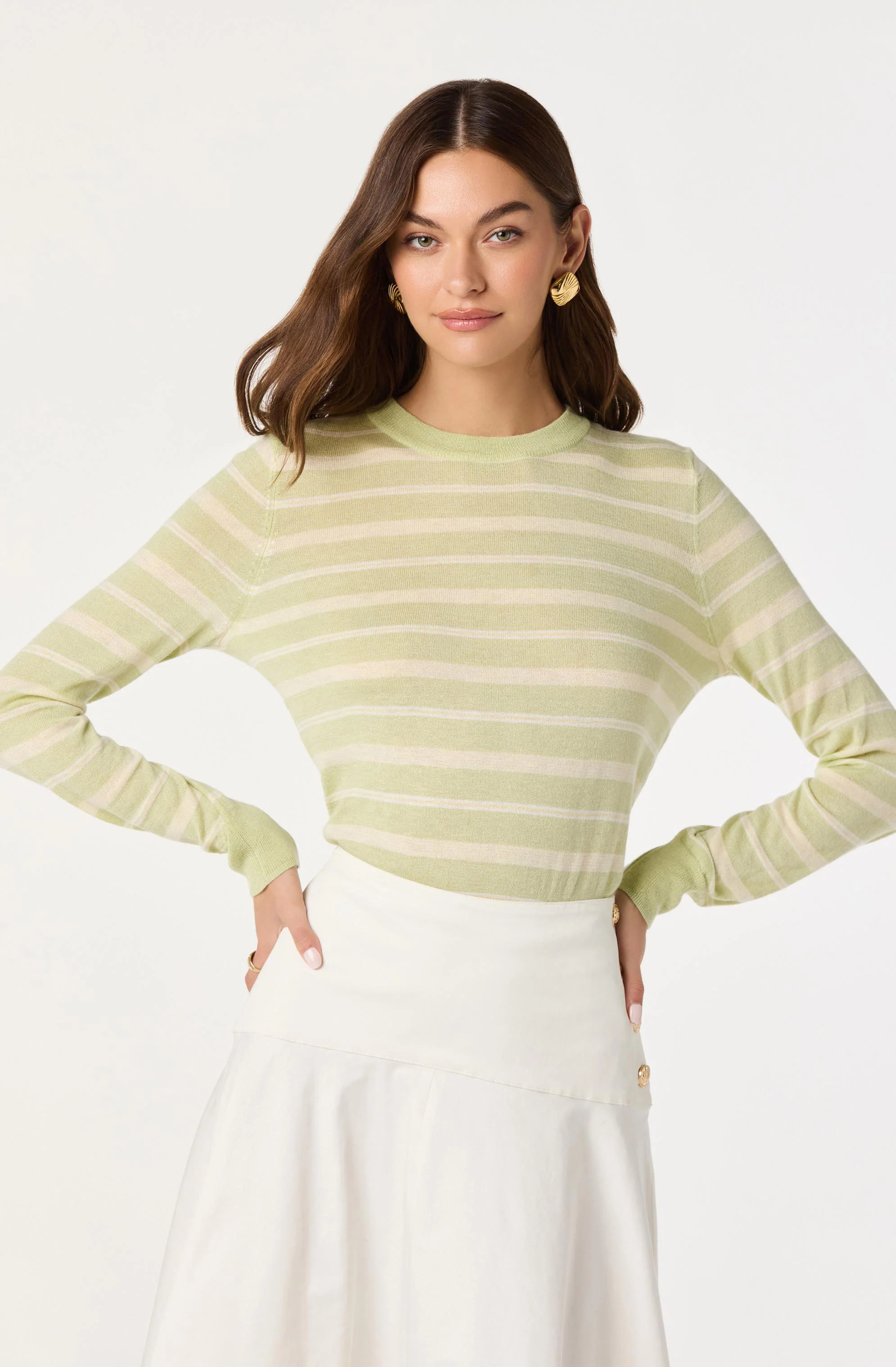

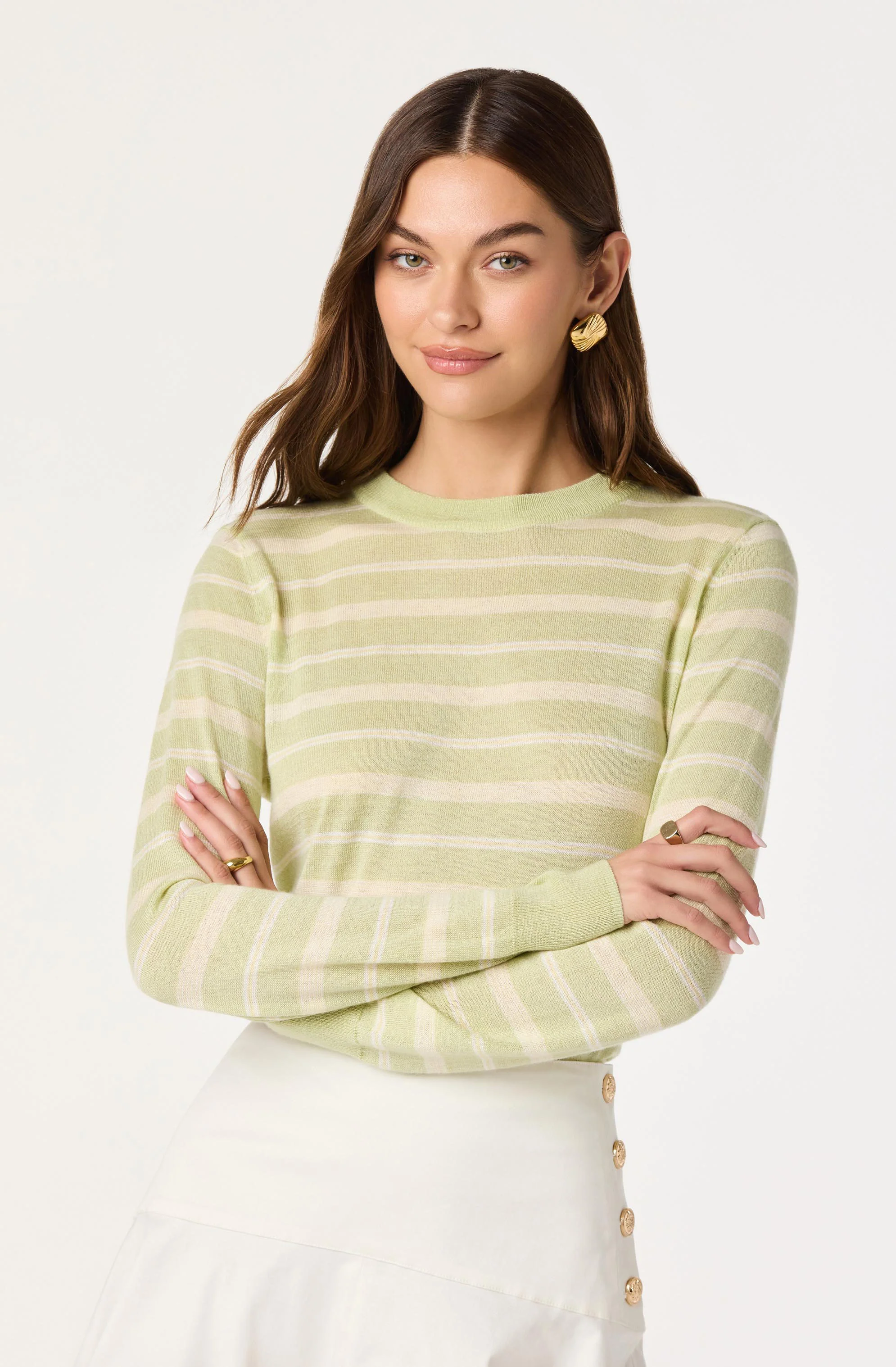
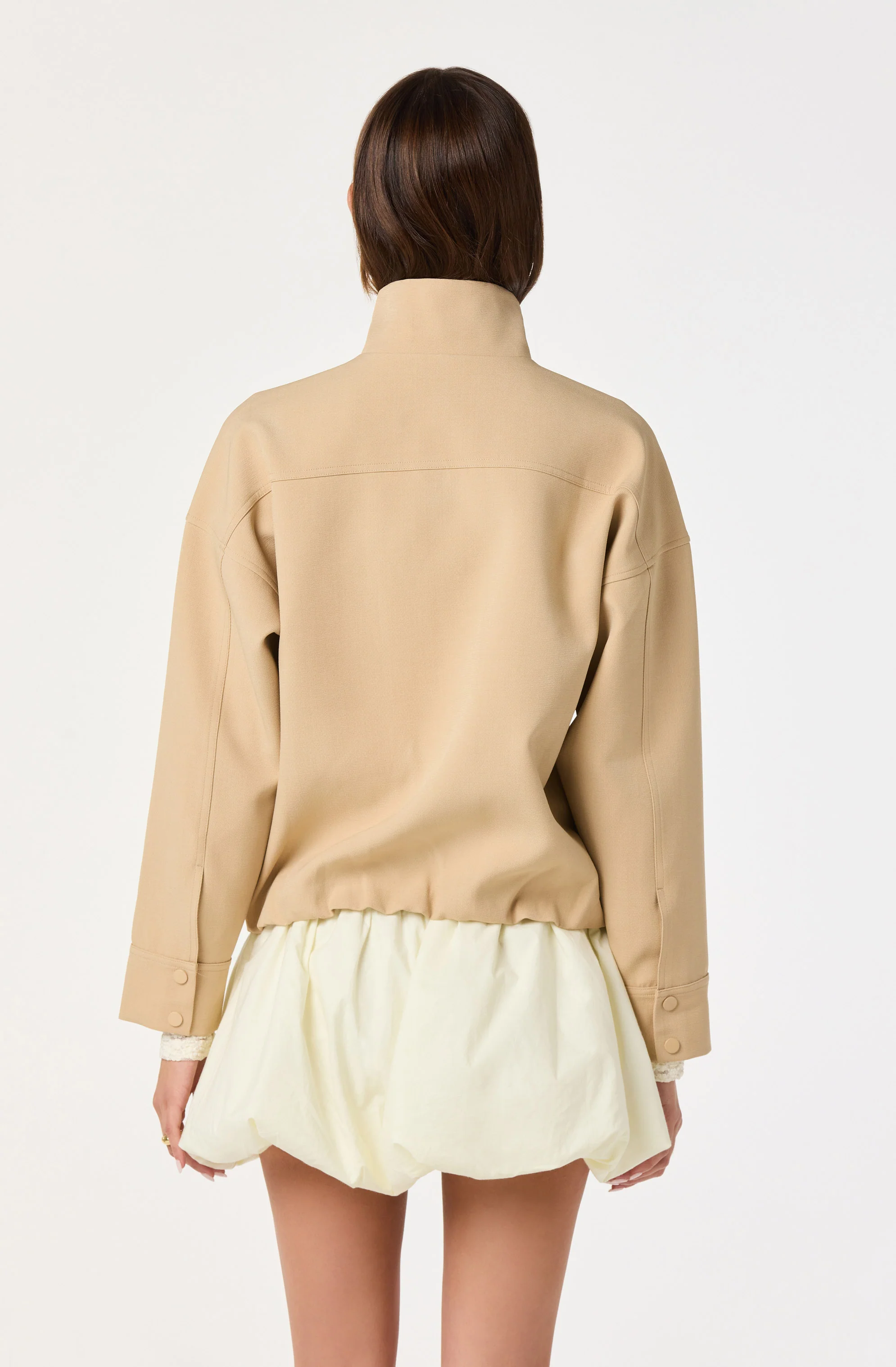
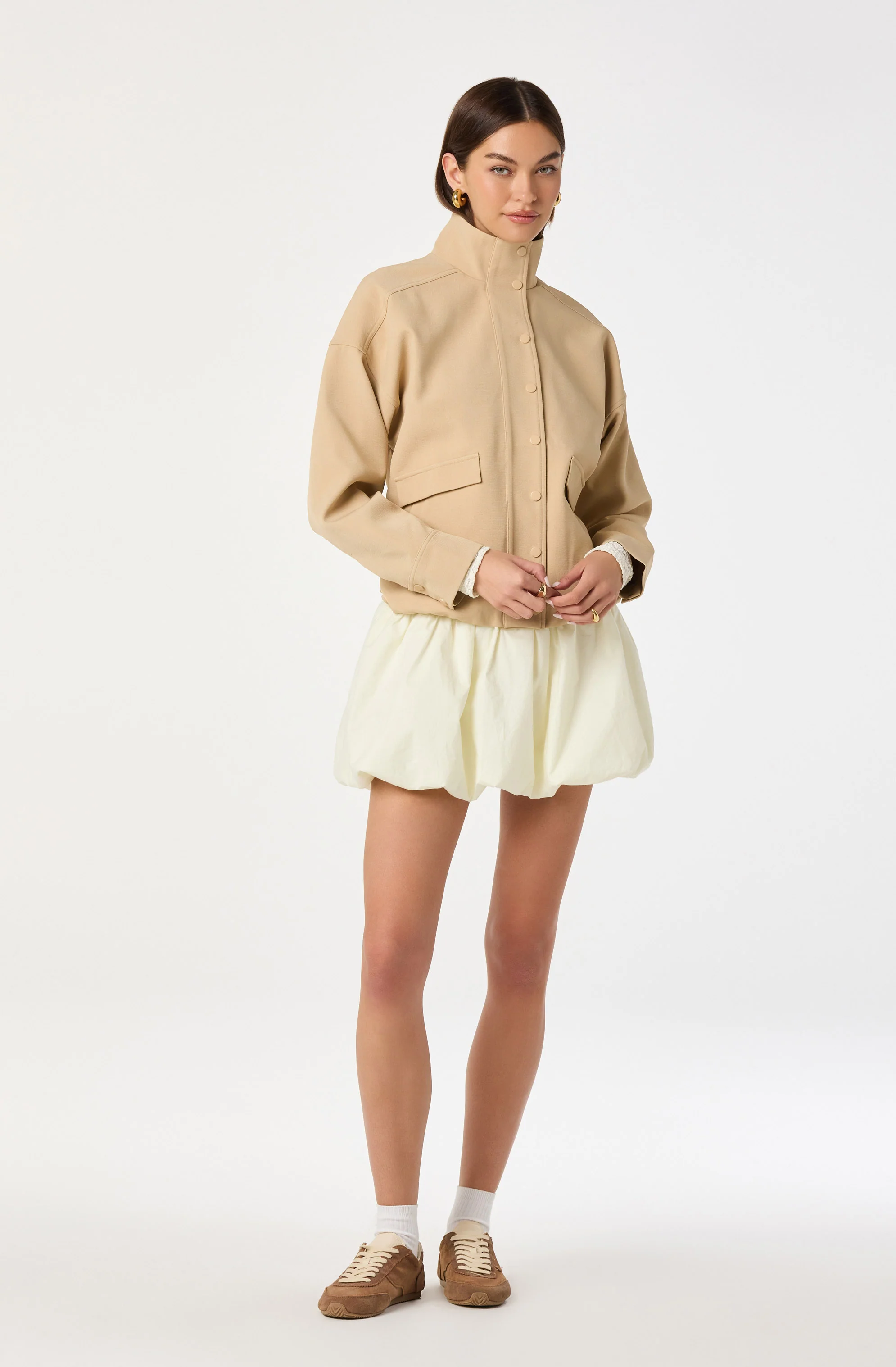
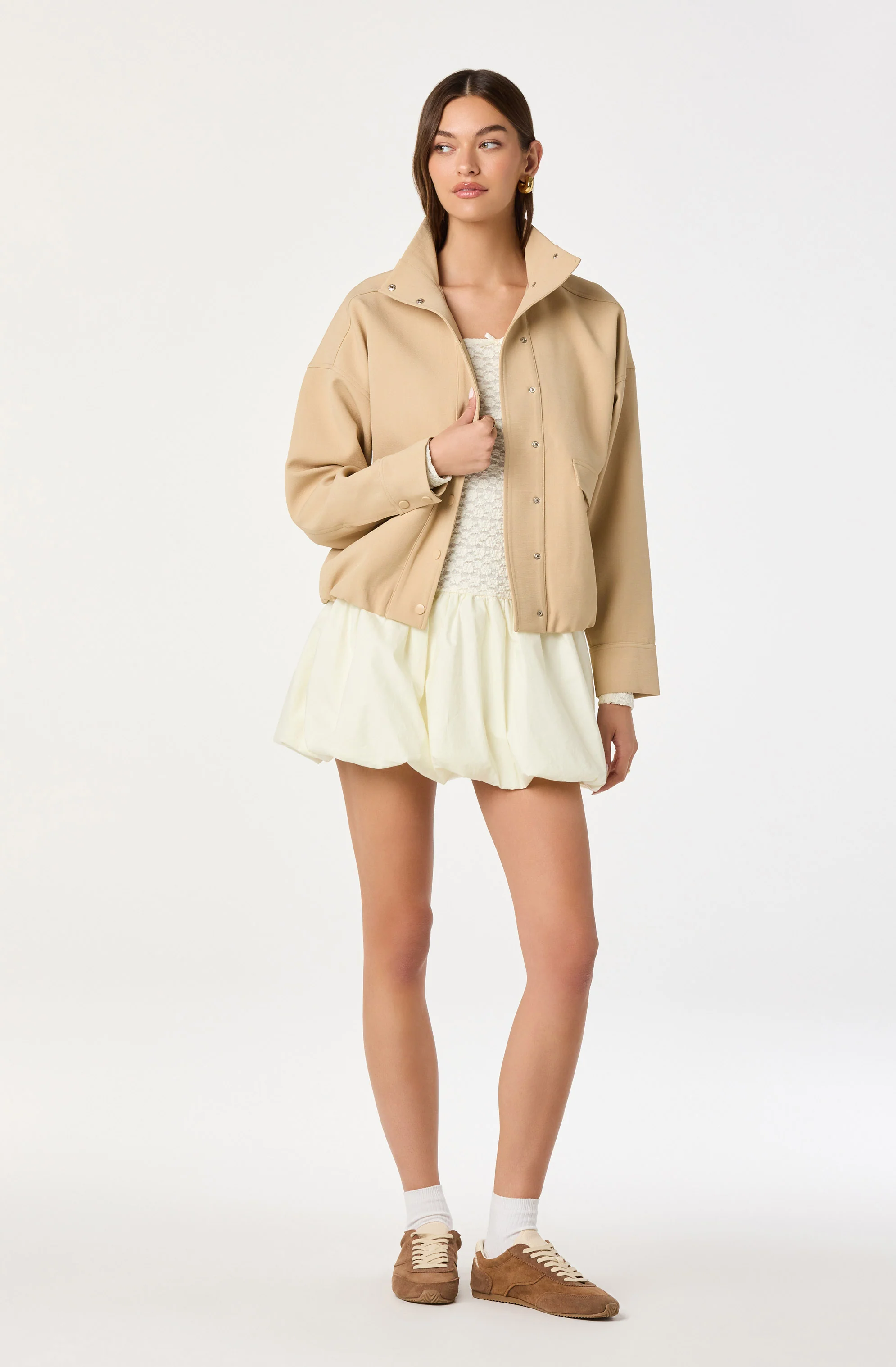
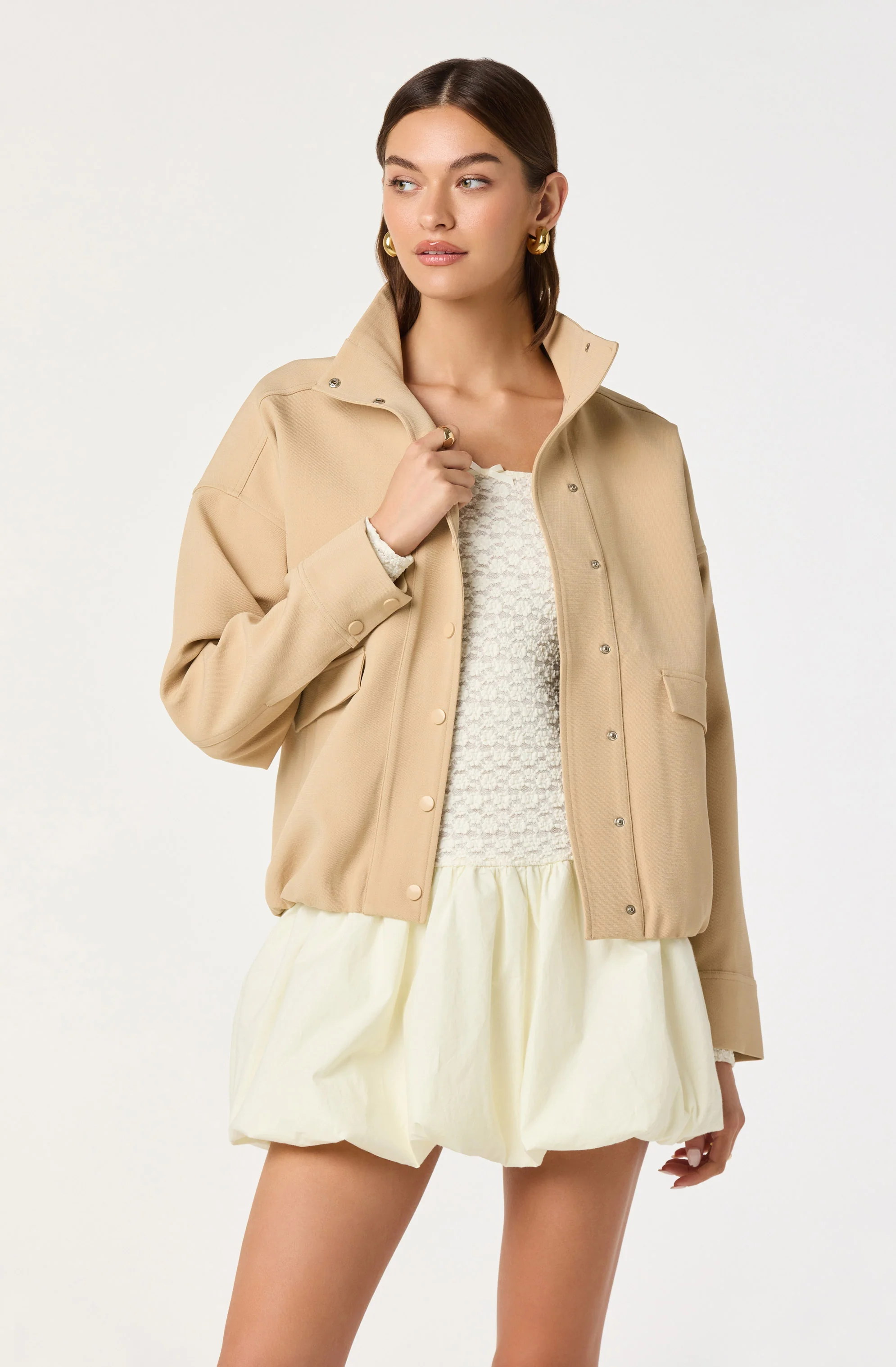

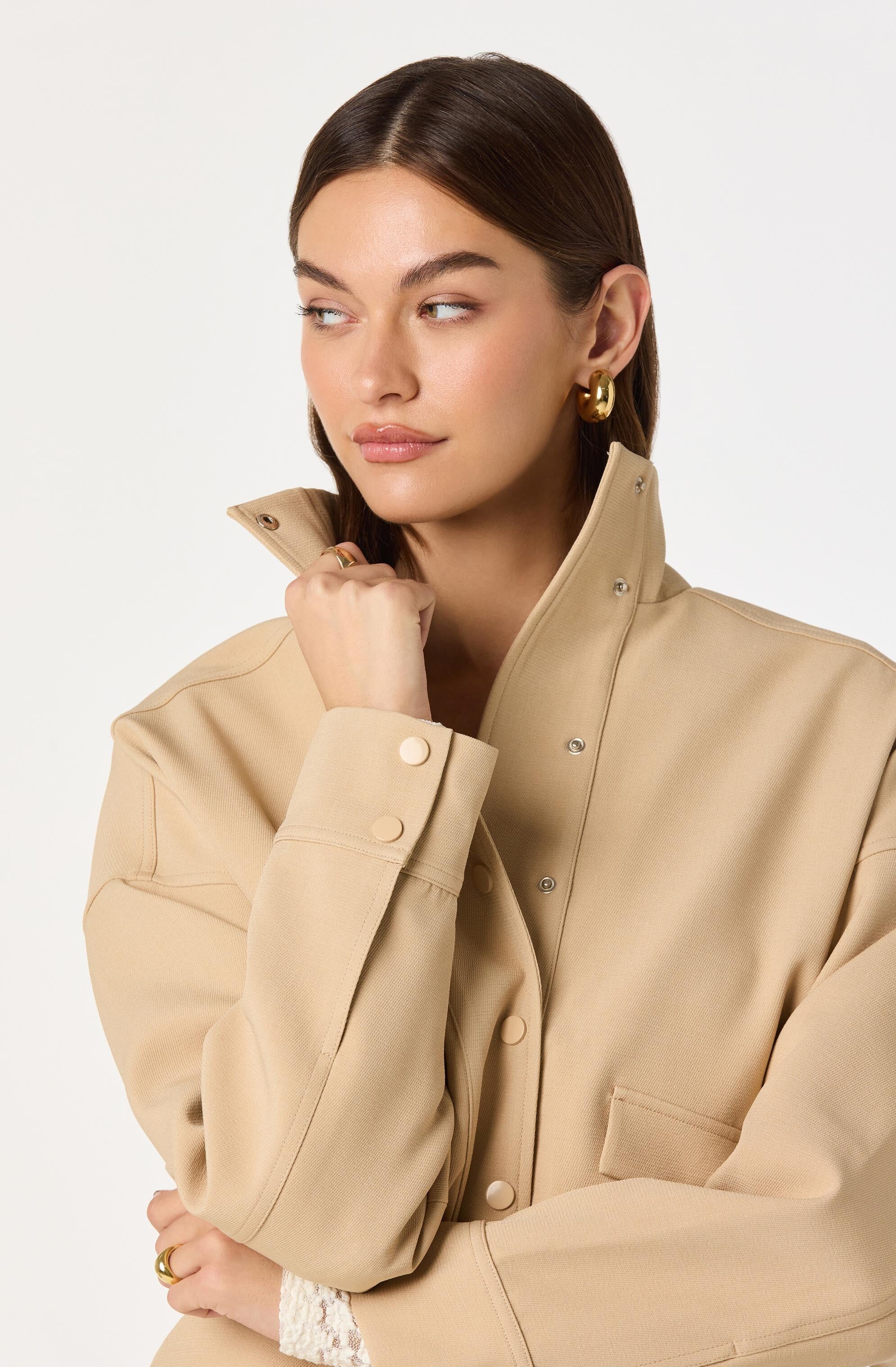
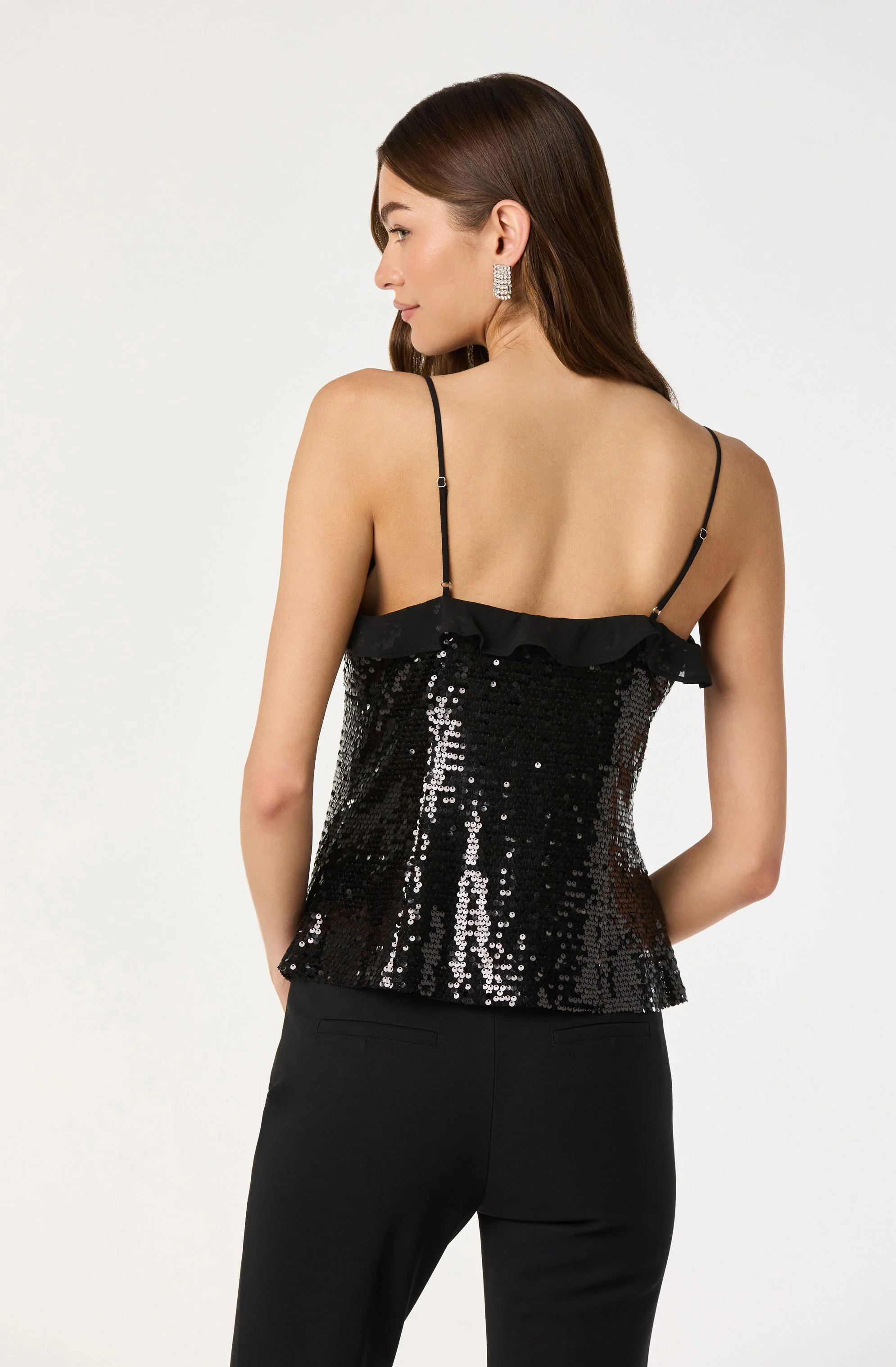
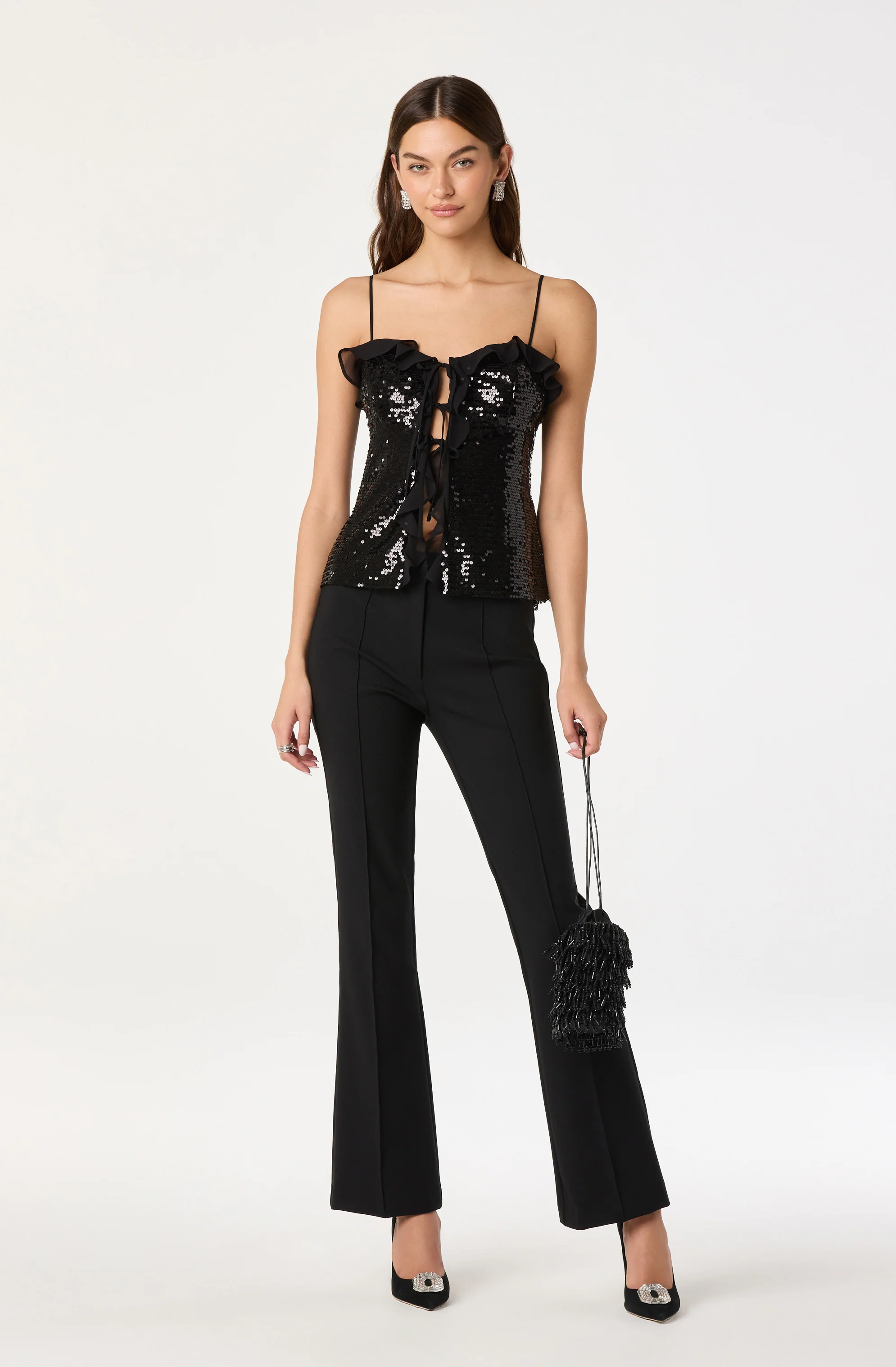
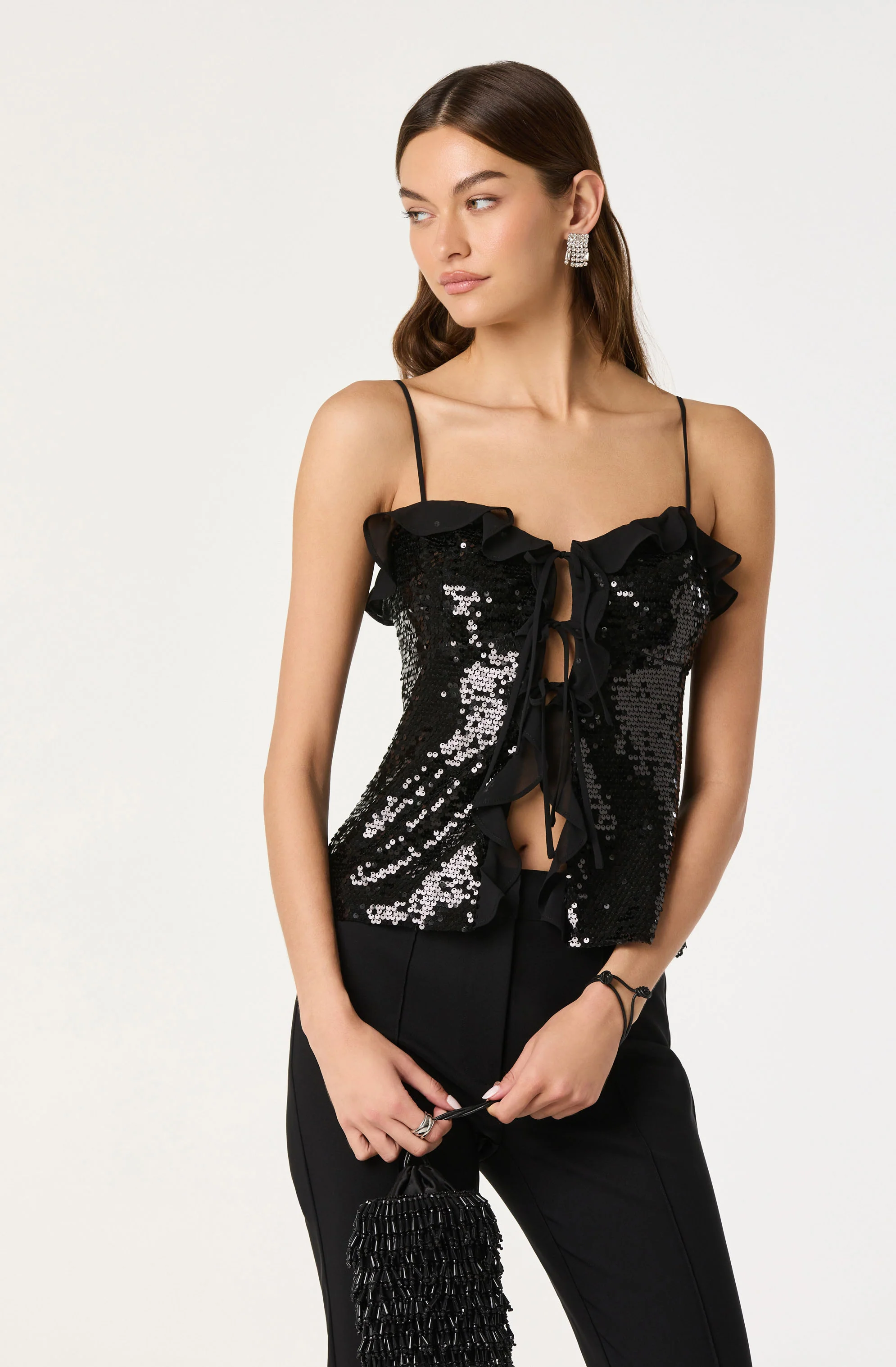
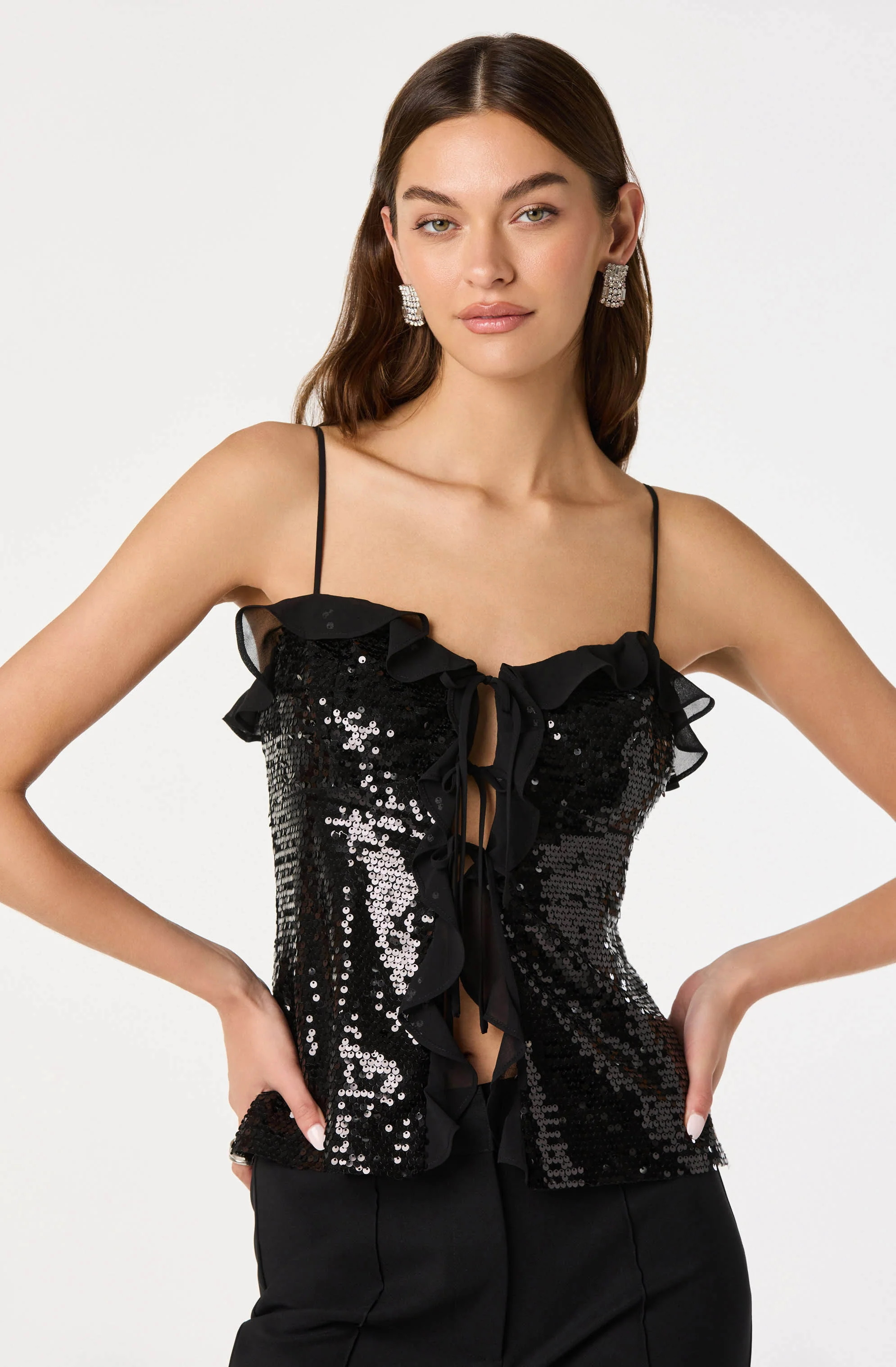







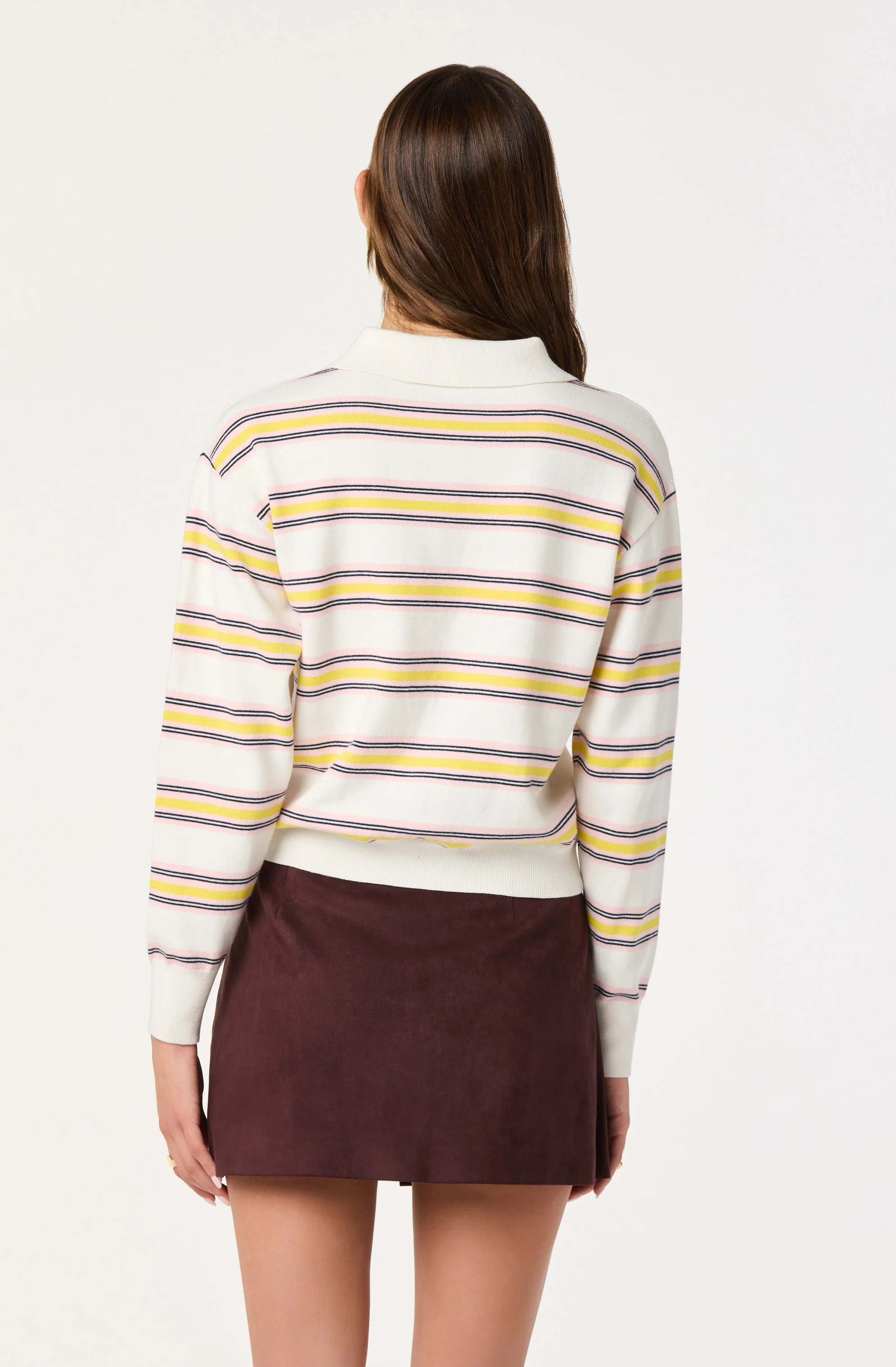
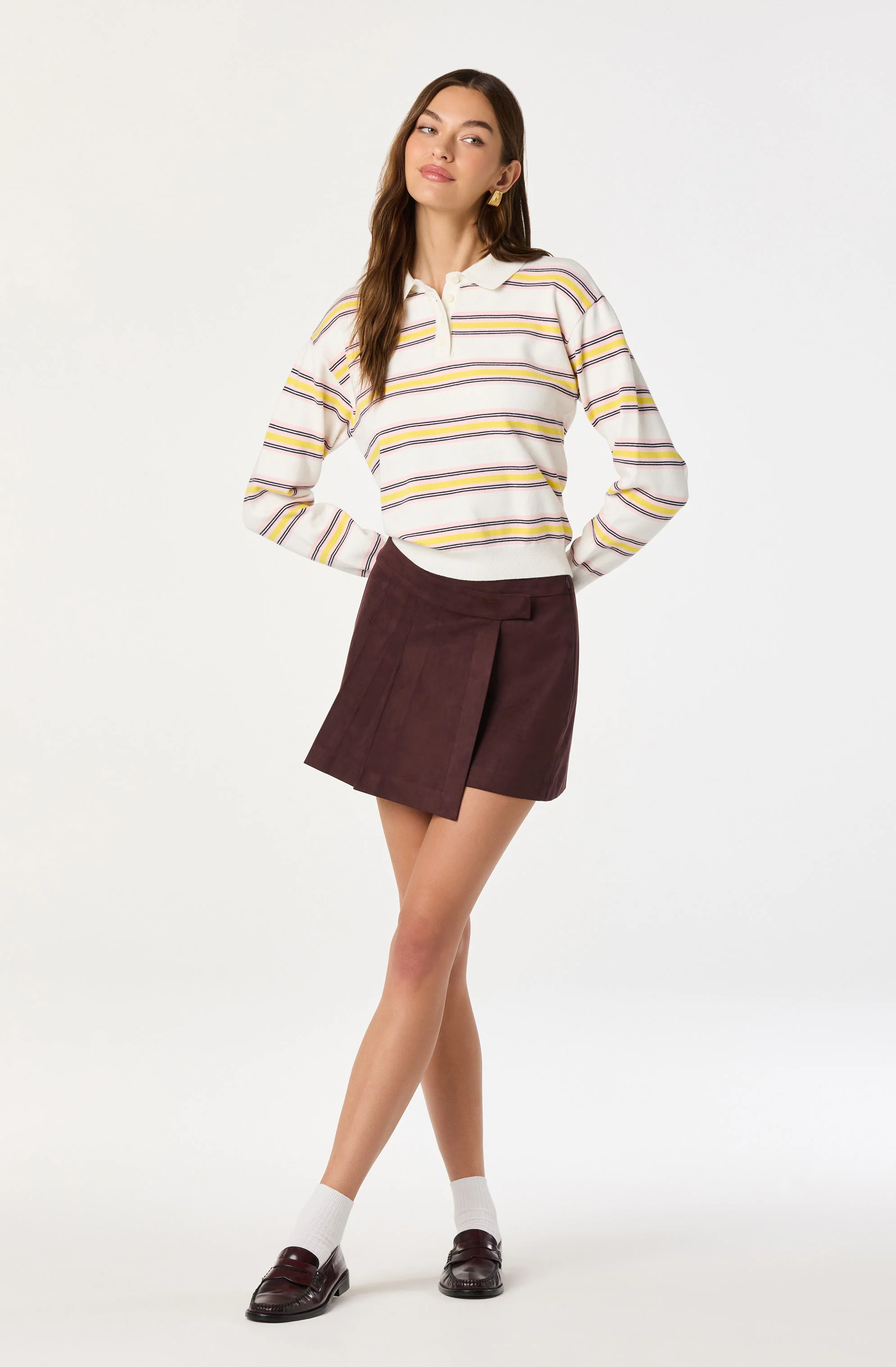
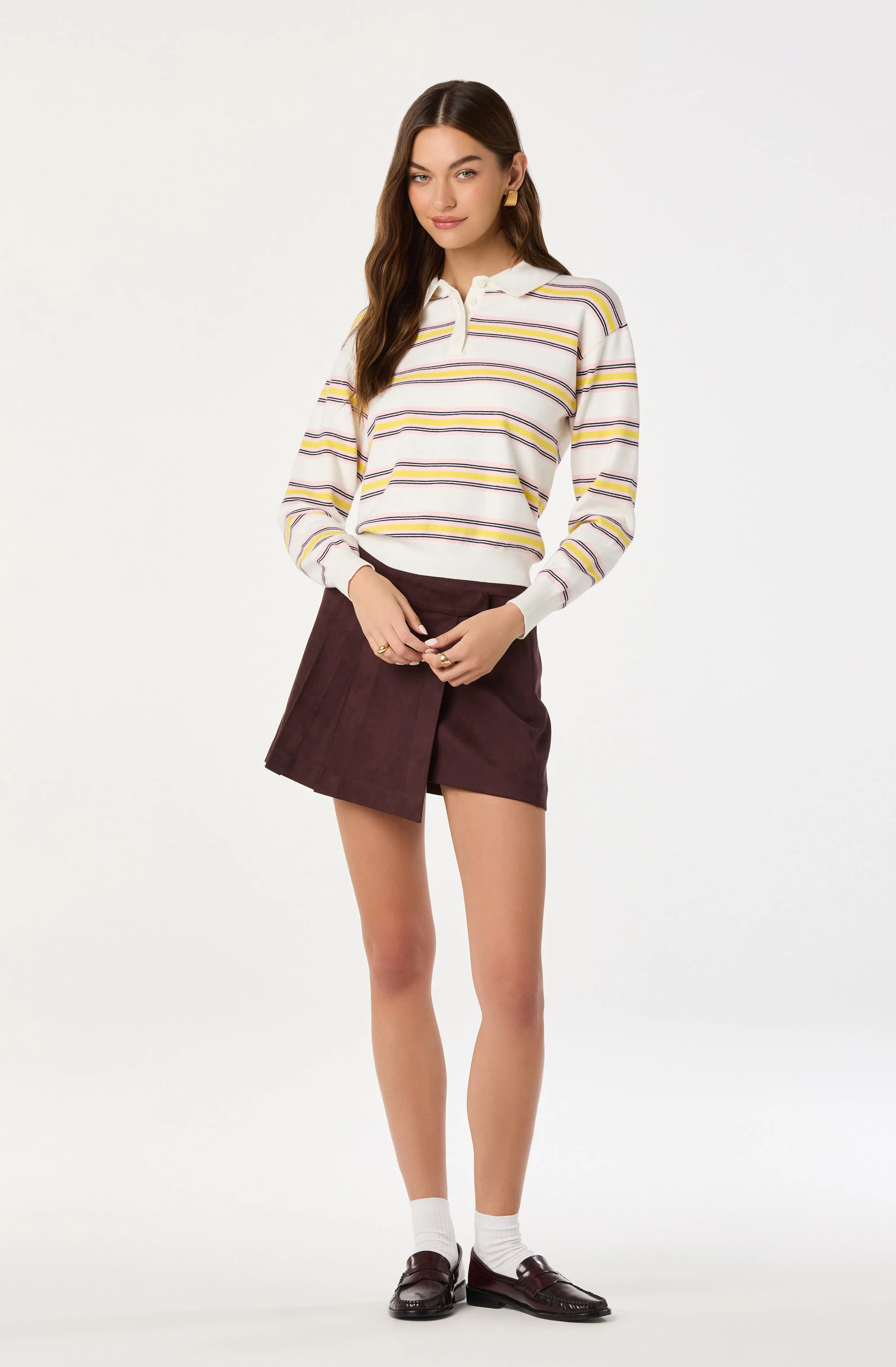
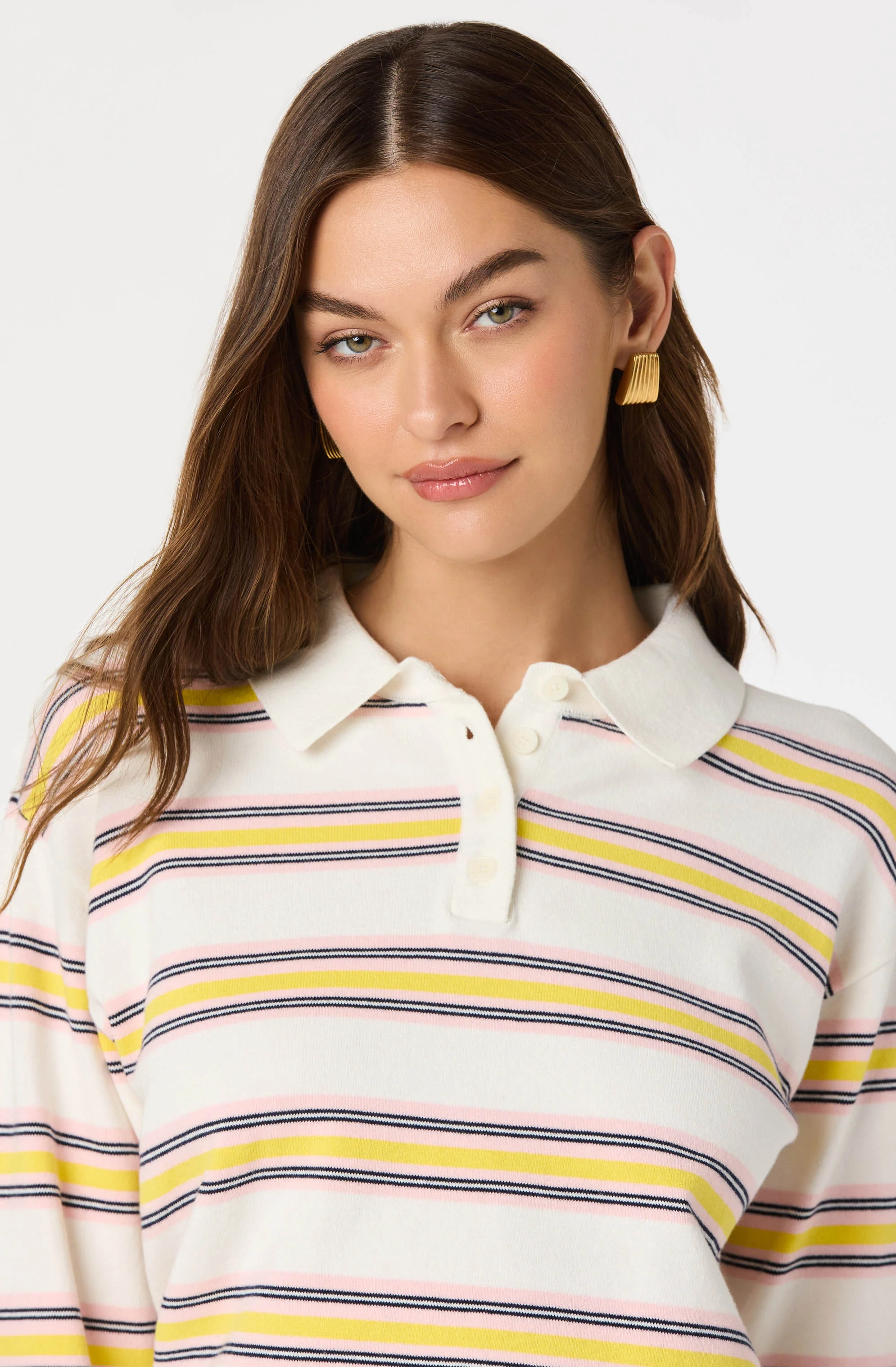
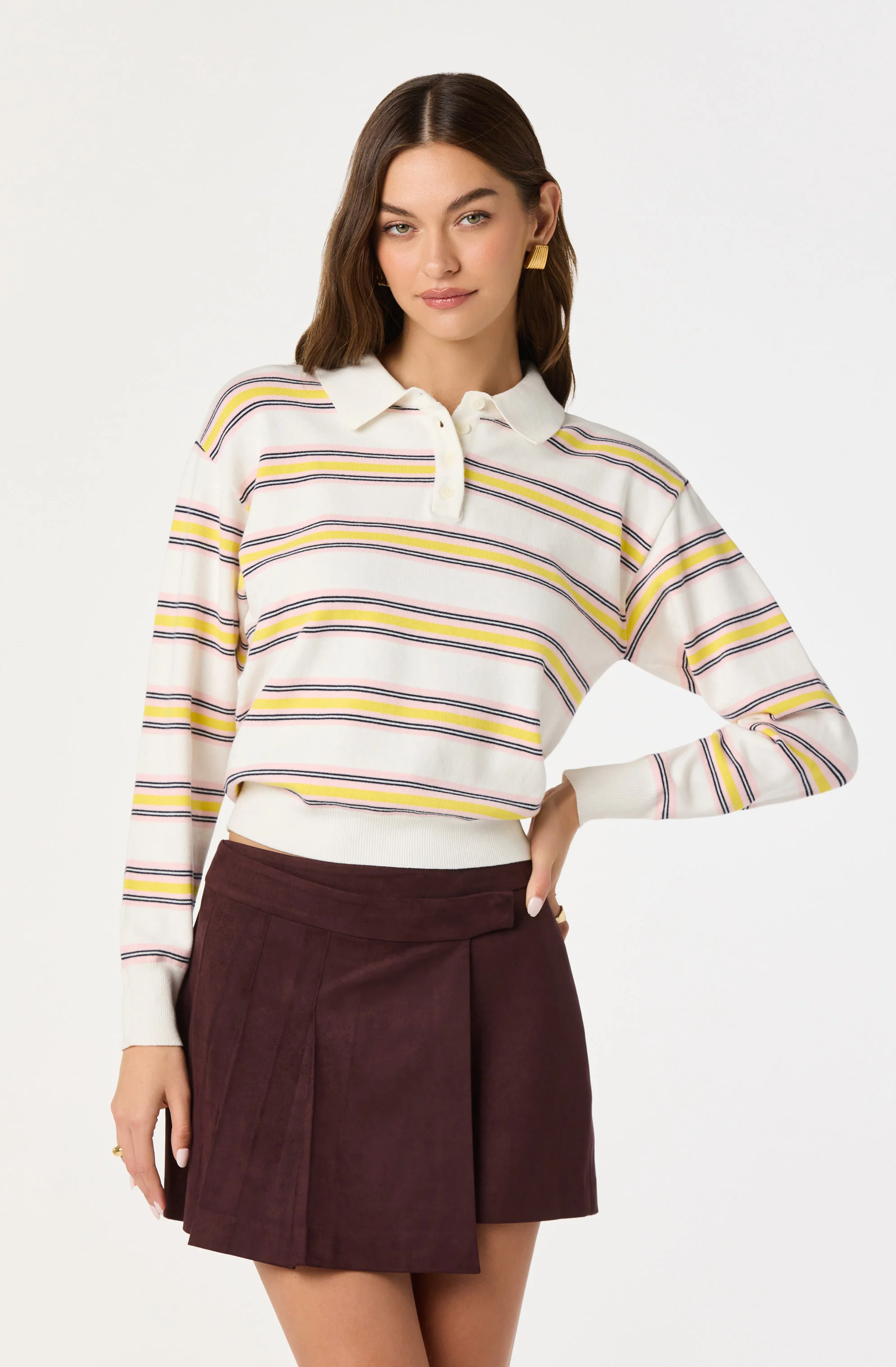
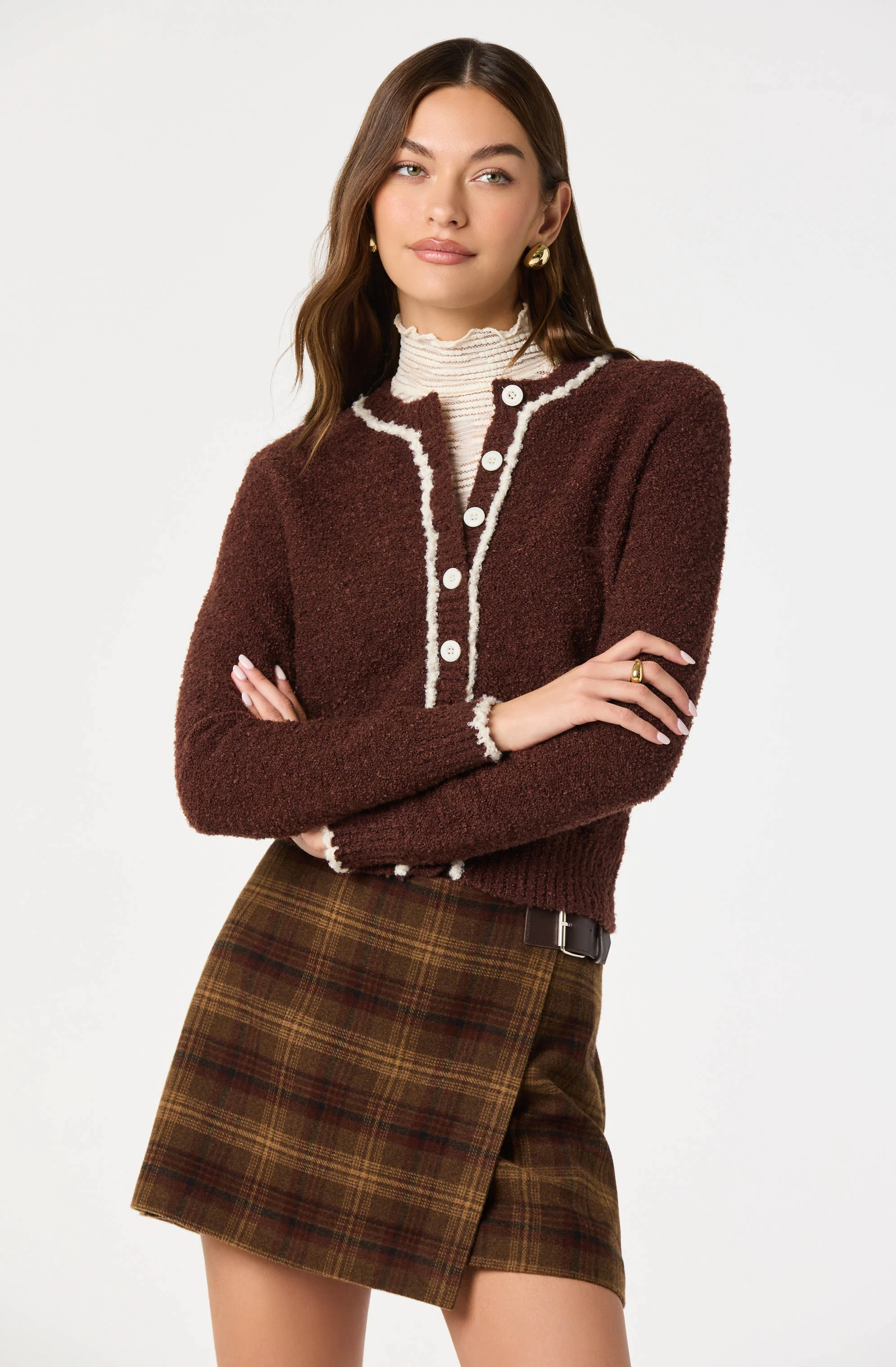
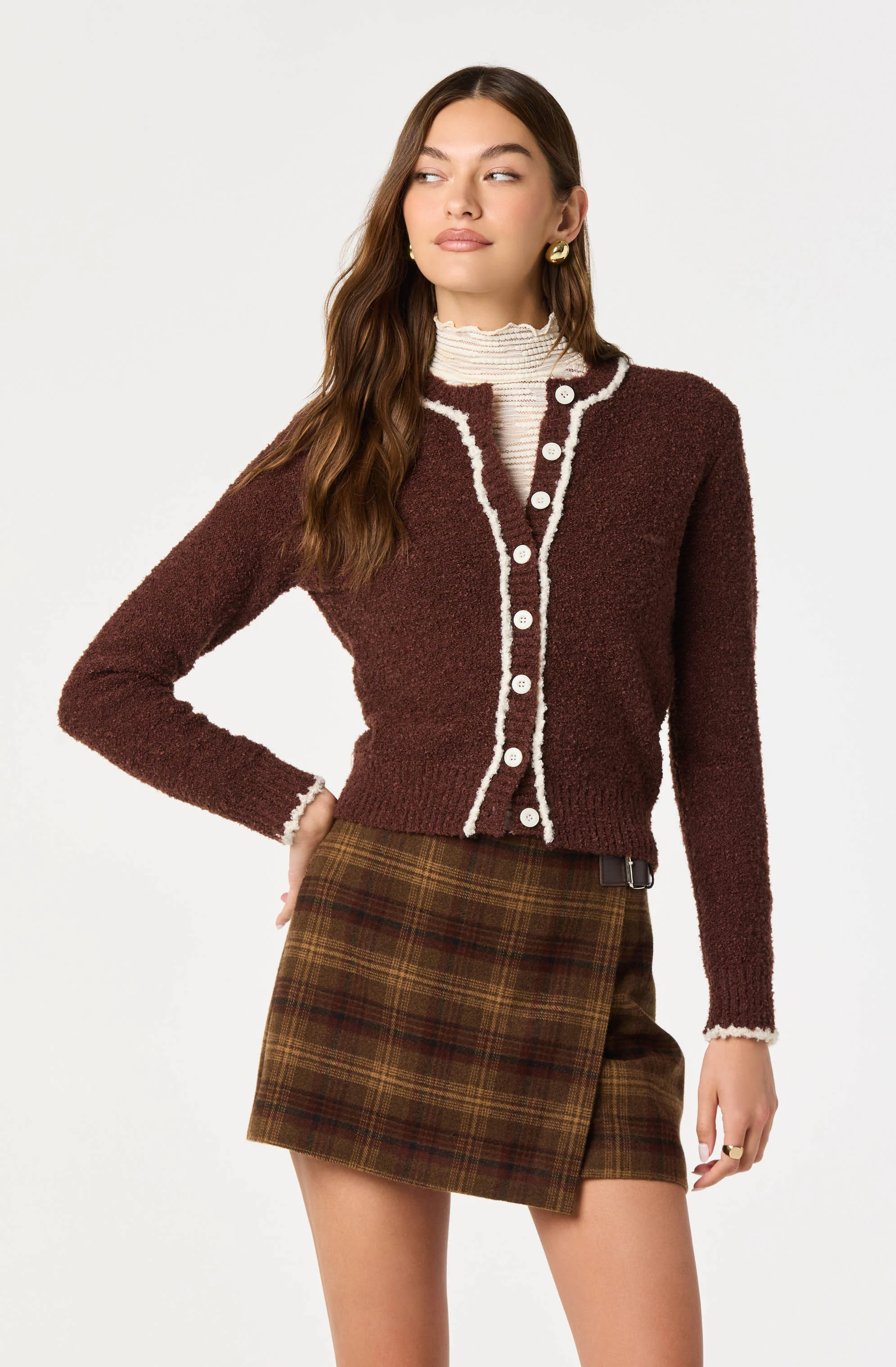
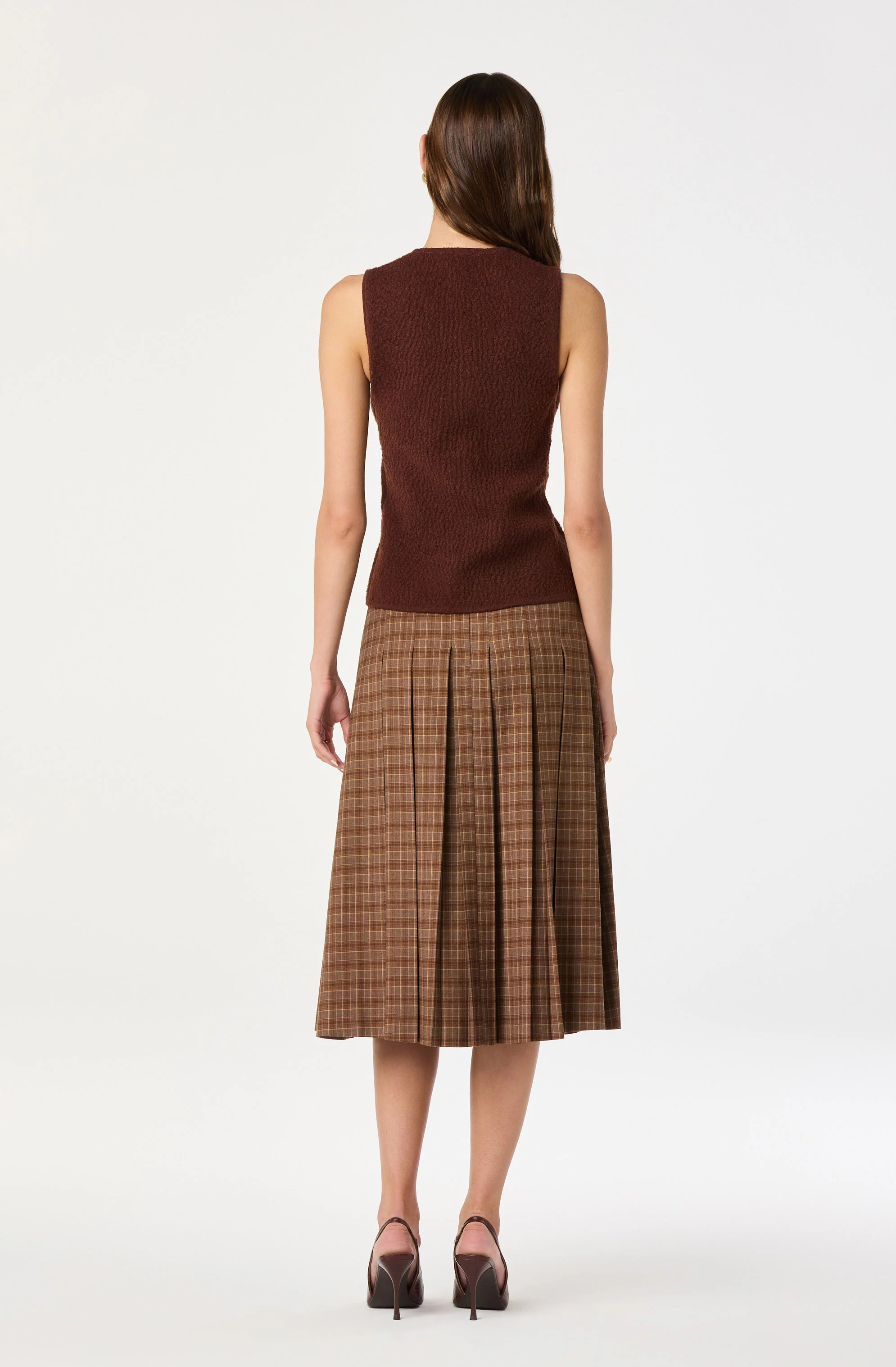
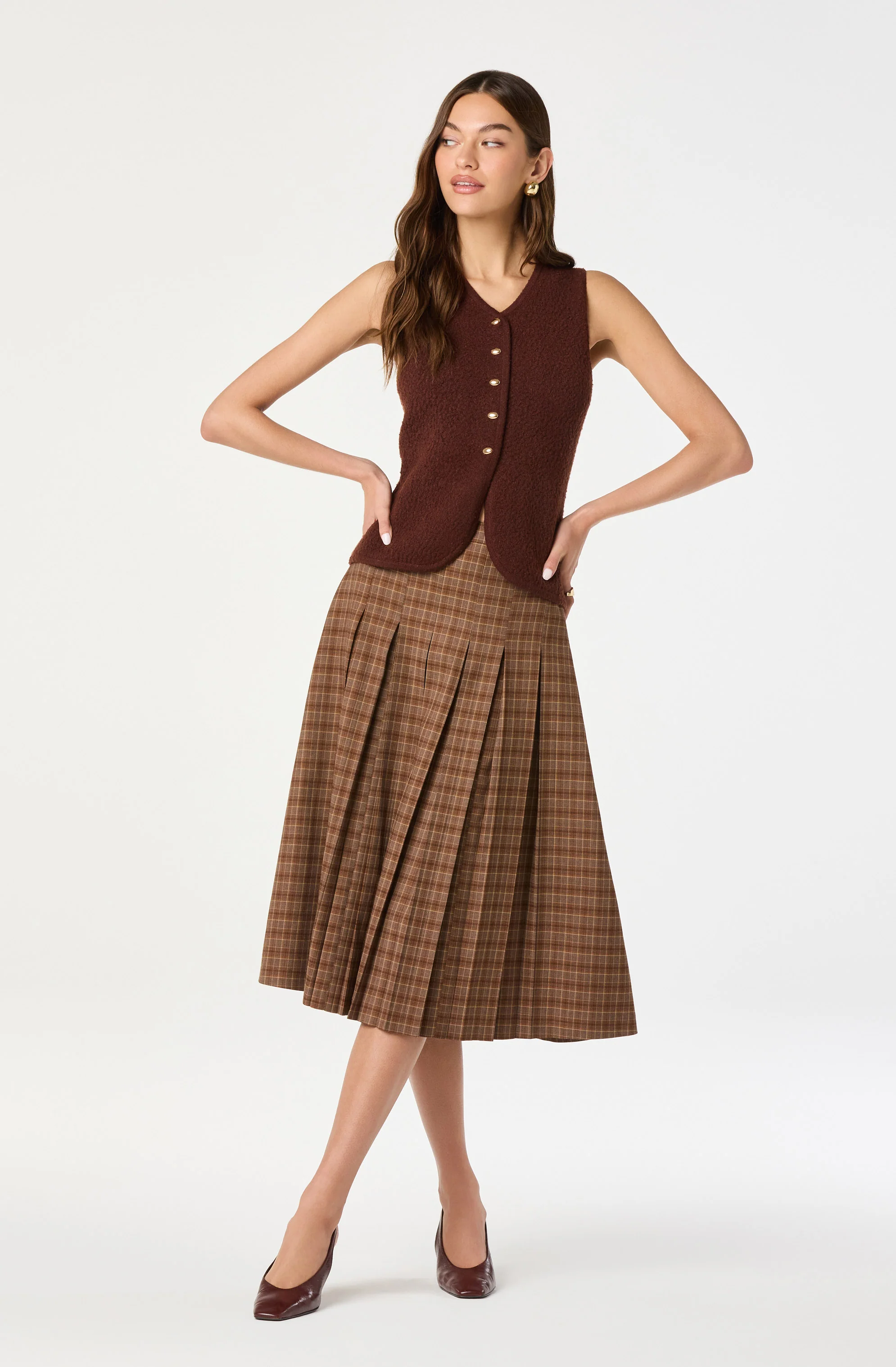

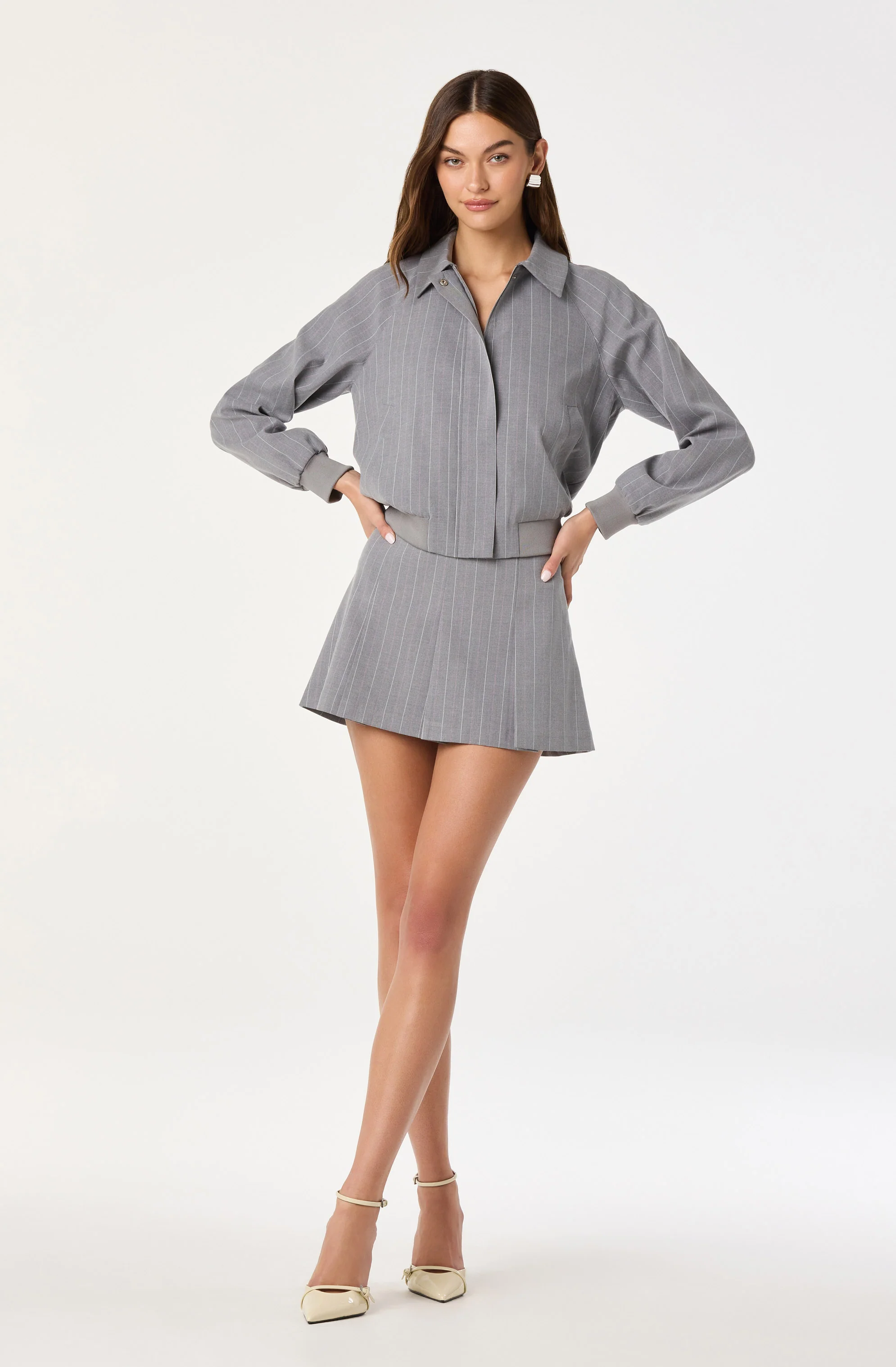
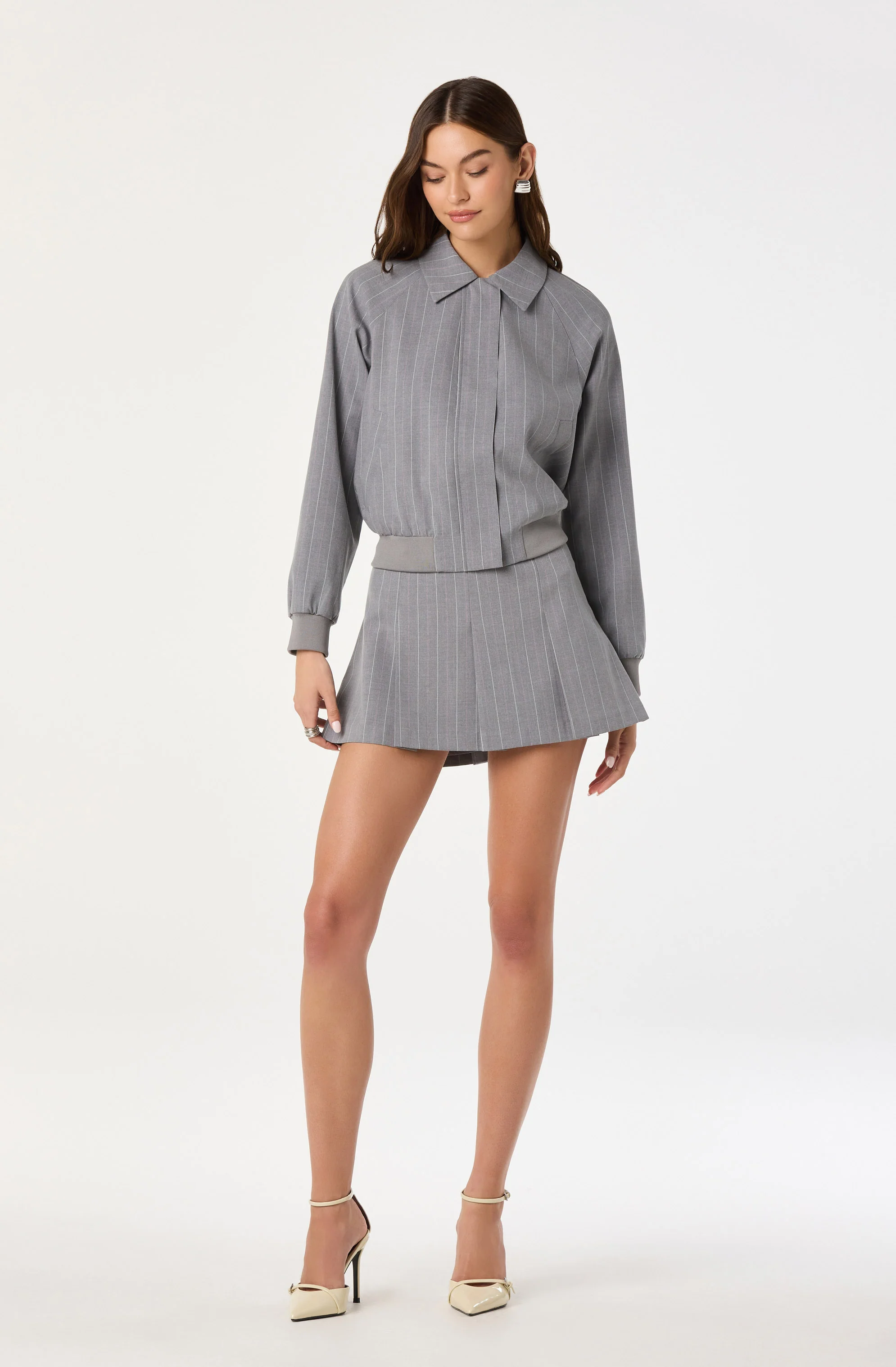
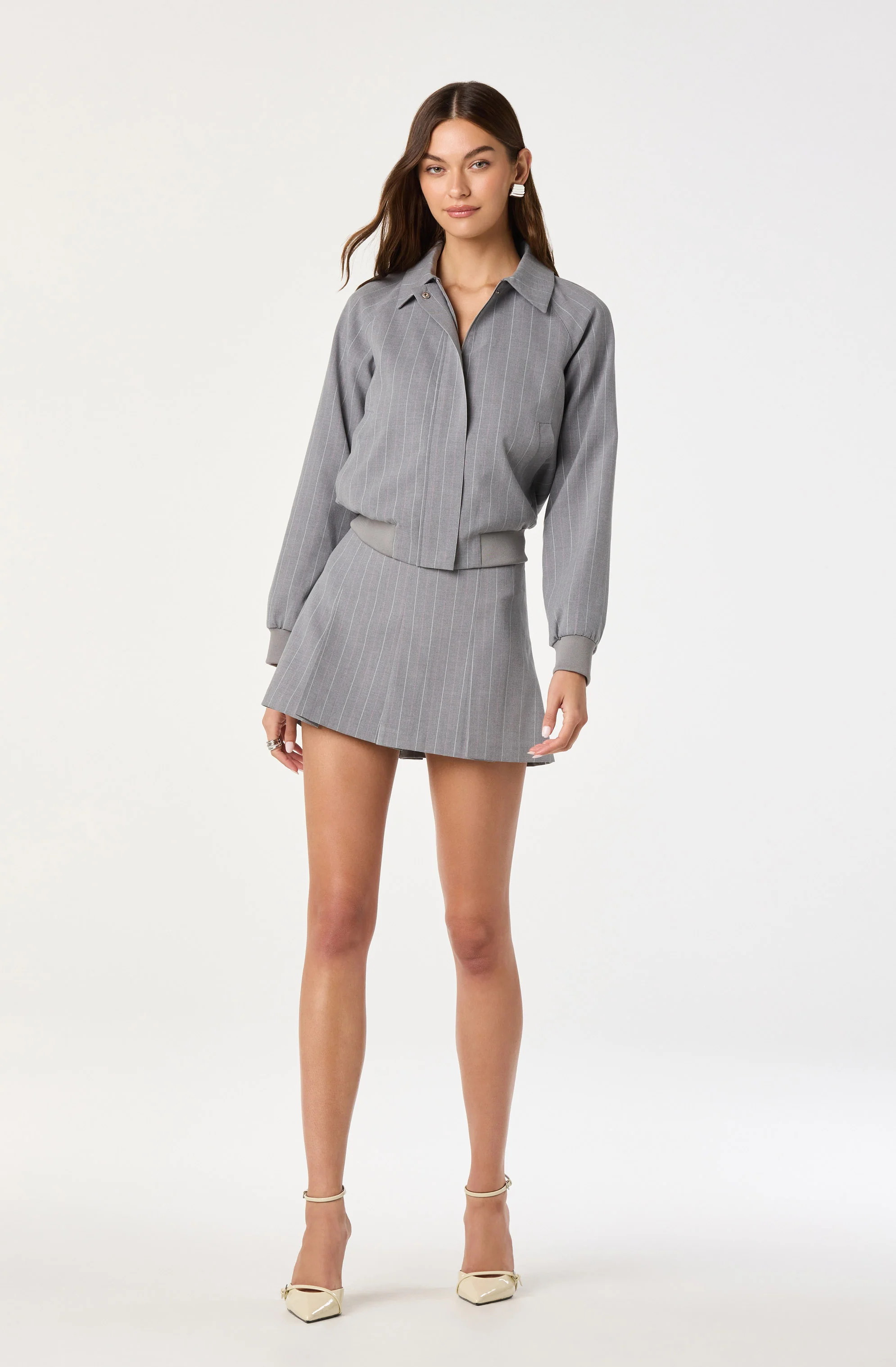
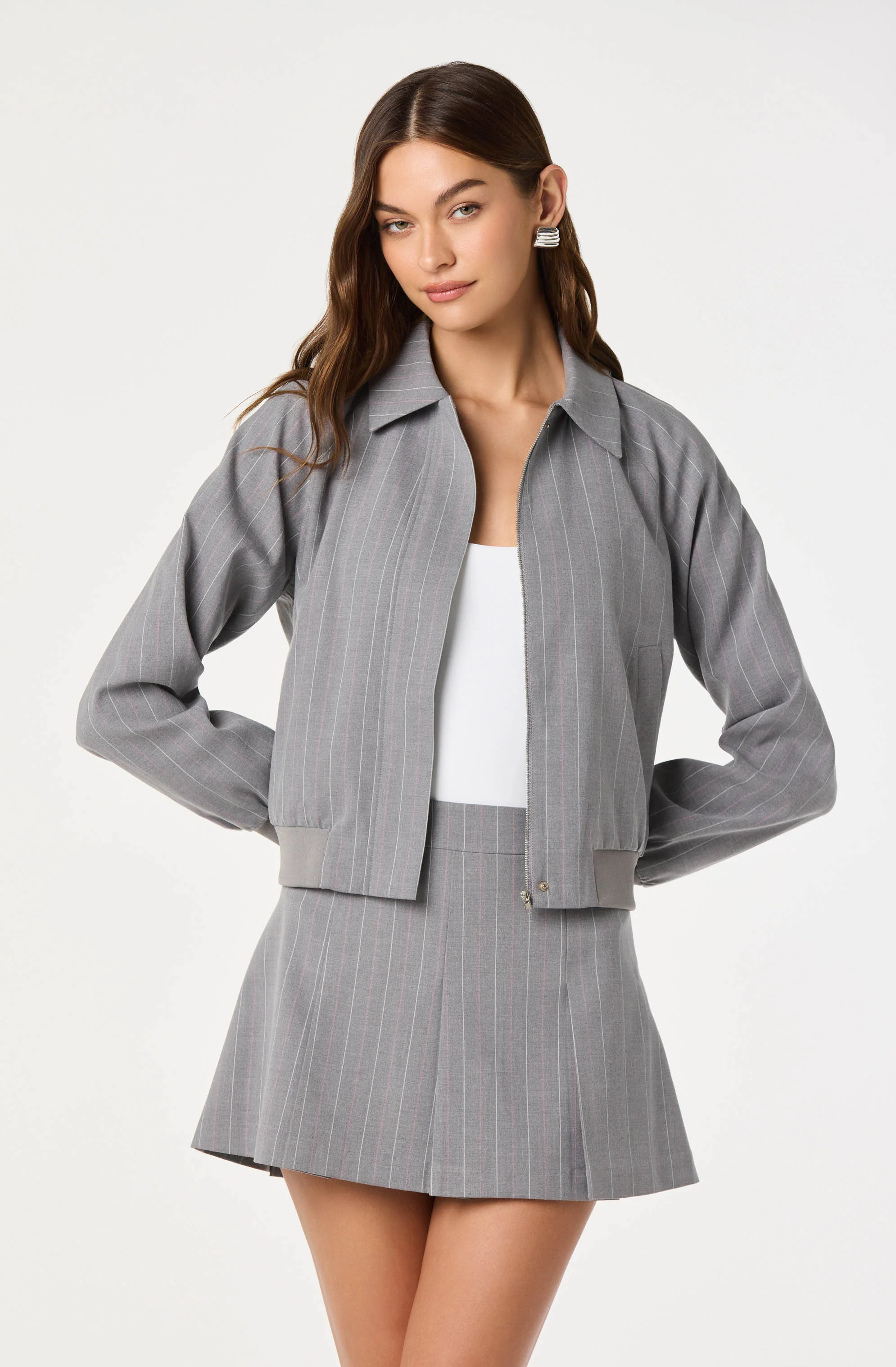
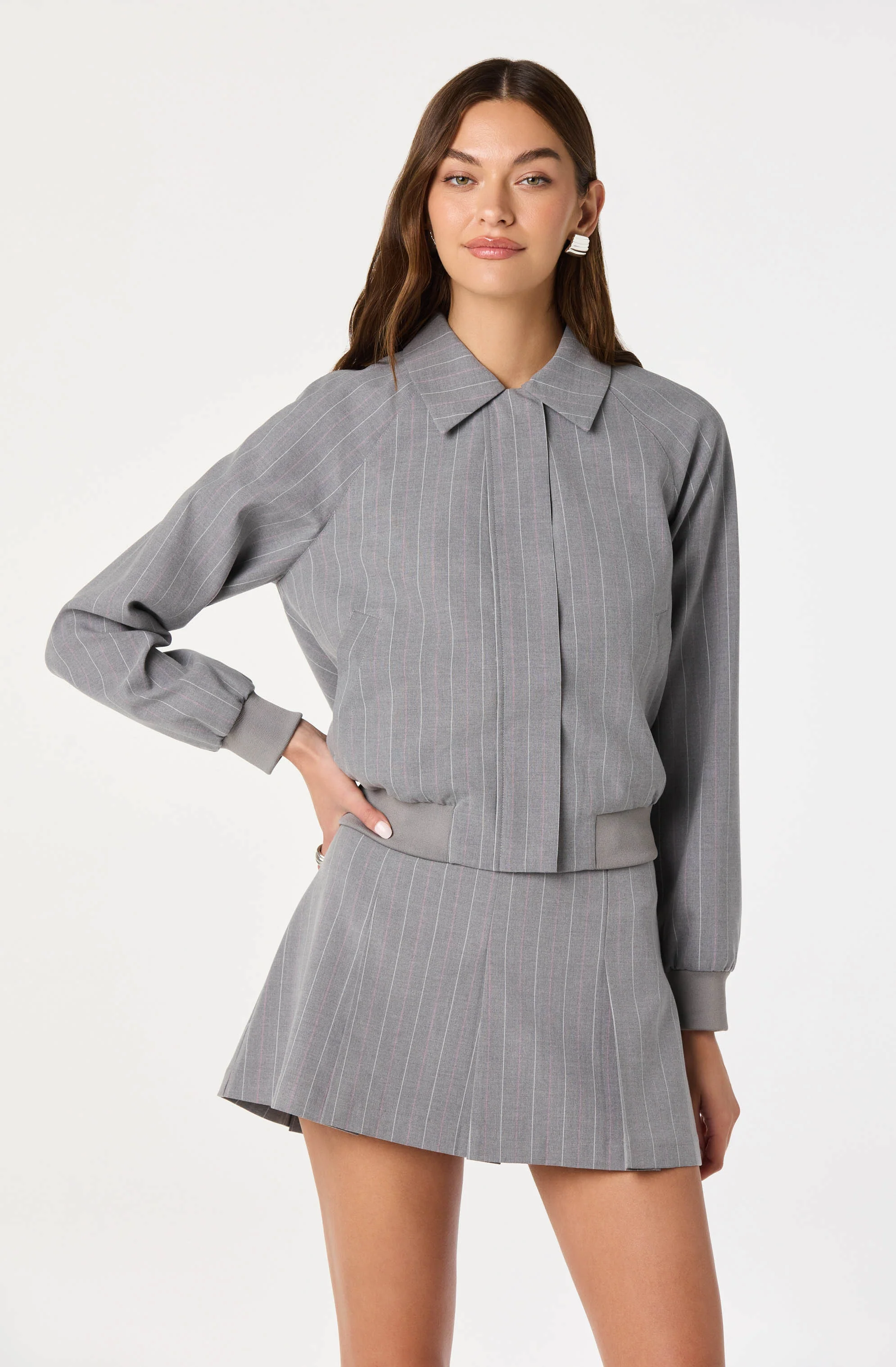
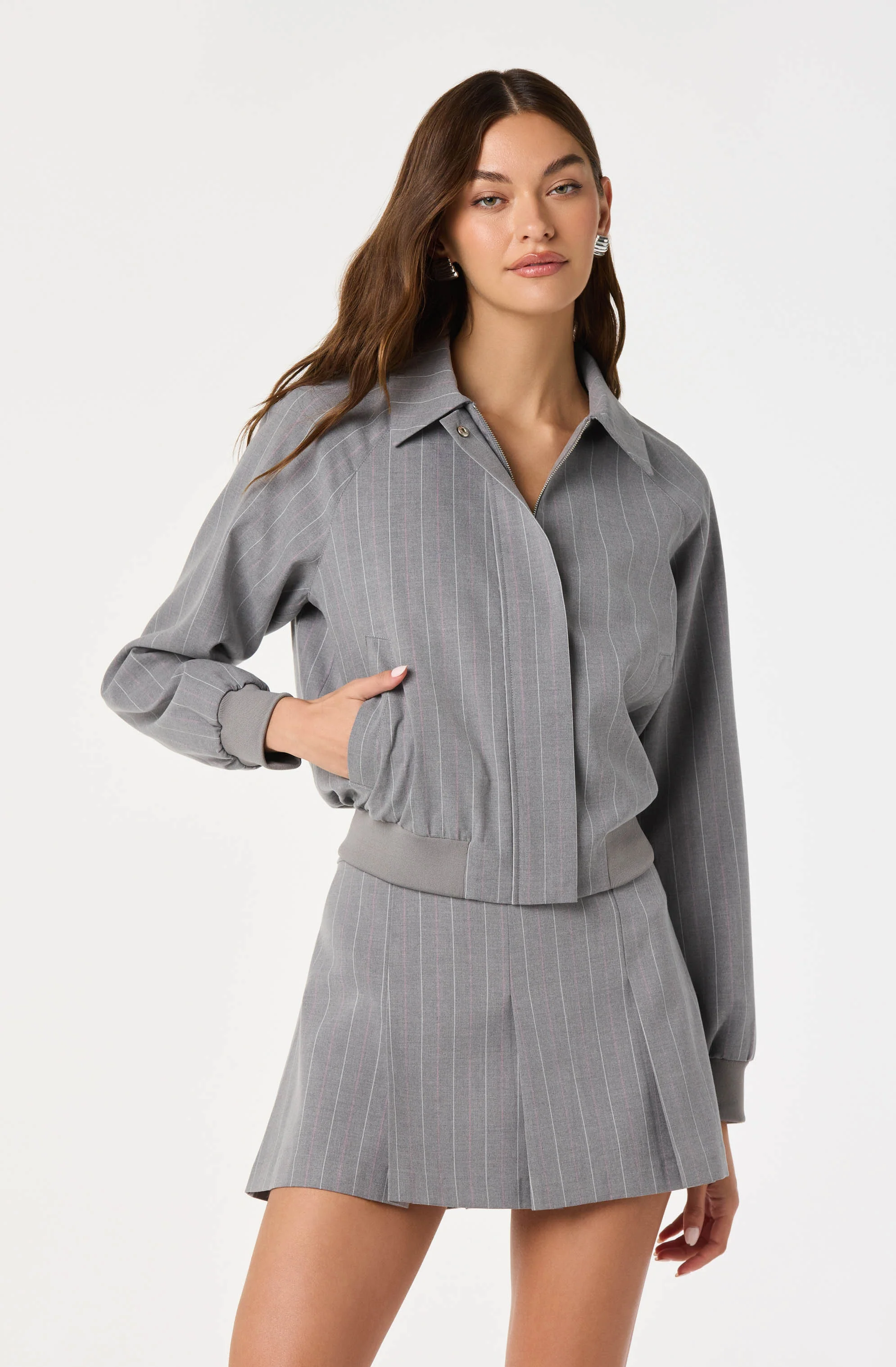

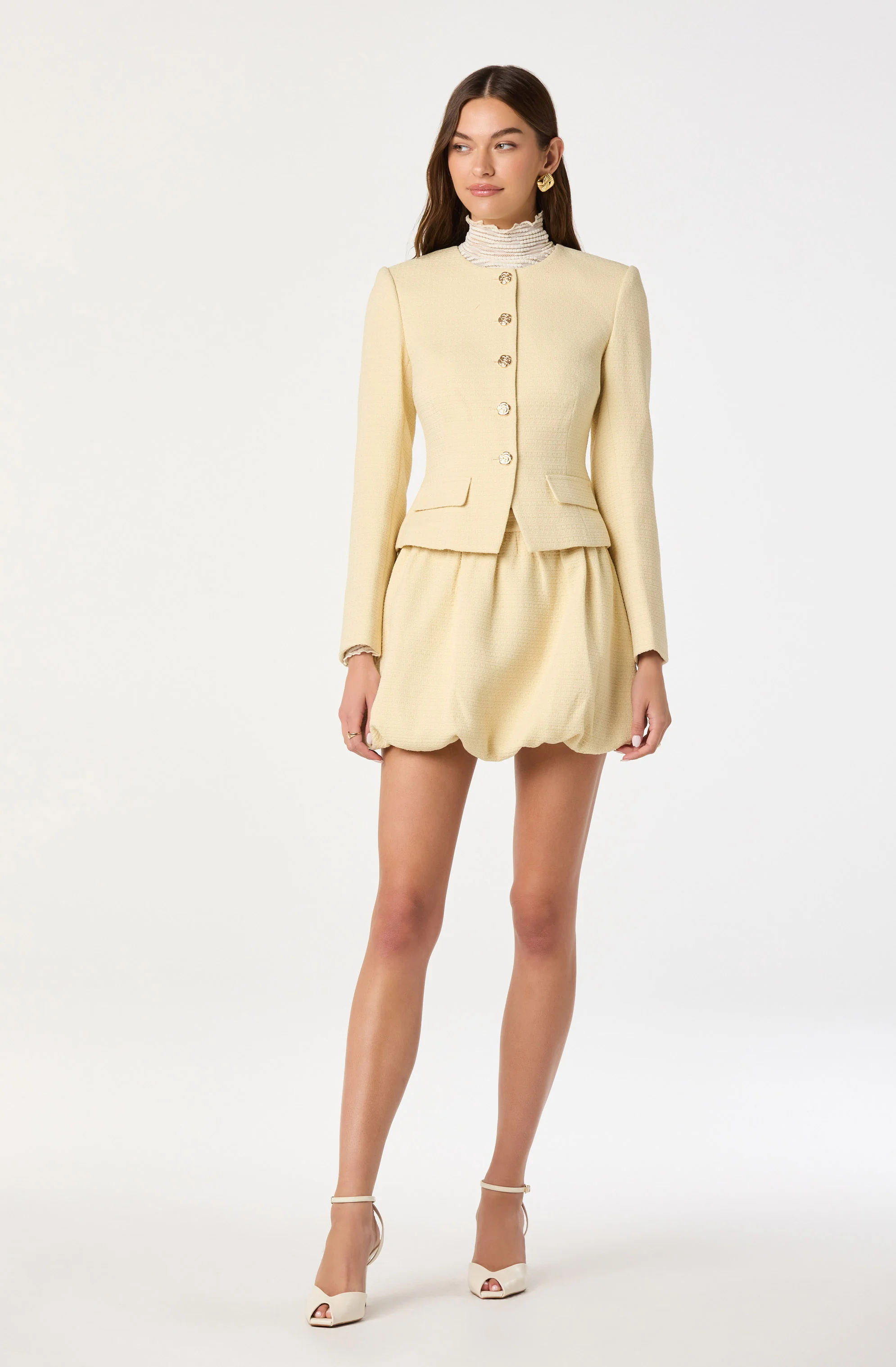
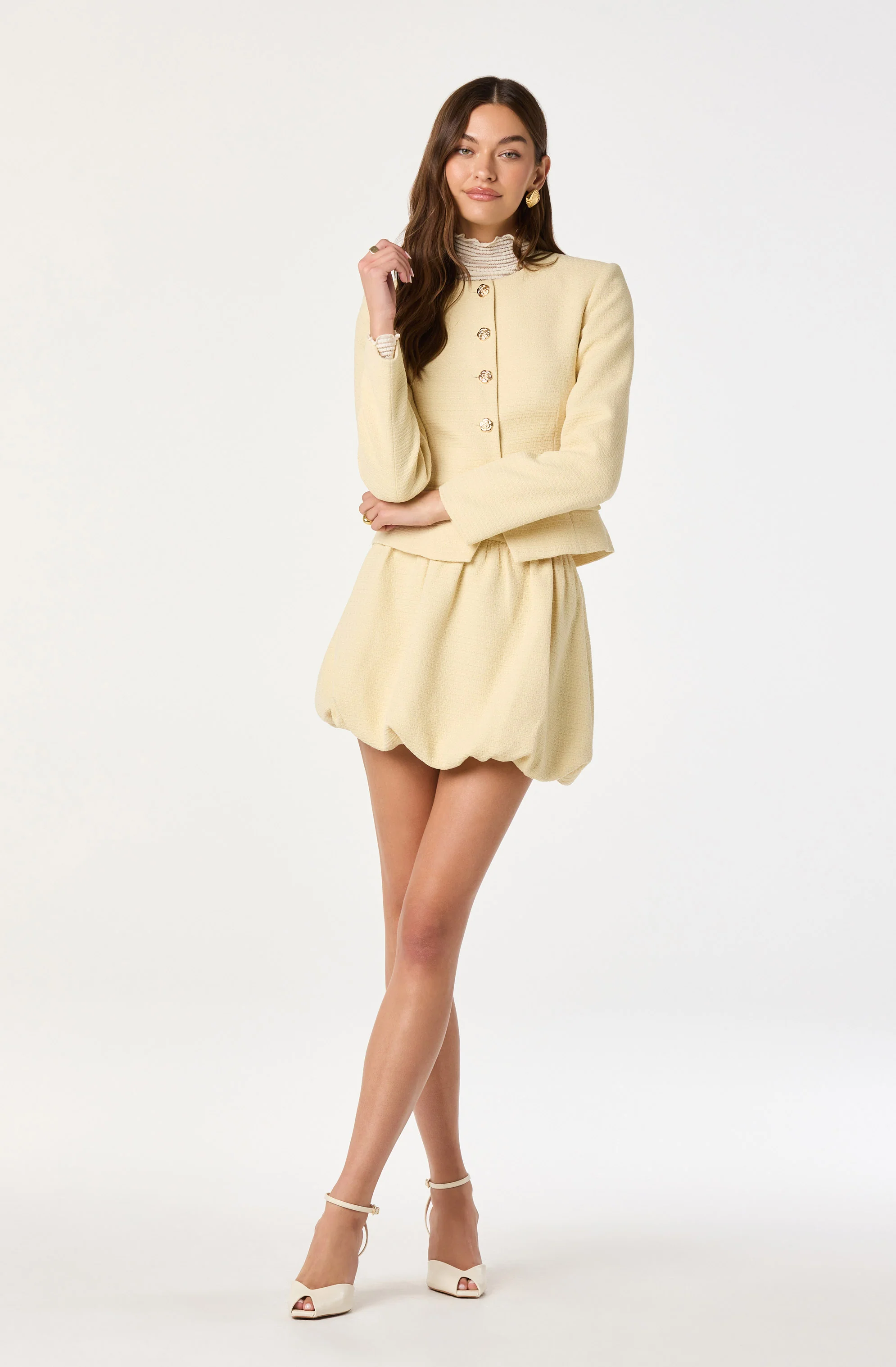

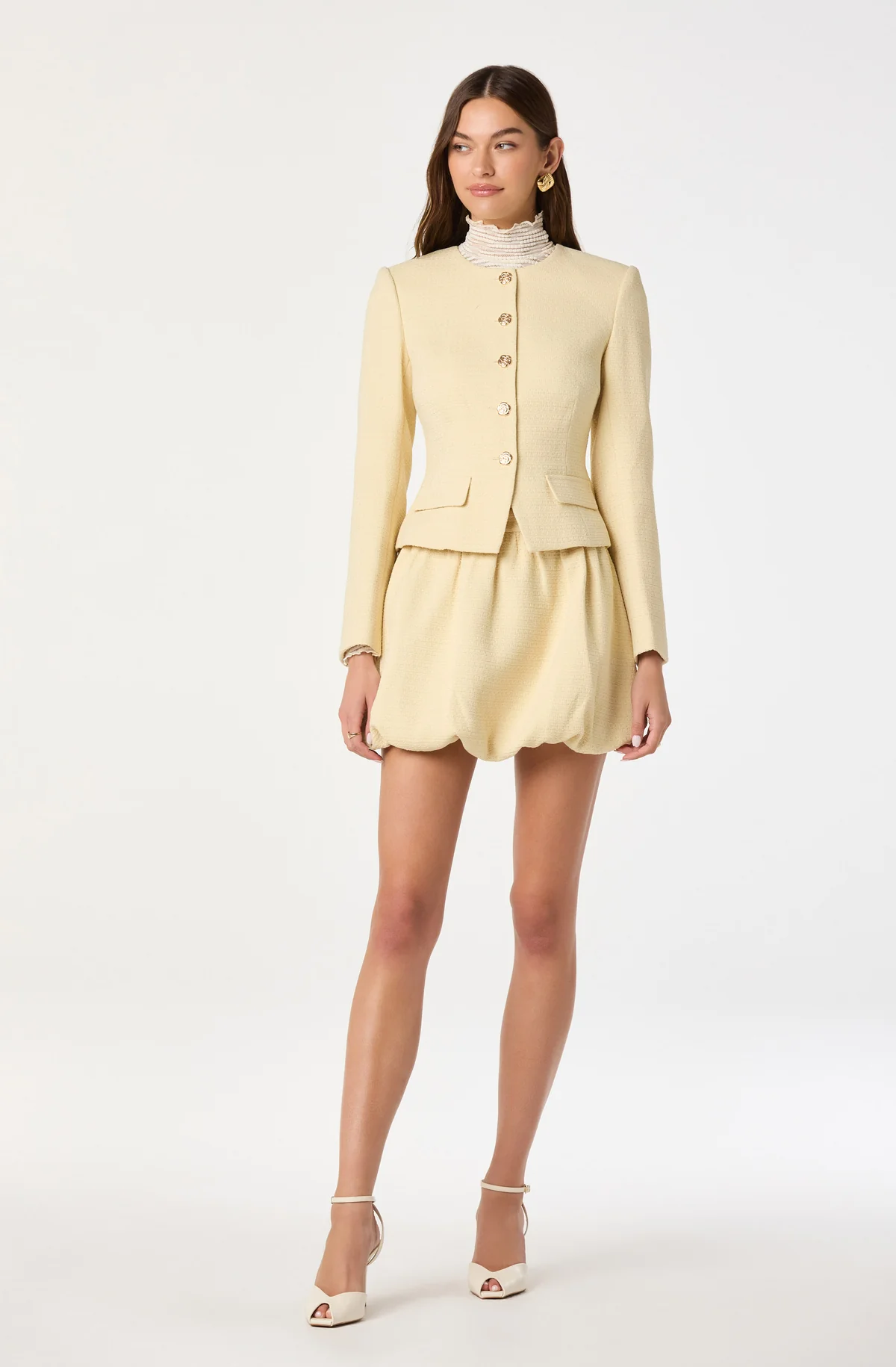
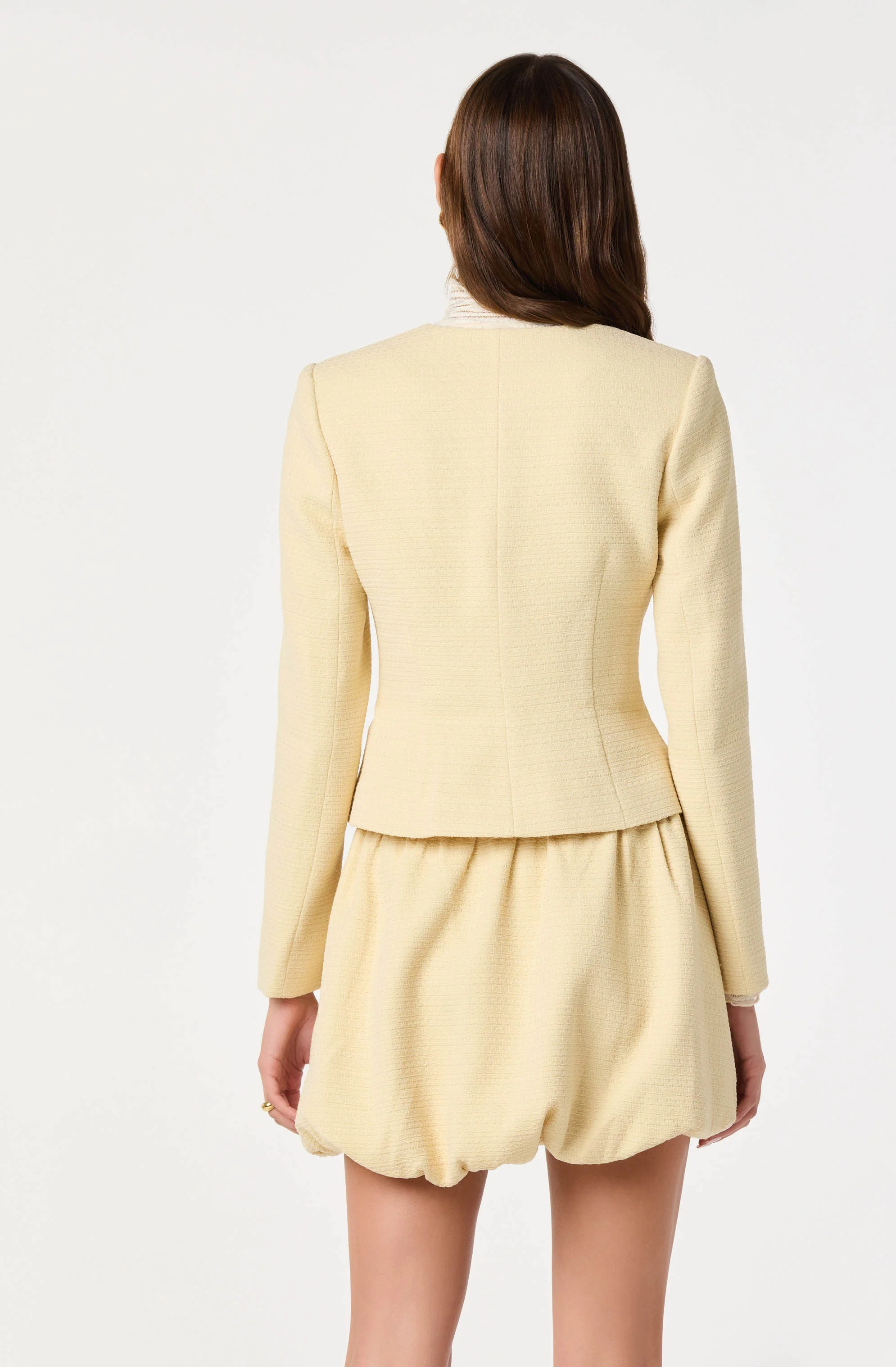
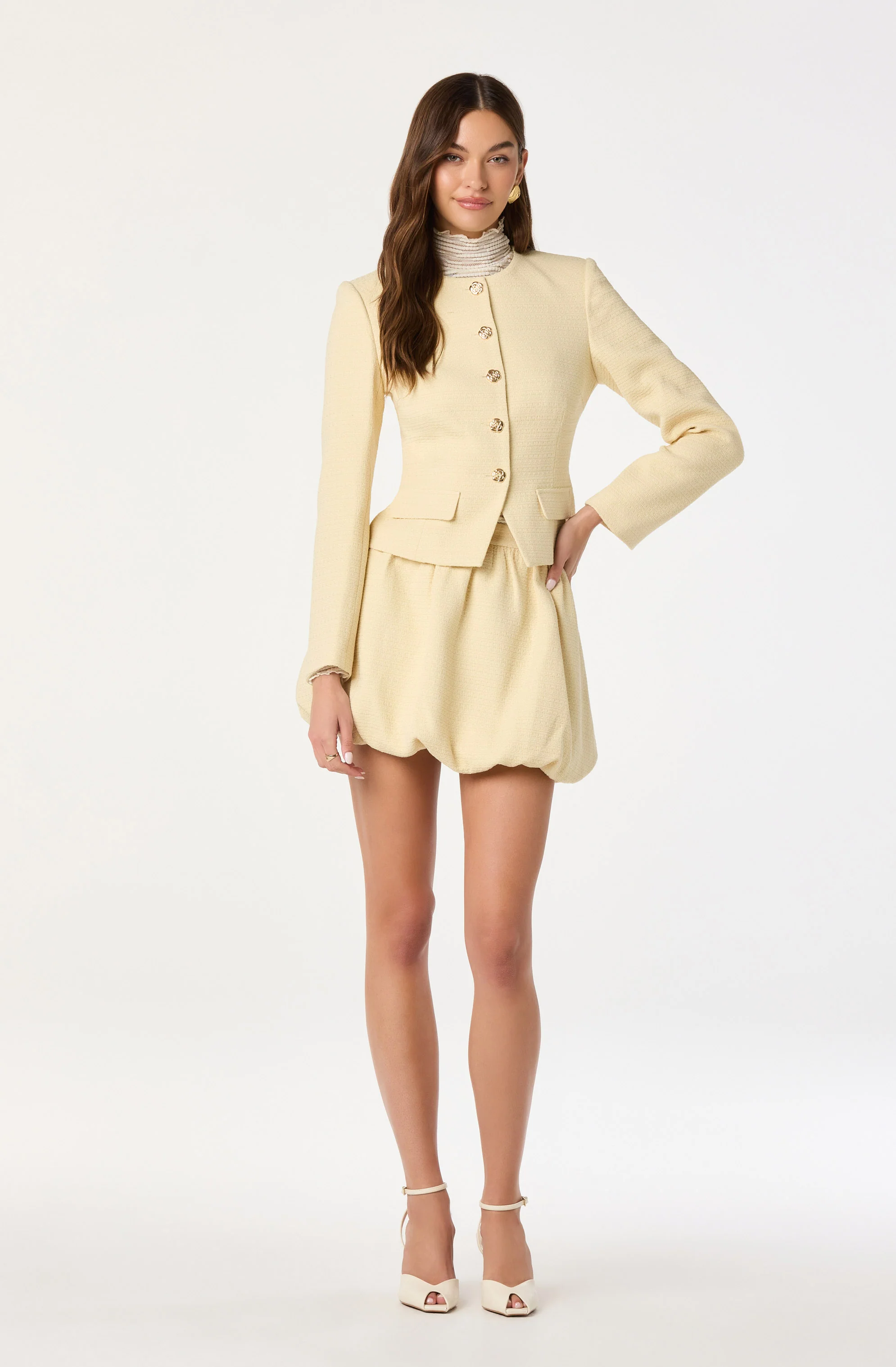
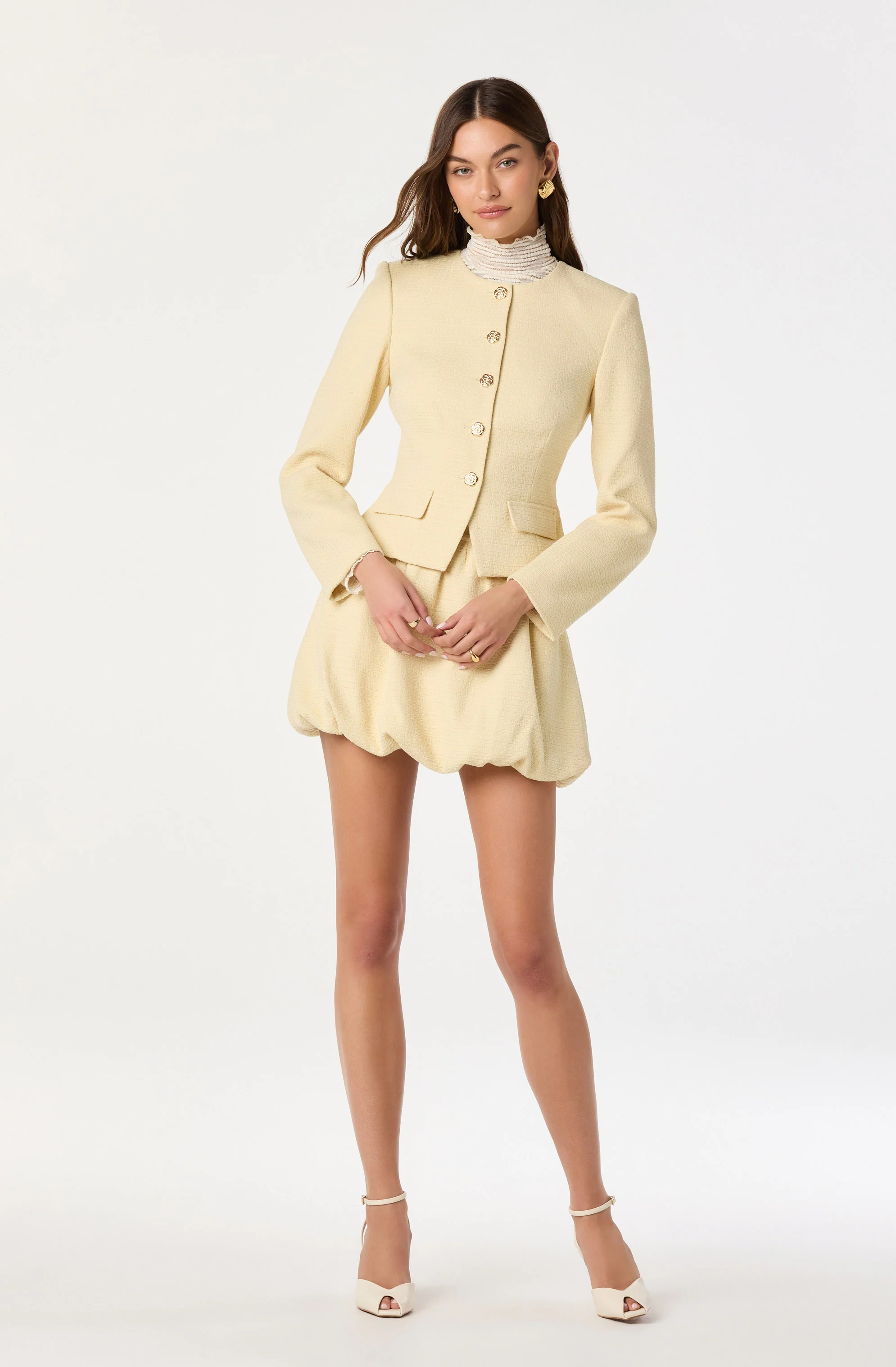
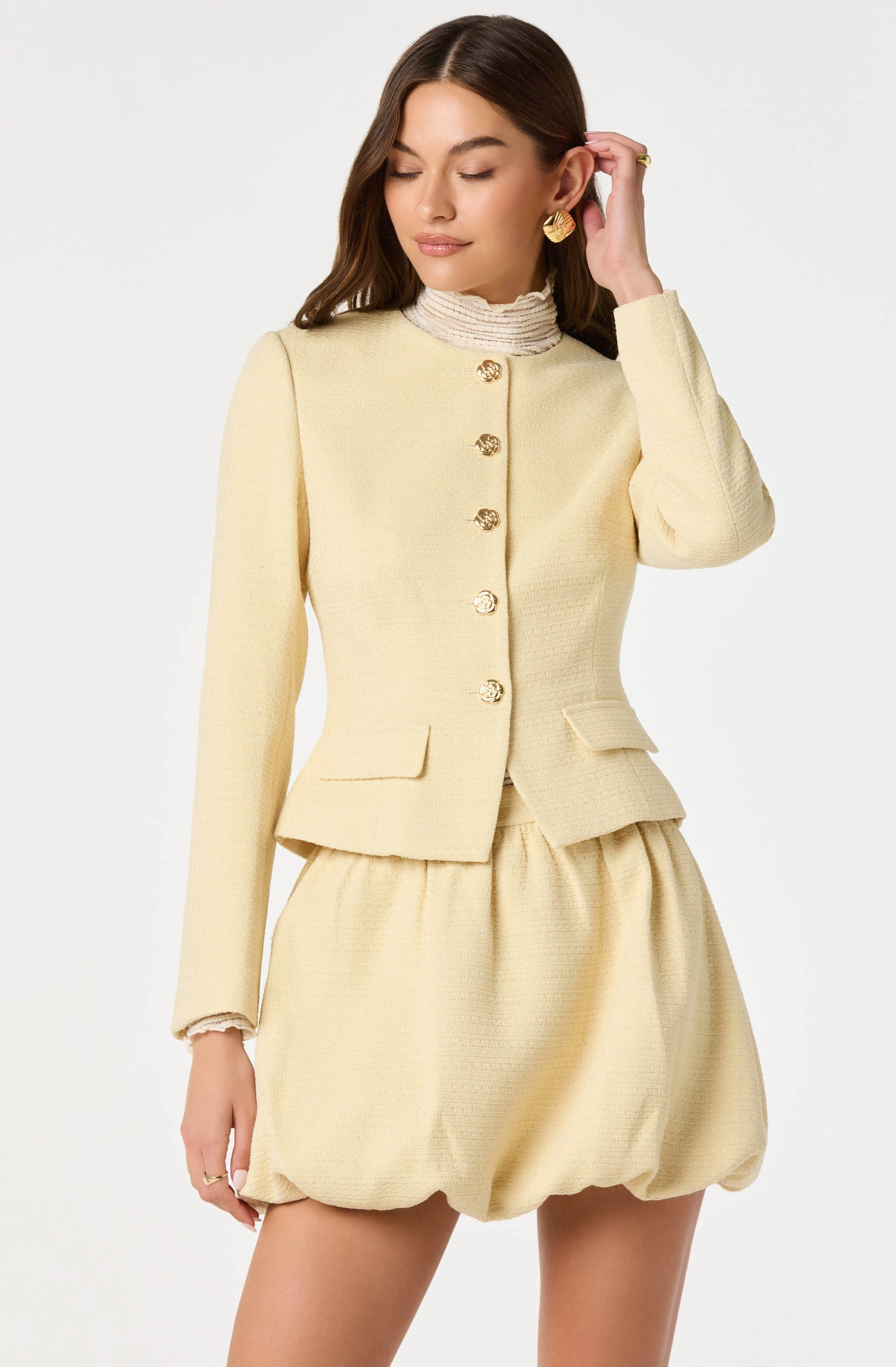
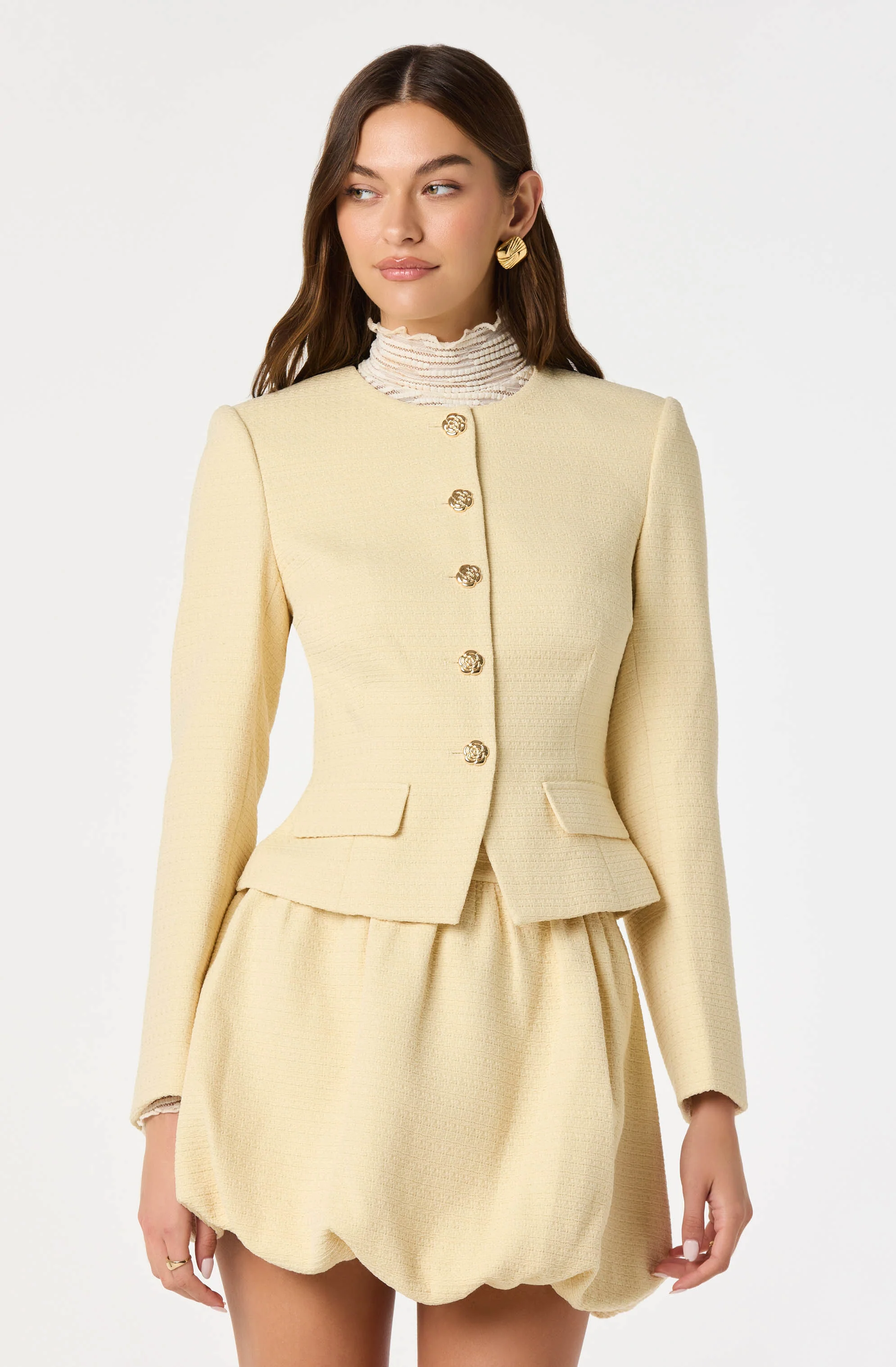

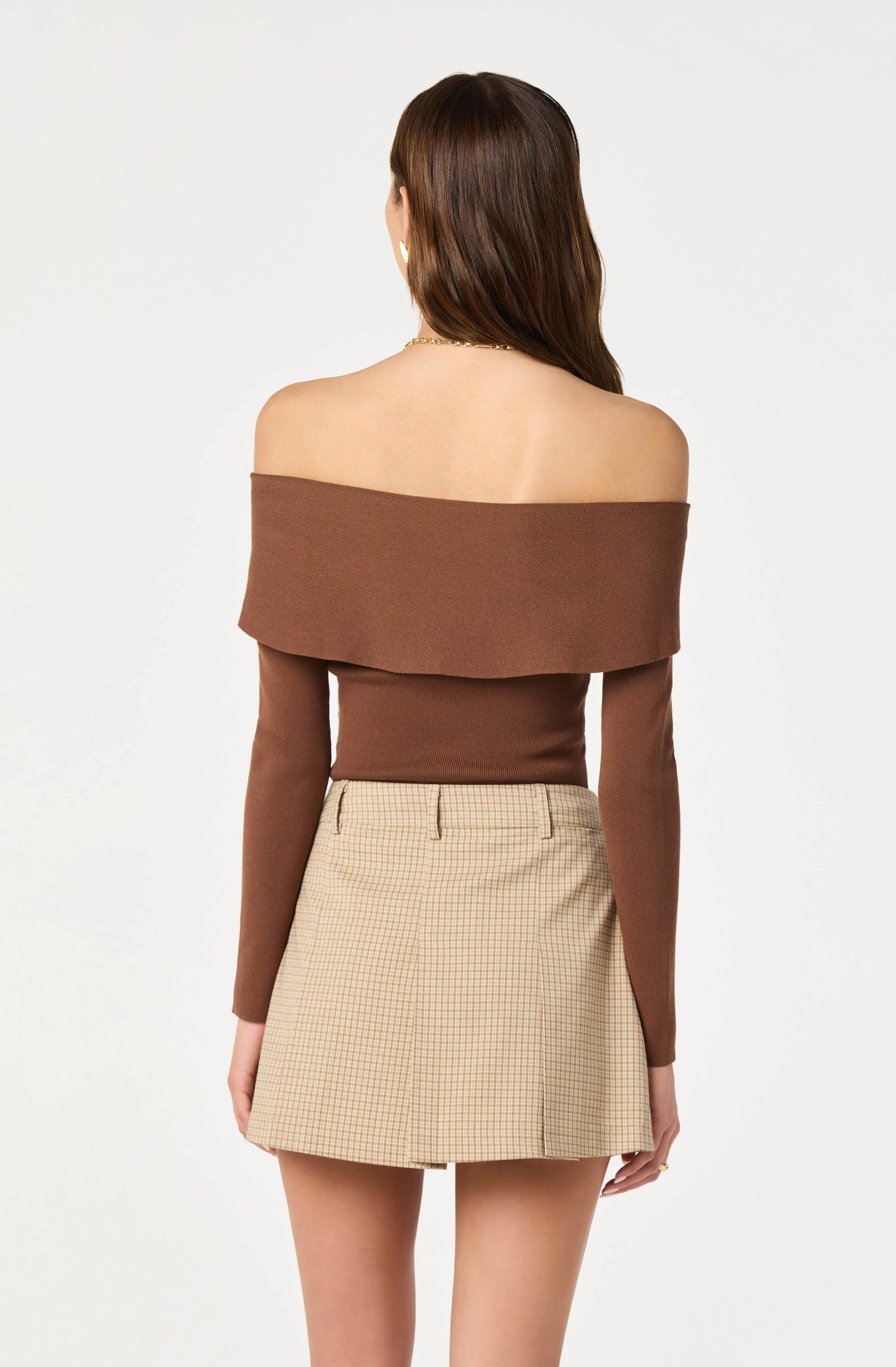
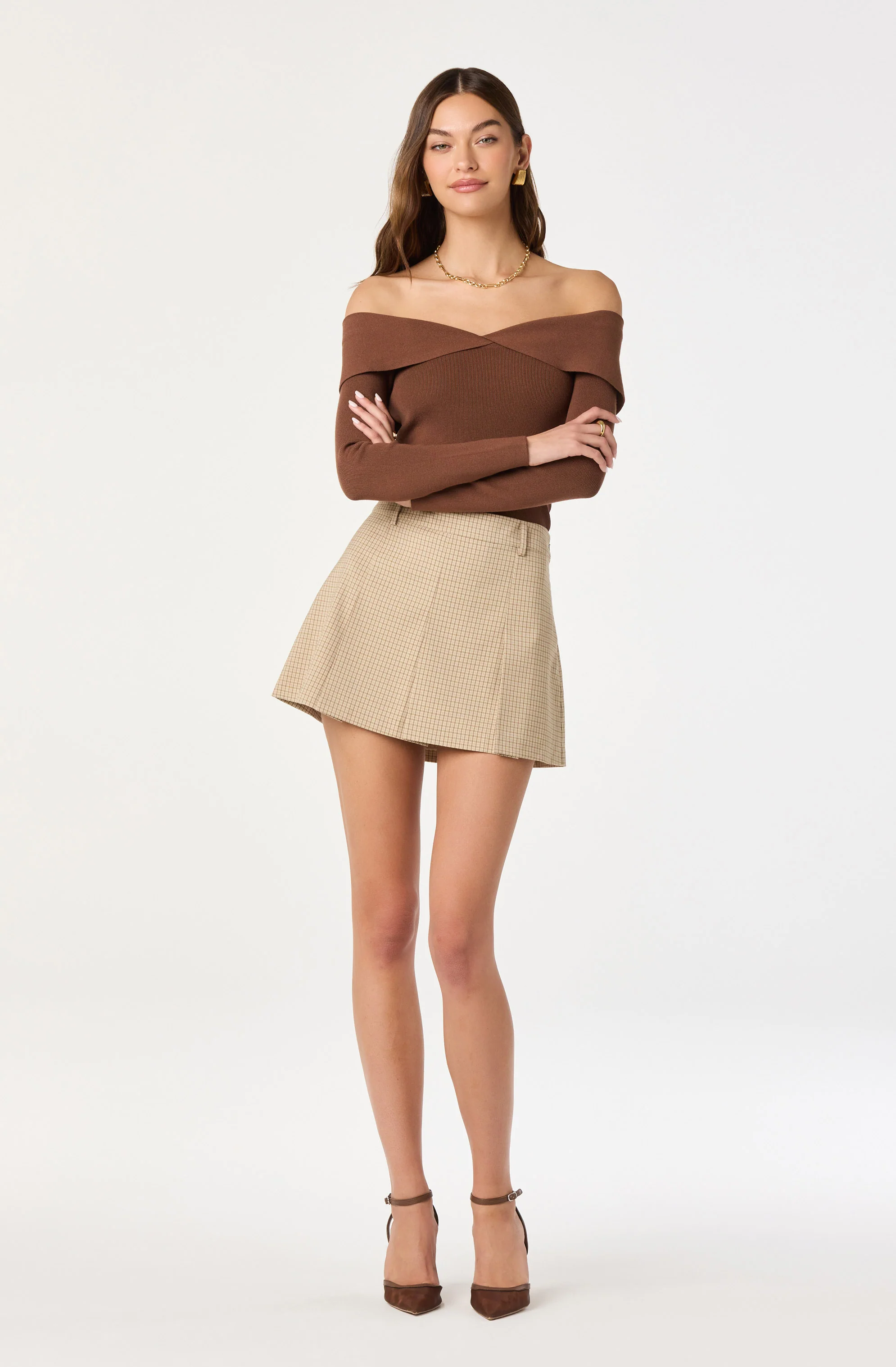
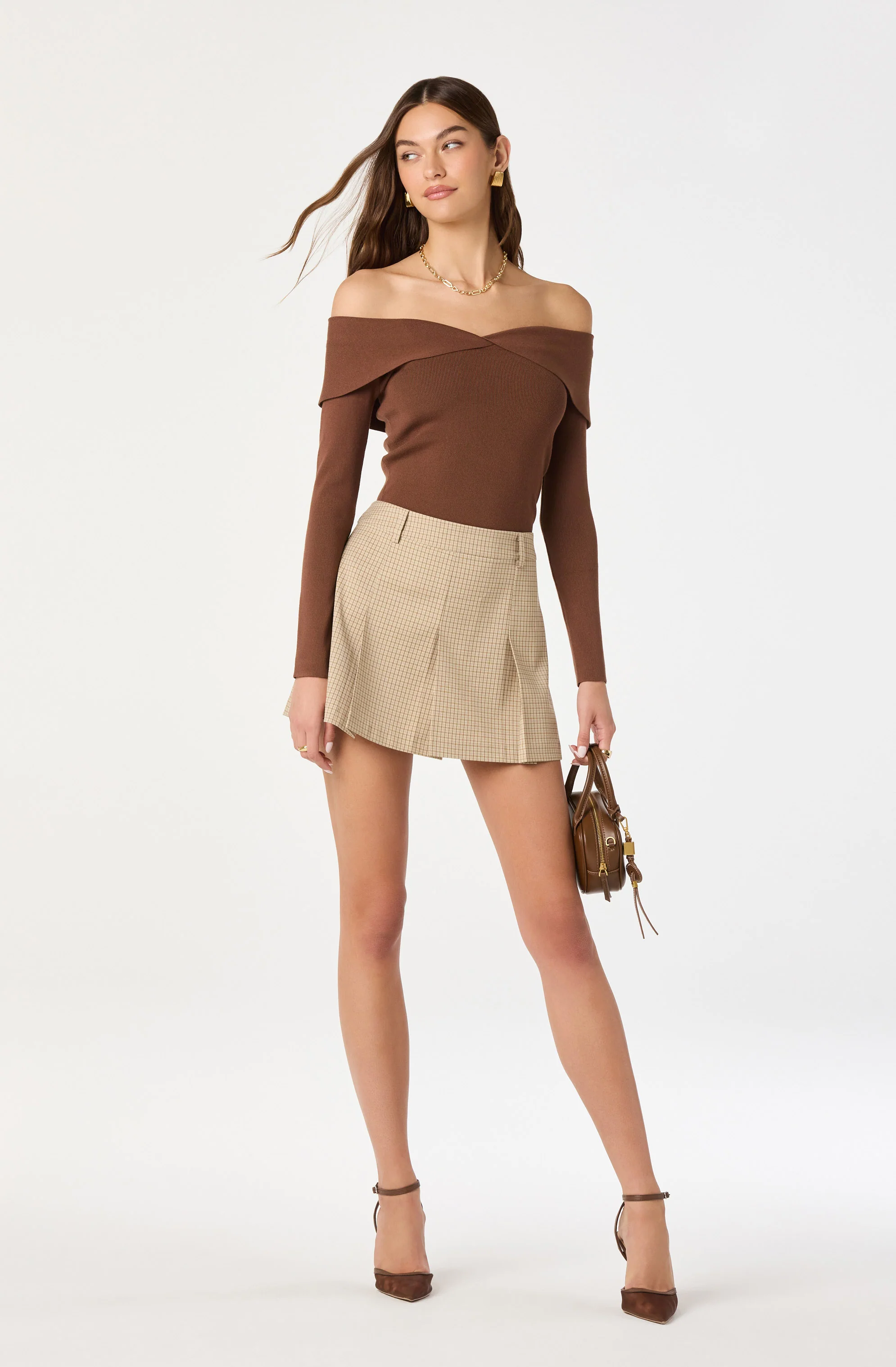



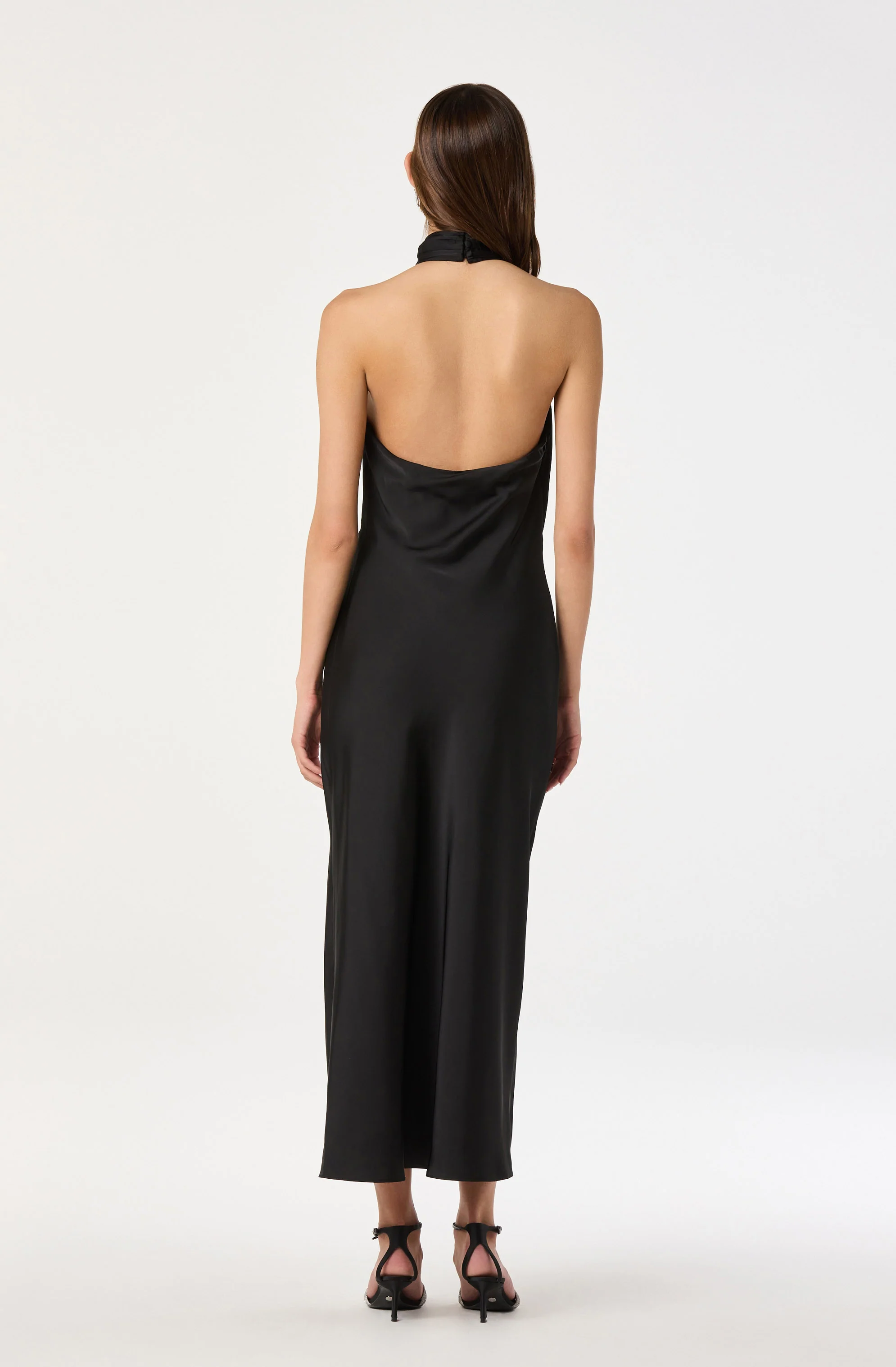
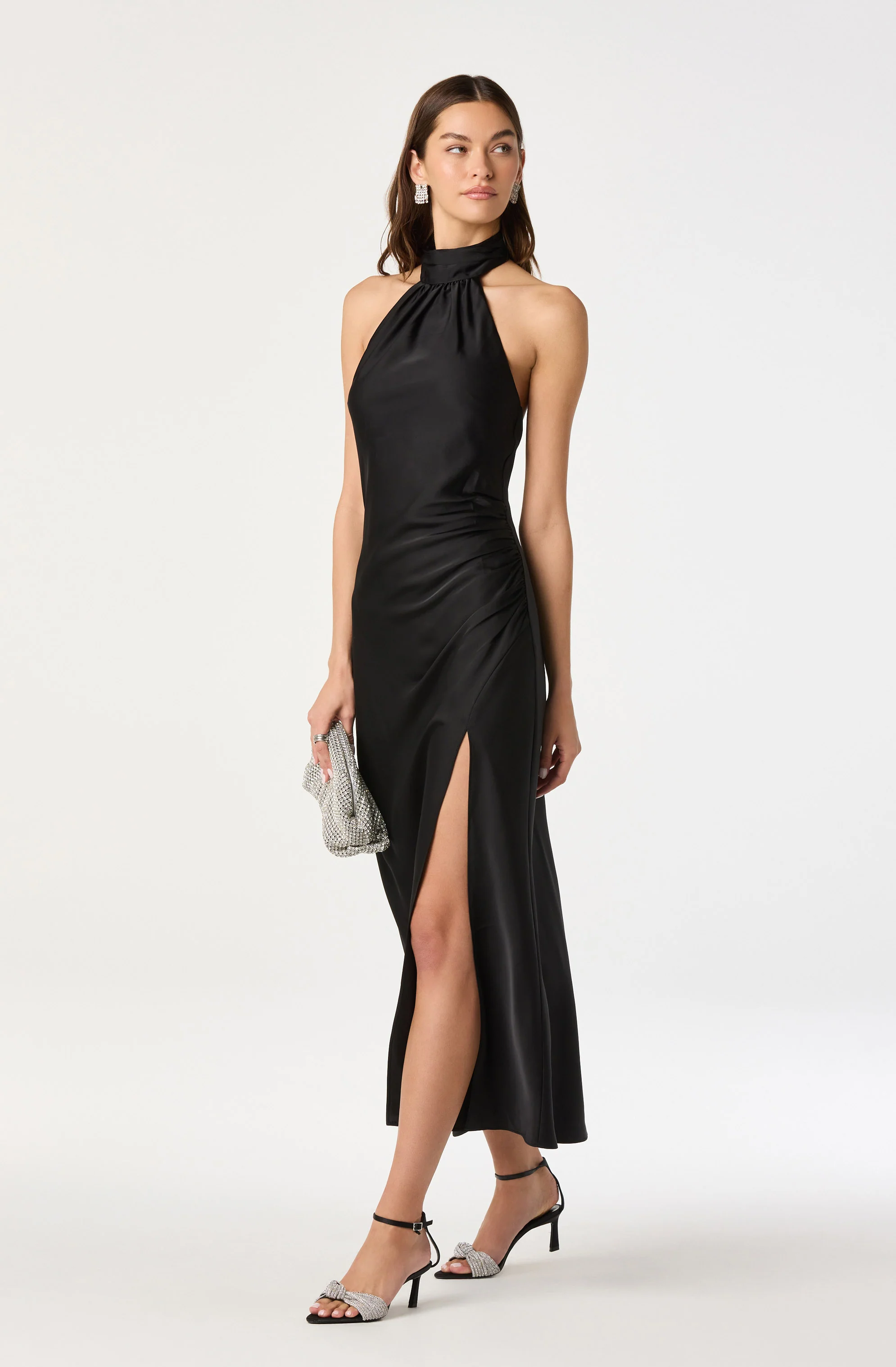
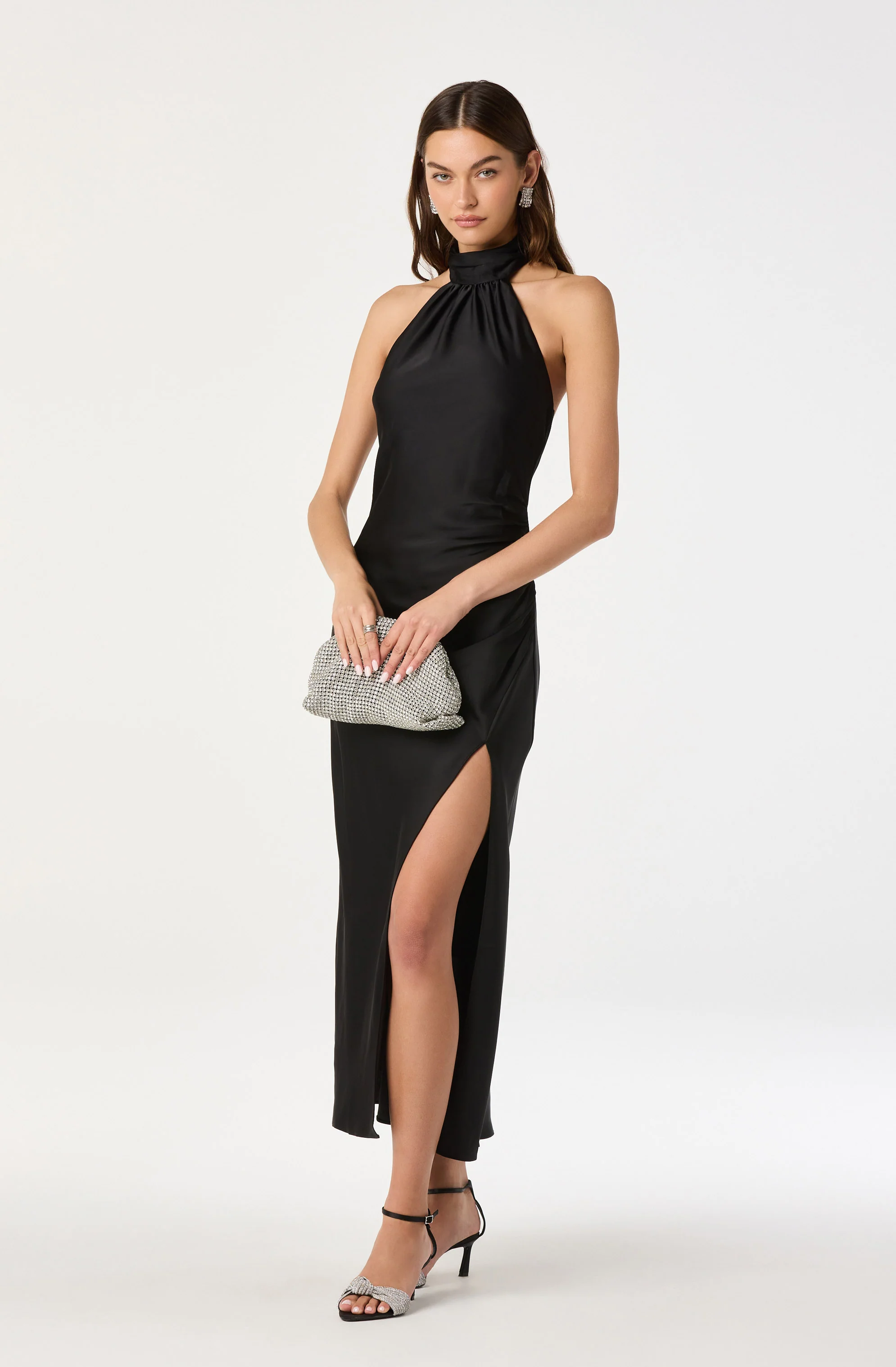
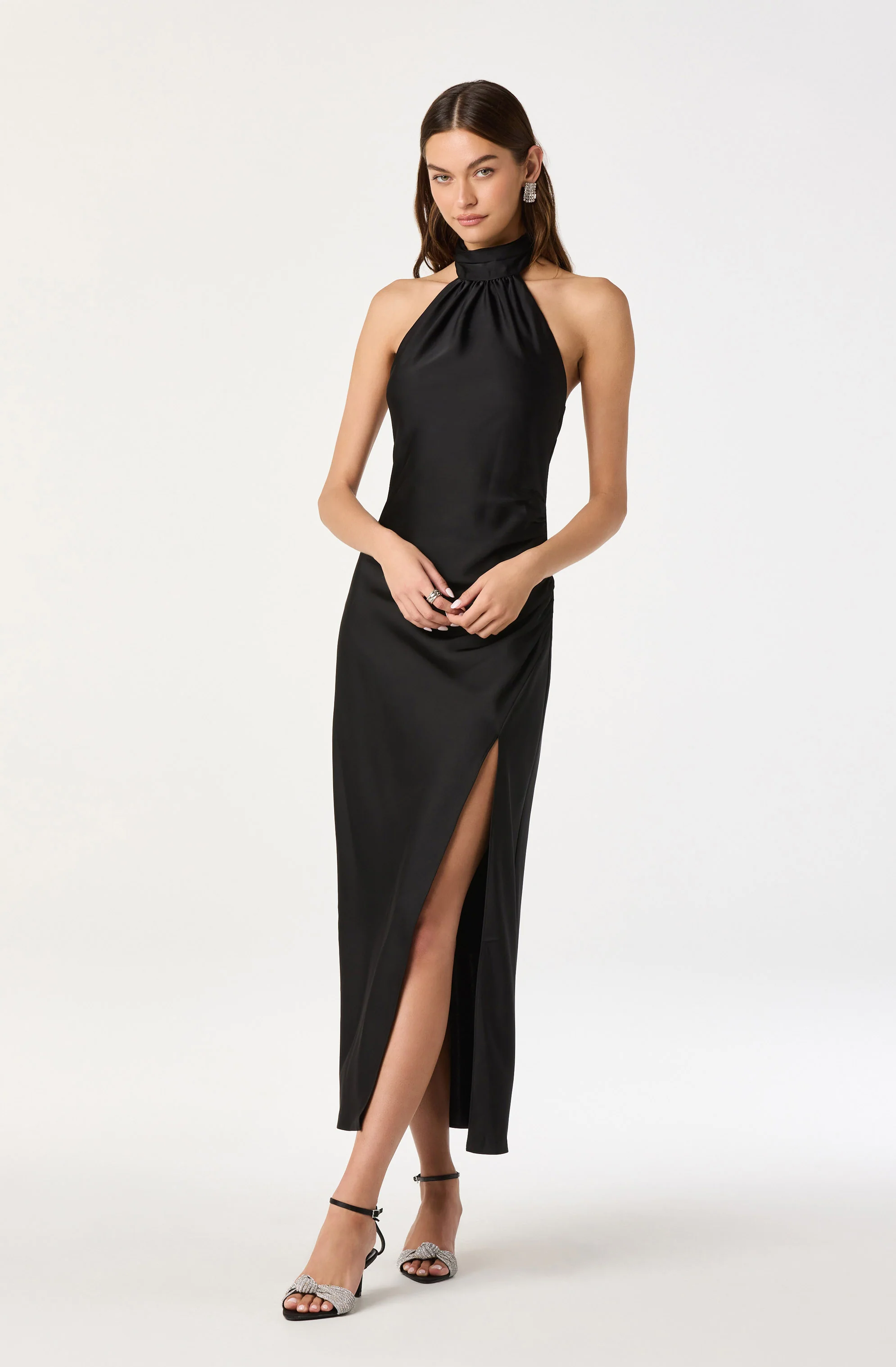
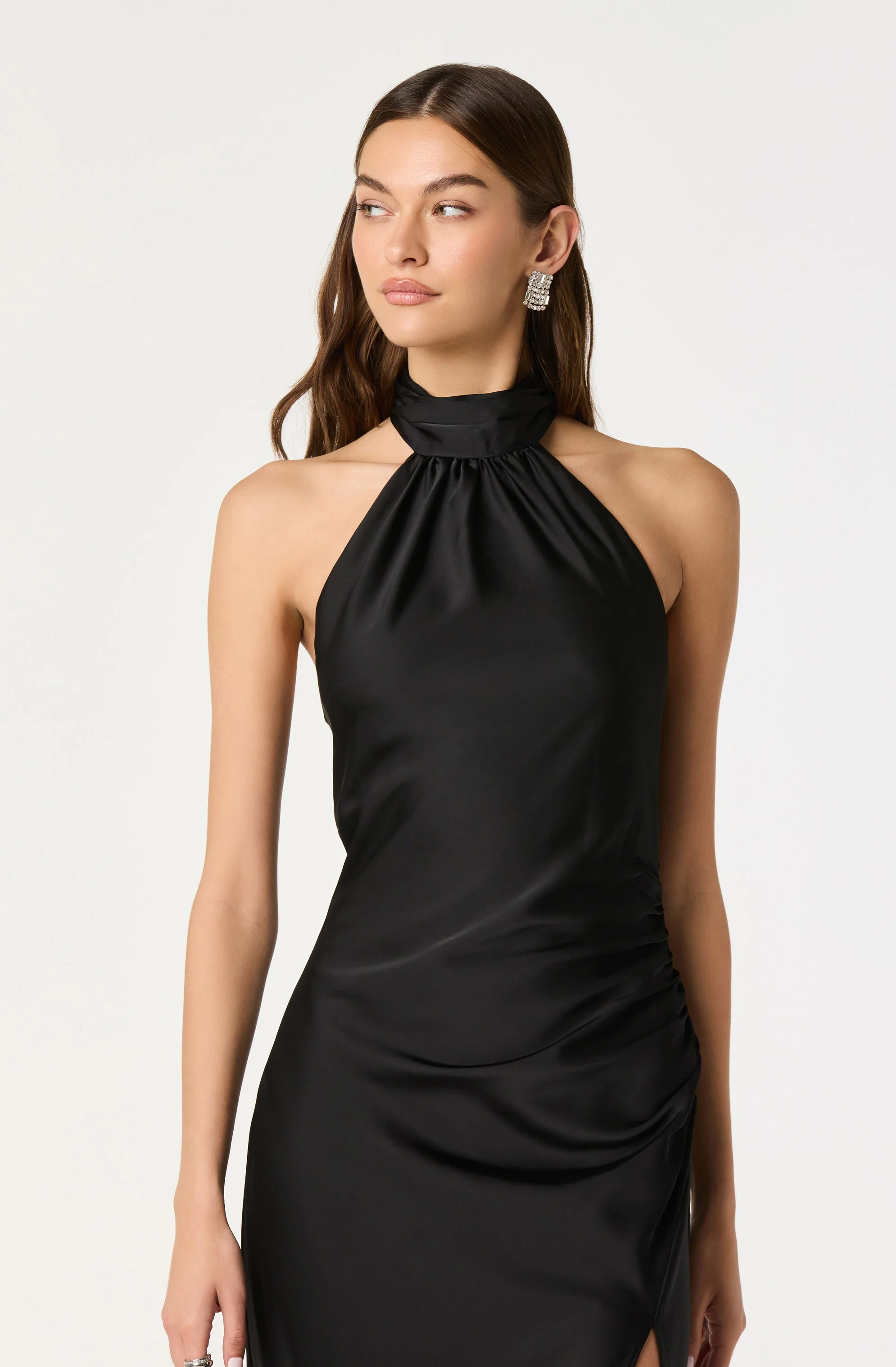
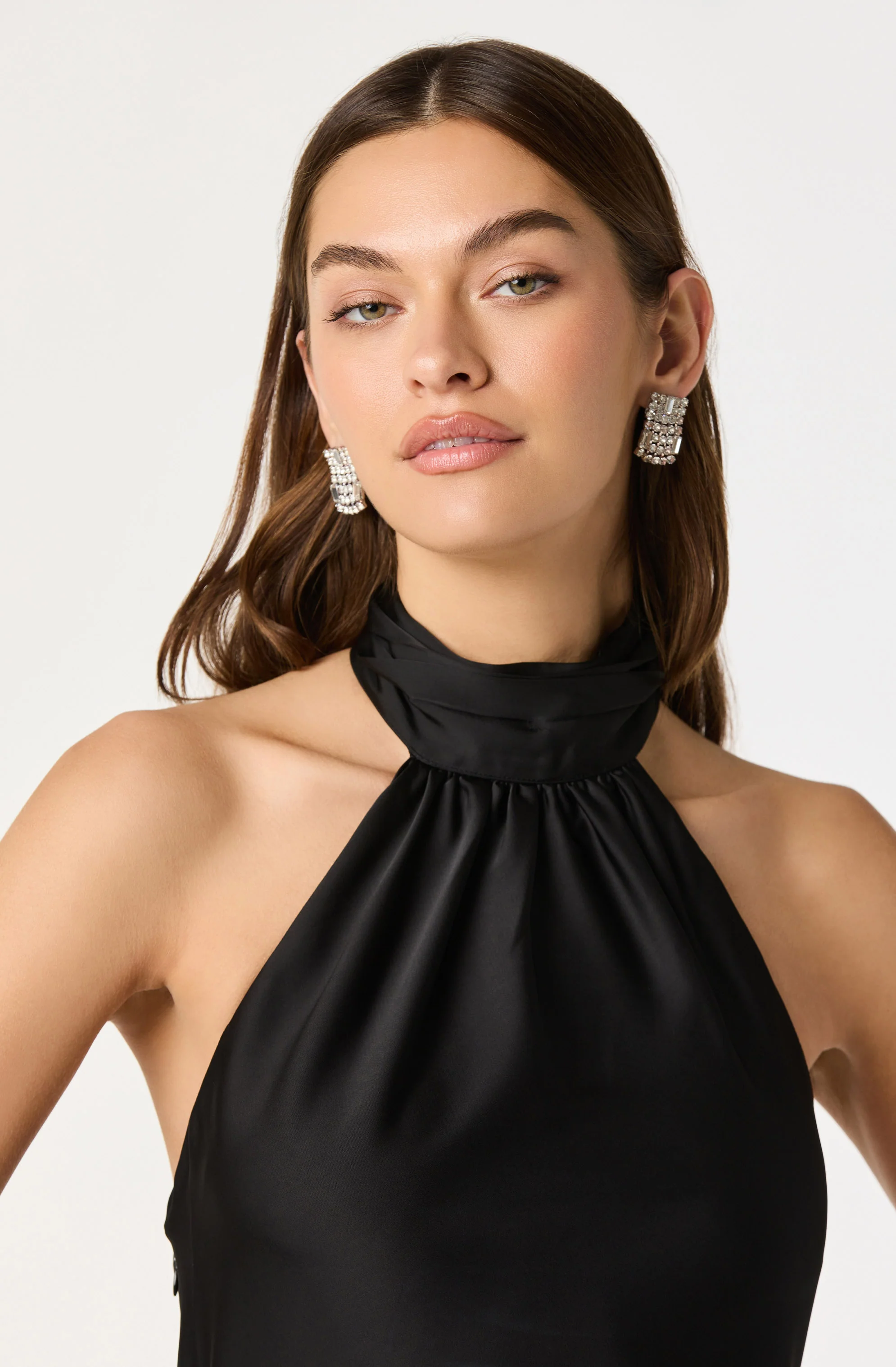
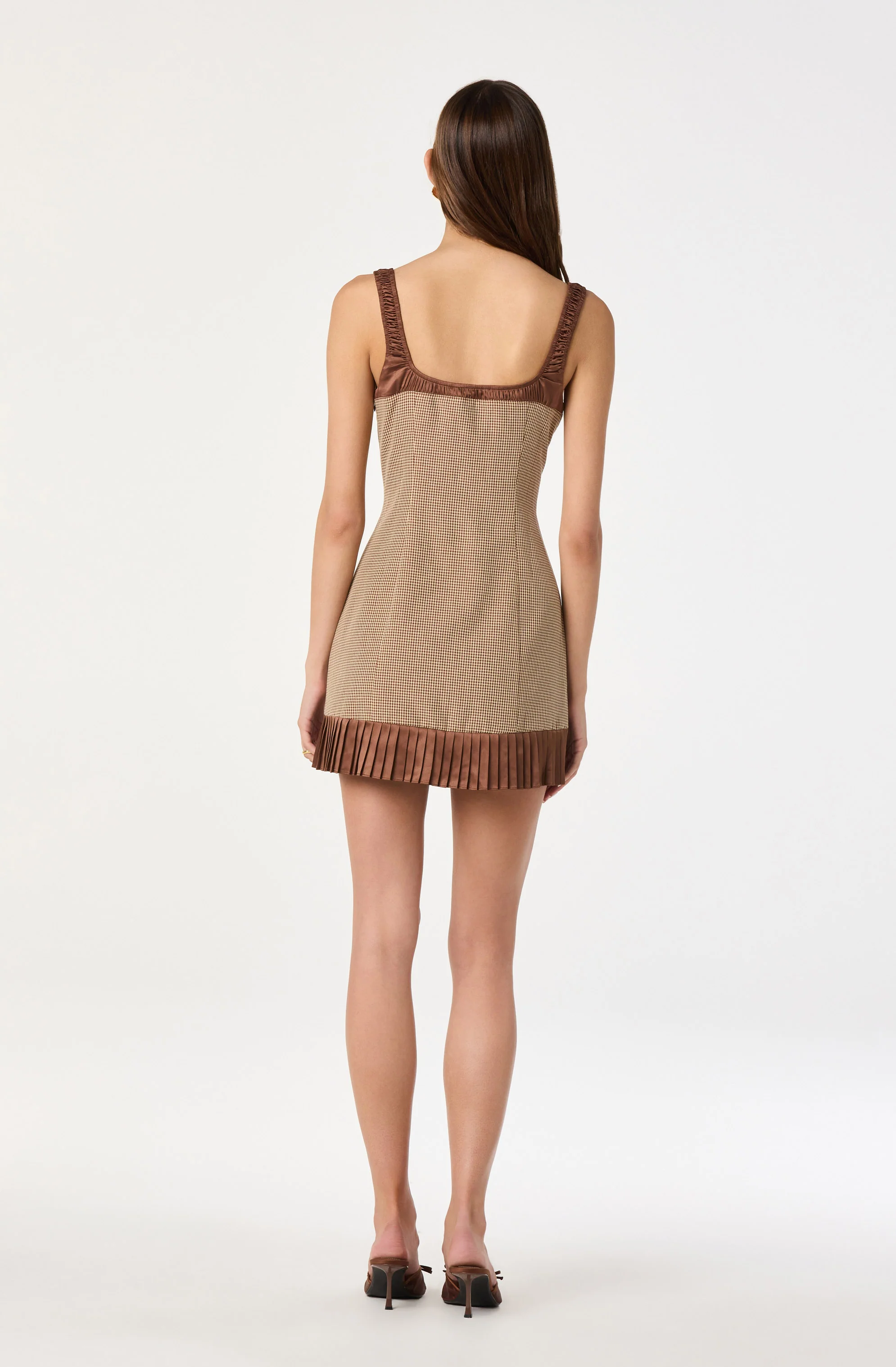
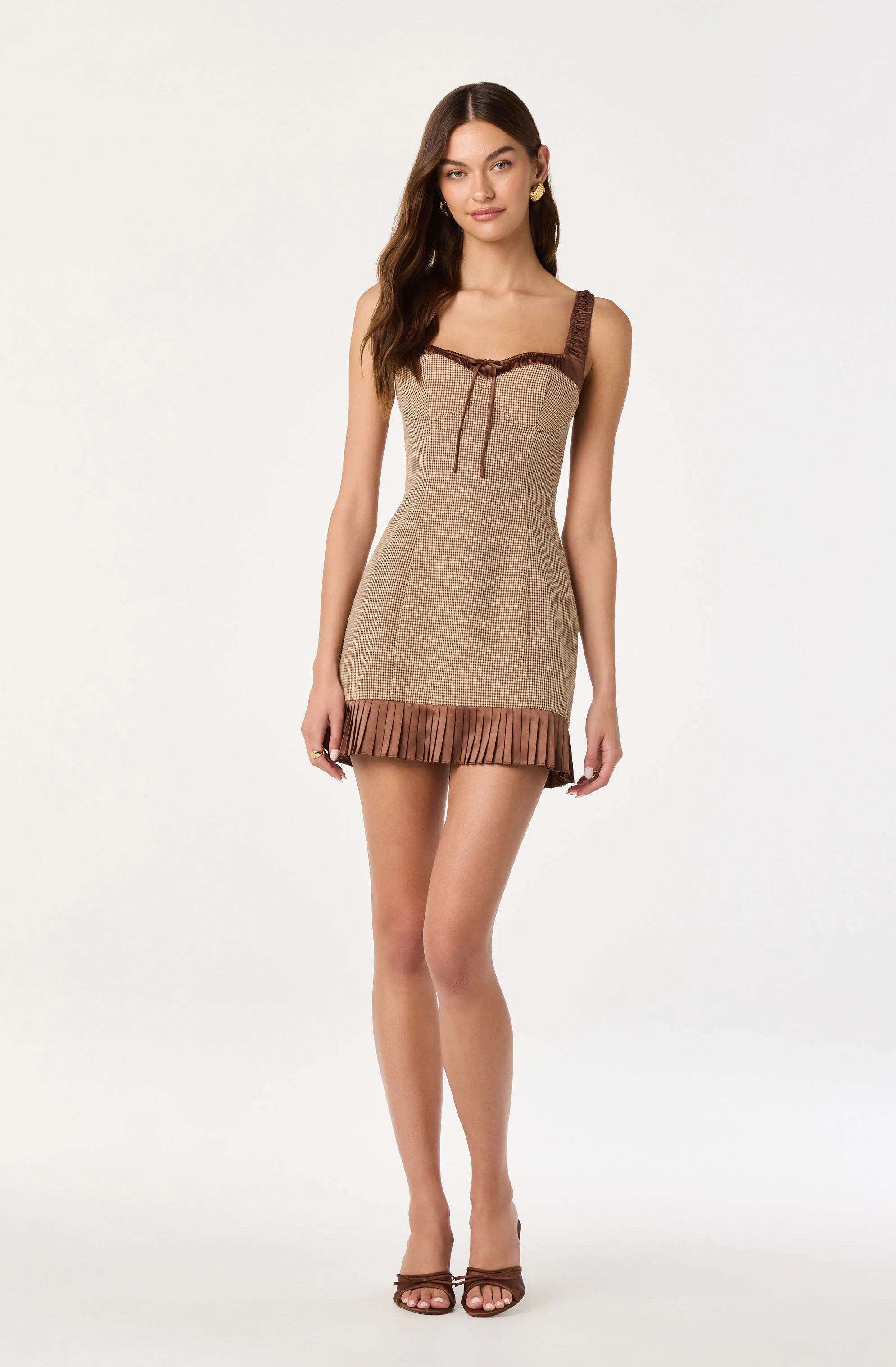


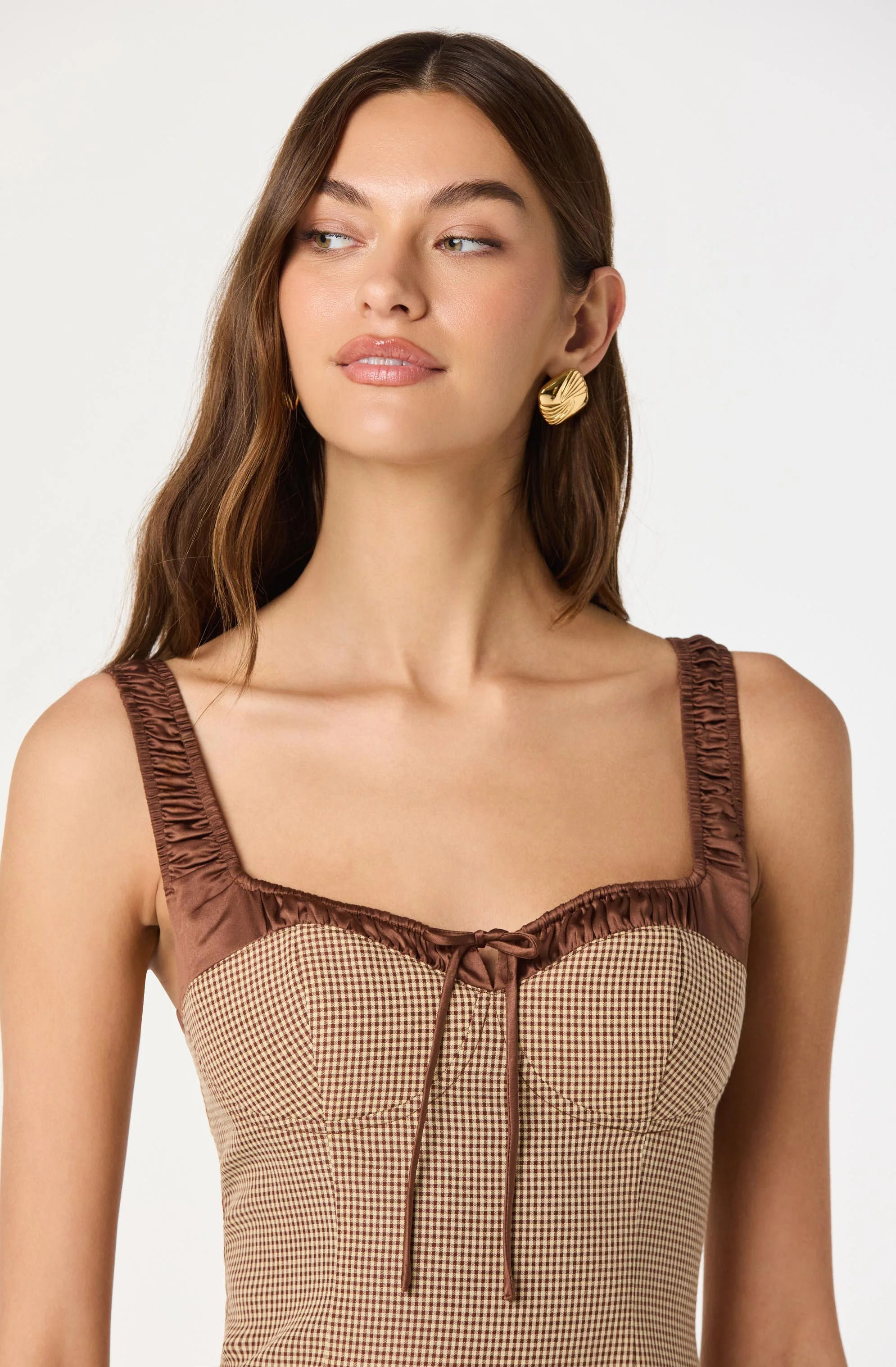

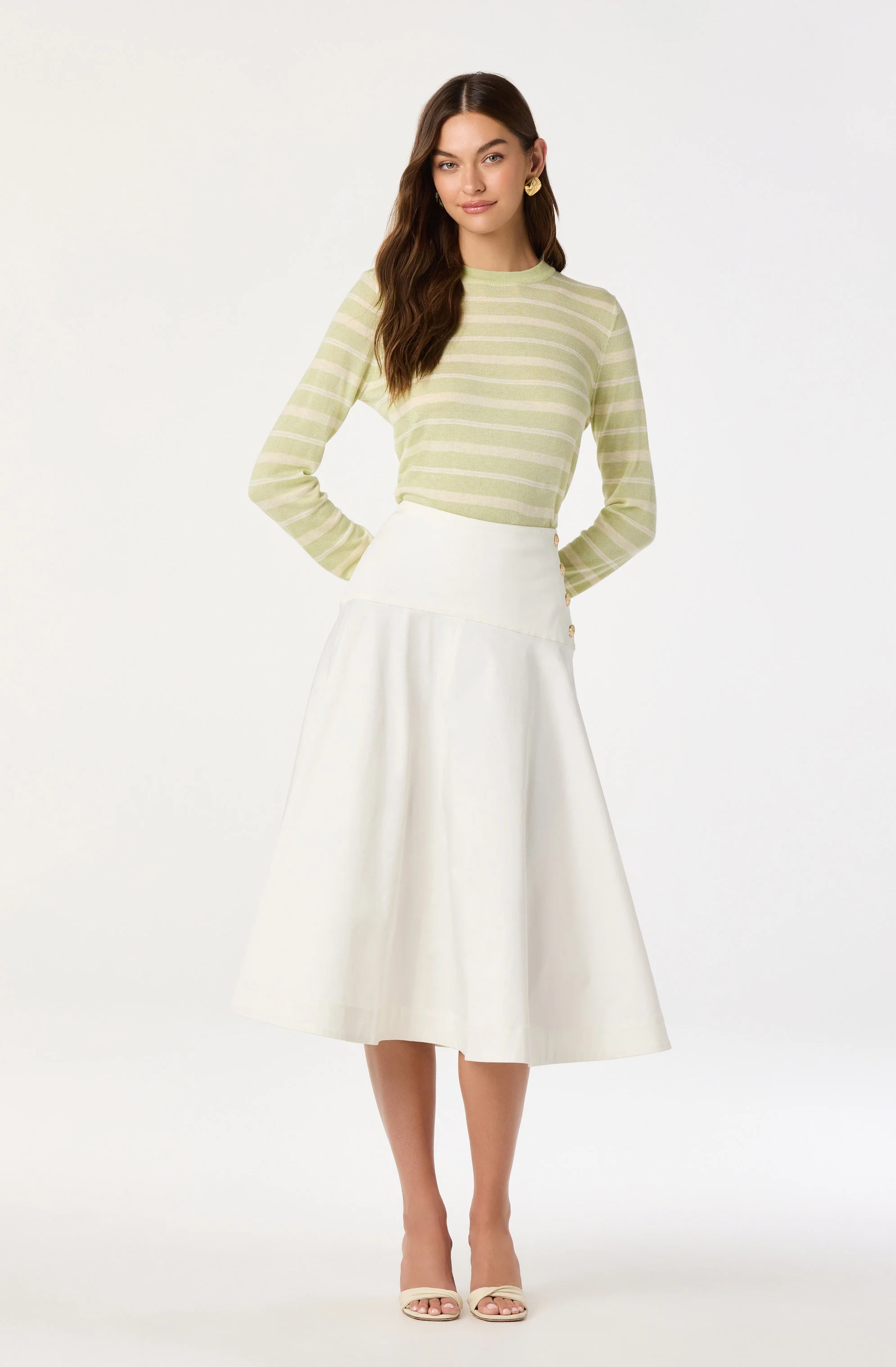
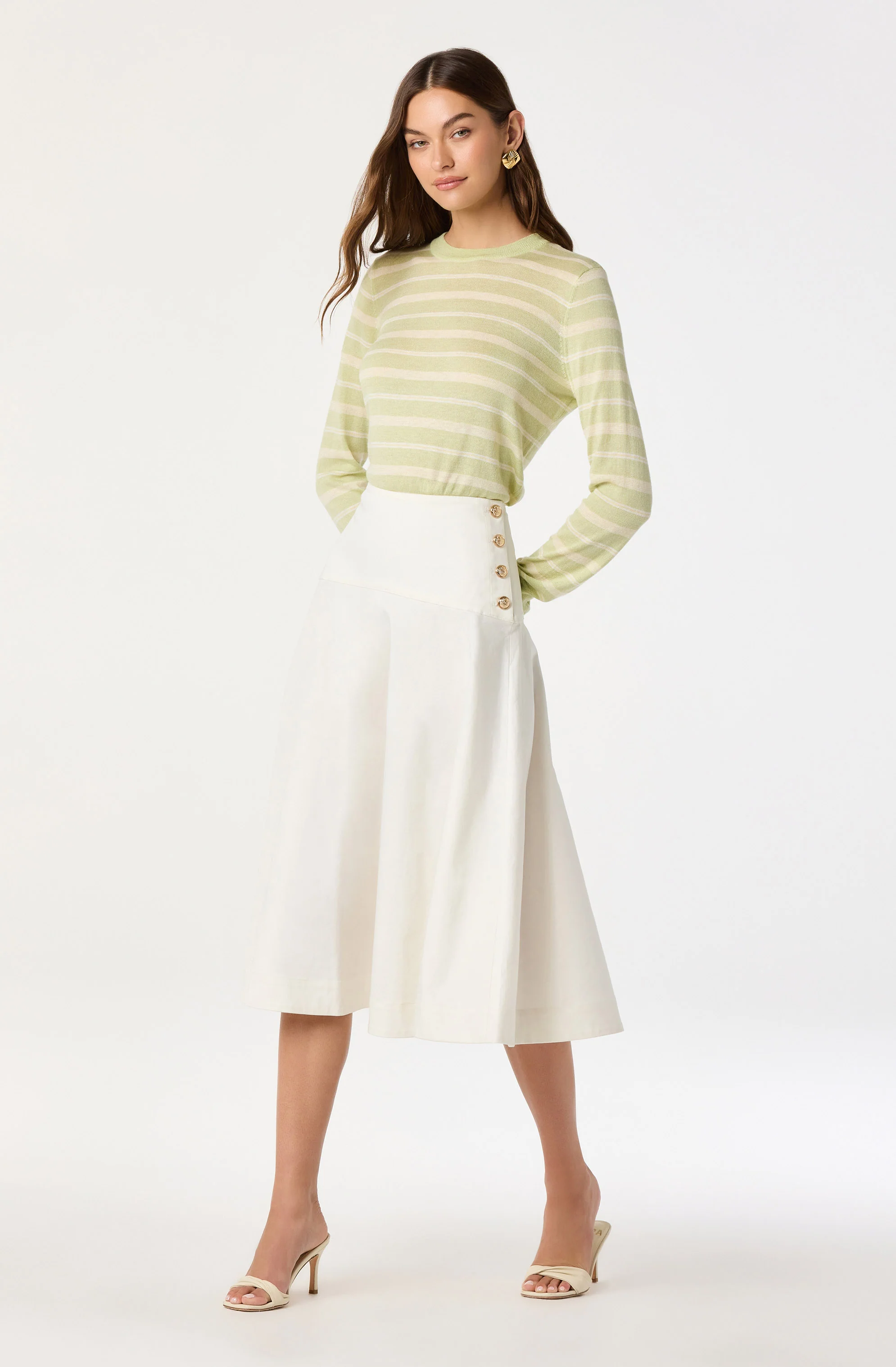
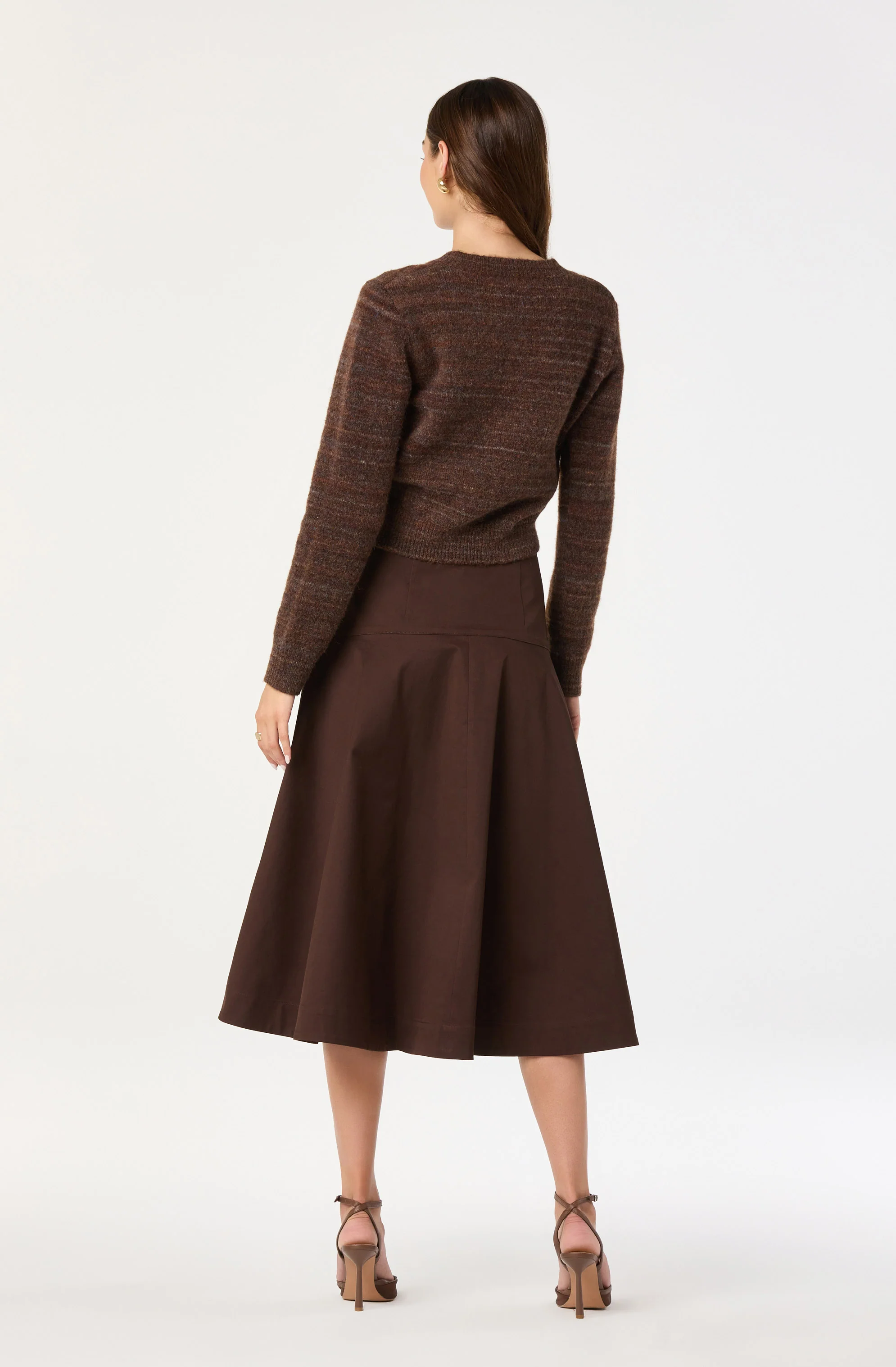
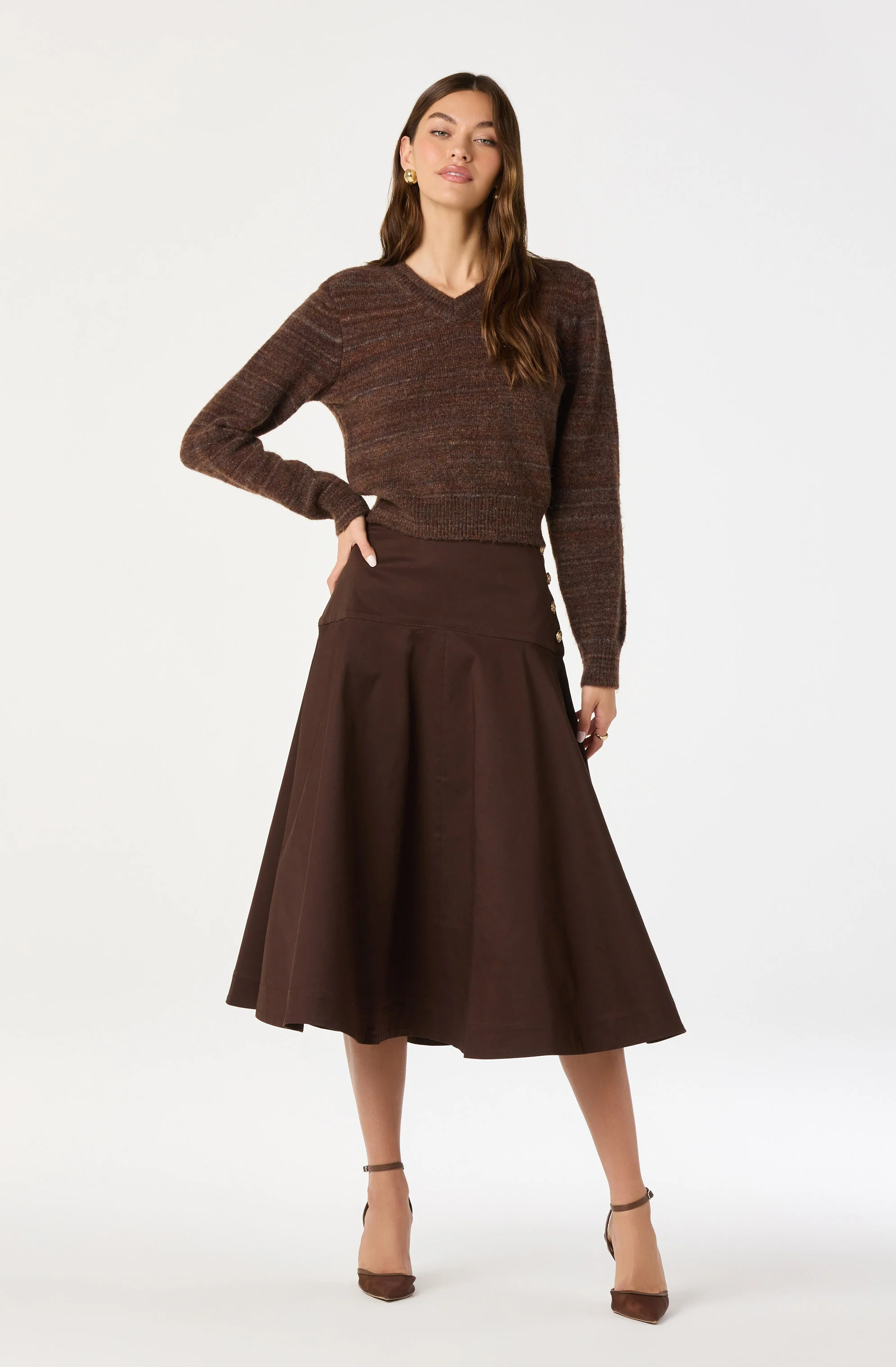
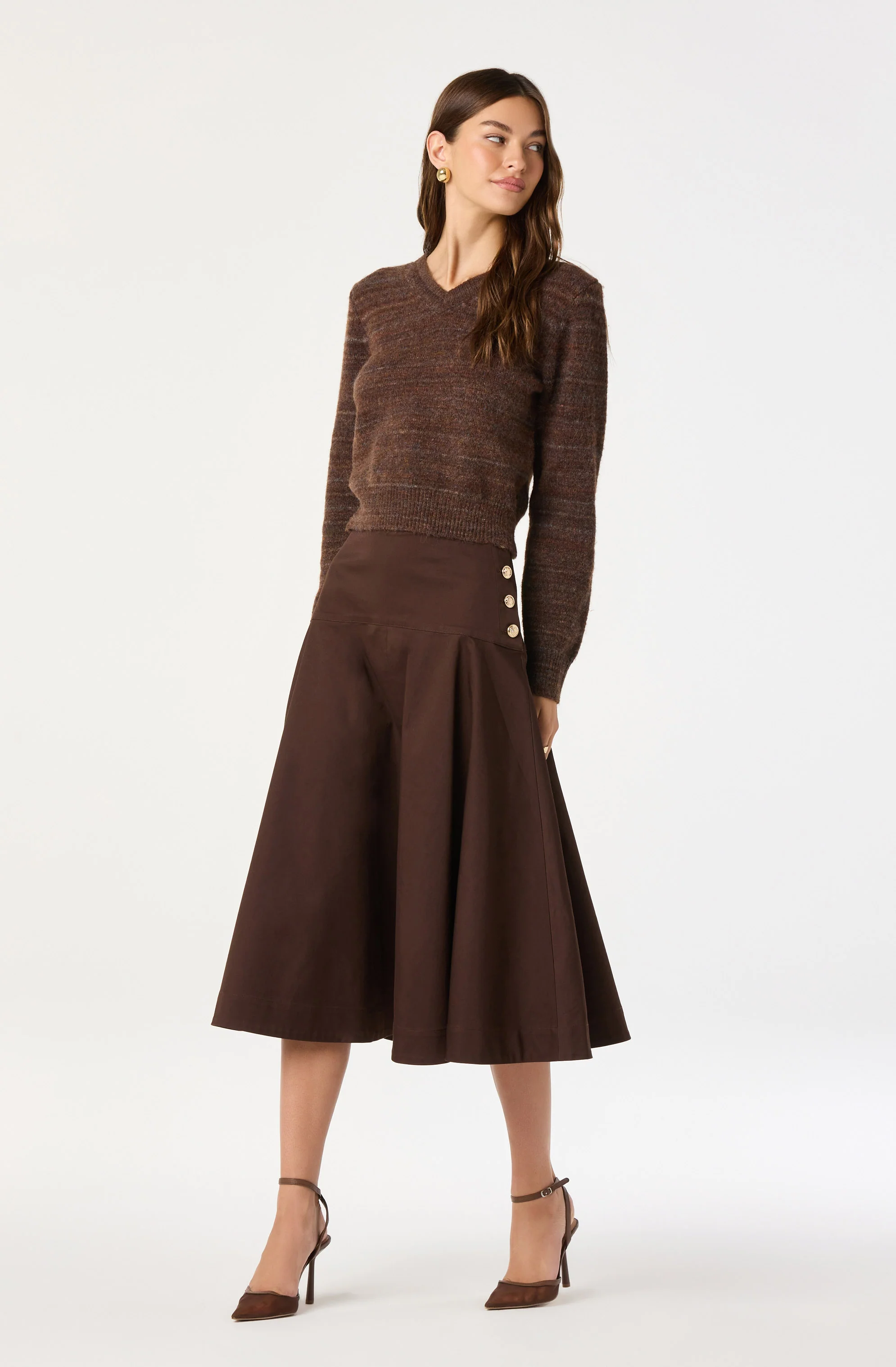
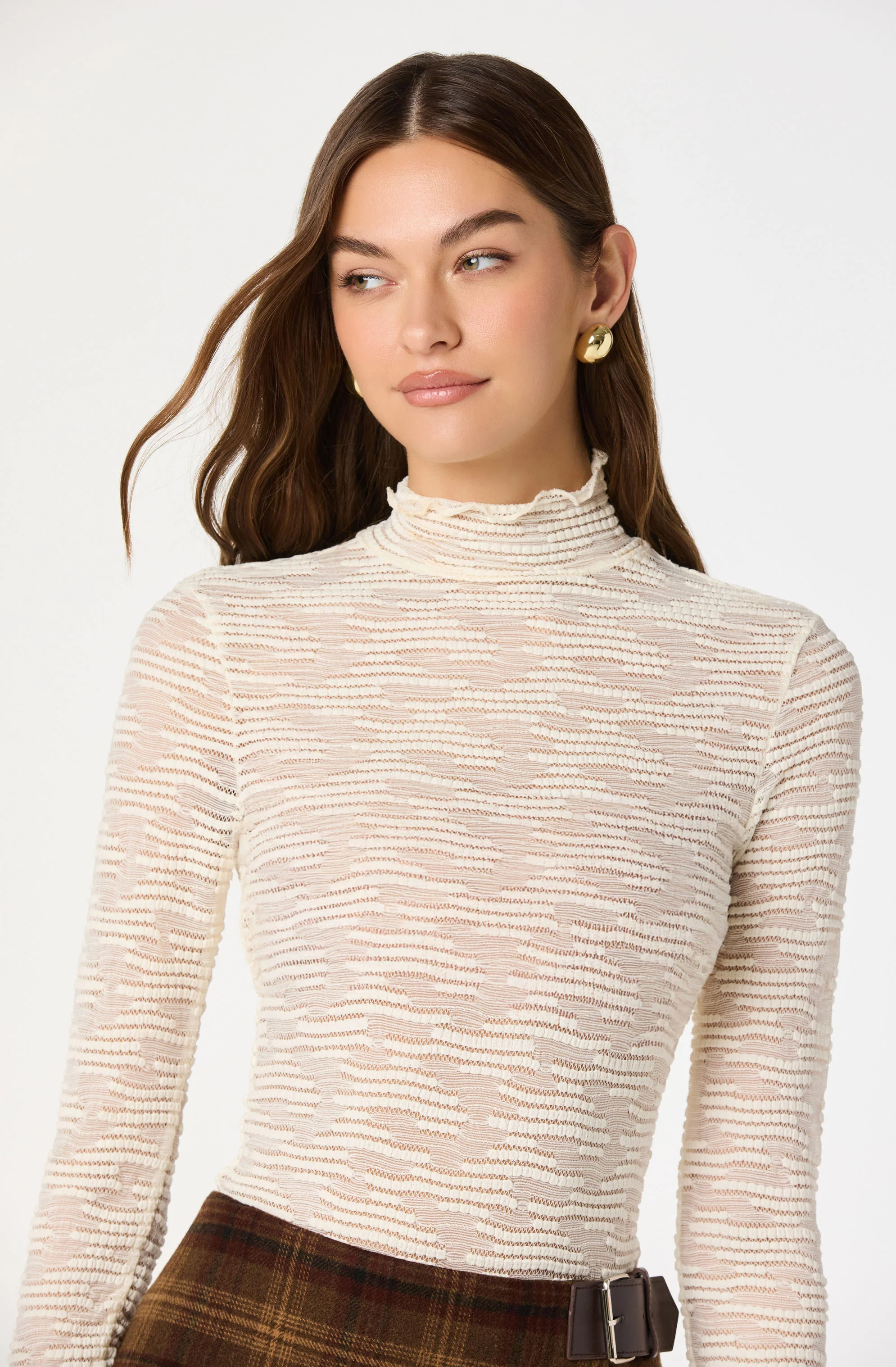
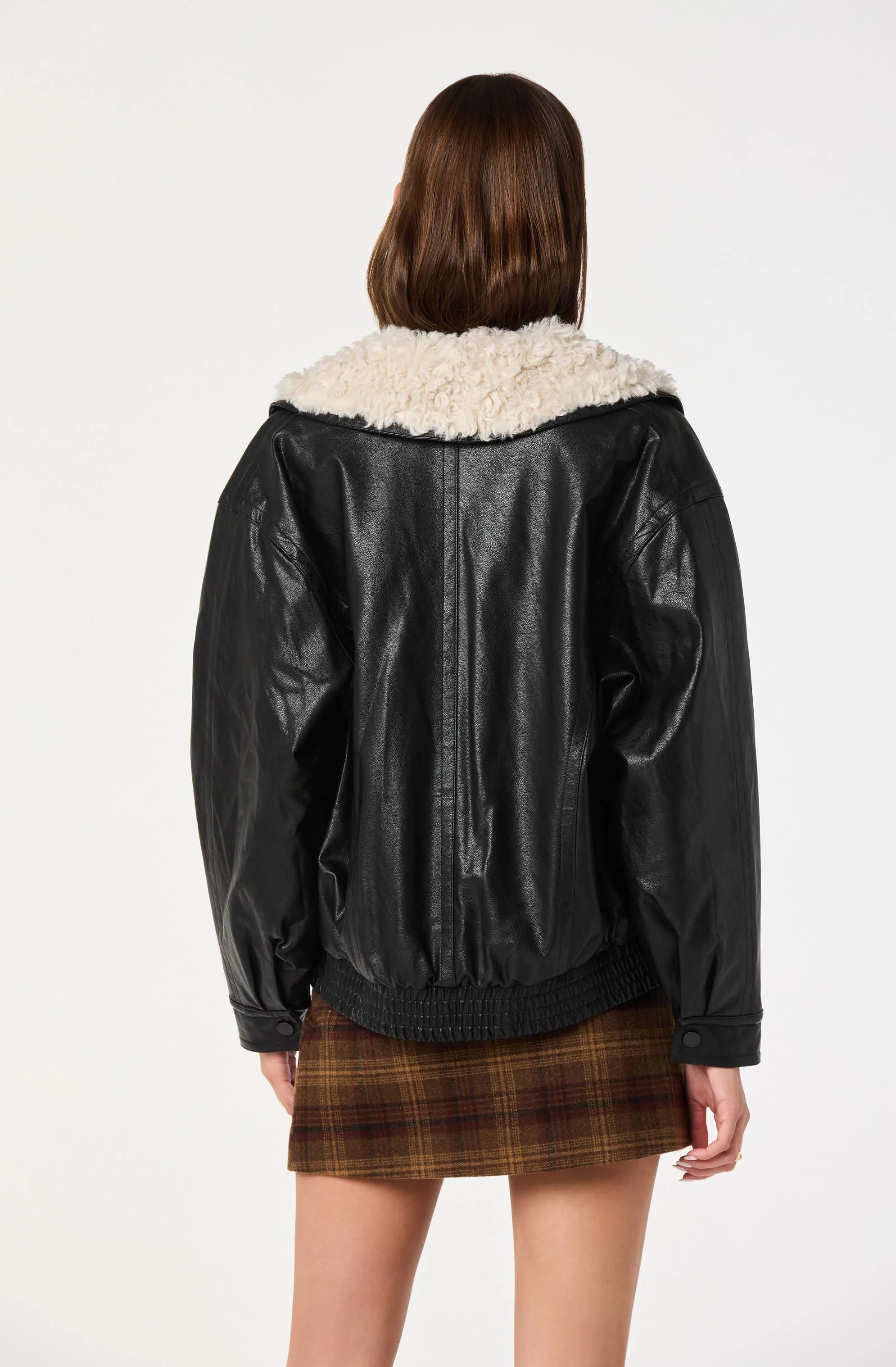
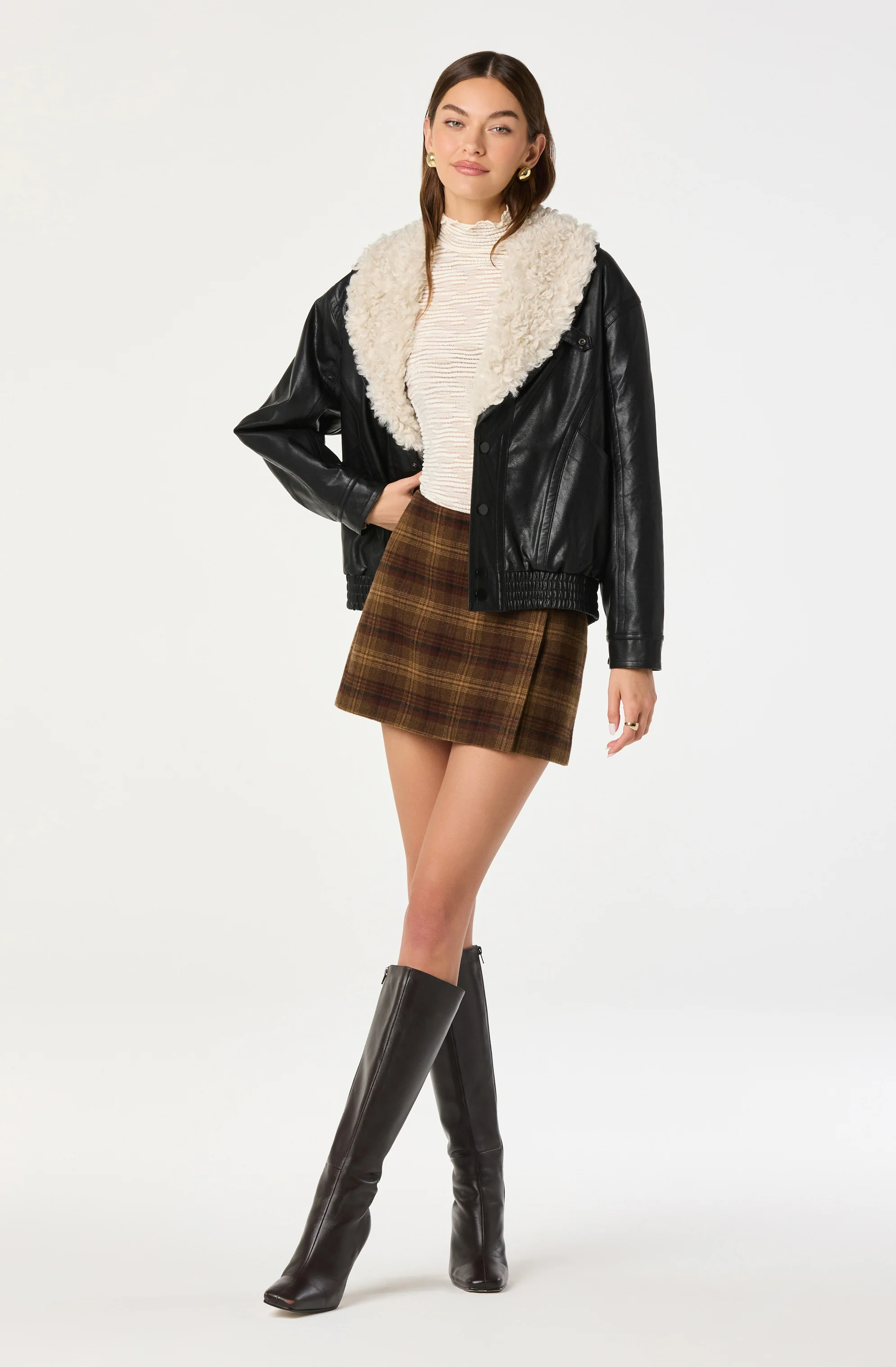
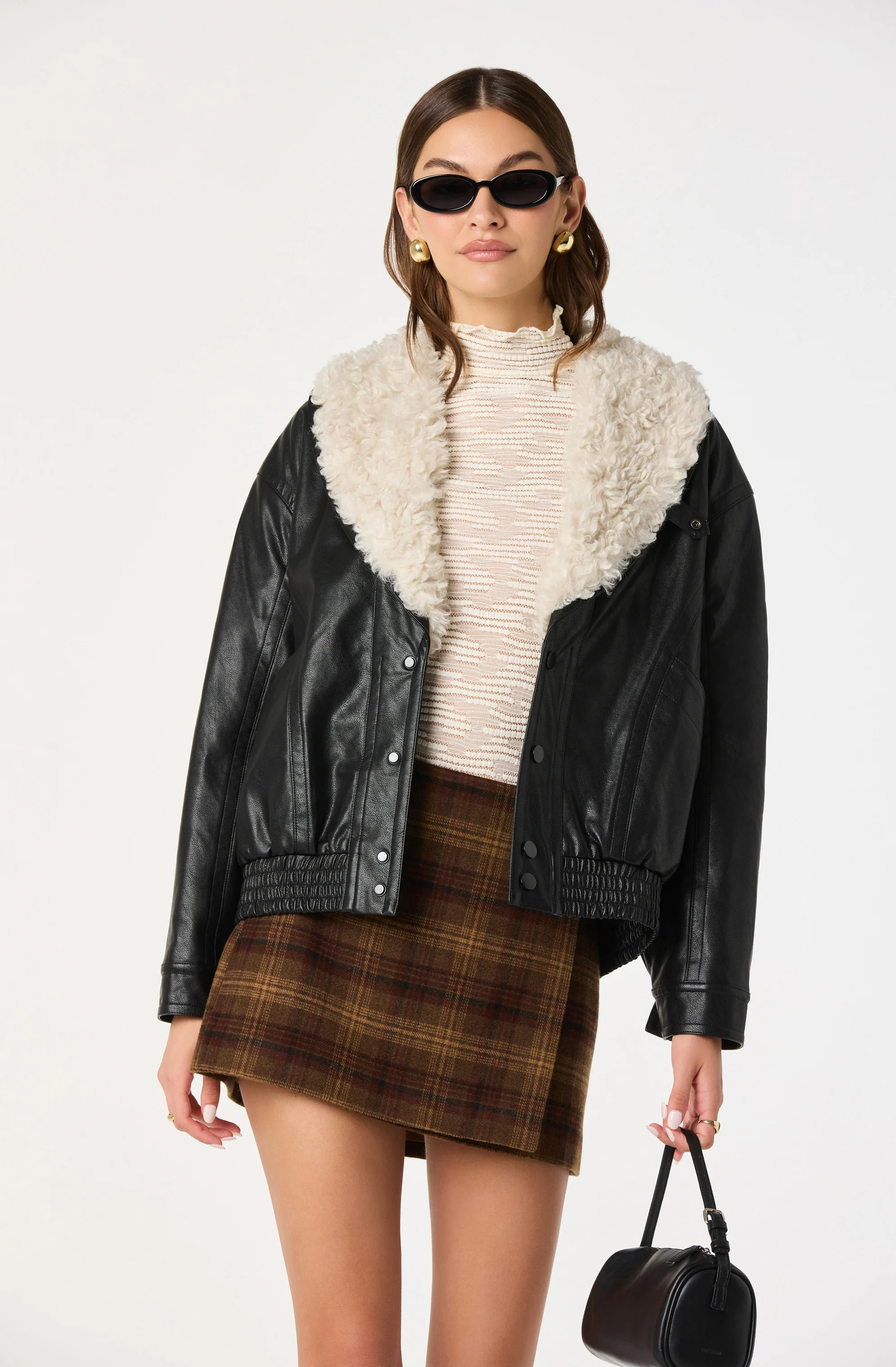
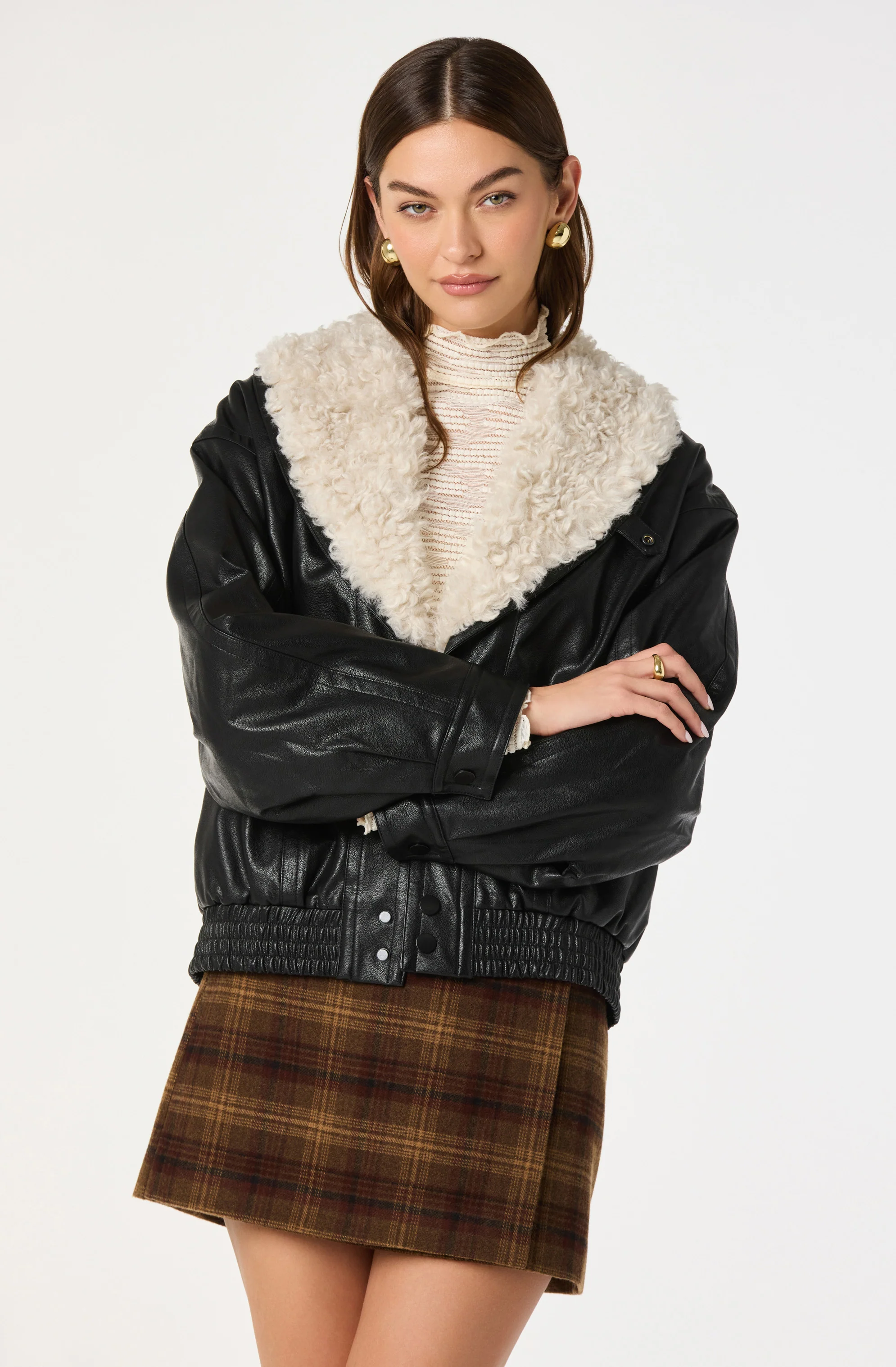

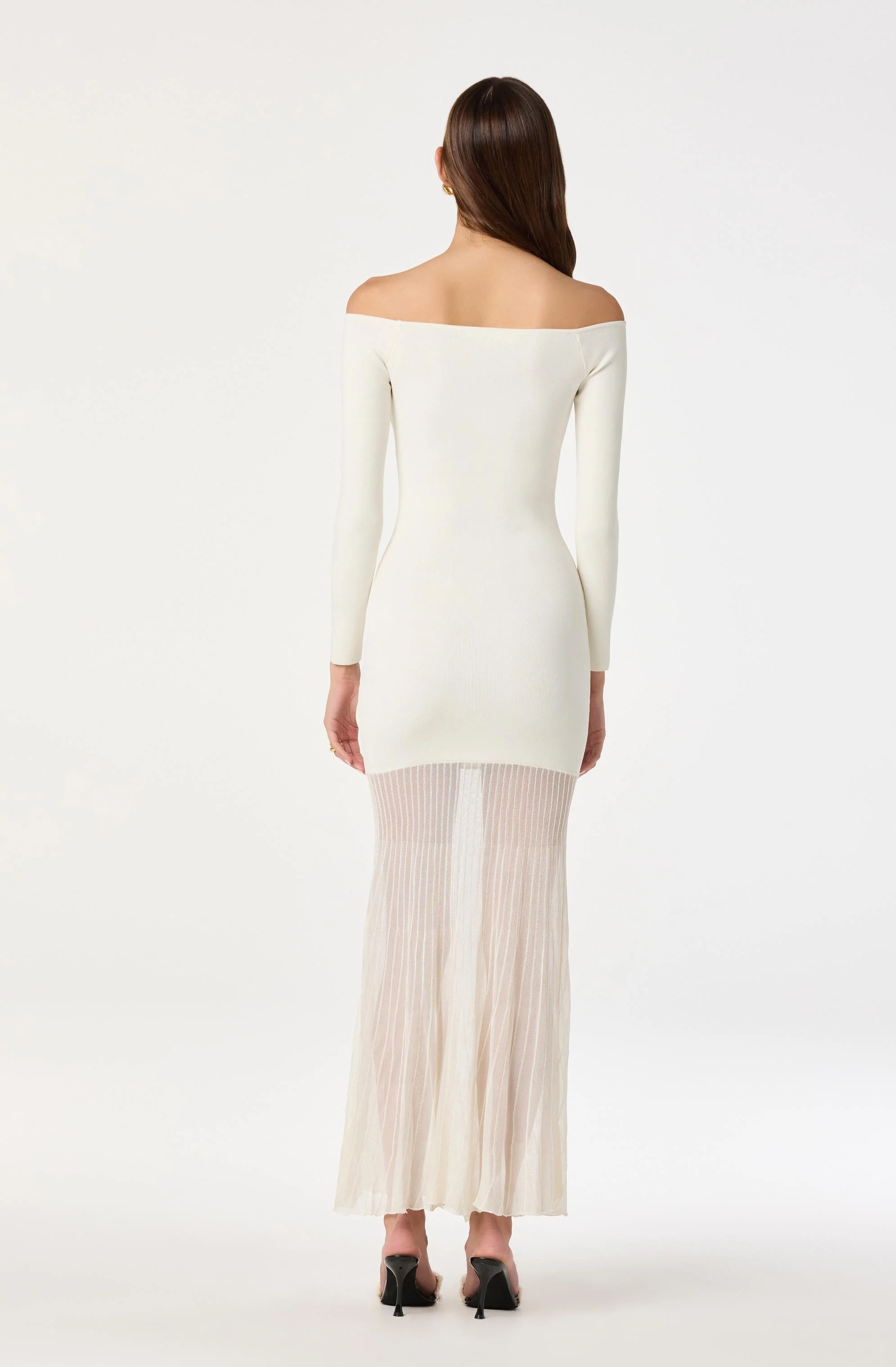
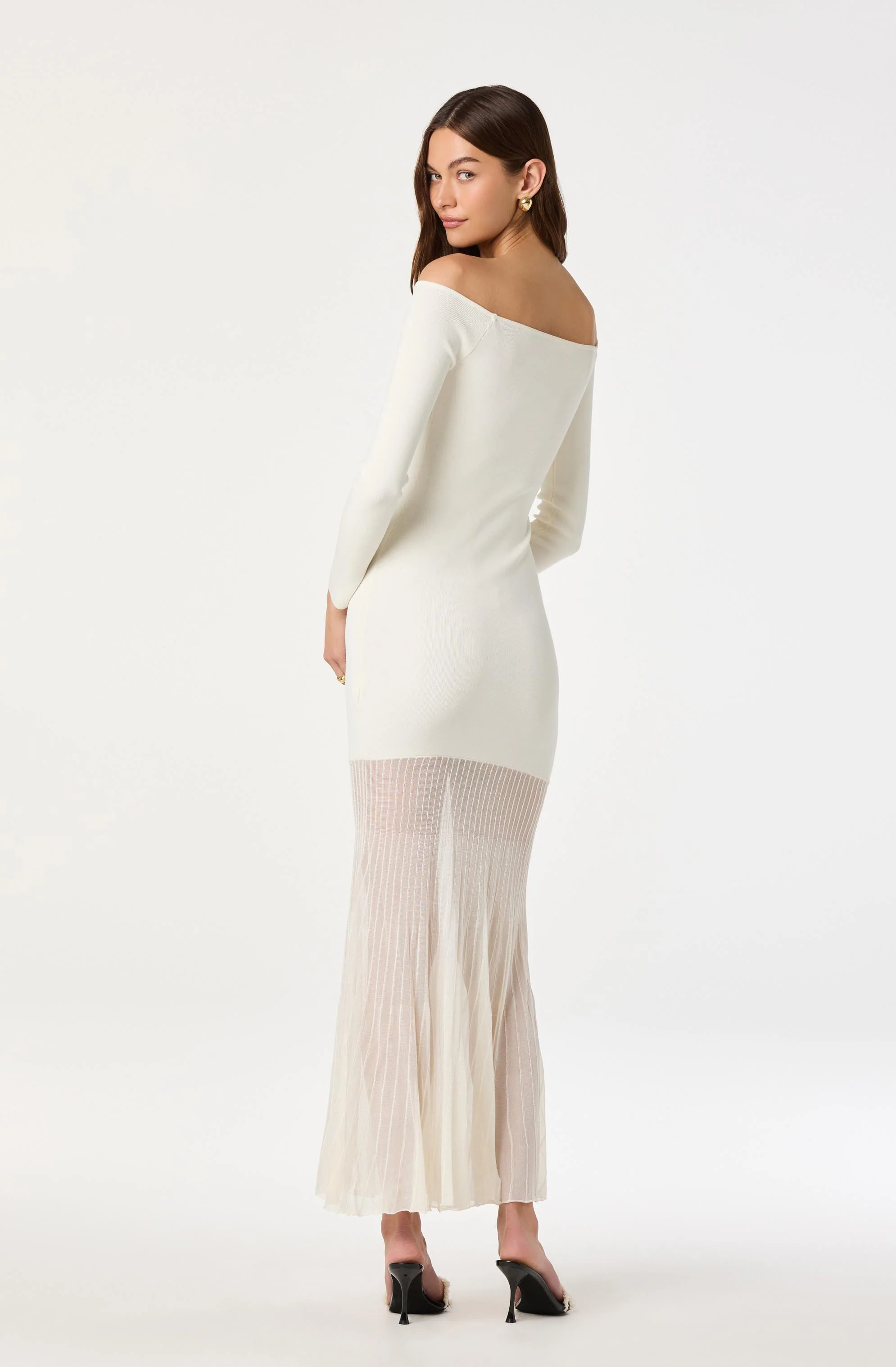
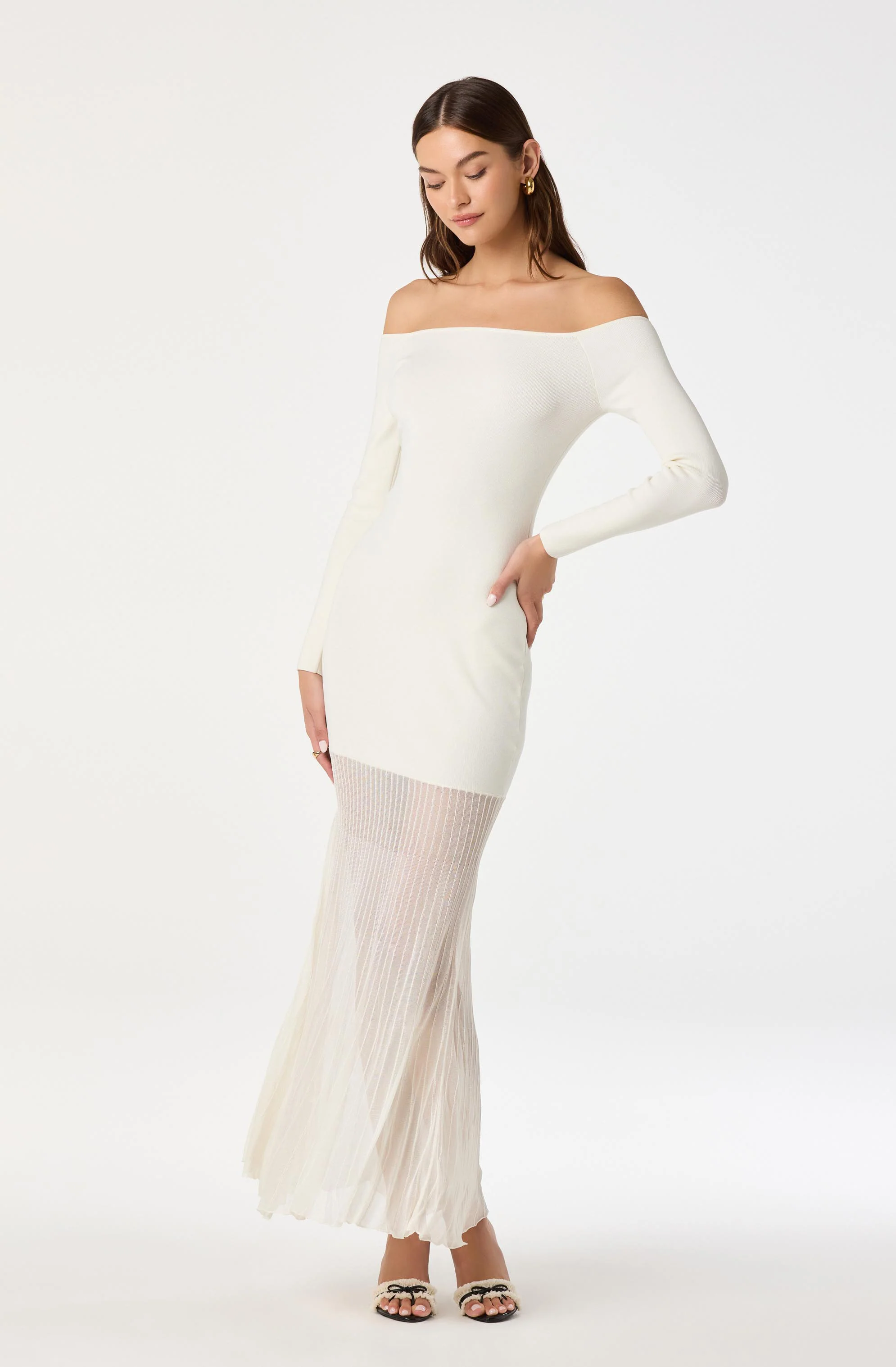
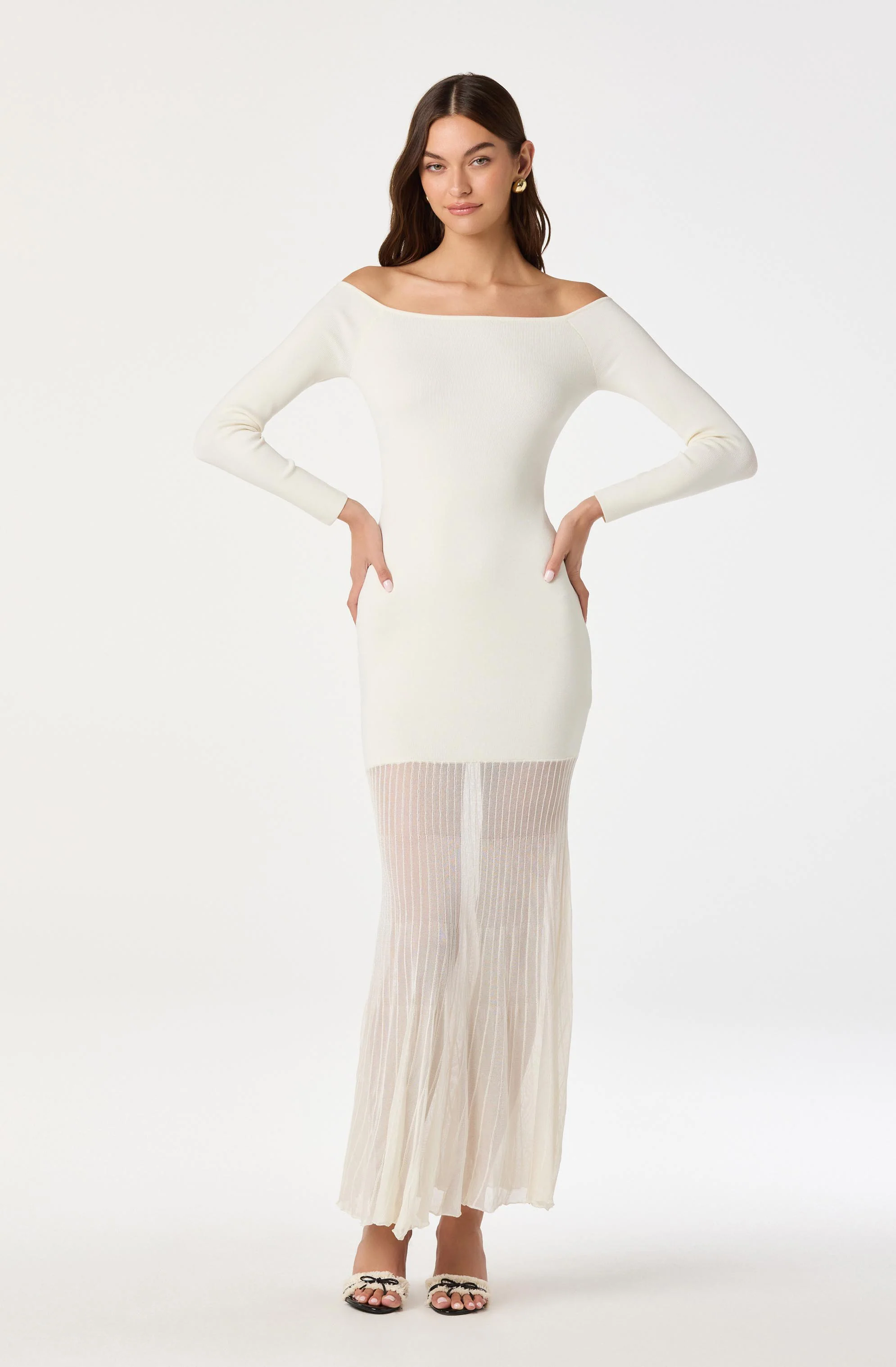
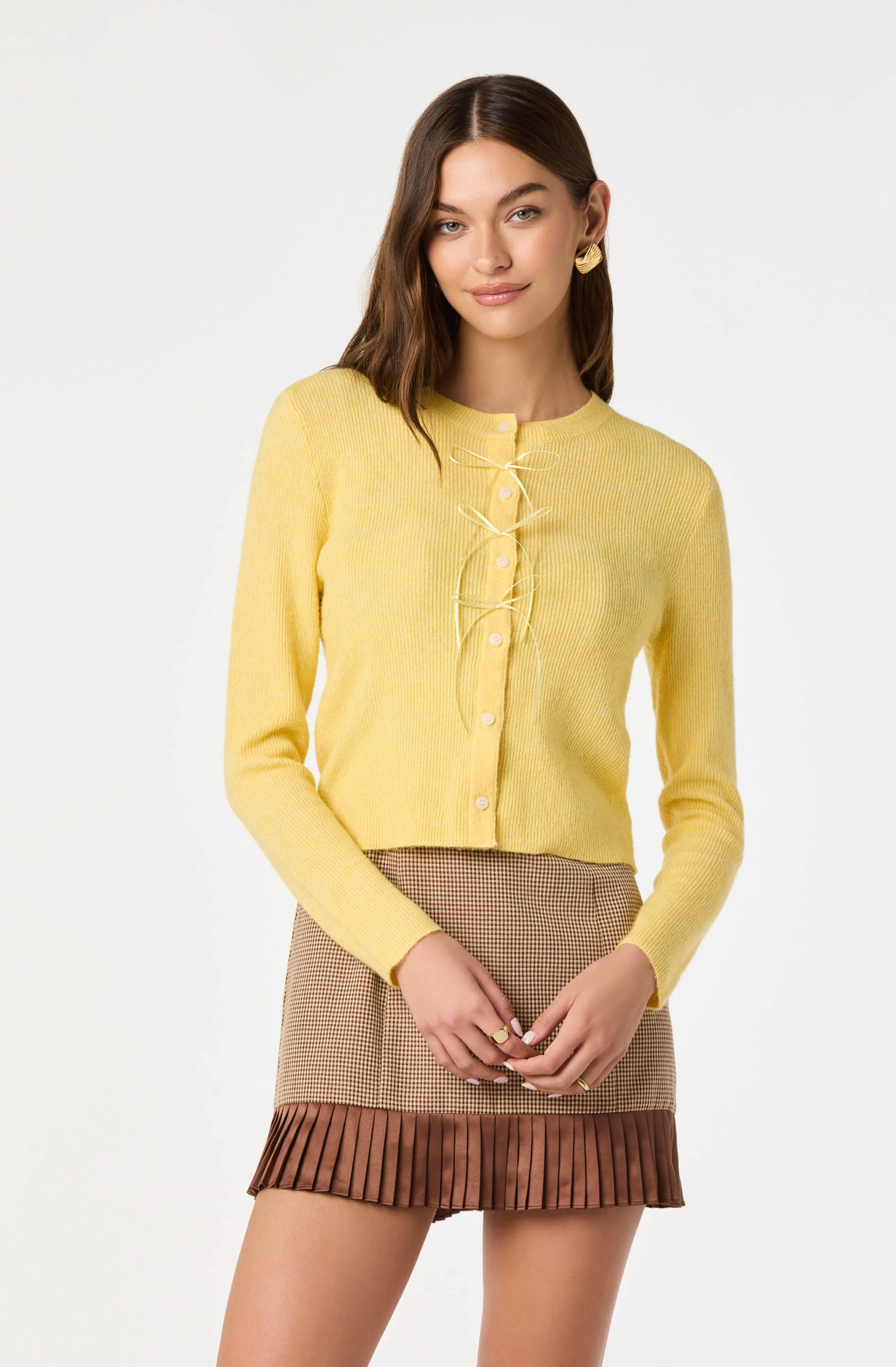
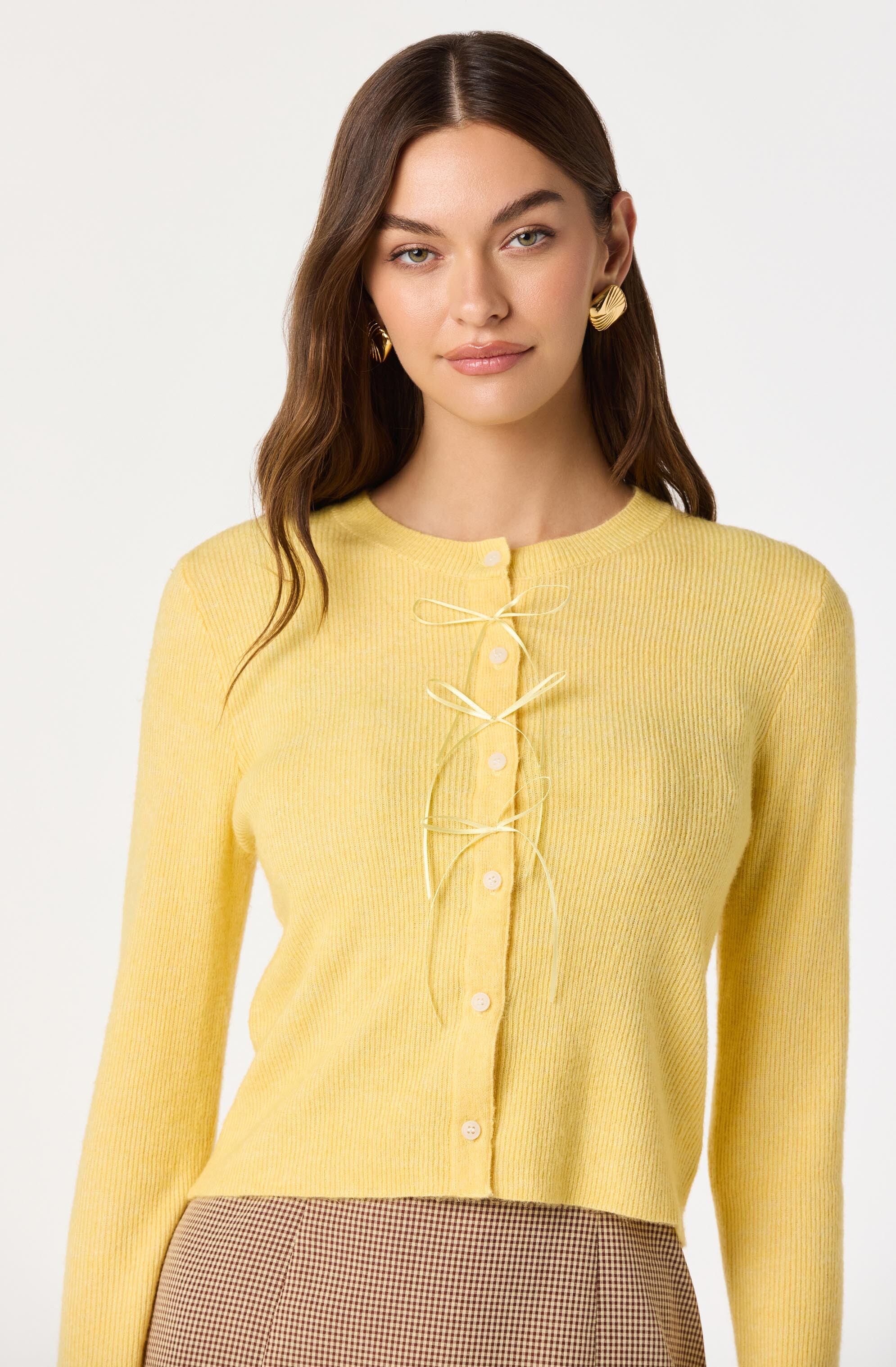
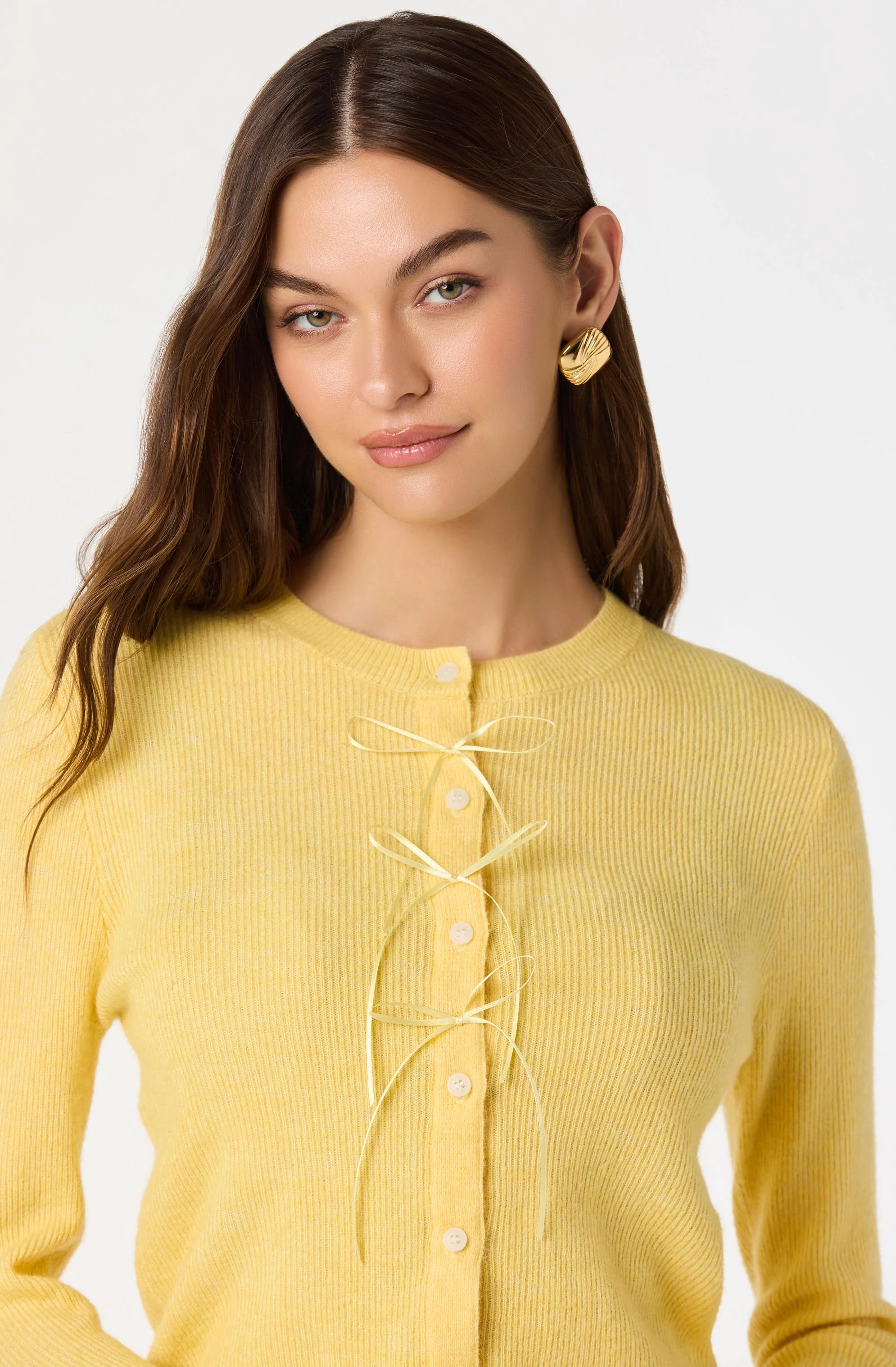
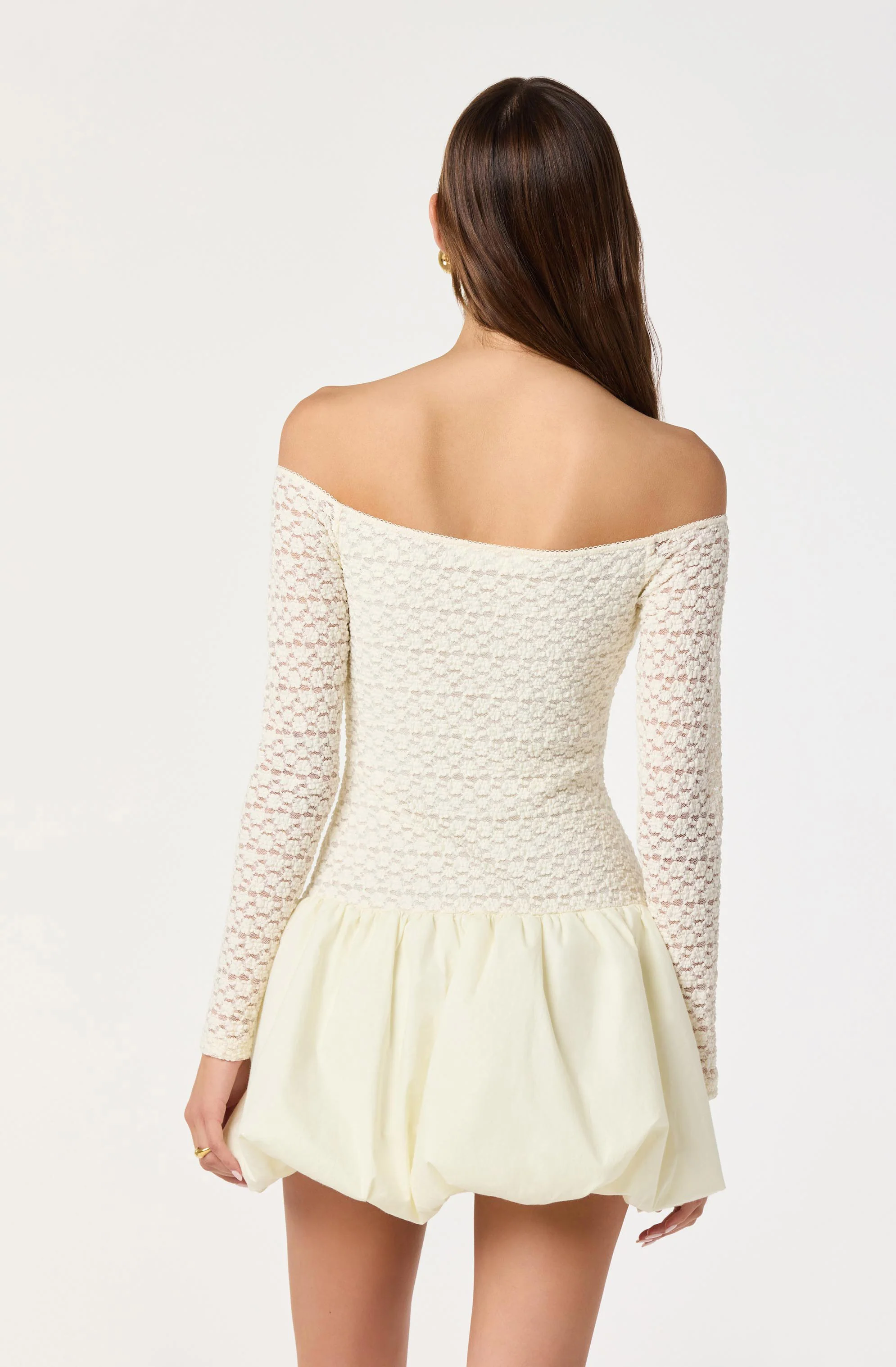

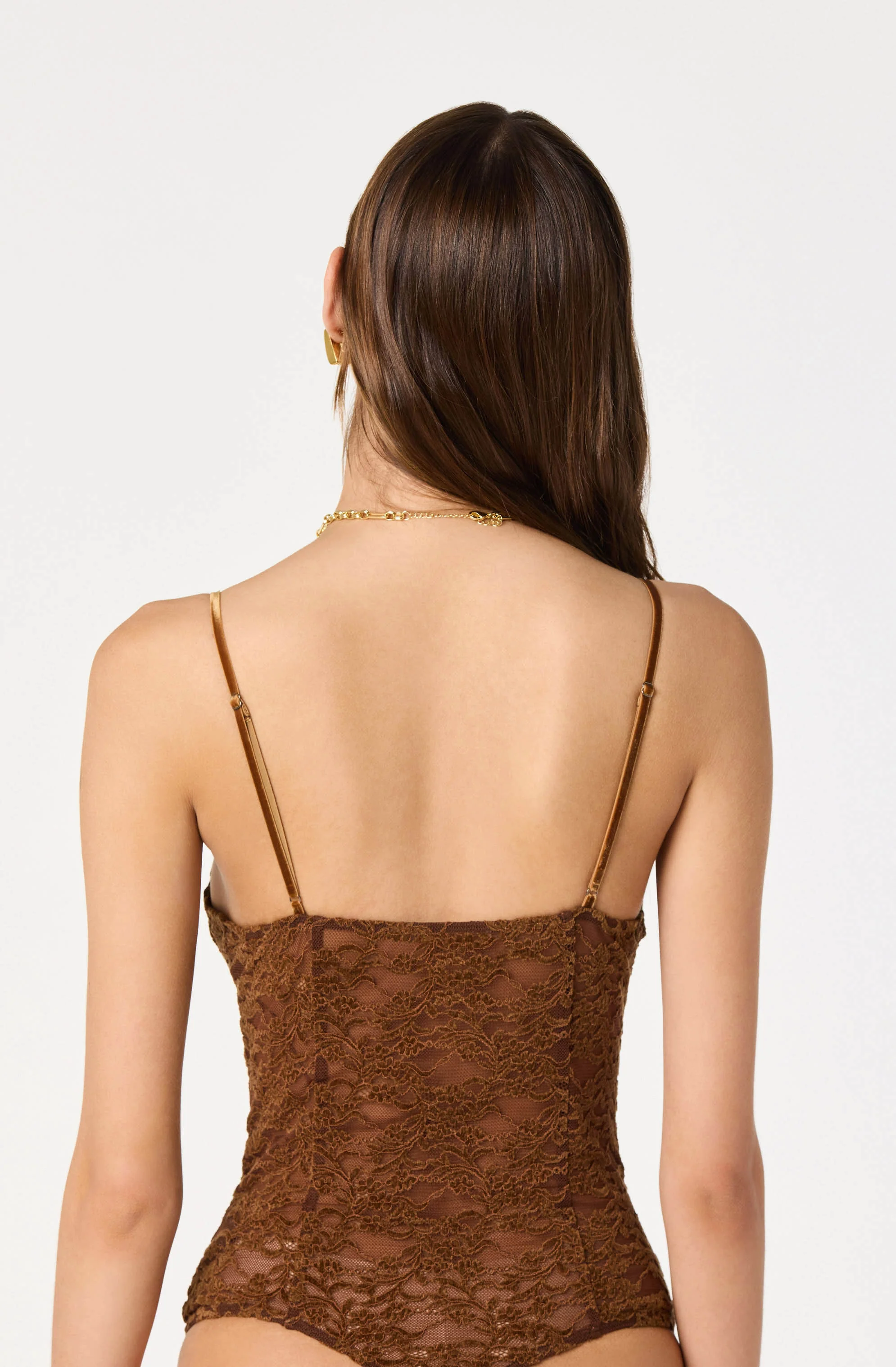
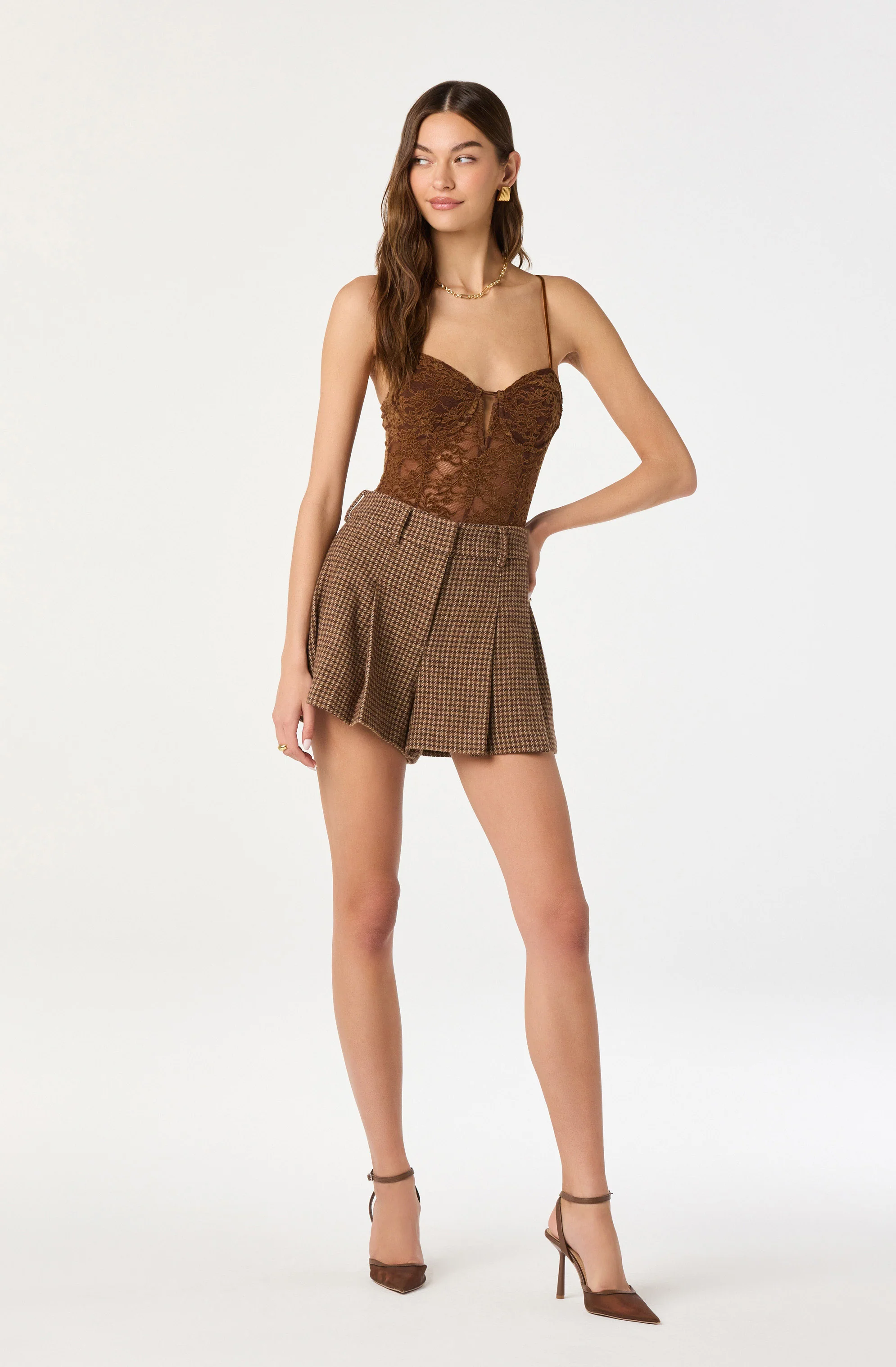
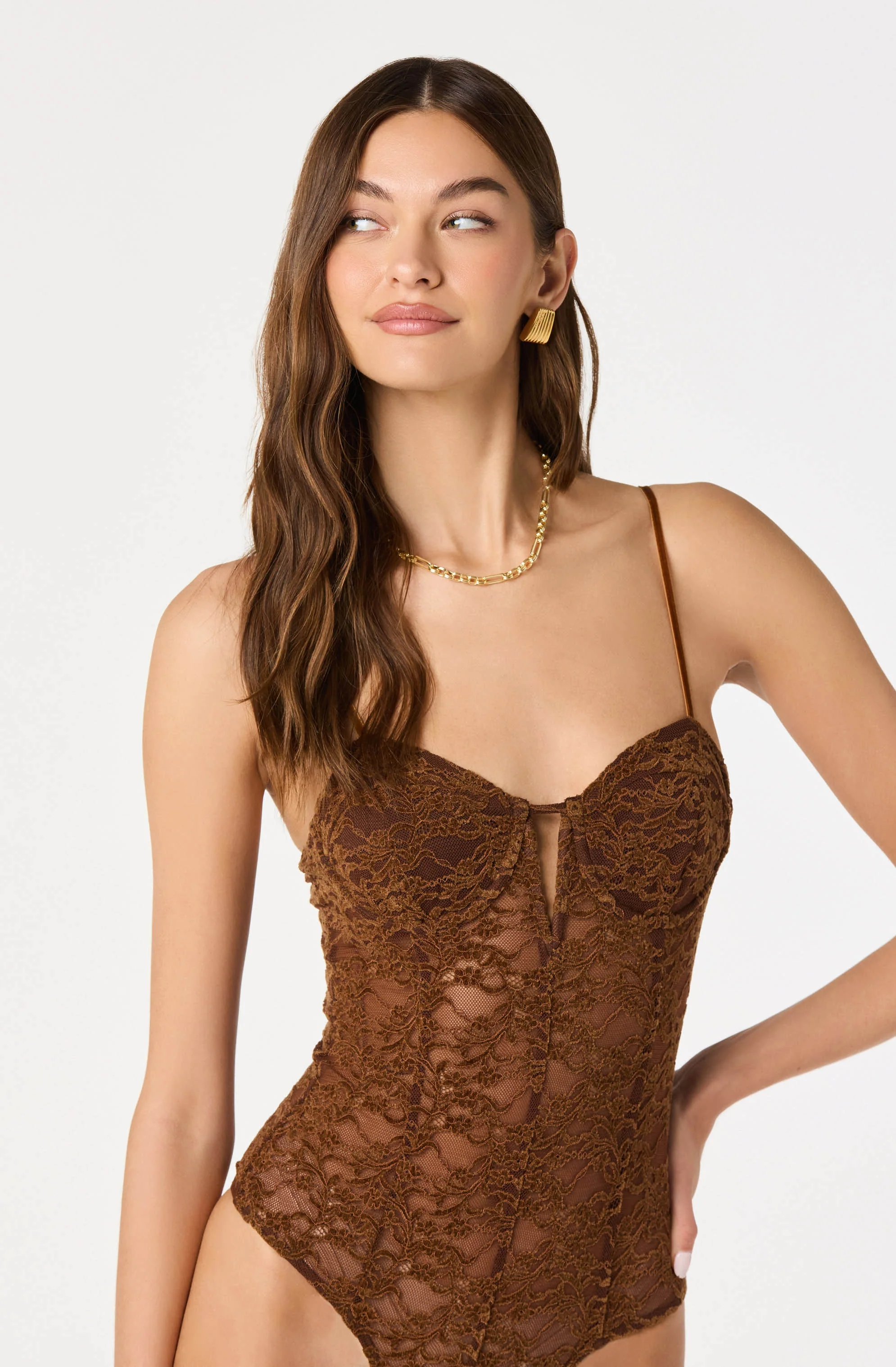

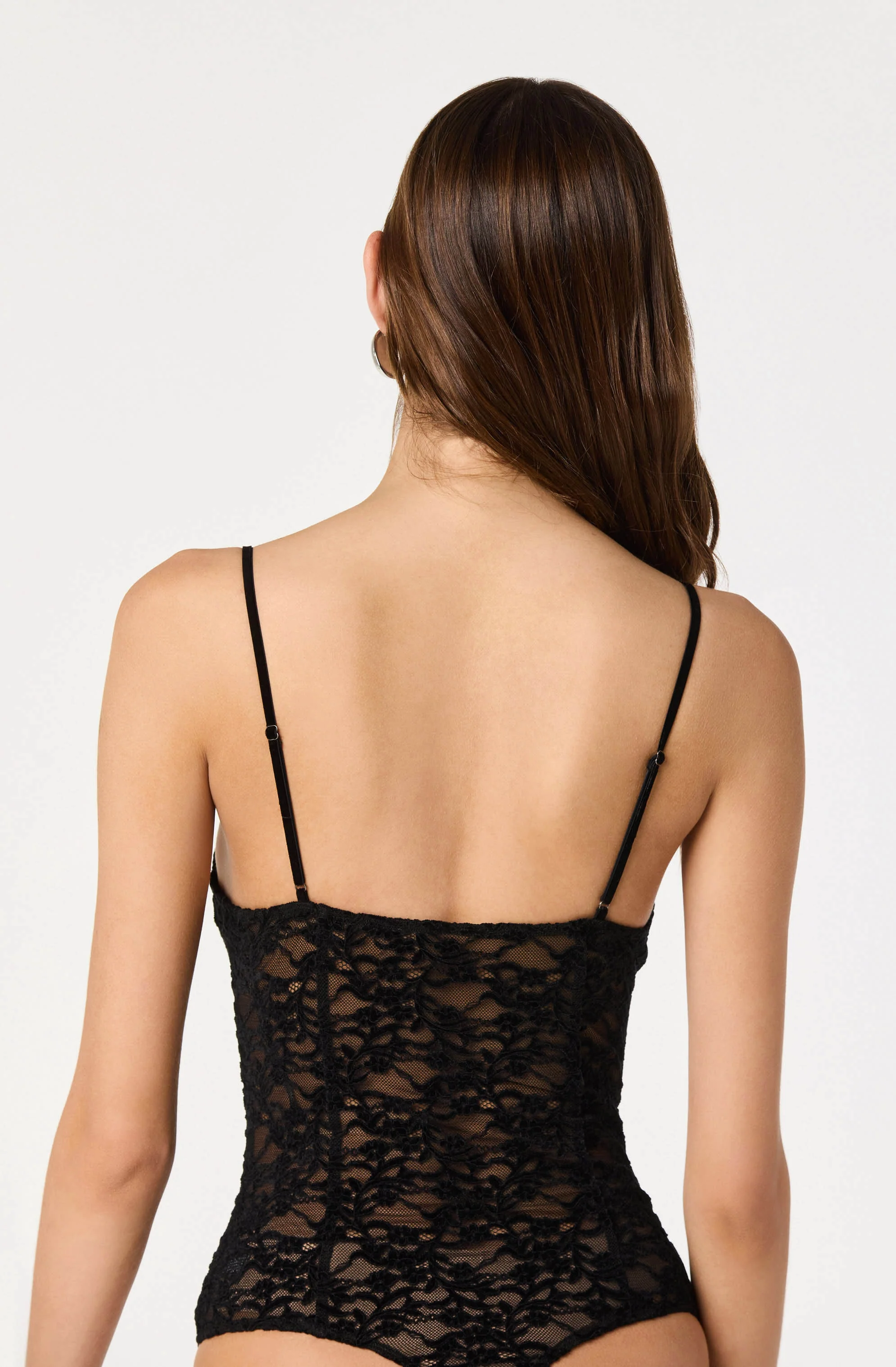
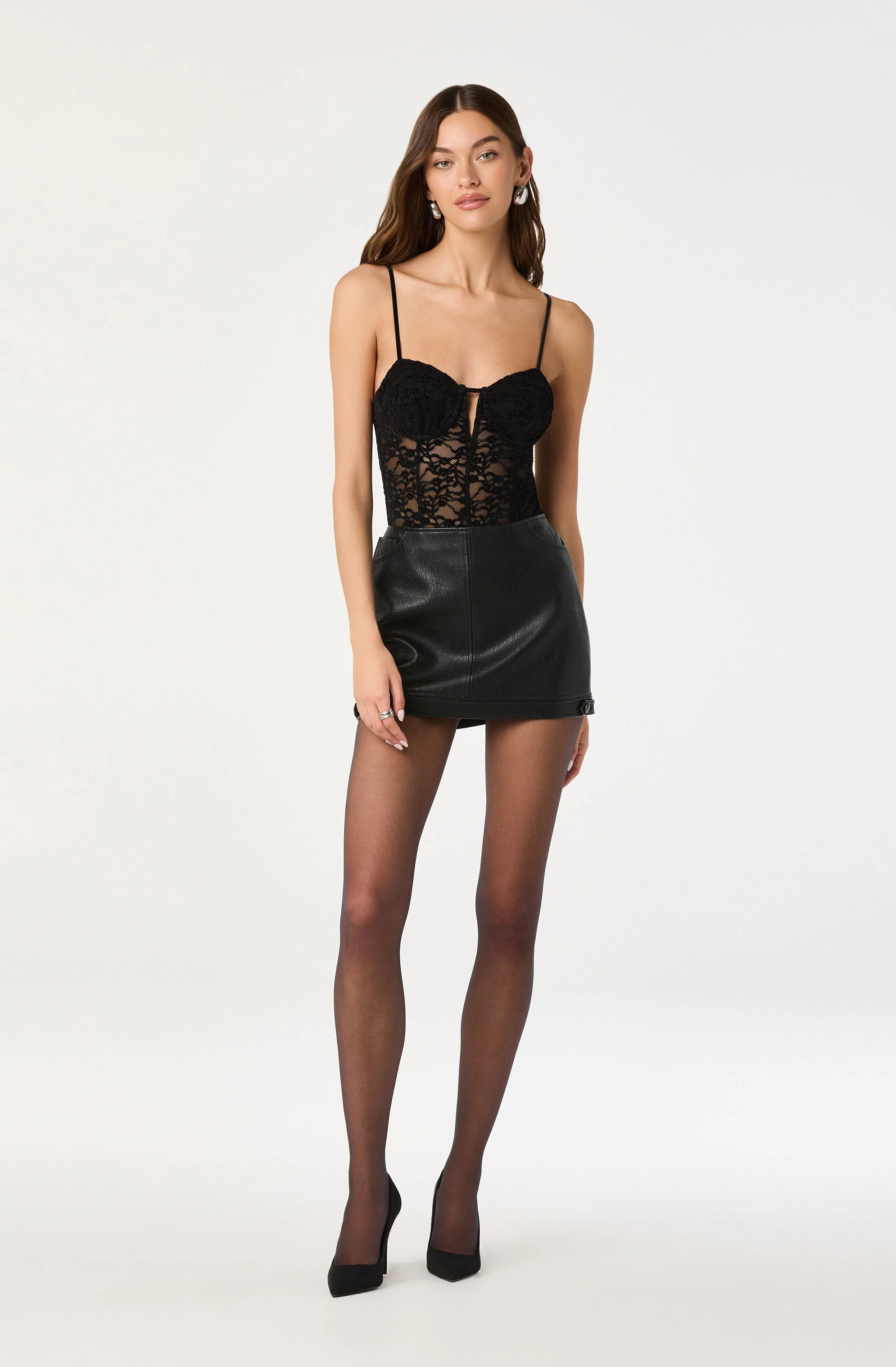
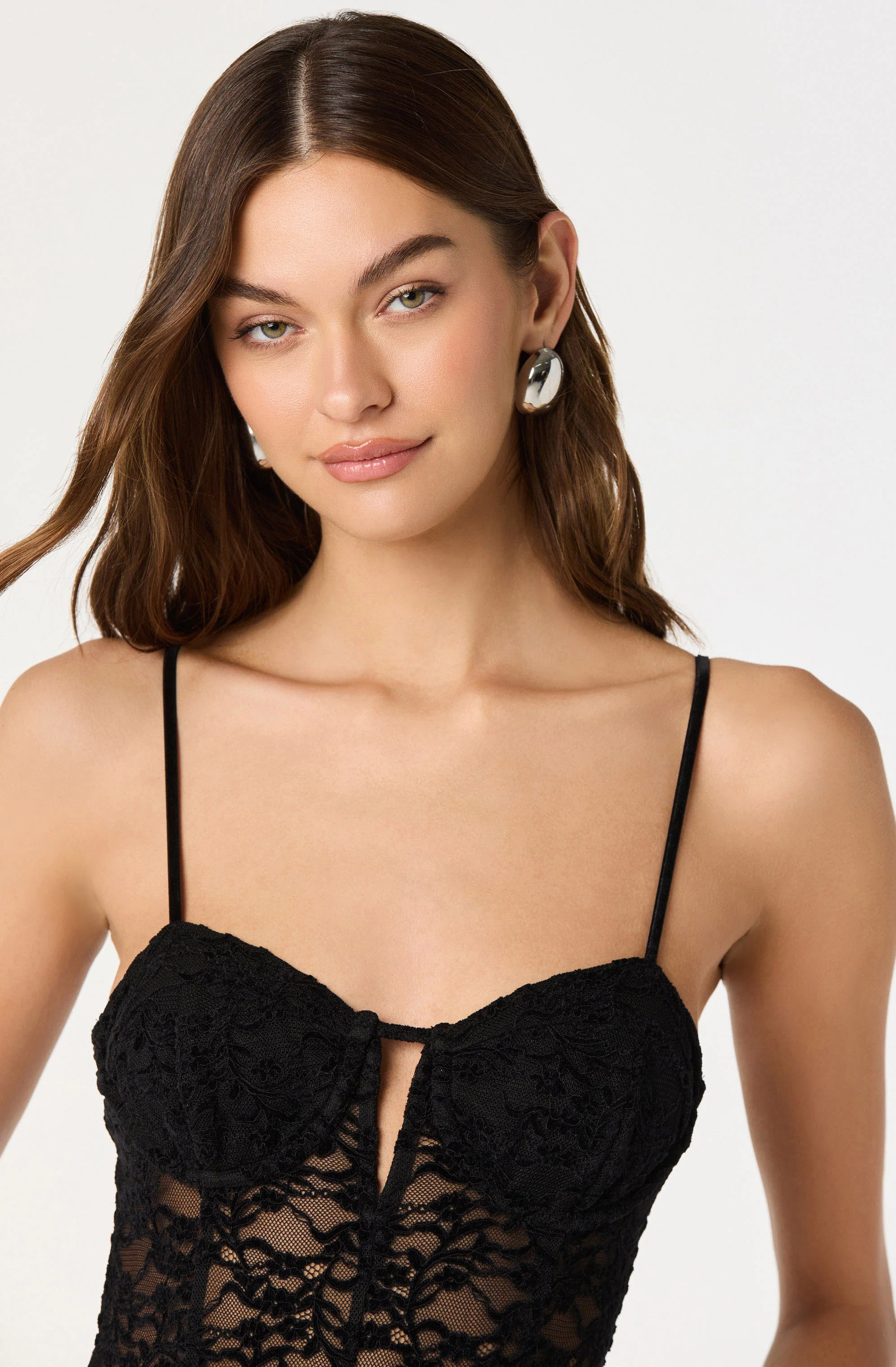
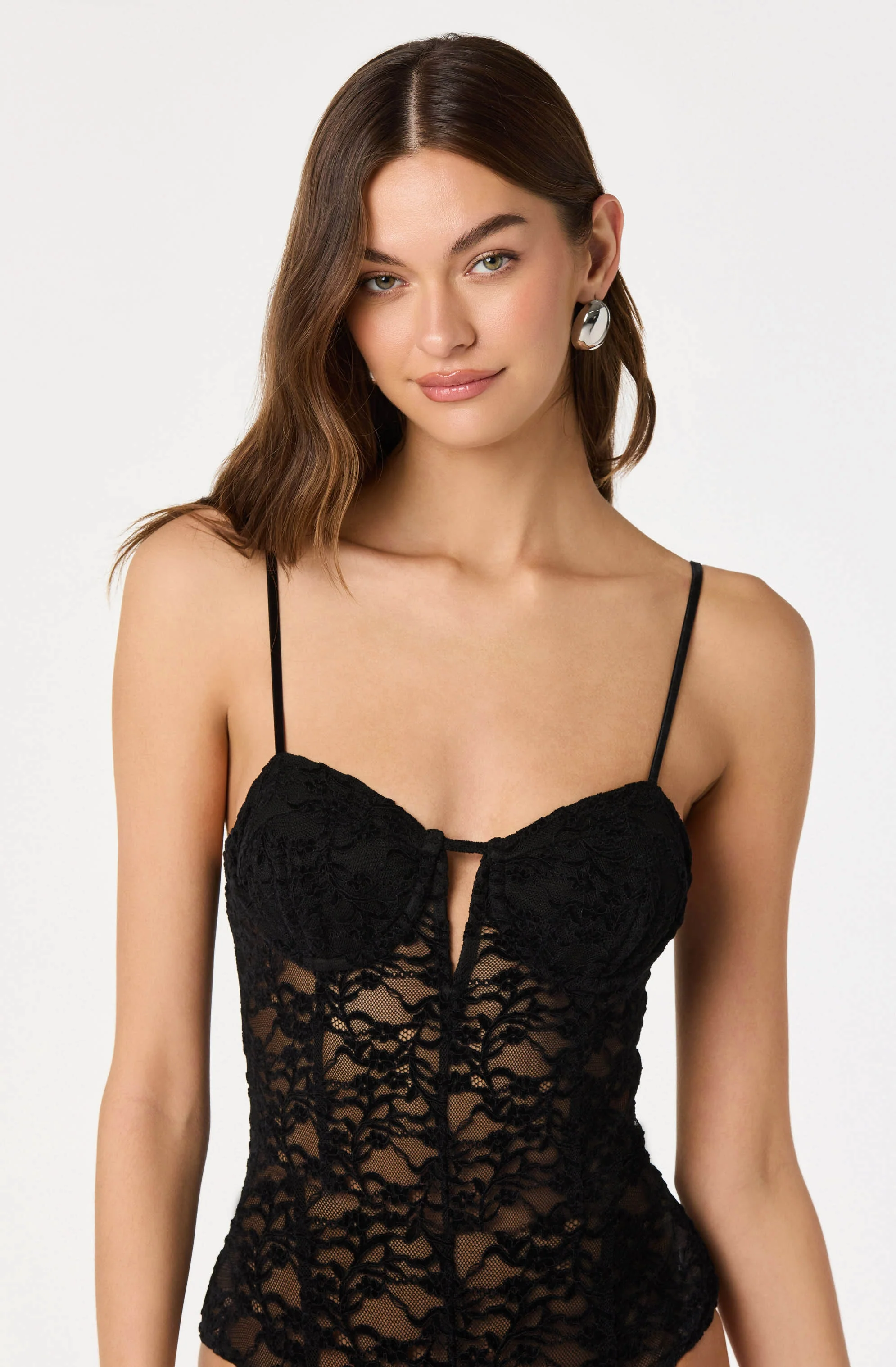
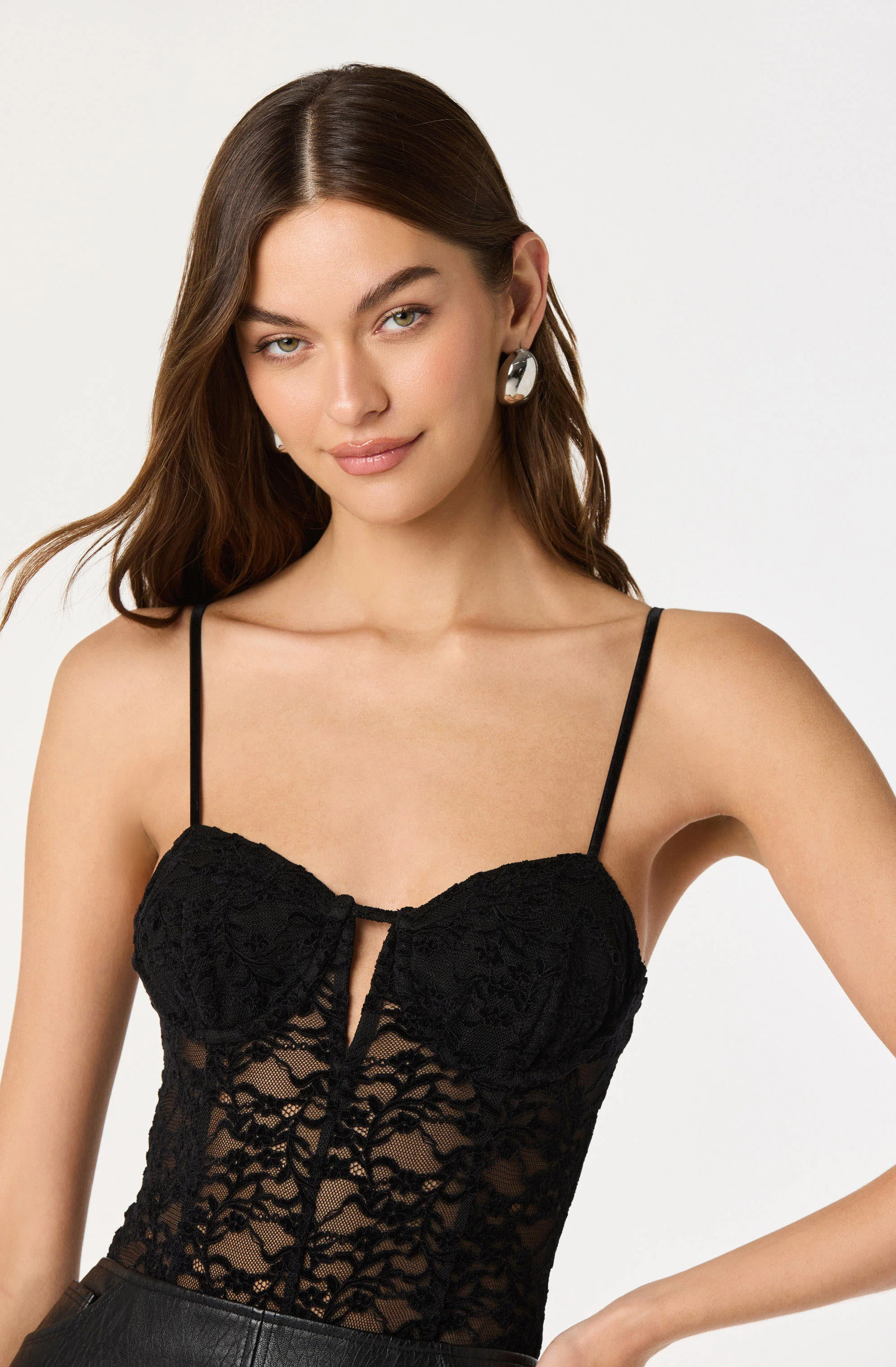





































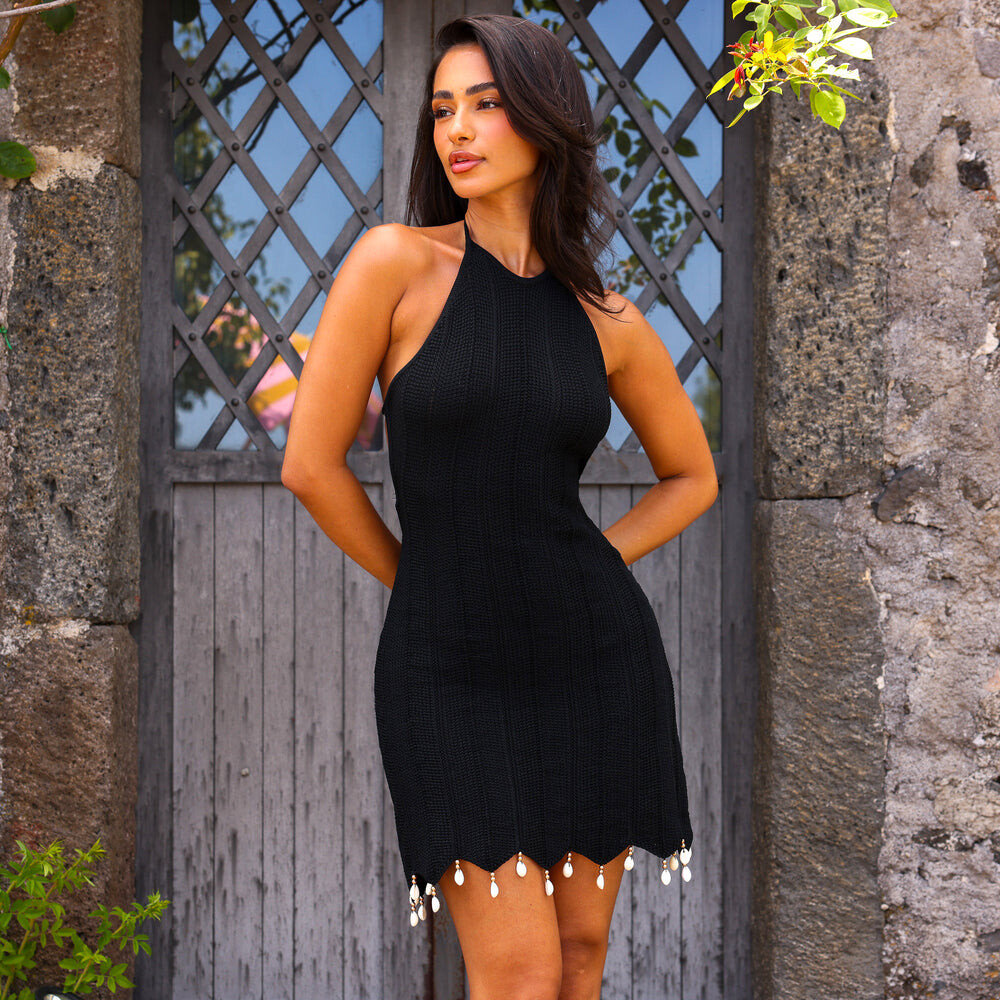





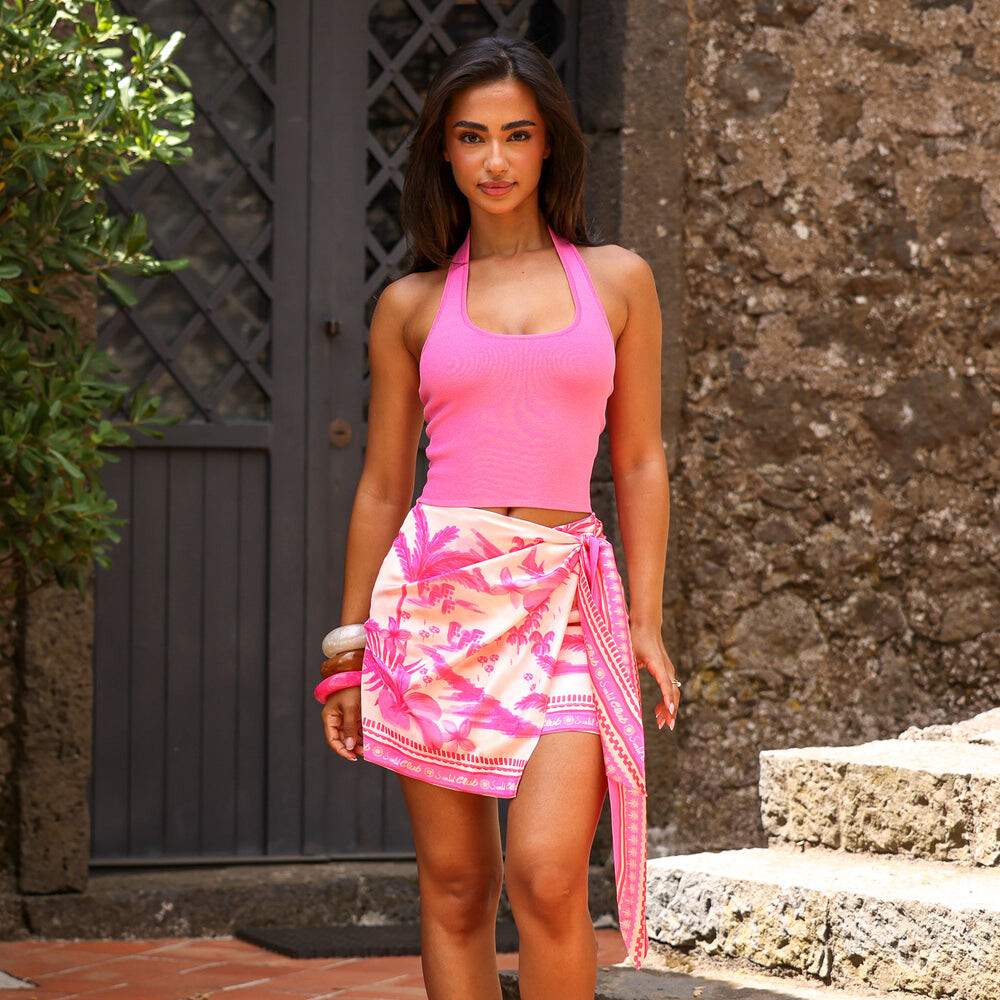

.jpg.f957dbb7cbe609987ce000f0bc237bce.jpg)















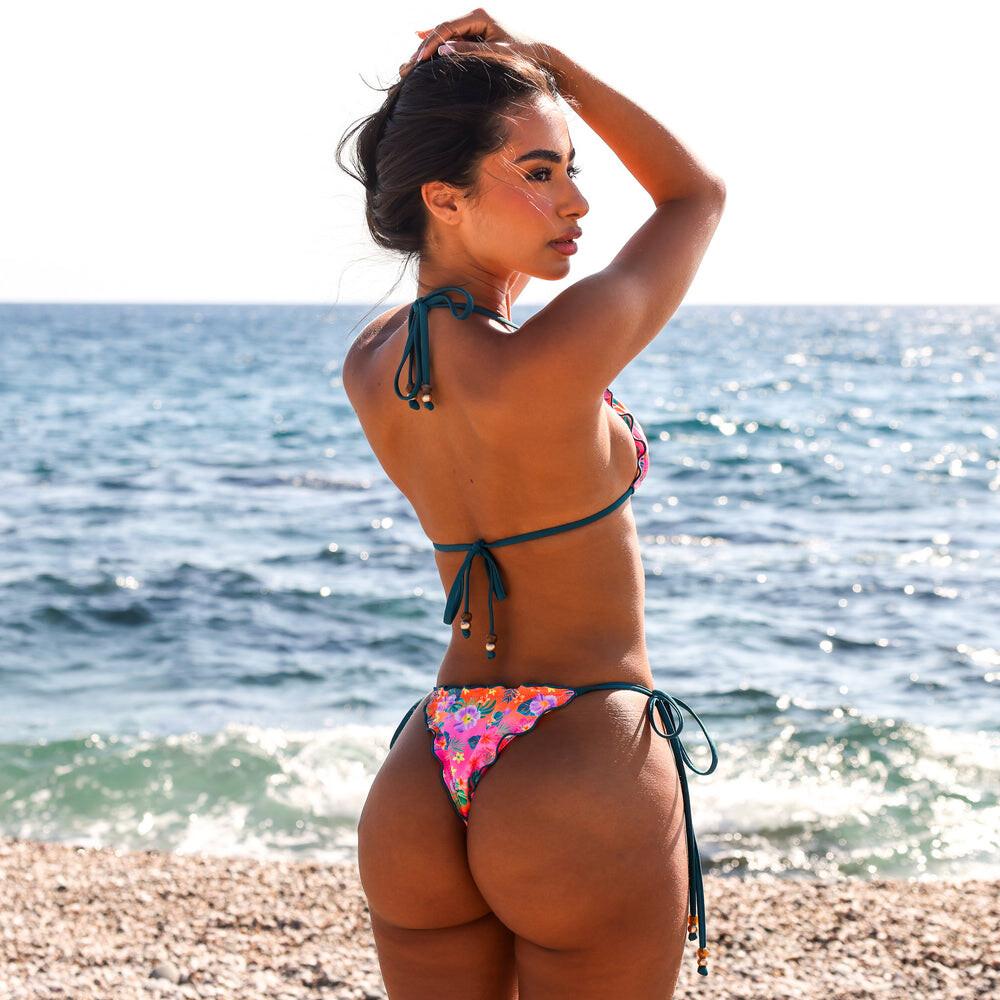
.jpg.9765412ee487a2d189049e21cd6b8af1.jpg)
.jpg.d59c1ac81ed9cf7c8db46b2d01a203aa.jpg)
.jpg.3dd2b134ddffea6712d6c0d1b03653c4.jpg)
.jpg.84b39ecfc8f7cf1914e699ceafc94912.jpg)
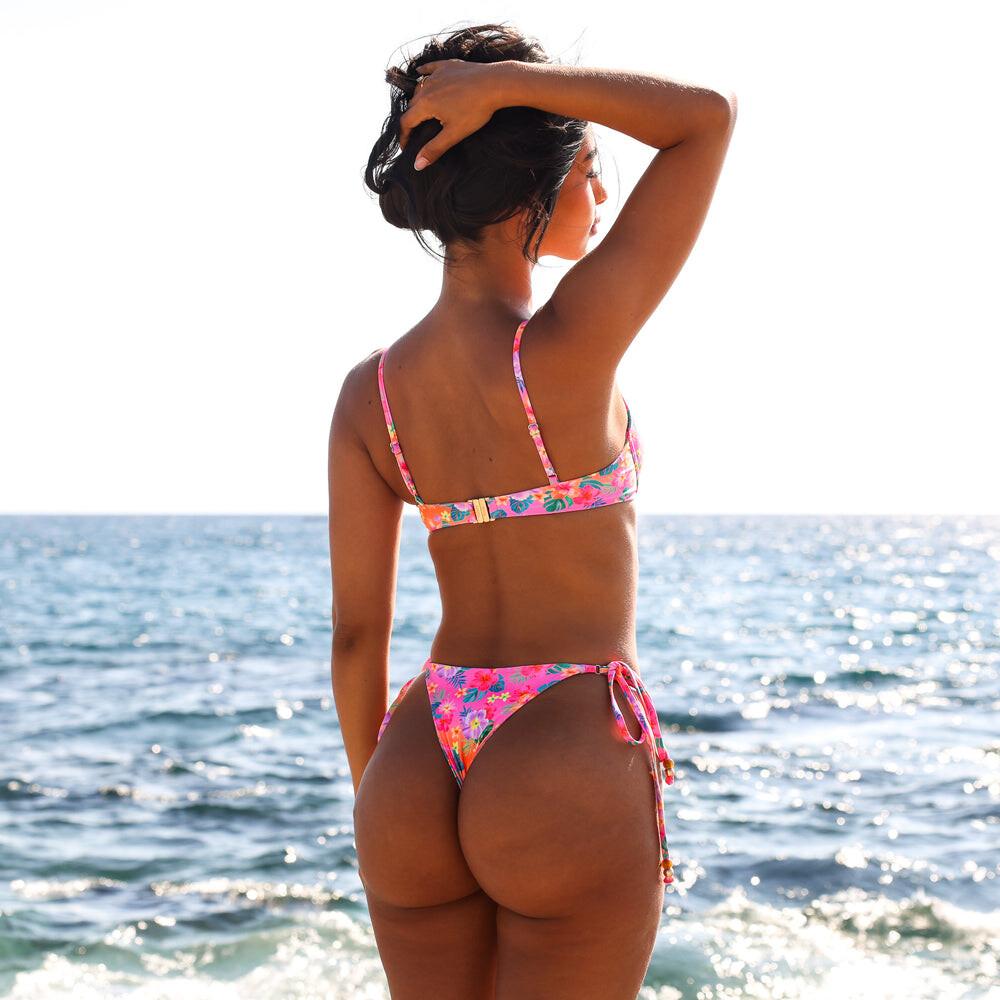

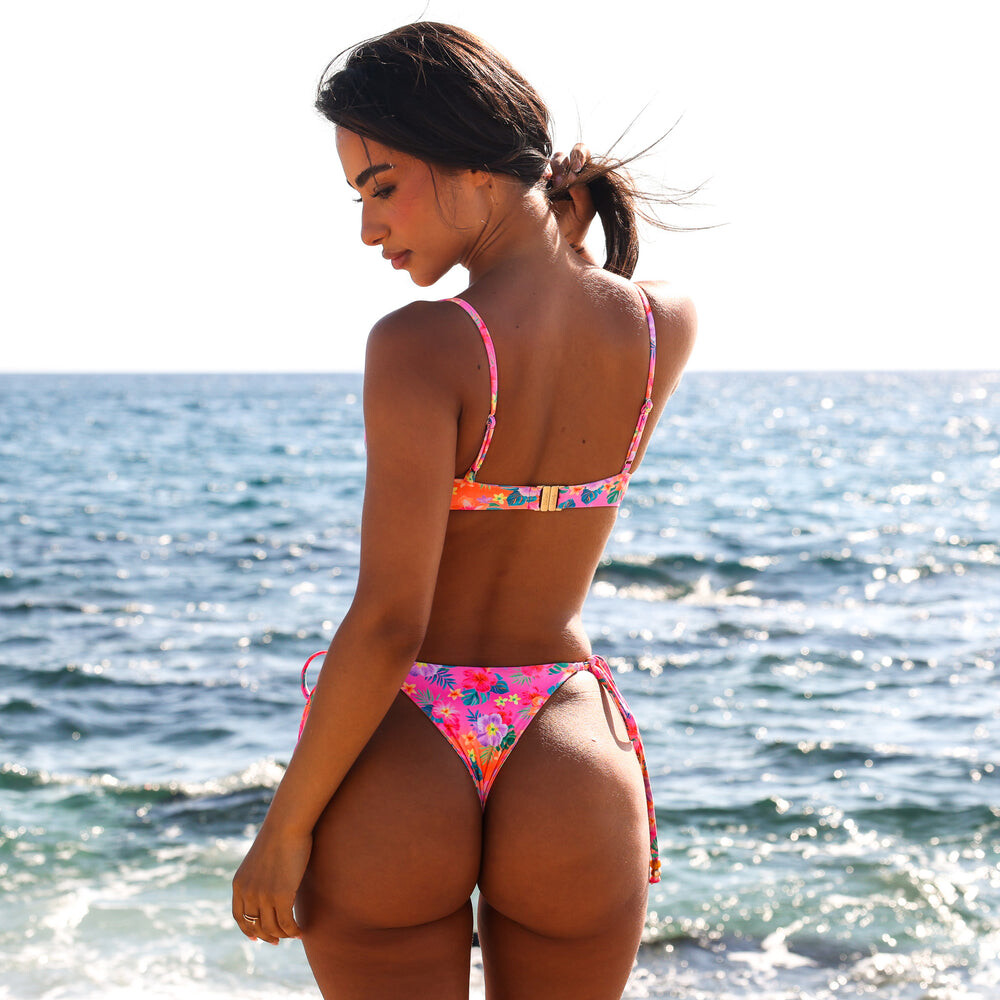
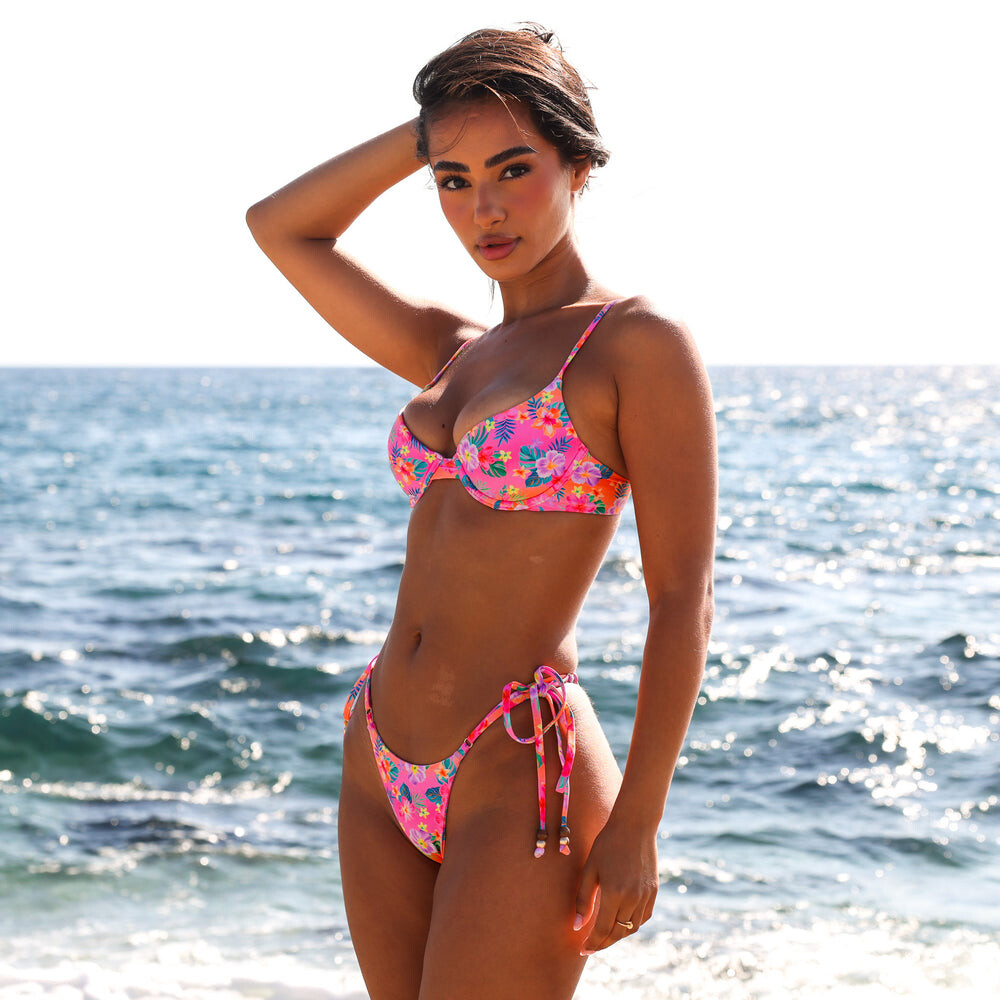
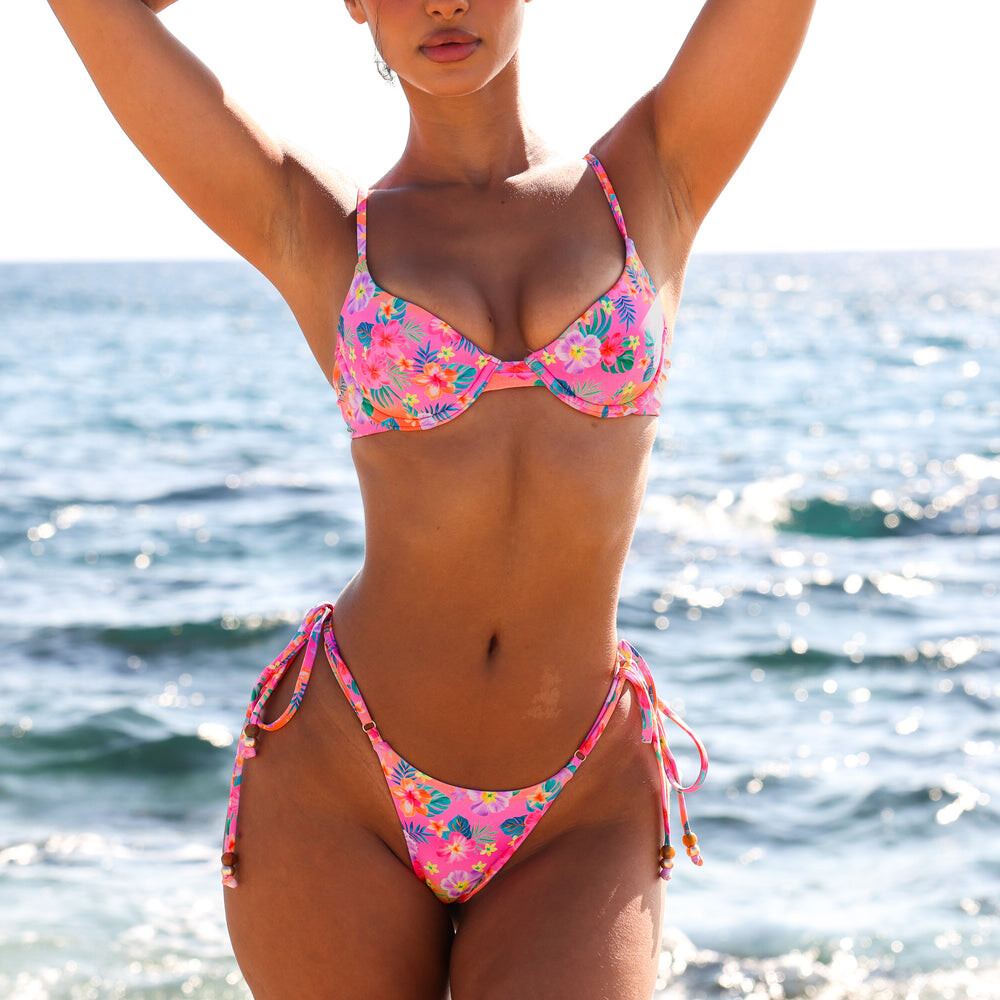
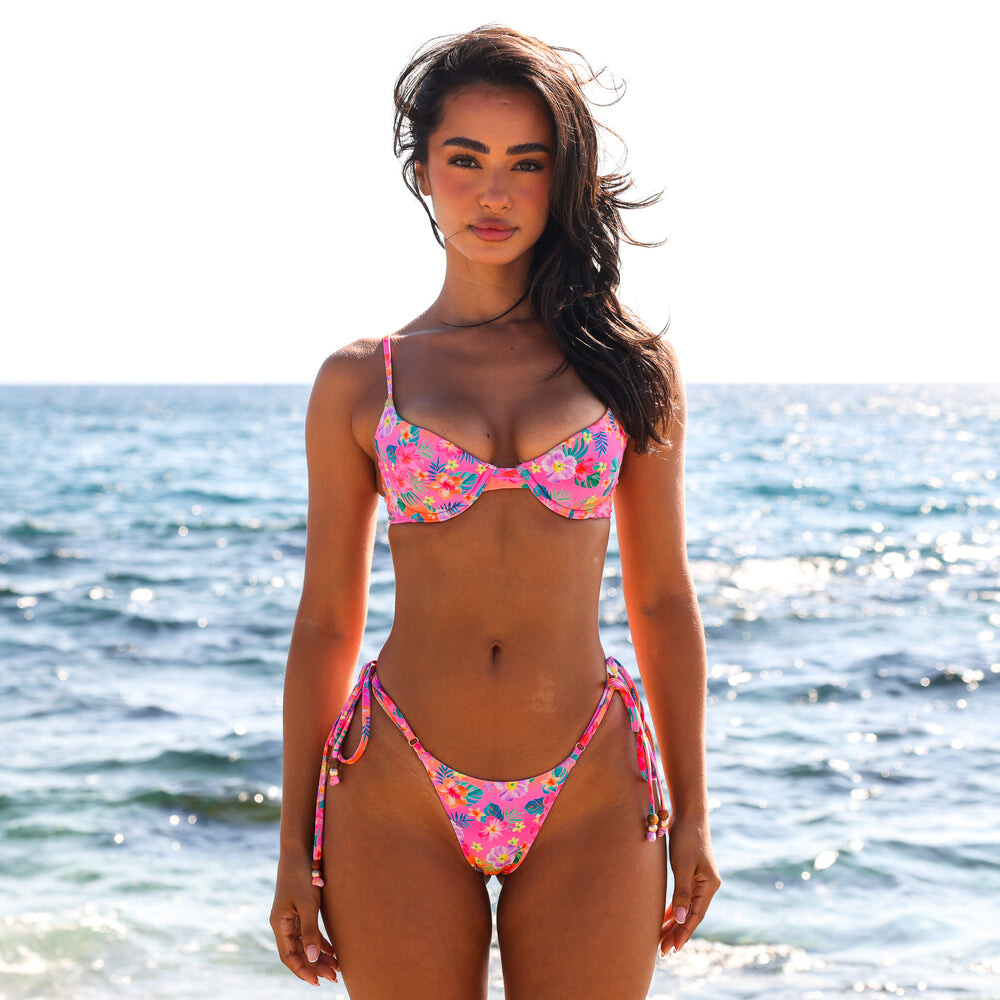

































.jpg.28020b2118dbd4cc1191601bd1764cd2.jpg)











Account
Search
Configure browser push notifications
Chrome (Android)
- Tap the lock icon next to the address bar.
- Tap Permissions → Notifications.
- Adjust your preference.
Chrome (Desktop)
- Click the padlock icon in the address bar.
- Select Site settings.
- Find Notifications and adjust your preference.
Safari (iOS 16.4+)
- Ensure the site is installed via Add to Home Screen.
- Open Settings App → Notifications.
- Find your app name and adjust your preference.
Safari (macOS)
- Go to Safari → Preferences.
- Click the Websites tab.
- Select Notifications in the sidebar.
- Find this website and adjust your preference.
Edge (Android)
- Tap the lock icon next to the address bar.
- Tap Permissions.
- Find Notifications and adjust your preference.
Edge (Desktop)
- Click the padlock icon in the address bar.
- Click Permissions for this site.
- Find Notifications and adjust your preference.
Firefox (Android)
- Go to Settings → Site permissions.
- Tap Notifications.
- Find this site in the list and adjust your preference.
Firefox (Desktop)
- Open Firefox Settings.
- Search for Notifications.
- Find this site in the list and adjust your preference.