All Activity
- Past hour
-

-
 delrey5 joined the community
 -
 Slavic coded video
-

 IG stories videos
 ❤️🥰😘 SnapInsta.to_AQMrhhDAOI6DNworFWop2tXAfVjxXUWxJXmPFjVLaoW5_6Q9SxONyjxafnYdSS4ozWc5KdLbcPETsBBMR3BKrd8SI3QRy4rdRQBvfQ4.mp4
 Honey Birdette
 SnapInsta.to_AQNa_XPUMmt7RQTKXKB4aAaQW2rctNEKWHkYughNSJ9GvBz4wBp_-mhmP6-AKQpvygGijuFfspyK1VZLVFRYDoGO.mp4
I'm not a rascal! 💜😊 videos
SnapInsta.to_AQNa_XPUMmt7RQTKXKB4aAaQW2rctNEKWHkYughNSJ9GvBz4wBp_-mhmP6-AKQpvygGijuFfspyK1VZLVFRYDoGO.mp4
I'm not a rascal! 💜😊 videos
 SnapInsta.to_AQMAABxEyV6V1cdOgPCujuslzNSThPmMj5HU_fArYp8MUdpZ_xx3ZKAzDec-ufOOlg7PV5ST5HeVflb2U5DNRmhz.mp4
 Some More Tropic of C Download (5).mp4 anonyig.io_Instagram__3839007954855349600.mp4 Download (5).mp4 AQNGsPfhzJMmI-IMo31X8WvahqZdJtBcNizvUXqs-l3eVlJkNnRIthmcirz6z5vWRxykRCk7WNKvI85Jd6pJXWUZ.mp4 anonyig.io_Instagram__3837615907636619321.mp4 Download (6).mp4
 I love walking in the door and immediately seeing my favorite leisurepiece photos on the wall — our space looks amazing now. The gorgeous pieces were perfectly packaged and arrived ready to hang! My favorite thing about these high-quality prints is that they’re on floating mounts, which look so clean. videos



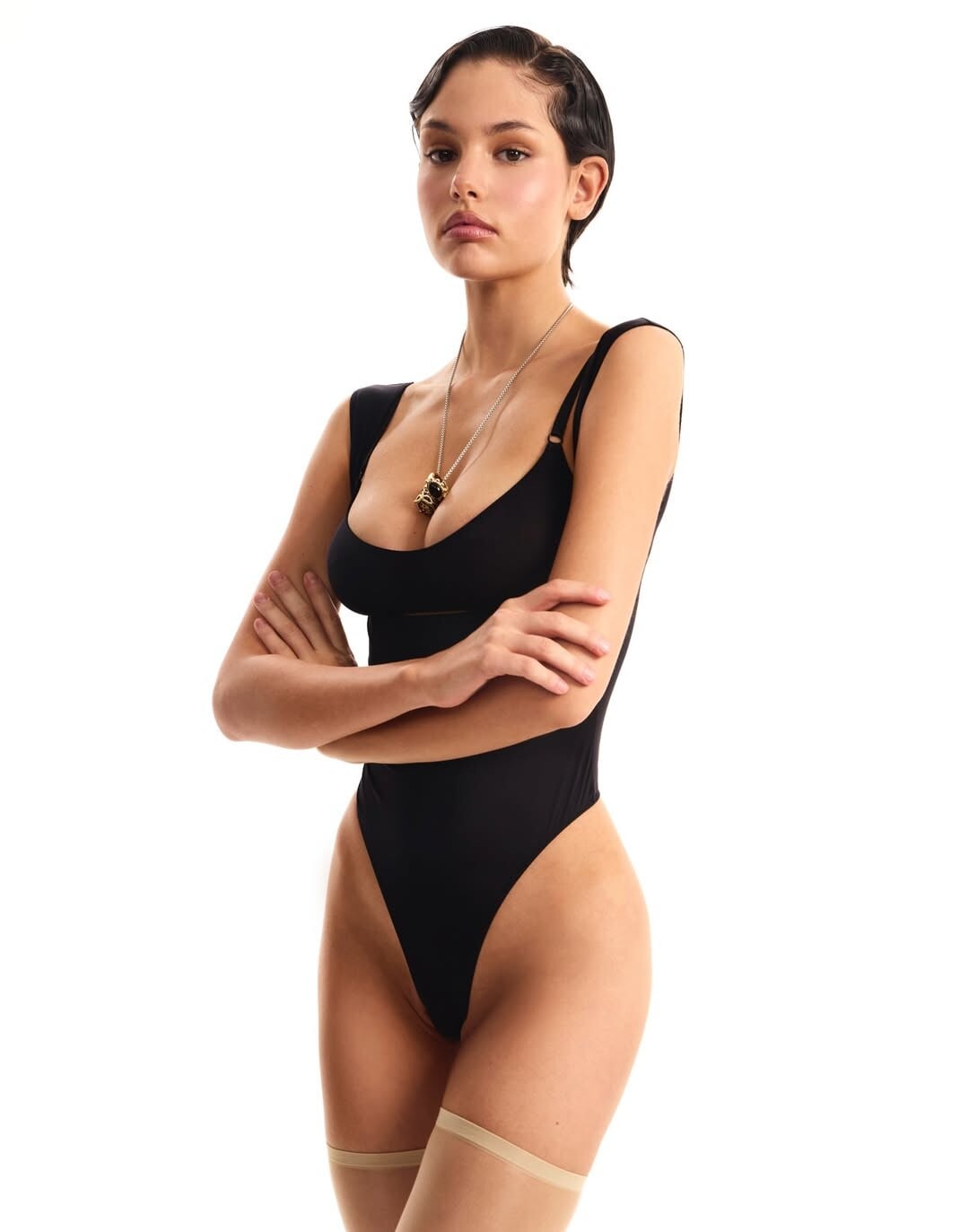
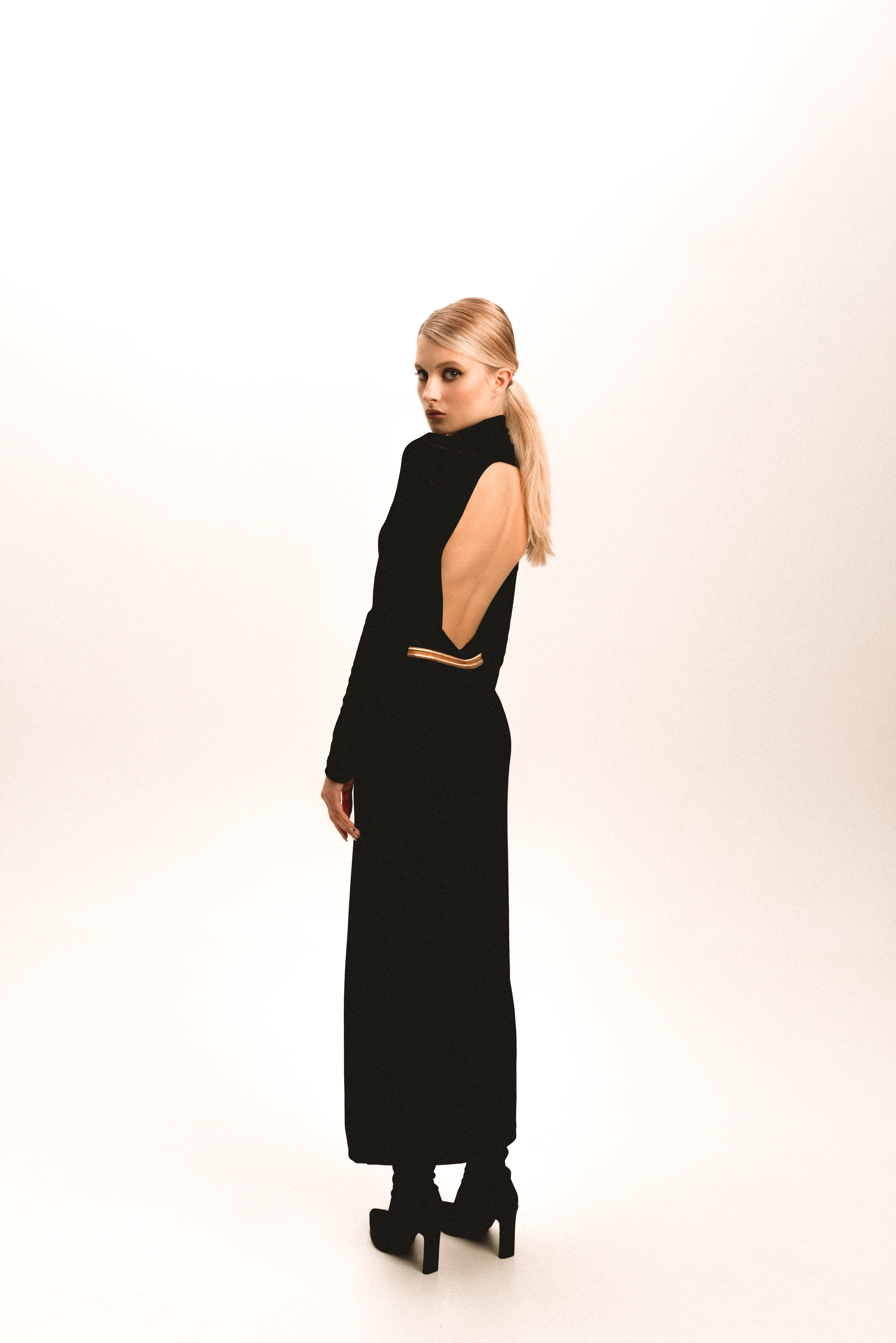
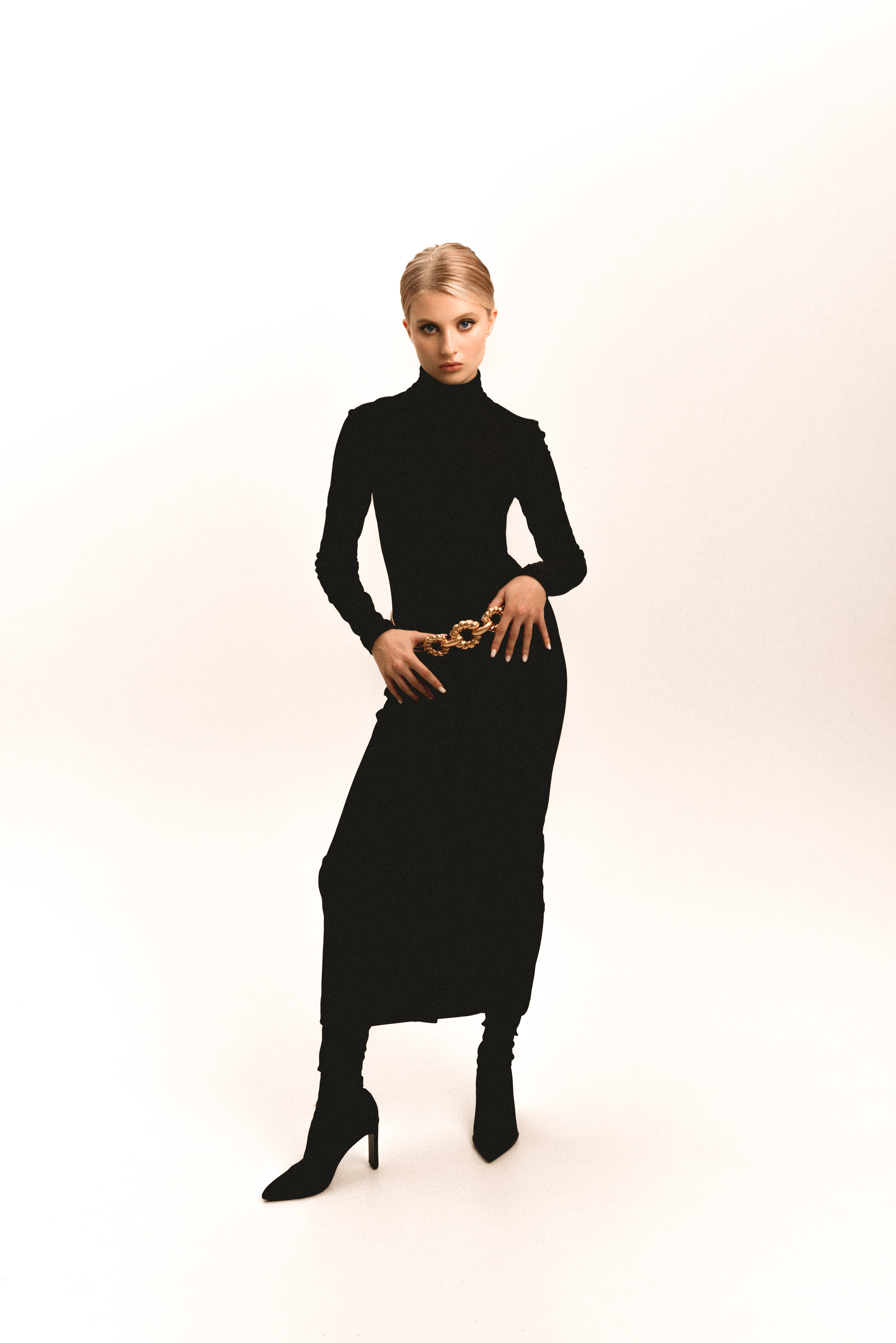
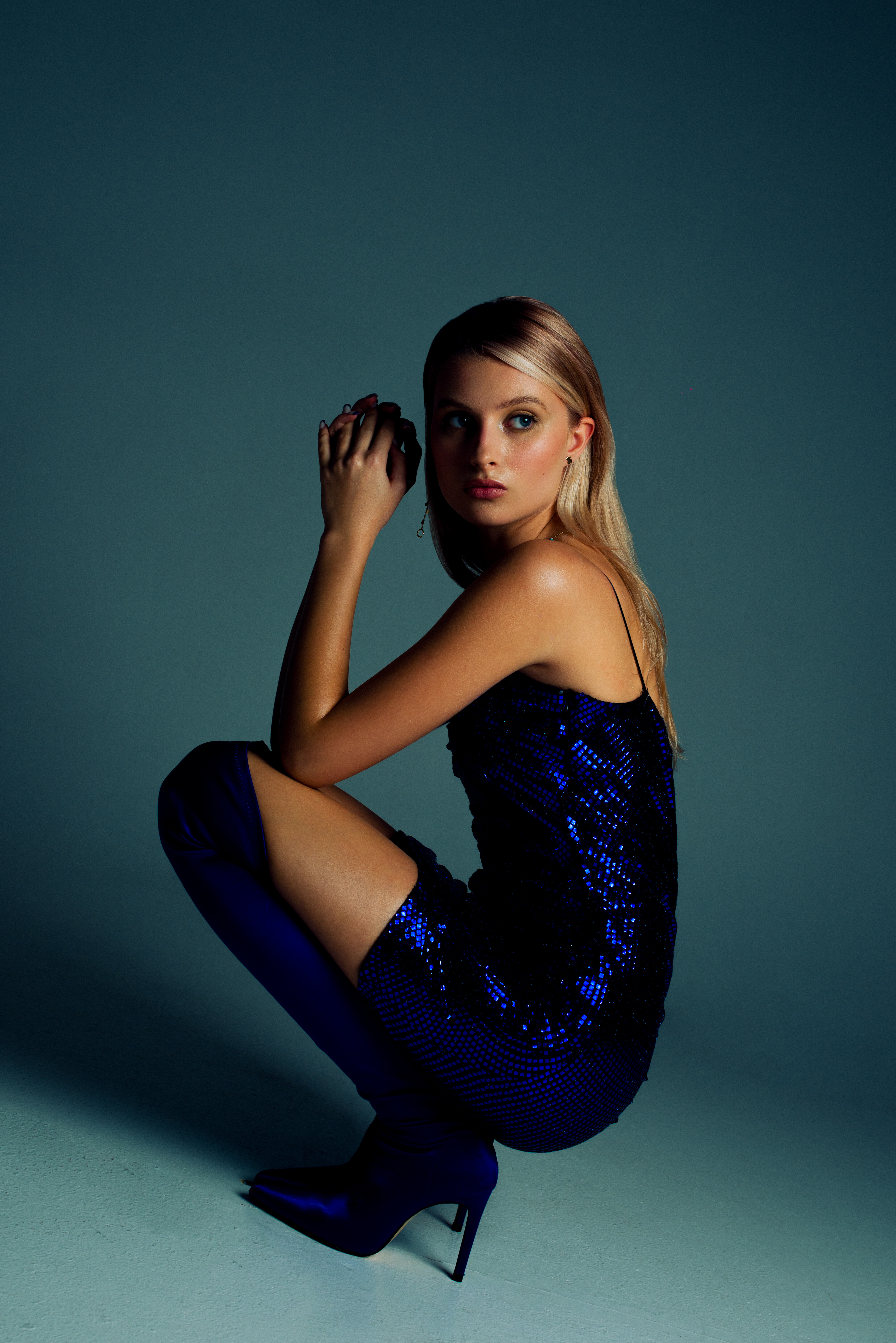
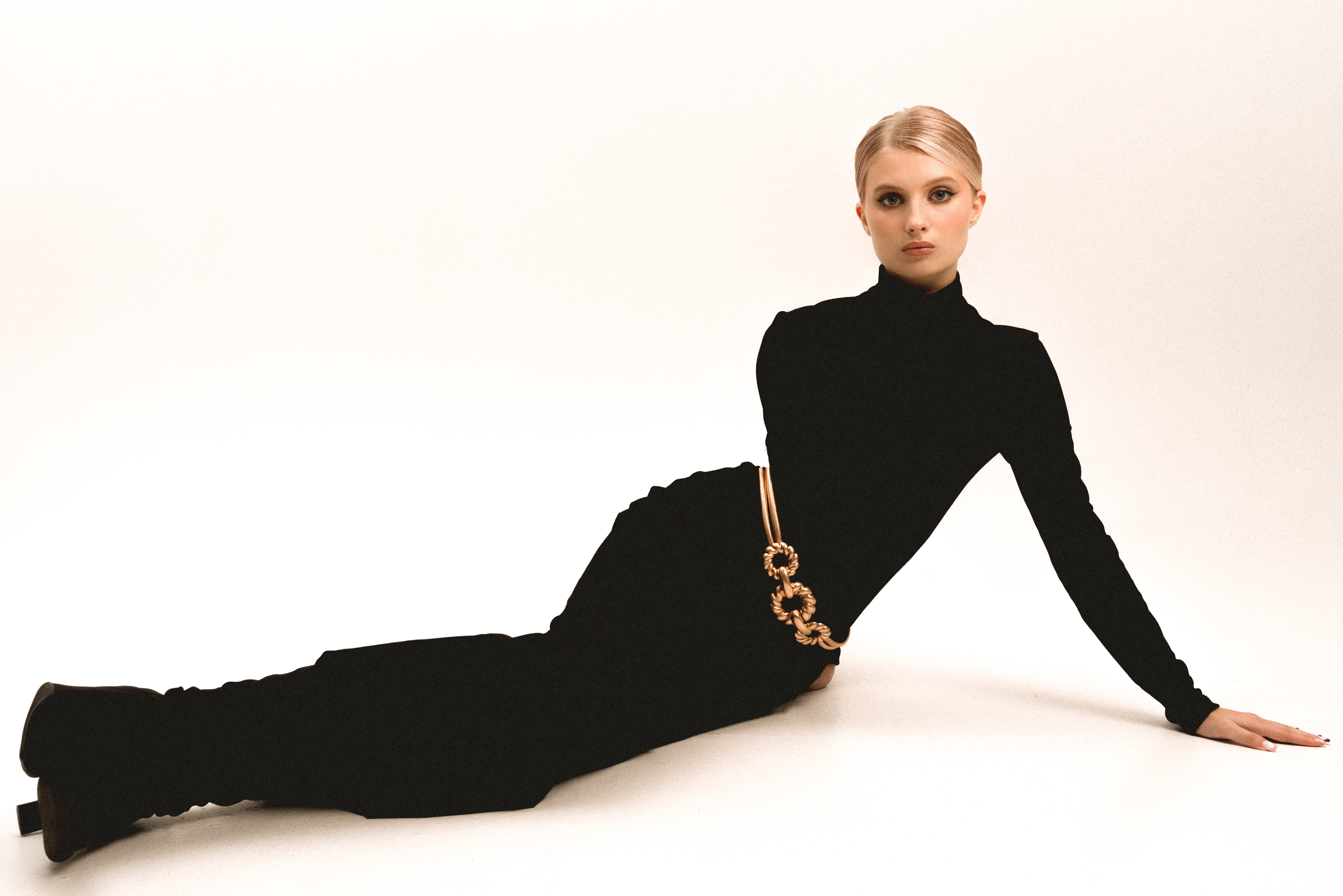
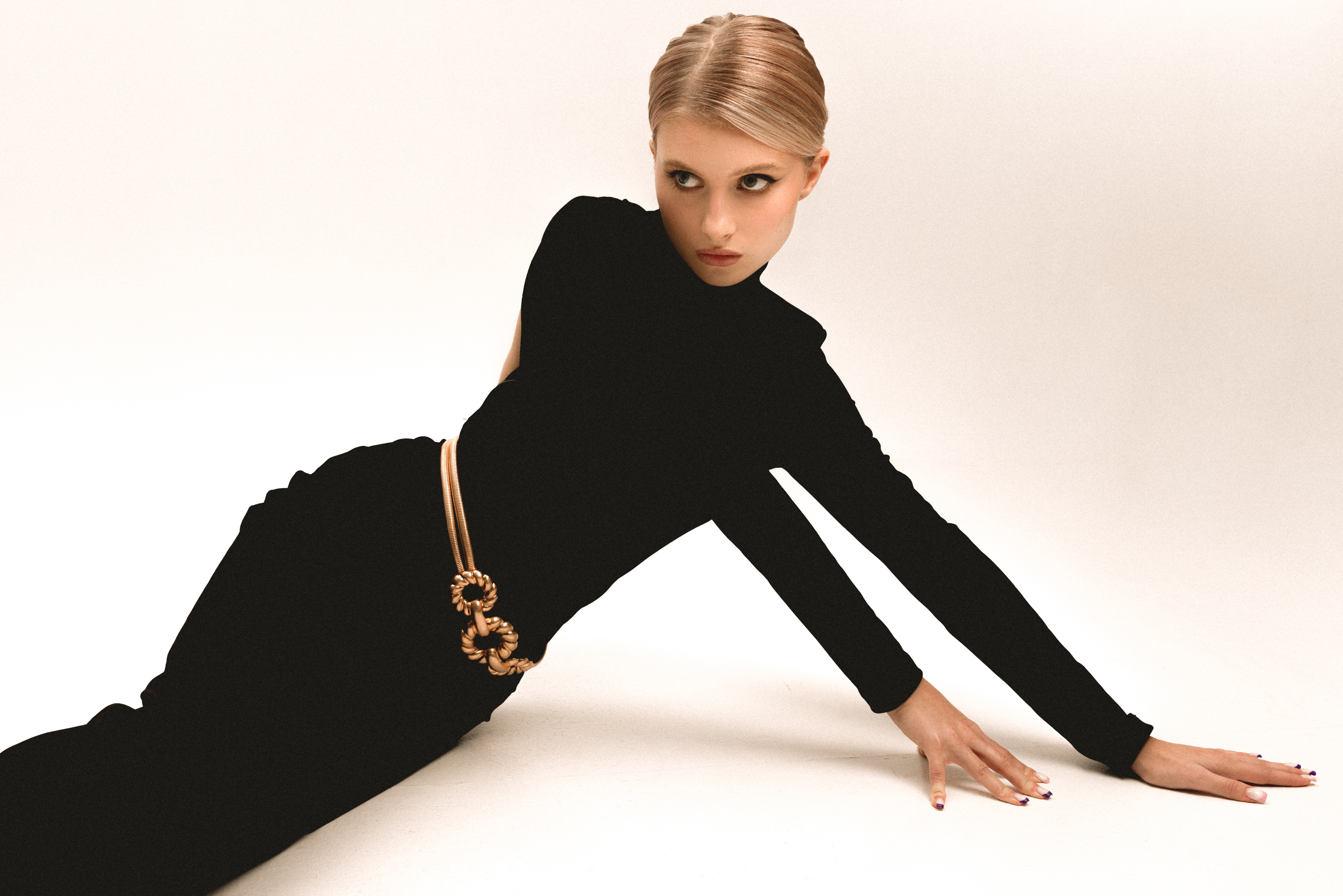
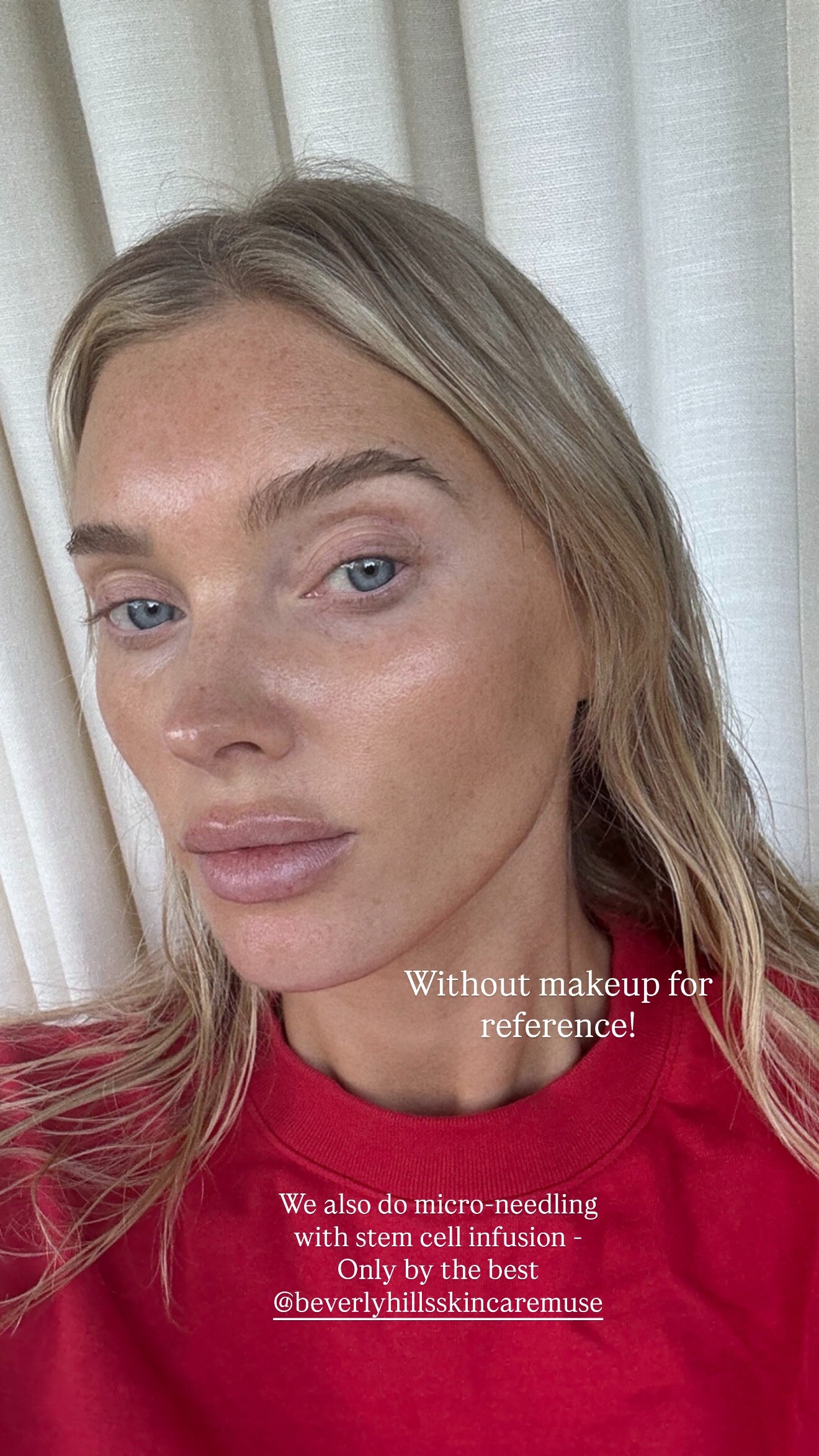
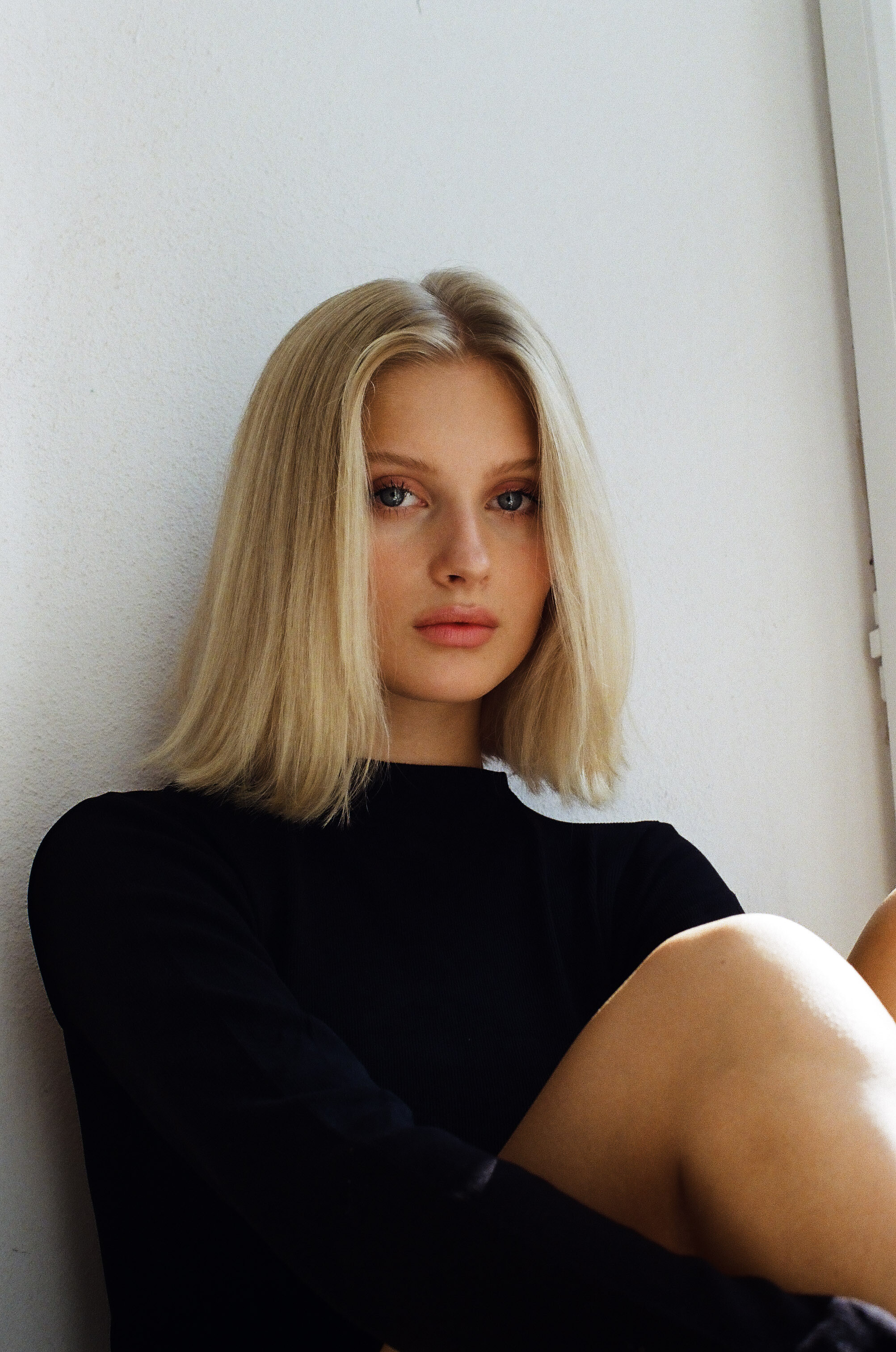
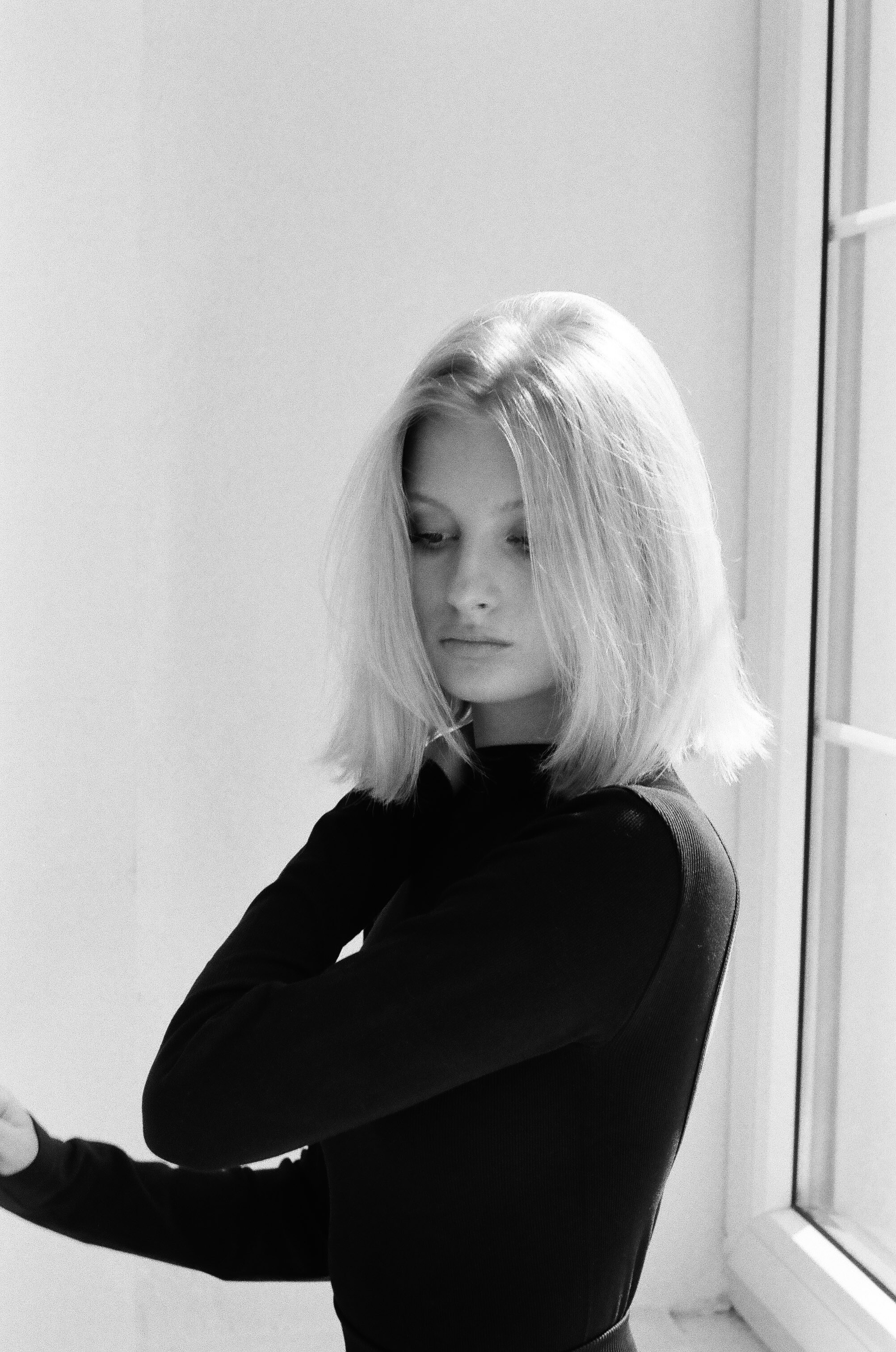
 Any help with her Id and name?
 Closer Couture






- Today









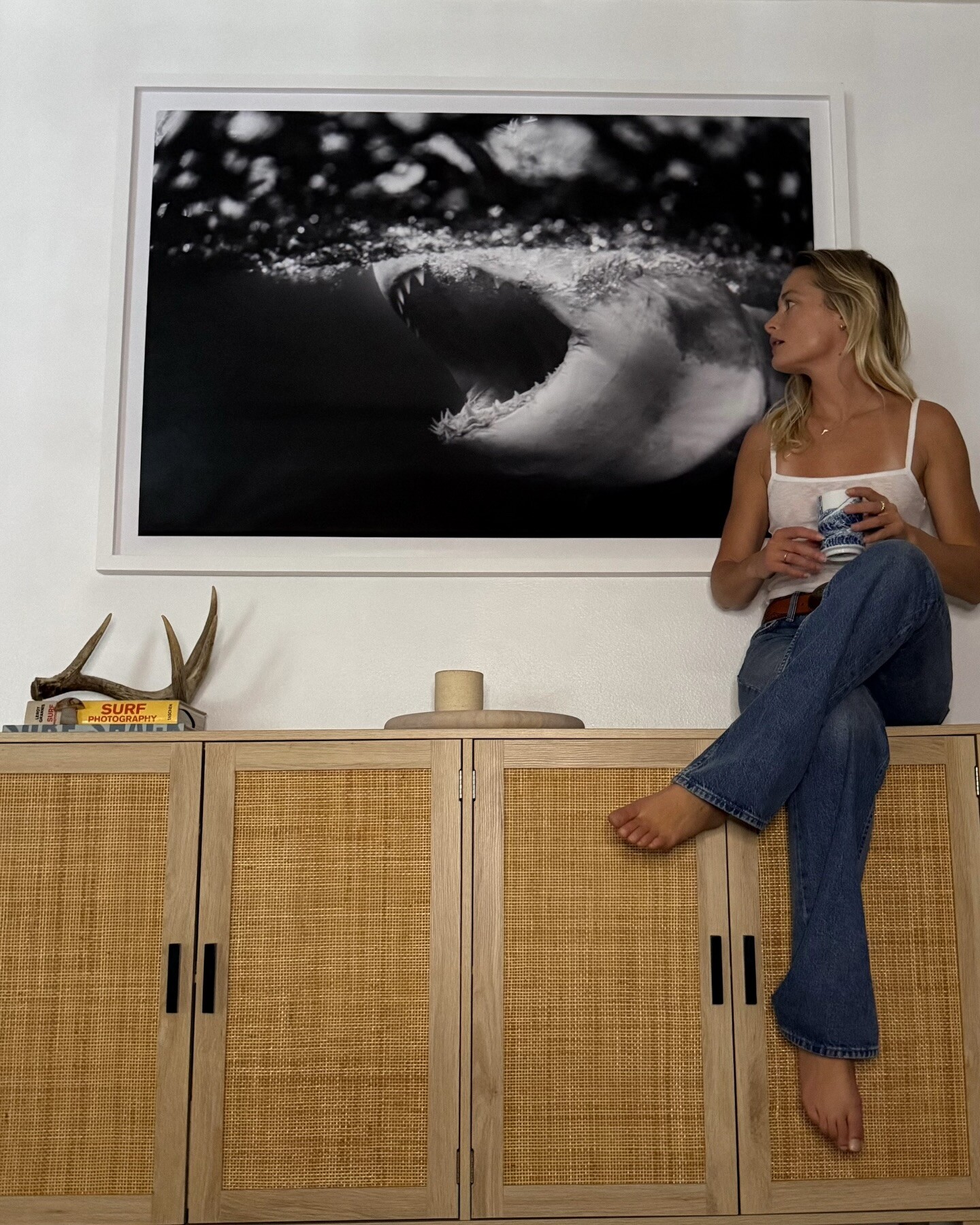


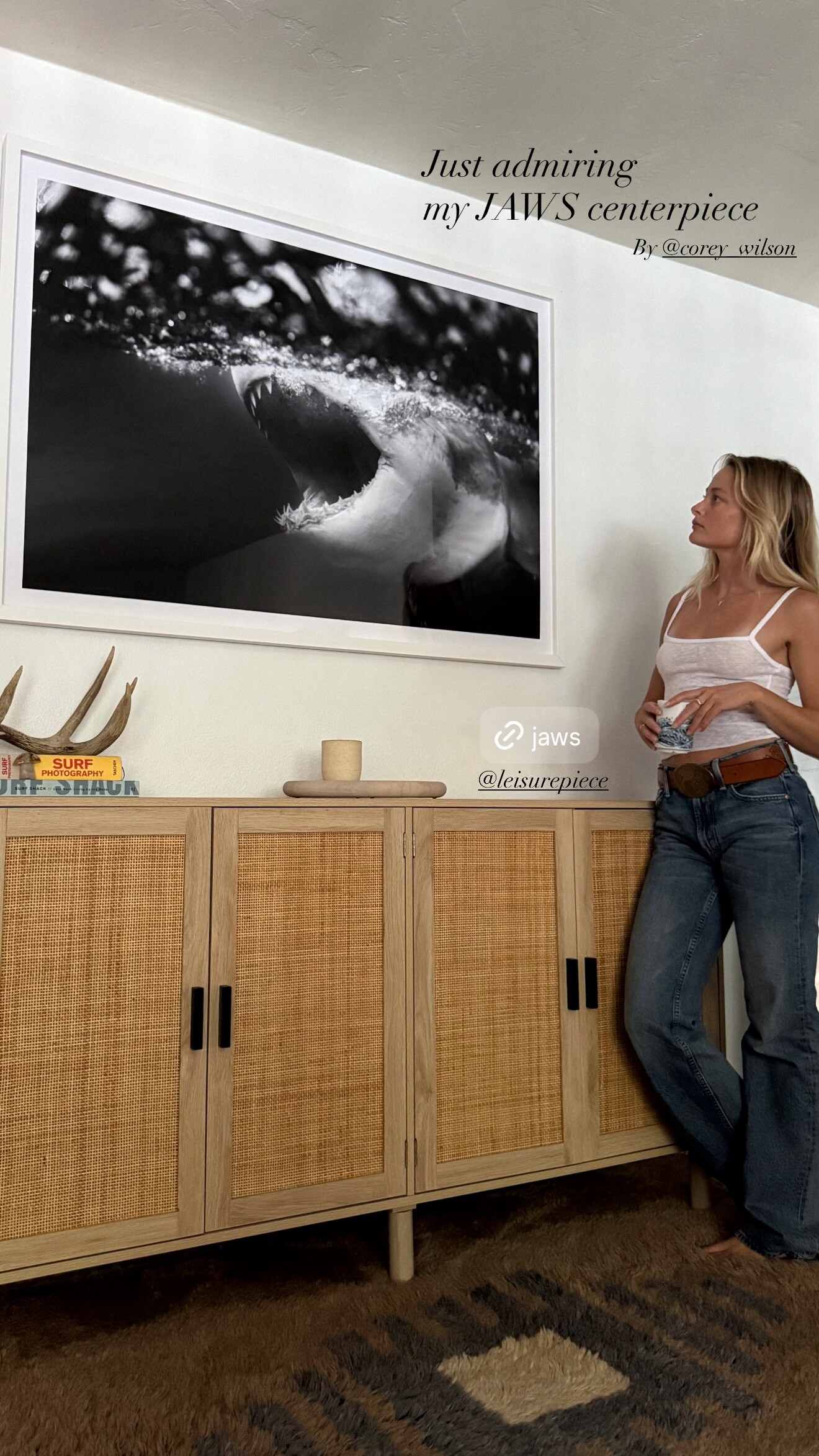




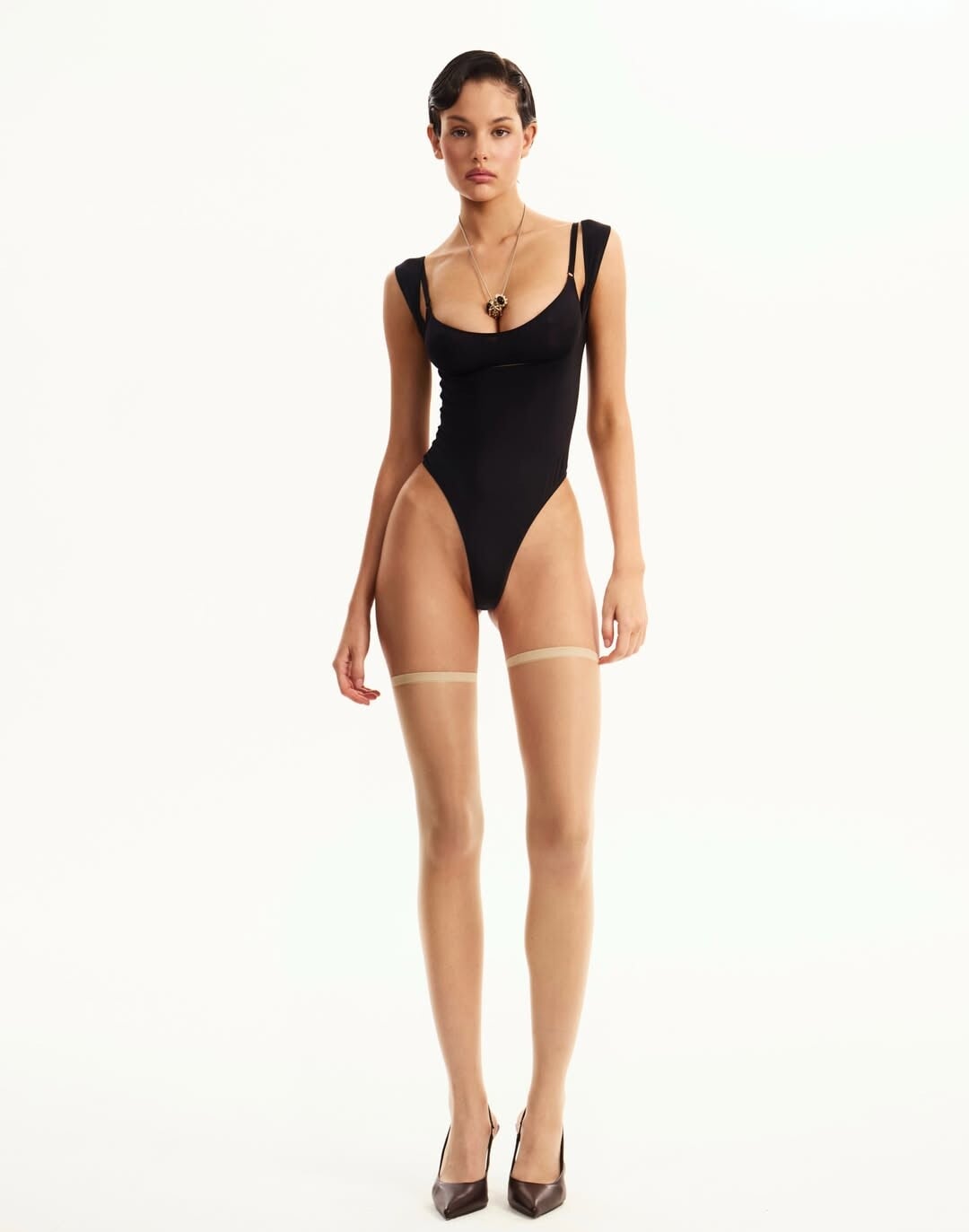
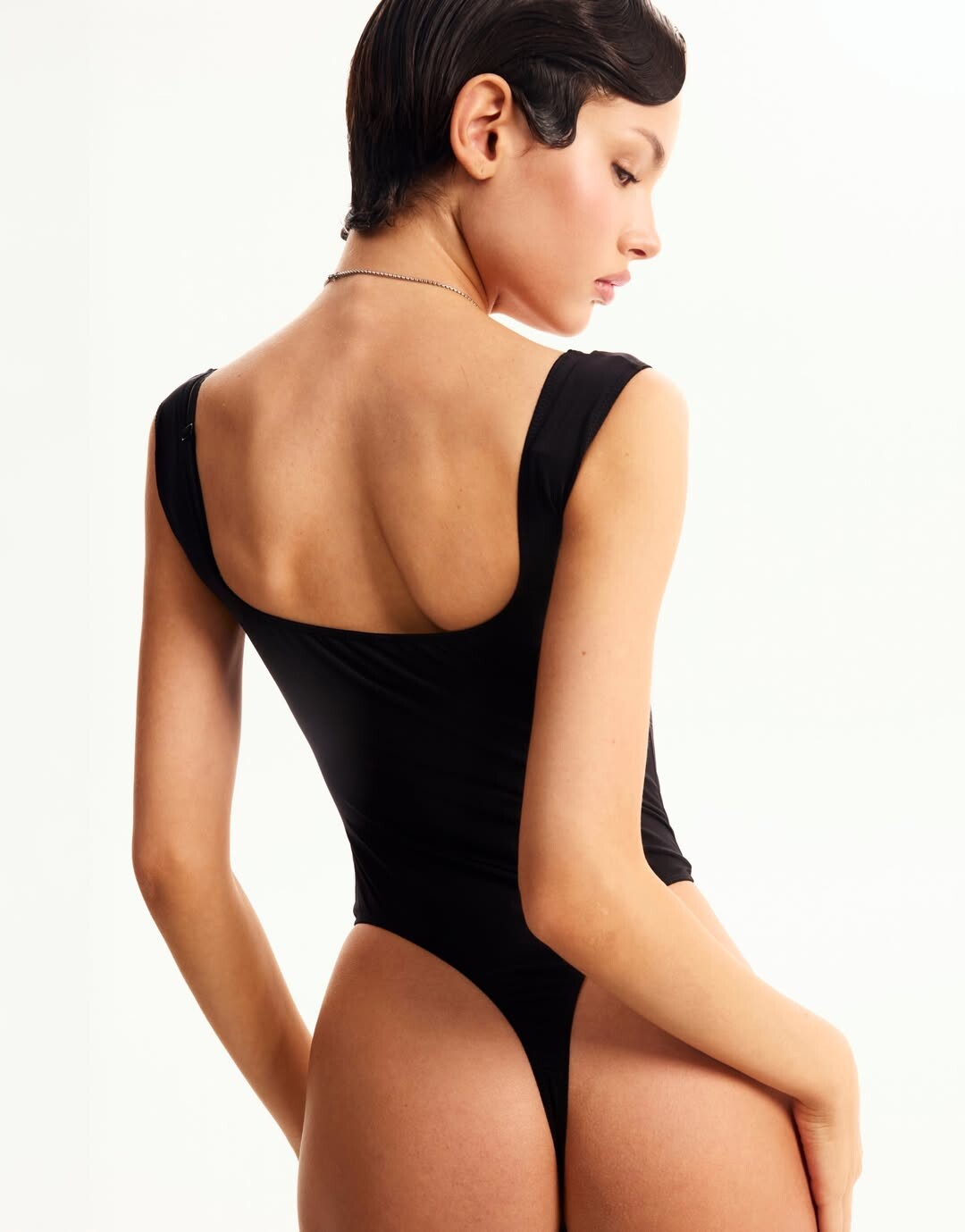






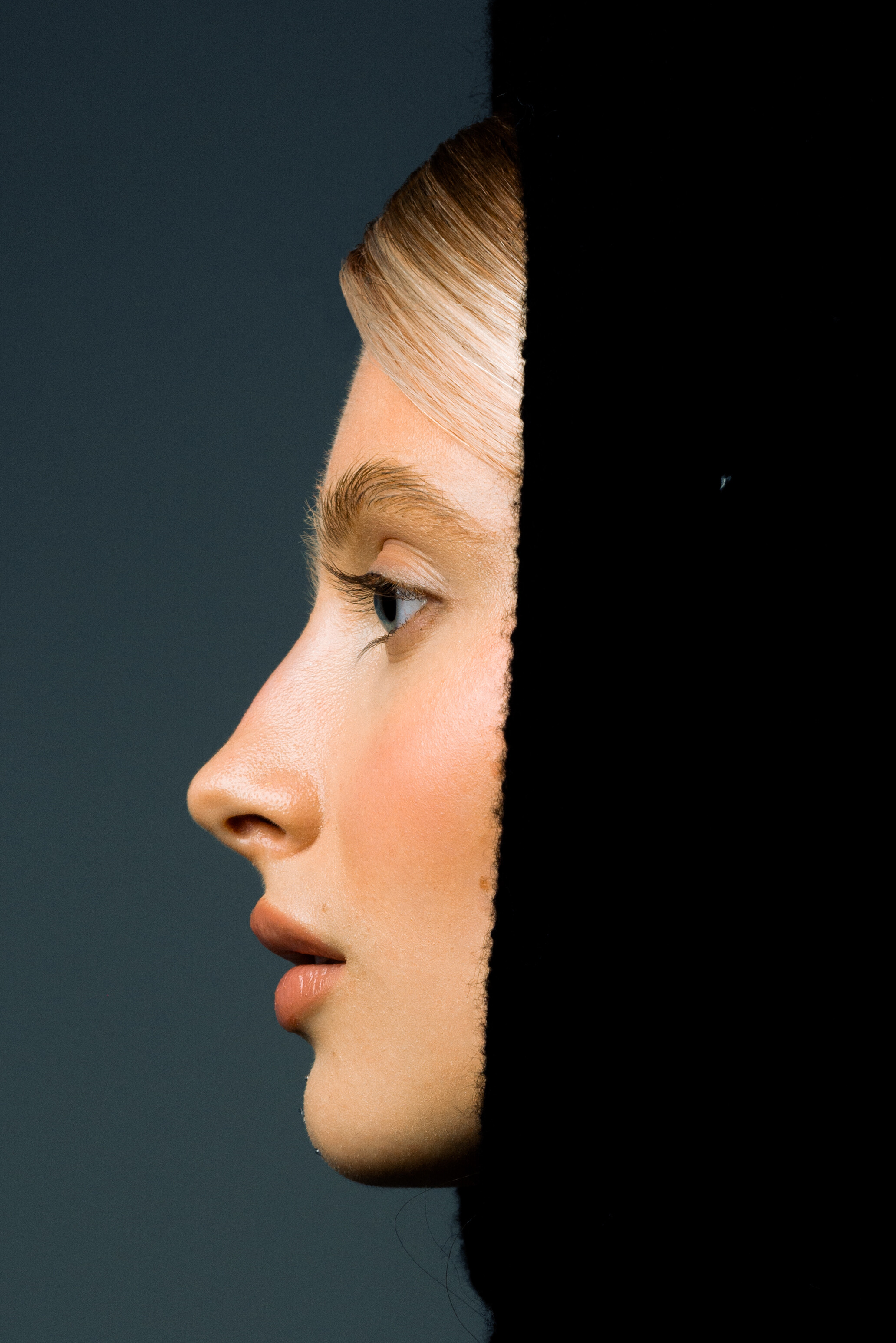
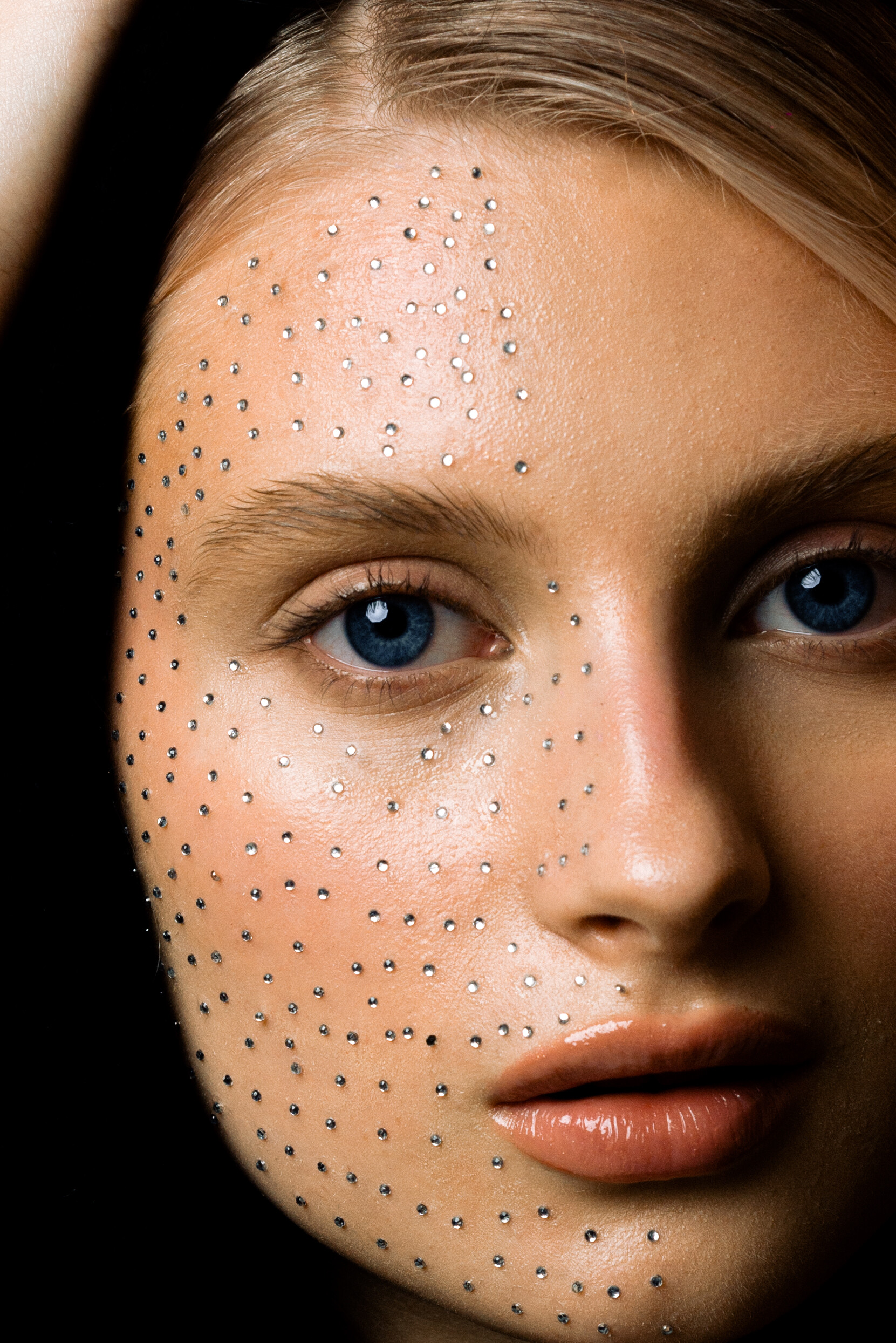

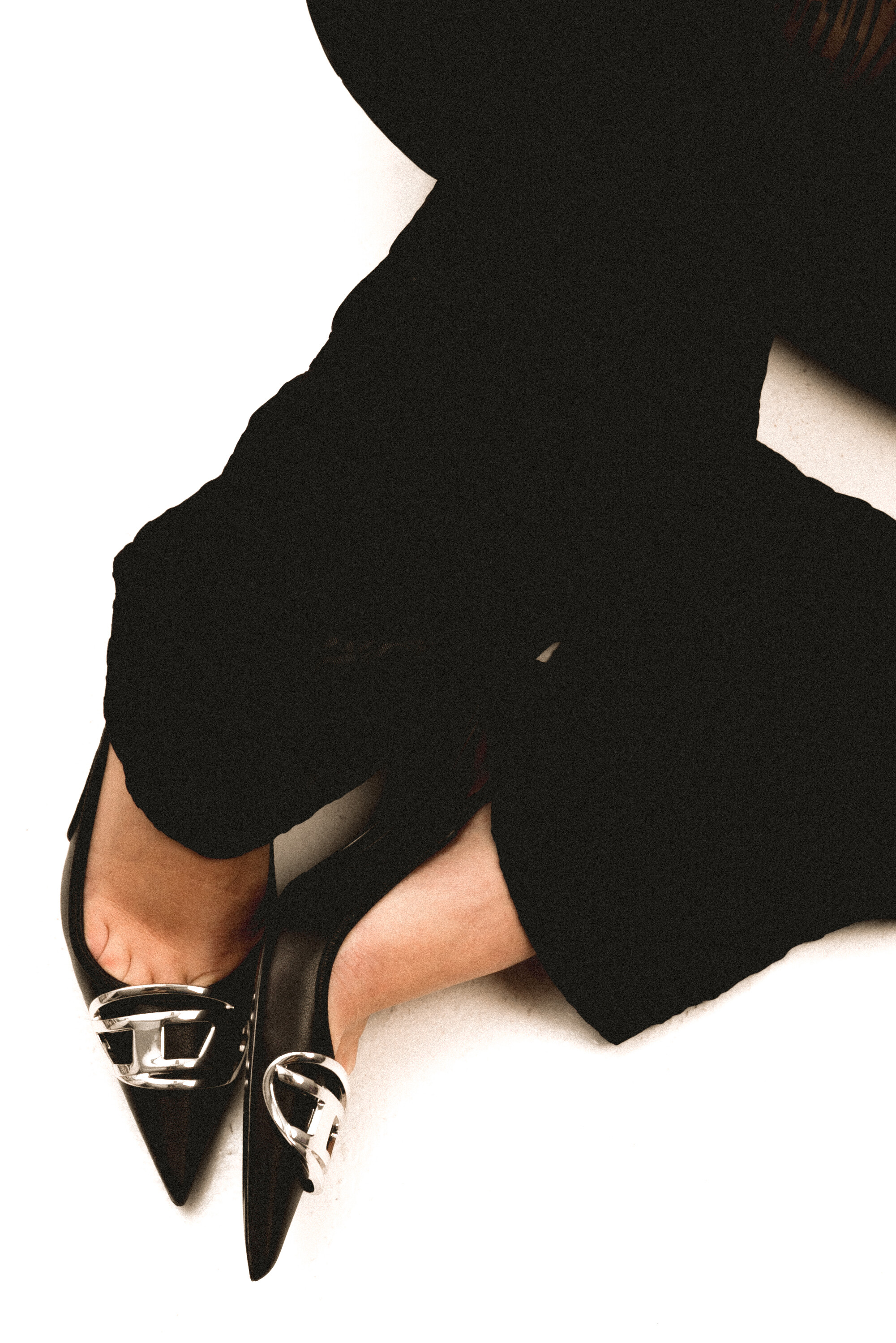

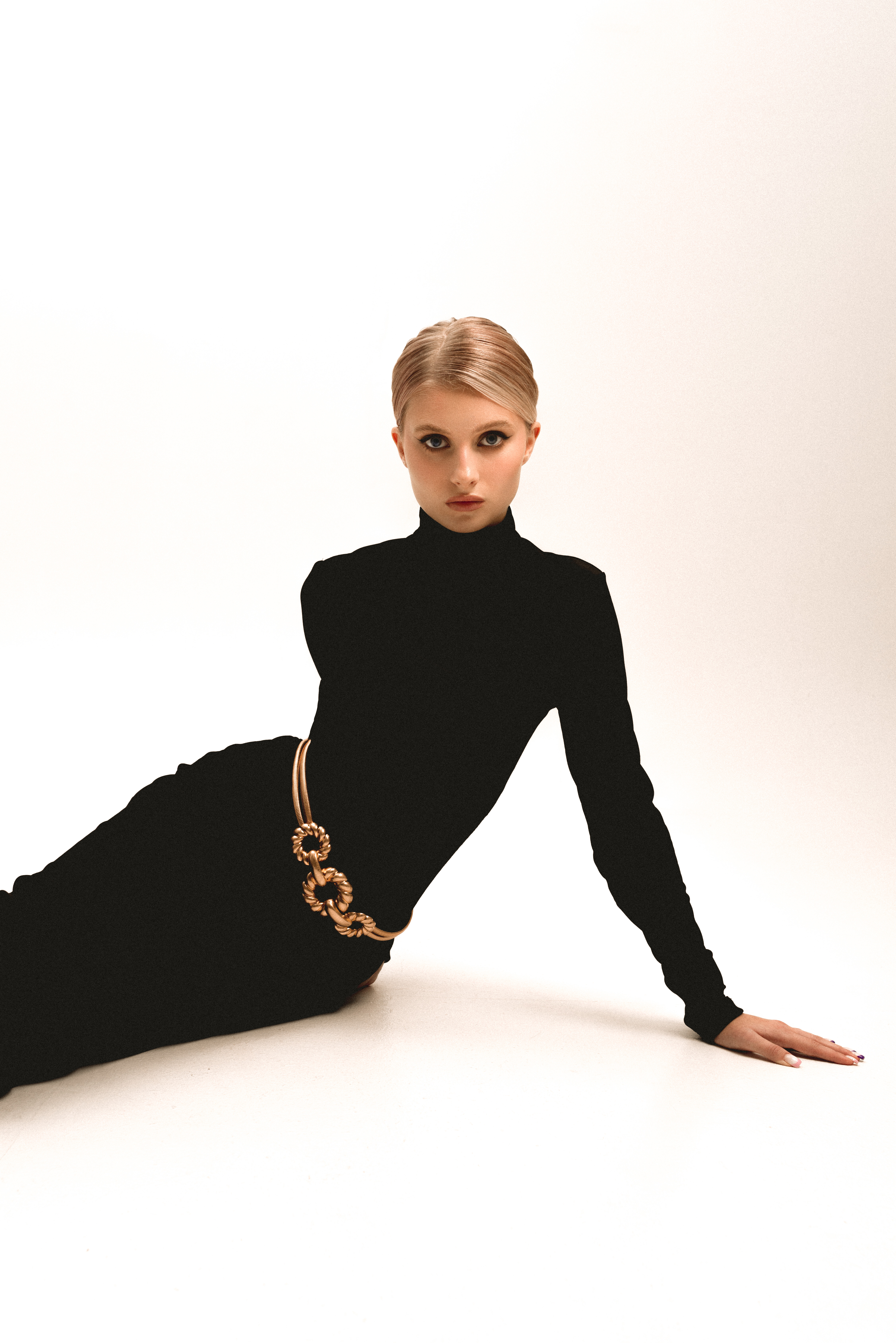











.JPG.cecc6f58642b522770603f1c3298ead2.JPG)







.JPG.ff7b7d1dc61aa33588f273212871f5fb.JPG)














Account
Navigation
Search
Configure browser push notifications
Chrome (Android)
- Tap the lock icon next to the address bar.
- Tap Permissions → Notifications.
- Adjust your preference.
Chrome (Desktop)
- Click the padlock icon in the address bar.
- Select Site settings.
- Find Notifications and adjust your preference.
Safari (iOS 16.4+)
- Ensure the site is installed via Add to Home Screen.
- Open Settings App → Notifications.
- Find your app name and adjust your preference.
Safari (macOS)
- Go to Safari → Preferences.
- Click the Websites tab.
- Select Notifications in the sidebar.
- Find this website and adjust your preference.
Edge (Android)
- Tap the lock icon next to the address bar.
- Tap Permissions.
- Find Notifications and adjust your preference.
Edge (Desktop)
- Click the padlock icon in the address bar.
- Click Permissions for this site.
- Find Notifications and adjust your preference.
Firefox (Android)
- Go to Settings → Site permissions.
- Tap Notifications.
- Find this site in the list and adjust your preference.
Firefox (Desktop)
- Open Firefox Settings.
- Search for Notifications.
- Find this site in the list and adjust your preference.