All Activity
- Past hour
-
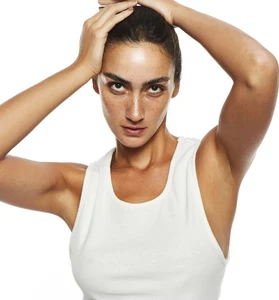
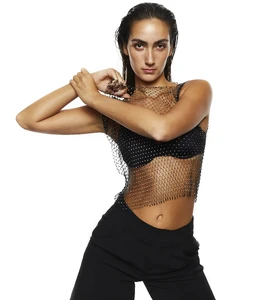
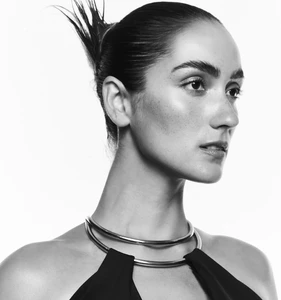
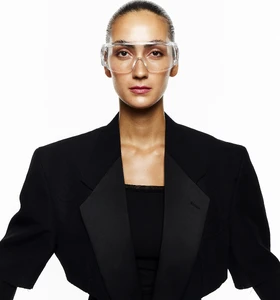
HQs from Select



































































-
-
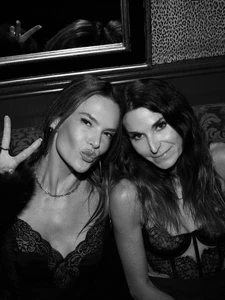
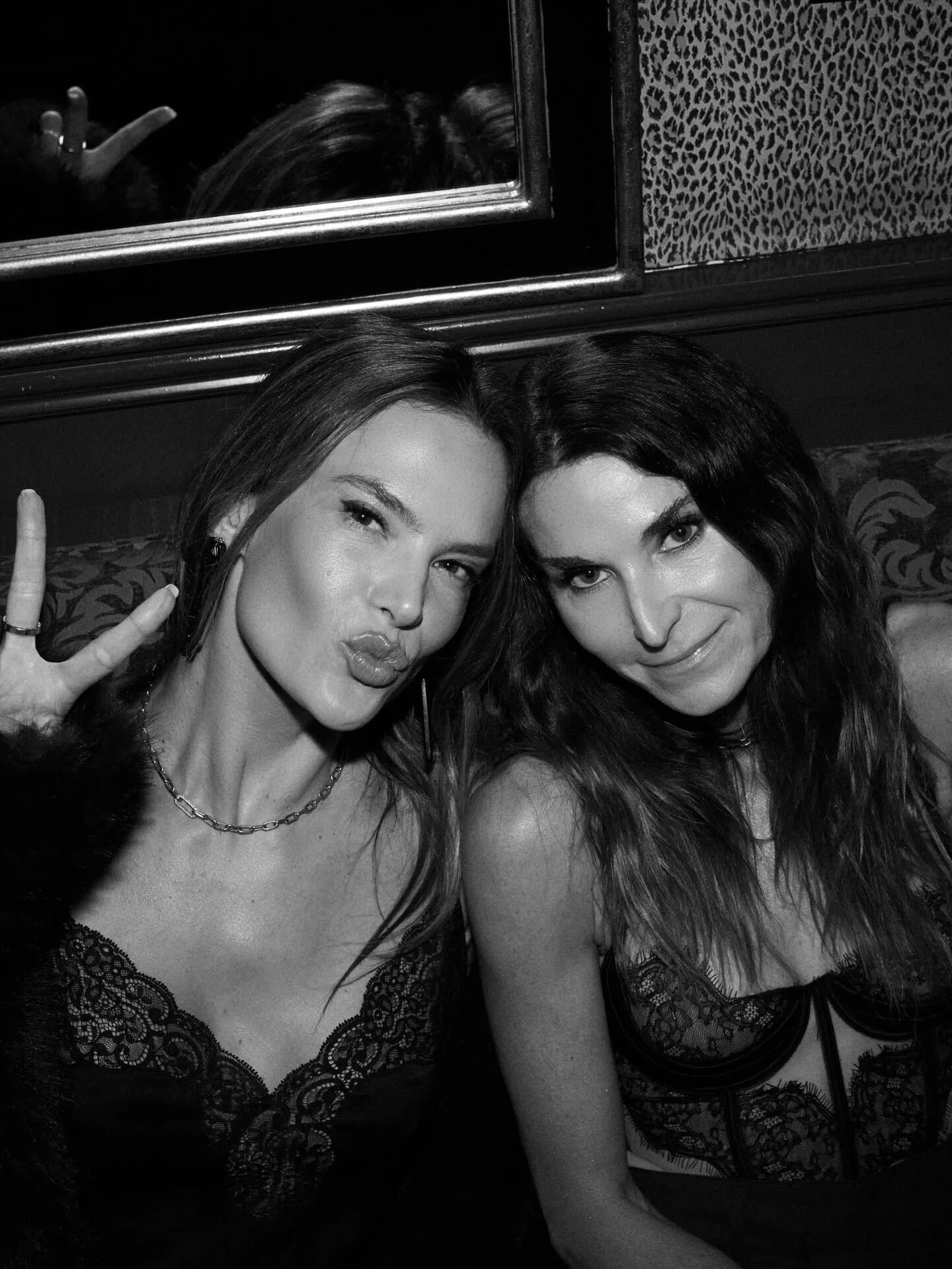
NYC vibes 🔥 and an unforgettable celebration with hairbupucciarello on his 50th bday!!! Wishing you a life as vibrant as you are! Love you pucci50

















-
Are uploads operating slower than usual for everyone? If so, is it because of the jpg to webp conversion done during the upload?
-
HALLE BAILEY Opens Up on The Little Mermaid, Motherhood, and Individuality | IMO
-
Cailee Spaeny on 'Knives Out,' Singing Karaoke With Jacob Elordi Today
-
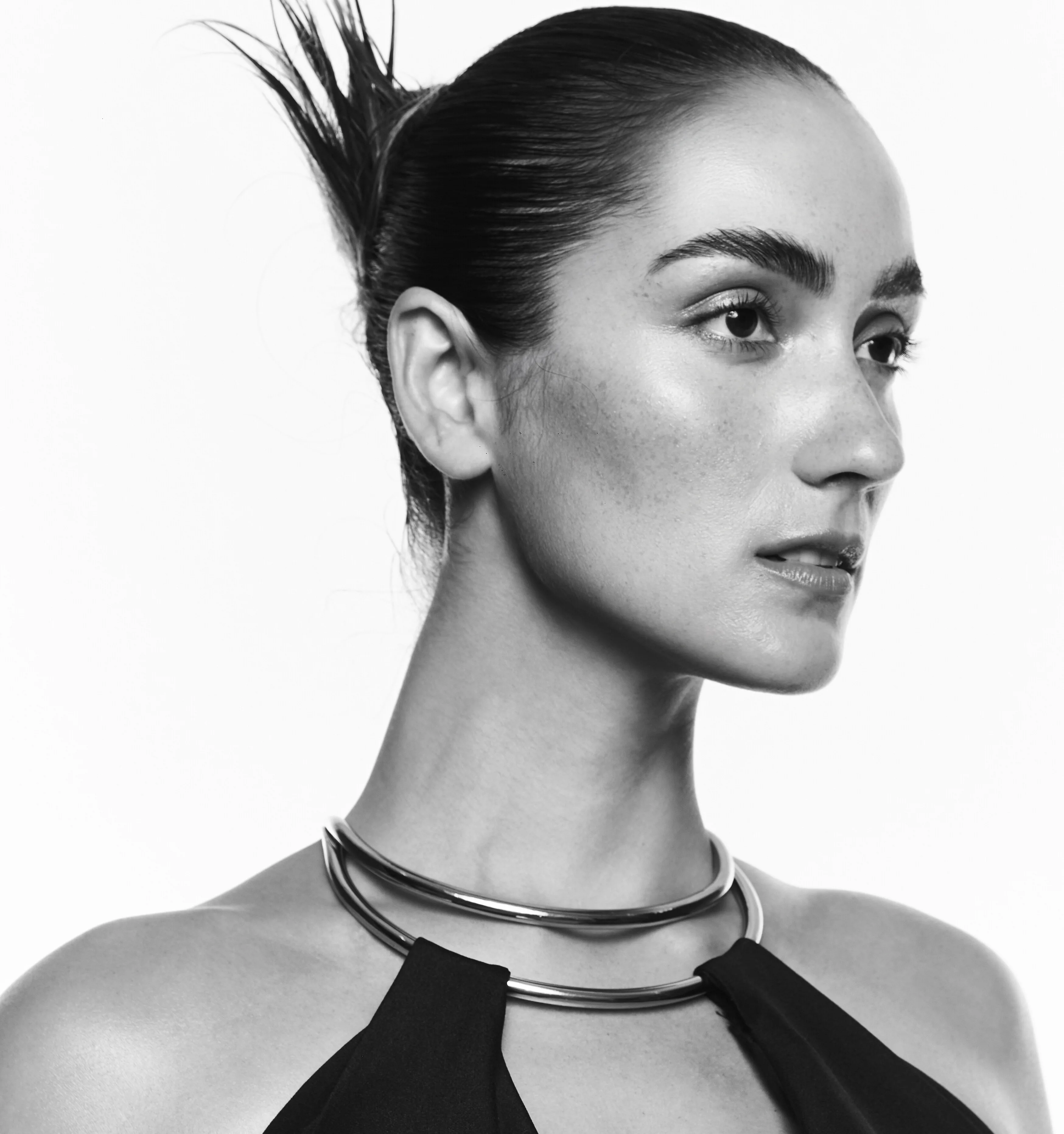
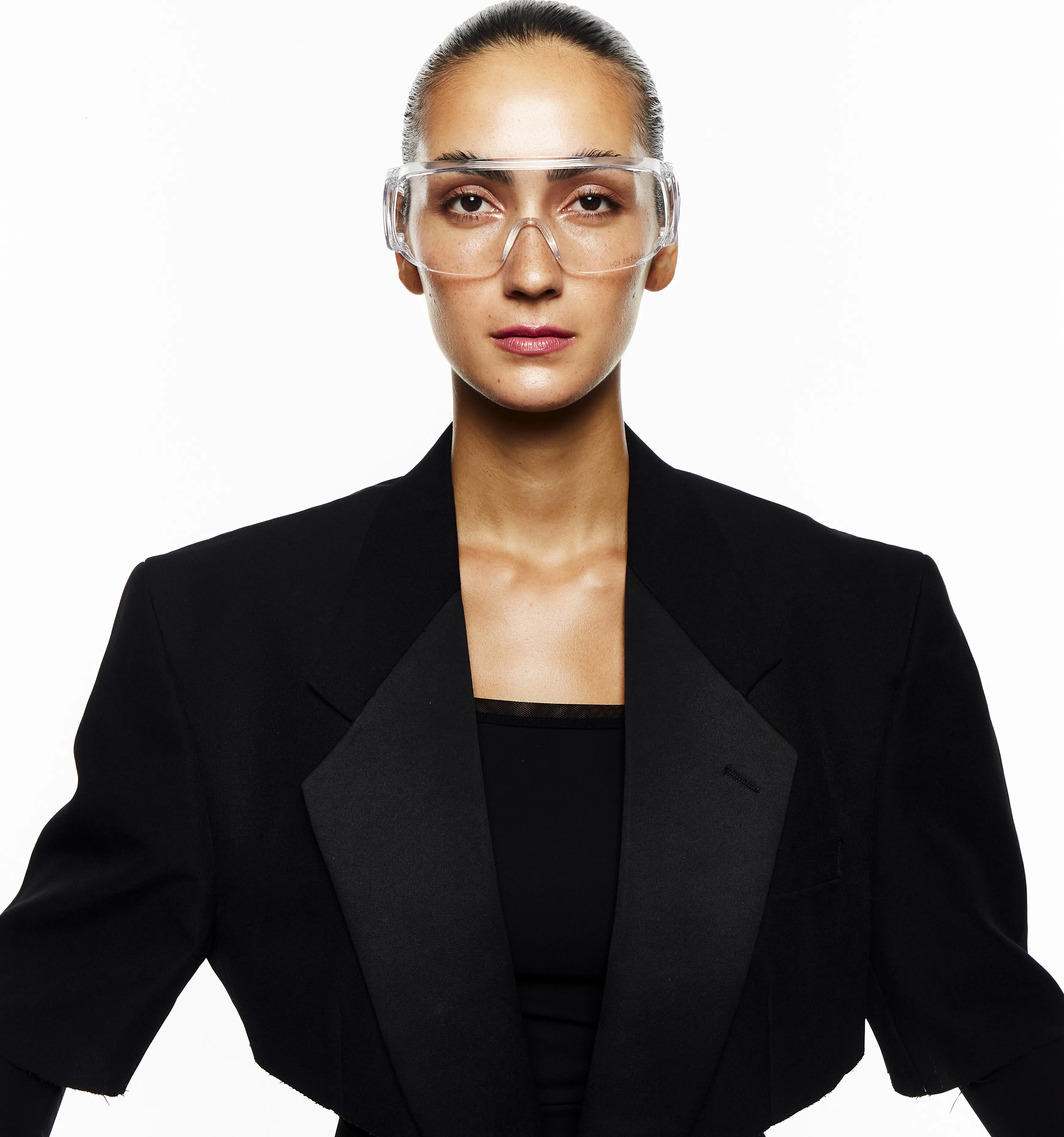
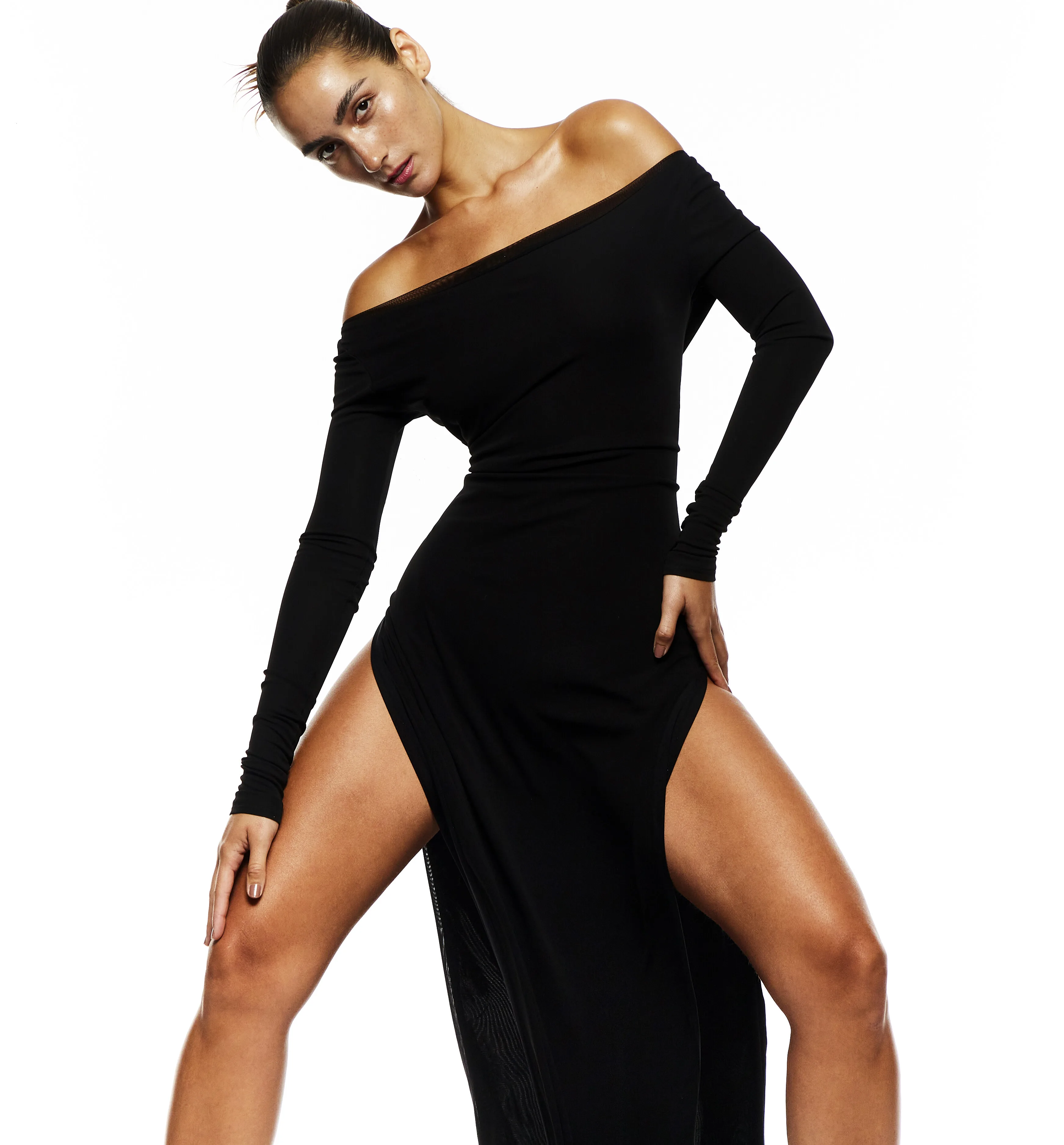
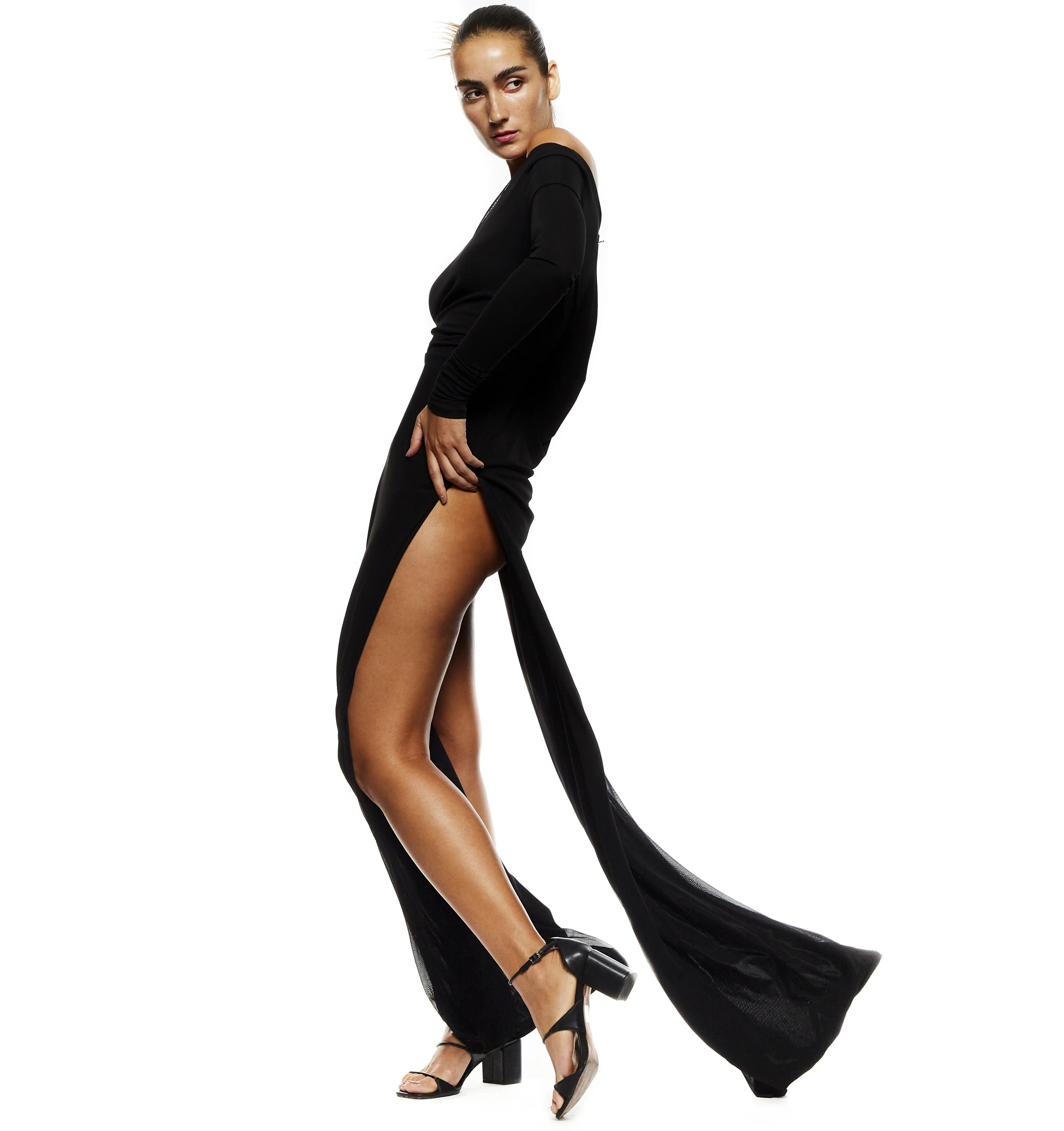
March things





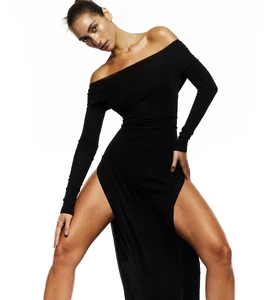
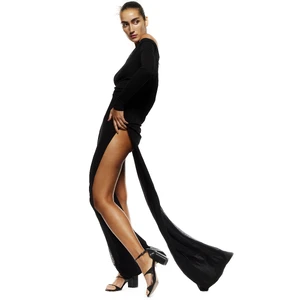
 tata naka f/w 2004
 tata naka fw2004

 Tata Naka fw2004


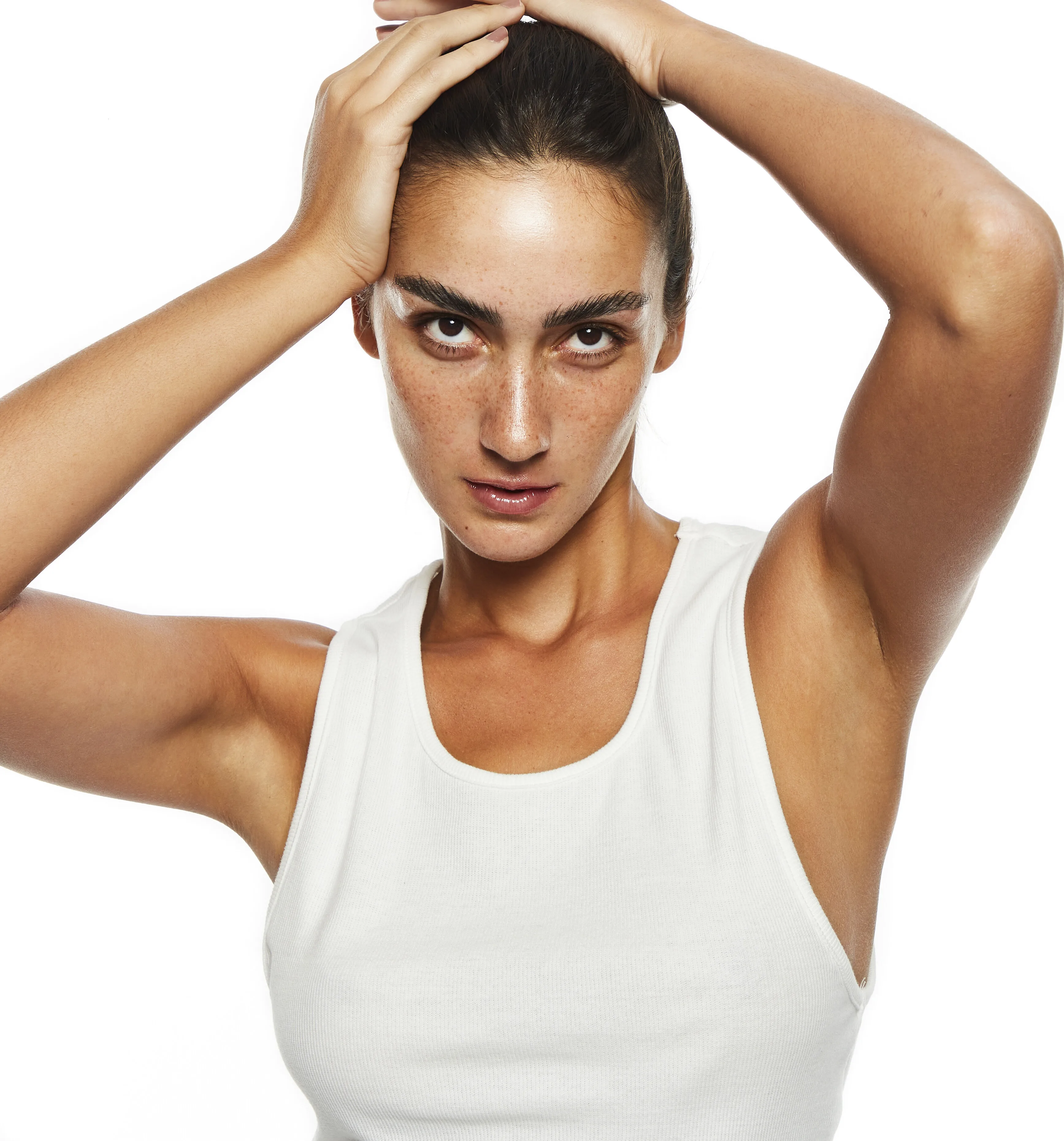
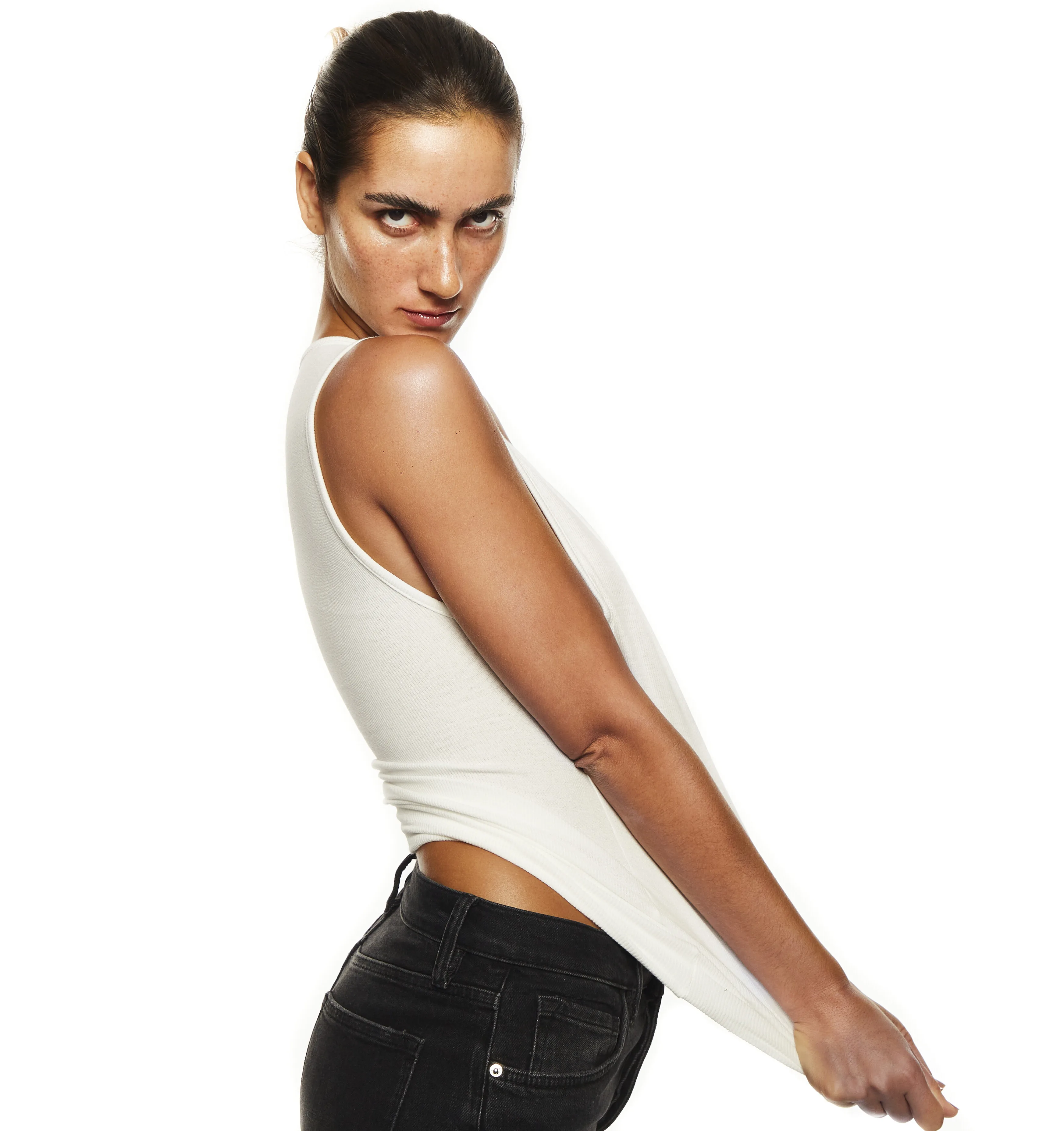
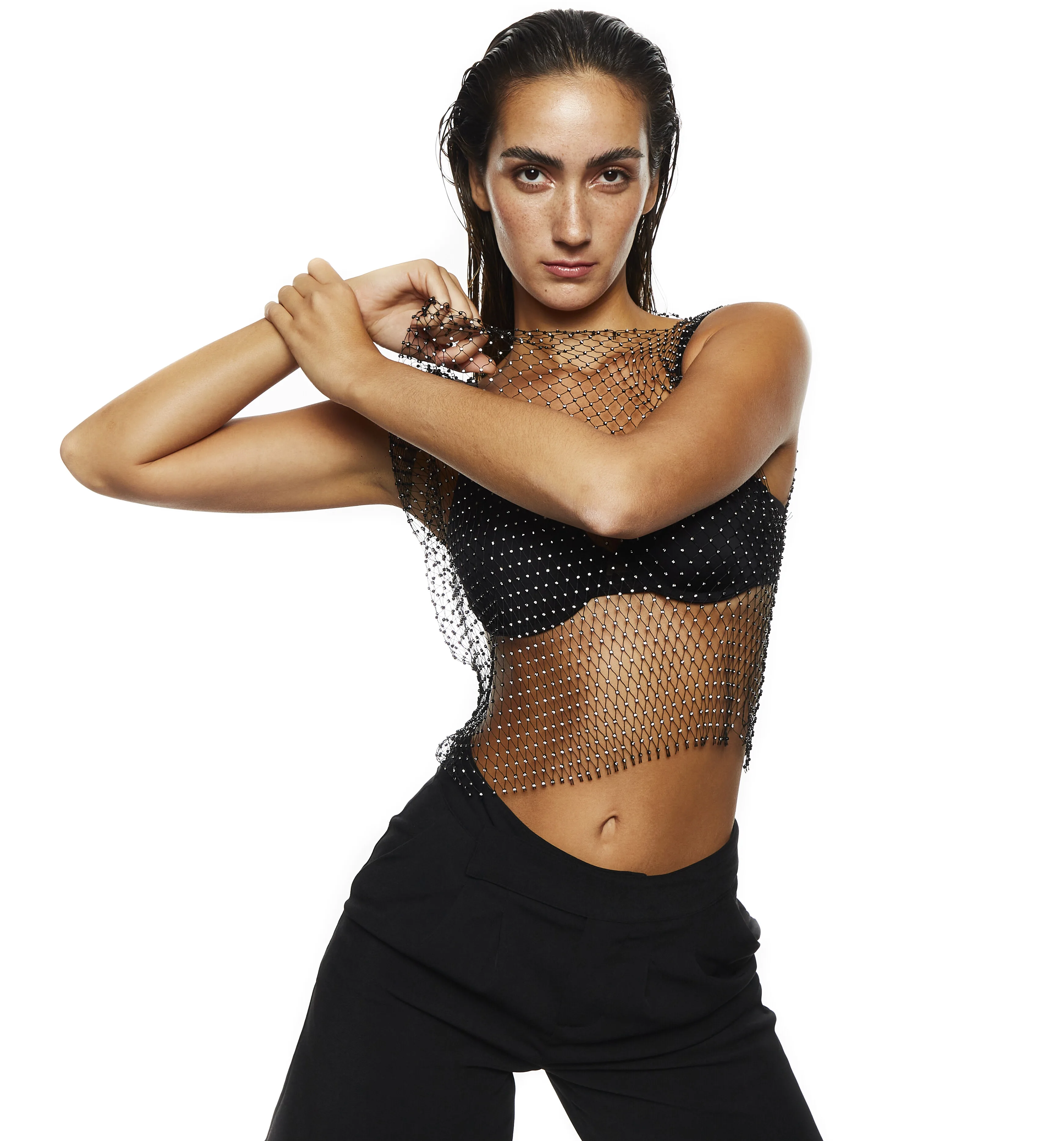
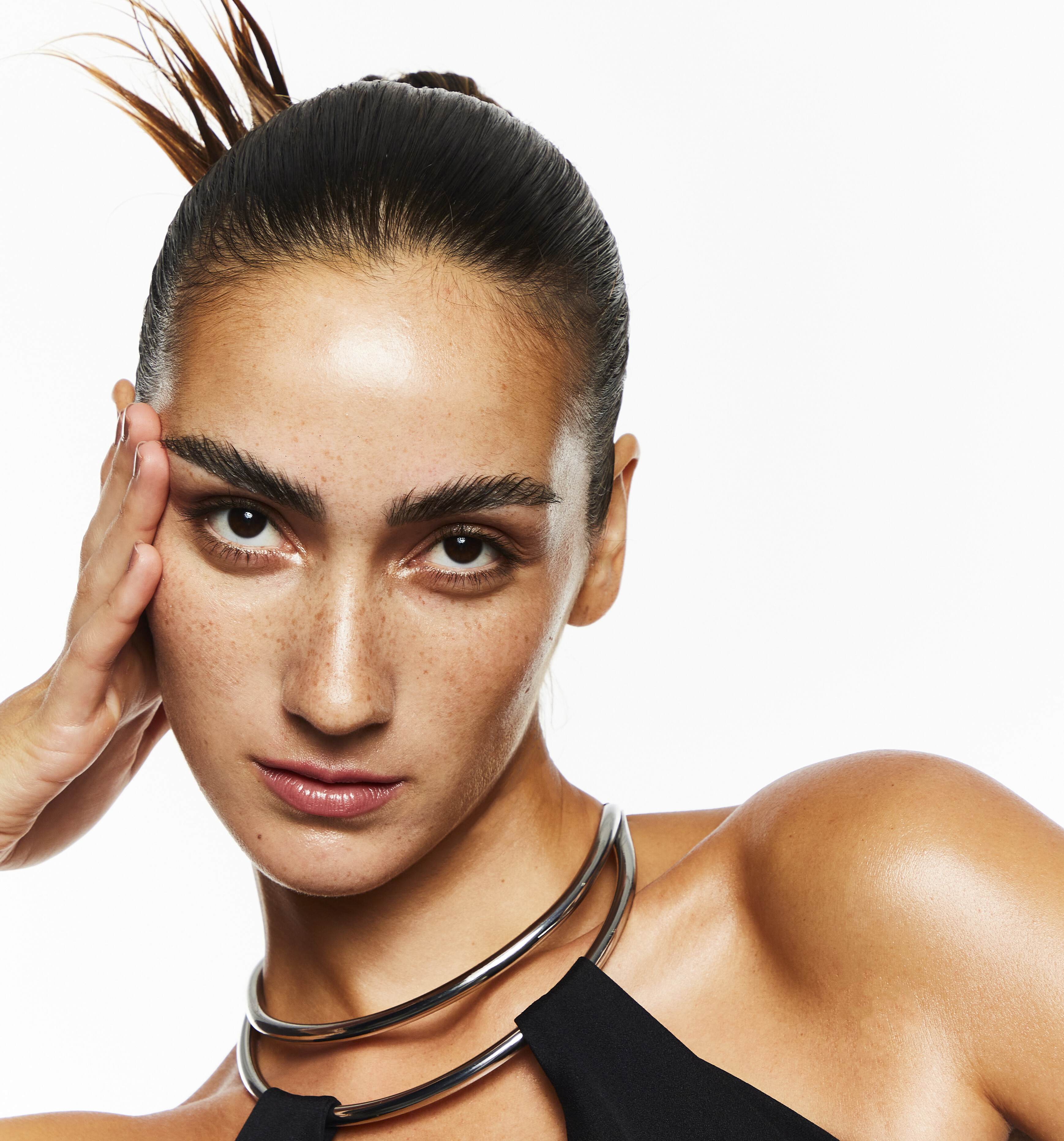






























































































































































.webp.5e6feeced2df292a1c72be24da695d54.webp)



Account
Navigation
Search
Configure browser push notifications
Chrome (Android)
- Tap the lock icon next to the address bar.
- Tap Permissions → Notifications.
- Adjust your preference.
Chrome (Desktop)
- Click the padlock icon in the address bar.
- Select Site settings.
- Find Notifications and adjust your preference.
Safari (iOS 16.4+)
- Ensure the site is installed via Add to Home Screen.
- Open Settings App → Notifications.
- Find your app name and adjust your preference.
Safari (macOS)
- Go to Safari → Preferences.
- Click the Websites tab.
- Select Notifications in the sidebar.
- Find this website and adjust your preference.
Edge (Android)
- Tap the lock icon next to the address bar.
- Tap Permissions.
- Find Notifications and adjust your preference.
Edge (Desktop)
- Click the padlock icon in the address bar.
- Click Permissions for this site.
- Find Notifications and adjust your preference.
Firefox (Android)
- Go to Settings → Site permissions.
- Tap Notifications.
- Find this site in the list and adjust your preference.
Firefox (Desktop)
- Open Firefox Settings.
- Search for Notifications.
- Find this site in the list and adjust your preference.