Skip to content
View in the app

A better way to browse. Learn more.

Bellazon

A full-screen app on your home screen with push notifications, badges and more.

To install this app on iOS and iPadOS
  1. Tap the Share icon in Safari
  2. Scroll the menu and tap Add to Home Screen.
  3. Tap Add in the top-right corner.
To install this app on Android
  1. Tap the 3-dot menu (⋮) in the top-right corner of the browser.
  2. Tap Add to Home screen or Install app.
  3. Confirm by tapping Install.

jo-bn-288

Members
  • Joined

  • Last visited

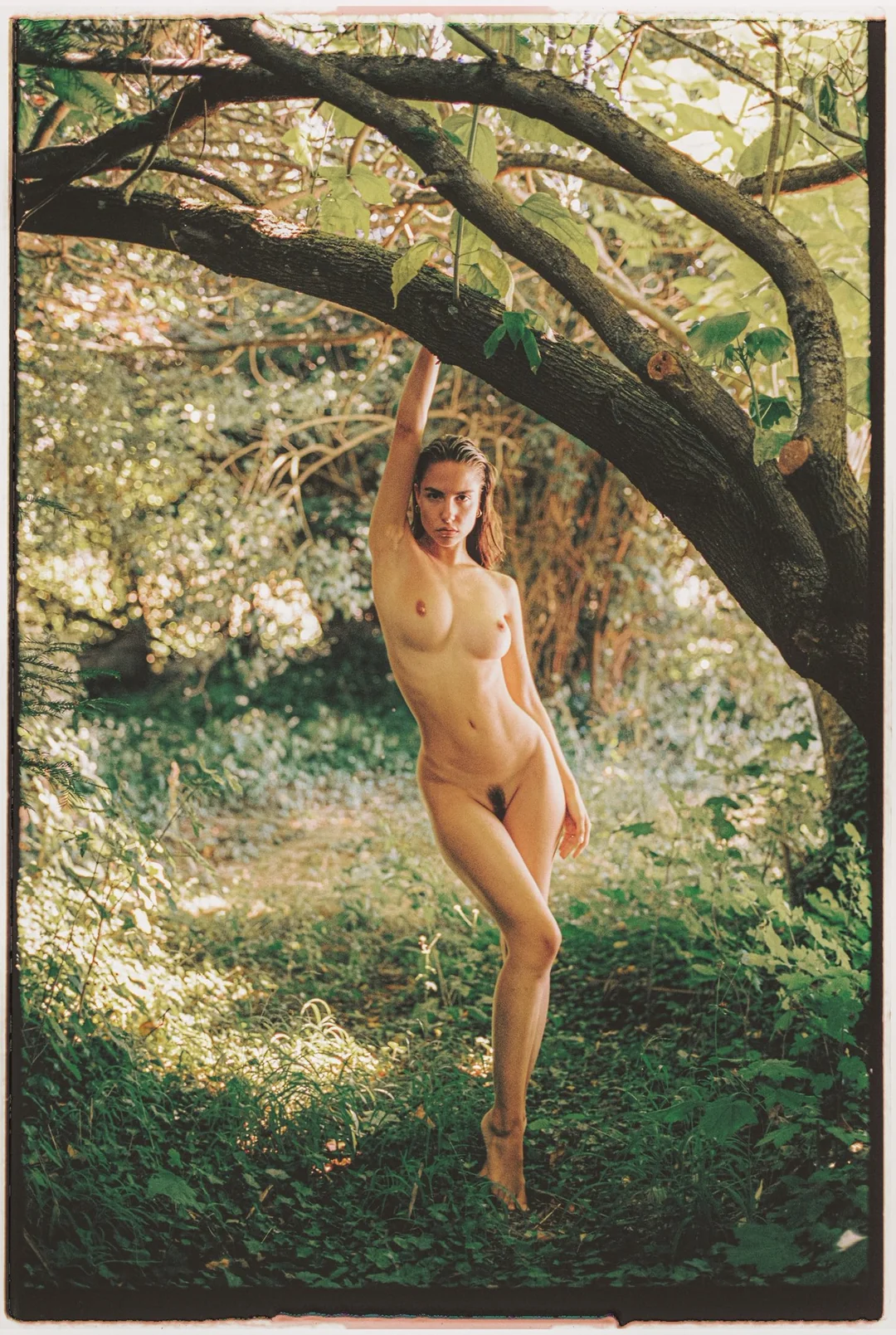
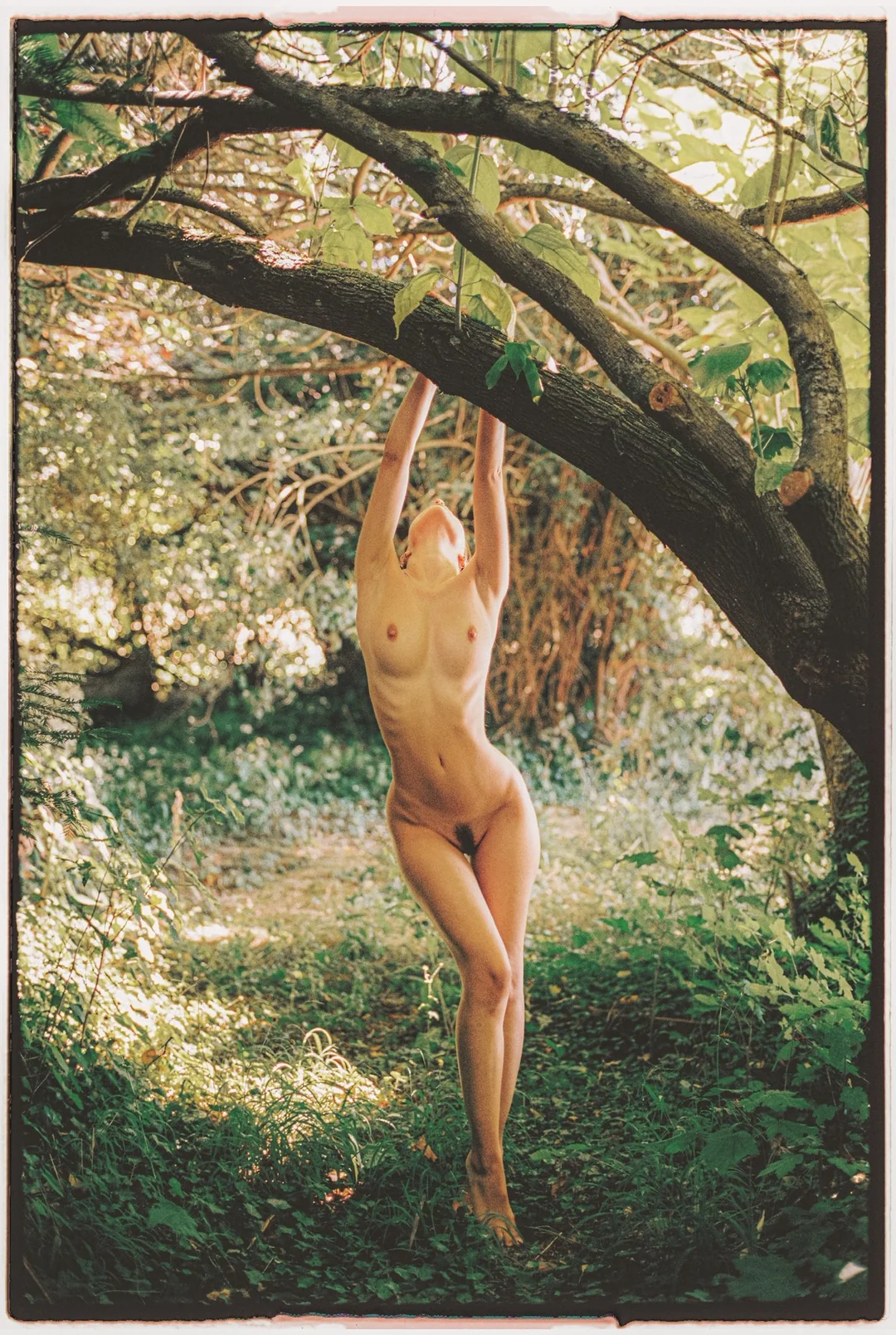
  1. Shot by Slava Shpak, mild nudity
  2. https://prasca.me/gallery.html?id=8691eee8-2f5e-48b0-9fd6-cf7e6b907fda
  3. Free sample from her Patreon.
  4. Sharing from Reddit, BTS
  5. Recent finds from BlueSky. NSFW
  6. Amores Incompletos. This is despite the fact that she's in the film's trailer and even in a few photos. Speak of the devil, here's a clip from the movie featuring her.
  7. This is a still from the tv series "Sierra Madre: No Tresspassing". I think it might be from episode 8, but I'm not 100% sure. The series has it's own IMDB page, but it not listed under Guilmant's. Bizarrely enough this appears to be the case with a other recent projects she's been in.
  8. PLICO Magazine, shot by Jason Renaud. BTS photos:
  9. Spring/Summer 2026 Campaign for Chanel Eyewear.
  10. More from Saar, this time his YouPic page. NSFW shots
  11. All of these are from Raido Saar, specifically his Kavyar page. NSFW shots
  12. The one kneeling outside the bathtub with the dragon tattoo is Yoana Nikolova. Don't know the other two.
  13. From Camila Flores' Behance page. Two of these have been posted before, but this is the full set at a higher quality.
  14. From @auf_ge_blitzt on his Threads account. From 'Lichtbildcreator' 500px account.

Account

Navigation

Search

Search

Configure browser push notifications

Chrome (Android)
  1. Tap the lock icon next to the address bar.
  2. Tap Permissions → Notifications.
  3. Adjust your preference.
Chrome (Desktop)
  1. Click the padlock icon in the address bar.
  2. Select Site settings.
  3. Find Notifications and adjust your preference.