All Activity
- Past hour
-
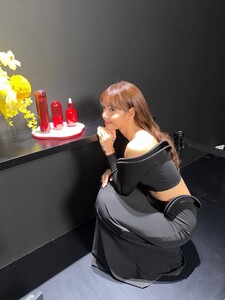
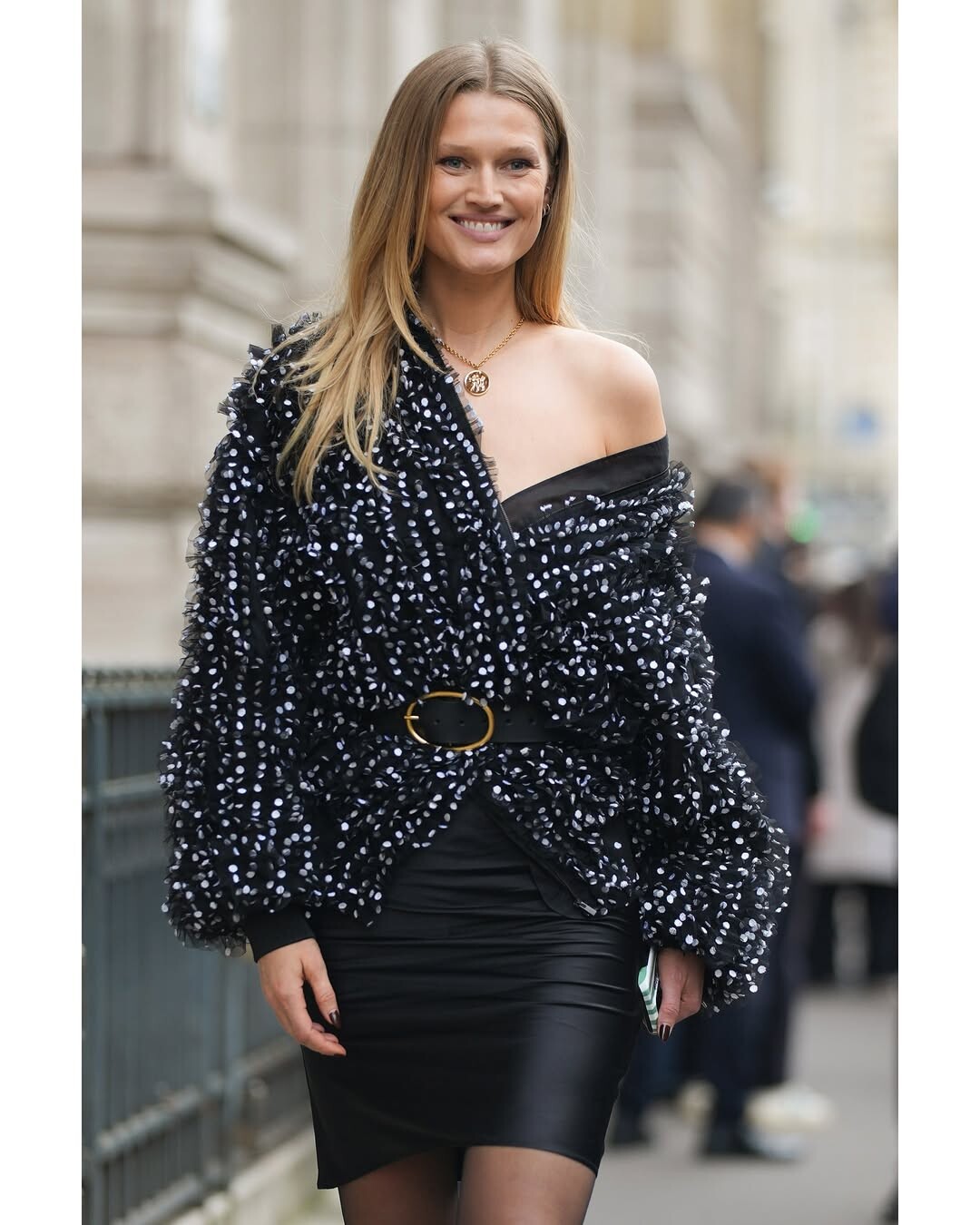
 IG: Two Different Black Outfits














-

 H&M STYLING HILDA SANDSTRÖM, PHOTOGRAPHY CARLOS GARCIA



 House of CB\2026 VID















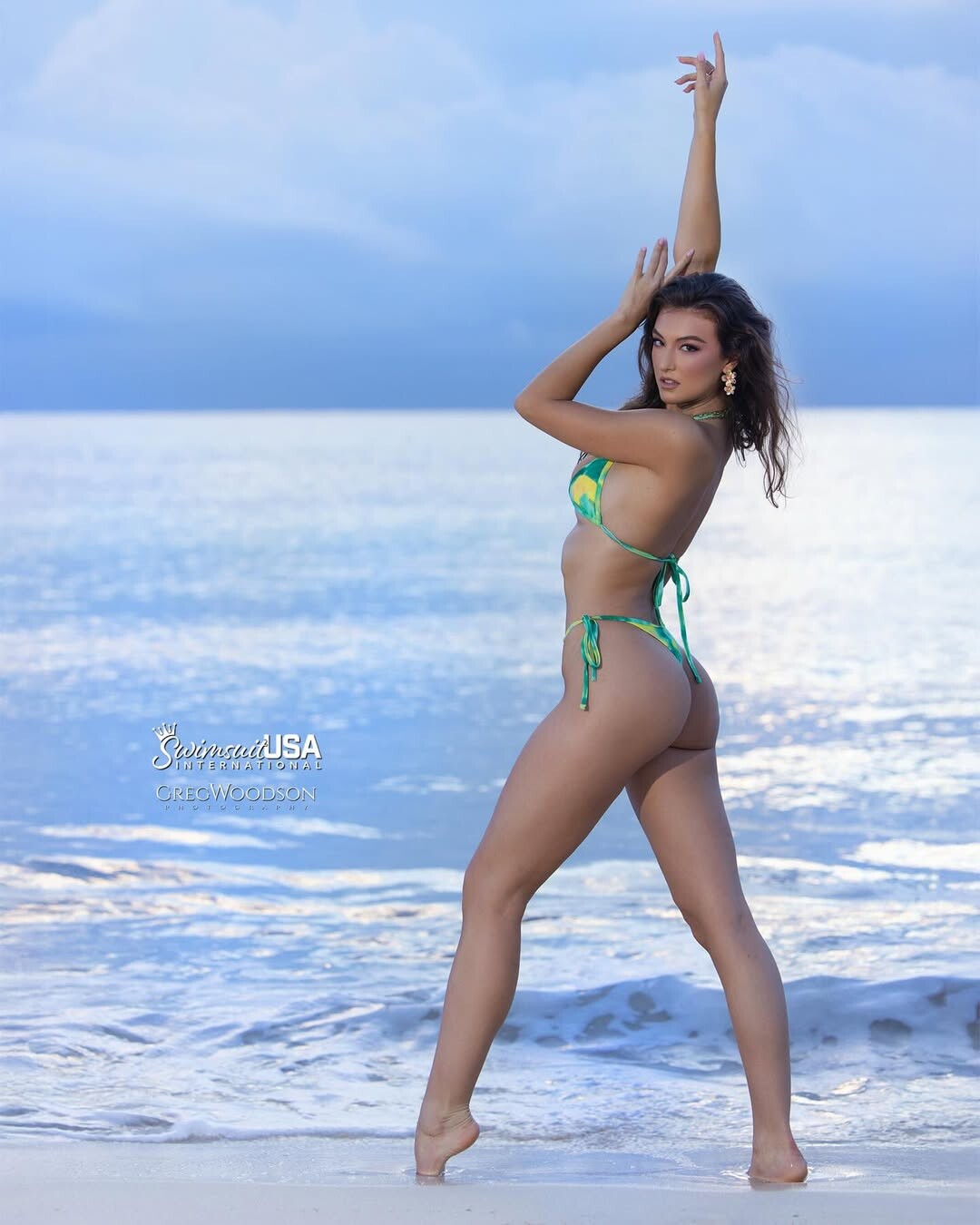
 Rachel Pizzolato - Omni Beach Life Photoshoot - 03/07/2026






- Today
 Jordan Rumy isn't known for being very credible, so I'd take what he says with a grain of salt. In some other, more distant photos, you can see that Leo is as thin as ever.
 the spam ....
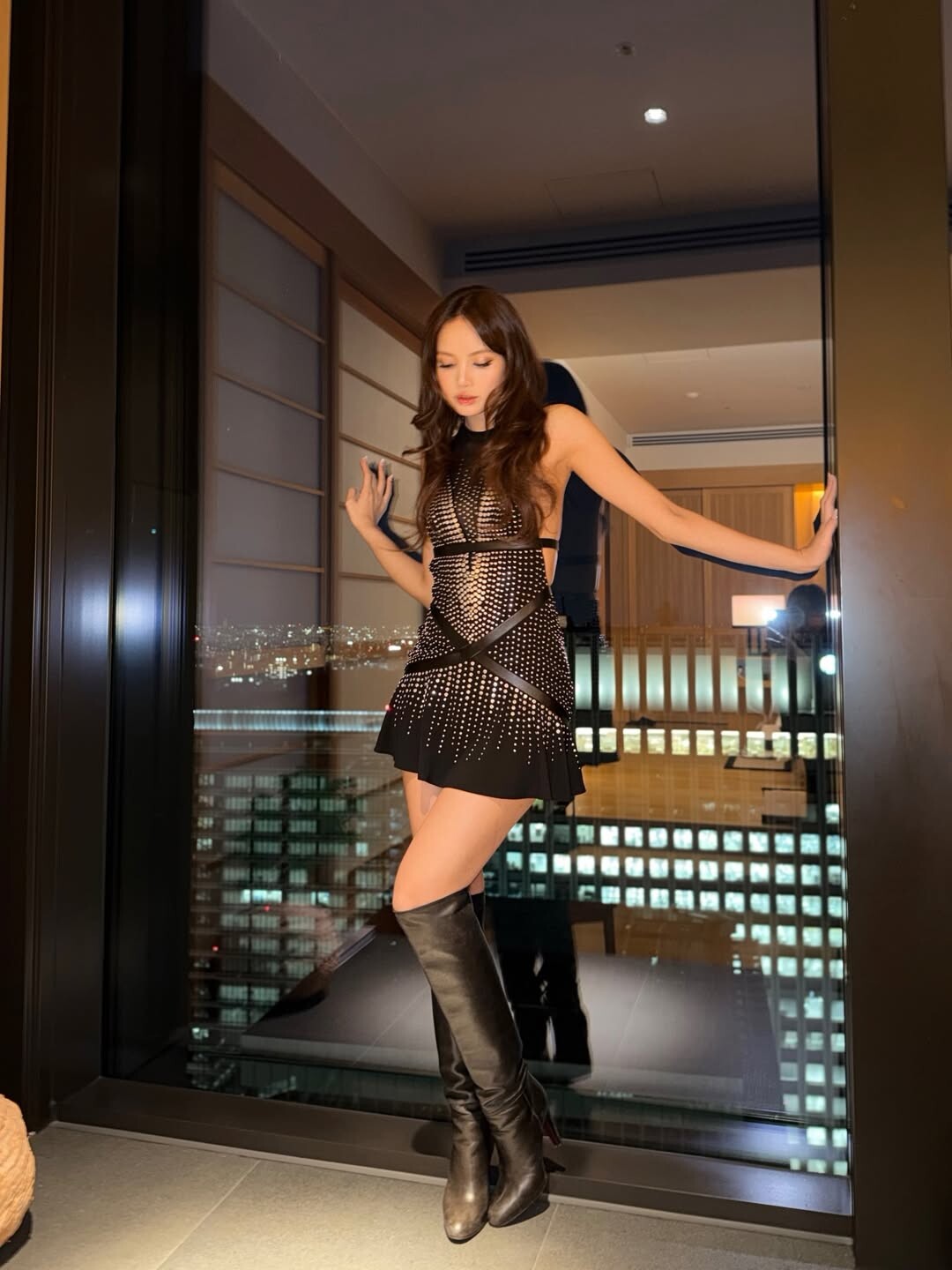
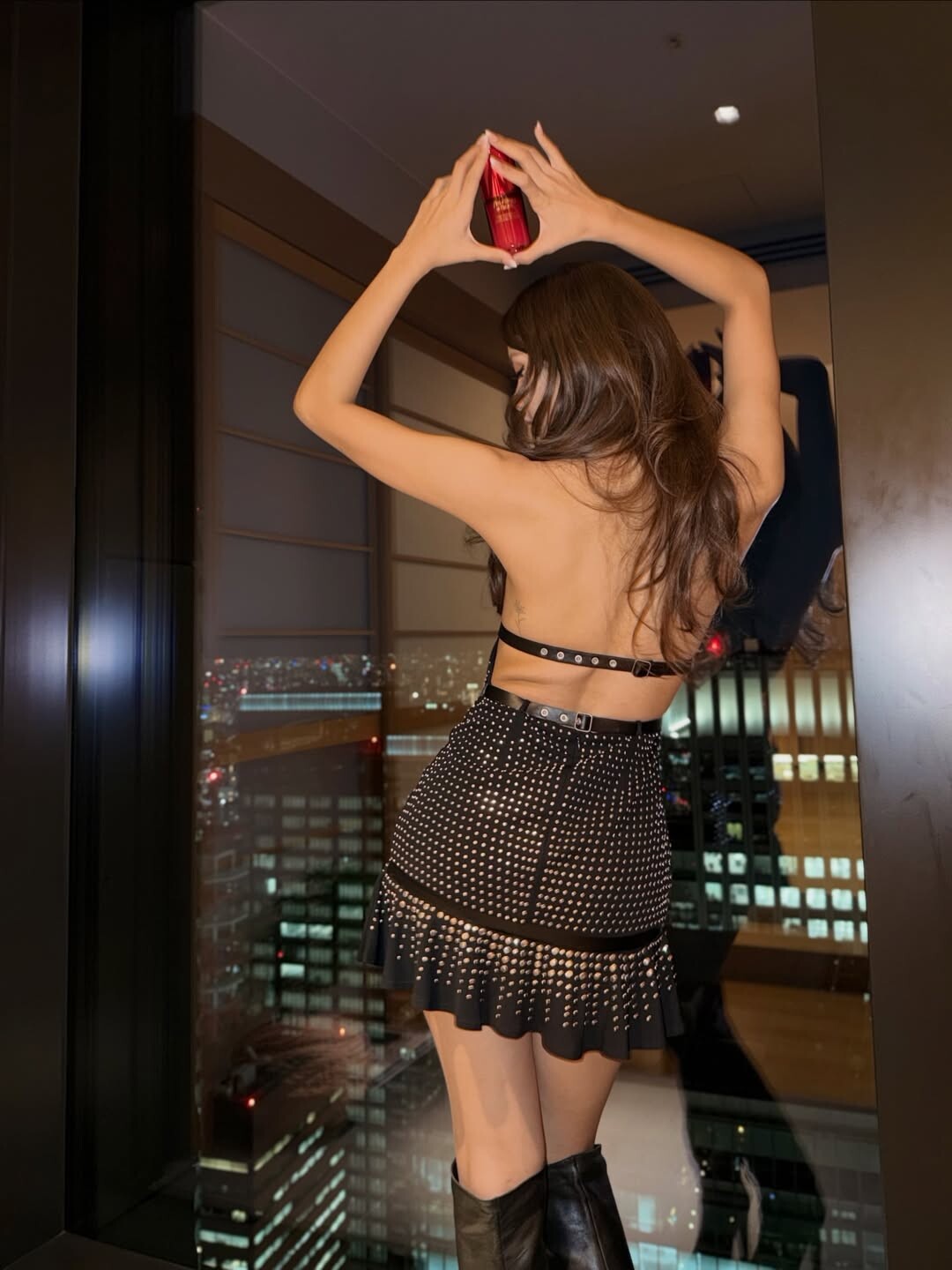
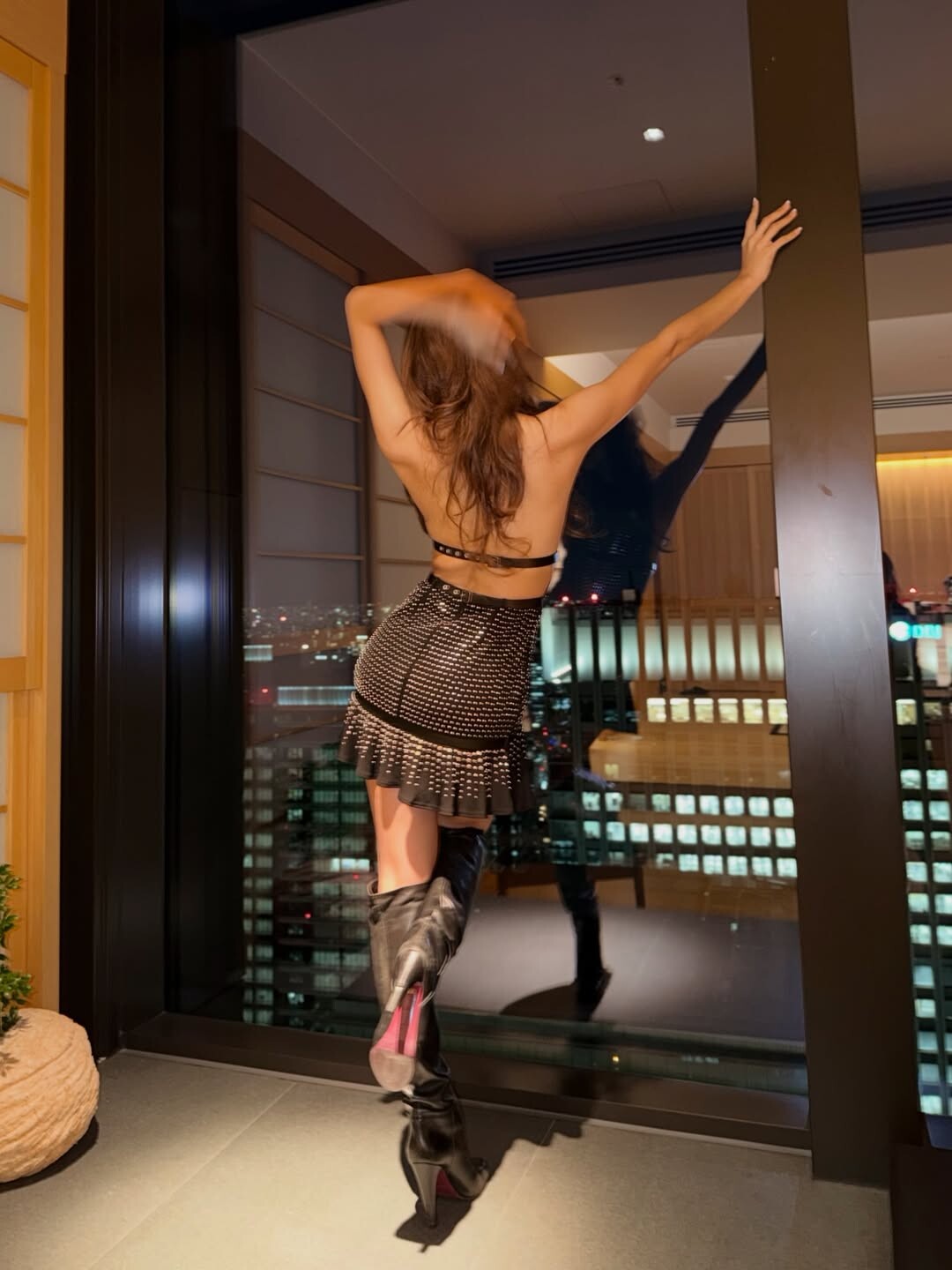
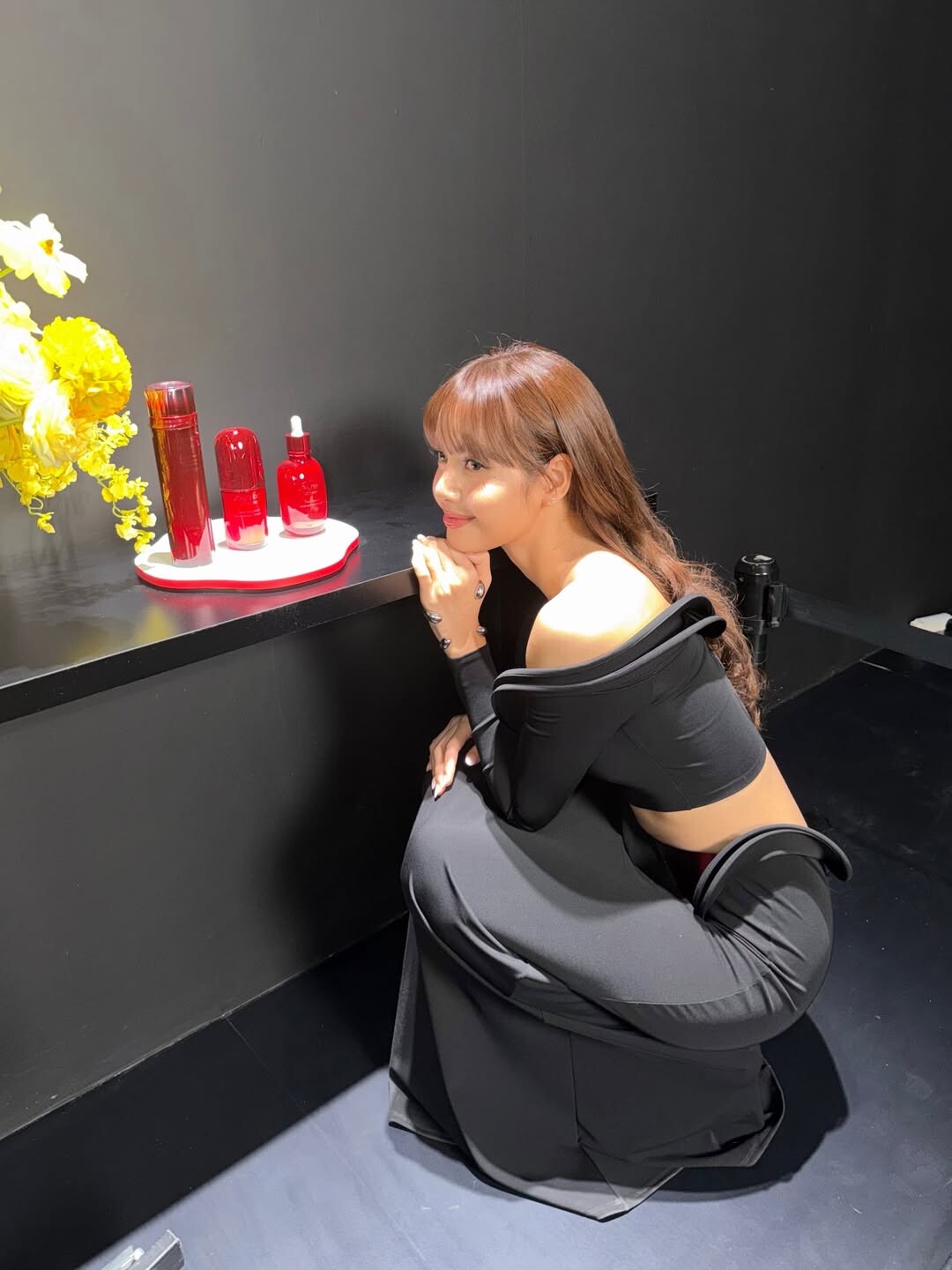
Loreal Paris Event 🤩 source: IG
the spam ....
Loreal Paris Event 🤩 source: IG






 the impression
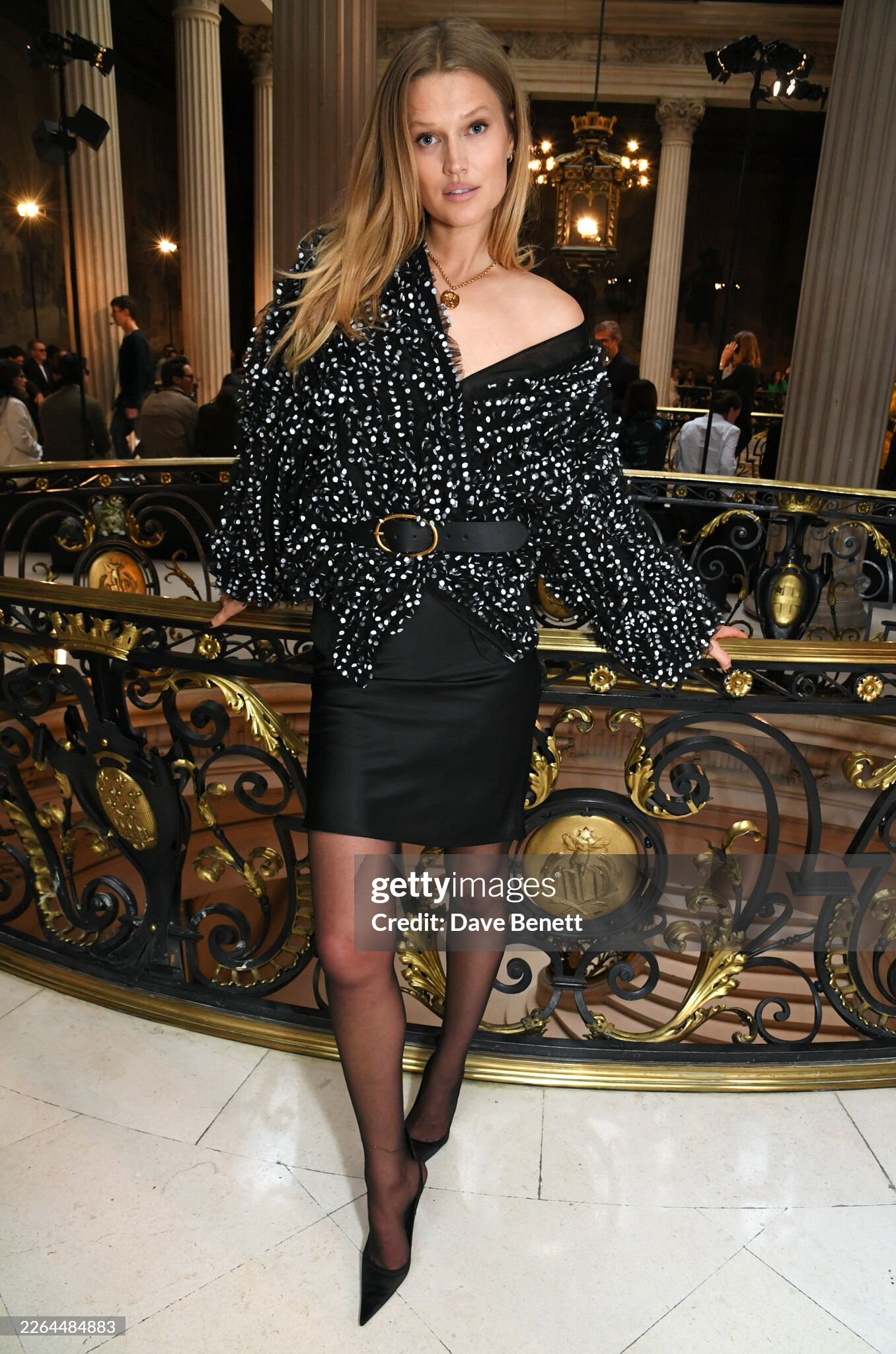
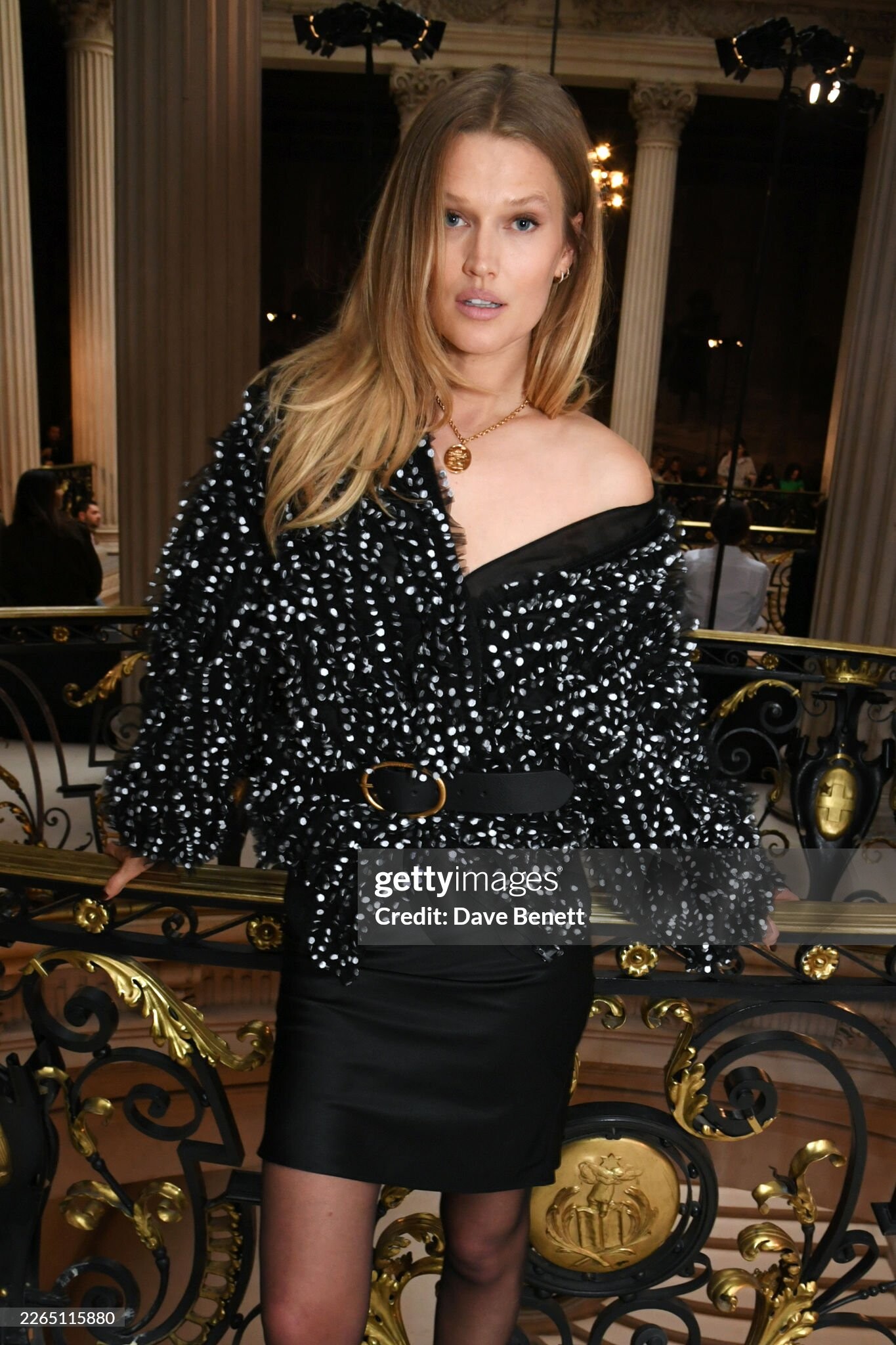
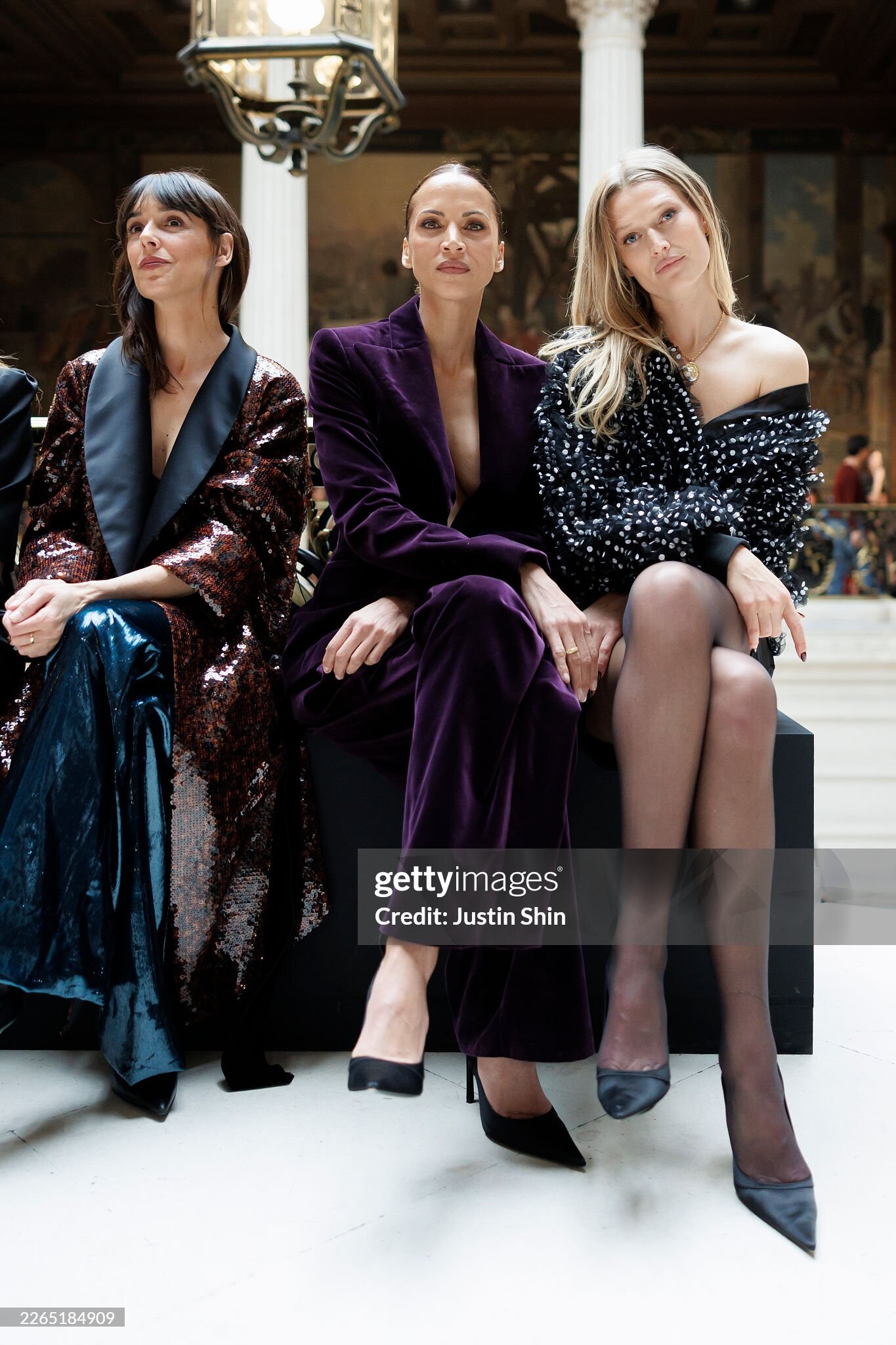
 Nina Ricci - Paris Fashion Week FW26





 kivenarmstrength changed their profile photo
 Whipped Cream Swimwear Whipped Cream Girls do it best 🫐🍦🥂#whippedcreamgirl #summeroutfits #swimtryon #holidaywardrob.mp4
 J Dauphin Jewelry Collection Presents Swedish Girls (2010) video (nudity starting at about the 2:45 mark)
 Sears catalog (1995) Also features Krista Oliver (top left) and two others. Source: eBay






















































































































































































Account
Navigation
Search
Configure browser push notifications
Chrome (Android)
- Tap the lock icon next to the address bar.
- Tap Permissions → Notifications.
- Adjust your preference.
Chrome (Desktop)
- Click the padlock icon in the address bar.
- Select Site settings.
- Find Notifications and adjust your preference.
Safari (iOS 16.4+)
- Ensure the site is installed via Add to Home Screen.
- Open Settings App → Notifications.
- Find your app name and adjust your preference.
Safari (macOS)
- Go to Safari → Preferences.
- Click the Websites tab.
- Select Notifications in the sidebar.
- Find this website and adjust your preference.
Edge (Android)
- Tap the lock icon next to the address bar.
- Tap Permissions.
- Find Notifications and adjust your preference.
Edge (Desktop)
- Click the padlock icon in the address bar.
- Click Permissions for this site.
- Find Notifications and adjust your preference.
Firefox (Android)
- Go to Settings → Site permissions.
- Tap Notifications.
- Find this site in the list and adjust your preference.
Firefox (Desktop)
- Open Firefox Settings.
- Search for Notifications.
- Find this site in the list and adjust your preference.