All Activity
- Past hour
-
 Clady1984 joined the community
 -
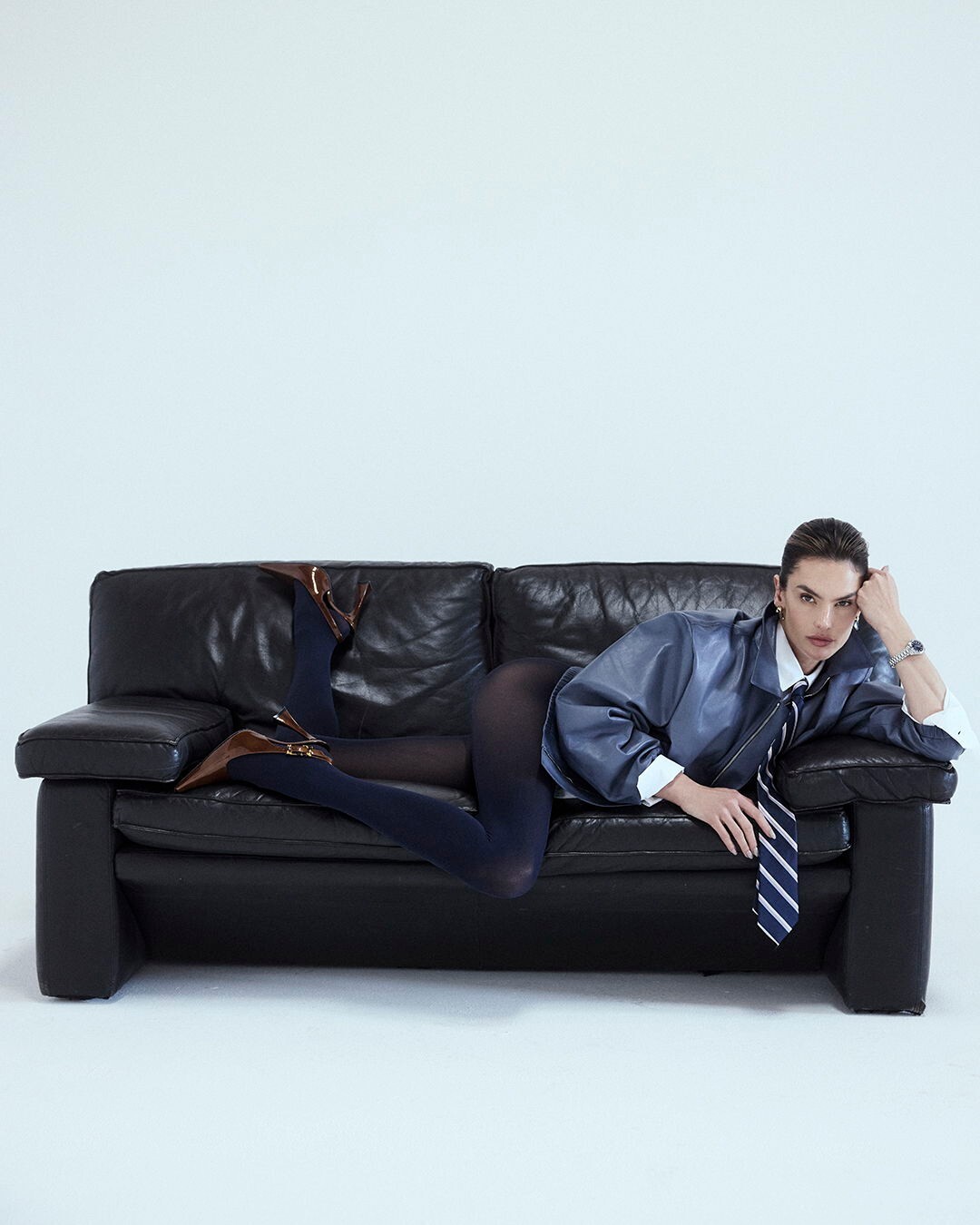
 Process & Post: Alessandra Ambrosio by David Roemer for M Milenio







-
Stone Fruit: Beginning the year with gratitude and a message from our founders, Taylor and Mackinley 💌

-

-
 deleted
 -
-
-

- Today
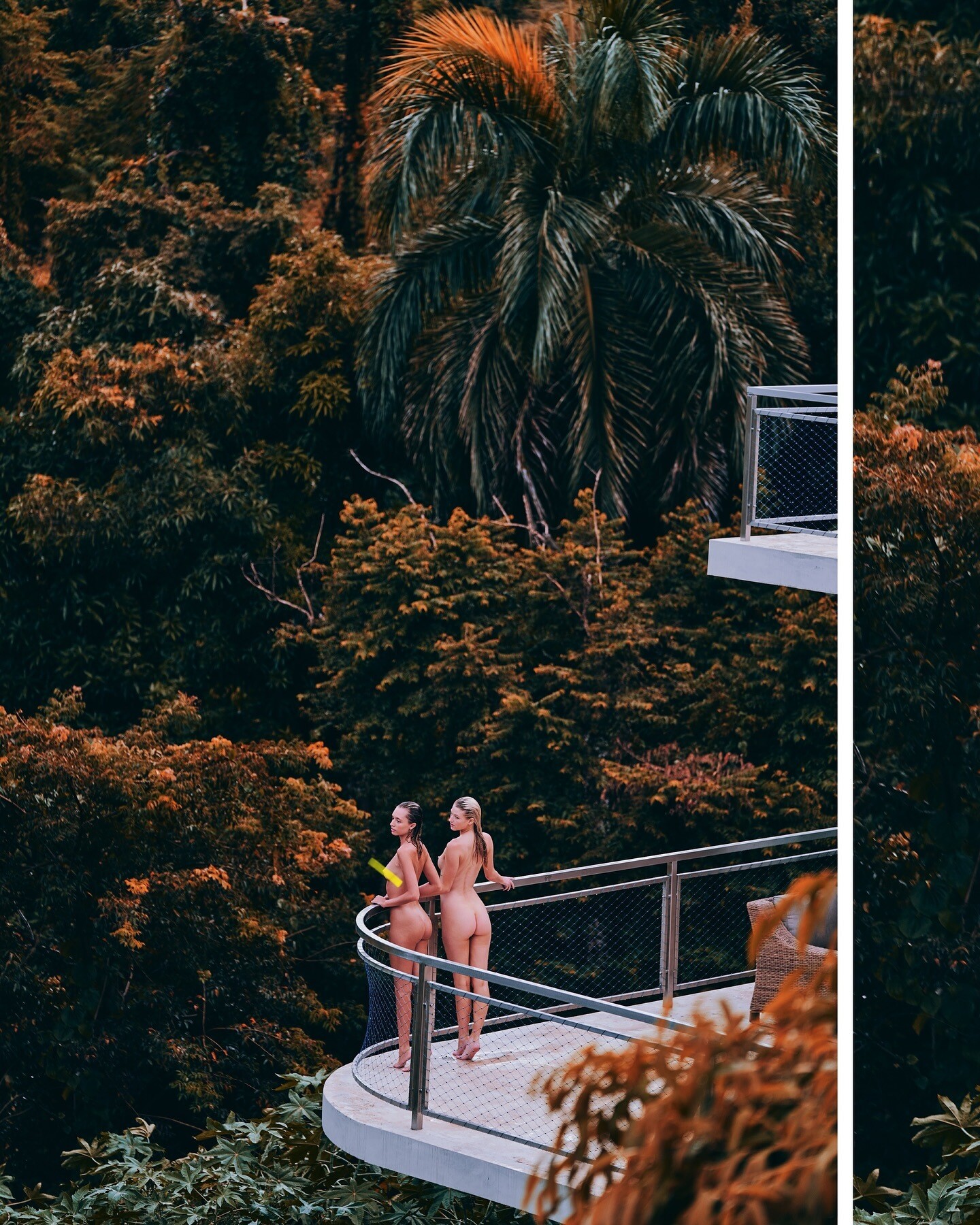
 Nudity Spoiler




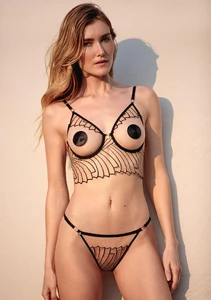
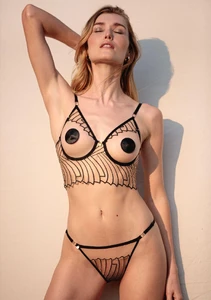
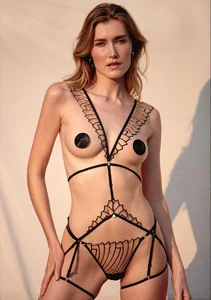
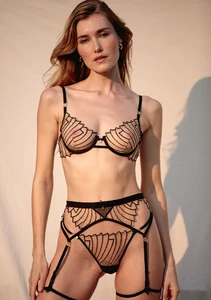
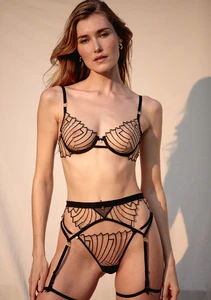

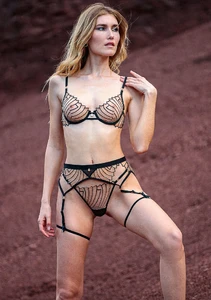
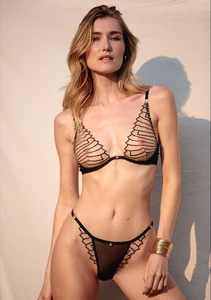

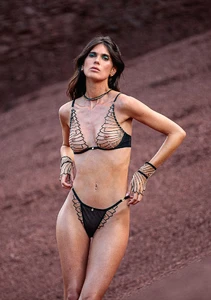
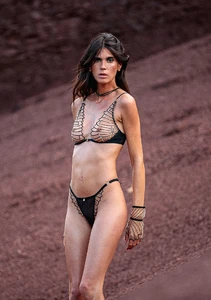

 Nathalie Darcas - Female Fashion Models - Bellazon
 ❤️❤️ goddess tier
Jessica Gouin - Female Fashion Models - Bellazon
❤️❤️ goddess tier
Jessica Gouin - Female Fashion Models - Bellazon
 Into 2026 ✨ Happy New Year video [2026.01.01] izabelgoulart_Pr3uDoCZ.mp4
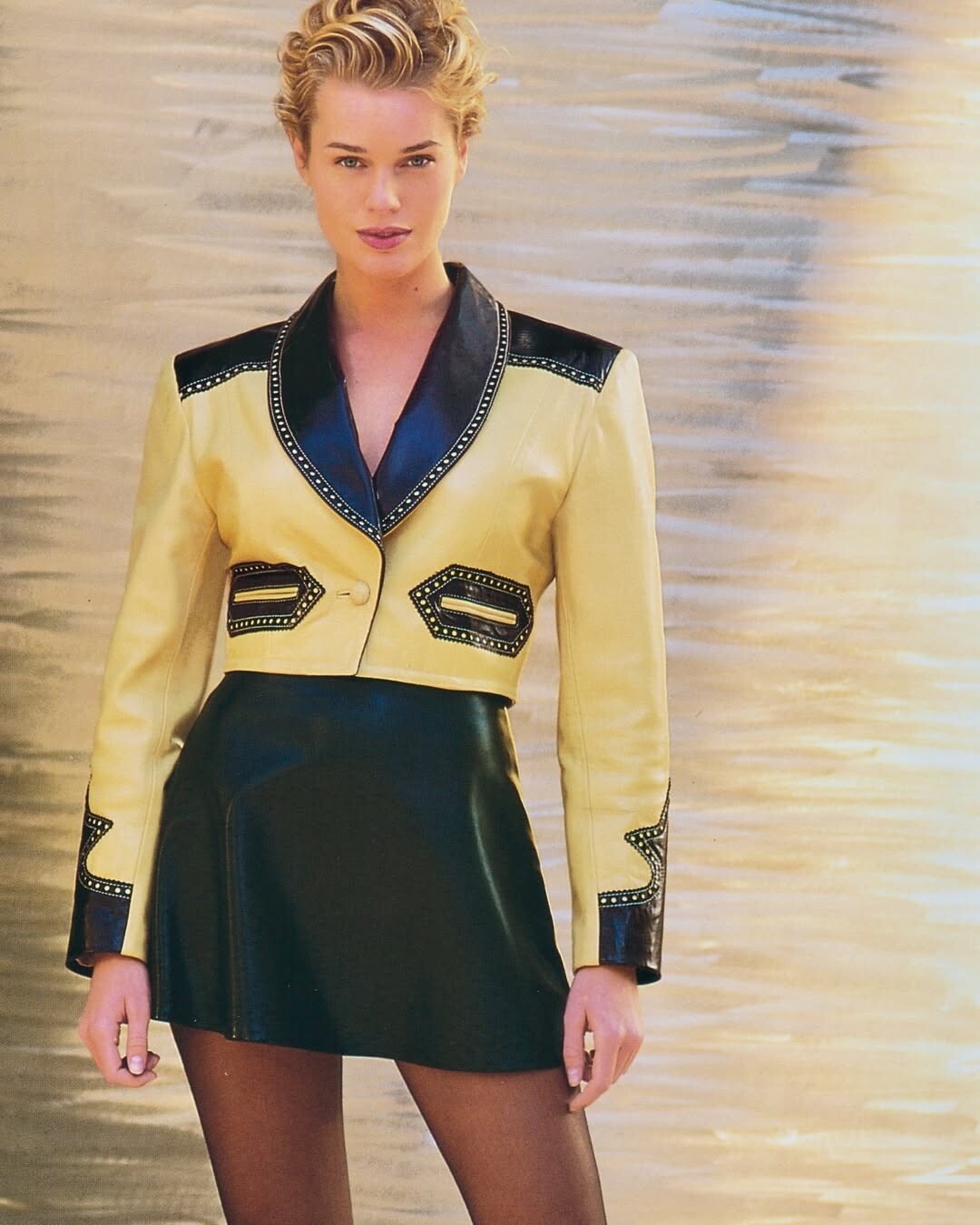
 Angie Everhart, Rebecca Romijn & Stacey Williams for North Beach, 1994, by Neil Kirk from northbeachlether.archives on Instagram


 stories video [2026.01.01] celinebethmann_3800509619194579232.mp4
 Angie Everhart, Rebecca Romijn & Stacey Williams for North Beach, 1994, by Neil Kirk from northbeachlether.archives on Instagram





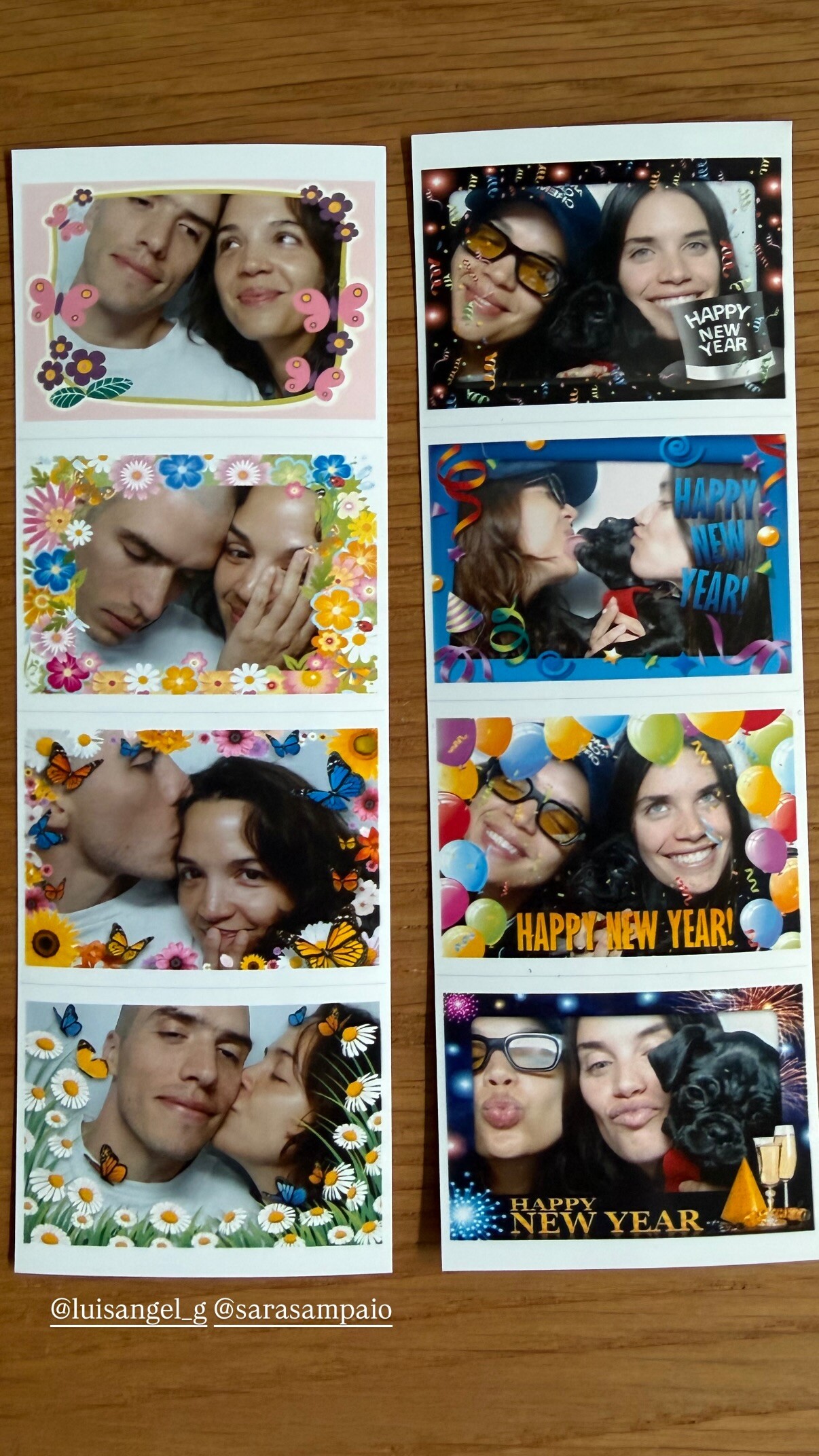
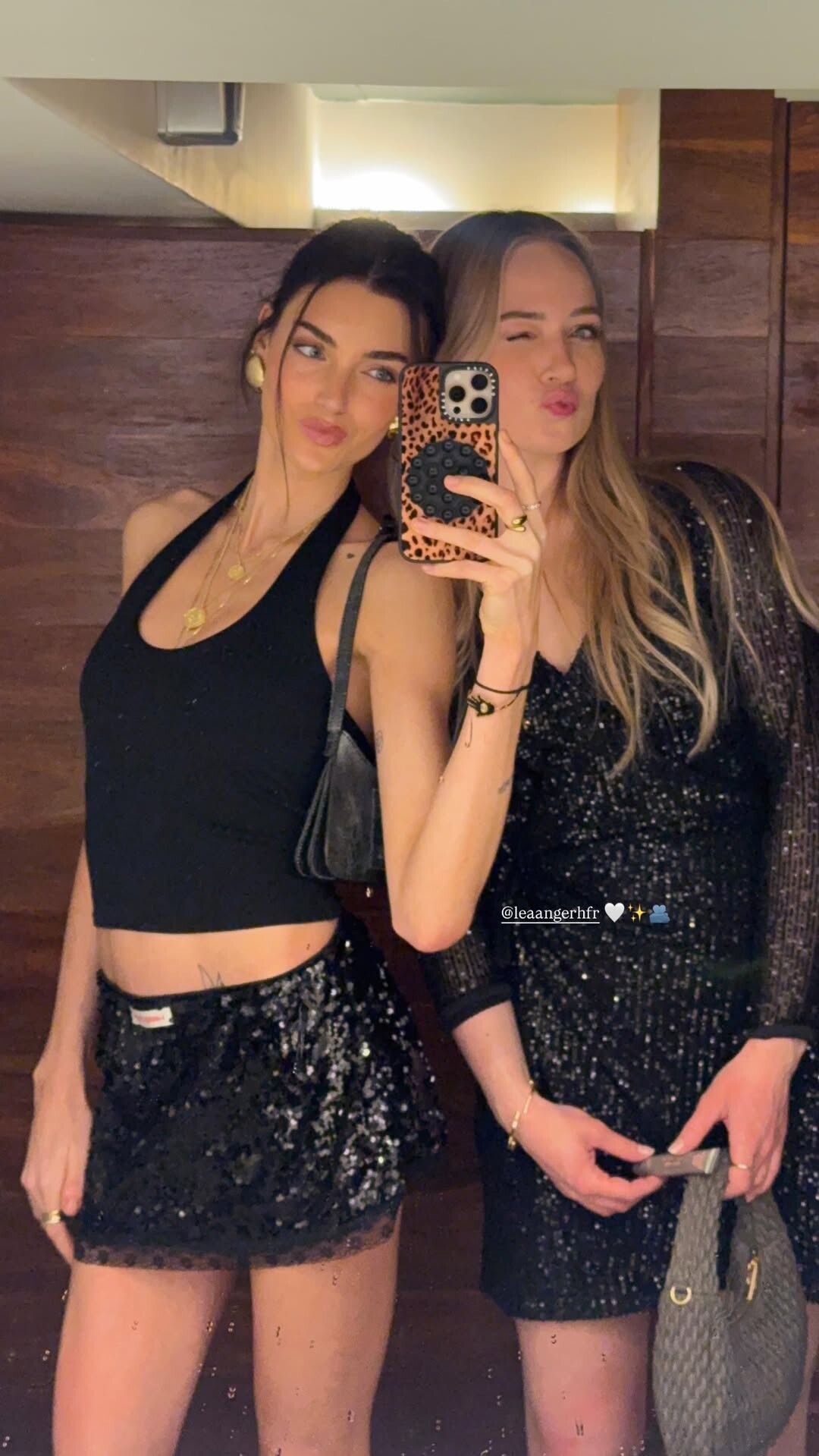
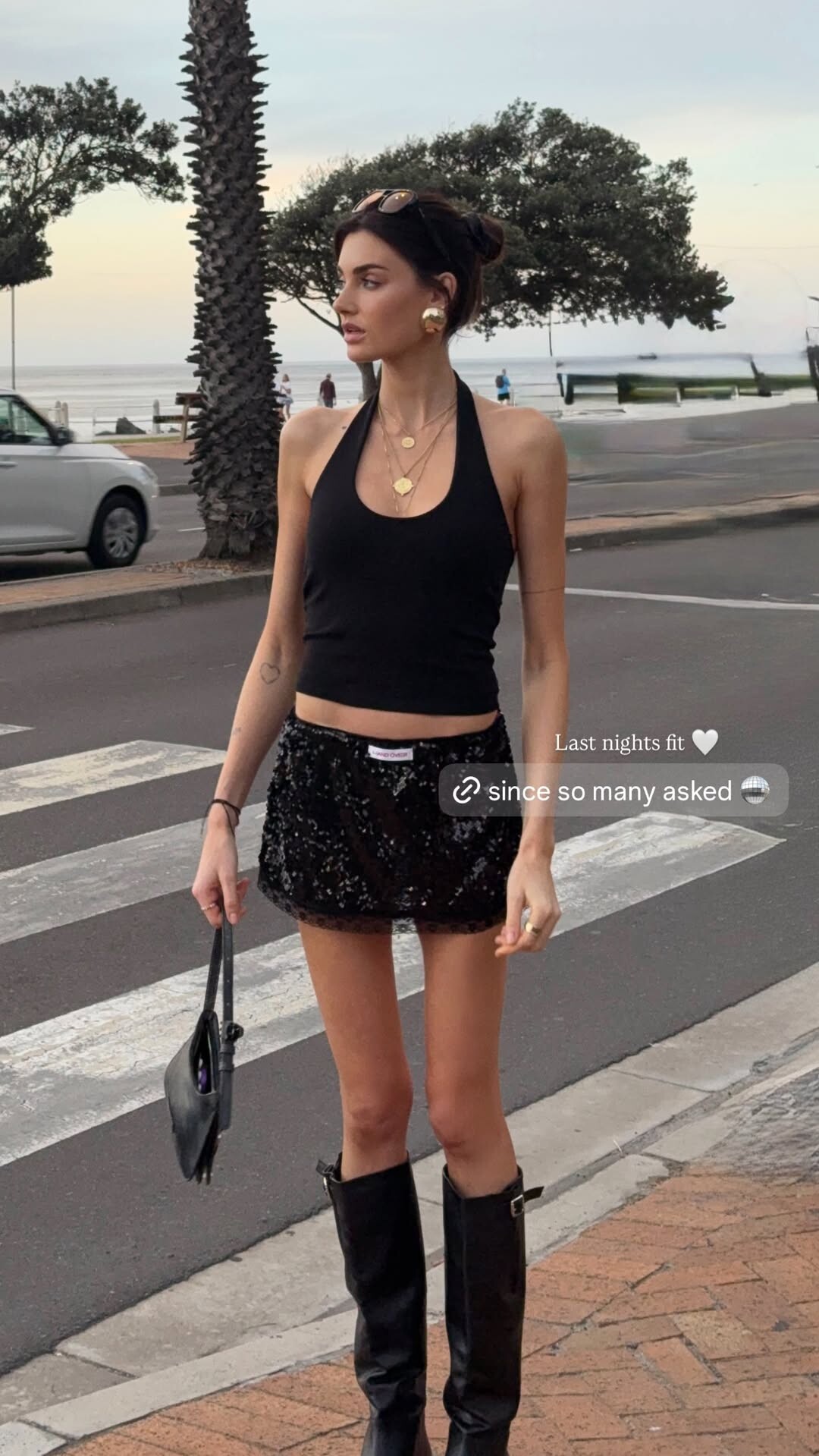
 Happy New Year 💫- Part I 🎄👑⚱️♥️







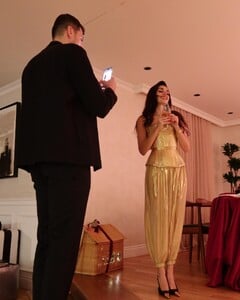





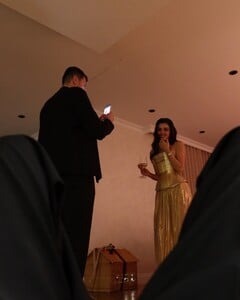
 Angie Everhart, Rebecca Romijn & Stacey Williams for North Beach, 1994, by Neil Kirk from northbeachlether.archives on Instagram






























































































Account
Search
Configure browser push notifications
Chrome (Android)
- Tap the lock icon next to the address bar.
- Tap Permissions → Notifications.
- Adjust your preference.
Chrome (Desktop)
- Click the padlock icon in the address bar.
- Select Site settings.
- Find Notifications and adjust your preference.
Safari (iOS 16.4+)
- Ensure the site is installed via Add to Home Screen.
- Open Settings App → Notifications.
- Find your app name and adjust your preference.
Safari (macOS)
- Go to Safari → Preferences.
- Click the Websites tab.
- Select Notifications in the sidebar.
- Find this website and adjust your preference.
Edge (Android)
- Tap the lock icon next to the address bar.
- Tap Permissions.
- Find Notifications and adjust your preference.
Edge (Desktop)
- Click the padlock icon in the address bar.
- Click Permissions for this site.
- Find Notifications and adjust your preference.
Firefox (Android)
- Go to Settings → Site permissions.
- Tap Notifications.
- Find this site in the list and adjust your preference.
Firefox (Desktop)
- Open Firefox Settings.
- Search for Notifications.
- Find this site in the list and adjust your preference.