All Activity
- Past hour
-
Shahab Hosseini (born February 3, 1974, in Tehran) is one of Iran’s most internationally recognized actors, as well as a director and producer.




.thumb.jpg.5f6beec29bd09d4e7d415a08b58c536d.jpg)








-
-
Cheatbeef joined the community
-
better quality of this North Beach ad, 1988, by Herb Ritts not sure who the male model is

-
@armz1967 Thanks for your posts. Would you mind to put sources on the things you post? So other people collecting on Renée have also the chance to find these things - even if chances are very little.
-
Thanks for confirming.
-
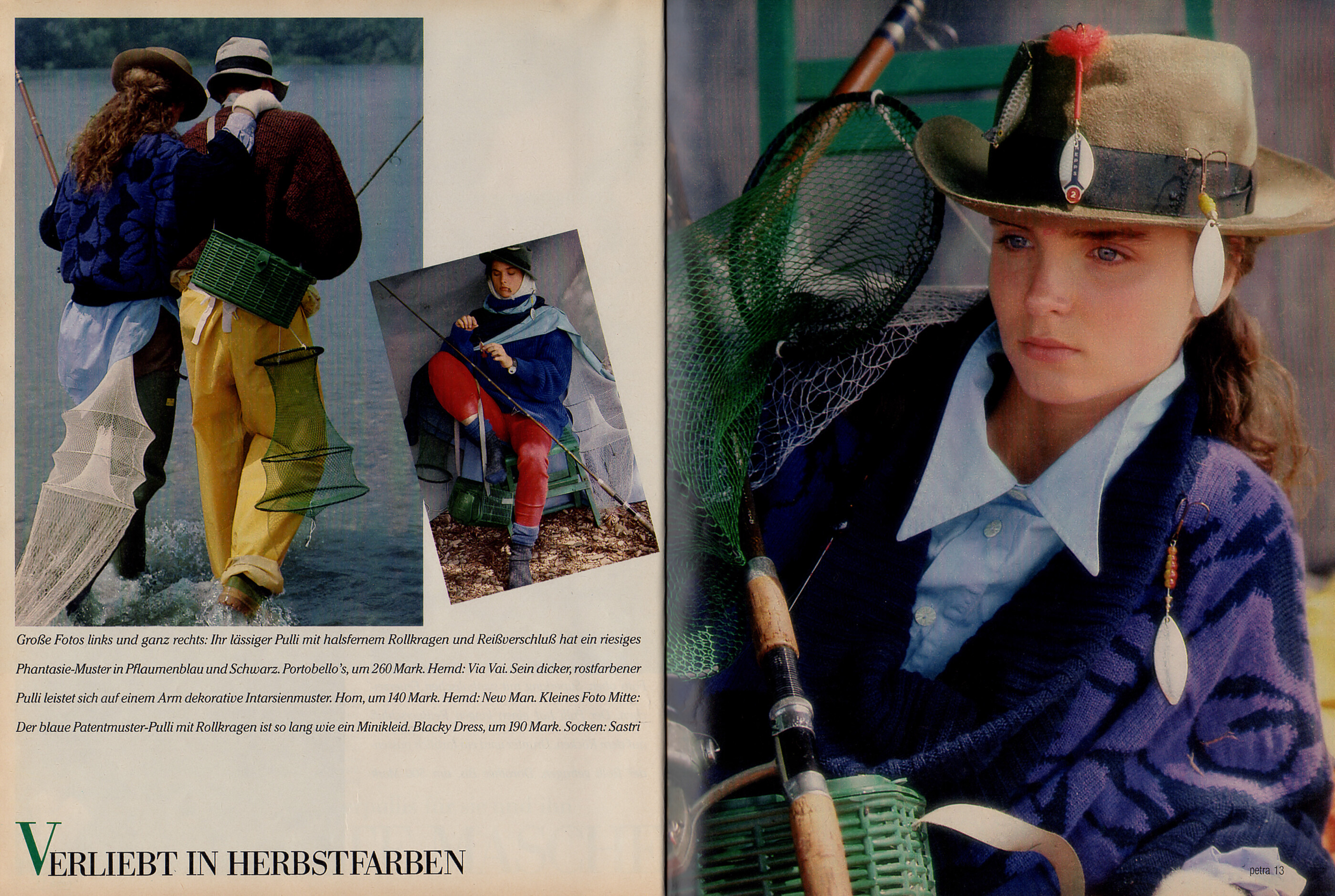
"DIE NEUESTE MASCHE" - petra Germany October 1985 (25. September 1985) by Fabrizio Gianni - also showing Samantha Mead




-
-
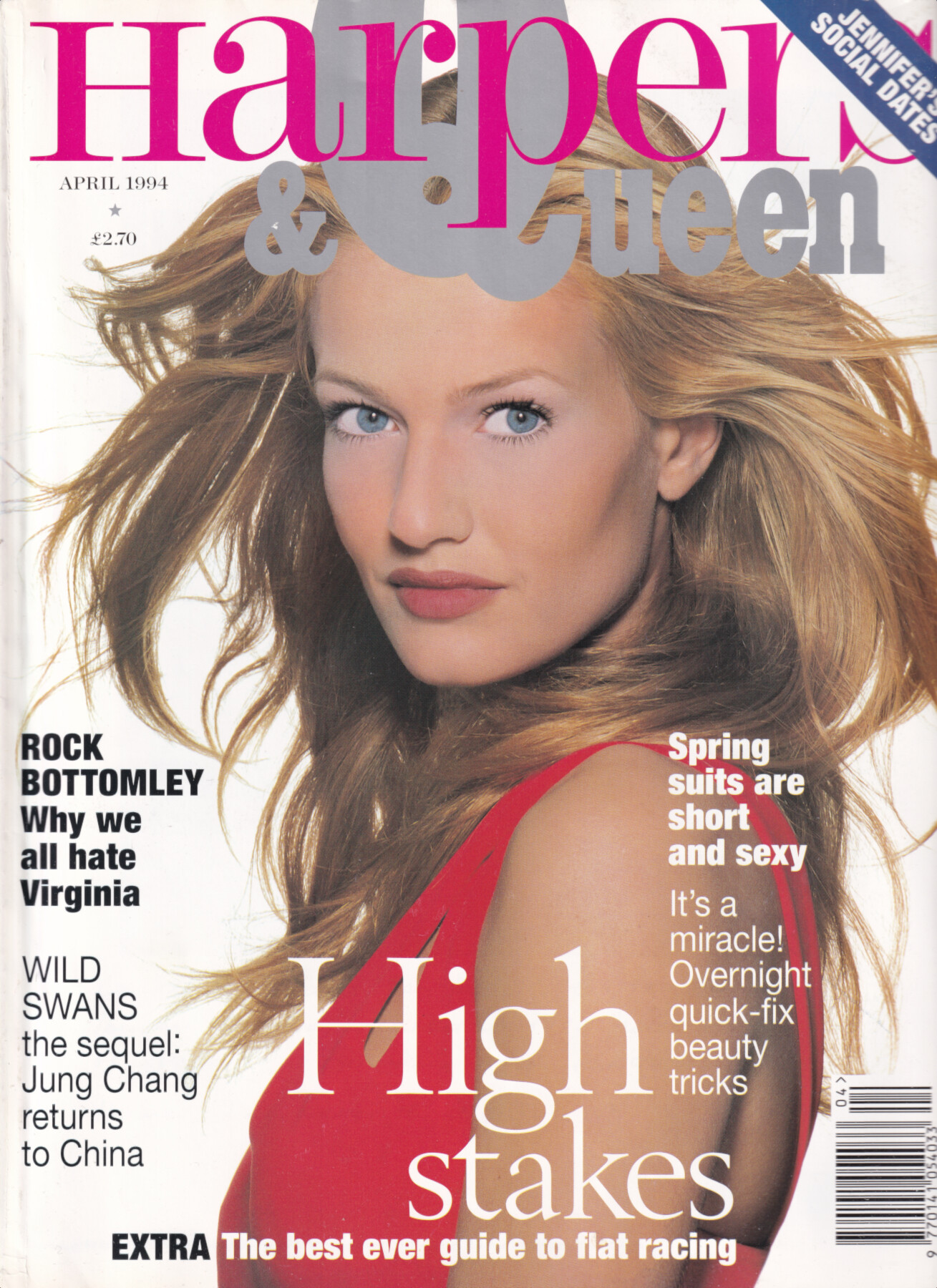
Harpers & Queen cover, April 1994 Karen Mulder by Tyen my scan

-
Gail Elliott for Nicole Farhi, 1994 my scan
 I find it annoying that some posts here are just p0rn videos of actresses. This feels like bot spamming. Beatrice Dalle was a sex-symbol, sure, but it wasn't just about s3x, it was more about her magnetism and her iconic persona.Ina Seyer "Atlatis" (2015)



Account
Navigation
Search
Configure browser push notifications
Chrome (Android)
- Tap the lock icon next to the address bar.
- Tap Permissions → Notifications.
- Adjust your preference.
Chrome (Desktop)
- Click the padlock icon in the address bar.
- Select Site settings.
- Find Notifications and adjust your preference.
Safari (iOS 16.4+)
- Ensure the site is installed via Add to Home Screen.
- Open Settings App → Notifications.
- Find your app name and adjust your preference.
Safari (macOS)
- Go to Safari → Preferences.
- Click the Websites tab.
- Select Notifications in the sidebar.
- Find this website and adjust your preference.
Edge (Android)
- Tap the lock icon next to the address bar.
- Tap Permissions.
- Find Notifications and adjust your preference.
Edge (Desktop)
- Click the padlock icon in the address bar.
- Click Permissions for this site.
- Find Notifications and adjust your preference.
Firefox (Android)
- Go to Settings → Site permissions.
- Tap Notifications.
- Find this site in the list and adjust your preference.
Firefox (Desktop)
- Open Firefox Settings.
- Search for Notifications.
- Find this site in the list and adjust your preference.





.jpg.e1aa8ea6757f8d8854a9e0e02f08ee34.jpg)















































































































.jpg.c32c070229937a1d41671de1f30f4752.jpg)
.jpg.d337ca606bc68e3f685bb310886bc05c.jpg)
.jpg.85a17e2b407650fe518dd5f3b725668e.jpg)
.jpg.9005427ccaab4921c97d74cc4dbd6de7.jpg)
.jpg.86a00afdbbd1ce23392440dc0ba81cc3.jpg)
.jpg.22e0ee5206922e4618d6efec0b30a9f5.jpg)
.jpg.6c737bb504bd76ee15d6ddb3435bbb5a.jpg)
.jpg.92347bedbfeffd7044b4dbee392cb19c.jpg)

.jpg.7a05463e1f72c54bc51641f3ff21f8cd.jpg)
.jpg.39d98ec8b860df9c1bd76d800f92731e.jpg)
.jpg.e3e2e4a250fe84f22065dd24a4a34273.jpg)
.jpg.73f2fea86912e6c0c0969e4e6e329be0.jpg)