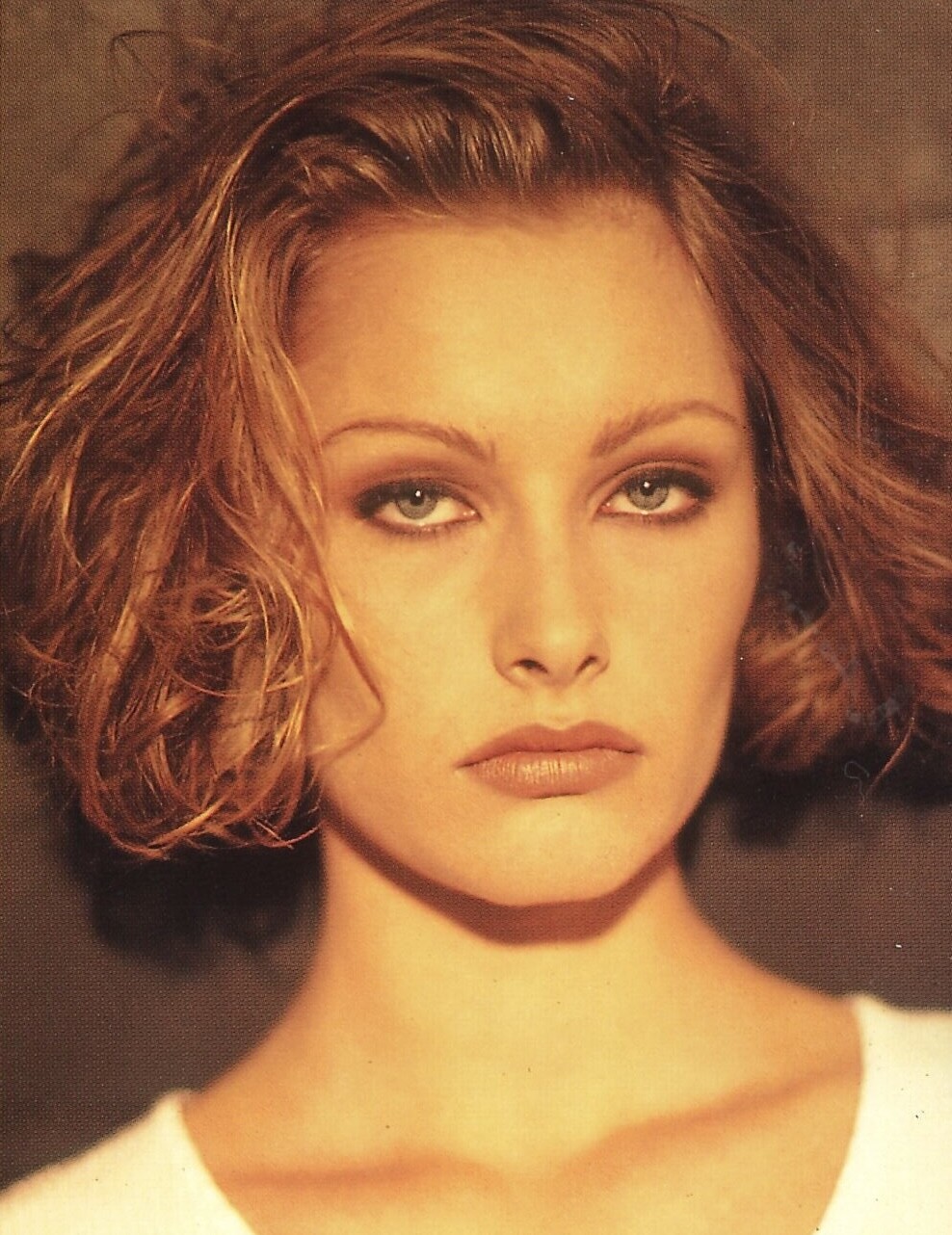
# danish model
-
- 5 comments
- 181 views
-
- 19 comments
- 3,180 views
-
- 7 comments
- 161 views
-
- 24 comments
- 3,136 views
-
- 11 comments
- 589 views
-
- 33 comments
- 35,839 views
-
- 24 comments
- 2,319 views
-
- 2 comments
- 199 views
-
- 6 comments
- 1,075 views
-
- 10 comments
- 1,026 views
-
- 10 comments
- 939 views
-
- 8 comments
- 766 views
-
- 17 comments
- 1,193 views
-
- 1990s model
- 90s
- blonde
- danish model
-
Tagged with:
- 2 comments
- 444 views
-
- 10 comments
- 3,823 views
-
- 7 comments
- 2,818 views
-
- 5 comments
- 1,615 views
Image hidden for guestsSign in to view -
- 5 comments
- 1,012 views
Image hidden for guestsSign in to view -
- 5 comments
- 1,143 views
Image hidden for guestsSign in to view -
- 3 comments
- 997 views
Image hidden for guestsSign in to view