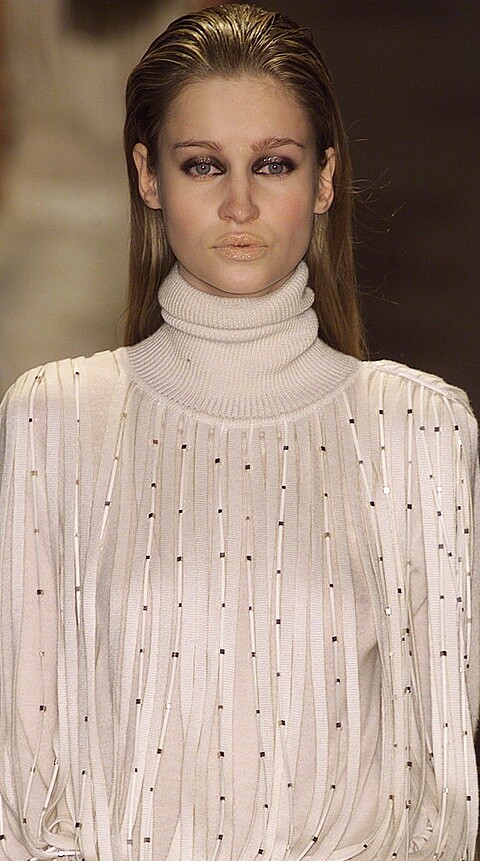
# Canadian
-
- 32 comments
- 5,984 views
-
- 74 comments
- 24,967 views
-
- 54 comments
- 15,257 views
-
- 34 comments
- 5,654 views
-
- canadian
- canadian model
- 1990s
- 2000s
-
Tagged with:
- 74 comments
- 23,030 views
-
- 60 comments
- 28,637 views
-
- 25 comments
- 13,024 views
-
- 13 comments
- 1,140 views
-
- 104 comments
- 16,090 views
-
- 16 comments
- 5,654 views
-
-
- 3 comments
- 160 views
-
- 4 comments
- 1,742 views
-
- 11 comments
- 490 views
-
- 11 comments
- 1,431 views
-
- 5 comments
- 528 views
-
- 5 comments
- 234 views
-
- 4 comments
- 1,609 views