
gedeon67
Members
-
Joined
-
Last visited
Everything posted by gedeon67
-
V Mag #147 Kris Kong Photography Sølve Sundsbø Fashion George Cortina Makeup Val Garland Hair Shon Hyungsun Ju Manicure Adam Slee
-
Anthropologie "Palm Royale" anthropologie palm royale 03-2024.mp4
-
W Magazine Vol. 2 2024 Karim Sadli - Photographer Brian Molloy - Fashion Editor/Stylist Stephane Lancien - Hair Stylist Christelle Cocquet - Makeup Artist
Vogue Italia N.882 - Marzo 2024 textless pics
InStyle - April 2024
Twin Magazine #30 Photo : Kat Irlin
Hermes Campagne Sellier Printemps-Été 2024 Photo : Craig McDean
Piombo piombo ss24.mp4
BTS Elle Italia N.9 - 7.03.2024.mp4
Elle Italia N.10 / 2024 Perfect Days Photo : Gilles Bensimon Hair : Cyril Lanoir Makeup : Sergio Corvacho
chanelb2024.mp4
CH Herrera
Marni Spring/Summer 24 Volume 2 collection
SCMP Style South China Morning Post Style Magazine March 2024 David Roemer - Photographer Aryeh Lappin - Fashion Editor/Stylist Michael Thomas Lollo - Hair Stylist Deanna Hagan - Makeup Artist
wmagazinechina 04-2024.mp4


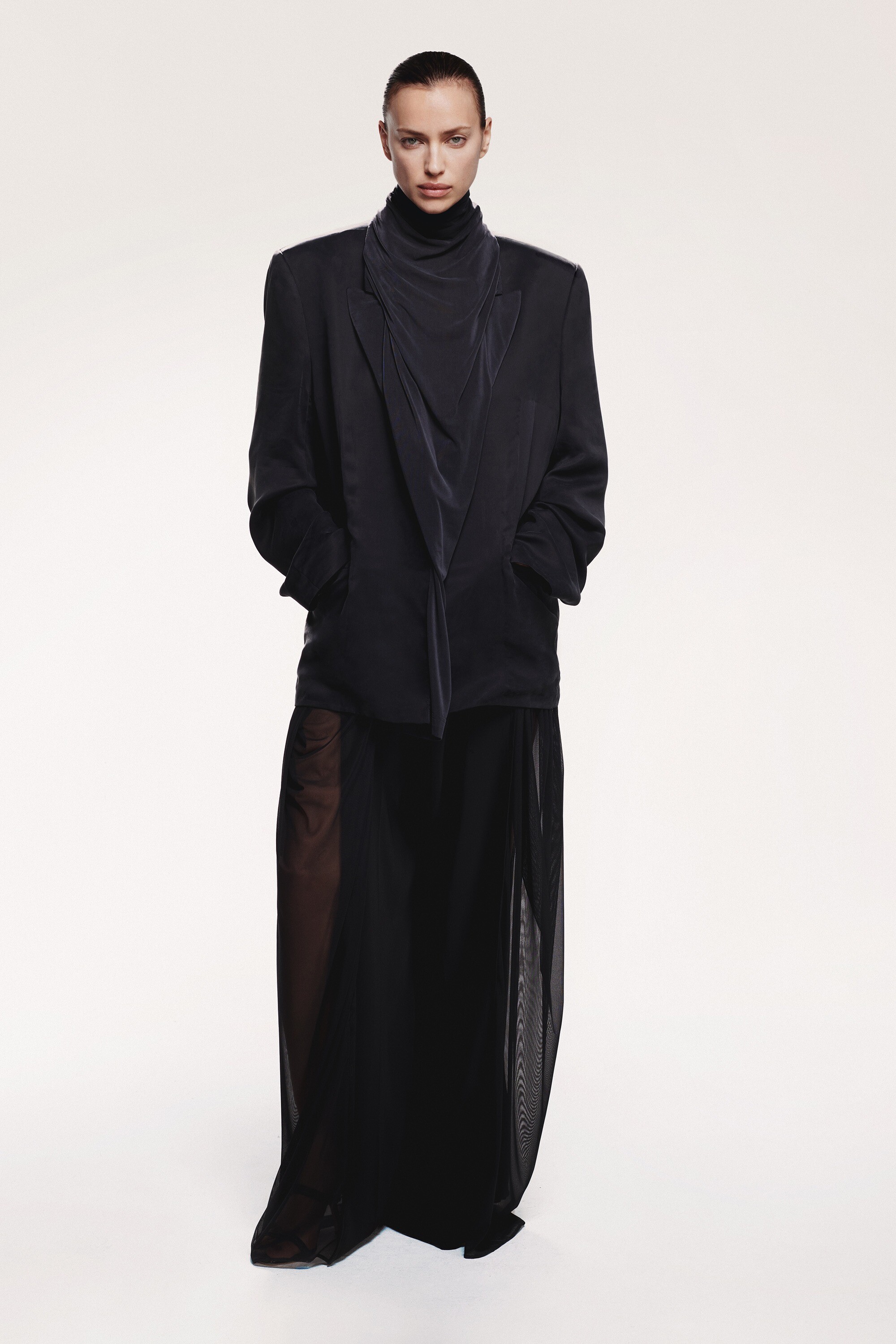




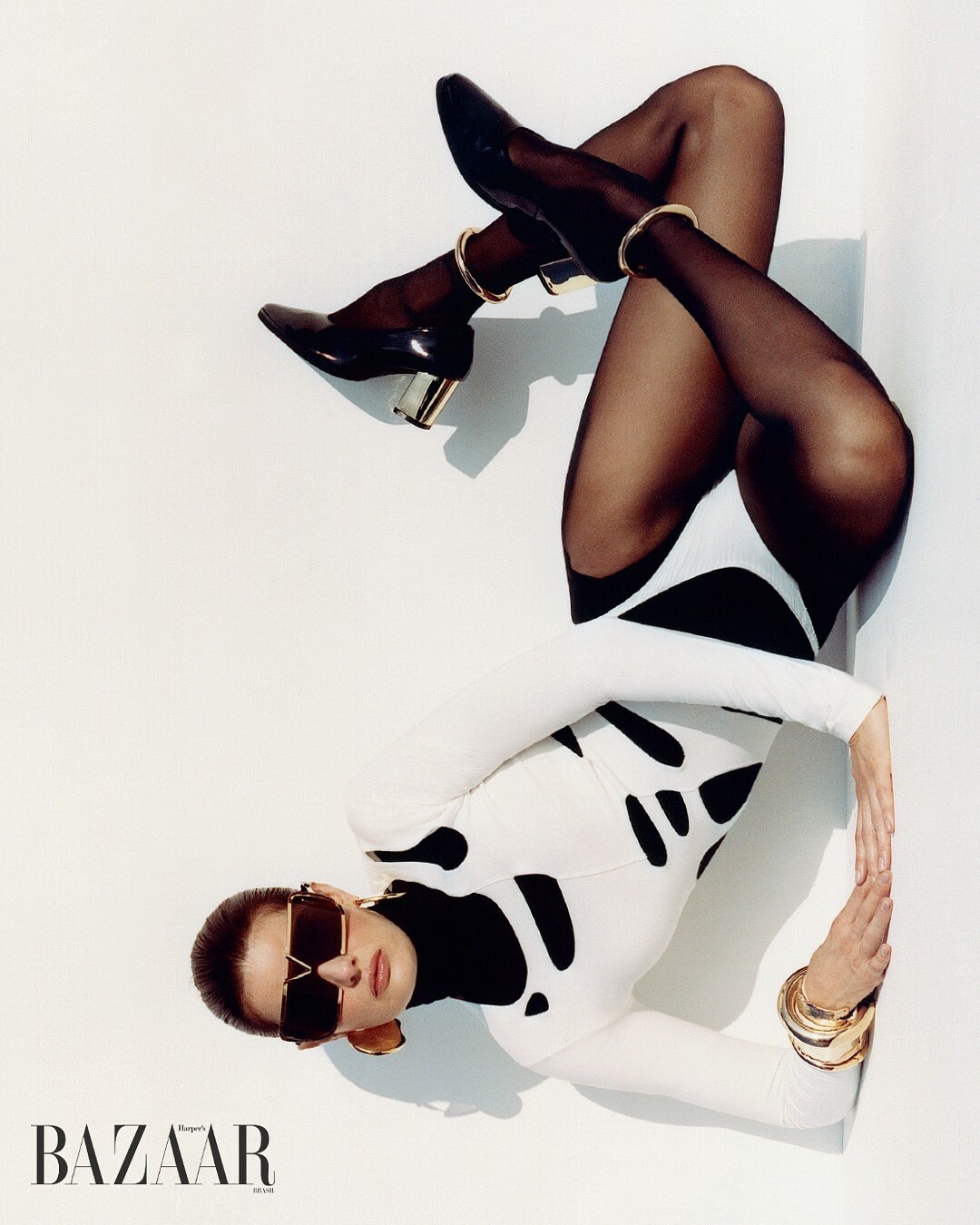
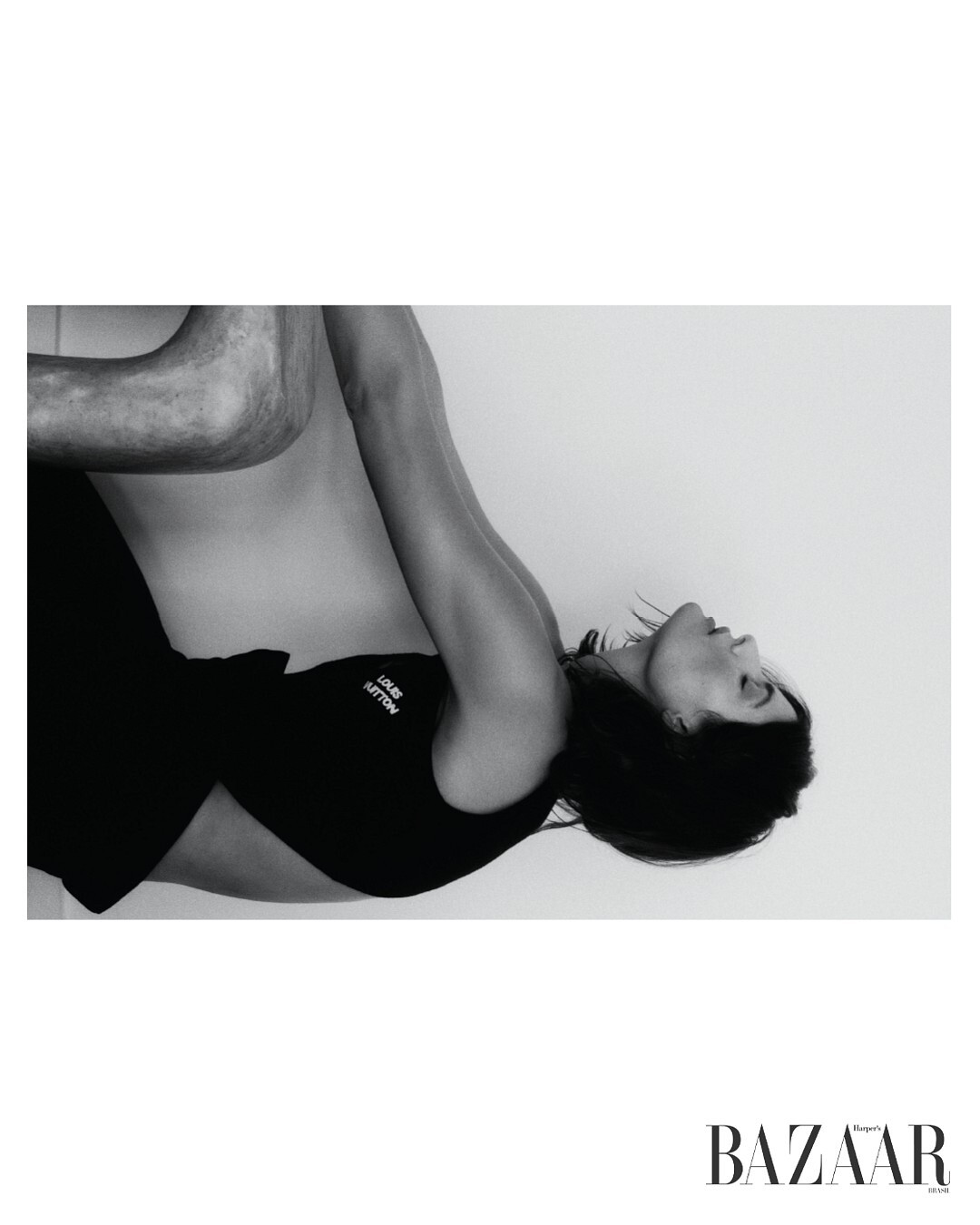
Account
Navigation
Search
Configure browser push notifications
Chrome (Android)
- Tap the lock icon next to the address bar.
- Tap Permissions → Notifications.
- Adjust your preference.
Chrome (Desktop)
- Click the padlock icon in the address bar.
- Select Site settings.
- Find Notifications and adjust your preference.
Safari (iOS 16.4+)
- Ensure the site is installed via Add to Home Screen.
- Open Settings App → Notifications.
- Find your app name and adjust your preference.
Safari (macOS)
- Go to Safari → Preferences.
- Click the Websites tab.
- Select Notifications in the sidebar.
- Find this website and adjust your preference.
Edge (Android)
- Tap the lock icon next to the address bar.
- Tap Permissions.
- Find Notifications and adjust your preference.
Edge (Desktop)
- Click the padlock icon in the address bar.
- Click Permissions for this site.
- Find Notifications and adjust your preference.
Firefox (Android)
- Go to Settings → Site permissions.
- Tap Notifications.
- Find this site in the list and adjust your preference.
Firefox (Desktop)
- Open Firefox Settings.
- Search for Notifications.
- Find this site in the list and adjust your preference.