

Jade Bahr
Members
-
Joined
-
Last visited
Everything posted by Jade Bahr
-
 Fanmade (source)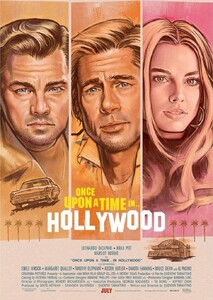
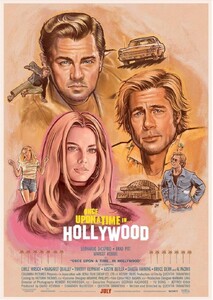
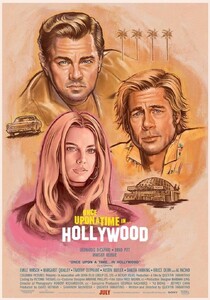
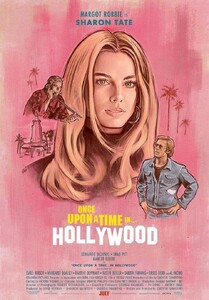
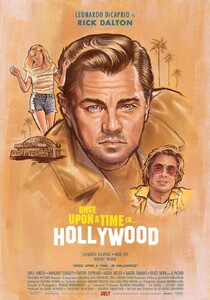
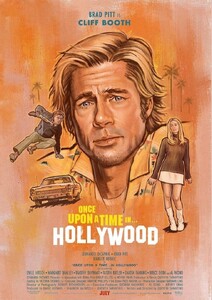
-
-
-
Never rule out another vacation round 😄

-
The composer of KOTFM (among others of course) Robbie Robertson just died. RIP.
Instagram-Fotosund-Videos.thumb.png.dd488b21ad0914a81db95a0cdd6c66e1.png)
Instagram-Fotosund-Videos.thumb.png.ddded20bff555a4a5714d3c38bdbcf92.png) This Barbie is blonde... again. Source
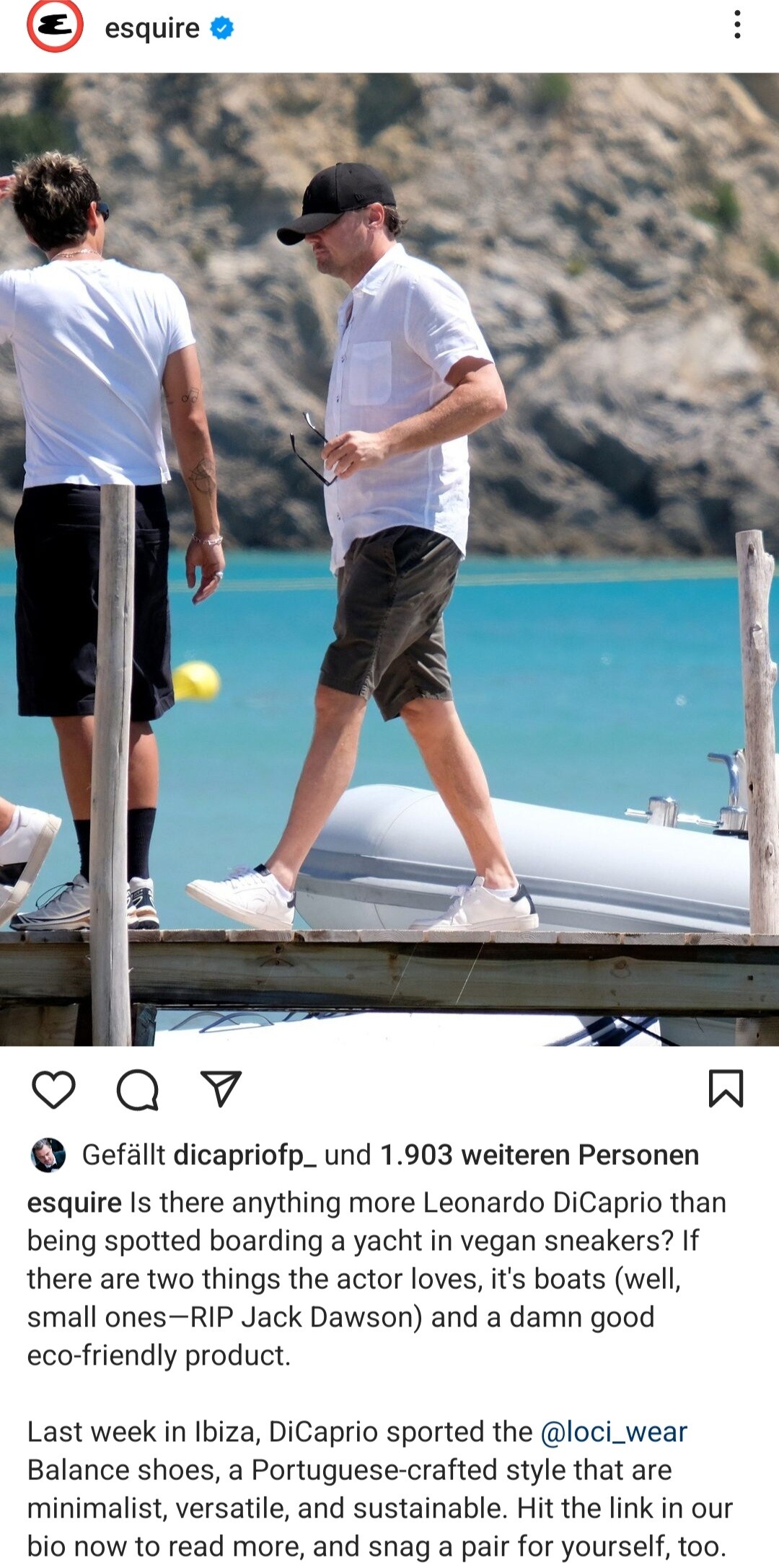
This Barbie is blonde... again. Source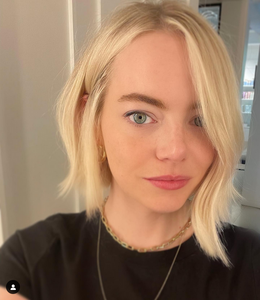 Go vegan never fits better 😅
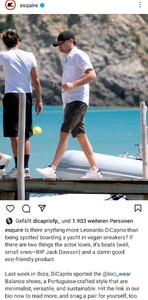 Leo maybe on vacation but his bad knees aren't lol
 Indiewire August Predix 2024 Oscars: Best Actor Predictions Leonardo DiCaprio and Cillian Murphy are the first to garner awards buzz while audiences wait to see big releases built around performances from Oscar favorites like Joaquin Phoenix and Bradley Cooper. The State of the Race These days, the main subject of conversation about the upcoming Best Actor Oscar race is all about Leonardo DiCaprio, star of the long-awaited Martin Scorsese film “Killers of the Flower Moon” (Apple Original Films/Paramount Pictures). Throughout the film’s lengthy development, it was unclear whether “The Revenant” actor was actually the lead of the film or serving in a supporting role (Jesse Plemons’ FBI man plays a more prominent role in the David Grann bestseller). But the 2023 Cannes Film Festival premiere clarified that DiCaprio, a Best Actor winner in 2016, is going to be a lead contender in the category. (...) Contenders are listed in alphabetical order, below. No actor will be deemed a frontrunner until we have seen the film. Frontrunners: Matt Damon (“Air”) Leonardo DiCaprio (“Killers of the Flower Moon”) Alden Ehrenreich (“Fair Play”) Cillian Murphy (“Oppenheimer”) David Strathairn (“A Little Prayer”) Contenders: Kingsley Ben-Adir (“Bob Marley: One Love”) Bradley Cooper (“Maestro”) Colman Domingo (“Rustin”) Adam Driver (“Ferrari”) Michael Fassbender (“The Killer”) Christian Friedel (“The Zone of Interest”) Paul Giamatti (“The Holdovers”) Barry Keoghan (“Saltburn”) Joaquin Phoenix (“Napoleon”) John David Washington (“The Piano Lesson”) Long Shots: Jay Baruchel (“Blackberry”) Timothée Chalamet (“Dune: Part Two”) Paul Dano (“Dumb Money”) Michael Fassbender (“Next Goal Wins”) Gael García Bernal (“Cassandro”) Kelvin Harrison Jr. (“Chevalier”) Joaquin Phoenix (“Beau Is Afraid”) Josh O’Connor (“La Chimera”) Franz Rogowski (“Passages”) Teo Yoo (“Past Lives”) Source
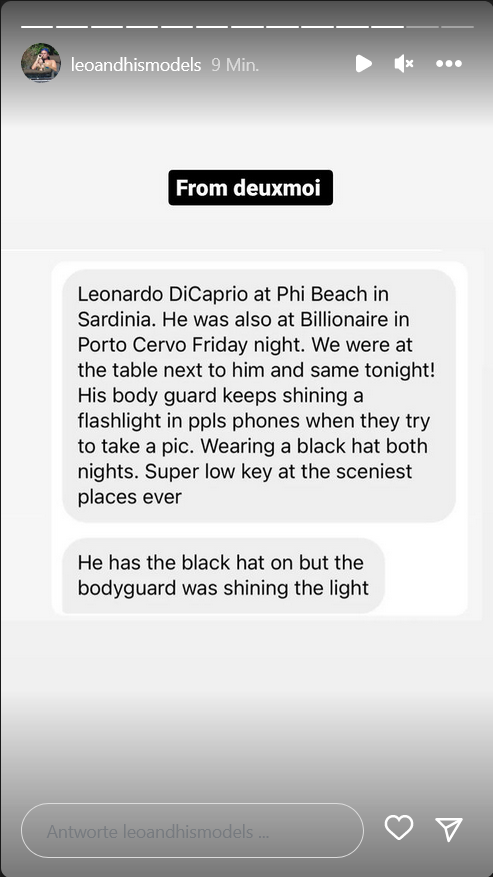
Another day. Another woman. Same story lol
Indiewire August Predix 2024 Oscars: Best Actor Predictions Leonardo DiCaprio and Cillian Murphy are the first to garner awards buzz while audiences wait to see big releases built around performances from Oscar favorites like Joaquin Phoenix and Bradley Cooper. The State of the Race These days, the main subject of conversation about the upcoming Best Actor Oscar race is all about Leonardo DiCaprio, star of the long-awaited Martin Scorsese film “Killers of the Flower Moon” (Apple Original Films/Paramount Pictures). Throughout the film’s lengthy development, it was unclear whether “The Revenant” actor was actually the lead of the film or serving in a supporting role (Jesse Plemons’ FBI man plays a more prominent role in the David Grann bestseller). But the 2023 Cannes Film Festival premiere clarified that DiCaprio, a Best Actor winner in 2016, is going to be a lead contender in the category. (...) Contenders are listed in alphabetical order, below. No actor will be deemed a frontrunner until we have seen the film. Frontrunners: Matt Damon (“Air”) Leonardo DiCaprio (“Killers of the Flower Moon”) Alden Ehrenreich (“Fair Play”) Cillian Murphy (“Oppenheimer”) David Strathairn (“A Little Prayer”) Contenders: Kingsley Ben-Adir (“Bob Marley: One Love”) Bradley Cooper (“Maestro”) Colman Domingo (“Rustin”) Adam Driver (“Ferrari”) Michael Fassbender (“The Killer”) Christian Friedel (“The Zone of Interest”) Paul Giamatti (“The Holdovers”) Barry Keoghan (“Saltburn”) Joaquin Phoenix (“Napoleon”) John David Washington (“The Piano Lesson”) Long Shots: Jay Baruchel (“Blackberry”) Timothée Chalamet (“Dune: Part Two”) Paul Dano (“Dumb Money”) Michael Fassbender (“Next Goal Wins”) Gael García Bernal (“Cassandro”) Kelvin Harrison Jr. (“Chevalier”) Joaquin Phoenix (“Beau Is Afraid”) Josh O’Connor (“La Chimera”) Franz Rogowski (“Passages”) Teo Yoo (“Past Lives”) Source
Another day. Another woman. Same story lol

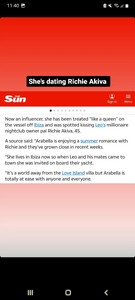 She looks... smitten 😄 Source
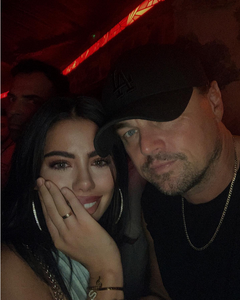 What's he wearing on his right arm? A bracelett?
 Leonardo DiCaprio is First “Best Foot Forward” Awardee for Kickstarting Vegan Shoe Business Los Angeles – A first-of-its-kind “Best Foot Forward” award from PETA is on its way to Leonardo DiCaprio in recognition of the actor’s planet- and animal-friendly investments, including $4.5 million in vegan footwear company LØCI, which crafts sneakers from bamboo, recycled plastic bottles, and other animal-free materials. “By investing in vegan LØCI footwear, lab-grown leather, and multiple mock-meat startups, Leonardo DiCaprio is helping to kickstart innovative solutions for the climate catastrophe and alleviating mass animal suffering,” says PETA Senior Vice President Lisa Lange. “In thanks for investing in a habitable planet for all beings, PETA is awarding this celebrated actor our very first ‘Best Foot Forward’ award.” Animal agriculture—which includes the leather industry, a major part of meat and dairy profit margins—is responsible for nearly one-fifth of all human-induced greenhouse gas emissions. The World Bank reports that cattle ranching has caused over 80% of deforestation in the Amazon rainforest since 1970, and because of fires—many of which are deliberately set to clear land to raise cows and grow crops to feed them—along with hotter temperatures and droughts, parts of the Amazon are now emitting more carbon dioxide than they can absorb. In addition, turning skin into leather requires significant energy and dangerous chemicals, including formaldehyde, coal-tar derivatives, and cyanide-based oils, dyes, and finishes. Sustainable vegan leather made from apples, cork, corn, grapes, mushrooms, paper, pineapples, soy, or tea mimics the properties of leather without the cruelty to animals or environmental devastation. DiCaprio joins a long list of celebrities—including James Cromwell, Jennifer Coolidge, and Jordan Peele—who have won PETA awards for their kindness to animals. Source
'Barbie' is the only billion-dollar blockbuster solely directed by a woman Barbie will surpass $1 billion worldwide, according to Warner Bros. estimates. Hard as it may be to believe, that makes director Greta Gerwig the only woman in the billion-dollar club with sole credit for directing a film. A couple of other women have shared credit for directing movies that made more than a billion dollars. Both Frozen and Frozen II were co-directed by a man and a woman, Jennifer Lee and Chris Buck. And Anna Boden co-directed Captain Marvel with Ryan Fleck. Wonder Woman, directed by Patty Jenkins, is among the top 60 highest grossing films, not adjusted for inflation, but it has not broken the billion dollar barrier. Most of the movies in the billion dollar club are, predictably, male-oriented and franchise-driven. At this moment, 53 films have made more than a billion dollars. Barbie is among only nine that center female protagonists. Nine, that is, if you count female fish. Finding Dory (2016) swims in the billion dollar club, along with the animated princesses of Frozen (2013), Frozen II (2019) and Beauty and the Beast (2017). Two mega-franchises managed to spit out a billion-dollar film with women at the story's heart: Star Wars: The Last Jedi (2017) and Captain Marvel (2019). Then, two other billion dollar one-offs: Titanic (1997) and a live-action Alice in Wonderland (2010). In short, plots centering women and girls currently make up 18% of all billion-dollar movies. Nearly half of them are animated films made for children. Blockbusters with strong girl characters are great. But the dearth of super successful movies about grown women illustrates Hollywood's infamous sluggishness when it comes to gender parity. "[This] is a reflection of what Hollywood has chosen to back with its biggest budgets, its largest marketing spends, and who it has ... given the opportunity to direct and write and star in these movies," The Hollywood Reporter's senior film editor, Rebecca Keegan, pointed out on a recent episode of the podcast The Town. "So it's a little hard to say that that's responding to market forces versus that is a reflection of the culture that's driven Hollywood for decades." The Town's host, Matthew Belloni, pointed out that on Barbie's opening weekend, women made up 69% of ticket buyers domestically. "And then it actually rose to 71% female in the second weekend, which is unusual," he said. Anecdotally, it seems numerous women return to the movie, bringing relatives and friends. And Barbie's crossover appeal to men cannot be denied. Stacey L. Smith of the University of Southern California has long studied inclusion in popular culture. Her most recent report, from February, shows that female representation in television and film has steadily improved. Her study looks at the top 1,600 movies in a given year. In 2007, the percentage of female protagonists was only 20%. In 2022, that number had risen to 44%. Not perfect. But far, far better than the numbers for the world's most successful films that enjoy the most studio support. You'd hope that with Barbie, the number of women nominated for Oscars for best director might improve. It's a sad little number. Only seven. And those numbers might not even improve in 2024. Barbie director Greta Gerwig has already been nominated for an Oscar, for her 2017 movie Ladybird. Source
More from Ibiza https://www.dailymail.co.uk/tvshowbiz/article-12378571/Leonardo-DiCaprio-continues-summer-getaway-steps-Ibiza-pals-including-glamorous-blonde-model.html
Leonardo DiCaprio is First “Best Foot Forward” Awardee for Kickstarting Vegan Shoe Business Los Angeles – A first-of-its-kind “Best Foot Forward” award from PETA is on its way to Leonardo DiCaprio in recognition of the actor’s planet- and animal-friendly investments, including $4.5 million in vegan footwear company LØCI, which crafts sneakers from bamboo, recycled plastic bottles, and other animal-free materials. “By investing in vegan LØCI footwear, lab-grown leather, and multiple mock-meat startups, Leonardo DiCaprio is helping to kickstart innovative solutions for the climate catastrophe and alleviating mass animal suffering,” says PETA Senior Vice President Lisa Lange. “In thanks for investing in a habitable planet for all beings, PETA is awarding this celebrated actor our very first ‘Best Foot Forward’ award.” Animal agriculture—which includes the leather industry, a major part of meat and dairy profit margins—is responsible for nearly one-fifth of all human-induced greenhouse gas emissions. The World Bank reports that cattle ranching has caused over 80% of deforestation in the Amazon rainforest since 1970, and because of fires—many of which are deliberately set to clear land to raise cows and grow crops to feed them—along with hotter temperatures and droughts, parts of the Amazon are now emitting more carbon dioxide than they can absorb. In addition, turning skin into leather requires significant energy and dangerous chemicals, including formaldehyde, coal-tar derivatives, and cyanide-based oils, dyes, and finishes. Sustainable vegan leather made from apples, cork, corn, grapes, mushrooms, paper, pineapples, soy, or tea mimics the properties of leather without the cruelty to animals or environmental devastation. DiCaprio joins a long list of celebrities—including James Cromwell, Jennifer Coolidge, and Jordan Peele—who have won PETA awards for their kindness to animals. Source
'Barbie' is the only billion-dollar blockbuster solely directed by a woman Barbie will surpass $1 billion worldwide, according to Warner Bros. estimates. Hard as it may be to believe, that makes director Greta Gerwig the only woman in the billion-dollar club with sole credit for directing a film. A couple of other women have shared credit for directing movies that made more than a billion dollars. Both Frozen and Frozen II were co-directed by a man and a woman, Jennifer Lee and Chris Buck. And Anna Boden co-directed Captain Marvel with Ryan Fleck. Wonder Woman, directed by Patty Jenkins, is among the top 60 highest grossing films, not adjusted for inflation, but it has not broken the billion dollar barrier. Most of the movies in the billion dollar club are, predictably, male-oriented and franchise-driven. At this moment, 53 films have made more than a billion dollars. Barbie is among only nine that center female protagonists. Nine, that is, if you count female fish. Finding Dory (2016) swims in the billion dollar club, along with the animated princesses of Frozen (2013), Frozen II (2019) and Beauty and the Beast (2017). Two mega-franchises managed to spit out a billion-dollar film with women at the story's heart: Star Wars: The Last Jedi (2017) and Captain Marvel (2019). Then, two other billion dollar one-offs: Titanic (1997) and a live-action Alice in Wonderland (2010). In short, plots centering women and girls currently make up 18% of all billion-dollar movies. Nearly half of them are animated films made for children. Blockbusters with strong girl characters are great. But the dearth of super successful movies about grown women illustrates Hollywood's infamous sluggishness when it comes to gender parity. "[This] is a reflection of what Hollywood has chosen to back with its biggest budgets, its largest marketing spends, and who it has ... given the opportunity to direct and write and star in these movies," The Hollywood Reporter's senior film editor, Rebecca Keegan, pointed out on a recent episode of the podcast The Town. "So it's a little hard to say that that's responding to market forces versus that is a reflection of the culture that's driven Hollywood for decades." The Town's host, Matthew Belloni, pointed out that on Barbie's opening weekend, women made up 69% of ticket buyers domestically. "And then it actually rose to 71% female in the second weekend, which is unusual," he said. Anecdotally, it seems numerous women return to the movie, bringing relatives and friends. And Barbie's crossover appeal to men cannot be denied. Stacey L. Smith of the University of Southern California has long studied inclusion in popular culture. Her most recent report, from February, shows that female representation in television and film has steadily improved. Her study looks at the top 1,600 movies in a given year. In 2007, the percentage of female protagonists was only 20%. In 2022, that number had risen to 44%. Not perfect. But far, far better than the numbers for the world's most successful films that enjoy the most studio support. You'd hope that with Barbie, the number of women nominated for Oscars for best director might improve. It's a sad little number. Only seven. And those numbers might not even improve in 2024. Barbie director Greta Gerwig has already been nominated for an Oscar, for her 2017 movie Ladybird. Source
More from Ibiza https://www.dailymail.co.uk/tvshowbiz/article-12378571/Leonardo-DiCaprio-continues-summer-getaway-steps-Ibiza-pals-including-glamorous-blonde-model.html



 Nice thought but I honestly don't think so. https://www.geo.tv/latest/488239-michael-douglas-and-leonardo-dicaprio-share-grievances-over-social-media
Do you guys really think Leo would like the idea of a stranger sharing all those private details about his life?
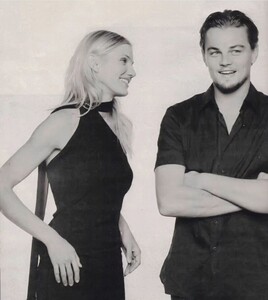
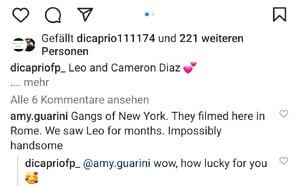
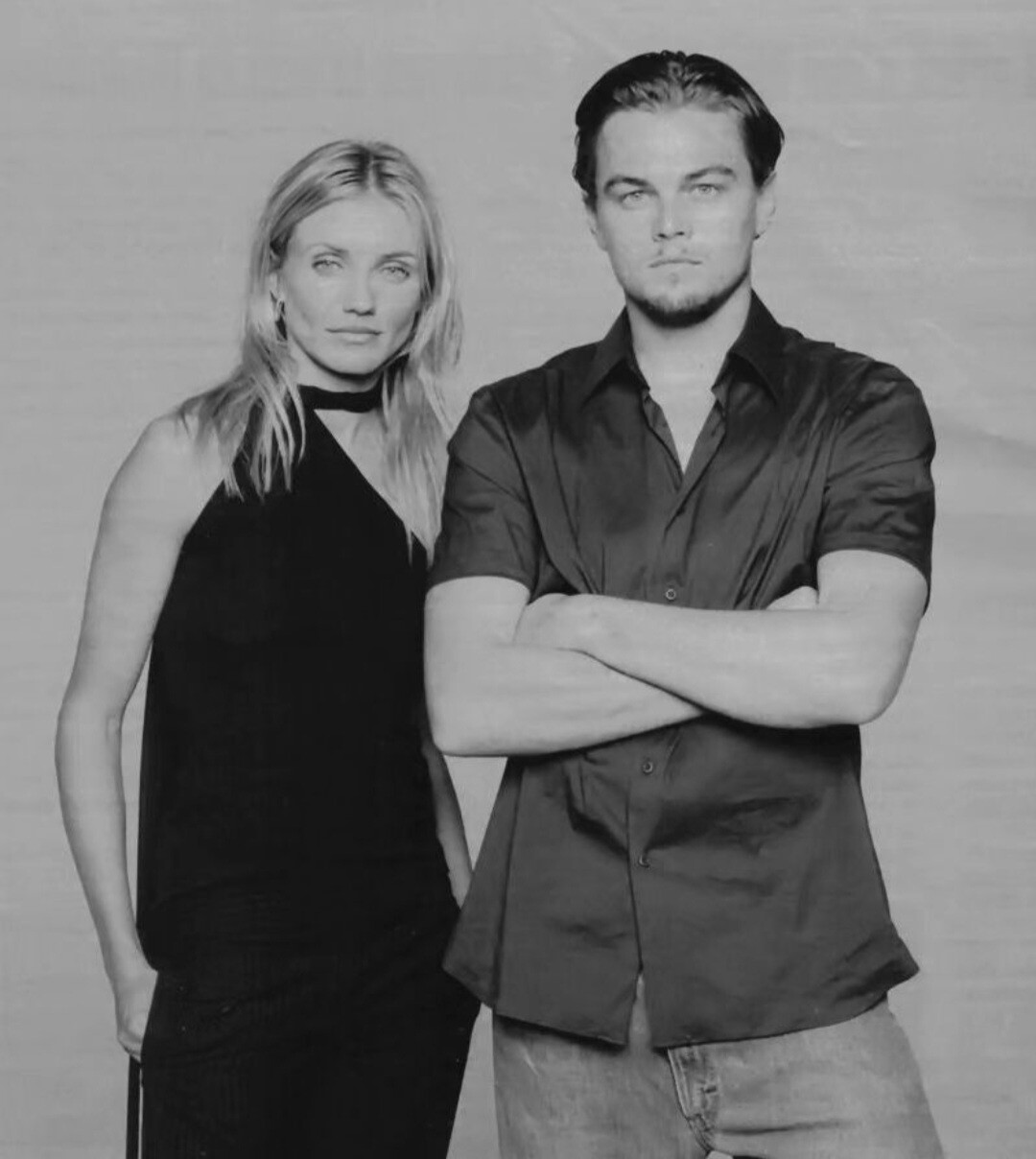
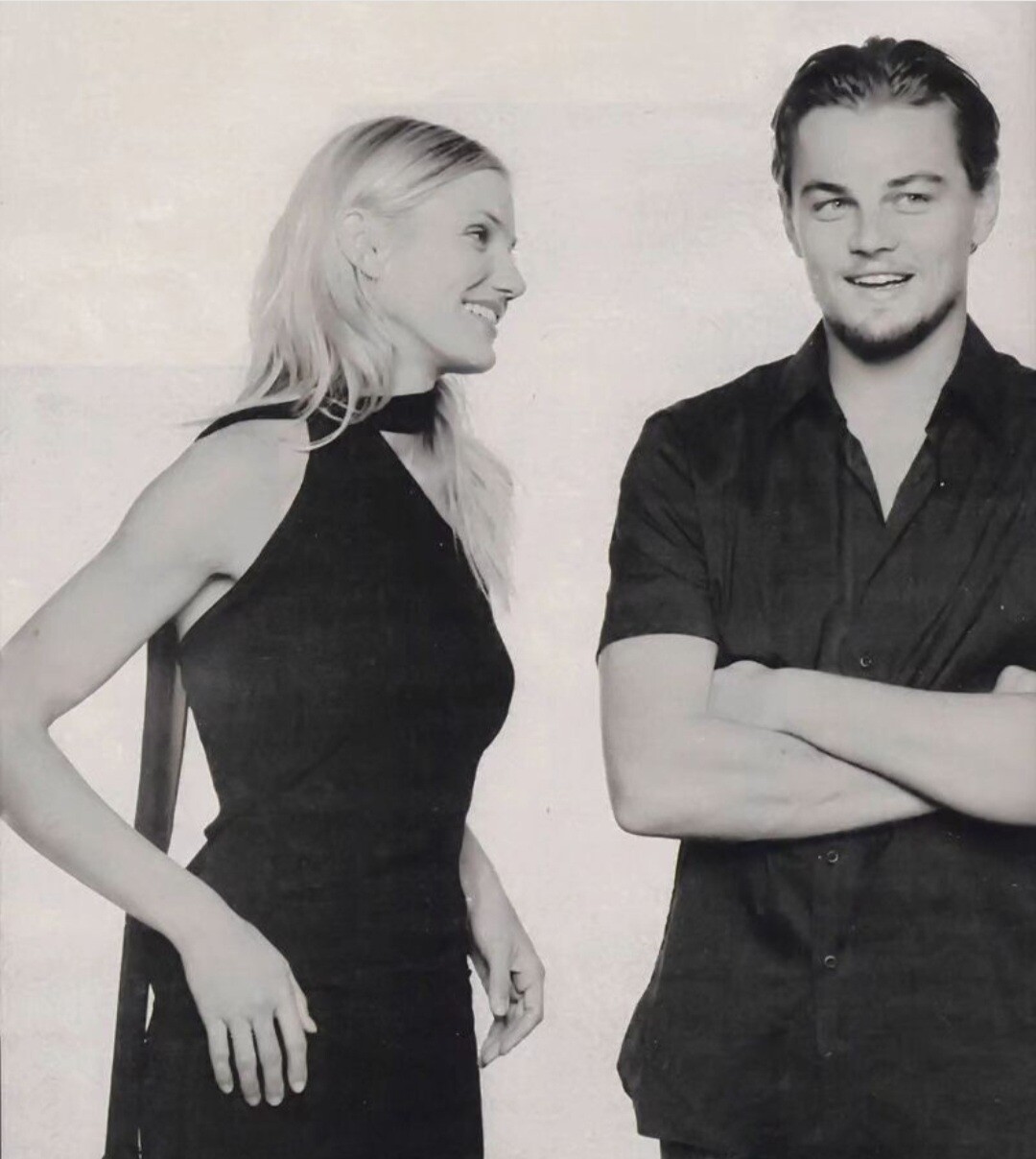
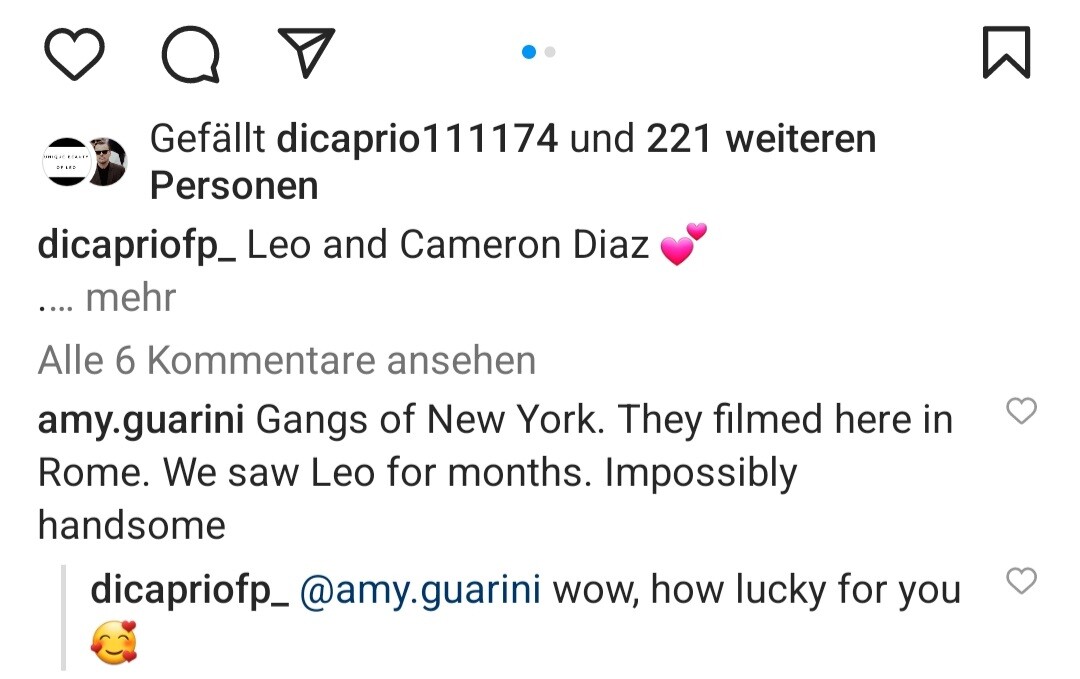
Gosh GONY era Leo is underrated The way Cameron looks at him 🥰 Nice comment about Leos time in Rome
Nice thought but I honestly don't think so. https://www.geo.tv/latest/488239-michael-douglas-and-leonardo-dicaprio-share-grievances-over-social-media
Do you guys really think Leo would like the idea of a stranger sharing all those private details about his life?
Gosh GONY era Leo is underrated The way Cameron looks at him 🥰 Nice comment about Leos time in Rome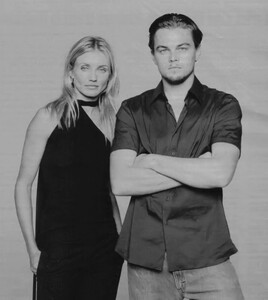
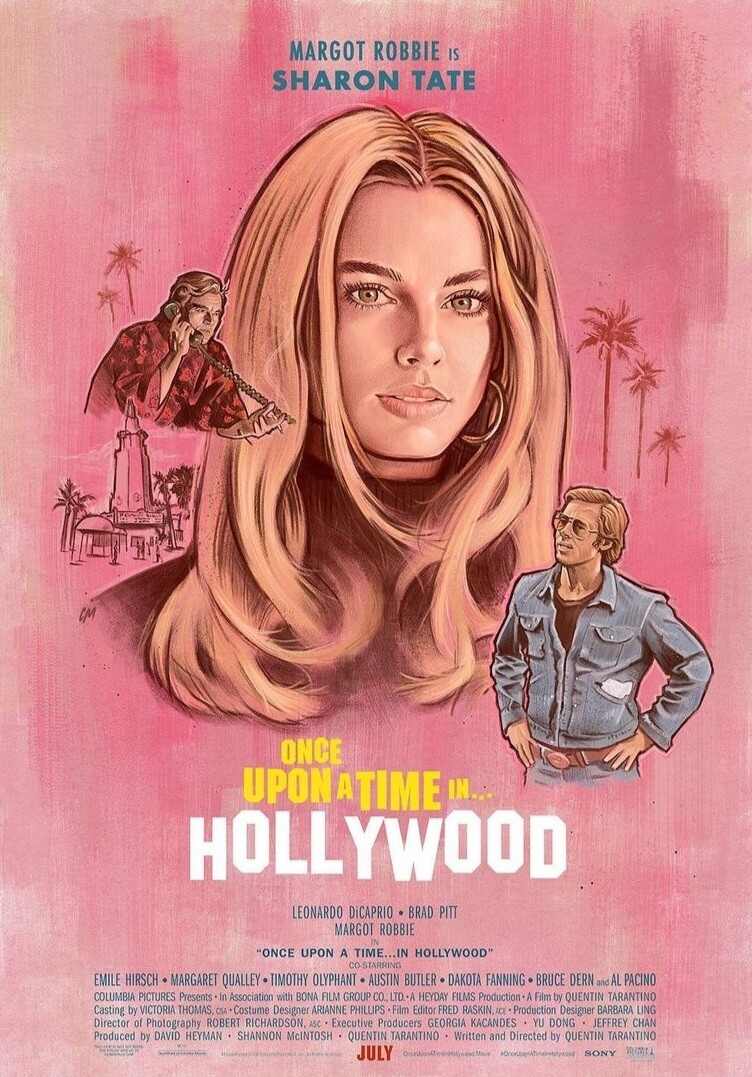
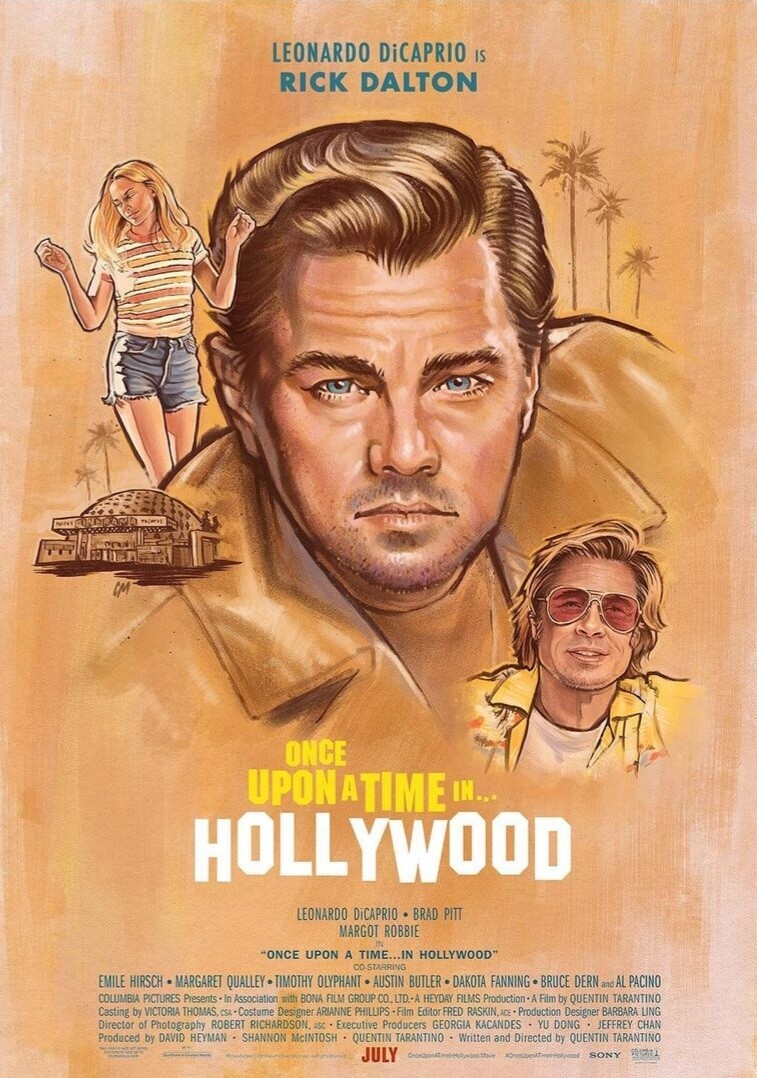
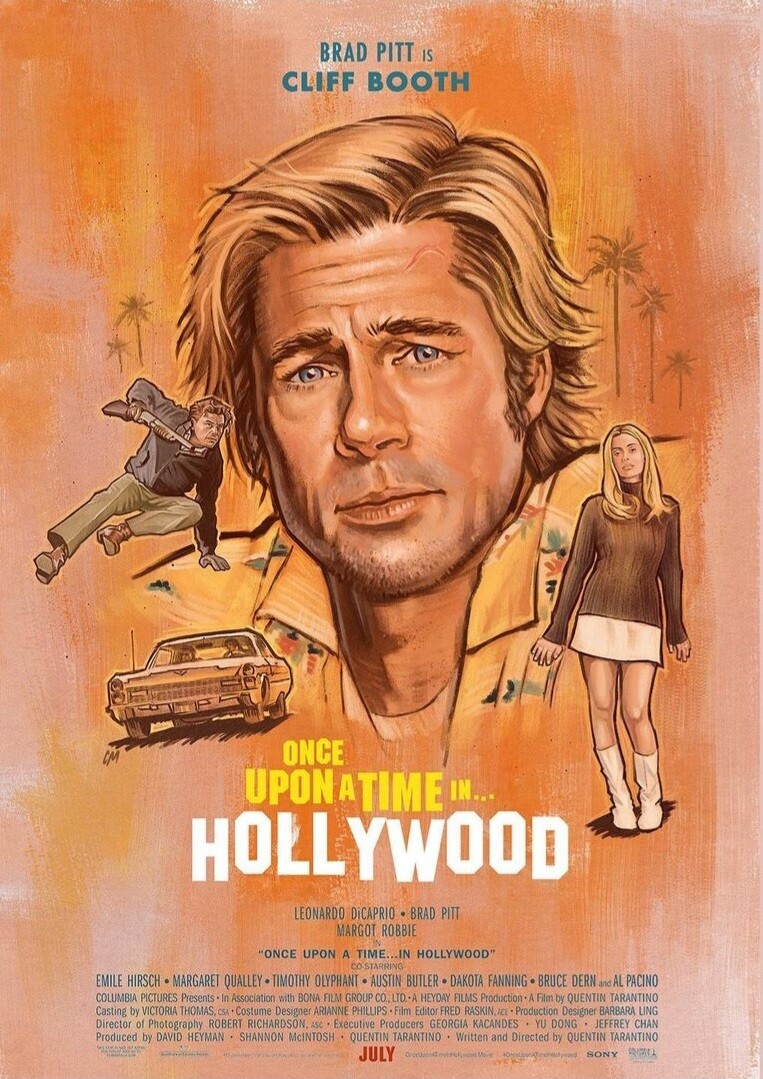


Instagram-Fotosund-Videos.png.24aed0b5b9a07a122afee4c6bc4d838e.png)
Instagram-Fotosund-Videos.png.0f57ee17cad172f89008905ced0d5229.png)
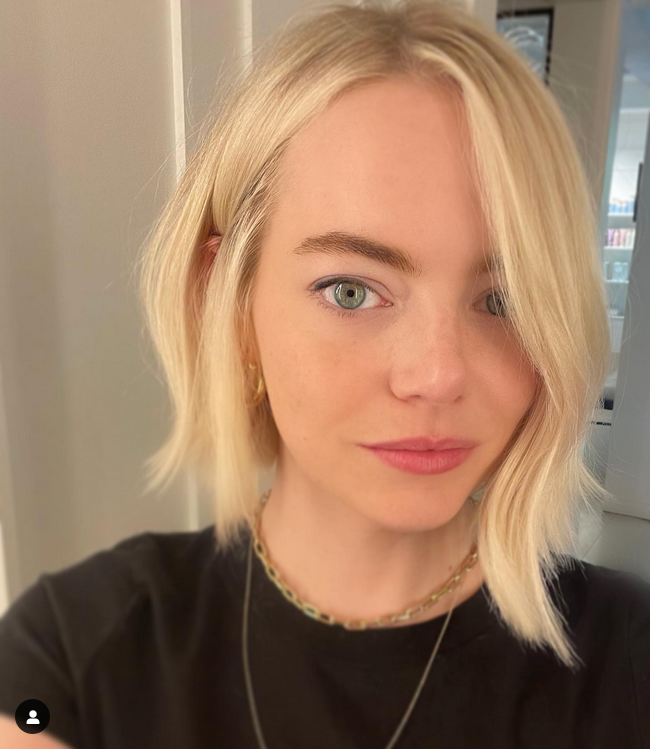



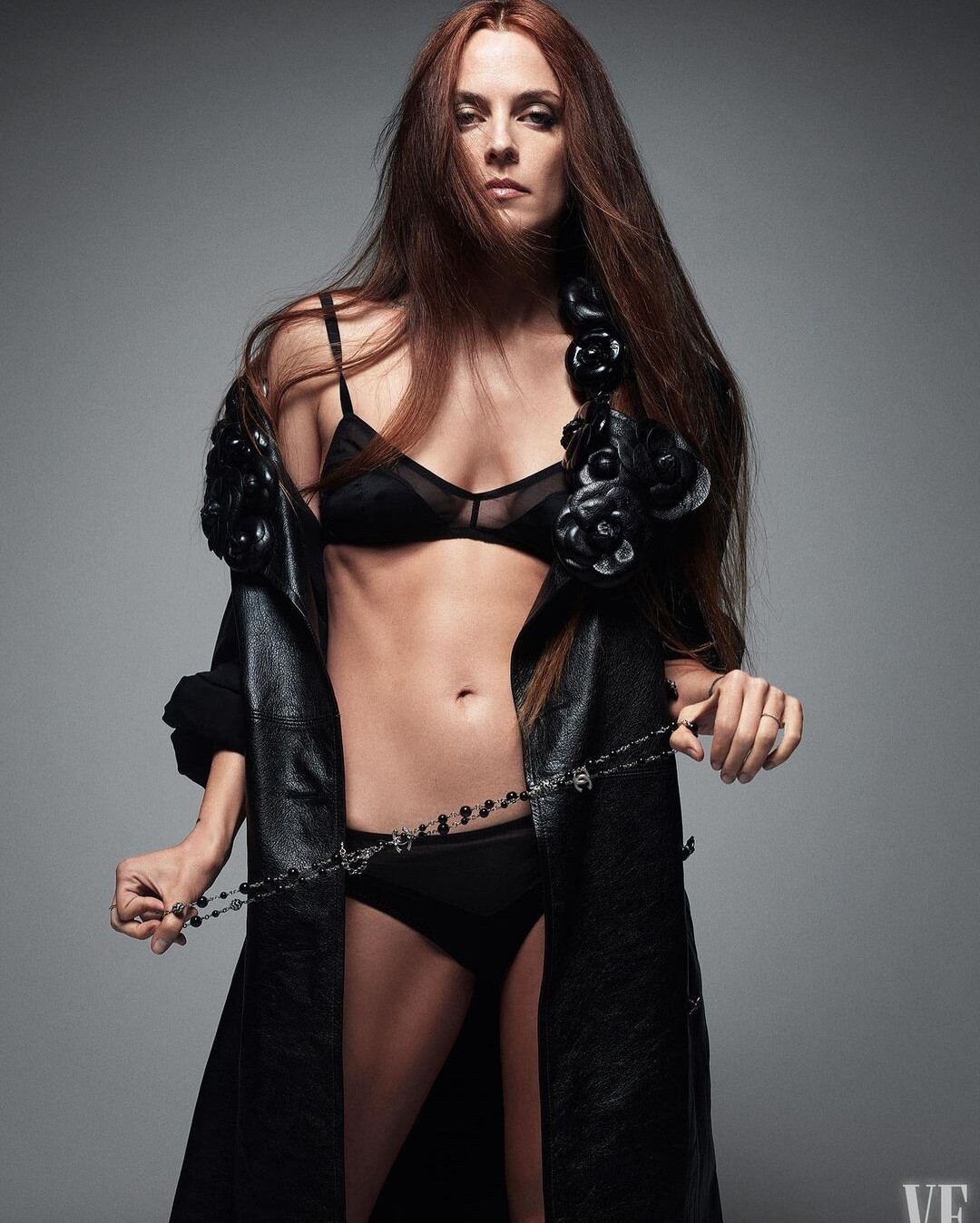


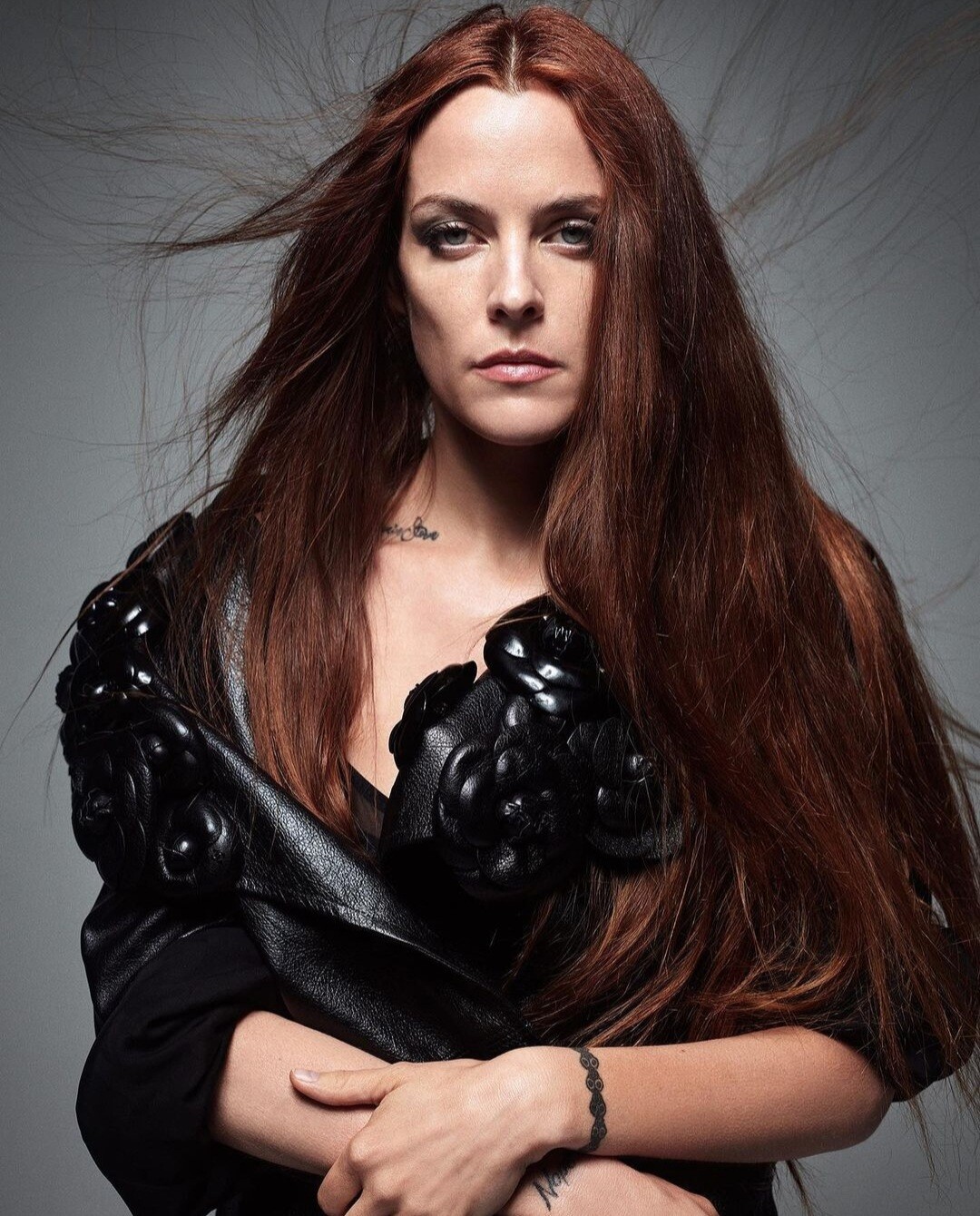

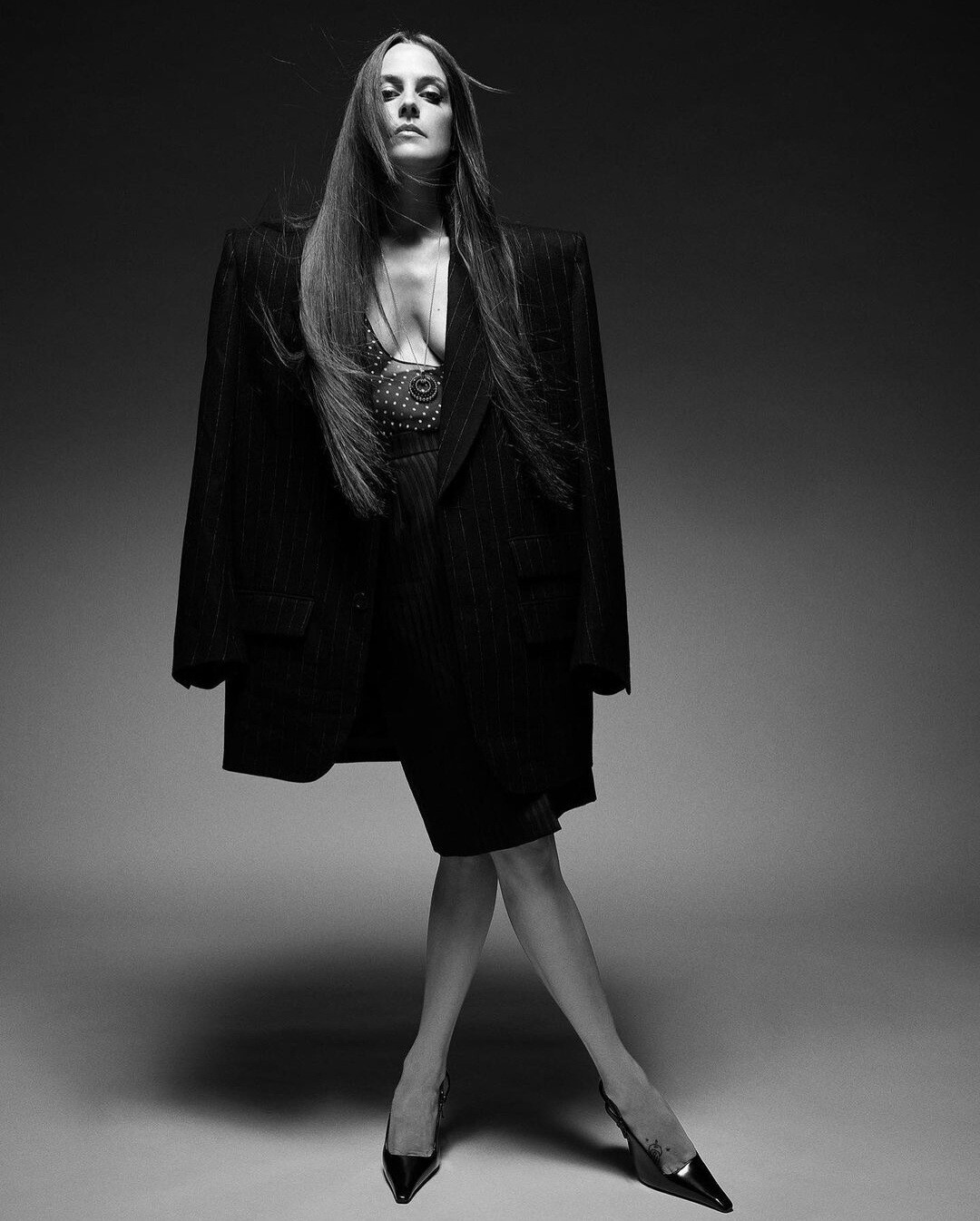




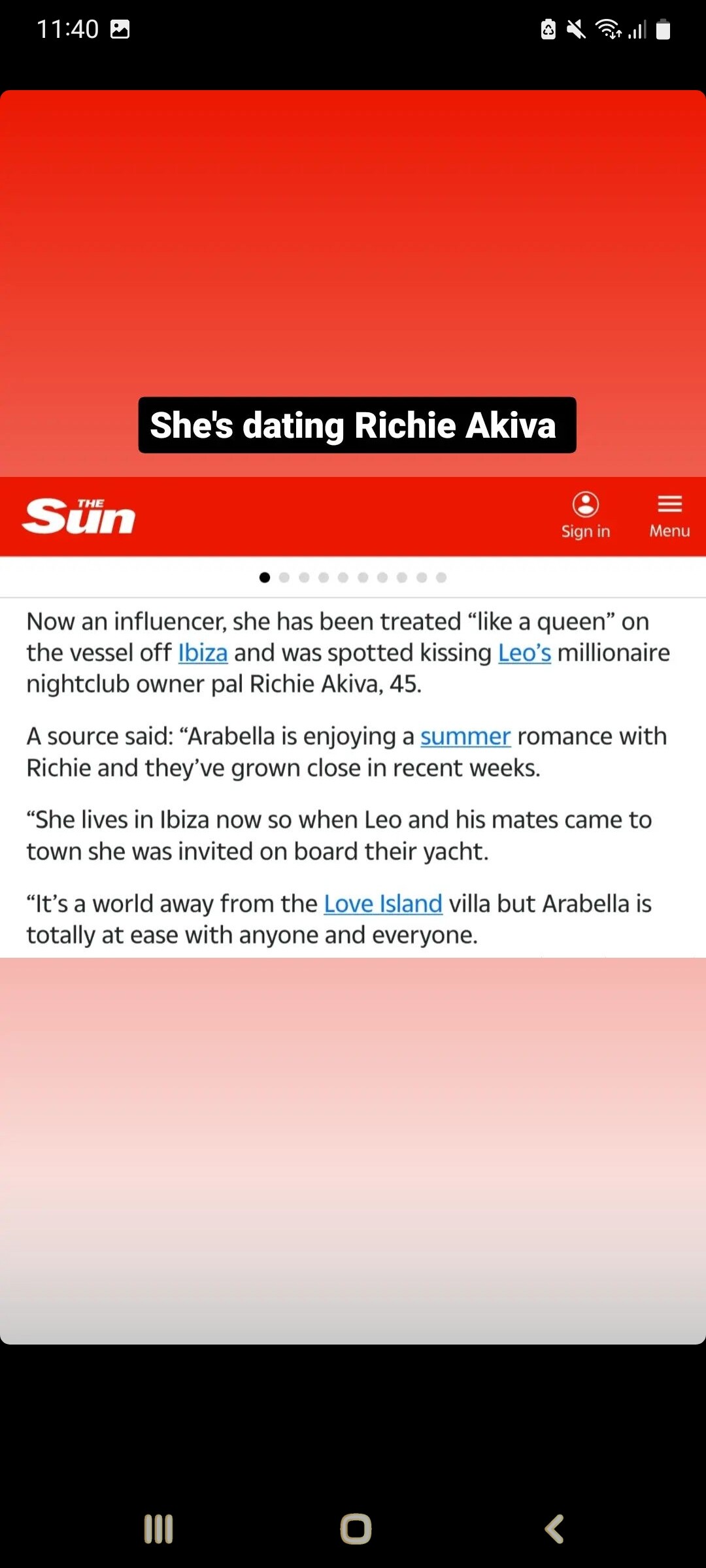












Account
Navigation
Search
Configure browser push notifications
Chrome (Android)
- Tap the lock icon next to the address bar.
- Tap Permissions → Notifications.
- Adjust your preference.
Chrome (Desktop)
- Click the padlock icon in the address bar.
- Select Site settings.
- Find Notifications and adjust your preference.
Safari (iOS 16.4+)
- Ensure the site is installed via Add to Home Screen.
- Open Settings App → Notifications.
- Find your app name and adjust your preference.
Safari (macOS)
- Go to Safari → Preferences.
- Click the Websites tab.
- Select Notifications in the sidebar.
- Find this website and adjust your preference.
Edge (Android)
- Tap the lock icon next to the address bar.
- Tap Permissions.
- Find Notifications and adjust your preference.
Edge (Desktop)
- Click the padlock icon in the address bar.
- Click Permissions for this site.
- Find Notifications and adjust your preference.
Firefox (Android)
- Go to Settings → Site permissions.
- Tap Notifications.
- Find this site in the list and adjust your preference.
Firefox (Desktop)
- Open Firefox Settings.
- Search for Notifications.
- Find this site in the list and adjust your preference.