MissPadilla
Members
-
Joined
-
Last visited
Everything posted by MissPadilla
-
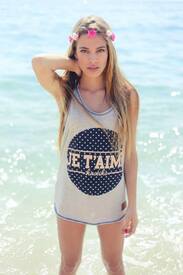
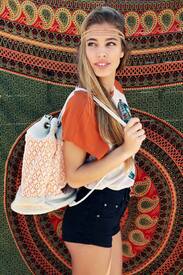
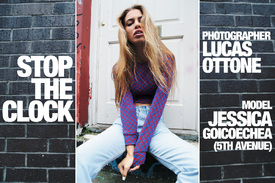
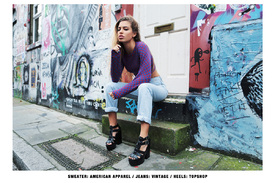
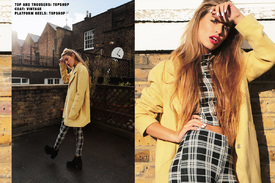
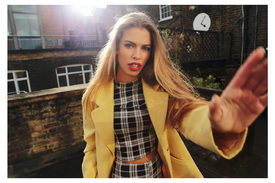
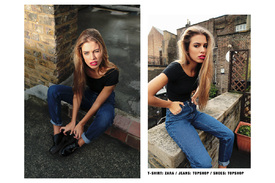
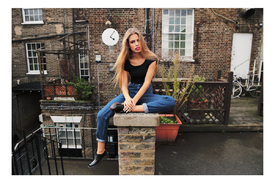
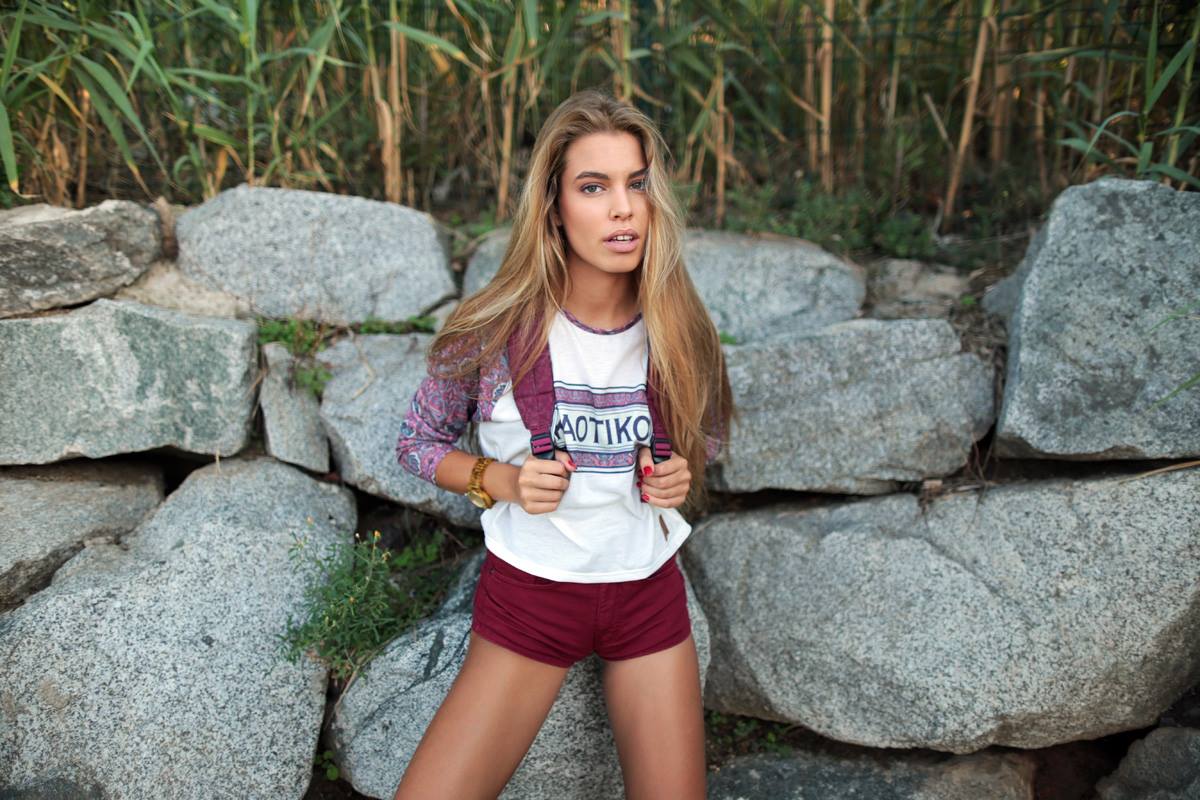
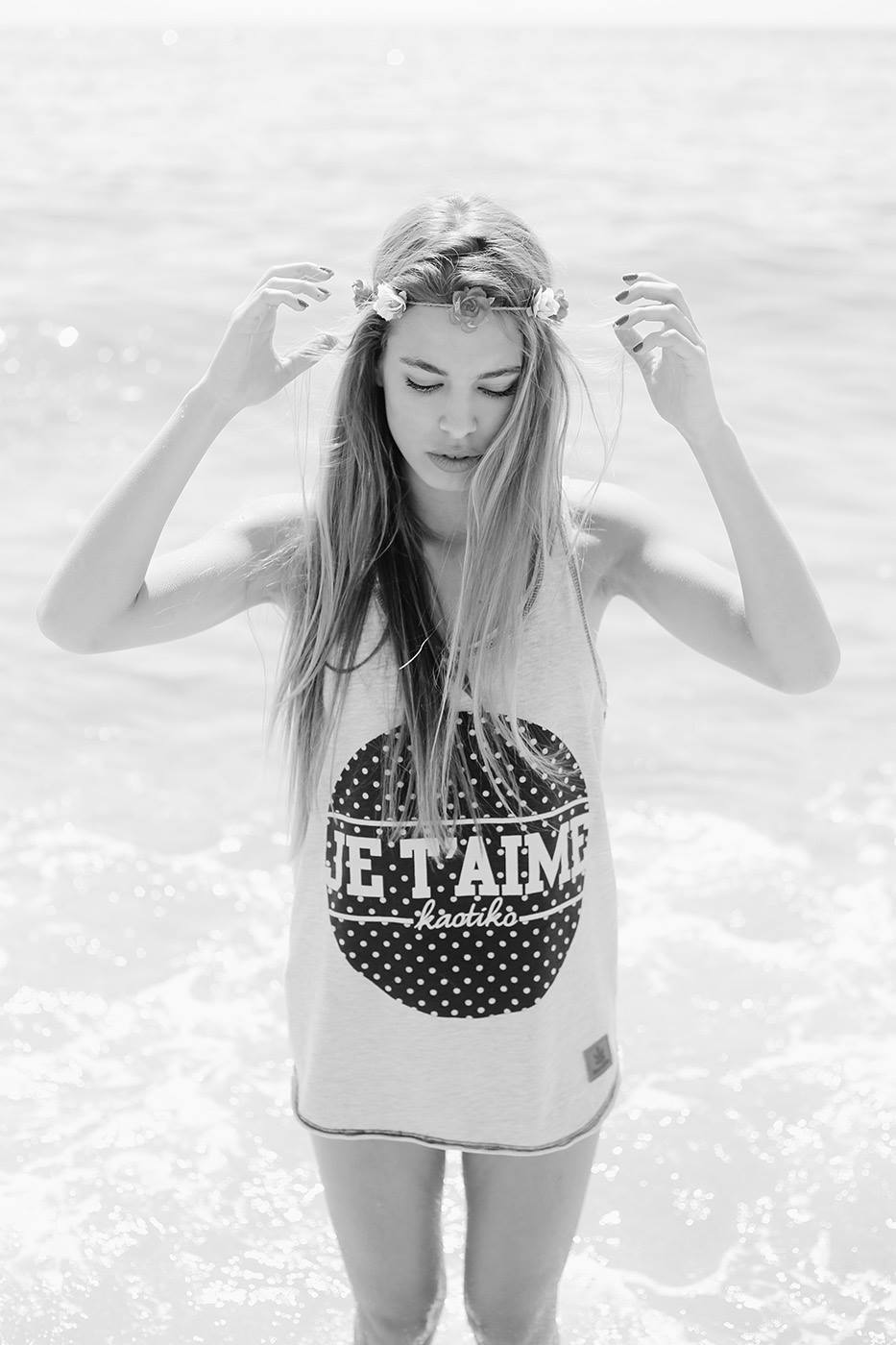
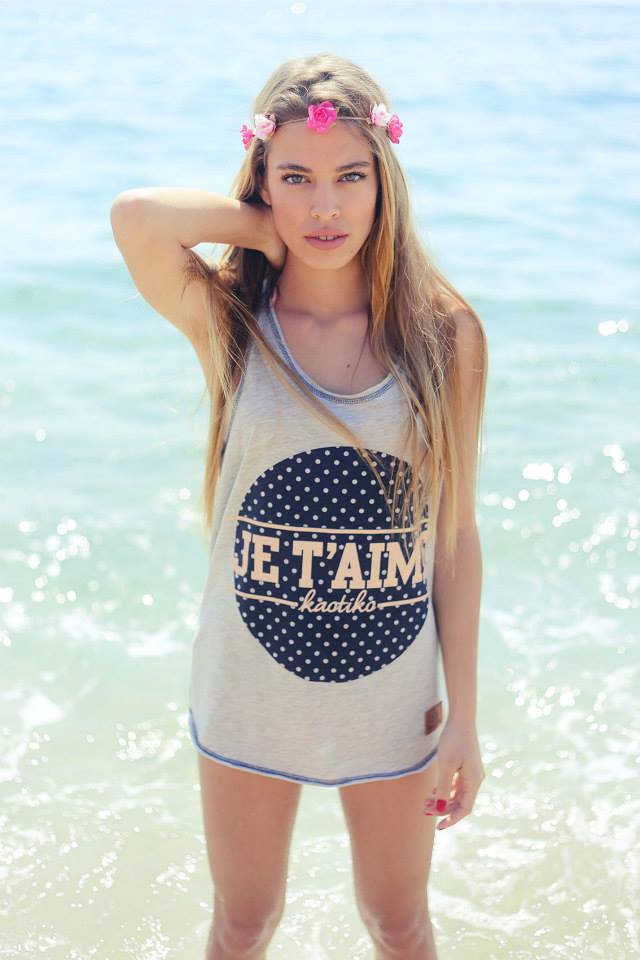
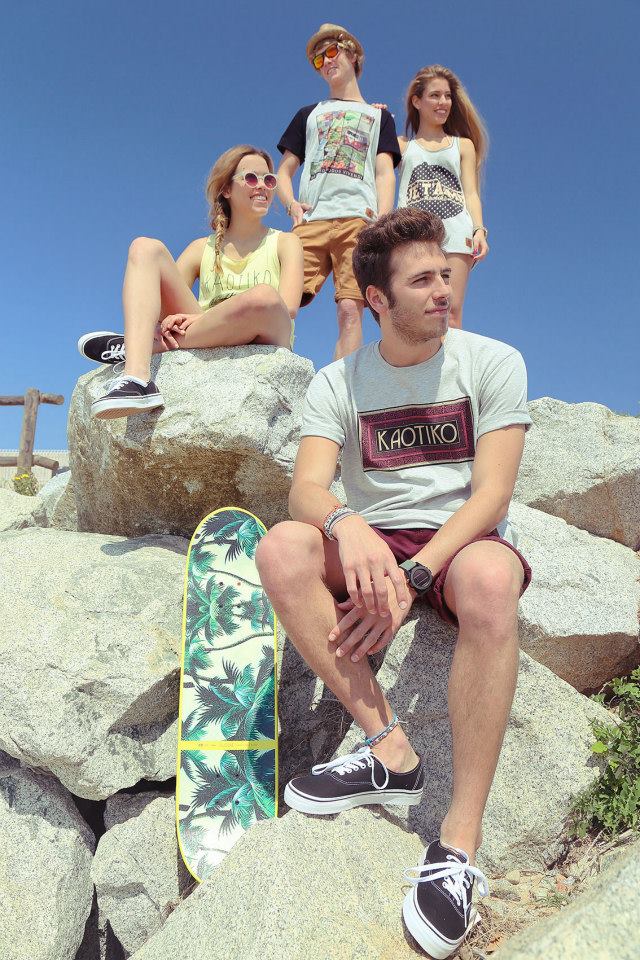
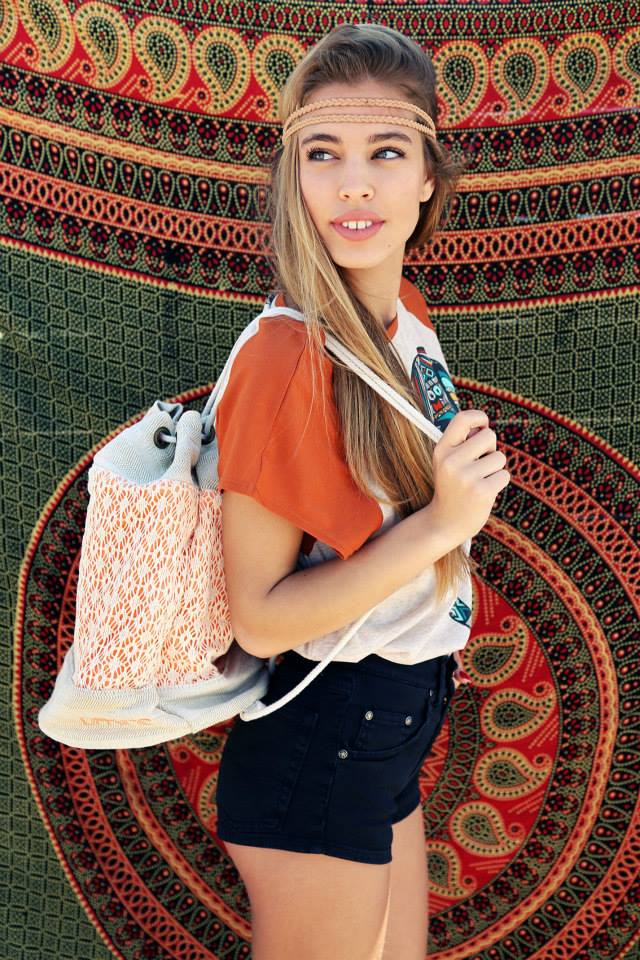
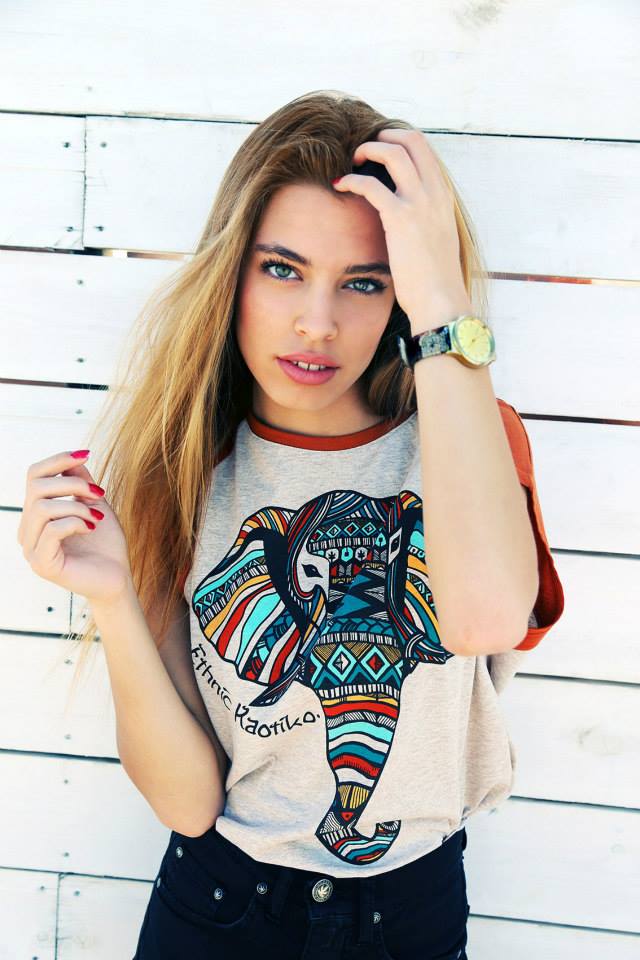
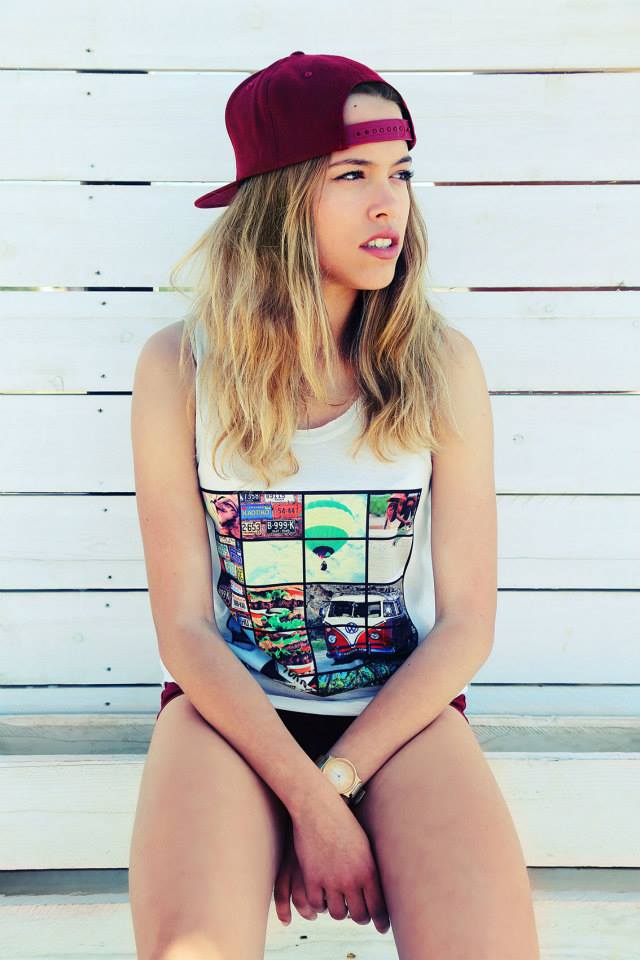
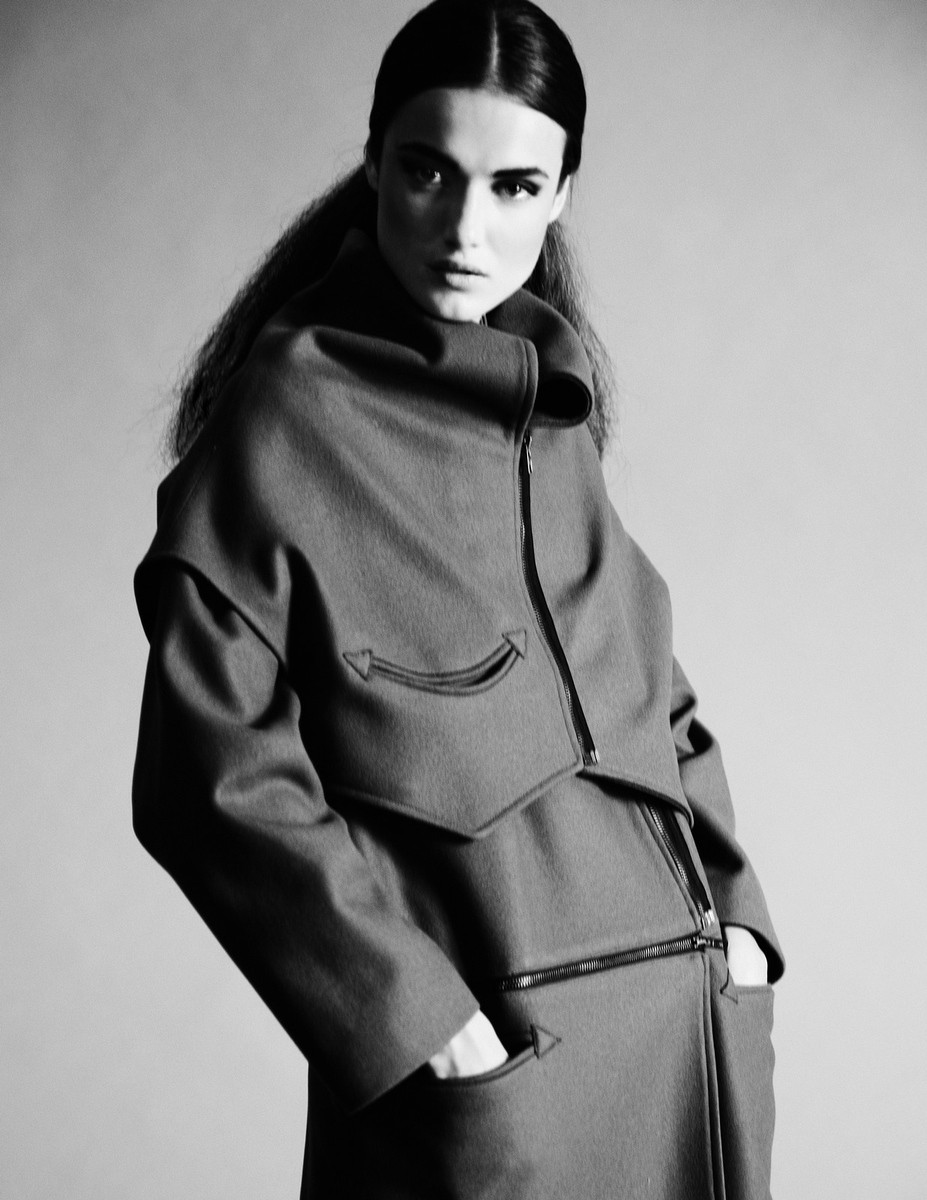
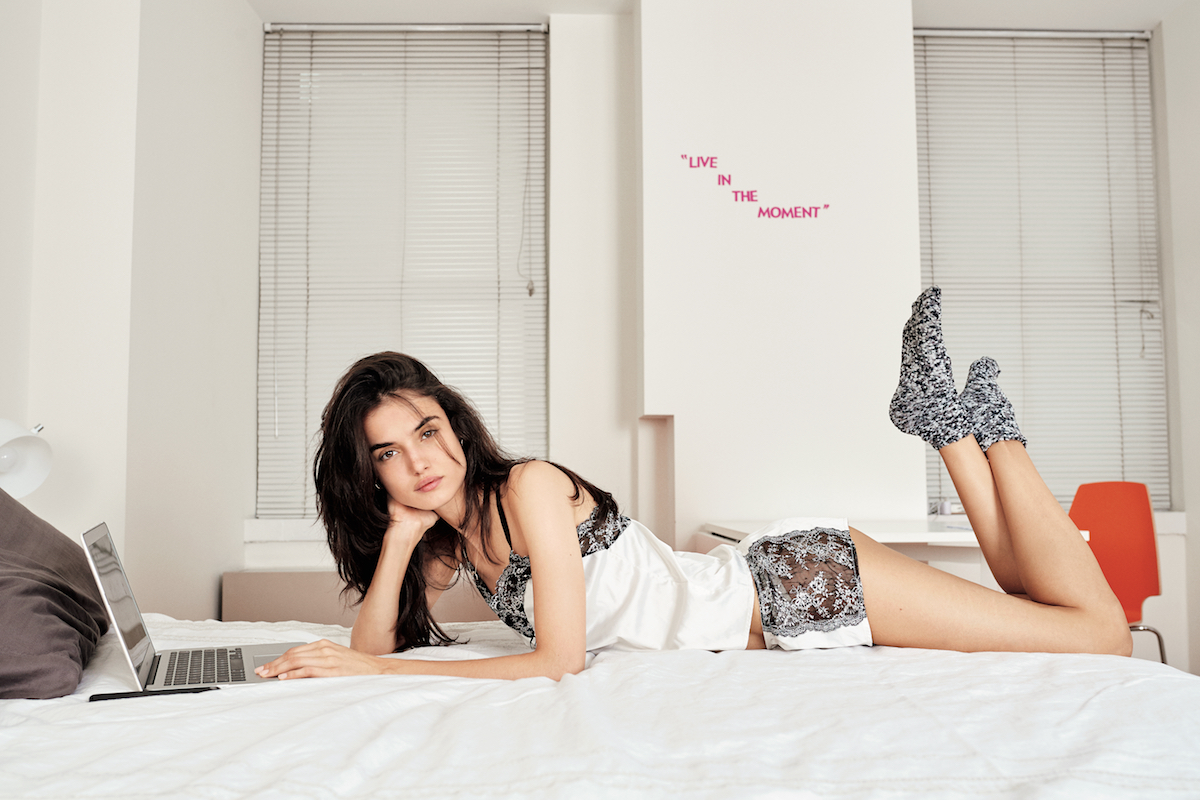
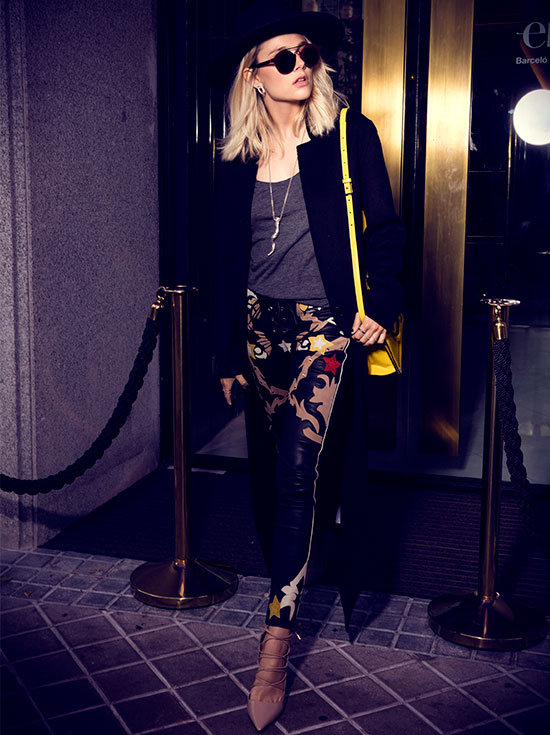
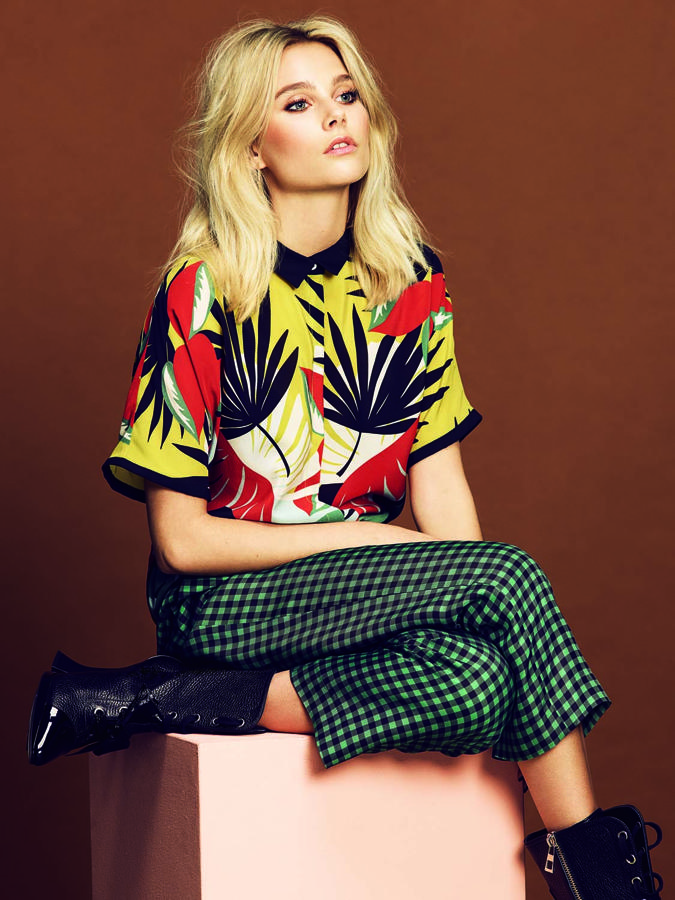
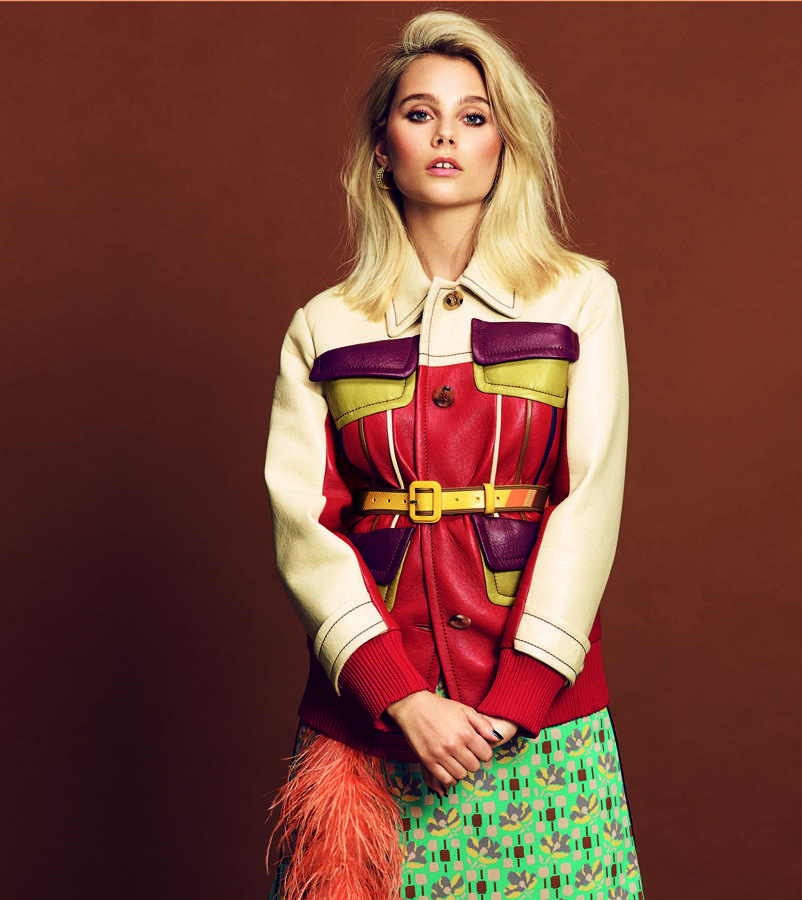
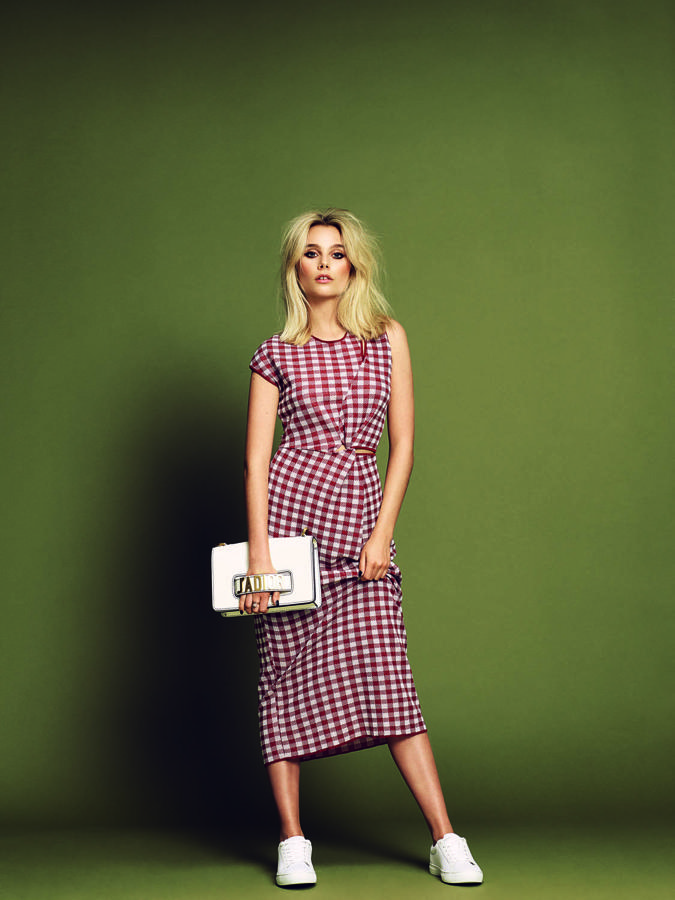
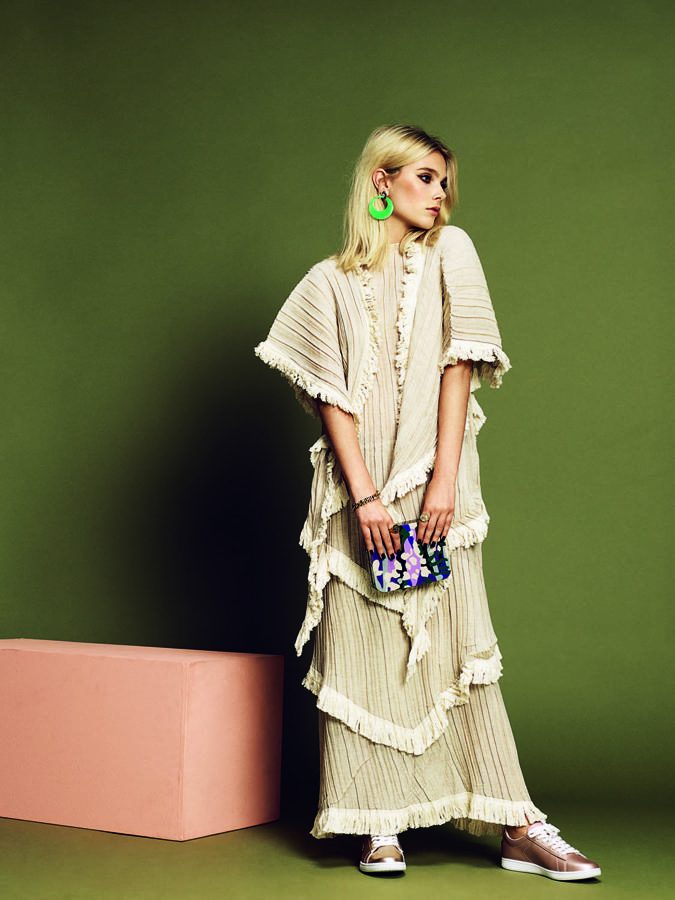
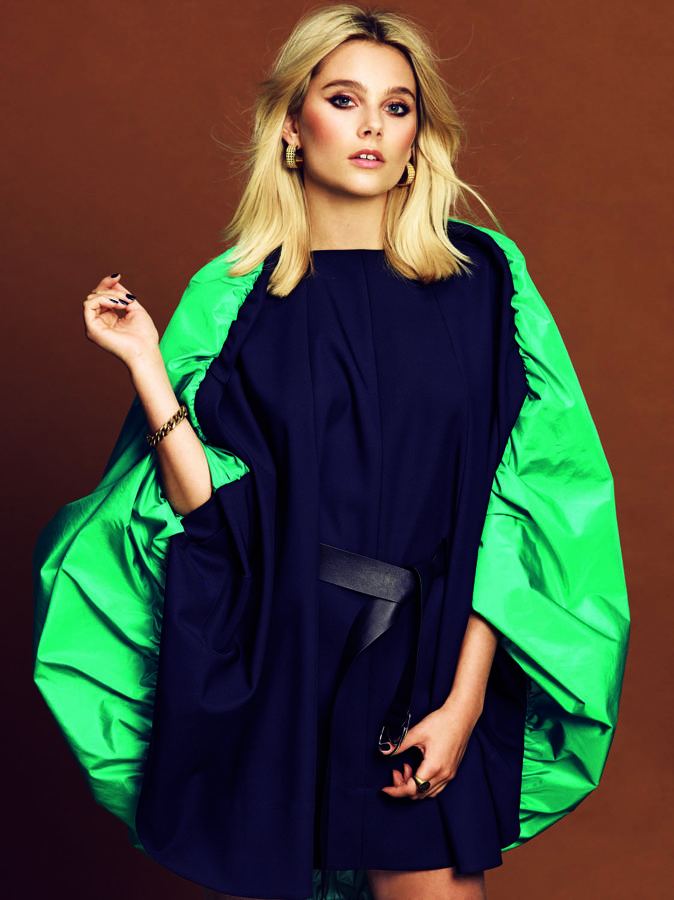
 Jessica for Kaotico by Lucas Ottone










-
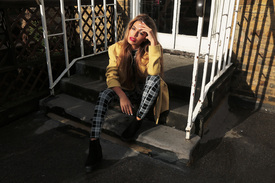
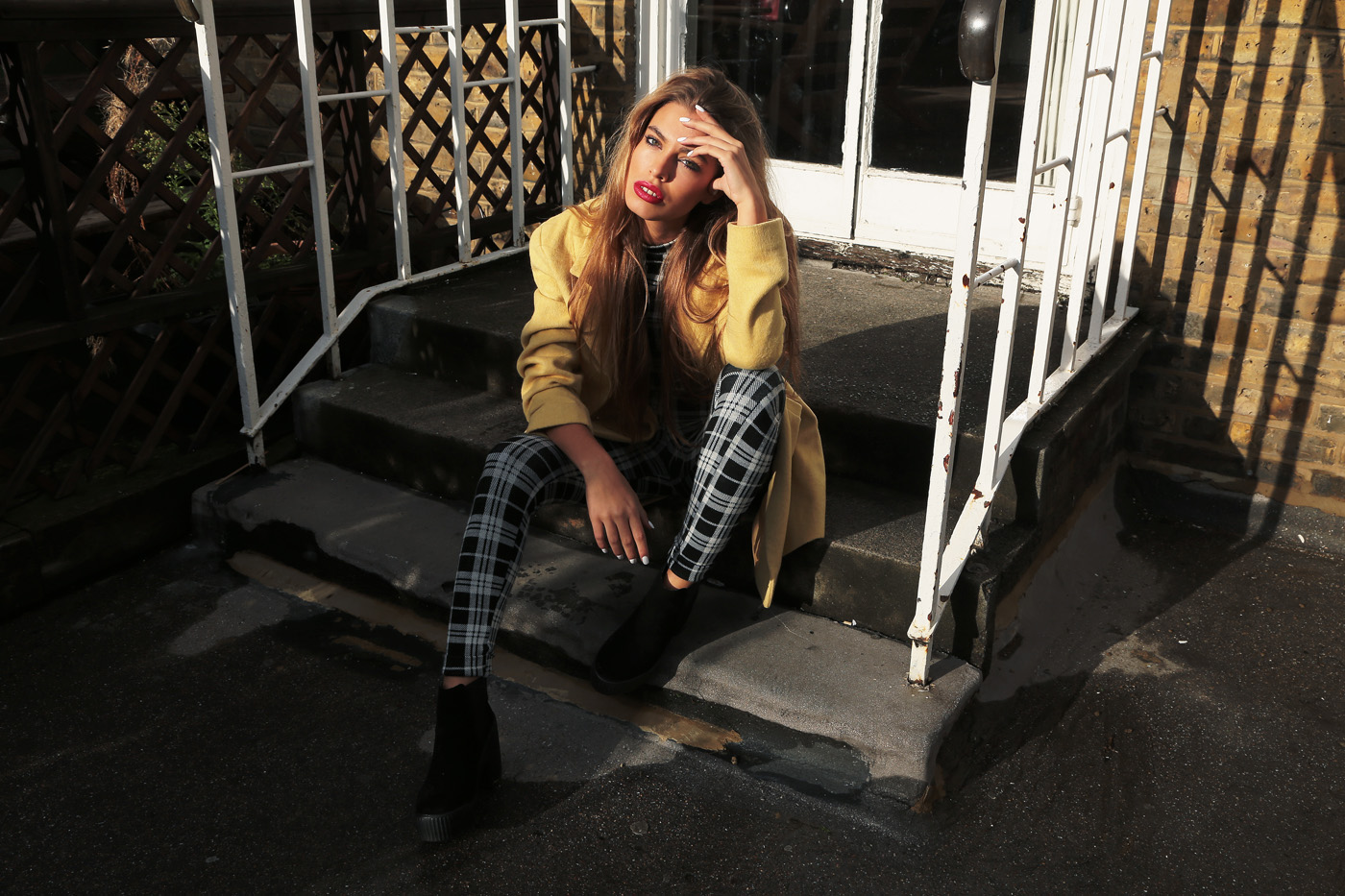
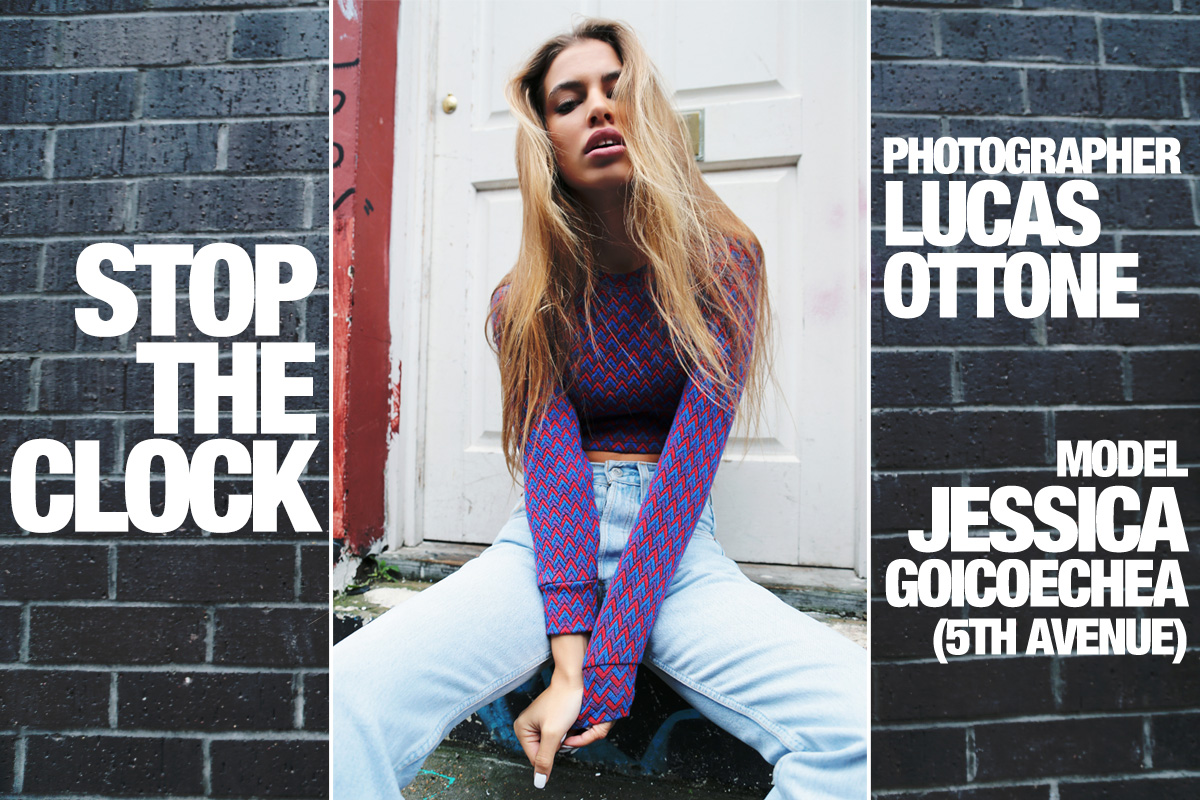
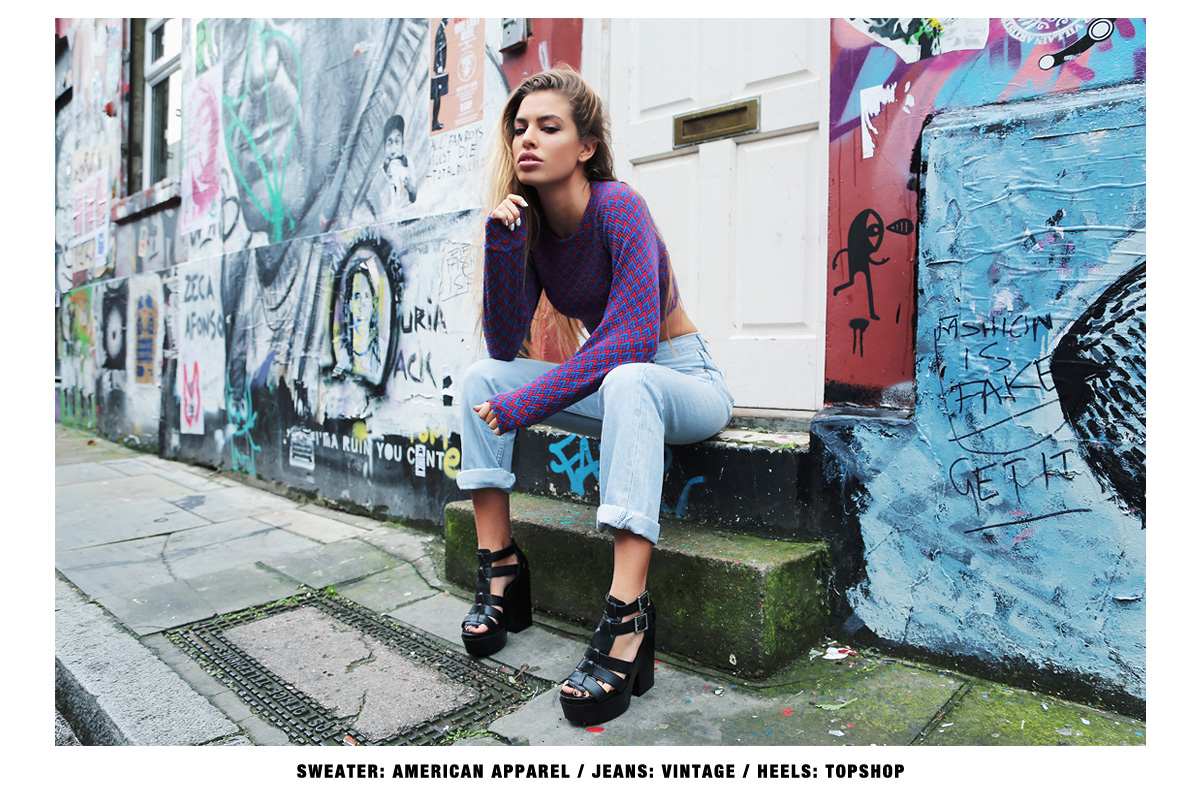
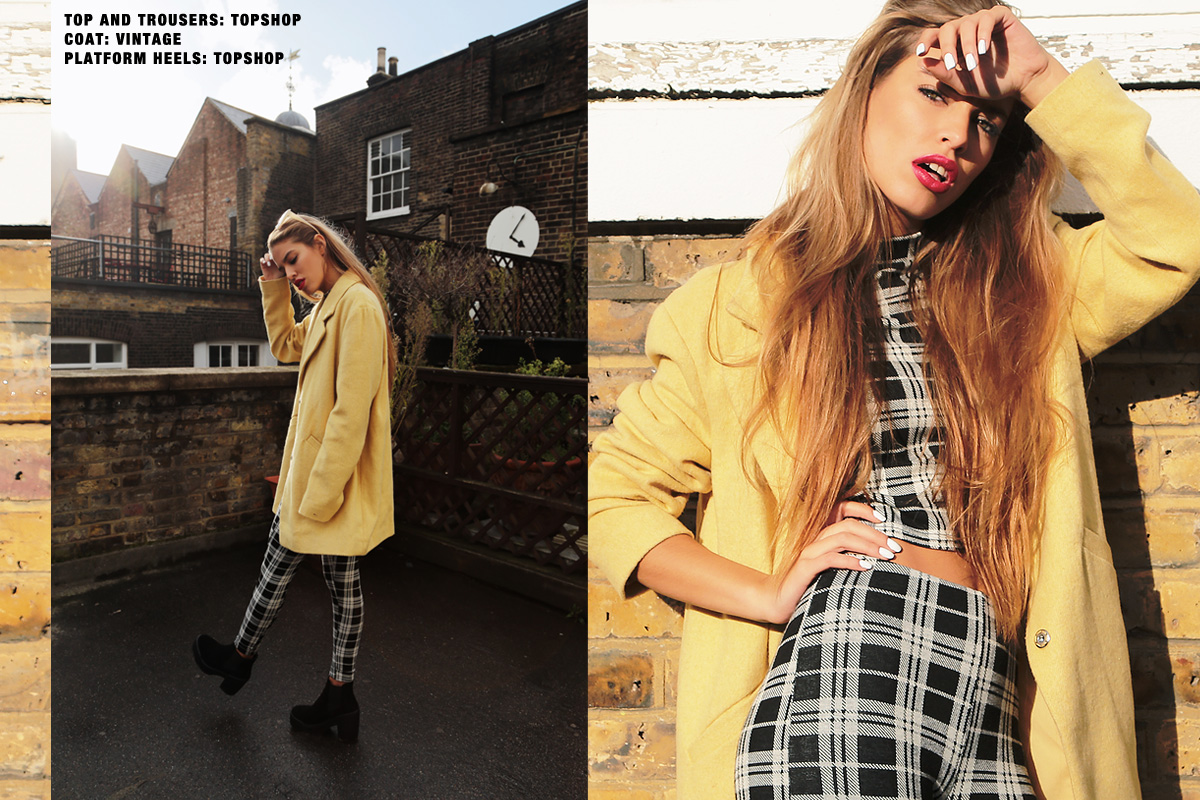
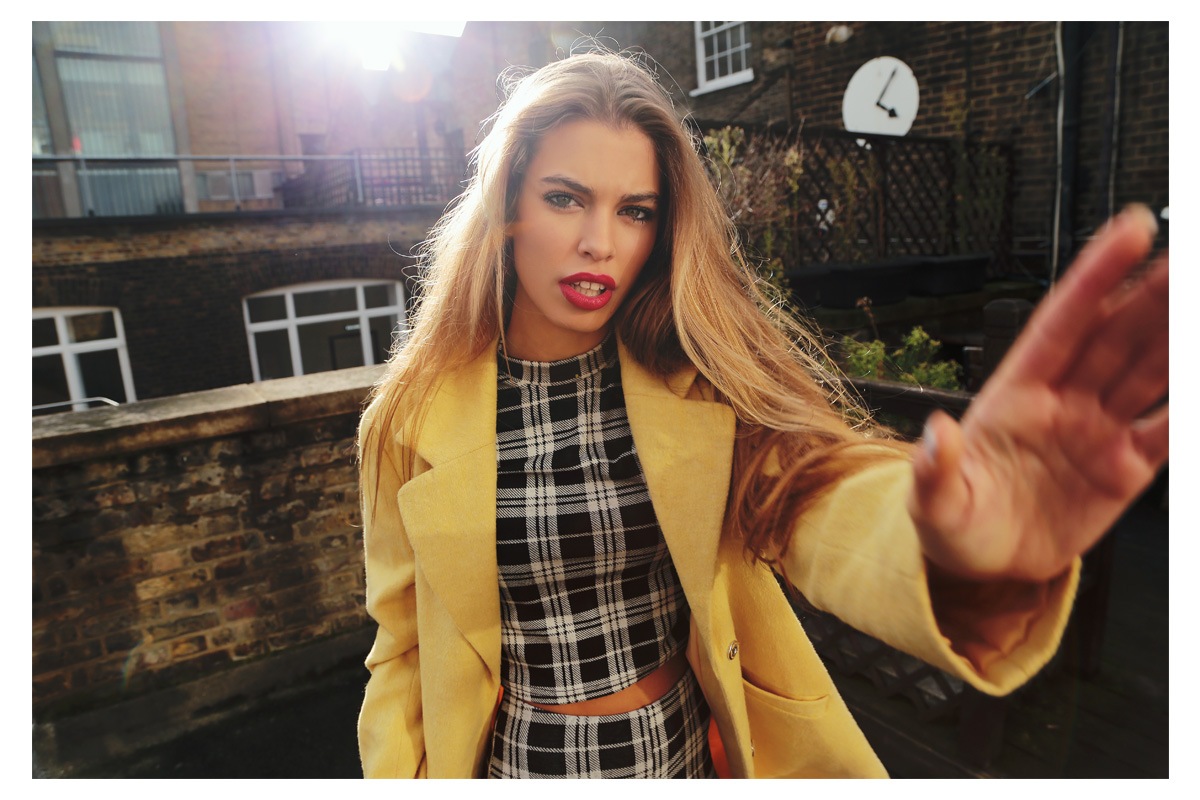
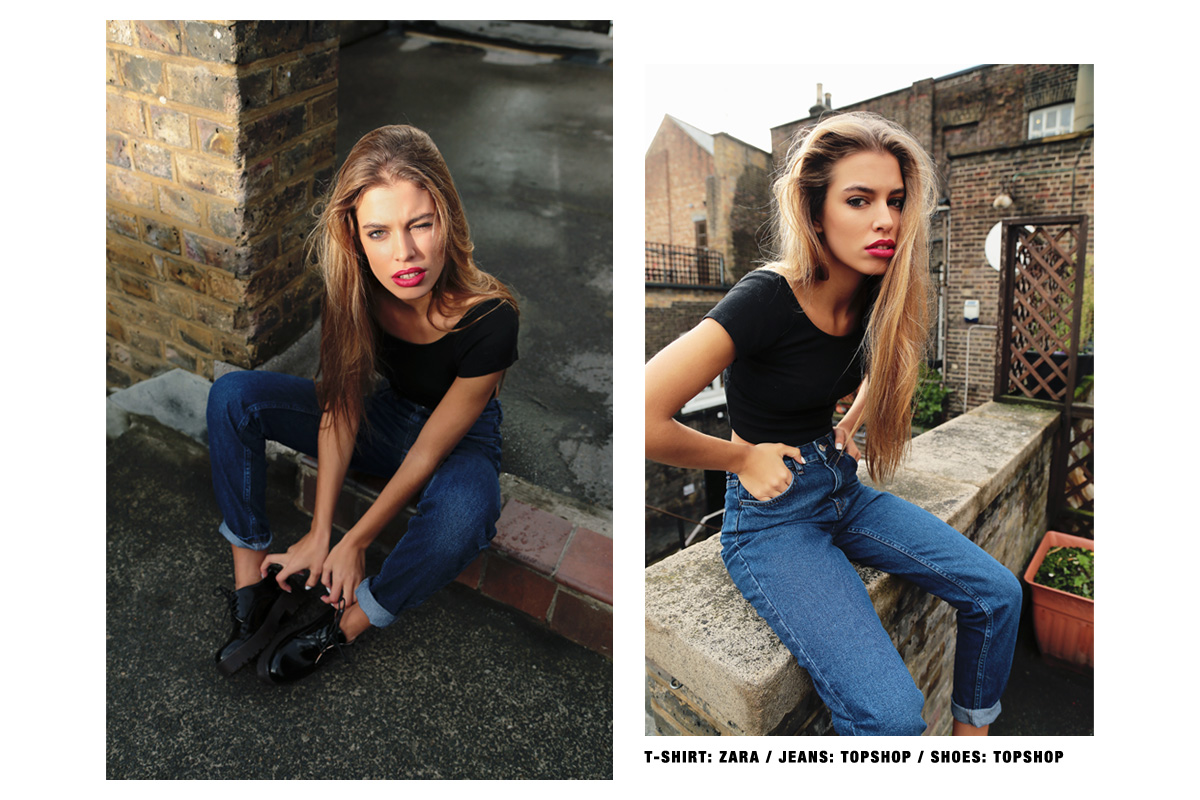
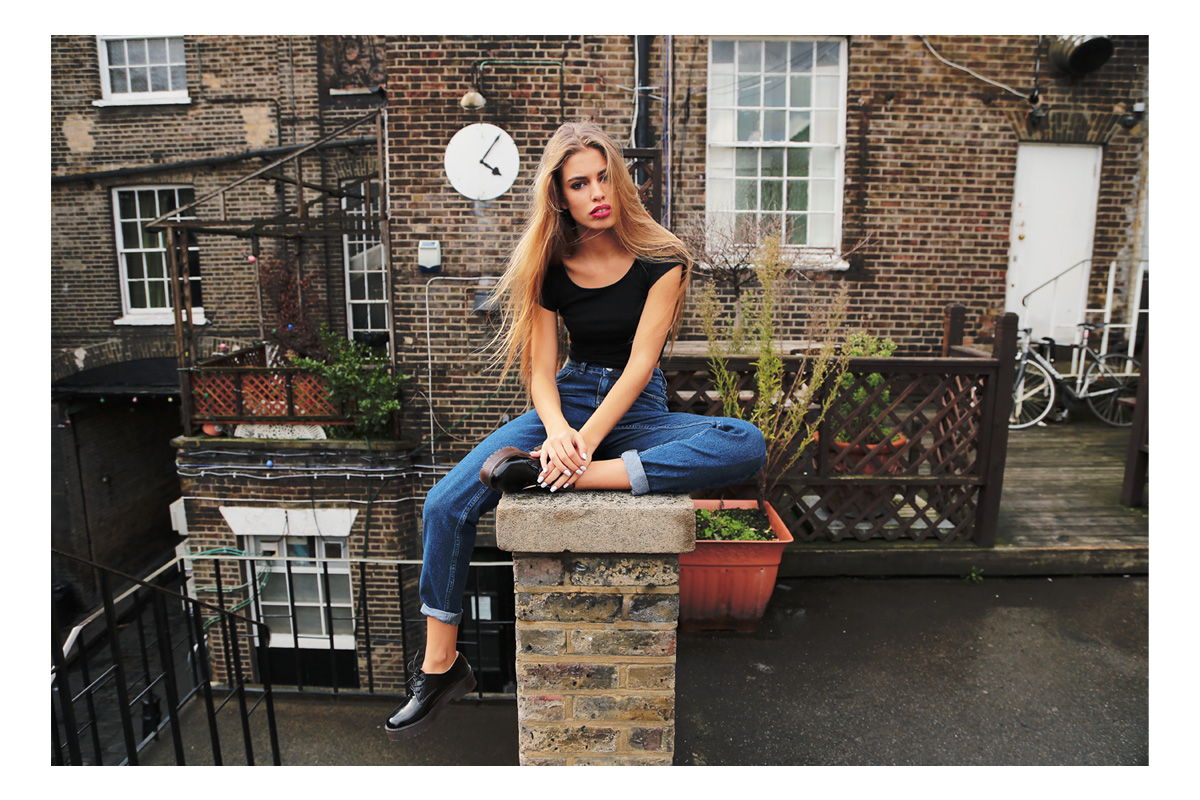
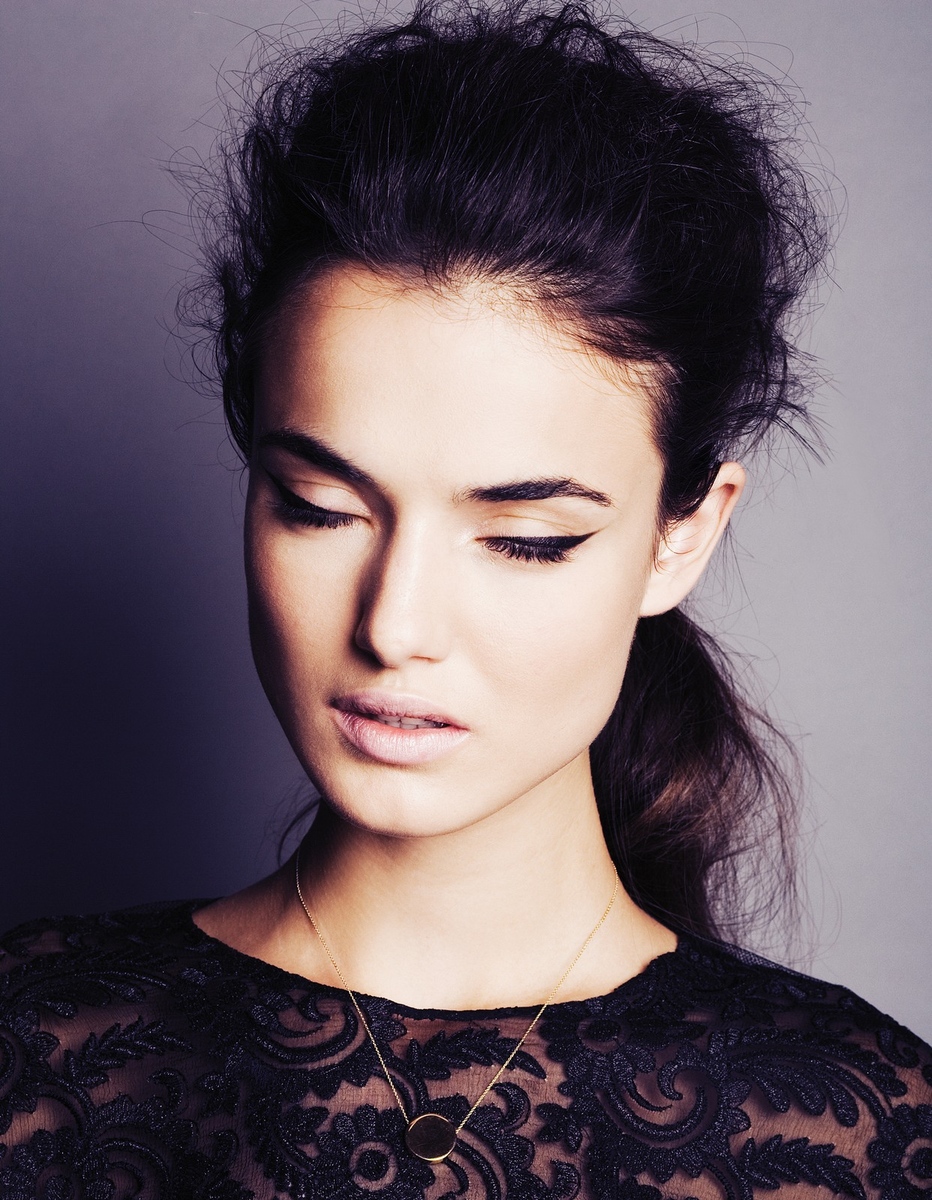
"Stop the Clock" by Lucas Ottone for Flanelle Magazine.



-
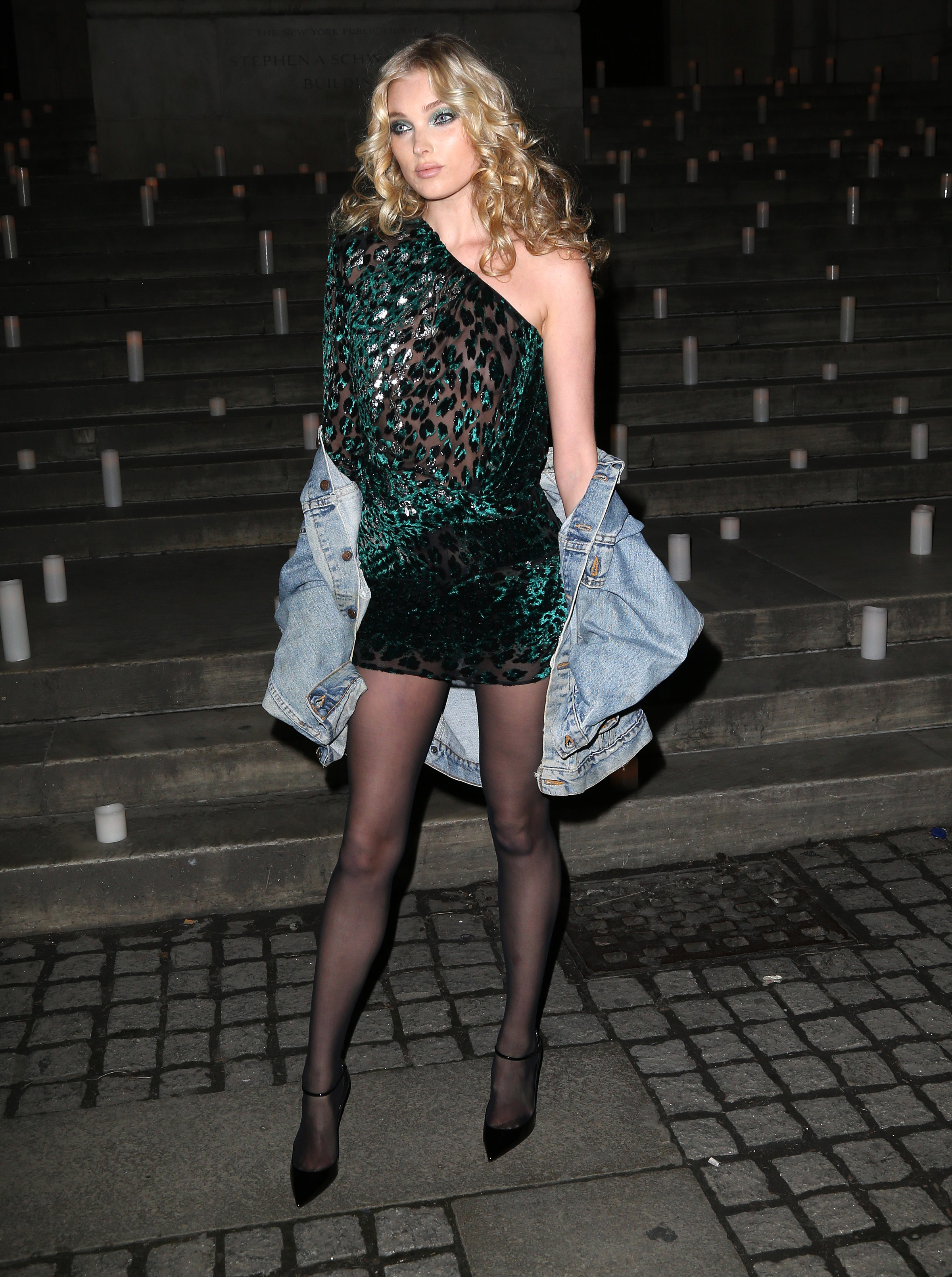
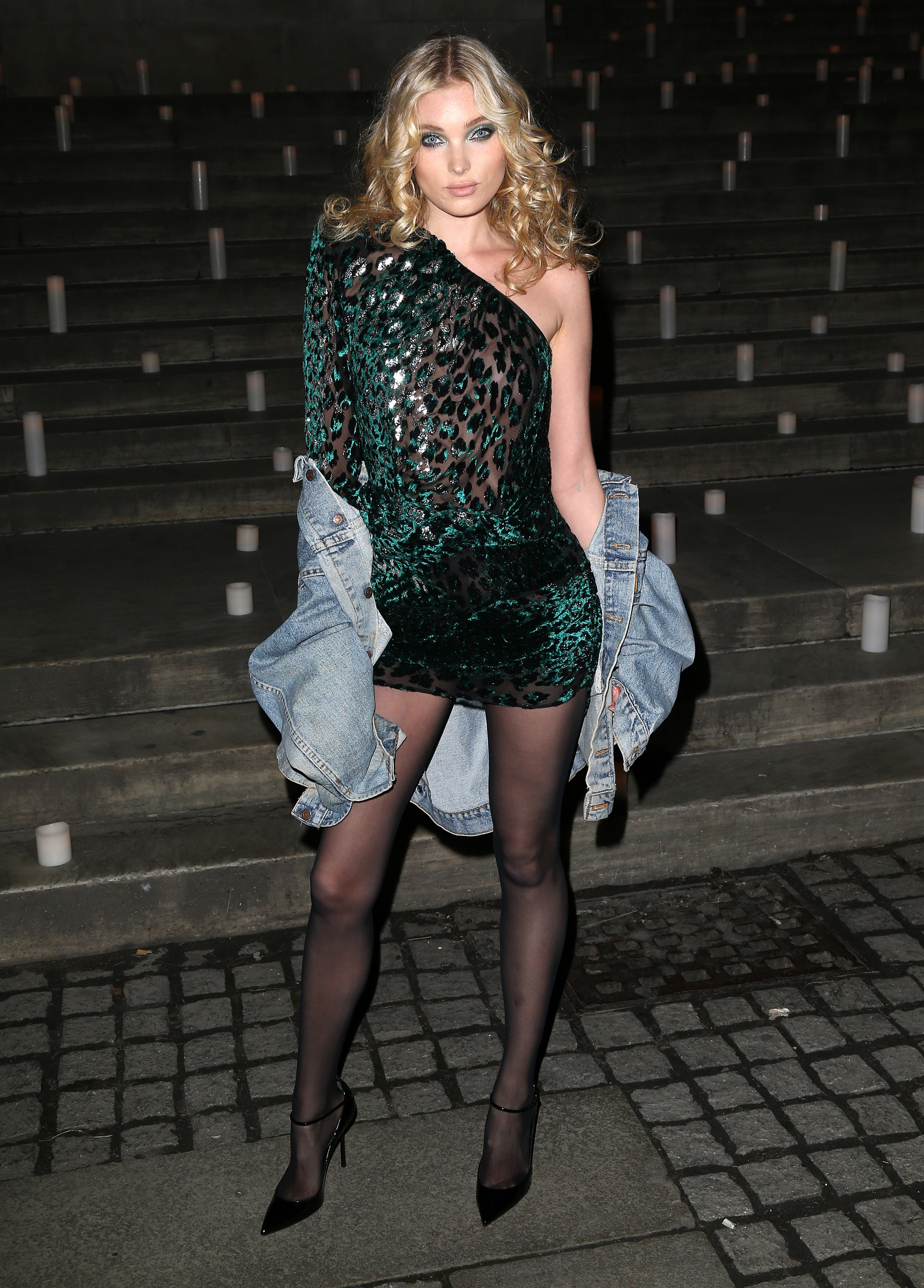
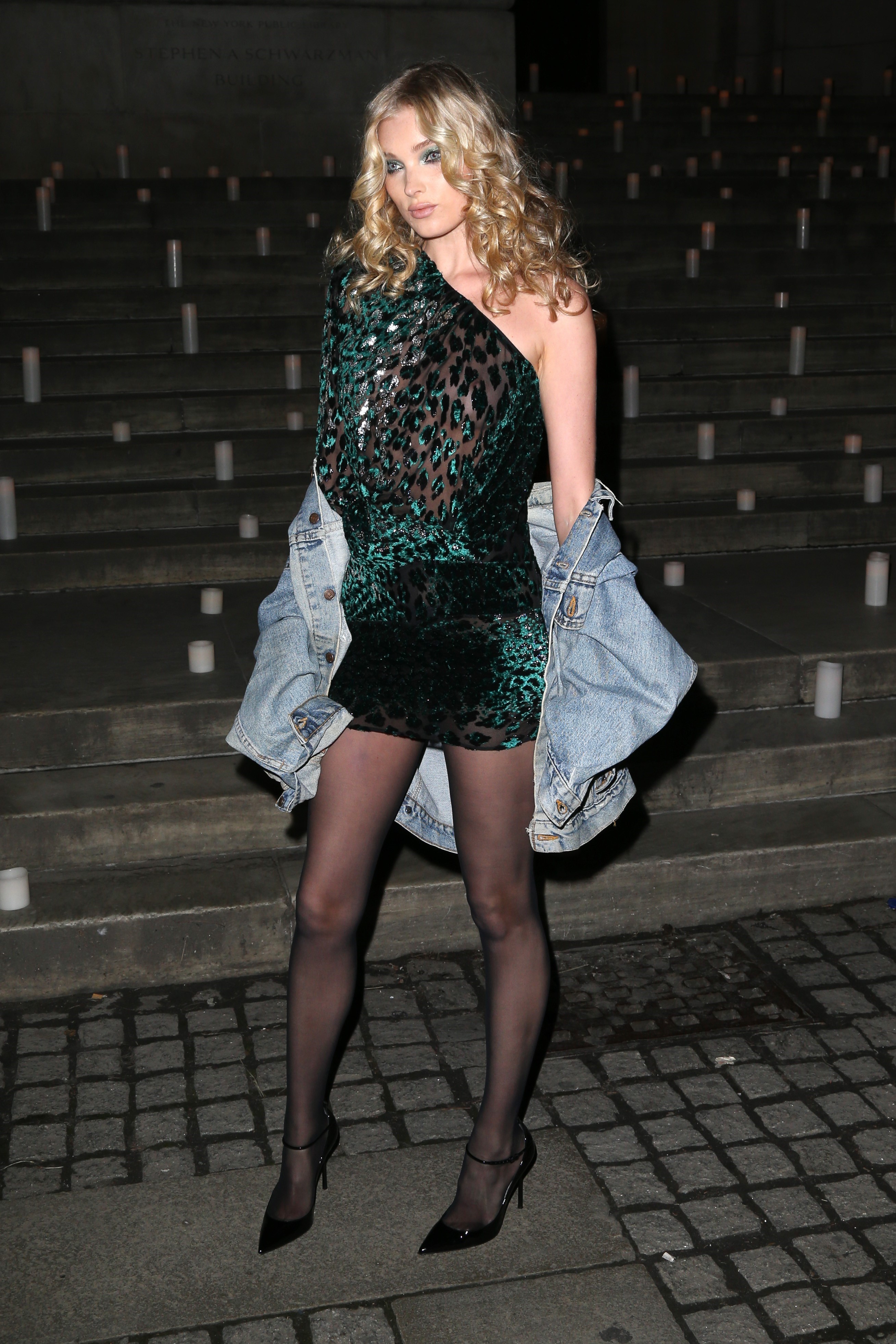
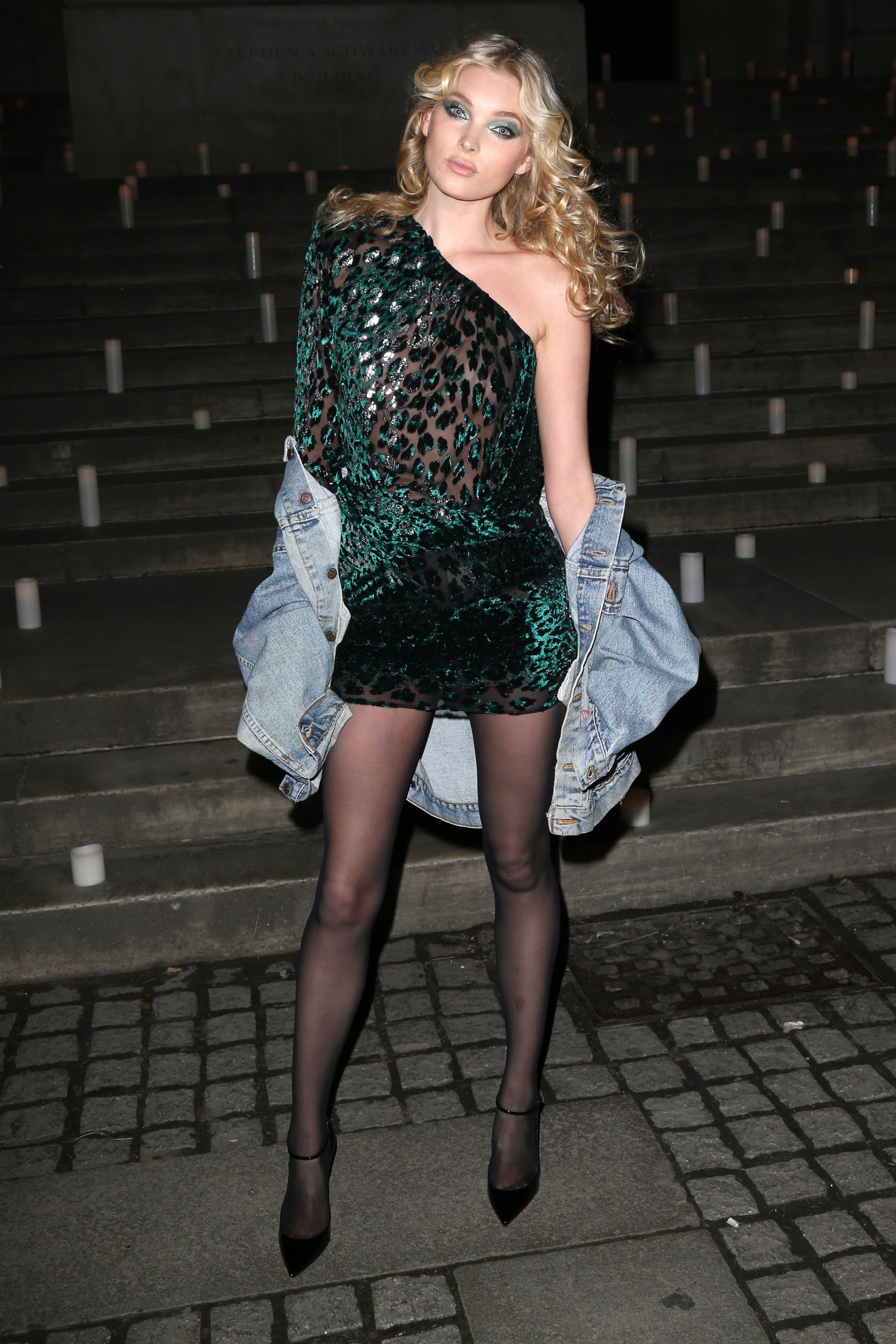
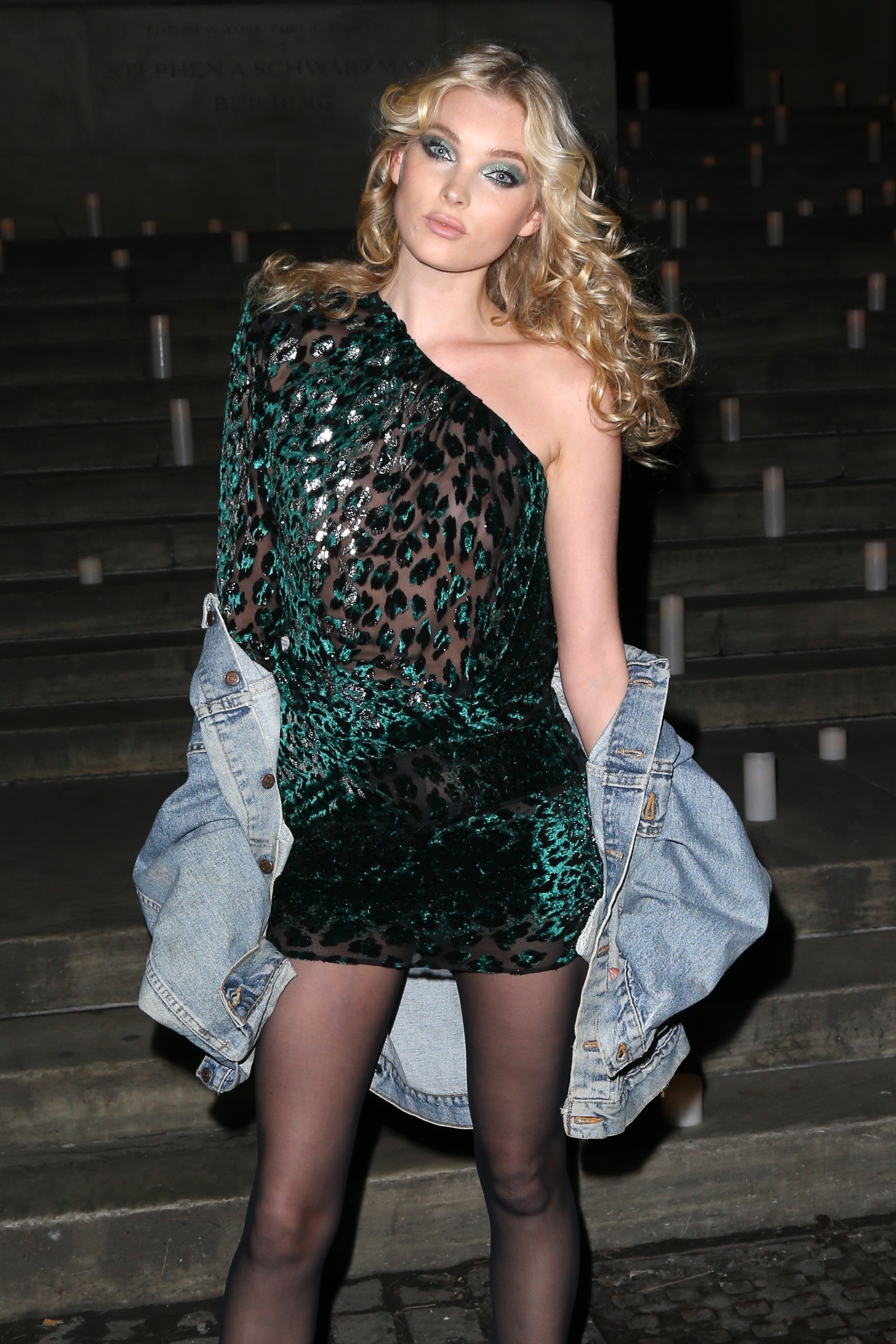
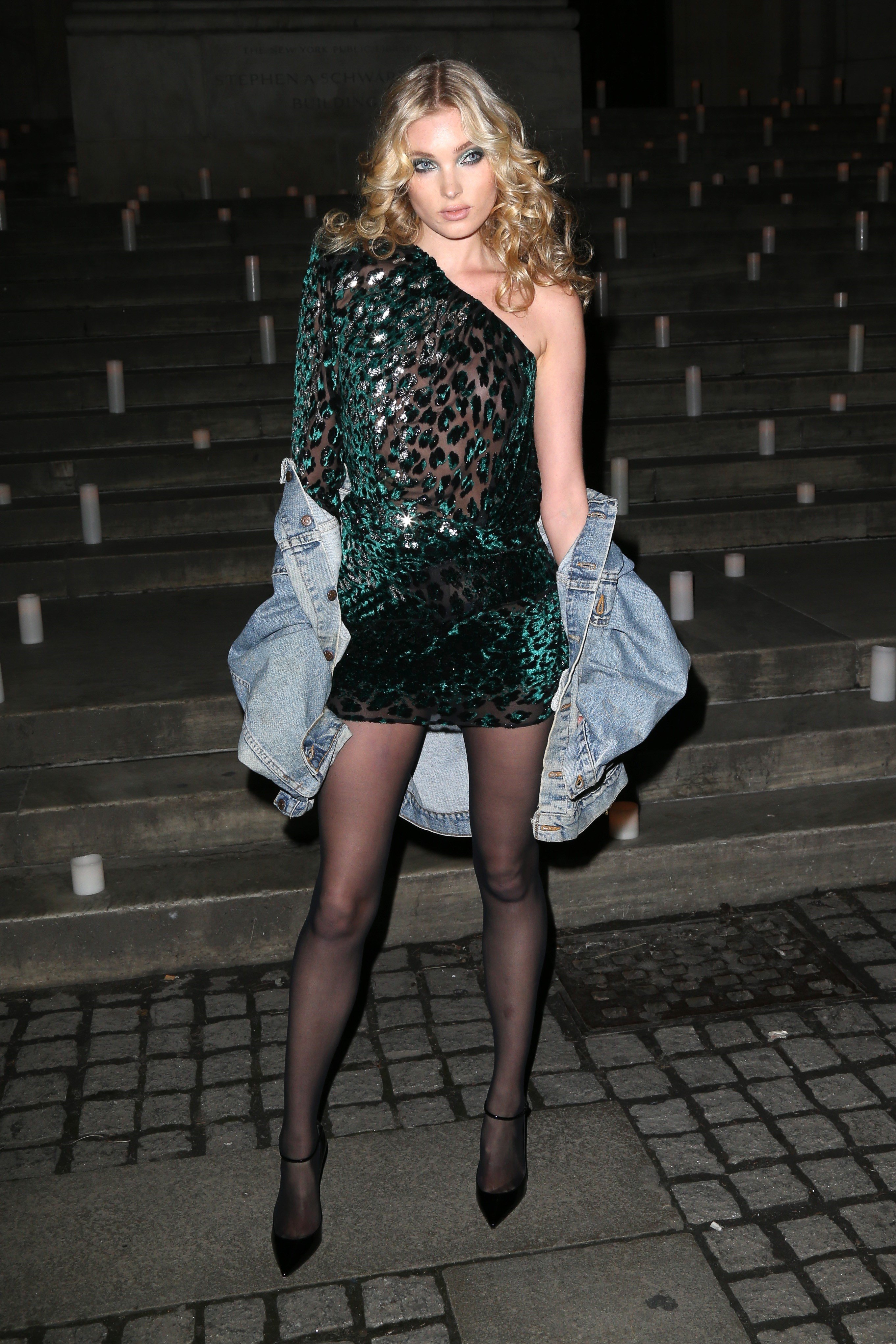
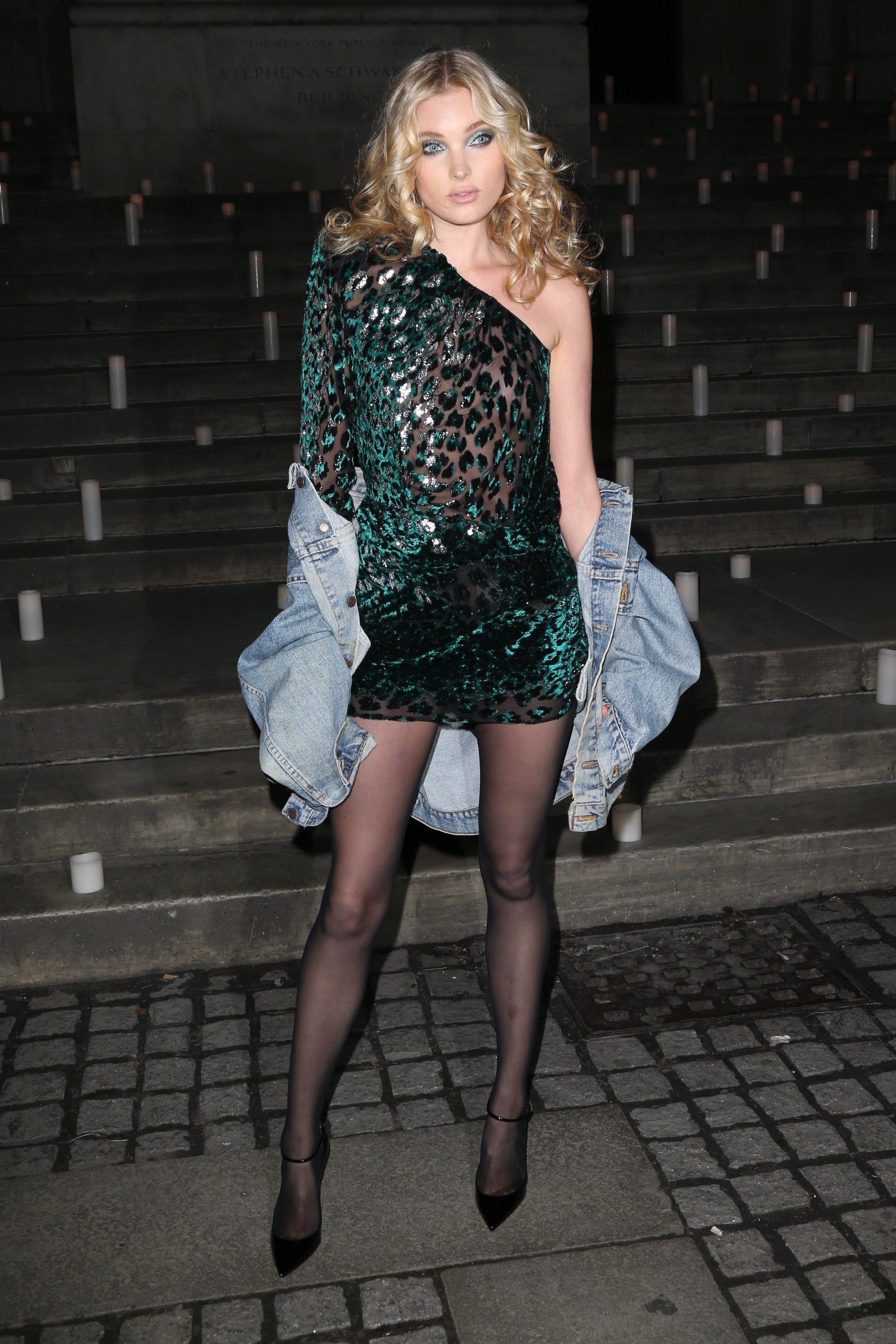
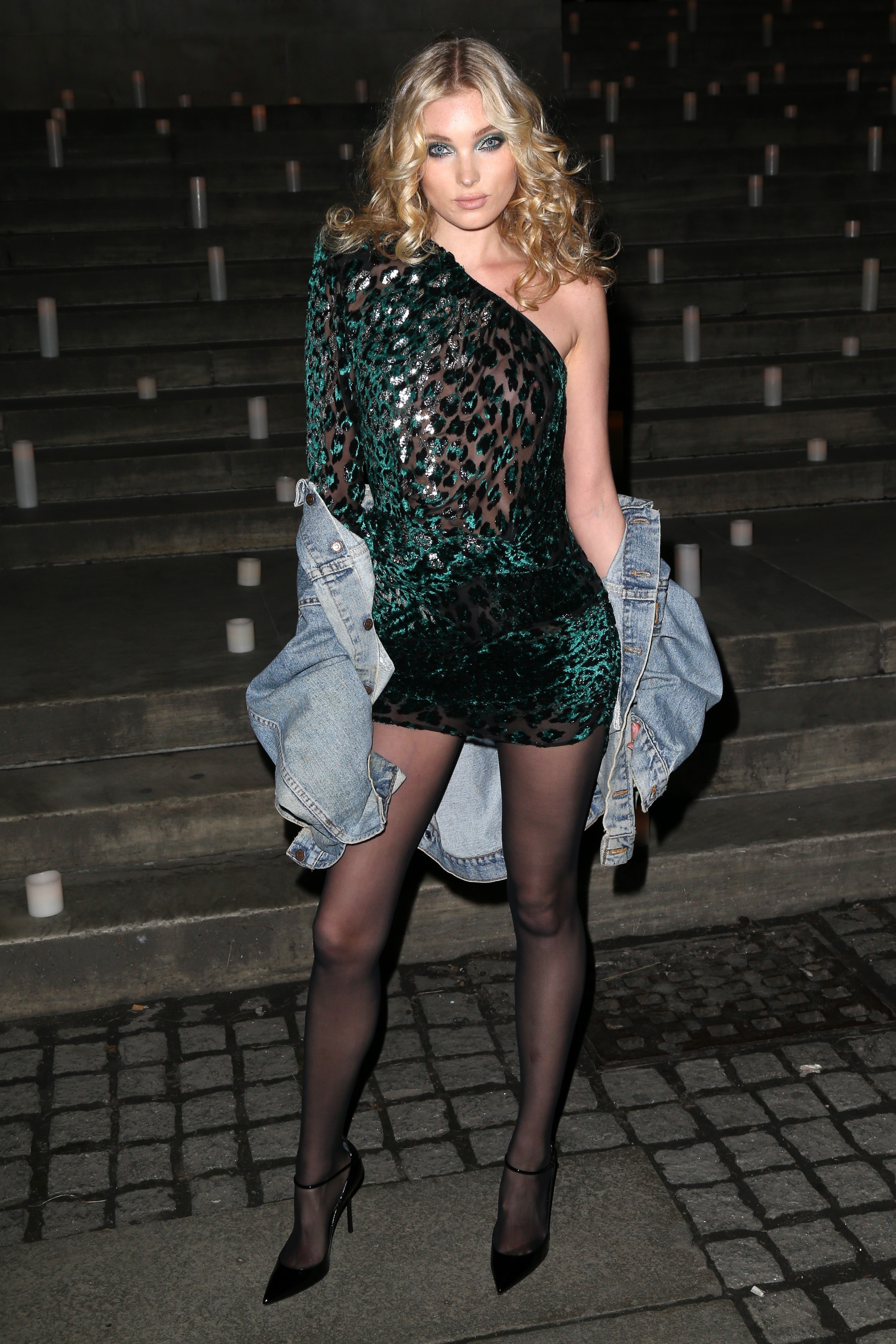
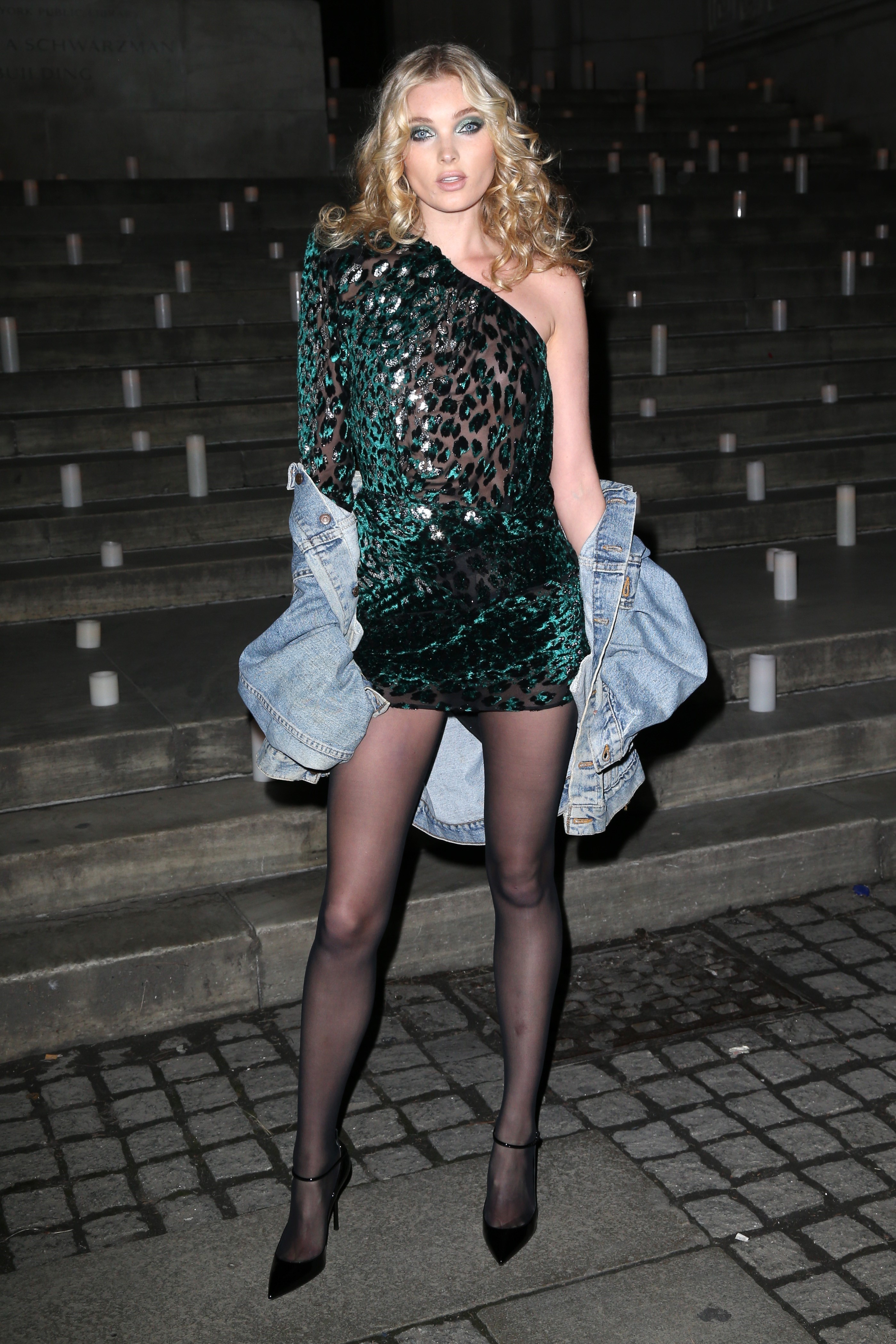
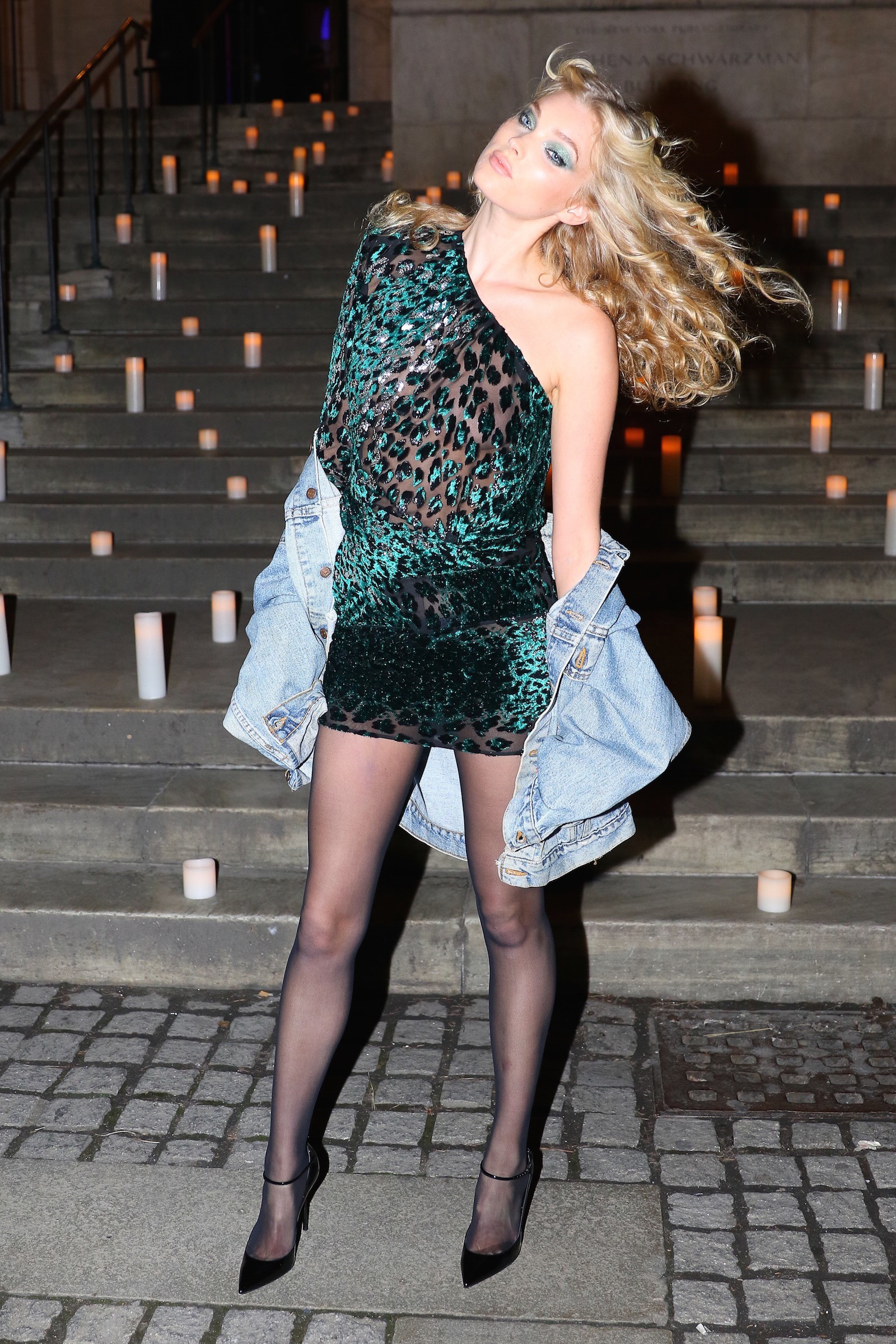
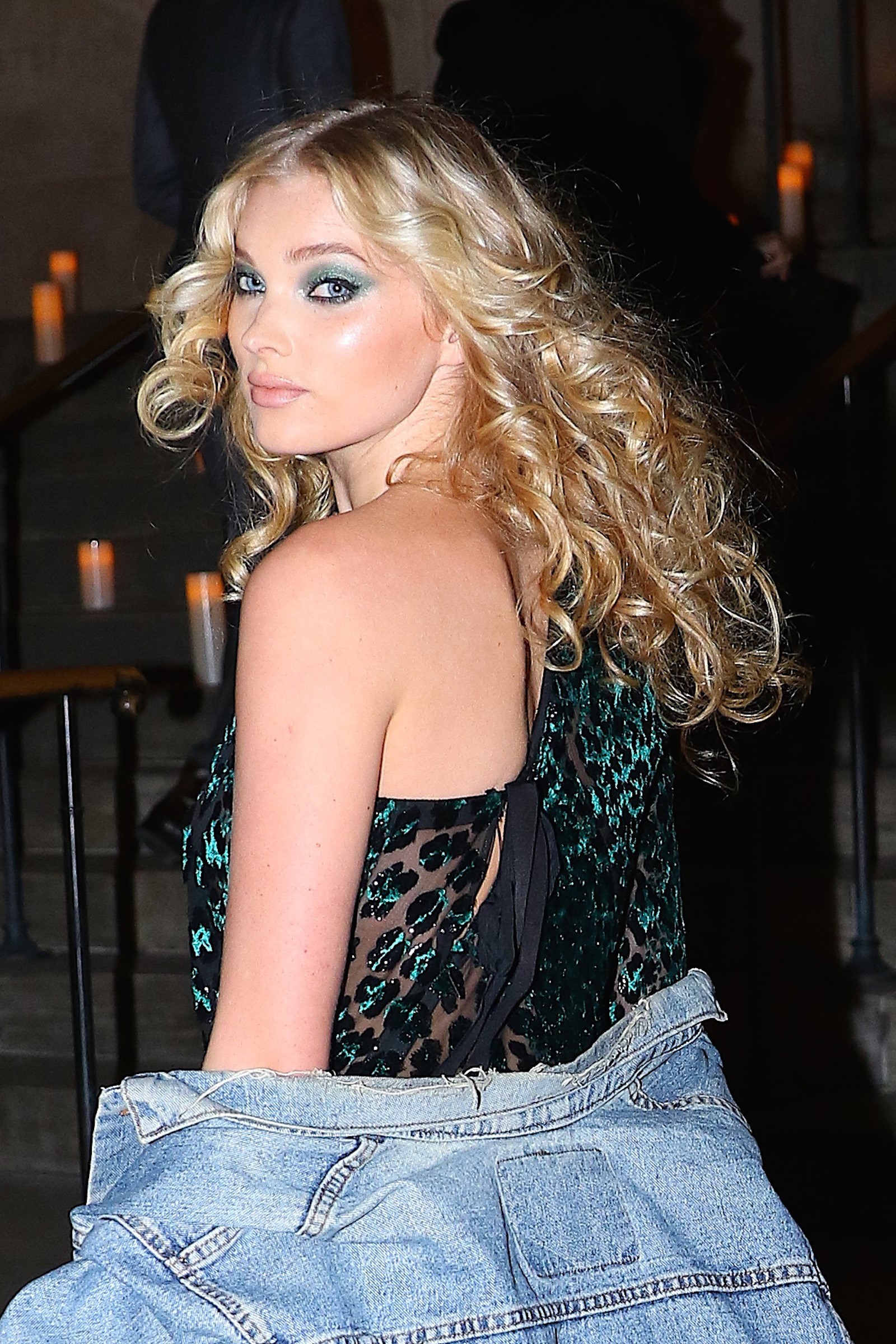
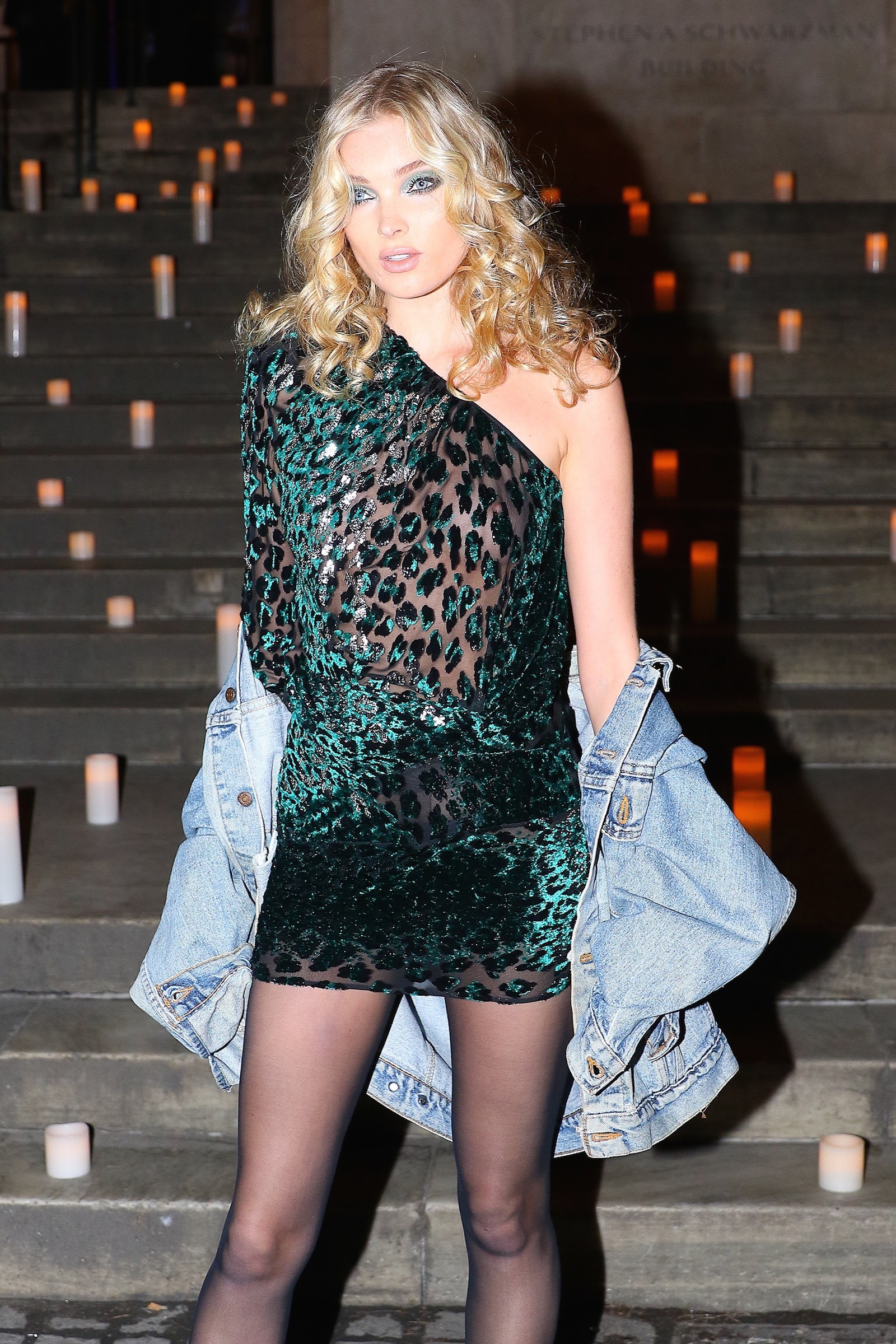
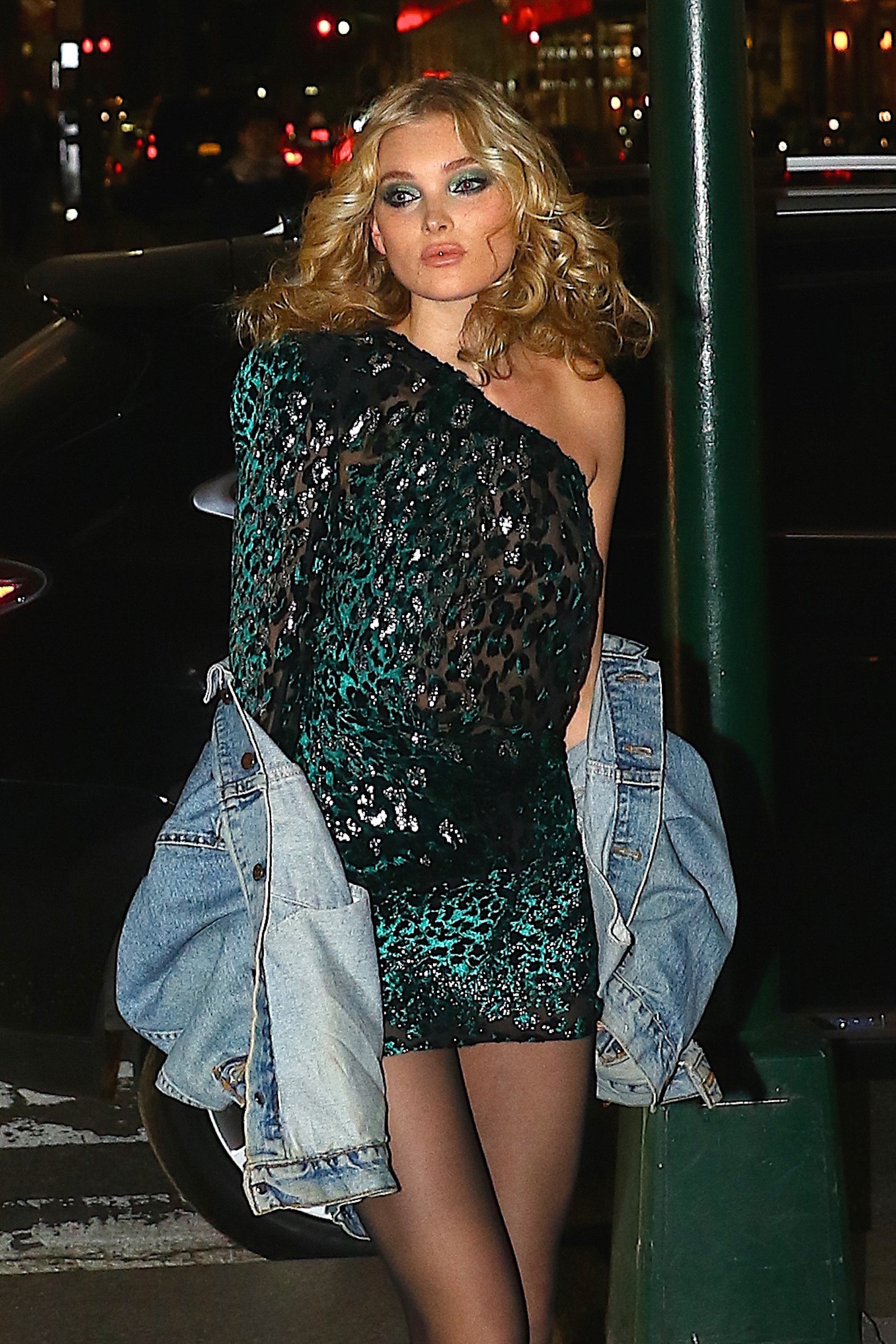
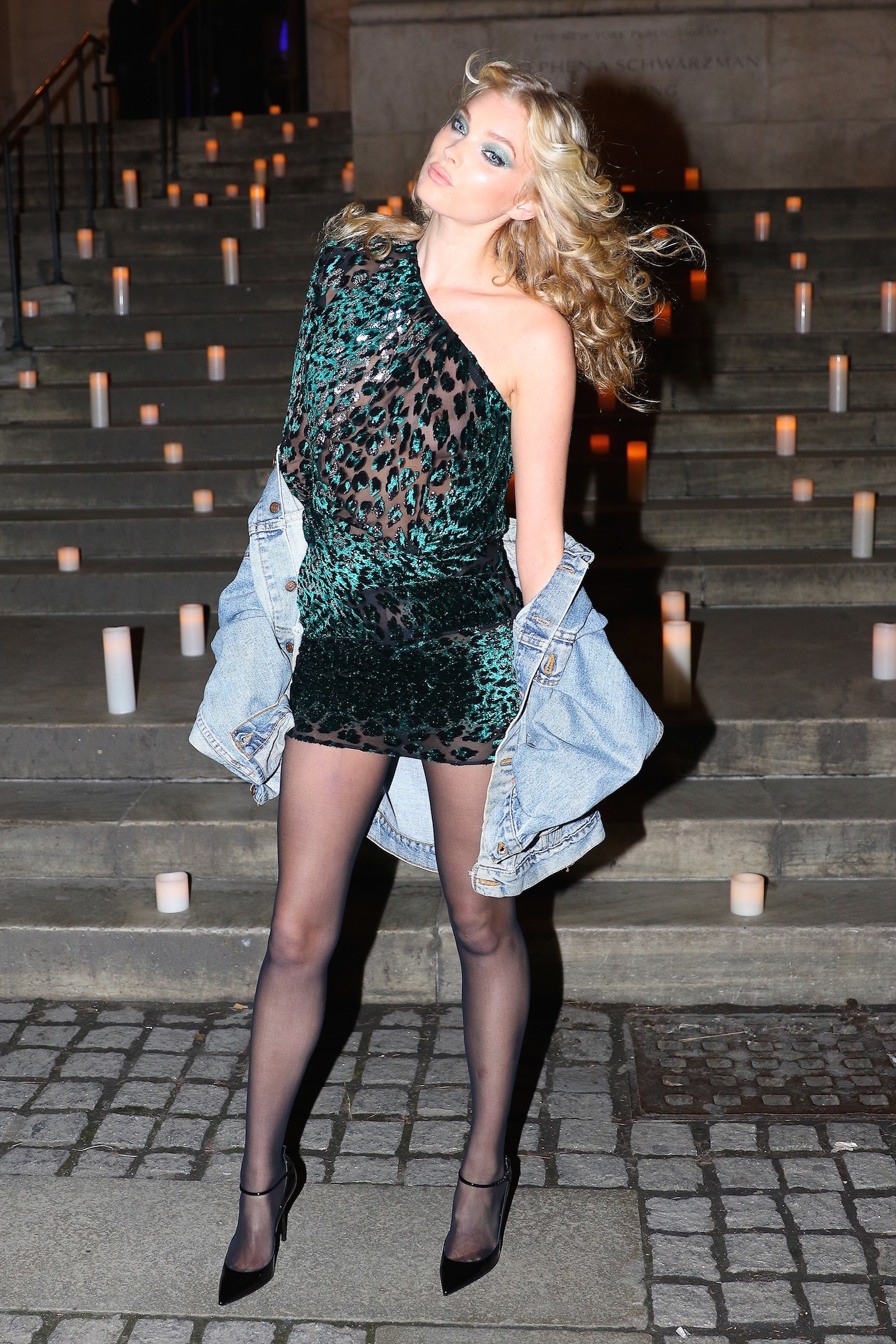
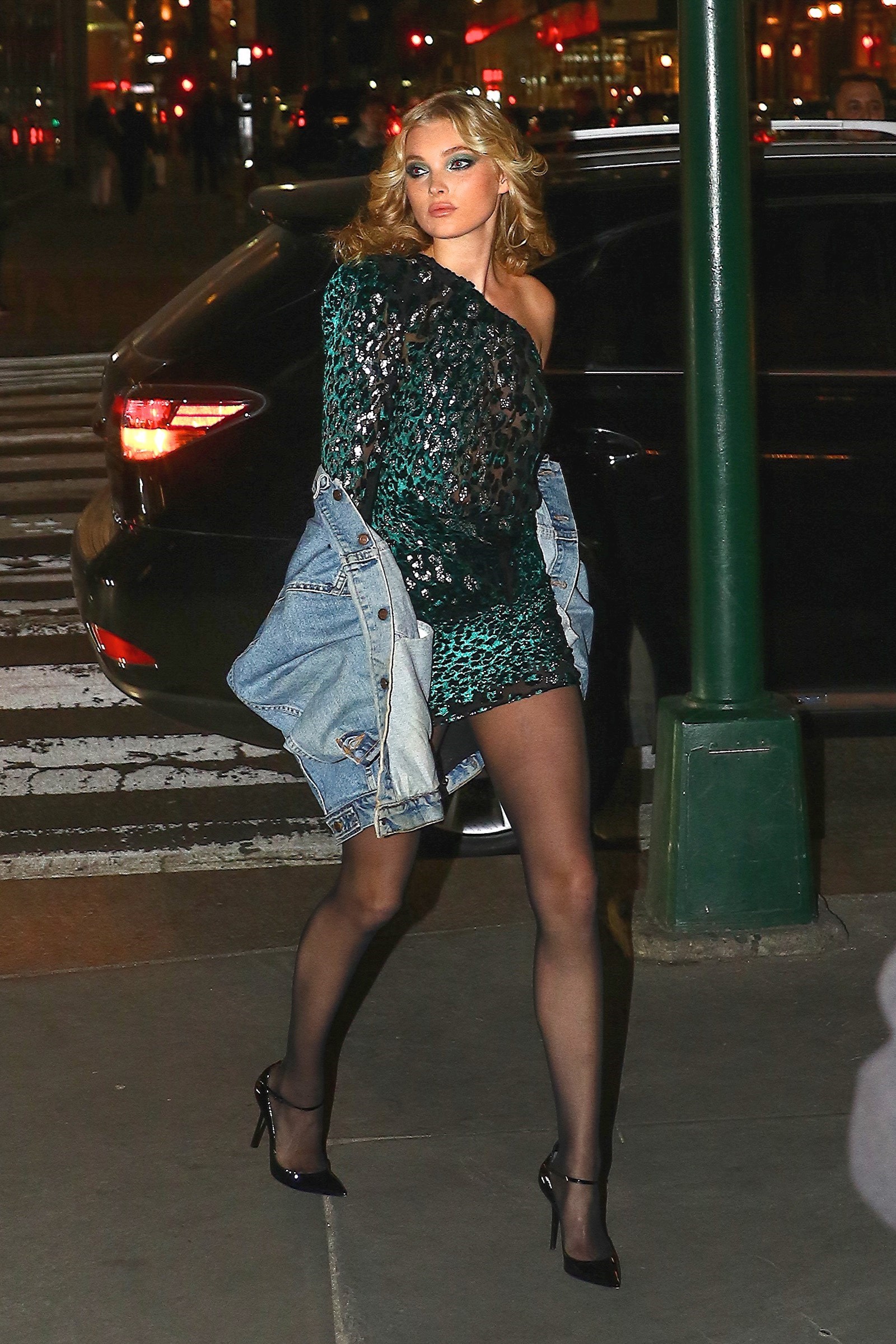
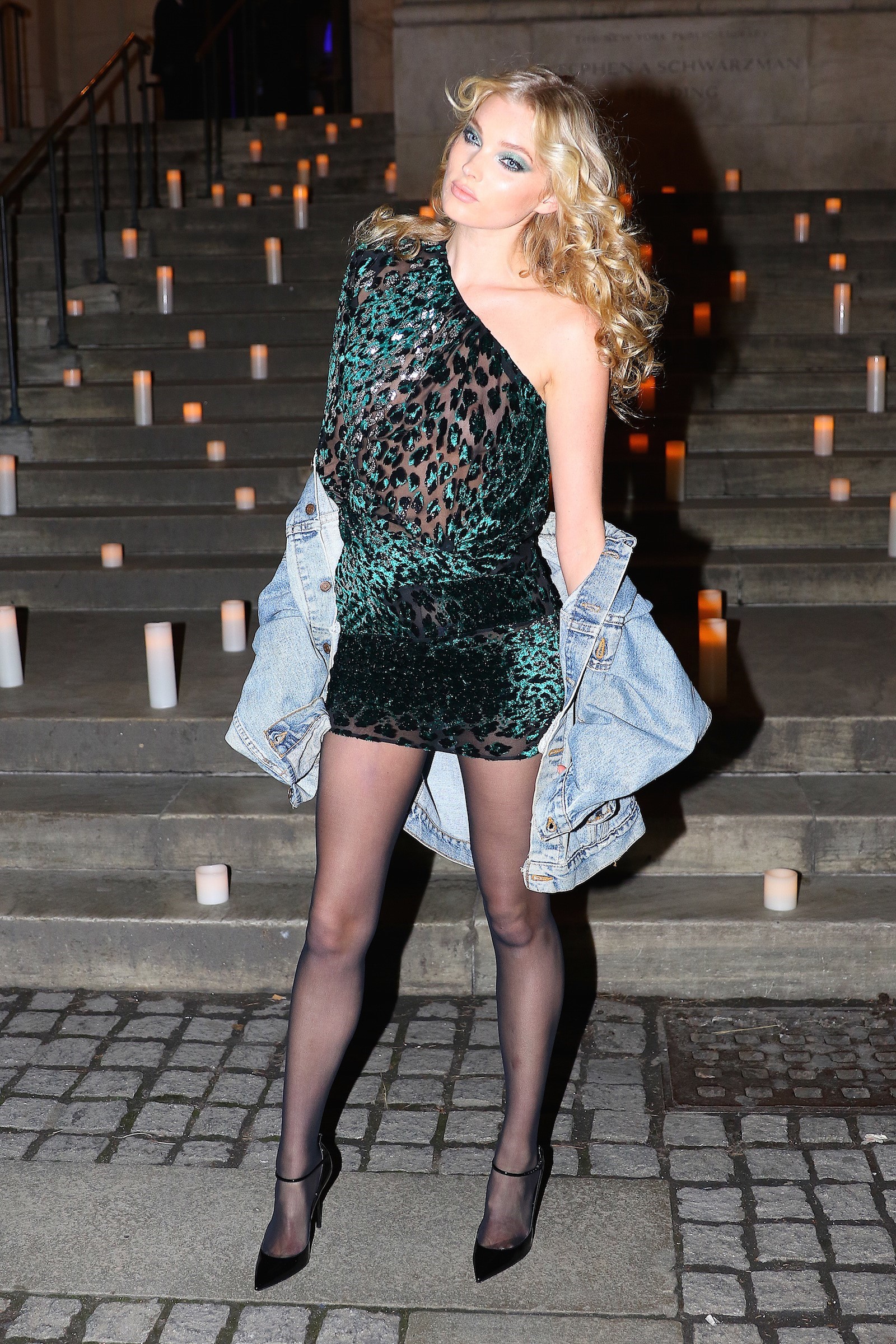
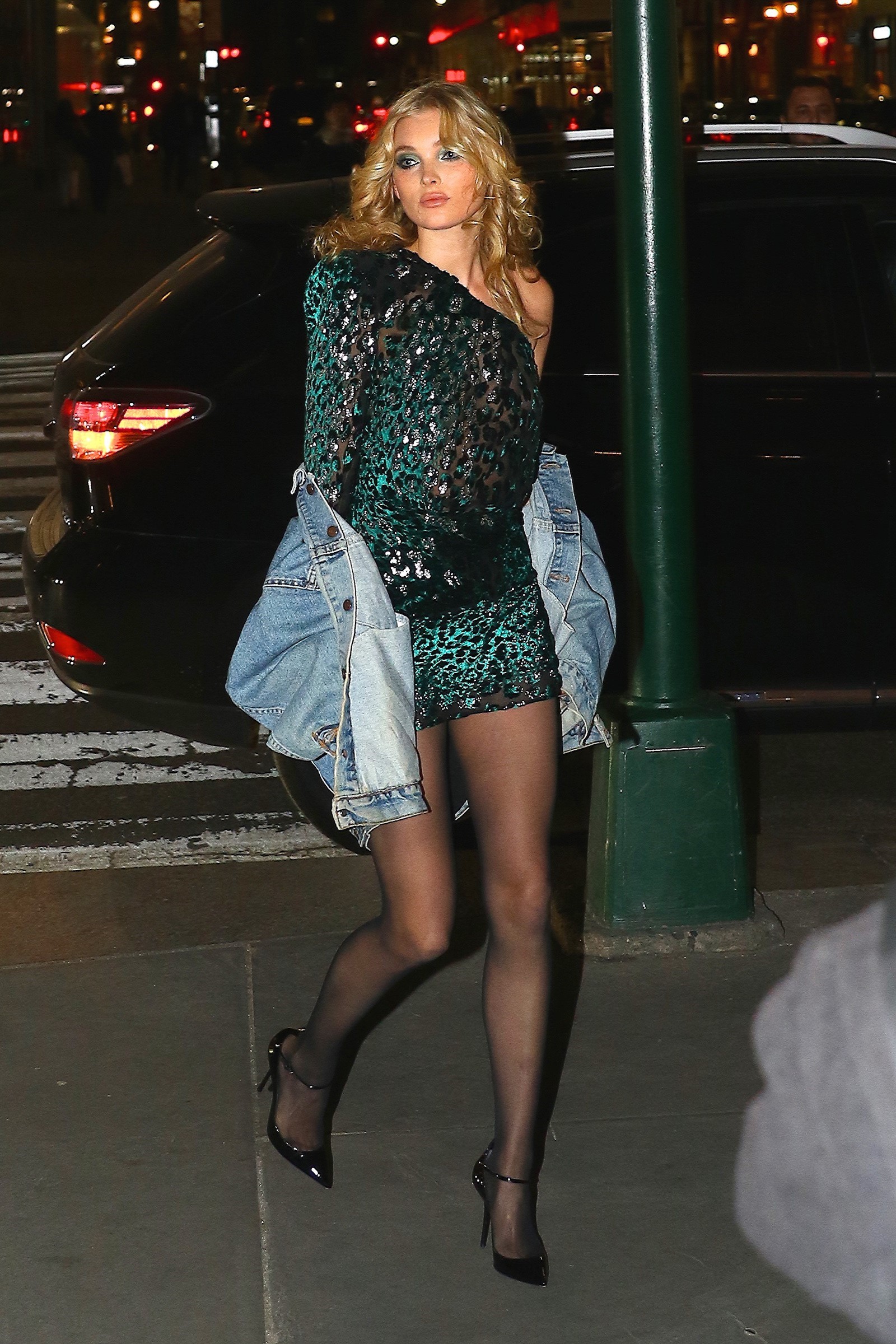
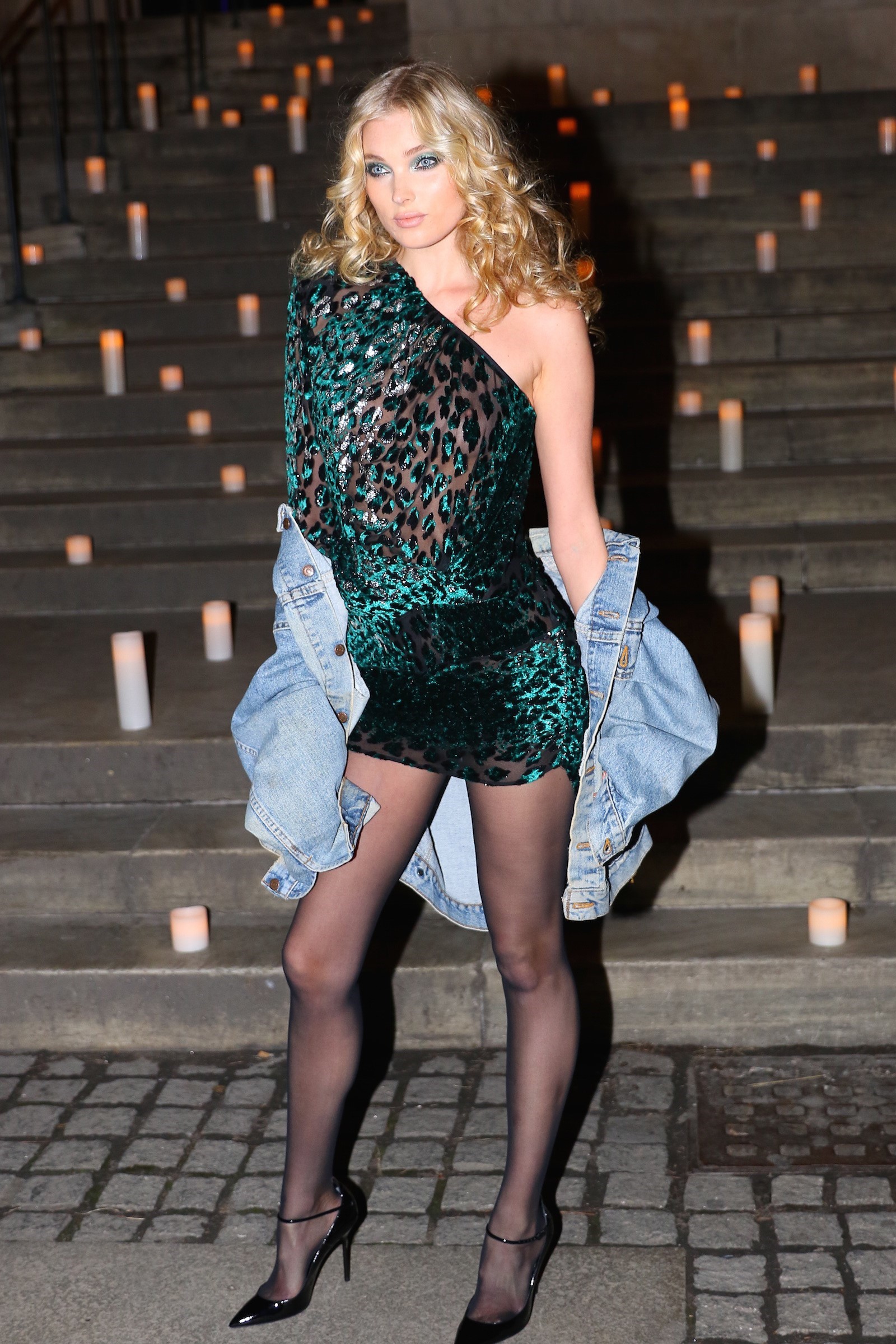
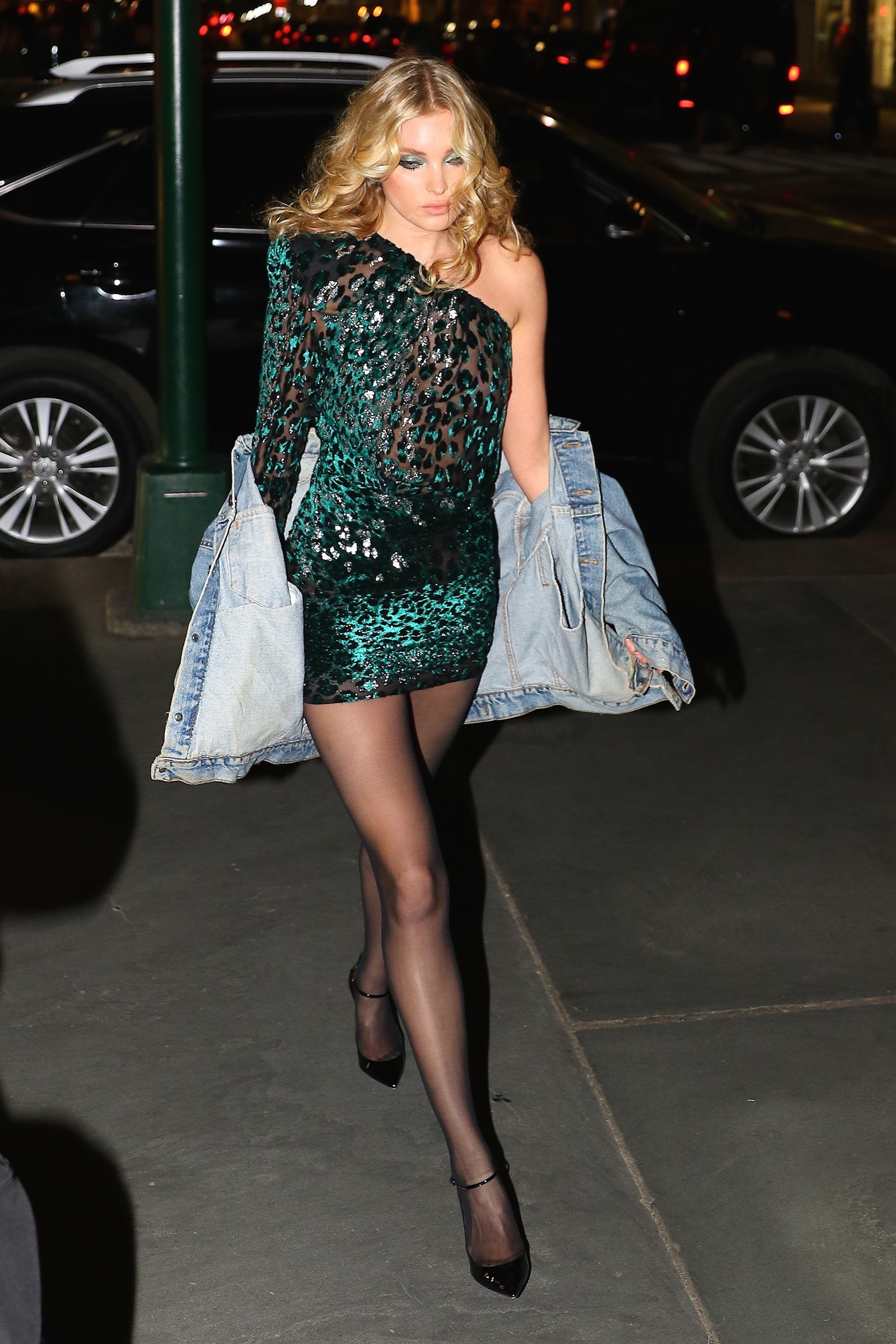
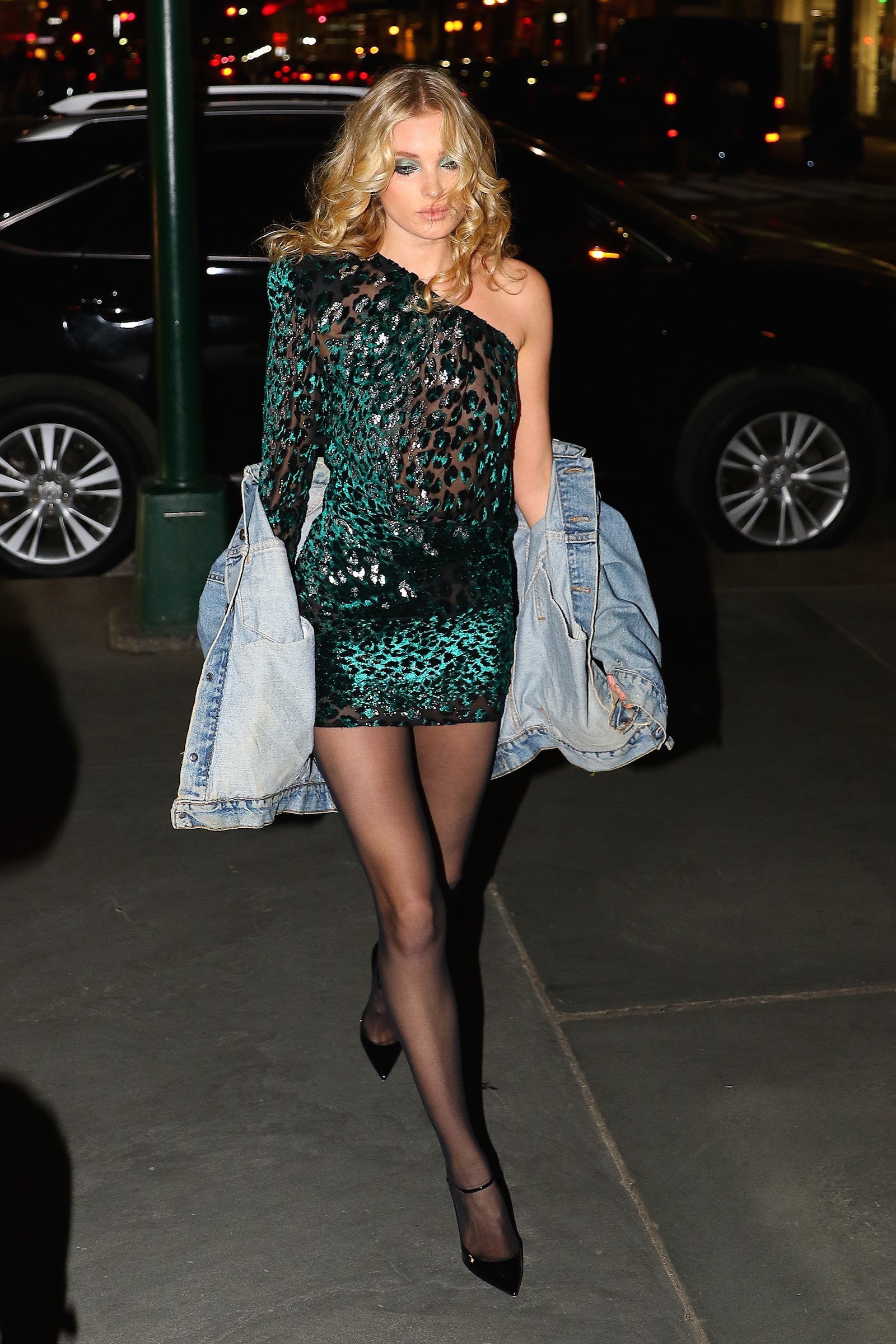
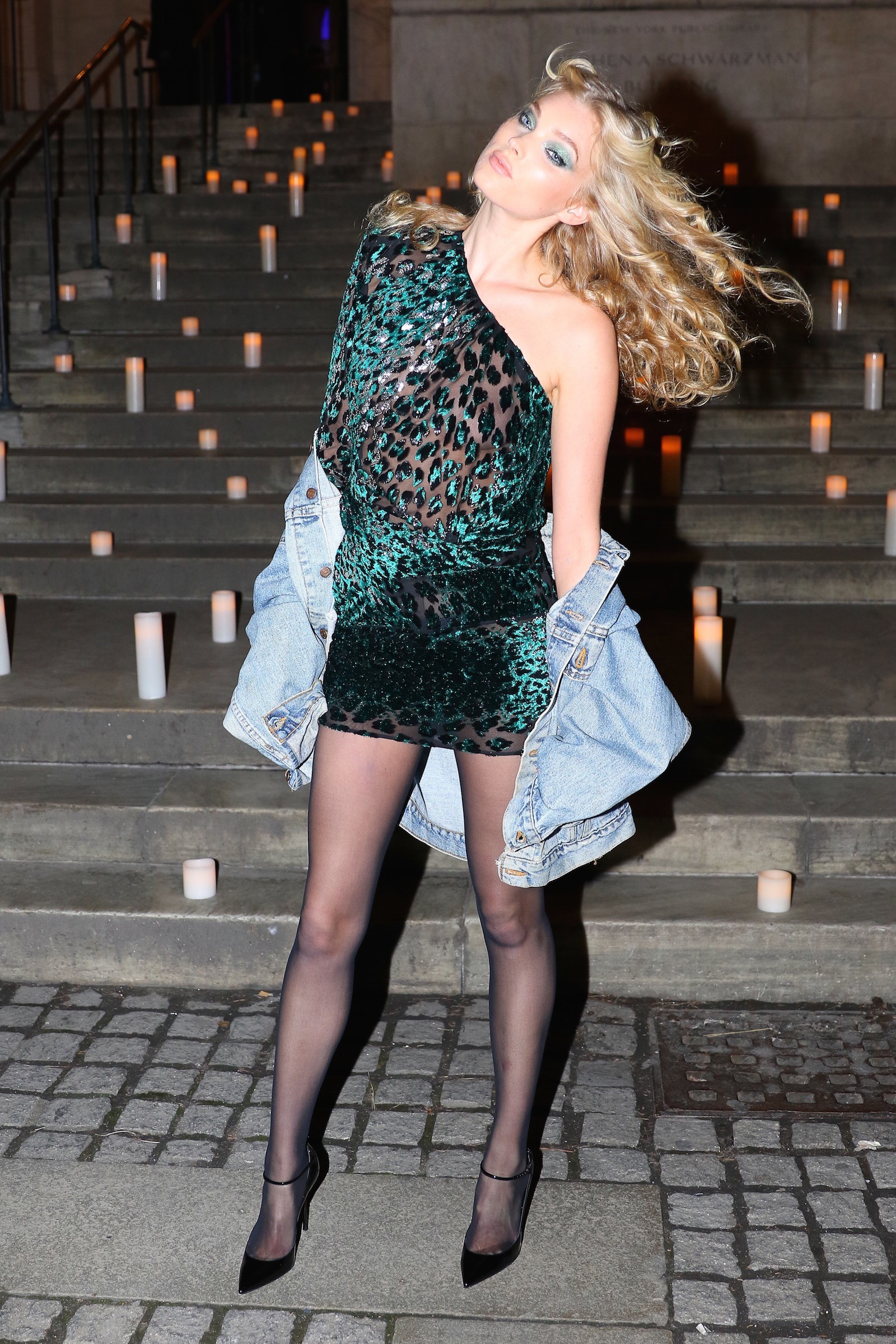
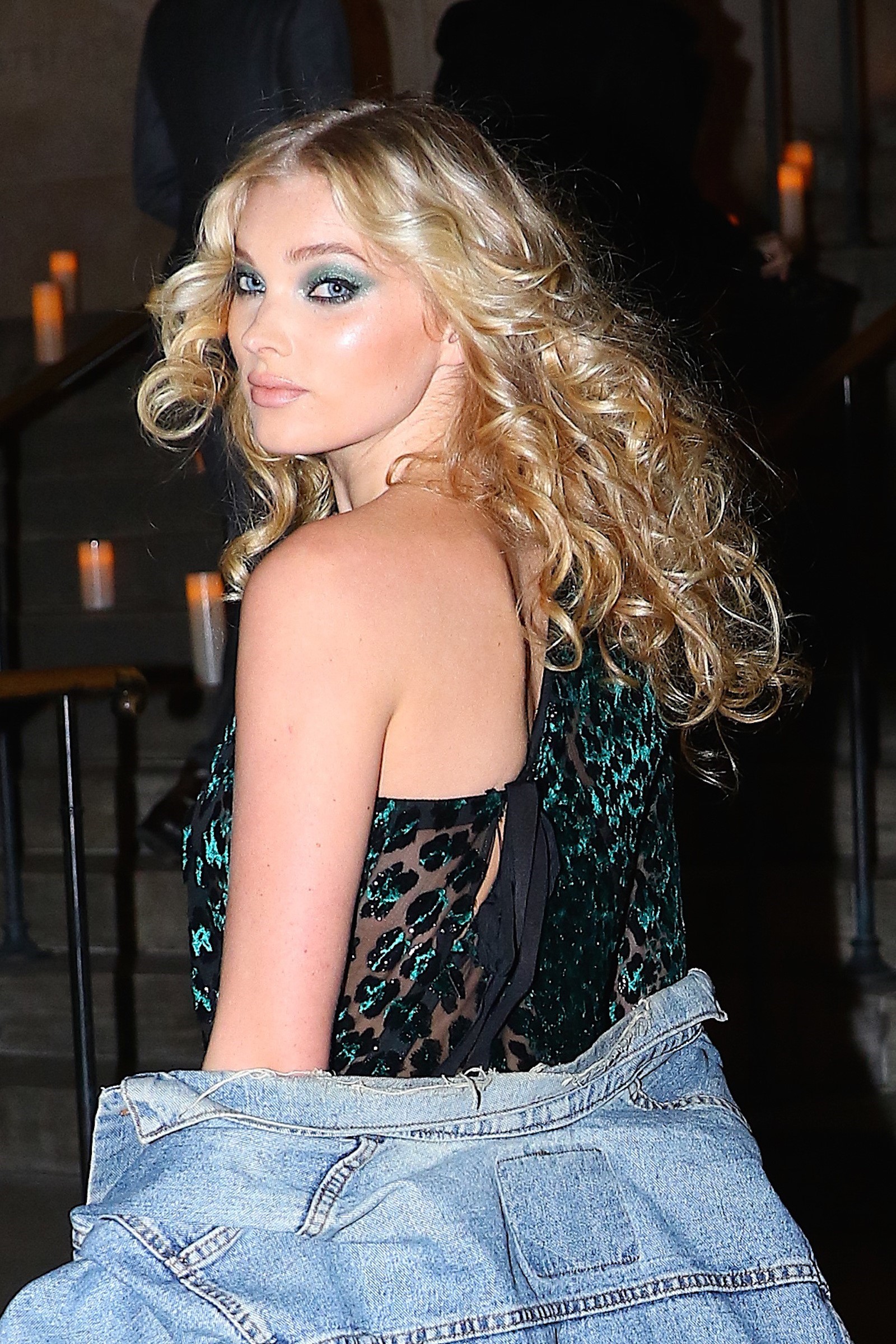
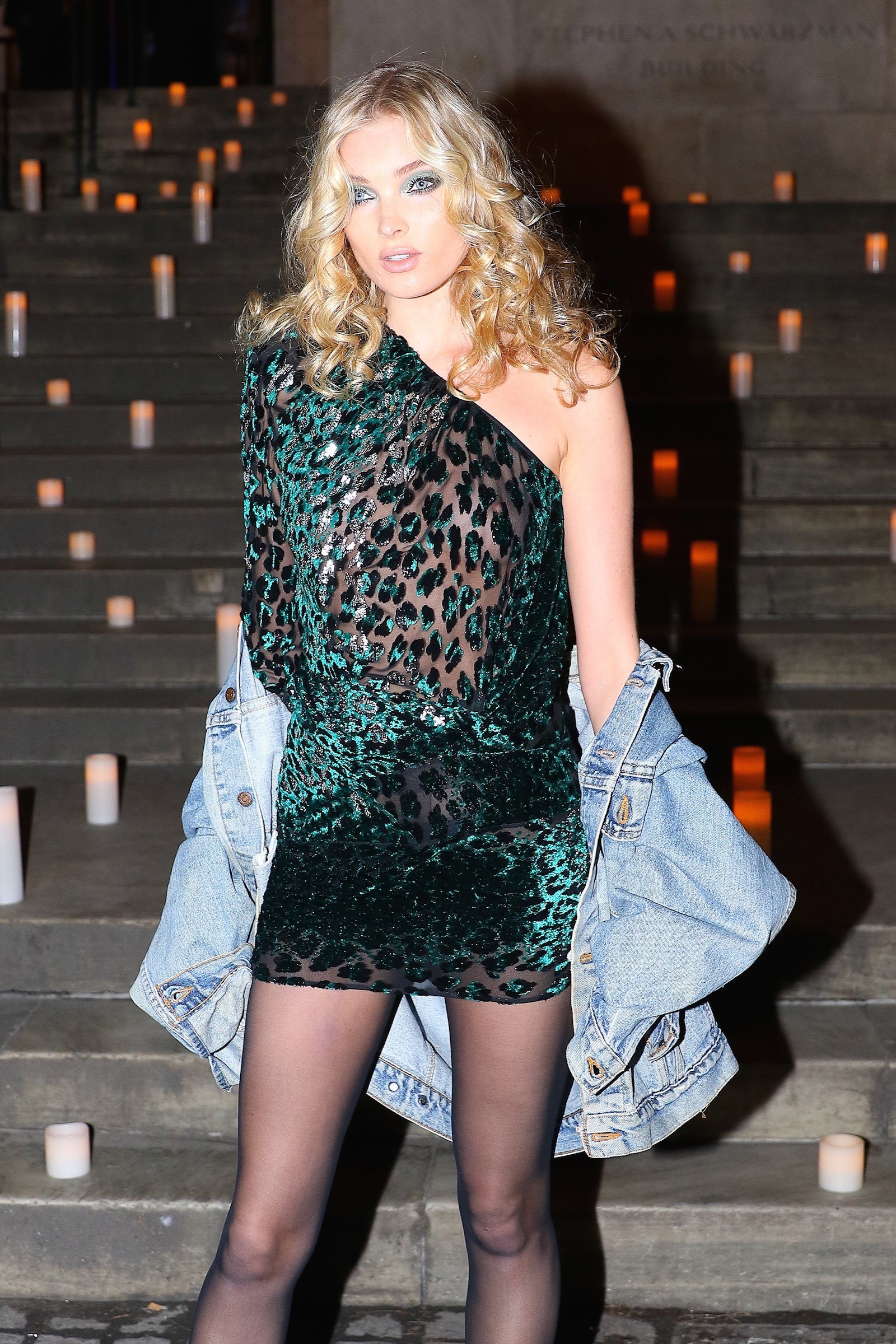
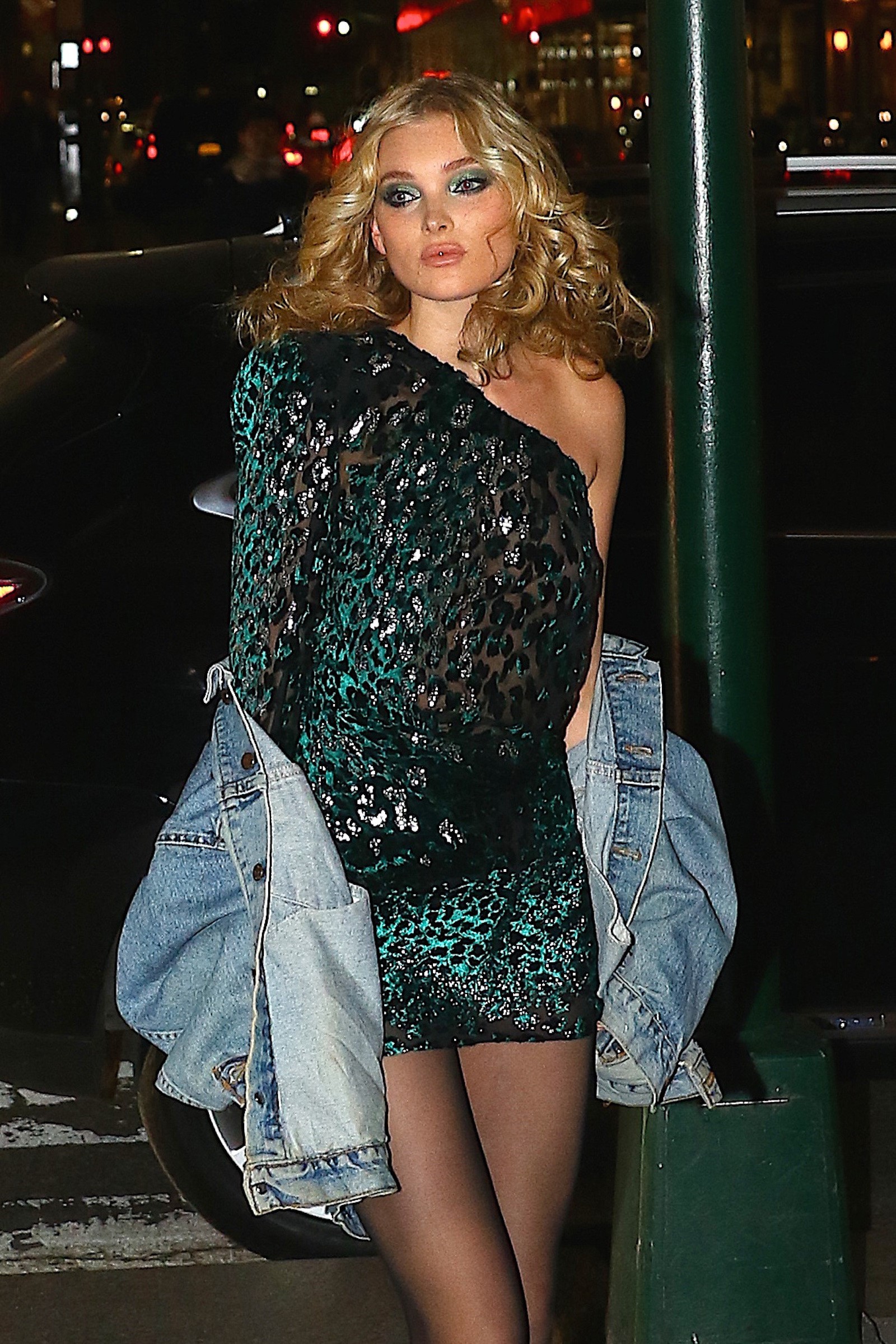
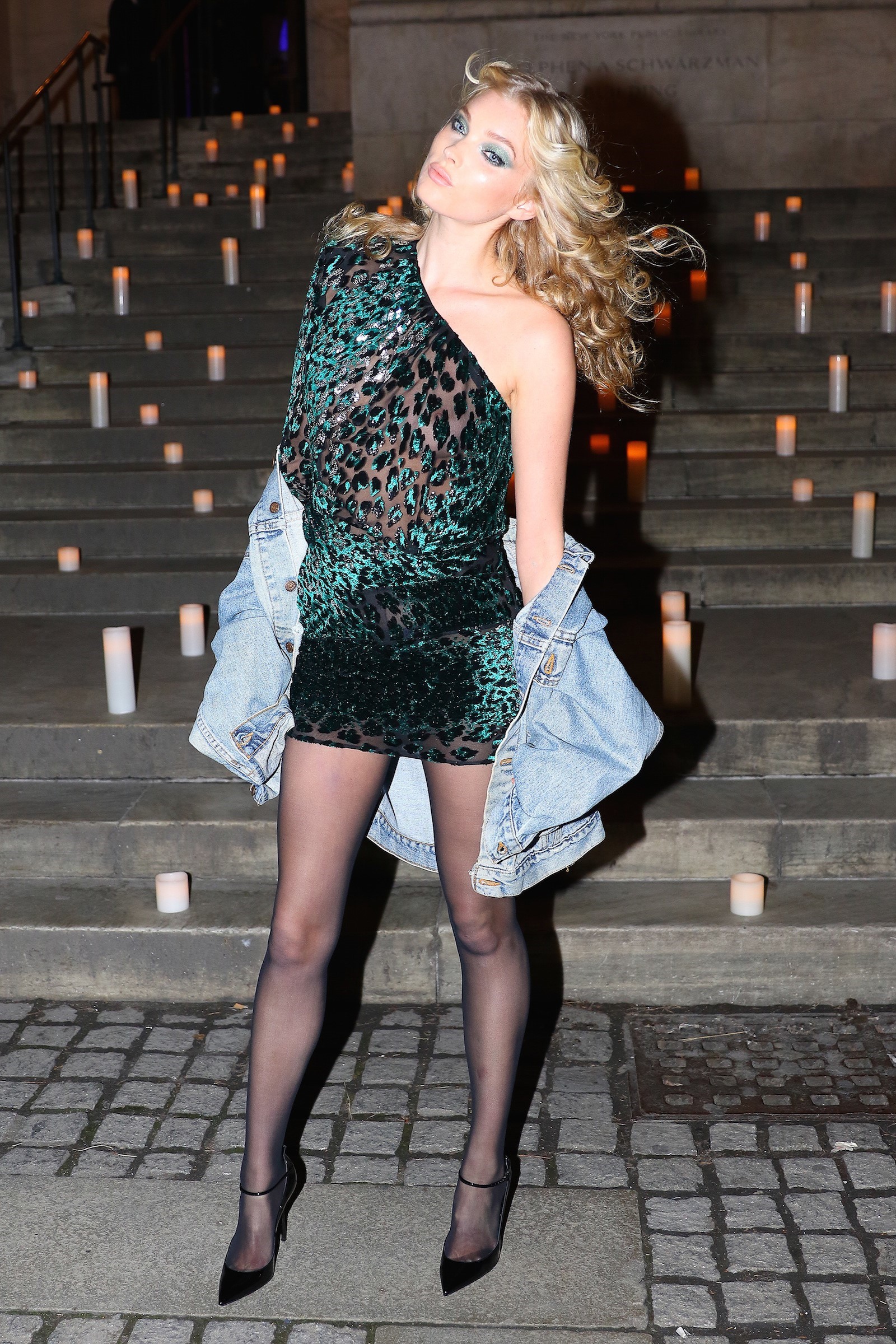
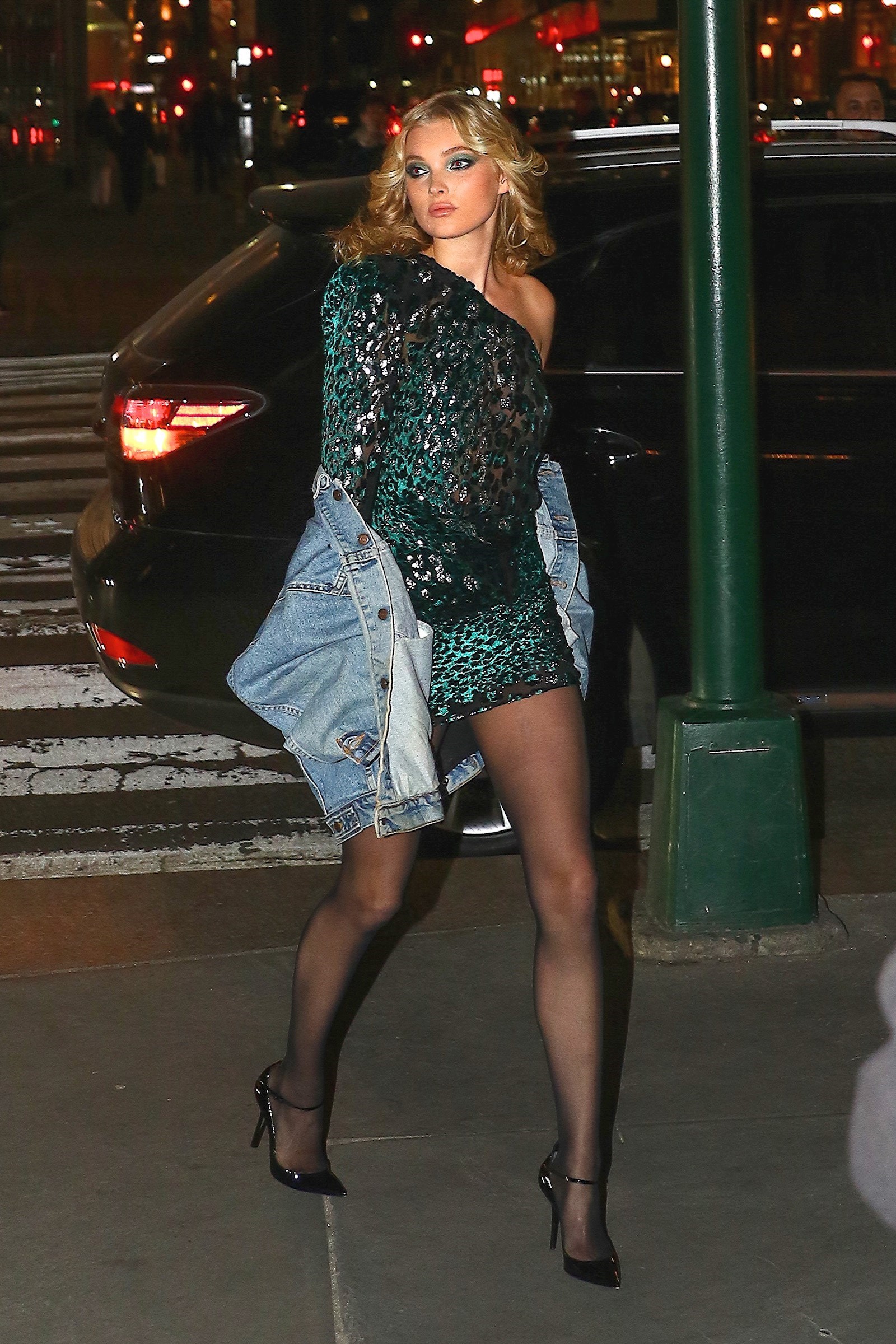
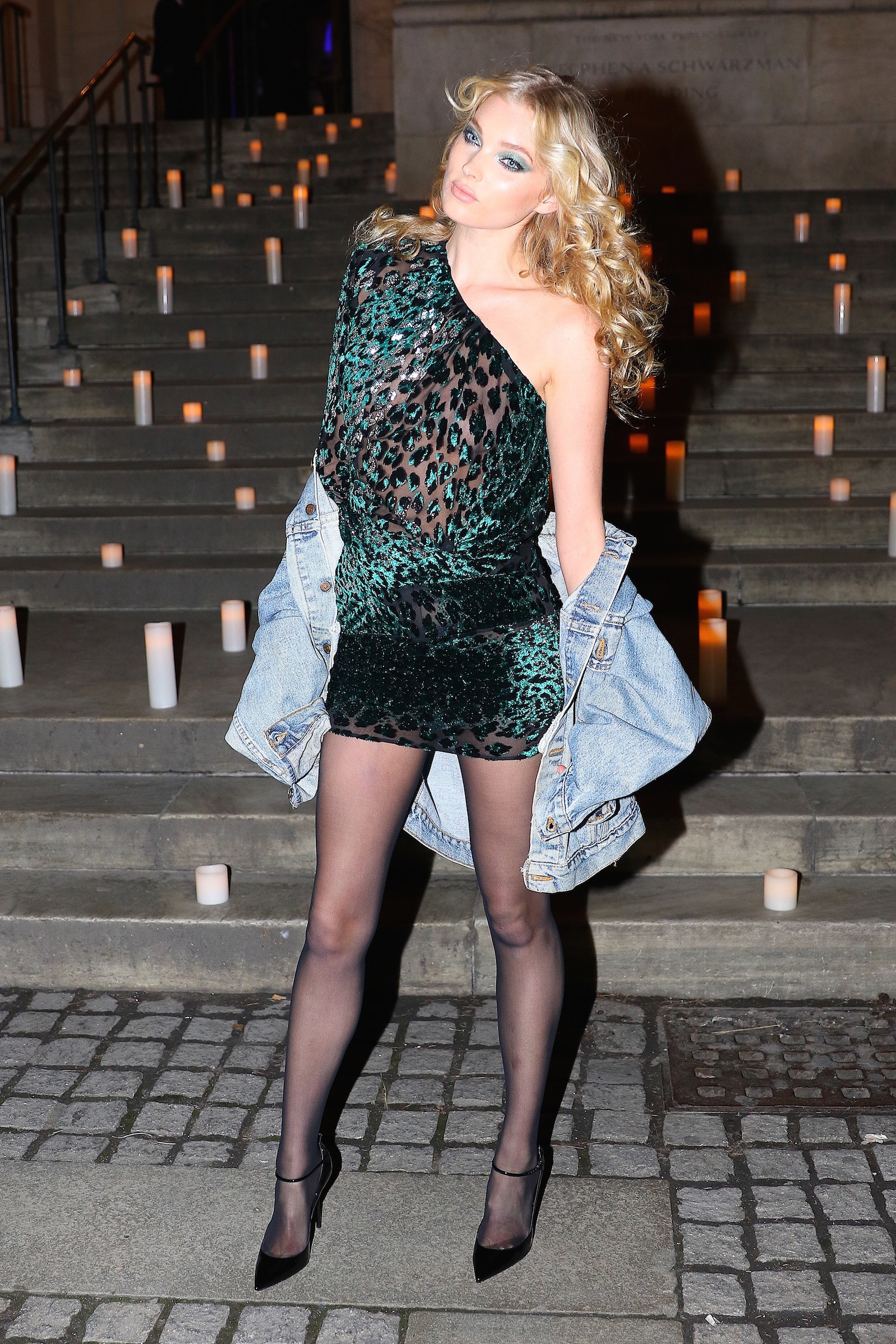
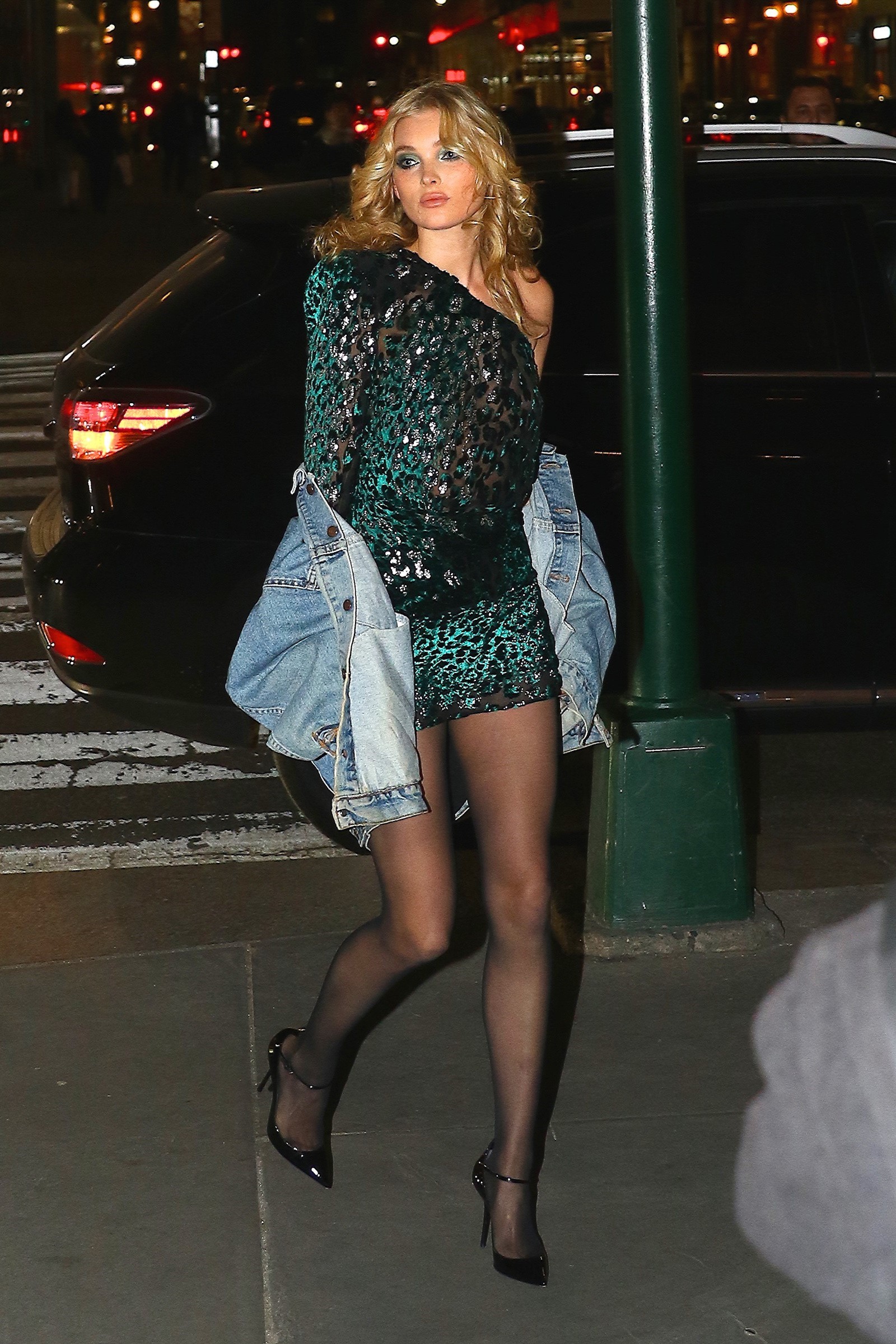
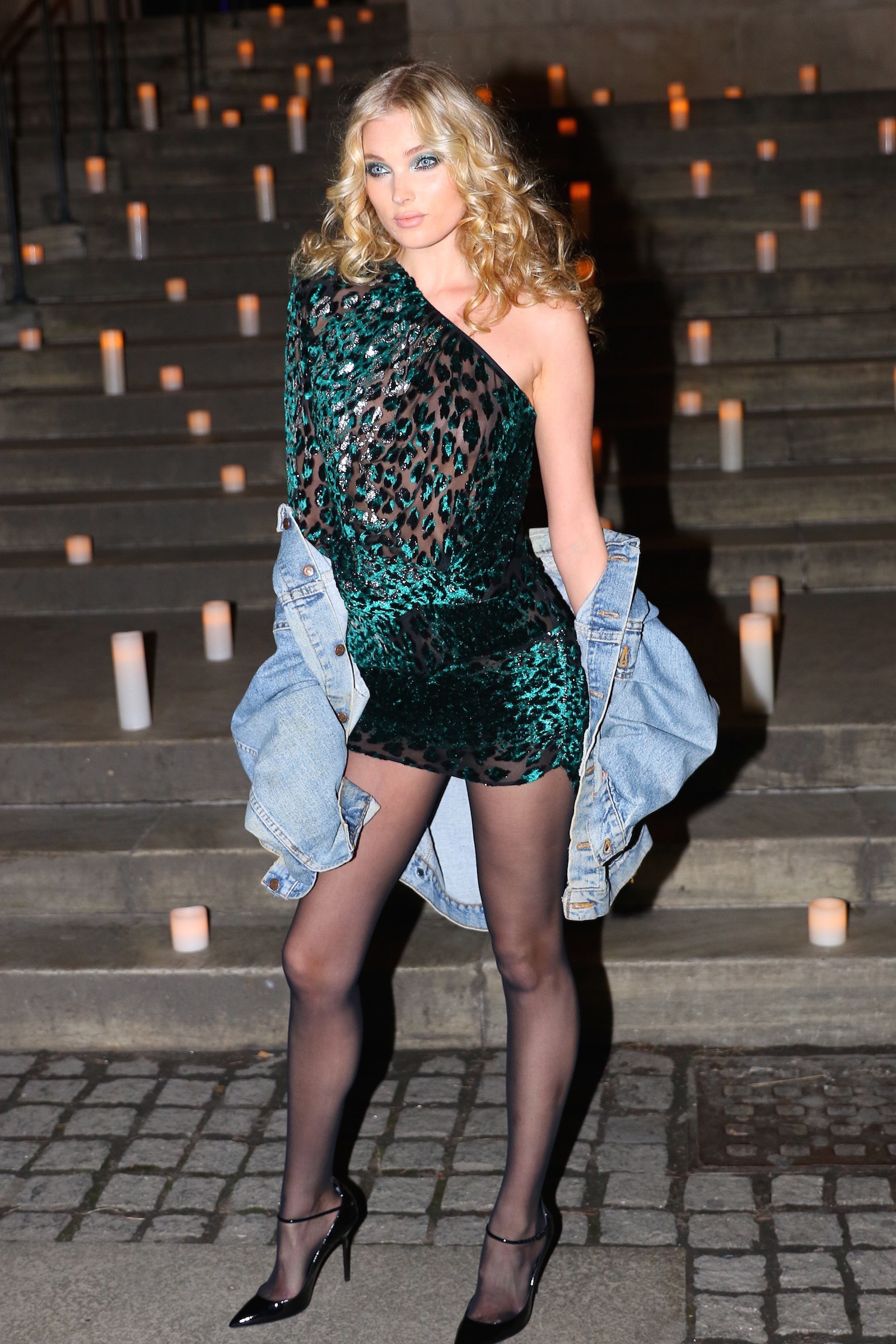
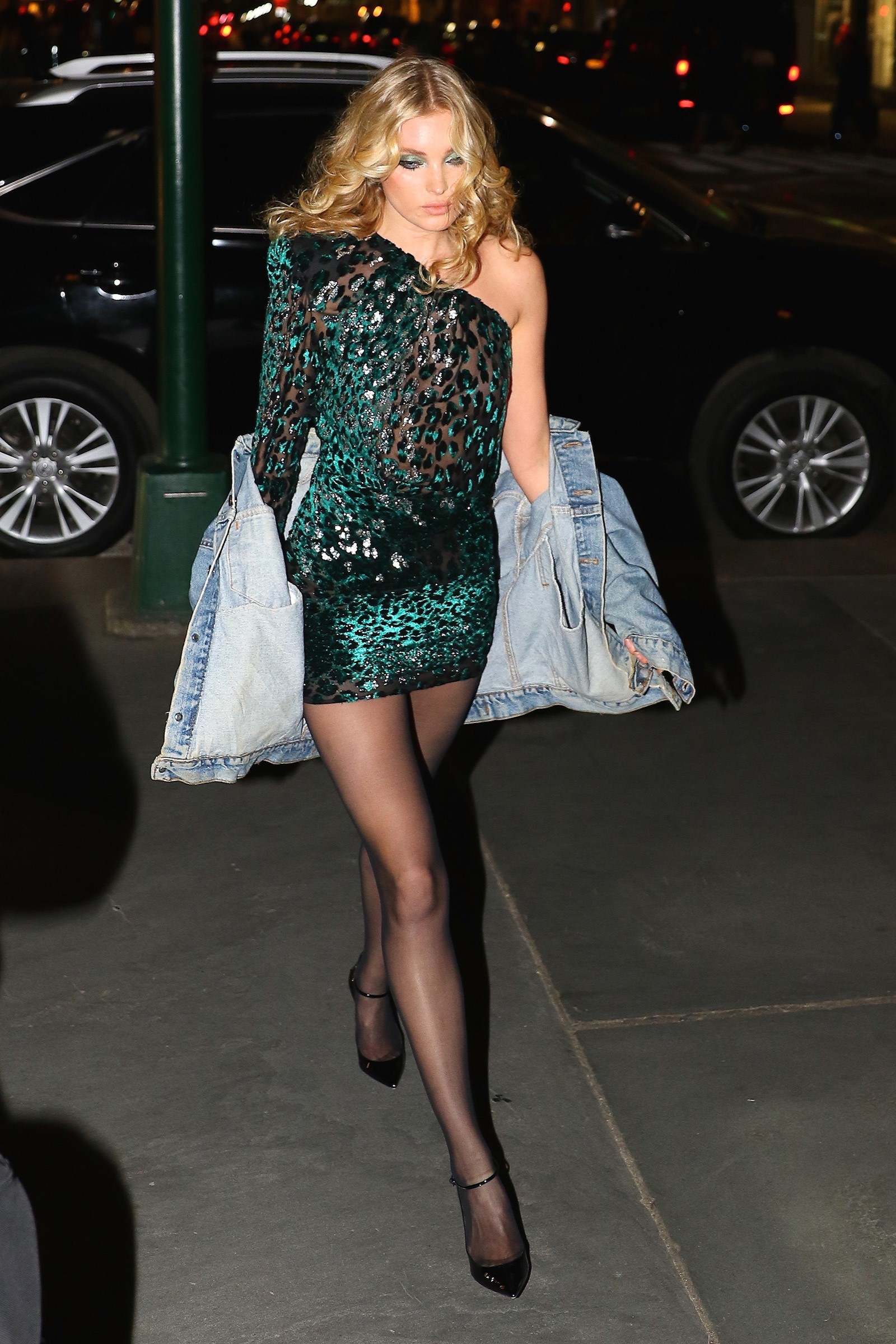
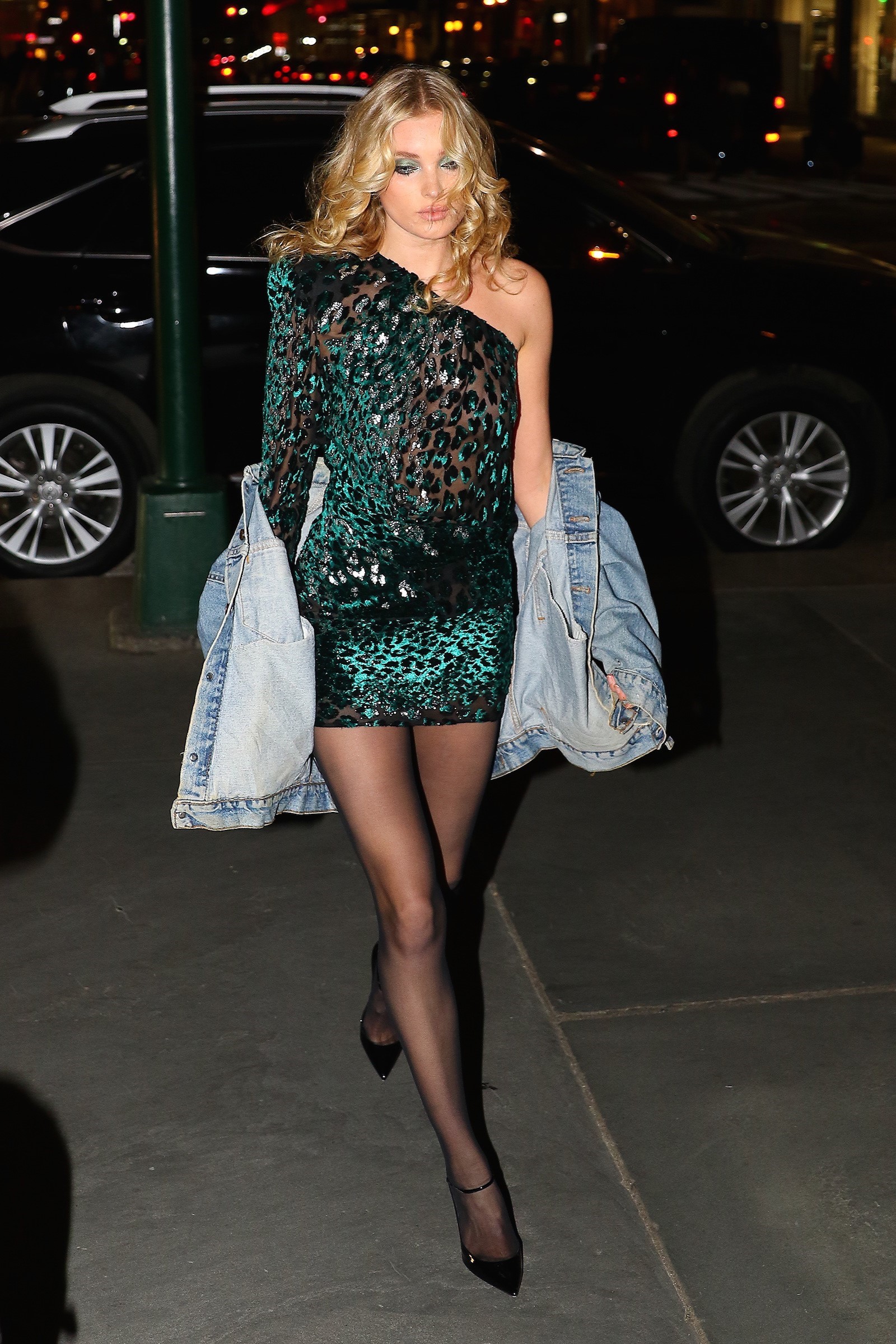
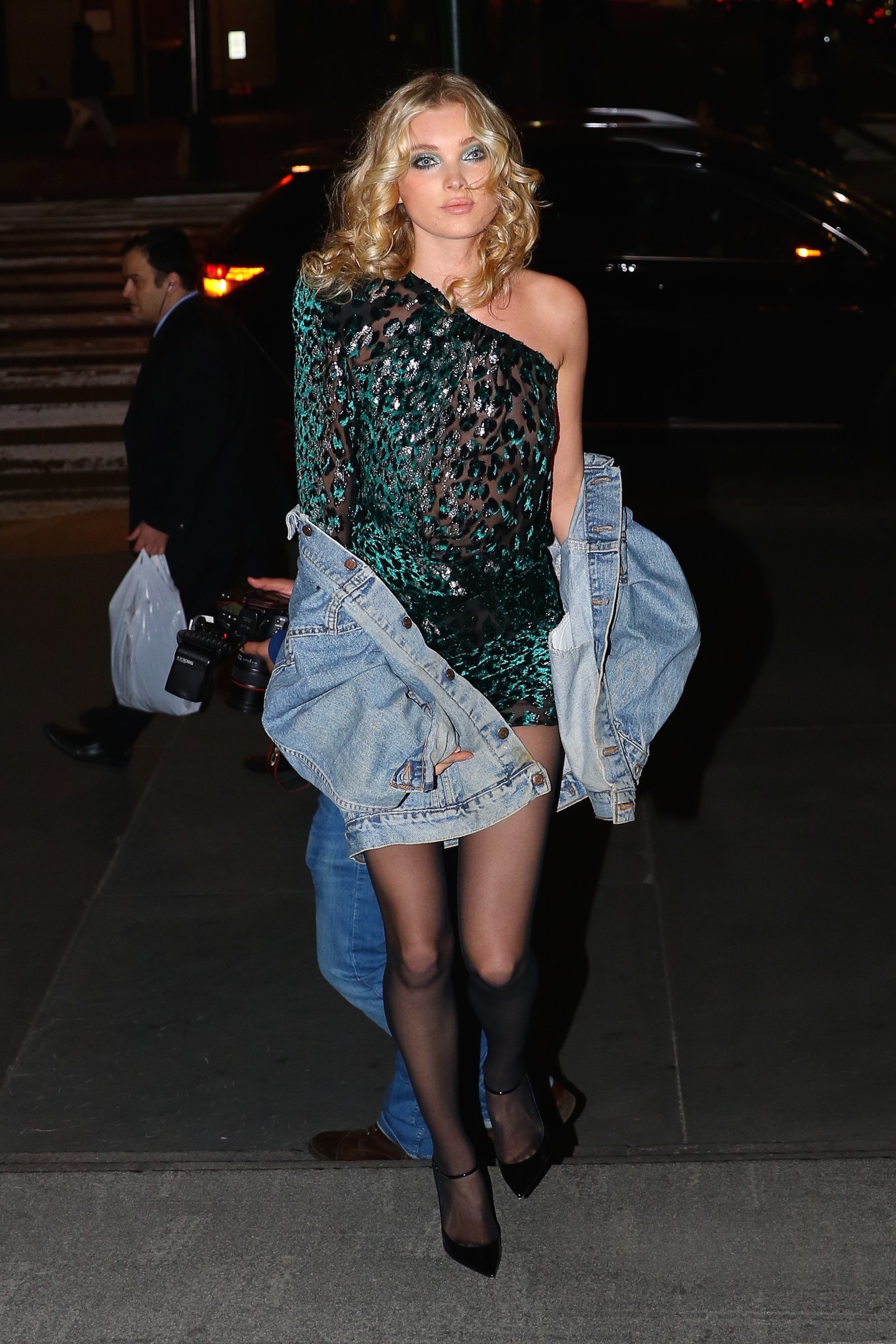
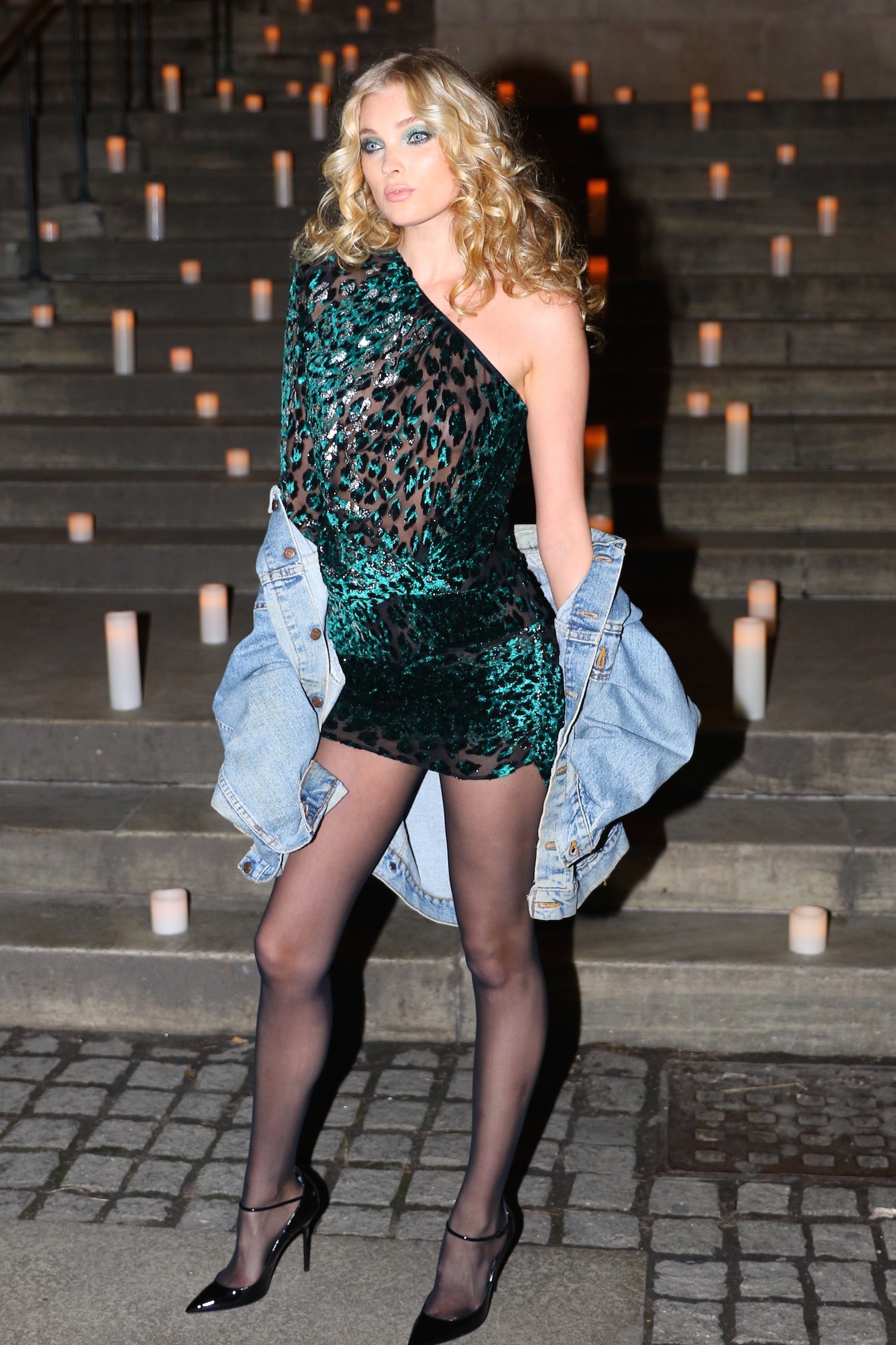
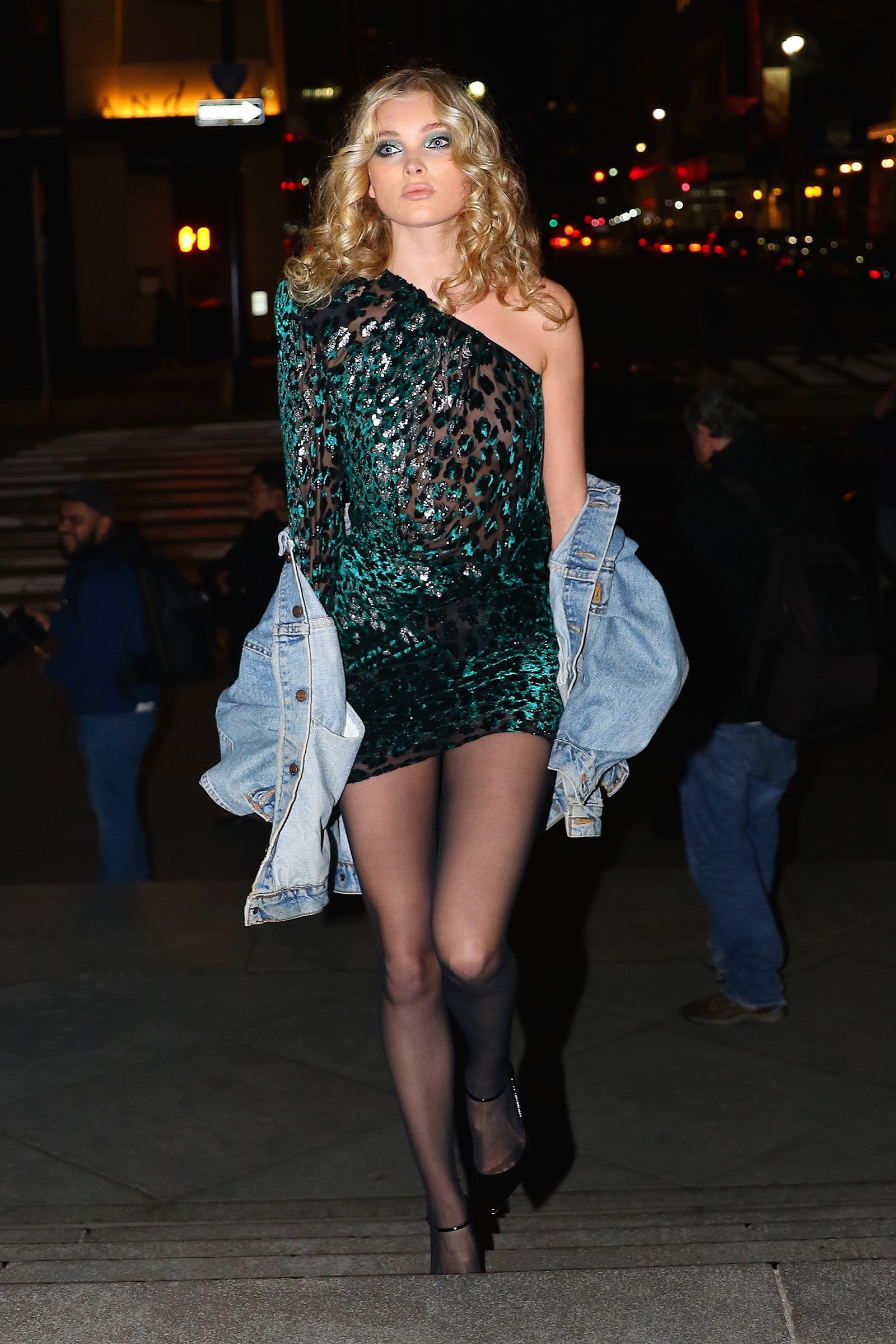
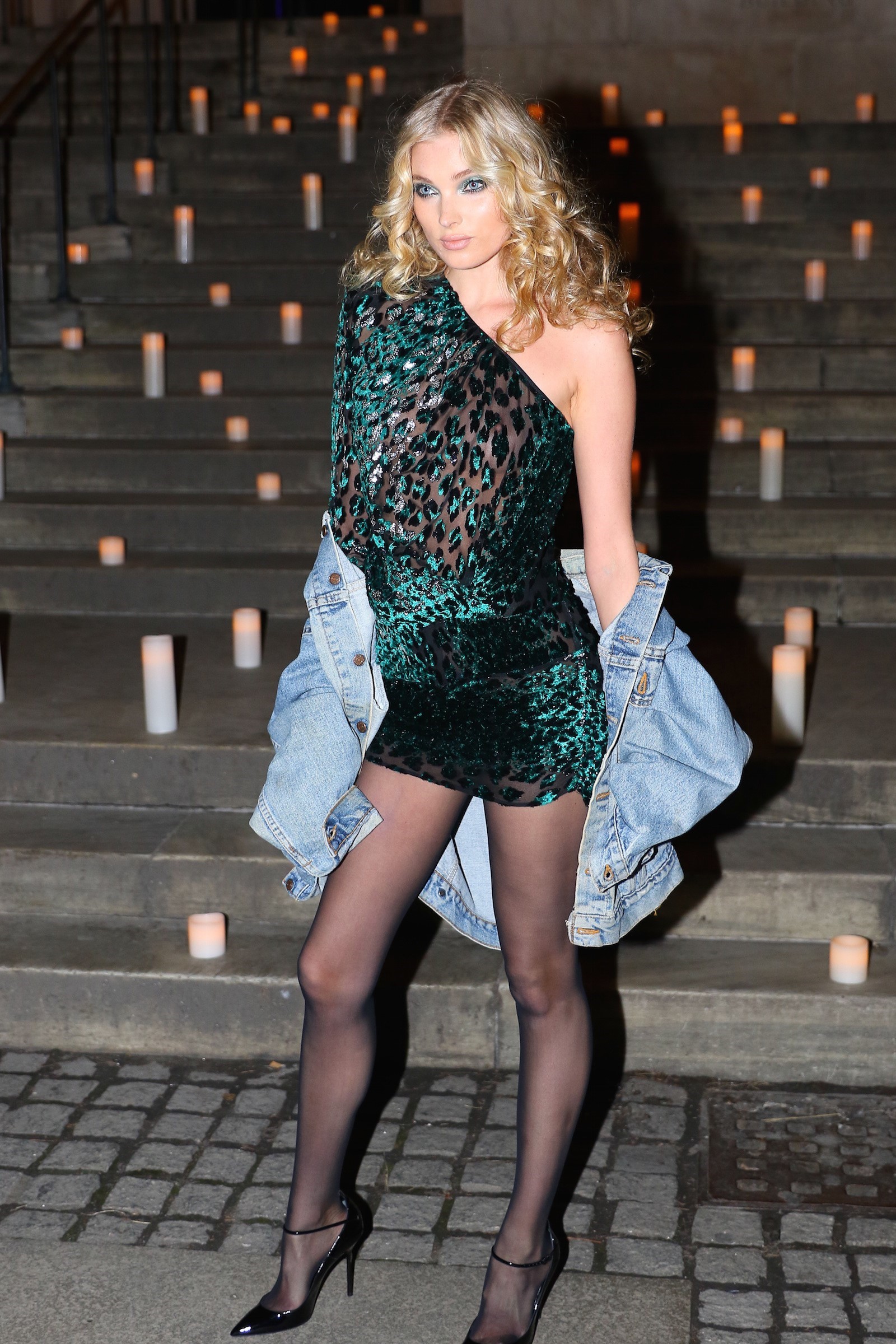
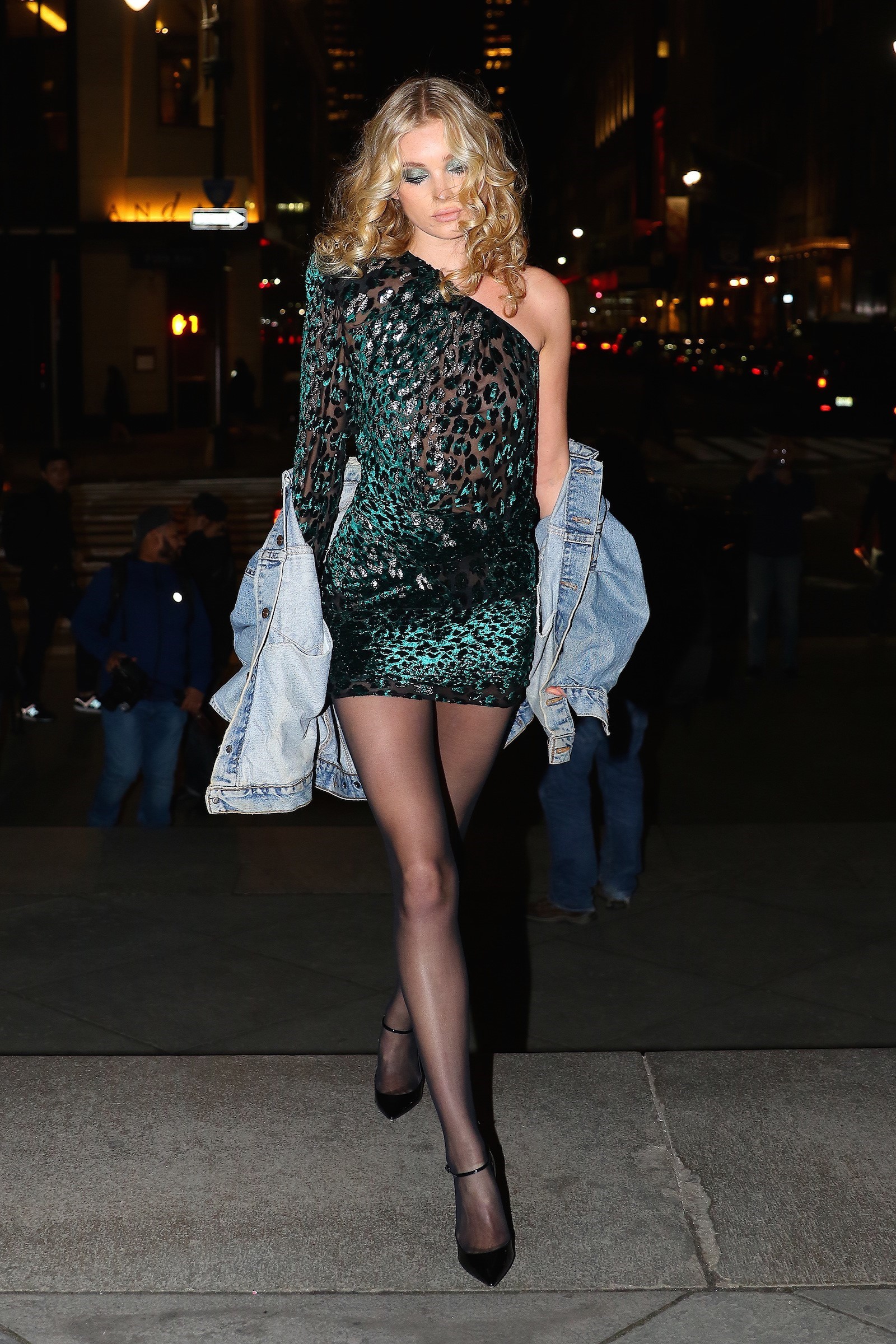
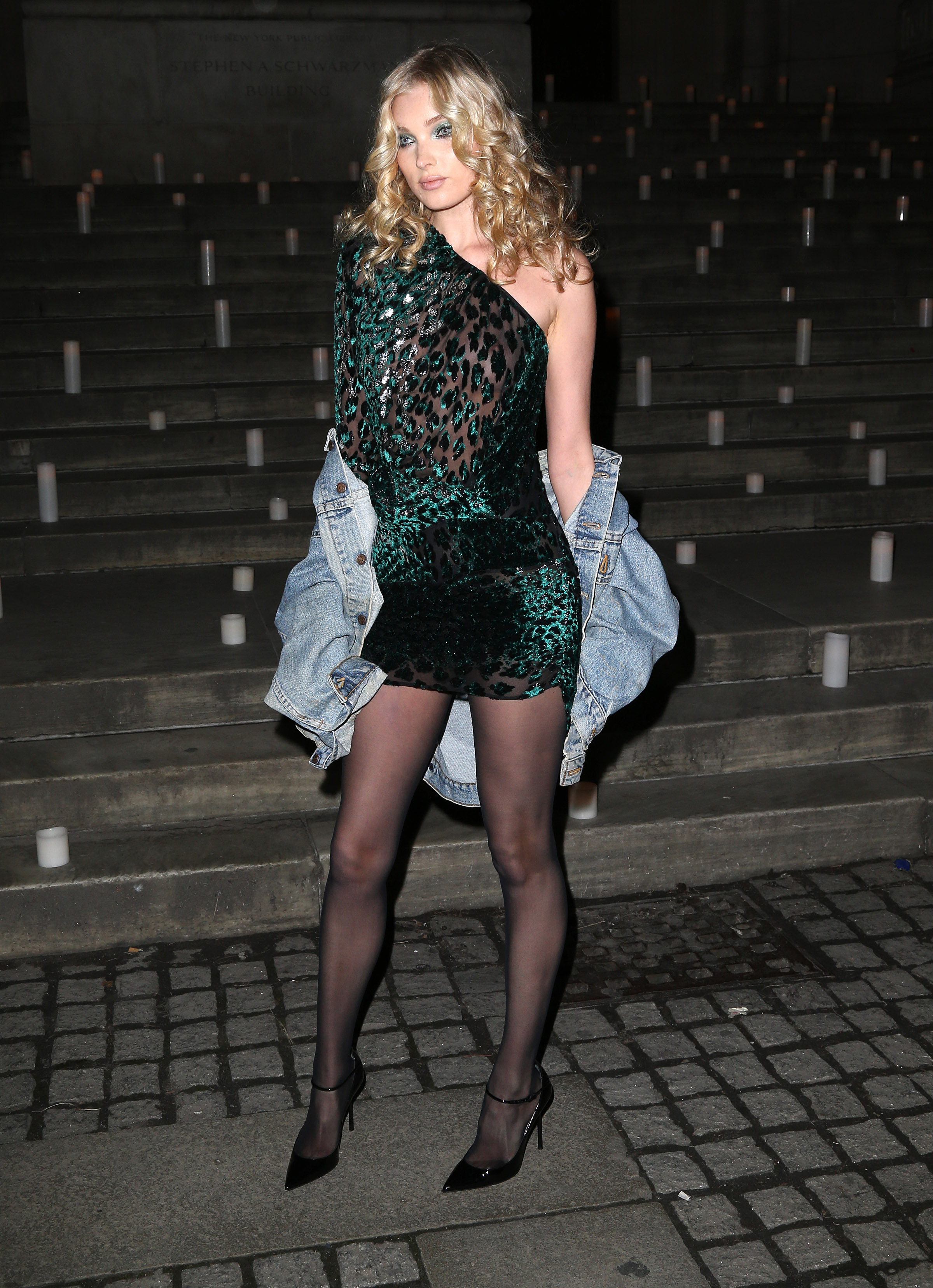
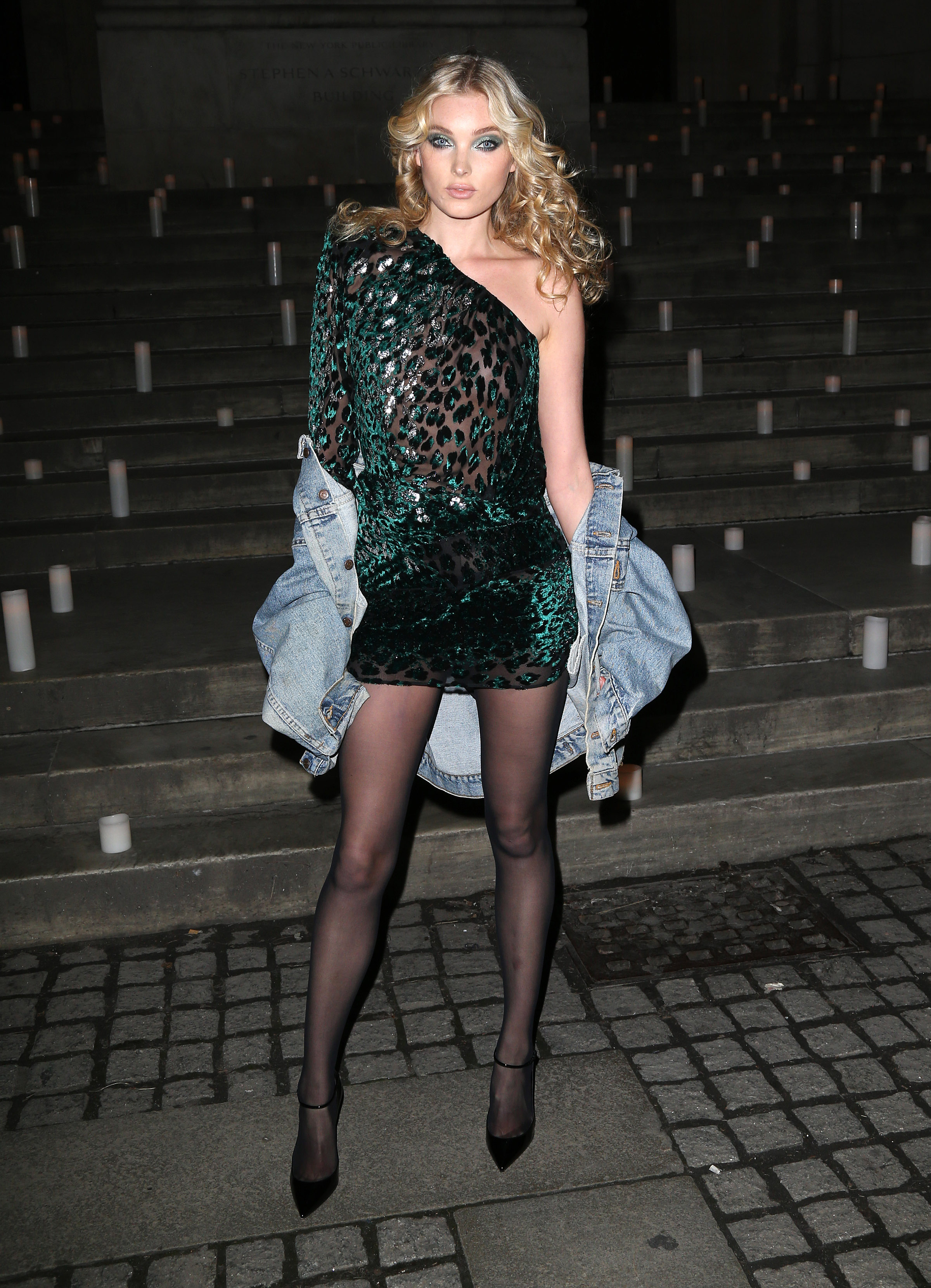
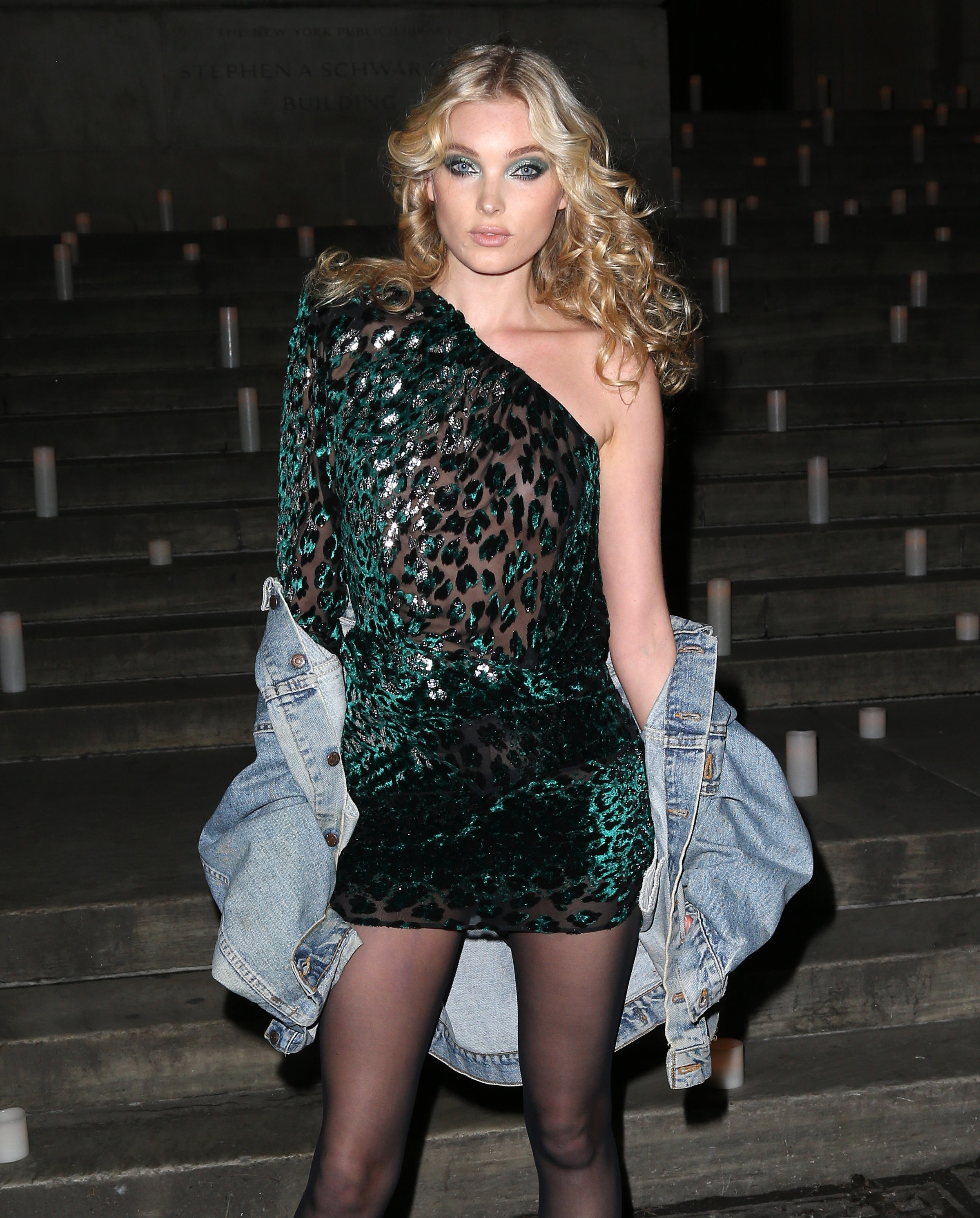
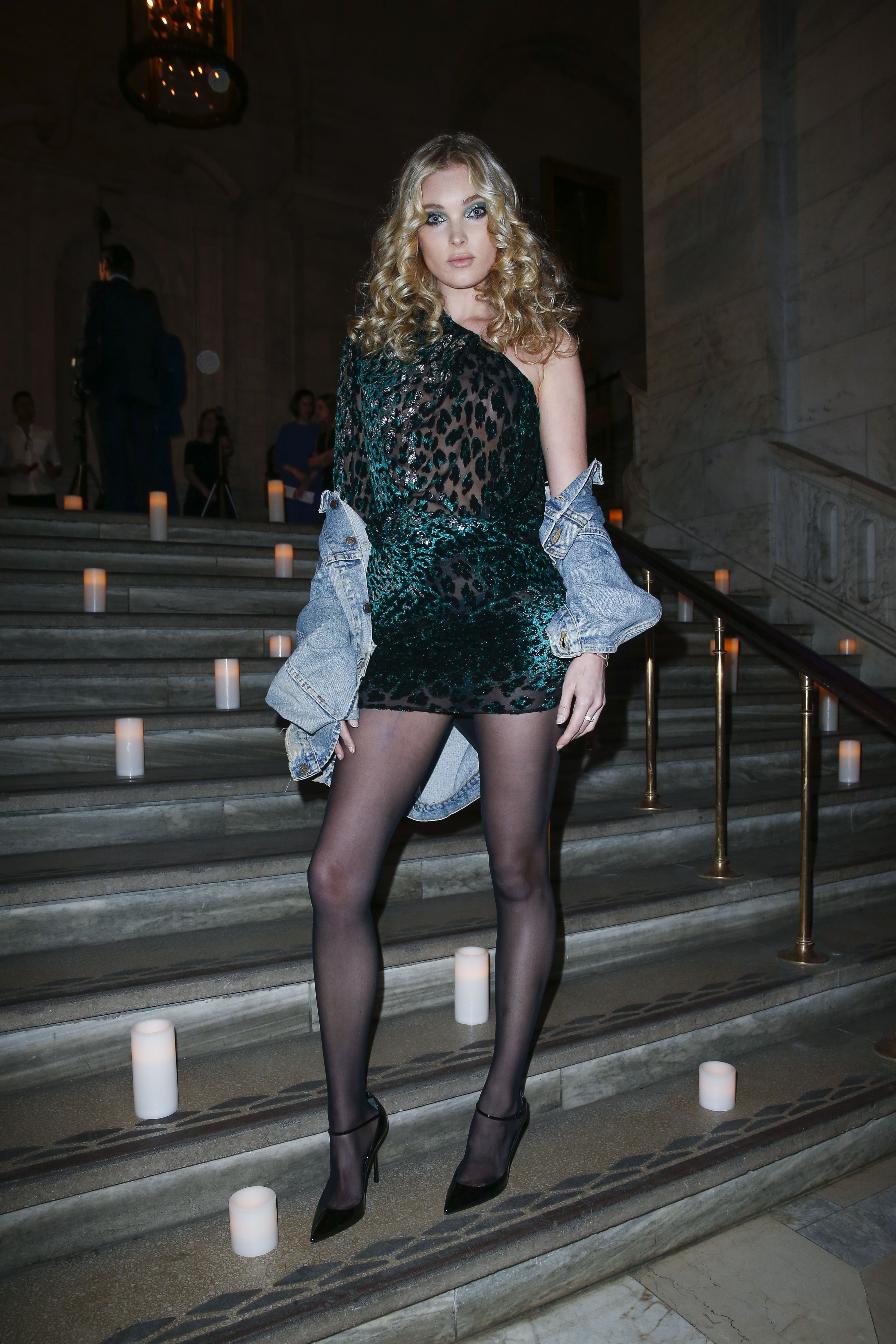
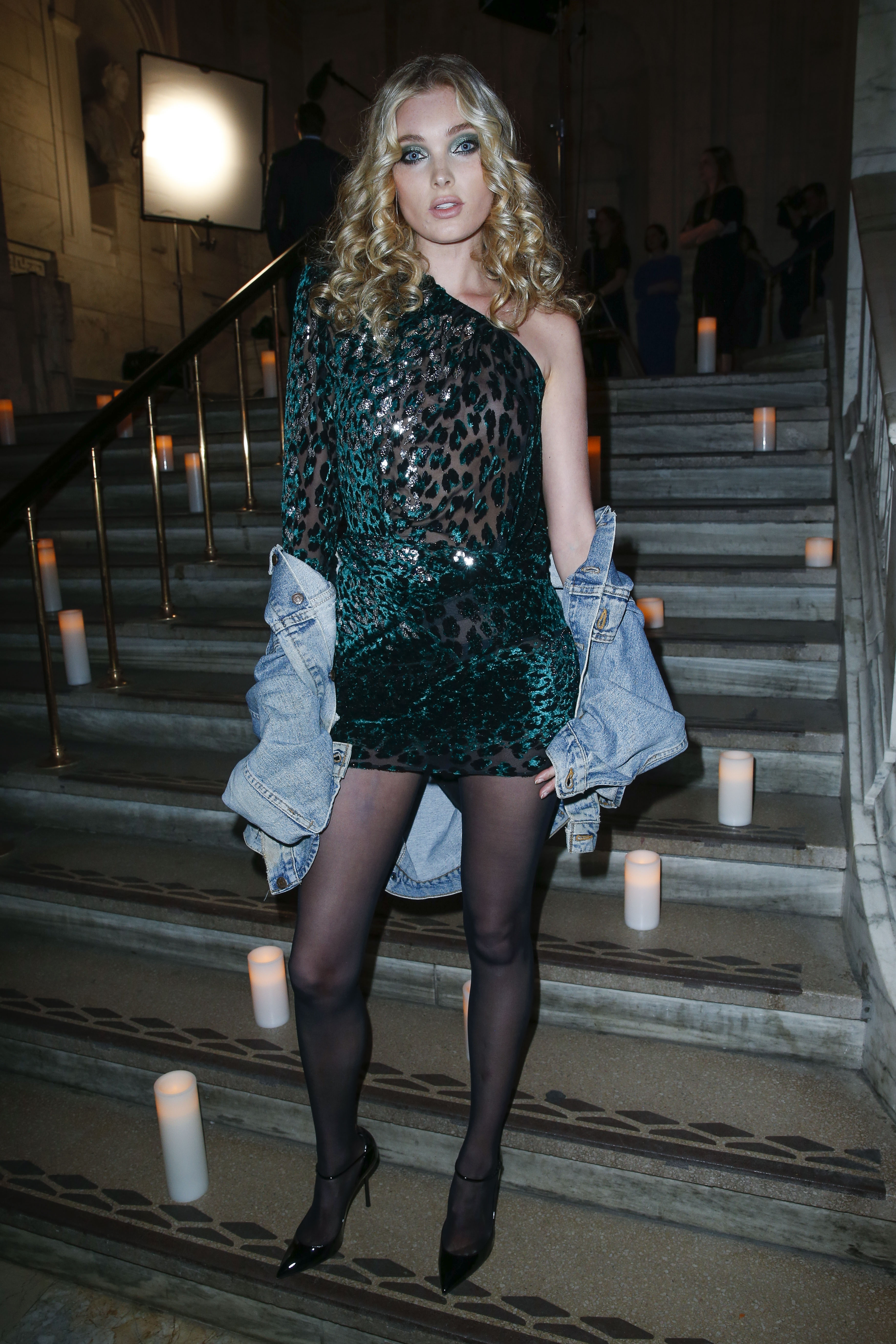
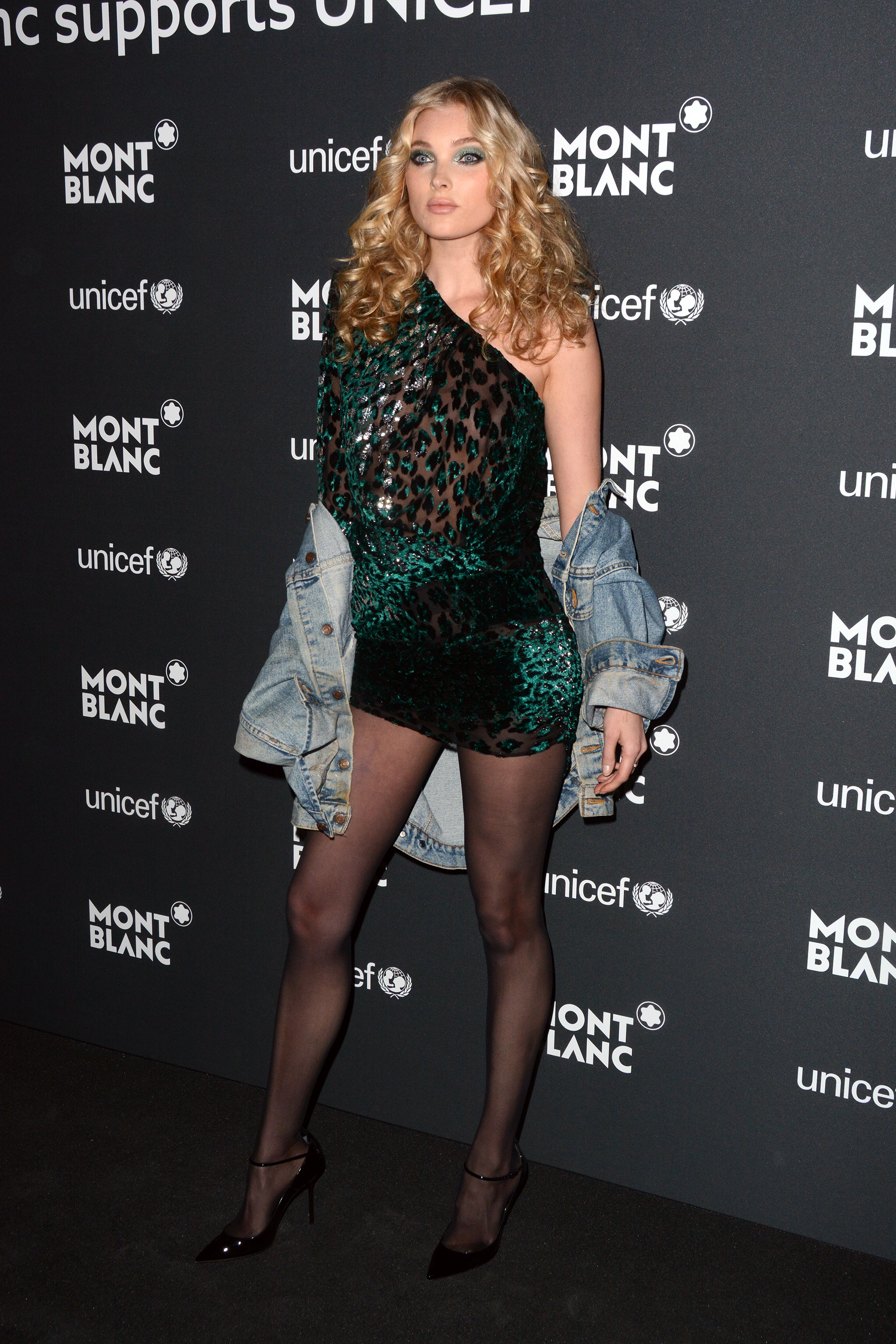
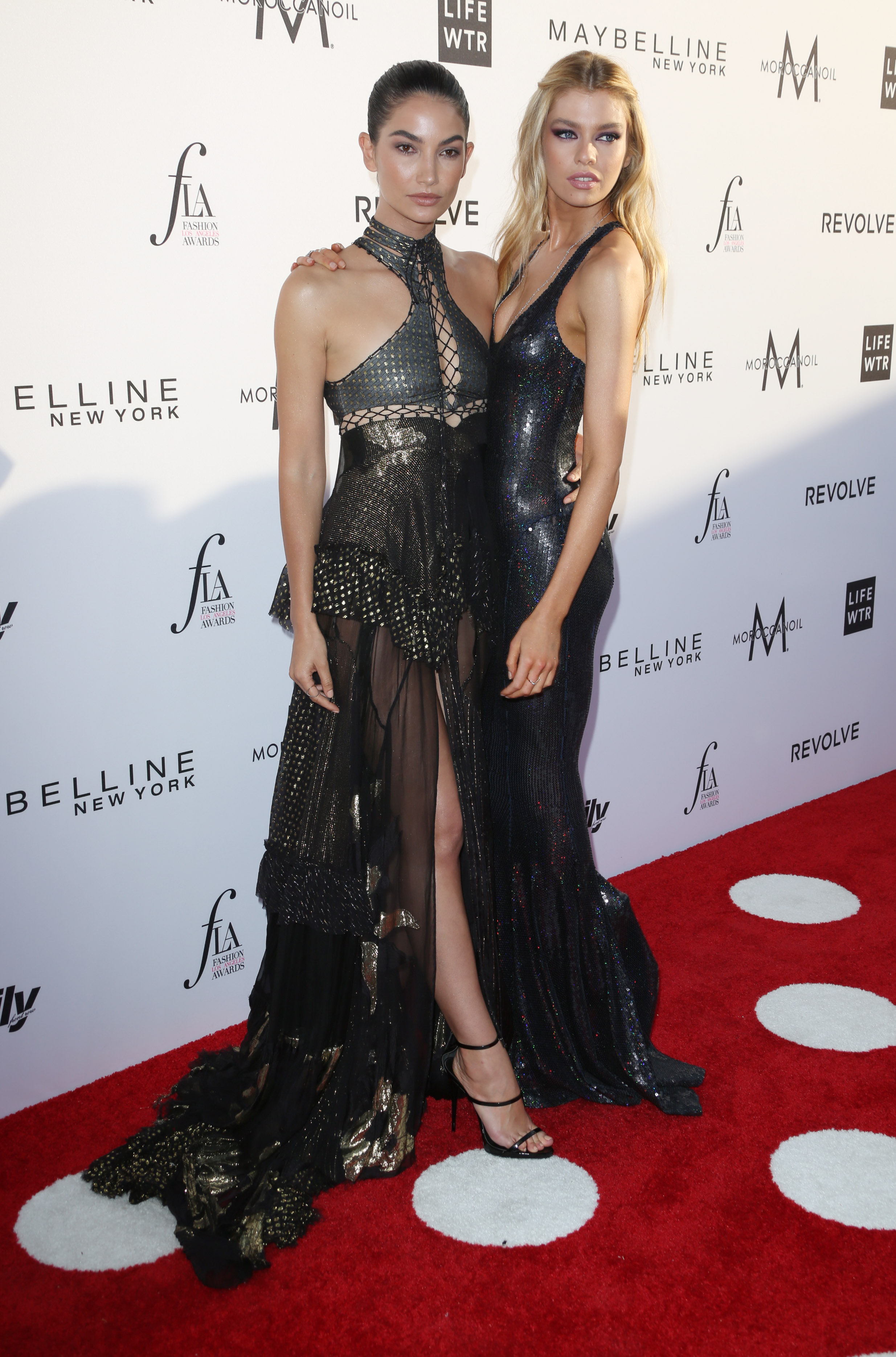
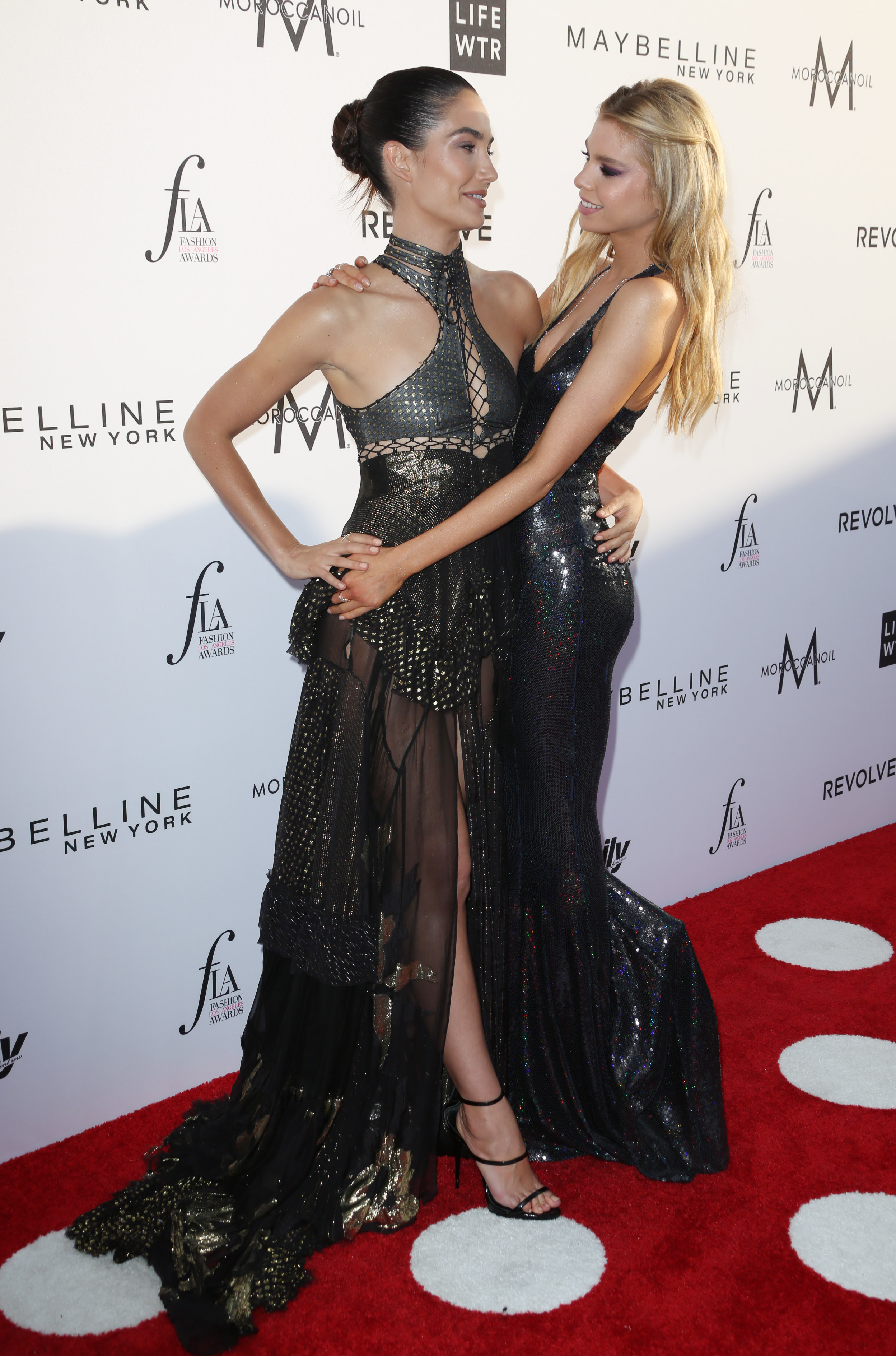
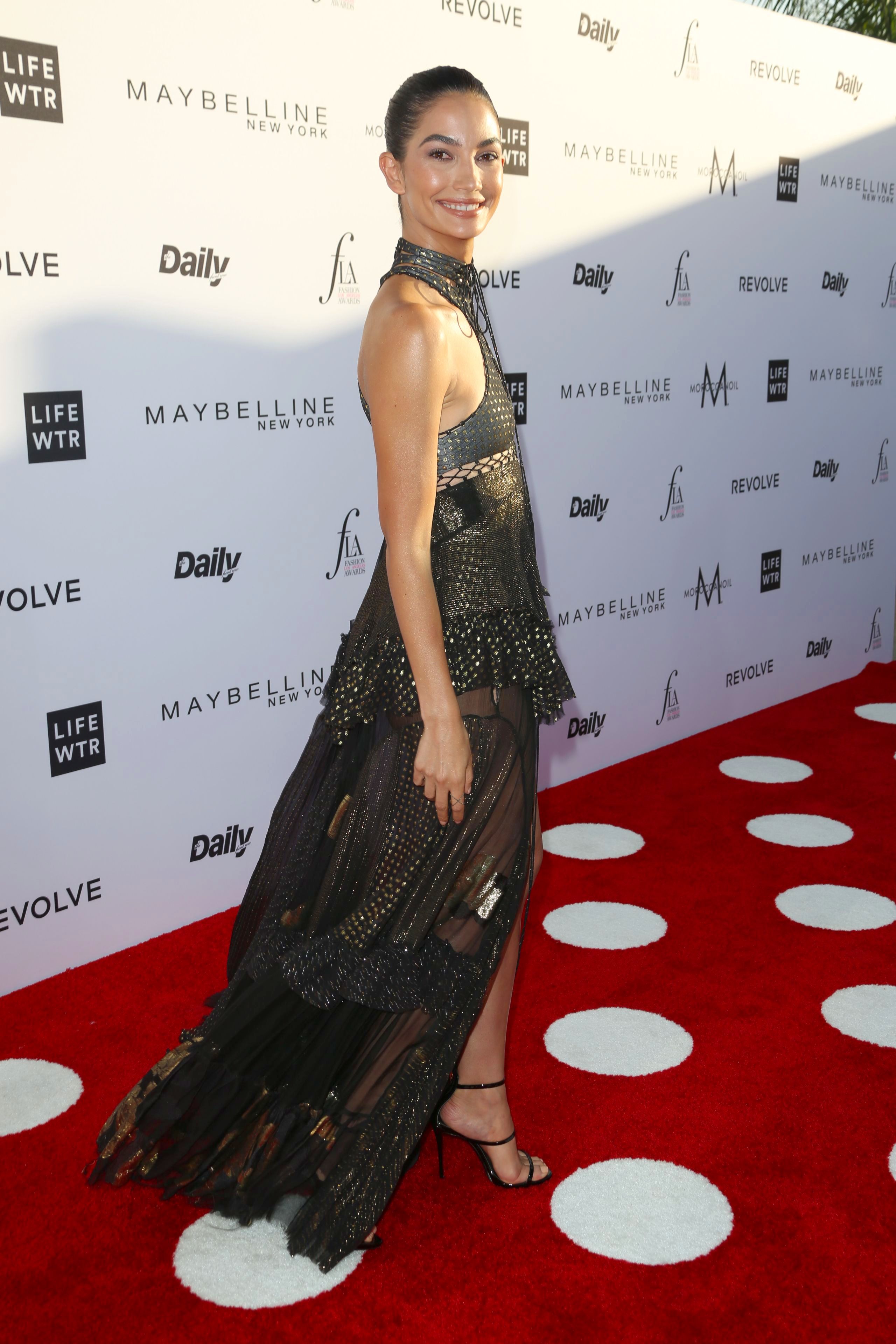
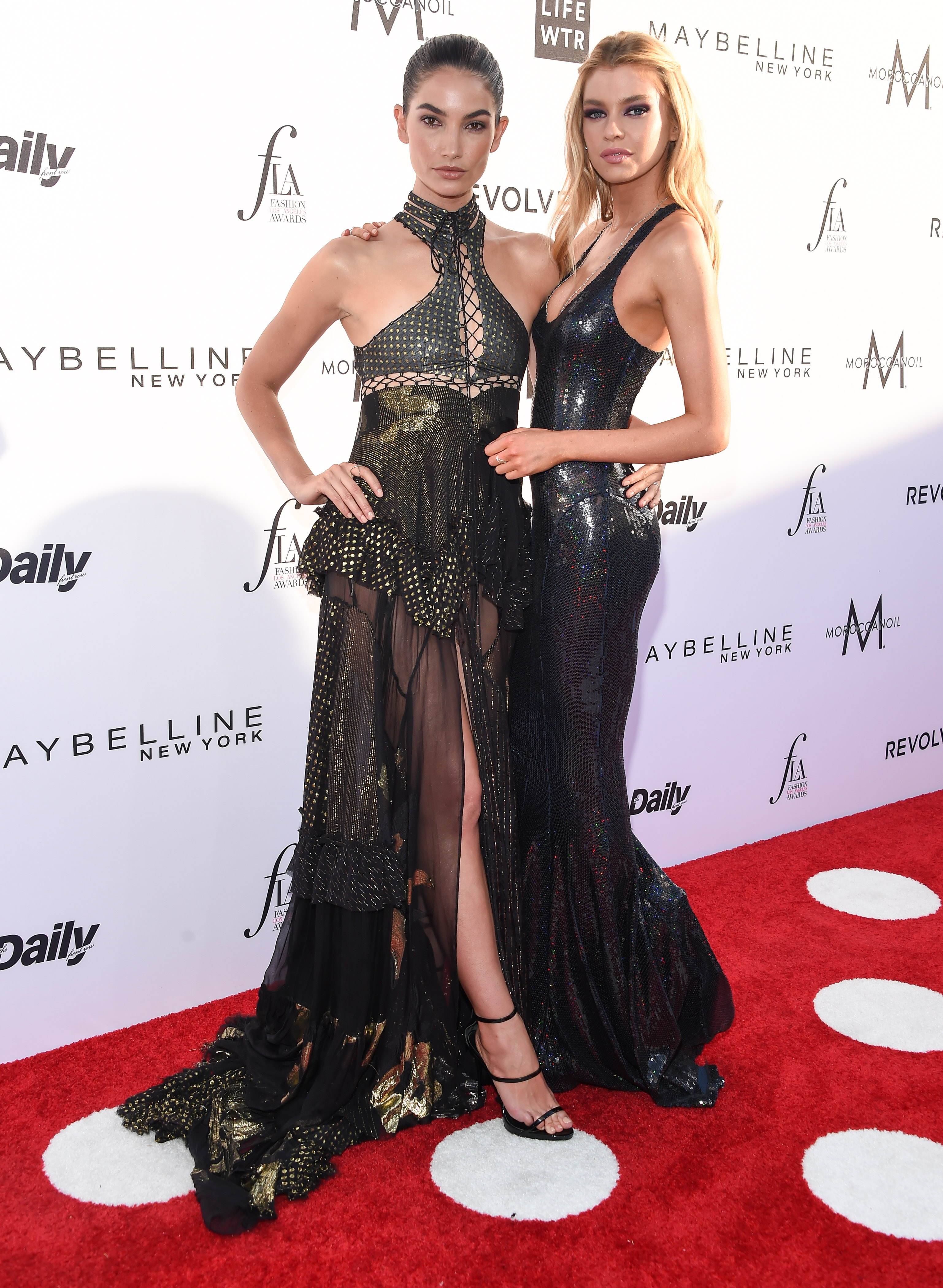
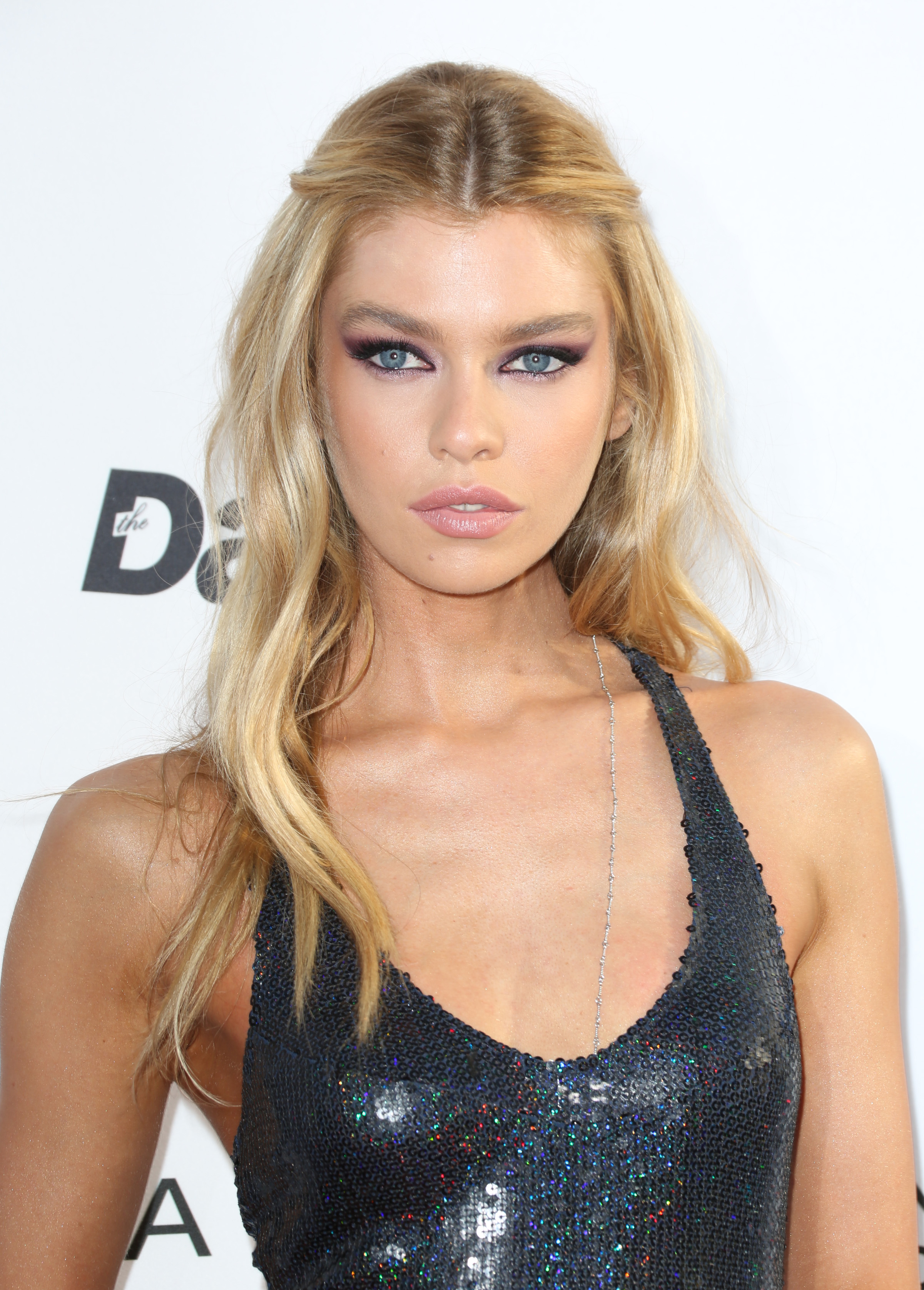
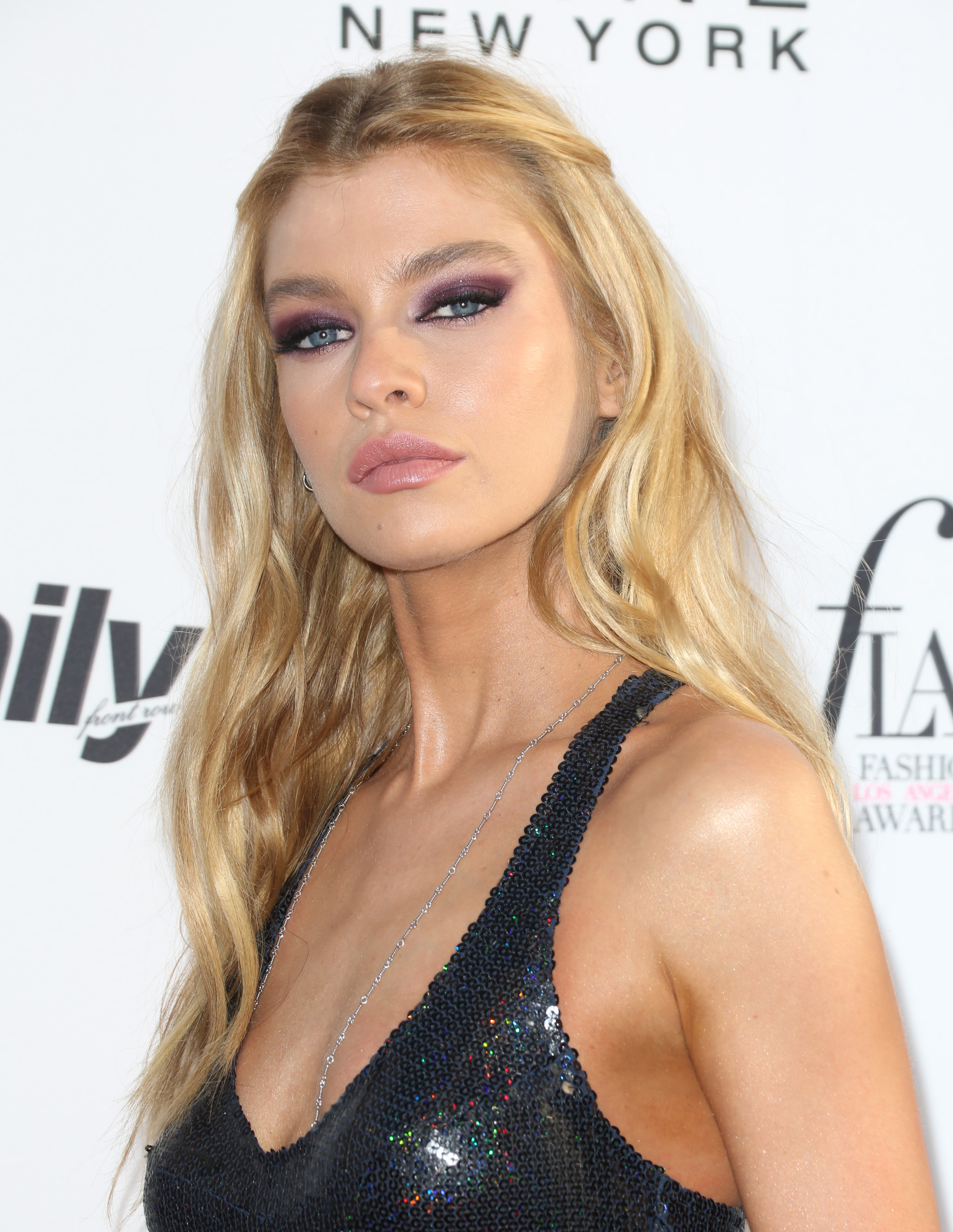
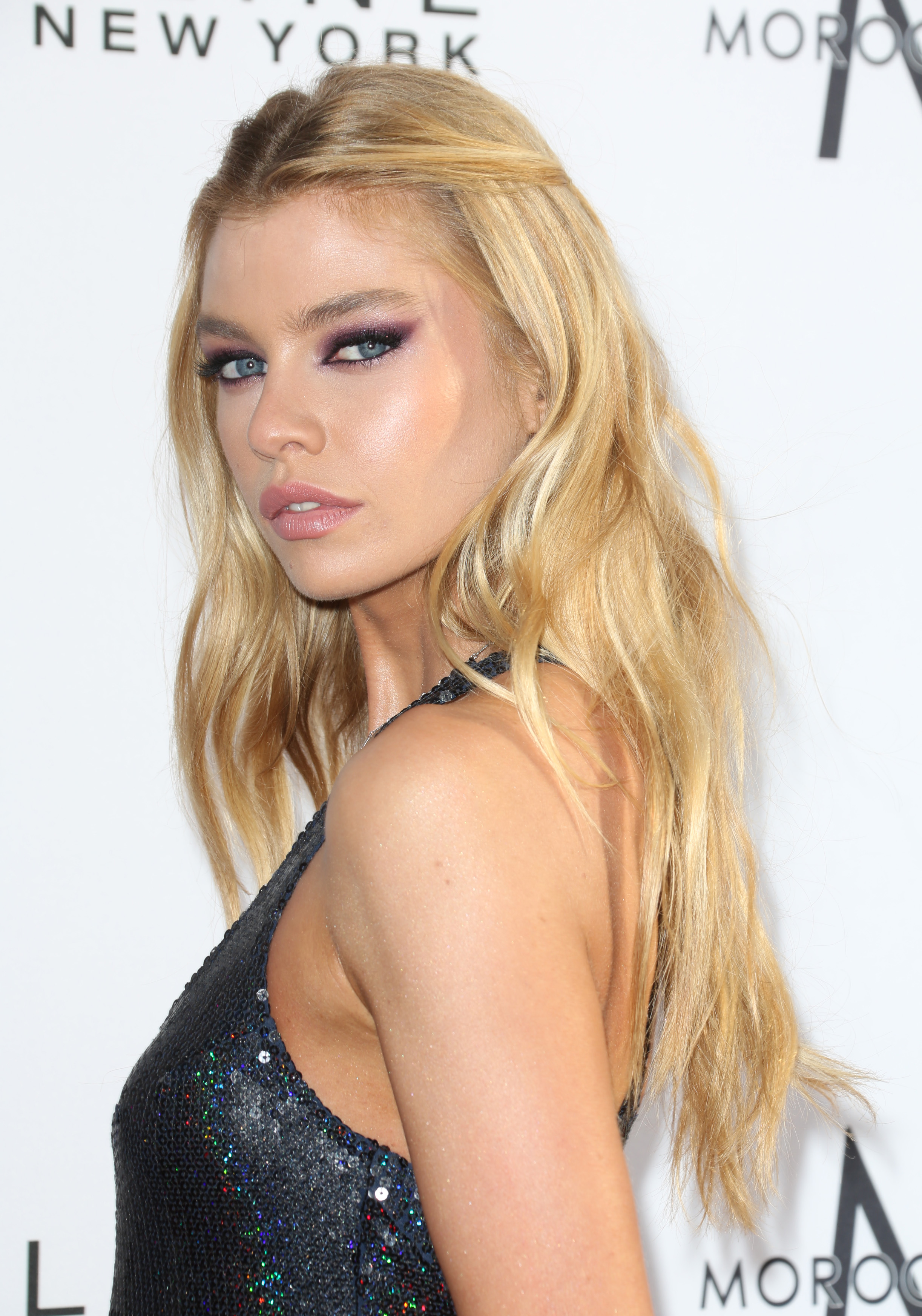
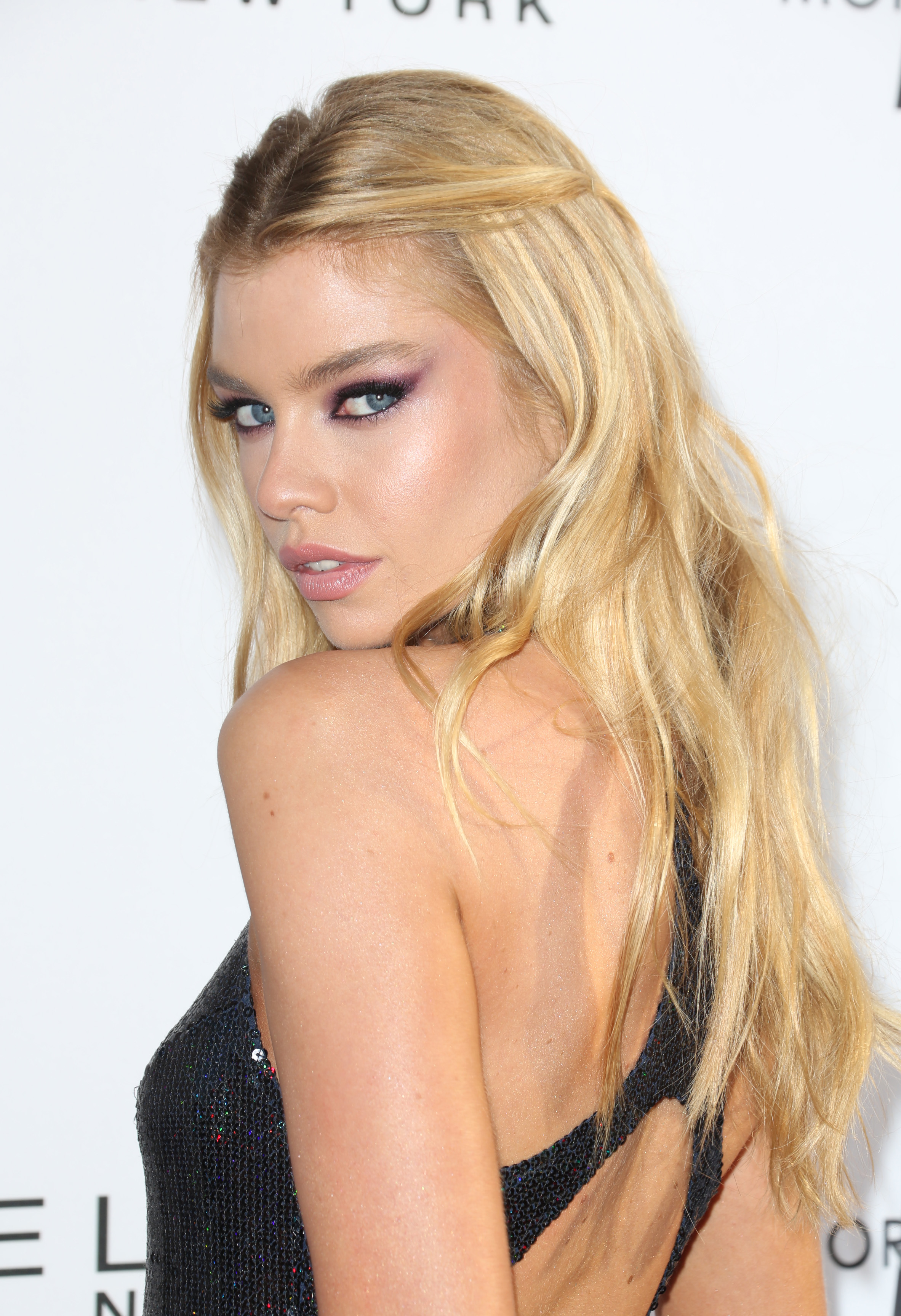
More HQs of the Montblanc and Unicef Dinner
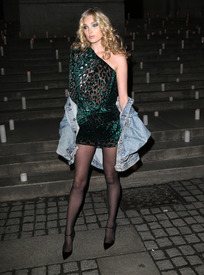


















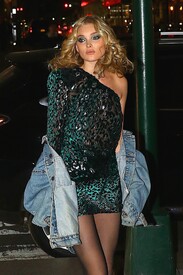

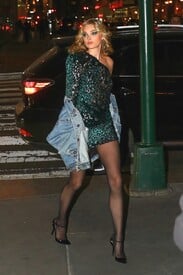


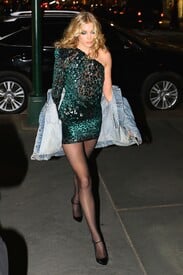
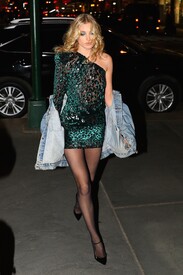





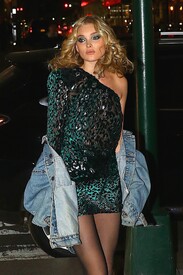

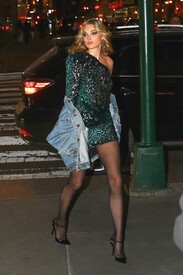

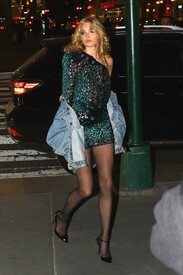

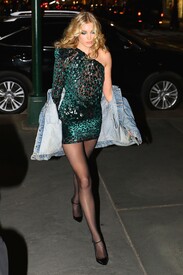
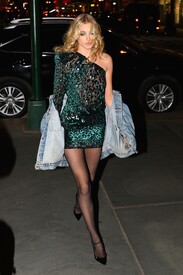



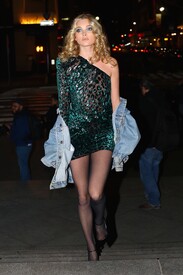

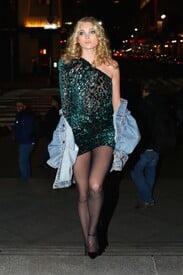
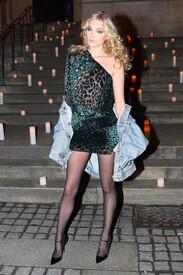


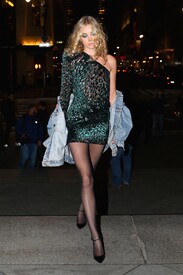 Montblanc and Unicef Dinner - April 3rd 2017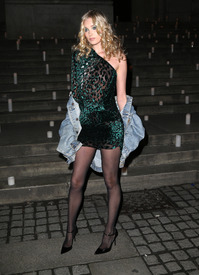





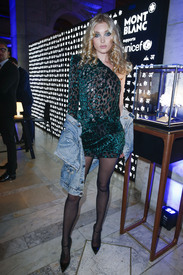



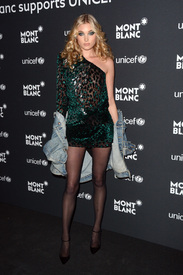
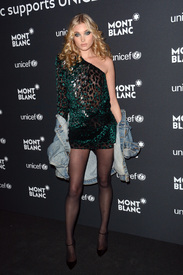

 HQs
HQs
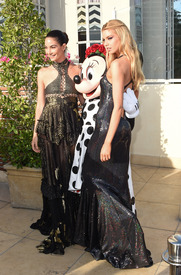

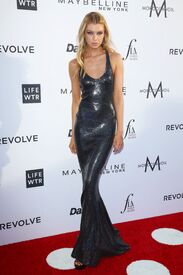
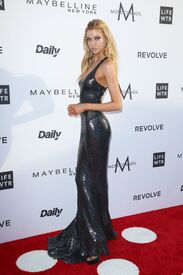
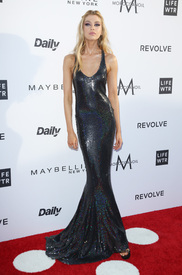
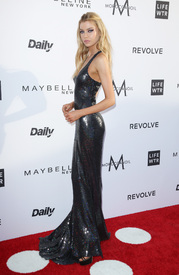
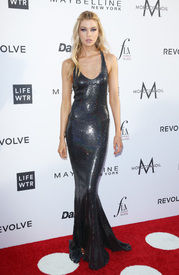
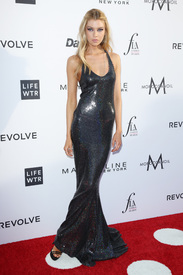

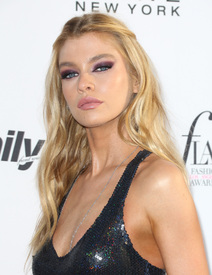
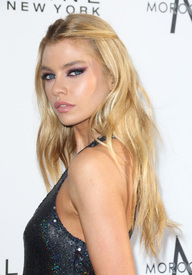
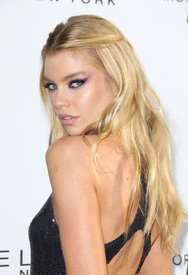
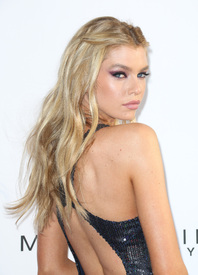
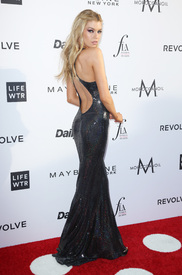
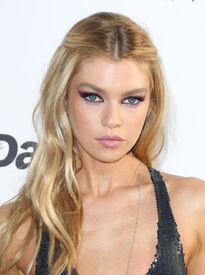



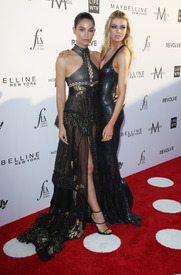

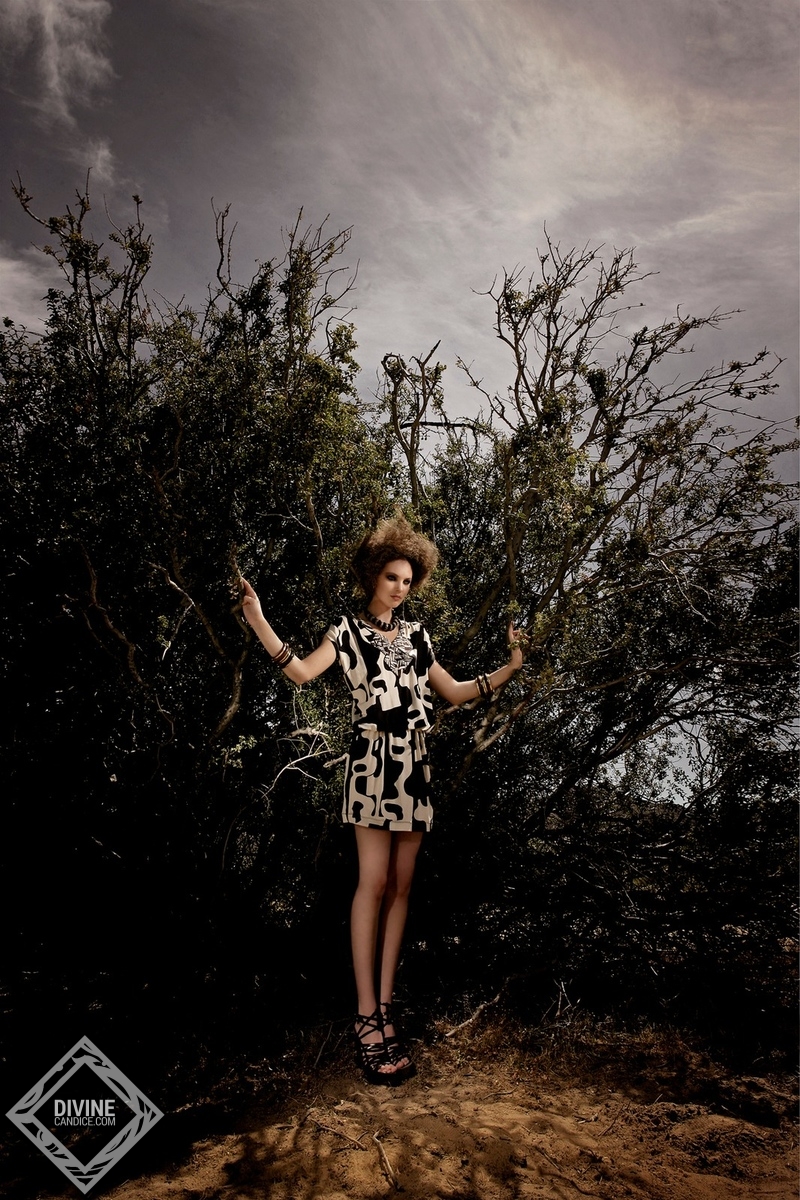
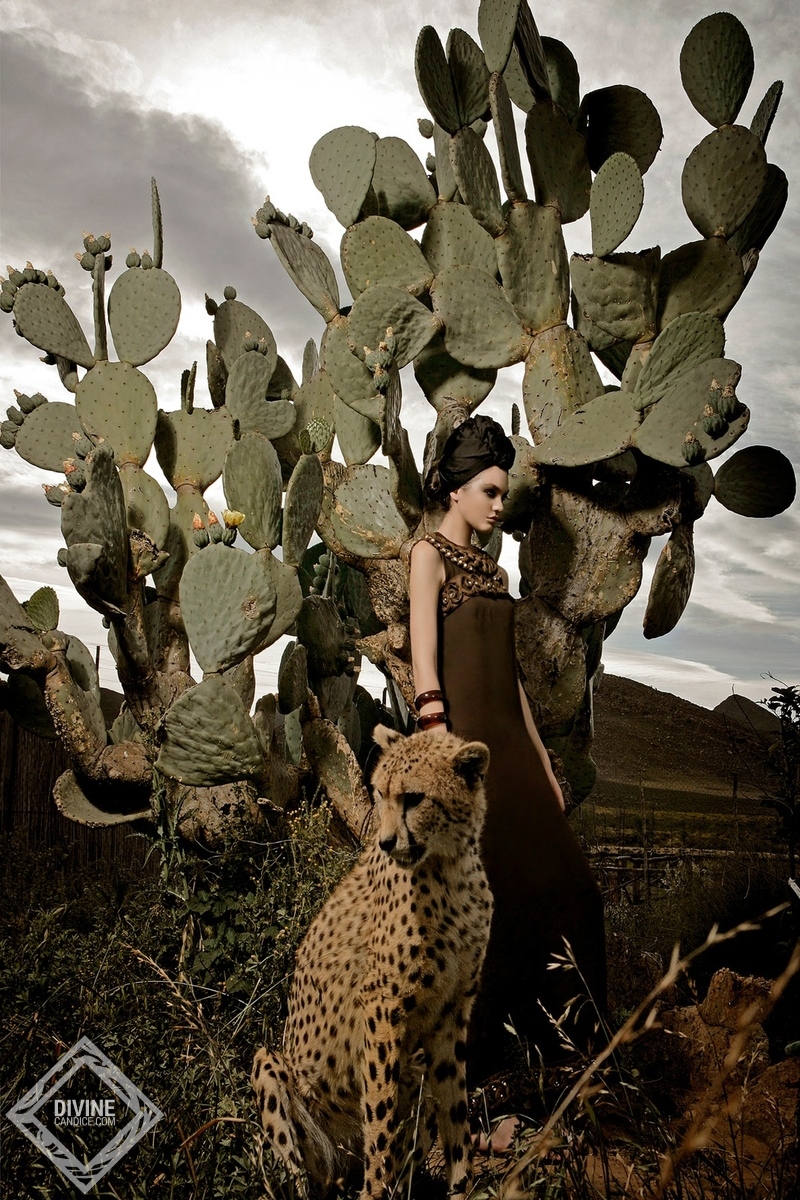
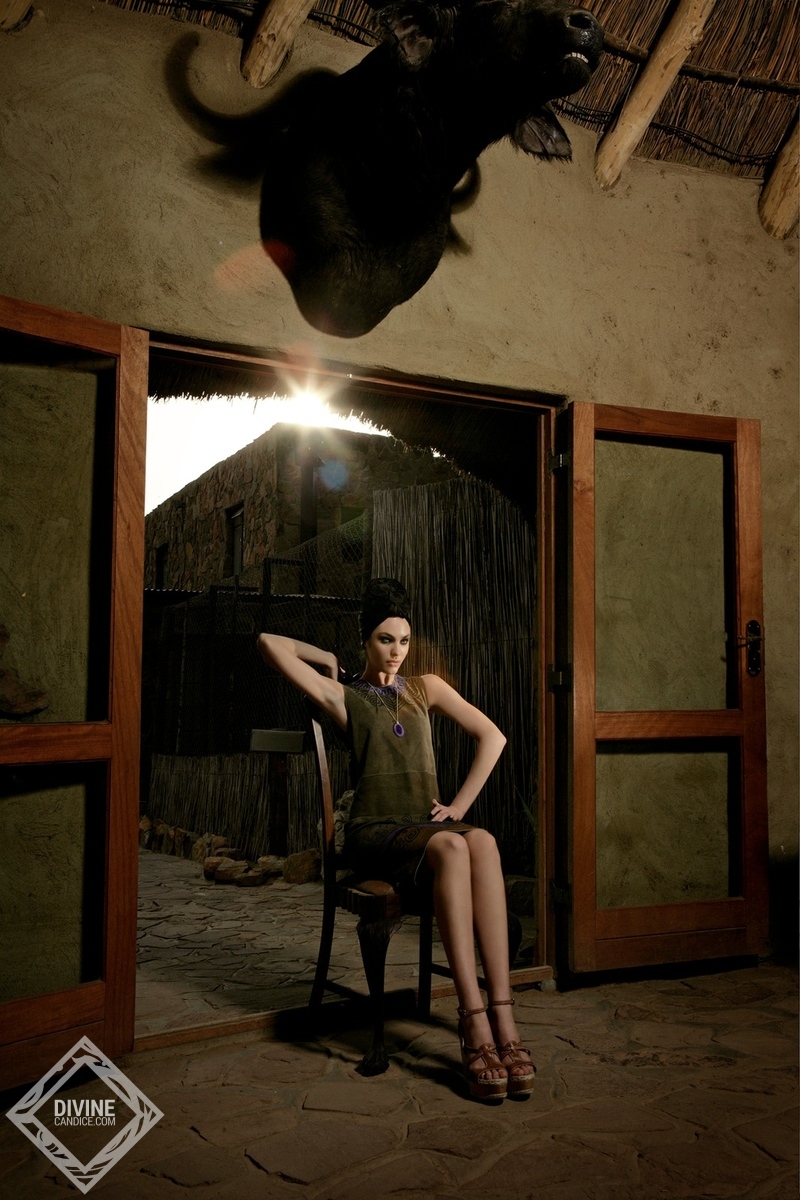
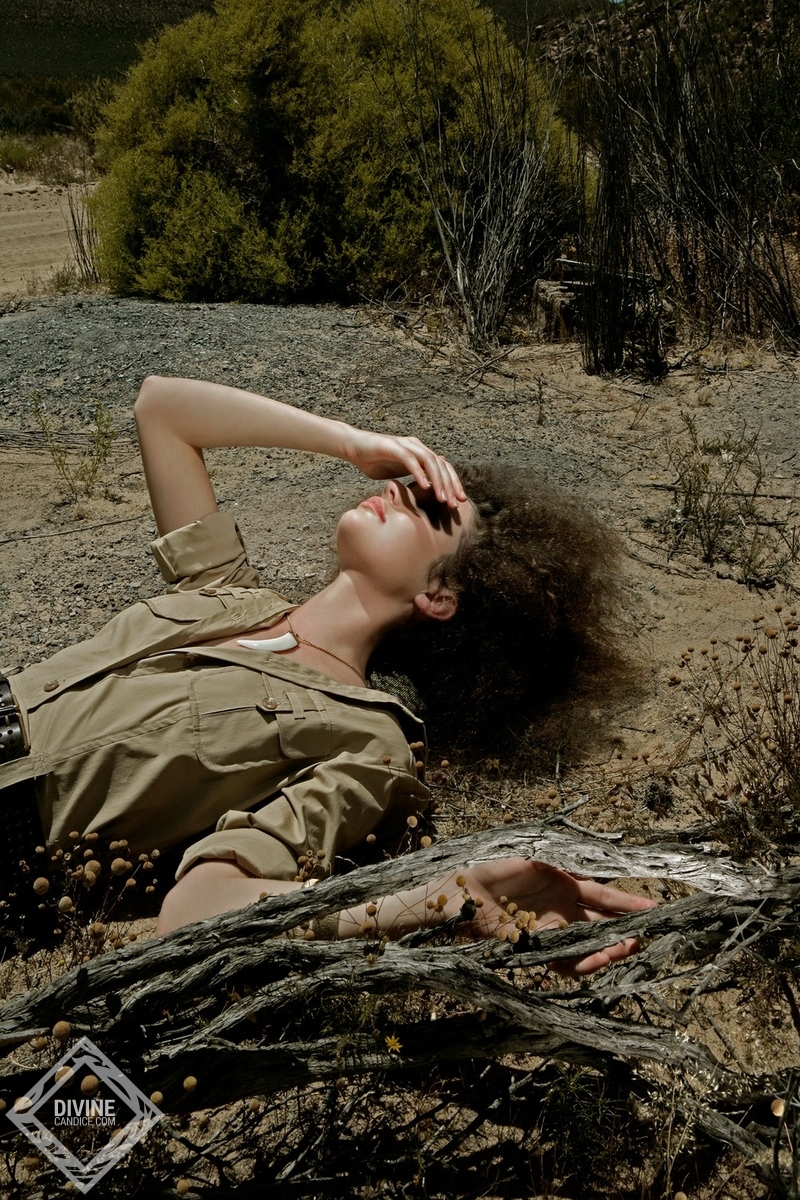
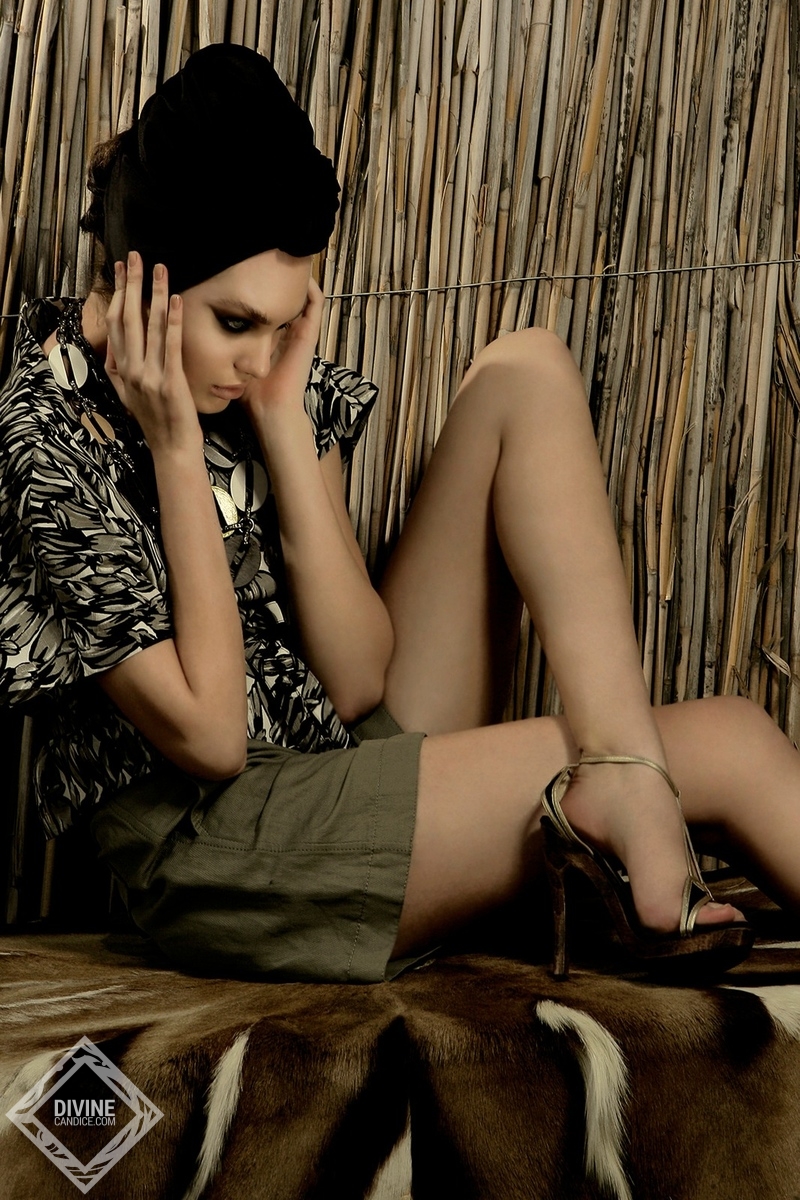
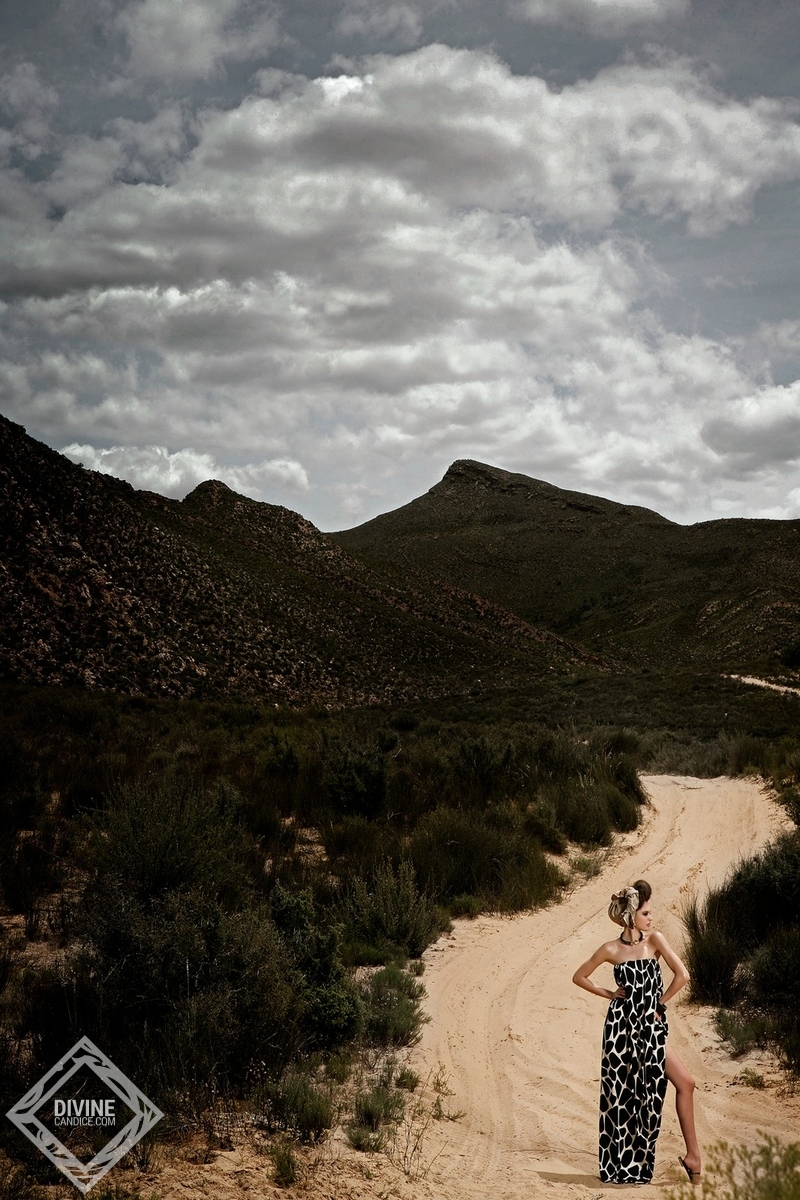
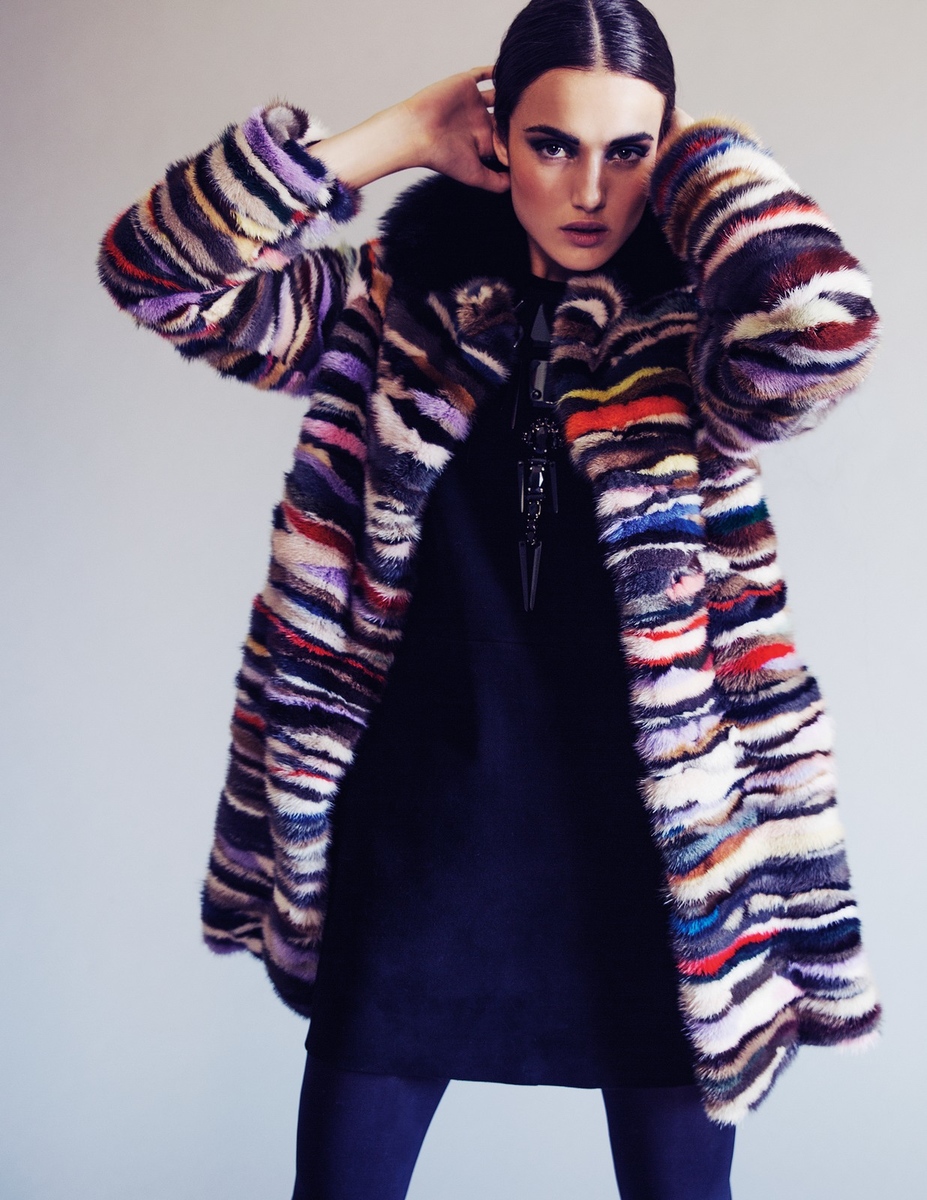
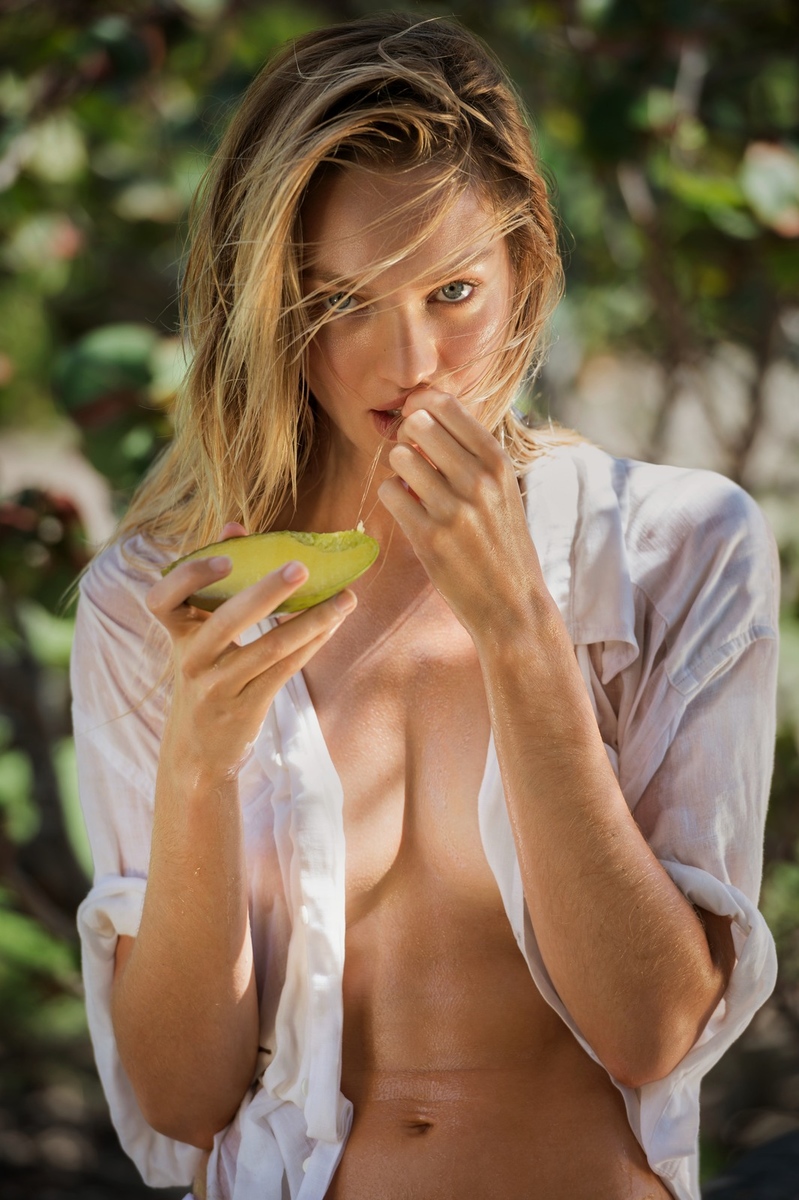
 Old but amazing shoot posted by DivineCandice . I checked in the forum but didn't see it posted. Photography: Kostas Avgoulis Elle Germany 2007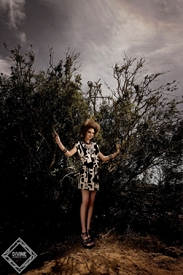


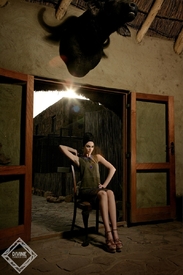


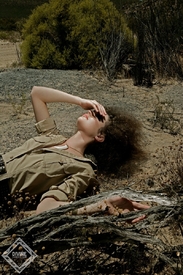

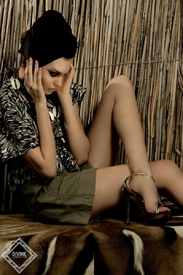
 You're welcome @DolceGabbanaLove5! I have more outtakes of her but I need to search first on the forum if they are posted or not.
I just found today the editorial and as I didn't see it posted here I decided to post. Photography by Juan Aldabaldet
You're welcome @DolceGabbanaLove5! I have more outtakes of her but I need to search first on the forum if they are posted or not.
I just found today the editorial and as I didn't see it posted here I decided to post. Photography by Juan Aldabaldet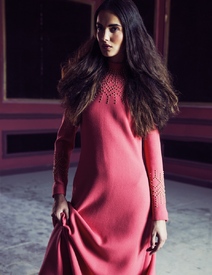

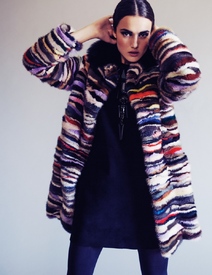
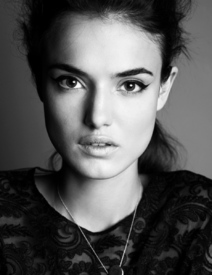
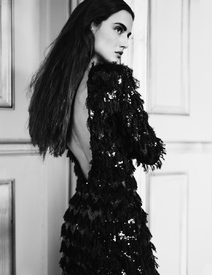
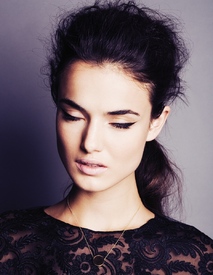
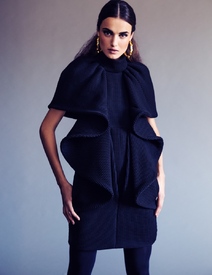
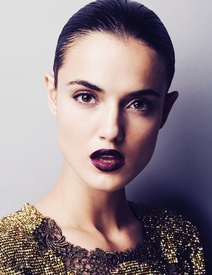
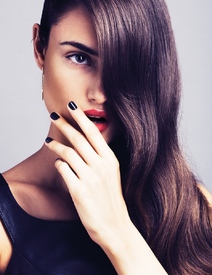
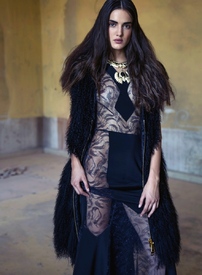
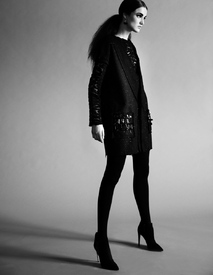
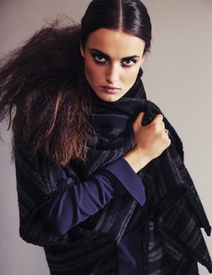
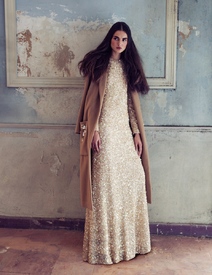
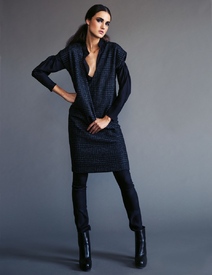
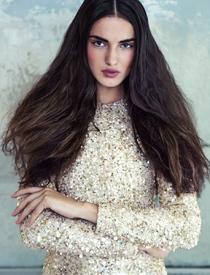
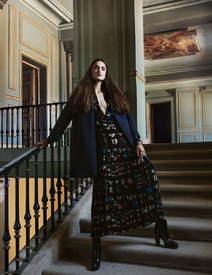
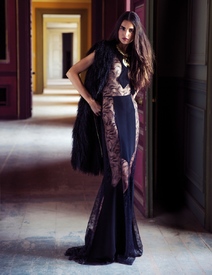
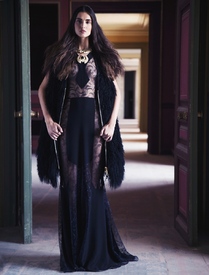
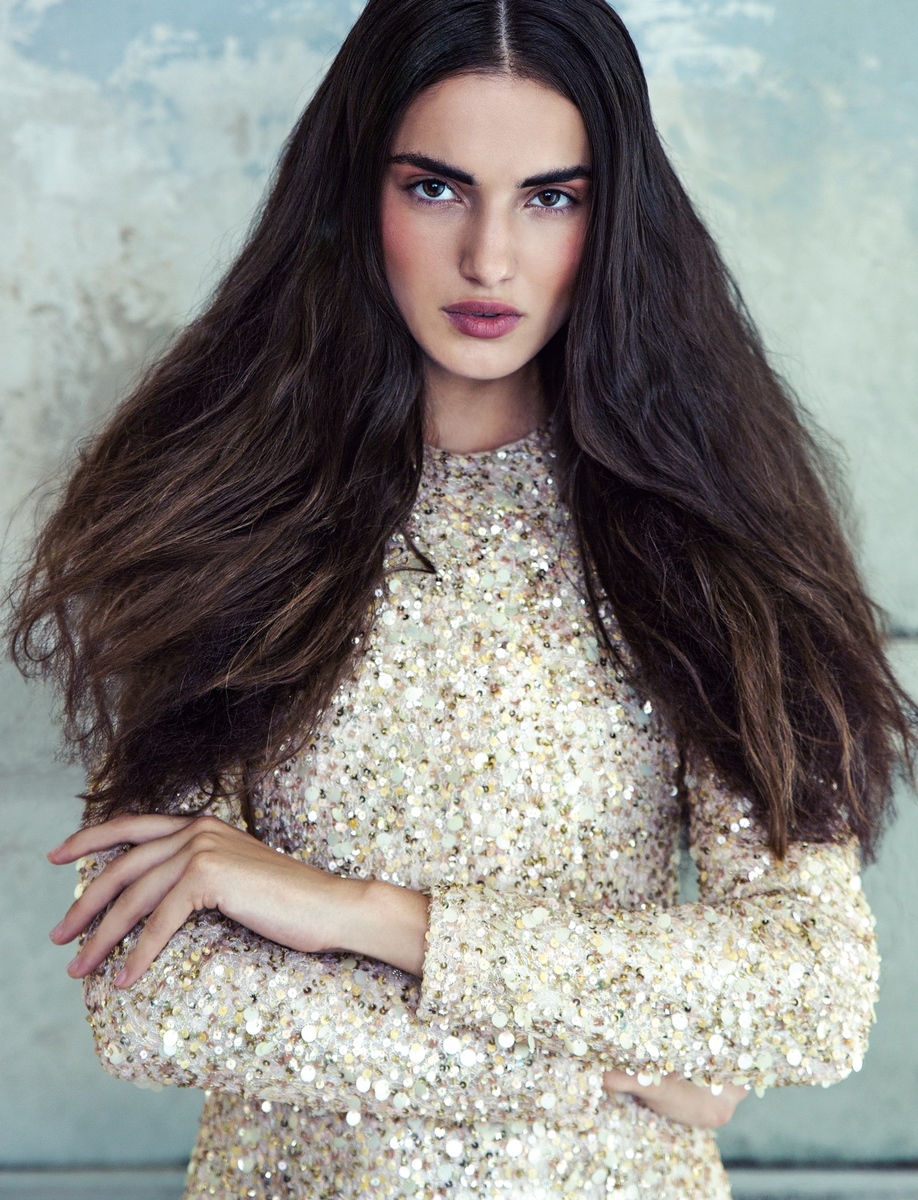
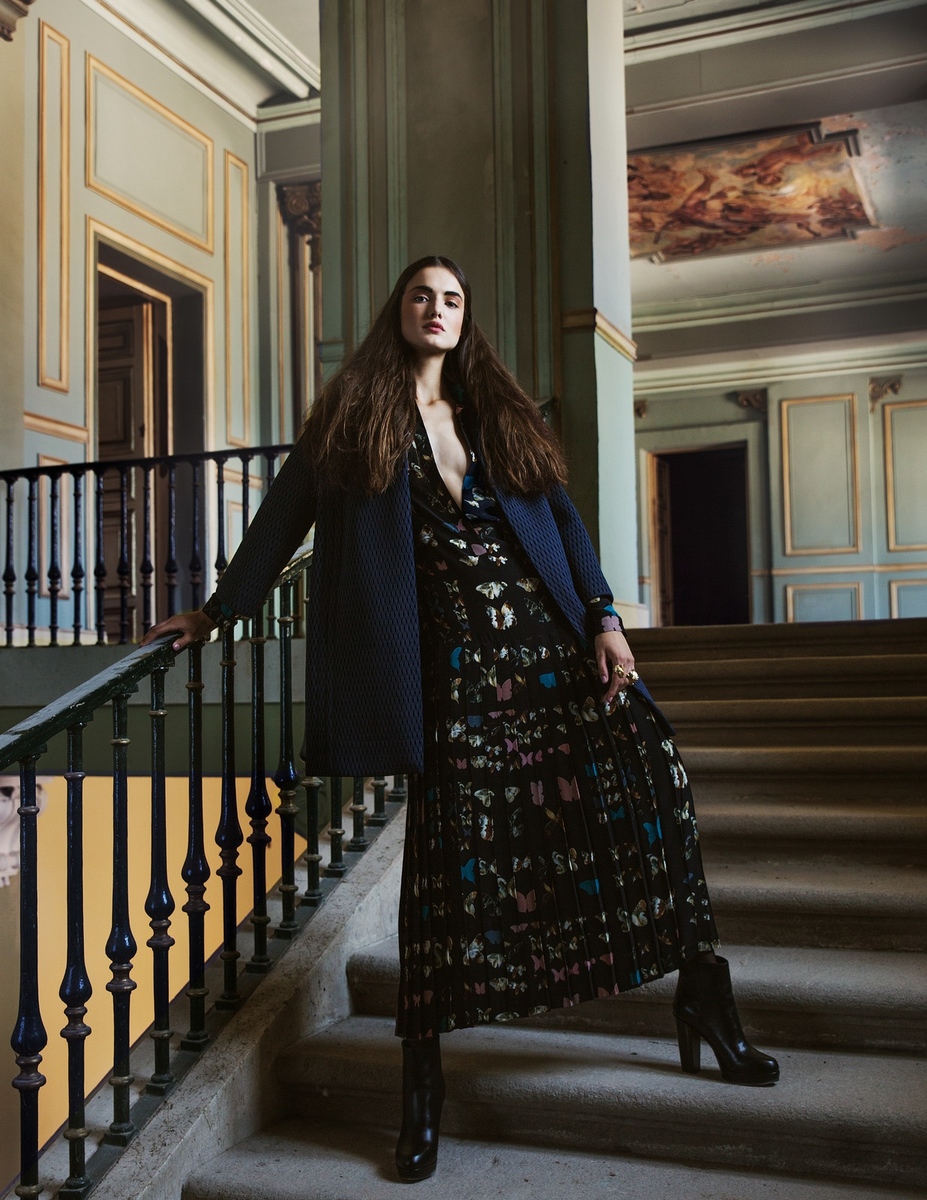
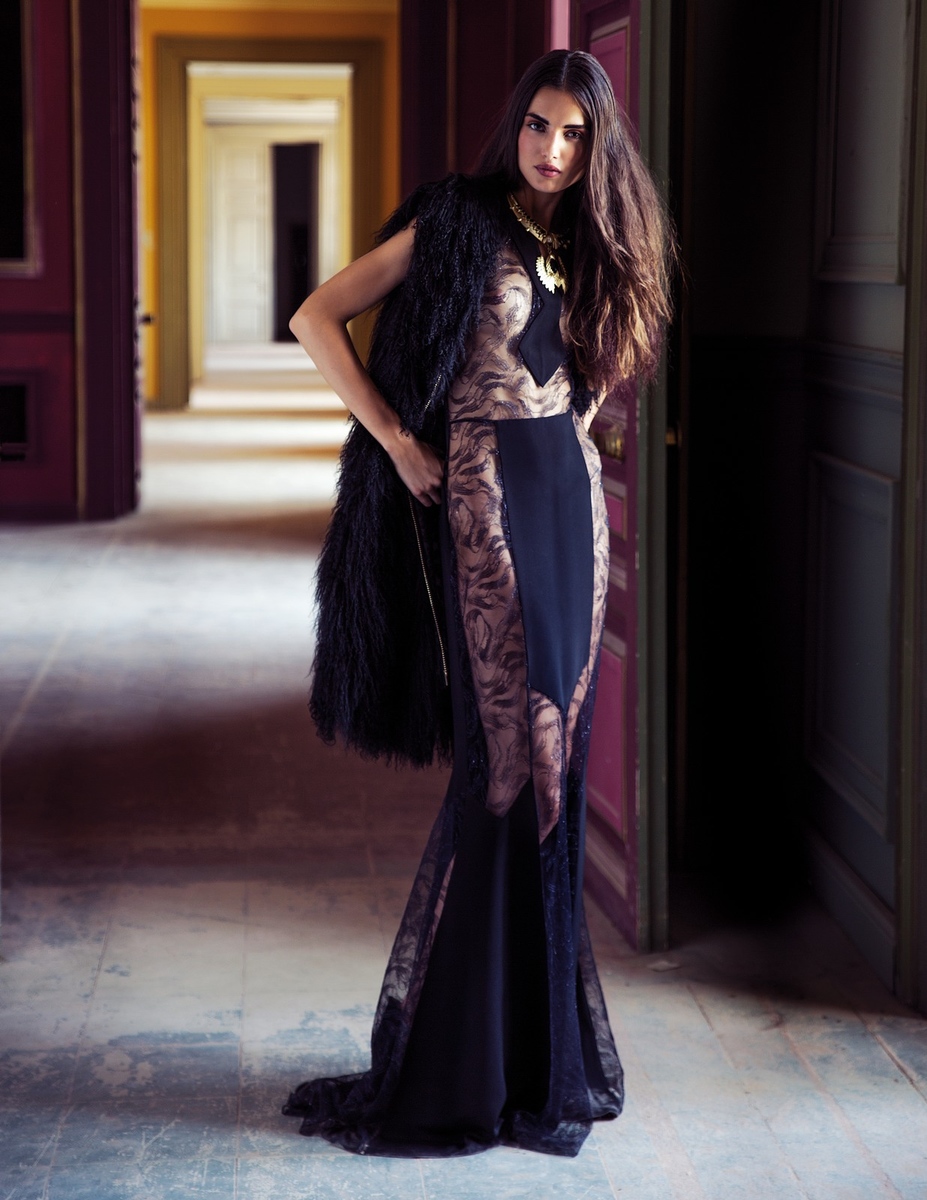
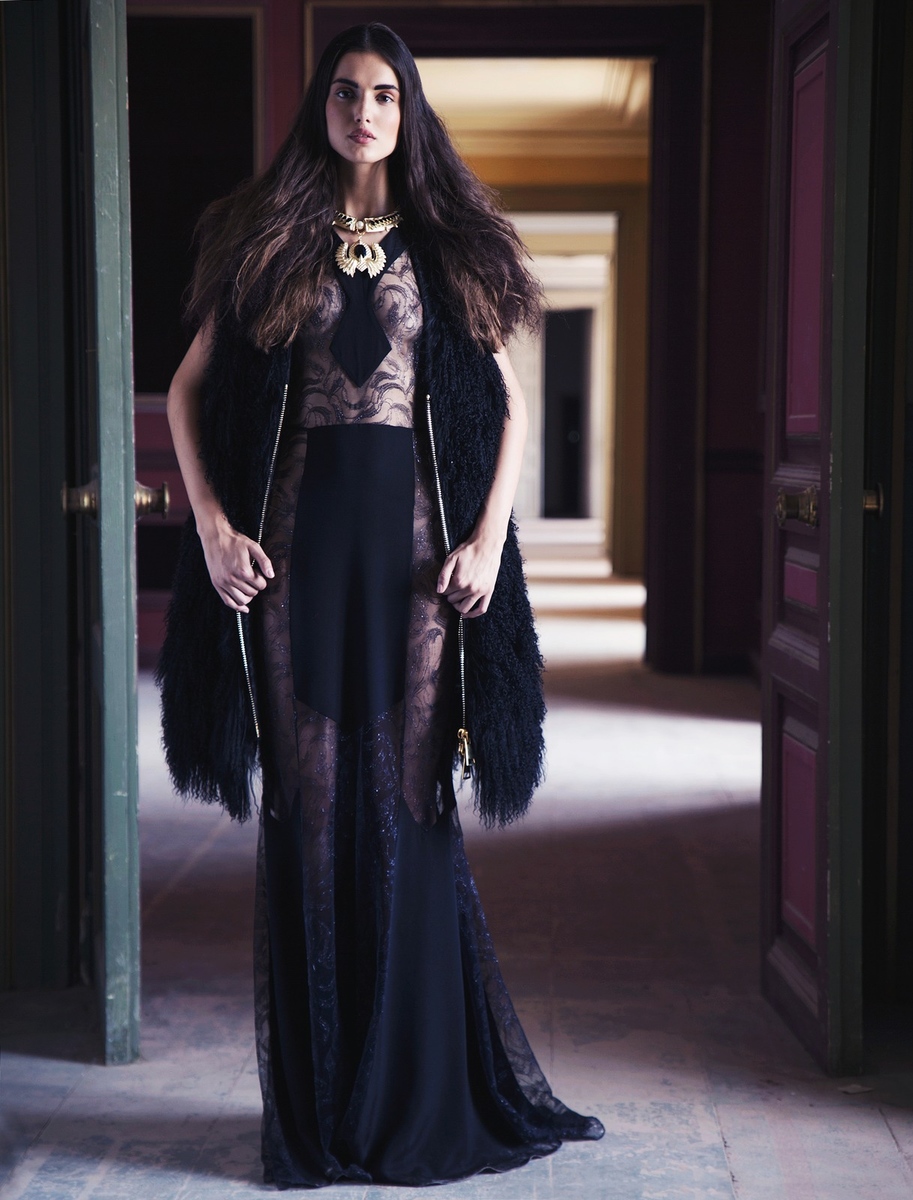
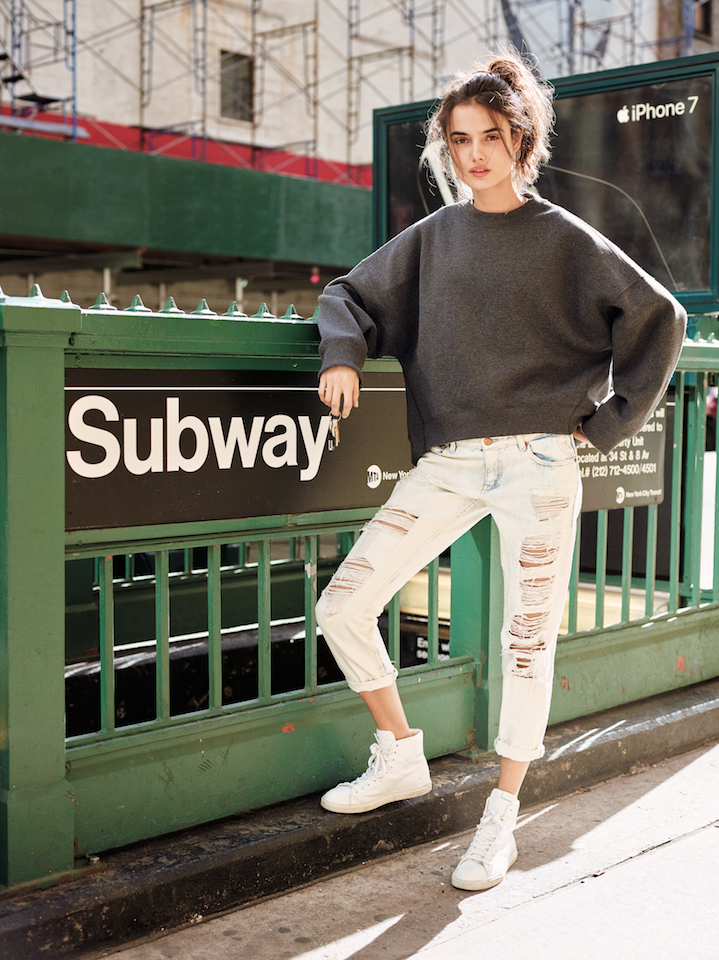
 by Xandra Linsin at the MFW
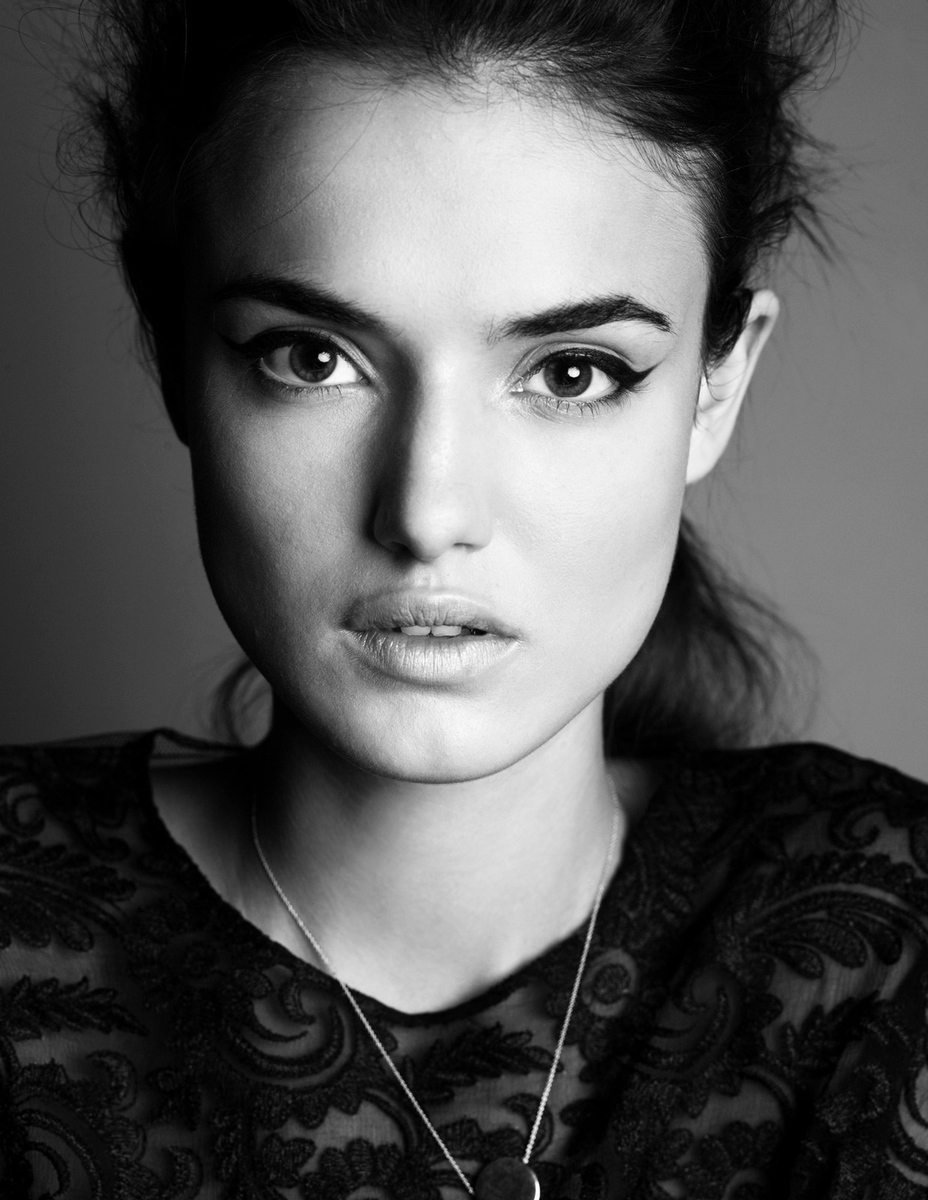
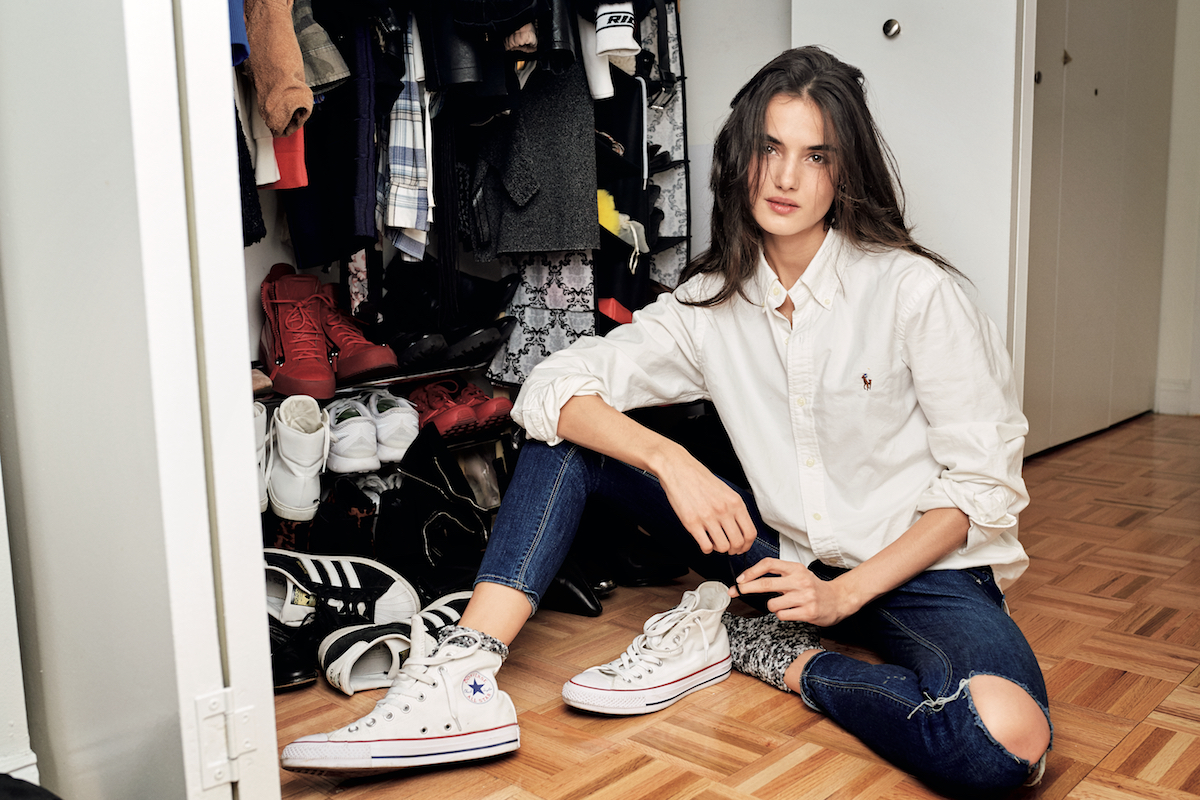
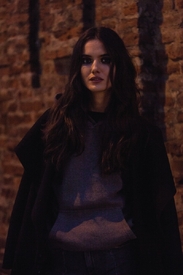 This outtake from her Maxim was posted here tagged so here I leave the unttaged MQ version I just got now.
 You're welcome
Thank you for the UHQ adds @jj3
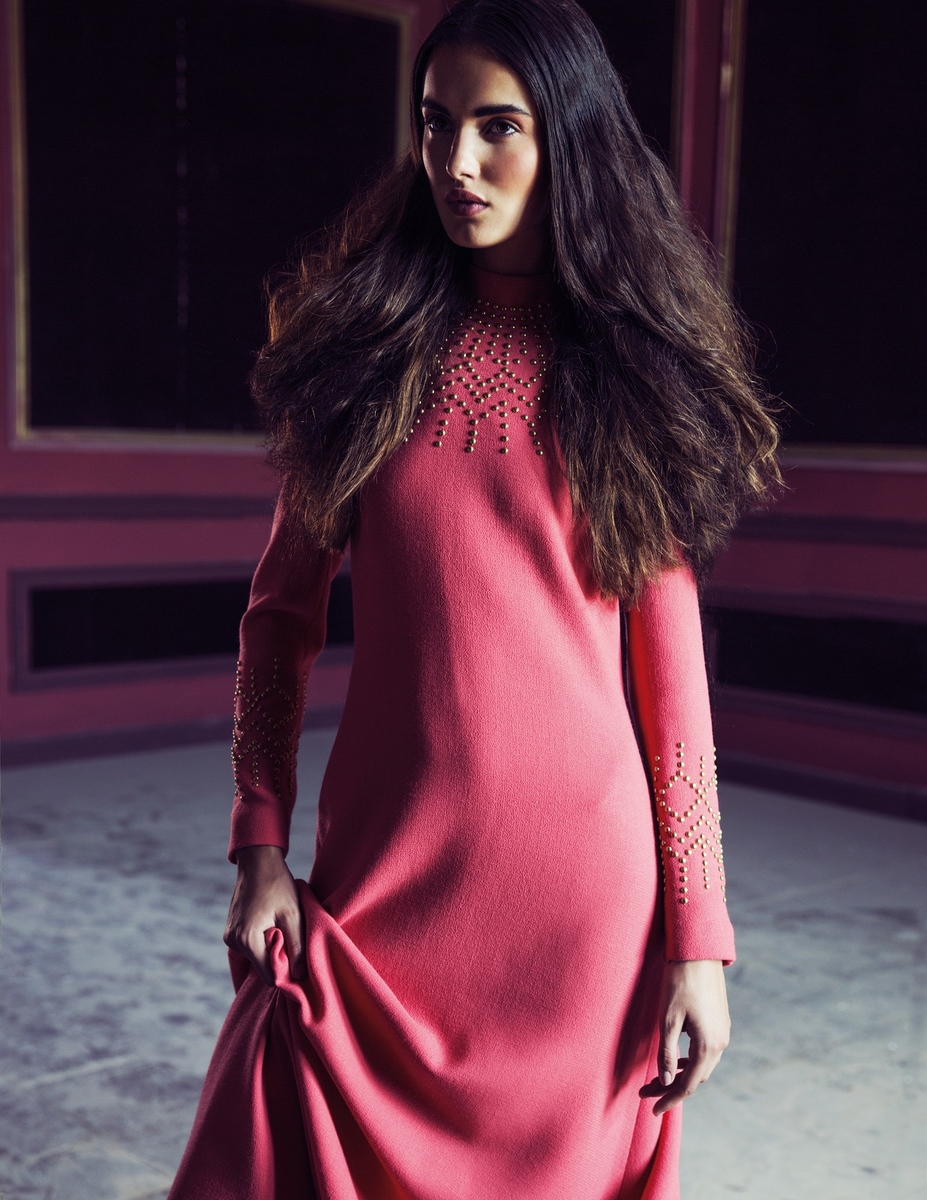
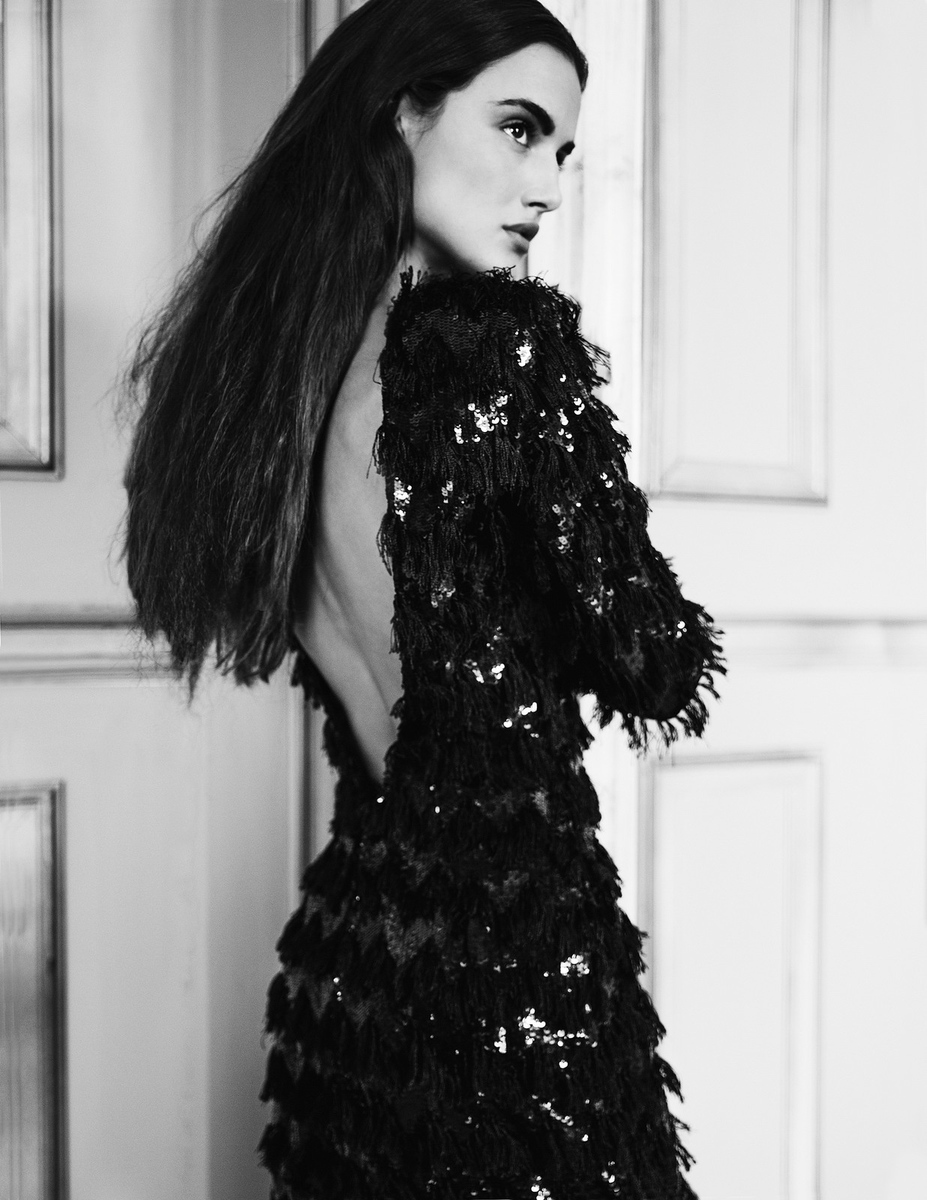
Vogue Japan May 2017 issue (Thanks to JJ for the issue info as I wasn't sure which month was) Photography: David Mushegain
You're welcome
Thank you for the UHQ adds @jj3
Vogue Japan May 2017 issue (Thanks to JJ for the issue info as I wasn't sure which month was) Photography: David Mushegain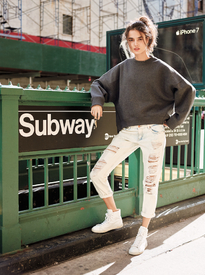
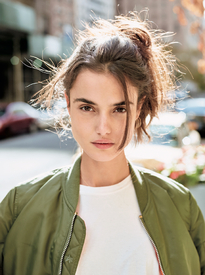
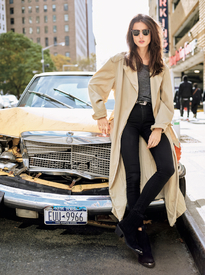
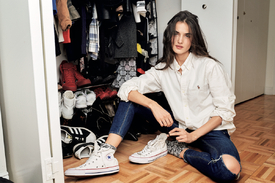
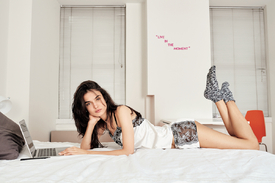
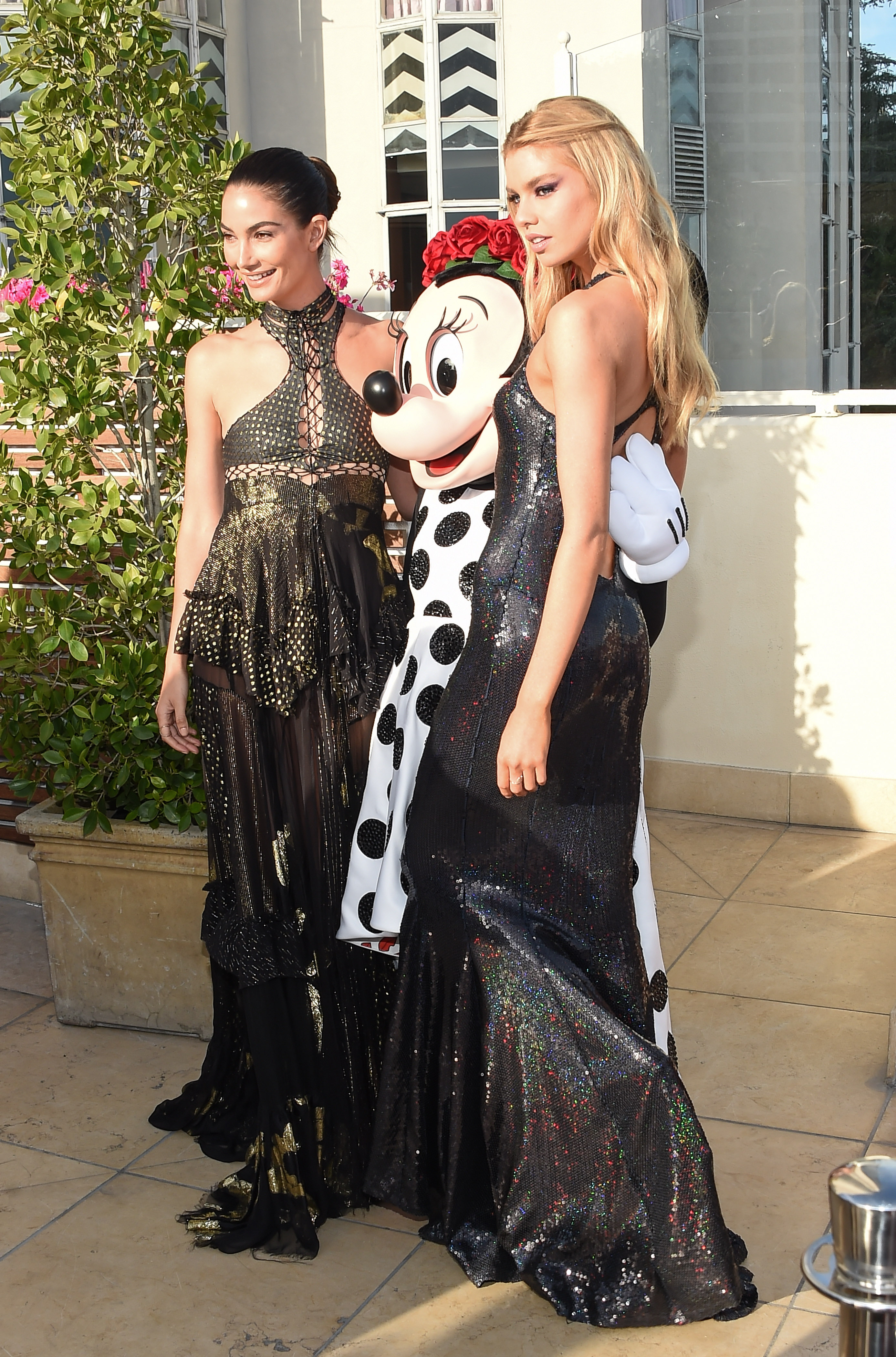
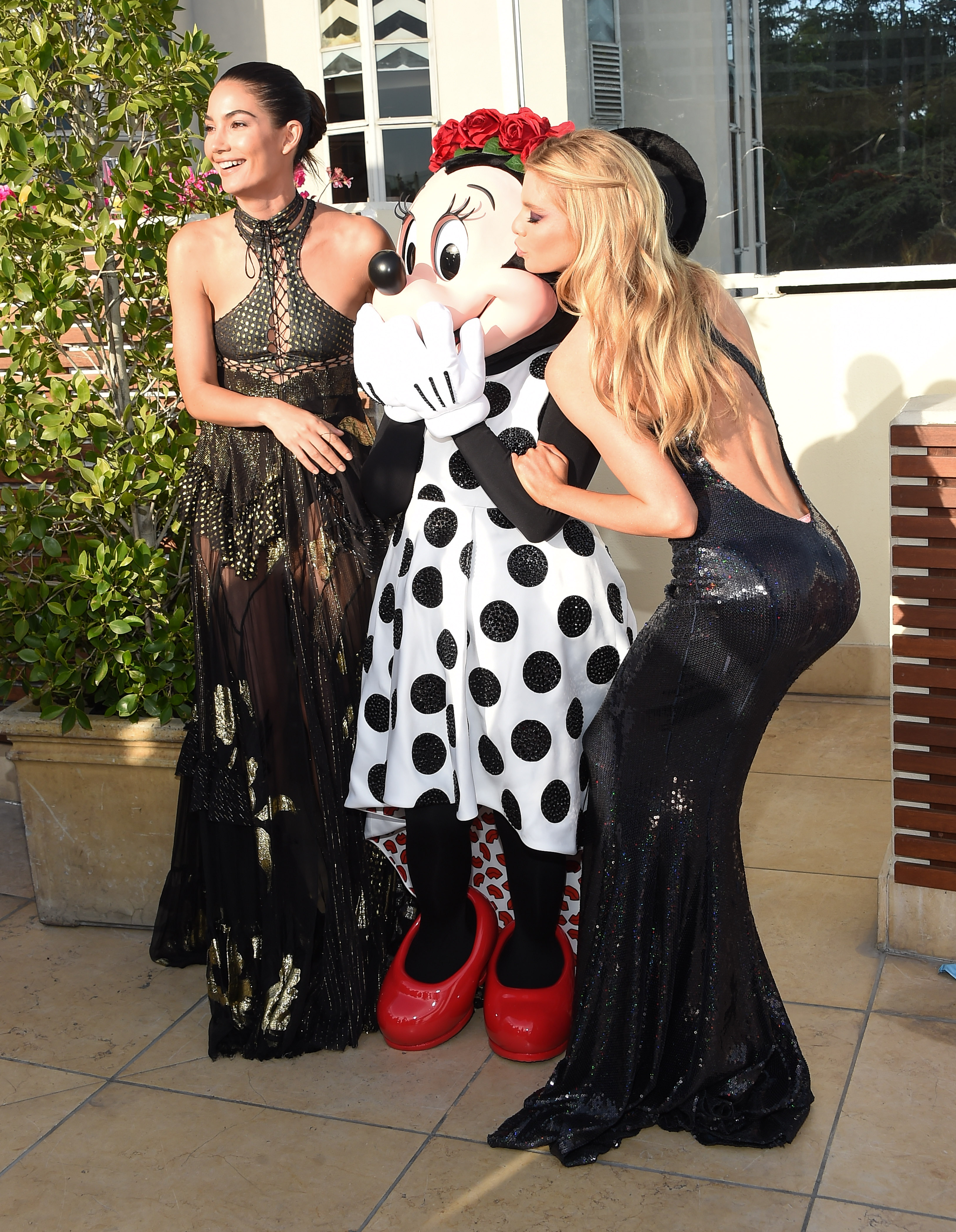
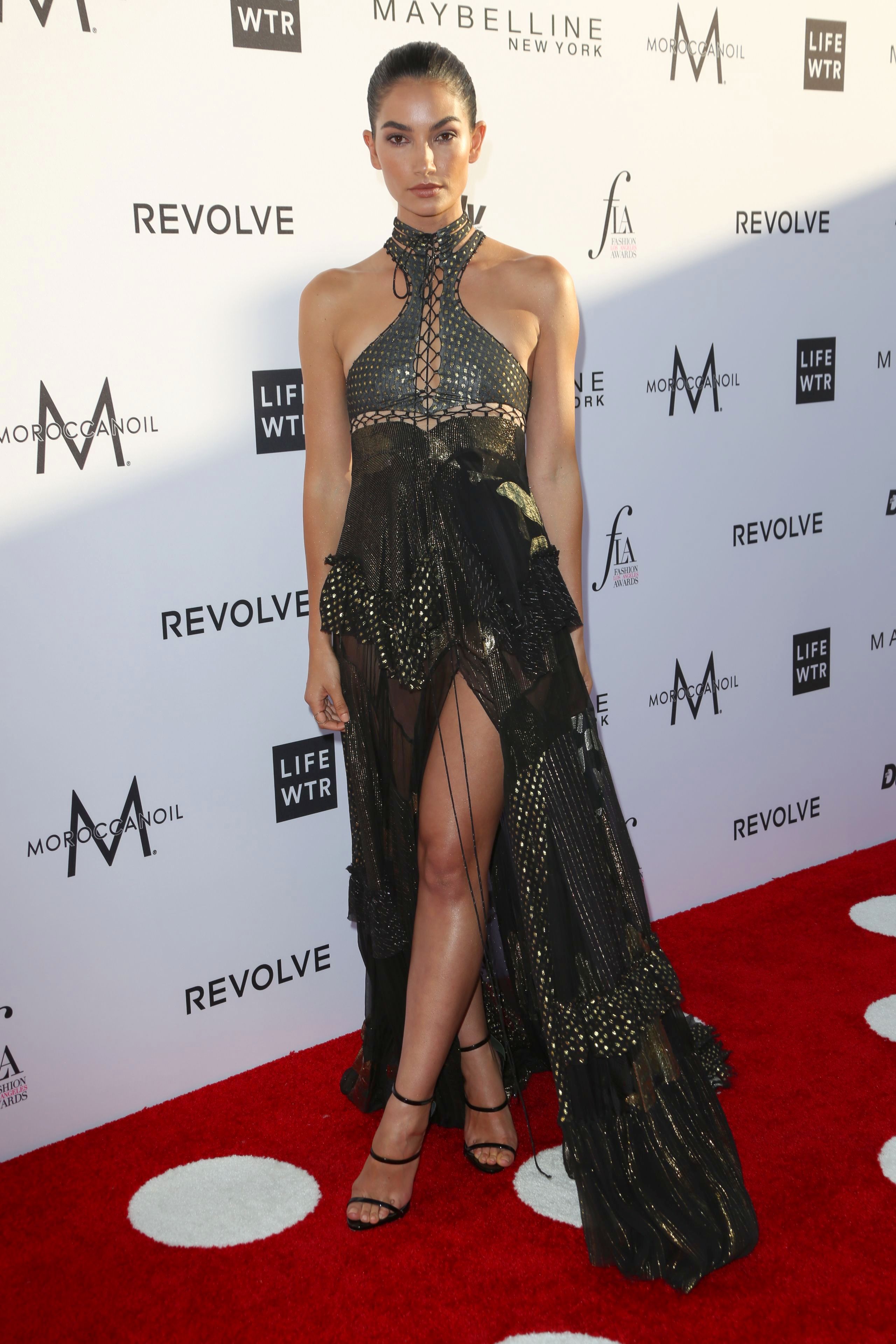
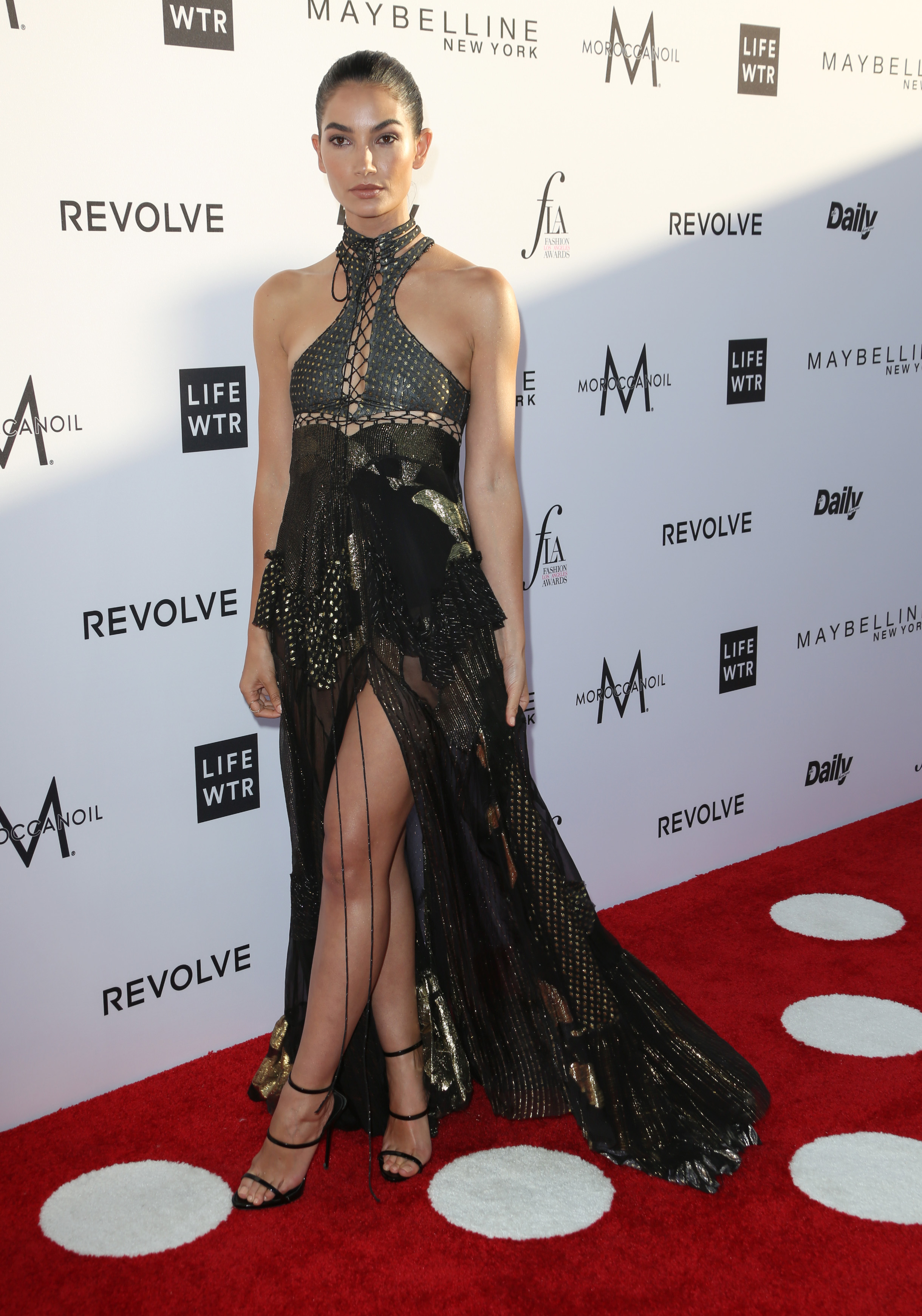
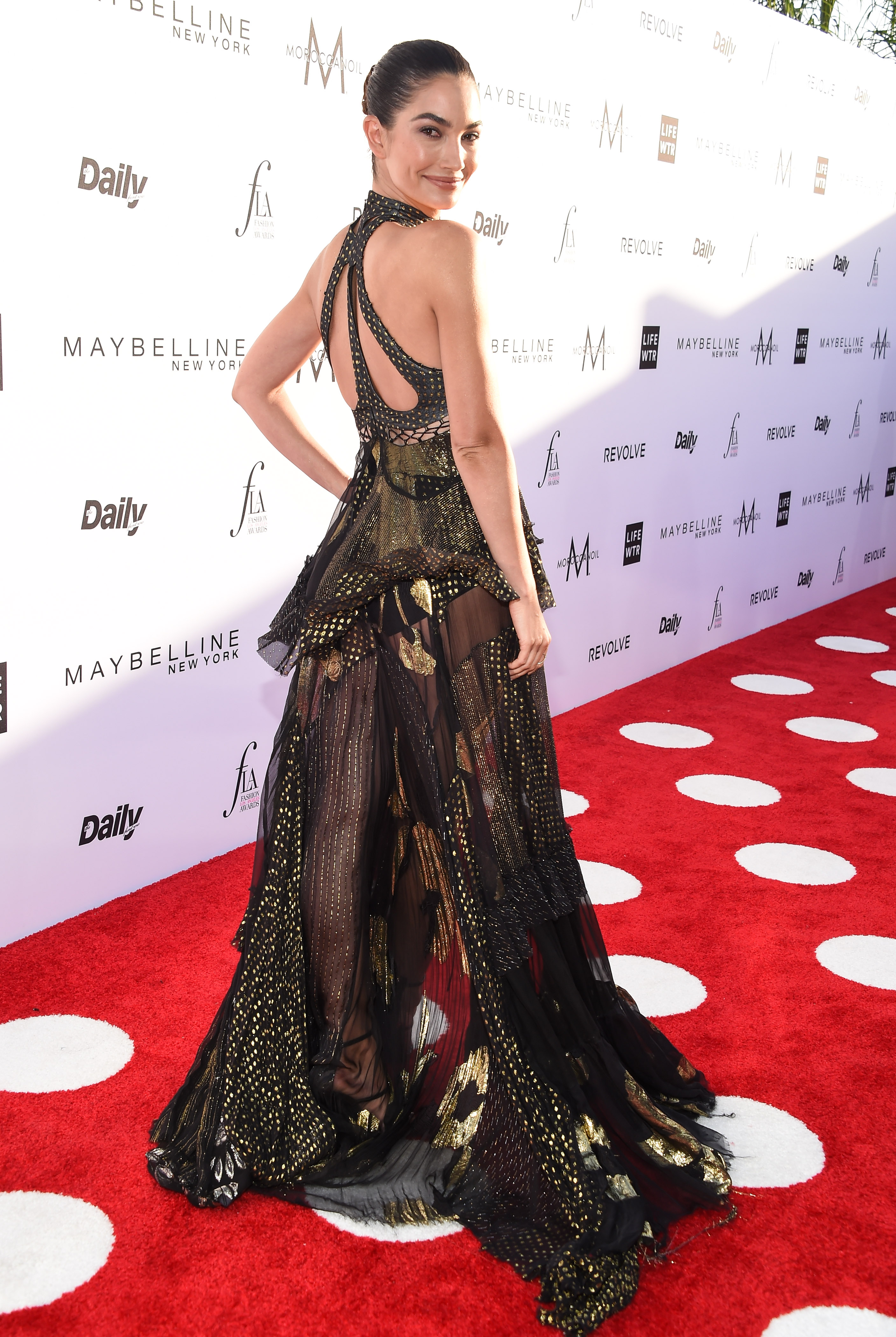
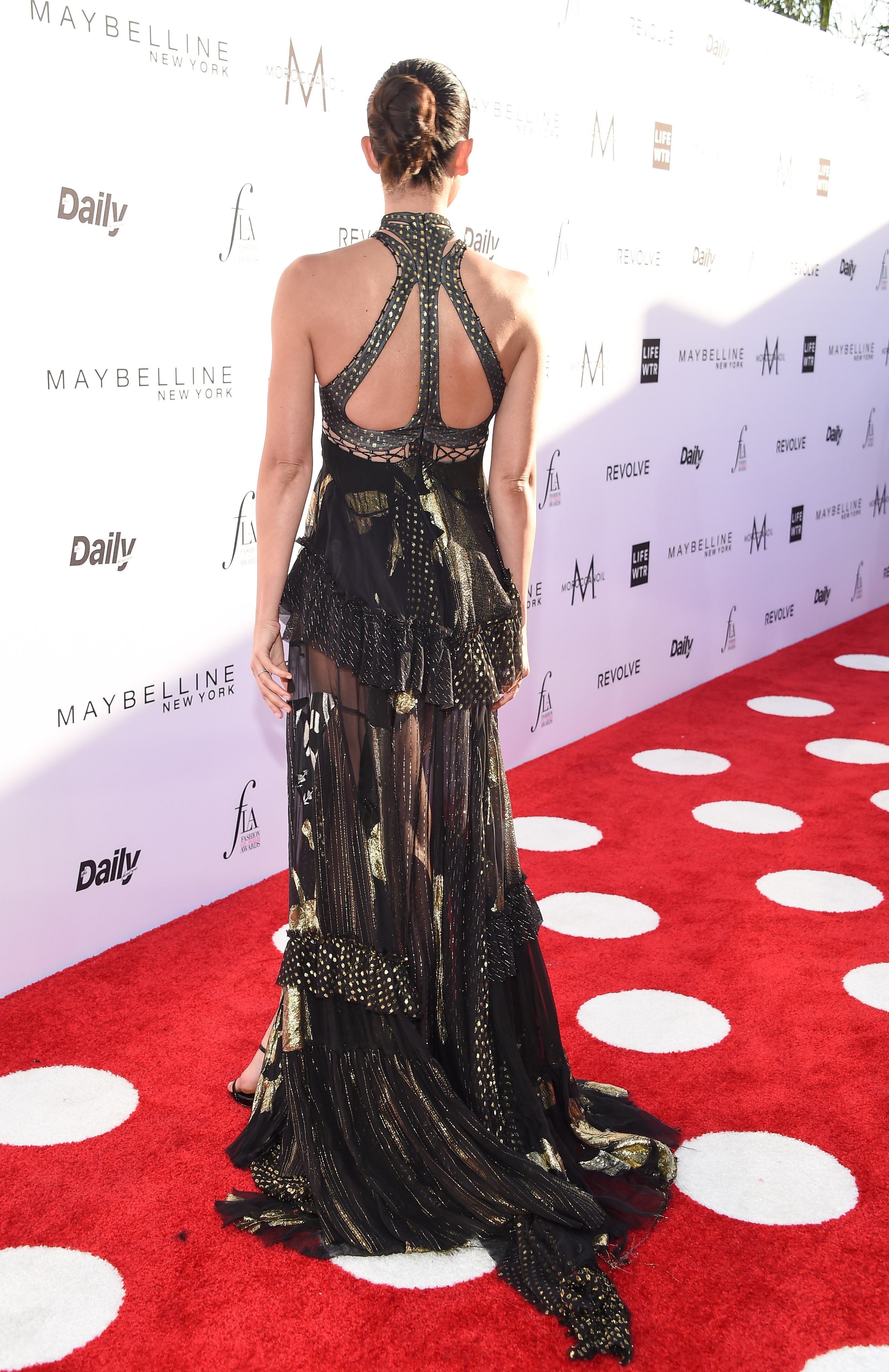
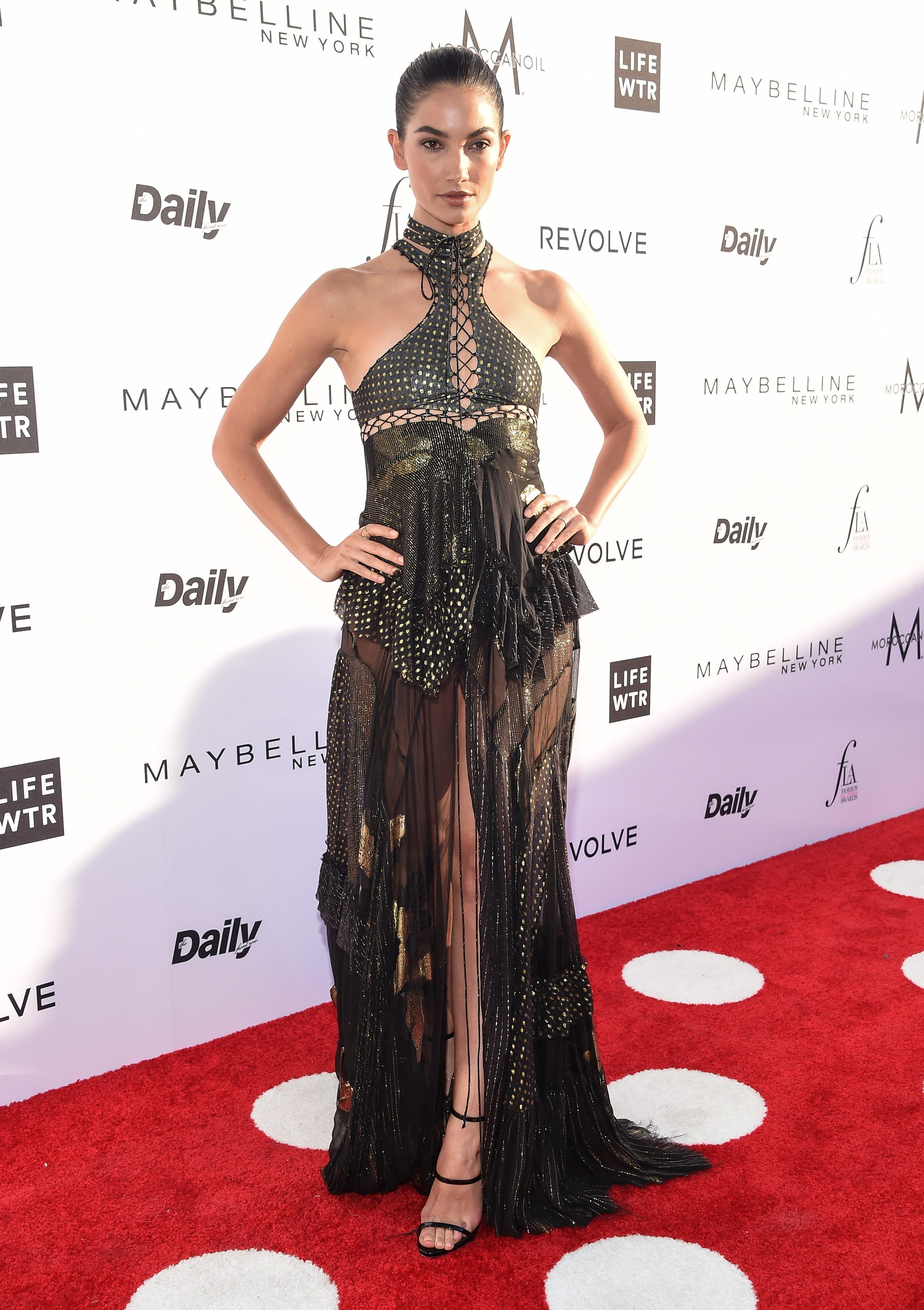
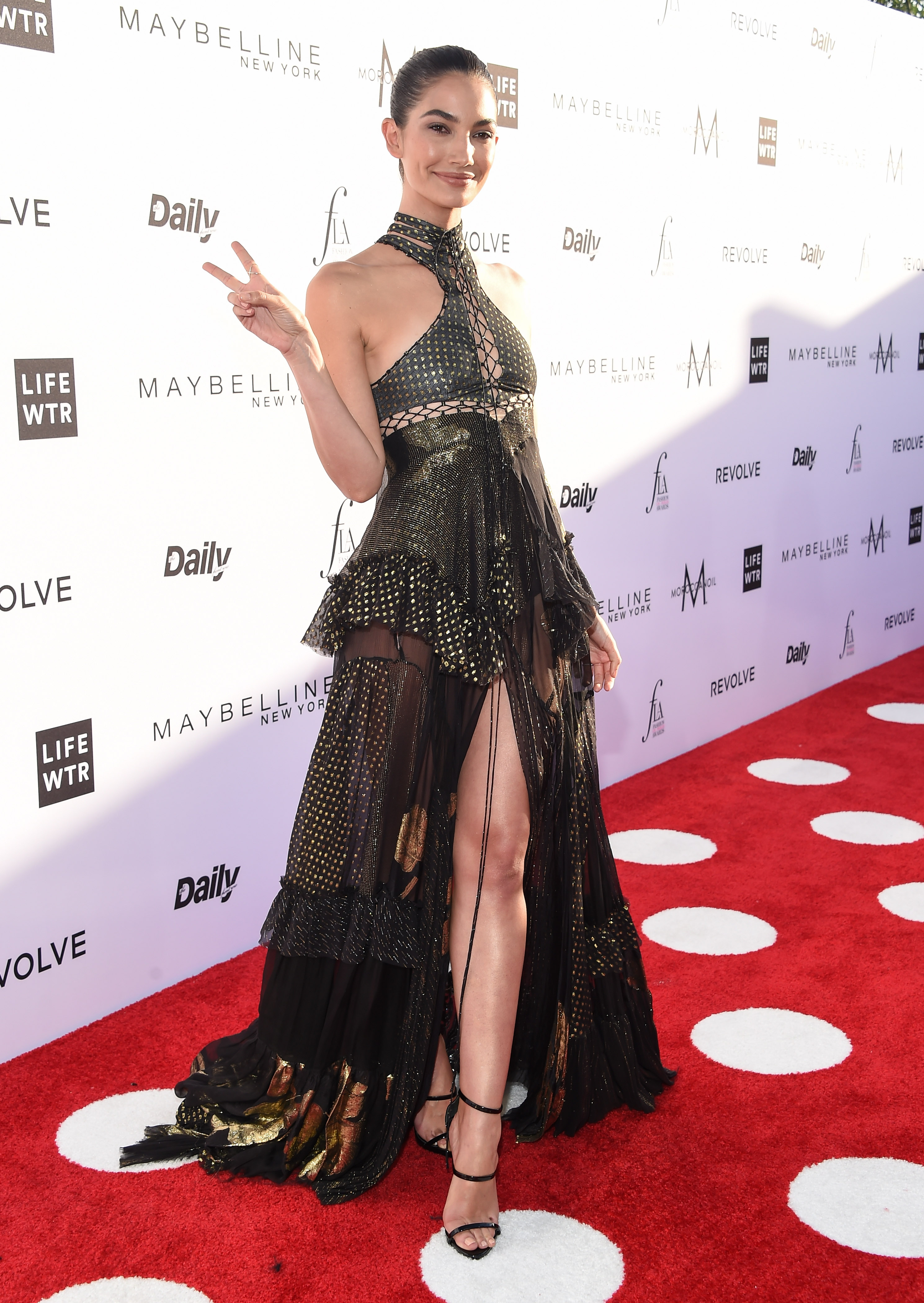
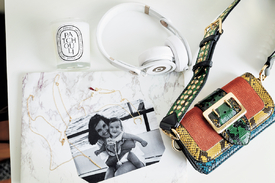 I'm so excited for this!





























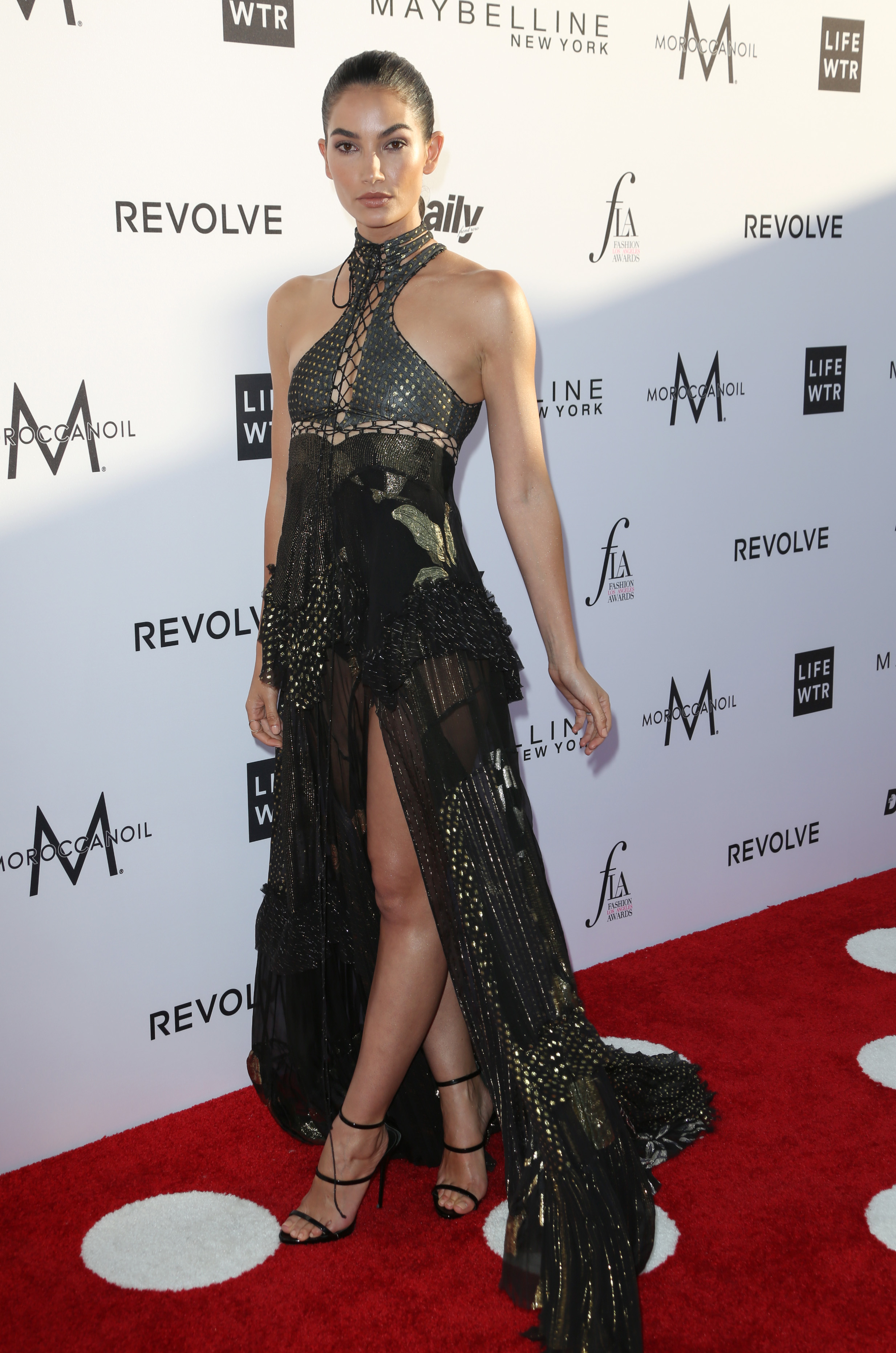
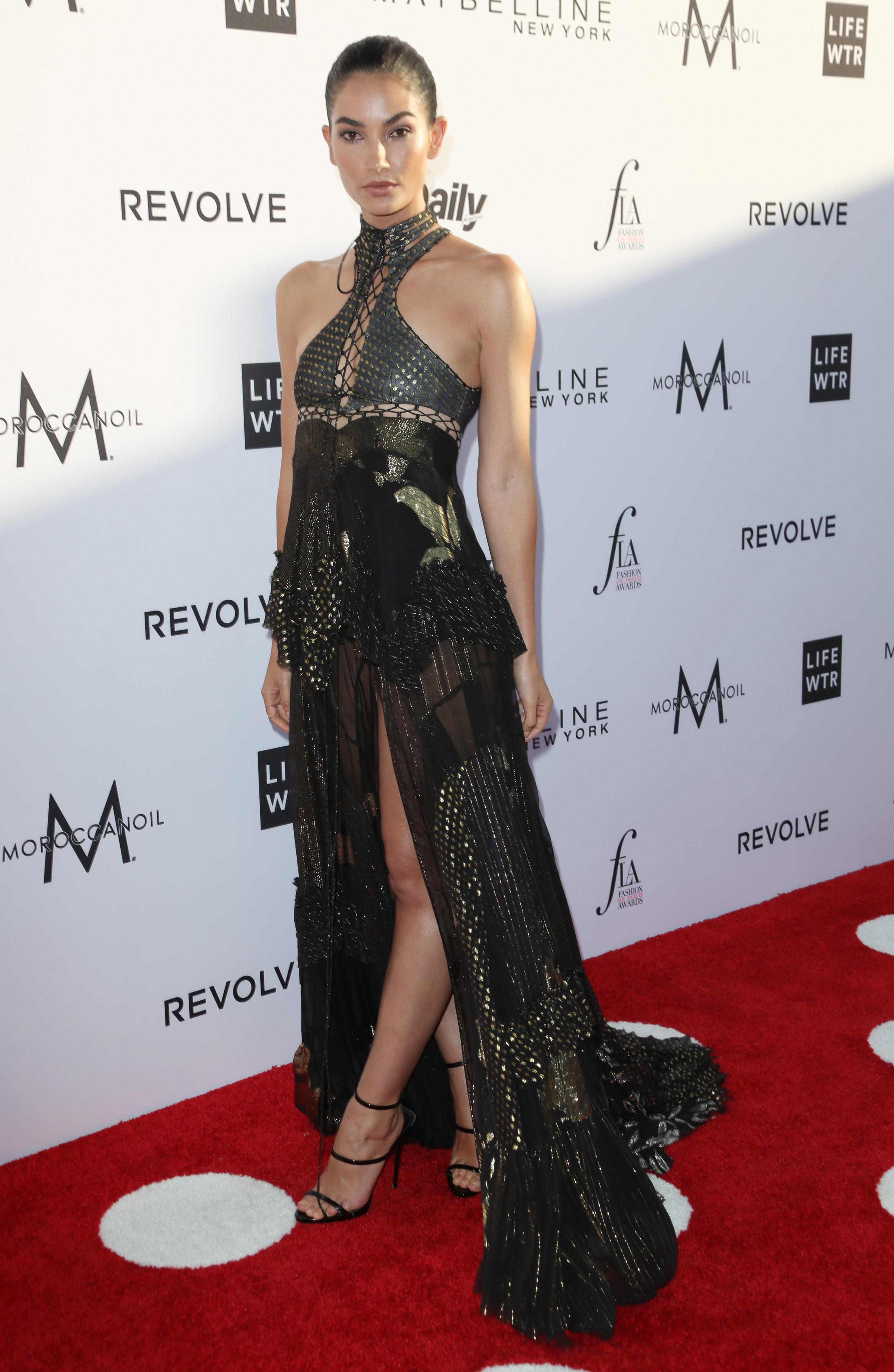
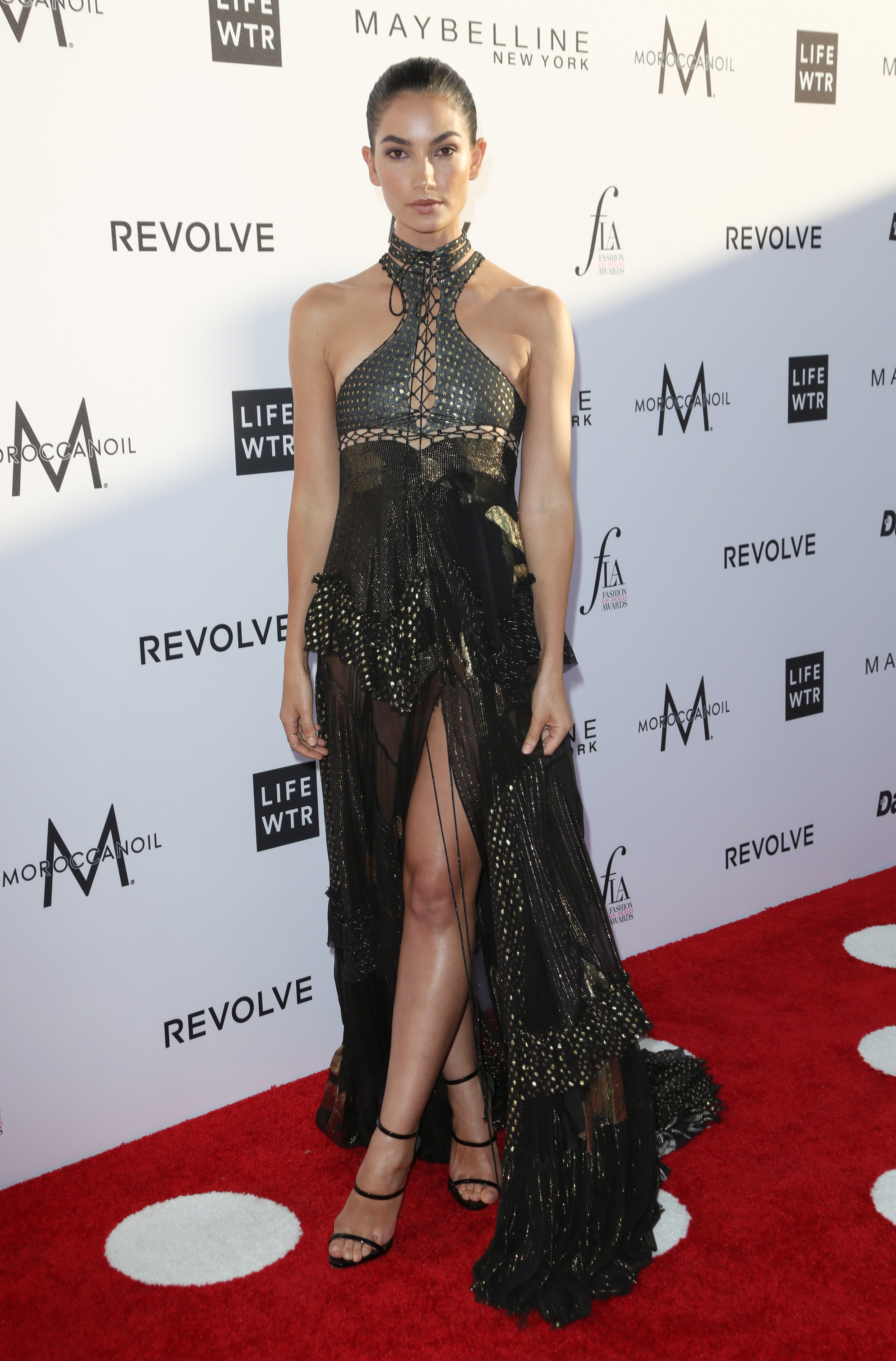
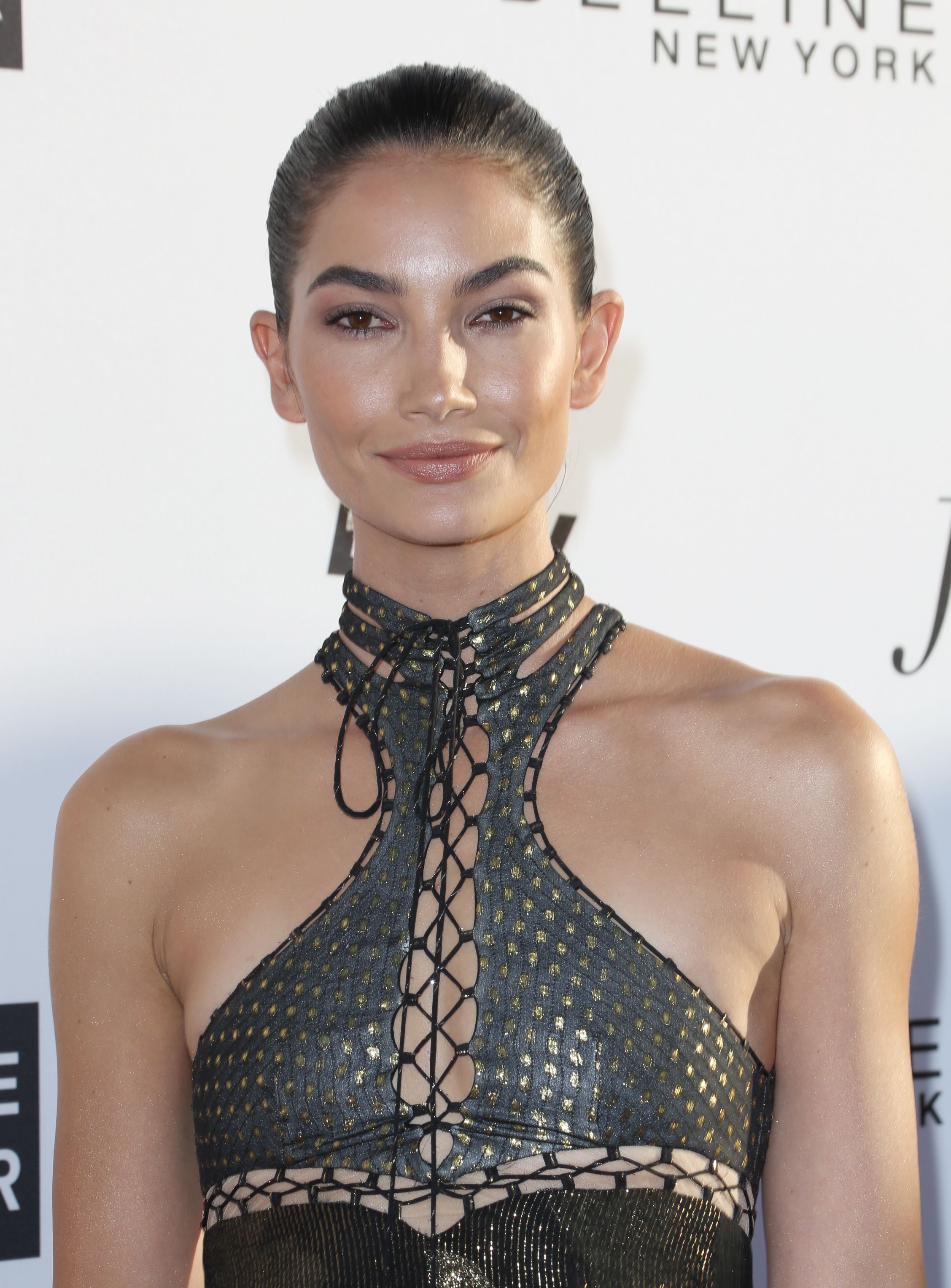


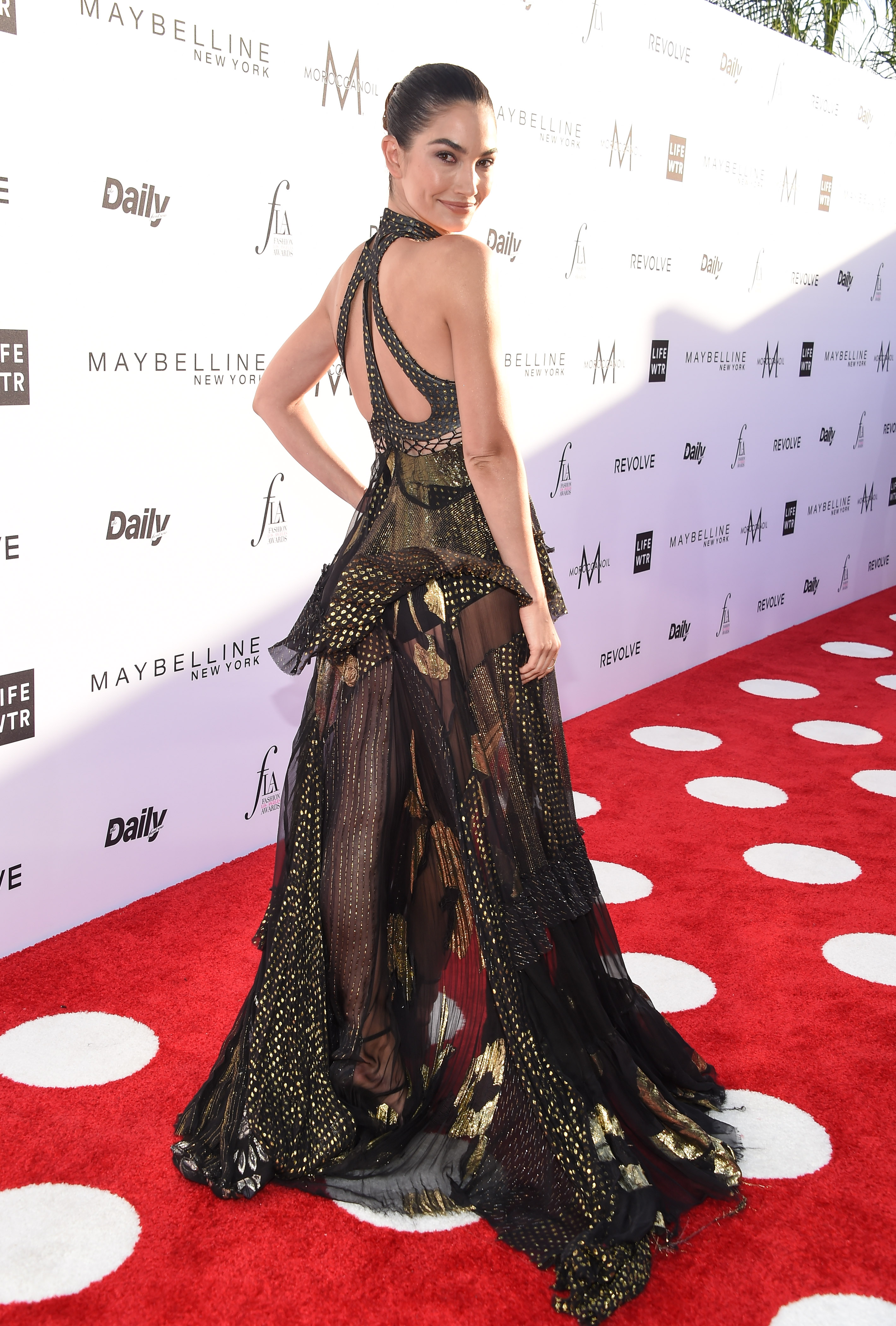
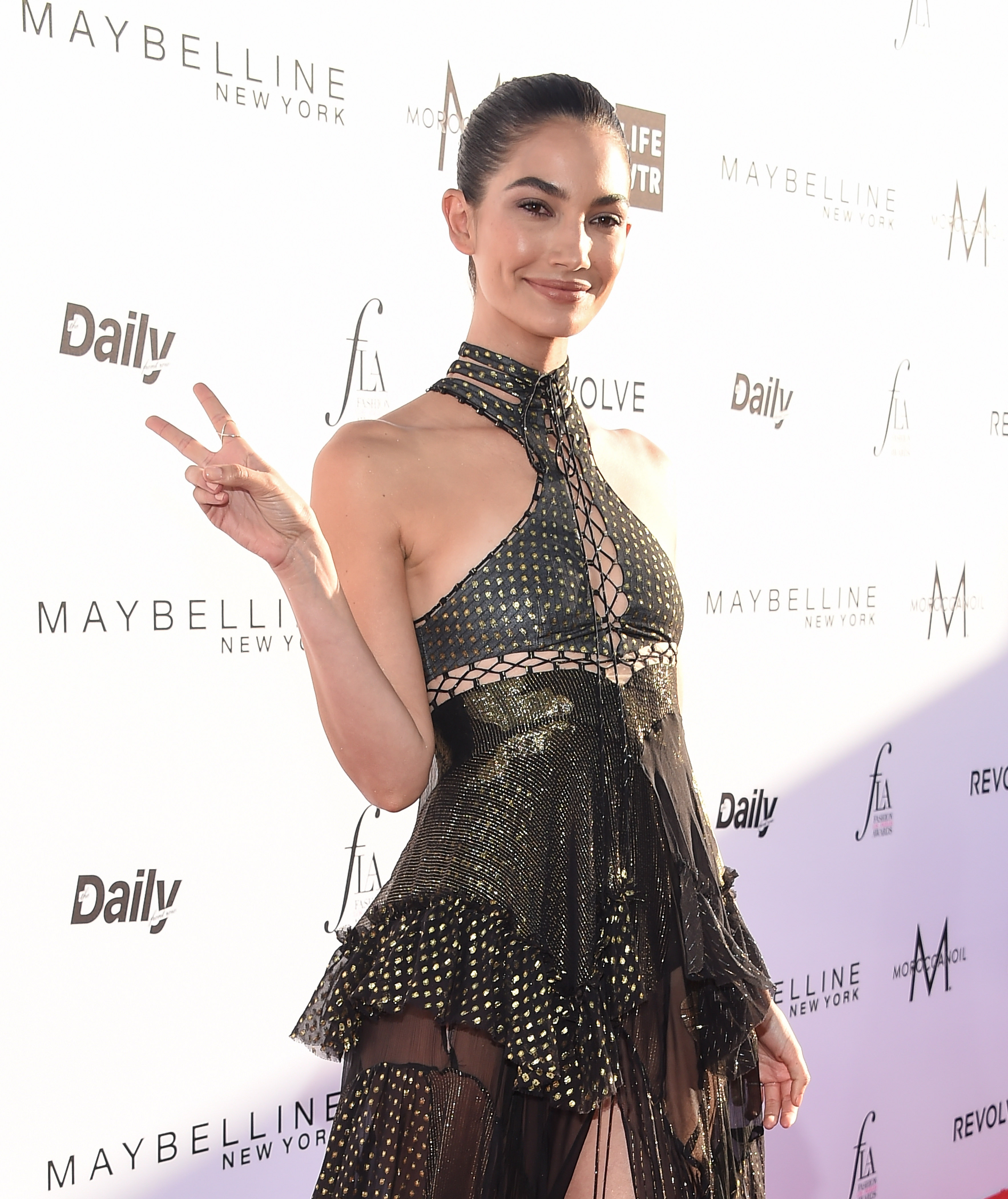
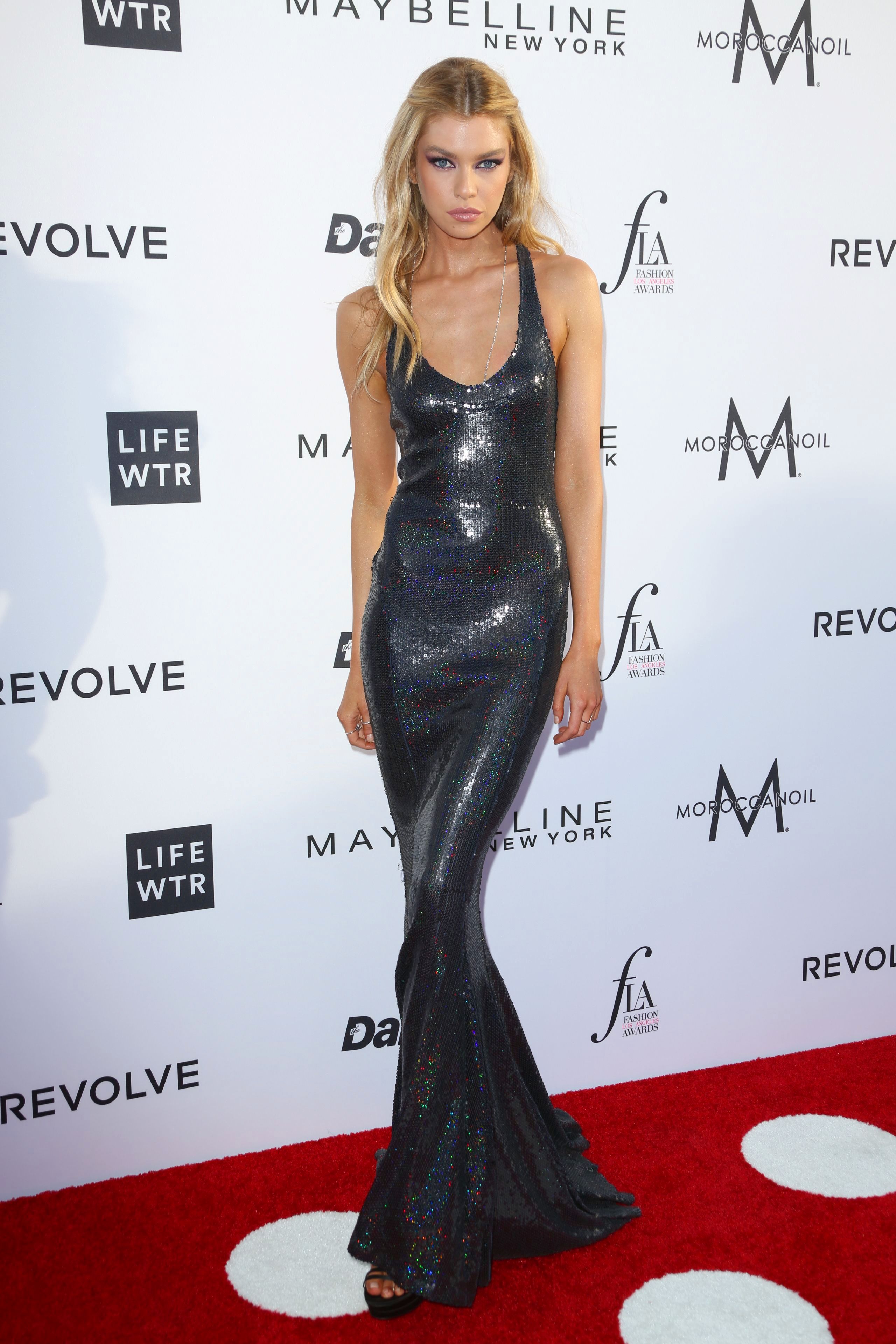
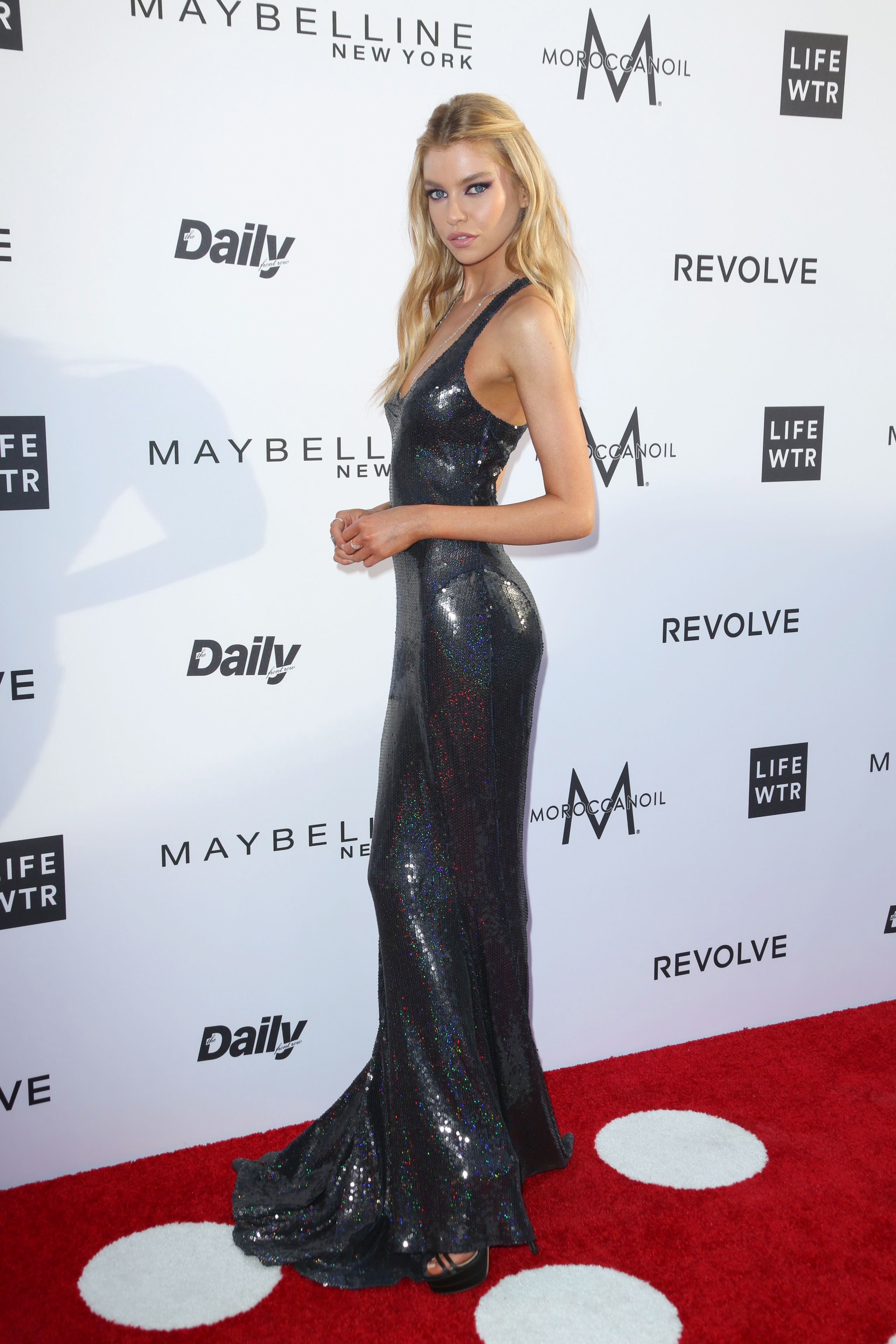
























Account
Navigation
Search
Configure browser push notifications
Chrome (Android)
- Tap the lock icon next to the address bar.
- Tap Permissions → Notifications.
- Adjust your preference.
Chrome (Desktop)
- Click the padlock icon in the address bar.
- Select Site settings.
- Find Notifications and adjust your preference.
Safari (iOS 16.4+)
- Ensure the site is installed via Add to Home Screen.
- Open Settings App → Notifications.
- Find your app name and adjust your preference.
Safari (macOS)
- Go to Safari → Preferences.
- Click the Websites tab.
- Select Notifications in the sidebar.
- Find this website and adjust your preference.
Edge (Android)
- Tap the lock icon next to the address bar.
- Tap Permissions.
- Find Notifications and adjust your preference.
Edge (Desktop)
- Click the padlock icon in the address bar.
- Click Permissions for this site.
- Find Notifications and adjust your preference.
Firefox (Android)
- Go to Settings → Site permissions.
- Tap Notifications.
- Find this site in the list and adjust your preference.
Firefox (Desktop)
- Open Firefox Settings.
- Search for Notifications.
- Find this site in the list and adjust your preference.