

Weasel79
Members
-
Joined
-
Last visited
Everything posted by Weasel79
-
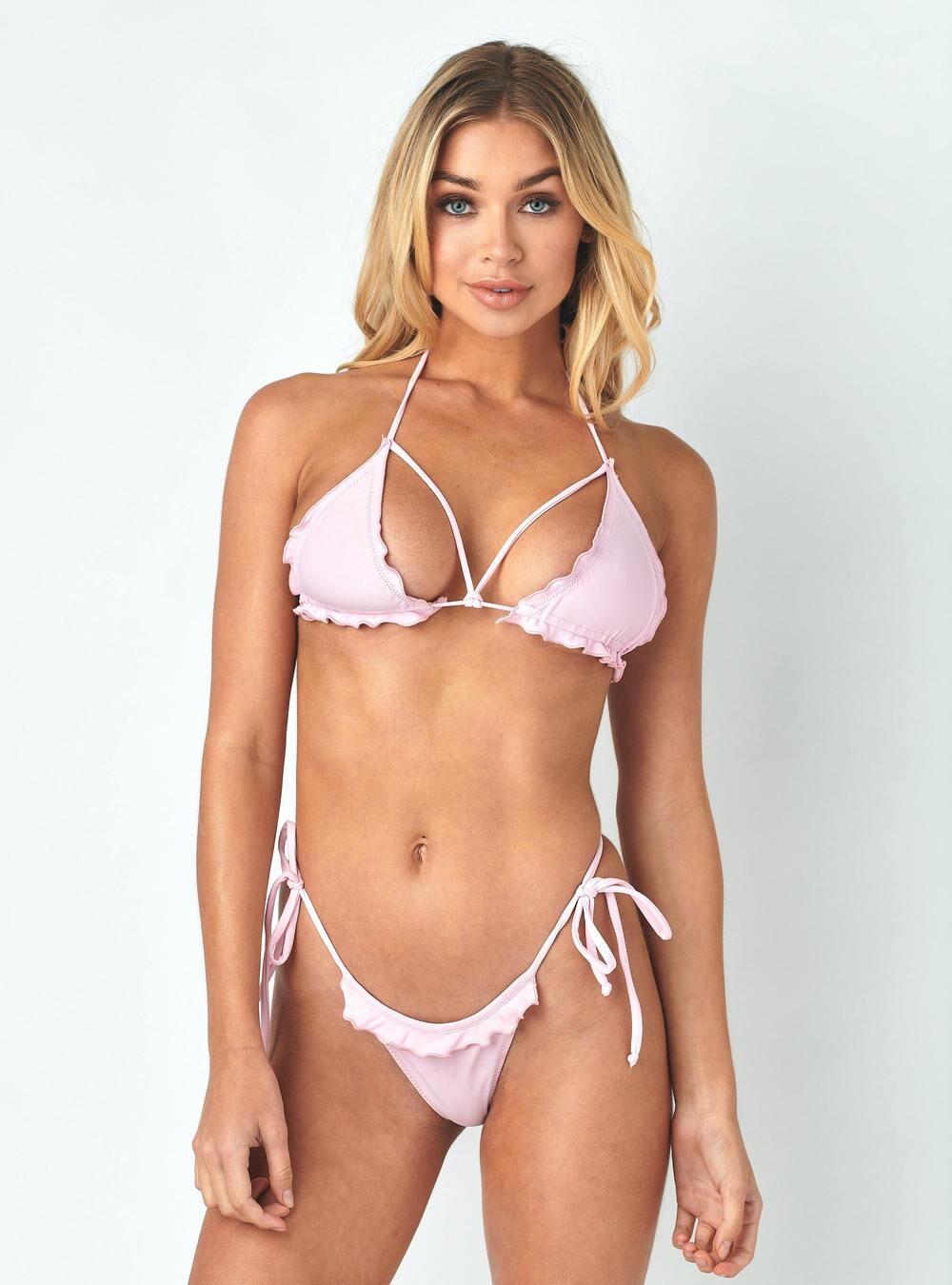
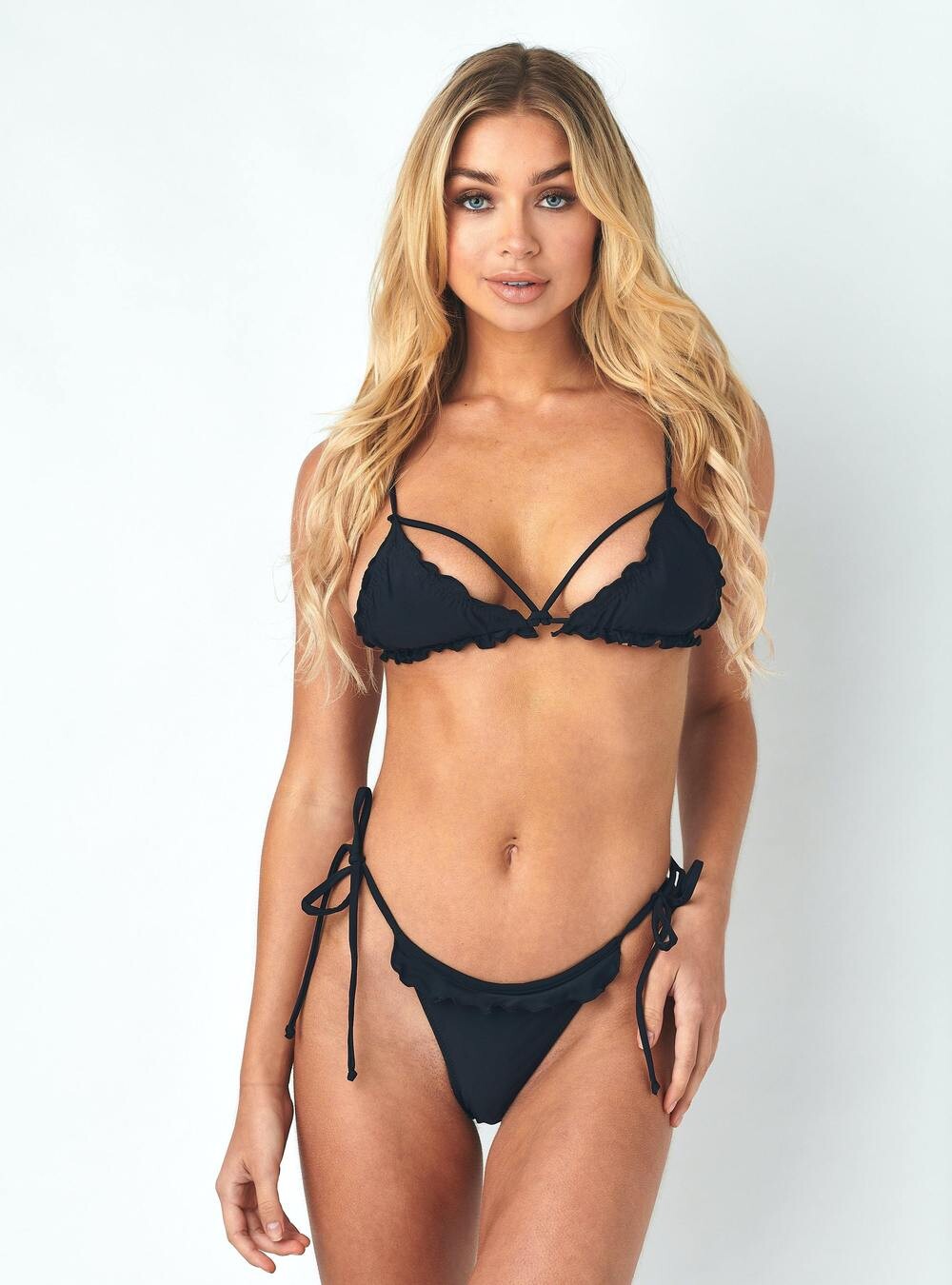
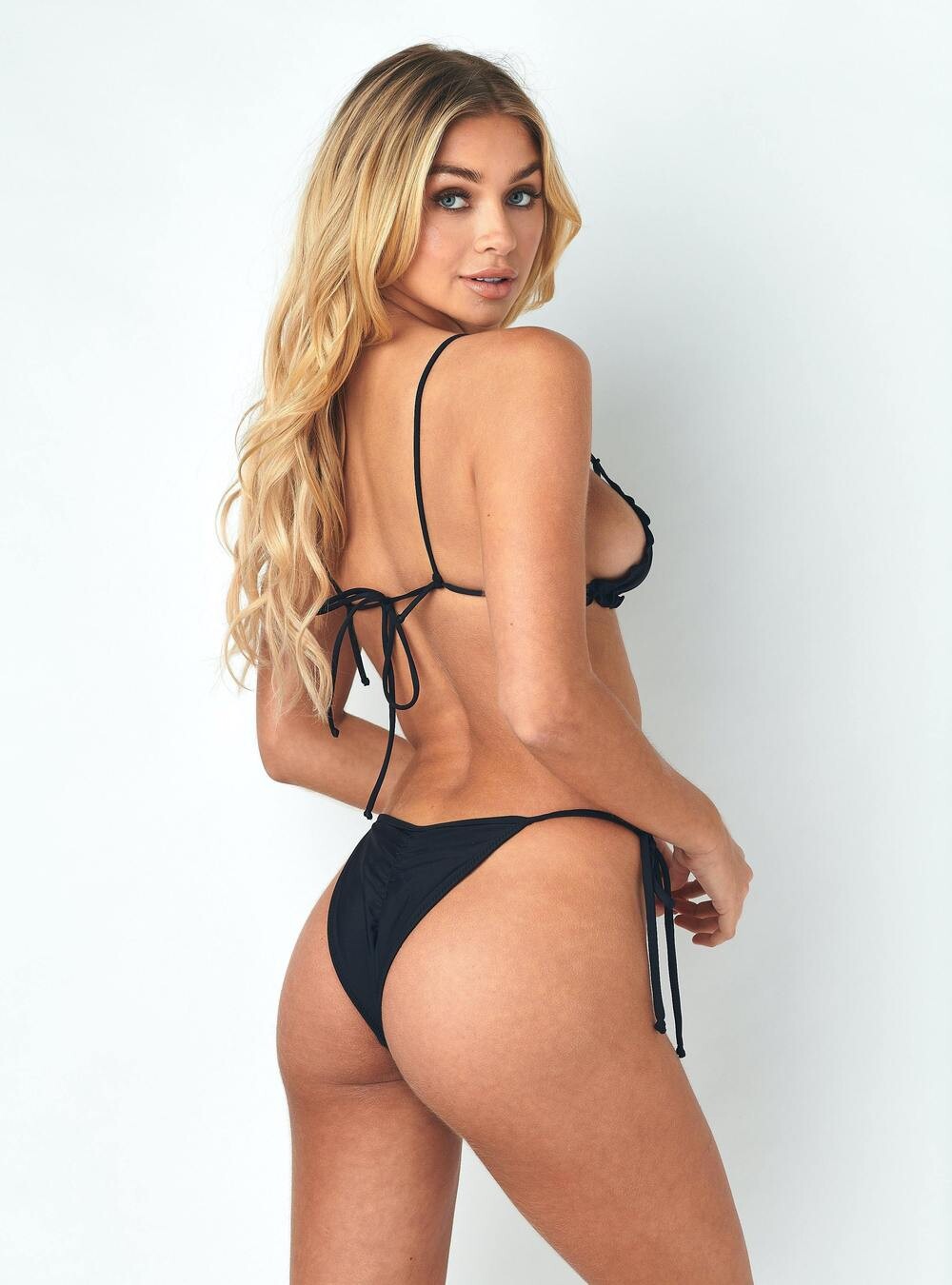
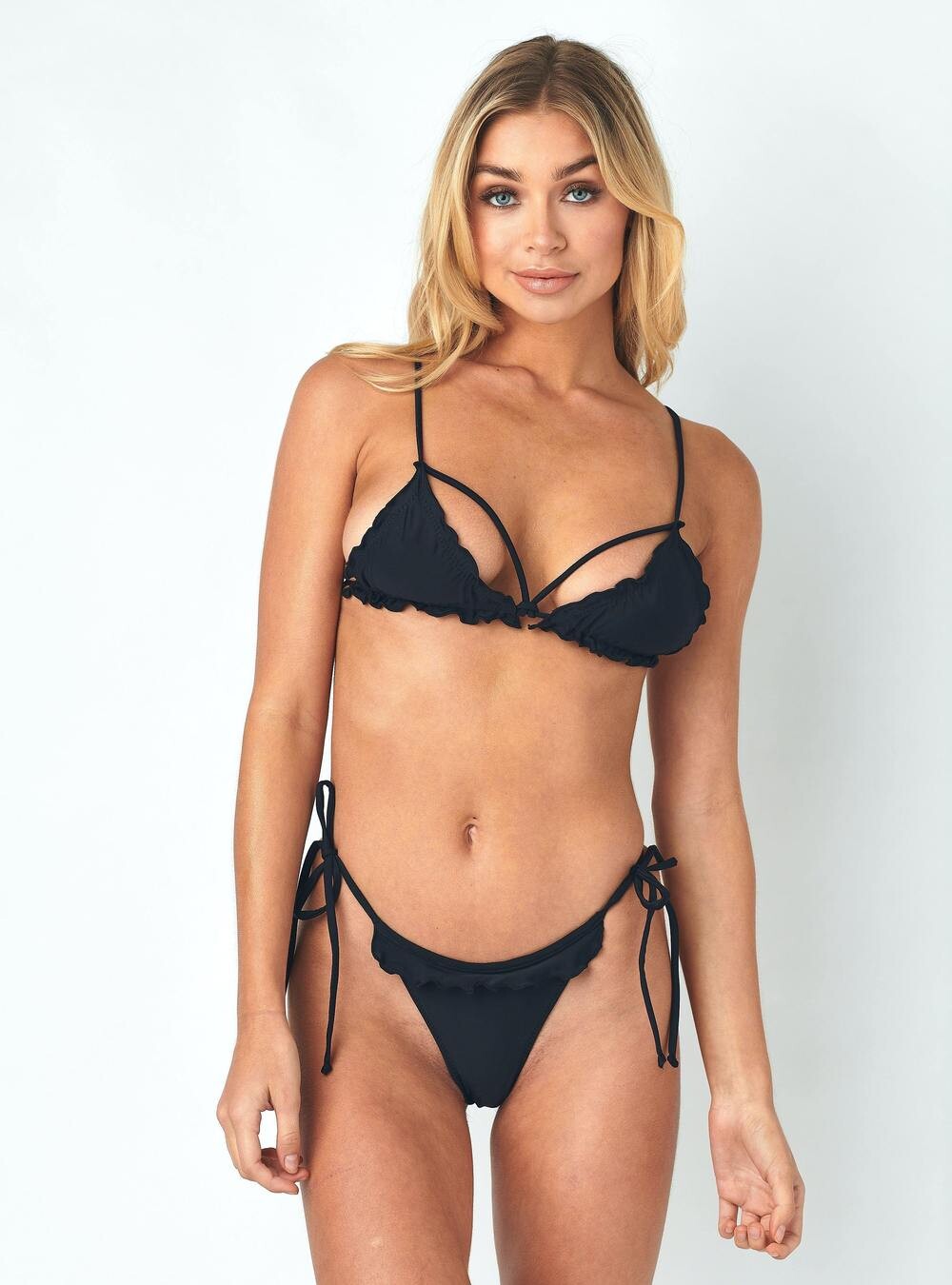
download-1.mp4 download.mp4 271180869_958895668082318_2772065945808181523_n.mp4 271317993_1340973562991405_7126197011829556090_n.mp4 270325447_515440272926368_4508742990414947667_n.mp4 270368600_2699526160356853_2691995993166594548_n.mp4Bikini crush swimwear 266857406_338144411469524_1604322822014595598_n.mp4
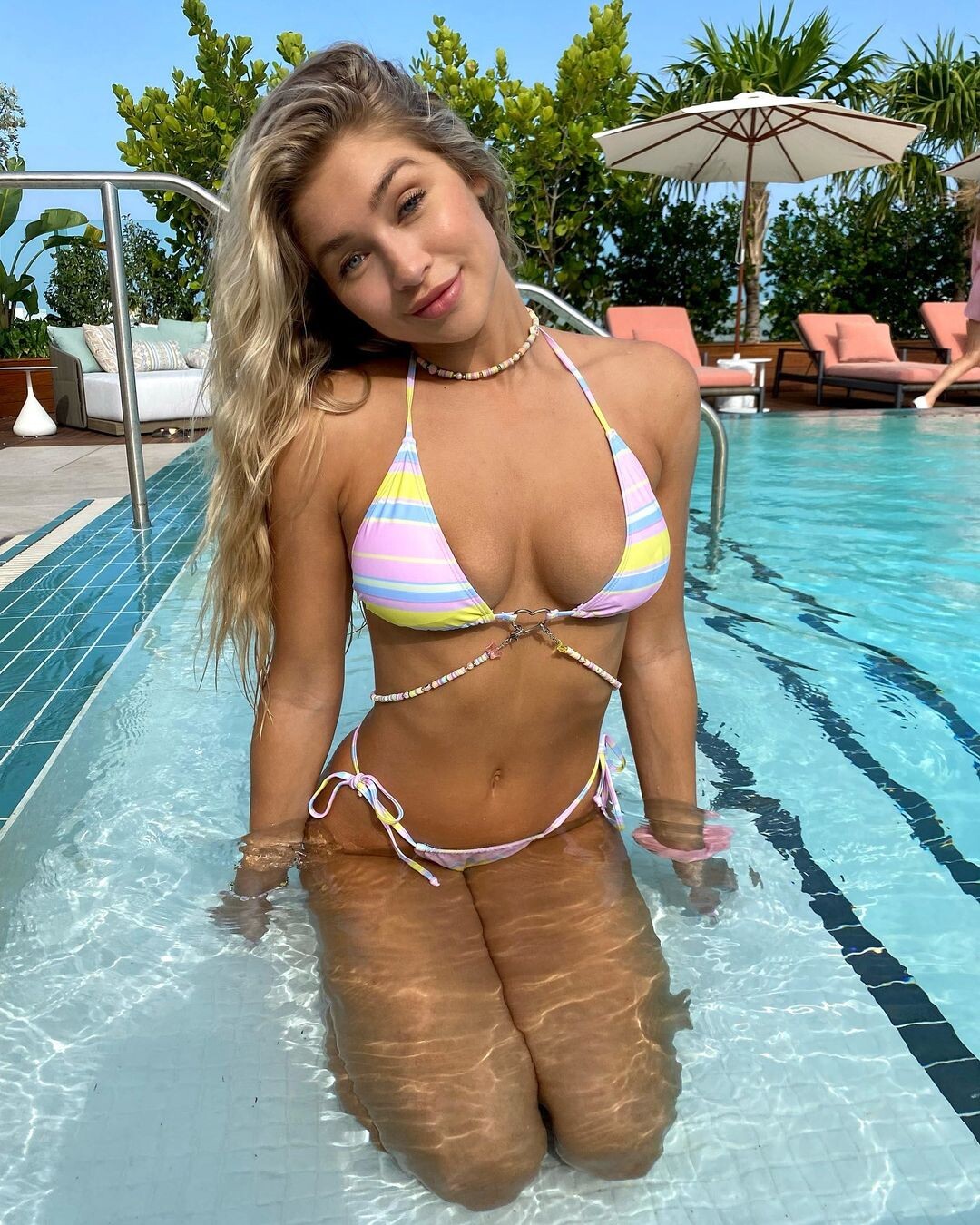
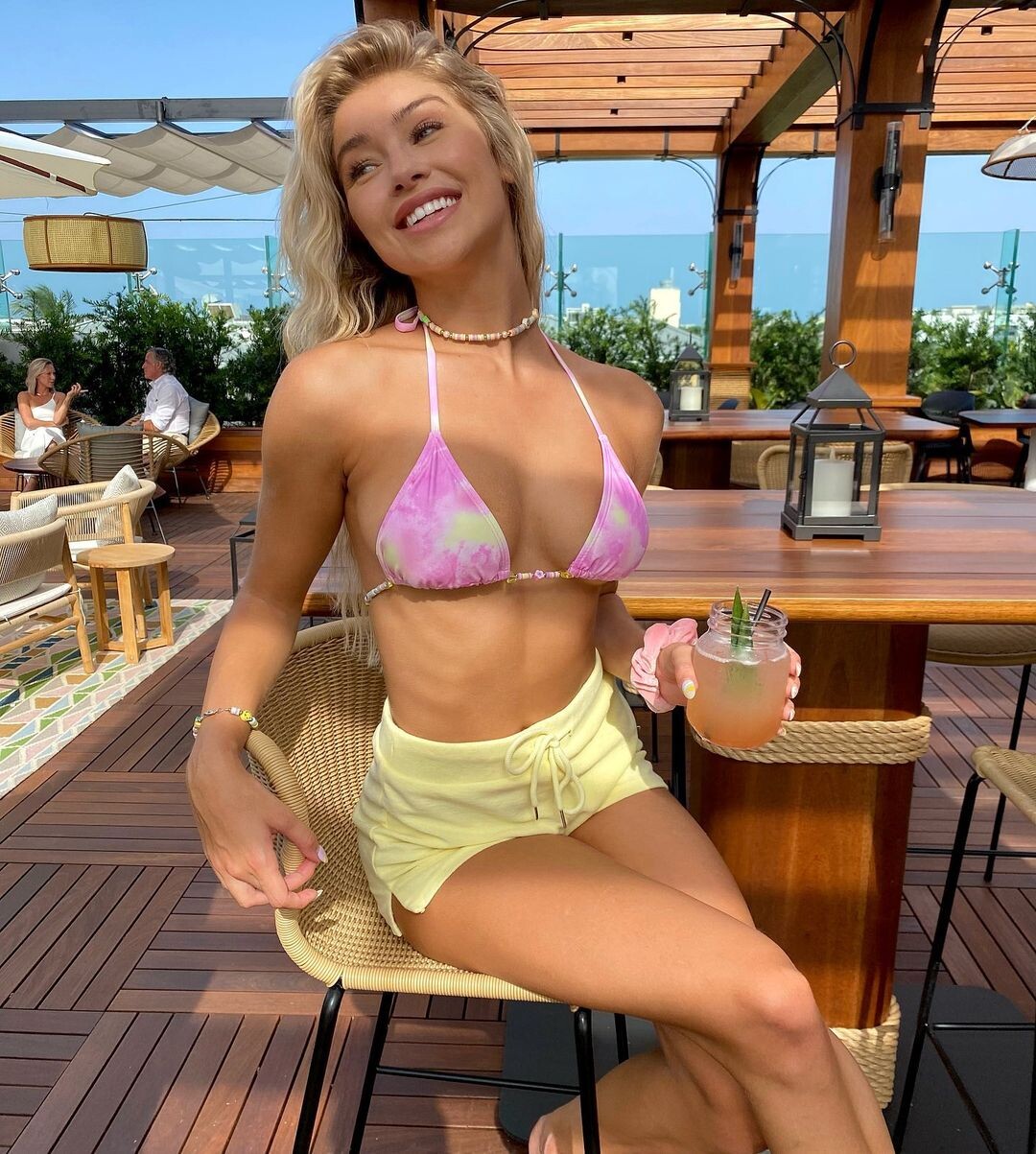
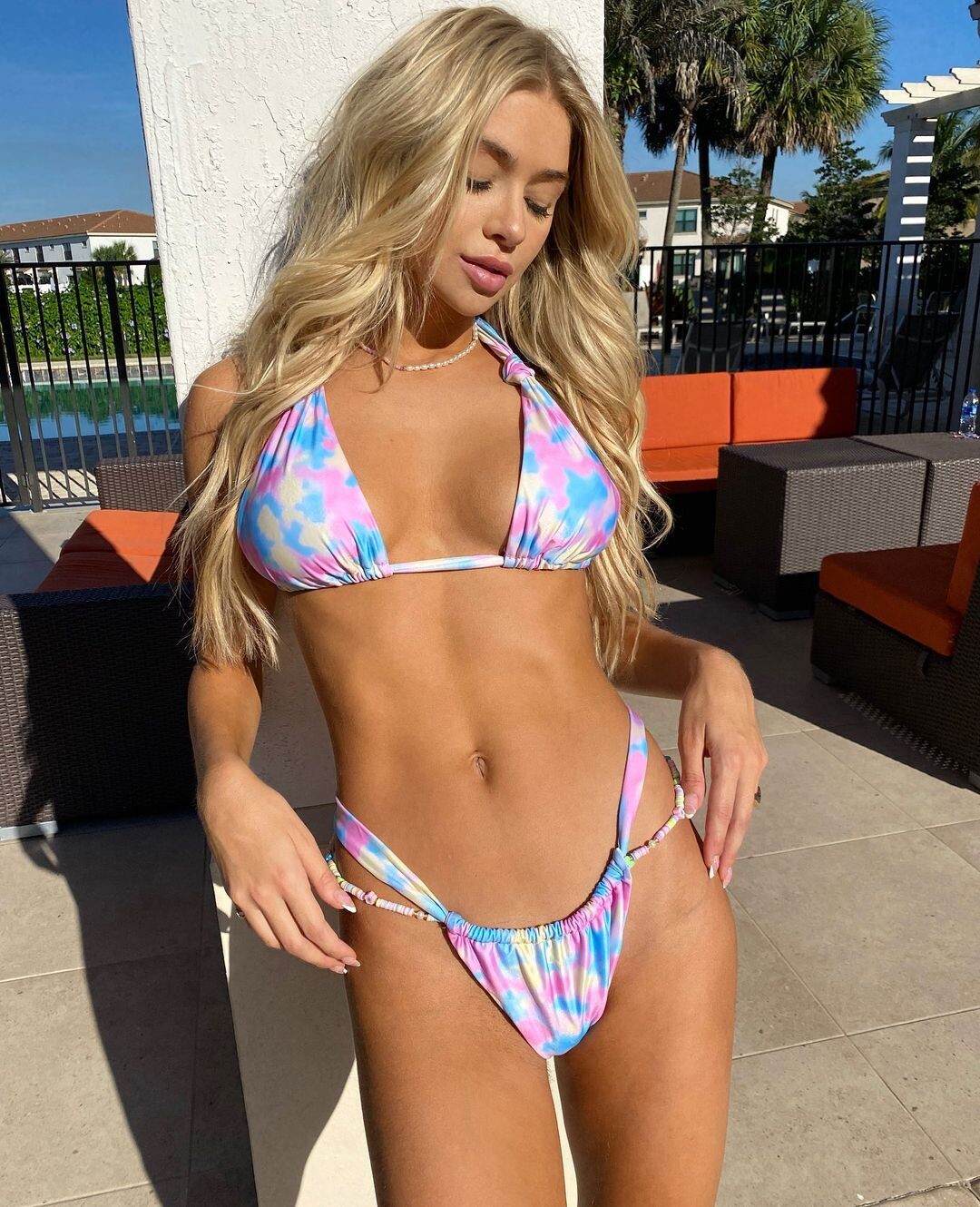
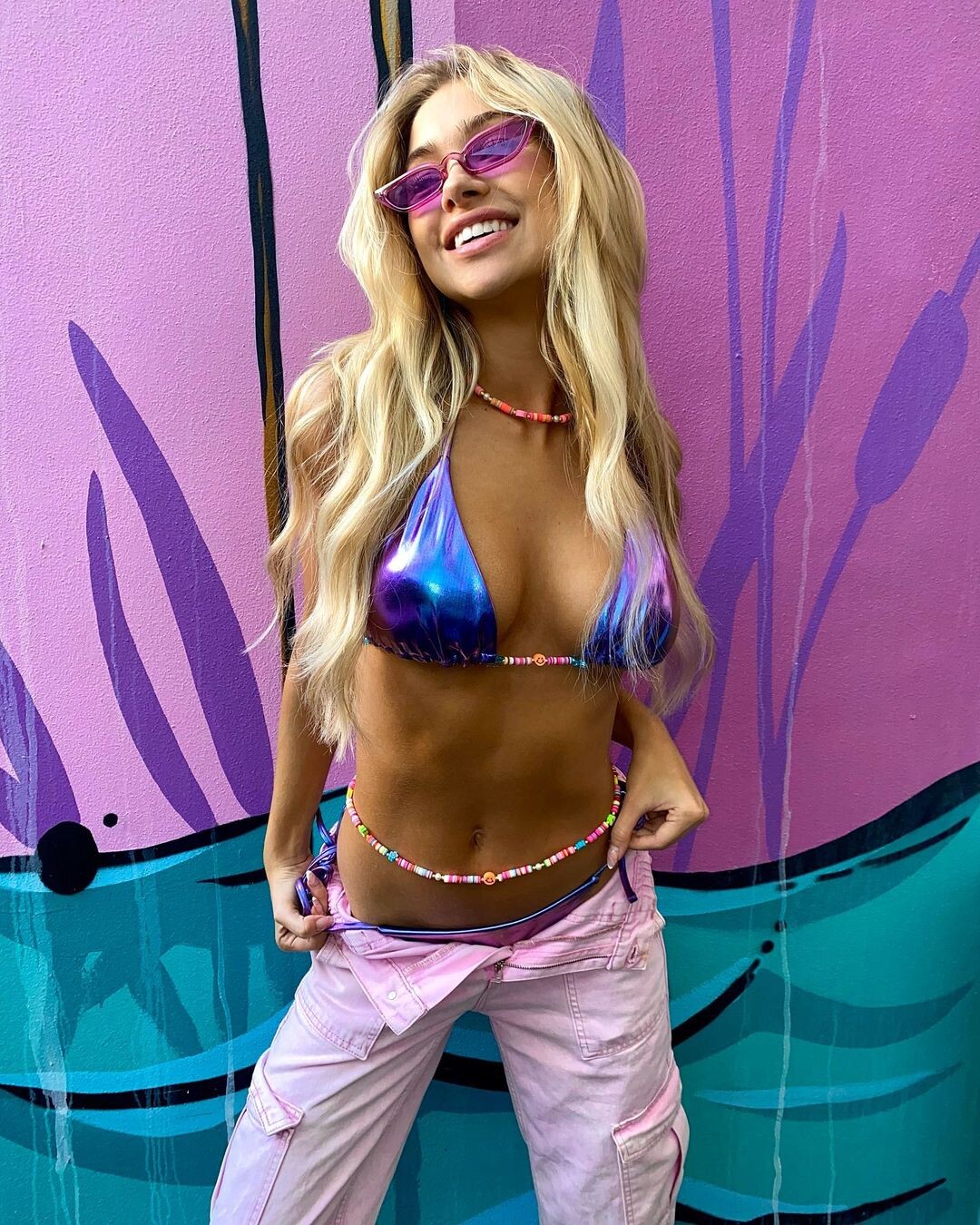
 Her and Taylor Hill are the best VS has right now.Yee haw!Bikini Crush Swim
 Already? Is it coming out in the winter again?Her hairstyle looks good in these picturesThat picture is amazing.Loving all the old Kathy Ireland stuff you find and post.I'm not saying she needs to have an Only Fans, but Carmella Rose has one and I think her career is similar to Celine's.That VS special feels like it's from a life time ago.I don't about trying to make them look unattractive, but I do think VS has changed something recently. Maggie still looks great, but Kelsey Merritt and Alana Felisberto's recent VS pics vs. a year or two ago are not as good. I don't know if it's make up, hair, lighting. Maybe they are going for less of a super model look and more every day woman?No way

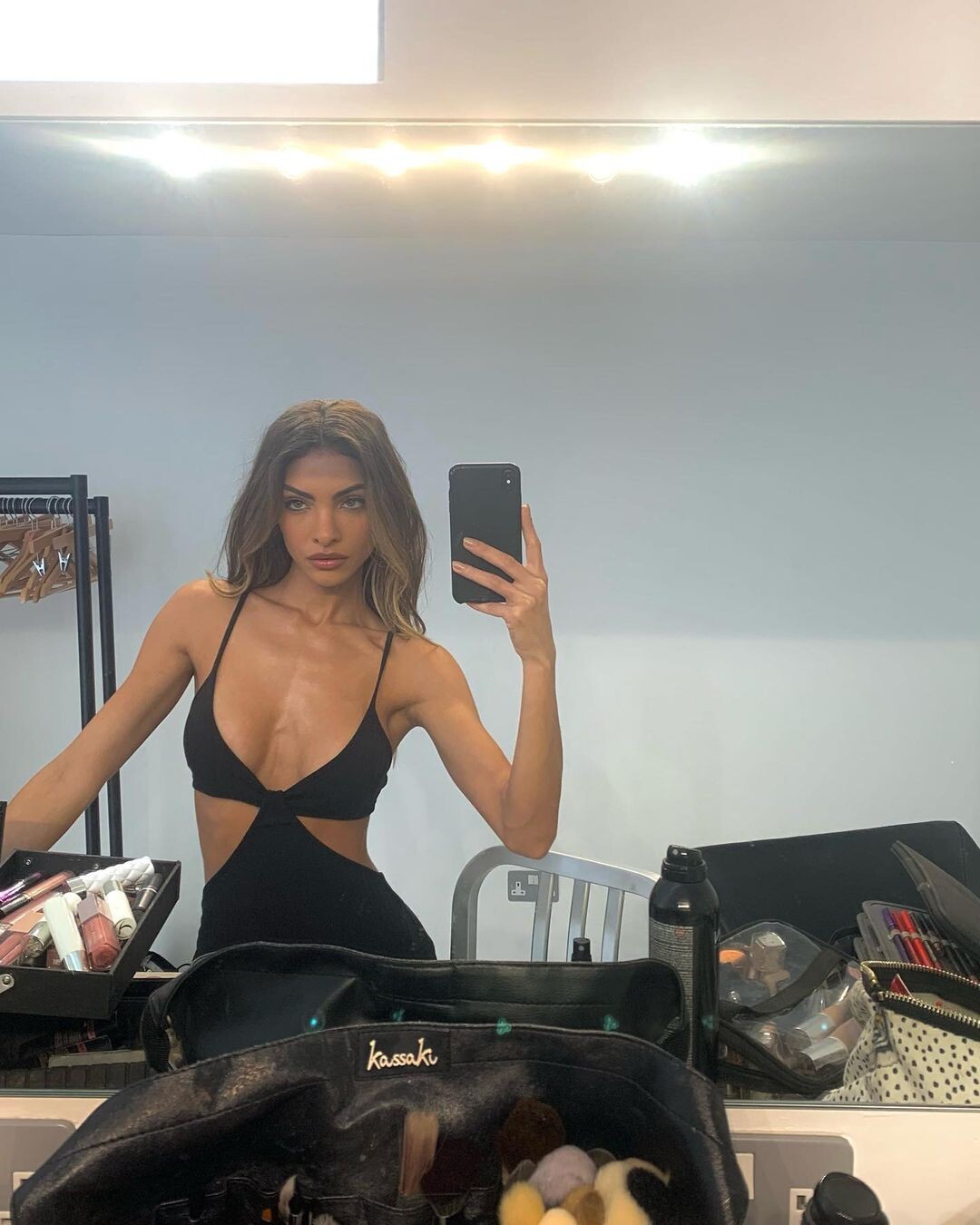










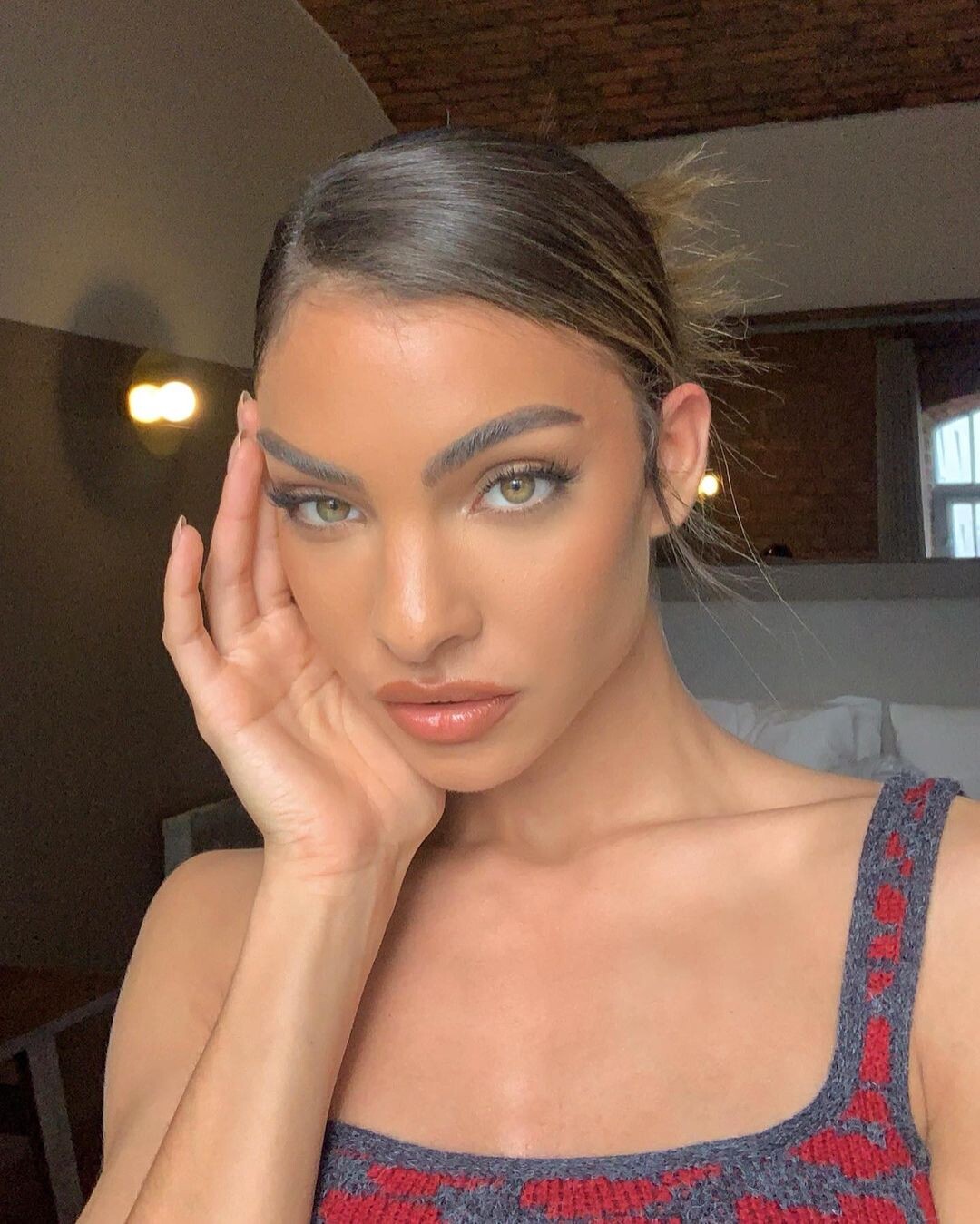









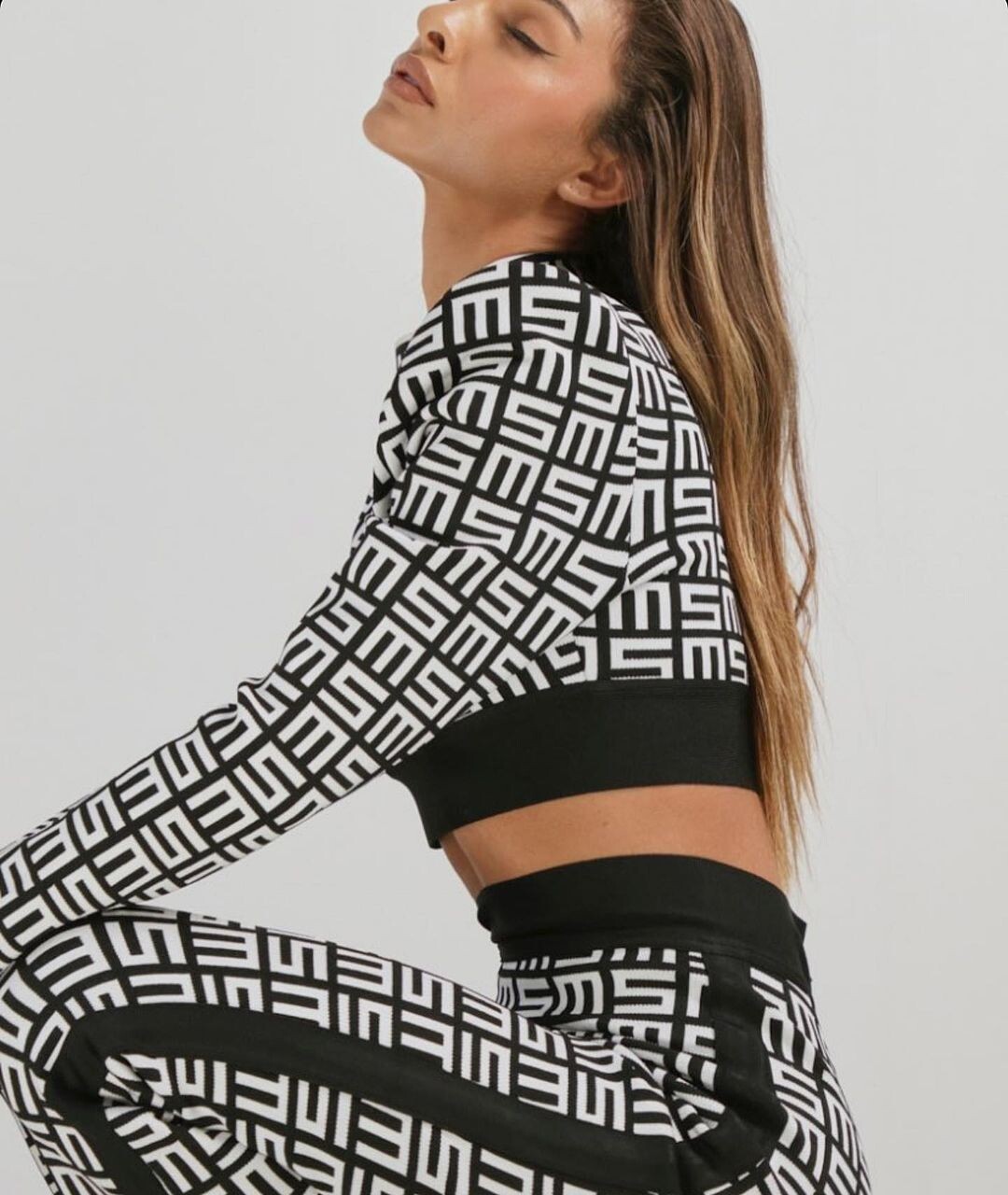



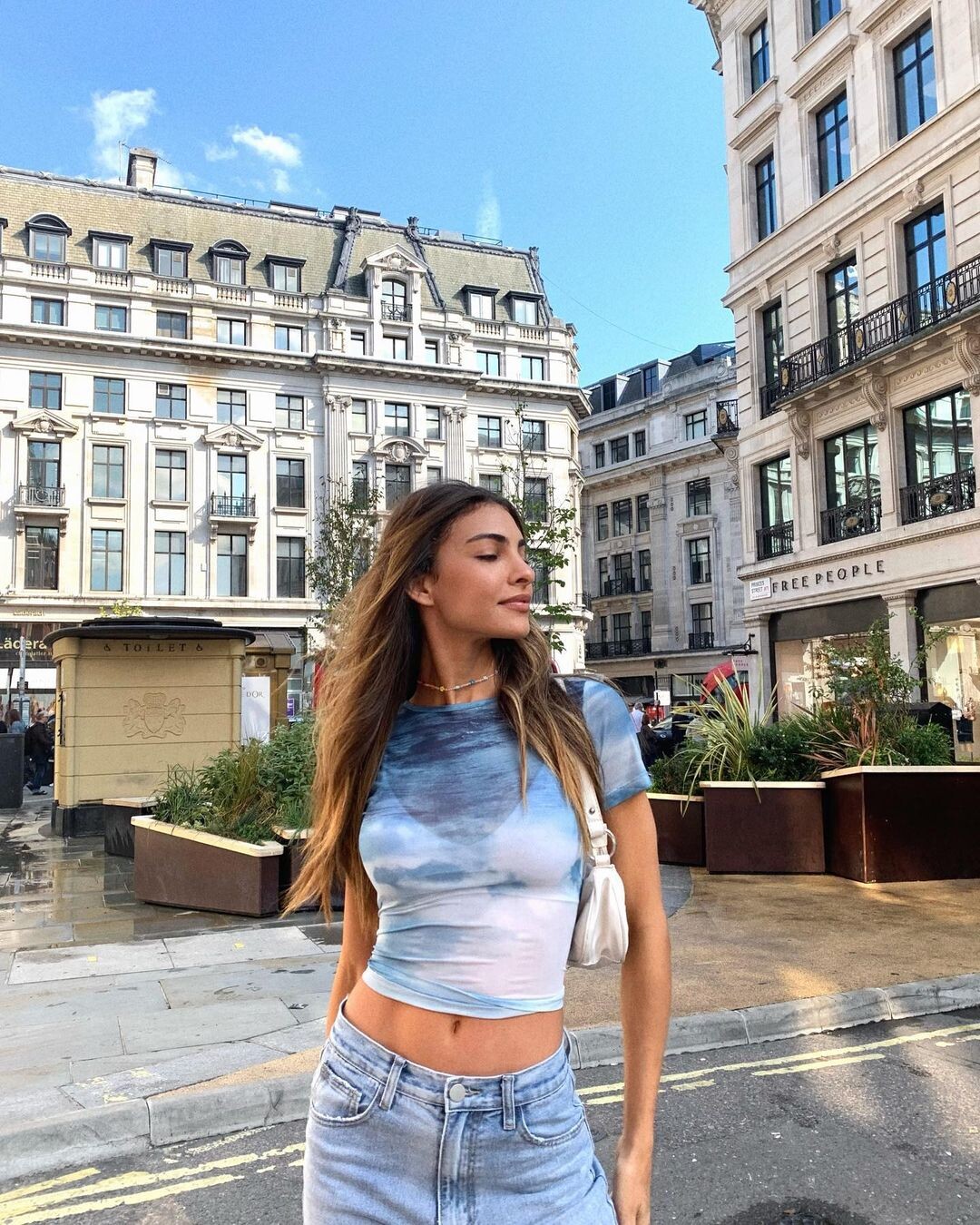





































































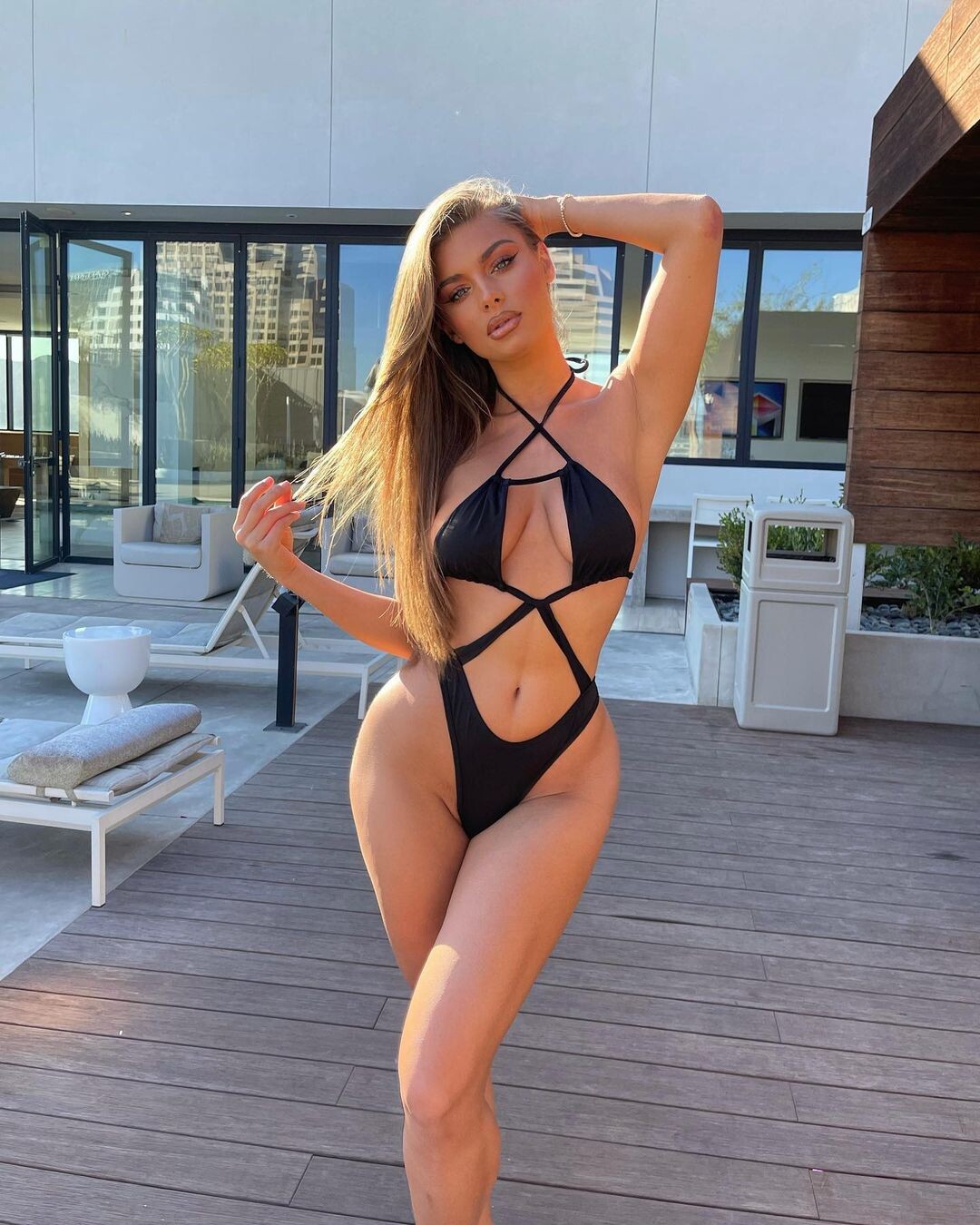



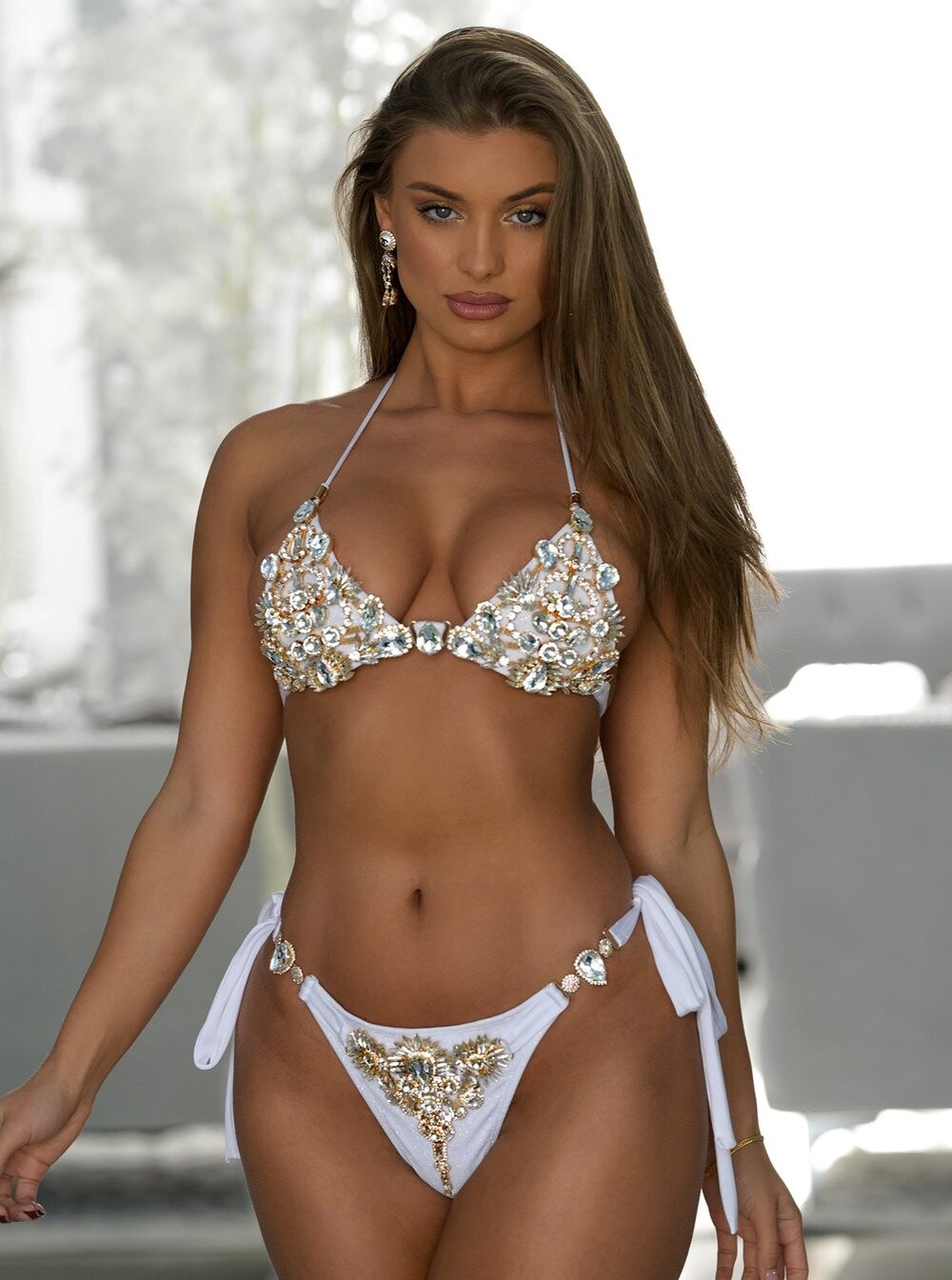
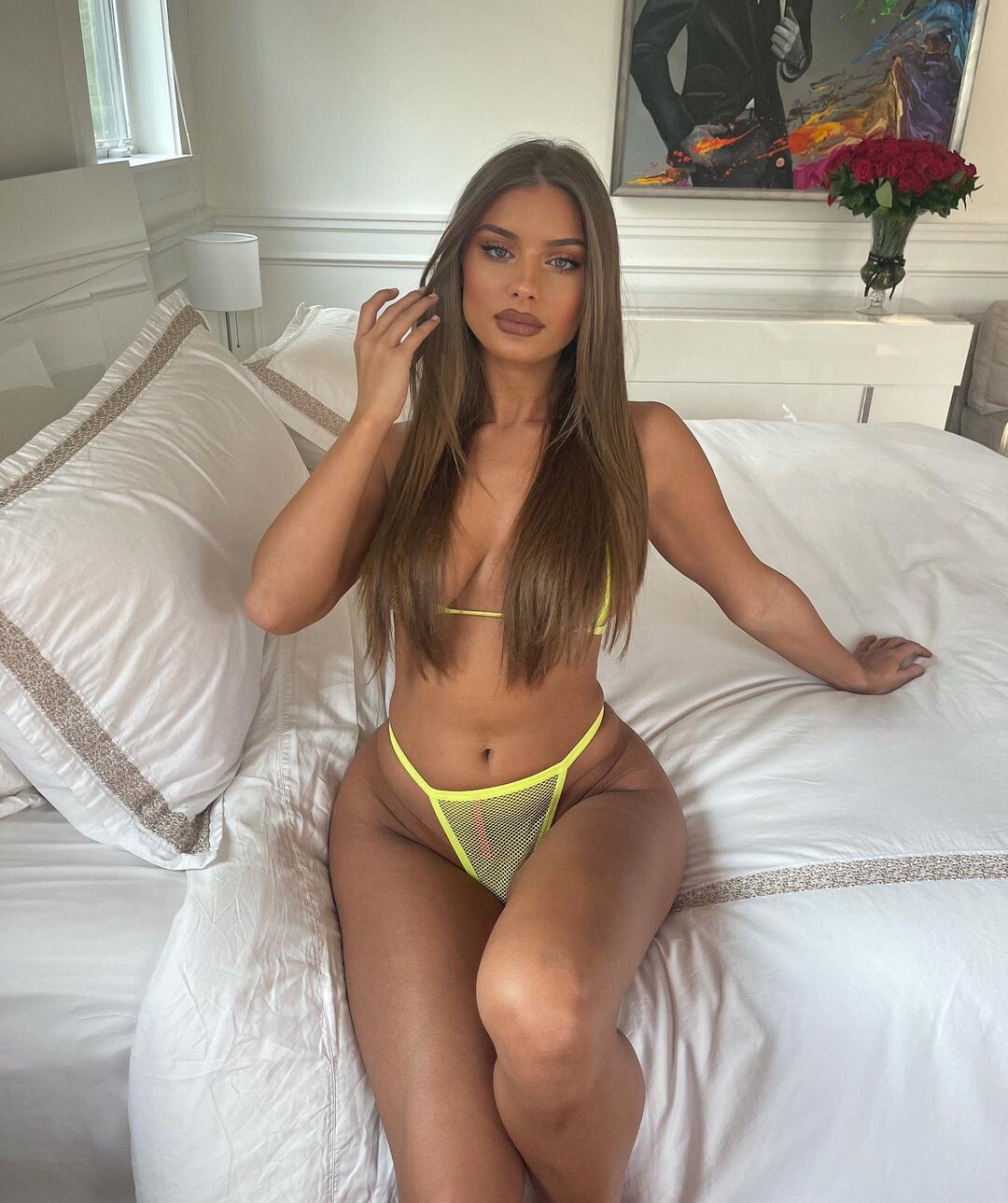

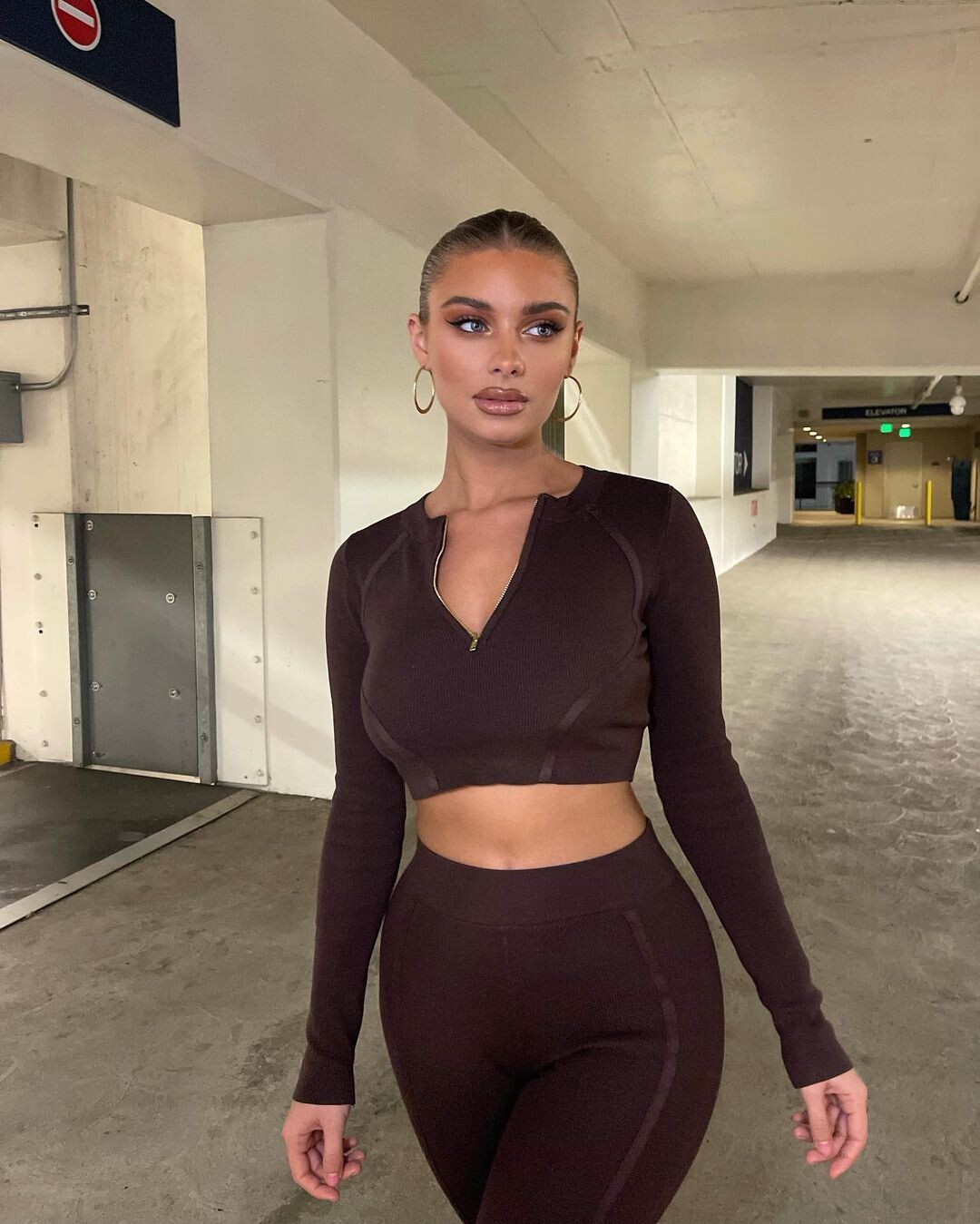











Account
Navigation
Search
Configure browser push notifications
Chrome (Android)
- Tap the lock icon next to the address bar.
- Tap Permissions → Notifications.
- Adjust your preference.
Chrome (Desktop)
- Click the padlock icon in the address bar.
- Select Site settings.
- Find Notifications and adjust your preference.
Safari (iOS 16.4+)
- Ensure the site is installed via Add to Home Screen.
- Open Settings App → Notifications.
- Find your app name and adjust your preference.
Safari (macOS)
- Go to Safari → Preferences.
- Click the Websites tab.
- Select Notifications in the sidebar.
- Find this website and adjust your preference.
Edge (Android)
- Tap the lock icon next to the address bar.
- Tap Permissions.
- Find Notifications and adjust your preference.
Edge (Desktop)
- Click the padlock icon in the address bar.
- Click Permissions for this site.
- Find Notifications and adjust your preference.
Firefox (Android)
- Go to Settings → Site permissions.
- Tap Notifications.
- Find this site in the list and adjust your preference.
Firefox (Desktop)
- Open Firefox Settings.
- Search for Notifications.
- Find this site in the list and adjust your preference.