
balenciagaaa
Members
-
Joined
-
Last visited
Everything posted by balenciagaaa
-
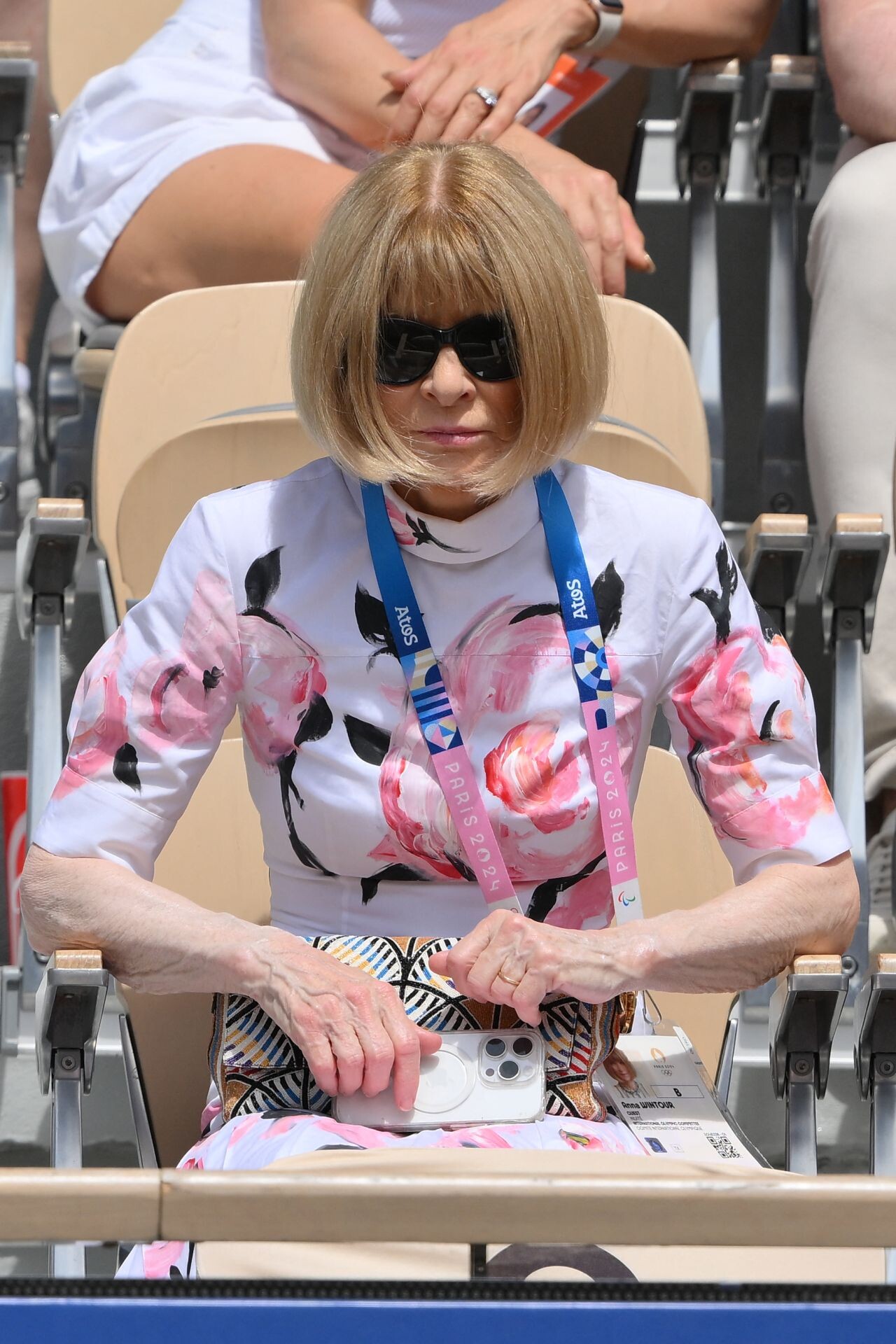
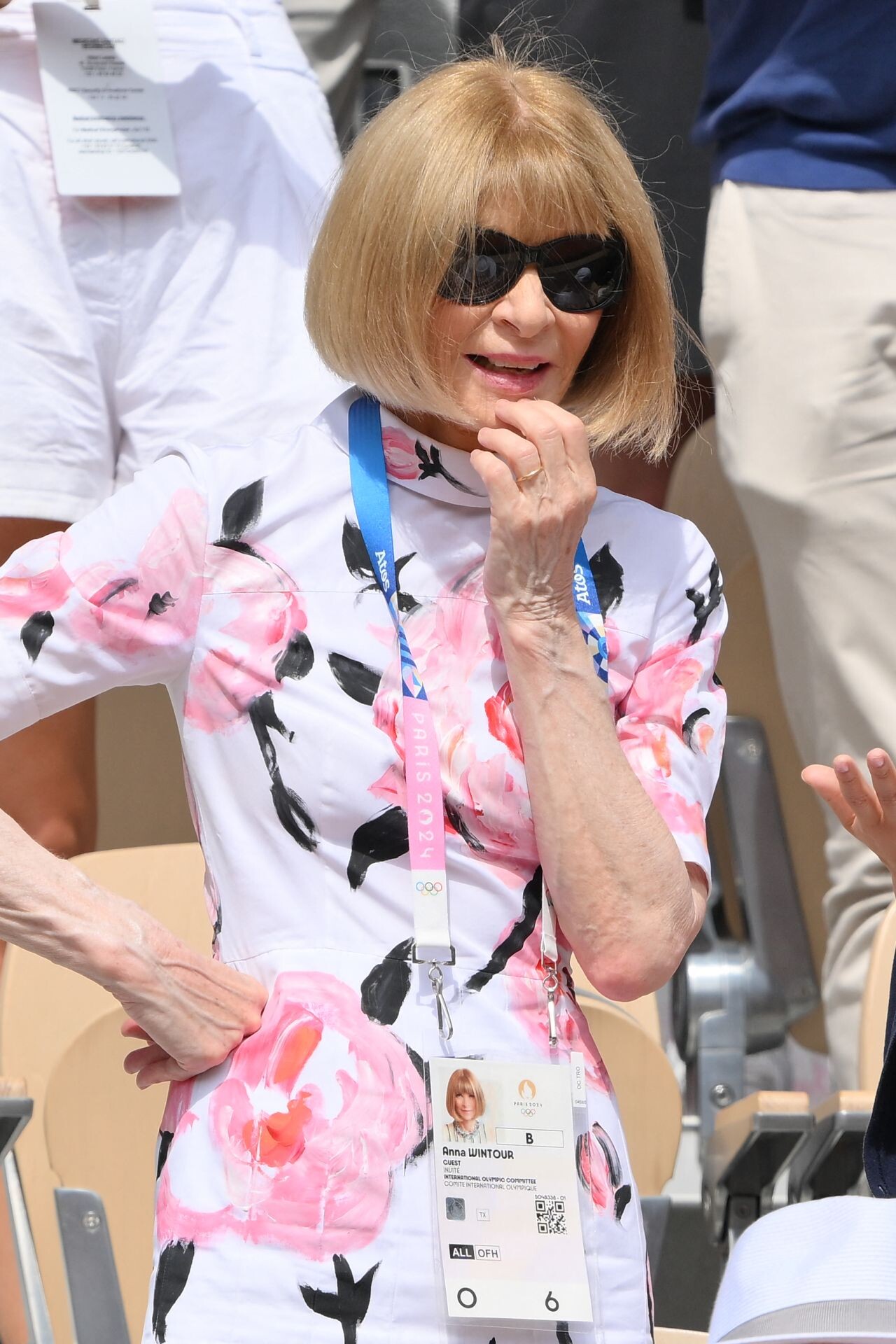
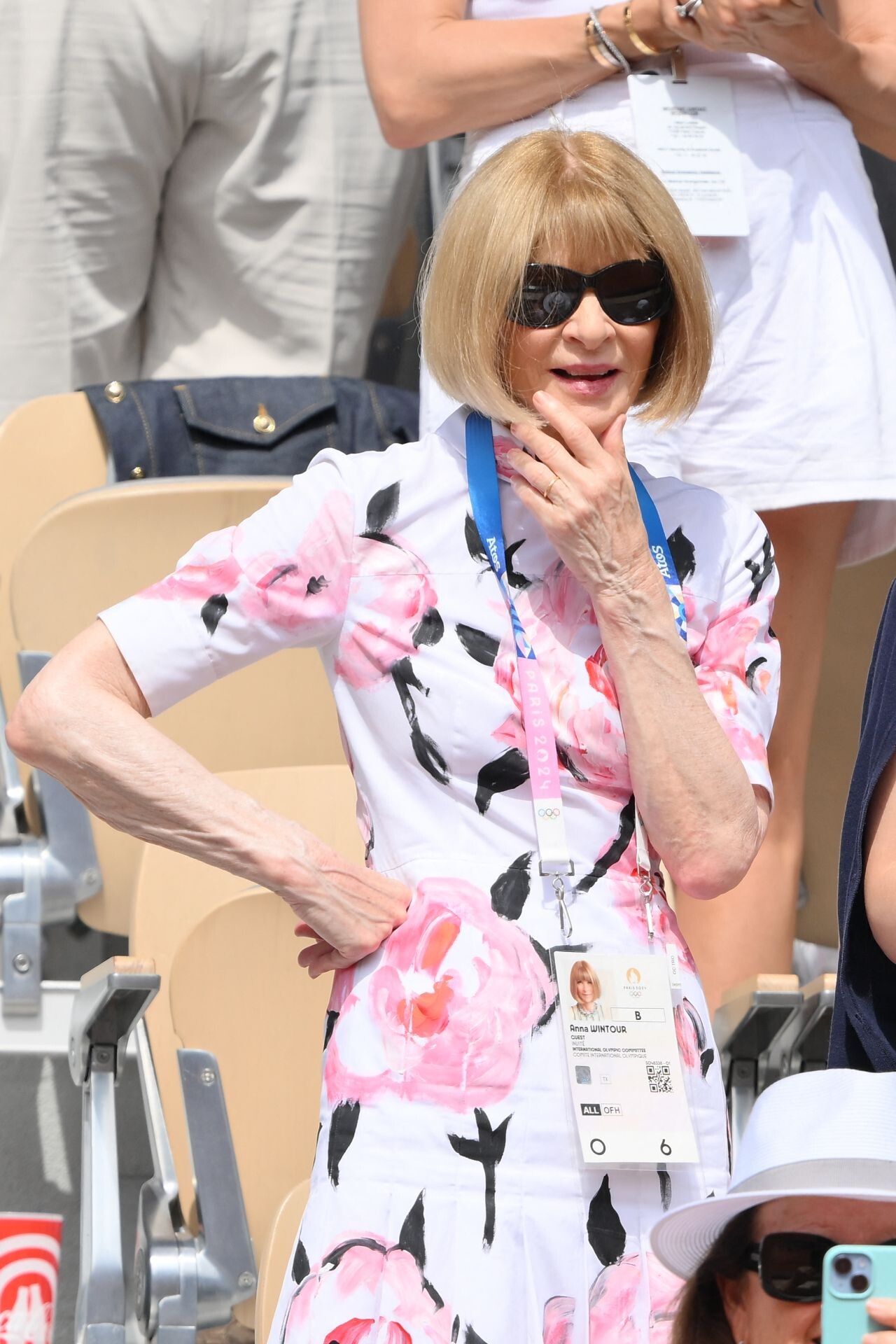
 Olympic Games, Roland Garros in Paris 07-28-2024



-
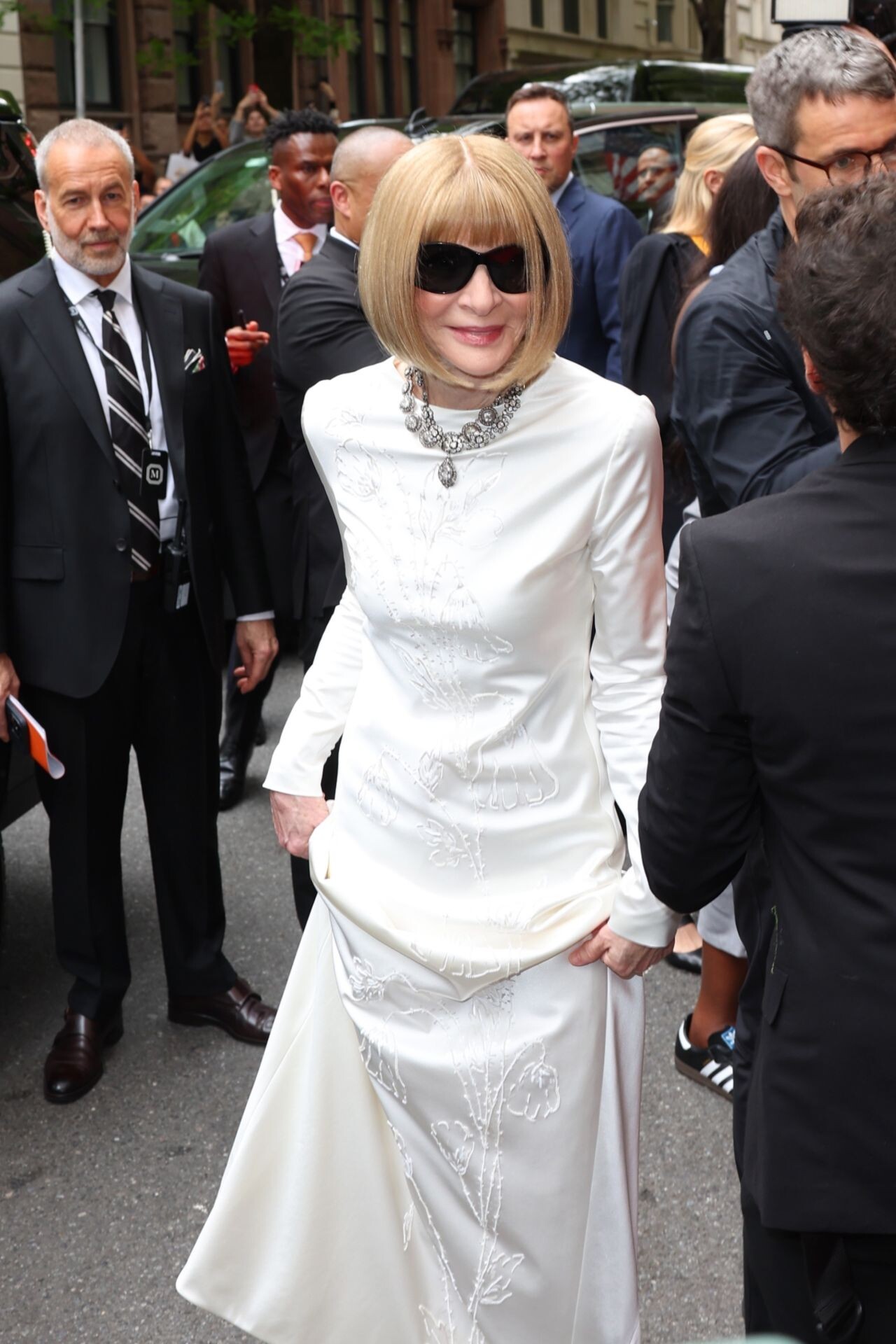
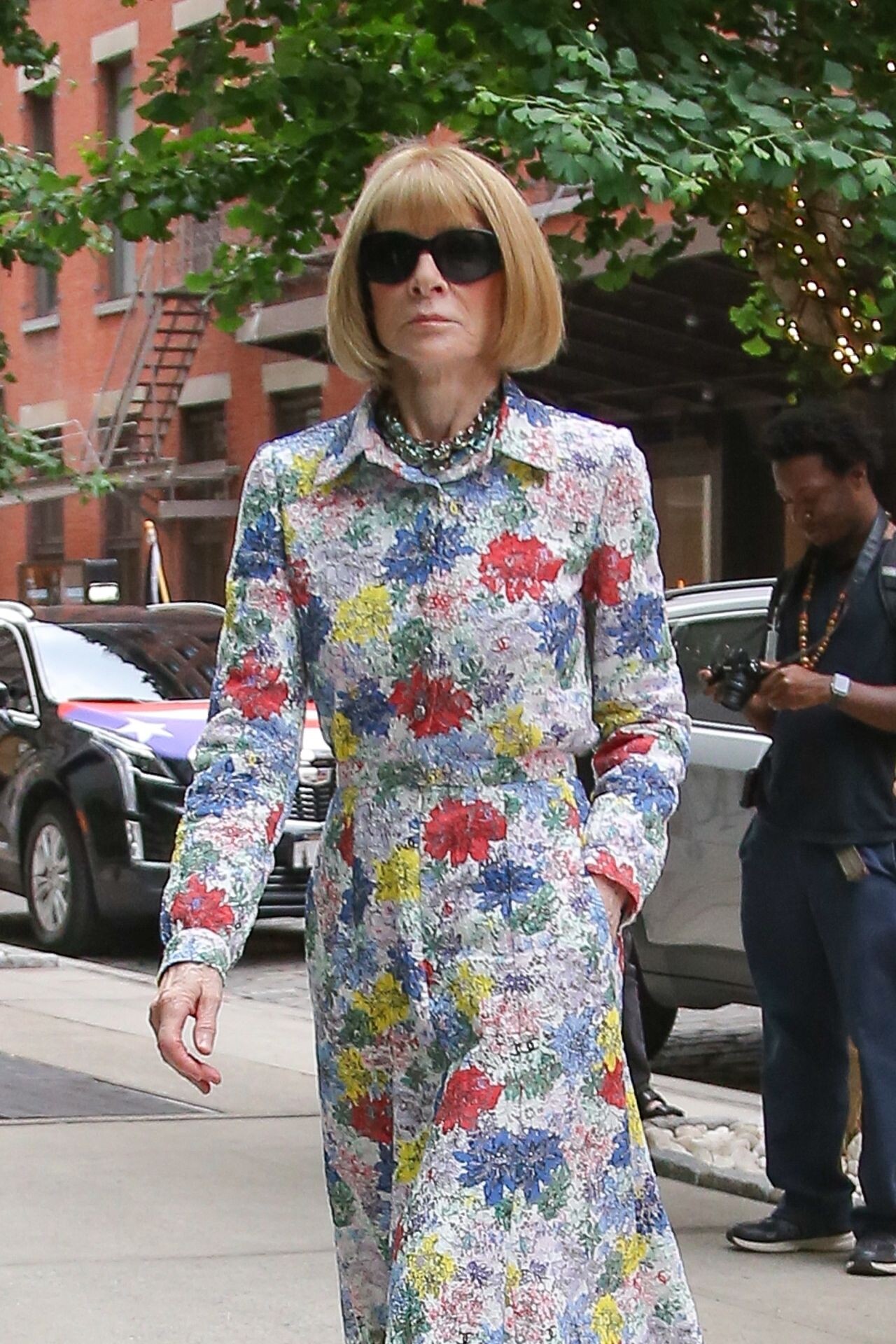
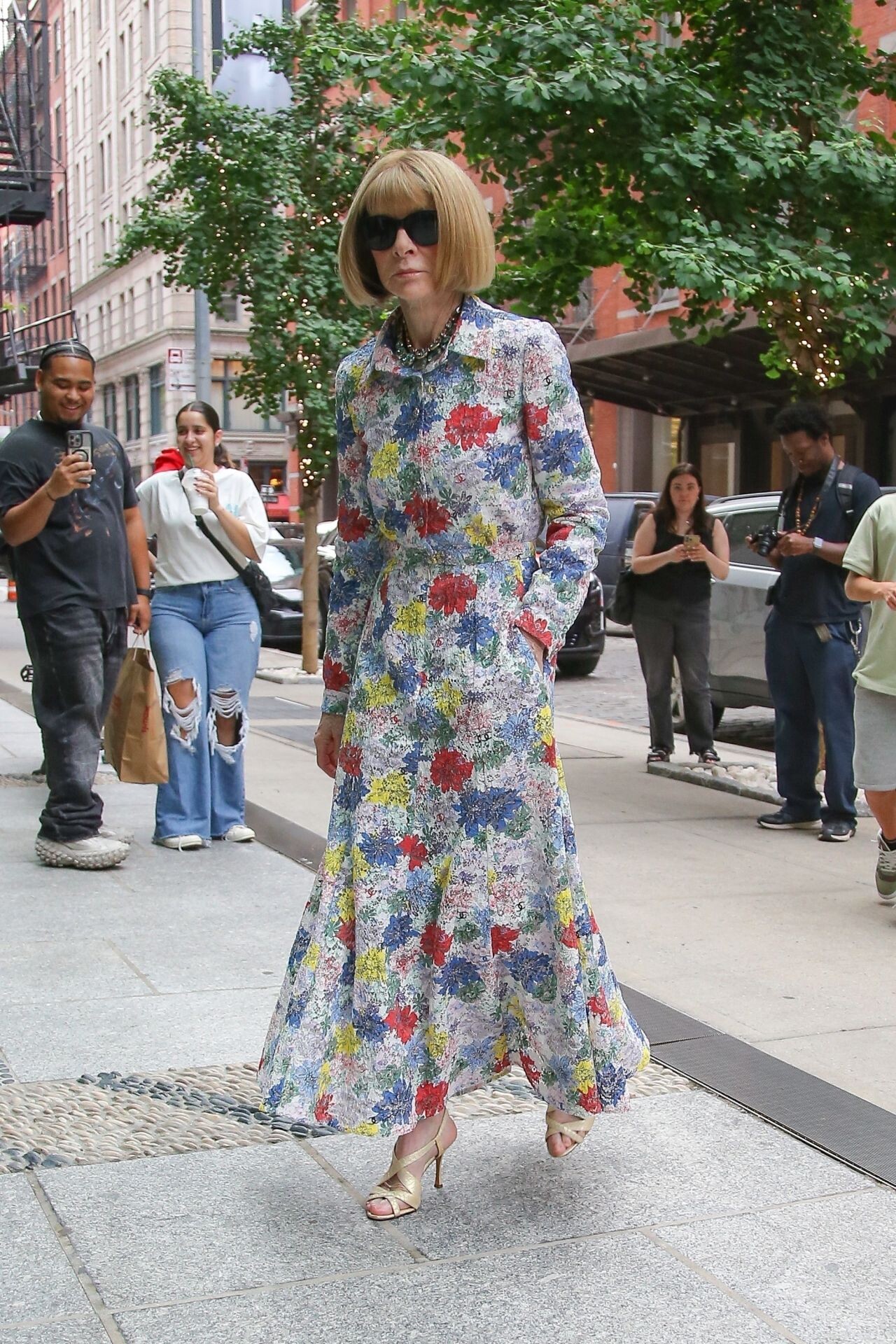
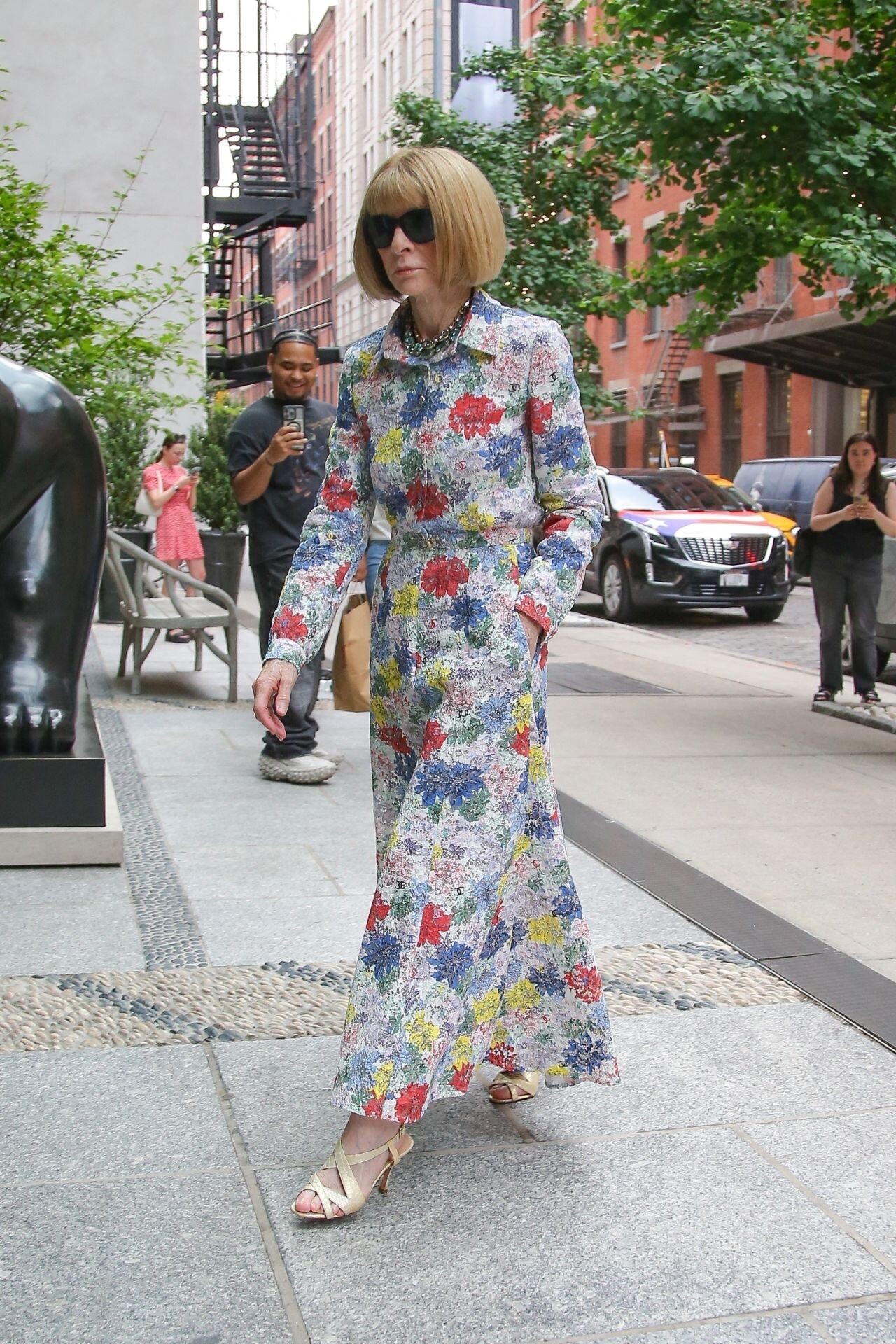
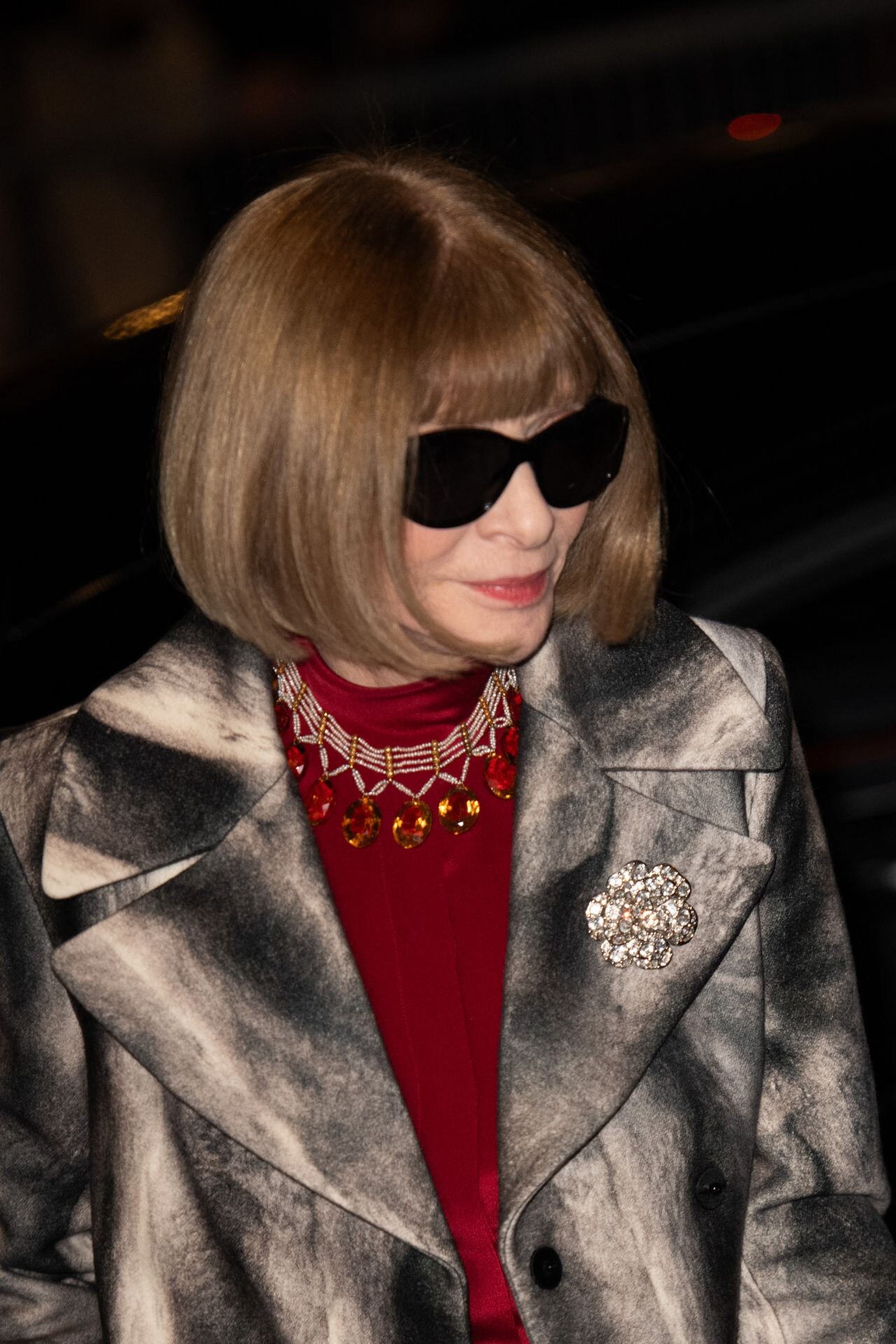
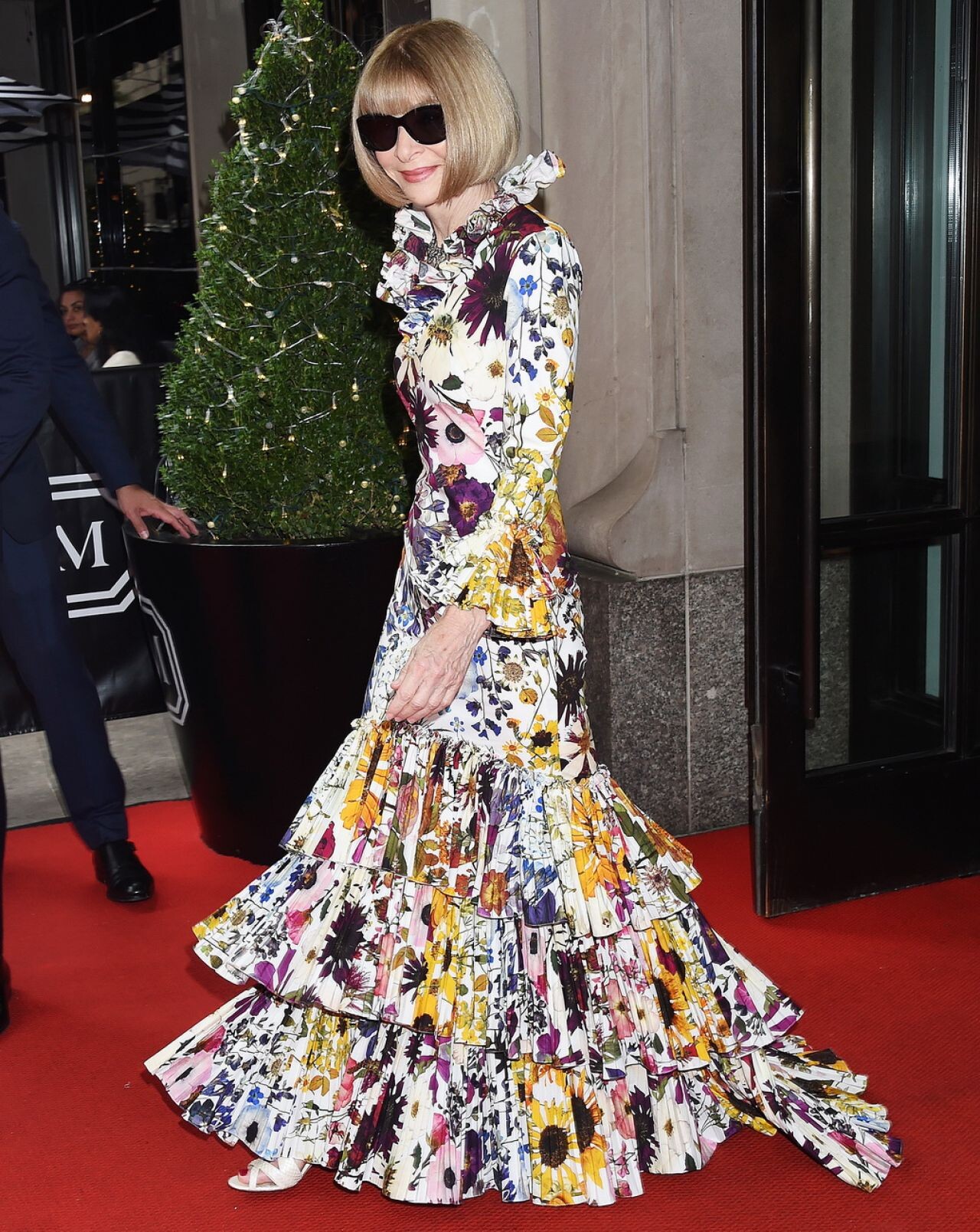
Leaving The Mark Hotel for The 2024 Met Gala in New York 06-05-2024




-
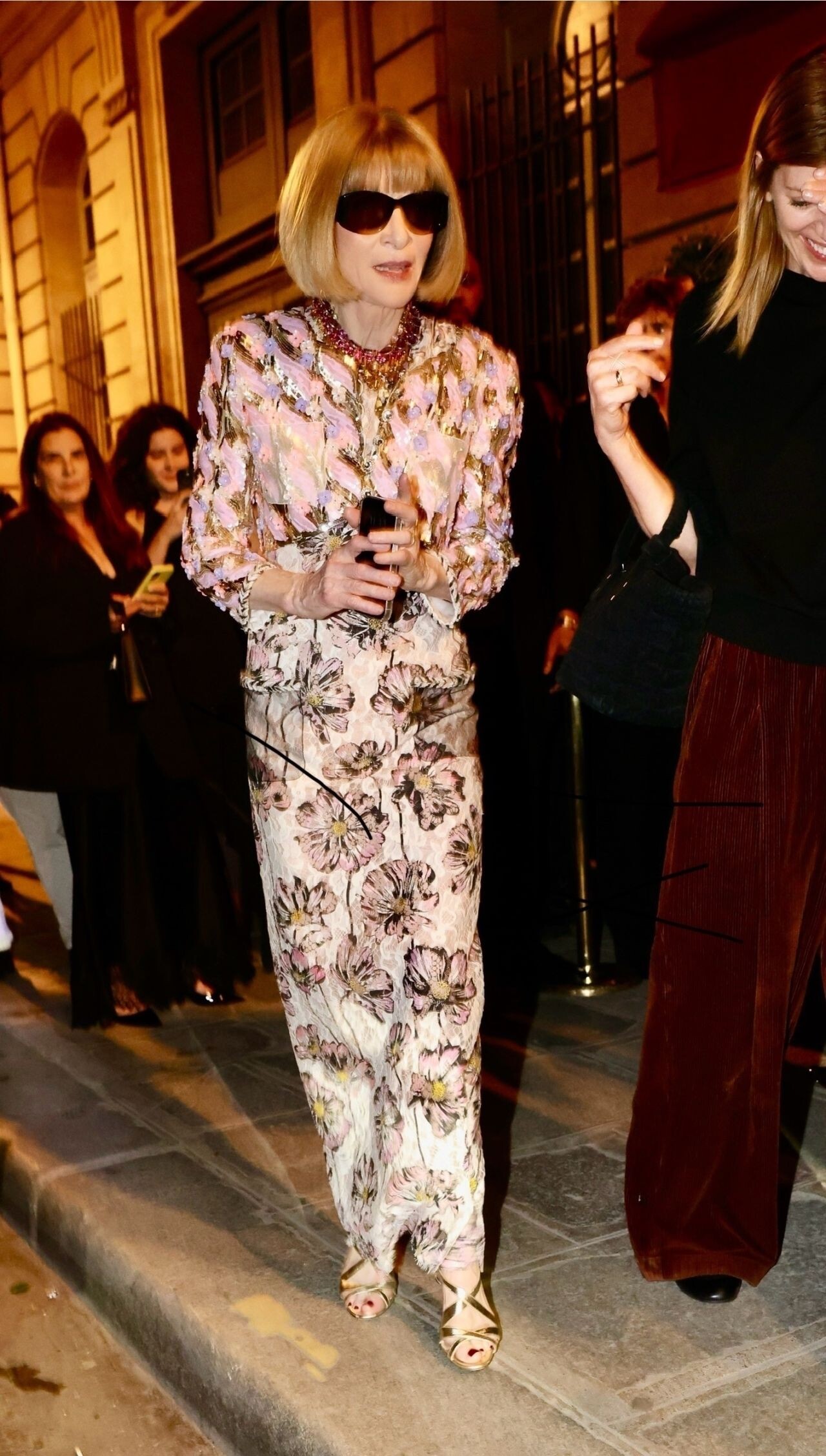
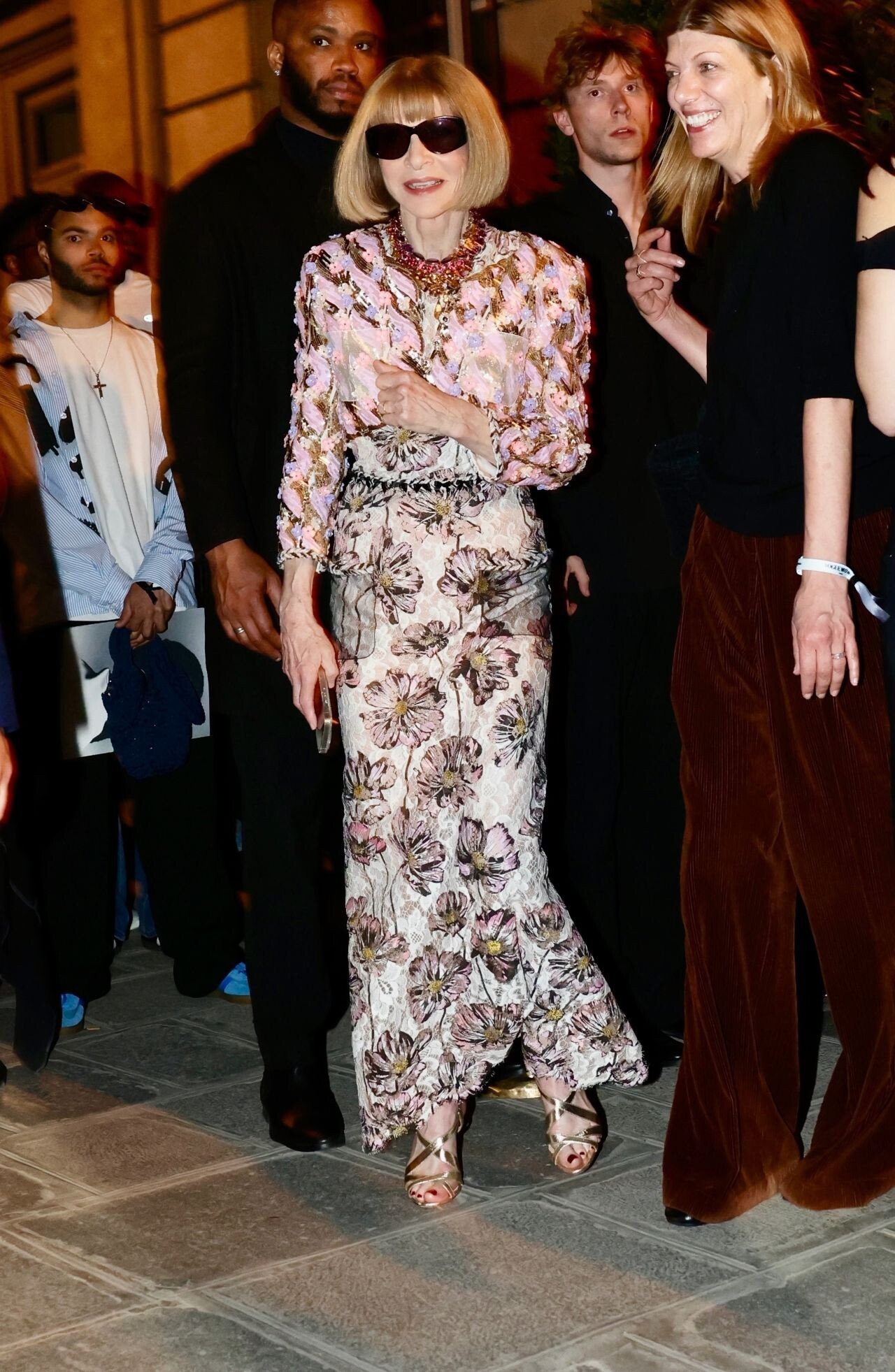
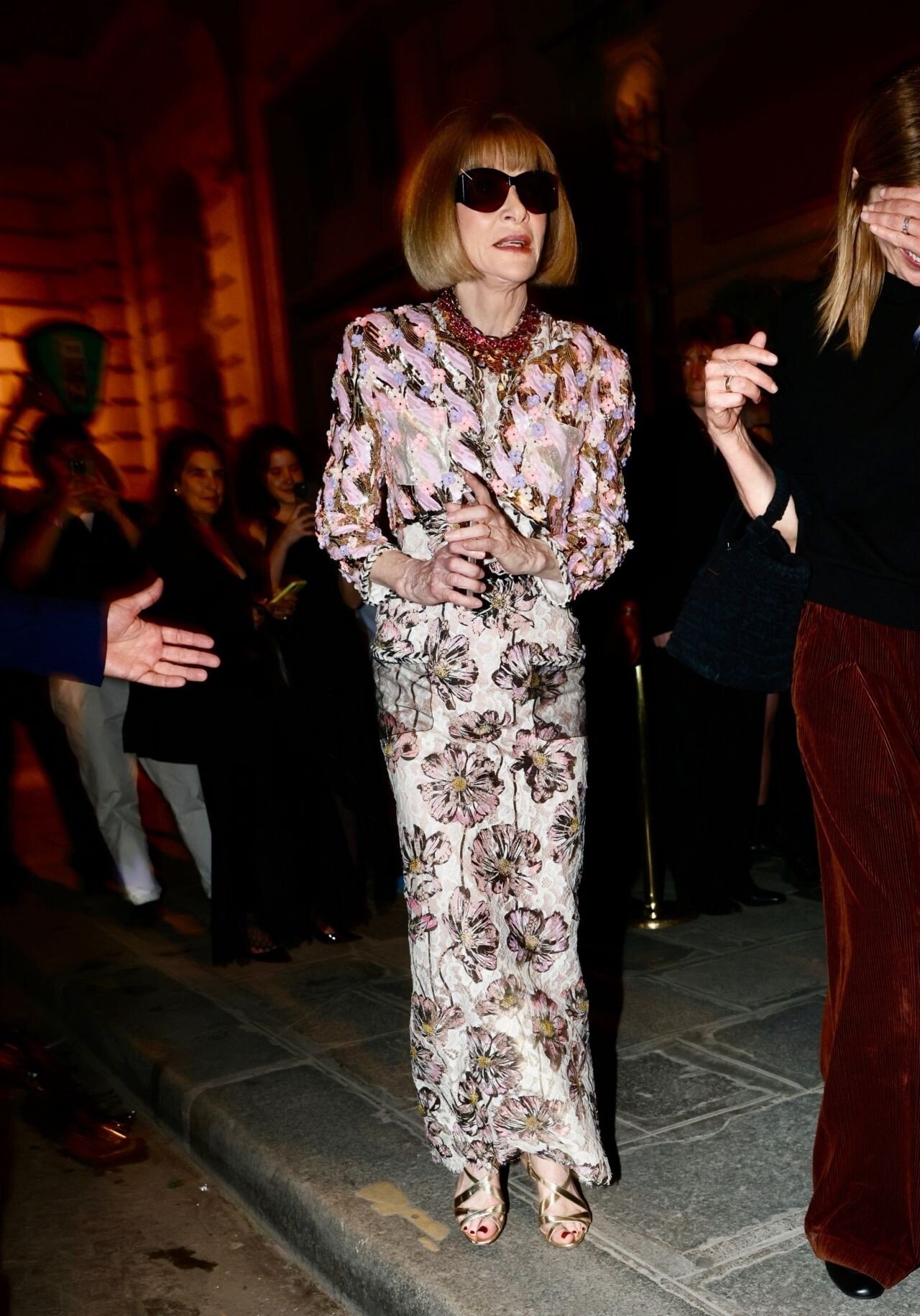
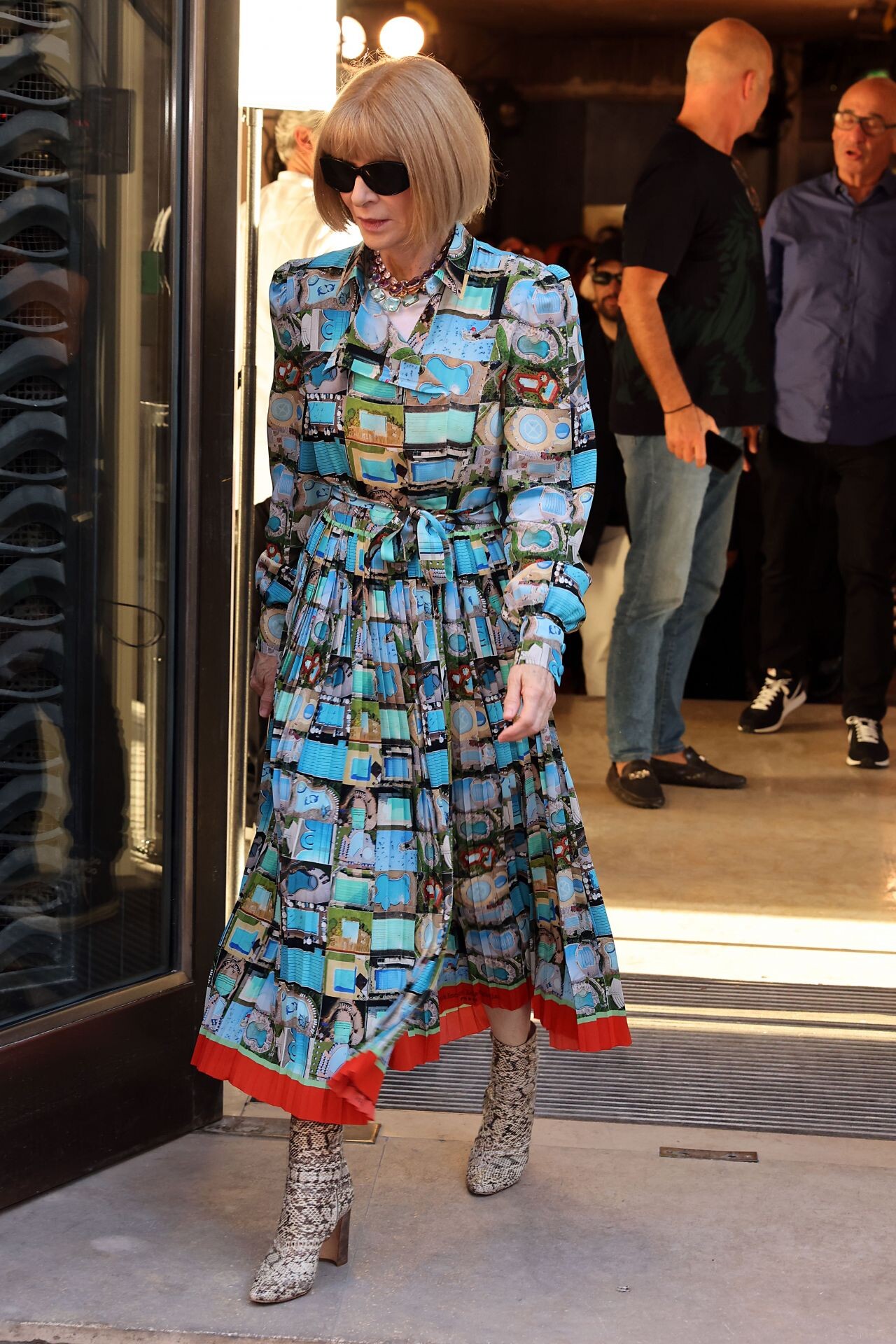
Valentino Haute Couture Show in Paris 01/24/2024 Leaving the Ralph Lauren Fashion Show in New York City 04-29-2024






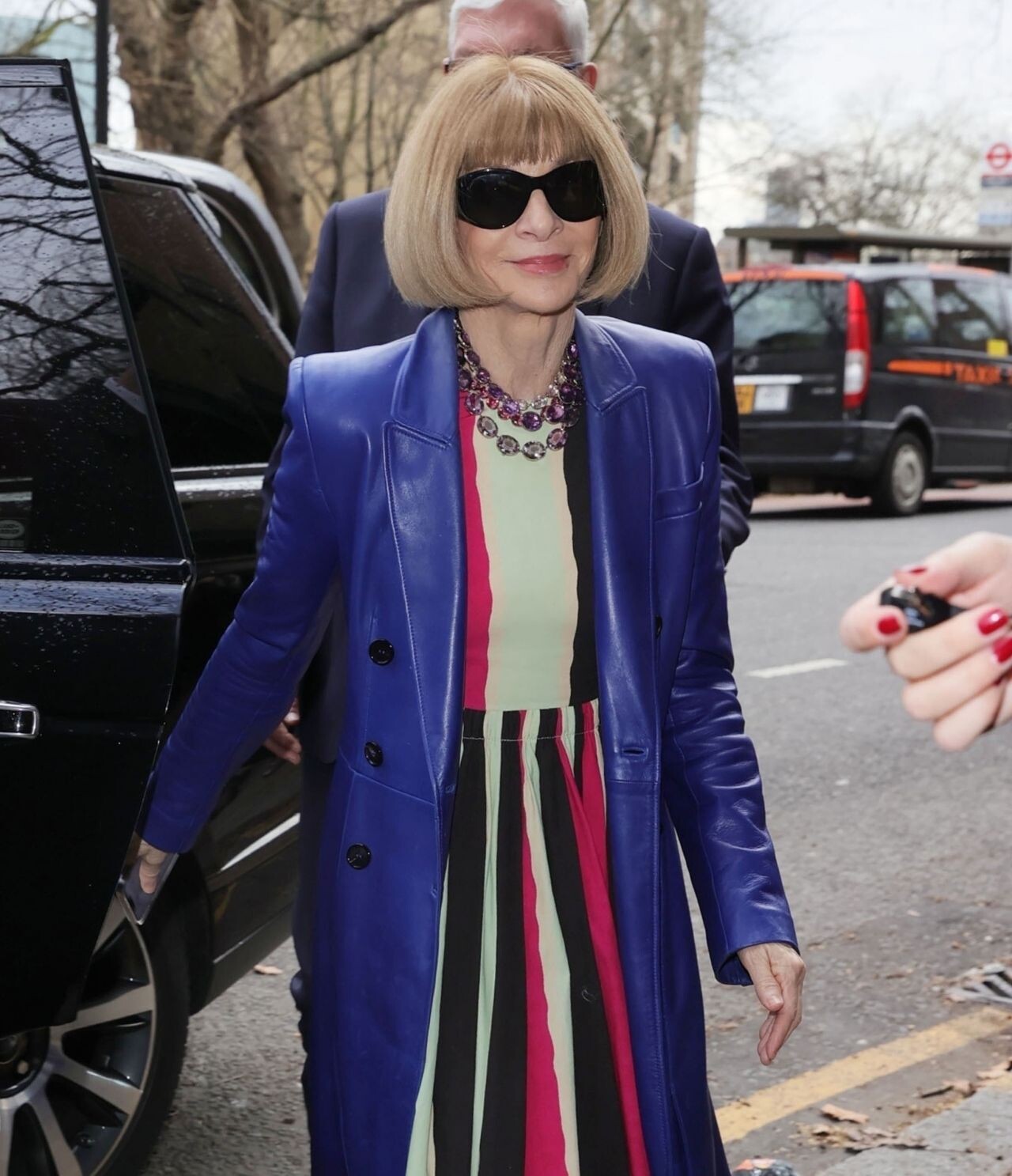
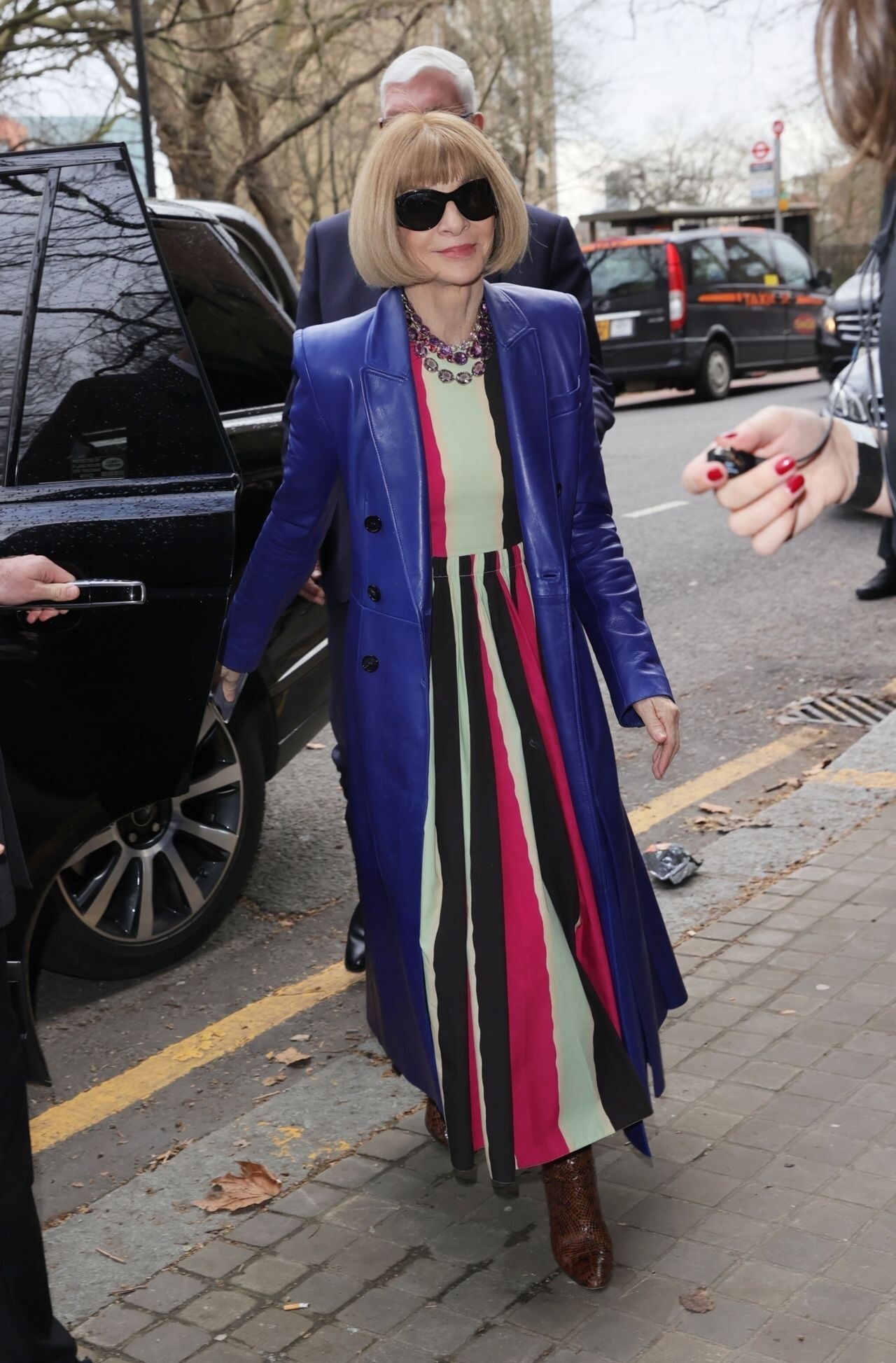
 Marni Show at Paris Fashion Week 09/27/2023 Arrives at Beckham TV Show Premiere in London 10/03/2023







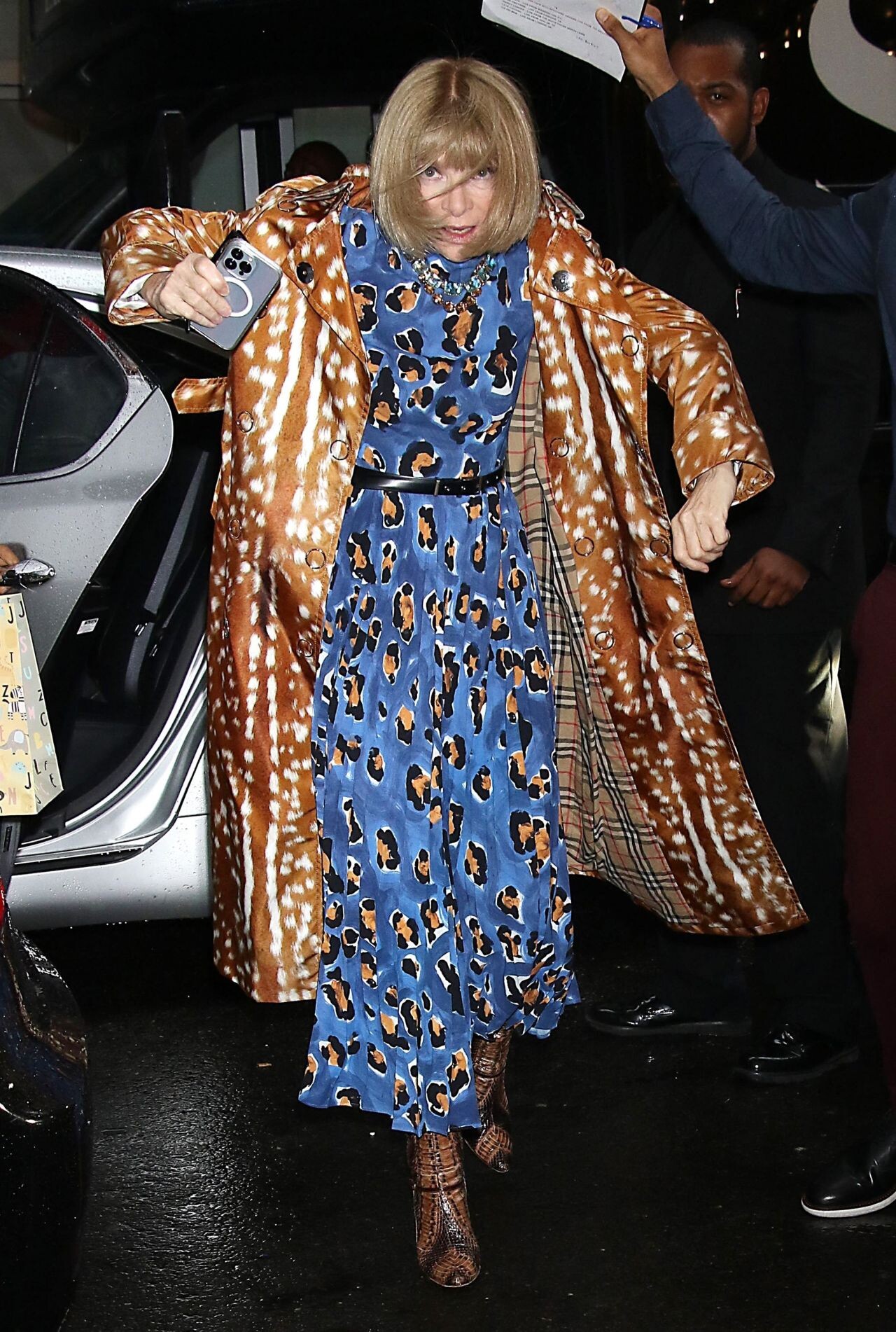
 2021 Met Gala Carolina Herrera Fashion Show in New York 02/14/2022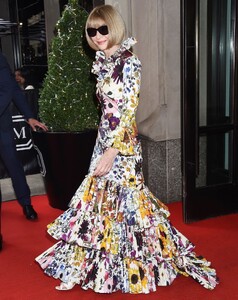


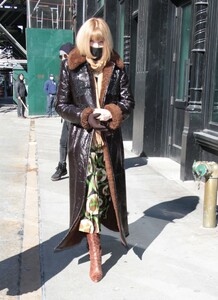 “The Duel” Premiere Photoshoot July 2024



 IMDb /TheWrap Comic-Con Portrait Studio Exclusive Photos July 2024 Entertainment Weekly Comic Con July 2024

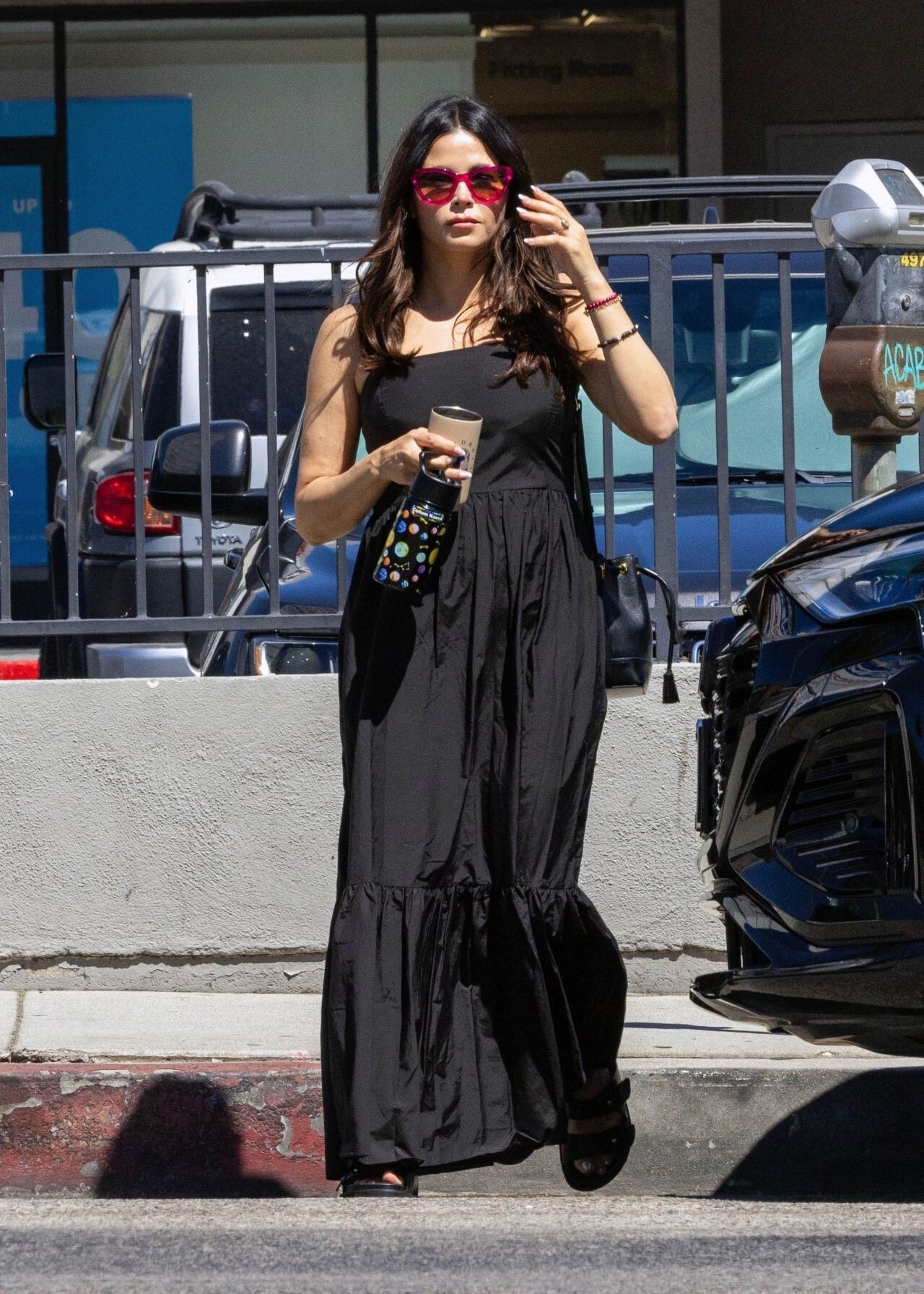
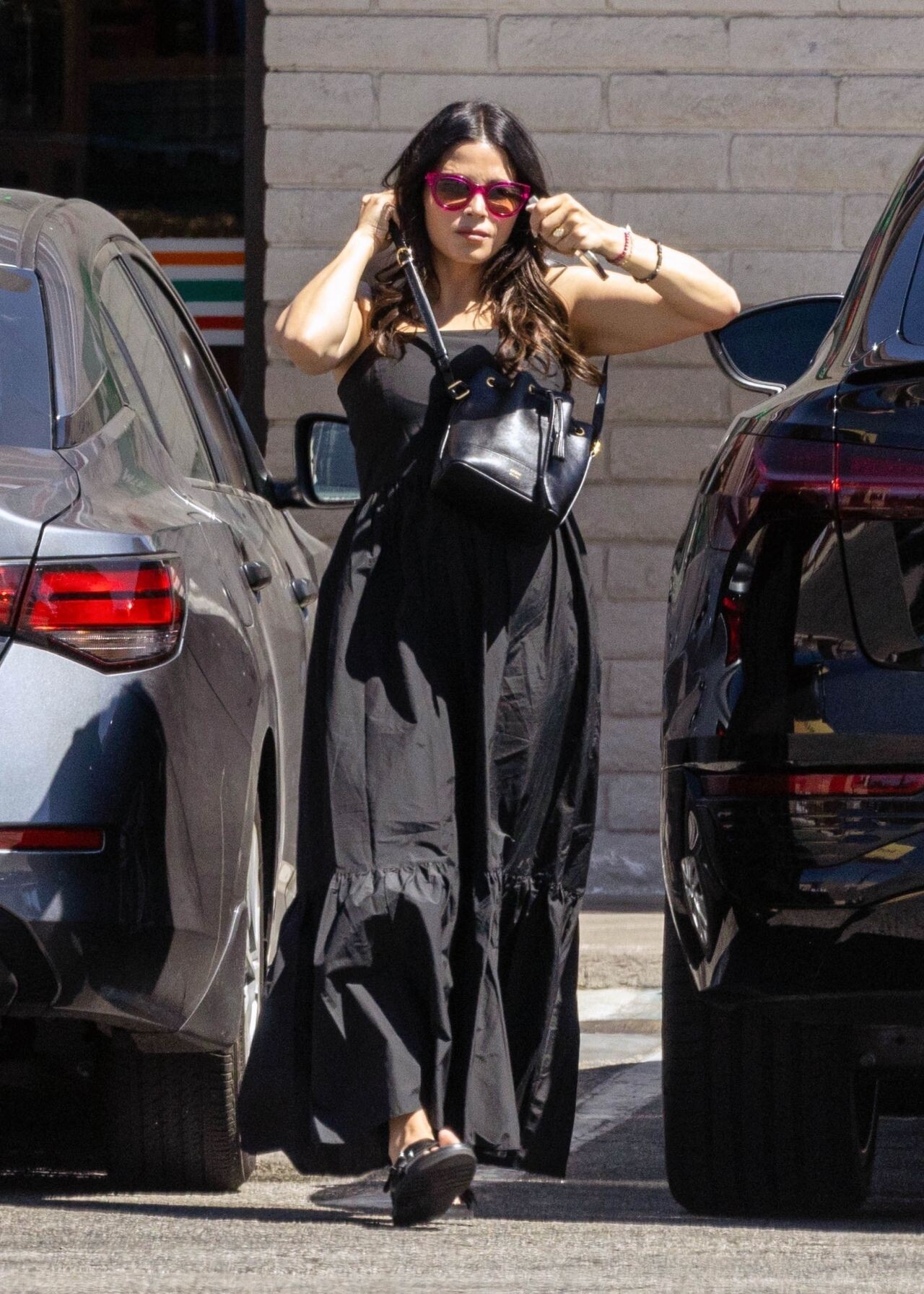
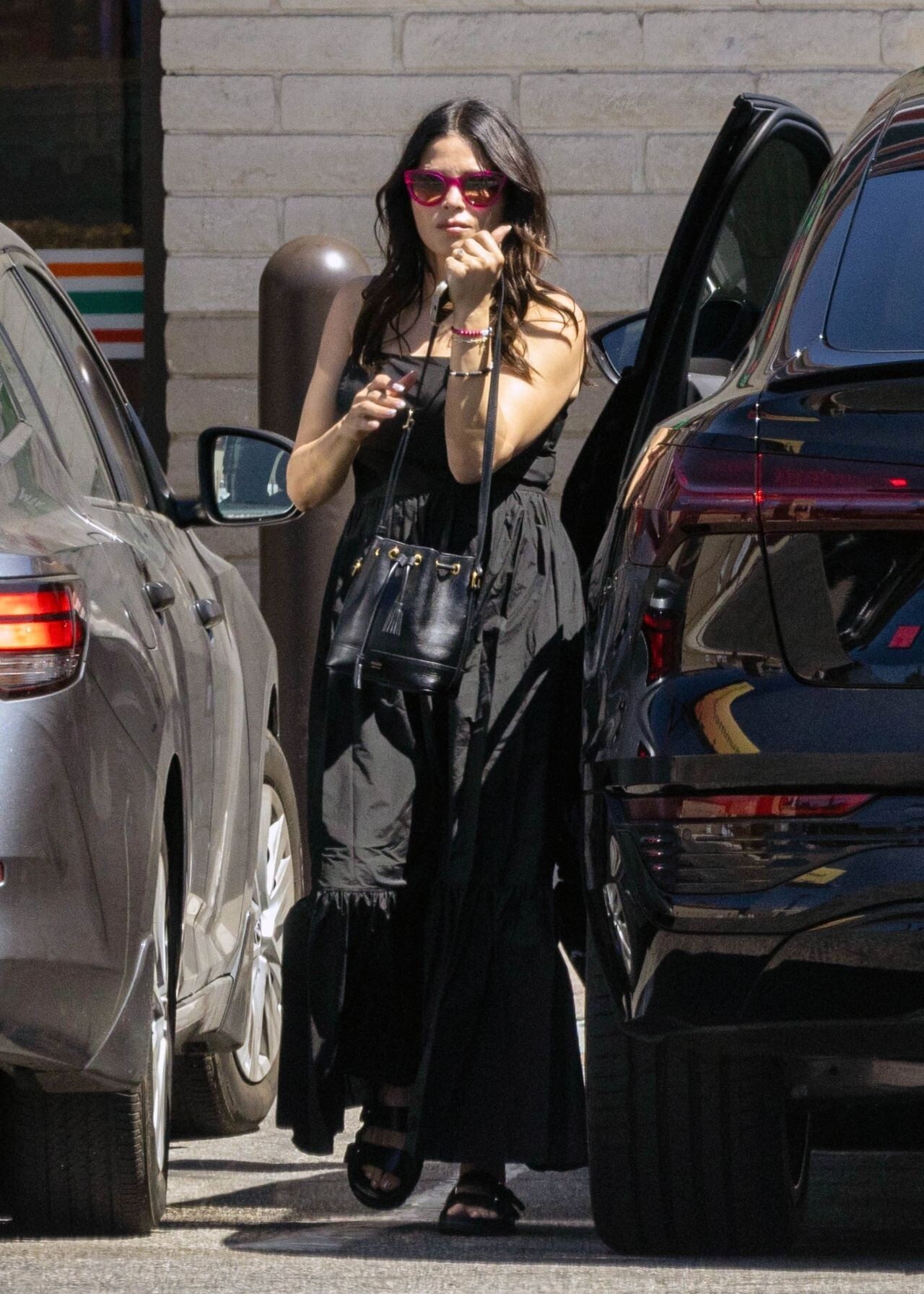
 Out in Studio City 07-28-2024
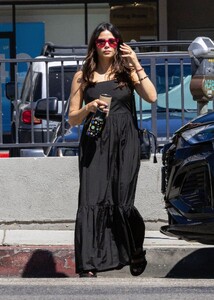

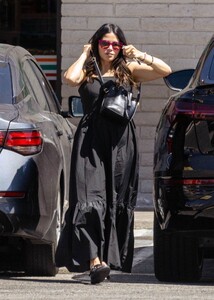


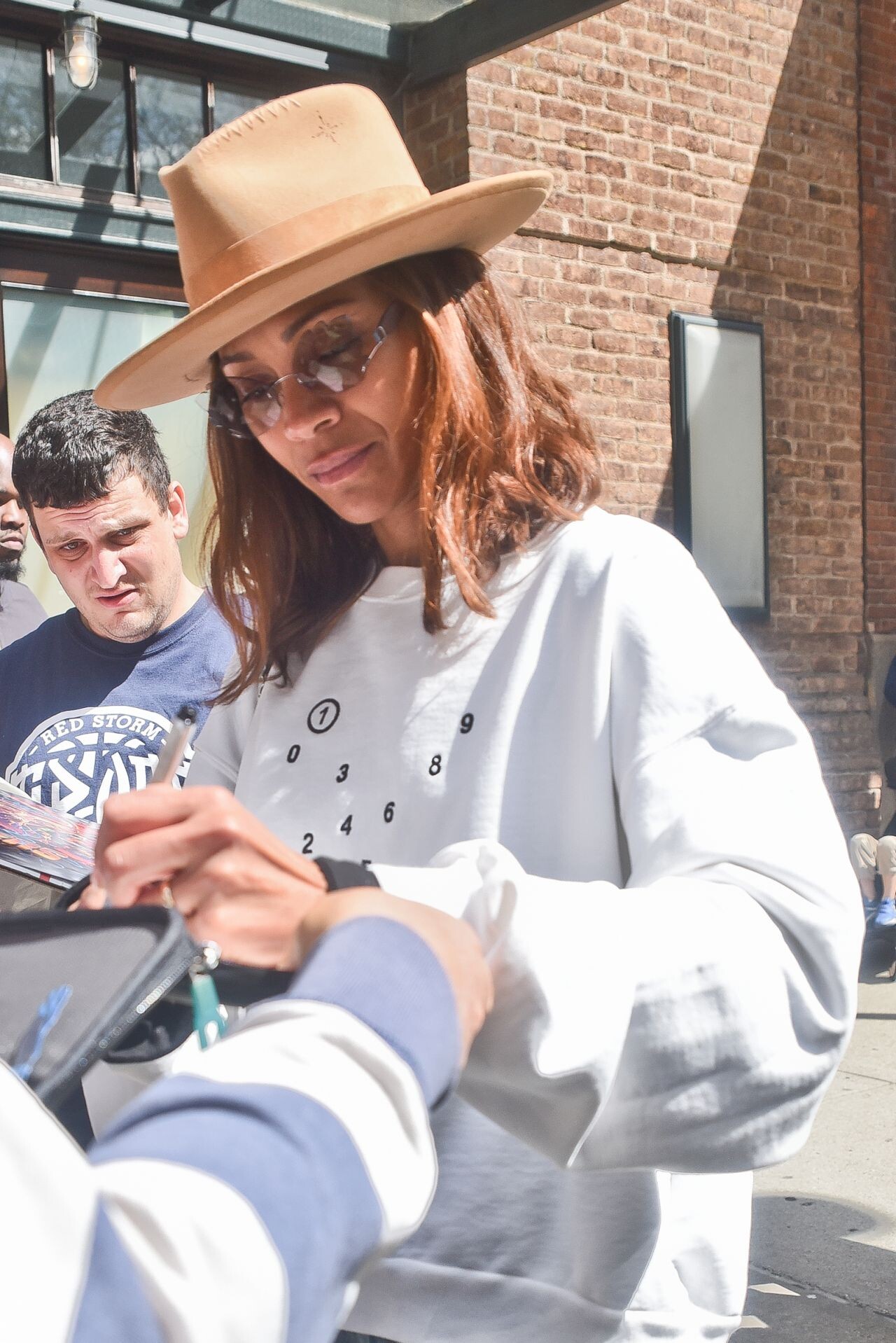
 “The Rookie” Autograph Signing in San Diego 07-27-2024

 LAX in LA 07-29-2024




 Emilia Perez Photocall at Cannes Film Festival 05-19-2024














 Emilia Perez Film Party at JW Marriott in Cannes 05-18-2024


 Returns to the Marriott Hotel in Cannes 05-17-2024


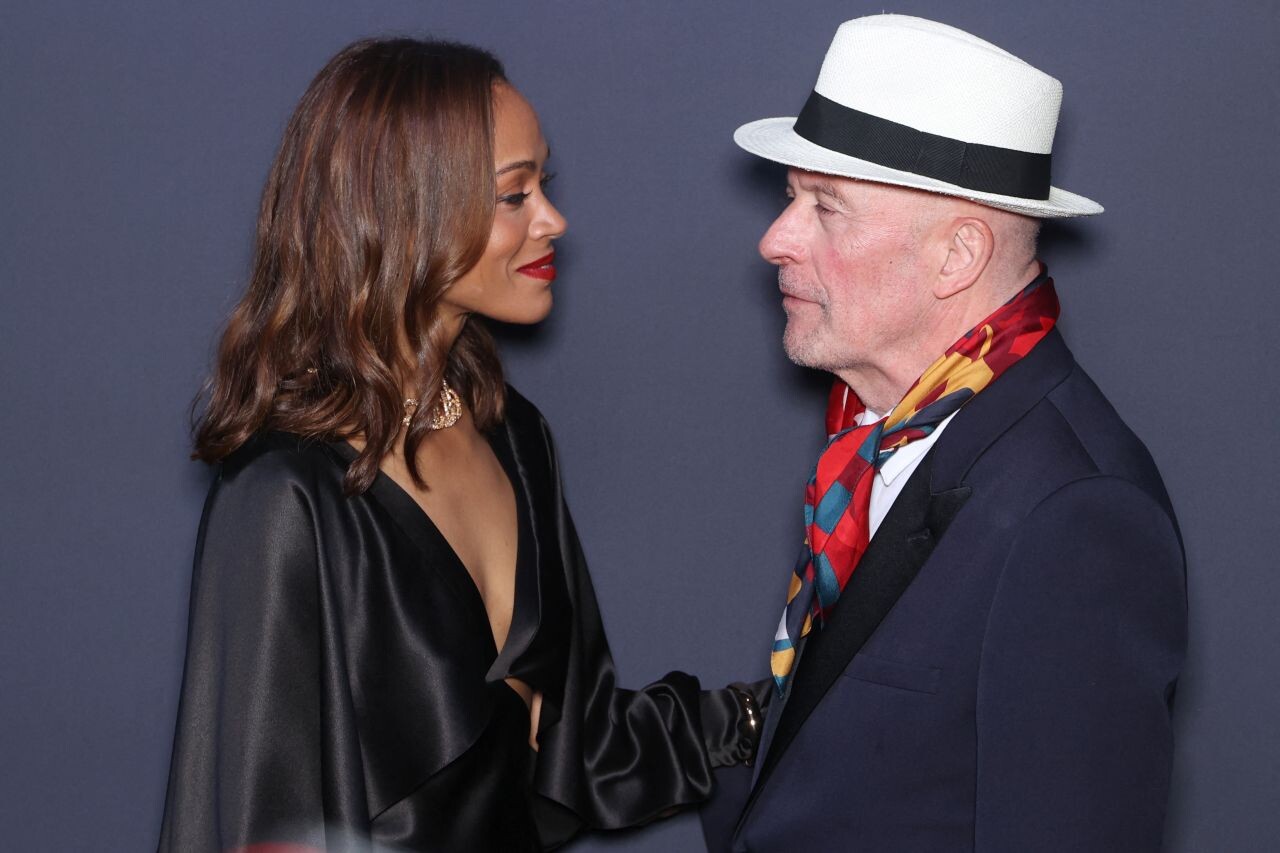
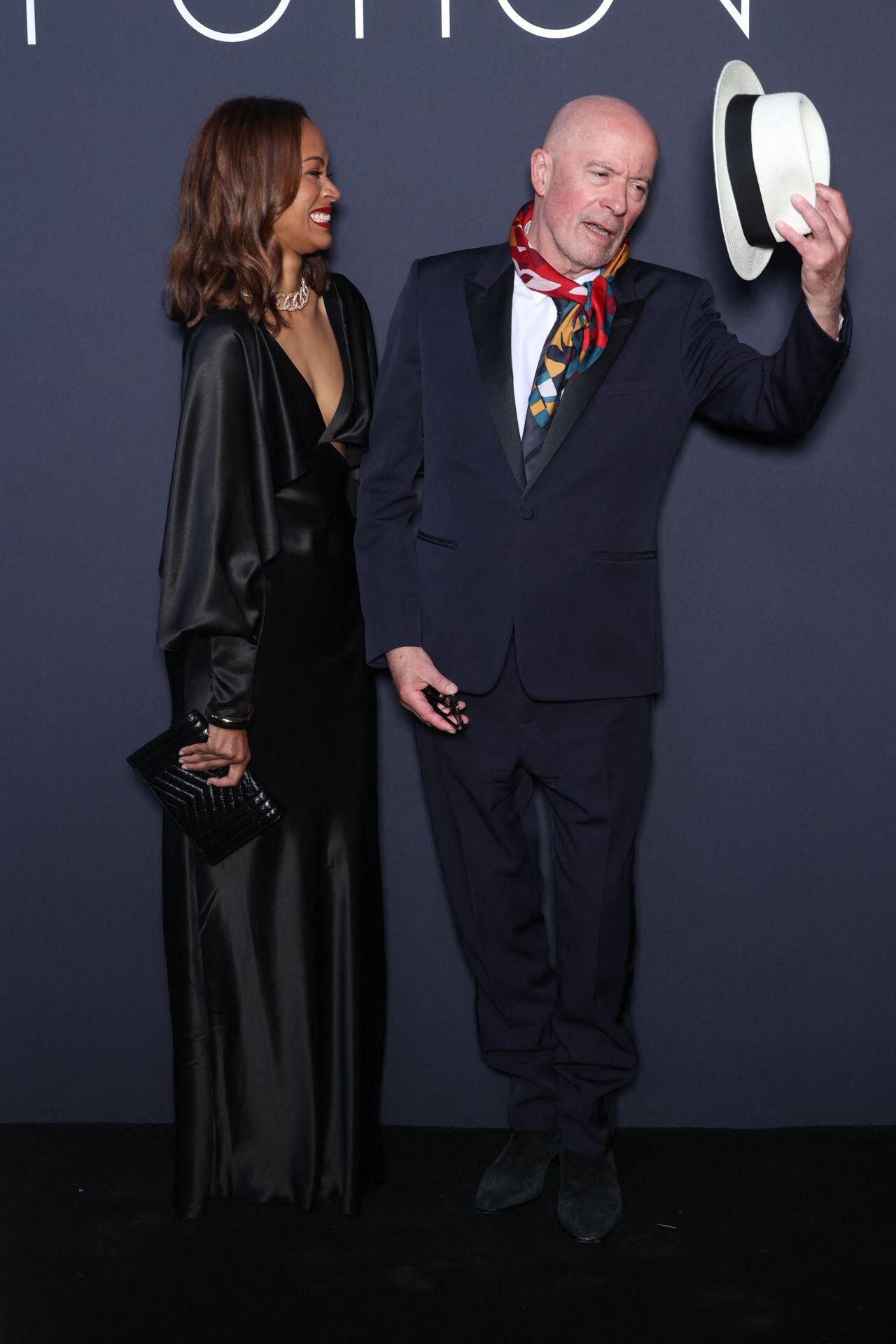
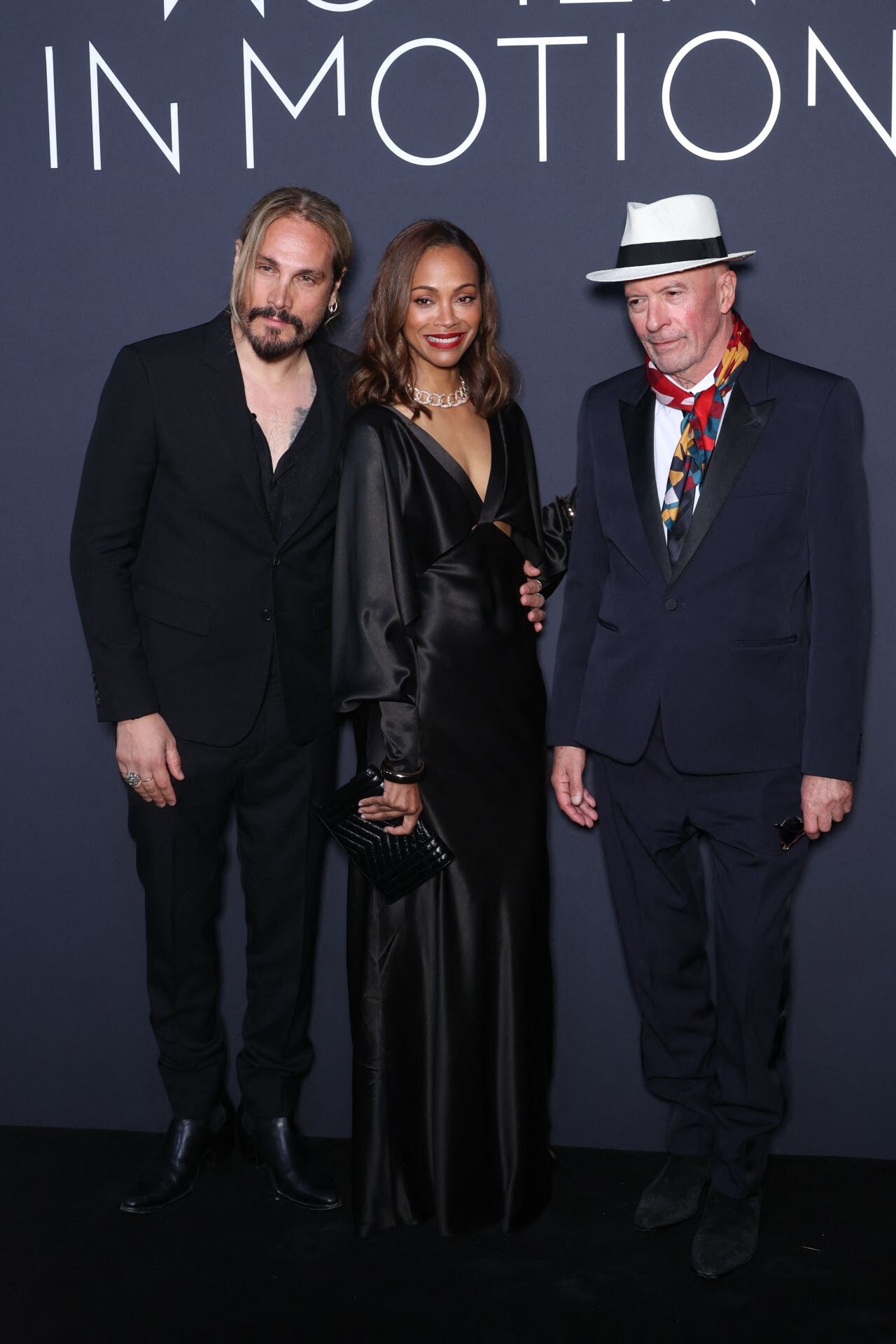
 Kering Women In Motion Awards at Cannes Film Festival 05-19-2024








 “Emilia Perez” Red Carpet at Cannes Film Festival 05-18-2024





 Leaves Her Hotel in New York 05-01-2024


 New York 04-30-2024





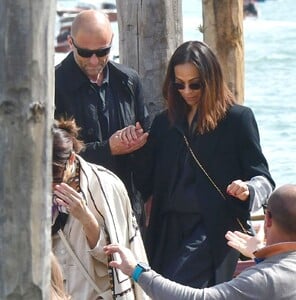
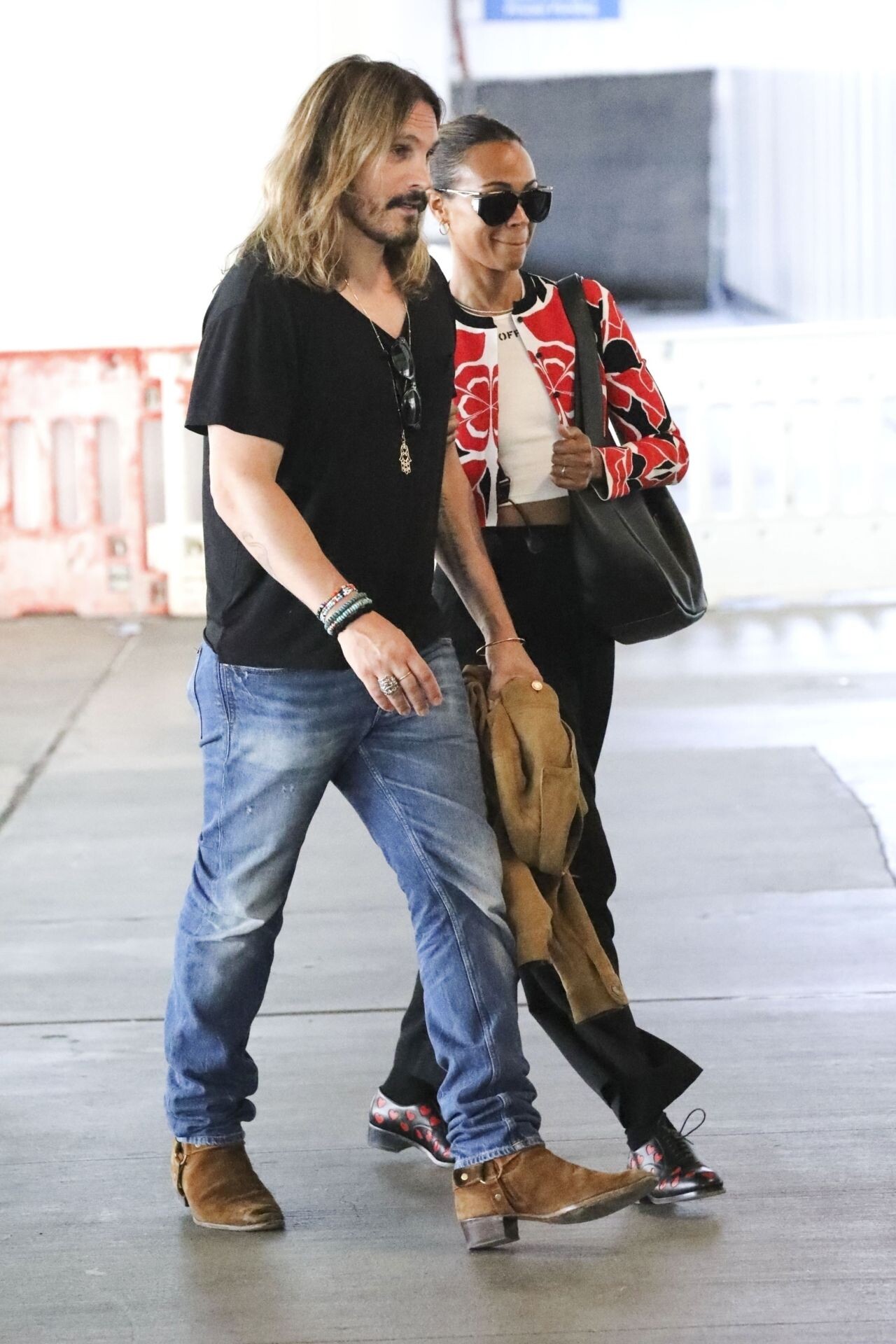
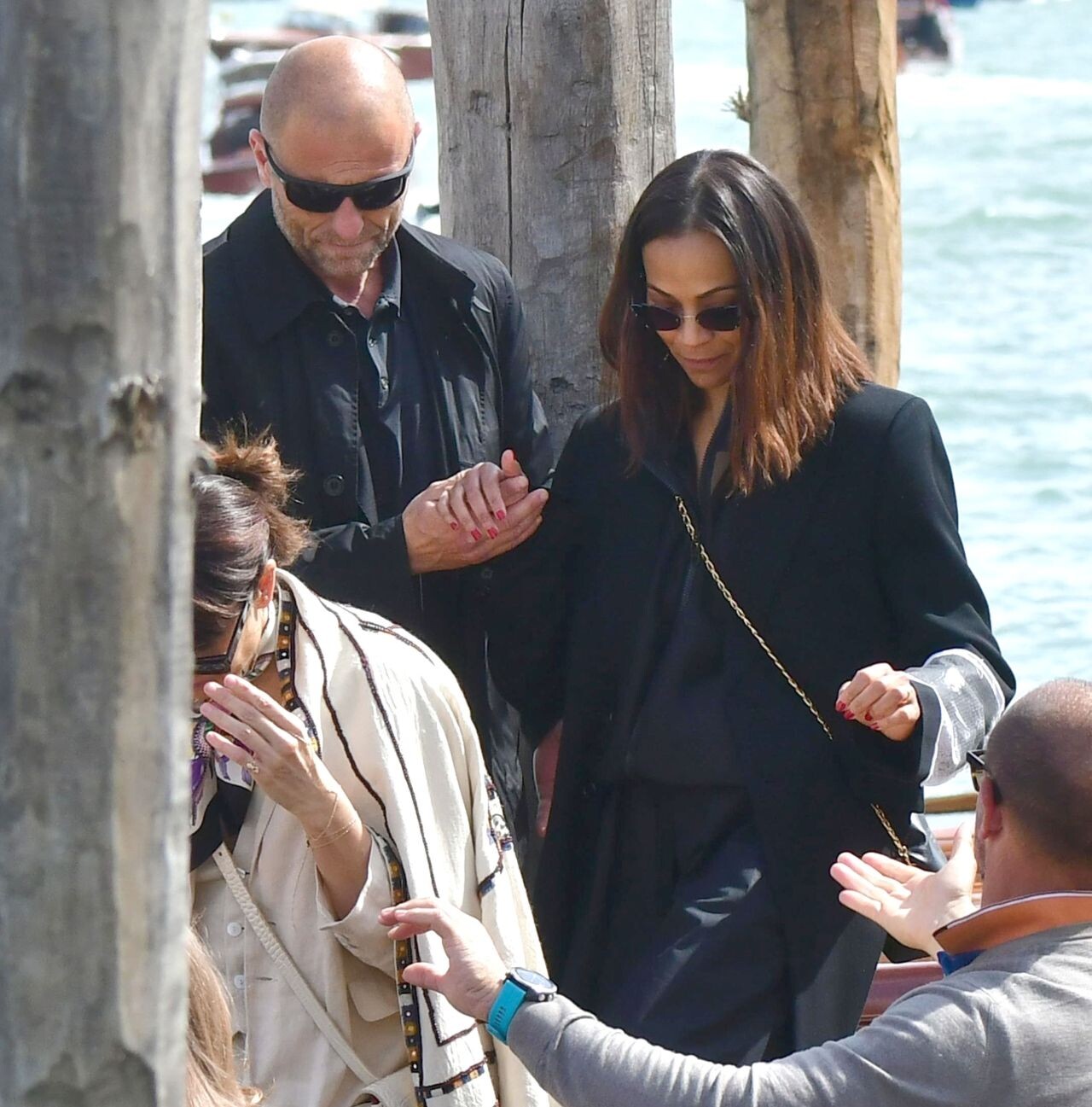
 Breakthrough Prize Ceremony in Los Angeles 04-13-2024 Salma Hayek and Zoe Saldana Out in Venice 04-18-2024




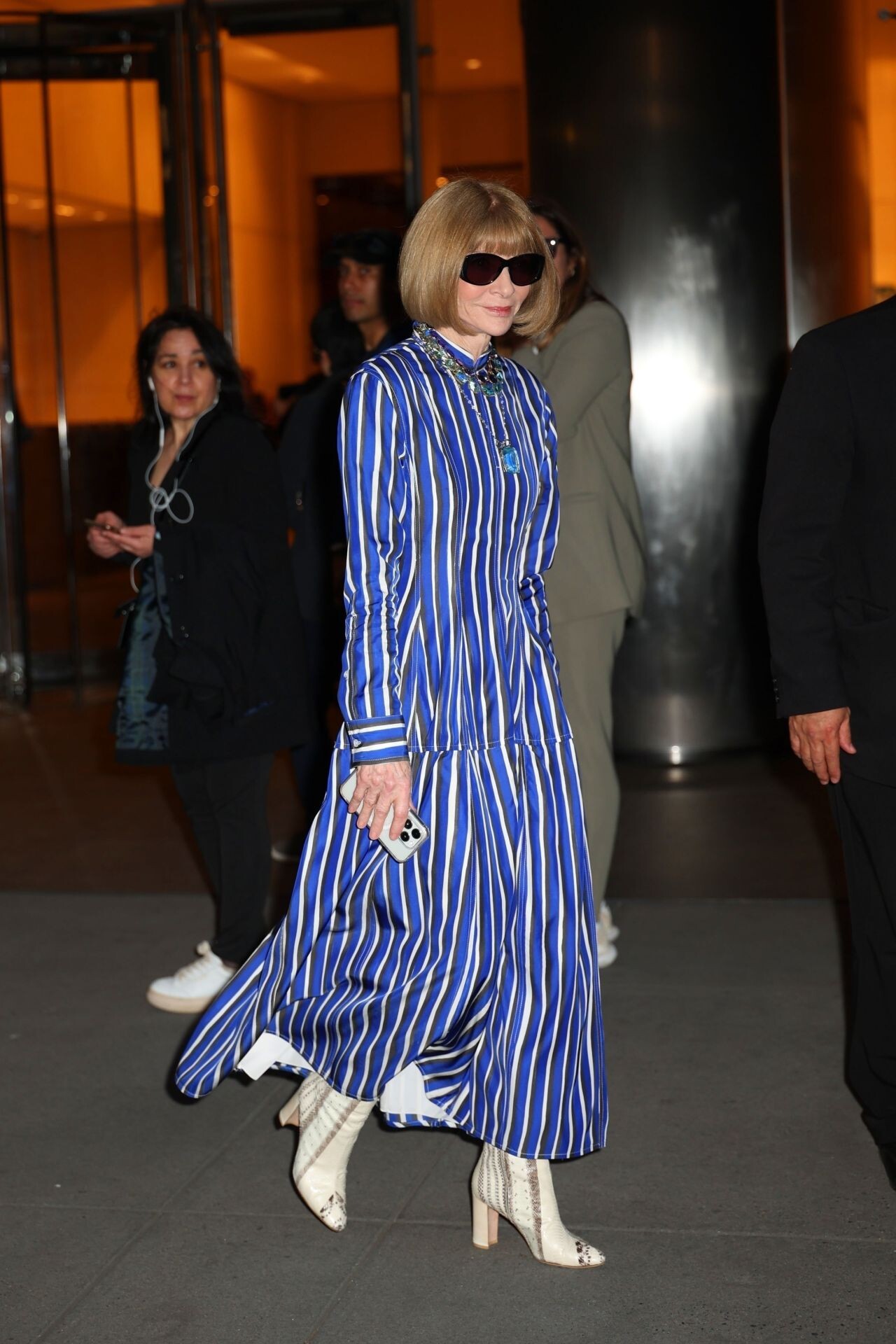
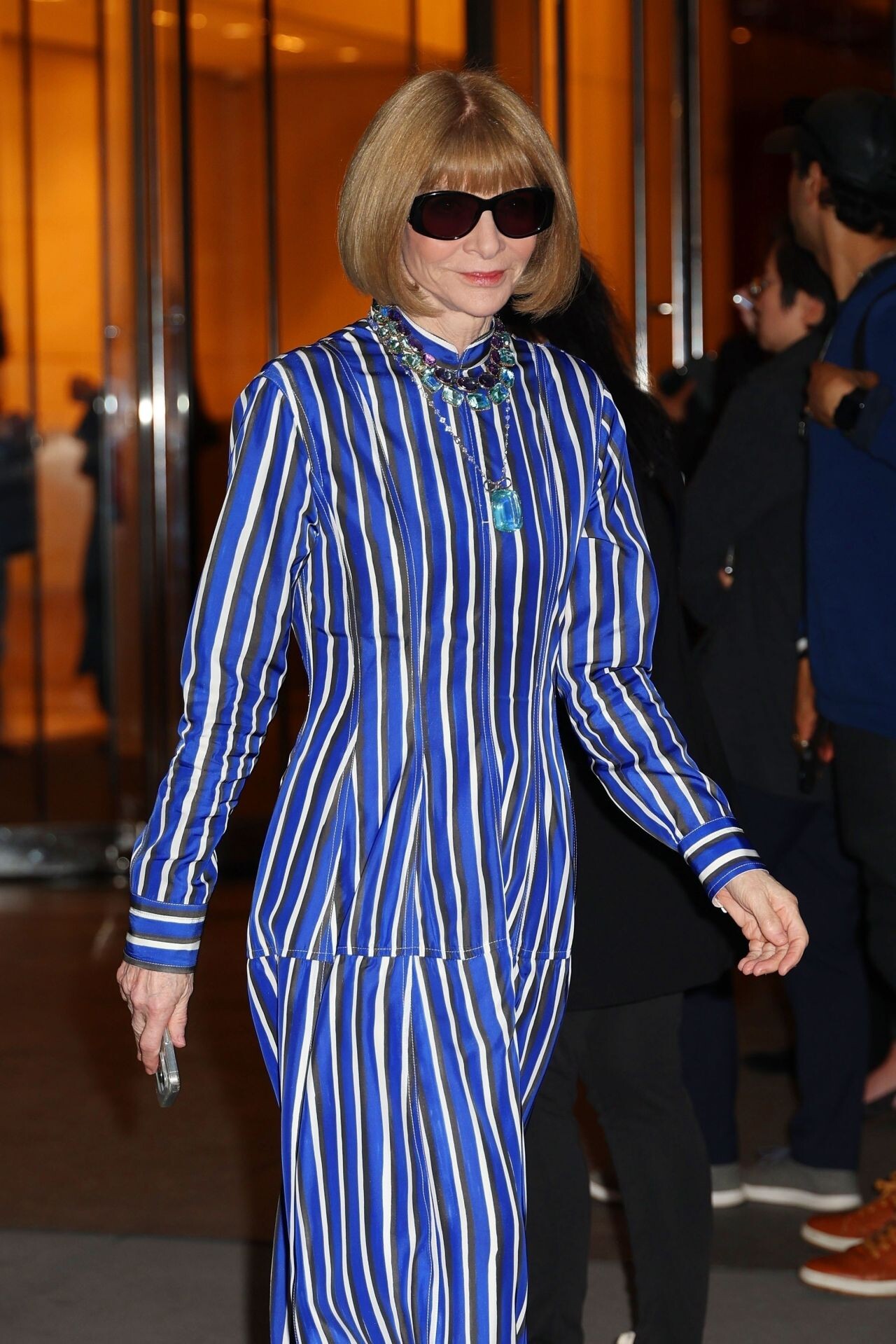
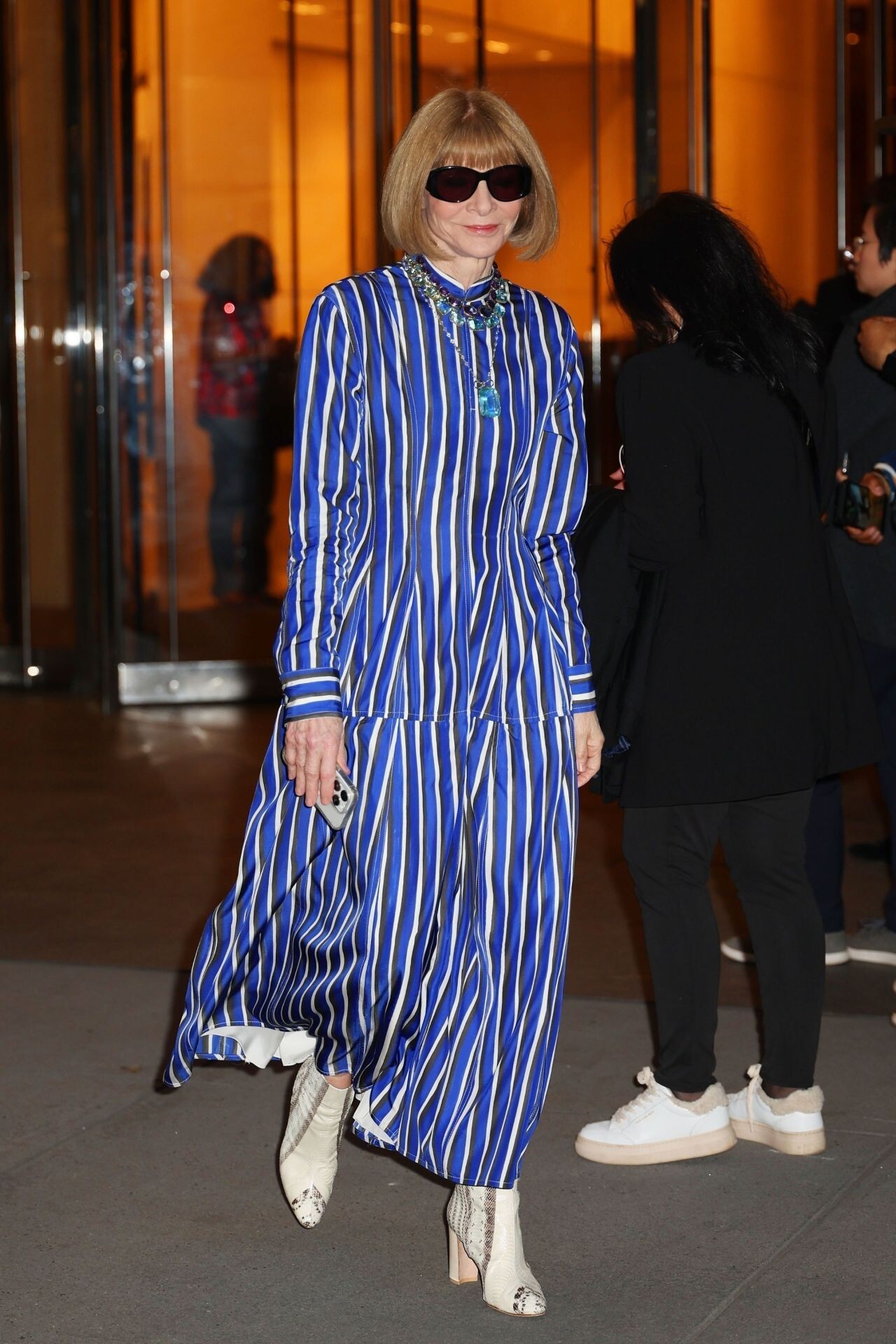
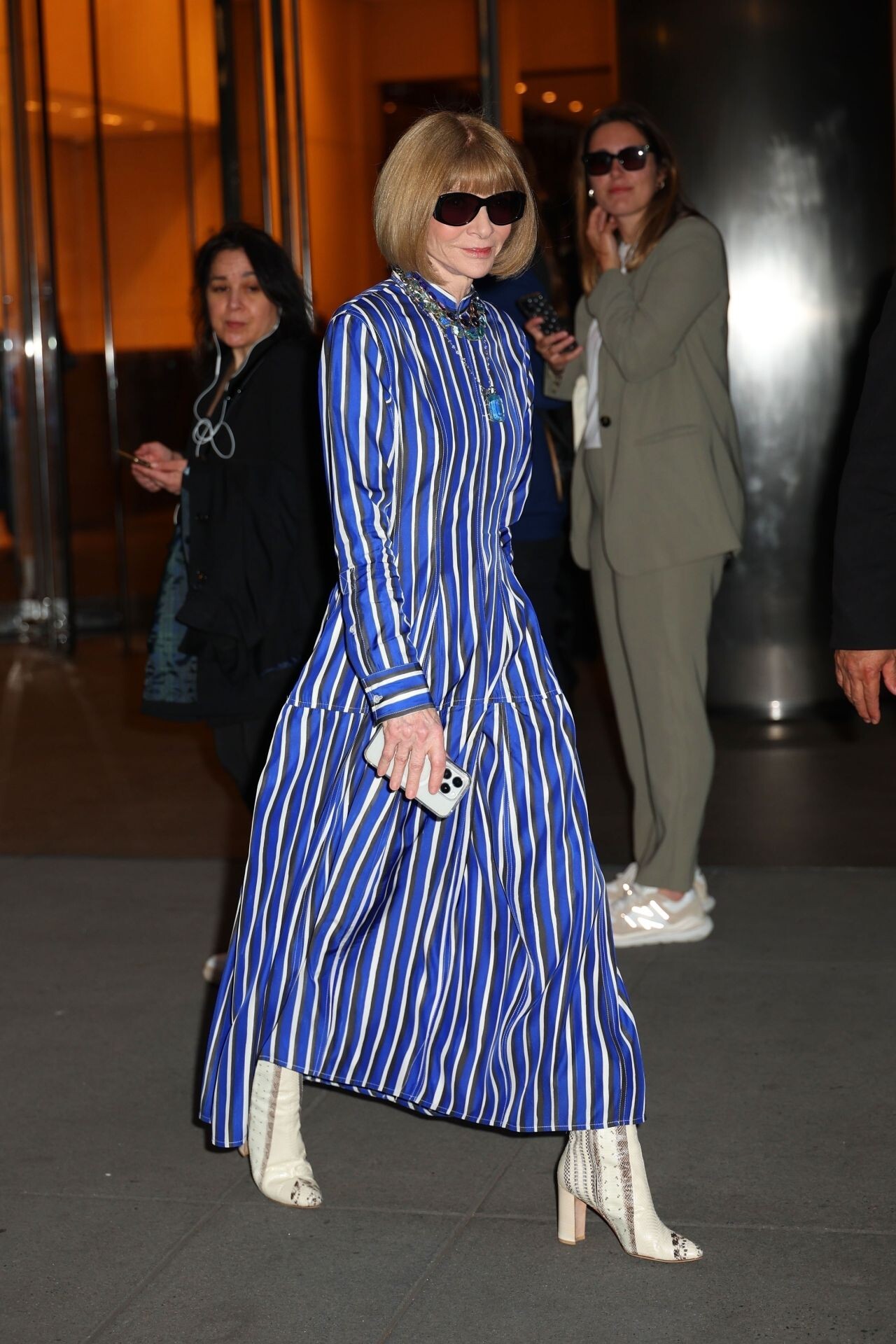
 Reformation x Laura Harrier












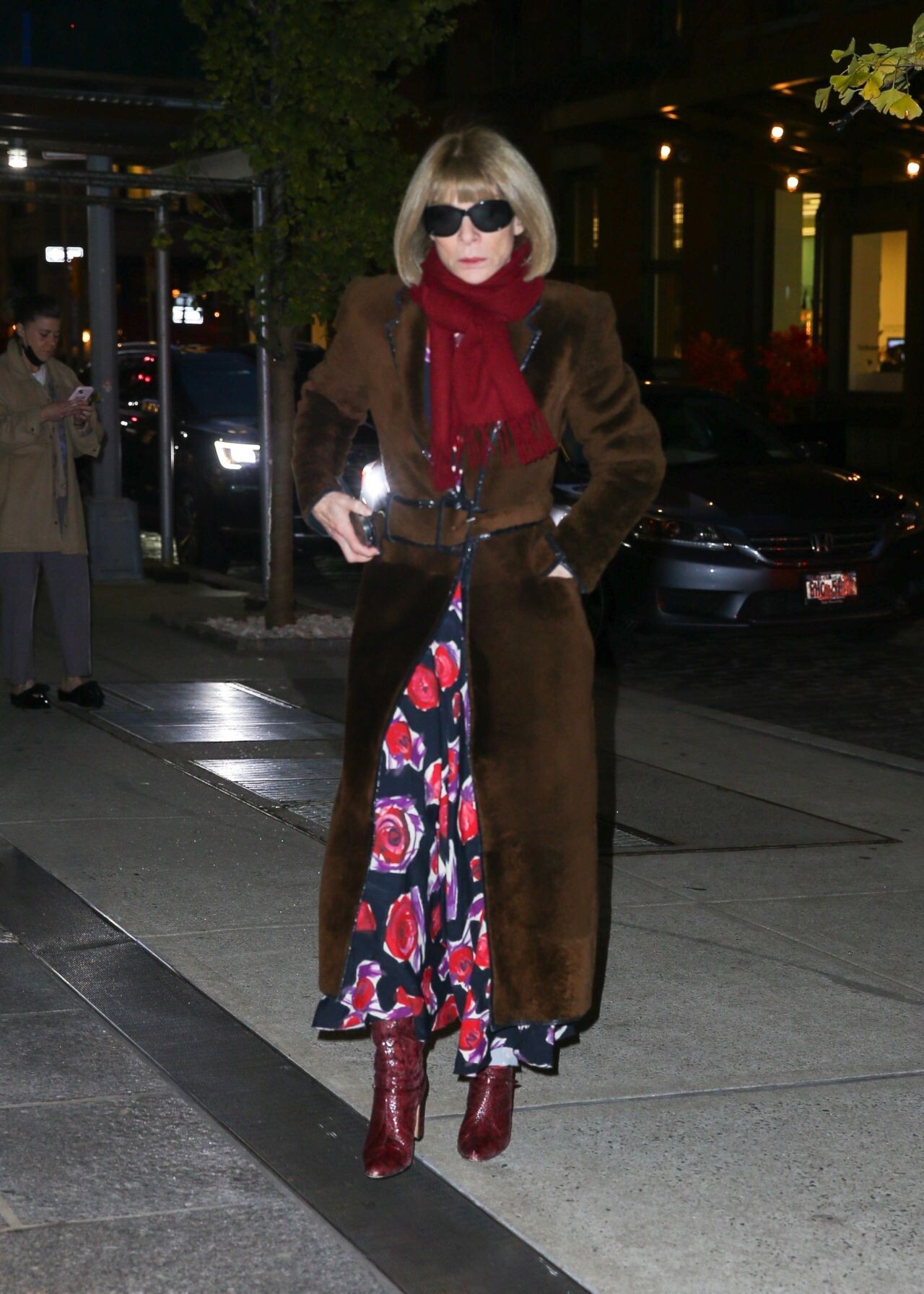
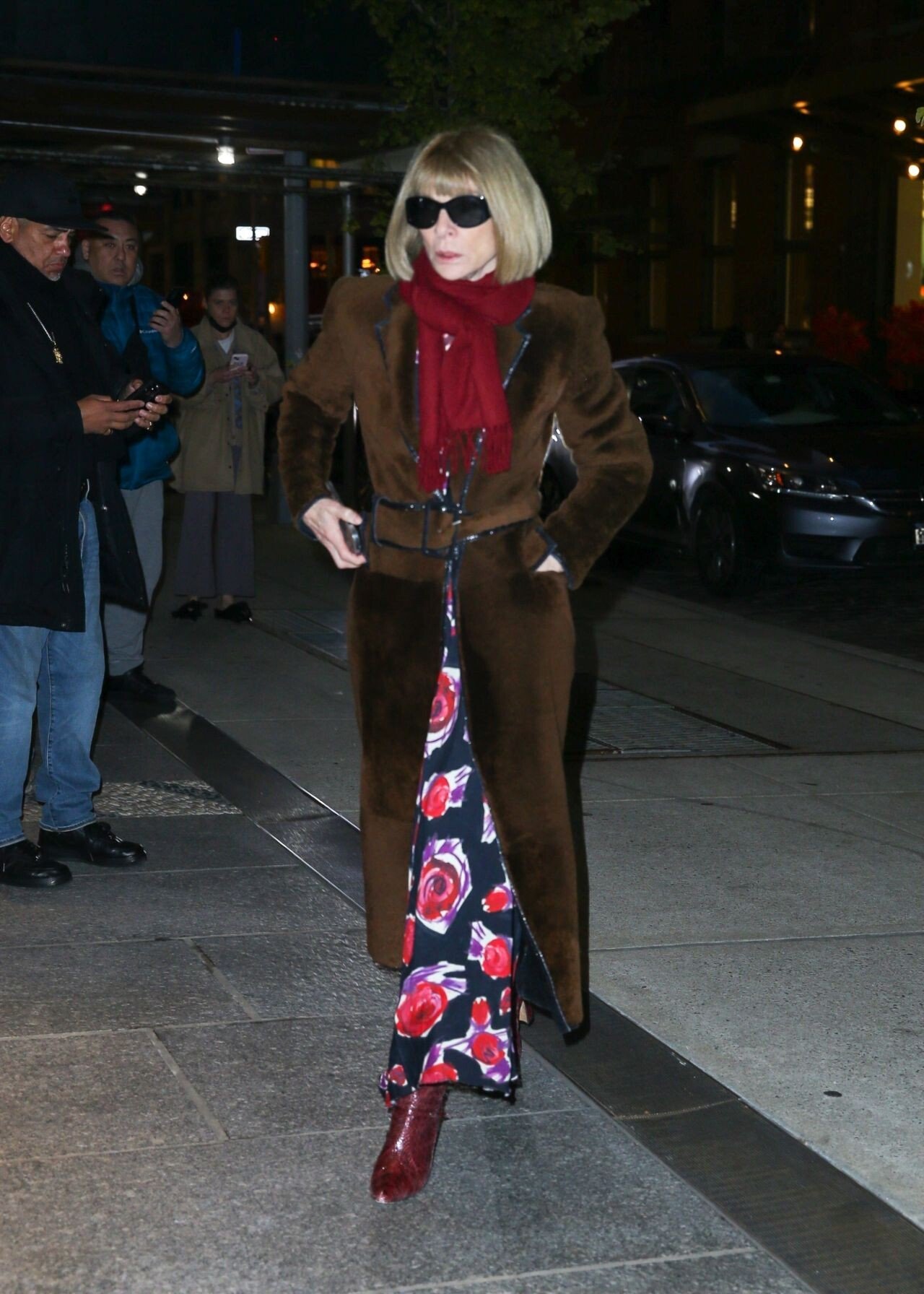
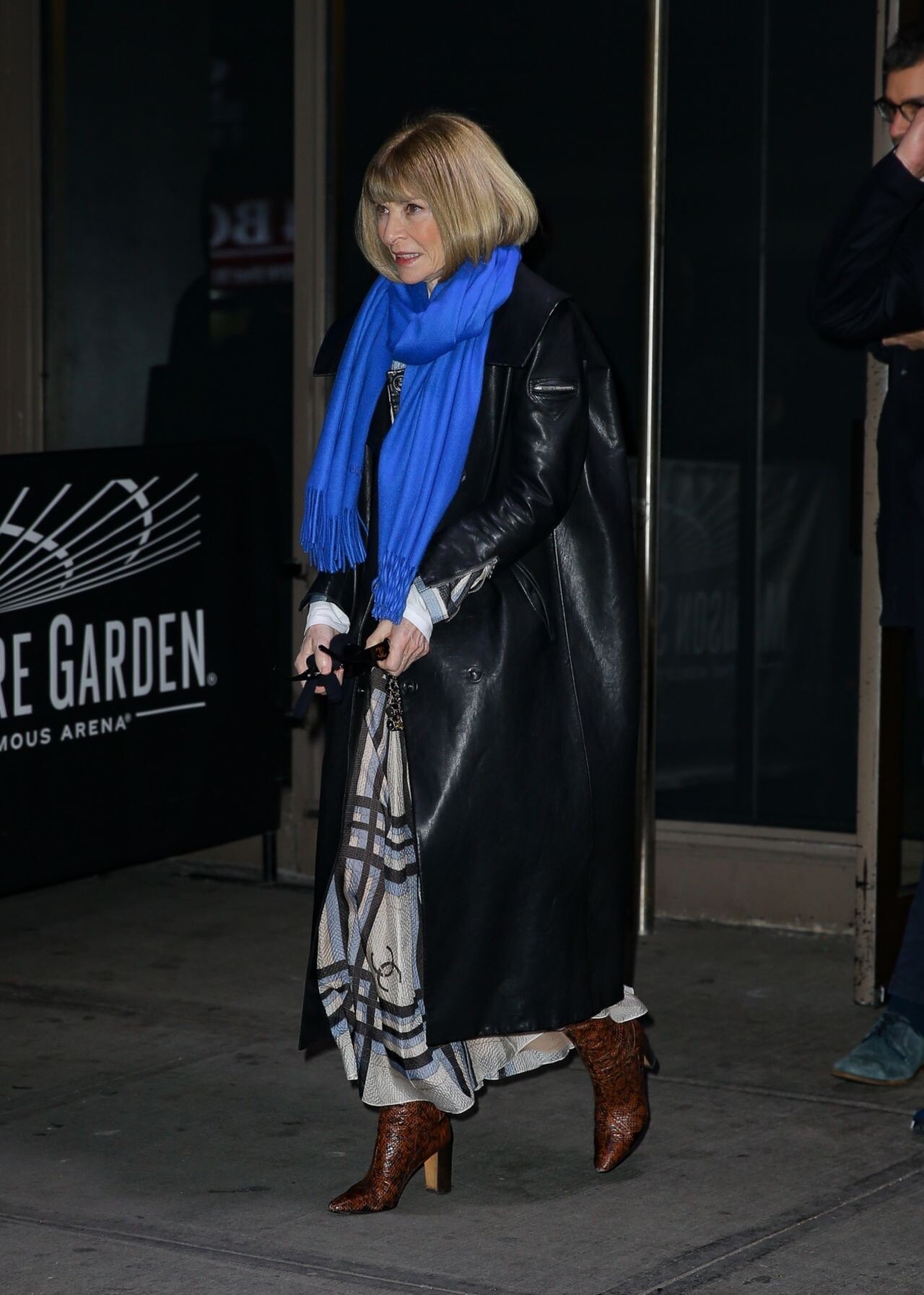

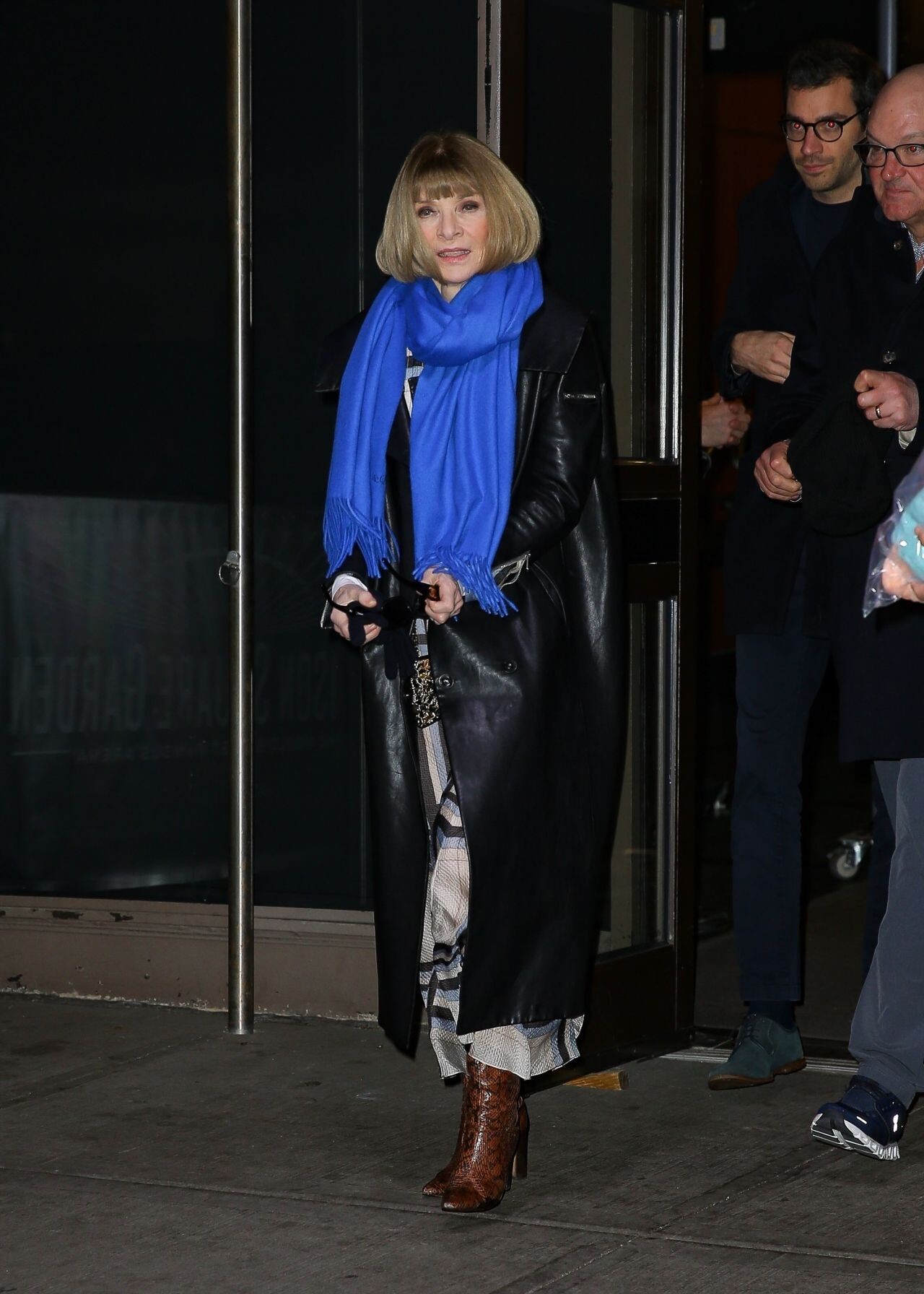




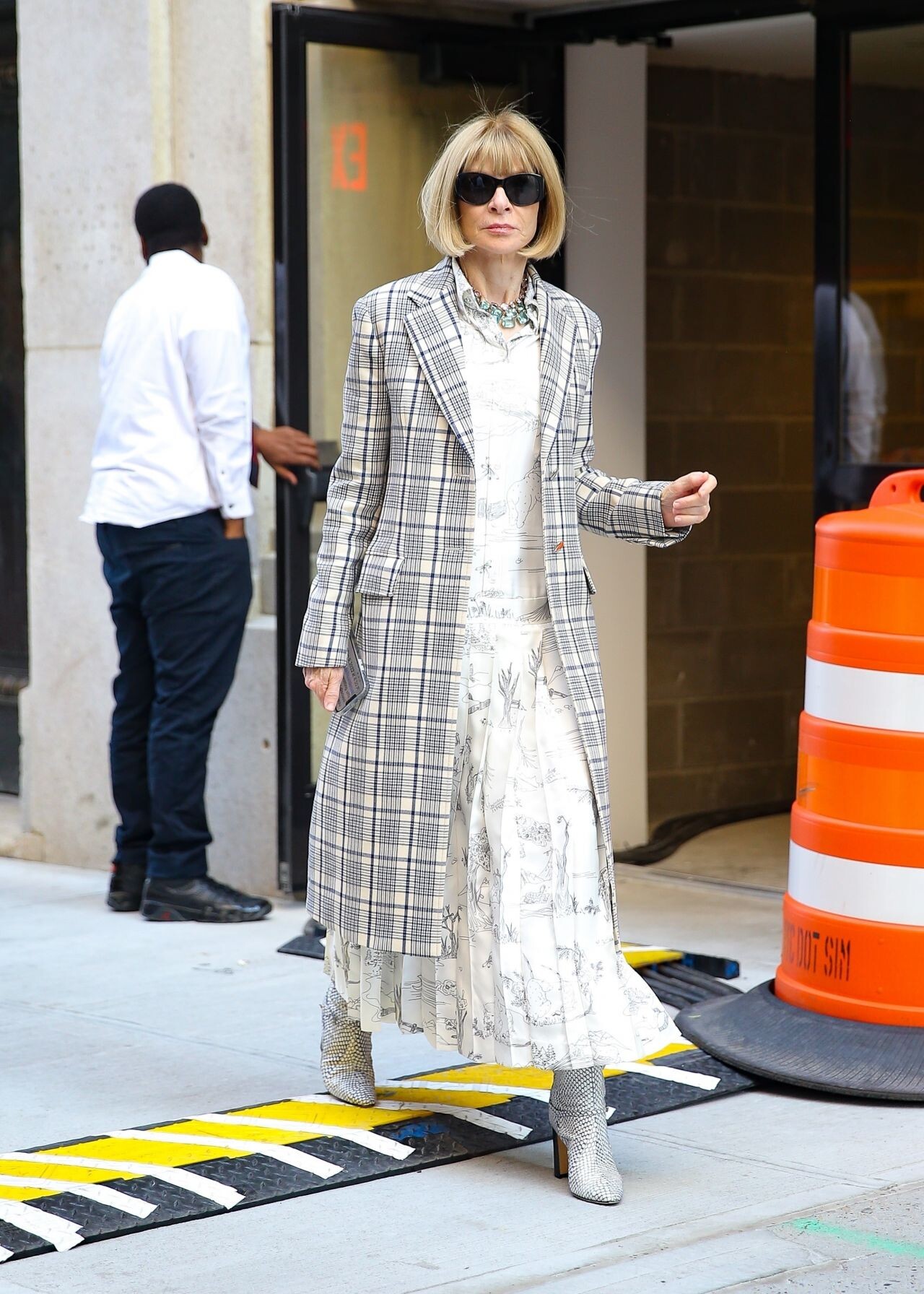
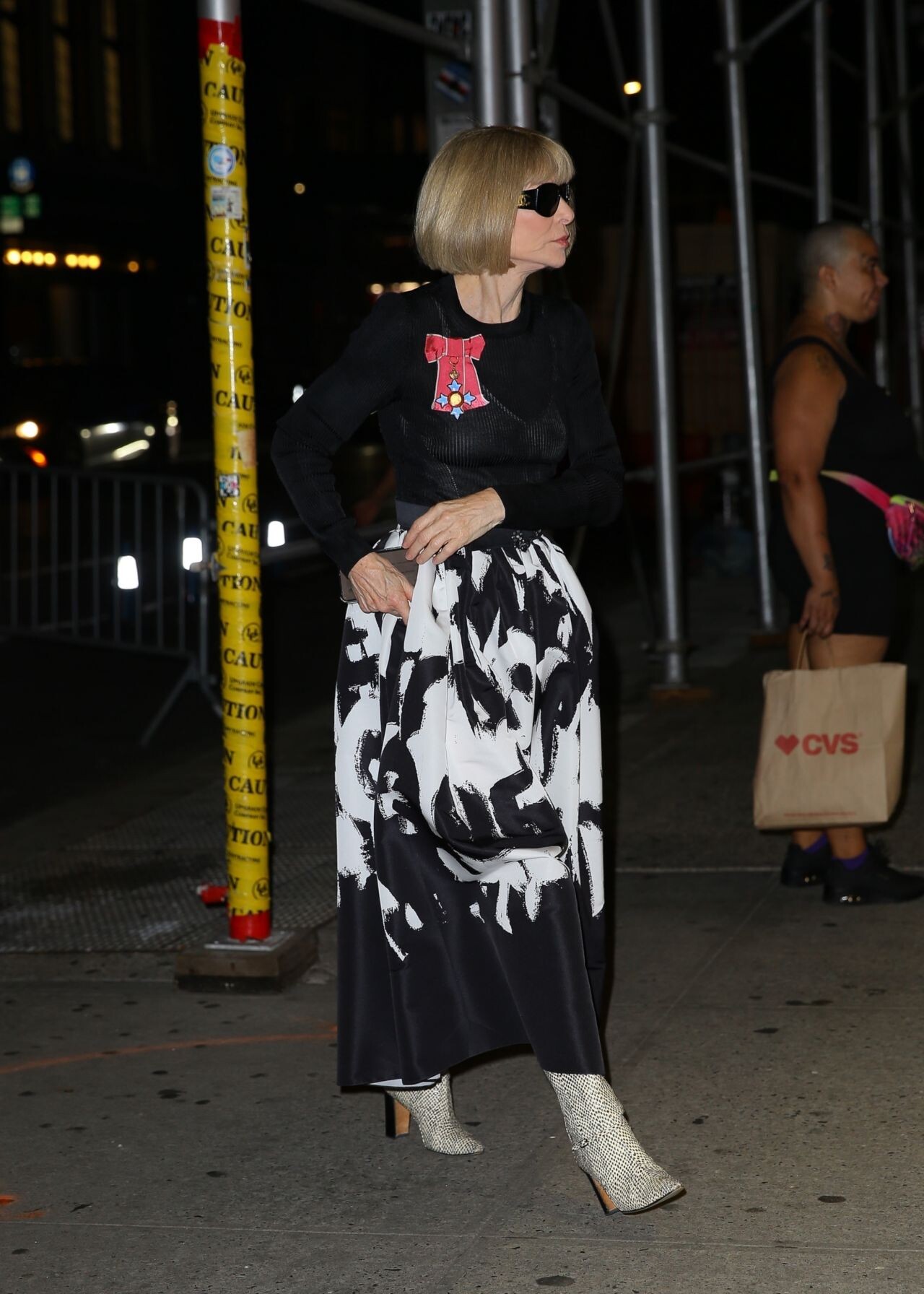
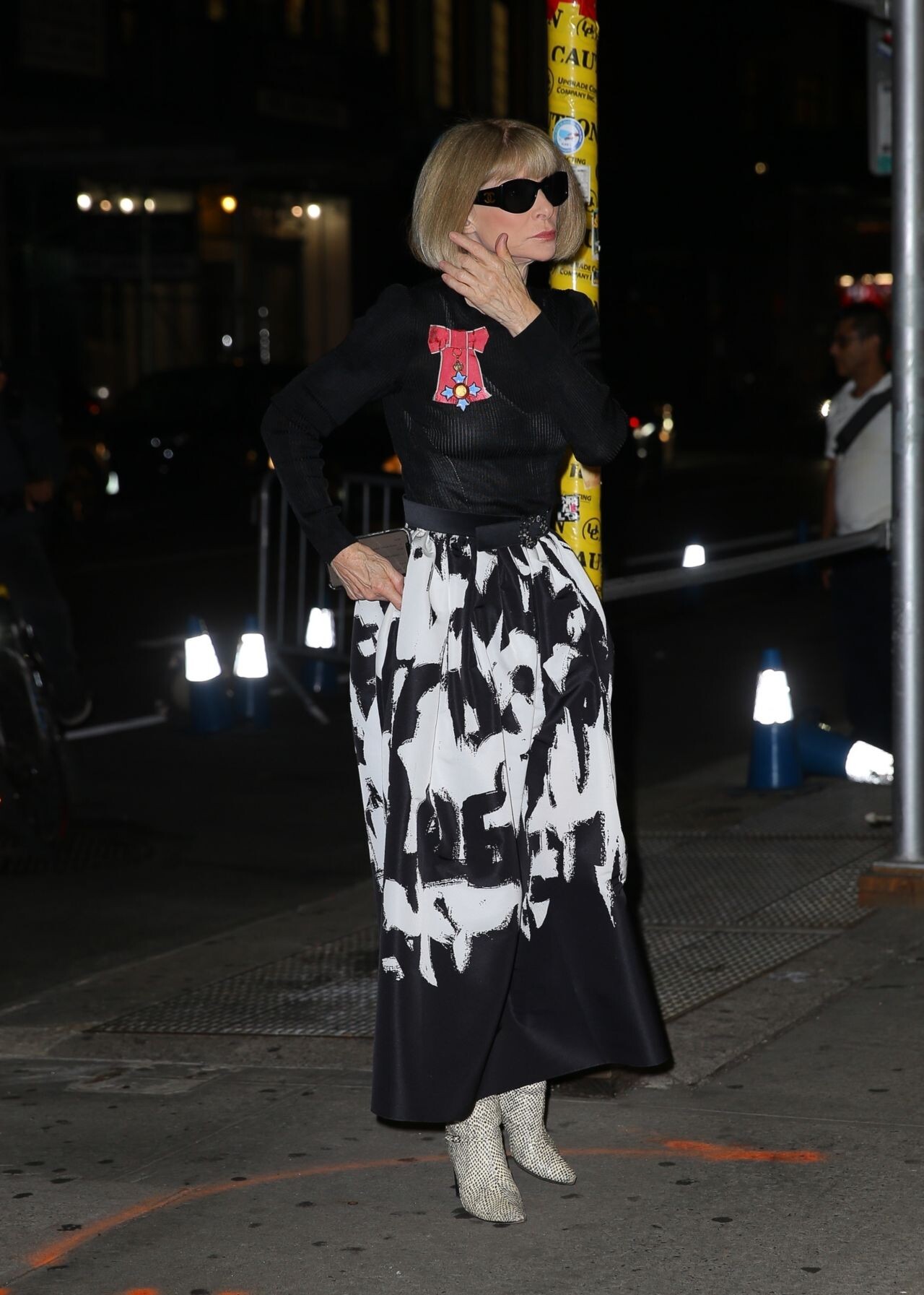
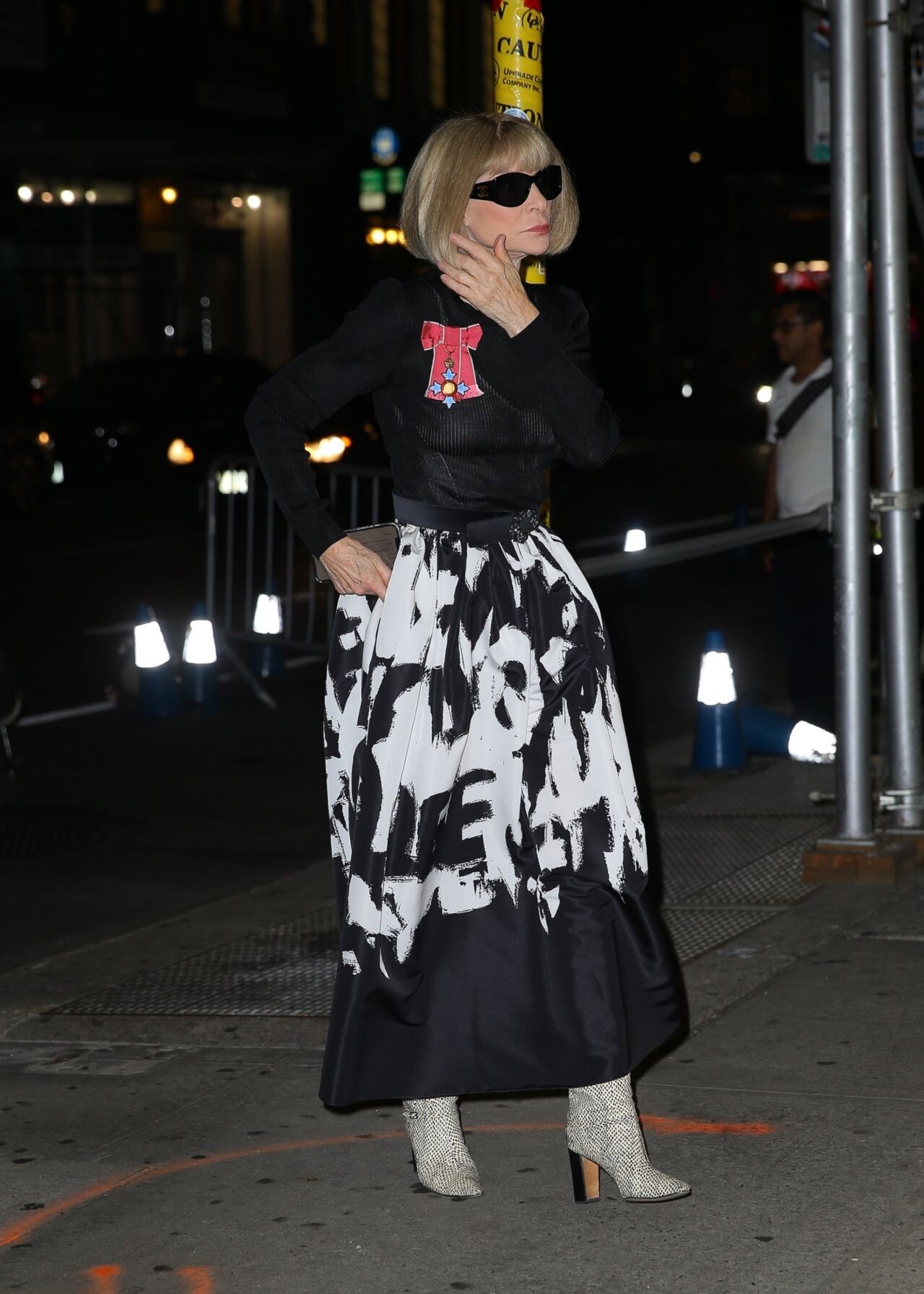
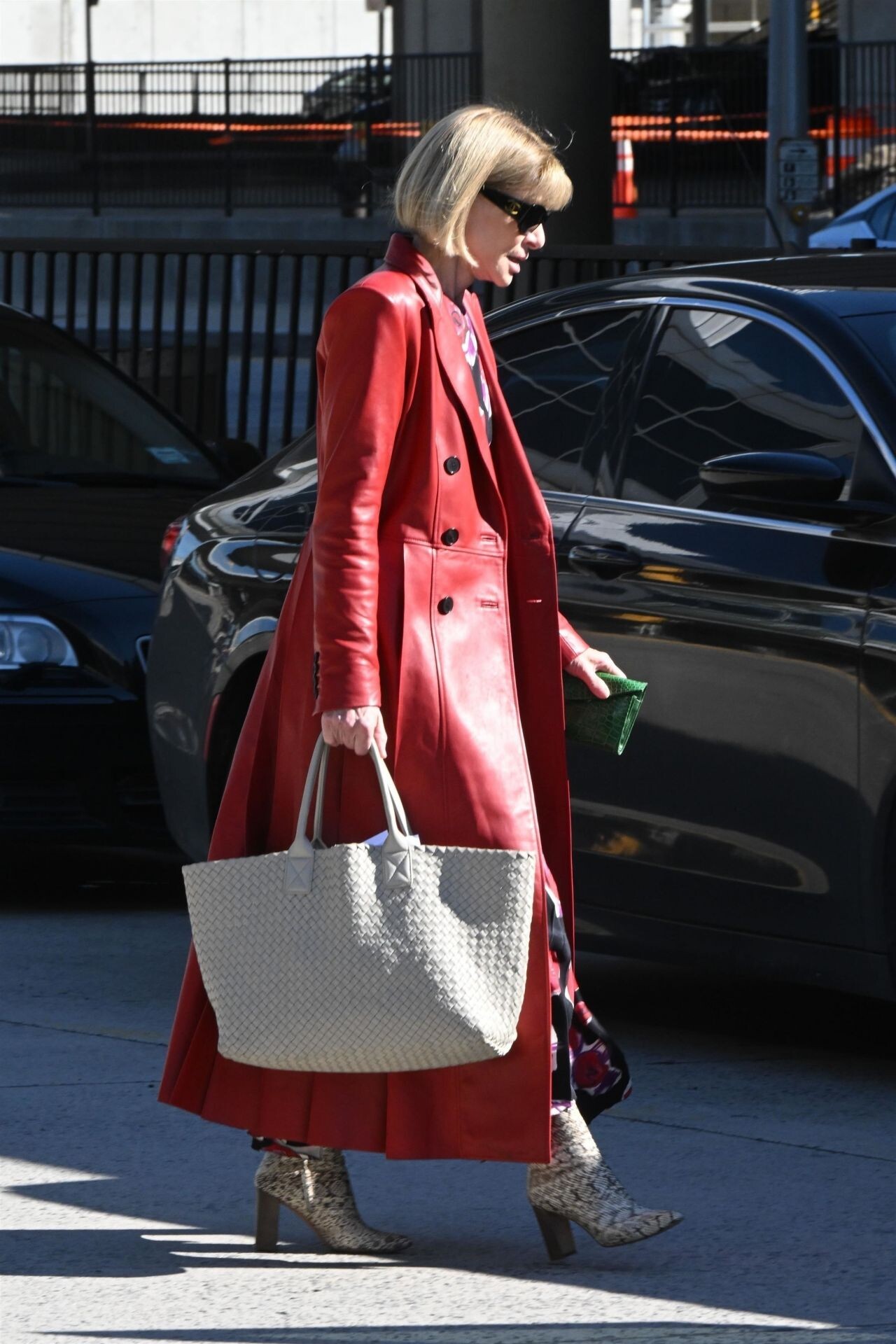

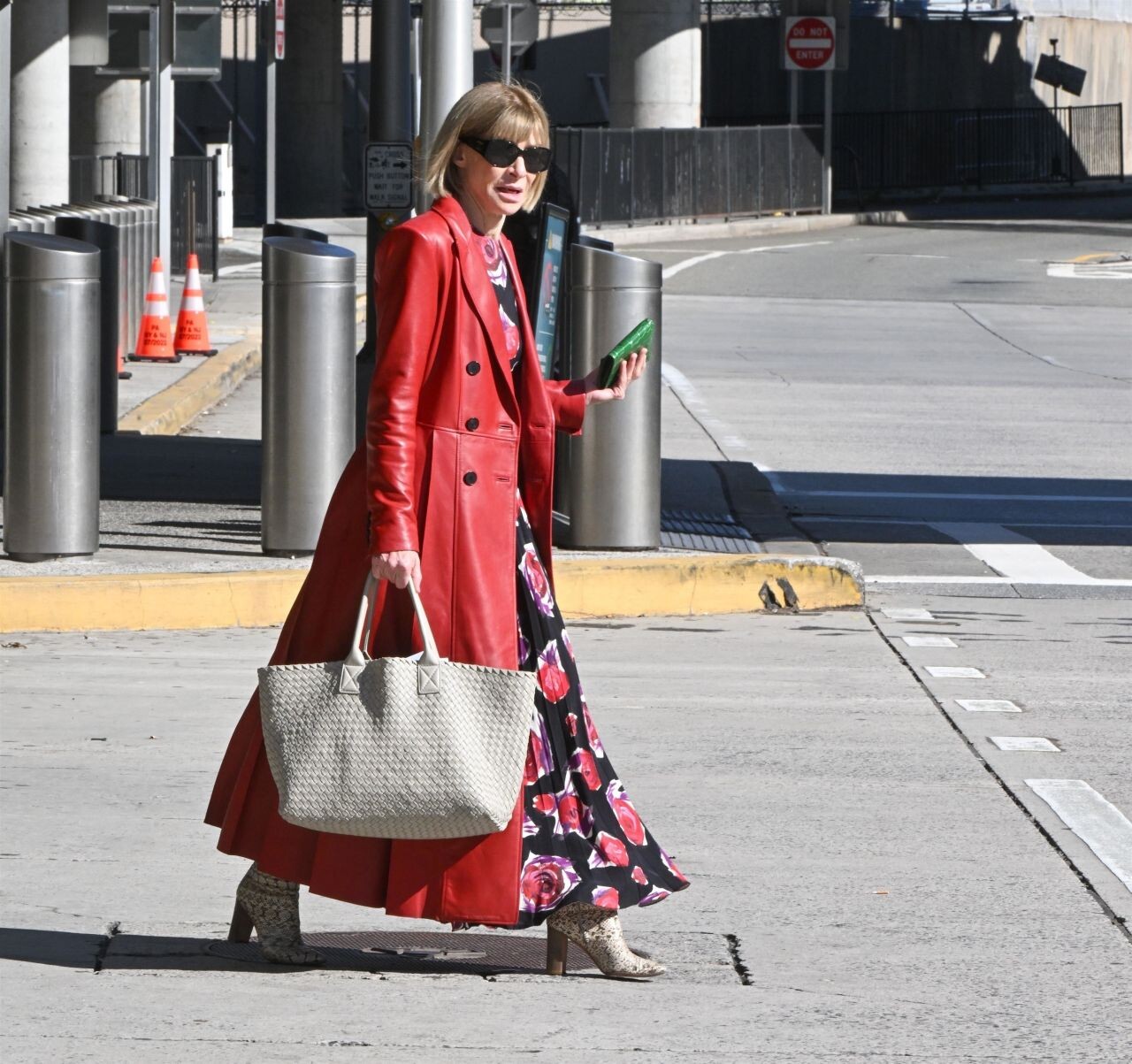
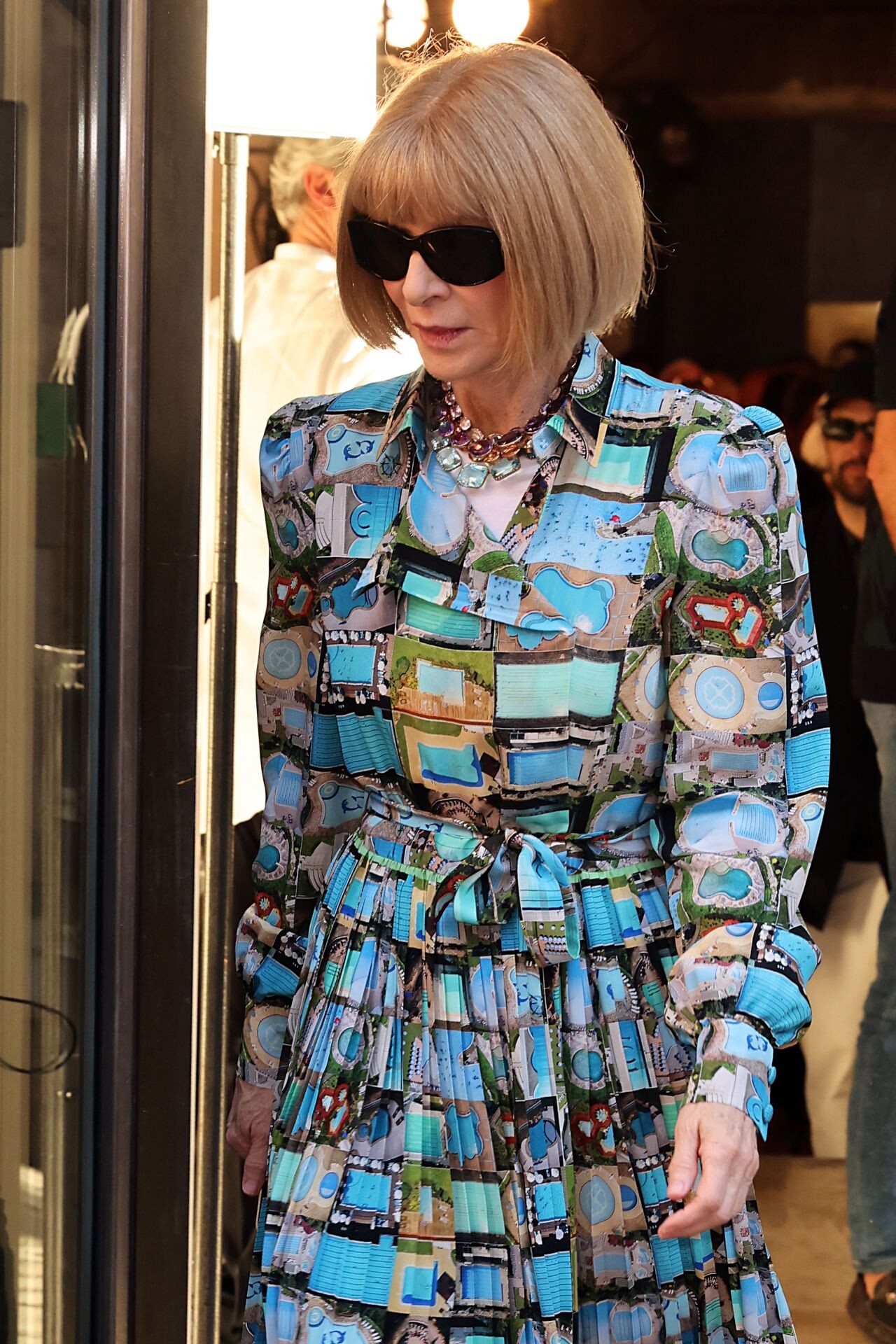
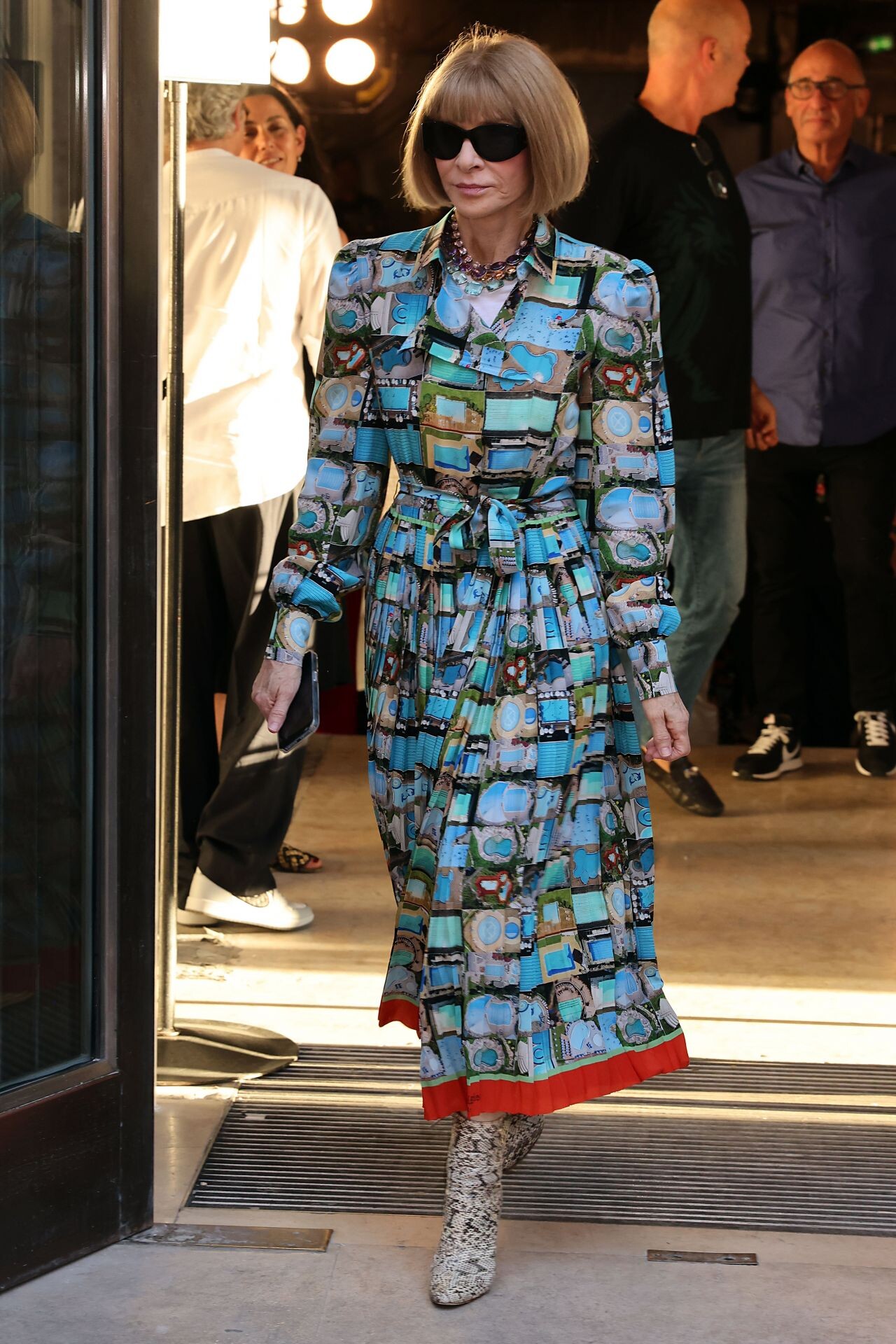













































































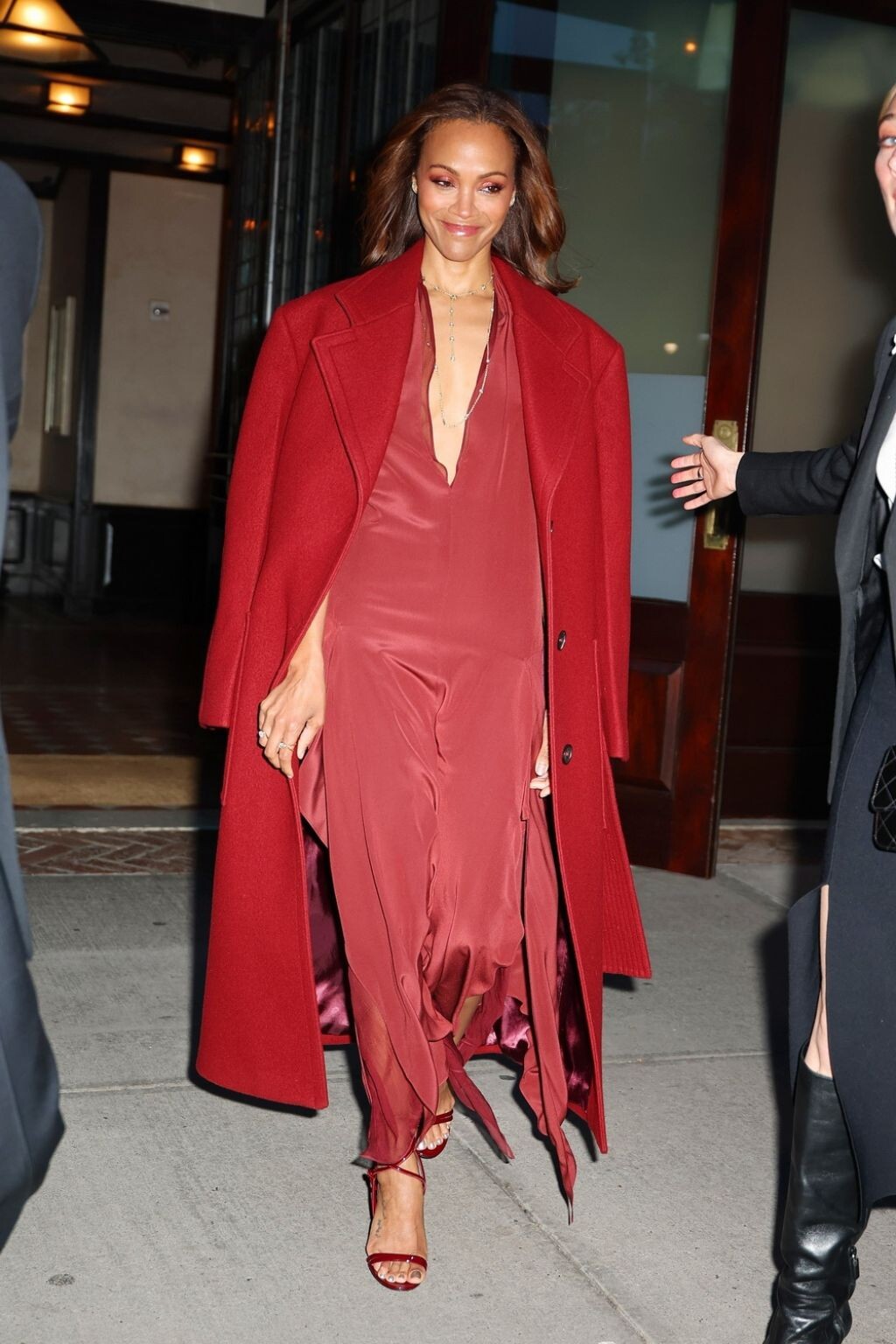

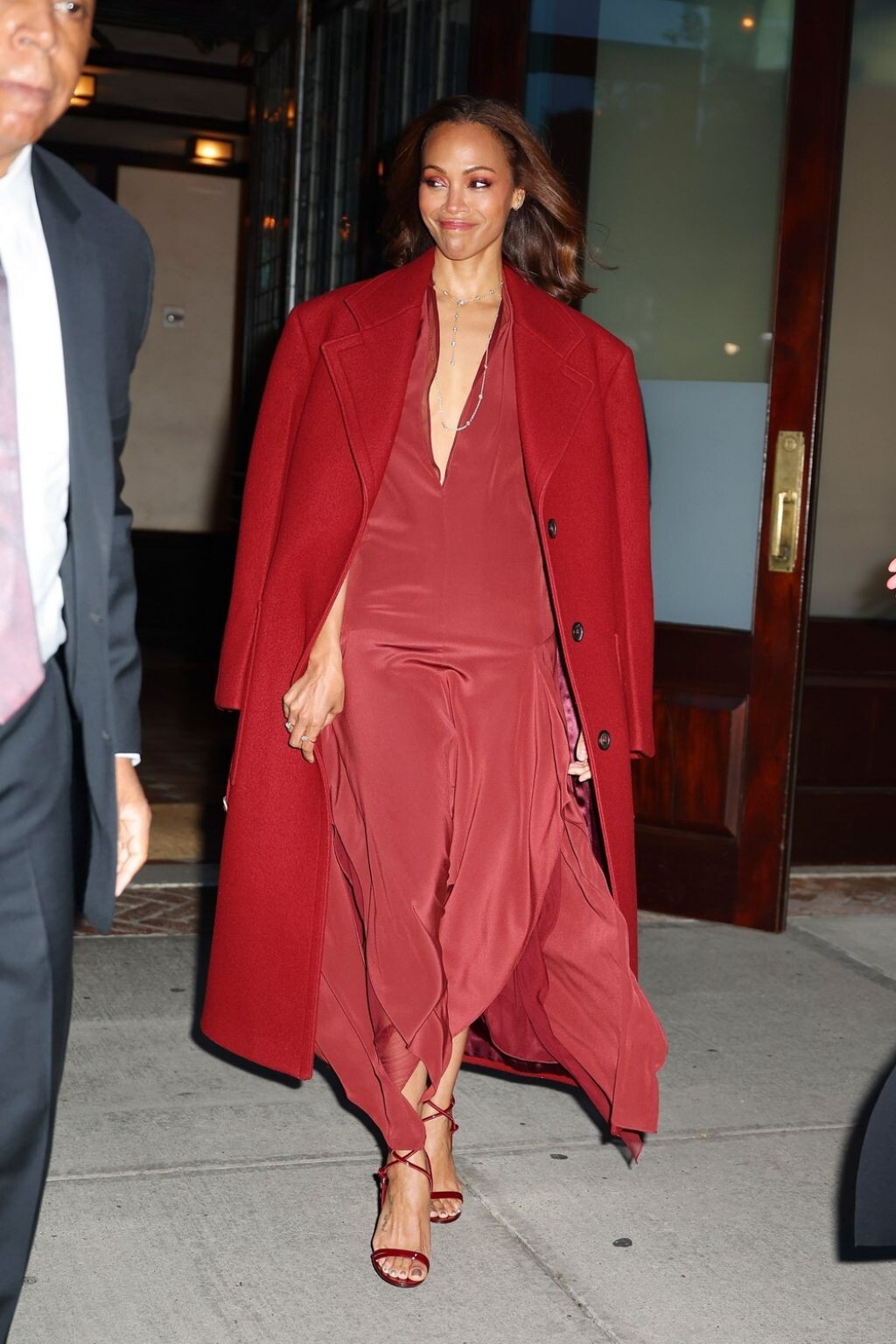
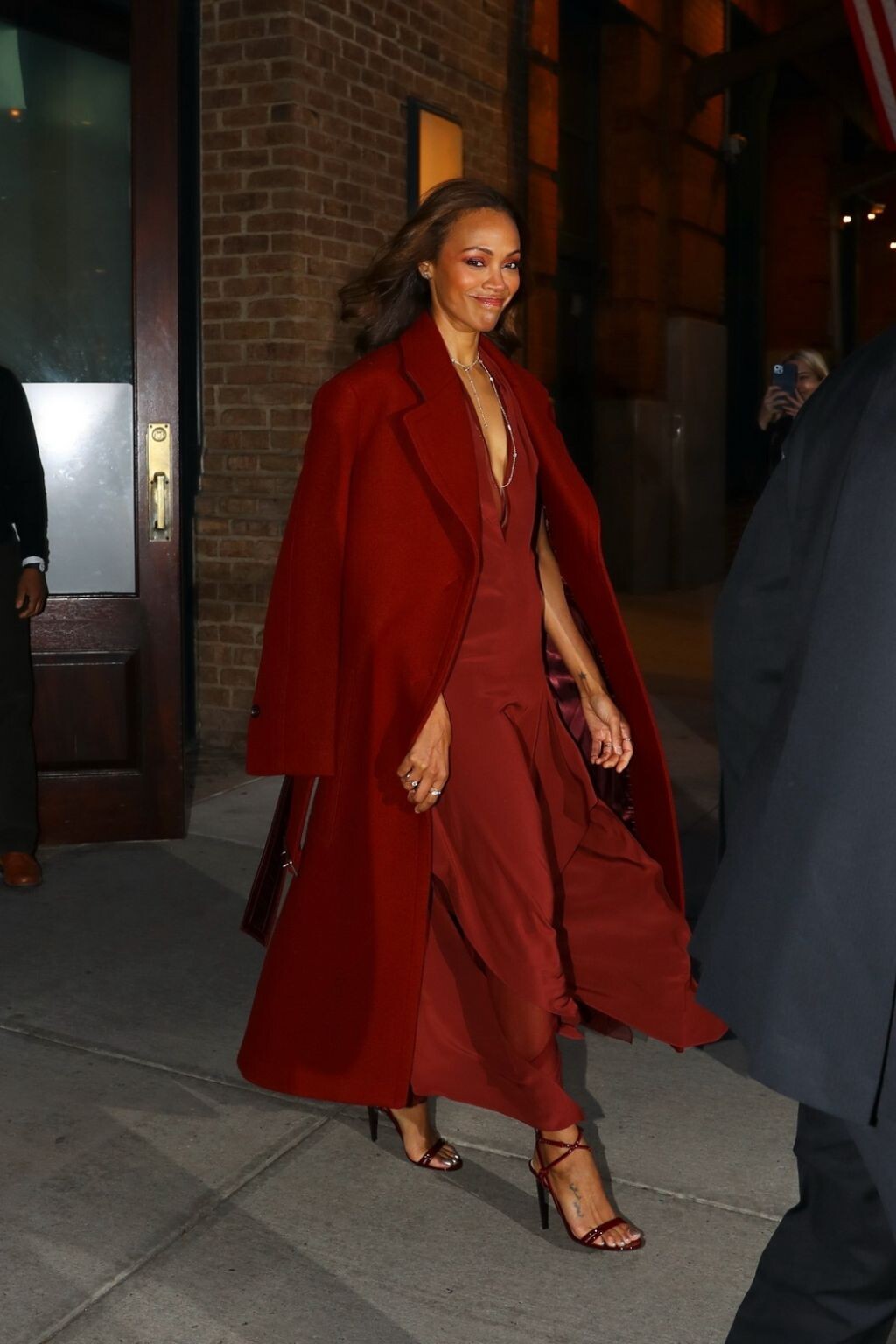

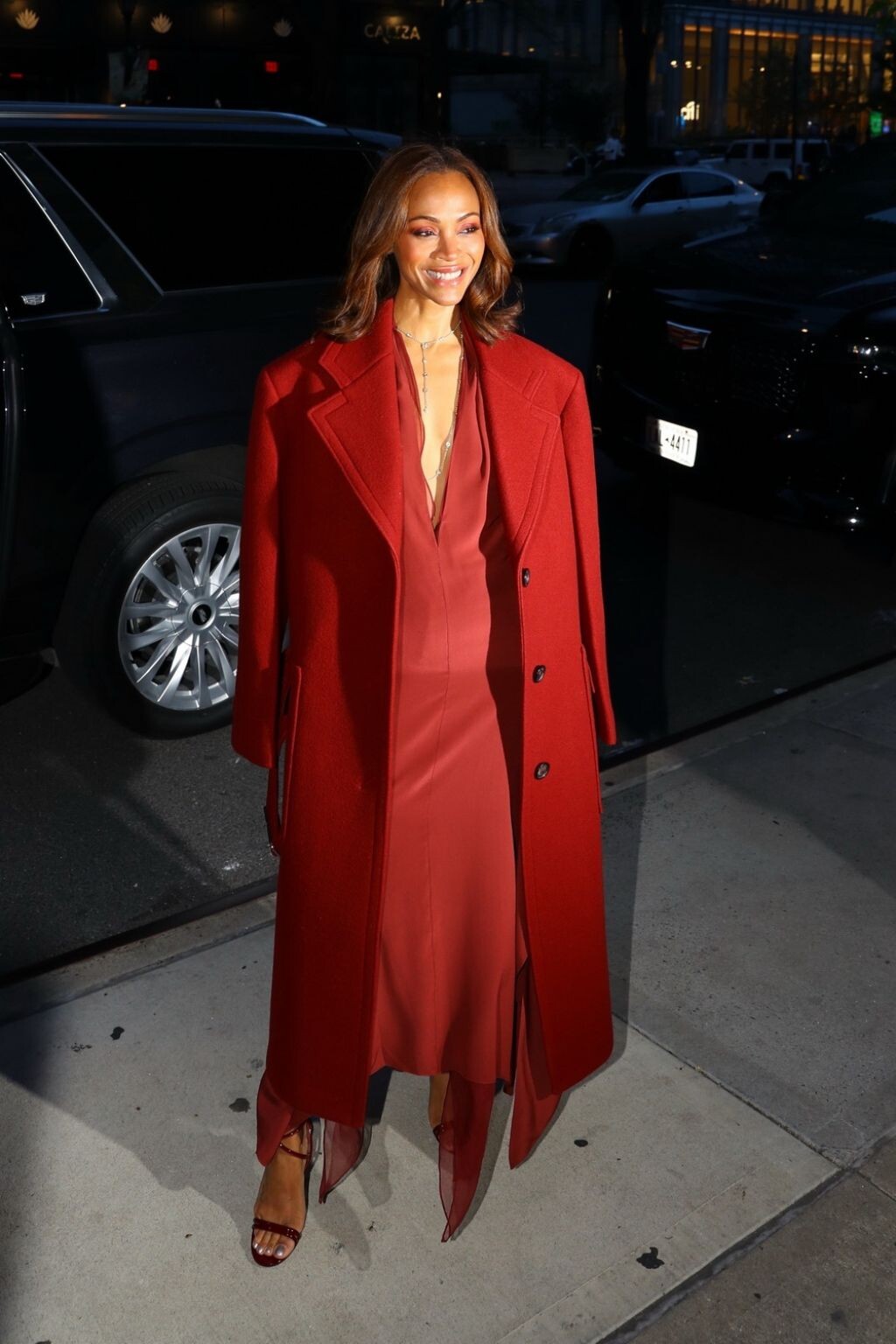










Account
Navigation
Search
Configure browser push notifications
Chrome (Android)
- Tap the lock icon next to the address bar.
- Tap Permissions → Notifications.
- Adjust your preference.
Chrome (Desktop)
- Click the padlock icon in the address bar.
- Select Site settings.
- Find Notifications and adjust your preference.
Safari (iOS 16.4+)
- Ensure the site is installed via Add to Home Screen.
- Open Settings App → Notifications.
- Find your app name and adjust your preference.
Safari (macOS)
- Go to Safari → Preferences.
- Click the Websites tab.
- Select Notifications in the sidebar.
- Find this website and adjust your preference.
Edge (Android)
- Tap the lock icon next to the address bar.
- Tap Permissions.
- Find Notifications and adjust your preference.
Edge (Desktop)
- Click the padlock icon in the address bar.
- Click Permissions for this site.
- Find Notifications and adjust your preference.
Firefox (Android)
- Go to Settings → Site permissions.
- Tap Notifications.
- Find this site in the list and adjust your preference.
Firefox (Desktop)
- Open Firefox Settings.
- Search for Notifications.
- Find this site in the list and adjust your preference.