

Matute
Members
-
Joined
-
Last visited
Everything posted by Matute
-
 ^^ Much better outfits than last year Isa in white .... what a goddess, wow Thanks so much, Francy
And one UHQ from Despi Uploaded with TurboImageHost.com
^^ Much better outfits than last year Isa in white .... what a goddess, wow Thanks so much, Francy
And one UHQ from Despi Uploaded with TurboImageHost.com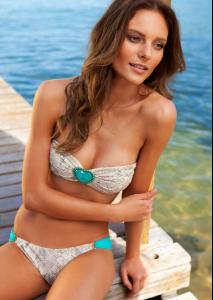 Two more larger .... Despi
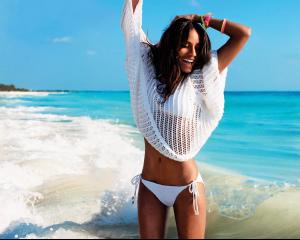
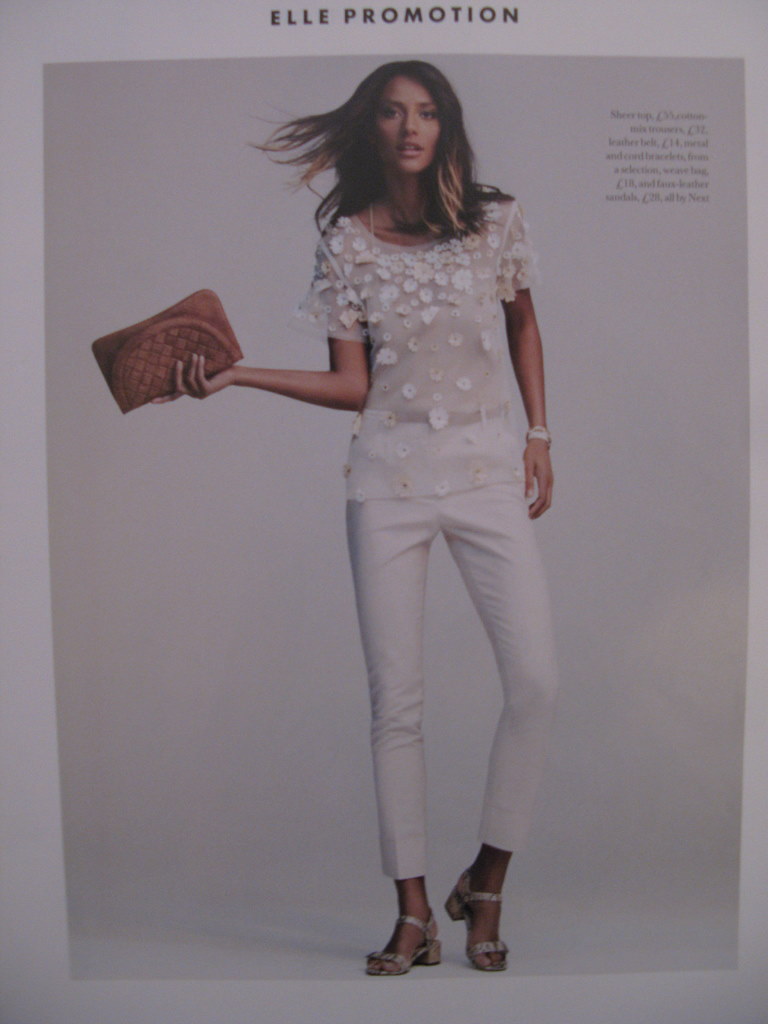
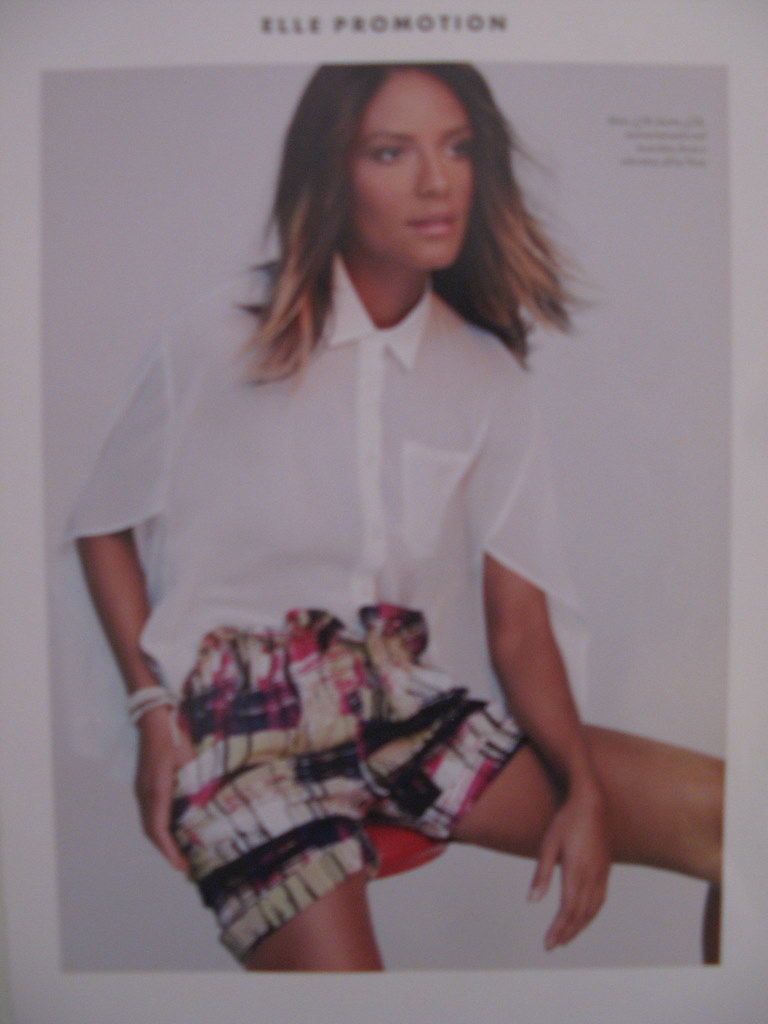
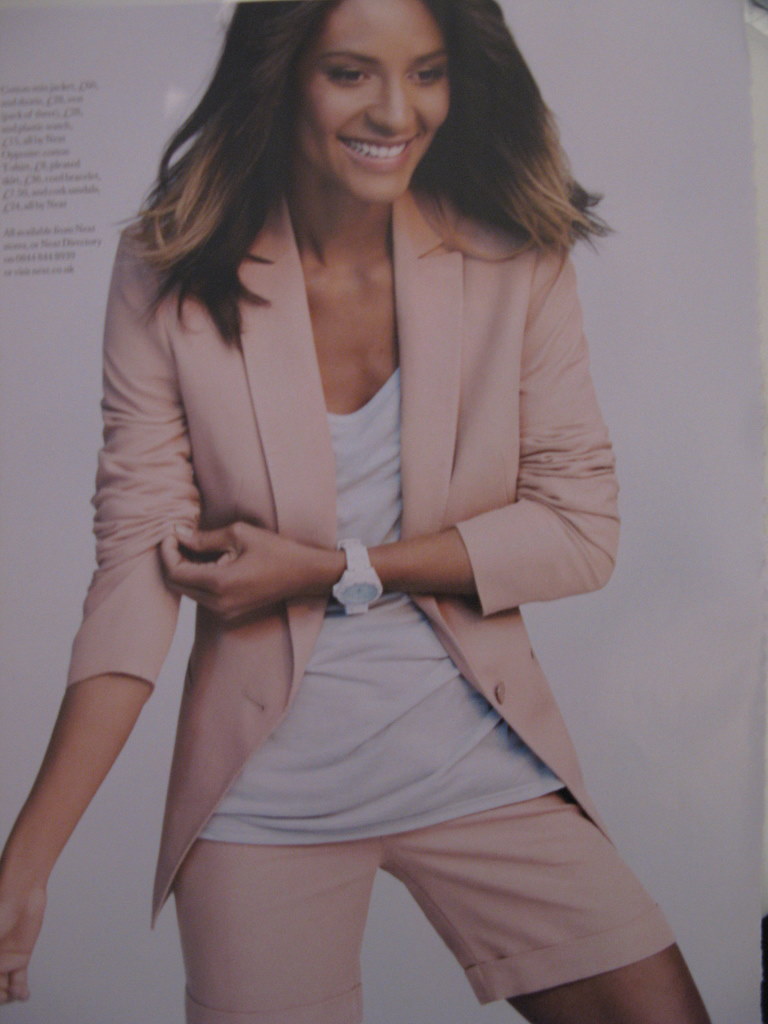
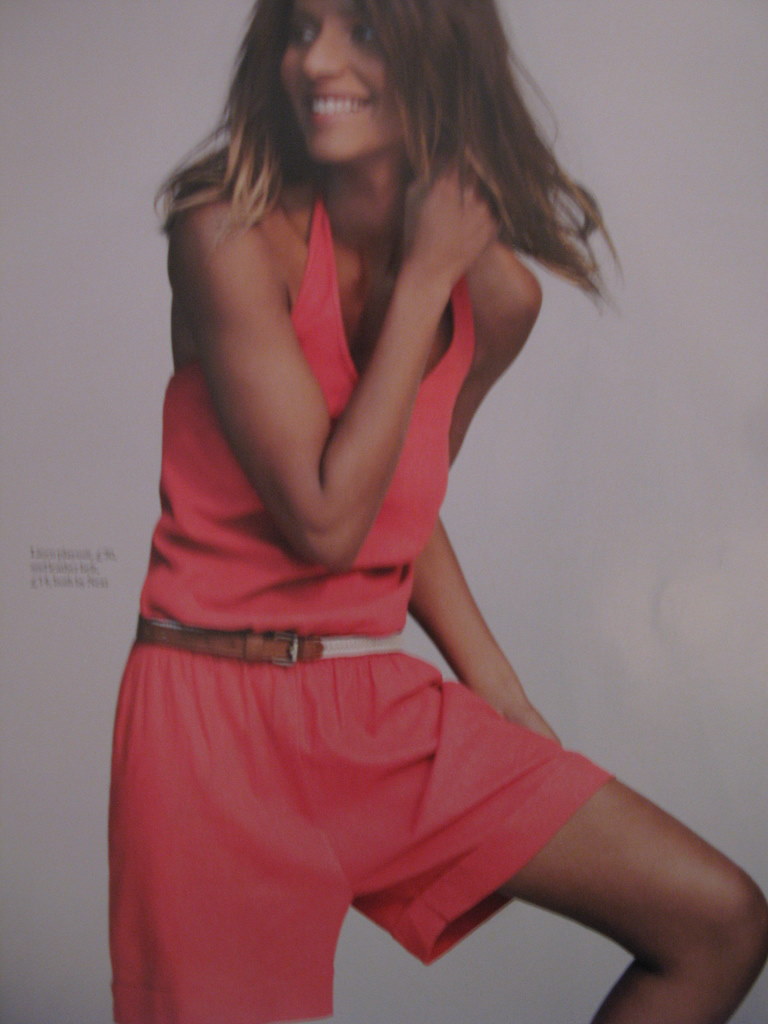
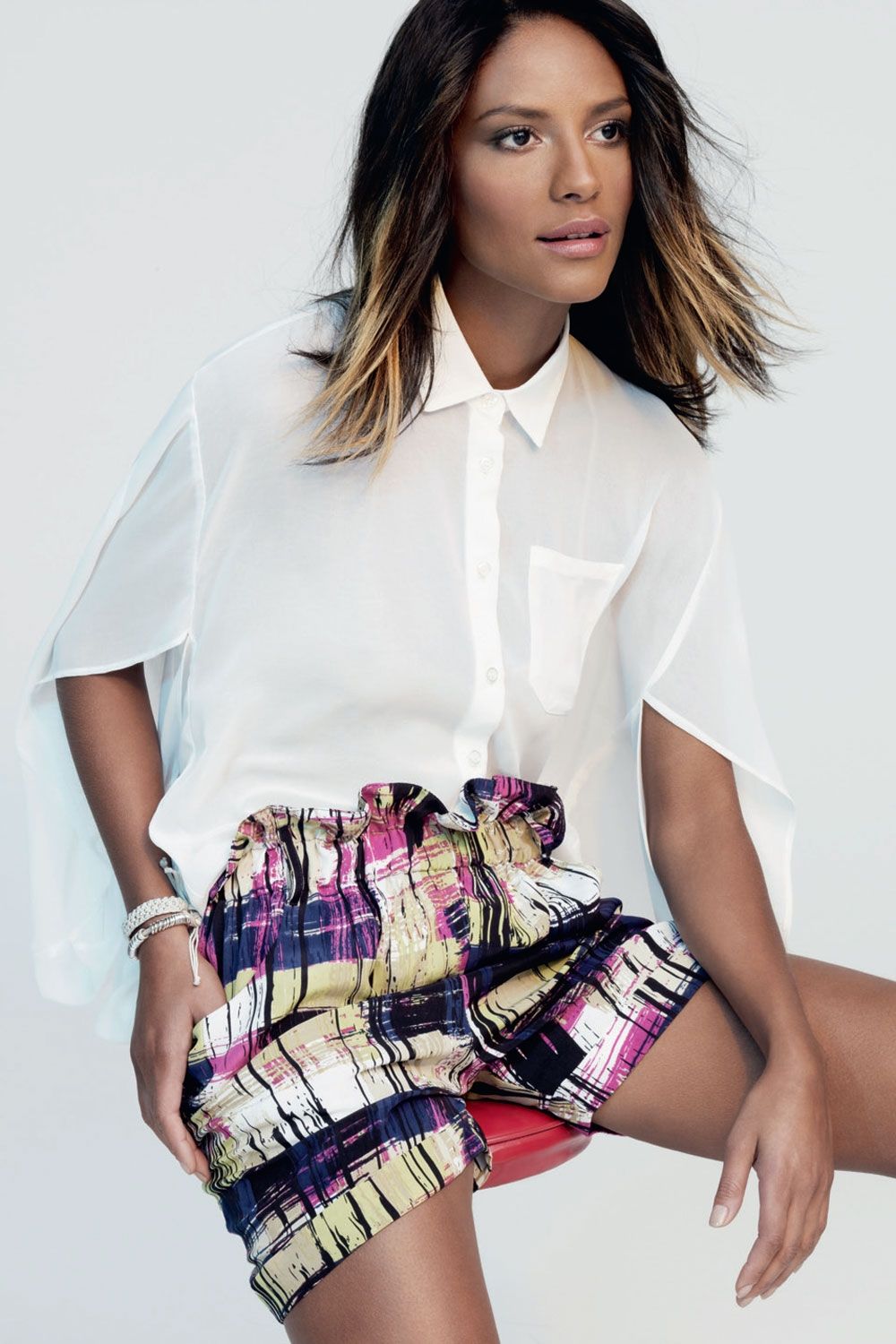
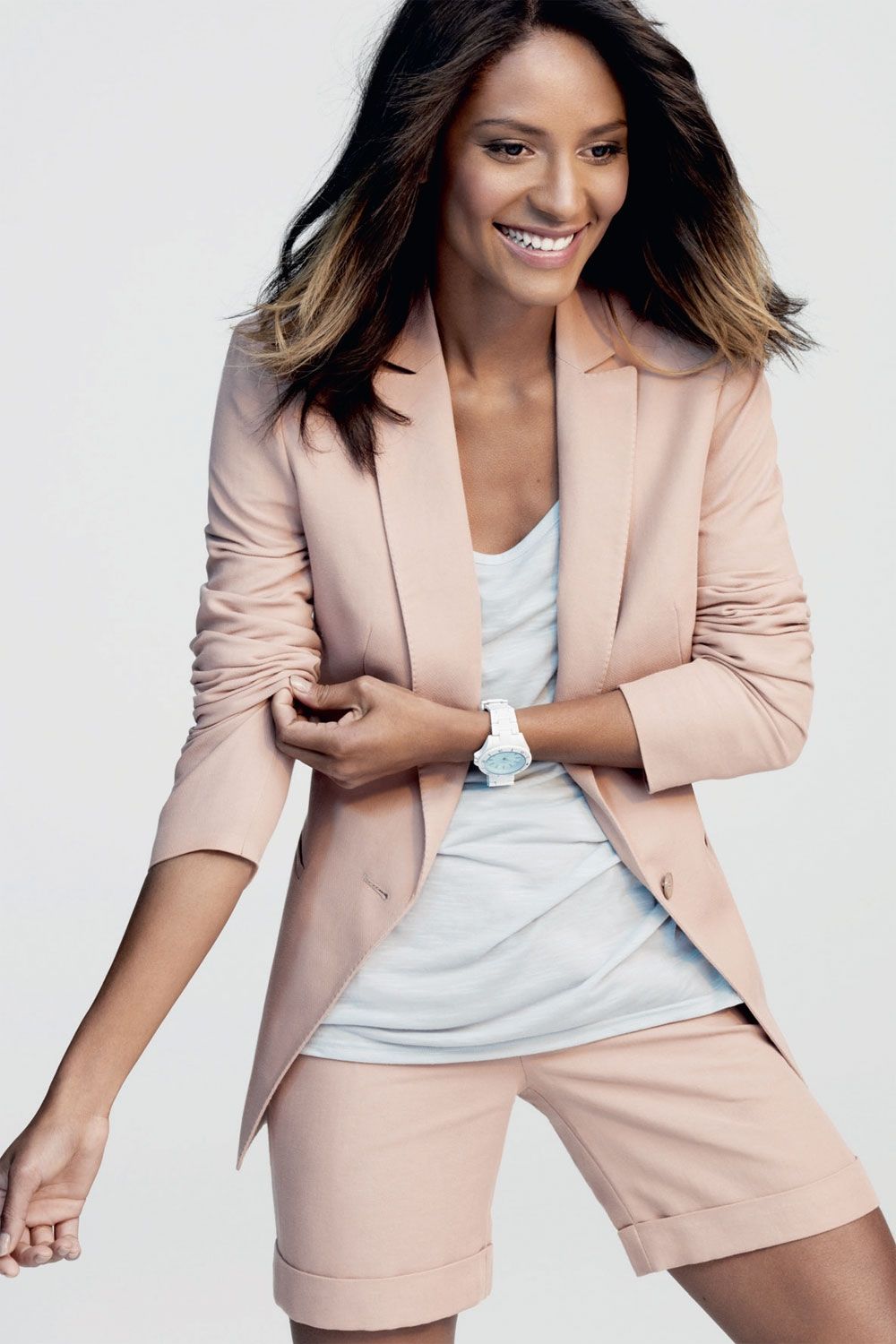
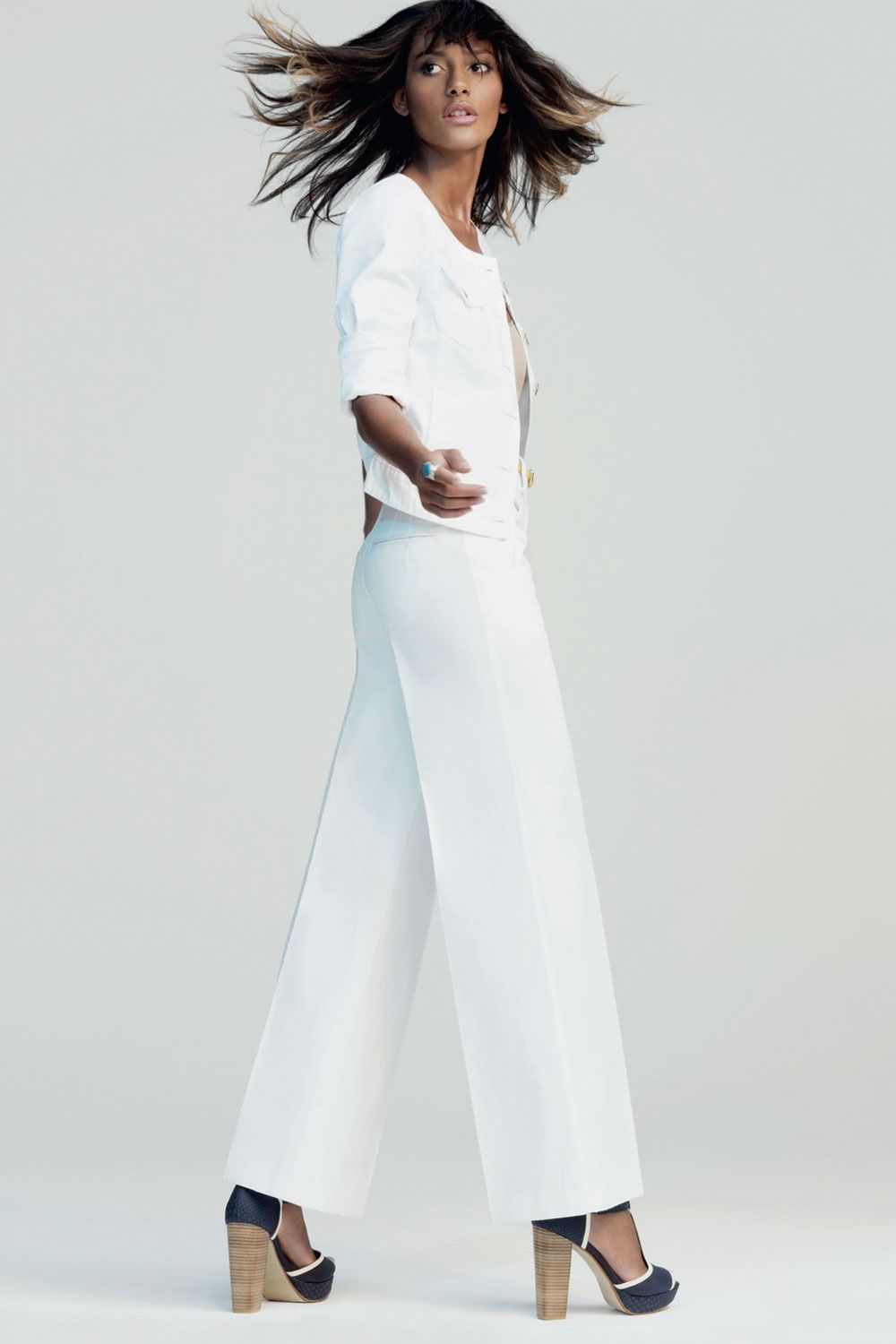
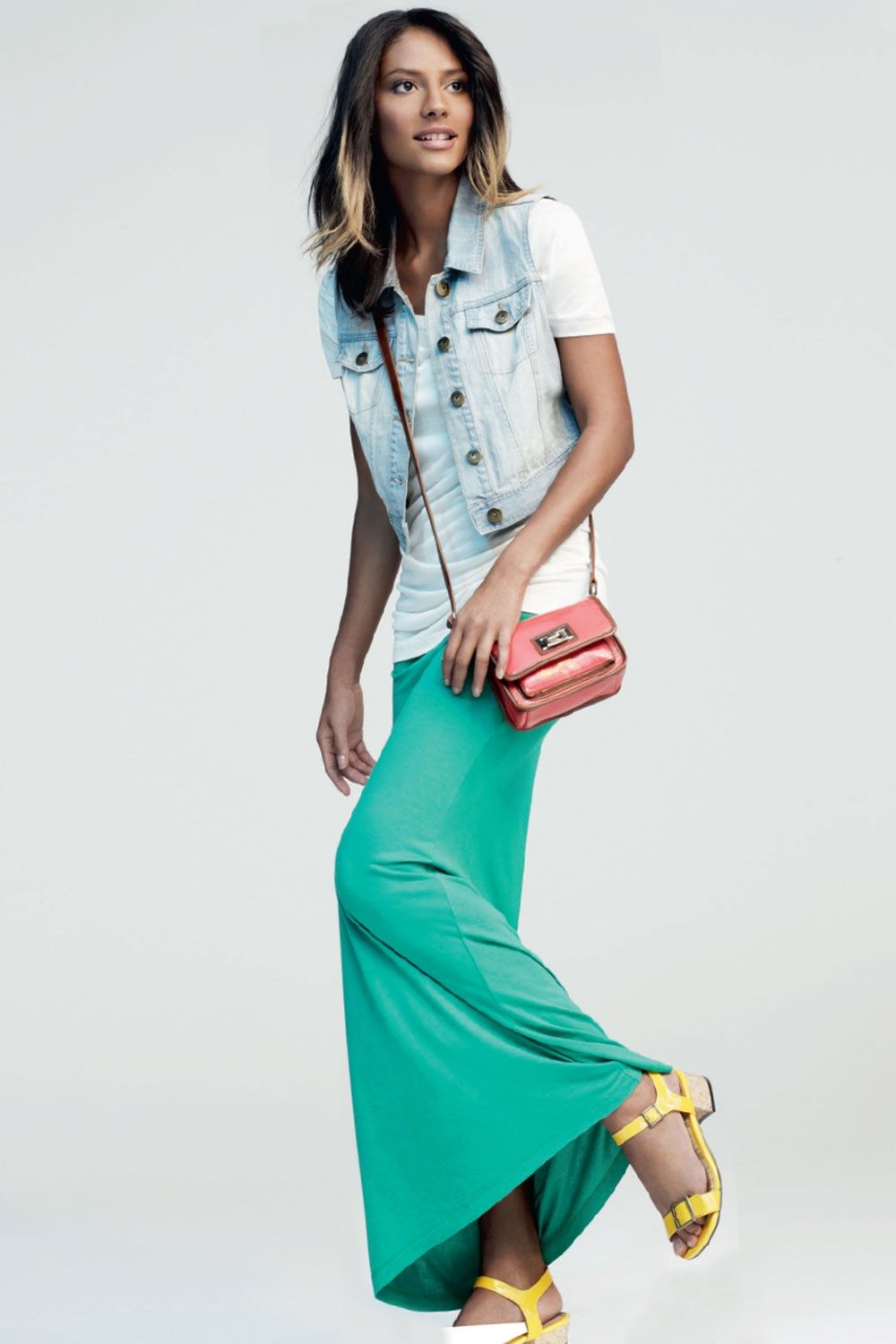
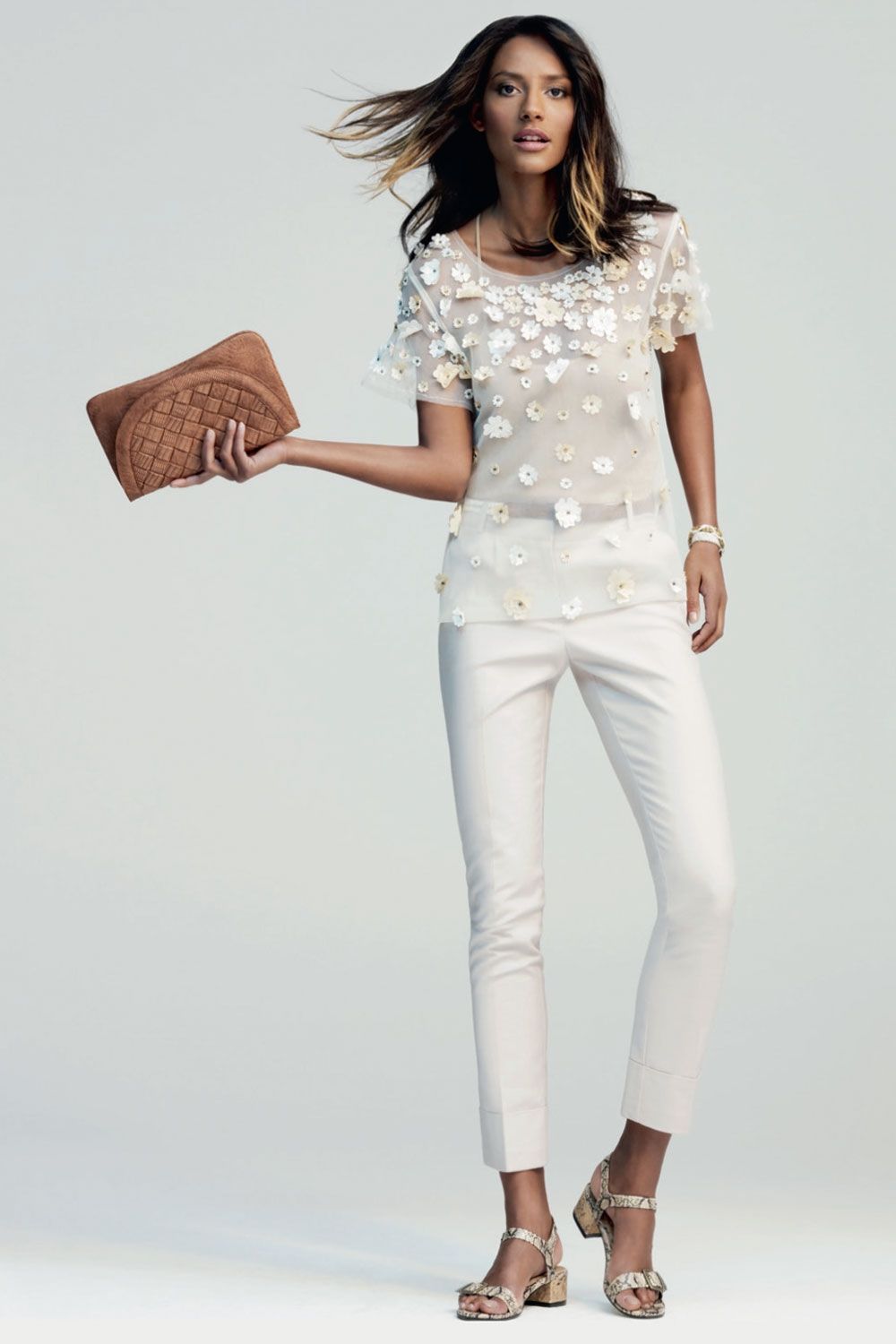
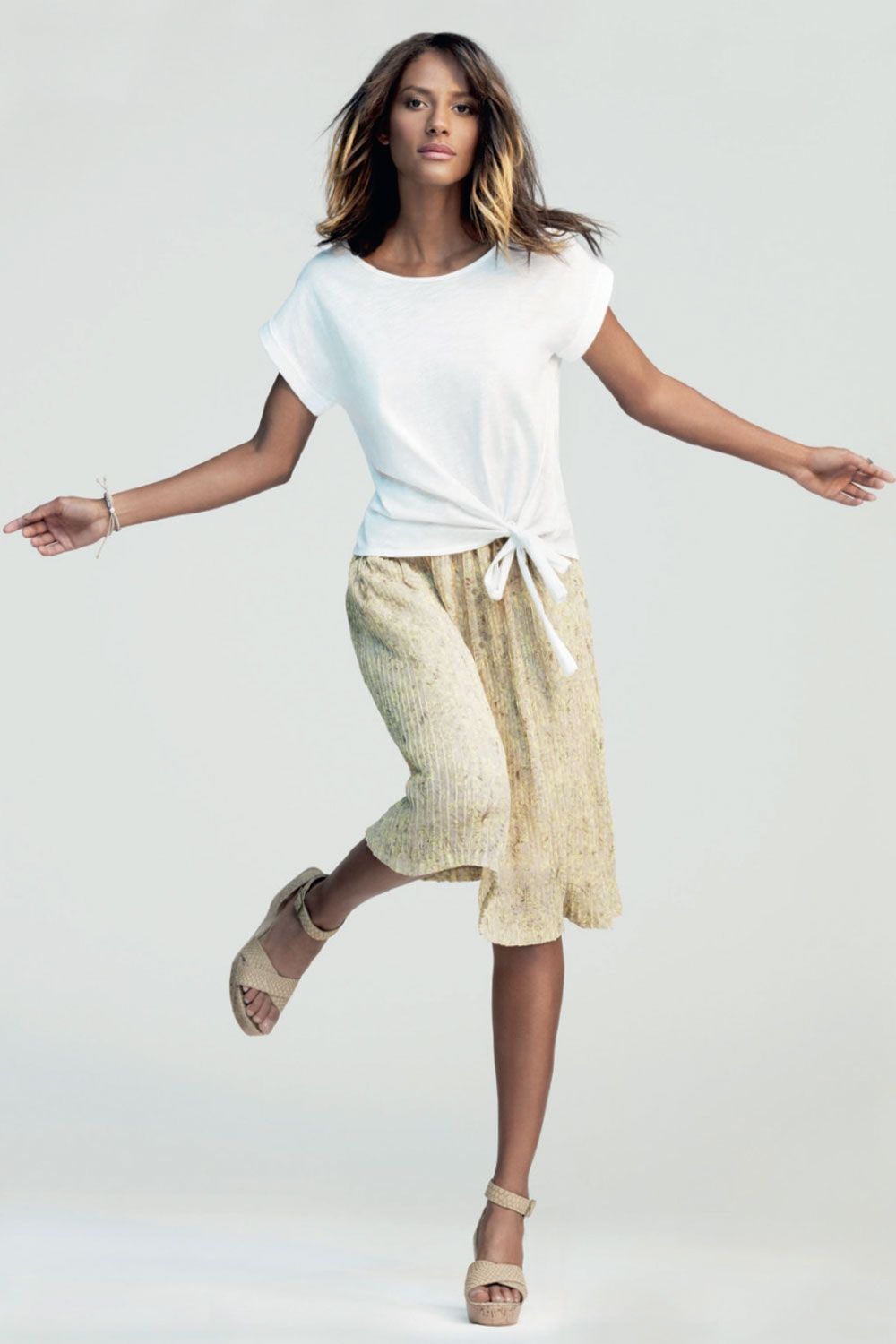
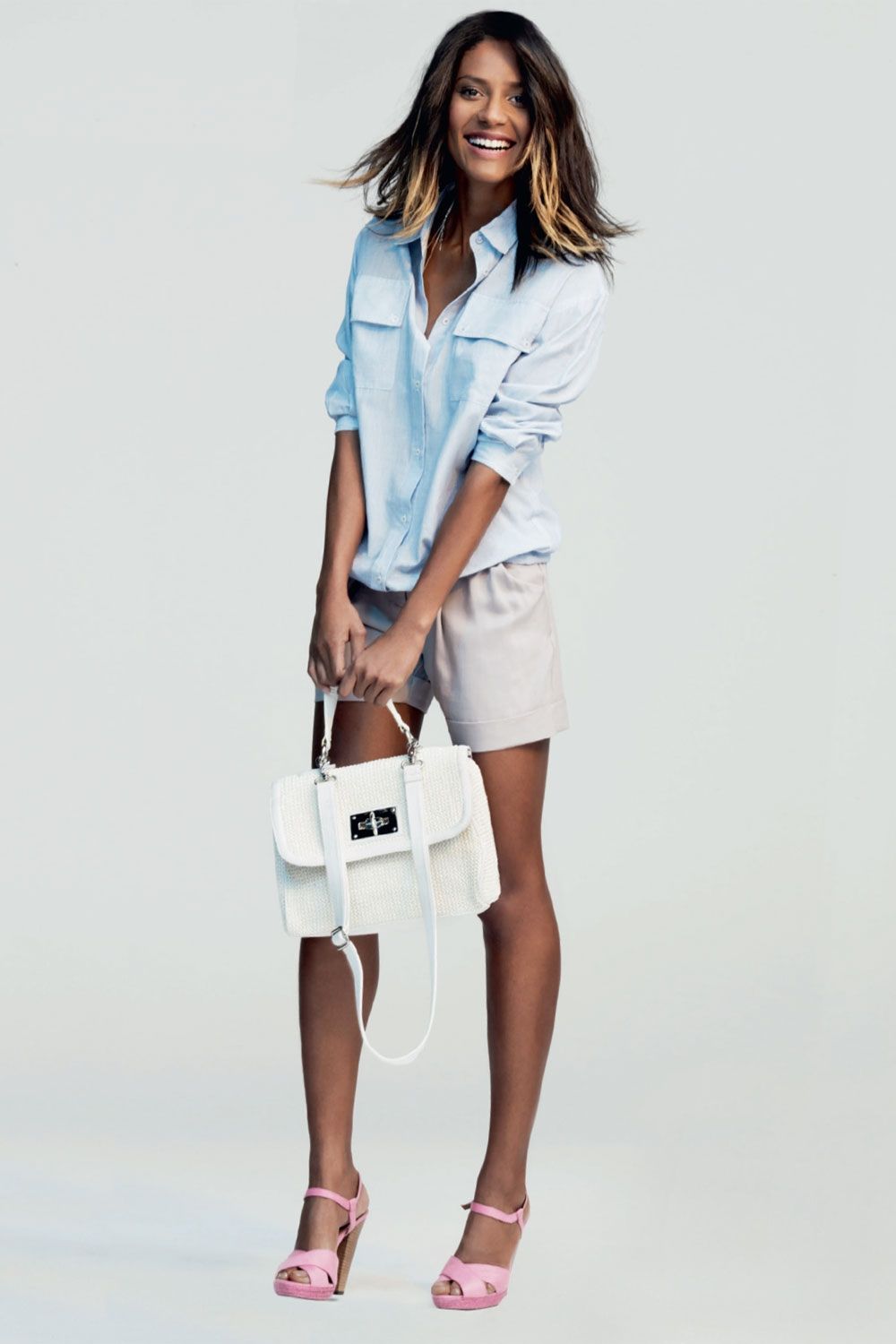
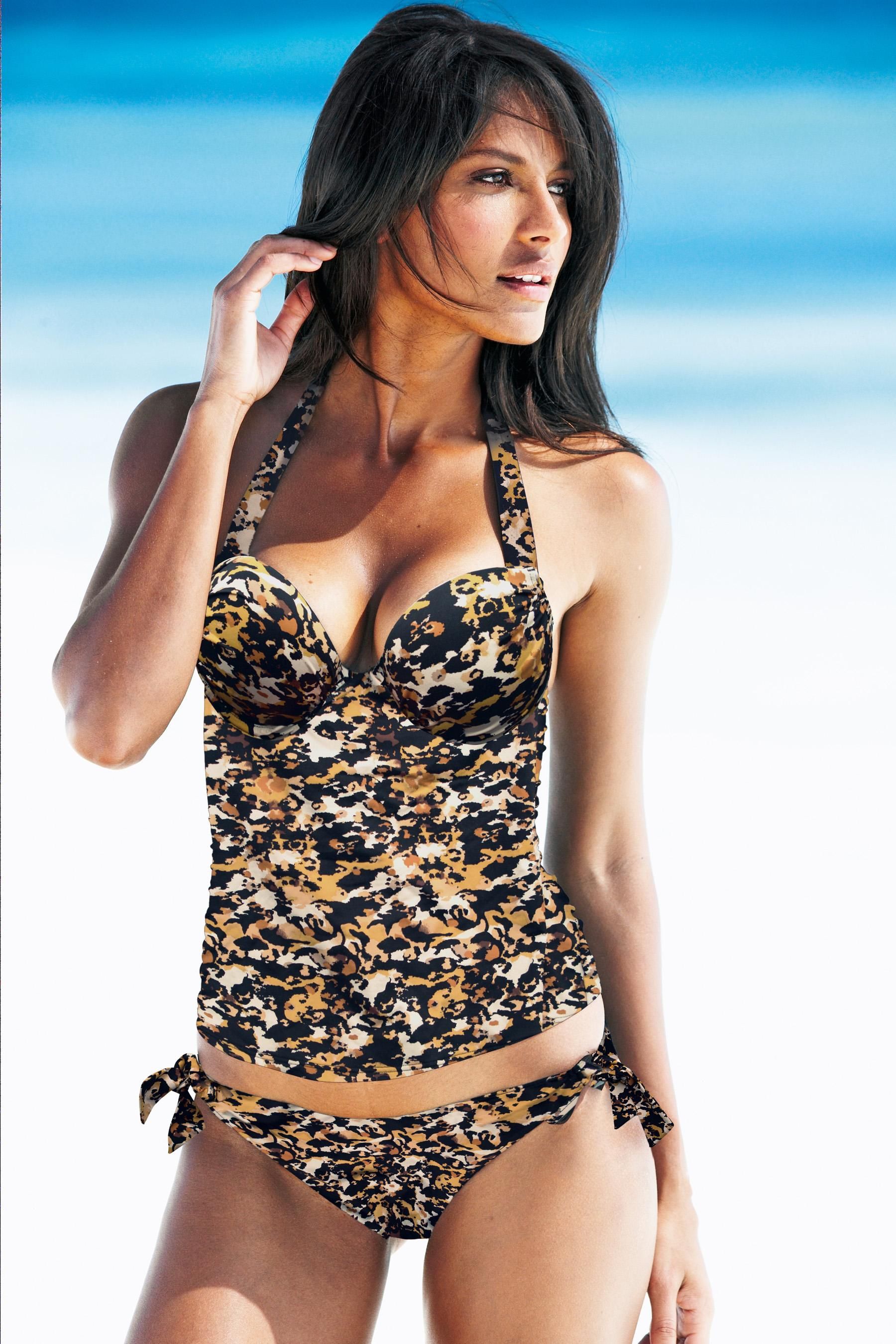
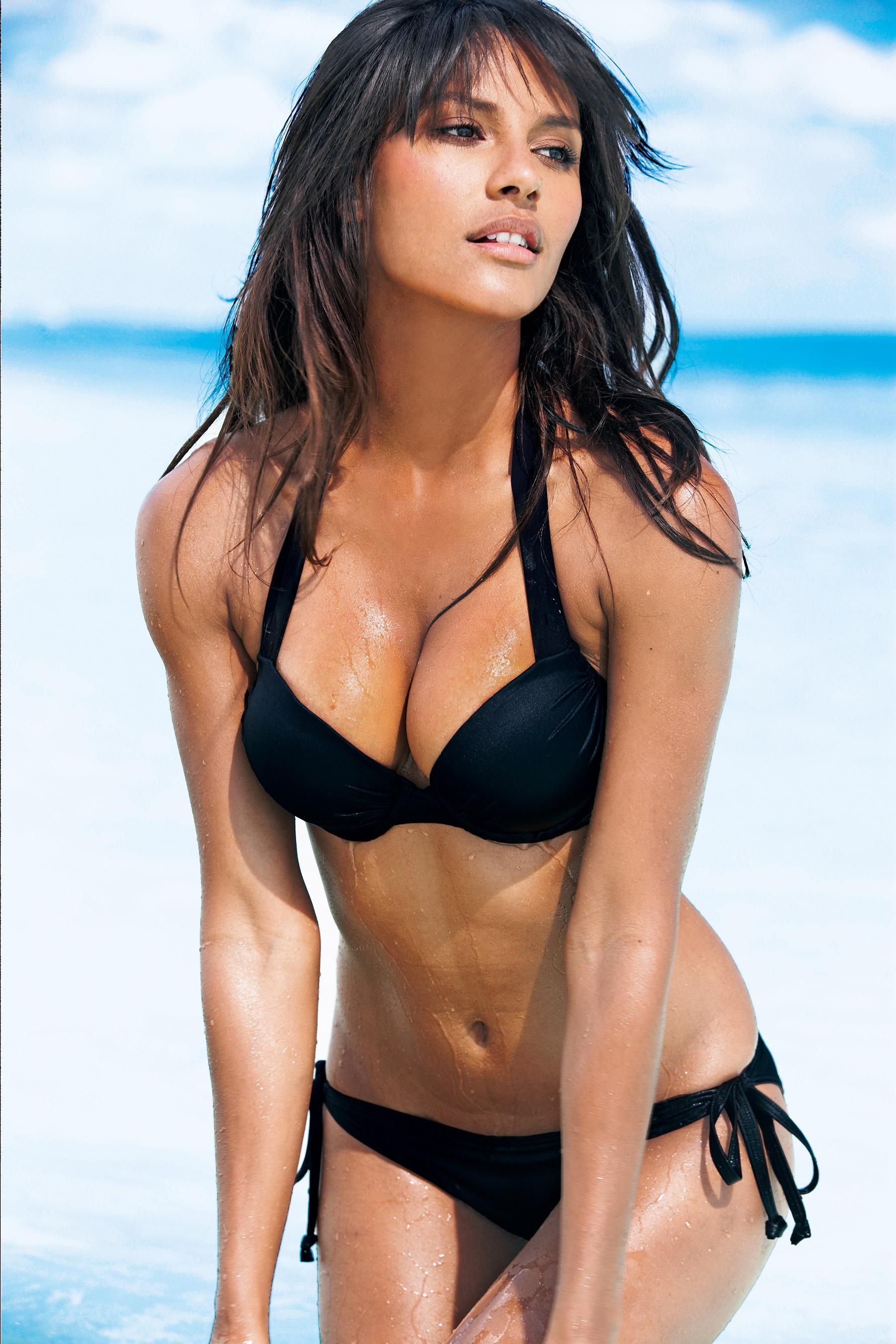
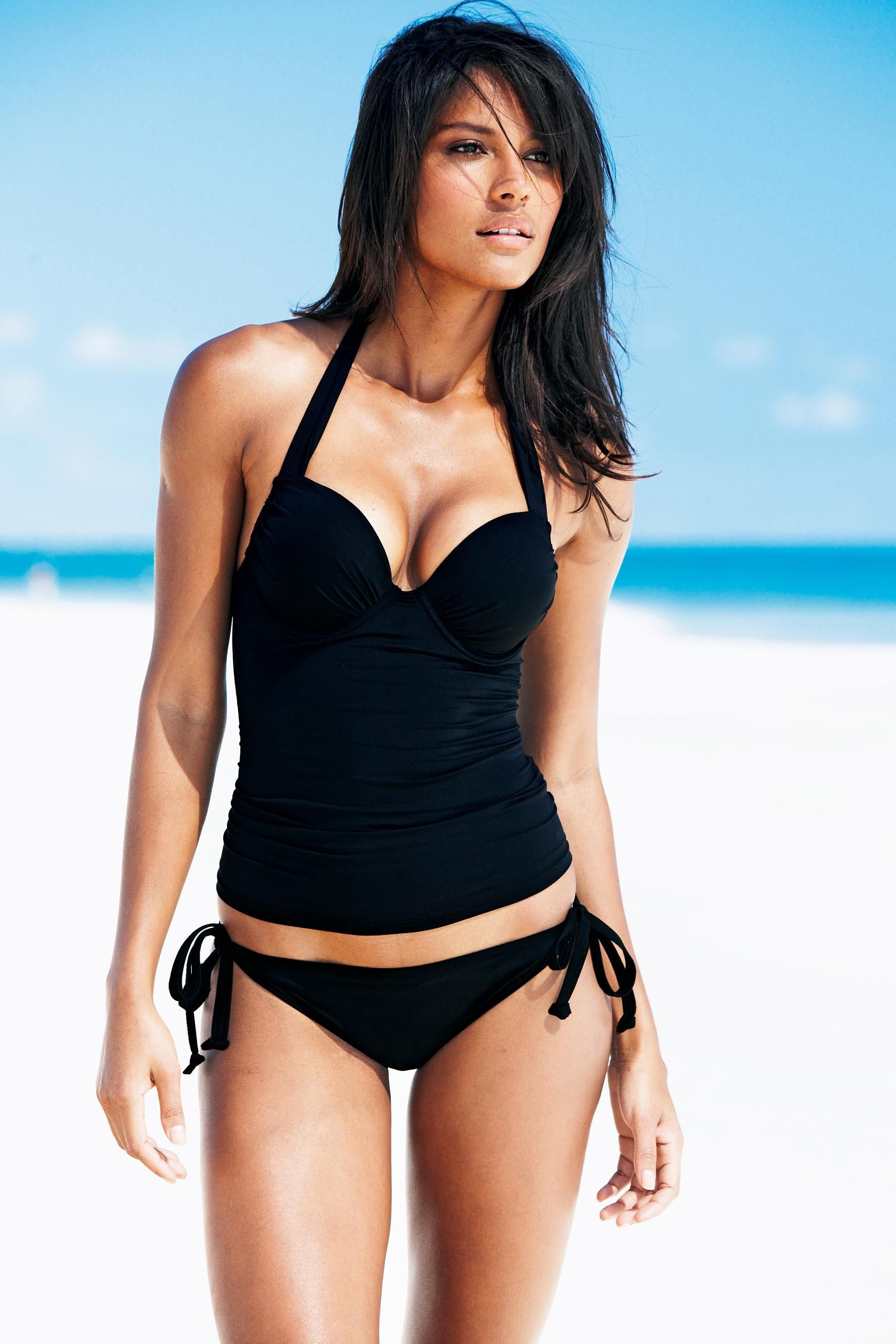
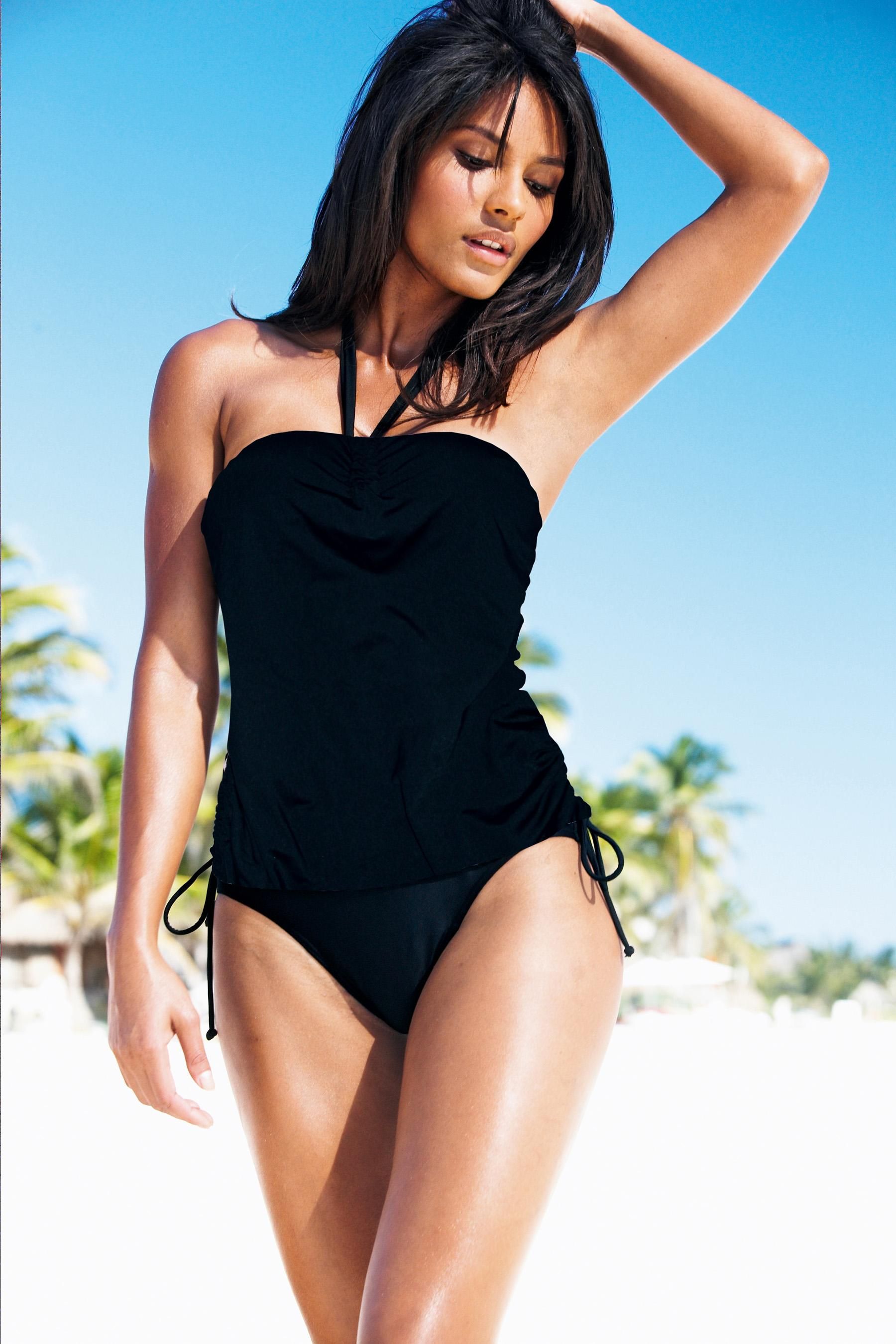
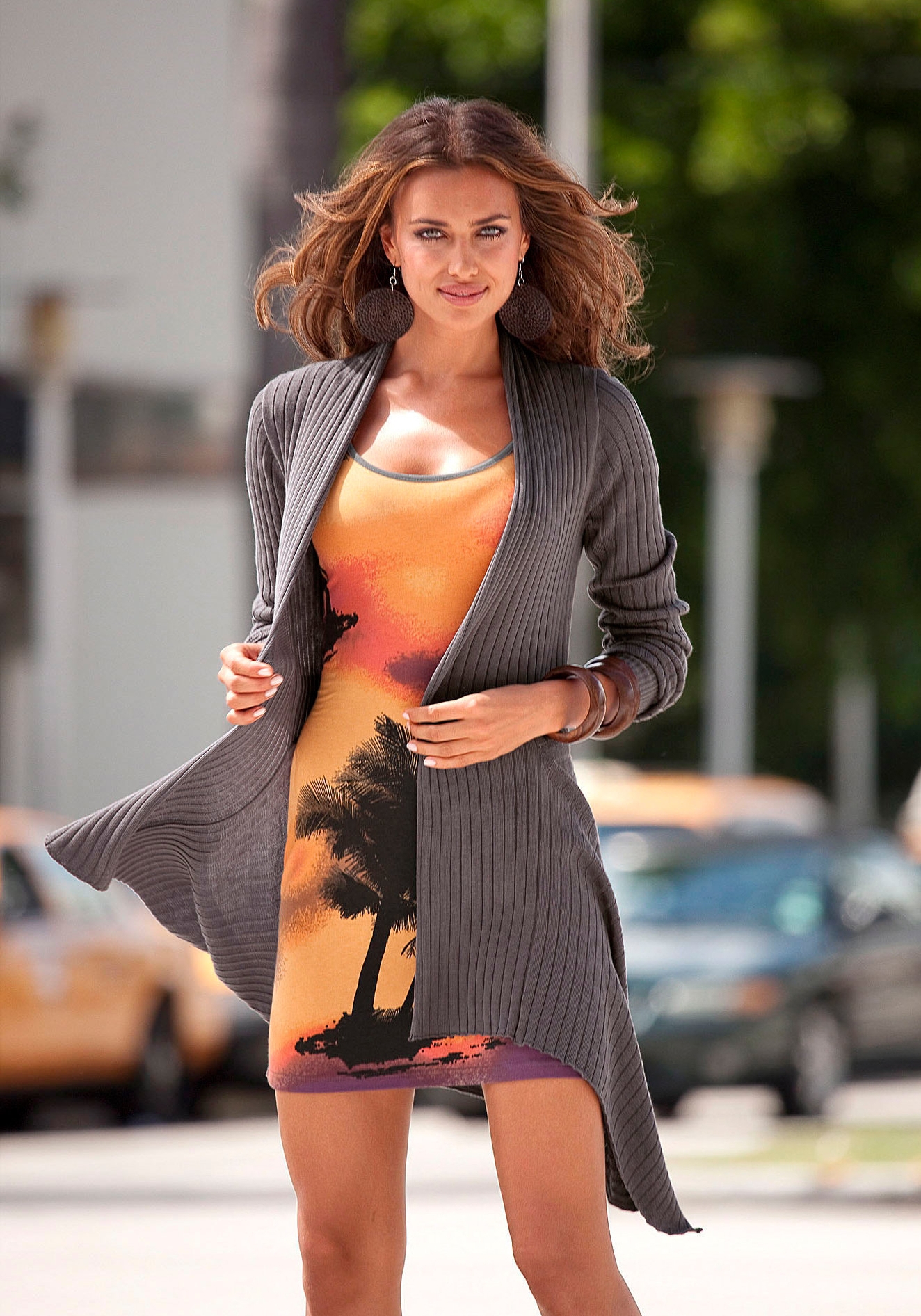
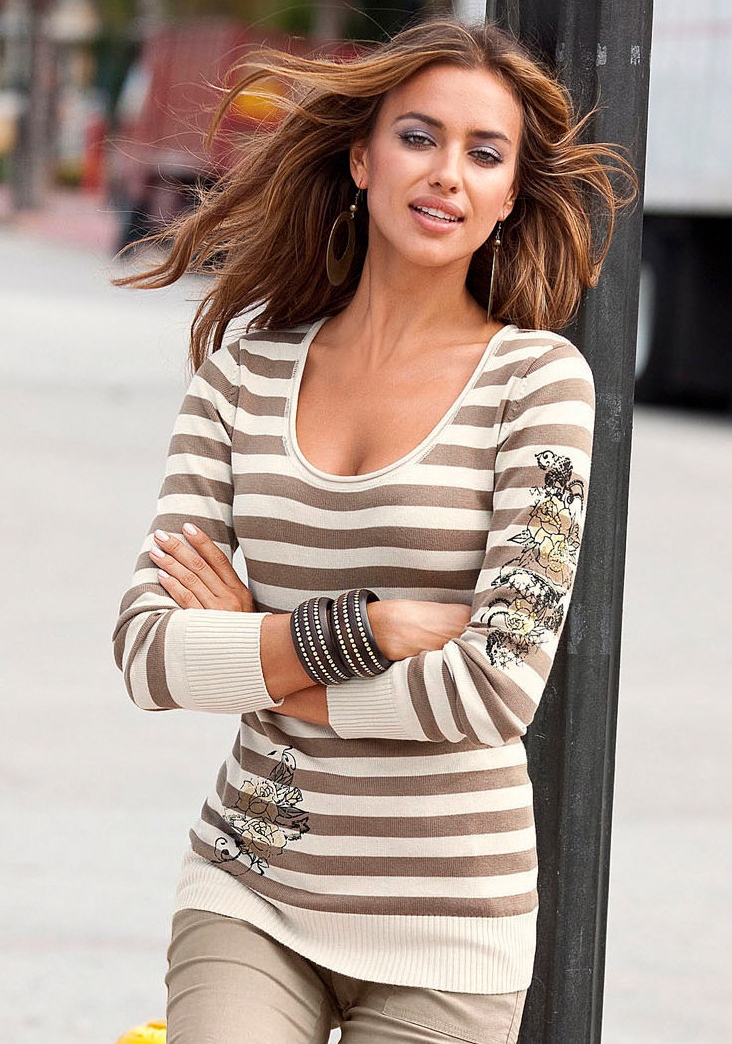
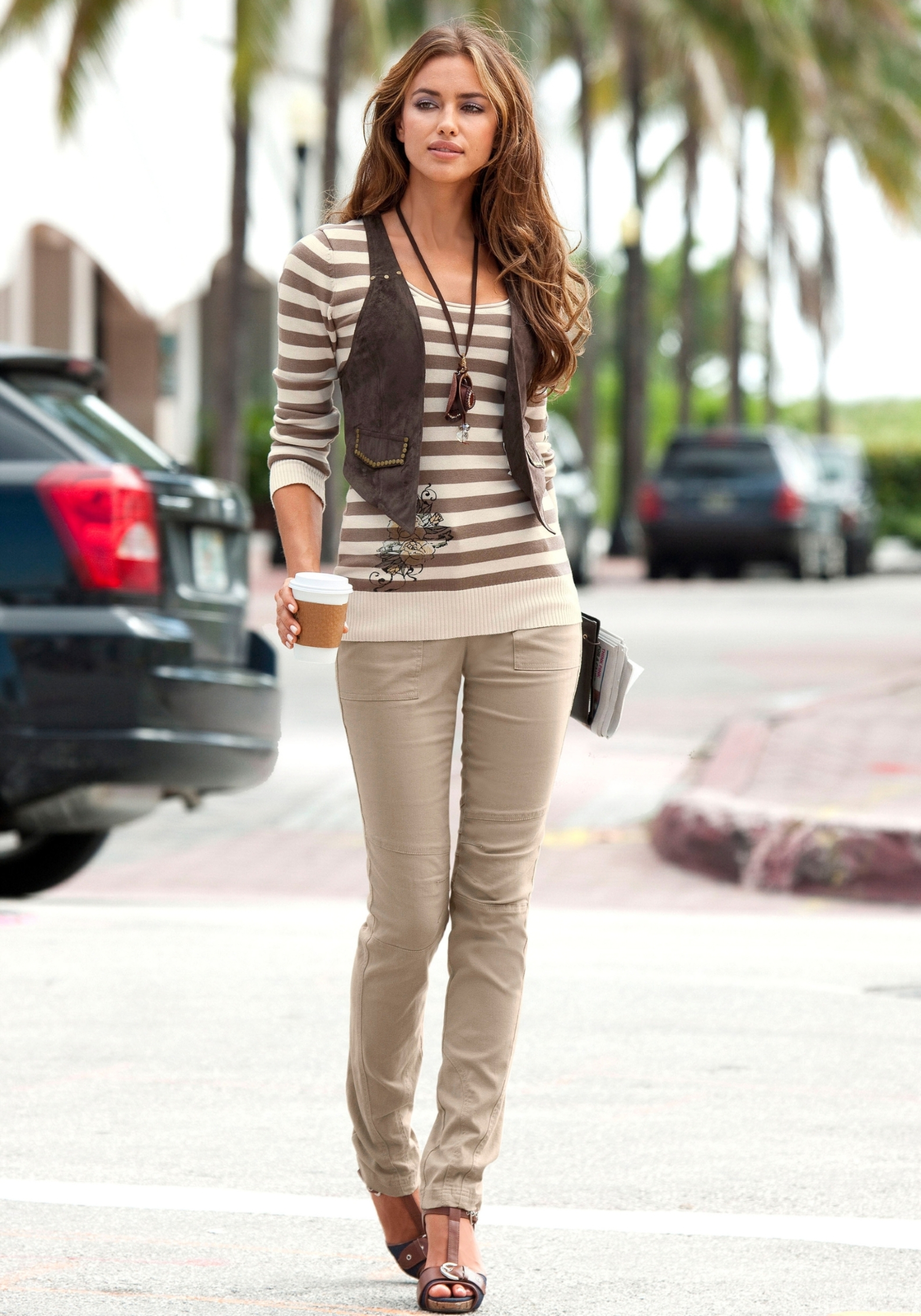
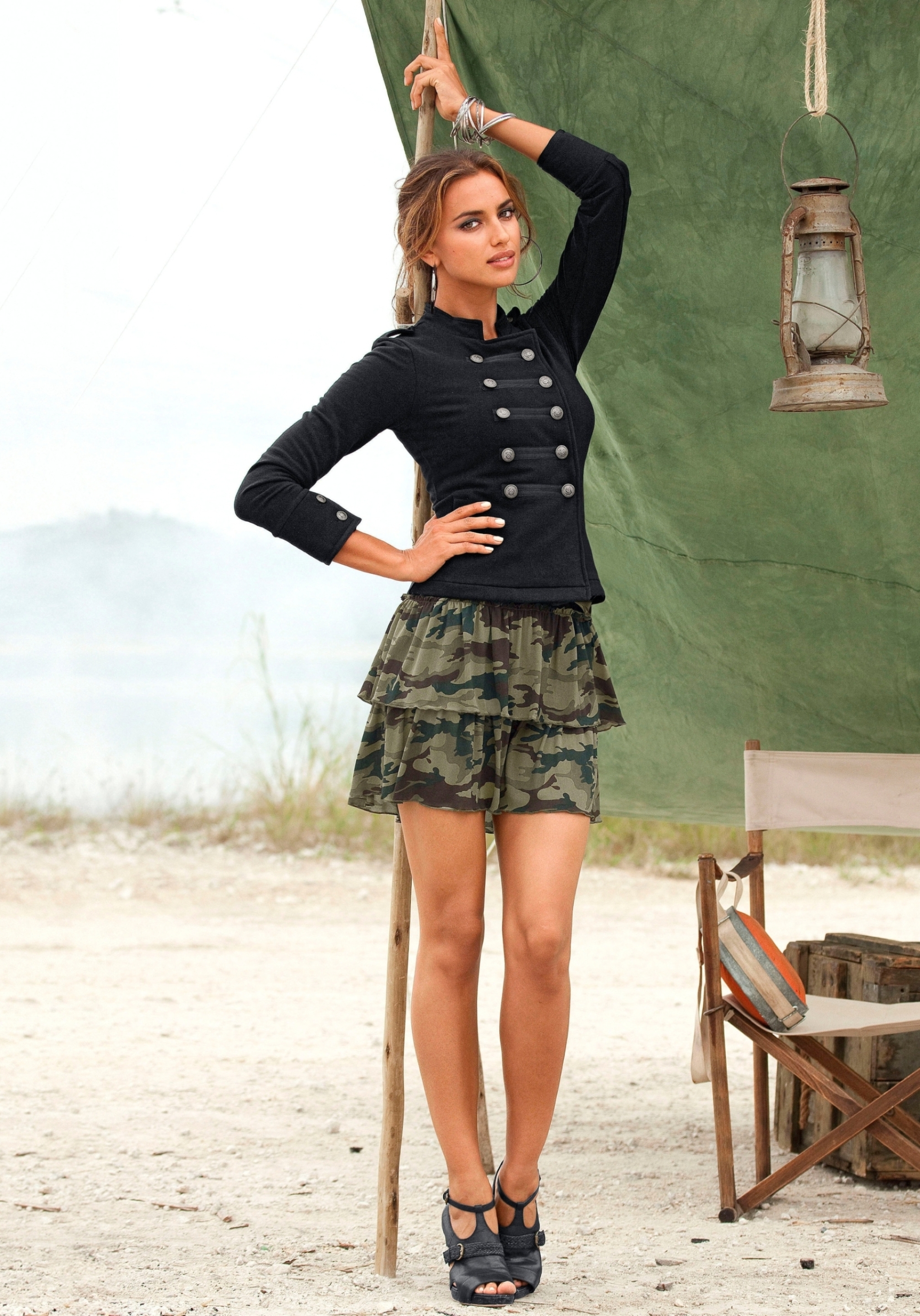
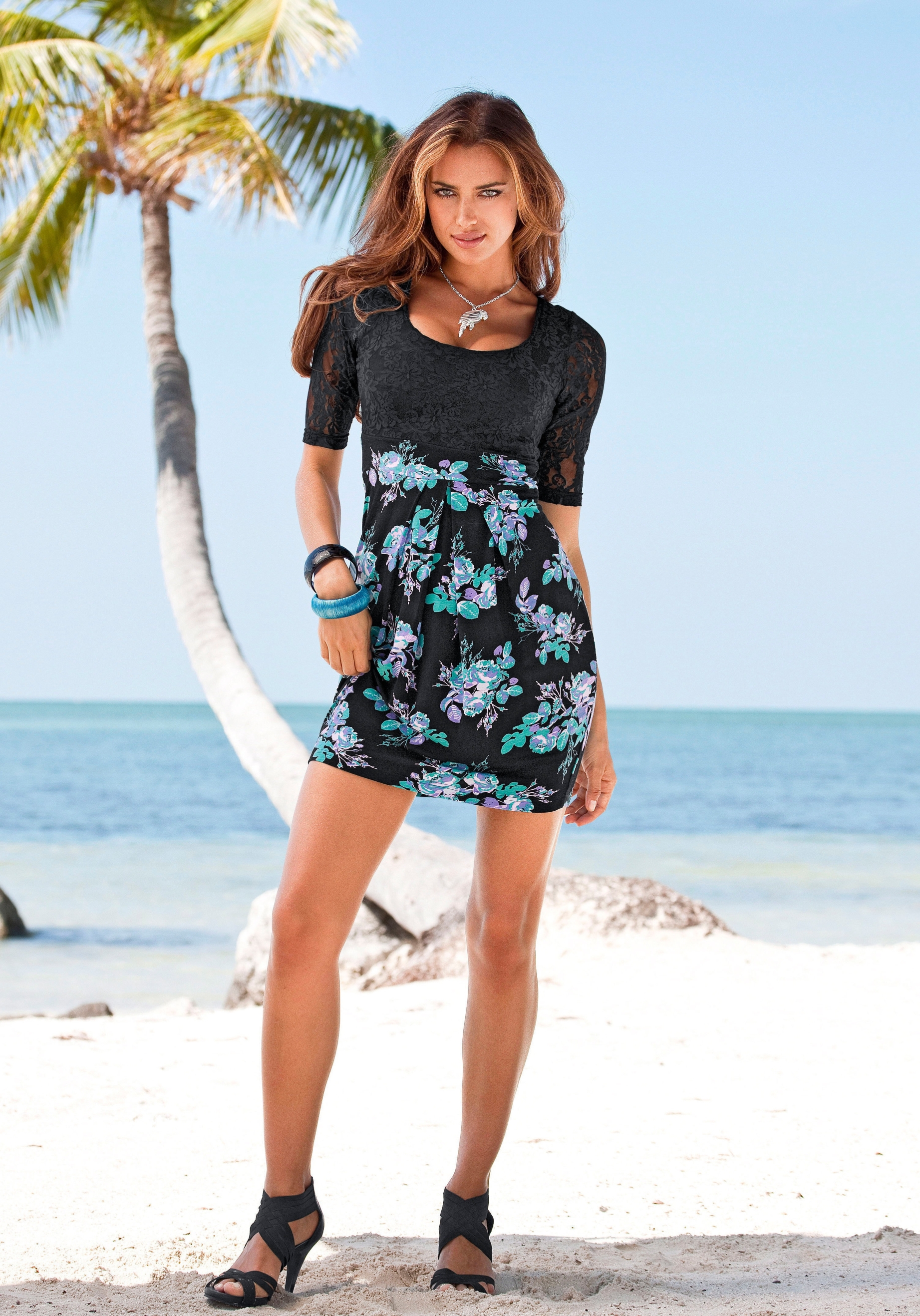
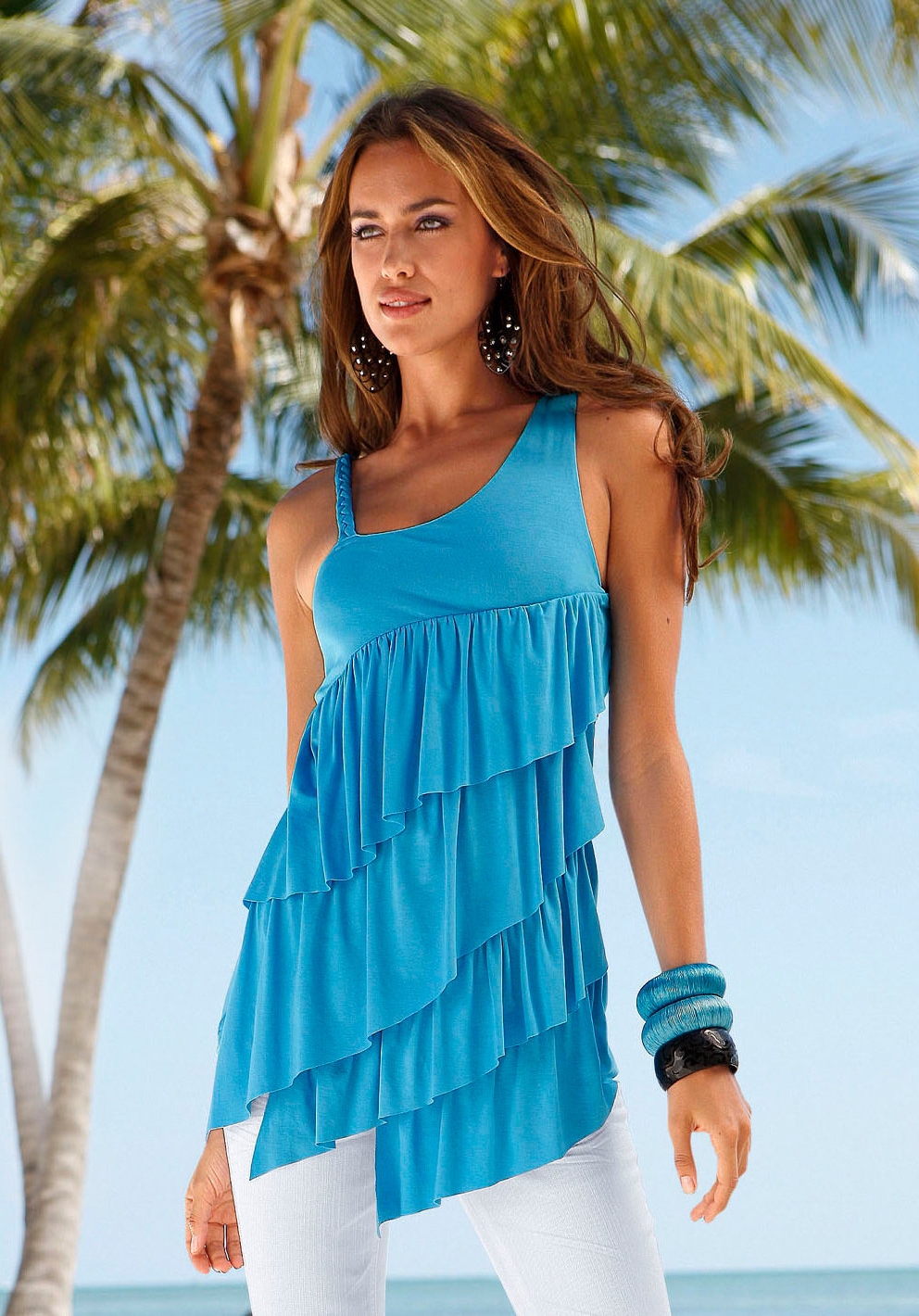
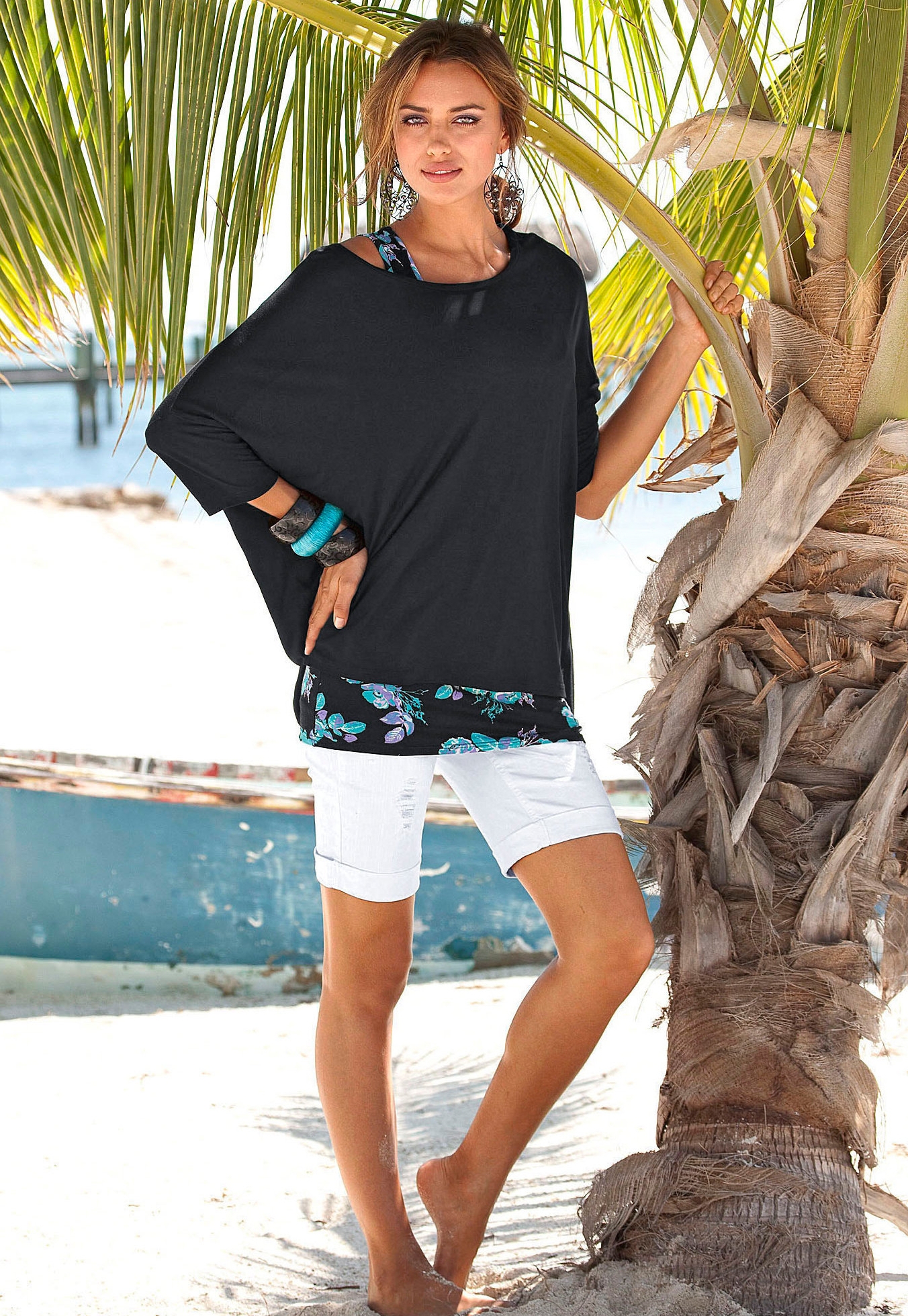
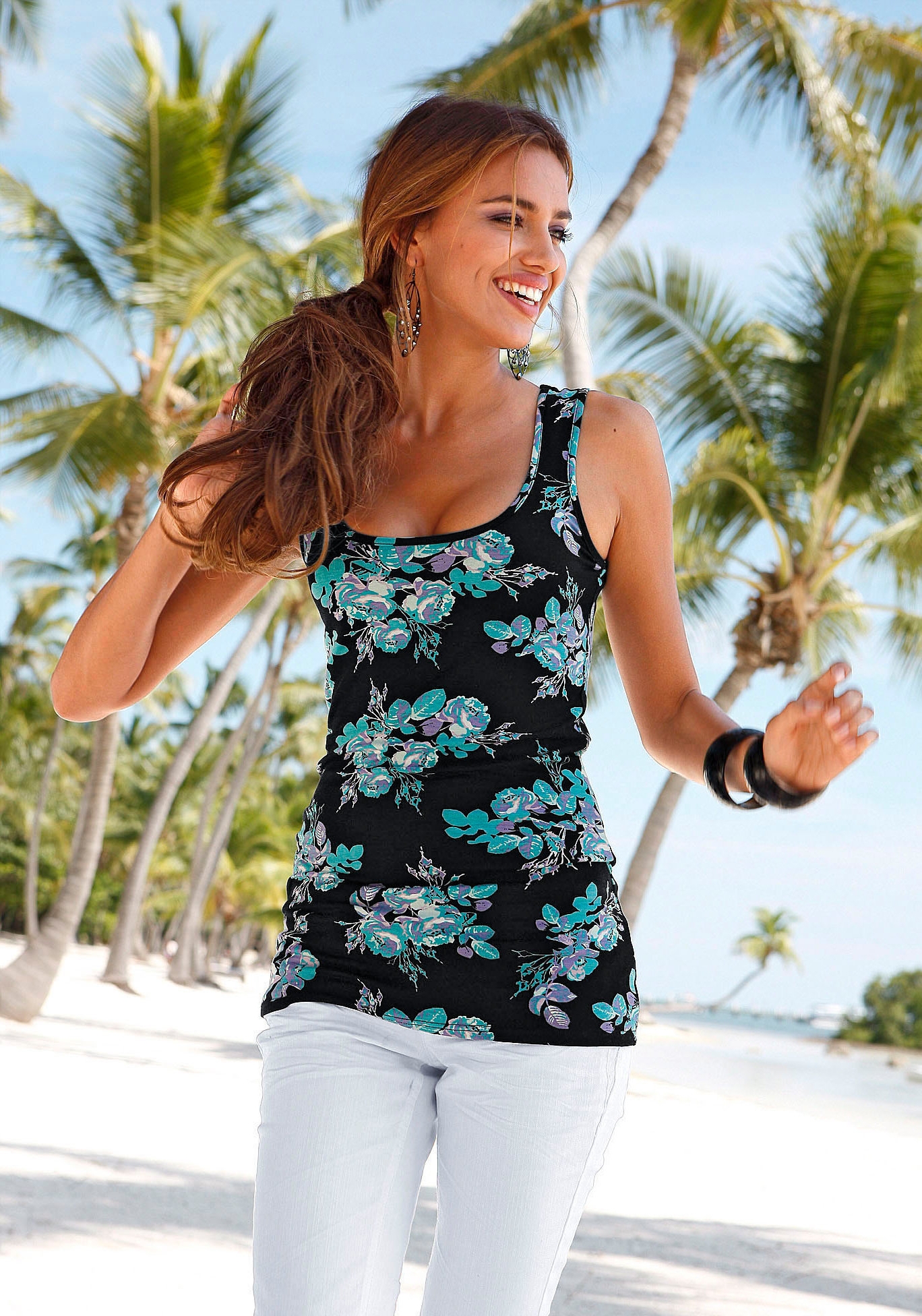
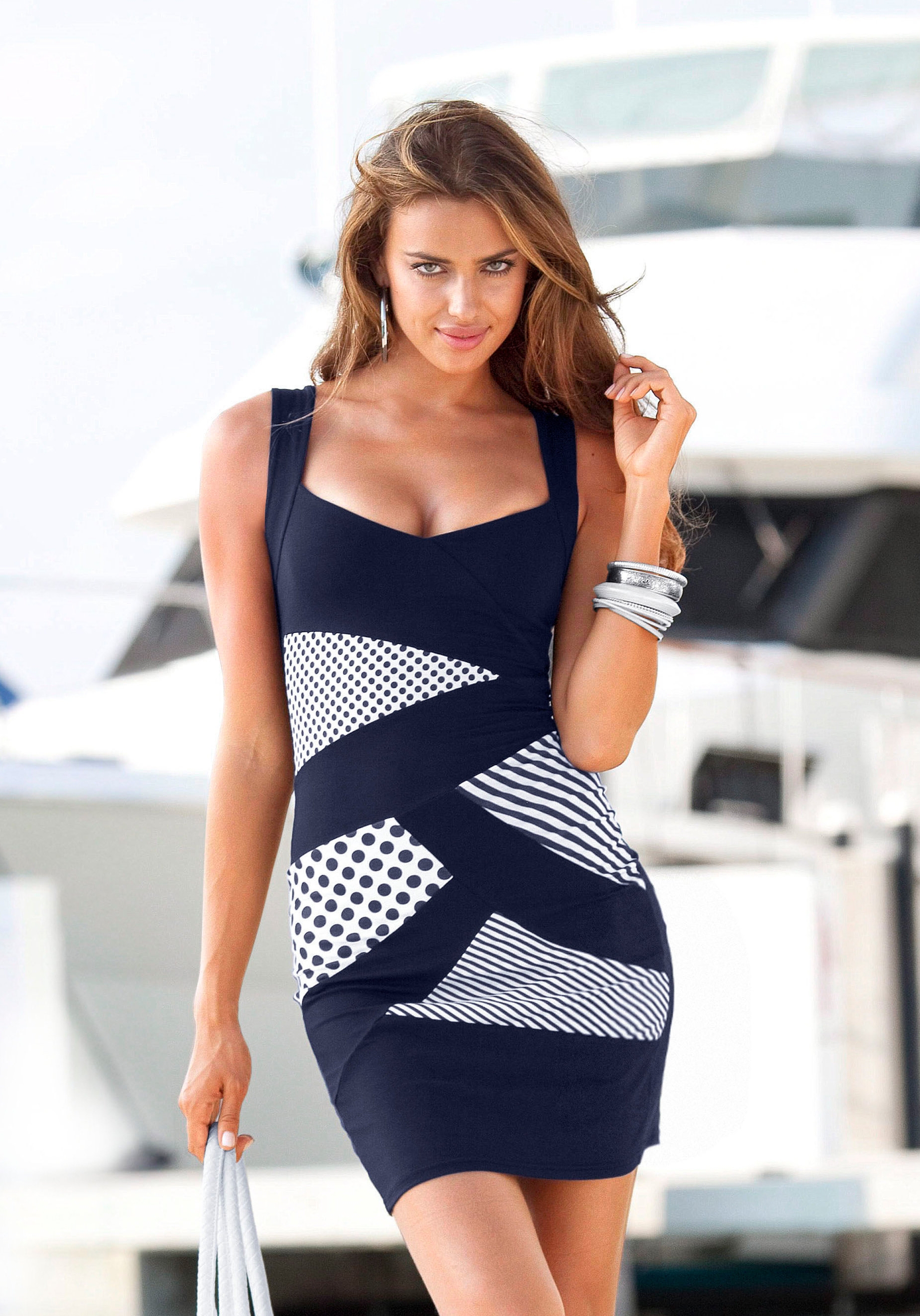
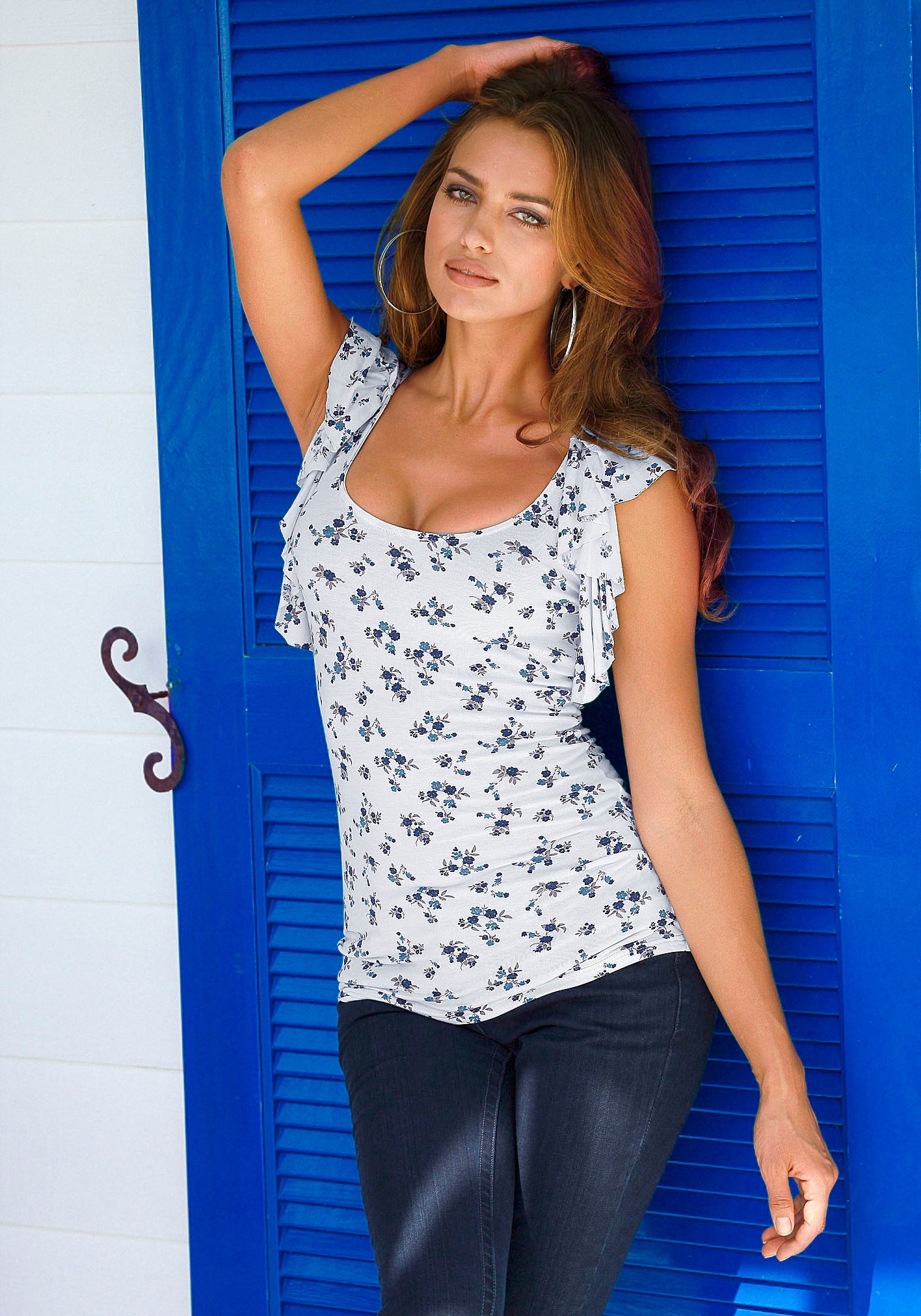
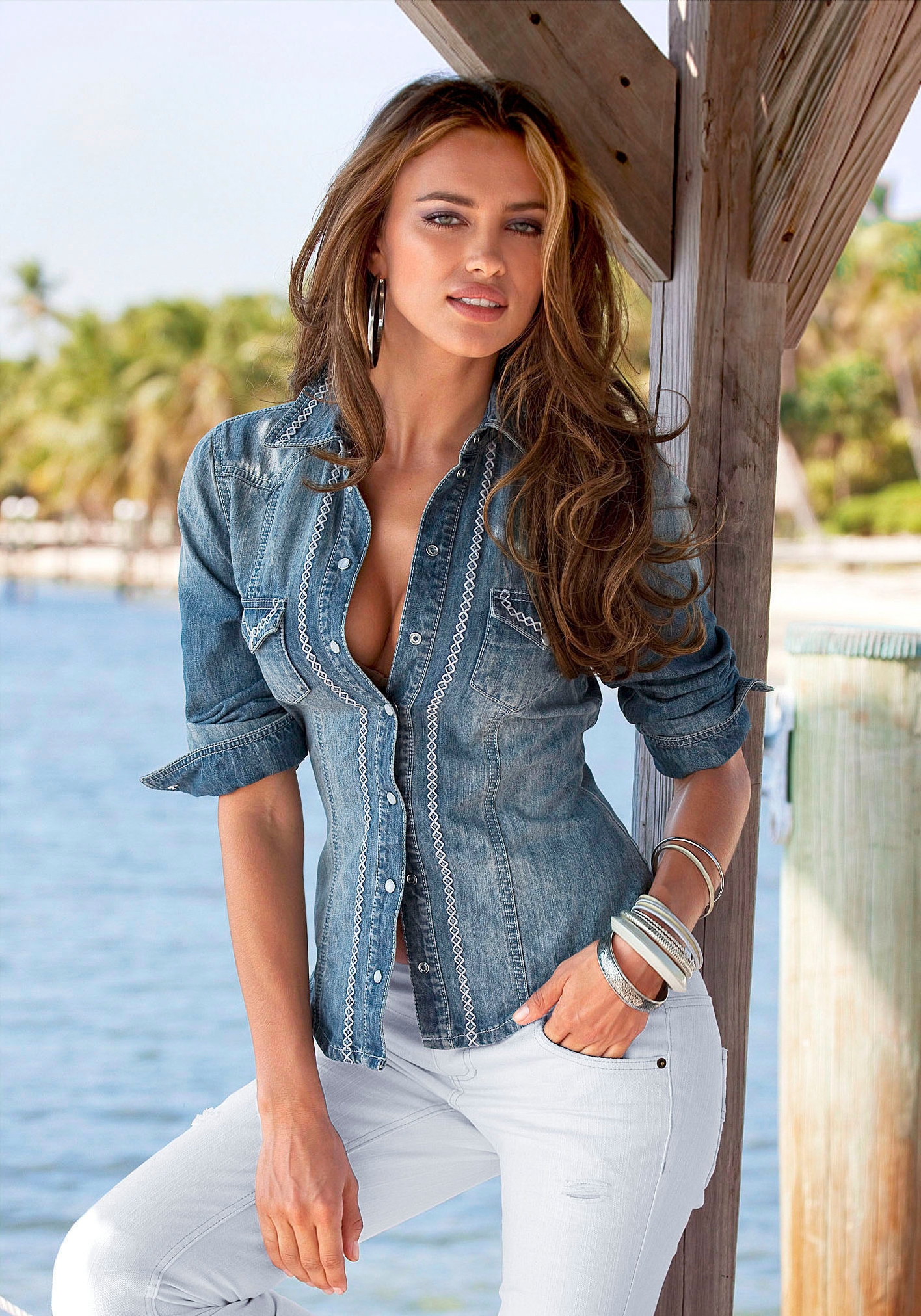
 Next S/S 2011 Press-Prints


 ^^ What a constructive contribution from you :yuckky: :yuckky: :yuckky:
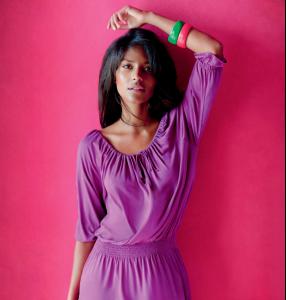
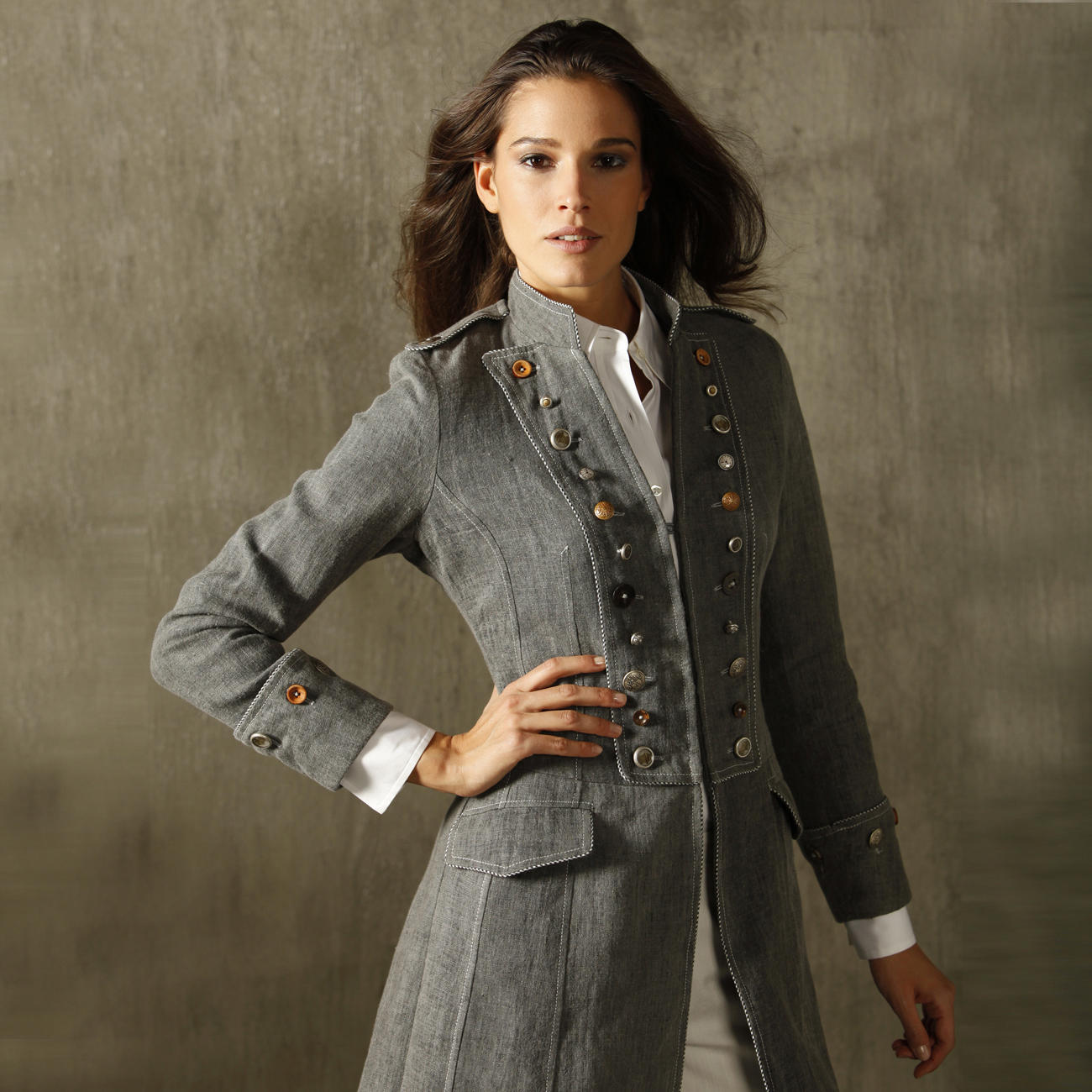
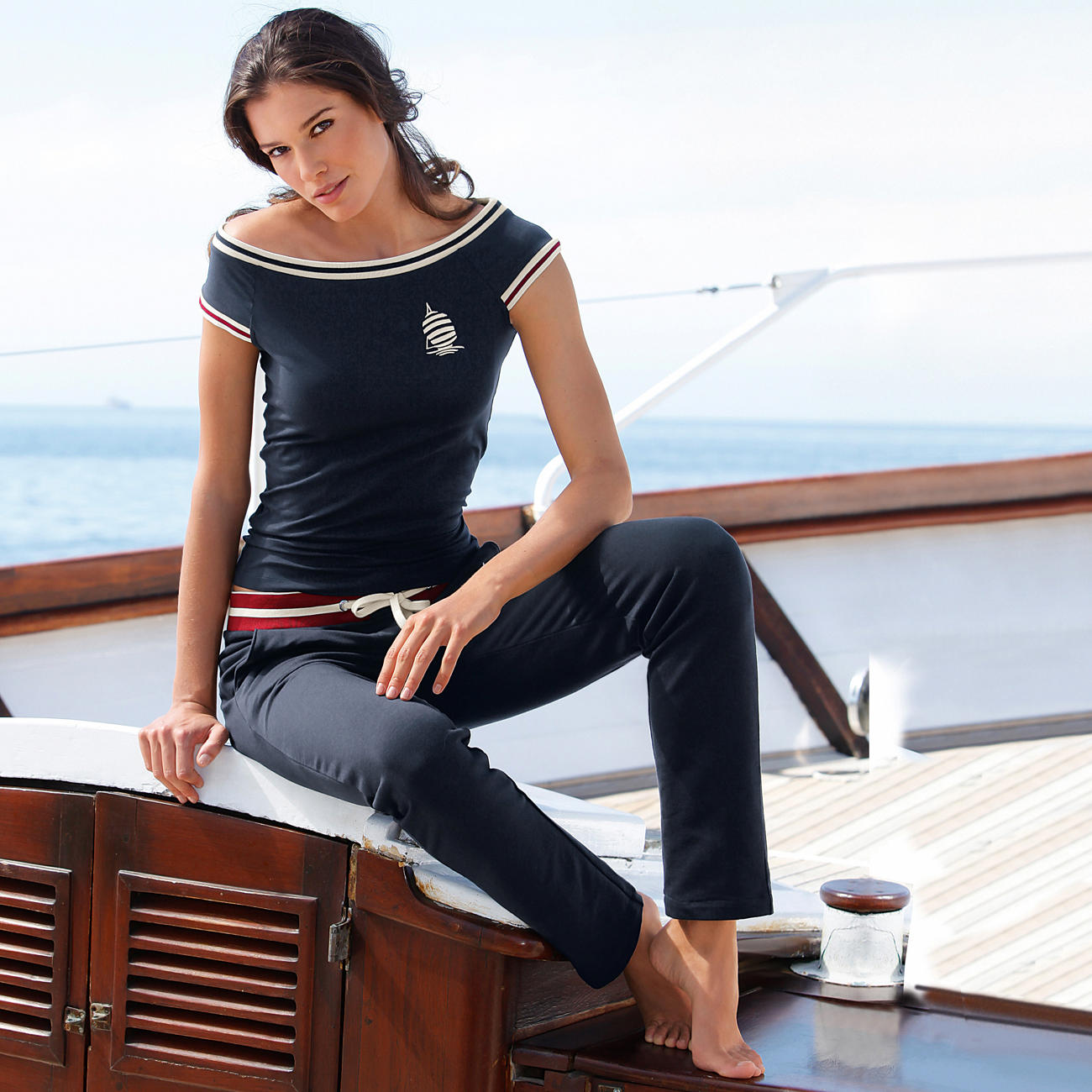
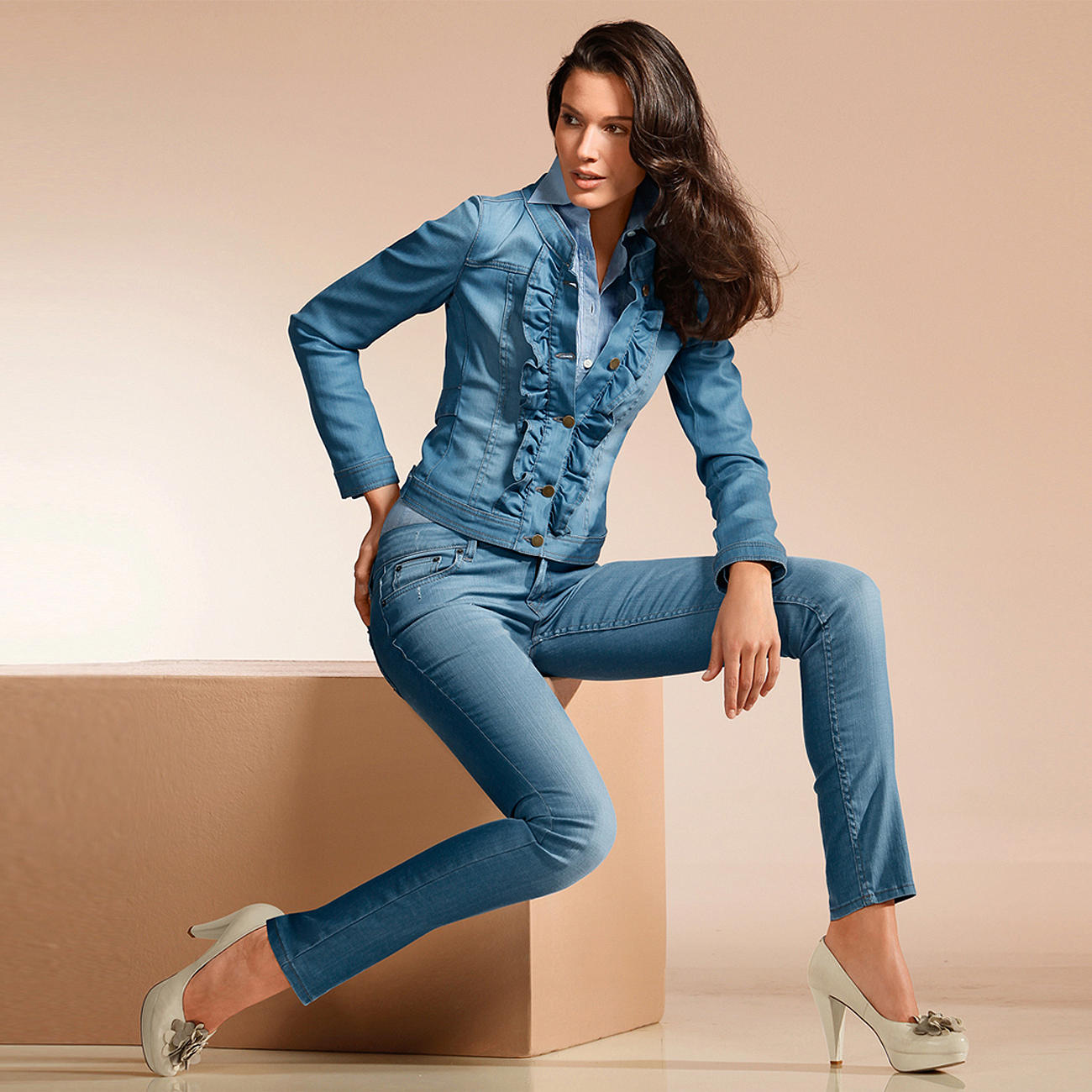
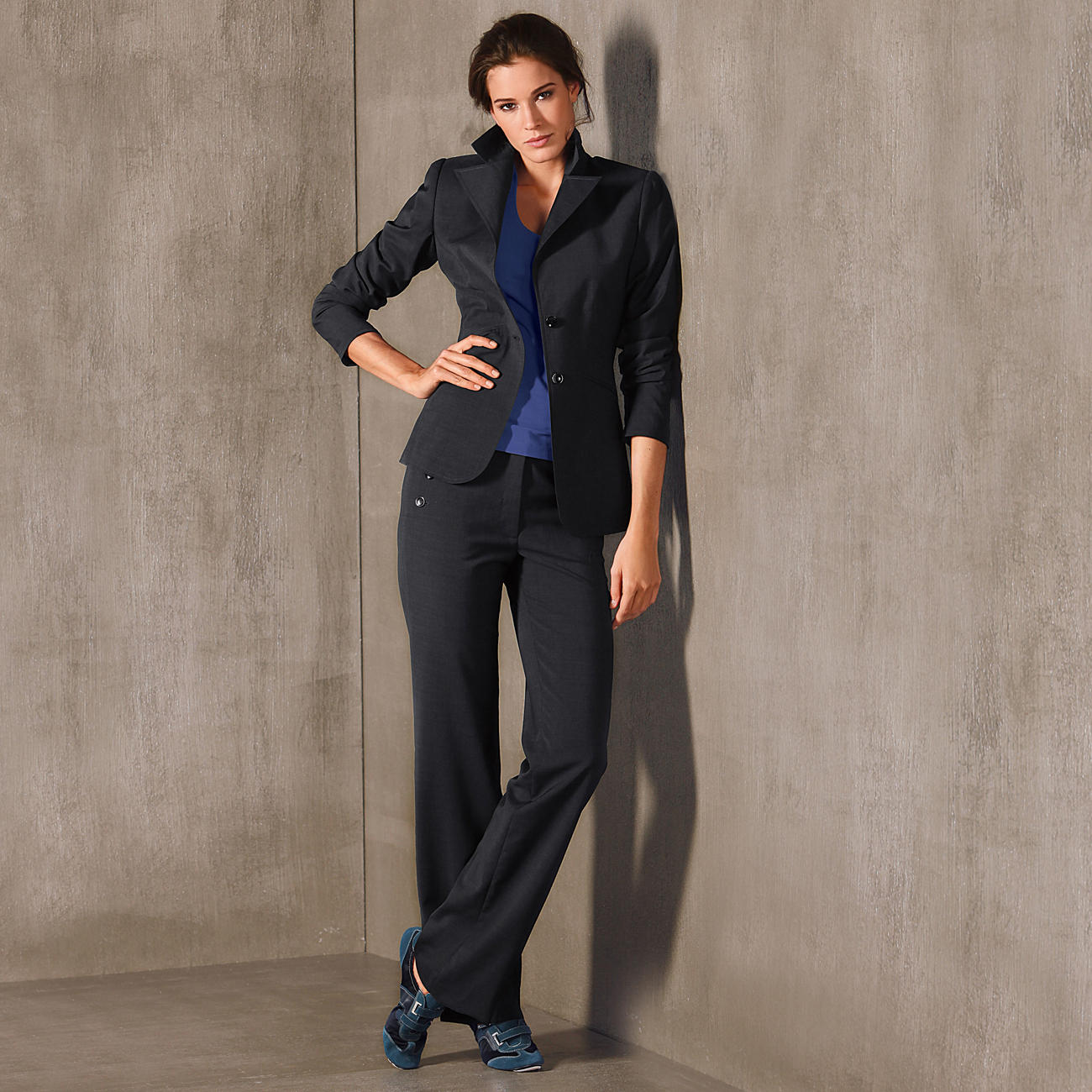
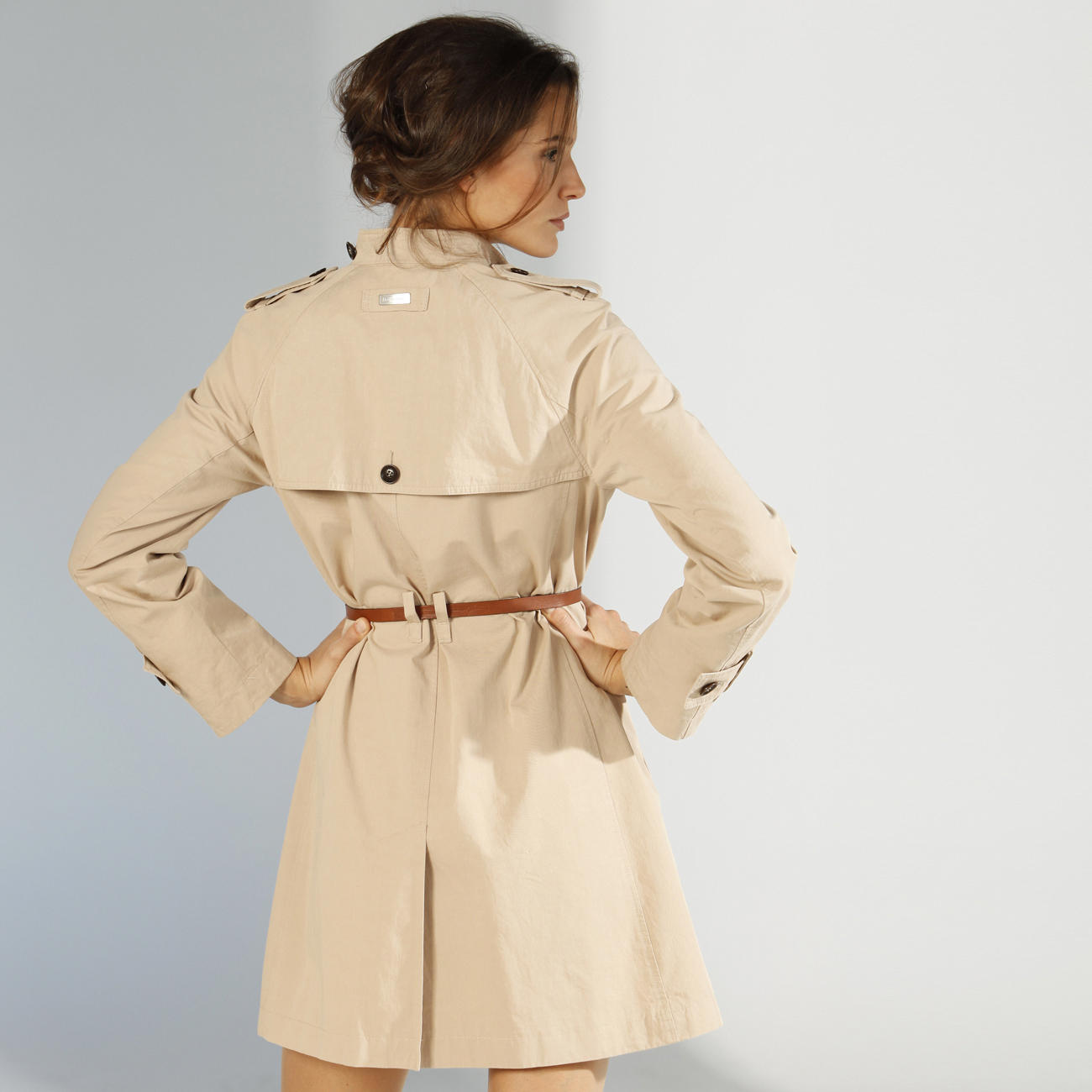
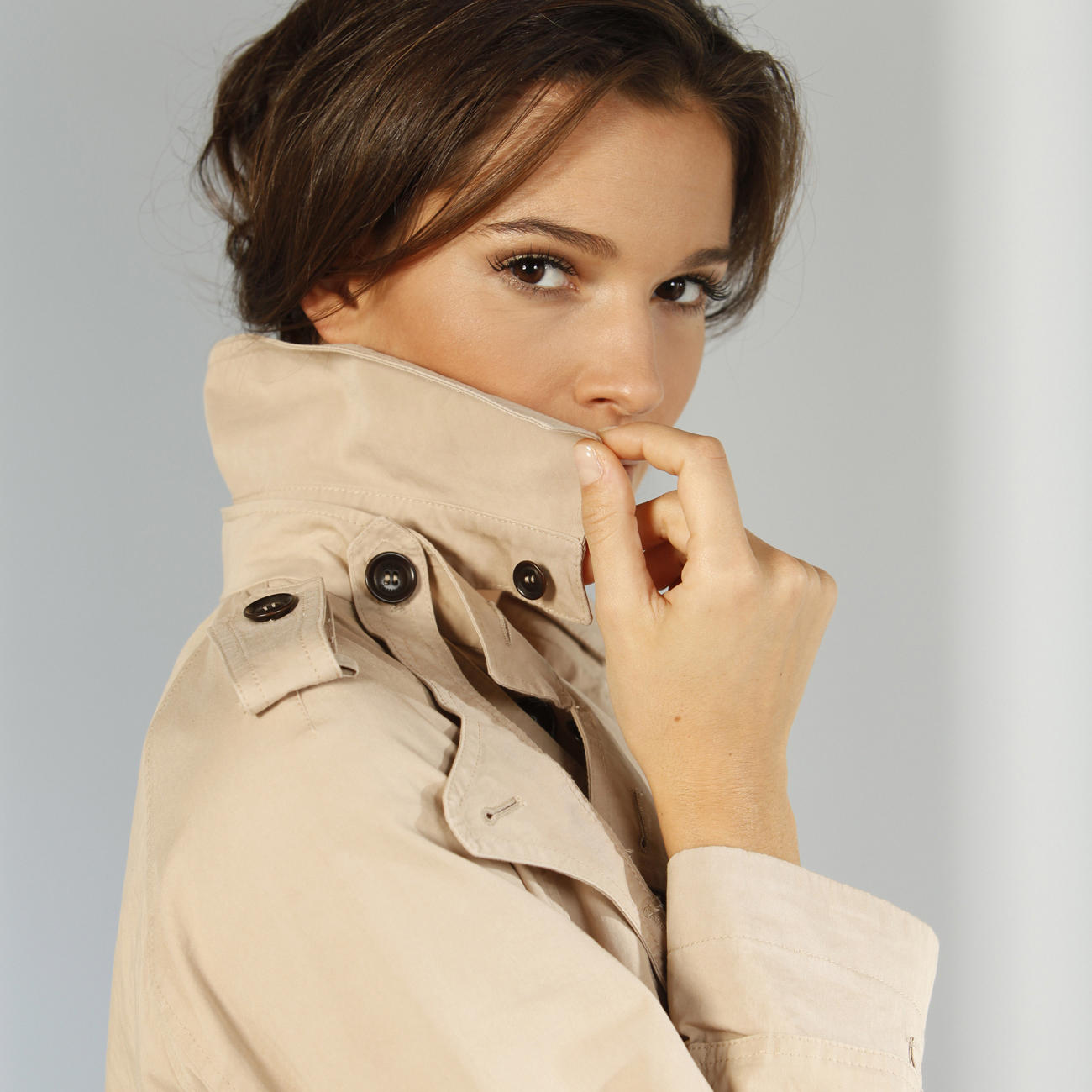
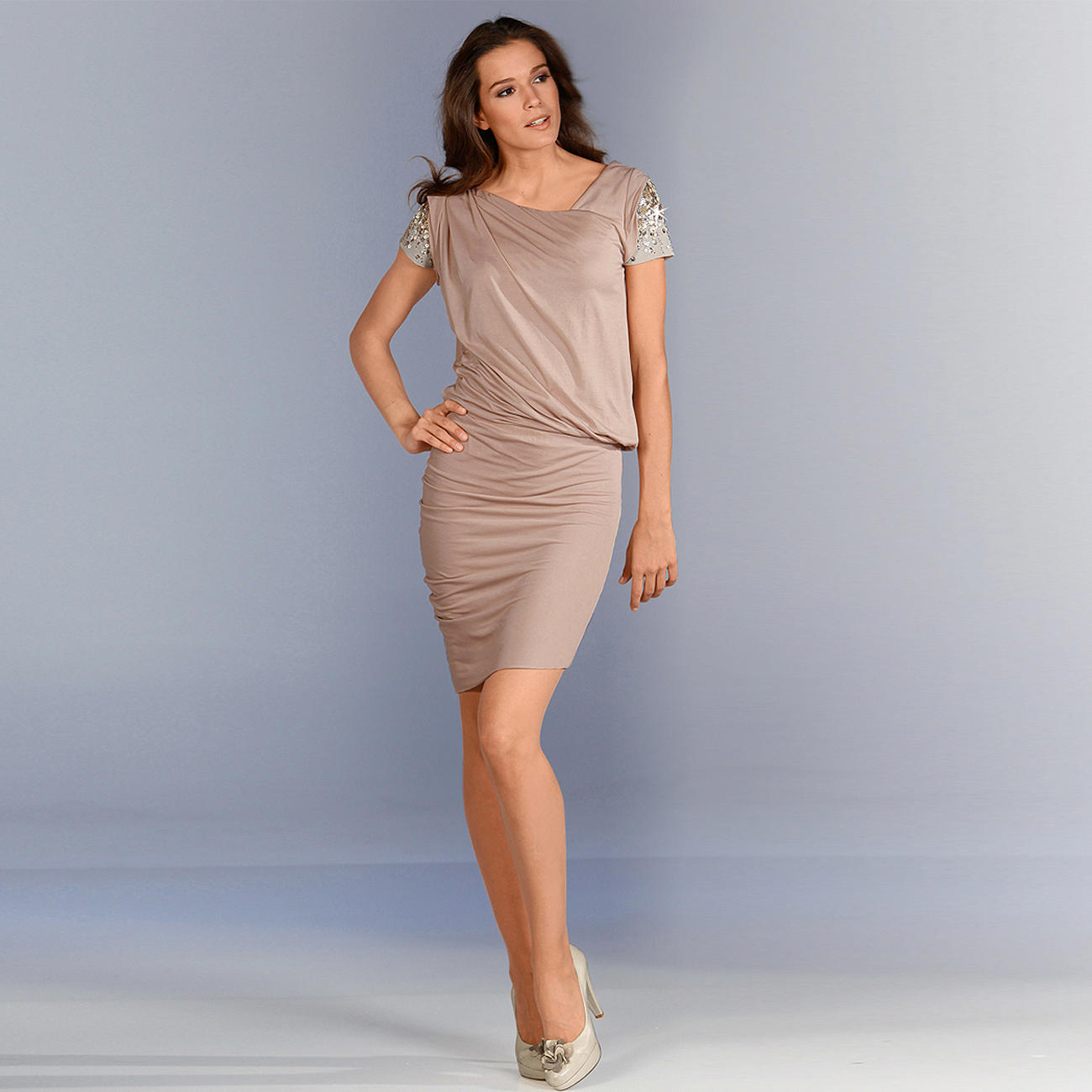
Proidee
^^ What a constructive contribution from you :yuckky: :yuckky: :yuckky:
Proidee





 ^^ me too
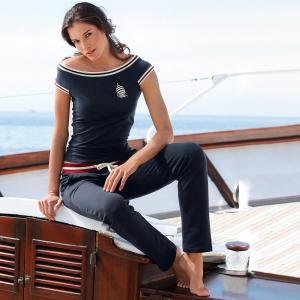
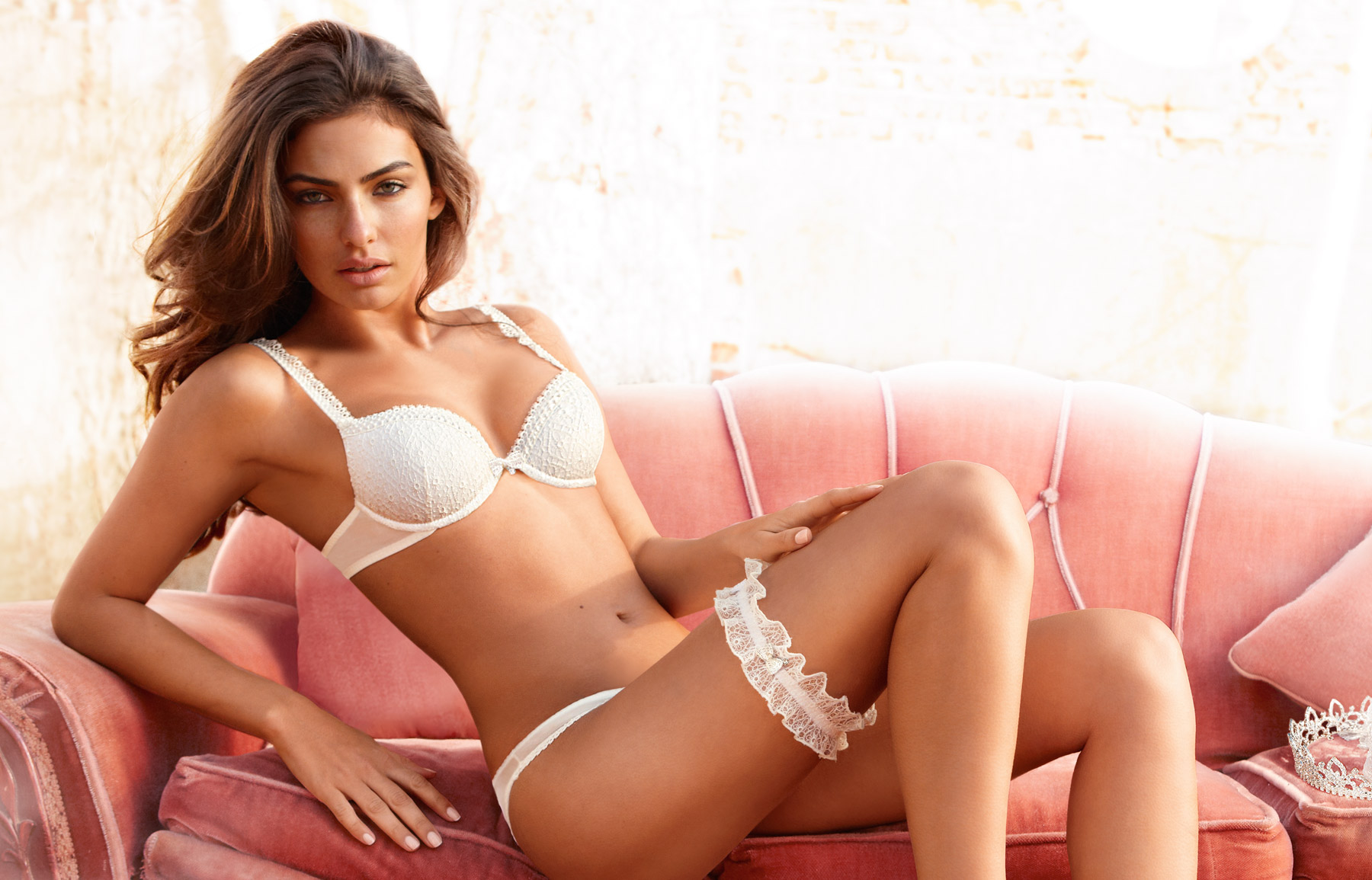
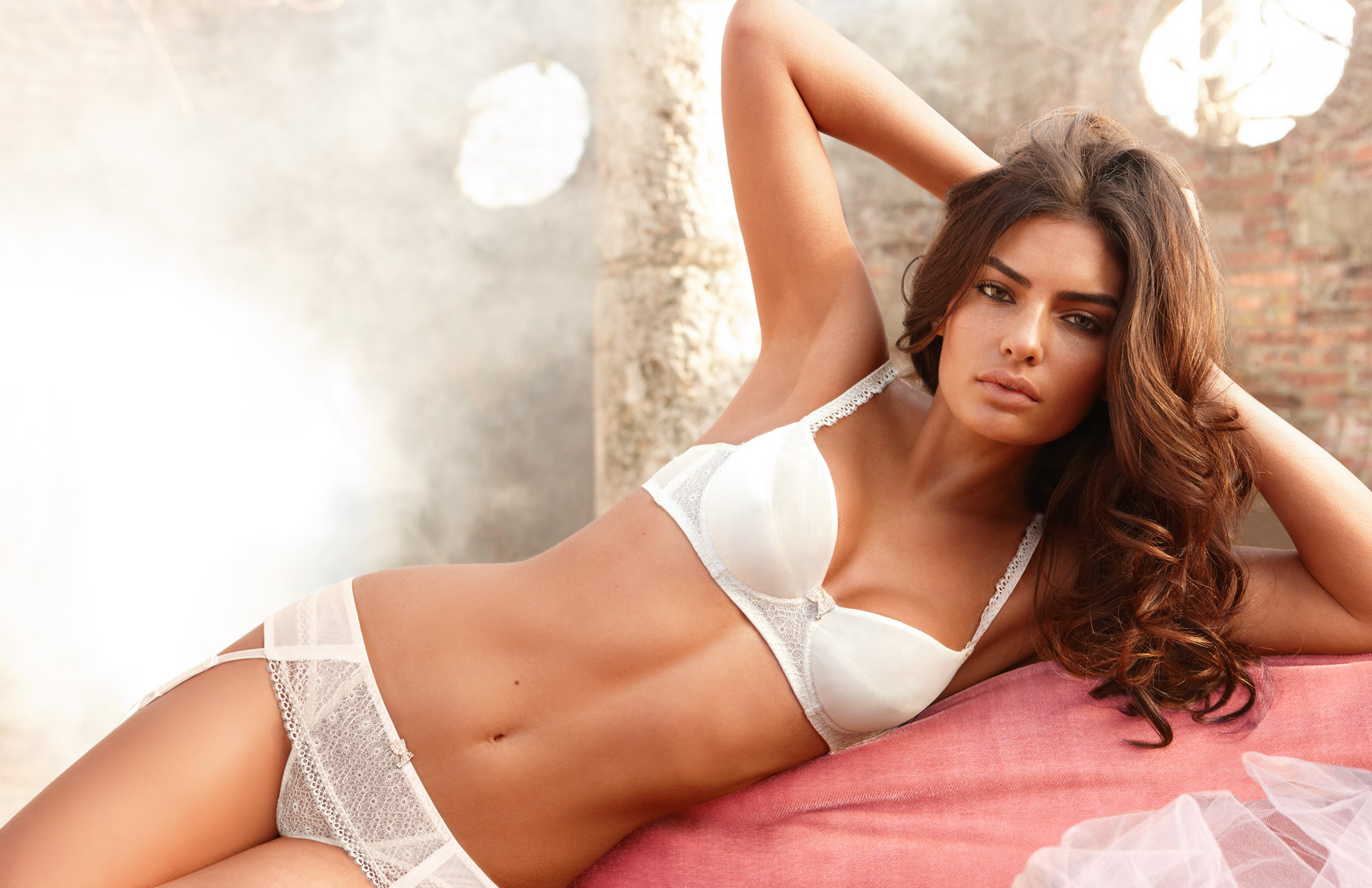
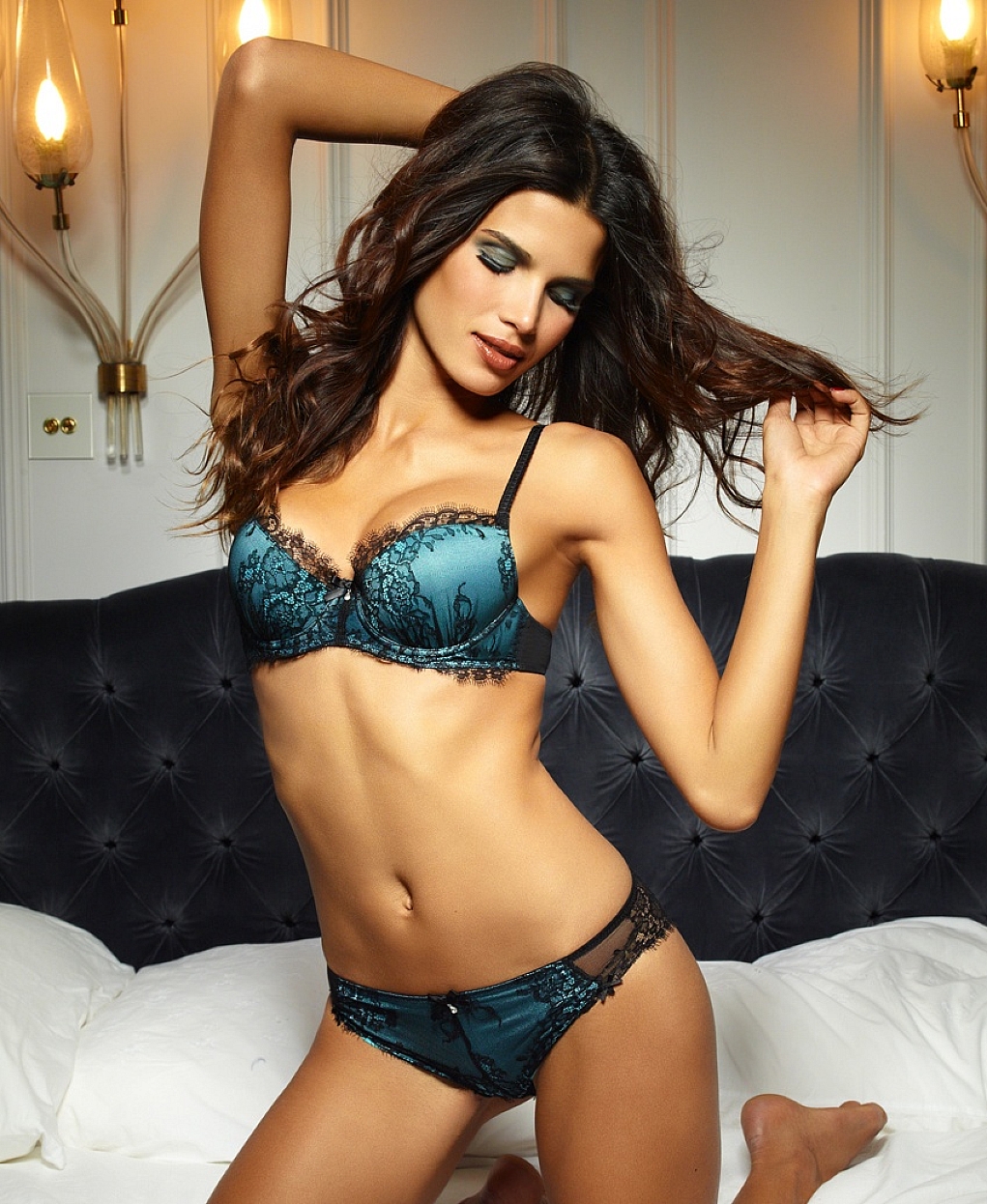
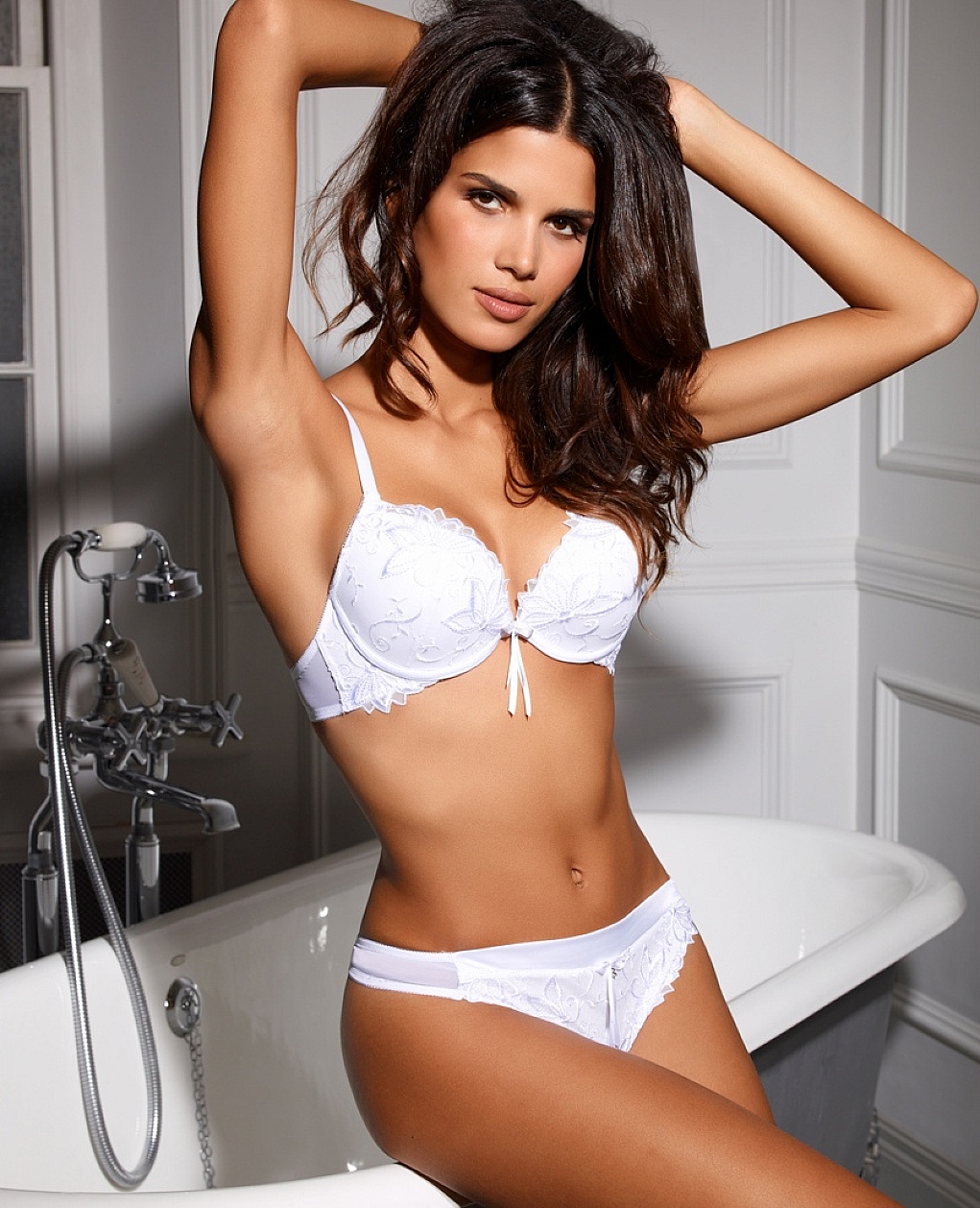
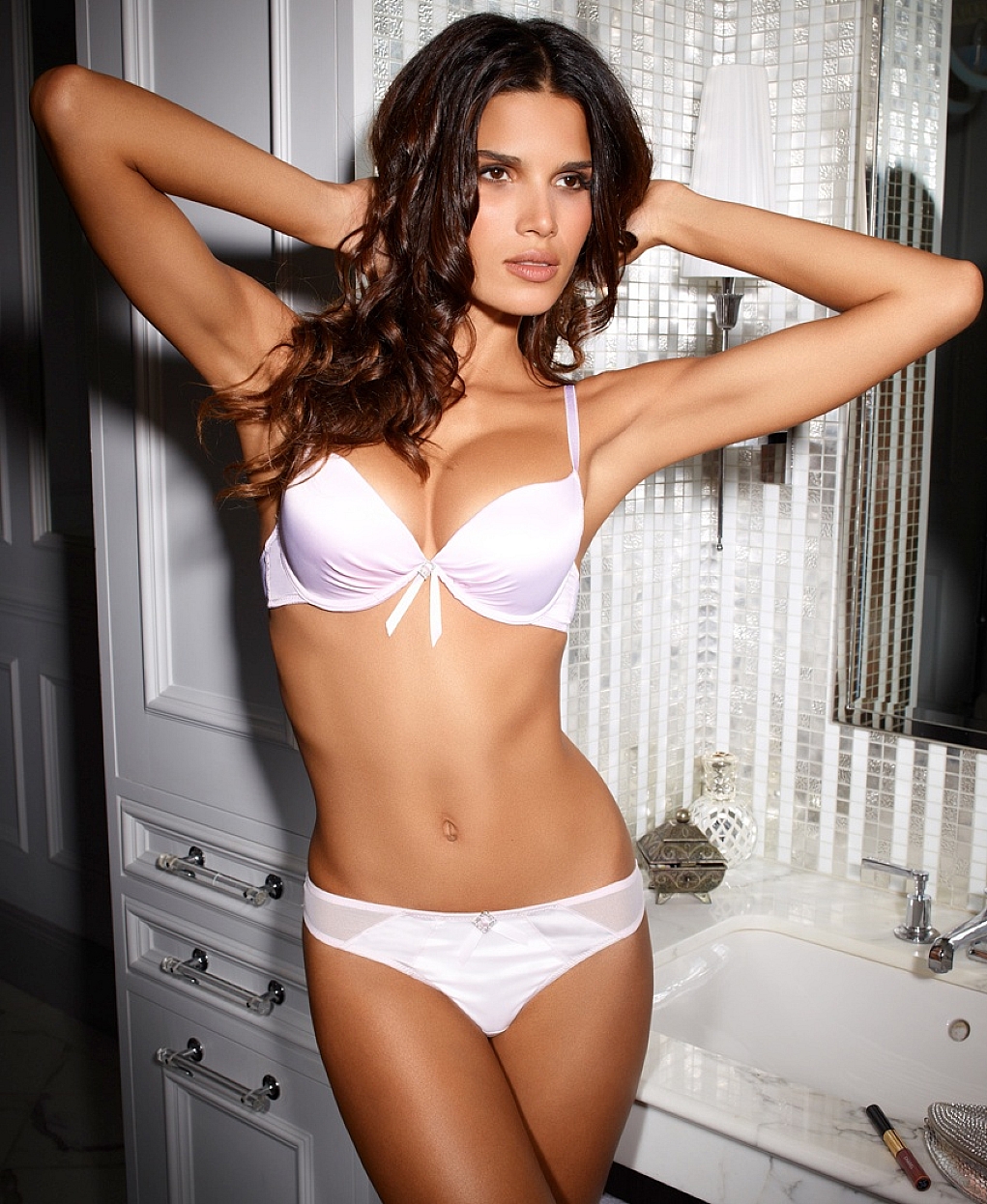
Intimissimi Wedding Collection 2011
^^ me too
Intimissimi Wedding Collection 2011

 ^^ the last set > Yumi Yumi Thanks for the update
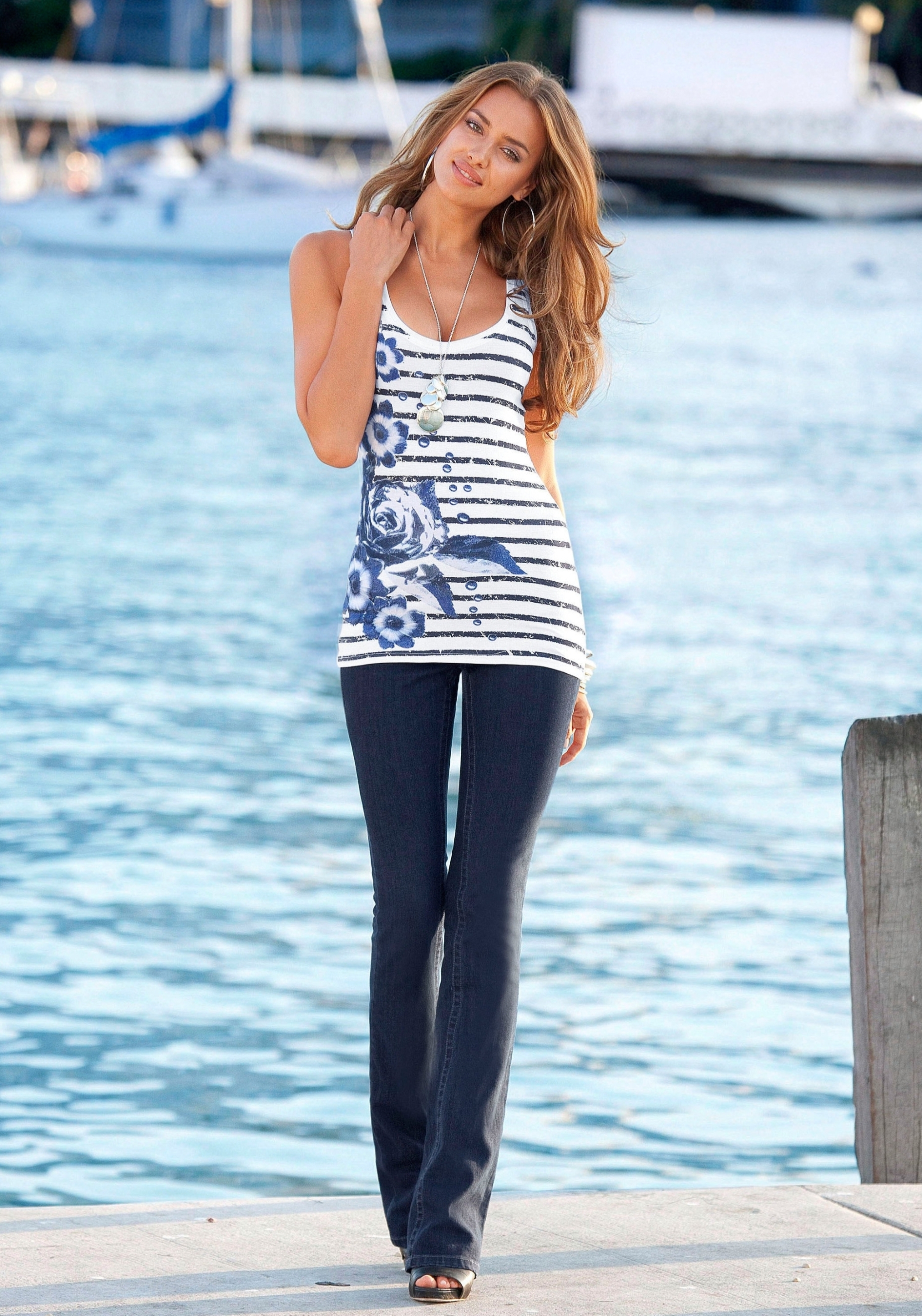
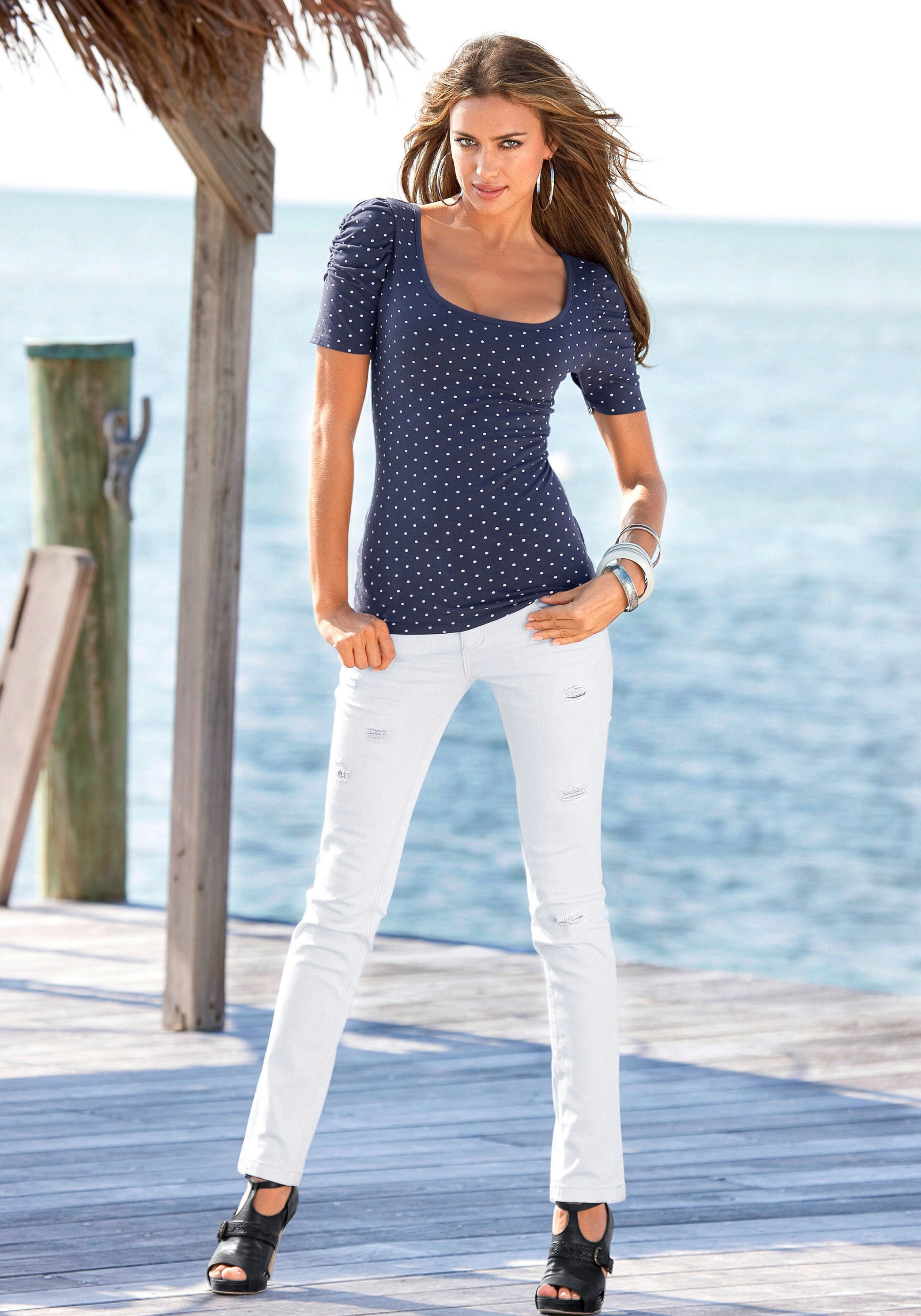
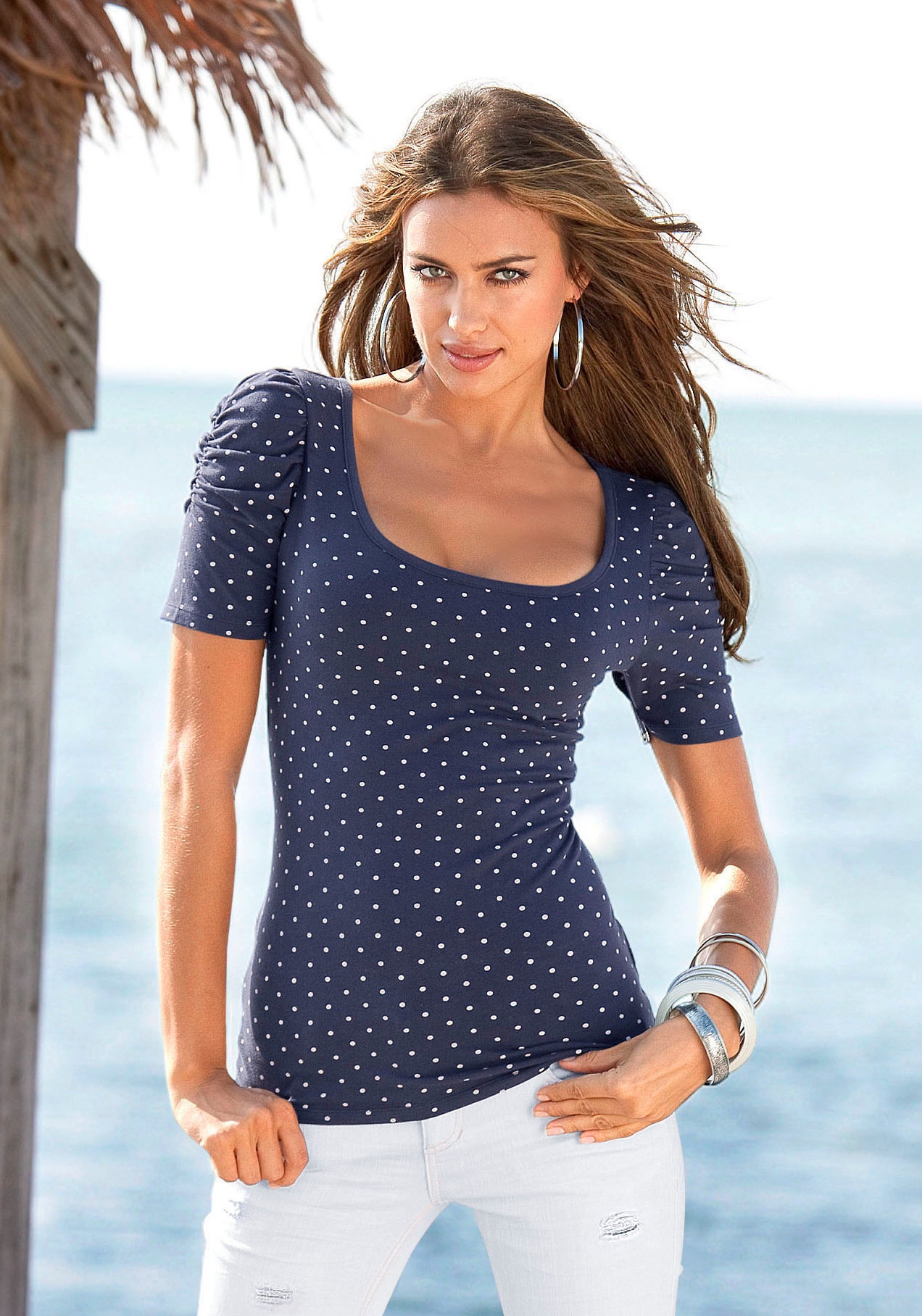
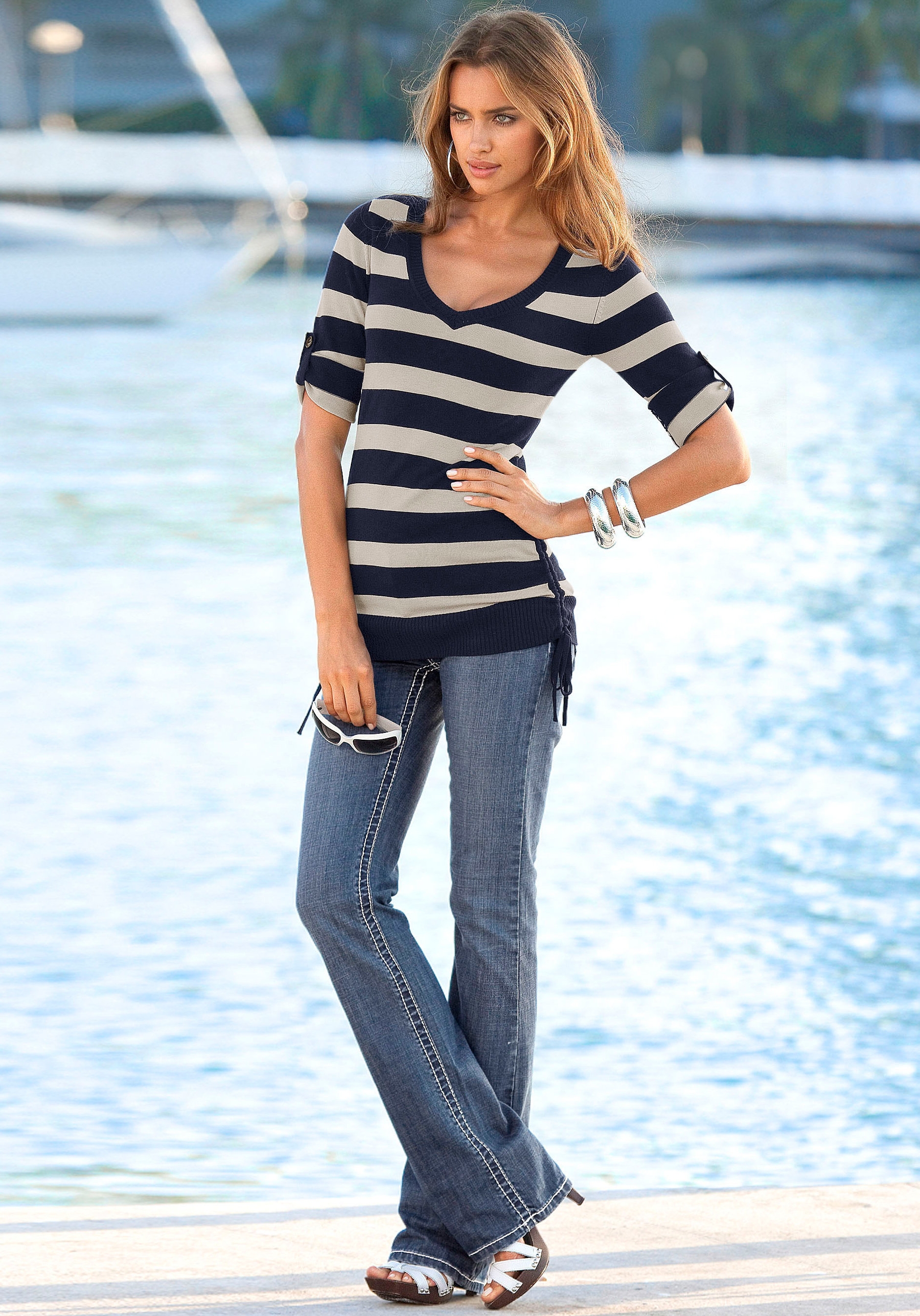
Ultimo SS/2011 update
^^ the last set > Yumi Yumi Thanks for the update
Ultimo SS/2011 update
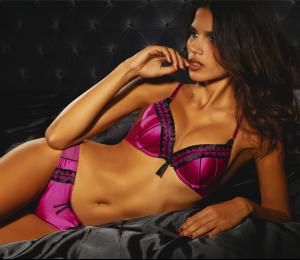






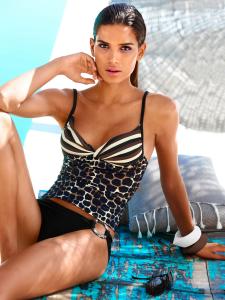
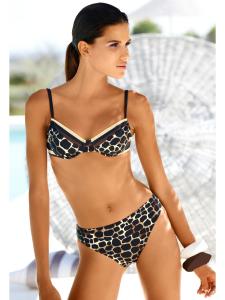
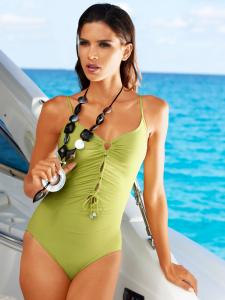
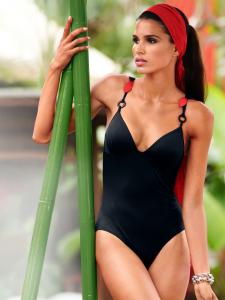
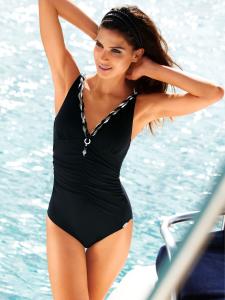
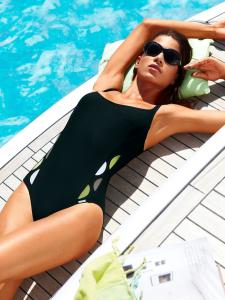
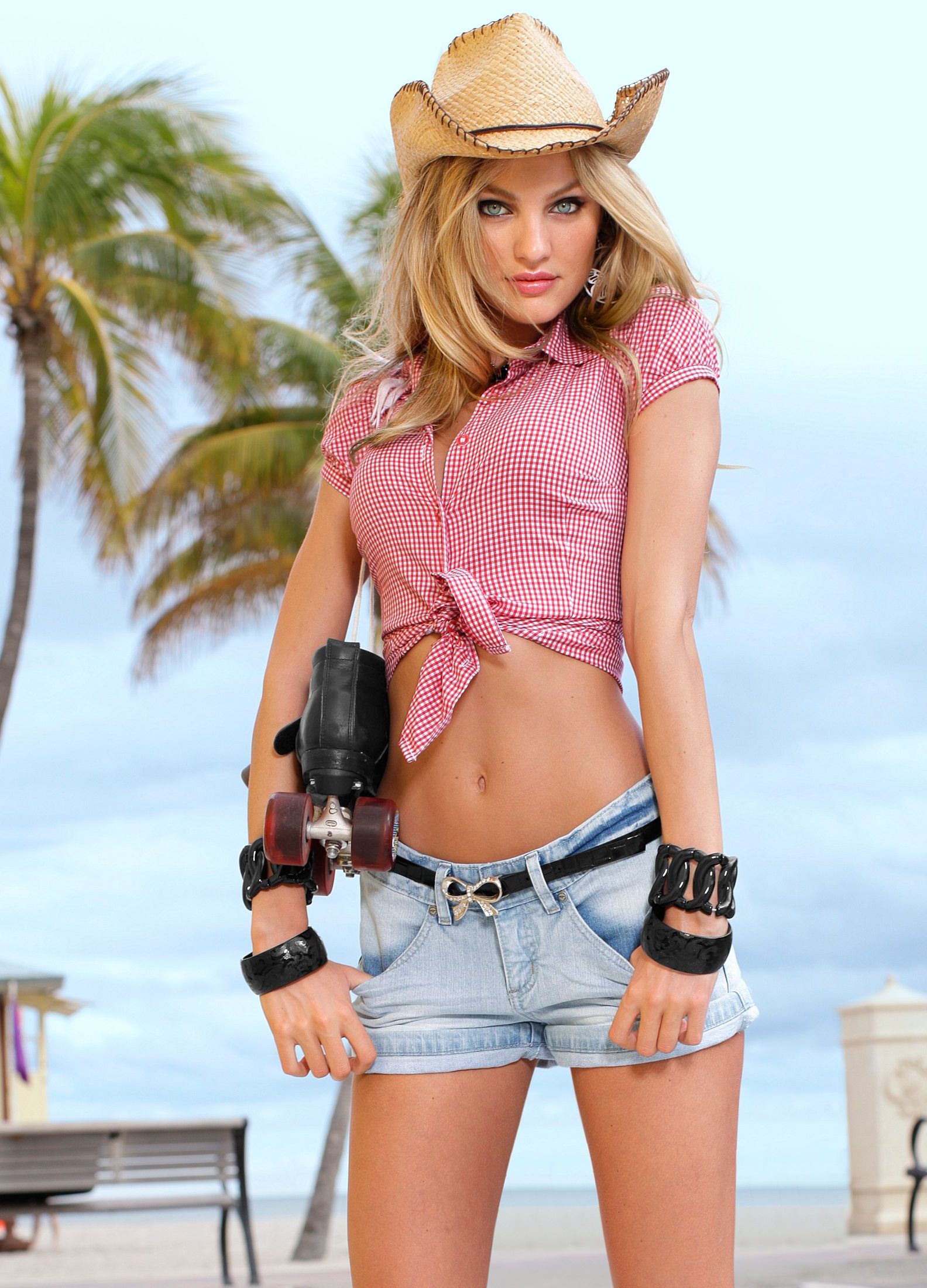
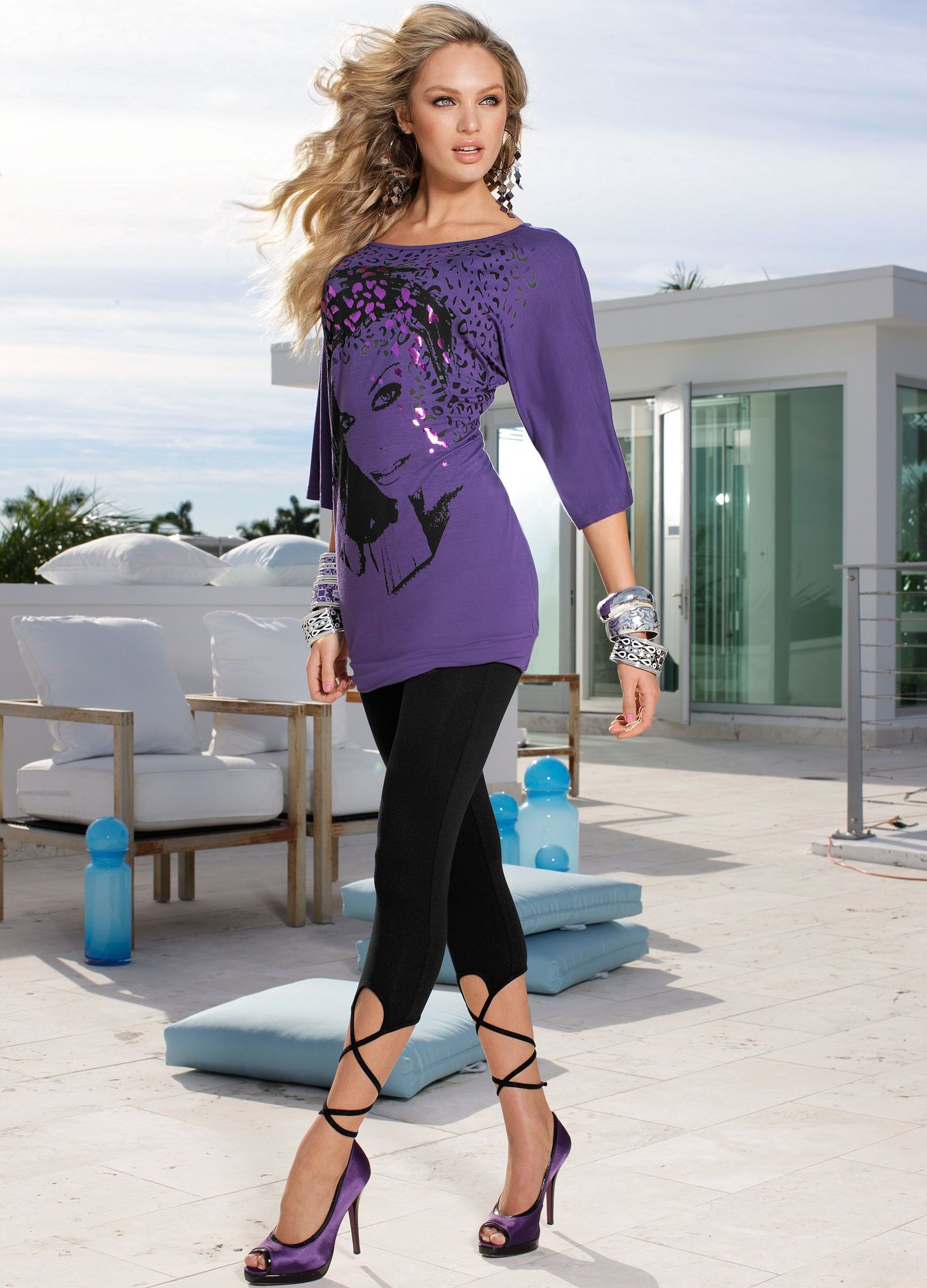
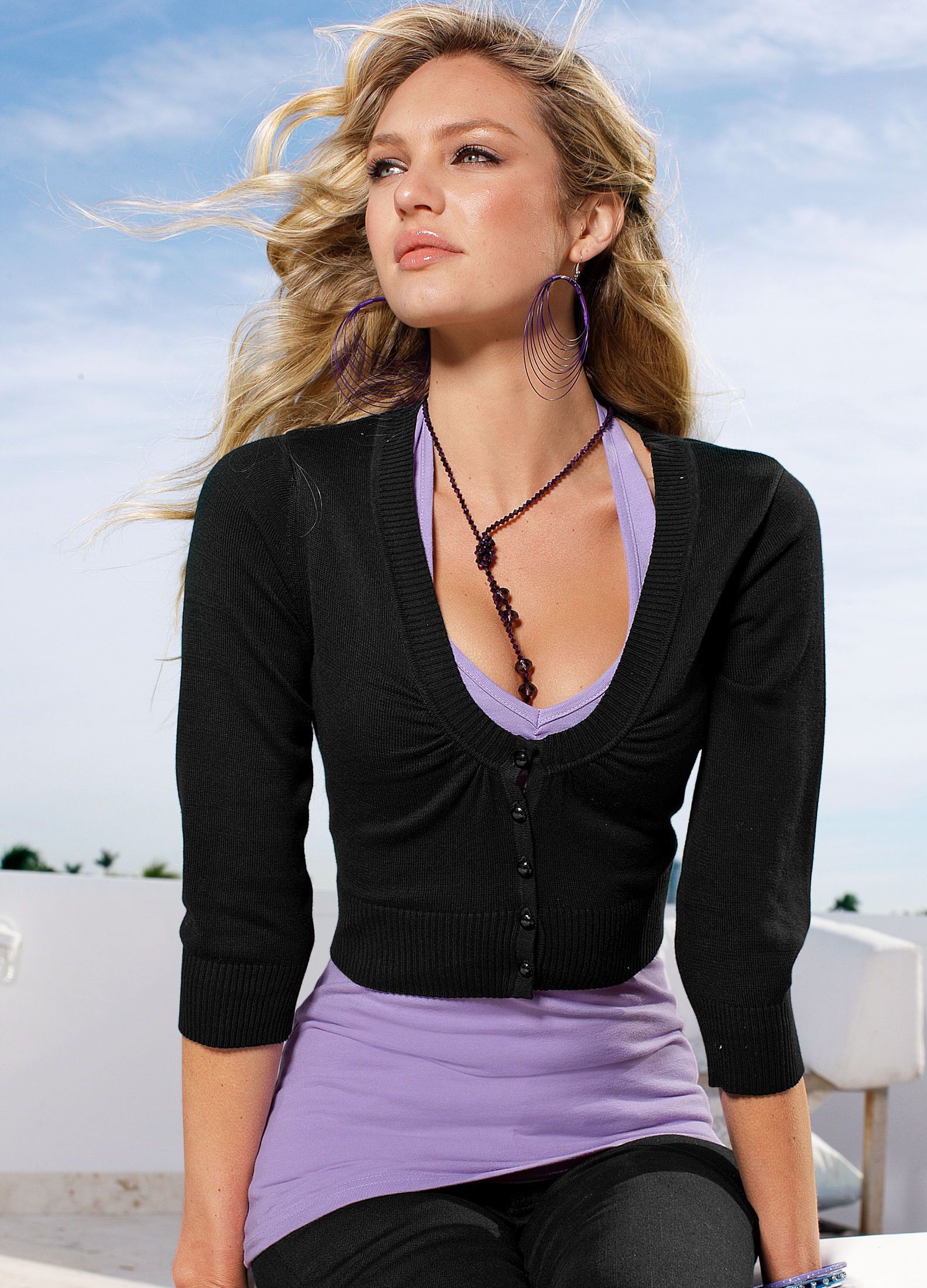
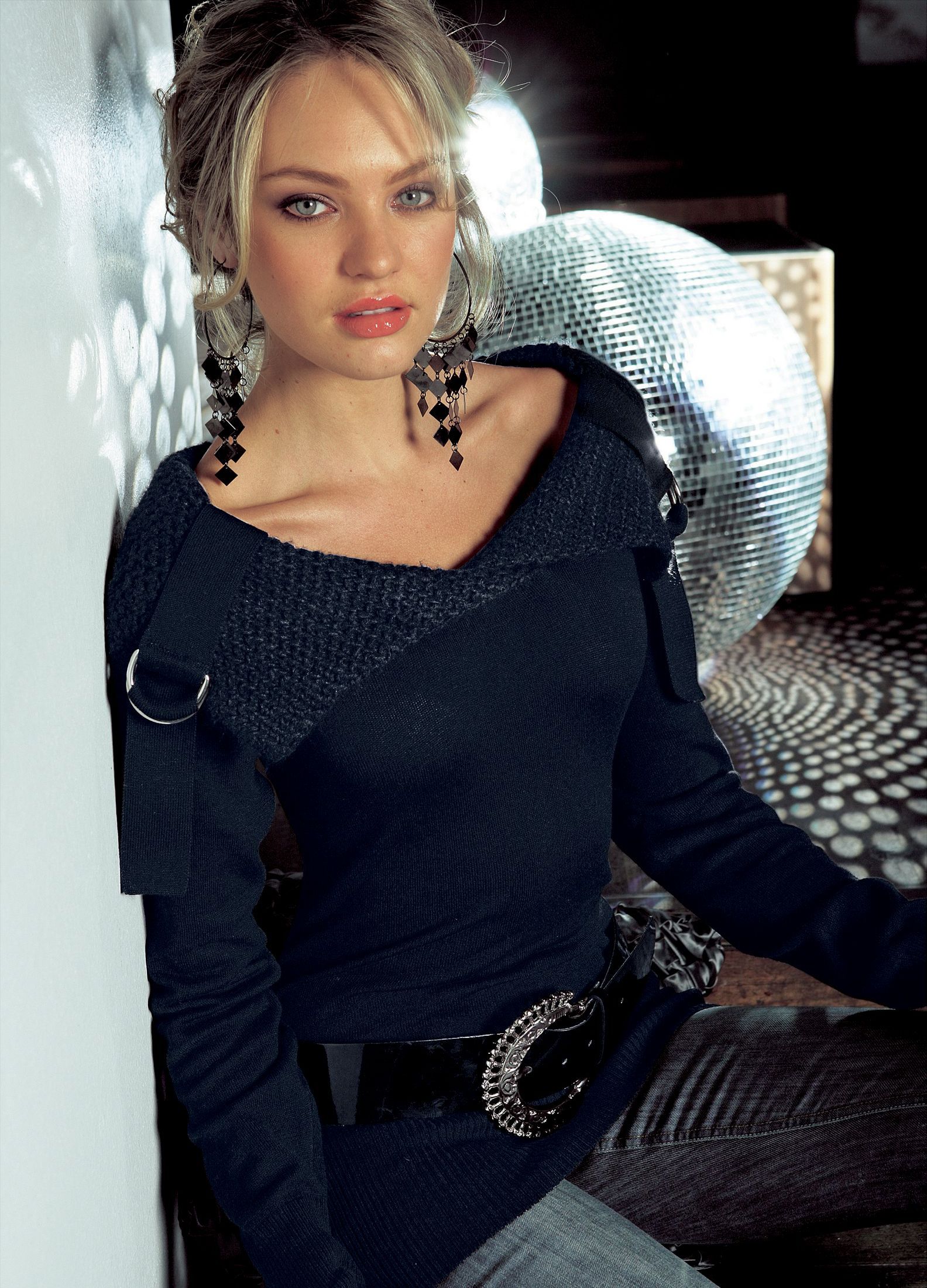
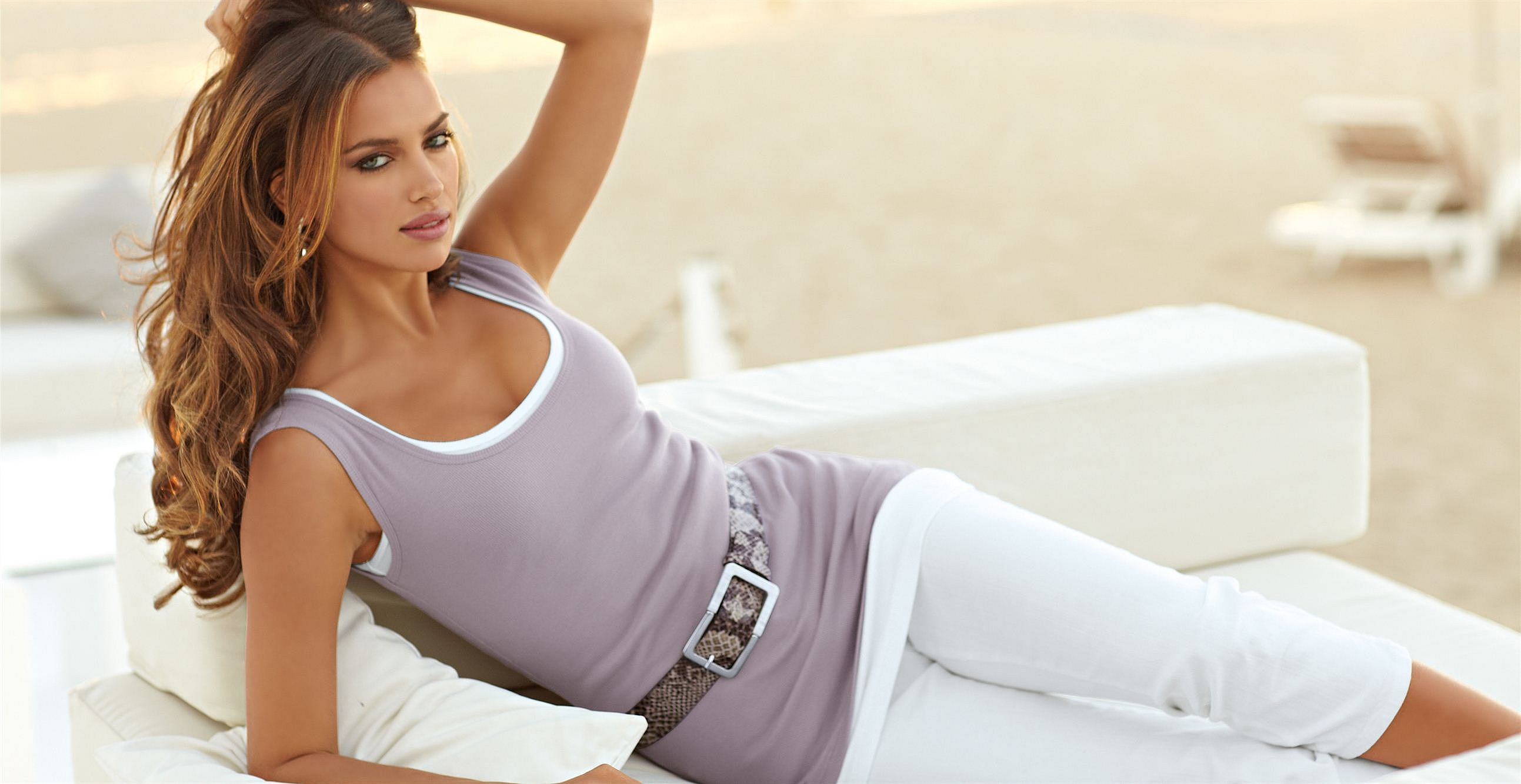
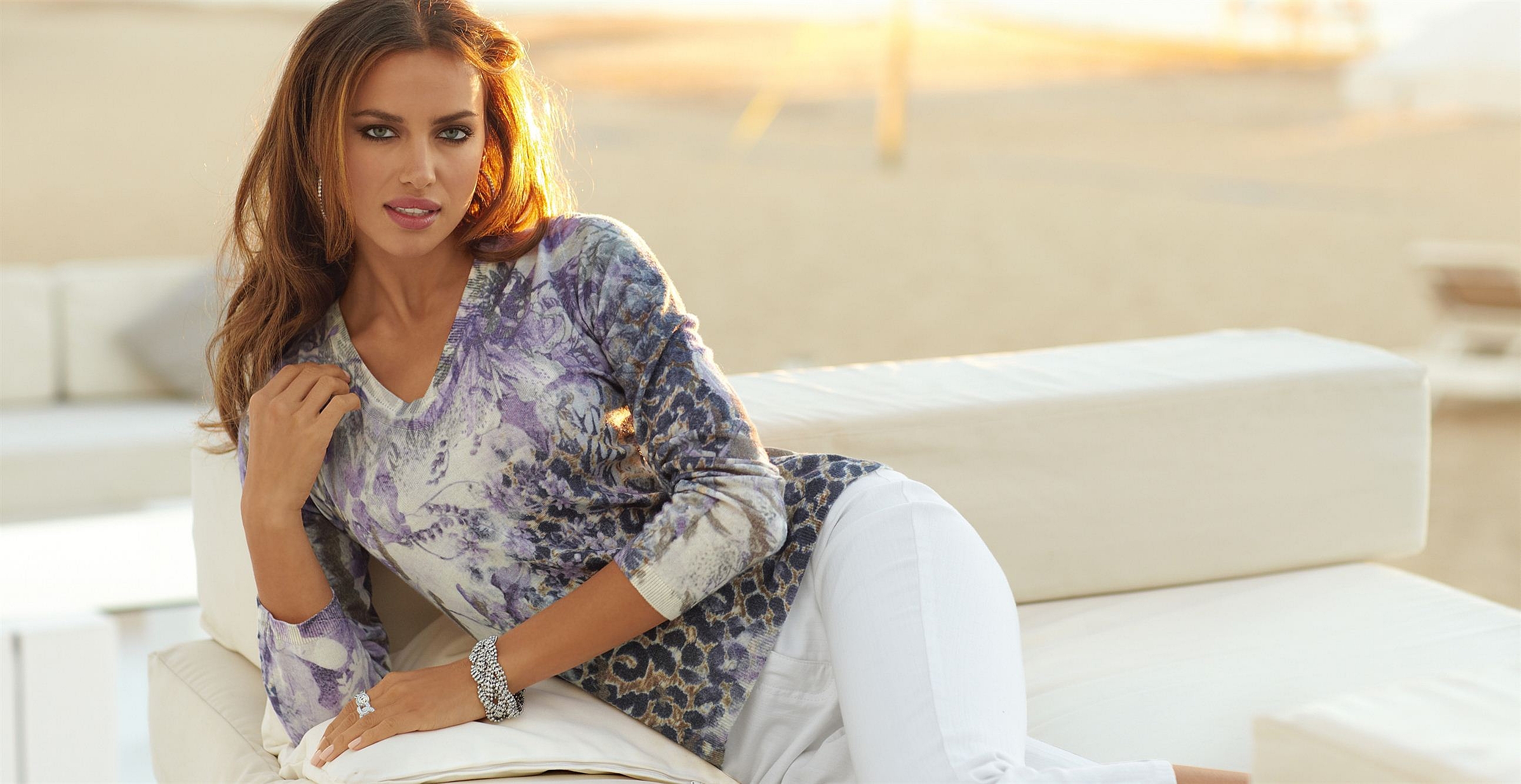
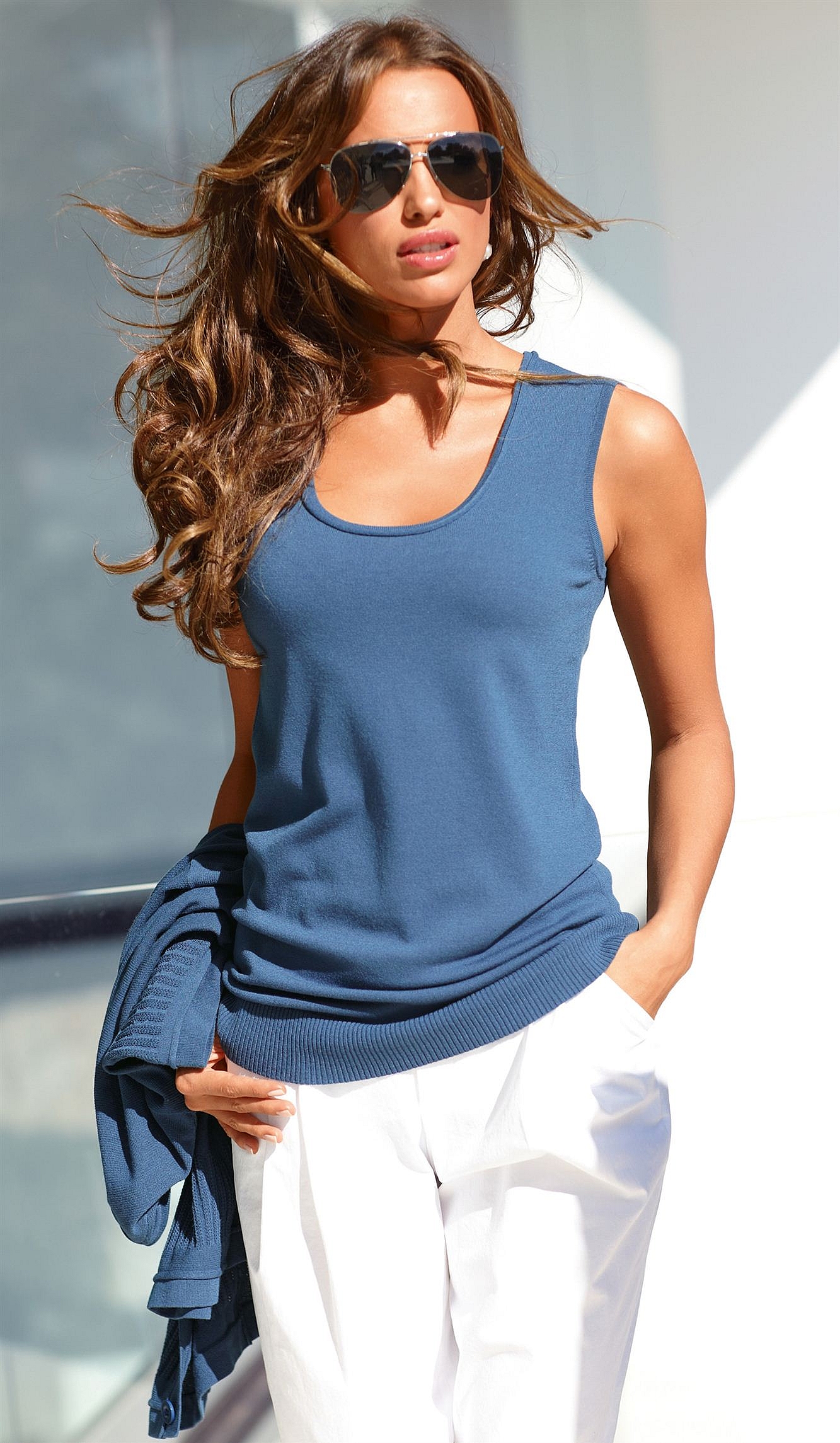
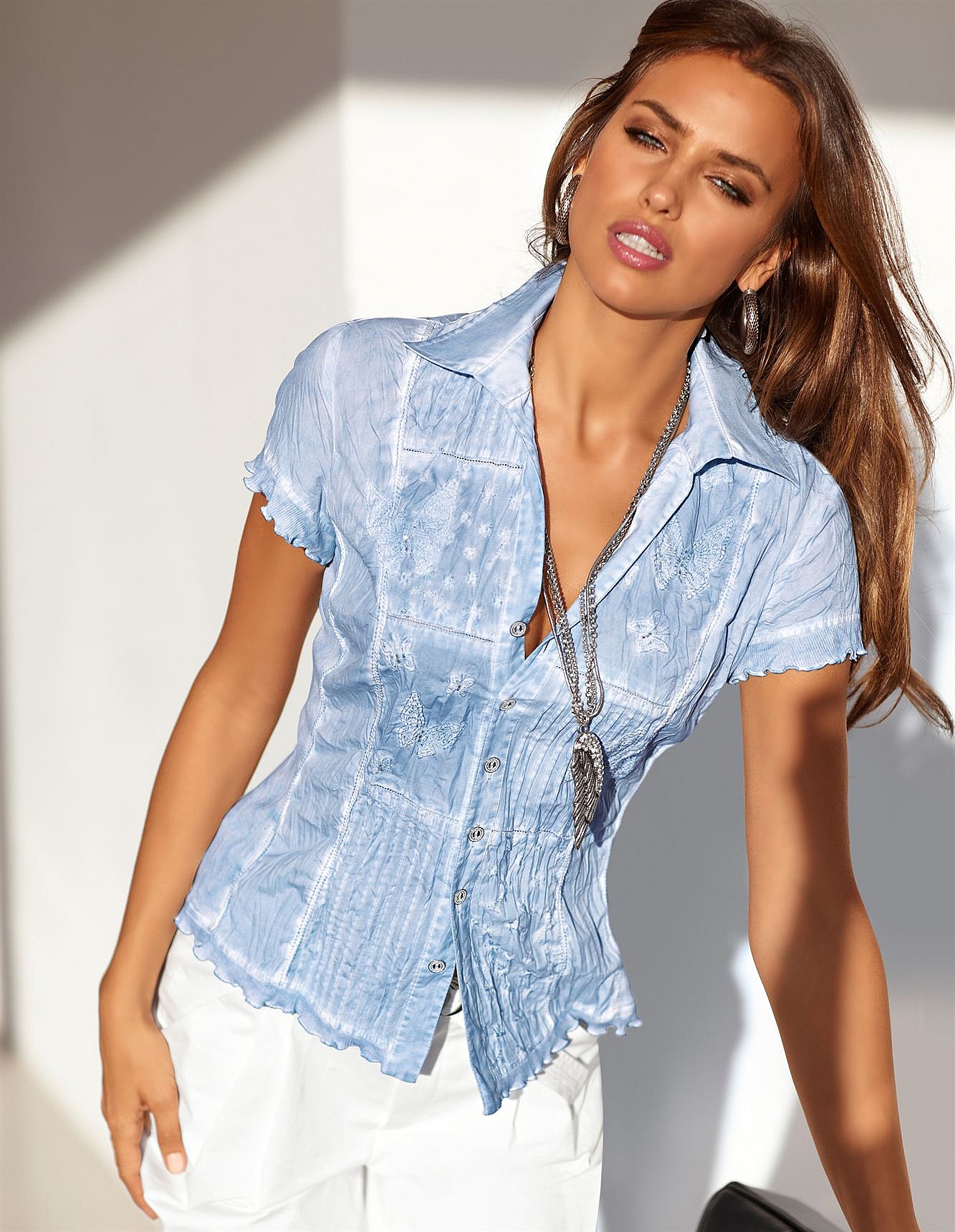
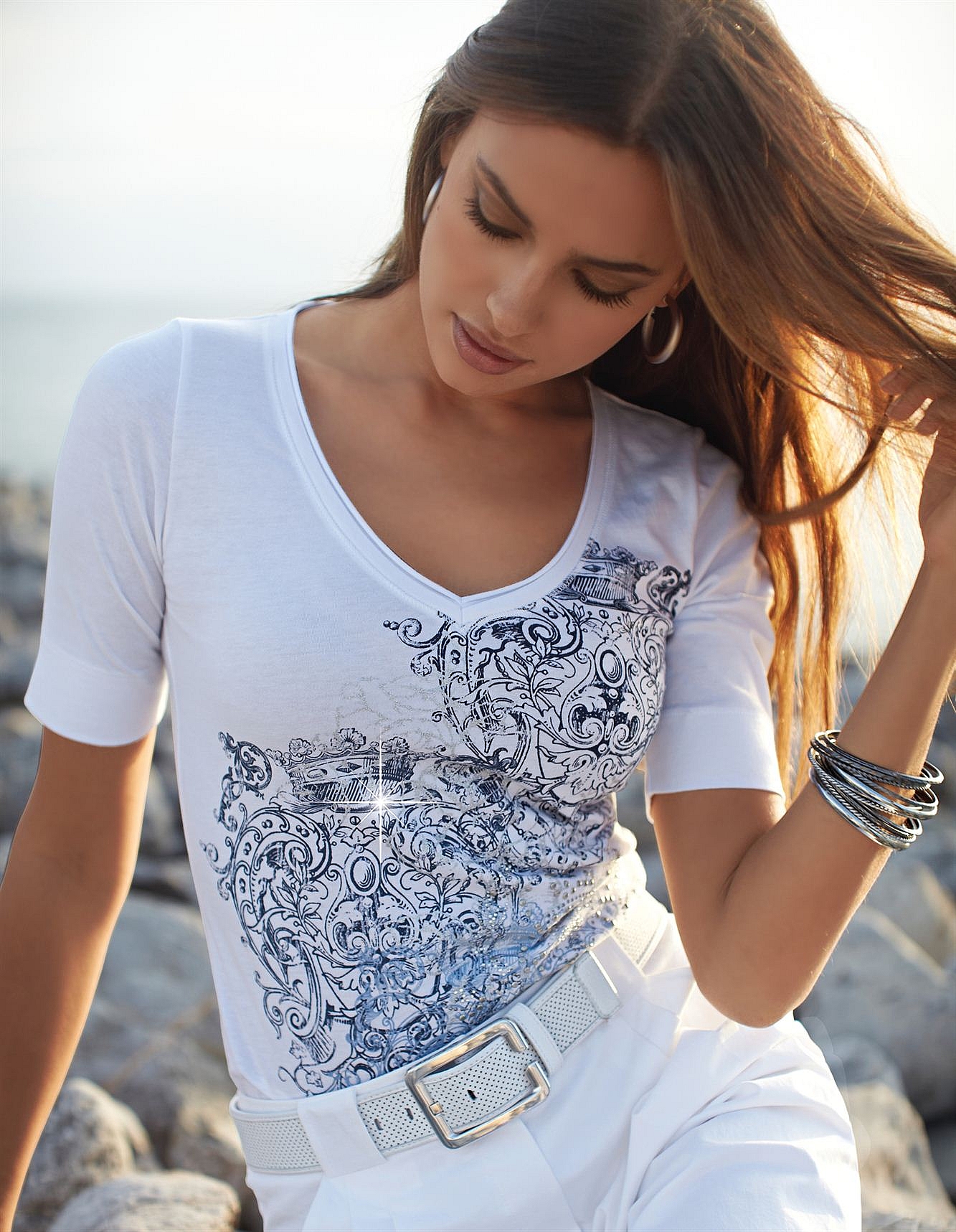
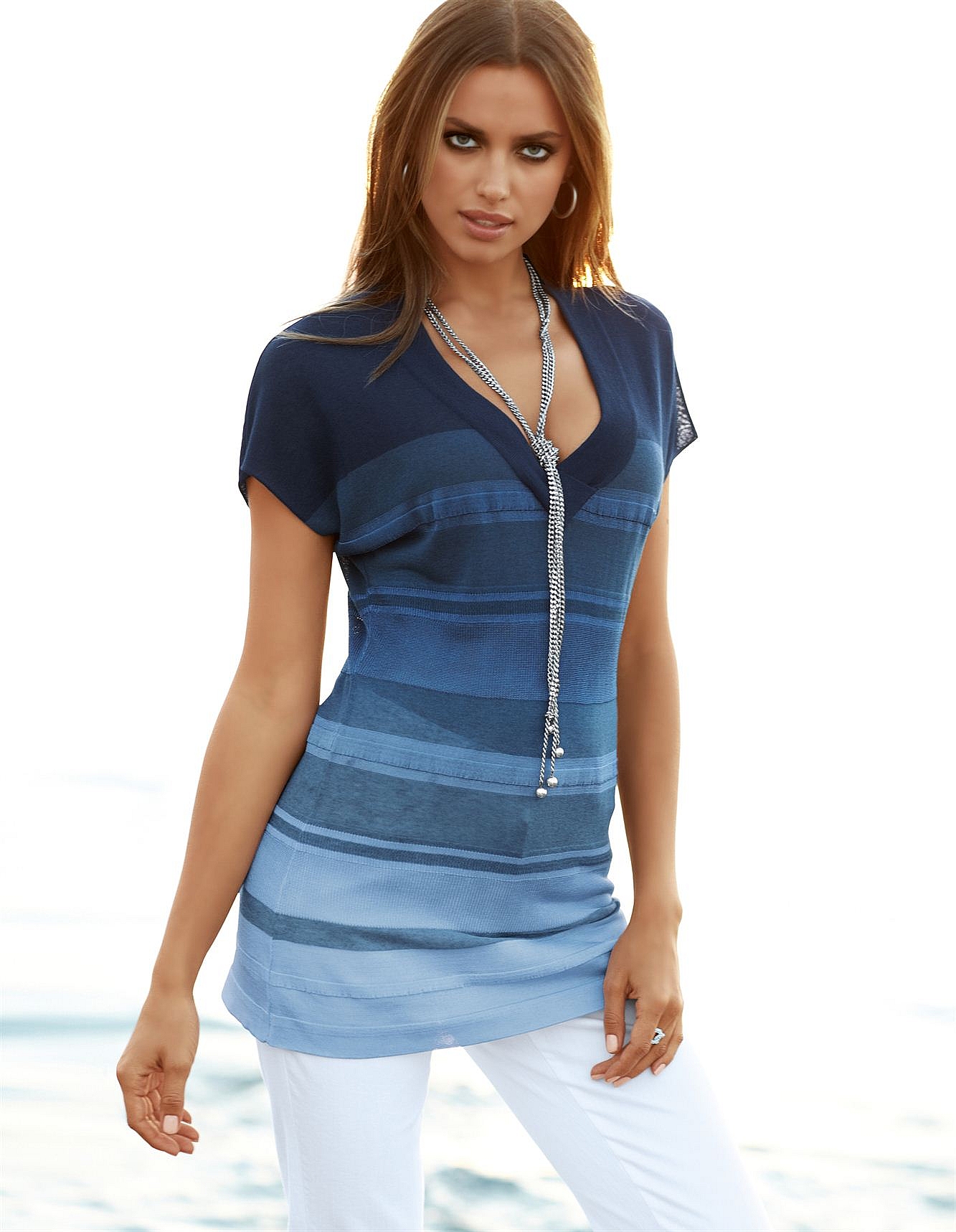
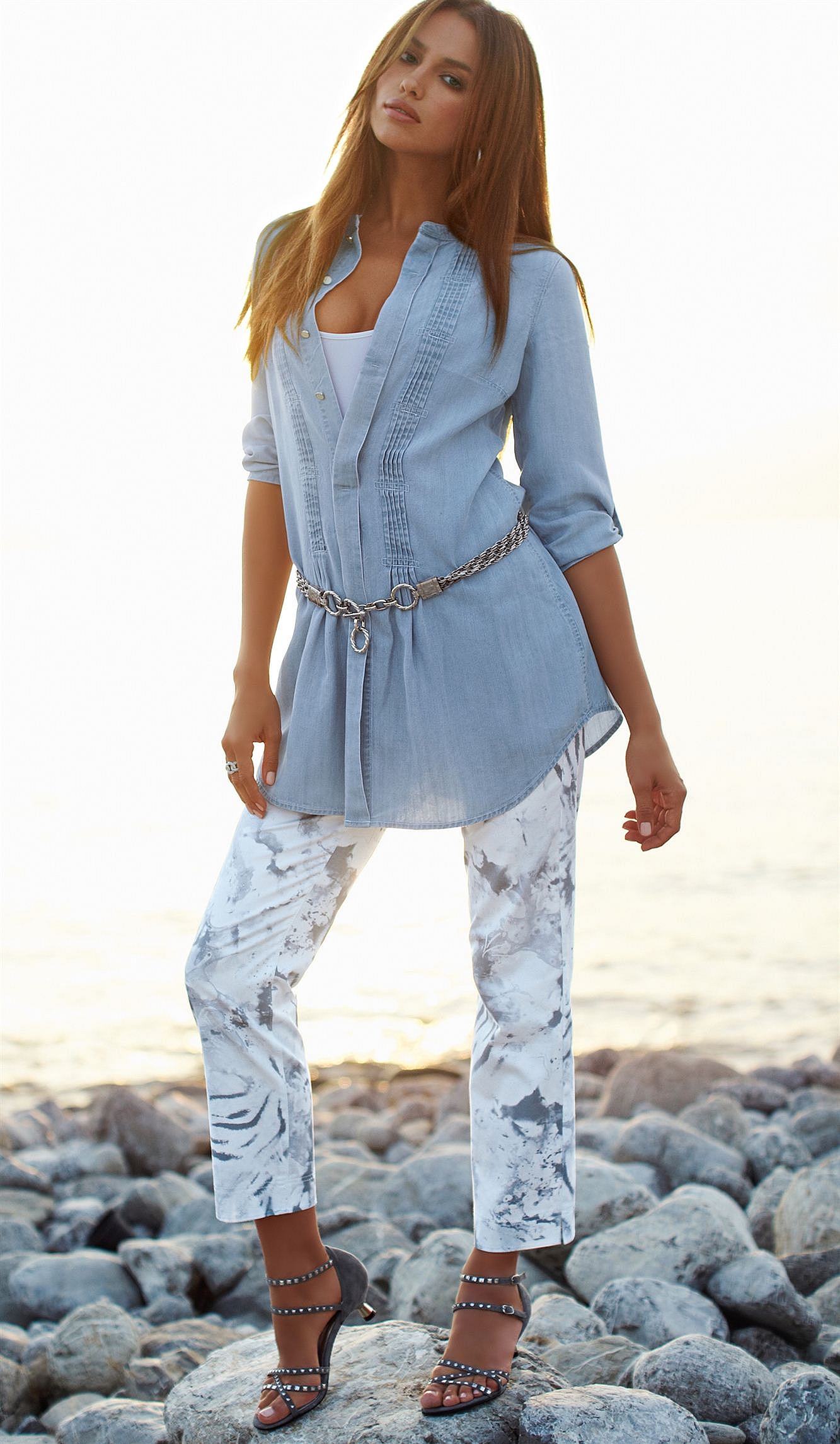
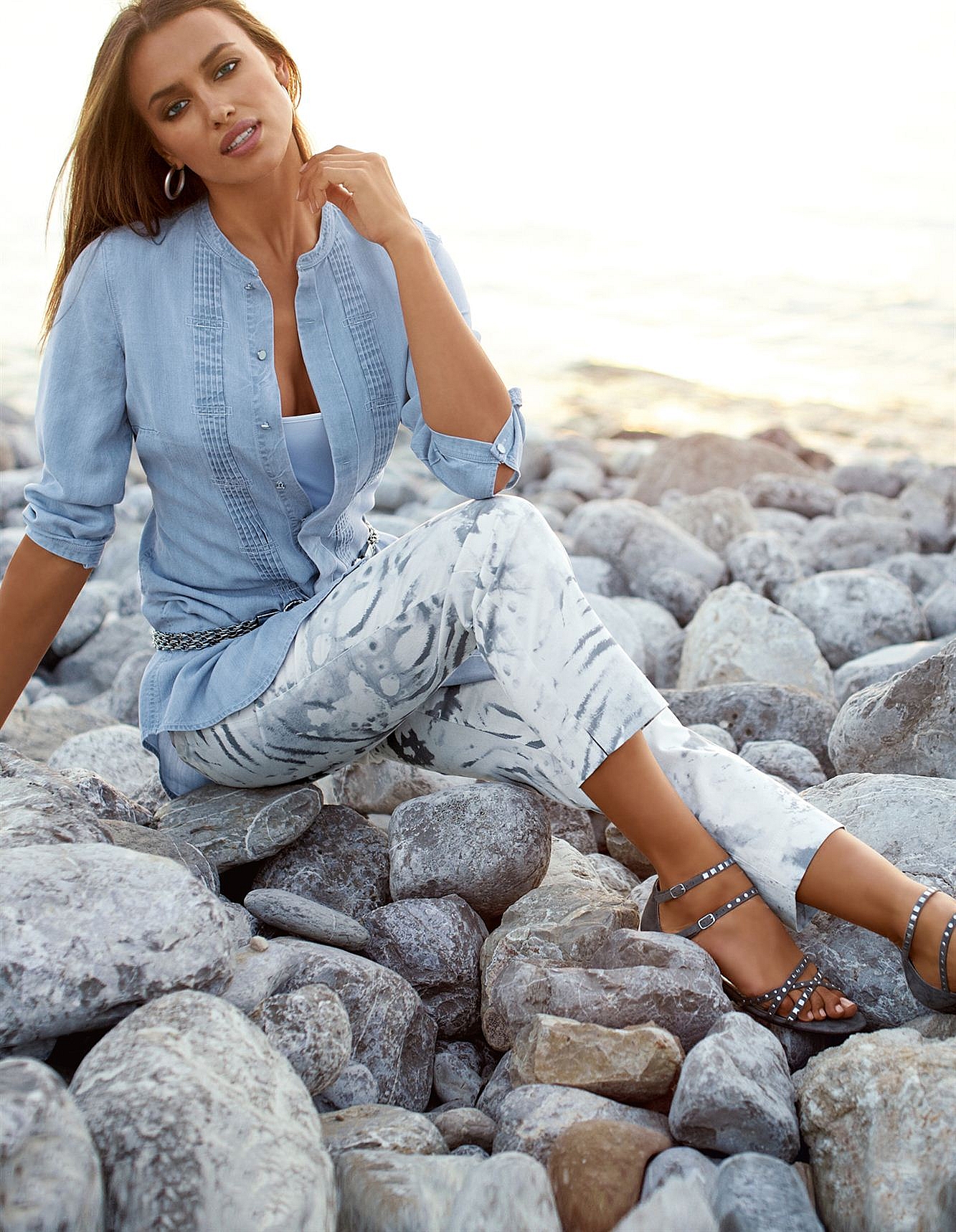
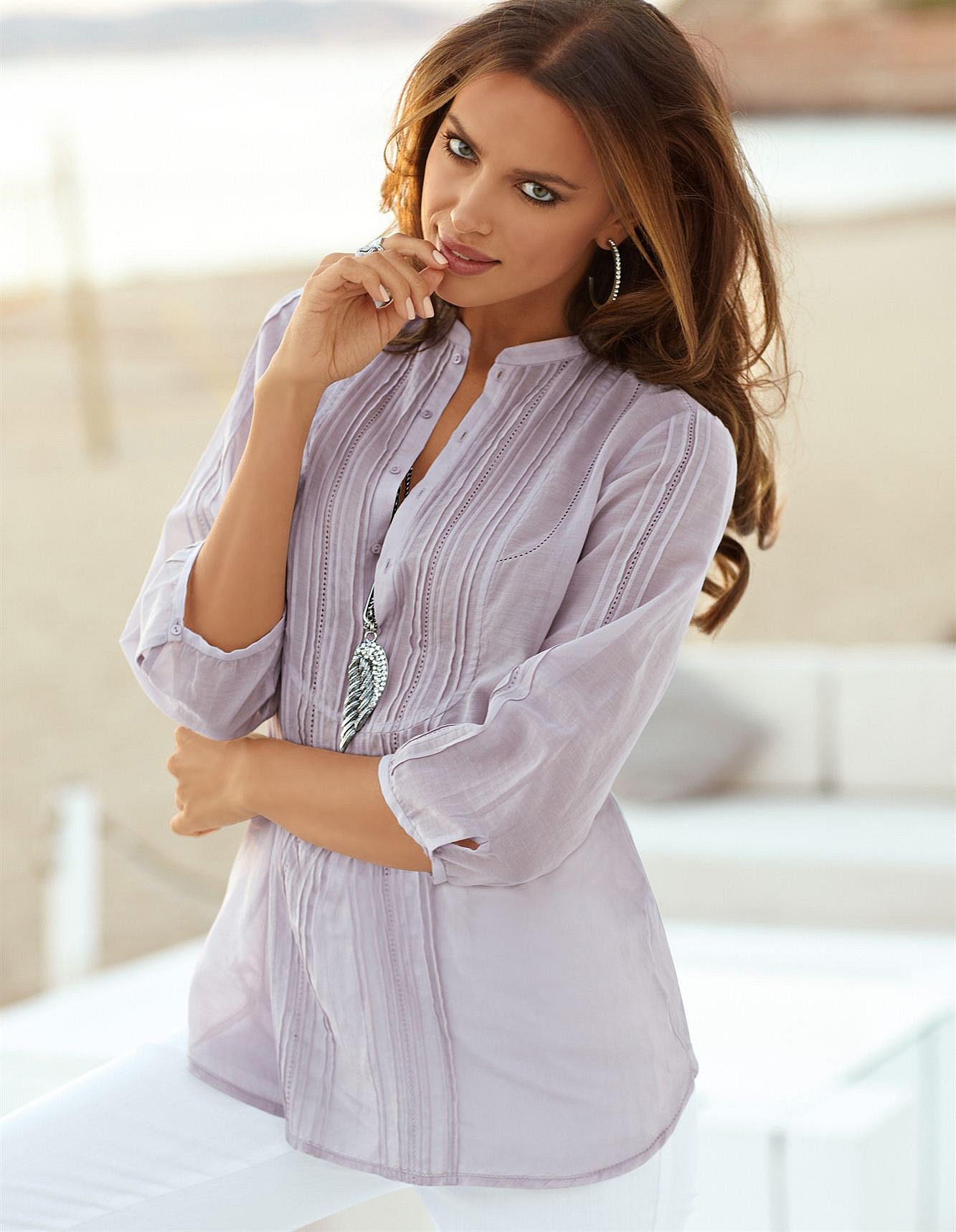
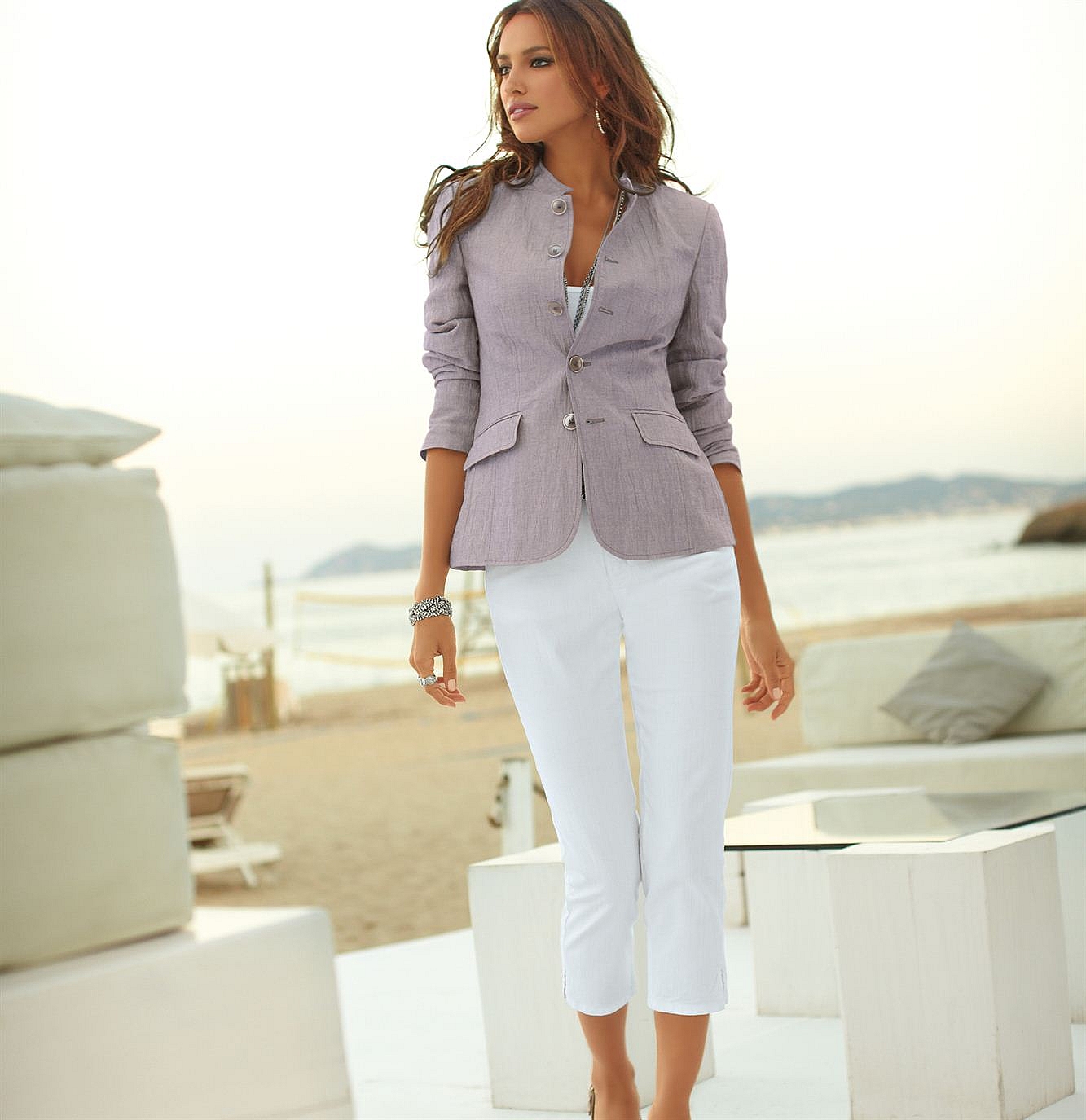
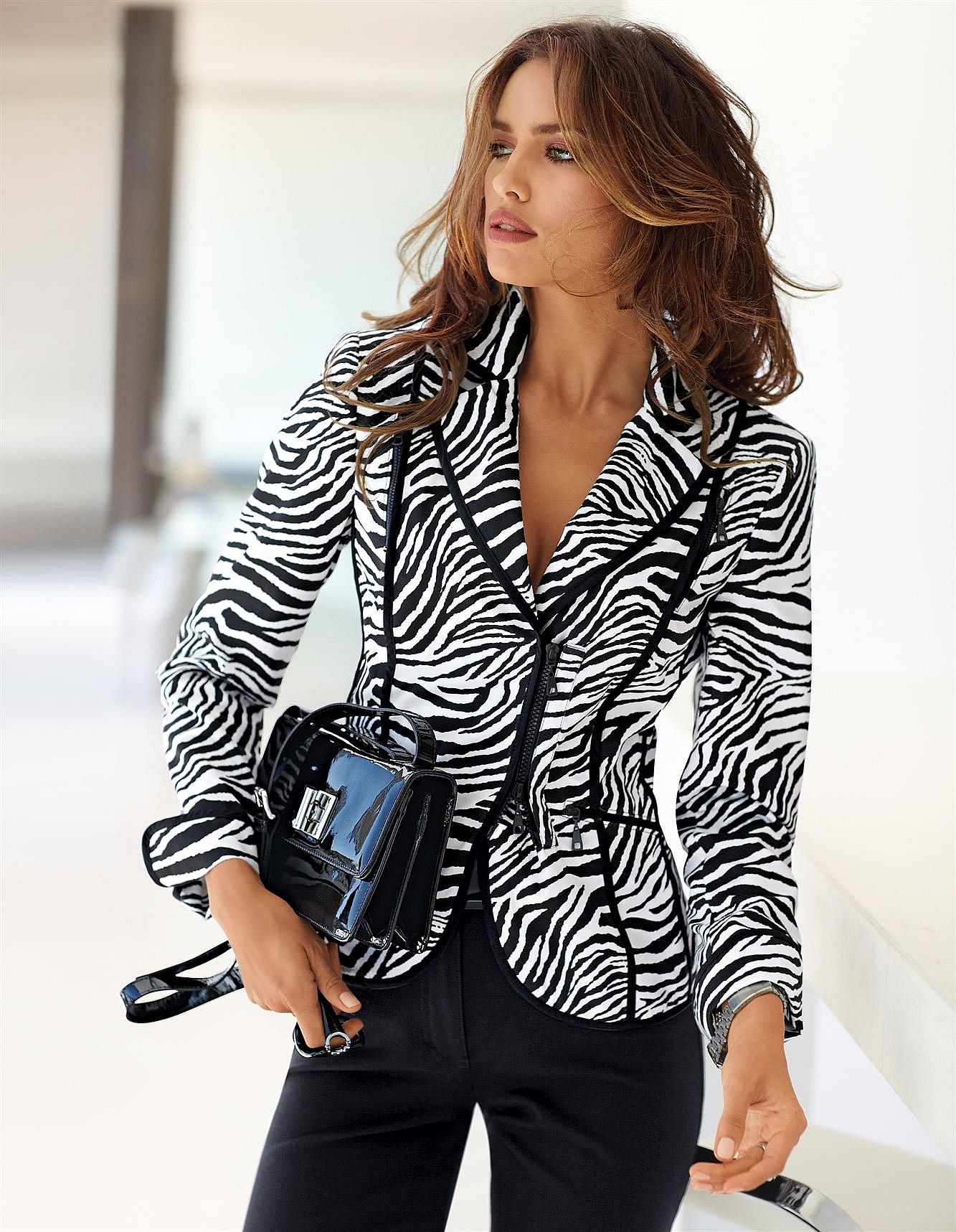
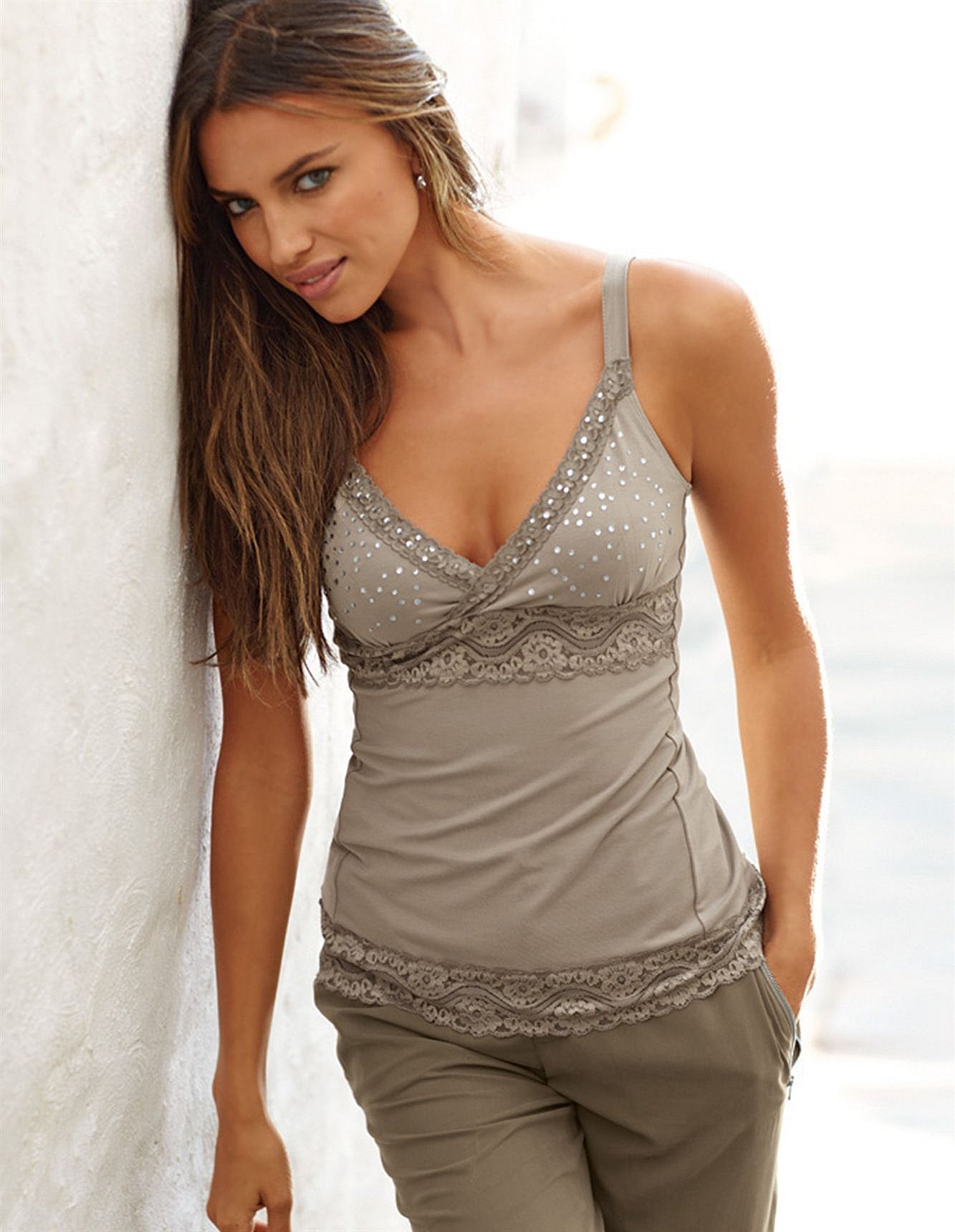
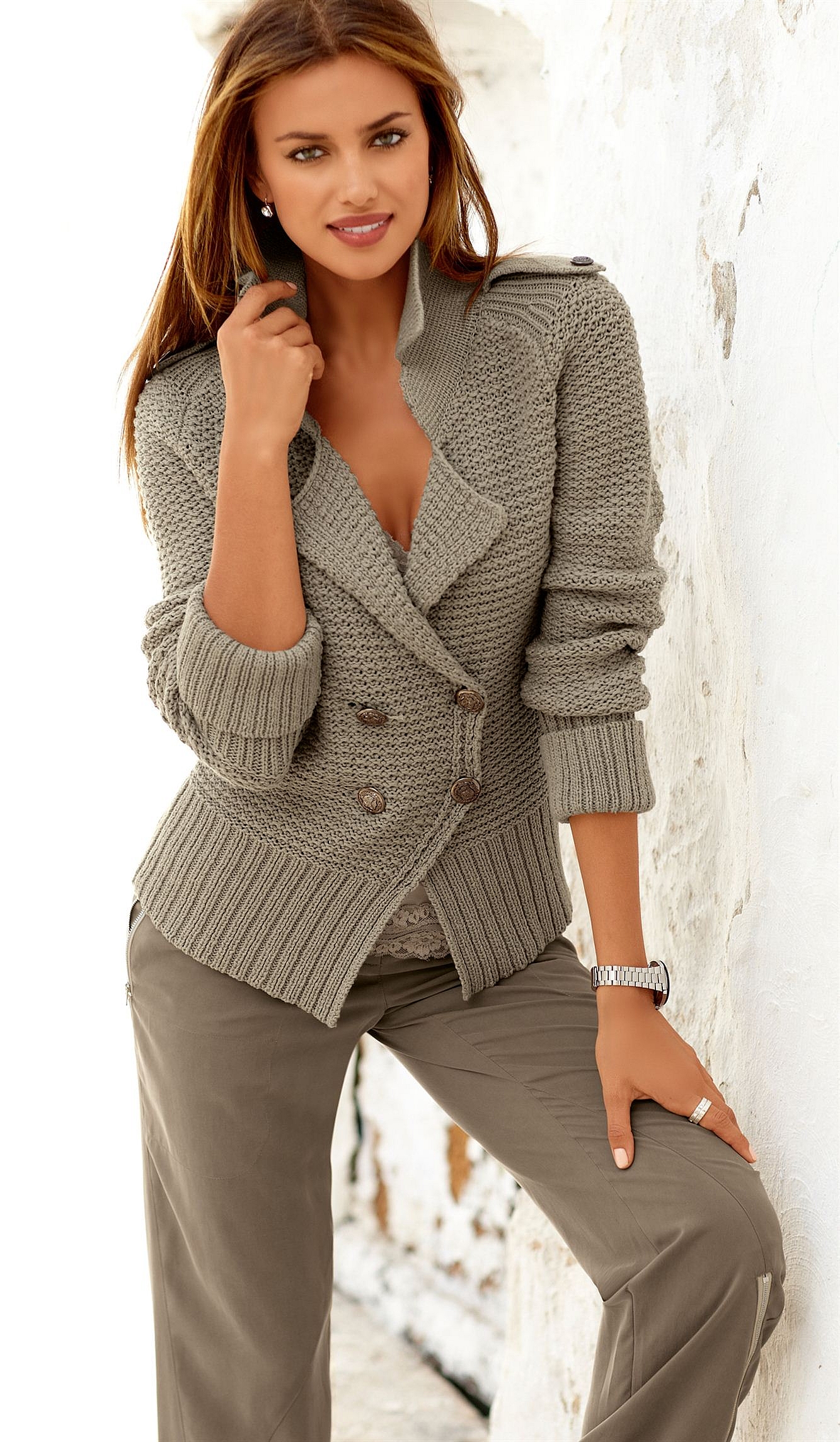
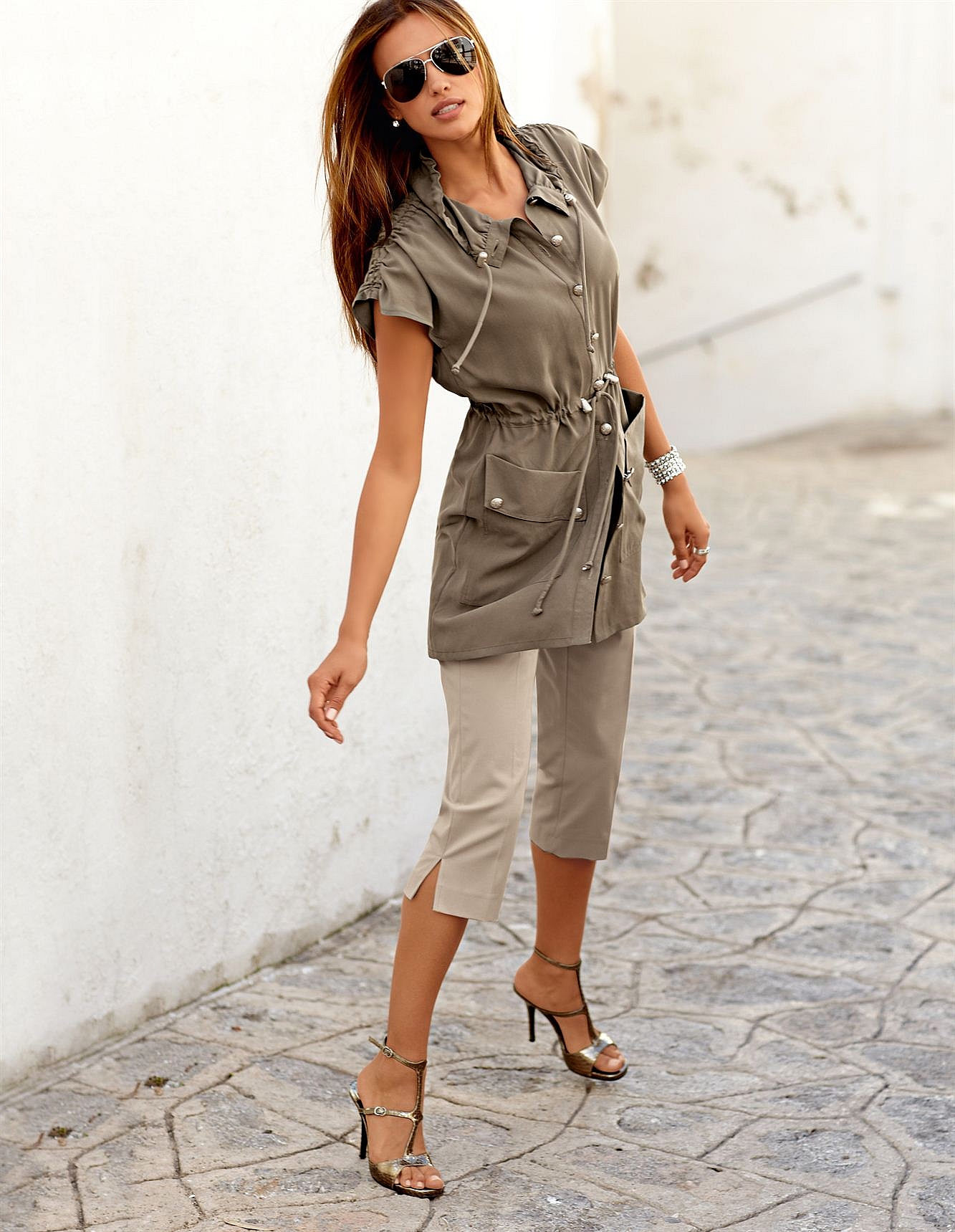
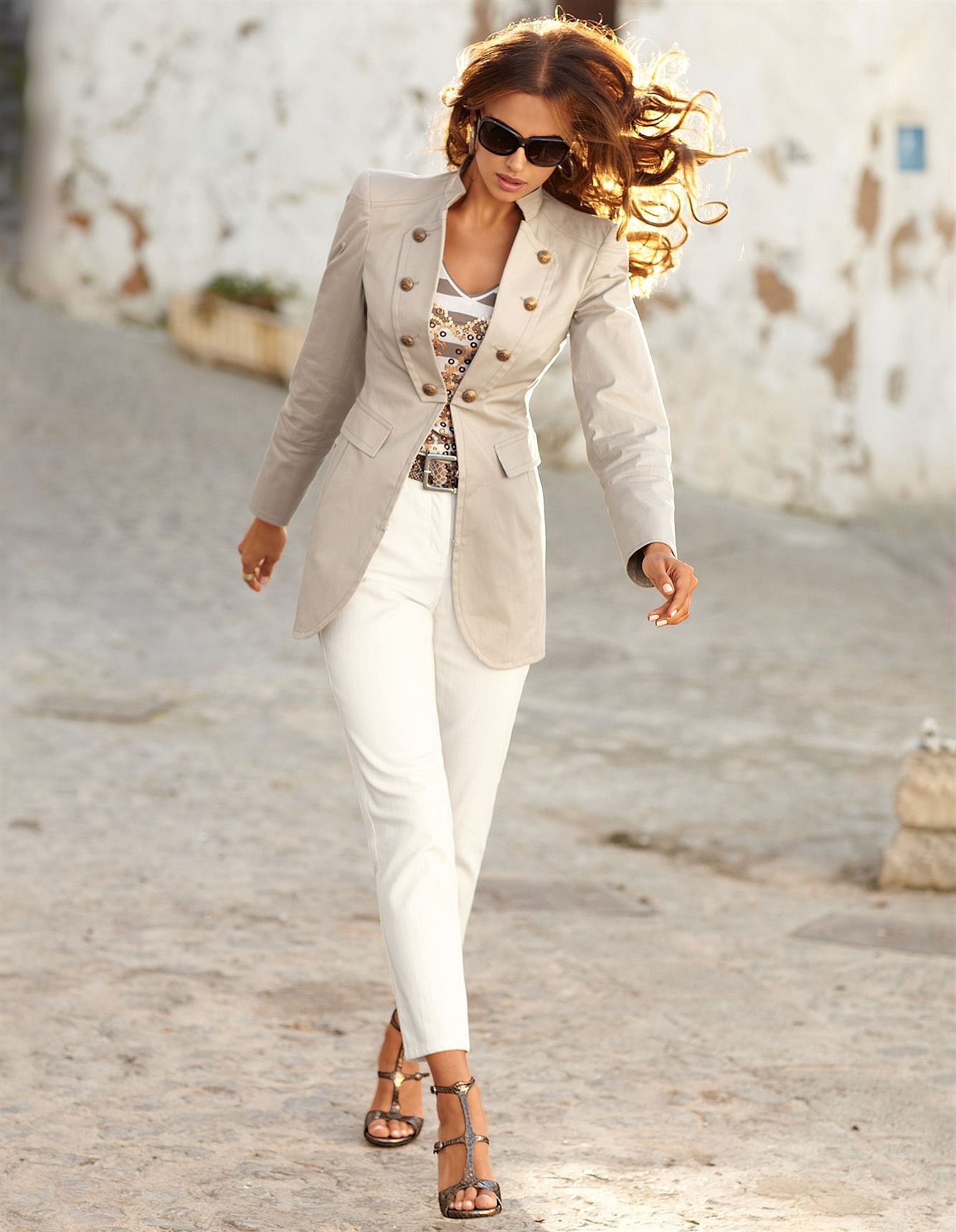
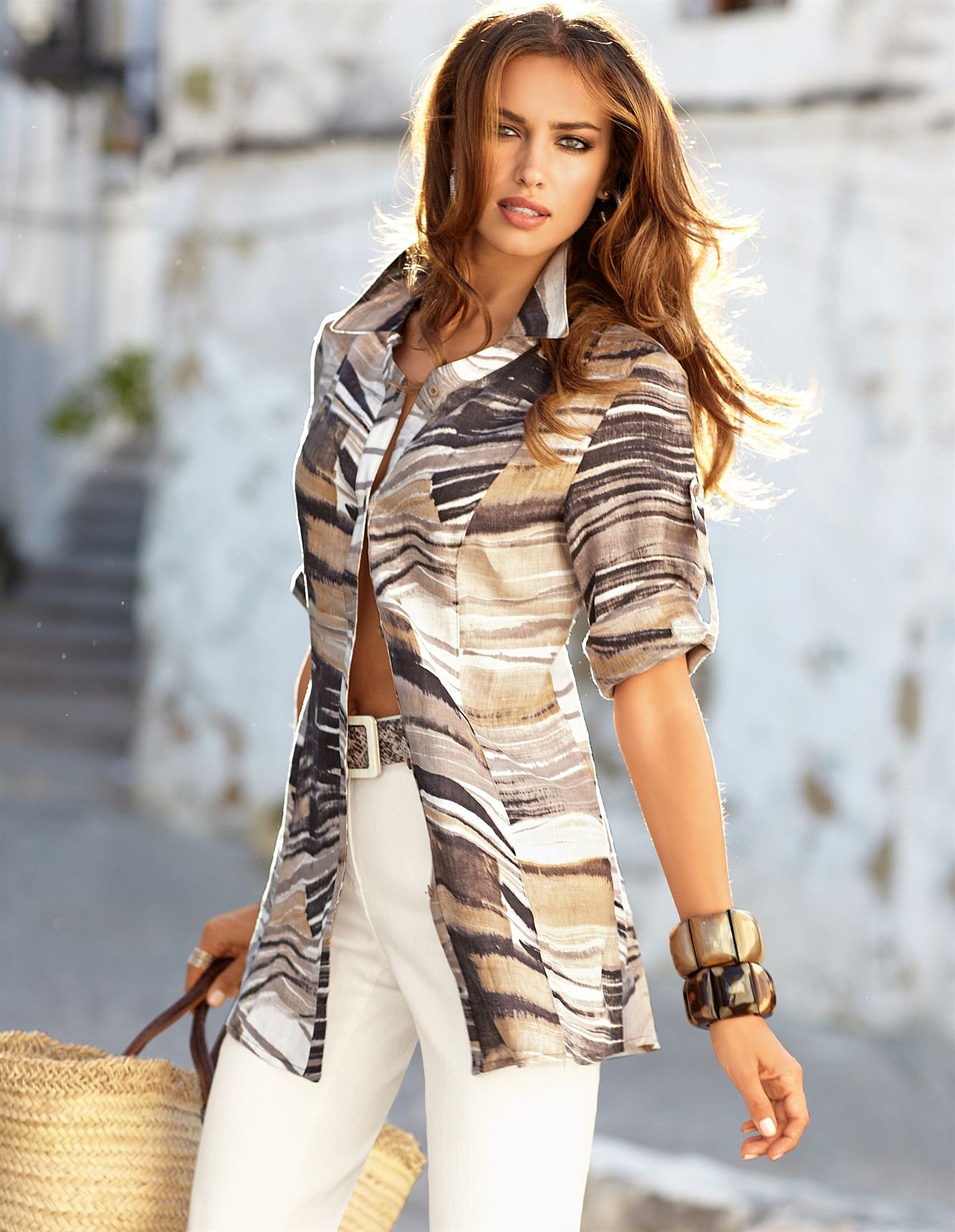
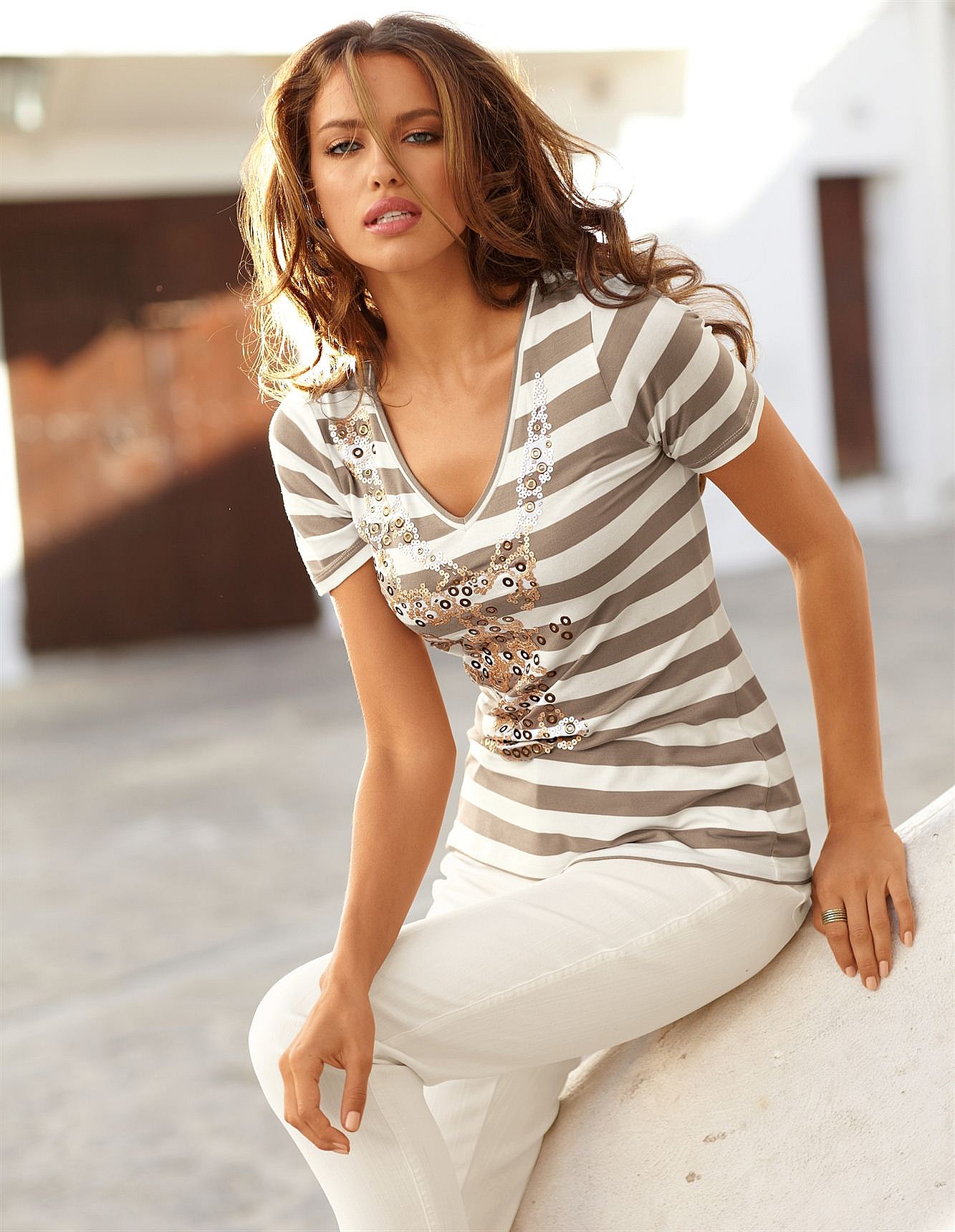
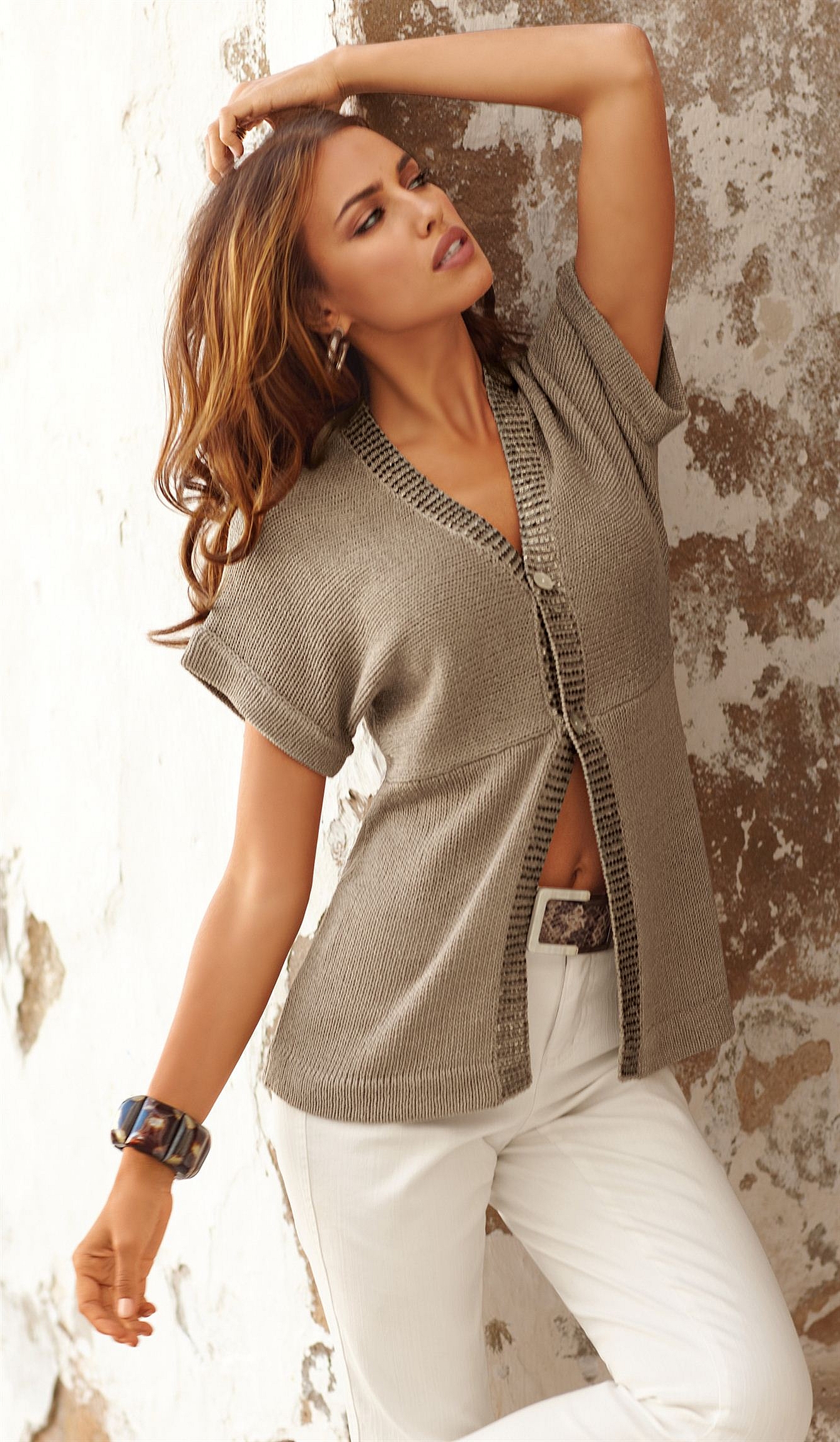
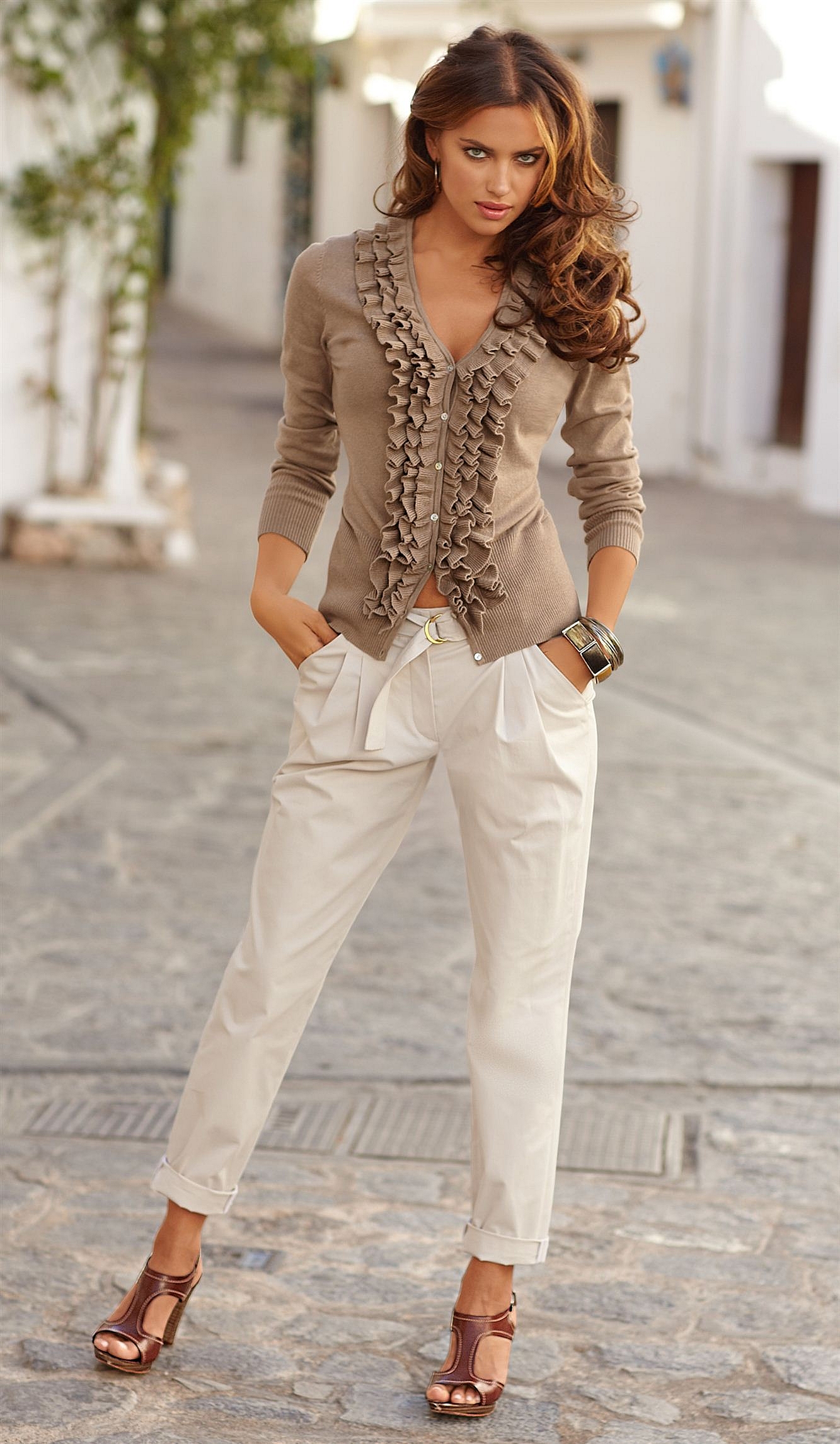
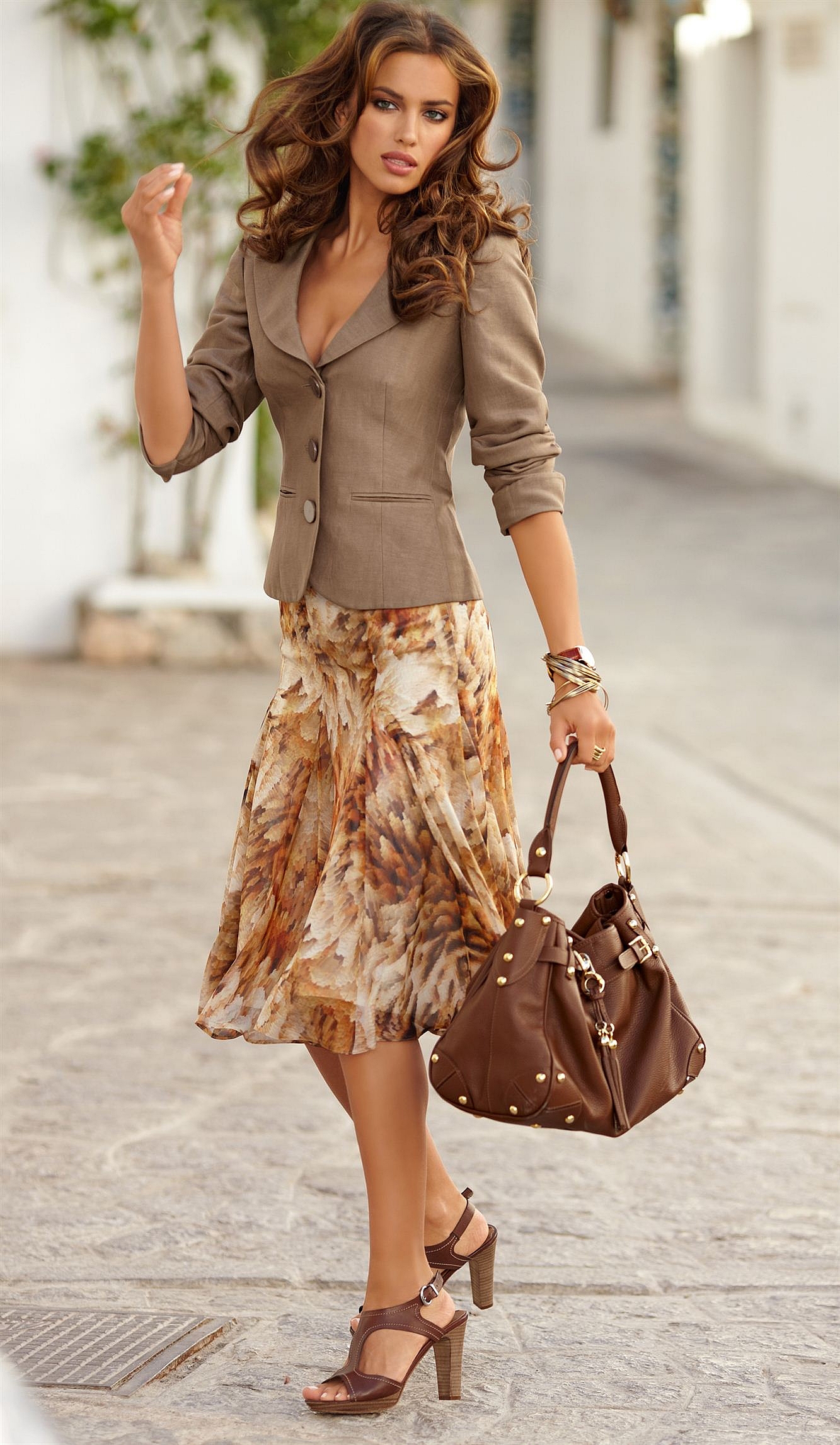
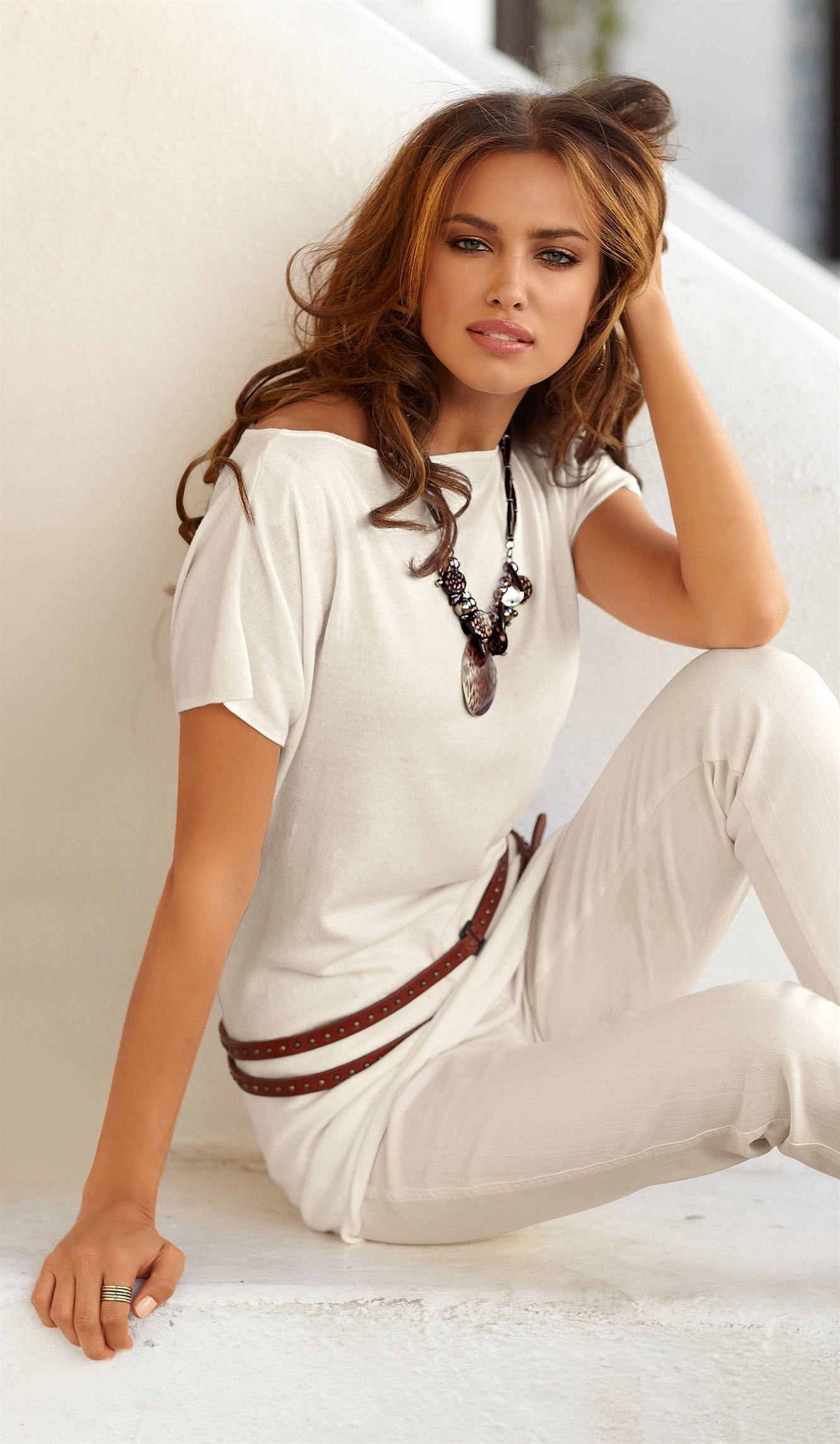
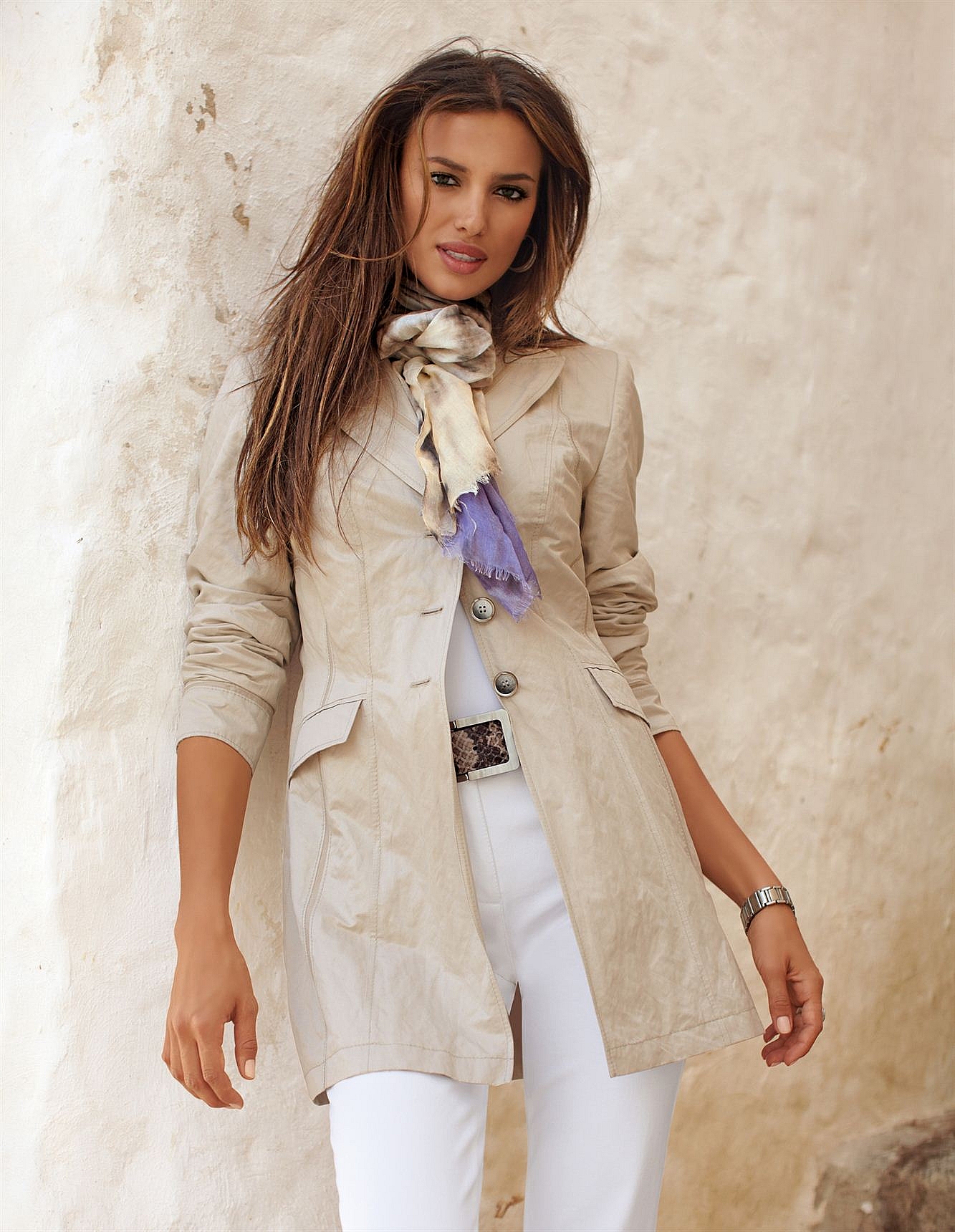
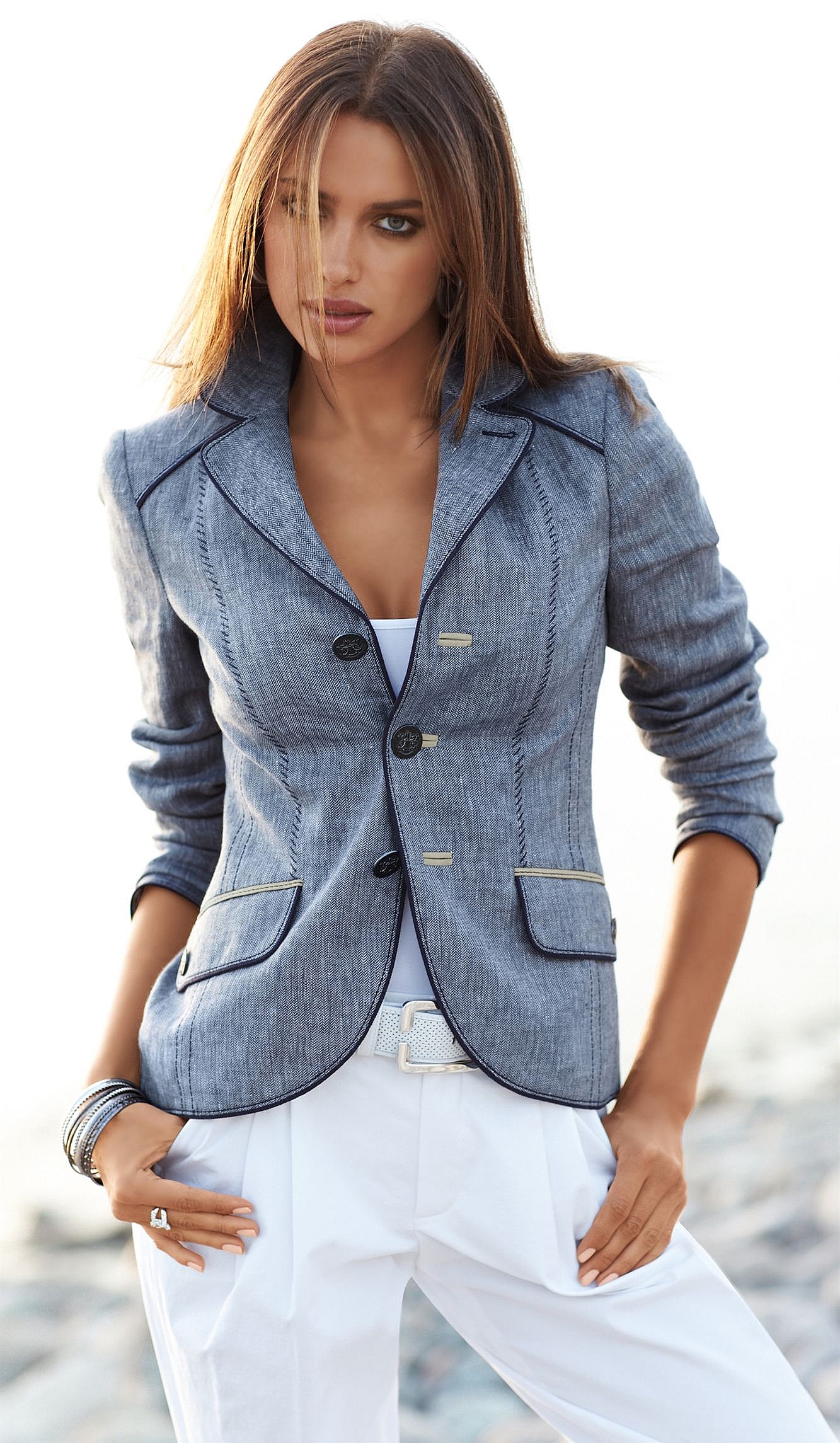
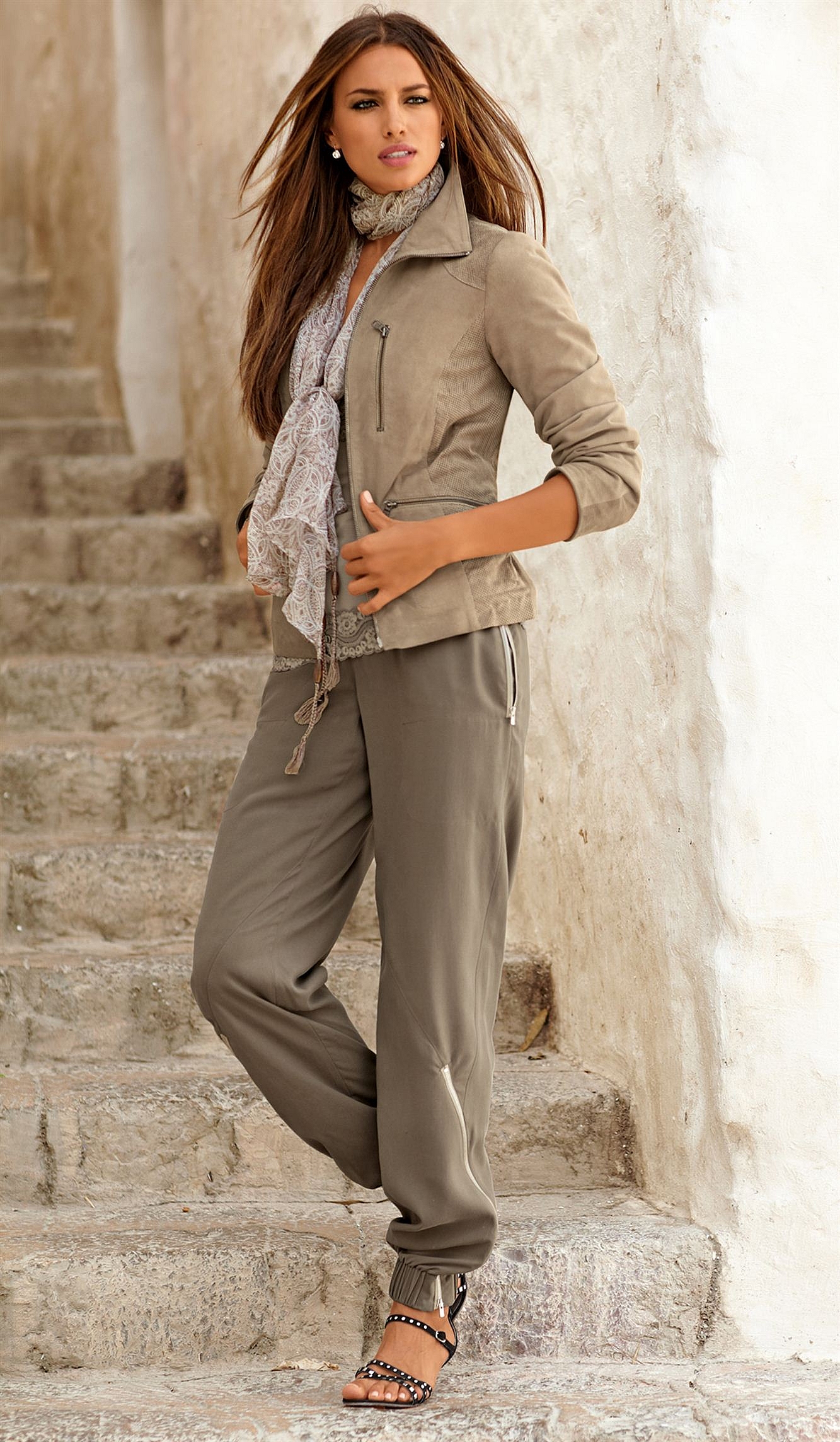
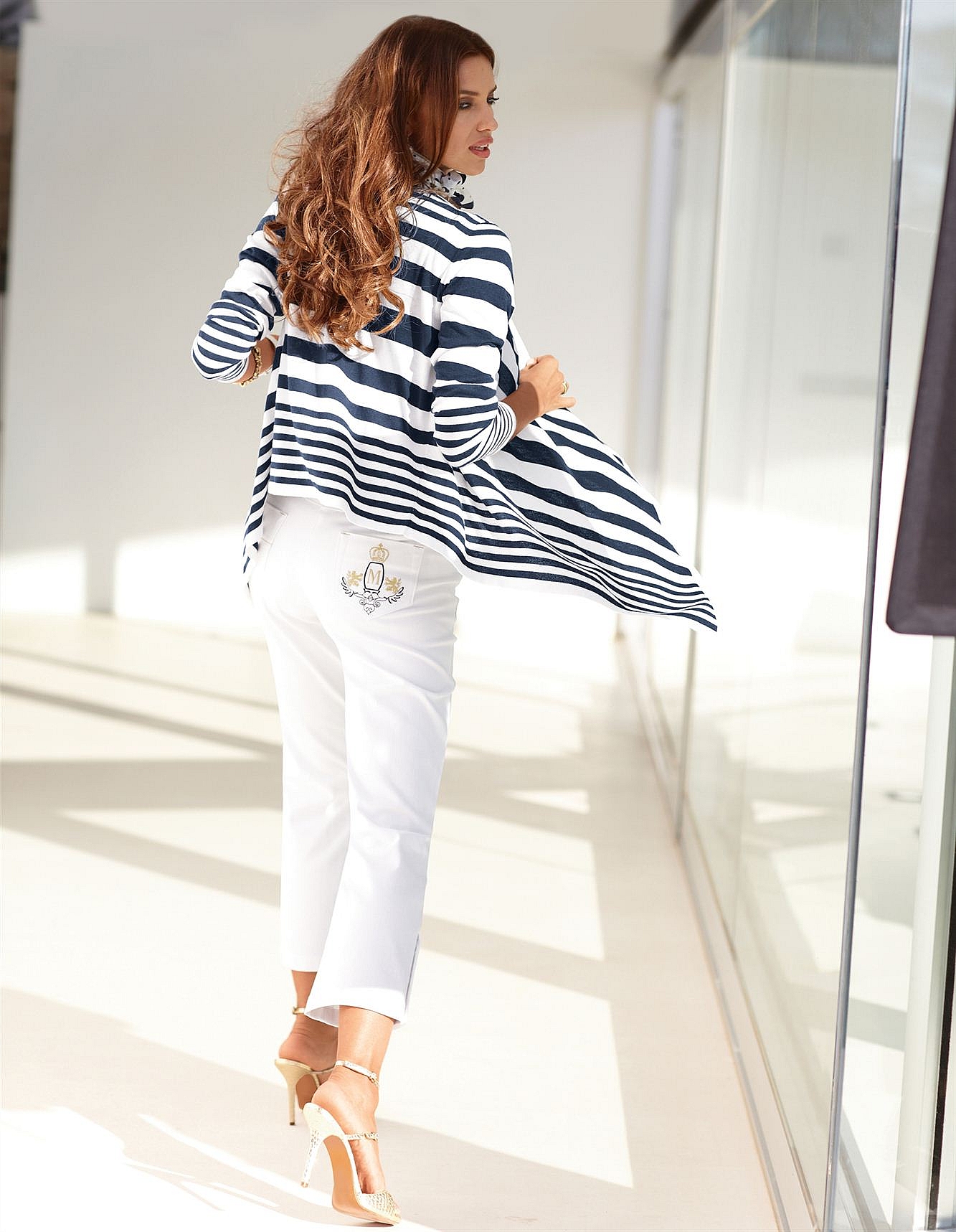
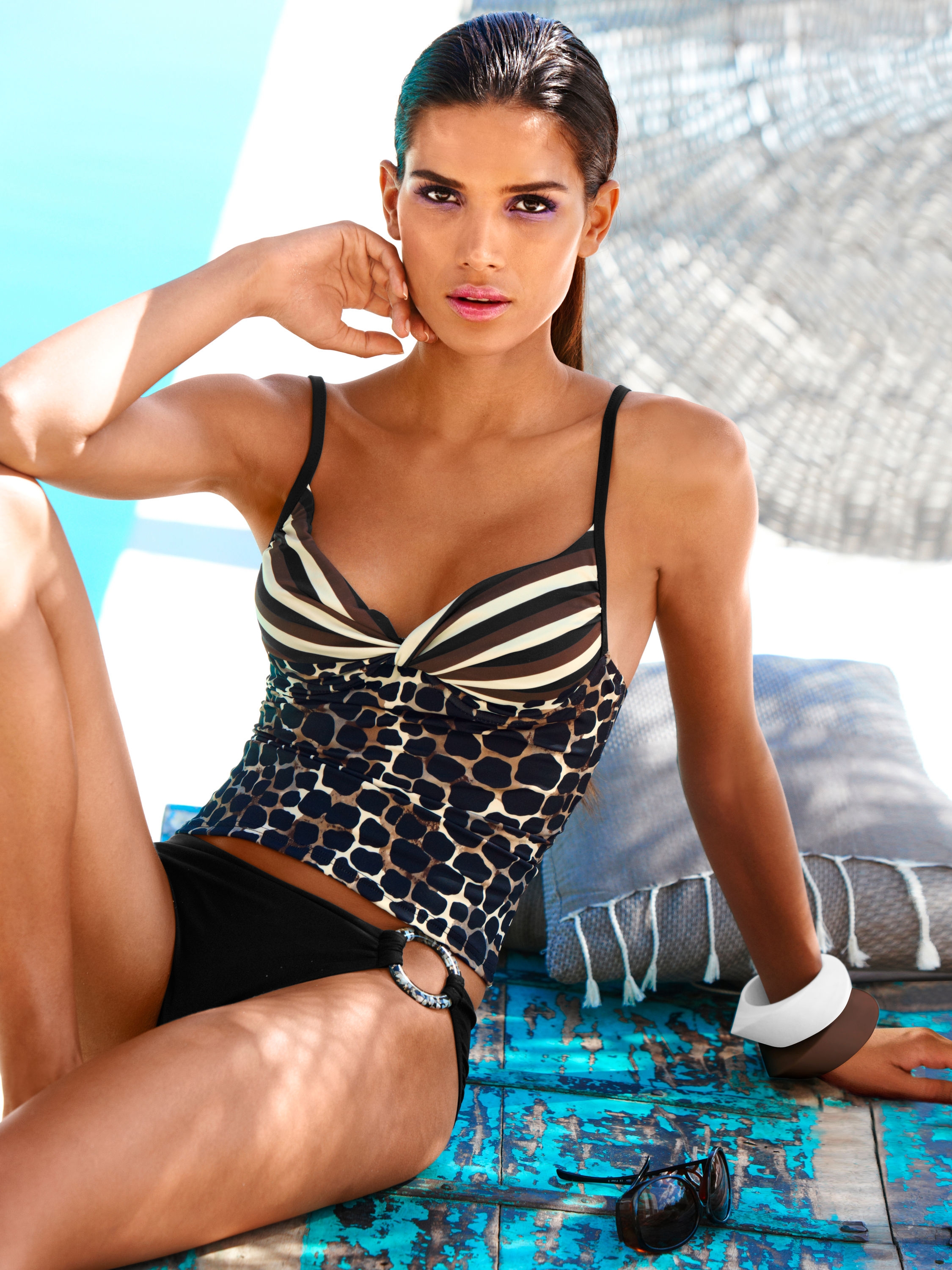
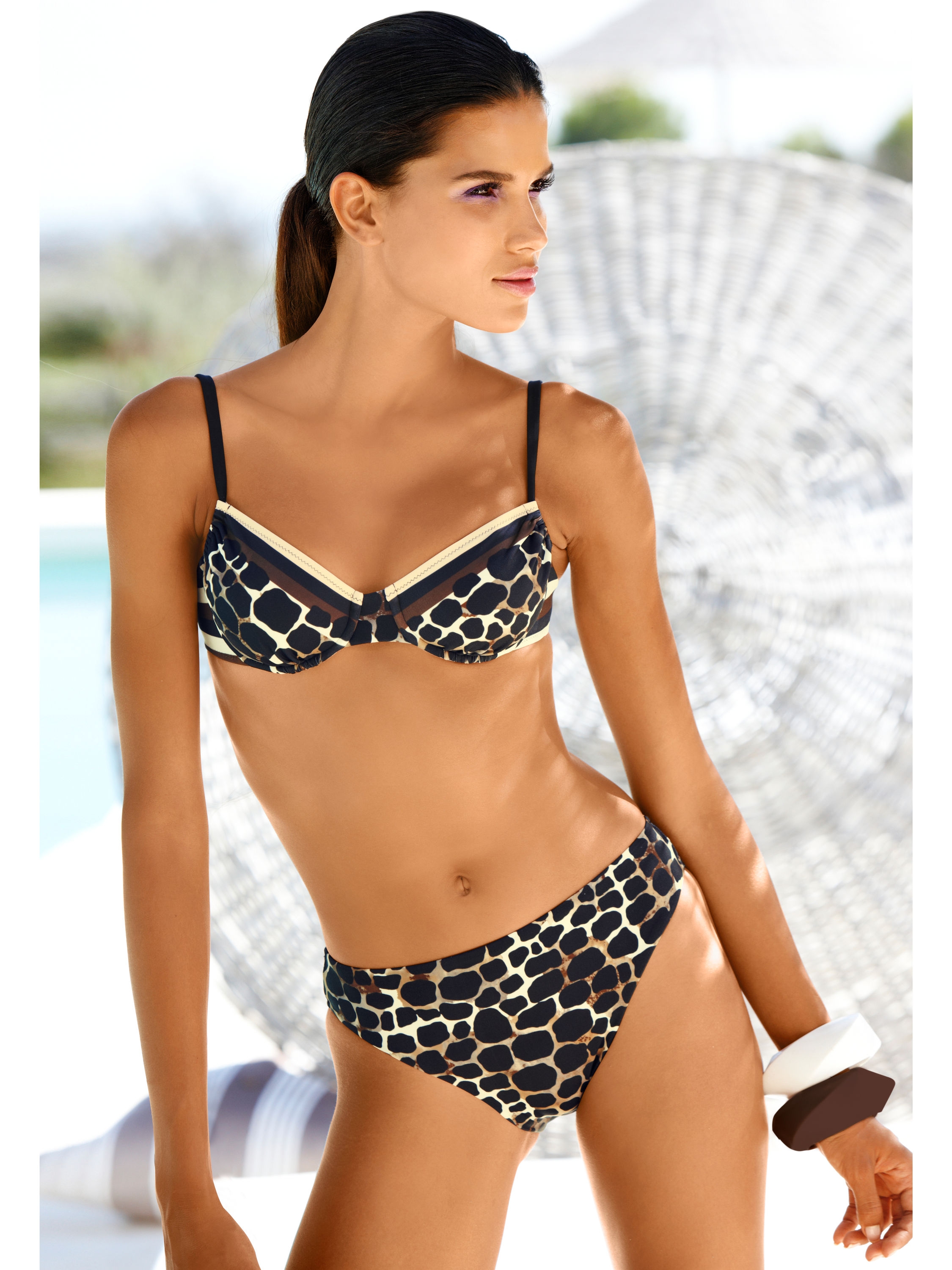
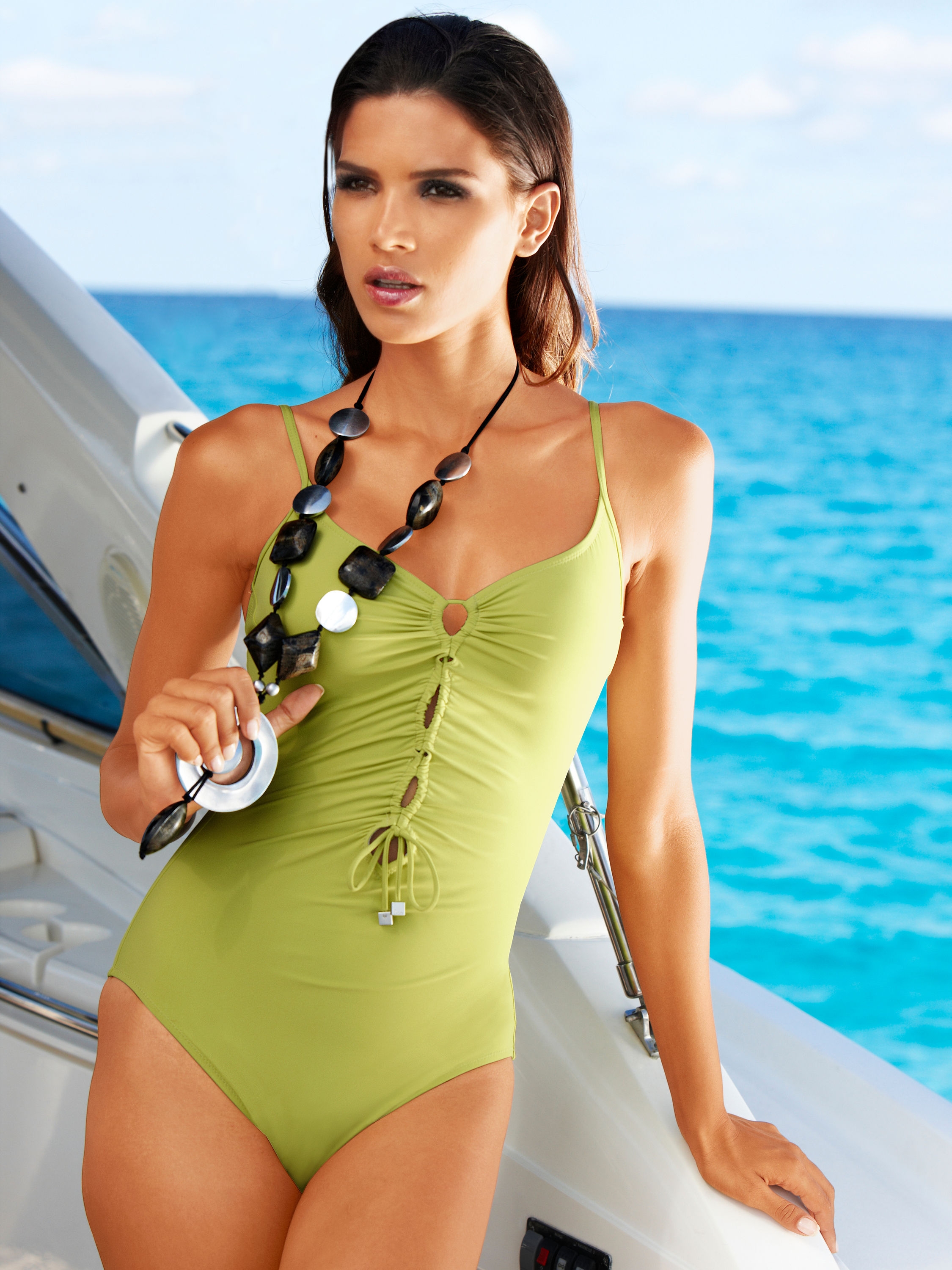
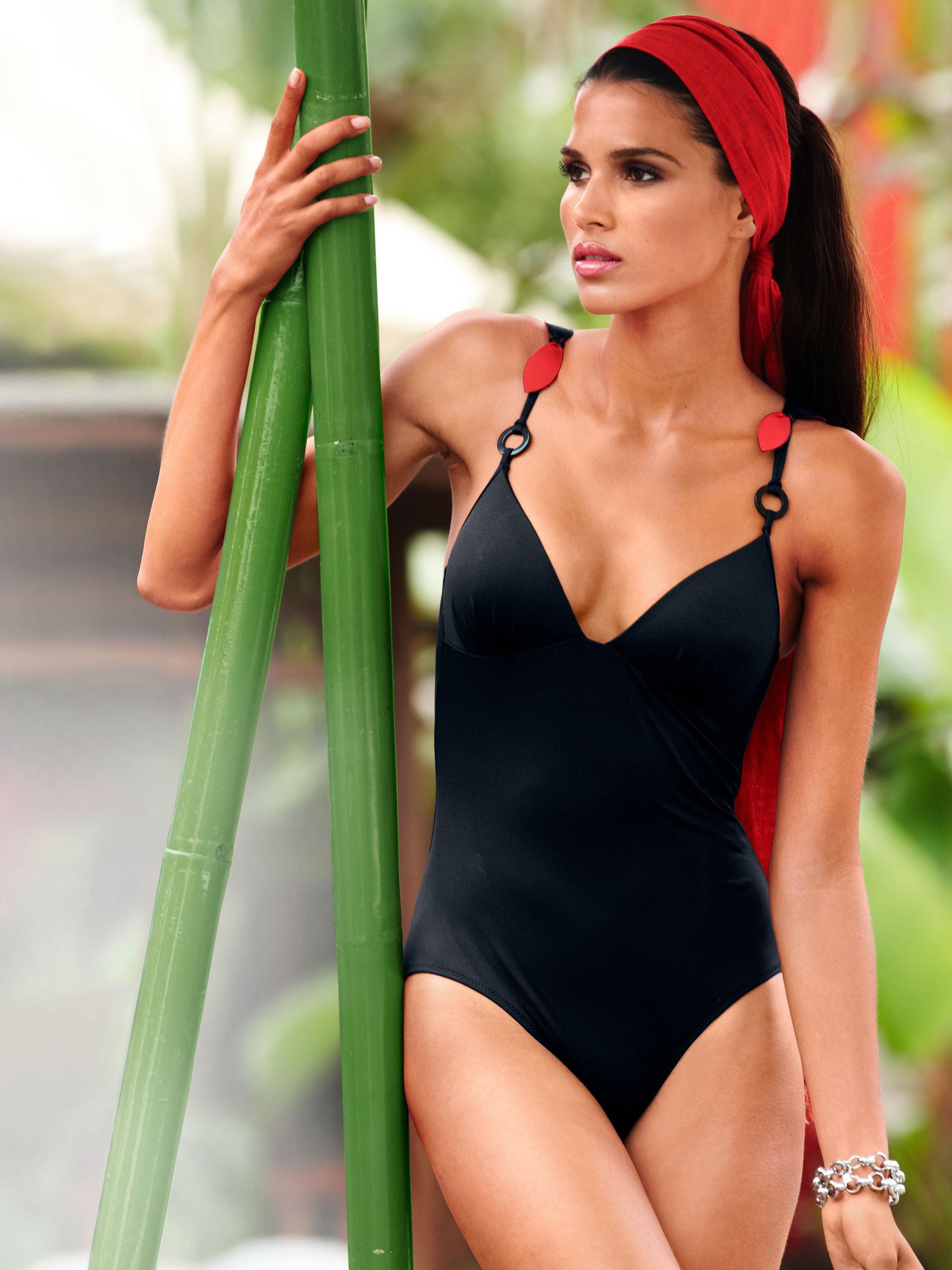
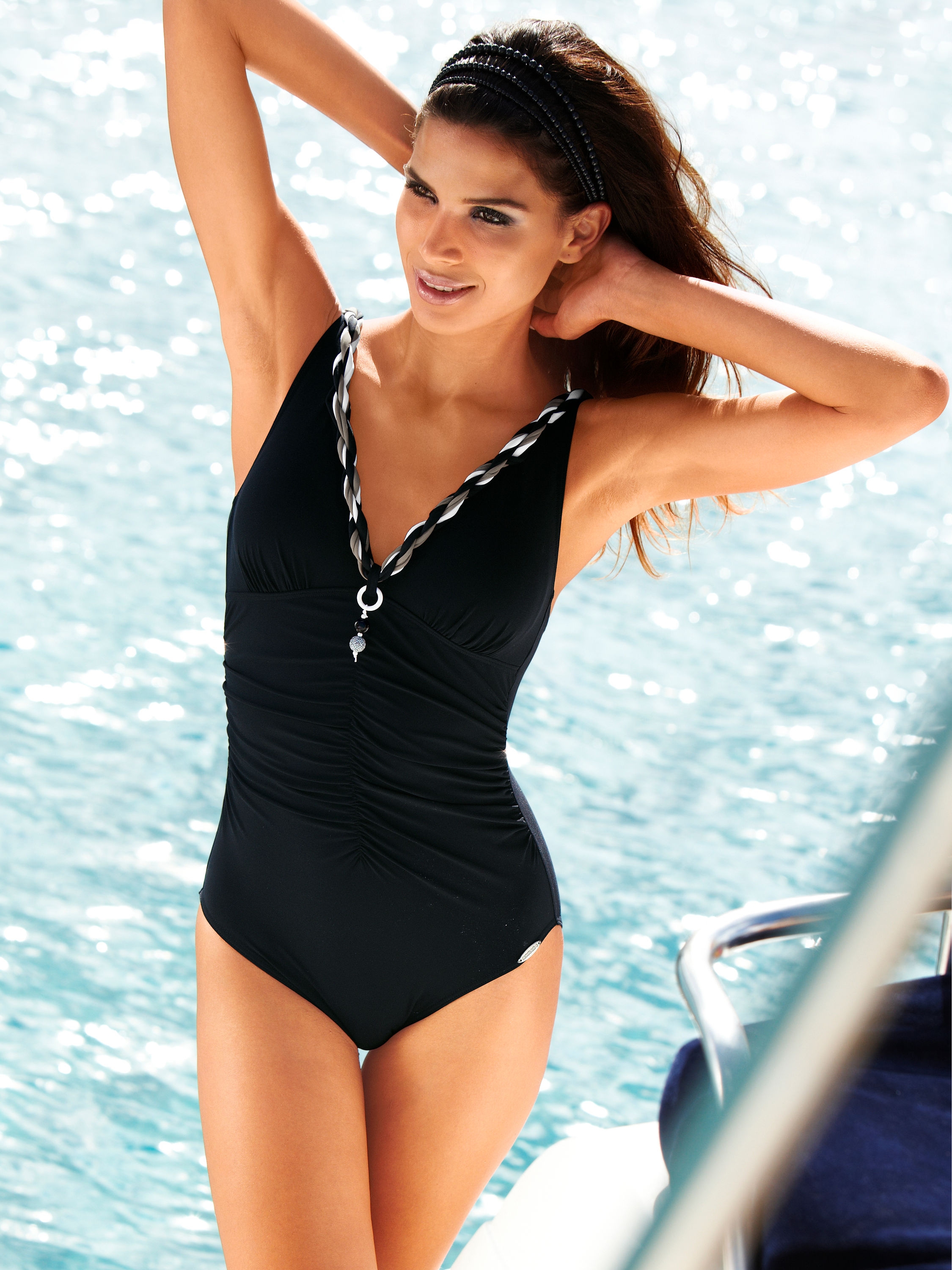
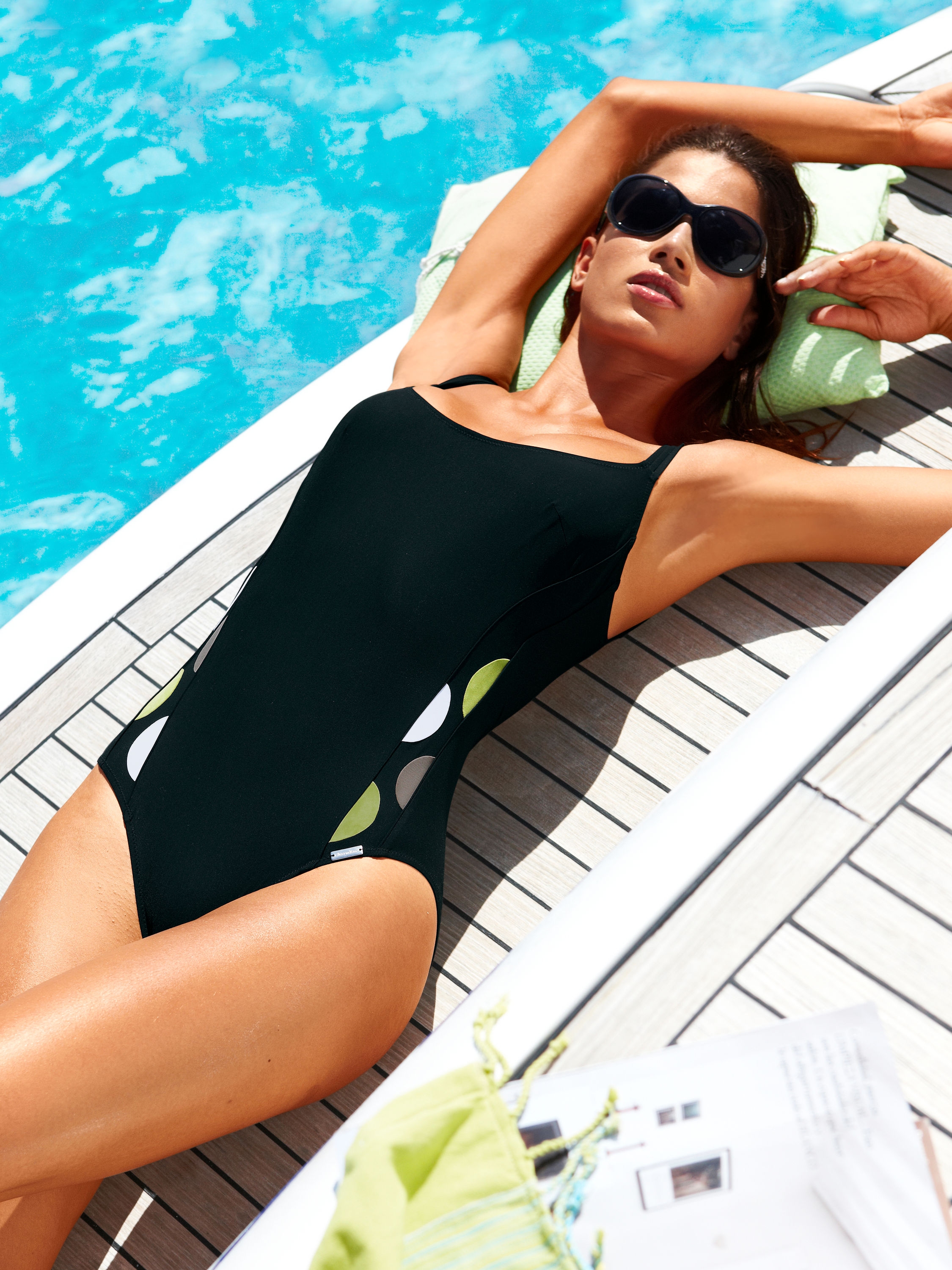
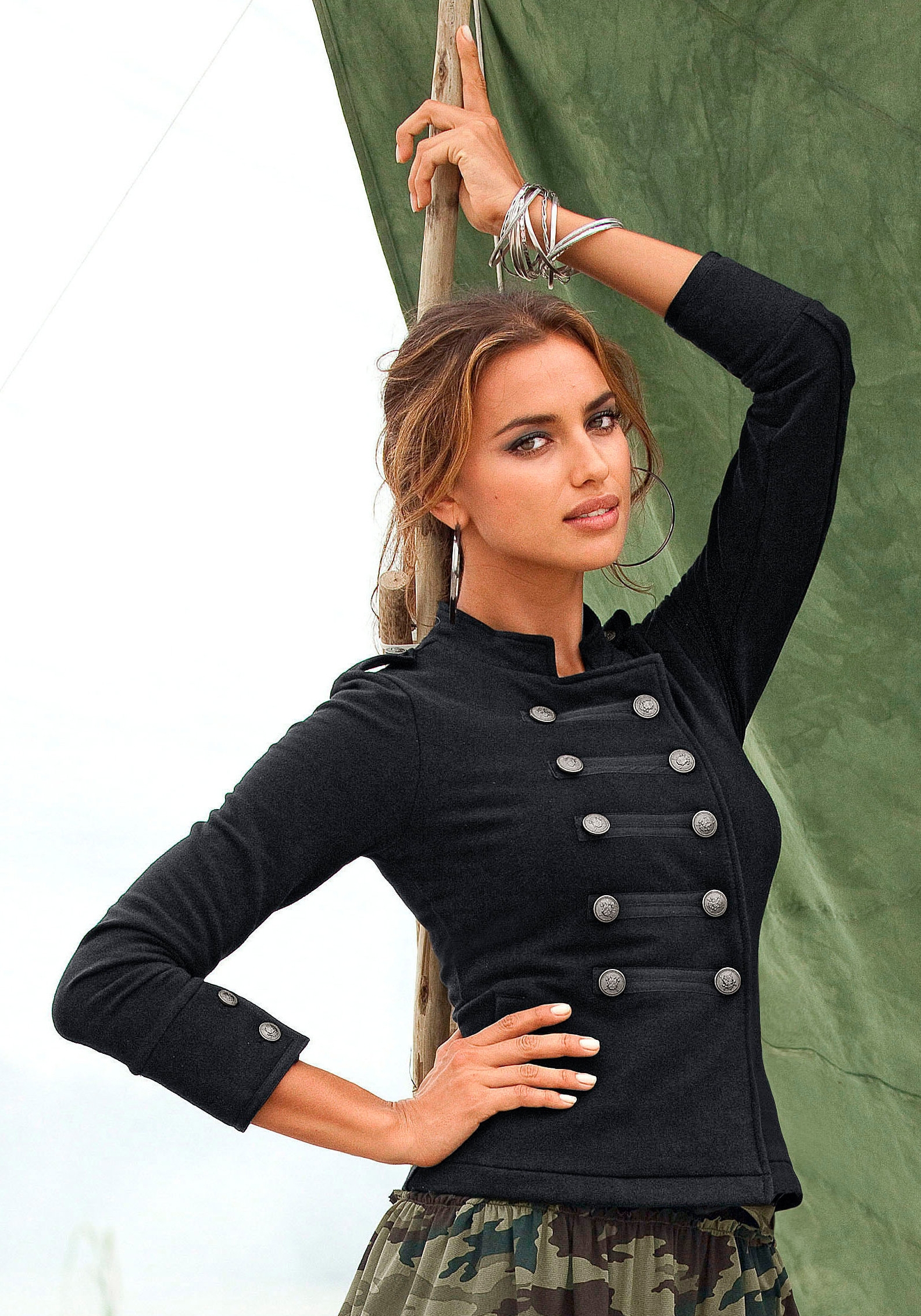
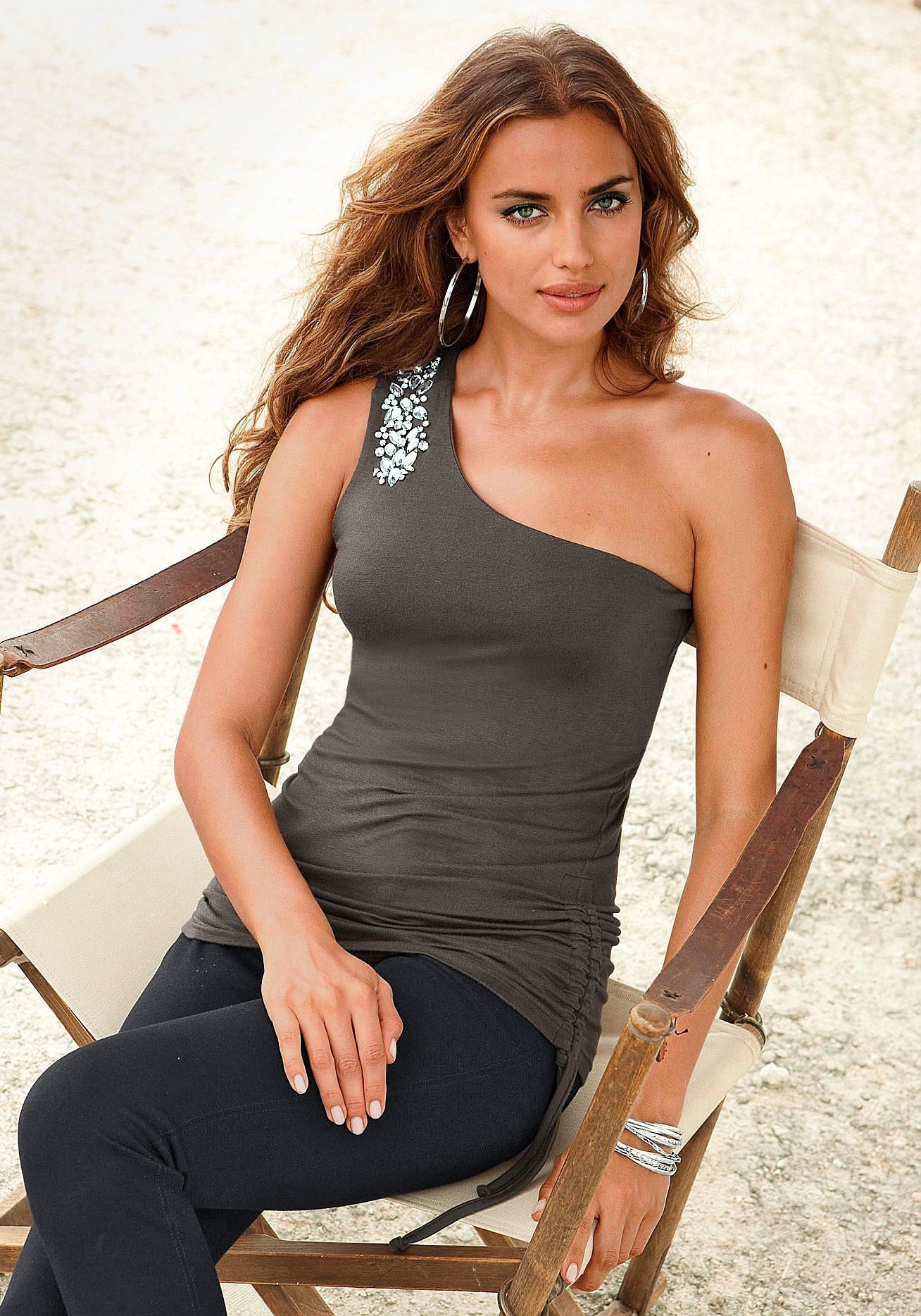
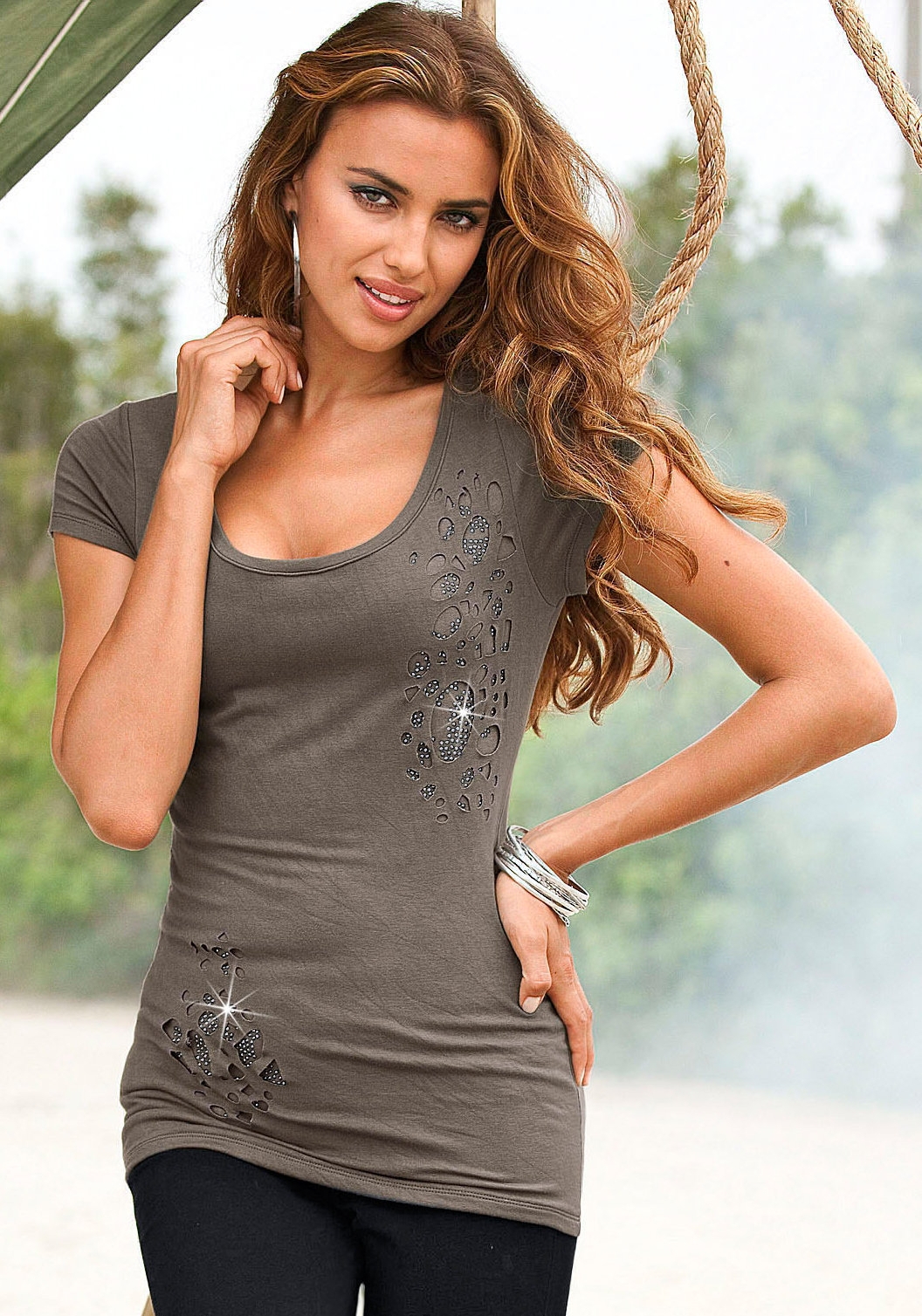
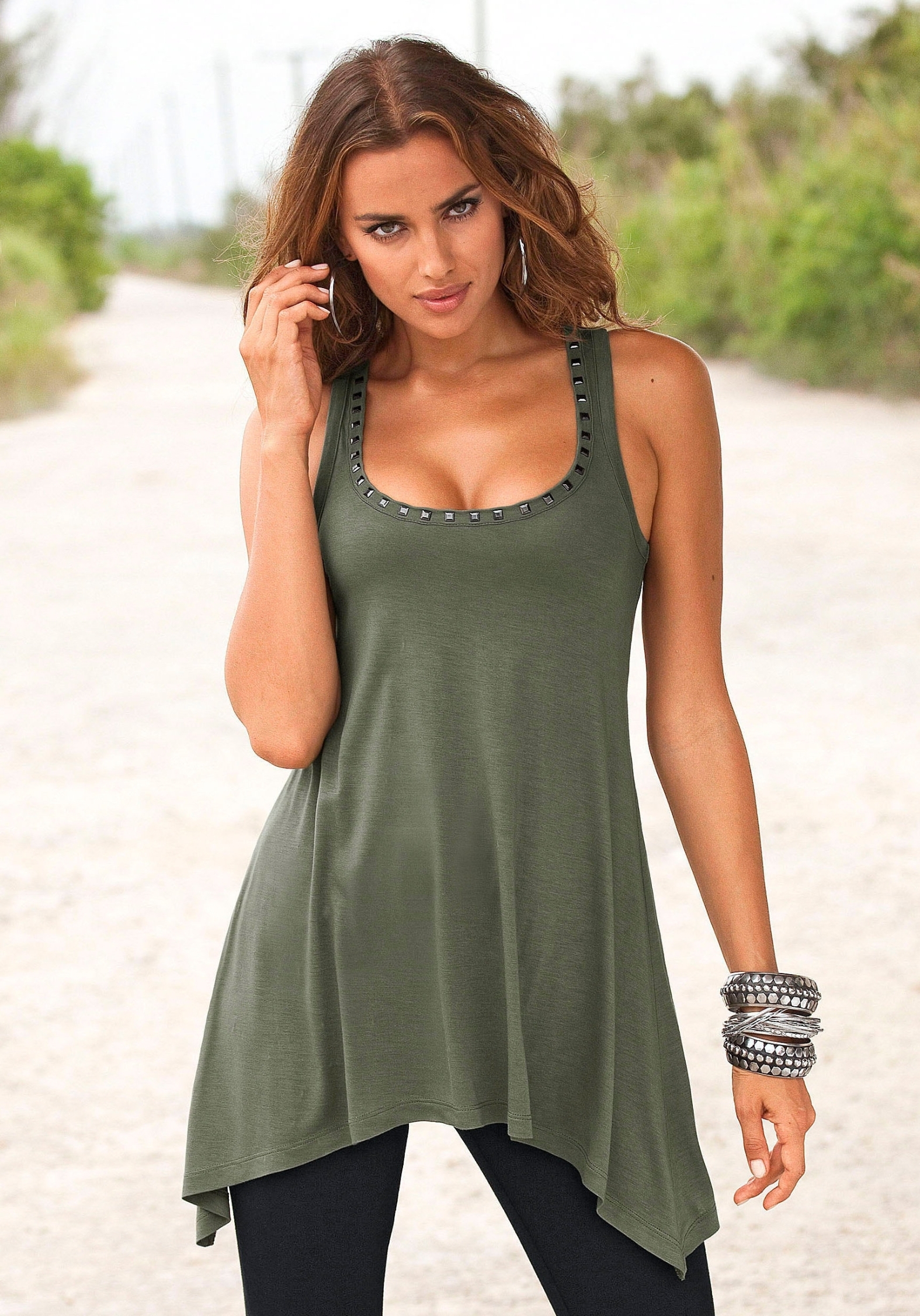
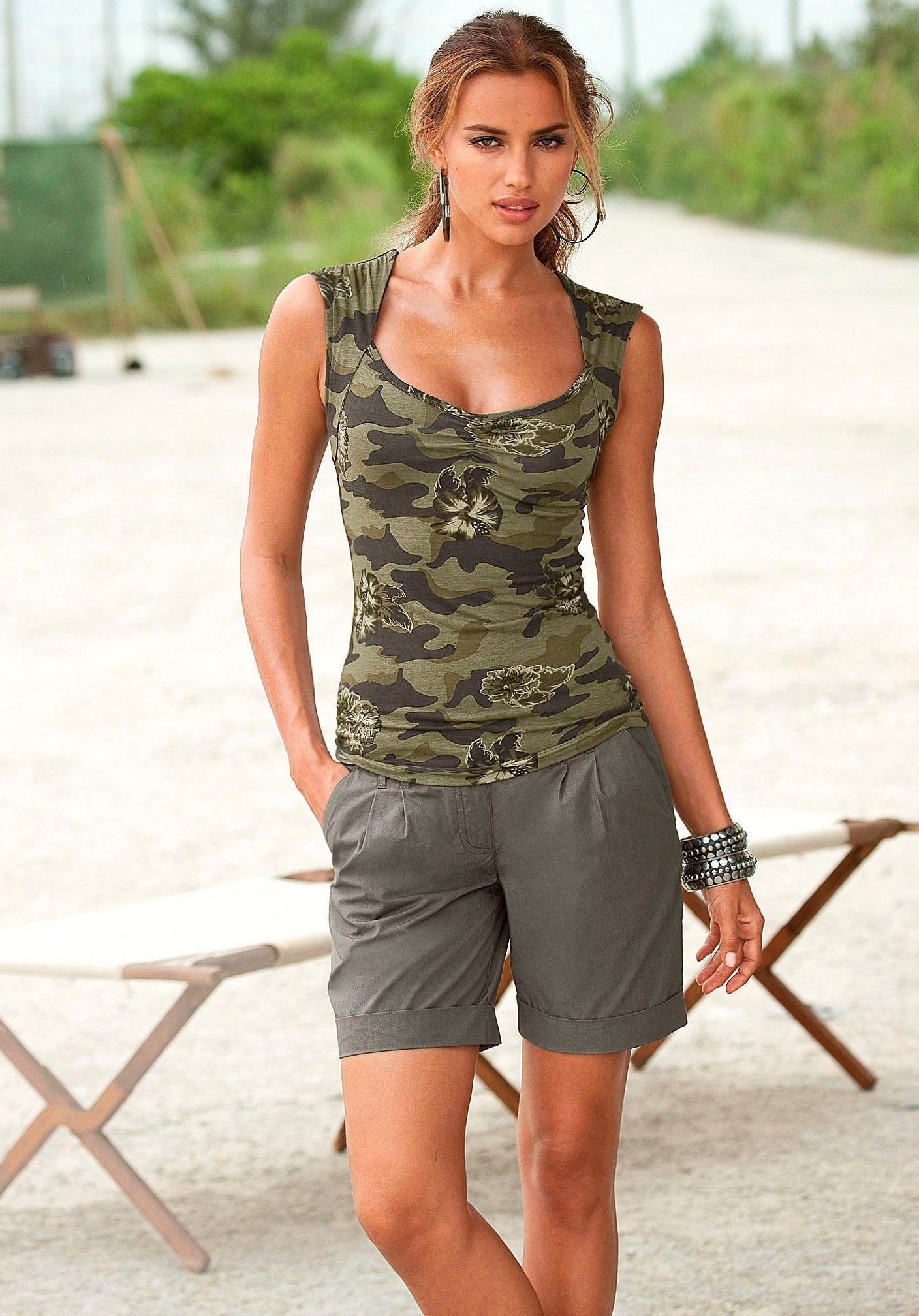
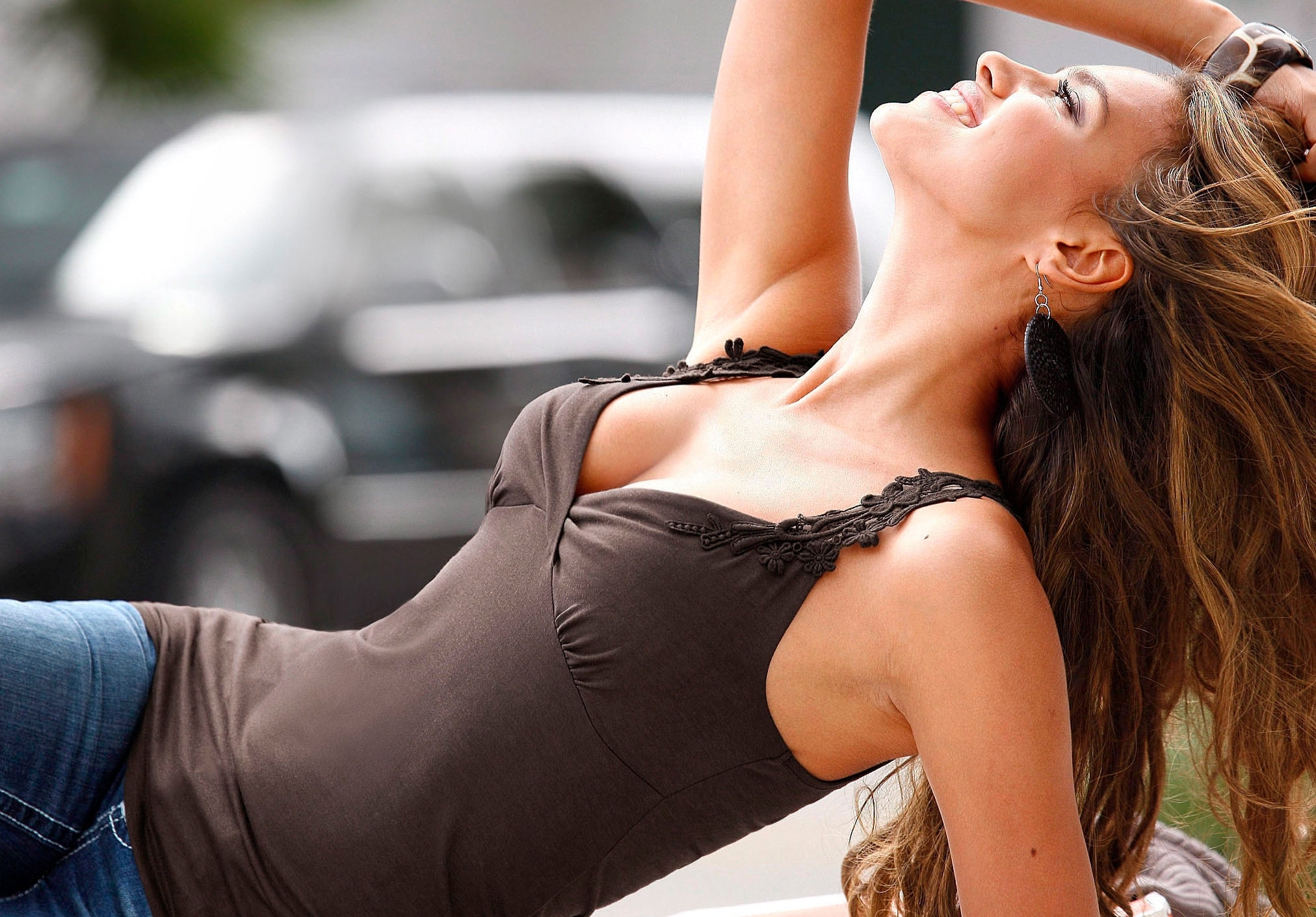
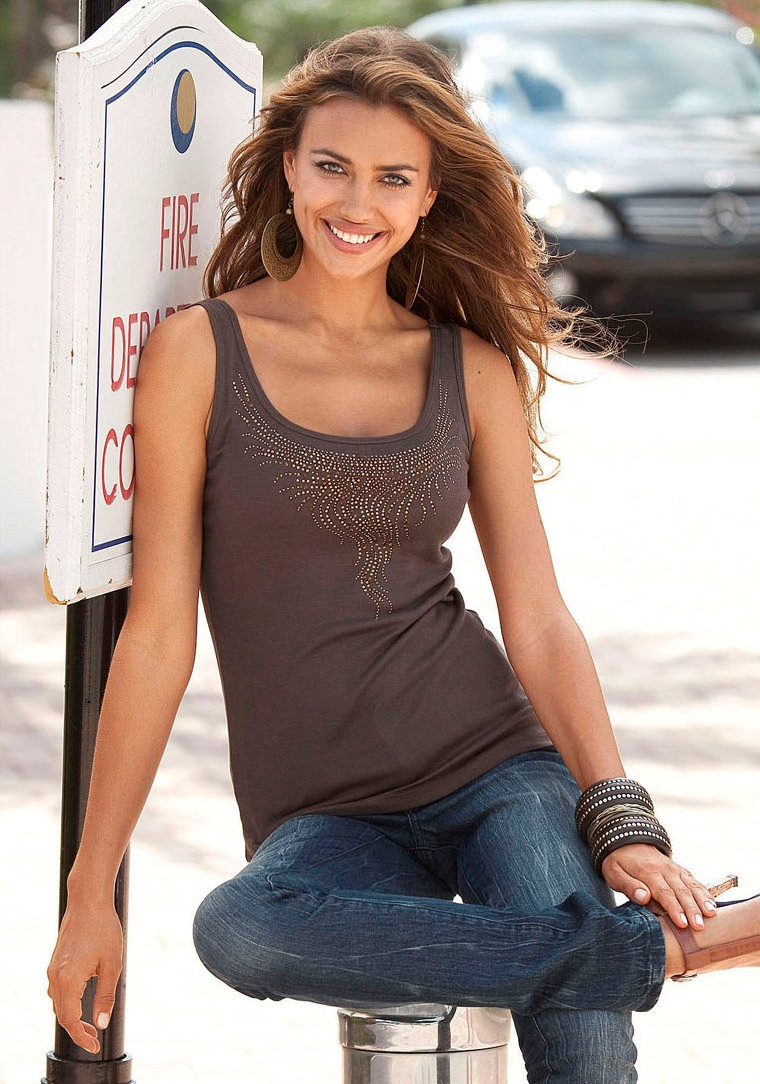
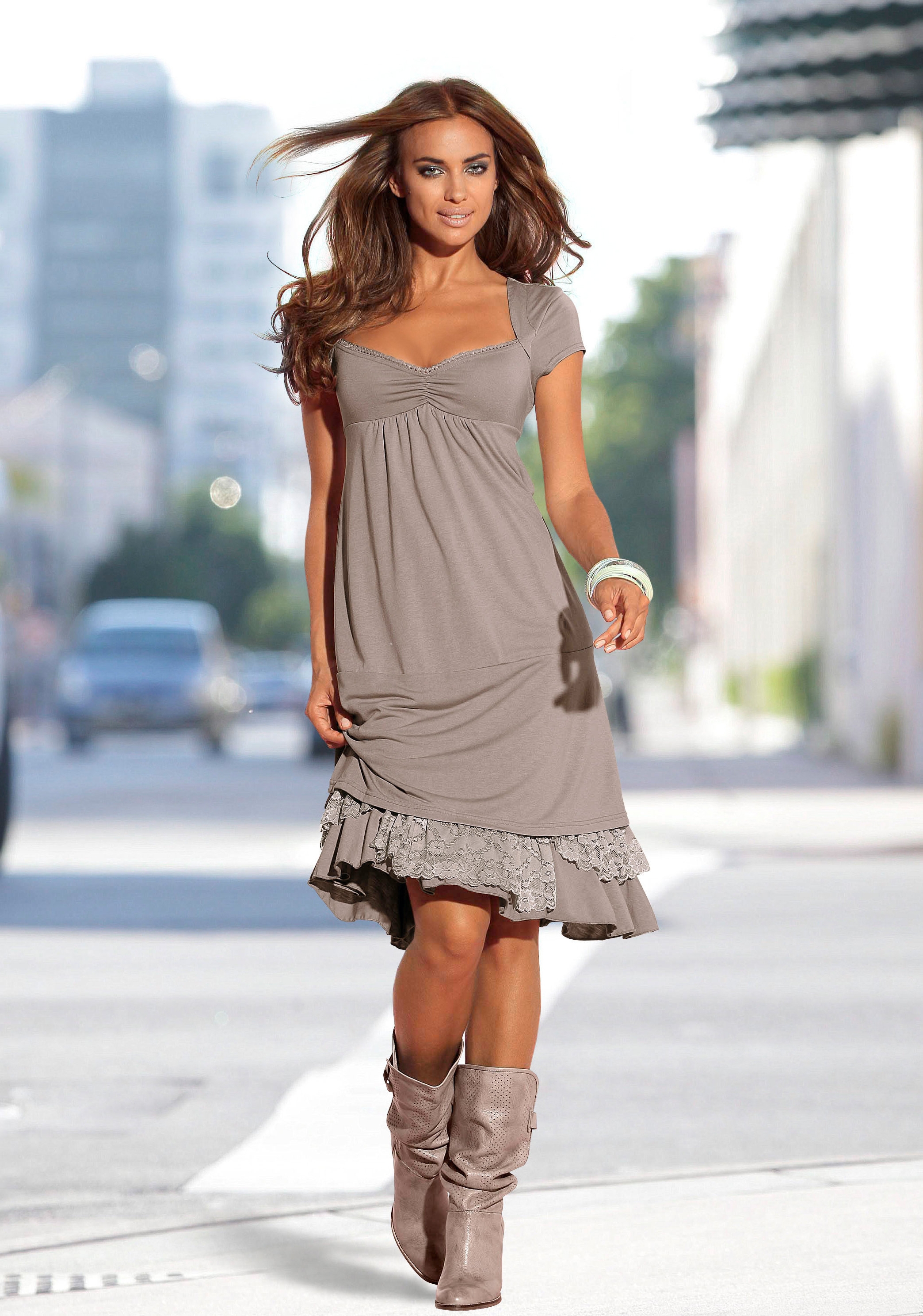
 Heine Catalogue SS/2011 update
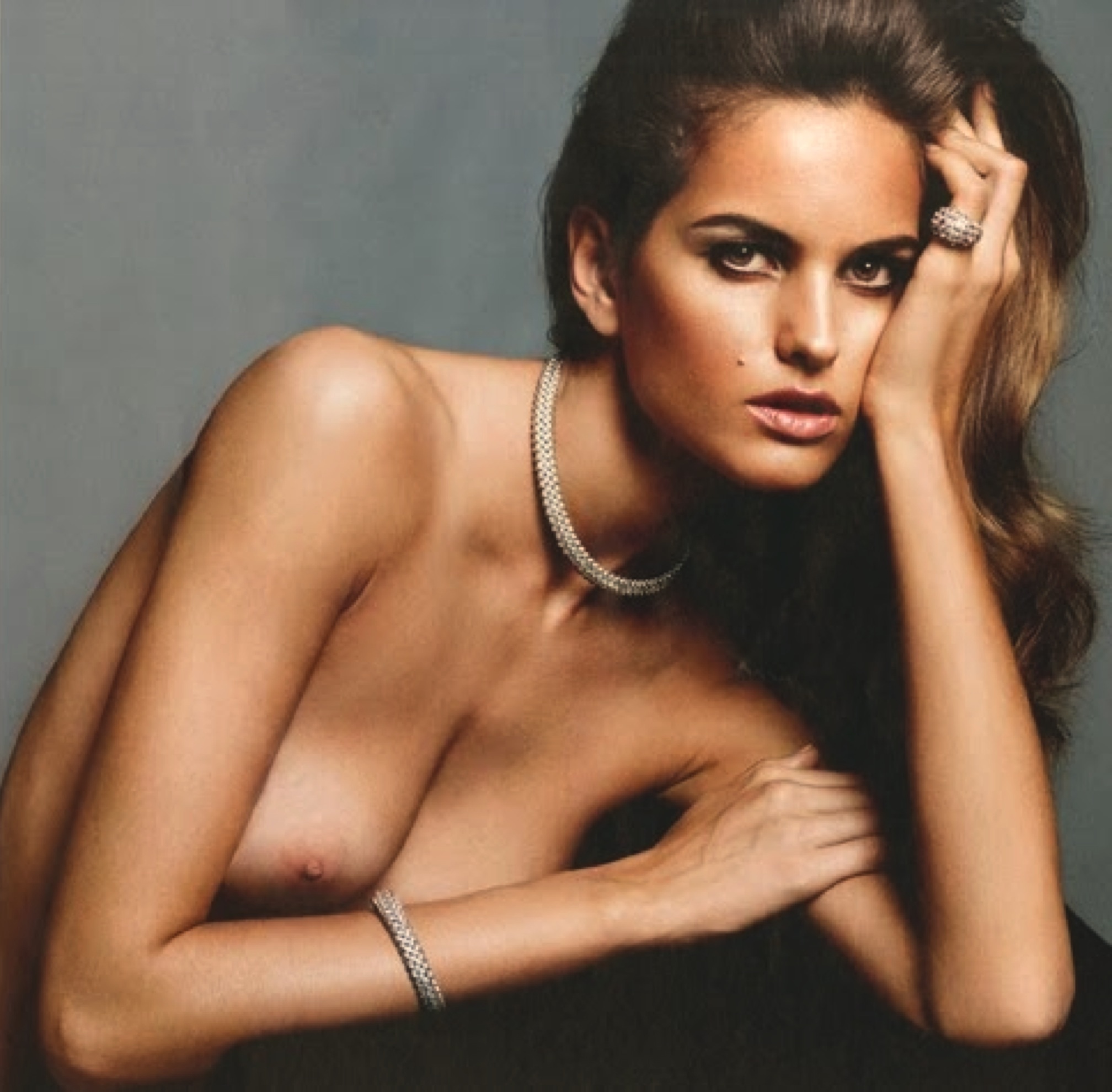
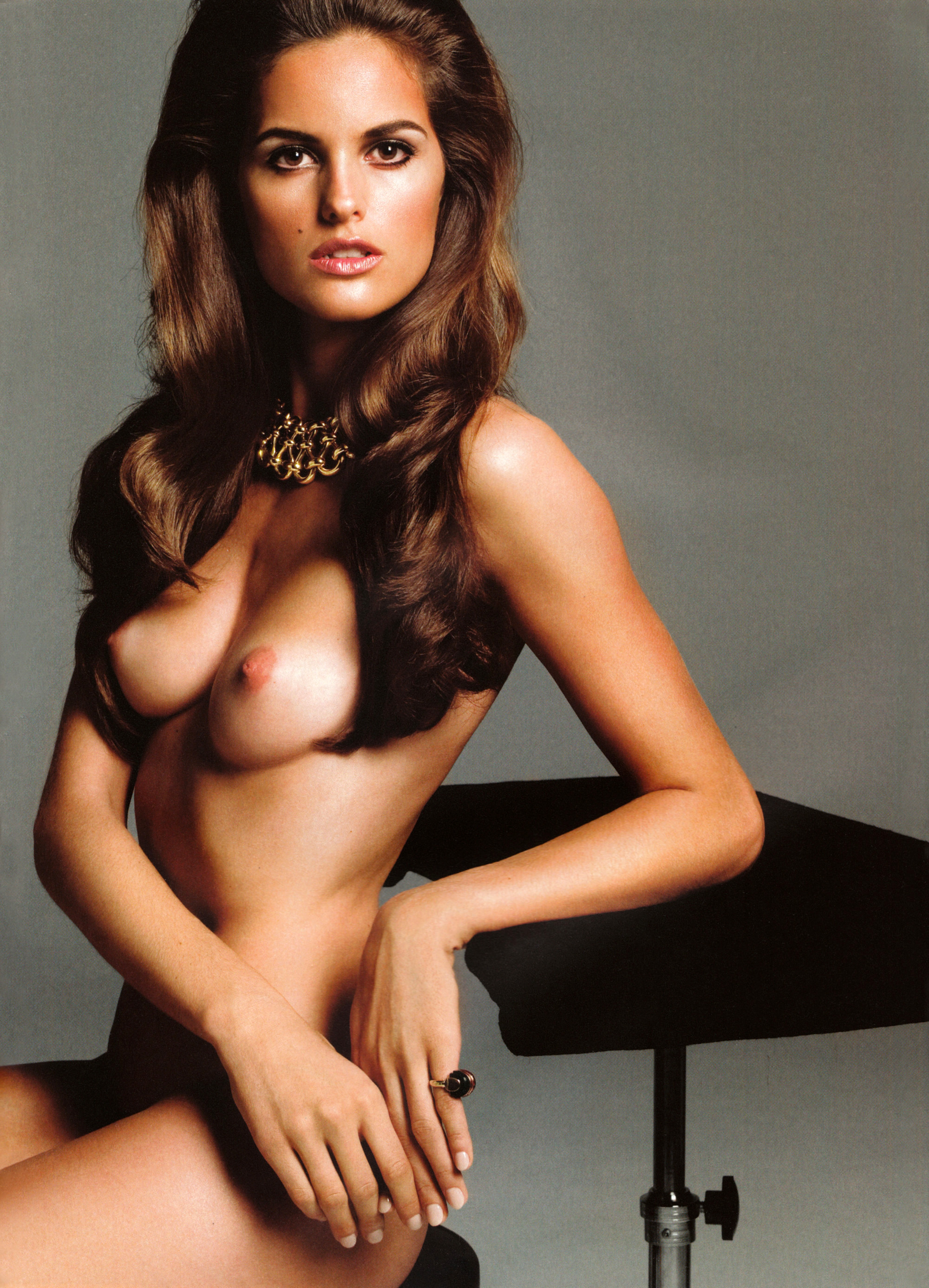
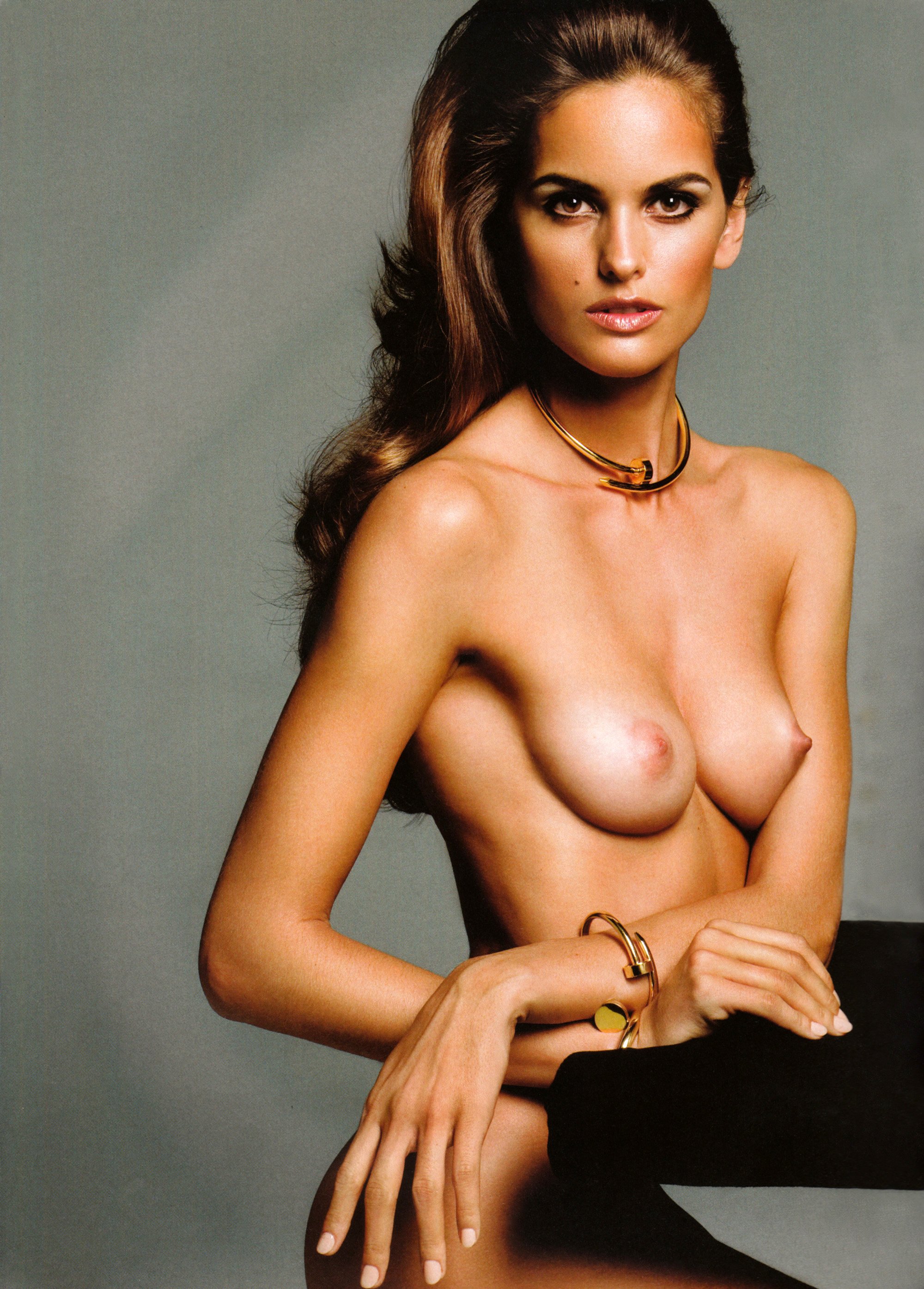
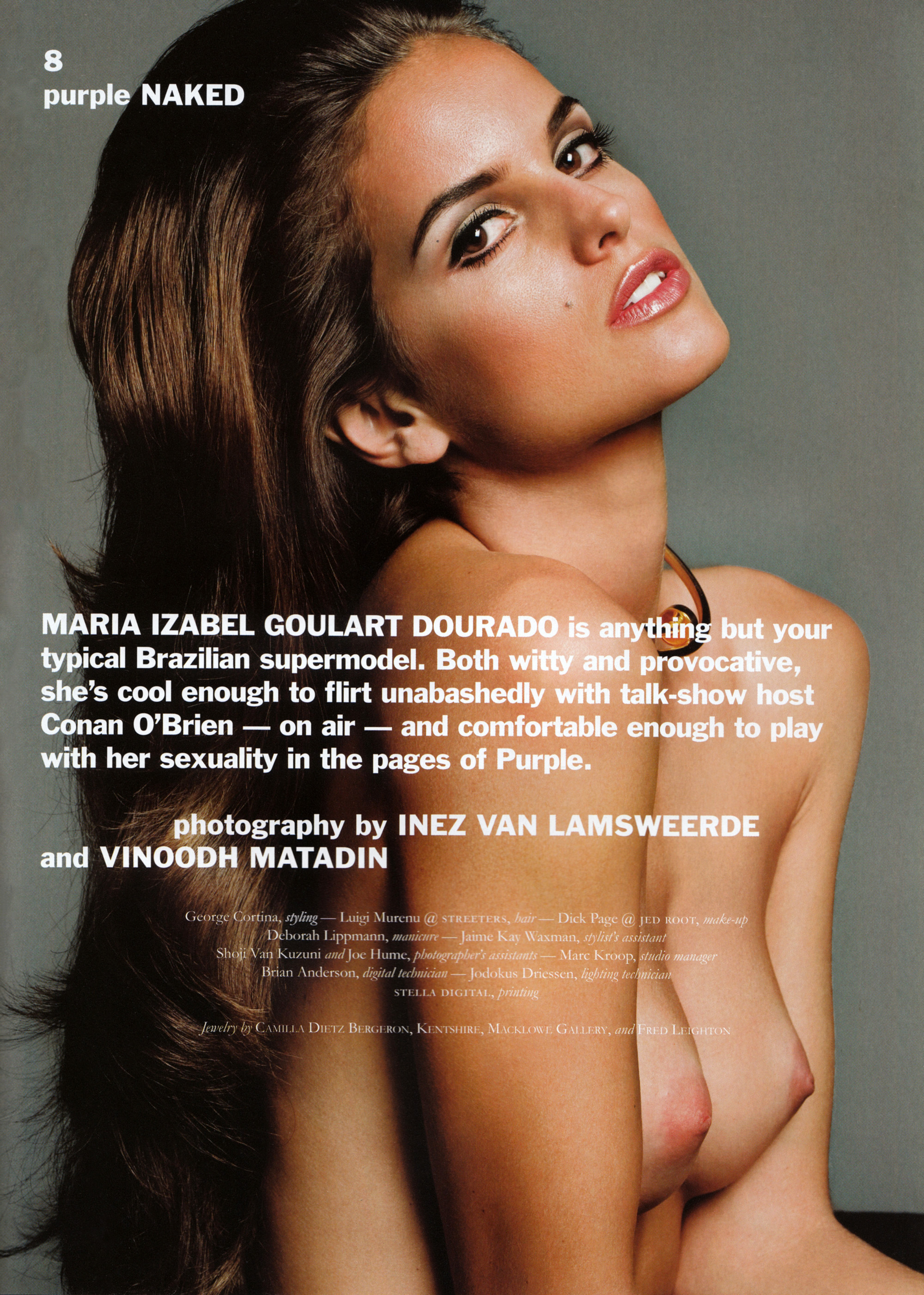
 Nude content is allowed on Bellazon only when properly marked. Any image(s) containing nudity must be text-linked and accompanied with a text warning - preferably highlighted in red (e.g. "WARNING: nudity"). NOTE: You may not use the Bellazon image upload feature for nude contents because it only thumbnail images and it does not have a textlink option. Please upload your image(s) onto a non-profit host, except for ImageShack. Here is a short list of hosts: ImageVenue ImageBam Imagehaven Members of the Bellazon moderating team have agreed that the following shall henceforth be considered nudity when visible in full-sized or thumbnailed images: 1. Full Frontal 2. Female Nipples (this includes through fully or partially transparent clothing) 3. Male/Female Genital Areas


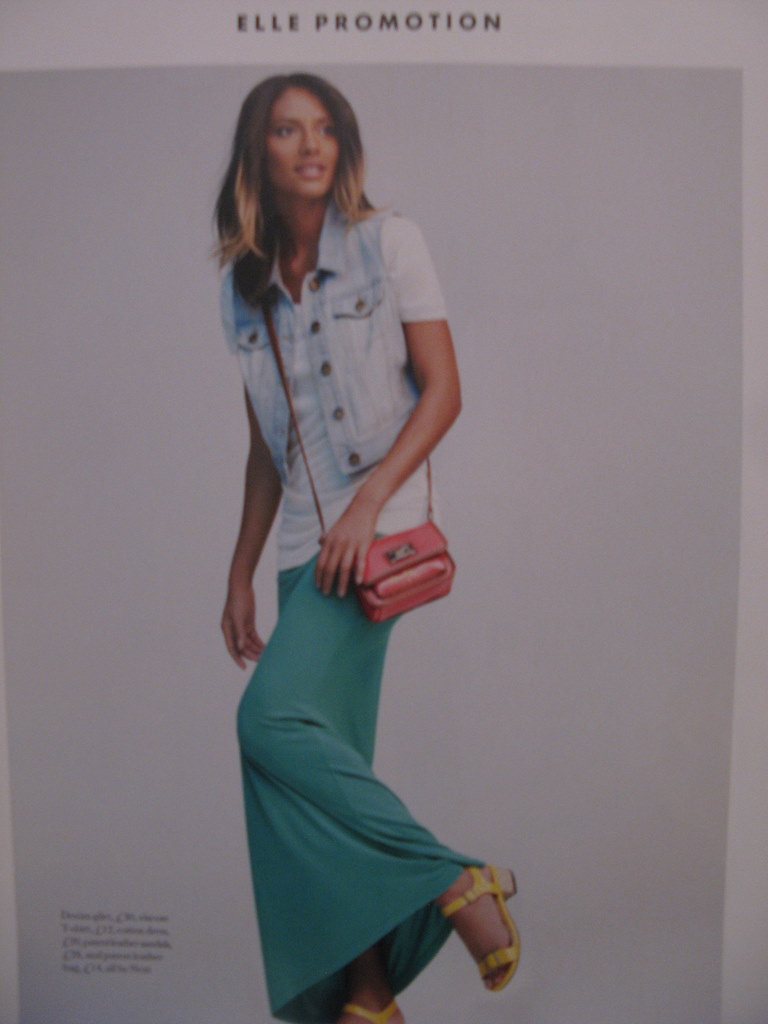
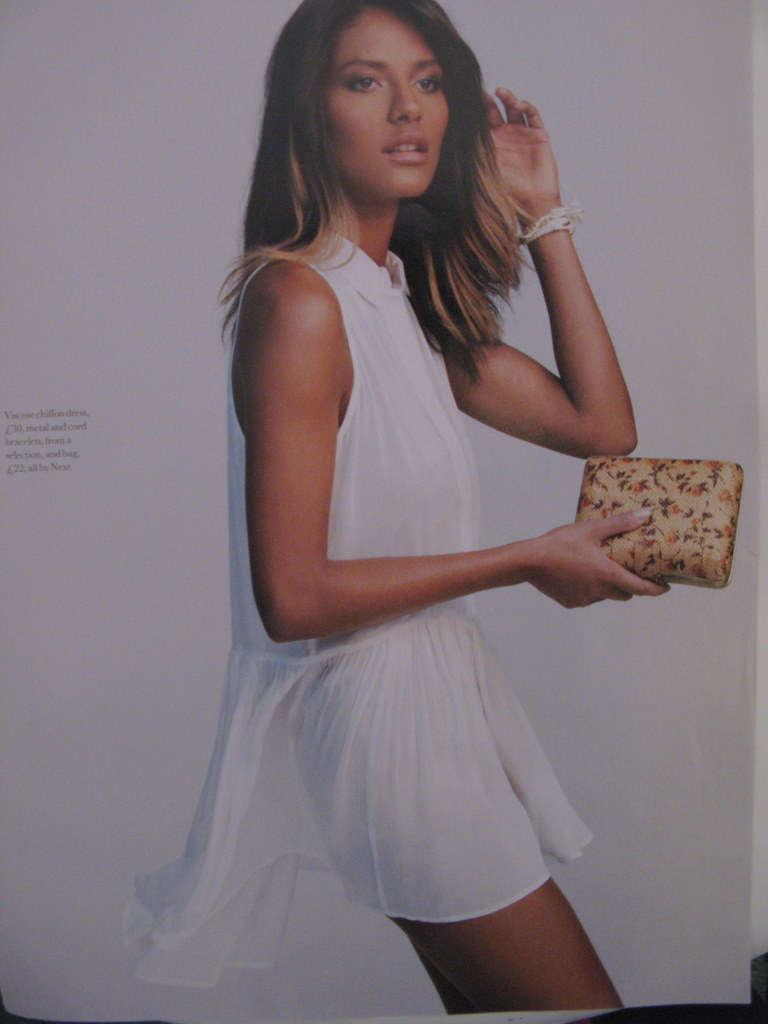
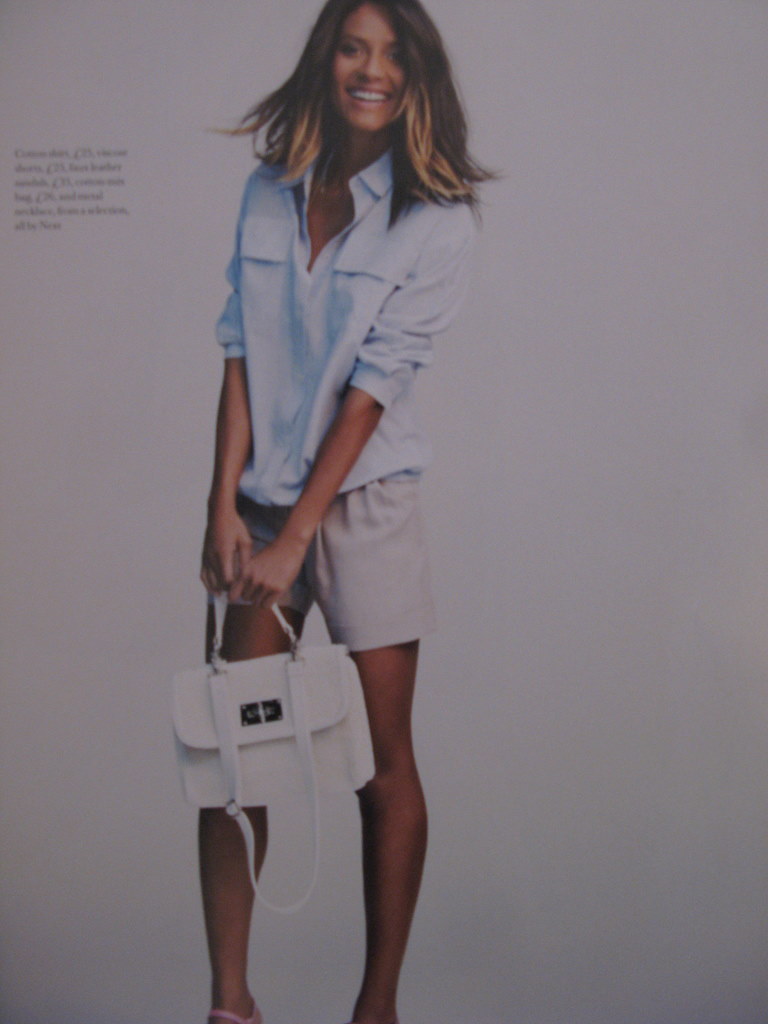
 And now for my very good friend, fantastical ELLE / HQs







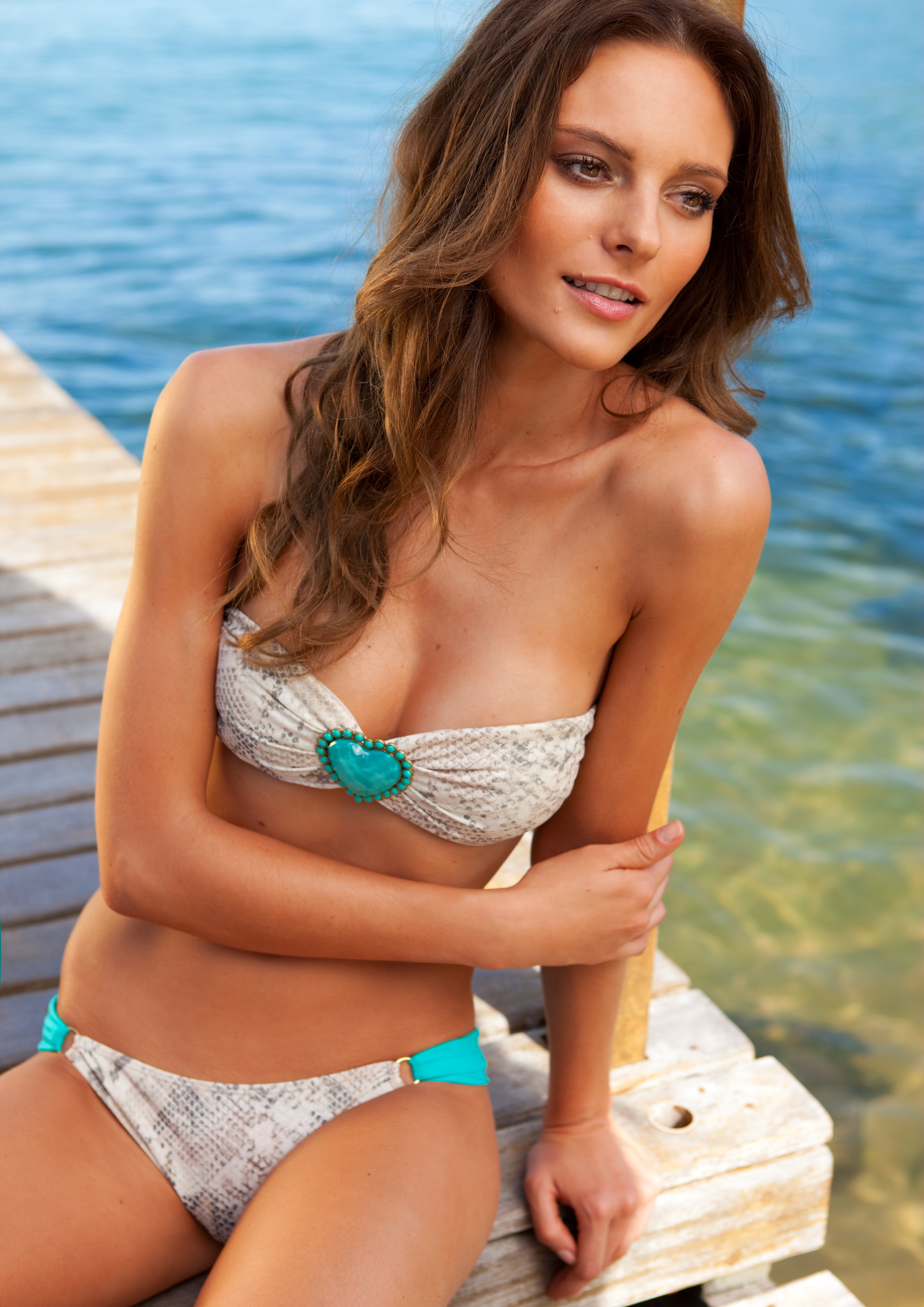
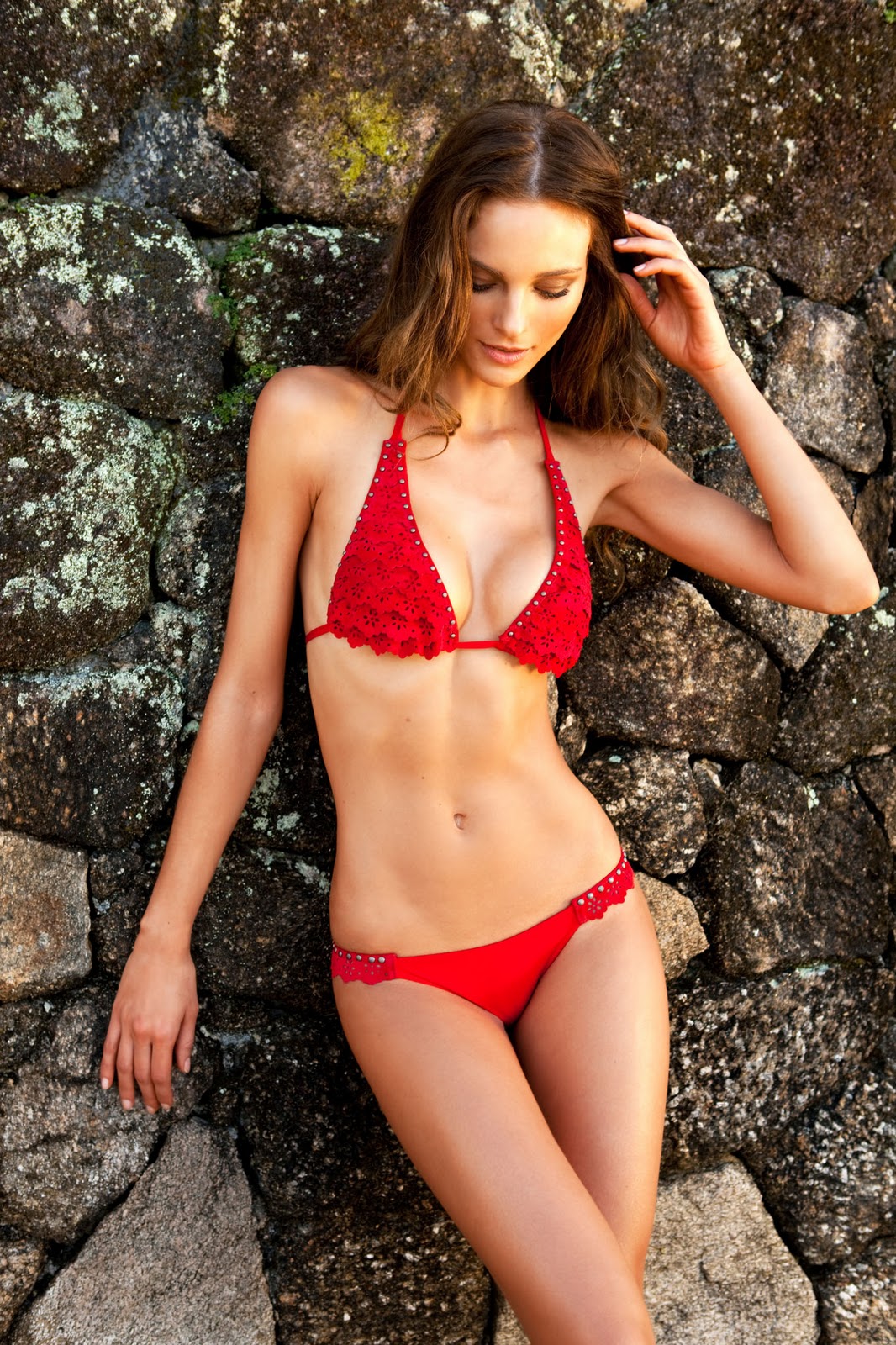
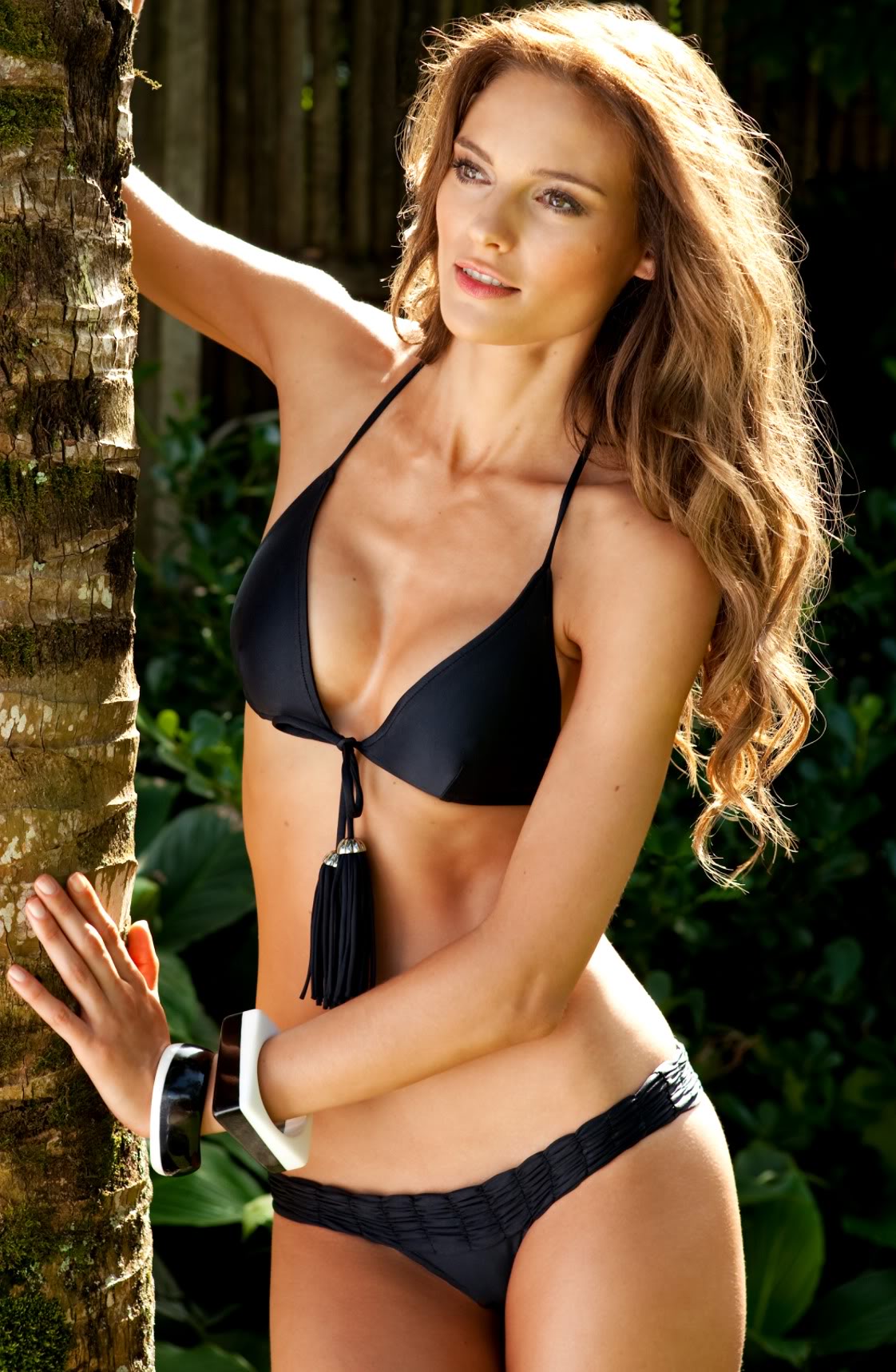
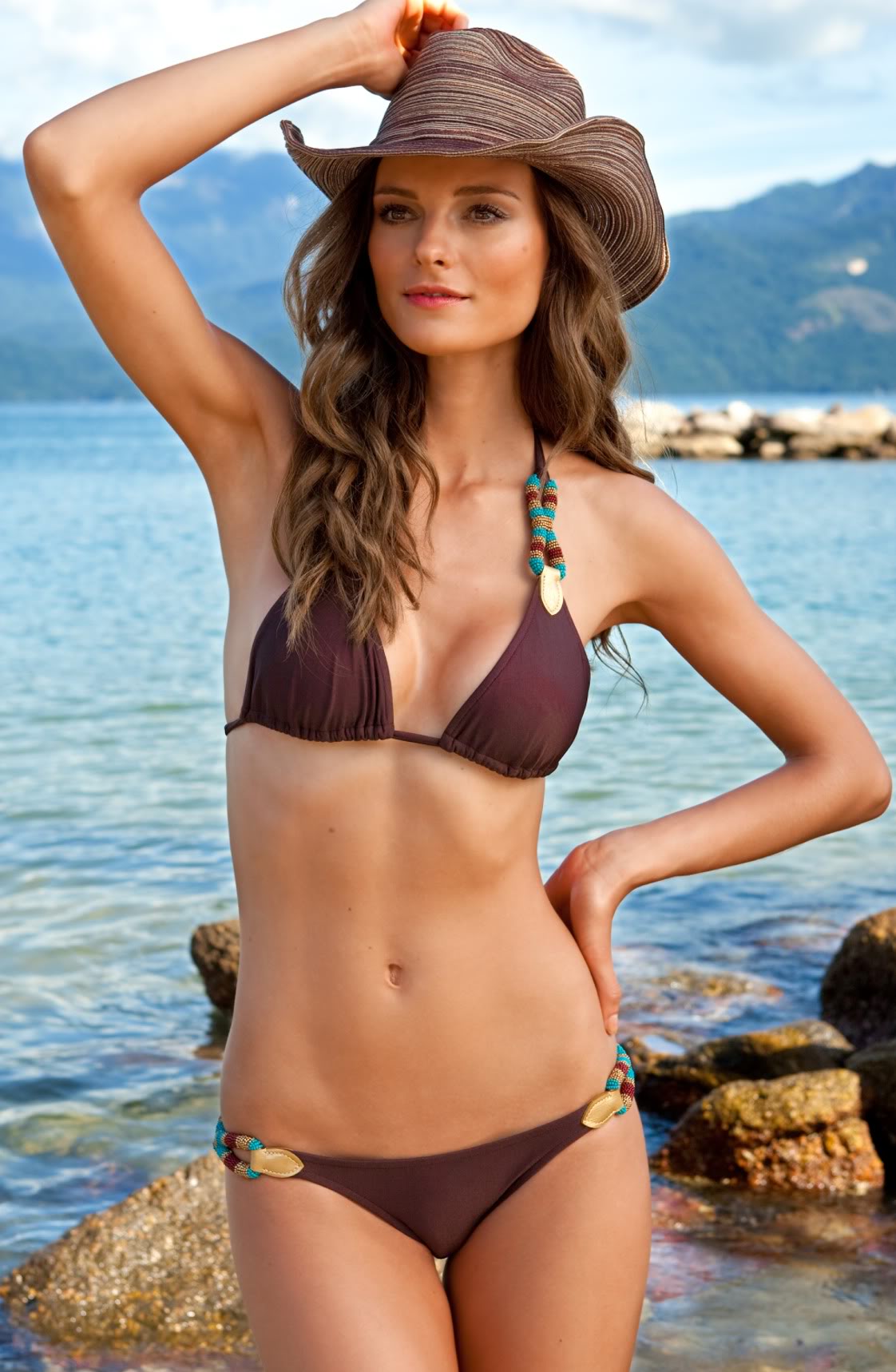
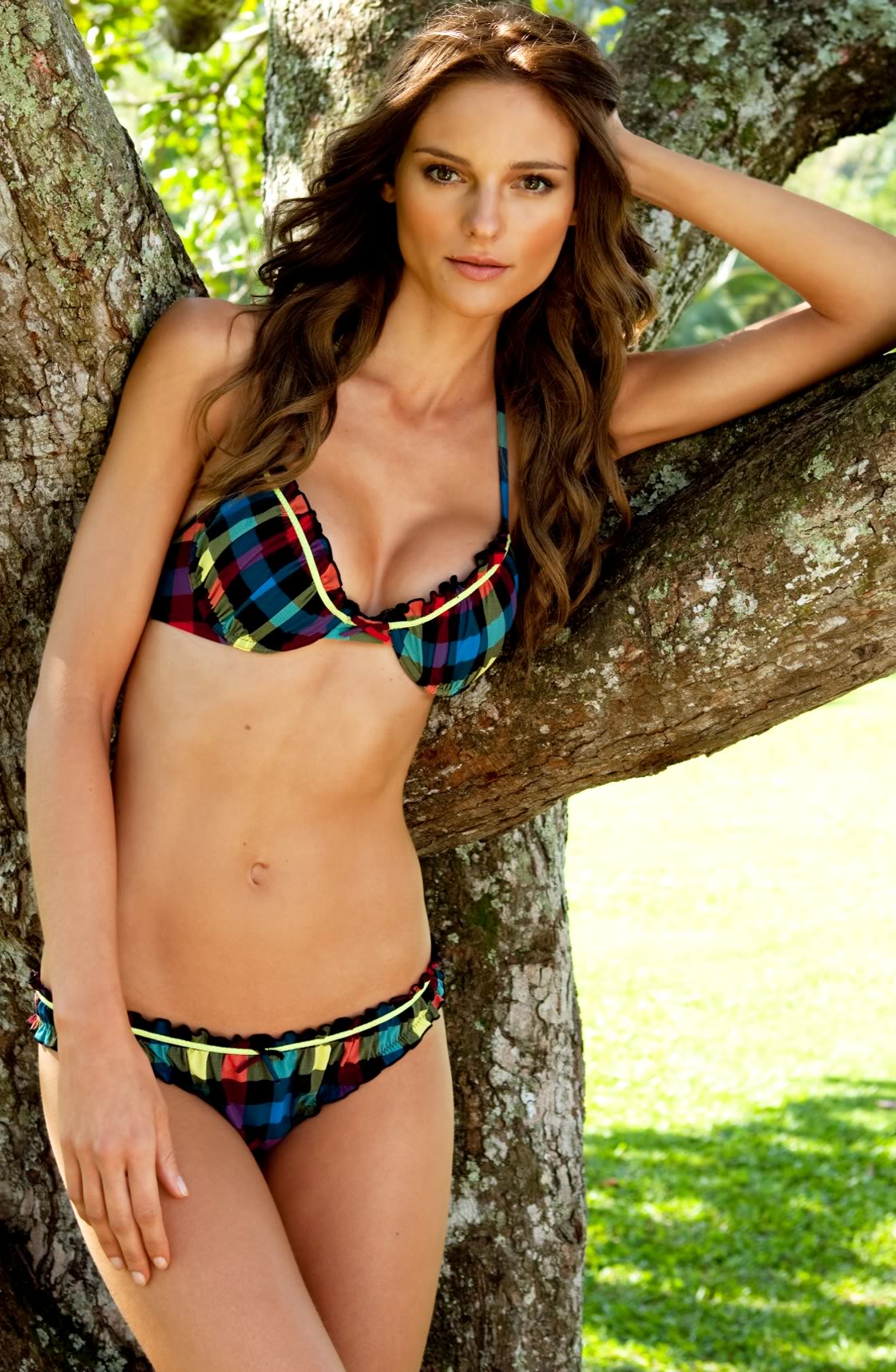
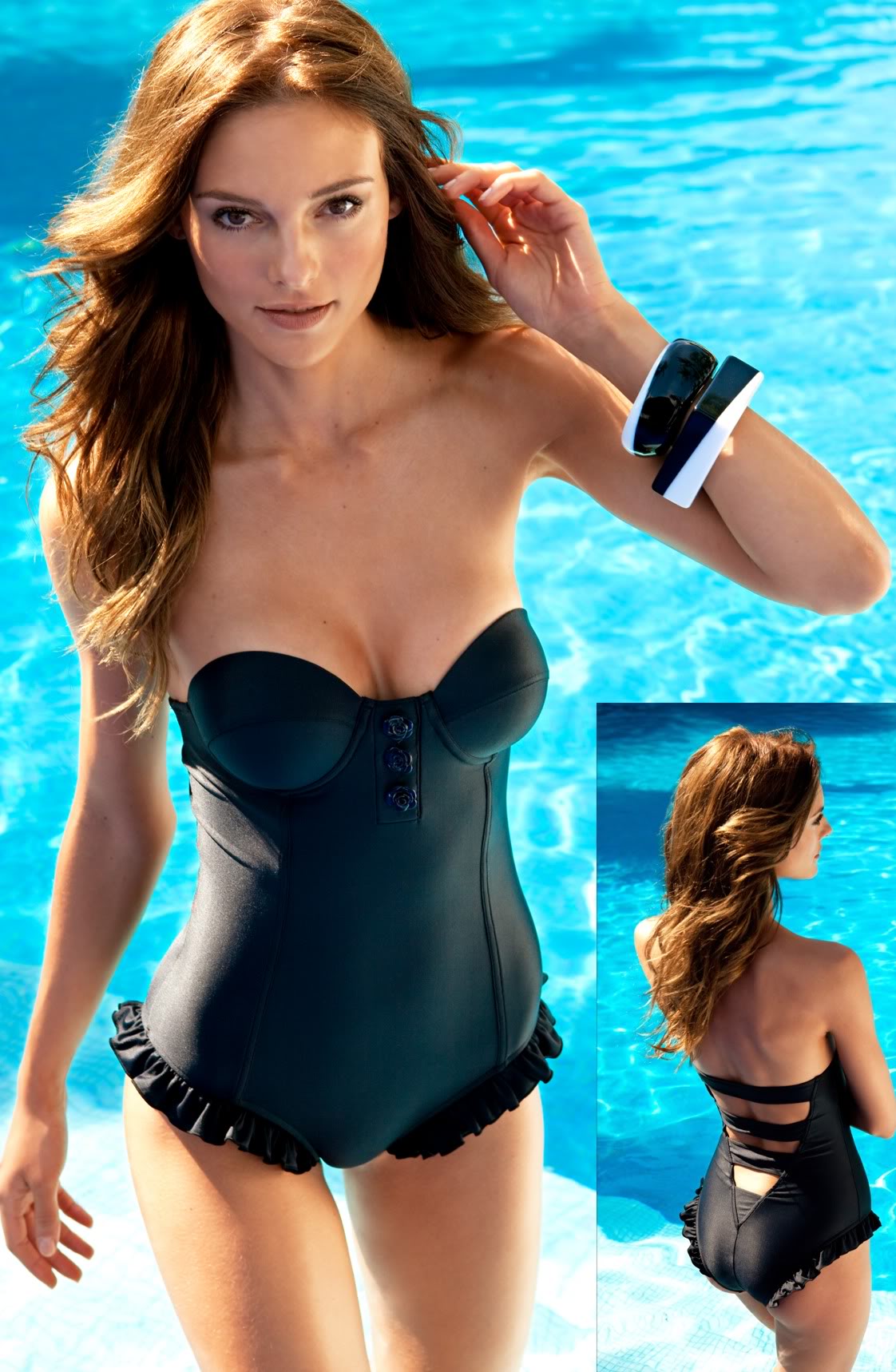
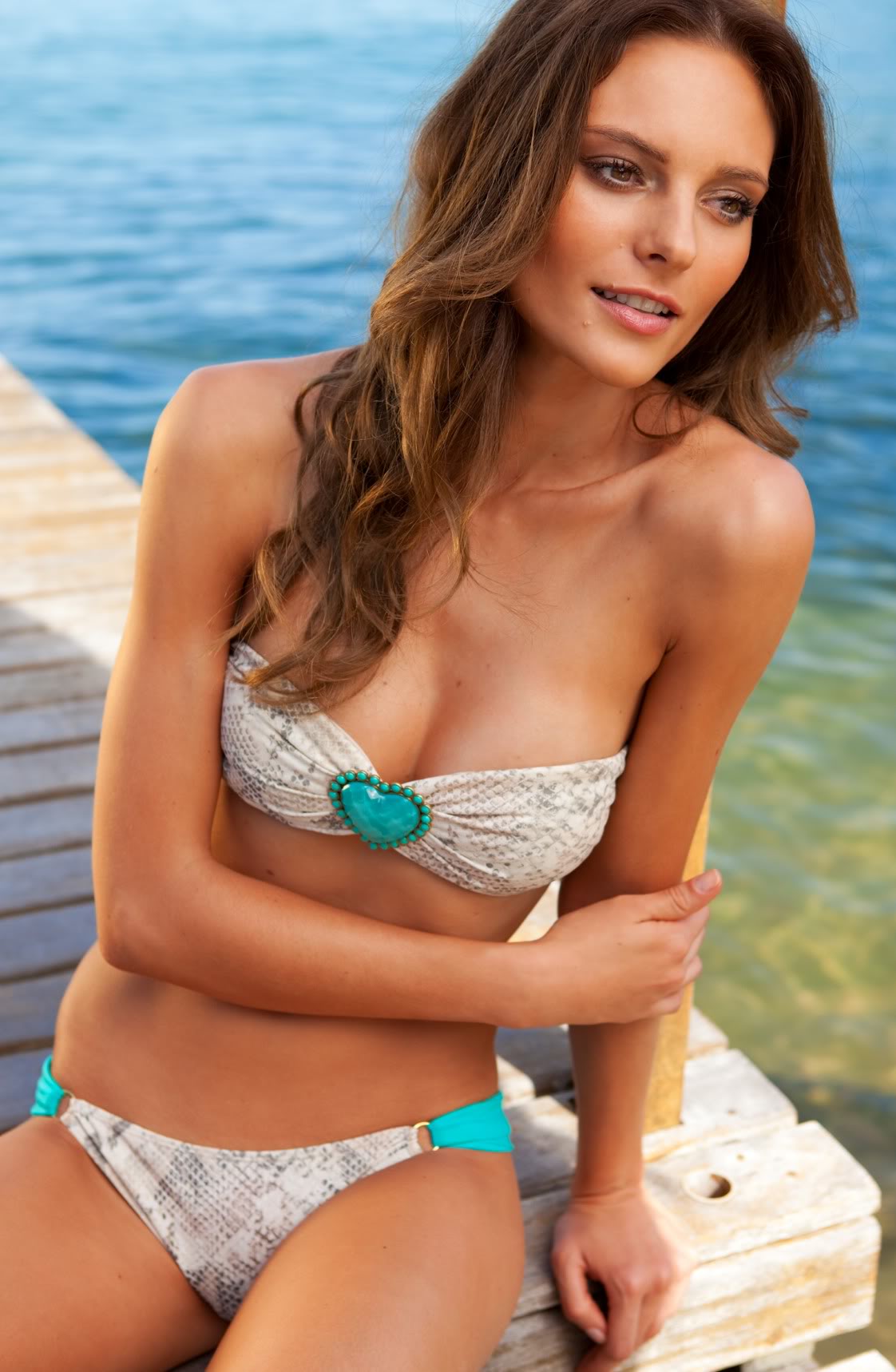
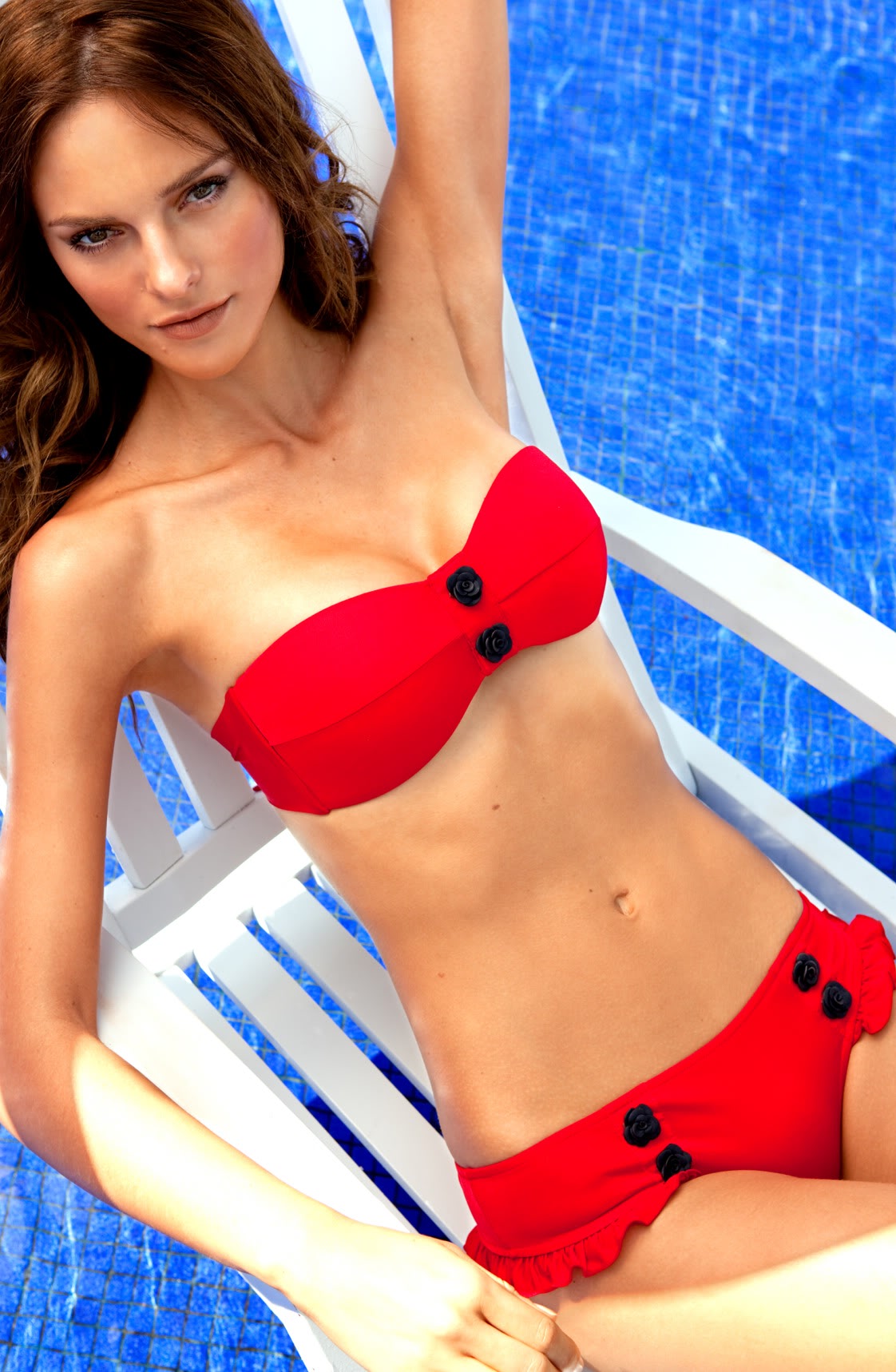
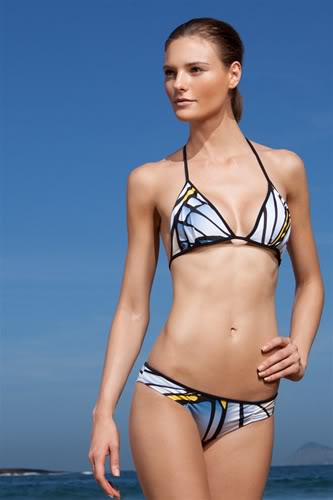
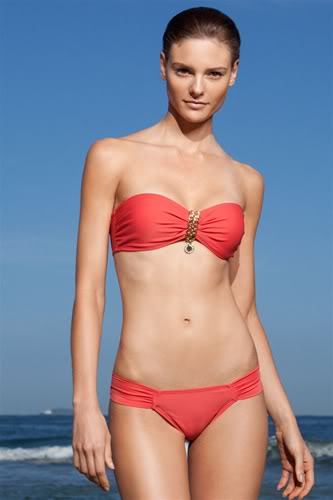
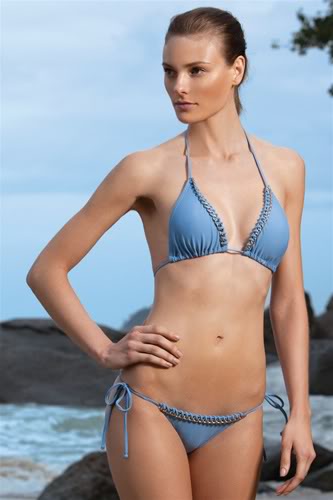
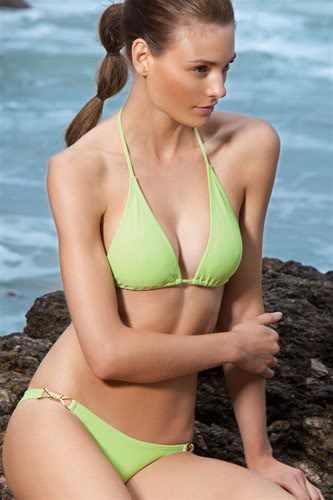
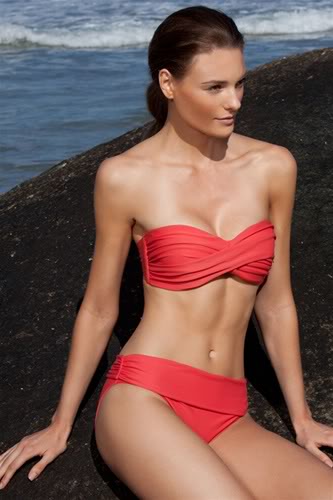
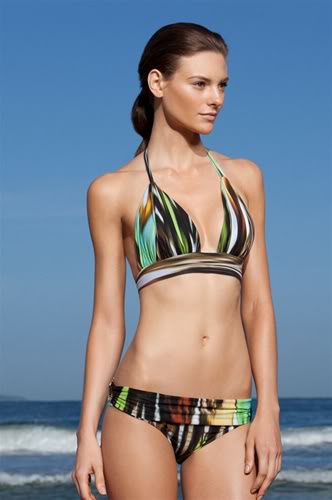
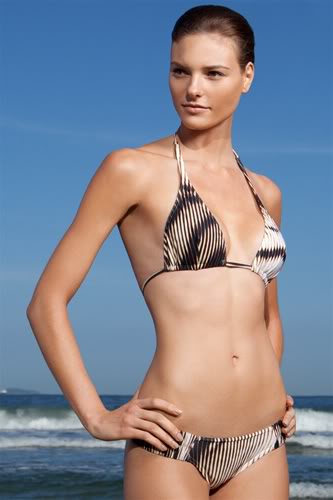
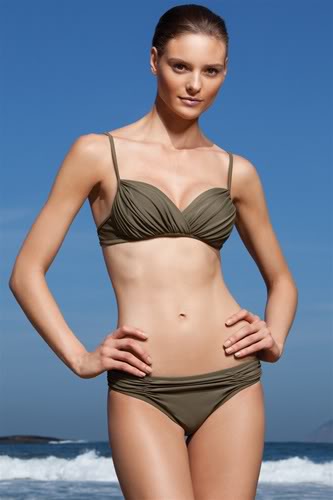
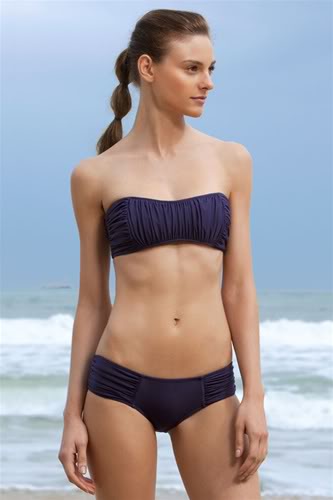
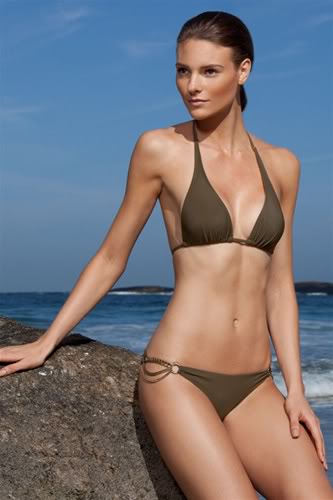
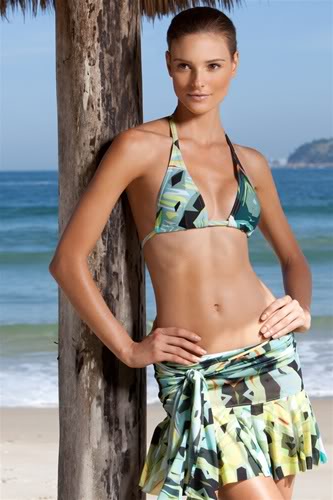
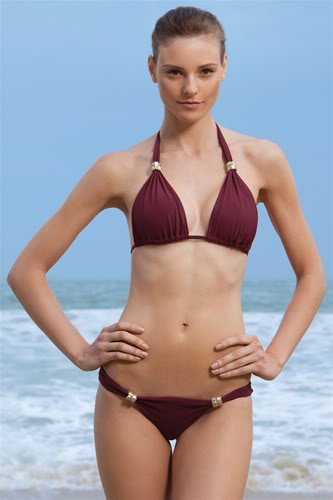
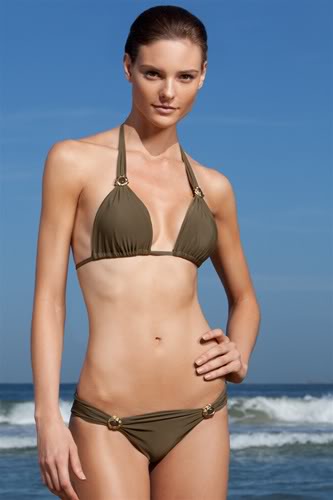
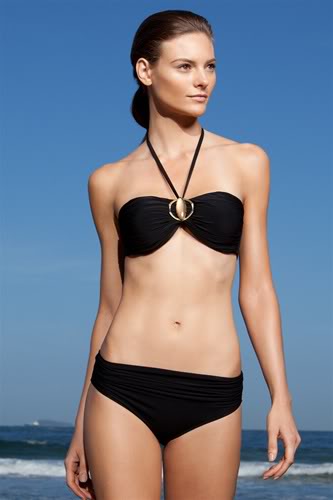
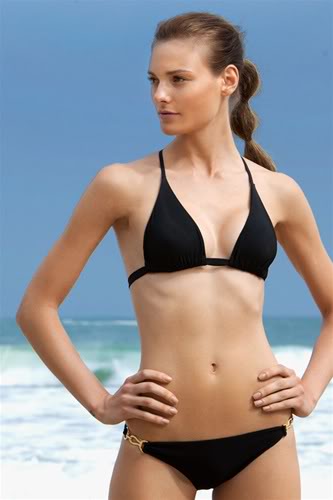
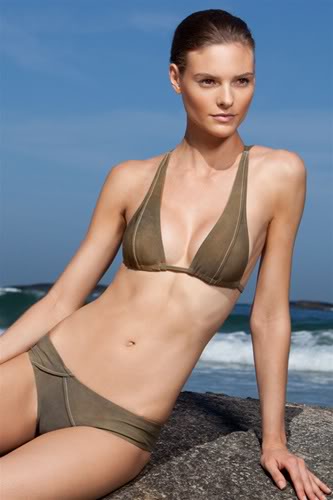
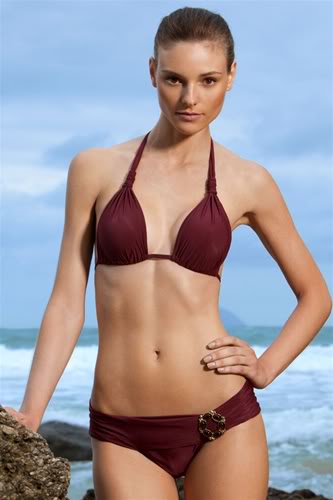
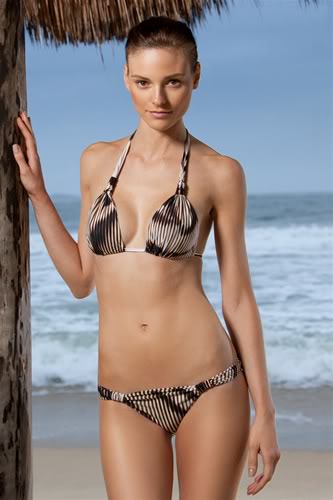
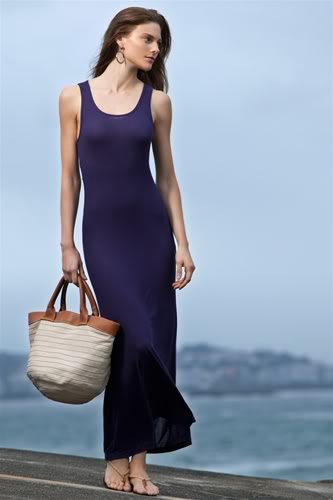
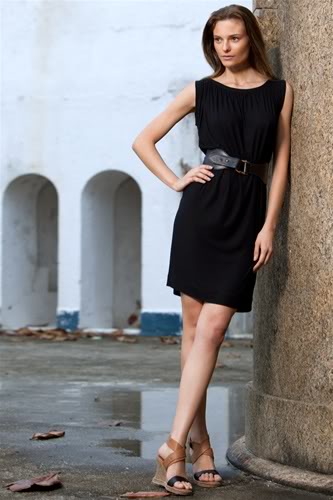
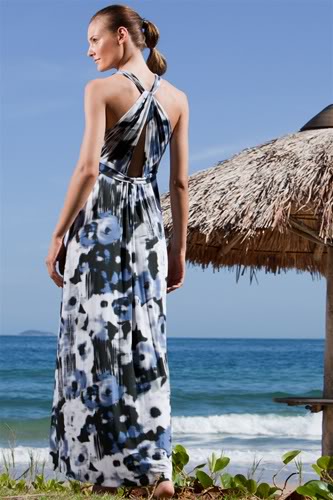
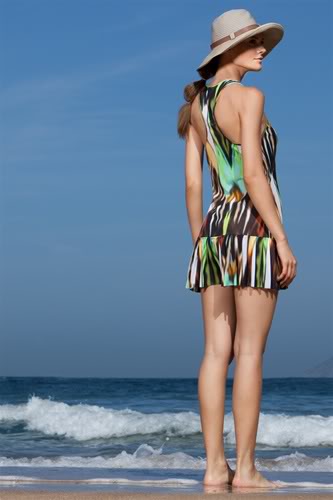
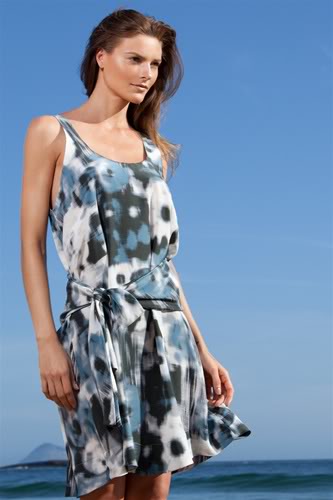
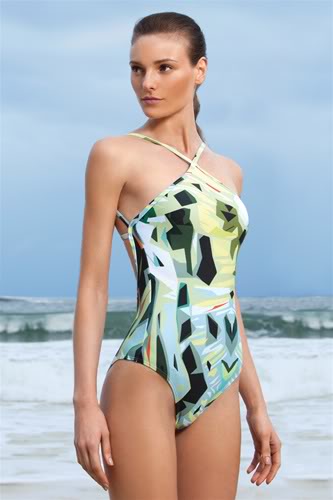
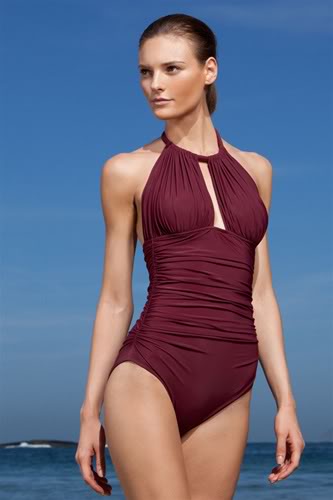
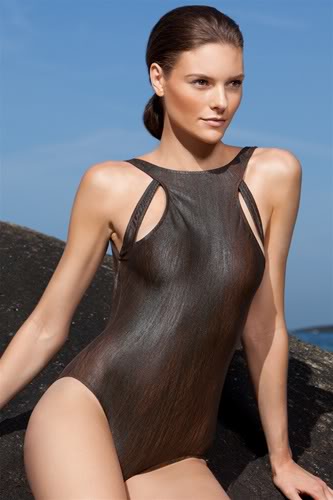
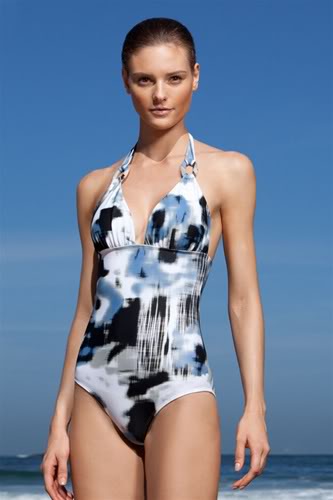
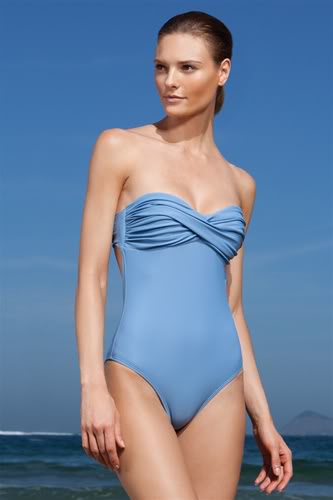
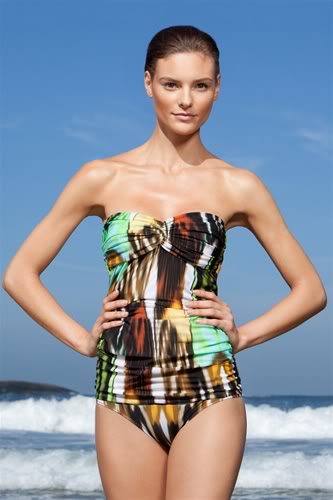
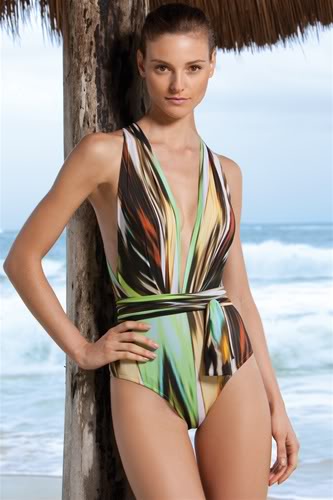
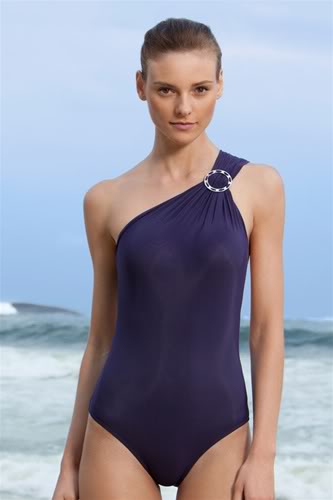
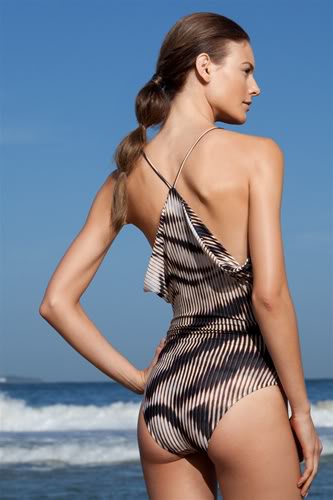
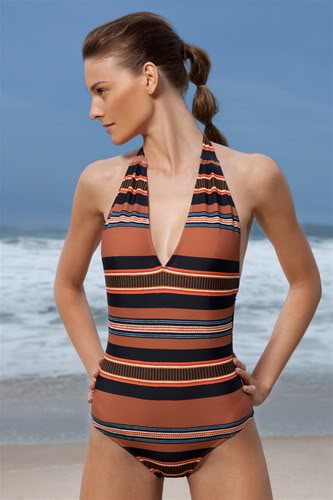
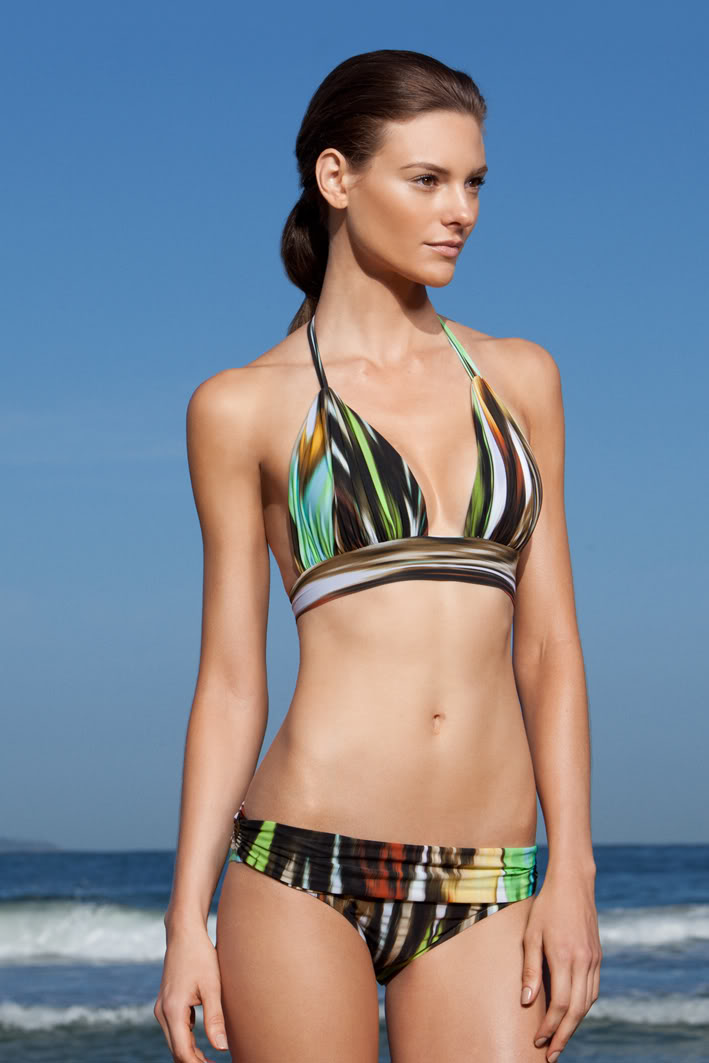
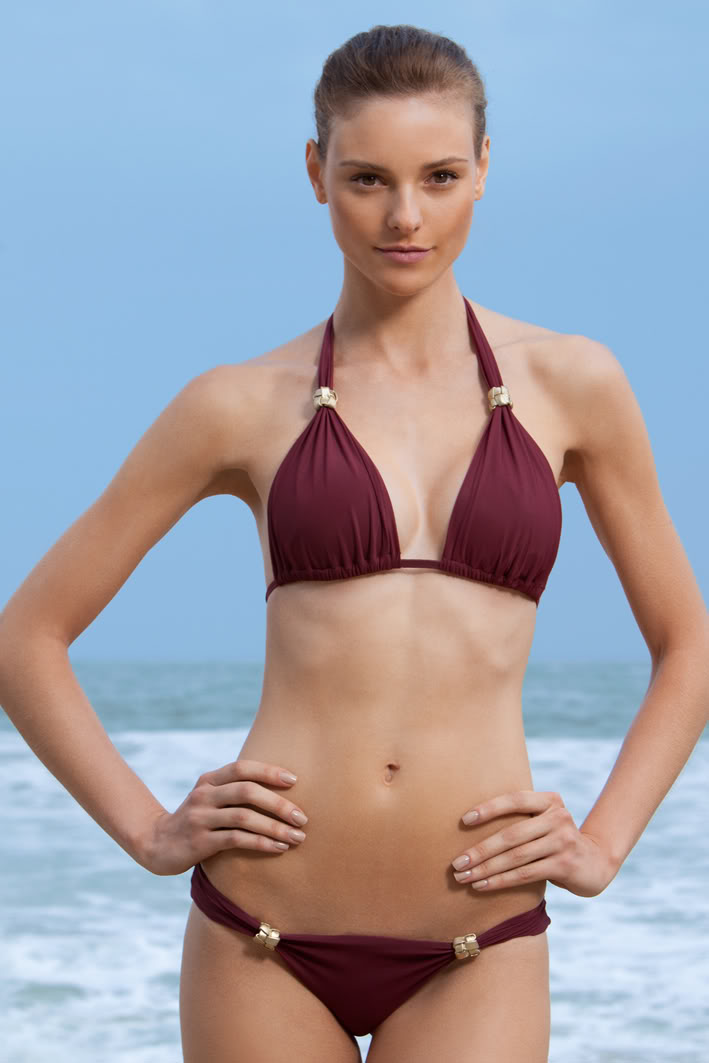
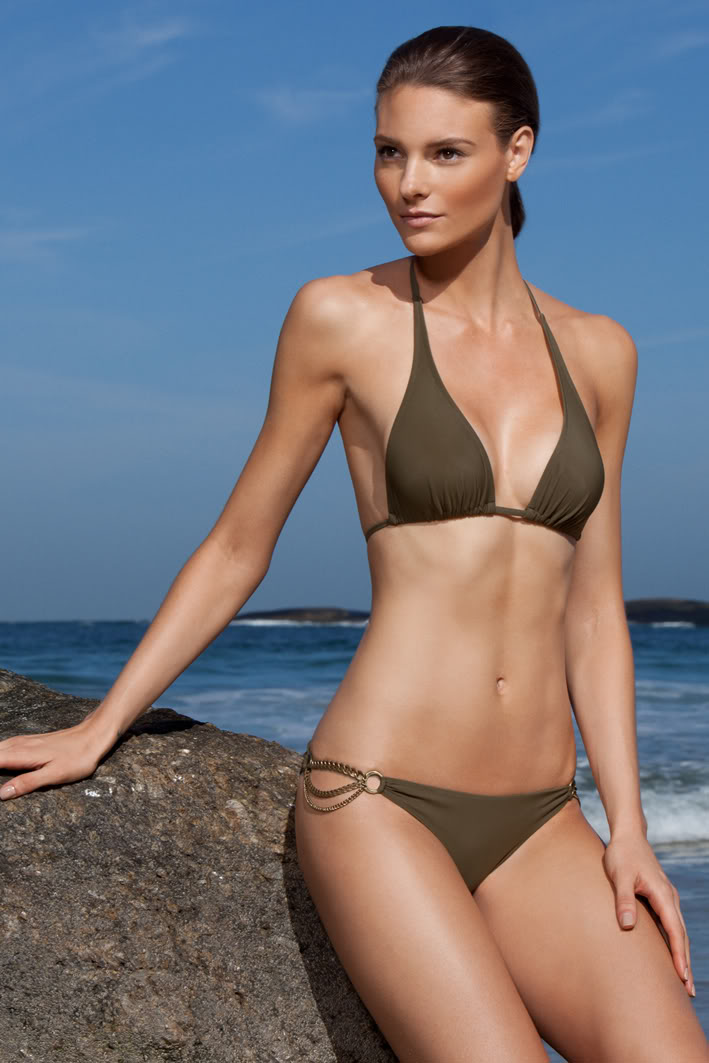
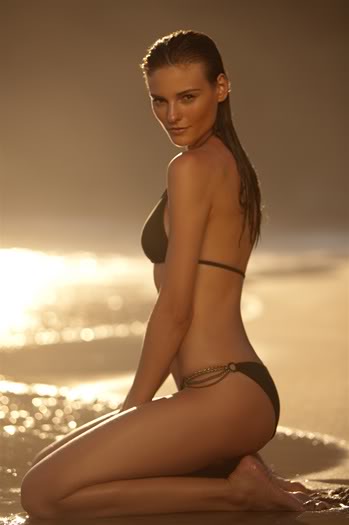
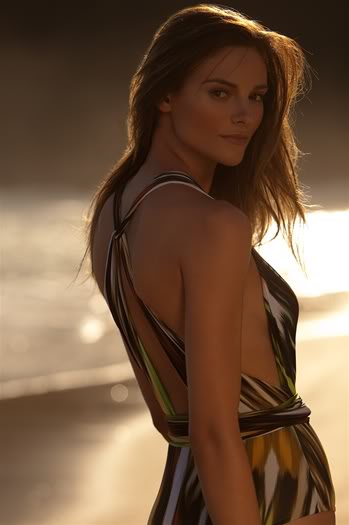
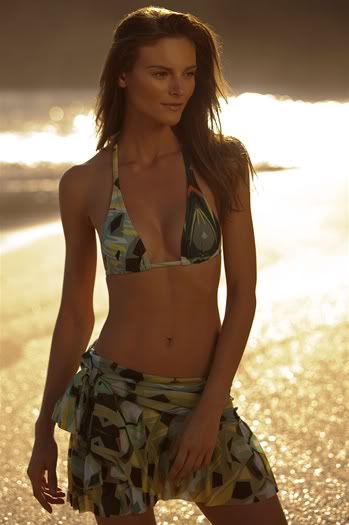
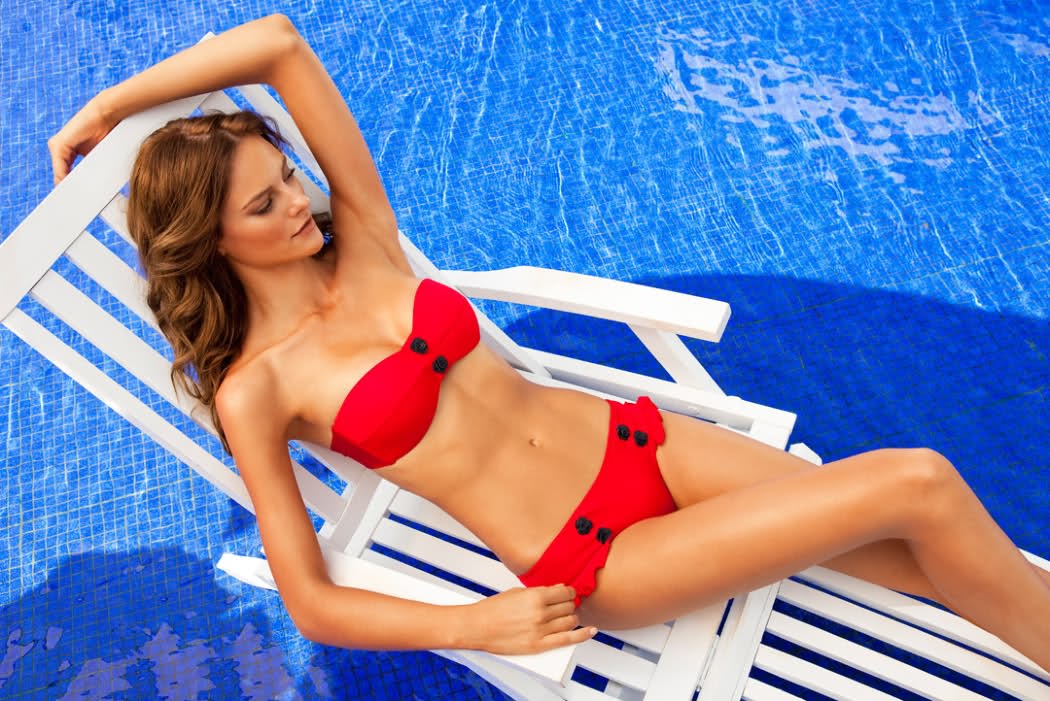
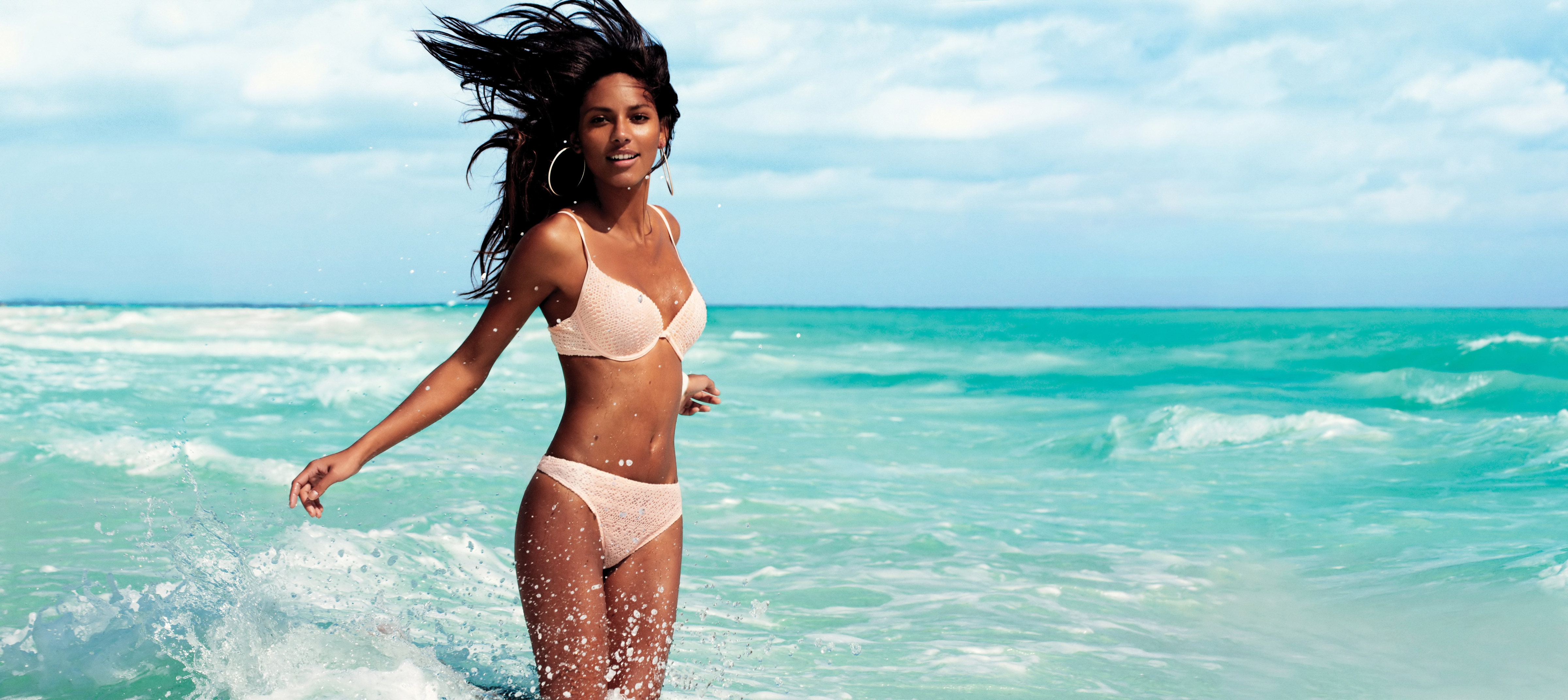
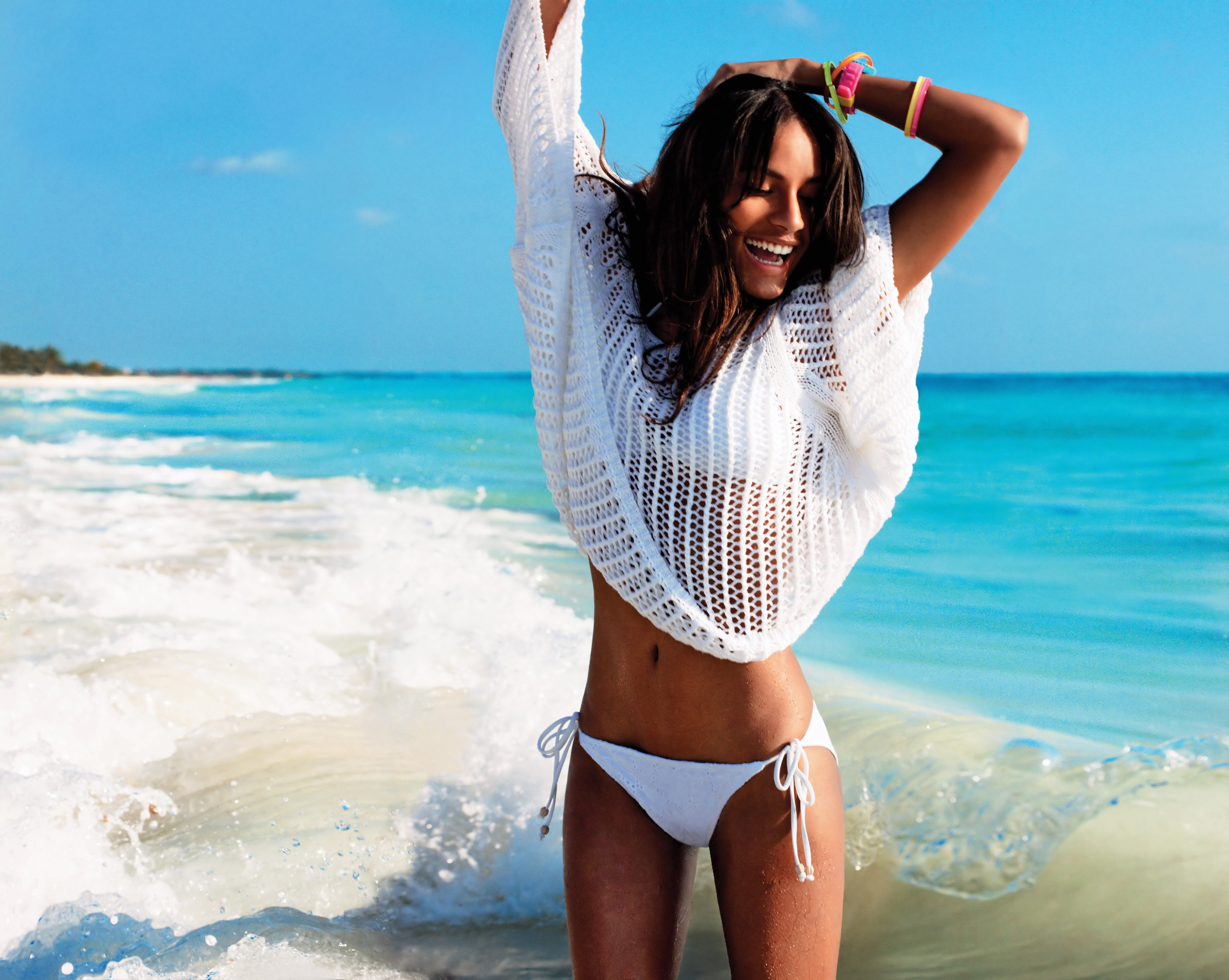
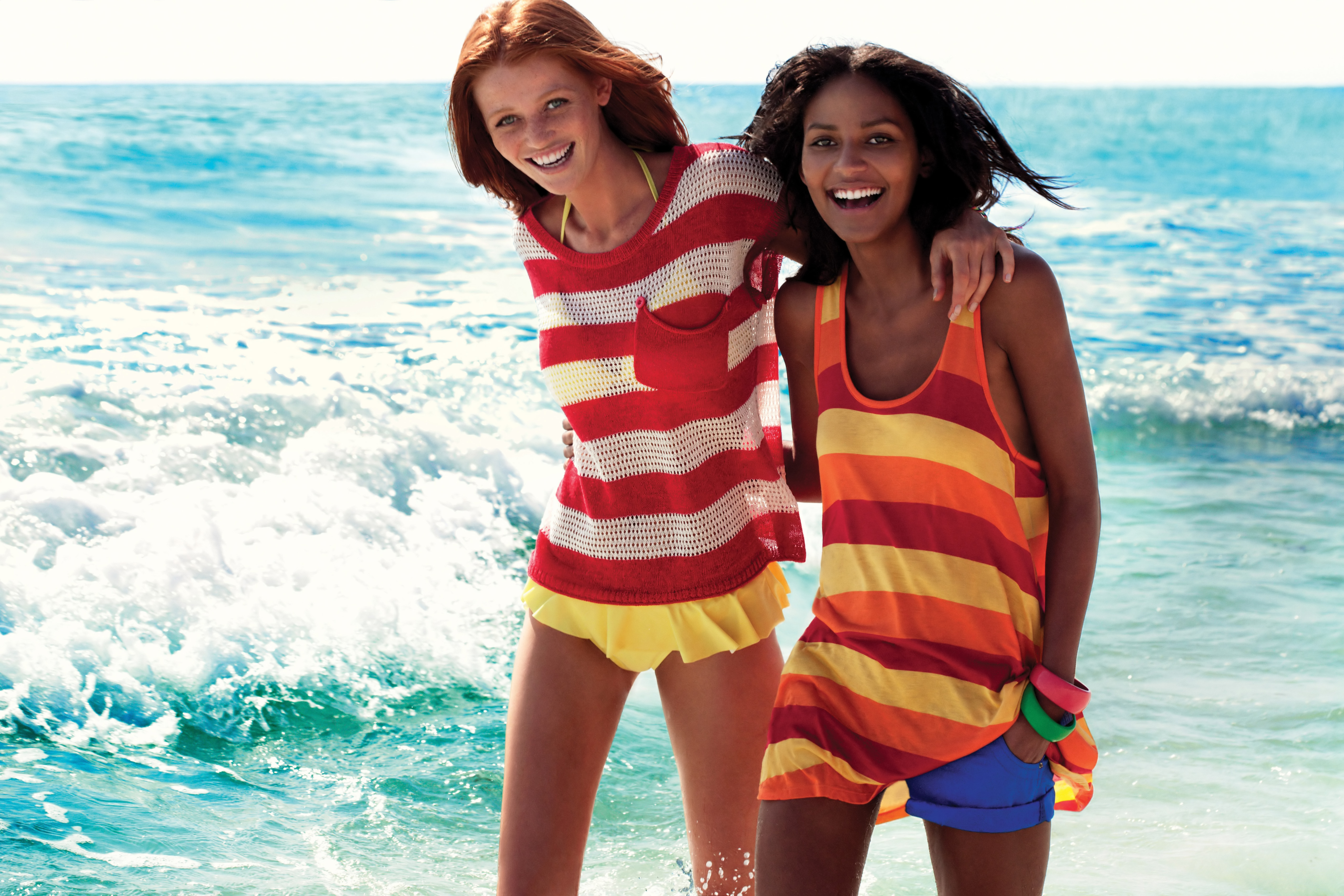
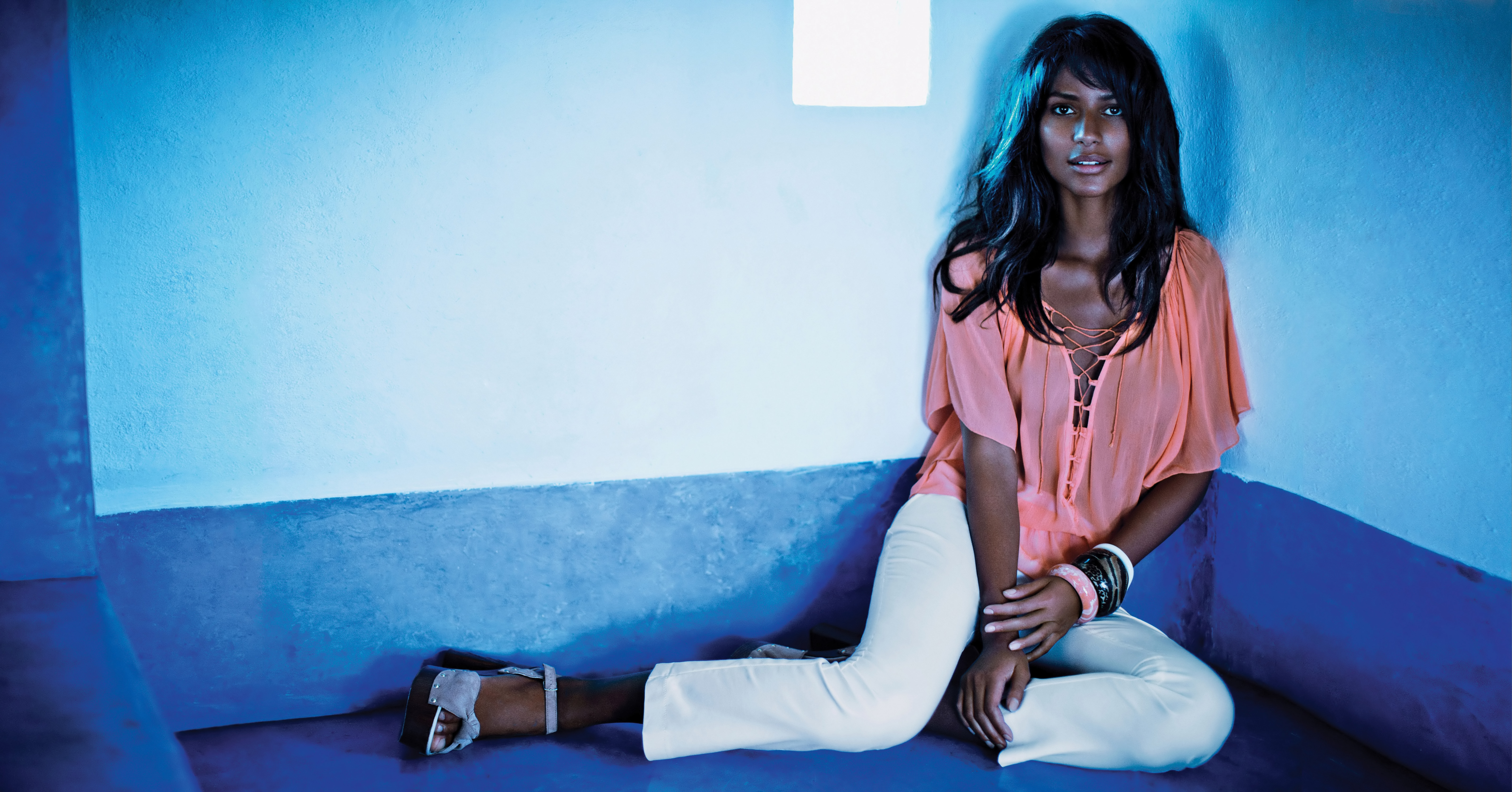
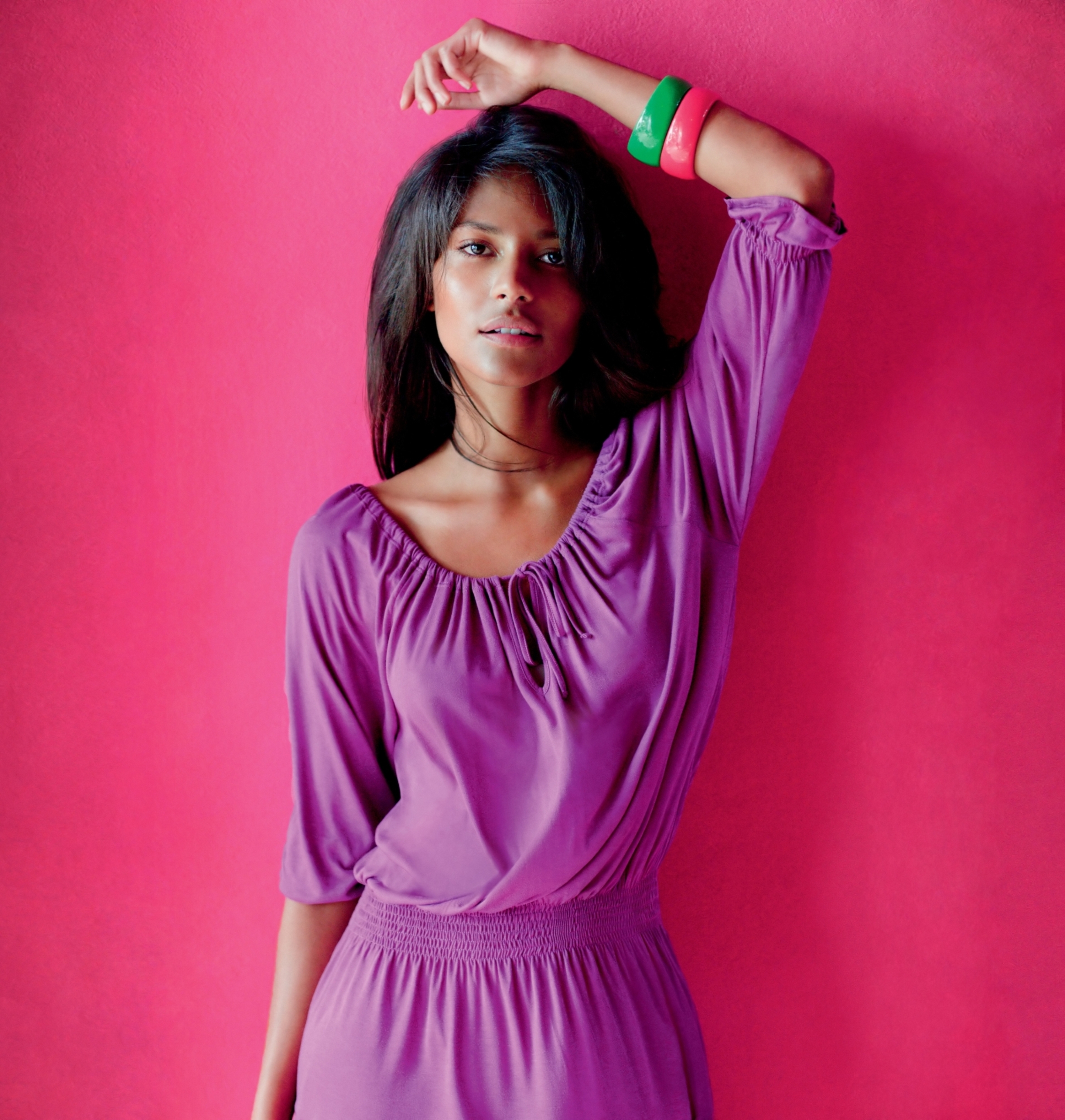
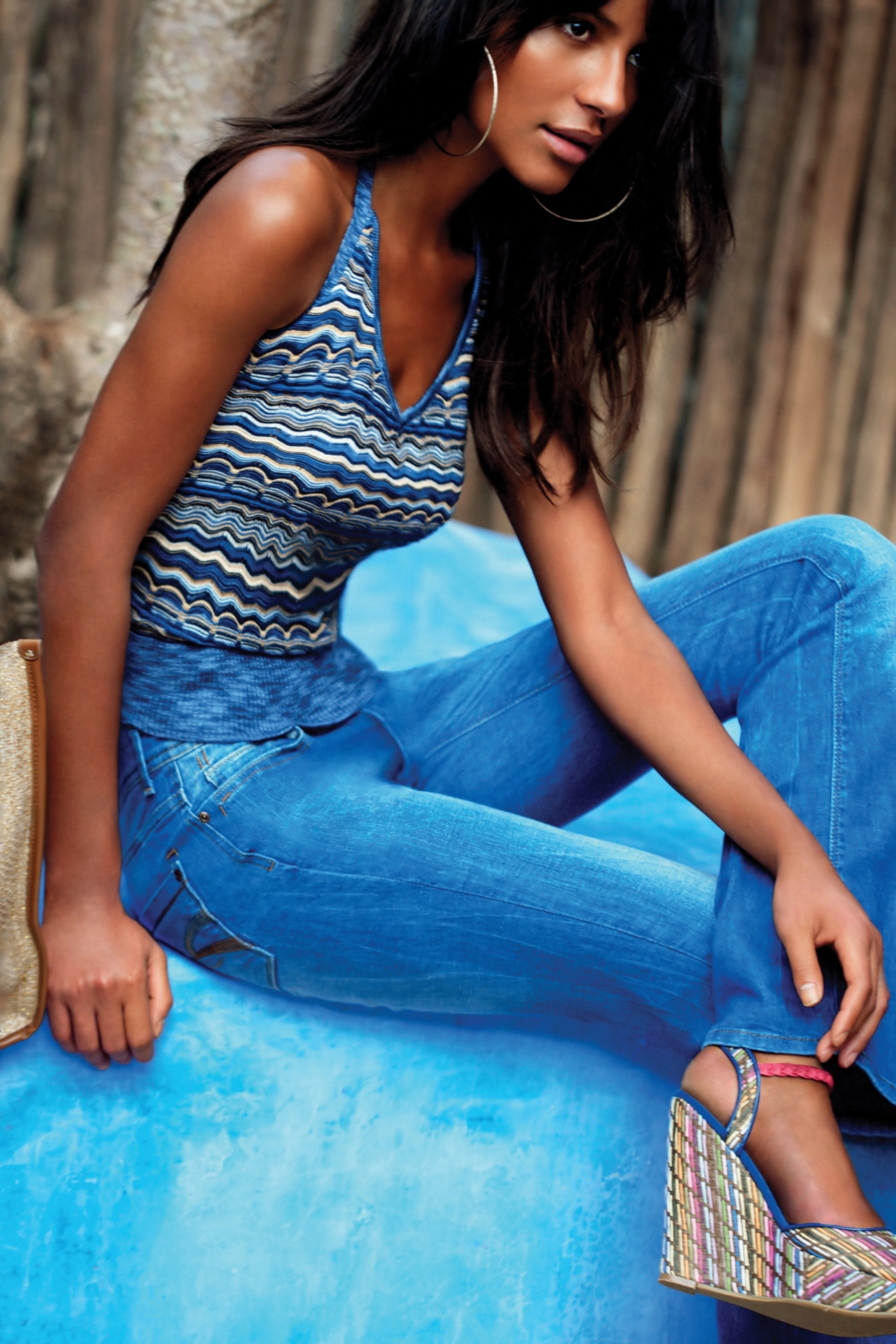
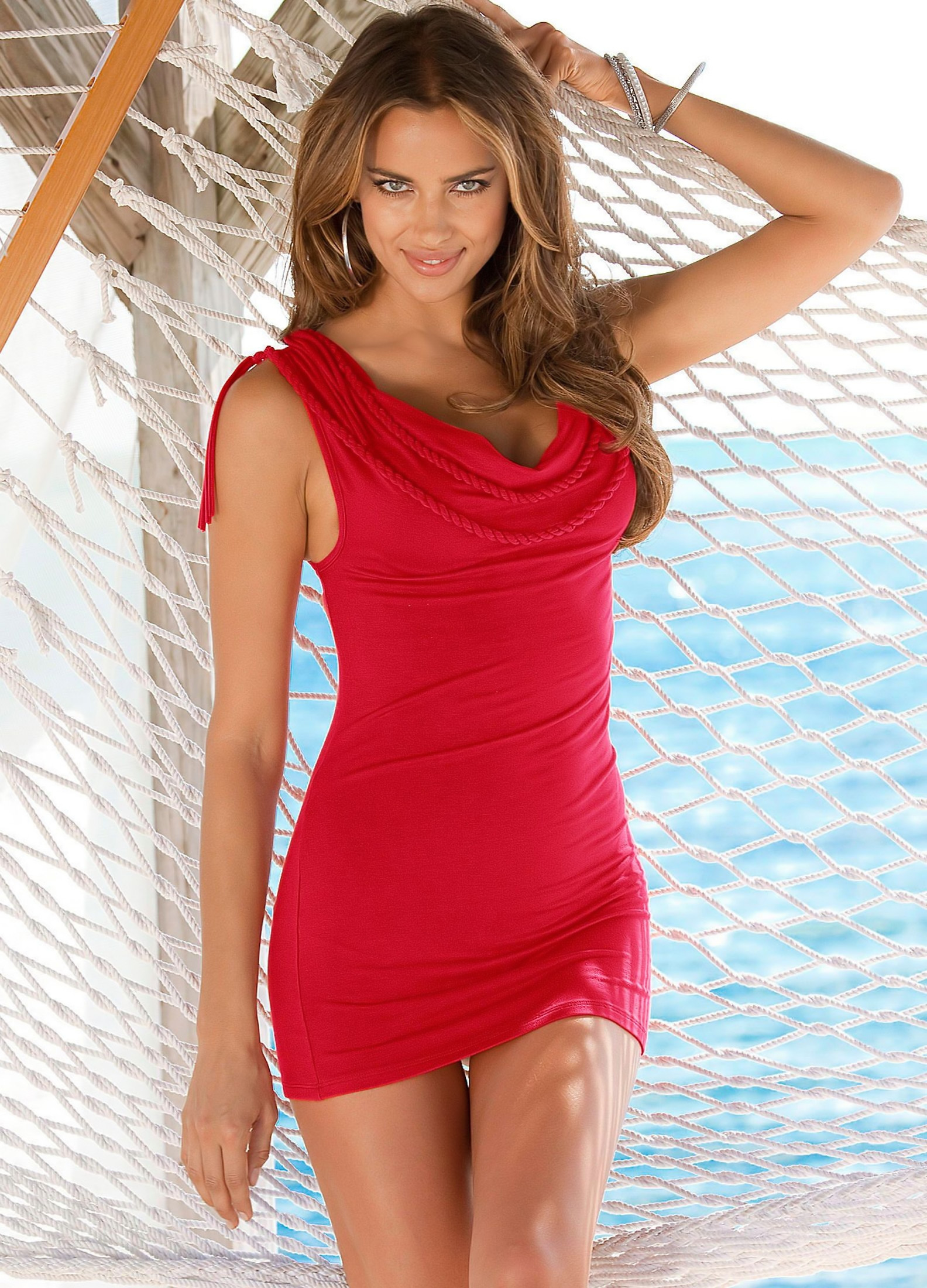
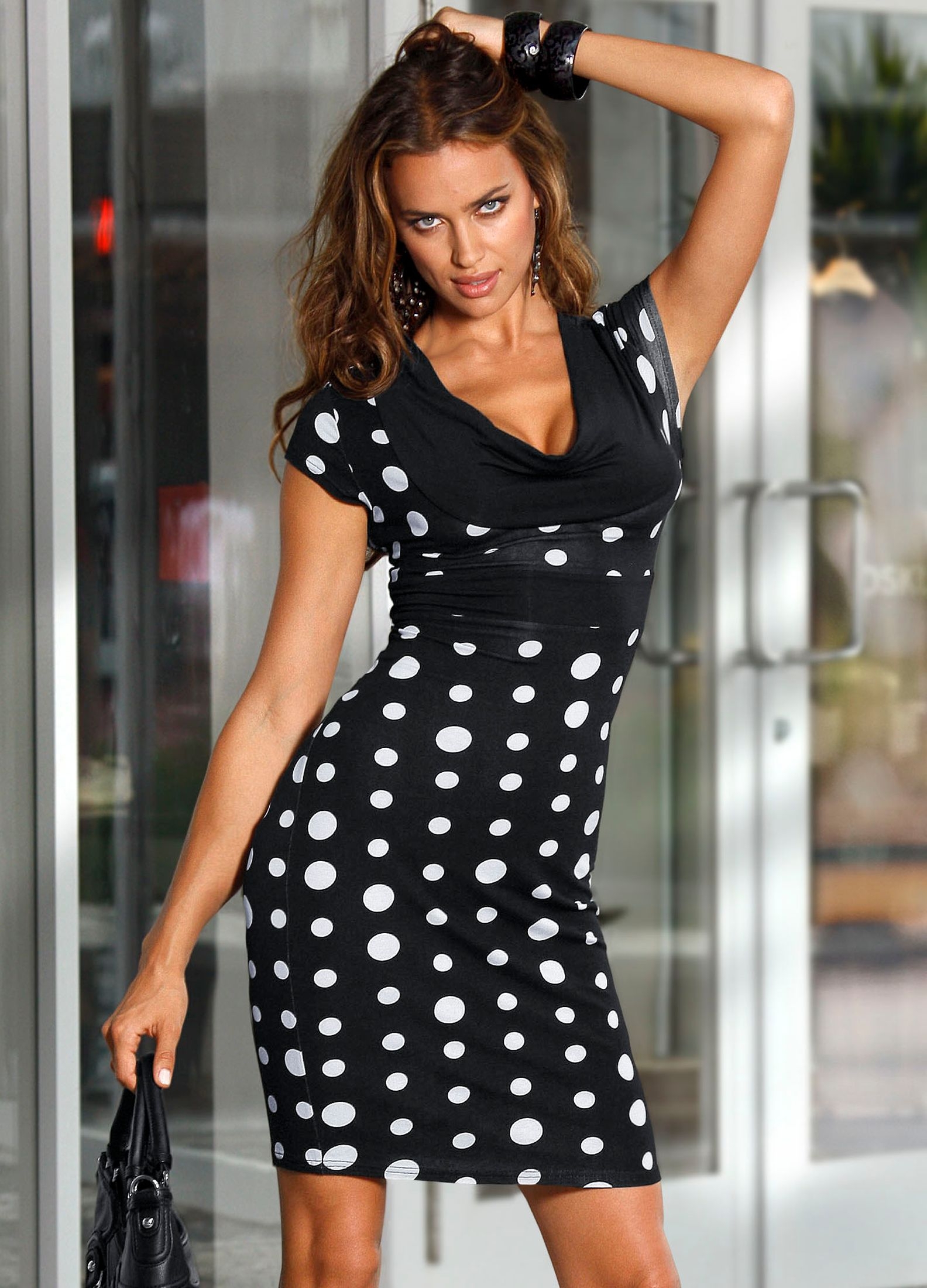
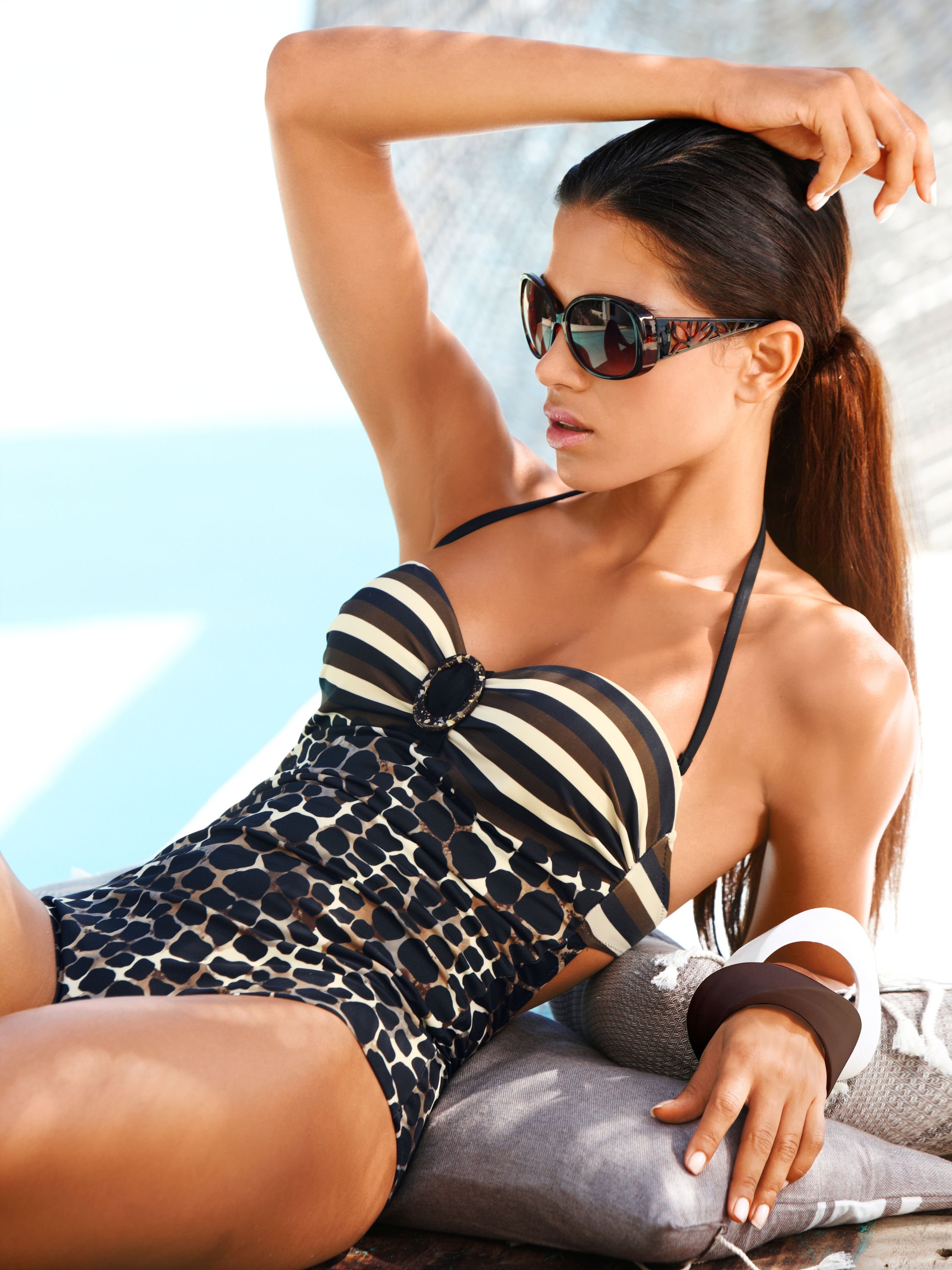
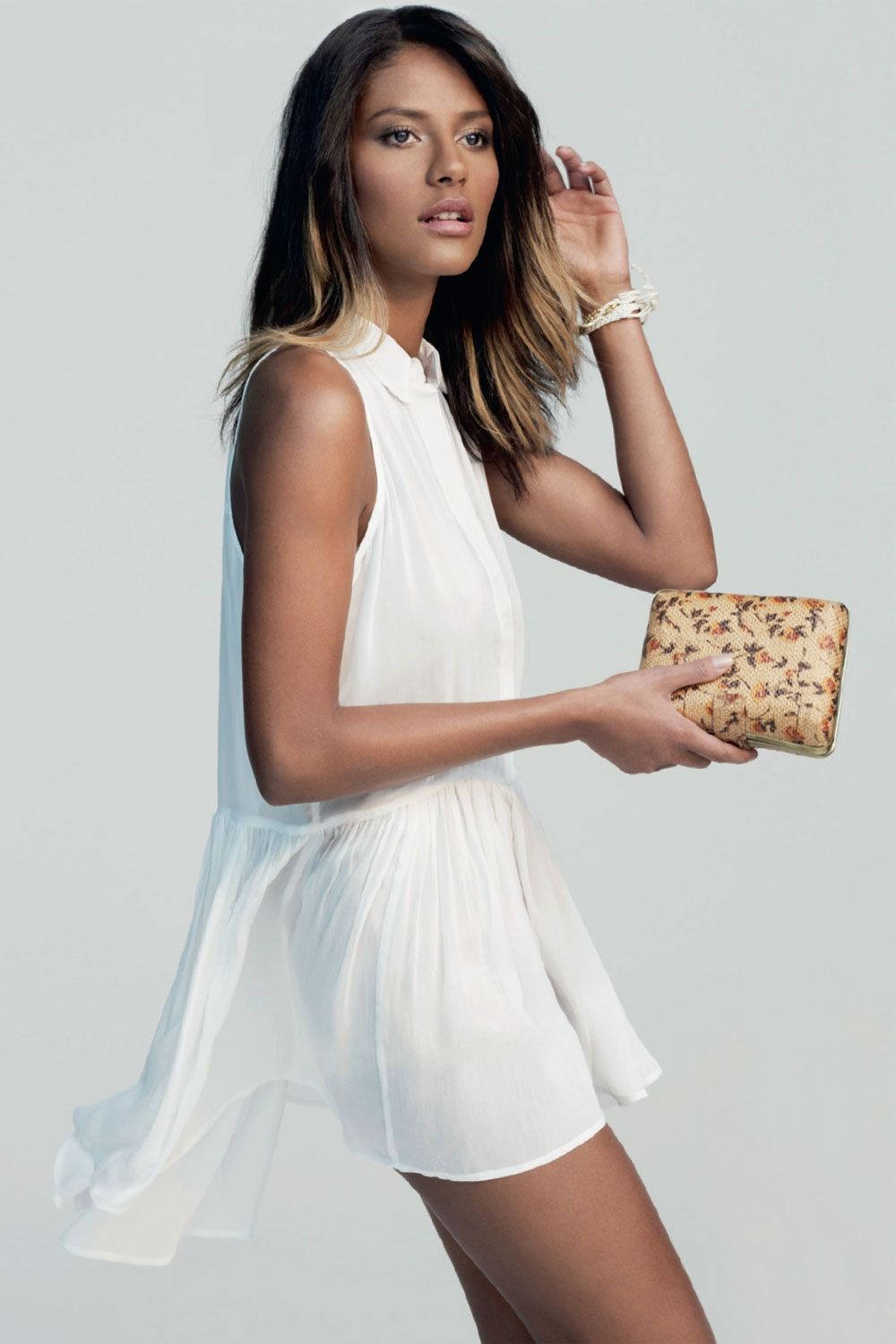
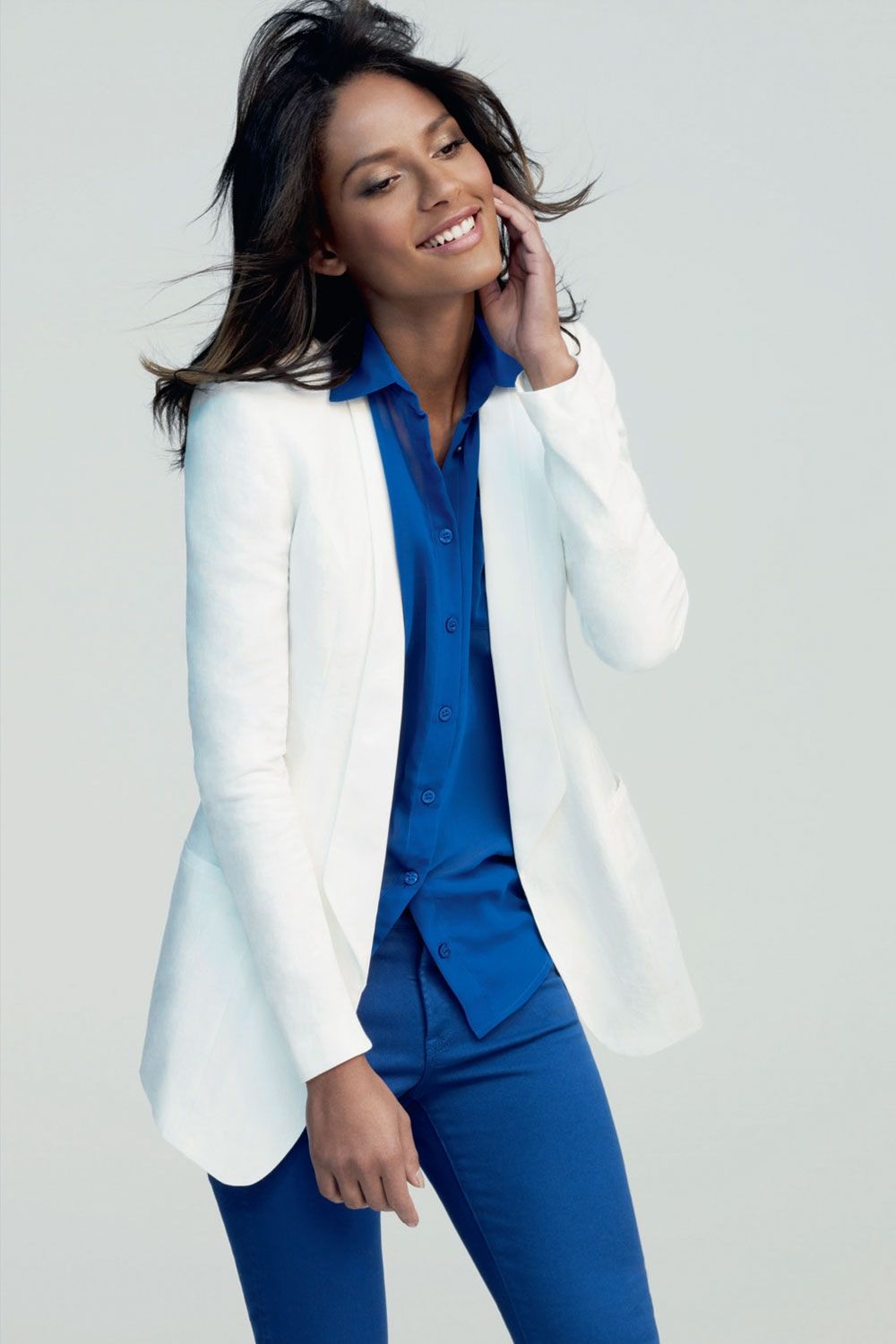
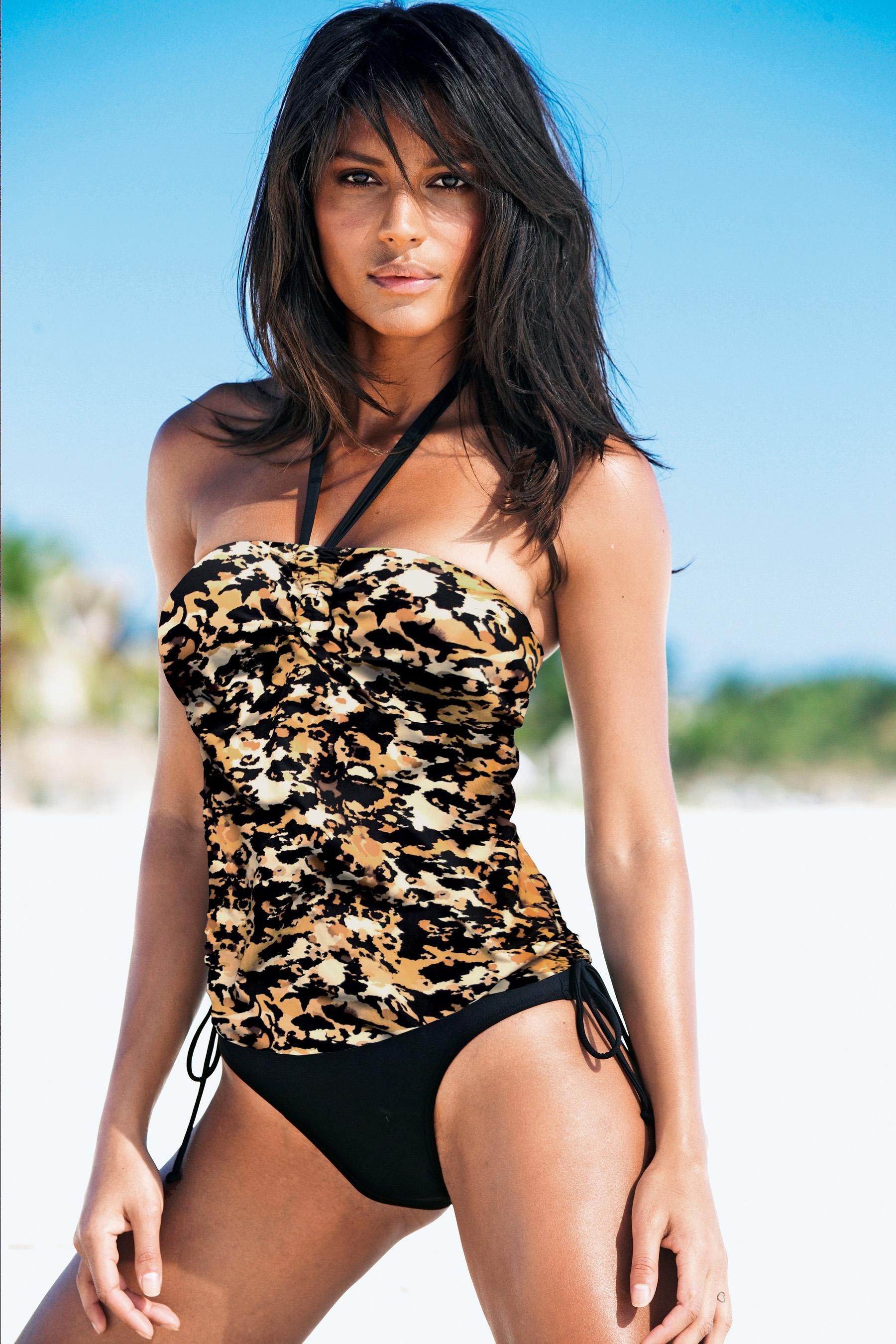
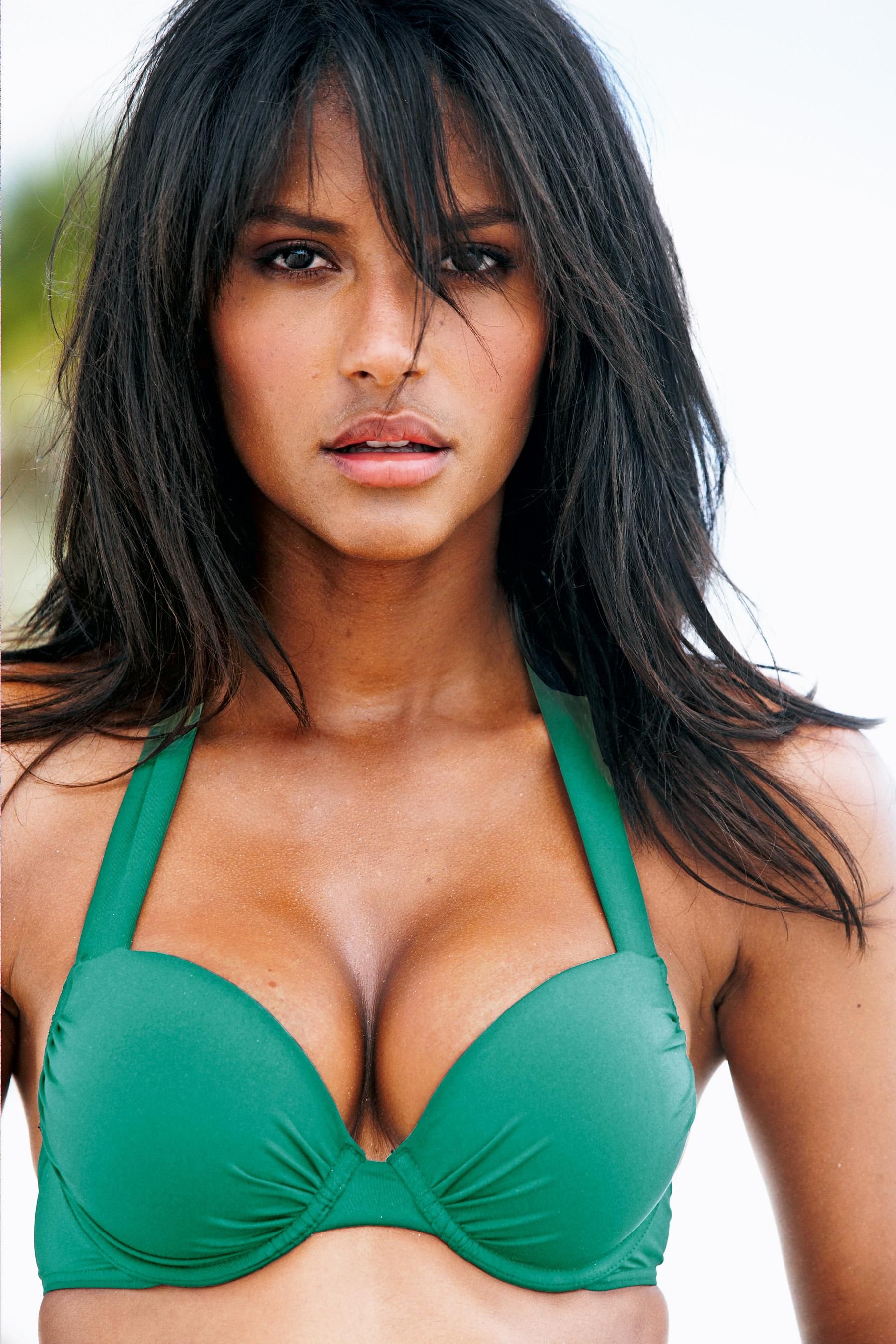
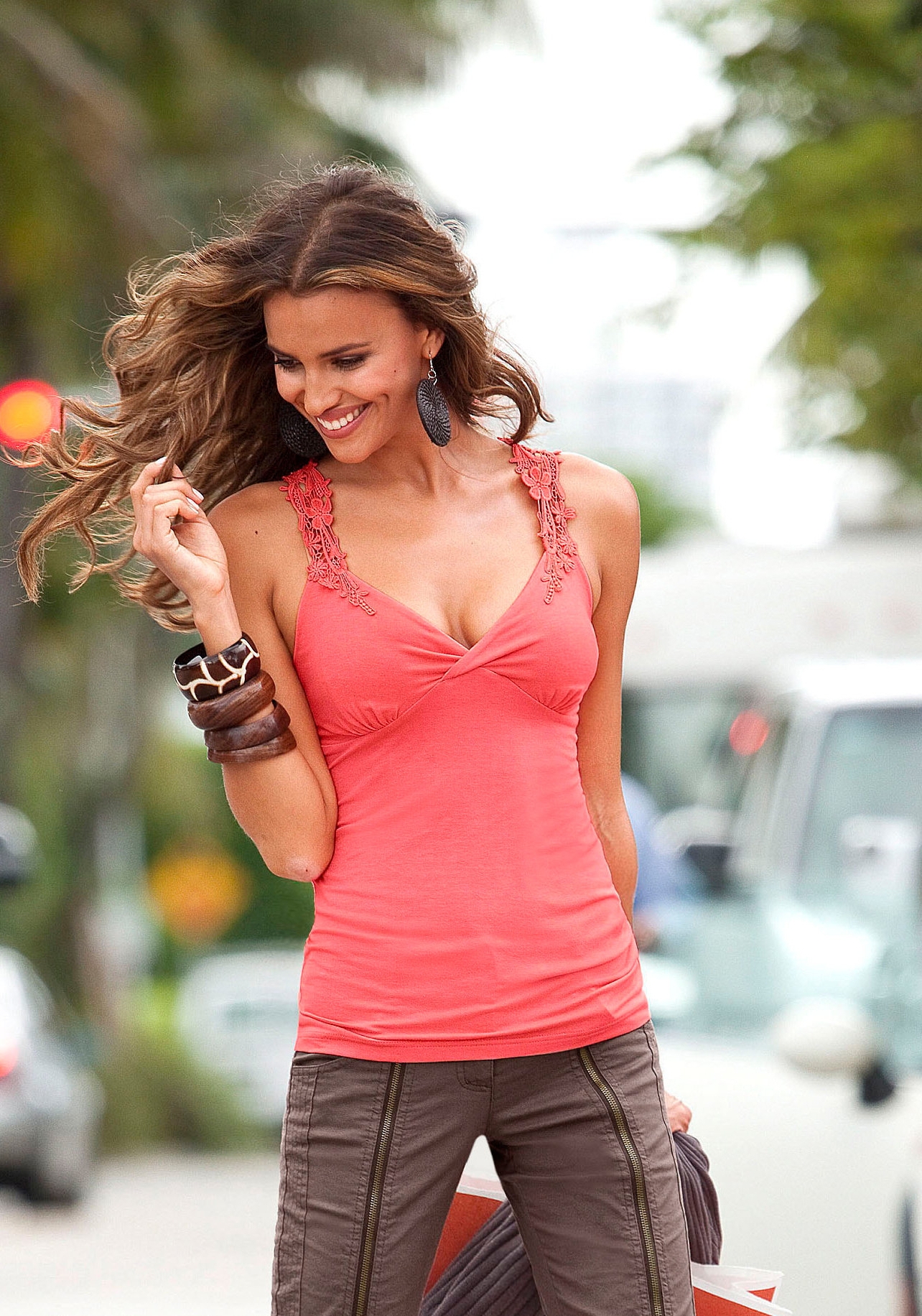
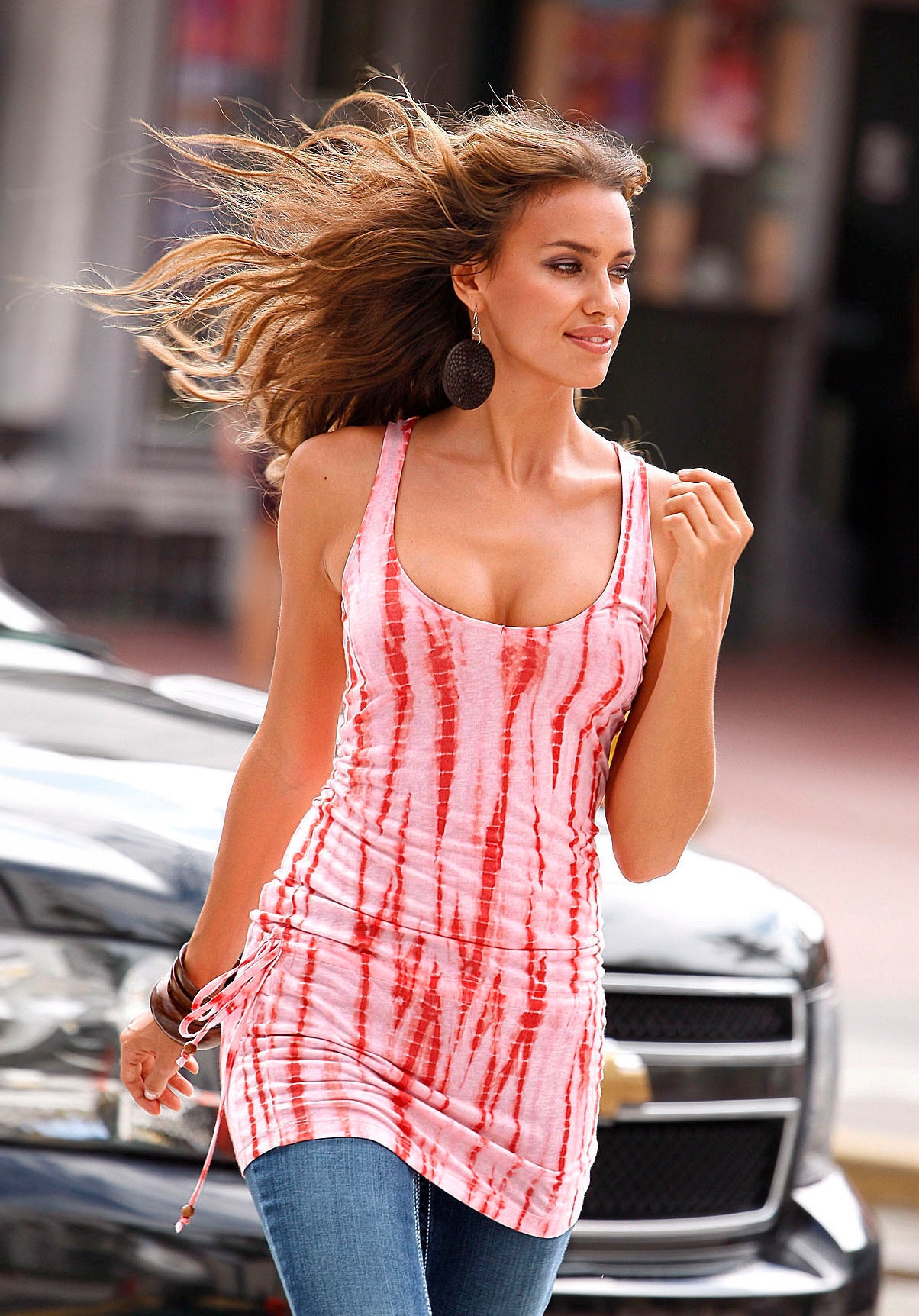
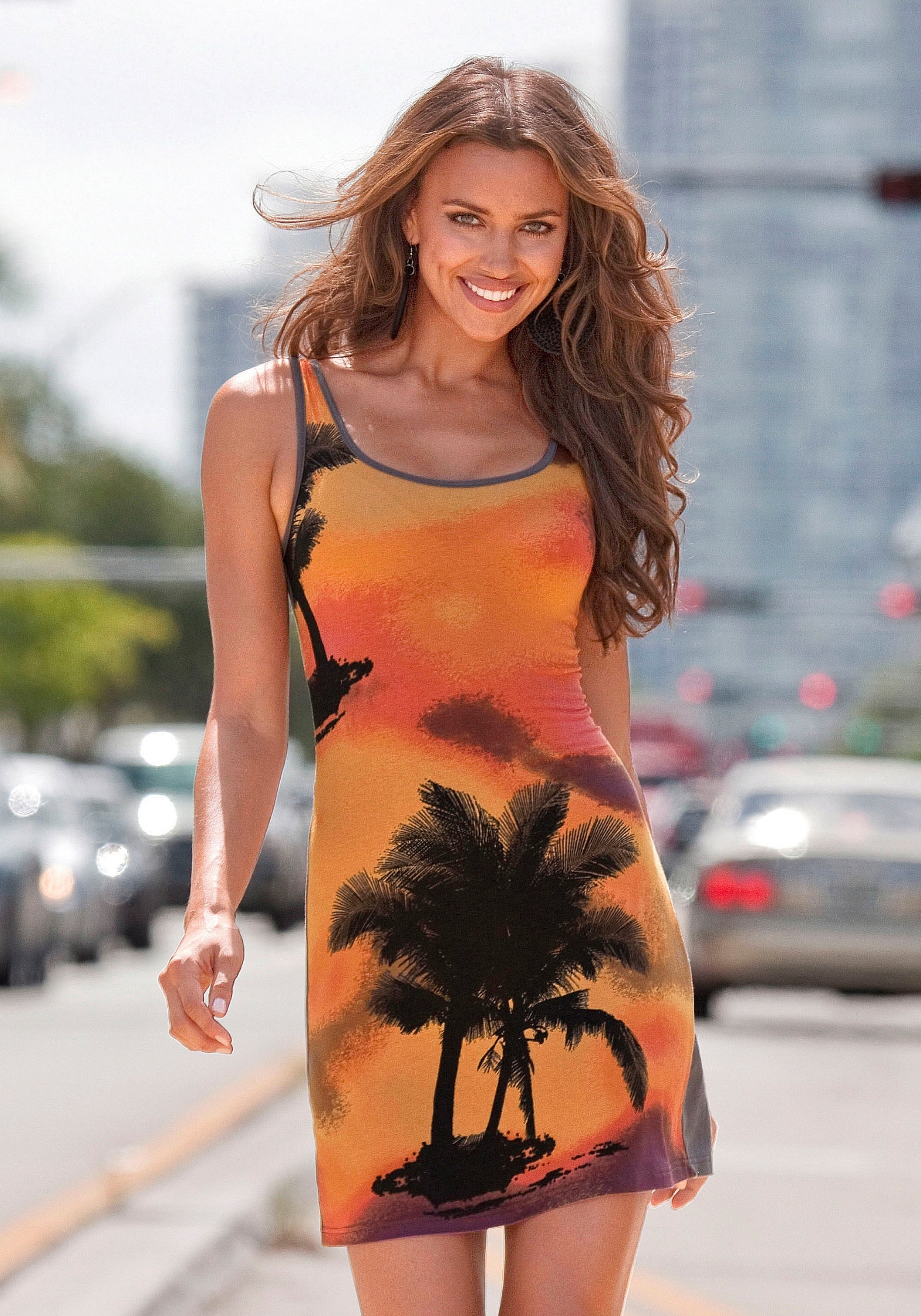
 Thanks for C&A campaign pics Next Summer 2011 / Swimwear / HQs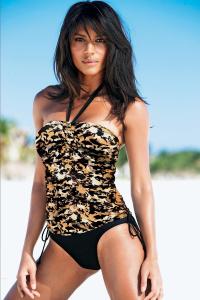
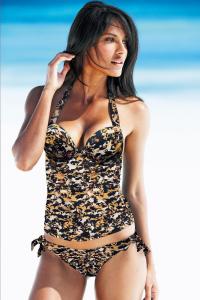

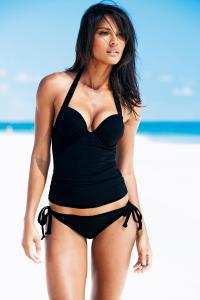
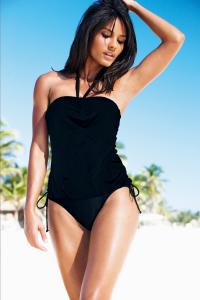
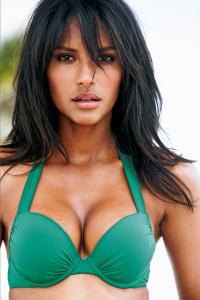 ^^ Beautiful ! Thanks a lot, fantastical
Part 13 The end Credits to gffd @ UMC
^^ Beautiful ! Thanks a lot, fantastical
Part 13 The end Credits to gffd @ UMC





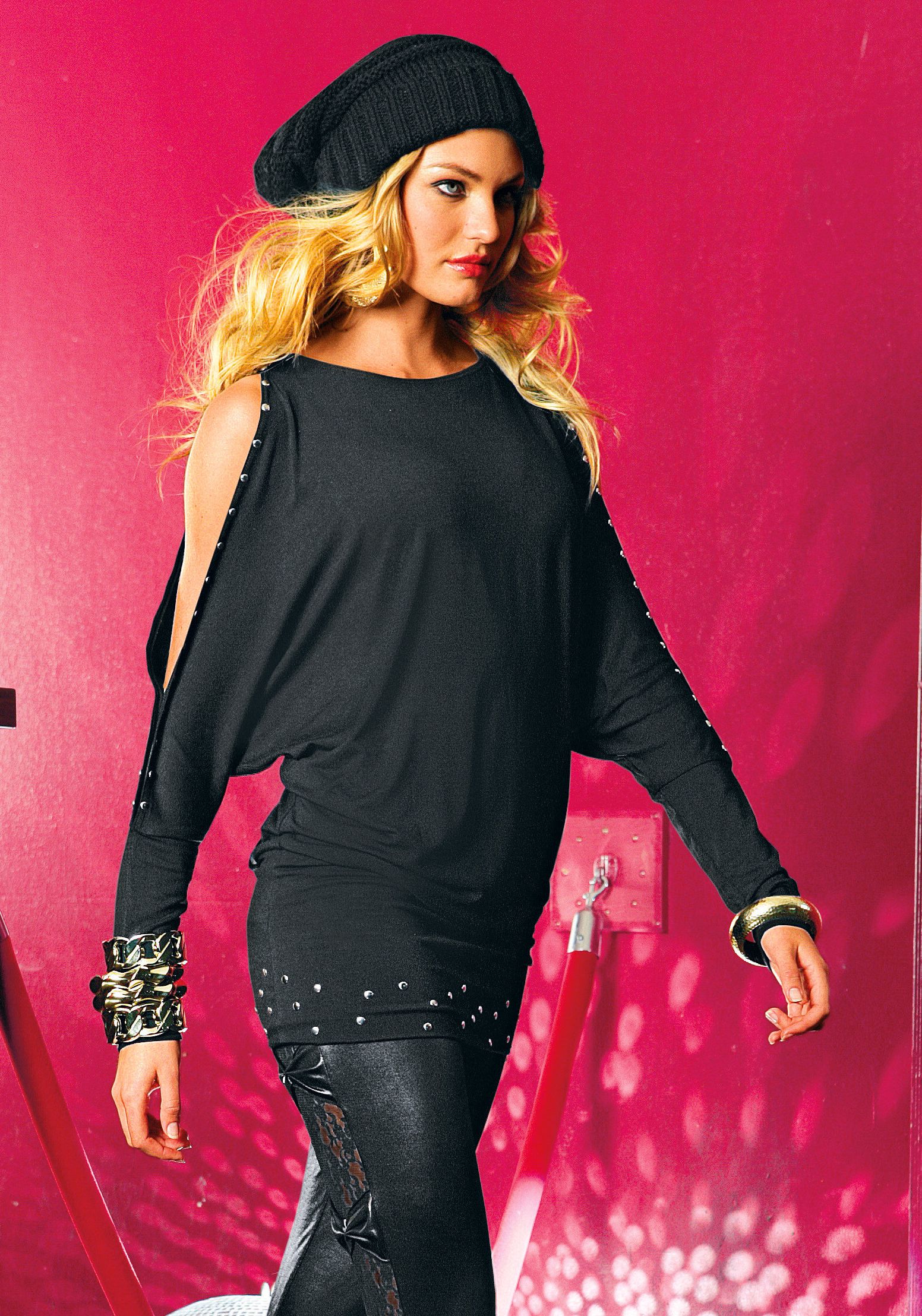
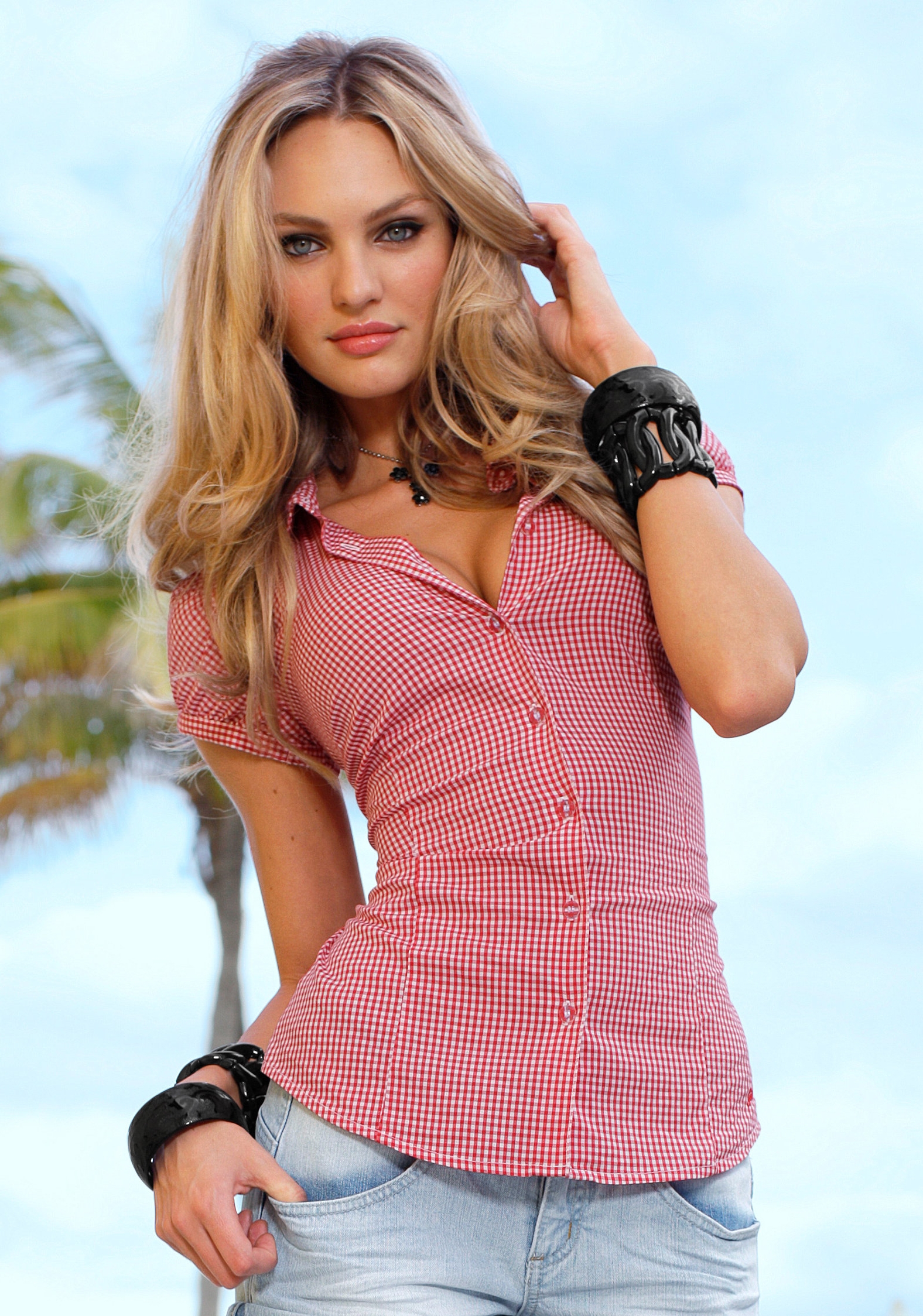
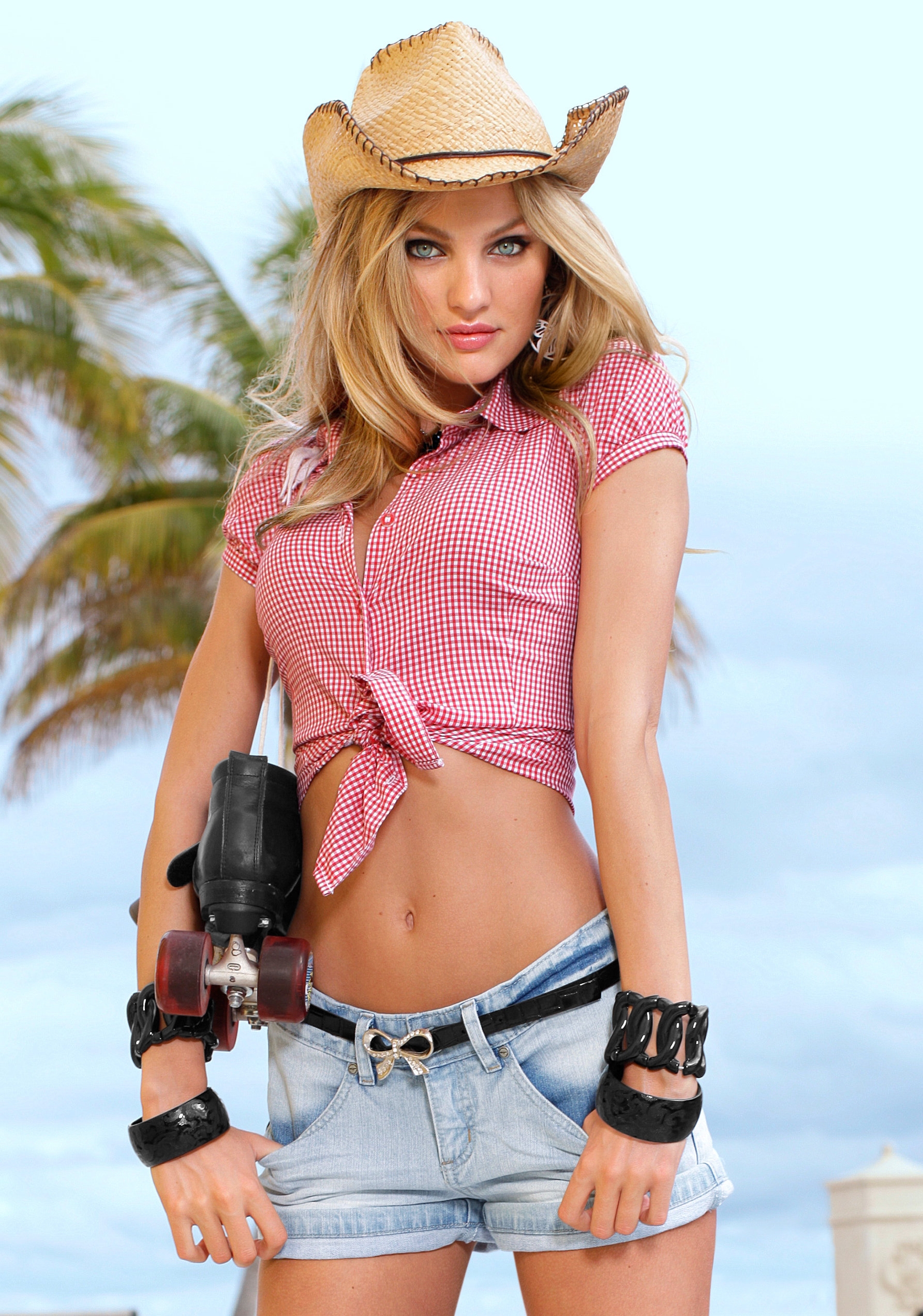
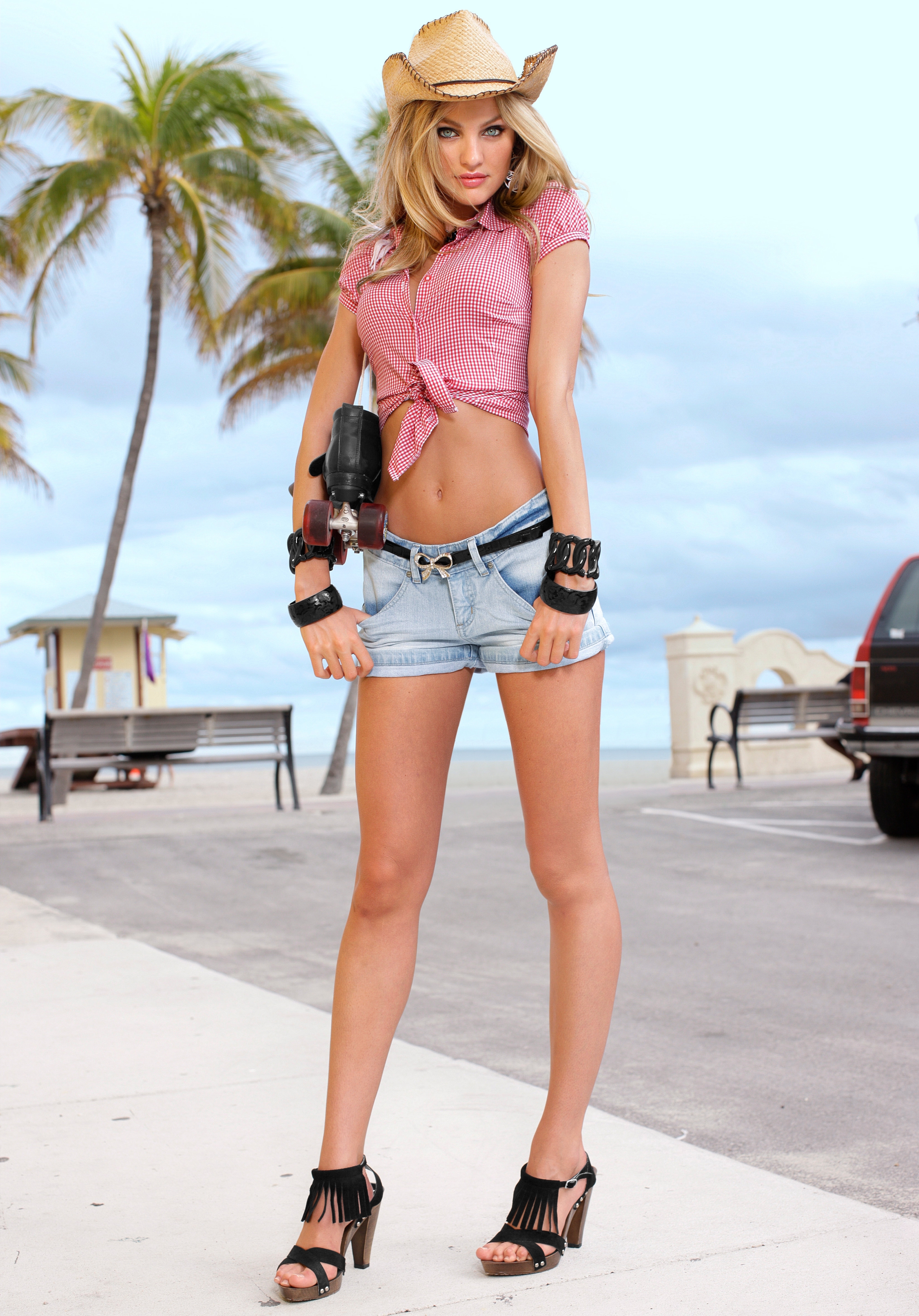





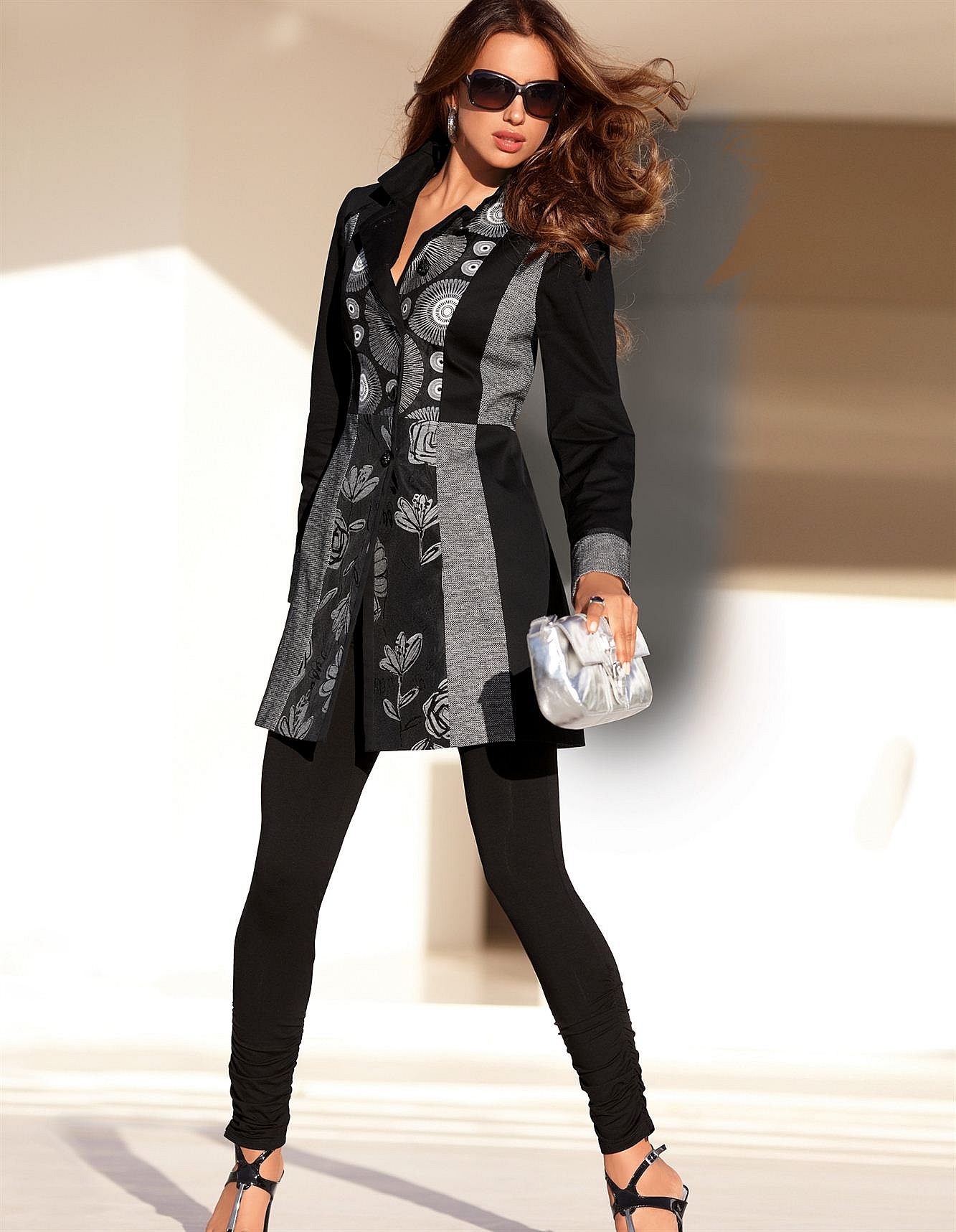

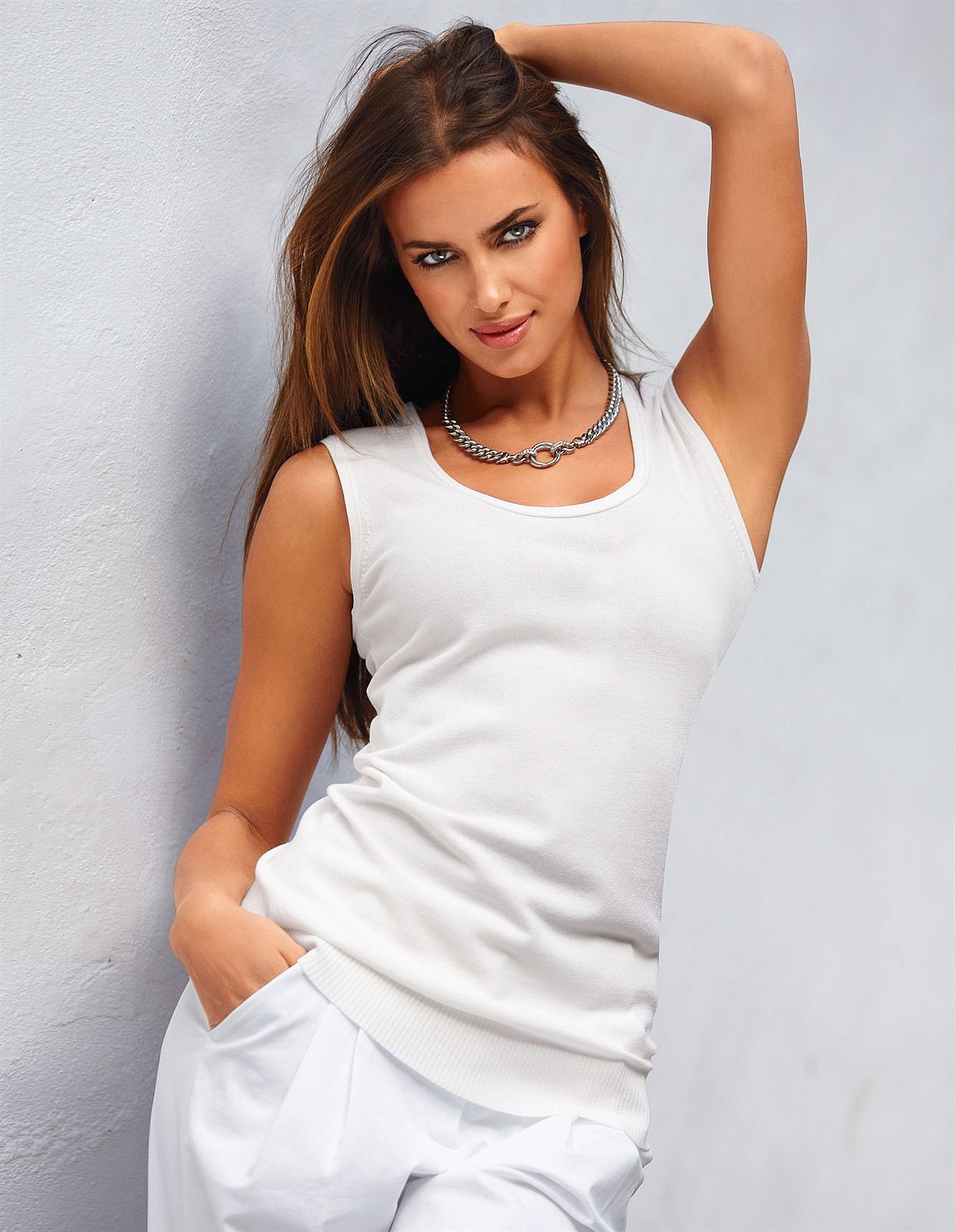

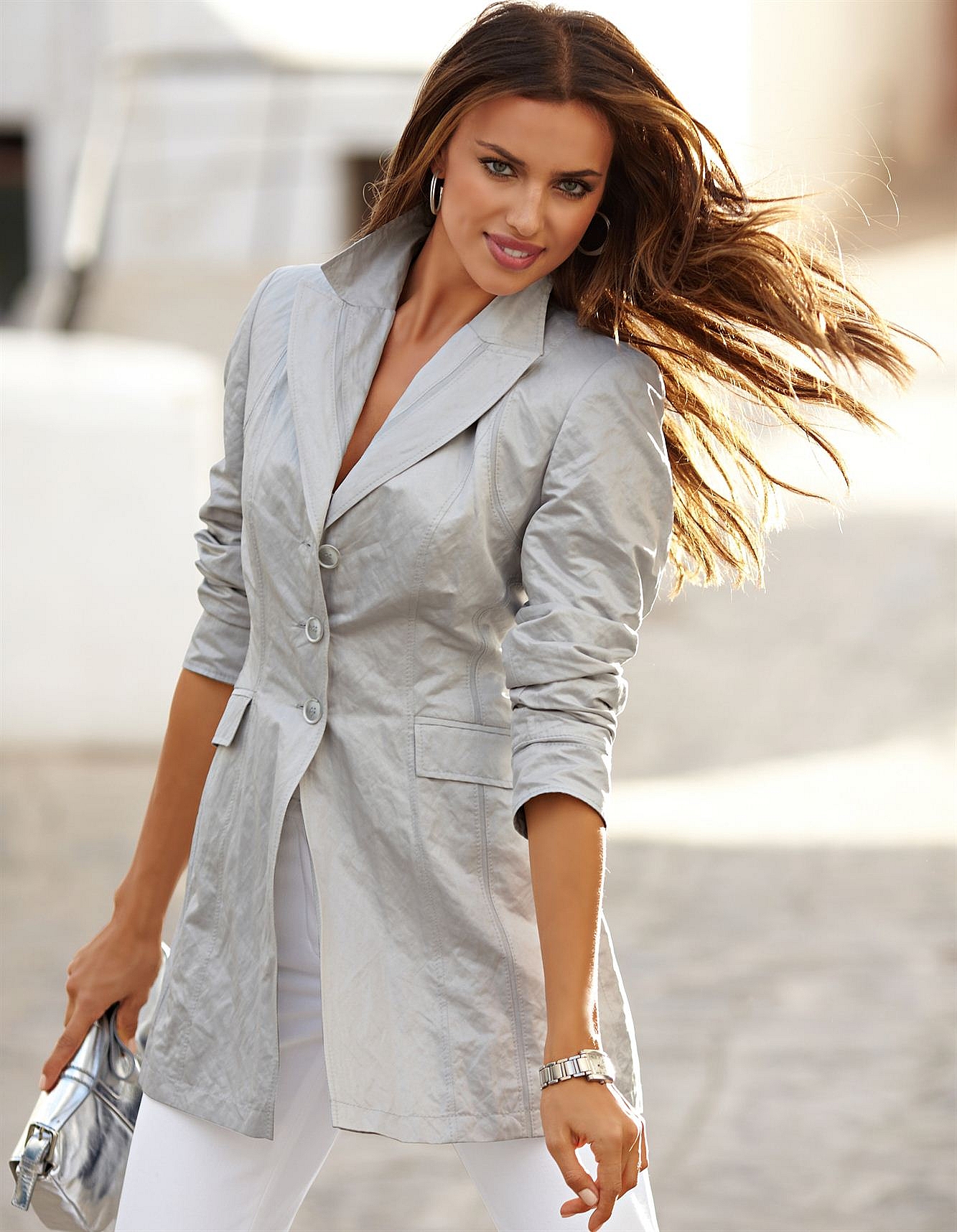
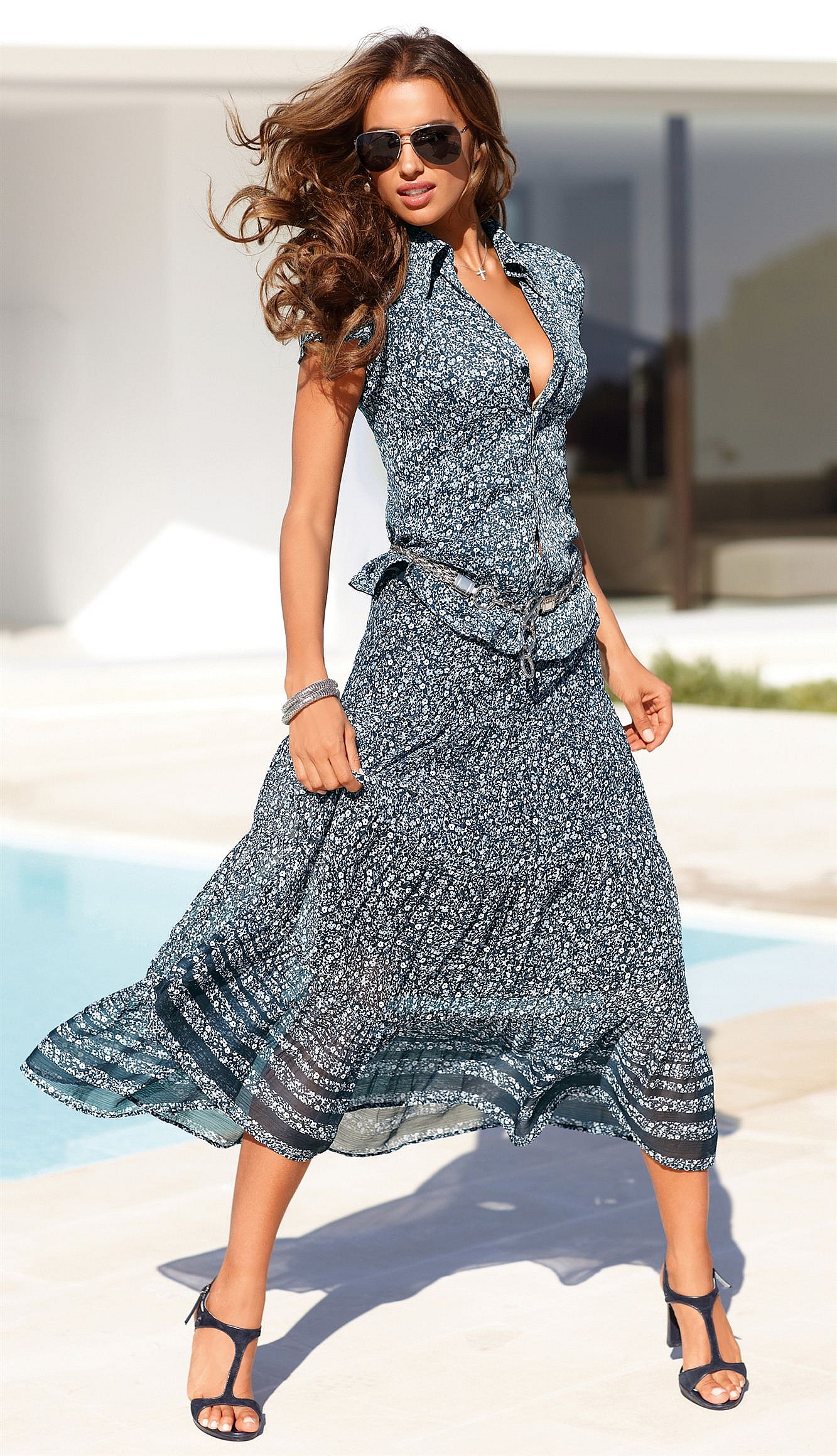









Account
Search
Configure browser push notifications
Chrome (Android)
- Tap the lock icon next to the address bar.
- Tap Permissions → Notifications.
- Adjust your preference.
Chrome (Desktop)
- Click the padlock icon in the address bar.
- Select Site settings.
- Find Notifications and adjust your preference.
Safari (iOS 16.4+)
- Ensure the site is installed via Add to Home Screen.
- Open Settings App → Notifications.
- Find your app name and adjust your preference.
Safari (macOS)
- Go to Safari → Preferences.
- Click the Websites tab.
- Select Notifications in the sidebar.
- Find this website and adjust your preference.
Edge (Android)
- Tap the lock icon next to the address bar.
- Tap Permissions.
- Find Notifications and adjust your preference.
Edge (Desktop)
- Click the padlock icon in the address bar.
- Click Permissions for this site.
- Find Notifications and adjust your preference.
Firefox (Android)
- Go to Settings → Site permissions.
- Tap Notifications.
- Find this site in the list and adjust your preference.
Firefox (Desktop)
- Open Firefox Settings.
- Search for Notifications.
- Find this site in the list and adjust your preference.