

RIP_Cabrini_Green
Members
-
Joined
-
Last visited
Everything posted by RIP_Cabrini_Green
-
 Instagram Videos https://instagram.com/p/1FPspFhknf/ https://instagram.com/p/1ExU0RBkhh/ https://instagram.com/p/1EuHDAhkqg/
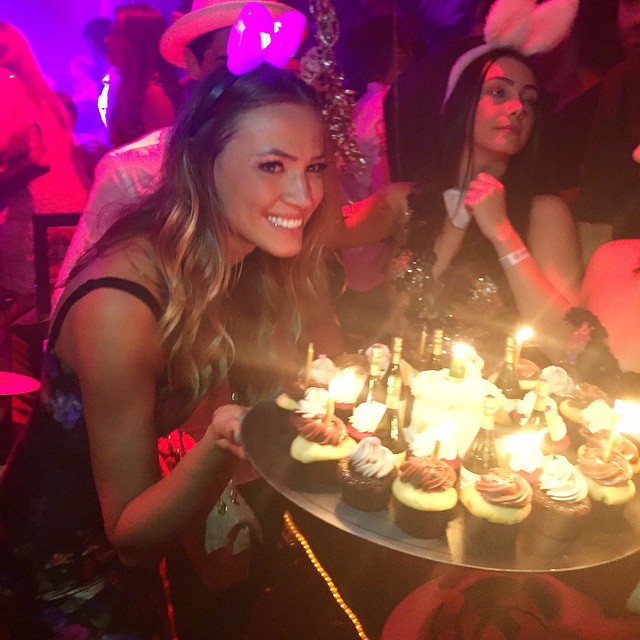
 Birthday Celebrations





 Awesome FashionDream! I saw she added a new pic right after I posted and was just about to go back and put it on here. Glad you beat me to it!!
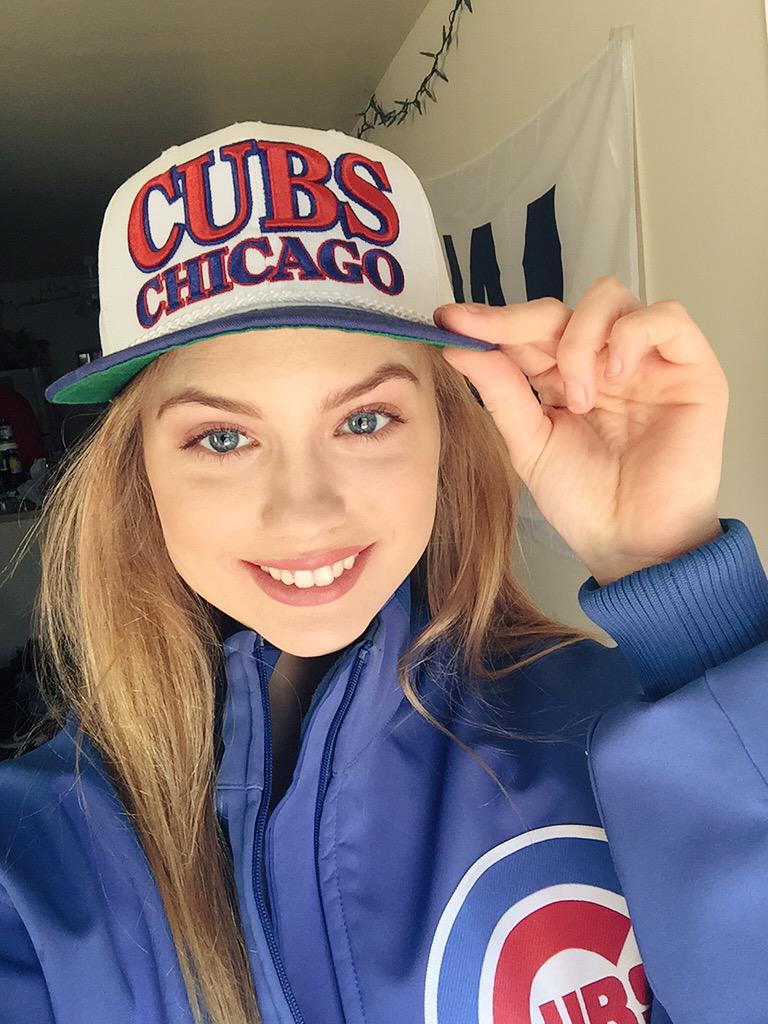
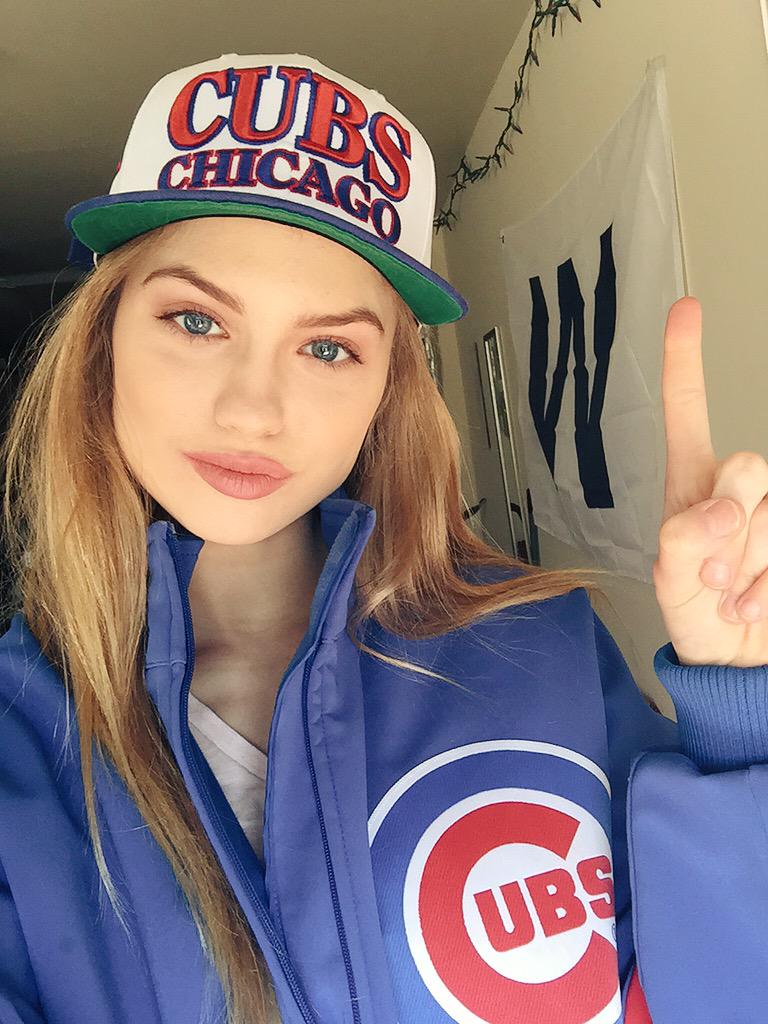
Ugh. I love her, but the Chicago rivalry will live on. Go White Sox! #SouthSide
Awesome FashionDream! I saw she added a new pic right after I posted and was just about to go back and put it on here. Glad you beat me to it!!
Ugh. I love her, but the Chicago rivalry will live on. Go White Sox! #SouthSide
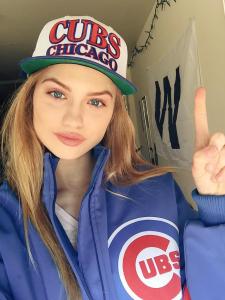 ^Yeah, even though she was only on DWTS a short time, I think it will really help expose her more.
^^Hey it's Ashley Sky also! haven't seen much of her lately..
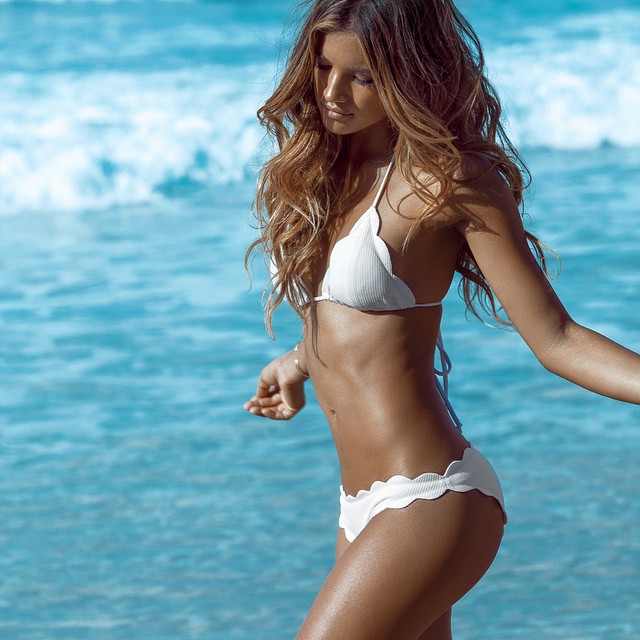
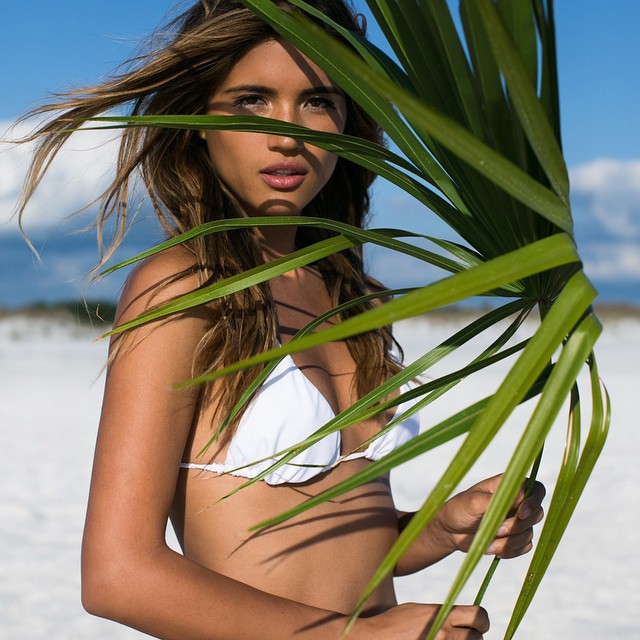
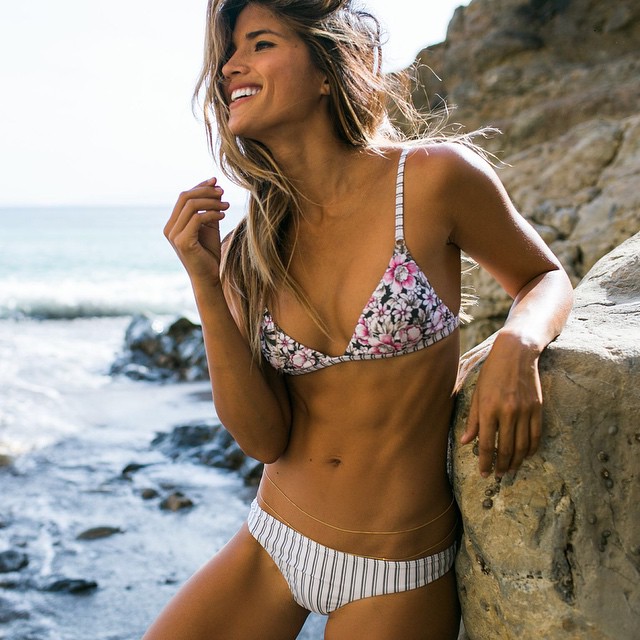
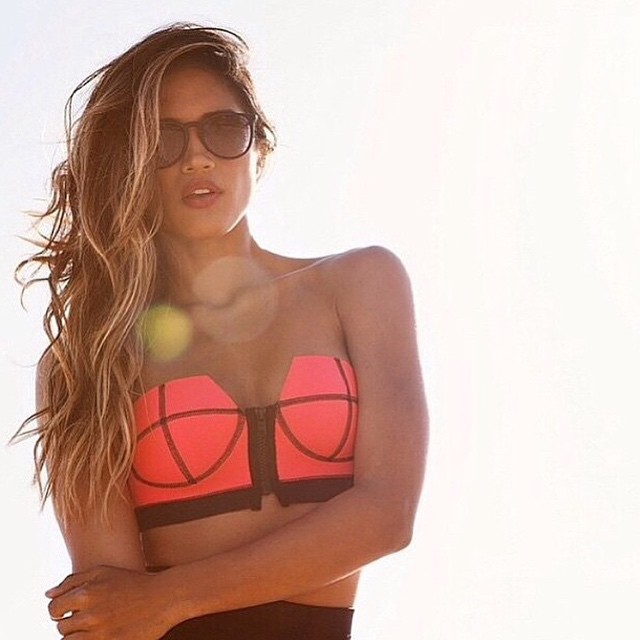
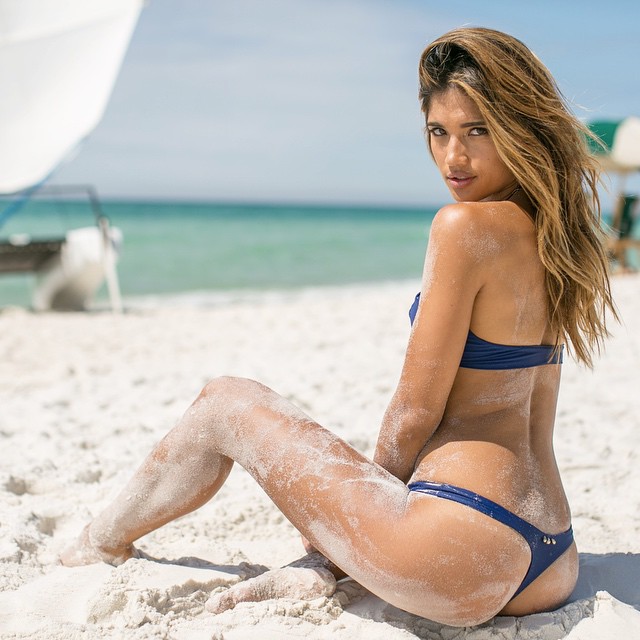
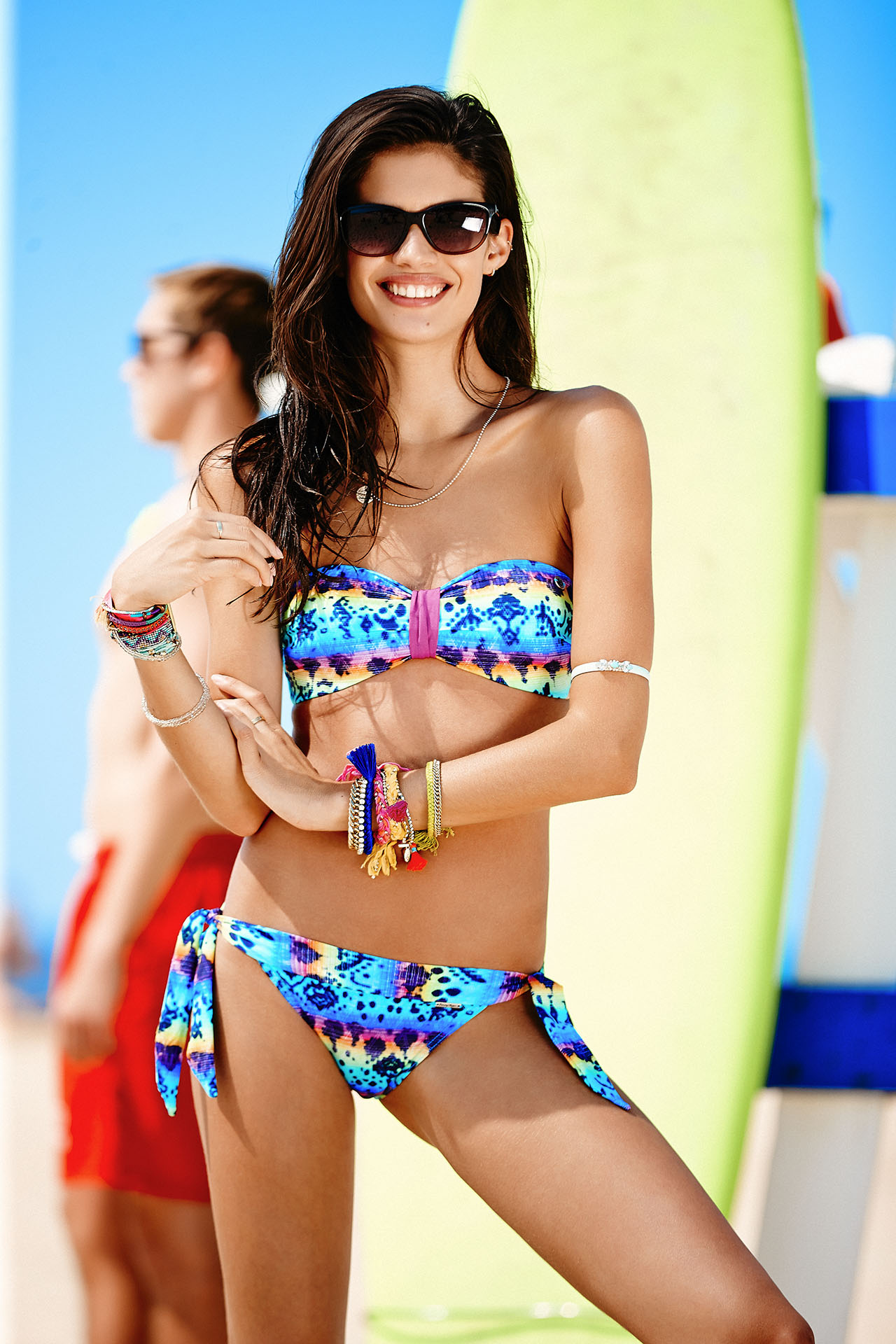
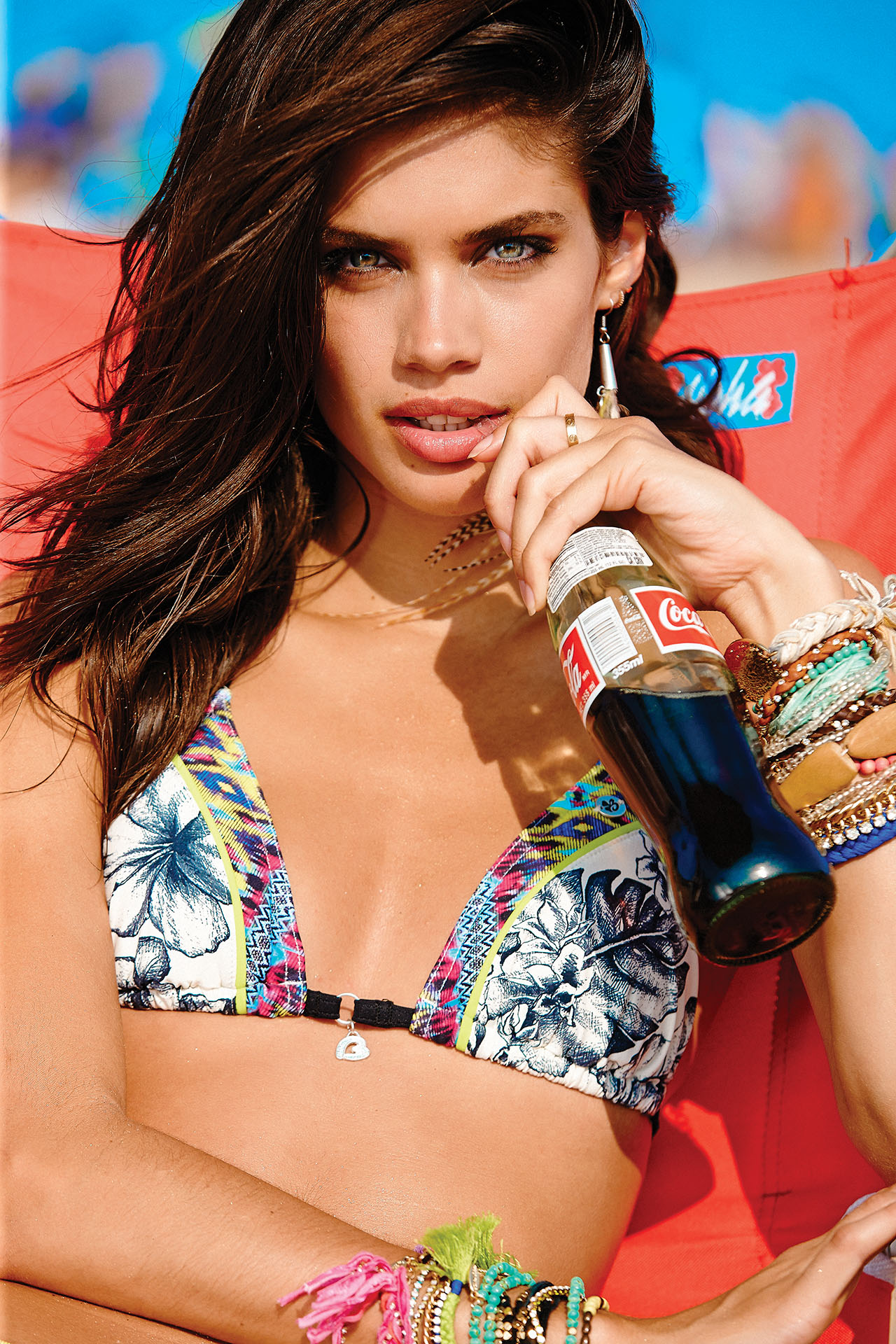
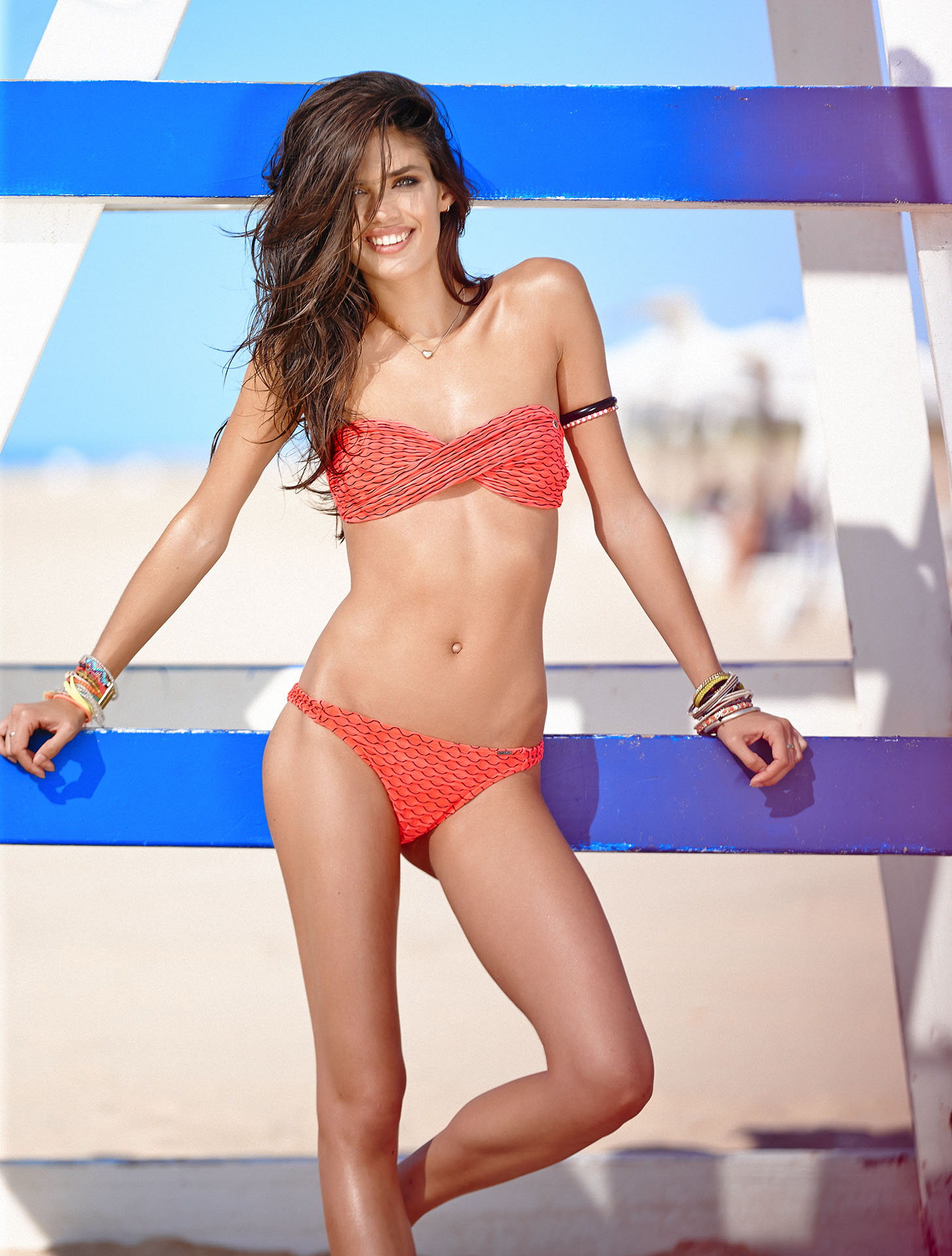
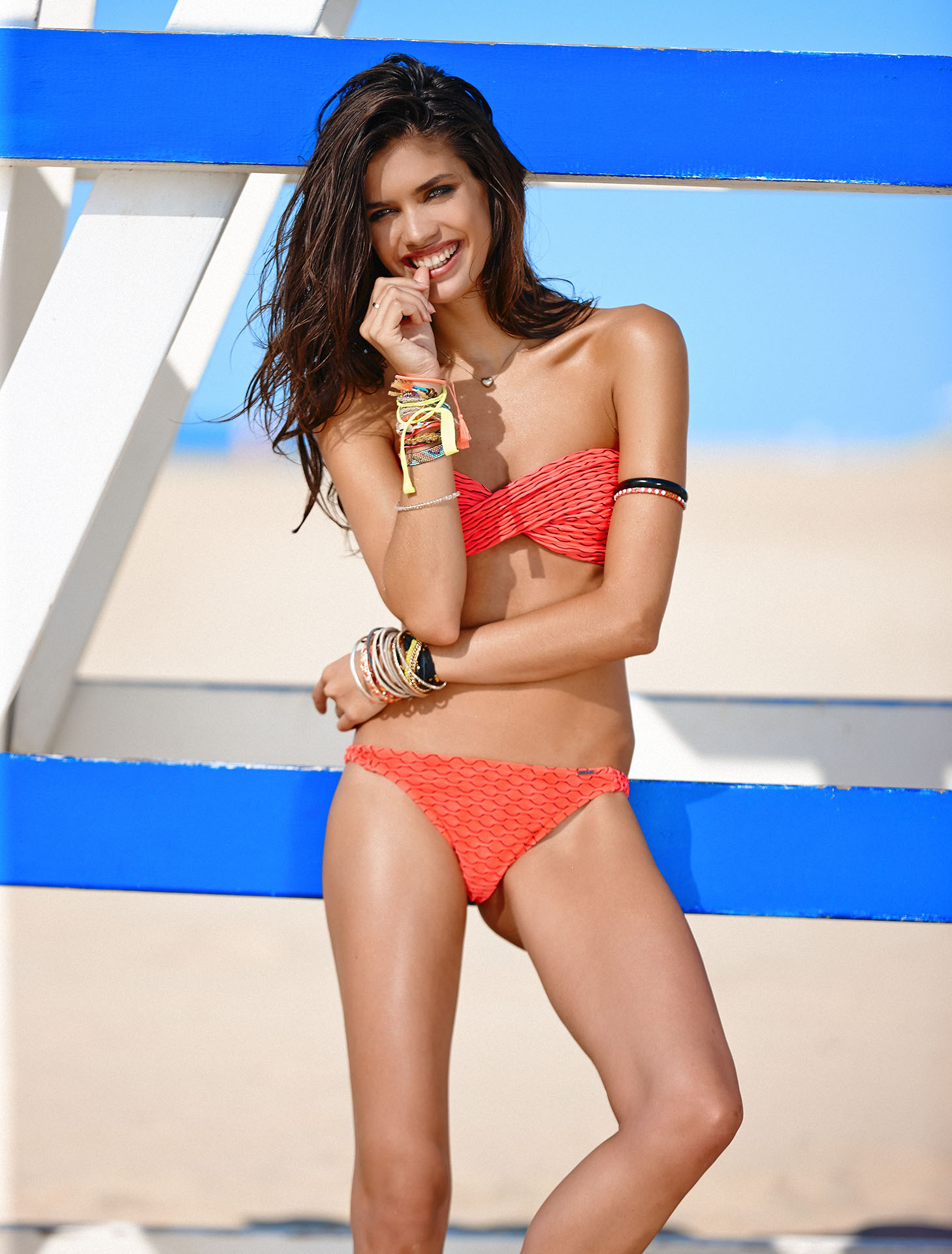
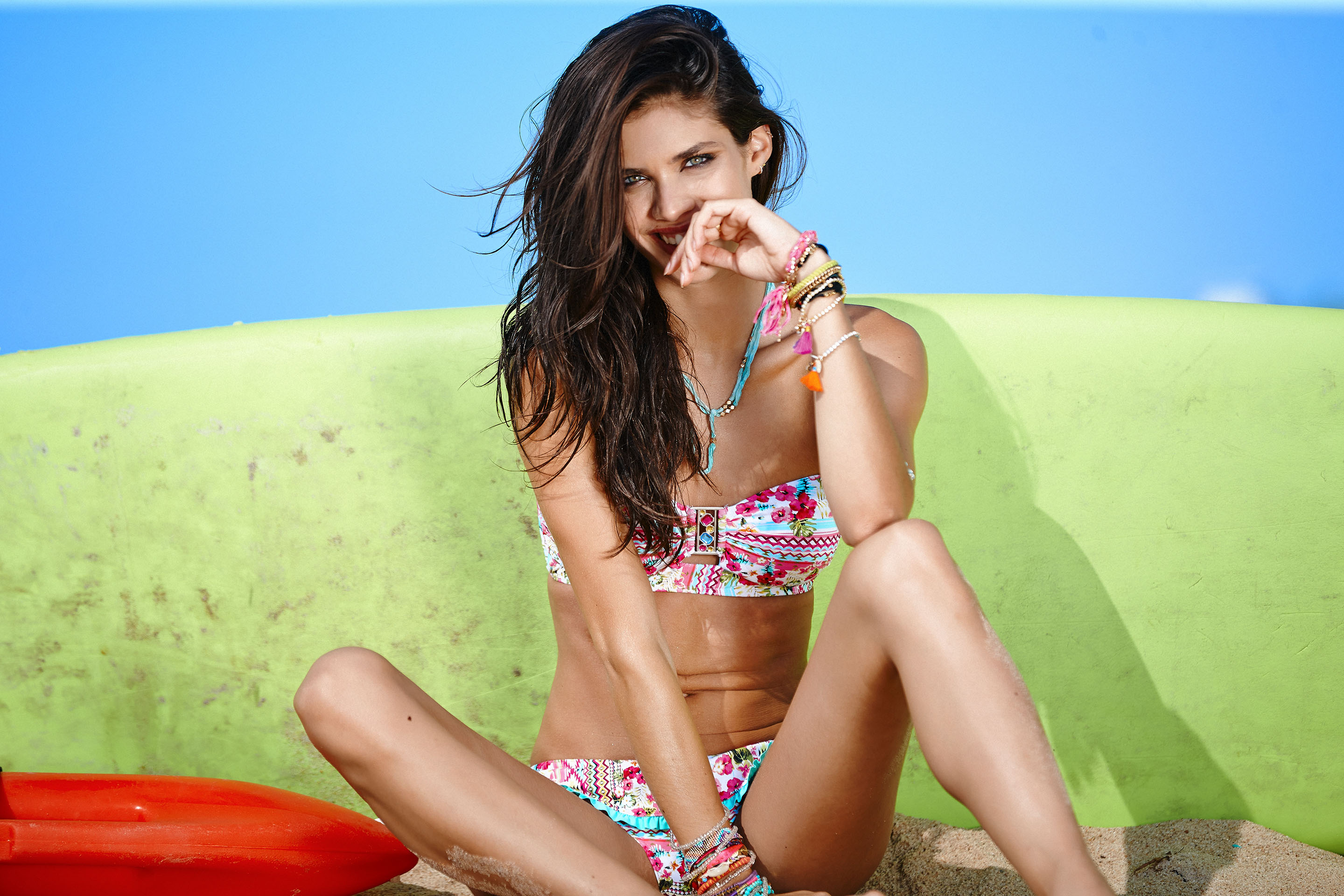
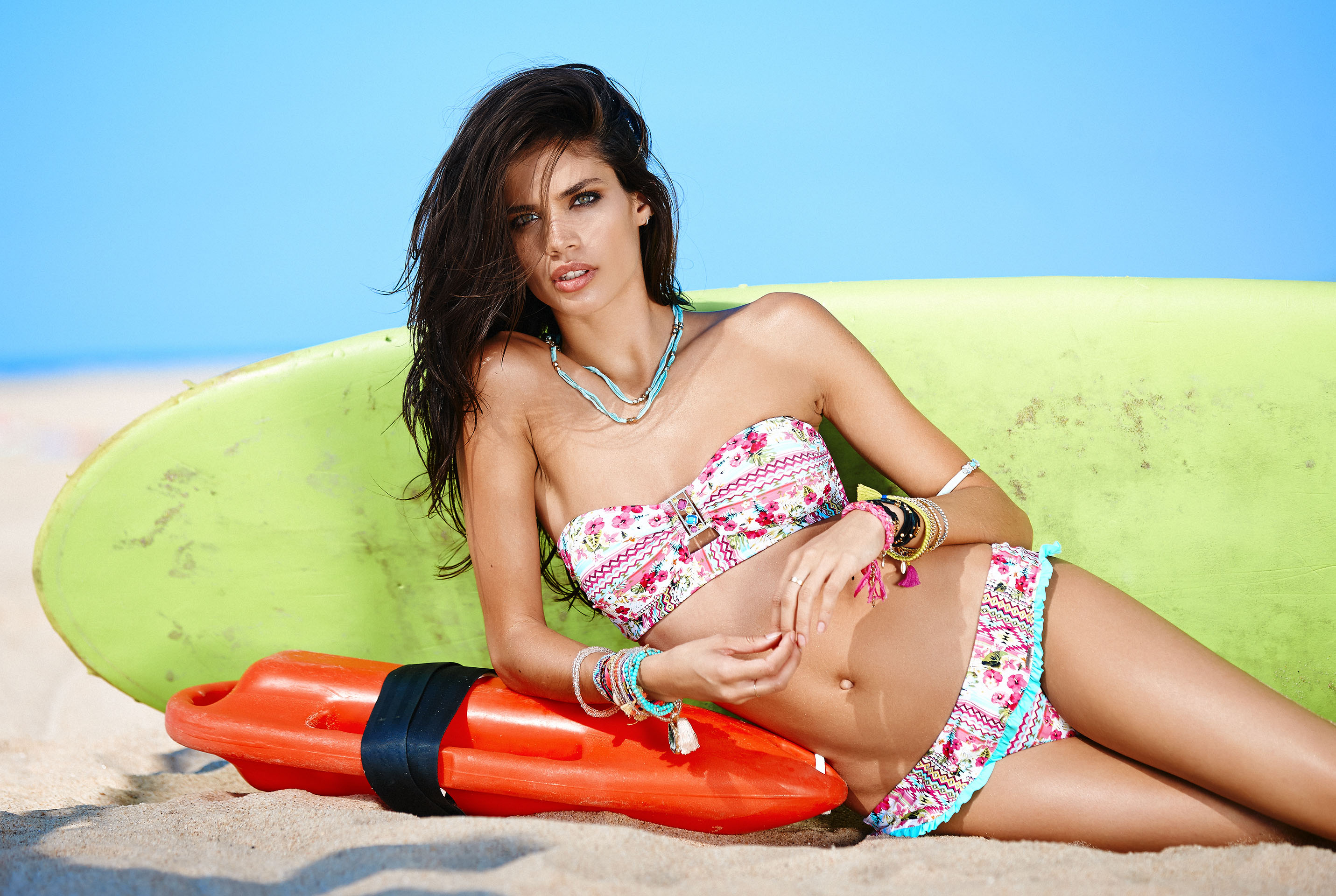
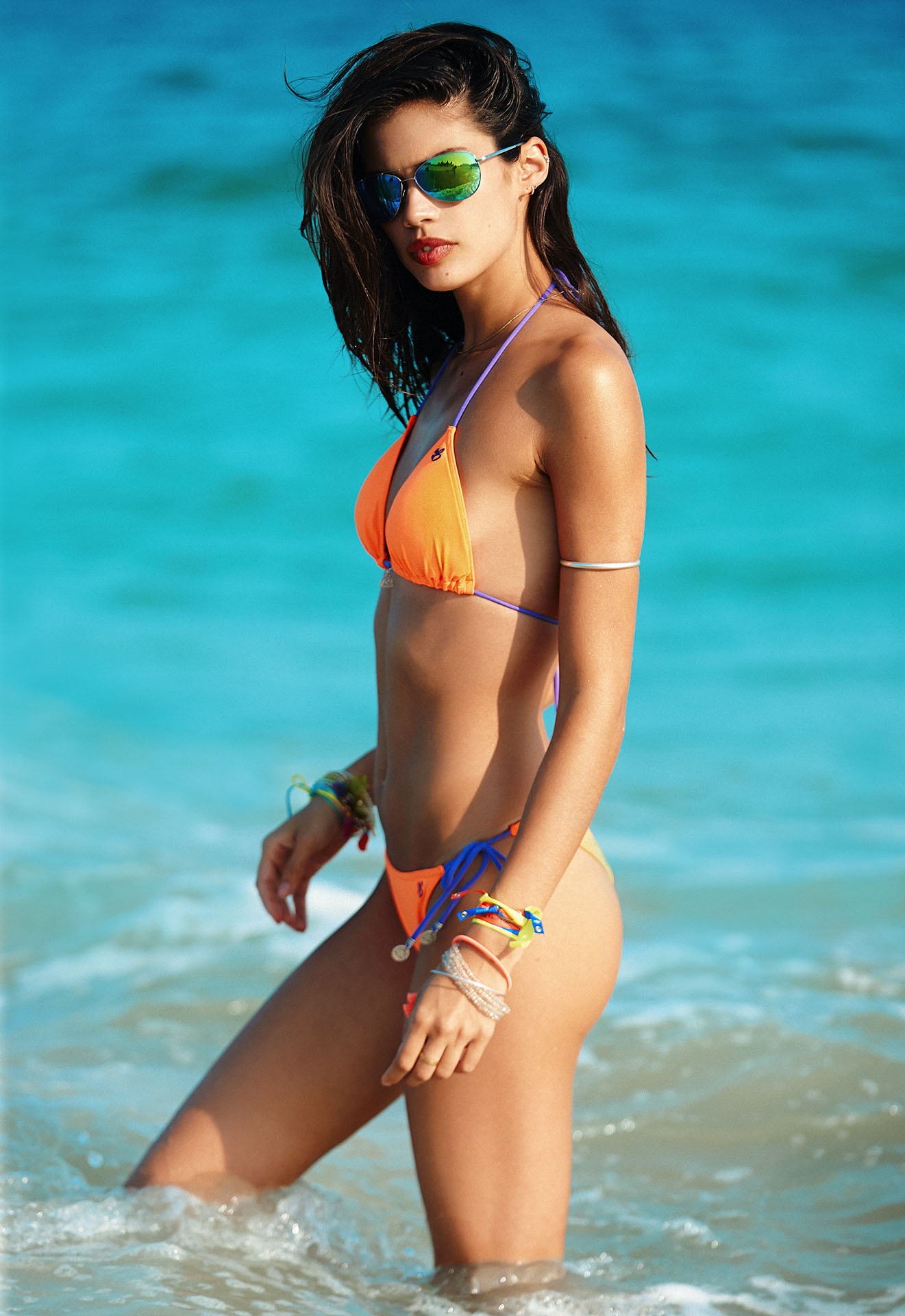
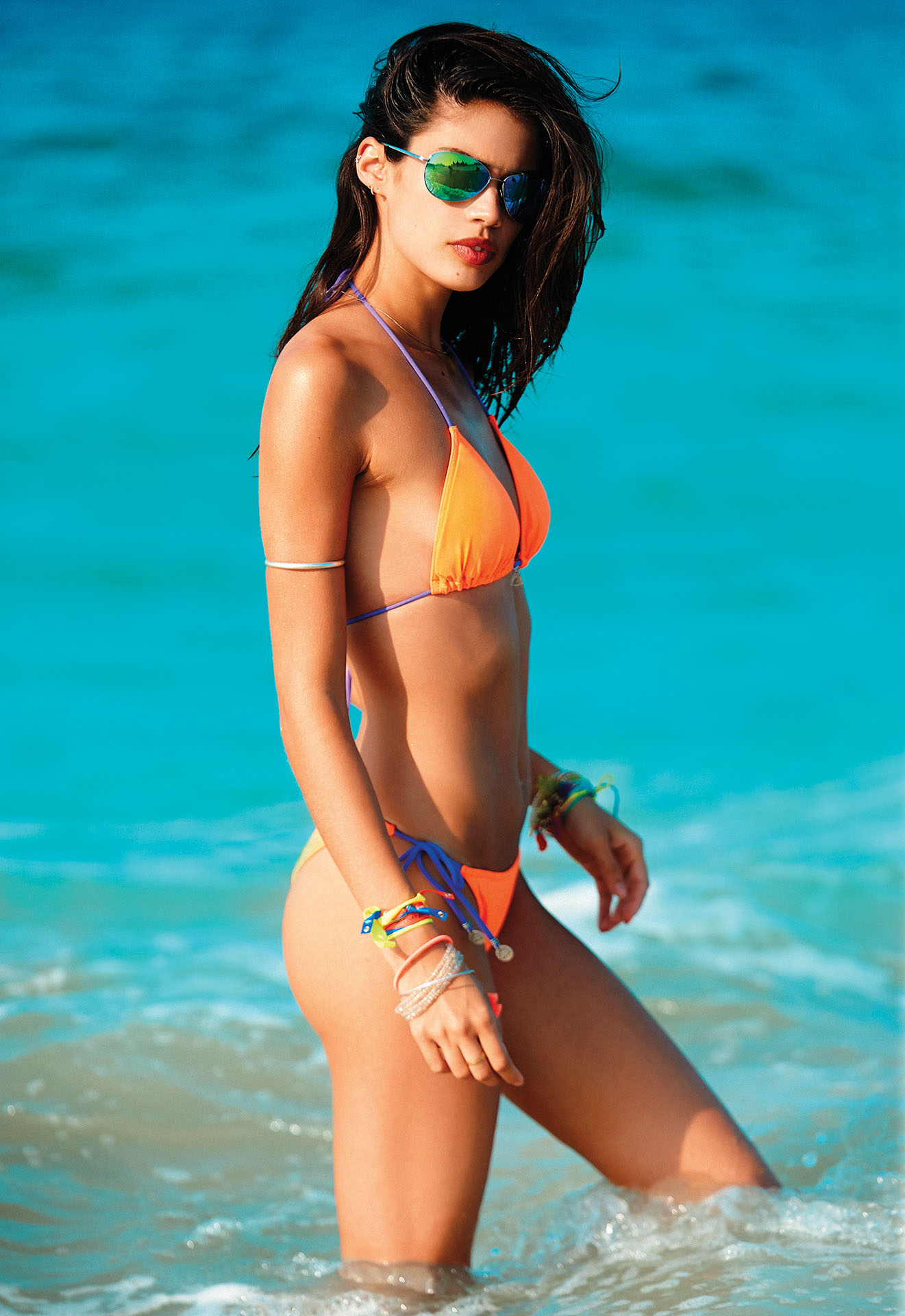
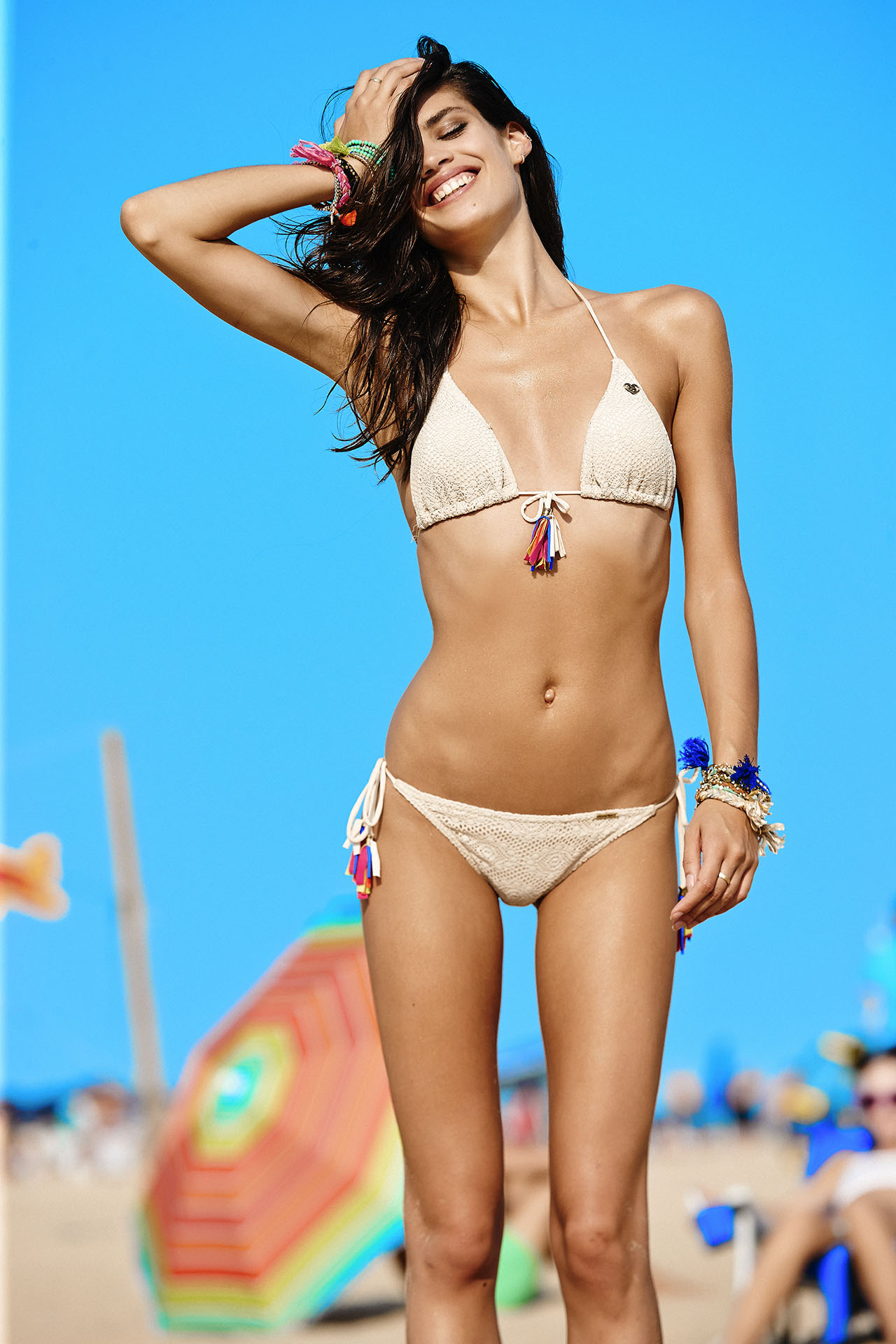
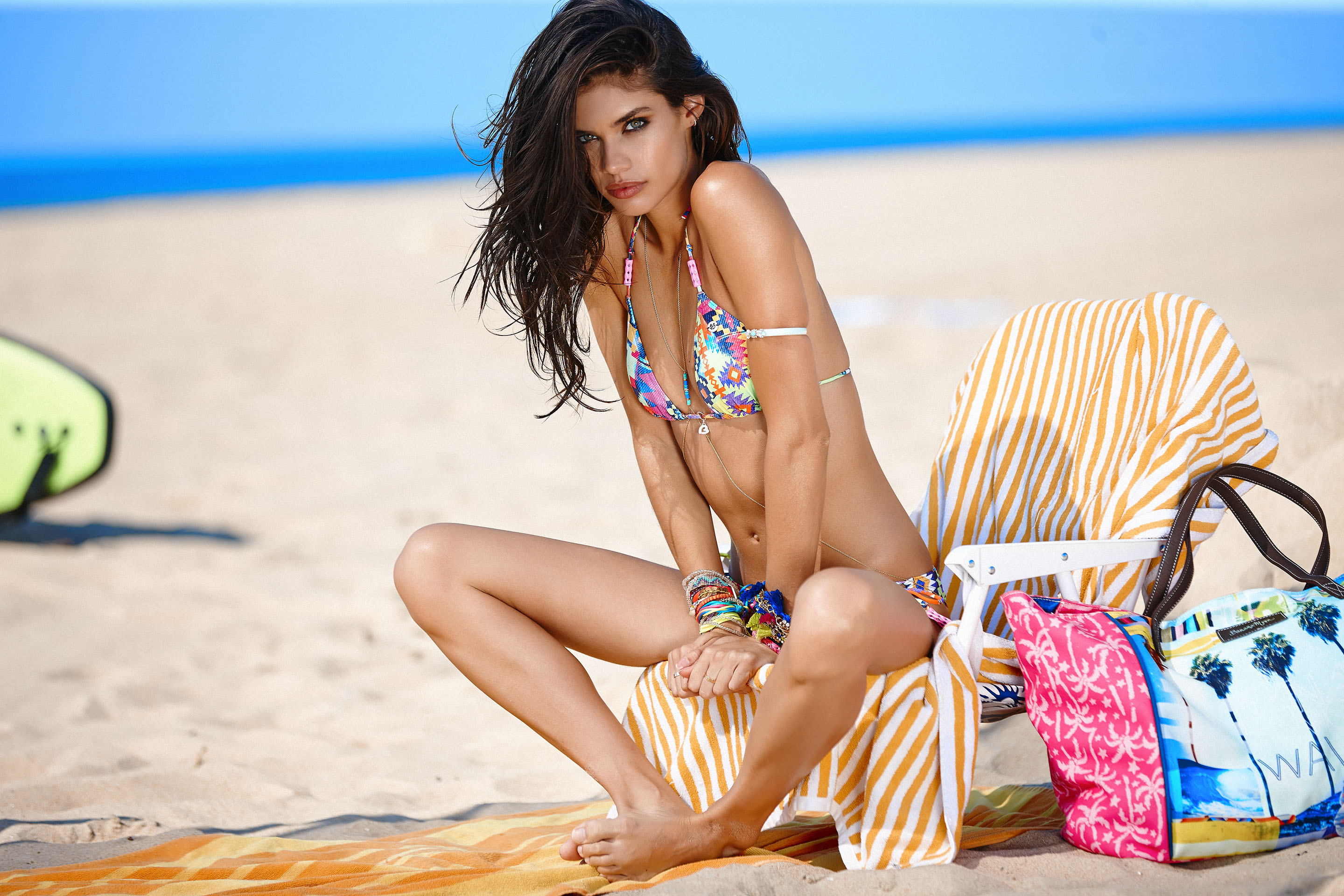
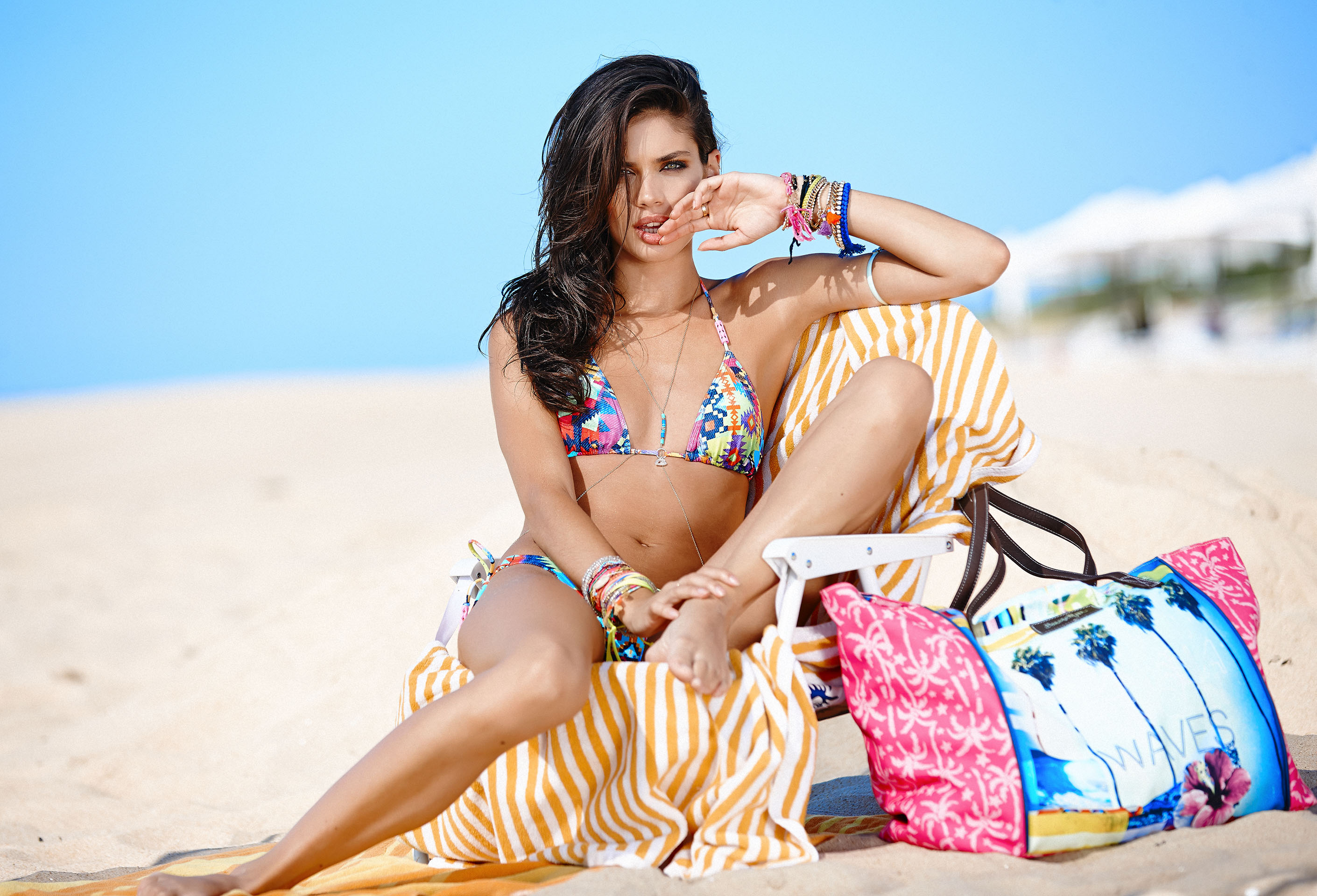
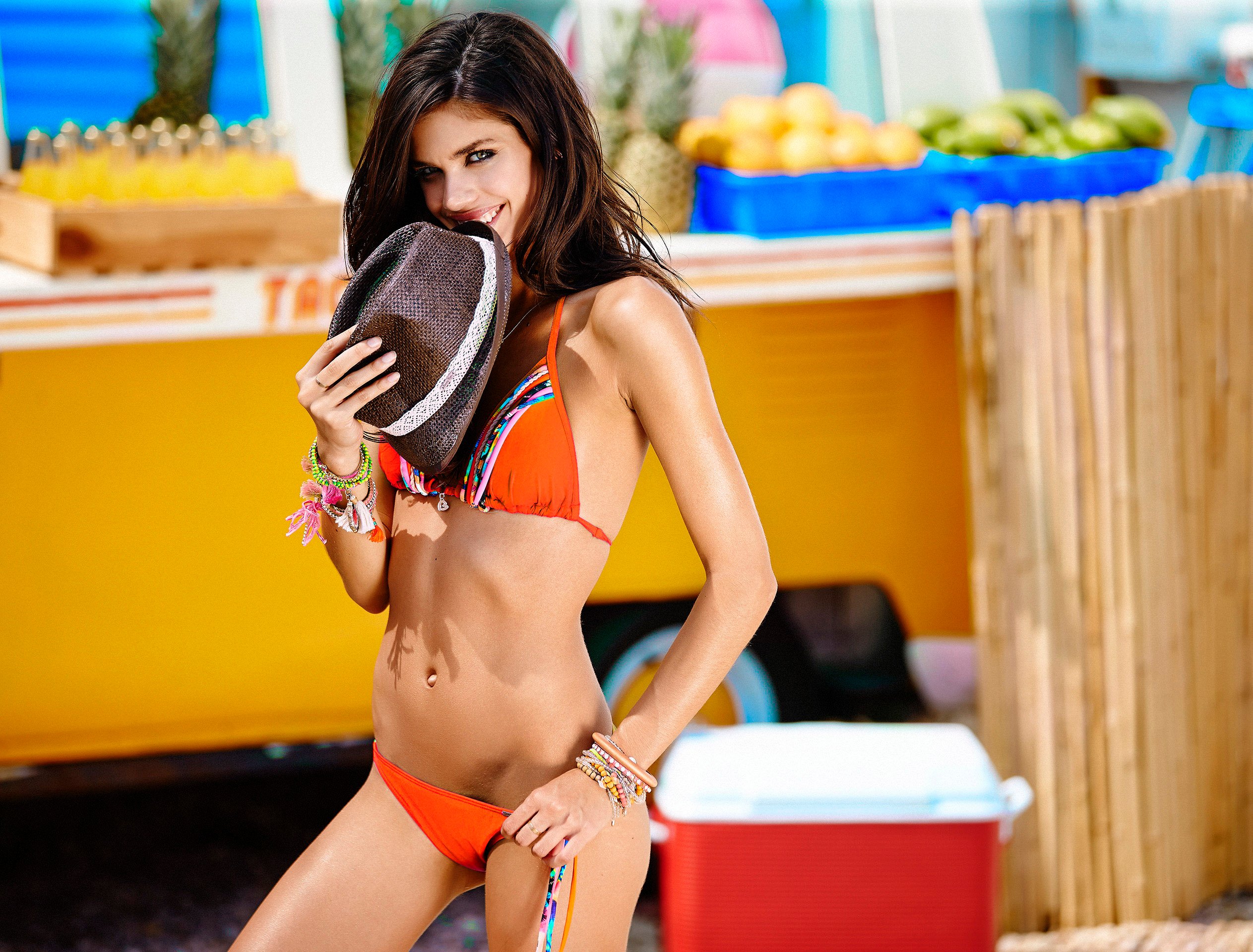
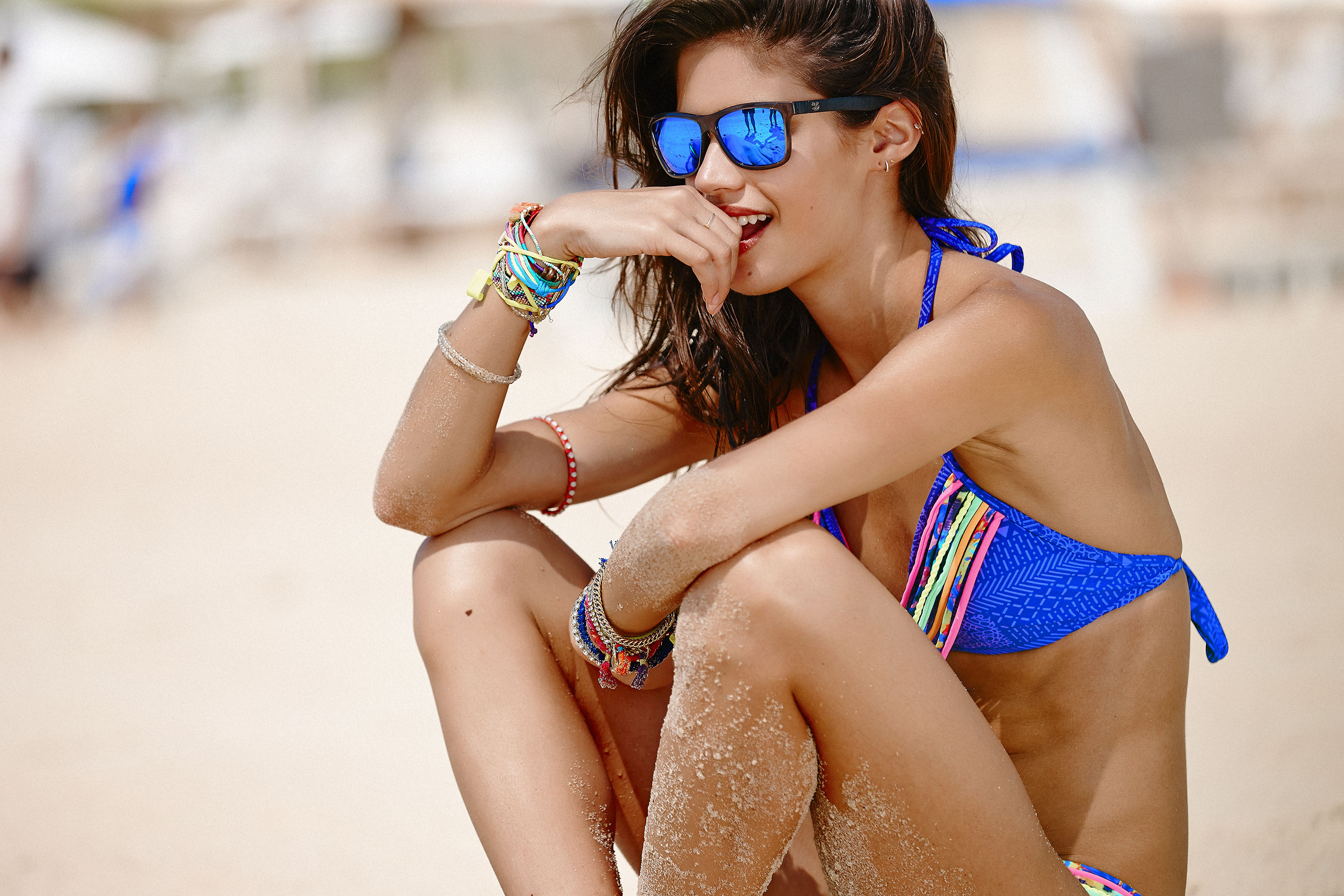
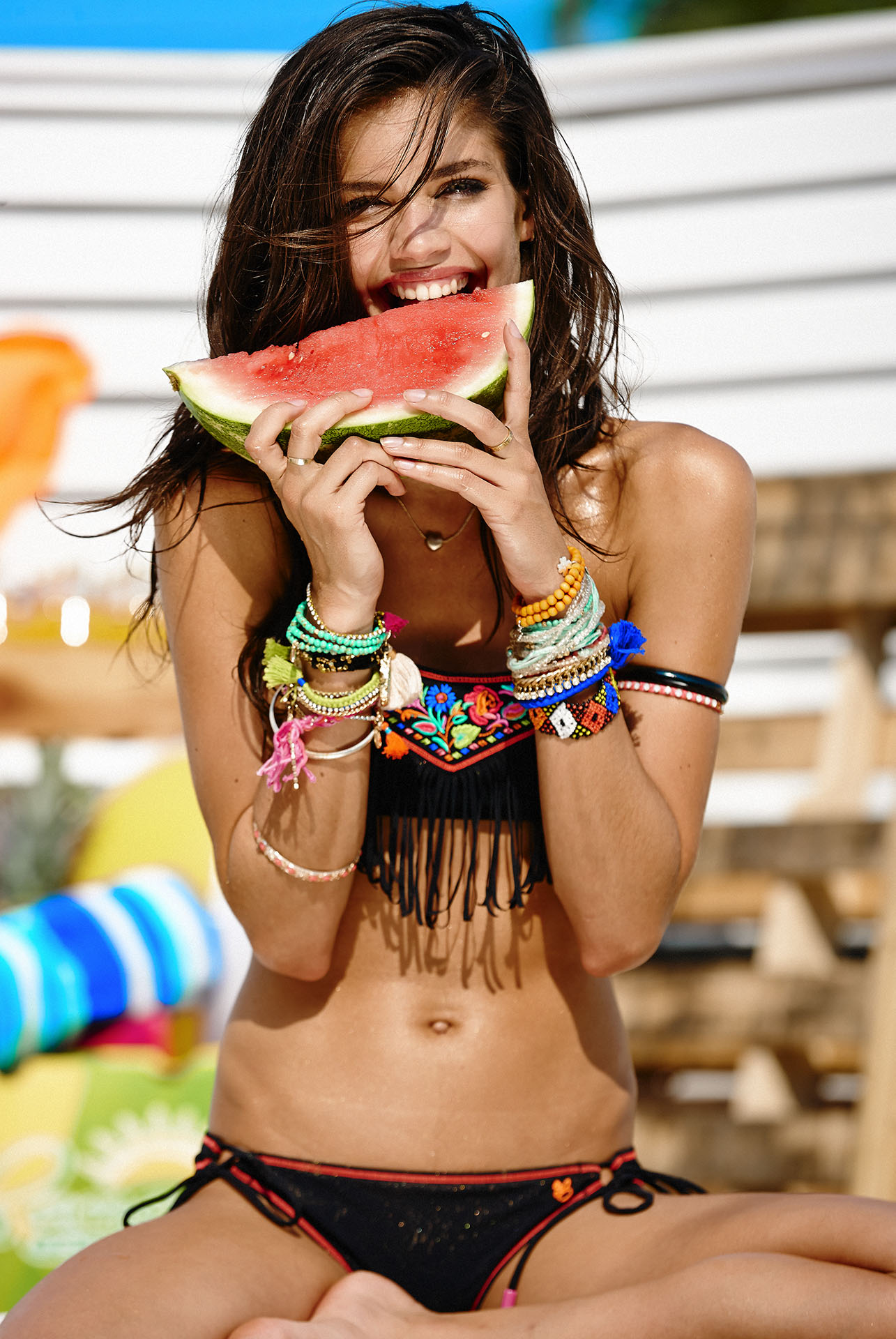
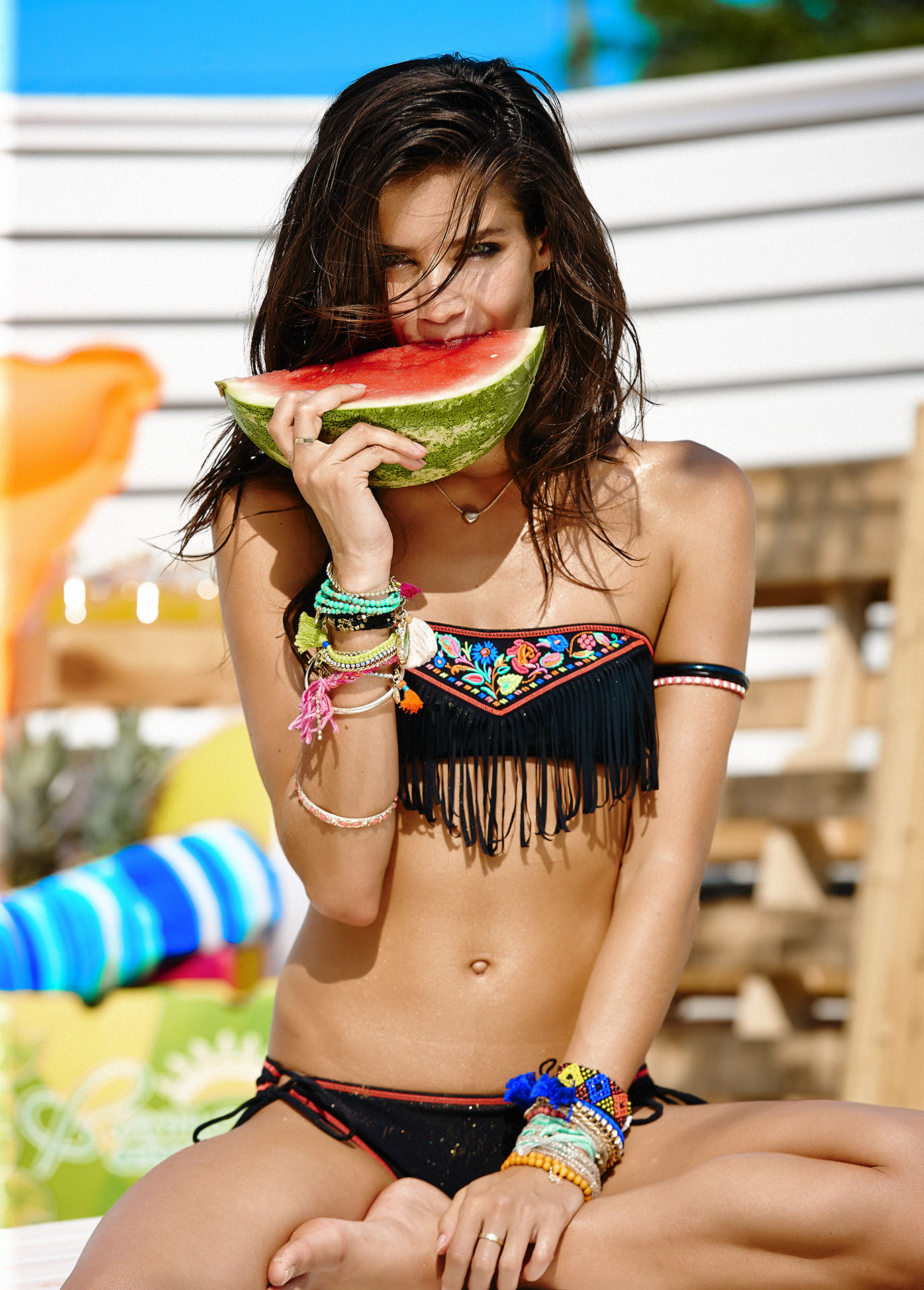
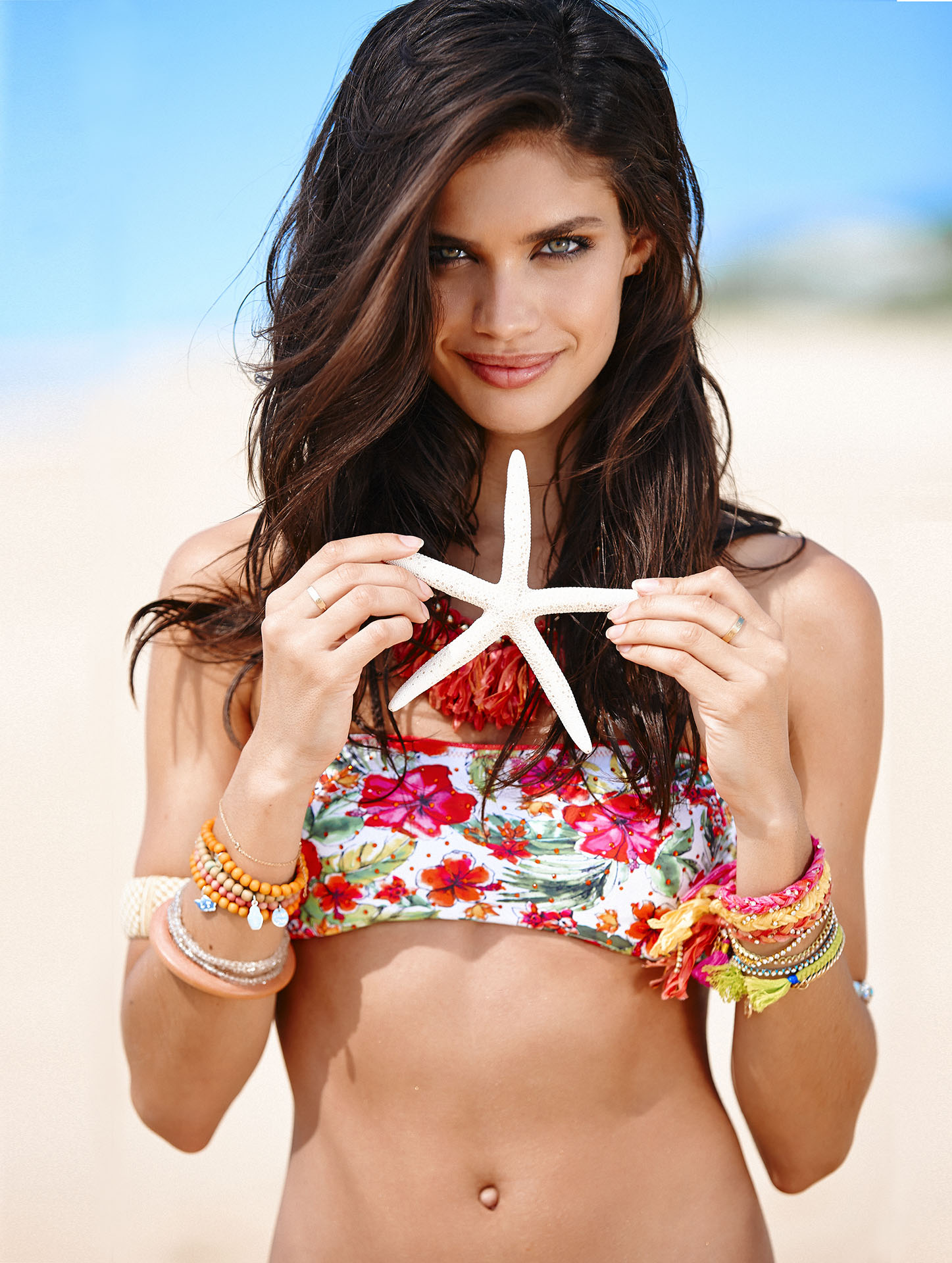
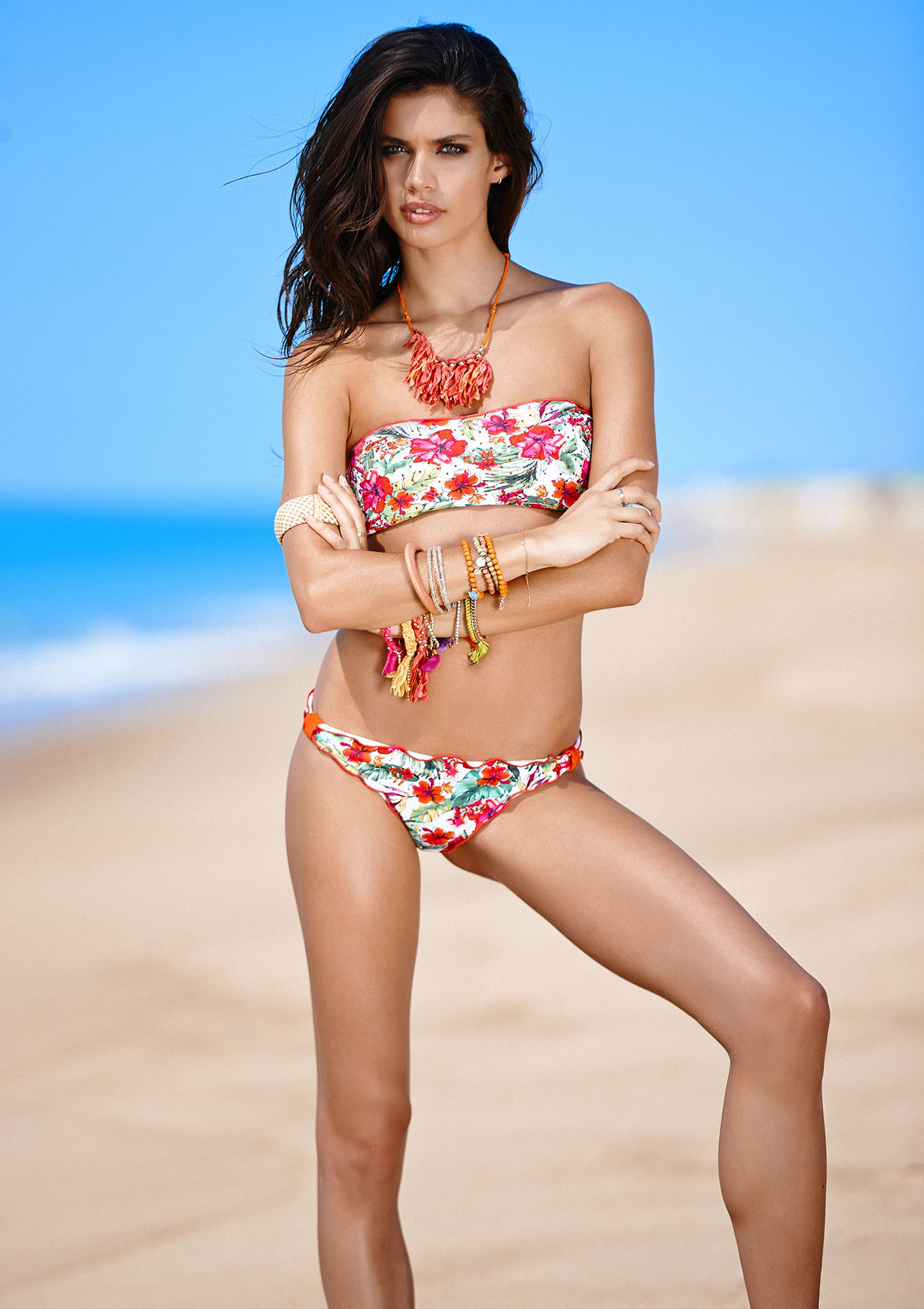
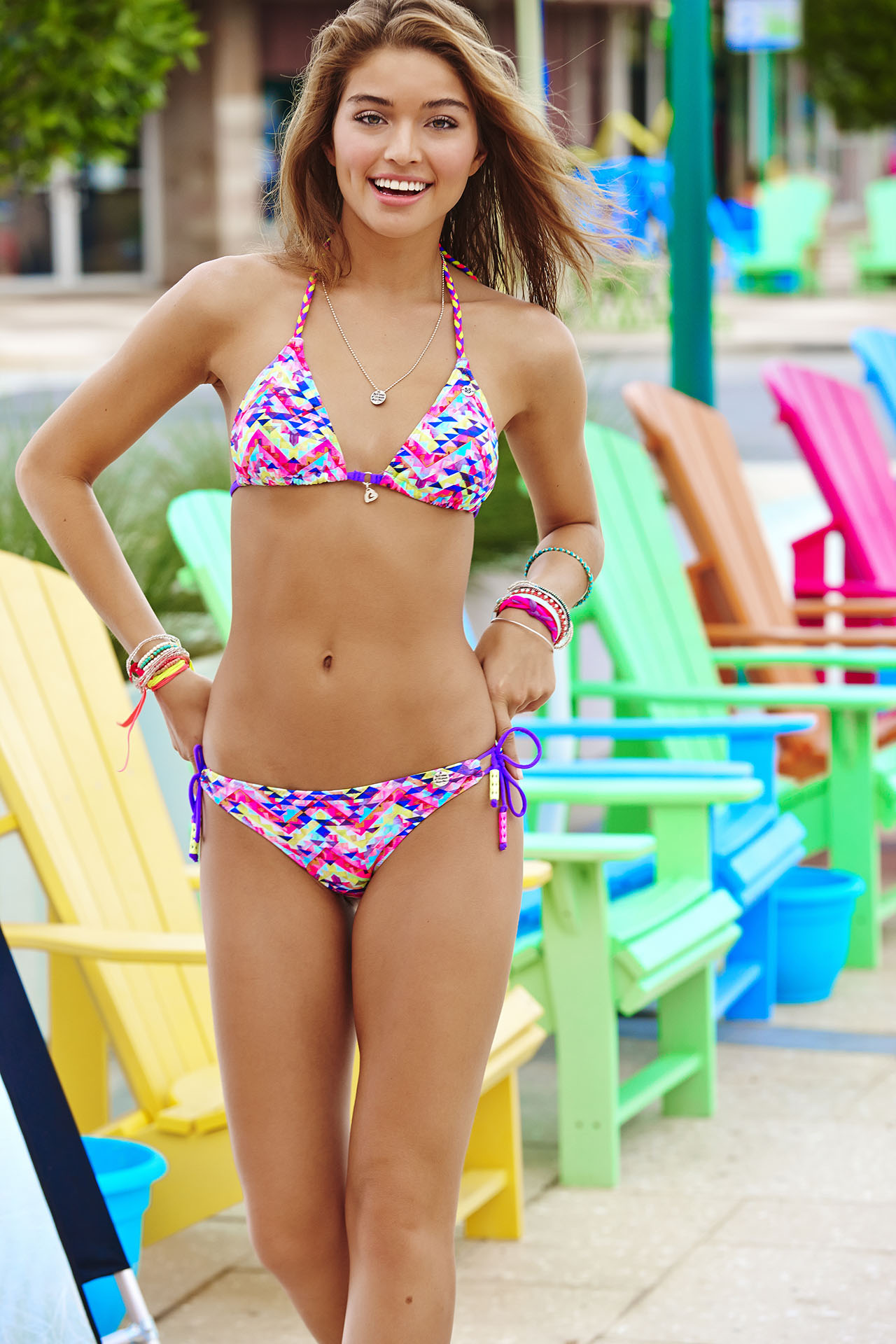
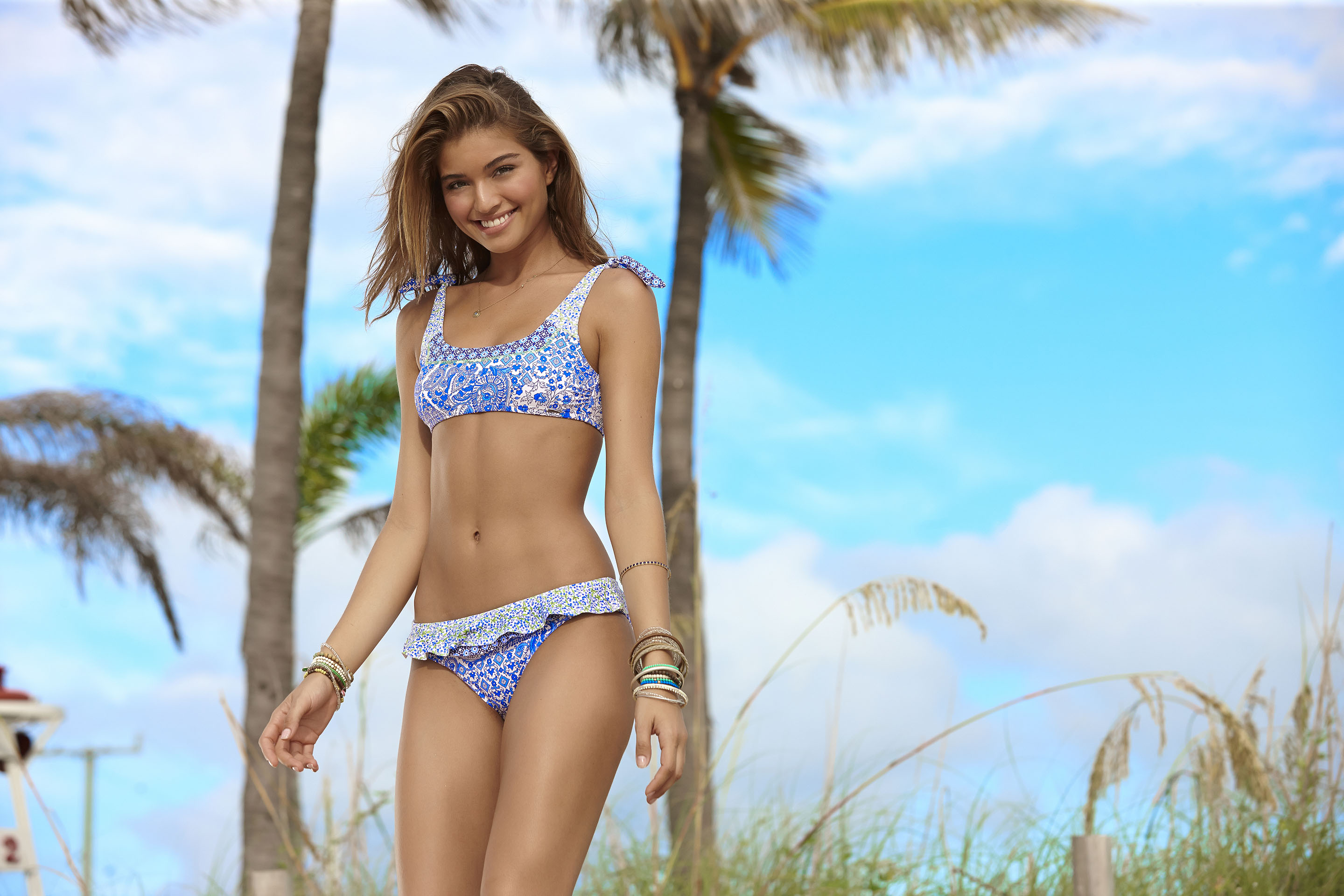
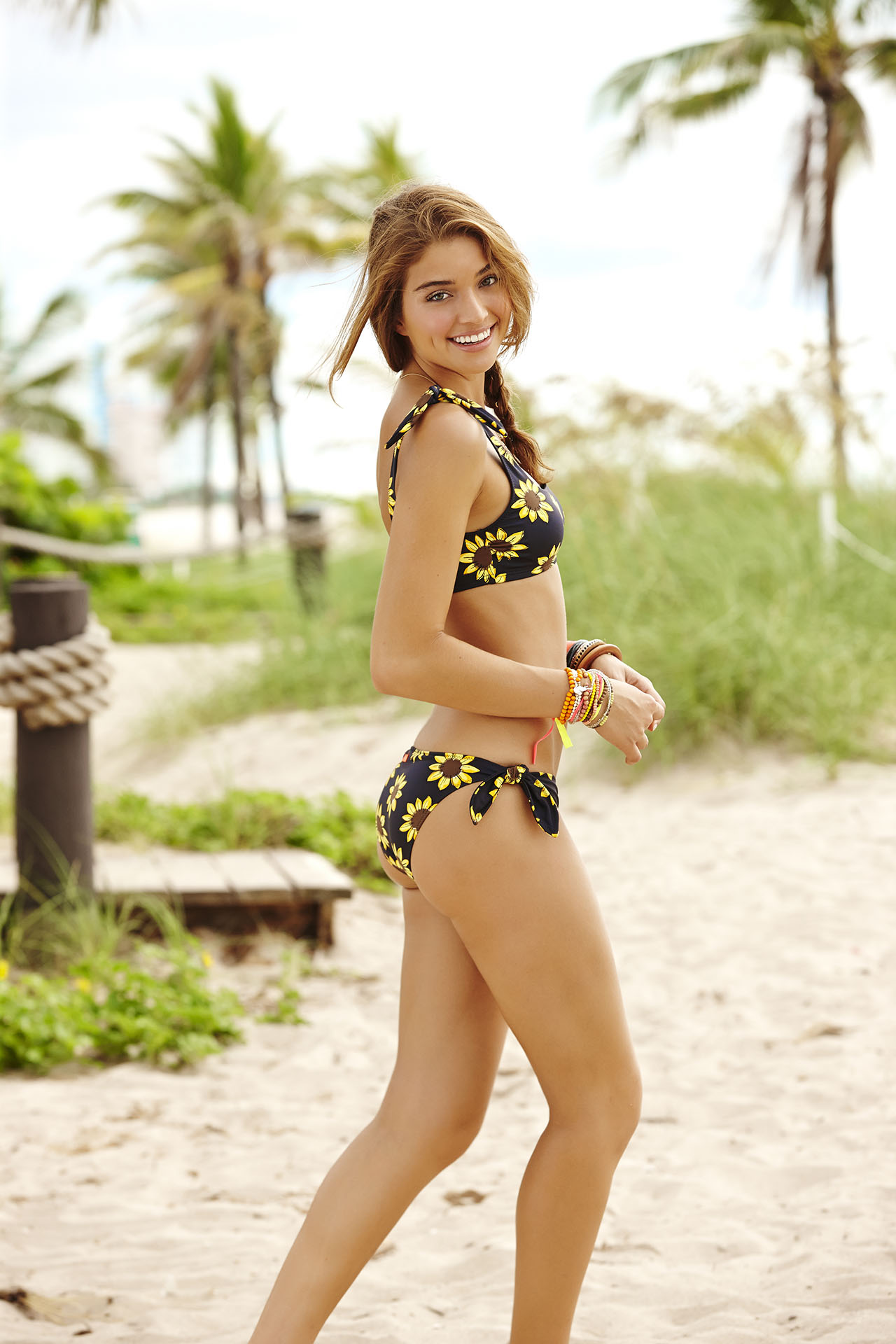
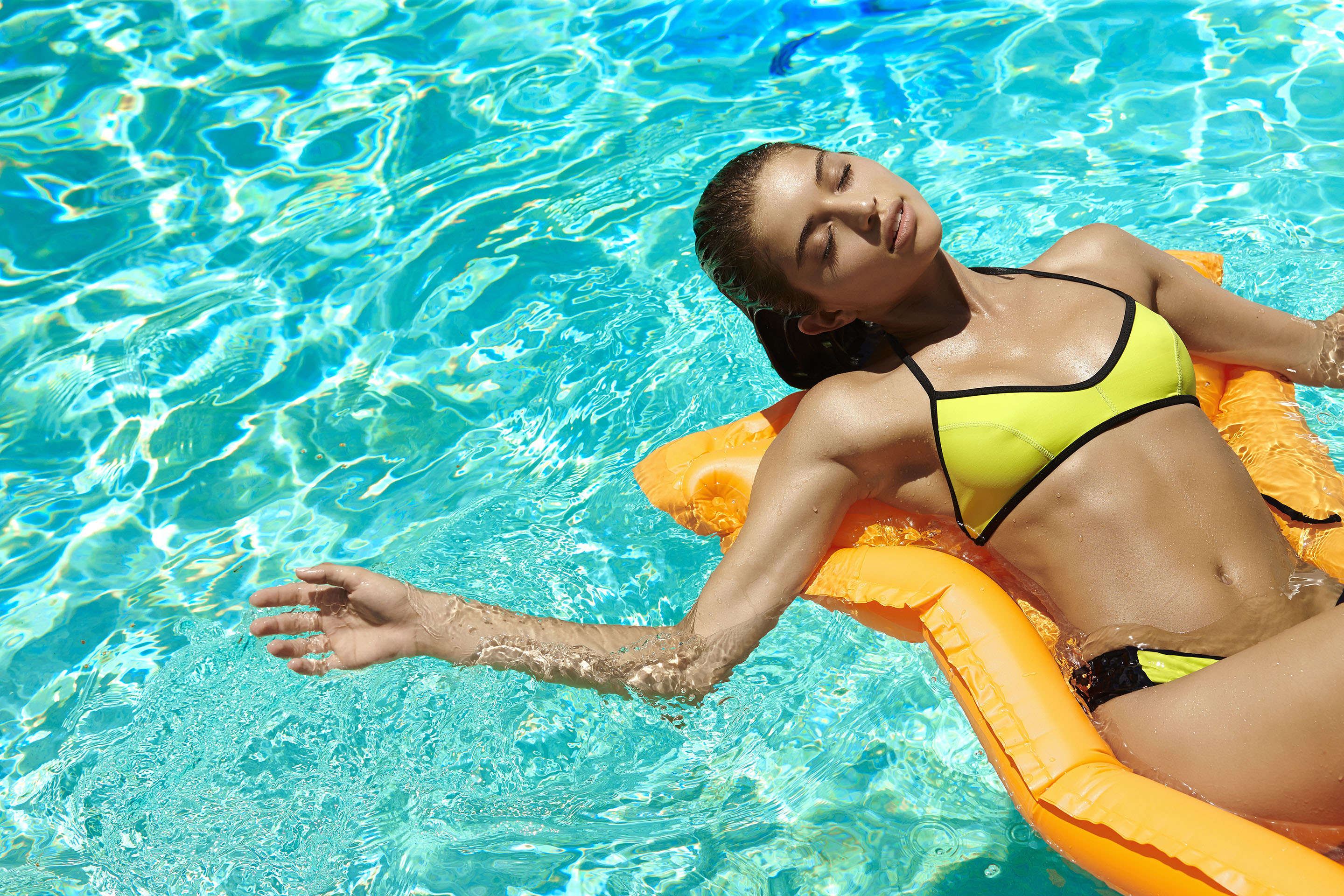
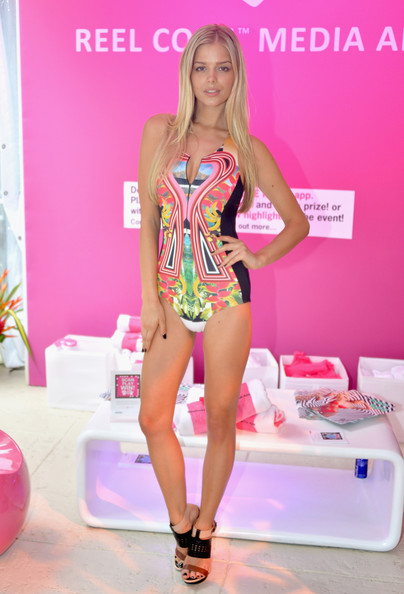
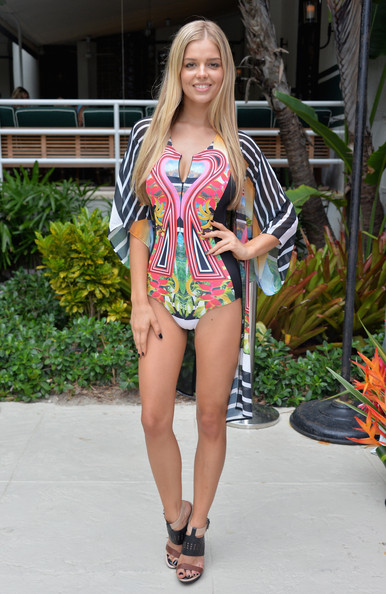
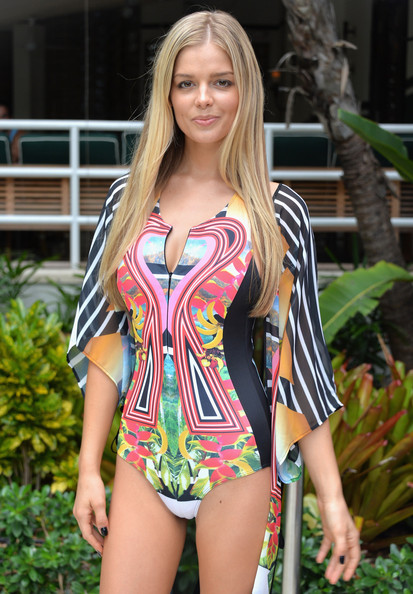
Banana Moon S/S 2015 Source:http://www.bananamoon.com/banana-moon-collections/spring-summer-2015-swimsuit-collection/
^Yeah, even though she was only on DWTS a short time, I think it will really help expose her more.
^^Hey it's Ashley Sky also! haven't seen much of her lately..
Banana Moon S/S 2015 Source:http://www.bananamoon.com/banana-moon-collections/spring-summer-2015-swimsuit-collection/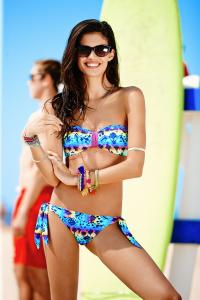
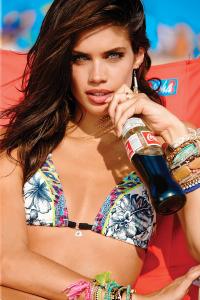













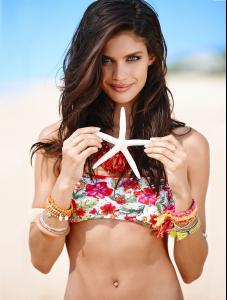
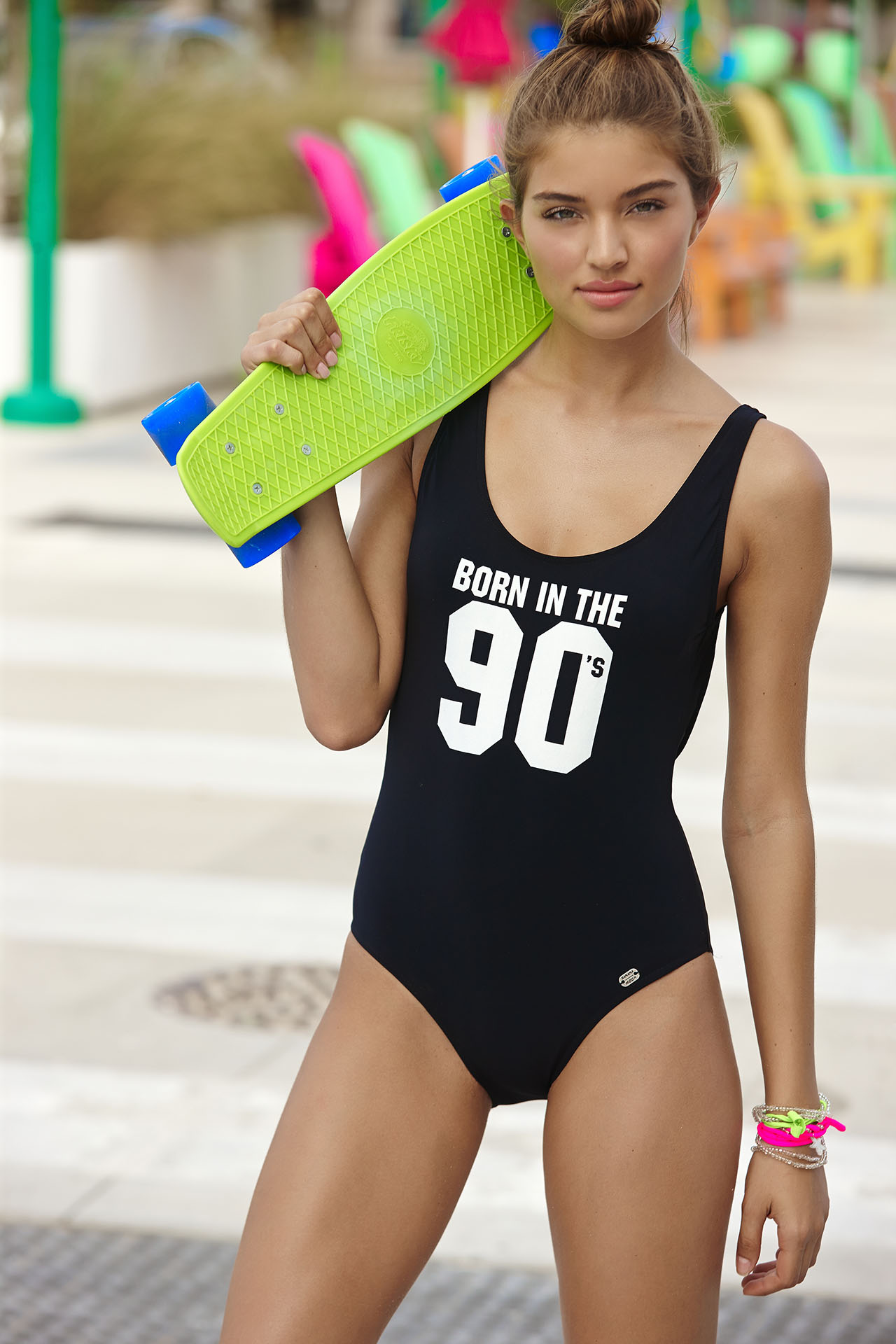
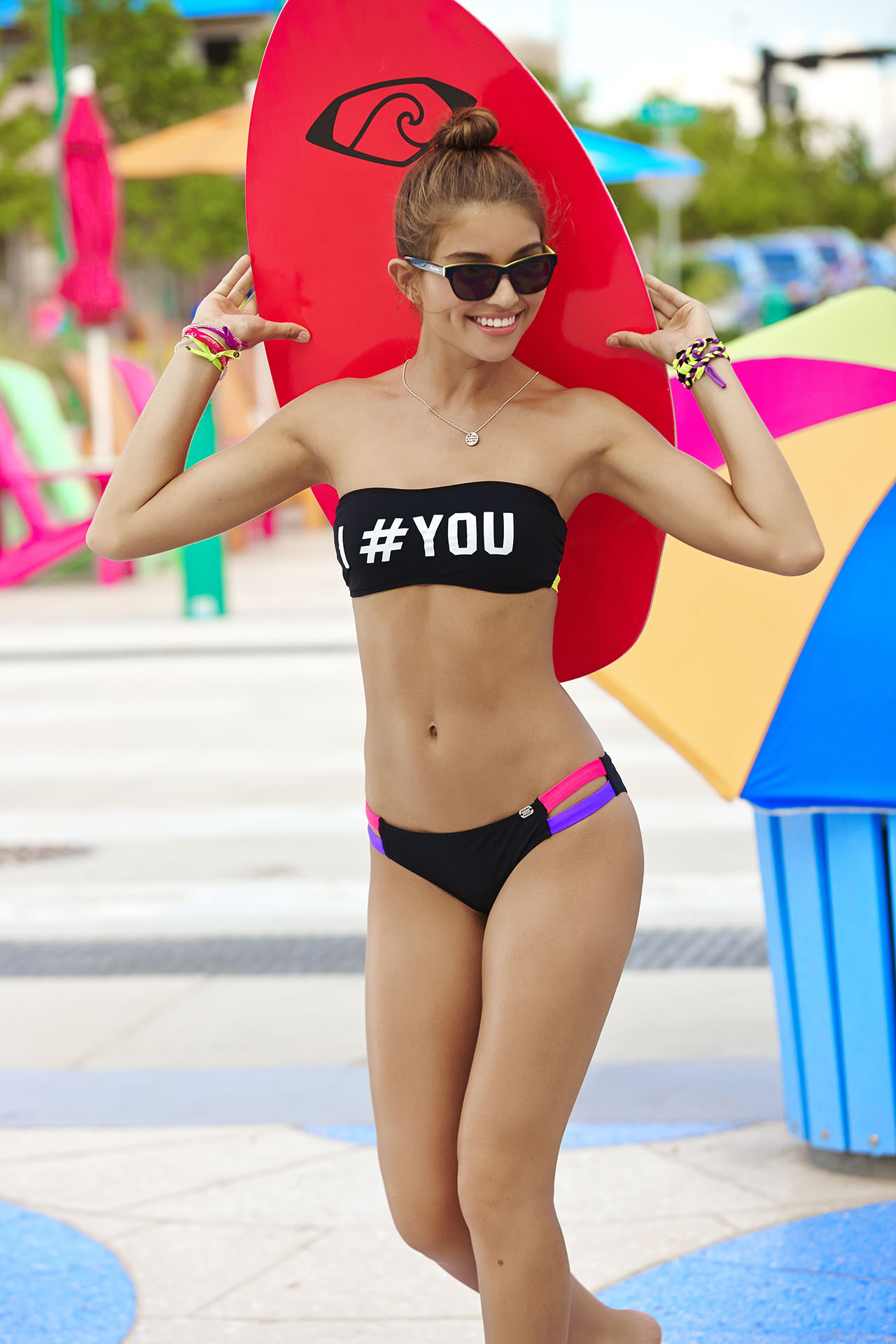
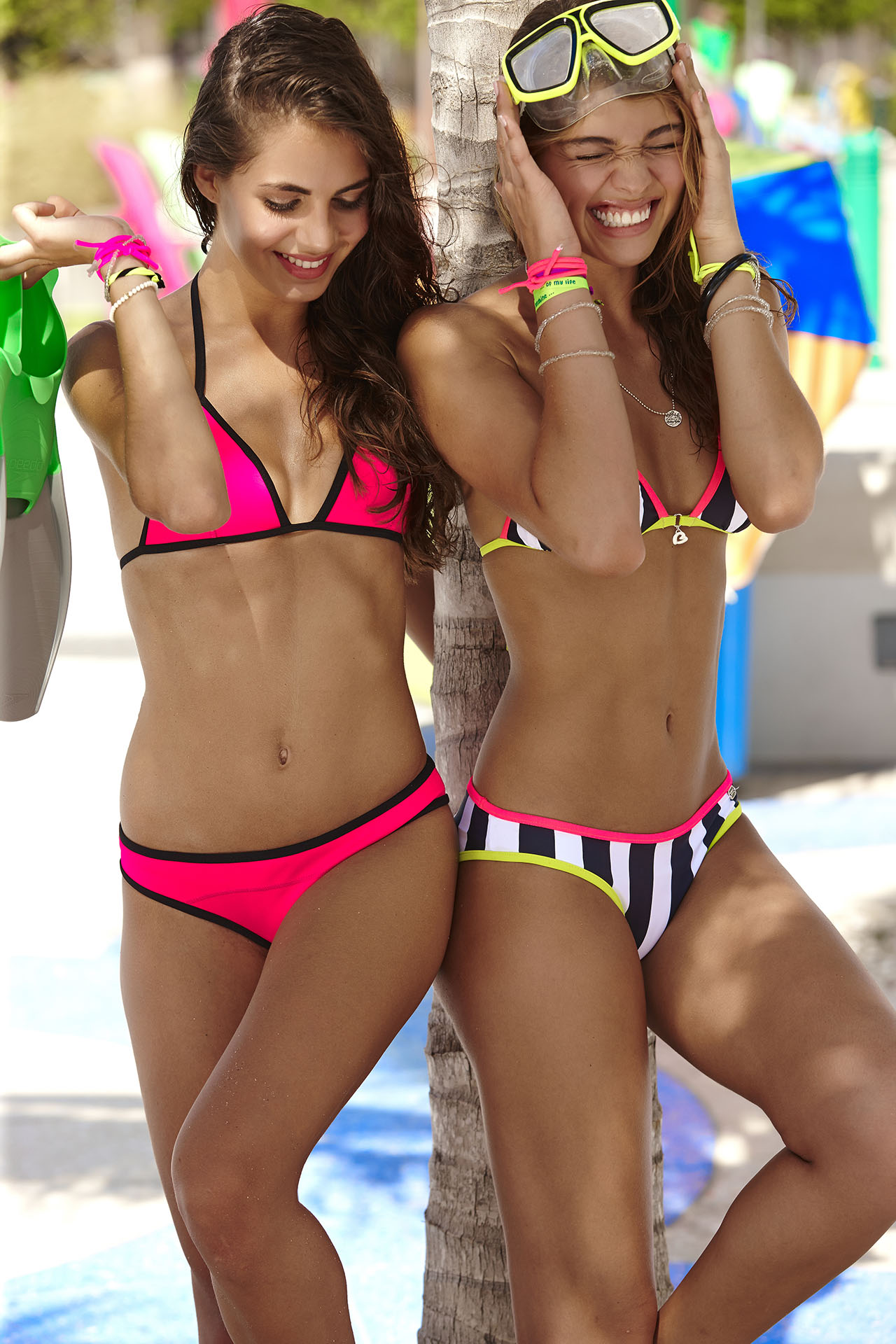
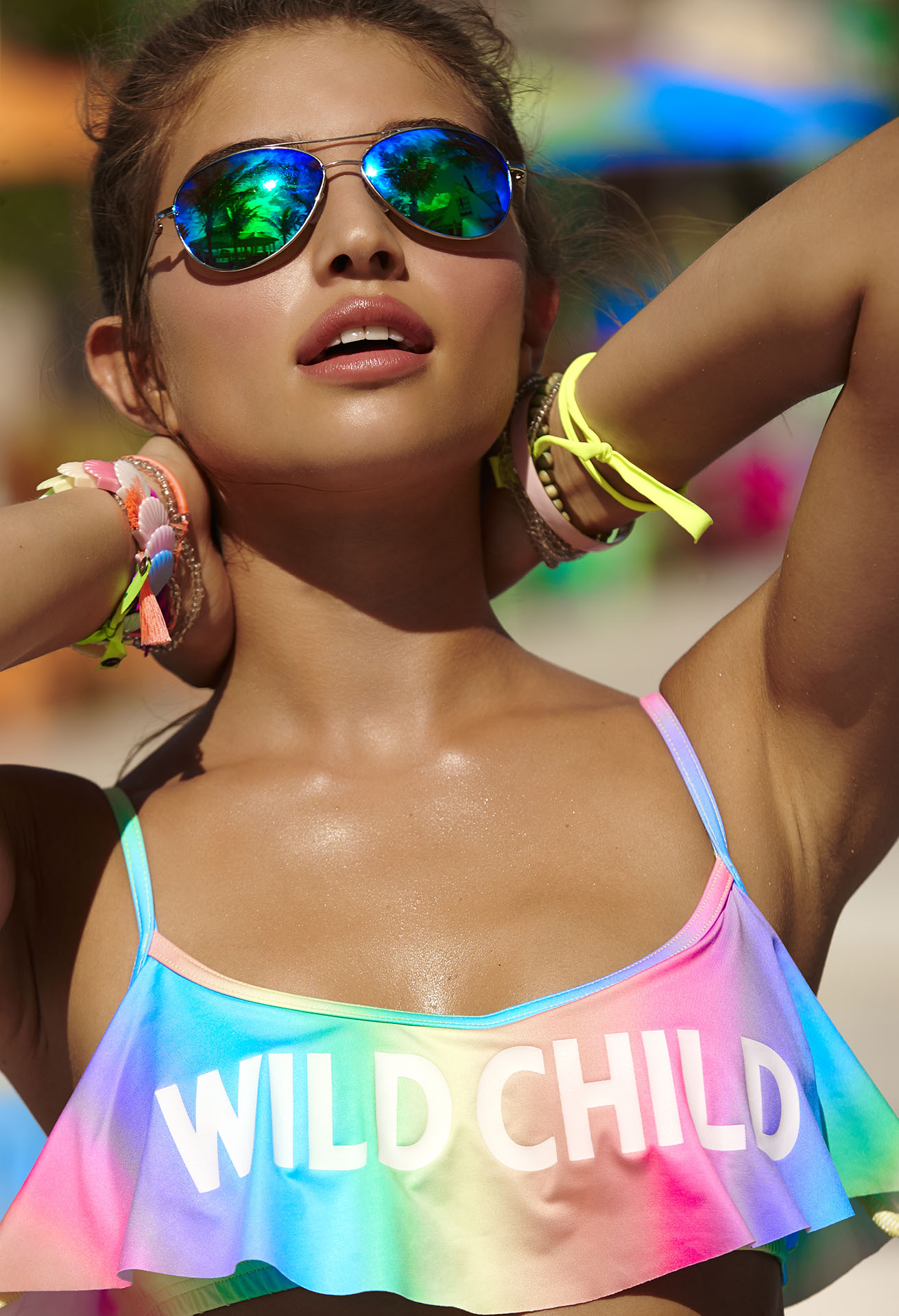
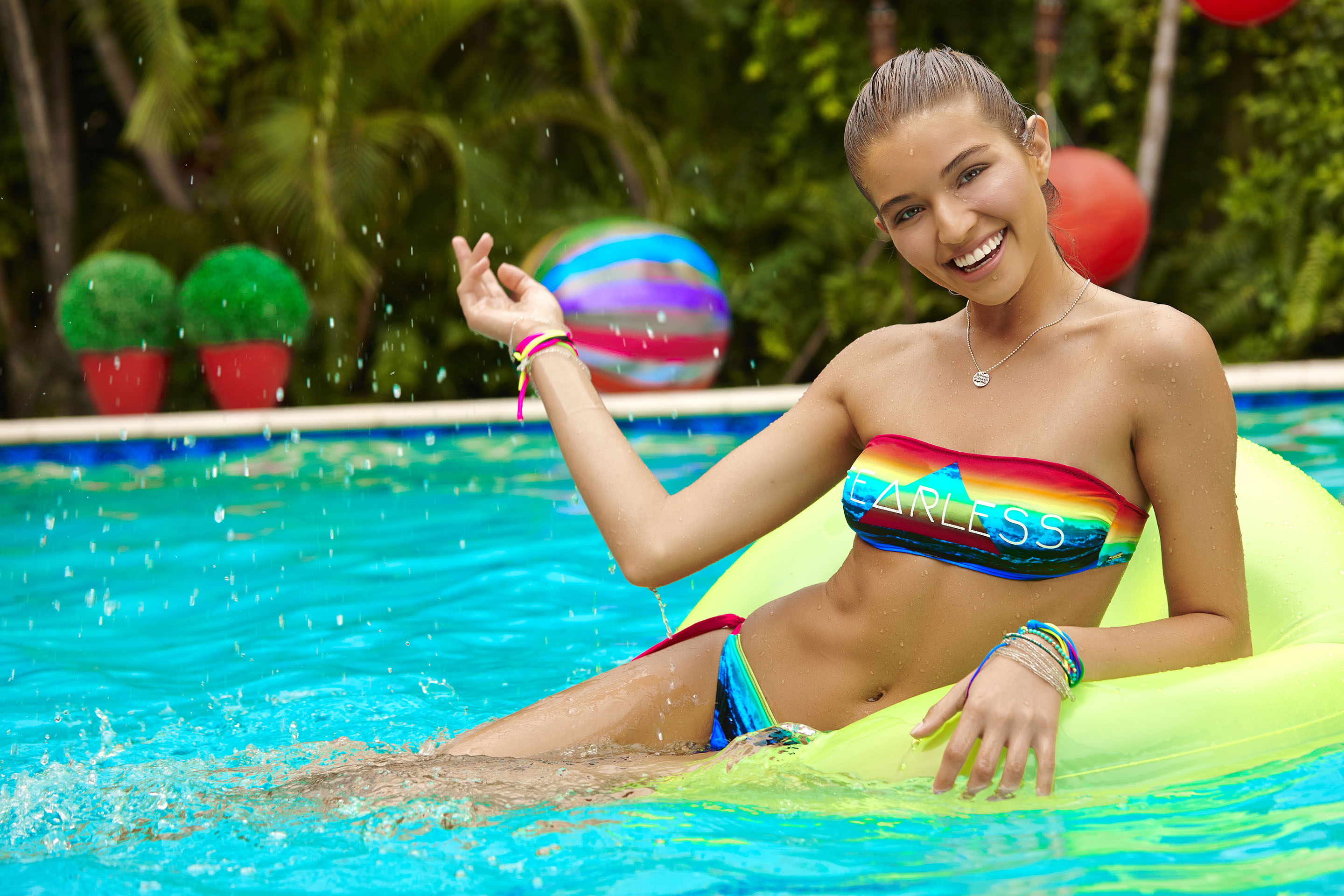
 Banana Moon Teens S/S 2015 Source:http://www.bananamoon.com/banana-moon-collections/spring-summer-2015-swimsuit-collection/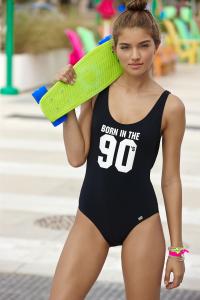









 Guess.com
 These are from MBFW 2013, but I think are worth posting.


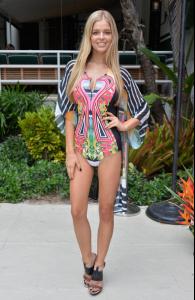
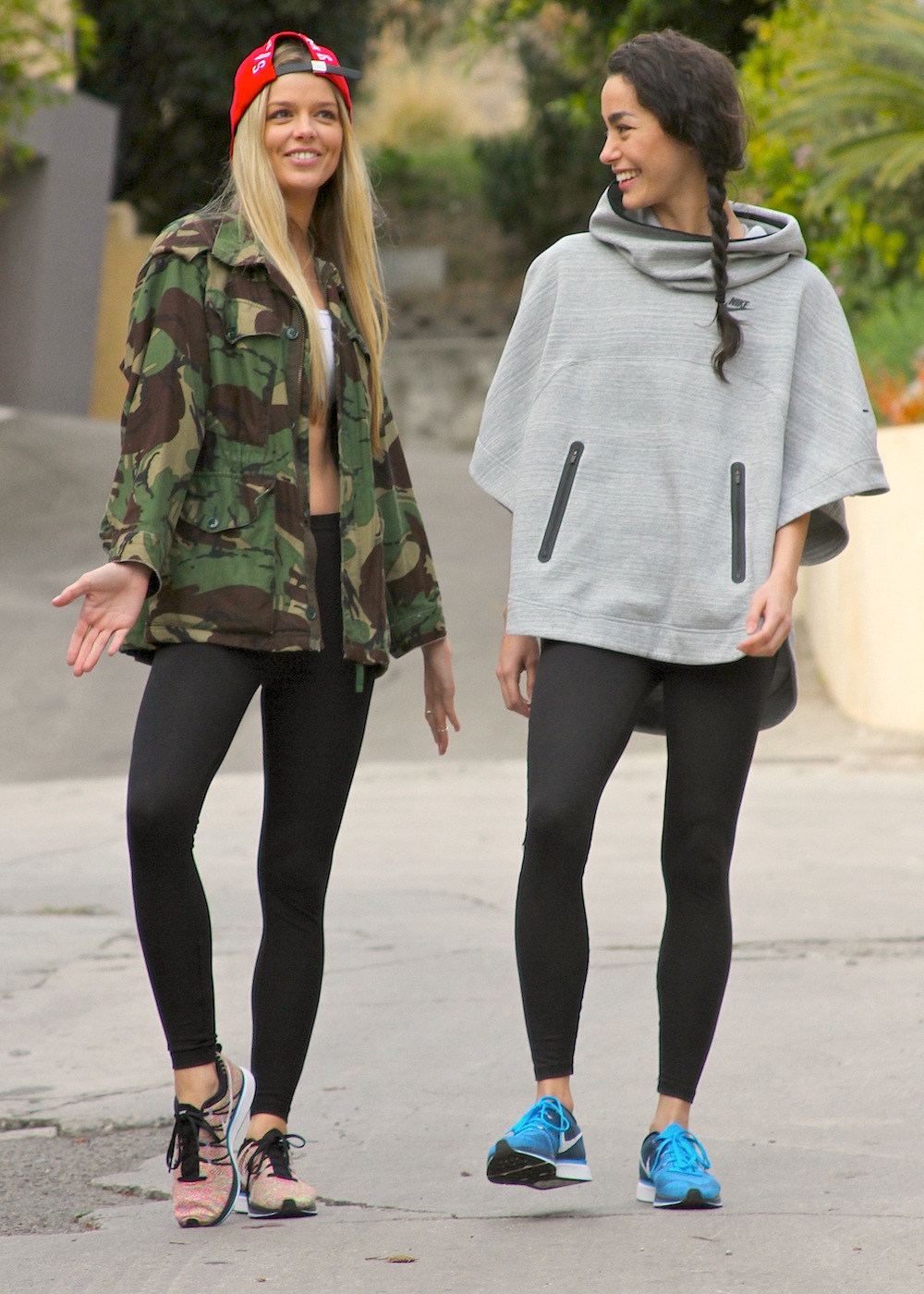
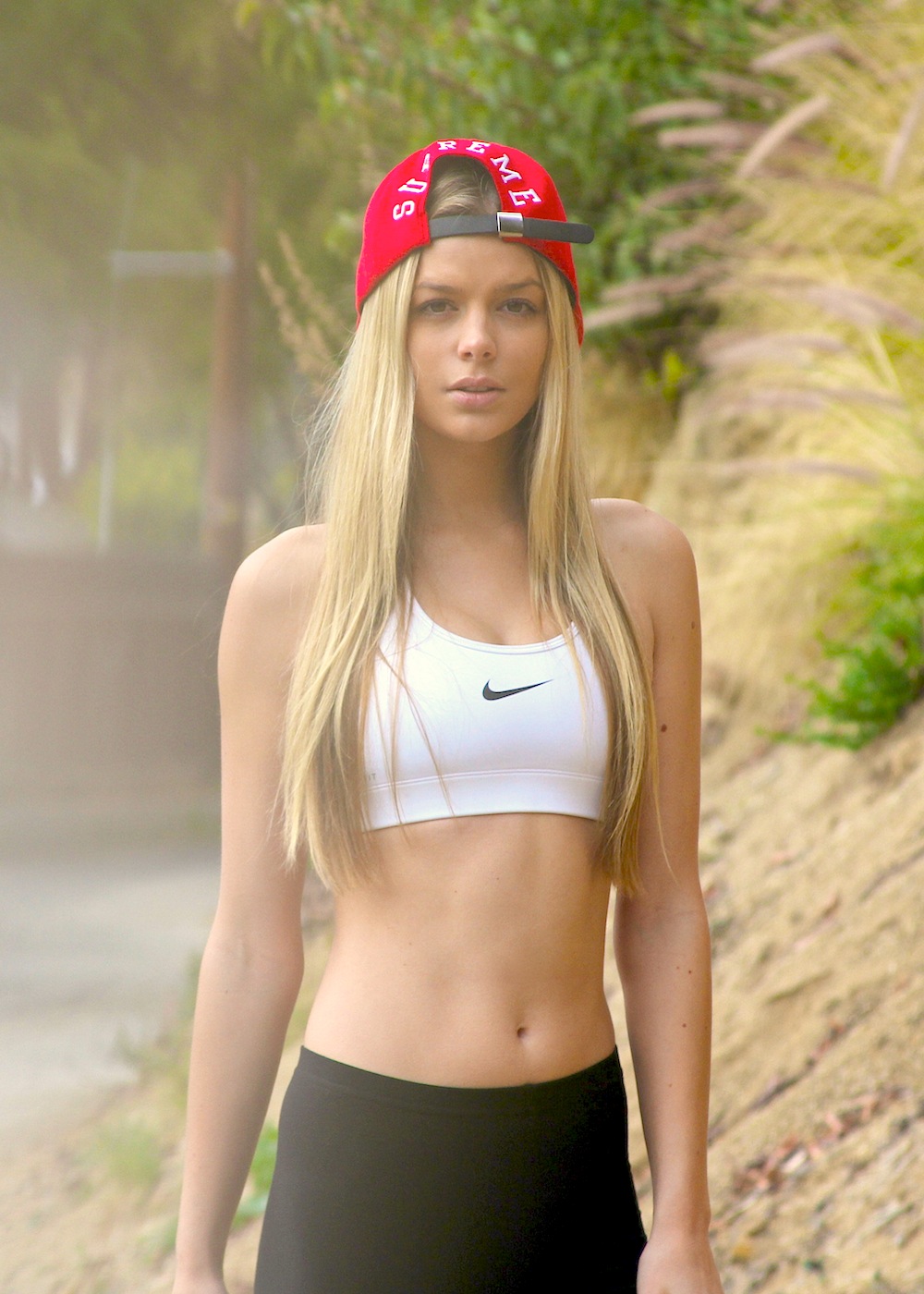
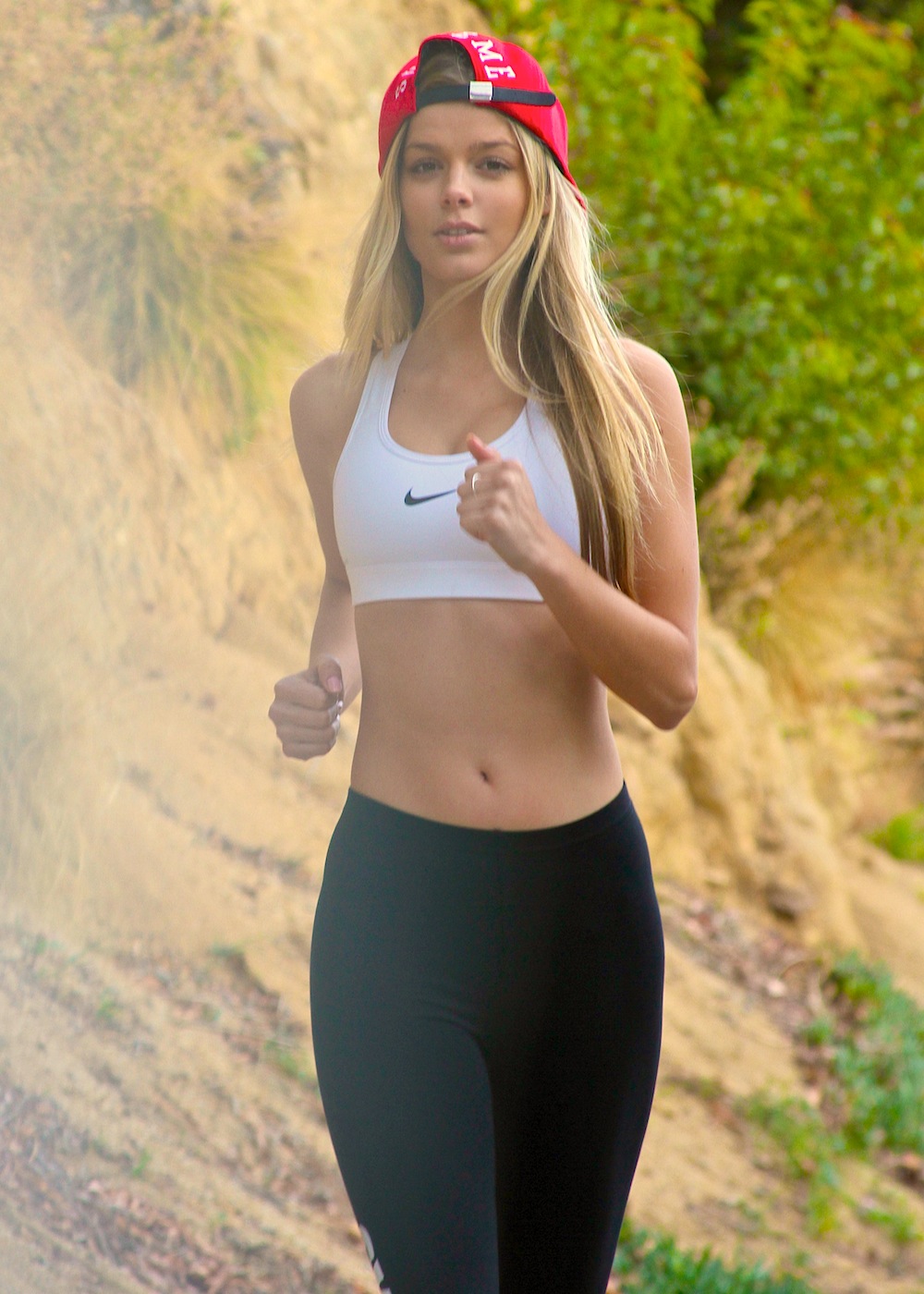
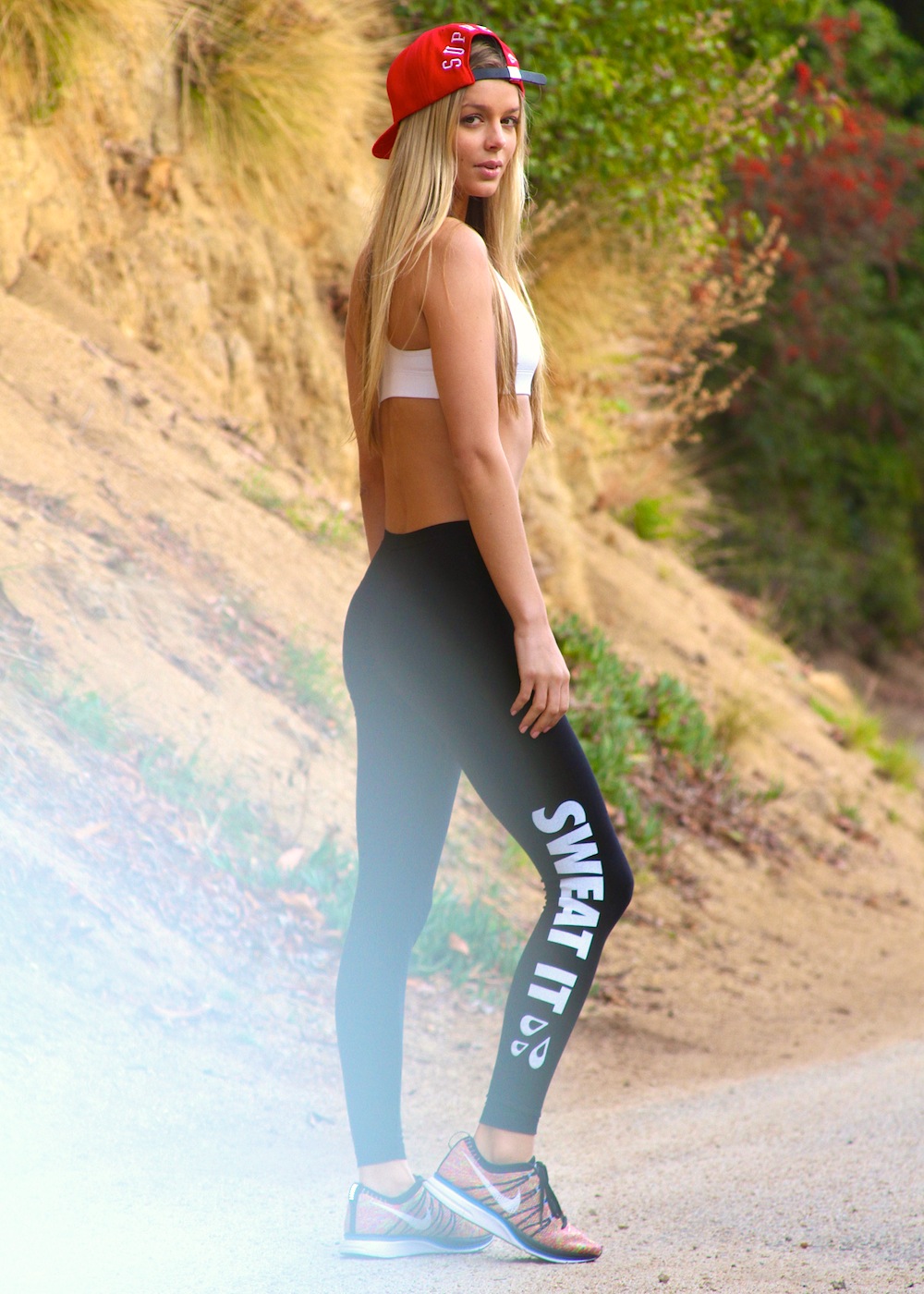
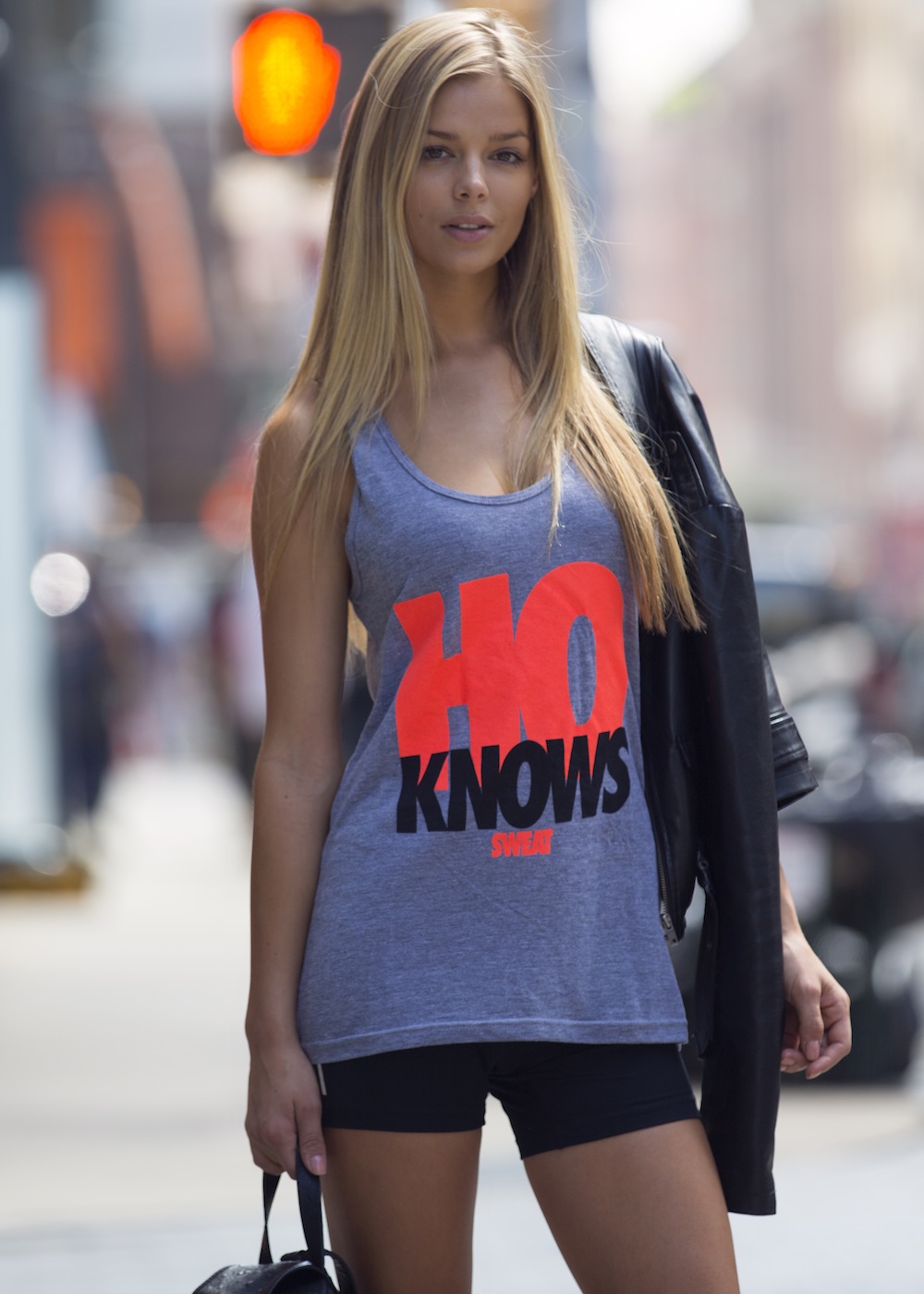
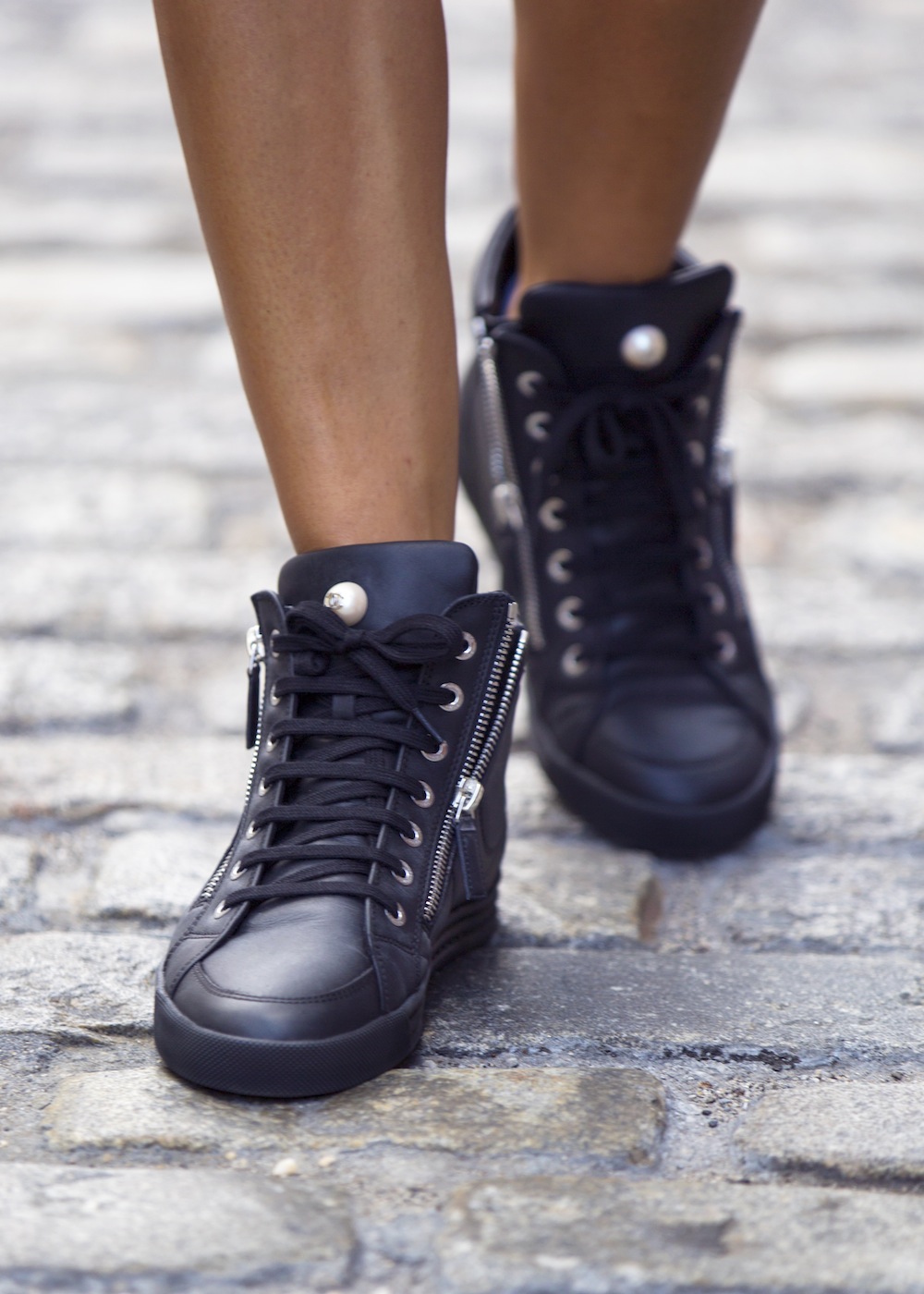
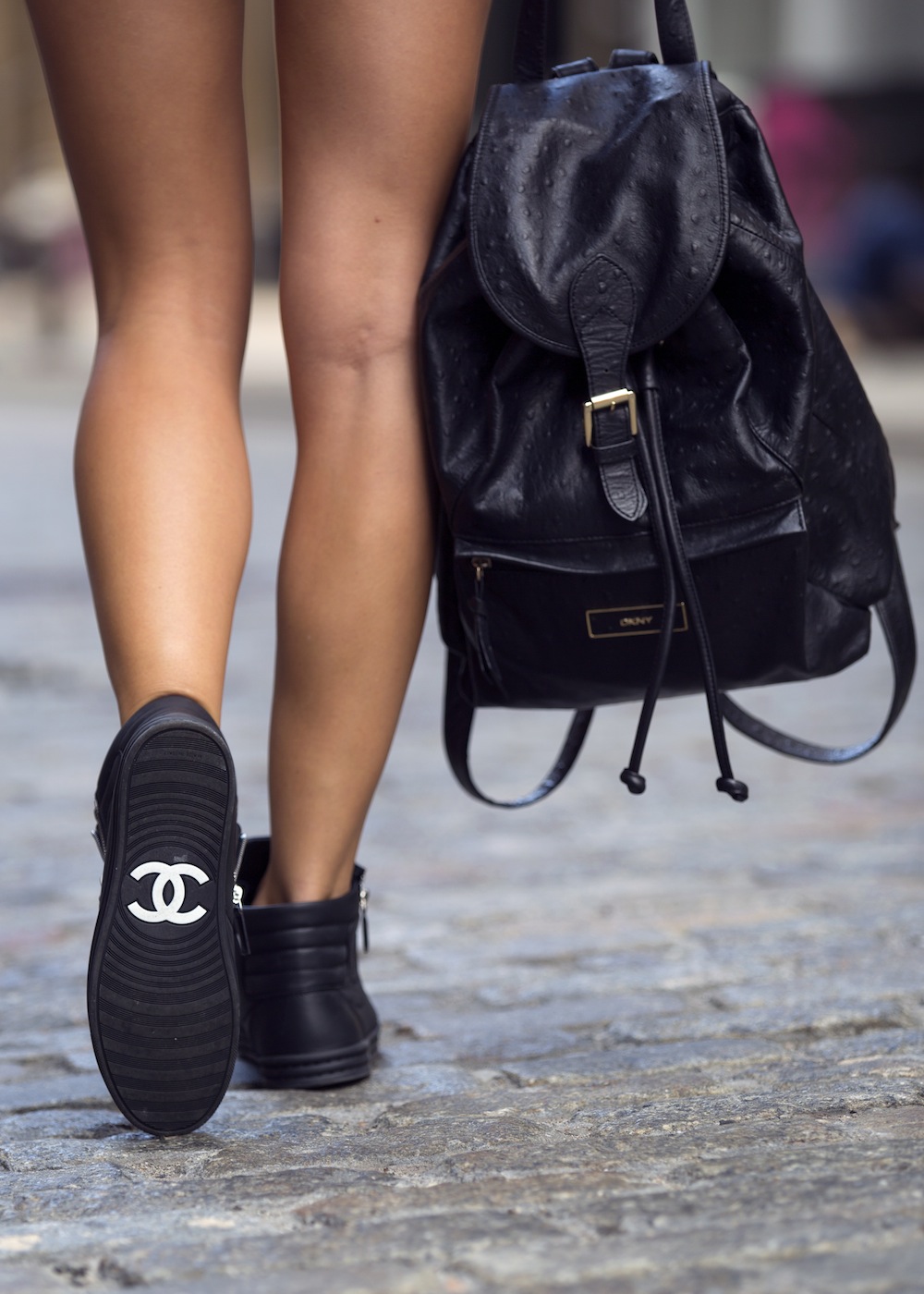
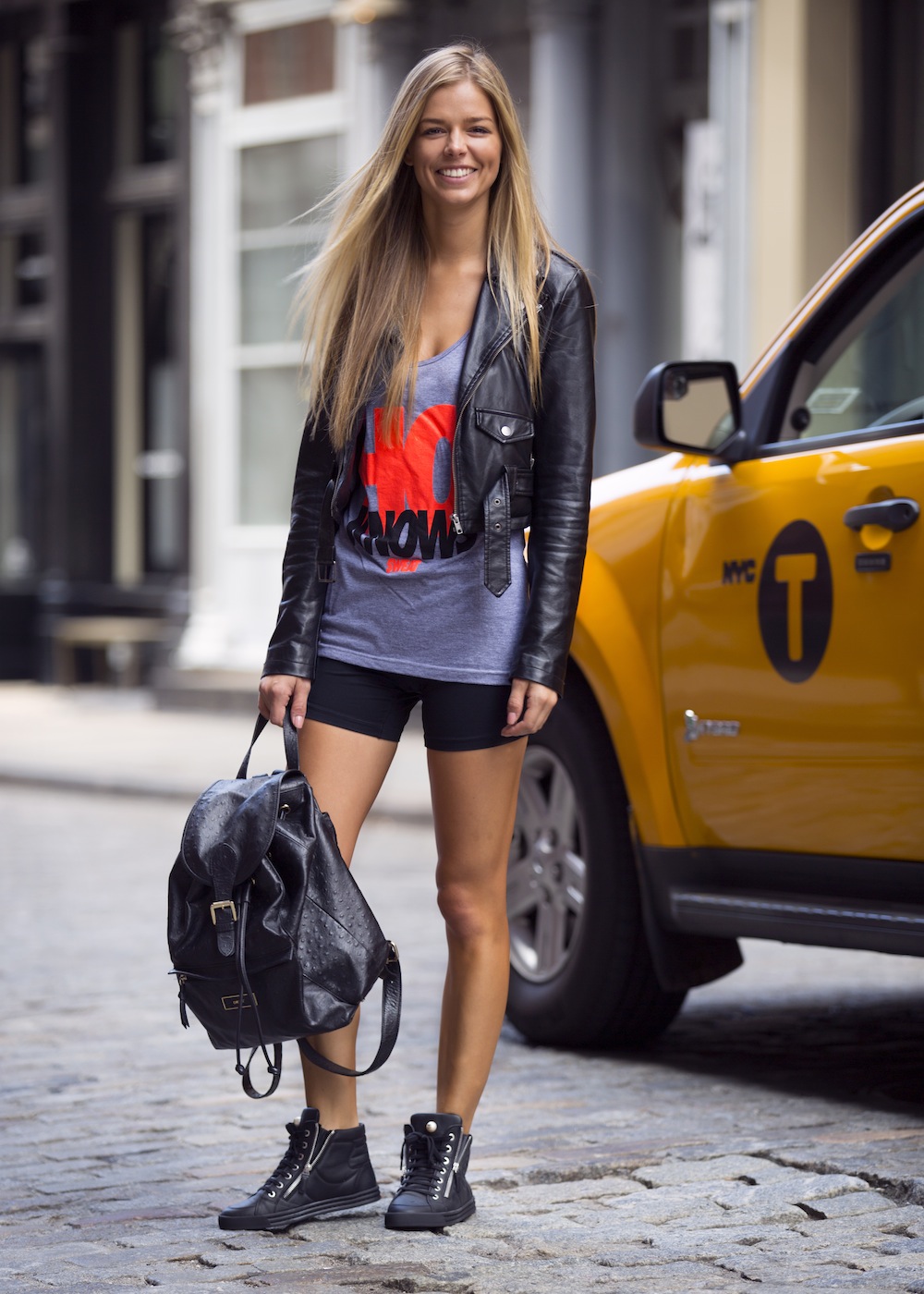
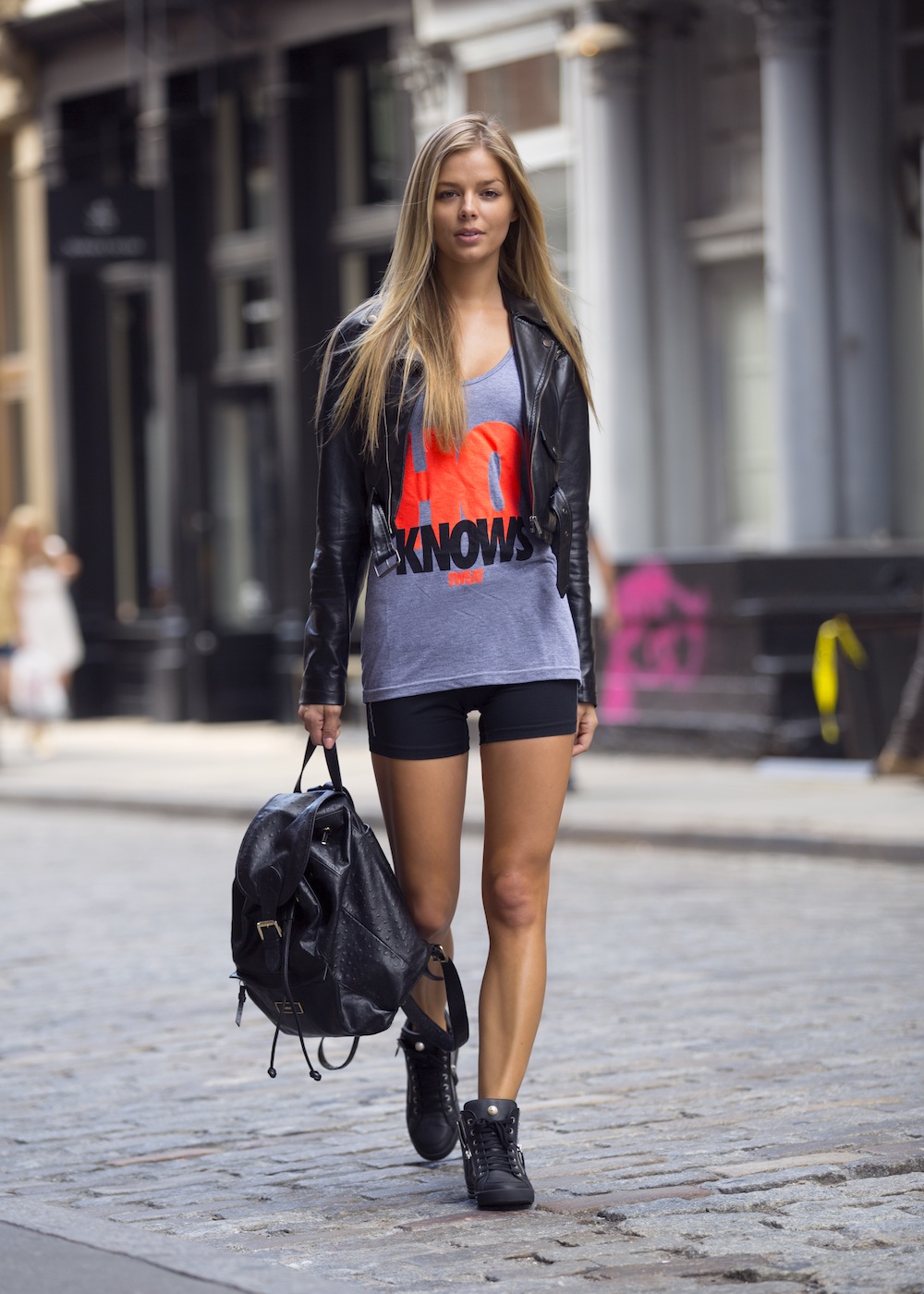
 Sweat The Style Source:http://www.sweatthestyle.com/missfit-danielle-knudson/ Source:http://www.sweatthestyle.com/danielle-knudson/





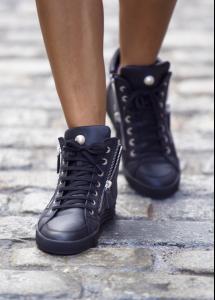


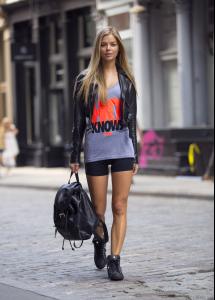
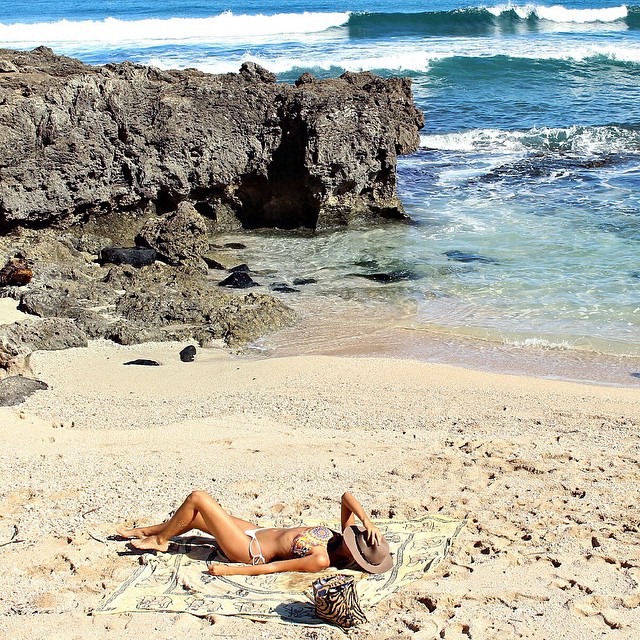
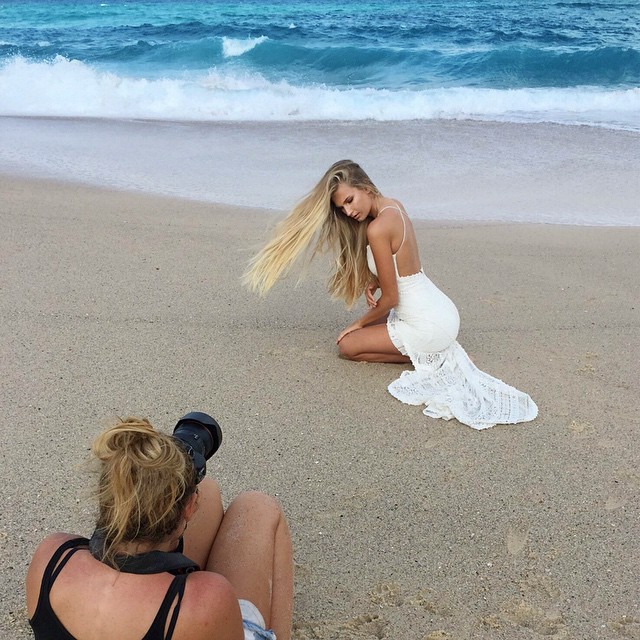
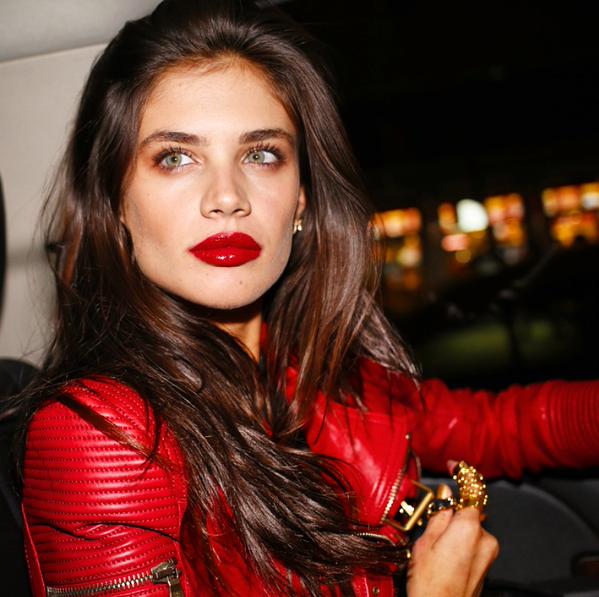
 Shooting GUESS Gumball Campaign- Behind The Scenes Taken From Instagram Shooting For Glamour Mexico Magazine Preview For New Editorial Other




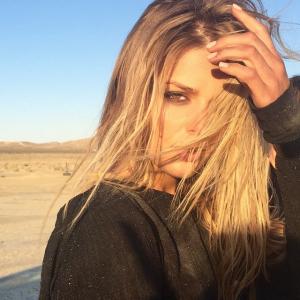
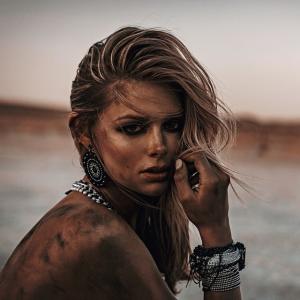
 ^Once she graces the pages of S.I., she won't be!
THIS BETTER BE A FUCKING APRIL FOOL'S JOKE!!!!!!!!! I SWEAR TO GOD!!!
^Once she graces the pages of S.I., she won't be!
THIS BETTER BE A FUCKING APRIL FOOL'S JOKE!!!!!!!!! I SWEAR TO GOD!!! lies.
lies.






























Account
Search
Configure browser push notifications
Chrome (Android)
- Tap the lock icon next to the address bar.
- Tap Permissions → Notifications.
- Adjust your preference.
Chrome (Desktop)
- Click the padlock icon in the address bar.
- Select Site settings.
- Find Notifications and adjust your preference.
Safari (iOS 16.4+)
- Ensure the site is installed via Add to Home Screen.
- Open Settings App → Notifications.
- Find your app name and adjust your preference.
Safari (macOS)
- Go to Safari → Preferences.
- Click the Websites tab.
- Select Notifications in the sidebar.
- Find this website and adjust your preference.
Edge (Android)
- Tap the lock icon next to the address bar.
- Tap Permissions.
- Find Notifications and adjust your preference.
Edge (Desktop)
- Click the padlock icon in the address bar.
- Click Permissions for this site.
- Find Notifications and adjust your preference.
Firefox (Android)
- Go to Settings → Site permissions.
- Tap Notifications.
- Find this site in the list and adjust your preference.
Firefox (Desktop)
- Open Firefox Settings.
- Search for Notifications.
- Find this site in the list and adjust your preference.