

RIP_Cabrini_Green
Members
-
Joined
-
Last visited
Everything posted by RIP_Cabrini_Green
-
 Wish we would see more of her. : (
-
Hey Dobromir, did you ever check my private message I sent back to you? If not,check it and respond back please! : )
-
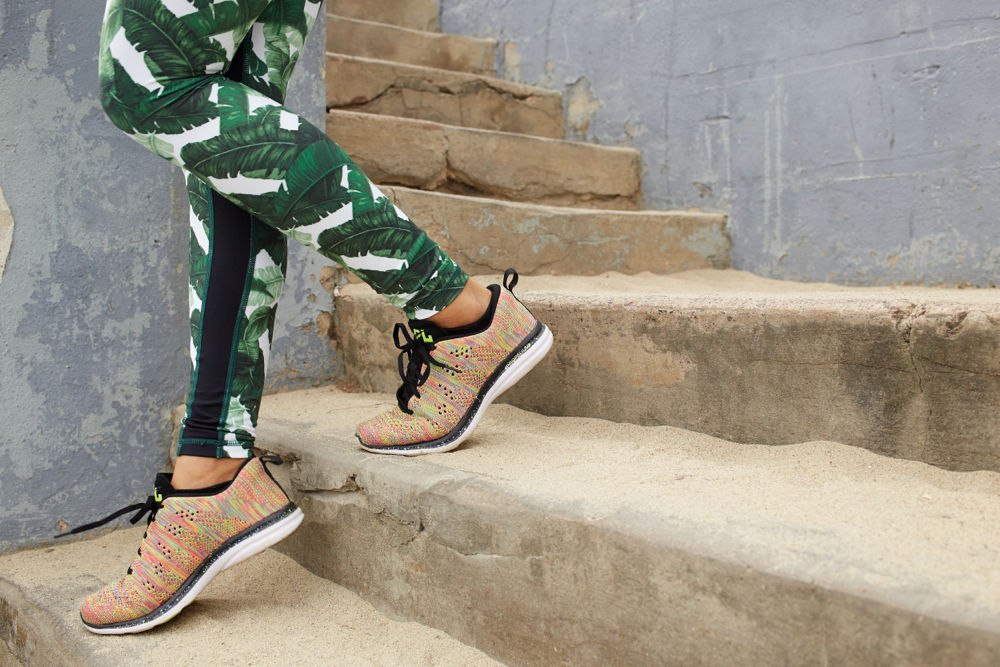
Strong Is The New Sexy Ph: Taylor Dunfee Source:http://www.rockybarnesblog.com/strong-is-the-new-sexy-2/










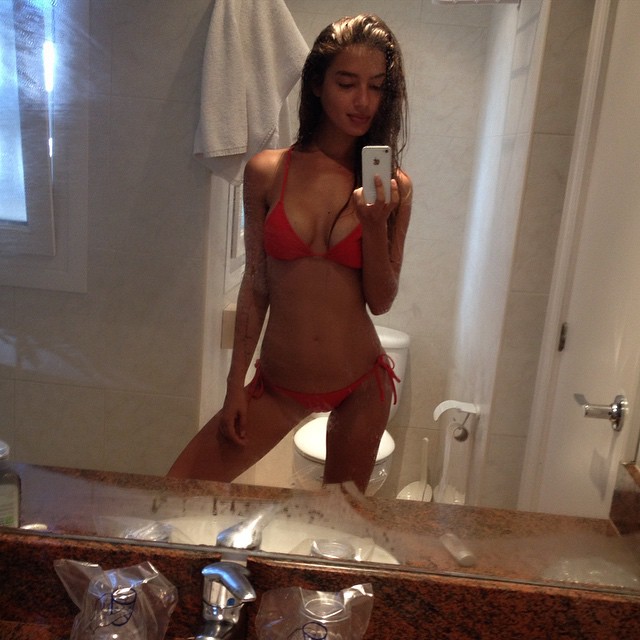
 Here's a couple more from the Swim section.. Source:http://us.rusty.com/our-kind?page4














 Could you imagine her walking in the VSFS? God didn't put that booty on this Earth for nothing. Make it happen Ed.
Fully expect her to be in S.I.....
So happy Dani is doing PINK!!!
Haha. Her intelligence was never a factor in me being a fan......lol
I'm cool with that. But wouldn't it be nice to see her modeling for a big brand like Beach Bunny or something. I would love to see her do something that would maybe one day put her in S.I.
Damn it, that's what everyone on the S.I. thread is saying. I even called you in for help over there! Ha!.
Could you imagine her walking in the VSFS? God didn't put that booty on this Earth for nothing. Make it happen Ed.
Fully expect her to be in S.I.....
So happy Dani is doing PINK!!!
Haha. Her intelligence was never a factor in me being a fan......lol
I'm cool with that. But wouldn't it be nice to see her modeling for a big brand like Beach Bunny or something. I would love to see her do something that would maybe one day put her in S.I.
Damn it, that's what everyone on the S.I. thread is saying. I even called you in for help over there! Ha!.




































Account
Search
Configure browser push notifications
Chrome (Android)
- Tap the lock icon next to the address bar.
- Tap Permissions → Notifications.
- Adjust your preference.
Chrome (Desktop)
- Click the padlock icon in the address bar.
- Select Site settings.
- Find Notifications and adjust your preference.
Safari (iOS 16.4+)
- Ensure the site is installed via Add to Home Screen.
- Open Settings App → Notifications.
- Find your app name and adjust your preference.
Safari (macOS)
- Go to Safari → Preferences.
- Click the Websites tab.
- Select Notifications in the sidebar.
- Find this website and adjust your preference.
Edge (Android)
- Tap the lock icon next to the address bar.
- Tap Permissions.
- Find Notifications and adjust your preference.
Edge (Desktop)
- Click the padlock icon in the address bar.
- Click Permissions for this site.
- Find Notifications and adjust your preference.
Firefox (Android)
- Go to Settings → Site permissions.
- Tap Notifications.
- Find this site in the list and adjust your preference.
Firefox (Desktop)
- Open Firefox Settings.
- Search for Notifications.
- Find this site in the list and adjust your preference.