

RIP_Cabrini_Green
Members
-
Joined
-
Last visited
Everything posted by RIP_Cabrini_Green
-
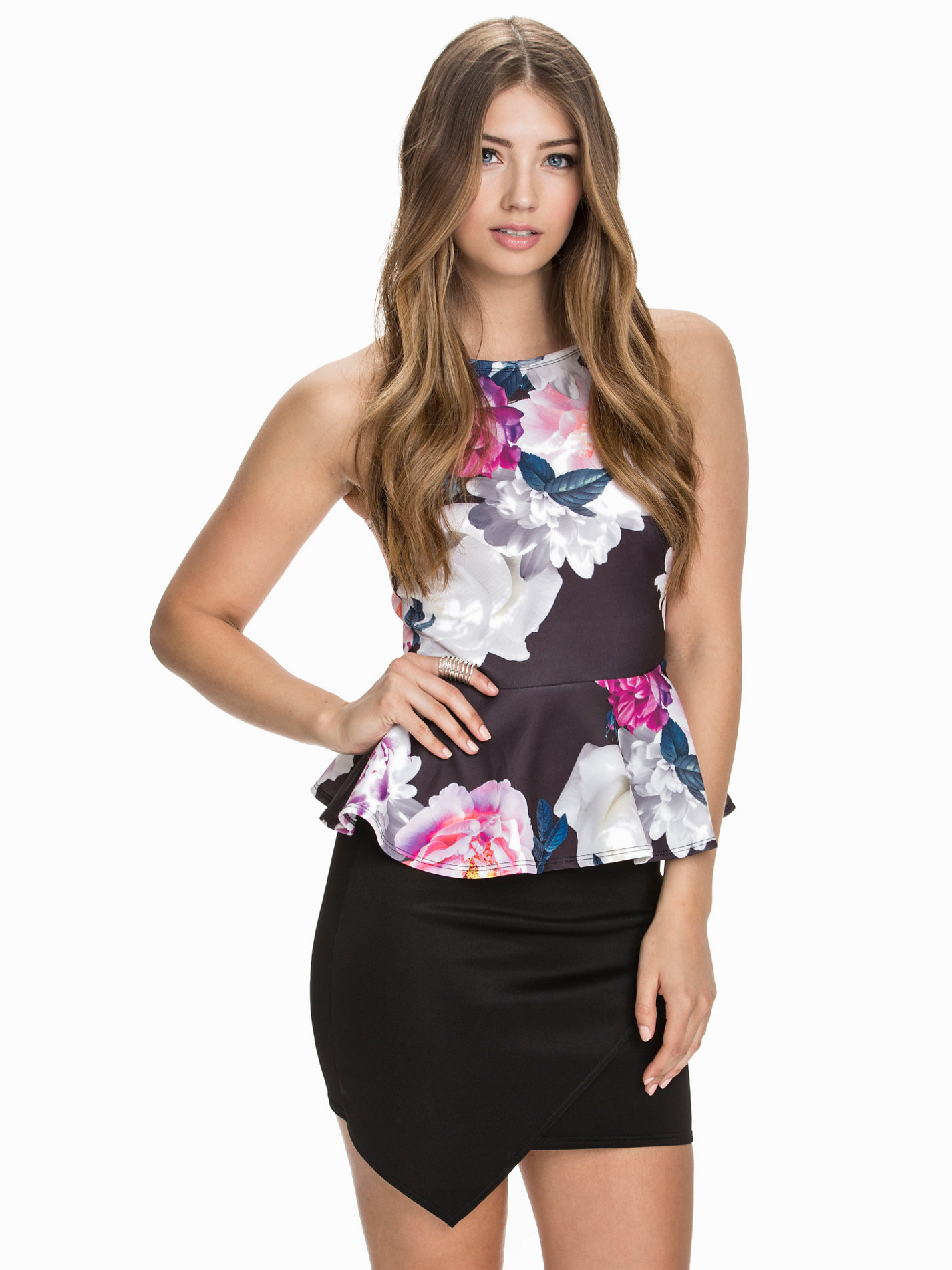
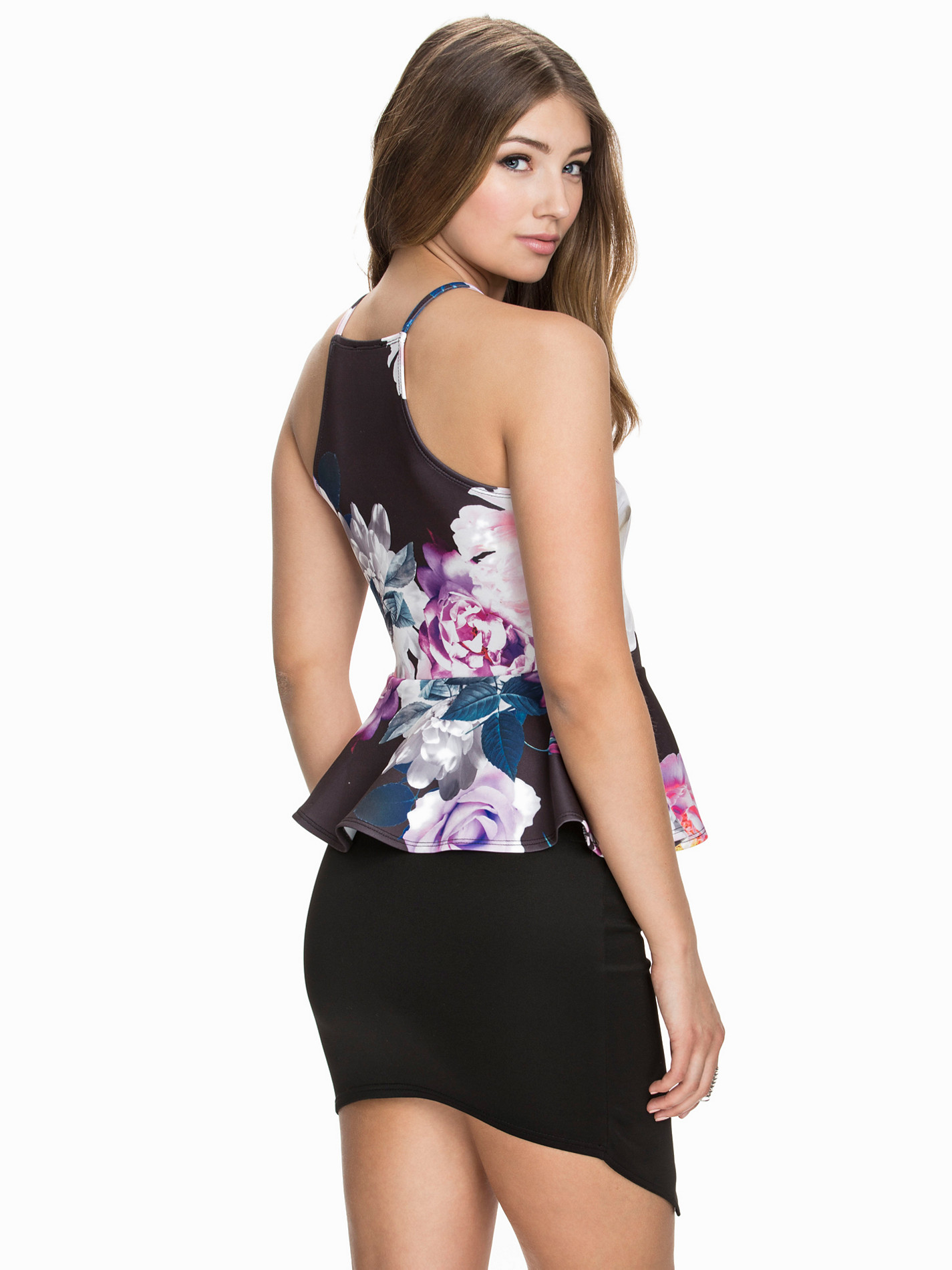
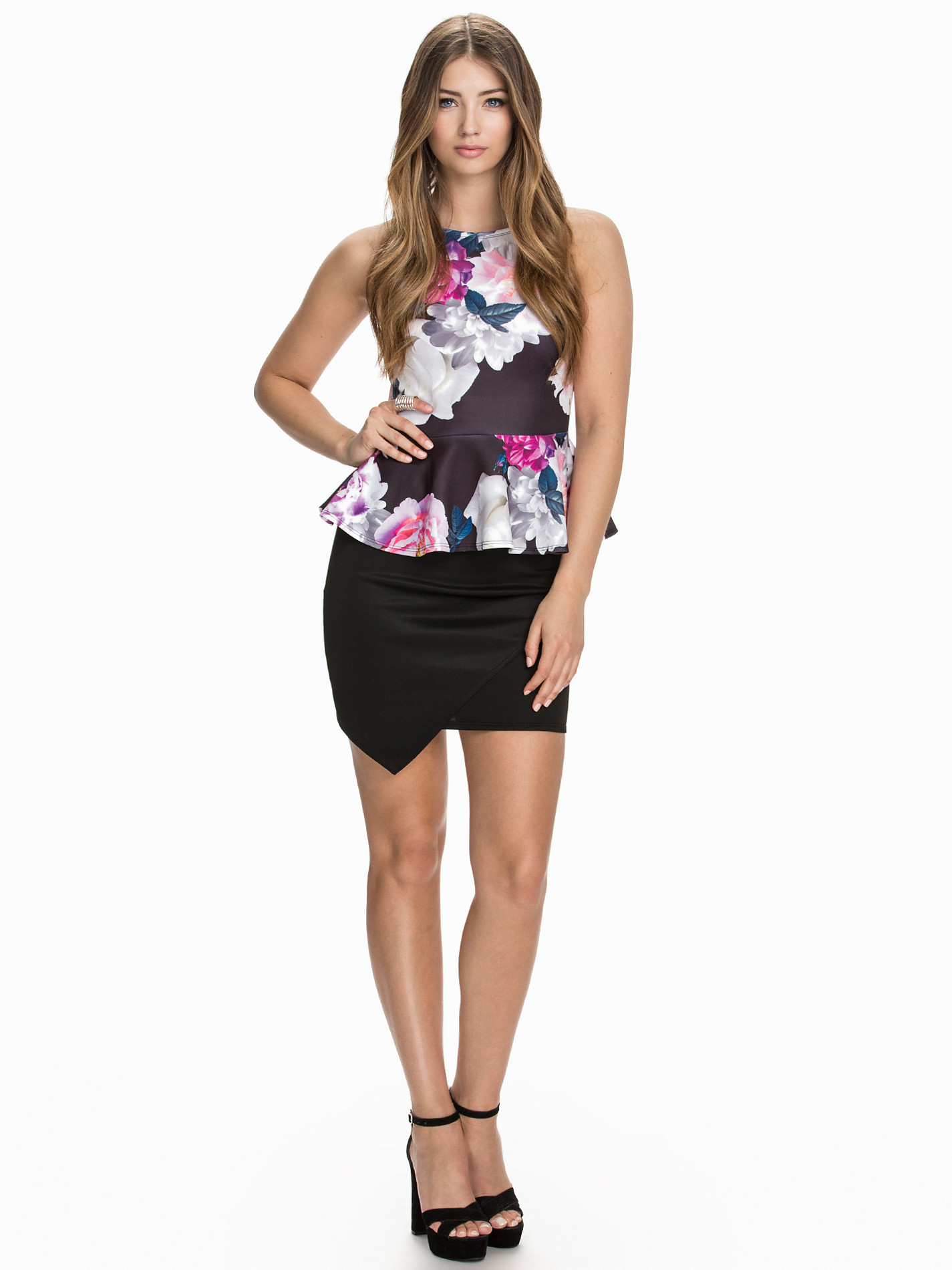
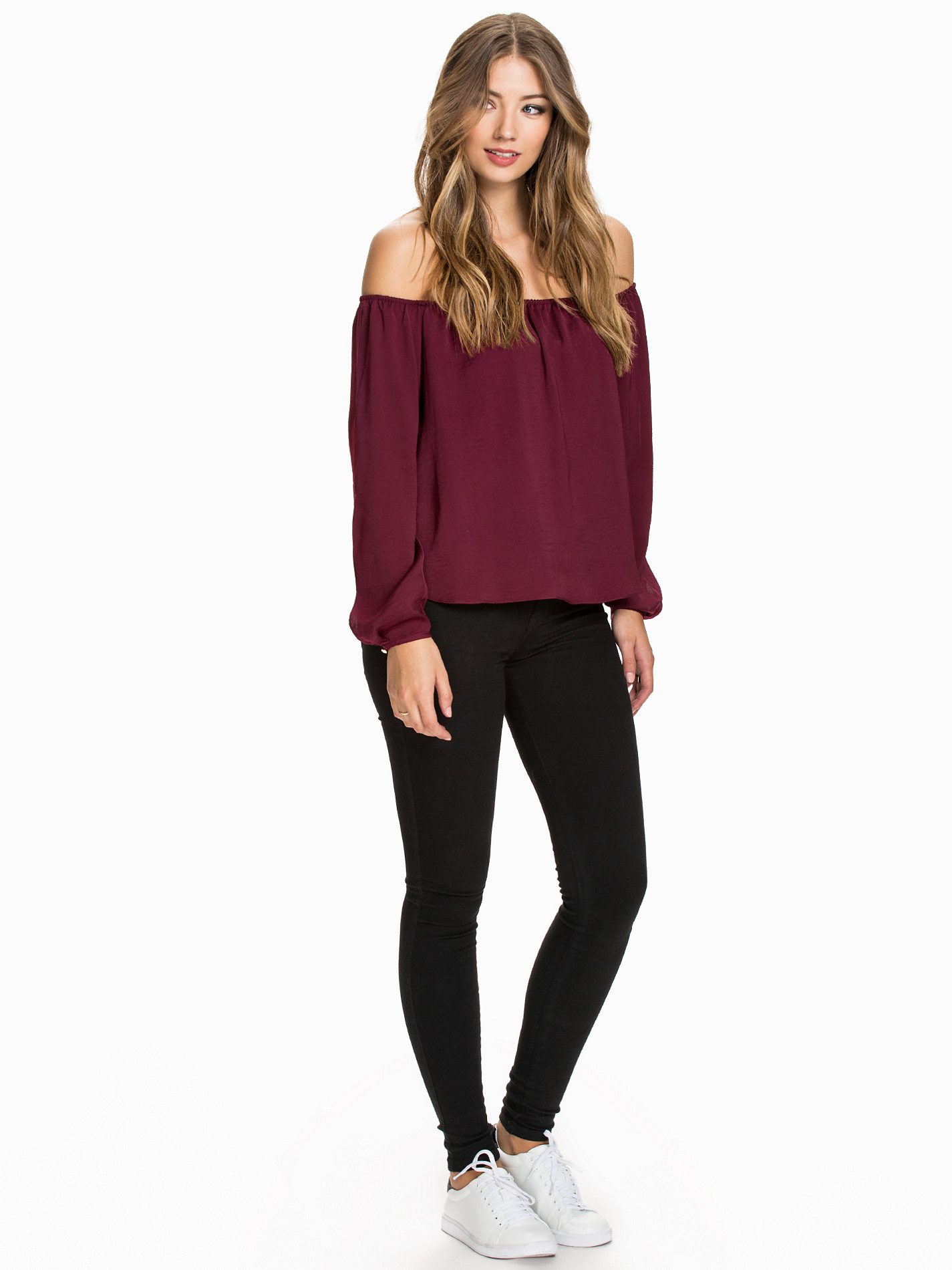
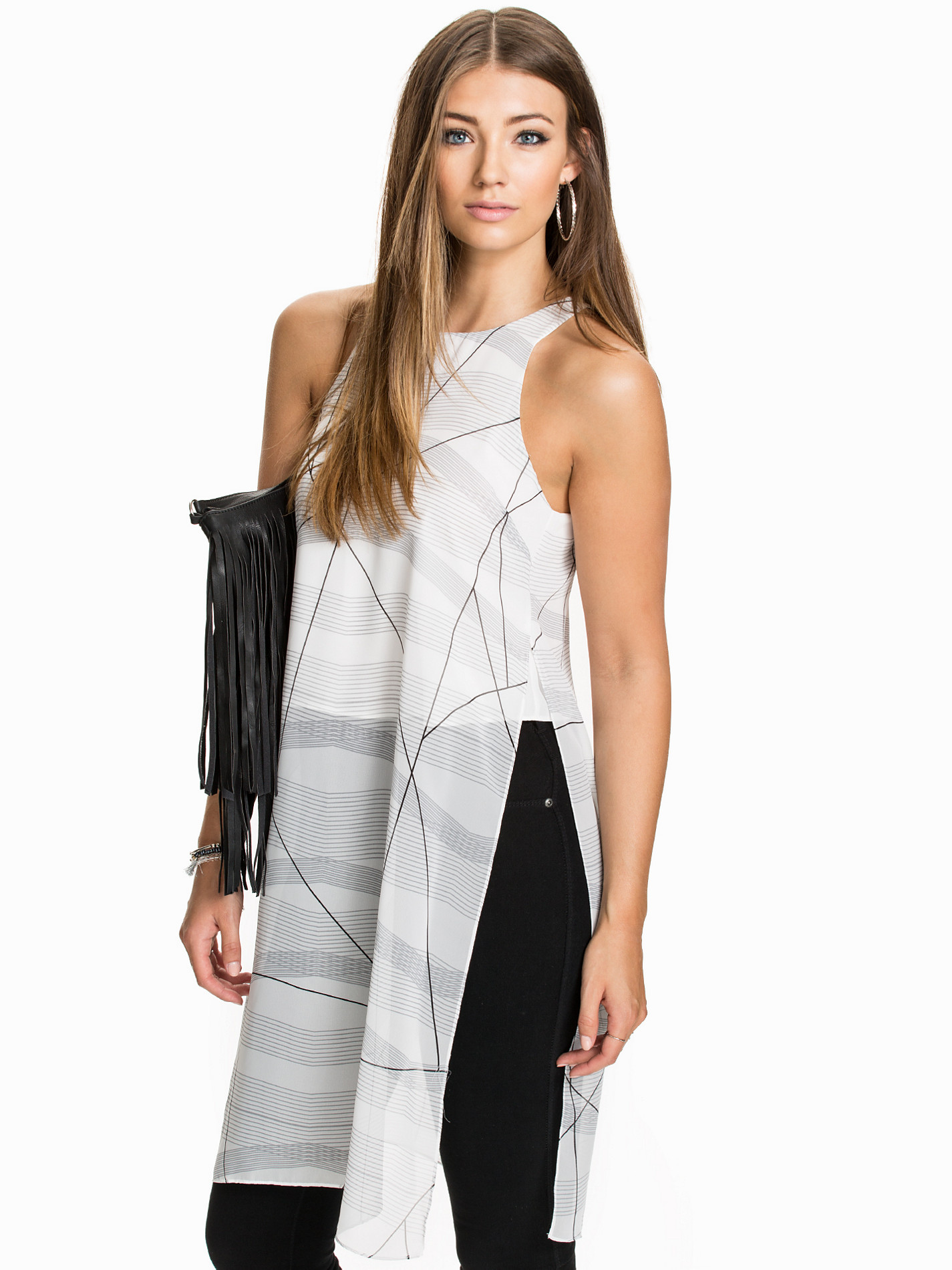
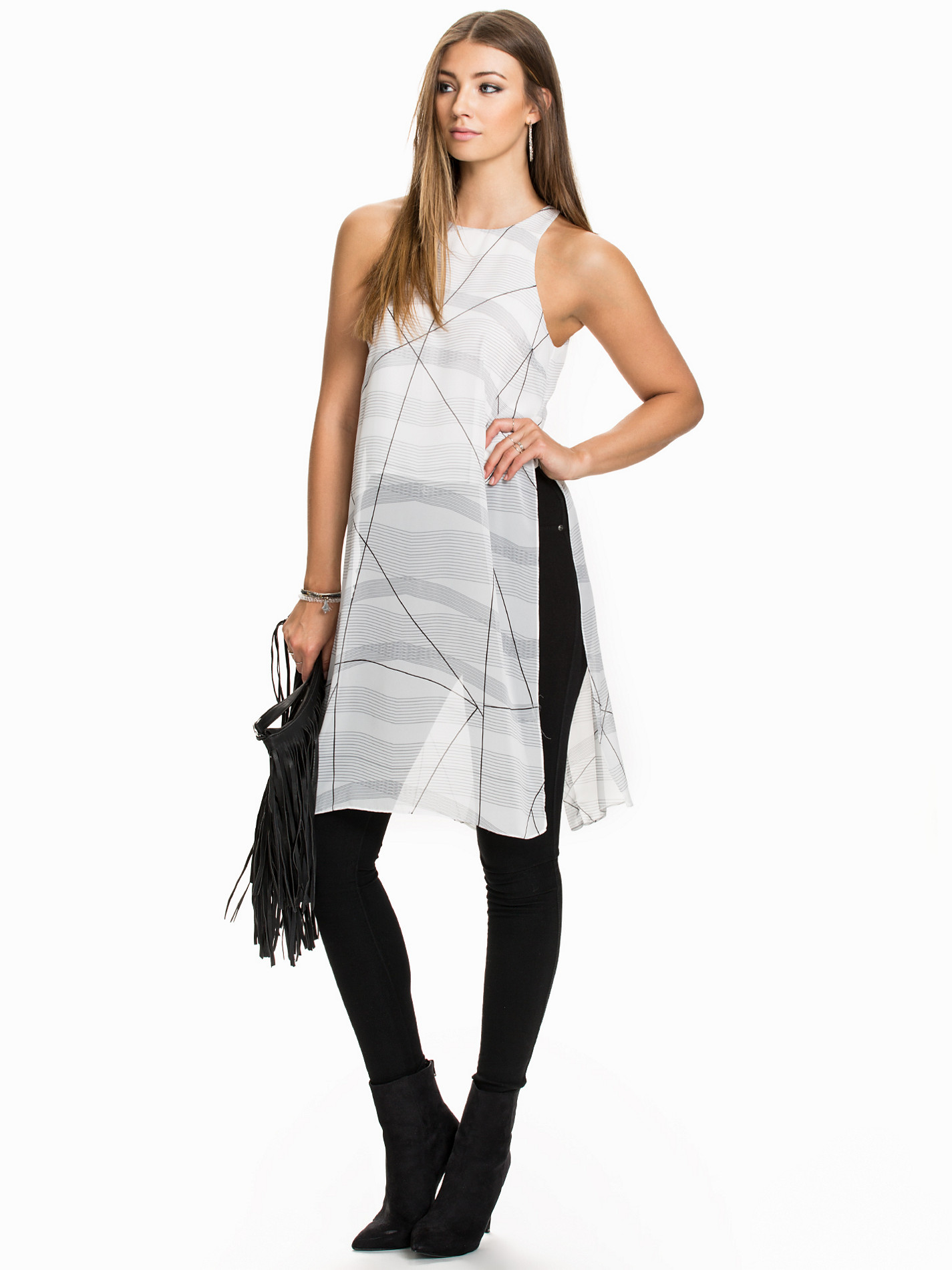
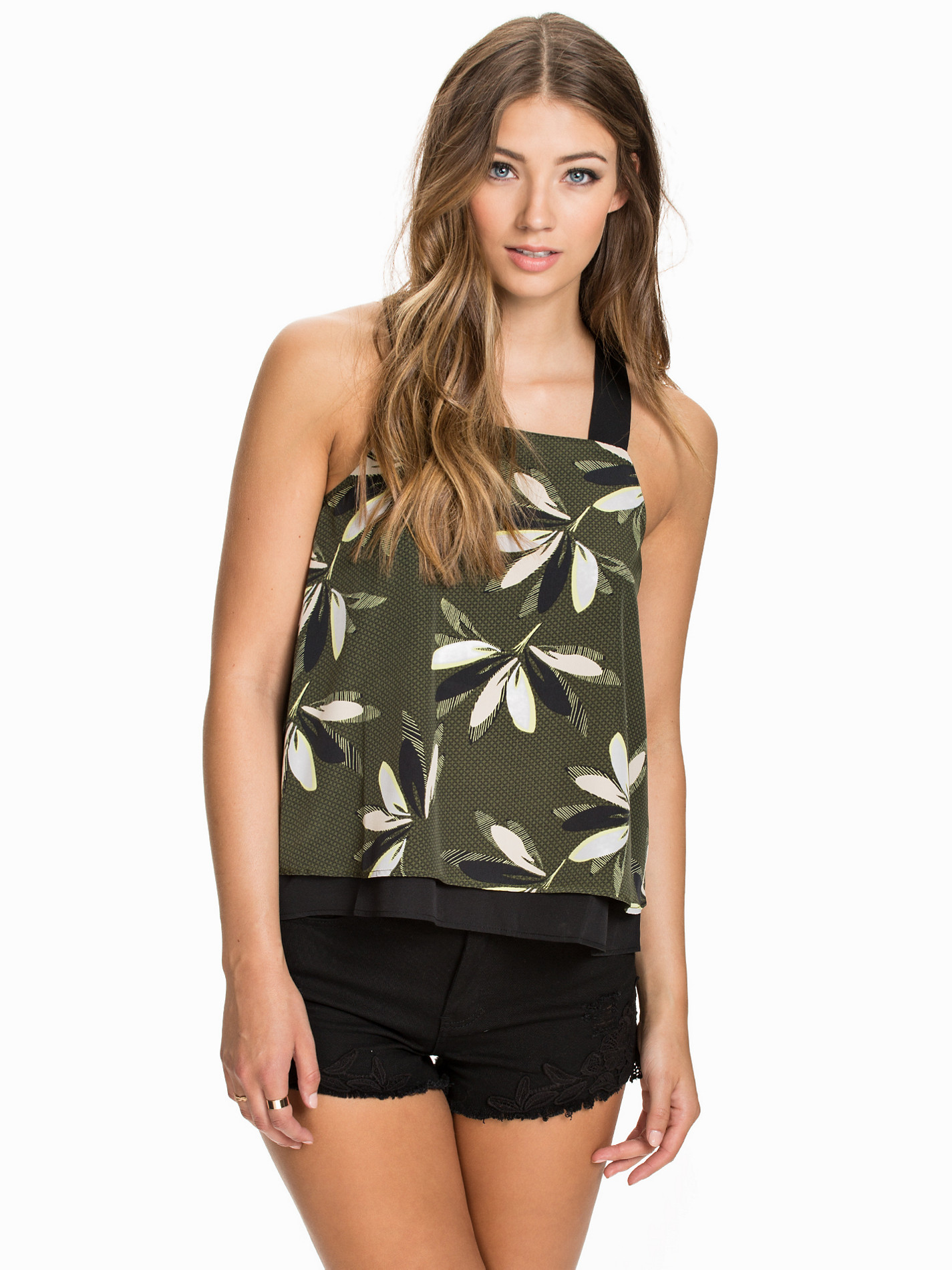
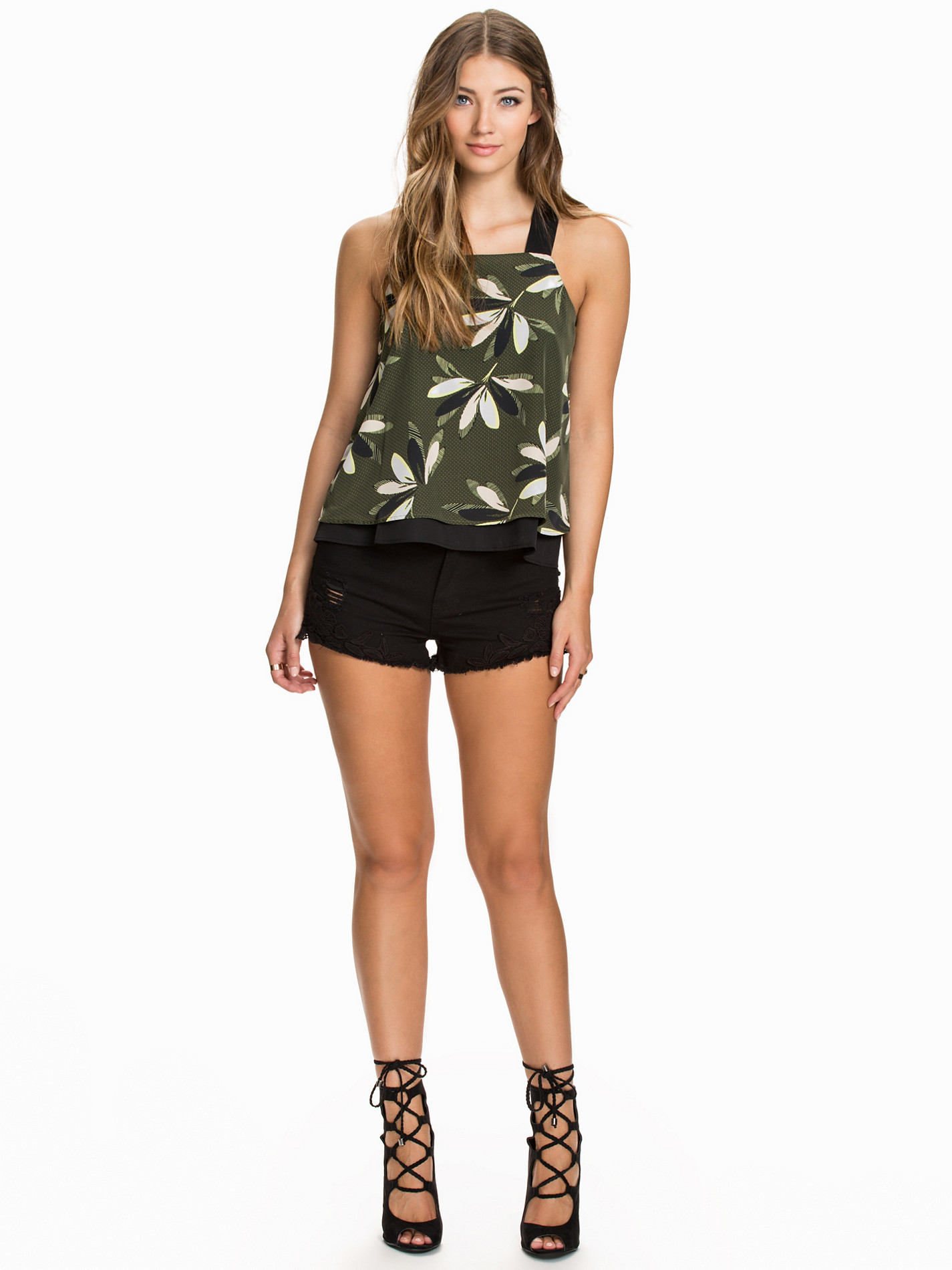
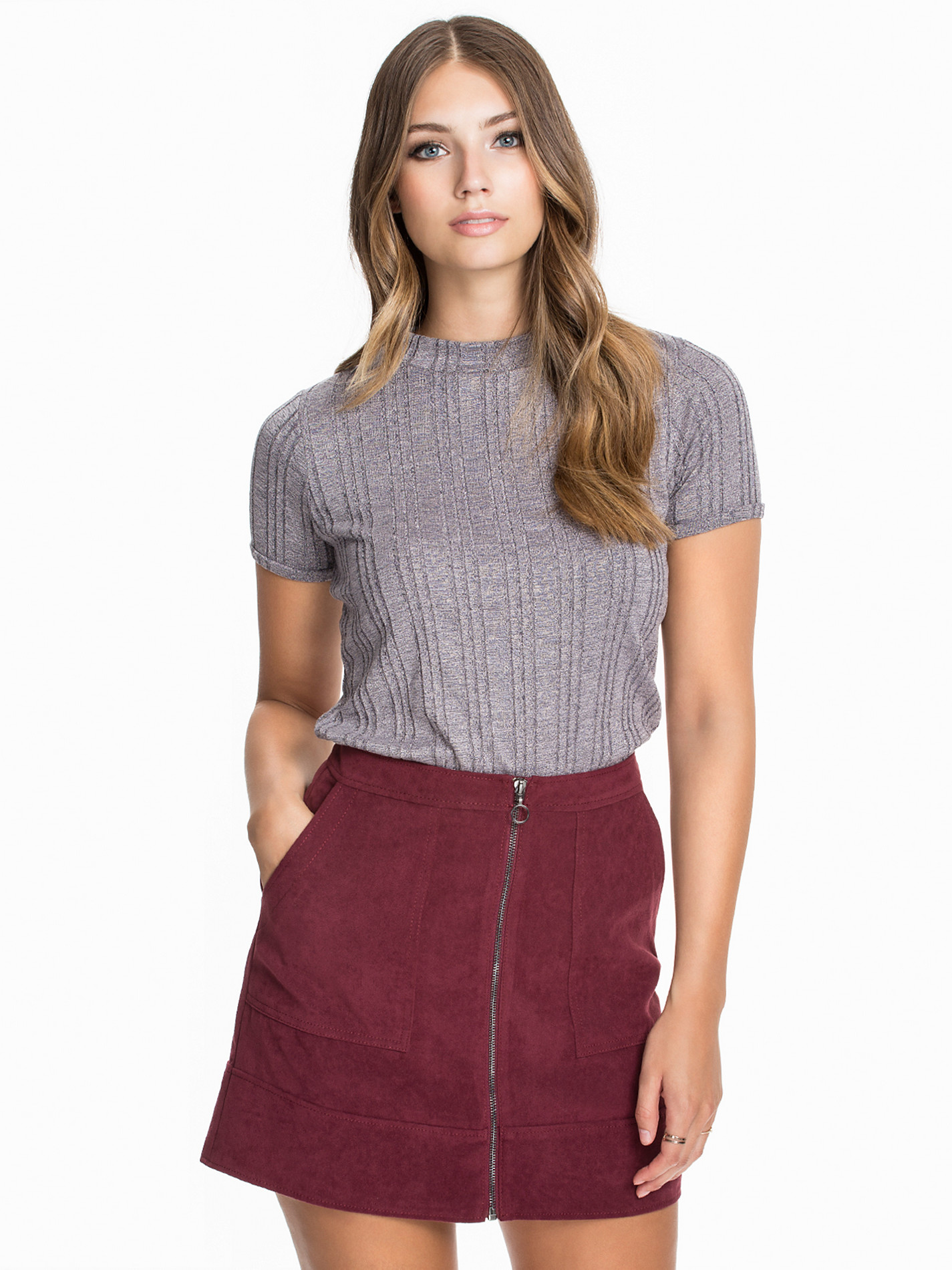
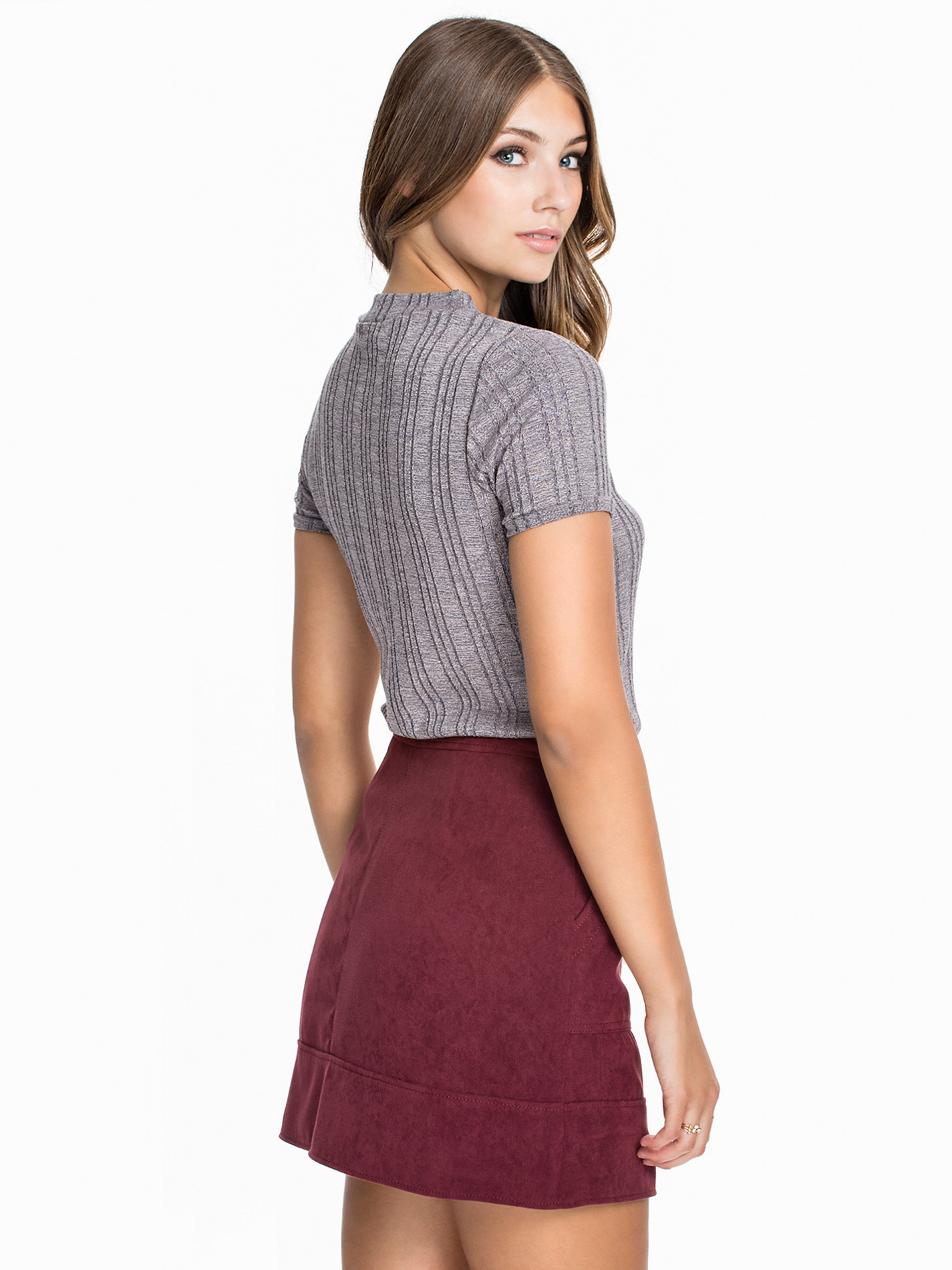
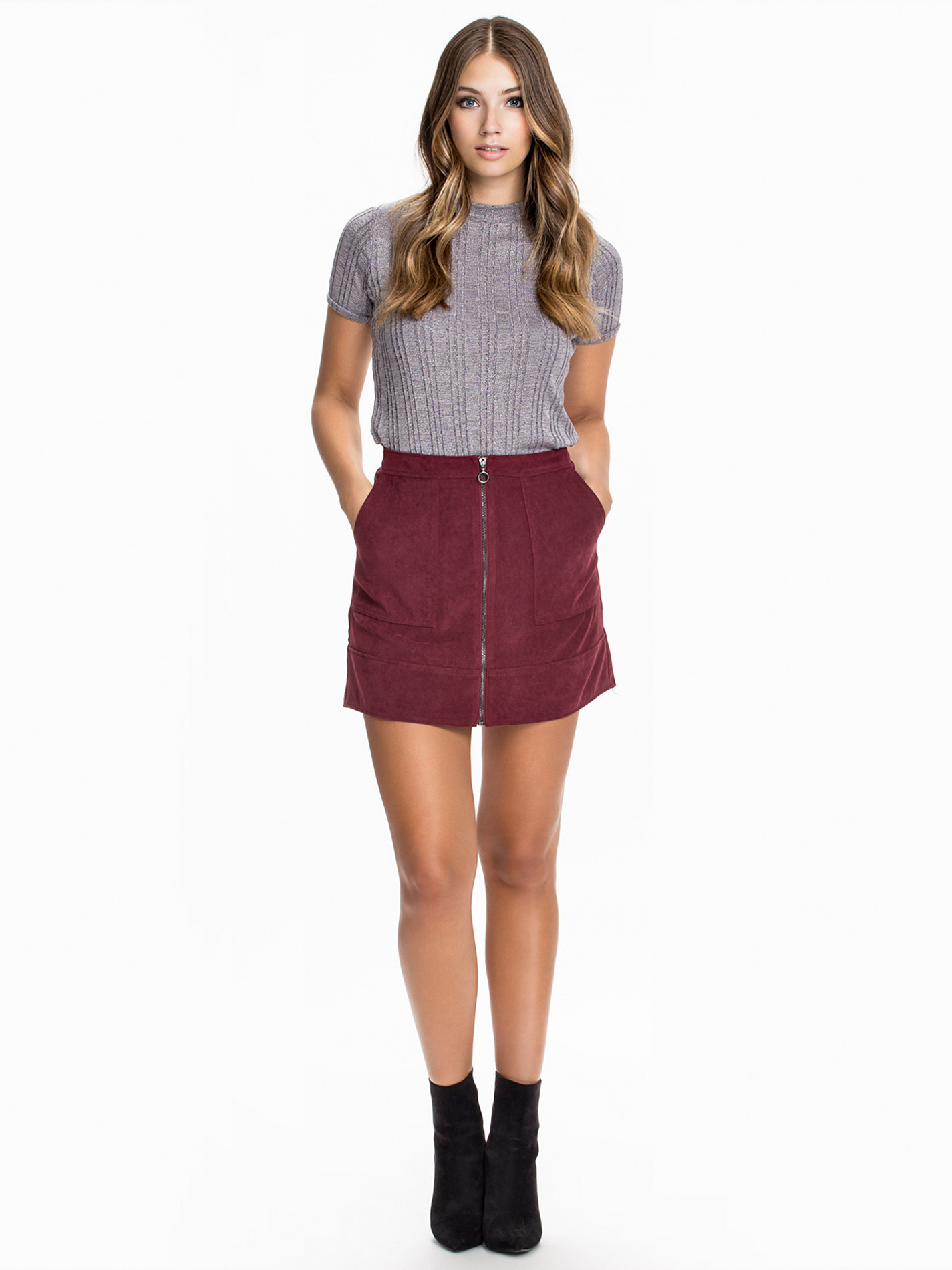
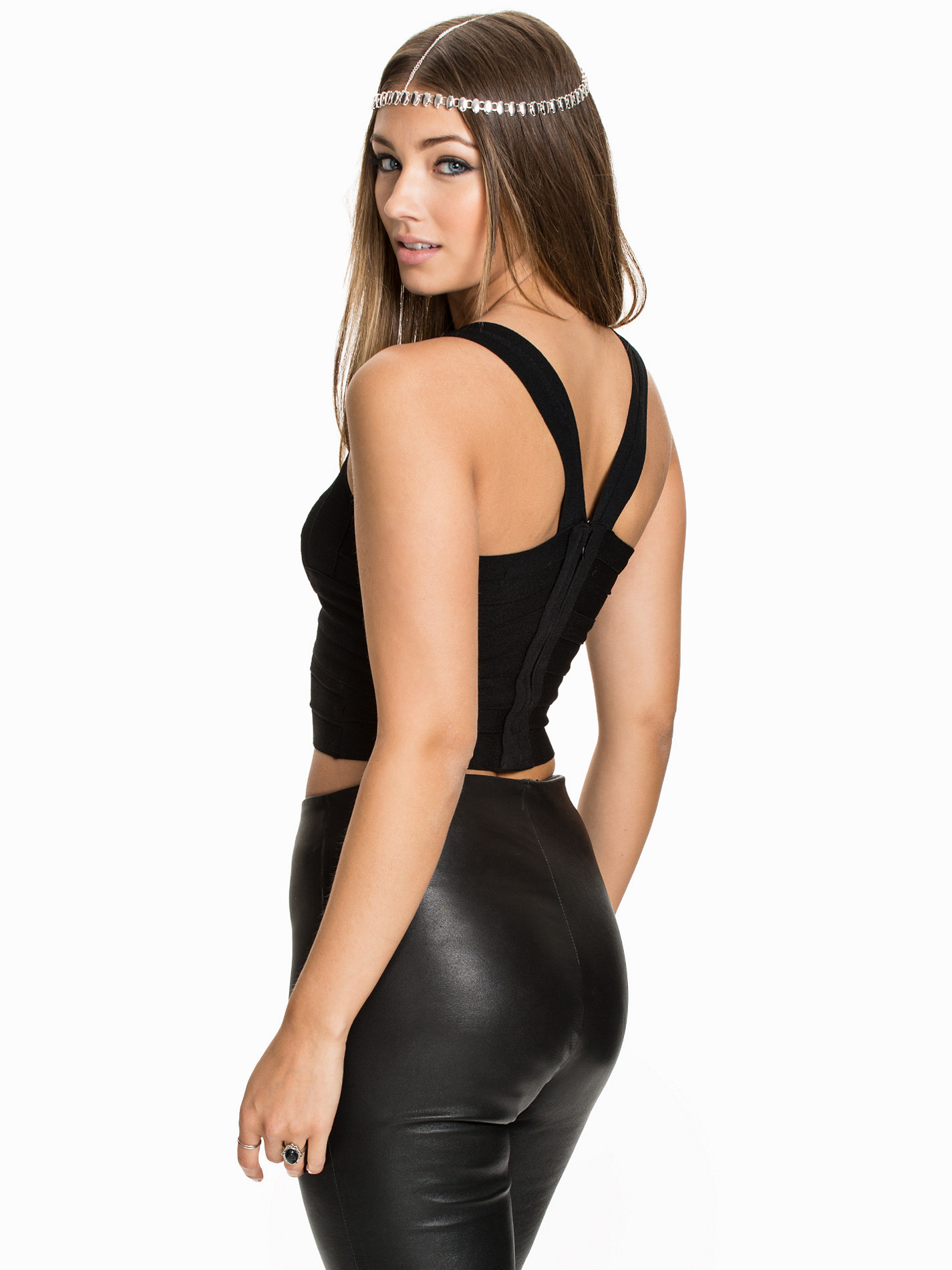
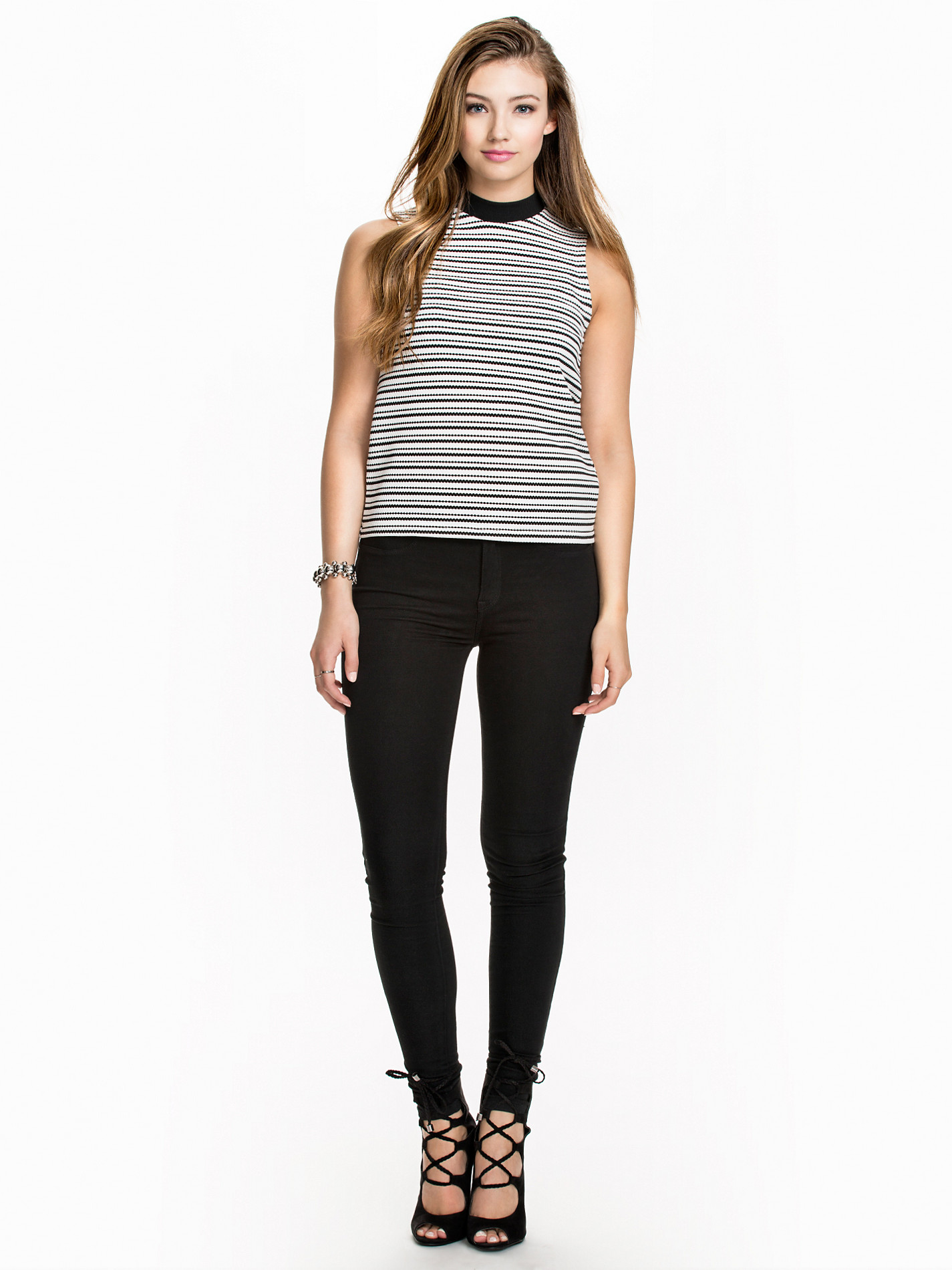
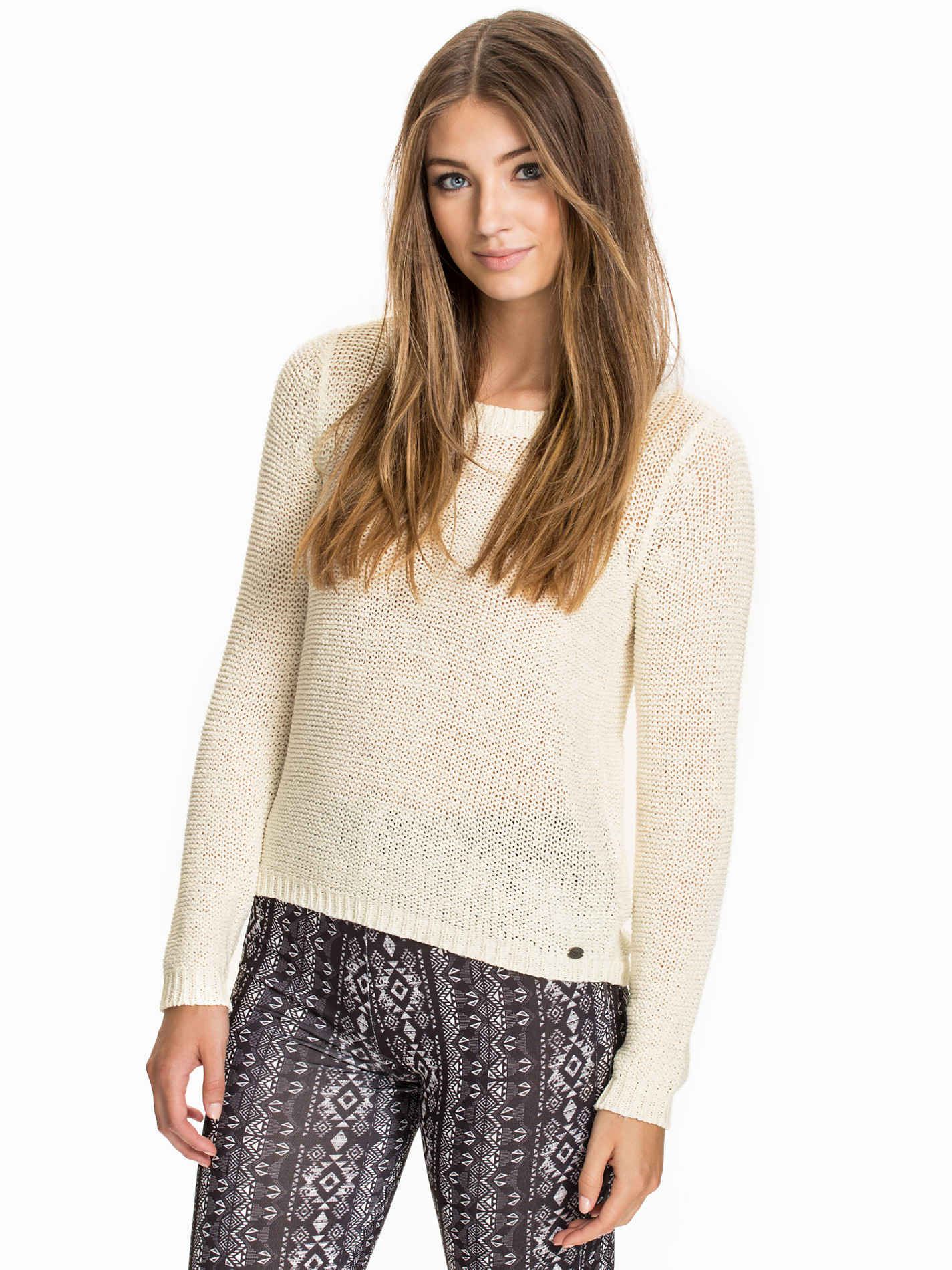
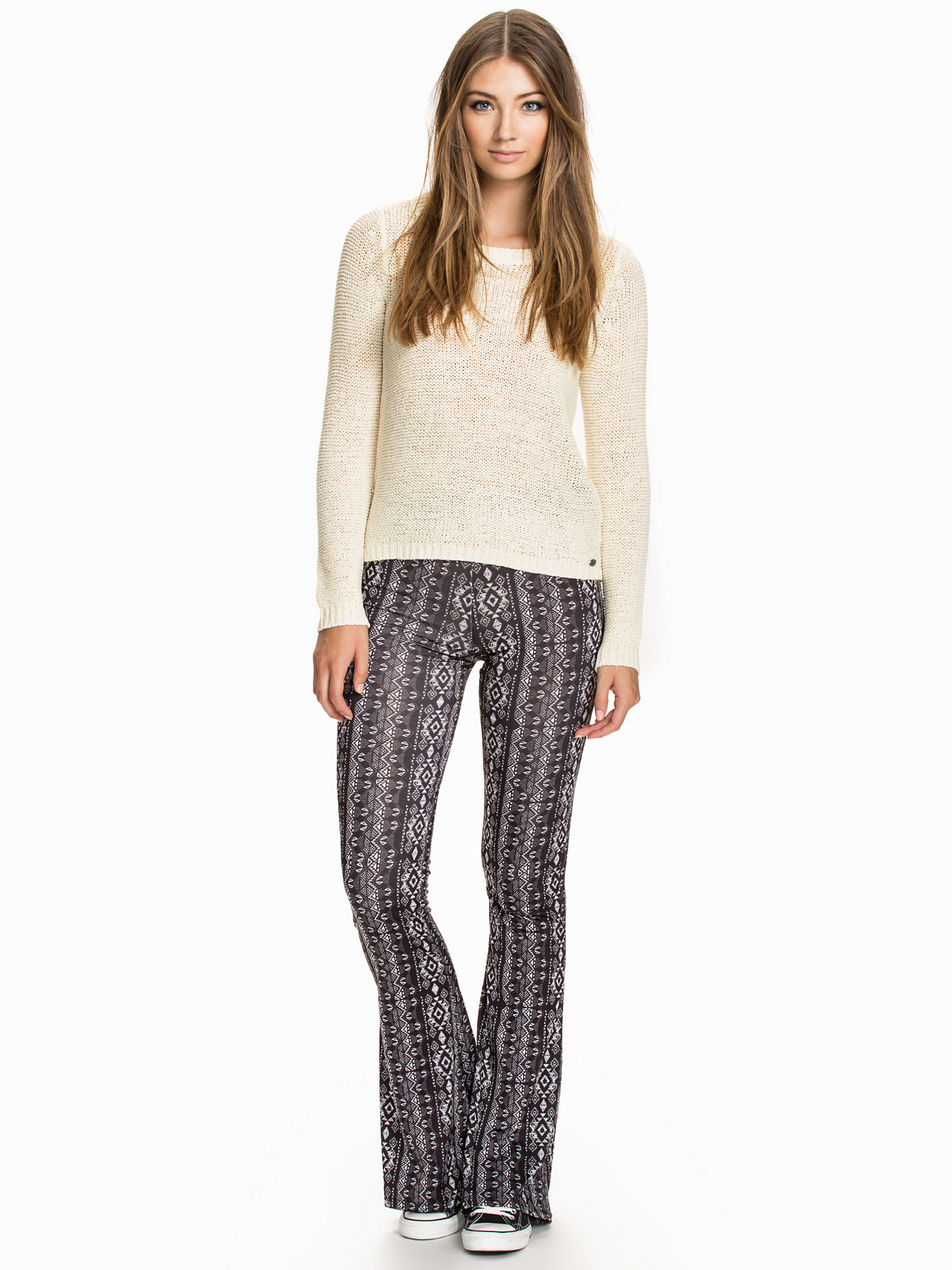
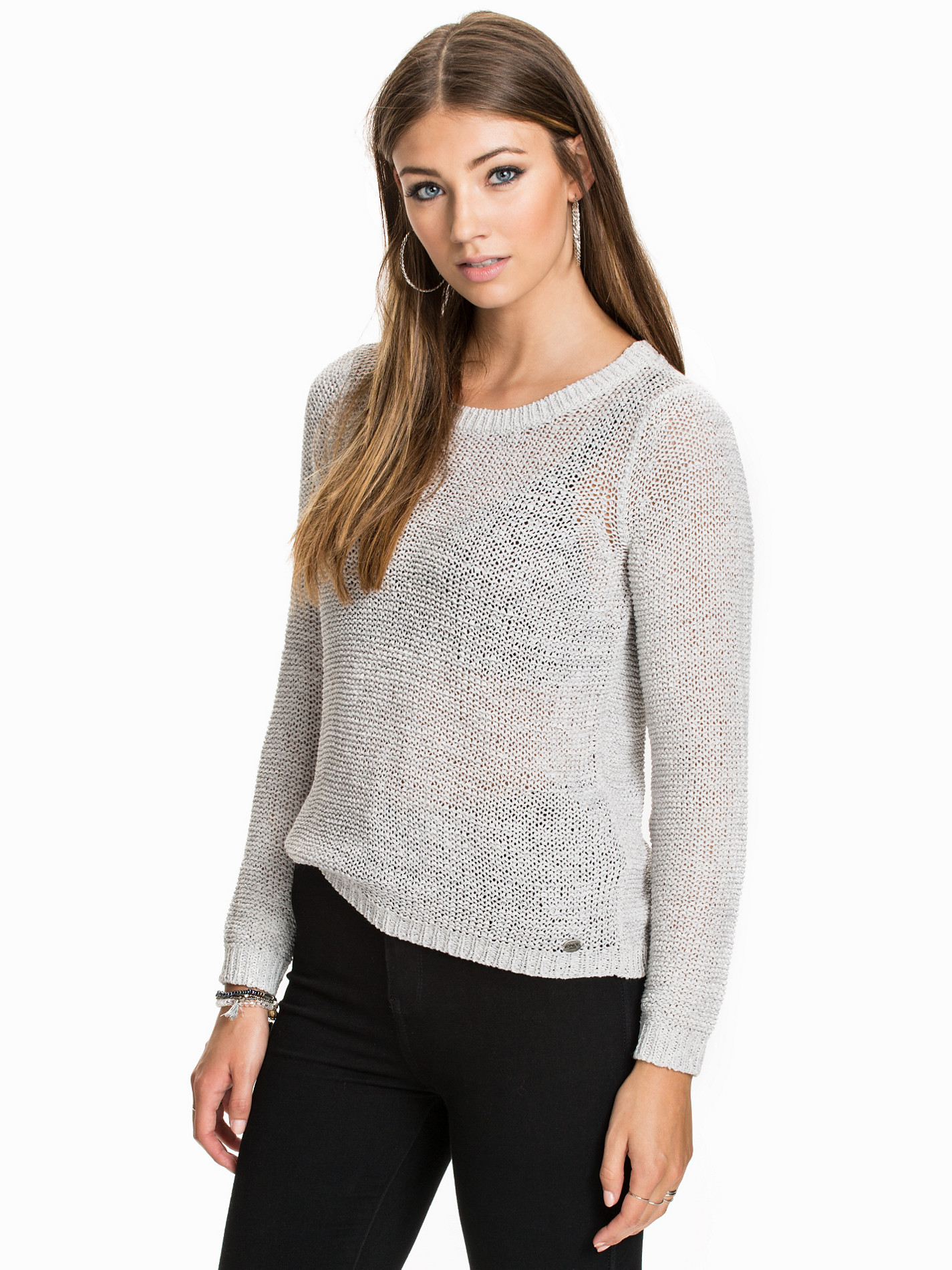
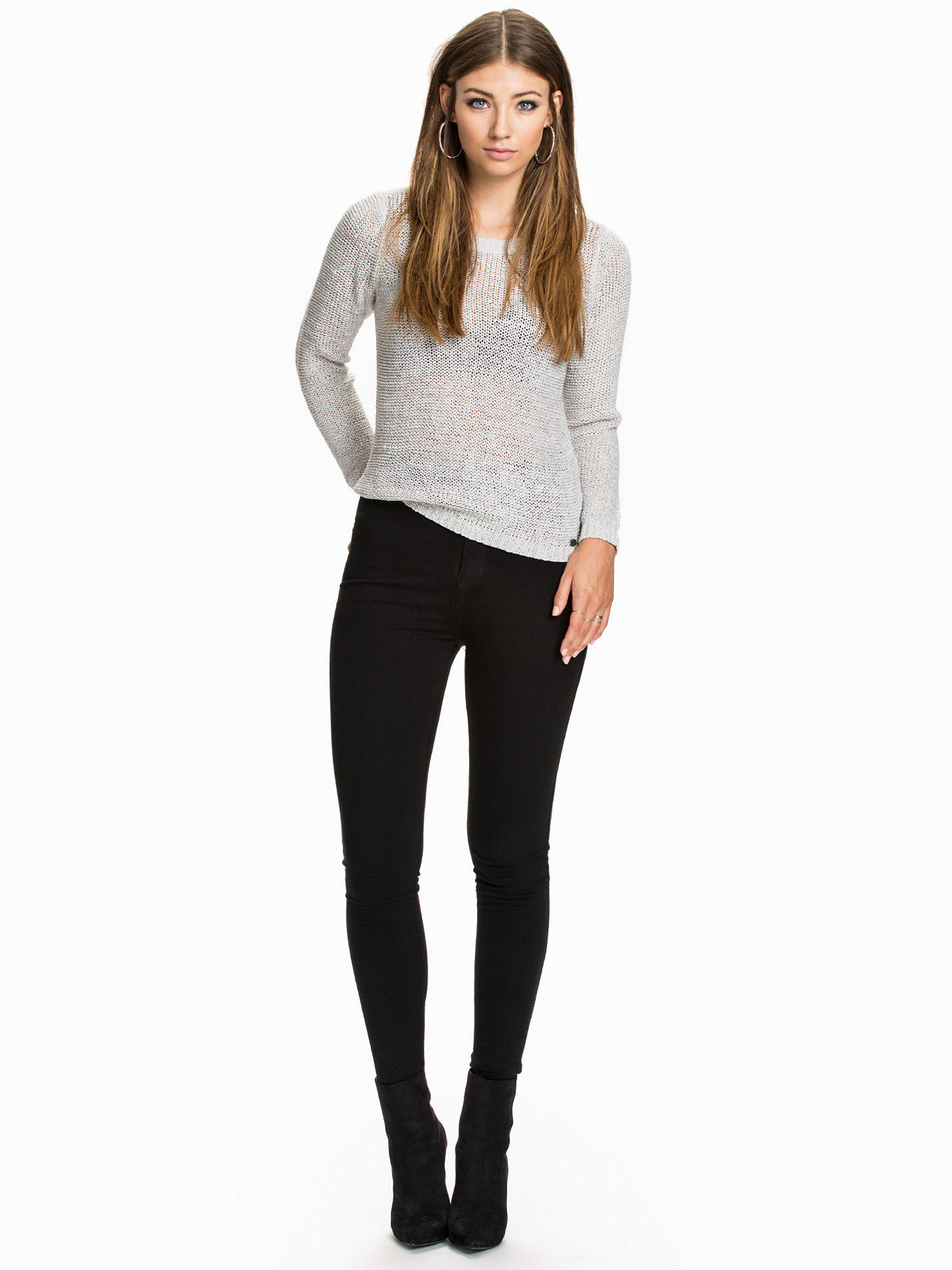
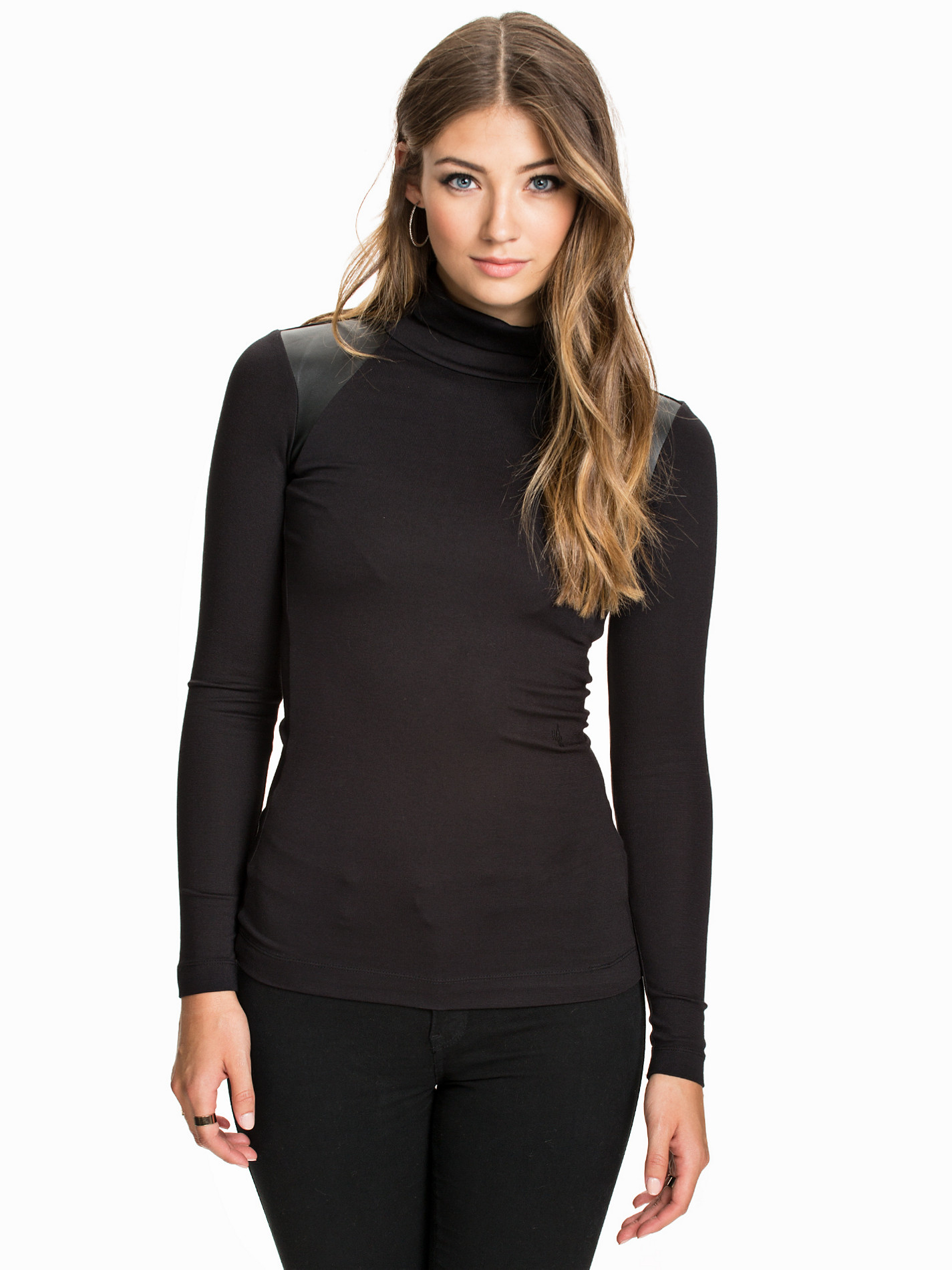
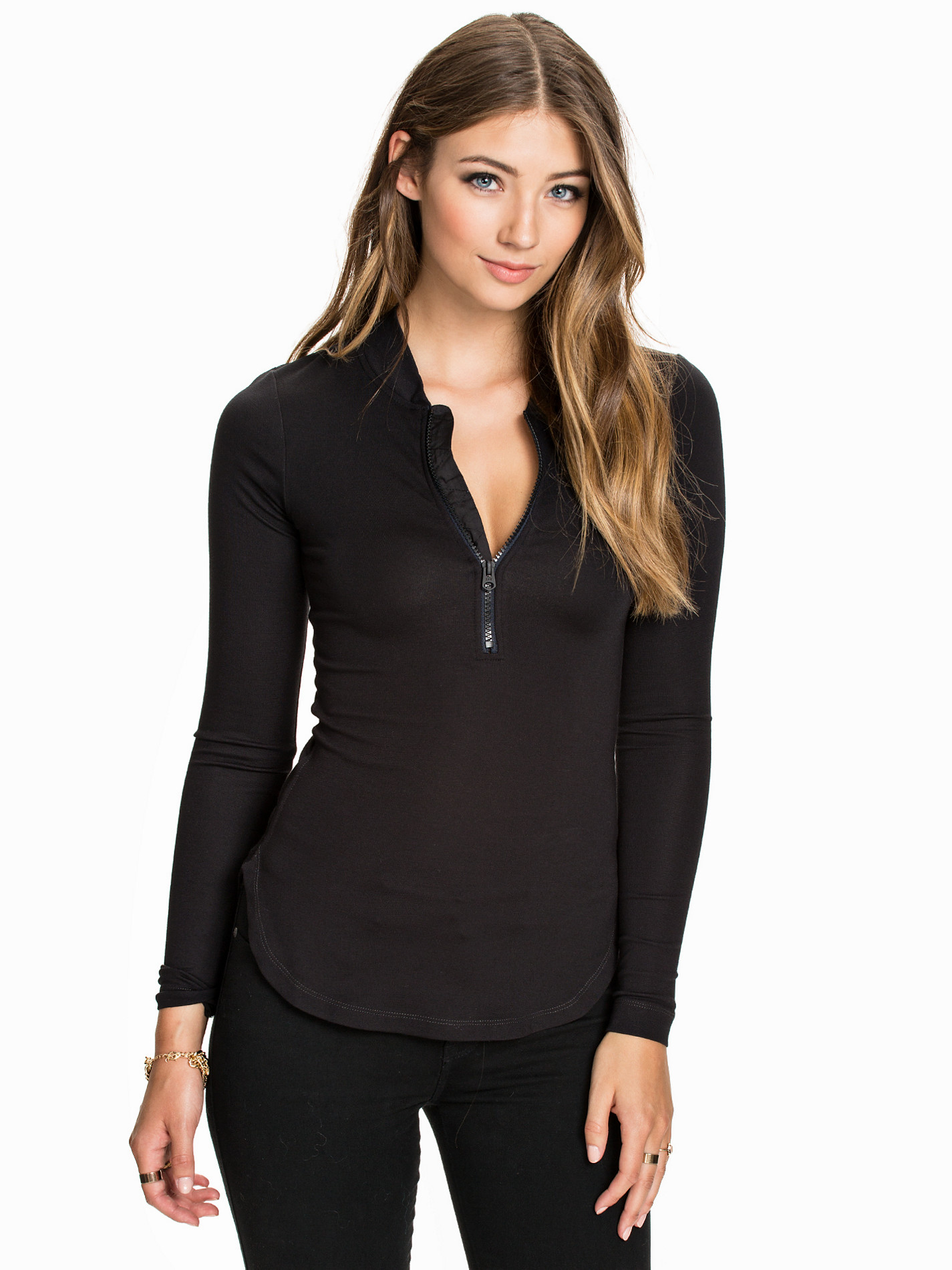
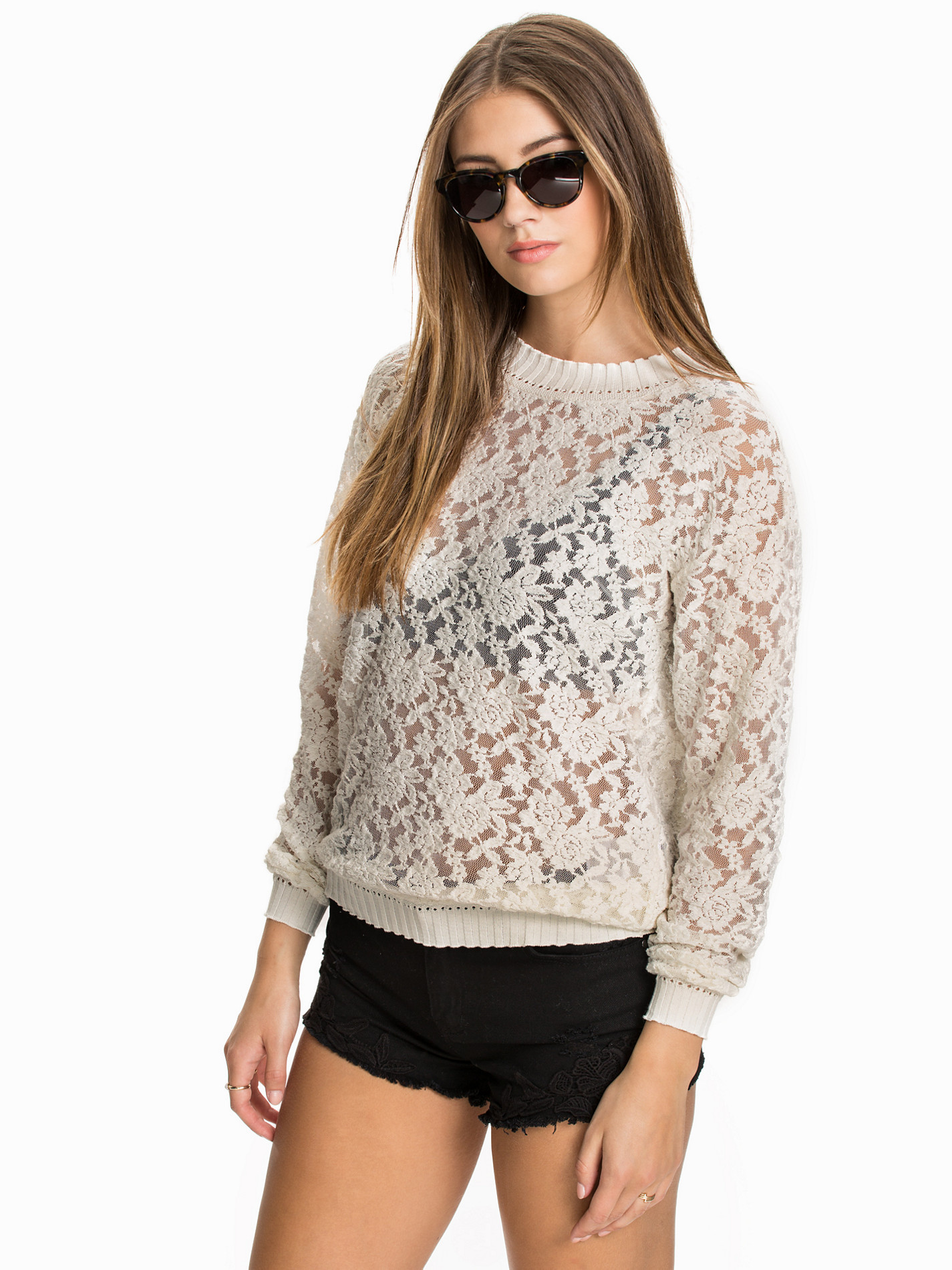
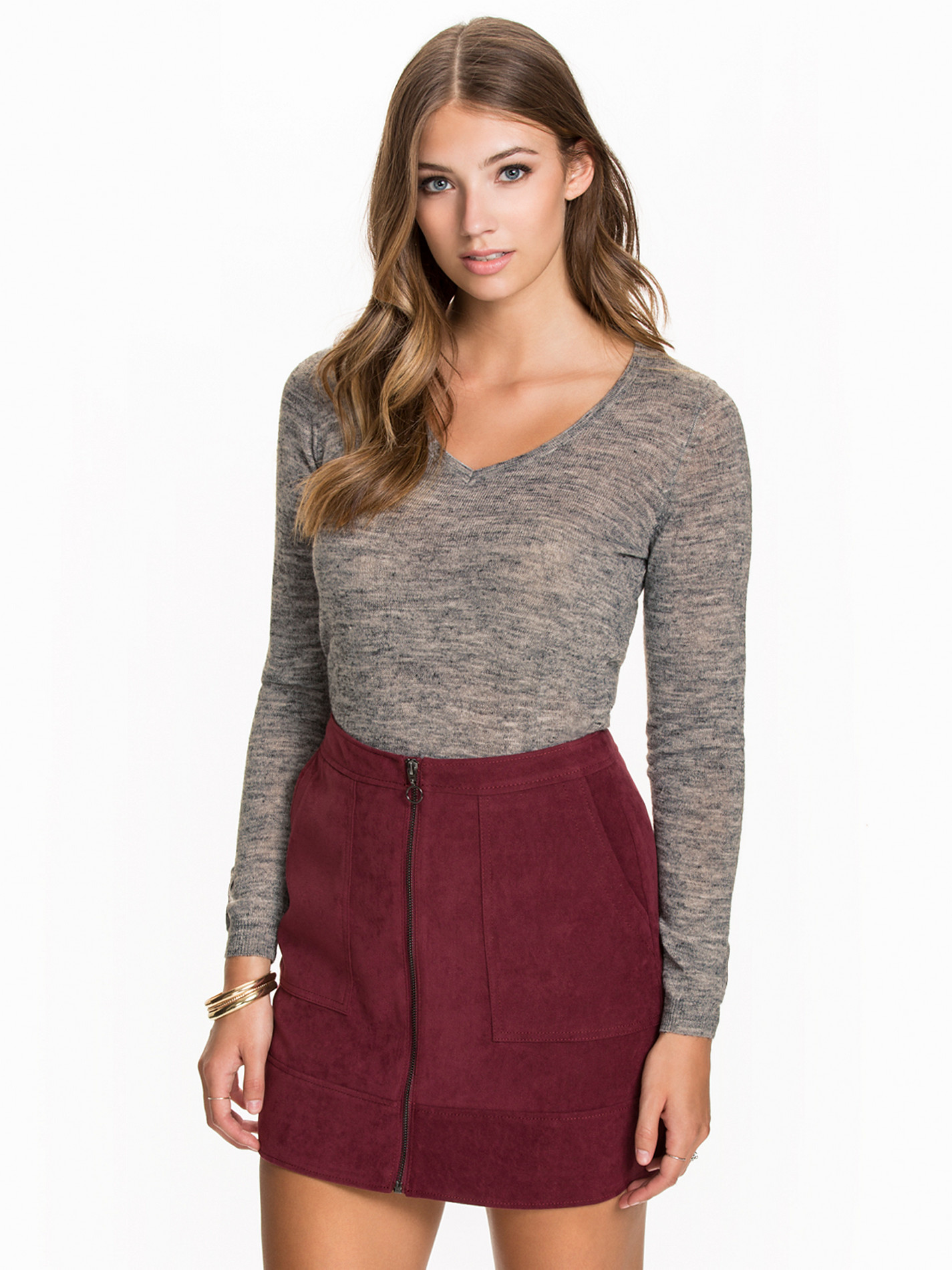
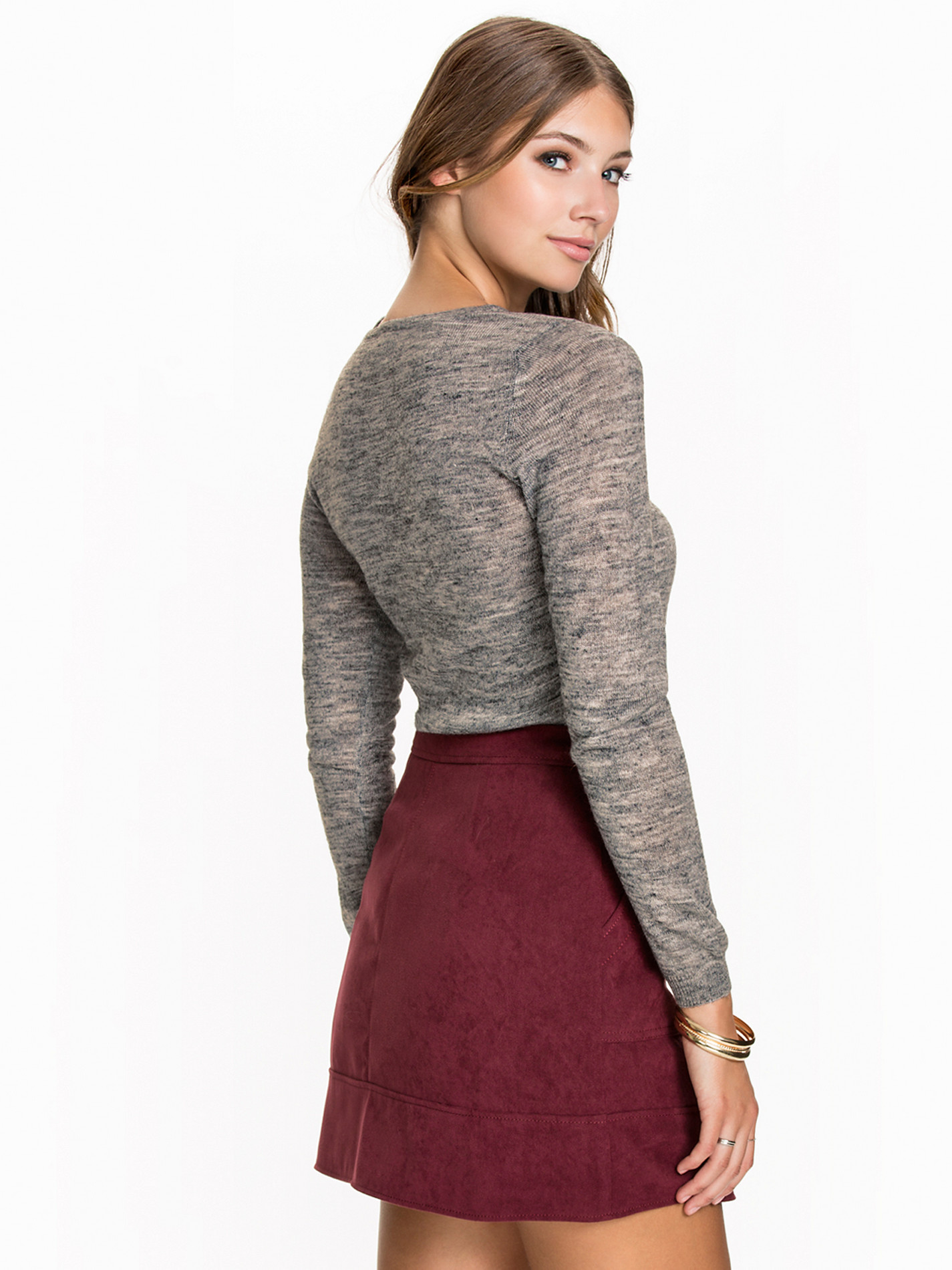
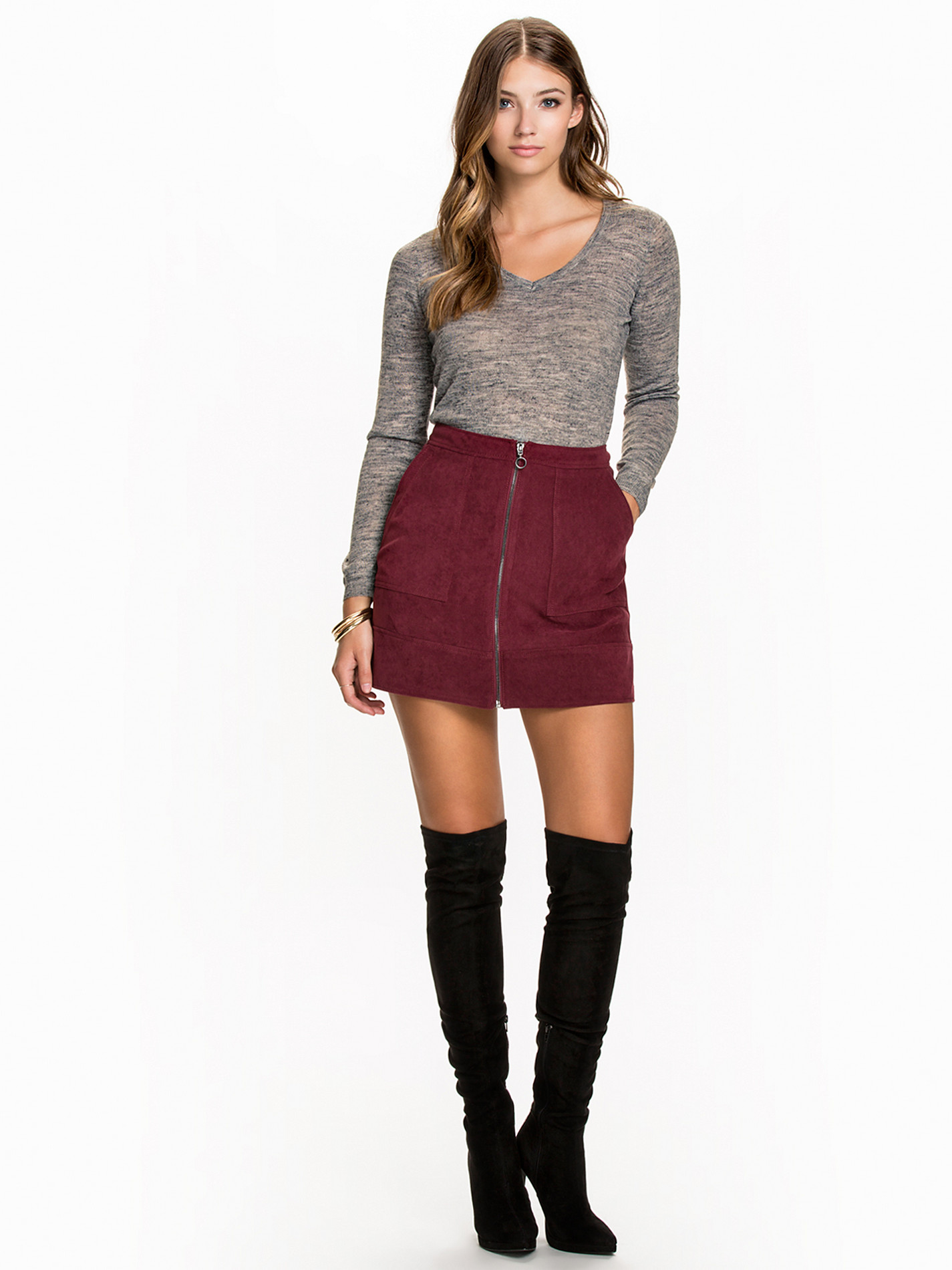
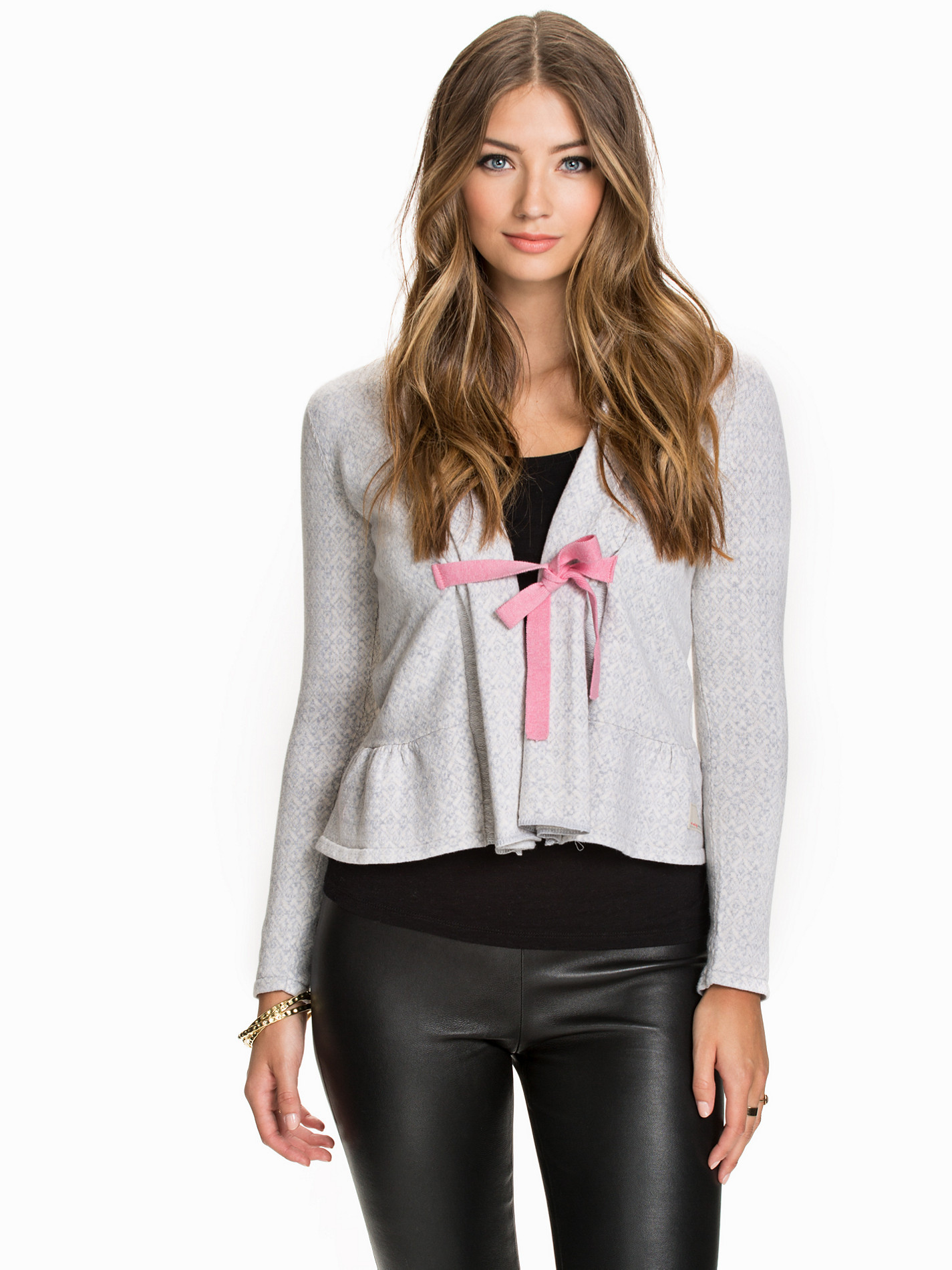
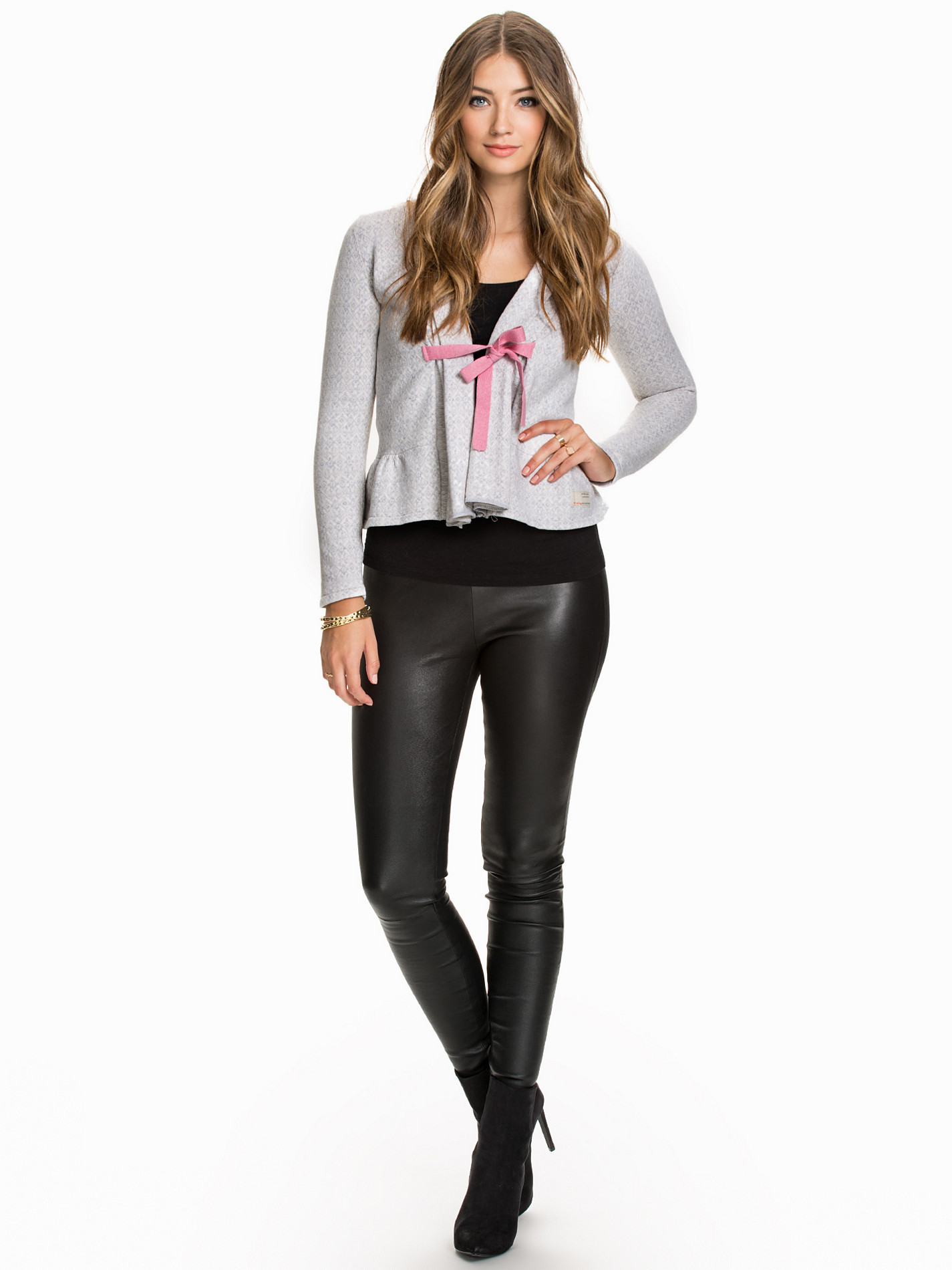
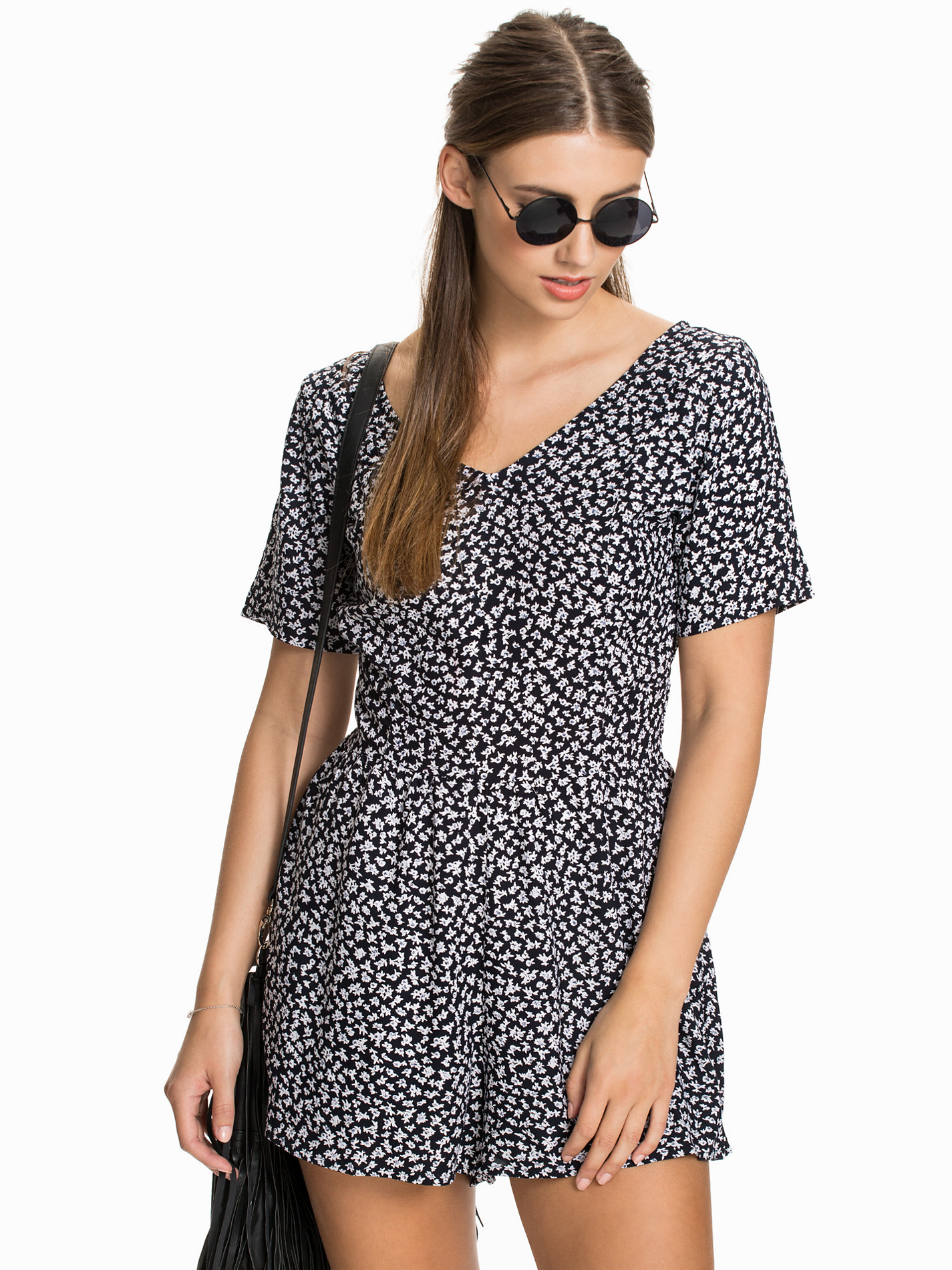
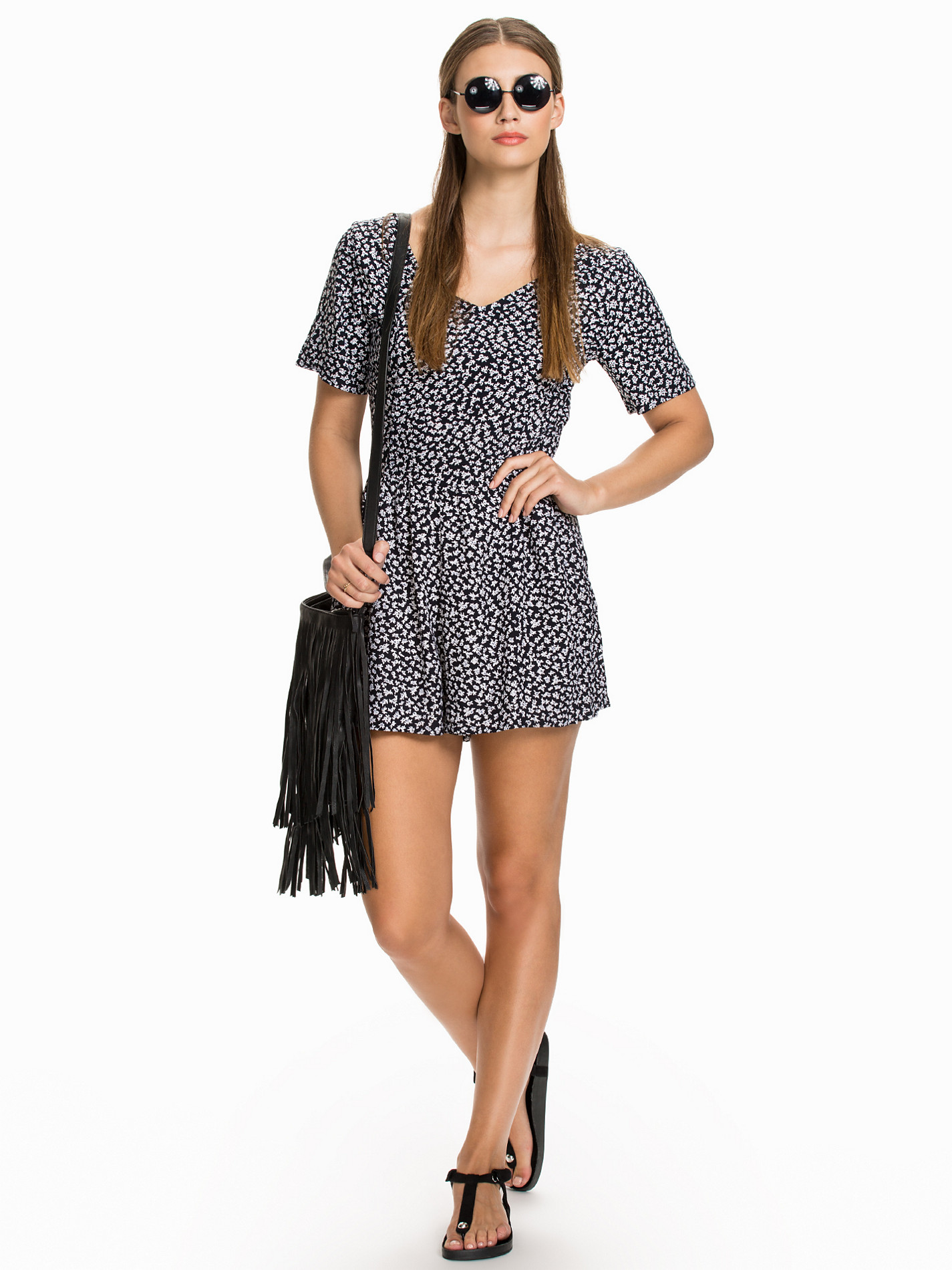
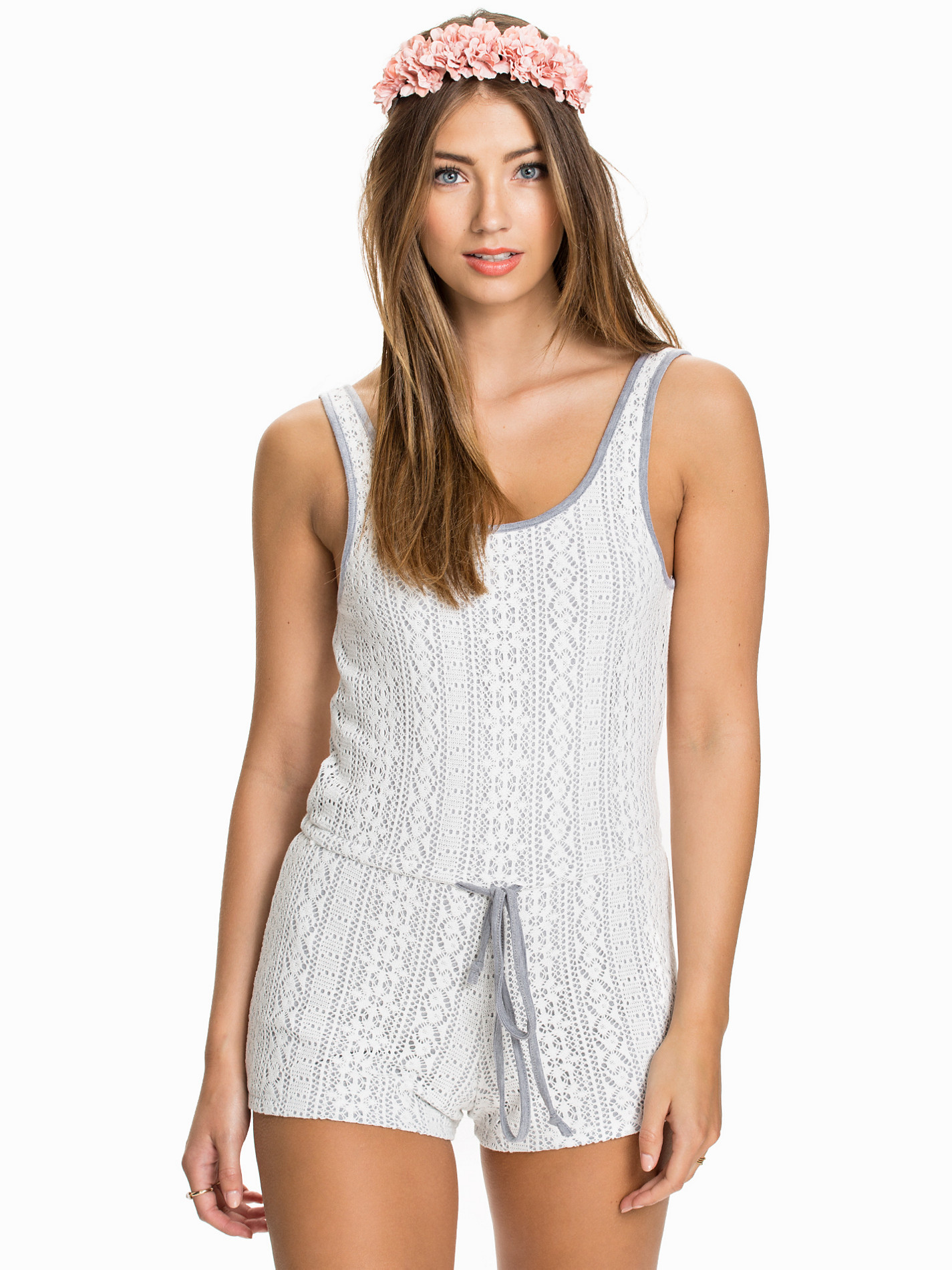
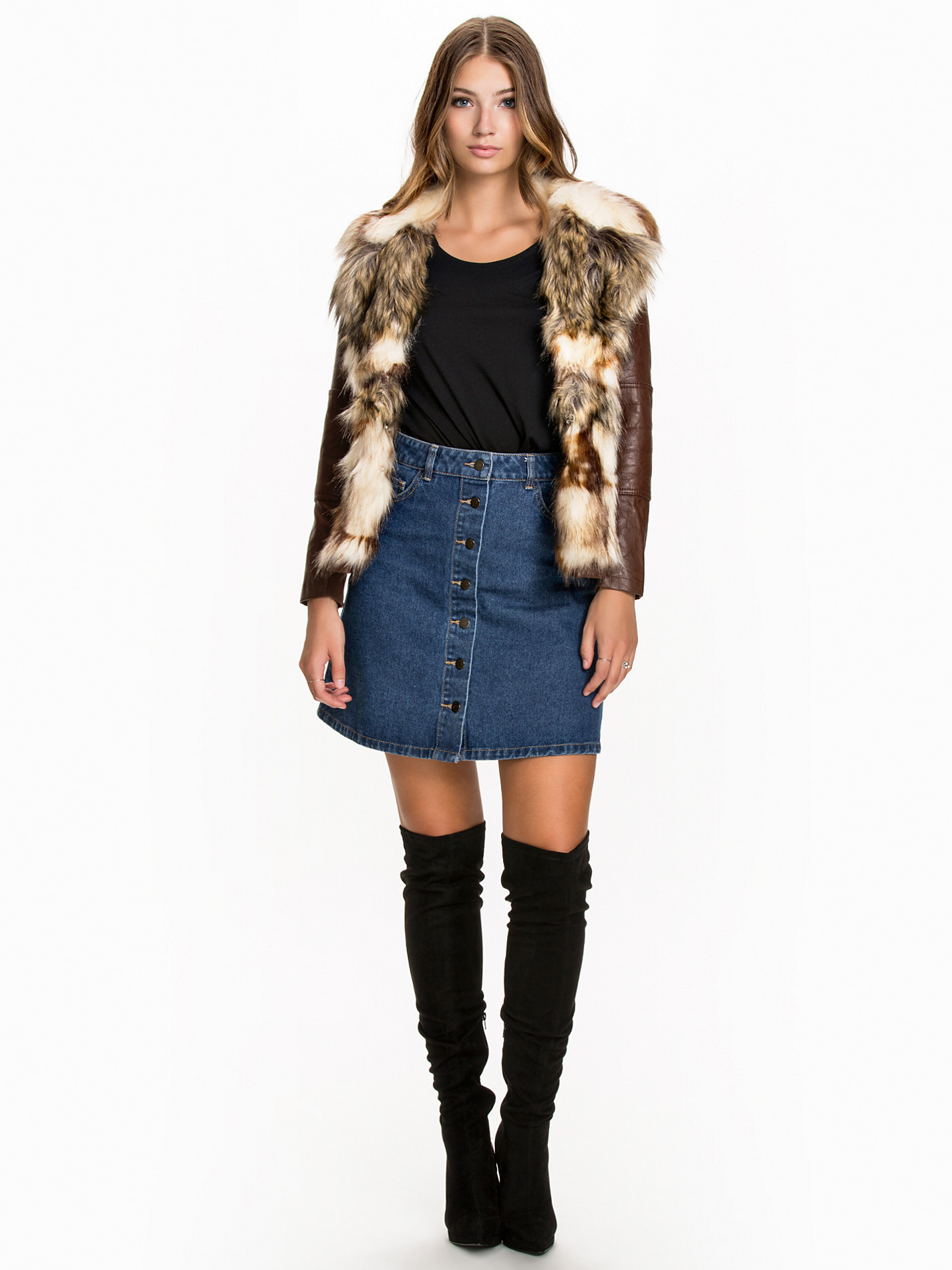
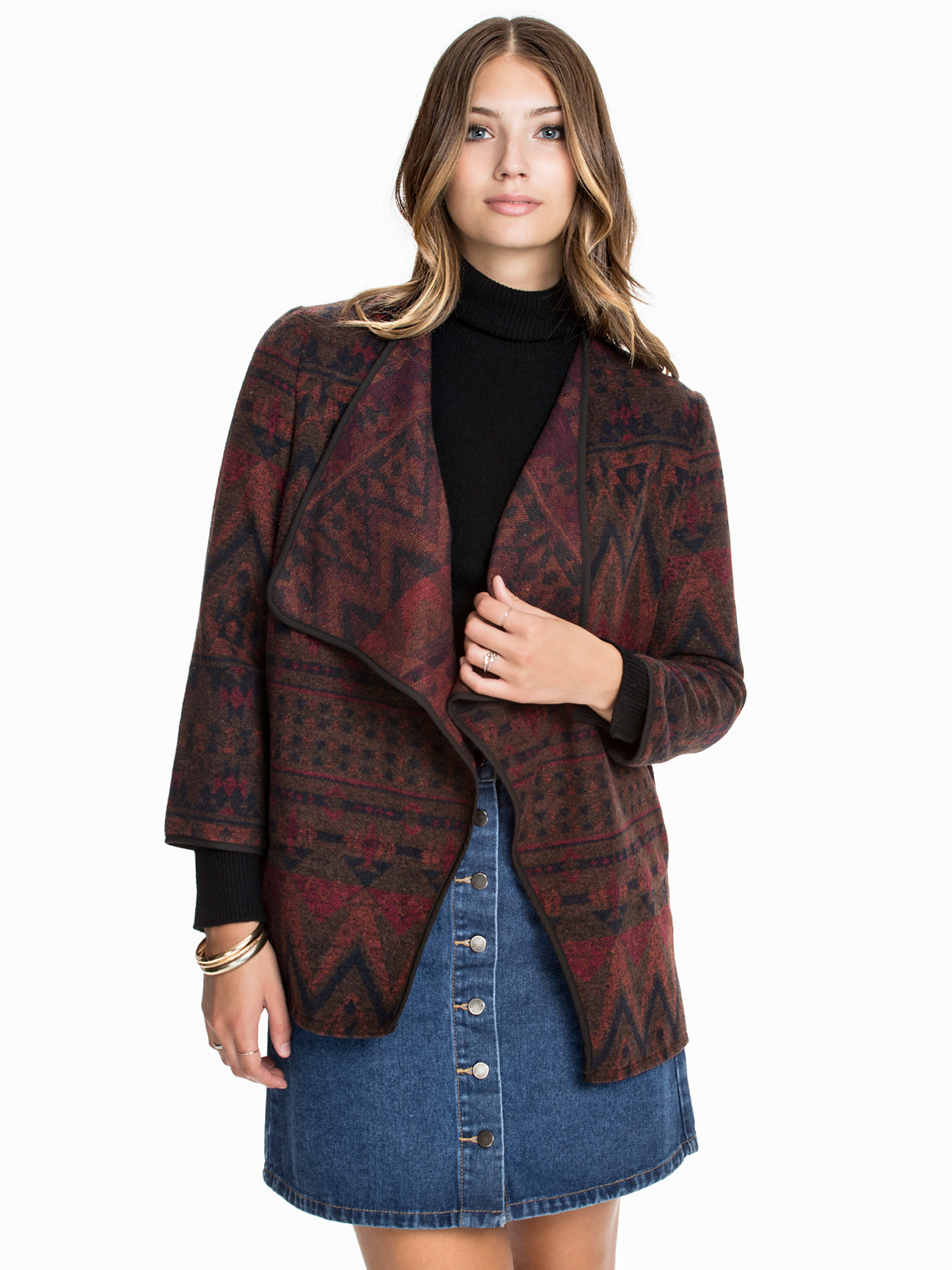
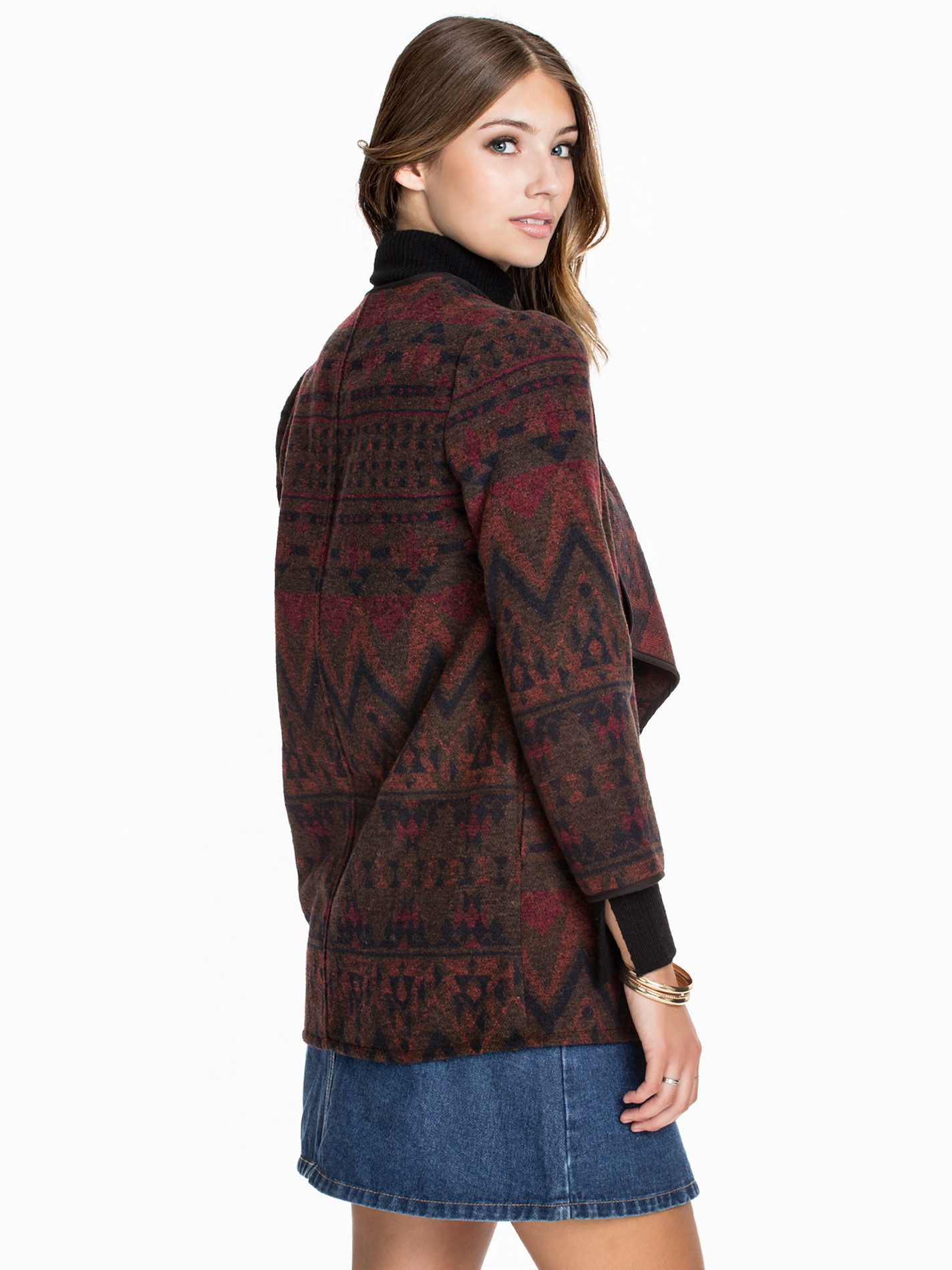
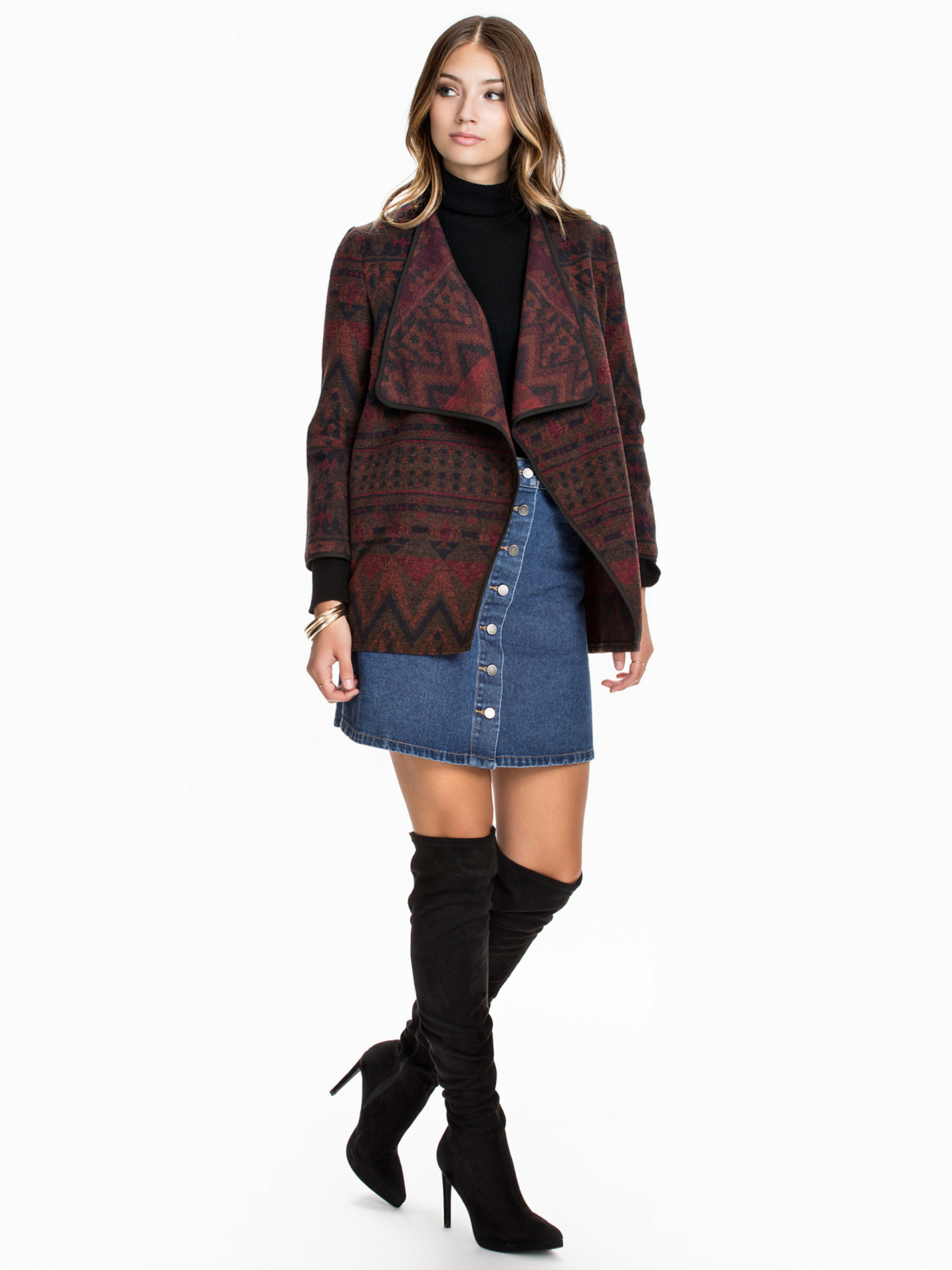
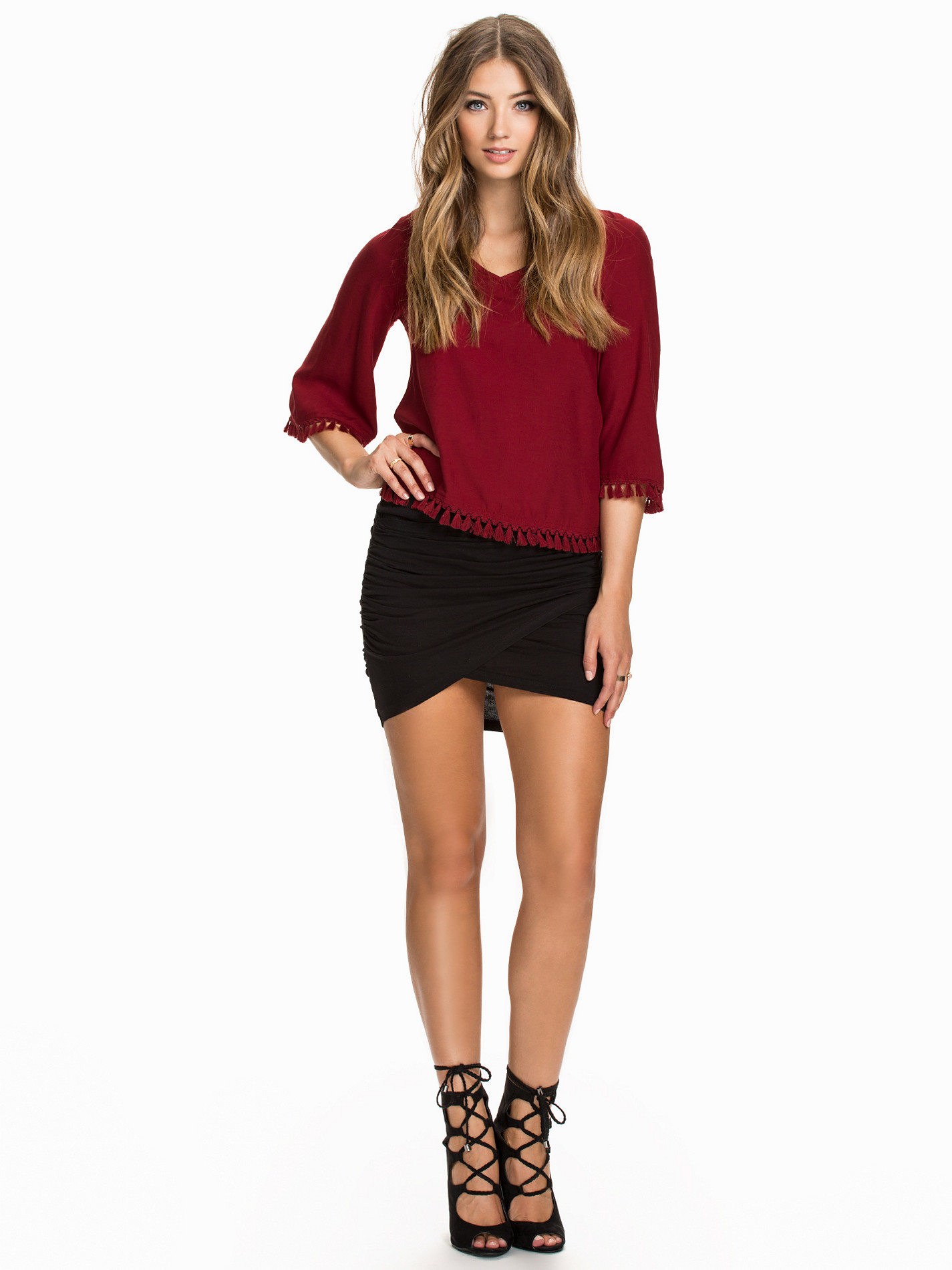
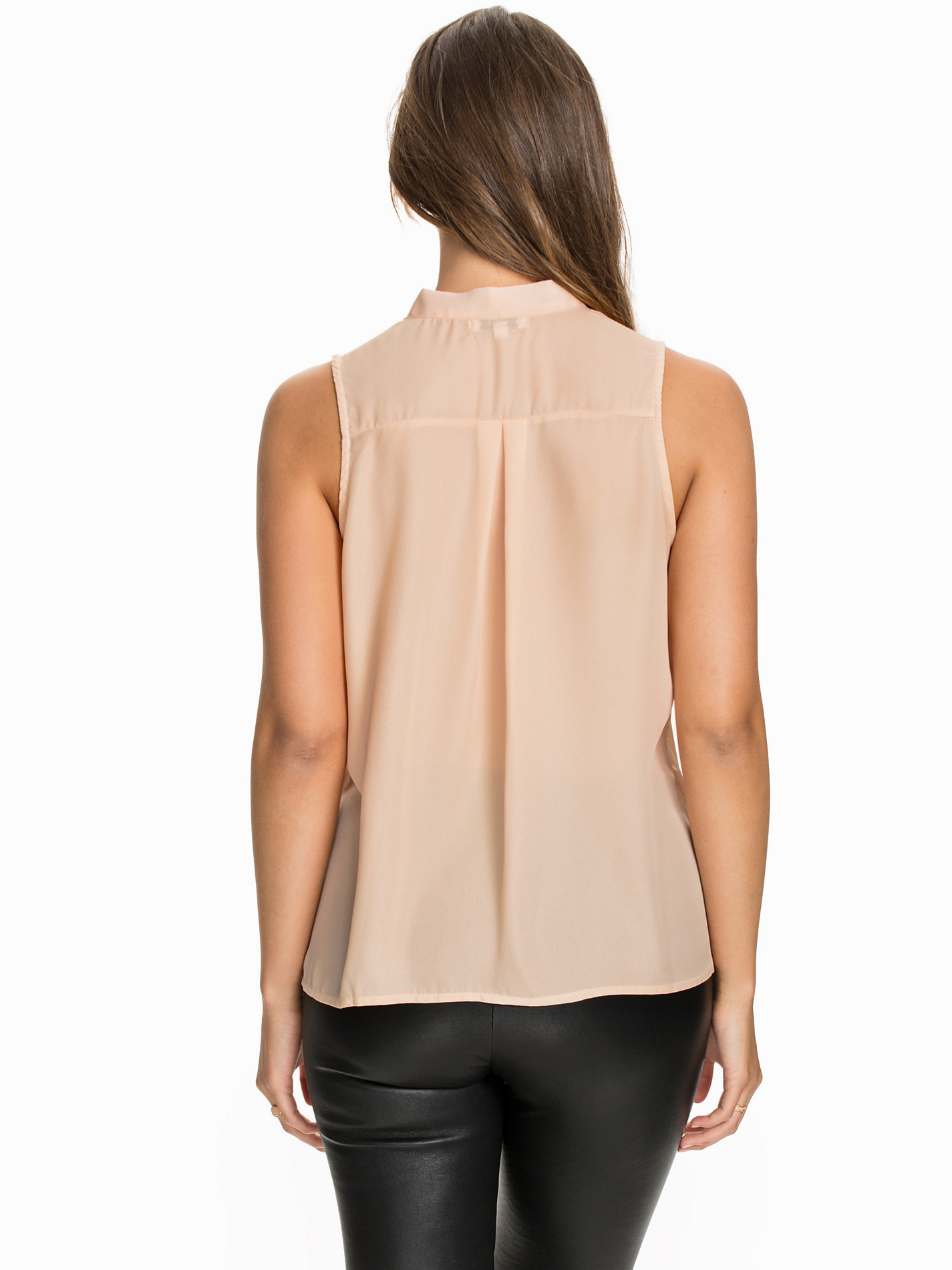
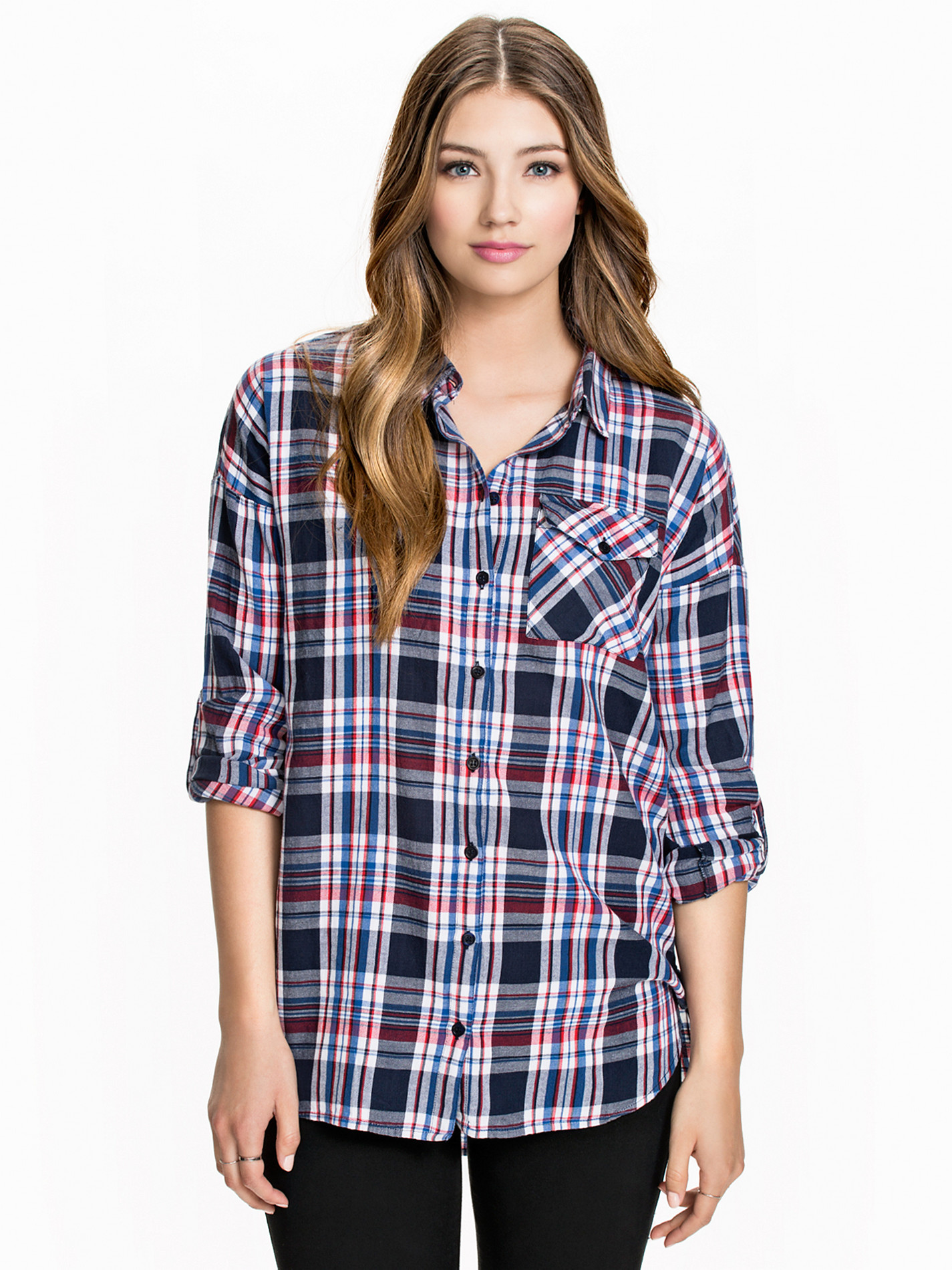
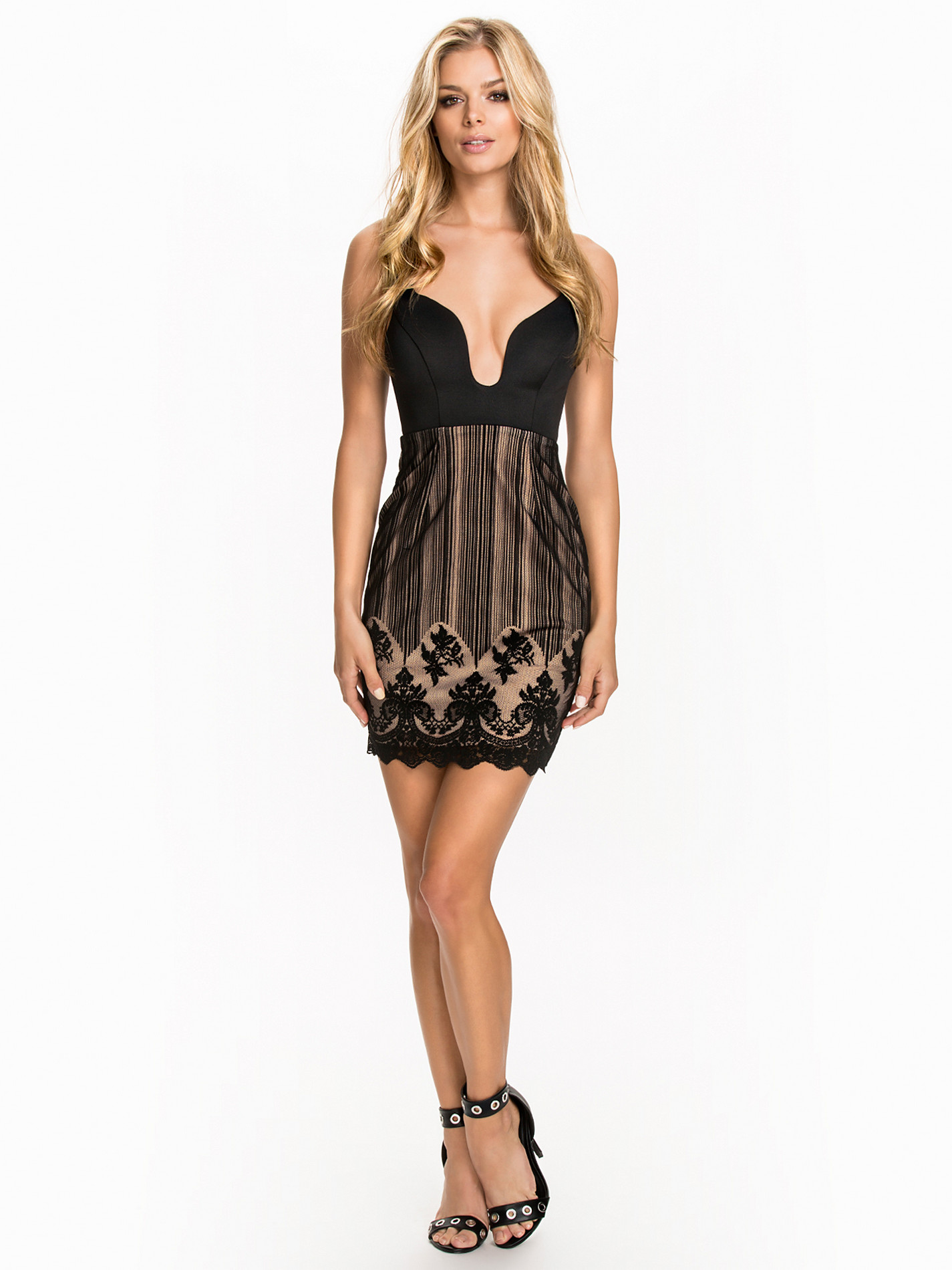
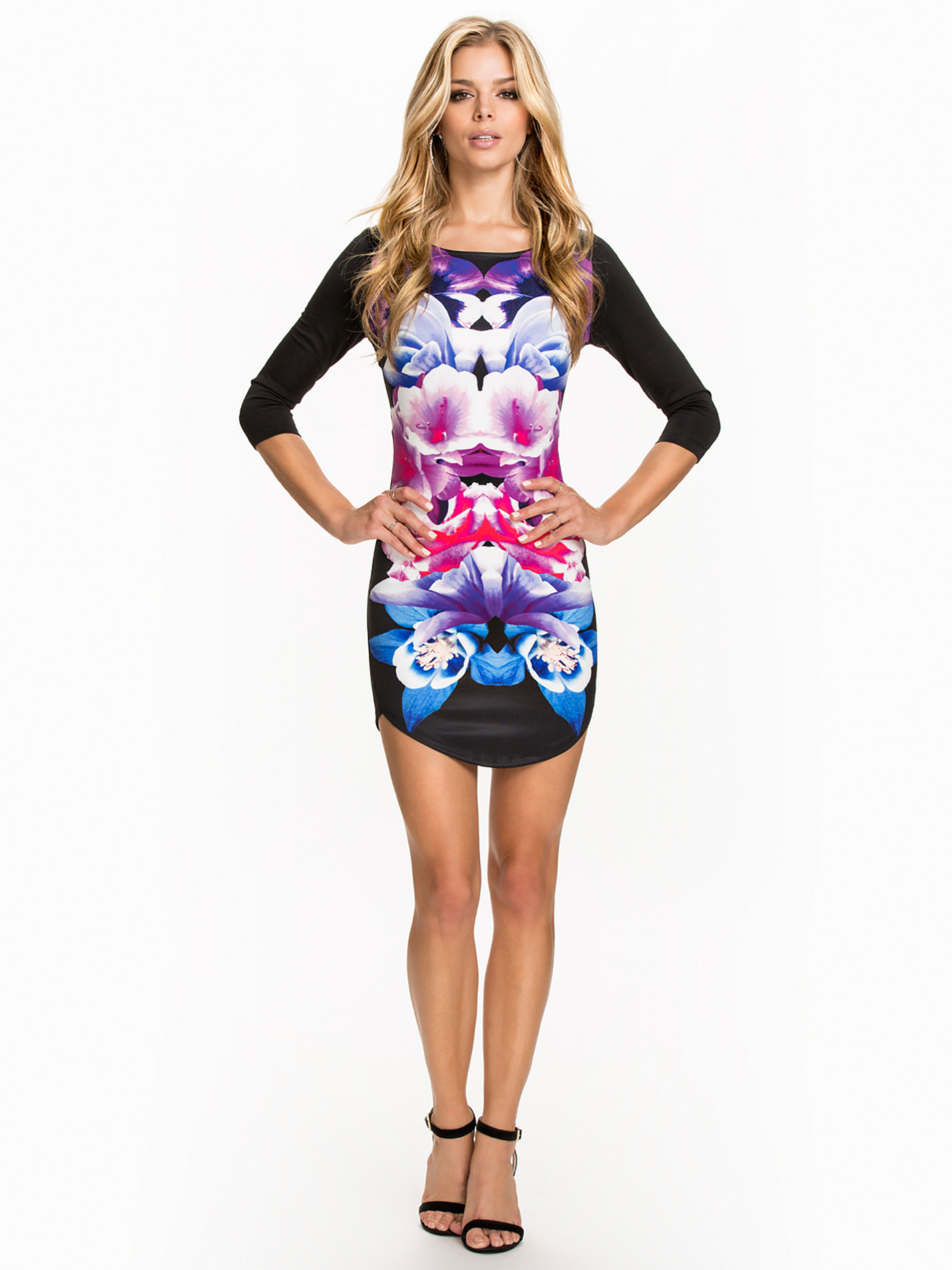
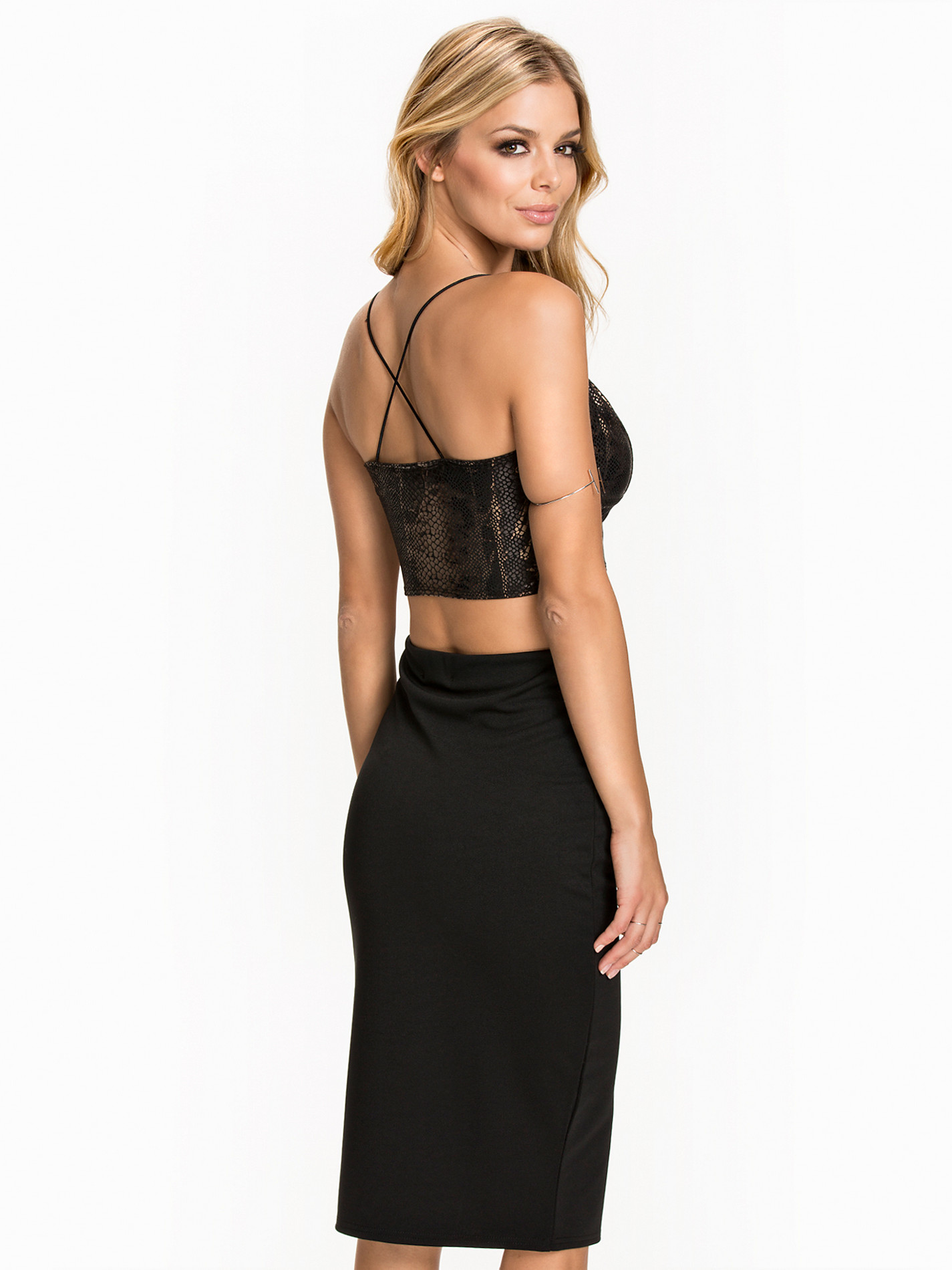
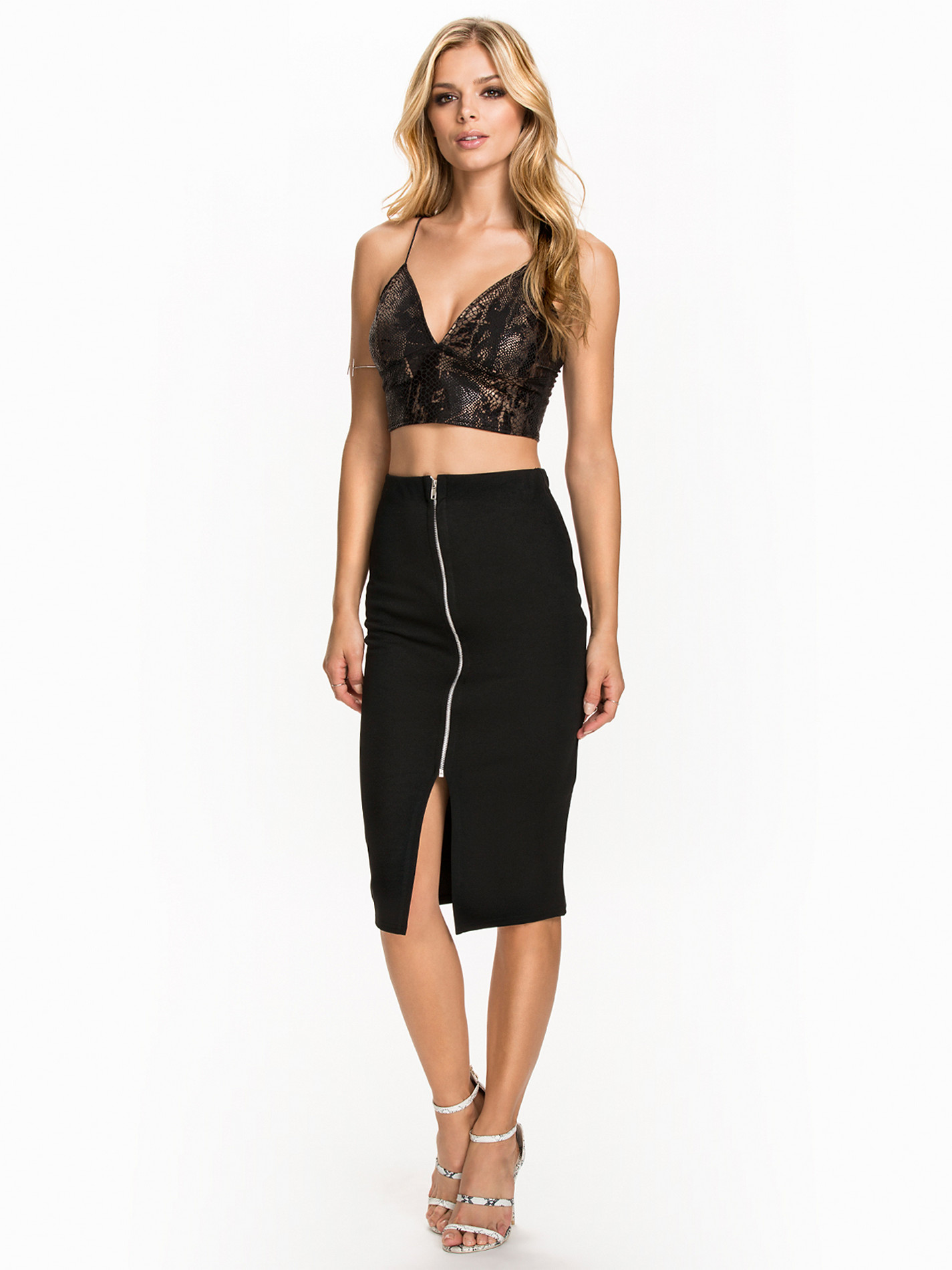
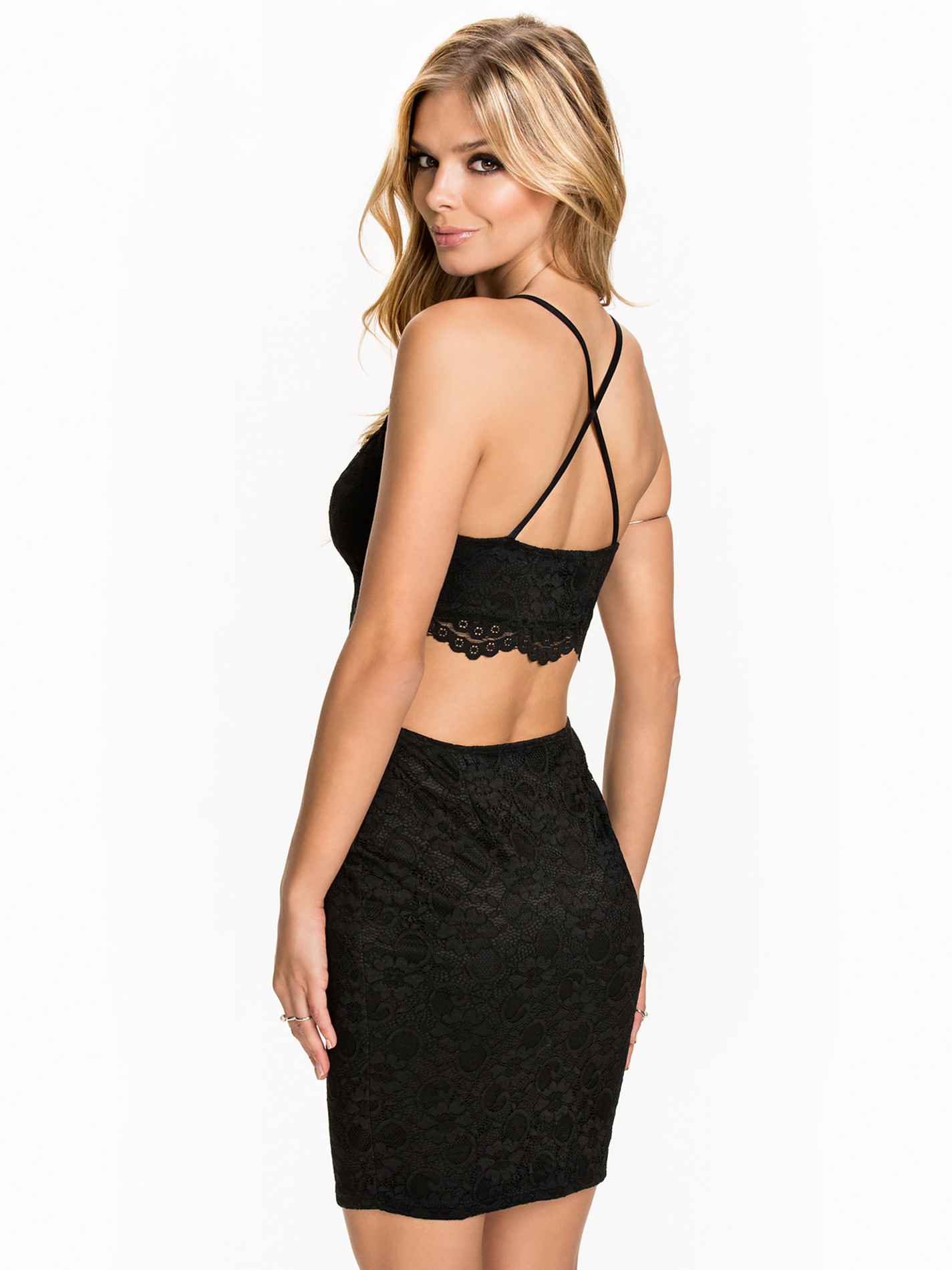
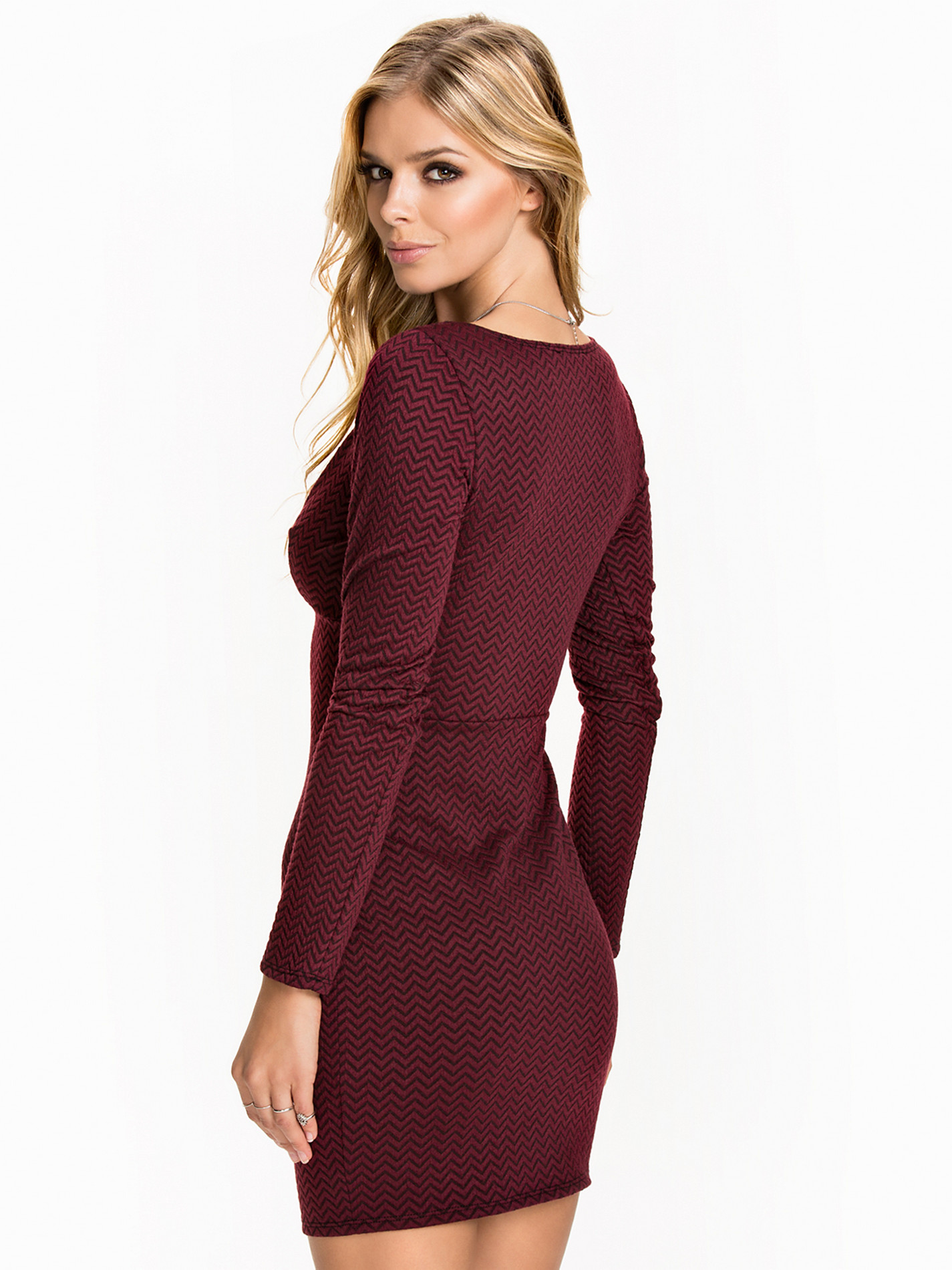
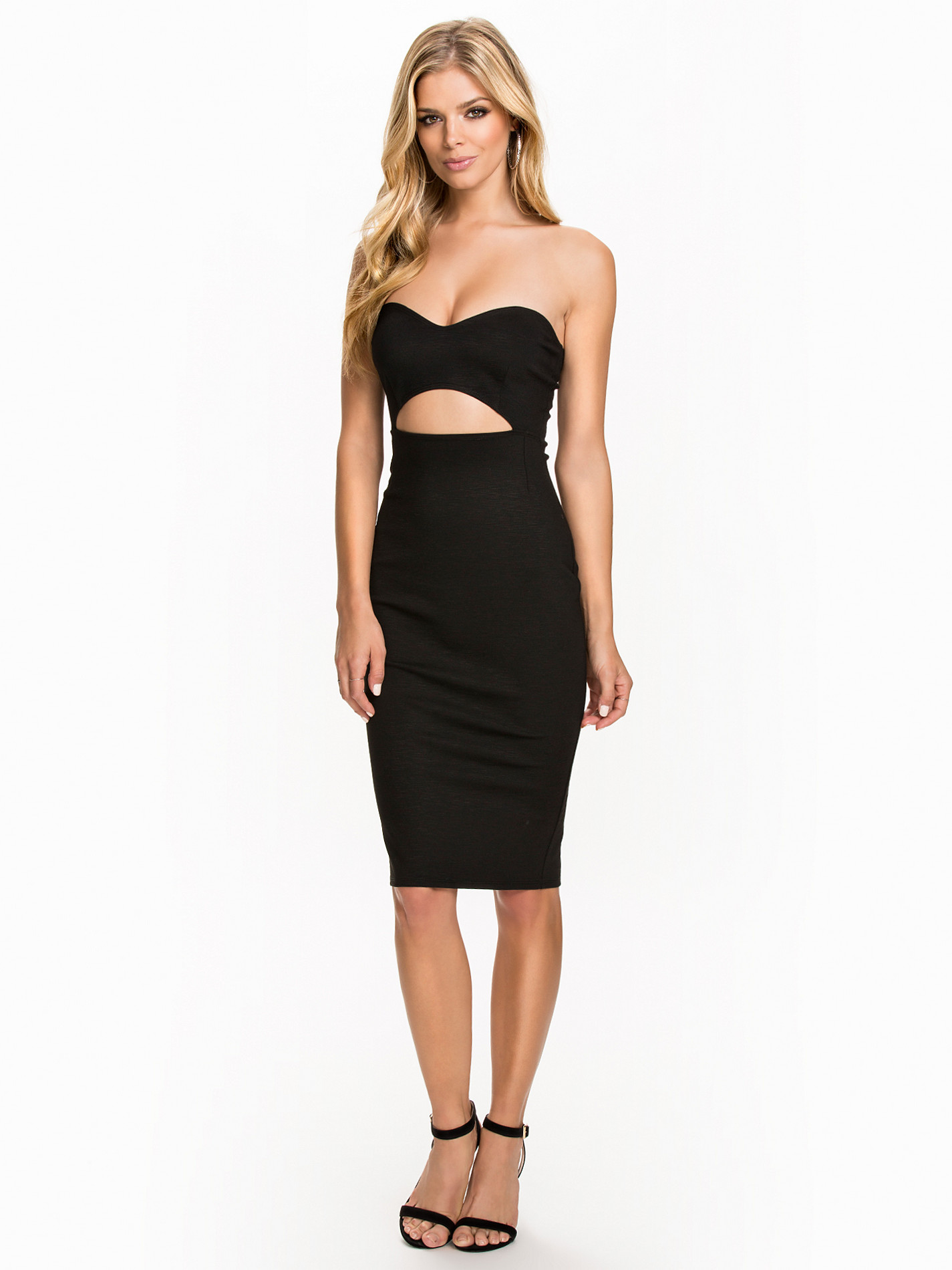
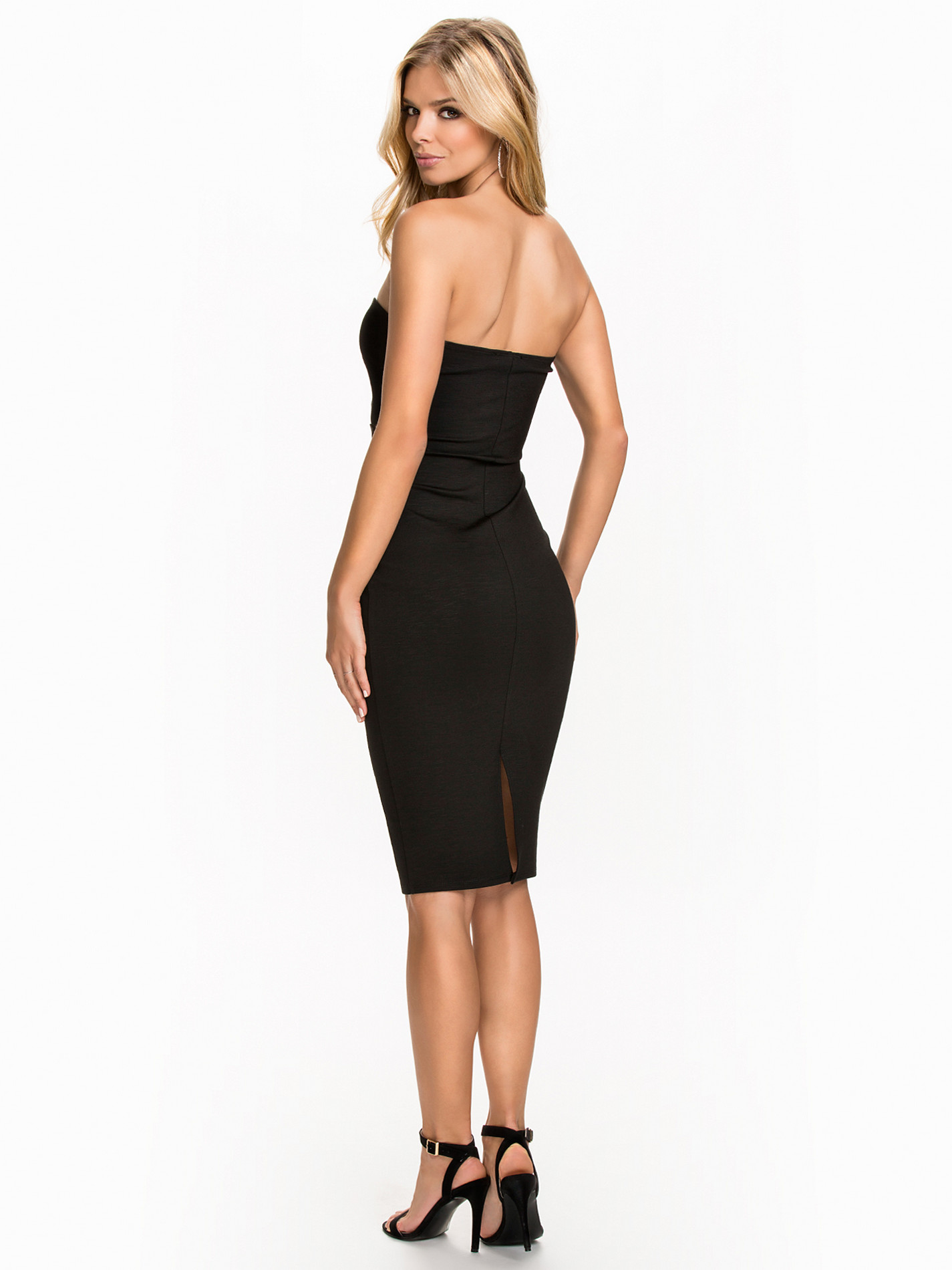
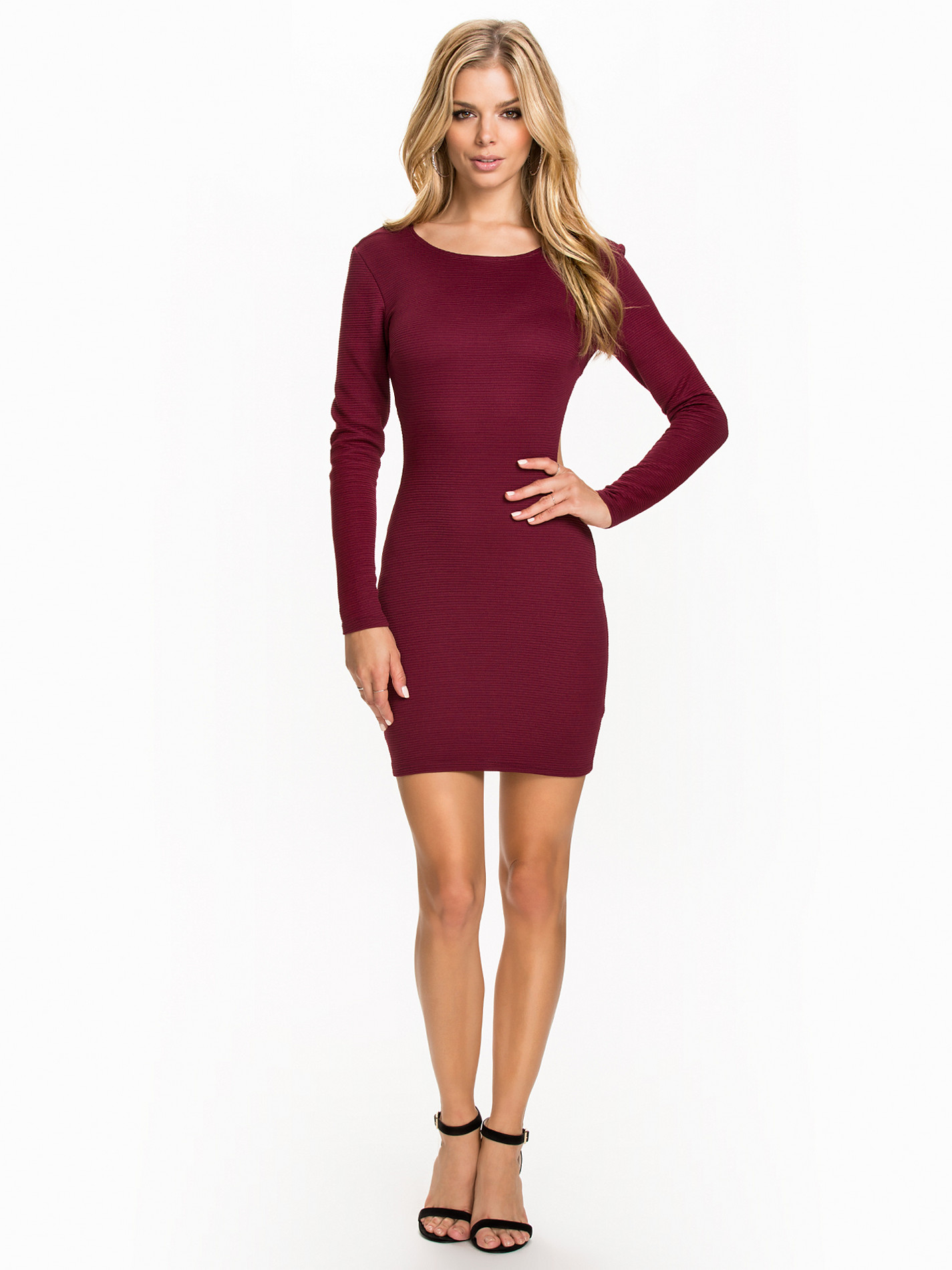
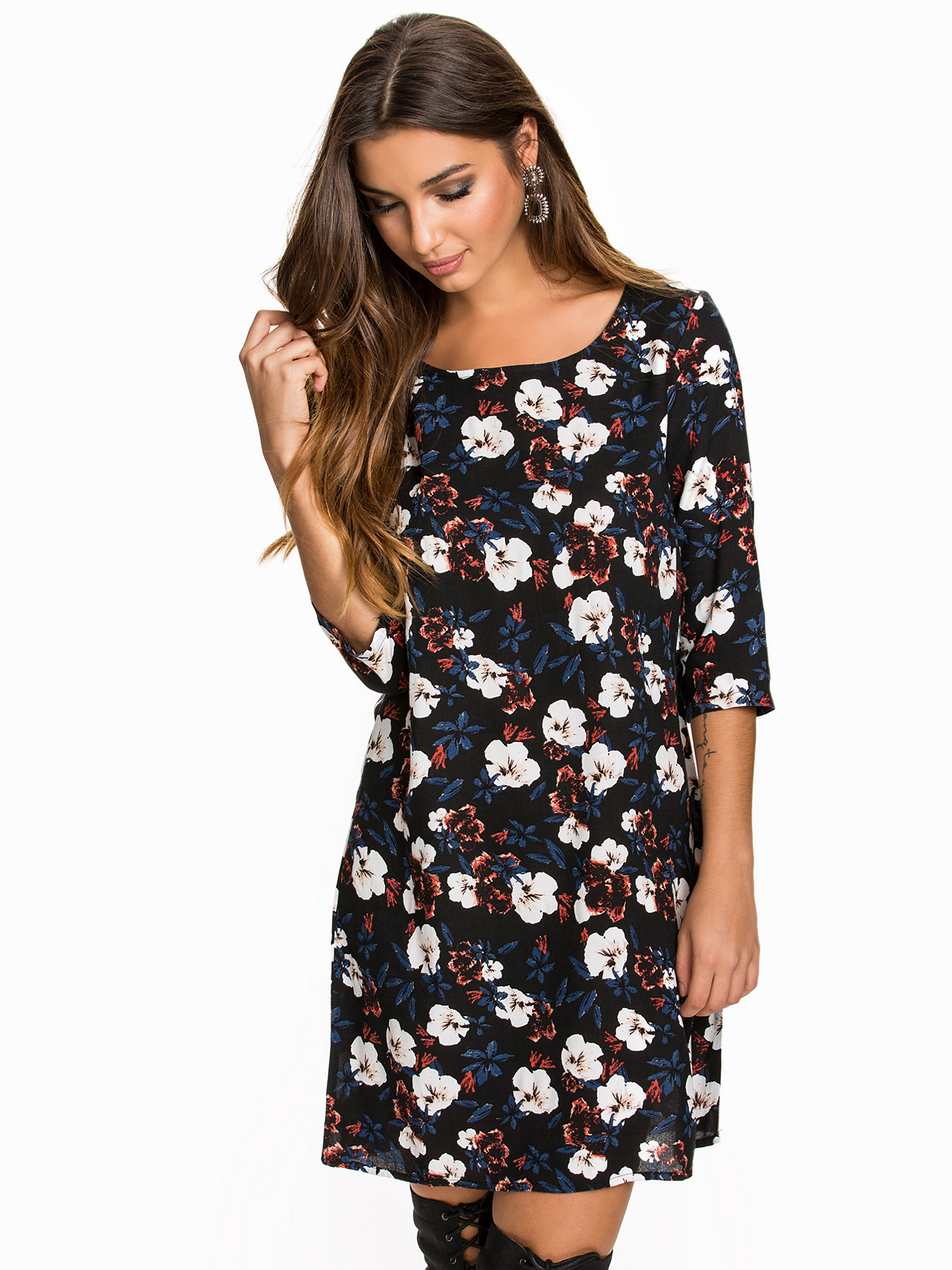
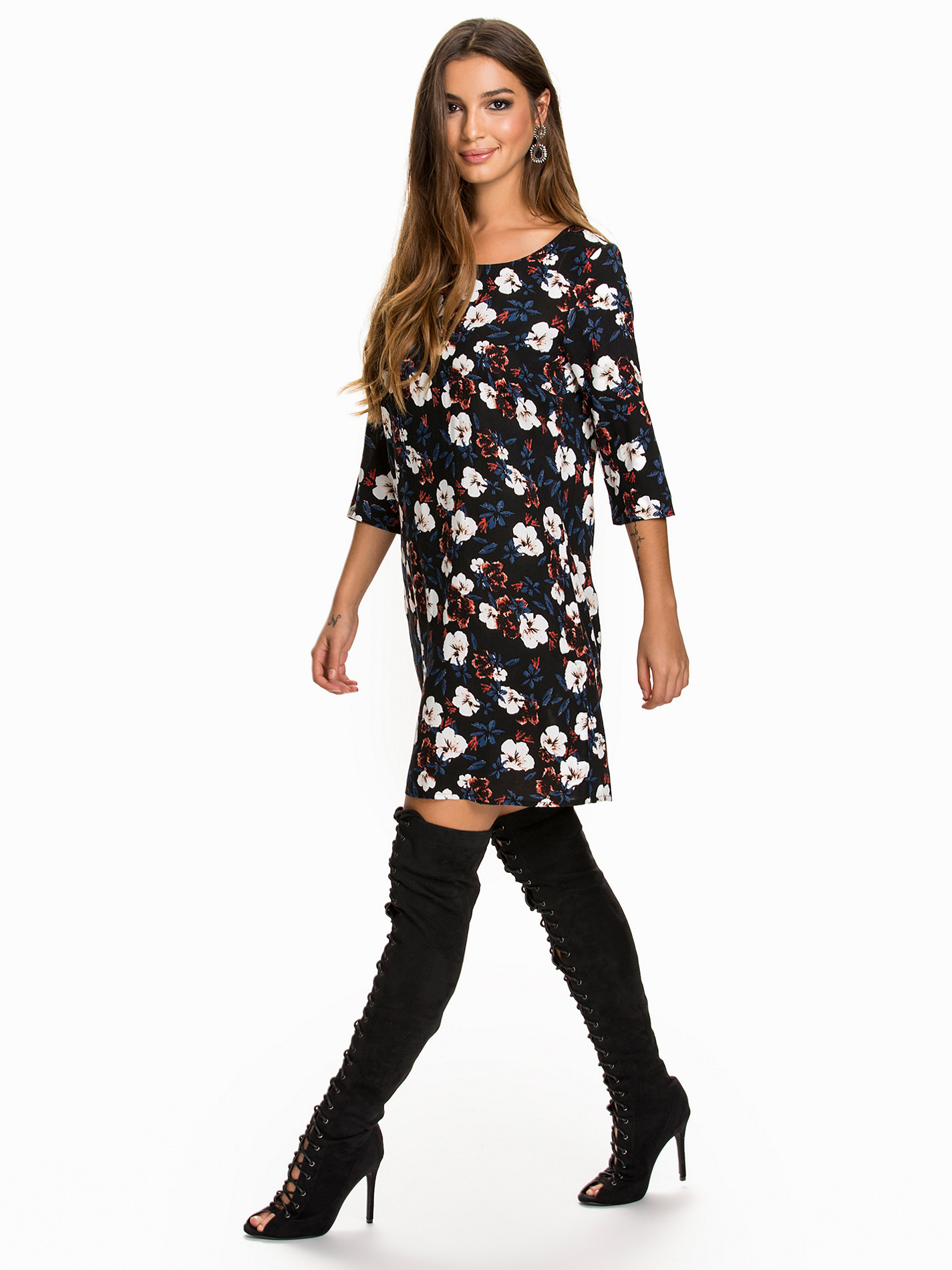
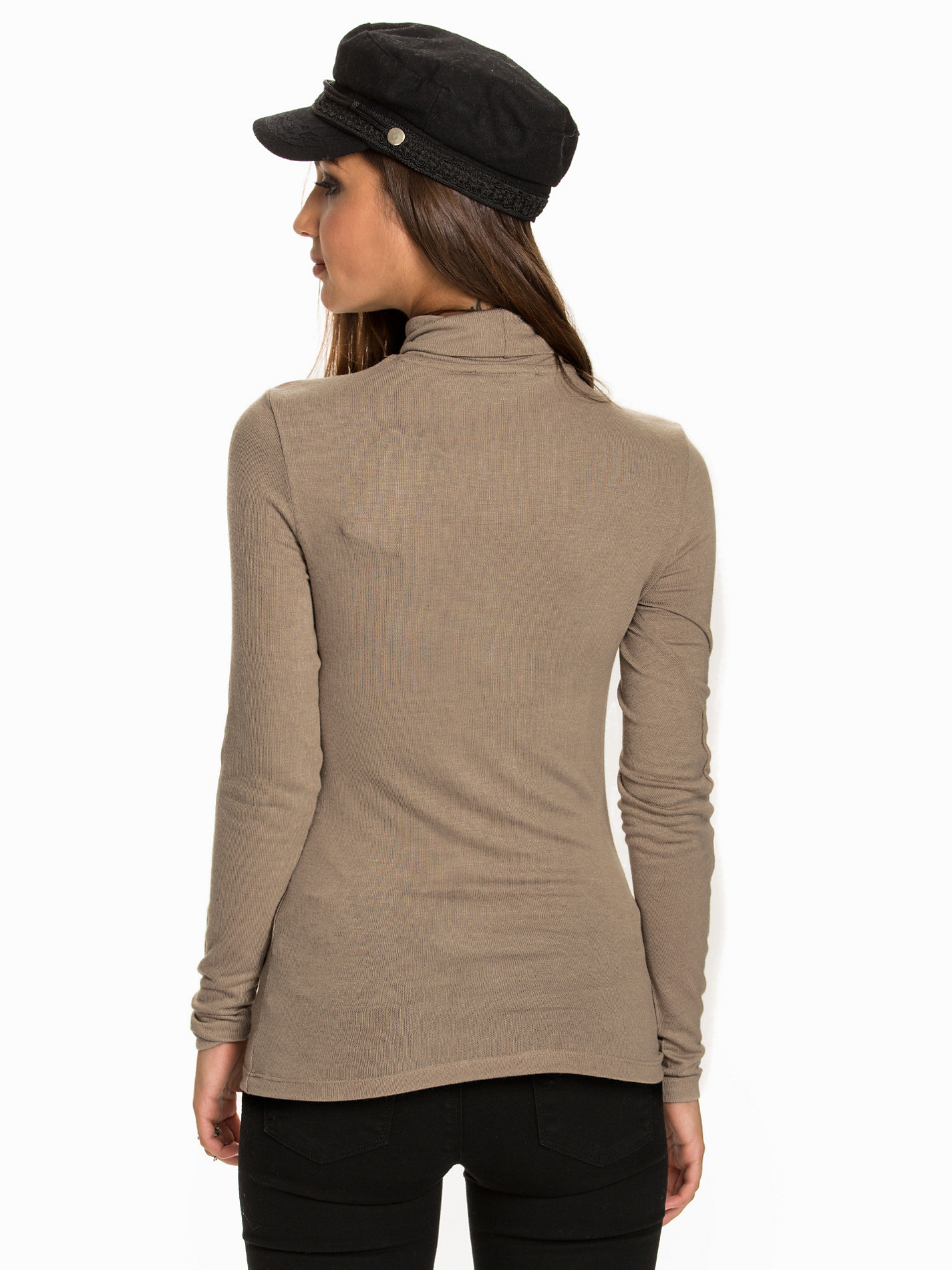
 Nelly Tops

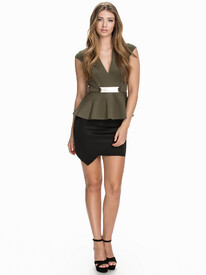
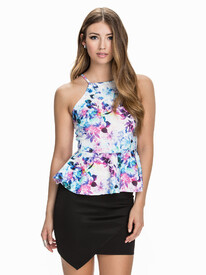

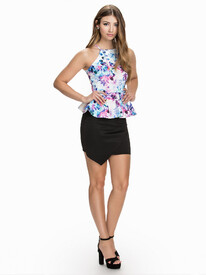
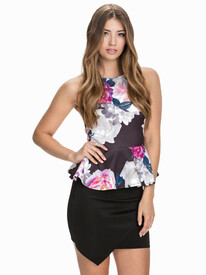
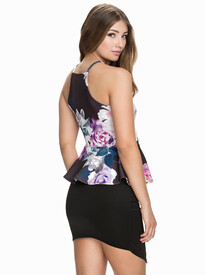






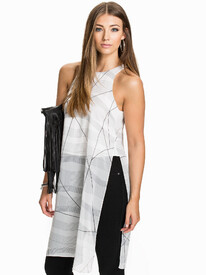


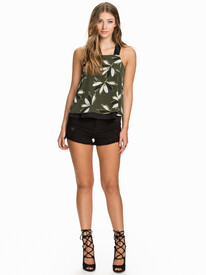
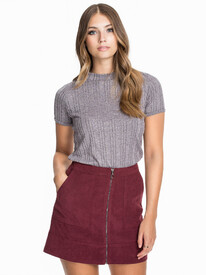

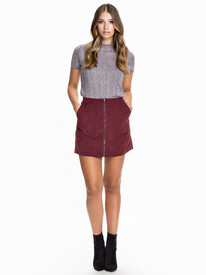




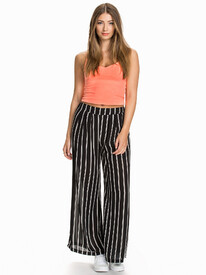


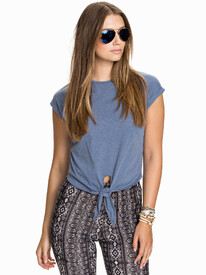
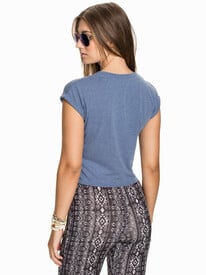
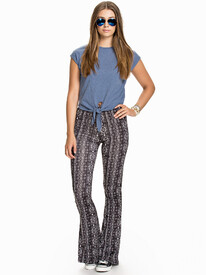



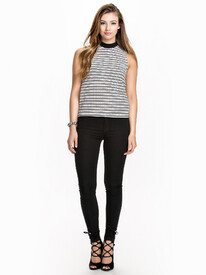
-
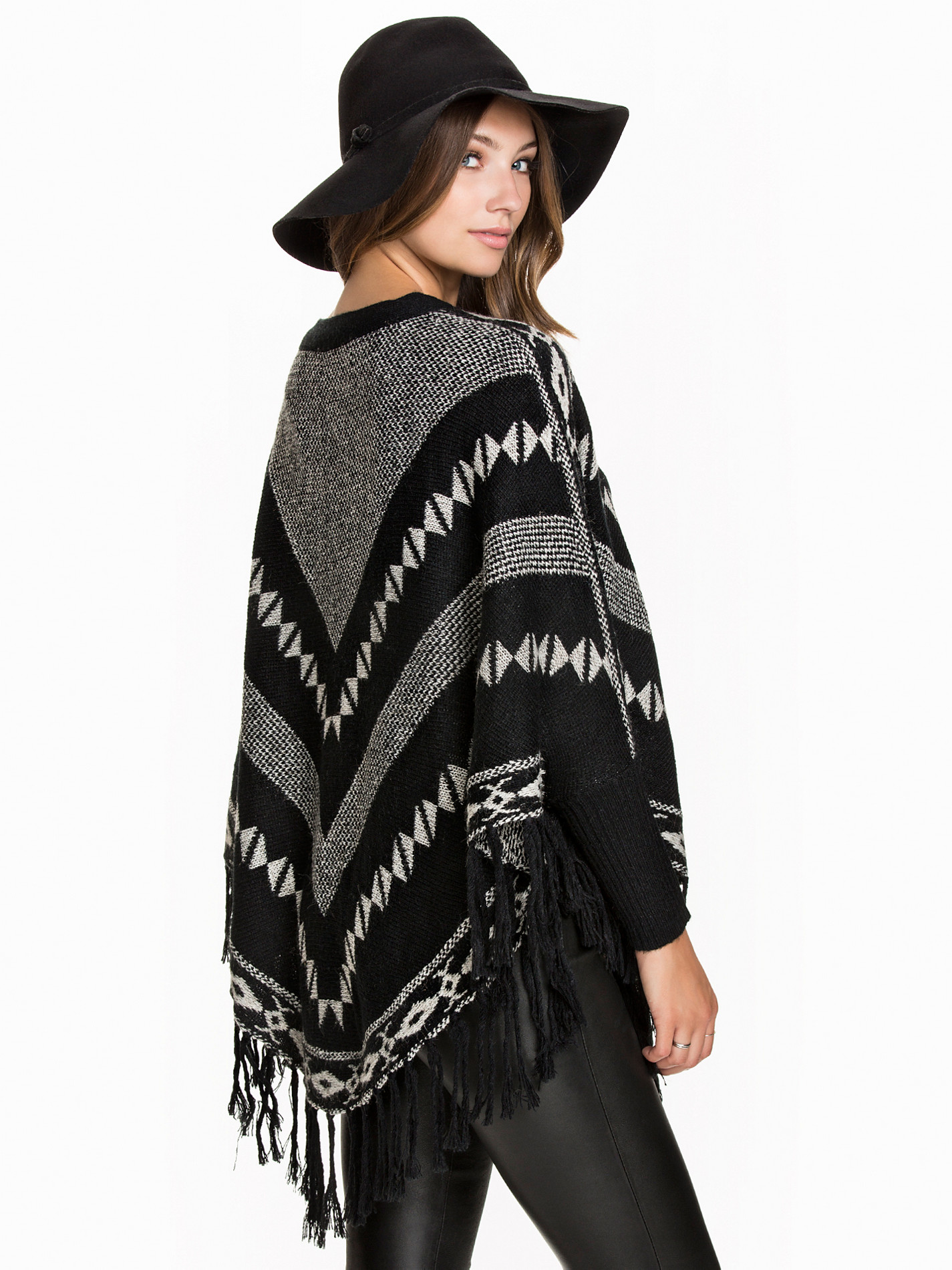
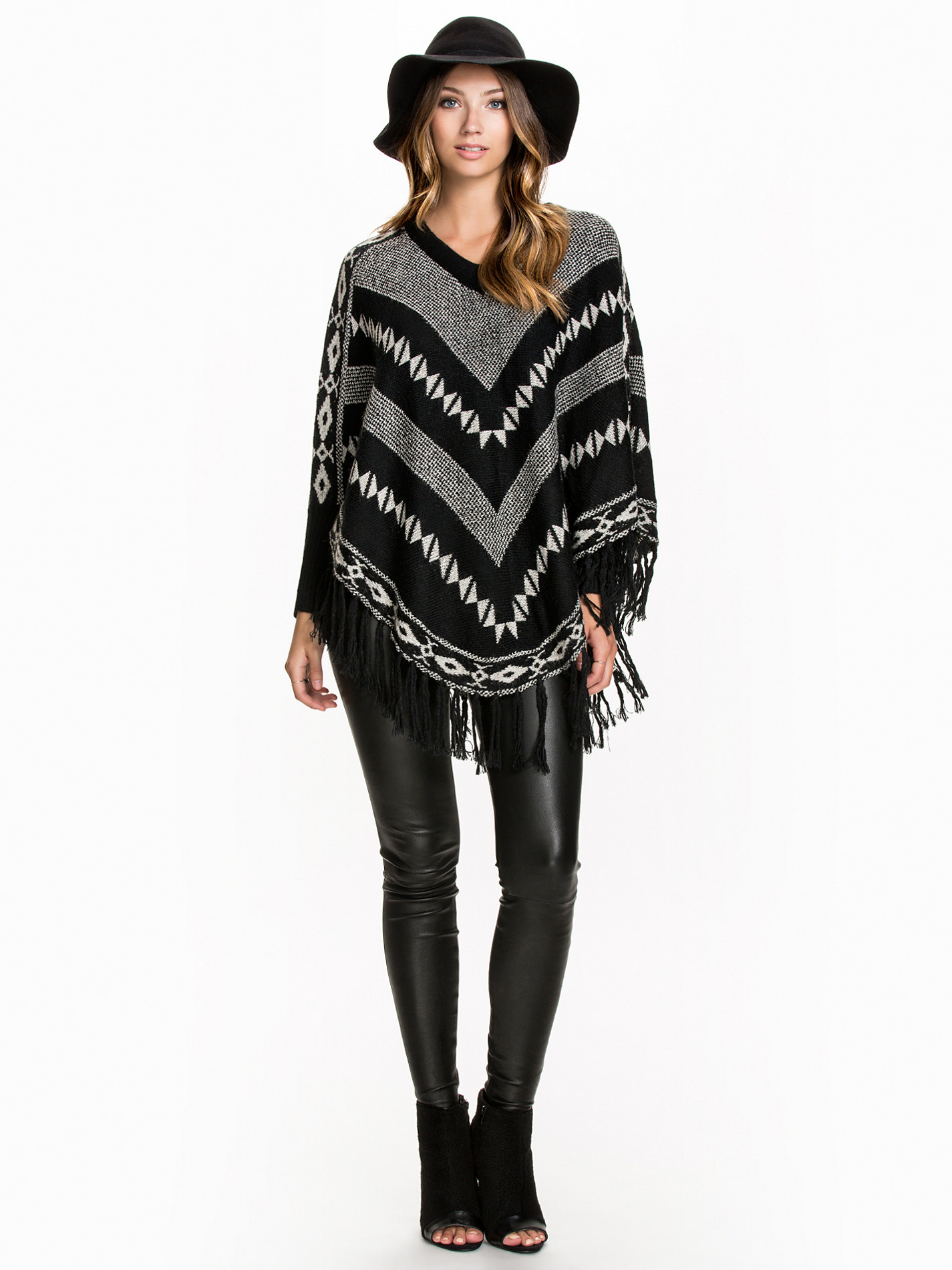
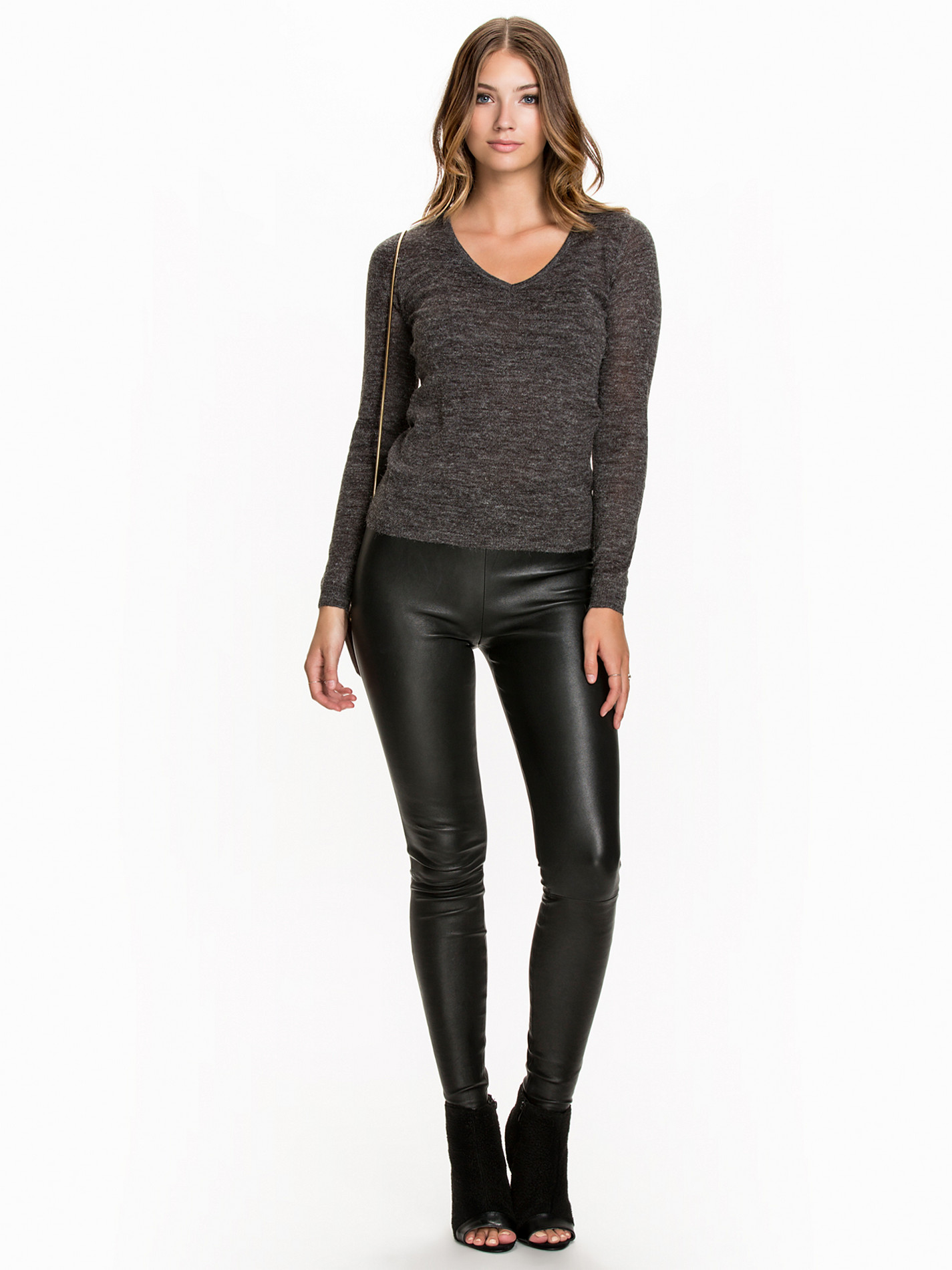
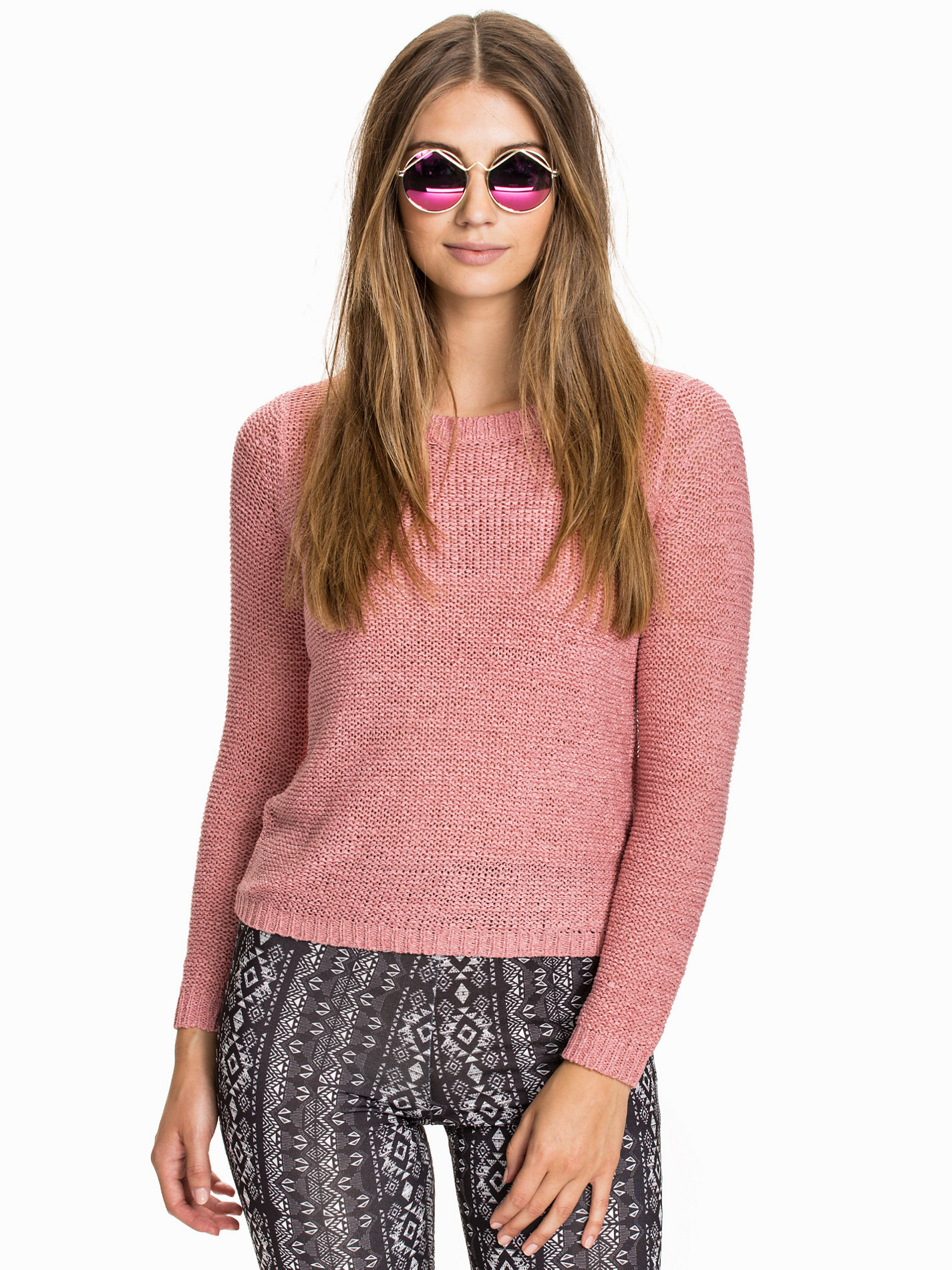
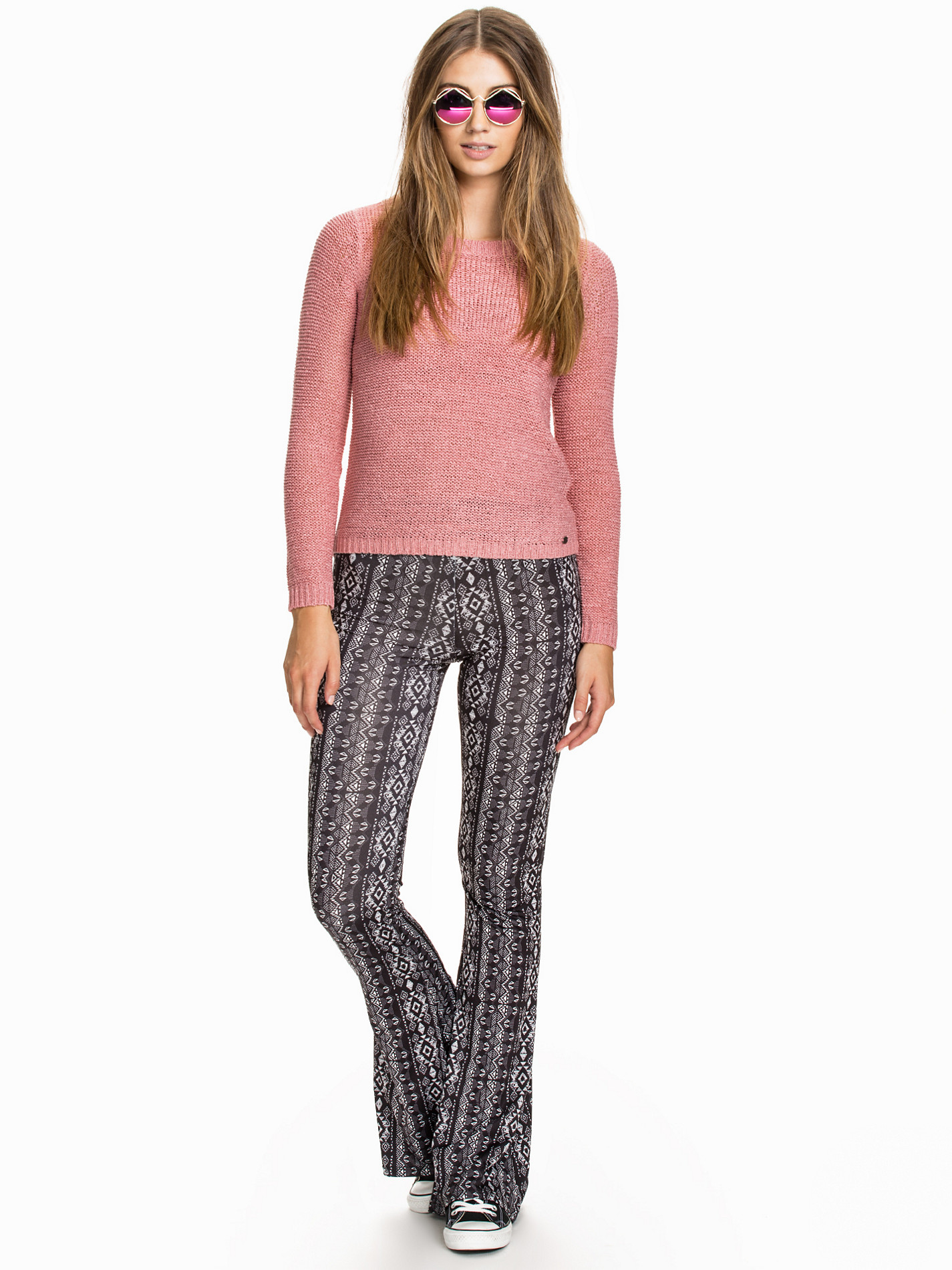
Nelly Jumpers
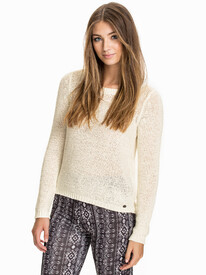
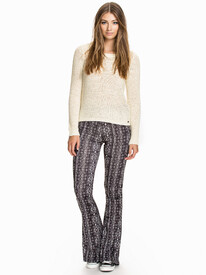
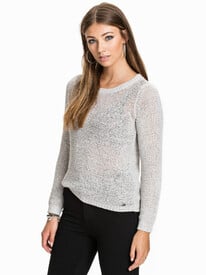
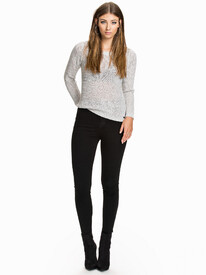
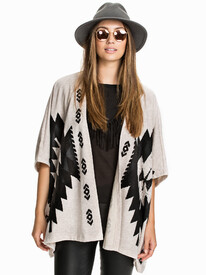

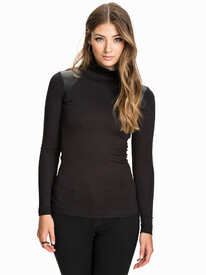

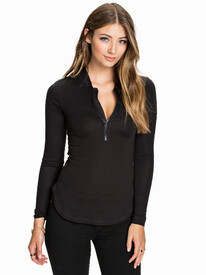



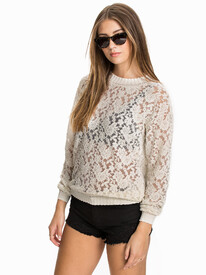

-
Nelly Jumpers

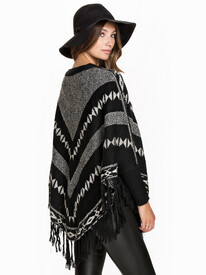
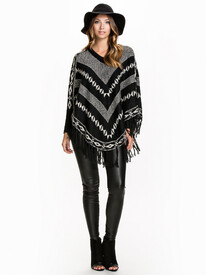
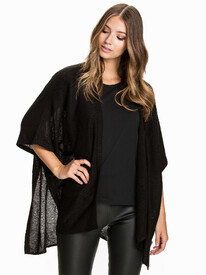








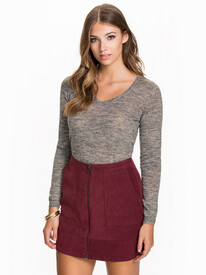

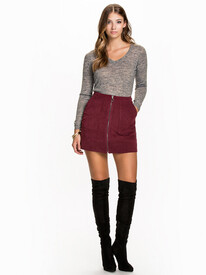

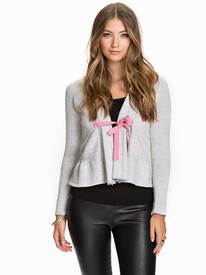


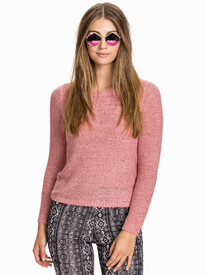
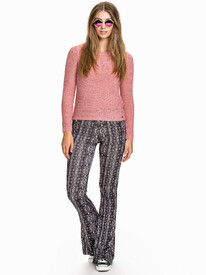
-
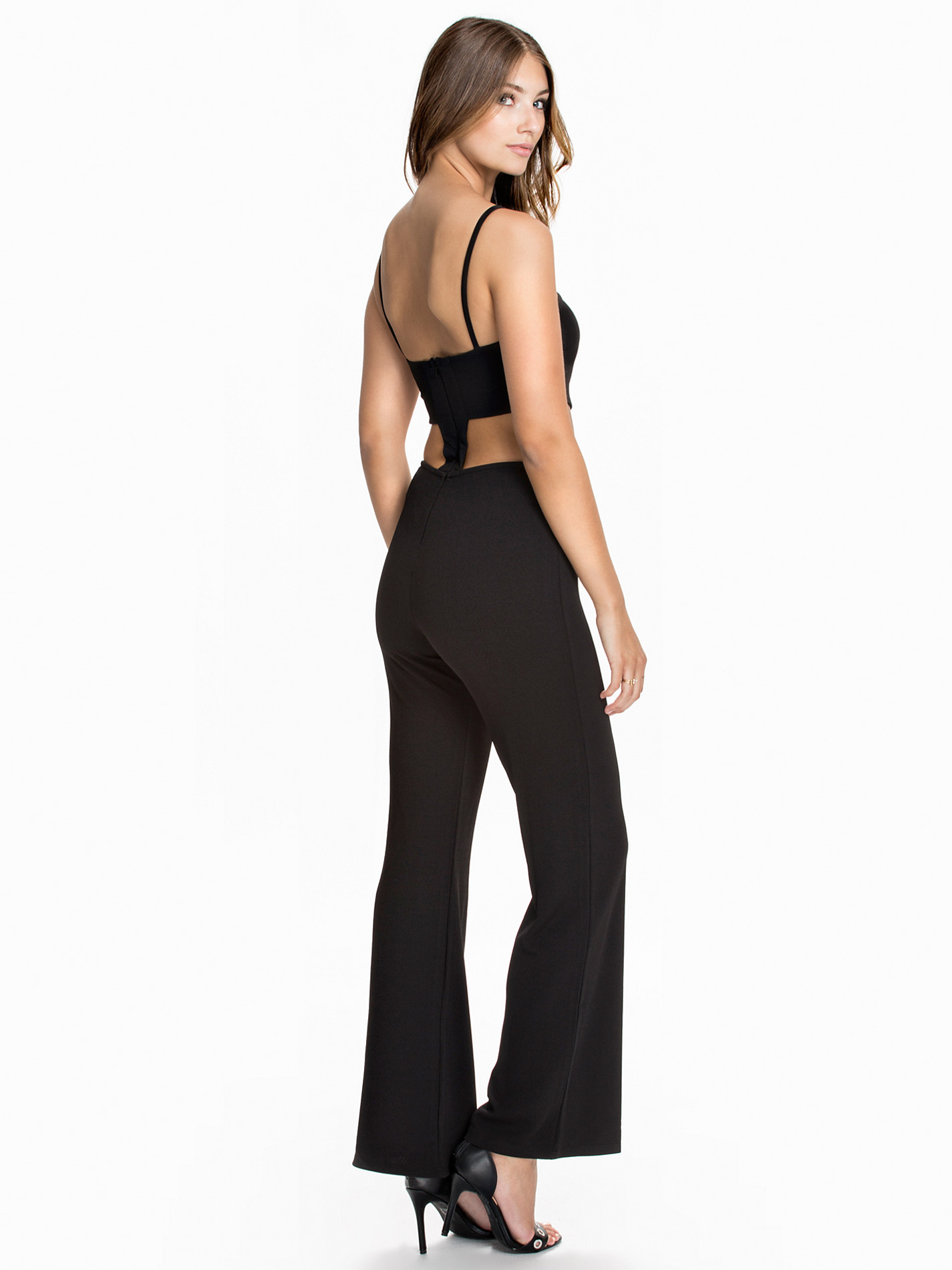
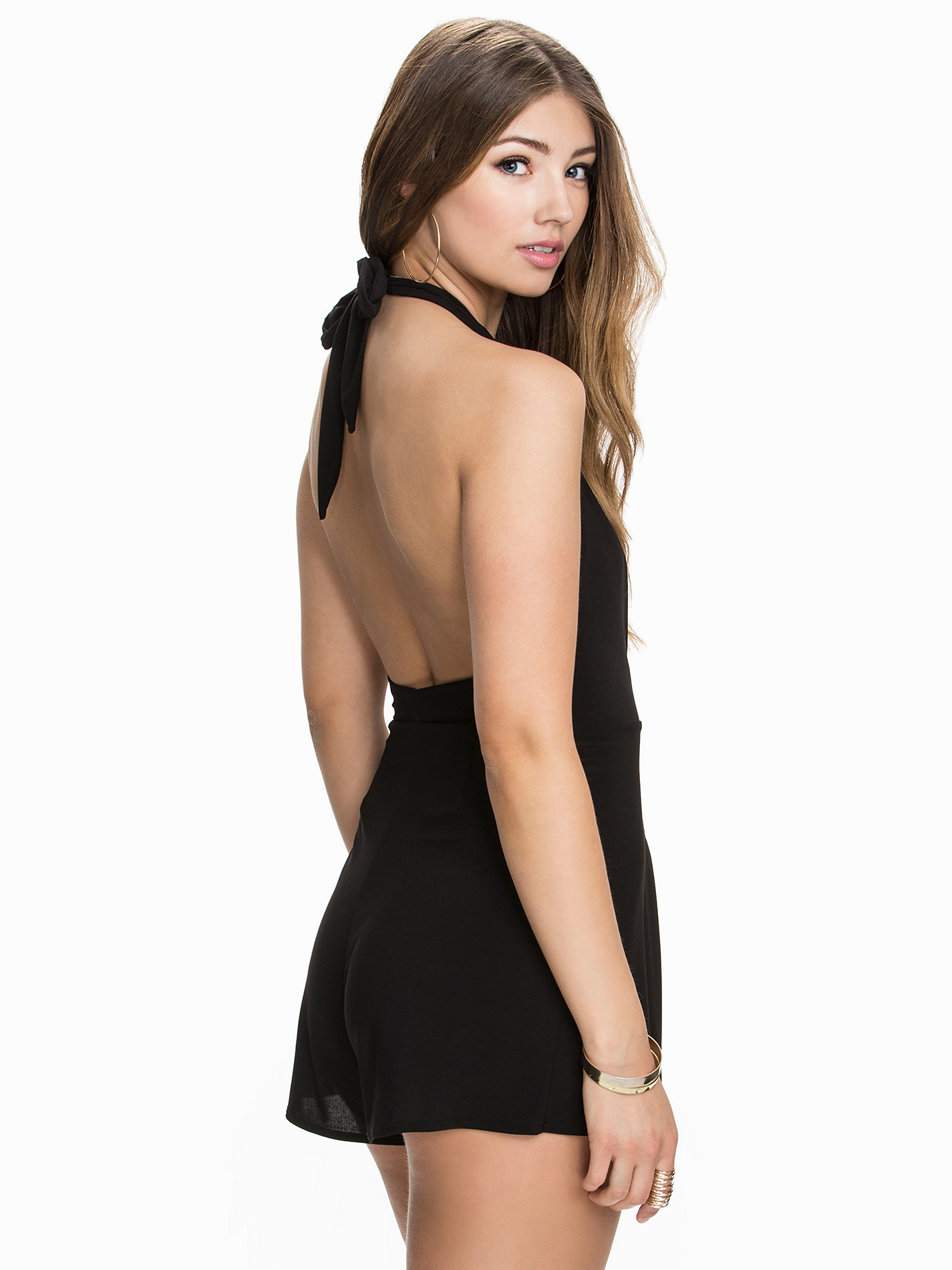
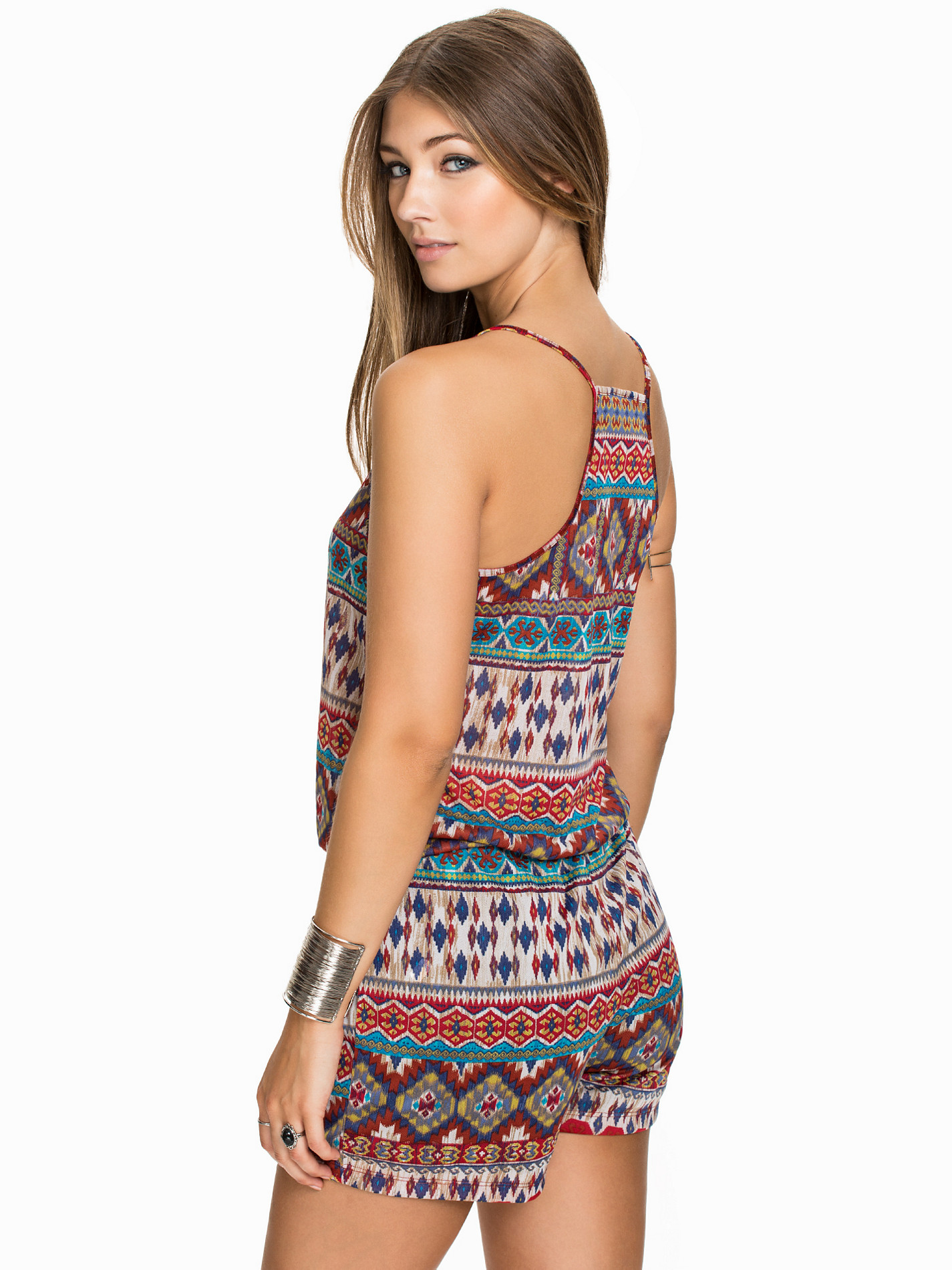
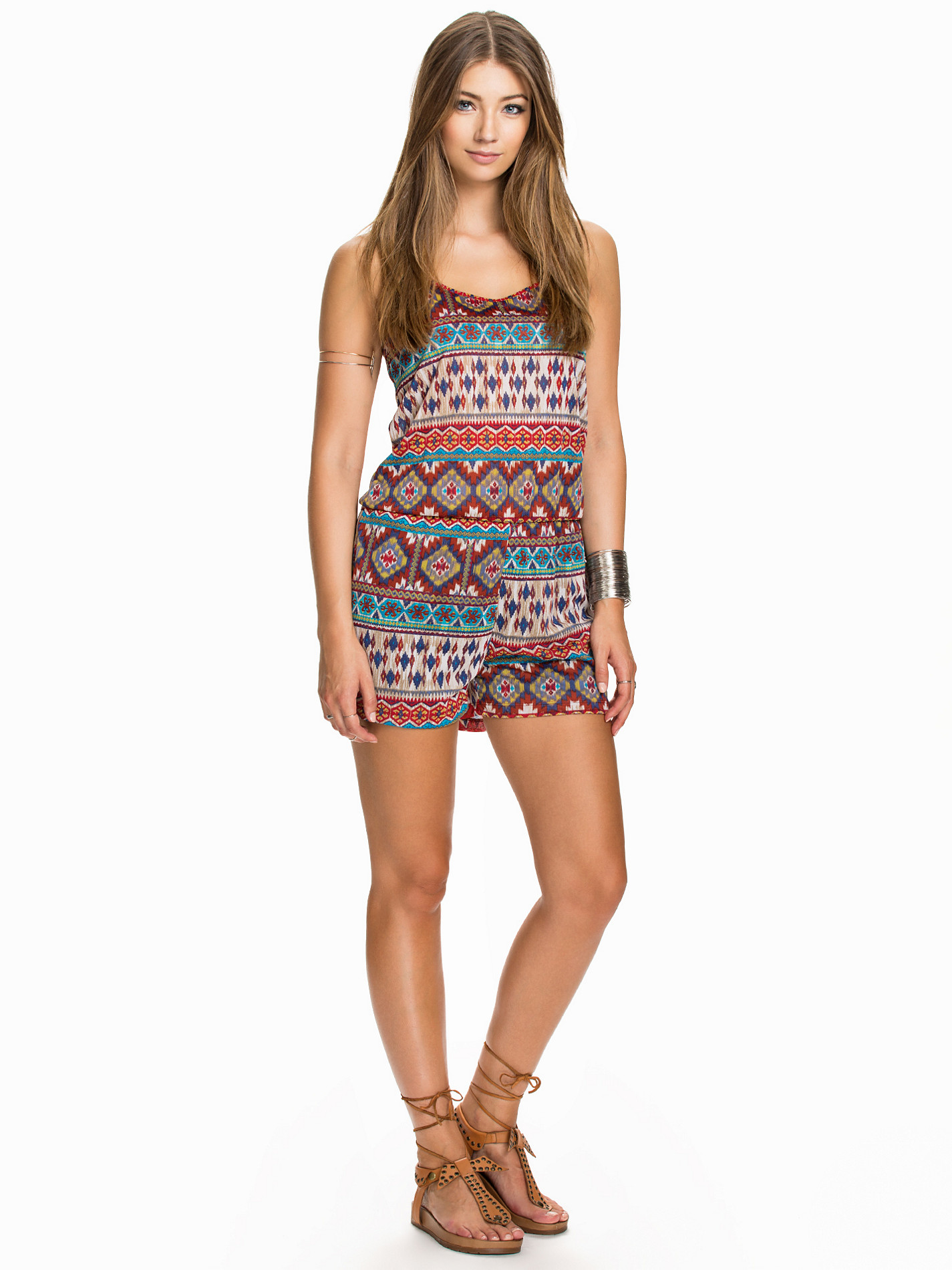
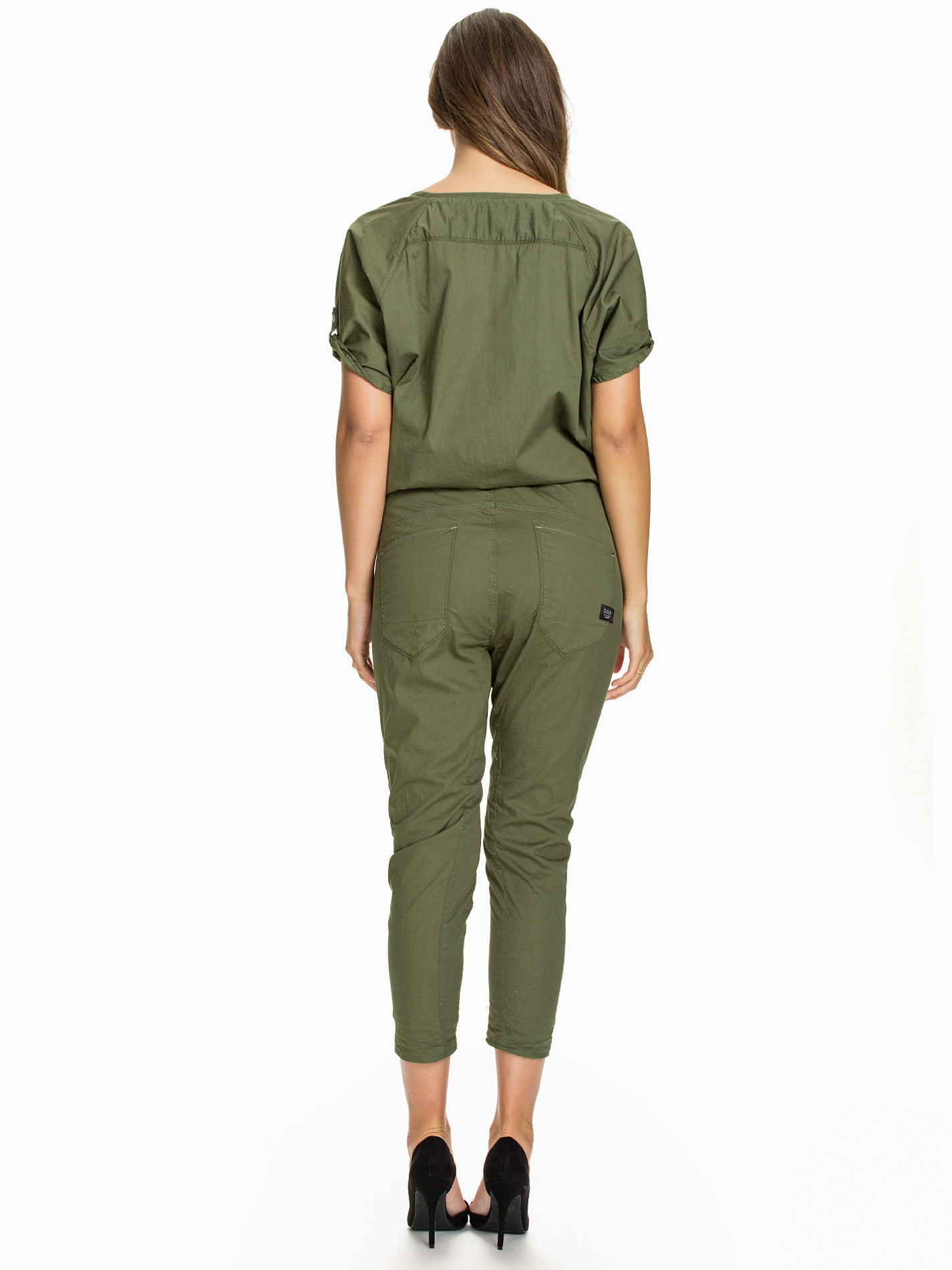
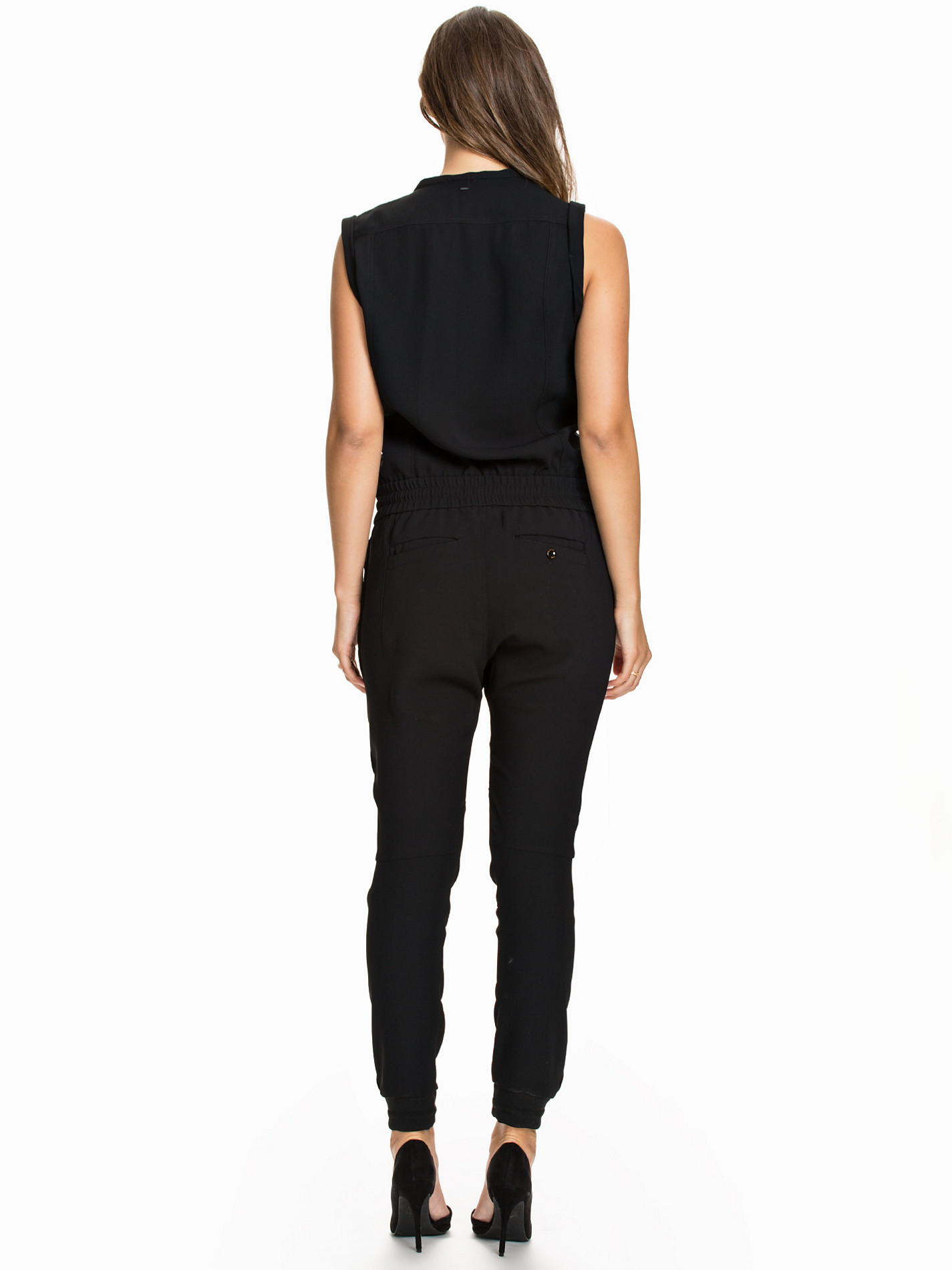
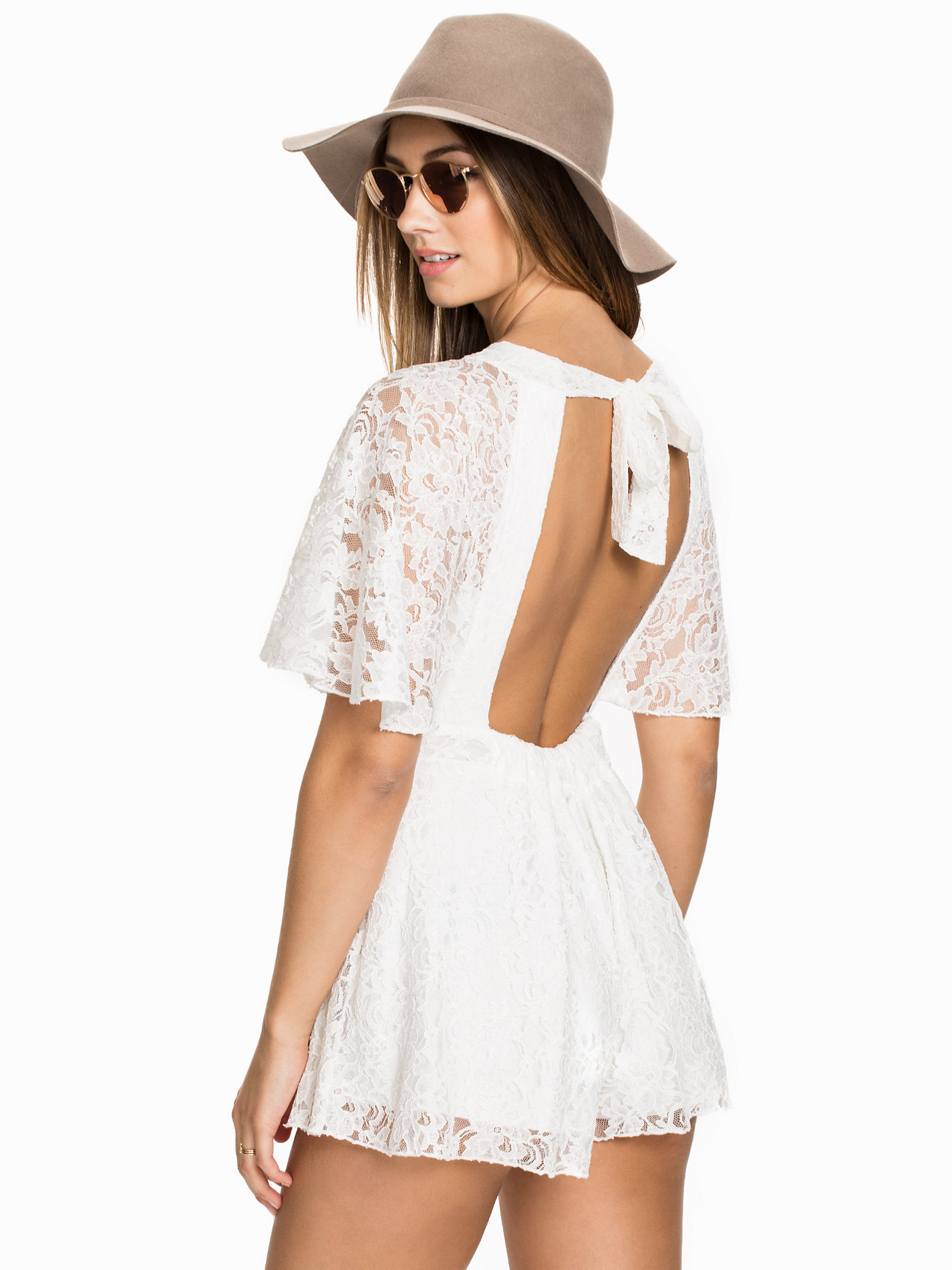
Nelly Jumpsuits

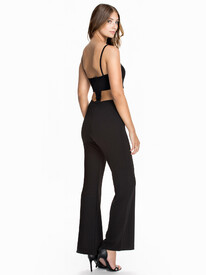
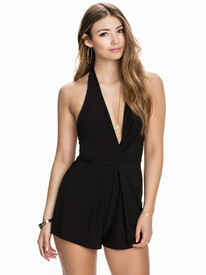




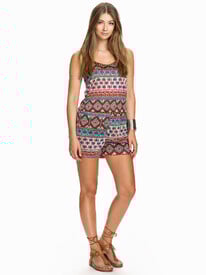
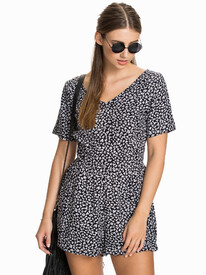

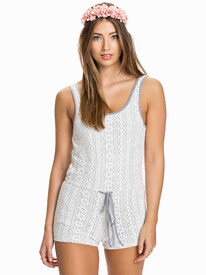

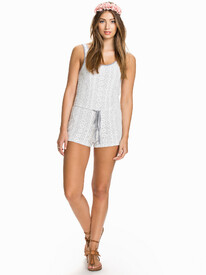


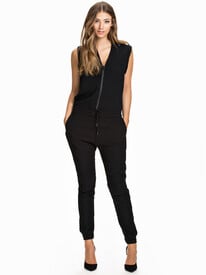

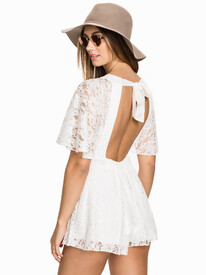
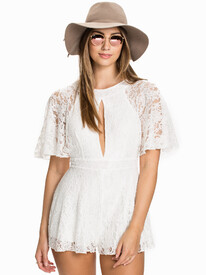

-
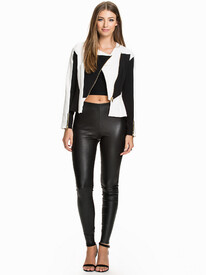
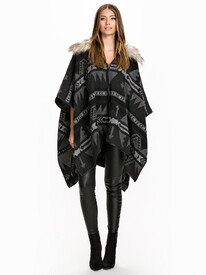
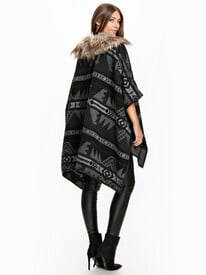
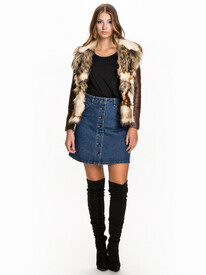
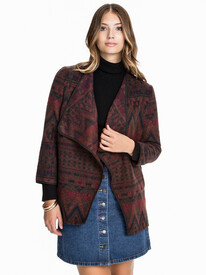
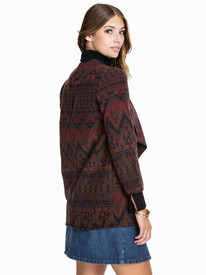
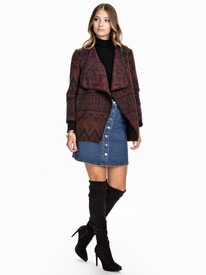
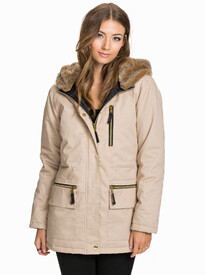
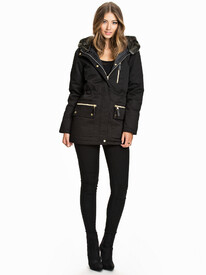
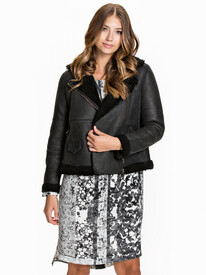
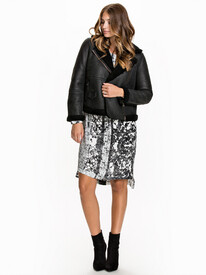
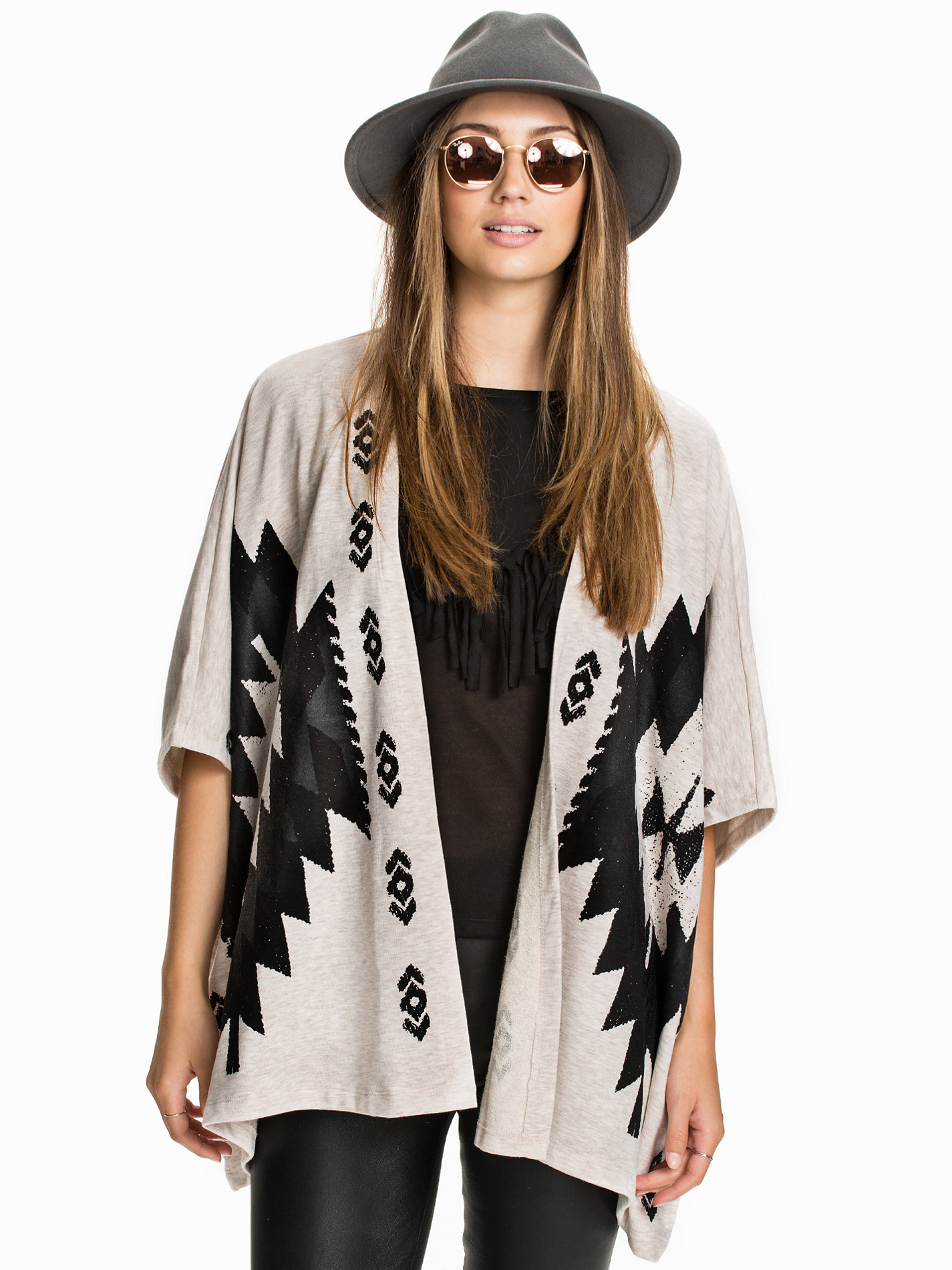
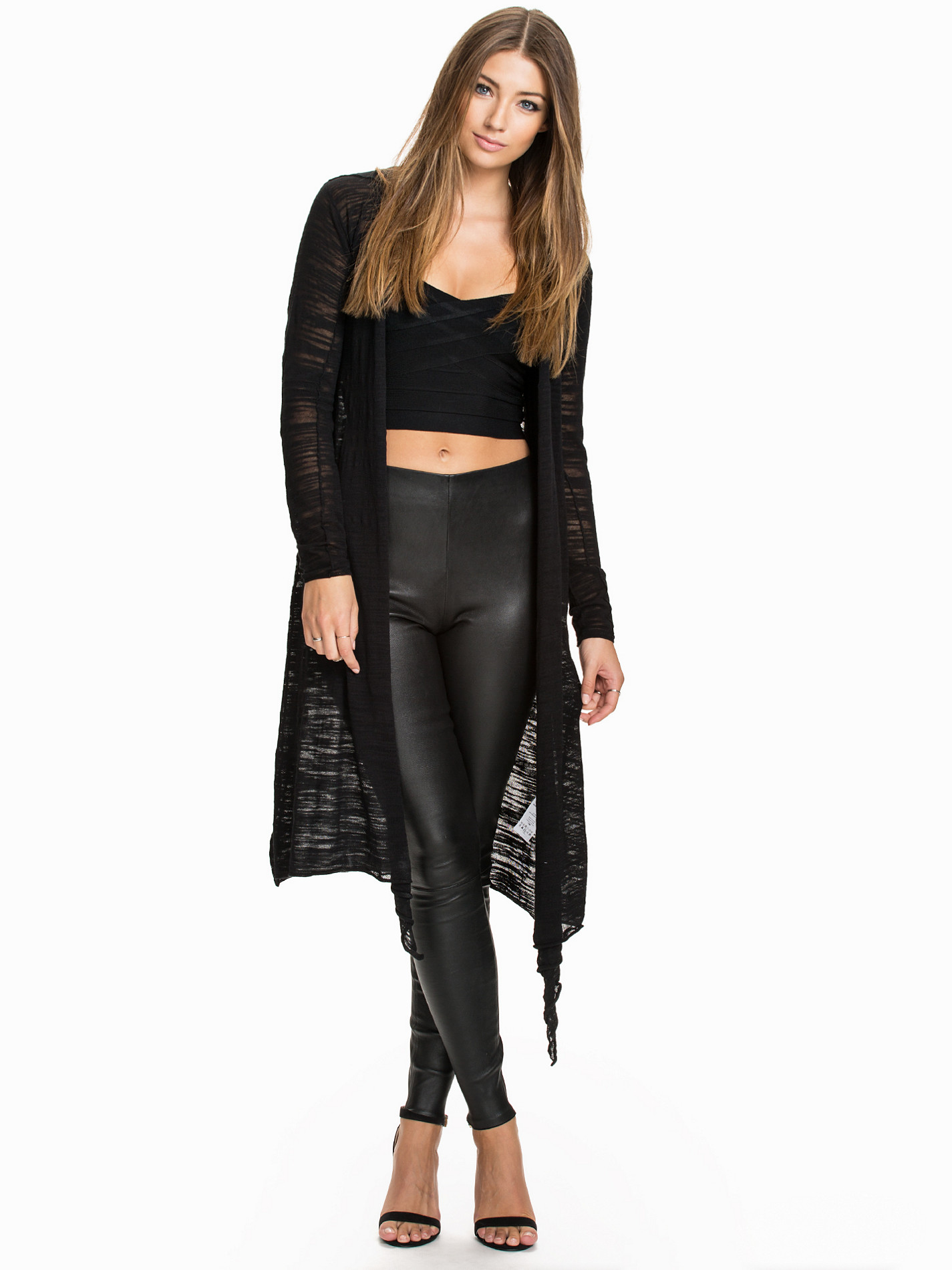
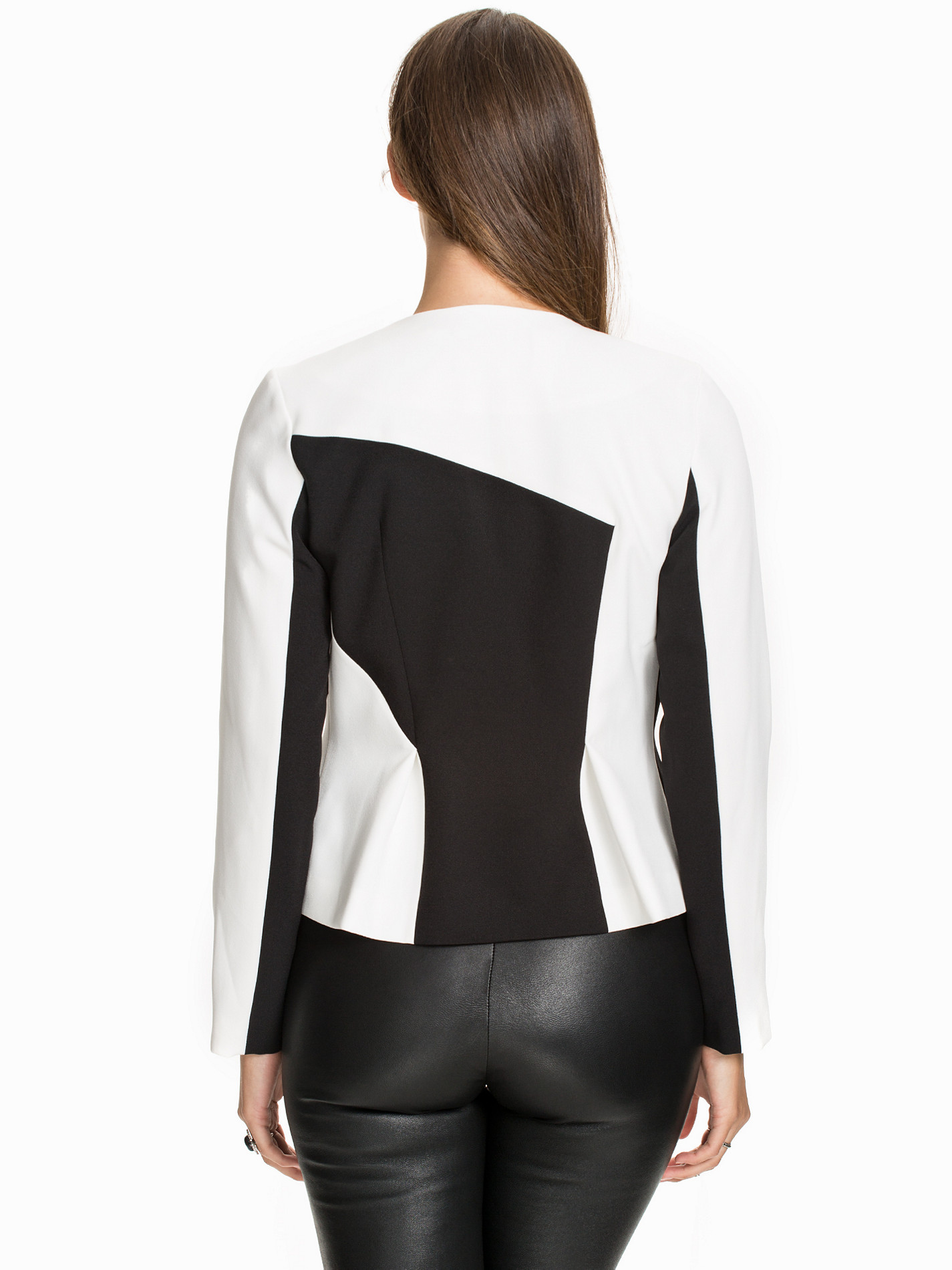
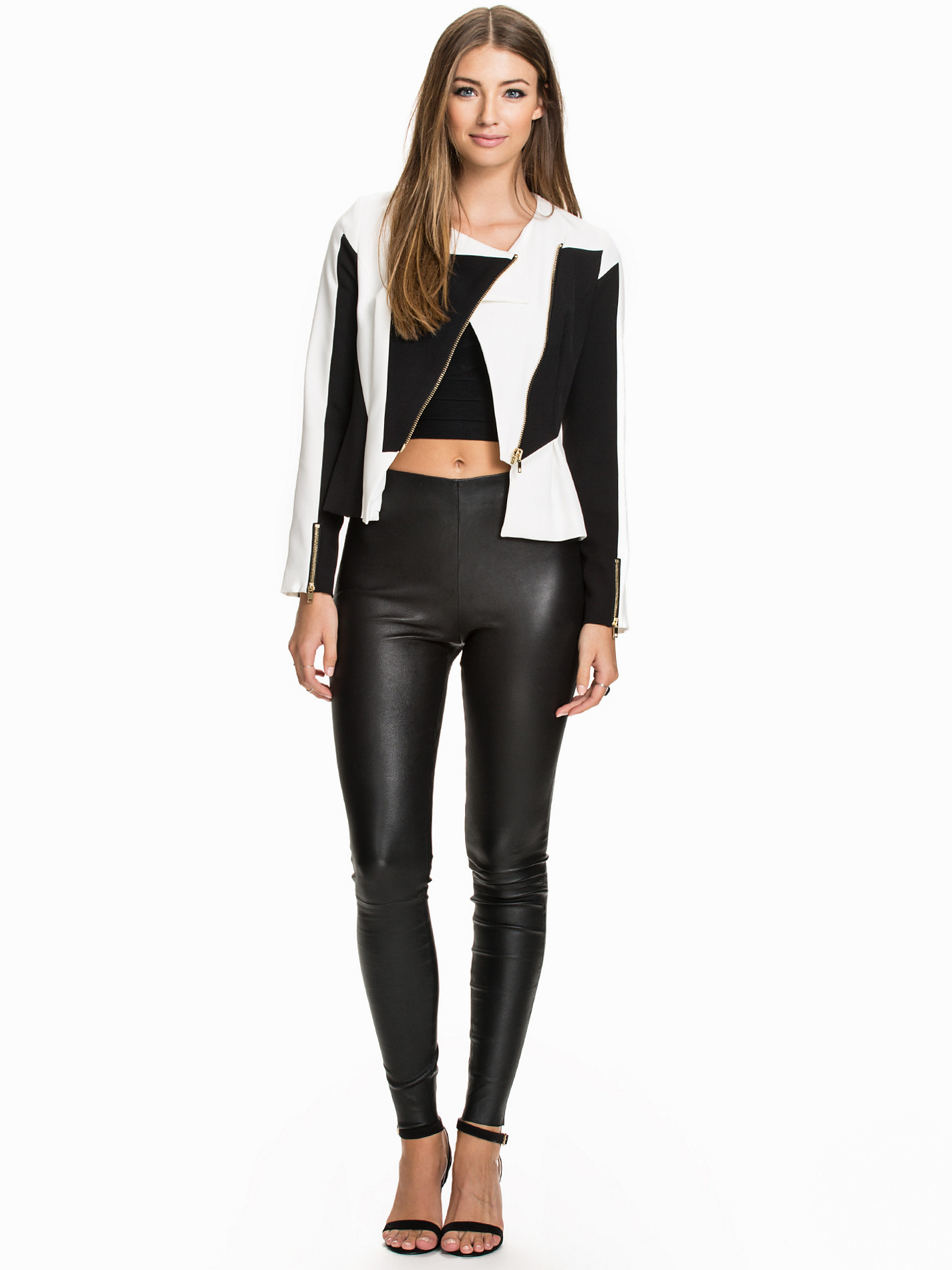
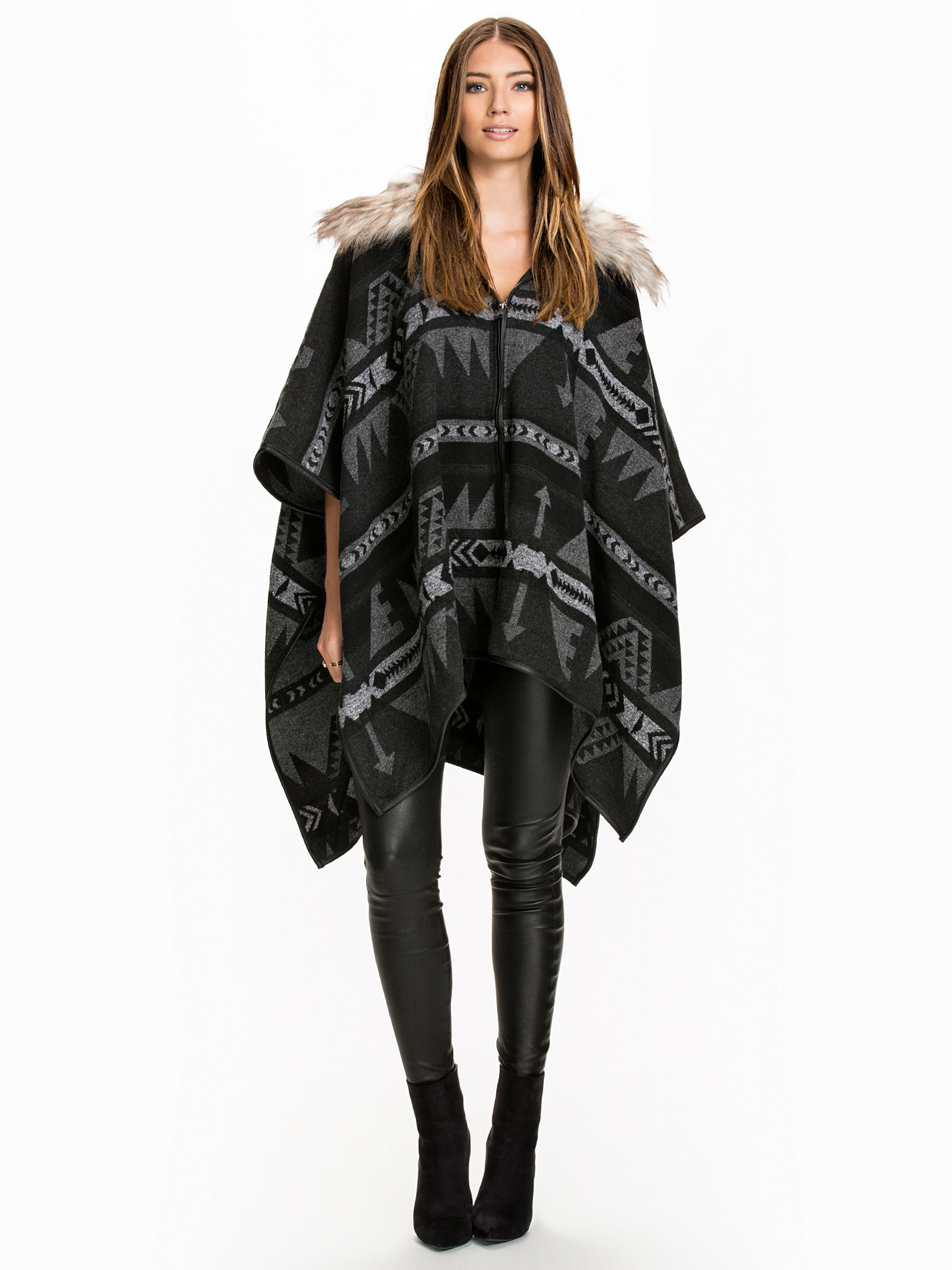
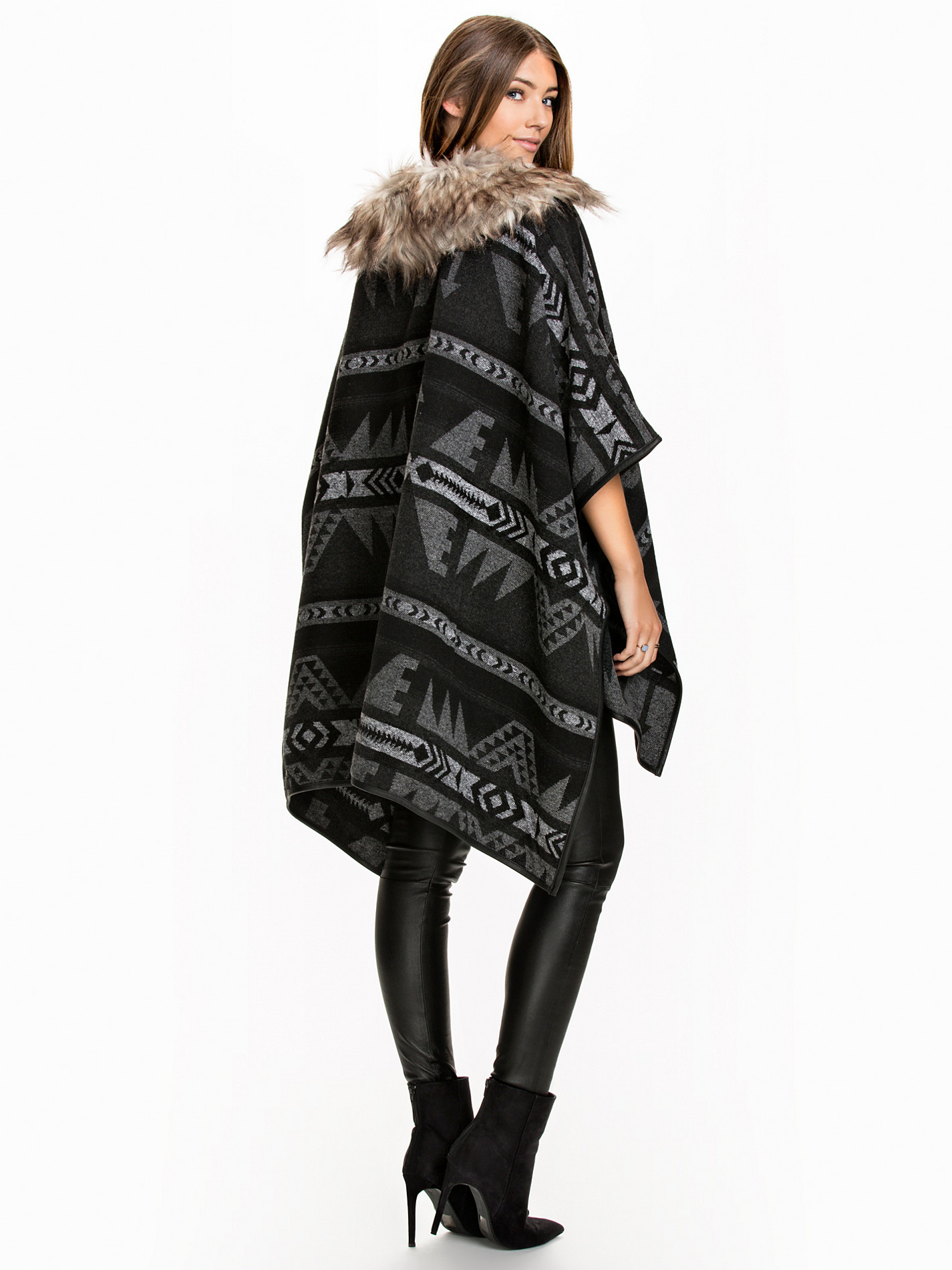
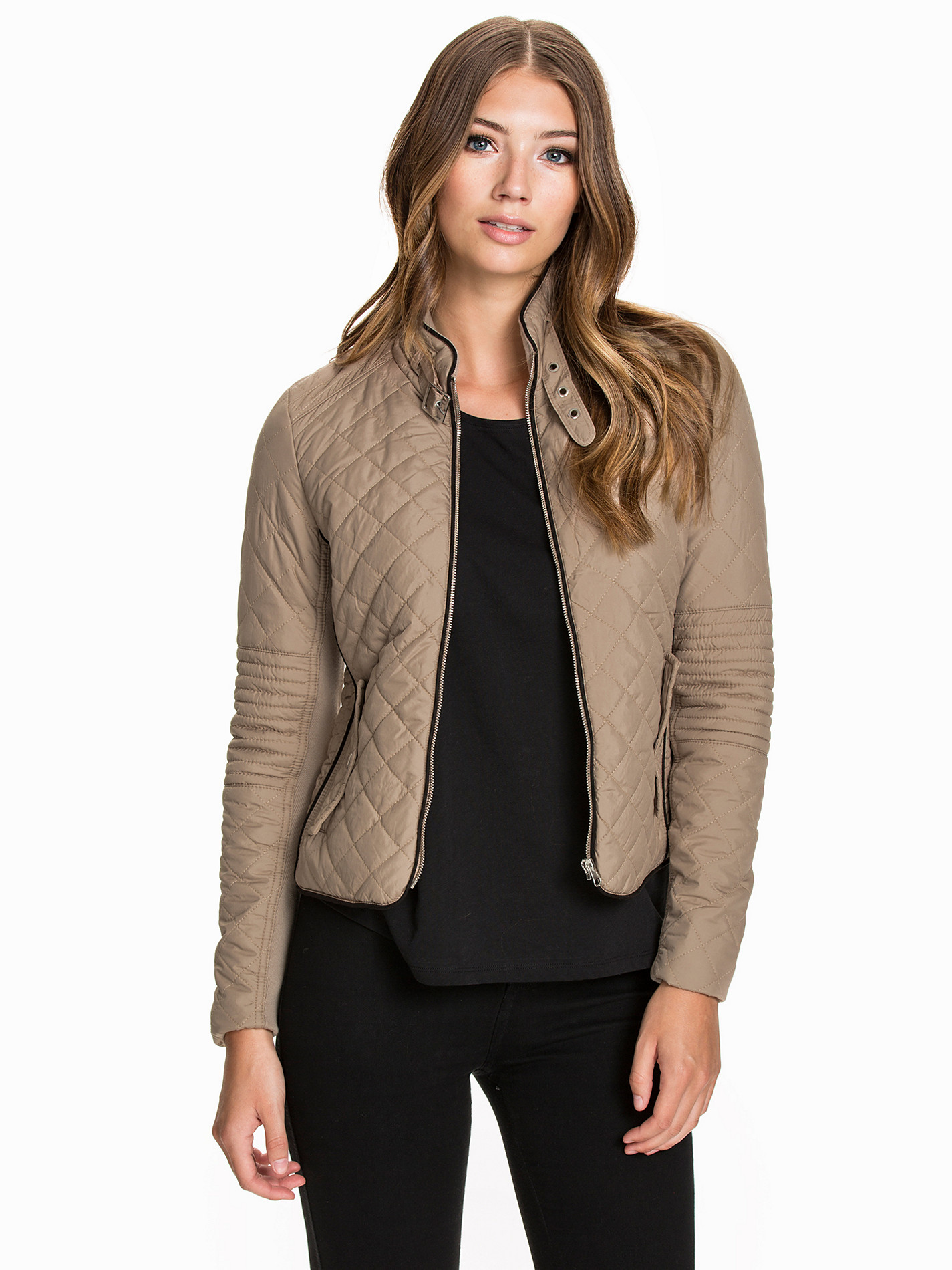
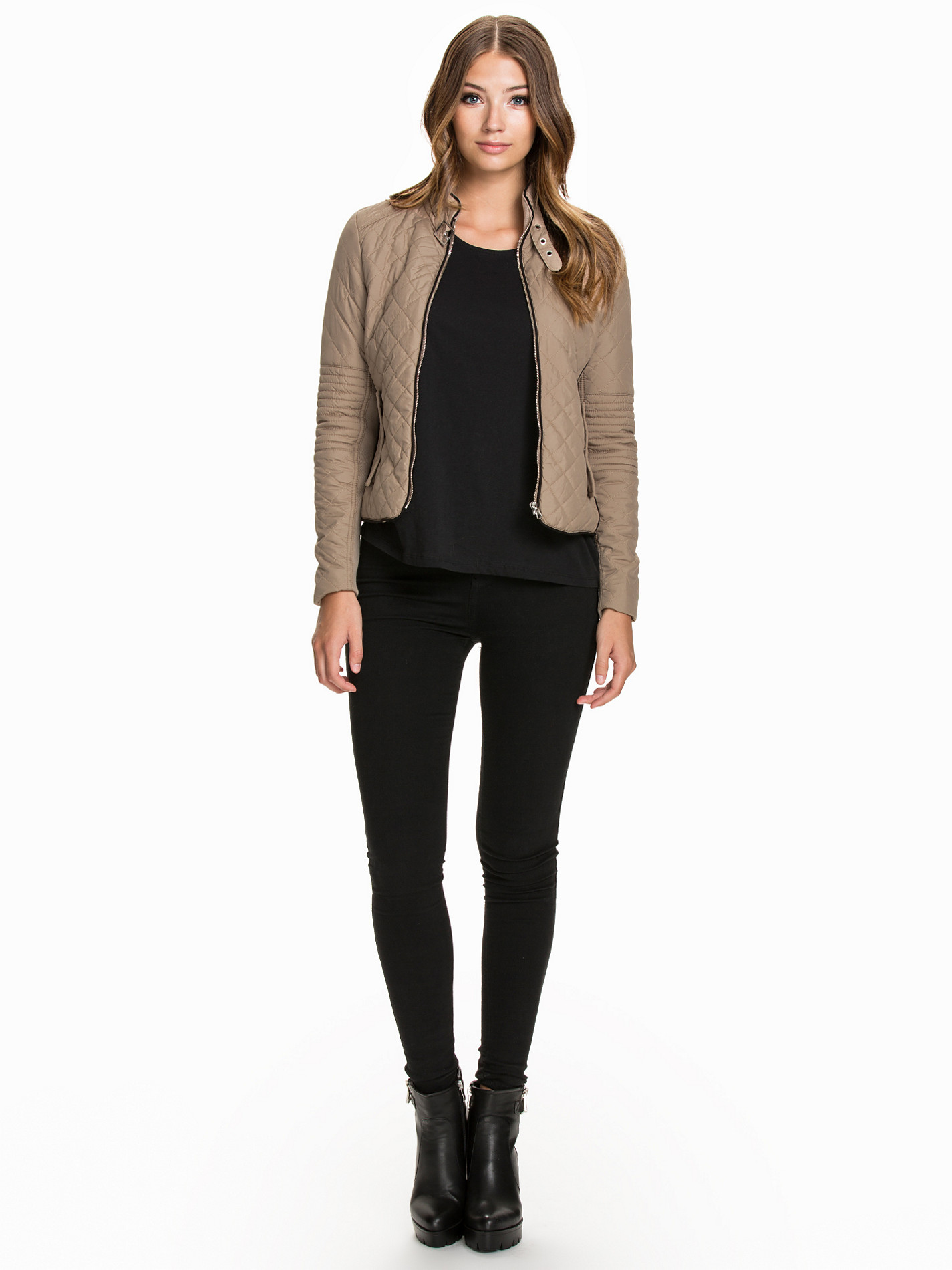
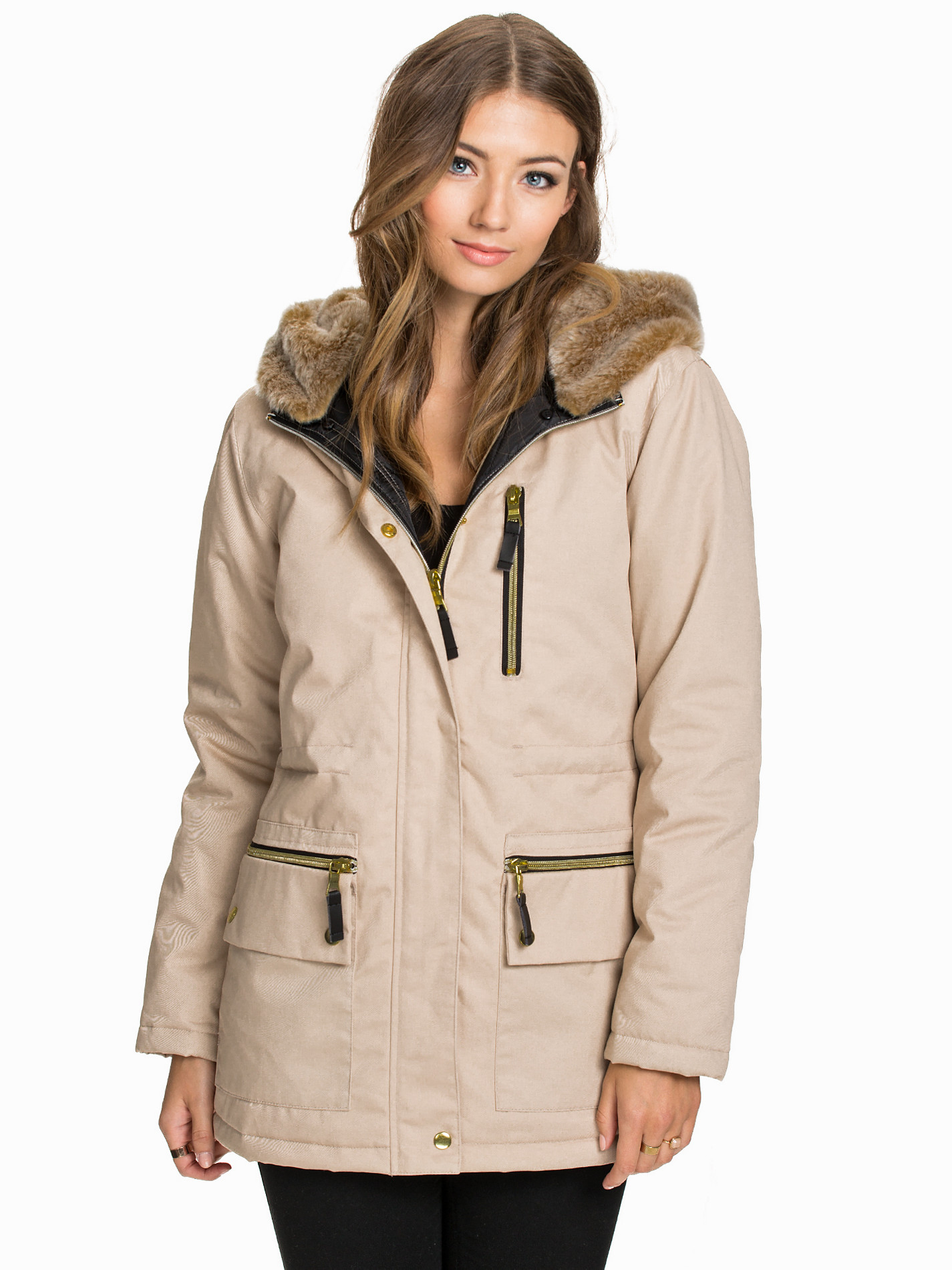
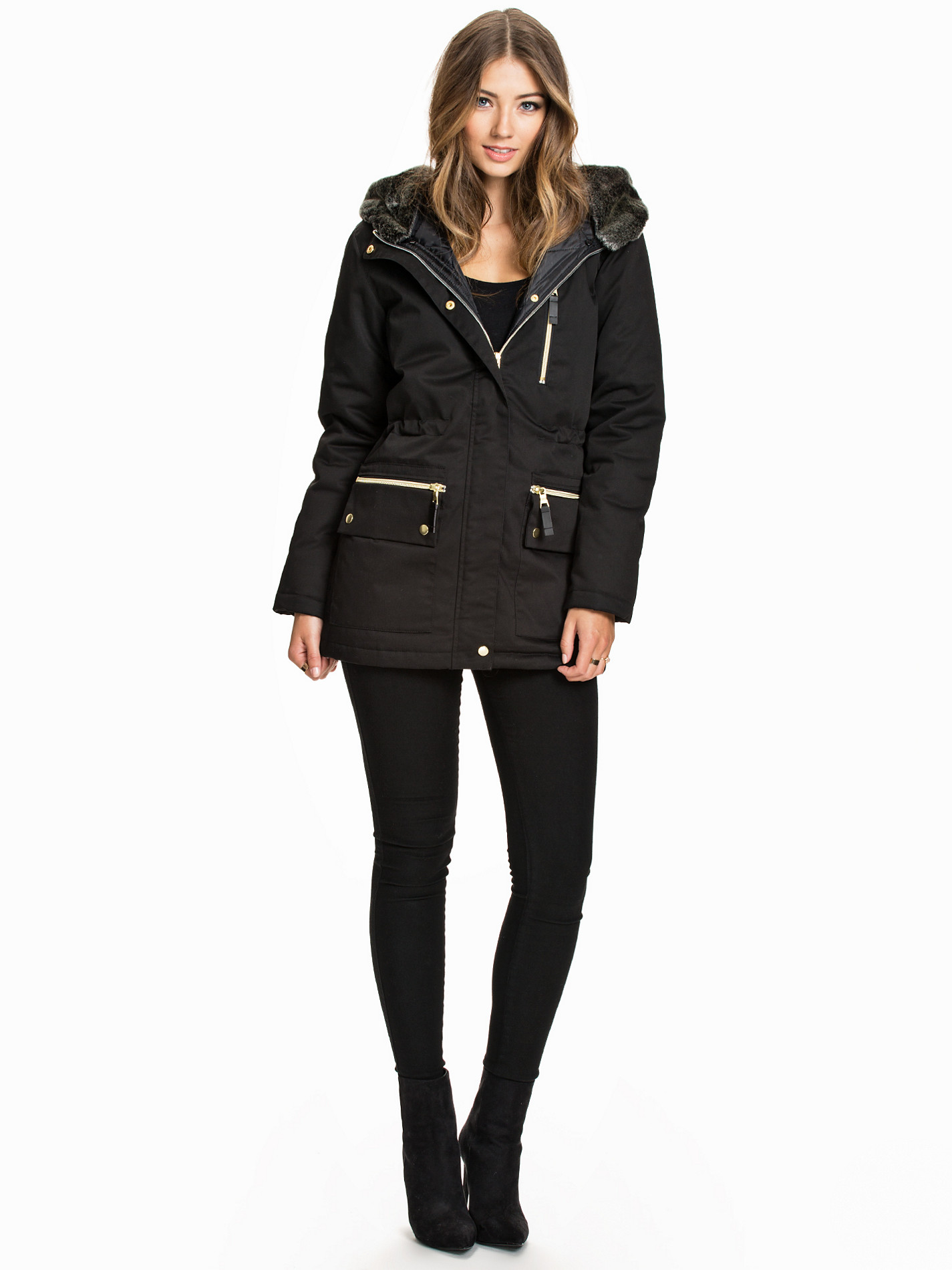
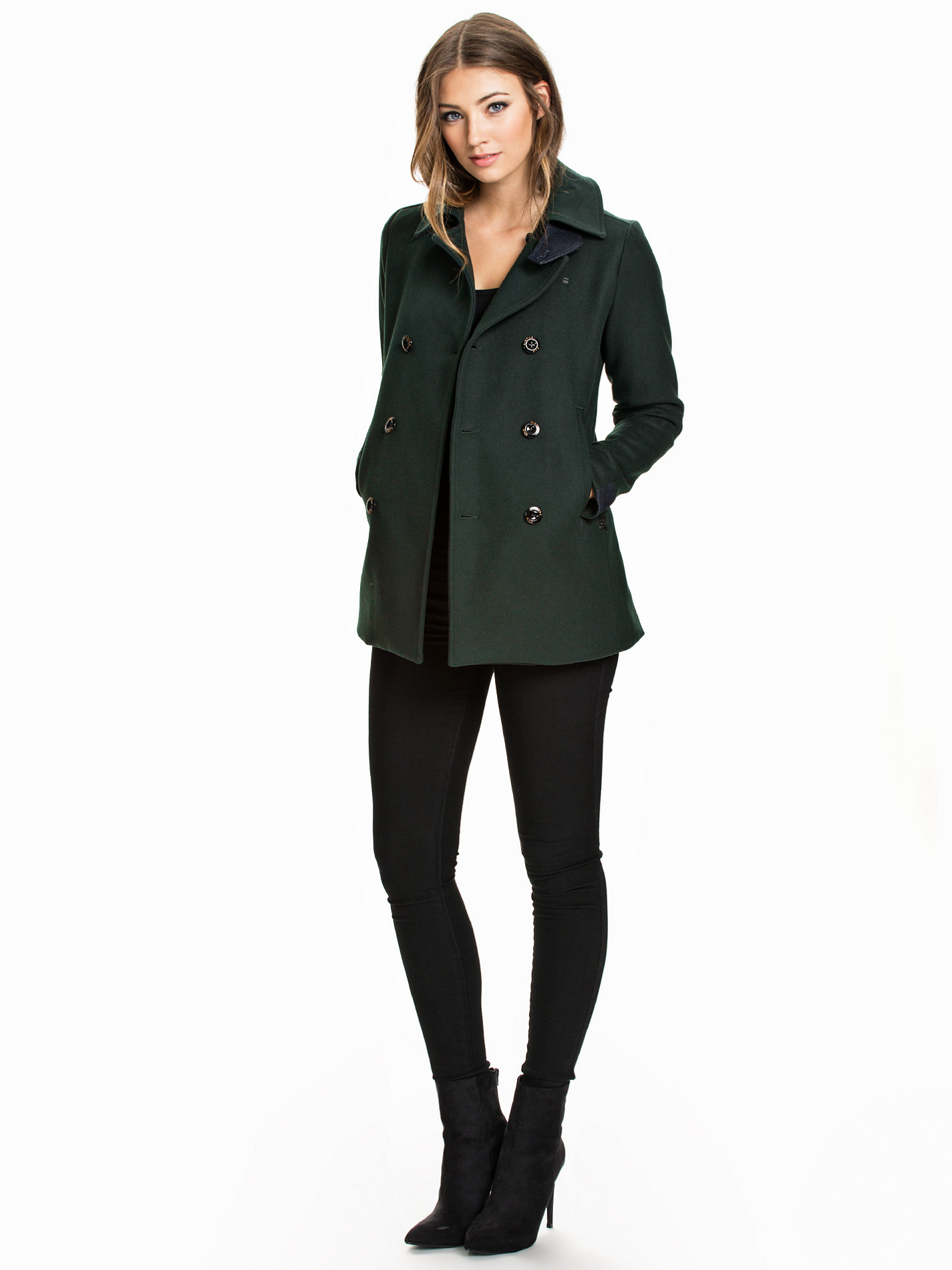
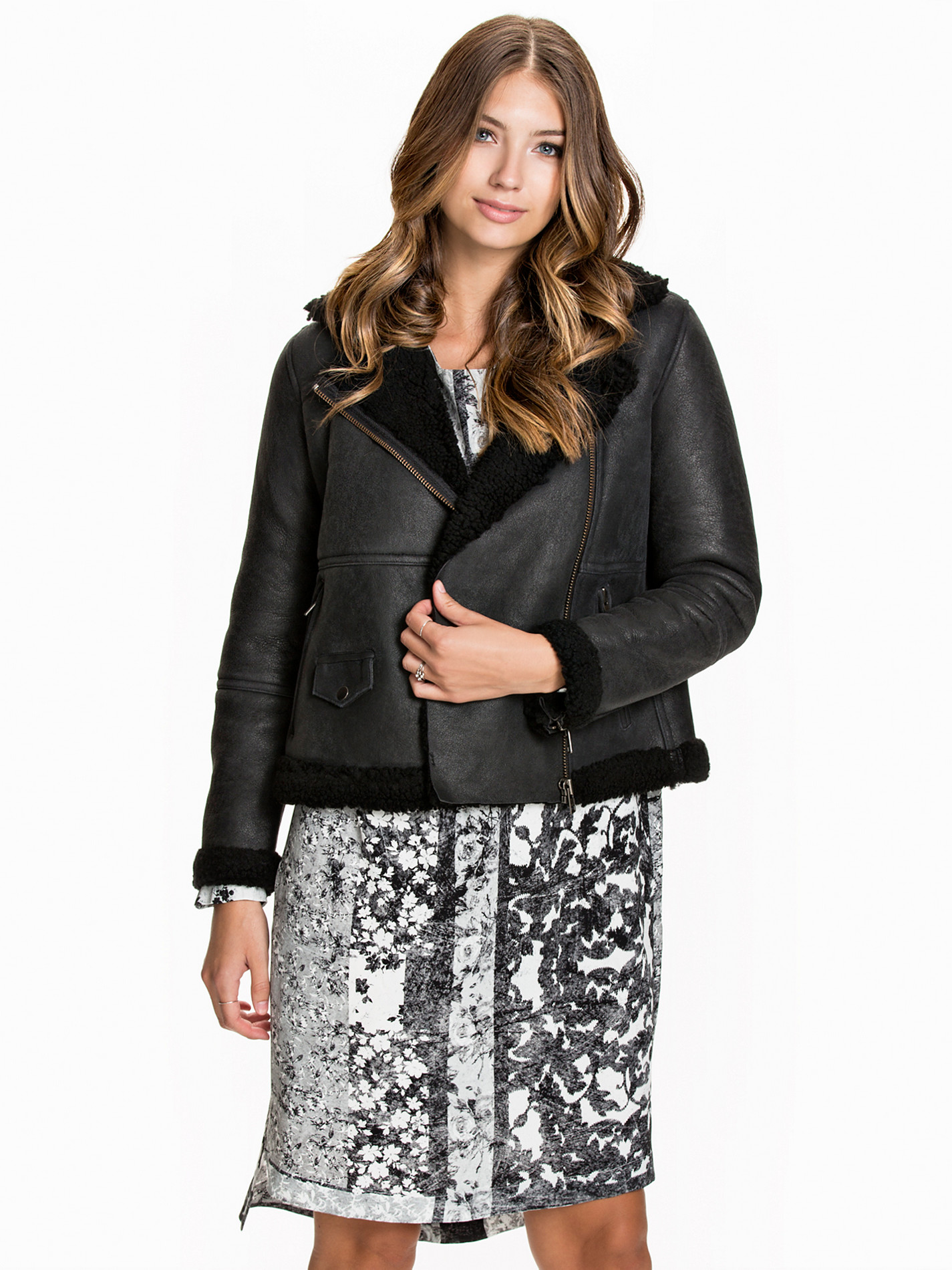
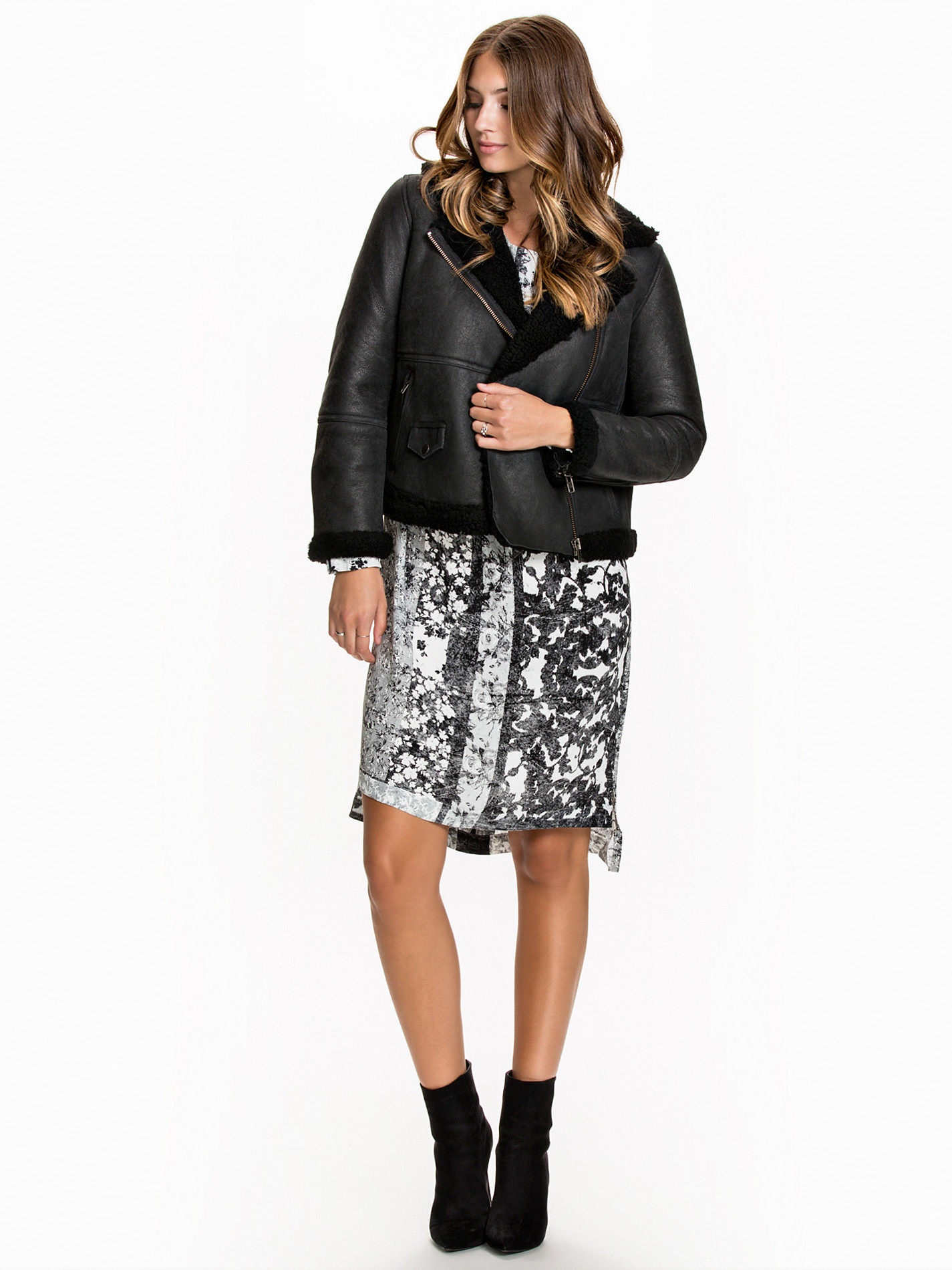
Nelly Jackets

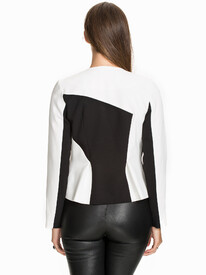















-
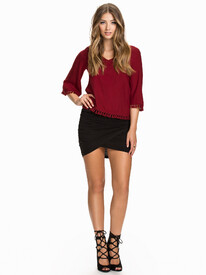
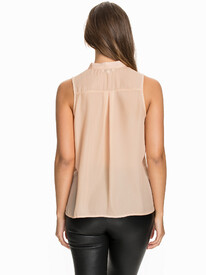
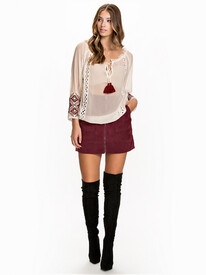
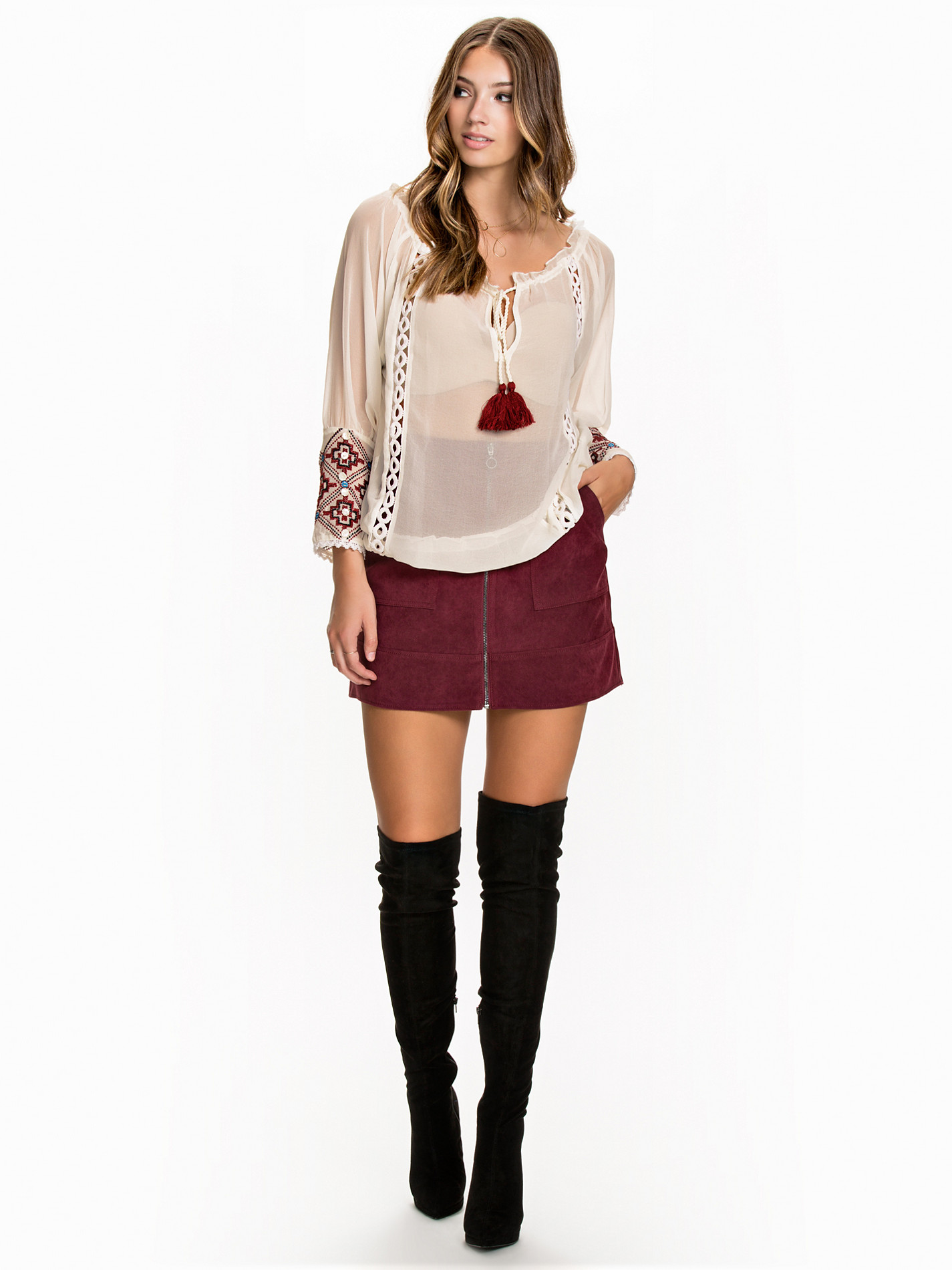
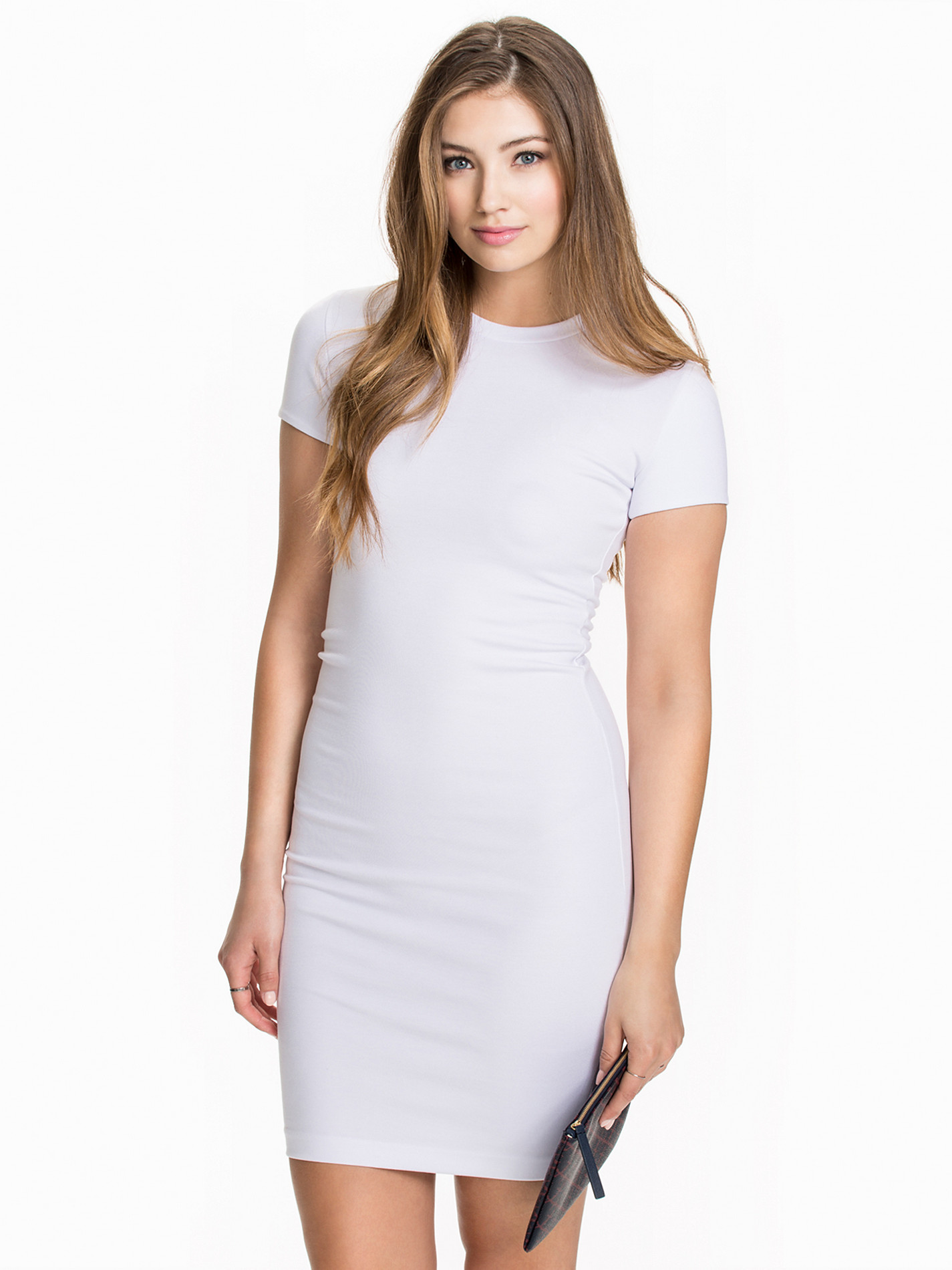
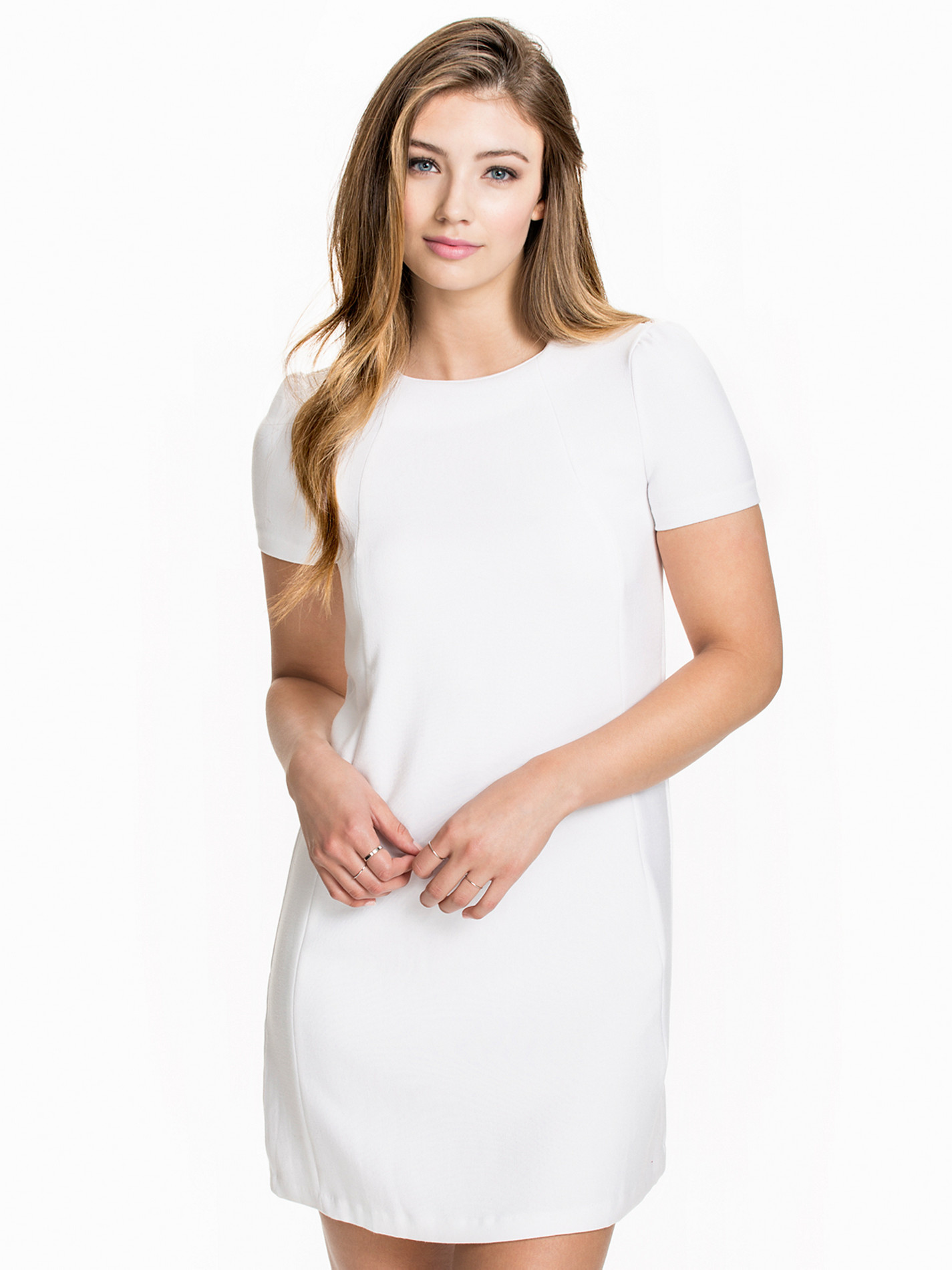
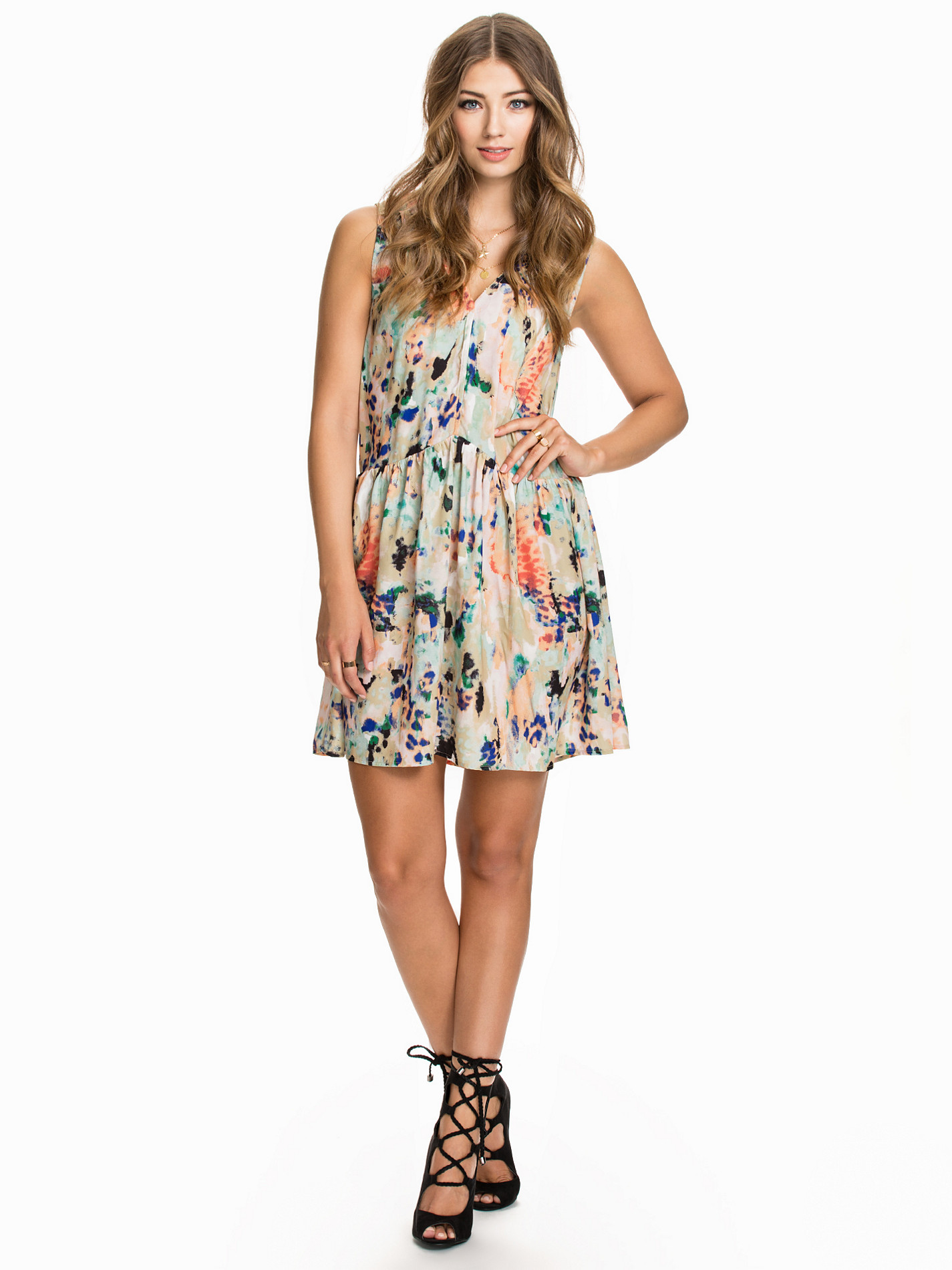
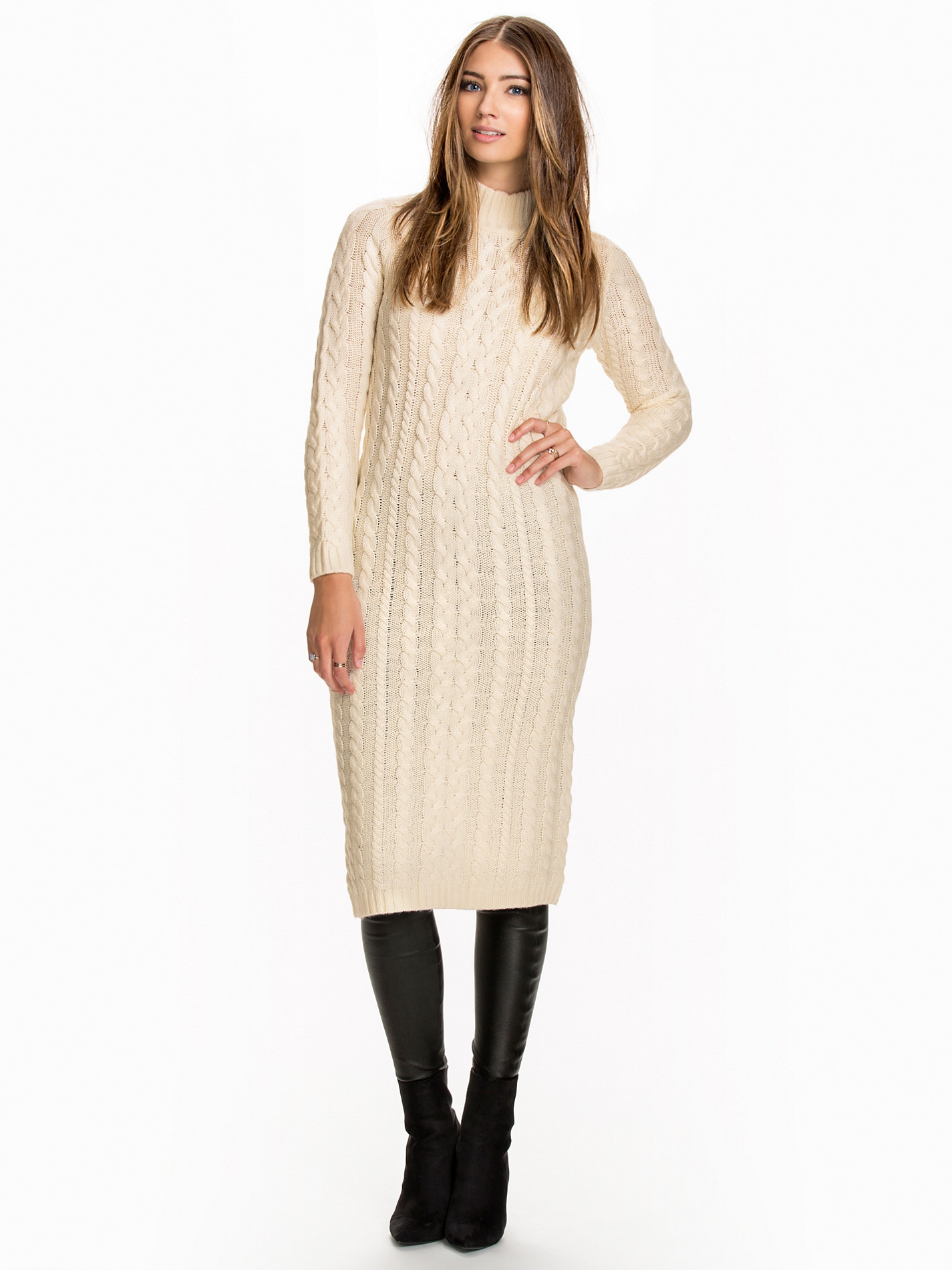
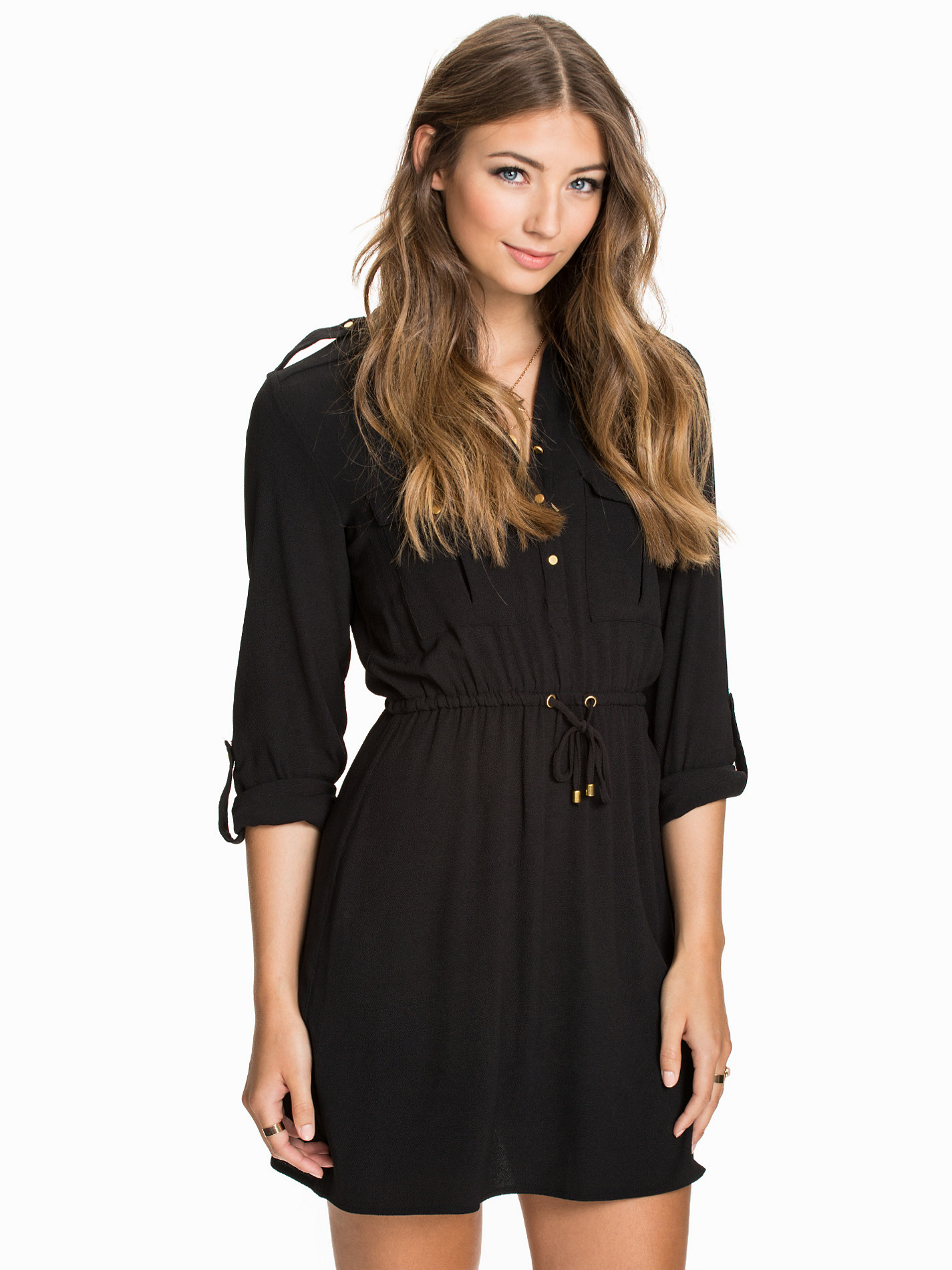
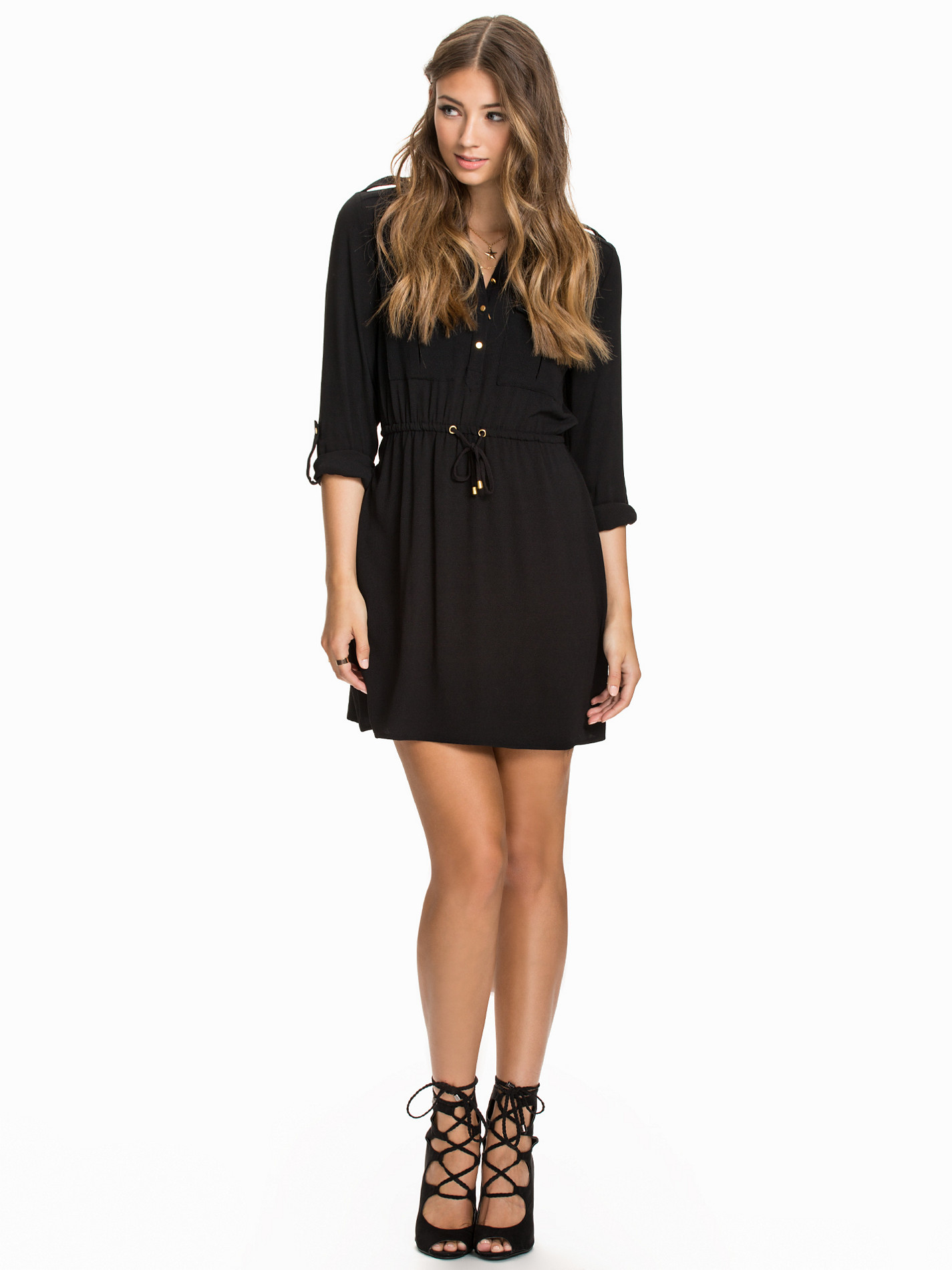
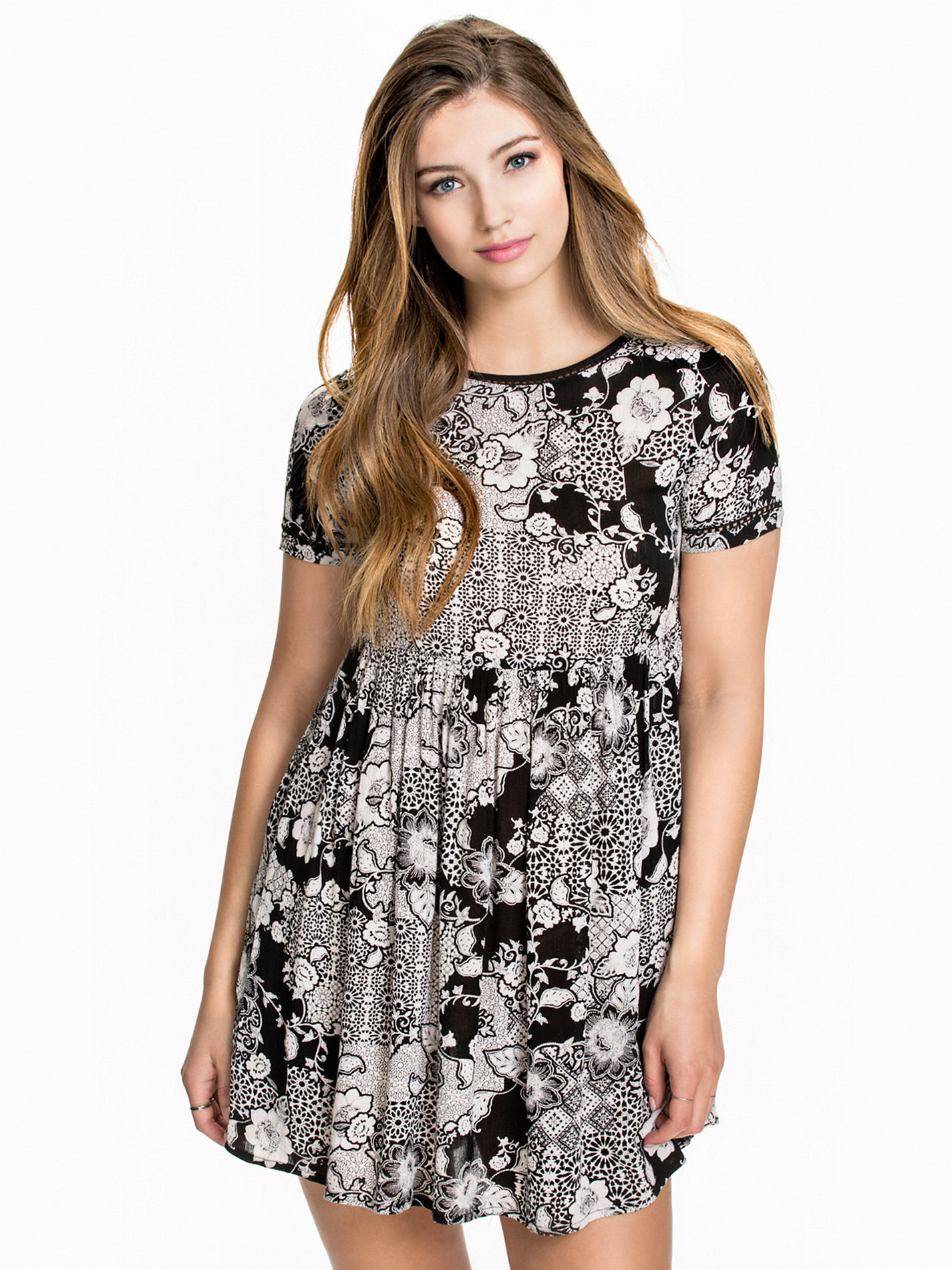
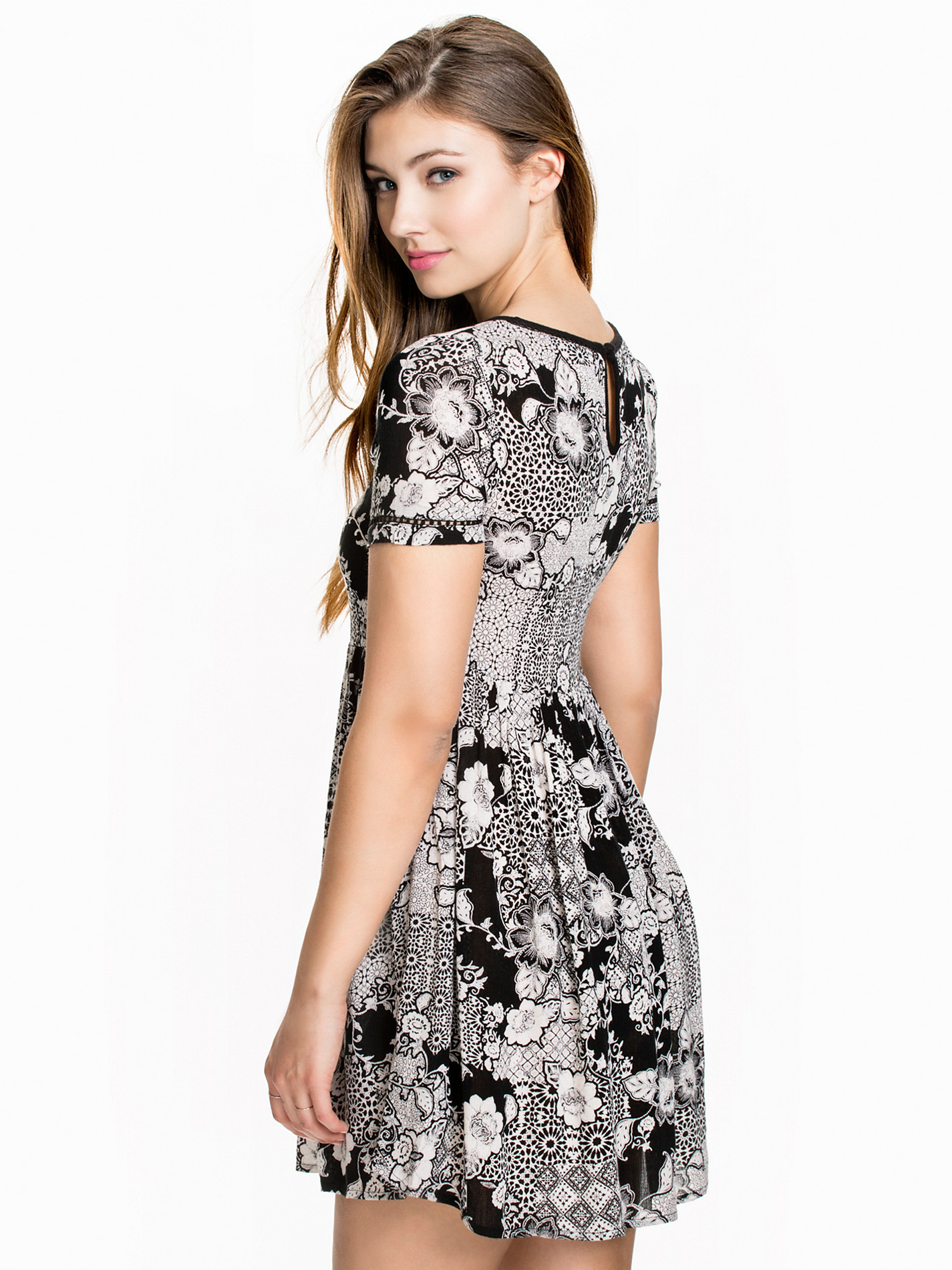
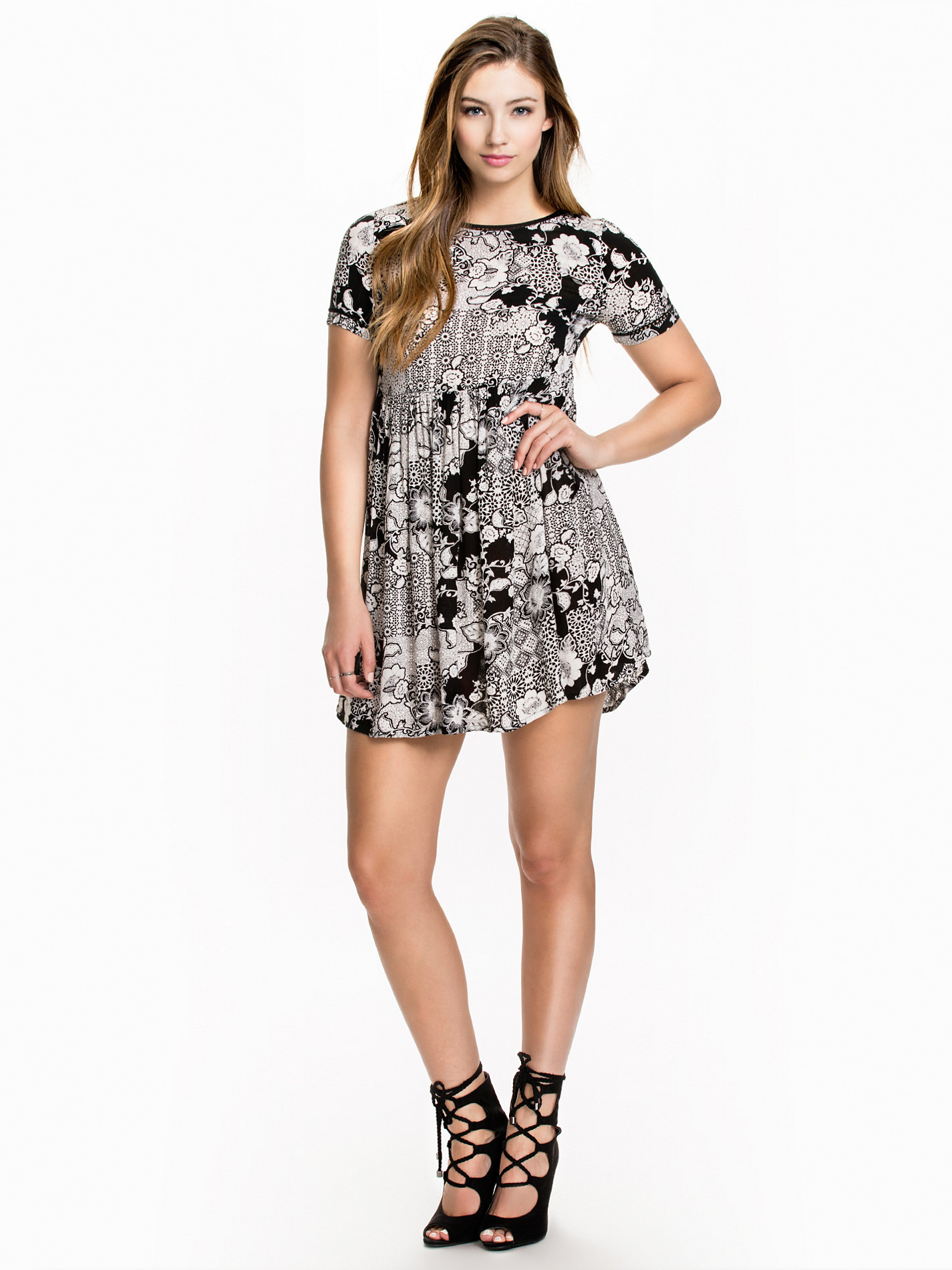
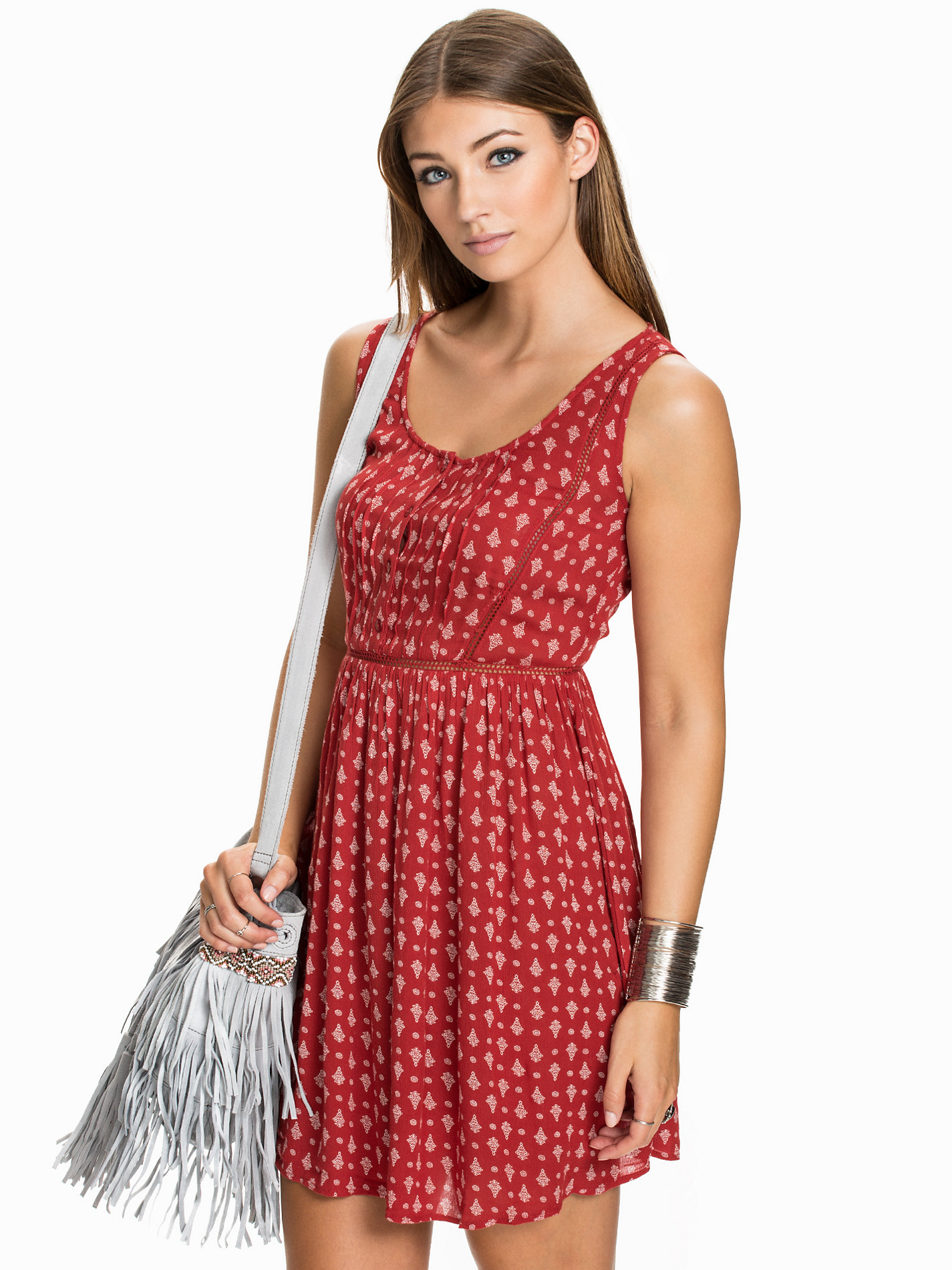
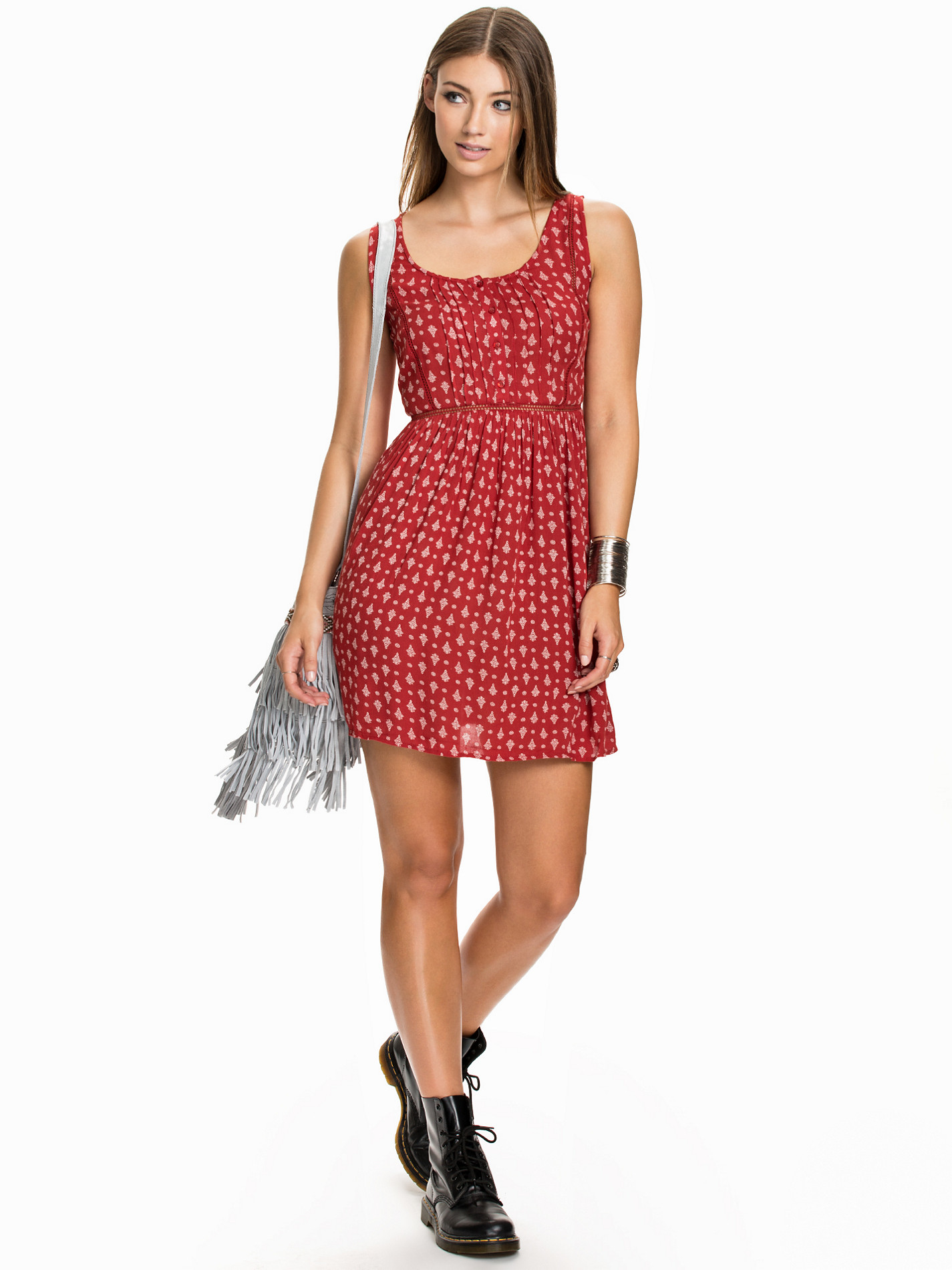
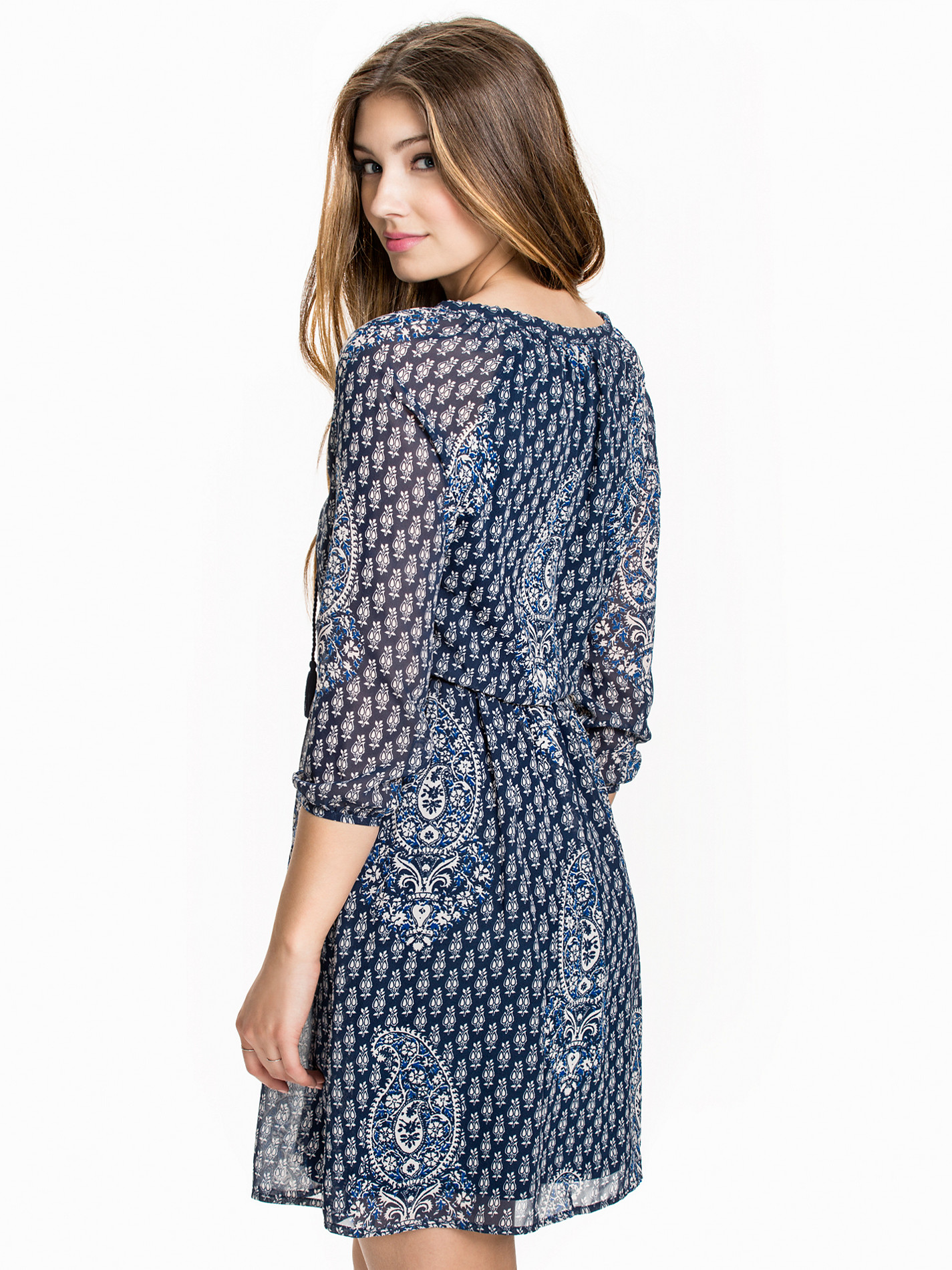
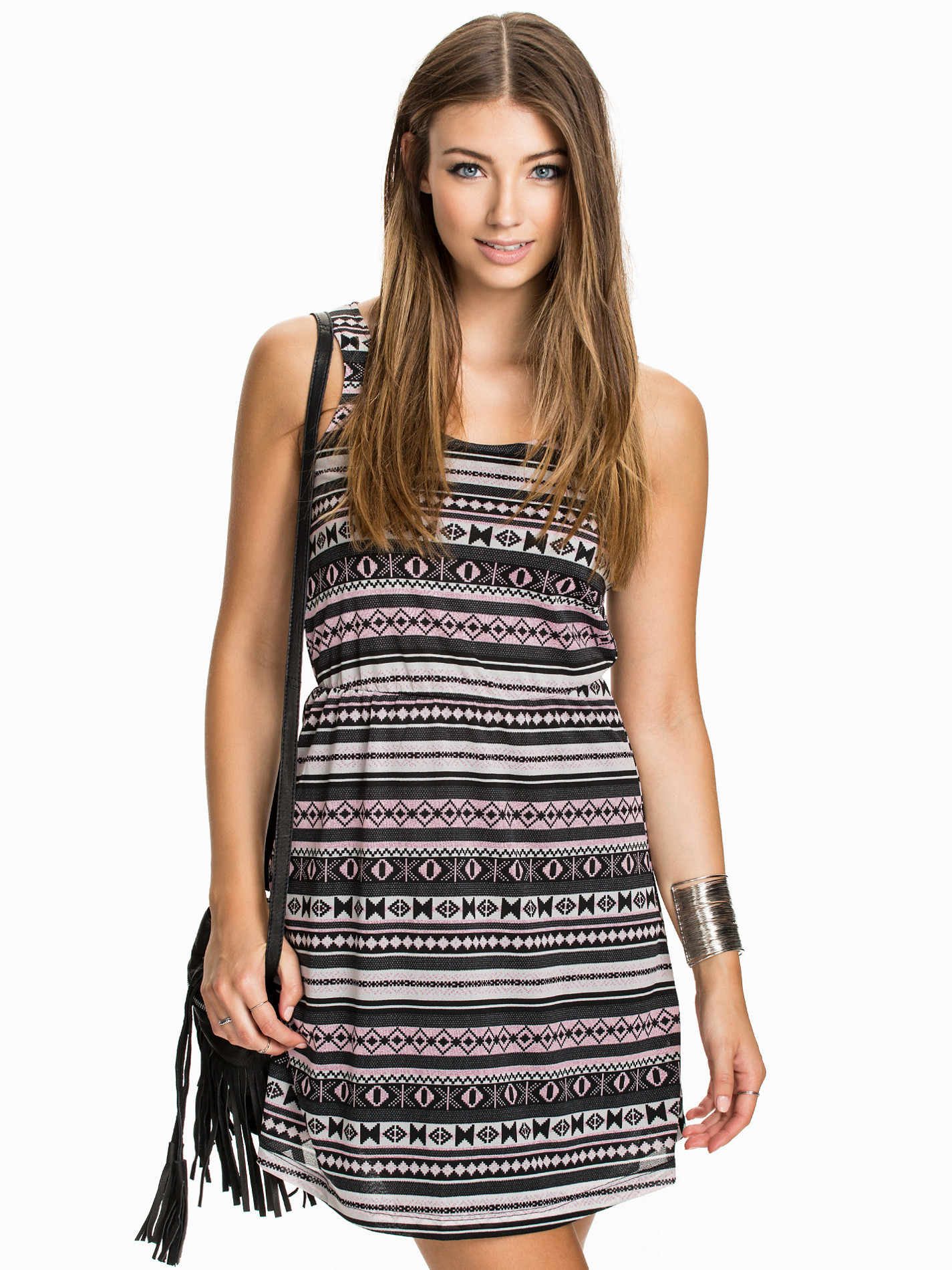
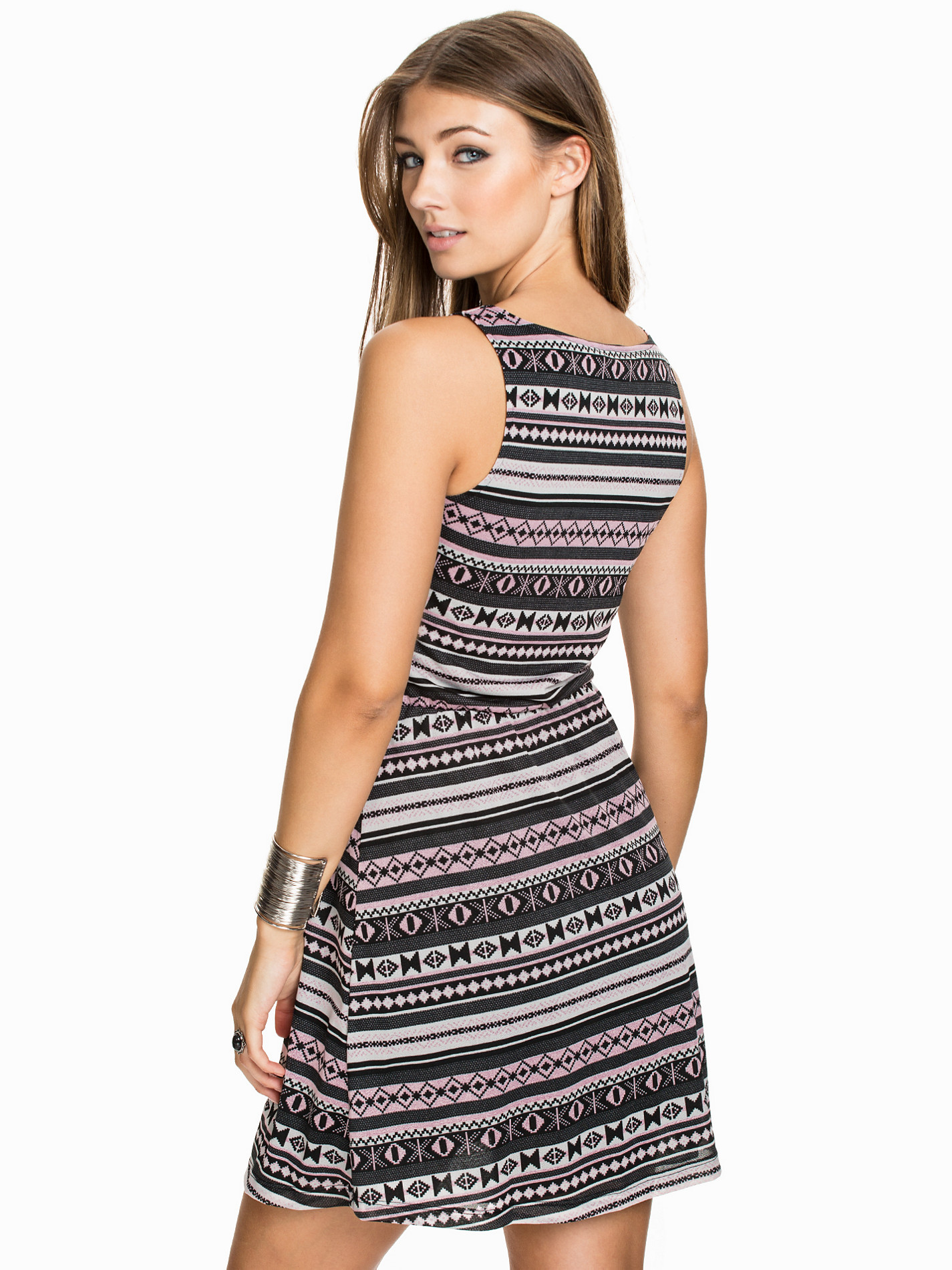
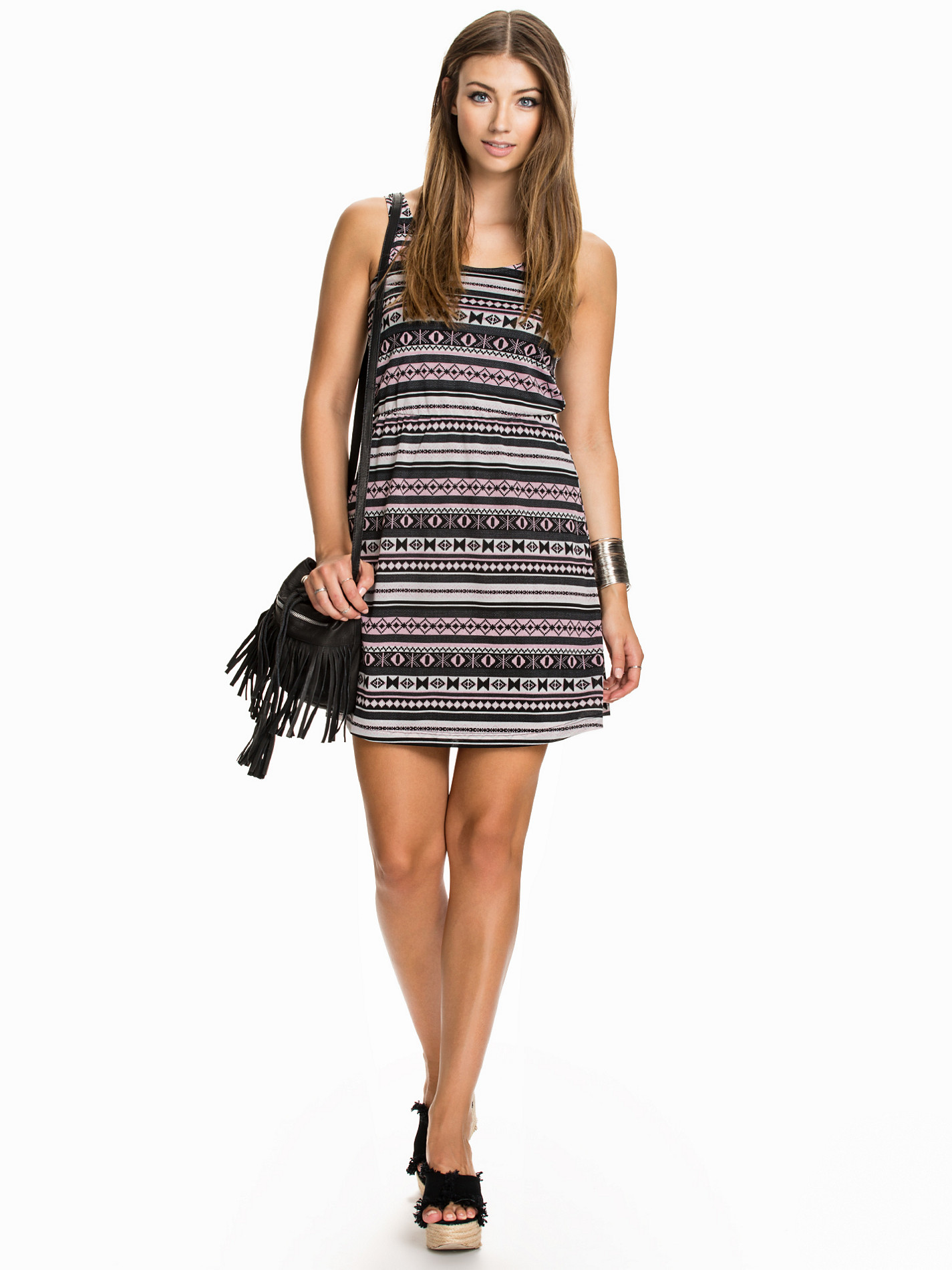
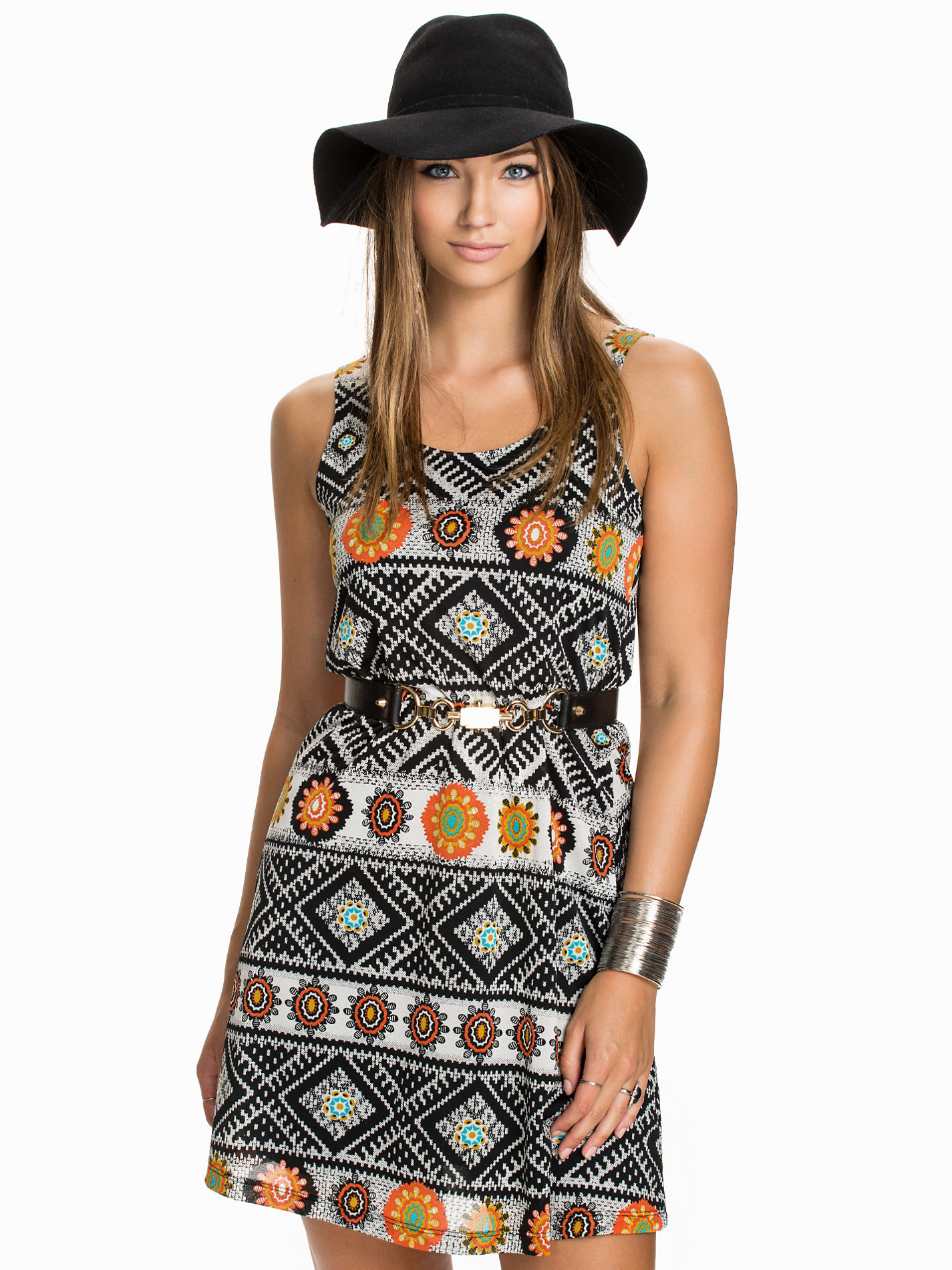
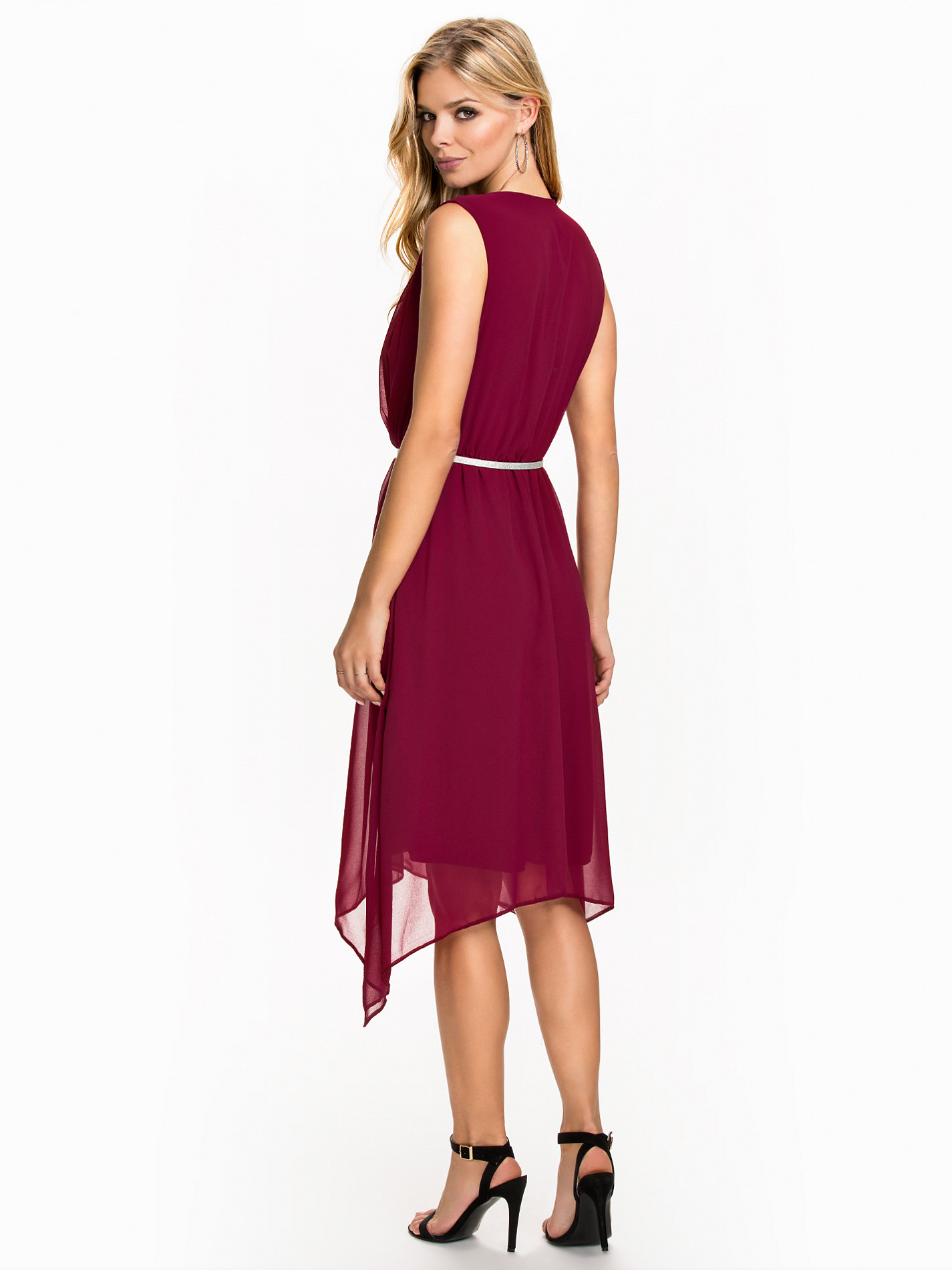
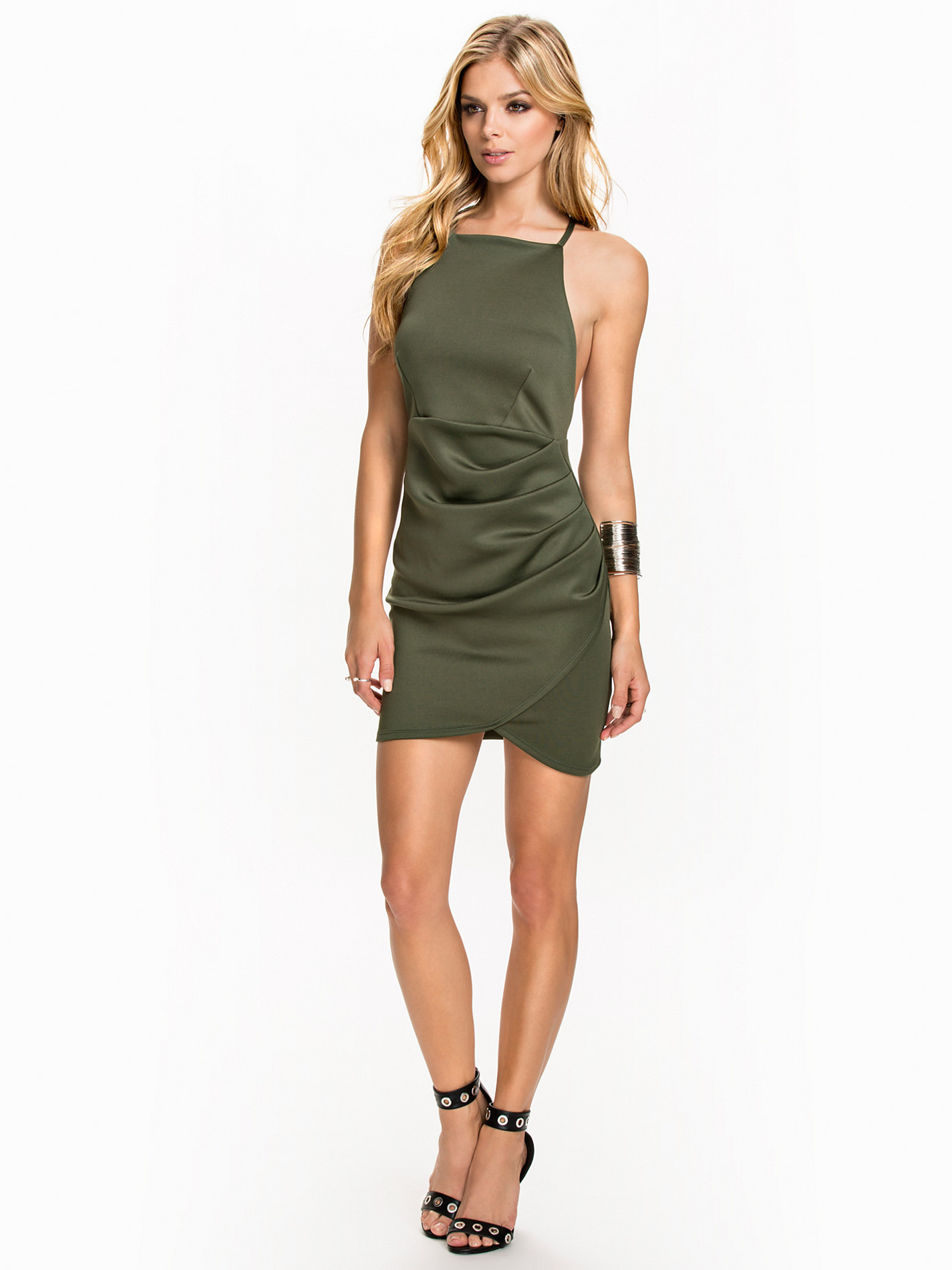
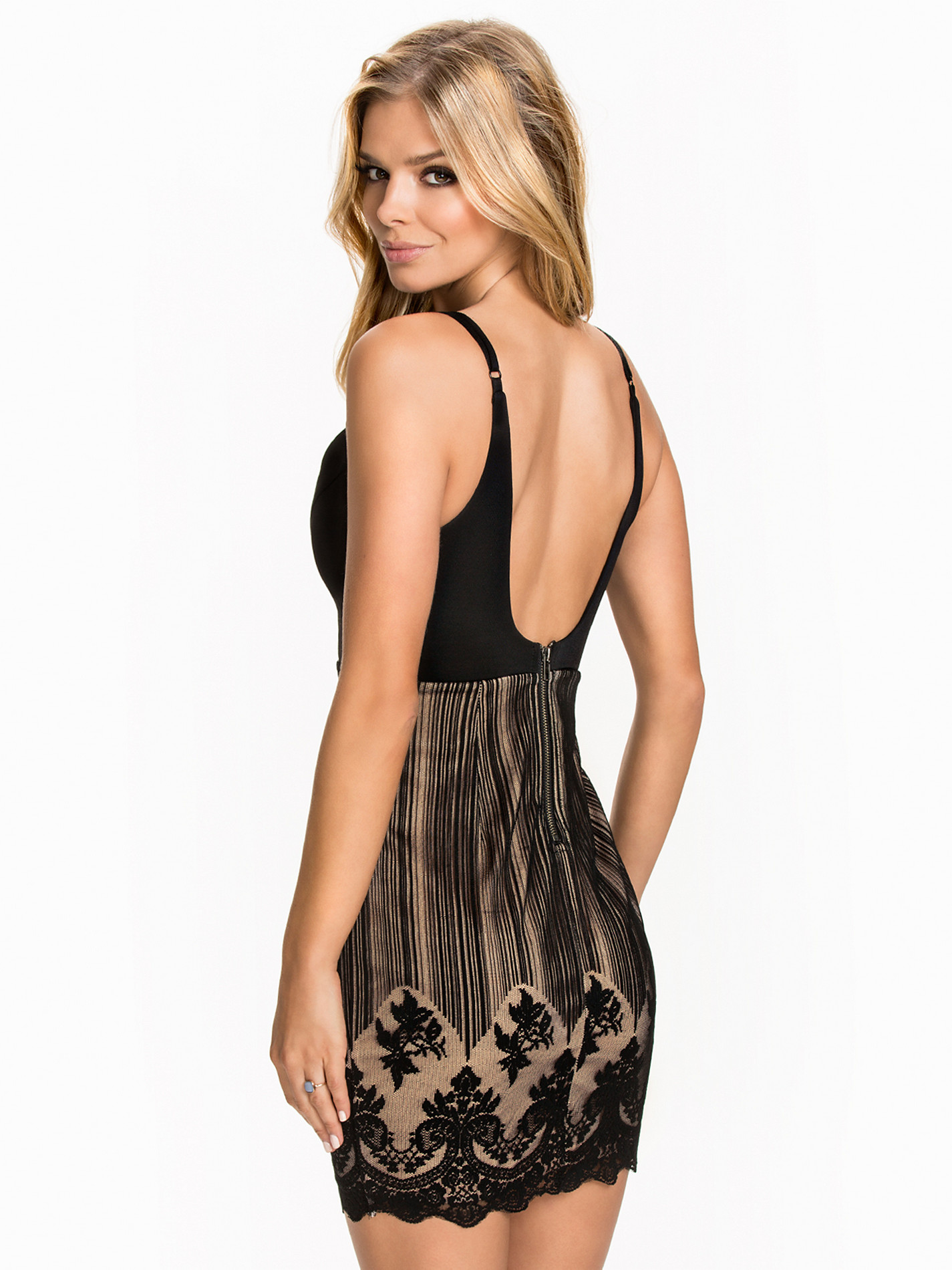
Nelly Blouses & Dresses

















-
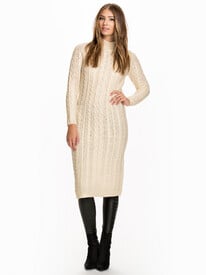
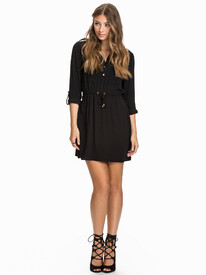
Nelly Blouses & Dresses

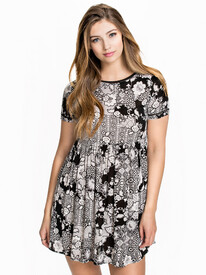
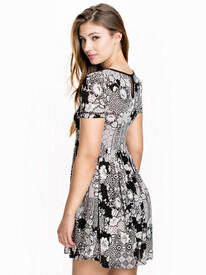
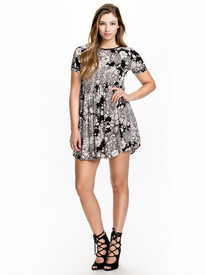
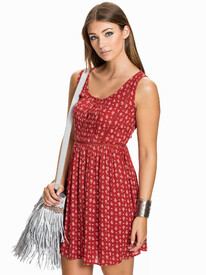
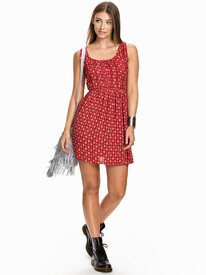










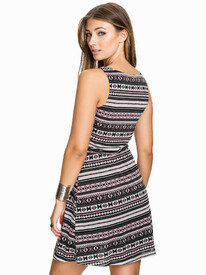
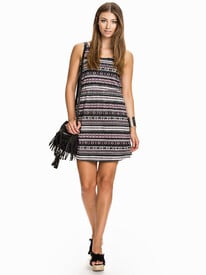






-
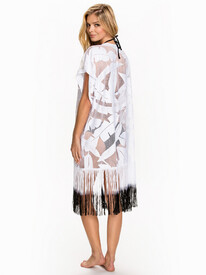
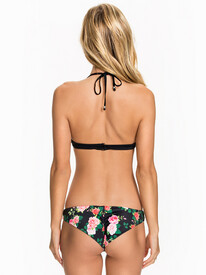
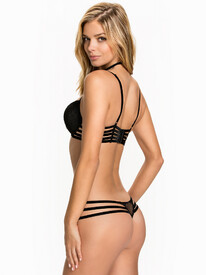
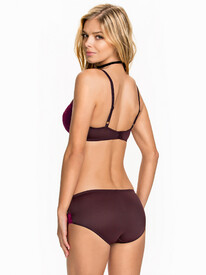
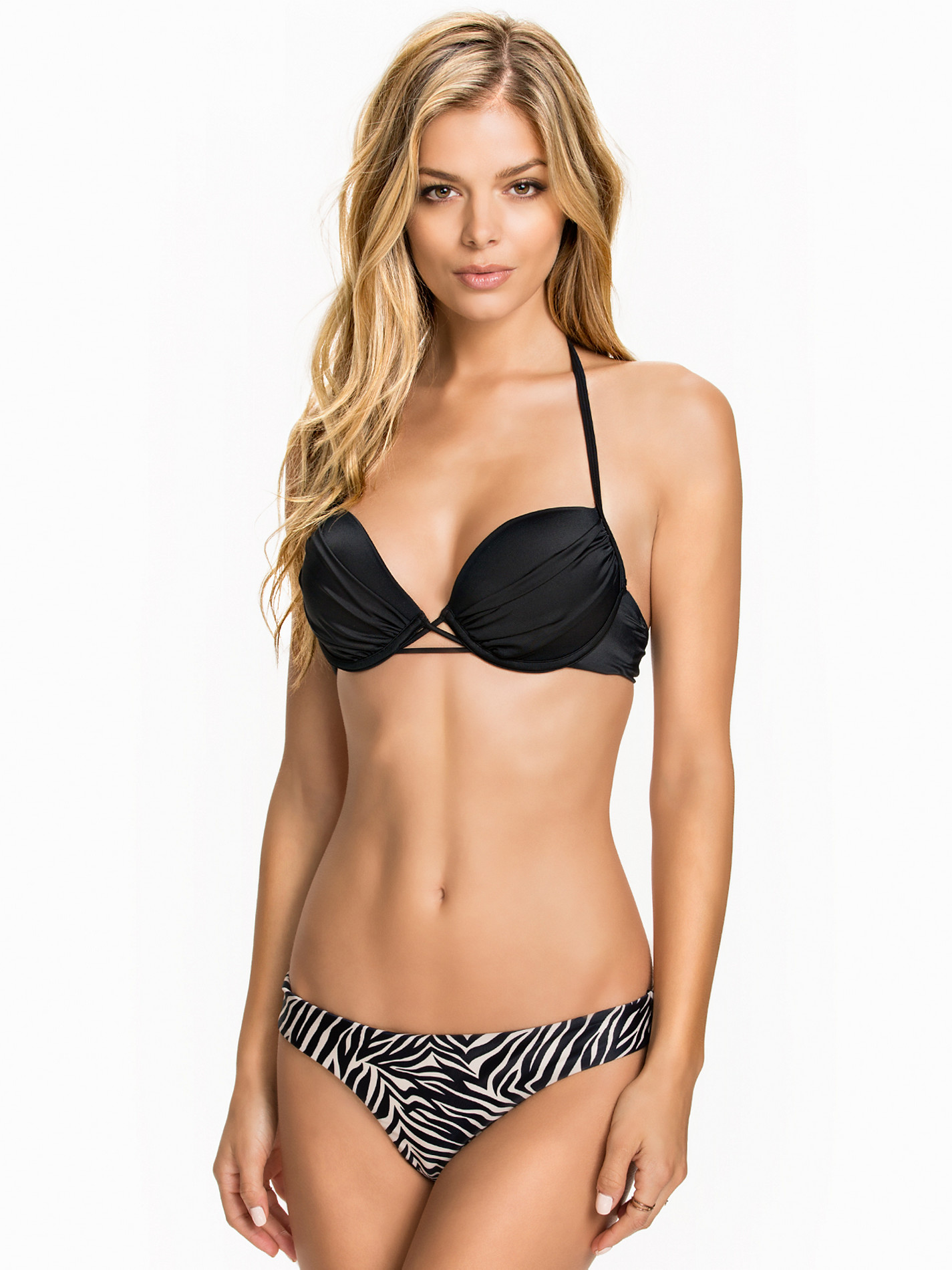
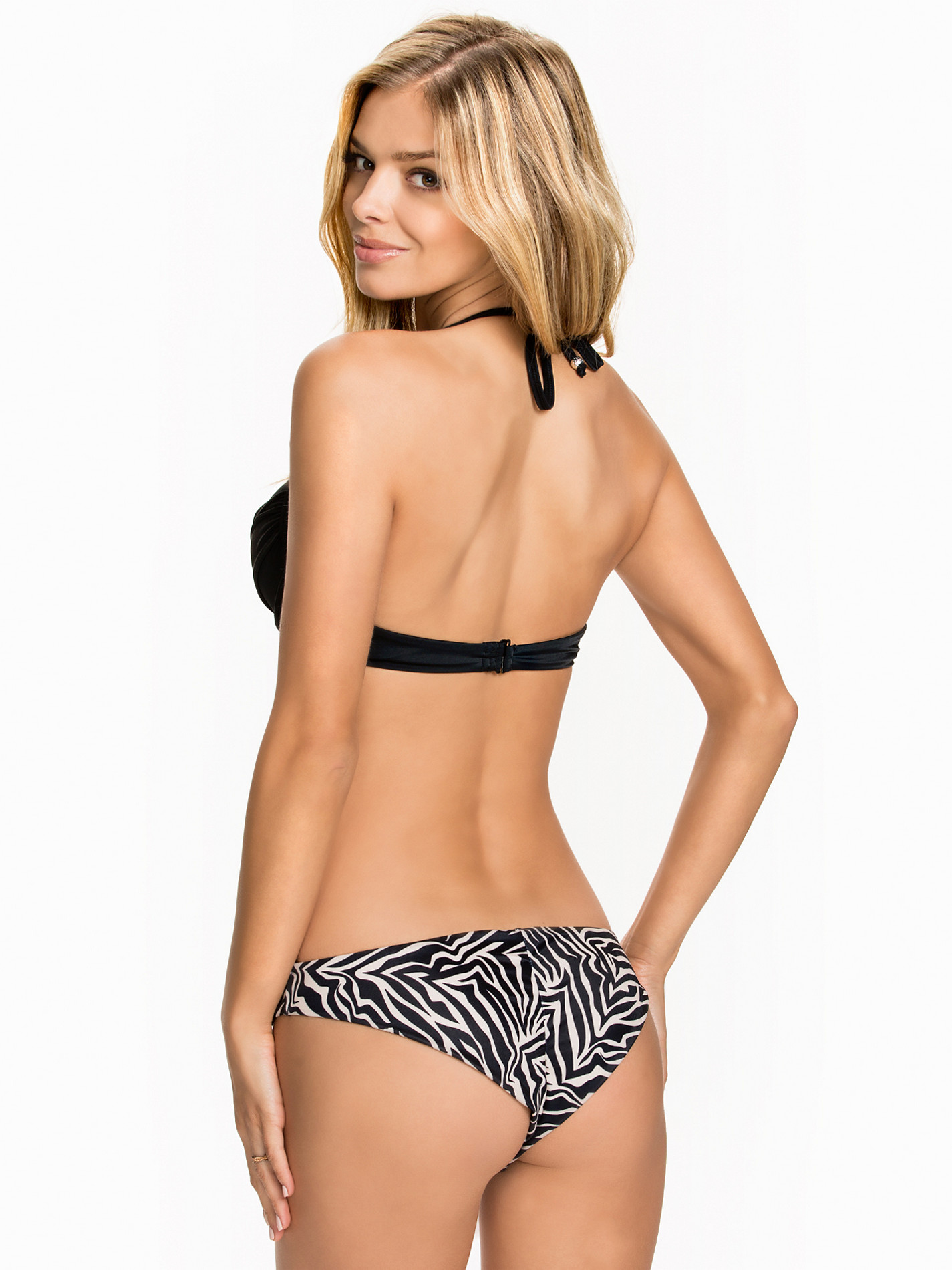
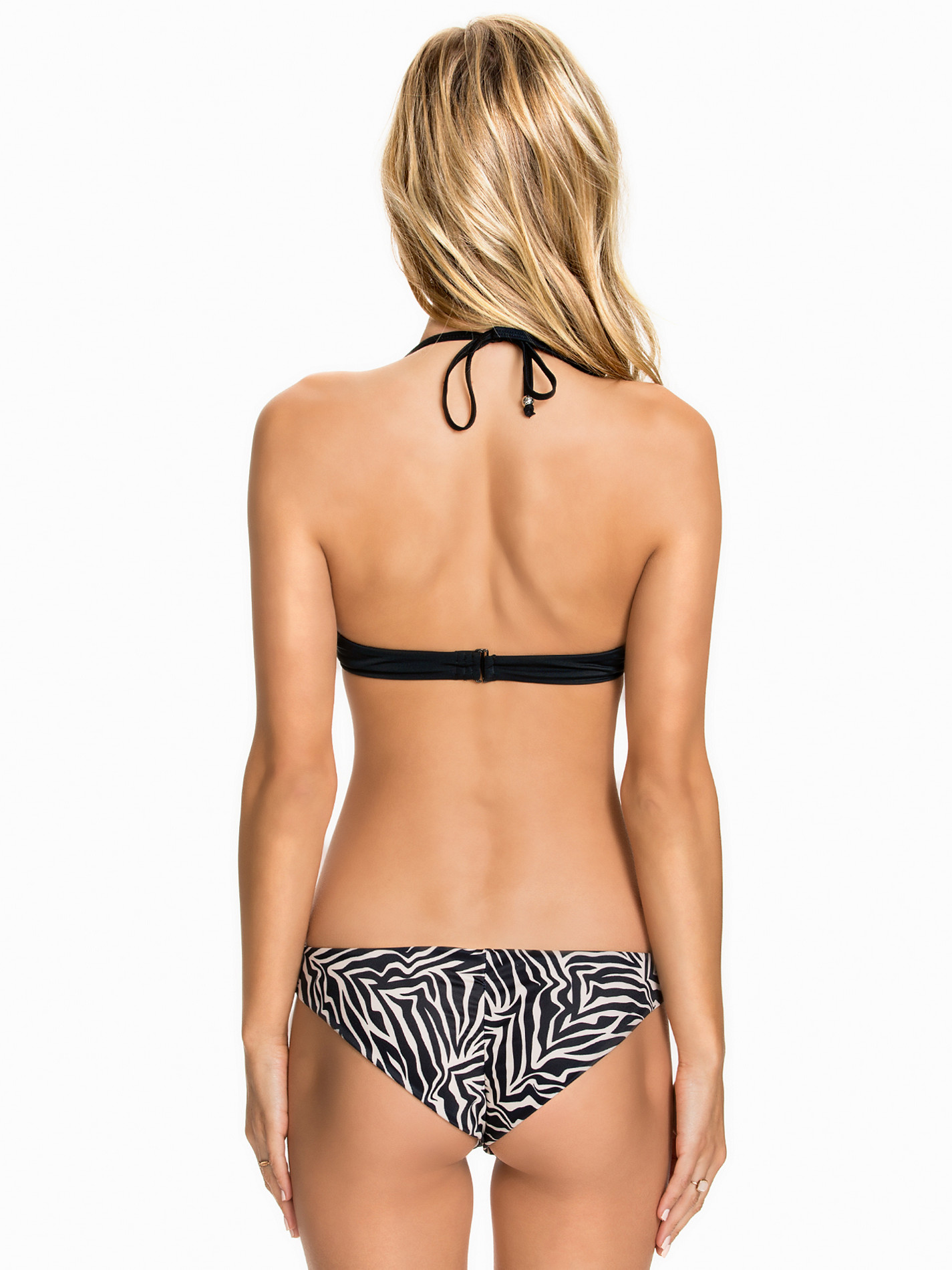
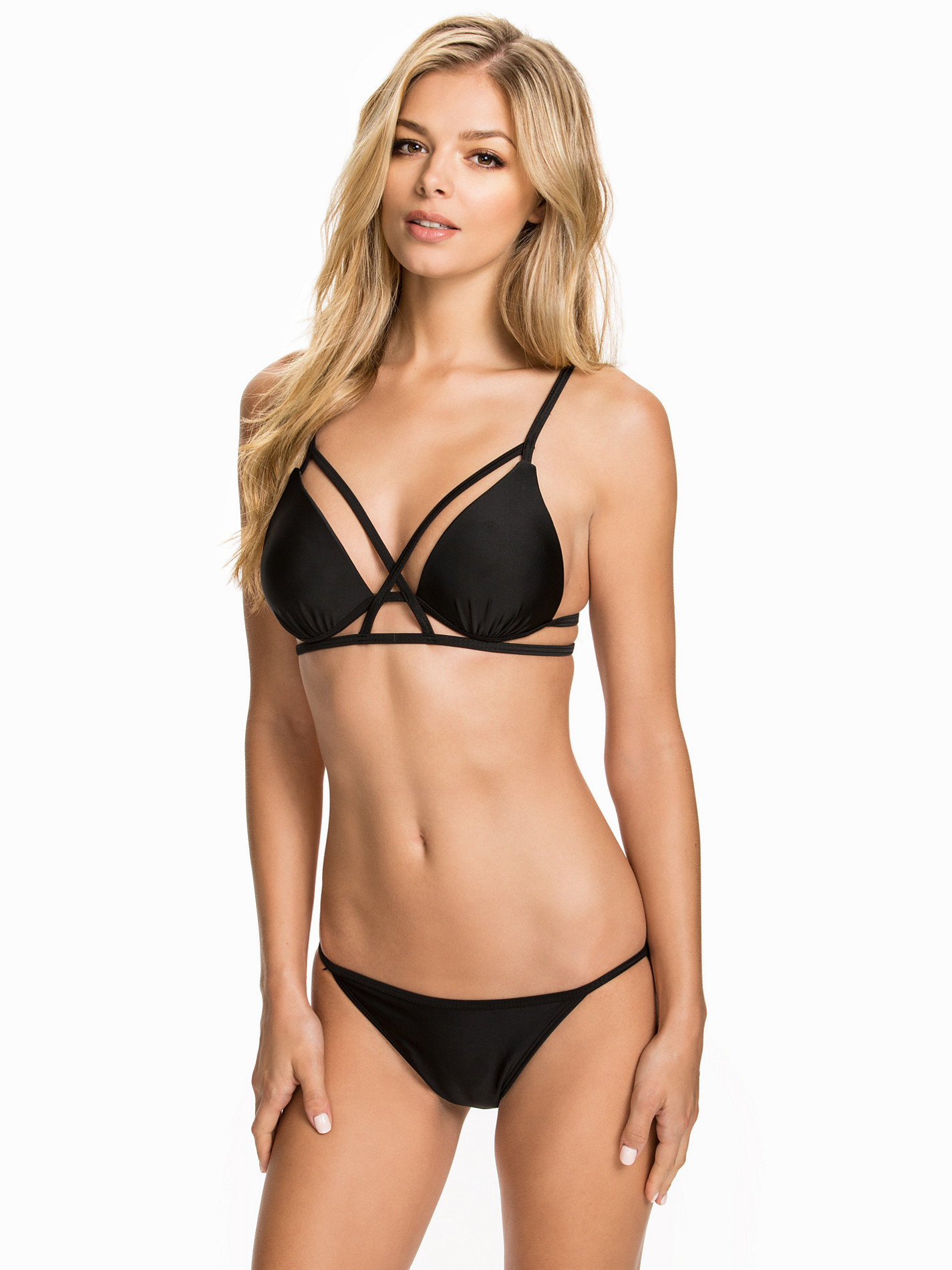
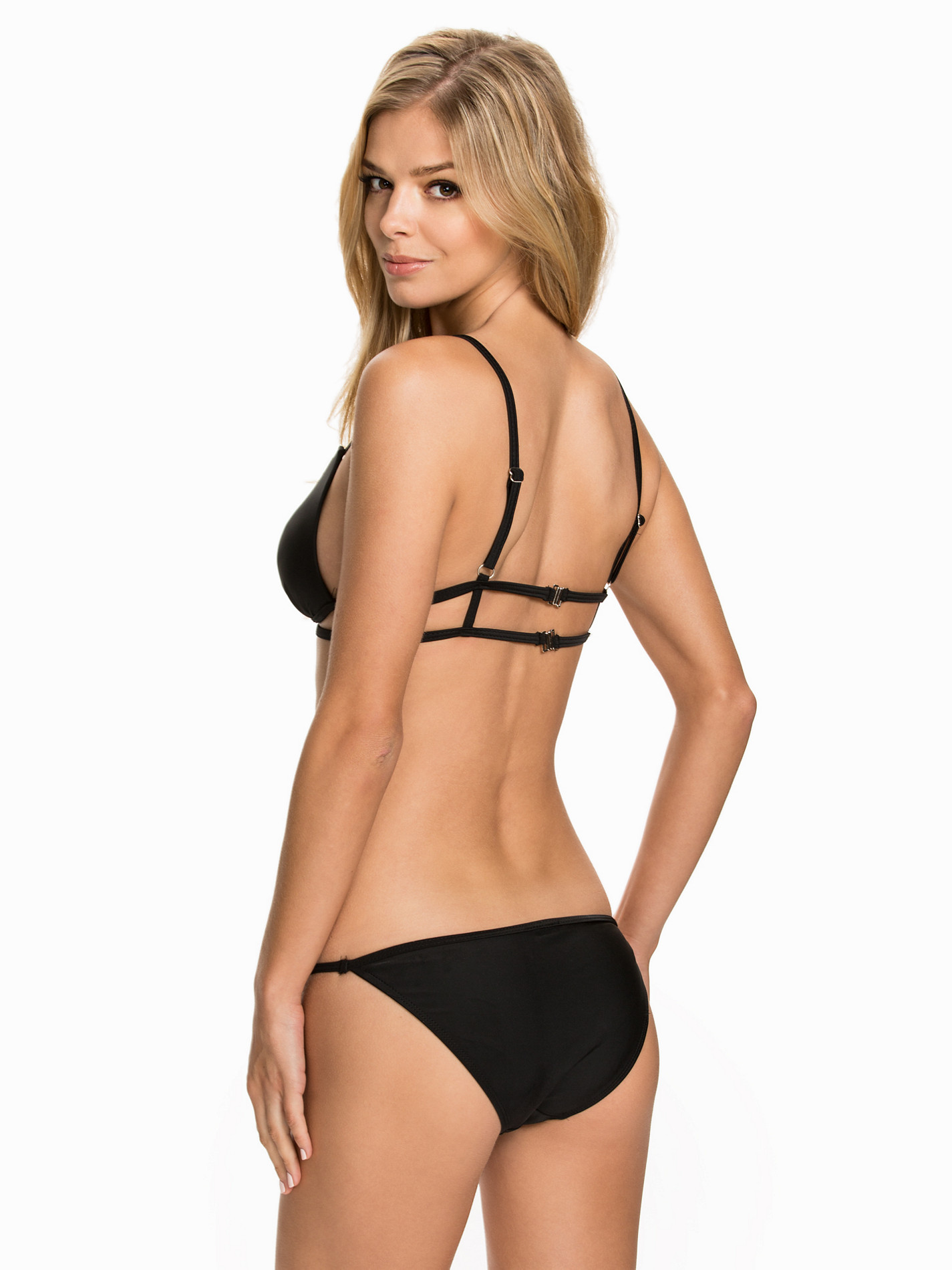
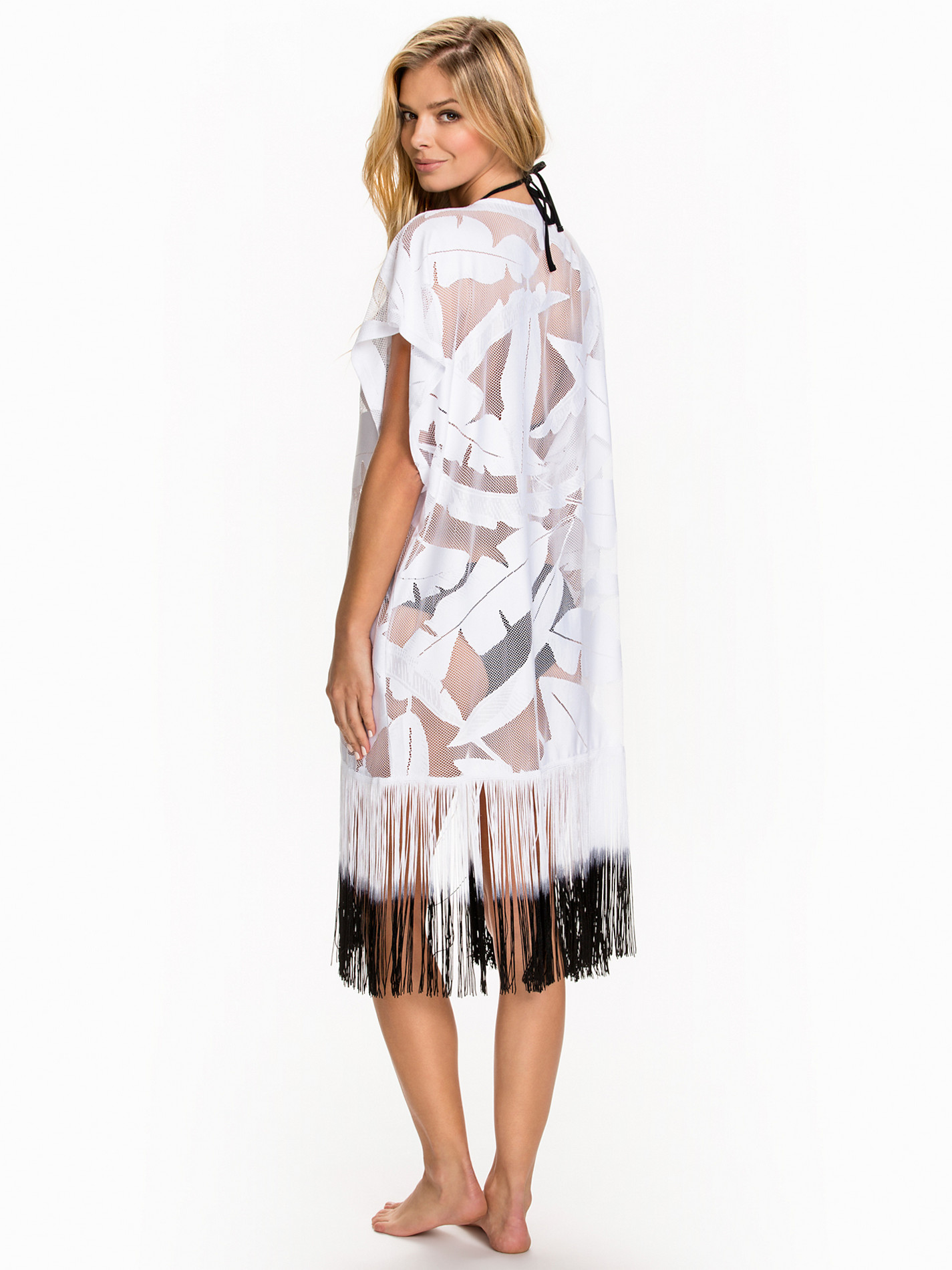
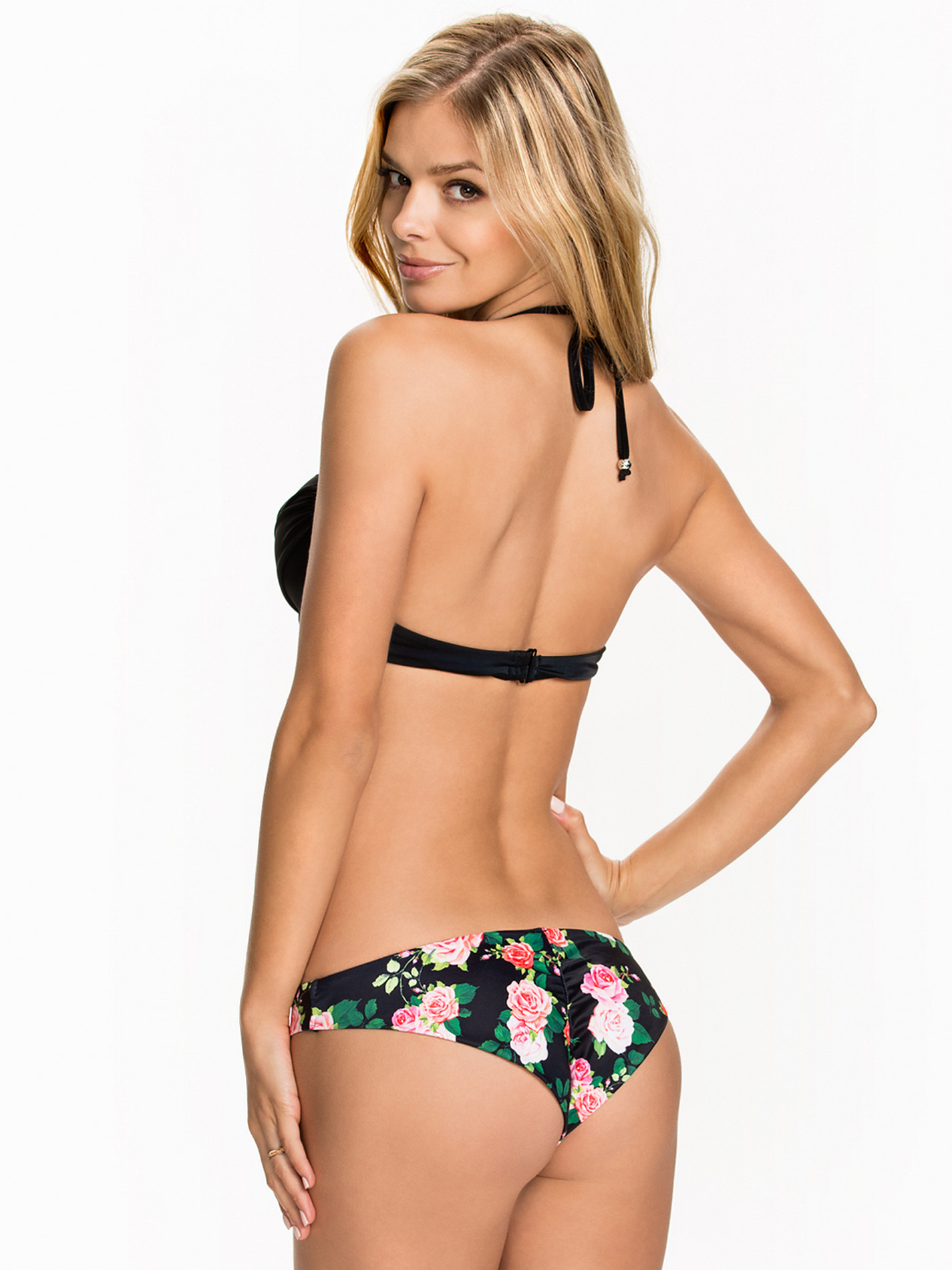
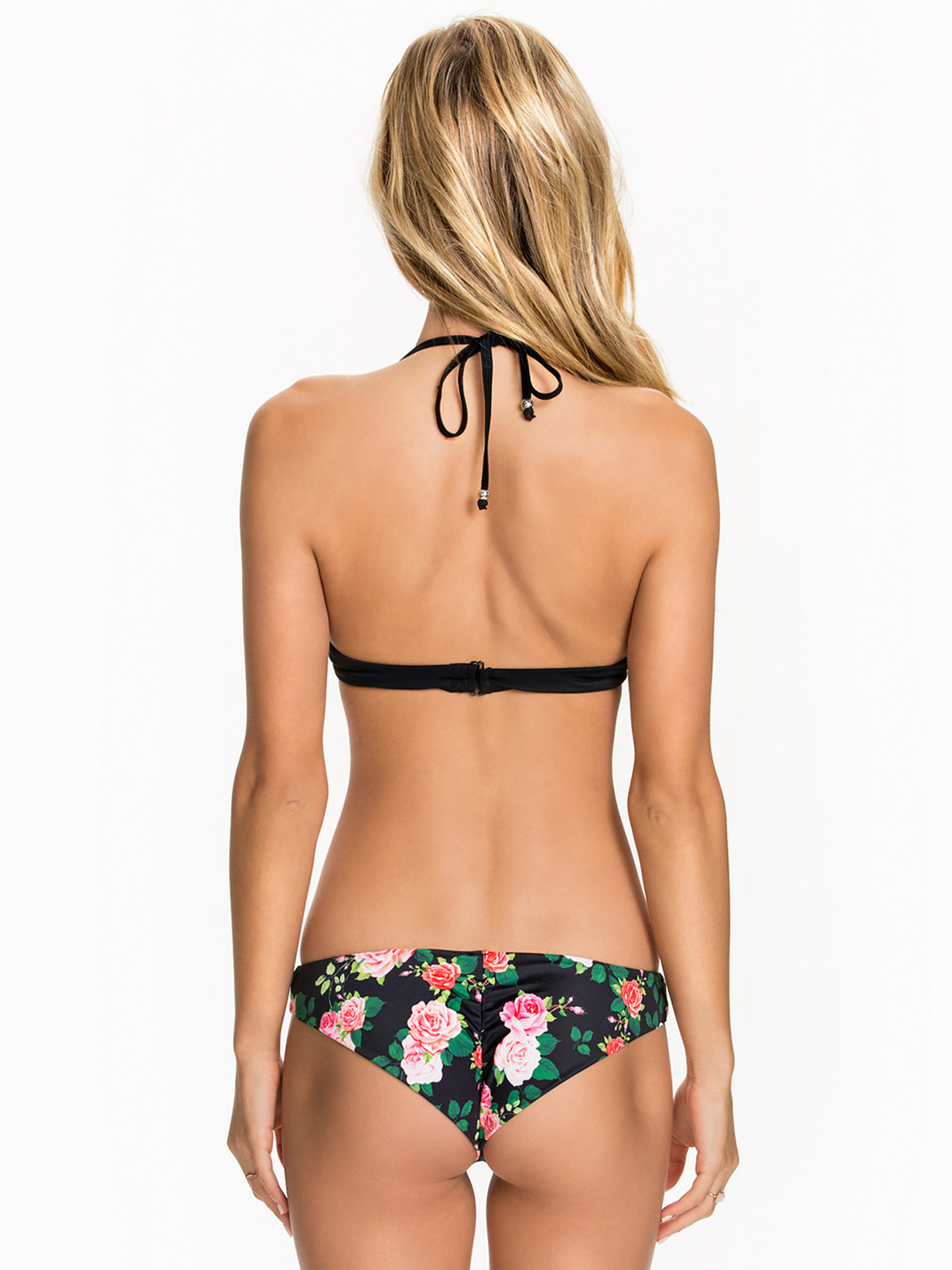
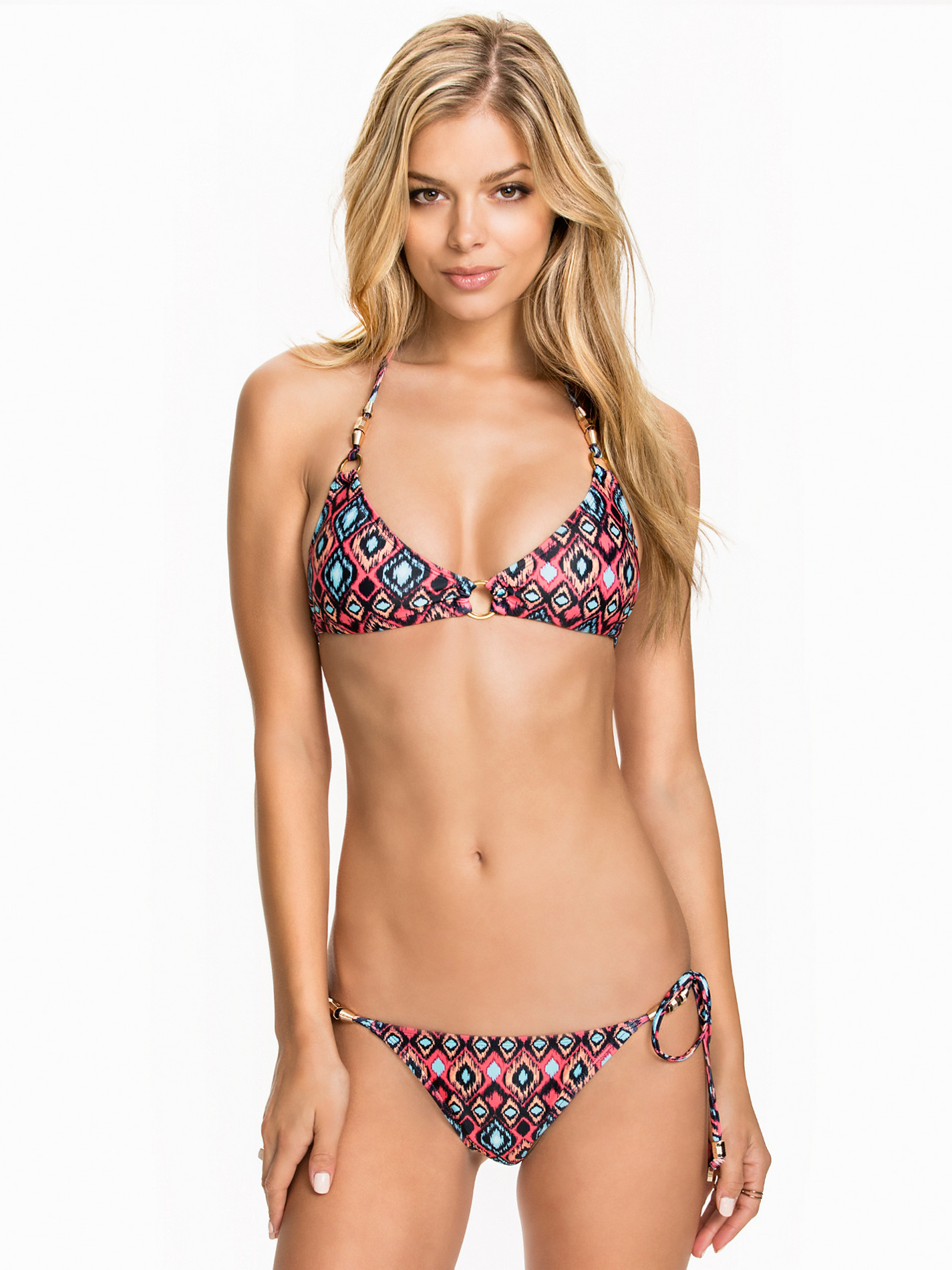
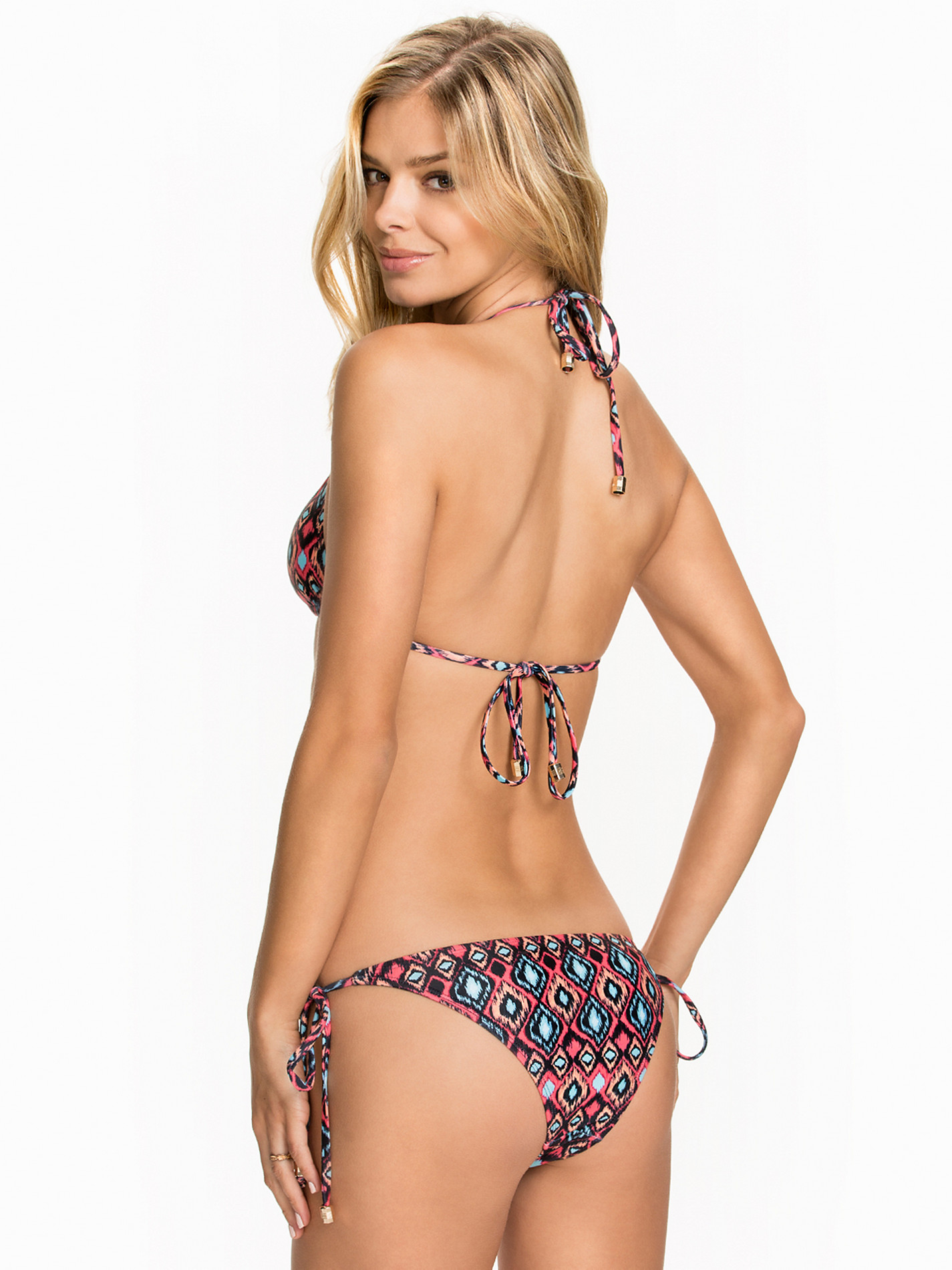
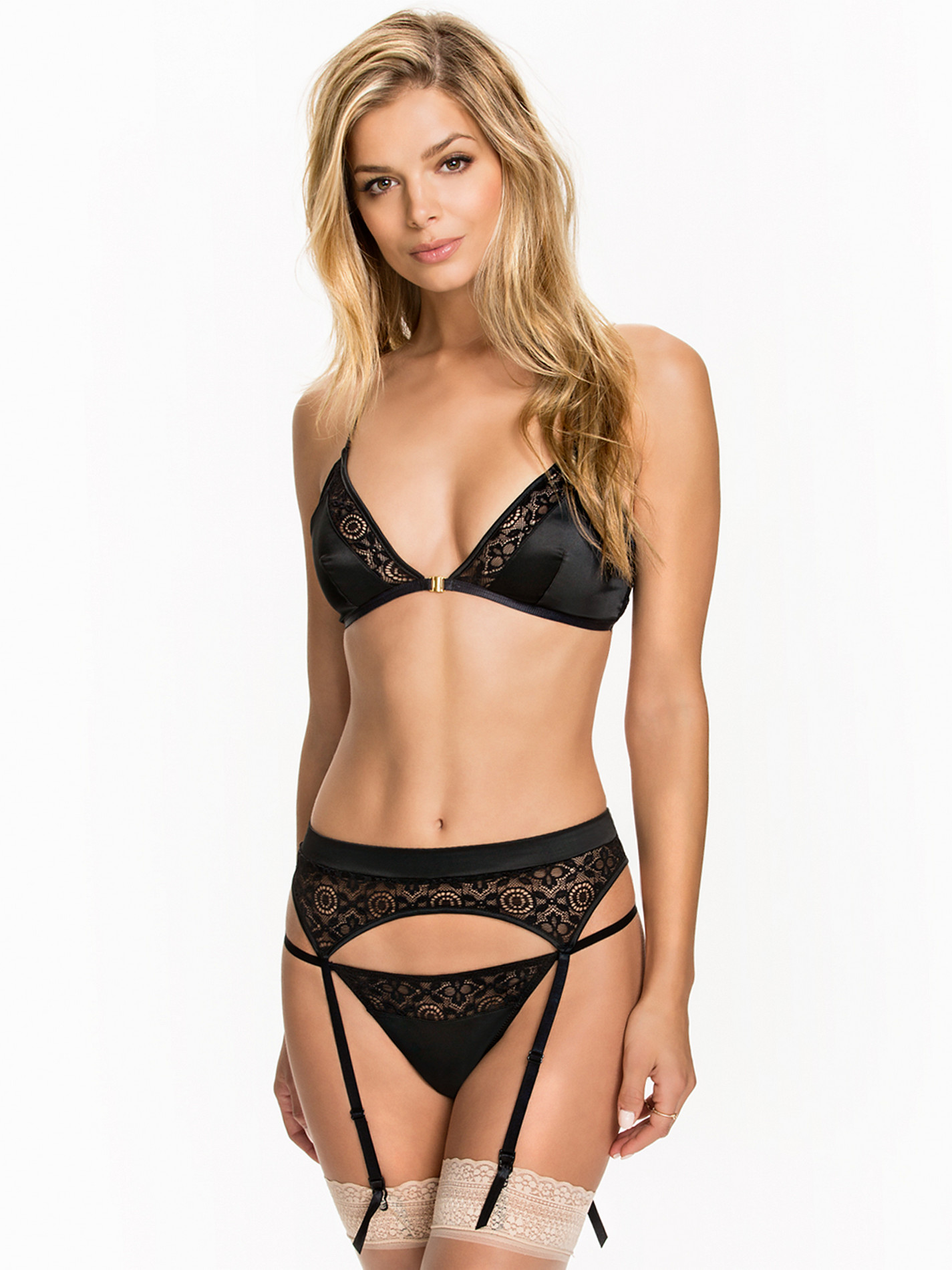
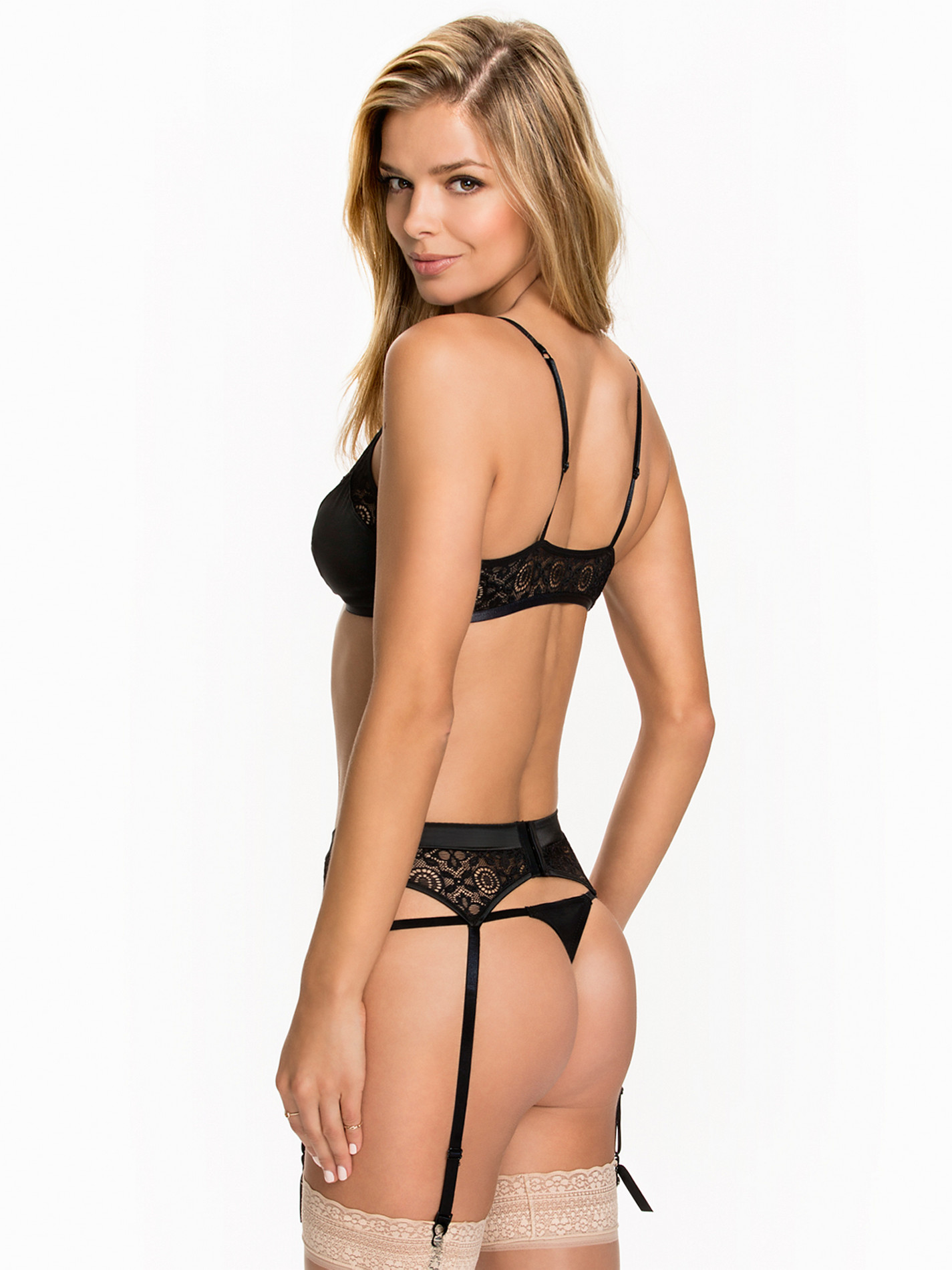
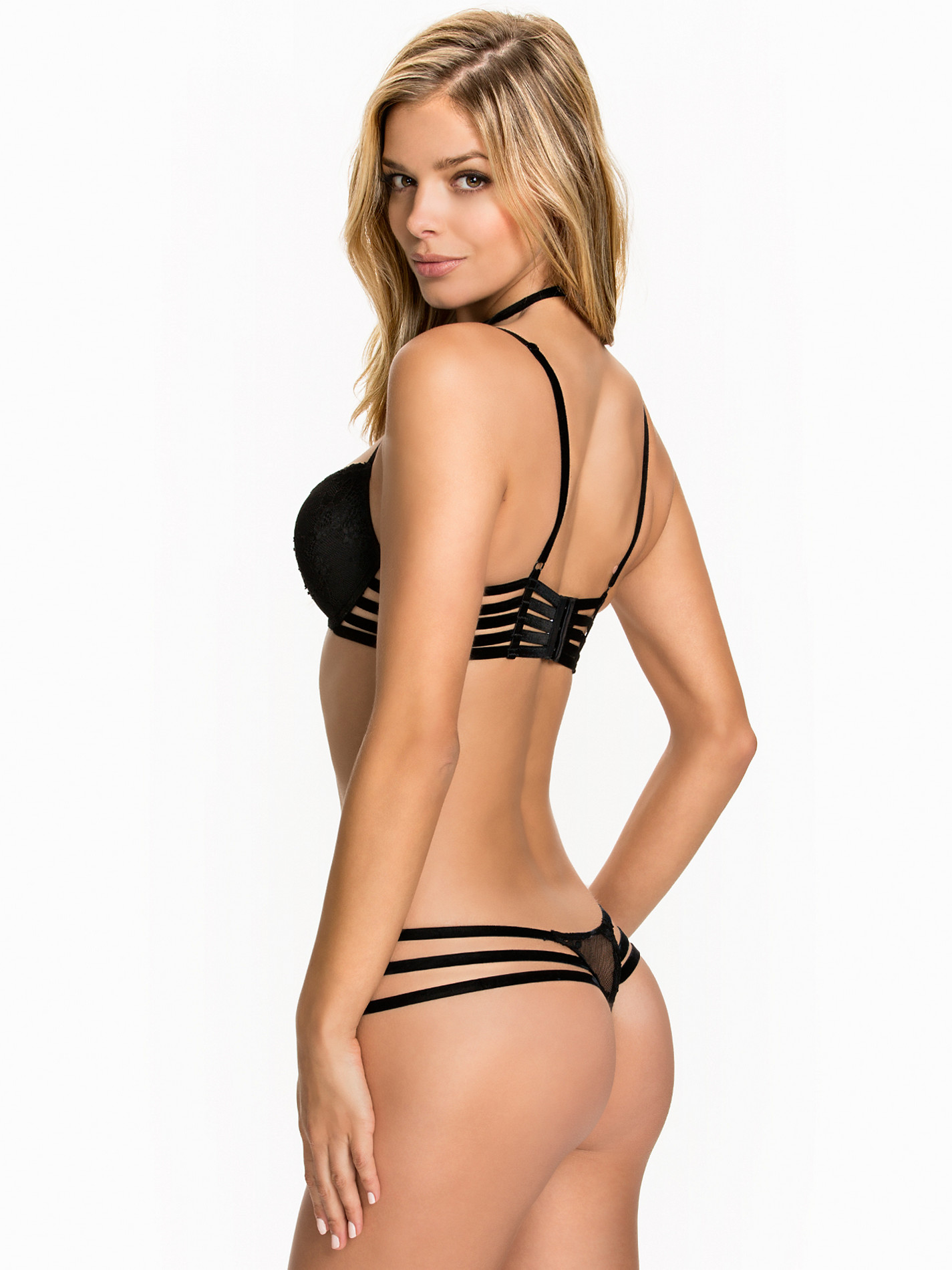
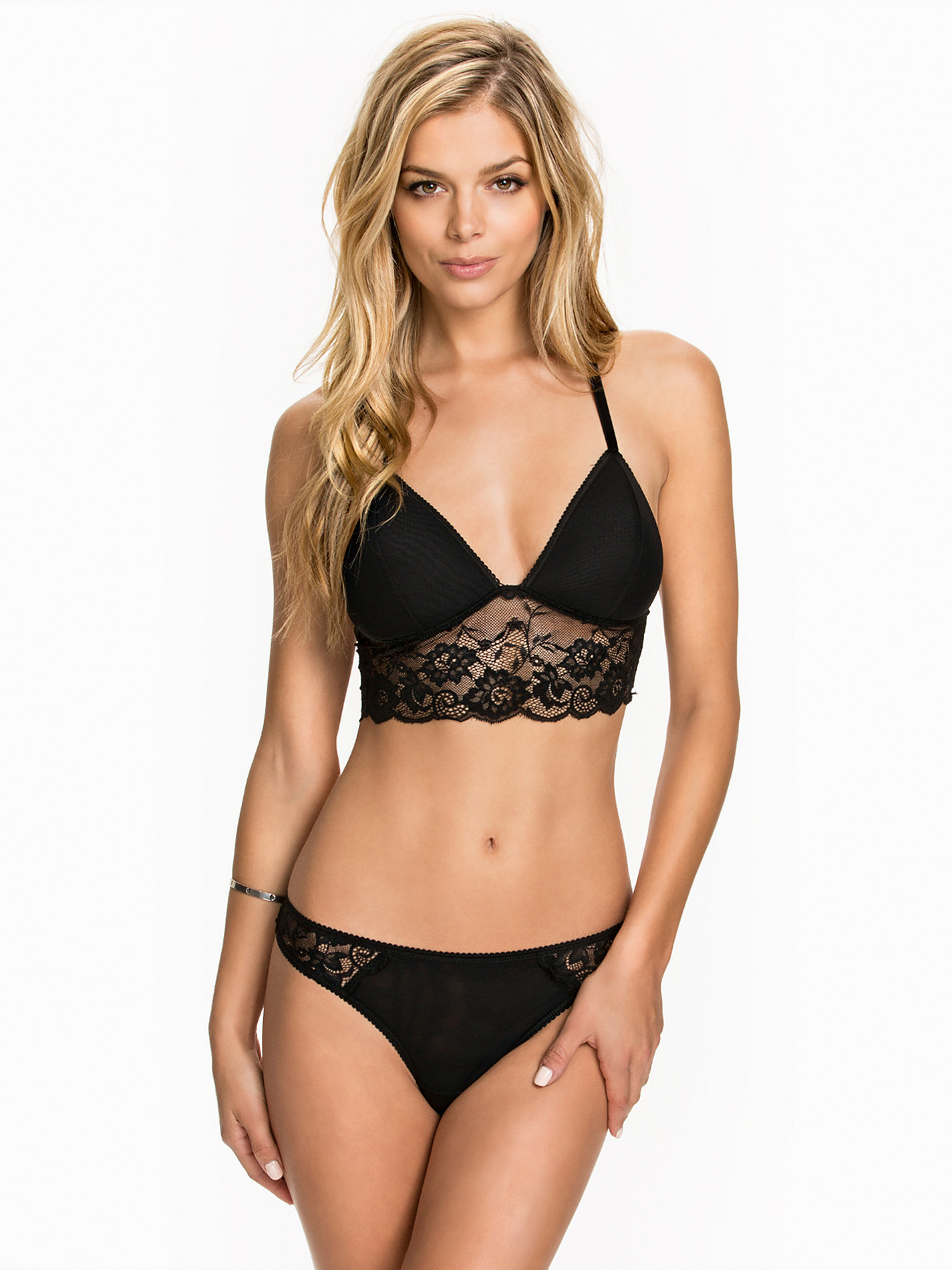
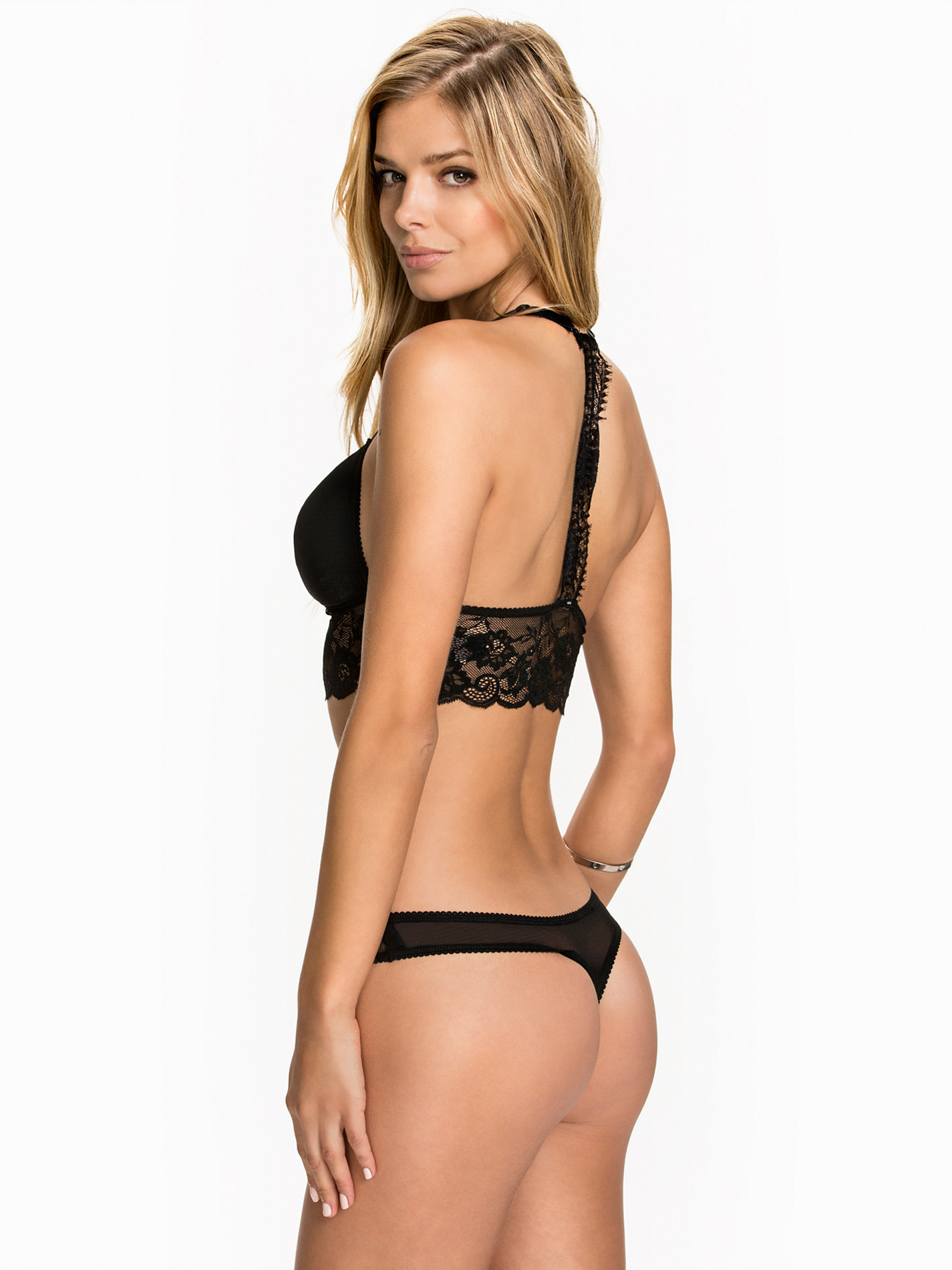
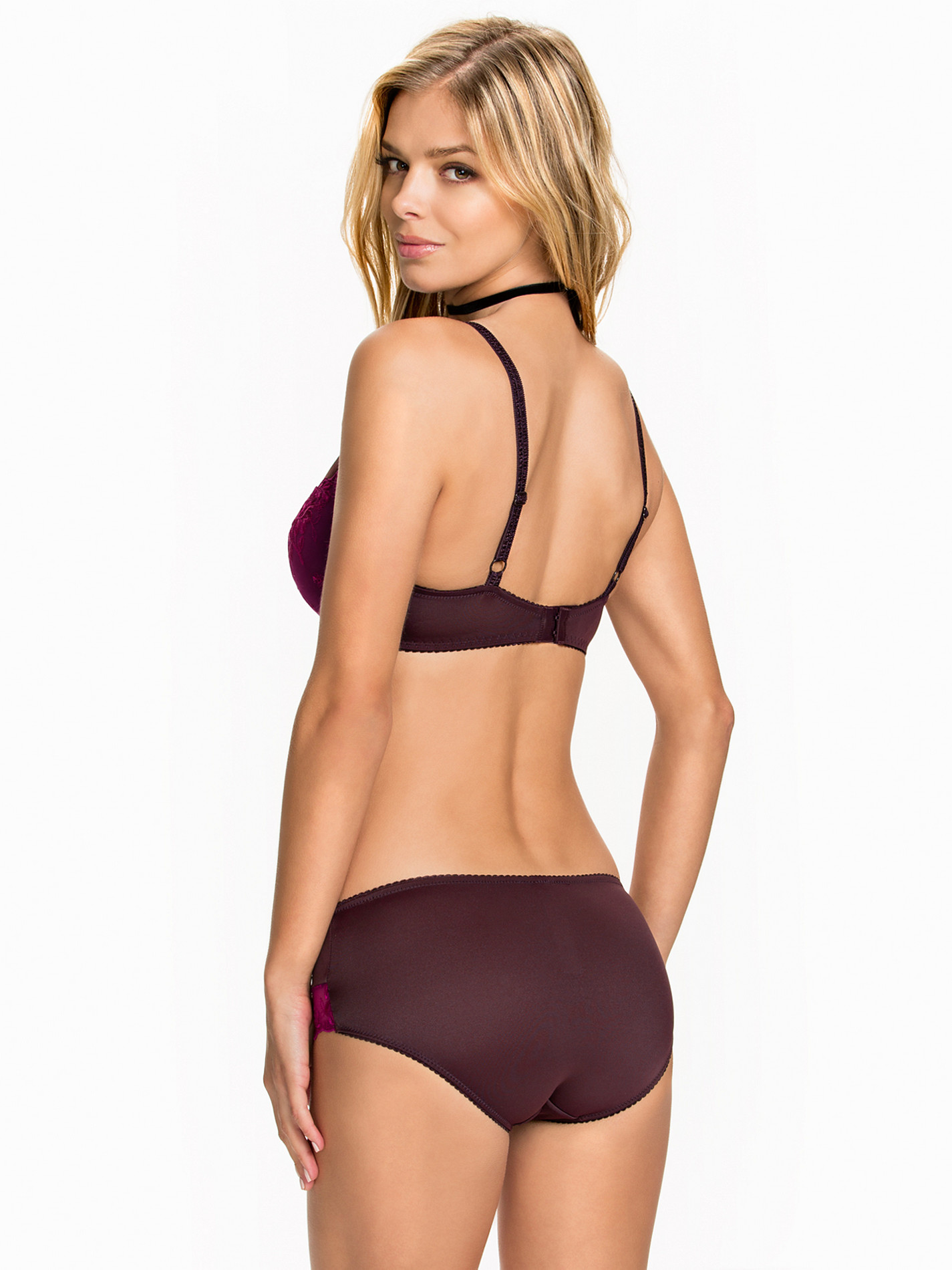
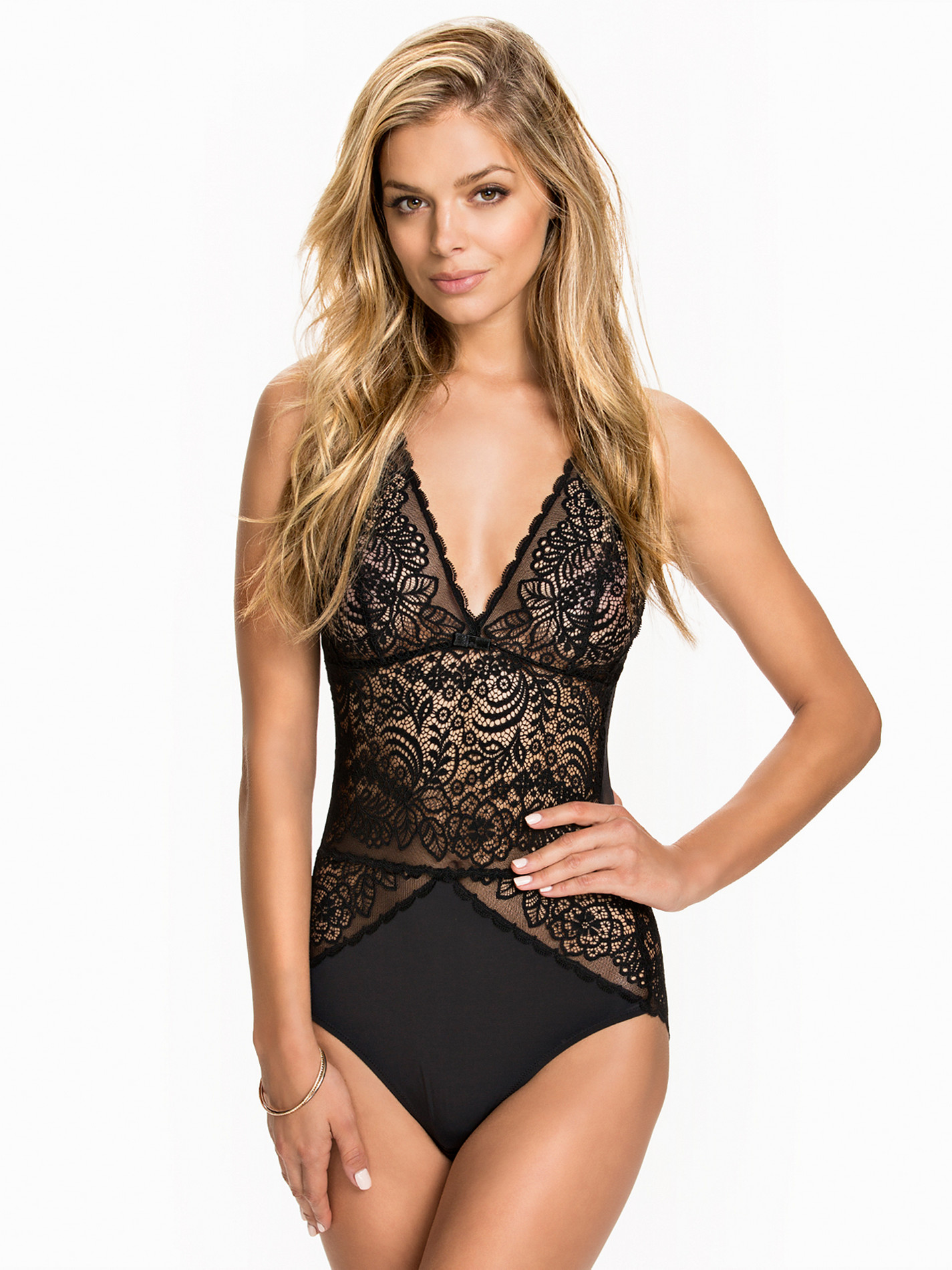
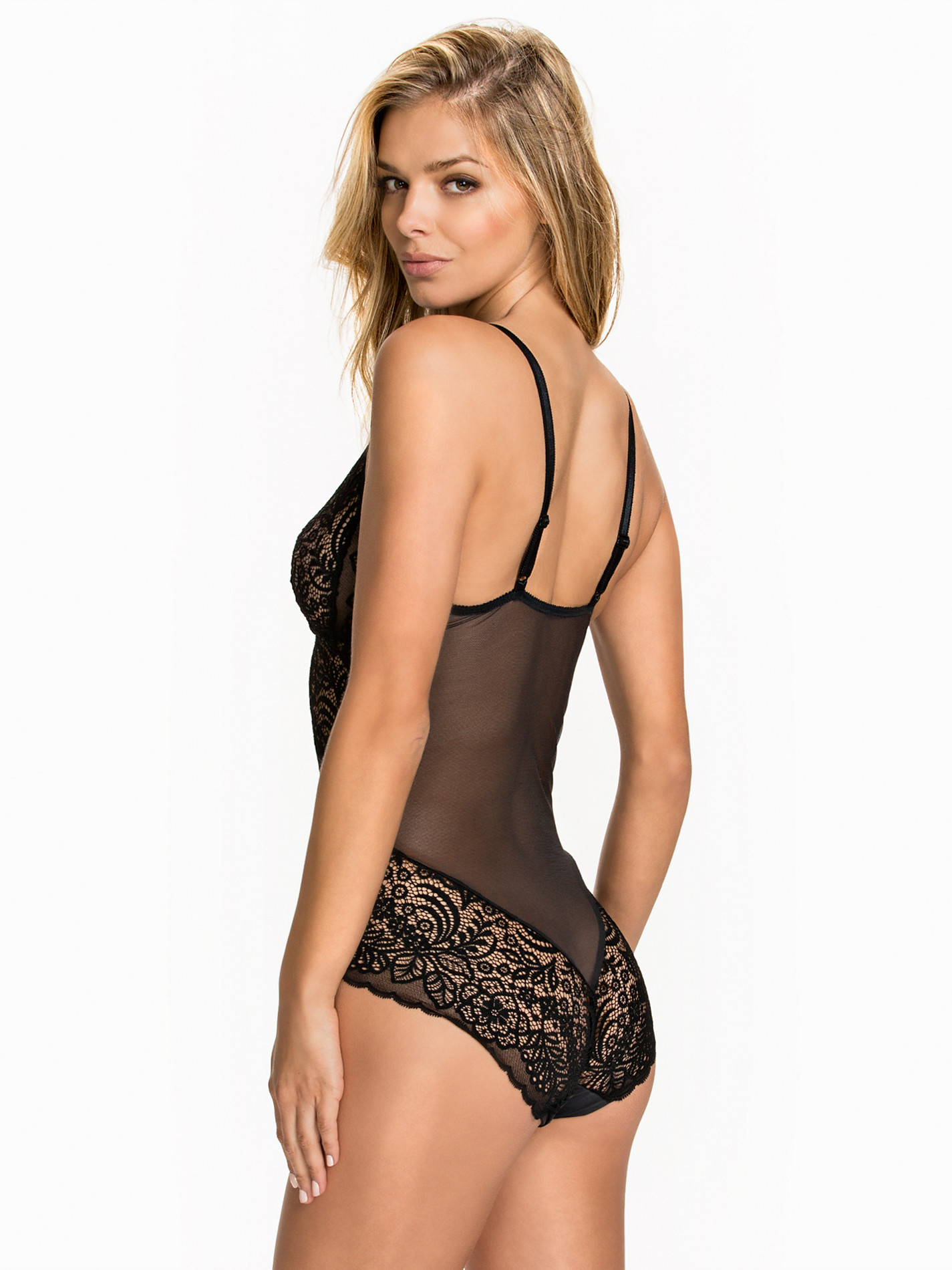
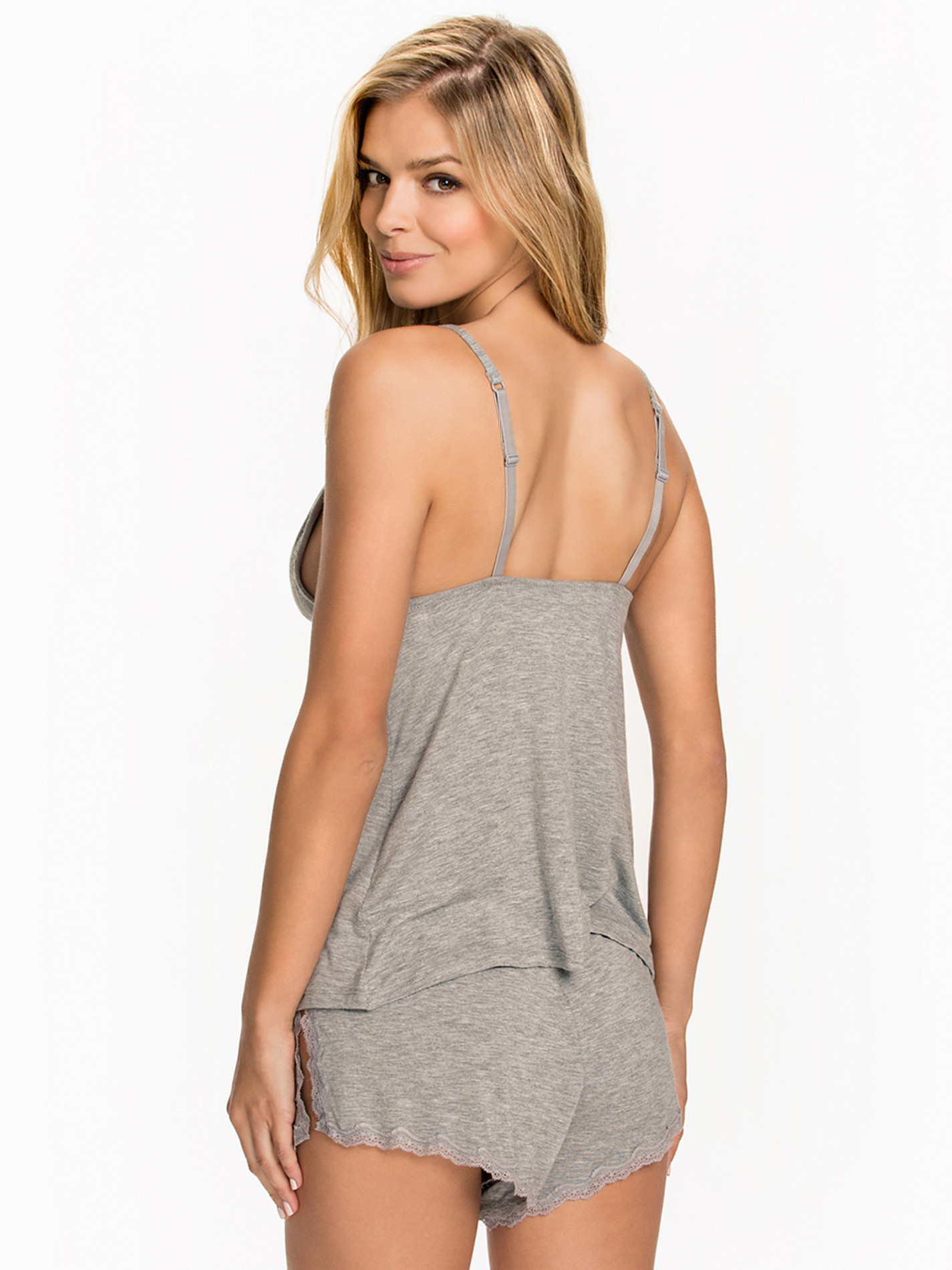
Nelly Swim Lingerie
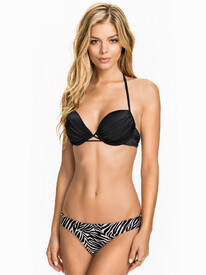

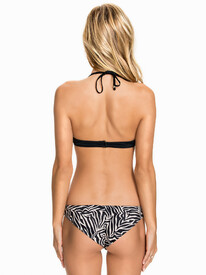
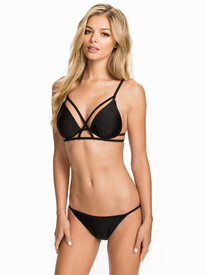
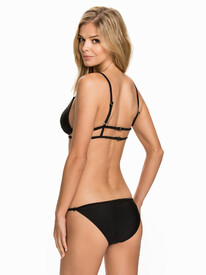
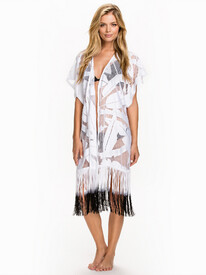


















-
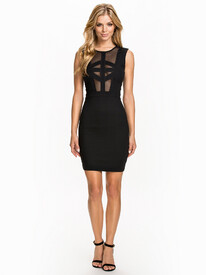
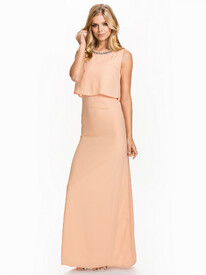
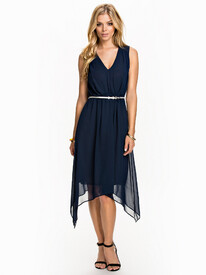
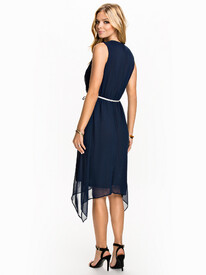
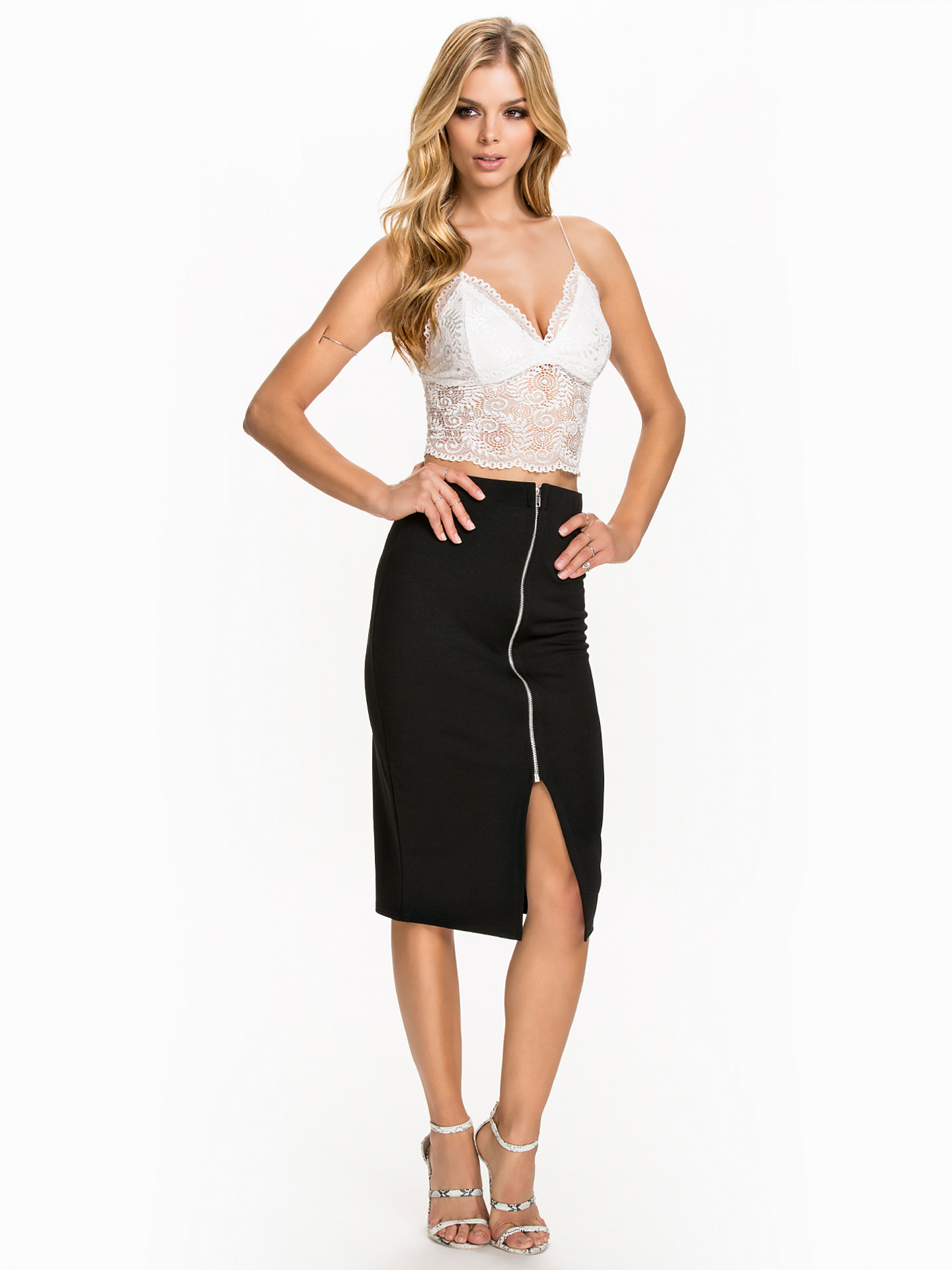
Nelly Clothing pt. 2









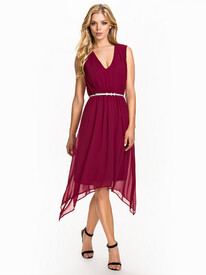
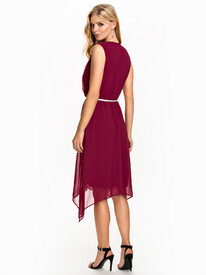
-
Nelly Clothing











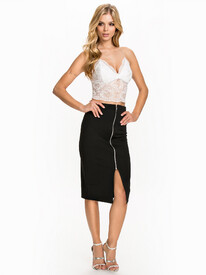

















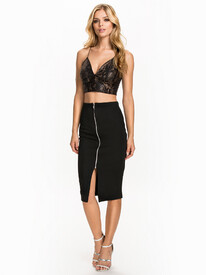












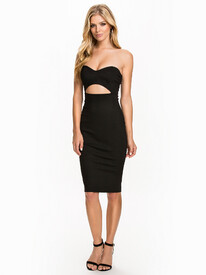



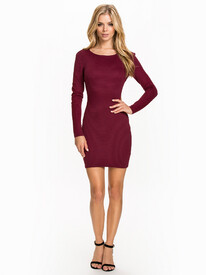
-
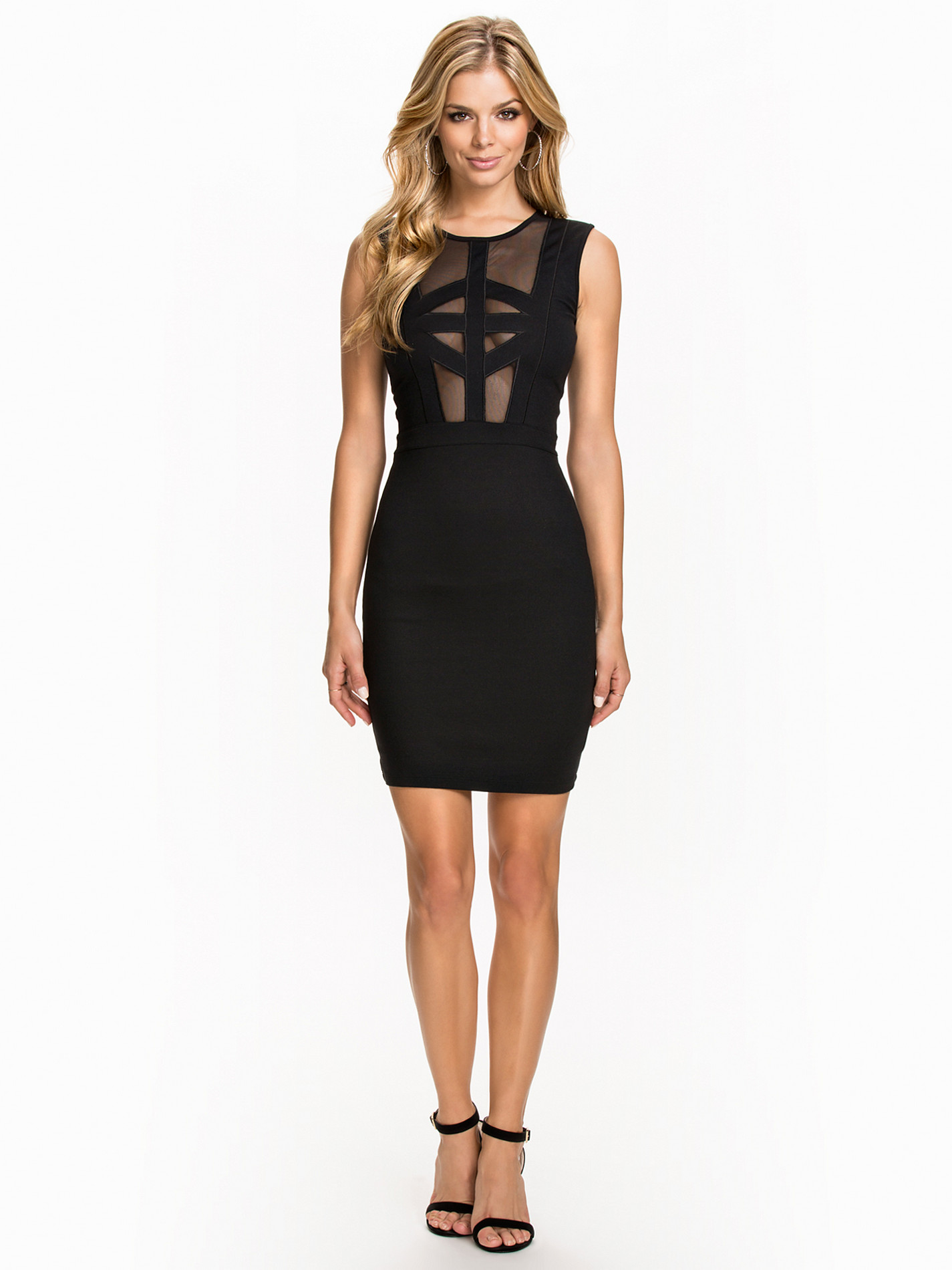
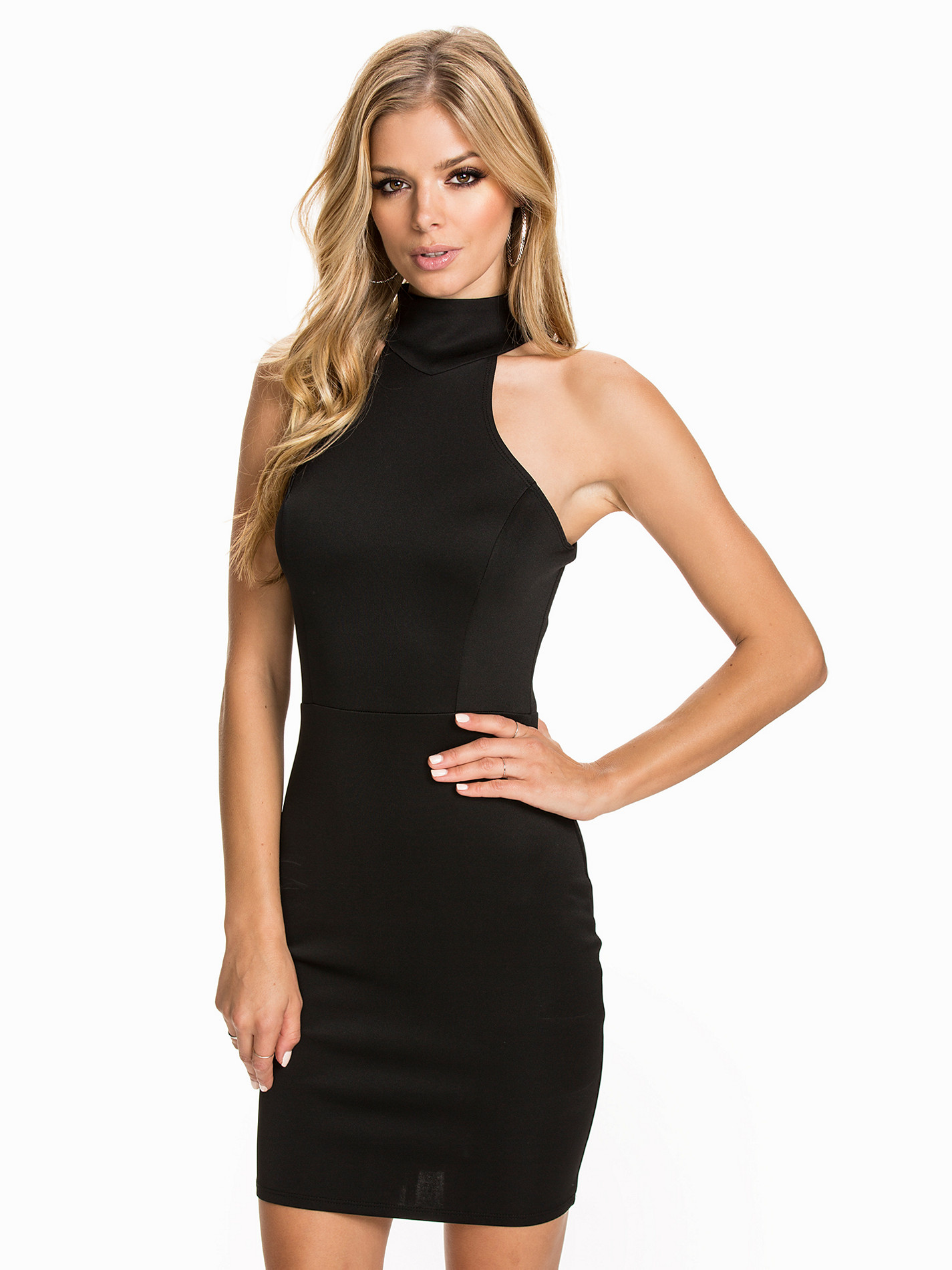
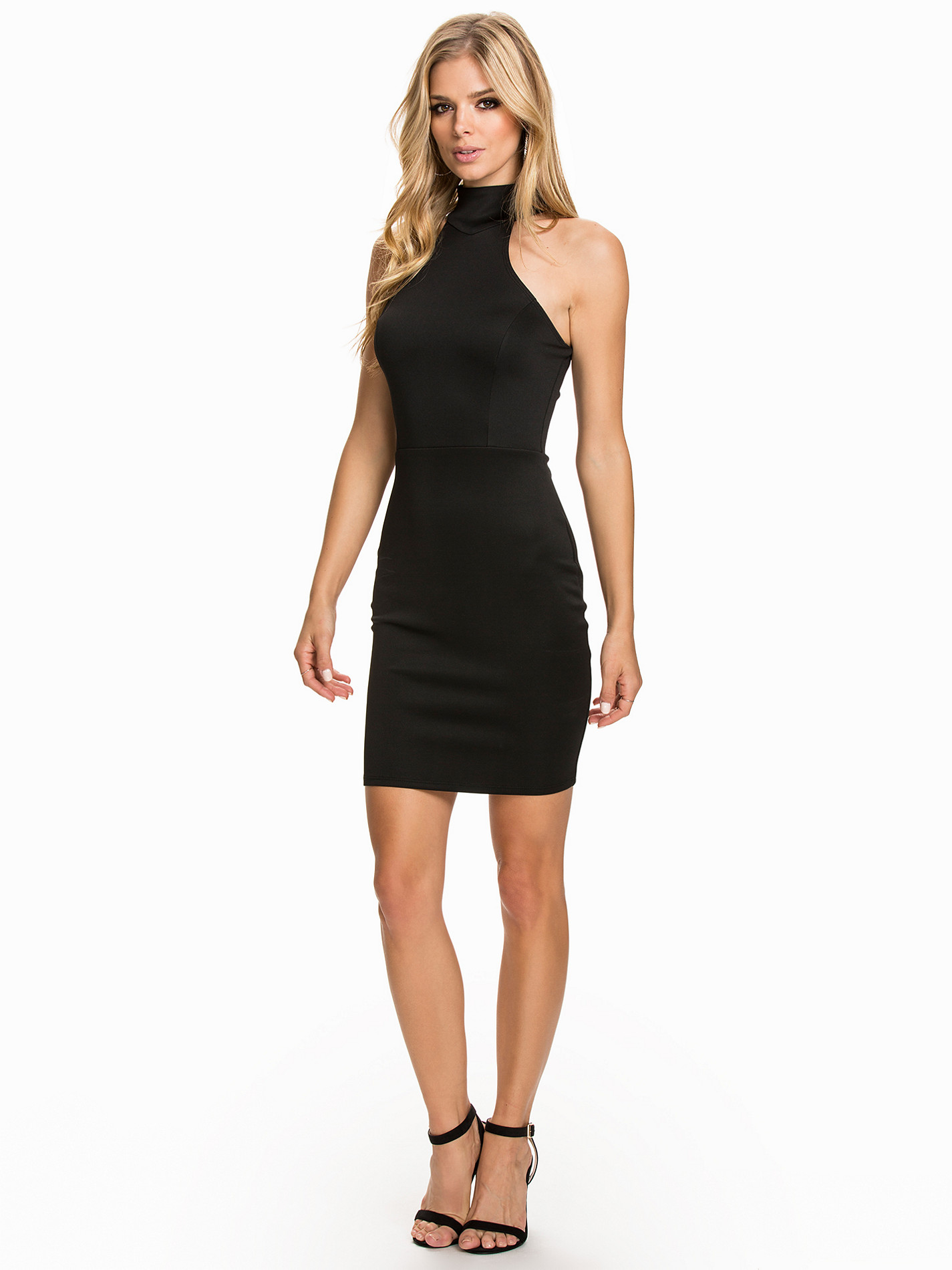
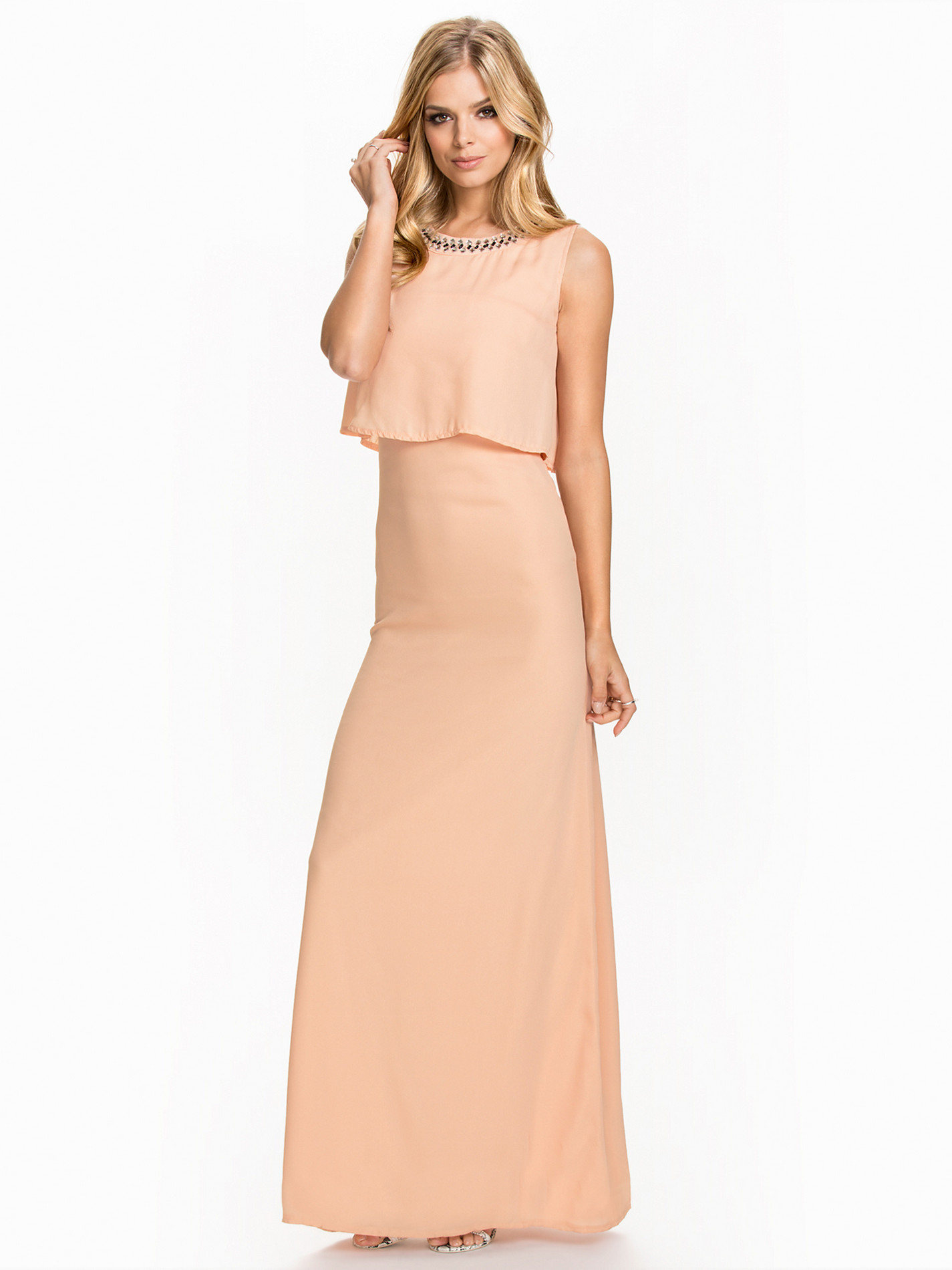
Nelly



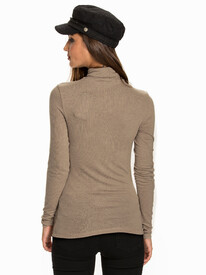

-
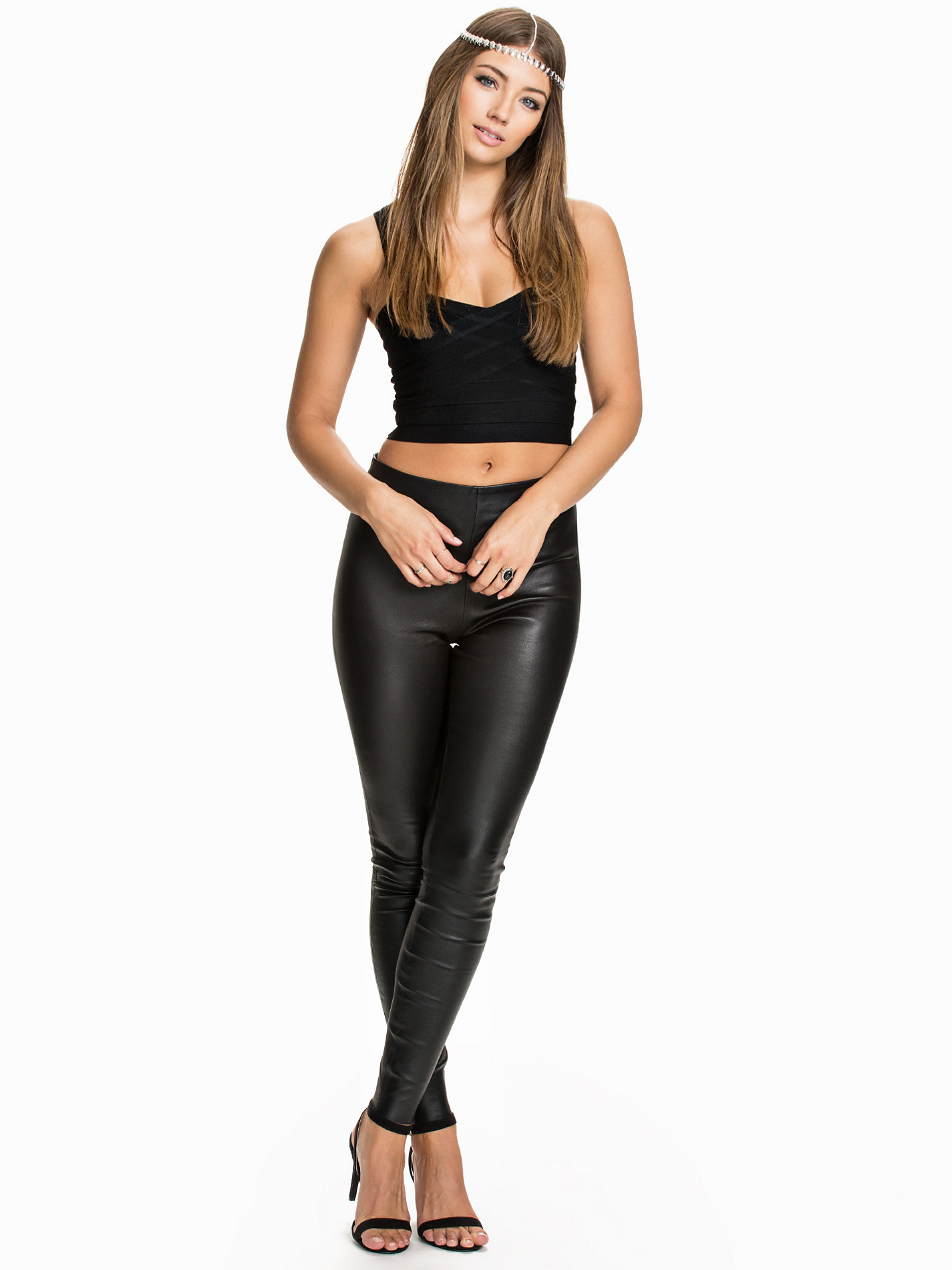
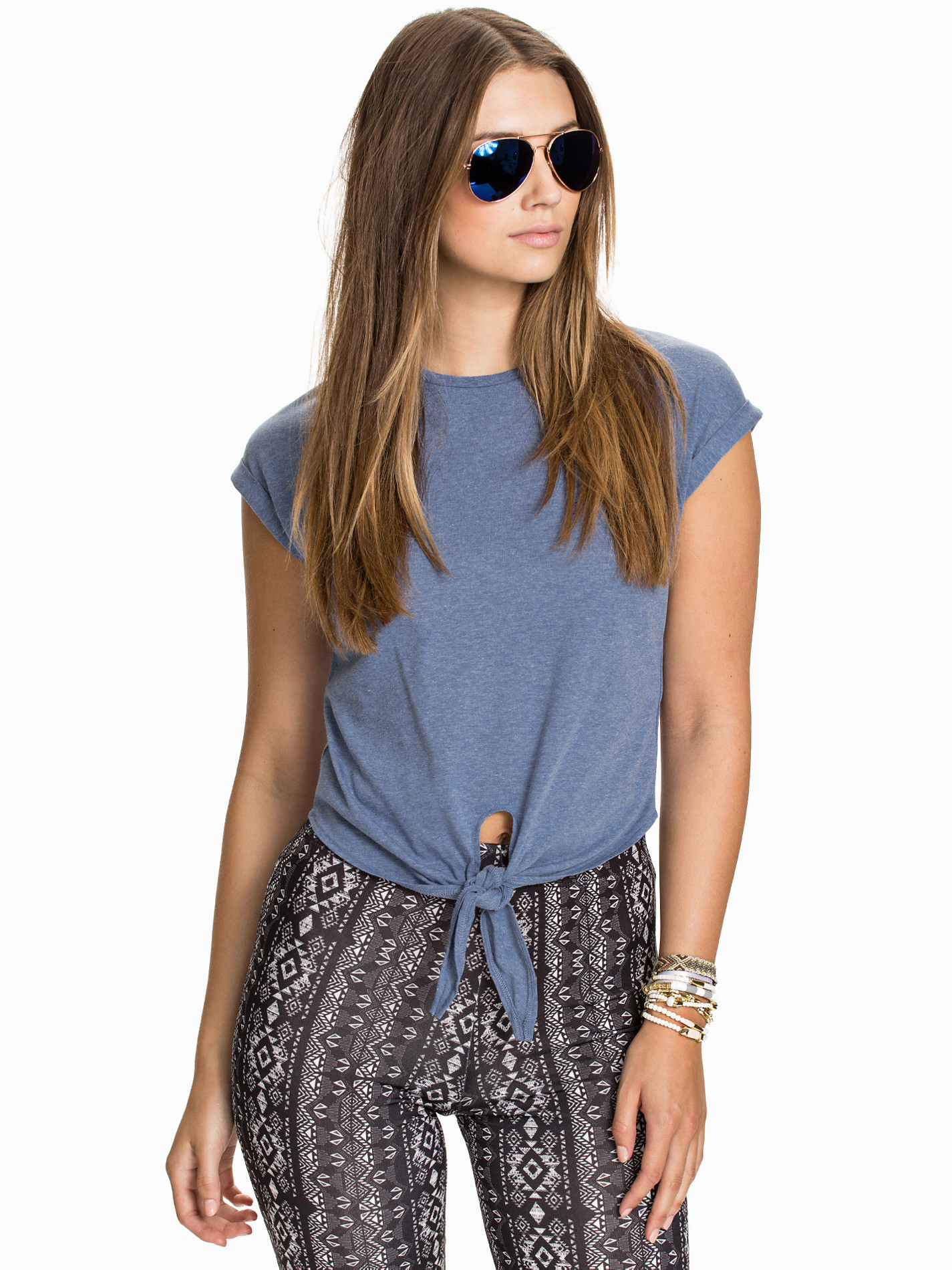
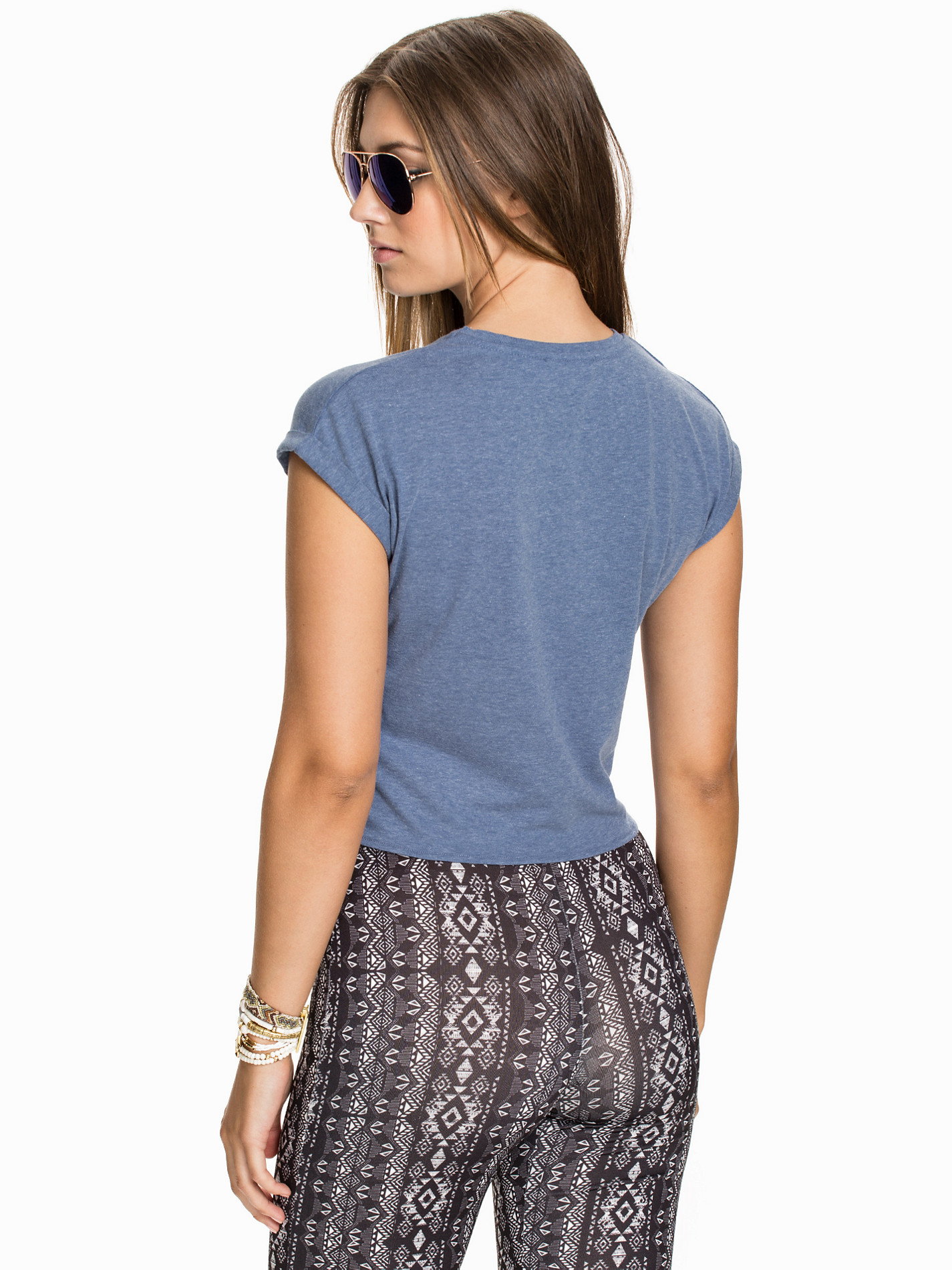
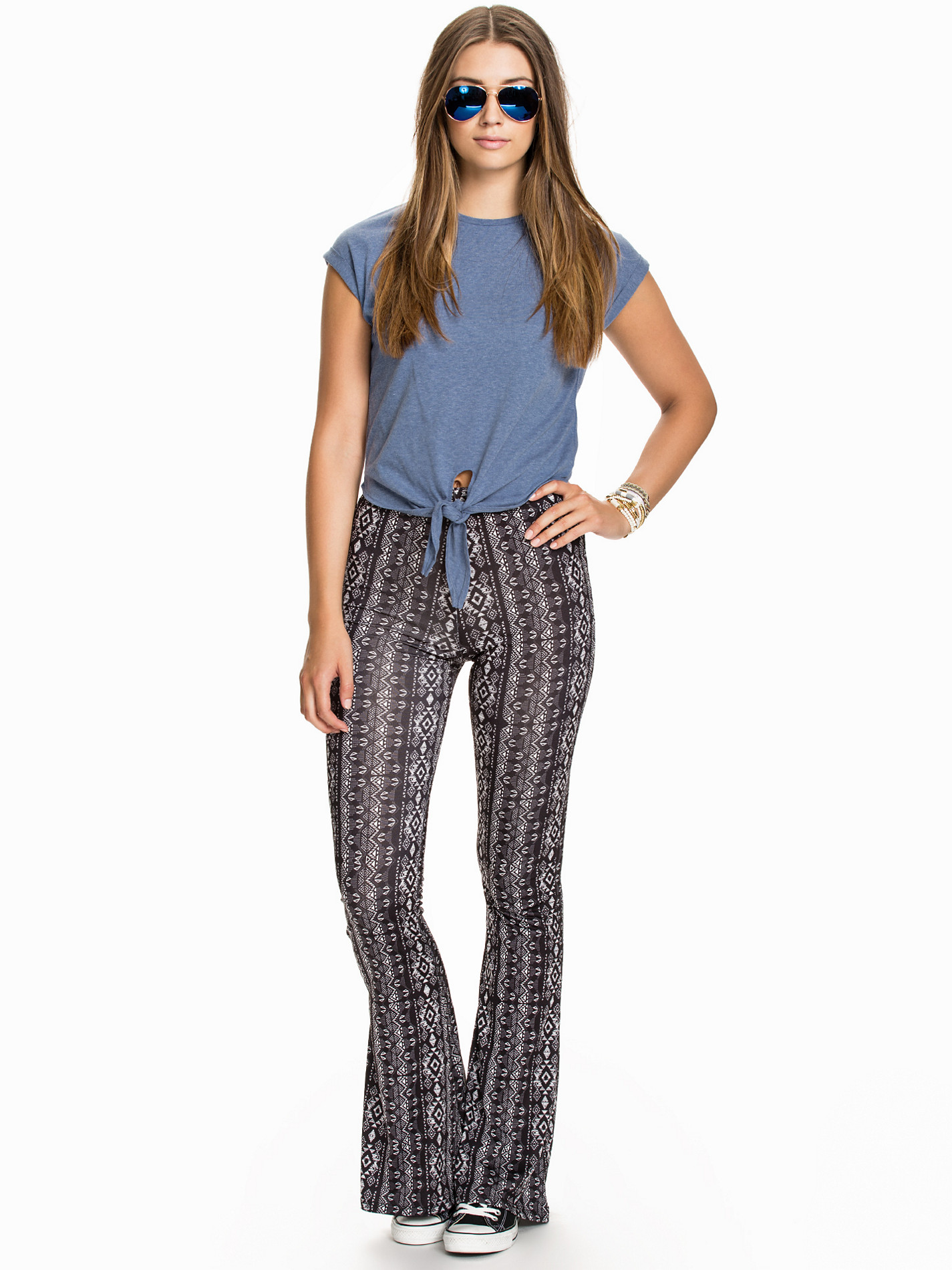
Bunch of Nelly stuff coming soon.....
From her Twitter..... lolololol
Very nice! Thanks Emerald!!
Shoe Stopper Ph: Taryn Kent Source:http://aldensteimle.com/shoe-stopper/








 Coffee Camper Ph: Taryn Kent Source:http://aldensteimle.com/coffe-camper/










 LB x TK Ph: Taryn Kent Source:http://aldensteimle.com/lb-x-tk/









 Florence Source:http://aldensteimle.com/florence/



 Lou's Ph: Taryn Kent Source:http://aldensteimle.com/lous/







 Desert Mirage Ph: Ben Christenson Source:http://aldensteimle.com/desert-mirage/





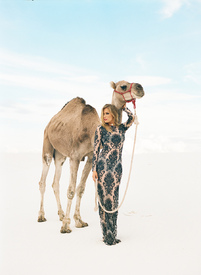




 Endless Valley Ph: ben Christenson Source:http://aldensteimle.com/endless-valley/
















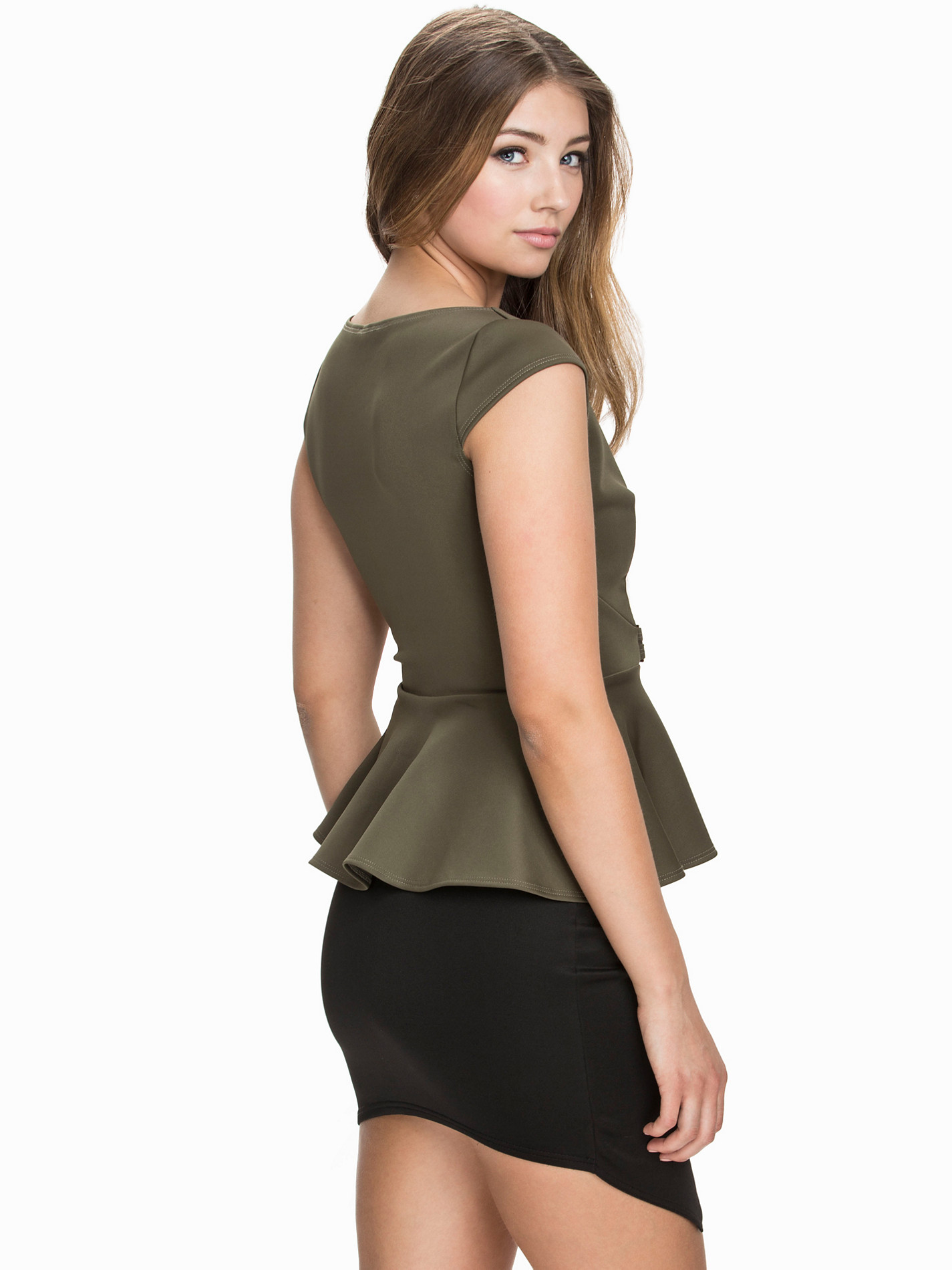
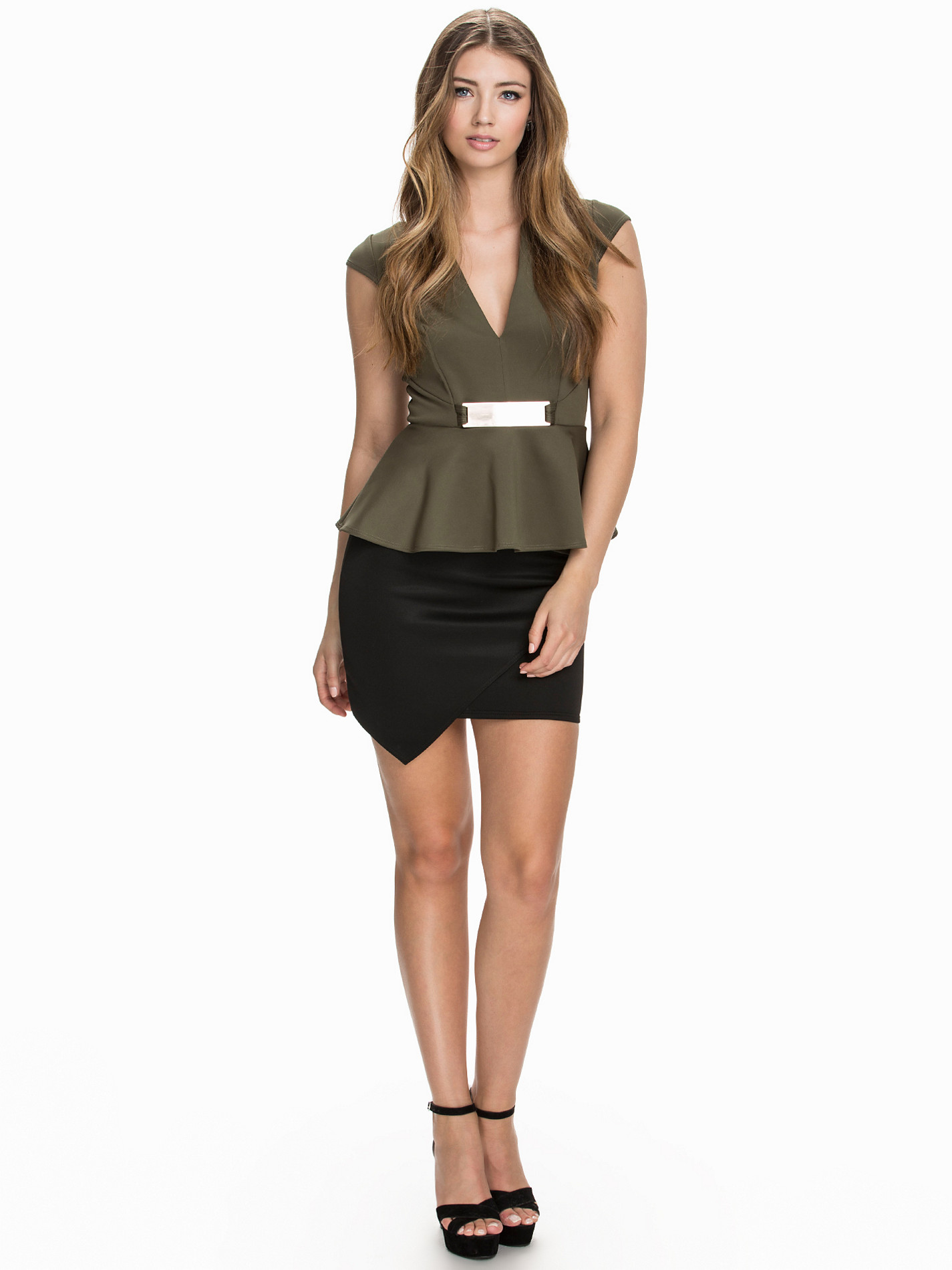
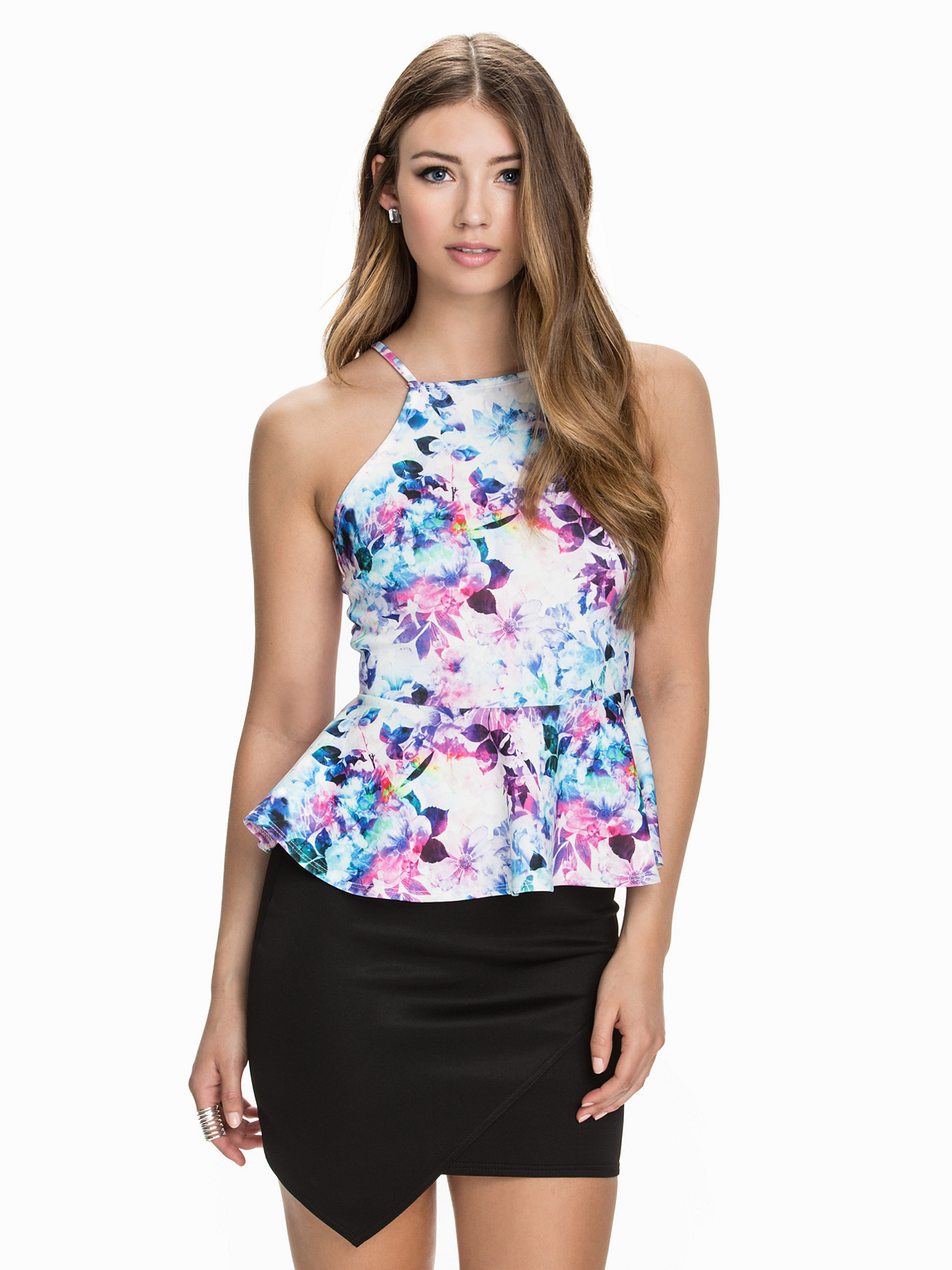

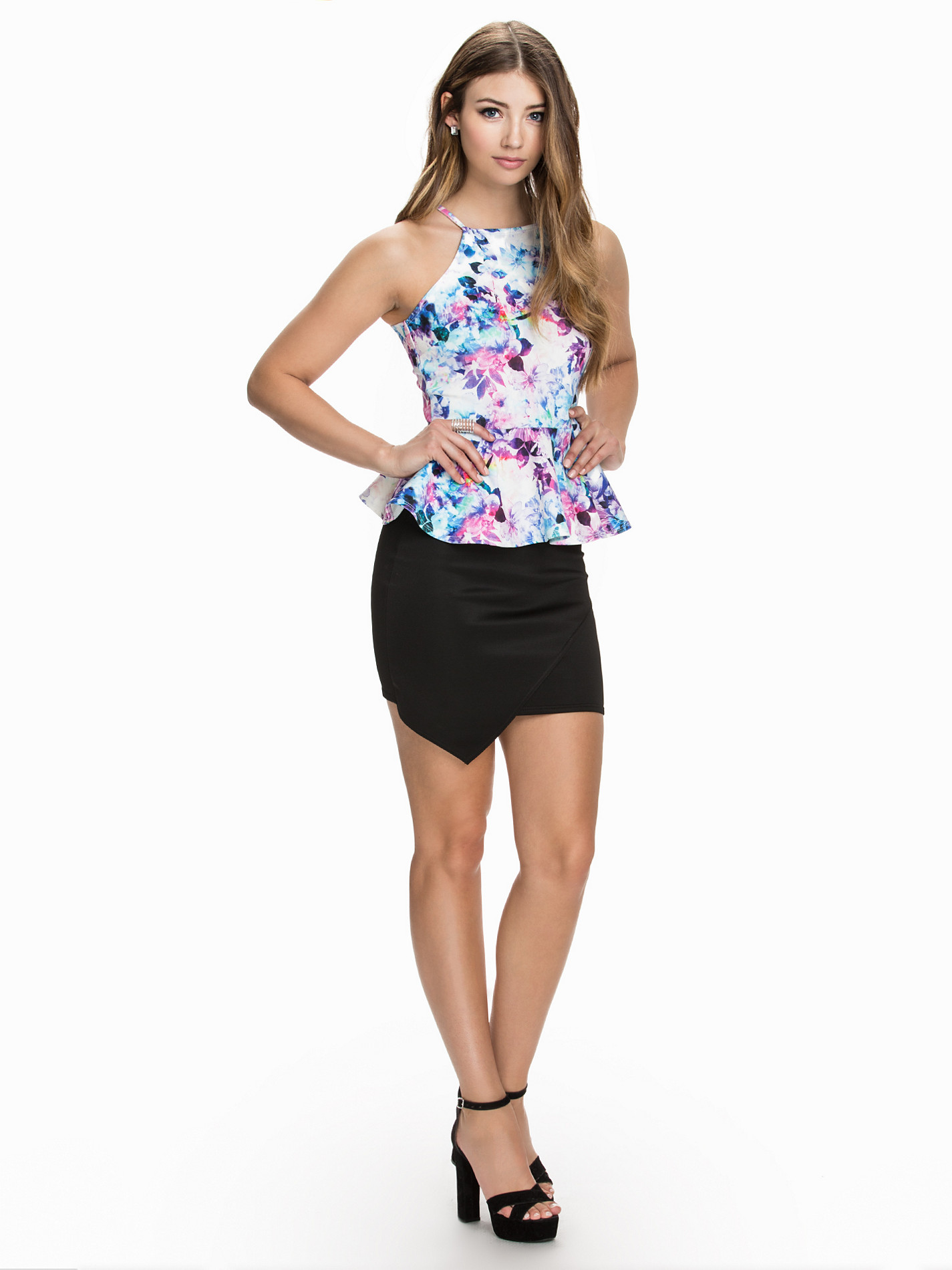

























































































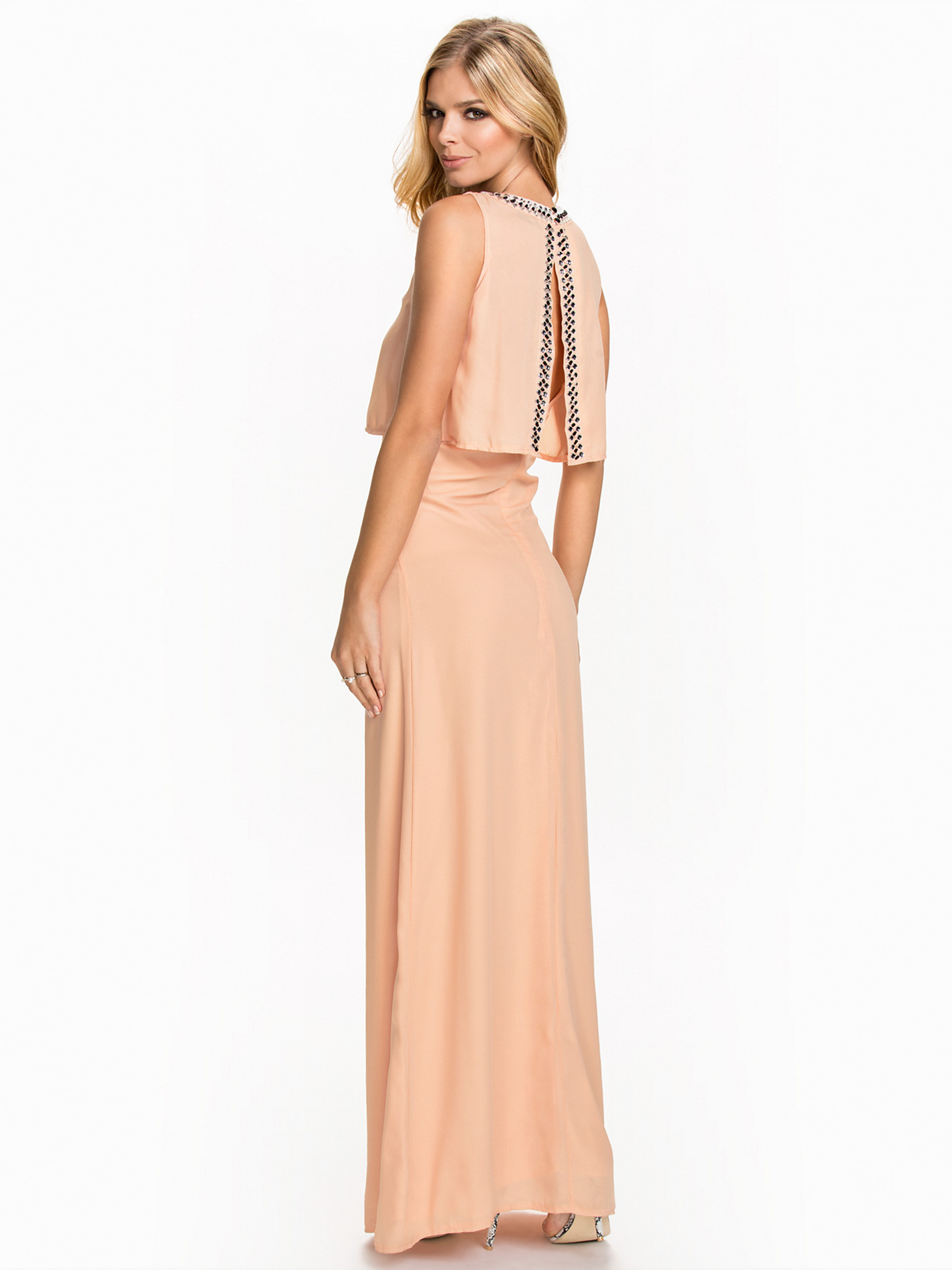



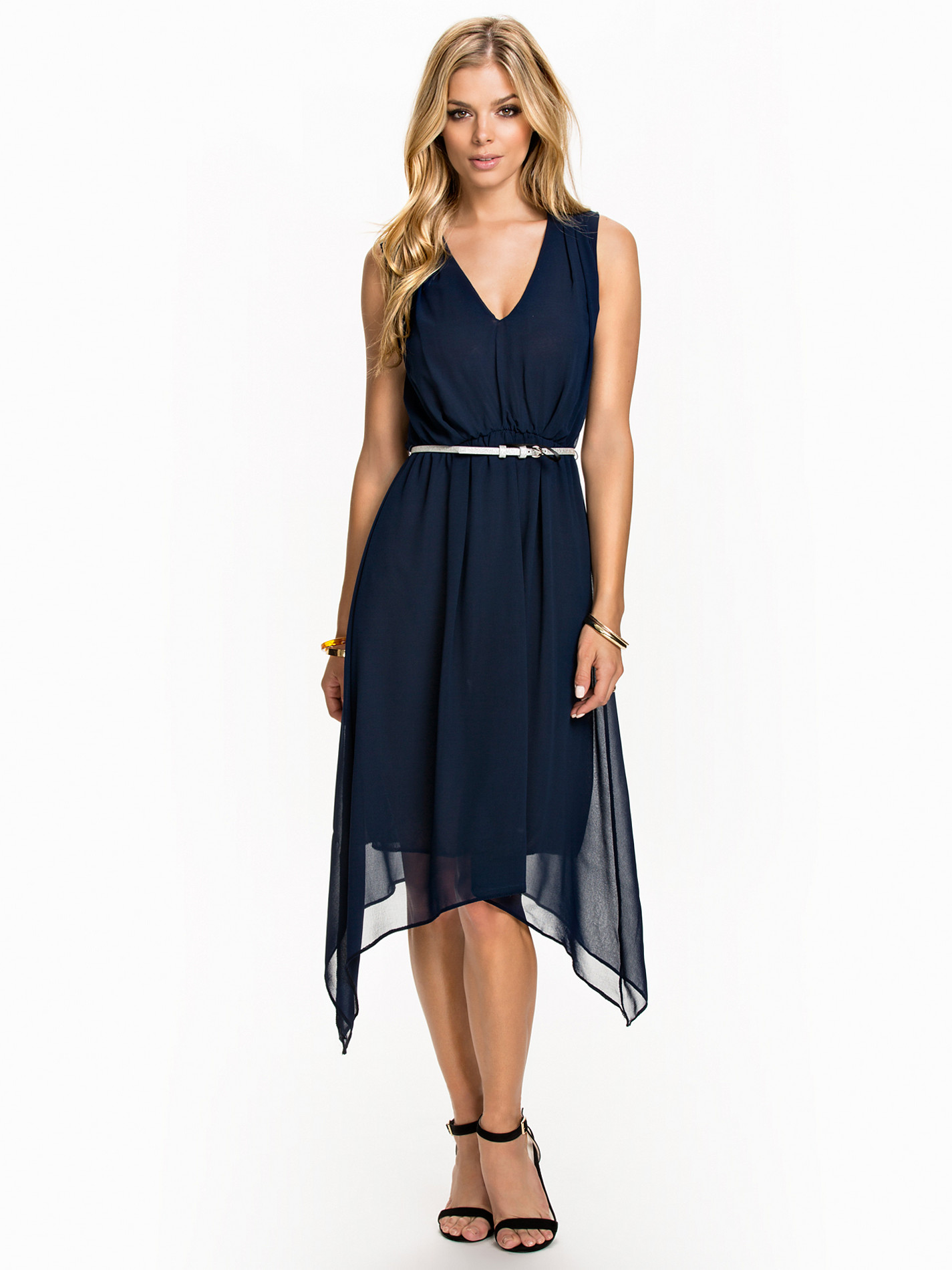
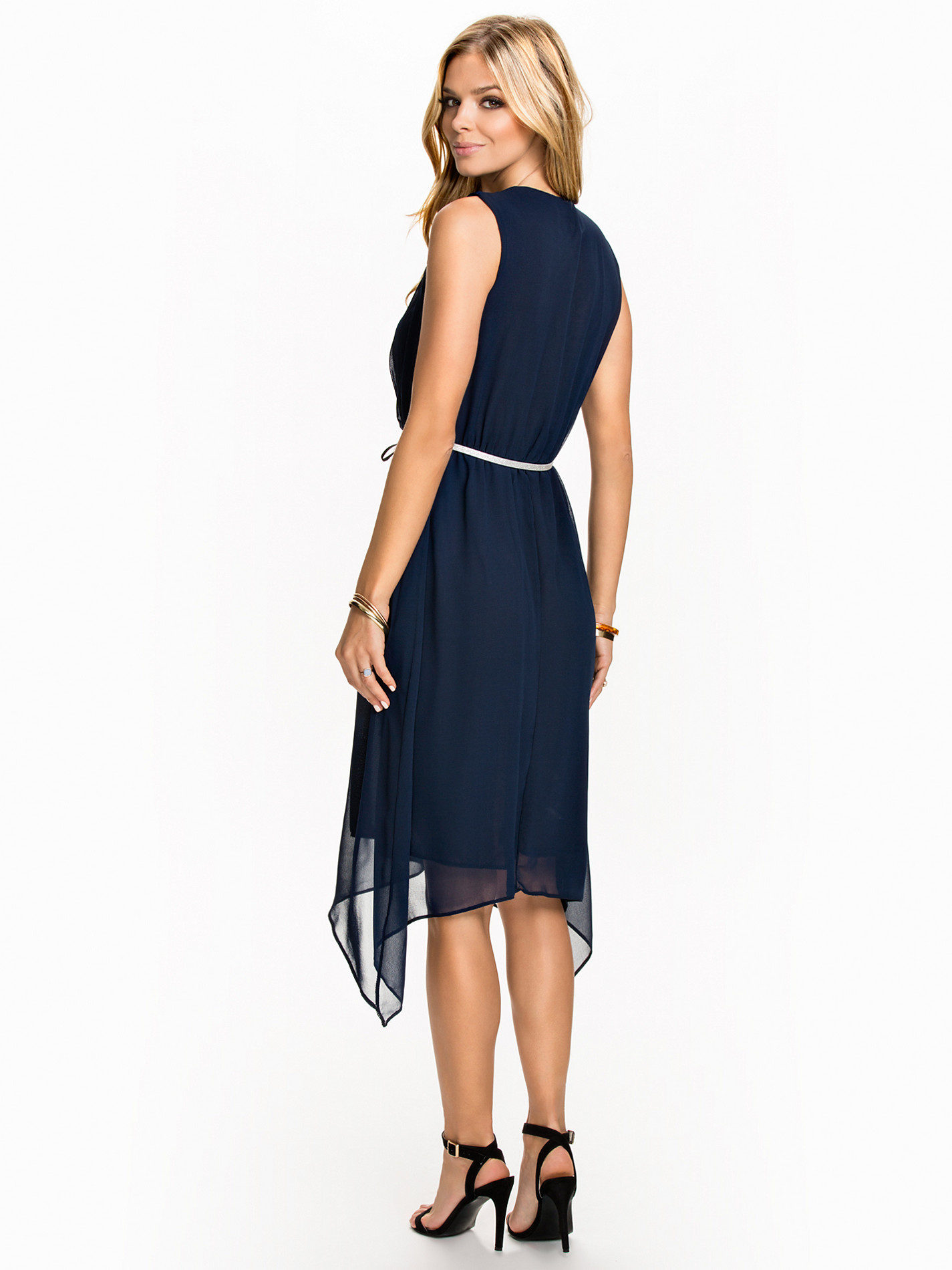
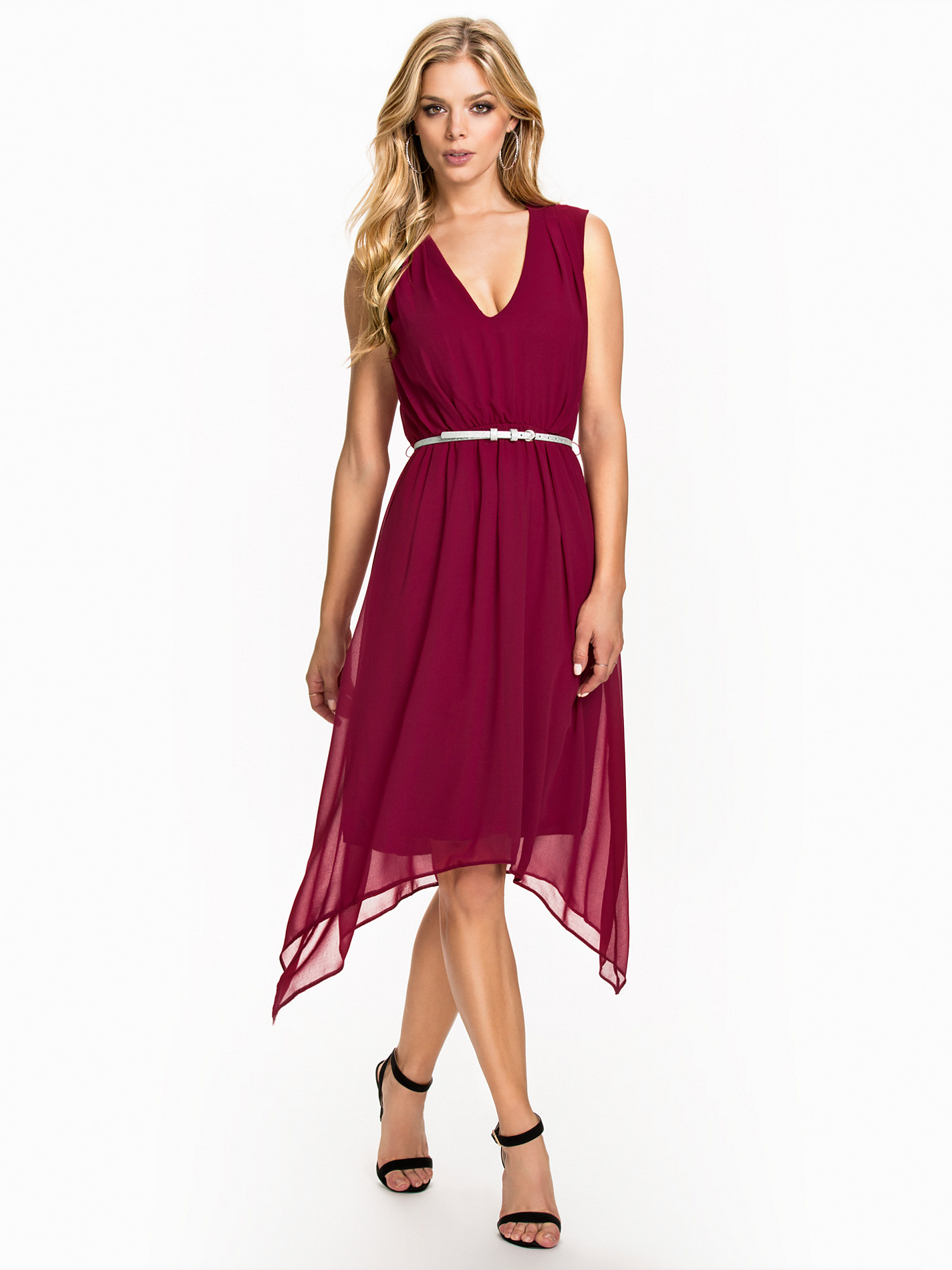























































































































Account
Search
Configure browser push notifications
Chrome (Android)
- Tap the lock icon next to the address bar.
- Tap Permissions → Notifications.
- Adjust your preference.
Chrome (Desktop)
- Click the padlock icon in the address bar.
- Select Site settings.
- Find Notifications and adjust your preference.
Safari (iOS 16.4+)
- Ensure the site is installed via Add to Home Screen.
- Open Settings App → Notifications.
- Find your app name and adjust your preference.
Safari (macOS)
- Go to Safari → Preferences.
- Click the Websites tab.
- Select Notifications in the sidebar.
- Find this website and adjust your preference.
Edge (Android)
- Tap the lock icon next to the address bar.
- Tap Permissions.
- Find Notifications and adjust your preference.
Edge (Desktop)
- Click the padlock icon in the address bar.
- Click Permissions for this site.
- Find Notifications and adjust your preference.
Firefox (Android)
- Go to Settings → Site permissions.
- Tap Notifications.
- Find this site in the list and adjust your preference.
Firefox (Desktop)
- Open Firefox Settings.
- Search for Notifications.
- Find this site in the list and adjust your preference.