

RIP_Cabrini_Green
Members
-
Joined
-
Last visited
Everything posted by RIP_Cabrini_Green
-
 Wow. Wow. Wow.
 -
-
LOL, I have like 30 something more of those Nudie pics. It's a giant set from her Poland Bunny Magazine pictorial. Let me know if you want them!
Posting these separate, because Goddamn that body.
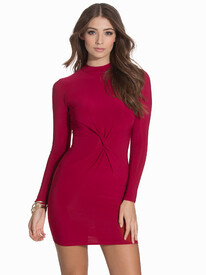
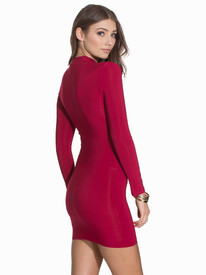
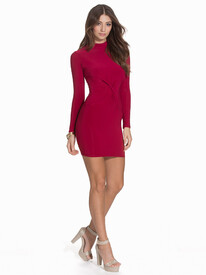
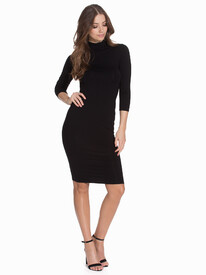
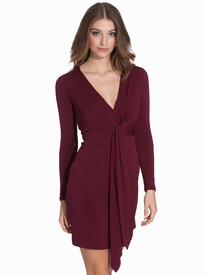
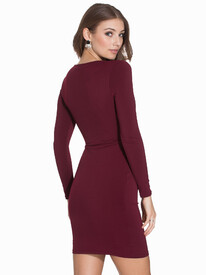
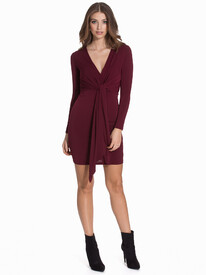
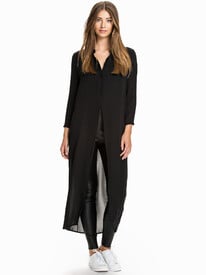
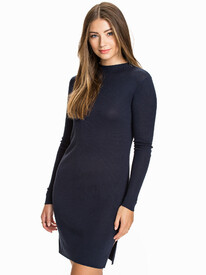
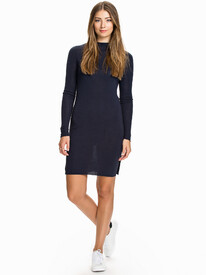
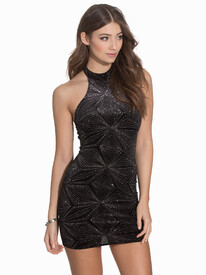
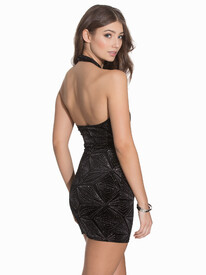
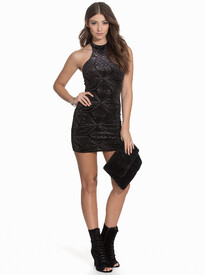
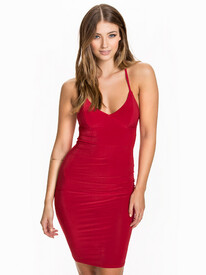
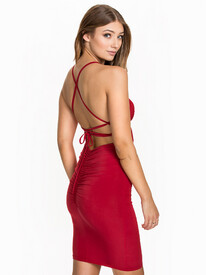
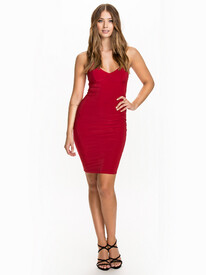
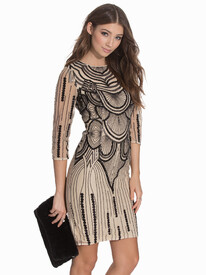
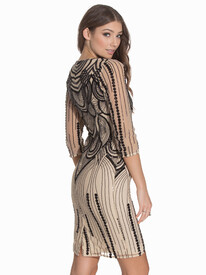
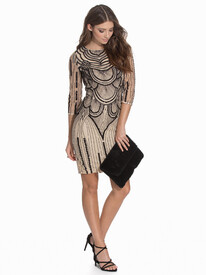
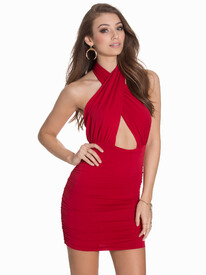
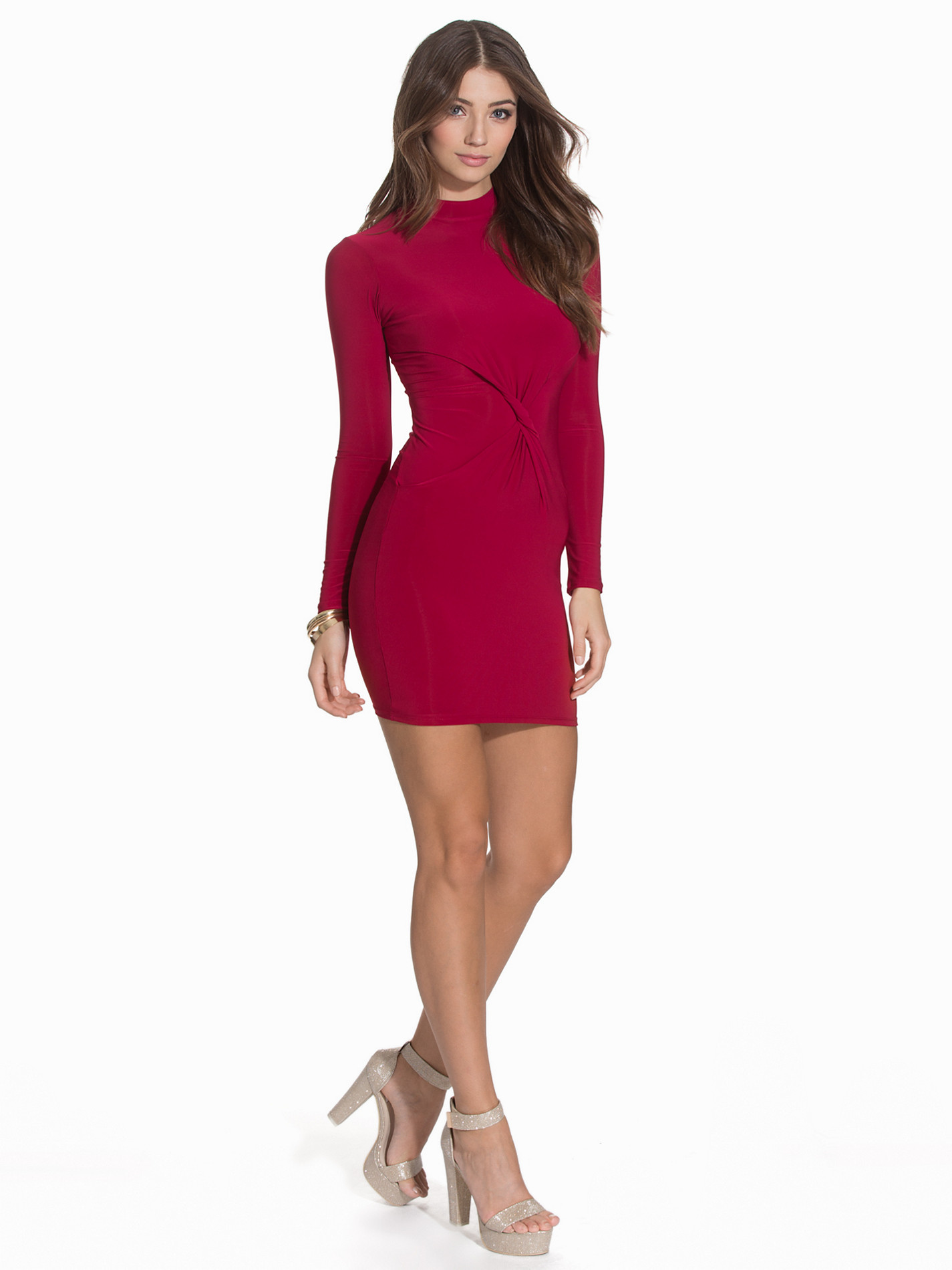
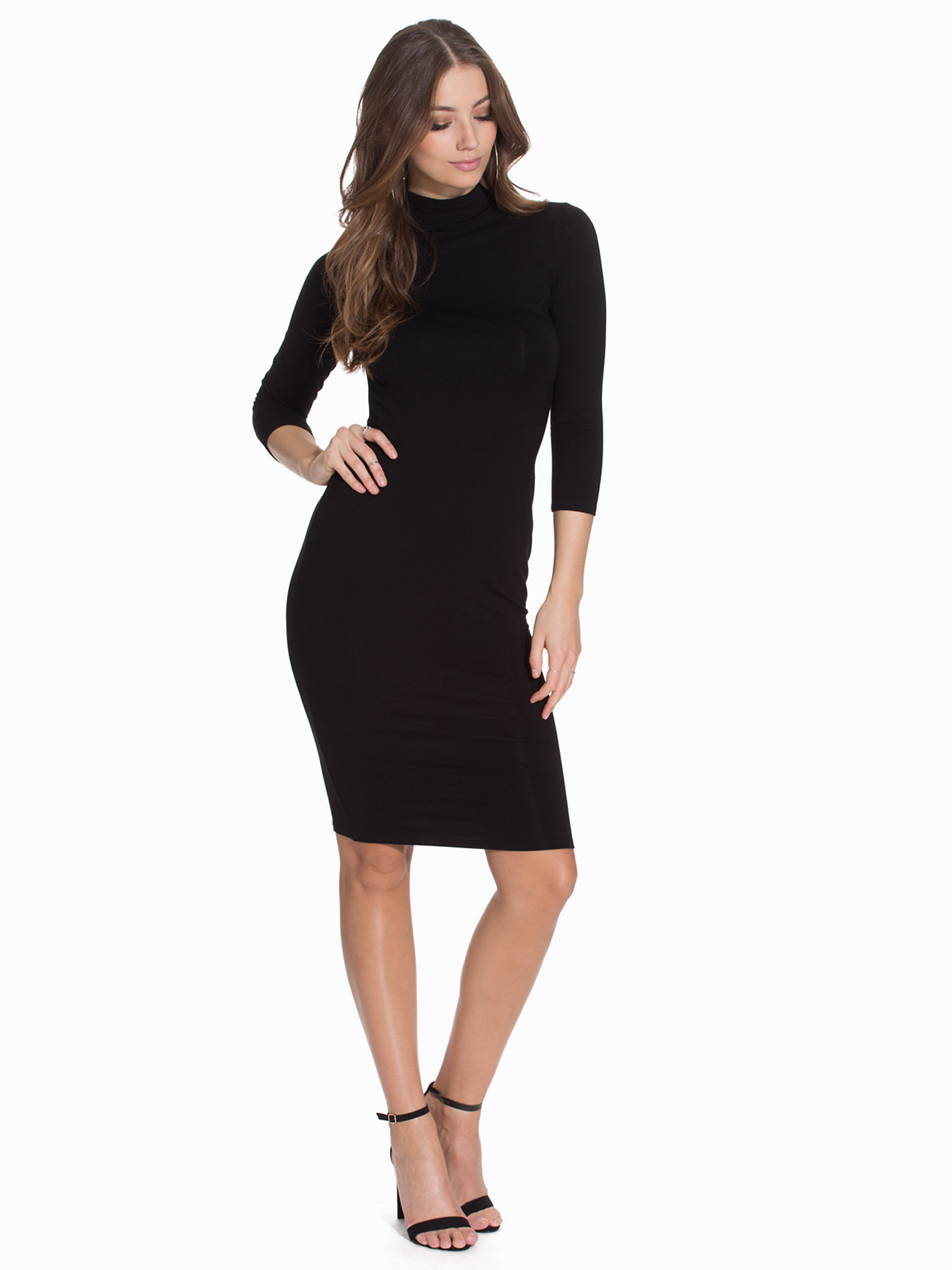
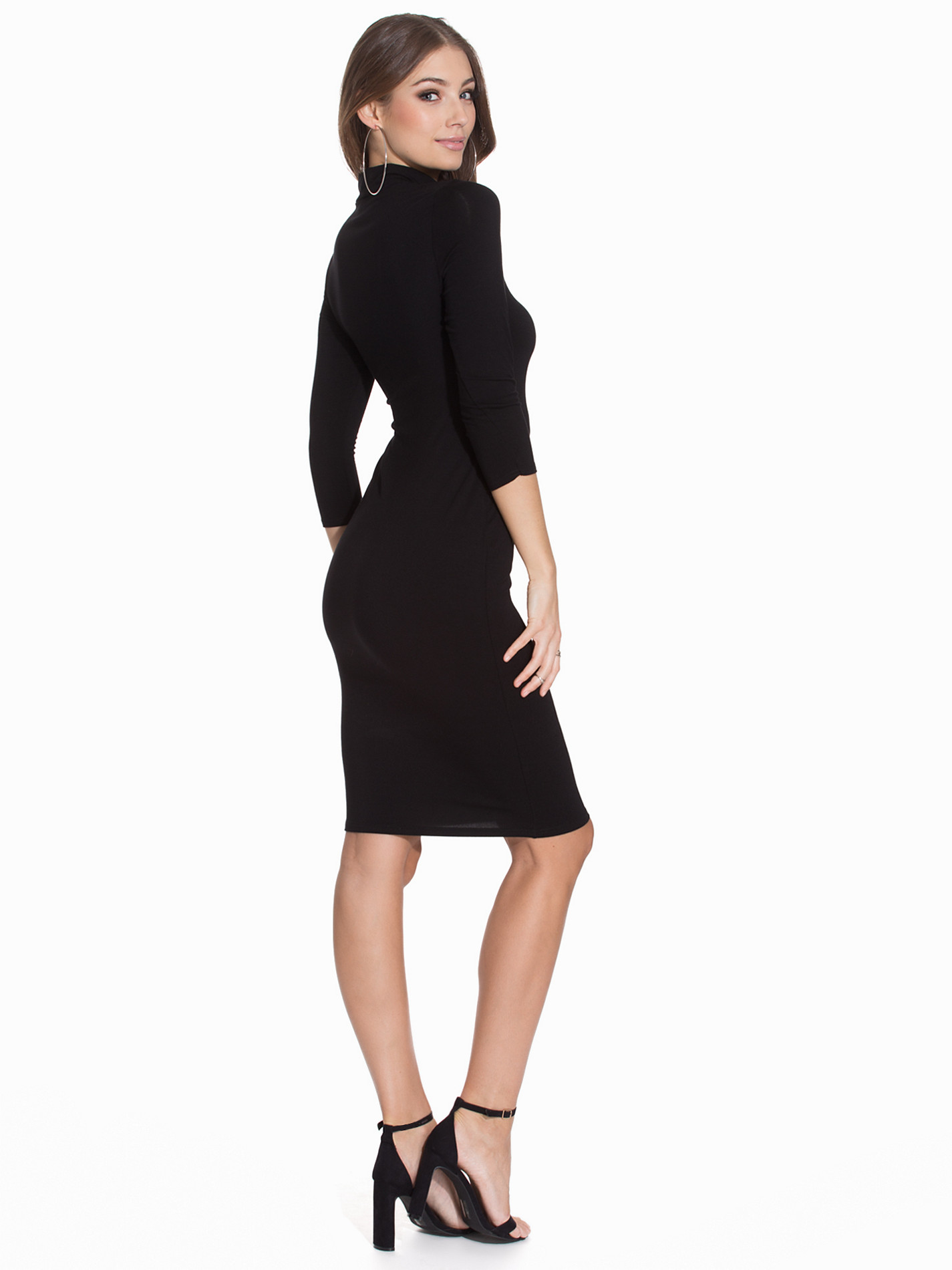
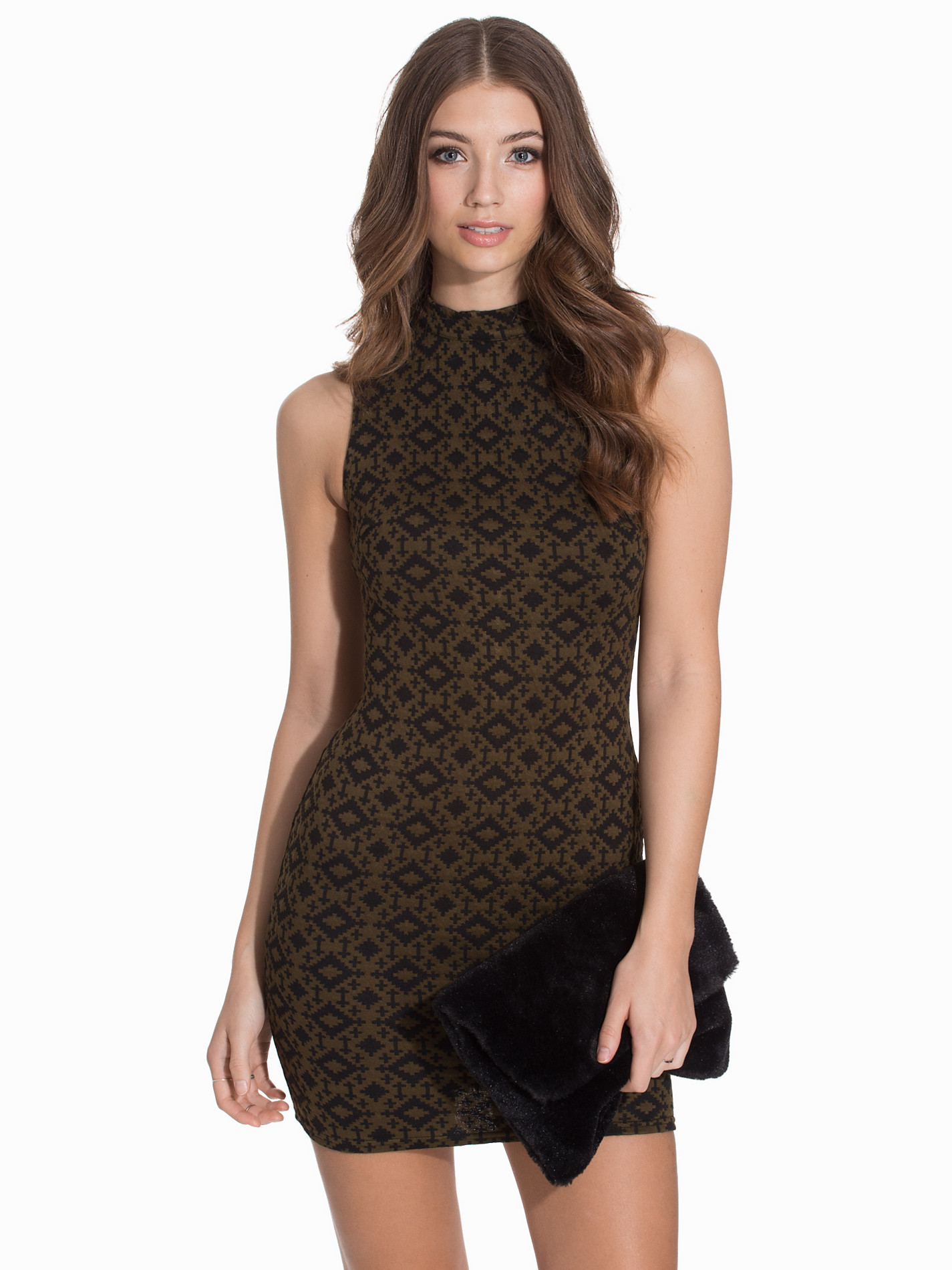
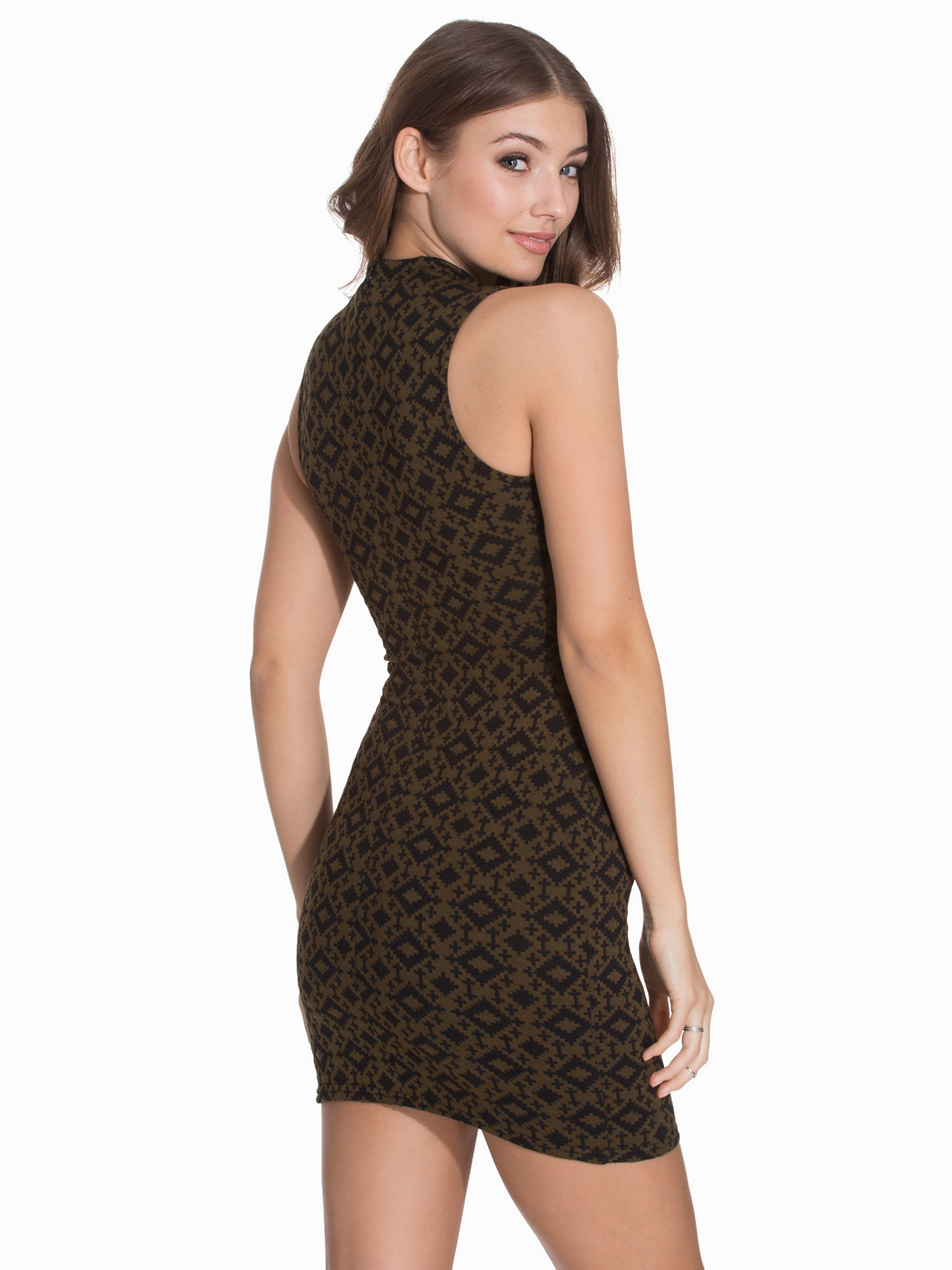
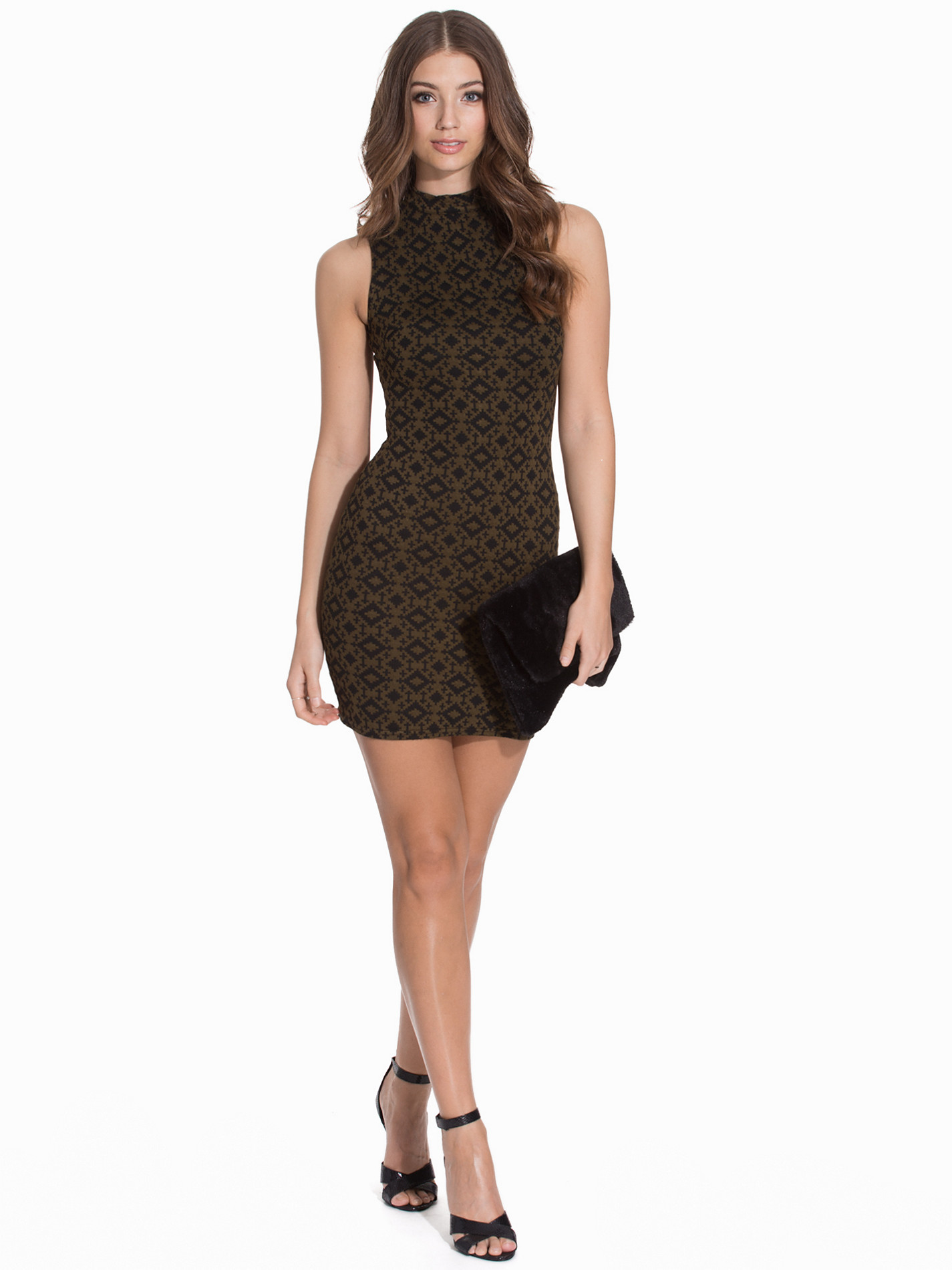
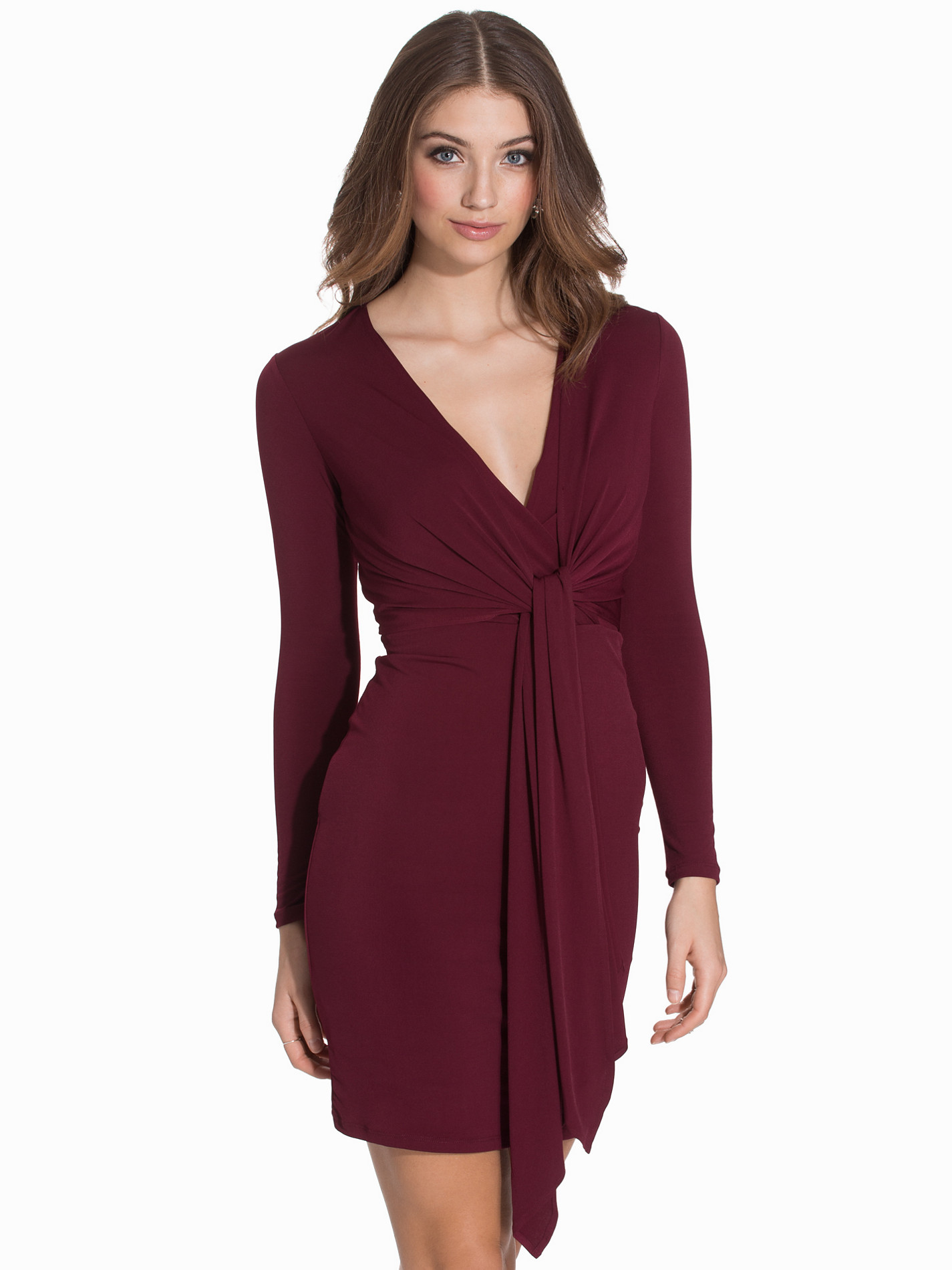
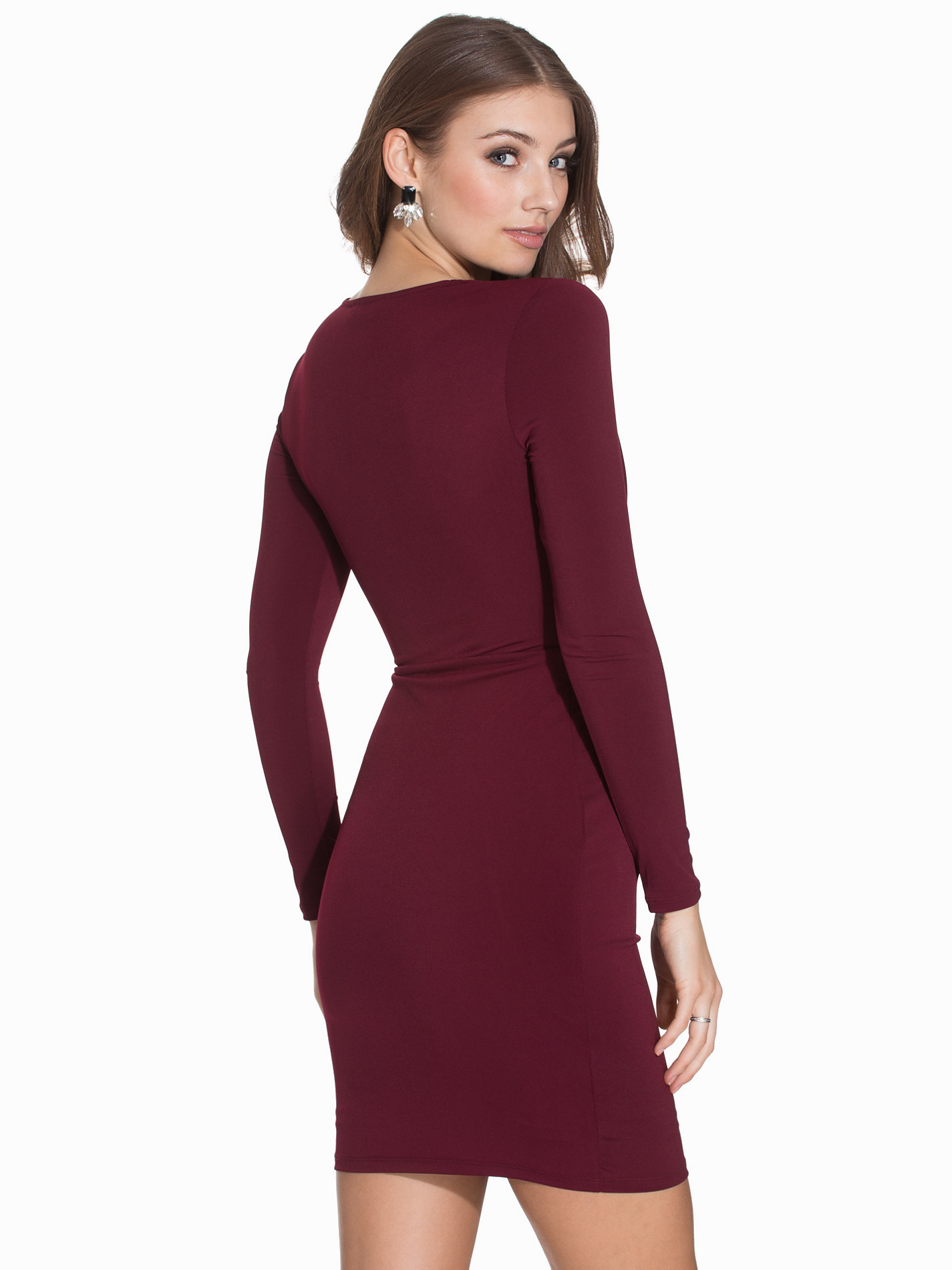
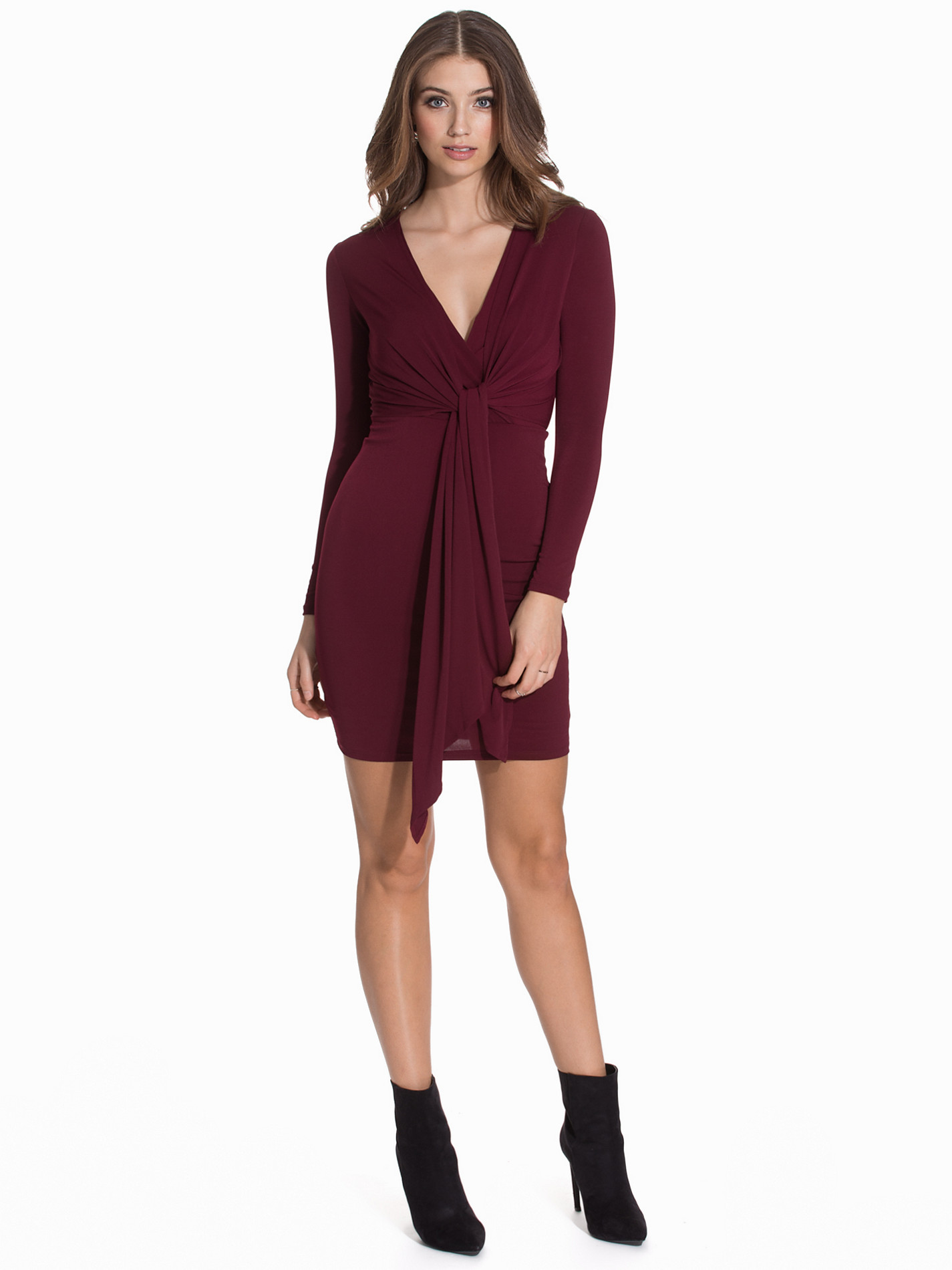
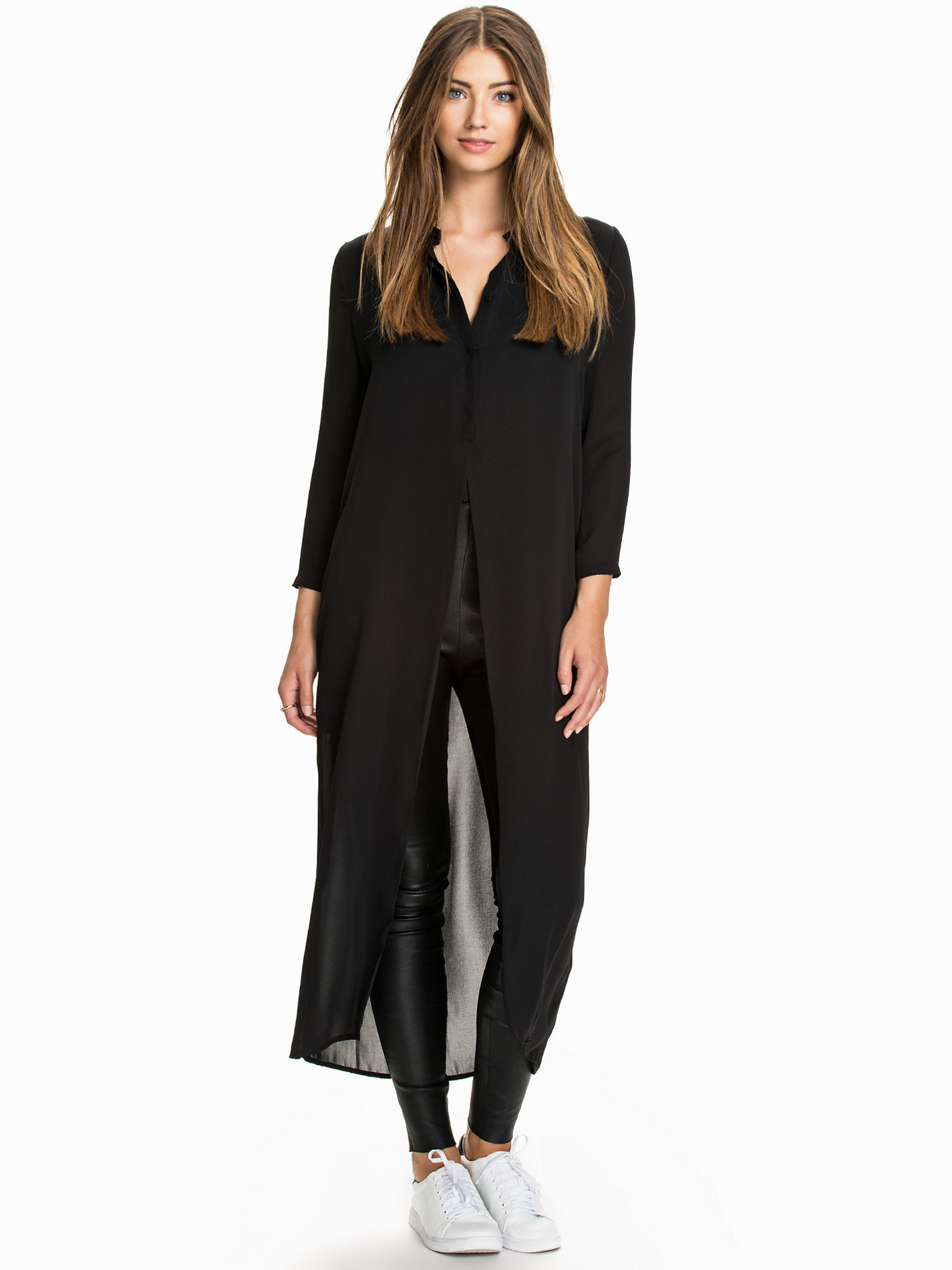
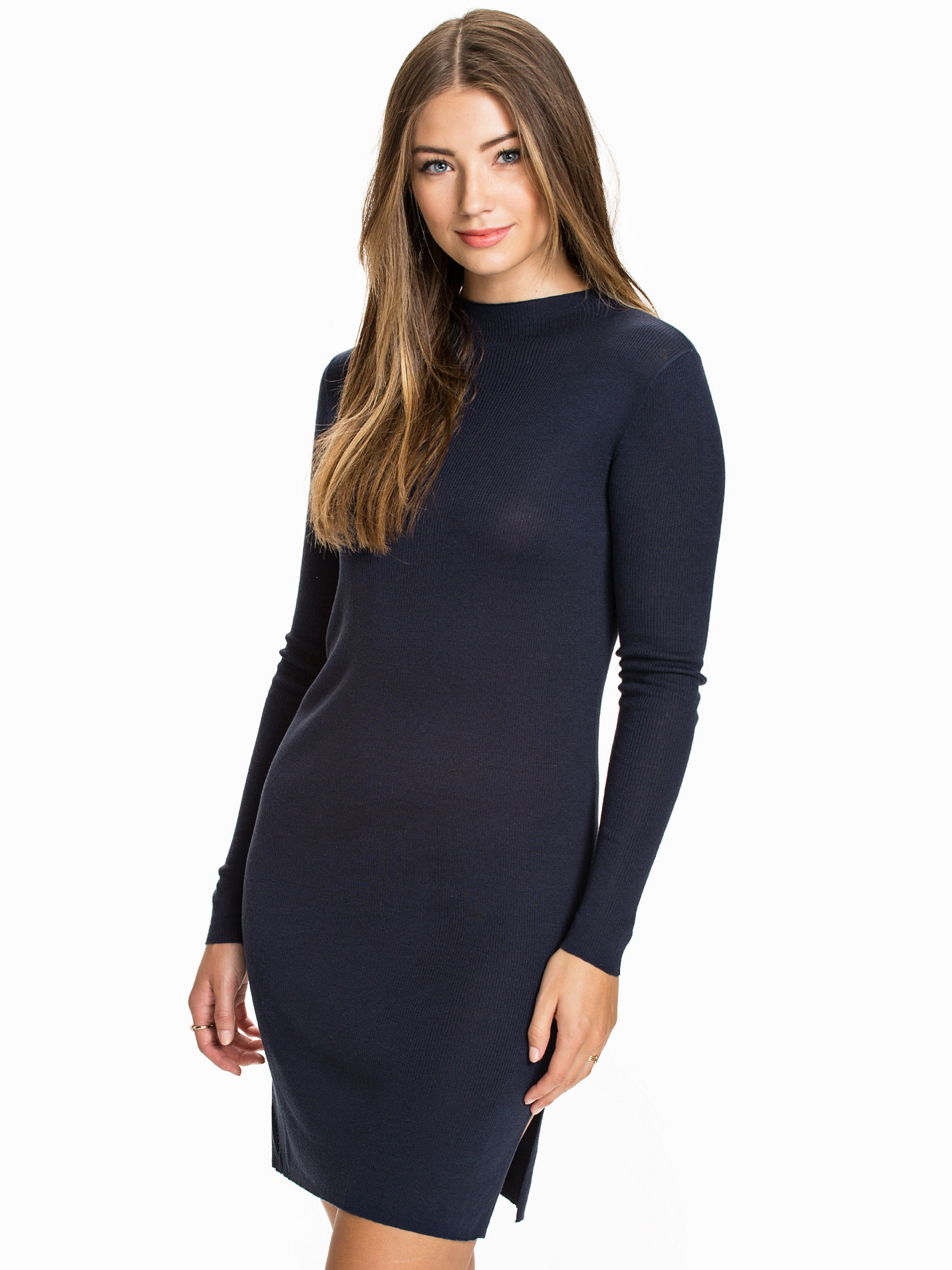
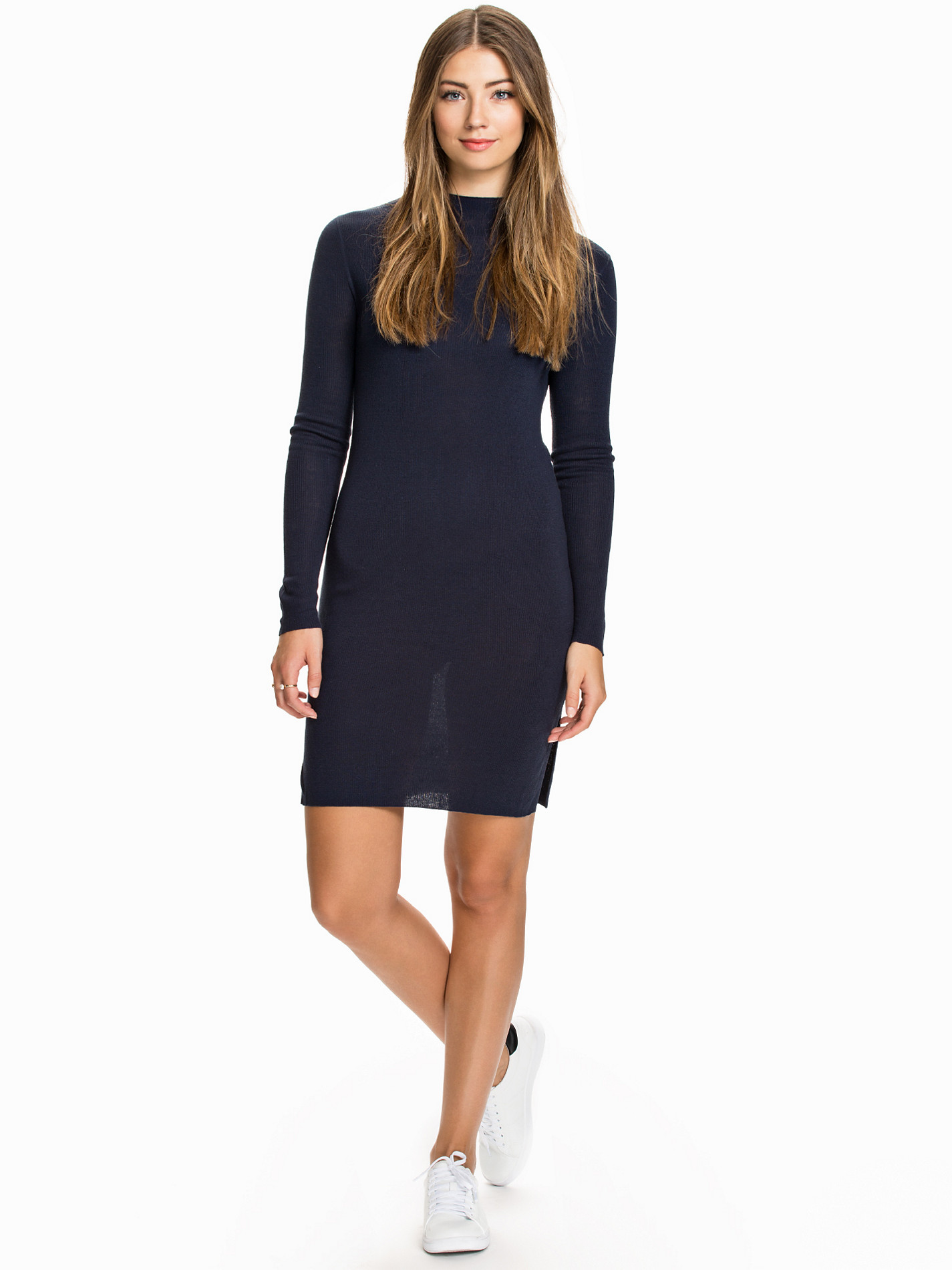
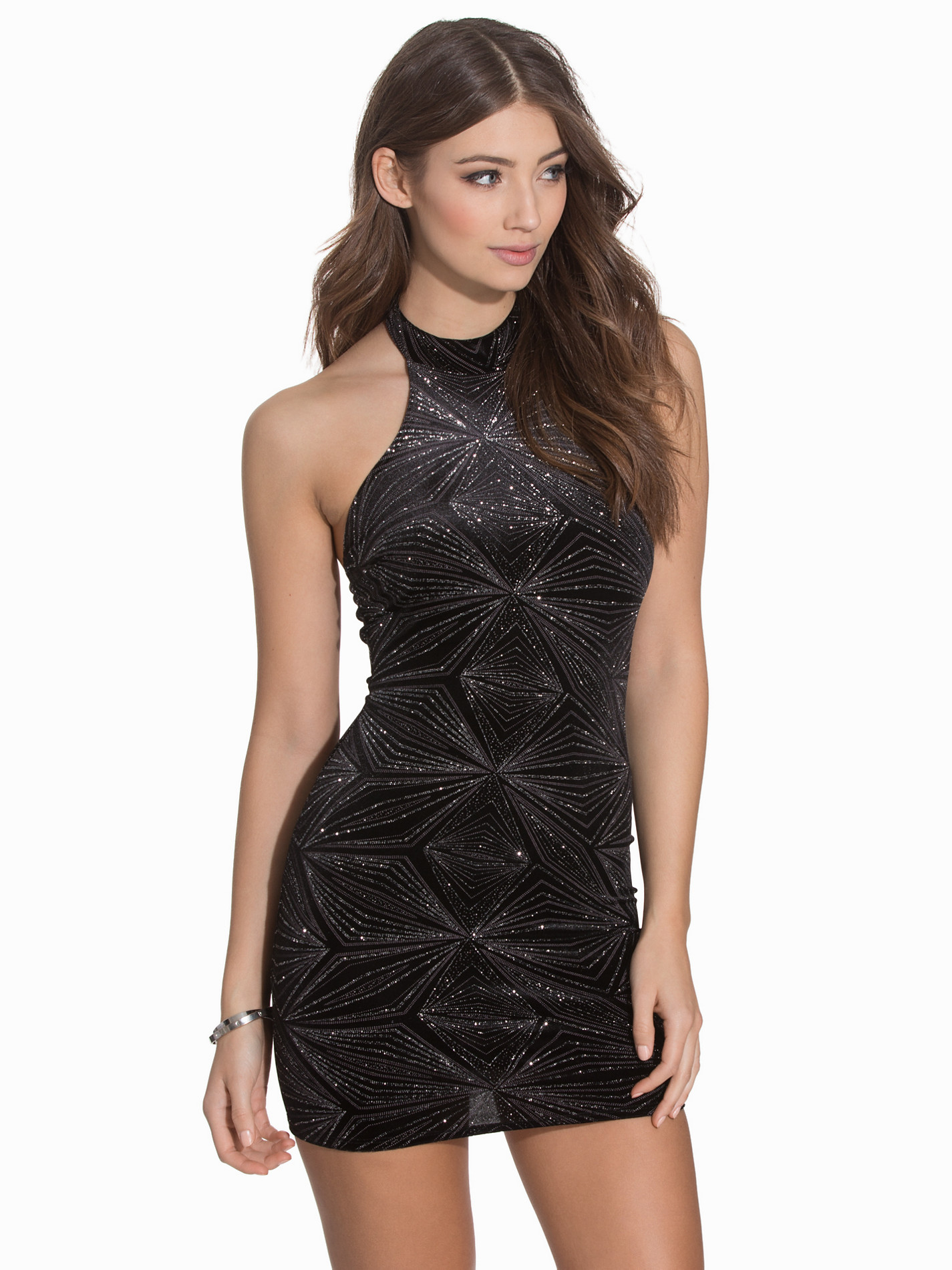
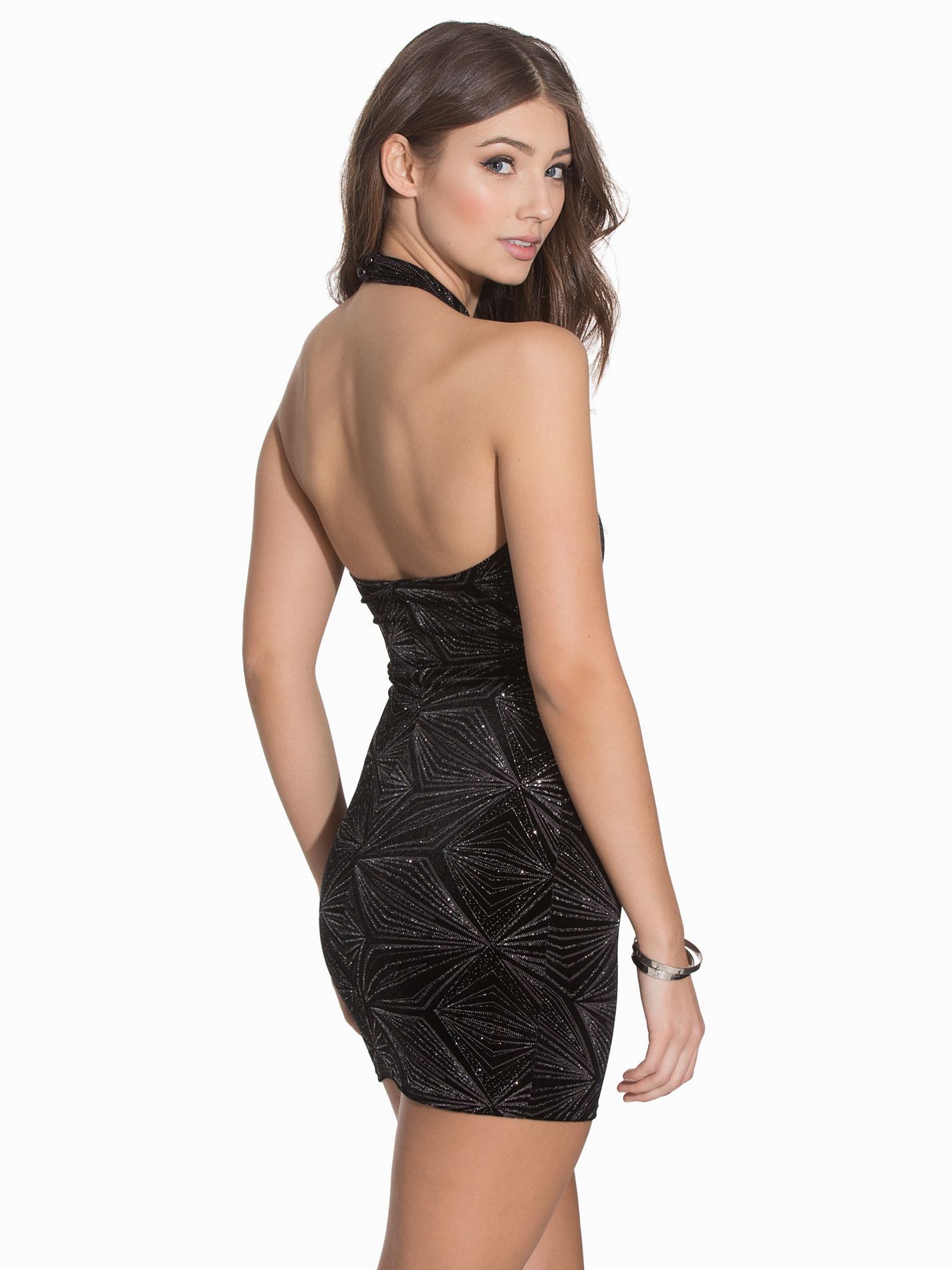
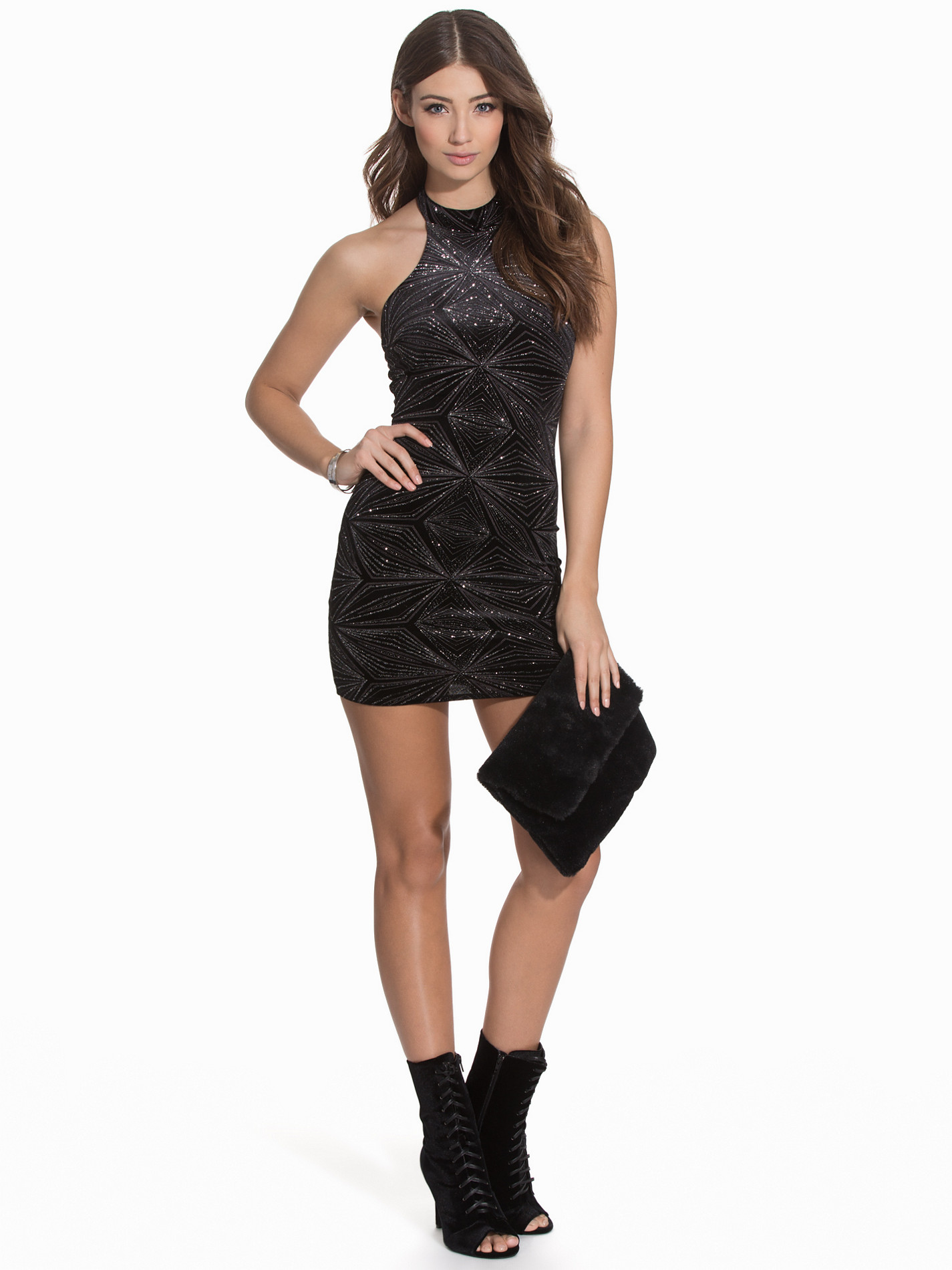
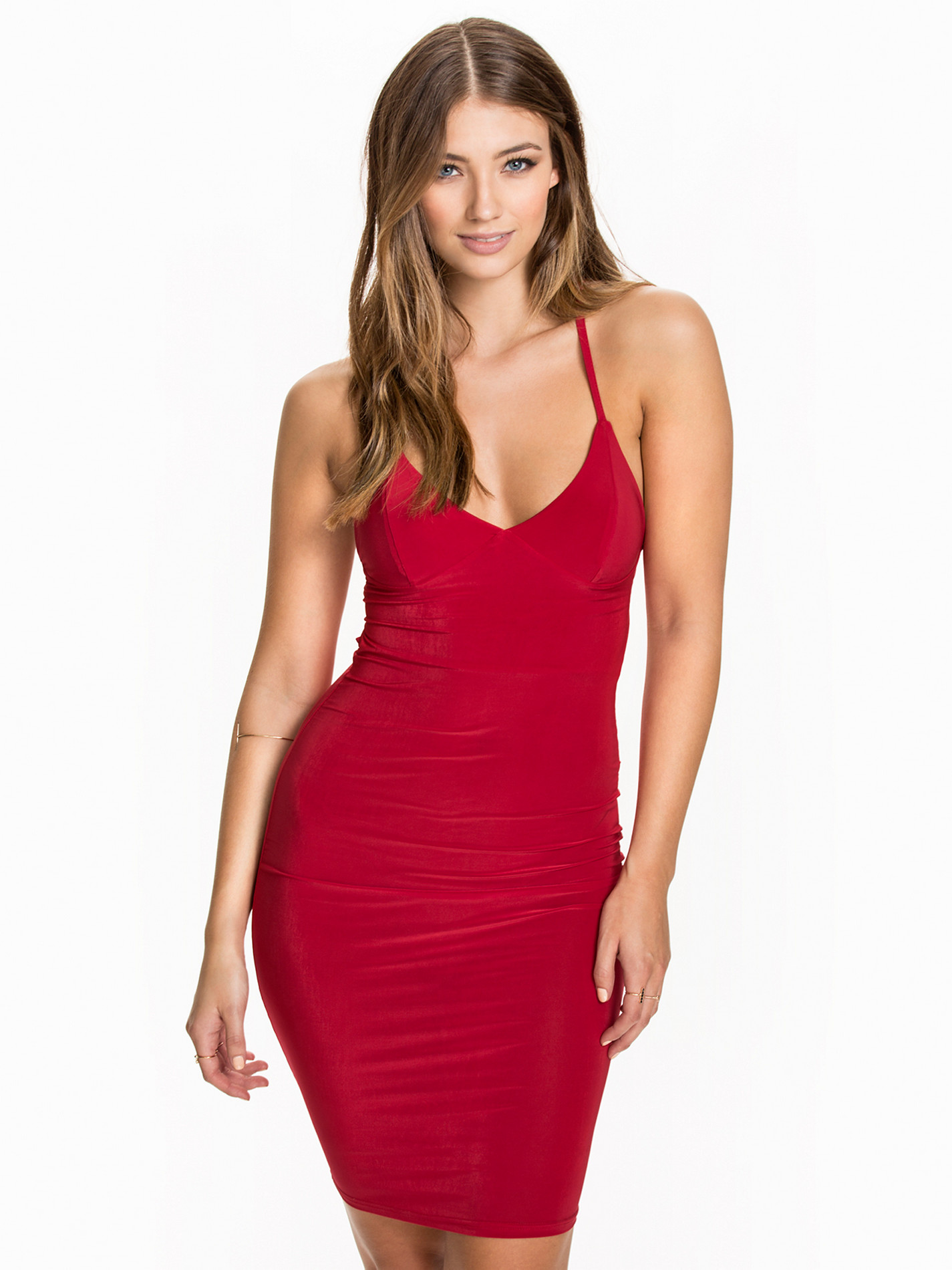
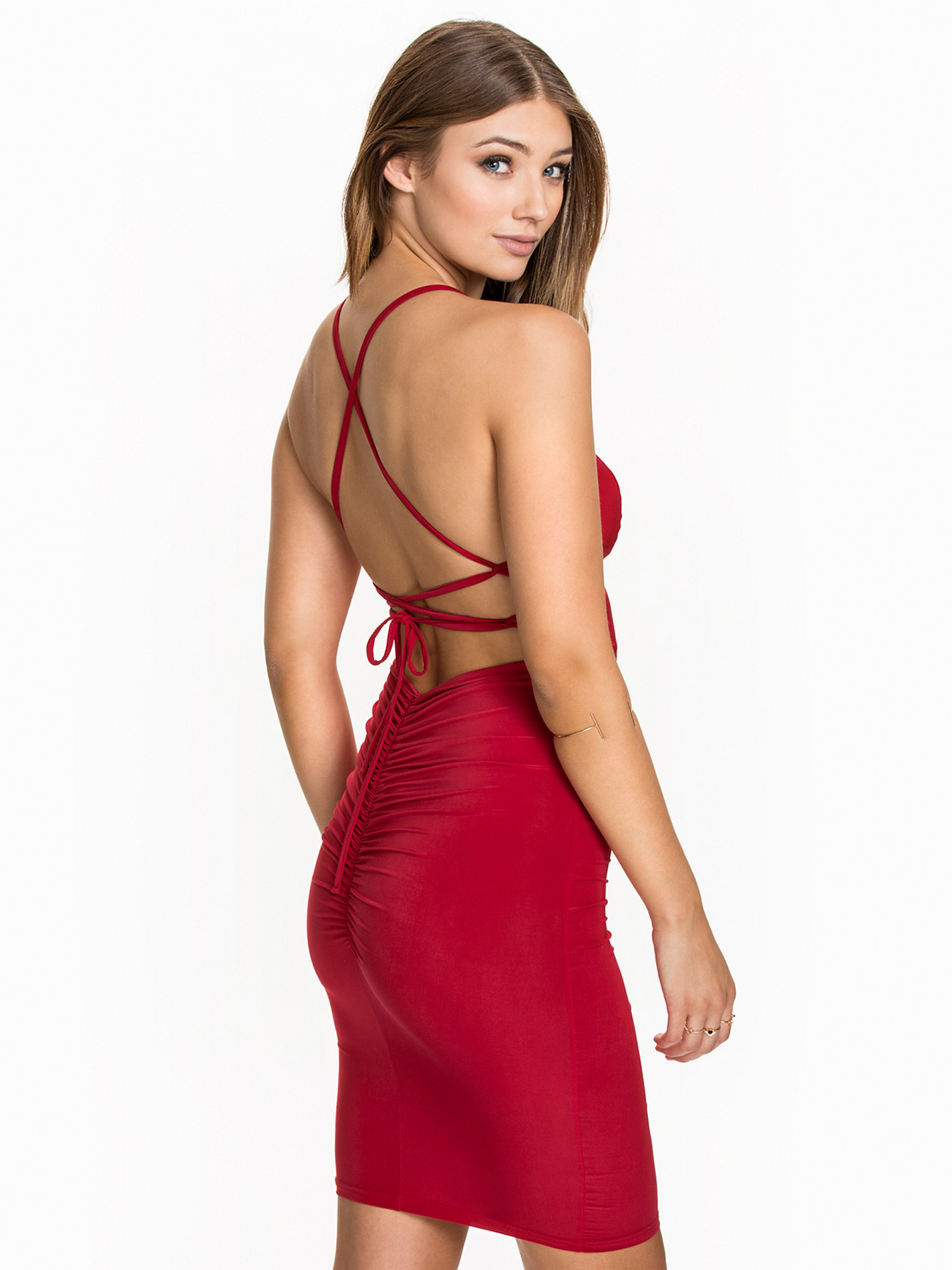
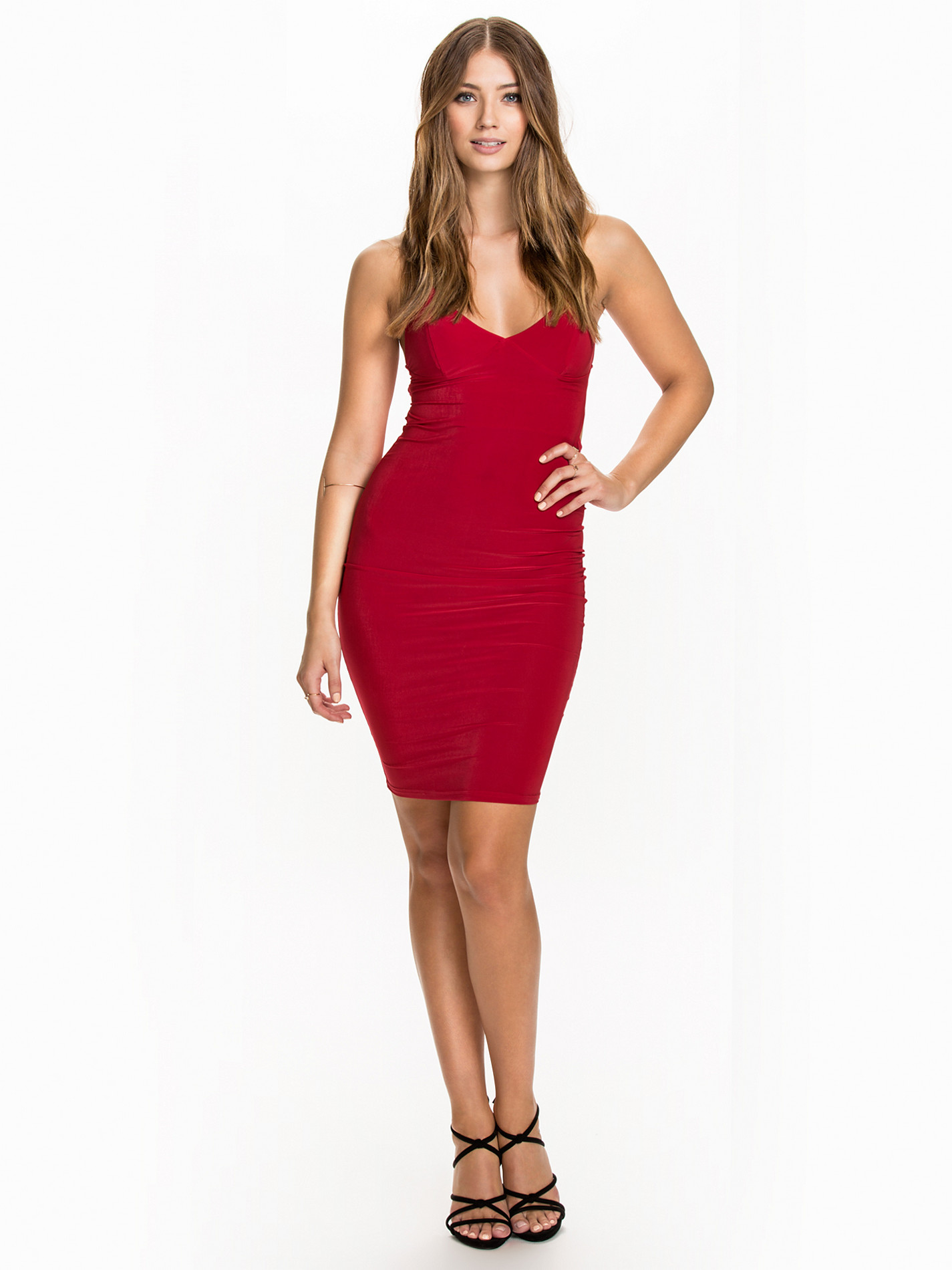
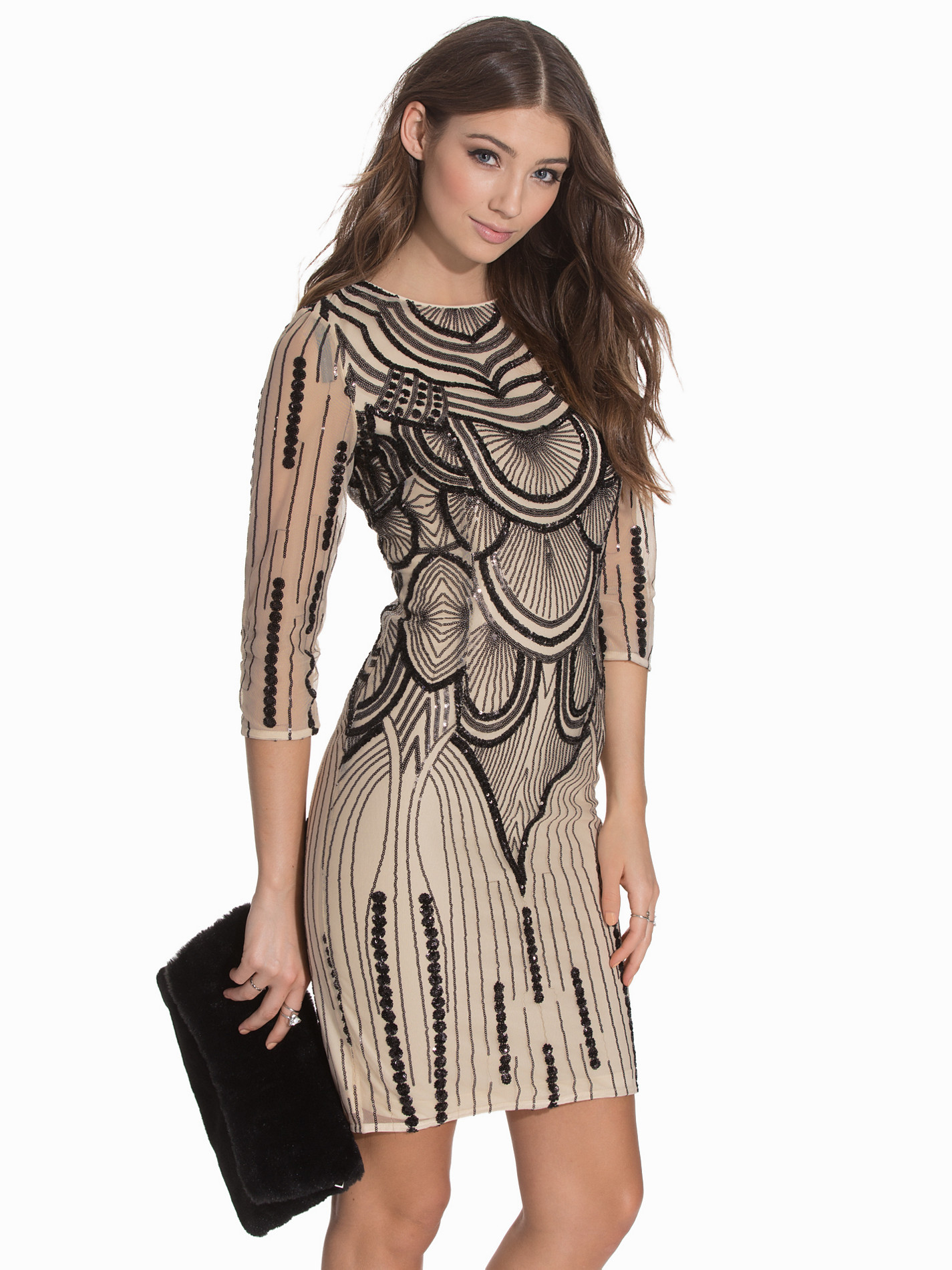
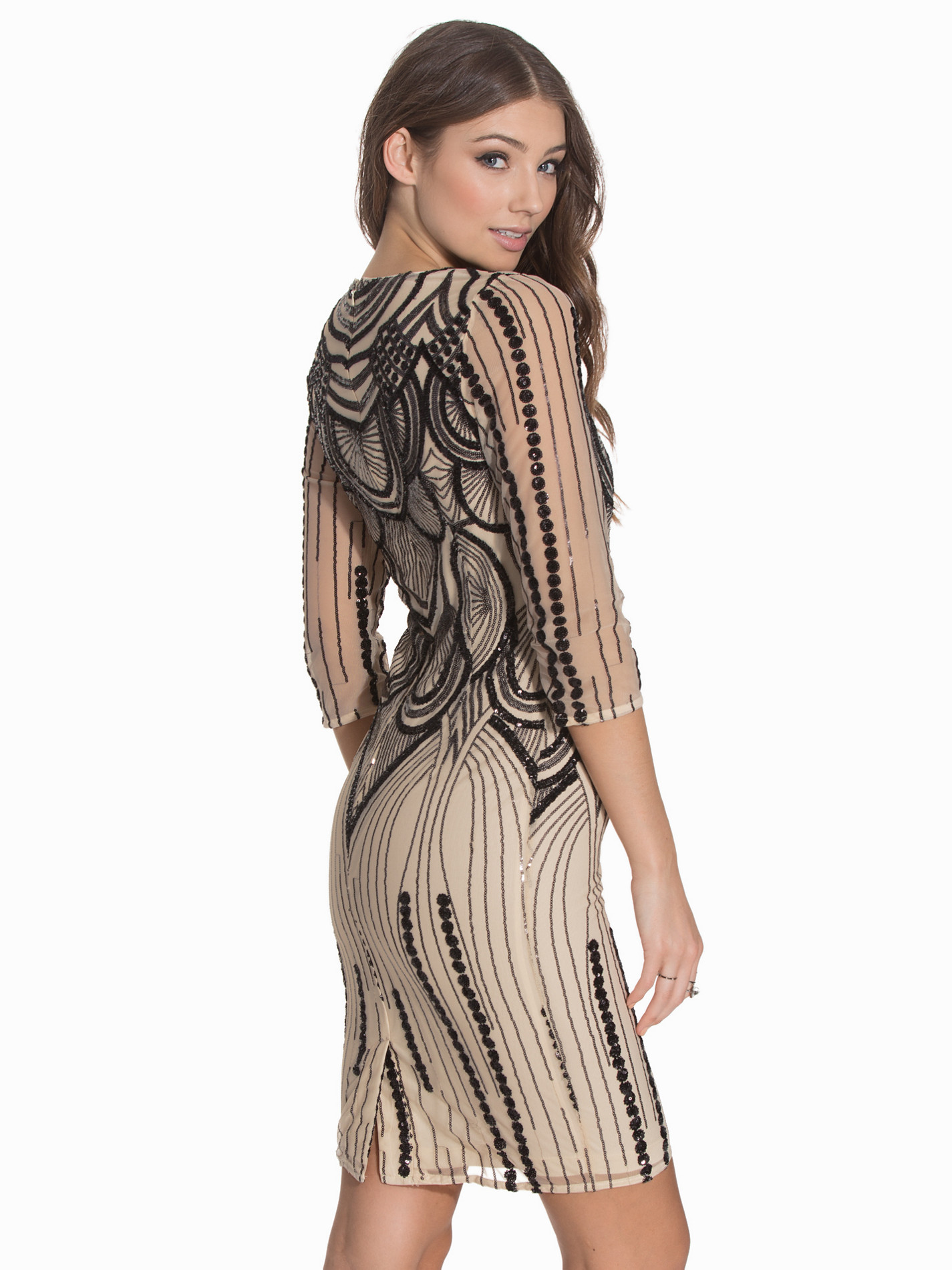
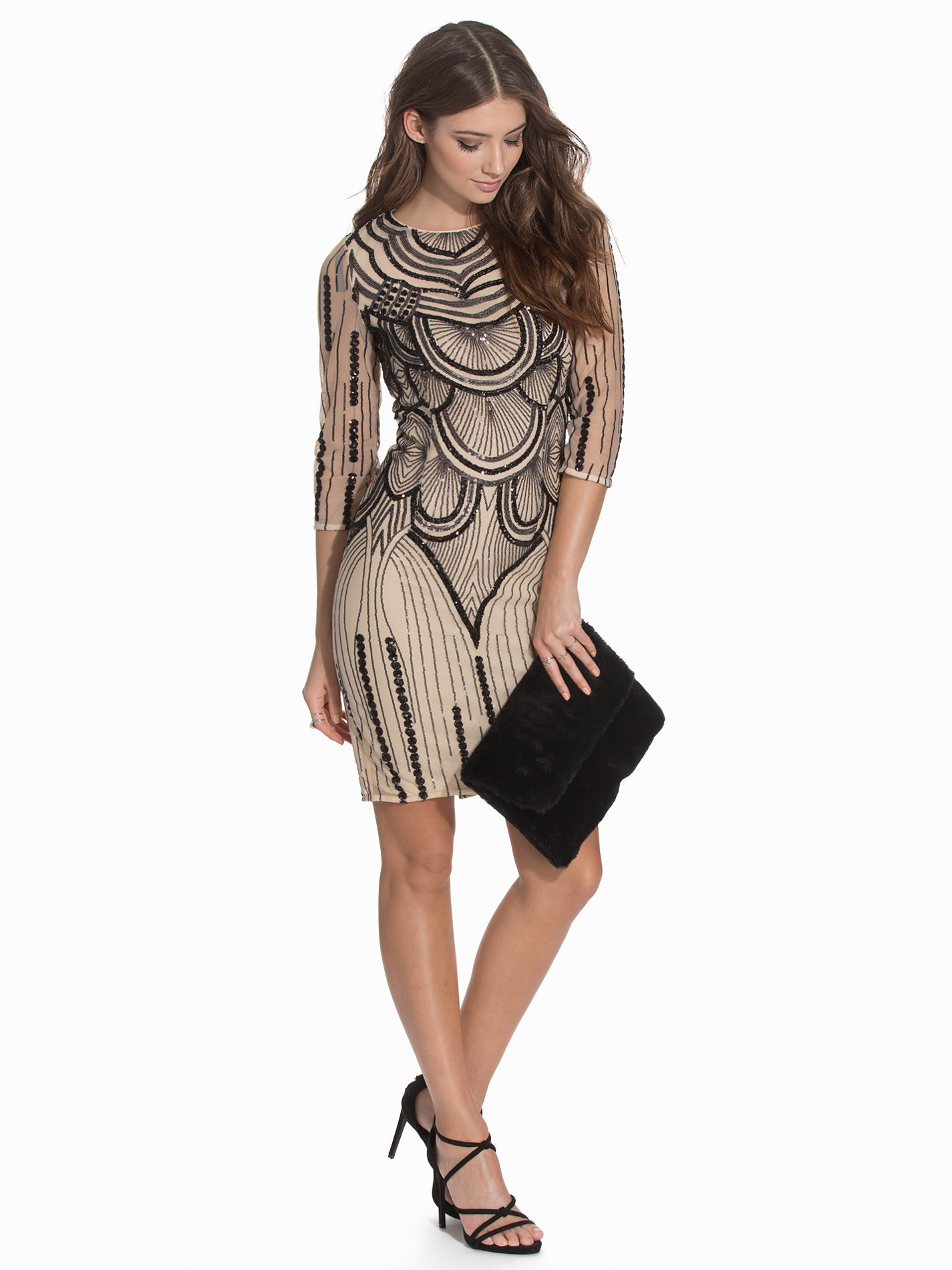
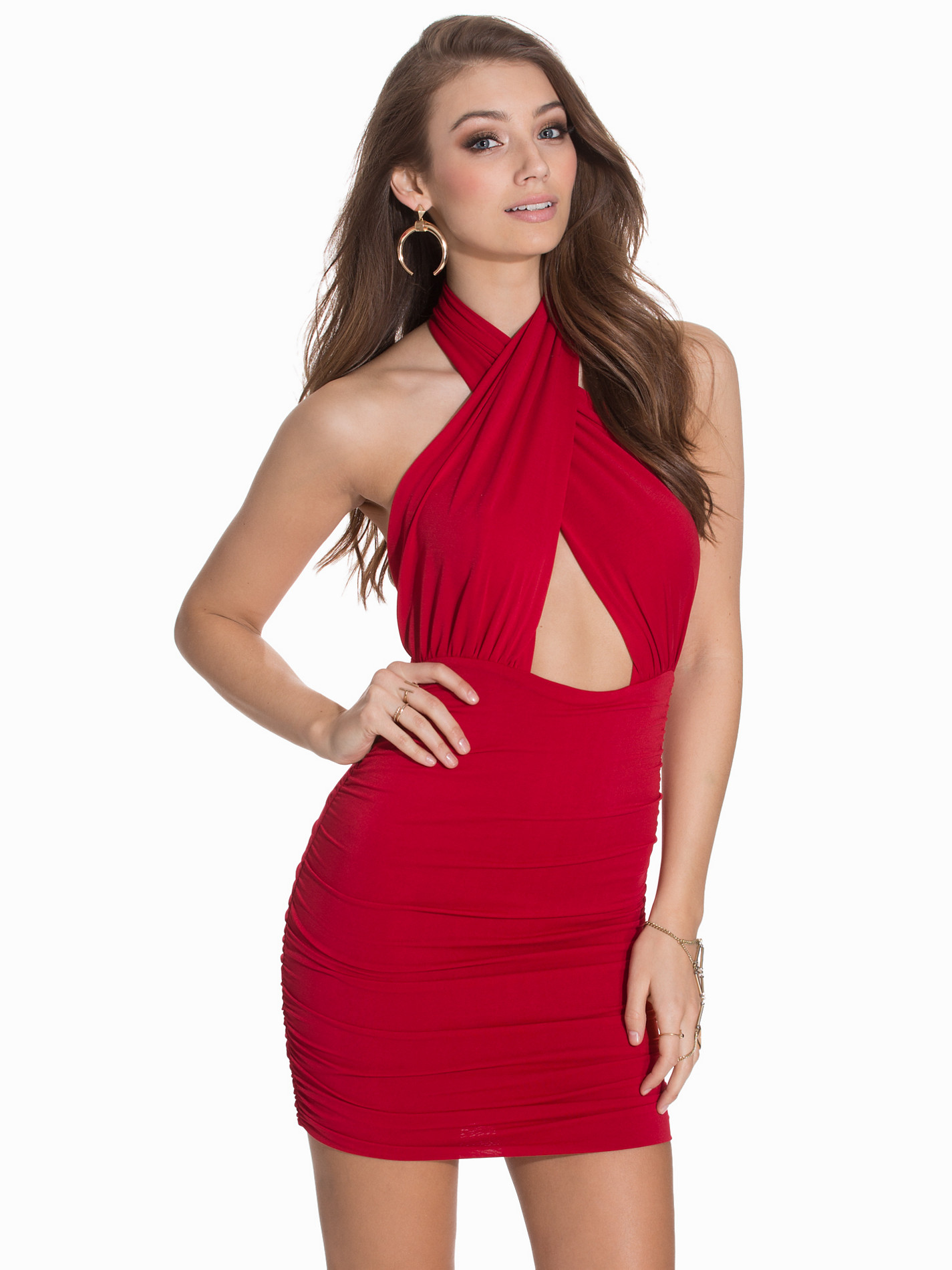
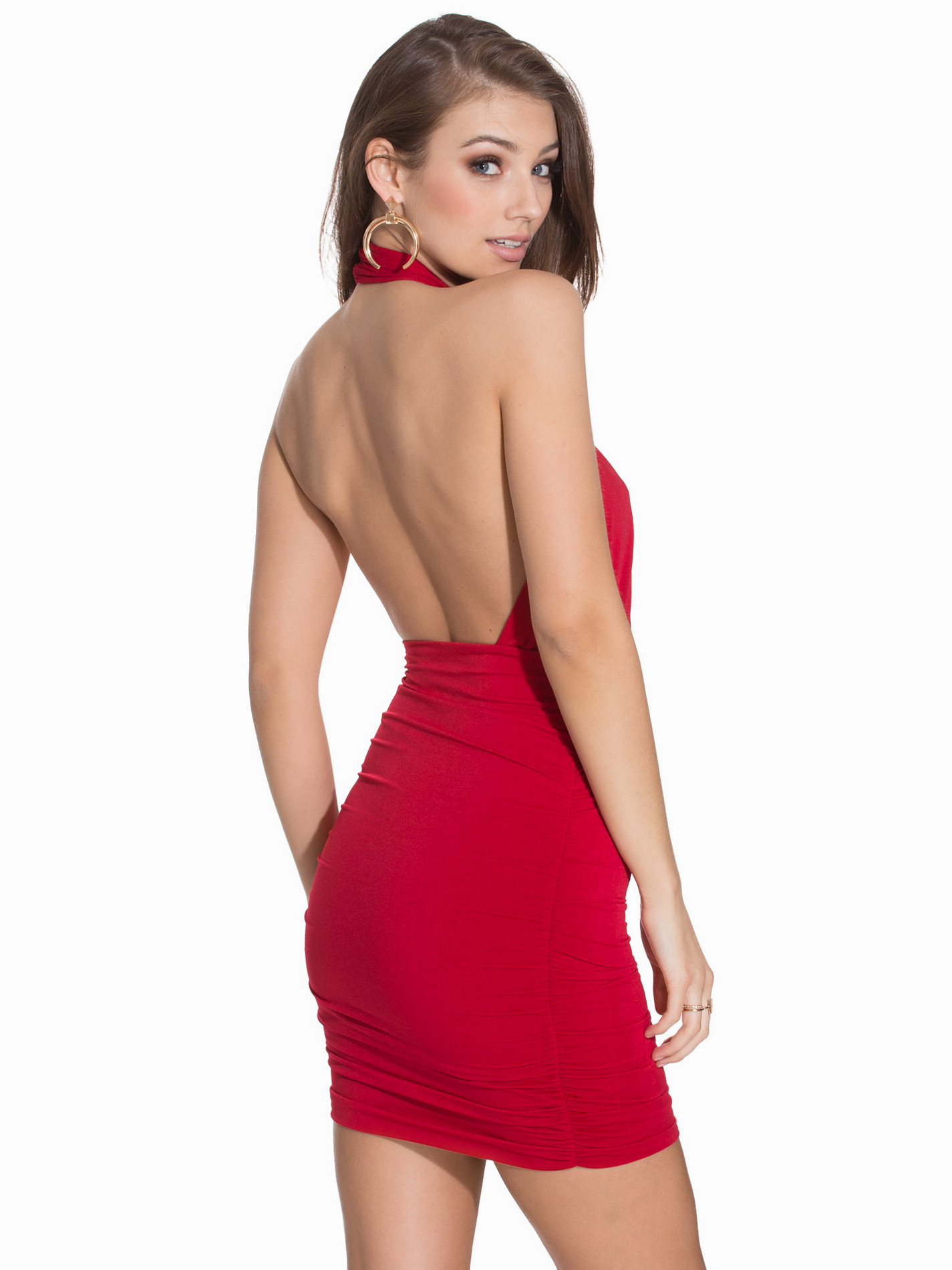
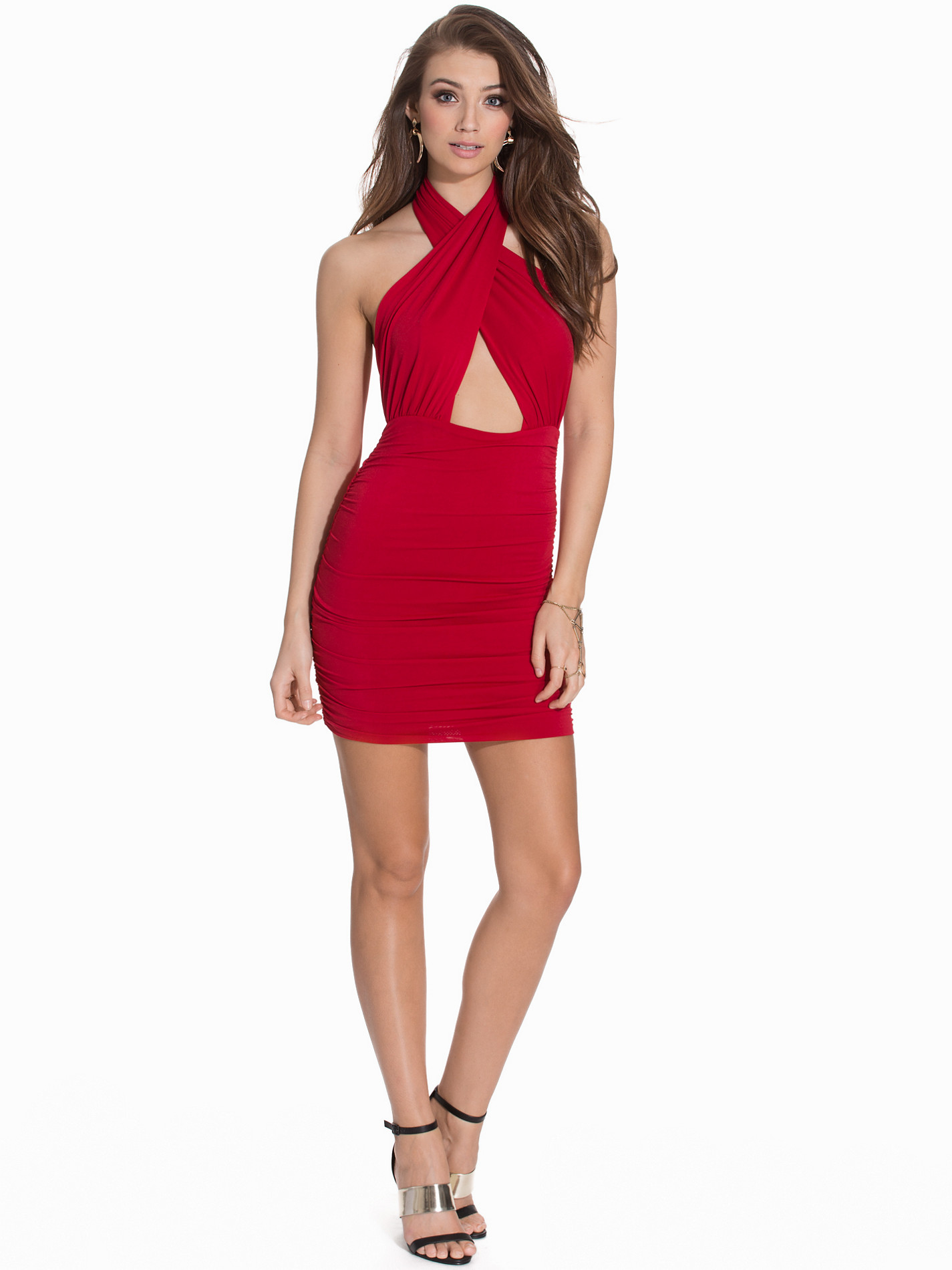
Nelly Dresses & Party Dresses
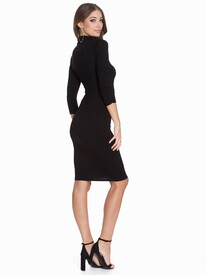
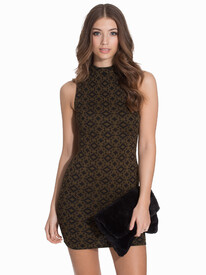
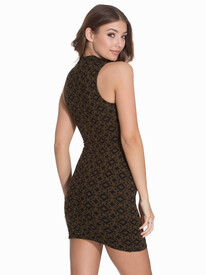
 Oprah Winfrey [6] Madonna [2] Celine Dion [3] Gloria Estefan [7] Beyonce [5]
Anita Sikorska IG:https://www.instagram.com/anitasikorska/?hl=en Nudity
Yeah I'm not completely sold on the dark hair either. At least her very real boobs look good though.
Stunning!
I really need to start visiting this thread more. Great adds!
Sara's killin' it!
She's growing on me. Beautiful girl!
Oprah Winfrey [7] Madonna [4]Celine Dion [3] (when you are watching Titanic and don't want to eliminate this woman) I'll Never let go Jack!Gloria Estefan [7]Beyonce [5]
Yulia kicked some ass. That's so cool. #55 for my Canadian Goddess. I'll take it. She beat some really good girls. Get better Pretty. Can't wait for Models League!! It will be my first time participating in it!!
The Booty.
Holy shit Vita. I like you.
Oprah Winfrey [6] Madonna [2] Celine Dion [3] Gloria Estefan [7] Beyonce [5]
Anita Sikorska IG:https://www.instagram.com/anitasikorska/?hl=en Nudity
Yeah I'm not completely sold on the dark hair either. At least her very real boobs look good though.
Stunning!
I really need to start visiting this thread more. Great adds!
Sara's killin' it!
She's growing on me. Beautiful girl!
Oprah Winfrey [7] Madonna [4]Celine Dion [3] (when you are watching Titanic and don't want to eliminate this woman) I'll Never let go Jack!Gloria Estefan [7]Beyonce [5]
Yulia kicked some ass. That's so cool. #55 for my Canadian Goddess. I'll take it. She beat some really good girls. Get better Pretty. Can't wait for Models League!! It will be my first time participating in it!!
The Booty.
Holy shit Vita. I like you.
Account
Search
Configure browser push notifications
Chrome (Android)
- Tap the lock icon next to the address bar.
- Tap Permissions → Notifications.
- Adjust your preference.
Chrome (Desktop)
- Click the padlock icon in the address bar.
- Select Site settings.
- Find Notifications and adjust your preference.
Safari (iOS 16.4+)
- Ensure the site is installed via Add to Home Screen.
- Open Settings App → Notifications.
- Find your app name and adjust your preference.
Safari (macOS)
- Go to Safari → Preferences.
- Click the Websites tab.
- Select Notifications in the sidebar.
- Find this website and adjust your preference.
Edge (Android)
- Tap the lock icon next to the address bar.
- Tap Permissions.
- Find Notifications and adjust your preference.
Edge (Desktop)
- Click the padlock icon in the address bar.
- Click Permissions for this site.
- Find Notifications and adjust your preference.
Firefox (Android)
- Go to Settings → Site permissions.
- Tap Notifications.
- Find this site in the list and adjust your preference.
Firefox (Desktop)
- Open Firefox Settings.
- Search for Notifications.
- Find this site in the list and adjust your preference.